How to build an AI coaching bot your members actually trust
TL;DR
- A coaching bot is only as good as the context it can see. One trained on your real community beats a generic chatbot bolted onto a website.
- The point isn't to replace your coaching; it's to hand off the repetitive operational layer so your time goes to the work only you can do.
- You can build one without code. The decisions that matter are about knowledge, boundaries, and where you stay in the loop.
It's 11pm and your phone lights up with the fifth "which program is right for me?" of the day. Tomorrow it'll be "where's module 2?" and "do you offer payment plans?" again. You started coaching to change how people think, to transform them, not to answer the same five questions on a loop. But the questions don't stop, and every one you skip is a member sitting in the dark a little longer.
An AI coaching bot can take that layer off your plate. The catch is that most of them are built blind. They're a chat widget stapled to a website, trained on a thin FAQ, with no idea who the member is or what they're working on. That's why they feel like a cold front desk, and why so many coaches worry a bot will erode the personal touch they're known for. This guide walks through how to build one that does the opposite: a bot trained on your own community, that sounds like you, and that knows when to hand a member back to a human.
What should an AI coaching bot do for your members?
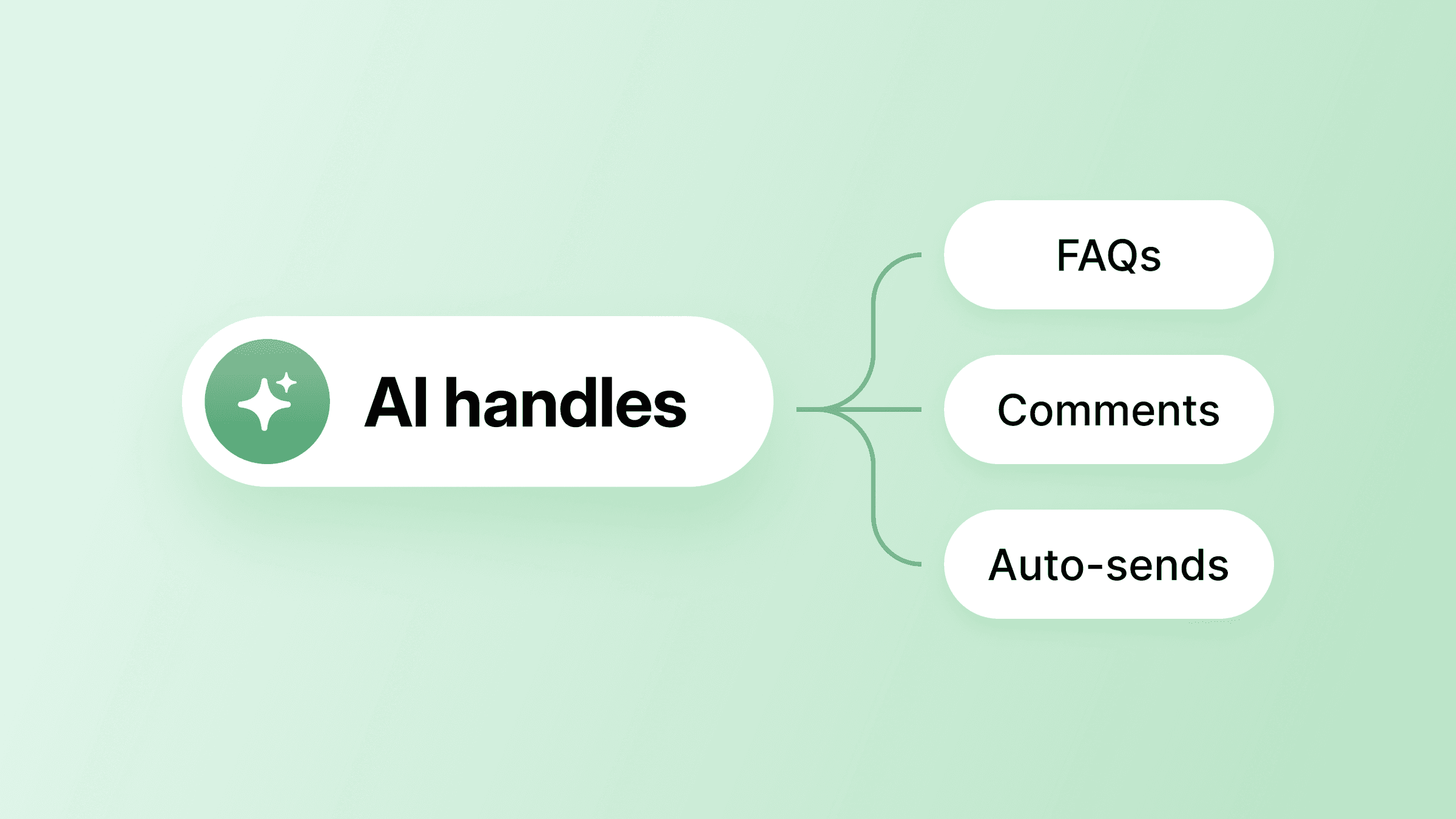
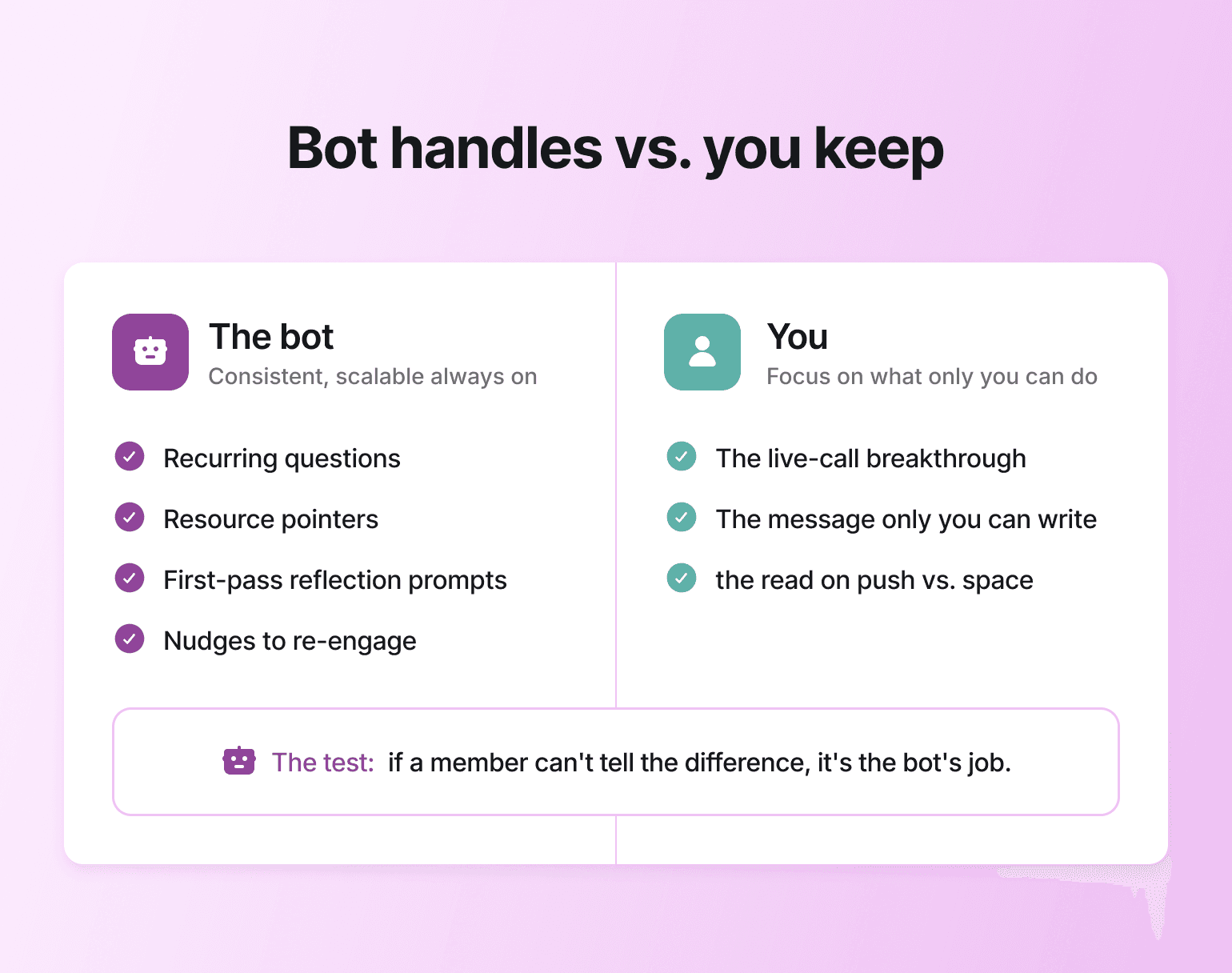
Decide the division of labor before you build anything. Your bot handles the operational layer: answering recurring questions, pointing members to the right resource, walking someone through a first-pass reflection, nudging a quiet member back in. You keep the judgment, the voice, and the relationship. The breakthrough on a live call, the message only you can write, the read on whether someone needs a push or some space.
Once that line is drawn, the worry that a bot will replace you starts to look misplaced, because the bot isn't doing your job. It's clearing the busywork that keeps you from it. Circle ran this experiment on its own customer community with an agent called Community Coach, and within a month it had deflected over 300 repeat questions — a 57% drop from the 700 the team typically fielded monthly — freeing the team for the conversations that needed a human. You can see how it was built before you design your own.
The test for every task you hand off is simple: if a member couldn't tell whether you or a bot answered, it belongs to the bot. If your judgment changes the answer, it stays with you.
What to train your AI coaching bot on
The decision that determines whether your bot is good is what you feed it. This is the step every quick tutorial skips. They have you name a project and write a system prompt, then wonder why the bot answers like a search engine. A coaching bot needs your frameworks, your language, and your way of answering the question behind the question. The richest material is usually the context you already collect about members. In Circle, you point your AI Agents at your posts, courses, custom files, and member profiles, so the bot draws from the same material you'd reach for yourself.
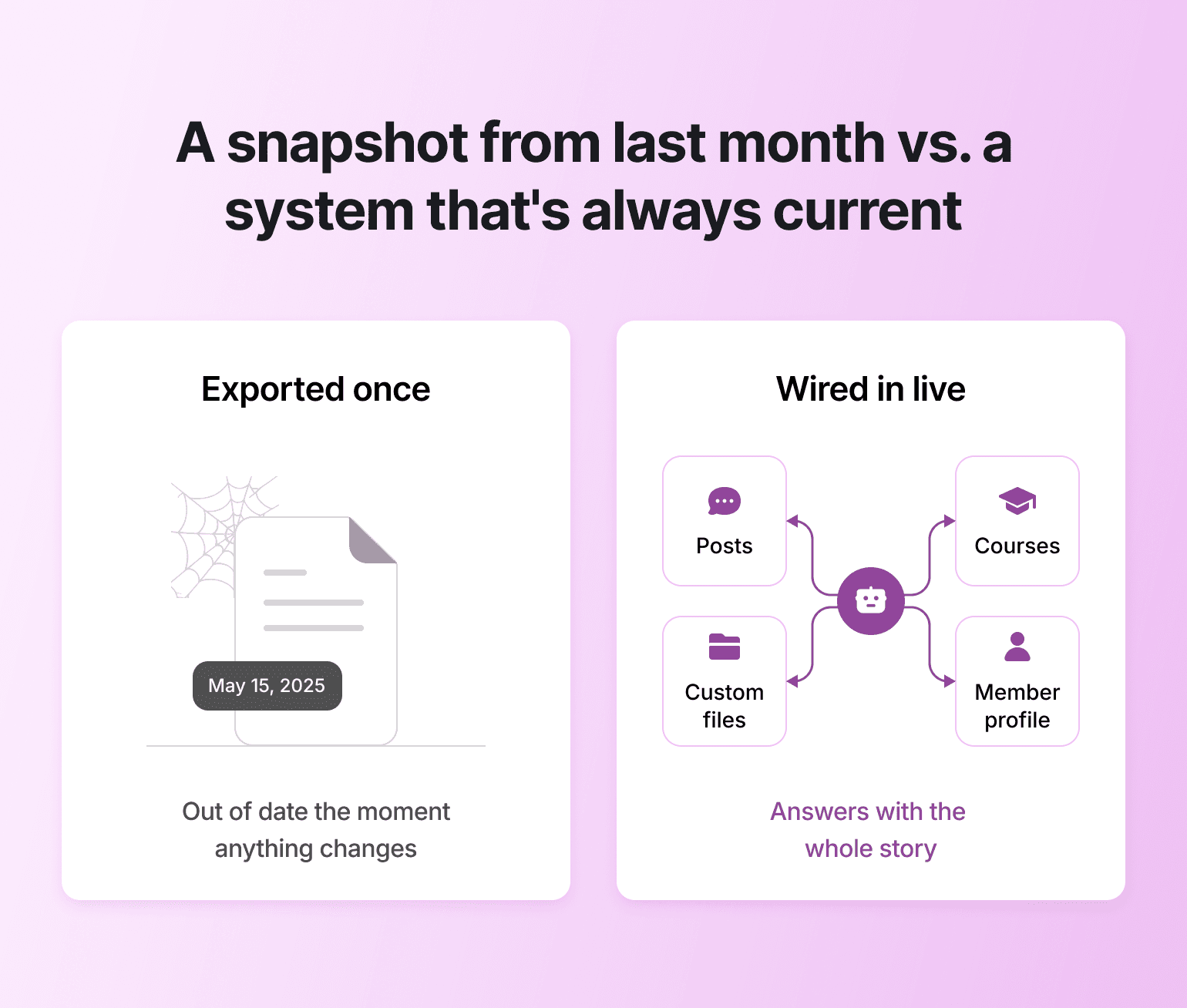
What separates a real coaching bot from a chat widget is that the context stays live. A bot trained on a document you exported last month is working from a snapshot: the moment someone finishes a module or misses an event, that file is out of date and the bot has no idea. Plenty of tools will train AI on your content; everyone does that now. The harder thing to copy is having a member's posts, course progress, and payments in one system, so the bot answers with the whole story instead of half of it. A bot that knows someone breezed through the foundations module but never shows up to a live call can say something useful about that. A bot working off a name and an email can't.
One Circle customer built a dedicated "AI Coaching Bots" space — with a separate post describing each bot and what it helps with — so members could find the right one before they even started a conversation.
💡 From the Circle community: John Meese coaches entrepreneurs on monetizing their expertise at Sell Your Smarts. His AI Agent, SmartBuddy, is trained on his three published books, years of coaching call transcripts, and a private "SmartBuddy Training" space where he and his assistant regularly add in-progress material from his next book — content that hasn't been published anywhere yet. When his Member Success Coach left, he leaned on SmartBuddy to cover the gap. It replaced roughly 80% of what that $2,000/month contractor was doing.
Members use it to refine their messaging, pressure-test business strategies, and get feedback aligned with John's framework — on their own schedule, not his. He also built a dedicated "SmartBuddy Prompts" space — a simple space with example questions and use cases — so members knew how to use the bot. That detail mattered. An agent members don't know how to talk to is just a feature that exists.
How to set guardrails before your bot goes live
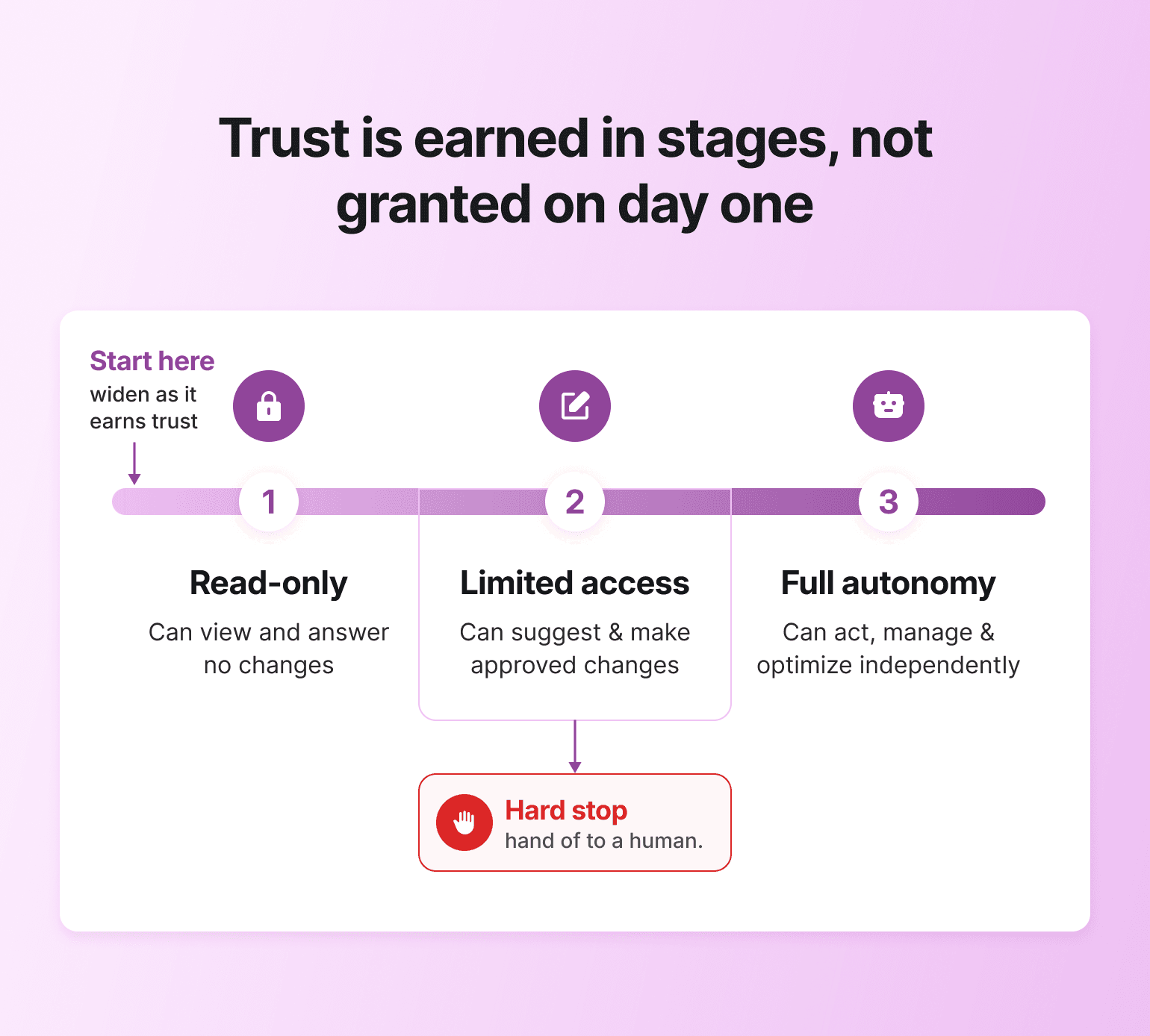
Trust comes from the guardrails, not the capabilities. Before the bot goes live, decide what it can and can't do: read-only or write access, when it escalates to you, and the moments it should simply say "let me get you to your coach." This is the part the standalone-chatbot guides never mention, and it's the part that protects your relationship with members. Set the permission level you're comfortable with, watch the first few runs in your AI Inbox, and widen the leash as the bot earns it. Escalation to a human isn't a fallback for when the bot fails. It's the design choice that keeps you in the relationship.
💡 From the Circle community: Todd Linder runs Ministry to Marketplace, a career coaching community. He built two agents — one trained on course content and workbooks, another trained on years of group coaching call recordings, including pre-Circle sessions he uploaded to a hidden space — and launched both in beta with only his most engaged members. He collected feedback continuously before opening to the full community. His goal: reduce the time from enrollment to first job interview by one to two weeks by giving members access to coaching-quality answers at night and on weekends, when his team isn't available.
Jim Nelson at Tripawds took a different approach to the same problem — knowing where the line is. His agent is trained on pet amputation recovery resources and support content. The moment a member's message triggers a medical keyword, the AI pauses, alerts an admin, and directs the member to their vet. The bot doesn't try to handle what it isn't built for. That boundary wasn't added later. It was the first thing Jim designed. Two principles from both: start with your most engaged members, not your newest ones. And know your hard stops before you flip the switch.
How to make your coaching bot sound like you
A coaching bot that sounds like a help desk reminds members they're talking to software. One that sounds like you extends your presence. Spend time on the persona: the welcome message, the tone, the way it declines a question it shouldn't answer. These small choices are what carry your brand into a conversation you're not personally in.
The bar is higher than "friendly." The bot has to reflect how you show up, which is why the voice work is yours to direct even when the bot does the writing.
💡 From the Circle community: Kev Matthews at AbsoluteDogs named their agent Blink — after one of the founders' dogs — and built her persona from the ground up: a "knowledge retriever who lends a helping paw," with pink antenna for foundation members and gold for pro. She translates lessons into other languages for international members and links to specific resources instead of summarizing them. And she's not allowed to write social posts or emails. That's not a missing feature — it's a deliberate constraint. AbsoluteDogs didn't want Blink doing things she wasn't trained for, so they built the limit into her persona from day one. The personality and the boundaries were designed together.
Cat Mansouri at Nischa's Inner Circle went a different route: a finance community where the brand promise is practical and approachable, so the agent — named NIC — is short and direct by design. Before launching, Cat tested NIC on a real DM she had received from a member, checking whether the response matched the tone and usefulness she'd expect from a human answer.
That's the test worth running: would you send this reply yourself?
Where an AI coaching bot fits in your member journey
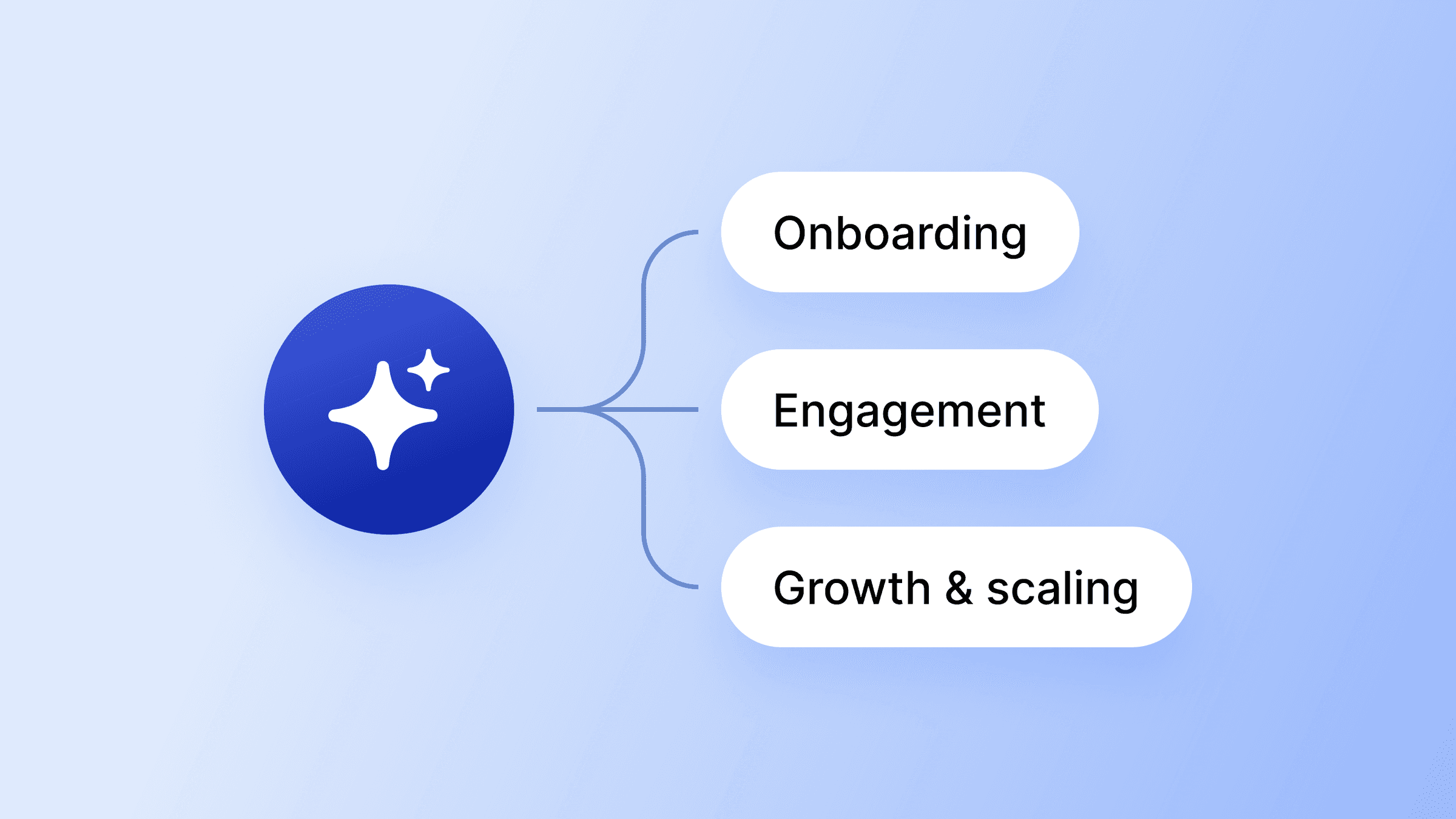
A coaching bot isn't a standalone product you sell on the side. It earns its place wired into the moments that already matter: onboarding a new member, supporting them through a course, catching them before a renewal lapses. Tie the build back to the outcome you care about, which is members who finish what they start and stick around.
That's where the business case lands. Pat Flynn rebuilt Smart Passive Income on Circle and replaced self-paced courses with cohort-based accelerators where members move through the program together. Completion runs 2.5–3x higher than his self-paced courses did, and community now drives 58% of SPI's revenue, with $700K+ in membership revenue in 2024. A coaching bot supports exactly that kind of structure. It keeps members oriented and moving between your live touchpoints, instead of drifting off when the next question goes unanswered for a day.
Augment Business School shows what this looks like at scale. They run courses and community together on Circle, with workflows that route new students into the right groups by geography. After migrating, they doubled their student base from 3,000 to 6,000 in four months, and now keep a 61% monthly active rate across 6,000+ students in 94 countries with a team of ten.

Ready to train your own SmartBuddy?
One thing worth thinking carefully about: coaching often involves emotions, not just information. If your community handles personal growth, grief, career anxiety, or health — topics where members are vulnerable — an AI agent that resets after every conversation can create a jarring experience. The agent won't remember what was said last week. Design around that, or don't put it in that role at all.
It also matters where the bot lives. Build it on a social platform and you're coaching on borrowed land, where a change to someone else's algorithm or terms can cut you off from the audience you built. A bot inside your own community answers to no one but you, and the relationship stays yours.
Your coaching, in more places at once
A good AI coaching bot doesn't make you less essential. It makes you available in the moments you can't be there in person, then gets out of the way when the real work needs you. Build it on the context your community already holds, give it your voice, set the boundaries that keep you in the loop, and it stops being a cold front desk and starts being an extension of how you coach.
Built for coaches to multiply their brains.
AI coaching bot FAQ
Do I need to know how to code to build an AI coaching bot?
No. Modern coaching bots are built on no-code tools where you upload your material, adjust settings in a normal interface, and test the bot in a chat window before members ever see it. If you can set up a course or write a welcome email, you can build one.
Will an AI coaching bot replace human coaches?
No, and members can tell the difference. A bot is good at the round-the-clock, repeatable support that doesn't need you specifically. It can't build trust, read what someone isn't saying, or hold the room on a hard call. Used well, it buys back the hours that let you do more of that, not less.
How long does it take to build one?
Less than most people expect once the knowledge is ready. The build itself is an afternoon; the real time goes into gathering your best material and deciding the bot's boundaries first. Many builders start narrow with a single job, like answering onboarding questions, and expand once they trust it.
How do I keep my AI coaching bot from giving wrong answers?
Two things help most: train it on focused, accurate knowledge you control rather than letting it improvise, and build in escalation so it routes anything outside its lane to a human. Watching the first runs and tightening its instructions as you go closes most of the gap.
Can an AI coaching bot handle sign-ups and payments?
The bot coaches and supports; the sign-up and payment flow is handled by the platform around it. When your bot, your courses, and your checkout live in one place, a member can go from a question to enrolled without bouncing between tools or losing the thread.
Community Content Marketer
Arina is Circle’s community content marketer, sharing insights on community growth, GTM strategy, and storytelling for solopreneurs.