









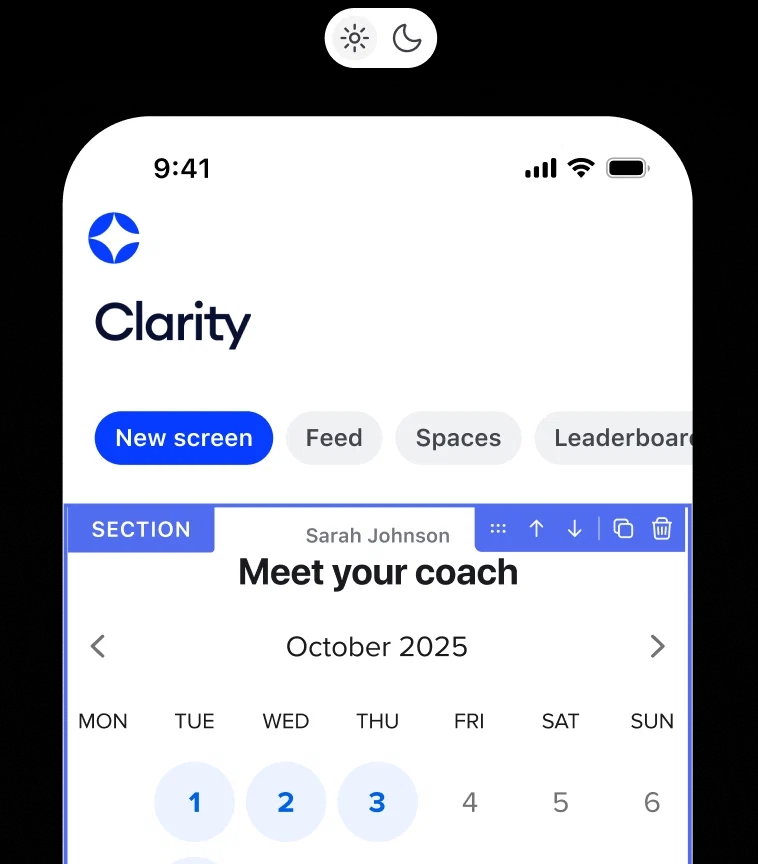
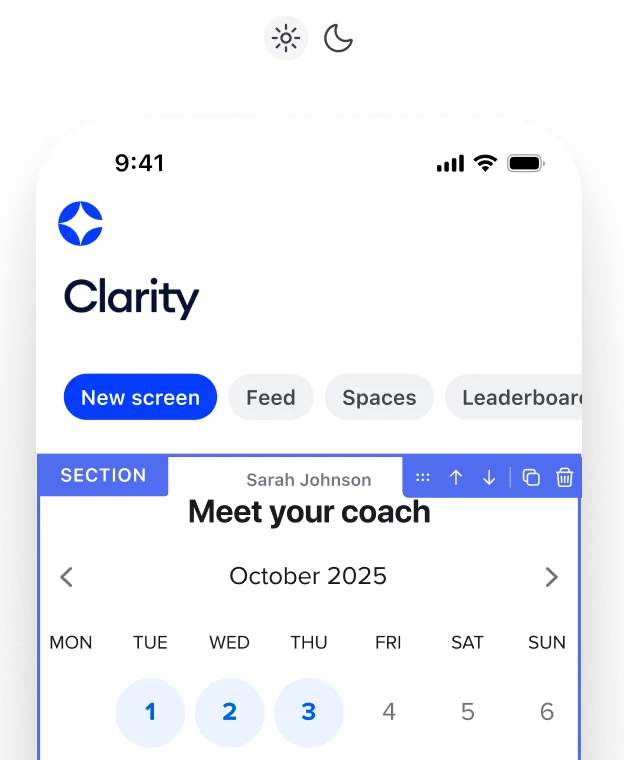
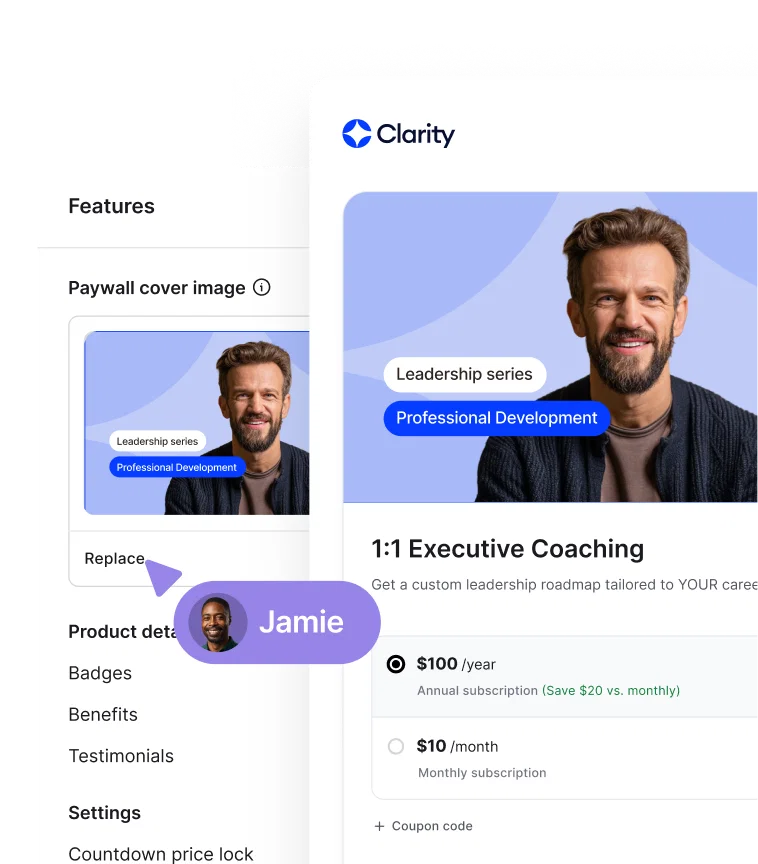
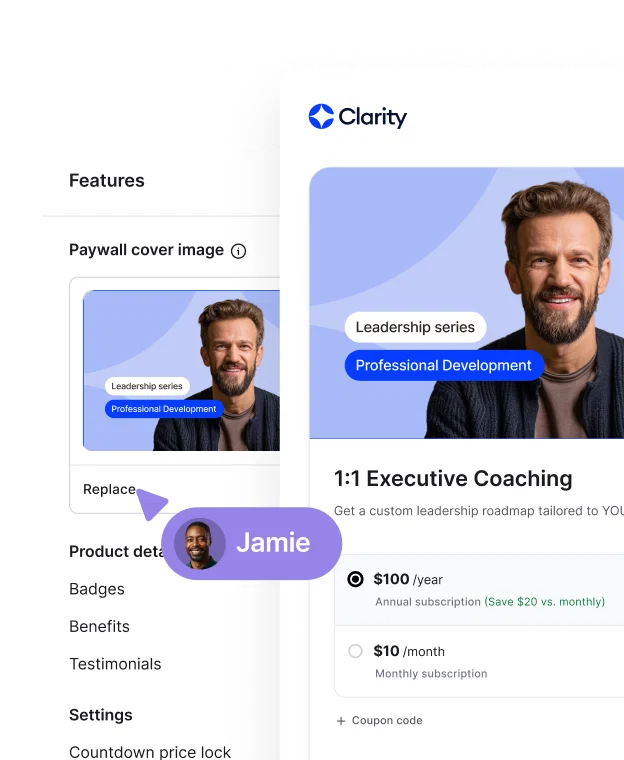


You can brand and customize your Circle community in a ton of ways:
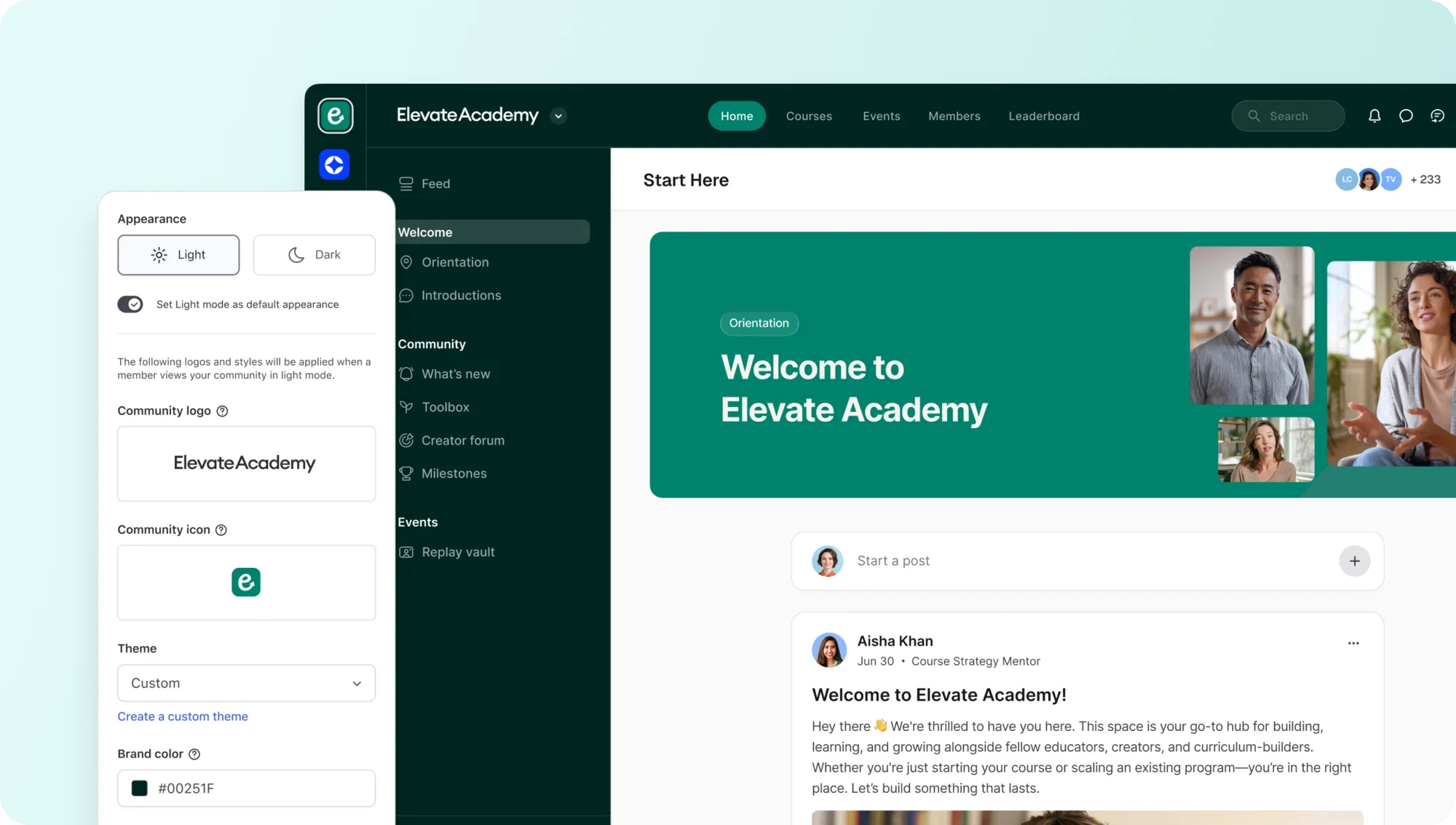
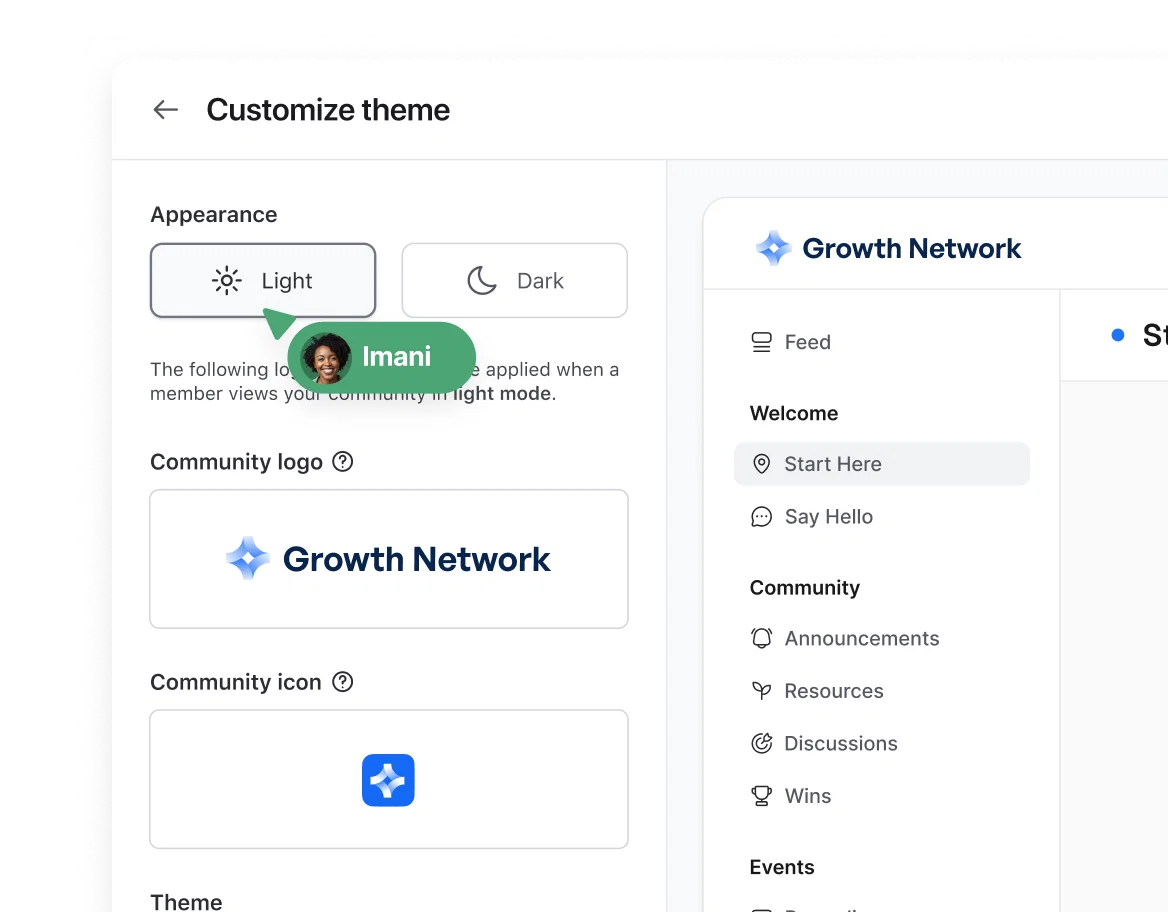
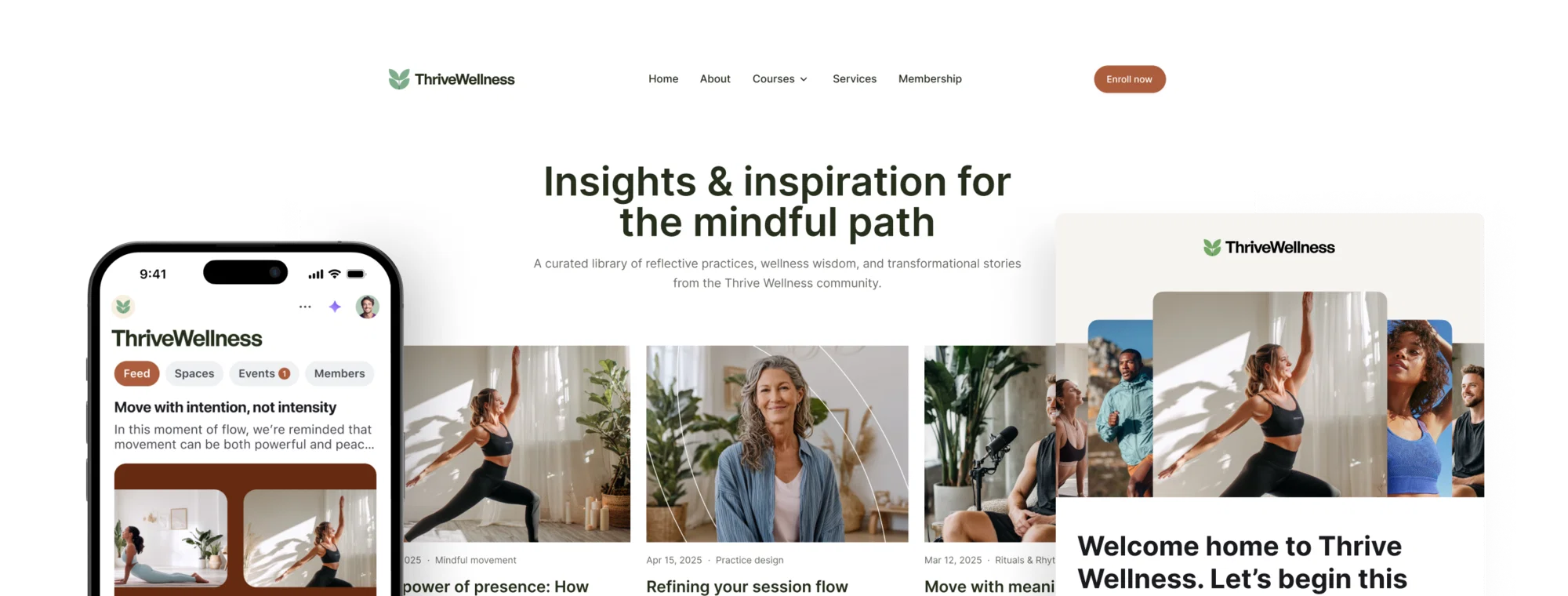
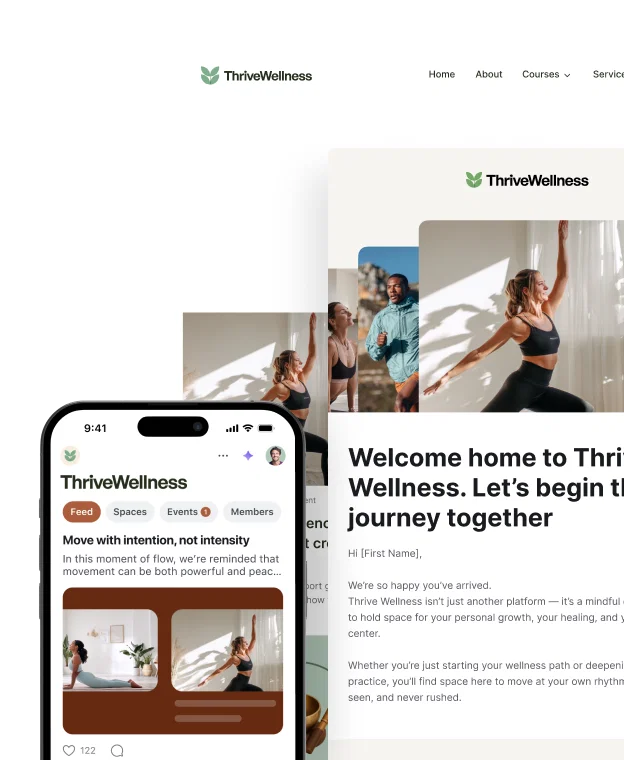
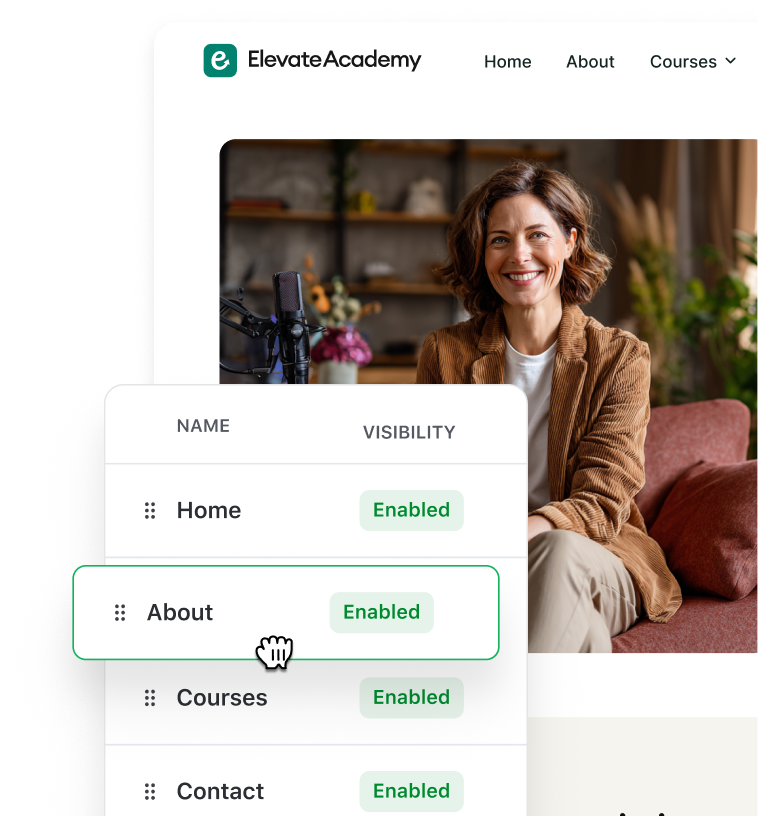
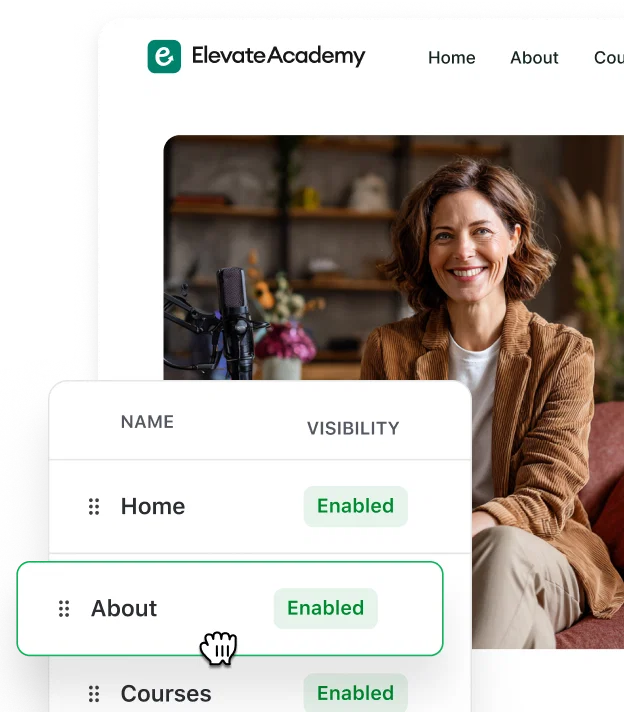
- Look and feel: change your community name, URL, visibility, header images, logo, and brand colors to create a consistent brand experience for your members.
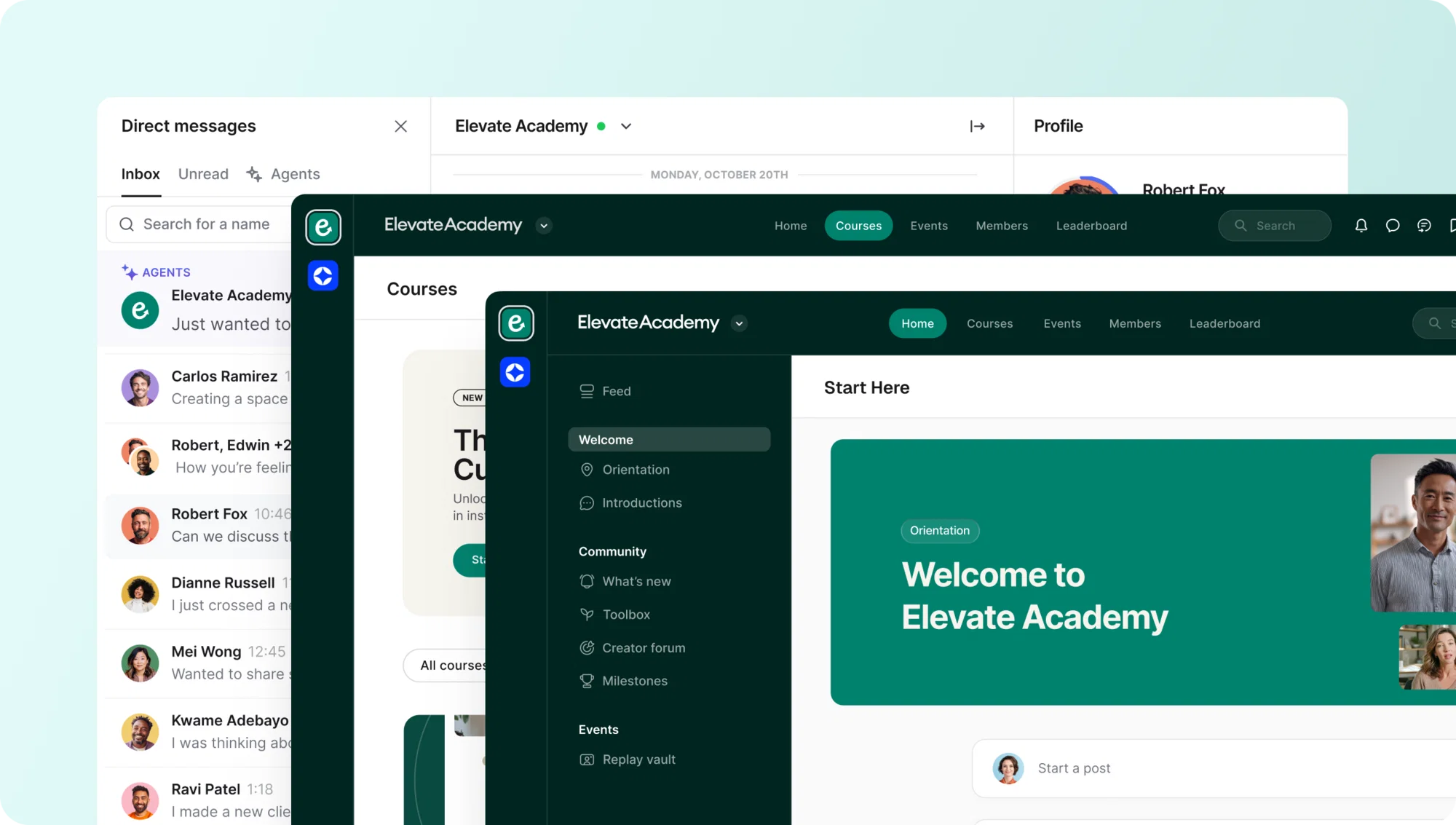
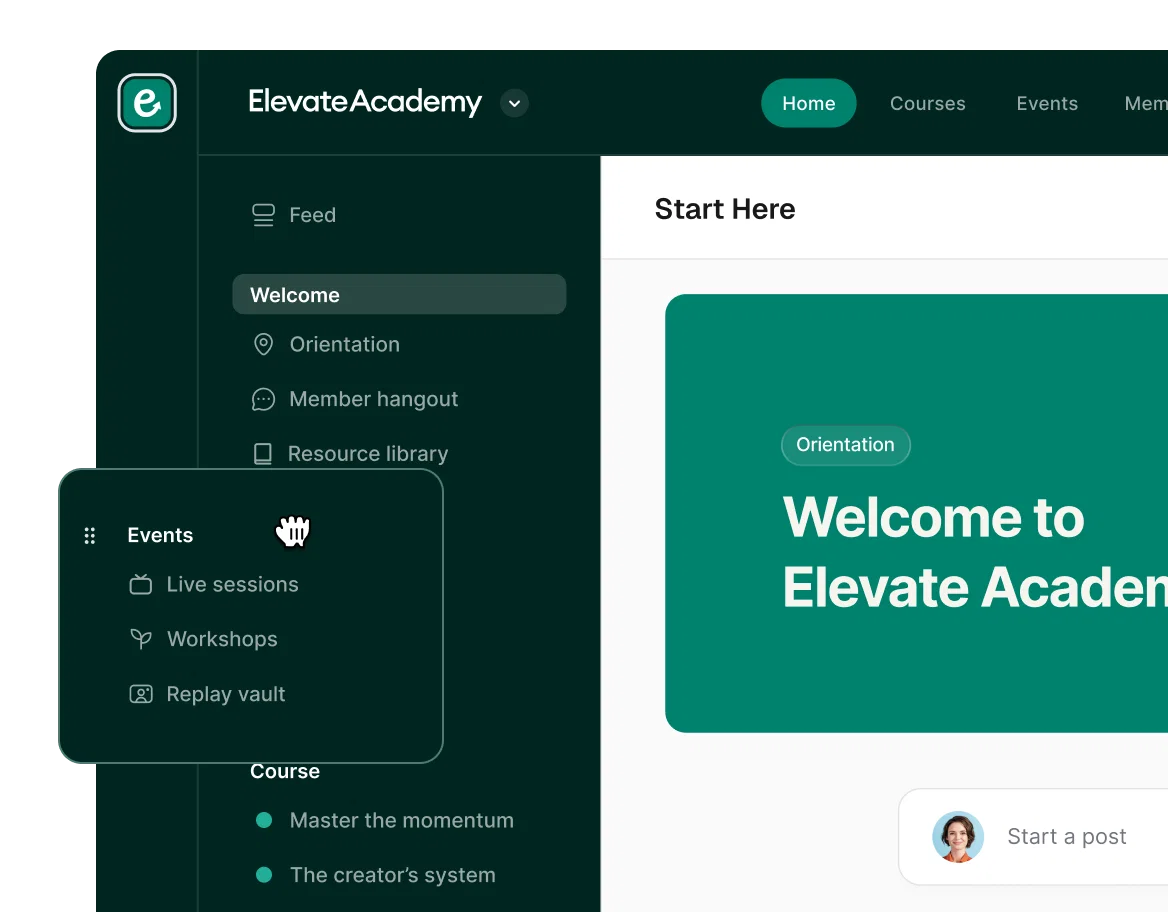
- Spaces: mix and match post, chat, event, and course spaces to set up your community exactly how you want it.
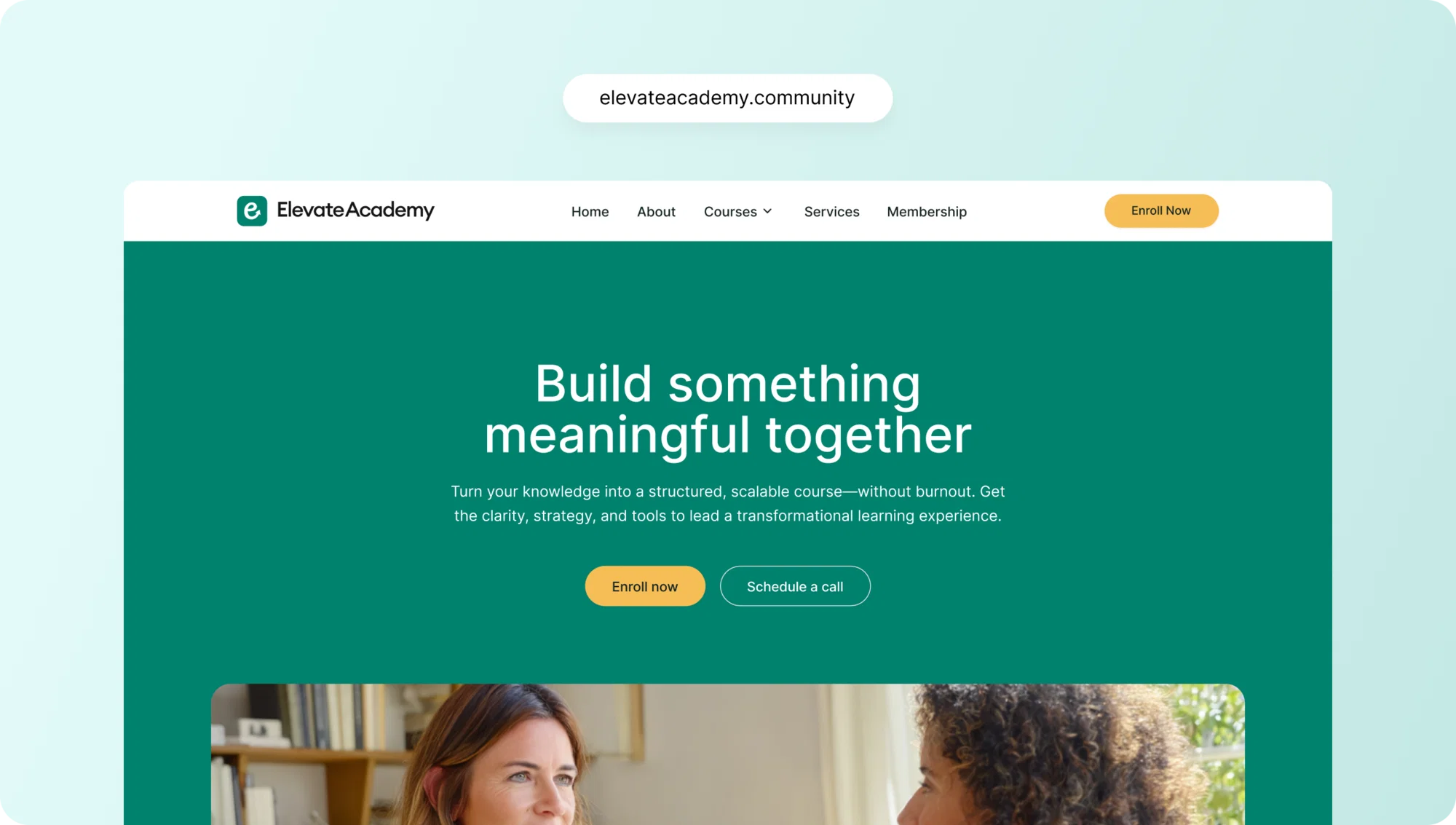
- Domain name: on Pro and Scale plans, you can set up a custom domain that will re-direct to your community.
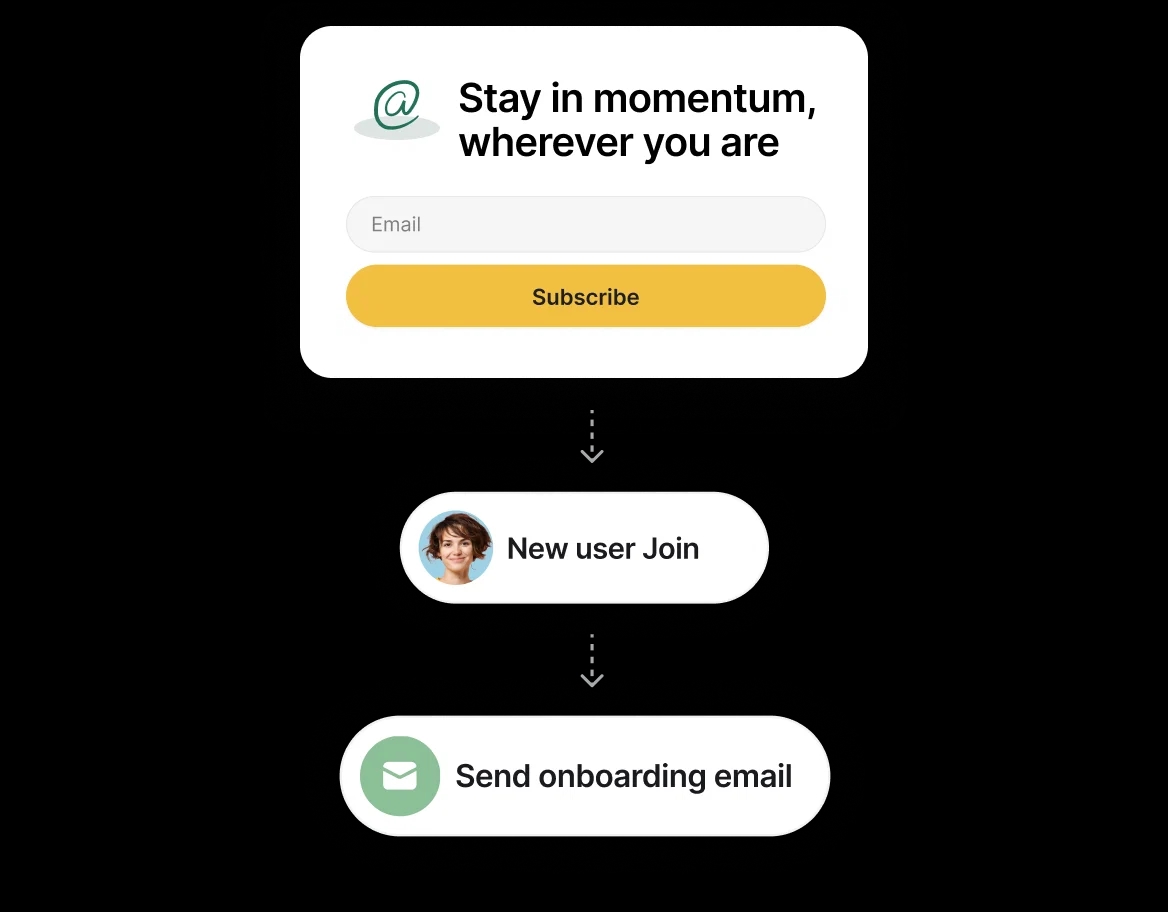
- Onboarding: create tailored onboarding messages, pop-ups, and invitations to welcome your members and encourage high engagement from the start.
- Links: create custom external links right from your community sidebar to direct members to helpful documents or other resources that might be helpful.
- Code: add custom code snippets inside your community to implement custom JavaScript/CSS or services like Google Analytics and your Facebook Pixel for tracking.
- Embedded media: embed the comments section of Circle posts to external websites, blog posts, course lectures, and more to amplify community engagement.
- Member tags: Create fun member tags that are visible to all members or just admins so it’s easy for everyone to know who’s who.
- Zapier: Connect your platform to your existing toolstack and thousands of other apps using Zapier integrations.
All that and more! Check out our Knowledge Base for more details on how you can make your business and brand stand out on Circle.