
Anything you can do as an admin in Circle, you can now do through your LLM. Invite members, create spaces, post content, manage access groups, run events, query engagement data, and more. If it's available in Circle's Admin API, it's available through Circle MCP.


70k+ reviews
Connect your community to your AI tools with Circle MCP
Use the Circle MCP to manage and analyze your community with your existing AI setup. Compatible with Claude, ChatGPT, Gemini, and any MCP-compatible LLM.
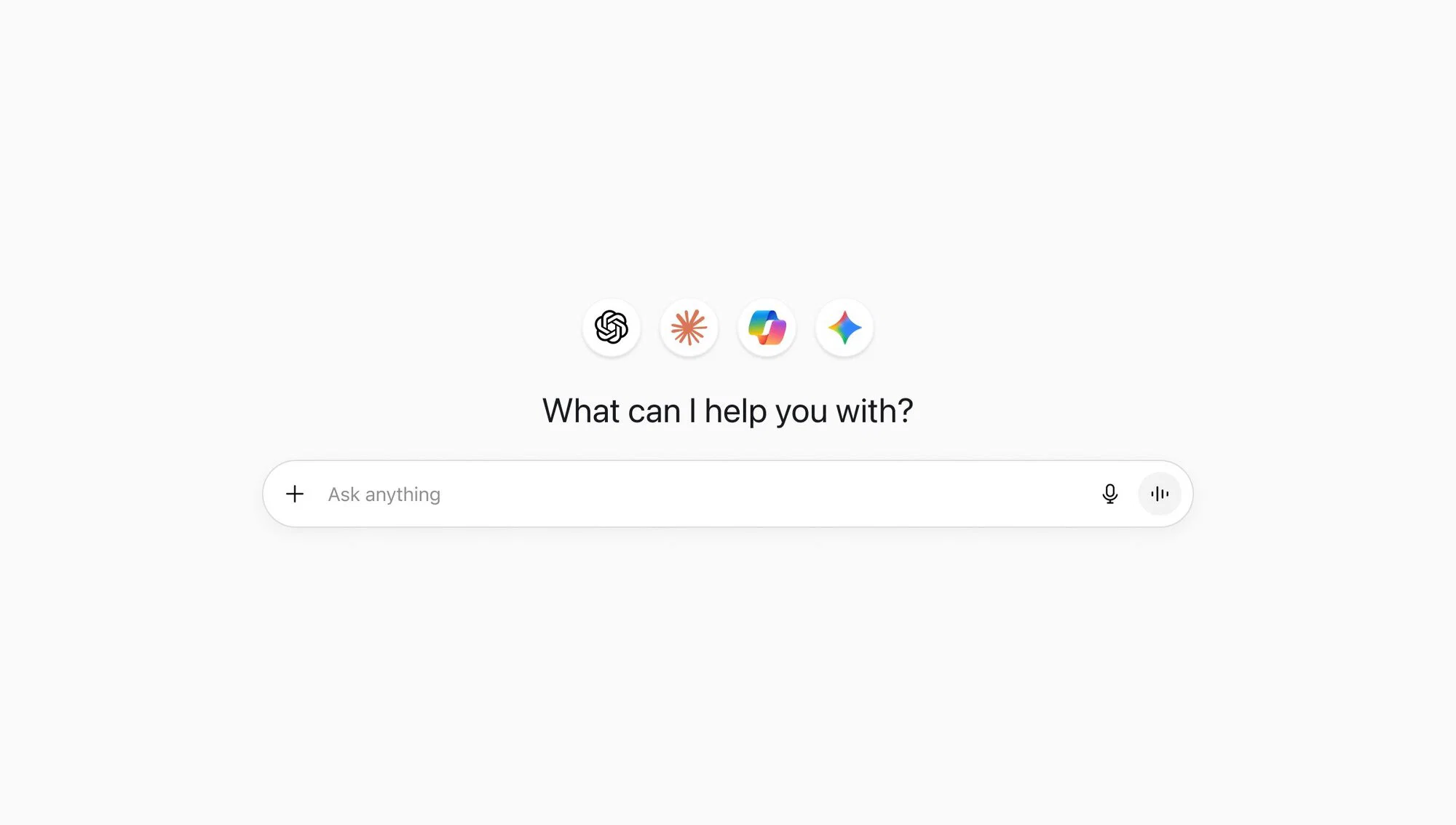
What is an MCP?
MCP (Model Context Protocol) connects LLMs to external tools. Circle MCP makes your community one of them, so your AI can read data and act. No code required.
What can I do with it?
Anything you can do with the Circle API is now something you can do with your LLM.
How do I set it up?
Get started in three easy steps. Learn more →
Step 1: Add Circle as a connector in your LLM
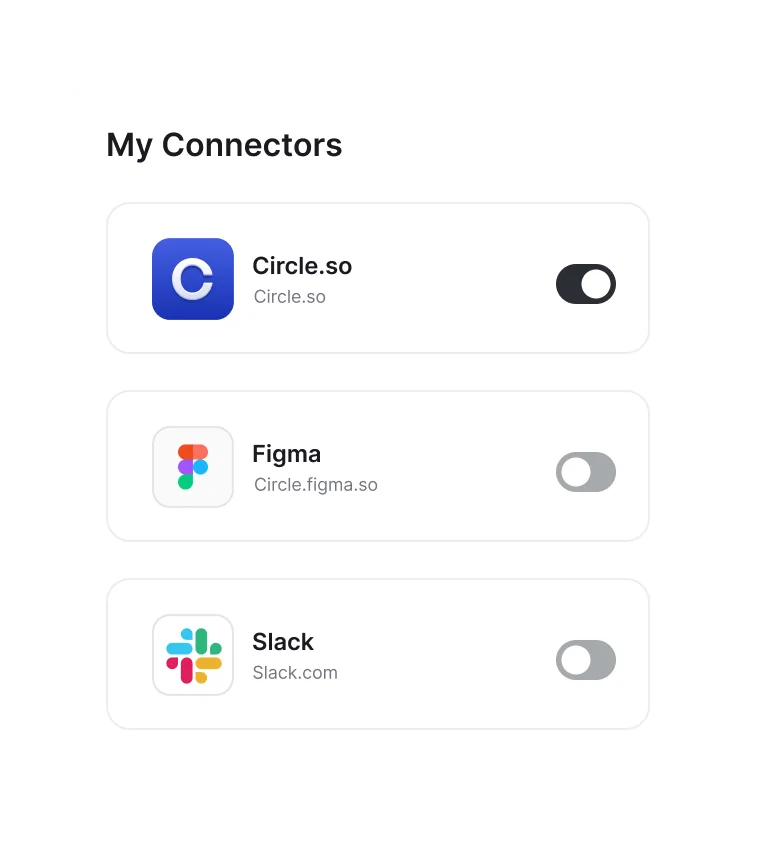
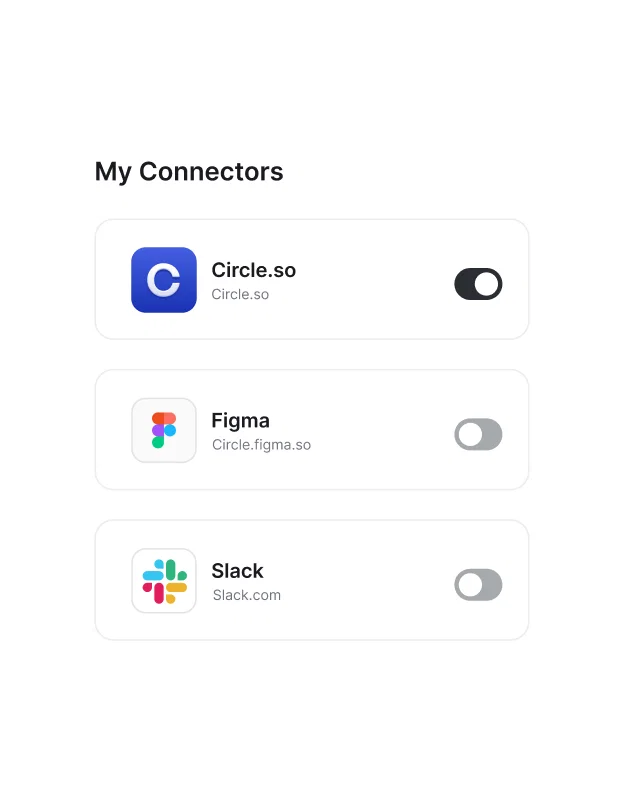
Step 2: Connect your community and authorize access. No code, no API keys.
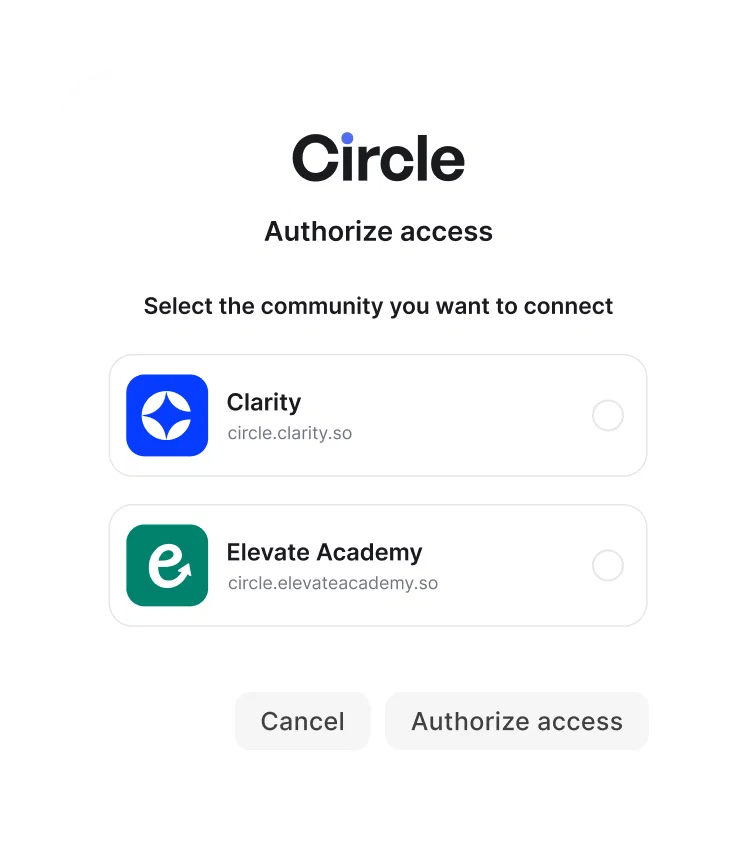
Step 3: Start prompting. Your AI is connected to your community.
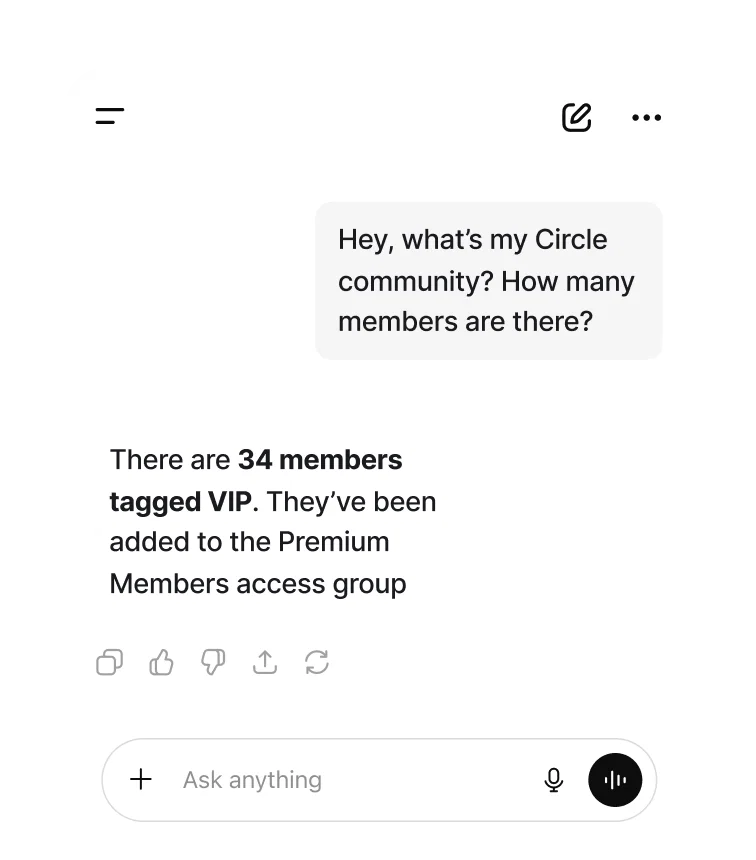
Join thousands and build your home on Circle today
Powering communities across the globe
20,000+ creators and businesses around the world trust Circle with their communities.