What AI actually does for community builders
TL;DR
- Put AI on the busywork—moderation, onboarding, content, personalization, insights, churn signals—so you can spend your real, human time on your members.
- Don’t use AI for personal replies, conflict moderation, ban notices, and cultural decisions.
- Start by using AI with your onboarding. It's the easiest place to begin, the easiest to measure, and the lowest risk.
Members only
One issue, five minutes, every Tuesday. Read by +14,200 creators.
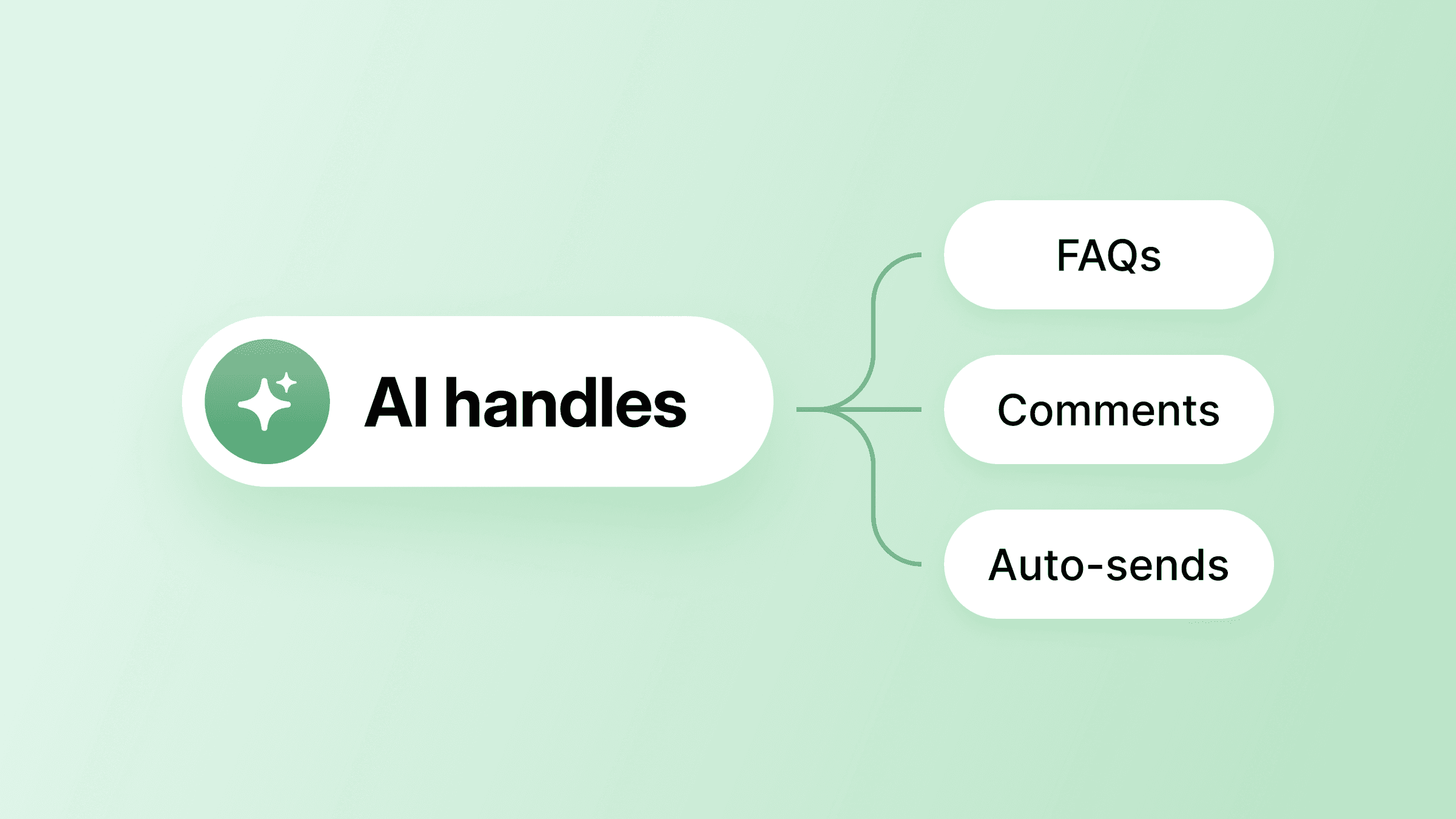
Seth David's AI Agent "Sandy" fields routine questions across 30+ on-demand courses inside his Talk Nerdy to Me community, freeing Seth to teach instead of spending time repeating himself.
If you're running a paid community as a coach, creator, or educator, that's what AI does for you: it takes the busywork off your plate—flagging off-topic posts, drafting welcomes, flagging risky behavior patterns, and handling FAQs you've answered a hundred times—so you have the hours to teach, coach, and inspire your community.
It breaks down where AI helps most, where it falls short, and how to roll it out without losing the human moments people signed up for.
But firstly, where does AI actually help most inside a community?
6 ways AI helps build better communities
Community managers and builders have to be masters of multitasking and deep, empathetic focus at the same time.
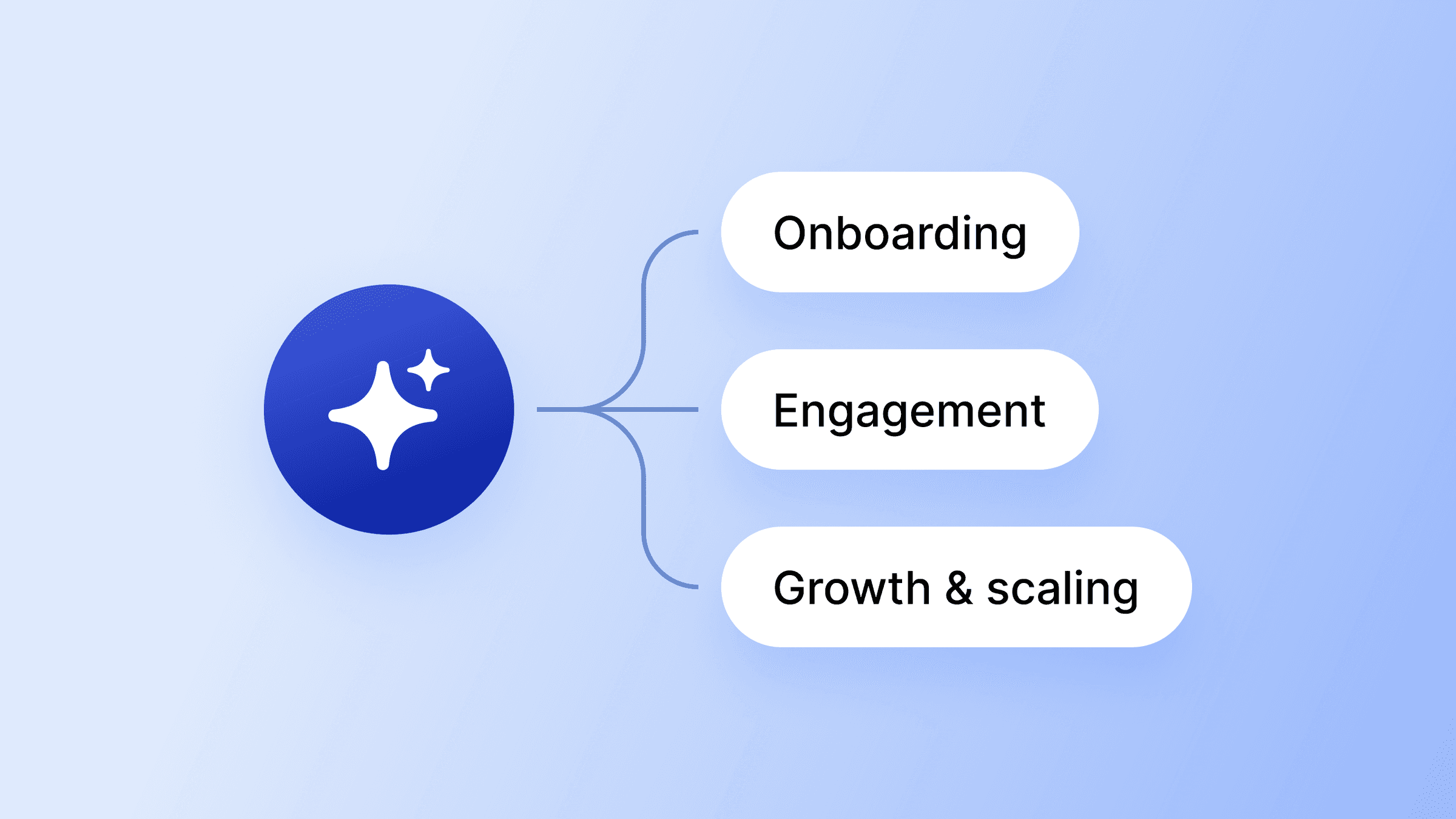
Instead of wasting time on repetitive moderation, onboarding, task management, analysis, scheduling, and manual churn tracking, AI helps clear your afternoons and move the needle for members at the same time
1. Moderation that scales without burning you out
When your community is small, you can read every post. As it grows, that becomes unrealistic.
AI-powered moderation workflows pre-screen posts against your community guidelines, auto-approve clean content, and flag potential violations with a reason. You review the edge cases instead of everything that comes in the door.
However, for the sensitive stuff—moderation warnings, ban notices, anything that could lose you a member—a human should be in the loop before it reaches the member to provide human expertise and nuanced guidance.
2. Onboarding that doesn't depend on you being online
Moderation keeps the community functional. Onboarding is what makes new members stick. AI runs your onboarding while you're asleep, in a session, or off the platform entirely—like touching grass, or reading a (gasp) real, paper book.
It sends welcome sequences, suggests profile completion steps, and points new members to their first quick win while you can focus on more vital connections.
3. The task management AI handles for you
AI workflows automate the operational work of running a community, ensuring the right action happens at the right moment without you having to orchestrate every step.
On Circle, AI Workflows handle these moves automatically: posts get tagged on submission, questions route to the right space, post-event follow-ups send themselves, and quiet members get nudged before they drift.
Layered together, AI agents and AI workflows take the pressure off you and your team while keeping members in a safe, thriving, supportive space. The practical result is fewer things falling through the cracks and fewer hours spent on work that doesn't help you connect with your members.
4. Faster content creation
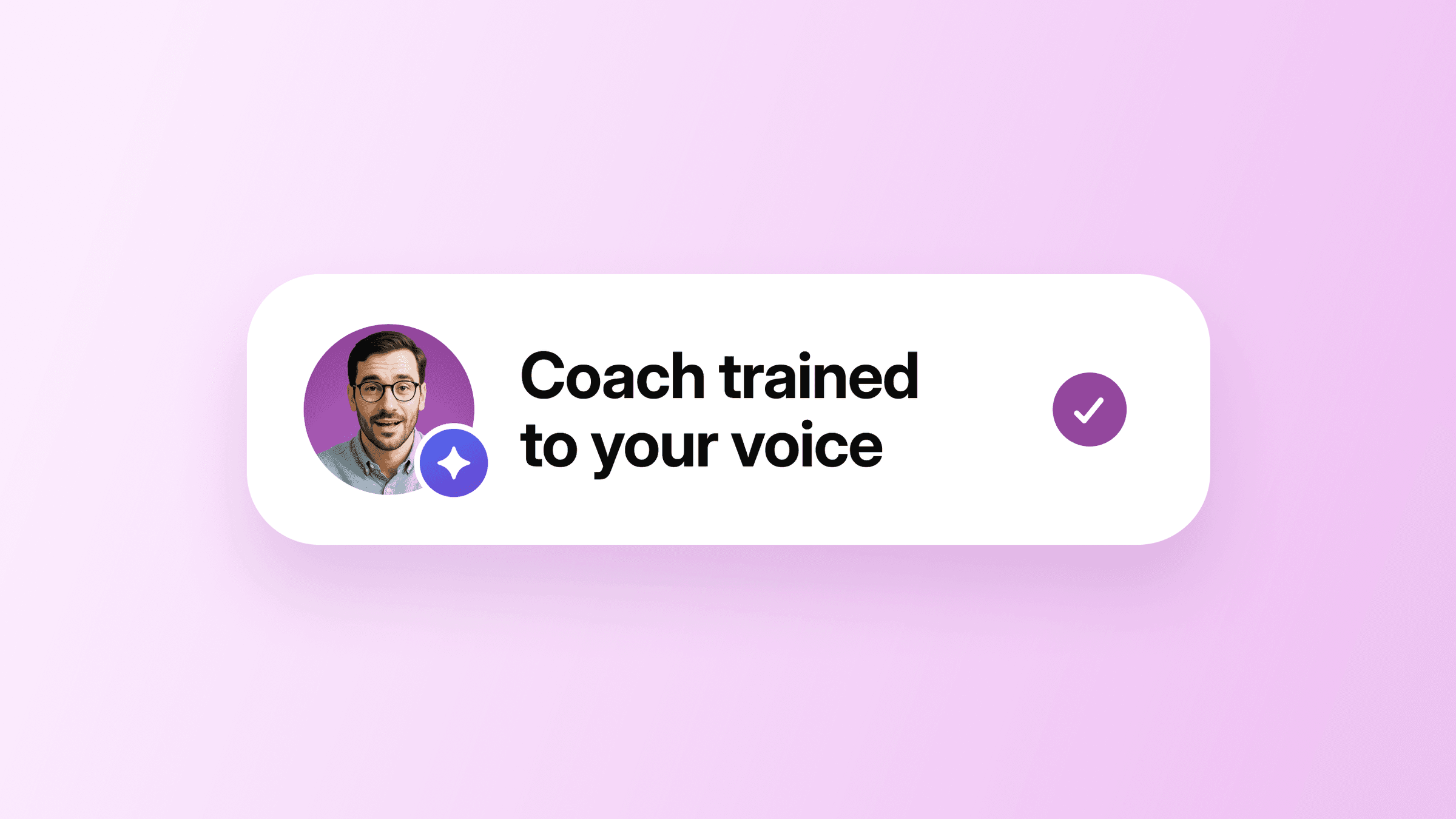
The other place those hours go: writing. AI can draft your recurring content (like event reminders or follow-ups) in minutes, and you review it for your brand’s voice and messaging before it ships. That's how a full afternoon of writing turns into a quick review pass without your community losing its voice.
Welcome messages, discussion prompts, event recaps, weekly digests, newsletter drafts. With AI drafting it, all you're doing is a quick review pass.
However, don’t forget to check the content before publishing. Every piece of member-facing content needs to get a human review pass. Your voice and perspective are what they pay for, and AI just keeps you from staring at a blank screen.
5. Insights without hiring a data team
AI can tell you what’s working within your community, and what's not. Discover which threads are working, who's about to drift, and what to say when someone asks how the community is doing, without putting someone on staff to dig through it.
At Circle, this looks like analytics dashboards that show you how active people are and what's getting traction, Activity Scores that surface who's leaning in—and who's about to disappear— and an AI Copilot to help you take action on all those insights.
That transparency about community health is what Miro's community team built their advocacy programs around. When Activity Scores surfaced top contributors for betas, they saw 2x community growth, a 3.5x increase in member comments, and community feedback that now directly shapes their product roadmap.
Circle has been crucial in allowing us to build relationships, scale strategic programs, and show the real business impact of community.
6. Keep members in the community (aka: retention)
Smarter financial operations start with catching members before they cancel. If you run a paid community, AI can watch for the signals that a member is drifting away—skipped events, fewer logins, quiet weeks in the feed—then trigger a check-in.
You reach out while they still care, often with a personal note or a tailored offer that reminds them why they joined in the first place. It's the same instinct behind how Josh Hall runs Web Designer Pro—when someone cancels, they receive an automated message that still feels personal: a personal thank-you for their time in the community, a simple question asking why it wasn't the right fit, and a clear note that leaving doesn't close the relationship.
AI helps you spot the drift early enough to send that kind of message before they hit cancel. Keeping a member is almost always cheaper than finding a new one.
Using AI for your onboarding is an easy win
Onboarding has the cleanest baseline metric and the lowest risk when it comes to implementing AI.
A bad welcome message annoys someone; an unfair ban notice loses them. That's why onboarding is a perfect place to start. Once onboarding is working, you can run the same loop on anything else: moderation, content, finding answers, or churn.
Step 1: Run your onboarding manually first
Before you build anything, build out your welcome sequence and run it manually for 10 to 20 new members. Send the welcome DM yourself, point them to their first quick win, and watch where they get stuck.
Then measure one baseline: the percentage of new members who make a first post within 7 days of joining. That number is your benchmark for everything you build next.
Step 2: Hand the repeatable parts to AI
Once you know what a good onboarding flow looks like, AI can take the parts that don't need you and format them into a series:
- A welcome DM the moment someone joins.
- Followed by a profile-completion nudge 24 hours later.
- Then an invite to the introductions space on day three.
- And finally, a check-in if they haven't posted by day seven.
You can split sequences by tag, role, or space, so each new member gets one that fits how they joined and which tier they're on.
Step 3: Let an AI Agent answer the questions you keep answering
The same setup Seth did for “Sandy” works for anyone—an AI Agent trained on your knowledge base, course content, and past community Q&A.
New members don't have to wait for you to answer "how do I find the course?" or "where's the live session link?" They ask and get an answer in seconds.
When we deployed our own "Community Coach" agent on our community Q&A history, we saw a 57% drop in repeat questions within one month.
That's the kind of result you can expect once an agent has enough Q&A history to learn from—an hour (or two) a day back in your calendar.
Step 4: Check the number, then build the next thing
Check your first-post rate against your manual baseline after 30 days. If it's holding or improving, the automation is working.
What you tackle next depends on your community:
- Finding answers to the members who are asking the same things in DMs
- Moderation if your team is drowning in flags
- Churn signals if retention is the bottleneck
Pick the one that'll help most and run the same loop—manual first, measure, and then automate.
It’s how Adam Bensman approached his rebuild when he started the Roofing & Solar Reform Alliance (RSRA): manual first, then layered in automation. Within 90 days, RSRA had a guided onboarding course that auto-loads on first app open, dedicated spaces for owners, managers, and sales teams, and weekly live sessions, many of them now member-led.
What followed: 39% monthly active users, the lowest churn in eight months, and a price raise from $12K to $15K with no drop in close rate.
What you shouldn't hand off
Before you automate anything, pause.
Without a doubt, AI helps with the operational stuff. But it doesn't replace the trust-building work of running a community.
Some community builders are skeptical of AI, and that's fair—14% of community teams have no plans to use it. When trust and relationships are your core product, it's normal to be skeptical, but it's still worth thinking through where and how you want to use it, if you do at all.
That shift toward higher-touch, higher-trust communities is exactly what Rachel Starr, founder of coCreator Society, shared with us in our 2026 Community Trends Report—it's what she's seeing on the ground with the founders she works with:
"People I'm working with are moving away from chasing bigger member numbers. They're charging more and offering a higher level of service in return. To earn trust nowadays, you have to be more nurturing…it takes a lot more handholding than it did a year ago. And it's not just about service; it's about connection—bringing back that human touch to balance out AI."
At Circle, we think AI should be like great design: so intuitive that it's invisible, and so helpful that it's hard to ignore its impact. Here's how we think about (and what we recommend you do) about the split:
- AI handles the repetitive tasks and the automated data insights: welcome drafts, discussion prompts, spam flagging, member-matching suggestions, churn-risk identification, and knowledge-base search.
- Humans handle the personal: personal replies to struggling members, sensitive conflict moderation, community culture decisions, and the relationship-building conversations that hold a community together.
Tech on the busywork, humans on the nuanced connection work. That's the boundary that keeps a community efficient in the background and human in the front.
Put AI to work without losing what makes your community yours
The takeaway: AI works best when it's handling the busywork, so you can spend your time building and engaging with your community. But none of that matters if AI isn't even an option in your community.
The next step is picking a community building platform that treats AI as native. Circle's AI suite was built for exactly this handoff: it handles the repetitive moves in the background, so you can focus on the conversations, culture, and trust that turn a community into something members won't leave.
Ready to see AI in action in your community? Start your 14-day free trial of Circle.
AI FAQs for Community Builders
What are the best first AI workflows to automate in a community?
Start with onboarding. It's easy to measure and easy to undo if it doesn't work—new member activation gives you a clear baseline you can compare before and after. Once that's stable, expand into member matching, knowledge search, and moderation support. Don't stack three workflows at once. Get one working first, then add the next.
Should AI respond directly to members?
Yes, for routine questions. No, for anything sensitive. In our experience, AI is good at FAQs, course content, and onboarding paths. They're not the right tool for moderating conflicts, issuing ban notices, or responding to a member who's struggling. Decide where that line sits before you turn anything on—or test it only within a certain space or beta access group.
Can AI replace a community builder?
No. AI extends what you can do—it doesn't replace the relationship-building, trust, and culture work that makes a community yours. AI handles the repetitive stuff, so you have more time for the conversations that hold members.
What should never be fully automated?
Ban notices, conflict moderation, personal replies to struggling members, and foundational culture decisions. These are the moments when a wrong move costs you a member—and that's not something you can take back. AI can flag and draft, but the final call should always pass through a human before it reaches the member.
Community Content Marketer
Arina is Circle’s community content marketer, sharing insights on community growth, GTM strategy, and storytelling for solopreneurs.