How to build a membership website—the right way
Relying on social media platforms, email lists, or SMS alone isn’t sustainable anymore. Account suspensions, algorithm shifts, and crowded inboxes make it hard to build lasting connections or predictable revenue.
A membership website changes that. A membership website gives you control, creates recurring income, and builds a foundation that isn’t at the mercy of third-party platforms.
In this guide, you’ll learn how to build a membership site that grows with you—without juggling disconnected tools. From strategy and design to launch and long-term growth, we’ll cover every step to help you build a thriving, community-powered membership business.
Step 1: Define your membership strategy (before you build)
Your first instinct might be to dive right in—but sustainable memberships start with strategy.
Clarify your target audience and their jobs to be done. What problems are they trying to solve? What goals motivate them? How will your membership help them reach those goals faster or more effectively?
Once you’ve defined that, map the member journey from discovery to advocacy. Think of it as four stages: attract → onboard → engage → upsell/advocate.
For example, say you’re launching a community for tech founders. If fundraising and hiring are their biggest challenges, you might offer live Q&As with investors, exclusive hiring resources, and peer support channels. You could also build a mentor-mentee program to connect new founders with seasoned operators.
Finally, set specific goals around revenue, retention, and referrals. Clear targets—like reaching $10K MRR within three months or 80% retention after six—keep your focus sharp and your strategy measurable.
💡 Takeaway: A strong strategy ensures your membership site serves your members first—and sustains itself over time.
Members only
One issue, five minutes, every Tuesday. Read by +14,200 creators.
Step 2: Choose the right membership site platform
Not all membership platforms are created equal. Many require a patchwork of tools: one for payments, another for courses, a separate one for events, and yet another for community. It works—but at a cost. Managing logins, syncing data, and troubleshooting integrations quickly turns into a full-time job.
Instead, choose an all-in-one platform that combines an external website, payments, courses, events, and community. It’ll save you time, reduce costs, and create a seamless experience for your members.
A unified platform also ensures that data flows smoothly across features—so you can see what’s working and where members are most engaged.
👉🏼 Takeaway: The right platform sets the stage for growth. With Circle, you can build, host, and scale your membership community—all in one place.
Step 3: Design your membership website
Design is more than aesthetics—it’s how members experience your brand.
Start with a clean, community-first layout. Highlight what members gain upfront. Use visuals that reflect your brand’s personality and social proof that builds trust. Make navigation intuitive so members can easily find courses, discussions, and events.
Your homepage should answer three questions at a glance:
- Who is this for?
- What value does it offer?
- How do I join?
Beyond the homepage, design an onboarding flow that encourages participation from day one. For instance, a writers’ community could include a profile template where members list their genre, published work, and socials—making it easy to connect. Pair that with a “get started” checklist to help new members post or attend an event within their first week.
Need more membership design tips? Emma Catranis, Senior Customer Education Manager at Circle, highlights five ways to structure your membership programs for easier navigation and improved impact.
Step 4: Add your community and content
Your membership website isn’t complete without the content and conversations that bring it to life.
Include resources like courses, live sessions, and discussion spaces. Offer clear channels for networking, resource sharing, and peer support. Balance structure (organized categories) with freedom (member-led threads or events).
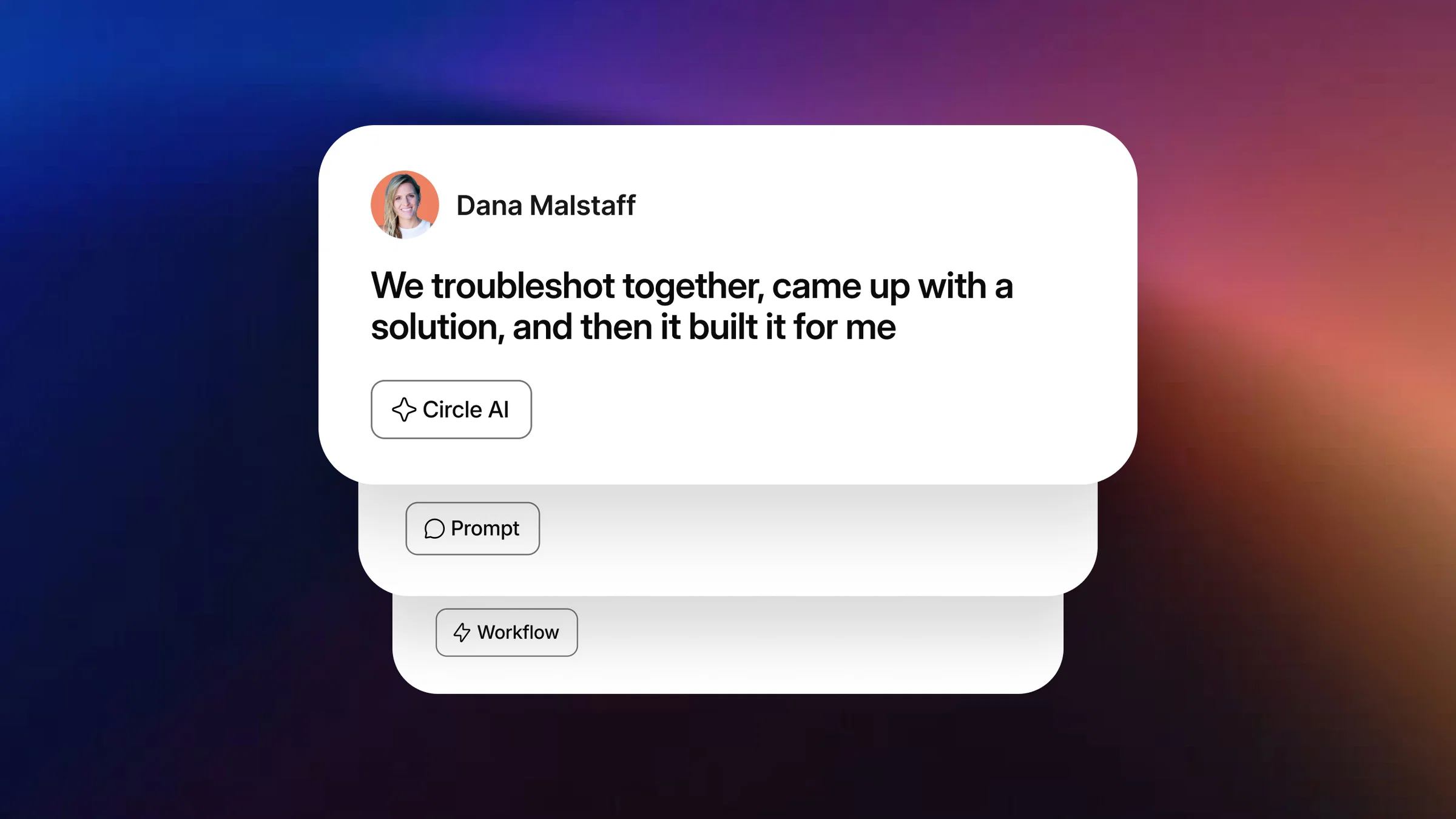
Take Tom Pardo, a freelance trailer editor who built Shambala, a thriving community for editors. Working solo, he used Circle to host everything—from courses and live events to chat spaces and AI-driven workflows. What started as a simple hub evolved into a full-fledged business powered by one integrated tool.
👉🏼 Takeaway: Your community is your content. The richer and more connected it feels, the stronger your membership foundation becomes.
Step 5: Set up payments and pricing
A great membership model depends on smart pricing and a smooth checkout experience.
Choose a structure that matches your audience and goals:
- Single plan: one membership tier for all.
- Freemium: free access for some content, paid for premium features.
- Tiered: multiple pricing levels based on access or perks.
Then decide whether you’ll use recurring payments or one-time fees. For most entrepreneurs, recurring plans help build predictable revenue.
If your platform includes built-in payments (like Circle does), use its paywall features to create custom checkout pages, subscription tiers, and upgrade options. This keeps your setup simple and your data centralized.
💡 There’s no single “perfect” pricing model—only the one that aligns with your goals and audience. Test, measure, and refine as you grow.
👉🏼 Takeaway: Keep payments simple for members and flexible for your business.
Step 6: Launch and onboard members
With the backend (community and other operations platform) and front-end (website platform) of your membership site ready, launching the community and onboarding members is the logical next step.
A successful launch is about connection, not perfection.
Your launch moment is the best chance to make a strong first impression. Show potential members the value of joining through clear messaging, excitement, and community energy.
Try these strategies:
- Tease your launch with countdowns or preview posts.
- Use founder-led or influencer marketing to add authenticity.
- Promote your community on Circle’s Discover feed for additional visibility.
Once live, focus on onboarding. A personalized welcome message, helpful guides, and a “first action” prompt—like introducing themselves or joining a call—build momentum.
Early onboarding do’s and don’ts
Do:
- Use clear calls to action to guide members.
- Personalize the onboarding experience.
- Make support easy to find.
Don’t:
- Overload members with too much info.
- Skip follow-ups.
- Forget to collect feedback.
🚀 Takeaway: A thoughtful launch builds trust. A great onboarding keeps it.
Step 7: Sustain and grow your membership website
Growth doesn’t end after launch—it begins there.
To build lasting engagement, create consistent touchpoints that keep members active and inspired.
Create engagement loops
Host recurring discussions, monthly recaps, or member spotlights. Add gamified elements—like challenges or leaderboards—to encourage participation.
For example, Musical Nest, a community for parents and music teachers, uses monthly newsletters and online challenges to keep members active and connected.
Host events
Regular webinars, Q&As, or AMAs sustain energy and deepen relationships.
Take Angelica Automates, an AI automation community that has now spun off into a social media automation app. Founder Angelica used to host weekly sessions, office hours, and live streams to foster collaboration and consistency.
Scale with branded apps
As your community grows, make it easy to stay connected. A branded app offers a seamless, on-brand experience wherever your members best engage (mobile, desktop, or app) while keeping everything under one roof.
Glucose Guide founder Mila Clarke did exactly that. She moved her fragmented setup—two apps for journaling and conversations—into a Circle-powered branded app.
🎉 The result: over 300 new signups on launch day and a 14% boost in daily active users.
Future-proof your model
Adapt your structure as your members’ needs evolve.
eLearning Designer Academy started as a single online course, then grew into a thriving hub of 11,000 members. After outgrowing their fragmented tools (Thinkific for courses, Slack for community, Zoom for events, and Webflow for a website), the team moved everything to Circle’s all-in-one builder—streamlining operations and delivering a cohesive experience.
💡 Circle also makes it simple to launch sub-communities via access groups—perfect for expanding your offering without losing focus.
🌷Takeaway: Sustainable growth comes from consistency, connection, and continuous improvement.
Build a membership site that grows with your community
A membership site succeeds when it goes beyond transactions and builds belonging. A strong community is what turns paying members into long-term advocates.
By creating meaningful experiences, encouraging participation, and offering clear value, you’ll build not just a website—but a business that grows through connection.
Ready to start?
Build your community-led membership site with Circle—by starting with a free 14-day trial.
FAQs about member acquisition
How do you start a membership site?
Start by defining your audience and goals. Choose a platform that fits your needs, design your site, create content, set up payments, and promote your launch.We have a free community launch guide that takes you through all the crucial first steps. Get the Community Launch Guide here.
Are membership sites profitable?
Yes, membership sites can be highly profitable. By offering paid content, resources, or community access, you can create a steady stream of recurring revenue. Success depends on having a strong value proposition and building an engaged community.
How much does it cost to build a membership website?
Costs vary by tools and design complexity—from a few hundred dollars for a simple setup to several thousand for a custom build. Circle’s plans start at $89/month, with everything you need to build, host, and scale in one place.
What is the best platform for a membership site?
The best membership platform is an all-in-one, community-powered platform like Circle. It brings content, payments, and community together—so you can focus on building your business, not managing tools.
Contributing Writer
Oyinkansola writes content that helps brands engage and convert their audiences. She’s also a fiction author, content creator, and newsletter writer.