9 Thinkific alternatives that actually build community (not just host courses)
Your courses are good. The problem is what happens around them.
Thinkific gives you a clean, reliable place to host content.
But the course ends, and then… nothing happens. Students finish a module and disappear. Engagement metrics flatline. And you're left wondering whether the problem is your content, marketing, or something else entirely.
The course platforms that retain students and grow creator businesses create environments that engage students between lessons. Spaces where they talk to each other, not just the instructor, and showing up becomes a habit rather than an obligation.
Thinkific delivers content well. It wasn't designed for community. And without community, when the course ends, so does your relationship with your students.
That's a big reason why creators leave the platform and look for Thinkific alternatives.
This guide covers nine Thinkific alternatives across the full spectrum: community-first platforms, all-in-one stacks, dedicated course builders, and a marketplace option for creators without an audience. We'll tell you what each one does well, where it falls short, and who it's best suited for.
Why course creators are looking for Thinkific alternatives
For creators who need a dependable place to deliver course content, Thinkific is a reasonable choice:
- 0% transaction fees on all plans
- A strong course builder with SCORM compliance, certificates, and progress tracking
- Reliable infrastructure for hosting and selling courses at scale
But what about everything that happens between lessons? The peer-to-peer conversations, live touchpoints, and small rituals that turn a one-time enrollment into an ongoing relationship?
The community feature exists, but it's a forum with no engine behind it. Nothing pulls students in and keeps them there.
Other friction points are more practical:
- The admin interface is functional but clunky at scale.
- No native live events of any kind
- No gamification on any plan
- API access locked to the most expensive paid tier ($149/mo)
None of these drawbacks are fatal on their own. But together, they’re a big reason why creators leave the platform and look for Thinkific alternatives.
How to choose the right Thinkific alternative
Before looking at individual platforms, you need to be honest about the problem you're trying to solve.
- If the core issue is community — Students aren't connecting? Community engagement drops between modules? People disappear after the course ends? You want a platform where community is the primary experience, not an afterthought. Look for structured spaces, native live events, and gamification built into the core product.
- If Thinkific's course tools aren't deep enough — Need interactive video, advanced assessments, SCORM compliance, or a white-label mobile app? Prioritize learning infrastructure over community features.
- If the issue is operational — Managing courses, email marketing, funnels, and community across multiple tools? You want an all-in-one platform.
- If the problem isn't engagement, but audience — You don't have one yet and need a way to find students? Consider a marketplace platform that brings students to you.
💡 Worried about migrating from Thinkific? Circle's managed migration typically takes two to four weeks. Most creators do it one course at a time, running both platforms in parallel until they're ready to make the full switch.
The right platform is the one that solves the right problem. A community-first tool won't fix a course-depth issue, and a better LMS won't fix an engagement one. Get that right, and the right Thinkific alternative almost picks itself, which is what the rest of this guide is for.
The 9 best Thinkific alternatives at a glance
| Platform | Courses | Community | Live events | Gamification | Mobile app | Transaction fees | Starting Price |
|---|---|---|---|---|---|---|---|
| Circle | ✅ | ✅ | ✅ Native | ✅ | ✅ iOS + Android | 0.5%–2% | $89/mo |
| Kajabi | ✅ | ⚠️ | ✅ Native | ✅ | ✅ (branded: Pro) | 0% (Kajabi Pay) | $143/mo |
| Teachable | ✅ | ⚠️ Forum | ❌ | ❌ | ⚠️ Courses only | 0%–7.5% | $29/mo |
| Podia | ✅ | ⚠️ Forum | ❌ | ❌ | ❌ | 0%–5% | $33/mo |
| LearnWorlds | ✅ | ✅ | ⚠️ Via Zoom | ⚠️ Badges only | ✅ ($149/mo add-on) | $5/enrollment or 0% | $24/mo |
| Skool | ⚠️ | ✅ | ✅ Native | ✅ | ⚠️ Skool app | 2.9%–10% | $9/mo |
| Mighty Networks | ✅ | ✅ | ✅ Native | ✅ | ✅ (branded: Pro) | 0.5%–2% | $79/mo |
| Systeme.io | ⚠️ | ⚠️ Forum | ❌ | ❌ | ❌ | 0% | Free |
| Udemy | ✅ | ❌ | ❌ | ❌ | ✅ Udemy app | 3%–63% rev share | Free |
9 best Thinkific alternatives in 2026
1. Circle — best for course creators who want community at the center
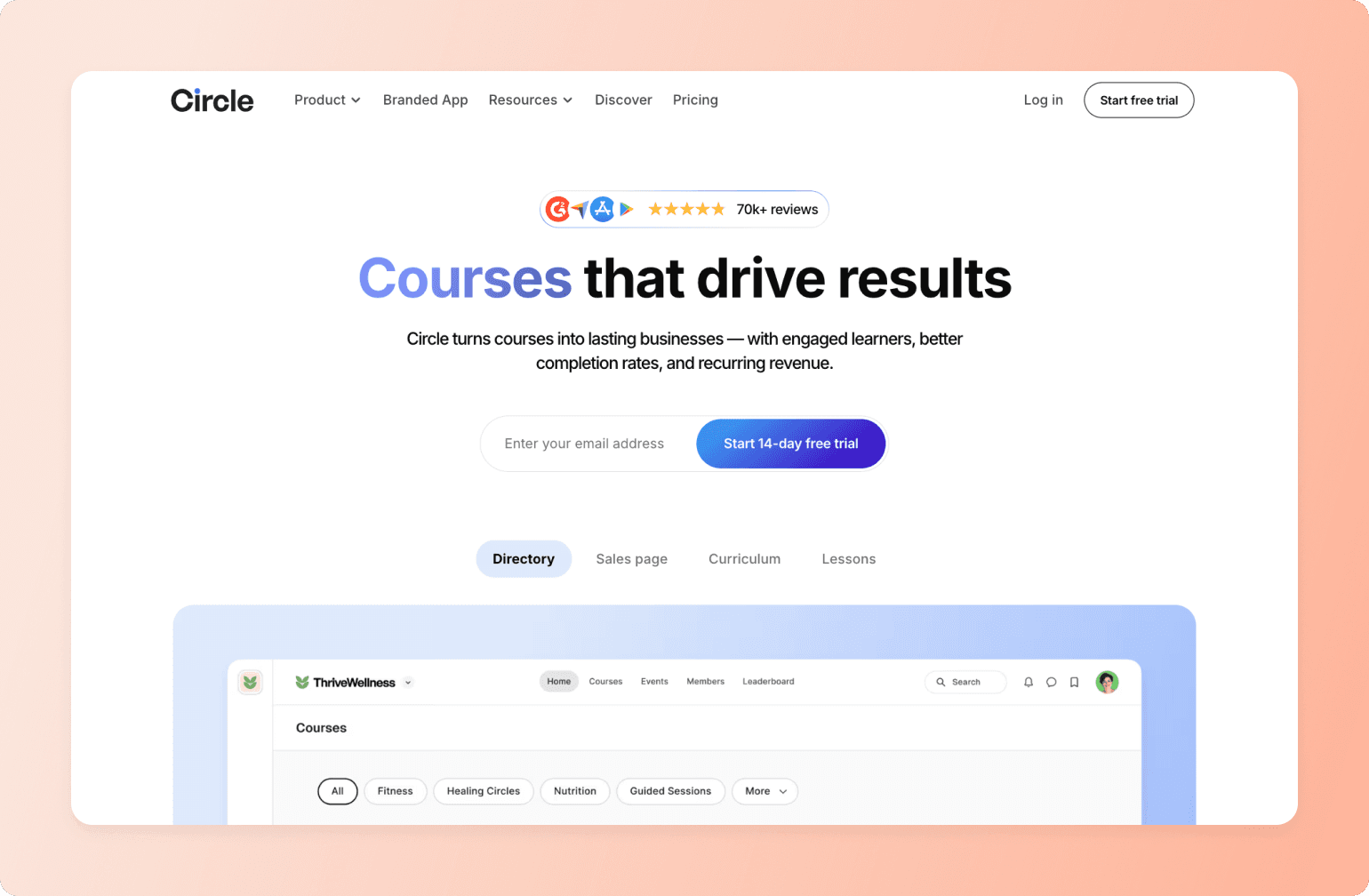
Some course communities stay active long after the learning ends. Members keep showing up, conversations keep happening, and the space feels alive months in. Circle makes that experience the default, not the exception.
Community architecture, not a community feature
Where Thinkific gives you a course platform with a community feature attached, Circle gives you structured Spaces. Each one is built specifically for courses, live events, discussions, and resources, with its own format, access level, and membership tier.
A Circle Space is the organizing principle of the whole experience. A course can live inside a Space alongside its discussion, live sessions, and the members working through it. Students have a reason to come back between modules because there's something waiting for them when they do.
A course builder for creators
Circle's course builder covers what most creators truly need: a drag-and-drop editor, drip content, cohort functionality, and quizzes. It isn't trying to be an enterprise LMS and for the vast majority of creators, that's not a limitation.
Gamification that keeps members coming back
Circle's gamification is woven into the community experience.Members earn points for posting, attending events, and completing assignments. Leaderboards, custom rewards, and automated workflow triggers on achievements give members ongoing reasons to stay active long after their first login.
AI that supports engagement at scale
Circle’s AI Agents are trained on your community's own content and available to answer member questions around the clock. Activity Scores give every member a 1–10 engagement rating over a rolling 30-day window, making it easy to spot who's going quiet and trigger a re-engagement workflow before they churn.
Analytics that show the full picture
Circle's analytics dashboard covers revenue, member activity, event participation, content engagement, and device usage in one place. Activity Scores benchmark your community against others on the platform. Full-funnel analytics, from first visit through to revenue, are available on Business and above. For creators who've been running on Thinkific's course-level reporting, it’s a major level up.
A mobile experience your members will love
Circle includes iOS and Android apps on all plans. Members can join discussions, consume courses, and attend live events from their phones without switching to a browser. And on Circle Plus, you can create a fully branded app with your logo and name in the App Store.
A website and the integrations to connect everything
Circle's website builder lets you build landing and sales pages directly inside the platform. For everything else, Circle connects via a native Zapier integration with 37+ triggers, an open API, and SSO on Plus. Whether you're bringing in leads from an email list, syncing with your CRM, or connecting an existing course catalog, the integration layer is deep enough to fit into most creator stacks without friction.
Built-in payments and monetization
Circle handles payments natively through Stripe. You can sell community access, courses, or both via one-time fees, subscriptions, or installment plans, and set up tiered membership levels with different access to Spaces and content. For creators currently stitching together Thinkific with a separate payment processor and membership tool, consolidating that into one platform is a gamechanger.
On transaction fees
Circle plans start at $89/mo (Professional), with transaction fees of 2% on Professional, 1% on Business, and 0.5% on Plus—on top of Stripe's standard processing fees. Thinkific charges 0% across all plans, so it's worth running the numbers for your own business. For most creators, the lift in completion, retention, and lifetime value that comes from a more engaged community more than covers the difference.
See how Circle compares to Thinkific across every feature.

20K+ digital businesses live on Circle
2. Kajabi — best all-in-one for marketing-driven course businesses

Kajabi is a marketing platform with courses built in, not a course platform with marketing bolted on. If you're actively using email, funnels, and a website alongside your courses, it replaces a stack of tools that would otherwise cost as much individually.
What you get
- Strong course builder with drip content, quizzes, and coaching products
- Native email marketing, sales funnels, and website builder
- Native Live Rooms with screen share, breakouts, and recording
- Gamification inside Communities: points, badges, leaderboard
- Student-facing iOS and Android app on all plans; branded app on Pro
- 0% transaction fees when using Kajabi Payments
- 30-day free trial
Where it wins
For creators who want one login and one bill, Kajabi consolidates more tools than anything else in this roundup. It even offers native live events and gamification.
Where it falls short
At $143/mo to start, Kajabi only makes sense if you're actively using the full stack. Product limits are also a real constraint: communities, courses, coaching, and podcasts all count toward your plan cap (5 on Basic).
Pricing
Plans start at $143/mo (Basic, annual) and go up to $399/mo (Pro). Pro unlocks branded mobile apps, a code editor, and up to 100,000 contacts. Third-party payment processors incur a 2% surcharge (Basic), 1% (Growth), or 0.5% (Pro) on top of standard processing fees.
3. Teachable — best for simplicity-focused course selling
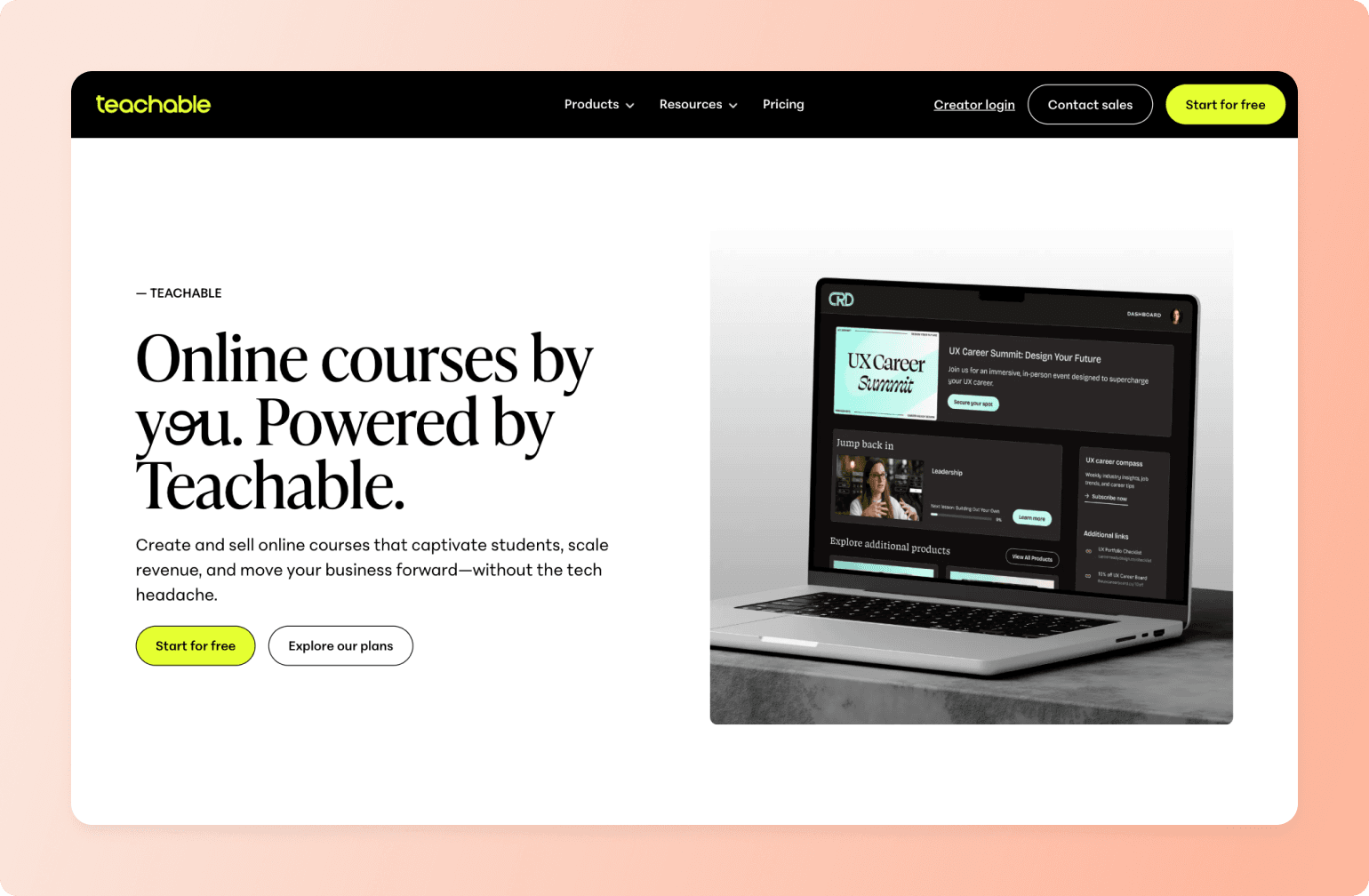
Teachable and Thinkific are the two platforms most commonly compared head-to-head, and for good reason. Both are course-first and straightforward to set up. While neither has native community depth, Teachable has the edge on UX simplicity.
What you get
- Drip content, quizzes, completion certificates, and auto-translated subtitles on all plans
- Forum-style community included on all paid plans
- Student-facing iOS and Android app (courses only)
- Custom domain on all paid plans
- 7-day free trial and 30-day money-back guarantee
Where it wins
The course tools at the $29/mo Starter plan are genuinely solid. A 2025 plan update also removed bundles and community spaces from product limits, which adds more flexibility.
Where it falls short
The community is forum-only and not accessible from the mobile app. Students have to use a browser to participate. There are no native live events, gamification, or a branded mobile app option on any standard plan, and the 7.5% transaction fee on the Starter plan is steep.
Pricing
Plans start at $29/mo (Starter, annual) and go up to $309/mo (Advanced). Transaction fees are 7.5% for Starter and 0% for Builder and above, using Teachable's native payment gateway.
4. Podia — best affordable all-in-one for solopreneurs
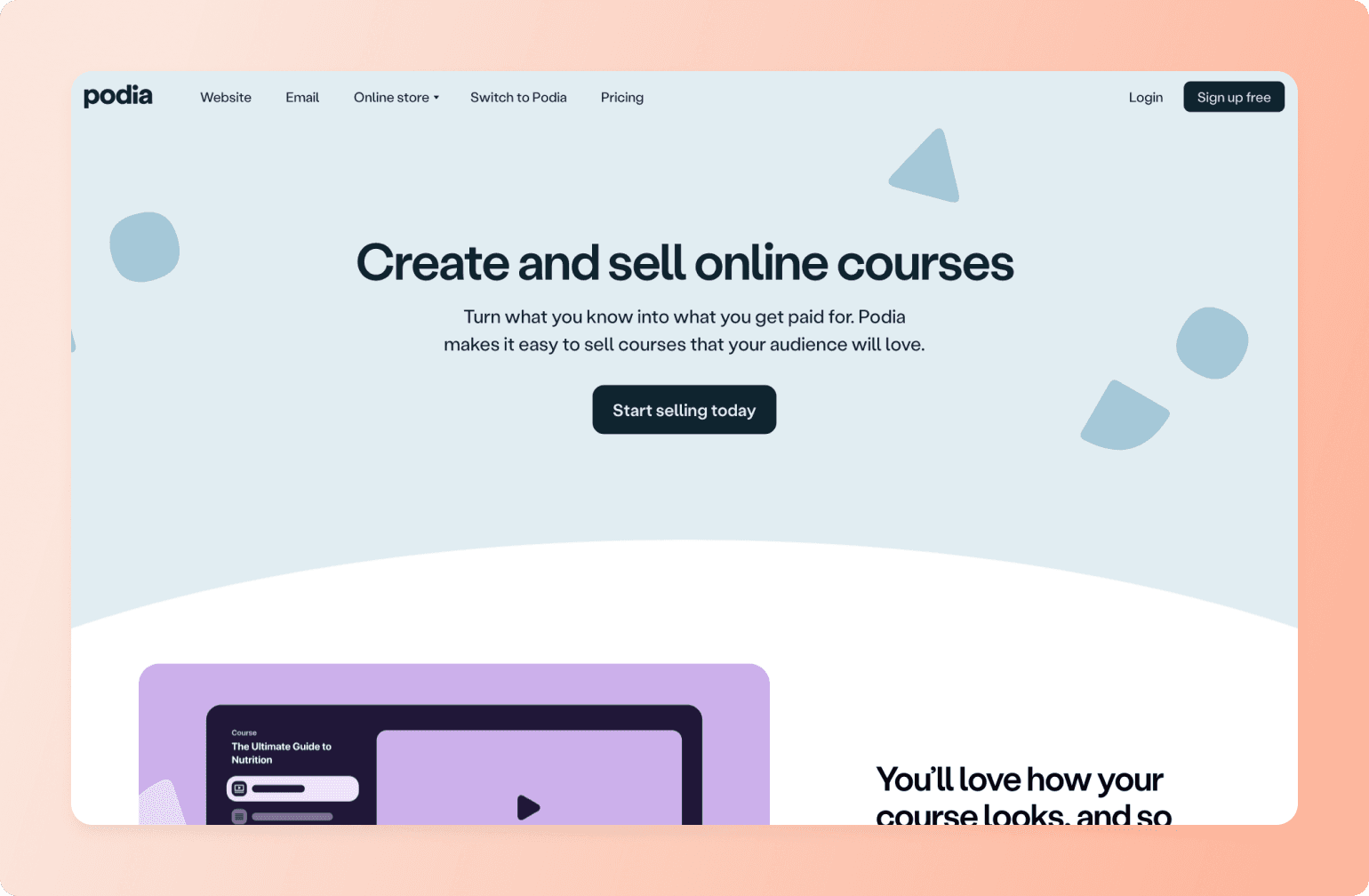
Podia's all-in-one offering is more modest than Kajabi's. It doesn't try to replace an entire marketing stack, but it's priced to match.
What you get
- Unlimited products on both plans: courses, downloads, coaching, memberships
- Native email marketing with broadcasts, automations, and segmentation
- Forum-style community
- Podia branding is removable on both plans (more generous than most competitors)
- 30-day free trial with full feature access
- Free migrations in both plans
Where it wins
Unlimited products and removable branding on both plans make Podia more flexible than it appears at first glance. For solopreneurs who want a clean all-in-one without a steep learning curve or a Kajabi-sized bill, it covers a lot of ground at a reasonable price.
Where it falls short
Podia doesn’t have a mobile app, only mobile browser functionality. Live events require Zoom or YouTube Live (Podia can host the registration page, but not the session itself). And its community offering is a discussion forum with no live rooms, gamification, or member directory.
Pricing
Plans start at $33/mo (Mover, annual). Shaker is $75/mo and removes the 5% transaction fee. Standard Stripe and PayPal processing fees apply to both plans.
5. LearnWorlds — best for interactive, assessment-heavy learning
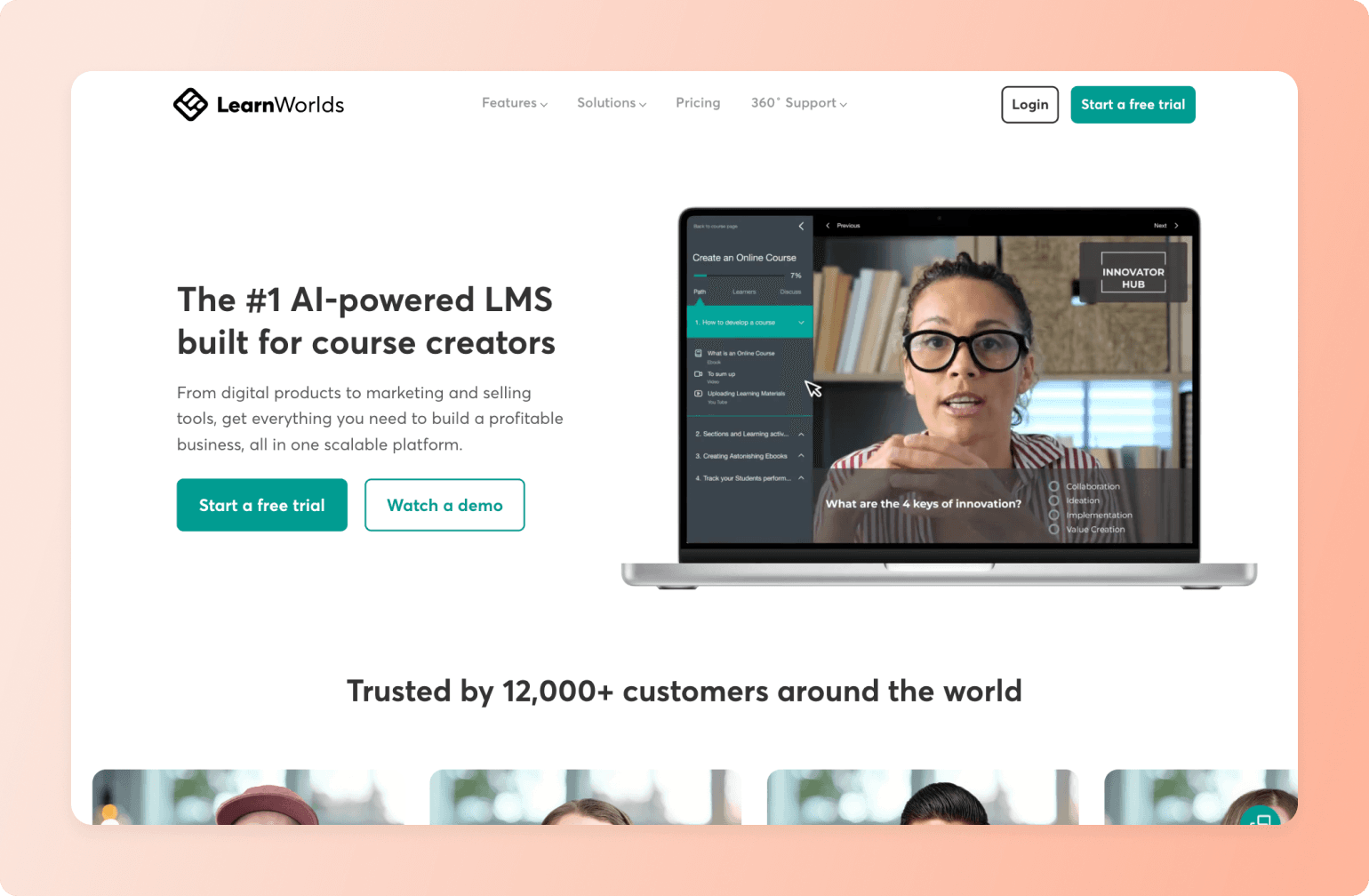
LearnWorlds is for educators who take learning outcomes as seriously as they take revenue. If you need interactive video, advanced assessments, SCORM compliance, or a white-label mobile app at a defined price point, it's a strong pick.
What you get
- Interactive video with in-video quizzes, buttons, and watermarks
- 16+ assessment types, question banks, and self-assessments
- SCORM and HTML5 compliance
- Built-in community with Spaces, social feed, DMs, polls, and People directory
- White-label branded iOS and Android app ($149/mo add-on, available on any paid plan)
- Full white-label website on Learning Center ($249/mo) and above
- 30-day free trial, no credit card required
Where it wins
The course builder is closer to an enterprise LMS than any other platform at this price point. The community includes Spaces, social feeds with polls and media, private DMs, and a People directory. The branded mobile app also has a transparent, defined price ($149/mo add-on).
Where it falls short
The $5 flat fee per enrollment on the Starter plan adds up quickly for active sellers. Gamification is badge-only with no points or leaderboards. LearnWorlds also doesn’t have native streaming. Live events require a Zoom, Webex, Teams, or Google Meet account.
Pricing
Plans start at $24/mo (Starter, annual) with a $5 flat fee per enrollment. Pro Trainer is $79/mo with 0% transaction fees. Most active sellers should start at Pro Trainer. The white-label branded mobile app is $149/mo on top of any paid plan.
6. Skool — best for coaches who want simple community + classroom
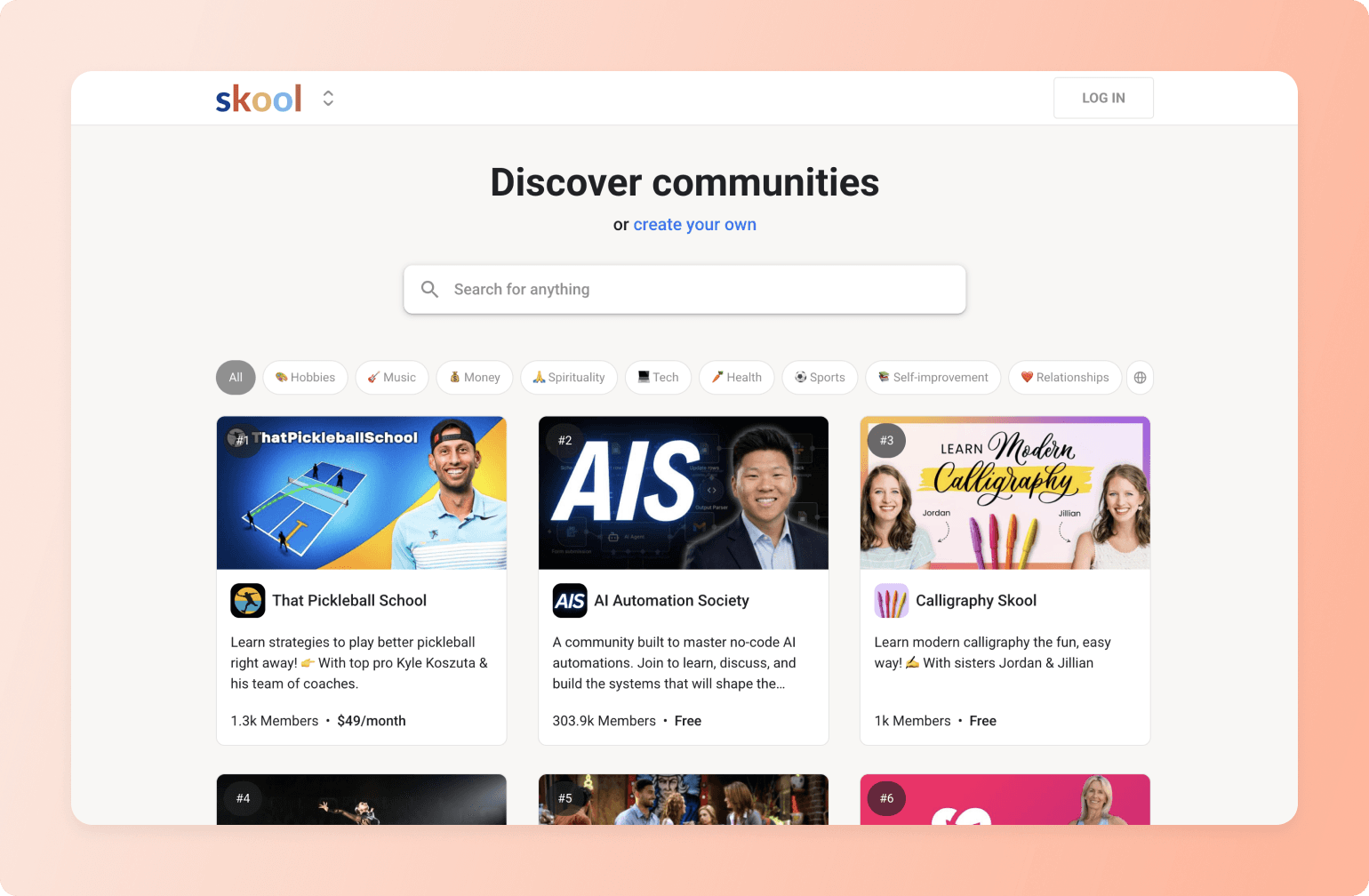
Skool is built around the idea that community participation drives learning, and learning drives community participation. Everything on the platform supports that loop, and it works well for the right use case.
What you get
- Community feed, course classroom, events calendar, and member directory in one place
- Native gamification: points, levels, leaderboards, and course content locked behind level thresholds
- Native live calls (Skool Call) and webinars on Pro
- Email broadcasts to all members included
- iOS and Android app (Skool-branded)
- Public community marketplace for organic member discovery
- 14-day free trial
Where it wins
Skool integrates gamification well into the product. Points and levels unlock course content, which creates a direct incentive for community participation. Native live calls are also a meaningful advantage for creators running regular group coaching sessions.
Where it falls short
There is no white-label option at any price point: no custom domain on Hobby or branded app on any plan. Members download the Skool app and interact with your community inside Skool's platform. Course tools are minimal. No SCORM, quizzes, completion certificates, or drip scheduling. Creators moving from Thinkific will feel that gap immediately.
Pricing
Hobby plan is $9/mo with a 10% transaction fee. Pro is $99/mo with a 2.9% transaction fee and a custom URL. Monthly billing only. No annual option is currently available.
7. Mighty Networks — best for social-network-style learning communities
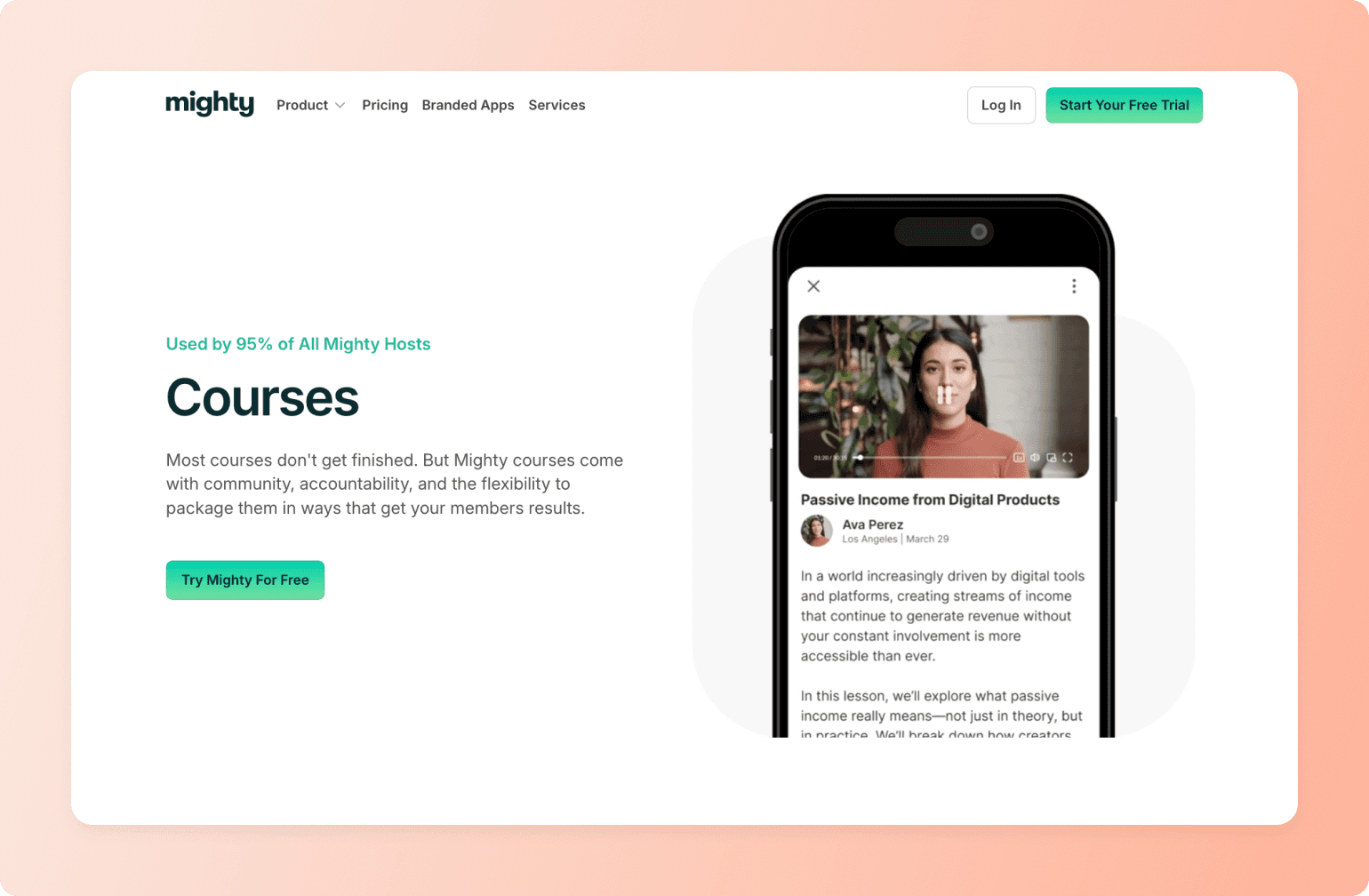
Mighty Networks is for creators who want peer connection at the center. The architecture, from Spaces to AI-generated discussion prompts to peer recognition, is all oriented around members engaging with each other as much as with your content.
What you get
- Spaces-based architecture combining courses, events, chat, and content in a single container
- Native livestreaming on all plans (up to 1,000 viewers on Growth)
- Courses with quizzes, completion certificates, drip content, and progress tracking
- Multi-layered gamification: daily streaks, points, peer recognition, badges, and leaderboards (Growth+)
- AI-generated daily discussion questions to drive member conversation
- Native iOS and Android app on all plans; branded apps via Mighty Pro
- 14-day free trial, no credit card required
Where it wins
Native livestreaming up to 1,000 viewers is more generous than most competitors at comparable price points. The gamification system is well-developed. Streaks, peer recognition tied to community values, and leaderboards all layer on top of each other. Courses include quizzes, certificates, and progress tracking, making it competitive with Thinkific on the basics.
Where it falls short
Creators moving from Thinkific will likely need the Scale plan ($179/mo) rather than Launch ($79/mo). Integrations, APIs, and migration services are only available from Scale up. Transaction fees apply to every plan (2%, 1%, 0.5%) on top of Stripe. There is no SCORM support and iOS purchases incur an additional 15% Apple fee.
Pricing
Plans start at $79/mo (Launch, monthly). Scale is $179/mo, Growth is $354/mo. Annual billing saves approximately two months. Transaction fees range from 2% on Launch to 0.5% on Growth. Mighty Pro is custom-priced.
8. Systeme.io — best free alternative with built-in marketing
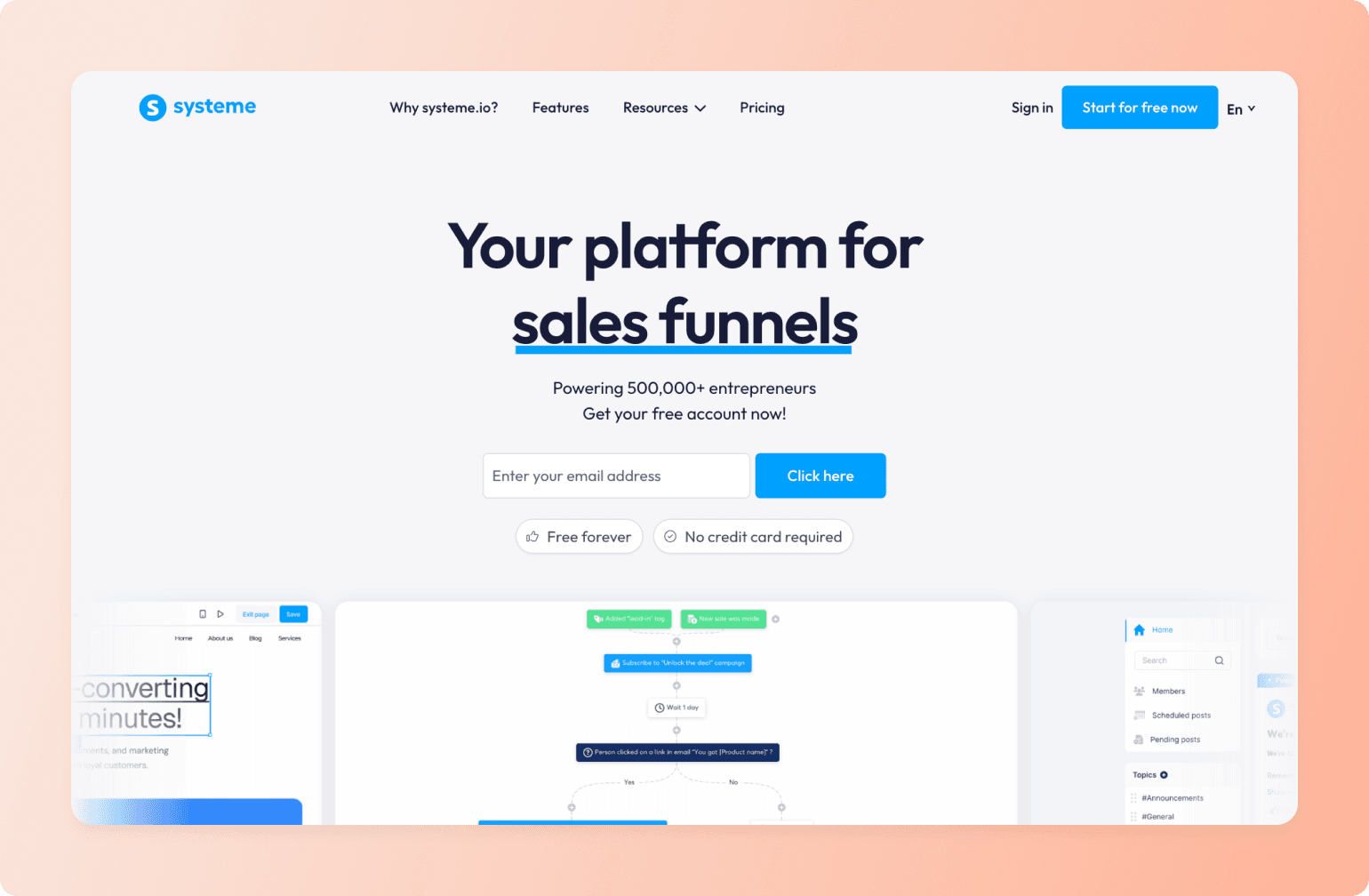
Systeme.io bundles courses, email marketing, funnels, community, and a blog into a single platform—and the entry price is free. No credit card required. For early-stage creators who need to get something out the door before they're ready to invest, it’s a meaningful starting point.
What you get
- Permanent free plan with one course, one community, three funnels, email marketing, and a blog
- Native email marketing with broadcasts, sequences, automations, and tagging on all plans
- Sales funnels, affiliate program, booking calendar, and website builder included
- 0% transaction fees on all plans
- Free migration service on the Unlimited plan and all annual plans
Where it wins
No platform in this roundup offers more for free. Funnels, email marketing, automations, courses, community, and a blog are all included at $0/mo.
Where it falls short
There are no live events, only automated/evergreen webinars. Live sessions require Zoom or Google Meet. There is no mobile app of any kind. Course tools are minimal: no SCORM, quizzes, completion certificates, or drip scheduling. Community is discussion-board level only.
Pricing
Free forever. Paid plans start at $17/mo (Startup, monthly) and go up to $97/mo (Unlimited). Annual billing saves two months. All plans include 0% transaction fees.
9. Udemy — best marketplace for maximum reach
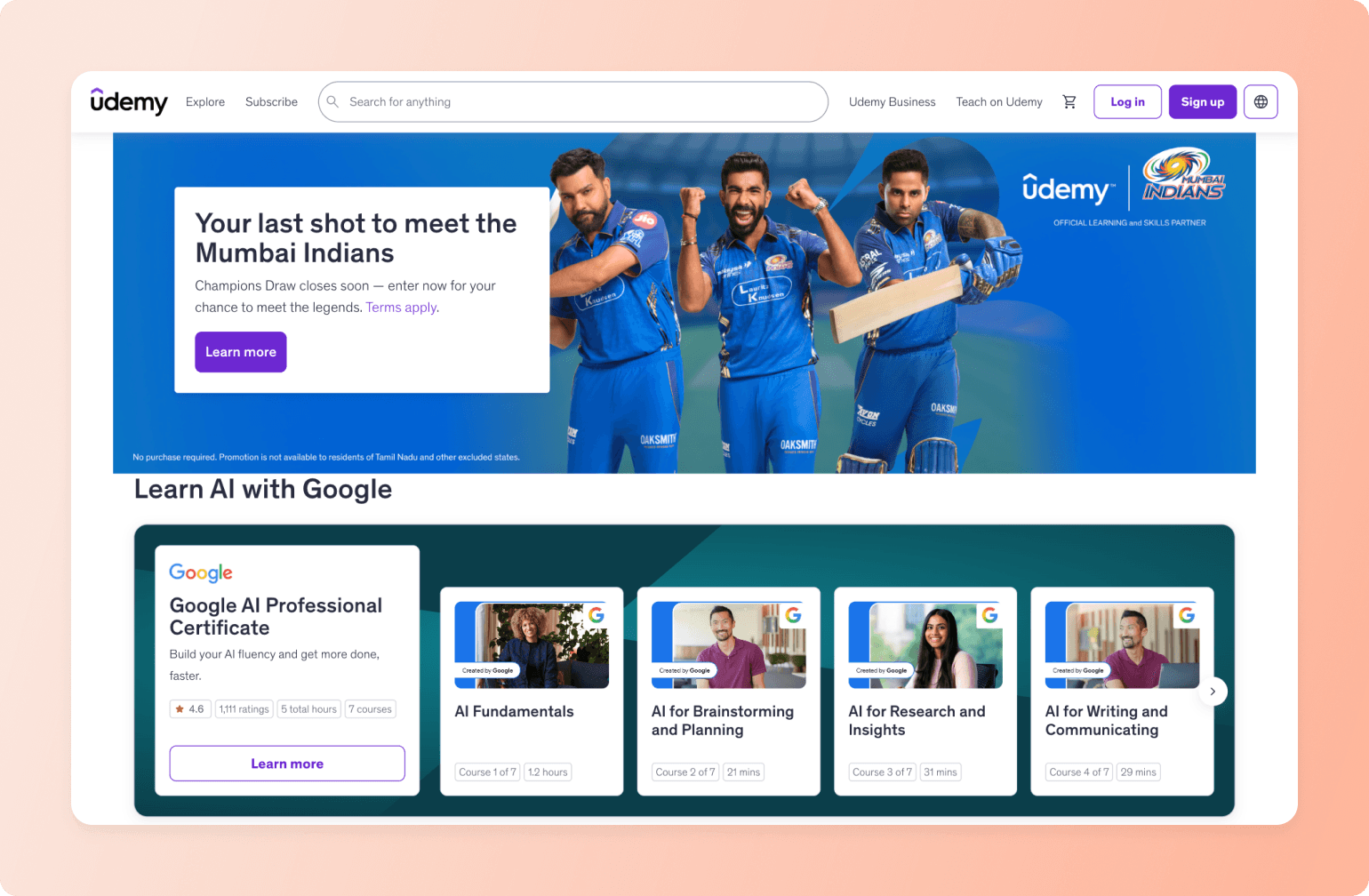
Udemy is a fundamentally different kind of course platform. You publish your course for free and trade pricing control, brand ownership, and student relationships for access to a marketplace of 70M+ learners. It belongs in this list for creators who don't have an audience yet and want to test a course idea with zero upfront cost.
What you get
- Free to publish: no monthly subscription or credit card required
- Access to 70M+ learners through Udemy's marketplace
- Course creation tools: video, quizzes, practice tests, coding exercises, captions
- Q&A forum per course and direct messaging with students
- Polished iOS and Android app with offline downloads and subtitles
- 97% revenue share when you drive your own traffic via a coupon or referral link
Where it wins
Udemy is the only platform in this roundup that brings students to you rather than requiring you to build an audience first. Zero upfront cost means zero financial risk for testing an idea. And when you drive your own traffic, the 97% revenue share is genuinely excellent.
Where it falls short
You don't own your students. Udemy doesn't share email addresses with instructors. If you leave, your student relationships stay behind. The Deals Program regularly discounts your courses to $9.99–$14.99 (opt-in by default), and the Udemy Business subscription revenue share has dropped from 20% in 2024 to 15% as of January 2026, with no floor established. There is no community, live events, gamification, or brand ownership of any kind.
Pricing
Free to publish with no monthly fee. Revenue share varies by how students find you: 97% when you drive your own traffic, 37% on organic marketplace sales, and 15% of the Udemy Business subscription pool.
Which Thinkific alternative is right for you?
Choosing the right Thinkific alternative is less about finding the best option in the abstract and more about matching the tool to where you want to take your community. The platforms in this guide each do something genuinely well. The goal is to find the one that lines up best with what you're building.
- If students finish your courses and disappear, you need a platform where community is the core experience, not an add-on. Circle solves for this. The Spaces model, live events, gamification, and AI engagement tools encourage students to return between modules. Skool offers similar functionality, but it’s tougher to make it your own without white-label features, a custom domain, or a branded app.
- If you need deep course infrastructure (SCORM compliance, advanced assessments, credentialed certificates), LearnWorlds has the LMS depth. For most creators, though, that level of compliance is more of a niche requirement than a real constraint.
- If you want to consolidate your tools, Kajabi, Podia, and Systeme.io all bundle courses with email and funnels. The trade-off is that none of them were built specifically for community, and it shows in the depth of the member experience.
- If budget is the real constraint right now, Systeme.io's free plan is a legitimate way to get something live. It won't solve an engagement problem, but it removes the financial barrier to starting.
- If you don't have an audience yet, Udemy is worth considering as a discovery channel. It’s not a replacement for an owned platform, but a way to get your first students without starting from zero.
The right platform extends the life of your courses: more students completing them, coming back, and telling others. That's what a course business that compounds looks like.
If community is the missing piece, Circle is worth a close look. Start a free 14-day trial or see how Circle compares to Thinkific before you decide.
FAQs
What is similar to Thinkific but better for community?
Circle is the strongest alternative if community engagement is the core problem. Where Thinkific's community is widely described as a dead zone, Circle's Spaces architecture is built around member participation. Structured discussion areas, live events, gamification, and AI engagement tools all work together to give students a reason to come back between lessons. Skool is a simpler, cheaper option with strong native gamification and live calls, but no white-label or custom domain.
What are the disadvantages of Thinkific?
The main friction points are community depth (widely described as minimal and underused), the lack of native live events or gamification, and an admin interface that can feel clunky at scale. The API is only available on the Grow plan ($149/mo), and users frequently describe the UX as better suited for instructional designers rather than members. Thinkific's genuine strengths (0% transaction fees, SCORM compliance, solid course tools) are less differentiated now that competing platforms have closed many of those gaps.
Is Circle or Thinkific better for course creators?
If you need a reliable, cost-effective place to host and sell courses, Thinkific's 0% transaction fees and SCORM compliance are real advantages. If you want students to stay engaged between modules and actually complete what they started, that's Circle's core strength and Thinkific's core gap. The 0.5%–2% transaction fee is the honest trade-off.
Can I migrate from Thinkific to Circle?
Yes. Circle offers managed course migration with a typical timeline of two to four weeks. Most creators migrate one course or cohort at a time, running both platforms in parallel during the transition. You don't have to do it all at once.
Does Thinkific have a mobile app?
Thinkific has a student-facing mobile app (iOS and Android) for course consumption. A branded white-label app is available via Thinkific Plus, which is an enterprise tier with custom pricing. Thinkific's standard plans don't include a branded mobile app.
Is there a free Thinkific alternative?
Systeme.io has a permanent free plan (not a trial) that includes one course, one community, three funnels, email marketing, and a blog. For community-focused needs, Skool's Hobby plan starts at $9/mo, though its 10% transaction fee makes it expensive for active sellers. No platform in this roundup matches the depth of Thinkific's course tools on a free plan.
Which is better: Thinkific or Kajabi?
Kajabi is more expensive ($143/mo vs Thinkific's $36/mo annual entry) and includes significantly more: email marketing, sales funnels, a website builder, native live events, and gamification in one platform. If you're actively using all of those tools, Kajabi can replace a stack that would cost as much individually. If you only need courses, Thinkific is more cost-effective. Kajabi also has a 30-day free trial. Thinkific's free plan is functional but limited to one course.
What's the best platform for courses AND community?
Circle is the strongest option when both matter. The course builder covers drip content, cohorts, quizzes, and live events. The community layer (Spaces, gamification, AI engagement tools) turns a course into an ongoing experience rather than something students complete and forget. For creators who want both, it's the clearest answer in this roundup.

Head of Performance Marketing
Marcus is the Head of Performance Marketing at Circle—and Circle's main demand gen nerd.