9 Podia alternatives for creators who've outgrown their starter platform
Podia has built a reputation as an all-in-one platform for creators looking to sell courses and digital downloads. Clean interface, everything in one place, no technical headaches. That's worth something.
But if you’re reading this, you’ve probably hit a wall in your business’s growth. It could be the transaction fees that eat into your revenue. Or, it could be the mishmash of integrations you have to manage — email marketing, livestreaming, forums — that make you feel more like an air traffic controller than a coach.
The challenge for creators on Podia looking to build long-term relationships is that community is an afterthought, not a core part of the platform.
👉🏼 People don’t buy products, they buy experiences.
Think about the athletic clothing store that offers fitness classes, or the gadget shop that hosts hands-on training. The product gets you in the door. The experience is why you stay.
That's exactly what the best creators are building online. And Podia, for all its simplicity, wasn't designed for that.
We’re going to talk about why course creators are looking for Podia alternatives, how to choose the right one based on your business and audience, and break down the details on the 9 best Podia alternatives for creators just like you.
Why are creators looking for Podia alternatives?
If you give someone a fish, you feed them for a day. If you teach them how to fish, you feed them for a lifetime. But what about you? You’ve taught them to fish, and they’re off catching some trout (or a nice bass) while you’re waiting for the next person to come along in search of a fishing lesson.
The best creators aren't just teaching. They're building something people want to come back to (and building a business around it). A community. A transformation. A place that keeps growing even when you're not actively selling.
Podia makes it easy to get started, but it wasn't built for that next stage. Here's what we keep hearing from creators who made the switch:
- Transaction fees that don't scale. Podia’s Mover plan (its basic plan) charges a 5% transaction fee on every sale. A creator with $3,000/month in revenue would end up paying $150 in fees on top of the $39/month cost for the plan.
- Missing core course features. Podia lacks quizzes and graded assignments. They’re not add-ons or extras in higher tier plans. They’re just not available. There’s also no drip content scheduling or built-in Zoom or other video integration, just a lot of copy and pasting links.
- Community is bolted on, not built in. Podia offers basic community features. It’s great for building amazing sales pages, but the conversation and conversion have to happen somewhere else.
- No mobile app experience. Learning doesn’t just happen at our desks. While other Podia alternatives offer native iOS and Android apps, Podia is limited to a mobile-friendly website. Mobile-friendly is the gluten-friendly of experiences (just not worth it).
- Undeveloped analytics. Knowing how your customers are progressing through lessons, where they’re facing roadblocks, and how they’re engaging with the content and each other are critical insights for any course creator. Podia offers analytics, but they’re not as robust and detailed compared to some of the Podia alternatives we’ll get into.
How to choose the right Podia alternative
Not sure where to start? The table below breaks down all nine platforms at a glance by what they're best for, what they cost, and whether they cover the two things Podia users are leaving for — community and courses.
Use it as a quick reference before diving into the full writeups below.
| Platform | Best For | Starting Price | Transaction Fee | Community | Courses |
|---|---|---|---|---|---|
| Circle | Podia users tired of their courses, community, and email list living in three different places | $89/month | 1–2% depending on plan | Core feature — unlimited structured spaces, DMs, live streaming, gamification | Included on all plans |
| Thinkific | Podia users hitting the ceiling on course features — especially quizzes, graded assignments, or drip scheduling | $49/month (free plan available) | 0% on all paid plans (Thinkific Payments) | Not available | Unlimited courses, quizzes, drip scheduling, certificates |
| Teachable | Podia users whose audience is growing but Podia's marketing tools aren't keeping up | $29/month (7.5% fee) / $69/month (0% fee) | 7.5% on Starter; 0% on Builder+ | Basic — available on higher-tier plans only | Quizzes, certificates, compliance tools, drip content |
| Kajabi | Podia users who've outgrown the platform and want courses, community, funnels, and coaching in one place | $179/month (annual) | 0% on Kajabi Payments | Basic — one community per product | Courses, cohorts, coaching, AI-assisted creation |
| Mighty Networks | Podia users whose students feel like customers, not community members | $79/month | Transaction fees apply | Core feature — spaces, live streaming, events, member profiles | Courses with quizzes and tests included |
| Systeme.io | Podia users frustrated by transaction fees who want more automation without a premium price | $0 (free plan) / $27/month | 0% | Not available | Course hosting included on all plans |
| Skool | Podia users who want a real community but keep hitting Podia's basic chat ceiling | $99/month flat | 0% (2.9% payment processing) | Core feature — gamification, leaderboards, member discovery | Basic — no quizzes or course compliance tools |
| Gumroad | Podia users who mostly sell standalone digital products and don't need the course or community infrastructure | $0 (free) | 10% + .50 or %30 | Not available | Basic digital product delivery only |
| Ko-fi | Podia users early in their journey who want to simplify — sell what you have, keep more of what you make | $0 (free) / $12/month (Gold) | 5% free plan; 0% Gold plan | Not available | Not available |
10 Best Podia alternatives in 2026
1. Circle — best for creators who want to build around community
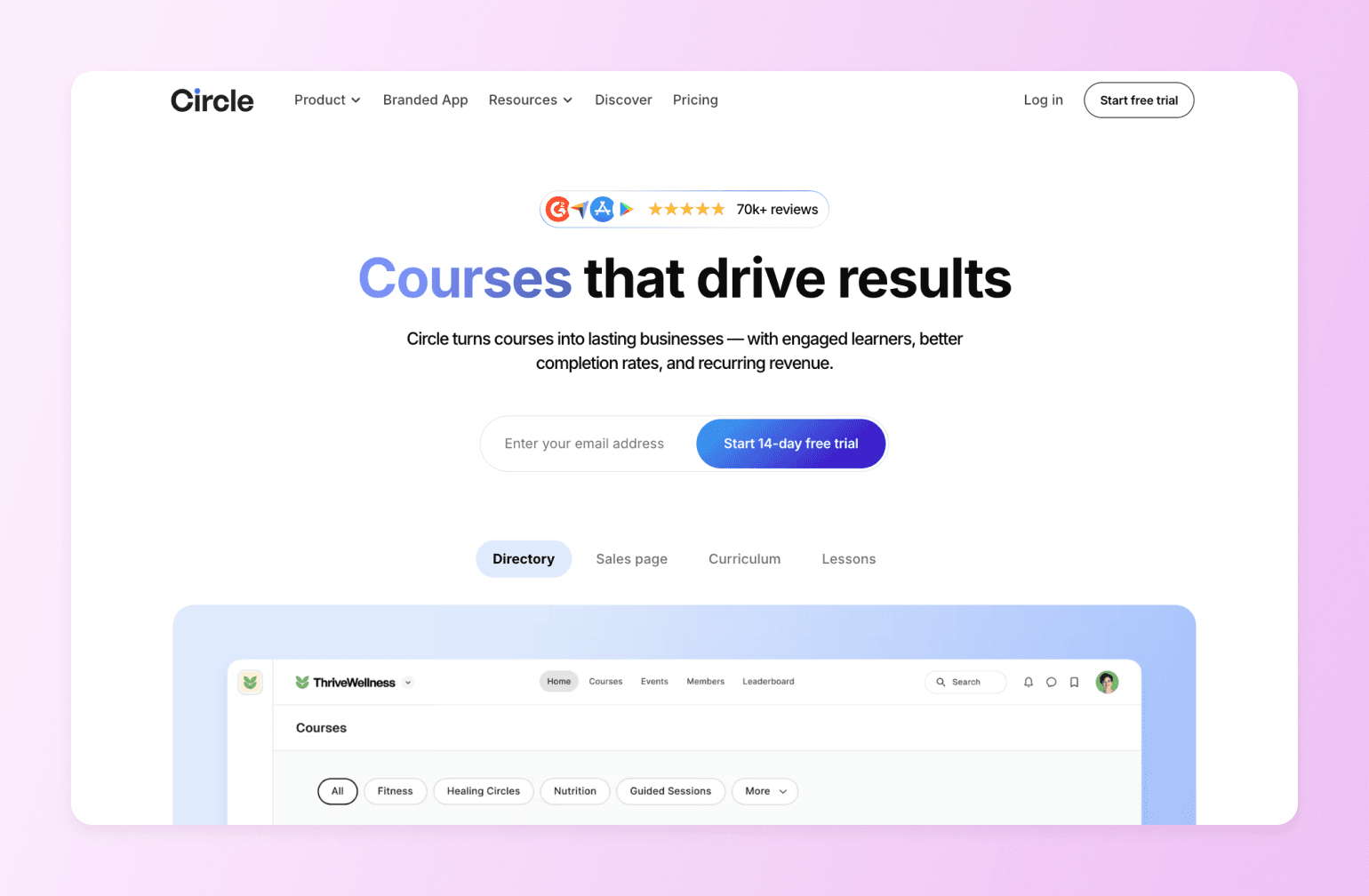
Creators know Circle for its community-first approach to everything. It's a trusted, unified platform where creators like you can bring your audience together, sell your knowledge, and grow a thriving community — all under your own brand.
What makes Circle stand out is the depth of integration. Circle connects your website, community, courses, and payments with seamless connections to memberships, courses, and content. Your students never have to leave to find what they need.
🔍 On Podia, courses and community are separate product types. On Circle, they're the same thing.
Each lesson has its own discussion thread so members can ask questions and support each other. Points, leaderboards, and badges reward course completion and community participation. It’s the type of engagement that makes members feel their subscription is worth renewing month after month.
Circle also closes one of Podia’s biggest gasps — mobile. Sure, Podia is mobile-friendly, but Circle offers a native iOS and Android app with push notifications. The difference between a browser tab in a sea of dozens of tabs and a push notification that brings them back is the difference between members who drift and members who stay.
When it comes to “experiences, not products”, Circle shines. A course on Podia gets consumed and forgotten. A community on Circle gets returned to because there’s always something happening, someone to talk to, and a reason to show up that’s more than just the next lesson.
That’s the difference between a one-time sale and a member who renews. Recurring revenue doesn’t come from better sales pages, it comes from members who show up. Circle was built around that insight from day one, which is why its entire feature set — gamification, live events, discussion threads, notifications — is designed around one outcome: keeping your members engaged long after they've finished your course.
And for creators who are tired of being the bottleneck on everything, Circle’s AI agents and behavior-triggered workflows handle member communication automatically. They can answer questions, flag at-risk members, and send email based on what members actually do, not just when they buy.
Circle beats Podia at providing the most complete feature set with the fastest product development, launching over 200 user-requested features in the last year. Here’s the tale of the tape when it comes to Circle vs. Podia:
| Feature | Circle | Podia |
|---|---|---|
| Community spaces | Full featured | Basic chat only |
| Gamification | Points, ranks, leaderboard | Not available |
| Live streaming | Native, built-in | Not available |
| Course hosting | Included in all plans | Included in all plans |
| Drip scheduling | Available | Not available |
| Quizzes and assignments | Available | Not available |
| Branded mobile app | Circle Plus | Not available |
| Email marketing | Email Hub (add-on) | Built-in, first 100 subscribers are free |
| Sales funnels | Not available | Basic |
| Transaction fees | 1-2% depending on pan | 0-5% depending on plan |
| Migration Support | Full migration team for courses, emails, and payments | Not available |
| AI agents and workflows | Built-in | Not available |
👉🏼 Worth noting: We’d be remiss if we didn’t point this out. Podia has a slight edge on email marketing over Circle. It’s available built-in on all of Podia’s plans, but on Circle it is a paid add-on. If email and funnels are your primary need, think about this when you’re making your decision.
Key features:
- Built-in community features, including forums, group chat, direct messaging, and a searchable knowledge base.
- White-label mobile app for iOS and Android.
- Course sales supported through memberships, gated content, and flexible payment options (one-time, subscriptions, trials).
- Automation workflows for onboarding, reminders, and member engagement.
- Email Hub add-on for newsletters, broadcasts, and automated email sequences.
Pricing: Plans start at $89/month and all core plans offer a 14-day free trial.
Best For: Podia users who are tired of their courses, community, and email list living in three different places.
Users Say:
👍🏼 "Having a mobile app where our community can post, engage with others' posts, and send DMs without having to be on a computer enables us to fit into the "small gaps" in the day where people would go to social media." —Verified review from G2
🤔 "For admins, community managers, the back end can be a learning curve. Especially when it comes to spaces, groups." —Verified review from G2
Pros:
- Easy to setup and manage
- Responsive customer support
Cons:
- Pricing is higher compared to other alternatives
- Analytics and web builder are new additions to the platform

20K+ digital businesses live on Circle
2. Thinkific — best for sophisticated course builders

Thinkific is the alternative that stays focused on what actually matters for course creators — the learning experience. Where Podia leaves you without quizzes, graded assignments, or drip scheduling on any plan, Thinkific treats these as table stakes. It's purpose-built for course creation — no bells or whistles — just a genuinely powerful course platform that starts at nearly the same price as Podia's basic plan. And unlike Podia's Mover plan, Thinkific charges zero platform transaction fees on all paid plans when you use its Thinkific Payments.
Key features:
- AI-powered content creation
- SCORM-compliant LMS
- Unlimited courses and digital downloads
- Automatic tax collection and remittance for U.S. and Canadian sales
- Advanced analytics
Pricing: Plans start at $49/month. A 14-day free trial is available.
Best For: Podia users hitting the ceiling on course features — especially if you need quizzes, graded assignments, or drip scheduling.
Users Say:
👍🏼 "The platform makes it easy to turn an idea into a structured digital product in a very short time. I also appreciate the flexibility in pricing options, especially the ability to offer free downloads in exchange for email signups." —Verified review from G2
🤔 "The analytics, while useful, could be more comprehensive, and some aspects of design customization may require coding knowledge. In certain cases, users also have to rely on workarounds for specific integrations, which can be inconvenient for teams looking for a fully streamlined setup." —Verified review from G2
Pros:
- Zero transaction fees
- Quizzes, assignments, and drip scheduling included
- Unlimited courses on every plan
Cons:
- No built-in community
- No native email marketing
- Some design customization requires coding
3. Teachable — best for course creators who need powerful marketing
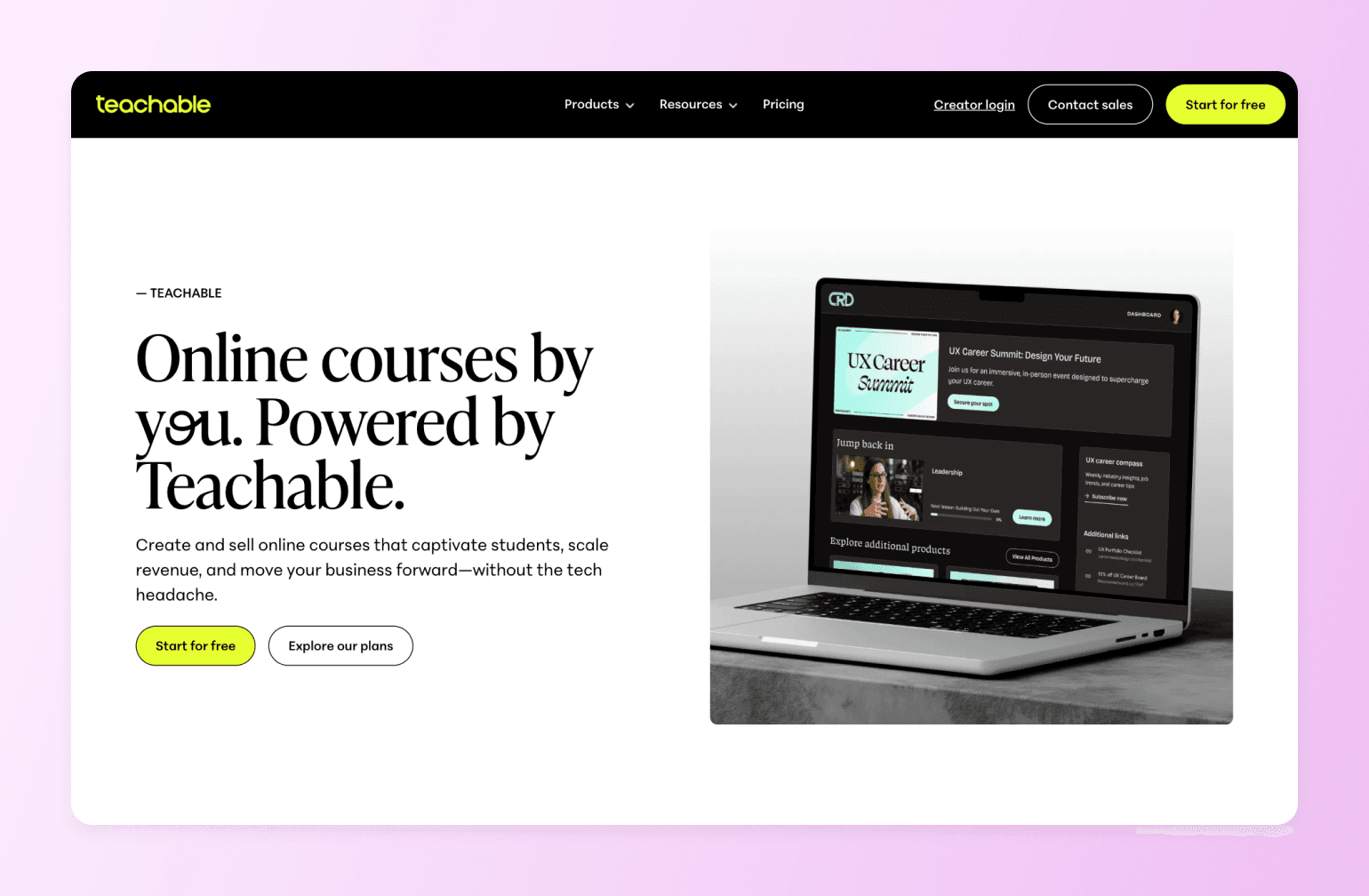
If you’re looking for a platform with more marketing muscle than Podia, but simpler than all-in-one’s like Circle, take a look at Teachable. Where Podia’s marketing tools are basic, Teachable gives you affiliate programs, sales page builders, and upsells out of the box. It also includes a native iOS and Android app on all paid plans, something Podia doesn’t offer with any plan. If your audience is growing, but your sales conversations aren’t keeping up, Teachable gives you the tools to close that gap.
⚠️ Teachable overhauled its pricing in 2026, introducing hard limits on the number of products you can sell and students you can enroll, with overage fees if you exceed your plan's caps.
Key features:
- Native iOS and Android mobile app on all paid plans
- Built-in affiliate program (Builder plan and up)
- Order bumps, upsells, and abandoned cart emails
- Quizzes, certificates, and course compliance tools
- Automatic sales tax and VAT handling
Pricing: Plans start at $39/month (with 7.5% transaction fee). The Builder plan at $89/month eliminates transaction fees. Teachable has a 7-day free trial available.
Best For: Podia users whose audience is growing but Podia's marketing tools aren't keeping up.
Users Say:
👍🏼 "Teachable makes it incredibly easy to transform your knowledge into a course you can sell. The editor is straightforward, setup is quick, and you don't need any technical expertise to easily create something that looks professional." —Verified review from G2
🤔 "The site customization options feel somewhat limited. While you are able to make some adjustments, it doesn't offer the same level of flexibility as a dedicated website builder. Additionally, certain features that I would expect to be standard, such as a wider selection of themes, are only available with more expensive plans." —Verified review from G2
Pros:
- Native mobile app included on all paid plans
- Strong affiliate and sales tools
- Handles global tax compliance automatically
Cons:
- Transaction fees on lower plans
- Product and student limits on all plans
- No built-in community
4. Kajabi — best for advanced marketing and funnels
Where Teachable gives you better marketing tools, Kajabi gives you an entire marketing machine. It’s the platform for creators who are done stitching together things like email marketing, sales funnels, landing pages, and course hosting. All these features live under one roof with Kajabi, plus it also introduced a new AI-assisted course creation tool earlier this year.
The trade off is on price. Key features like the affiliate program, advanced automations, and cohort-based courses are locked behind its $249/month Growth plan.
Key features:
- Built-in email marketing and visual automation builder
- Sales funnels and landing pages
- AI content creation tools
- Cohort courses and coaching programs
Pricing: Plans start at $179/month and it offers a 14-day free trial.
Best For: Podia users who've outgrown the platform entirely and want one place to run their courses, community, funnels, and coaching — without stitching tools together.
Users Say:
👍🏼 "Kajabi has everything a business owner needs to communicate with both clients and team. It is well organized and intuitive." —Verified review from G2
🤔 "I started not liking Kajabi because they kept announcing new products that weren't great. They announced new things like a podcast feature and a community area, but they were very basic and not well-built. It seemed like they were trying to do a lot but weren't doing it well." —Verified review from G2
Pros:
- Replaces multiple tools
- Zero transaction fees
- Strong automation and funnel builder
Cons:
- Most expensive starting point on this list
- Key features locked behind higher-tier plans
- Contact limits on the Basic plan (2,500)
5. Systeme.io — best for creators on a budget
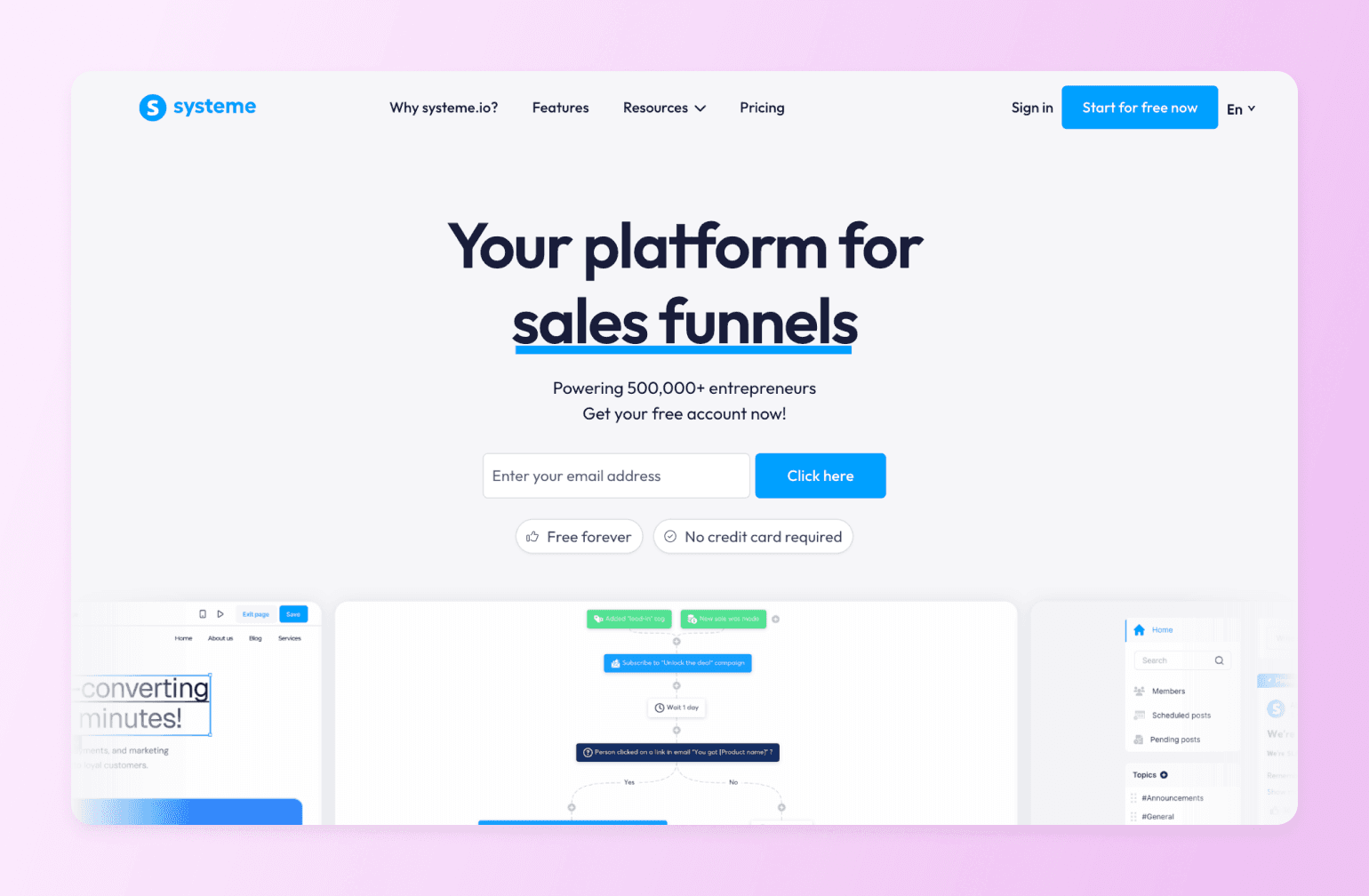
If you need funnels, email automation, and course hosting but aren't ready to pay Kajabi or Podia prices, Systeme.io makes a strong case for itself as the most affordable all-in-one option on this list. All those features plus affiliate management are all included — even on the free plan. The feature depth doesn't match the premium platforms, but for a creator who needs the basics done well without the premium price, it gets the job done.
Key features:
- Sales funnels and landing pages
- Email marketing and automation
- Course hosting
- Affiliate program management
Pricing: Free plan includes 2,000 contacts, 3 funnels, and 1 course. Startup plan includes up to 5,000 contacts starting at $17/month.
Best For: Podia users frustrated by transaction fees who want more automation without jumping to a premium price point.
Users Say:
👍🏼 "I find Systeme.io to be the best cost-effective way to send emails. The free forever plan with up to 2000 subscribers is super helpful, and it's easy to upgrade as more subscribers join." —Verified review from G2
🤔 "While Systeme.io works very well overall, some advanced design customization options are limited compared to more complex platforms. The email editor and page builder could be improved with more templates and flexibility. Also, deeper analytics and reporting features would make it even more powerful." —Verified review from G2
Pros:
- Generous free plan
- Funnels and email marketing included at every tier
- No transaction fees
Cons:
- Design and UI less polished than competitors
- No native community features
- Limited customization
6. Skool — best for course builders on a budget
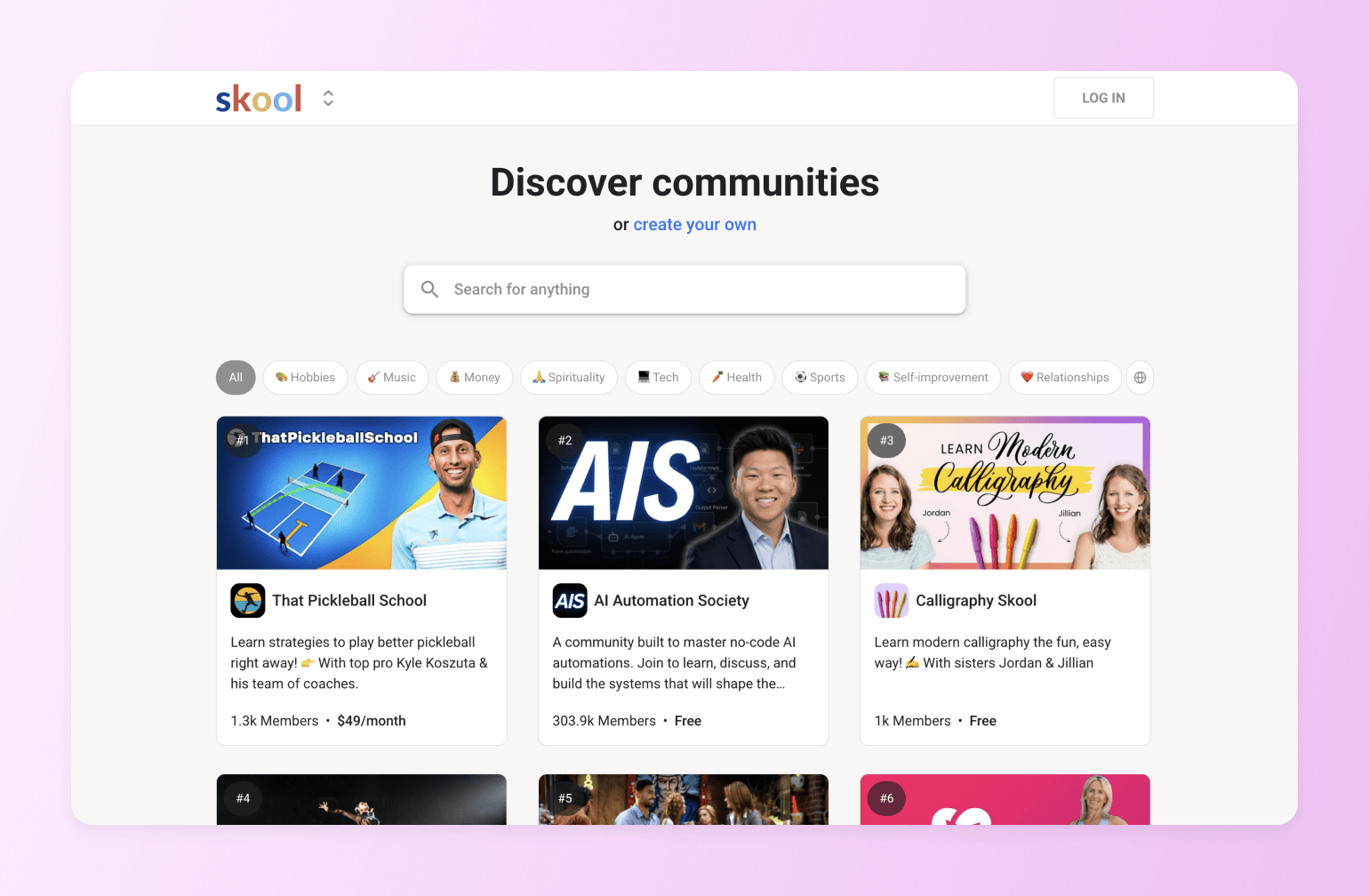
Skool is lean, focused, and surprisingly powerful for what it costs. It features a comprehensive gamification system including leaderboards, level hierarchies, and point systems, plus a community discovery system that lets users search and join communities using keywords. (Think Facebook Groups, but better.) There's no bloat, no feature overwhelm — just a tight community experience that keeps members coming back.
Compare: Circle vs. Skool
Key features:
- Gamification with points, leaderboards, and badges
- Native iOS and Android app
- Community discovery
Pricing: Skool offers a Hobby plan at $9/month and a Pro plan for $99/month.
Best For: Podia users who want a real community on a budget.
Pros:
- Simple, flat-rate pricing
- Strong gamification out of the box
- Community discovery drives organic growth
Cons:
- No quizzes or course compliance tools
- No built-in email marketing
- Limited payment flexibility
7. Mighty Networks — best for community-minded creators
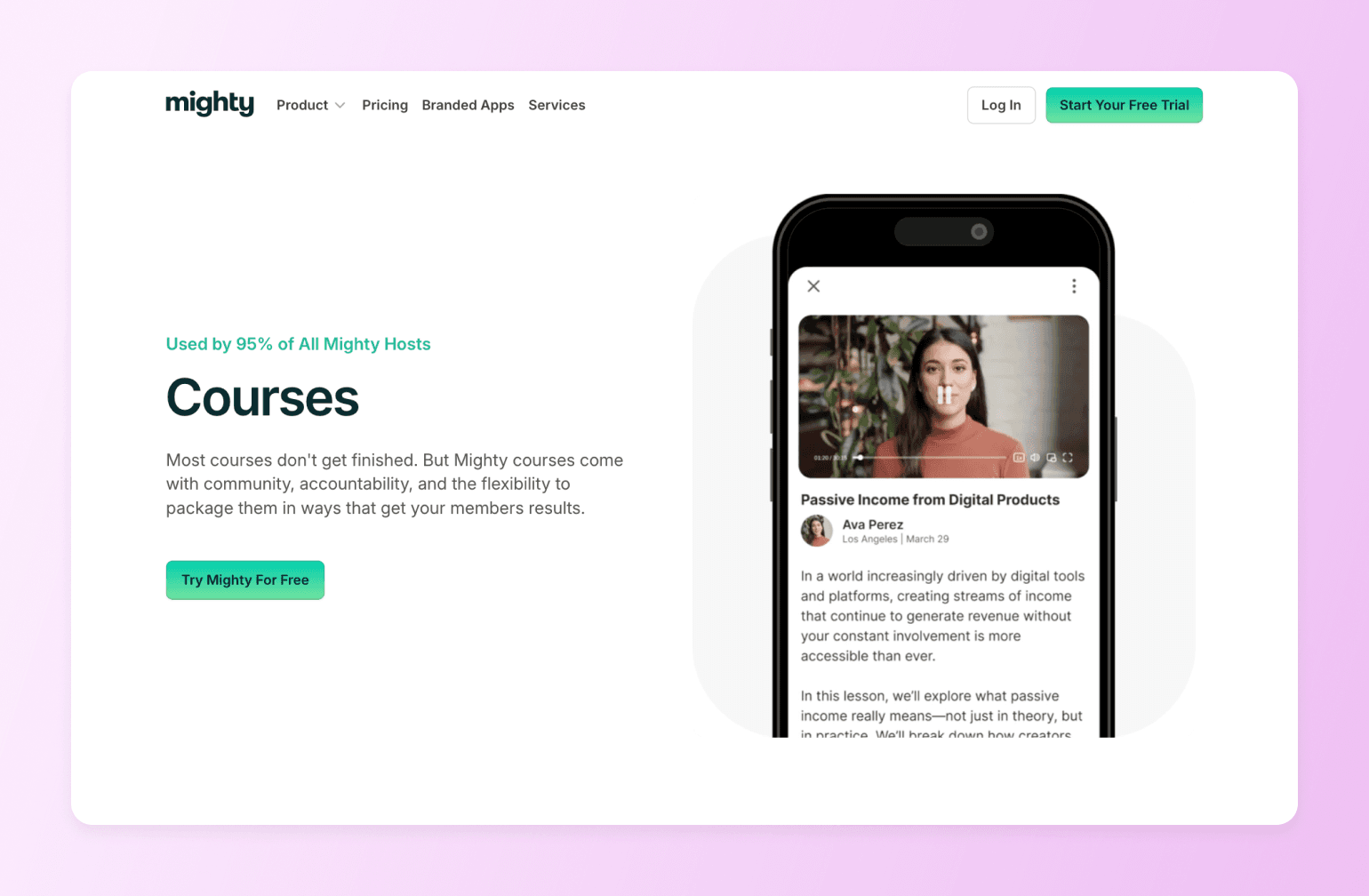
If your students feel like customers rather than community members, Mighty Networks is a solid alternative to Podia. Courses, community, events, and payments all live in one place. Where Mighty Networks differs from Podia most sharply is in the depth of member connection it enables. Members can follow each other, message directly, attend live events, and participate in structured spaces — all inside one platform.
Key features:
- Structured community spaces and member feeds
- Native live streaming
- Built-in courses with quizzes and tests
- Native iOS and Android app with push notifications
- Built-in ambassador/referral program
Pricing: Plans start at $95/month and include courses, community, and automation tools.
Best For: Podia users whose students feel like customers, not community members.
Users Say:
👍🏼 "I really love that Mighty Networks acts like a private social network, which is just like LinkedIn for physical therapists but without all the creepy ads. It's a great way to get good engagement without having to pay to win or be limited by an algorithm like on Instagram or Facebook." —Verified review from G2
🤔 "There is a lot of upselling pressure. I dislike this because I'm quite satisfied with the platform setup that I have. It looks like the higher-level versions use a lot of gamification and AI, which I'm not interested in." —Verified review from G2
Pros:
- Best-in-class mobile app
- Deep community features built natively
- Courses and community fully integrated
Cons:
- Transaction fees on all plans
- No built-in email marketing
- Steeper learning curve than Podia
8. Gumroad — best for simple digital downloads
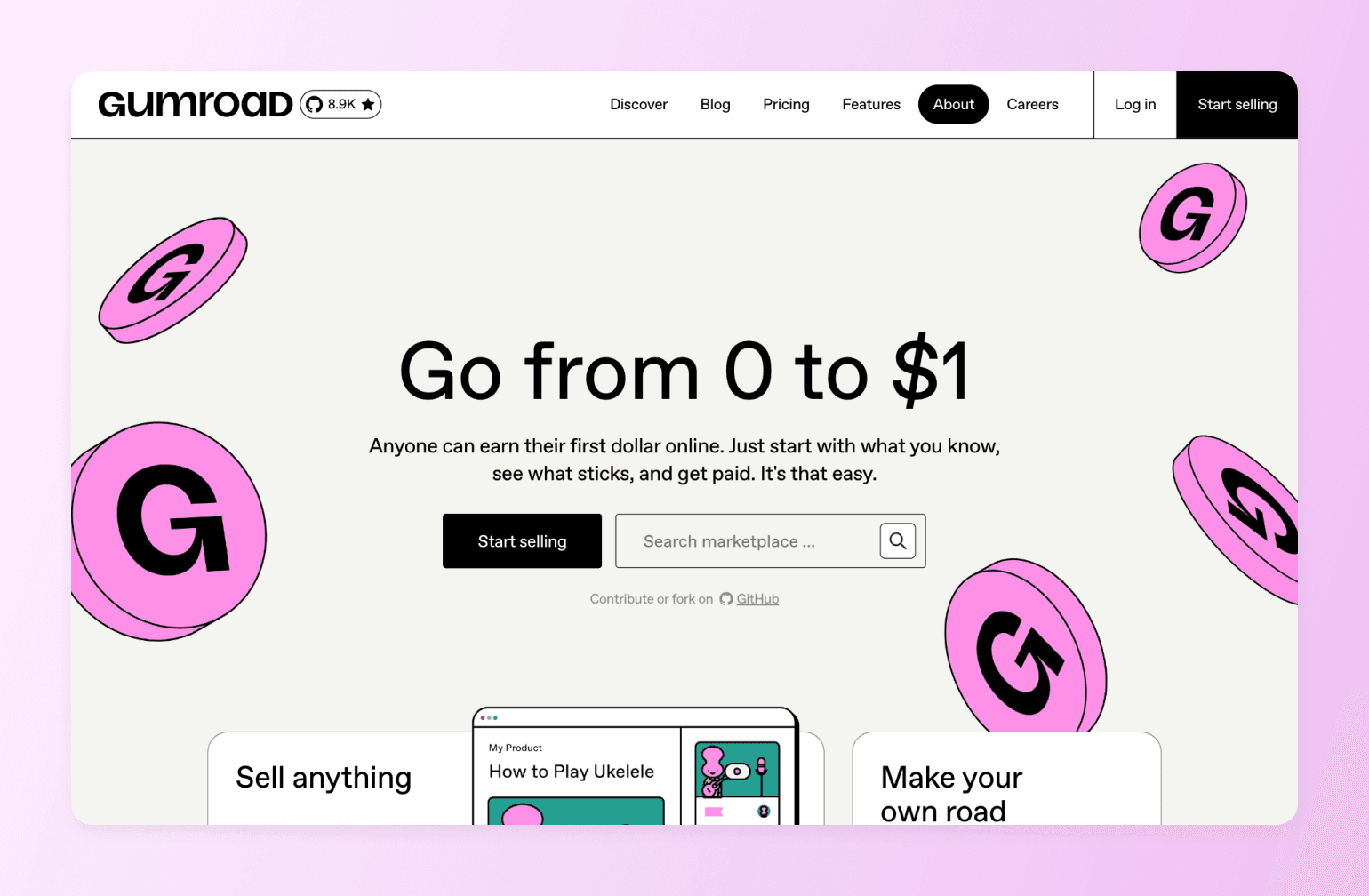
Gumroad is one of the simplest ways to sell digital products like courses. You upload a file, set a price, share a link, and get paid. There’s no community, no course builder, no email marketing. But if your Podia subscription is mostly paying for infrastructure you're not using, then Gumroad removes everything standing between you and a sale.
Key features:
- Instant digital product delivery
- Pay-what-you-want pricing option
- Flexible pricing: one-time, recurring, or fixed-length
- Basic storefront and product pages
- Marketplace discovery
Pricing: There’s no subscription fee. You just pay 10% + $0.50 for sales through your links or 30% for sales through the Gumroad marketplace.
Best For: Podia users who mostly sell standalone digital products and don't need the course or community infrastructure they're paying for.
Users Say:
👍🏼 "Seriously, Gumroad makes it so easy to sell any digital product.. as they make checkout so easy for customers. Product is delivered instantly after purchasing." —Verified review from G2
🤔 "Fees. The total fees comes out to about 13% taking into account the Gumroad fee and the payment processing fee." —Verified review from G2
Pros:
- No monthly subscription — you only pay when you sell
- Dead simple to set up
- Pay-what-you-want pricing option
Cons:
- Transaction fees are steep at higher revenue
- No course builder or community
- No built-in email marketing
9. Ko-fi — best for creators just getting started
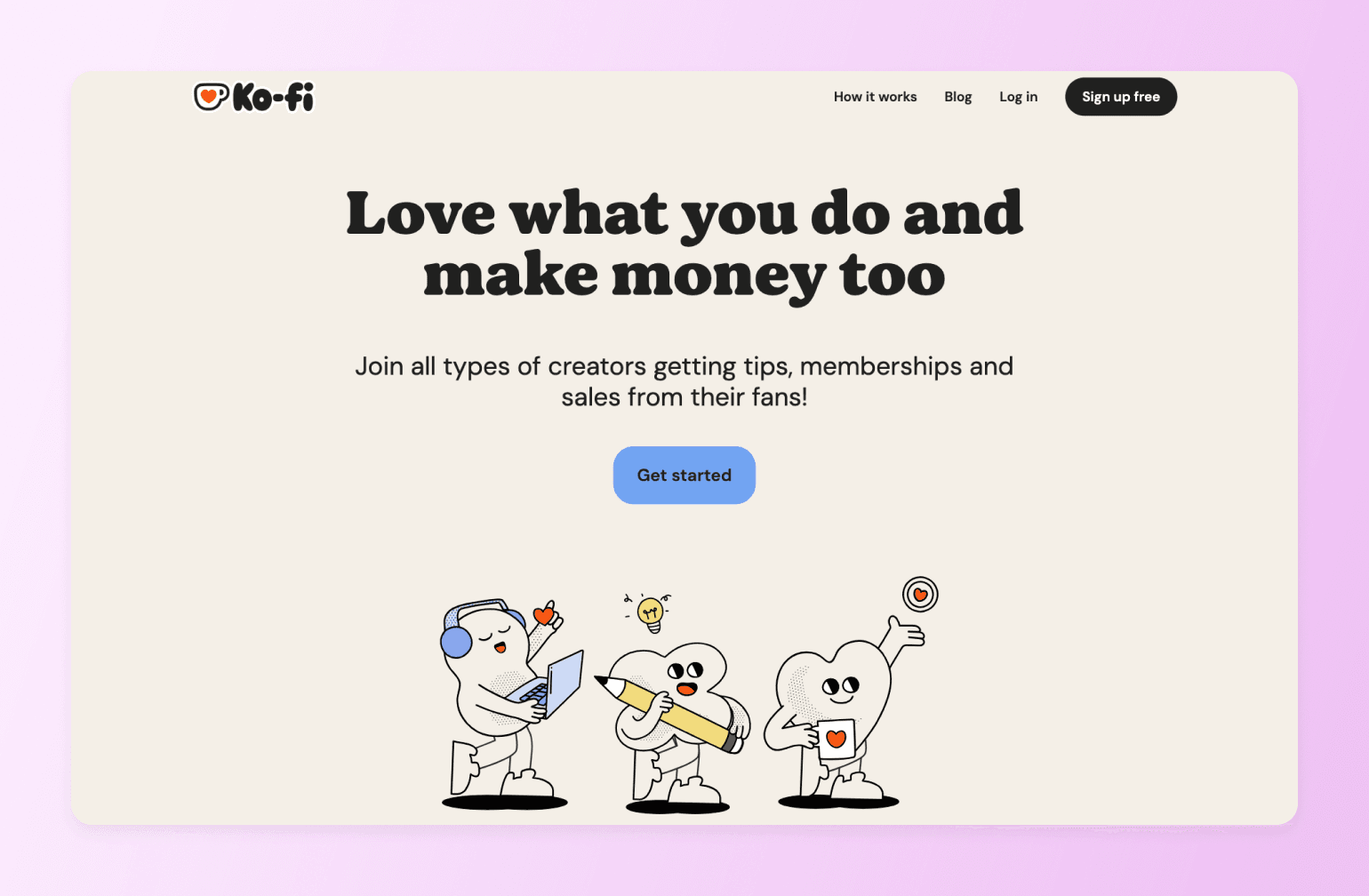 Ko-fi (coffee, which took me far too long to realize was pronounced as coffee) started as a tip jar and quietly grew into a real monetization platform. You can sell digital downloads, set up memberships, take commissions, and accept one-off support from fans — all without a monthly subscription. It's not going to replace Podia feature-for-feature, but for creators in the early stages of building an audience, it removes every barrier between you and your first dollar.
Key features:
- Digital product sales
- Memberships and recurring support
- Commission-based work
- Tip/donation support from fans
- No monthly fee on the free plan
Pricing: Free with 5% transaction fee or zero transaction free on its Gold plan at $12/month.
Best For: Podia users early in their journey who want to simplify — sell what you have, keep more of what you make, and grow from there.
Pros:
- No monthly subscription required
- 0% fees on the Gold plan
- Accepts tips, products, and memberships in one place
Cons:
- No course builder
- No community features
- Very limited marketing and analytics tools
Which Podia alternative is right for you?
The right Podia alternative for you is the one that removes the specific pain point or friction holding you back. As you’re reading through our recommendations, keep in mind what’s gotten you to this blog post in the first place.
| If you want… | Think… |
|---|---|
| One platform that does everything | Circle |
| More sophisticated courses | Thinkrific |
| Better marketing tools | Teachable or Kajabi |
| A community hub | Mighty Networks |
| Community on a budget | Skool |
| Just to sell without subscriptions or membership | ThriveCart |
| A budget all-in-one | Systeme.io |
| A simple storefront | Gumroad or Ko-fi |
Most of these platforms offer free trials (14 to 30 days) so you can take them for a spin before committing.
If you’re on Podia or another platform now, the thought of migrating your content and members might be making you sweat. But don’t worry, many of these alternatives offer migration help so you don’t have to start from scratch.
FAQs
What is the cheapest alternative to Podia?
Ko-fi is free to start with a 5% transaction fee, and Systeme.io has a free plan that includes courses, funnels, and email marketing. If you want zero transaction fees with no monthly commitment, Gumroad charges 10% but nothing upfront. The cheapest option really depends on your revenue. At higher volumes, a flat monthly fee often beats a percentage-based model.
Can you build a community on Podia?
Technically, yes. Practically, it's limited. Podia offers basic community features, but there's no gamification, no native mobile app for members, and no real sense of an ongoing community experience. If building genuine long-term relationships with your audience is the goal, platforms like Circle, Mighty Networks, or Skool were purpose-built for exactly that.
Does Podia have a mobile app?
No. Podia is mobile-friendly — meaning it works in a browser on your phone — but there's no dedicated iOS or Android app for your students. For creators where daily engagement matters, that's a meaningful gap. Most of the alternatives on this list, including Circle, Teachable, Mighty Networks, and Skool, offer native mobile apps with push notifications.
Podia vs. Teachable — which is better?
For pure simplicity and digital product sales, Podia has the edge. For course creators who need quizzes, a native mobile app, affiliate tools, and better marketing features, Teachable wins. The catch: Teachable's 2026 pricing restructure introduced product and student limits that didn't exist before, so check that your volume fits the plan before switching.
Why would someone choose Podia?
Podia is genuinely easy to use, reasonably priced, and gets you selling quickly. But as your business grows — more students, more products, a community you actually want to nurture — Podia's limitations start to cost you more than its subscription does. If you're reading this, you've probably already hit that ceiling.

Head of Performance Marketing
Marcus is the Head of Performance Marketing at Circle—and Circle's main demand gen nerd.