14 Best white label community platforms and apps (Compared for 2026)
Your members want more than content. They want to feel like your community is a real place where they belong, not just another tab they forgot to close.
In Circle’s 2026 Community Trends Report, 67% of leaders said members join or stay because of shared identity and values. Another 69% believe community will play a bigger strategic role in their business this year. And 48% already offer community access before a purchase.
In other words, community isn't a feature anymore. It's the product.
A white label community platform lets you host and run your community under your own brand, with your own app in the Google and Apple App Stores and your name on every touchpoint your members see. For established founders, coaches, and membership organizations, this kind of ownership separates a premium member experience from a generic one, and gives you full control over your brand, data, and revenue.
To help you find the right fit, we evaluated 14 platforms across six key factors: whether they offer a true white-label app, pricing, what type of community or business each is best suited for, built-in monetization, AI features, and ideal member size.
What follows gives you a clear-eyed look at each platform to help you make a more confident, informed decision.
What is a white label community app?
People use the term loosely, and choosing the wrong option can mean paying for the appearance of ownership without the reality of it.
Here's how the three main options break down:
- Custom community app: Built from scratch by a development team. Full control over every feature and interaction. Expect to spend $50K to $250K or more, plus ongoing maintenance costs, and a 6–12 month build timeline.
- White-label community app: A SaaS platform you brand as your own. Your logo, app name, and presence in the App Store. Significantly faster and more affordable than going custom, without sacrificing the member experience. Plus, every improvement they make reflects better on you!
- Branded web app: Your branding applied to someone else's interface. It looks like yours on the surface, but it isn't. No dedicated app, no real ownership.
Members only
One issue, five minutes, every Tuesday. Read by +14,200 creators.
How we evaluated these platforms
Not every white-label community platform is built the same. Some give you a fully branded app in the App Store. Others let you add a logo and call it branded.
To cut through the marketing language, we evaluated each platform across six factors:
- True white-label app: Does it put a real, standalone app in the App Store under your name, or is it just your branding layered on top of someone else's platform?
- Pricing: What does it actually cost to get the white-label features, not just the base plan?
- Best for: What type of community or business is this platform suited for?
- Monetization: Can you natively charge for memberships, courses, or events?
- AI features: What AI features does the platform offer, and where do they show up?
- Ideal member size: What community size is each platform best suited for?
The 14 best white-label community apps at a glance
Before we get into the details, here's how all of the best community platforms stack up across the six factors we evaluated. Use this to shortlist the options most relevant to your needs.
📊 A note on member size: In the table below, we use the following framework to describe community scale: early-stage (0 to 250 members), growing (250 to 1,000), established (1,000 to 10,000), and enterprise-level (10,000 to 50,000+).
| Platform | True White-Label App? | Pricing Tier (Starting) | Best For | Monetization Built-In? | AI Features? | Ideal Community Size |
|---|---|---|---|---|---|---|
| Circle | Yes (Plus only) | $89/mo (Professional), custom for Plus | Serious community businesses | Yes | Yes, native AI agents, workflows, and copilot | Growing → Enterprise-level (unlimited) |
| Disciple | Yes (fully branded iOS + Android) | $399/mo to custom | Mobile-first branded communities | Yes | Limited | Established → Enterprise-level (unlimited) |
| Mighty Networks | Yes (on Mighty Pro) | $79/mo (Launch), custom for Pro | Creator-led course + community businesses | Yes | Yes | Growing → Enterprise-level (unlimited) |
| Hivebrite | Yes (branded iOS + Android) | Custom (quote-based) | Associations, alumni networks, nonprofits | Yes | Limited | Established → Enterprise-level (unlimited) |
| Bettermode | Yes (on Growth + Premium) | Starts at $399/mo (branding removal at $1,500/mo) | SaaS & product communities | No | Yes | Established → Enterprise-level (up to 100,000 members) |
| BuddyBoss | Yes (with BuddyBoss App add-on) | Platform starts at $399/y, App starts at $79/mo | WordPress-native brands | No | Limited | Early-stage → Growing |
| Kajabi | Yes (branded app add-on) | Platform starts at $143/mo (branded app add-on: $199/mo) | Course-first businesses that want an app presence | Yes | Yes | Early-stage → Established |
| Uscreen | Yes (mobile + TV apps) | Custom pricing + $0.99 per subscriber fee | Video-first creators wanting a branded OTT-style app | Yes | Yes | Established → Enterprise-level |
| Higher Logic | Yes (via MemberCentric add-on) | Custom pricing | Enterprise associations & member-based orgs | Yes | Yes | Established → Enterprise-level |
| GroupApp | Yes (on Scale plan+) | Starts at $18/mo | Creators who want white-label without enterprise pricing | Yes | No | Early-stage → Growing |
| Honeycommb | Yes (as add-ons) | Starts at $24.99/mo (branded app add-on: $299/mo + $1,499 launch fee; white label bundle: $149/mo) | Small communities wanting a branded social network | Yes | No | Early-stage → Growing |
| Skool | No | Starts at $9/mo | Creators who don't need white-label | Yes | No | Early-stage → Growing (unlimited members) |
| Discord | No | Free | Communities that haven't outgrown free tools yet | Limited | Yes | Early-stage → Growing |
| SocialPlus | Yes (fully invisible infrastructure) | Custom (based on monthly active users) | Technical teams embedding community into an existing app | Yes | Yes | Established → Enterprise-level |
1. Circle — Best for serious community businesses who need professional brands
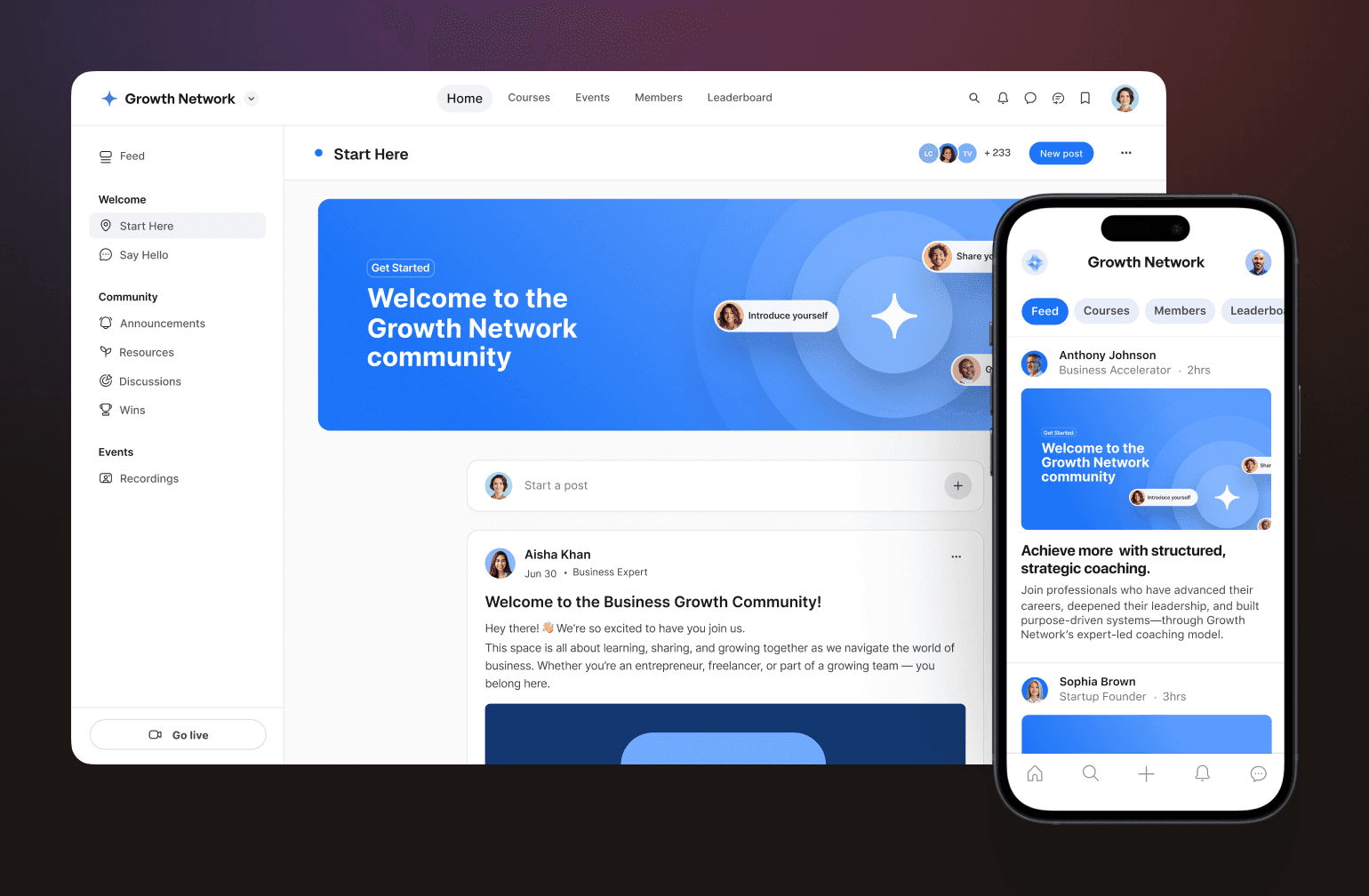
As a white label community platform, Circle gives you the whole business in one place: a branded website and community, courses, events, payments and email, Circle AI, and a fully branded iOS and Android app (on Circle Plus), without stitching together multiple tools or hiring a development team to make it work.
What you get with Circle
- Fully branded iOS and Android app: Your name, app icon, and presence in the App Store. On Circle Plus, the app is fully managed for you, including submission, in-app purchases, and push notifications.
- Built-in monetization: sell memberships, courses, and one-time purchases with branded checkout, instalments, and post-checkout upsells, all inside Circle. No third-party payment tools required.
- Courses, events,**** and spaces: Everything your community needs lives in one platform, not scattered across integrations.
- Circle AI, AI Agents and AI Workflows: Circle AI builds the structure with your approval, while Agents and Workflows automate onboarding, moderation, FAQs and content organization.
- Concierge migration team: You tell them what you need. They walk you through the process and do the heavy lifting.
- Dedicated app launch team: Circle Plus includes hands-on support from submission through launch.
What the launch process actually looks like
For most community businesses, the decision to launch a branded app isn't just about features. It's about whether the process will be worth it—how long it'll take, how hard it'll be, and whether you'll have support along the way.
With Circle, app store approval typically takes one to two weeks (though that can fluctuate based on a variety of factors). And on Circle Plus, the support doesn't stop at launch. You get a dedicated team and ongoing customer success from day one.
Ricky Kesler, founder of Income School, noticed the difference immediately after launching his branded app: "Our members were really excited about it. What we had before worked well, but it wasn't the same. Now it's a full app."
Dave Gerhard, founder of ExitFive, puts the overall value plainly: "I've 10x'ed the value of my community since moving to Circle. I should have started with Circle Plus from the beginning."
Pricing
Circle's plans start at $89/mo (Professional) and branded apps are available on Circle Plus, priced custom to your needs.
💡 Not ready for a fully branded app? Circle's Business plan lets you remove Circle branding. This is a solid middle ground while you grow into Plus.
The bottom line
Circle is the strongest choice for businesses that want to build under their own brand: a branded website, community, courses and checkout with installments and upsells, a platform that scales as you add products, and a Plus tier that closes the two gaps that hold most platforms back: a genuinely branded app and the support to get it live.
Users say
"Circle really sits at the center of everything I do. It's the core of my community in a way no social platform can realistically replicate." — Verified G2 Reviewer
"The search feature still feels like a bit of a maze. Even with experience, I often feel overwhelmed when trying to track something down." — Verified G2 Reviewer
2. Disciple — best for mobile-first community businesses
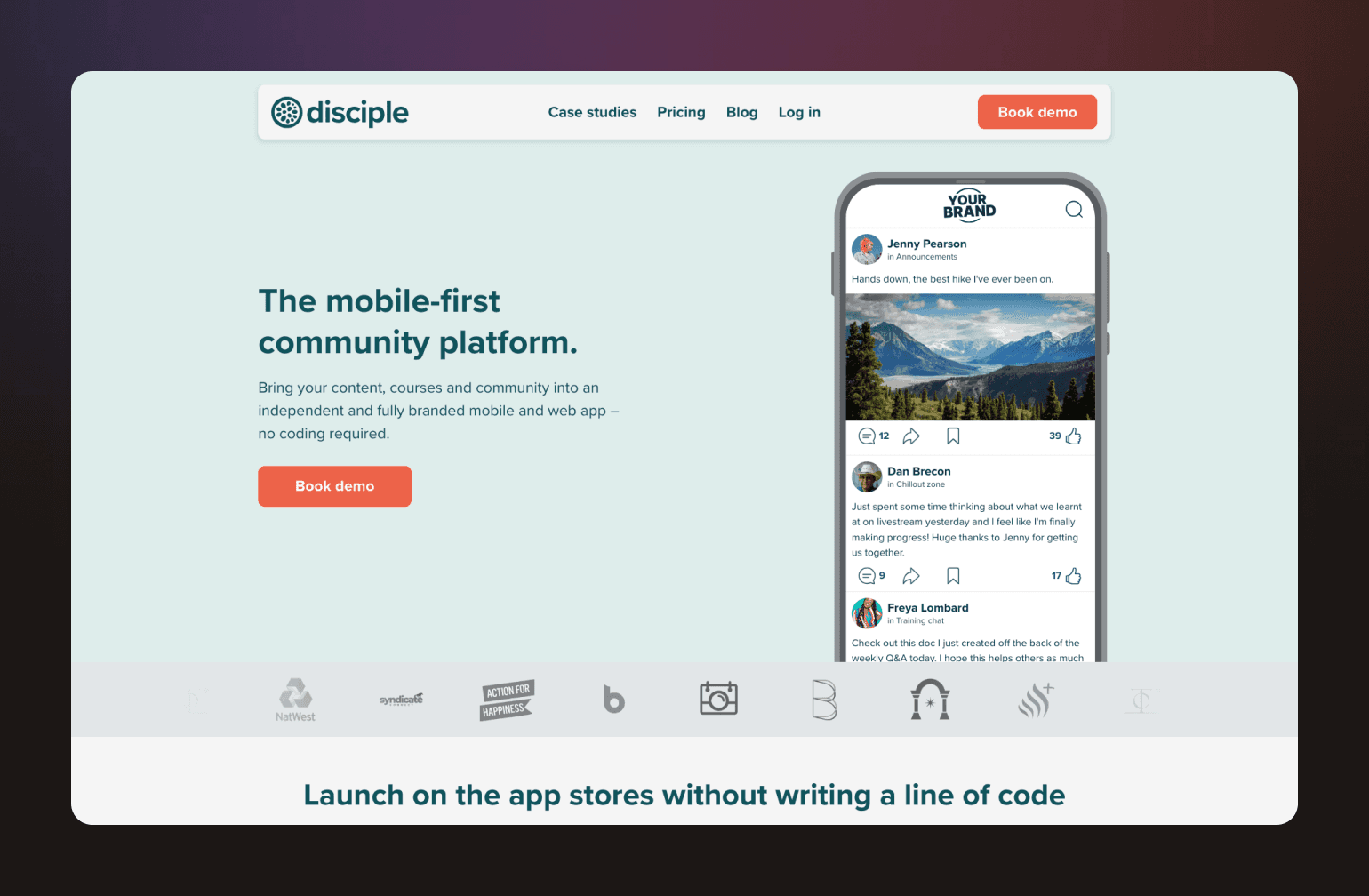
Disciple is a white label community platform built around the mobile experience first. Where some platforms treat the branded app as an add-on to a web product, Disciple puts it at the center, and that focus shows in the product.
What you get with Disciple
- Fully branded iOS and Android apps: Your name in the App Store with a custom icon, splash screen, and domain. No Disciple branding anywhere your members can see.
- Monetization options: Subscriptions, in-app purchases, paid app downloads, Apple/Google Pay, sponsorships, affiliates, and store links
- Push notifications: Built into the core product.
- Clean, social-style UX: Familiar and easy for members to navigate from day one.
Where Disciple wins
Disciple is at its best when the mobile app is the primary community experience and you're not trying to run a complex course or education ecosystem alongside it. It's a strong fit for training providers, associations, nonprofits, and consumer brands that want a polished, branded app without the overhead of a more feature-heavy platform.
Where it falls short
Course functionality is less robust than platforms like Circle or Mighty Networks. AI features are currently limited to automated post-scoring for moderation, powered by Google AI. And if a rich web experience matters as much as mobile, it's worth knowing that the web product is less polished than the app.
Pricing
Disciple branded app plans start at around $399/mo. Higher tiers unlock more features and branding options, but you’ll need to contact Disciple directly for full pricing details.
The bottom line
If your community lives and breathes on mobile and brand ownership is non-negotiable, Disciple delivers. Just go in knowing that course infrastructure and advanced automation aren't its strong suit.
Users say
"I've been subscribed to Disciple for over 4 years now, and would recommend it to anyone looking to have an app on the iOS and Google Play store — without any hassle." — Verified Capterra Reviewer
"Pricing and scalability: the cost of Disciple does not align with the value provided, particularly for smaller or growing communities." — Verified Capterra Reviewer
3. Mighty Networks — best for network-based businesses
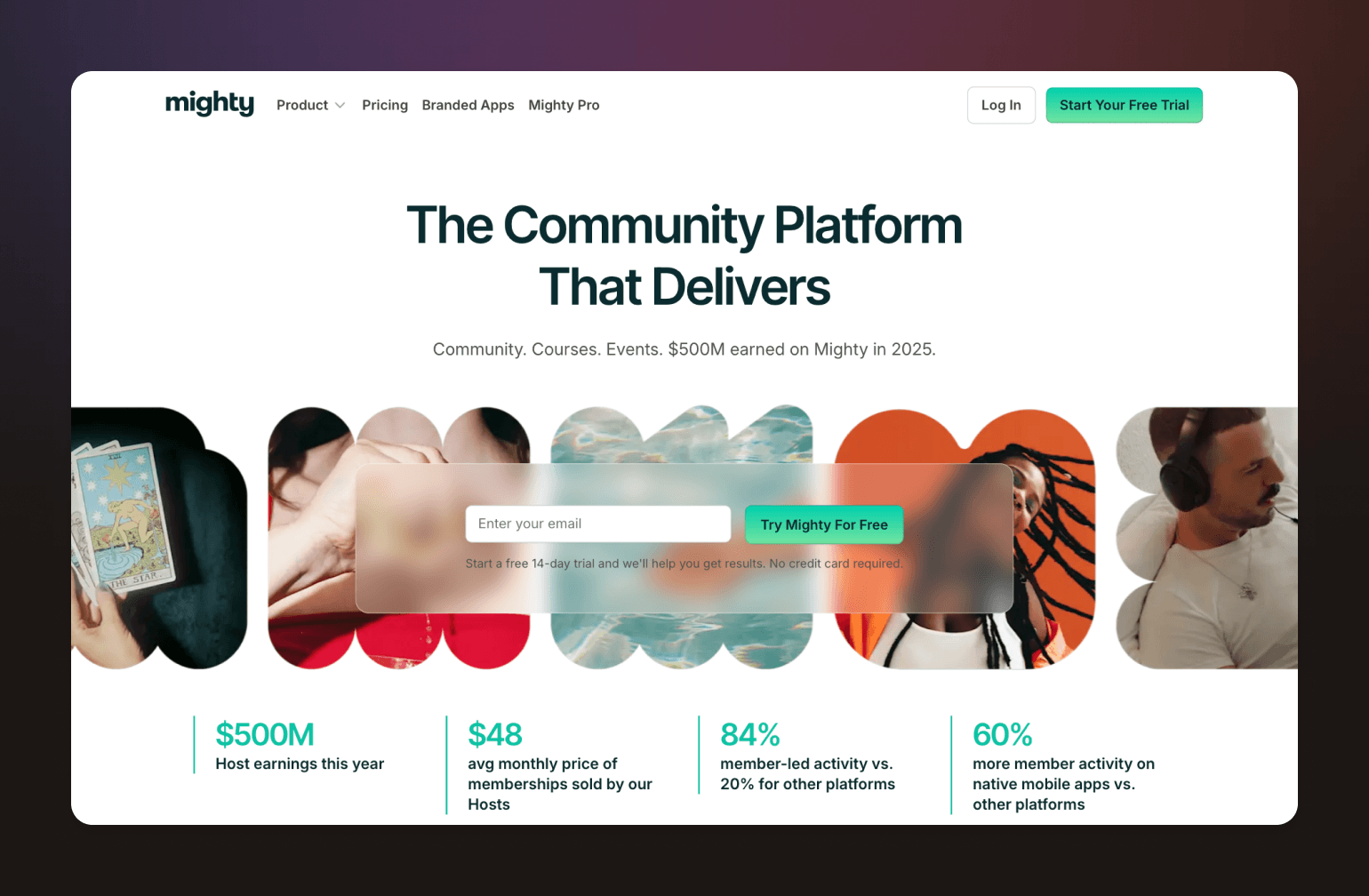
Mighty Networks has carved out a clear niche as a white label community app for creators who want courses, community, and monetization under one roof. The platform was designed for learning and belonging to go hand in hand, making it a great fit for creators whose business model reflects that.
What you get with Mighty Networks
- Fully branded iOS and Android apps: Available on the Growth plan and Mighty Pro. Your brand in the App Store, with design support and push notifications included.
- Courses and community in one place: Build and sell courses alongside your community, without sending members to a separate platform.
- Built-in monetization: Charge for community access, courses, bundles, or subscriptions. Payments accepted in 100+ currencies.
- Mighty Co-HostTMAI: AI tools for engagement prompts, course outlines, and community planning.
- Unlimited members: Across all plans, with no per-member fees.
Where Mighty Networks wins
Mighty is at its best when content and community are equally central to your business. If you're a creator, coach, or educator who sells courses alongside a membership, the integrated ecosystem means your members never have to leave to find what they came for.
Where it falls short
Business workflow customization is less flexible than Circle or enterprise-focused platforms. And on lower tiers, transaction fees can add up quickly, so it's worth factoring them into your revenue model before committing.
Pricing
Mighty Networks plans start at $79/mo (Launch), go up to $179/mo for Scale, and $354/mo for Growth. Branded apps come in at the Growth level and above. Mighty Pro is custom-priced and includes a fully branded app, a strategy team, and advanced reporting.
The bottom line
Mighty Networks is a strong choice for creator-led businesses that want a branded app and a course platform in one place. If your community is your curriculum, this platform was built with you in mind.
Users say
"The automations and the ability to create various spaces for your people — whether it's a place to communicate or a course to learn from — work really well." — Verified G2 Reviewer
"The platform is cluttered and difficult to use. I also just had an experience with customer support that was very disappointing." — Verified Capterra Reviewer
Mighty vs. Circle: See how Mighty stacks up.
4. Hivebrite — best for associations, alumni networks, and structured organizations
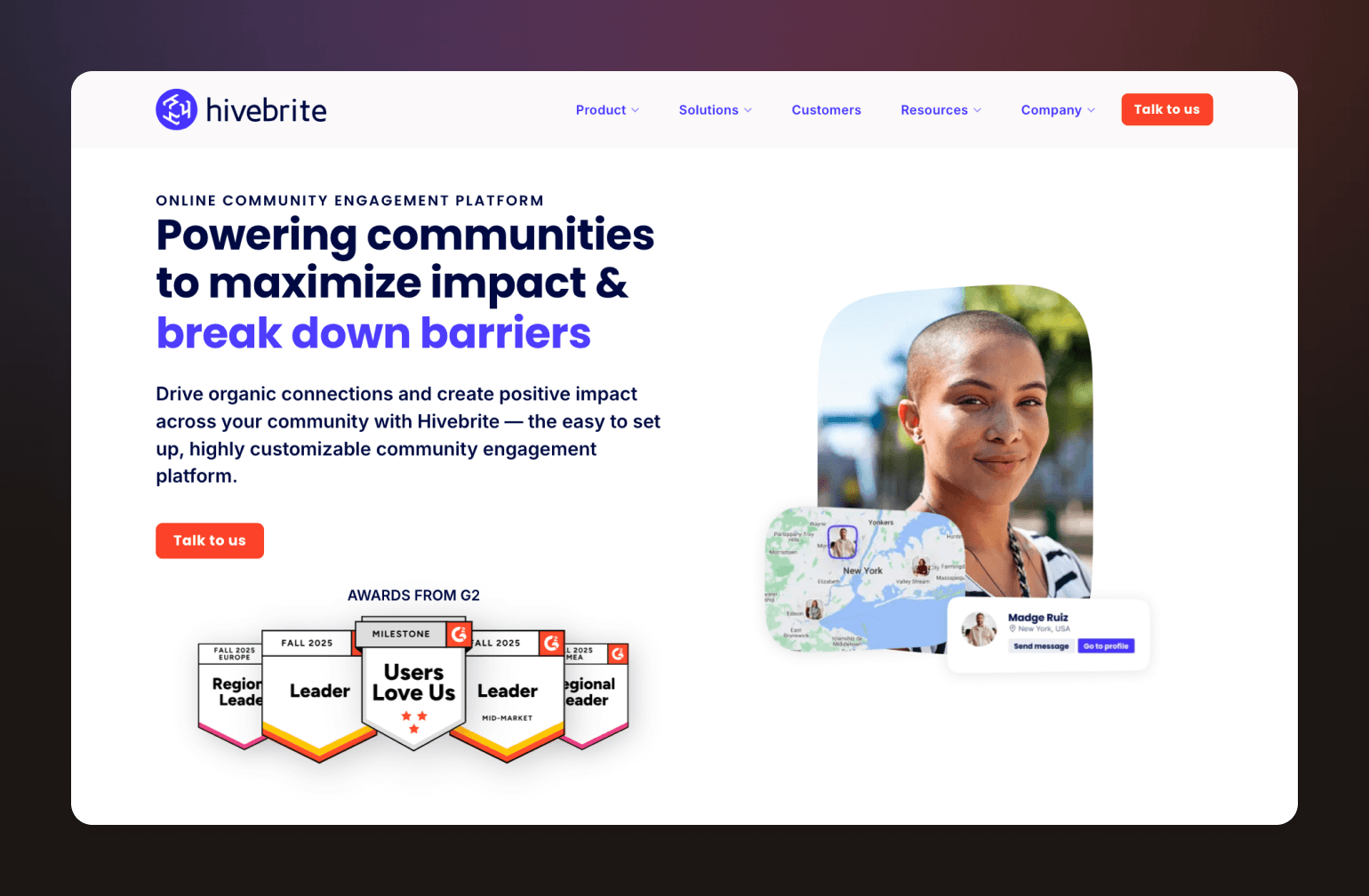
Not every community centers on a creator or a course. Some are built around institutions, such as alumni bodies, professional associations, nonprofits, or multi-chapter organizations with complex membership structures and governance needs.
This is Hivebrite’s lane. As a white label community app, Hivebrite gives established organizations a branded mobile experience alongside enterprise-grade tools for membership management, fundraising, and chapter coordination.
What you get with Hivebrite
- Fully branded iOS and Android apps: Your name, logo, and colors in the App Store and Google Play. No Hivebrite branding in the member experience.
- Membership management: Built-in tools for managing dues, renewals, and member records at scale.
- Monetization: Membership fees, donations, and paid events, with dedicated features for alumni associations and nonprofits.
- Chapter and subgroup management: For organizations with multiple groups, regions, or chapters under one umbrella.
- AI features: Smart member matching via Orbiit acquisition, AI-driven connection recommendations, content personalization, enhanced search, an admin copilot for automating routine tasks, and AI moderation assistance.
- Enterprise-grade admin controls: Caters to organizations that need structure, permissions, and reporting at scale.
Where Hivebrite wins
Hivebrite is the strongest option for organizations that need a membership management system with a branded app attached. Alumni networks, associations, and nonprofits with 50,000+ members will find that the feature set reflects how their organizations actually operate.
Where it falls short
Hivebrite isn't built for creators or course-first businesses, and the UX reflects that. It can feel heavy for smaller or faster-moving communities. Pricing is also entirely quote-based, which makes it harder to evaluate without a sales conversation.
Pricing
Hivebrite doesn't publish pricing publicly. Plans are available across Connect, Scale, and Enterprise tiers, but you’ll need to contact them directly for a quote.
The bottom line
If you're running a formal, structured organization that needs enterprise-grade tools and a branded app to match, Hivebrite is one of the few platforms purpose-built for that use case. Just be prepared for an enterprise sales process to go with it.
Users say
"Hivebrite offers powerful built-in modules that make it easy to create a highly functional community with advanced features. The Members Map and searchable Members database are standout features." — Verified G2 Reviewer
"I'm not a fan of this company or their software. They assured me they would work with me as a start up... but when the platform was missing key functions discussed on day 1 of implementation I cancelled." — Verified Capterra Reviewer
Hivebrite vs. Circle: See how Hivebrite stacks up.
5. Bettermode — best for SaaS and product-led communities
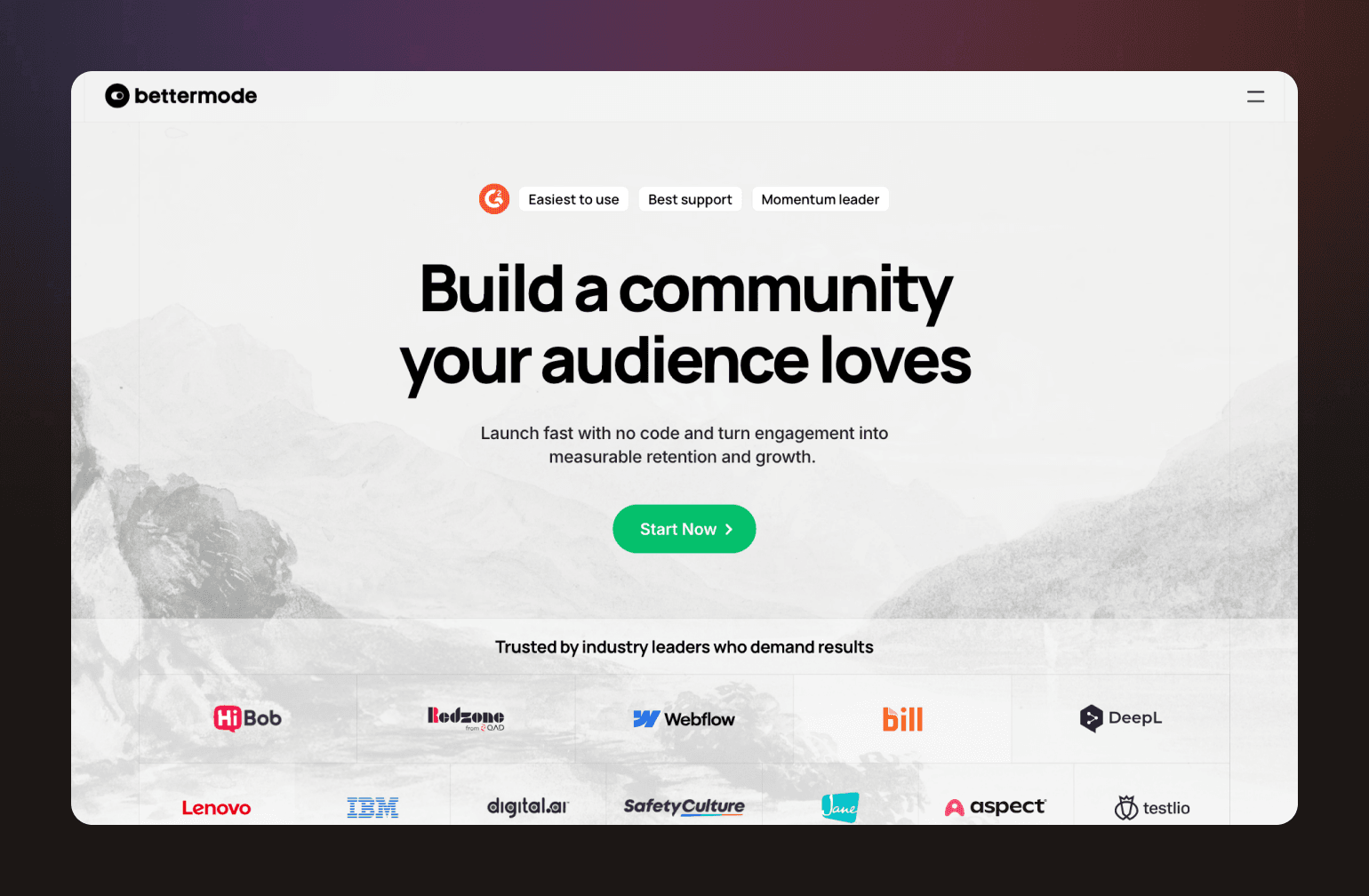
Formerly known as Tribe, Bettermode has repositioned itself as a customizable community infrastructure layer for SaaS companies, tech startups, and developer communities. Think less "branded app in the App Store," more "community embedded into your product ecosystem."
What you get with Bettermode
- Custom domain: Available from the Starter plan ($399/mo).
- Branding removal: "Powered by Bettermode" is only removed at the Growth tier ($1,500/mo).
- AI-powered search and Ask AI: Semantic search that understands context, intent, and member data.
- API, webhooks, and OAuth2: Available on Growth and above, making Bettermode genuinely extensible for technical teams.
- Enterprise security: SOC II, SAML, and JWT on Premium, with a 99.9% SLA and a dedicated customer success manager.
- Scales to 100,000 members: With overages available beyond that on Premium.
Where Bettermode wins
Bettermode is at its best when community supports a product rather than standing alone. If you need enterprise-grade authentication, deep API access, and a platform you can embed in an existing product ecosystem, it's one of the more capable options on this list.
Where it falls short
There's no native monetization. No paywalls, built-in course sales, or membership charging. You'll need third-party integrations to handle any of that. Bettermode also doesn't position itself around a branded mobile app in the App Store, so if that's a priority, it's not the right fit. And true white-label presentation doesn't come cheap. You're looking at $1,500/mo before you can remove Bettermode branding.
Pricing
Starter runs $399/mo (up to 10,000 members). Growth is $1,500/mo (up to 25,000 members, branding removal, API access). Premium is contact-based, scaling to 100,000 members with enterprise security and support.
The bottom line
Bettermode is a serious platform for serious product teams. If your community exists to support a SaaS product and you don't need native monetization or a branded mobile app, it's worth a close look. If you do need those things, look elsewhere.
Users say
"It's easy to set up and maintain — anyone can get started without code. Their support team is extremely responsive and helpful in answering questions." — Verified G2 Reviewer
"A lot of specific and useful options (like white-labeling and spaces) are organized in add-ons apart from the subscription model." — Verified Capterra Reviewer
Bettermode vs. Circle: See how Bettermode stacks up.
6. BuddyBoss — best for WordPress-native community businesses
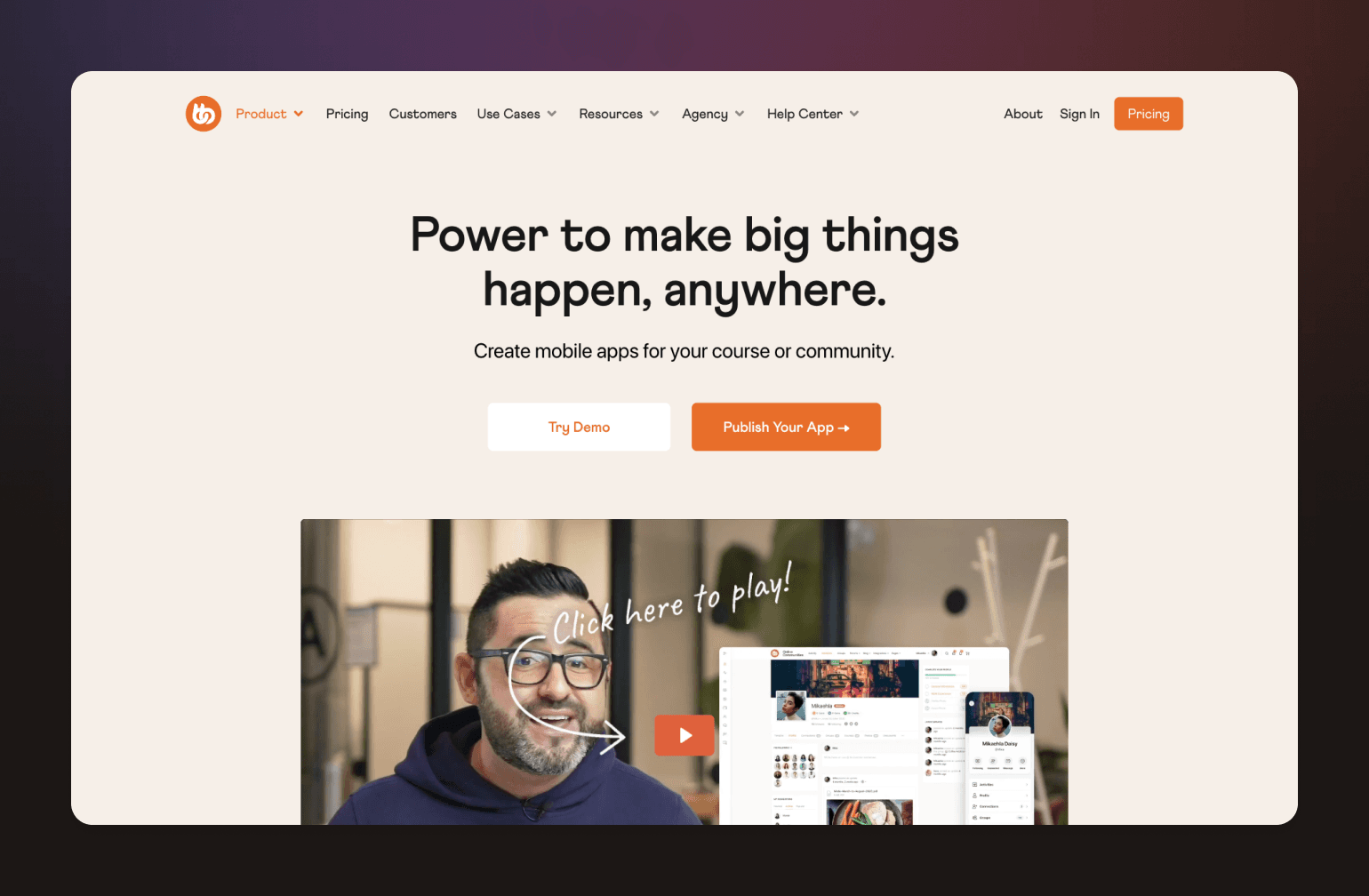
If your business already runs on WordPress and you want a branded community app without migrating to a new platform, BuddyBoss is the most direct path to get there.
Unlike every other platform on this list, BuddyBoss isn't a standalone SaaS product. It's a plugin and theme that runs inside WordPress, with a separate mobile app product that connects to your site. That distinction matters, as it impacts everything from setup complexity to long-term scalability.
What you get with BuddyBoss
- Fully branded iOS and Android app: Published under your own developer accounts with a custom name, icon, and splash screen. Available as a separate add-on through BuddyBoss App.
- Push notifications and offline mode: Available on the Lite app plan and above.
- Social groups, forums, and activity feeds: Unlimited on the Full app plan.
- Gamification: Integrated with GamiPress on the Full plan.
- AI features: Include Buddy, an AI support assistant, plus third-party integrations for moderation, translation via WPML, and content planning tools.
- Extensive integrations: Connects with LearnDash, MemberPress, WooCommerce, Tutor LMS, and more.
Where BuddyBoss wins
BuddyBoss is the natural choice for WordPress-native brands that want to keep their existing infrastructure and add a branded community app on top of it. If you're already running courses on LearnDash or memberships through WooCommerce, BuddyBoss slots in without requiring a platform migration.
Where it falls short
BuddyBoss is not a white label community platform in the all-in-one sense. There's no native payment processing or subscription management. Monetization depends entirely on third-party plugins. AI features are limited compared to those of platforms like Circle or Bettermode. And because it runs on WordPress, scalability depends on your hosting setup, which adds cost and technical overhead as you grow.
Pricing
The platform plugin starts at $349/year (Plus) or $399/year (Pro). The BuddyBoss App is a separate subscription starting at $79/mo (Lite) or $179/mo (Full). Factor in hosting, an LMS plugin, and a membership or payments plugin, and the total cost adds up faster than the headline numbers suggest.
The bottom line
BuddyBoss makes the most sense if WordPress is non-negotiable and you have the technical resources to manage the stack. If you're starting fresh or want a more integrated experience, a dedicated SaaS platform will get you there with less overhead.
Users say
"It comes with features that no other solution has. For me it's an alternative to Facebook for groups of people, especially when you need to control the environment and access the database. And it's very affordable." — Verified Capterra Reviewer
"The initial purchase does not adequately communicate the long-term cost of ownership, particularly renewal pricing. Basic branding actions, like changing a site logo, are restricted without an active license." — Verified Capterra Reviewer
7. Kajabi — best for course-first businesses that want app presence
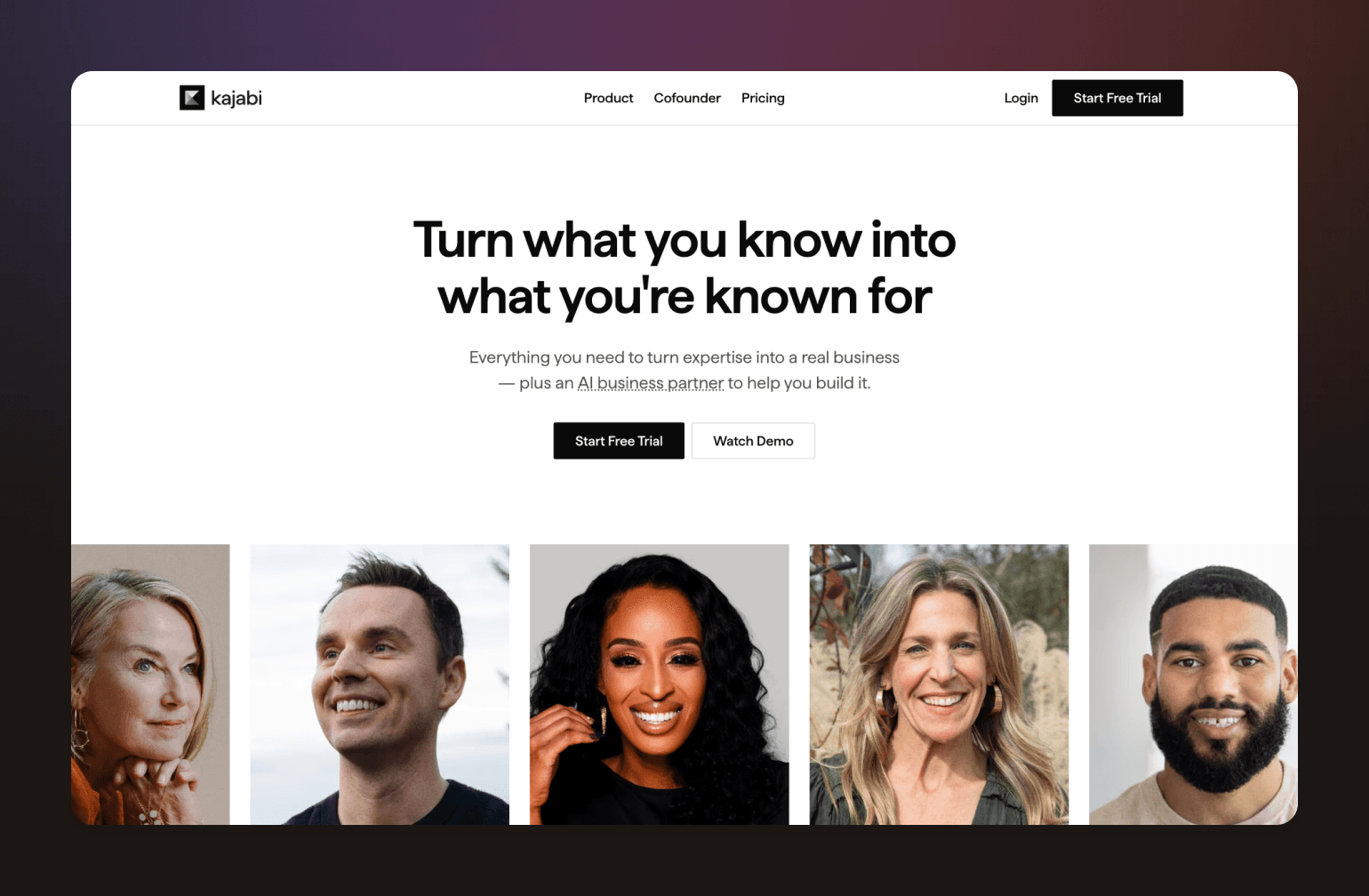
Kajabi isn't really a community platform. It's a business platform for creators, and community is one of its features.
If you're already running courses, coaching programs, and email marketing on Kajabi, adding a white label community app through their branded app add-on is a natural next step. But if community is the core of what you're building, Kajabi wasn't designed with you in mind.
What you get with Kajabi
- Branded mobile app: Add your logo, icon, and accent color. Available as an add-on ($199/mo) on any plan. Includes push notifications, in-app purchases, and access to courses, coaching, podcasts, and community.
- Built-in monetization: Standalone paid memberships, course bundles, tiered pricing, and subscription management. All handled natively.
- AI content assistant: Generates course outlines, social posts, emails, landing pages, and sales content. More focused on course creation than community engagement.
- All-in-one infrastructure: Courses, email marketing, landing pages, and community in one place. No plugin stack required.
Where it falls short
Community features are secondary to the course and content engine. Member limits apply by plan (1,000 active members on Basic, 10,000 on Growth), and community-native discovery and segmentation are limited compared to community-first platforms.
Pricing
Plans start at $143/mo (Basic), $199/mo (Growth), and $399/mo (Pro). The branded app add-on is an additional $199/mo on top of your base plan.
The bottom line
Kajabi makes sense if you're already in the Kajabi ecosystem and want to add an app without switching platforms. It's not the right choice if community is your primary product.
Users say
"The sales pages and website are really easy to create, the membership modules are simple and easy to use. Integration with other services is very good." — Verified G2 Reviewer
"The cost is probably the only downside — it's a significant investment, especially if not using it for serious eLearning sales." — Verified G2 Reviewer
Kajabi vs. Circle: See how Kajabi stacks up.
8. Uscreen — best for video-first creators wanting a branded OTT experience
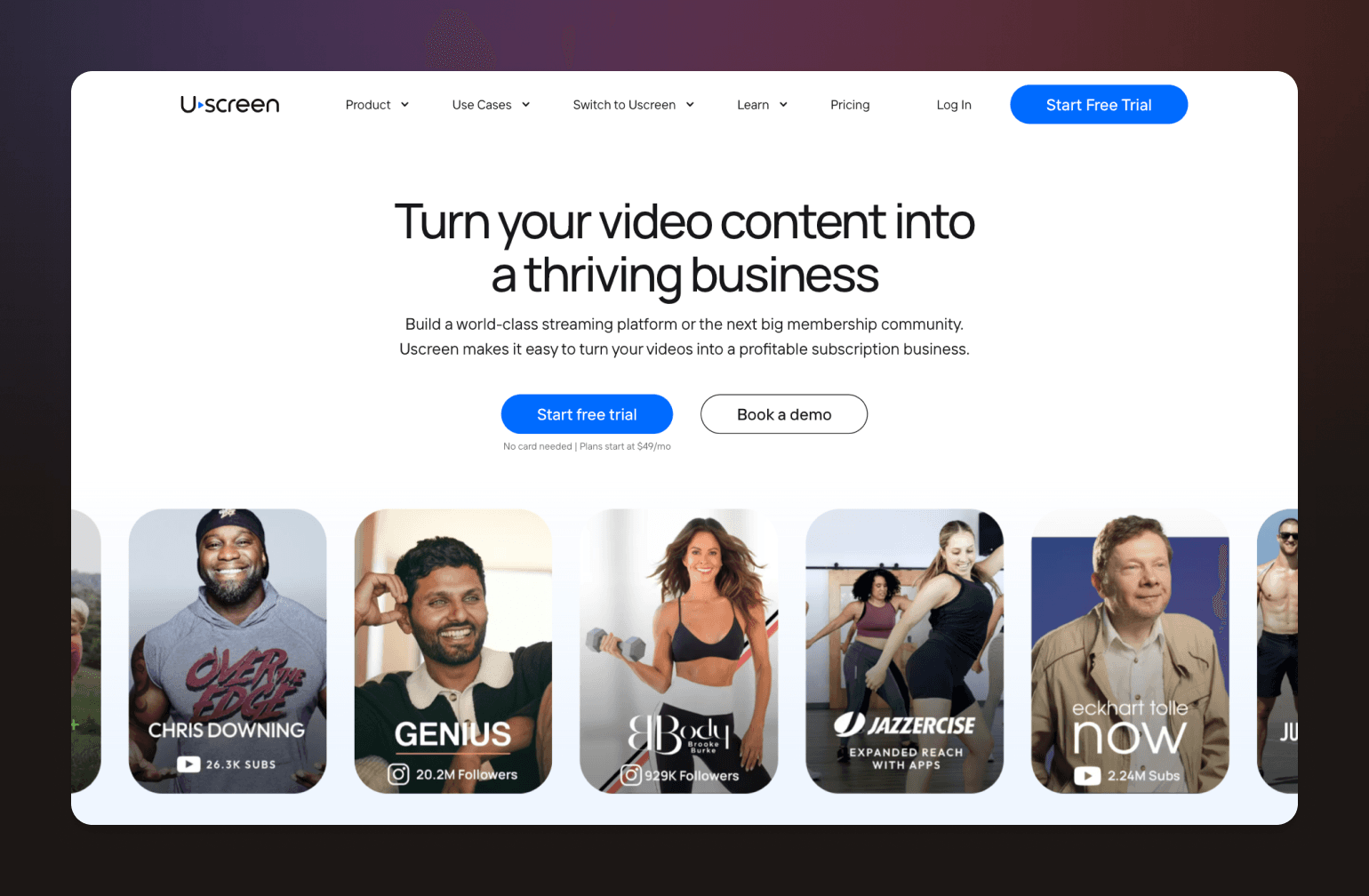
If you’ve built your community around video (see: fitness classes, streaming content, online education), Uscreen offers something most community platforms can't: a fully branded app experience across mobile and TV.
What you get with Uscreen
- Fully branded OTT apps: iOS, Android, Apple TV, Roku, and Amazon Fire TV. All published under your brand.
- Subscription video infrastructure: Native live streaming, a Netflix-style catalog, and professional streaming infrastructure built for scale.
- Monetization: Subscriptions, one-time purchases, rentals, donations, and live events—all native to the platform.
- Community features: Available on the Custom plan. Includes DMs, challenges, calendars, streaks, and badges.
- AI features: Automated video captioning in multiple languages and a Community AI assistant (currently in beta) for drafting and generating community posts.
Where it falls short
Community is a secondary feature, not a core one. If discussion, networking, or member engagement is central to your model, Uscreen will feel limited. It's also expensive once you factor in OTT apps, and the per-subscriber fee adds up as you scale.
Pricing
Plans start at $49/mo (Starter, 100 subscriber limit). Mobile apps come in at $449/mo plus $0.99 per subscriber. TV apps and community features are on the Custom plan.
The bottom line
Uscreen is the strongest option for video-first creators who want a premium branded app across every screen. If video isn't your primary product, another platform on this list will be a better fit.
Users say
"Since I run a video membership, finding a platform that focuses on video and streaming was super important. The app creates an amazing experience for me, my team, and my members." — Verified Capterra Reviewer
"Users find Uscreen's pricing expensive, especially for smaller creators, and note a deficiency in essential features for community engagement." — G2 Pros & Cons Summary
9. Higher Logic — best for enterprise associations and member-based organizations
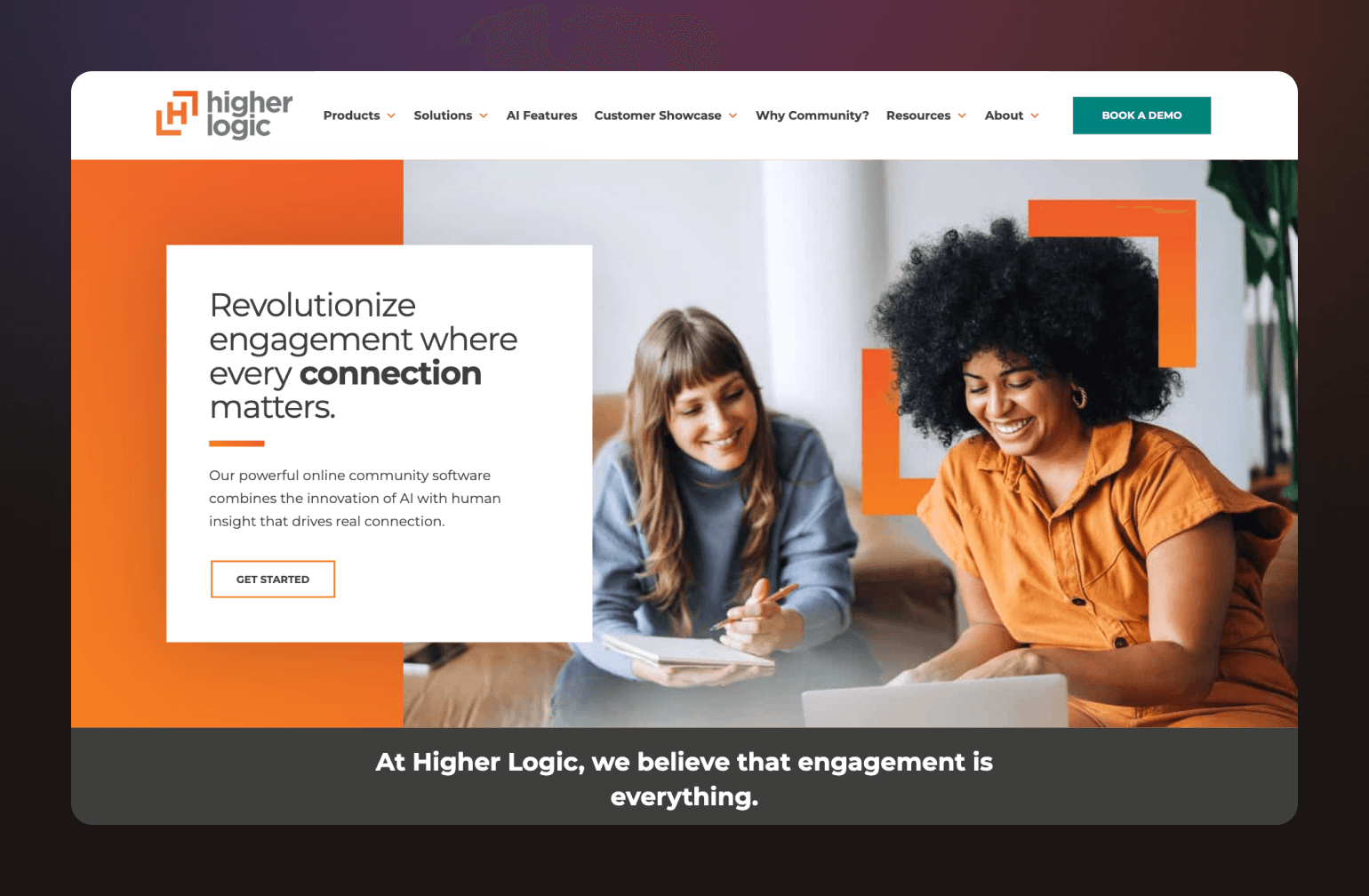
Higher Logic is one of the most established names in the association technology space. Its community platform reflects decades of experience serving professional organizations with complex membership and governance needs.
Higher Logic operates two main products: Thrive, which serves associations and member-based organizations, and Vanilla, which focuses on customer support and product communities. Both offer white label community platform capabilities, with branded mobile apps available through their MemberCentric partnership with Results Direct.
What you get with Higher Logic
- Branded mobile app: Available via MemberCentric in Express, Professional, and Dedicated versions, with custom branding, push notifications, events, directories, and gamification.
- Monetization: Sponsorships, paid courses, paid memberships, event ticketing, and e-commerce built around association non-dues revenue models.
- AI features: Smart newsletters, AI-suggested answers, sentiment analysis, automatic support ticket creation, AI-assisted email drafting, and bulk content tagging.
- Deep AMS integrations: Optimized for association management system connectivity.
- Marketing automation: Personalized campaigns based on member behavior.
Where it falls short
Pricing is entirely quote-based, and setup requires significant time and vendor involvement. It's not a self-serve platform, and it's not designed for creators or course-first businesses.
The bottom line
Higher Logic is a strong fit for established professional organizations that need enterprise-grade tools and association-specific governance. For everyone else, it's likely more platform than you need.
Higher Logic vs. Circle: See how Higher Logic stacks up.
10. GroupApp — best for creators who want white-label features without enterprise pricing
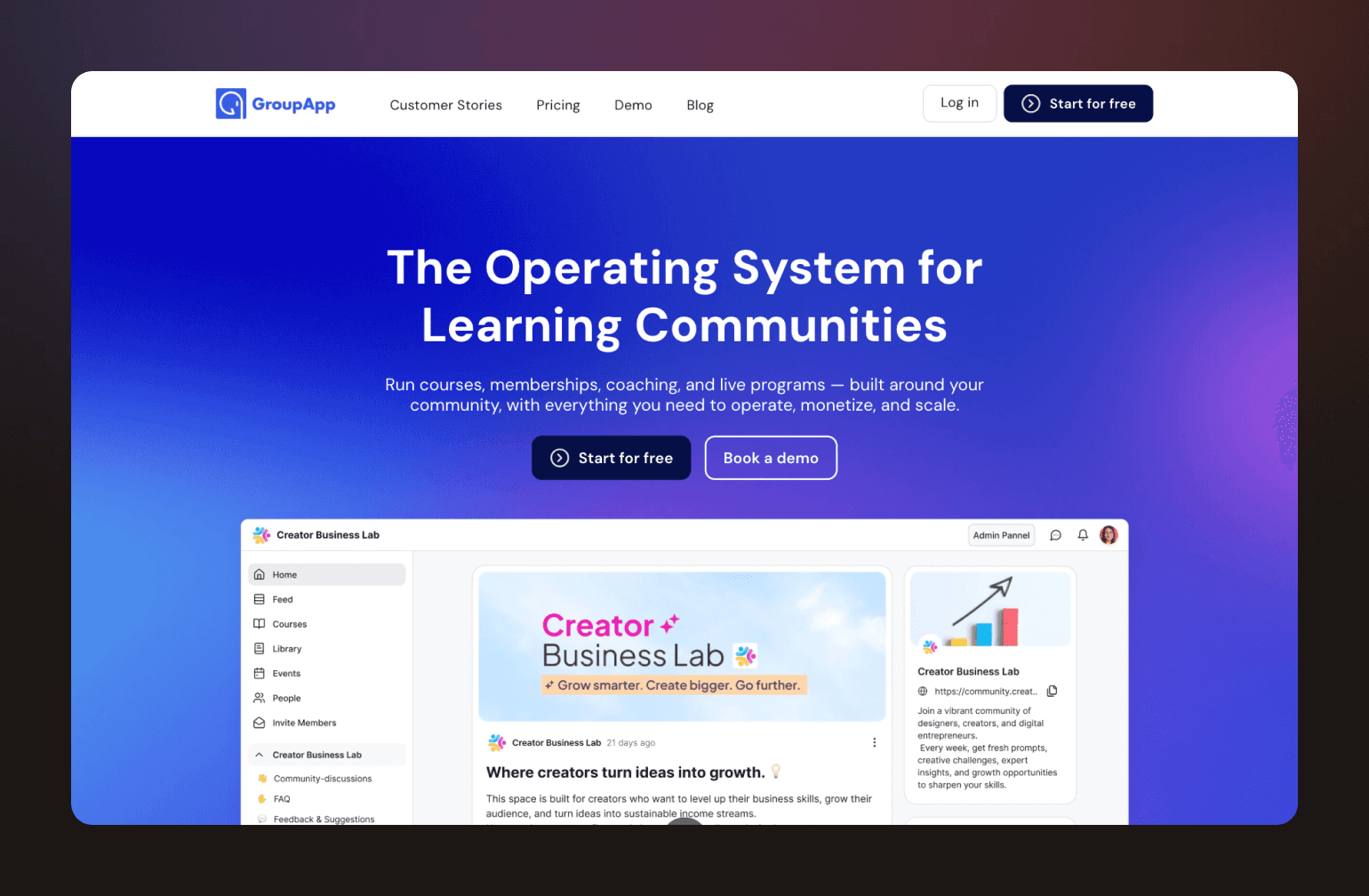
Most white label community platforms price their best features out of reach for early-stage creators. GroupApp takes a different approach, offering branded apps, built-in monetization, and course tools on plans that start at $18/mo.
It's not the most feature-rich platform on this list. But for creators who want a real white label community platform at a more accessible entry point, it's worth a serious look.
What you get with GroupApp
- Branded iOS and Android apps: Custom icon, splash screen, and your name in the App Store. Available on paid plans.
- Custom domain and branding: Full control over colors, fonts, logo, and favicon. GroupApp branding removed on the Scale plan ($108/mo).
- Built-in monetization: Subscriptions, one-time purchases, paid events, digital downloads, upsells, and 0% transaction fees on all paid plans.
- Courses and coaching: Native course builder with drip content, certificates, and digital products.
- Workflow automation: Trigger-based automations for onboarding, segmentation, and email — no AI features currently.
Where it falls short
Member caps apply at every tier (up to 20,000 on the Organization plan), making it less suited to large or fast-scaling communities. There are also no AI features.
Pricing
Plans start at $18/mo (Launch) up to $288/mo (Organization), billed annually.
The bottom line
GroupApp is a practical choice for creators who want white-label capabilities and solid monetization without the overhead of a larger platform.
11. Honeycommb — best for budget-conscious communities that want flexibility over features
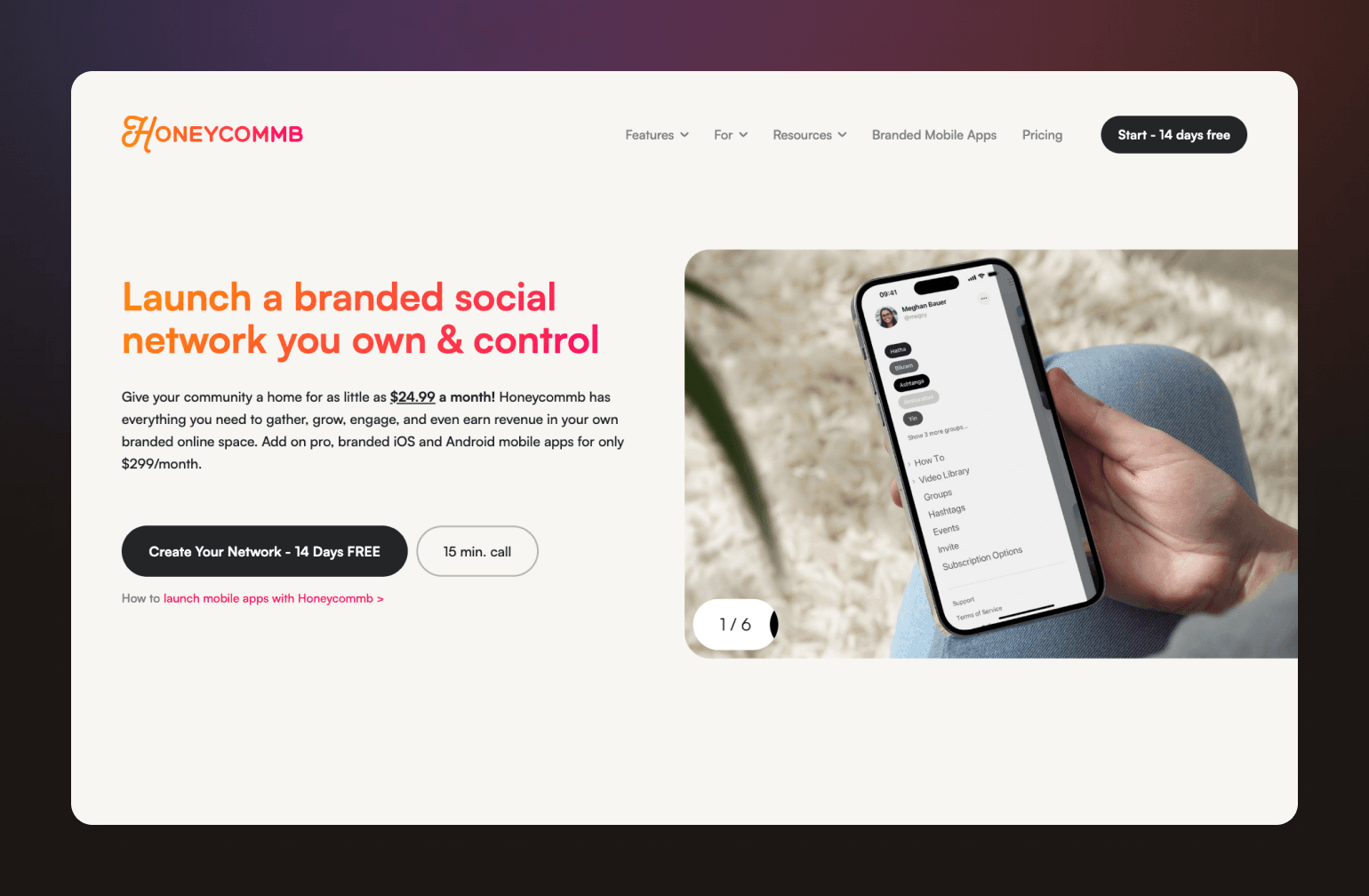
Honeycommb lets you start small and layer on white-label features as your community grows. It's one of the most accessible entry points on this list, but true white-label functionality comes through add-ons, so the actual cost depends on which features matter to you.
What you get with Honeycommb
- Branded iOS and Android apps: Published to your own developer accounts at $299/mo plus a one-time $1,499 launch fee.
- White-label bundle: Removes Honeycommb branding, adds custom domain and email masking at $149/mo.
- Paid memberships: Subscriptions, promo codes, and Apple/Google Pay support. A 5% transaction fee applies.
- Customizable UI: App name, icon, splash screen, and onboarding flow.
- Cons: No AI features, and true white-label requires stacking multiple add-ons.
Pricing
Base plans run from $24.99/mo (1 to 100 members) to $899/mo (10,000 to 100,000 members). Branded apps and white-label features are priced separately.
The bottom line
A low-commitment way to launch a branded community. If you outgrow it, most of the platforms higher on this list offer a more integrated experience.
12. Skool — best for creators who don't need white-label
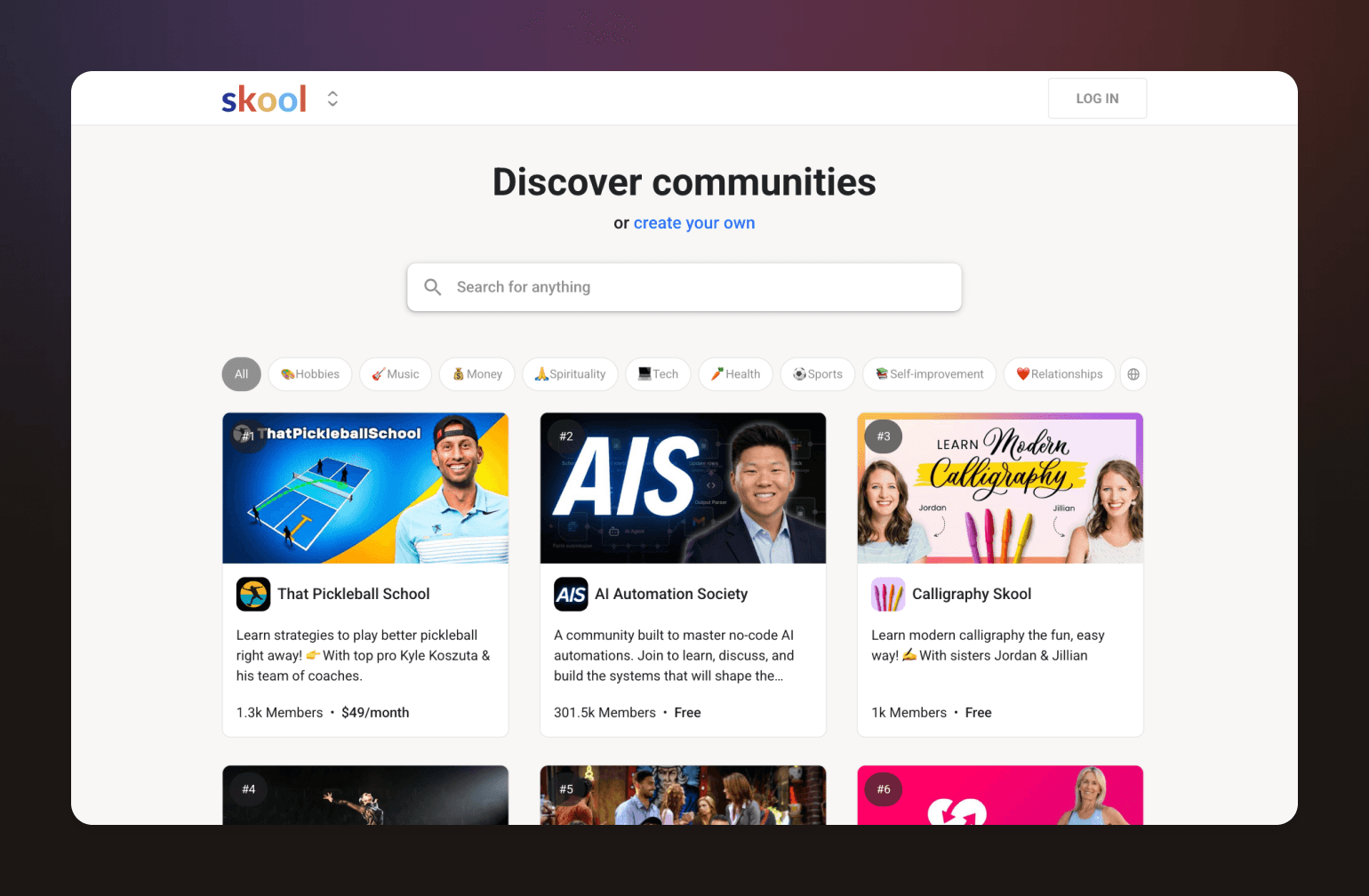
Skool is the odd one out on this list as it doesn't offer white-label branding. Your members use the generic Skool app, and every community shares the same minimalist layout. If brand ownership matters to you, this isn't the right fit.
But if you're optimizing for simplicity, engagement, and price, Skool has a genuinely compelling offer.
What you get with Skool
- Gamified community: Points, leaderboards, and levels built into the core experience to drive engagement.
- Courses and events: Hosted natively alongside your community, no integrations required.
- Custom domain: Available on the Pro plan ($99/mo) to mask the Skool URL.
- Unlimited members: On both plans, with no per-member fees.
- Built-in monetization: Paid memberships, courses, and events. Transaction fees drop from 10% (Hobby) to 2.9% (Pro).
- Cons: No white-label app, AI features, and limited visual customization.
Pricing
Hobby plan starts at $9/mo. Pro is $99/mo with a custom URL and lower transaction fees.
The bottom line
Skool works well as a starting point for creators focused on engagement and simplicity. When brand ownership becomes a priority, it's time to move up this list.
Skool vs. Circle: See how Skool stacks up.
13. Discord — best for communities that haven't outgrown free tools yet
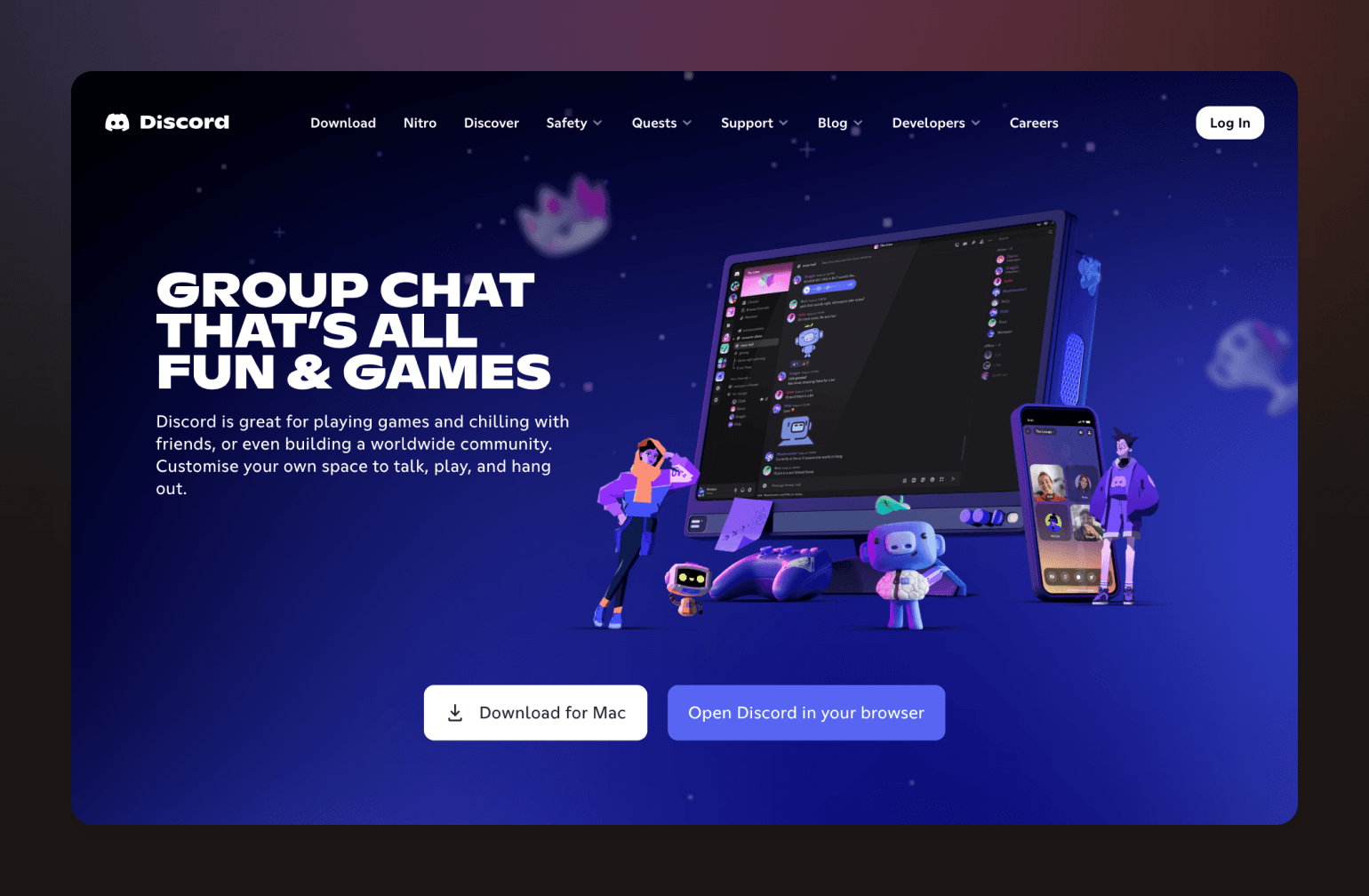
Discord isn't a white-label platform. It isn't really a community business platform either. But it's free, it's familiar, and millions of people use it every day. For community builders who aren't ready to invest in a dedicated platform, it's a common starting point.
What you get with Discord
- Free core platform: Text, voice, and video channels at no cost.
- Server customization: Your own name, logo, channel structure, and custom emojis—but Discord branding stays visible throughout.
- Monetization via API: Native subscriptions and one-time purchases available through Discord's developer monetization tools.
- AI features: AutoMod with LLM-based contextual moderation, conversation summaries, and a strong ecosystem of third-party AI bots and agents.
- Cons: No white-label app, custom domain, or brand ownership.
The bottom line
Discord works until brand ownership, retention, and monetization become priorities. When they do, it's time to look at the platforms higher on this list.
Discord vs. Circle: See how Discord stacks up.
14. SocialPlus — best for technical teams that want to embed community into an existing app
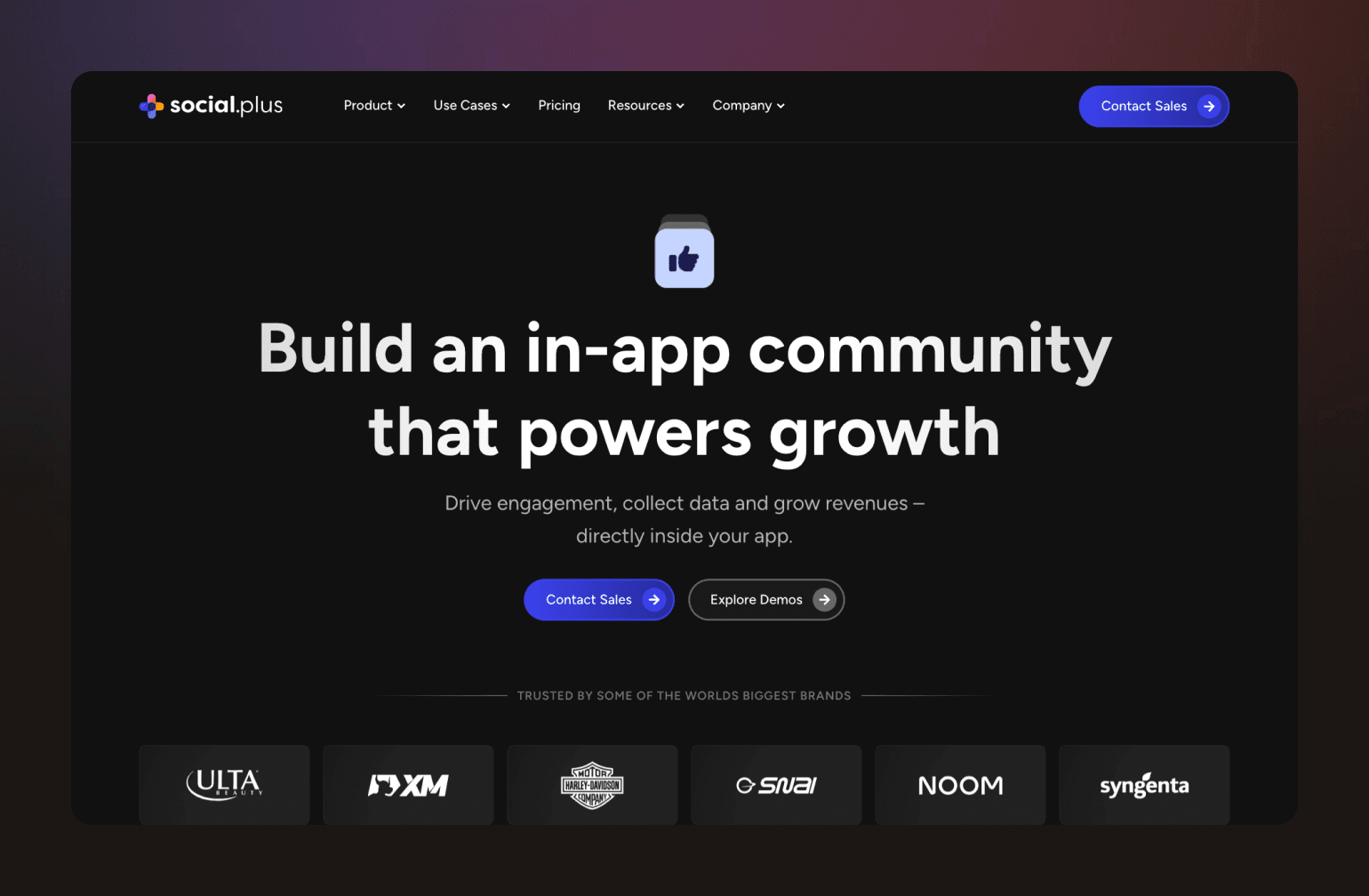
Every other platform on this list gives you a community to run. SocialPlus gives you the infrastructure to build one, directly inside your own product.
It's a fundamentally different model, and worth including here because for the right team, it's the most genuinely white-label option on this list. There's no SocialPlus branding anywhere. No separate app for your members to download. Just your product, with community features built in.
What you get with SocialPlus
- Full SDK and API access: Activity feeds, chat, groups, live streaming, and social commerce—all embeddable into your existing app.
- Zero platform branding: Fully invisible infrastructure. Your users never know SocialPlus exists.
- AI moderation and analytics: Real-time content moderation, sentiment analysis, predictive trend detection, and an admin research bot.
- Native monetization: Tipping, paid live streams, subscriptions, sponsored content, and in-feed commerce.
- Data sovereignty: You own all user data, with full GDPR compliance and custom SSO integration.
- Cons: This isn't a no-code platform. You need a development team to implement it, and pricing is based on monthly active users with no public rates listed.
The bottom line
SocialPlus is the right choice if you have the technical resources to build and want complete ownership. If you don't, one of the platforms higher on this list will get you there faster.
White-label app glossary
- SaaS (Software as a Service): Software you access online through a subscription instead of installing on your own servers. Most platforms on this list are SaaS products — you pay monthly and they handle the technology behind the scenes.
- API (Application Programming Interface): A set of rules that lets two software products talk to each other. For example, a platform with API access lets your development team connect it to your website, CRM, or other tools.
- SDK (Software Development Kit): A toolkit developers use to build features into an existing app. SocialPlus, for instance, provides an SDK so your team can add community features directly inside your own product.
- OAuth2: A security standard that lets members log into your community using accounts they already have (like Google or Apple) without sharing their password with your platform.
- SSO (Single Sign-On): A login method that lets members access your community and other tools with one set of credentials. Common in organizations where people use multiple internal systems.
- SAML: A technical standard used for single sign-on in enterprise environments. If your organization uses a central identity system (like Okta or Azure AD), SAML is how your community platform connects to it.
- SOC II: A security certification that proves a company follows strict data protection practices. Important if your organization handles sensitive member information or needs to meet compliance requirements.
- JWT (JSON Web Token): A compact, secure way to verify a member's identity between your app and a community platform. Often used alongside SSO to keep logins seamless.
- OTT (Over-the-Top): A way to deliver video content directly to viewers through an app, bypassing traditional TV or cable. Uscreen uses this model to let creators publish branded apps on devices like Apple TV and Roku.
- AMS (Association Management System): Software that associations and membership organizations use to manage member records, dues, events, and communications. Higher Logic integrates with these systems.
- LMS (Learning Management System): A platform for creating and delivering online courses. Some community platforms include a built-in LMS; others (like BuddyBoss) connect to external ones like LearnDash.
- GDPR (General Data Protection Regulation): A European privacy law that governs how companies collect, store, and use personal data. Platforms that mention GDPR compliance give you tools to meet these requirements for your members.
- SLA (Service Level Agreement): A commitment from a platform to maintain a certain level of uptime and performance — for example, 99.9% uptime means the platform is expected to be available nearly all the time.
- Webhook: An automatic notification sent from one app to another when something happens. For example, a webhook could notify your email tool whenever a new member joins your community.
- Custom domain: Using your own web address (like community.yourbrand.com) instead of the platform's default URL. Most platforms on this list support this, though it may require a higher-tier plan.
How to choose the right platform for your needs
The right platform depends on where you are and where you're going. If you:
- Are a solo creator with under 500 members? Start with Skool or GroupApp—or Circle's Professional plan if you want room to grow without switching platforms later.
- Run a coaching program or membership business with 5,000 to 15,000 members? Circle is the strongest fit. The platform is designed for exactly this use case, with built-in monetization, courses, and a branded app when you're ready.
- Lead a professional association or alumni network? Hivebrite or Higher Logic are purpose-built for this, but Circle Plus is a strong alternative if you want a more modern, flexible experience alongside enterprise-grade support.
- Have development resources and want full control? SocialPlus gives you full infrastructure control. Circle's API is worth exploring if you want the same flexibility with less build time.
Whatever your starting point, the goal is the same: a community experience that feels like yours, backed by a platform that can carry the weight.
Ready to see if Circle is the right fit? Start a free 14-day trial or talk to the migration team to map out your move.
Frequently asked questions
What is the best white-label community app in 2026?
Circle. It's the strongest all-around option for serious community businesses that want a fully branded app, built-in monetization, and a platform that scales with them. Unlike most platforms on this list, Circle gives you everything in one place—courses, events, payments, AI workflows, and a dedicated launch team—without stitching together multiple tools. The Plus tier in particular is built for businesses that take brand ownership seriously.
How much does a white-label community app cost?
It depends on the platform and the level of branding control you need. SaaS white-label platforms range from $18/mo (GroupApp) to custom enterprise pricing (Hivebrite, Higher Logic). True branded apps in the App Store typically start at $299 to $399/mo. Custom-built apps run significantly higher—often $80,000 to $250,000 or more.
How long does it take to launch a white-label app?
On a SaaS platform like Circle, app store approval typically takes one to two weeks once your app is submitted. Full setup and migration timelines vary, but most community businesses can expect to go live within 30 to 60 days with dedicated support.
Is a white-label app cheaper than building custom?
Yes, significantly. Custom app development typically runs $50,000 to $250,000 or more, plus ongoing maintenance. A white-label SaaS platform gives you a branded app at a fraction of that cost, with the platform handling infrastructure, updates, and support.
Can I migrate from Mighty Networks or Kajabi?
Yes. Circle offers a concierge migration service that handles the heavy lifting, including courses, member data, and payments. The team scopes your needs, provides a timeline, and manages the process end to end.
Can I use my own domain?
Most platforms on this list support custom domains, though it varies by plan. Circle, Disciple, Mighty Networks, Hivebrite, and others all offer custom domain support. Check the specific plan tier, as some platforms only unlock this feature at higher tiers.
What's the difference between white-label and private label software?
The terms are often used interchangeably, but there's a subtle distinction. White-label software is a ready-made product you rebrand as your own. Private label typically implies a more exclusive arrangement where the product is developed or reserved specifically for your brand. In the community platform space, white-label is the more commonly used and relevant term.
White-label app glossary
SaaS (Software as a Service): Software you access online through a subscription instead of installing on your own servers. Most platforms on this list are SaaS products — you pay monthly and they handle the technology behind the scenes.
API (Application Programming Interface): A set of rules that lets two software products talk to each other. For example, a platform with API access lets your development team connect it to your website, CRM, or other tools.
SDK (Software Development Kit): A toolkit developers use to build features into an existing app. SocialPlus, for instance, provides an SDK so your team can add community features directly inside your own product.
OAuth2: A security standard that lets members log into your community using accounts they already have (like Google or Apple) without sharing their password with your platform.
SSO (Single Sign-On): A login method that lets members access your community and other tools with one set of credentials. Common in organizations where people use multiple internal systems.
SAML: A technical standard used for single sign-on in enterprise environments. If your organization uses a central identity system (like Okta or Azure AD), SAML is how your community platform connects to it.
SOC II: A security certification that proves a company follows strict data protection practices. Important if your organization handles sensitive member information or needs to meet compliance requirements.
JWT (JSON Web Token): A compact, secure way to verify a member's identity between your app and a community platform. Often used alongside SSO to keep logins seamless.
OTT (Over-the-Top): A way to deliver video content directly to viewers through an app, bypassing traditional TV or cable. Uscreen uses this model to let creators publish branded apps on devices like Apple TV and Roku.
AMS (Association Management System): Software that associations and membership organizations use to manage member records, dues, events, and communications. Higher Logic integrates with these systems.
LMS (Learning Management System): A platform for creating and delivering online courses. Some community platforms include a built-in LMS; others (like BuddyBoss) connect to external ones like LearnDash.
GDPR (General Data Protection Regulation): A European privacy law that governs how companies collect, store, and use personal data. Platforms that mention GDPR compliance give you tools to meet these requirements for your members.
SLA (Service Level Agreement): A commitment from a platform to maintain a certain level of uptime and performance — for example, 99.9% uptime means the platform is expected to be available nearly all the time.
Webhook: An automatic notification sent from one app to another when something happens. For example, a webhook could notify your email tool whenever a new member joins your community.
Custom domain: Using your own web address (like community.yourbrand.com) instead of the platform's default URL. Most platforms on this list support this, though it may require a higher-tier plan.

Head of Performance Marketing
Marcus is the Head of Performance Marketing at Circle—and Circle's main demand gen nerd.