10 Slack alternatives built for communities, not teams
Your community lives in Slack. But somewhere along the way, things started becoming frustrating.
Members go quiet. Important updates get buried. Someone joins, gets overwhelmed, and never comes back. And you spend more time managing notifications than showing up for your people.
Slack is built for real-time communication inside internal teams. And it’s genuinely excellent at that. But communities aren't teams. They need discoverable content, structured onboarding, and a way to charge for your offers. Slack doesn't offer any of that, and no amount of channel reorganization will change it.
In Circle's 2026 Community Trends Report, 57.2% of community leaders reported changing member behavior. Nearly half noted burnout and disengagement. And 69.4% said community is becoming more strategic to their business. The bar for what a community experience needs to deliver has risen. Slack doesn’t meet it.
This guide covers ten Slack alternatives worth knowing about in 2026, from the best option for serious community businesses to free tools, self-hosted platforms, and everything in between. By the end, you'll know exactly which platform fits what you're building and which ones to skip.
Why people are looking for Slack alternatives
Slack isn't broken. For internal teams, it's one of the best communication tools available.
The problem shows up when you try to run a community there.
- Content gets buried. Slack is a chronological feed with no content hierarchy. Everything lives in the same stream regardless of importance. New members can't find answers, valuable discussions disappear, and there's no way to surface what matters later.
- There's no structure for progression. Courses, events, and discussions all compete for the same flat channel list. Without a clear separation between content types, there's no path for members to follow or sense of place.
- Monetization is an afterthought. Slack doesn’t offer native payments, membership tiers, or gated content. If you're launching a community business, you’ll hit that ceiling fast.
- The always-on culture wears people out. Real-time chat creates real-time pressure. Members feel obligated to keep up, and the moment keeping up feels like work, they check out.
- You're building on someone else's brand. Slack workspaces are generic by design. You can’t customize the experience to reflect your community’s brand or premium experience.
- The tool-hopping is exhausting. Because Slack doesn't handle courses, events, or structured content, most communities end up stitching together multiple platforms. Members bounce between tabs, lose context, and disengage.
Slack is like hosting your dinner party in the office break room. Functional? Sure. But nobody's staying for dessert.
The 10 best Slack alternatives at a glance
Before we get into the details, here's how all ten platforms stack up across the factors that matter most for community builders. Use this to shortlist the options most relevant to you.
| Platform | Best for | Monetization | Mobile app | Structure beyond chat | White-label | Events | Starting price |
|---|---|---|---|---|---|---|---|
| Circle | Creators, coaches, paid communities | ✓ Native | ✓ iOS + Android | ✓ Spaces, courses, events | ✓ Full (Plus) | ✓ Native | $89/mo |
| Discord | Free, large-scale public communities | Limited | ✓ iOS + Android | Channels only | ✗ | Voice/Stage only | Free |
| Microsoft Teams | Enterprises in the Microsoft ecosystem | ✗ | ✓ iOS + Android | Channels + tabs | ✗ | Webinars (internal) | Free / $4/user/mo |
| WhatsApp Communities | Small, mobile-first groups | ✗ | ✓ iOS + Android | Chat only | ✗ | ✗ | Free |
| Mighty Networks | Course + community businesses | ✓ Native | ✓ iOS + Android | Multi-feature Spaces | Partial | ✓ Native | $41/mo |
| Skool | Gamified course communities | ✓ Native | ✓ iOS + Android | Community + classroom | ✗ | Basic | $9/mo |
| Telegram | Privacy-focused, large-scale communities | Limited | ✓ iOS + Android | Groups + channels | ✗ | ✗ | Free |
| Mattermost | DevSecOps and compliance teams | ✗ | ✓ iOS + Android | Channels + playbooks | Partial | ✗ | Contact sales |
| Rocket.Chat | Self-hosted + omnichannel teams | ✗ | ✓ iOS + Android | Channels + omnichannel | Partial (Pro+) | ✗ | Free / Contact sales |
| Facebook Groups | Free, casual communities | ✗ | ✓ via Facebook app | Posts + events | ✗ | Basic | Free |
The 10 best Slack alternatives for communities in 2026
1. Circle — Best Slack alternative for creators, paid communities, and branded experiences
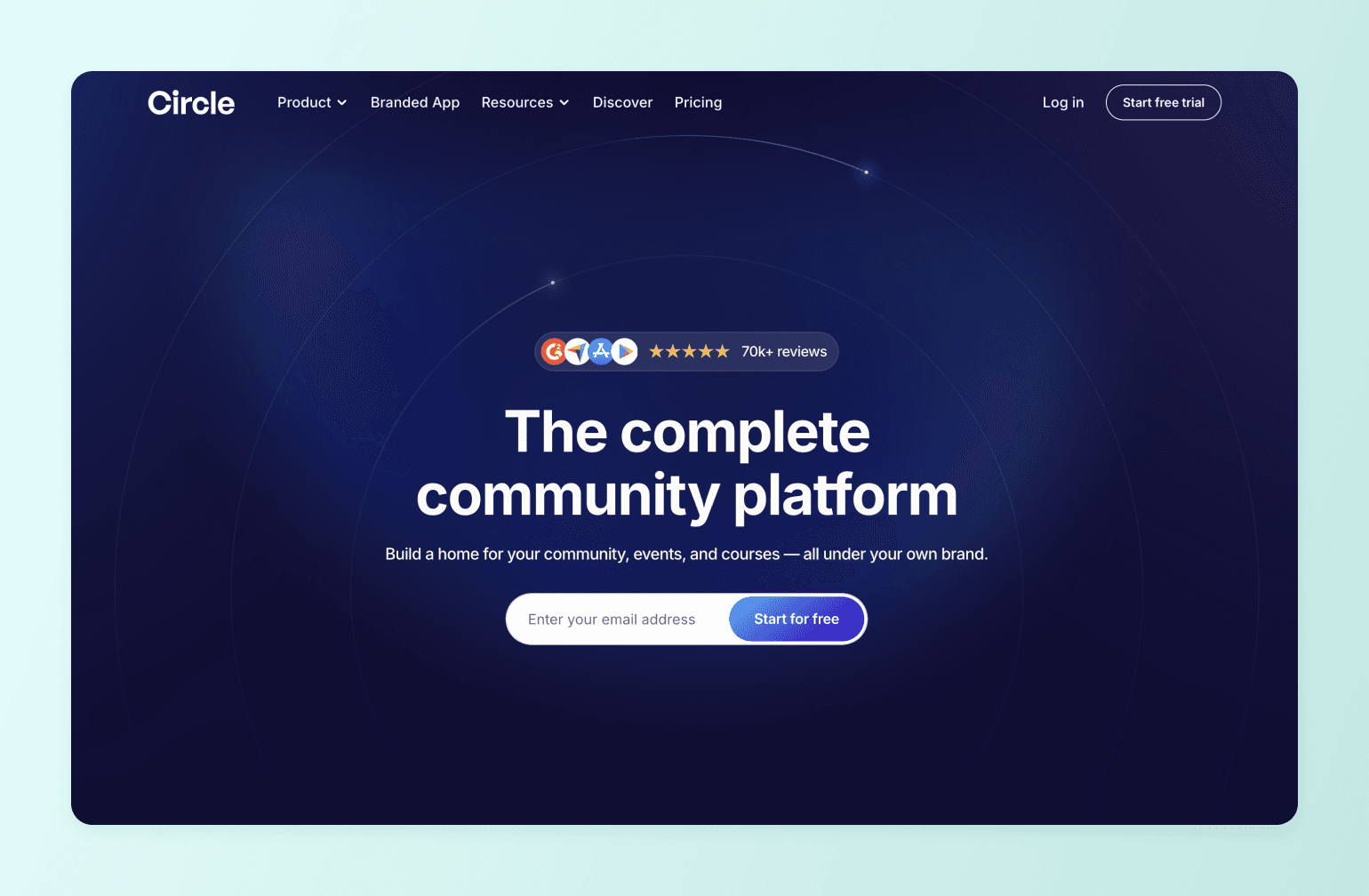
If Slack is where your community lives right now, Circle is where it belongs.
Circle is a community platform for creators, coaches, and membership businesses that want more than a chat tool. Where Slack gives you channels, Circle gives you a structured experience that makes your content more discoverable and your members feel at home.
Structured spaces instead of endless channels
In Slack, announcements, questions, casual chat, and resources all live in the same stream. New members arrive to a wall of activity with no clear starting point.
Circle's Spaces work differently. Each one has a purpose and members navigate between them intentionally. You control what each Space contains, who can access it, and how it fits into the member experience.
Events and courses, built in
Slack doesn’t have native events. Every session, workshop, or coaching call requires an external tool which adds friction and pulls members out of the community experience.
Circle handles events and courses natively. Live streams, live rooms for small-group sessions, workshops, and webinars all live inside the platform, with RSVP tracking and live chat included. You can also create structured learning experiences with video, text, and assignments directly inside your community. No separate LMS required.
Monetization from day one
Slack doesn’t offer payment processing, membership tiers, or gated content. Every dollar you make from your community requires a third-party tool and a separate checkout flow.
Circle has native monetization. You can charge for community access, courses, or both via subscriptions, one-time fees, or installment plans. Circle processes payments through Stripe, directly inside the platform.
A branded experience
When someone joins your Slack workspace, they're in Slack's environment. Circle lets you make the experience yours with a custom domain, branding, and removal of Circle's own branding on the Business plan and above. Circle Plus adds fully branded iOS and Android apps. You get your name in the App Store and your icon on your members' home screens.
AI and analytics
Circle's AI tools handle the work that doesn't scale, from welcoming members to answering repeated questions or re-engaging people who've gone quiet. AI Agents on Plus can support members 24/7 using your community's own content.
Workflows on Business automate onboarding and re-engagement sequences. The
analytics dashboard provides a clear picture of revenue, engagement, and member activity.
Pricing
Plans start at $89/month (Professional). Business is $199/month and adds workflows, AI tools, and branding removal. Circle Plus is custom-priced and includes branded mobile apps, AI Agents, and advanced analytics. Transaction fees range from 2% on Professional to 0.5% on Plus, in addition to Stripe's standard processing fees. All plans include a 14-day free trial and a 30-day money-back guarantee.
Key features:
- Structured Spaces to organize discussions, courses, chat, and resources — each with its own purpose and access level
- Native course builder with modules, drip scheduling, and cohort-based delivery
- Live events and streaming built into the platform, including webinars, live rooms, and Q&As with RSVP tracking
- Flexible monetization — subscriptions, one-time payments, and installment plans processed through Stripe
- AI tools and Workflows for automated onboarding, re-engagement, and 24/7 member support via AI Agents (Plus)
- Custom domain, branding controls, and fully branded iOS/Android apps (Circle Plus)
- Analytics dashboard covering engagement, revenue, and member activity
Ideal for:
Creators, coaches, and membership businesses that want to run courses, community, events, and payments without stitching together multiple tools.
Users say:
"Circle has transformed our community. We moved from a free platform to Circle in 2025 and kept all the things we liked about the old platform and ditched everything we hated and GOT SO MUCH MORE. We are able to monetize, prioritize, create new content, search easily, tag posts in a split second... it's made our community even more special than it was before. Customer support is also great, cannot be beat!" — Verified review from G2
"It can be a bit confusing and has a learning curve. There are just so many features, like space-specific features and category-specific features, making it a lot to navigate around from the admin side." — Verified review from G2
👉 For a detailed breakdown, check out the Circle vs. Slack comparison.

20K+ digital businesses live on Circle
2. Discord — Best free Slack alternative for large-scale public communities
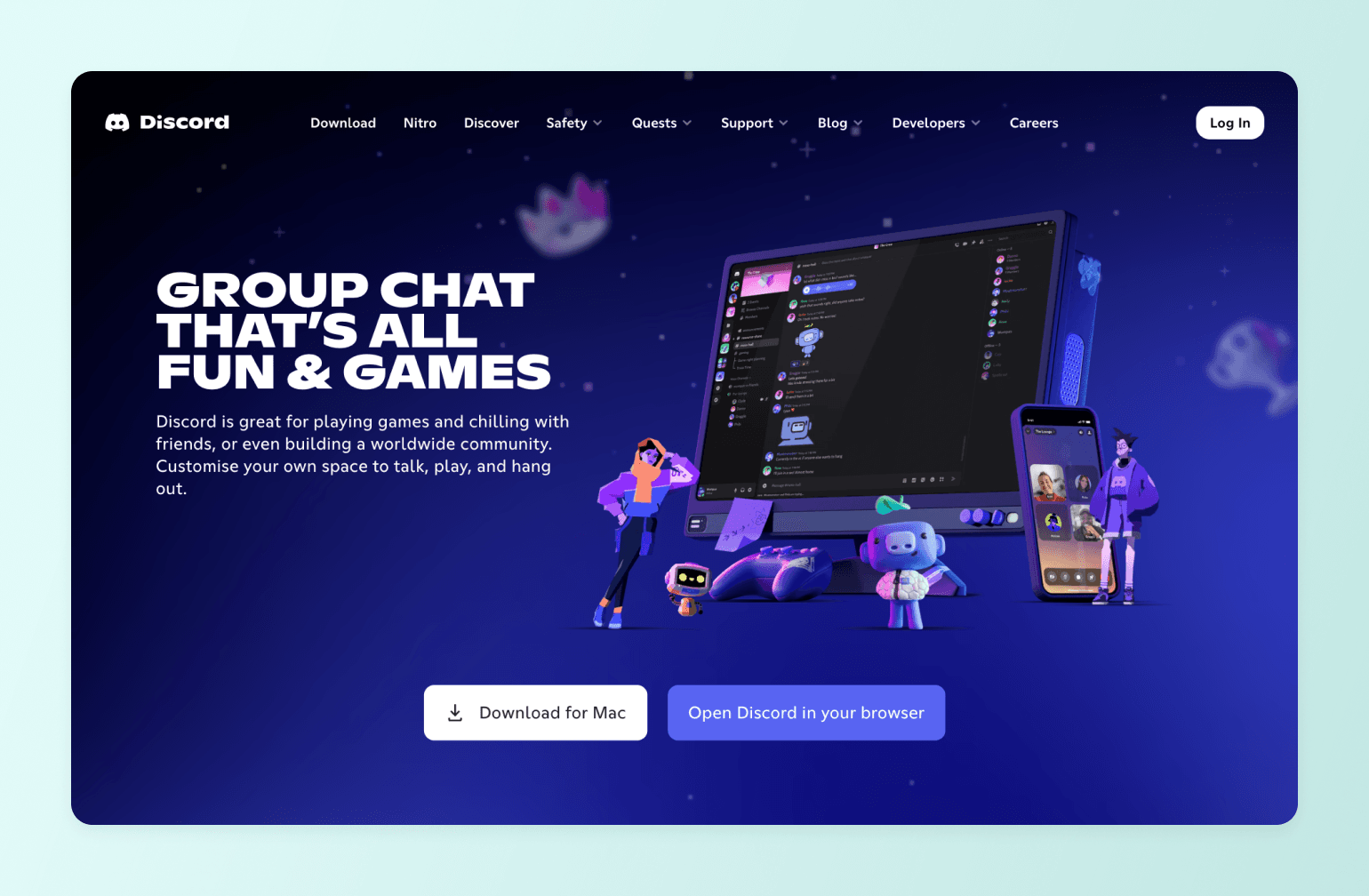
Discord is the most popular free community platform in the world, and for certain use cases, it's genuinely hard to beat.
What you get
- Free for communities of any size, with no per-member costs
- Real-time voice, video, and text channels
- Bot ecosystem for moderation, automation, and custom functionality
- Mobile apps for iOS and Android
- Server monetization for US-based creators
Where it wins
If you're building a large, informal community around a shared interest and you don't need to charge for access, Discord is a natural fit. Its over 90 million monthly active users mean your members are likely already registered, and the real-time voice experience is genuinely excellent.
Where it falls short
Content is ephemeral. Valuable conversations disappear into the scroll with no way to surface them later. There's no native course builder, events calendar, or member directory. Server monetization is US-only and limited. And there's no white-label option at any price point.
Pricing
Free. Nitro subscriptions (cost vary depending on your country and plan) unlock personal perks but aren't relevant to community owners.
The bottom line
Discord is a strong Slack alternative if cost is the primary constraint and you run an informal, interest-based community. The moment monetization, structure, or brand ownership enters the picture, it’s hard to ignore its limitations.
3. Microsoft Teams — Best Slack alternative for enterprises already in the Microsoft ecosystem
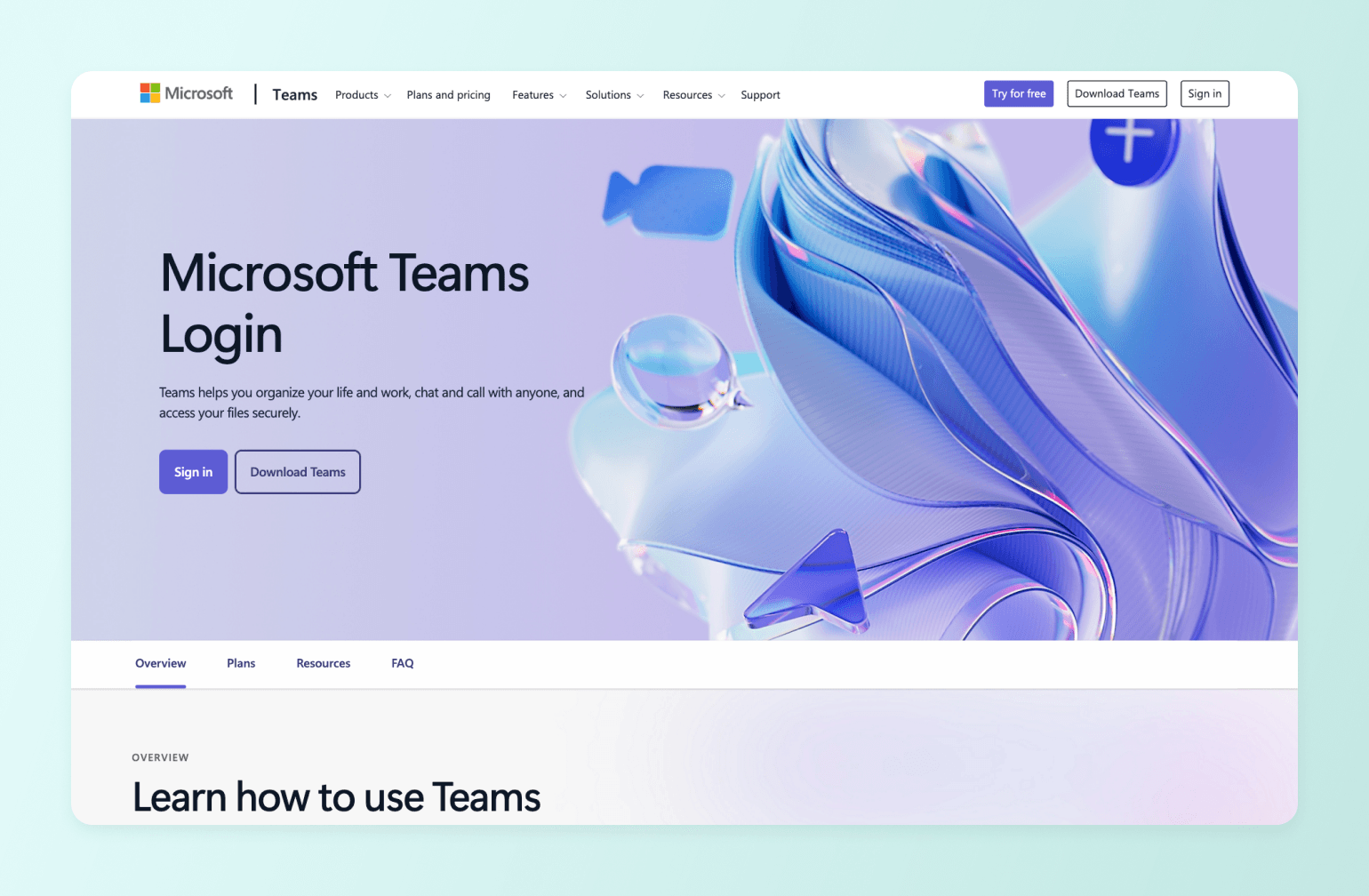
If your organization runs on Microsoft 365, Teams is probably already in your stack. And for internal team communication, it earns its place.
What you get
- Channel-based messaging, file sharing, and threaded discussions
- Meetings, webinars, and Town Halls for up to 20,000 attendees
- Deep integration with Word, Excel, PowerPoint, SharePoint, and Outlook
- Mobile apps for iOS and Android
- Enterprise-grade security, compliance, and admin controls
- AI meeting recaps, live translation, and summaries via Teams Premium add-on
Where it wins
Teams is the logical choice for large organizations already paying for Microsoft 365. The Office integration is quite seamless, and for enterprises that need compliance, data governance, and security at scale, it's hard to match.
Where it falls short
Teams is an even more workplace-oriented tool than Slack. It doesn’t offer monetization, community onboarding, member profiles, courses, or events beyond internal meetings and webinars. If Slack feels like a break room, Teams feels like a boardroom. It solves a different problem entirely.
Pricing
Free plan available. Paid plans start at $4/user/month (Teams Essentials) up to $22/user/month (Microsoft 365 Business Premium), but Microsoft has announced a pricing increase effective July 1, 2026.
The bottom line
Teams is a Slack alternative for enterprises that live inside the Microsoft ecosystem. It's not a community platform in any meaningful sense, and it isn’t meant to be.
4. WhatsApp Communities — Best Slack alternative for small, mobile-first groups
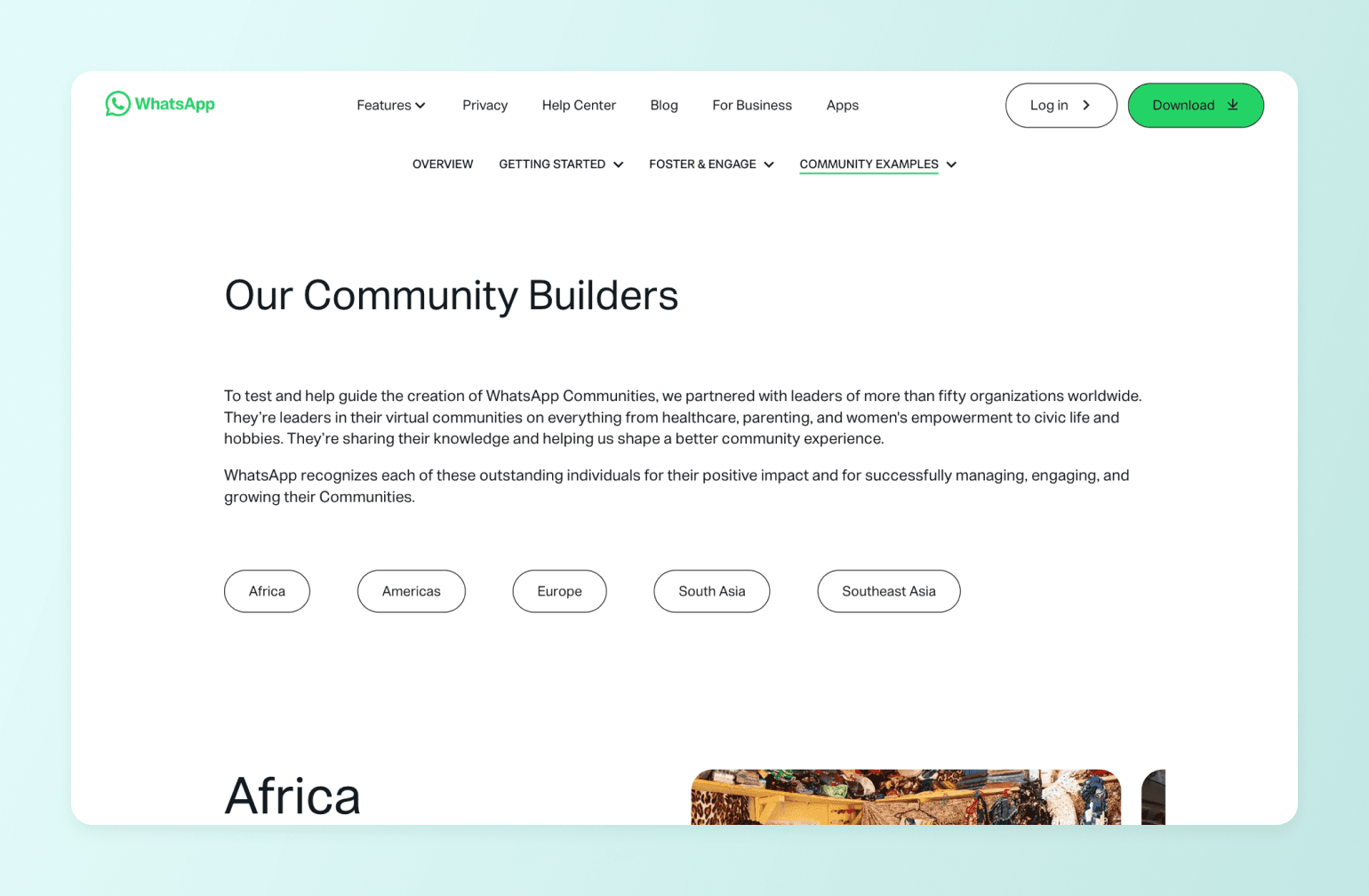
WhatsApp Communities is free, familiar, and already on the phones of over two billion people worldwide. For small, informal groups that want to stay connected without asking members to download something new, it's a frictionless starting point.
What you get
- Free for admins and members at any scale
- Up to 50 subgroups and 1,024 total members per community
- Admin-only announcement channel alongside open group chats
- End-to-end encryption on all messages
- Voice calls for up to 32 participants
- Polls, file sharing up to 2GB, and mobile-first design across iOS and Android
Where it wins
- WhatsApp's greatest strength is reach. If your audience is already there—and in most markets outside the US, they are—the barrier to joining is essentially zero. Message open rates are consistently high, and the intimacy of a messaging app can create a genuine sense of connection for small, close-knit groups.
Where it falls short
WhatsApp Communities is more of a messaging tool than a true community platform. There's no monetization, search, content archive, events, member profiles, or analytics. Content disappears into the chat history with no way to retrieve it. Every member must share a personal phone number to join. And at 5,000 members, you've hit the hard ceiling.
Pricing
Free.
The bottom line
WhatsApp Communities works for small, informal groups where members already know each other. The moment you need structure, scale, or a way to charge for access, you've outgrown it.
5. Mighty Networks — Best Slack alternative for network-oriented creators
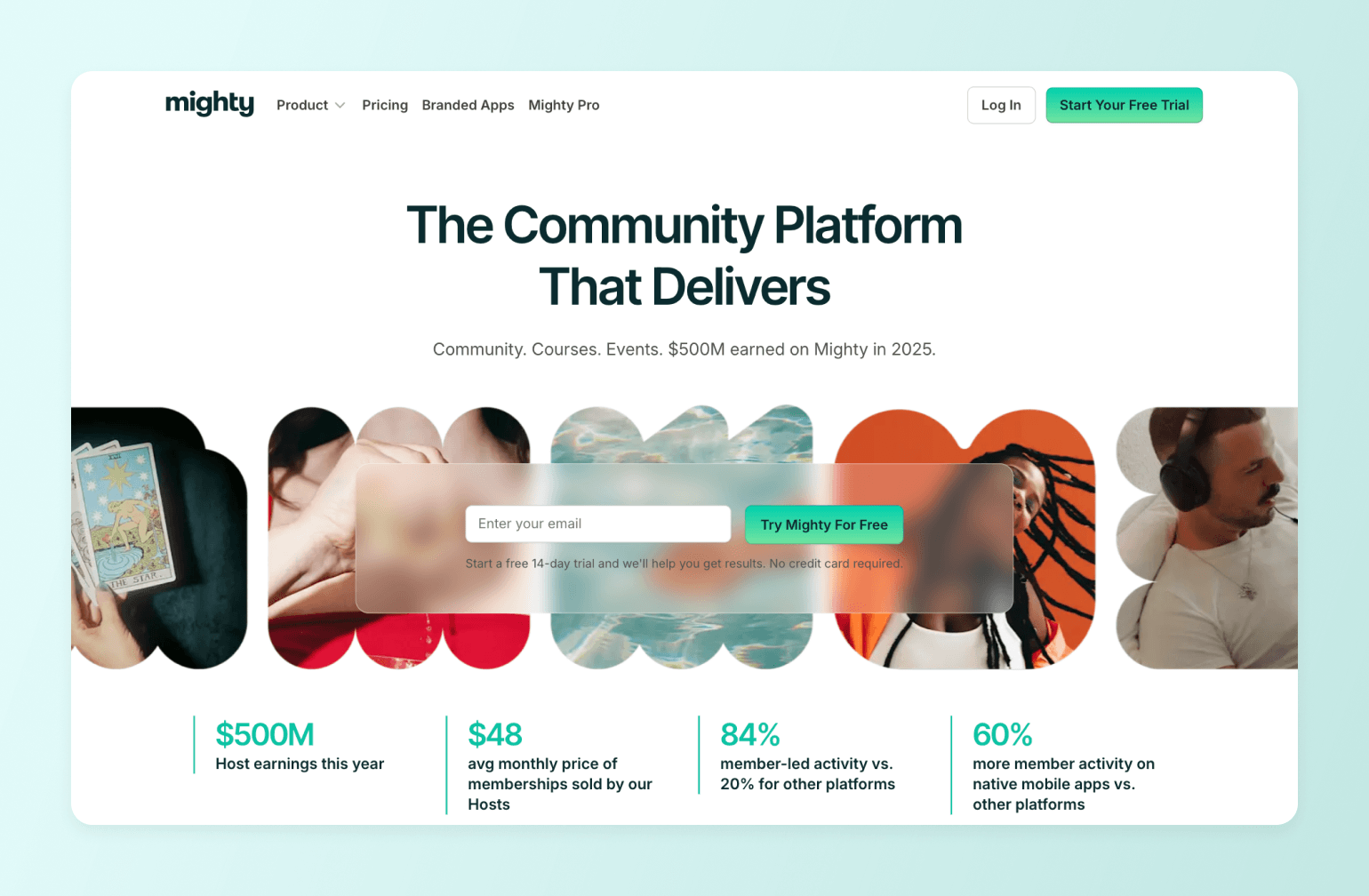
Mighty Networks is for creators who want courses, community, and monetization under one roof. If your business model combines teaching and community, it's worth considering.
What you get
- Flexible Spaces that can combine courses, events, chat, and discussions in a single container
- Native live and async course delivery with quizzes and challenges
- Built-in monetization via subscriptions, one-time fees, and installment plans in 100+ currencies
- Unlimited members, spaces, hosts, and moderators on all paid plans
- Native events with RSVP, calendar view, and live streaming
- Mobile apps for iOS and Android on all plans
- Branded mobile apps on Mighty Pro (custom pricing)
- Mighty Co-Host AI for engagement prompts and course planning
Where it wins
Mighty's multi-feature Spaces let you combine courses, events, chat, and content in a single container, which gives it more layout flexibility than some competitors. Unlimited members, spaces, and hosts on all plans also means you're less likely to hit a ceiling that forces an upgrade.
Where it falls short
The interface is commonly described as more complex and less polished than Circle or Slack, which can affect member engagement. There's no native email marketing. Transaction fees apply to all plans except Mighty Pro. And product development has slowed considerably. Most recent updates have been minor fixes, while competitors have continued to ship significant new features.
Pricing
Plans start at $41/month (Launch) up to $179/month (Business) and $354/month (Growth), billed annually. Transaction fees range from 3% on Launch to 1% on Growth, in addition to Stripe’s standard processing fees. Mighty Pro is custom-priced.
The bottom line
Mighty Networks is a viable Slack alternative for creator-led businesses that want courses and community combined. It has real strengths, but a less polished interface and slower product development mean it's worth comparing carefully before committing.
6. Skool — Best Slack alternative for basic gamified course communities
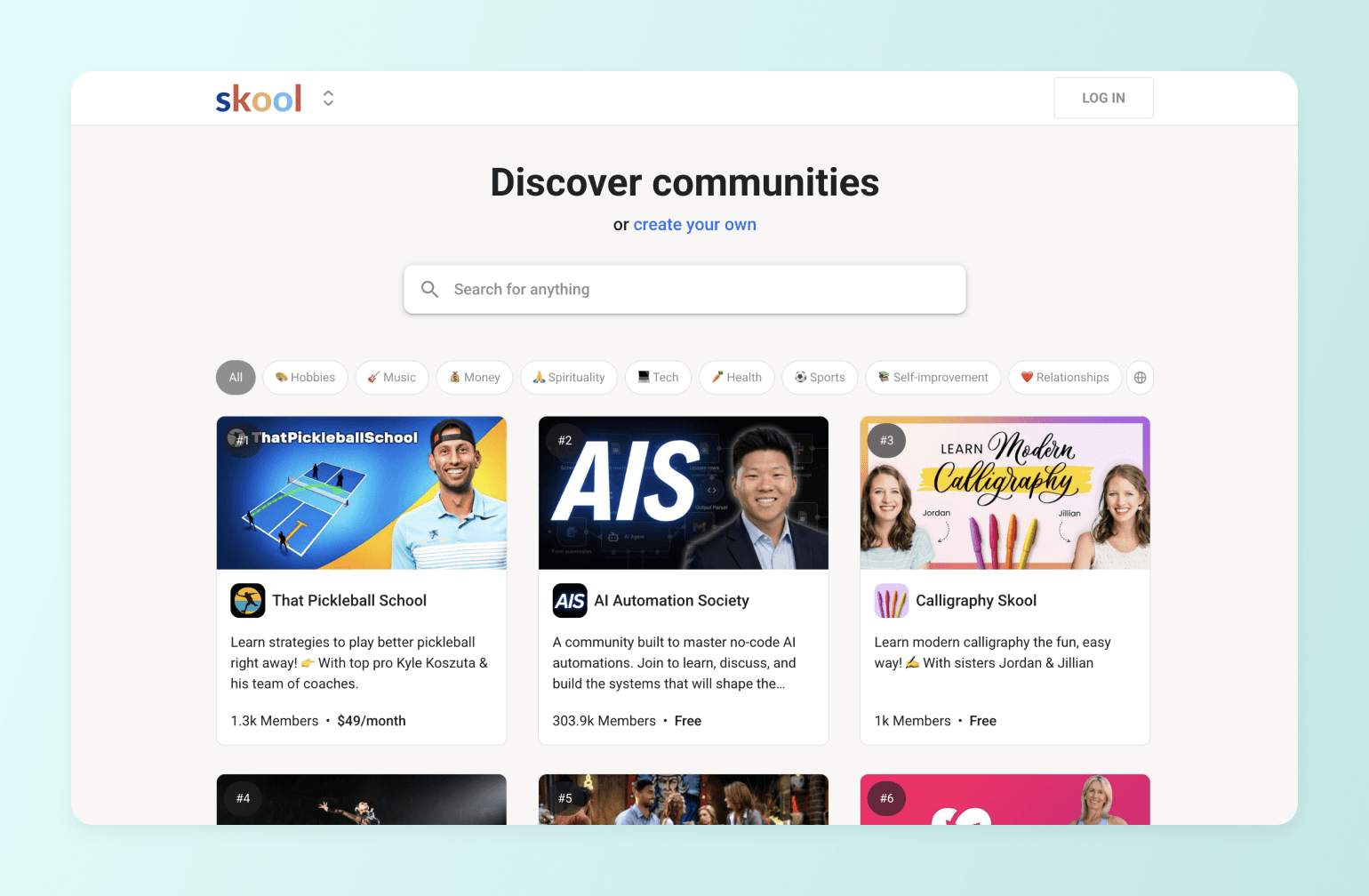
Skool focuses on a simple idea: community activity drives learning, and learning activity strengthens the community. Everything on the platform supports that loop, and it works well for the right use case.
What you get
- Community feed, course classroom, events calendar, and member directory in one place
- Gamification. Points, levels, leaderboards, and content unlocks tied to member engagement
- Native video hosting with auto captions, timestamps, and playback controls
- Built-in payment processing with subscriptions, one-time fees, and freemium models
- Built-in community discovery. Members can find your community organically through Skool's public directory
- Mobile apps for iOS and Android
- 14-day free trial (credit card required)
Where it wins
Skool's gamification is its genuine differentiator. Points, levels, and leaderboards create strong engagement loops, and the intentionally simple interface means members can get oriented quickly.
Where it falls short
There's no white-label option at any price point. Communities use a Skool subdomain and members use the generic Skool app. There are no quizzes, certificates, or advanced LMS features. No native email marketing or automation workflows. And each community requires its own subscription, so running multiple communities gets expensive fast.
Pricing
Hobby plan at $9/month (10% transaction fee). Pro plan at $99/month (2.9% transaction fee) with custom URL and up to 30 admins. Annual billing saves approximately 17%.
The bottom line
Skool is a strong Slack alternative for creators who want high engagement in a simple package. When brand ownership, advanced course features, or multiple communities become a priority, it starts to show its limits.
7. Telegram — Best privacy-focused Slack alternative for large communities
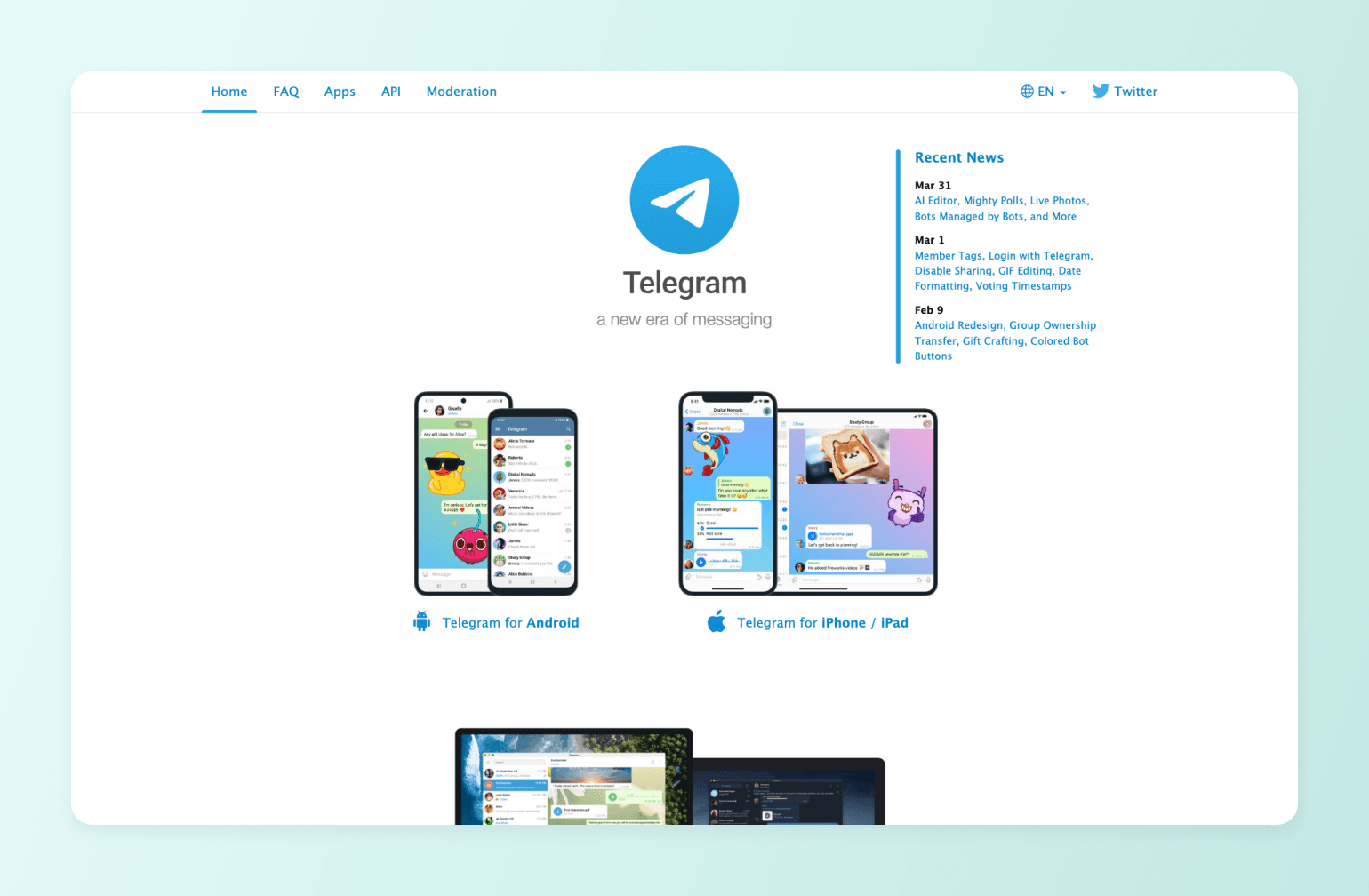
Telegram is a free, privacy-first messaging platform. With over one billion monthly active users and supergroups supporting up to 200,000 members, it's a serious option for communities that need reach without a platform bill.
What you get
- Free for communities of any size
- Supergroups up to 200,000 members and channels with unlimited followers
- End-to-end encryption and minimal data collection
- Powerful bot ecosystem for moderation, onboarding, payments, and automation
- File sharing up to 2GB
- No algorithmic feed. Members see everything in chronological order
- Mobile apps for iOS and Android, plus desktop apps for Windows, Mac, and Linux
- Native paid channel subscriptions
Where it wins
Telegram's combination of massive scale, strong privacy, and zero cost is impressive. The bot ecosystem means technically capable communities can develop significant structure and automation on top of the platform. And unlike most messaging apps, Telegram has no algorithmic feed. Your content reaches your members, not a filtered subset.
Where it falls short
Telegram doesn’t have native event scheduling, courses, member profiles, or analytics. Serious monetization still requires third-party bots and external payment tools. There's no white-label option. And establishing any real structure requires bot infrastructure that most non-technical community builders likely won't want to manage.
Pricing
Free. Telegram Premium ($4.99/month per user) adds personal perks like larger file uploads, faster downloads, and no ads in channels.
The bottom line
Telegram is a strong Slack alternative for privacy-conscious communities that need massive scale at zero cost. For anyone trying to launch and grow a structured, monetized community business, it falls short of what a dedicated platform provides.
8. Mattermost — Best Slack alternative for self-hosted, security-first teams

Mattermost is an open-source messaging platform for organizations that need to keep their data on their own servers. If your reason for leaving Slack is security or compliance rather than community-building, it's worth considering.
What you get
- Self-hosted deployment. Your data stays on your infrastructure
- Channel-based messaging, threaded discussions, and file sharing
- Group calling and screen share
- Project management boards and structured workflow tools
- Integrations with developer tools like GitHub, GitLab, and Jira
- Built-in AI tools, including your own LLM, search, and content summarization on Enterprise
- Mobile and desktop apps
- Free tier for evaluation
Where it wins
Mattermost is great for organizations in regulated industries like defense, government, healthcare, or finance, where data can't leave internal infrastructure. If control over where your data lives is the primary requirement, Mattermost delivers.
Where it falls short
Mattermost doesn’t have monetization, courses, events, member profiles, or public-facing community tools. It requires technical setup and ongoing maintenance. And all paid plans are sales-led with no public pricing.
Pricing
Free Entry tier for evaluation. Professional and Enterprise plans require contacting sales. No public pricing is listed.
The bottom line
Mattermost is a Slack alternative for IT and security teams that need full infrastructure control. It's the wrong tool entirely for community businesses.
9. Rocket.Chat — Best Slack alternative for self-hosted teams that need customer communication
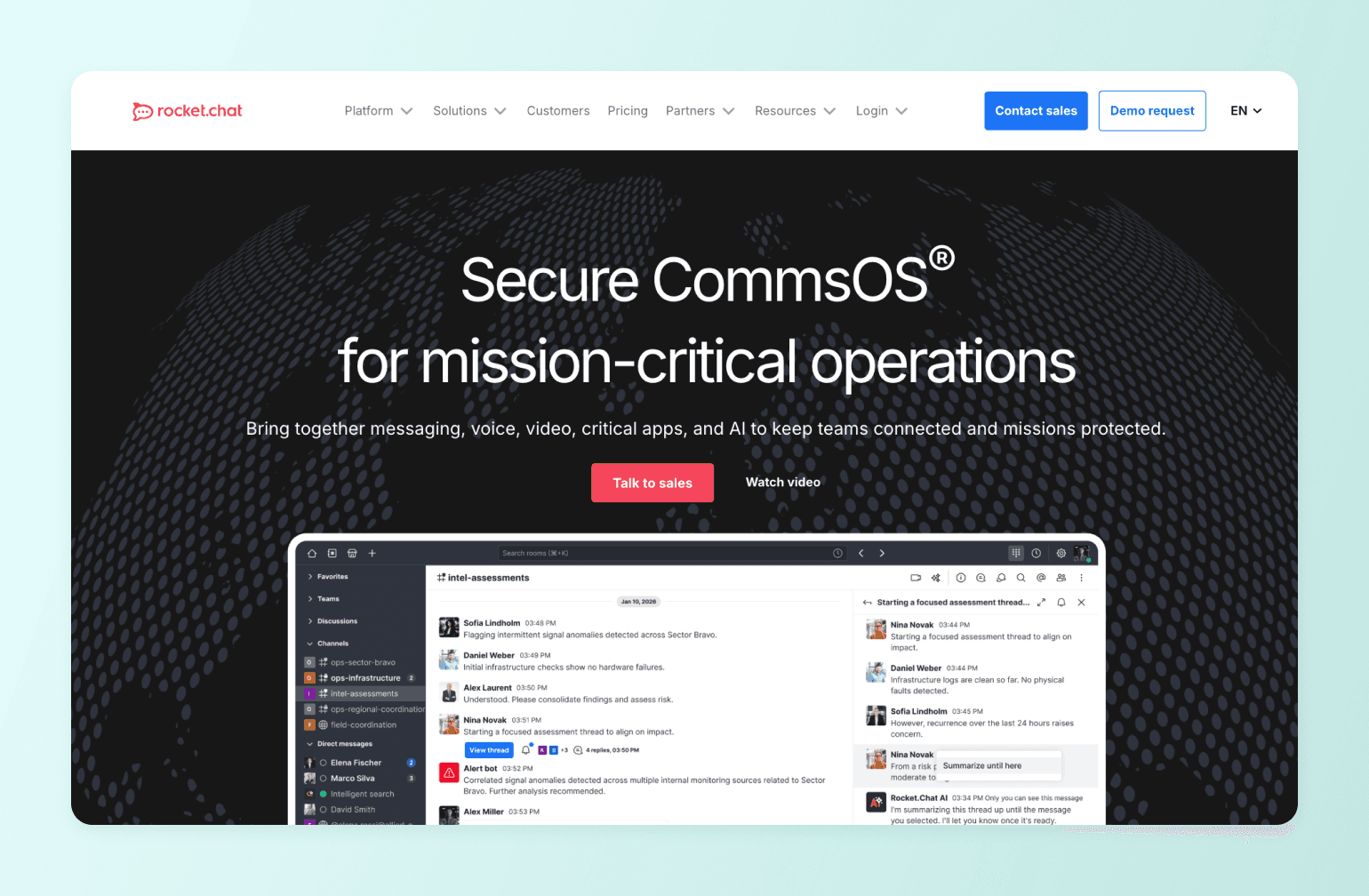
Rocket.Chat covers similar ground to Mattermost. It’s open source, self-hosted, and built for organizations that need data control. But it has one meaningful difference: it can handle both internal team communication and external customer conversations from the same platform.
What you get
- Self-hosted or cloud deployment with full data control
- Channel-based messaging, threaded discussions, and file sharing
- Native omnichannel. Manage live chat, WhatsApp, Instagram, email, and more in one workspace
- Full end-to-end encryption on all messages
- Advanced white-labeling on Pro and above. Customize logos, colors, layouts, and remove Rocket.Chat branding
- Audio and video messages, read receipts, and real-time translation across 64 languages
- Native Matrix federation for cross-organization collaboration
- Mobile and desktop apps
- Free Starter tier for teams of up to 50 users
Where it wins
Rocket.Chat's native omnichannel is its standout feature. If your team needs to handle customer support across multiple channels alongside internal communication, it consolidates everything in one place.
Where it falls short
Like Mattermost, Rocket.Chat is not a community platform. There's no monetization, courses, events, or member-facing community tools.
Pricing
Free Starter tier for up to 50 users (self-hosted). Pro and Enterprise plans require a sales, as they don’t list pricing publically on their website.
The bottom line
Rocket.Chat is a strong Slack alternative for teams that need self-hosted messaging and customer communication in one place. For community builders, it solves a different problem entirely.
10. Facebook Groups — Best free Slack alternative for casual, interest-based communities
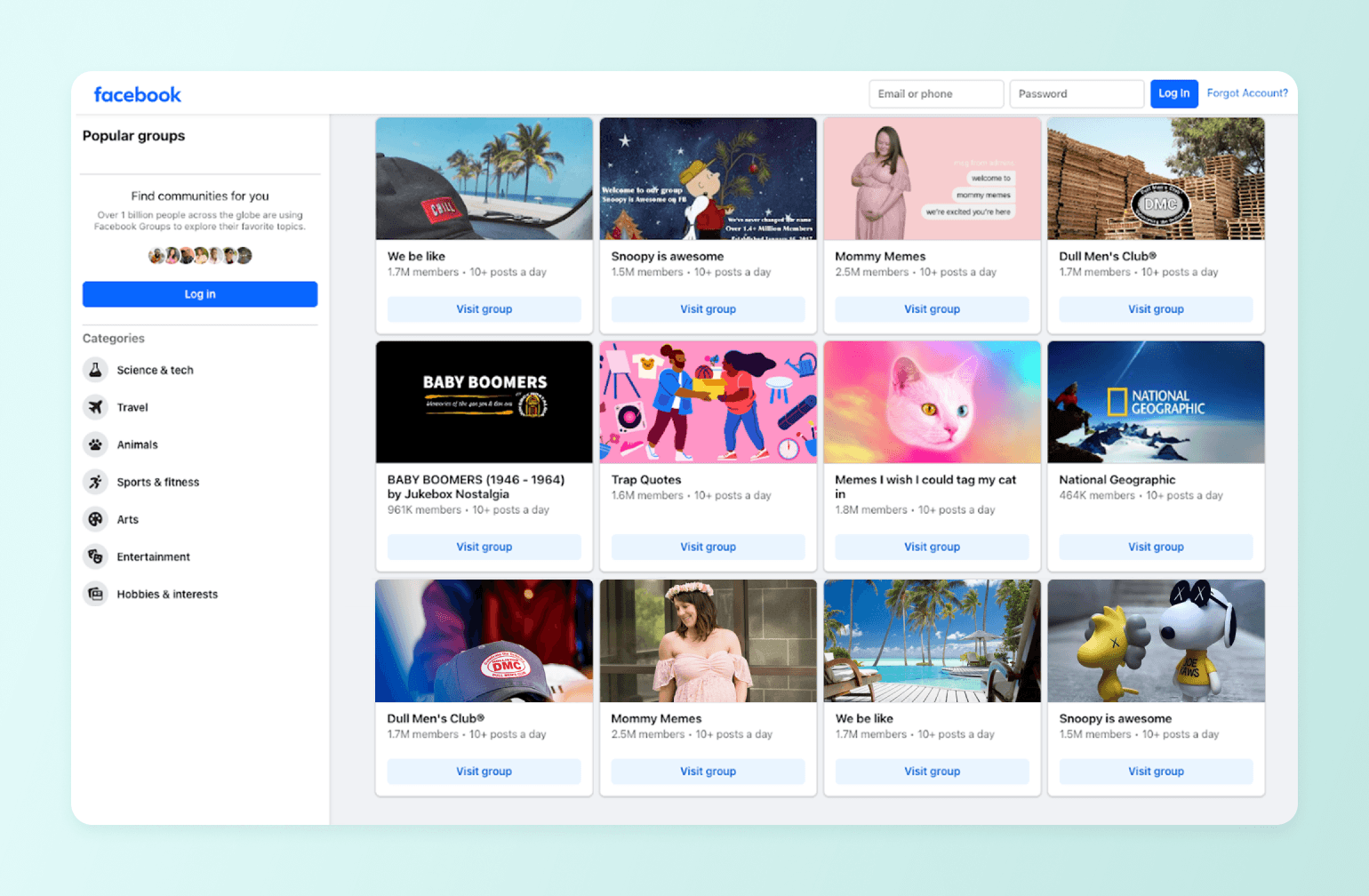
Facebook Groups is the most widely used free community tool in the world, and for casual, interest-based communities, it's a legitimate starting point. Your members almost certainly already have an account, and the barrier to joining is essentially zero.
What you get
- Free for admins and members at any scale, up to 2.5 million members per group
- Posts, comments, polls, and real-time community chat
- Native events with recurring event support and RSVP
- AI-powered moderation filters and member segmentation tools
- Mobile access via the Facebook app on iOS and Android
Where it wins
Facebook Groups' greatest strength is its existing audience. With 1.8 billion monthly active group users, it offers serious discovery potential—especially for public communities built around broad interests. Groups also consistently outperform Facebook Pages on organic reach, making them one of the better free options for building an audience from scratch.
Where it falls short
You own nothing. There's no member email list, data export, or audience portability. Facebook's organic reach averaged just 1.37% in 2024 and continues to decline. It doesn’t have monetization infrastructure, courses, a white-label option, or a way to grow a community business on top of it. Meta can change the rules, limit your reach, or shut your group down at any time, and you have no recourse.
Pricing
Free.
The bottom line
Facebook Groups is a reasonable place to start if cost is the only constraint and your community is casual and interest-based. It's not a platform you can run a business on.
Which Slack alternative is right for you?
The right platform depends on what you're actually trying to create. Here's a quick guide based on the most common use cases.
- Running a paid course or membership business? Circle is the strongest fit. It handles courses, community, events, and payments in one place, with a member experience that’s as premium as your offer.
- Hosting a free, interest-based community? Discord or Telegram are natural starting points. Discord is better for real-time, conversation-driven communities. Telegram is stronger if privacy, scale, or global reach matters more than structure.
- A premium coach working with high-ticket clients? Go with Circle. A generic Slack workspace or Discord server doesn't reflect the caliber of a four to five-figure program.
- Need internal team communication with full data control? Mattermost if your priority is developer and engineering workflows. Rocket.Chat if you also need to manage customer conversations alongside internal messaging.
- Running a large enterprise already on Microsoft 365? Microsoft Teams is probably already in your stack and supports internal communication well. It won't serve a community business, but for workplace collaboration, it earns its place.
- Just getting started and need something free? Facebook Groups or Discord. Both are free, both have large existing user bases, and both are reasonable places to validate a community concept before investing in a dedicated platform.
- Managing a small, mobile-first group? WhatsApp Communities. Zero friction, free, and your members are almost certainly already there. When you need structure or monetization, it's time to move on.
Frequently Asked Questions
What is the best Slack alternative?
It depends on what you're trying to do. For creators, coaches, and membership businesses that need structure, monetization, and a branded experience, Circle is the strongest option. For free, informal communities, Discord or Telegram are natural starting points. For enterprises already on Microsoft 365, Teams does the job for internal communication.
Is Slack good for communities?
Slack works for small, informal groups that don't need structure or monetization. The problems show up as communities grow. Content gets buried, new members get overwhelmed, and there's no native way to charge for access or build a member journey. Most serious community builders quickly outgrow it.
What is Google's equivalent to Slack?
Google's closest equivalent is Google Chat, included in Google Workspace. Like Slack, it's designed for internal team communication rather than community building, and has the same fundamental limitations for anyone trying to run a paid or structured community.
Does Microsoft have a Slack alternative?
Yes, Microsoft Teams. It's included in most Microsoft 365 plans and covers the same internal communication use case as Slack. Like Slack, it's a workplace tool rather than a community platform.
What is similar to Slack but free?
Discord, Telegram, and Facebook Groups are all free Slack alternatives. Discord is best for real-time, interest-based communities. Telegram is stronger for privacy-focused or large-scale groups. Facebook Groups work for casual communities where members are already on Facebook.
Is Slack going away?
No. Salesforce owns Slack and it remains one of the most popular workplace communication tools in the world. Slack is here to stay. Whether it's the right tool for your community is a different question.

Head of Performance Marketing
Marcus is the Head of Performance Marketing at Circle—and Circle's main demand gen nerd.