12 Best Kajabi alternatives for course creators and community builders (2026)
If you've been on Kajabi for a while, you already know it's a capable platform. What you might be questioning right now (especially after the 2025 price changes) is whether there's a Kajabi alternative that’s better for what your community needs and where it’s heading.
Here's the thing: Kajabi was built to sell courses. The funnel builder, the email sequences, the pipelines—all of it points toward one outcome. Convert a prospect, deliver content, repeat. That model works. It's worked for a lot of people for a long time.
But the creator businesses that are winning right now aren't winning on content alone. They're winning on community. On retention. On the kind of member engagement that compounds and helps them grow.
We know that community is important (it’s all we do), but don’t just take our word for it. Almost 70% of the 750 community builders we spoke with told us that community is a major part of their business plan for 2026.
The harder question isn't whether Kajabi works. It's why it can feel like it's working while the business underneath isn't actually growing. That's the plateau most people don't talk about. You're not failing. You're just... stuck. And the platform you're paying for isn't going to unstick you.
If your business is still in full course-selling mode, Kajabi probably still makes sense. But if your model has shifted, this guide will help you figure out what to move to, and why.
If you're evaluating your stack right now, there are lots of options out there—but here’s the quick notes:
- Circle for community-driven membership businesses.
- Thinkific if you primarily sell courses and want to stop paying for tools you don't use.
- Systeme.io if you want Kajabi's full marketing stack at a fraction of the price.
Here’s a quick peek before we get into the details:
| Platform | Best For | Starting Price | Transaction Fee | Community | Courses |
|---|---|---|---|---|---|
| Circle | Community-driven memberships | $89/mo | 0.5–4% | Best in class | |
| Thinkific | Dedicated course creators | $36/mo | None | Basic | Strong |
| Teachable | Beginners | $29/mo | 7.5% (Starter) | Basic | |
| Podia | Affordable all-in-one | $33/mo | 5% (Mover) | ||
| Systeme.io | Budget Kajabi replacement | Free | None | Limited | |
| Kartra | Advanced marketing automation | $79/mo | None | Basic | |
| LearnWorlds | Education businesses | $24/mo | $5/sale (Starter) | Best in class | |
| Skool | Simplicity-focused coaches | $9/mo | 10% (Hobby) | Strong | Basic |
| Mighty Networks | Social-network communities | $41/mo | 2–3% | Strong | |
| Substack | Writers and newsletters | Free | 10% of revenue | Limited | |
| Ghost | Independent publishers | $18/mo | None | Limited | |
| Squarespace | Design-forward creators | $16/mo | Up to 7% | Basic |
Why creators are leaving Kajabi
Kajabi raised its prices in 2025. The $89 Kickstarter plan is gone. The Basic plan now runs $143–$179/month depending on whether you choose month or annual billing. Suddenly, a lot of creators who built their business on Kajabi are asking the same question—”Am I still getting what I'm paying for?”
The price increase is the visible problem. The feature-gating is the one that actually changes how you run your business.
On Kajabi's Basic plan, a lot of what you'd assume is included isn't. Cohort courses, affiliate management, advanced automations, API access, webhooks, video transcription, and the ability to remove Kajabi's branding all require the Growth plan at $249/month or higher.
The price increase and feature gating didn't cause the frustration. It just made it impossible to ignore. Creators who were already quietly wondering why their community wasn't engaging finally had a concrete reason to look elsewhere.
Community was added to Kajabi. It was never central to it. Ask any Kajabi power user and you'll hear some version of the same thing: the community works, but it doesn't feel alive.
There's no gamification, no native live streaming, no structured spaces for separating different member segments. What you get is a feed and a comment section. Functional enough to check a box. Not powerful enough to actually build something.
Creators are hitting all three walls at once: a community that won't engage, a price that keeps climbing, and a feature ceiling that moves every time they get close to it. Now they’re not just looking for something cheaper: they're questioning whether an all-in-one platform still fits the business they're actually running.
How to choose the right Kajabi alternative
The wrong way to pick a Kajabi alternative is to find the platform with the most similar feature list at a lower price. Feature parity isn't the same as business fit.
The right question is simpler: what does your business actually run on?
| You are... | You need... |
|---|---|
| A funnel-first marketer | Conversion tools, sequences, automation |
| A pure course creator with a built-in audience | A dedicated LMS, no extras |
| A community-driven business | Community-first platform |
| A budget-conscious solopreneur | All-in-one without the price tag |
| A simplicity-first coach | Low friction, high engagement course platform |
| A writer or publisher | Publishing and paid subscriptions with discovery built-in |
Once you've identified the right category, evaluate on the things that can bite you later, not the things that look good in a demo:
- Ease of use: Can your members figure it out without a tutorial?
- Branding: Is white-labeling included on the plan you can actually afford?
- Integrations: Does it connect natively to your existing stack, or are you living in Zapier?
- Security: Who owns your member data, and what happens to it if you leave?
- Support: Check reviews from users who've been on the platform for 12+ months to get the real story.
12 Best Kajabi alternatives in 2026
1. Circle — best for community-driven course businesses
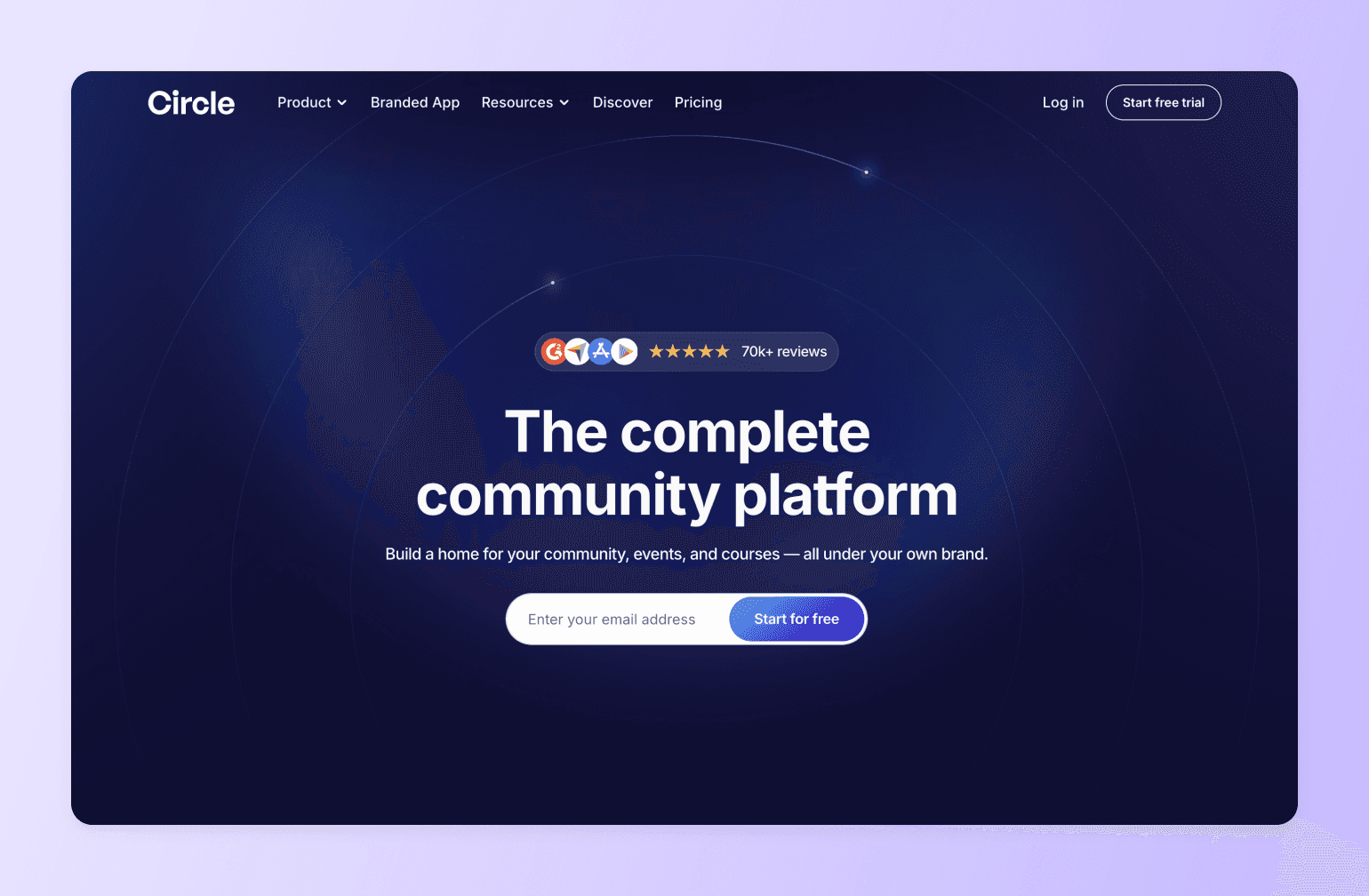
If Kajabi’s community tab has always felt like a feature that was added to justify a bullet point on the pricing page, you’re not imagining it. Kajabi bolted community features onto a course and marketing platform.
Circle built the whole thing the other way around—community first, everything else in service of it. That distinction is felt in every interaction your members have: in how naturally they move between discussions and course content, in how often they actually show up, and in how long they actually stay.
On Kajabi, your community lives in a silo. On Circle, discussions, courses, events, coaching calls, and memberships all flow through a single branded space that feels like a destination, not a tab your members reluctantly click. Creators organize content into public, private, or secret “Spaces,” each gated to specific tiers or purchases, giving you structural control that Kajabi doesn’t offer. We also offer a full gamification system that rewards members for posting, attending events, and completing content. Kajabi’s community doesn’t have anything close to this.
Automation workflows trigger emails and access changes based on real member behavior, you can see real-time analytics to monitor usage, and AI Agents handle member questions 24/7 using your own content, so your community runs even when you’re not in the room.
👉🏼 Community was added to Kajabi. With Circle, community is the core.
🥊 Tale of the tape: Circle vs. Kajabi
| Feature | Circle | Kajabi |
|---|---|---|
| Community Spaces | Unlimited, fully structured | Basic, one community per product |
| Gamification | Points, ranks, leaderboards | Not available |
| Live Streaming | Native, built-in | Requires third-party tool |
| AI Member Support | AI Agents (Scale) | Not available |
| Course Hosting | Included on all plans | Included on all plans |
| Automation Workflows | Business plan+ | Included on most plans |
| Branded Mobile App | Circle Plus | Available on higher plans |
| Email Marketing | Email Hub (add-on) | Built-in on all plans |
| Sales Funnels | Not available | Built-in |
Cost comparison
Here’s where it gets interesting. Kajabi’s Basic plan runs $149/month and caps you at 3 products, 3 funnels, and 1,000 active customers. Circle’s Professional plan is $89/month (billed annually) with unlimited members, unlimited courses, and no product caps.
👉🏼 If community engagement is what drives your retention and revenue, you’re likely paying Kajabi a premium for features you’d happily trade for a platform where your members actually show up.
Migration support
Switching platforms sounds painful, but Circle makes it less so. The team offers a free course migration service on annual Business plans and above that moves your existing course content to Circle so you’re not rebuilding from scratch. There’s also a free Email migration service that transfers your contacts, automations, and email assets.
Key features:
- Community Spaces with forum posts, group chat, direct messaging, and a searchable knowledge base.
- Built-in course hosting with video lessons, text, and downloadable resources.
- Live rooms and native streaming for workshops, coaching calls, and Q&As.
- Memberships, gated content, and flexible payment options (one-time, subscriptions, trials).
- Automation workflows for onboarding, reminders, and member engagement.
- Email Hub add-on for newsletters, broadcasts, and automated email sequences.
Pricing:
Plans start at $89/month and all core plans offer a 14-day free trial.
Best for:
Kajabi users whose community is the weakest part of their business and are tired of paying for a platform that treats member engagement as an afterthought.
Users say:
👍🏼 “The Circle customer support team actually listens—when I suggest something that would make moderation smoother or improve community flow, they take it seriously. Sometimes, it even becomes a new feature! The platform itself is intuitive, clean, and genuinely helps rather than hinders. Every update feels like it was built with real users in mind—especially those of us actively running communities.” —
🤔 ”It's difficult at times to navigate the admin and have a full understanding of connecting all the dots on the backend. They have many updates which is great, but often makes it a challenge to stay up to date with everything.” —
Pros:
- Brings events, community, courses, and monetization in one place.
- Offers white-label branding options for a fully owned member experience.
Cons:
- Not all feature available on the Professional plan.

20K+ digital businesses live on Circle
2. Thinkific — best dedicated course platform
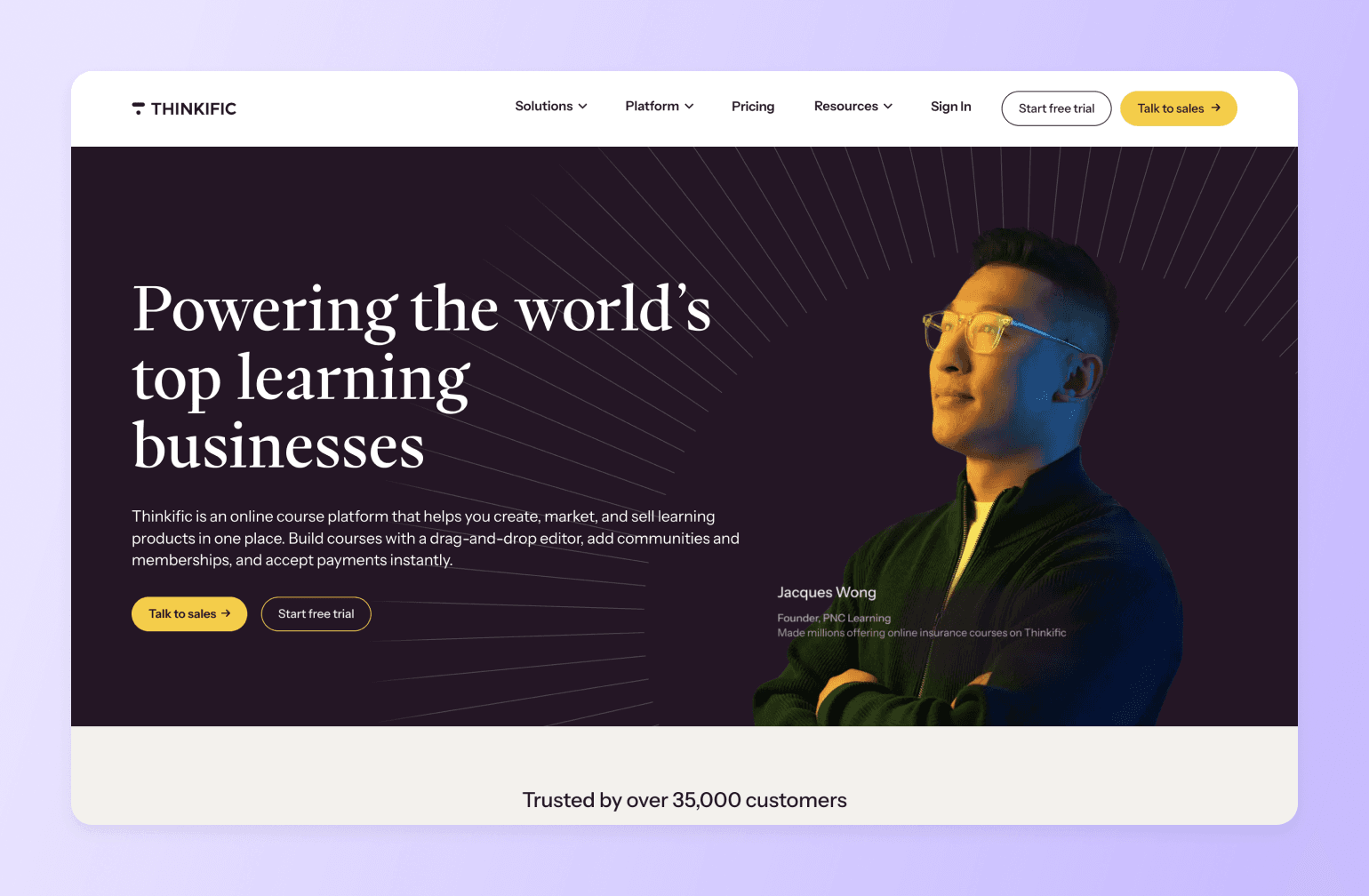
If you’ve been paying for Kajabi’s full stack but mostly just using the course builder, Thinkific is the leaner, cheaper alternative. It’s purpose-built for course creation—no funnels, no pipelines, no features you’re paying for but not using—and it starts at nearly a third of Kajabi’s price. Thinkific charges zero platform transaction fees on all paid plans and covers the essentials without the all-in-one overhead.
Key Features:
- Drag-and-drop course builder with video, audio, PDFs, quizzes, and live lessons.
- Unlimited courses and students on all paid plans.
- Completion certificates and student progress tracking,
- Built-in email marketing with broadcasts and automations.
- Memberships and course bundles.
Pricing:
Plans start at $49/month. A 14-day free trial is available.
Best For:
Kajabi users who sell courses and are paying for marketing features they rarely use.
Users Say:
👍🏼 “I really like how intuitive the product creation flow is. The platform makes it easy to turn an idea into a structured digital product in a very short time. I also appreciate the flexibility in pricing options, especially the ability to offer free downloads in exchange for email signups. The customization features allow me to create a store that feels personal and aligned with my brand.” —
🤔 ”Although Thinkific Plus is a strong platform, its higher pricing can be difficult for smaller businesses to justify. The analytics, while useful, could be more comprehensive, and some aspects of design customization may require coding knowledge.” —
Pros:
- Significantly cheaper than Kajabi with zero transaction fees on all paid plans.
- Stronger LMS features than Kajabi, including certificates and course compliance controls.
Cons:
- Underdeveloped marketing tools.
- Features like payment plans and full white labeling require the $199/month Grow plan.
3. Teachable — best for beginners
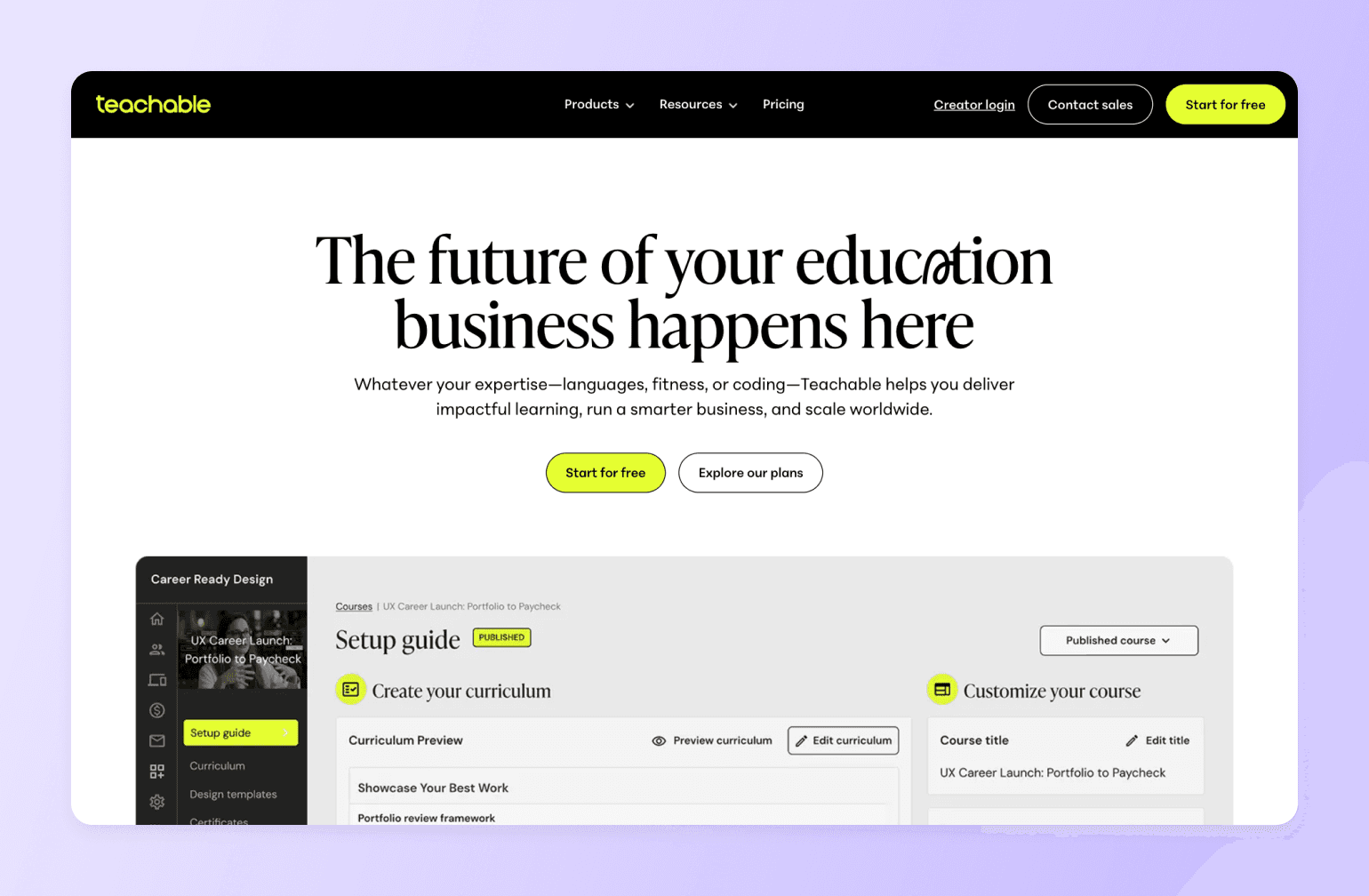
If you moved to Kajabi early and now find yourself paying for features you haven’t grown into yet, Teachable is a simpler, cheaper starting point. It handles the things that matter most to newer creators like getting a course live, processing payments, managing students without Kajabi’s complexity or price tag. Its AI tools can generate course outlines and quiz questions so you can focus on your content.
Key Features:
- No-code course builder with video, quizzes, assignments, and drip scheduling.
- Affiliate marketing, upsells, coupons, and abandoned cart recovery emails.
- Coaching tools with appointment scheduling and intake forms.
Pricing:
Starter plan at $39/month with a 7.5% transaction fee, Builder plan at $89/month with 0% transaction fees. A 7-day free trial is available.
Best For:
Early-stage Kajabi users who want a simpler, lower-cost platform to launch their first courses without paying for a full marketing stack.
Users Say:
👍🏼 “Teachable makes it incredibly easy to transform your knowledge into a course you can sell. The editor is straightforward, setup is quick, and you don’t need any technical expertise to easily create something that looks professional.” —
🤔 ”The site customization options feel somewhat limited. While you are able to make some adjustments, it doesn't offer the same level of flexibility as a dedicated website builder. Additionally, certain features that I would expect to be standard, such as a wider selection of themes, are only available with more expensive plans.” —
Pros:
- Much lower entry price than Kajabi with a beginner-friendly setup.
- Automatic tax and VAT handling built in at every tier for international sales.
Cons:
- No email funnels, pipelines, or behavioral automation. You'll need to rebuild that stack separately.
- Limited customization options.
4. Podia — best affordable all-in-one
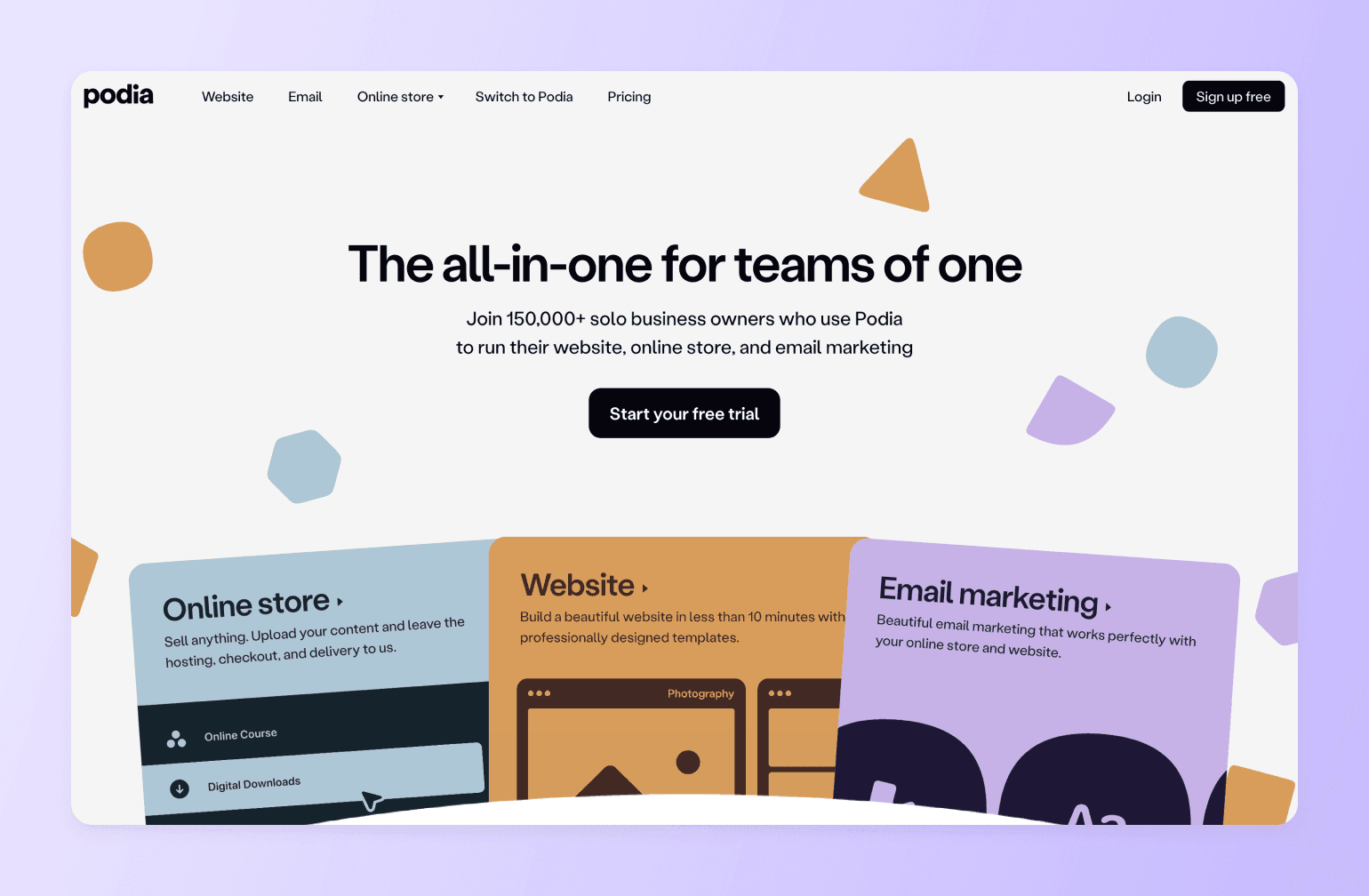
If your main frustration with Kajabi is the price, Podia covers the same core territory (courses, digital downloads, memberships, email marketing, and a website) at a fraction of the cost. Where Kajabi gates features behind higher-tier plans and caps your products and contacts, Podia gives you unlimited products and students on every paid plan. No forced upgrades, no artificial limits.
Key Features:
- Unlimited courses, downloads, webinars, coaching, and memberships on all paid plans.
- Built-in website builder with custom domain and blog.
- Podia Email included (first 100 subscribers free) with automations and segmentation.
- Affiliate marketing and embedded checkout (Shaker plan).
- Live chat with visitors and students.
Pricing:
Mover plan at $39/month with a 5% transaction fee. A 30-day free trial is available.
Best For:
Kajabi users who want the same all-in-one functionality at a significantly lower monthly cost with no product or member caps.
Users Say:
👍🏼 “Podia's convenience and comprehensive features have been a game-changer for me. I've recommended it to friends and acquaintances because it simplifies my online presence and enhances my connection with my audience.” —
🤔 ”If using only for creating a web site, it is a little pricey. Also, the inability to add code to pages is a negative.” —
Pros:
- No limits on products or students.
- Email marketing and live chat included.
Cons:
- No pipeline builder, sales funnels, or behavioral automation.
- G2 users complain about customer support.
5. Systeme.io — best budget-friendly Kajabi replacement
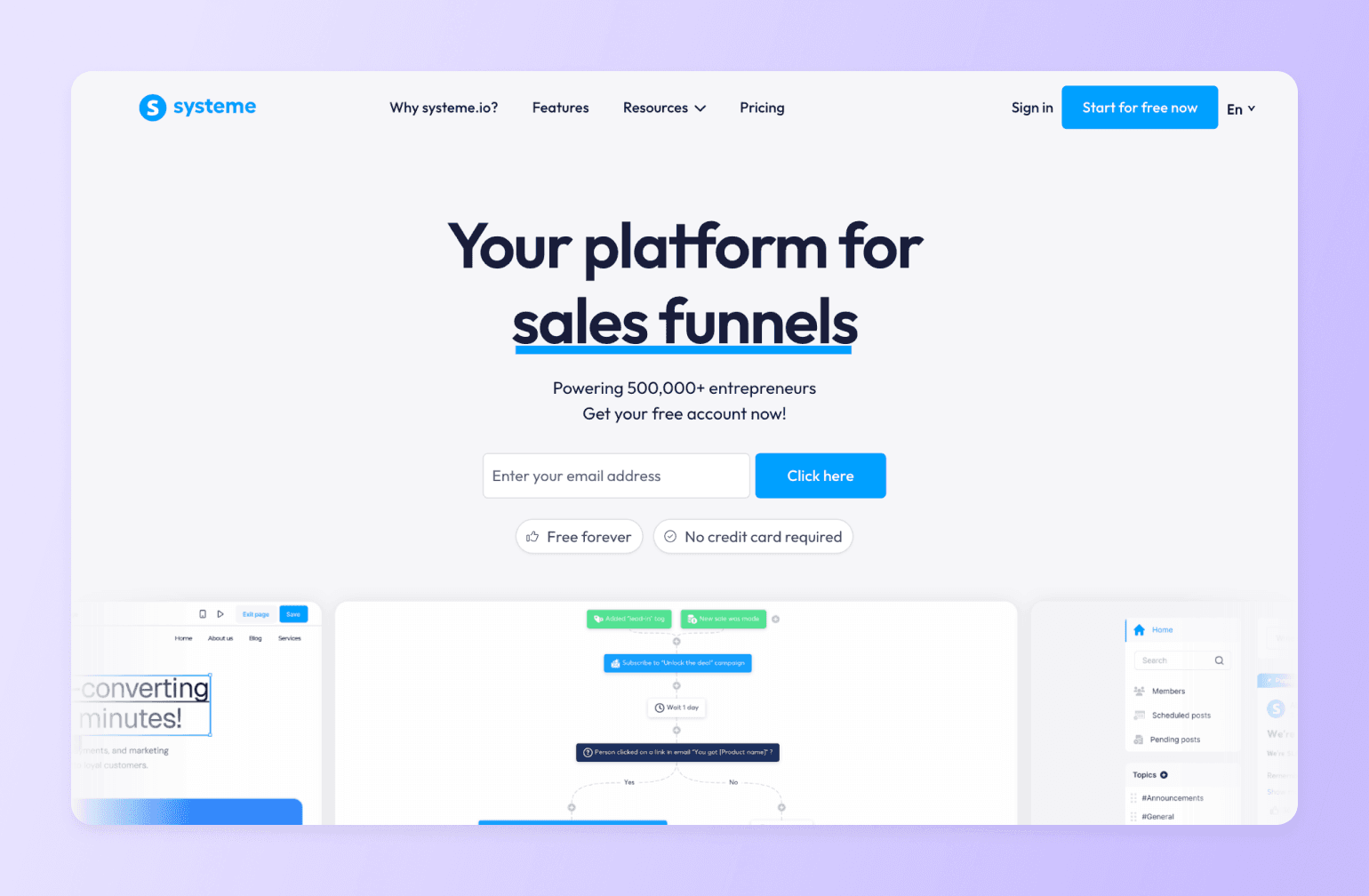
If Kajabi’s price is the primary reason you’re looking for alternatives, Systeme.io is the most extreme answer to that problem. It covers nearly everything Kajabi does starting at $0. Not a free trial. A genuinely functional free plan you can run a real business on. Kajabi’s cheapest plan runs $89–$149/month with feature caps; Systeme.io’s Unlimited plan is $97/month with no restrictions at all.
Key Features:
- Sales funnel builder with landing pages, opt-in forms, and checkouts.
- Email marketing with broadcasts, automations, and segmentation.
- Online course hosting and membership site management.
Pricing:
Free plan includes 2,000 contacts, 3 funnels, and 1 course. Startup plan includes up to 5,000 contacts starting at $17/month.
Best For:
Kajabi users paying more than their business can justify who want to cut platform costs dramatically without losing core all-in-one functionality.
Users Say:
👍🏼 “I use it for building funnels, running email campaigns, and selling digital products, and it’s honestly one of the best all-in-one platforms for creators and online entrepreneurs—especially if you’re just starting out.” —
🤔 ”Design flexibility needs to be improved and also some advanced customization options should be added. The landing page is easy to build but the templates are limited. Also, it can be made more user-friendly. You need to learn initially to set up automations and systems, which is not that difficult but takes some time to understand.” —
Pros:
- Free plan for up to 2,000 members.
Cons:
- Templates are more generic and the UX doesn't match Kajabi's fit and finish.
- Limited email automation and analytics.
6. Kartra — best for advanced marketing automation
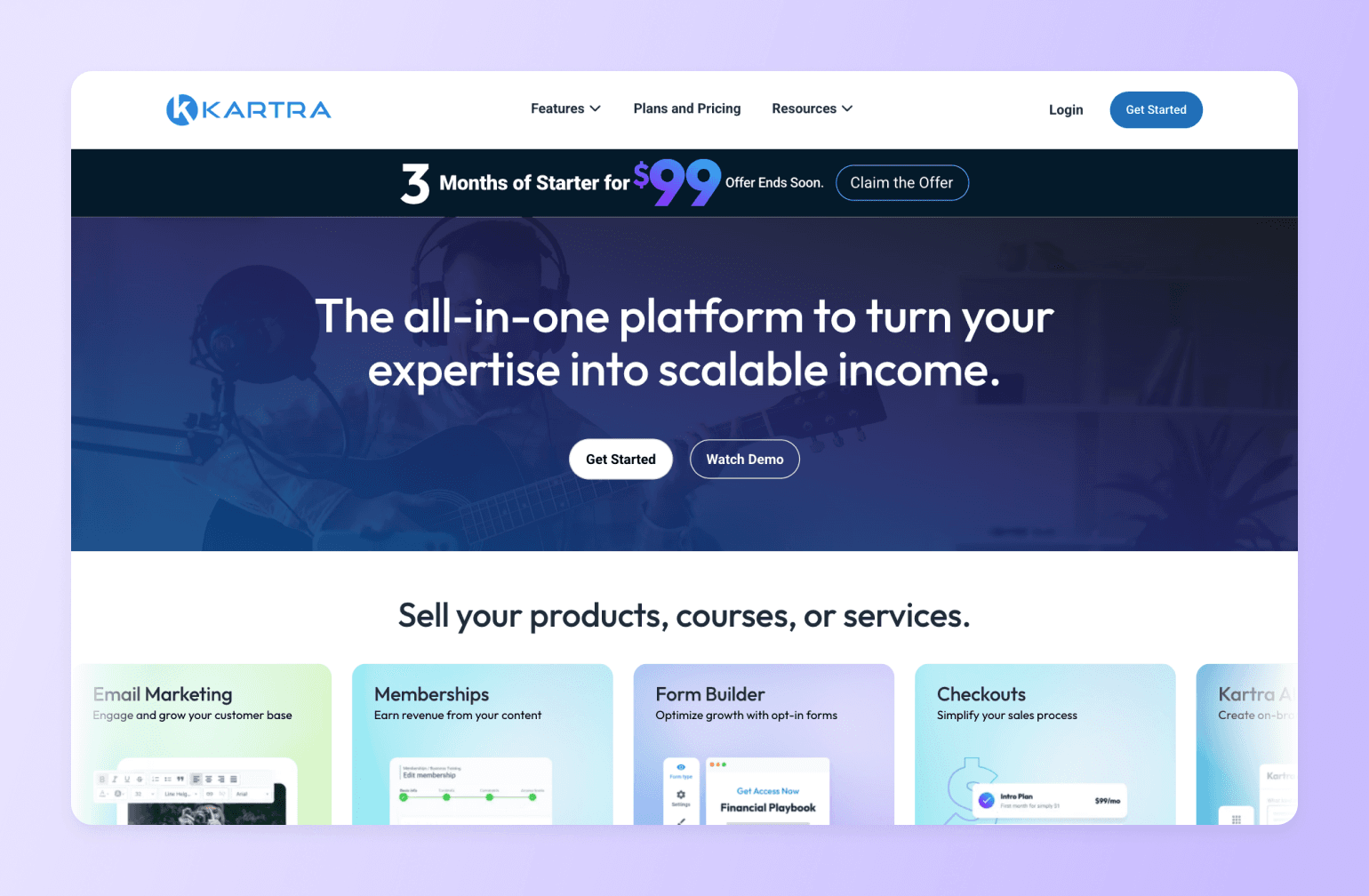
If you’ve been bumping against Kajabi’s marketing tool’s limits, Kartra might be the right choice for you. It’s designed marketing-first, with courses and memberships as supporting features. The key pricing difference: Kajabi caps products, funnels, and contacts by plan. Kartra prices by contact count only, giving you unlimited funnels, pages, and courses from the Starter plan.
Key Features:
- Visual funnel builder with upsells, downsells, and order bumps.
- Behavioral email and SMS automation with advanced tagging and conditional logic.
- Membership sites and course hosting with drip access and content gating.
Pricing:
Plans start at $59/month and Kartra offers a free 14-day trial.
Best For:
Kajabi users who need more depth and fewer feature restrictions than Kajabi’s plan structure allows.
Users Say:
👍🏼 “I like that Kartra is an all in one platform and most of my business needs can be housed in one platform. This saves me time, and money every month. I like that the team is improving and adding new features to the platform at least a few times a year.” —
🤔 ”It took a minute to learn the order in which to create the components in a campaign. Having the product be the last thing you build seemed counterintuitive, but once I had the order in my head that actual building is very easy.” —
Pros:
- Deep marketing automation tools.
- You get the full set of features from the start without being forced into higher plans to unlock capabilities Kajabi locks away.
Cons:
- Karta has a steep learning curve.
- Course and learning experience tools are more basic than on Kajabi.
7. LearnWorlds — best LMS for education businesses
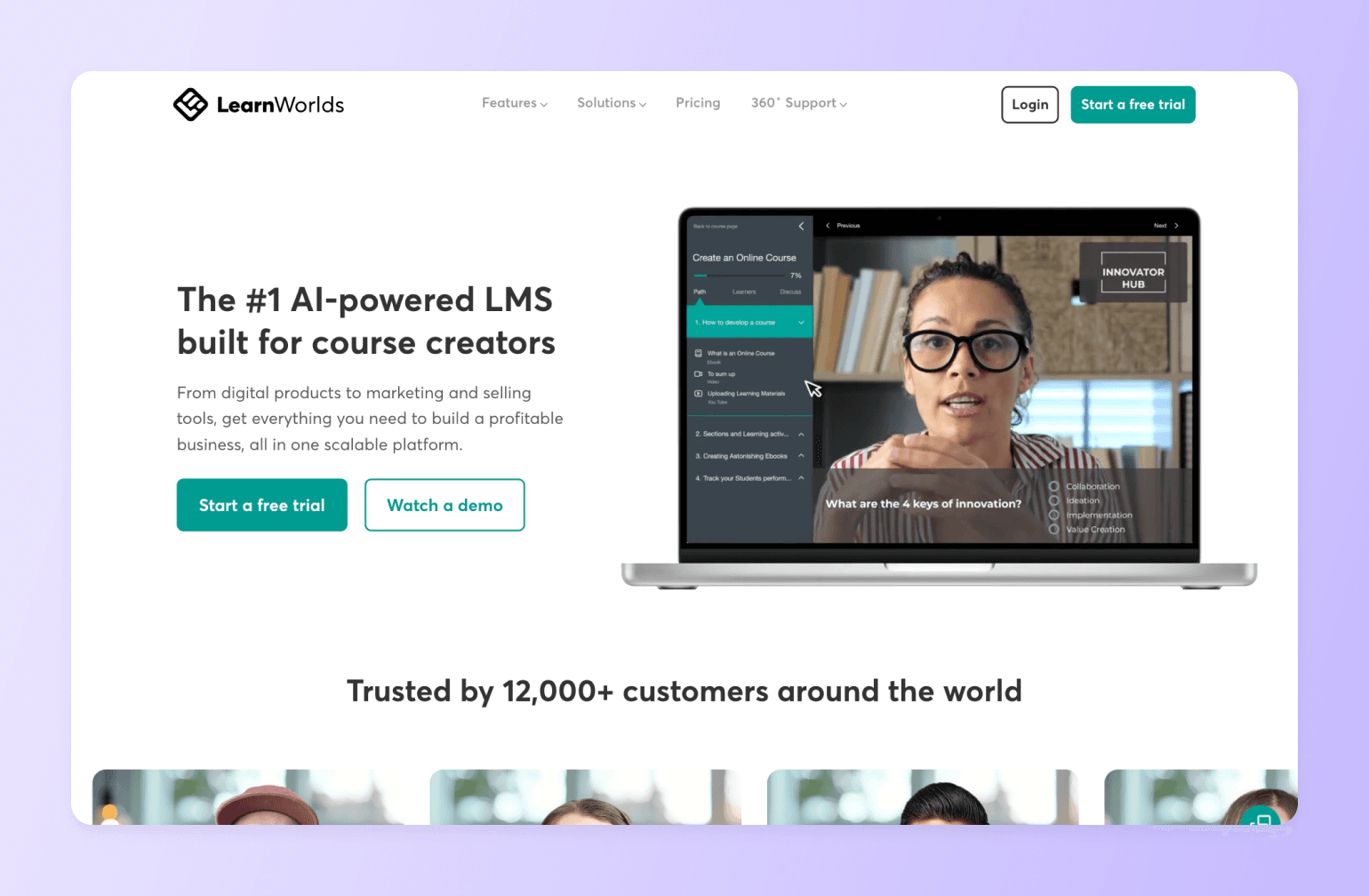
If your courses are serious educational products and Kajabi’s course builder has been holding you back, LearnWorlds might be the right choice for you. Kajabi gives you video lessons, drip content, and basic quizzes. LearnWorlds gives you interactive video, graded assessments, question banks, branching learning paths, Sharable Content Object Reference Model (SCORM) compliance, and completion certificates. It’s the kind of toolset that academic programs, corporate trainers, and professional educators actually need.
Key Features:
- Advanced assessments including graded exams, question banks, and completion certificates.
- Drag-and-drop website and course builder with customizable templates.
- Membership and subscription selling with flexible payment options.
Pricing:
Starter plan at $29/month. A 30-day free trial is available.
Best For:
Creators running serious educational programs who need a purpose-built LMS rather than a course-plus-marketing platform.
Users Say:
👍🏼 “This platform is very well organized and user-friendly. I really liked it when I first started to use it as a beginner. It is very accessible, all the features and buttons are well organized and you can easily find any setting to get yourself through this website.” —
🤔 ”LearnWorlds has a tough pricing rate that is hard for startups. The mobile app version from LearnWorlds is a concern, with limited experiences” —
Pros:
- Interactive video and advanced assessment tools are genuinely superior to Kajabi's course player.
- SCORM support, white-label branding, and multi-instructor management make it great for corporate training and academic contexts that Kajabi isn't designed to serve.
Cons:
- No built-in email marketing.
8. Skool — best for simplicity-focused coaches
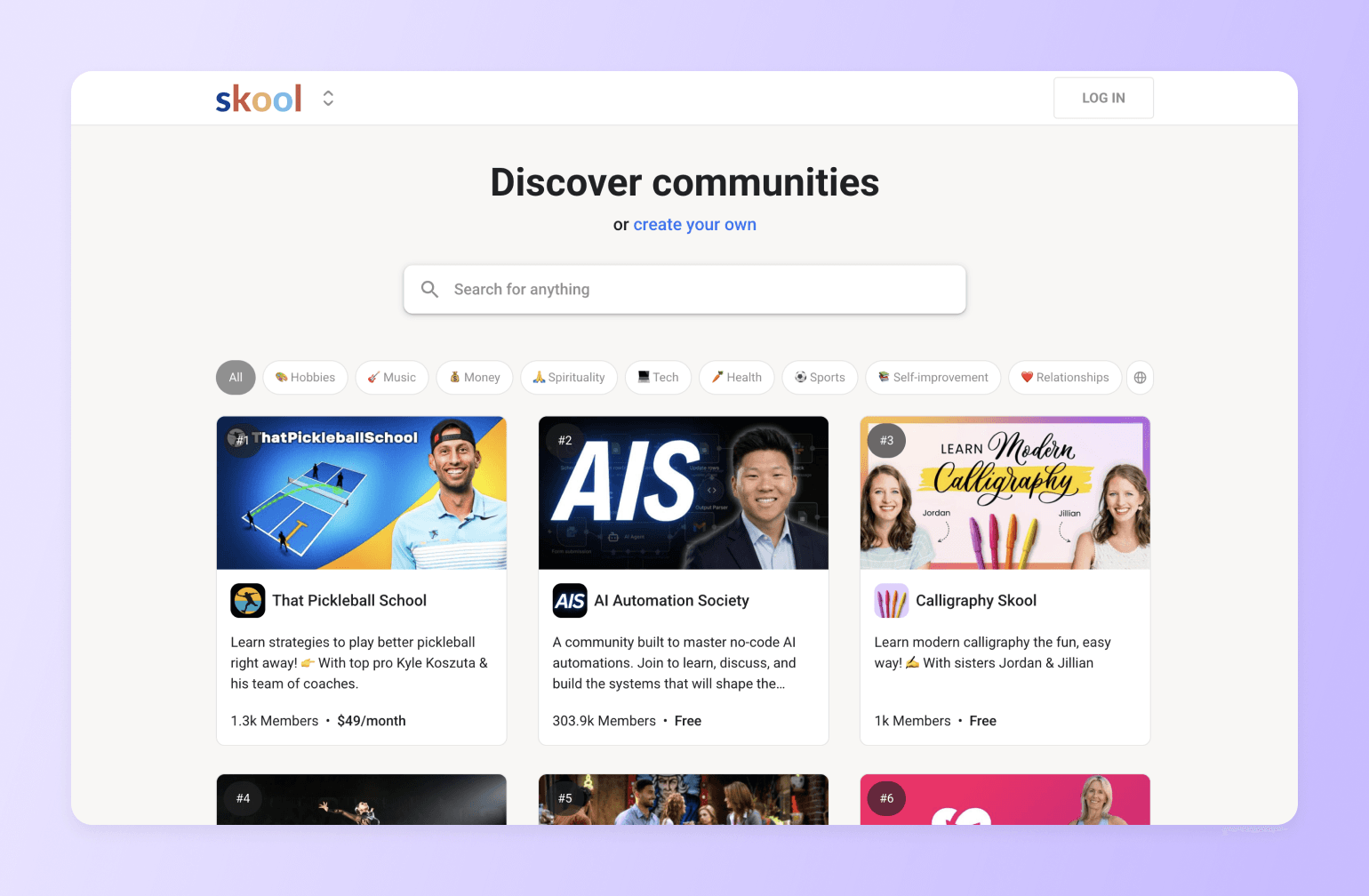
If Kajabi feels bloated with too many menus and features you never touch, Skool is the antidote. It was built on a single idea that the best online communities are the simplest ones. Skool strips away everything that creates friction and focuses on three things: a community feed, a course area, and a calendar. That’s it.
Compare: Circle vs. Skool
Key Features:
- Clean, distraction-free community feed.
- Course hosting with modules, lessons, and native video support.
- Built-in gamification with points, leaderboards, and member levels.
- Calendar and events for live Q&As, group coaching, and workshops.
Pricing:
Skool offers a Hobby plan at $9/month and a Pro plan for $99/month.
Best For:
Coaches, consultants, and community-first creators who want to launch quickly.
Pros:
- Fast setup.
- Built-in discovery network and gamification to drive organic growth.
Cons:
- Lacks quizzes, assessments, or certificates.
- No built-in email marketing, funnel builder, or CRM.
9. Mighty Networks — best for social-network-style communities
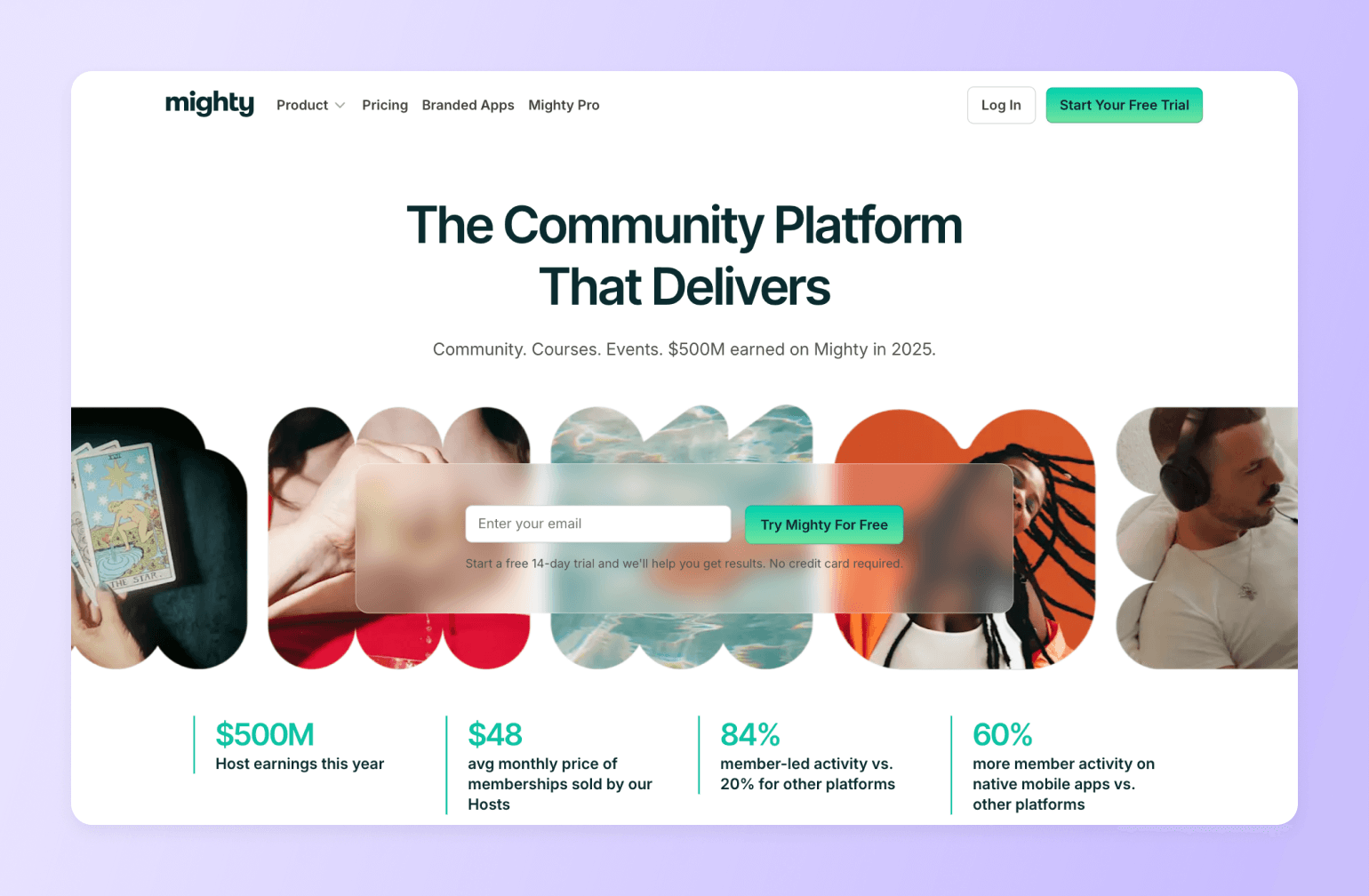
If you’ve been using Kajabi’s community feature and wishing it felt more like a real social network with feeds, member discovery, live discussions, and genuine peer-to-peer interaction than Mighty Networks is worth a serious look. Kajabi’s community is functional, but it was designed to sit alongside your courses and marketing tools, not to be a destination in its own right.
Compare: Circle vs. Mighty Networks
Key Features:
- Flexible Spaces architecture for organizing content by topic, program, or membership tier.
- Community feeds, chat, polls, events, and member directory.
- Course hosting with modules, quizzes, and drip content.
- Branded mobile apps for iOS and Android (Mighty Pro plan).
- Built-in gamification and leaderboard.
Pricing:
Plans start at $95/month and include courses, community, and automation tools.
Best For:
Creators, brands, and entrepreneurs who want a social-network-style community experience with multiple content formats, strong mobile presence, and the flexibility to run programs, events, and courses side-by-side under a single branded community.
Users Say:
👍🏼 “What is most helpful about Mighty Networks is the organization aspect. I think as a small business, it becomes overwhelming trying to keep track of templates, forms, records, etc. This program helps me organize as well as keep track with the members of our team. Keeping them up to date with new information, schedules, upcoming webinars, etc” —
🤔 ”Impromptu changes to where things are and how to get to them! There is no notification or warning of changes and one has to waste a lot of time to find them. Hosts should NOT have to spend time checking Mighty's support page daily to find any changes, especially major changes that seem to happen often and on a whim.” —
Pros:
- Combines community, courses, live events, and membership monetization in one branded platform.
- White-label branding available on higher-tier plans.
Cons:
- Users report that the interface has a steep learning curve that can frustrate new members.
- Limited third-party integrations with no native API, making connections to external tools reliant on Zapier.
10. Substack — best for writers
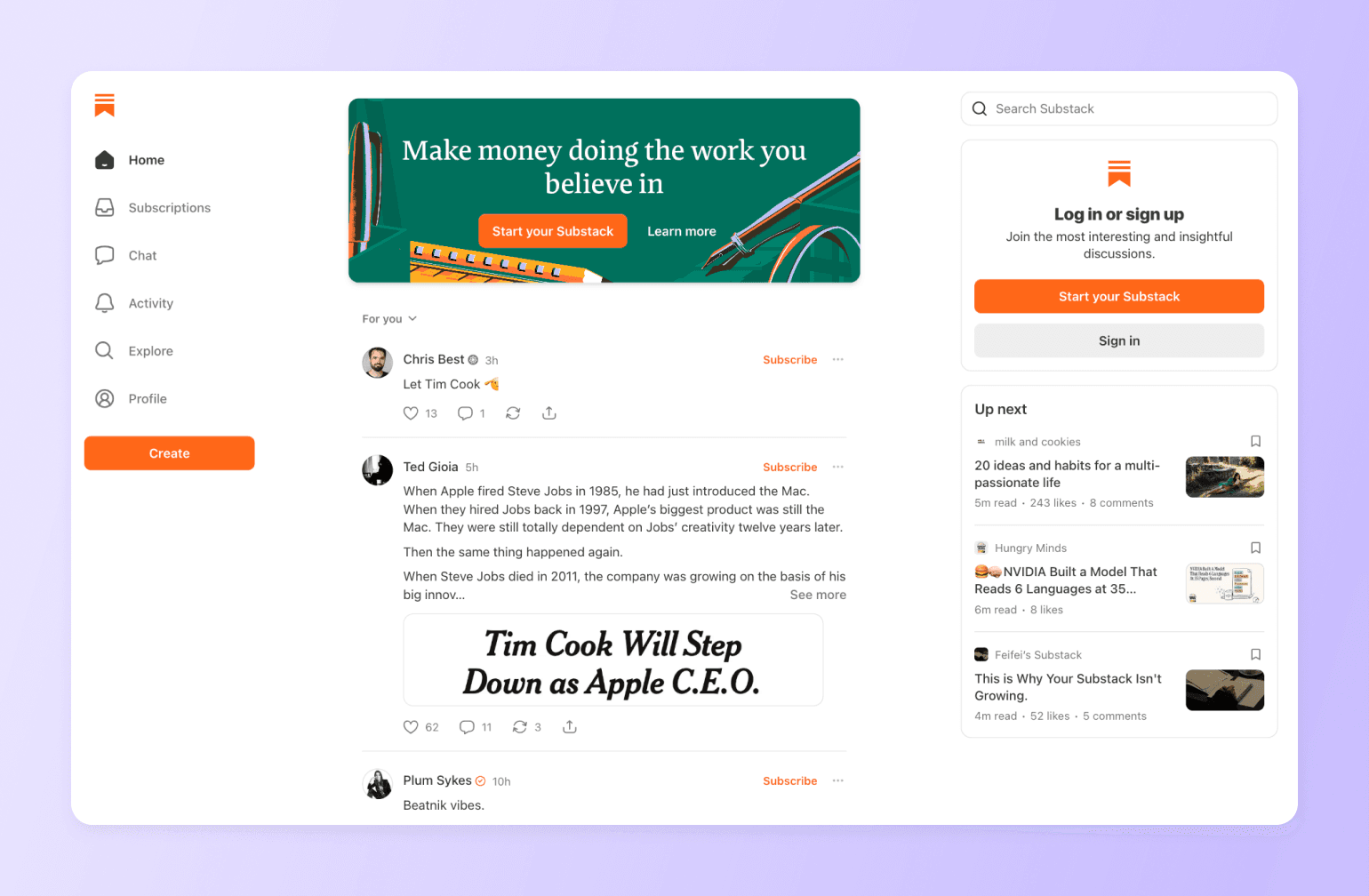
Substack is a simple to use platform for writers who want to monetize their words. The platform is free to use with Substack only taking a 10% cut of paid subscription revenue. That means you pay nothing until you earn. For writers just starting out or still building an audience, that’s a meaningful advantage over platforms that charge monthly fees regardless of revenue.
Key Features:
- Email newsletter publishing with a clean, distraction-free writing editor
- Paid subscription management with flexible pricing tiers and founding membership options
- Built-in discovery through Substack’s recommendation system and Notes feed
- Podcast hosting and paid audio content delivery
Pricing:
Free to use with no monthly subscription fee. Using a custom domain requires a one-time $50 fee.
Best For:
Writers, journalists, and thought leaders who are building an audience from scratch and want to monetize through paid subscriptions without any upfront cost.
Users Say:
👍🏼 “The best feature of the substack is that it provides an easy way for writers and bloggers to make their updated blogs and content available to the audience directly without requiring technical skills.” —
🤔 ”Because Substack allows anybody to establish a newsletter, there is a broad variety of content quality. This absence of editorial monitoring may result in the spread of misinformation or low-quality content. While Substack provides monetization alternatives, it may be difficult for certain writers to create a sizable paying subscriber base, particularly in highly competitive sectors.” —
Pros:
- Completely free to start with no monthly fee.
- You own your subscriber list and can export it at any time.
Cons:
- The 10% revenue cut becomes expensive at scale.
- Very limited customization and no support for advanced email marketing features.
11. Ghost — best for independent publishers
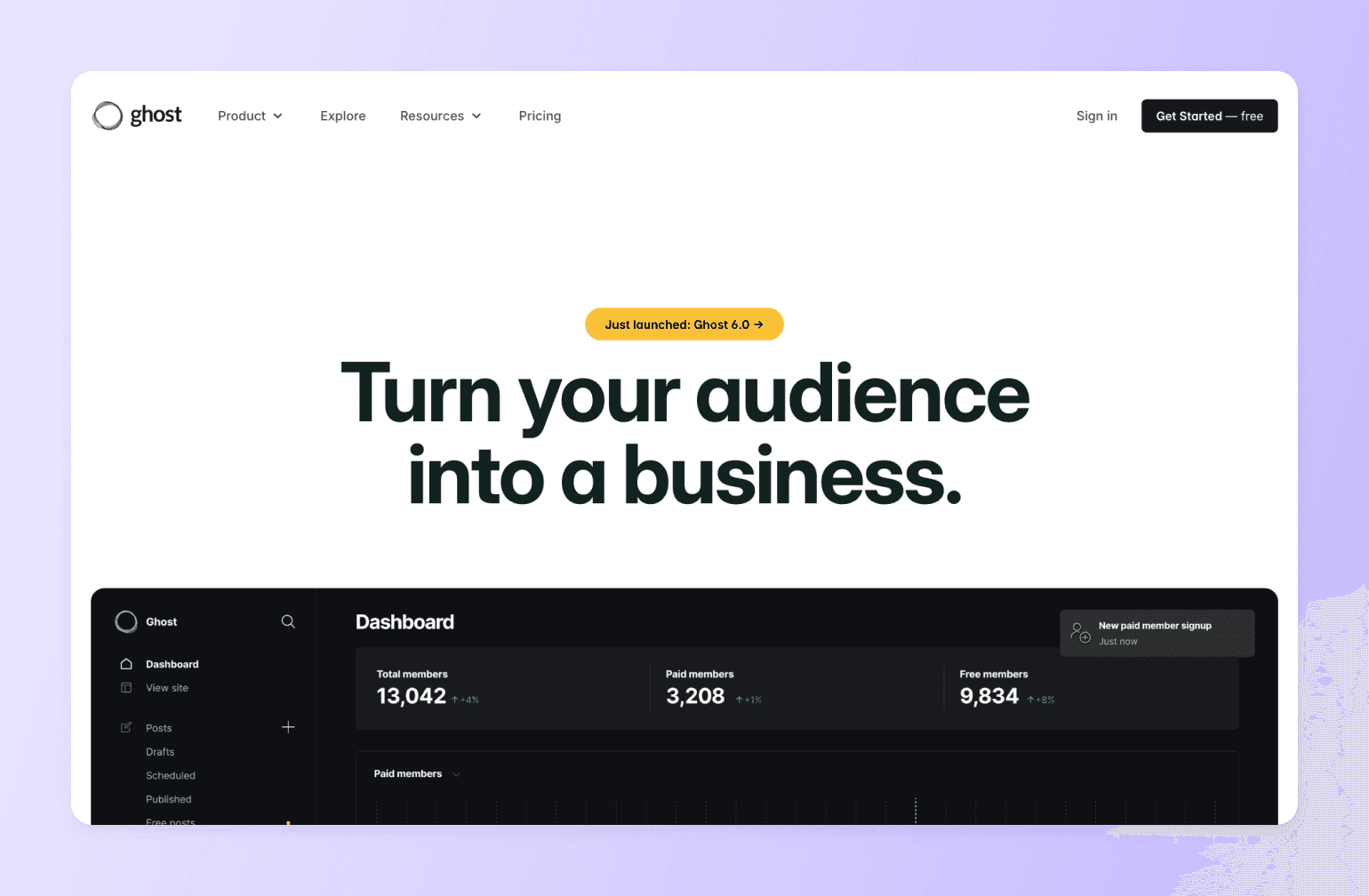
Ghost is an open-source publishing platform built for independent creators and publishers who want professional-grade tools, complete content ownership, and zero revenue sharing. Unlike Substack, Ghost takes no percentage of your subscription income. It charges creators a flat monthly fee based on your audience size.
Key Features:
- Clean, distraction-free writing editor with markdown support and support for embedding rich content like YouTube videos.
- Native membership tiers and paid subscription management (direct Stripe integration, no platform fee).
- Built-in newsletter delivery with subscriber management and email analytics.
- Self-hosting option available for technical users at minimal cost
Pricing:
Ghost Pro managed hosting starts at $18/month with 1,000 subscribers. Ghost offers a 14-day free trial.
Best For:
Independent writers, journalists, and publishers who are ready to invest in a professional publishing system, want to maximize revenue as their audience grows, and want to own their content and audience.
Users Say:
👍🏼 “I like that it is open source and has both versions available where you can self-host or just sign up for their cloud service. Also, I like that it is an all in one solution for bloggers which comprises a publishing platform, a newsletter management system and many other essential integrations required for a modern blog.” —
🤔 ”There is no mobile app, and there is no built-in analytics on page visits or user behaviour since it's focussed on email.” —
Pros:
- Zero platform revenue share.
- Exceptional SEO performance, content ownership, and design control give you a professional, branded publication that you entirely own and control.
Cons:
- Limited built-in audience discovery compared to Substack.
- Ghost Pro's pricing can become expensive for publications with large free subscriber lists.
12. Squarespace — best for design-forward creators

You can’t listen to a podcast without hearing an ad for Squarespace. That’s part of the reason so many people know about the go-to website tool designed for creators who want a beautiful website without hiring a designer. Its templates are some of the best-looking in any website builder, and its recent addition of native course tools makes it a viable option for creators who want to combine a polished brand presence with digital product sales in one place.
Key Features:
- Award-winning website templates with drag-and-drop customization
- Membership and subscription tools for gated content
- Acuity Scheduling integration for coaching and appointment booking
- E-commerce capabilities for physical and digital product sales
- Email marketing tools for basic campaigns and subscriber management
Pricing:
Plans range from $16/month to $99/month. A 14-day free trial is available.
Best For:
Creatives, service providers, and personal brands who prioritize visual design and website quality and want to add courses or memberships without switching to a separate platform.
Users Say:
👍🏼 “I love Squarespace for its ease of use and sleek, professional designs. It is simple to use, allowing me to focus on content, not coding, while keeping everything visually polished and accessible.” —
🤔 ”While it’s very smooth to use, Squarespace can sometimes feel restrictive for people who want full customization or access to deeper technical controls. The editor, although polished, can occasionally be slow or imprecise when trying to make small layout adjustments. The pricing also feels slightly high for users who only need basic features.” —
Pros:
- Templates that give creator brands an immediate aesthetic edge.
- It's an all-in-one website, course, scheduling, and e-commerce platform that eliminates the need for multiple tools.
Cons:
- Transaction fees on course and digital content sales can be high on lower plans (up to 7% on Basic), and video storage limits mean you'll likely need to host videos externally on anything below the Plus plan.
- Squarespace lacks features that serious course creators expect, including quizzes and assessments, certificates, advanced student analytics, and affiliate marketing tools.
Which Kajabi alternative is right for you?
Kajabi built its reputation as the platform that does everything. But "everything" is only valuable if you actually need everything. Most creators don't.
The right alternative isn't the one with the longest feature list or the lowest price tag. It's the one that matches how your business actually makes money and keeps members around.
Here's a quick way to find your fit:
- You're a funnel-first marketer. Your business runs on sequences, upsells, and conversion optimization. Community is nice to have, not the point. Choose Kartra or Systeme.io.
- You're a pure course creator. You want a clean, powerful learning environment without paying for pipelines and community tools you'll never use. Choose Thinkific or Teachable.
- You're building a community-driven membership. Your members are the product. Engagement, retention, and peer-to-peer connection are your core growth levers, not your next course launch. Choose Circle.
- You're a budget-conscious solopreneur. You need courses, email, and a website in one place without Kajabi's price tag. Choose Podia or Systeme.io.
- You're a simplicity-first coach. You want something your members will actually use, with zero setup friction and high engagement out of the box. Choose Skool.
- You're a writer or publisher. Your content is the product. You need a home for it that's built around reading, subscribing, and paying. Choose Substack or Ghost.
FAQs
What is the best alternative to Kajabi?
It depends on what you actually use Kajabi for. If community is your core product, Circle. If you mostly sell courses and hate paying for features you don't use, Thinkific or Teachable. If the bill is the problem, Systeme.io or Podia.
Why is Kajabi so expensive?
Kajabi bundles a website builder, course platform, email marketing, sales funnels, affiliate management, and community tools into one subscription. The problem is that most creators only actively use two or three of those things. You're effectively paying a premium for features that sit untouched in your dashboard.
Is Kajabi worth it in 2026?
For creators who genuinely use the full stack with courses, email marketing, funnels, and a website all in one place, Kajabi still delivers. For everyone else, the math is getting harder to justify. Focused alternatives have closed the feature gap significantly, and most cost a fraction of what Kajabi charges.
Can I build a real community on Kajabi?
You can, but you'll hit the ceiling quickly. Kajabi's community tools are functional but shallow. If your members are supposed to actively engage with each other (not just consume your content), a dedicated platform like Circle will produce noticeably better results.
How do I migrate from Kajabi to another platform?
It varies by platform. Circle offers a free course migration service on annual Business plans that moves your content and email assets for you. Most other platforms provide migration guides or import tools for course content, though you'll typically need to rebuild your email sequences and sales funnels manually.
Is Circle or Kajabi better for course creators?
Kajabi if your business is built around selling standalone courses through funnels and email sequences. Circle if your courses exist inside a community where discussion, live events, and ongoing member engagement are just as important as the content itself. The two platforms have different centers of gravity. Kajabi optimizes for conversion; Circle optimizes for retention.
What's the cheapest Kajabi alternative?
Systeme.io has a genuinely free plan that includes funnels, email marketing, one course, and a custom domain with no credit card required. For a fully featured paid alternative, Podia starts at $39/month and Thinkific at $36/month (billed annually). Both undercut Kajabi's entry price significantly.
What features does Circle have that Kajabi doesn't?
Gamification (points, ranks, leaderboards), native live streaming, structured community Spaces with granular access control, AI Agents that answer member questions 24/7 using your content, and a built-in discovery directory that can surface your community organically.
Can I use a Kajabi alternative without building my own website?
Yes. Most alternatives include a hosted site as part of the platform. Circle, Podia, Thinkific, Teachable, Systeme.io, and Squarespace all give you a branded URL and hosted pages out of the box. You don't need a separate website to sell courses or run a membership, although you may want one eventually for SEO and brand control.
Is it worth switching from Kajabi, or should I keep using both?
Running two platforms in parallel is almost always a short-term compromise that drags on longer than it should. If your community or course tools genuinely aren't working on Kajabi, commit to a migration rather than paying for both. The exception: if you're mid-launch or have a large active cohort, wait for a natural break. Migrating mid-sale creates unnecessary risk and confusion for your members.

Head of Performance Marketing
Marcus is the Head of Performance Marketing at Circle—and Circle's main demand gen nerd.