Is this another post about the best virtual event platforms? Yes.
Is it like every other post on the topic? Definitely not. We speak to community builders like you every day, and we know that you’re not just looking for ways to capture your members’ attention. In 2026, virtual events are becoming an increasingly powerful tool to build deep connections with—and between—your members.
This isn’t about hosting more events either.
After years of seemingly endless Zooms and Teams Meetings, people are looking for authentic ways to learn, grow, and transform. In our 2026 Community Trends Report, 43% of community builders told us they’ve started experimenting with event formats, including flexible participation models (think asynchronous sessions mixed with small live discussion groups).
Zoom fatigue is peaking at the same time another challenge is hitting community builders—AI content overload. The numbers vary, but studies suggest AI-generated content now makes up a significant and growing share of what people encounter online. As the lines between human- and machine-made continue to blur, your members are increasingly struggling to find content that actually feels human.
Combine both of these trends and you can see why quality virtual events matter more now than ever.
🤔 So, knowing all this, how do you know what the best platform for hosting virtual events is for your community?
Thankfully, the answer is pretty straightforward.
👉🏼 The best virtual event platform for you depends on what you’re building.
In this post, we’ll explain what a modern virtual event platform should be, what features make or break them, and suggest virtual event platforms based on what type of community and content you’re looking to offer your members.
Go ahead and take yourself off mute, and let’s dig in.
What is a virtual event platform?
A virtual event platform is software built specifically for hosting events online—and we mean actually built for it, not just a video call tool with a few extra buttons.
Think of it as the digital equivalent of a venue. It's where your members show up, check in, connect with each other, learn something new, and (hopefully) leave feeling like it was worth their time. The right platform can handle everything from registration and ticketing to live streaming, breakout discussions, replays, and the analytics that tell you what landed and what didn't.
The major difference between a virtual event platform and video conferencing tools is intentionality.
- Video conferencing tools like Zoom, Teams, and WebEx were built to host online meetings. They can host thousands of people, but they were designed for meetings (which probably could have been an email.)
- Virtual event platforms were purpose built for experiences. They can scale from an intimate workshop of 20 people to a flagship conference with thousands of attendees, without losing that sense of connection that makes your community worth showing up for.
The best virtual event platforms have these features
While each virtual event platform is unique, there are some core features shared between them. We’ll break down the pros, cons, and pricing of each platform later in the post, but before that, here is a quick rundown of what you should look out for when you’re evaluating a virtual event platform.
- Live streaming to broadcast to your members in real time, whether you're running a keynote, a workshop, or an intimate community call.
- Registration tools to capture attendee sign-ups so you know who's showing up and then to follow up after the event.
- Ticketing and payment tools to sell access to your events directly through the platform, without needing a separate tool or workaround.
- Replay hosting to record and store your sessions so members who couldn't make it live can still get the value.
- Networking and chat tools to give members a way to connect with each other during and after your events, not just with you.
- Breakout rooms to split large groups into smaller conversations and make your events feel more like a real gathering.
- Automated event reminders to keep your event top of mind and drive the attendance numbers your content deserves.
- Analytics to track who showed up, how long they stayed, and how they engaged, so you can make every event smarter than the last.
- Mobile access so members can join from wherever they are, without needing to be at a desk.
- White-label branding to keep your community's look and feel front and center, so members feel like they're in your world, not the platform's.
The best virtual events platforms side-by-side
Not all virtual event platforms are built the same, and neither are the communities using them. Whether you're running intimate cohort-based learning, large-scale conferences, or ongoing member meetups, the right platform depends entirely on what you're building and who you're building it for.
| Platform | Best for | White-label | Mobile app | Monetization | Community integration | Starting price |
|---|---|---|---|---|---|---|
| Circle | Creators & educators building communities | Yes | iOS & Android | Memberships, paid events, tiers | Native — events live inside community | $89/mo |
| RingCentral Events | Large-scale branded conferences | Limited | No | Ticketing & registration | Minimal — event-focused only | $119/mo |
| Zoom Events | Traditional webinars & familiar UX | No | iOS & Android | Ticketing | None | $79/mo |
| Eventbrite | Ticketing & event discovery | No | iOS & Android | Per-ticket fees | None | Free + fees |
| Airmeet | Networking-heavy virtual conferences | Partial | Limited | Ticketing | Minimal | $199/mo |
| Mighty Networks | Creators bundling events & community | Higher tiers | iOS & Android | Memberships, paid events, bundles | Native — courses, tiers & community | $95/mo |
| Kajabi | Course-first businesses adding events | Limited | iOS & Android | Courses, memberships, coaching, bundles | Via Kajabi Community 2.0 | $179/mo |
| Skool | Simple community & live events | No | No | Basic memberships | Native — forum, courses & live streaming | $9/mo |
| Whova | Enterprise conferences & trade shows | Partial | iOS & Android | Registration & ticketing | Attendee networking only | Contact for pricing |
| BigMarker | Advanced webinar automation | Full white-label | No | Lead capture, on-demand content | None | Contact for pricing |
| Discord | Creator & gaming communities | No | iOS & Android | None native | Native — persistent community spaces | Free |
| Slack + Zoom | Internal events & smaller gatherings | No | iOS & Android | None | Slack channels only | $8.75/user/mo |
🏆 The best virtual events platforms
1. Circle — Best overall virtual event platform for community businesses
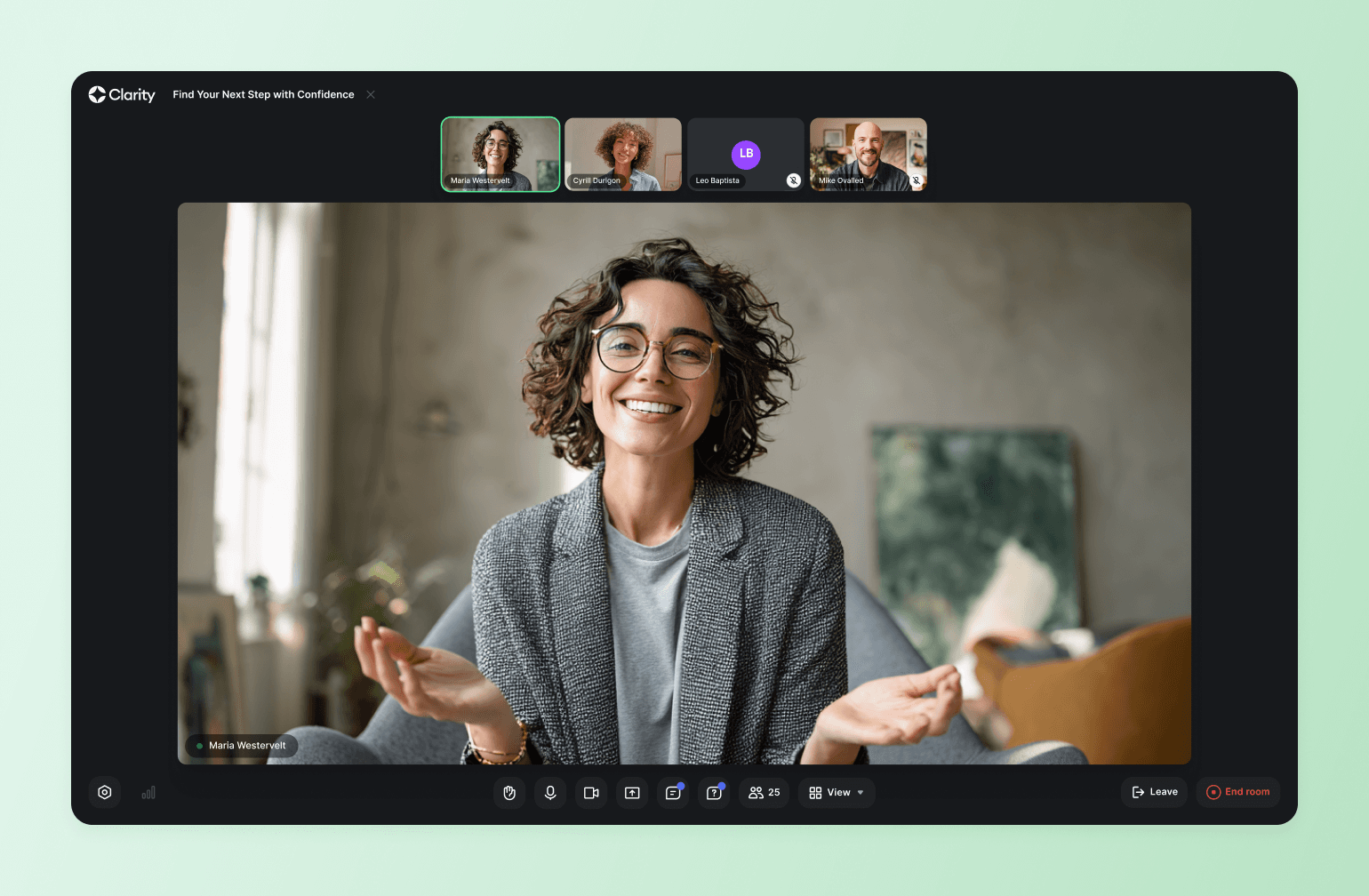
Circle is the modern all-in-one platform for businesses built on live, digital events. Build a public event page, grow attendance with email and public RSVPs, run webinars, workshops and summits with live rooms and replays, sell paid tickets for members, and follow up with every guest, then keep them in a community so the next event sells itself.
Key features:
- Public RSVP and public webinars: anyone can register, and every guest lands in your CRM.
- Paid tickets and tiered access: gate events and spaces by plan, or sell tickets at your branded checkout.
- Webinar to offer: capture every guest as a lead, then follow up with email and a link to your checkout, with installments and a post-checkout upsell.
- Run it live: live streams and live rooms, registration, replay hosting and push notifications connected to your community.
- Breakout rooms: split a live session into small groups with their own chat, Q&A and spotlight.
- Replays that sell: keep the recording and the follow-up thread where members already are.
- Follow up: AI workflows that treat attendees and no-shows differently.
- Teach it: native courses, cohort-based programs and drip content built directly into the member experience.
- Launch the site: landing pages and a website for every event, built from a prompt with the AI website builder.
- Connect your AI tools: use Circle AI to help you build the event workflow in minutes, and the MCP to manage your event schedule from your favorite AI tools you use across your business.
- Take it mobile: white-label iOS and Android apps for members on the go.
Pricing:
Plans start at $89/month and all core plans offer a 14-day free trial.
Best for:
Hosts of webinars, workshops and live events (creators, coaches, educators) who want a full room, a community that follows up, and events that lead to the next sale.
Users say:
“The Circle customer support team actually listens—when I suggest something that would make moderation smoother or improve community flow, they take it seriously. Sometimes, it even becomes a new feature! The platform itself is intuitive, clean, and genuinely helps rather than hinders. Every update feels like it was built with real users in mind—especially those of us actively running communities.” — Verified review from G2
“It's difficult at times to navigate the admin and have a full understanding of connecting all the dots on the backend. They have many updates which is great, but often makes it a challenge to stay up to date with everything.” — Verified review from G2
| Pros: | Cons: |
|---|---|
| Consolidates events, community, courses, and monetization in one place. | Feature breadth can feel overwhelming for new community builders. |
| White-label branding options for a fully owned member experience. | Advanced customization may require workarounds for specific branding needs. |
| Event replays and follow-up discussions live where your members already are. | Full feature set requires higher-tier plans. |

Your next event could unlock your business.
2. RingCentral Events (formerly HopIn) — best for large-scale conferences
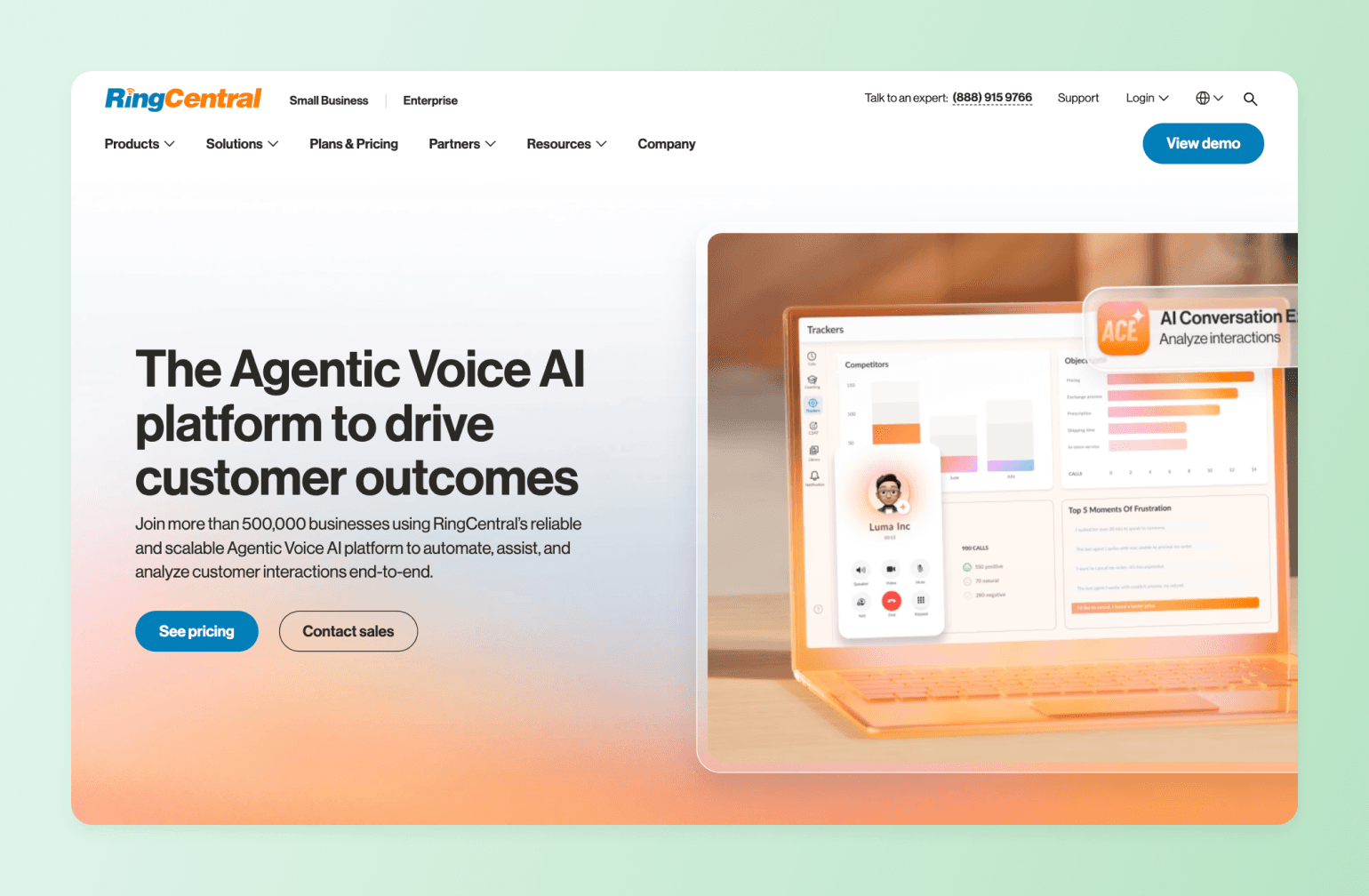
RingCentral Events is an AI-powered virtual and hybrid event platform built for marketing teams and enterprise organizations. It combines live streaming, branded event hubs, networking, and detailed analytics into one platform with AI tools that automatically generate highlight clips, organize Q&A sessions, and streamline post-event content.
Key features:
- Branded virtual venue with multi-stage live streaming and a built-in production studio.
- Customizable registration pages, ticketing, and email automation.
- Attendee networking tools including virtual expo booths and 1:1 meeting scheduling.
Pricing:
Starts at $119/month per user for virtual events and $239/month for virtual and onsite event tools.
Best for:
Marketing teams and enterprise organizations running large-scale, branded virtual or hybrid events.
Users say:
“I find RingCentral Events to be a very intuitive platform that provides enough customization to make our events feel unique and personal. It allows us to go well beyond the standard Zoom events without requiring a developer background.” — Verified review from G2
“The platform can feel a bit limited in terms of customization and branding options compared to some competitors. Also, the onboarding documentation could be more comprehensive for new users setting up events for the first time.” — Verified review from G2
| Pros: | Cons: |
|---|---|
| Intuitive and easy to use for organizers and attendees. | The streaming feature can be complicated for tech-savvy hosts. |
| Offers one platform for registration, live streaming, networking, and analytics. | Limited features means you might need multiple tools in your stack for a member-based community. |
| Can scale from small meetings to large enterprise events. |
3. Zoom Events — best for traditional webinars
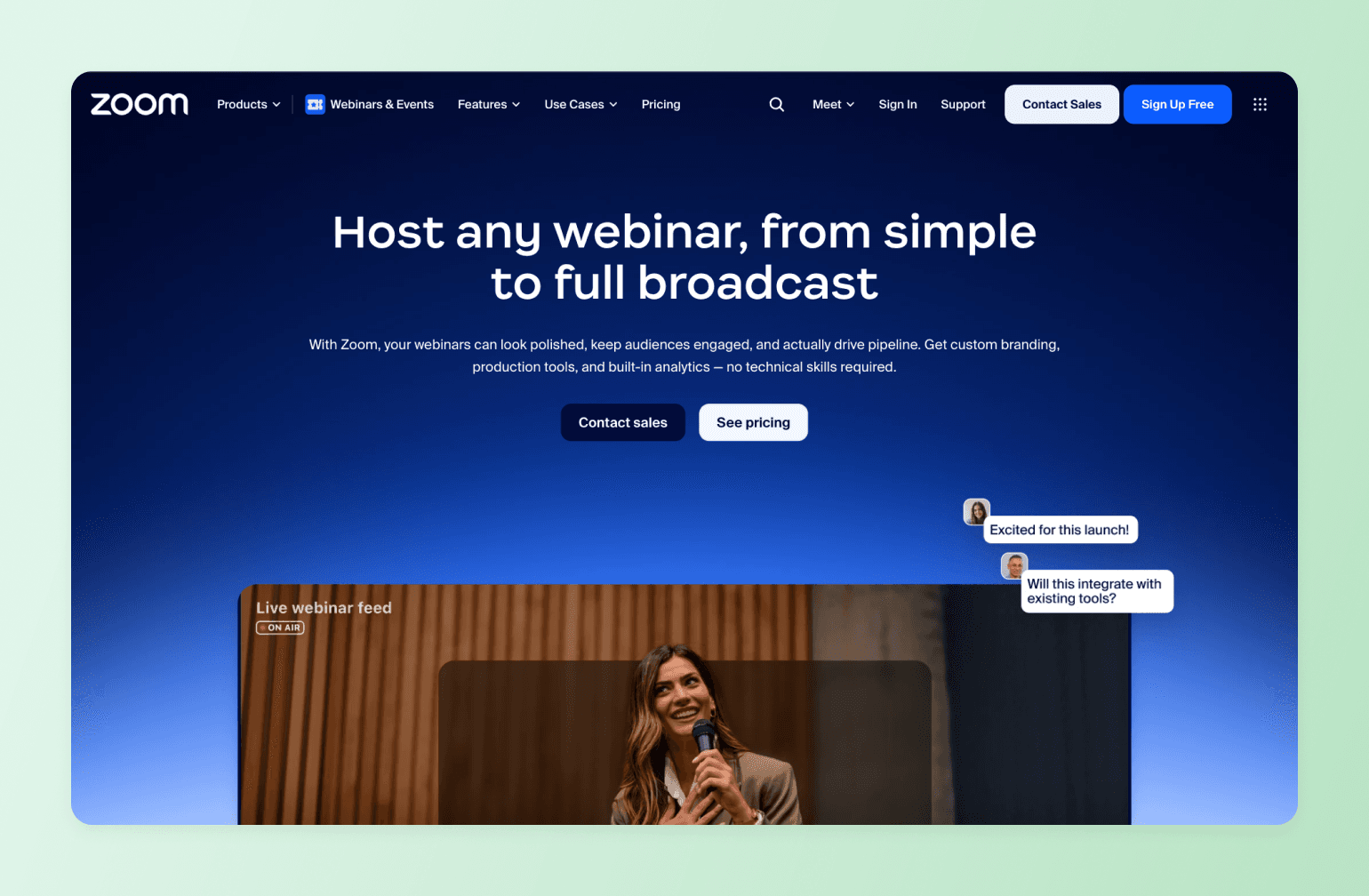
Zoom Events is a virtual event platform built on top of the Zoom infrastructure we’ve all used at least a few times. It adds dedicated event hubs, ticketing, registration, networking lounges, and a virtual expo floor to the standard Zoom experience making it a practical choice for organizations that want to host structured multi-session events without asking attendees to learn a new tool.
Key Features:
- Multi-session event hubs with customizable registration, ticketing, and agenda scheduling.
- Virtual expo floor with sponsor booths and attendee networking lounges.
- Interactive engagement tools including polls, Q&A, reactions, and breakout rooms.
- Unified analytics dashboard for tracking attendee engagement across single and recurring events.
- Built-in Integrations with the Zoom ecosystem, including calendar sync and the Zoom AI Companion.
Pricing:
Starts at $79/month for up to 500 attendees for the Webinars plan or $149/month for up to 100 attendees on the Events plan.
Best for:
Organizations that want a familiar, low-friction event experience built on infrastructure their attendees already use.
Users say:
“Zoom is very userfriendly and simple to use for both attendees and hosts, the features like polls, Q&A and chat helps me a lot for my webinars.” — Verified review from G2
“Although the platform is robust, the initial configuration for advanced features like registration and analytics can feel a bit complex.Additionally, the pricing for hosting larger webinars is on the higher side, which might not be ideal for small businesses or startups.” — Verified review from G2
| Pros: | Cons: |
|---|---|
| Industry-leading stability for large events and webinars. | Requires attendees to download the Zoom app. |
| Familiar interface for most attendees. | Limited customizations, no branding options. |
| Offers great breakout rooms, polling, and in-event chat features. | Aging user experience has not kept up with the competition. |
4. Eventbrite — best for ticketing and marketing-driven events
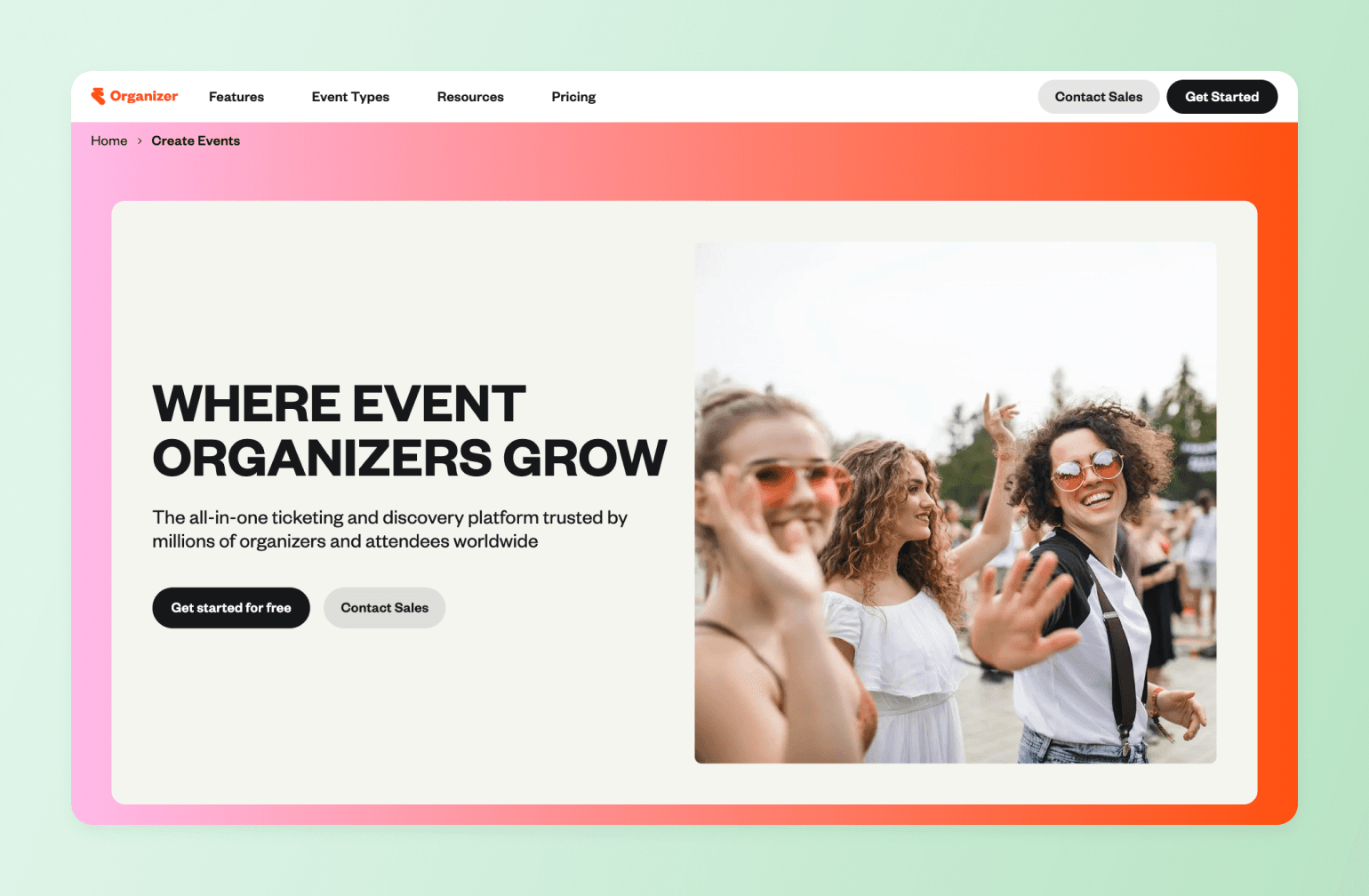
Eventbrite has been the go-to ticketing and event discovery platform for years now, and for good reason. It’s easy to use, offers a full set of management and communication features, and a built-in payment system for events of all sizes. While it's not a full virtual event platform on its own, Eventbrite pairs well with video conferencing tools like Zoom for organizers focused on reach and ticket sales over deep community engagement.
Key Features:
- Self-serve event creation with flexible ticketing types, pricing tiers, and discount codes.
- Built-in event discovery marketplace to promote events to a large, existing audience.
- Mobile check-in and on-site registration tools via the Eventbrite organizer app.
- Social media promotion tools and integrations for driving event visibility.
- Attendee management and reporting dashboard with post-event data and analytics.
Pricing:
No fees for free events. 3.7% + $1.79 service fee per ticket for paid events. Pro Plans start at $15/month for up to 2,000 marketing emails/day.
Best For:
Organizers focused on ticket sales and event discovery who don't need deep community or engagement features.
Users Say:
"Eventbrite's real-time analytics tools provide clear, actionable insights into ticket sales, page views, and attendee engagement. The dashboards are easy to navigate and update quickly, allowing event organizers to track performance without delays." — Verified review from G2
"The reporting isn't great, and they don't integrate well with other platforms. It feels like the platform was built in a way that makes it exhausting to combine their data with outside data, which becomes especially difficult when you sell tickets through multiple channels." — Verified review from G2
| Pros: | Cons: |
|---|---|
| Easy to set up free and paid events. | Only offers ticketing. You'll still need a platform to host your event content. |
| Built-in discovery features help you reach a larger audience. | Fees can be high compared to other platforms for paid events. |
| Eventbrite app lets you manage registration and check-in attendees for virtual and in-person events. |
5. Airmeet — best for networking-heavy virtual conferences
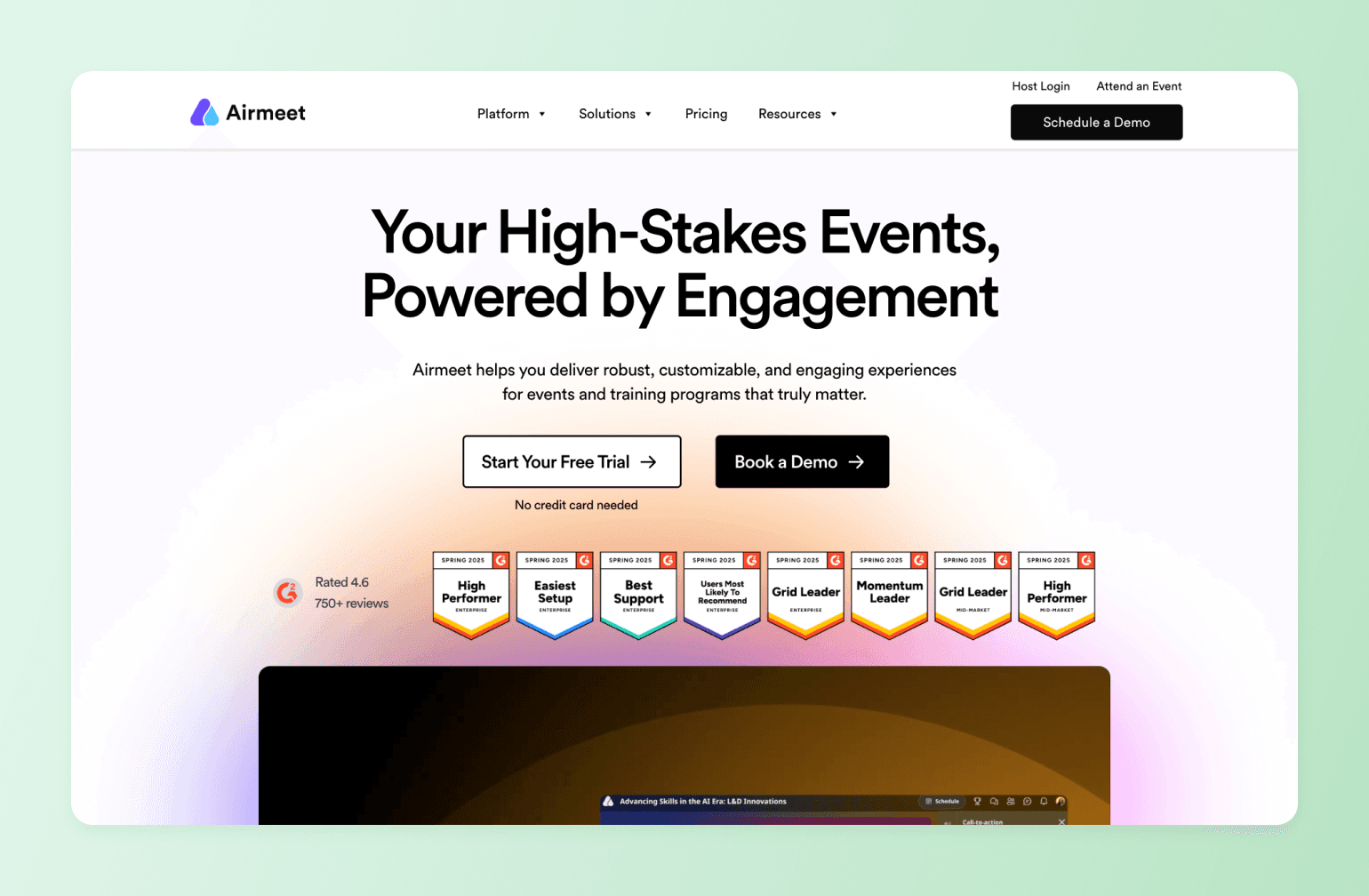
Airmeet is a virtual and hybrid event platform designed for hosts that want to create immersive, conference-style experiences online. It's known for its networking-first design with social lounges, breakout rooms, and interactive engagement tools that make large-scale events feel more like in-person gatherings.
Key Features:
- Social lounges, breakout rooms, and speed networking for conference-style interaction.
- One-click registration with customizable landing pages, email triggers, and CRM integration.
- Live stage with polls, moderated Q&A, emoji reactions, and a gamified attendee leaderboard.
- Custom branding with a backstage experience for speakers and hosts.
- Real-time analytics and post-event reporting with engagement insights.
Pricing:
Webinar plan starts at $199/month. Contact them for Event plan pricing.
Best for:
Professional associations, conference organizers, and marketing teams where networking and connection are central to the event experience.
Users say:
“Features like live polls and Q&A keep the energy high during panels and workshops, making everything feel organized and genuinely engaging. The social lounge is a game-changer, providing a natural conversation space like a coffee break at a real conference.” — Verified review from G2
“Sometimes the platform can be a bit heavy on system resources, especially for users with lower-end devices or slower internet. Additionally, first-time users might find the interface slightly overwhelming at first, due to the number of features and navigation options.” — Verified review from G2
| Pros: | Cons: |
|---|---|
| Known for its well-designed engagement tools and 24/7 support. | Has a steep learning curve. |
| The social lounge feature is unique among comparable platforms. | Difficult to customize the branding for your community. |
| The mobile experience is not at the same level as the web experience. |
6. Mighty Networks — best for creators who want events and community bundled together
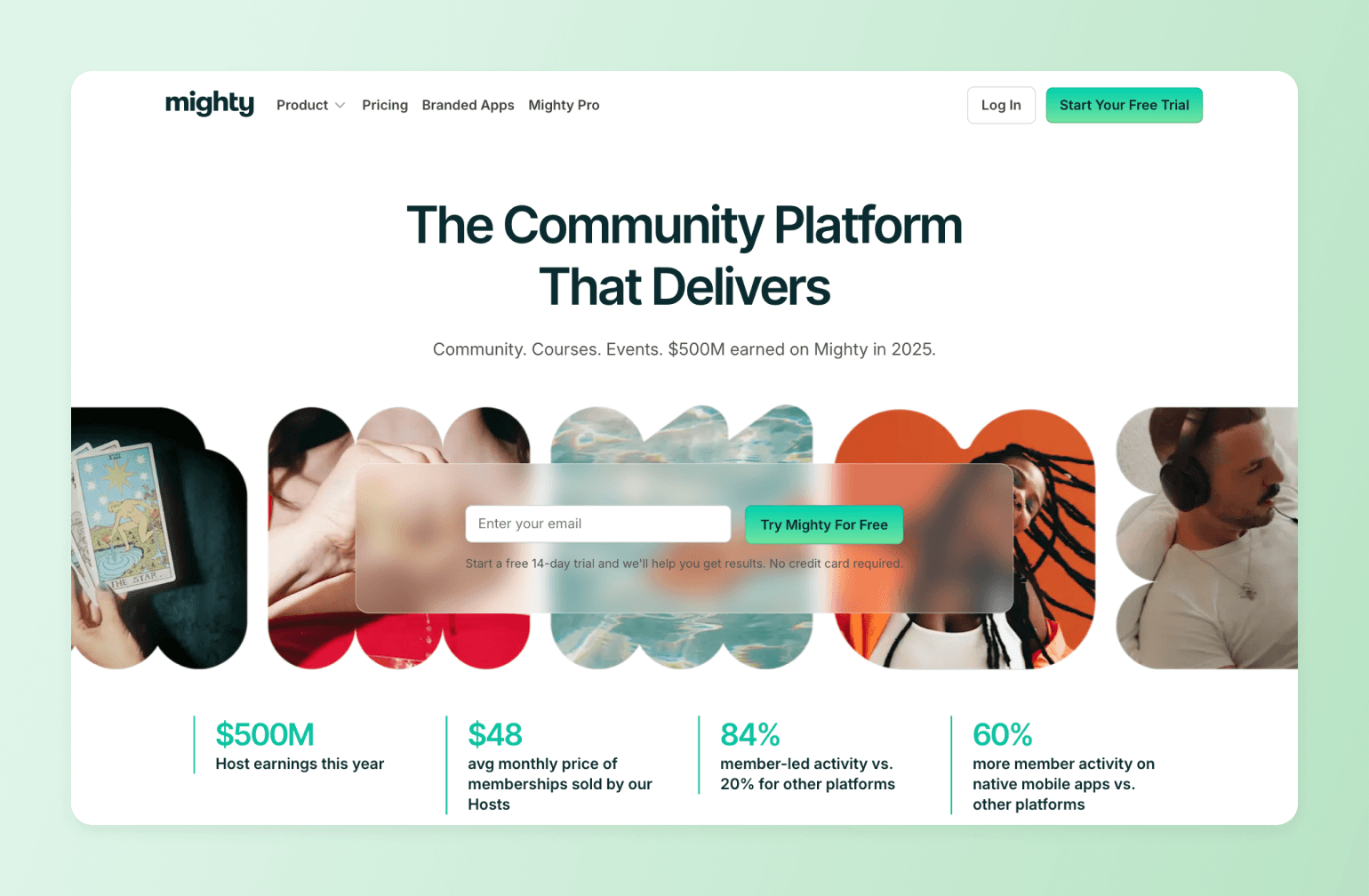
Mighty Networks is a community and course platform that integrates live events directly into the member experience. Rather than treating events as standalone broadcasts, Mighty Networks connects them to courses, membership tiers, and ongoing community discussions, making it a strong choice for creators and coaches who want events to drive long-term engagement, not just one-time attendance.
Key features:
- Built-in live events with RSVP tracking, attendee notifications, and replay hosting.
- Native integration with courses, membership tiers, and community discussions.
- AI-powered member matching to connect relevant members before, during, and after events.
- Flexible monetization tools including memberships, paid events, and bundled offers.
- Mobile apps for iOS and Android to keep members connected.
Pricing:
Plans start at $95/month.
Best for:
Creators, coaches, and community builders who want events to be a seamless part of a broader membership and course experience.
Users say:
"The support is excellent and often, with lives weekly. After a small learning curve the platform is pretty user friendly." — Verified review from G2
"It takes a bit of time to get used to the structure and how to find what I am looking for. I find myself jumping in and out of the AI feature as I ask questions about how to get things done versus it being adjacent to the area of the platform that I am working in." — Verified review from G2
| Pros: | Cons: |
|---|---|
| Combines community, courses, live events, and membership monetization in one branded platform. | The interface can feel clunky and outdated, with a learning curve that can frustrate new members. |
| White-label branding available on higher-tier plans. | Limited third-party integrations with no native API, making connections to external tools reliant on Zapier. |
| Not as scalable for large, enterprise-level networks. |
Mighty vs. Circle: See how Mighty Networks stacks up.
7. Kajabi — best for course-first businesses adding events
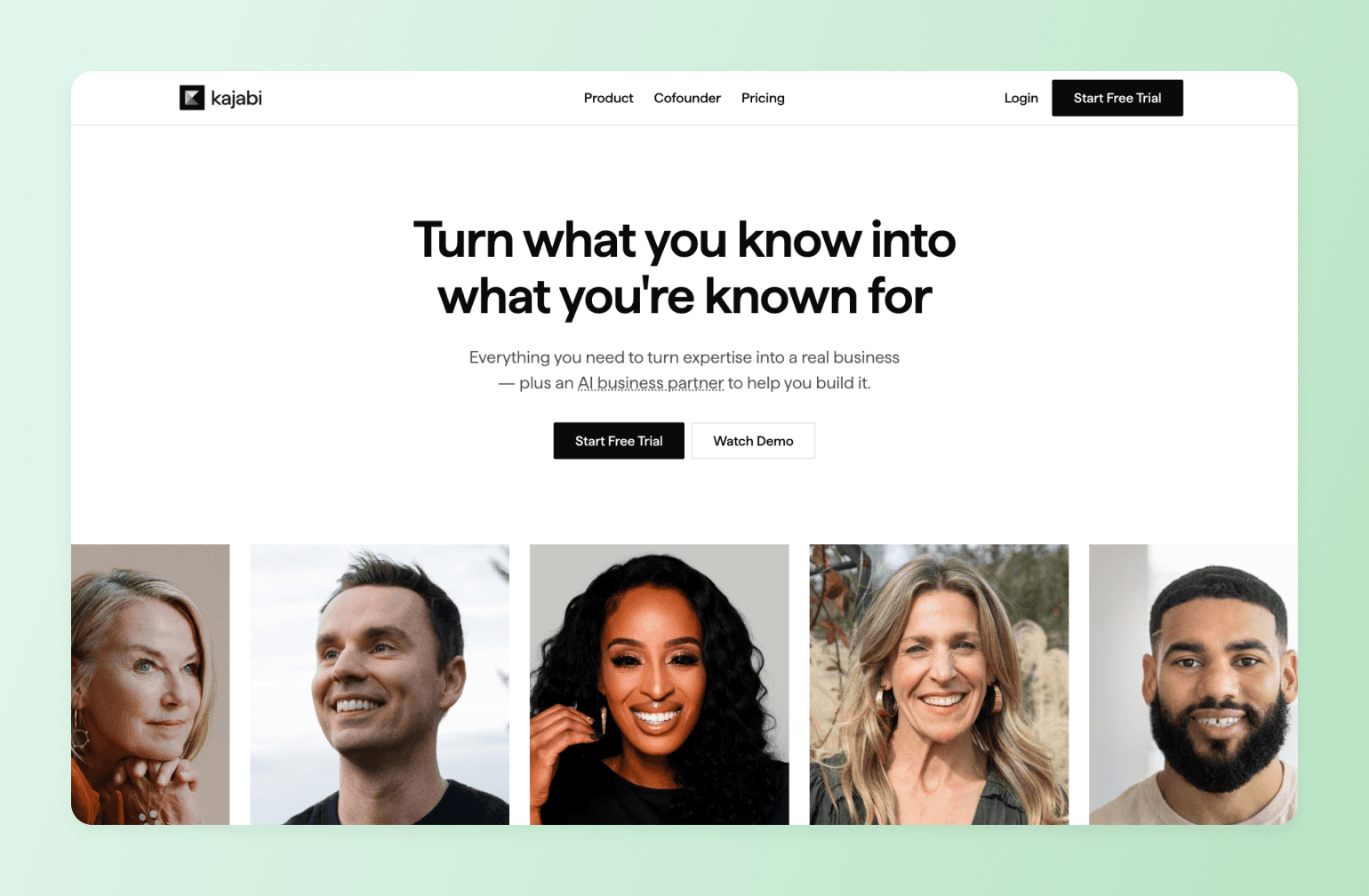
Kajabi is an all-in-one platform for creators and course builders, offering tools for online courses, email marketing, landing pages, and membership communities. It’s an all-in-one platform to build a full digital business based on your expertise.
Key features:
- Online course builder with drip content, quizzes, and progress tracking.
- Built-in email marketing, sales funnels, and landing page builder.
- Live events and community features via Kajabi Community 2.0 (formerly Vibely).
- Multiple monetization options including courses, memberships, coaching, and bundles.
- Unified mobile app for members to access content, community, and live sessions.
Pricing:
Plans start at $179/month.
Best for:
Course creators and digital entrepreneurs who want events to plug into a fully integrated online business platform.
Users say:
"I just liked having everything in one location with Kajabi. I didn't have to use four different software programs to run my business. I could just log in to Kajabi and have my website, emails, blog, and digital downloads all in one place. Even though it was more expensive, having everything centralized was really convenient." — Verified review from G2
"The AI chat can be useful at basic things, but when I need to speak with a human, it took 10 minutes to get connected. From there, we were not able to resolve the issue. I asked if I could speak with someone on the phone and after another 10 minutes of waiting, to be told that no one was available. I ended up talking with someone else who was more responsive, but still didn't get to a solution. I ended up having to figure it out on my own." — Verified review from G2
| Pros: | Cons: |
|---|---|
| All-in-one platform combining courses, email marketing, sales funnels, landing pages, and community in a single dashboard. | Design and customization flexibility is limited. |
| User-friendly interface that gets creators up and running quickly without technical expertise. | Customer support quality has drawn criticism from G2 and Capterra reviewers. |
Kajabi vs. Circle: See how Kajabi stacks up.
8. Skool — best for simple community events
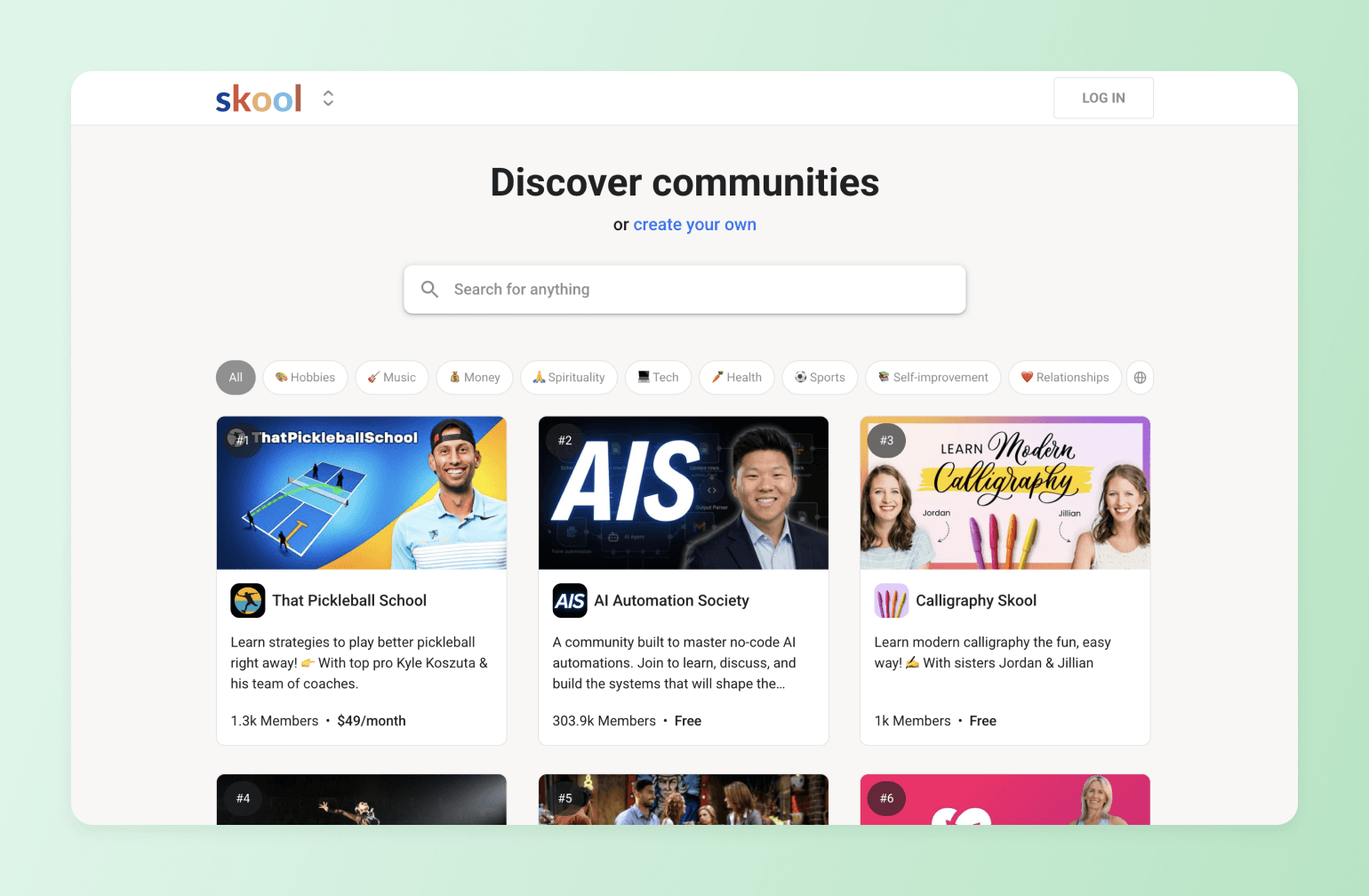
Skool is a community platform built around simplicity, gamification, and live events. Its native live streaming makes it easy to host casual, real-time sessions alongside structured courses and community discussions. While its structured approach makes it easy to set up and manage, Skool lacks flexibility in customization, branding, and integrations, limiting its long-term scalability for growing communities.
Key features:
- Built-in live streaming available on all plans, including the entry-level tier.
- Community forum with gamification features including points, levels, and leaderboards.
- Structured course platform with step-by-step modules and progress tracking.
- Simple, flat-rate pricing with all core features included in a single plan.
Pricing:
Skool offers a Hobby plan at $9/month and a Pro plan for $99/month.
Best for:
Online coaches and creator-led communities looking for a simple, affordable platform that combines live events, courses, and community in one place.
| Pros: | Cons: |
|---|---|
| Easy to setup and use. | Hosting large events requires the $99/month plan. |
| Leaderboards, points, and levels drive community engagement and member retention. | No built-in quizzes, assessments, or course completion certificates. |
| Minimal customization and no white-labeling. |
Skool vs. Circle: See how Skool stacks up.
9. Whova — best for enterprise conferences
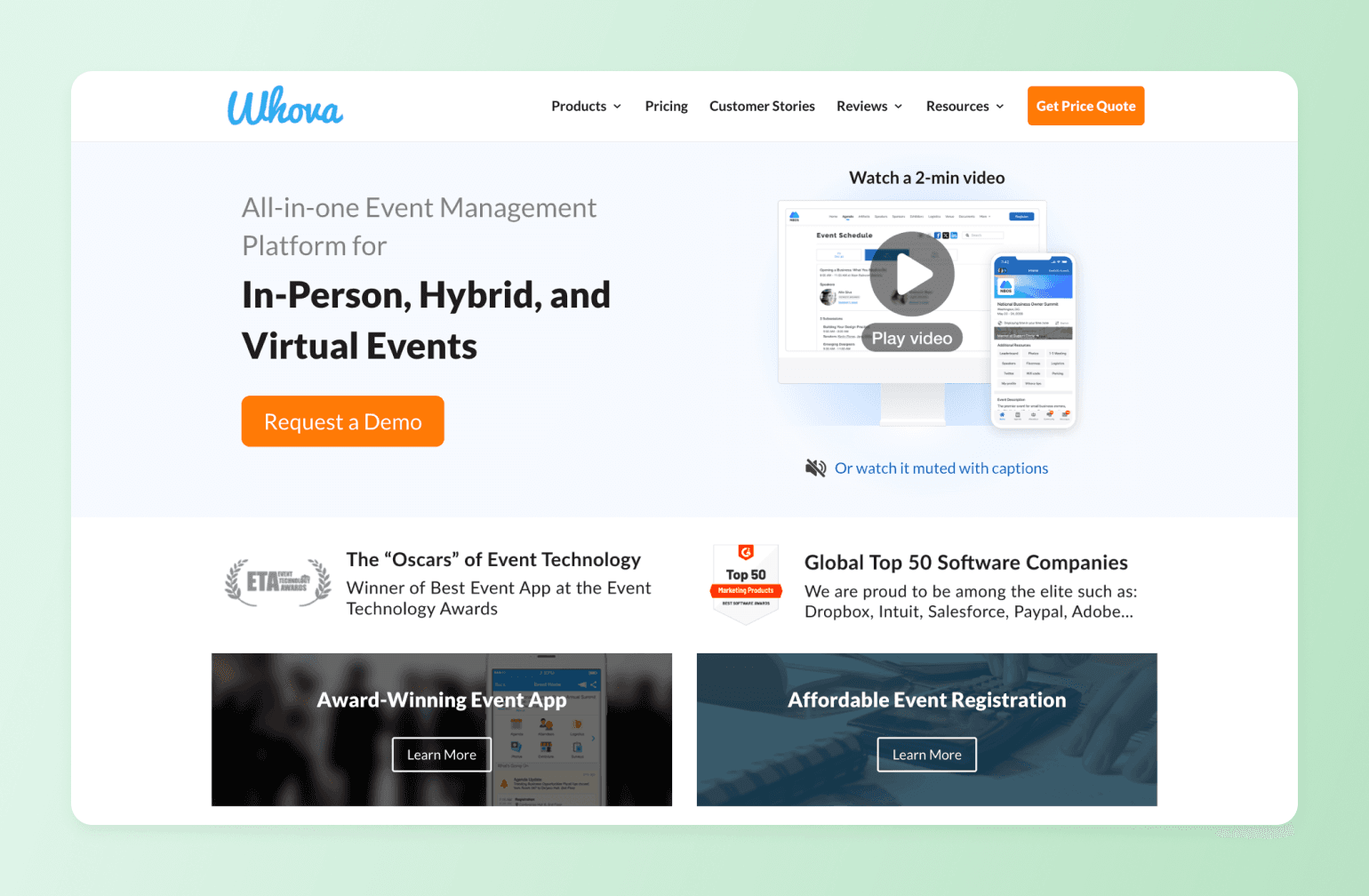
Whova is an award-winning event management platform purpose-built for conferences, trade shows, and academic gatherings. Its strength lies in attendee networking and logistics — with tools for matchmaking, community boards, exhibitor management, and mobile engagement that help complex, multi-track events run smoothly both online and on-site.
Key features:
- End-to-end event management covering registration, event webpages, speaker management, and check-in.
- AI-powered attendee networking with matchmaking, in-app messaging, and icebreaker prompts.
- Personalized agenda builder allowing attendees to schedule and bookmark sessions.
- Post-event reporting with surveys, certificates, and curated event summaries.
Pricing:
Contact Whova for pricing.
Best for:
Conference and trade show organizers managing complex, multi-track events with high attendee networking and logistics demands.
Users say:
"Whova offered clear setup instructions, a smooth registration process, access to presenters' handouts, and a Certificate of Completion for each participant. I appreciated how easy it was to access and navigate the platform. I also valued the up-to-date information provided throughout the event, as well as the feature that allowed me to see who else was attending the conference." — Verified review from G2
"My one frustration with Whova was the notification dots. There were red indicators constantly appearing throughout the app, and as someone who likes to have everything cleared and accounted for, it was hard to ignore them. It felt like I was always chasing down unread items just to get a clean screen." — Verified review from G2
| Pros: | Cons: |
|---|---|
| End-to-end event management in a single platform. | Limited profile customization compared to some competing platforms. |
| Highly rated networking features including AI-powered attendee matchmaking. | Navigation can feel complex for first-time attendees at large multi-track events. |
| Responsive customer support with regular account management check-ins. |
10. BigMarker — best for advanced webinar automation
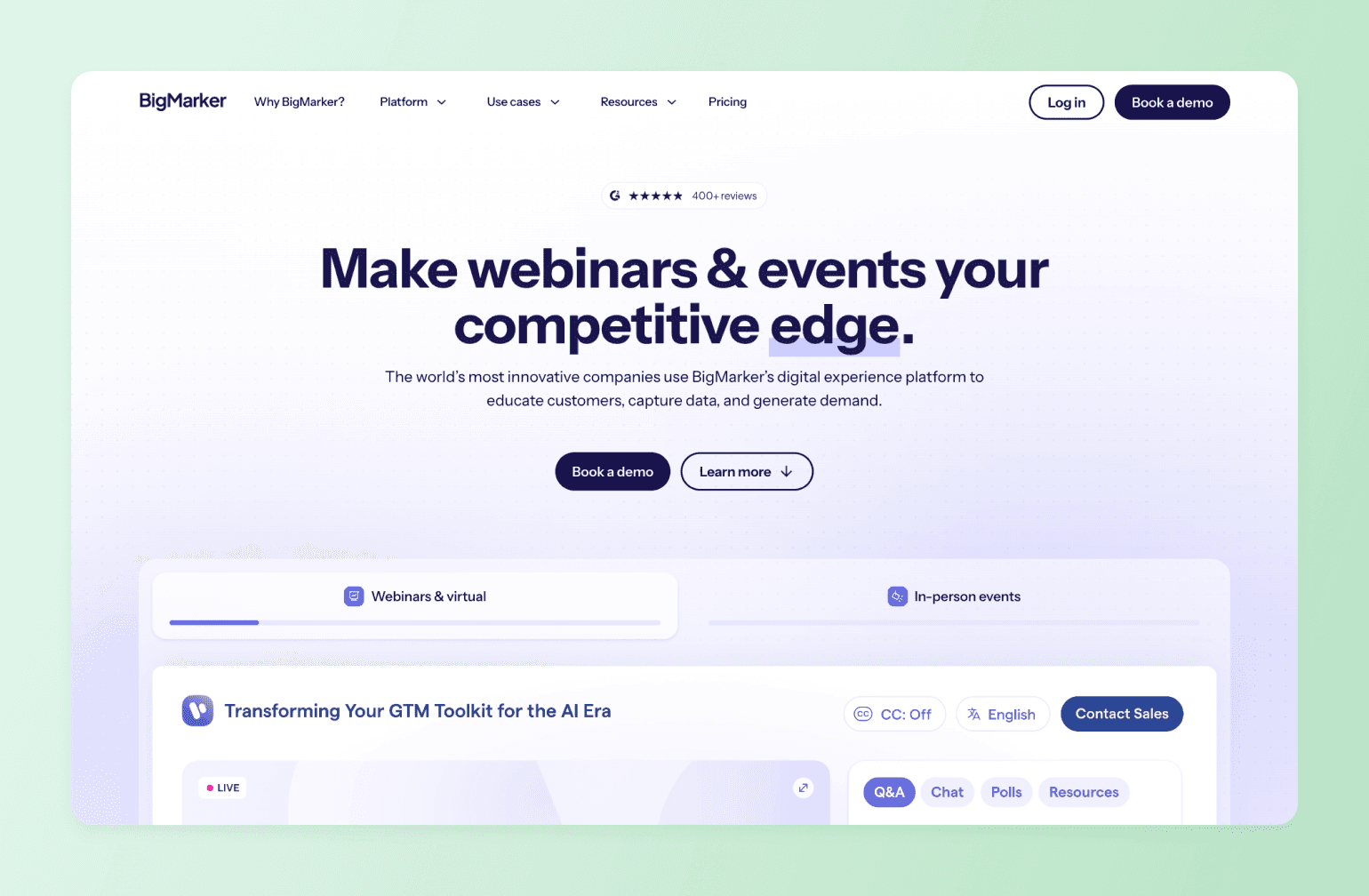
BigMarker is a highly customizable webinar and virtual event platform trusted by enterprise brands and marketing teams. It gives organizers full control over the event experience, from branded registration pages and virtual venues to interactive sessions, expo halls, and on-demand content libraries.
Key features:
- Fully white-labeled webinar and event rooms with custom branding, domains, and registration pages.
- Interactive engagement tools including live polls, Q&A, chat, and in-player lead capture forms.
- Automated webinar functionality for on-demand and evergreen event content.
- CRM and marketing integrations including Salesforce, HubSpot, and Marketo.
Pricing:
Contact BigMarker for pricing.
Best for:
Enterprise brands and marketing teams that need a fully white-labeled, highly customizable webinar and event platform.
Users say:
"The best thing about using BigMarker is how reliable and easy it is to use for hosting webinars and virtual events. The platform is stable, the interface is intuitive, and it doesn't require much technical setup, which makes running live sessions stress-free." — Verified review from G2
"I think the hardest part is all of the settings. Obviously their team will walk you through it all but it's hard to know what you might want and don't know it's there or don't know to ask for it." — Verified review from G2
| Pros: | Cons: |
|---|---|
| Fully white-labeled experience with custom branding, domains, and registration pages. | Long setup time. |
| Attendees can join without downloading any software or plugins. | Can feel complex for new users. |
11. Discord — best for one-to-many live events at a great price
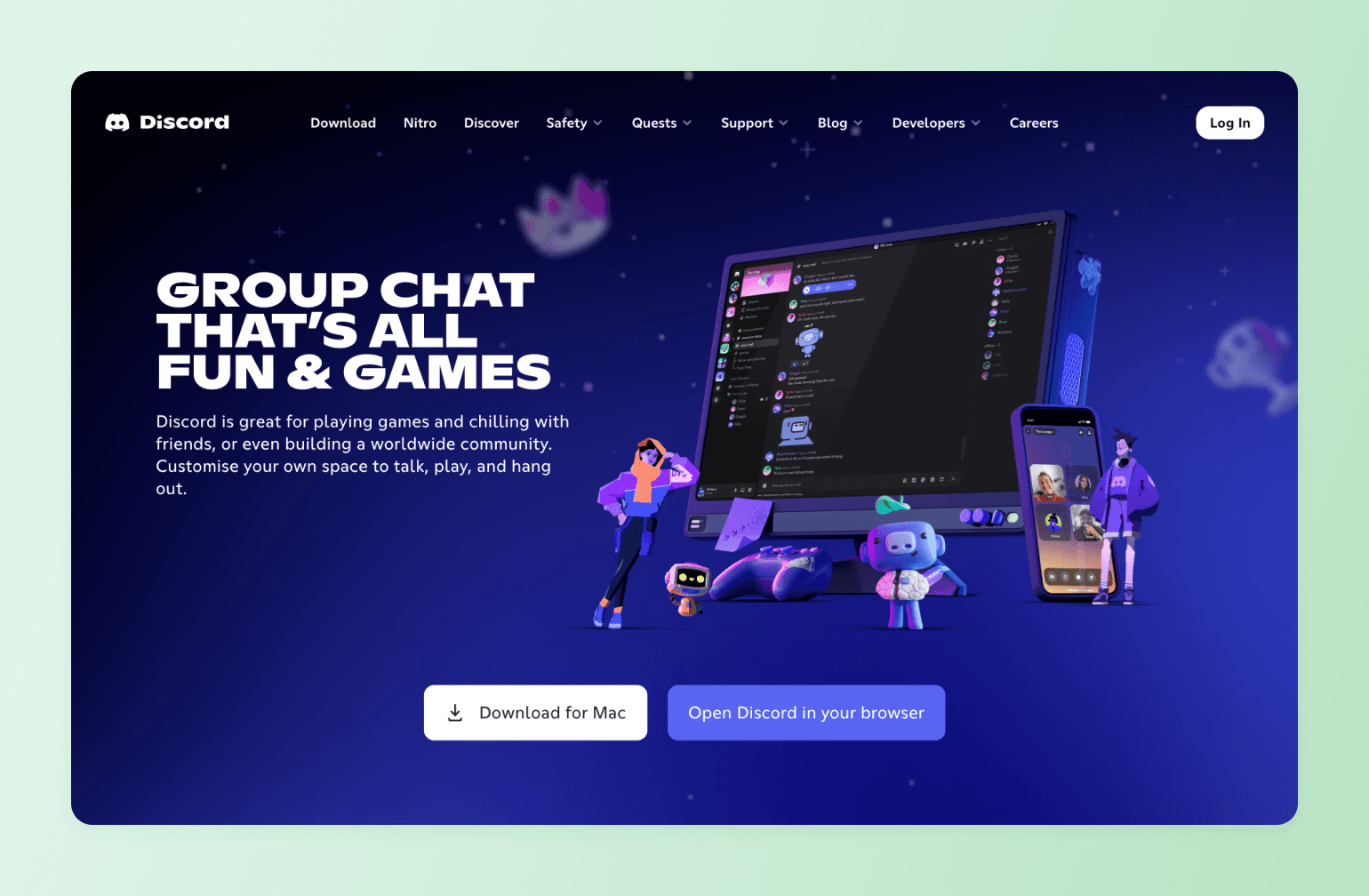
Discord is a real-time communication platform built around community spaces, voice channels, and live events. Originally designed for gamers, it has grown to be a top choice for creator communities, professional networks, and online groups that want ongoing conversation alongside scheduled events and live audio or video sessions.
Key features:
- Voice channels and Stage Events for live audio and video broadcasts to large audiences.
- Text, voice, and video communication in a single platform with robust moderation tools.
- Integrations and bots for automating announcements, event reminders, and community management.
- Free to use with optional paid tiers for enhanced features and higher-quality streams.
Pricing:
Free for basic features. Discord Nitro starts at $9.99/month for additional perks like higher-quality streaming and larger file uploads. Discord Nitro occasionally offers limited free trials.
Best for:
Creator communities, gaming groups, and online networks that want persistent community spaces alongside live events.
Users say:
"Very user friendly. So many channels. Easy to launch and operate. You can hear music, play games, talk and play with mates inside the channels. What is there, not to love?" — Verified review from G2
"Not built for formal or enterprise level workflow. Search is not as powerful as teams or slack." — Verified review from G2
| Pros: | Cons: |
|---|---|
| Free to use, including voice, video, and mobile access. | Search and content organization lag behind tools like Slack and other chat-first platforms. |
| Role-based permissions and bot integrations. | Moderation relies heavily on admins rather than platform-level controls. |
| Very reliable cross-platform performance. | Public servers can attract spam and unwanted behavior. |
Discord vs. Circle: See how Discord stacks up.
12. Slack + Zoom — best for live events that need powerful chat
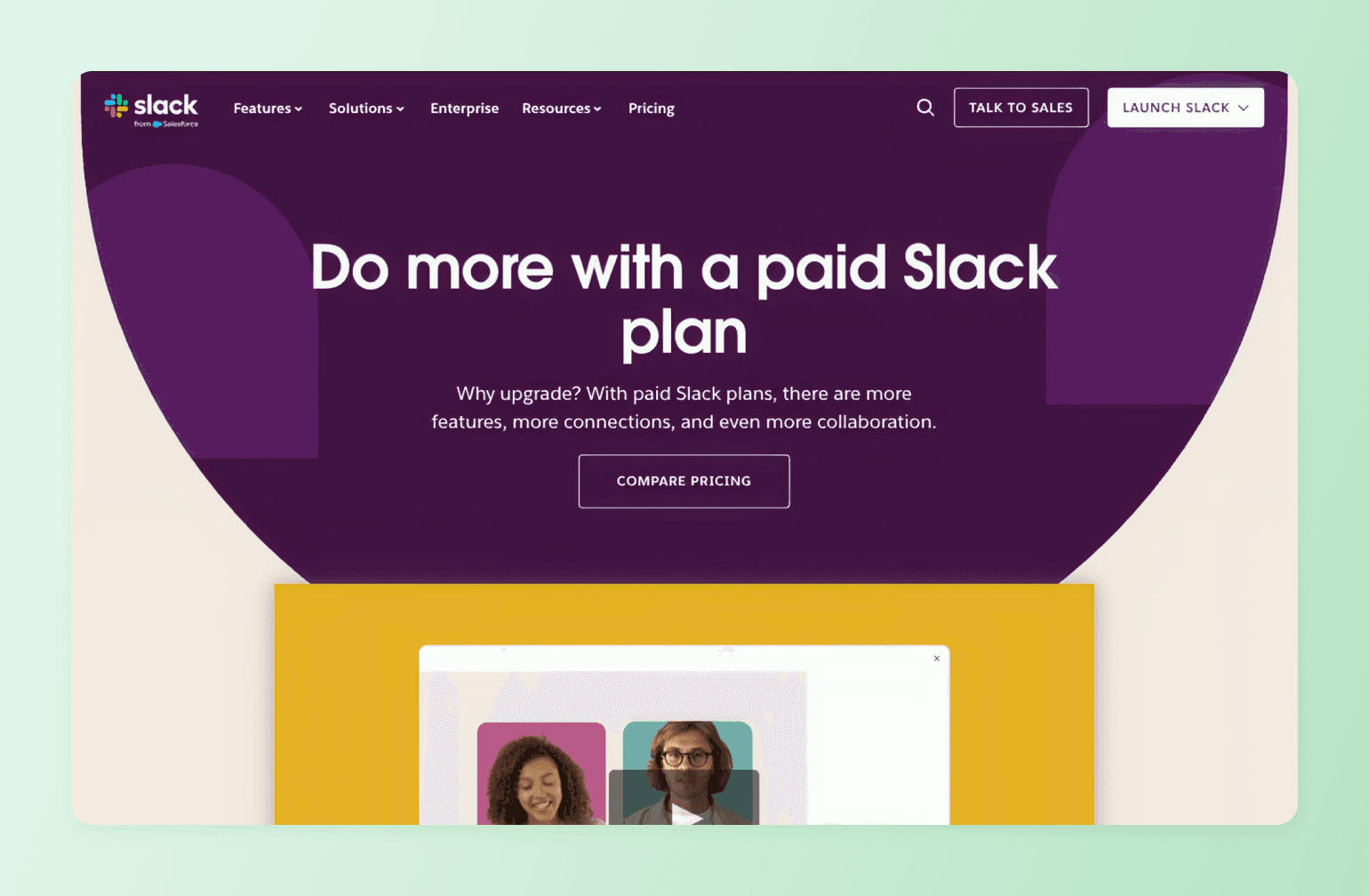
Peanut butter and jelly. Peas and carrots. Slack and Zoom? For event hosts looking for best-in-class live events and chat, combining Slack and Zoom just makes sense. Slack handles asynchronous communication, announcements, and community coordination, while Zoom handles the live event itself. It's a low-barrier option for organizations running internal events or smaller member gatherings.
Key features:
- Slack channels for asynchronous community communication, announcements, and event coordination.
- Zoom integration for seamless one-click meeting launches directly from Slack conversations.
Pricing:
There is a free plan available with limited features, including the number of messages that can be saved and accessed. Paid plans start at $8.75/user/month, and higher tiers are required for full message history and advanced features.
Best for:
Teams and organizations already using both tools who want a low-barrier option for internal events and smaller member gatherings.
| Pros: | Cons: |
|---|---|
| Slack and Zoom are already used in many professional workflows. | Ticketing, registration, and replay hosting require additional tools. |
| Slack's channel structure is great for pre- and post-event chats and breakout rooms. | Combining paid Slack and Zoom plans can get expensive quickly for larger organizations. |
| One-click Zoom launches directly from Slack keep the event experience seamless. |
Slack vs. Circle: See how Slack stacks up.
How to choose the right virtual event platform
The best virtual event platform isn’t the one with the most bells and whistles, it’s the one that turns live moments into long-term engagement, revenue, and opportunities for real transformation for your members. Before you start comparing feature lists, ask yourself these five questions.
1. Are events your product or your marketing channel?
If you’re using virtual events as a marketing channel—webinars to generate leads or free workshops to grow your audience—then a video conferencing tool like Zoom paired with Eventbrite for registrations is the right way to go.
But if events are how you deliver value to your members, drive retention, and generate revenue, you need a platform with deeper capabilities. That means seamless integration with your membership structure, the ability to gate content by tier, and tools that keep members coming back long after the event ends.
2. Do you need a white-label solution?
If your community is your business, your platform should feel like it’s your platform. White-label capabilities for desktop and mobile let you remove third-party branding and replace it with your own, creating a consistent, professional experience from the registration page to the post-event replay.
3. Do events need to connect to other content or experiences?
A virtual event doesn't exist in isolation—or at least it shouldn't. The most effective virtual platforms allow events to plug directly into the broader member experience, including membership tiers, online courses, paid cohorts, and community discussions.
For example, a live workshop should be able to automatically funnel participants into a follow-up discussion thread. If your platform can't make connections like these, you're leaving engagement (and revenue) on the table.
4. Do your members need a mobile app?
Not everyone joins your events from a laptop at a desk. If your community skews toward executives or busy professionals who are frequently on the go, mobile is a must. Look for platforms that offer a fully functional mobile experience, not just a scaled-down version of the desktop interface.
5. Do you want to offer replays of your events?
If you plan to turn your recordings into on-demand content, course material, or gated replays for new members, make sure your platform makes that easy.
Look for built-in replay hosting, searchable transcripts, and the ability to organize recordings in your content library so that every event you run continues working for your community long after the live stream ends.
What makes Circle different for community events?
Most platforms treat events as a destination. Circle treats them as the start of the business. A live session doesn't end when you hit stop: every RSVP is a captured contact, every attendee can be followed up with and pointed to your offer, and the replay, email follow-up and community thread set up your next offer.
It's a flywheel for the thing business owners are actually chasing—prospects who show up, contribute, and turn into customers that feel like they belong.
Test your virtual events on Circle
FAQs about event platforms
What is the best platform for live events?
For community-driven live events where connection and ongoing engagement matter, Circle leads the pack with your events, discussions, and replays all live in one place. For large-scale conferences and enterprise broadcasts, RingCentral Events or Whova are built for that kind of scale. And if simplicity is the priority, Zoom Events is a safe, familiar choice your members won't have to think twice about.
What is the best event registration platform?
For pure registration and ticketing, Eventbrite is the go-to. It's easy to set up and comes with built-in event discovery to help you reach new audiences. But if you want registration that connects to your broader member experience (think gated access, tiered pricing, and post-event follow-up), platforms like Circle or Mighty Networks handle it all without the extra tool in your stack.
What are the best virtual event platforms?
The best virtual event platforms in 2026 are Circle, RingCentral Events, Zoom Events, Airmeet, Mighty Networks, Kajabi, Whova, and BigMarker. Each is built for a different kind of host. Community builders who want events to drive retention and revenue tend to land on Circle. Enterprise teams running large-scale conferences lean toward RingCentral Events or Whova. And creators who want a simple, affordable starting point often go with Zoom Events.
What's the best white-label virtual event platform?
BigMarker offers the most comprehensive white-label setup. Circle and Mighty Networks are strong options for community builders who want white-label mobile apps alongside their events, though full white-labeling is available on higher-tier plans. If your brand experience matters to your members (and it should), it's worth prioritizing this feature from the start.
Is there anything better than Eventbrite?
Depends on what "better" means for you. For pure ticket sales and event discovery, Eventbrite is still hard to beat. But if you're looking for a platform that goes beyond ticketing—one that hosts your event, engages your attendees, and keeps them connected after it ends—then yes, there are better options. Circle, Mighty Networks, and Kajabi all offer built-in monetization without requiring a separate ticketing tool, and they don't charge per-ticket fees that eat into your revenue.
Can you host paid events online?
Absolutely. Most virtual event platforms support some form of paid access, but how they handle it varies a lot. Eventbrite charges a per-ticket fee on paid events. Platforms like Circle, Mighty Networks, and Kajabi let you monetize through memberships, one-time purchases, or bundled offers with no middleman taking a cut of every ticket. If monetization is core to your event strategy, it's worth looking closely at the fee structure before you commit.
Are there platforms with private communities and public events?
Circle lets you run public-facing events to attract new members while keeping your core community spaces private and gated by membership tier. Mighty Networks works similarly. It's one of the most effective ways to use events as a growth channel without giving everything away for free. Your best content and conversations stay exclusive, while your events do the work of bringing new people in.
Contributing Writer
Alex writes in-depth guides on community tools, engagement rituals, and automation—helping community builders scale with clarity and confidence.