If you’re searching for Discord alternatives, chances are you’ve hit the same wall a lot of non-gaming communities run into: Discord is fast and flexible, but isn’t really useful if you want to run a community business or simply gather people around a shared hobby or interest.
Discord reports 200M+ global monthly active users, and 90%+ of users play games—which explains why the product experience still leans heavily toward gaming-first chat and voice.
For digital creators, educators, and membership-based communities, the gaps usually show up in the same places: monetization, professional branding, member engagement, and scalable moderation. If you find Discord limiting for these reasons, here’s a roundup of the 12 best Discord alternatives (free and paid) to help you pick the right fit based on your use case, budget, and growth plans.
What’s the best Discord alternative?
Circle is the best Discord alternative for community builders who need monetization, course delivery, events, and professional branding in one place. For workplace teams, Slack is usually the better pick for business integrations. For privacy-first messaging, Signal stands out with end-to-end encryption.
What is Discord? (And why it falls short for community builders)
Discord is a real-time chat and voice platform originally built for gamers. It combines text channels, voice rooms, live streaming, and screen sharing inside “servers” that users can join or create.
It’s a great option because of:
- Real-time chat and voice communication
- Free access with generous usage limits
- Strong screen sharing and streaming tools
- Familiar interface for younger audiences
But if you’re running a paid membership, cohort-based course, mastermind, or professional network, you’ll likely need more than a chat platform.
Here’s where many community builders start exploring Discord alternatives:
- Built for gamers, not community builders. Discord is primarily designed for gaming communities, and its features—like in-game overlays and gameplay streaming—are tailored to that audience base. So while it might work for other community types like social and hobbyist groups, it is not as suitable for business or professional needs.
- Missing community features for your use-cases. If you’re a creator who offers courses or coaching, Discord will fall short in every respect: courses, moderation, cohorting, and more. Educational communities that require structured forums, step-by-step instructional tools, and advanced workflows should also steer clear of the app. While Discord does offer real-time group chat, it lacks deeper tools for structured collaboration, content organization, or long-term learning—essential for many creators and educators.
- Steep learning curve. Discord’s design can present a steep learning curve for new users, making it hard to navigate and use without proper guidance. It also lacks critical community-building features like detailed member profiles, paid membership tiers, native content organization, and more. Even more, the app encourages anonymity. So if authentic human connections and purposeful networking are your priority, look elsewhere.
- Minimal branding control. Every Discord server looks like… Discord. There’s no white-label experience or custom domain to reflect your brand. For hobby communities, that’s fine. For businesses, it’s a constraint.
- Moderation & safety challenges. Because servers can be anonymous and public, moderation can be complex at scale. Privacy expectations are also rising, and some users have raised concerns around safety and content exposure in open servers.
- You don’t own your growth. This is the bigger strategic question. When your community lives inside a third-party platform, you don’t get to control things like your product roadmap, member experience, or external policies. You’re also limited in how you scale revenue. For serious community builders, it’s a big risk.
How to choose the best Discord alternative for your community
Choosing the right chat platform for your community can feel daunting until you narrow down your must-haves and nice-to-haves.
Here’s what makes a great chat community (in our humble opinion):
- Ease of use. An intuitive community platform that’s easy for both members and admins is an obvious yes, with clear navigation, simple setup, and efficient moderation tools.
- Customization options. Your chats are unique, so your chat space should be, too. That’s why you’ll want a customizable platform that you can adapt to your community’s branding, channel structuring, and user preferences.
- Integration capabilities. You can streamline your work by adopting a platform that integrates smoothly with your existing tools (social media, CRM, payment gateways, project management software), or could even replace them in the long-term.
- Security and privacy. Ensure the platform you opt for is GDPR-compliant, with strong security features like end-to-end encryption, 2FA, and strict access controls to protect user data.
- Support and scalability. Select a platform with excellent customer service (because tech issues happen!) and scalable server capacity and channel limits to accommodate your community’s growth.
- Migration options. Look for a platform like Circle that offers comprehensive migration support, like guides, tools, or customer walk-throughs, for a smooth transition. It should also have robust data import and export features for minimal disruption to your business.
12 Best Discord alternatives in 2026: A quick overview
If you want a quick side-by-side overview of the top Discord alternatives in 2026, this table highlights who each platform is for, what it does best, and what it costs to get started.
| Tool | Best for | Key features | Starting price |
|---|---|---|---|
| Circle | Community builders, creators, educators | Native monetization (memberships, courses, events), structured spaces, mobile apps | $89/mo |
| Slack | Professional teams | Channels, integrations, searchable history, huddles | Free/$8.75/user/mo for Pro plan |
| Microsoft Teams | Hybrid & enterprise teams | Microsoft 365 integration, meetings, chat | $4/user/mo |
| Informal chat groups | Group messaging, voice/video calls | Free | |
| Telegram | Coaches & large broadcast groups | Large groups, bots, channels | Free |
| Signal | Privacy-focused communities | End-to-end encryption, privacy tools | Free |
| Voxer | Voice messaging teams | Push-to-talk, voice/text, multimedia | Free/$7.99/mo |
| TeamSpeak | Gamers | Low-latency voice, server control | Free (self-hosted) |
| Facebook Groups | Beginner communities | Discovery, live video, events | Free |
| Topic-based discussions | Subreddits, voting, community forums | Free/$5.99 | |
| Airmeet | Large virtual events | Virtual stages and breakout rooms | $167/mo |
| Discourse | Knowledge-sharing communities | Structured forums, moderation tools | $20/mo |
1. Circle — best overall Discord alternative for community builders
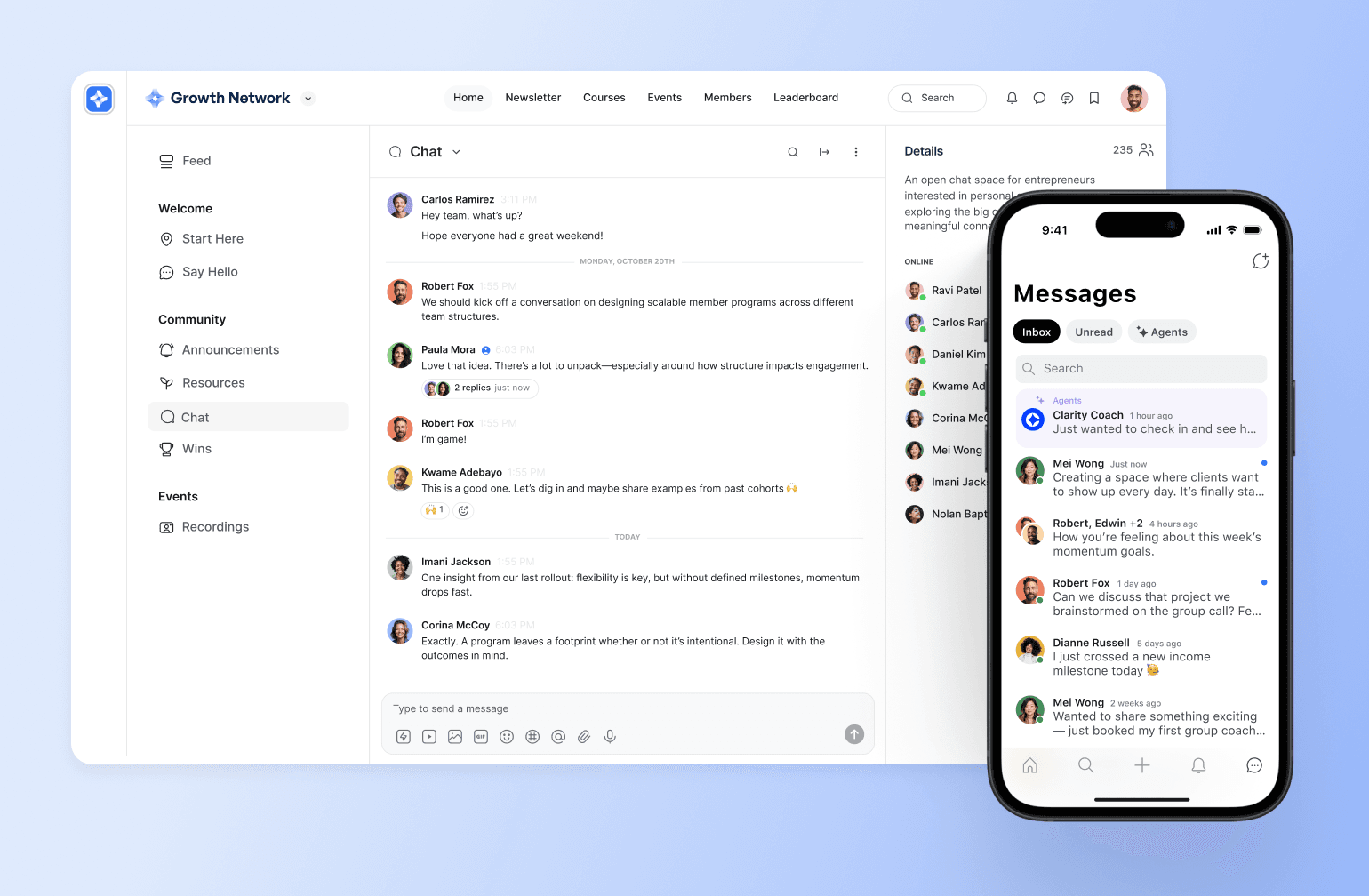
If you're looking for a Discord alternative built specifically for community businesses, Circle is the clear frontrunner.
Unlike Discord, which centers on real-time chat for gaming, Circle is designed for creators, educators, coaches, and brands who need structure, monetization, and professional branding. It combines discussions, courses, live events, and payments in one place, so you’re not stitching together multiple tools.
Pricing:
Circle offers a 14-day free trial. Paid plans start at $89/month (flat rate) with unlimited members.
Ideal for:
Creators building paid membership communities, coaches running cohort-based programs, and companies launching brand communities.
Key features:
- Direct messages (DMs) and group chats for improved community engagement and collaboration.
- Native monetization tools for paid memberships, subscriptions, courses, and live events—without third-party workarounds.
- AI-powered activity scores and agents**** to identify and encourage inactive community members.
- Built-in course builder with drip content, scheduled releases, and cohort-based learning for structured education programs.
- Virtual event hosting for workshops, coaching calls, Q&As, and interactive sessions directly inside your community.
- Community gamification features like leaderboards and points boost engagement.
- Advanced moderation controls with role-based permissions and private Spaces for safe, scalable management.
- Native iOS and Android mobile apps that keep members connected with real-time push notifications.
- An integration ecosystem to connect with external tools like Zapier, Slack, and others.
- Built-in analytics and engagement tracking to support data-driven community engagement strategies.
- Built-in website builder** **that allows you to design stunning community websites.
Users say:
👍🏼 “Circle has transformed our community. We moved from a free platform to Circle in 2025, and we kept all the things we liked about the old platform and ditched everything we hated, and GOT SO MUCH MORE! We are able to monetize, prioritize, create new content, search easily, tag posts in a split second ... It's made our community even more special than it was before. Customer support is also great, it cannot be beat!” – Verified review from G2
🤔 “I would love to be able to do break-out rooms on a live call, like you can on Zoom.” – Verified review from G2
| Pros | Cons |
|---|---|
| Easy to use and customize | Not suitable for in-person memberships like gyms or dance classes |
| All-in-one platform combining community, courses, events, messaging, and payments in a single hub | Can be difficult for really big communities to keep up with product improvements and implement them quickly |
| Strong monetization capabilities, allowing creators to generate revenue quickly through memberships and gated content | |
| Responsive customer support that actively listens to feature requests |

Rated #1 for a reason.
2. Slack — best Discord alternative for professional communication
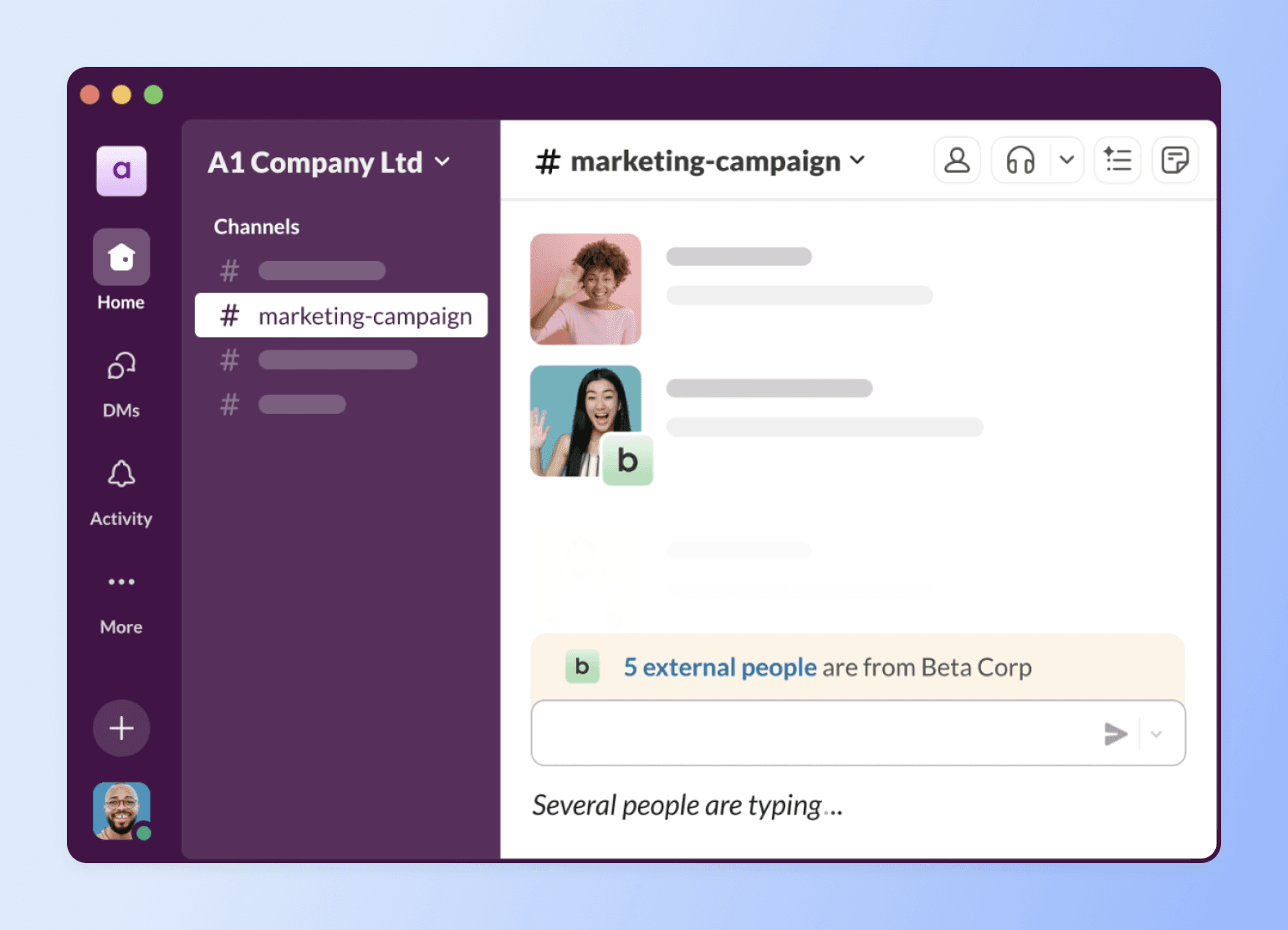
With real-time messaging, work tool integrations, and organized channels, Slack is the OG workplace chat app. Over time, though, its user base has expanded to professional networking, knowledge sharing, and discussion communities.
Note: On Slack’s free plan, users can only see old conversations for 3 months, after which they’ll lose access to them.
Pricing:
Slack offers a free plan with message storage and accessibility limits. However, its paid plans come with unlimited message history and start at $8.75/user/month.
Ideal for:
Office teams, professional communities, and industry networks that value real-time conversations rather than curated, organized content.
Key features:
- Instant messaging through channels, threads, and DMs.
- Workflow automation to streamline notifications and updates.
- Voice and video calling features for real-time team check-ins.
- Smooth integrations with productivity tools like Trello, Google Drive, and Notion
- Searchable archives (for paid users) to access previous chats.
Users say:
👍🏼 “Slack makes everything simple with its channels and direct messages option. It is amazing how you can reply in a single message as a thread. I love Huddles, it is outstanding that you can talk to someone without having to create a meeting, share links, etc.” – Verified review from G2
🤔 ”If you are a new User on Slack, you might get confused with the number of messages that will stack up at your page. To me the notifications are overwhelming.” – Verified review from G2
| Pros | Cons |
|---|---|
| Supports smooth communication and collaboration within teams | Lacks native community management functionalities |
| Integrates easily with many other tools | Not ideal for informal communities or those with lots of files, courses, and knowledge bases |
| Facilitates instant conversations via texts, voice notes, and video calls | Pricing is per-user and can add up really quickly as membership grows |
🔄 Want to migrate from Slack?
Many communities jump ship because of Slack’s limited content organization, non-existent monetization features, and costly chat history retention. Thinking of making the switch?
Watch how Modern Fertility seamlessly transitioned from Slack to Circle. Alternatively, you can also integrate your Slack community with Circle to align key discussions and activities.
Slack vs. Circle: See how Slack stacks up.
3. Microsoft Teams — best Discord alternative for hybrid teams
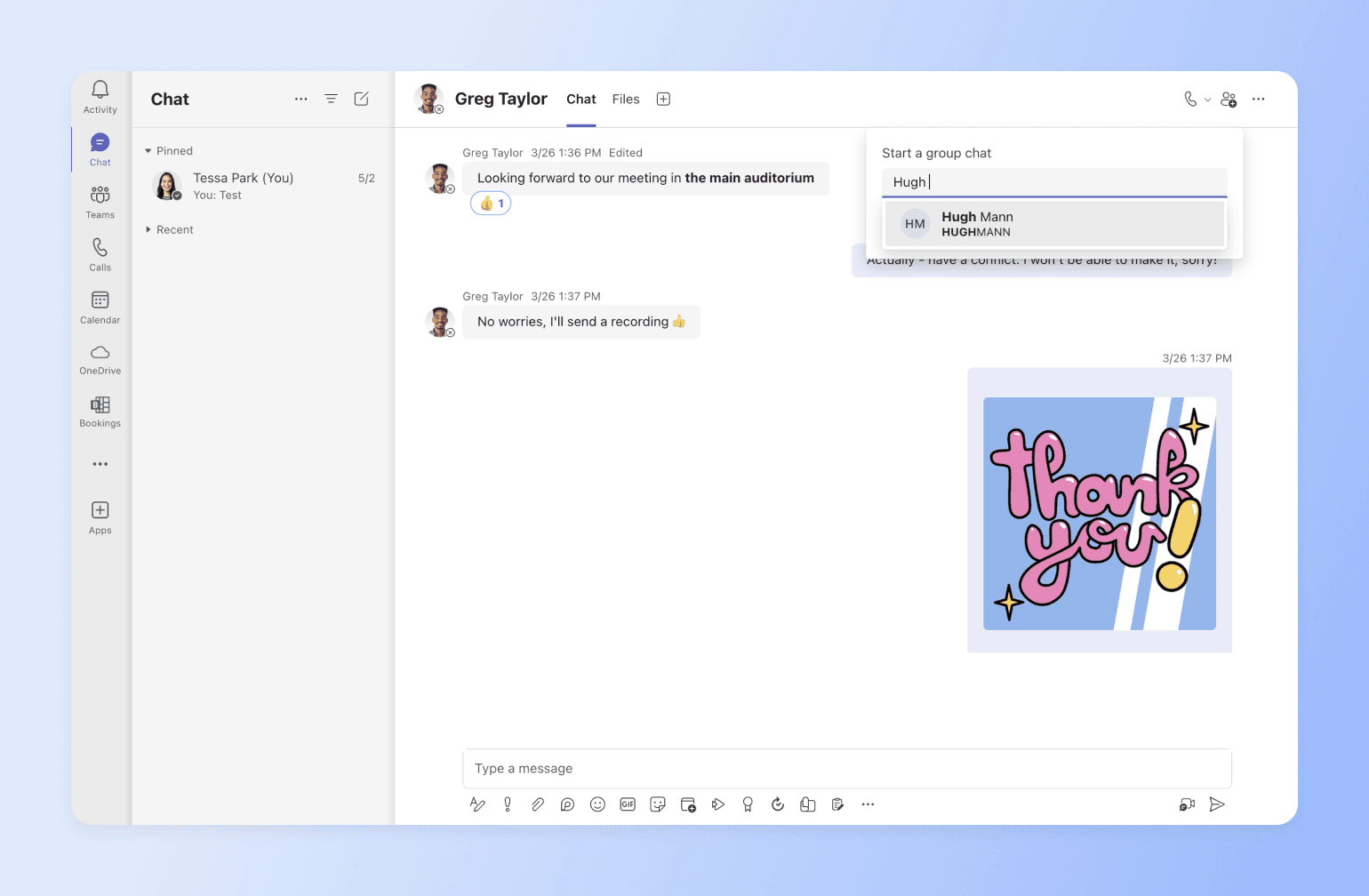
If your community operates inside a corporate environment—or is tied to workplace collaboration—Microsoft Teams can be a practical Discord alternative.
While Discord is designed for informal, gaming-style communication, Teams is built for structured collaboration across departments, organizations, and hybrid teams. It combines messaging, video meetings, file sharing, and Microsoft 365 tools in one environment, making it suitable for internal employee communities, alumni networks, professional associations, and company-led member groups.
Pricing:
Paid plans start at $4/user/month (paid yearly), and users can access one-month free trials for higher tiers.
Ideal for:
In-office teams, remote workers, and hybrid organizations that need a secure, structured environment for collaboration and are familiar with Microsoft 365 tools.
Key features:
- Seamless integration with Microsoft 365.
- Instant messaging for real-time communication with team members.
- Mobile app for on-the-go messages and calls.
- Conversation threads to keep discussions organized and easy to follow.
- Recorded team meetings, transcripts, and live captions (in English).
Users say:
👍🏼”What I like most about Microsoft Teams is how it makes everything so easy. It brings all the tools you need like chat, video calls, file sharing into one place, so I am not jumping constantly between different apps.” – Verified review from G2
🤔”No doubt MS Teams is super cool app but on old devices it might lag. At times notifications are not received and features like breakout rooms might glitch here and there.” – Verified review from G2
| Pros | Cons |
|---|---|
| Provides a unified platform for team communication and collaboration | Channel limits restrict companies with multiple teams |
| Streamlines project management and task coordination | Strict permission settings with limited customization |
| Easy to understand and use | Users have reported cluttered conversations |
4. WhatsApp — best Discord alternative for informal chat groups
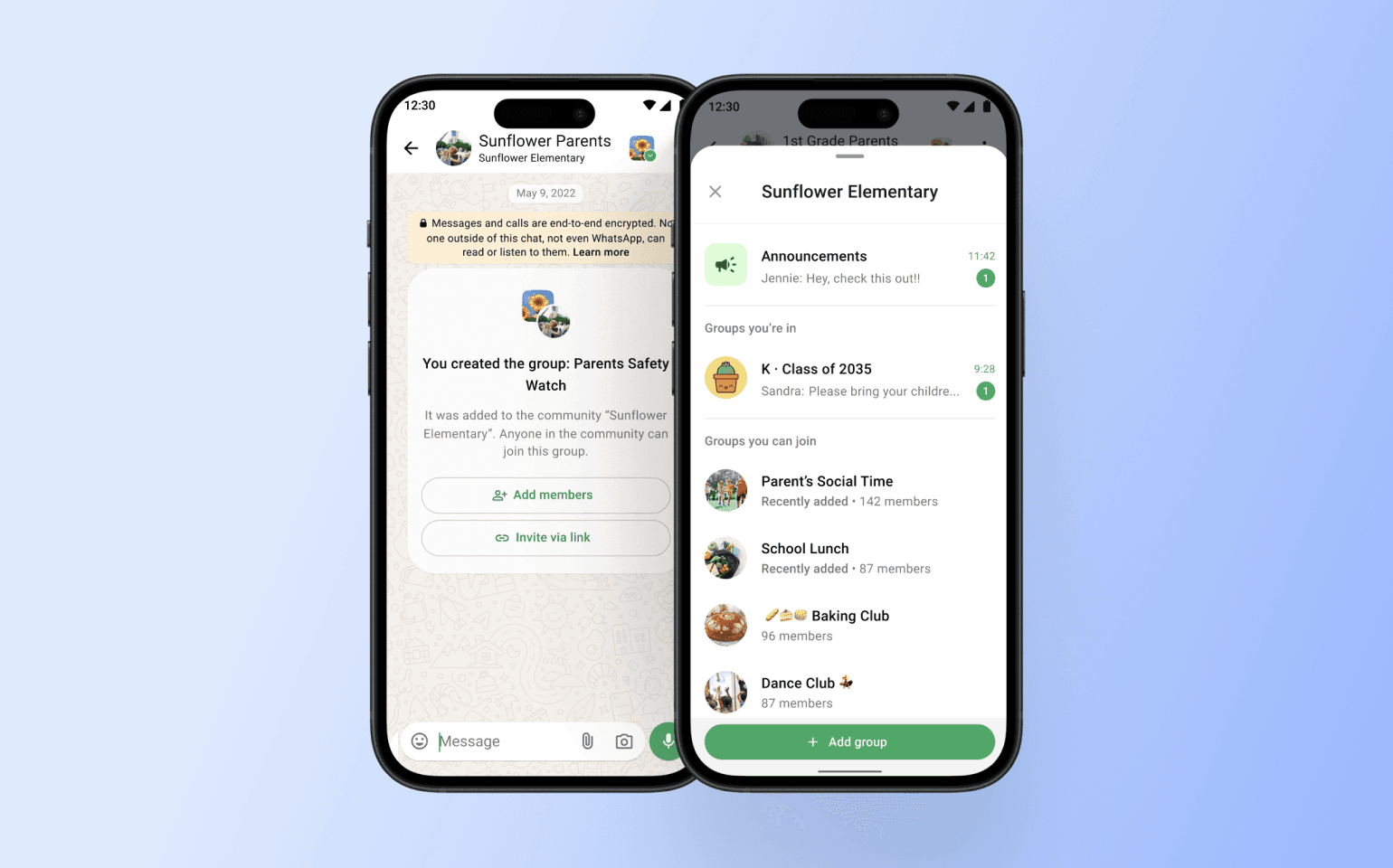
WhatsApp is an instant messaging app for both personal and business use. It’s a popular choice for both in-person and online communities because of its group chats and communities. However, many users rely on it for everyday texting, making it better suited for informal conversations.
Note: WhatsApp groups are limited to a total of 2,000 members, so they’re not suitable for enterprise usage or communities with ambitious membership goals. But with the app’s Community feature, you can create or add multiple groups.
Pricing:
Standard WhatsApp group chats and Communities are free to use. However, businesses using the WhatsApp Business Platform (API) are charged on a per-message basis, with fees applied when a message is delivered—not sent. Pricing varies depending on the recipient's country and message category (marketing, utility, authentication, or service), with rates published publicly by Meta.
Ideal for:
Informal communities that value secure messaging, multimedia sharing, and a mobile-first experience.
Key features:
- Group voice and video calls with up to 32 participants.
- Polls for interactive decision-making.
- Announcement groups for sending quick updates to all community members.
- Admin controls for group and community management.
- Easy file sharing (images, videos, and documents).
Users say:
👍🏼 “I love how easy it is to send messages, photos, and videos instantly. Group chats are brilliant for organising plans, and voice and video calls are so reliable. The end-to-end encryption is reassuring too.” – Verified review from Capterra
🤔 “The thing I liked the least about WhatsApp is when the feature of creating a group is activated, especially if it is a study group, the number is limited, so I ask the administration of this application to delete the feature of specifying the maximum number that the group can hold.” – Verified review from Capterra
| Pros | Cons |
|---|---|
| Free international messaging and calls | Group and community membership limits |
| Protects conversations with end-to-end encryption | Consumes significant storage and data due to media and chat backups |
| Accessible across mobile, desktop, and web platforms | Hard to integrate with tools outside the Meta ecosystem |
Are your members too dependent on WhatsApp?
Many people are used to the mobile accessibility of WhatsApp. Thankfully, community platforms like Circle offer both desktop and mobile experiences. So, if you’re considering a move, explore gradual migration or keeping your free community on the former and paid members on the latter.
Here’s how community builder Sam Cholera, founder of PUMPD, suggested making the shift:
Maybe run a poll on WhatsApp to see why they prefer it. Then, try and incorporate those elements (as best as possible) into your Circle community. After a while, inform them you’ll be closing the WhatsApp community, and give them a ‘nice’ incentive to migrate on the day of the notice. Make it easy for them.
As Sam asserts, carrying your audience along and incentivizing them is a great way to make the transition seamless.
A quick virtual meeting, paired with a demo video and testimonials from members who’ve already made the switch, can also be a powerful way to encourage others to follow suit.
Host an event, showing about Circle and why it’s better for them. Create a video with the step-by-step on how to have the same and better conversations in Circle. Highlight for them the deficits of staying in WhatsApp, ‘messages get lost and there’s overlapping conversations.’ Get testimonials from new and converted members on why having conversations in Circle is better, then sharing with them.
5. Telegram — best Discord alternative for coaches and educators
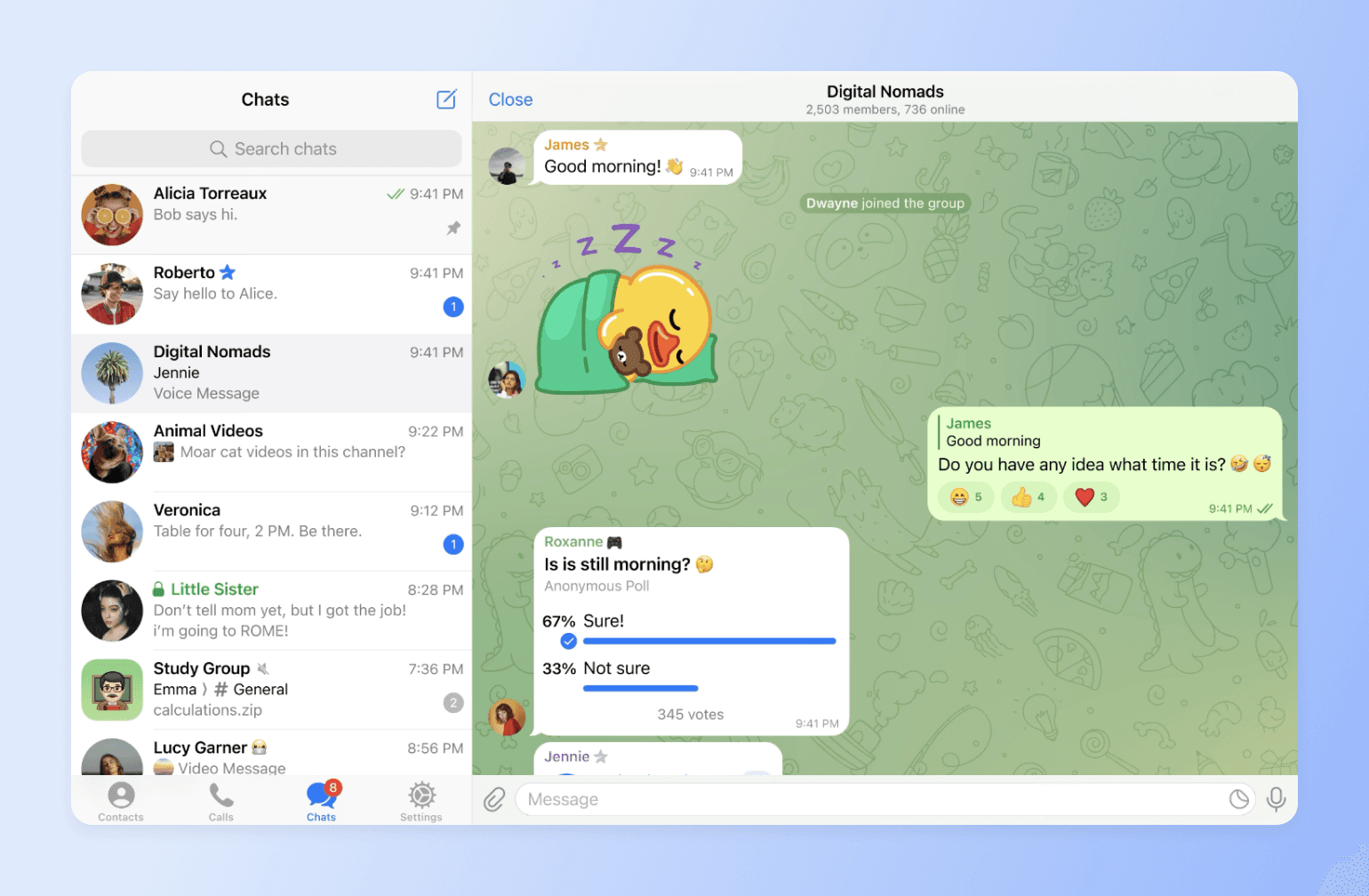
Telegram is a cloud-based messaging platform with large group capacity, broadcast channels, multimedia sharing, and privacy features. These functionalities give community builders like coaches the flexibility to create and grow vibrant communities.
Pricing:
Telegram is free to use, but it also offers a paid subscription with extra features. Pricing varies by region and may reflect local taxes, store or third-party fees, and any other applicable charges outside Telegram's control.
Ideal for:
Coaches, educators, and businesses looking for a semi-formal platform to train and share knowledge with learners.
Key features:
- Large group chats of up to 200,000 members.
- Bots for task automation and community moderation.
- Broadcast announcements to subscribers with one-way messaging.
- Interactive polls and educational quizzes to boost engagement.
- Cloud storage for seamless syncing across devices.
Users say:
👍🏼 “A great way to communicate with people and to join different private communities.”– Verified review from Capterra
🤔 “I didn’t realize it was downloading the videos from some of the groups I was in, and it took up quite a bit of space on my internal storage.”– Verified review from Capterra
| Pros | Cons |
|---|---|
| Extensive privacy features like secret chats, 2FA, end-to-end encryption, and self-destructing messages | Lacks a built-in directory, making it hard to discover unique channels and groups |
| Supports group video chats for seamless virtual meetings and discussions | Requests access to phone contacts, limiting privacy and user control |
| Allows users to share large files while retaining their quality | Optimized for smartphones, with limited functionality on desktop and web versions |
6. Signal — best Discord alternative for privacy-focused communities
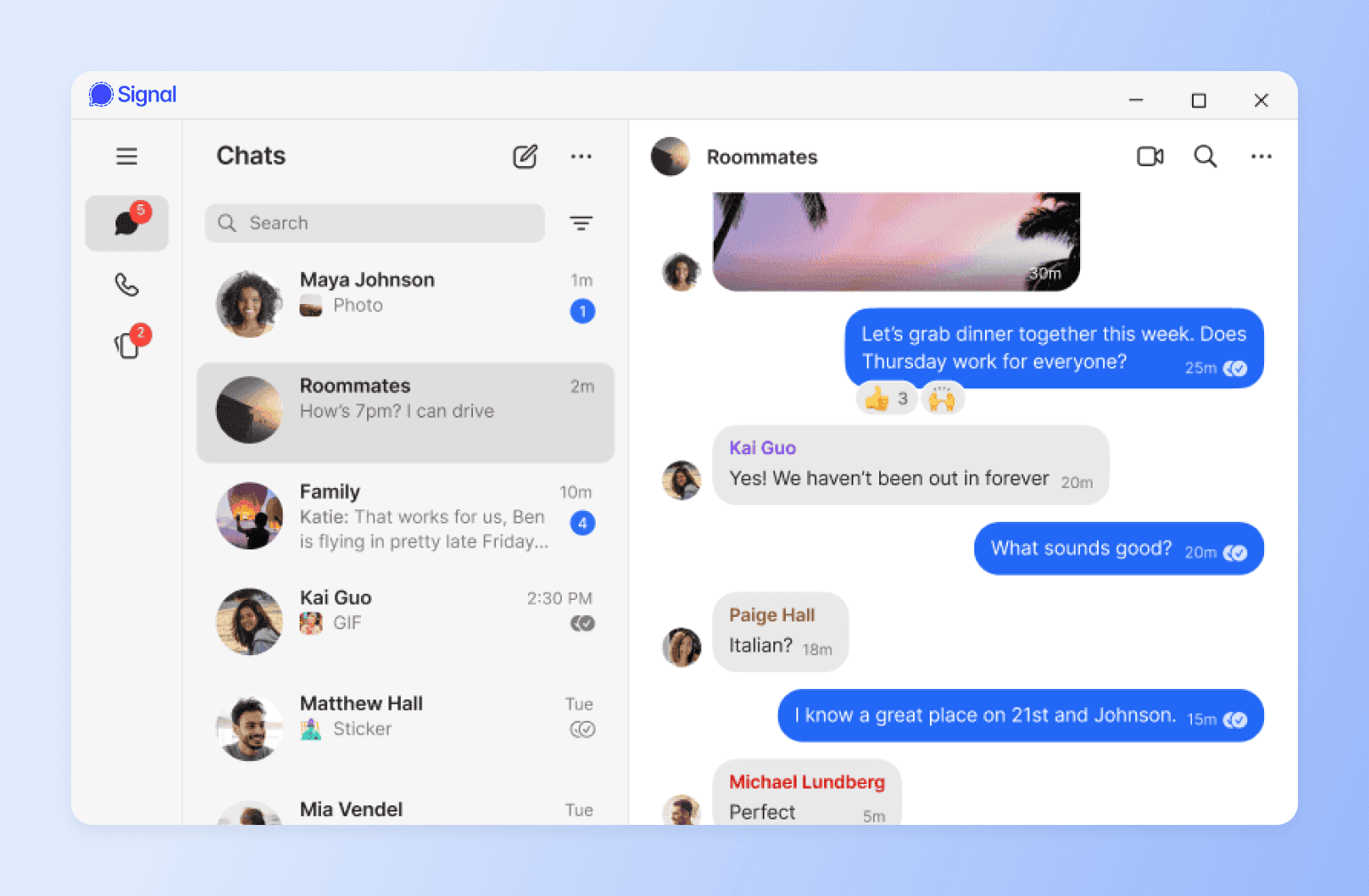
“Speak freely” with Signal, a real-time messaging app that offers end-to-end encryption, private chats, and minimal user data collection. It’s very similar to WhatsApp, but its open-source and advanced security features make it ideal for individuals and communities prioritizing confidentiality.
Pricing:
Signal is free to use.
Ideal for:
Activists, journalists, and anyone who is looking for a highly secure communication environment.
Key features:
- Message filtering by unread status for easier navigation and tracking.
- Hidden phone numbers to protect community member privacy.
- Text formatting options for message clarity and emphasis.
- Scheduled messages for timely communication and reminders.
- Screen sharing during desktop calls for better collaboration and presentations.
Users say:
👍🏼 “Signal is just like WhatsApp, but more secure; this makes it ideal for communicating with clients about projects, knowing that it's encrypted and private.” – Verified review from G2
🤔 “In privacy, it stands number one, but some additional features can also be integrated like other messaging applications, support for emojis and GIFs.” – Verified review from G2
| Pros | Cons |
|---|---|
| Provides end-to-end encryption for all messages and calls | Lacks third-party app integrations for extended functionality |
| Protects user data by not logging IP addresses or metadata | Still requires phone numbers for sign-up, compromising anonymity for users seeking complete privacy |
| Offers disappearing messages for extra privacy and secure conversations | No automatic cloud backups, requiring manual backups for data recovery |
7. Voxer — best Discord alternative for voice messaging
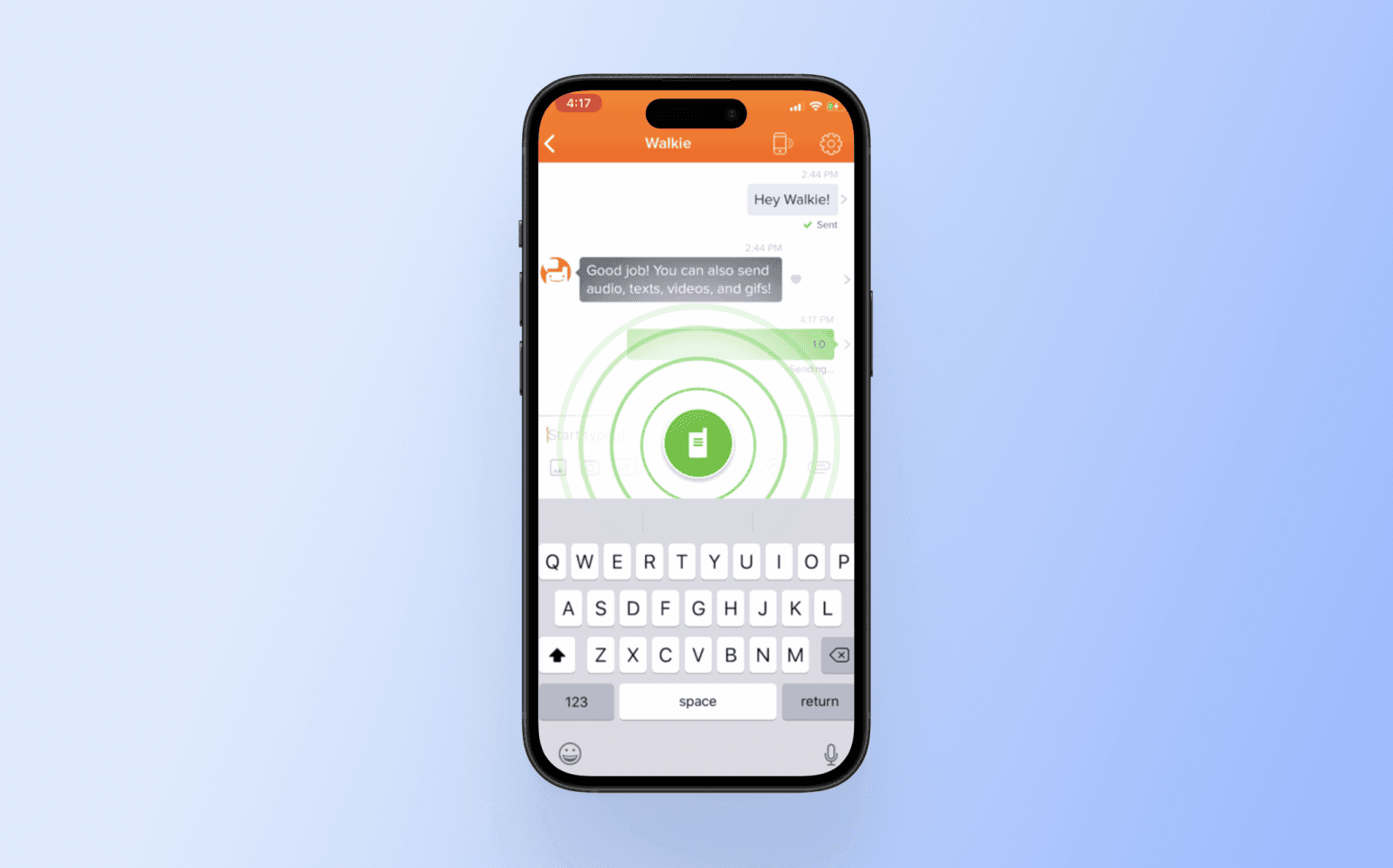
If your community relies heavily on voice communication, Voxer is a practical Discord alternative built around push-to-talk messaging.
Unlike Discord, which combines text, voice channels, and streaming, Voxer focuses primarily on voice notes that feel like a digital walkie-talkie. It’s commonly used by field teams, coaching groups, and fast-moving communities that prefer speaking over typing.
Pricing:
Voxer offers a free personal plan while its paid packages start at $7.99/user/month.
Ideal for:
Field teams, first responders, and other professionals who need fast, hands-free communication.
Key features:
- Live calls and audio messages for convenient conversions.
- Dynamic chats with multimedia features like text, video, photos, and GIFs.
- Mobile app accessible on any network on Android, iPhone, and the web.
- Chats with up to 500 team contacts.
- Voice-to-text transcription for accessibility and future reference.
Users say:
👍🏼 “Easy to use with a simple tab! Saves time in writing.” – Verified review from G2
🤔 “I've used the link that the app gives me to share my profile, but it takes people to a general Voxer page. And many people have told me it's hard to find me.” – Verified review from G2
| Pros | Cons |
|---|---|
| Hands-free feature for quick and effortless communication | Lacks voice note threading, making it hard to follow conversations |
| Converts voice messages into text for easy reading | Messages that have been listened to sometimes still appear as new in alerts |
| Offers offline messaging for on-the-go comms | Adding contacts can be complicated and not as straightforward as other messaging apps |
8. TeamSpeak — best Discord alternative for gamers
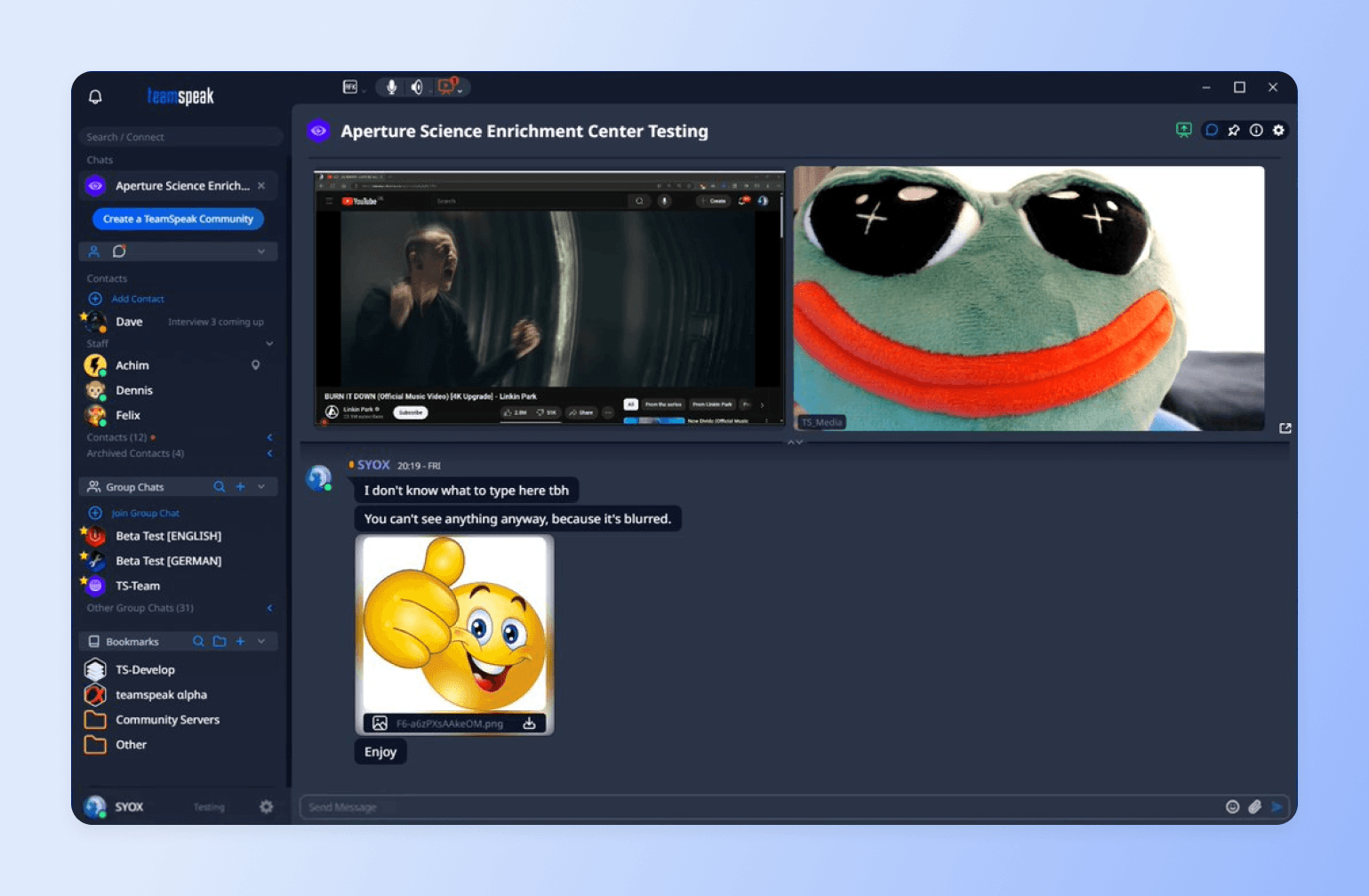
TeamSpeak is a voice communication platform originally designed for gamers, though it also works well for businesses and other online communities. Known for its low-latency audio quality, it lets users host and join private servers for secure, real-time voice chats.
TeamSpeak is similar to Discord, but the former is better for pro gaming and esports, while the latter is more generic and amateur-friendly.
Pricing:
TeamSpeak offers a free version for personal use, but businesses and large communities may need to pay for server hosting and additional features.
Ideal for:
Gaming communities, professional teams, and discussion groups seeking high-quality voice communication.
Key features:
- Clear audio for real-time discussions.
- Group chats that you can organize into different voice channels by topic, interest, or purpose.
- 3D sound environment for enhanced gaming comms.
- Encrypted voice and data transmission for improved user privacy.
Users say:
👍🏼 “TeamSpeak is great for coordinating with your teammates online in real time while also playing a game.” – Verified review from G2
🤔 “User interface feels a little dated, doesn't mean it doesn't work. It just looks old.” – Verified review from G2
| Pros | Cons |
|---|---|
| Gives gamers an immersive audio experience | Requires server hosting for free users |
| Offers control over server settings, permissions, and user access | Relies on third-party text chat services |
| Provides high-quality, real-time voice communication with minimal delay | Minimal integration options with third-party apps and tools |
9. Facebook Groups — best Discord alternative for beginner communities
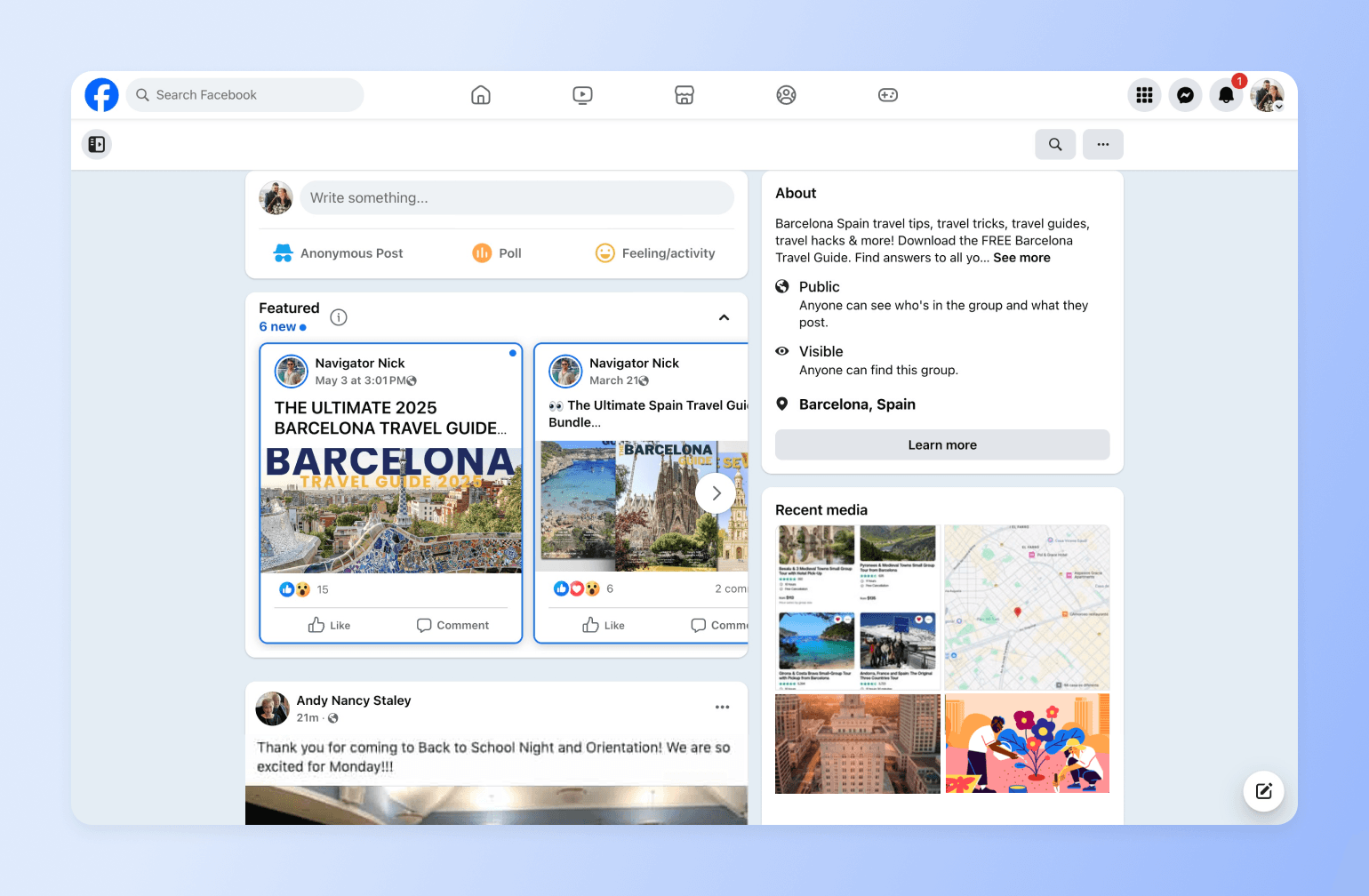
With built-in discovery and engagement tools, Facebook Groups let you create and manage online communities easily. They’re also embedded in the Facebook app, making them perfect for beginner communities just finding their footing and looking for a simple platform where lots of their users already spend time.
However, history shows that Facebook isn’t very reliable as a community platform with a lack of user controls.
Pricing:
Facebook Groups are free to use.
Ideal for:
Brands, influencers, and hobbyists.
Key features:
- Private and public group options for different levels of privacy.
- Post scheduling for automated posting.
- Event creation and interactive polls to boost community participation.
- Real-time interaction through live streaming within the group.
Circle vs Facebook Groups: Which should you use?
Both platforms are great for online community building in their own way, but many users are concerned about the lack of control with Facebook Groups. Facebook Groups is simple and free, but Circle offers more admin control, security features, and monetization options. You can also explore an integration for embedding Facebook posts in a Circle space.
Users say:
👍🏼 “Facebook groups allow for a convenient way to communicate with community members.” – Verified review from G2
🤔 “Can't monetize them, that I know of anyway. Overall, that is all I can say that is negative.” – Verified review from G2
| Pros | Cons |
|---|---|
| Creating and managing groups is free | Your account can be deleted for no reason, erasing years of work |
| Boosts interactions with tools like polls, events, and live videos | Group visibility depends on Facebook’s algorithm, affecting reach |
| Makes Facebook’s massive user base organically reachable | Members may get distracted by ads and unrelated content |
Facebook Groups vs. Circle: See how Facebook Groups stack up.
10. Reddit — best free Discord alternative for topic-based discussions
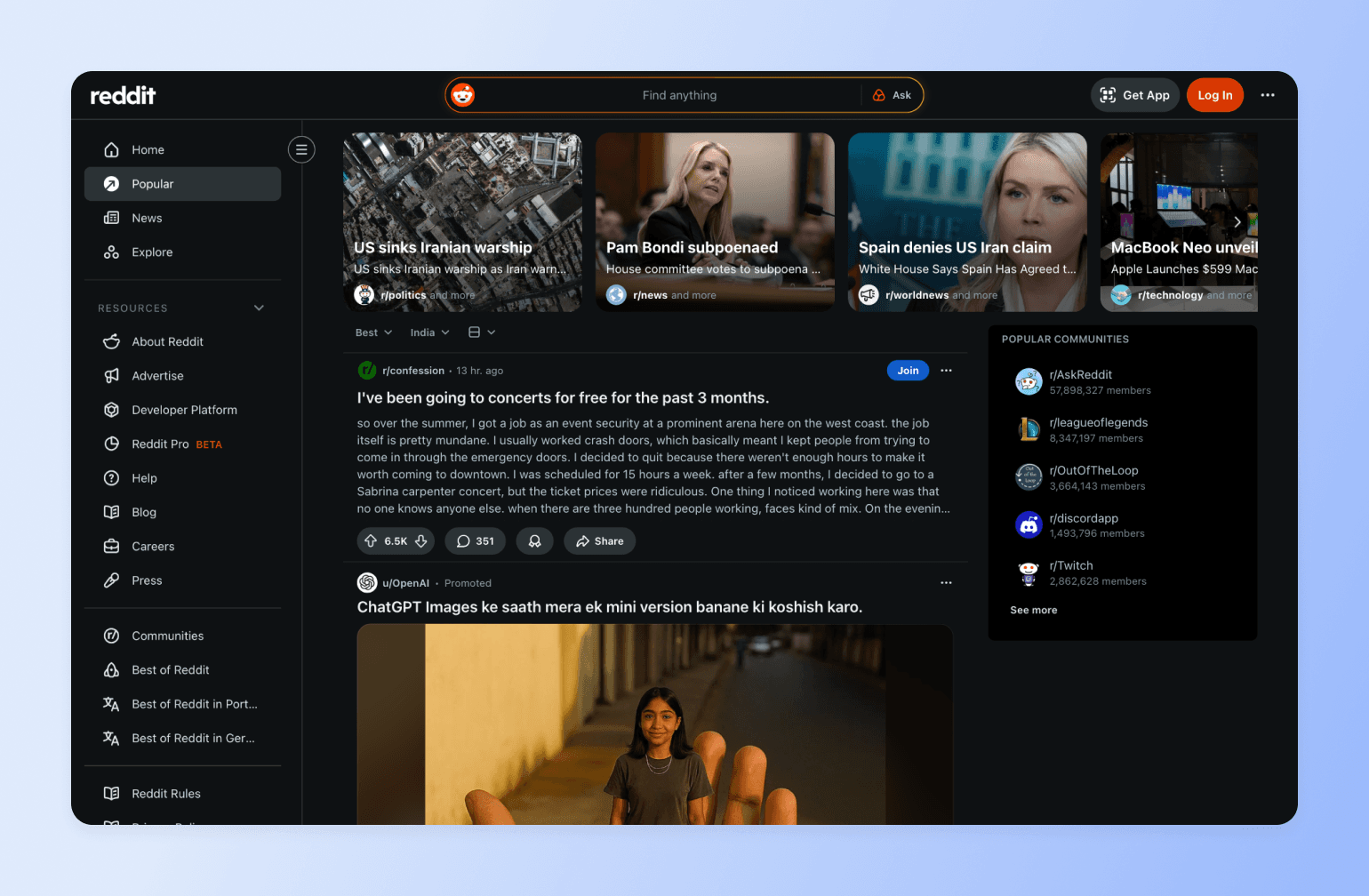
If your community revolves around open discussion and niche interests, Reddit is one of the most established Discord alternatives.
Unlike Discord’s private server model, Reddit is built around public or private subreddits organized by topic. Its upvote system surfaces popular posts, making it ideal for communities that thrive on debate, crowd-sourced insights, and long-form discussion.
However, Reddit is a forum platform—not a community business tool—so branding and monetization options are limited.
Pricing:
Reddit is free to use. However, it offers a tiered pricing structure for Premium, ad-free users starting from $5.99 per month.
Ideal for:
Enthusiasts, experts, businesses, and niche communities looking for anonymous, in-depth discussions and crowd-sourced insights.
Key features:
- Topic-based communities (subreddits) for discussions, content sharing, and engagement.
- Post and comment upvotes or downvotes to rank them by popular opinion.
- Reddit Karma for rewarding discussion contributors and regulating their engagement.
- Anonymous posting for users who don't want to reveal their identities.
- Moderation tools for content and user management.
Users say:
👍🏼 “I honestly still consider reddit to be one of the best (if not THE best) medium/website/forum online, because of its vast sub-reddits, communities, & forums inside.” – Verified review from Trustpilot
🤔 “First I had to wait 90 day before i could post anything. After that i tried posting and the bot deleted my post because i need 200 karma. Apparently you have to comment on other posts to collect karma.” – Verified review from Trustpilot
| Pros | Cons |
|---|---|
| Has conversation threads on a wide range of topics | Content reach depends on upvotes and the platform’s ranking system |
| Offers an upvote and downvote system for prioritizing the most popular content | No built-in options for community owners to generate revenue |
| Allows for anonymous discussion contribution | Anonymity can make discussions controversial or unkind, although spaces can have moderators |
11. Airmeet — best Discord alternative for large virtual events
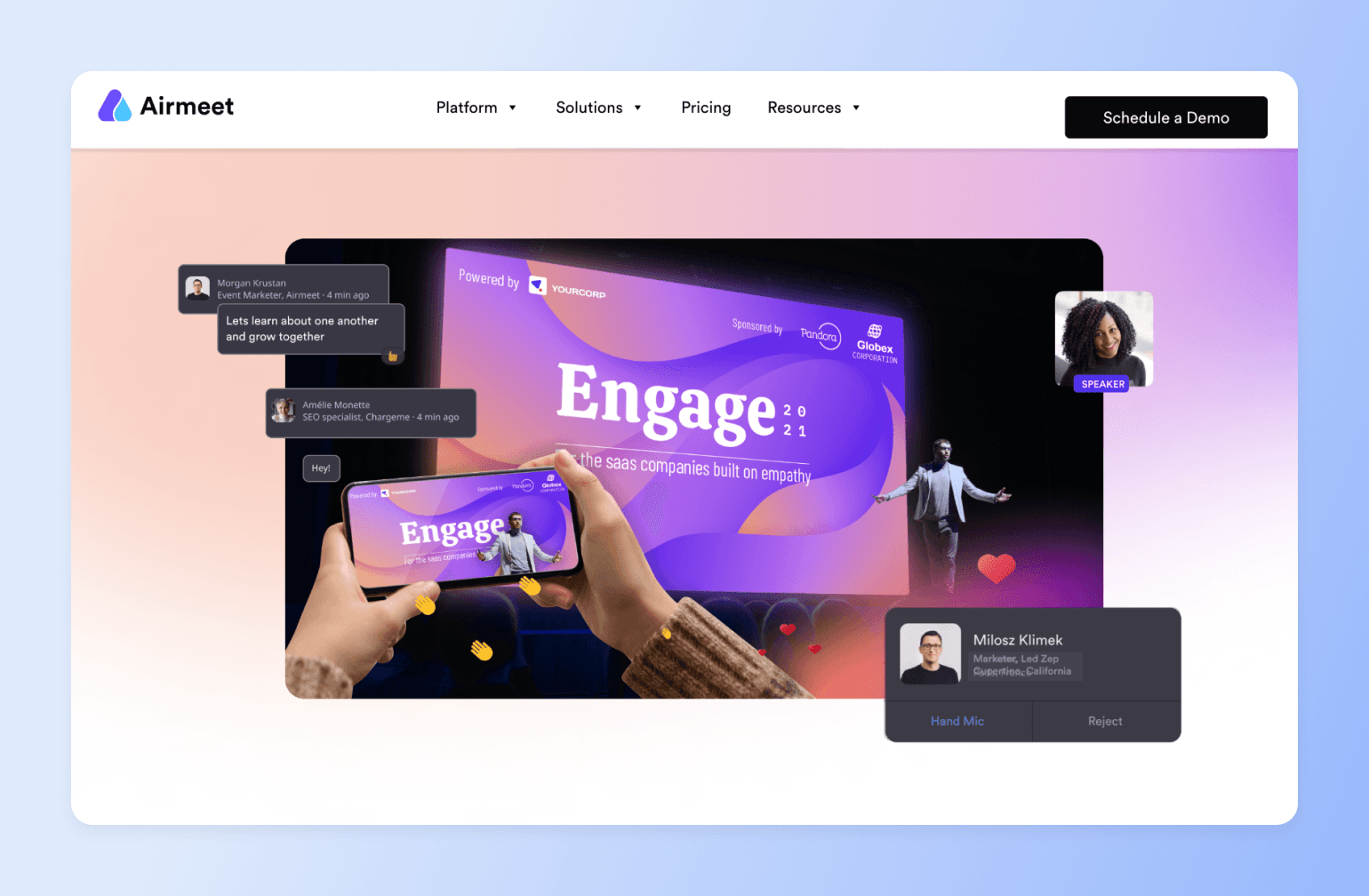
If your community revolves around high-impact virtual events rather than ongoing discussions, Airmeet is a strong Discord alternative built specifically for engagement-driven online experiences.
Airmeet is designed for structured virtual and hybrid events, learning conferences, and large-scale webinars. It offers interactive features like breakout rooms, gamified leaderboards, session analytics, and customizable branding.
Pricing:
Airmeet offers a free trial. Paid plans start at $167/month when billed annually.
Ideal for:
Enterprises, L&D teams, associations, SaaS companies, and organizations hosting virtual events.
Key features:
- Virtual stages and breakout rooms for interactive sessions and workshops.
- Gamified attendee experiences with leaderboards and engagement tracking.
- Custom branding options for professional event presentation.
- Real-time event analytics for tracking attendance and session performance.
- Backstage controls for speaker management and seamless event flow.
Users say:
👍🏼 “I have been using Airmeet for my virtual events and webinars for the past three years, and I appreciate how straightforward it is to set up and operate. Scheduling and hosting sessions is a seamless process, and I rarely encounter any issues when getting started.” – Verified review from G2
🤔 “While I love the platform, the mobile experience isn't quite on par with the desktop version yet. It works for attending, but as a host, I definitely need my laptop to manage everything effectively.” – Verified review from G2
| Pros | Cons |
|---|---|
| Designed specifically for high-stakes virtual events | May be expensive for smaller teams |
| Strong engagement and gamification tools | Not designed for ongoing community conversations |
| Highly rated support and ease of setup |
12. Discourse — best Discord alternative for knowledge-sharing communities
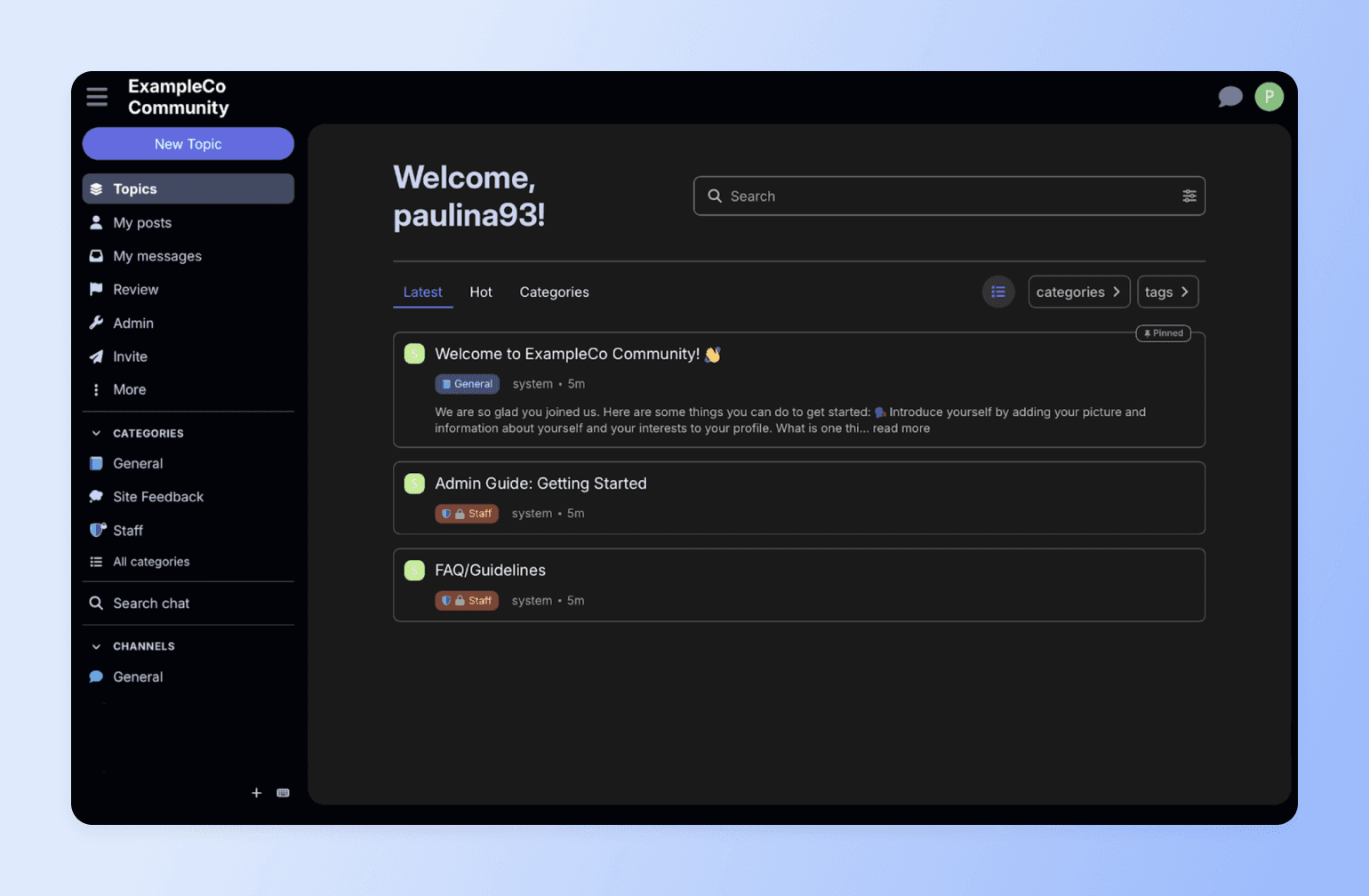
Last but not least, we have Discourse—a community platform built for long-term knowledge creation. Popular among product teams and developer communities, Discourse structures member discussions into searchable, organized topics that grow into a knowledge base.
Pricing:
Discourse offers a 14-day free trial. Paid plans start at $20/month.
Ideal for:
Tech companies, SaaS businesses, product teams, developer communities, support hubs, and organizations building searchable knowledge bases.
Key features:
- Structured, threaded discussions designed for long-term knowledge retention.
- SEO-optimized pages that rank on Google and drive organic traffic.
- Built-in real-time chat and private messaging alongside forum threads.
- Advanced moderation tools with AI-assisted community management.
Users say:
👍🏼 “I mainly use Discourse for forums to interact with my Discord server community, and I also find it useful for more official and informal announcements. I like that Discourse is open source and extremely customizable.” – Verified review from G2
🤔 “It is sometimes too chaotic, it takes some time before I find what I need.” – Verified review from G2
| Pros | Cons |
|---|---|
| Highly customizable through themes and plugins | Setup and customization can require technical expertise |
| Open-source with full data ownership | Interface may feel more forum-style than social |
| Excellent for support and product feedback communities |
Take your pick
If you need a workplace chat tool, Slack or Microsoft Teams may fit. If you’re hosting large virtual events, Airmeet could be the better choice. If your goal is public, searchable discussions, Discourse is the tool you want to go for. And if you’re just testing the waters with communities, Facebook Groups or Reddit offer a free starting point.
But if you want to build a community-driven business with paid memberships, structured content, live events, and branded experiences, most of these platforms fall short.
Circle brings everything together in one place: discussions, courses, monetization tools, gamification features, analytics, and native mobile apps—without per-user pricing or algorithm limitations.
Built for community, not gaming.
FAQs
What's the best Discord alternative for non-gaming communities?
It depends on what your community needs. For creators, educators, and membership businesses that need monetization, courses, events, and professional branding in one place, Circle is the strongest all-in-one option. For workplace teams that rely on Microsoft 365, Teams is the natural fit. For privacy-first messaging, Signal stands out with end-to-end encryption. And for free, discussion-based communities, Reddit and Facebook Groups offer low-barrier starting points—though neither supports monetization or structured content.
Can you actually monetize a community on Discord?
Discord offers Server Subscriptions, but with significant limitations: Discord takes a 10% platform cut (plus up to 30% on iOS), restricts creators to a few paid tiers, requires US-based banking, and doesn’t support one-time payments, coupon codes, or custom checkout flows. If you’re using a third-party tool like Patreon to manage payments, Discord can’t automatically revoke channel access when someone cancels—so you may end up with non-paying members in your paid spaces. For communities that want built-in payments, tiered memberships, and automatic access control without workarounds, platforms like Circle handle monetization natively.
Why are people leaving Discord in 2026?
Three things are driving the current wave of migration. First, Discord’s “teen-by-default” age verification policy—announced in February 2026 and delayed to the second half of the year after significant backlash—requires some users to submit ID or facial age estimation to access certain features. Second, a third-party vendor breach in October 2025 exposed tens of thousands of government IDs that had been submitted for verification, raising trust concerns. Third, many community builders are simply outgrowing Discord’s chat-first model and looking for platforms with better monetization, structured content, and professional branding.
What’s Discord’s new age-verification policy?
In February 2026, Discord announced a global rollout of “teen-by-default” settings that restrict certain actions—like accessing age-gated servers, changing content filters, or speaking on stages—until users complete an age-assurance step. Discord says most people won’t need to upload an ID or do a face scan, as it plans to use an age-inference model first. When additional confirmation is needed, options include on-device facial age estimation or ID verification through vendor partners. The rollout was originally planned for early March 2026 but has been delayed to the second half of 2026 after widespread user backlash and privacy concerns.
Is it worth switching from Discord if it's already working for my community?
Discord working “fine” and Discord being the right long-term platform are two different things. Many community builders hit a point where they need to monetize, deliver structured content like courses, control their branding, or see real engagement analytics—and that’s when a chat app starts holding them back. It’s less about Discord being broken and more about your community outgrowing what a chat tool was designed for. If you’re at that stage, purpose-built platforms like Circle are designed to scale with you—combining community, courses, events, and payments in one place.
Will I lose my members if I switch from Discord to another platform?
Some attrition is normal—experienced community managers report that 40–70% of active members move over initially, with the rest joining over 1–3 months if you keep a redirect in your old Discord server. The key is a clear migration plan: give members advance notice, explain what’s better about the new platform, run a parallel period where both are active, and offer a strong onboarding experience on the other side. Platforms like Circle offer guided onboarding and migration support to help reduce friction and keep momentum during the transition.
Can I export my community data from Discord?
Discord’s official data request returns only your personal messages in JSON format and can take up to 30 days to process. There’s no server-wide export for full channel histories, and member email addresses are never accessible—all member relationships are mediated through Discord’s infrastructure. Third-party tools like DiscordChatExporter exist but technically violate Discord’s terms of service. In practice, most successful community migrations start with a clean slate on the new platform rather than trying to port over old chat history.
Can I run online courses or structured learning on Discord?
Not natively. Discord has no built-in course modules, drip content, progress tracking, quizzes, or certificates—and it isn’t designed for structured, sequential learning. You can approximate a course with channels and pinned messages, but there’s no way to gate content by completion, track learner progress, or deliver cohort-based experiences. If courses are central to your community business, you’ll need either a separate LMS bolted on or an all-in-one platform like Circle that combines community discussion with a native course builder.
What's the best free Discord alternative?
For privacy-focused messaging, Signal is free and fully encrypted. Telegram supports large groups up to 200,000 members at no cost. Reddit offers free, topic-based discussion communities. Facebook Groups provide free group management with built-in discovery. And TeamSpeak is free for self-hosted voice chat. The tradeoff with all free options is that you’ll hit limitations around monetization, branding, structured content, or analytics as your community grows. If you need those capabilities, paid platforms like Circle, Slack, or Discourse offer more complete toolsets.
What's the difference between Discord and Slack?
Discord is built for community chat, especially real-time conversation, voice channels, and casual, always-on spaces. Meanwhile, Slack is built for workplace communication, with deeper business integrations (think Google Drive, Jira, and internal workflows) and a more “work tools” default experience. In short: choose Discord for informal group chat and voice hangouts; choose Slack when you need team ops, integrations, and work-first collaboration.
Can I migrate my existing Discord community to Circle?
Yes. Most teams recreate their Discord channel structure as Circle Spaces, then bring members over with a clear invite and onboarding flow. Since Discord doesn’t offer server-wide data export, migrations typically start fresh on Circle rather than porting old chat history—which most communities find is actually a cleaner experience. Circle offers guided onboarding support to help you plan the transition, reduce member confusion, and maintain engagement momentum during the move.
Is Discord safe for communities with teenagers or minors?
Discord has been under increasing scrutiny for child safety. A 2025 lawsuit from New Jersey’s Attorney General alleged that Discord’s DM feature failed to adequately protect minors from harmful content. The 2026 age-verification policy is Discord’s response, but it has raised its own privacy concerns—particularly after the October 2025 breach that exposed tens of thousands of government IDs submitted for verification. If your community includes minors, look for platforms with stronger built-in moderation controls, verified identity options, and compliance-ready features rather than relying on Discord’s evolving policies.

Head of Performance Marketing
Marcus is the Head of Performance Marketing at Circle—and Circle's main demand gen nerd.