14 best Facebook Group alternatives in 2026 (for creators who want full ownership)
People have been predicting the fall of Facebook for as long as the social media network has been around. It’s faced challenges from younger-leaning platforms like TikTok and Instagram (which it bought in 2012), parent company Meta has fought lawsuits around the world (two of which it recently lost in potentially industry-changing fashion this year), and has battled regulatory changes in seemingly every country it operates.
But even with all that, Facebook continued to grow its user base to over 3 billion people worldwide. It was a growth trajectory that seemed unstoppable.
🛑 Until now.
In April, Meta reported it lost 20 million daily users in the first quarter of the year. It’s the platform’s first decline in its 18-year history.
It’s not just users who are leaving the platform. In one survey, 88% of community builders using Meta’s FaceBook Groups said they wanted to change platforms.
The reasons for this exodus range from Meta’s algorithm changes to a lack of monetization options to the fear that the company could shut down your Group without warning. Then in October of last year, Meta made a change that was the last nail in the coffin for many community builders. It announced that the Facebook Group community chat feature was being removed. That’s right, Facebook Groups are now a community without one of the core features that members use.
It’s these factors and more that are driving professional community builders to search for alternatives to Facebook Groups.
🔍 So, where are these community builders moving?
There’s a lot of options out there. Circle is one of them, of course. We’ve helped more than 1,000+ community builders successfully move their communities from Facebook Groups.
But we’re not the only option out there (although we do think we’ve got a lot to offer).
We’re going to look a little deeper at why community builders are leaving and what the options are.
Why are community builders leaving Facebook Groups
Let’s be honest, the thrill is gone. For many of us, Facebook was our first experience with an online community. We got hooked on sharing our passions and discovering people around the world who shared the same feelings.
That feeling persisted, even as Facebook evolved from a community-centric platform to one where profit often outweighs user experience and safety. Algorithms shifted, organic reach disappeared, and community builders found themselves working harder for less impact. — and that has an impact on their business.
In our 2026 Community Trends Report, 69% of creators said community is a core part of their 2026 strategy. Serious community builders are investing more and they need a platform that supports their goals and their members.
We’ve talked about why you should move your community off of Facebook groups before, but here’s a quick recap:
Getting lost in the slop
Organic reach and engagement on Facebook have been in a nosedive. The reason? Meta makes its money from ads and continually tweaks its algorithm to favour paid over organic content.
AI slop is only adding to the problem. Researchers at the Harvard Kennedy School of Government found that Facebook’s algorithm was putting AI-generated image posts into users’ Facebook Feeds even if they weren’t following those pages.
If it wasn’t bad enough that AI-generated content is clogging up the feed, now users have to worry about whether what they’re reading is true. In January 2025, Meta quietly shuttered its fact-checking program and replaced it with a X-style community notes feature.
Low engagement, AI slop, and questionable content aren’t a recipe for trust.
The lack of monetization options
You’re building a community and a business, but doing that with a Facebook Group is a challenge since you can’t monetize your expertise.
Unlike purpose-built community platforms, Facebook Groups does not offer community builders a way to provide membership tiers, export their members’ emails or data, or build sustainable business models around their communities. Even if they did, there is no native payment processing tool or an option to integrate a third-party payment tool, such as Stripe or Square.
You can certainly offer your members an external payment tool, but this introduces new points of friction for new registrations and renewals.
A shaky foundation for your community
The biggest challenge with building a community on Facebook Groups is that you’re at the mercy of Meta and its policies. You can be in their good graces one day and find yourself deplatformed the next.
🏚️ When you build a house on someone else’s land, it’s still their land.
The risks here are massive. Being deplatformed means losing your content and membership list, as well as any associated content information.
That’s not to mention the security risks that come with Facebook Groups. If your group is hacked, you’ll lose control of your community and content. Even worse, the hacker could do significant damage to your reputation and business.
Limited community experiences
Facebook Groups still sits inside the same news-feed experience that powers the rest of the platform. Aside from swapping the cover photo and toggling a few tabs, you have little say in how the space looks or behaves—or what other content is stealing their attention.
Evergreen resources sink under daily chatter, and you can pin only one post at a time, so key guides or FAQs are hard to keep in view. Want breakout rooms for beginners, power users or regional chapters? Your only option is to create separate groups and hope that members follow the links.
Day-to-day operations also feel dated. You can’t automate onboarding flows, tag members by interest or connect the group to your email list without clunky third-party workarounds. And as we mentioned earlier, Meta has removed community chats from Facebook Groups.
The result?
A space that looks and acts like every other Facebook feed, rather than the structured, brand-owned hub that today’s community builders and their members expect.
What to look for in a professional community platform
So what should you keep an eye out for when you’re looking for alternatives to Facebook Groups?
If you’re a professional community builder, you’ll quickly run up against Facebook’s walls. But even if you’re just getting started, it’s worth thinking ahead to a platform that can scale with you.
We’re going to dig into ten alternatives, but remember the best ones offer what Facebook Groups can’t (by design):
- Provides a clean, distraction-free interface. Your members come to your community for content, not random posts fed by a black box algorithm. Look for alternatives that showcase your unique offering.
- Offers monetization tools. You’re building a business, so look for platforms that let you offer subscriptions, paid courses, digital products, events, and more.
- Makes content easy to find. Discovery is difficult (if not impossible) on Facebook Groups. Your alternative should have subgroups, private and public spaces, and ways to organize your information, like content libraries.
- Let you own and protect your data. When you build on Facebook Groups, Meta still owns your data. Choose an alternative that ensures your (and your members’) data remains yours, from member data to analytics.
- Gives members a great mobile experience. Your community wants to connect wherever they are. Platforms like Circle that offer native apps for iOS and Android deliver just that.
- Brand customization. This is the number one thing you’ll want to look for in Facebook Groups alternatives. Choose an alternative that lets you put your brand alongside your content to deliver a consistent experience for your community members.
- AI-native operations. The best platforms don't just bolt on a chatbot — look for one where AI can actually build and run parts of your community (content, access, monetization) rather than just answering questions about it.
The 14 best Facebook Groups alternatives
1. Circle — The best all-in-one platform for serious community builders
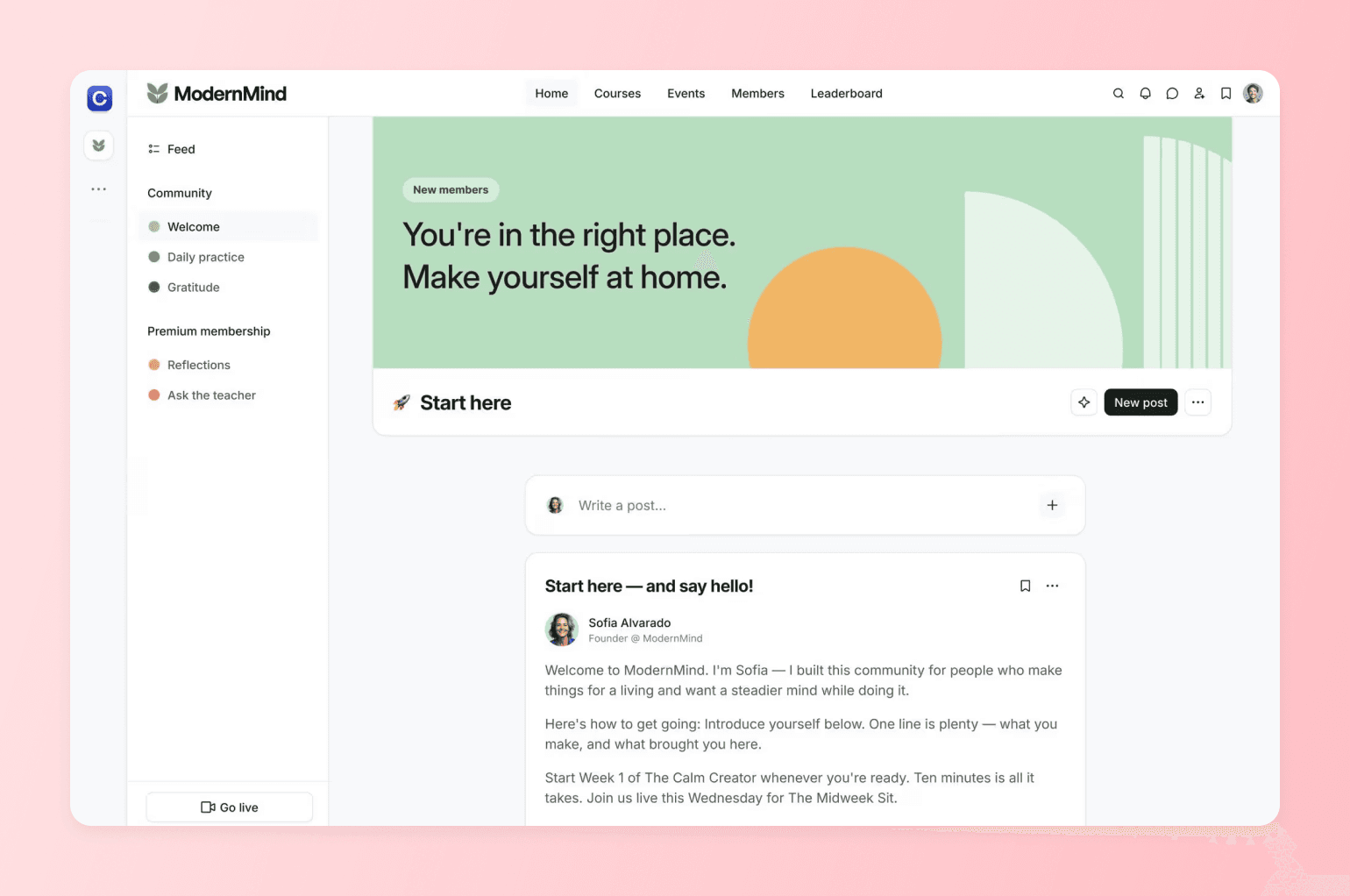
Circle is the best alternative to Facebook Groups, built for creators and brands that want a clean, branded home for their communities. But it goes further. With Circle, you can own your entire funnel from website to email to community, events, courses, and even digital products.
We’ve built from the ground up to put the member experience first. From intuitive design to customizable spaces, Circle prioritizes meaningful connection, giving community builders complete control over how their members engage, grow, and thrive without competing against ads or shifting algorithms.
Instead of piecing together scattered tools, Circle gives you one connected platform where every step of your member journey lives under your brand. Organize conversations with spaces (not chaotic feeds), spotlight content with posts and collections, and keep momentum with events, DMs, and group chat. You own the experience and the data, with flexible memberships and paywalls to monetize on your terms. Plus, there’s no algorithm between you and your members.
Pricing:
Starting at $89/month with a 14-day free trial.
Perfect for:
Creators, coaches, and membership communities who want a best-in-class platform for their audiences—with room to grow.
What makes Circle different:
- Effortless Facebook Groups migration. Depending on your plan and assets, our team can handle the entire transition—member import, content, course, and payment transfers, and concierge setup.
- Immediate monetization. Start earning revenue on day one with paid memberships, courses, and events.
- Superior member experience. A distraction-free environment so your users can focus on connecting, learning, and growing.
- Complete data ownership. Download member lists, analytics, and content anytime.
- Professional branding. Custom domains, branded mobile apps, and white-label options.
- Built-in AI that runs your community, not just advises on it. Circle AI can set up your space structure, configure paywalls, write posts, and manage members from a single conversation — it executes tasks rather than just giving guidance.

My community, my rules — not Meta's.
For example, here’s why the founder of Your Soulcialmate, Kristen Bousquet, moved her entire membership business off Facebook Groups:
- Chaotic and disorganized: "It was just very chaotic and disorganized," and she "could never find what I was looking for" as a Type A person
- No onboarding process: "It really was just a free-for-all where anyone could come in" with no way to understand who members were or what help they needed
- Not professional enough to charge for: "The space didn't feel professional enough for it to be a paid product."
- Couldn't justify monthly value: "On a Facebook group, I definitely don't think I could have done this" in terms of creating something "worth it every single month"
2. Mighty Networks — best budget-friendly option
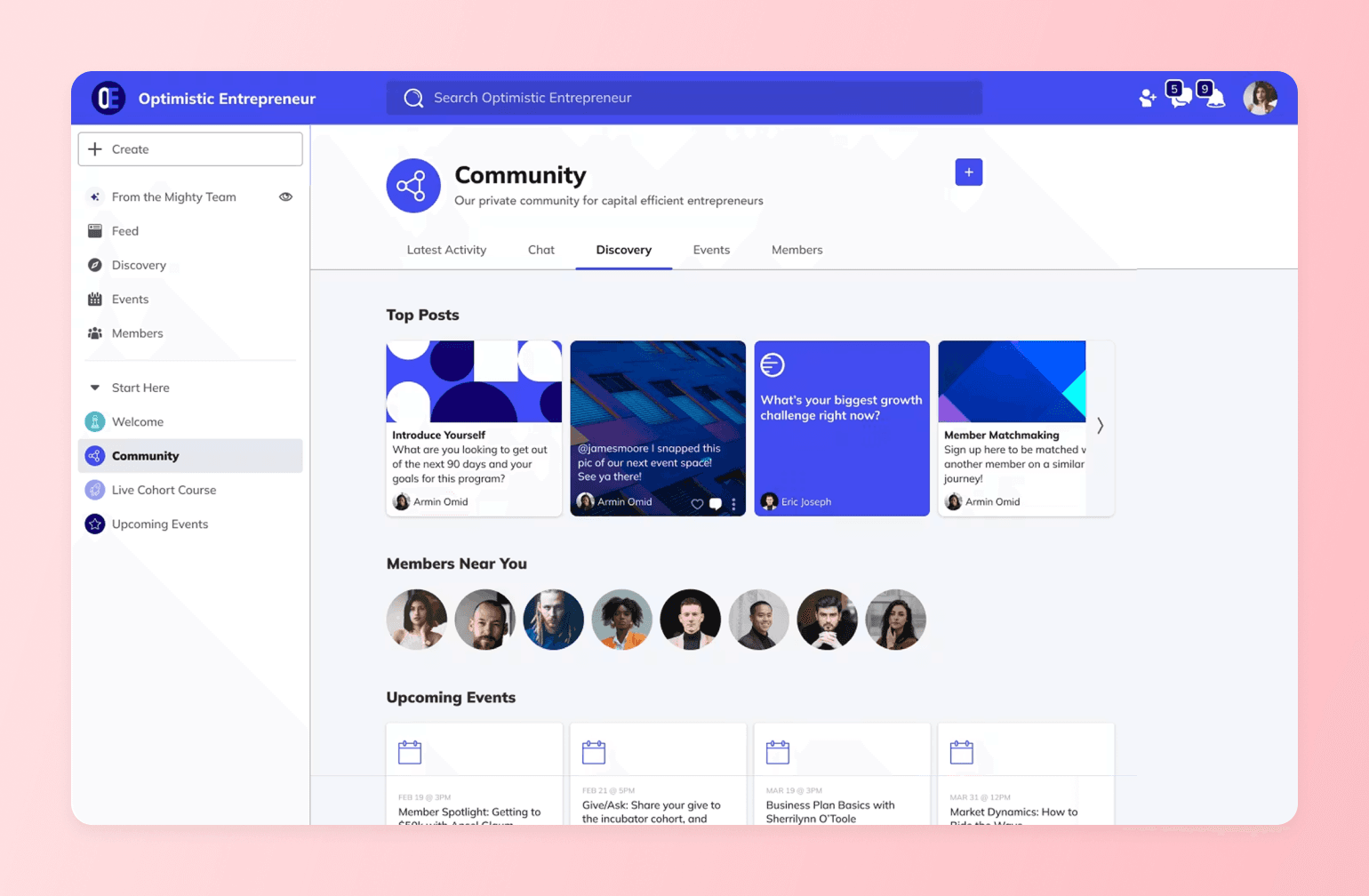
Mighty Networks is an alternative to Facebook Groups, offering a single, branded hub to host your community, courses, and events, complete with member profiles and topics that spark peer-to-peer discovery.
Pricing:
Plans start at $79/month.
Perfect for:
Educators and course creators who want to wrap courses, discussions and events into one learning hub.
What makes Mighty Networks different:
- Create lessons and track member progress without juggling third-party tools.
- Run cohort-based sprints, live workshops or community challenges that keep learners moving together.
- Sell memberships, premium courses or one-off events with a built-in, native checkout process.
- Members get a dedicated iOS and Android app.
- Organize posts, videos, and resources by topic so that important material never gets lost in the feed.
- Mighty Networks' AI matching ("People Magic") focuses on connecting members with similar interests; Circle AI is built to take action across the whole platform — setup, content, monetization, and member management — from one conversation.
Mighty vs. Circle: See how Mighty Networks stacks up.
3. Skool — best for gamified learning (not flexibility)
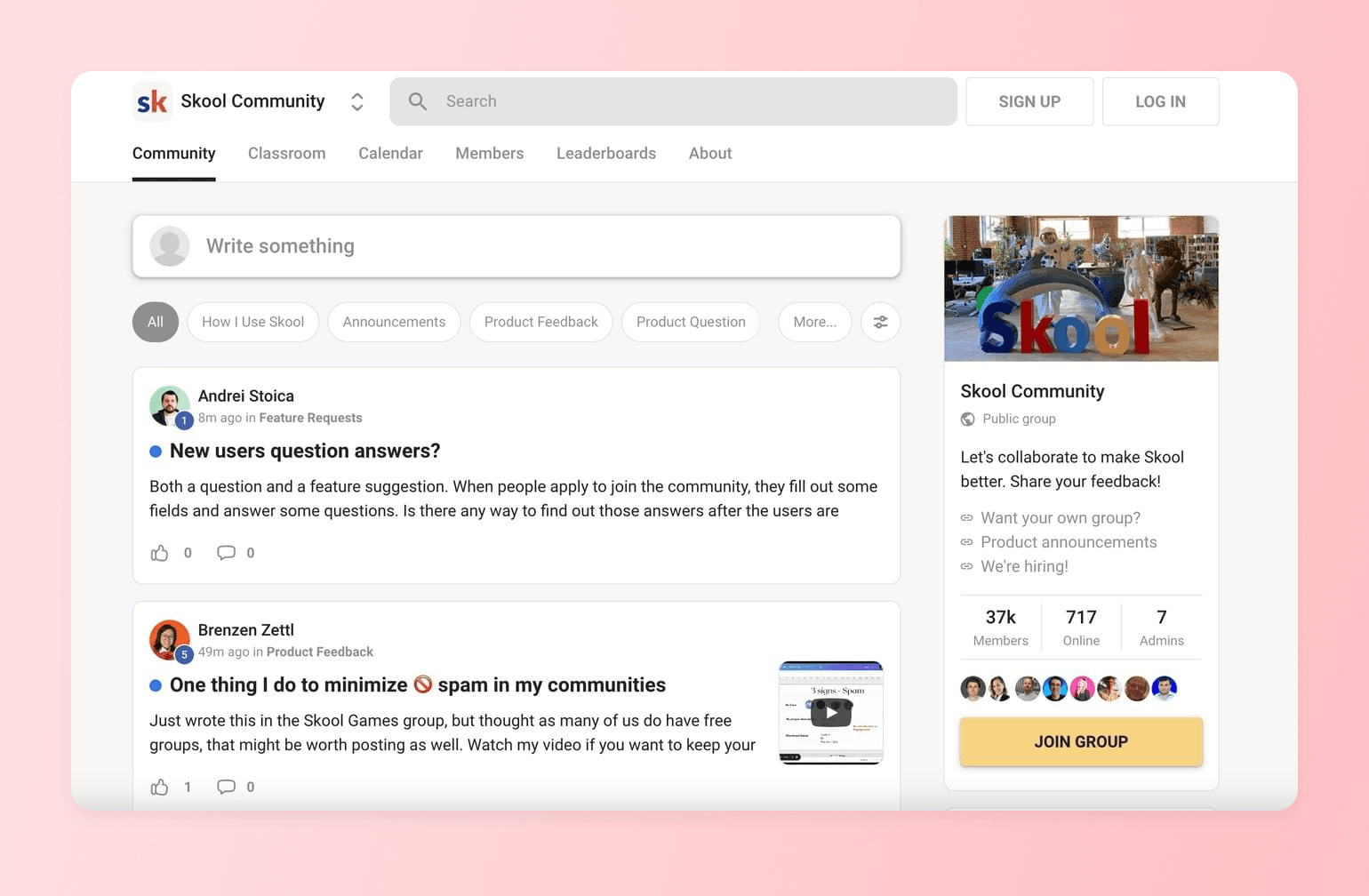
Skool combines online courses, discussion forums, and gamification into a single community platform. It’s easy to set up, but it’s missing some customization and branding tools, as well as integration options.
Pricing:
Flat rate of $9 or $99 /month with a 14-day free trial.
Perfect for:
Coaches and course creators who want a straightforward platform without a ton of bells and whistles.
What makes Skool different:
- Built-in points, badges and leaderboards to keep learners engaged.
- Unlimited courses inside each group, plus drip scheduling and progress tracking.
- Clean, Facebook-style feed that cuts out ads and distractions.
- One-click community challenges to spark participation.
- Stripe payments are built-in, with a 2.9% processing fee so that you can charge from day one.
Skool vs. Circle: See how Skool stacks up.
4. Discord — best for free, live chat (not structure)
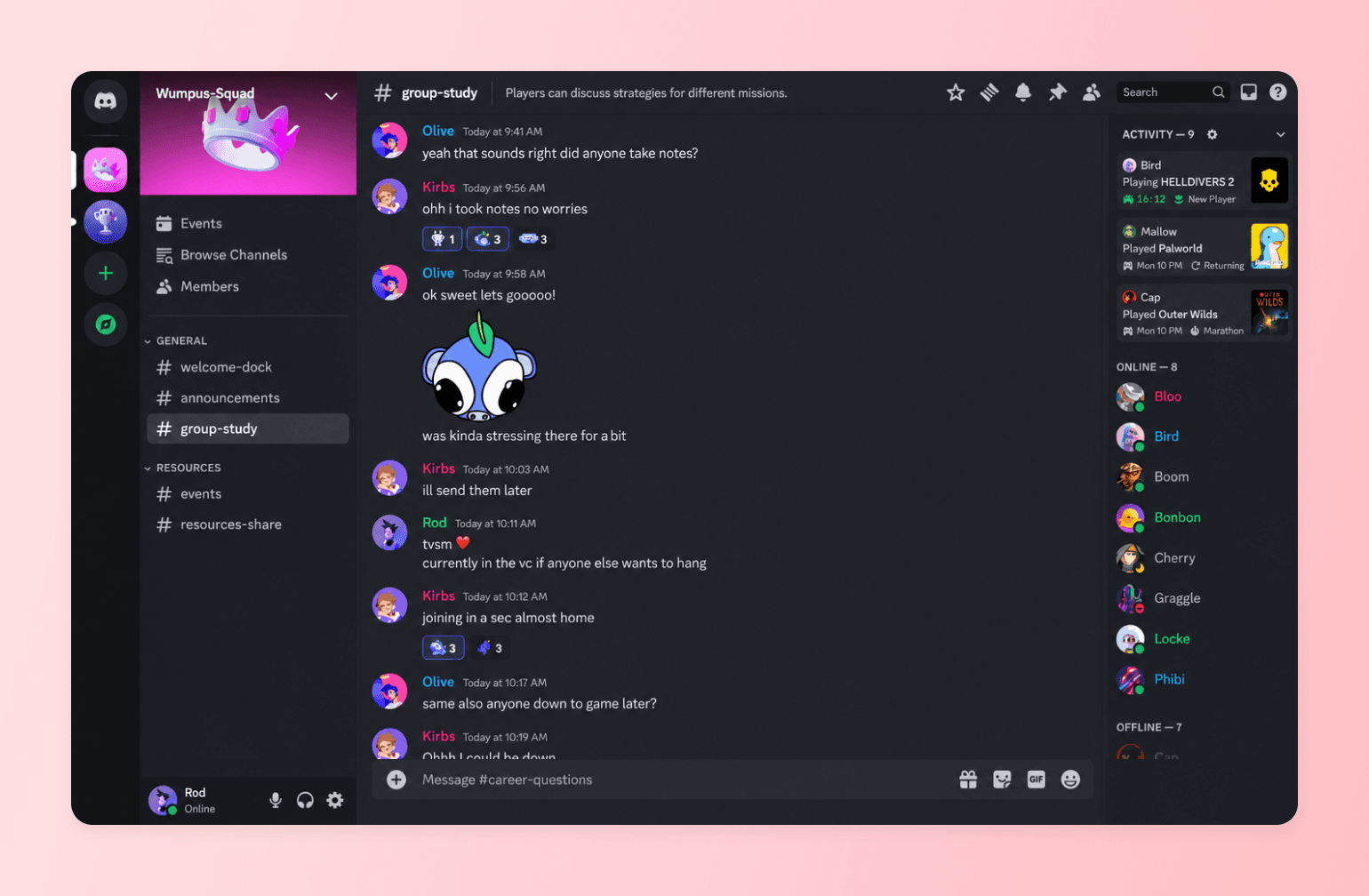
Discord is real-time chat on turbo boost. Originally built for gamers, the platform has text, voice, and stage channels that drive live, fast-moving conversations. Downsides: chaos scales quickly, long-form content gets buried (due to lack of content organization), and there’s no native monetization.
Pricing:
Free for users and server owners. Users can purchase Nitro Basic ($2.99/month) or Nitro ($9.99/month) upgrades for animated avatars and other features.
Perfect for:
Gamers, hobby groups, or any community that needs always-on voice and video chat.
What makes Discord different:
- Persistent voice and stage channels for real-time conversation.
- Granular server layout with text, audio and forum-style channels.
- Thousands of third-party bots for moderation, events and automation.
- Screen sharing and low-latency streaming up to 4 K (Nitro).
- Supports up to 250,000 members per server.
5. Reddit — best for reach (not ownership)
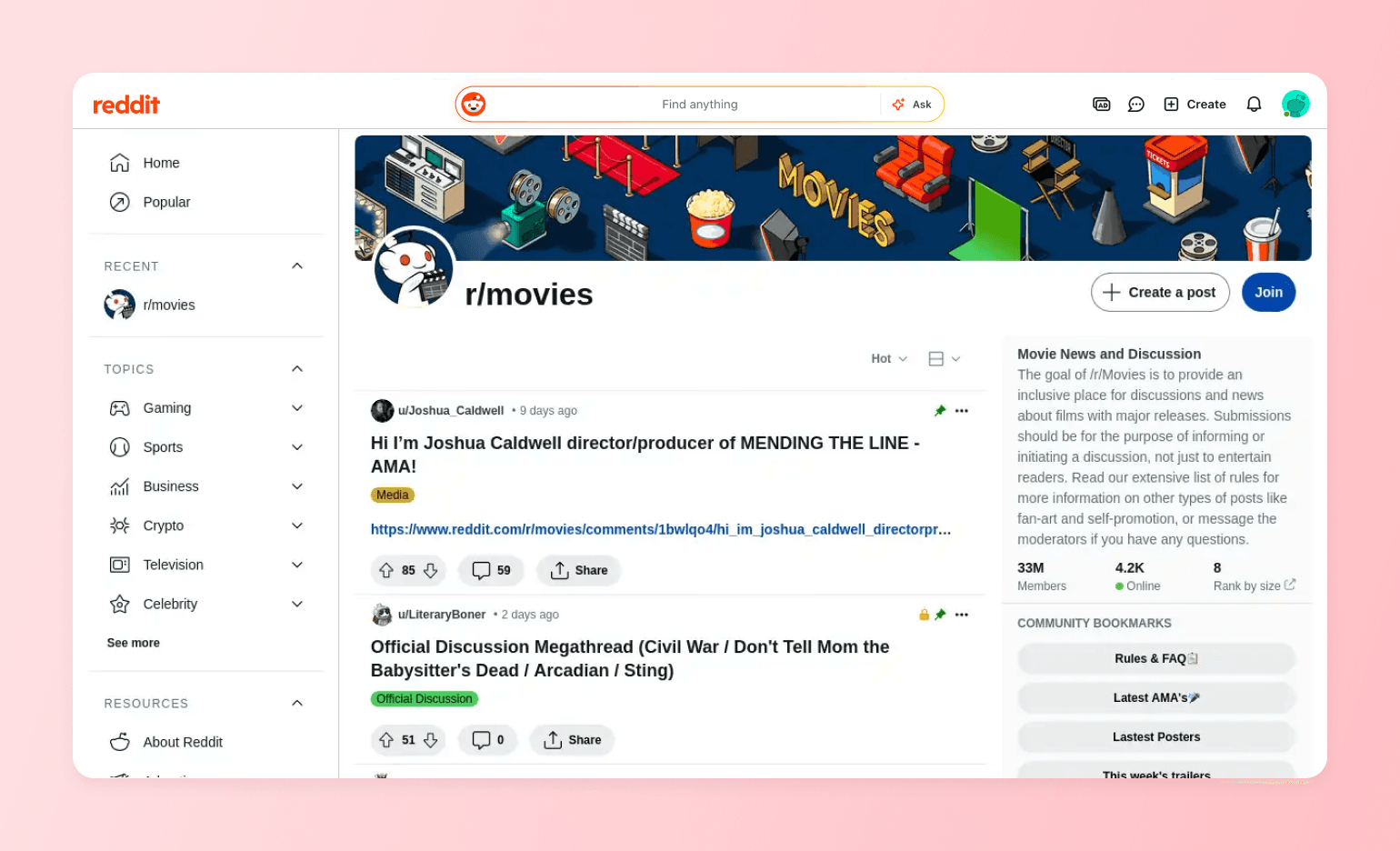
Reddit offers forum-style, topic-based discussions with powerful moderation and a massive built-in audience. It’s ideal for discovery and niche communities. But you don’t own the space or data, branding is minimal, and algorithm shifts can tank reach overnight.
Pricing:
Free for both members and moderators.
Perfect for:
Topic-based communities that live or die on public Q&A and crowd voting.
What makes Reddit different:
- Upvote/downvote system surfaces the most helpful answers first.
- Pseudonymous profiles encourage candid discussion when real names feel risky.
- Millions of existing subreddits make discovery and cross-posting easy.
- Powerful mod tools (AutoMod, keyword filters, user bans) to keep order.
- Native polls, AMAs, and live threads for event-style engagement.
6. LinkedIn Groups — best for free networking (not engagement)
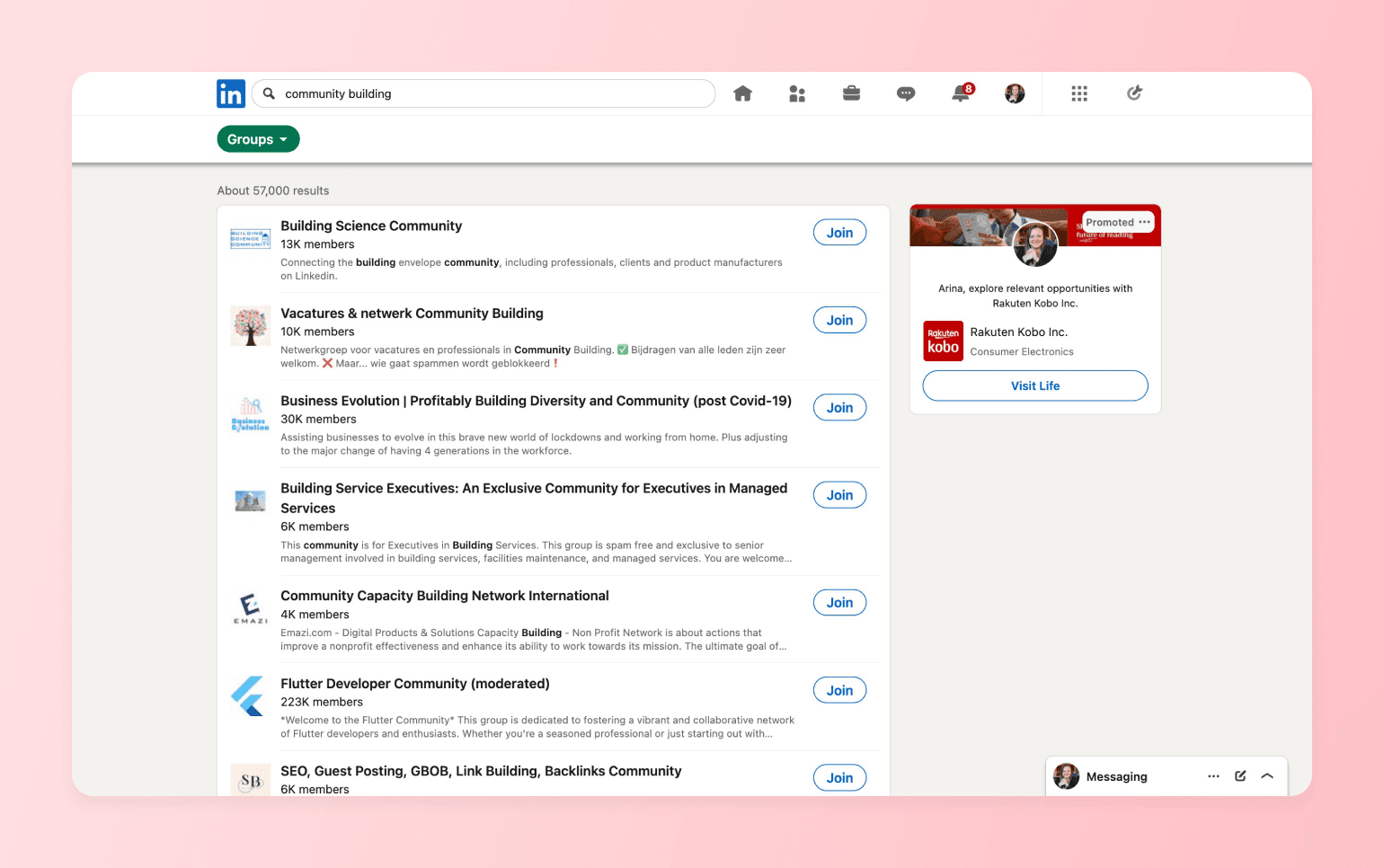
LinkedIn Groups plug your community into a (dare we say, the) professional network where profiles, messaging, and industry discovery are built in. It’s solid for B2B discussion and thought leadership. The drawback is that engagement can be inconsistent, and admin tools are limited compared to dedicated platforms.
Pricing:
Free, included with any LinkedIn account.
Perfect for:
Industry thought-leaders and peer-to-peer networking.
What makes LinkedIn Groups different:
- Members are tied to verifiable professional profiles, reducing spam (but not those “I’m excited to announce…” posts).
- Its algorithm favors expertise-driven posts over viral memes, keeping discussions on topic.
- Built-in targeting lets you invite by company, role, or industry.
- Group-only newsletters and events help you nurture leads without leaving LinkedIn.
- Robust analytics on top contributors and conversation quality.
7. Telegram — best for broadcasts (not organization)
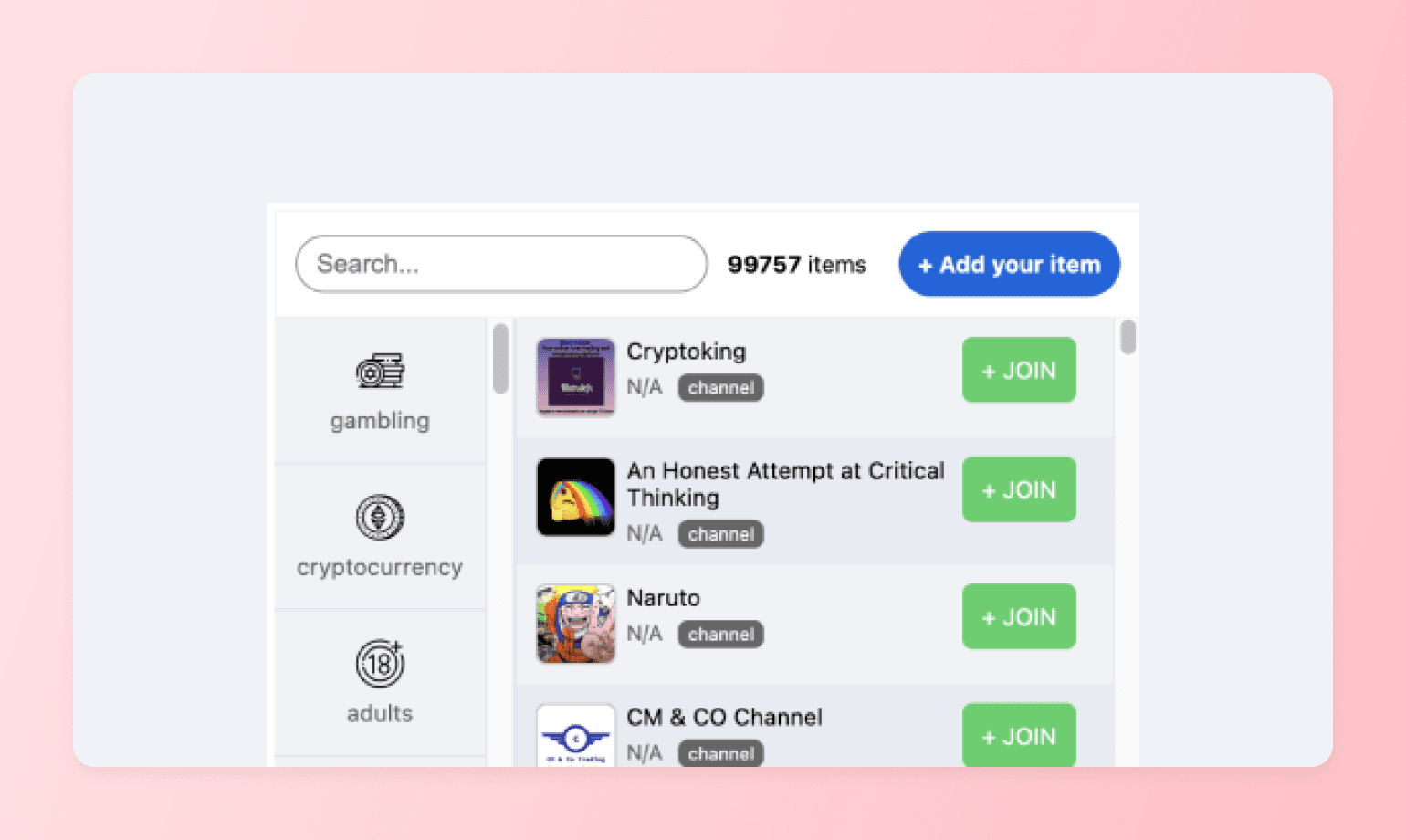
Telegram supports huge groups and broadcast channels with fast messaging, polls, and bots. It’s simple, private, and mobile-first. The trade-off: poor content organization, thin member profiles, and no native paywalls for content.
Pricing:
Free for all features.
Perfect for:
Broadcast-style communities.
What makes Telegram different:
- Supergroups can host up to 200,000 members.
- Separate “Channels” for one-way announcements with unlimited followers.
- Powerful API for bots, polls, and even building your own Telegram app.
- Cross-platform apps with cloud sync and zero size limit on media files.
8. Signal — best messaging app for privacy (not scale)
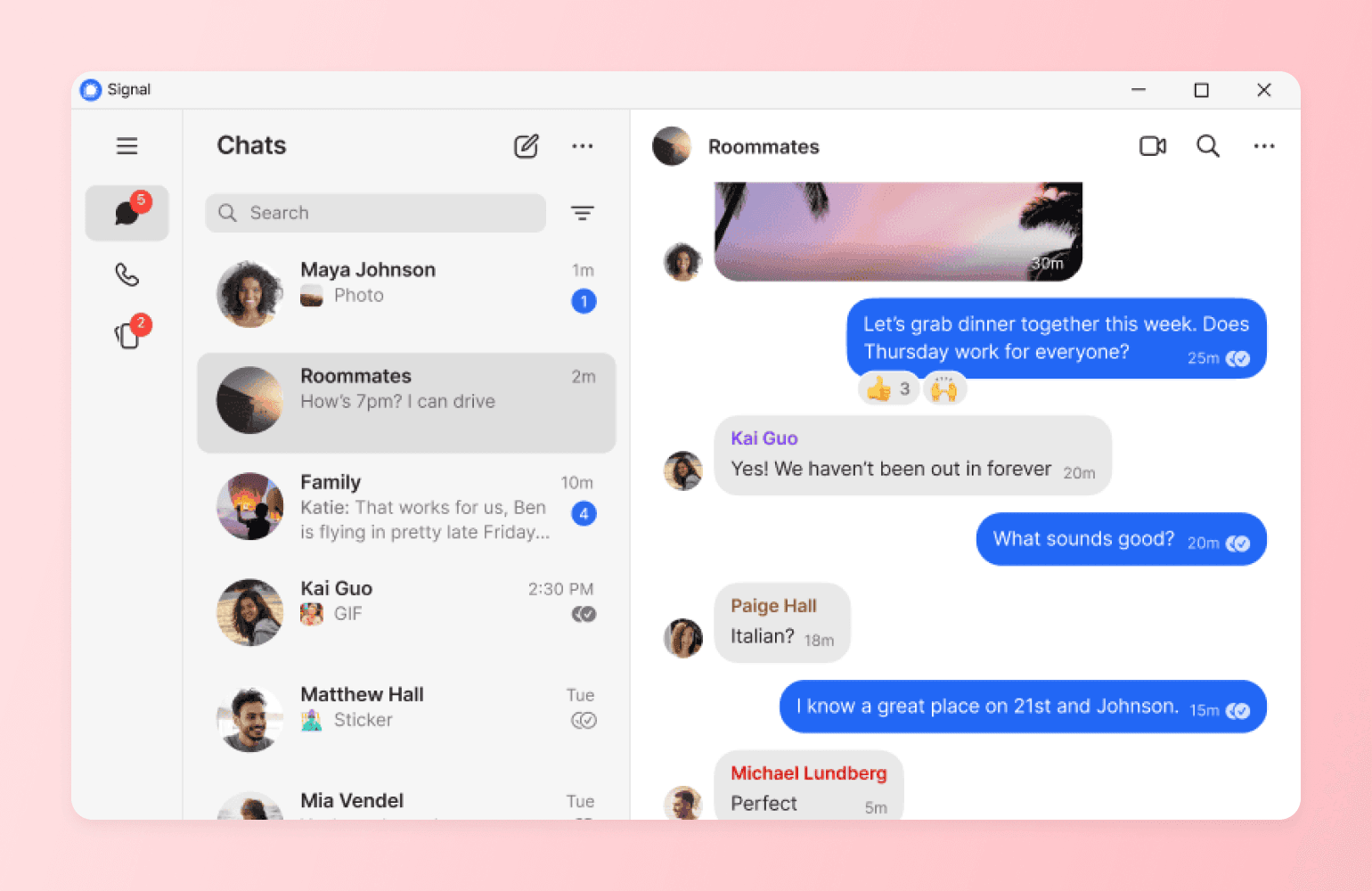
Signal is a privacy-first messaging app that offers end-to-end encryption for both group and one-on-one chats, as well as voice and video calls. It’s great for small, trust-based communities that value confidentiality. Trade-offs: minimal admin/mod tools, weak content organization, limited discoverability, and no native monetization or member profiles.
Pricing:
Completely free; run by a non-profit.
Perfect for:
Activist groups, mental-health circles or anyone who needs maximum confidentiality.
What makes Signal different:
- End-to-end encryption on every message, call and file transfer by default.
- No ads, trackers or data harvesting—Signal collects almost zero metadata.
- Disappearing messages and auto-wipe timers for sensitive chats.
- Open-source codebase audited regularly by security researchers.
9. Meetup — best for in-person, event-based communities
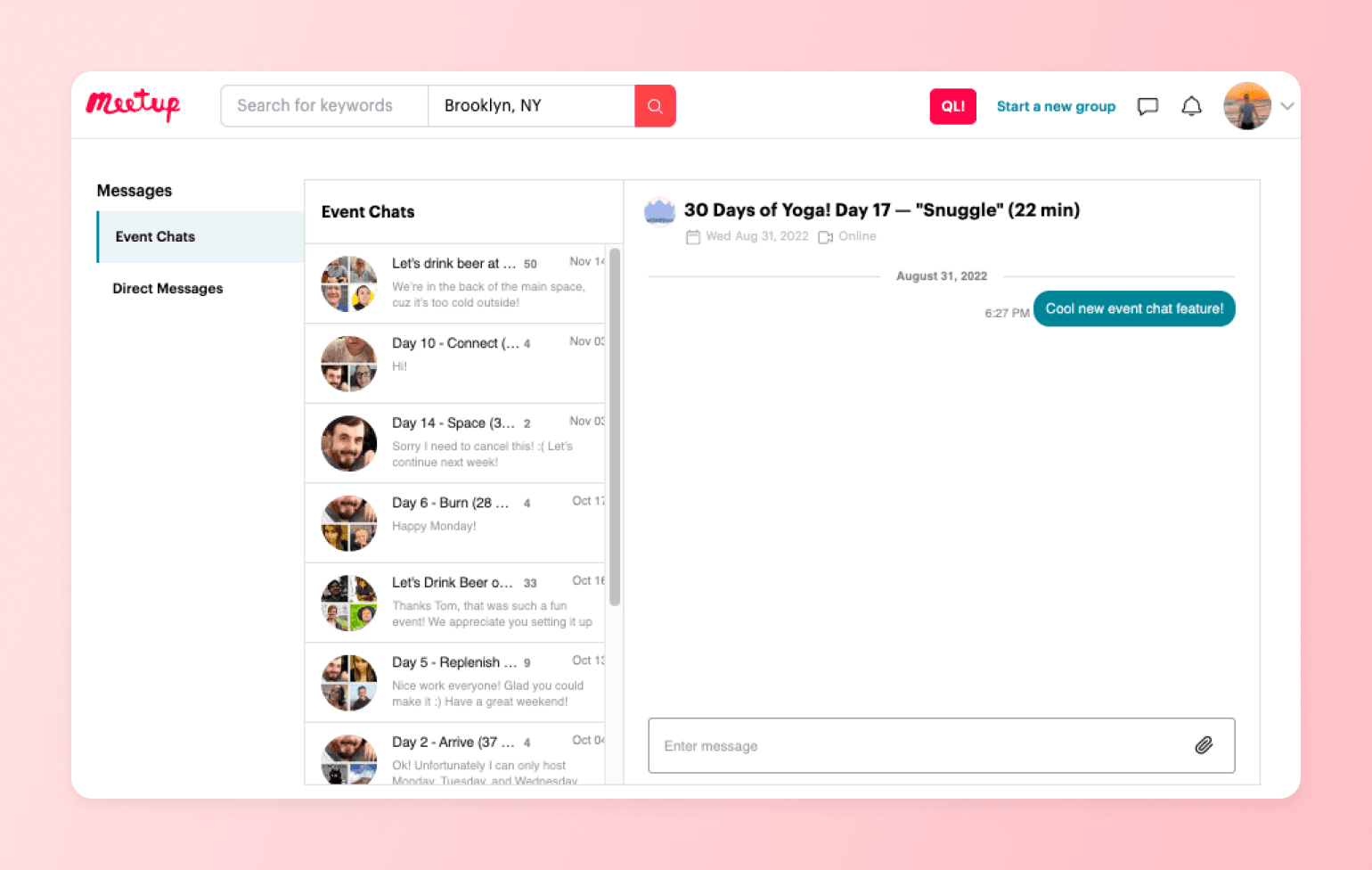
Meetup is built for IRL communities—discovering, scheduling and managing events with RSVPs, waitlists and reminders. It’s ideal for local chapters, recurring meetups and interest-based groups that live or die by attendance. Trade-offs: limited community features beyond events, you don’t own the member data and organiser fees can add up.
Pricing:
The Standard organizer plan starts at $44.99 per month, and the Pro plan starts at $55 per month.
Perfect for:
Local clubs, hobby meet-ups, and professional networking events.
What makes Meetup different:
- Built-in RSVP, wait-list and reminder system that syncs to calendars.
- Discovery engine exposes your events to millions of nearby users.
- Integrated ticketing and paid event options—no extra plugins required.
- Detailed attendee profiles help organizers vet and message guests.
- Mobile organizer app for quick check-in, announcements and photo sharing.
10. WhatsApp Groups — best for simple communities
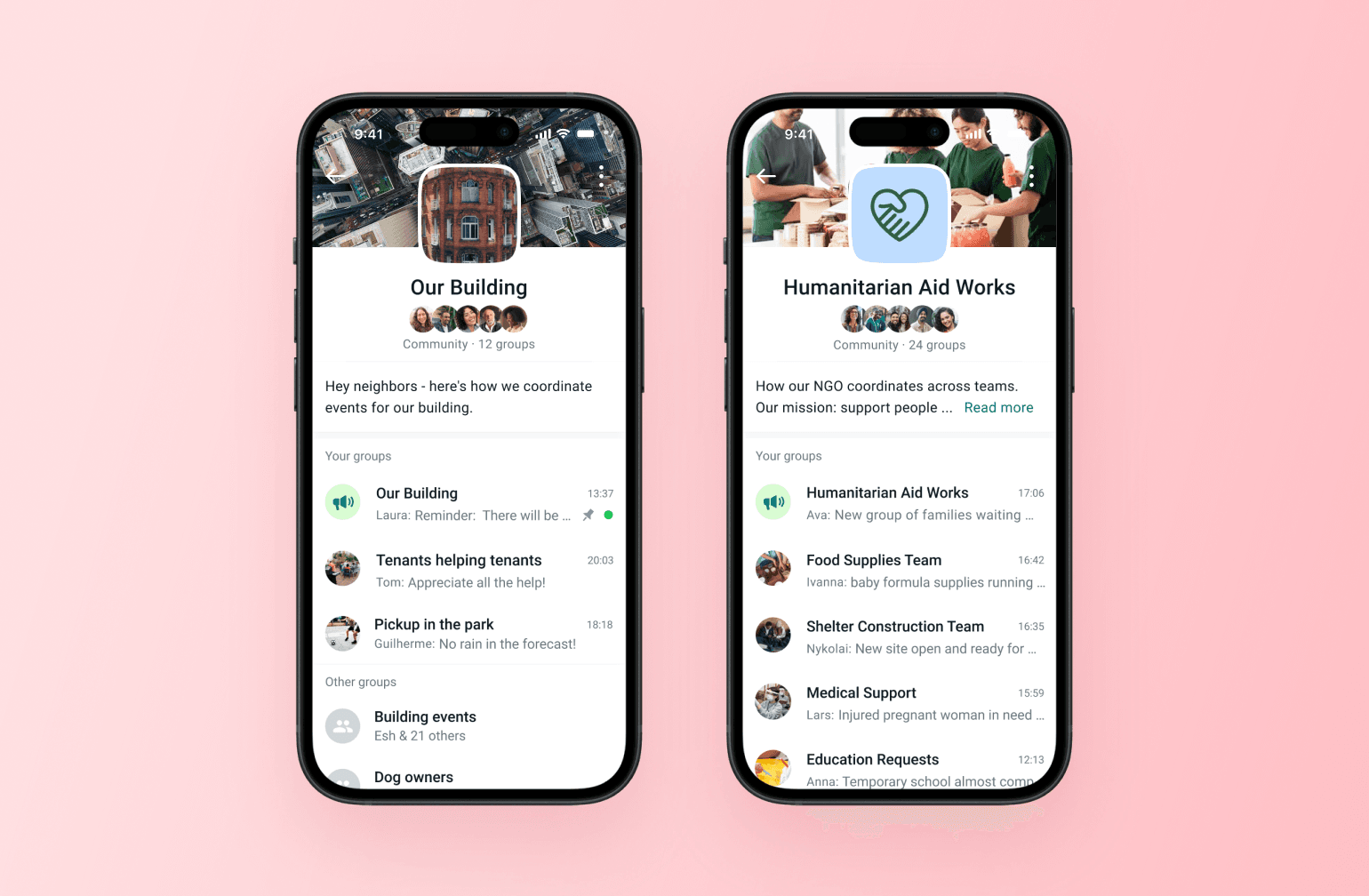
WhatsApp Groups are fast, familiar, and mobile-first, with end-to-end encryption and simple admin controls. They’re ideal for small, close-knit communities that need quick coordination and high engagement. Trade-offs: weak content organization, limited moderation and discoverability, no native monetization, and conversations can vanish in the scroll.
Pricing:
Free.
Perfect for:
Family circles, school parent groups, or small volunteer teams that need low-friction chat. (I should mention hockey parent chats, but if you’re in the ones I’m in, you wouldn’t want to use WhatsApp groups. Practice is always on the same day, this shouldn’t be this hard.)
What makes WhatsApp Communities different:
- Familiar interface. If you can text, you can use WhatsApp Groups.
- Voice and video calls (up to 32 participants) without installing extra software.
- End-to-end encryption on chats, calls and shared media.
- Works seamlessly across iOS, Android, desktop and web clients.
11. Ghost — best for newsletter-based communities
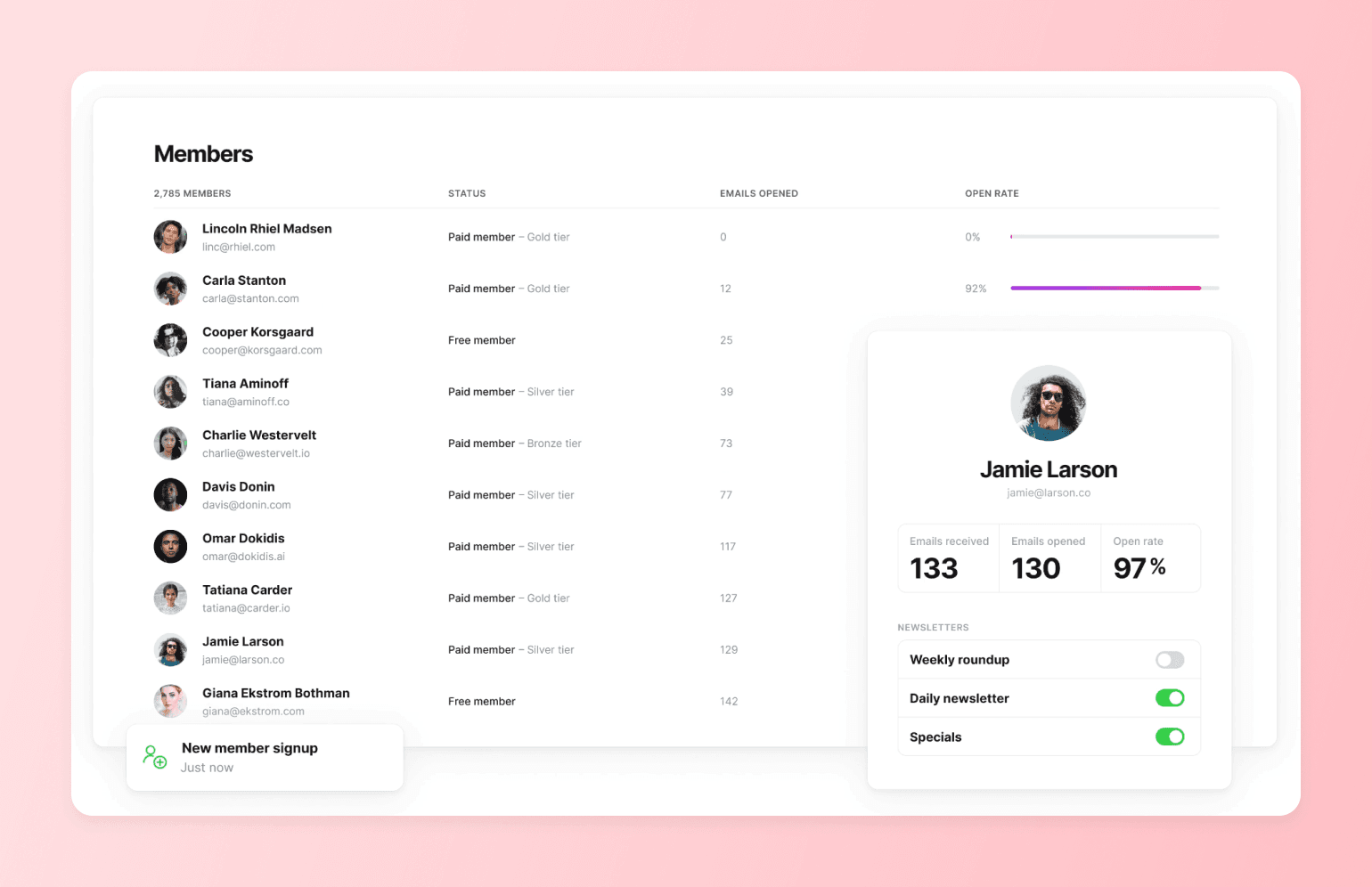
Ghost is an open-source publishing platform built for independent creators and community builders who want a professional looking newsletter with an easy-to-use platform. Ghost lets you offer free newsletters and has a subscription system that gives you 100% of your revenue.
Pricing:
Ghost Pro managed hosting starts at $18/month with 1,000 subscribers. Ghost offers a 14-day free trial.
Perfect for:
Independent writers, journalists, and newsletter creators who want a clean publishing experience with built-in paid subscriptions and no platform fee eating into their revenue.
What makes WhatsApp Communities different:
- Clean, distraction-free writing editor with markdown support and support for embedding rich content like YouTube videos.
- Native membership tiers and paid subscription management (direct Stripe integration, no platform fee).
- Built-in newsletter delivery with subscriber management and email analytics.
- Self-hosting option available for technical users at minimal cost.
12. Geneva — best for local, interest-based chat communities
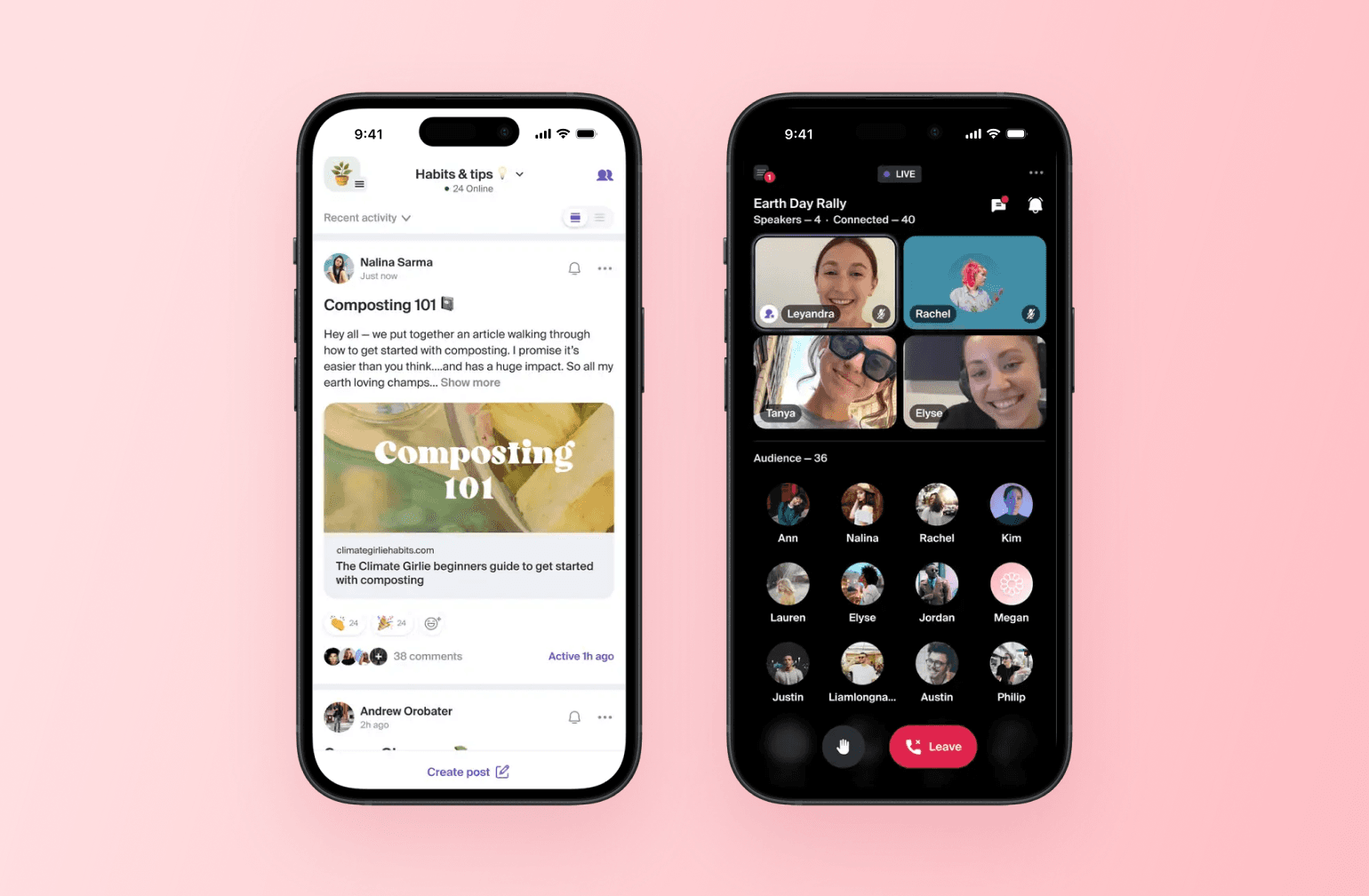
Geneva is a group chat app built around local discovery and real-world connection. It offers chat rooms, audio rooms, forum-style posts, and broadcast rooms — all organized within interest-based groups. It's mobile-first and free, making it easy to get started, but it has no native monetization, thin member management tools, and limited content organization for serious community builders.
Pricing:
Free.
Perfect for:
Hobby groups, local communities, and interest-based groups that want a casual, chat-driven space with an IRL meetup angle.
What makes Geneva different:
- Multiple room types (chat, audio, forum, broadcast, video) within a single group.
- Built-in event planning with RSVPs and a shared calendar.
- Member questionnaires to vet who joins.
- Token-gated rooms for Web3 communities.
- Mobile-first with a discovery feed to help people find groups near them.
13. Bettermode — best for B2B and SaaS customer communities
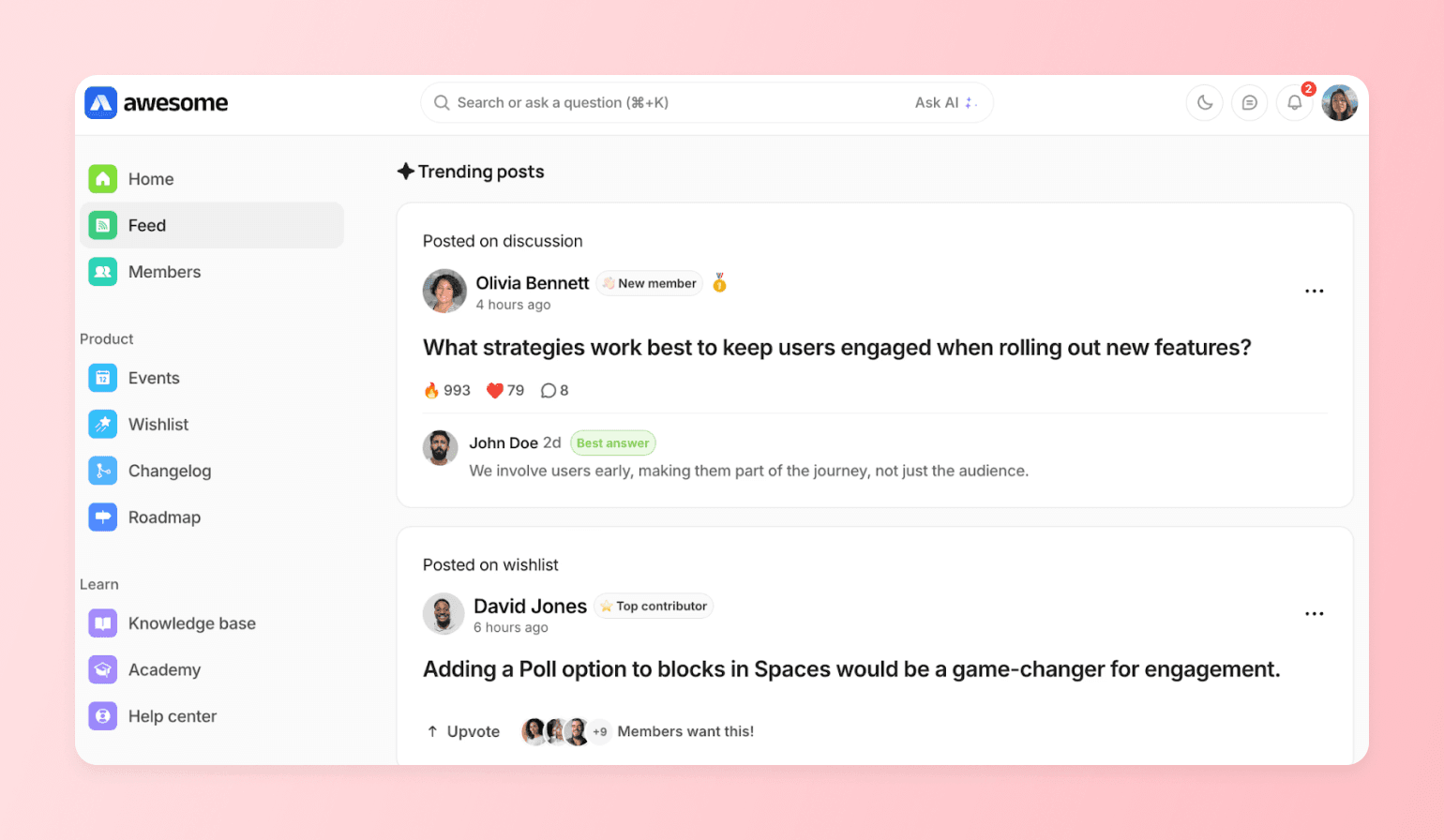
Bettermode is a no-code customer community platform built for community builders that want a branded, highly customizable space to support and engage their members. It's a great option for company community managers who need to build community into their broader customer success and product stack. Trade-offs: it's priced and designed more for teams than solo creators, and community monetization isn't a core focus.
Pricing:
It’s expensive. Plans start at $499/month and they have a free trial.
Perfect for:
B2B companies, SaaS businesses, and enterprise teams that want to build a customer community alongside their existing product.
What makes Bettermode different:
- Strong integration capabilities for connecting to your existing tech stack.
- AI-powered features including an Ask AI search experience.
- Built-in reputation and gamification tools to drive engagement.
- Trusted by enterprise customers who need security and compliance standards.
Bettermode vs. Circle — see how Bettermode stacks up.
14. Kajabi — best for course creators who want community as a bonus feature
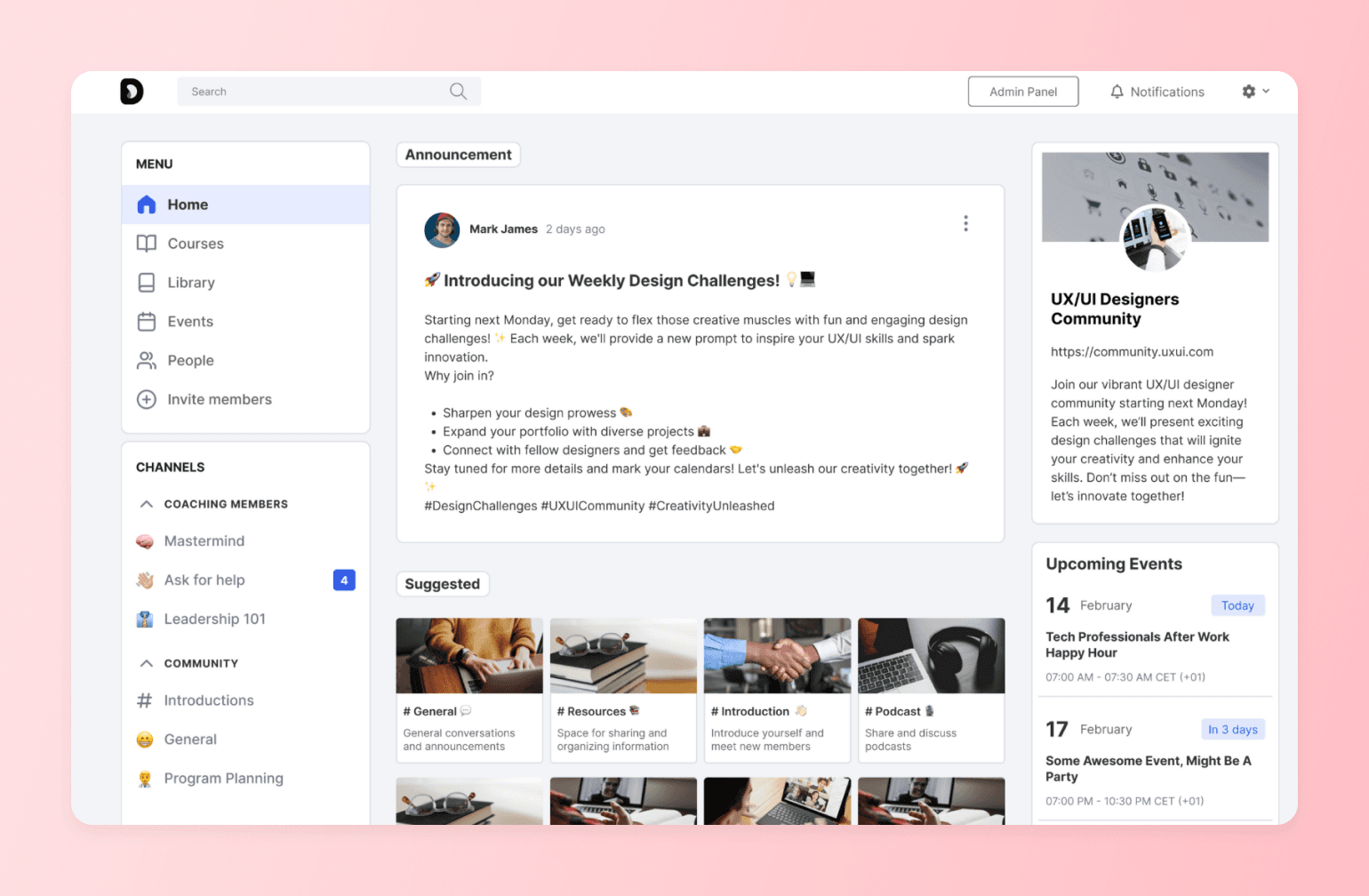
Kajabi is an all-in-one platform for knowledge creators covering courses, coaching, memberships, newsletters, podcasts, and digital downloads. Community is part of the package, but it's not the star of the show.
Pricing:
Plans start at $179/month with a 14-day free trial.
Perfect for:
Course creators, coaches, and knowledge businesses who want community bundled into a broader creator business platform.
What makes Kajabi different:
- Covers the full creator stack: courses, coaching, memberships, email, landing pages, and payments in one place.
- Over $10B earned by creators on the platform.
- Branded mobile app included.
- Built-in affiliate tools, upsells, and automated email marketing.
Kajabi vs. Circle — see how Kajabi stacks up.
Why these communities switched to Circle
1. Sync
SYNC is a photography conference that wanted a year-round home for its community, better control over announcements, and a clean way to monetize session recordings. They soft-launched Circle to a 35-member mastermind group in October to seed content, then promoted Circle as the “event app” for their conference to reduce friction. On stage, they unveiled the full community, featuring book clubs, deep-dive forums, showcases, and a paid tier (SYNC Circle Plus) with session recordings.
- Before: Facebook engagement dropped in the off-season, and they needed a home they owned, not an algorithm.
- Migration: SYNC built its community on Circle from July to October, soft-launched it to 35 mastermind participants, revealed it at the March conference, and experienced smooth and fast adoption.
- After migration: 400 paid members in two months, with strong engagement and conference alumni asking to join.
2. Indiepod
IndiePod moved from a Facebook Group to Circle to create a safer, more purposeful home for podcasters. Facebook Groups had become “post-and-ghost” promo pits and they wanted real relationships to flourish between the community’s members. Circle fit their goals and values, and the team leaned heavily on Circle’s best-practice playbooks to successfully move from Facebook Groups to Circle.
- Before: IndiePod has 160 members that moved with them from its Facebook Group.
- Migration: Following our best practices, IndiePod’s community adoption was smooth.
- After migration: Grew to 3,000+ members with strong peer moderation, spam-free vibe, and consistent return visits driven by rituals, events, and replays.
How to choose the right Facebook Groups alternative for your community
Your community matters, whether you’ve spent months or years building it on Facebook Groups. If you’re ready to make a switch (and you’ve read this far, so you probably are), here are four questions to help you make the right decision for your community and members:
- What’s your community goal? Do you want to offer courses, cohorts, or other features not supported by Facebook Groups? How big do you want your community to grow?
- Do you need monetization? Will you be offering paid courses or membership tiers?
- How tech-comfy are you? Moving your members from Facebook Groups to another platform can feel like a risky endeavour. How comfortable are you with setting up more tech-heavy new platforms? (Or do you need something with a simple UI, lots of guidance, etc.)
- What’s your budget? Free alternatives like WhatsApp and Signal are great, but you’re sacrificing features and long-term growth opportunities.
⭐ If you’re still unsure, here’s a quick guide to match your goals with the right alternative to Facebook Groups:
| Your priority | Go with... |
|---|---|
Full-featured community platform to grow your business | Circle |
Basic, gamified learning | Skool |
Free, real-time voice/video | Discord |
Threaded, search-friendly forums | Reddit |
Professional visibility | LinkedIn Groups |
Massive broadcast audiences | Telegram |
Maximum privacy | Signal |
In-person event management | Meetup |
Small, mobile-first groups | WhatsApp Communities |
Newsletter-first publishing with paid subscriptions | Ghost |
Local, interest-based chat with IRL discovery | Geneva |
Customer community | Bettermode |
Community added on to a course platform | Kajabi |
Ready to move beyond Facebook Groups?
If you're serious about building a sustainable, profitable community, Facebook Groups will eventually limit your growth. The most successful community builders have already made the switch to dedicated platforms like Circle.
Every day on Facebook Groups is a day you don't own your data.
FAQs about Facebook Groups alternatives
What has replaced Facebook groups?
No single platform has "replaced" Facebook Groups the way Facebook replaced MySpace — but a category of purpose-built community platforms has emerged to serve the creators, coaches, and community builders who need more than a free feed inside a social network. The most widely adopted alternatives include Circle (for creators and businesses who need monetization, courses, and a branded experience), Mighty Networks (for educators who want courses and community together), Skool (for gamified learning communities), and Discord (for real-time chat-heavy communities). The right choice depends on whether you need to charge for access, deliver structured content, or own your member data — none of which Facebook Groups supports natively.
Where are people going instead of Facebook?
It depends on what they need the community to do. Professional community builders and creators are moving to platforms like Circle, Mighty Networks, and Skool that let them monetize, organize content, and own their audience. Hobbyist and interest-based groups are migrating to Discord, Reddit, and Telegram. Privacy-focused groups are choosing Signal or WhatsApp. The common thread: people want more control over their community experience than Facebook's ad-driven, algorithm-filtered environment can provide.
Is Facebook getting rid of groups?
Facebook hasn't announced plans to shut down Groups, but it's clearly deprioritizing the feature. In the last 12 months, Meta shut down Community Chats, reduced live video storage to 30 days, and deprecated the Groups API that third-party tools relied on. The only meaningful additions were a Meta AI toggle and nickname posting. Meanwhile, in June 2025, bot networks exploited Meta's AI moderation system to mass-delete thousands of legitimate groups — with no warning and limited recourse for admins. Facebook Groups isn't going away tomorrow, but the pattern of reduced investment and increased platform risk is why many community builders are moving to platforms they own and control.
Can you monetize a Facebook Group?
Not natively, in any meaningful way. Facebook Groups has no built-in checkout, no membership tiers, and no way to gate content behind a paywall. The only path to paid access is Facebook's Fan Subscriptions, which requires a Facebook Page with 50,000+ post engagements or 180,000+ minutes of watch time to qualify — a bar most community builders can't clear. In practice, admins who want to charge for access end up stitching together Stripe links, Google Forms, separate groups for each tier, and manual member management. Every step adds friction and loses potential revenue. Purpose-built community platforms like Circle, Mighty Networks, and Skool include native payments, membership tiers, and automated access management out of the box.
Do members follow when you migrate from Facebook Groups?
Most community builders report that their most engaged, highest-value members make the switch — and that total engagement actually increases on the new platform, even if total headcount drops. The members who follow you to a dedicated community platform are self-selecting: they're the ones who value what you offer enough to take an extra step. Facebook's average engagement rate sits around 0.063%, which means the vast majority of a large group was never seeing your content anyway. The practical advice: give members a clear reason to move (exclusive content, a better experience, or a new offering that only exists on the new platform) and treat the migration as a relaunch, not just a change of address.
Does Circle have AI tools for building a community?
Yes. Circle AI is built directly into the platform as a conversational partner that can set up spaces, configure paywalls, write and publish content, manage members, and build automated workflows — from a single conversation, not just a chat-based help widget. It's admin-only, opt-in, and read-only against your community data. Full general availability lands July 31, 2026.

Head of Performance Marketing
Marcus is the Head of Performance Marketing at Circle—and Circle's main demand gen nerd.