TL;DR
- An AI community manager handles the repetitive work of running your community, so your time goes to what members actually pay for.
- Add AI when admin work starts crowding out teaching and coaching, not when you hit a specific member count.
- Your AI needs full context to be fully effective: course progress, payments, activity, and history. Without it, it's guessing.
Members only
One issue, five minutes, every Tuesday. Read by +14,200 creators.
You built a community around your expertise: coaching calls, course discussions, member Q&As, and weekly events. Somewhere along the way, the operational weight of running the business started eating into your actual teaching and building connection time. Now your week is spent renaming vague post titles, manually checking in with members who've just joined the community, and chasing down members who went quiet three weeks ago.
That's the busywork eating the hours members are actually paying you for. An AI community manager is how you get those hours back, without handing your members off to a chatbot that doesn't know them. This blog covers what an AI community manager can do, the four building blocks it runs on, and how to tell when your community is ready for it.
What can an AI community manager do?
An AI community manager runs the repetitive operational work of your community so that your members get faster answers, and your calendar opens back up for live sessions, real conversations, and the decisions only you can make. Keep in mind: an AI community manager isn’t a person, it’s a tightly honed model that learns what you need and want based on the context of your entire community business.
Inside Circle, you can build one with AI Agents that you design like extra team members. Each agent gets a name, role, tone, and knowledge base trained on your posts, comments, courses, and resources, then goes to work on a specific slice of community management:
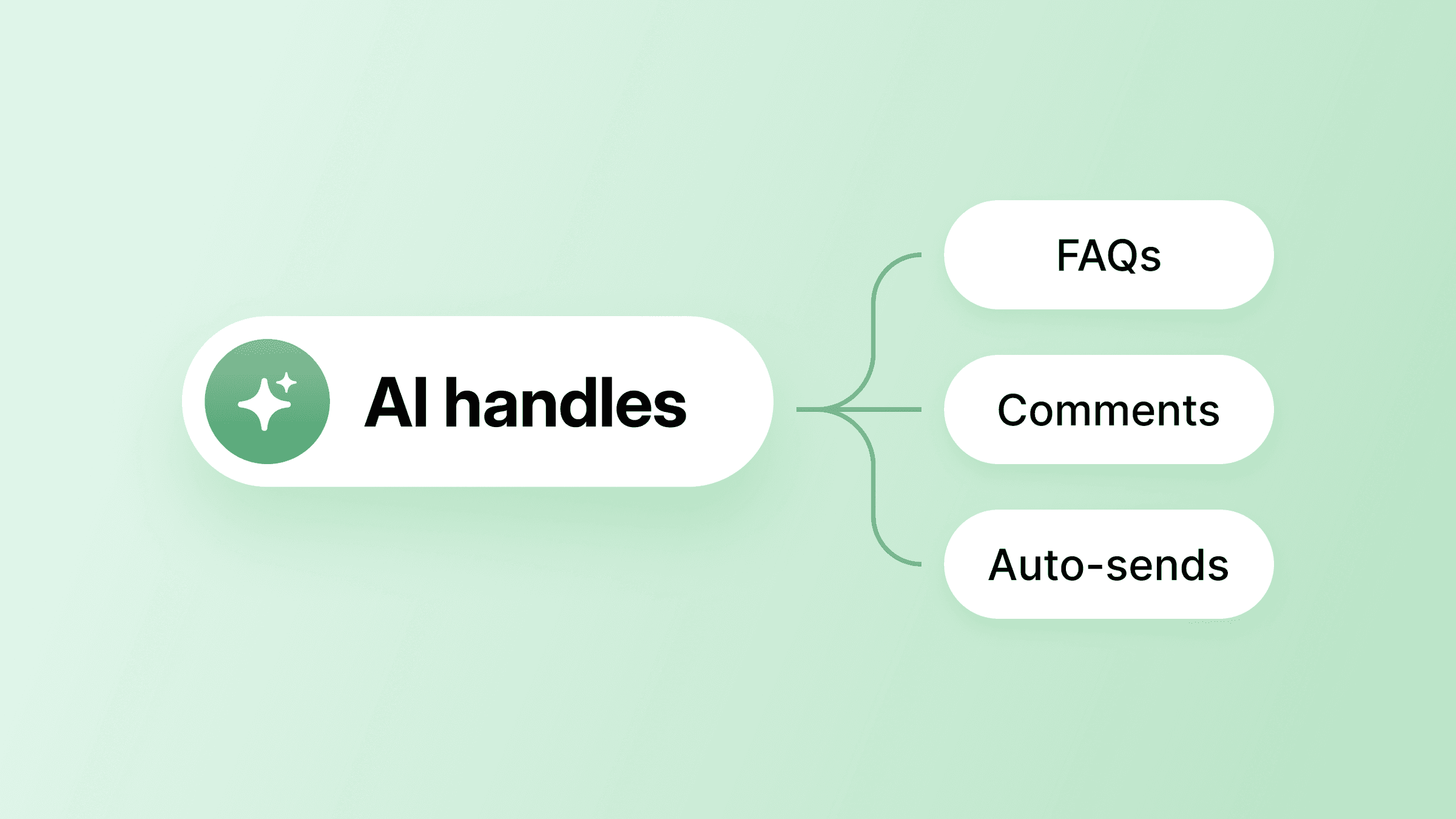
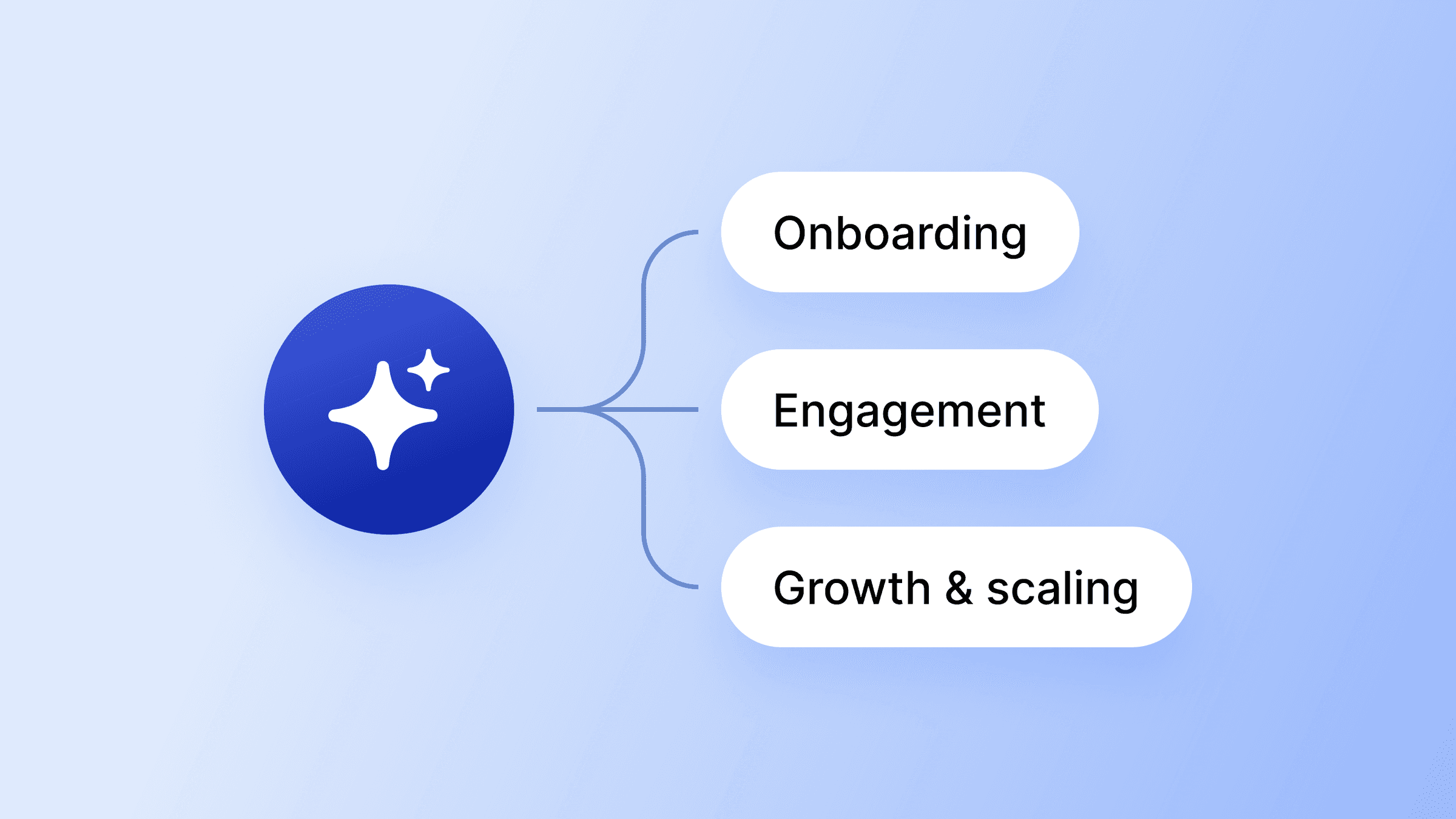
- Onboarding new members and answering their first questions
- Handling routine FAQs across spaces and membership tiers
- Triaging posts and flagging content for moderation
- Sending behavior-based follow-ups and check-ins
- Recapping events and surfacing key discussions
Every agent conversation routes through a shared AI Inbox, so you can read what was said, step in mid-thread, and correct an answer before it spreads. (Plus, you can set up “human intervention” trigger words that automatically flag a conversation for you.)
The four building blocks every AI community manager needs
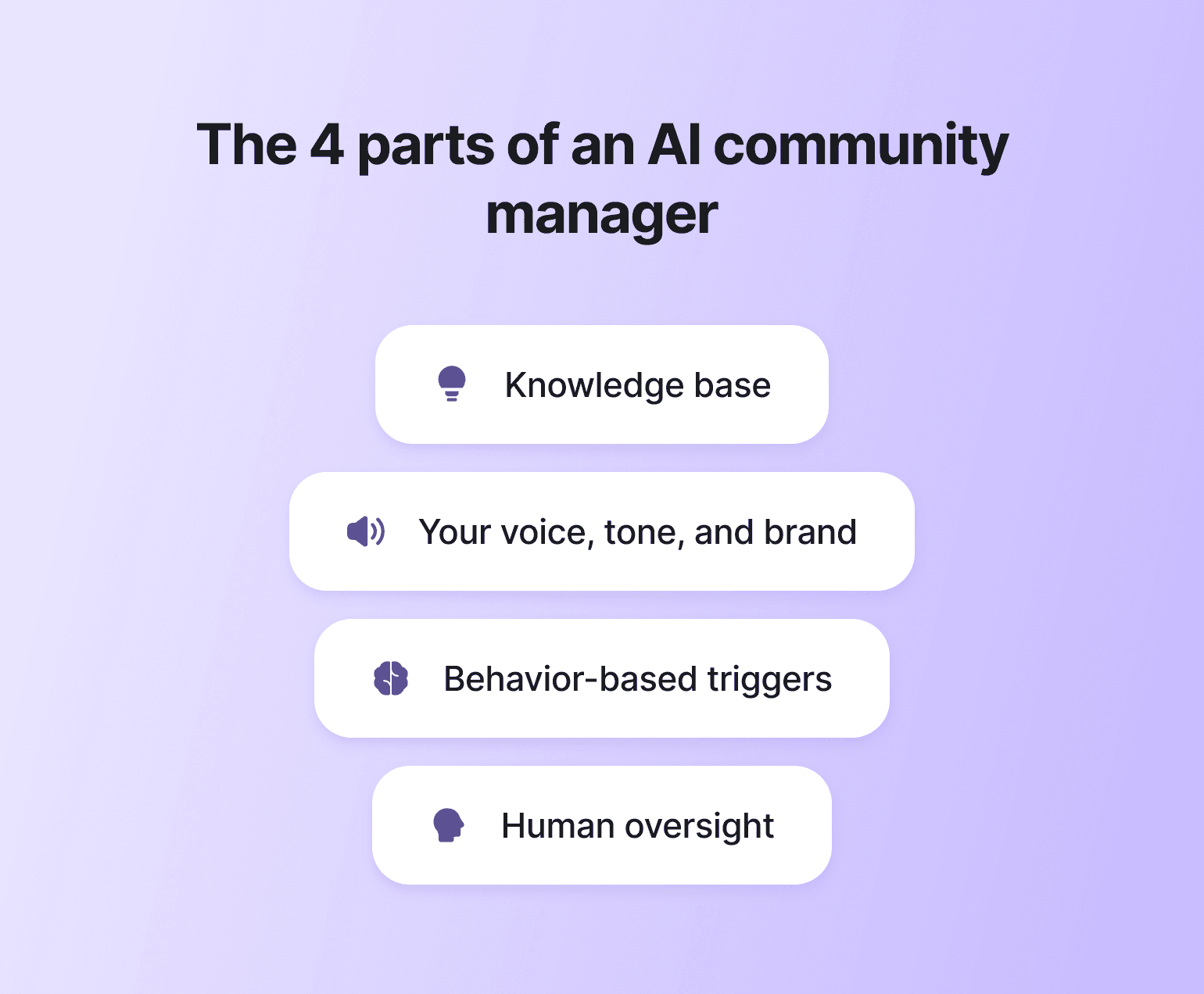
Most AI rollouts fail not because the model is bad—although that is also common—but because one of the underlying pieces is missing: the AI is trained on the wrong material, given no clear role, left without any triggers, or dropped into the community without telling members it's there. Here's what an AI community manager needs in place to succeed:
- A knowledge base. Your AI is only as good as the source material it draws from. Inside Circle, AI Agents train directly on the spaces, courses, posts, comments, and custom files already in your community, so the knowledge base is whole by default instead of stitched together from disconnected tools.
- Tone, voice, and background info. These are the AI teammates your members actually interact with, and they need background information that tells them how to speak like you instead of sounding like a generic bot. On Circle, agents are assigned a role, tone, bio, and welcome message, then deployed to specific spaces or membership tiers, with up to 10 customizable agents per community.
- Behavior-based triggers. Your AI community manager isn’t a child from the 1960’s: they shouldn't only respond when spoken to. It should have the skill and understanding of when to reach out first: welcoming new members the moment they join, nudging the ones who've gone quiet to join an event, and flagging behavior that needs your attention. Circle's Workflows are the triggers that drive this and AI Workflows let your agents send proactive DMs, comment on posts, and contextually flag content beyond static keyword filters.
- A human oversight layer. AI handling operational work is fine; AI running unchecked is not. The horror stories of AI gone wild are everywhere right now, and in the deeply human work of community management, this piece is non-negotiable. Members need a clear path back to a human, and you need eyes on what your agents are saying and doing. Circle's shared AI Inbox gives admins real-time visibility into every agent conversation, and admin-defined ‘pause AI’ keywords automatically hand a thread off to a human when a member says things like "talk to a human."
Three signs your community is ready for an AI layer
Most community builders treat AI as a "scale" decision instead of a workload one and end up adding it later than they needed to. The honest signal is in the numbers and the pattern of your week. Watch for these three and you'll know it’s time to start multiplying yourself with today’s tech.
- Your response time has crept past a day. The first reply sets the tone for whether a member feels seen or ignored, and the moment your average drifts past 24 hours, you start losing the early posters who needed momentum to feel welcome. New members who don't get a fast acknowledgement in their first week are more likely to drop off. The longer the gap, the more your community starts to feel like a content library instead of a buzzing place where things happen.
- You're behind on turning events into anything reusable. Every live call, workshop, and Q&A holds material your members would come back to, but the recap, the summary, the highlight clip, the follow-up post never gets made because you're already onto the next session, and you’ll “get to it later”. If your recordings are piling up unwatched and unsummarized, that's a backlog an agent clears within the hour after each event.
- Members are canceling before you notice they went quiet. Cancellation is just the final paperwork; the real decision happened weeks earlier, when activity tapered off. Once monthly churn is past 15%, you've got a problem — and the drift was visible in the data well before that. You just aren't watching it in real time.
If these describe your week, pick the issue costing you the most hours, build the agent or workflow for that, and let the rest follow.
How to use AI community managers in your business
AI community managers are a powerful tool, but the lift you get out of them depends on how strategically you deploy them.
Course creators and educators
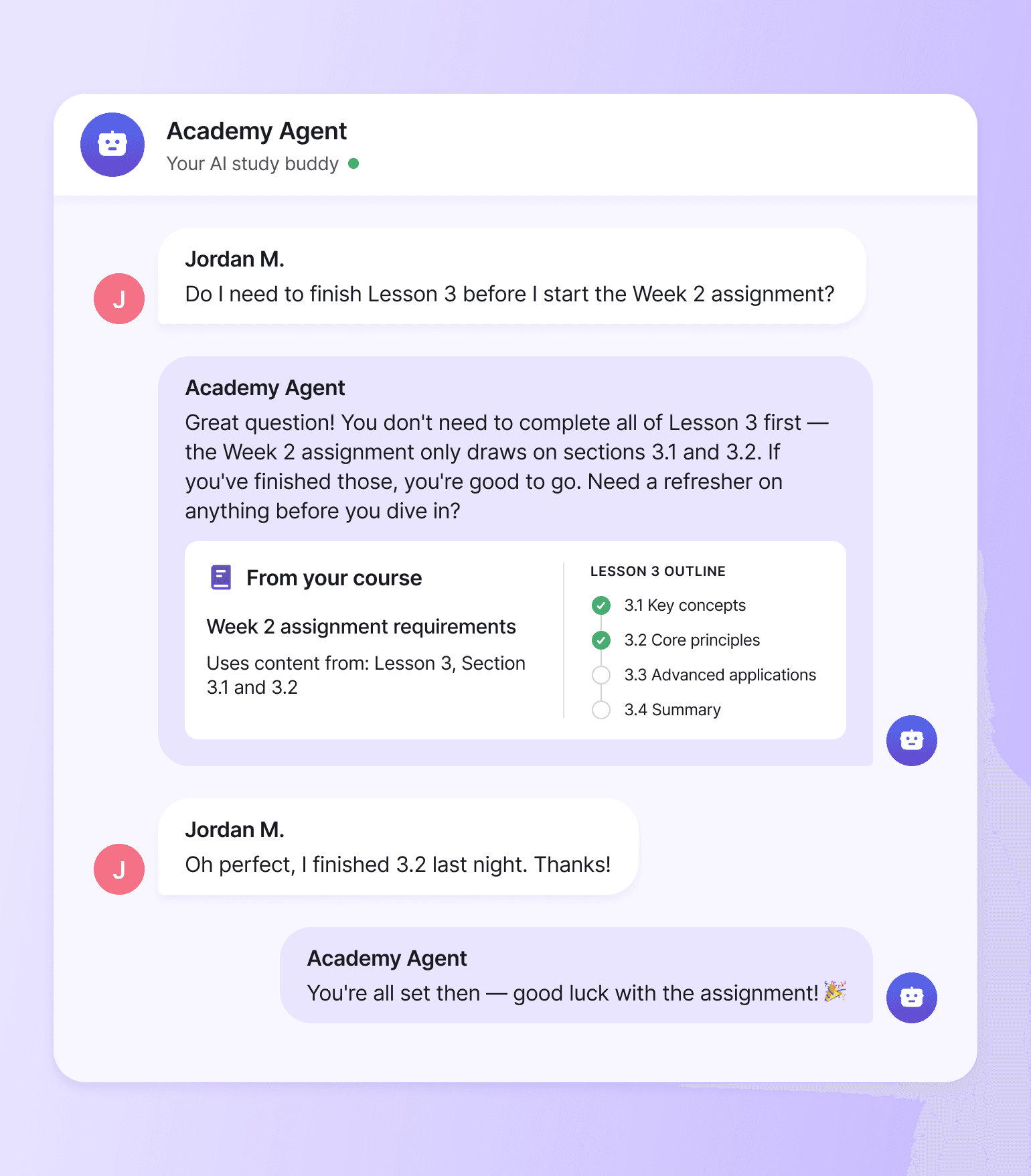
Course-based communities lean hardest on the knowledge base, because members ask the same questions about the same modules, lessons, and assignments week after week, and the answers already live inside the course material itself. The fastest wins to ship first:
- Module FAQ agent. Train an agent on each course module so members get an instant study buddy who answers questions about lesson content, assignments, and prerequisites.
- Cohort progress nudges. Trigger reminders (with AI workflows) for members who haven't completed a lesson by a target date in their cohort.
- Replay and recap follow-ups. Auto-post a summary and key takeaways to the relevant space after every live session. Even tag the students in the cohort!
- Onboarding sequence by enrollment. Welcome new students with a tailored intro based on the course they joined.
Seth David's Nerd Enterprises community is a good example. He runs 30+ on-demand accounting courses with an AI Agent named "Sandy," trained on his course and community content. It handles the routine questions that used to land on him. His hours go back to teaching the members who need him directly.
Coaches and mastermind leaders
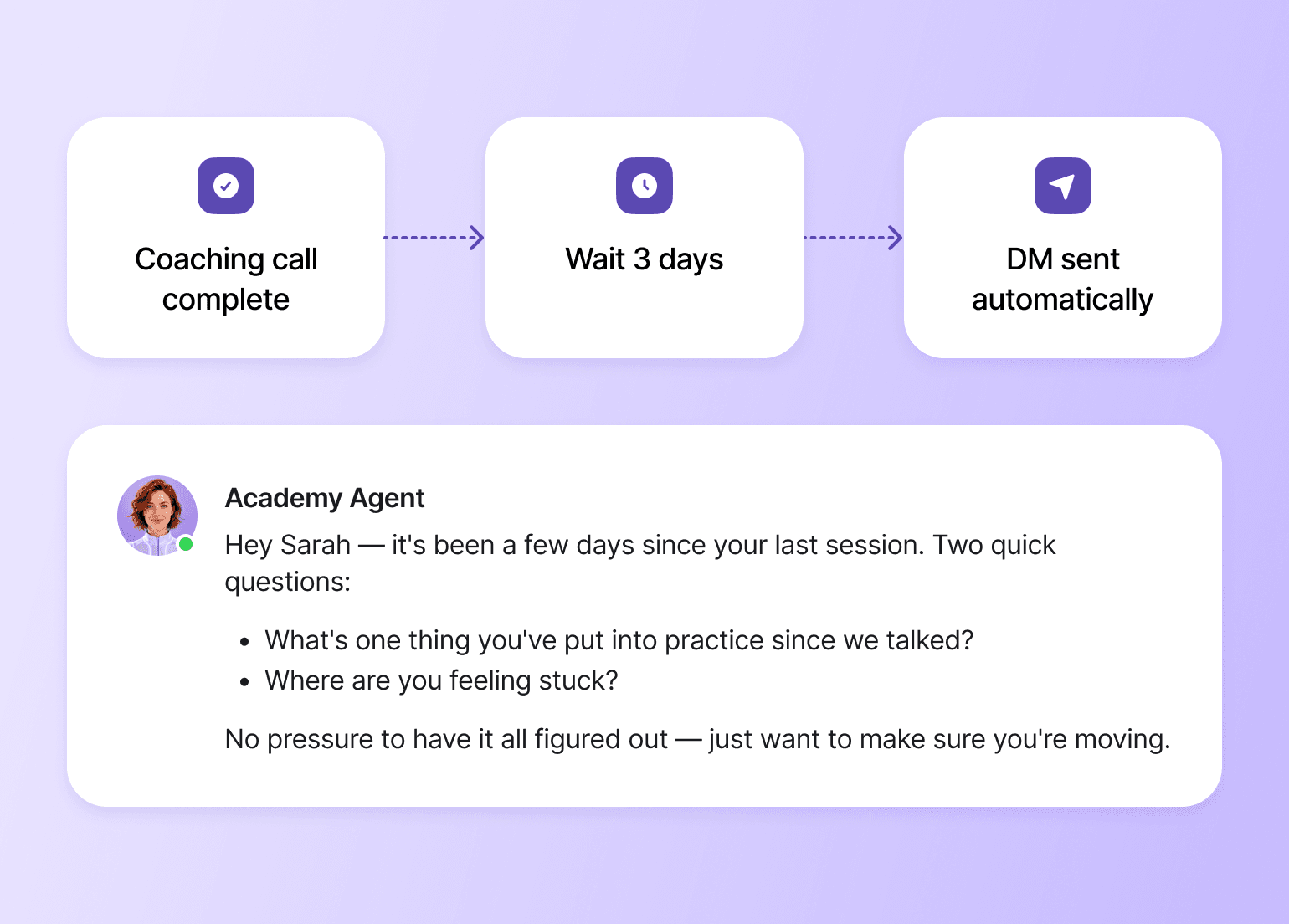
Coaching communities lean hardest on member-facing agents and behavior-based triggers, because members aren't asking factual questions so much as moving through a framework, and the value of the AI shows up in the moments between the high-touch sessions. The fastest wins to ship first:
- Post-session check-ins. Trigger a DM three days after each coaching call asking what the member is applying and where they're stuck.
- Weekly commitment nudges. Send a follow-up when a member hasn't posted their weekly accountability update.
- Pre-session recap agent. Surface what each member shared last session so you walk into the next call with context.
- Framework-aware FAQ agent. Train the agent on your methodology so members get on-brand answers and pseudo-coaching between sessions.
John Meese's Sold Out Coach Club shows what this looks like in practice. He trained an agent called "SmartBuddy" on his three books and years of coaching-call transcripts, so it answers in his voice and framework. Members use it to refine their messaging and pressure-test strategy between calls, which means they show up to live sessions with sharper questions. The agent's voice matters more here than anywhere else, because it's standing in for you in the moments between high-touch sessions.
Membership communities and professional networks
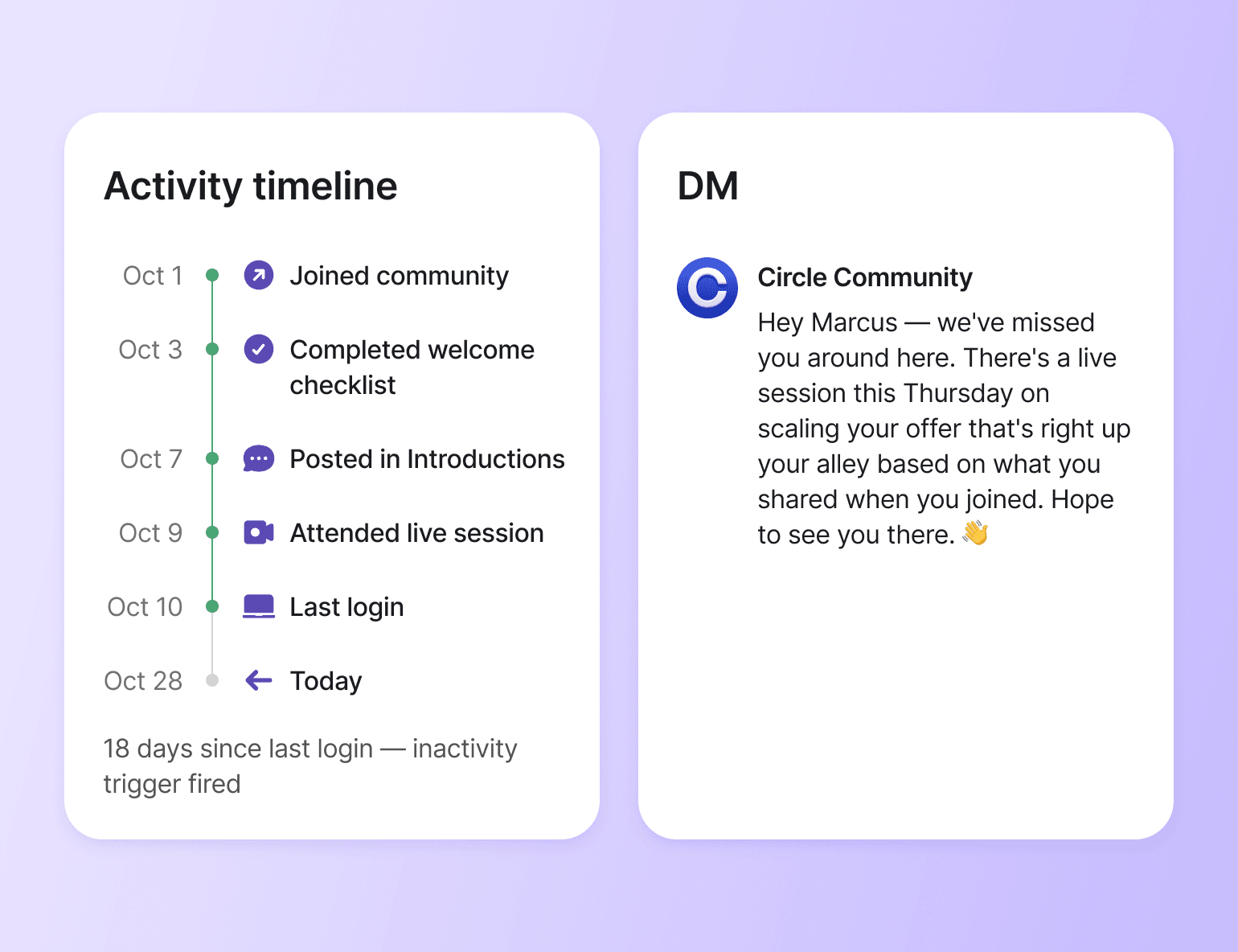
Large membership communities lean hardest on triggers, because at scale no one person can track who joined last week, who hasn't logged in for fourteen days, or who just hit their one-year anniversary. The fastest wins to ship first:
- New member welcome sequence. Greet every new member with a tailored intro to the Spaces and rituals most relevant to them.
- Inactivity re-engagement. Trigger a personal nudge when a member hasn't logged in for 14, 30, or 60 days.
- Milestone recognition. Celebrate one-year anniversaries, course completions, and member contribution milestones automatically with gamification triggers.
- Member matching prompts. Surface relevant members to each other based on shared interests, location, or profile tags.
These triggers close the gap between what you can personally track and afford to provide, and what your members deserve, and they're what keep long-term members feeling seen as the community grows.
What members are actually paying you for
If AI can write the welcome, answer the FAQ, run the moderation pass, draft the discussion prompt, and flag the drift, what's left for you?
The answer: Everything that mattered in the first place. The live coaching call where someone breaks through. The post you write when a member shares a hard week. The decision to change the community's direction because something in the data, and your gut, says it's time. The relationship a member built with you that made them stay through a busy quarter.
That's what members are paying for. They weren't paying for the welcome email or the FAQ response; those were just frictions in the way. The AI community manager only exists to clear that friction, not replace what's underneath it.
Circle gives you every building block in one place: AI Agents trained on your own content, AI Workflows that automate the repetitive layer, a shared AI Inbox that keeps you in control of every conversation, and a unified data layer that lets all of it actually know your members. The infrastructure runs the role. You run the community.
Want to build an exceptional community? Start your 14-day free trial of Circle now.
AI community manager FAQs
How is an AI community manager different from a chatbot?
A chatbot answers questions in a single channel using a fixed script. An AI community manager is a coordinated layer: agents trained on your content, workflows triggered by member behavior, and a shared inbox where you can take over any conversation. It's the difference between a help widget and a teammate.
What happens when the AI gets an answer wrong?
You catch it the same way you'd catch a teammate getting something wrong: by reviewing conversations and adjusting. Every AI Agent conversation routes through a shared AI Inbox, so you can step in, correct the response, and update the underlying knowledge so the same mistake doesn't repeat.
How do I introduce AI to existing members without it feeling weird?
Name it, scope it, and show the seam. Tell members which interactions an AI is handling (FAQs, onboarding nudges), which interactions are still you, and how to ping a human. Members rarely object to AI doing operational work; they object to being deceived about it.
Do I need a developer or technical team to set this up?
No. The whole point of building this inside one platform is that the agents, workflows, and inbox are configured visually, with no code and no third-party glue. If you can write a job description and a few example responses, you can stand up a working AI layer.
Should free and paid members get the same AI experience?
Usually not. The same AI layer can be tiered: a general agent for free members trained on public content, and a deeper agent for paid members trained on premium courses, coaching frameworks, or private discussions. Tiering AI by access group is one of the cleanest ways to make a paid tier feel materially different.
Community Content Marketer
Arina is Circle’s community content marketer, sharing insights on community growth, GTM strategy, and storytelling for solopreneurs.