# Circle
> Circle is the all-in-one community platform for creators, coaches, educators,
> and brands to build, manage, and monetize online communities. Combines
> discussions, courses, events, live streams, chat, gamification, AI automation,
> email marketing, payments, and a website builder — all in one place, under
> your own brand. Used by 18,000+ communities. Plans start at $89/month with a
> 14-day free trial.
---
## Blog
### How SVSLearn grew to 1,800 members with mentoring courses
*How SVSLearn grew to over 1,800 members by transforming mentoring courses into a structured, community-powered experience using Circle’s all-in-one platform.*
Source: https://circle.so/blog/SVSlearn-mentoring-courses
[Online courses](https://circle.so/blog/create-online-course) naturally spark community. If you’ve ever led or joined one, you’ve likely seen students connecting in chat spaces and cheering each other on. But when that energy outgrows the comment section, things can start to feel scattered.
That’s where [SVSLearn](https://www.svslearn.com/) found themselves.
Co-founded by professional illustrator and cartoonist Jake Parker in 2013, SVSLearn launched when online education was just starting to take off and it was hard to find high-quality, practical content from artists actually working in the field.
The goal was simple: teach the kind of illustration classes most universities didn’t offer, from the artist’s point of view. With a library of expert-led mentoring courses and structured curriculum, it gave aspiring illustrators an affordable, professional pathway into the creative industry.
But even with all the right content, something was missing.
“We had all the learning material people needed,” Jake shared. “But the community side of it was really weak.”
Beyond a basic forum and YouTube comments, there wasn’t much space for deeper connection.
“In an age where information is cheap, if not free, the thing people really value is community and interaction,” he said. “Not just with peers, but with mentors.”
That insight led the SVSLearn team to Circle in late 2024, where they reimagined their online [community](https://circle.so/blog/build-a-community) for artists from the ground up. In this article, you’ll learn how they built a 1,200+ member mentoring hub, and the exact tools and strategies that make it work.
**The key Circle features that power their community:**
- Multi-tier [paywalls](https://circle.so/payments) with targeted experiences
- Integrated onboarding with a 30+ page self-assessment PDF
- Curriculum-aligned courses in Circle’s native [courses](https://circle.so/courses) feature
- Live and asynchronous community programming
- 24/7 mentorship access through dedicated spaces
- Strategic use of segmentation to manage workshops and pro-level courses
## The community breakdown
📍 **Community:** [SVSLearn](https://www.svslearn.com/)
👋 **Founders:** [Jake Parker](http://mrjakeparker.com/) and [Lee White](https://www.leewhiteillustration.com/)
🗓️ **Launched on Circle:** December 2024
🌟 **Size:** 1,800+ active members
🎯 **Purpose:** Help aspiring professional illustrators develop the skills to make a living from their art, through a visual storytelling curriculum, community, and mentorship
💰 **Pricing model:** Paid online community membership tiers (Sketchbook, Desk, Studio) ranging from $50-$800/year.
## Choosing the right platform
Before moving to Circle, SVSLearn hosted their mentoring courses on Thinkific. As their student base grew, the team saw a clear opportunity to bring learning and connection into the same space.
Jake said they were looking for a platform where they could:
- Share their curriculum
- Host live streams
- Have spaces where like-minded individuals can connect and learn from each other
“We looked at five or six different platforms, but we kept coming back to Circle because it had the best features and was the easiest to navigate,” said Jake.
## How they structure and monetize their membership
According to Circle’s [2025 Community Trends Report](https://circle.so/2025-community-trends-report?utm_source=customer&utm_medium=community&utm_campaign=trends-report-2025&utm_content=announcement), 70% of communities have just one pricing option. Only 6% offer three or more. SVSLearn is part of that latter group.
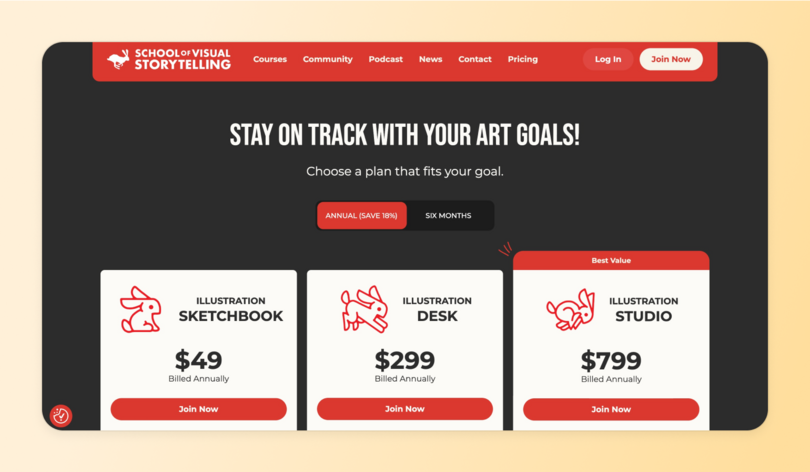
Their membership includes three different levels to support their learners at all stages of their creative journey.
- **Sketchbook ($50/year):** A low-cost entry point with limited access to courses, live [virtual events](https://circle.so/blog/virtual-events), community spaces, challenges, and their weekly podcast.
- **Desk ($300/year):** Access to the full curriculum, plus more events, and live sessions.
- **Studio ($800/year):** Adds premium mentorship, peer learning spaces, 24/7 support, and direct instructor access.
To support this layered model, SVSLearn uses 14+ [paywalls](https://circle.so/blog/paywalls) across their Circle space to:
- Segment tiered membership access with annual and biannual billing
- Gate workshops and pro classes by cohort
- Control access to course libraries and live events
- Archive time-limited pilots and seasonal content
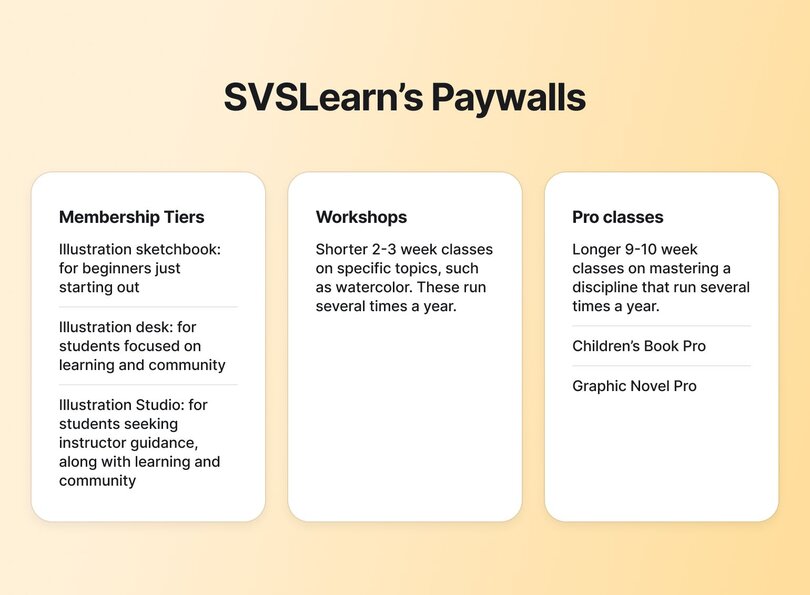
So, aside from the recurring revenue that comes from their membership plans, the SVSLearn team organizes paid cohort based courses and classes that run several times per year:
- **Workshops:** Shorter 2-3 week classes on specific topics, such as watercolor
- **Pro Classes:** Longer 9-10 week classes on mastering a discipline, such as children's book illustration or graphic novel creation
Outside of the community, they continue to nurture their broader audience with free content [on YouTube](https://www.youtube.com/@SVSLearn) and a thrice-weekly email newsletter.
> 👉🏼 Pro tip: Ready to dive into your Circle set-up? Watch this platform tour from community strategist, [Carrie Melissa Jones](https://www.carriemelissajones.com/), to get up and running in no time.
## Their member onboarding experience
SVSLearn’s [onboarding flow](https://circle.so/blog/community-onboarding) helps new members feel at home and on track from the first click.
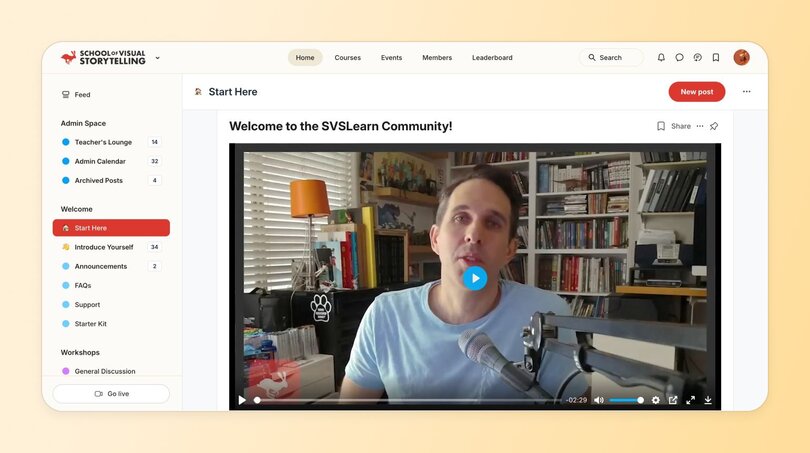
It starts with their custom **“Start Here” space**, which features a warm video introduction from the founders and a 30+ page PDF starter kit. This guide walks members through what to expect and how to get the most out of the community.
At the heart of the guide is a **self-assessment tool:** a 10-question quiz where members rate their skills across key areas. Based on their score, SVSLearn places them in a learning level (ranging from novice to advanced) and offers personalized curriculum recommendations to match.
This step helps members orient themselves and immediately understand where to begin. It’s also a natural point of connection.
“We’ve noticed that people, when they’re introducing themselves, will actually say, ‘Oh, I’m at this level or I’m doing this,’” Jake shared.
## Encouraging community engagement through dedicated spaces
Themed spaces for sharing and feedback are a core part of SVSLearn’s member engagement strategy. Here are the ones members return to again and again.
### Introductions space
New members are prompted to share their artistic goals and style, helping them connect with others right away. “The idea from the get-go is to get people engaging with each other,” said Jake. “Break the ice, break people out of their shells. Anything you can do to get that going is good.”
### “Share Your Art” space
This is the most active part of the community. It’s where members post their illustrations and give and receive feedback on an ongoing basis.
### Monthly “How to Fix Your Art” challenge
Each month, members get a new illustration prompt, share their progress halfway through, and wrap up with a live instructor-led critique session.
### 24/7 Helpline space
Here, members can ask urgent questions at any time and get replies from instructors within 24 hours.
### Weekly office hours
These live Q&A sessions, featuring a rotating roster of professional illustrators, provide regular opportunities for feedback and mentorship.
> 👉🏼 **Pro tip:** If you want to host epic events like SVSLearn in your Circle space, this Events feature walkthrough by Doug from [Convology](https://www.convology.com/) is a great starting point.
## How they structure the learning experience
According to our 2025 Community Trends Report, communities that pace their curriculum and embed peer accountability see radically higher engagement. SVSLearn is a clear example of how that works in practice.
Their learning experience starts with foundational courses in drawing fundamentals, character design, environments, and storytelling. As members gain skills and confidence, they progress to more specialized tracks, such as Children’s Book Pro, Graphic Novel Pro, and Self-Publishing Pro. By the end of each Pro course, students should have polished, portfolio-ready work.
The final step is real-world application: learning how to get published, start a freelance business, or even secure jobs with publishers like Marvel, DC, or Scholastic.
SVSLearn delivers all 25+ [digital courses](https://circle.so/blog/amy-porterfield-digital-course-playbook) through Circle and pairs them with a downloadable curriculum guide. They also host weekly live events, like Freaky Friday drawing jams and live critique sessions, to keep members accountable and engaged.
## How they run workshops and cohort-based courses
SVSLearn uses workshops and [cohort-based courses](https://circle.so/blog/cohort-based-courses) as both high-impact learning experiences and a natural membership funnel.
**Workshops** are two-week intensives on specific topics like watercolor or comics. They’re live, interactive, and give learners a taste of the SVSLearn experience. Many participants go on to join the full community after the workshop ends.
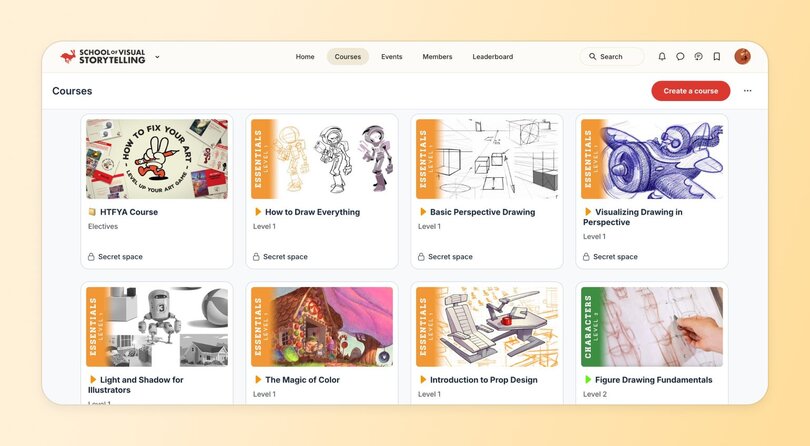
**Pro courses**, like the 10-week Graphic Novel Pro led by a Marvel veteran, delve deeper. They include live critiques, weekly office hours, private discussion spaces, and long-term access to course material.
In the final week, instructors encourage learners to keep the momentum going by joining the community.
“There’s too much to do in 10 weeks,” co-founder Jake Parker said. But that’s the point. It creates a meaningful transformation, while naturally inviting people to stick around for more.
## What their operations and team structure look like
The SVSLearn founders are all working artists, so they’ve built a strong support team to manage the day-to-day.
Their 10+ person crew covers operations, curriculum, marketing, customer support, and content production. They also partner with a marketing agency for social media, video editing, email, and web design.
Finally? They use Circle as their central hub. It’s where they manage curriculum updates, onboarding flows, live event logistics, and community feedback all in one place.
This setup allows the founders to continue pursuing their passion while keeping the community running smoothly.
## How they think about retention and growth
SVSLearn’s approach to growth is slow and steady. They don’t chase quick wins. Instead, they focus on creating recurring value through access to experienced instructors, peer accountability, live feedback, and consistent, reliable programming.
They’re also intentional about creating a two-way dialogue with their members. They regularly run surveys and small focus groups to gather feedback and improve the experience.
That member-first mindset is paying off. As six-month renewals start rolling in, it’s clear the community is sticking.
“People choose to stay because it’s part of their day, it’s part of their week, and they want to maintain that connection with other people,” says Jake.
Looking ahead, the team is focused on building a repeatable yearly rhythm of events, pro course launches, and [cohort programs](https://circle.so/blog/cohort-program).
As Jake put it, “We want to get into a nice cadence, so we can just repeat it year after year and not do as much wheel spinning.”
## The SVSLearn team’s advice for other creators
If there’s one thing the SVSLearn team wants other creators to know, it’s that building a thriving membership community takes time. You also need to be willing to keep refining as you go.
“The way we structured it right now isn’t even how we launched,” shared community manager Austin Shurtliff. “We completely redid how we organized things after just a couple of months because we realized it wasn’t the best. You need to be willing to keep working on it and improving as you go.”
Co-founder Jake Parker agrees. “This is not a ‘get rich quick’ thing. This is a ‘get rich as slow as possible’ for us,” he said. “But if you come into it with the intention of, ‘I really wanna help people,’ the money will come and the community will grow.”
Their biggest lesson? **Listen more than you lead.** “You just have to listen to your people and see what works and what doesn’t,” Jake said. “That’s where you grow a genuine community.”
## The key takeaway from SVSLearn’s mentoring course success on Circle
SVSLearn is a standout example of what happens when you pair a focused, well-paced curriculum with intentional community design.
They used Circle’s courses, events, paywalls, and segmentation to create structure and the result? A mentorship-driven space where illustrators grow, connect, and level up.
For creators, the takeaway is simple: lead with purpose, stay open to iteration, and design for long-term value. When you center learning and belonging, a thriving membership will follow.
---
### 6 community-led advocacy tactics that turn members into advocates
*Discover how community-led advocacy turns members into brand champions. 6 proven tactics, including gamification, member stories, and VIP programs with real examples.*
Source: https://circle.so/blog/advocacy-marketing
> ## TL;DR
>
> * Your happiest customers will market for you, but only if you build a system that makes advocating easy, rewarding, and worth their status.
> * Community turns advocacy from a one-off transaction into a compounding flywheel, where each member's win recruits and inspires the next advocate.
> * The right tools make it easier: AI can surface who's already advocating so you spend your time on the relationships, not the busywork of finding them.
Your best customers would happily tell others about you—if only they knew how, when, and where to do it effectively. Without that framework, you're leaving advocacy (and growth) to chance.
Meanwhile, [76% of B2B buyers](https://www.forbes.com/councils/forbesagencycouncil/2022/05/31/how-to-build-a-b2b-client-advocacy-program/) consult three or more advocacy sources before they buy, and [97% of consumers](https://www.brightlocal.com/research/local-consumer-review-survey/) read reviews when considering local businesses. They're ready to listen. Your advocates are ready to share. The only thing missing? A system that connects them.
This guide shows you how to build that system inside your community. You'll learn:
* Why communities are the ultimate advocacy engine
* How to turn customers into genuine advocates
* Metrics to measure the success of your advocacy campaigns
## What is advocacy marketing?
Advocacy marketing is a growth strategy that turns satisfied customers into a distribution channel, powered by trusted recommendations instead of paid media. It (basically) means getting your best customers to do your marketing for you. By leveraging their personal networks and genuine enthusiasm, you tap into the most powerful growth engine there is: **trusted word-of-mouth recommendations from real people.**
It's incredibly cost-effective because it's powered by two things: your members genuinely loving what you do, and their friends not wanting to miss out on something good. (Though it can also be used for paid programs!)
Customer advocacy usually happens through three main ways:
1. People talking about you (to others as ambassadors, or to the world as reviews and testimonials),
2. Referring friends directly (via referral, affiliate, or partner programs), and
3. Sharing content about their experience with your brand (UGC).
These authentic recommendations from trusted peers build trust faster than any ad campaign and turn into real sales—at a fraction of the cost.
### What's the difference between loyalty, referral, and advocacy marketing?
You'll see these terms used interchangeably, but there are subtle differences in how each approach works:
💙 **Loyalty campaigns** focus on keeping existing customers happy and coming back through rewards programs, VIP perks, and exclusive access.
🗣️ **Referral campaigns** are transactional—you give someone a specific incentive to bring in new customers through referral codes, cash rewards, or discounts.
📢 **Advocacy campaigns** create genuine fans who promote you without being asked or paid, through community building, amazing experiences, and empowerment.
But here's the thing: Most successful programs blend all three. A loyal customer (keeps buying) is more likely to advocate (speak positively) and refer (bring friends).
Not every happy member becomes an advocate. Look for the ones who post unprompted, jump in to answer other members' questions, or already mention you outside the community — those are your earliest signals. You don't have to catch this manually, either: [Circle AI's](https://circle.so/eclipse-release) daily brief flags rising engagement patterns, like a quiet member who's suddenly answering everyone's questions, so you can reach out before they've fully become your loudest fan.
The bigger point? **Community-driven advocacy beats traditional programs every time** because it turns customers into genuine fans, not just people chasing rewards. So let’s figure out how to build exactly that.
## Why communities are the ultimate advocacy engine
Think about it: when was the last time you bought something because a friend raved about it? Now compare that to how you feel about obvious affiliate links and "Hey, use my code for 10% off!" messages.
**Advocacy grows where authentic relationships (and trust) live.** And nowhere do relationships flourish quite like communities—where people actually want to help each other succeed, share real experiences, and celebrate wins together. This is the same dynamic that makes a [brand community](https://circle.so/blog/brand-community) so effective at scale — the connection comes first, the advocacy follows.
Here's what we've learned from working with hundreds of community builders: **communities are advocacy amplifiers.** Every engaged member becomes a potential champion, and every genuine connection creates exponential reach.
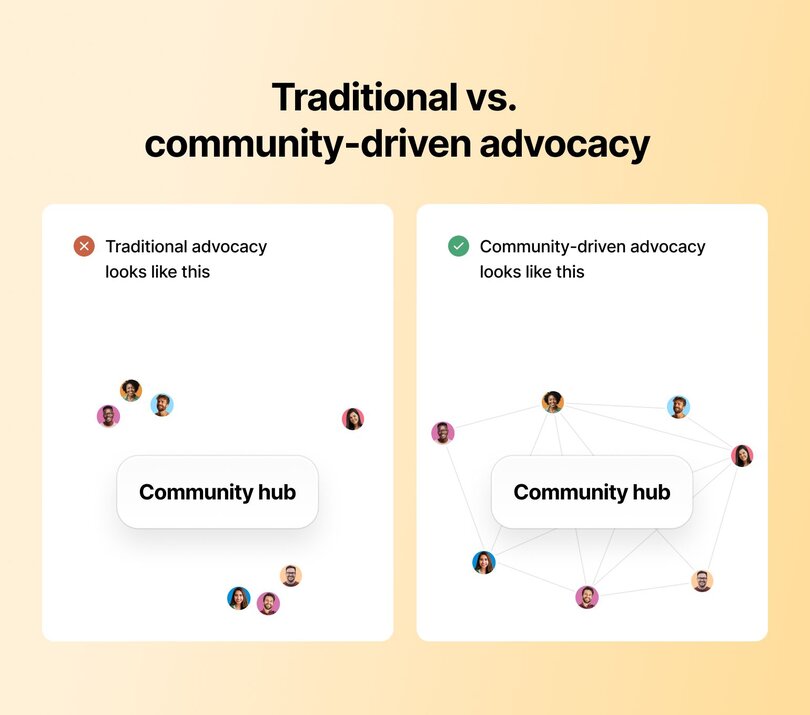
**Traditional advocacy looks like this:**
One person tells a few friends. Those friends might tell their friends. Maybe. If they remember. If the incentive is worth it.
**Community-driven advocacy looks like this:**
One community member shares a win. Five others relate and add their own stories. Those stories get shared across different networks. Someone screenshots the thread for LinkedIn. Another person mentions it on a podcast. The [community amplifies itself](https://circle.so/blog/community-marketing).
**The difference?** Traditional advocacy creates transactions. Community advocacy creates movements.
Instead of convincing people to talk about you, you're building a place where talking about wins, challenges, and solutions happens naturally—and where your product becomes part of those authentic success stories.
### **How does community-led advocacy scale from solo creators to enterprise teams?**
Whether you're a solo creator or leading a 500-person marketing team, community-powered advocacy works—it just looks different at different scales.
**Solo creators and entrepreneurs lean into what they do best**: authentic, personal connections. You're in the trenches with your members, celebrating their wins in real-time, sharing behind-the-scenes moments, and building genuine relationships. Your advocacy engine runs on trust and presence—members advocate because they feel personally connected to you and your mission.
**Enterprise teams need systems that scale without losing authenticity.** You're running structured programs with clear metrics, ambassador tiers, and gamified engagement loops. Your advocacy engine runs on infrastructure—creating frameworks that empower thousands of advocates while maintaining that community feel.
**Here's what both get right:** They prioritize real relationships over transaction counts. They build spaces where members genuinely want to help each other. And they measure what matters so they can keep improving.
The execution looks different. The principles stay the same.
## The advocacy flywheel (or: how good experiences create unstoppable momentum)
Here's the beautiful thing about community-powered advocacy: it compounds.
Traditional marketing funnels treat customer acquisition like a finish line. You attract someone, convert them, maybe retain them if you're lucky, then start over with the next person.
**The advocacy flywheel flips this completely.**
Your satisfied members *become* your acquisition strategy. Each positive experience creates advocates who bring in new members, who have positive experiences, who become advocates themselves. The wheel spins faster as it grows.
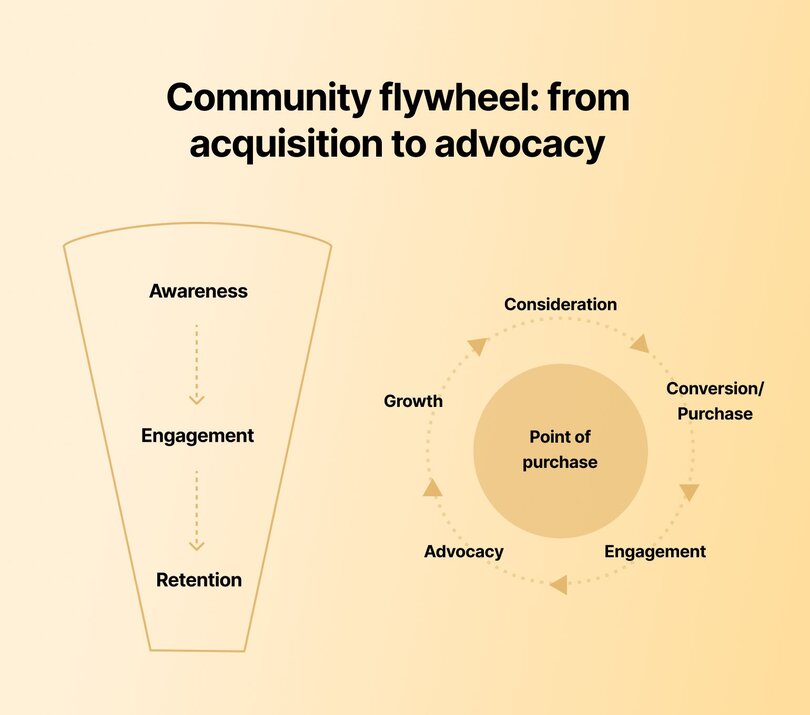
It works like this: You create awareness (people discover your community). They engage (they participate, connect, get value). They become advocates (they naturally share wins and invite others). This drives growth (new members join). Those new members enter at awareness, and the cycle accelerates.
**The momentum builds on itself.** That's why it's a flywheel, not a funnel—every rotation makes the next one easier.
## **6 ways to build brand advocates (plus examples!)**
Nailing advocacy marketing is a delicate balancing act that shouldn’t be overly engineered. So light the spark, create some guardrails and motivators, and let it grow a life of its own.
### 1. Build a member-led community
Member-led communities are advocacy incubators. When you create a space where members feel genuinely valued and empowered to contribute, they naturally become your loudest champions.
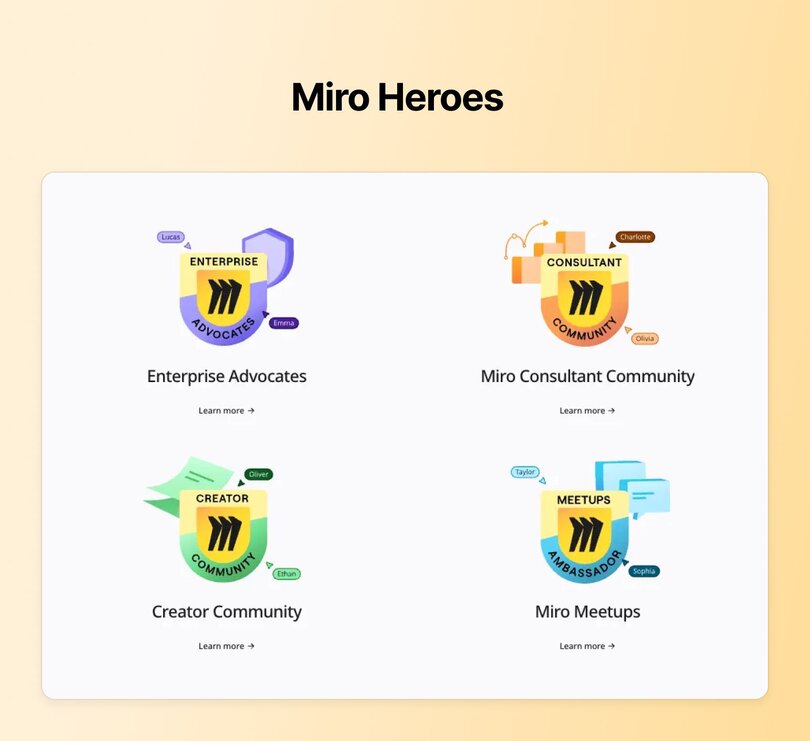
Take [Miro's community](https://miro.com/community/) on Circle. Their most engaged users (Miro Heroes) run regular show-and-tell sessions, provide product feedback, and create templates for their public-facing template gallery, [Miroverse](https://miro.com/miroverse/). These members advocate both inside the community and on LinkedIn—earning branded swag, event funding, and product credits while Miro gains authentic marketing reach.
The results speak for themselves: Miro's community has seen [90% annual growth](https://circle.so/customer-stories/miro) in social mentions from advocates, alongside a 3.5x increase in member comments — proof that a member-led advocacy program compounds instead of plateauing.
Here's how to build your own member-led advocacy incubator:
* **Start with the right foundation**—choose a platform that can grow with you and makes member engagement easy (not clunky).
* **Focus obsessively on member experience.** Quick responses, relevant updates, and hands-on guidance show people you're invested in their success, which makes them want to invest in yours.
* **Find your natural leaders**—the members who already post actively and help others—and empower them. Give them the spotlight, the resources, and the recognition they deserve.
* **Make contributing easy by creating clear frameworks.** Whether that's dedicated Q\&A channels, a shared resource library, member-hosted events, or social sharing guidelines, people advocate more when they know exactly how to help.
* **Start simple.** Don't build a complex gamification system on day one. Begin with manual recognition and add sophisticated systems as your community grows.
* **Reward what matters.** [Inside the Show](https://circle.so/customer-stories/inside-the-show#:~:text=Reward%20participation%3A,himself%20from%20scratch.) hosts weekly video challenges where winners receive $80 in filming equipment (which they naturally post about). The brand then repurposes these videos as marketing content—advocacy that creates more advocacy.
The result? A community that markets itself because members genuinely want to share their wins and help others succeed.
> **💡Want to build a truly member-led community?** Learn how two top Circle communities—Exit Five and Miro—structured, motivated, and [scaled their member-led programs.](https://circle.so/blog/member-led-community)
### 2. Highlight member stories (UGC/testimonials)
Member stories are advocacy gold. They show potential customers what's possible and help current members see themselves in others' successes.
At Circle, we practice what we preach. Our 15,000+ member community includes spaces like our welcome area, "ask the community" channel, and share-and-learn forum where members openly discuss their wins, challenges, and breakthroughs.
**These authentic conversations become some of our** [**best marketing content**](https://circle.so/blog/community-marketing)**.** We identify compelling member experiences and transform them into case studies that showcase real results:
* [How Talk Nerdy to Me scaled to $37K/month and 300+ active users](https://circle.so/customer-stories/talknerdytome)
* [How Glucose Guide increased engagement by 36% using Circle’s custom branded app](https://circle.so/customer-stories/glucose-guide)
* [How The eLearning Designer’s Academy rebuilt 75% of his Webflow site in days with no devs](https://circle.so/customer-stories/elearning-designer-academy)
We also maintain a "wall of love" featuring our favorite member testimonials—social proof that feels genuine because it is.
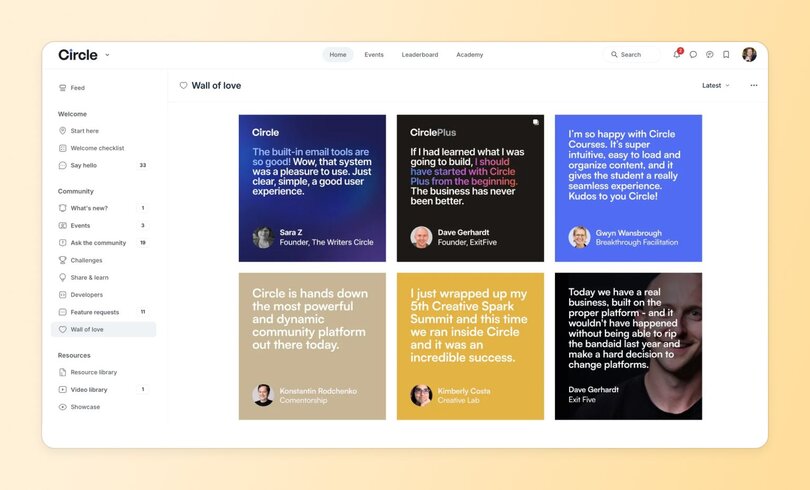
Your playbook for spotlighting member stories:
* **Track and reshare social brand mentions**—when members tag you or talk about their wins, amplify them.
* **Reach out to power users for deeper stories**, especially those with engaged audiences who can extend your reach beyond your own channels.
* **Turn in-community wins into public testimonials**—ask vocal members if you can share their forum posts on social media, email, or landing pages.
* **Expand positive reviews into full stories**—contact enthusiastic reviewers on platforms like G2, Capterra, or Google and see if they'll collaborate on a detailed case study.
The key? Make it easy for members to say yes by doing the heavy lifting yourself. You handle the writing, editing, and promotion—they just need to share their authentic experience.
### 3. Gamify referrals and sharing
People who love your brand *want* to share it—gamification just makes it more fun and rewarding to do so.
Take [Whoggga](https://circle.so/customer-stories/whoggga), an exclusive networking community for business owners. Members earn points and unlock new access levels by actively engaging in the community. At level 6 (the Mentor stage), they unlock the ability to invite friends, who get a month of free access plus dedicated mentors. **Suddenly, referring isn't just allowed, it's *earned status*.**
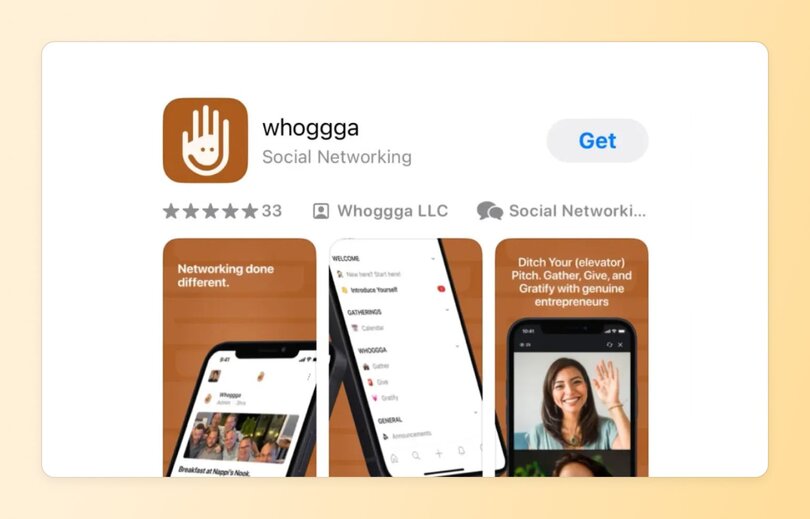
How to gamify advocacy effectively:
* **Make referrals a privilege, not a default.** Require members to complete their profile, hit the leaderboard, or stay active for a month before they can invite others. When sharing feels exclusive, people actually want to do it.
* **Reward both sides.** Whether it's credits, exclusive access, swag, or insider perks, make sure both the referrer and their friend get something valuable.
* **Remove all friction.** Provide invite codes, pre-written messages, shareable graphics, QR codes—whatever makes sharing effortless and enjoyable.
When advocacy feels like a game worth playing, your biggest fans become your most effective marketing team.
### 4. Host live events to amplify advocates
Your best advocates don't just want to attend events—they want to lead them. And that's perfect, because member-led events are more authentic, cost-effective, and scalable than anything you could produce internally.
[Exit Five](https://www.exitfive.com/) nails this approach. Community members run virtually all their events while admins simply curate and facilitate. The team rarely even answers forum questions—members jump in to help each other instead.
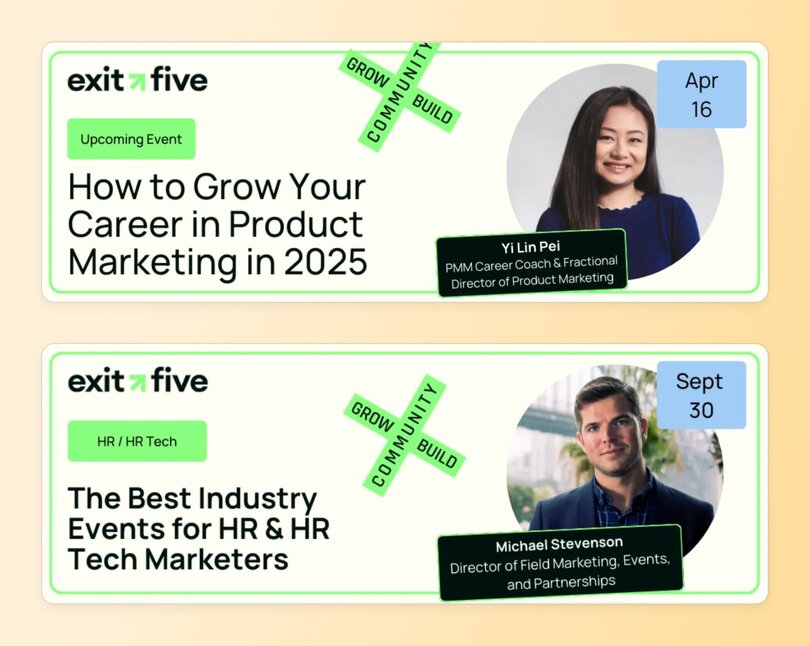
Other ways to turn events into advocacy engines:
* **Let active members moderate** sessions with guest speakers rather than being the main attraction themselves.
* **Host low-pressure co-working or flow sessions** where members can connect without the pressure of teaching or presenting.
* **Try social media takeovers** on Twitter, Instagram Stories, or TikTok, where advocates showcase their perspective.
* **Empower real-time advocacy** by having vocal members moderate chats or share discussion highlights on social as events unfold.
When members lead events, they naturally promote them to their networks—turning every session into an advocacy opportunity.
### 5. Empower micro-influencers inside your community
Micro-influencers are already trusted voices in your community—members who are vocal in discussions, influential online, or both. When you spotlight them, you amplify advocacy while strengthening community bonds.
At Circle, we highlight top contributors who regularly share community-building insights. They get more visibility, we get valuable content, and the entire community benefits from their expertise.
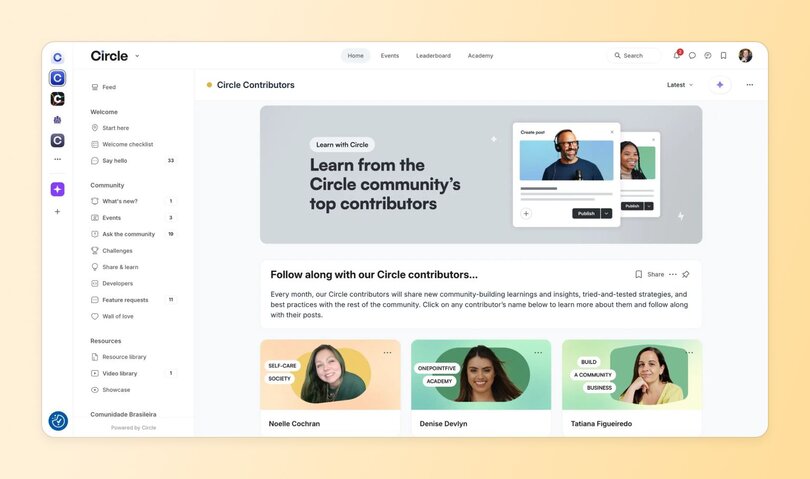
How to empower your community micro-influencers:
* **Feature their insights** through newsletter takeovers or dedicated spotlight sections.
* **Amplify their voices** by creating member shoutout posts on your social channels that celebrate their expertise and contributions.
* **Help them build sub-communities** by encouraging long-term advocates to facilitate smaller peer groups that feel more intimate than public channels.
The more you elevate your internal influencers, the more they'll elevate your brand.
### 6. Create VIP spaces for top advocates
VIP status isn't just a nice perk—it's a powerful motivator that turns good advocates into exceptional ones.
Whoggga rewards top members with 1:1 founder access, private event invitations, resources for self-hosted gatherings, and store credits. The result? Higher engagement, stronger business habits, and a culture that's genuinely member-led.
To build VIP programs people actually want:
* **Make the incentives compelling.** Personalized support, exclusive access, branded merch, event sponsorships—whatever genuinely delights your top members.
* **Show the path clearly.** Embed progress trackers in profiles or create roadmaps in your welcome section so members know exactly how to level up. (Or, just use Circle’s leaderboard and [gamification features](https://circle.so/gamification).)
* **Create healthy FOMO.** Spotlight existing VIP members and their benefits through leaderboards, social content, and community posts.
When advocacy earns access to something truly special, members will work to get there—and talk about it the entire way.
## **How AI helps you spot and support brand advocates**
Every tactic above works better with the right data behind it. This is where AI earns its keep: not by replacing the relationship work, but by clearing the busywork around it.
* **Spotting advocates before they're obvious.** Manually scanning every thread for rising engagement doesn't scale past a few hundred members. [Circle AI's](https://circle.so/eclipse-release) daily brief surfaces activity patterns, like a member who's quietly started answering everyone else's questions, so you know who to bring into your ambassador program before they've already outgrown it.
* **Keeping the personal touch as you grow.** This is the same tension from earlier. Solo creators run on presence; enterprise teams run on systems. [AI Agents](https://circle.so/ai-agents) close that gap by handling always-on member support and onboarding using real member data, so growth doesn't have to mean losing the relationship-first feel that made members want to advocate in the first place.
* **Mining your own conversations for who's already advocating.** If you already work in Claude or ChatGPT, the [Circle MCP](https://circle.so/mcp) connects your community data directly into that conversation, no dashboard required.
* Carl Miller of [The Purpose Project](https://thepurposeproject.world/) used it to have Claude read through member posts and draft personalized outreach in minutes, instead of scrolling through every profile by hand.
* Rachel Starr runs something similar on autopilot: a scheduled Monday recap for [CoCreator Society](https://cocreatorsociety.com/) that sorts the past week's activity into celebrations, attention items, and resonating content. That's exactly the kind of signal that tells you who's worth spotlighting as an advocate, without reading every thread yourself.
The point isn't handing advocacy over to AI. It's freeing up the time you'd otherwise spend on repetitive admin work so you can spend it on the relationships that actually turn members into advocates.
## How to measure advocacy marketing success
Here's the thing about advocacy: when it feels authentic and valuable to your members, the business results follow naturally. But you still need to track what's working so you can do more of it.
These metrics reveal whether your advocacy engine is actually running—or just idling. They also show how well your community is turning engagement into growth:
* **Referrals:** What percentage of new customers came through referral codes or links?
* **UGC volume:** How much organic content (social posts, in-community discussions, reviews) are members creating?
* **Retention:** How many customers stick around after their first interaction?
* **Community-led signups:** How many new customers were referred by community members or started as community members first?
For a real-world benchmark, look at [TroopHR](https://circle.so/customer-stories/troop-hr), a professional community for HR leaders: 60% of their new members join through referrals alone, with 80%+ annual retention. If referrals are driving less than a third of your new members, that's usually a sign to build referral incentives directly into the community experience rather than hoping word of mouth spreads on its own.
## Turn your community into your marketing engine
Brand advocates aren't a side effect of good business—they're a strategic growth channel that compounds over time. Build a community where members can share knowledge, connect authentically, and grow together, and you'll stay top-of-mind in the best possible way.
## FAQs about advocacy marketing in communities
How do you build brand advocates?
Building brand advocates starts with earning genuine enthusiasm, not manufacturing it. Give members a real stake in your community: highlight their stories, reward referrals and sharing, spotlight your most active voices, and create tiers or VIP spaces worth working toward. Inside a community, this compounds — advocates recruit and inspire more advocates.
What are examples of advocacy marketing?
One inspiring advocacy marketing example is Pat Flynn’s [Smart Passive Income (SPI) community](https://circle.so/customer-stories/spi-community). Pat went from being laid off to building a leading entrepreneurship education brand with over $1 million in yearly revenue, largely powered by organic growth and referrals. Some mainstream examples of advocacy marketing include Apple’s #ShotonanIphone campaign and Coca-Cola’s “Share a Coke” strategy.
How do solopreneurs turn customers into advocates?
Solopreneurs turn customers into advocates by building a member-led community, highlighting user stories, gamifying referrals and sharing, and hosting live events to amplify their top contributors. Empowering micro-influencers within their communities and creating VIP spaces for them to thrive also helps.
What are the types of advocacy in marketing?
The types of advocacy in marketing include customer advocacy, employee advocacy, and partner advocacy.- Customer advocacy is when a satisfied and loyal brand user happily endorses it.
* Employee advocacy is when an engaged staff member actively promotes their employer’s brand.
* Partner advocacy is when other brands, typically with aligned values and goals, help amplify yours (via cross-promotion, event collabs, or collaborative posting).
How do you maintain engagement as your community grows?
As your community grows, move from high-touch, one-to-one tactics to systems that scale.Automate onboarding, set up recurring rituals, and invite members to take on leadership roles. You can also mix in structured events, tiered spaces, or gamification to keep things engaging without stretching yourself thin.
---
### 6 powerful AI agents for your community—and what we learned building them
*Discover the 6 AI agents Circle built or sourced to support, onboard, and coach community members—and what we’ve learned from using them in the wild.*
Source: https://circle.so/blog/ai-agents-for-communities
What happens when AI agents join your community team?
Imagine having a team member who never sleeps, instantly recalls every conversation in your community's history, and can simultaneously help dozens of members find exactly what they need.
**That's the promise of** [**AI agents**](https://circle.so/ai-agents)—digital assistants that don't just respond to commands but actively participate in your community ecosystem, making decisions and taking actions based on goals you set.
Maybe by 2030, your AI teammate will greet new members, guide them to the perfect spaces, summarize the hottest conversations, and moderate your community’s activity to ensure discussions stay on topic—all before you’ve even finished your first coffee.
Meanwhile, you’ll be focused on what _only humans can do_: nurturing relationships, engineering serendipity, building strategy, and creating unforgettable moments of connection.
**That future isn’t as far as it seems.**
AI is evolving fast, and at Circle, we’re deep in the trenches—experimenting, learning, adjusting, and asking a lot of questions. In just a few months, we’re already seeing the impact of AI Agents in our very own customer community, and it’s just the beginning.
Today, I want to share what we’re seeing so far about the potential of AI Agents, how they will reshape the role of the community manager—and why the best thing you can do right now is _experiment boldly and learn in public_.
## What are AI agents, really?
Let’s level with each other. Most of us are already using generative AI tools like ChatGPT to speed up content creation—writing newsletters, planning events, or repurposing posts when we’re short on time.
In fact, 76% of community managers we surveyed in the latest Circle [Community Trends Report](https://circle.so/2025-community-trends-report) said they’re already using AI to support content creation and editing.
But **AI agents** are something else entirely. They refer to a technology that began gaining momentum in early 2024 as large language models evolved from reactive tools to proactive systems capable of executing tasks on their own.
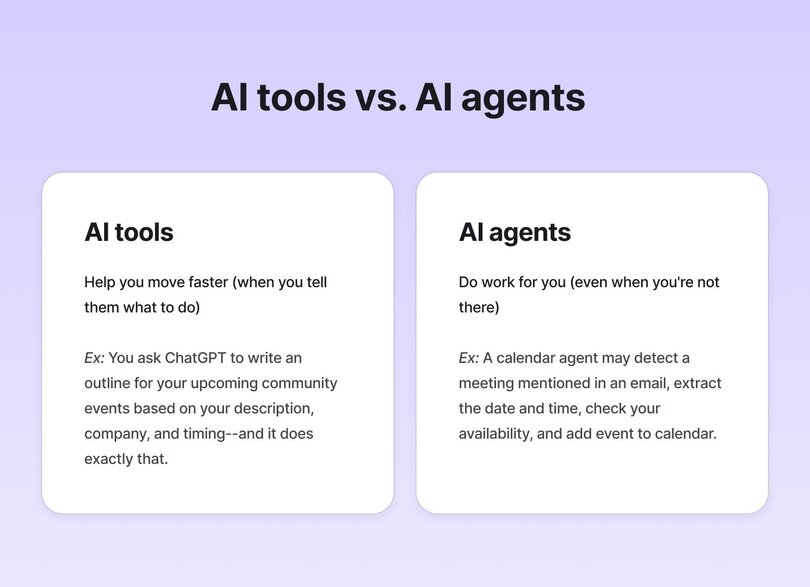
Here’s the simplest way to think about it:
- **Generative AI tools** **help you move faster**—_when you tell them exactly what to do_. When you ask ChatGPT to write an outline for a community event, it will create content when prompted and then stop. You get back what you put in.
- **AI agents** **do work _for_ you,** even when you’re not there—carrying out tasks independently to meet goals you set, like a lightning fast intern who doesn’t need you to spell out every step. For example, a calendar assistant agent might detect an email mentioning a meeting, extract the date and time, check your availability, and add the event to your calendar.
### AI agents at Circle
At Circle, we just launched our own [AI agents](https://circle.so/ai-agents) feature to help community managers do more of the work that matters, without burning out on the stuff that doesn’t.
We know that as communities grow, so do the demands on your team: members expect timely responses, repetitive questions pop up, resources become scattered and hard to find, and moderation becomes increasingly time-consuming. What once took minutes now consume hours, pulling you away from the strategic work that actually moves your community forward.
**That’s where AI agents come in.** Trained on your specific community data and guided by parameters you define, they guide, support, and coach your members—providing instant value without you having to lift a finger.
A new member is feeling lost? Let your onboarding agent suggest the best spaces for them to get started, specific resources to jump into, or even other members to connect with. Is your team drowning in repetitive account-related or technical questions? Your support agent has you covered.
In many ways, an AI agent is like an extension of you: a supportive teammate more than a static tool.
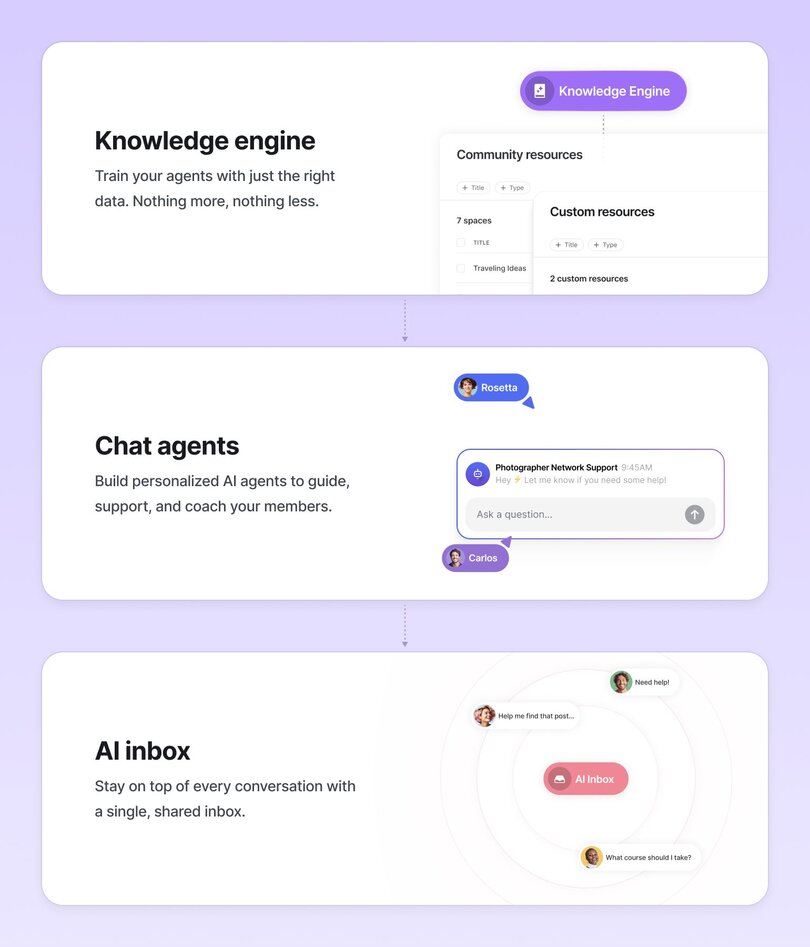
While it might all seem magical, Circle’s AI Agents operate on a straightforward foundation that you control, powered by three parts:
1. **Personalized chat agents** that guide and support members (the “user interface”),
2. **A knowledge engine** that ensures they’re trained on the right content (think: your historical community data, specific spaces, or external sources such as PDFs, landing pages and custom content), and
3. **An AI inbox** that lets you monitor conversations and jump in wherever needed.
### A note on chatbots vs. agents
You might be wondering: aren’t these “agents” just chatbots?
Conversation is indeed the interface for our AI agents, but there's an important distinction. While traditional chatbots follow rigid decision trees with predetermined responses, our AI agents can access your entire community knowledge base to provide relevant responses. They understand context, learn from interactions, and provide responses that evolve as your knowledge engine grows.
So right now, our AI agents are primarily conversational—members ask questions, and agents respond with relevant information. While tremendously valuable, this is just the beginning. In the future, our agents will evolve to perform tasks autonomously: responding to posts, proactively messaging members, moderating content and upholding community guidelines, and much more. That's when they'll truly become "agents" in the fullest sense—taking independent actions based on your community strategy.
For example, in our own Circle customer community, we’re experimenting with a Moderation Agent that will be trained to detect bug reports and technical issues raised in community discussions (which are better suited for our Support team), archive those posts, and DM the member with next steps. **With this new agent entering the picture, our community managers will reclaim at least 10 hours weekly**: the time they currently spend manually monitoring and moderating hundreds of new posts across the community to remove those that don’t follow our community guidelines.
This is where things start to get really interesting: not just answering questions and guiding members to resources faster, but managing workflows, guiding behavior, and helping shape the overall community experience.
## 6 powerful AI agents for communities (with real examples!)
**It's one thing to talk about what AI agents _could_ do—it's another to see how they're being used inside real communities _right now_.**
At Circle, we've been working closely with our community team and early adopters to put our first generation of AI agents to the test. These early experiments have helped us spot real opportunities, avoid a few dead ends, and start reimagining how community processes can scale with AI so we, community professionals, can focus on the human (and irreplaceable) side of community management.
Let's dive into six standout use cases with real-world examples that show these agents in action:
### **💬 1. Community support agent – scale your help desk**
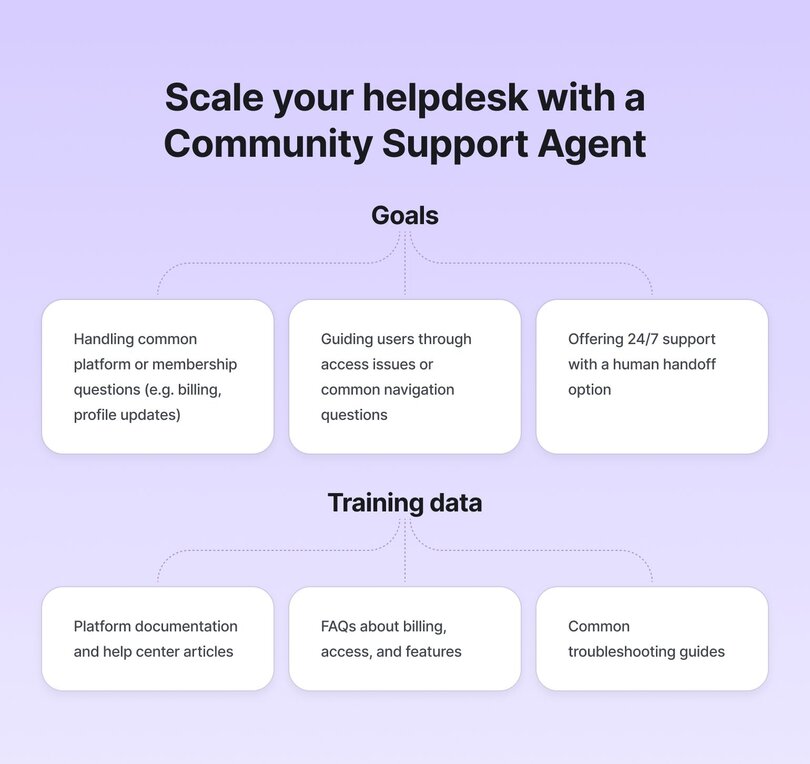
**Use it for:**
- Handling common platform or membership questions (e.g. billing, profile updates)
- Guiding members to make the most of your membership or offering
- Offering 24/7 support with a human handoff option
**Why it works:**
You can enable the “Platform Support” toggle to pre-train your agent on Circle’s member help center — giving users instant, accurate answers. AI Inbox allows admins to monitor and step in when needed.
**Bonus:** Circle’s “Pause AI” feature lets admins auto-handoff messages when members use phrases like “talk to a human.”
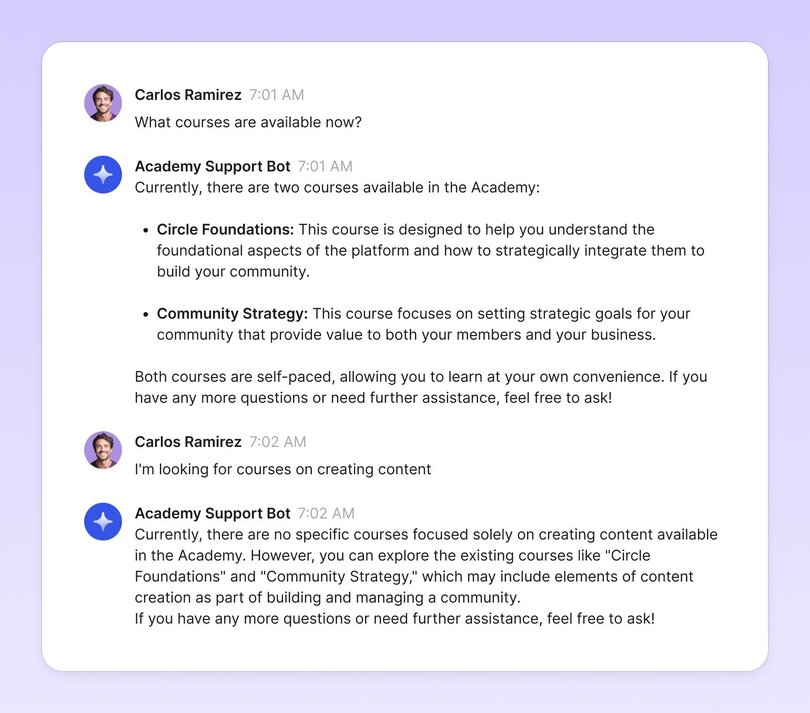
**Sample conversation:**
#### Real-world example: Circle Academy Support Agent
When we launched [Circle Academy](https://circle.so/academy), our new education hub for community builders, we anticipated a wave of common questions about access, certification, and navigation. Instead of growing our support team, we implemented an Academy Support Agent to provide instant answers.
**Our approach was deliberately simple and focused:**
1\. We created a comprehensive FAQ document covering all aspects of Circle Academy:
- Enrollment and access questions
- Certificate requirements and timelines
- Technical navigation help
- Team access questions
- Content update schedules
2\. We trained our agent on this document plus Circle's platform support documentation, giving it a solid knowledge base for both Academy-specific and general platform questions.
3\. We customized the agent's tone to be helpful and educational—matching the Academy's learning environment.
**The results:** While our Academy Support Agent is still in its early days, we're already seeing promising signs of its impact. The agent is consistently handling basic questions about access, certificates, and available content—freeing up valuable time for our education team. Rather than spending hours addressing repetitive inquiries, our team can focus on what matters most: creating and improving course content. As we gather more data on its performance, we're particularly excited about how this scales.
**Implementation tip:** Start with a very focused knowledge base for your onboarding agent. Too much information can make responses generic. Begin with your "getting started" content, FAQs, and community guidelines, then expand based on the questions members actually ask.
#### Bonus real-world example: Tripawds' Support Agent, "Jerry"
The [Tripawds](https://tripawds.com/) (pronounced, ‘tripods’) community, founded in 2007 when the founders' dog Jerry lost a leg to cancer, supports people caring for three-legged pets. As their community expanded over 17 years, they faced a heart-wrenching reality: pet parents making critical amputation decisions often arrived in emotional distress, needing immediate support at all hours—frequently late at night when veterinary offices were closed and anxiety peaked.
Their vast knowledge base contained answers across thousands of resources, but finding specific information quickly had become increasingly difficult, and medical questions required particularly careful handling. Creating an AI agent named after Jerry offered the perfect solution: providing instant, compassionate support 24/7 while maintaining the community's caring approach that Jim and Rene could no longer personally deliver to every member.
**Jim and Rene built Jerry's knowledge base by:**
- Uploading their pet amputation recovery handbooks
- Creating snippets from veterinary specialist podcast transcripts
- Including critical articles on pain management and complications
- Building in safety guardrails: keywords suggesting a veterinary emergency automatically pause the AI and trigger admin handoff
**The results:** Since implementing Jerry, the community has seen a significant decrease in duplicate questions while still providing members with immediate answers to common recovery concerns. The agent successfully identifies when questions require professional veterinary guidance, redirecting members appropriately while handling routine platform questions without admin intervention.
**Implementation tip:** For health-related topics, create clear boundaries for what your agent should and shouldn't address. Training your agent to recognize when to redirect to professional help is just as important as training it on what information to provide.
### 🤝 2. Onboarding agent – guide members and suggest resources
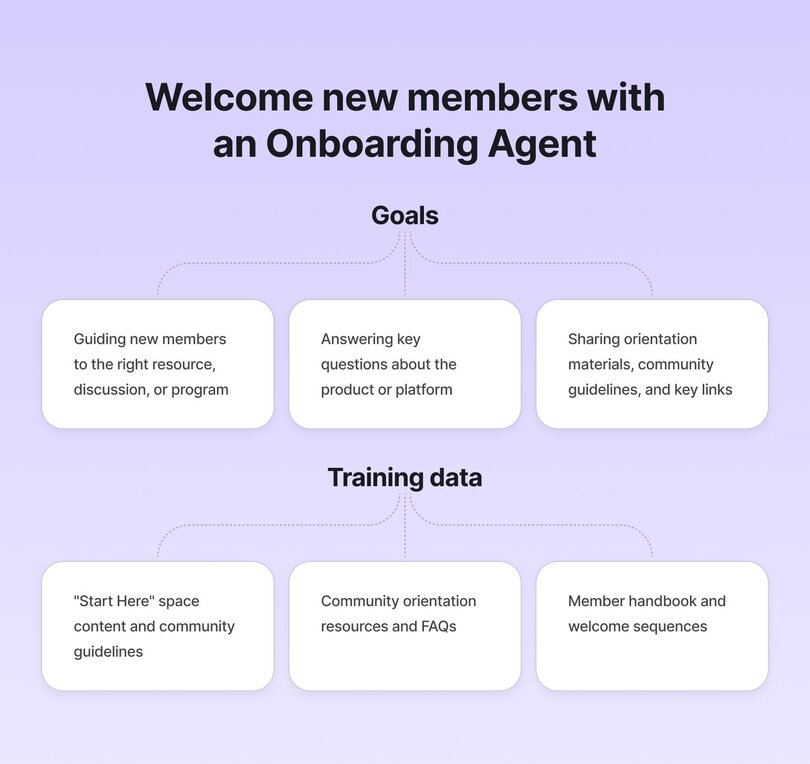
**Use it for:**
- Guiding new members to the right resource, community discussion, or program
- Answering key questions about the product or platform
- Sharing orientation materials, community guidelines, and key links
**Why it works:**
Circle lets you assign specific knowledge (posts, spaces, course materials) to an agent. You can craft an onboarding agent with a friendly tone that immediately engages new members and directs them to the most relevant resources based on what they need.
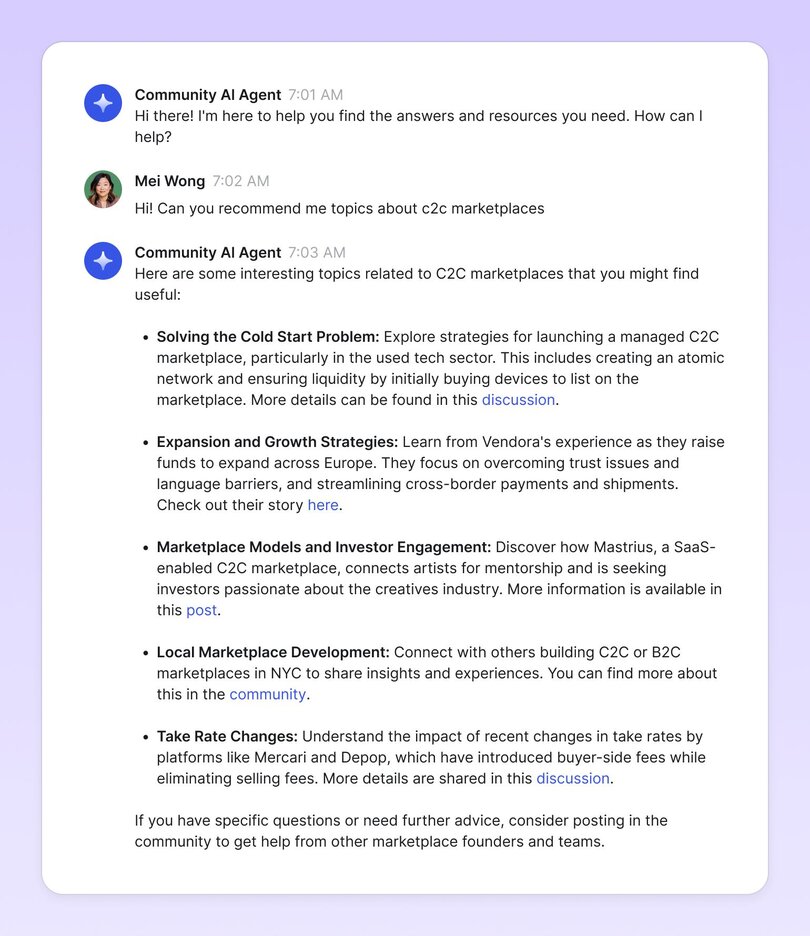
**Sample conversation:**
#### Real-world example: Circle's Community Coach
Inside Circle's customer community—the bulk of the questions in our popular “Ask the Community” space come from new members.
This makes a lot of sense: they’re using the community as a way to find their way around the product and find quick resources to get started. While we definitely want to support these folks, we also know that the volume of basic product questions tends to dilute the quality of the more in-depth conversations that happen across the community (in other words: they make the more strategic discussions less visible, which in turn, can hurt engagement on these posts).
So we built our own AI agent to help. We called it **Community Coach**—an experiment designed to see if we could reduce redundant questions and make it easier for members, in particular new members, to find the answers they need, right when they need them.
**Here's how we implemented it:**
1\. We trained Community Coach on two primary knowledge sources:
- Our official Knowledge Base documentation
- The full history of community Q&A threads
2\. We customized the agent with instructions to:
- Recognize when a question had been asked before
- Provide direct answers with links to source material
- Suggest related resources members might find helpful
3\. We integrated the agent into our onboarding journey and search experience so members could easily access it when looking for information
**The results:** Just a month after implementation, Community Coach had already helped the team avoid over 300 repeat questions (a decrease of 57% from the usual 700 we get asked monthly). This created several significant benefits:
- Fewer basic threads cluttering our community spaces
- A cleaner environment for strategic conversations
- Faster responses for members seeking information
- More time for our community team to focus on high-value interactions
What's particularly valuable is how this creates a virtuous cycle: as the agent handles more routine questions, our team can focus on creating higher-quality content and fostering deeper discussions, which in turn gives the agent better material to learn from.
**Implementation tip:** Test your AI agent in a controlled environment before going fully live. We initially launched Community Coach to a small group of members and monitored all interactions in our AI Inbox. This allowed us to catch and fix issues with the agent's responses, adjust its tone to better match our community voice, and identify knowledge gaps in its training data.
Remember that AI agents need coaching too—the more you review and refine, the better they perform.
### 🎓 3. Course companion agent – support learning and retention
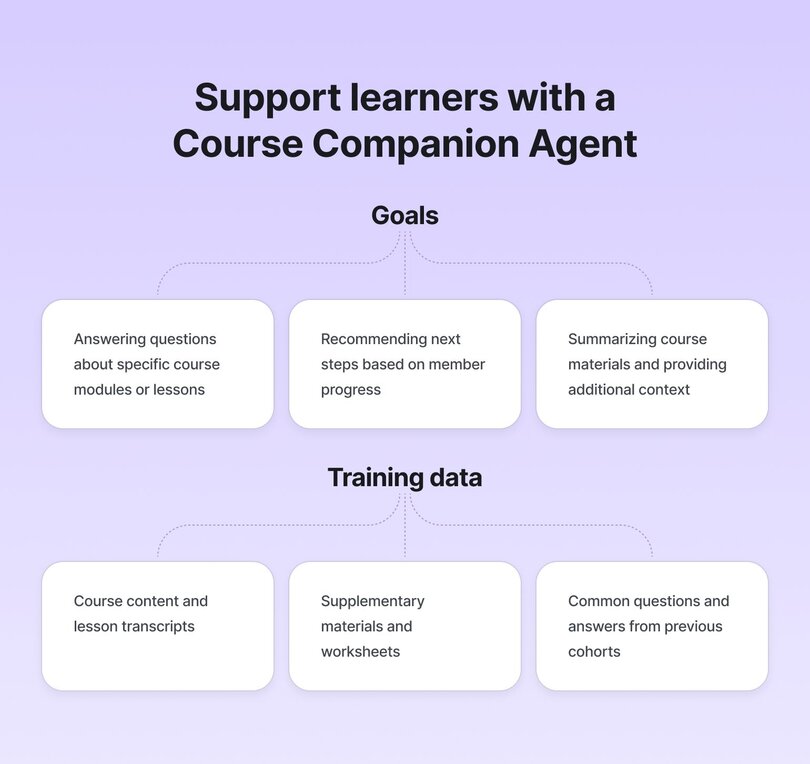
**Use it for:**
- Answering member questions about lessons or modules
- Recommending next steps based on their course progress
- Summarizing PDF/video transcript content from course materials (although Circle already has automated transcripts from native events and videos)
- Offering reminders to complete unfinished content
**Why it works:**
With Circle’s knowledge engine, agents can be trained on lesson body content, file attachments, and even video transcripts. Members get relevant help without leaving the platform or waiting on a human.
#### Real-world example: English Like a Native's "Ben, Study Buddy"
Anna Peterson, founder of [English Like a Native](https://podcast.englishlikeanative.co.uk/), faced a challenge familiar to many course creators: how to provide timely, personalized support to language learners at different levels without being available 24/7.
**Her solution was Ben, an AI agent designed to be a friendly study companion that could:**
- Answer vocabulary questions
- Check grammar in members' practice sentences
- Suggest personalized exercises based on course progress
- Provide pronunciation tips
"The magic happened in the training," Anna explains. **She carefully curated Ben's knowledge engine with:**
- Transcripts from all 45 video lessons
- A custom-built PDF with 2,000+ vocabulary words and usage examples
- Common error patterns and correction guides
- Complete conversation practice dialogues
Anna also gave Ben clear instructions to respond conversationally, offer encouragement, and suggest specific lessons when members struggled with concepts.
**The results:** With Ben available 24/7, members now have an interactive way to reinforce what they're learning—on their own time, at their own pace. Instead of waiting for the next live class or navigating complex course threads, they can engage with Ben for instant feedback and personalized support. Most importantly, Anna can focus her live teaching time on advanced concepts and personalized feedback instead of basic repetitive questions.
**Implementation tip:** For learning-focused agents, include example dialogues in your knowledge base that show ideal interactions between a tutor and student. This helps the agent understand the right level of encouragement, correction, and guidance.
### **🤝 4. Member finder agent – facilitate connections**
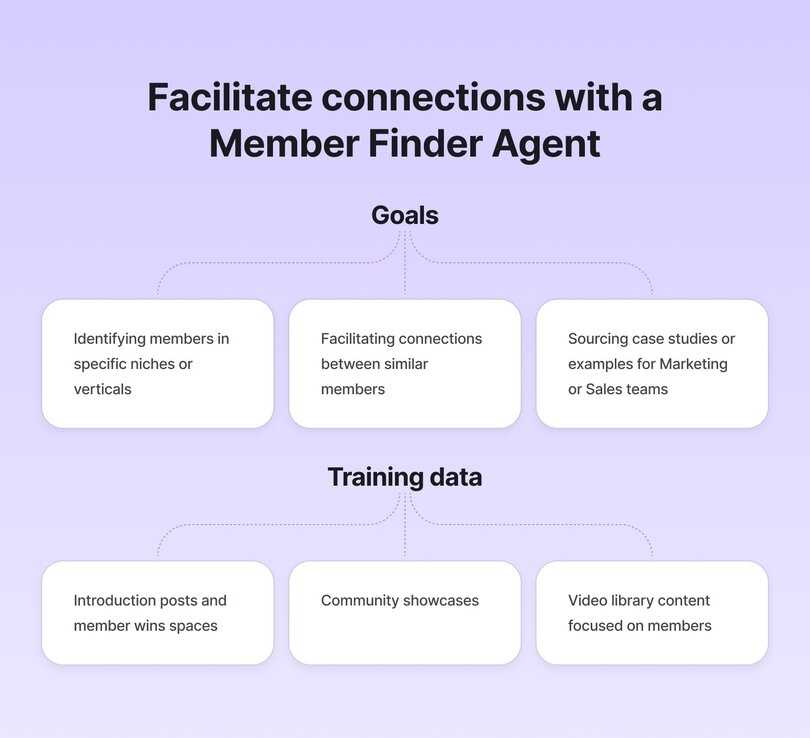
**Use it for:**
- Identifying members in specific niches or verticals
- Facilitating connections between similar members
- Sourcing relevant case studies or examples for Marketing or Sales teams
**Why it works:**
By scanning introduction posts, community showcases, and member wins, this agent quickly identifies members that would take hours to find manually (especially in large communities). It's like having an always-up-to-date directory of your community's expertise and interests.
**Sample conversation:**
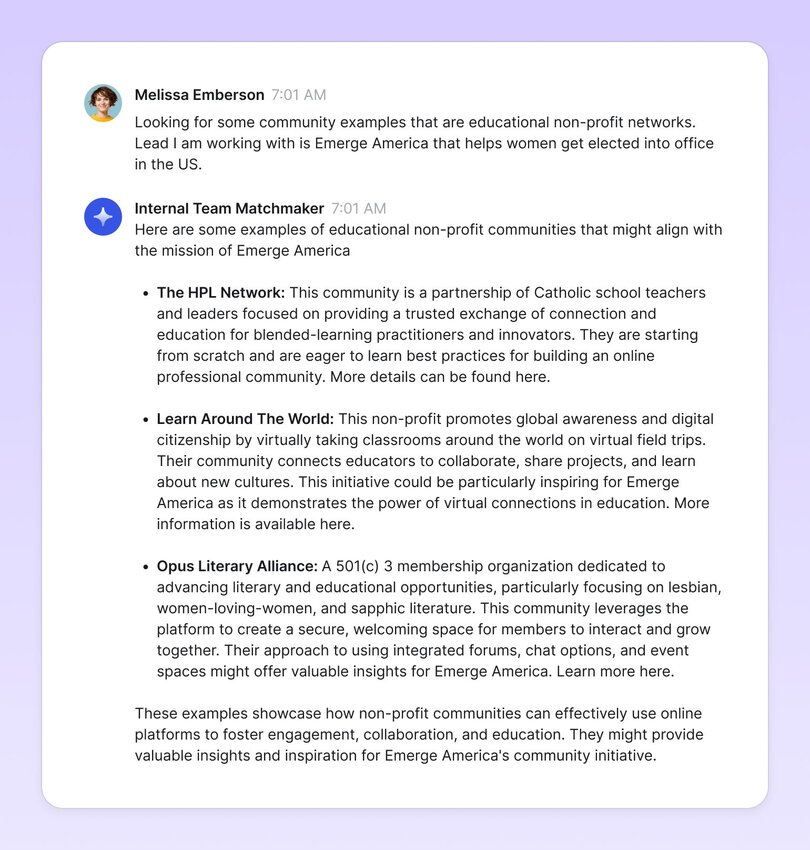
#### Real-world example: Circle’s Internal Member Finder
Remember that member who built a membership community for gardeners?
Or those three coaches who transitioned from Facebook Groups last summer?
**This ^^ is a constant question between community people.**
As our Circle community grew to tens of thousands of members, these valuable examples became increasingly hard to track—buried in thousands of introduction posts, showcase threads, and casual mentions.
We needed a way to surface the right members at the right time, whether for making introductions, finding perfect case studies, or just refreshing our memory when working on a new program.
While our CRM and member profiles give us structured data points, **they miss the richest insights of all: how members talk about who they are,** what they do, what their communities are for, and all the contextual details shared in their actual conversations.
That’s why we built **Member Finder**, an internal AI agent accessible only to our team that transforms conversational data into searchable insights. By analyzing how members describe themselves and their communities in their own words, it catches nuances that formal profiles miss—revealing not just what they do, but how they think about their work, what challenges they face, and where they're heading next.
**We trained Member Finder on four key knowledge sources where members naturally share their stories and experiences:**
- Our Say Hello introduction space, where they describe their background and goals
- The Community Showcase space, filled with detailed descriptions of their communities
- Share Your Wins posts, where they share their milestones and achievements
- Video Library content, including transcripts from show-and-tells and member spotlights
**The results:** Though still in testing, Member Finder is already helping us make better connections across our community. We're using it to match similar members, find relevant examples for sales conversations, and spot emerging trends we wouldn't have noticed otherwise.
**Implementation tip:** Start by focusing on the spaces where members naturally describe themselves and their work in detail. Introduction threads, case study submissions, and "share your story" posts are goldmines of information.
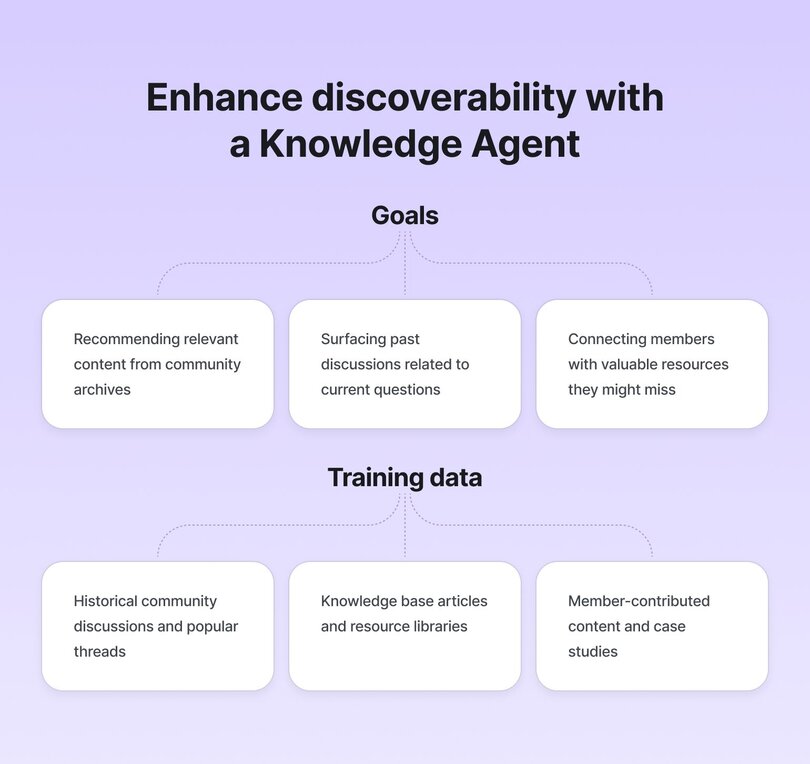
### 📚 5. Knowledge discovery agent – surface the right content
**Use it for:**
- Recommending posts, videos, or discussions from community history
- Helping members discover high-quality answers from the archives
- Acting as a “search companion” that goes beyond keyword matching
**Why it works:**
The knowledge engine continuously trains on updated community content — so your AI agents stay relevant. You can even include private spaces or external files to expand what the agent knows.
**Sample conversation:**
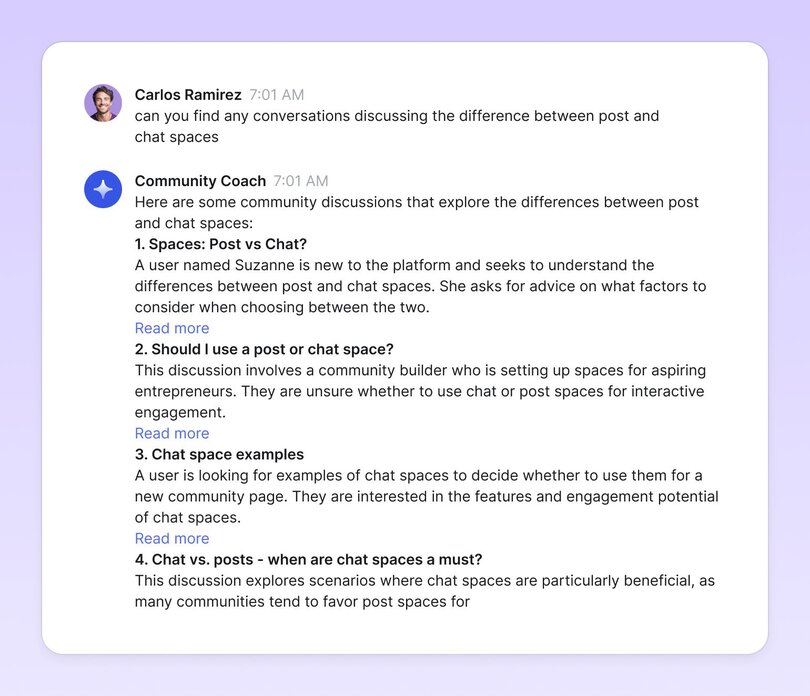
#### Real-world example: PregnaHub's "Alma" Knowledge Agent
PregnaHub, an online community for expectant and new parents, faced a common challenge with their extensive resource library: ensuring members could easily find relevant, expert-backed information exactly when they needed it.
But, with content scattered across e-learning modules, expert Q&As, blog posts, and community discussions, members often struggled to locate specific resources during critical moments of their pregnancy or postpartum journey.
Emiliana Hall, PregnaHub's founder, recognized that many members were posting duplicate questions despite the answers existing somewhere in the community. Even more concerning, some members were leaving without finding crucial information that could support them during vulnerable periods like the third trimester or early postpartum weeks.
**Implementation:** Emiliana and her team created "Alma," a knowledge discovery agent designed with a warm, reassuring tone to match PregnaHub's supportive community culture.
**They took a targeted approach to training Alma:**
1\. They prioritized training on their most crucial spaces:
- Pregnancy & Birth Discussions
- Community Support Chat
- E-Learning Library
2\. They curated a custom knowledge base with:
- Proprietary hypnobirthing course materials
- Expert-written pregnancy FAQs
- Moderation guidelines to ensure appropriate responses for sensitive topics
3\. They fine-tuned Alma's tone settings to be:
- Warm and empathetic—always offering encouragement
- Expert-led—rooted in evidence-based research
- Non-judgmental—creating a safe space for all parents
**The results:** Alma quickly became an essential guide for PregnaHub members, particularly for after-hours support when human moderators weren't immediately available. The impact was especially significant for time-sensitive questions, where waiting even a few hours for a response could cause unnecessary anxiety for expectant parents.
Beyond answering questions, Alma excelled at connecting members with relevant resources they wouldn't have otherwise discovered—guiding them to specialized content like hypnobirthing techniques, expert Q&A threads, and support groups based on their specific stage of pregnancy or postpartum recovery.
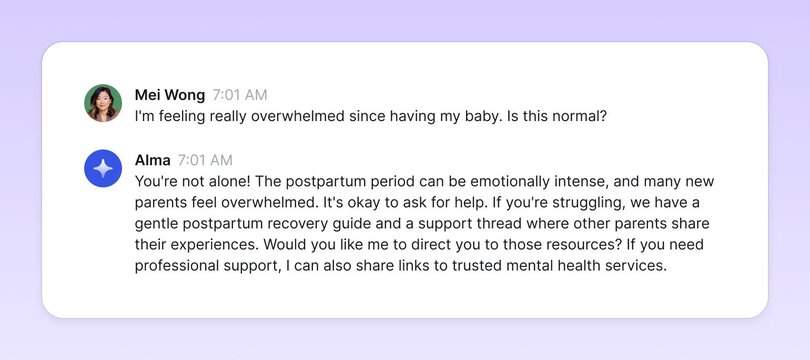
Emiliana notes that Alma's most valuable contribution has been enhancing the overall community experience: "By providing instant, reliable answers to common questions, Alma has freed up our human moderators to focus on deeper, more personalized discussions. This has transformed PregnaHub from a resource library into a truly responsive support system for parents."
**Implementation tip:** When creating a knowledge discovery agent for sensitive topics like health or parenting, balance factual information with empathy. PregnaHub's team found success by having Alma acknowledge feelings first before providing resources, with responses like: "That sounds really challenging—you're doing an amazing job! Here's a resource that might help..."
### 🧠 6. Coaching expert agent – scale your expertise
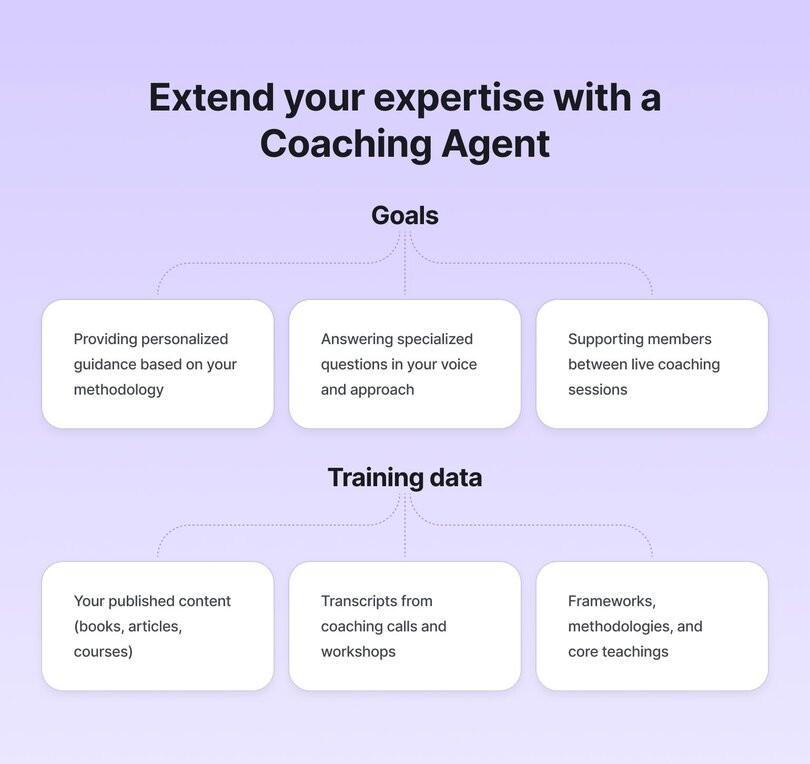
**Use it for:**
- Providing on-demand coaching aligned with your methodology
- Answering specialized questions in your voice and approach
- Supporting members between live interactions
- Reinforcing your core teachings and frameworks
**Why it works:**
By training an AI agent on your unique content, methodologies, and expertise, you can create a "digital twin" that extends your reach and impact. This allows members to get personalized guidance that genuinely reflects your approach—without requiring you to personally respond to every question.
**Example:** "Looking to refine your lead magnet? Here's what John recommends in Chapter 3 of his book, plus some examples from our most successful members."
#### Real-world example: John Meese's "SmartBuddy" Coach
The [Sold Out Coach Club](https://www.sellyoursmarts.co/club/), founded by John Meese, helps entrepreneurs build and scale their businesses. But as his community grew, John faced the classic creator's dilemma: how to give personalized attention to each member without burning out or compromising on quality.
The timing couldn't have been more challenging—John's Member Success Coach had just left the team right as membership demands were increasing. Rather than immediately hiring a replacement, John saw an opportunity to experiment with AI as a solution.
**Implementation:** John built "SmartBuddy," a personalized coaching agent, using a systematic approach to ensure quality and authenticity. He trained his agent with layers of valuable content:
First, he uploaded PDF copies of his three published books, establishing a solid foundation of his core business teachings. Next, he added transcripts from years of live coaching calls, capturing his real-time problem-solving approach and conversational style. Finally, he created a dedicated "SmartBuddy Training" space where he and his executive assistant regularly add new materials, including work-in-progress content from his upcoming book.
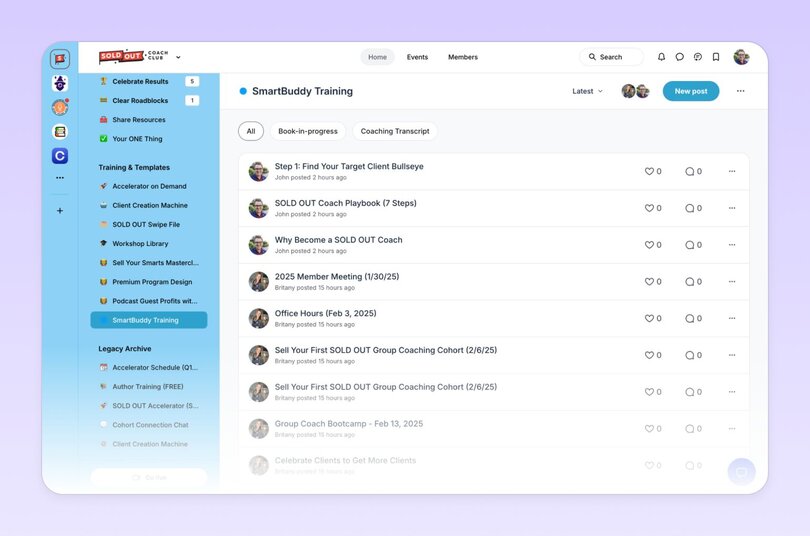
To maximize engagement, John created a "SmartBuddy Prompts" chat space in his community where members could share effective ways to use the agent and learn from each other's experiences.
**The results: SmartBuddy is now handling approximately 80% of the coaching queries that previously required John's personal attention—effectively replacing much of the work of a $2,000/month contractor.** Members use the agent to refine their messaging, clarify business strategies, and get feedback aligned with John's coaching framework—all on their own schedule.
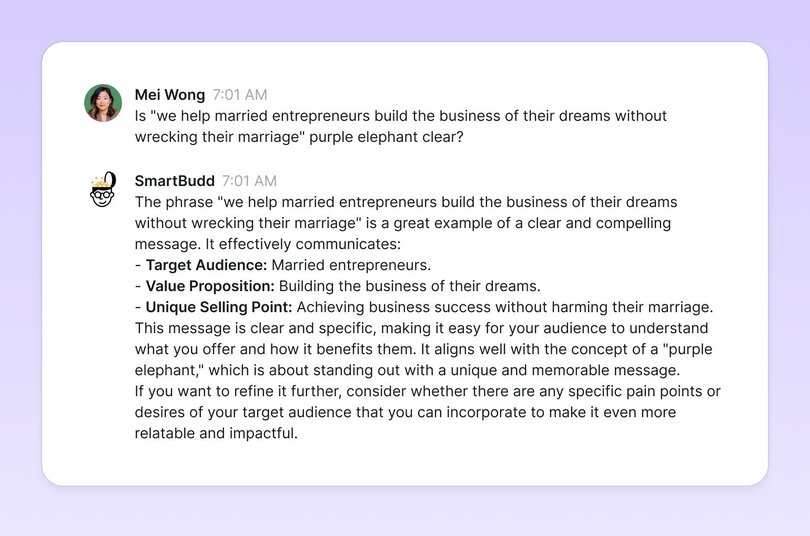
Beyond the time savings, John has discovered an unexpected benefit: **SmartBuddy helps members articulate their questions more clearly**, leading to more productive live coaching sessions when they do connect in person.
**Implementation tip:** Start by identifying your "greatest hits"—the core teachings, frameworks, or methodologies you find yourself explaining repeatedly. These are perfect for training your expertise agent. Then gradually expand to include real conversations that show how you apply those concepts in different contexts. This layered approach creates an agent that can both explain your principles and demonstrate how to apply them.
**💡 Pro tip:** Because **Circle supports up to 10 customizable agents per community**, that means you can build out a full “AI team” with different agents for onboarding, learning, support, events, and discovery. You can:
- Give each agent a name, avatar, tone of voice, and knowledge base
- Set access permissions (e.g., moderators only)
- Review conversations in a shared AI Inbox
- And more, over time!
## 5 tips for building your first community AI agent
So, how do you actually build your first AI agent? And how do you start integrating it into your community management workflows in a way that’s helpful and human?
Simple: **treat it like a test.**
This isn’t about nailing it on the first try (honestly, no one does). **It’s about experimenting with intention.** Every step you take now will start shaping how AI will fit into your unique approach to community building tomorrow.
### 1\. Shift your mindset
Most people fall into one of two camps: the **skeptics** or the **overenthusiasts**.
The best community builders? They’re somewhere in between. Curious, hands-on, and strategic. They’re not handing over everything—but they’re not avoiding the shift either. They’re tuning, refining, and figuring out how to make their work more human, not less.
Don't worry about being an AI expert. You just need a clear goal and a willingness to experiment. The rest comes from doing.
### 2\. Start with the problem you want to solve
Before you dive into building your agent, take a step back and get clear on _why_ you're doing it. What's the real problem you're trying to solve:
- Are you hoping to reduce the volume of repetitive support questions?
- Help members find the right content or spaces more easily?
- Maybe you want to encourage quieter members to participate?
> As Pedro Hernandes, Circle's Sr. Community Manager, advises: "Give it a very clear job and define what it _doesn't_ do." This includes setting boundaries about what your agent won't handle to maintain trust and ensure expectations are clear. Pedro elaborates: "We named ours 'Community Coach' to reinforce that it's a guide, not tech support. That set expectations for both tone and behavior."
Whatever your focus, write it down in a few clear sentences. This is your problem statement—the north star for your agent's design and behavior. Being specific here will not only help you train your agent more effectively, but it also gives you something to revisit once it's live.
### 3\. Train it right, stay in control
When you set up your agent, think of the _knowledge engine_ as its brain. You want to give it relevant information and material for this brain to work well. Start with spaces, posts, or PDFs that are genuinely useful.
Several community leaders have found success with targeted training approaches:
- Emma Catranis, Senior Customer Education Manager at Circle, created "a Q&A doc specifically for the purpose of training the bot where I jotted down every question we've received about Circle Academy so far, plus all of the questions I anticipate we might get asked."
- Jim Nelson from Tripawds used "custom snippets and set up trigger words or phrases that would prompt specific responses or pause the AI conversation."
- Kev Mathews from AbsoluteDogs shared that they "started pulling in snippets from eBooks, affiliate info, YouTube transcripts..."
- Cat Mansouri from Nischa's Inner Circle gave their agent "access to course pages, handouts, and real member examples."
Use your brand tone when you customize its behavior and responses. In Circle, you have some pre-set behavioral settings you can choose from, so make use of them!
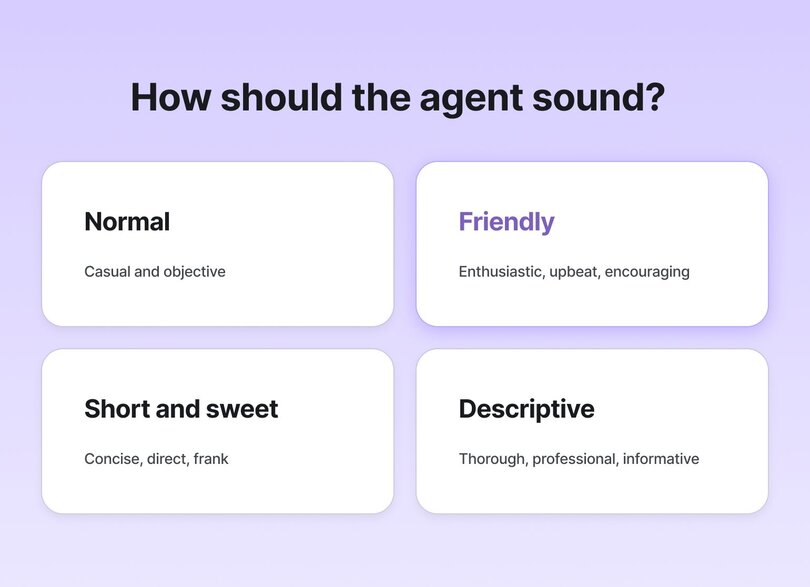
But, Pedro warns: "Don't skip tone testing. The wrong tone setting (e.g., 'Descriptive' vs. 'Normal') can lead to awkward or even incorrect answers. Test sample queries before going live."
And don't forget: the AI Inbox gives you full visibility. You can see every conversation and step in whenever needed. The agent might do the talking, but you're the one writing the script.
### 4\. Measure what matters
Once your AI agent is live, don't just set it and forget it—set aside time to check if it's actually helping. Start by tracking a few simple signals: Are members getting answers faster? Has your support load decreased? Are new members finding value more quickly? Is engagement getting more qualitative in the community overall? You don’t need a fancy dashboard—just regular reflection and a willingness to iterate.
One of the most insightful things that we've done in the community team after launching our first agent was to analyze the conversations and responses in our AI inbox. My team evaluates:
- Types of questions being asked
- Accuracy of responses
- Whether the agent is successfully deflecting basic, repetitive questions
If you want to quantify things a bit more, try this: Take all the questions asked to your agent over a one-week period, and score them on a scale of 1–5. You can evaluate things like:
- How accurate were the responses?
- Did the agent get the tone right?
- Were members asking the _types_ of questions you expected (support, coaching, onboarding, etc.)?
Once you've tallied up the scores, you'll have a baseline you can work to improve week on week, month on month, by refining its training data, adjusting its purpose, or tweaking example questions and tone of voice to help guide better outcomes.
### 5\. Don’t build it alone
One of the most overlooked ways to build better AI agents? Involve your team and community. If you work with moderators, coaches, or cross-functional partners like support or product, invite them into the process. Ask what kinds of questions they get asked most. Show them early agent conversations and get their take.
> Jerod Morris, Customer Success Manager for Circle Plus, suggests being especially careful in sensitive domains:
>
> "If you’re working in a personal, emotional space, like parenting, be extremely careful about offloading any work on emotions, feelings, etc, to an AI Agent."
>
> Instead, he recommends using "trigger words to pause a conversation and escalate it to an admin."
Not only will collaborative development make your training data stronger—it'll also build trust and alignment around how AI shows up in your community strategy. The key is to start small, test, learn, and continually improve based on real interactions with your members.
💡**TLDR:** Your agent may be powered by data, but it gets better through real human collaboration.
## What do AI agents mean for you
“So, will AI replace me?”
It’s the sneaking fear behind a regular conversation I have with community managers. But AI simply can’t do what great community managers do.
- It can't build genuine relationships.
- It can't sense when a member needs extra encouragement.
- It can't feel the pulse of a community or make those intuitive decisions that come from years of experience.
**But the reality is that AI is already streamlining the parts of the job that none of us got into this work for**—like answering the same question for the tenth time or manually redirecting someone to the right space. After just a month of testing AI agents in our Circle community, I went from skeptical to convinced this would redefine how we work.
So, the question isn't whether AI will impact how we work as community managers—it already is.
**The better question is:** What do we want to do about how AI is changing our work?
A year or two from now, I believe the best community leaders will be the ones who've proactively tried to answer this question. Realizing that AI agents won't replace you, but assist, extend, and free you is a helpful mindset shift.
It's about working smarter to be more present where it truly matters. It's about creating space for the work that made us fall in love with the community in the first place: those transformative conversations, the events people still talk about months later, and the programs that actually move the needle for members and your business.
It's also about developing AI literacy–a skill that will become increasingly important in the years ahead. Learning how to design systems with an AI-first approach and then focusing on managing and improving these systems.
**As a community leader, this is your moment to experiment**—not to be perfect, but to be curious. Instead of worrying about being replaced, start imagining what your team could look like with AI agents handling the repetitive tasks that drain their energy.
What passion projects have been sitting on _your_ backburner? What member connections have you wanted to deepen but never found the time for?
In the end, AI's greatest gift to community building might be surprisingly simple: returning us to the human work we always wanted to do in the first place.
**And if you want to learn more about how Circle is using AI to add _more_ humanity back to community?**
[Start your free 14-day trial today.](https://app.circle.so/communities/new)
---
### Create a summary for your course lessons with co-pilot
*If you create any sort of video content for your community, you’ll know that including transcripts can be really valuable to your members—they make it easier to follow along and improve accessibility…*
Source: https://circle.so/blog/ai-lesson-summary
If you create any sort of video content for your community, you’ll know that including transcripts can be really valuable to your members—they make it easier to follow along and improve accessibility. But what about members who prefer to have the most important information available at a glance? How do you accommodate members who learn in different ways without significantly adding to your workload?
## Our use case
We recently launched our Community Business Blueprint course to help Circle customers build a strong foundation for their own community businesses. The course is video-based, but we include a brief text write-up with each lesson to give students an idea of what to expect in that lesson and reinforce key concepts.
We hadn’t yet launched our first few [Community AI features](https://community.circle.so/c/product-updates/introducing-community-ai) when we drafted the write-ups, so we weren’t able to enlist the help of co-pilot, a feature that helps you write, edit, and repurpose content. But now that we have rolled out these features, we decided to revisit the write-ups and see if co-pilot might be able to get the job done more efficiently next time around.
## How we used co-pilot
To test it out, we selected one lesson to use for the purposes of this experiment: A brief, minute-long lesson that introduces Module 5 of the course and provides an overview of what the next few lessons in the module will cover.
First, we copied the automated transcription of that lesson. Then, we fed co-pilot the prompt: “The following is a transcript from a course lesson. Draft a description of the lesson from the transcript: \*I COPIED & PASTED THE TRANSCRIPT HERE\*” and pasted in the transcription we’d copied from the course.
From this prompt, co-pilot came up with the following:
> **Module 5: The inner workings of successful communities**
>
> Welcome to Module 5 on the inner workings of successful communities! My name is Emma, and I manage community education at Circle. I’m thrilled to have you here with me for this module, where we’ll be making some key decisions about your community offering.
>
> In this module, we have some exciting things planned. Let’s take a look at what we’ll cover:
>
> - **Establishing your programming strategy:** We’ll kick things off by helping you define your programming strategy. This will involve selecting a few different rituals that will form the core of your community offering.
> - **Mapping out your community structure:** Next, we’ll delve into community structure. Together, we’ll decide what spaces to include in your community and how to organize them effectively.
> - **Exploring engagement:** Engagement is crucial for the success of any community. We’ll explore various ideas and strategies to kick start engagement in the early days of your community.
> - **Building community the sustainable way:** Finally, we’ll wrap up the module by discussing how to build a sustainable community. We’ll cover important aspects such as fostering long-term engagement, managing growth, and ensuring the longevity of your community.
It was a noticeable improvement from the quick write-up that was initially created for the lesson, which you can see here:
> **👋 Welcome to Module 5**
>
> In this module, Emma explores the inner workings of successful communities and helps you make important decisions about your community offering.
>
> In Module 5, you'll learn…
>
> - How to establish your programming strategy
> - How to map out your community's structure
> - How to kickstart engagement in a new community
> - How to build community the sustainable way
While we’d definitely make tweaks to co-pilot’s version if we were actually using it, however, the way co-pilot summarized the main idea of each lesson and provided the additional context for each made for a great starting point. We loved how it bolded the most important text to emphasize the subject of each lesson in the module. We felt confident that the description generated by co-pilot would be usable for that specific lesson in the course.
But why stop there? We wanted to see what else we could do with co-pilot, so we continued with this prompt: “Shorten the lesson description above into one paragraph.” Ever the helpful assistant, co-pilot came back with this:
> Welcome to Module 5 on the inner workings of successful communities! In this module, we will cover key decisions about your community offering. We’ll start by helping you define your programming strategy, selecting rituals that will form the core of your community. Next, we’ll delve into community structure, deciding what spaces to include and how to organize them effectively. We’ll also explore ideas and strategies to kick start engagement in the early days of your community. Finally, we’ll discuss how to build a sustainable community, focusing on fostering long-term engagement, managing growth, and ensuring longevity.
## The impact
Using automated transcriptions and co-pilot together allowed us to create a strong, detailed lesson description in absolutely no time. You can see that co-pilot’s summary is more detailed than what I wrote on my own, so I can simply swap out what I had with co-pilot’s version. Having this detailed write-up for the lesson is great because everyone learns in different ways, and for some it’s easier to follow along with text than it is to pay attention to a video.
Co-pilot’s shortened version of the description is also really helpful. If we wanted, we could create these short summaries for each module in the course and then use them to promote the course in the community—they’d be really valuable in giving members a quick overview of the entire course.
## Steal the prompt
If you’re also looking to generate summaries of video transcripts, feel free to use the prompt(s) below with co-pilot.
**Ask co-pilot to create a summary of a video transcript:**
The following is a transcript of \[ \_\_\_\_\_\_\_\_\_ \]. Draft a description of the \[ \_\_\_\_\_\_\_\_\_ \] from the transcript: \*PASTE THE TRANSCRIPT HERE\*
**Ask co-pilot to shorten the summary:**
Shorten the \[ \_\_\_\_\_\_\_\_\_ \] description above into one paragraph.
Curious how else you can use this prompt (or one similar) to achieve a different outcome? Here are some ideas!
- **Create a quick write-up of a past event**. If you host frequent events in your community but spend too much time drafting write-ups to go along with the event replays, ask co-pilot to do it instead!
- **Create a quick write-up to accompany a video tutorial**. If you create video tutorials for your members, it’s a great idea to share the steps in text form as well! Ask co-pilot to create a text write-up to accompany your tutorial.
- **Use the shortened description in marketing copy**. Ask co-pilot to shorten the description for any of the use cases above, and then use what it comes up with in marketing copy (email, social, even within your own community) to promote the content.
> ✨ Co-pilot is a feature that is part of our Community AI suite, which is available exclusively to customers on our Business and Enterprise plans. If you’re interested in learning more about co-pilot or Community AI, check out [this post](https://community.circle.so/c/product-updates/introducing-community-ai).
---
### Generate ideas for your next Q&A session with AI content writer
*If you’ve ever hosted a community event, you’re probably well aware that there’s a lot of behind-the-scenes work that goes into creating events that appear effortless…*
Source: https://circle.so/blog/ai-qa-ideas
If you’ve ever hosted a community event, you’re probably well aware that there’s a lot of behind-the-scenes work that goes into creating events that appear effortless. Whether you’re bringing an expert onboard to teach a workshop, moderating a panel of community members, or hosting your own solo masterclass, there’s a lot to consider—including the question-and-answer portion of the event.
But how do you set the scene for an engaging and insightful Q&A session?
## Our use case
In the [Circle community](https://community.circle.so/home), we host regular masterclass sessions with subject matter experts that always include a Q&A portion at the end of each event so members can ask the expert questions.
To prepare for these events, our team would draft a short list of my own questions for the expert. During the event, we use one or two of these questions to kick off the Q&A portion and then keep the rest on hand in case attendees aren’t particularly forthcoming with their own questions.
But here’s the issue: while thinking of two or three questions is easy enough, compiling a much longer list takes a significant amount of time, research, and brain power—and it takes even more time, research, and brain power when the masterclass is about a topic we may not be all that familiar with. This puts some pressure on the question drafting process because the last thing we want is to let attendees down by asking repetitive or uninteresting questions.
✨ **Enter: AI content writer,** a feature that helps you write, edit, and repurpose content.
## How AI content writer made us more efficient
We recently [hosted a masterclass event with public relations strategist Sabina Hitchen](https://community.circle.so/c/video-library/pr-masterclass-get-press-for-your-community) where she shared her best strategies for securing meaningful press coverage for your business. To prepare for this event, we compiled our usual list of questions—only this time, I enlisted the help of AI content writer.
To start, we draft a prompt that provides some context on the use case (i.e. We’re hosting an event about PR) and includes a specific ask (i.e. Give me a list of 10 questions that I can use for this event).
Then, we fed AI content writer the prompt: _“I’m hosting a community event with a PR strategist who’s an expert in helping small business owners/creators secure media coverage for their businesses. What are 10 questions I could ask her that might be helpful for my community members?”_
Here’s what it came up with:
> Hosting a community event with a PR strategist can provide valuable insights for small business owners and creators looking to secure media coverage. Here are ten questions you can ask the PR strategist to help your community members:
>
> - What are the key elements of a successful media pitch for small businesses?
> - How can small business owners identify the most relevant media outlets for their industry?
> - What strategies can small business owners use to grab the attention of journalists and reporters?
> - Are there any specific tips for crafting a compelling press release that stands out?
> - What are some effective ways to build relationships with journalists and influencers?
> - How can small business owners leverage social media to enhance their media coverage?
> - What are the common mistakes small business owners make when trying to secure media coverage?
> - Are there any creative PR tactics that have proven successful for small businesses?
> - How can small business owners measure the impact of their media coverage?
> - What are the best practices for following up with journalists after pitching a story?
> - These questions will help your community members gain valuable insights from the PR strategist and enhance their media coverage
This is a really solid list, and many of these questions speak to subtopics we never would have thought of organically in such a short frame of time. One of the questions was particularly interesting (“How can small business owners measure the impact of their media coverage?”) and we thought it would appeal to many of the event attendees, so we asked co-pilot to dive even deeper.
Building off of the initial list, we prompted co-pilot with the following: “Generate 5 new questions about measuring the success of PR efforts.”
Co-pilot did not disappoint! Here’s the list of new questions:
> - How can small business owners determine the reach and audience demographics of their media coverage?
> - What metrics should small business owners track to assess the effectiveness of their PR campaigns?
> - Are there any tools or software that can help small business owners analyze the impact of their media coverage?
> - What are the key indicators that indicate a successful PR campaign for small businesses?
> - How can small business owners benchmark their PR efforts against industry standards and competitors?
Once we had the two lists, we selected the questions that we wanted to keep for the event. Then, we re-ordered the list (placing the most impactful question higher up) and rephrased a few of the questions to better match Circle’s tone of event hosting.
## The impact
With the help of the AI content writer, we were able to come up with a strong list of questions for the masterclass event in no time at all. If we had compiled the list of questions without help, it would have taken about 20 to 25 minutes.
With the AI content writer, it only took seven or so minutes to develop the list of questions, generate additional questions around a specific focus, and comb through the list to decide which ones to use and which ones to scrap.
In addition to getting time in our workday back, using the AI content writer helped us come up with a more comprehensive list of questions than we would have gotten organically. We were able to go even deeper on the topic and create an engaging discussion to the benefit of our members.
## Steal the prompt
If you’re also looking to generate a list of questions or thought starters, feel free to use the prompt(s) below with AI content writer.
**Ask it to generate a list of questions around a specific topic:**
I’m hosting a community event \[ with/for/about \_\_\_\_\_\_\_\_\_ \]. What are 10 questions I could ask \[ the speaker/panelists/other: \_\_\_\_\_\_\_\_\_ \] that might be helpful for my community members?
**Ask AI content writer to dive deeper into a specific focus area:**
Generate 5 new questions about \[ \_\_\_\_\_\_\_\_\_ \].
Curious how you can use this prompt (or one similar) to achieve a different outcome? Here are some ideas! If you’re…
- **Struggling to think of new discussion starters for your community**: Ask AI content writer to come up with discussion questions or prompts that you can share with your members. You can use these as thought starters during a live event or share them in a discussion space and ask your members to respond as part of an async community ritual.
- **Gathering member testimonials but unsure of what to ask**: Have AI content writer generate interview questions that encourage quality responses from your members.
- **Feeling stuck when drafting a post, creating a course, or designing a resource**: Overcome writer’s block by asking AI content writer to come up with questions about the topic you’ll be covering in the post, course, resource etc. AI's questions can help you think about the topic in new ways.
---
### 5 AI workflows that save our community managers hours each week
*Discover how AI workflows can automate community moderation, onboarding, and engagement—freeing up 45–65 hours per month. Learn real examples from Circle’s 10k-member community and see how to build your first AI workflow today.*
Source: https://circle.so/blog/ai-workflows-for-community-management
Running a community is one of the most rewarding things you can do as an entrepreneur. But let’s be honest—**not all the work you do is equally meaningful.**
For every energizing conversation or connection you spark, there are dozens of repetitive, low-impact tasks: flagging spam, renaming vague posts, or making sure no question slips through the cracks. These are necessary to keep your community healthy, but they’re also draining—and not where your unique value as a community manager lies.
**What if you could automate the _least_ meaningful parts of the job so you could focus your time and energy on what matters most:** creating impact, strengthening relationships, and building the kind of community people want to return to every day?
At Circle, we wrestle with this reality every day. Our customer community has over 10,000 active members each month, with hundreds of new posts, comments, and discussions happening daily. But here’s the catch: we don’t have dozens of people running it behind the scenes.
In fact, we have _just three._
**That reality pushed us to ask:** How do we keep this highly-engaged community running smoothly without burning out our small team?
This year, AI gave us new tools to answer that question. We saw an opportunity to rethink how we work, starting with one of the most essential yet time-consuming parts of community management: moderation.
First with [AI Agents](https://circle.so/blog/ai-agents-for-communities), and now with [AI Workflows](https://circle.so/ai-workflows), we’ve been able to start automating moderation in ways that have taken the pressure off our team while making sure members consistently experience a space, thriving, and supportive space.
The examples you’ll see in this article are real workflows we’ve recently set up in our own community. They’re fresh, they’re real, and they’re what we’re most excited about right now when it comes to the future of community management… just a bit more automated.
The best part? They’re already making a massive difference.
## Before there were AI workflows, there was…
[Circle’s Workflows](https://circle.so/workflows) are our native automation tool, already used by thousands of community builders to streamline everything from onboarding new members to nudging engagement, managing operations, and handling routine admin.
Think of them as a simple formula:
> **Trigger → Filter → Action**
What’s new is that we’ve now **enhanced this with AI capabilities**. That means your automations are no longer bound by rigid rules like “if a member posts in X space , then do Y.” Instead, they can understand nuance, context, and intent.
That means your workflows don’t just execute rules according to pre-set triggers: **they can _interpret_ what’s happening in your community.**
This is brand new territory—for us, for our customers, and for community builders everywhere. But it’s also a glimpse into the future: where community management teams treat AI not as a gimmick, but as **a real teammate helping them scale.**
## What are AI workflows, really?
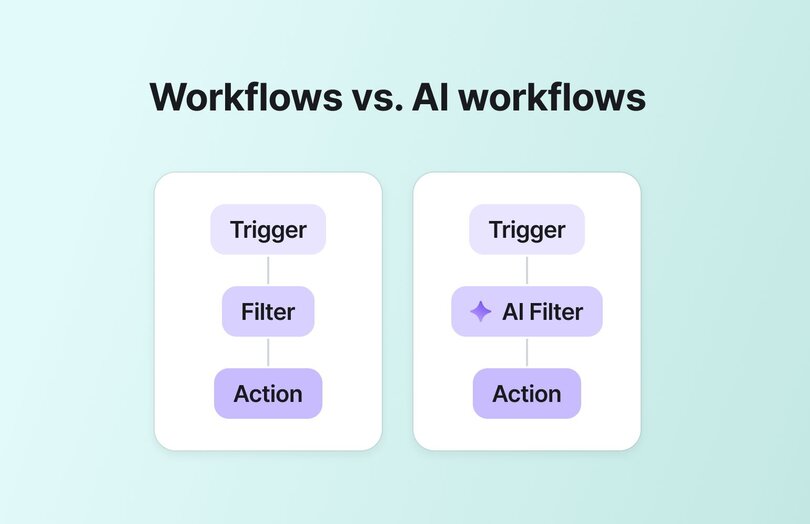
AI Workflows take the classic workflow formula from above and **add a layer of intelligence** in the filter.
With an AI filter in the middle, workflows don’t just look for keywords or rigid rules. They can actually understand context. That means they can:
- Tell the difference between “Buy my product now” (spam) vs. “Where do I buy this?” (a genuine question).
- Detect tone—like frustration, confusion, or gratitude—so you can automatically catch member activity most important to you
- Go deeper into the meaning of a post, surfacing what a member is really asking.
- Learn and adapt over time as you refine them.
So why does this matter? Because **communities thrive on human connection, not human busywork.**
AI Workflows take the repetitive, low-value tasks off your plate, so the work that’s left is the meaningful part—the part only you can do. In other words, they don’t just save time. **They protect the quality of your community and the energy of the people running it.**
### Breaking down the building blocks: triggers, filters, and actions
Circle’s AI Workflows are powered by an ever-growing library of triggers and actions.
| Triggers: the "when" | AI Filters: the "if" | Actions: the "what" |
| --- | --- | --- |
| | | |
### Why AI workflows matter
The elephant in this room (and most others) is that many community entrepreneurs are skeptical about AI.
The fear? That it’ll make things feel robotic—or worse, replace the authentic connections that make communities work.
But the truth is, **AI isn’t here to replace you. It’s here to scale you.** And if used right, and well, it’ll give you more space to do what you love.
As Pedro, one of our community managers, puts it:
## AI-powered moderation: how we do it at Circle
When you’re running a community at the scale of Circle’s (10k active members every month), moderation can’t just be reactive. It has to be intentional. But what do we mean by that?
For us, moderation isn’t just about catching spam or removing the occasional off-topic post. It’s the ongoing work of **keeping the community safe, healthy, and on-topic**, while also making sure the most valuable conversations rise to the surface.
That means enforcing our Code of Conduct and Community Guidelines, proactively flagging or removing posts that don’t belong to the community, curating spaces so members can find what matters most, and gently nudging members so their posts better align with the community’s purpose.
That’s why all the community managers worked closely with our product team, who built AI Workflows with the moderation use case in mind. **Circle’s own community became the testing ground.**
Here’s how we’ve started putting AI automations to work to solve for our most time-consuming moderation tasks. Each example follows a simple formula:
> **Problem → Setup → Result**
### 🛑 1. Enforcing our community guidelines
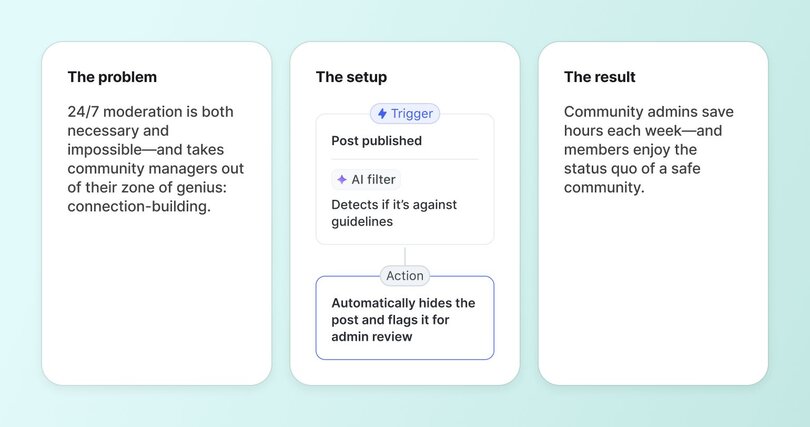
**The problem**
Community guidelines are like trail markers in a national park: they show members how to engage—and how not to engage—so everyone can feel safe, supported, and respected. But as communities grow, upholding those guidelines gets harder. Spam, self-promo, and off-topic posts sneak in, and moderating manually quickly becomes a full-time job.
**The setup**
My team built an AI Workflow triggered whenever a member publishes a post, which uses an AI filter to scan the content of the post and decide whether it fits the community guidelines.
- **Trigger:** Post published.
- **AI Filter:** Detects if it’s against guidelines (i.e: promotional, bug/technical issue better suited for support channels etc.)
- **Action:** Automatically hides the post and flags it for admin review.
**The result**
Moderation and follow-up DMs used to take our community managers 1-2 hours _per day_, and now **saves _each of them_ 30–60 hours/month.** 🤯
- Hours saved each week on manual moderation
- Anything harmful, off-topic, or against guidelines is filtered out before it reaches members
- Admins can focus on starting conversations and building connection, not repetitive moderation tasks
### ✏️ 2. Renaming post titles to make them easier to find and answer
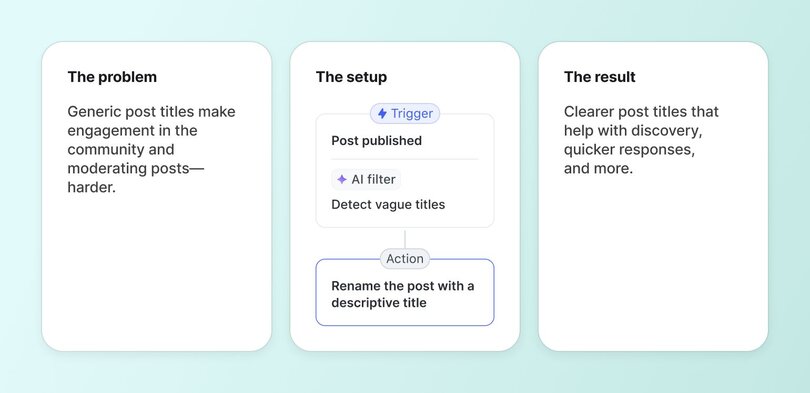
**The problem**
Posts titled “Help!” or “Question” aren’t helpful. They clutter the feed, make search harder, and bury more valuable conversations.
**The setup**
A simple AI workflow that renames posts that are too short or non-descriptive.
- **Trigger:** Post published.
- **AI Filter:** Detect vague titles.
- **Action:** Rename the post with a descriptive title.
**The result**
When we analyzed the results of this particular AI workflow, we found that renaming 313 posts **saved around ~5h of community management time per month.**
- Posts are made clearer without adding to the moderation workload
- Feeds remain high-signal and searchable
- Members get their questions answered faster
#### **Here’s an example of this clarifying workflow in action:**
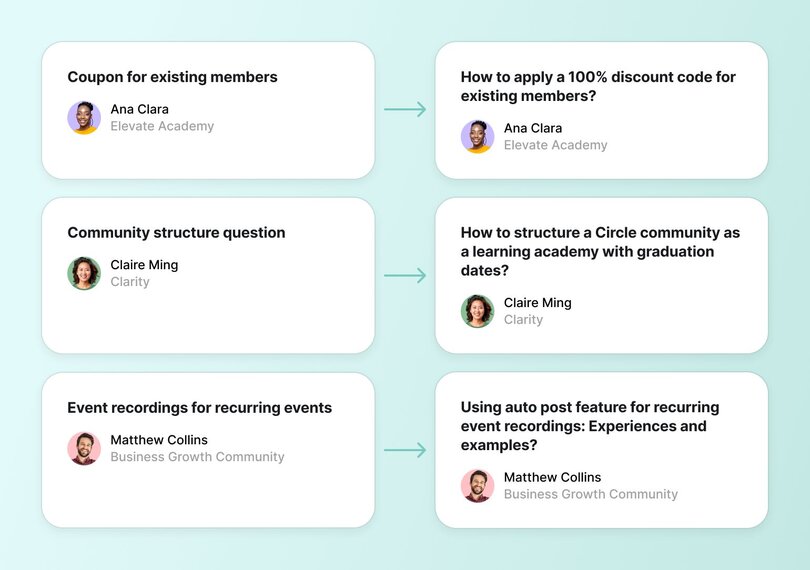
### 🧹 3. Hiding answered questions from the feed to keep it high-value
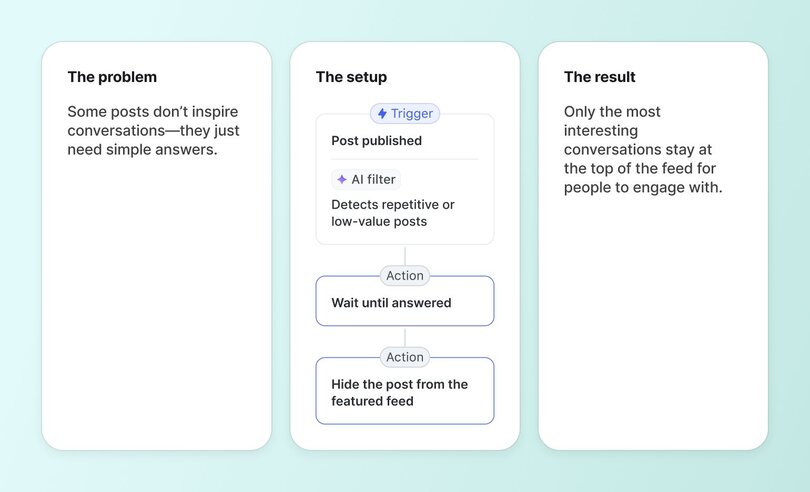
**The problem**
While all member questions are valid and important, there’s loads of basic questions that have been asked and answered many times. Think “how do I…”, or “will there be a recording” questions that add little ongoing value to others. Plus, over time, they crowd the feed and distract from more engaging content.
**The setup**
A workflow that automatically detects and hides the most “basic” posts from the community feed.
- **Trigger:** Post published in “Ask the Community” space
- **AI Filter:** Detects repetitive or low-value posts.
- **Delay:** Wait 4 hours for the post to be answered.
- **Action:** Hide the post from the featured feed.
**The result**
- Repetitive questions are filtered out once answered
- Members see a cleaner, high-value feed
- Engagement on most strategic posts increase
#### Here's an example of some basic vs. high-engagement posts:
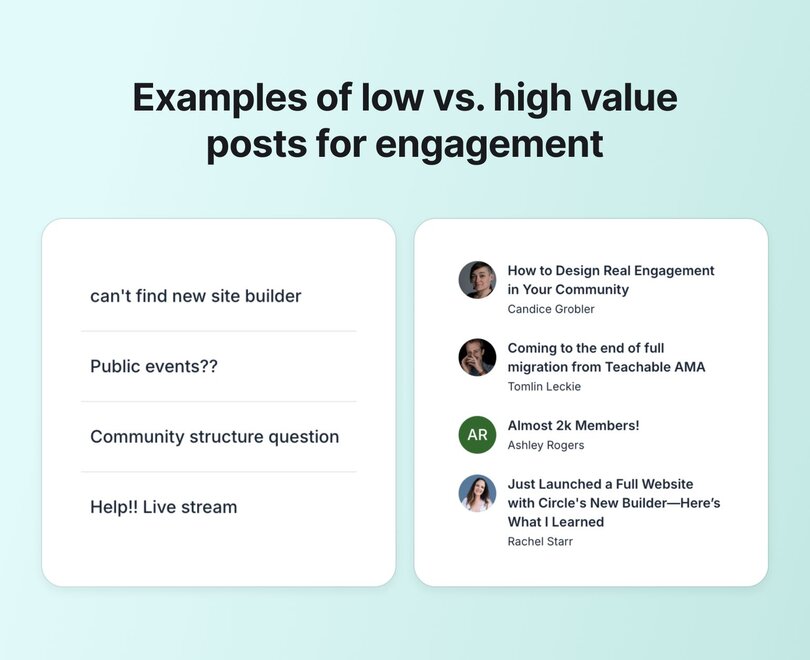
### 🕒 4. Never leave a question unanswered
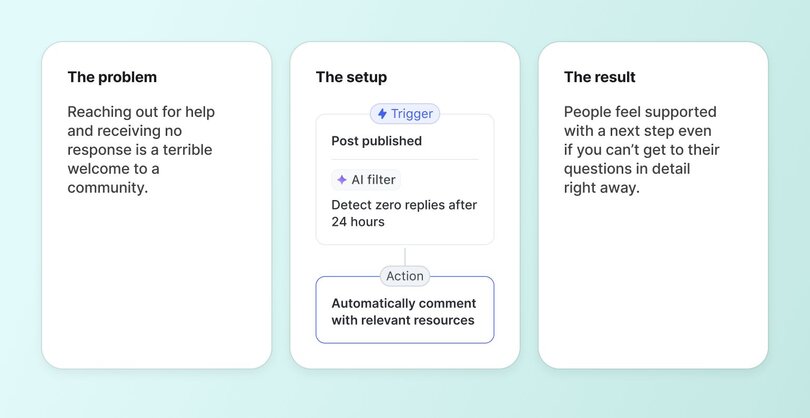
**The problem**
In the Circle community, **the vast majority of questions—over 60%—get answered right away by other members.** But with hundreds of posts each week, it’s natural that a few slip through the cracks.
**The setup**
A workflow that checks if a post in Q&A spaces has gone unanswered for 24 hours and chimes in with a helpful comment.
- **Trigger:** Post published.
- **AI Filter:** Detect zero replies after 24 hours.
- **Action:** Automatically comment with relevant resources.
**The result**
Deflecting commonly asked questions reduced monthly questions in our community by 22%, which **saved our community managers anywhere from 8-16 hours per month.**
- No member question slips through the cracks
- Trust grows: members know they’ll always get support
- The community earns a reputation as responsive and reliable
### 🔍 5. Clarifying ambiguous feature requests
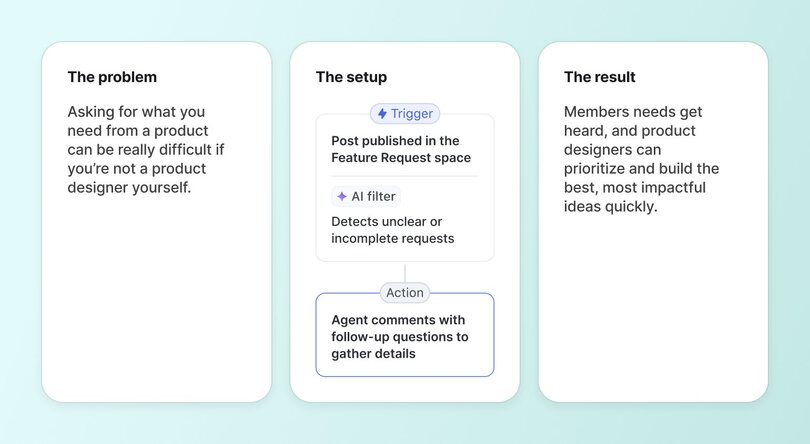
**The problem**
In our Feature Requests space, members often share great ideas, but sometimes their posts are too vague for the product team to act on. Without enough detail, requests risk being misunderstood or overlooked. Our community managers find themselves asking the same clarifying questions over and over again.
**The setup**
An AI workflow that detects when a feature request is ambiguous or unclear and asks follow-up questions.
- **Trigger:** Post published in the Feature Request space.
- **AI Filter:** Detects unclear or incomplete requests.
- **Action:** Agent comments with follow-up questions to gather details.
**The result**
- Requests come in with the context the product team needs to evaluate them.
- Members get an instant response from the AI Agent—no waiting for a community manager—and can easily add details or use cases.
- The team saves time gathering context and can act faster on high-impact requests.
## Quickfire workflow ideas you can set up in minutes
But what if your community is small and you don’t need heavy-duty moderation yet? AI workflows are just as powerful for onboarding members, driving engagement, and celebrating milestones. Here are a few examples you can set up in minutes.
**1\. Welcome new members**
- Trigger = New member joins.
- AI Filter = Detects intro language.
- Action = Auto-comment a friendly welcome and suggest 1-2 starter resources to explore.
**2\. Celebrate high-effort contributions**
- Trigger = Post published.
- AI Filter = Detects posts with >300 words, detailed breakdowns, or unique perspectives.
- Action = Send DM to thank the member for their contribution and encourage them to keep going.
**3\. Detect posts that indicate upsell readiness**
- Trigger = Post published.
- AI Filter = Detects posts mentioning how to upgrade, premium features etc.
- Action = Send DM to encourage upgrade.
## How to build your first AI workflow step-by-step
Getting started with Circle’s AI workflows is simple.
### Step 1: Define your goal
You can’t automate what you haven’t defined. Write a short statement of what you’re trying to solve.
- _“I want to reduce the number of hours my team spends manually removing posts that break the Code of Conduct.”_
- _“I want to make sure every member's question gets an answer within 24 hours.”_
### Step 2: Choose your “trigger, filter, and action” combo
Think of this as your workflow formula: Trigger → AI Filter → Action.
- **Trigger:** What event kicks it off? (e.g., member publishes a post)
- **AI Filter:** What should the AI check for? (e.g., spam, vague title, unanswered post)
- **Action:** What happens next? (e.g., hide, rename, comment, send a DM)
### Step 3: Test, deploy, monitor, iterate
In our own Circle community, we started by testing our first automation workflow in a private space. This let us observe how it behaved, catch any rough edges, and tweak the AI’s responses before turning it on for the full community.
After launch, don’t just let your workflow run on autopilot. Check the results, see where it misses the mark, and make small tweaks. Over time, these adjustments compound, turning a simple workflow into a powerful, reliable part of your community operations.
> 💡Pro tip: Start small. Don’t try to automate everything at once.
>
> Starting with just one workflow can save you hours in the long run (isn’t that why we’re all here) and help you build confidence before scaling.
>
> So, choose one high-friction task that takes time but doesn’t require deep human judgment.
## AI workflows as a free community teammate (worth thousands per month)
AI Workflows, Actions, and Triggers don’t replace the human side of community—they protect it. By automating repetitive tasks, you reclaim the time and energy to focus on the connections that matter most.
All while your little AI teammate chugs along in the background, making your community safer, cleaner, and more engaging by removing fluff, clarifying language, following up, and enforcing community guidelines.
In just one month, our AI workflows have:
- Cleaned up the main feeds by renaming 313 post titles → **~5 hours saved.**
- Moderated posts for any guideline violations → saved over 1–2 hours every single day = **30–60 hours saved/month.**
- Deflected/answered 100+ questions per month → at 5–10 minutes each, that’s another **8–16 hours saved.**
**Grand total: ~45–65 hours/month freed up** (the equivalent of 10–15 hours/week).
**Impact:** At a $40/hr benchmark for community management work, **these AI workflows could save you $1,800–$2,600/month**—while also keeping the member experience consistent and responsive.
**👉 Ready to free up your time?** [Build your first AI Workflow in Circle today](https://app.circle.so/communities/new).
## FAQs about AI workflows for community managers
What are AI workflows in community management?
[AI Workflows](https://circle.so/ai-workflows) are intelligent, automated sequences following a **Trigger → Filter → Action**framework—designed for AI automation in community management. Unlike traditional, rigid, keyword-based rules, these workflows use AI-powered filters that understand **context, tone, and member intent.**For instance, a standard automation might flag any post containing "buy." In contrast, an AI Workflow can distinguish between spam ("Buy my product now") versus a legitimate query ("Where do I buy this?"), enabling context-aware moderation, intelligent engagement, and support automation that still feels human and nuanced.For more on setting these up, see the Circle help article on getting started with AI workflows:👉 [Learn more in our AI Workflows guide](https://help.circle.so/p/workflows/workflow-setup/getting-started-with-ai-workflows)
How can AI automate community moderation?
AI Workflows can take on moderation tasks by detecting, categorizing, and acting on content automatically. A few powerful use cases include:**Spam & Promotion Control**- *Trigger*: Member publishes a post
- *AI Filter*: Detects self-promotion or rule-breaking content
- *Action*: Hides the post and flags for admin review**Content Quality Control**- Auto-detects vague titles like “Help!”
- Suggests or applies clearer titles
- Filters out repetitive or low-value posts from featured feeds**Proactive Issue Management**- Monitors for negative sentiment or frustrated tone
- Escalates issues before they spread
- Closes resolved threads automaticallyThis keeps feeds valuable and relevant, while saving community managers hours of manual review each week.👉 [See full setup details here](https://help.circle.so/p/workflows/workflow-setup/getting-started-with-ai-workflows)
Can AI automate community member onboarding?
Absolutely. With AI workflows, you can craft personalized, automated onboarding experiences that scale gracefully and warmly:**Welcoming New Members**- Trigger: New member joins
- AI Filter: Identifies intro posts or new joiners
- Action: Posts a welcome message with helpful links**Celebrating Milestones**- Trigger: Member hits posting milestones or anniversaries
- Action: Sends congrats via DM or tags them in a celebratory post**Personalized Nudges**- Trigger: Trial member joins or engagement drops
- AI Filter: Reads activity levels
- Action: Sends personalized DMs to encourage participation or upgradesOnboarding becomes consistent, scalable, and warm — ensuring no member slips through the cracks.👉 [Explore onboarding workflows here](https://help.circle.so/p/workflows/workflow-setup/getting-started-with-ai-workflows)
What’s the difference between AI agents and AI workflows?
When comparing AI automation for communities, the two tools play distinct roles:**AI Workflows**- Fully automated, running quietly across your community
- Based on the Trigger → Filter → Action model
- Best for recurring, rule-based tasks like moderation, onboarding, and engagement
- Designed for efficiency and consistency**AI Agents**- Conversational tools that simulate human-like interaction
- Handle multi-step, nuanced member conversations
- Require prompting but can access a central knowledge engine filled with your content—community space posts, course lessons, custom FAQs, and more
- The [knowledge engine](https://help.circle.so/p/administration/ai-agents/create-and-manage-the-knowledge-engine-for-ai-agents) allows you to curate and control content by space or snippet, ensuring relevancy and accuracySo, **AI Workflows** are your reliable autopilot for repetitive tasks; [AI Agents are your dynamic assistants](https://circle.so/blog/ai-agents-for-communities) geared for rich, interactive member support.👉 [Get to know AI Agents at Circle](https://help.circle.so/p/administration/ai-agents/ai-agents-overview)
---
### The ultimate online course playbook
*Thinking about building or improving your online course? Read this first! Amy shares her top tips creating courses that sell.*
Source: https://circle.so/blog/amy-porterfield-digital-course-playbook
What can you learn about nailing your messaging, launch strategy, and list-building for your first digital course—from a digital marketing OG who has built a $100M business?
We have three words for you: [Amy. (_Freaking.)_ Porterfield](https://www.amyporterfield.com/).
Amy is an entrepreneurial powerhouse, online marketing expert, podcast host, and New York Times bestselling author that slowly but surely took the world of digital courses by storm when she started her business 15 years ago.
Now, she’s helped more than 80,000 students grow their email lists, create digital courses, and build online businesses they love. But she didn’t start out magically knowing exactly what to do.
“When I left my corporate job, I didn't know what I was going to sell, but I knew I wanted control over _when_, _where_, and _how_ I wanted to work,” says Amy.
Whether you’ve already launched a course and need refinement, or are considering creating a digital course for your business from scratch, this just could be the playbook that makes your wild dreams a reality. ✨
So, let's short-cut your way to prominence and profit by tapping into the wisdom and best practices gained from Amy’s 15 years of launching million-dollar digital courses.
## The goal
According to Amy, digital courses are the gateway to becoming known as an expert in your niche, growing a profitable and engaged community, and creating long-term recurring revenue for your business.
Sounds pretty magical, right?
Unsurprisingly, all the authors of our past playbooks have digital courses as part of their repertoires, too: [Codie Sanchez](https://circle.so/blog/how-to-find-your-niche), [Ali Abdaal](https://circle.so/blog/building-a-core-offer), and [Maya Elious](/blog/brand-messaging-framework).
Amy’s courses (both evergreen and live launch format) have earned her millions upon millions of dollars in recurring revenue, as well as notoriety in the online marketing space.
But the key to her success… is kind of boring. 😅
Amy preaches focus and commitment to one topic—to the point where if anyone so much as whispers your keyword—whether it’s “online course” or “square foot gardening” or “relationship coaching for boomers”—your name will be synonymous with expertise in that area.
Instead of diluting your focus with too many “great ideas”, **your goal should focus on creating and selling one course… over and over and over and over.**
That means Amy herself has taken a hundred plus attempts at making the right offer, to the right people, with the right process in place, with only one course: [Digital Course Academy](https://www.amyporterfield.com/dca-waitlist/).
You may be thinking:
- “How do I pick the right topic for my course?”
- “Is a digital course even right for my business—and where would it fit?”
- “What do I need to know to create my first course?”
We’ve got you covered.
## The assessment
If you’ve been hesitant about creating a course, whether because you’re doubting your expertise, or because you have no idea about the demand from the market, Amy has some good news for you:
Let’s break this down even further:
### How to build a course based on your current business:
What are you doing _right now_ in your business?
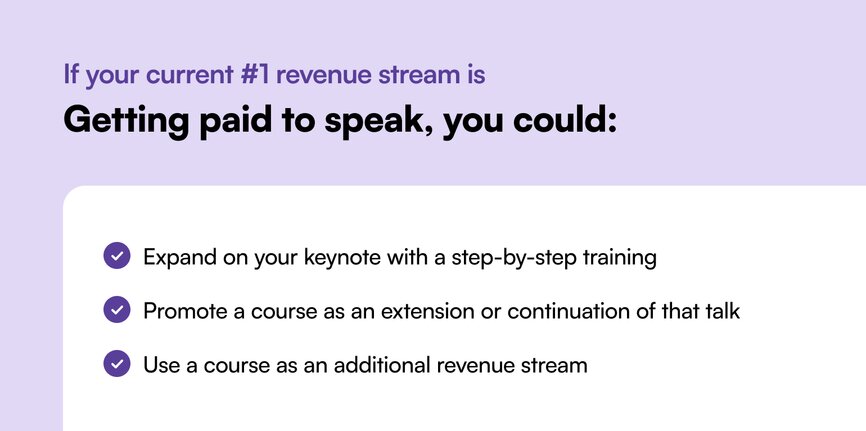
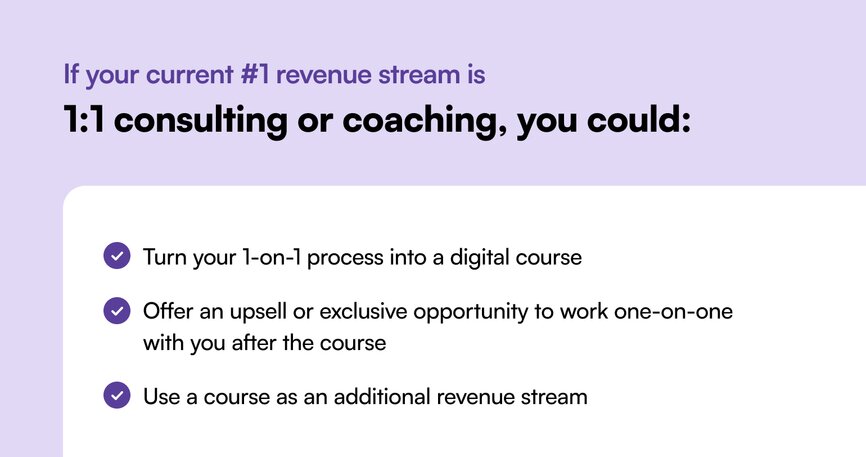
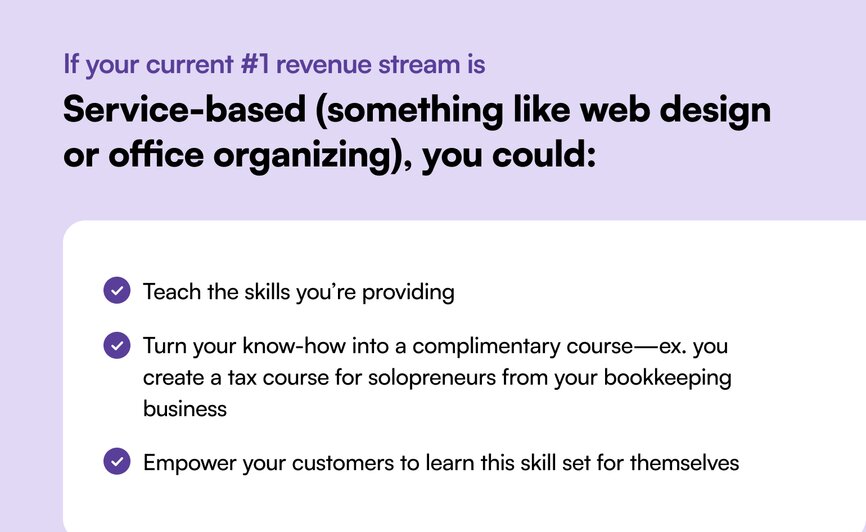
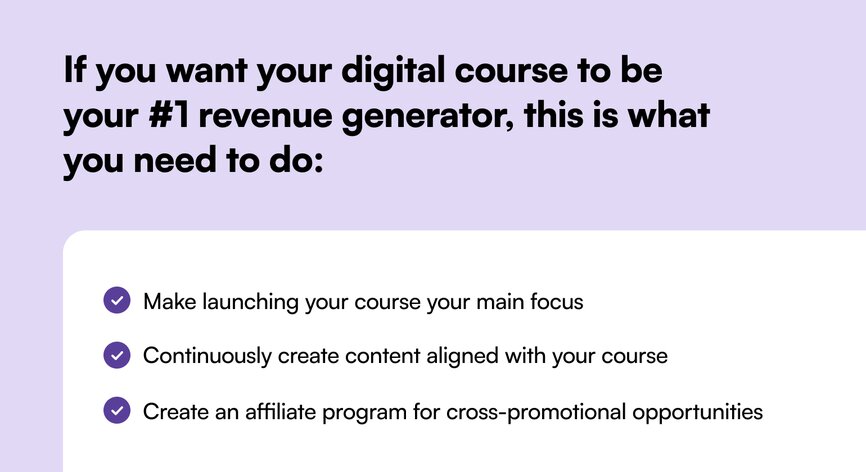
If you don’t fall into these buckets, it doesn’t mean you can’t still find success with courses. It might just take a little bit of extra work to get the results you’re looking for.
## The playbook
### Find your course creation sweet spot
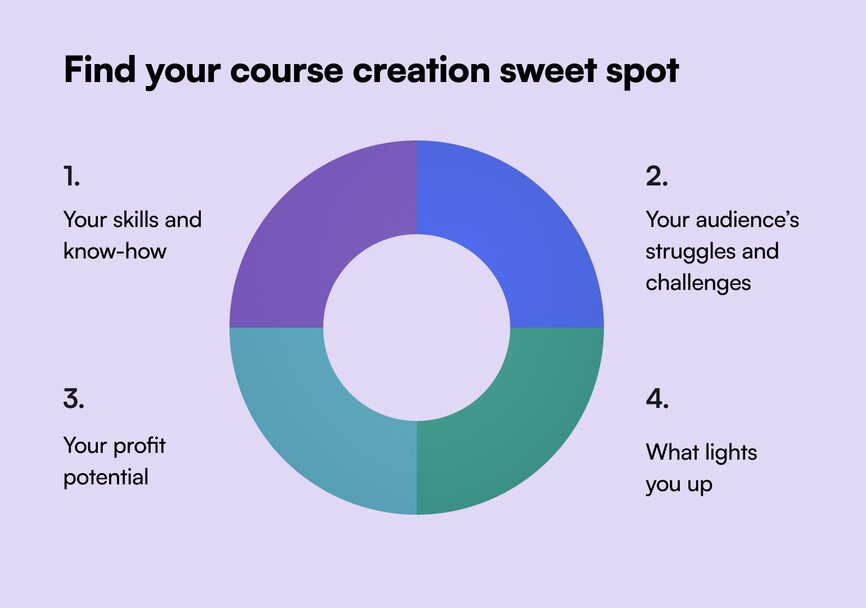
Creating a course can be intimidating for many reasons—but it becomes infinitely easier once you find your sweet spot, which combines the following four things:
1. **Your skills and know-how:** Where have you gotten results for yourself or for somebody else that you could teach inside a course?
2. **Your audience’s struggles and challenges:** Who is the person who’s struggling with a very specific problem or has a desire to get some kind of results? “Because once you have the knowledge and skillset, you want to pair it with the right audience who has a challenge or desire that you can meet with your expertise,” says Amy.
3. **Your profit potential:** Before you create a course, ask yourself—are other people making money in the area that I want to create a course in? Do they coach or consult around this topic? Are there podcasts around this? If the answer is yes, that's a good thing—because it means people actually HAVE this problem.
4. **What lights you up:** Does the idea of this course light you up? Because you’re going to launch it over and over again, you have to be excited by it.
### 3 ways to teach what you know
Amy talks a lot about helping people short-cut their way to success by teaching from your own expertise.
“Who cares about what I’ve gone through?” you might be thinking.
But the truth is, lived experience can be incredibly powerful in terms of providing insight to people who are just a few steps behind you, who are hitting the same barriers and asking the same questions you asked only a few short months or years ago on your journey.
So here’s three ways your story can help people on their path:
**1\. Teach your personal success path (the easiest option!)** If you’ve gotten results for yourself in any area of your life, you can teach how you did it in your course.
**2\. Teach the 1:1 approach you’ve used with your clients.** Whether you know it or not: you have a framework, or a certain model you follow when you work. Take that and build it out into a course.
Most importantly? Don’t let fear take the wheel: think abundance, instead. Amy loves to remind her students that “the people who buy a course to learn what you’re doing are not the same type of people who would hire you to do it for them.”
**3\. Teach a technique, tool, or process you’ve used to get results or enhance your own experience.** An example: One of Amy’s students was an interior designer who mastered an interior design software (makes sense). She then created a course around how she optimizes and tweaks it as a master user! Another student earns millions teaching Excel—a program he doesn’t own, but can still profit from based on his expertise.
### 3 types of courses to create
In the online world, while there’s no clear-cut pricing guides or indexes that businesses have to adhere to, there are some basic guidelines.
For beginners in the digital course space, it makes sense to pick an achievable “size” of a course to start with, and expand further once you’ve proven success with your first.
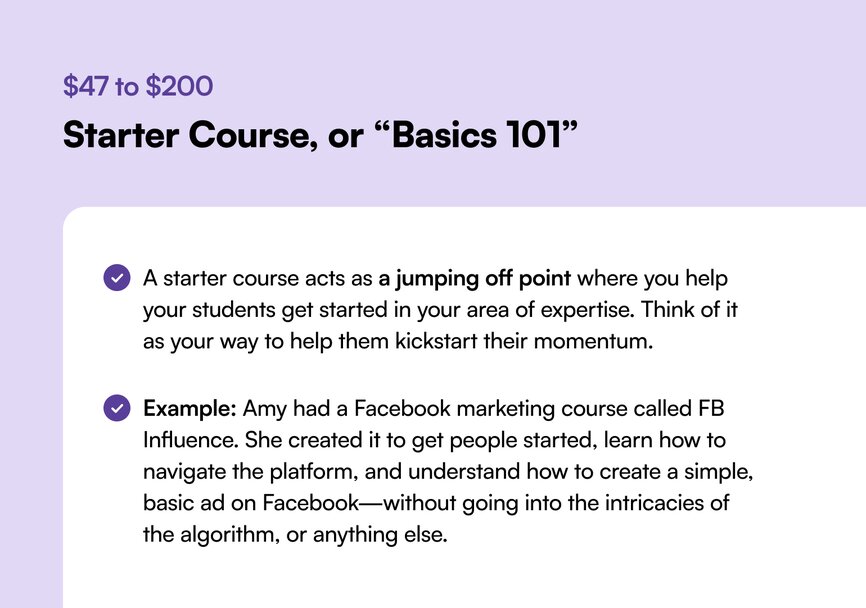
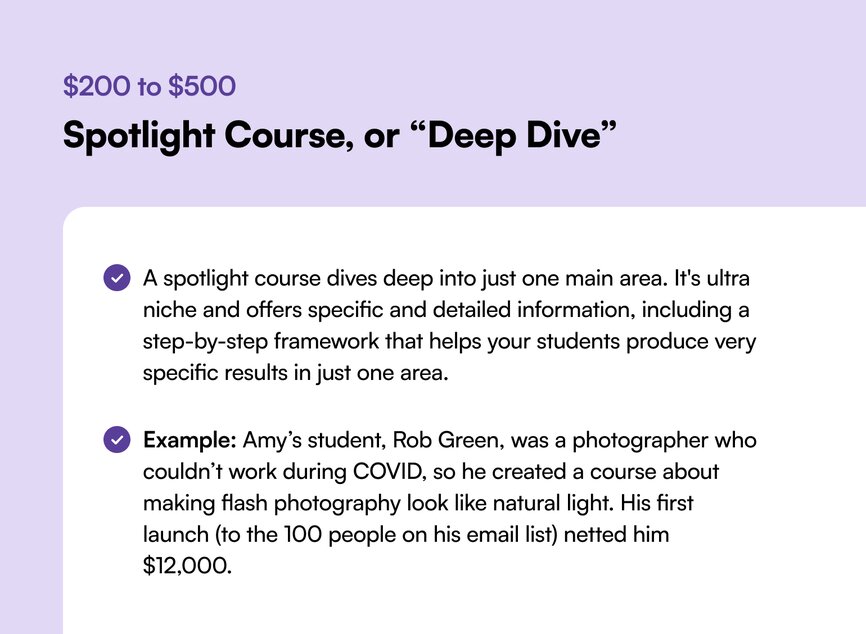
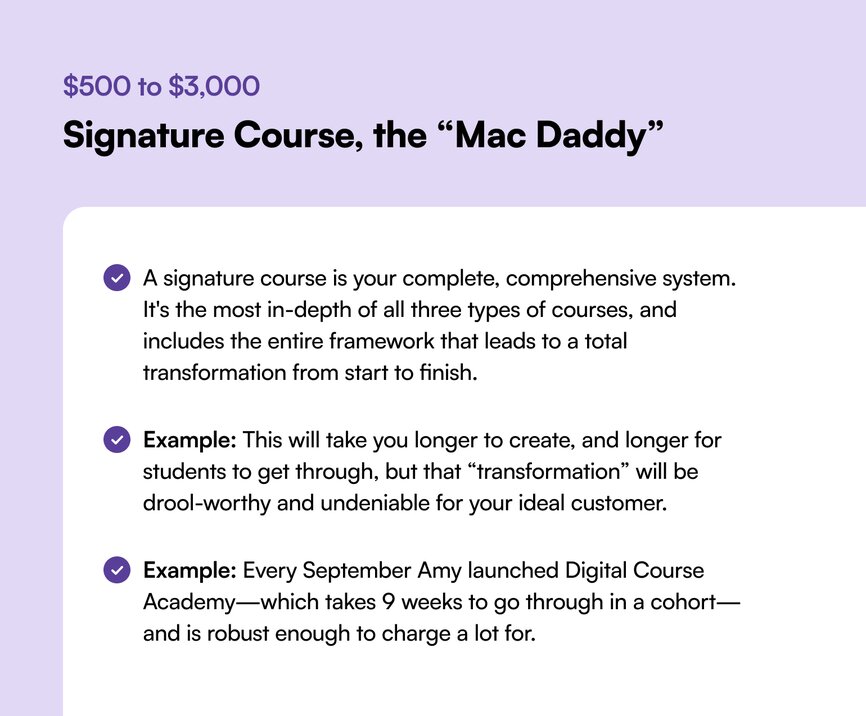
#### How to scale your course from starter to signature
**Topic:** Helping your infant/toddler have better sleep habits as a sleep consultant
**Starter:** Healthy sleep habits for your newborn, **_a getting started guide_** for all new parents
**Spotlight:** How to ensure your baby naps: the **_ins-and-outs of napping in the first year_**
**Signature: _Everything you need to know_** about helping your baby to sleep: **_the A-Z guide_** from newborn to 24 months
## The results
**At the end of 2023, Amy’s company hit $100M in revenue.**
The majority of it came from her own digital courses. There’s one evergreen course that she “launches” every day, there’s the Digital Course Academy that she launches every September, and finally, there’s a membership she offers once the community from that course closes at the end of the 9 weeks.
Her undisputed secret to success? “Keep it really simple,” because “the bigger the results, the more you can charge.”
Which is why the success of her students has also become part of her calling card and marketing tactics: because the things she teaches help others get real results. Here’s some examples.
#### Success story: New Sound
Hadar runs a course called **New Sound**, which helps non-native speakers of English speak English with clarity, confidence, and freedom.
**She’s earned over $4 million with Amy’s launch models:**
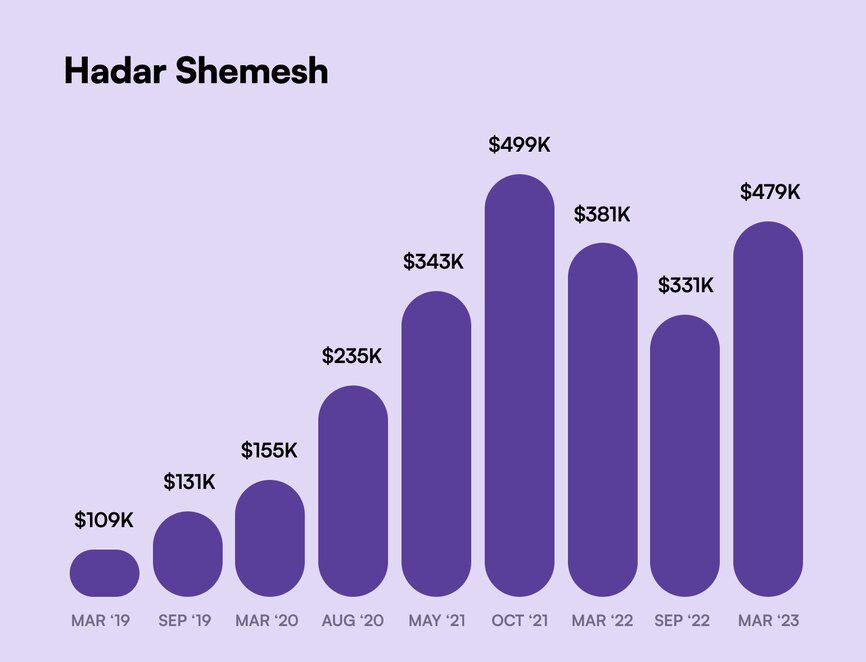
#### Success story: The Marketing School for Makers
Another one of Amy’s students, Lucy, is an artist and a coach who runs **The Marketing School for Makers.** She teaches artists and handmade sellers the “business stuff” of starting a business (picking a name, taxes and financials, pricing products, etc.)
**Lucy earned almost $300,000 launching with Amy’s methods.**
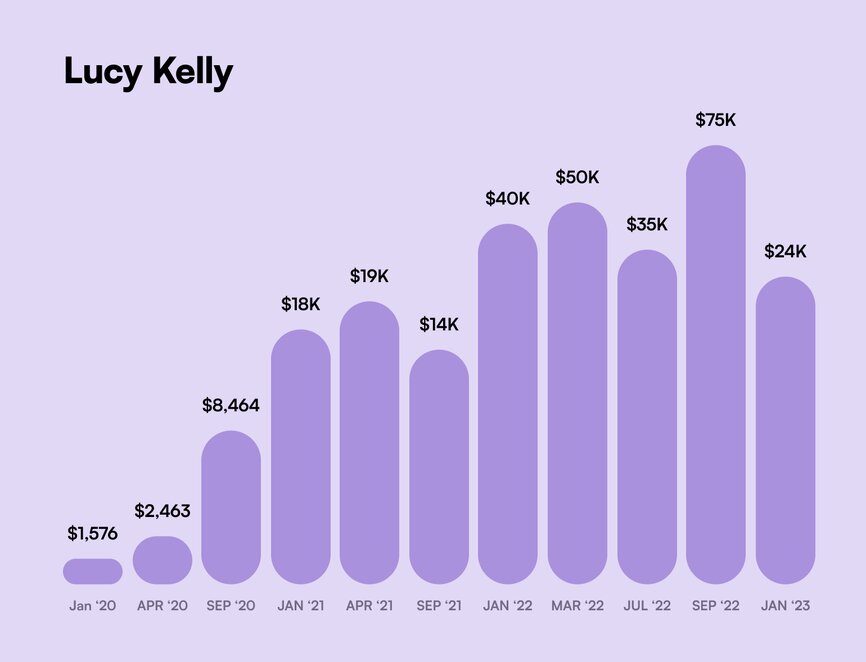
### Amy’s learnings:
- **Courses introduce people to how you think and work**—without the price tag of working with you 1:1. They’re an affordable way to access you for those who aren’t ready to work with you yet—and a way for people to get to know, like, and trust you over time. Plus, they let you increase your 1:1 prices.
- **You can “take more clients” by creating digital courses****.** “You will always hit a ceiling with one-on-one coaching or consulting,” says Amy, “Because there’s only one of you, and only so many hours in a day.” Courses give you a way out of the project- and client-work hamster wheel by allowing you to help more people in different ways and at different levels.
- **Avoid the top 3 course creator mistakes:**
- **Promoting your course without a selling vehicle****.** Sharing the course on social media a few times and not getting any sales doesn’t mean it’s not working. You need a vehicle: a webinar, video series, bootcamp, or challenge that leads into selling. Emails and social media alone will not make you great money with your course.
- **Not knowing where your course fits into your business will take away your momentum****.** Is your course a way to work with you who can’t afford your 1:1 time? Is it a prerequisite for working with you 1:1 to make sure they’re bought in and committed? You have to get crystal clear on where a course sits in your offer funnel.
- **Launching your course once and moving on****.** “My first time launching a course, I made $267 and cried for a week,” says Amy. “The secret to entrepreneurial success is being in it for the long game.“ Every time you live-launch a course, you’re going to get better at your message, at doing webinars, at talking about the value you bring.
- [**Running both live and evergreen course launches**](https://www.amyporterfield.com/2022/08/490/) **can keep you sane as an entrepreneur.** Amy’s business model—where a course is automatically promoted and sold in the background, as well as launched live at certain points through the year—is the best of both worlds. “It won’t run you into the ground, offers longevity, scales well, and gives you multiple streams of revenue. Most importantly, it offers you flexibility as an entrepreneur—which is what we’re all after, isn’t it?”
## Key takeaways
1. **Stay horizontal longer—because staying in your lane allows you to become known for your niche.** New entrepreneurs are very excited… and scatterbrained—but getting distracted by a million shiny ideas is bad for business. When you stay “horizontal”, and double down on one course and one topic, you become KNOWN for that topic in rooms where people ask those questions.
2. **Don’t underestimate the power of a live launch.** A lot of people want to create a course and instantly go to evergreen—because of the passive income dream. But the live launch experience, where your audience will tell you what works and what doesn't helps you tweak your messaging and makes you a better marketer.
3. **Courses benefit from communities because:**
1. **They reduce refunds.** For Amy, it goes as low as 2% refunds.
2. **They help students get unstuck** and get to the finish line.
3. **They allow you to move your students into the next phase with you.** Nobody says you have to keep a community for your course open indefinitely. Amy closes hers after the 9 weeks of the course, and upsells them into her membership.
**And if you’re a creator, coach, educator, or entrepreneur looking for an all-in-one community platform?**
You’re in the right place.
Circle brings together your members, discussions, events, courses, and content—all in one place, under your own brand. Plus, you get access to our customer community full of handy resources and over 10,000 community builders on the same journey as you.
**[Start your free 14-day free trial today!](https://app.circle.so/communities/new)**
---
### How a stay-at-home-mom built an AI membership through TikTok tutorials
*Discover how Angelica Grunewald turned her TikTok popularity into a successful AI automation learning community.*
Source: https://circle.so/blog/angelica-automates-membership
Angelica was a stay-at-home-mom on parental leave when her husband asked her to promote his cybersecurity startup on LinkedIn to help him out.
“I’m a little bit techie, but I’m not a developer. I don’t like cybersecurity. I don’t like LinkedIn. So I thought, ‘Absolutely not’” Angelica said. “But instead, I learned to automate that process for him.”
Once she posted about this [automation on TikTok](https://www.tiktok.com/@angelica_automates?lang=en)–her life changed. People started asking for tutorials, custom automations, and seeing her as an authority on AI.
Angelica's community approach centers on two core elements: listening to community needs and providing hands-on support.
Now, thanks to Circle, Angelica has built a rich educational community where she hosts tutorials, troubleshooting sessions, and live events. She’s become an incredible example of how TikTok popularity can translate into a wildly successful community of practice.
## The community breakdown
**📍 Community:** Angelica Automates
**👋 Founder:** Angelica Grunewald
**🗓️ Circle Community Launched in:** February 2024
**🌟 Size:** 350+ members
**🎯 Purpose:** Expand members’ skillsets with the latest in AI automation
**💰Pricing model:** Paid membership ($99/mo or $949/yr) with 30-day trials for her course customers.
## Core community offering
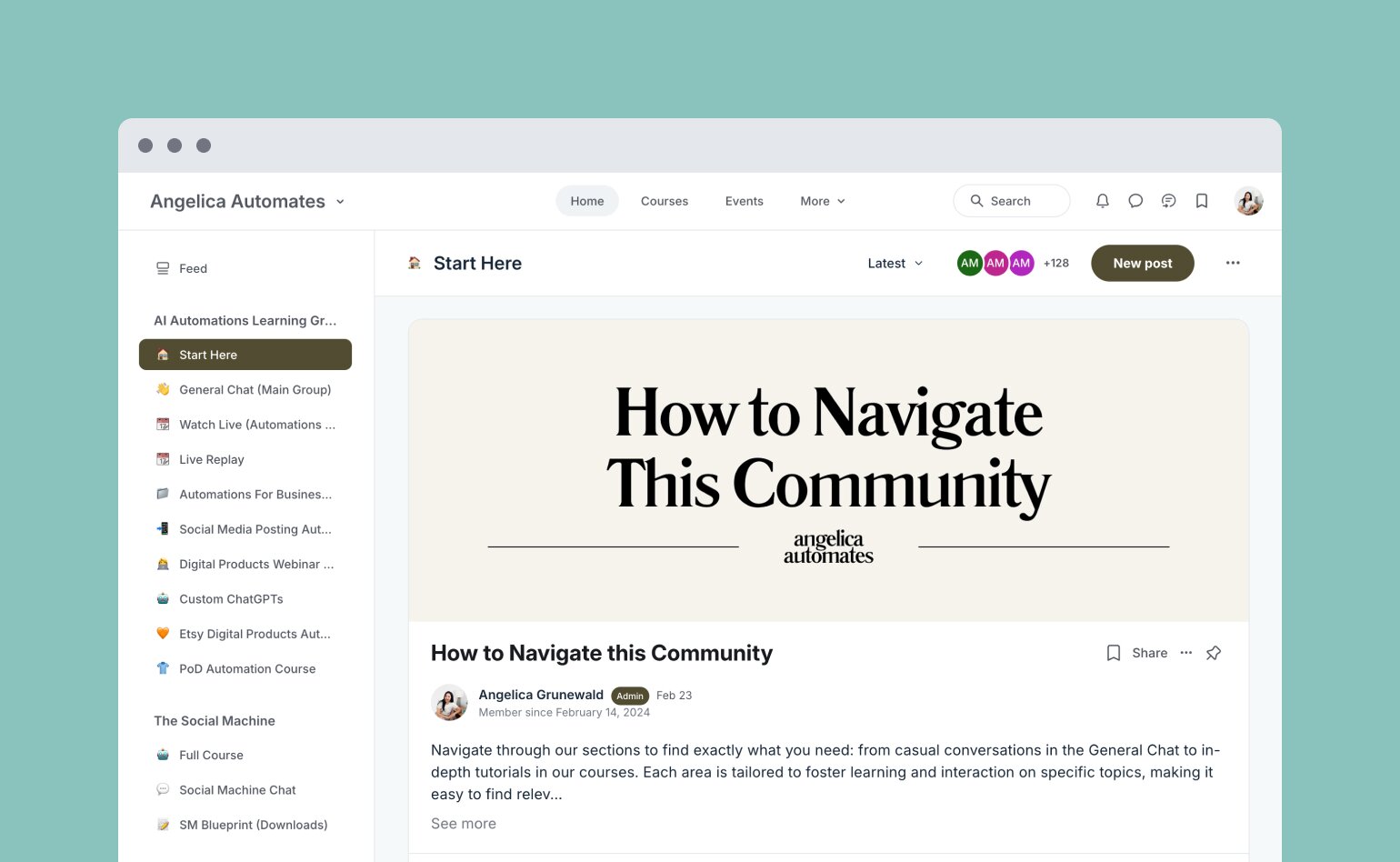
Angelica’s membership grants access to live sessions, tutorials, and office hours, allowing members to deep dive into tech automation and receive personalized support.
Previously, she used to sell the courses as one-offs for several hundred dollars, but decided to consolidate them all behind a membership portal (with Circle!) to better offer more support and troubleshooting to her students.
Now, after joining, they gain access to numerous courses that guide them in topics ranging from social media automation to complex software solutions.
Beyond the digital courses, Angelica's community boasts an active schedule designed to maintain member engagement and foster collaboration. Members participate in:
- **Weekly live sessions and office hours:** These provide direct access to Angelica and her team, offering opportunities to resolve individual queries and work on ongoing projects.
- **Live TikTok sessions:** These sessions are an essential funnel for new members, offering a preview of the value within the community.
- **Live replays with timestamps:** Members can revisit recorded sessions at their convenience via organized topics for easy navigation.
Angelica continuously adapts her offerings to meet emerging needs, driven by ongoing member feedback and the current buzz in the world of automation tools.
### How it’s organized
In her Circle community, Angelica has crafted a detailed and visually engaging layout that guides members through:
- **A 'Start Here'** segment, providing user-friendly navigation instructions.
- **Specialized spaces** for different learning modules and tutorial access, like:
- AI Automations
- Social media posting automations
- Etsy automations
- Custom ChatGPTs
- Print on Demand (POD) courses
- A specialty agency owners group
- A collaborative space for **community feedback** and project screening.
- Frequent tool updates and API automation resources to aid member development.
### How it's monetized
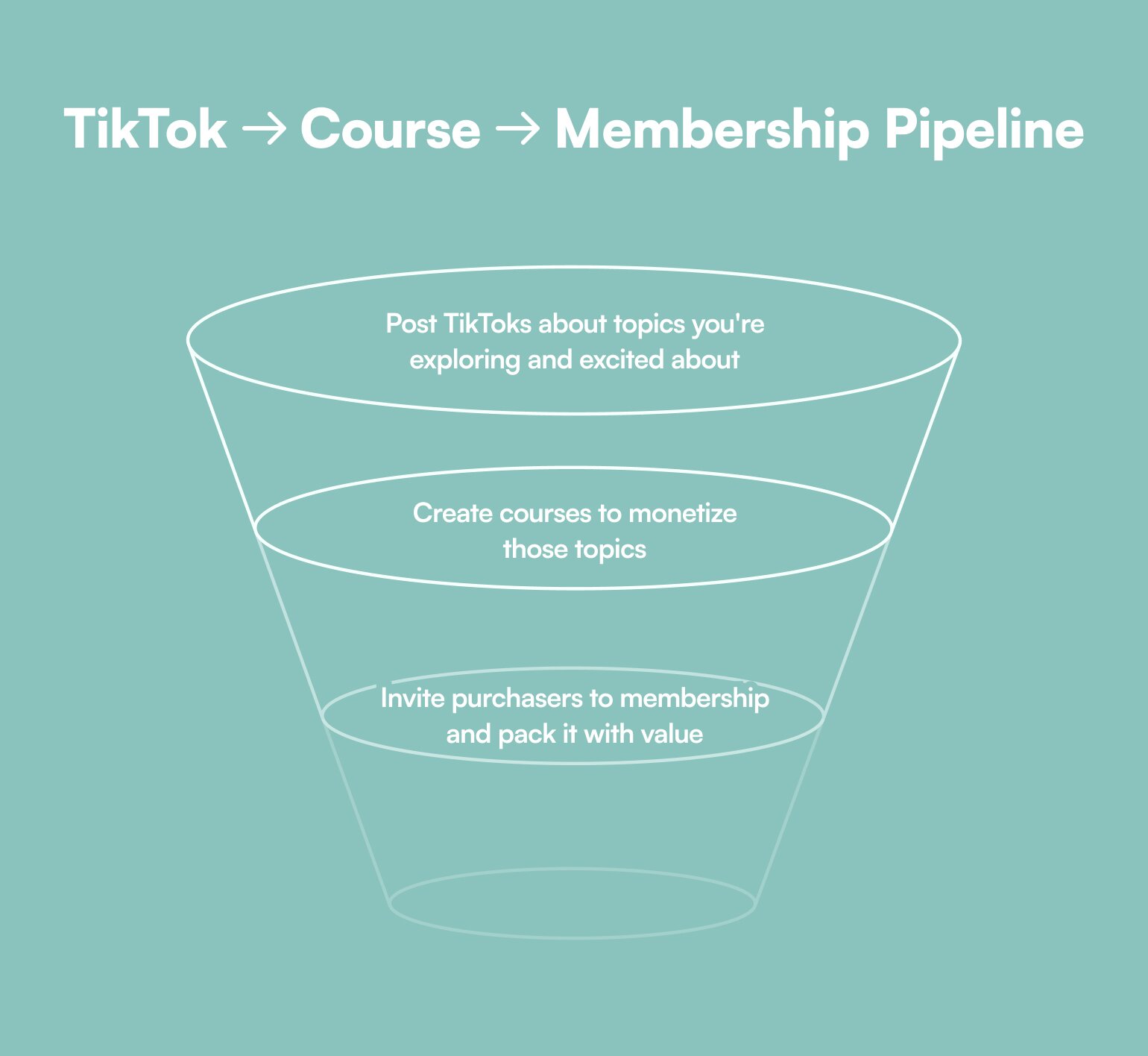
Angelica started this journey by posting a lot of “automation show-and-tells” on TikTok, and then creating courses around popular topics, like [social posting automations](https://soma.greenwoodapps.com/) or Etsy automations.
In order to get her community started, she emailed the 150+ people who had bought her courses to give them a 90-day free trial of the [AI Automation Learning Group community](https://angelicaautomates.circle.so/checkout/ai-automation-learning-group). And through offering such value-packed community-based supports such as the lives and consults, she proved the value very quickly–and then expanded where her customer base asked.
“I don't do any paid advertising. I go live on TikTok maybe two or three times a week, and I just show and tell what I'm building, what I've discovered, and how I'm using different tools,” says Angelica.
“It's one of the dials that I feel like I can kind of turn on whenever I want to grow the community more and bring in more traffic.”
### The community team
Angelica manages her business alongside her partner (who’s a developer) and a dedicated community member volunteer. This lean yet effective team structure allows for personalized engagement and operational flexibility.
By integrating Circle’s built-in automation tools, Angelica reduces manual administrative tasks, and creates sustainable community involvement that doesn’t end with her burnout.
## Angelica’s top community building tips & tricks
💡 **Embrace automation:** Let tools handle repetitive tasks, allowing you to focus more on community engagement.
For example, Angelica uses Circle's workflow feature to send personalized welcome messages to new members, creating a warm first impression. These automated messages are crafted to look like personal communications, setting the tone for an inviting atmosphere from the start.
💡 **Listen to your people (and create feedback loops):** Community feedback is invaluable. Use it to refine your offerings and provide exactly what your members need.
To create feedback loops, you can automate check-in messages, sent monthly or targeted to members who haven't engaged recently. These messages help maintain connections with members and offer assistance if needed. This proactive approach shows members that their participation is valued and encourages ongoing engagement.
**💡 Use organic channels to grow your audience (and monetize with a membership):** Angelica uses TikTok as a main source of traffic for her community. By going live on TikTok a few times a week to showcase her work and offer trial memberships, she attracts new members organically without relying on paid advertising.
Angelica’s journey exemplifies how the marriage of passion, technology, and community can lead to substantial success. For those wishing to dive deeper into the world of automation, Angelica’s community offers a gateway to innovative possibilities.
---
### How to grow your audience as an entrepreneur
*Learn how Dan Koe scaled from $3K to $5M/year using his content pyramid strategy. Discover his proven framework for building an engaged audience and transforming content into business growth.*
Source: https://circle.so/blog/audience-growth
How do you build a $5 million business by writing just two hours a day? And more importantly, how do you do it without chasing viral moments or buying fake followers?
Meet [**Dan Koe**](https://thedankoe.com/)—the entrepreneur who transformed from a freelance web designer to a digital empire builder—and has revolutionized how creators think about audience building. Dan is the mastermind behind Modern Mastery (his former community), The Koe Letter (his weekly newsletter), and Kortex (his software for creators), on a journey to prove that authentic connection beats empty metrics every time.
"Follower count doesn't matter anymore," Dan states plainly. What matters is the depth of connection you build with your audience.
From earning $3,000 per month from courses and digital products in 2019 to scaling to $50,000 monthly revenue in 2020, and ultimately reaching $4.2 million in 2023—Dan's journey shows that building an engaged audience–strategically and authentically–is more valuable and sustainable than chasing vanity metrics.
## The goal
In today's creator economy, there's a clear divide between those chasing quick wins and those building lasting influence. Dan's approach firmly plants itself in the latter category.
**The goal isn't to amass followers who mindlessly consume viral content—it's to cultivate an audience that:**
- Deeply resonates with your message
- Actively engages with your content
- Transforms into loyal community members
- Becomes passionate advocates for you and/or your work
As Dan puts it, "The negative aspects of social media are obvious. But few people talk about how life-changing it is to find people you deeply resonate with who are doing what you want to do in life."
**This relationship between creator and audience feeds into a simple but powerful flywheel:**
- Short-form content draws people in
- Long-form content keeps them engaged
- Products and communities transform them into loyal fans
Or as Dan succinctly explains: "If you don't write short, you don't build your audience. If you don't write long, you don't keep your audience."
## The playbook
Dan's approach to audience building is refreshingly straightforward—but don't mistake simplicity for ease. Here's how he does it:
### 1\. Build solid content habits that create value
The foundation of Dan's success is his unwavering commitment to [writing two hours every day](https://2hourwriter.com/). This isn't about churning out content—it's about developing ideas that genuinely help people.
**Key elements of his content strategy:**
- Consistency in creation
- Focus on solving real problems
- Investment in relationship building
- Depth over surface-level advice
Each piece of content should leave readers with something they can implement immediately.
### 2\. Bring your own unique perspective to your business
Dan's breakthrough came when he realized something crucial about successful creators: "What made them unique was not their business's value proposition but their personality. Their unique blend of interests and opinions."
How to develop your voice:
- Share personal experiences and insights
- Connect seemingly unrelated topics
- Attack problems from novel angles (ie. _your_ perspective)
- Push boundaries thoughtfully
"I see it as my job to push out of that boundary just a tiny bit," Dan explains about his content approach. He combines psychology, philosophy, and practical business advice in ways that make readers think differently about familiar concepts.
### 3\. Master the content pyramid
Dan's content strategy follows what he calls the **"Content Pyramid"**–a three-tiered approach that turns casual viewers into dedicated fans. Let's break down each level:
#### **A. Use short-form social content to test ideas & attract followers**
This is your foundation for rapid audience growth and idea validation.
**Why it matters:**
- Allows you to test ideas with minimal investment
- Reaches new audiences through algorithmic distribution
- Creates quick wins and immediate feedback
- Builds a consistent presence
**How Dan implements it:**
- Posts [Twitter threads](https://x.com/thedankoe/status/1858861536800108650) breaking down complex topics into digestible insights
- Shares [quick LinkedIn updates](https://www.linkedin.com/posts/thedankoe_tactical-stress-activity-7264634257615003649-4Cp9?utm_source=share&utm_medium=member_desktop) about business lessons
- Creates short YouTube clips testing new concepts
- Uses platform-native features (like Twitter polls) to engage audience
You can see his thread on negative energy shared on X and LinkedIn here. Let’s see how he develops it through content.
**Try his framework:**
1. Hook (addressing a pain point)
2. Quick insight
3. 2-3 actionable tips
4. Call to action
💡**Don’t spread yourself too thin across platforms**–double down on one or two and make them _yours._
#### **B. Build your best-performers into medium-form blogs and videos**
This is where you expand winning ideas from your short-form experiments into more comprehensive pieces.
**Why it matters:**
- Demonstrates deeper expertise
- Allows for more nuanced exploration of topics
- Creates shareable, valuable resources
- Builds authority in your niche
**How Dan implements it:**
- Takes high-performing tweets and expands them into blog posts
- Creates 10-15 minute YouTube videos elaborating on popular topics
- Writes detailed case studies of his own experiences
- Develops step-by-step tutorials based on audience questions
The tweet and LinkedIn post above then expanded into this YouTube video, which he embeds on his blog post and newsletter. "As a creator, it's very fulfilling to just continuously go further, deeper and deeper into the unknown," Dan shares.
**Here’s Dan’s newsletter framework:**
1. Personal story/insight
2. Main lesson/teaching
3. Practical application
4. Advanced strategies
5. Next steps/homework
#### **C. Write long-form to build loyalty and create fans**
This is your loyalty builder–where casual followers transform into dedicated fans and customers.
**Why it matters:**
- Creates deep, lasting connections
- Showcases full scope of expertise
- Justifies premium pricing
- Builds business sustainability
**How Dan implements it:**
- Writes comprehensive weekly newsletter (The Koe Letter)
- Creates in-depth courses and training programs teaching specific skills, like the [2 Hour Writer](https://2hourwriter.com/), the [One Person Business](https://stan.store/thedankoe/p/the-oneperson-business-launchpad--your-first-5k), and [Mental Monetization](https://mentalmonetization.com/)
Re-invests the money he earns on his digital products (that have high margins) to build bigger businesses, like [Kortex](https://www.kortex.co/), which is a software solution
**Key principle**: Each tier builds on the previous one. Dan doesn't create long-form content in isolation - it's always validated and refined through short and medium-form content first.
"I noticed that Twitter was writing-based," Dan explains. "They weren't spending time on visuals or video editing. They didn't have to show their bodies. They were building a business with their ideas, not looks."
### Tips for putting Dan’s content pyramid into practice
1. **Start small:** Focus on mastering short-form content first
2. **Track performance:** Note which topics and formats resonate most
3. **Repurpose strategically:** Turn successful content into multiple formats
4. **Build progressively:** Use each tier to feed into the next
5. **Stay consistent:** Maintain regular posting schedules at each level
This pyramid approach ensures you're not just creating content, but building a sustainable content ecosystem that continuously attracts, engages, and converts audience members into loyal fans and customers.
**Remember:** The goal isn't to be everywhere, but to be valuable everywhere you are. As Dan puts it: "For trust, authority, and leverage – long-form matters more. For traffic, virality, and attention – short-form matters more."
### 4\. Build strategic relationships for distribution
Dan emphasizes the importance of engaging with complementary (not competitive) creators in a few different ways:
- Pay to collaborate or get plugs with highly engaged audiences
- Build relationships with like-minded creators
- Exchange value consistently
- Support others' content genuinely
His approach to networking isn't about collecting contacts—it's about building a genuine community of creators who support each other.
## The results
From earning $3,000 per month with digital products in 2019 to scaling beyond his wildest dreams, Dan's journey proves that consistent, value-driven content creation can transform both life and business.
"I liked building the business more than I liked fulfilling services for clients because then I wasn't working on my own projects anymore," Dan reflects on his early days. "That's where I got all of my joy—the Lincoln Logs that I was building as an adult because it just gave me that creative freedom."
That creative freedom has manifested into remarkable growth across all aspects of his business. His YouTube channel has exploded to over 850,000 subscribers, while his email list—the backbone of his business—has grown to more than 150,000 engaged readers who eagerly await The Koe Letter each week.
The financial results tell an equally impressive story. From generating $800,000 in revenue in 2022 through just two hours of daily writing, Dan scaled to an extraordinary $5 million in 2024.
But perhaps more meaningful than the numbers is what they represent: **the ability to impact lives while following his interests, passions, and building something truly authentic.**
This success enabled Dan to launch [Kortex](https://www.kortex.co/), a revolutionary software for writers and creators, transforming from someone who once struggled to land freelance clients into a true digital empire builder. His weekly newsletter, [The Koe Letter](https://thedankoe.com/letters/), has become a must-read for entrepreneurs seeking deeper insights into human potential and business growth.
Beyond the metrics and milestones, Dan's greatest achievement might be proving that you don't need to choose between authenticity and scale. By staying true to his vision of creating deeper, more meaningful content, he's built not just a business, but a movement that continues to inspire creators worldwide.
## Key takeaways
1. **Consistency trumps perfection:** Writing two hours daily builds more value than sporadic viral hits.
2. **Value ladder matters:** Create multiple entry points for your audience, from free content to premium products.
3. **Authenticity scales:** Your unique perspective is your greatest differentiator in a crowded market.
4. **Content hierarchy works:** Use short-form to attract, medium-form to engage, and long-form to retain.
5. **Community beats metrics:** Focus on building genuine connections rather than chasing follower counts.
**And if you're looking for an all-in-one platform to build and nurture your audience into an engaged community?**
You're in the right place.
Circle brings together your members, discussions, events, courses, and content—all in one place, under your own brand. Plus, you get access to our customer community full of handy resources and over 12,000 community builders on the same journey as you.
[Start your free 14-day trial today!](https://app.circle.so/communities/new)
---
### Why membership beats brand deals for audience monetization
*Brand deals vs memberships: discover why 88% of creator income now comes from paid memberships. Learn how top creators build recurring revenue and turn audience trust into predictable monthly income.*
Source: https://circle.so/blog/audience-monetization
> ## **TL;DR**
>
> * Brand deals and memberships are two paths that creators use to maximize their audience monetization.
> * Each model works differently, but the strongest setups combine both.
> * Building a membership on the right platform sets you up for a steady monthly income—less turbulence, more predictability.
Every creator, coach, and educator eventually faces the same question: **how do you turn an audience into income without losing the trust that built it?**
For most, the answer comes down to two paths. Brand deals offer a popular path — someone else writes the check, and when the fit is right, your audience may even appreciate the recommendation. Memberships take a different approach: your audience pays you directly every month for deeper access to what you already do best.
Both models can generate meaningful income, and many creators blend them together. But the balance between the two is shifting. Creators on Circle now earn [](https://circle.so/blog/creator-economy-statistics)[88% of their income](https://circle.so/blog/creator-economy-statistics) from paid memberships and only 18% from sponsorships, an increase of 34% from just a year prior.
That shift has less to do with audience size and more to do with how each model is structured. Here's a closer look at how brand deals and memberships work separately, together, and how to build a dependable monthly paycheck.
## **Memberships and brand deals: two paths to audience monetization**
Most creators monetize their audience through one of two main models: brand deals or memberships. While there are many other monetization options, these two dominate the ways creators turn trust and attention into income.
A **brand deal** is a company paying you to promote their product to the people who trust you. The brand gets access to your audience's attention, you receive payment for the campaign, and income continues as long as new or renewed partnerships are in place.
A **membership** is your people paying you directly, every month, quarter, or year, for ongoing access to your content, community, or expertise. You set the price. You control the experience. You keep the relationship.
While both models can generate meaningful income, they differ across a few key dimensions — from how revenue is earned to who owns the audience relationship. Here's how they compare at a glance:
| | Brand Deals | Memberships |
| ----------------------- | -------------------------------------------------------------- | ----------------------------------------- |
| Income type | One-time or campaign-based | Recurring (monthly, quarterly, or annual) |
| Audience relationship | The brand and the social media platform shape the relationship | You own the member relationship directly |
| Growth pattern | Each deal starts from zero | Revenue accumulates as members stay |
| Creative freedom | Constrained by brand guidelines and messaging | Full control over content and direction |
| What you own at the end | A portfolio of past campaigns and logos | A paying community and recurring revenue |
The access to your relationship with your audience and the opportunity for recurring revenue are the headline differences. But the real cost of brand deals starts with the one thing creators spent years building: trust.
## **Brand deals as an income stream**
Brand deals are shaped by four main factors: audience trust, campaign dependency, platform reach, and sponsor priorities. Some are within your control, while others are driven by elements outside your control: sponsors, platforms, and market conditions.
### **Sponsored content can affect your audience's trust**
Your audience's response to sponsored content depends on fit. Well-aligned partnerships can strengthen their trust, while misaligned ones weaken it.
When you promote a brand you genuinely use and believe in, your audience often views it as a helpful recommendation. When a sponsorship feels misaligned with your voice or values, they may perceive it as less authentic.
Justin Welsh, who's built one of the most profitable solo creator businesses online, publishes a [](https://www.justinwelsh.me/sponsor-screening)[public sponsor-screening policy](https://www.justinwelsh.me/sponsor-screening) for his weekly newsletter, *The Saturday Solopreneur,* that permanently excludes entire product categories from his newsletter, including website builders, email tools, and coaching platforms.
As Justin’s business has grown, he’s made many decisions to start and then stop certain functions due to conflicts of interest, ROI, and quality of life.
How you choose and present sponsorships shapes audience perception, so ensure that partnerships are picked for fit rather than profit.
### **Brand-deal income depends on active campaigns**
You only get paid when you have an active campaign. Whether through one-off campaigns, repeat partnerships, or long-term ambassadorships, your income continues as long as new or renewed deals are in place.
One-off deals typically require you to handle a new pitch, negotiation, and set of deliverables each time, while recurring contracts, affiliate and ambassador programs can give you more continuity.
However, the pool of brand dollars isn't growing at the same pace as the creator population. The top 10% of creators received [](https://www.businessinsider.com/creator-income-inequality-grows-top-earners-paydays-rise-2026-1)[62% of payments](https://www.businessinsider.com/creator-income-inequality-grows-top-earners-paydays-rise-2026-1), meaning if you're a smaller or mid-tier creator, you're often competing for a smaller share of budgets, sometimes at lower rates or with higher deliverable requirements. If you're outside the top tier of your niche, this concentration can make your brand-deal income harder to scale.
Your strong past work can build a reputation and lead to future opportunities, but the revenue itself is generated per campaign and its deliverables.
### **Brand-deal value is often tied to platform reach**
Brand deals pay based on your ability to reach people via social media platforms. But: you don't own that reach. The organic reach of Facebook Pages is [](https://blog.hootsuite.com/organic-reach-declining/)[down 34% year-over-year](https://blog.hootsuite.com/organic-reach-declining/), meaning that even the Meta audience you spent years building sees less of what you post.
When [](https://later.com/blog/tiktok-ban/)[TikTok briefly went dark](https://later.com/blog/tiktok-ban/) in the US, mid-tier creators with 50,000 to 500,000 followers were hit hardest. Nearly 9 in 10 expected their income to drop if the ban were to be upheld (it wasn’t, thankfully). Creators who'd built entire businesses on the platform had no warning, no appeal, and no transferable list of followers.
Because your brand-deal rates are often based on reach, changes to platform algorithms or policies can directly affect your earning potential.
### **Brand budgets are volatile**
Your brand-deal income is influenced by the sponsor's own business priorities. Budget cycles, program changes, or market conditions can affect how much brands spend on creator partnerships in a given quarter.
Travel influencer Victoria Yore lost [](https://digiday.com/marketing/ive-seen-every-single-thing-get-canceled-influencers-get-hit-coronavirus-uncertainty/)[90% of her income](https://digiday.com/marketing/ive-seen-every-single-thing-get-canceled-influencers-get-hit-coronavirus-uncertainty/) in the weeks after COVID hit, and brands canceled campaigns across the board. Six years later, Target ended its commission-based Creator Program entirely and replaced it with a [](https://adage.com/influencers-creators/aa-target-creator-program-affiliate-challenges/)[gamified challenge system](https://adage.com/influencers-creators/aa-target-creator-program-affiliate-challenges/), cutting off creators who'd built their income around the old structure, with no input on the change.
Both examples illustrate how brand-side decisions—whether driven by external events or strategic shifts—can affect you if your income depends solely on sponsorships.
Where brand deals depend on external sponsors and platforms, memberships depend on something entirely within your control: the direct relationship you build with your audience. That difference is what makes memberships more stable and long-lasting.
## **Why memberships build long-term wealth**
Memberships build wealth because you've created an irreplaceable asset—a space where like-minded people opt in to a shared journey, and the community becomes part of their habits and their world. You own the rights to the place where the magic happens, and to the relationships that built it.
### **Grow revenue without chasing new members**
Once you’ve figured out a system to retain your best members, growth no longer depends on how many new people you reach each month. Jay Clouse's membership, The Lab, [crossed $1M in all-time revenue](https://x.com/jayclouse/status/1879941155573625176) in January 2025, after launching in March 2022. Membership is capped at 200 people.
Retention does the heavy lifting. Jay reports a [](https://www.nichepursuits.com/jay-clouse-creator-science/)[66% year-over-year renewal rate](https://www.nichepursuits.com/jay-clouse-creator-science/), which is strong for a membership where every member consciously opts back in each year. That renewal rate is why 200 members can generate seven-figure revenue without constant new-member acquisition. Every member that renews is revenue you keep, while a new member is a one-time lift and investment.
The lesson is that a small, committed and involved member base can often outperform a big one that has high churn every time.
### **Memberships give you the most access to customer relationships**
Memberships give you direct ownership of the relationship with your audience. The revenue is only part of what you gain.
On social media, a follower is a connection the platform lets you borrow. As creator media law firm [](https://odinlaw.com/blog-platform-dependence-risks-for-creators/)[Odin Law puts it](https://odinlaw.com/blog-platform-dependence-risks-for-creators/), *"One of the most common misconceptions we see in our work with creators… is the belief that a following equals ownership. Unfortunately, it does not."*
Algorithms decide who sees your posts. Platforms decide when you're banned, shadowbanned, or demonetized. You never had the relationship. You had access to it.
With a membership, you have access to your email, payment history, analytics and activity record. If Circle disappeared tomorrow, you'd still have access to all your members and their information.
### **The compounding effect**
Brand-deal revenue is generated per campaign, while membership revenue compounds over time. Every new member you bring in adds to your baseline rather than replacing it, and members that stay [](https://www.chargebee.com/blog/subscription-revenue-long-term-revenue/)[spend 67% more](https://www.chargebee.com/blog/subscription-revenue-long-term-revenue/) than new members over time.
[Exit Five hit $1M](https://circle.so/customer-stories/exit-five) in bootstrapped revenue by building a B2B marketing community that kept the same members paying year after year, while layering in events, a job board, and sponsorships on top of the core membership. The membership became the foundation that made the rest possible.
Once that foundation is in place, brand deals become a powerful add-on.
## **Layer brand deals on memberships to expand revenue**
Membership runs as the main engine, while brand deals layer on top when they genuinely serve your members.
A stable baseline income, whether from memberships, products, or other recurring sources, gives creators more flexibility to be selective about which sponsorships they accept and how they structure them.
[Jay Clouse describes cutting back](https://creatorscience.com/year-in-review-2025/) his sponsorship volume in 2025 as "not a P\&L decision, but a quality of life decision. A decision I'd make again!"
He now runs hybrid sponsorship and affiliate deals—a structure that blends traditional sponsorship with an affiliate partnership.
Instead of charging a brand a single flat fee for a campaign, the brand pays a lower upfront fee in exchange for an ongoing revenue share on any sales its audience drives through a unique link or code.
His audience also gets a special offer as part of the deal, so the promotion feels like a recommendation. That structure only works because membership income gives him room to walk away from anything that doesn't fit.
But none of it works without a membership in place first, so here's how to build one.
## **Turn audience trust into monthly income in 3 steps**
Starting a membership comes down to three things: a platform to host it, an engaged audience ready to join, and a retention system to keep them. You don't need thousands of followers or a perfect product to begin.
### **1. Build the community your audience will pay to join**
Your community is the product that members pay to access. Audiences already follow your content — what they don't yet have is a dedicated space to connect with each other and go deeper with you. Structure it into distinct areas by purpose: discussions for conversation, courses for learning, events for live connection.
In Circle, you can organize them into distinct spaces, with each one purpose-built for its content type. Self-paced courses have a completion problem, but community-based courses achieve [](https://circle.so/blog/how-to-monetize-a-community)[30-40% higher completion](https://circle.so/blog/how-to-monetize-a-community) rates, so pairing the two sets you up for success from day one.
As your community grows, plan for tiers that serve your customers' different needs. Josh Hall's Web Designer Pro uses three tiers (Builders, Growers, Scalers) to serve members at [](https://circle.so/blog/membership-retention-strategies)[different stages](https://circle.so/blog/membership-retention-strategies) within a single community. Circle's subscription groups let members self-upgrade between tiers directly from their account with no extra paywall visit required.
### **2. Open the doors to the audience who care most**
Your [](https://circle.so/blog/first-100-members)[first members aren't strangers](https://circle.so/blog/first-100-members) pulled in from a cold funnel. They're already in your audience. They read every post, reply to your emails, and DM you with questions. Many successful communities offer people like these a chance at a founding membership at a locked-in rate in exchange for feedback and early access.
Once you've identified that core group, the next question is what to charge them. Most communities on Circle charge between [](https://circle.so/blog/creator-economy-statistics)[$26 and $50](https://circle.so/blog/creator-economy-statistics) per month. For example, Ashley Renders launched Story School with a low-ticket paid challenge and converted her audience into [](https://circle.so/blog/story-school-challenge-funnel)[more than $100K](https://circle.so/blog/story-school-challenge-funnel) in revenue in less than a year with 720 members.
### **3. Focus on keeping members, not just signing them up**
A community full of paying members is only worth something long-term if those members stick around. Keeping more members is one of the clearest ways to make more money over time, so you need the data to understand why people stay, why they leave, and what helps them engage.
How do you keep members around? Solid onboarding that shares the best pieces of your community, diverse ways for members to engage, and flexibility to test things in your approach.
**Here’s a quick start guide:**
* Guide new members toward a first meaningful interaction in their first week
* Give them an onboarding checklist that helps them get immediate value from a variety of spaces, like attending an event or starting a course
* By day 90, members should know other members by name and understand where to find value
Circle's [CRM and analytics dashboards](https://circle.so/analytics), along with Activity Scores, help you view community activity, email engagement, and payment history in a single view. This allows you to spot at-risk members before they churn and prove ROI without stitching tools together.
These three steps work together—but spreading them across multiple disconnected tools creates friction, for you and your members.
## **Run your membership from one platform—not a stack**
Using one platform to run your business reduces the risks and admin load that come with bolting on multiple tools. As your membership grows, each additional tool is another place members can fall through the cracks.
When you invest in a platform you control, you get something that protects your members, your community, and your reach. Circle scales with you, from foundational membership to brand deals, courses, events, tiers, and more.
Turn your audience into recurring membership revenue when you [start your 14-day free trial of Circle](https://login.circle.so/sign_up?request_host=app.circle.so\&user%5Binvitation_token%5D#email).
## **Audience monetization FAQs**
How many followers do you need to monetize an audience?
Far fewer than most creators assume. A few hundred genuinely engaged people who open every email, reply to posts, and share your work will outperform tens of thousands of passive followers. What matters is the depth of engagement and the relevance of your offer. Curious how few engaged members it actually takes to build meaningful income at different price points? Run the numbers with our [Community ROI Calculator](https://circle.so/community-roi-calculator).
What's the most profitable way to monetize an audience?
Profitability depends on the model and the creator. Recurring revenue streams like memberships, paid communities, and subscription content compound when members retain, since the same people pay each cycle again. Brand deals, ads, and affiliate links can generate significant income per campaign and often align well with creators who have strong platform reach, though earnings are tied to active partnerships and platform conditions.
How do I monetize an audience without losing their trust?
Prioritize promoting products and offers that align with your audience's actual needs and interests. Audiences tend to respond well when monetization feels relevant, and aligning offers with the audience is a key factor across all revenue streams.
---
### How to become a content creator (in 2025 and beyond)
*Learn how to become a content creator. Explore industry trends, monetization strategies, and the skills you need to succeed in this step-by-step guide.*
Source: https://circle.so/blog/become-a-content-creator
So, you want to become a content creator.
Where do you even start? Do you need to dance on TikTok? Write long-form articles? Start a podcast? The options seem endless—how are you supposed to make the right decision?
Take a deep breath because there’s no single _right_ way to be a content creator. Whether you want to write, make videos, or talk, content creation is about doing what you do best.
**In this article, we’ll share all the goods, including:**
- The trends shaping content creation in 2025 and beyond
- What qualifications you need to become a content creator
- The 4 most popular types of content creators
- How much money you can make 🤑
- A step-by-step guide on how to become a content creator
## The trends shaping content creation
Creators are more than just a few viral Instagram posts—they’re [entrepreneurs](https://docsend.com/view/zb98t84bddbhfm9s) building businesses, driving innovation, and creating jobs. Content creation is a thriving $250 billion industry projected to [exceed $500 billion by 2027](https://www.goldmansachs.com/insights/articles/the-creator-economy-could-approach-half-a-trillion-dollars-by-2027).
And [venture capital firms](https://dnyuz.com/2025/02/18/why-slow-ventures-raised-60-million-to-invest-in-creator-businesses-and-how-its-structuring-deals/) are taking notice. They are pouring millions of dollars into creator-led businesses because they see the obvious: content creation is a legitimate, scalable career with massive earning potential.
**Here are the trends we’re seeing in 2025:**
- **🚀 AI-powered tools:** Content creation is becoming faster and more efficient with AI-driven writing and video editing. More and more content creators are [using AI to streamline other parts of their businesses](https://circle.so/2025-community-trends-report), too—such as notetaking, analytics, and more.
- **📱Short-form video dominance:** TikTok, Instagram Reels, and YouTube Shorts continue to be a top way to [attract customers](https://www.lifewire.com/short-video-marketing-8724125).
- **📧 Shift to paid newsletters & private communities:** Creators are building deeper connections with engaged audience members through [newsletters and IRL events](https://circle.so/2025-community-trends-report).
## What qualifications do you need to be a content creator?
You don’t need a PhD or fancy degree to succeed as a content creator (but if you have one–put it to use, like [Ali Abdaal](https://circle.so/blog/building-a-core-offer) did to help pre-med students study!)
The key ingredients for success are being authentic, focusing on what you’re good at, and building trust with your audience.
### Creator case study
[Glo Atanmo](https://circle.so/blog/writing-your-own-creator-playbook) is a great example of finding success through being yourself, cultivating trust, and embracing your unique expertise. She started pre-med in university to make her parents happy but changed majors to media, design, and photography after listening to her gut. She’s built a nomadic life and business _on her terms_ while cultivating a community (on [Circle](https://circle.so/)) where she builds genuine connections with her customers through coaching, courses, and masterminds.
In 2020, Glo earned over $600,000 from digital products alone – so we’d say she’s doing great following her unconventional path.
We’re not telling you this to discourage you from pursuing medicine but to give you permission to get creative, tune into your intuition, and draw outside the lines of your life and your career.
## What is a content creator?
**A content creator is anyone who produces and shares content**—whether it’s video, text, images, or audio—on various digital platforms. While content creators and influencers overlap, their business models and goals can be quite different.
**An influencer primarily builds an audience around their personal brand**, people follow them for their lifestyle, personality, or aesthetic. Their main source of income often comes from sponsorships, brand deals, and affiliate marketing.
**Content creators, on the other hand, often monetize their expertise, creativity, or skills** by developing offshoot businesses. This can include selling digital products, launching courses, building paid communities, or generating ad revenue from their own content. While many content creators also partner with brands, their revenue streams are typically more diversified and do not rely solely on sponsorships.
Both influencers and content creators cultivate engaged audiences, but while influencers primarily lend credibility to other brands, creators often build their own brands based on their own unique expertise.
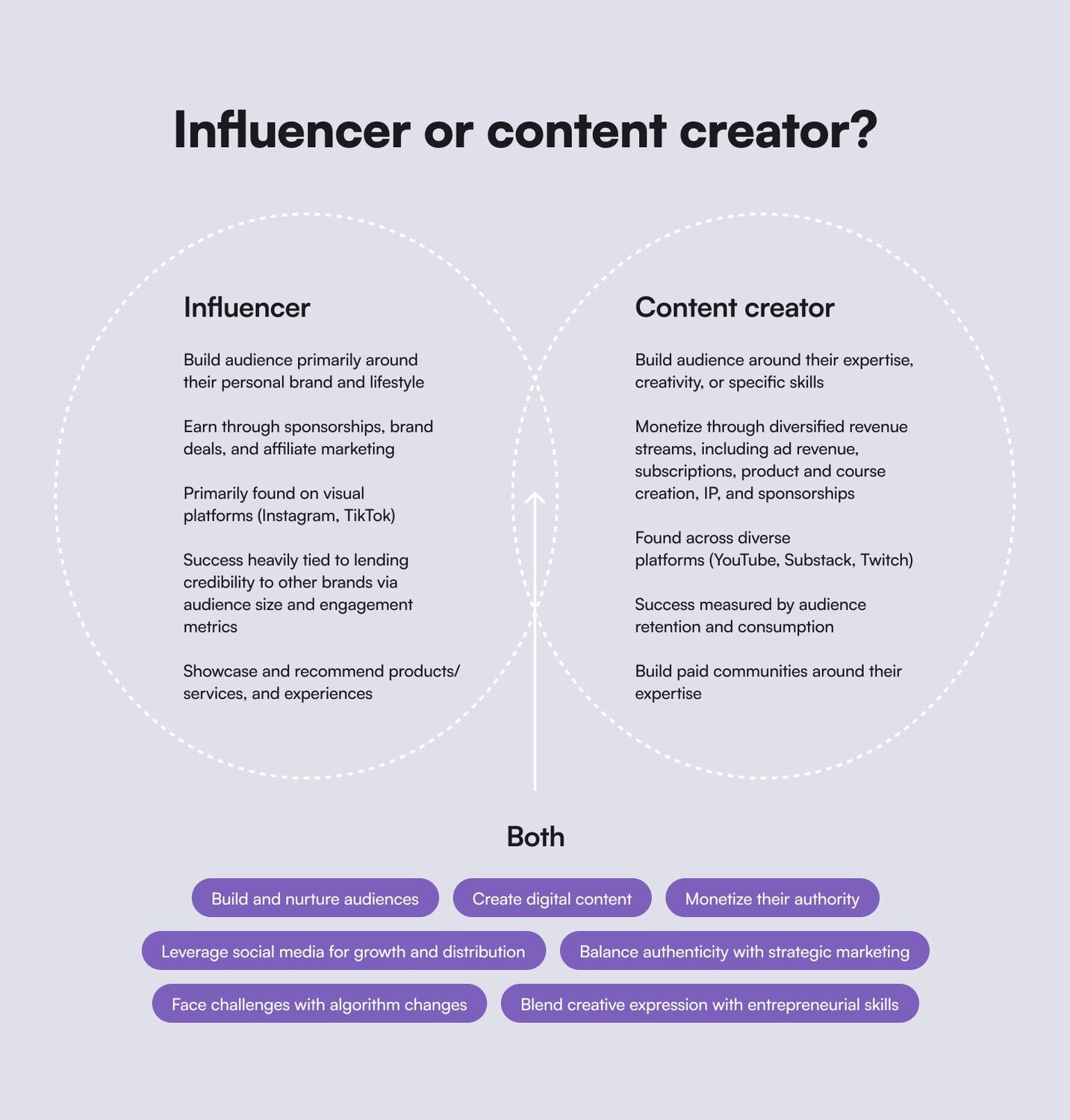
## How much money do content creators make?
“Content creator” is an ever-evolving term, with new opportunities constantly emerging (remember Vine?). Depending on your interests and talents, there are many ways to make money and build your brand through content.
There’s also no one-size-fits-all approach to revenue streams. Content creators find their own mix of revenue streams that work for them. By tapping into different income sources, creators build more resilient businesses. [Diversifying allows creators to stay flexible](https://later.com/blog/how-content-creators-make-money/), adapt to new opportunities, and build businesses that are less vulnerable to sudden changes in platform policies or trends. For example, while TikTok can be a great way to grow your audience and make money, the recent [TikTok ban](https://people.com/tiktok-returns-to-apple-and-google-app-stores-nearly-1-month-after-temporary-ban-forced-its-removal-11679984) highlights the importance of not putting all your eggs in one basket.
Let’s explore different types of creators—and the various ways they monetize their work:
### Video creators
As mentioned above, most influencers make money through brand partnerships, affiliate marketing, sponsored posts, and product collaborations. On Instagram, micro-influencers (around 10,000 followers) typically earn [$100 to $500 per post](https://www.shopify.com/ca/blog/influencer-pricing#8). Those with over a million followers can receive $50,000 to $100,000 per post. A TikTok influencer's median salary is between [$15,000 and $25,000](https://explodingtopics.com/blog/tiktok-earning-stats). Plus, features like LIVE Gifts allow fans to send virtual tips that translate into real earnings.
When you move beyond traditional brand sponsorships, video creators can take control of their earnings by launching their own digital products, memberships, or communities—becoming content creators selling their own products and expertise.
Take [Angelica Grunewald](https://circle.so/blog/angelica-automates-membership), a stay-at-home mom who went viral on TikTok after posting some AI automations she created for her husband’s business. She realized she could monetize her automation expertise by building a thriving membership program on Circle. That way, instead of relying solely on social media and brand partnerships for income, she could teach others how to do what she’s doing and grow a community around the trending topic.
**If you're looking to grow your following on social media**, check out [our guide on increasing social media engagement](https://circle.so/blog/increase-social-media-engagement).
On YouTube, creators typically make [$1 to $5 per 1,000 views](https://blog.hootsuite.com/how-much-does-youtube-pay-per-view/) from ad revenue alone. And those who diversify their income streams can earn significantly more. YouTube is the “[top platform for generating income in 2025](https://www.epidemicsound.com/blog/which-social-media-platform-pays-the-most/#which-social-media-platform-pays-the-most)”. It is also the primary income stream for creators who are making over $200,000 annually.
[Sean Cannell](https://www.youtube.com/watch?v=izidLZclYZs), the founder of Think Media, built a _very-meta_ multi-million dollar business by teaching others how to succeed on YouTube. Sean monetizes his experience of growing on YouTube through private Circle-powered courses, coaching programs, and digital products, among a mind-blowing 18+ other revenue streams. His community offers members exclusive training, live Q&As, and personalized feedback.
**Check out Sean’s playbook on** [**how to succeed on YouTube**](https://circle.so/blog/youtube-content-strategy)**.**
### Bloggers & writers
While getting paid for blogging has fallen out of fashion (and gotten much more difficult with the algorithms), paid—and free!—newsletters that lead to other offers, gated content libraries, and long-form writing have never been bigger.
**In fact, newsletter are so big, we’re calling them** [**the comeback kids.**](https://circle.so/2025-community-trends-report)
Writers who create long-form, high-value content turn their knowledge into income through affiliate marketing, ad revenue, sponsored content, digital products, courses, communities, and premium subscriptions. (All of this is now possible with [Circle’s Email Hub](https://circle.so/email-hub)!)
Bloggers with 1-3 years of experience earn an average of [$80 per month](https://www.productiveblogging.com/how-much-do-bloggers-earn/), while those with 3-10 years of experience report earnings from $1,900 to $6,000 per month.
[Jay Clouse](https://www.youtube.com/watch?v=YNKI5A1x7Xk) turned his blog and newsletter into a thriving business by sharing insights on creative entrepreneurship through his newsletter. Over time, he leveraged his newsletter audience to sell digital products, premium memberships, and even an online course. His newsletter now [generates over $100,000 per year](https://circle.so/blog/how-to-grow-a-newsletter), proving that long-form content is far from dead.
For today’s creators, blogging isn’t obsolete—it’s just transformed. With the right strategy, a newsletter can be the foundation of a profitable and sustainable business.
**Dig deeper into** [**how to repurpose content**](https://circle.so/blog/audience-growth) **with Dan Koe** — and simplify attracting, engaging, and retaining your audience.
### Podcasters
Podcasting offers a unique way to build deep, lasting connections with an audience. Whether you’re discussing business, pop culture, or other niche topics, podcast creators generate income through sponsorships, ads, listener donations, and exclusive content.
Entry-level podcasters might start earning [$60 to $250 per month](https://www.thepodcasthost.com/monetisation/how-much-do-podcasters-make/), while experienced podcasters in niche industries earn, on average, $2,600 per month. Those with more listeners or highly engaged listeners can make significantly more. Many podcasters create premium content or offer subscription-based access to bonus episodes.
Learn more about [how to monetize a podcast](https://circle.so/blog/how-to-monetize-a-podcast) and [find the best podcast sponsorships](https://circle.so/blog/podcast-sponsorship-guide).
[Leyla Shams](https://circle.so/blog/chai-and-conversation-community) turned her podcast, _Chai and Conversation_, into a thriving online community using Circle. Now, listeners can engage more deeply, practice their language skills, and access exclusive lessons. Plus, it allows Leyla to maintain a steady income by moving listeners into her online community.
### Community educators
Some of the most successful content creators make money by teaching. Creator educators turn their expertise into profitable businesses by offering courses, memberships, exclusive newsletters, consultations, workshops, and digital products like e-books and templates.
A creator educator can earn anywhere from $2,000 to $20,000 per month–but there’s truly no limit to the success of your business. The amount of money they make depends on things like audience size, pricing models, and demand. The demand for high-quality, niche knowledge is rising, and people are willing to pay for direct access to expert insights and structured learning if it’s from creators they trust.
**Cally Booker** is a creator who turned her expertise into a sustainable business. Cally is a handweaver from Dundee, Scotland, known for her vibrant weaving style and dedication to preserving the craft. With over a decade of experience in weaving, she created [Weaving Space](https://circle.so/customer-stories/weaving-space) to share her passion with others and build a community of weavers.
Cally offers online courses, workshops, and personalized mentorship to both beginners and advanced weavers. Using Circle to host her membership community, she provides students with exclusive content, ongoing support, and a space to connect with like-minded individuals.
Cally’s success is a perfect example of how creator educators can leverage niche knowledge and a dedicated community to generate consistent income.
## So, is content creation profitable?
Yes, but it requires patience, strategy, and commitment.
In the beginning, earnings can range from $0 to $500 per month. With consistency and growth, mid-tier creators can make between $2,000 and $10,000 per month. **Top-tier influencers and creators—especially those with multiple income streams—can earn anywhere from $50,000 to $200,000 per month or more.**
The top-earning content creators don’t depend on a single revenue stream or platform—they’re savvy business people as well as content creators–and therefore diversify to ensure long-term financial stability.
Successful creators often generate income in 4-6 of the following ways:
1. **Ad revenue** (YouTube, TikTok, and blogs)
2. **Brand sponsorships** (Instagram, YouTube, TikTok, and blogs)
3. **Affiliate marketing** (links in videos, blog posts, newsletters, and social media)
4. **Physical merchandise** (hats, bags, shirts, ect.)
5. **Digital products** (eBooks, courses, and workshops)
6. **Memberships, communities & subscriptions** (Circle, Patreon, Substack)
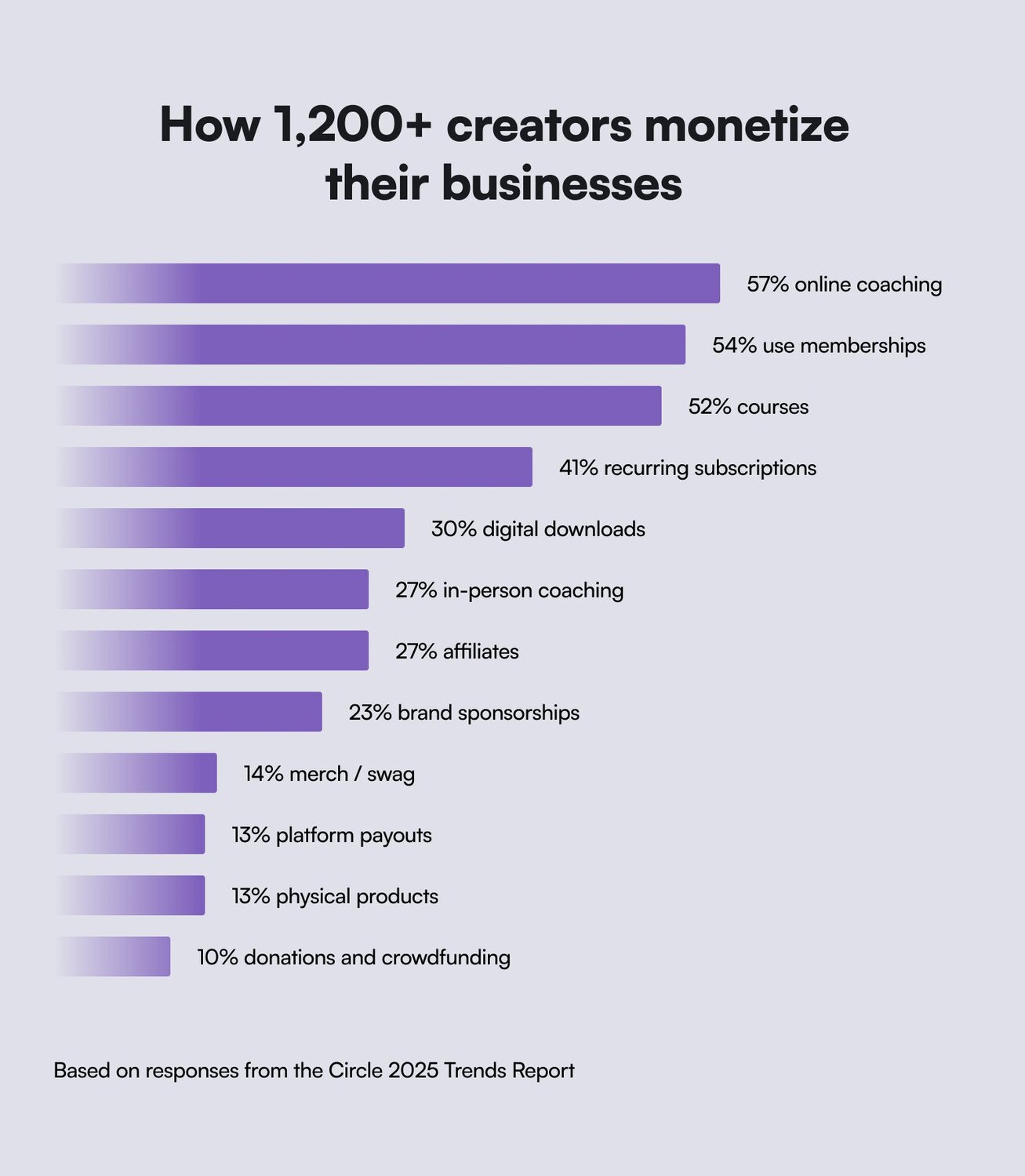
## What does it take to be a content creator?
Successful content creators balance creativity, strategy, and consistency. [Sid Yadav](https://vimeo.com/957968891), co-founder of Circle, says the most successful creators build strong, engaged communities rather than rely solely on algorithms.
You don’t need millions of followers to succeed as a content creator. In fact, engagement and community matter far more than sheer numbers. According to our [2025 Community Trends Report](https://circle.so/2025-community-trends-report), the most successful creators focus on building loyal, invested audiences—making value, engagement, and member retention their top priorities.
So, what do you actually need to thrive as a content creator?
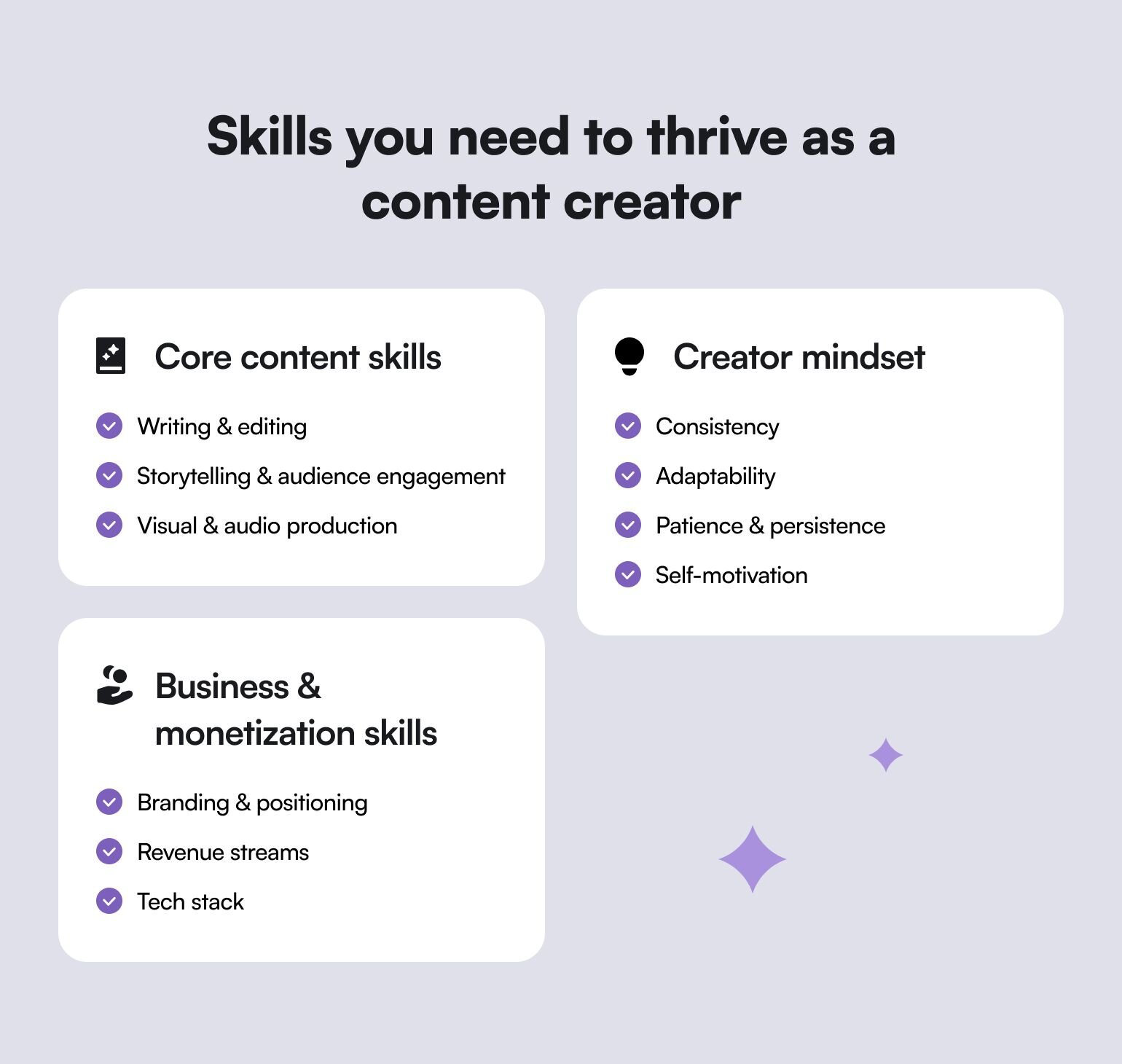
### **1️⃣ Core content skills:**
- ✅ **Writing & editing:** Well-organized, impactful writing ensures your message is clear, engaging, and easy to understand—whether it's a script, social post, or long-form article.
- ✅ **Storytelling & audience engagement:** You need to share compelling stories that resonate with your audience.
- ✅ **Visual & audio production:** Strong visuals and high-quality audio make your content more professional and engaging. Whether it’s designing eye-catching graphics or improving sound quality for podcasts, great production value helps you capture and keep attention.
### **2️⃣ Creator mindset:**
- ✅ **Consistency:** You need to regularly create and share content to keep your audience engaged and grow your presence. Consistency helps make you recognizable.
- ✅ **Adaptability:** Stay flexible and open to evolving trends, new platforms, and shifting audience interests.
- ✅ **Patience & persistence:** Understand that building a successful creator business takes time, experimentation, and resilience.
- ✅ **Self-motivation:** As a content creator, you’re your own boss—staying disciplined, organized, and driven is key to long-term success.
### **3️⃣ Business & monetization skills:**
- ✅ **Branding & positioning:** You need to stand out amongst competitors, become known for a certain topic, and build credibility in your area of expertise.
- ✅ **Revenue streams:** Have a plan on how to monetize through ads, sponsorships, memberships, and digital products.
- ✅ **Tech stack:** Building the [right tech stack](https://circle.so/blog/creator-tech-stack) is key for any successful content creator. (Hint: Circle is _the_ platform for content creators who want to monetize.)
## Step-by-step guide: How to become a content creator
Turning your passion into a thriving content creation career takes more than just hitting “post.” Success comes from crafting a unique brand, connecting with your audience, and staying consistent. Here are the essential steps to help you grow and sustain your presence as a content creator:
### Step 1: Find your niche and build your brand
The first part of becoming a content creator is looking within. You need to have a deep understanding of your expertise and the niche you’re in. This will guide your content decisions, help you stand out, and ensure you're creating content from a place of authenticity.
**Ask yourself:**
- What are you really good at? (Knitting? Marketing? Gardening? SEO optimization?)
- What type of content are you naturally drawn to? (Video? Writing? Audio? Visuals?)
- Who would benefit from your content?
- What problems can you help solve?
See this [8-figure entrepreneur's guide to finding your niche](https://circle.so/blog/how-to-find-your-niche).
Your brand is more than just a logo or name—it’s how you present yourself and your message to the world. [Building a strong personal brand](https://circle.so/blog/brand-messaging-framework) helps you stand out, and fosters trust with your audience.
**As you create your content, think about:**
- **Visual identity, voice, and tone:** Choose a visual identity that aligns with your values and message. Your logo, color palette, and design style should reflect who you are. Your voice and tone should be consistent—are you casual, educational, personal, or witty? Be authentic.
- **Story development:** Your story is powerful. Why should people care about your content? What makes your perspective unique? Think about how you can relate your personal experiences to your niche in a way that resonates with your audience.
- **Brand consistency:** Whether it's the tone of your writing, your visual identity, or the themes you focus on, consistency is key. Ensure that every piece of content aligns with your brand across platforms.
Here's Pat Flynn of SPI giving you a masterclass on brand-building:
🔹 **Pro tip:** Don’t overthink it—pick a general direction and refine as you go. You can always adjust and tweak as you discover what works best for you and your audience.
### Step 2: Choose your platforms
Now that you’ve defined your niche and brand, it’s time to choose the platforms where you’ll share your content. You’ll probably have an idea of where you and your audience hangs out, but it doesn’t hurt to put an intention behind it.
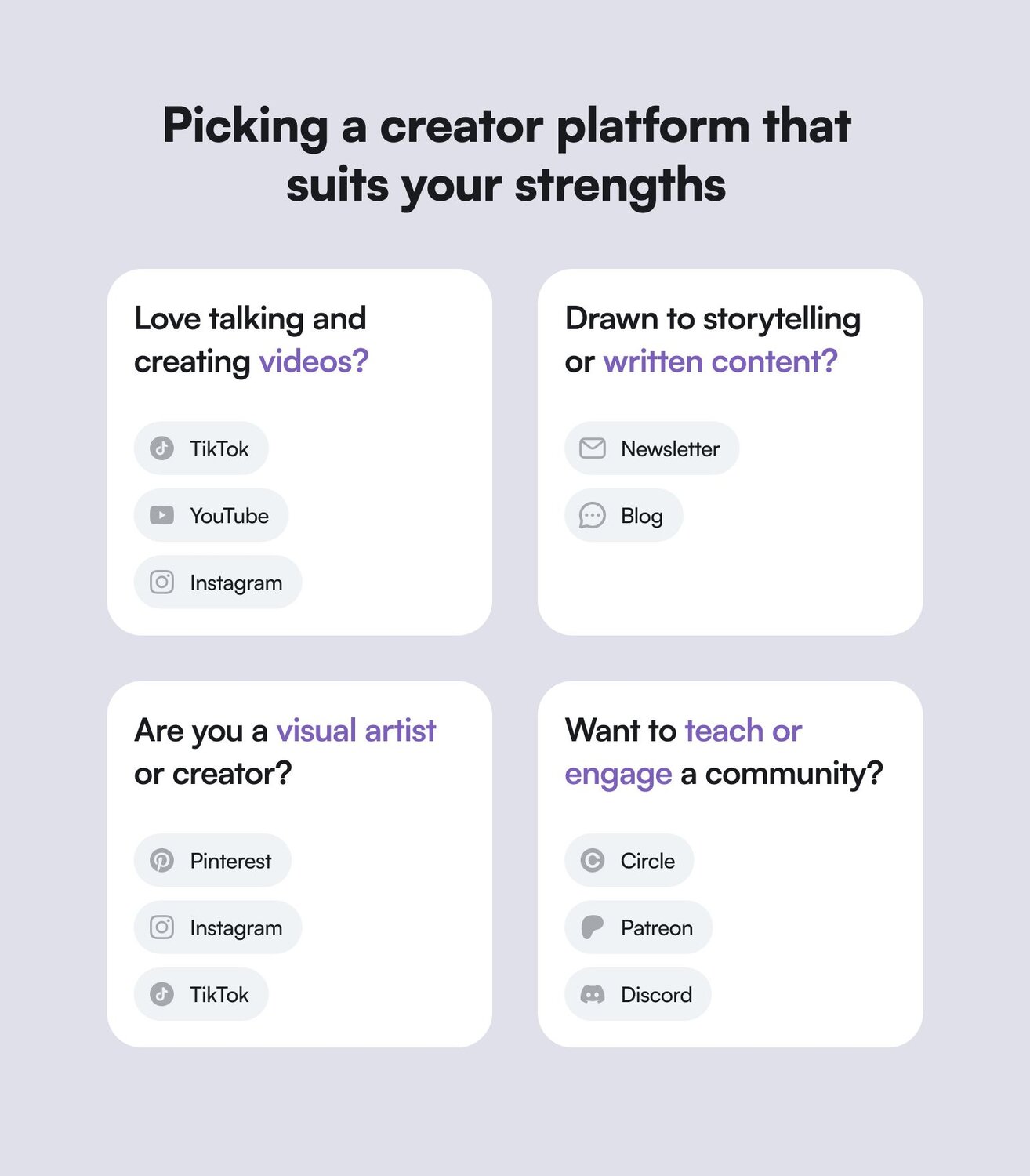
**You want to pick a platform that suits your strengths:**
- **If you love talking and creating videos:** Platforms like TikTok, YouTube, and Instagram are great for quick videos or podcasts. Videos and podcasts allow you to showcase your personality, expertise, and storytelling abilities all in one.
- **If you're drawn to storytelling or written content:** Consider starting a blog or newsletter, which are ideal for more in-depth, thoughtful pieces that allow your personality to shine through words. Writing allows for more nuanced storytelling and lets you take your time crafting your message. It's also an ideal format for sharing personal stories, insights, and expert advice.
- **If you're a visual creator or artist:** Leverage platforms like Instagram, Pinterest, or TikTok for eye-catching images, infographics, and short-form videos that showcase your creativity. If you're passionate about design, photography, or any other form of visual expression, this type of content allows you to showcase your work in its best light.
- **If you want to teach and/or engage with a loyal community:** Building a community on Circle, Patreon, or Discord allows for direct interaction, exclusive content, and creating deeper connections with your audience.
**Learn more about how to** [**choose the right online community platform**](https://circle.so/blog/choosing-an-online-community-platform) **for you.**
Then, assess each platform's pros and cons. Selecting the right platform is key to getting your content in front of the right people.
You should:
- **Evaluate platform strengths:** Platforms like TikTok and Instagram are great for quick, engaging content that builds brand awareness. YouTube could offer better monetization, Pinterest can help you reach a broader audience with evergreen visual content, and LinkedIn could be the best space for thought leadership. Understanding these differences will help you make smarter decisions about where to invest your time.
- **Assess platform demographics:** Consider who uses each platform. Are you targeting younger audiences? Are you looking for a more professional demographic? Understanding platform demographics helps you reach the right audience. (A great way to do this for free is using [SparkToro](https://sparktoro.com/) and identifying where your ideal customer already hangs out.)
- **Be honest about the time investment:** Some platforms require more time and effort to maintain consistency (e.g., YouTube), while others are more casual (e.g., Instagram Stories). Consider how much time you can realistically dedicate to creating content for each platform. Remember that you can repurpose one piece of content you make into a million other pieces of content, too.
🔹 **Pro tip:** Start with one or two platforms. This lets you refine your content without spreading yourself too thin. Once you have a better grasp of what works best for you, you can expand to other platforms and diversify your offerings.
### So, what are the best tools for content creators?
As a content creator, the right tools can make all the difference in helping you create, organize, and share your content efficiently. Whether you're designing visuals, editing videos, or analyzing performance, these tools will help:
🎨 **Canva:** Easy-to-use design tool for graphics and branding.
📋 **Notion:** Organize content ideas and plan ahead.
🎬 **Descript:** Simple and pro-level video editing tools.
📆 **Buffer:** Schedule content efficiently.
📊 **Google Analytics:** Track audience insights and growth.
🟠 **Circle:** Host discussions, offer courses, and create exclusive content all in one place.
And if you want to learn exactly how to build the perfect [modern creators’ tech stack](https://circle.so/blog/creator-tech-stack)—be sure to check out this deep dive on all the tools you’ll ever need.
### Step 3: Refine, create, and publish your content
Your brand and content plan will set the foundation for everything you do, shaping how you connect with your audience and establish your presence. Focus on authenticity over perfection, and remember that the best content often evolves over time. Creator Shivani Persad shows how embracing your journey—flaws and all—can be a powerful way to build trust and engagement.
Success in content creation comes from finding a strategy that suits _your_ skills and preferences. But here are tips to refine, create, and publish your content:
- **Create content pillars:** Identify core topics that you want to focus on—these will be your foundation for creating valuable, consistent content. Instead of just guessing, [work backward](https://circle.so/blog/increase-social-media-engagement)—analyze your most engaging posts, conversations in your community, and audience feedback to shape your pillars.
- **Post consistently:** Set a schedule you can stick to. Whether it's a daily Instagram post, weekly blog, or bi-weekly newsletter, consistency is key.
- **Engage with your audience:** Respond to comments, DMs, and questions. This helps you build a stronger, more loyal community. If interacting with your audience feels like a chore rather than an opportunity, it might be a sign to rethink your approach. The best creators genuinely enjoy these conversations, seeing them as a chance to learn, connect, and create content that truly resonates.
- **Batch your content creation:** Instead of creating content day by day, dedicate time to creating several pieces at once. This will free up time, ensure you're always ahead of schedule, and [help you minimize burnout](https://circle.so/blog/writing-your-own-creator-playbook#h2-3).
- **Repurpose your content:** Turn a blog post into a video, create quotes from your podcast, or [reuse old content](https://circle.so/blog/audience-growth) in new ways to keep your audience engaged across platforms.
- **Leverage platform best practices:** Each platform has unique features that can help boost your content’s reach. Whether it's using hashtags on Instagram or cutting your longer videos into bite-size YouTube Shorts, each platform has its own guidelines for success.
- **Optimize your content:** Make sure your content is optimized for each platform. Use appropriate titles, descriptions, tags, and thumbnail images to increase visibility.
By developing a clear voice, identifying core content pillars, and leveraging strategic planning techniques, you can build a content creation system that works for you.
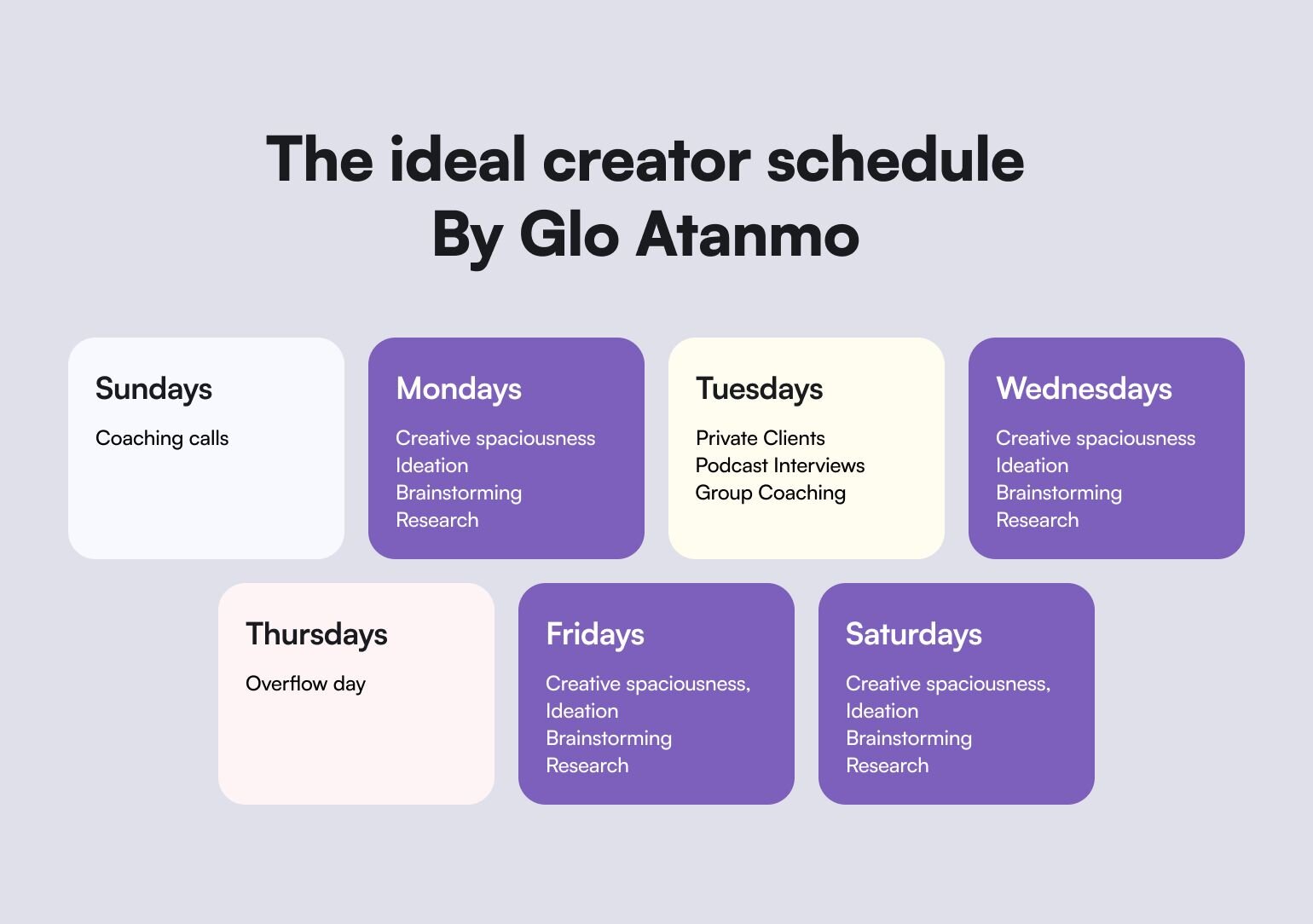
**🔹Pro tip:** A content calendar can help you stay organized and consistent—but also be sure to leave room for spontaneous content when inspiration strikes.
### Step 4: Grow & monetize
With your content live and your audience growing, it’s time to track your progress and refine your strategy based on the data you’ve accumulated.
- **Key metrics by platform:** Different platforms offer different metrics to track your performance. Pay attention to audience engagement, reach, click-through rates, and follower growth (Just don’t forget to add a point where people convert to paid products, services, or memberships!)
- **Growth strategy:** Instead of just focusing on growing your numbers, focus on building a sustainable business with solid audience engagement. When you create a "flywheel" of engagement, your content, interaction, and audience growth work in a continuous cycle.
- **Data-driven decision-making:** Use insights from your analytics to tweak your content and strategy. For example, if a certain type of post performs better than others, make that a focal point in your content strategy.
Here are some ideas on how you could generate income from the content you create:
- **Offer memberships or exclusive content:** Platforms like Circle allow creators to offer exclusive content or experiences for paid subscribers.
- **Collaborate with brands and sponsors:** As your audience grows, brands may reach out to partner with you for sponsored content. (But you can also reach out and pitch aligned brands you know your audience would benefit from!)
- **Sell digital products or services:** If you have expertise, consider creating other products—like eBooks or coaching earlier-stage creators—to generate income.
🔹 **Pro tip:** Loyal followers matter more than the number of followers. Focus on cultivating a community that trusts you, and monetization will follow.
## How to overcome content creation challenges
Still feeling stuck? Here are our answers to the most common questions we see.
| Struggling with | How to beat it: |
| --- | --- |
| 🙋🏼♀️ "I just don’t know where to start with content creation." | Just start. Pick a topic you love, create something small, and see how it performs–then, refine, adjust, and experiment some more! |
| 🙋🏼♀️ "I don’t have enough time." | Create batch content and schedule posts in advance. Time is a hard one, but consistency is important. |
| 🙋🏼♀️ "I'm concerned about algorithm changes or platform bans." | Diversify across platforms to reduce risk. The TikTok ban in the U.S. hurt creators who relied on it exclusively. Building a presence on multiple platforms can protect you from sudden changes. |
| 🙋🏼♀️ "I'm experiencing burnout." | Schedule regular breaks, set realistic goals, and delegate tasks when possible. Remember, your well-being is essential for sustained creativity |
| 🙋🏼♀️ "I'm facing creative blocks." | Engage in new experiences. Travel, read, or collaborate with others to spark inspiration. Stepping away from your usual routine can lead to fresh ideas. |
| 🙋🏼♀️ "I'm dealing with technical issues." | Invest in reliable tools with tech support (or pay someone to fix em!). Ensure your equipment and software are up to date. |
| 🙋🏼♀️ ”I'm concerned about income instability." | Diversify your revenue streams. In what ways can you create recurring revenue? Perhaps by creating a community with a monthly membership fee? |
As much as we wish it were true, there's no creator (or career path) without trials and tribulations. The key is to stay adaptable, seek support when needed, and continue pursuing your passion with resilience.
## Turn your creator path into a career path with Circle
Becoming a content creator isn’t just for professors with fancy degrees or influencers with pretty homes. It’s for anyone with the passion to show up, create, and connect with others. Sometimes you just need to be 2-3 steps in front of people in order to provide value and teach them.
Whether you’re just starting or refining your craft, the key is consistency, authenticity, and a willingness to keep learning. Don’t wait for the “perfect” moment—just dive in, embrace the process, and watch your community grow. You’ve got this!
Begin building your community with Circle. [Start your 14-day trial today.](https://app.circle.so/communities/new)
---
### 11 Best online coaching platforms in 2026 (A comparison guide)
*Looking for the best online coaching platform? Explore 11 top picks for 2026 and find the ideal fit for your business goals, budget, and growth plans.*
Source: https://circle.so/blog/best-coaching-platforms
Choosing a coaching platform is like finding the perfect pair of running shoes—it needs to support your goals, fit your style, and help you go the distance without unnecessary friction. No one wants a blister. Choose wrong, and you’re stuck with a tool (or shoes) that creates more problems than it solves.
The online coaching market continues to grow, with projections estimating it’ll reach [**$17.33 billion by 2035**](https://www.businessresearchinsights.com/market-reports/online-coaching-platforms-market-118159). As more platforms enter the space, decision fatigue grows with it. Many coaches still juggle scheduling in one app, payments in another, Zoom for calls, and a separate tool for courses or community.
The scattered setup, first of all, gives you a headache and, frankly, wastes your time. Worse? It fragments the client experience. And as your coaching business grows (we know for sure it will! 🚀), patchwork systems just aren’t the way to go. If that sounds like something you’d rather avoid, we’ve rounded up **the** **top 11 online coaching platforms** to help you find the perfect solution to elevate your coaching business. For each one, we’ll look at:
* Who it’s best for
* Standout features
* Pros and cons
* Pricing
## What is an online coaching platform?
**An online coaching platform** is a centralized digital tool that helps you manage, deliver, and grow your coaching business from one place. It typically includes tools for scheduling sessions, processing payments, hosting video calls, delivering courses or resources, tracking client progress, and managing communication.
## How to choose the best coaching platform for your business
The best coaching platform isn’t the one with the most features (though that can be the case as well!). It’s the one that supports how you coach today—and how you plan to grow.
Before you compare features, pricing, and integrations, start with your business model.
**❓Ask yourself:**
* Am I a **1:1 coach** who needs a simple, streamlined system for scheduling, payments, and client tracking?
* Do I run a\*\*\*\* [**group coaching program**](https://circle.so/blog/group-coaching) where [community engagement](https://circle.so/blog/community-engagement-ideas) and accountability are key–and I need to be able to scale personalization, manage cohorts, and group communication?
* Am I [**creating a course**](https://circle.so/blog/create-online-course) **+ coaching hybrid** that requires both structured content delivery and live interactions, and can I measure the impact of both?
It’s much easier to choose the right platform once you’re clear on what you actually need. When you’re ready to dive into the tools, here are a few key pointers to keep in mind as you compare your options:👇🏼
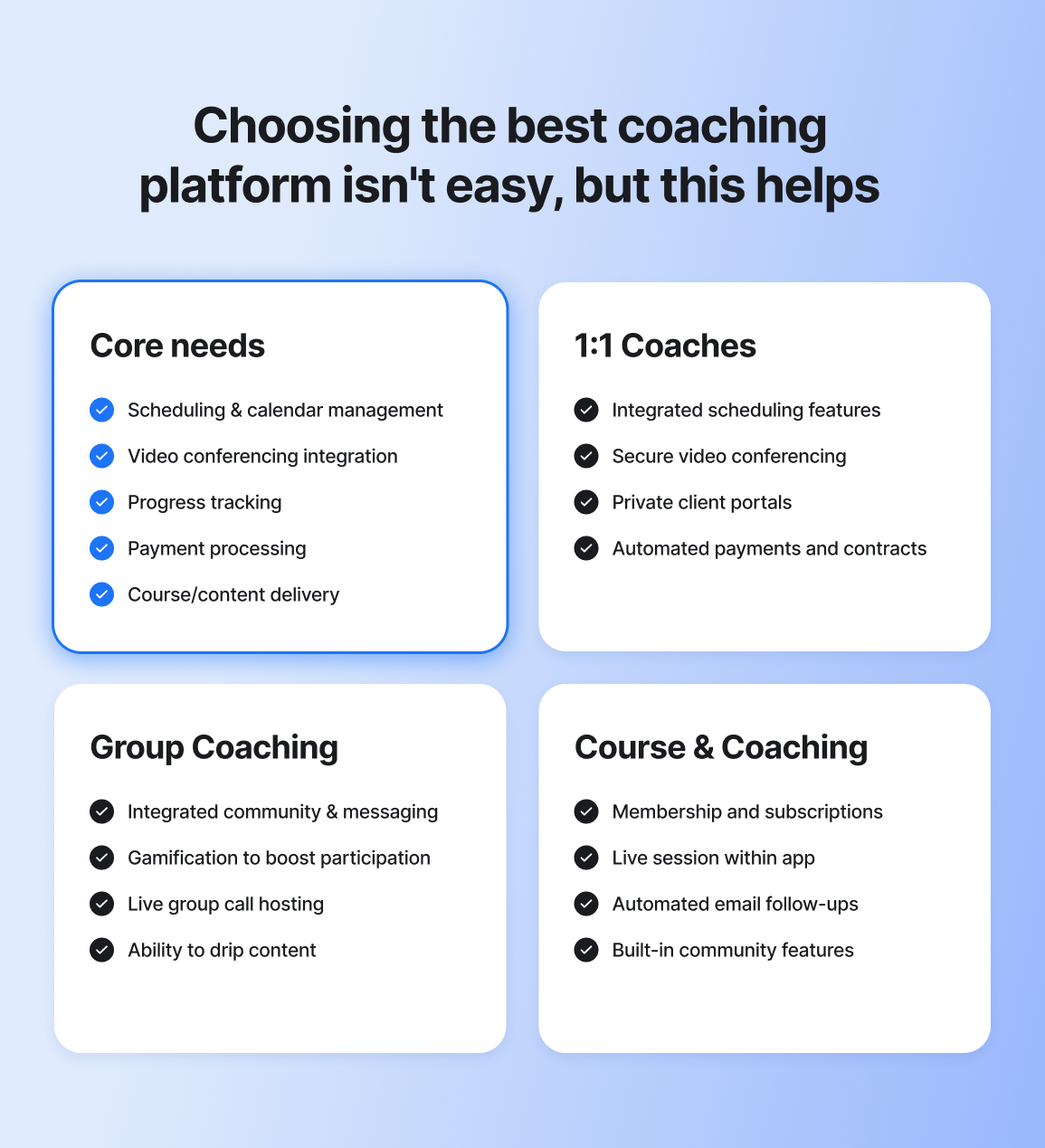
### Core needs every coaching platform should cover
Let’s call these the **non-negotiables**. These are typically the features that automate the admin side of your coaching business, like scheduling calls, sending video conferencing links, and helping you track clients’ progress.
At a bare minimum, your platform should offer:
**✅ Scheduling & calendar management:** Clients need to be able to book without a headache.
**✅ Video conferencing integration:** Does it have Zoom, Google Meet, or another built-in video feature?
**✅ Progress tracking:** It’s super empowering for clients (and yourself) to see the growth happening.
**✅ Payment processing:** Make sure there are ways to help ensure you’re getting paid. Do you need features for subscriptions, one-time fees, or pay-as-you-go?
**✅ Course/content delivery:** If content distribution is part of your business, look for features that allow for streamlined creation and delivery.
### 1:1 coaches: Prioritize personalization
If you’re a one-on-one coach, you should look for a platform that supports highly personalized experiences. That means your tools should make it easy to track personal goals, document session notes, customize next steps, and maintain a secure, distraction-free space for each client.
At 1:1 coaching, scale matters less. What matters is depth, continuity, and a system that supports one-to-one transformation. According to our [2026 Community Trends Report](https://circle.so/2026-community-trends-report), **69% of community builders** prioritize member transformation as their #1 growth strategy.
Here are the top things you should look for:
* Integrated scheduling features (no more back-and-forth emails)
* Secure video conferencing
* Private client portals for notes and progress tracking
* Automated payments and contracts
### Group coaching: Prioritize community
Group coaching thrives on connection and accountability. The right platform should bring your clients together, not scatter them across a dozen different tools. If you want to build an [engaged](https://circle.so/blog/online-community-engagement), supportive community where members interact, learn from each other, and stay motivated, you need features that make participation easy (and fun!).
Here are the top things you should look for:
* Built-in community and communication
* Gamification to boost participation
* Live group call hosting and event scheduling features
* Drip content abilities that guide clients step by step
### Course + coaching hybrid: Prioritize connection
Balancing structured learning with live coaching requires a platform that can do both well. You need a system that delivers your course content smoothly while also allowing for real-time interaction with clients. Whether you're running a self-paced program with optional coaching sessions or a fully guided cohort experience, your platform should support both education and engagement without friction.
Here are the top things you should look for:
* Course hosting (video, text, quizzes)
* Ability to expense memberships and subscriptions
* Live session integration within the app
* Automated email follow-ups
* Built-in community features
## The 11 best coaching platforms in 2026: At a glance
Before we break down each platform in detail, here’s a quick side-by-side overview comparing the top 11 coaching platforms across core features, business model fit, and entry-level pricing.
| Tool | Best for | Core features | Starting price |
| ----------------- | --------------------------------------------------------------------------- | -------------------------------------------------------------------------------------------------------------------------------------------------------------------------------------------------------------------------------------------- | -------------- |
| Circle | Coaches who want community + courses + live coaching in one platform | - community spaces
- course delivery
- live group calls
- 24/7 AI agents to support and coach clients
- AI-powered community activity scores
- gamification features to reward and motivate members
- payments | $89/month |
| Thinkific | Course creators who need structured learning experiences | - course builder
- quizzes
- certificates | $36/month |
| Teachable | Coaches focused primarily on selling online courses | - course hosting
- landing pages
- affiliate tools | $29/month |
| Kajabi | Coaches who rely on marketing funnels | - course builder
- email marketing
- landing pages | $143/month |
| Mighty Networks | Community-first group coaching programs | - community building tools
- forums
- events | $79/month |
| Practice Better | Health, wellness & fitness coaches | - integration with health apps
- personalized wellness plans | $25/month |
| Satori | 1:1 coaches who want a straightforward client management system | - automated scheduling
- payments
- session notes | $33/month |
| Paperbell | Coaches who want a simple, social-friendly website to sell sessions | - scheduling
- payments
- package management | $57/month |
| Coach Accountable | Coaches who need detailed client progress tracking and accountability tools | - goal tracking
- reminders
- client dashboards | $20/month |
| upcoach | Coaches running structured programs | - coaching program builder
- course creation and drip scheduling
- habit tracking and task assignments | $49/month |
| ABC Trainerize | Fitness coaches delivering training and nutrition programs | - habit coaching tools
- client engagement tools
- badges and engagement features | $0/month |
### 1. Circle — best overall coaching, course, and community platform
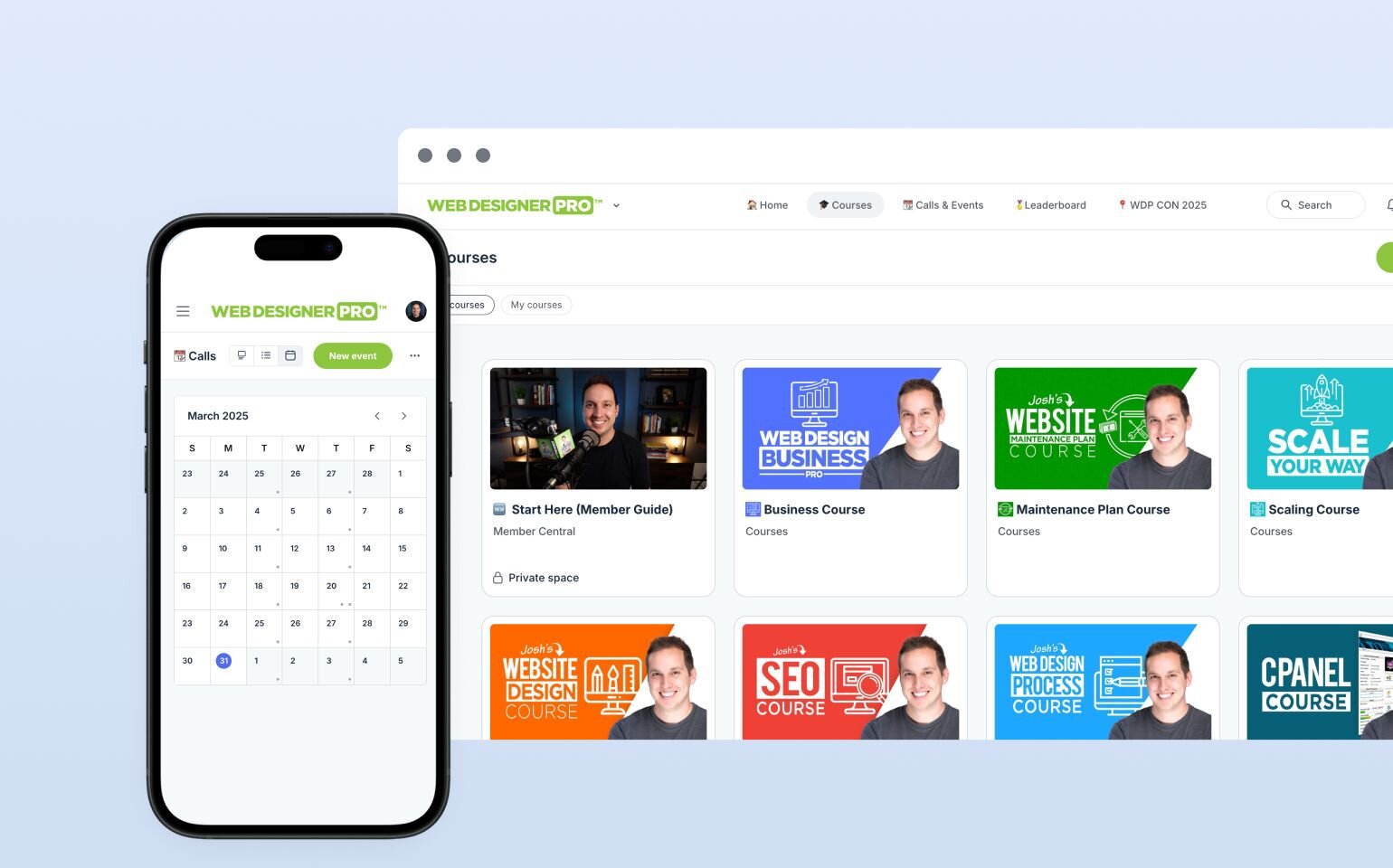
If you’re running a coaching business today but want to grow into something bigger in the future, with structured courses, group programs, and a real community element, [Circle](http://circle.so) is a clear frontrunner worth serious consideration.
Circle goes beyond basic coaching software. It gives you the core tools to run your coaching business day to day, while also setting you up to scale (because switching platforms the moment you outgrow one is nobody’s idea of a good time 😅). With Circle, you can host live calls and workshops, deliver self-paced learning, and keep your clients engaged between sessions with [discussion spaces](https://circle.so/blog/group-discussion-topics), messaging, and gamification, all inside one branded home.
#### Key features:
* [**Live coaching calls**](https://circle.so/events), workshops, and Q\&As (desktop and mobile).
* **Native video capabilities** for group coaching, 1:1 calls, and workshops, with AI video transcripts and summaries.
* **AI-powered** [**discussion spaces**](https://circle.so/discussions) with threaded conversations, smart summaries, and built-in moderation tools that keep coaching communities organized, engaging, and safe.
* [**Strong monetization tools**](https://circle.so/payments) with subscriptions, one-time payments, customizable [paywalls](https://circle.so/blog/paywalls), and member-only discounts, bundles, and promotion codes.
* [**Built-in course builder**](https://circle.so/courses) with multimedia lessons, [cohort-based delivery](https://circle.so/blog/cohort-based-courses), automation, and community integration to boost engagement, completion rates, and recurring revenue.
* [**Gamification features**](https://circle.so/gamification) like points, levels, badges, and leaderboards, that reward contributions and keep your clients motivated through recognition and friendly competition.
* [**Integrations**](https://circle.so/integrations) with Zapier, Google Analytics, YouTube, and more for seamless workflows.
* **Full-funnel** [**analytics dashboard**](https://circle.so/analytics) to help you track member growth, engagement, conversions, and revenue.
* [**Fully branded iOS and Android mobile app**](https://circle.so/plus) with custom design, in-app purchases, and push notifications under Circle Plus.
#### Pricing:
Plans start at $89/month, and all core plans offer a [14-day free trial](https://app.circle.so/communities/new).
#### Ideal for:
Coaches who prioritize community engagement, ongoing client relationships, and connection.
| Pros | Cons |
| ------------------------------------------------------------------------------------------------ | ---------------------------------------------------------- |
| User-friendly, intuitive interface. | Pricing can be high for coaches with just a few clients. |
| AI-powered Agents trained on your content that provide personalized, always-on coaching support. | Feature depth can feel overwhelming for brand-new coaches. |
| Custom branding options, including white-label and branded mobile apps. | |
| Helpful support and continuous product improvements driven by user feedback. | |
| All plans include unlimited members, which isn’t always the case with other platforms. | |
#### 💬 Users say:
> 👍🏼 "Circle.so excels in providing an intuitive and user-friendly interface that simplifies community building and management. Its comprehensive suite of features—including discussion forums, event management, and seamless integrations—empowers us to create a vibrant and engaging community space. The platform's customization options allow us to align our community's appearance with our brand identity, enhancing the overall member experience. Additionally, Circle.so's responsive and knowledgeable customer support team ensures that any questions or issues are promptly addressed, contributing to a smooth and efficient user experience." - [Verified review from G2](https://www.g2.com/products/circle-so-circle/reviews/circle-review-10478380)
> 🤔 “It generally serves our needs well. There are opportunities for deeper analytics or improvement of certain analytics. For example, we use Circle's tracking links to determine which events prompt folks to sign up and we learned it tracks clicks on links, not actual sign ups." - [Verified review from G2 ](https://www.g2.com/products/circle-so-circle/reviews/circle-review-10819529)
👉 See how (and why) Josh Hall, a web design business coach, course creator, YouTuber, podcast host, and web agency founder, [uses Circle to run his $240K web design community](https://circle.so/blog/web-designer-pro-community).
### 2. Thinkific — best for coaches turning expertise into a structured education business
[Thinkific](https://www.thinkific.com/) is a top choice for coaches with courses who need a platform focused on delivering high-quality online education. The platform’s flexibility in course design makes it easy to create both structured and self-paced learning experiences.
#### Key features:
* Custom course pricing (free, one-time, subscriptions, bundles).
* Integrated quizzes, certificates, and student tracking.
* Live sessions through Zoom integration.
* Drip content and automated student progression.
#### Pricing:
Plans start at $36/month with a 30-day free trial available.
#### Ideal for:
Coaches who sell structured courses with optional coaching add-ons.
| Pros | Cons |
| -------------------------------------------------------------------------------------- | ------------------------------------------- |
| Supports both 1:1 and group coaching formats. | Advanced capabilities require higher tiers. |
| Flexible monetization options. | |
| Advanced analytics with custom dashboards, engagement tracking, and revenue reporting. | |
#### 💬 Users say:
> 👍🏼 “Great interface, support is available to talk to." - [Verified review from G2](https://www.g2.com/products/thinkific-thinkific/reviews/thinkific-review-9749686)
> 🤔 “Website layout has few options to customise. So many extra add ons to pay for, the membership plans kept increasing in price and rather invest in upgrading the platform, they seem to push paid plugins instead. Our website was not very easily found in Google search so we left, the customer service team were not experienced to help and instead said not to worry." - [Verified review from G2](https://www.g2.com/products/thinkific-thinkific/reviews/thinkific-review-10847795)
### 3. Teachable — best for course-focused coaches
[Teachable](https://teachable.com/) is perfect for coaches who want to create and sell online courses without the complexity. The platform is intuitive and easy to use, allowing coaches to focus on delivering their courses while Teachable handles the logistics.
#### Key features:
* Easy-to-use course creation tools.
* Customizable landing pages for marketing your course.
* Drip content and student progress tracking.
#### Pricing:
Plans start at $29/month with a 7-day free trial available.
#### Ideal for:
Coaches focused on creating and selling online courses.
| Pros | Cons |
| --------------------------------------------------------------------- | ------------------------------------------- |
| Very easy to launch. | Lacks community engagement tools. |
| Affiliate marketing options for increased course sales. | Fewer automation features than competitors. |
| Integration with email marketing tools like MailChimp and ConvertKit. | |
#### 💬 Users say:
> 👍🏼 “Teachable is intuitive to use. No fuss type of platform for course hosting. That is what I like the most about it "no fuss type of platform." - [Verified review from G2](https://www.g2.com/products/teachable/reviews/teachable-review-7619563)
> 🤔 "Connection with your students. It was difficult to engage with them." - [Verified review from G2](https://www.g2.com/products/teachable/reviews/teachable-review-6959781)
### 4. Kajabi — best for coaches who rely on funnels and email marketing
[Kajabi](https://kajabi.com/) is best for coaches who need an all-in-one platform that combines course creation, marketing, and sales funnels. It’s a powerful platform for coaches who want to sell, market, and deliver their courses all in one place.
#### Key features:
* Fully integrated course creation tools.
* Customizable landing pages for sales and marketing.
* [Membership site](https://circle.so/blog/best-membership-site-examples) management.
* Analytics features for tracking course sales.
#### Pricing:
Plans start at $143/month with a 14-day free trial available.
#### Ideal for:
Coaches who need an all-in-one platform for courses, marketing, and sales funnels.
| Pros | Cons |
| ------------------------------------------------------------- | ---------------------------------------------- |
| All-in-one platform with courses, marketing, and sales tools. | Higher starting price compared to competitors. |
| Built-in email marketing and sales funnel automation. | Can be overwhelming due to its many features. |
| Global checkout support—accept payments in 140+ currencies. | |
#### 💬 Users say:
> 👍🏼 "It is a very comprehensive platform, with access to metrics, funnel creation, email marketing, and easy landing page creation." - [Verified review from G2 ](https://www.g2.com/products/kajabi-kajabi/reviews/kajabi-review-8179030)
> 🤔 "Kajabi doesn't have a good community feature for members and students. Many people from our audience have to use different community platforms to meet their demands." - [Verified review from G2](https://www.g2.com/products/kajabi-kajabi/reviews/kajabi-review-5338649)
**💡** [**Kajabi vs. Circle**](https://circle.so/compare/vs-kajabi)**: See how Kajabi stacks up.**
### 5. Mighty Networks — best for coaches building a membership-driven community
If your coaching business revolves around paid memberships, recurring engagement, and strong peer-to-peer interaction, [Mighty Networks](https://www.mightynetworks.com) is built for that model.
Mighty isn’t primarily a coaching management tool. It’s more of a community engine designed to help you build interactive memberships with high [member-led activity](https://circle.so/blog/member-led-community).
#### Key features:
* Community-building features (posts, polls, feeds, and discussions).
* One-time or recurring live and [virtual events](https://circle.so/blog/types-of-virtual-events).
* Membership and subscription options for monetization.
#### Pricing:
Plans start at $79/month with a 14-day free trial available.
#### Ideal for:
Coaches who want to build a recurring membership business.
| Pros | Cons |
| --------------------------------------- | ------------------------------------------------------------------ |
| Livestreams with live chat & reactions. | Lighter on the analytics side compared to other similar platforms. |
| Strong mobile experience. | |
| Good for recurring membership models. | |
#### 💬 Users say:
> 👍🏼 "Mighty Networks has a lot of great tools if you are looking for a smaller community. It is a great way for us to connect with our end users in our own controlled environment. The courses is what we use the most!" - [Verified review from G2 ](https://www.g2.com/products/mighty-networks/reviews/mighty-networks-review-8386855)
> 🤔 "It's a very incomplete solution. It's mainly an online community, but it has very little customization available, the interaction with participants is choppy and flat, and the live class integration is terrible. But the biggest flaw is their inability to accommodate other software platforms that are utilized in your business. A community should be a part of a larger plan and unfortunately, Mighty Networks was built as a stand alone partial solution. Even if you purchase their top tier." - [Verified review from G2](https://www.g2.com/products/mighty-networks/reviews/mighty-networks-review-4697606)
**💡** [**Circle vs. Mighty Networks**](https://circle.so/compare/circle-vs-mighty-networks)**: Which platform is better for your coaching style?**
While both platforms offer course, event, and community tools for coaches, Mighty Networks is not like us when it comes to ease of use, automation, or engagement features. While they’re great at creating a social-network-like experience, Circle is better for coaches because we’re able to host events within the platform (natively), send email flows automatically, and create workflows that keep clients engaged and retained.
### 6. Practice Better — best for health and wellness coaches who need client management tools
[Practice Better](https://practicebetter.io/) is designed specifically for health and wellness coaches who need tools to manage client appointments, track progress, and deliver personalized plans. It’s perfect for coaches in the wellness space looking for a specialized platform.
#### Key features:
* Appointment scheduling and reminders.
* Client progress tracking and health integrations (fitness trackers).
* Personalized wellness plans and progress reports.
* Integration with popular health apps.
#### Pricing:
Plans start at $25/month. You can also try the tool for free for 14 days.
#### Ideal for:
Health, wellness, and fitness coaches needing appointment scheduling and client tracking.
| Pros | Cons |
| ------------------------------------------------------------------------------- | ------------------------------------------- |
| Strong client management infrastructure, including notes, forms, and protocols. | Not suited for community-driven businesses. |
| Group session scheduling with attendee controls. | Limited marketing and funnel automation. |
| Integrated billing workflows. | |
#### 💬 Users say:
> 👍🏼 "Practice better is easy to use and very user friendly. It has most of the features I need without too much fluff, extras or complexity. The ability to create notes, protocols, schedule appointments, have clients fill forms, and secure communication satisfies most of my needs." - [Verified review from G2](https://www.g2.com/products/practice-better/reviews/practice-better-review-10799718)
> 🤔 “I don't love the program feature. There's not really a community aspect, and I use a separate platform for that. When creating programs in Practice Better, there's a chat feature for clients, but it's not very functional in the way I would like it to be. Also, the initial setup of Practice Better was a lot of work and took many hours, but once it's done, it's done.” - [Verified review from G2](https://www.g2.com/products/practice-better/reviews/practice-better-review-12214281)
### 7. Satori — best for coaches who want to streamline 1:1 client operations
#### 
If you’re a [life coach](https://circle.so/blog/how-to-start-a-life-coaching-business-online) who primarily works with 1:1 clients and you don’t want to splurge on a complex, all-in-one platform, [Satori](https://satoriapp.com/) is a great option to consider.
It isn’t trying to be a community platform or a marketing funnel builder. Instead, it focuses on what many solo coaches actually need: converting discovery calls, onboarding clients smoothly, and delivering structured multi-session coaching packages with ease.
#### Key features:
* Client management (progress tracking, session notes).
* Scheduling and calendar management.
* Payment processing and invoicing.
* Integrated video calls for seamless 1:1 sessions.
#### Pricing:
Plans start at $33/month with a 15-day free trial available.
#### Ideal for:
Coaches who want a simple, budget-friendly solution for 1:1 coaching.
| Pros | Cons |
| ----------------------------------------------- | -------------------------------------- |
| Simple and budget-friendly. | Not built for community-driven models. |
| Customizable coaching packages and pricing. | |
| Automated reminders and follow-ups for clients. | |
#### 💬 Users say:
> 👍🏼 "Satori is very helpful! It was easy to use, has lots of features, and the support is awesome." - [Verified review from G2](https://www.g2.com/products/satori/reviews/satori-review-9188355)
> 🤔 “Even though there are options to integrate with others tool, there are some limitations of not integrating some well known coaching tools.” - [Verified review from G2 ](https://www.g2.com/products/satori/reviews/satori-review-9054600)
### 8. Paperbell — best for coaches who want a simple, social-friendly website to sell sessions
[Paperbell](https://paperbell.com/) is a perfect solution for solopreneurs who need an easy way to manage their coaching business. It includes tools for scheduling, payments, and session management, all in a simple, streamlined platform.
#### Key features:
* Scheduling and client management.
* Payment processing and invoicing.
* Client communication tools (messages and session notes).
* Simple client portal for easy access to materials.
#### Pricing:
Plans start at $57/month and include a 7-day free trial.
#### Ideal for:
Solopreneurs who need scheduling, client management, and payment tools.
| Pros | Cons |
| ----------------------------------------------- | ----------------------------------- |
| Simple and intuitive platform for solo coaches. | Lack of marketing automation tools. |
| Built-in contract signing feature. | |
| Client intake forms. | |
#### 💬 Users say:
> 👍🏼 "Paperbell aligns with how I run my business. I am able to offer coaching packages with a certain number of sessions at either a one time price (with a discount if desired) or a monthly fee. Of all the coaching platforms I've checked out, it has the greatest flexibility to do what I need." - [Verified review from G2](https://www.g2.com/products/paperbell/reviews/paperbell-review-6768836)
> 🤔 "Paperbell doesn't include any big marketing features to help you find clients. You have to find clients and then send them to Paperbell to purchase your packages." - [Verified review from G2](https://www.g2.com/products/paperbell/reviews/paperbell-review-8308894)
### 9. Coach Accountable — best for coaches who need detailed client progress tracking
[Coach Accountable](https://www.coachaccountable.com) is built for coaches who prioritize accountability and tracking. With robust features for goal-setting, activity tracking, and client monitoring, it’s ideal for coaches who need detailed insights into their clients' progress.
#### Key features:
* Action plans and assignments between sessions.
* Goal tracking and progress metrics.
* Automated reminders and nudges.
* Session notes and shared records.
#### Pricing:
Plans start at $20/month with a 30-day free trial available.
#### Ideal for:
Coaches who focus on accountability and tracking client progress.
| Pros | Cons |
| -------------------------------------------------------------------- | ------------------------------------------------ |
| Client dashboards with engagement summaries. | The interface feels more functional than modern. |
| Strong accountability framework that encourages real follow-through. | Limited marketing and sales tools. |
| Good option for structured coaching programs. | |
#### 💬 Users say:
> 👍🏼 "It’s a comprehensive solution for coaches that are just starting out, who might not have the money for a client portal that hosts all their amazing content and fuels the client through their methodology." - [Verified review from G2](https://www.g2.com/products/coachaccountable/reviews/coachaccountable-review-3600923)
> 🤔 "It isn’t an all in one system. It won’t do your accounting or automate your entire operational process from sales to fulfillment." - [Verified review from G2](https://www.g2.com/products/coachaccountable/reviews/coachaccountable-review-3600923)
### 10. upcoach — best for coaches running structured programs
If your coaching business runs on structured programs with clear milestones, exercises, and repeatable frameworks, [upcoach](https://upcoach.com) could be a great option for you. It brings your 1:1 coaching, group programs, courses, payments, and client communication into one organized system.
For coaches growing from solo practice into structured programs or small teams, upcoach offers a practical middle ground between simplicity and scale.
#### Key features:
* Coaching program builder (1:1 and group).
* Course creation and drip scheduling.
* [Habit tracking ](https://circle.so/blog/community-habits)and task assignments.
* Built-in CRM.
#### Pricing:
Plans start at $49/month. There’s no free trial, but they offer a 14-day money-back guarantee.
#### Ideal for:
Structured program-based coaches and small coaching teams.
| Pros | Cons |
| --------------------------------------------------------------------------------------- | --------------------------------------- |
| Strong program structure tools (tasks, habits, smart documents). | Client limits on lower plans. |
| Works well if you mix 1:1, group coaching, and light course delivery in the same offer. | Not currently GDPR- or HIPAA-compliant. |
| The ability to clone programs and reuse workflows. | |
#### 💬 Users say:
> 👍🏼 “I have had Upcoach for quite a while now and am just starting to properly use it again (since the Uteach debacle, really). It does have a bit of a learning curve, but once you do understand it, you realize it was made by a coach (or coaches) for coaches!” – [Verified review from AppZumo](https://appsumo.com/products/upcoach/reviews/great-for-coaches-amazing-support-fea-336714/)
> 🤔 “No GDPR compliance.” – [Verified review from AppZumo](https://appsumo.com/products/upcoach/reviews/my-experience-with-upcoach-frustration-345113/)
### 11. ABC Trainerize — best for fitness coaches delivering training and nutrition programs
Lastly, we have [ABC Trainerize](https://www.trainerize.com)—a platform specifically built for fitness coaches, personal trainers, and gym owners. It combines workout programming, nutrition tracking, messaging, and branded mobile apps in one system.
#### Key features:
* Habit coaching tools.
* Client engagement tools.
* Badges and engagement features.
#### Pricing:
Starts at $0/month for one client, with paid plans scaling based on the number of clients. There’s also a 30-day free trial available.
#### Ideal for:
Online fitness coaches who need a purpose-built app.
| Pros | Cons |
| ------------------------------------------------------- | ------------------------------------------------- |
| Integrated payments and package management. | Limited flexibility outside of fitness use cases. |
| Strong engagement features to boost accountability. | Occasional glitches. |
| Suitable for both independent fitness coaches and gyms. | |
#### 💬 Users say:
> 👍🏼 “The best for training clients!! Love the meal plans and the exercises.” – [Verified review from Trustpilot](https://www.trustpilot.com/reviews/67f6cf9d713d9f631d2868e9)
> 🤔 “Good platform, but difficult to cancel when asked. Then charges for the duration of the time when you are trying to contact to cancel. Glitches not allowing you to cancel.” – [Verified review from Trustpilot](https://www.trustpilot.com/reviews/68d156a0ad5f39c4e806c9b9)
## Elevate your coaching with the right platform
Choosing the right coaching platform ultimately comes down to your business model, your growth plans, and the kind of experience you want to create for your clients. If you’re a fitness coach delivering workouts and nutrition plans, a niche platform like ABC Trainerize may be the right fit. If you want to work with clients on a one-on-one basis, Satori is a solid option.
However, if you’re looking to build a proper coaching business and supplement your income with [digital products](https://circle.so/blog/digital-product), courses, and a community, look no further than **Circle**.
Circle’s flexible approach lets you mix live coaching, self-paced courses, and community engagement, giving you the ability to scale your coaching business without losing the personal touch that keeps clients engaged.
## FAQs about coaching platforms
Is Zoom enough to run a coaching business?
Zoom is great for video calls, but it's only one piece of running a coaching business. It doesn't handle scheduling, payments, progress tracking, course delivery, or community engagement — all of which are essential for a professional client experience. Most coaches who start with Zoom end up juggling 4–6 separate tools (Calendly, Stripe, Google Drive, a course host, an email tool, a community app), which creates more admin work and a fragmented experience for clients. A dedicated coaching platform brings everything under one roof, saving you time and giving your clients a seamless, branded experience.
Which platform is best for coaching?
**It depends on your coaching model.** For 1:1 coaches on a budget, Satori ($33/month) offers straightforward scheduling and payments. For course-focused coaches who primarily sell self-paced programs, Thinkific ($36/month) has the strongest course builder. For coaches who rely heavily on email funnels and marketing automation, Kajabi ($143/month) is hard to beat. For coaches whose business depends on ongoing community engagement, group programs, and client retention — and who want courses, live events, and AI tools in one branded platform — Circle ($89/month) is the best overall choice.
How much do online coaching platforms cost?
**Pricing varies widely depending on what's included, but the sticker price rarely tells the full story.** Here's a general breakdown:
* Basic tools (scheduling, payments, client management): $25–$50/month
* Mid-tier platforms (courses or community features included): $50–$85/month
* All-in-one platforms (courses, community, automation, analytics, and mobile apps): $85–$150/month
Keep in mind that **many platforms charge transaction fees of 2–5% on top of your monthly plan**, cap the number of clients or contacts you can have before forcing an upgrade, or gate key features like email marketing and integrations behind paid add-ons.
For example, a coach earning $10,000/month on Teachable's Starter plan would pay $750/month in transaction fees alone — more than Circle's highest-tier plan. Before choosing, map out what you'll actually need at your next stage of growth (and the true total cost at your expected revenue level), not just where you are today.
Can I run courses, community, and coaching on one platform?
**Yes, but most platforms force trade-offs.** Thinkific and Teachable are excellent for structured courses but have limited community features. Mighty Networks offers strong community tools but lighter course capabilities. Kajabi includes courses and marketing funnels but its community was acquired separately and still feels disconnected from the course experience. Circle is purpose-built to combine community spaces, course delivery, live events, and member engagement in a single platform — so your clients get one login instead of four, and you spend less time managing integrations.
Which coaching platforms have AI features?
**AI features are becoming standard, but the depth varies significantly.** Circle offers AI Agents trained on your own content to provide personalized, always-on coaching support to members — a capability no other platform currently matches. Circle also includes AI-powered discussion summaries, content moderation, workflow automation, and member activity scoring. Kajabi's Creator Hub helps generate course outlines and marketing copy. Mighty Networks uses AI for member matching and conversation prompts. Teachable and Thinkific offer basic AI course-building assistance. If AI-powered member engagement is a priority, Circle is the clear leader.
Which coaching platform has the best community features?
**Circle has the most comprehensive community feature set of any coaching platform.** It includes six types of community spaces, threaded discussions with AI summaries, rich member profiles, gamification (points, badges, leaderboards), live rooms, native video, group chat, DMs, and events — all purpose-built rather than bolted on. Mighty Networks also offers solid community tools, though users report navigation challenges and limited customization. Kajabi's community was added via acquisition and runs separately from courses. Teachable and Thinkific both launched community features recently, but they're still basic compared to community-first platforms.
What's the best platform for scaling from 1:1 coaching to group programs?
**Circle is designed for exactly this growth trajectory.** You can start with private spaces for 1:1 clients, add cohort-based group programs with live rooms (up to 15–20 participants), scale to community-wide livestreams (100–200+ attendees), and layer in self-paced courses — all without switching platforms. Kajabi also supports this path and adds strong built-in scheduling for 1:1 sessions. By contrast, Thinkific limits coaching to single sessions only, and Teachable's coaching features are 1:1 only with no native group infrastructure. Choose a platform that won't make you start over when your model evolves.
How does Circle compare to Kajabi for coaching?
**Kajabi and Circle are both strong platforms built for different priorities.** Choose Kajabi if your business runs on sales funnels, email sequences, and marketing automation — those tools are built-in and best-in-class. [Choose Circle](https://circle.so/compare/vs-kajabi) if community engagement, group coaching, and member retention drive your business. Circle's community features, AI Agents, and gamification create more ongoing interaction between sessions, while Kajabi's community still feels separate from its course environment. Circle starts at $89/month vs. Kajabi's $143/month, though Kajabi includes email marketing that Circle offers as an add-on.
How does Circle compare to Mighty Networks for coaching?
**Both platforms are community-first, but Circle offers a more complete coaching toolkit.** Mighty Networks provides solid basic community features and a strong mobile-native experience. However, it lacks email marketing, quizzes, certificates, an open API, and advanced automations — and it charges 2–3% transaction fees on all plans. Branded apps through Mighty Pro reportedly cost $3,000+/month, significantly more than Circle Plus. Circle also offers AI Agents trained on your content, richer course tools, and deeper gamification. If you want a straightforward community with a social-network feel, Mighty Networks works well. If you're building a full coaching business with courses and monetization, [Circle gives you more](https://circle.so/compare/vs-mighty) to grow into.
How hard is it to switch coaching platforms?
**Switching platforms can feel daunting, but it doesn't have to be.** Most platforms let you export member lists, course content, and payment data. Circle offers free managed migration for qualifying annual plans — a dedicated team handles the transfer so you don't have to. The typical timeline is 1–2 weeks depending on content volume. Some competitors offer migration guides but no hands-on support. The biggest risk isn't usually technical — it's the gap in member communication. Plan ahead, notify your community, and most coaches find the switch smoother than expected.
Are free online coaching platforms worth it?
**Free plans can work for testing an idea, but they come with real trade-offs.** Thinkific offers a free plan limited to one course with restricted features. Teachable eliminated its free plan in 2025. Kajabi, Circle, and Mighty Networks offer 14-day free trials instead. If you're earning under $1,000/month and validating your offer, a free plan or trial is a smart start. Once you need community tools, automations, branding, or scalable monetization, a paid platform pays for itself through reduced admin time and better client experience.
Do I need a branded mobile app for coaching?
**Not always, but it matters more as your business grows and your prices increase.** A branded app creates a premium client experience, enables push notifications, and supports in-app purchases. Circle offers branded iOS and Android apps through Circle Plus. Kajabi includes branded apps on its Pro plan ($399/month). Mighty Pro offers them reportedly starting at $3,000+/month. Teachable has only a generic student app with no branding options. For coaches charging premium prices or running professional organizations, a branded app is a meaningful differentiator.
Do I need tech skills to set up an online coaching platform?
**No — most coaching platforms are completely no-code.** You pick a template, connect your calendar and payment processor, and you're ready to invite clients. All-in-one platforms like Circle also offer guided onboarding and live chat support if you get stuck. If you can send an email and schedule a meeting, you can set up a coaching platform.
---
### 14 Best community platforms compared (2026 guide)
*Find the perfect community platform for your needs. Compare features, pricing, and user reviews of top platforms like Circle, Slack, and Discord to make the right choice in 2026.*
Source: https://circle.so/blog/best-community-platforms
Communities are as unique as the DNA of their members.
But today, those members are drowning in content and ads, often struggling to cut back on screen time. It’s no wonder people are tuning out the noise and turning towards things that feel real, intimate, and authentic.
That’s why more community builders like you are realizing that bigger isn’t always better. According to our [2026 Community Trends Report](https://circle.so/2026-community-trends-report), 39% of builders are already de-prioritizing member growth for 2026 to focus on quality over quantity.
Real engagement happens in focused communities where people feel safe to show up as themselves. Community builders brought the receipts for this, telling us that 67% of members say they join or stay specifically because of shared identity or values.
But building and sustaining your community requires the right tools, including the most important one—a community management platform. In a world of digital overwhelm, choosing the best community platforms shouldn't add to the noise.
In this post, we’ll help you understand the options available and what you need to consider when choosing a community platform. We will also share the best options for your community’s specific needs.
## What is a community platform?
Before we get to your ideal community platform, let’s define what it actually is and should do for your business and the differences between social media and community platforms.
👉🏼 **A community platform** is a digital space where people gather to connect, share, and collaborate around a shared interest, goal, or identity. For community builders, it’s a place where you can manage all your community functions.
It’s important to note that just because a community platform is digital doesn’t mean your community can’t meet in the real world. Many community platforms offer the ability to [organize hybrid meetups](https://circle.so/blog/hybrid-community-events) and other in-person gatherings.
### The difference between social networks vs. community platforms
While social platforms like Facebook, Myspace, and Reddit were the first digital tools to bring people and communities together online, and Instagram, YouTube, and X now have community features–they lack the dedicated focus of a community platform.
Today, purpose-built platforms like Circle give creators full control. They offer seamless engagement, monetization, and now, thoughtful AI tools that help meaningful connections surface faster—without all the algorithmic noise.
Standalone community platforms are specifically designed to foster deeper interactions, deliver exclusive content, and drive member-led discussions.
Let’s look at four ways community platforms offer you a better foundation for your community:
- **Control and ownership.** Communities built on social media platforms rent the space from someone who sets the rules and policies and can change them at any time. With a community platform, you own the space, the content, and the experience. You decide the rules, the branding, and how your members interact.
- **Emotional safety and data privacy.** On social media, user data is often monetized, and public feeds can expose members to trolling, judgment, and echo-chambers of opinion. A dedicated platform allows you to design for emotional safety—creating a trusted space where members can be vulnerable and share openly, which is nearly impossible on open social networks.
- **Member transformation:** Social media thrives on fleeting interactions—likes and shares that keep people scrolling. Community platforms are built for results. Whether it’s mastering a skill or shifting a mindset, members join because they want to change and connect, not just consume.
- **Monetization options.** On social media, monetization is often tied to advertising, sponsorships, or brand partnerships—methods that depend on follower count and engagement rates. Community platforms offer more control over revenue, with options like paid memberships, exclusive content, and event ticketing.
👉🏼 If you’re looking to foster real connections, protect member data, and build a long-term business, a community platform offers more stability and control than social media ever could.
## Types of community platforms
One big shift we saw in our 2026 Community Trends Report was that creators and community builders have realized there is no "one right way" to build a community. Whether your goal is building a professional network or launching an upskilling program, understanding these platform archetypes will help you find the right home for your members.
🏘️ Just as every community has unique DNA, the platforms they call home come in different shapes and sizes.
### Discussion forums and message boards
The community formats that started it all. These are ideal for asynchronous conversations where members can take their time to craft thoughtful responses (or post memes, whatever floats their boat.)
### Customer support and success communities
These aren’t just places to respond to tickets or check error codes. They have become thriving communities that [connect customers](https://circle.so/blog/customer-community) to internal teams, and inspire brand loyalty.
### Learning and course communities
These communities are designed for upskilling programs and focus heavily on results. These communities use course content, coaching, and peer accountability to help members achieve specific goals like skill mastery or career growth.
### Professional networks and associations
For when LinkedIn gets a little too personal. Professional networks and association platforms provide a space for connection over “excited to announce” posts. Whether they are professional networks or casual "life clubs," these niche spaces prioritize belonging over attention.
### Brand and fan communities
[Brand and fan communities](https://circle.so/blog/brand-community) are where passive audiences turn into active advocates. In an era of digital overwhelm, these spaces allow fans to connect not just with you, but with each other.
The most successful communities today often blend these types together. You might start with a simple discussion forum and evolve into a learning community as you add courses, or launch a support hub that grows into a member-led forum.
As Jocelyn Hsu, Head of Community at [Hint Health](https://community.hint.com/home?post_login_redirect=https%3A%2F%2Fcommunity.hint.com%2F), shared in the report: "Focus on building a community unique to your specific audience and needs". Instead of looking for a rigid playbook, look for a platform flexible enough to let you experiment, pilot new formats, and grow alongside your members.
## How to choose the right community platform
Choosing a community platform is an investment and a research project all in one–as many business decisions are.
We always like to go back to the tried and true method of making a pros and cons list. (Spoiler alert: you’ll see that in our list of the best community platforms later.)
Focusing on what matters most to your community and your long-term goals is key. [The right community platform](https://circle.so/blog/choosing-an-online-community-platform) should have the tools and flexibility to drive engagement, manage content, and scale as your community grows.
### What features matter most in a community platform?
The best community platforms balance flexibility, engagement, and monetization tools to help creators and founders build sustainable, thriving communities. Here's the must-have features to look for when evaluating your options:
- **Member management tools** that let you onboard, segment, and direct members easily while controlling access and permissions.
- **Content tools** that support everything from discussions and blog-style posts to multimedia content libraries and live events.
- **Customizable spaces** that let you create different sections, groups, or forums within a single platform for better organization.
- **Discussion and engagement tools** that provide real-time chat options to inspire meaningful conversations.
- **Event and live streaming capabilitie**s for hosting webinars, AMAs, or other networking events.
- **Monetization and subscription options** like built-in payment processing for memberships, courses, or exclusive content.
- **Integration capabilities** to let you connect to a CRM, email marketing, analytics, or any other third-party platform like Zapier.
- **Mobile app** so your members can have a seamless experience wherever they are.
> ⭐ Members today expect more than a forum. They want personalized experiences and spaces where they feel valued, connected, and supported in their growth.
### Nice-to-have features in a community platform
While must-have features define the foundation of a community platform, these nice-to-have features might include one that you have your heart set on, like gamification.
Here are a few nice-to-have features to keep an eye out for when looking at community platforms:
- **AI-powered engagement and moderation** tools that suggest content, flag inappropriate behavior, and personalize member interactions.
- **Workflow automation tools** that streamline repetitive tasks, automate member onboarding sequences, and coordinate cross-platform communications to reduce admin workload.
- **Gamification and badge systems** to reward members, boost engagement, and incentivize participation.
- **White-labeling and branding options** that let you customize your community’s look and feel.
- **Built-in course creation tools** that include a learning management system (LMS) for hosting structured educational content.
- **Advanced analytics and insights** that provide deeper tracking of member behavior, helping admins optimize the community experience.
- **API and webhook access** to build a custom, integrated tech stack that connects your community data directly to your CRM, analytics, or internal business tools
### Seven questions to ask before choosing a community platform
A community platform can have every feature you’ve ever dreamed of, but it won’t be the right one if it doesn’t meet your specific needs. When you’re evaluating the options, ask yourself:
1. **Is it easy to use?** From onboarding experiences to day-to-day use, your community needs to be easy to navigate.
2. **Will people use it and engage?** Different platforms cater to different needs—whether it’s branded communities, private memberships, or education-based groups.
3. **Can I set up flexible payments and paywalls?** Your community is your passion and your business. Make sure the platform you select has the payment options that best suit your goals.
4. **Will my members keep coming back?** You need consistent and creative ways to drive members back into the community, from automation tools to workflows.
5. **How do I keep my community safe?** No one wants to stay in a community where they don’t feel they can be their authentic selves.
6. **Do I need multiple platforms or can I do it all in one?** Sure, you could connect a bunch of platforms together, but wouldn’t it be nice to have one tool to rule them all.
7. **How do I measure the success of my community?** We’re not just talking engagements and analytics—though they are super important. Consider how the platform helps you generate revenue (through memberships, courses, sponsorships, etc.) and whether it justifies the cost.
> 👉🏼 The right community platform should empower you to build meaningful connections, provide value to your members, and scale as your needs evolve.
>
> By considering your must-have features and long-term goals, you can choose the best community platform that grows with you—not one that holds you back.
## The 14 best community platforms compared
### 1\. Circle — best overall community platform
[Circle](https://circle.co/) is a dynamic community platform for creators, educators, and businesses looking to create thriving online spaces. Yes, we’re biased, but Circle is packed with engagement, monetization, and collaboration tools that let you design the best, seamless, member-first experience—in one place.
🧾 We’ve got the receipts. Circle serves 18,000+ communities with [70,000+ user reviews across the Apple store and G2](https://www.g2.com/products/circle-so-circle/reviews).
#### Pricing:
Plans start at $89/month and all core plans offer a [14-day free trial](https://app.circle.so/communities/new).
#### Best for:
Creators, entrepreneurs, and educators building online community businesses who value engagement, retention, and monetization options and features.
#### Key features:
- Branded community spaces for [discussions](https://circle.so/discussions), [chats](https://circle.so/chat), [events](https://circle.so/events), resources, and content sharing.
- [Flexible monetization tools](https://circle.so/payments) for paid memberships, [courses](https://circle.so/courses), or exclusive content.
- Built-in communication tools and features like automated community digests and [email marketing](https://circle.so/email-hub).
- Native [community website builder](https://circle.so/website-builder) that echoes your designs and connects every part of your member experience.
- [Integrations](https://circle.so/integrations) with Zapier, Google Analytics, and more for seamless workflows.
- [Mobile app](https://circle.so/mobile) for on-the-go member engagement.
- [Gamification](https://circle.so/gamification) features to keep your members coming back for more.
- White-label options for your very own branded app via [Circle Plus](https://circle.so/plus).
- Full-funnel [analytics](https://circle.so/analytics) and reporting that track member behavior from initial website visit to long-term community engagement and revenue.
- AI-powered community management with [agents](https://circle.so/ai-agents), [workflows](https://circle.so/ai-workflows), and a [co-pilot](https://circle.so/ai-copilot) to autonomously manage community tasks.
#### Users say:
> 👍🏼 “In 2023, a friend and business coach suggested that we start an online community for our growing sisterhood of women supporting women. We thought this would take unlimited time and financial resources beyond our scope. But Circle made it easy, cost effective and time efficient. We were up and running within a week. We never thought this would be possible on a virtual platform but thanks to Circle, we've made our dreams, and the dreams of countless women around the world, come true.”
>
> —[Verified review from G2](https://www.g2.com/products/circle-so-circle/reviews/circle-review-11177411)
> 🤔 “If I had to name one thing I don’t love, it would just be the cost. Especially for smaller business owners, like myself. But even then, the value it brings far outweighs it. It’s an investment I’m happy to make because it supports my clients and creates a seamless, aligned experience”
>
> —[Verified review from G2](https://www.g2.com/products/circle-so-circle/reviews/circle-review-11185498)
#### Pros:
- User-friendly interface with customizable branding.
- Strong monetization options, including tiered memberships and courses.
- Excellent engagement tools like live streams, chat, and event hosting.
- Active support community and helpful resources for creators.
- Product development is light-years ahead of competitors (with a focus on launching customer feature requests).
#### Cons:
- Pricing can be high for new community builders getting started.
- Feature overwhelm for new builders — we have so many options, you can build practically any type of business you want.
- Hard to keep up with and implement new developments in your own community.
### 2\. Slack — best for professional communities
We don’t want to give you a flashback to high school “if this, then that” exams, but [Slack](https://slack.com/) is to office chat as Kleenex is to tissues. Originally built for workplace communication, Slack’s user base has grown to include professional communities for networking, knowledge sharing, and discussions.
⚠️ **Heads-up:** Slack's free plan limits message history, so communities risk losing access to older conversations. For example, Superpath faced the possibility of [losing 800,000+ messages from 23,000 members unless they upgraded to an enterprise plan at $26,000/month](https://www.linkedin.com/posts/jimmydaly_im-grateful-we-can-use-slacks-free-plan-activity-7290848862989172737-r9oB/?utm_source=share&utm_medium=member_desktop). 😱
#### Pricing:
There is a free plan available with limited features, including the number of messages that can be saved and accessed. Paid plans start at **$7.25/user/month**, and higher tiers are required for full message history and advanced features.
#### Best for:
Professional communities, industry networks, and teams that prioritize real-time discussions over structured content.
#### Key features:
- Real-time messaging with channels, threads, and direct messaging.
- Extensive integrations with workplace tools like Google Drive, Notion, and Trello.
- Searchable archives (on paid plans) for retrieving past conversations.
- Voice and video call capabilities for quick team check-ins.
- Workflow automation for streamlining notifications and updates.
#### Users say:
> 👍🏼 “Slack organizes online office space where teams are connected through chat and can work together. It is very easy to use, and we can create many channels for specific topics, projects or teams. We can direct private messages to any people in the workspace. Many automation are available. We can make smooth voice & video calls smoothly.”
>
> \- [Verified review from G2](https://www.g2.com/products/slack/reviews/slack-review-10793861)
> 🤔 “The possibility of notification overload is what I find objectionable about Slack. When you're part of a number of channels or teams, it can feel like you're constantly getting pings, even when you're not actively engaging in a conversation. Particularly if you're trying to concentrate or if you're working in various time zones and things are happening while you're offline, it could be a bit much.”
>
> \- [Verified review from G2](https://www.g2.com/products/slack/reviews/slack-review-10769719)
#### Pros:
- Easy to get started.
- Makes it simple for teams to get connected and share updates.
- Integrates with hundreds of other tools.
#### Cons:
- No built-in community management features.
- Pricing is on a per-user basis.
- Can be expensive as a community grows.
**🔄 Thinking of switching from Slack?**
Many communities outgrow Slack due to its limited content organization, lack of built-in monetization tools, and expensive message history retention. If you’re considering making the move, check out [this “Slaxit” migration story from Modern Fertility](https://player.vimeo.com/video/629116859) or watch this [video walkthrough on how Everything Marketplaces](https://community.circle.so/c/share-and-learn/how-we-setup-circle-migrated-from-slack-run-the-everything-marketplaces-community-video-walkthrough) successfully migrated from Slack to Circle.
[Slack vs. Circle](https://circle.so/compare/vs-slack): See how Slack stacks up.
### 3\. Hivebrite — best for alumni networks
[Hivebrite](https://hivebrite.io/) is a feature-rich community platform designed primarily for alumni networks, professional associations, and nonprofit organizations. It offers a structured environment for connecting members, managing events, and fundraising, making it a strong choice for communities with a clear organizational purpose. But, while Hivebrite provides powerful tools, its rigid structure and pricing may not be the best fit for every type of community.
#### Pricing:
No publicly available free trial. Contact them to get pricing details.
#### Best for:
Universities, professional associations, and nonprofits looking for an all-in-one platform with event management, fundraising, and CRM capabilities.
#### Key features:
- Branded member portals and an advanced member directory with search filters
- Event management tools for hosting virtual or in-person events with ticketing and RSVPs.
- Fundraising and donation management to support nonprofit and alumni-driven initiatives.
- Content management system for news, updates, and private discussions.
- White-labeling and customization to align with branding and organizational identity.
- CRM-style tools for managing relationships, tracking engagement, and automating workflows.
#### Users say:
> 👍🏼 “Hivebrite's back office allows clients to customize so many aspects of their users' interface—from the site map's design to branding elements and content/copy. This customization capability results in a platform that can look, read, and feel unique to the client's use case. It's like "next best thing" to building software yourself, but when you use Hivebrite you don't have to carry the burden of the product's development on your own shoulders.”
>
> \- [Verified review from G2](https://www.g2.com/products/hivebrite/reviews/hivebrite-review-10679297)
> 🤔 “The downside to any big platform with lots of clients is that they can't implement every request from clients, particularly ones that may be niche. It can be frustrating not knowing whether a request that's deemed feedback will be actioned or not.”
>
> \- [Verified review from G2](https://www.g2.com/products/hivebrite/reviews/hivebrite-review-10643024)
#### Pros:
- Robust networking tools for professional connections.
- Scalable for large organizations and enterprise use.
- Detailed analytics for tracking community health.
#### Cons:
- High price points may be prohibitive for smaller organizations.
- Limited customization options.
- Limited options for smaller communities or startups.
[Hivebrite vs. Circle](https://circle.so/compare/vs-hivebrite): See how Hivebrite stacks up.
### 4\. Mighty Networks — best for network-based communities
[Mighty Networks](https://www.mightynetworks.com/) is a community platform designed for highly interactive, network-driven communities. With a focus on member connections, courses, and content sharing, it offers an all-in-one solution for those looking to drive engagement without relying on external social media platforms.
#### Pricing:
Mighty Networks offers a 14-day free trial. Plans with basic community features like courses and memberships start at $79/month.
#### Best for:
Creators, coaches, and entrepreneurs looking to build a network-driven community with built-in course creation and content monetization tools.
#### Key features:
- Branded community spaces that function like a private social network for discussions, content, and networking.
- Built-in course creation tools that let community leaders offer structured learning experiences.
- Event hosting capabilities for live and virtual events.
- Mobile app support for on-the-go engagement with members.
- Monetization options, including paid memberships, exclusive content, and online courses.
- Networking features that encourage peer-to-peer connections within the community.
#### **💡 Circle vs. Mighty Networks: Which one is right for you?**
While both platforms offer robust community-building tools, [they are not like us when it comes to flexibility, branding, and engagement features](https://circle.so/compare/circle-vs-mighty-networks). Mighty Networks is a leader in creating a network-driven experience, but Circle offers more customization, engagement tools, and monetization flexibility for long-term community growth.
#### **What Circle users are saying:**
#### Users say:
> 🤔 “The only downside I see to Mighty Networks is the upfront learning curve. We got around it by hiring a third party consultant to set up our site. Once the structure was set, it was easy for us to add the content, images, and other bells and whistles.”
>
> \- [Verified review from G2](https://www.g2.com/products/mighty-networks/reviews/mighty-networks-review-10015286)
#### Pros:
- Simple setup for private communities.
- Integrates well with third-party tools.
- White-label branding is available on higher-tier plans.
#### Cons:
- Limited integrations and no API to connect with other platforms.
- Cluttered navigation makes it hard to find what you need.
- Not as scalable for large, enterprise-level networks.
[Mighty vs. Circle](https://circle.so/compare/vs-mighty): See how Mighty Networks stacks up.
### 5\. Kajabi — best for course-centric creators
[Kajabi](https://kajabi.com/) is an all-in-one platform designed for creators who focus on courses, coaching programs, and digital products. While it includes community-building features, its primary strength lies in content delivery and monetization. If your community is centered around education and structured learning experiences, Kajabi offers a seamless way to integrate courses with memberships and engagement tools.
#### Pricing:
Kajabi offers a 14-day free trial. Plans start at $143/month, with higher tiers offering advanced automation and marketing features.
#### Best for:
Course creators, educators, and coaches who want to build an online learning business with integrated community features.
#### Key features:
- Course creation tools for building structured learning programs with videos, quizzes, and drip content.
- Community spaces that allow members to engage and interact within course-based groups.
- Built-in monetization tools for selling courses, memberships, and coaching services.
- Marketing automation features like email sequences, sales funnels, and landing pages.
#### 🔄 Need more flexibility in your community?
While Kajabi excels at delivering courses, its community features are limited compared to platforms like Circle. [Many creators integrate Kajabi with Circle](https://circle.so/integrations) to get a powerful learning platform with a highly engaged, customizable community.
#### Users say:
> 👍🏼 “Easy to implement all in one platform for courses, website, email, shopping cart, and way more. It has tagging, email sequences, quizzes, podcast, blog, video hosting, and incredible flexibility. The end result is beautiful and fast. Customer support is responsive.”
>
> \- [Verified review from G2](https://www.g2.com/products/kajabi-kajabi/reviews/kajabi-review-9214792)
> 🤔 “It was not as friendly for exploring their other features, I couldn't do it myself we needed a team of experts to come in and design the layout.”
>
> \- [Verified review from G2](https://www.g2.com/products/kajabi-kajabi/reviews/kajabi-review-9635101)
#### Pros:
- All-in-one platform for courses, memberships, and digital products.
- Built-in email marketing, automation, and sales funnels.
- Strong monetization tools, including subscriptions and one-time payments.
#### Cons:
- Expensive compared to other platforms, with pricing starting at $143/month.
- Community features are secondary to course delivery.
- Limited engagement tools for discussions and real-time interaction.
[Kajabi vs. Circle](https://circle.so/compare/vs-kajabi): See how Kajabi stacks up.
### 6\. Skool — best for coaching communities
[Skool](https://www.skool.com/) is a community platform for coaching groups and course creators who want to keep things simple. It combines online courses, a discussion forum, and gamification into a single platform. While its structured approach makes it easy to set up and manage, Skool lacks flexibility in customization, branding, and integrations, limiting its long-term scalability for growing communities.
#### Pricing:
Skool offers a Hobby plan at $9/month and a Pro plan for $99/month.
#### Best for:
Coaches, course creators, and groups looking for a straightforward, simple platform.
#### Key features:
- Simple, structured community layout with a focus on ease of use.
- Built-in course hosting for online education and training programs.
- Gamification features like leaderboards to drive engagement and participation.
- Single pricing plan with no add-ons or upgrade tiers.
- Limited integrations compared to other platforms, making it less flexible for advanced automation.
- Basic customization options with restricted branding capabilities.
#### Pros:
- Simple, user-friendly design that’s easy to navigate.
- Built-in gamification with leaderboards to boost engagement.
#### Cons:
- Limited customization options—branding and layout flexibility are minimal.
- No advanced integrations with third-party tools.
[Skool vs. Circle](https://circle.so/compare/vs-skool): See how Skool stacks up.
### 7\. Discord — best for gaming and crypto communities
[Discord](https://discord.com/) is a real-time chat platform originally built for gamers. It has since expanded into the crypto, Web3, and creator communities. With voice channels, text chat, and customizable servers, Discord excels at fast-paced discussions and live engagement. On the downside, its structure can be chaotic for larger communities, and it lacks built-in monetization and long-term content organization.
#### Pricing:
Discord Nitro starts at $9.99/month for additional perks like higher-quality streaming and larger file uploads. Discord Nitro occasionally offers limited free trials.
#### Best for:
Gaming communities, crypto and Web3 groups, and teams that prioritize real-time connection.
#### Key features:
- Real-time voice, video, and text chat for instant communication.
- Customizable servers with roles and permissions to manage member access.
- Live streaming and screen sharing for events, gaming, and discussions.
- Bot integrations for automation, moderation, and engagement tools.
- Threaded discussions to help manage ongoing conversations.
#### Users say:
> 👍🏼 “It is a great app for building and engaging with a community and being productive at the same time. There is no dearth of features to improve engagement with your audience be it in chats or the voice channels.”
>
> \- [Review from Capterra](https://www.capterra.ca/software/1022442/discord#reviews)
> 🤔 “Sometimes the notifications can be overwhelming, especially on busy servers. It can also be tricky to manage settings across different channels.”
>
> \- [Review from Capterra](https://www.capterra.ca/software/1022442/discord#reviews)
#### Pros:
- Cross-platform support on MacOS, Windows, Android, and iOS.
- Many core features are free.
- Well-documented API allows for integrations into third-party platforms.
#### Cons:
- Chaotic structure for large communities—lack of organized discussions.
- No built-in monetization tools, requiring third-party solutions.
- Limited long-form content features (no blogs, articles, or structured posts).
Find some (better) [Discord alternatives here](https://circle.so/blog/discord-alternatives).
### 8\. Facebook Groups — best for broad reach & low cost
[Facebook](https://www.facebook.com/) remains a popular choice for community building thanks to their accessibility and built-in audience. With over three billion users, Facebook provides instant discoverability and easy setup. The downside? Its algorithm controls visibility, limiting reach, and community owners don’t truly own their member data.
#### Pricing:
Free to create and manage, but monetization options require third-party tools.
With Facebook, you are the product. That’s bad. The good news? Facebook Groups are free.
#### Best for:
Businesses, creators, and hobbyist groups that want an easy, no-cost way to start a community with broad social media reach.
#### Key features:
- Instant visibility with Facebook’s massive user base.
- Simple discussion boards with posts, comments, and reactions.
- Basic event hosting for virtual or in-person meetups.
- Limited monetization—no direct paid memberships or courses.
- No customization or branding options outside of group name and cover photo.
- Algorithm-controlled reach—not all members see every post.
**Why use a dedicated community platform instead of Facebook Groups?**
Community platforms give you full control over branding, member data, and monetization. [Facebook Groups don't](https://circle.so/blog/facebook-groups-alternatives). That's why many communities that start on Facebook [quickly outgrow its limitations](https://circle.so/blog/take-community-off-facebook-groups) and make the switch, like [Exit Five, which successfully moved from Facebook to Circle.](https://circle.so/customer-stories/exit-five)
With a dedicated community platform, you own the experience, avoid algorithm changes, and can charge for access.
#### Users say:
> 👍🏼 “I love that I can continue to develop my online community, stay connected, and provide and allow feedback. Our online community continues to grow, and Facebook Groups continue to be a wonderful effective way to communicate with one another.”
>
> \- [Verified review from G2](https://www.g2.com/products/facebook-groups/reviews/facebook-groups-review-5086586)
> 🤔 “Within Facebook Groups, there may be individuals that spam the group with unnecessary messages and information. This has occured when rules have not been explicitly implemented or put-in-place for the entirety of the group. Unfortunately, when this happens, it can defeat the purpose of the groups, and may cause disagreements to occur amongst the participants.”
>
> \- [Verified review from G2](https://www.g2.com/products/facebook-groups/reviews/facebook-groups-review-8629375)
#### Pros:
- Free and easy to set up with instant access to a massive audience.
- Built-in event creation and live streaming tools.
- Organic discoverability within Facebook’s ecosystem.
- Simple moderation tools for managing members and posts.
- Mobile-friendly with push notifications for members.
#### Cons:
- Limited control—Facebook owns your data and can change algorithms anytime.
- No direct monetization options for paid memberships.
- The algorithm limits visibility—members may not see all posts.
- Lacks advanced community engagement tools beyond discussions and posts.
- No customization beyond basic group branding.
[Facebook vs. Circle](https://circle.so/compare/vs-facebook): See how Facebook groups stack up.
### 9\. Disco — best for learning communities
[Disco](https://www.disco.co/) is a learning-centric community platform for cohort-based courses, online academies, and professional learning networks. It offers built-in course creation, live learning experiences, and member networking, making it a solid choice for education-driven communities.
#### Pricing:
Plans start at $399/month for up to 500 members.
#### Best for:
Educators, cohort-based course creators, and professional learning networks.
#### Key features:
- Structured course delivery with built-in learning modules.
- Live event hosting for interactive lessons and discussions.
- Member networking tools for peer collaboration and mentorship.
- AI-powered engagement to enhance learning experiences.
- Limited flexibility for non-learning-focused communities.
#### Users say:
> 👍🏼 “What we appreciate most about Disco is its ability to bring multiple functionalities into one platform without compromising on ease of use. It has streamlined our operations, enhanced communication, and fostered a stronger sense of community.”
>
> \- [Verified review from G2](https://www.g2.com/products/disco-2023-11-15/reviews/disco-review-9996044)
> 🤔 “It's still an early-market product, and while this has advantages, it also means that not everything is as holistically integrated as it will come to be over time.”
>
> \- [Verified review from G2](https://www.g2.com/products/disco-2023-11-15/reviews/disco-review-9740220)
#### Pros:
- Strong networking tools for peer collaboration.
- Cohort-based learning experiences for interactive education.
- Integration with business tools like Zoom and Slack.
#### Cons:
- Higher price point compared to other community platforms.
- Limited flexibility for non-learning-based communities.
- Not ideal for real-time chat and casual discussion.
### 10\. Bettermode — best for brand communities
[Bettermode](https://bettermode.com/) is a community platform designed for brands and creators looking to engage customers, offer self-service support, and build long-term relationships. It integrates well with customer support tools, making it a strong fit for businesses that want to create user-driven knowledge bases or product-focused communities.
#### Pricing:
A free starter plan is available. Pro plan starts at **$49/month**.
#### Best for:
Brands and businesses looking to build customer-driven support or product communities.
#### Key features:
- Customer self-service support with Q&A forums and discussions.
- Integrations with CRMs and help desk software like Zendesk.
- Moderation and analytics tools to manage customer interactions.
- Limited real-time engagement compared to community-first platforms.
#### Users say:
> 👍🏼 “Helpful templates to get you started, then very easy to customise and make our own. Some easy to follow articles and videos to help us make the most out of Bettermode.”
>
> \- [Verified review from G2](https://www.g2.com/products/bettermode/reviews/bettermode-review-10750306)
> 🤔 “Community development can be demanding - today's community engagement extends across other platforms as well, you cannot expect it all to take place in your spaces - it would be great for Bettermode to offer some training in developing community across platforms - wherever your people are living online.”
>
> \- [Verified review from G2](https://www.g2.com/products/bettermode/reviews/bettermode-review-10467497)
#### Pros:
- Built-in CRM and integrations with help desk software.
- Custom branding and white-labeling options.
- Advanced analytics and insights for measuring engagement.
#### Cons:
- More suited for businesses than individual creators.
- Requires some technical knowledge to set up properly.
- Lacks gamification features for boosting engagement.
### 11\. Thinkific — best for educational content
[Thinkific](https://www.thinkific.com/) is a well-established learning management system (LMS) for course creators who need structured lesson plans, quizzes, and certification tools. Thinkific includes community features, but they are secondary to its course delivery features.
#### Pricing:
Thinkific has a 14-day free trial. Starts at $36/month, with advanced plans at $74/month and $149/month.
#### Best for:
Course creators who want a structured learning platform with basic community features.
#### Key features:
- Course creation tools with video, quizzes, and progress tracking.
- Basic discussion forums for student engagement.
- Payment processing for selling courses and memberships.
- Lacks advanced community engagement compared to Circle or other community-first platforms.
#### Users say:
> 👍🏼 “Thinkific has everything you need in a Learning Management System or Learning Business Solution. It has tools and integrations for small or enterprise businesses.”
>
> \- [Verified review from G2](https://www.g2.com/products/thinkific-plus/reviews/thinkific-plus-review-10474750)
> 🤔 “Some advanced features will require knowledge of APIs and webhooks and even in-app functionality might only be possible through third-party paid apps. Although, the flexibility to extend it's functionality is a nice feature.”
>
> \- [Verified review from G2](https://www.g2.com/products/thinkific-plus/reviews/thinkific-plus-review-8315846)
#### Pros:
- Great course creation tools with quizzes and certifications.
- Custom branding for a professional learning experience.
- Multiple monetization options, including one-time payments and subscriptions.
#### Cons:
- Limited community-building features beyond basic discussions.
- Higher-tier plans are needed for advanced features.
- Focused more on course delivery than social interaction.
### 12\. Podia — best for solo digital creators
[Podia](https://www.podia.com/) is an all-in-one platform designed for selling digital products and courses. It provides a simple way for creators to monetize their audience without needing external tools. Creators use Podia as an all-in-one solution to run their website, online store, and email marketing.
#### Pricing:
Podia has a 30-day free trial. Starts at $39/month, with advanced features at $89/month+.
#### Best for:
Digital creators looking for an easy way to sell courses, memberships, and digital products in one place.
#### Key features:
- One-stop shop for courses, digital downloads, and memberships.
- Built-in email marketing and sales tools.
- Basic community features, but lacks deep engagement tools.
#### Users say:
> 👍🏼 “My current and potential clients can find everything they need on my Podia site. I can update my website, interact with my community, add new products, track email campaigns, and view audience activity—all from a single platform.”
>
> \- [Verified review from G2](https://www.g2.com/products/podia/reviews/podia-review-8321395)
> 🤔 “It's hard to personalize your sales pages as their editor is limited. That would be great to have more options of styling and also add media easier like timers etc.”
>
> \- [Verified review from G2](https://www.g2.com/products/podia/reviews/podia-review-6925265)
#### Pros:
- All-in-one platform for selling courses, memberships, and digital downloads.
- Simple and beginner-friendly interface.
- Built-in email marketing and sales tools.
#### Cons:
- Limited community engagement tools beyond content access.
- No real-time chat or live event hosting.
- Basic customization compared to other platforms.
- Lacks gamification features to boost engagement.
### 13\. Swarm — Best for video-first communities
[Swarm](https://swarm.to/) is a video-first community platform designed for real-time engagement, live events, and dynamic face-to-face interactions. It provides an immersive space where members can connect through live video rooms, host interactive discussions, and participate in virtual events without the barriers of traditional text-based forums.
#### Pricing:
14-day free trial available. Starts at $19/month for one space and 1000 members.
#### Best for:
Communities that thrive on video-based communication and live interactions.
#### Key features:
- Real-time video rooms for community engagement.
- Live events and networking spaces.
- Limited discussion tools outside of video interactions.
#### Pros:
- Great for networking and mastermind-style communities.
- Provides a more personal, face-to-face engagement experience.
- Unique approach compared to text-heavy community platforms.
#### Cons:
- Lacks structured content and long-form discussion tools.
- Limited integrations with third-party business tools.
- Requires strong internet connections for smooth video interactions.
### 14\. Patreon — best for fan-based communities

[Patreon](https://www.patreon.com/) is a membership platform designed for creators, influencers, and experts who want to monetize their work through a direct supporter-based model. It allows artists, writers, podcasters, and other content creators to offer exclusive content, behind-the-scenes access, and special perks to their most dedicated fans.
#### Pricing:
Creating a Patreon account is free. Unlike other platforms, Patreon’s pricing is based on a percentage of your revenue per user. Pro starts at 10% of the income you earn on Patreon. (A 2% increase from 2025).
#### Best for:
Creators, artists, and influencers who want to monetize exclusive content through subscriptions.
#### Key features:
- Membership tiers with exclusive content access.
- Recurring revenue model for creators.
- Limited engagement features beyond content delivery.
#### Users say:
> 👍🏼 “My favorite feature is the exclusivity of it all. Only paying members have access to your content, which definitely elevates your content to premium levels.”
>
> \- [Review from Capterra](https://www.capterra.ca/software/1013057/patreon)
> 🤔 “When you provide evergreen content, it's hard to manage for the users and it was difficult to get engagement. So, as I grow, paying a percentage as commision made the platform really expensive for me.”
>
> \- [Review from Capterra](https://www.capterra.ca/software/1013057/patreon)
#### Pros:
- Simple membership model for monetizing exclusive content.
- Integrated payment processing with recurring revenue options.
- Strong brand recognition and trust among creators.
#### Cons:
- Takes a percentage of earnings (8-12% + transaction fees).
- Limited community features—mostly a content paywall rather than engagement-driven.
- No structured discussion forums or real-time chat.
- Relies on external platforms for deeper engagement.
## Quick overview of the best community platforms: by budget and bottom line
You gotta spend money to make money (and build a community). Here’s a quick breakdown of the best community platforms by cost:
| Community platform | Free trial? | Pricing | Bottom line |
| --- | --- | --- | --- |
| Circle | Yes | | Best for scaling a serious community business. Choose it if you want an all-in-one home that balances deep member transformation with rich tools and full branding control. |
| Slack | N/A | | Best for high-speed professional networking. Choose it if your members are already on Slack for work and your primary goal is real-time, "always-on" chat over structured learning. |
| Hivebrite | No | Pricing isn’t public | Best for institutional stability. Choose it if you manage a massive, established organization like an alumni network or global nonprofit that requires advanced CRM and fundraising tools. |
| Mighty Networks | Yes | | Best for private social networking. Choose it if you want to move away from public algorithms and create a "walled garden" where peer-to-peer connection and courses live side-by-side. |
| Kajabi | Yes | | Best for educational powerhouses. Choose it if your business is 90% structured courses and sales funnels, and you want a basic community space to support your high-ticket students. |
| Skool | No | | Best for low-stakes coaching. Choose it if you want to keep things incredibly simple and use gamification (like leaderboards) to keep your members engaged. |
| Discord | N/A | | Best for real-time "hangouts." Choose it for gaming, crypto, or tech-heavy communities that live for 24/7 voice channels and fast-paced, text-based banter at zero initial cost. |
| Facebook | N/A | Free | Best for top-of-funnel reach. Choose it if you are just starting out with no budget and want to leverage Facebook’s massive 3-billion-user base to find your first members for free. |
| Disco | No | Organization - $399/month | Best for social learning academies. Choose it if you run cohort-based courses and want advanced AI tools to help students collaborate and graduate together. |
| Bettermode | Yes | | Best for brand-integrated support. Choose it if you are a SaaS or DTC company that wants to build a customer-driven knowledge base directly into your product experience. |
| Thinkific | Yes | | Best for formal certification. Choose it if your primary value is structured learning, professional quizzes, and official course certificates rather than social interaction. |
| Podia | Yes | | Best for the "solo-preneur." Choose it if you want the simplest possible interface to sell your first digital download or basic membership without any technical headaches. |
| Swarm | No | | Best for video-first connection. Choose it if your community value comes from face-to-face interactions, live rooms, and "seeing" each other over reading text threads. |
| Patreon | N/A | Basic - free | Best for direct fan support. Choose it if you are a creator (like a podcaster or artist) who wants to pay-wall exclusive "behind-the-scenes" content for your most loyal supporters. |
## FAQs about online community platforms
Which platform is best for building an online community?
Circle offers the most comprehensive solution for creators and businesses who want full control over their community experience. It combines discussions, courses, events, payments, email marketing, and branded mobile apps in one platform—eliminating the need to manage multiple tools.
For free options, Discord works well for casual gaming or hobby communities, while Facebook Groups provides broad reach with limited customization. The right choice depends on whether you're building a business (Circle, Mighty Networks, Kajabi) or a casual group (Discord, Facebook).
What's the difference between a community platform and social media?
The difference is the shift **from attention to connection**. Social media platforms are built on algorithms that thrive on "digital noise" and ads, often making emotional safety nearly impossible to moderate.
Community platforms allow you to design for emotional safety—a conscious design choice for 73% of our 2026 Community Trend Report survey respondents. While social media users are often looking to unplug from "endless scrolls," **community members join for a sense of belonging.** 67% of members stay because of shared identity and values, not because an algorithm kept them there.
How do I choose between Circle, Mighty Networks, and Skool?
**Circle** excels at providing the most complete feature set with the fastest product development—launching 200+ user-requested features in the last year. It's best for creators who want everything in one platform without compromises. Mighty Networks offers strong multi-level community structures and is ideal if course integration is your primary focus. Skool provides extreme simplicity with excellent gamification at a flat rate if you want minimal complexity.
But also choose a platform that shows the way it cares for its members and customers in its leadership, its design and feature choices, and who its features actually work for.
How much do community platforms actually cost?
Pricing ranges from free (Facebook Groups, Discord) to $50-500+ per month for professional platforms. Circle starts at $89/month with a 14-day trial. Consider transaction fees (1-4%), member limits, and feature restrictions when comparing costs.
Are free community platforms worth using?
Free platforms like Discord, Slack, and Facebook Groups work well for testing community interest or building initial momentum with limited budgets. However, they lack native monetization tools, restrict your branding options, and don't provide data ownership. Most successful community businesses eventually migrate to paid platforms like Circle to unlock revenue opportunities, professional branding, and member data control. Use free platforms as a starting point, but plan to migrate once you're ready to monetize or scale beyond 200-500 active members. (Which could be sooner than you think!)
What analytics should I track in my community platform?
Focus on four metric categories:
1. **engagement** (active members, post frequency, comment rates, time spent),
2. **content performance** (top posts, popular topics, content consumption),
3. **retention** (member churn, renewal rates, member lifetime value), and
4. **revenue** (monthly recurring revenue, conversion rates, average order value).
Circle provides built-in analytics for all these metrics (and more, including engagement rate from website to community), while platforms like Skool and Discord require external tools or manual tracking. Strong analytics help you identify what content resonates, which members need attention, and where to focus your community-building efforts.
Can I run courses and community on the same platform?
Yes. Platforms like Circle, Kajabi, Mighty Networks, and Thinkific integrate course delivery with community features in one place.
This combination increases course completion rates by 40-60% compared to standalone course platforms because members support each other, ask questions in real-time, and stay engaged between lessons.
Circle's approach keeps discussions, course content, live events, and member profiles unified, creating a cohesive learning experience without forcing students to switch between multiple tools (or spaces).
We think deeply and focus on keeping design and UX intuitive and seamless, so members can naturally interact within your spaces.
Can you migrate an existing community to a new platform?
Most platforms allow you to export member data, but will vary by what content (courses, forums, etc..) you move. Circle offers payment, course, and email migration support and has successfully moved communities from Slack, Facebook, and all the other platforms.
Whether you need a flexible, all-in-one solution like Circle, a course-focused platform, or a real-time chat tool, the key is finding software that supports both your vision and your community's needs.
The goal isn't just to host a community. It's to build a space where members feel valued, engaged, and excited to be a part of something bigger.
---
### The 16 best platforms for content creators in 2026
*Explore the top creator platforms for 2026. Find tools that help you build your audience, monetize your work, and grow your business.*
Source: https://circle.so/blog/best-content-creator-platforms
The creator economy has exploded, but so has the confusion about where to build. Hundreds of platforms promise growth, engagement, and easy monetization. Yet few actually help creators establish something lasting.
Many start on [algorithm-driven social media](https://circle.so/blog/inside-transformational-communities), but monetizing “rented” audiences is tough, and turning them into a scalable business is even harder. Better tools exist, but it’s not always clear which one fits your needs.
If that sounds familiar and you’re unsure where to start sharing your work or how to make a living from it, keep reading. In this guide, we’ll break down the **16 best platforms for content creators by growth stage and creator type**, showing how to move from building an audience to earning a stable income to running a scalable business.
## What are content creator platforms?
**A content creator platform** is any digital tool that helps [creators](https://circle.so/blog/digital-creator) produce, share, and [monetize their work](https://circle.so/blog/content-monetization). These platforms make it easier to publish content, connect with followers, and manage your creative business. Depending on your goals, some focus on helping you get discovered, while others support you in earning directly from your audience.
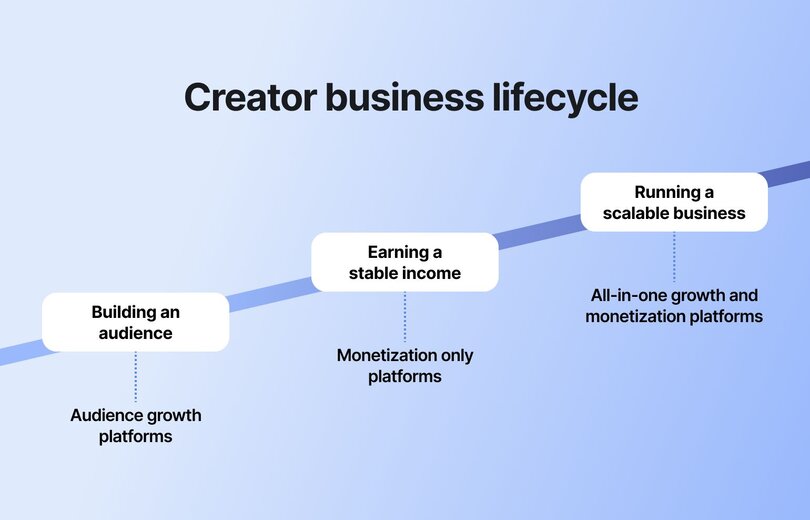
Broadly, creator platforms fall into **three categories**:
- **Audience growth platforms:** Focused on visibility and discovery. They help creators reach new people through built-in algorithms or social features that surface content to wider audiences. These tools are great for attracting attention and building brand awareness.
- **Monetization-only platforms:** Built to help creators earn directly from the audience they’ve already gathered. They often provide ways to collect payments, sell [digital products](https://circle.so/blog/digital-product), or offer [memberships](https://circle.so/blog/membership-site) without managing a full business infrastructure.
- **All-in-one growth and monetization platforms:** Designed for creators who want control and scalability. These platforms combine audience engagement, [community spaces](https://circle.so/blog/build-a-community), and multiple income streams in one place, allowing you to build deeper relationships and grow a sustainable business.
The core difference between them is **ownership**. On growth platforms, which are usually social media platforms, you’re renting attention from companies that can change their algorithms at any time. On all-in-one platforms, you own your space, your audience, and your revenue streams.
## How to choose the right platform
Now that you understand the main types of creator platforms, the next step is figuring out which one fits your goals. Each platform comes with tradeoffs that can affect your growth and long-term success.
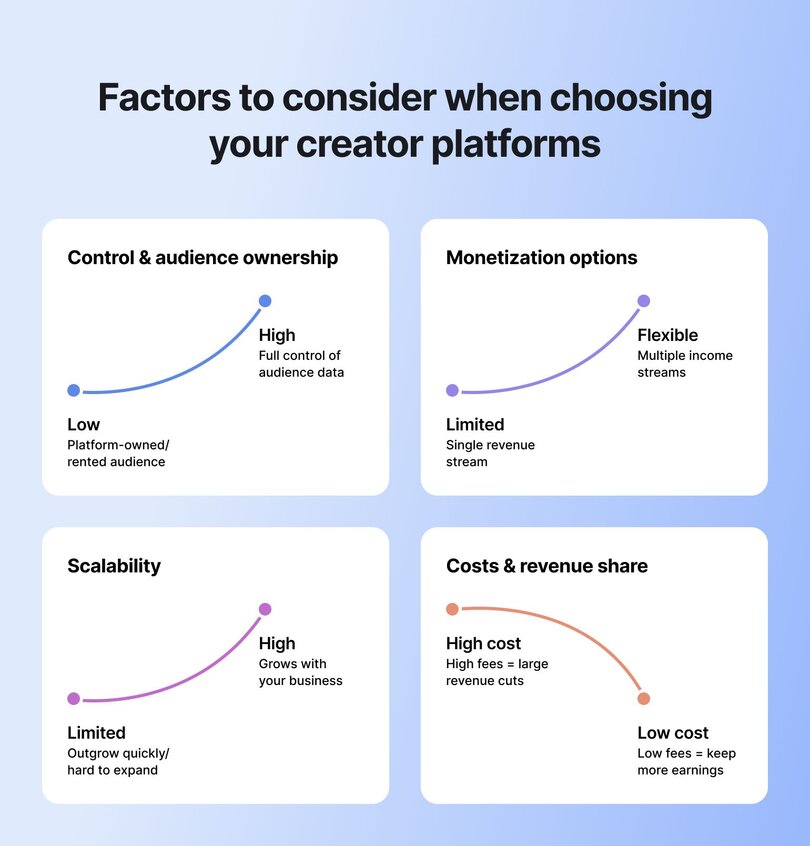
Here are a few to keep in mind:
- **Control:** How much ownership do you have over your audience and content?
- **Monetization:** What income streams does the platform support—and how flexible are they?
- **Scalability:** Can the platform grow with your business, or will you outgrow it?
- **Costs:** How do platform fees and revenue shares impact your earnings as you scale?
Choosing the right platform early can save you time, money, and frustration later. Here’s a simple framework to guide your decision👇
### Audience ownership and data access
**Ask yourself:** Do you own your audience, or does the platform? On social platforms, your [followers belong to the platform](https://circle.so/blog/take-community-off-facebook-groups), not you. If algorithms change or accounts are restricted, your reach can disappear overnight. Platforms that give you access to member data, email lists, and direct communication channels help you build a business that lasts.
### Monetization options
Look for platforms that support multiple ways to earn, such as:
- Subscriptions
- Courses
- Memberships
- Paid events
Relying on a single income stream often limits your growth. A flexible platform that lets you combine different revenue models gives you more stability and long-term potential.
> 💰 If you’re evaluating your earning strategy, explore [how to choose a pricing model that fits your community](https://circle.so/blog/community-pricing-strategy) to find the right balance between accessibility and value.
### Scalability and integrations
As your audience grows, your tools should grow with you. The right platform makes it easy to add new features, connect with your favorite apps, and automate processes without having to rebuild your entire setup—or add other, more expensive [tools to your stack](https://circle.so/blog/creator-tech-stack).
### Fees and revenue share
Pay attention to pricing models and transaction fees. Some platforms take a percentage of every sale, while others charge a flat monthly rate. A small fee difference may not matter at first, but it can have a big impact as your income grows.
### Building for the long term
You’ve also got to ask yourself: **what’s your end game?** Are you chasing reach today, or building something that can stand on its own tomorrow? If it’s the latter, go for platforms that give you control over your audience and more than one way to earn.
> 👉🏼 To understand the financial impact of "owning" access to your audience, try our [Community ROI Calculator](https://circle.so/community-roi-calculator) and see how owning your platform compares to relying on algorithms.
## Best platforms by creator journey
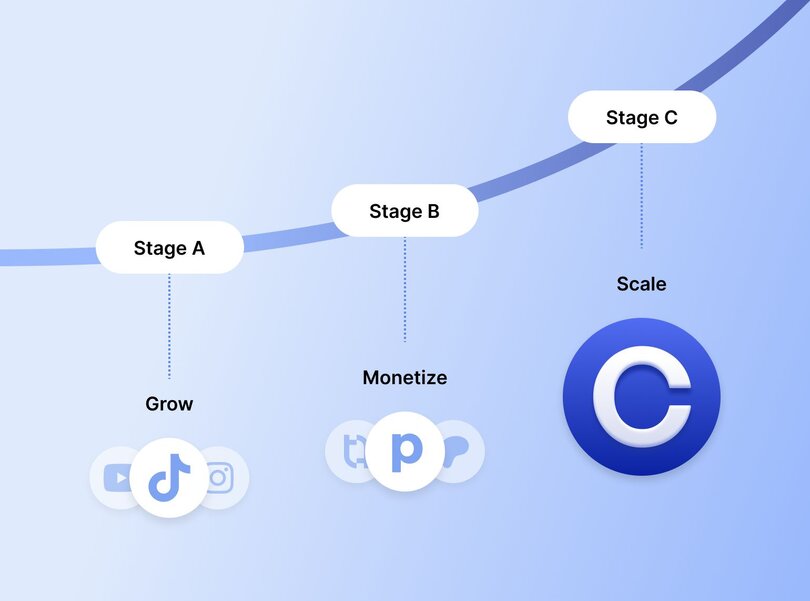
### Stage A: Grow your audience (reach & discoverability)
Before you can monetize or scale, [people need to know who you are](https://circle.so/blog/audience-growth) and what you offer. Audience-growth platforms help you reach new followers through discovery features like feeds, recommendations, and algorithms that put your content in front of fresh eyes.
These tools are powerful for building awareness, but they come with trade-offs. You get massive reach, but little ownership or control. Algorithms decide what content gets seen, and your audience ultimately belongs to the platform rather than you.
Here are the **top discovery-first platforms** to help you grow your audience:
#### TikTok
If your strength lies in storytelling through short-form video, TikTok is one of the fastest audience growth engines in the creator world. Its discovery-first algorithm can surface your content to massive audiences—even if you’re starting from zero—on a platform with **1.59 billion potential ad-reachable users in** **[January 2025](https://datareportal.com/essential-tiktok-stats)**, and **strong average engagement, [according to Buffer](https://buffer.com/resources/average-engagement-rate/) (~4.86%)** compared with other major networks. The key is to have a clear niche and creative iteration.
Growth on TikTok is volatile, though. Visibility depends heavily on trends and timing, making it hard to predict or sustain. Many creators use the platform as a top-of-funnel tool: capturing attention with snackable content, then guiding engaged followers to owned channels like newsletters or digital products.
Direct monetization is possible through programs like TikTok Pulse or brand collaborations, but the real leverage comes when creators convert fleeting attention into lasting relationships elsewhere.
#### YouTube
As the [second-most popular social platform](https://www.statista.com/statistics/272014/global-social-networks-ranked-by-number-of-users/) in the world (and the second most powerful search engine, after Google), YouTube offers one of the most reliable paths to audience growth. Its blend of search and discovery means your videos can reach new viewers long after they’re published, especially if they’re educational, storytelling-driven, or evergreen.
You can [succeed on YouTube](https://circle.so/blog/youtube-content-strategy) by:
- Carving out a niche, just like Ali Abdaal, a productivity guru, did with [his channel](https://www.youtube.com/@aliabdaal)
- Optimizing video titles and descriptions with keywords that help your content appear in search results (hacking the YouTube algorithm)
- Posting consistently to train both the audience and the algorithm to expect new content
If you’re consistent and strategic, you can grow your audience fairly quickly and start [monetizing your channel through ads](https://circle.so/blog/calculate-youtube-earnings). Still, most successful YouTubers eventually guide part of their audience into owned platforms like courses, memberships, or communities. That’s what Ali Abdaal did after growing his YouTube channel. He tapped into his audience as a sales channel for his _Part-Time YouTuber Academy_, which became [a $5 million per year education business](https://circle.so/blog/building-a-core-offer).
#### Instagram
If you’re a lifestyle-driven creator, Instagram is one of the best platforms to grow your audience and connect directly with followers. Its visual format makes it ideal for showing your process, personality, or daily life in ways that feel authentic.
To grow, post Reels for reach, use Stories to stay visible, and engage through comments, polls, and Q&As to build real connections. Broadcast Channels and Close Friends lists also help you create a sense of community within your audience.
Direct monetization is limited, so most creators use Instagram to attract followers and then guide them to owned spaces, like a newsletter, course, or paid community, where revenue and relationships can grow long-term.
#### Substack
If writing is your medium, Substack is one of the best platforms to grow readership and build authority. It lets you publish [newsletters](https://circle.so/blog/how-to-grow-a-newsletter) that land directly in readers’ inboxes, while discovery comes through search, social shares, and Substack’s recommendation network. Readers can also find you through topic feeds or by being recommended by other writers.
Is it the fastest platform to grow on? Probably not, since discovery mostly happens through recommendations, shares, and steady publishing rather than viral algorithms. But the upside is that the audience you do attract genuinely cares about your ideas, which allows you to build a stronger bond with your readers.
### Stage B: Monetize your audience (first revenue streams)
Once you’ve grown an audience, the next step is figuring out the pain points they’d pay to short-cut—ie. What would they pay to outsource? These platforms make it easy to launch your first income streams, whether that’s exclusive content, digital products, or simple fan support. They’re a great way to test what your audience will pay for before you build more scalable offers later.
#### Patreon
Patreon is a popular option for creators who publish ongoing content, like podcasts, videos, or personal essays, and want to offer premium access through memberships. You can monetize by setting monthly tiers ($3–$50+) that unlock bonus episodes, behind-the-scenes content, or early access. As of August 2025, new creators are on Patreon’s **standard 10% platform fee**, plus **payment processing fees** that average around **2.9% + $0.30** per transaction (or slightly higher for micropayments and non-USD payouts). The main limitation is that income often depends on consistent posting and retention, making earnings fluctuate with monthly subscriber churn.
#### Ko-fi
Ko-fi lets you earn directly from your fans through one-time or monthly tips, memberships, product sales, or commissions. You can also monetize live streams, offer exclusive Discord roles, share premium content, and set funding goals to engage your community.
The platform has two tiers:
- **Free (Contributor)**: $0/month with a **5% fee** on sales, tips, and memberships.
- **Gold**: $12/month with **0% fees** and advanced customization.
While revenue can be unpredictable (since much depends on fan generosity), Ko-fi is one of the easiest, most flexible ways to start monetizing creative work without a steep learning curve.
#### Gumroad
Gumroad is built for creators who want to sell digital products, like templates, eBooks, courses, or video lessons, directly to their audience. You set your pricing, own your customer data, and get paid once you’ve made a sale.
The platform charges:
- **10% + $0.50 per sale** via your profile or direct links
- **30% per sale** when buyers discover you through Gumroad’s marketplace
Since January 2025, Gumroad also acts as the merchant of record, handling global sales tax collection and remittance, removing a major headache for international sellers.
Discovery on Gumroad is limited, so most creators drive sales through their own audience. Still, its simplicity and tax compliance make it one of the easiest ways to start selling digital products worldwide.
#### Buy Me a Coffee
Buy Me a Coffee lets fans tip you or pay for quick access to bonus content without creating complex memberships. It’s simple, creator-friendly, and great for testing audience support. The platform charges a **5% fee per transaction**, plus standard Stripe processing (2.9% + $0.30, with small surcharges for international or subscription payments). Unlike many competitors, there are no monthly fees, meaning you keep 95% of your earnings, paid directly to your bank account. The tradeoff? Buy Me a Coffee works best for casual or supplementary income, rather than long-term recurring revenue. (Can’t survive off coffees and avocado toasts, right?!)
#### Podia
Podia helps you sell courses, downloads, and memberships all in one place. It’s best for creators who want to move beyond single-product sales and start bundling value. Plans include:
- **Mover ($39/month)** → 5% transaction fees
- **Shaker ($89/month)** → 0% fees, plus affiliate marketing and PayPal support
While Podia is simple and beginner-friendly, its higher-tier plan quickly becomes necessary if you want to avoid transaction cuts. Advanced customization and integrations are limited compared to more scalable platforms, so many creators quickly outgrow it.
#### Teachable
Teachable is designed for educators, coaches, and experts who want to create structured online courses. You can charge anywhere from $29 to $499 or more, depending on your niche. Fees depend on your plan:
- **Starter**: 7.5% transaction fee on all sales
- **Builder / Growth / Advanced**: 0% platform fees
All plans also include processing fees (2.9% + $0.30 in the U.S., higher for international and PayPal). Optional features like Buy Now Pay Later add extra costs.
Teachable is powerful for course delivery. That said, to be successful on this platform, you’ll have to invest a significant amount of time in creating a high-quality course, so it’s not an instant monetization method. And [their starter plan only includes one published course](https://circle.so/blog/best-online-course-platforms#h3-12), so success (and expansion) will come at a cost.
### Stage C: Scale your business (growth + monetization in one place)
Once your first revenue streams are in place, **the next step is building a business that can [grow sustainably](https://circle.so/blog/sustainable-business-growth)**. Many creators reach a point where juggling and integrating multiple tools—one for courses, another for payments, and another for [growing a community](https://circle.so/blog/community-growth)—starts slowing them down. Not only that, but stacking too many tools together can make it incredibly difficult to get an overview of what’s working and what’s broken. That’s when it makes sense to move to an all-in-one platform that brings everything together under your own brand.
**[Circle](http://Circle.so)** helps creators do exactly that. It combines courses, memberships, live events, and payments in one place, giving you full ownership over your audience and income.
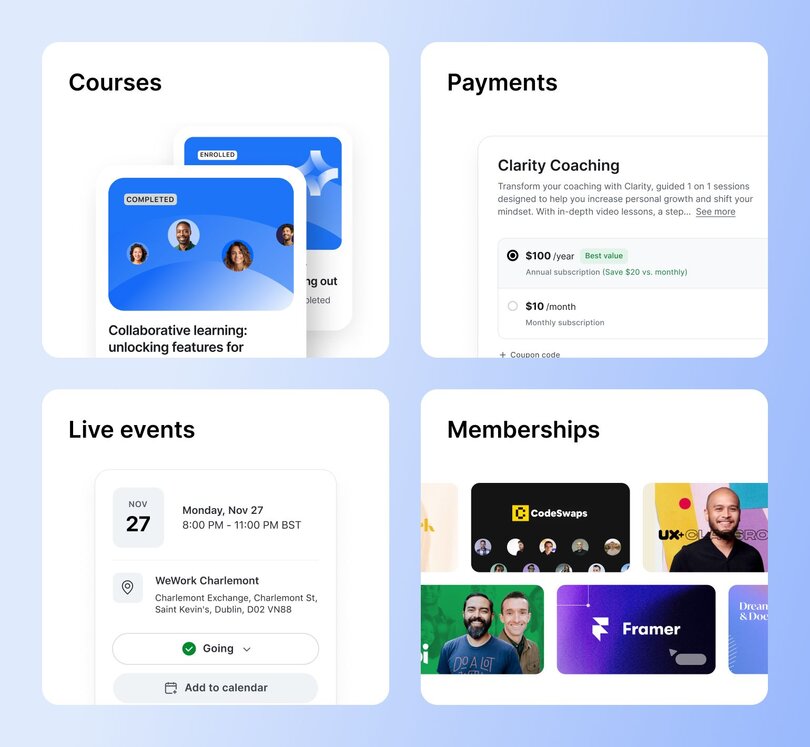
With Circle, you can:
- **Build your community** with [discussions](https://circle.so/discussions), [member spaces](https://circle.so/chat), and private groups
- **Sell [courses](https://circle.so/courses) or programs** alongside your content
- **Host [live sessions and events](https://circle.so/events)** to increase engagement
- **Create [recurring revenue](https://circle.so/payments) through memberships or subscriptions**
- **Track [analytics](https://circle.so/analytics) from one dashboard**
It’s everything you need to build deeper relationships and recurring revenue through [monetizing your community](https://circle.so/blog/how-to-monetize-a-community)—in one connected space.
**The biggest advantage?** You **fully** **own your audience and brand**. You’re not at the mercy of social media algorithms or sudden platform shifts that can wipe out reach overnight. Instead, you decide how to connect with your members, what to offer, and how to grow—on your own terms.
This setup helps you move from one-off monetization to a long-term, scalable business. Many creators start small with a single offer, then expand into [memberships](https://circle.so/blog/best-membership-platforms), [coaching](https://circle.so/blog/best-coaching-platforms), or [cohort-based programs](https://circle.so/blog/cohort-based-courses) as their community grows.
> Felippe Nardi, founder of [Inside The Show](https://join.insidethe.show), [scaled his community](https://circle.so/blog/membership-funnel-strategy) by running a free “Virtual Audience Masterclass Week” that gave prospects a real taste of membership before committing.
>
> The immersive experience built trust, sparked engagement, and created urgency—so much so that 50% of seats for his $2,197 cohort sold out before enrollment officially opened.
>
> It’s a clear example of how creators can use Circle to showcase value upfront and convert interest into long-term, high-value memberships.
## Best platforms by creator type
We’ve looked at the top creator platforms for each growth stage. In this section, we’ll focus on the best options by creator type, because what works for a podcaster or video creator might not be right for a writer or coach.
Below, we break down the top platforms for each category, how they help you grow, and where to take your audience next.
### Writers & bloggers
If you love writing or sharing insights through storytelling, essays, or newsletters, these platforms help you grow an audience and start monetizing your work.
- **Substack:** Perfect for independent writers building a direct reader relationship through newsletters. You can publish for free and later add paid subscriptions for premium content.
- **Ghost:** An open-source platform that gives you more control over design and branding. It’s ideal for [content creators](https://circle.so/blog/become-a-content-creator) who want to own their audience data and customize the reading experience.
- **Circle:** Once you’ve grown your readership, Circle helps you bring those readers together through community discussions, paid memberships, and live sessions that turn readers into loyal members. (You can also continue emailing your loyal subscribers with exclusive content via Circle’s [Email Hub](https://circle.so/email-hub)!)
### Video creators
If your strength is storytelling through video, these platforms help you reach audiences, grow subscribers, and turn your content into revenue.
- **YouTube:** The go-to platform for video creators looking for reach and long-term discoverability. If you nail your [YouTube content strategy](https://circle.so/blog/youtube-content-strategy), you can earn through ads, channel memberships, and by directing fans to your own offers.
- **Vimeo:** Best for creators who want high-quality hosting and a professional viewing experience. Great for selling courses, workshops, or exclusive video libraries.
- **Twitch:** Ideal for livestreaming and real-time audience engagement. You can earn through subscriptions, donations, and sponsorships while building a loyal fan base.
- **Circle:** Take your video audience off social platforms and into your own branded space. Use Circle to host behind-the-scenes sessions, live Q&As, or paid member communities—with automated transcriptions, and a [library of video content](https://circle.so/events) your members can continue to reference.
### Podcasters
If you love podcasting, these platforms make it easy to grow listeners and build monetization around your show.
- **Spotify for podcasters:** A go-to platform for hosting, distributing, and tracking your podcast across major listening apps. You can [monetize through ads](https://circle.so/blog/how-to-monetize-a-podcast), [sponsorships](https://circle.so/blog/podcast-sponsorship-guide), or exclusive paid episodes.
- **Podbean:** A platform that combines podcast hosting with monetization tools, making it easy to sell premium content and grow listener support. Through subscriptions, ads, or patron-style contributions, your can turn your shows into steady income.
- **Circle:** Turn your listeners into a connected community where they can discuss episodes, access bonus content, and connect with each other between releases. Offer behind-the-scenes chats, paid listener groups, exclusive Q&As, and even courses that expand on your podcast topics—all in one branded space.
### Educators & coaches
Teaching online is one of the most scalable ways to share your expertise. These platforms help you design learning experiences, manage students, and turn your knowledge into a business.
- **Teachable:** A leading platform for online courses with flexible pricing, built-in sales pages, and student progress tracking.
- **Podia:** Combines digital product sales, memberships, and email marketing in one platform. Great for creators who teach through multiple formats like videos, templates, or guides.
- **Circle:** Host your courses and live [group coaching](https://circle.so/blog/group-coaching) sessions all in one branded hub. Circle helps you build community around your content, making course selling less transactional and more about shared learning.
### Community builders
For creators whose work thrives on connection, **Circle** stands out as the [best community platform](https://circle.so/blog/best-community-platforms) for building, engaging, and monetizing your audience. Circle gives you complete ownership of your members and brand while fostering genuine engagement that keeps members coming back.
> A good example is Kristen Bousquet, creator economy expert and founder of [Soulcialmate](https://www.yoursoulcialmate.com).
>
> After [building a six-figure income](https://circle.so/blog/increase-social-media-engagement) through brand partnerships, Kristen launched [The Soulcial Suite](https://www.yoursoulcialmate.com/membership), a Circle-powered membership community that helps creators grow their personal brands.
>
> She credits her Circle space with deepening connections, boosting engagement, and turning her audience into paying members—proof that authentic community can become the core of a sustainable creator business.
## Which platform pays creators the most?
Now’s the moment to put on your financial hat and look at the hard numbers behind creator earnings. Below is a quick breakdown of what you can expect to earn on video-sharing platforms like YouTube, subscription sites like Patreon, and digital sales platforms such as Gumroad.
| Platform | Model | Fees | Typical earnings | What it takes to earn $1,000/mo |
| --- | --- | --- | --- | --- |
| YouTube | Ad revenue (AdSense), memberships, Super Chats, merch, Shorts pool | YouTube keeps 45% of ad revenue (creators get 55%) | RPM usually ranges $1–$20 per 1,000 views, depending on niche, location, and seasonality | At a $5 RPM (common), need ~200,000 monthly views. In high-value niches with $15 RPM, about 67,000 views. |
| Patreon | Membership tiers + one-time digital products | 10% platform fee (new creators) + ~2.9% + $0.30 processing; 2.5% FX fees possible | Income depends on average pledge + retention | To net $1,000, need ~$1,150–$1,200 gross. Example: 200 patrons pledging $6/month. |
| Gumroad | Direct sales of digital/physical products, memberships | 10% + $0.50 per sale (direct sales), 30% fee via Gumroad Discover | Varies by product type—ebooks $5–$50, courses $50–$500+ | Selling a $20 product directly: ~56 sales/month (gross ~$1,120). Through Discover: ~72 sales/month (gross ~$1,430). |
### Community builders
For creators whose work thrives on connection, **Circle** stands out as the [best community platform](https://circle.so/blog/best-community-platforms) for building, engaging, and monetizing your audience. Circle gives you complete ownership of your members and brand while fostering genuine engagement that keeps members coming back.
🚀 If you go with a platform like **Circle**, the picture looks very different. Instead of juggling multiple tools and losing revenue to platform cuts, you earn recurring membership income, sell courses, host live events, and add upsells—all under one roof.
**Hitting $1,000/month** could mean
- **10 members at $100** each or
- **25 members at $40**.
The difference is that all of your revenue flows into a system you fully own, with no hidden fees and no dependence on algorithms or third-party marketplaces.
## The right platform changes everything
As a creator, you need different tools at different stages. If you’re new to the creator economy, your best bet is to start with platforms that help you grow your audience and get more eyes on your work. But once you’ve built that audience, it’s only logical to move it somewhere you truly own.
**Circle** is a perfect platform to help you build a sustainable business through courses, memberships, and thriving communities, all under your own brand.
## FAQs about content creation in 2026
What’s the best platform for beginner content creators?
If you’re just starting out, focus on platforms that make it easy to grow your audience, like YouTube, TikTok, or Substack. They help you test ideas, find your voice, and attract your first followers. Once you’ve built momentum, you can move your audience to a platform you own, such as Circle, where you can start monetizing through memberships, courses, and community.
Which platform pays creators the most?
The most profitable platforms are those that give you full control over your pricing, data, and audience. Here’s how the top options stack up:- Circle – The strongest long-term option. Circle lets you combine memberships, courses, events, and upsells under your own brand. With no per-sale cuts, you keep more of your revenue, and recurring subscriptions give stable, predictable income.
- Patreon – Reliable recurring income via memberships, but platform fees (10%) and churn can eat into long-term growth.
- Gumroad – Good for one-off product sales, but high per-sale fees (10% + $0.50) and limited discovery make scaling harder.
- YouTube – Offers unmatched reach, but revenue depends on volatile RPMs. At $5 RPM, you’d need around 200,000 views a month to hit $1,000.
What platform is best for building AND monetizing a community?
The best platform that combines community building and monetization is Circle. It’s designed for creators who want to bring their audience, content, and revenue streams together in one place. With built-in tools for discussions, live events, courses, and memberships, Circle lets you engage your members while generating recurring income—all under your own brand. Unlike social media or fragmented tools, Circle gives you full ownership of your audience and a scalable foundation for long-term growth.
How do you choose the right platform as a creator?
It depends on where you are in your journey. Early on, you’ll want discovery-first platforms like TikTok, Instagram, or YouTube that help you grow your reach. As you mature, you’ll need tools that give you ownership, flexibility, and multiple ways to monetize your business.A great example is [Glo Atanmo](https://circle.so/blog/writing-your-own-creator-playbook), a multi-passionate creator and coach who built a seven-figure business by experimenting across platforms—from early blogging to brand partnerships with Google and Adobe. She’s proof that the best platform is the one that evolves with you.
What platforms help creators scale beyond social media?
Once you’ve built an initial audience through social media, you can explore platforms like Substack and Gumroad that let you monetize through newsletters and digital products. That said, don’t expect massive growth. These platforms aren’t designed to make you go viral, so scaling your business through them alone isn’t sustainable long term. If you want to scale without relying on algorithms, all-in-one community platforms like Circle are your best option. Circle combines audience engagement, learning, and payments in one place, giving you full control over your brand, your members, and your revenue.
---
### 12 best virtual event platforms in 2026
*Not all virtual event platforms are built for community. These 12 are compared on what actually matters — engagement after the event ends, not just what happens during it.*
Source: https://circle.so/blog/best-event-platforms
Is this another post about the best virtual event platforms? Yes.
Is it like every other post on the topic? Definitely not. We speak to community builders like you every day, and we know that you’re not just looking for ways to capture your members’ attention. In 2026, virtual events are becoming an increasingly powerful tool to build deep connections with—*and between*—your members.
This isn’t about hosting more events either.
After years of seemingly endless Zooms and Teams Meetings, people are looking for authentic ways to learn, grow, and transform. In our 2026 Community Trends Report, [43% of community builders told us they’ve started experimenting with event formats](https://circle.so/2026-community-trends-report), including flexible participation models (think asynchronous sessions mixed with small live discussion groups).
Zoom fatigue is peaking at the same time another challenge is hitting community builders—AI content overload. The numbers vary, but studies suggest AI-generated content now makes up a significant and growing share of what people encounter online. As the lines between human- and machine-made continue to blur, your members are increasingly struggling to find content that actually feels human.
Combine both of these trends and you can see why quality virtual events matter more now than ever.
🤔 So, knowing all this, how do you know what the best platform for hosting [virtual events](https://circle.so/blog/virtual-events) is for your community?
Thankfully, the answer is pretty straightforward.
👉🏼 **The best virtual event platform for you depends on what you’re building.**
In this post, we’ll explain what a modern virtual event platform should be, what features make or break them, and suggest virtual event platforms based on what type of community and content you’re looking to offer your members.
Go ahead and take yourself off mute, and let’s dig in.
## What is a virtual event platform?
A virtual event platform is software built specifically for [hosting events online](https://circle.so/blog/types-of-virtual-events)—and we mean actually built for it, not just a video call tool with a few extra buttons.
Think of it as the digital equivalent of a venue. It's where your members show up, check in, connect with each other, learn something new, and (hopefully) leave feeling like it was worth their time. The right platform can handle everything from registration and ticketing to live streaming, breakout [discussions](https://circle.so/blog/group-discussion-topics), replays, and the analytics that tell you what landed and what didn't.
The major difference between a virtual event platform and video conferencing tools is intentionality.
* **Video conferencing tools** like Zoom, Teams, and WebEx were built to host online meetings. They *can* host thousands of people, but they were designed for meetings (which probably could have been an email.)
* **Virtual event platforms** were purpose built for experiences. They can scale from an intimate workshop of 20 people to a flagship conference with thousands of attendees, without losing that sense of connection that makes your community worth showing up for.
### The best virtual event platforms have these features
While each virtual event platform is unique, there are some core features shared between them. We’ll break down the pros, cons, and pricing of each platform later in the post, but before that, here is a quick rundown of what you should look out for when you’re evaluating a virtual event platform.�
* **Live streaming** to broadcast to your members in real time, whether you're running a keynote, a workshop, or an intimate community call.
* **Registration tools** to capture attendee sign-ups so you know who's showing up and then to follow up after the event.
* **Ticketing and payment** tools to sell access to your events directly through the platform, without needing a separate tool or workaround.
* **Replay hosting** to record and store your sessions so members who couldn't make it live can still get the value.
* **Networking and chat** tools to give members a way to connect with each other during and after your events, not just with you.
* **Breakout rooms** to split large groups into smaller conversations and make your events feel more like a real gathering.
* **Automated** **event reminders** to keep your event top of mind and drive the attendance numbers your content deserves.
* **Analytics** to track who showed up, how long they stayed, and how they engaged, so you can make every event smarter than the last.
* **Mobile access** so members can join from wherever they are, without needing to be at a desk.
* **White-label branding** to keep your community's look and feel front and center, so members feel like they're in your world, not the platform's.
## The best virtual events platforms side-by-side
Not all virtual event platforms are built the same, and neither are the communities using them. Whether you're running intimate cohort-based learning, large-scale conferences, or ongoing member meetups, the right platform depends entirely on what you're building and who you're building it for.
| Platform | Best for | White-label | Mobile app | Monetization | Community integration | Starting price |
| ------------------ | ----------------------------------------- | ---------------- | ------------- | --------------------------------------- | ---------------------------------------- | ------------------- |
| Circle | Creators & educators building communities | Yes | iOS & Android | Memberships, paid events, tiers | Native — events live inside community | $89/mo |
| RingCentral Events | Large-scale branded conferences | Limited | No | Ticketing & registration | Minimal — event-focused only | $119/mo |
| Zoom Events | Traditional webinars & familiar UX | No | iOS & Android | Ticketing | None | $79/mo |
| Eventbrite | Ticketing & event discovery | No | iOS & Android | Per-ticket fees | None | Free + fees |
| Airmeet | Networking-heavy virtual conferences | Partial | Limited | Ticketing | Minimal | $199/mo |
| Mighty Networks | Creators bundling events & community | Higher tiers | iOS & Android | Memberships, paid events, bundles | Native — courses, tiers & community | $95/mo |
| Kajabi | Course-first businesses adding events | Limited | iOS & Android | Courses, memberships, coaching, bundles | Via Kajabi Community 2.0 | $179/mo |
| Skool | Simple community & live events | No | No | Basic memberships | Native — forum, courses & live streaming | $9/mo |
| Whova | Enterprise conferences & trade shows | Partial | iOS & Android | Registration & ticketing | Attendee networking only | Contact for pricing |
| BigMarker | Advanced webinar automation | Full white-label | No | Lead capture, on-demand content | None | Contact for pricing |
| Discord | Creator & gaming communities | No | iOS & Android | None native | Native — persistent community spaces | Free |
| Slack + Zoom | Internal events & smaller gatherings | No | iOS & Android | None | Slack channels only | $8.75/user/mo |
## 🏆 The best virtual events platforms
### 1. Circle — Best overall virtual event platform for community businesses
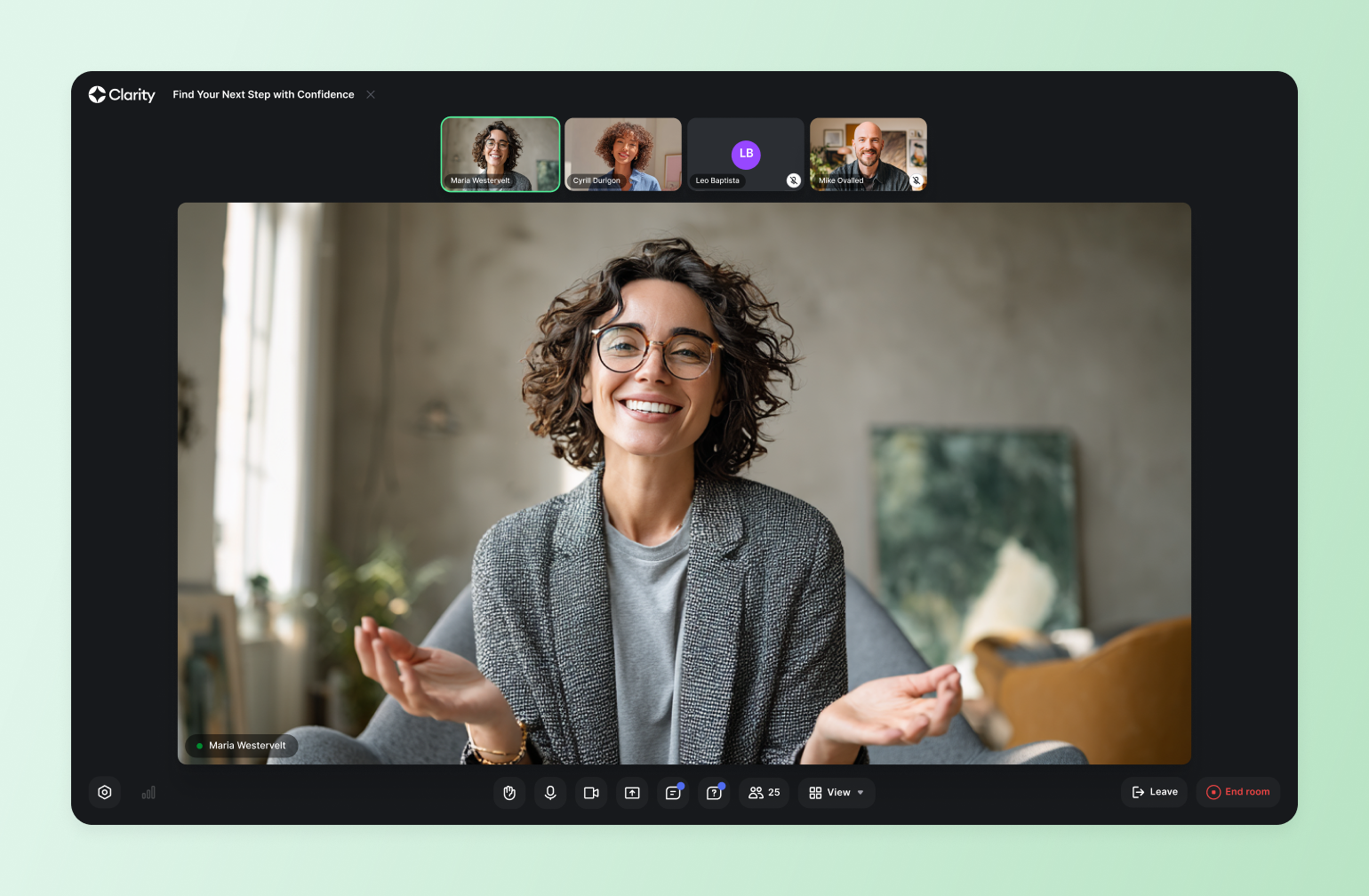
[Circle](https://circle.so/) is an all-in-one community platform built for creators, educators, and community businesses who want to bring everything—events, courses, content, and membership—under one roof. Rather than stitching together a stack of disconnected tools, Circle gives your members a single, seamless destination to engage with you and each other, whether that's joining a live event, working through a course, or catching up on a replay all inside your branded community space.
#### **Key features:**
* Integrated Event Hub with live streaming, registration, replay hosting, and push notifications that are all connected to your community.
* Tiered membership access to gate content, events, and spaces by plan level.
* Native courses, cohort-based programs, and drip content built directly into the member experience.
* AI workflows and automation tools to streamline moderation, onboarding, and member engagement.
* White-label mobile apps for iOS and Android for members on the go.
#### **Pricing:**
Plans start at **$89/month** and all core plans offer a [14-day free trial](https://app.circle.so/communities/new).
#### **Best for:**
Creators, entrepreneurs, and educators building online communities with a strong focus on engagement and monetization.
#### **Users say:**
> “The Circle customer support team actually listens—when I suggest something that would make moderation smoother or improve community flow, they take it seriously. Sometimes, it even becomes a new feature! The platform itself is intuitive, clean, and genuinely helps rather than hinders. Every update feels like it was built with real users in mind—especially those of us actively running communities.” — [Verified review from G2](https://www.g2.com/products/circle-so-circle/reviews/circle-review-11170718)
> “It's difficult at times to navigate the admin and have a full understanding of connecting all the dots on the backend. They have many updates which is great, but often makes it a challenge to stay up to date with everything.” — [Verified review from G2](https://www.g2.com/products/circle-so-circle/reviews/circle-review-12393393)
| **Pros:** | **Cons:** |
| ---------------------------------------------------------------------------- | --------------------------------------------------------------------------- |
| Consolidates events, community, courses, and monetization in one place. | Feature breadth can feel overwhelming for new community builders. |
| White-label branding options for a fully owned member experience. | Advanced customization may require workarounds for specific branding needs. |
| Event replays and follow-up discussions live where your members already are. | Full feature set requires higher-tier plans. |
### 2. RingCentral Events (formerly HopIn) — best for large-scale conferences
[RingCentral Events](https://www.ringcentral.com/rc-events.html) is an AI-powered virtual and [hybrid event](https://circle.so/blog/hybrid-community-events) platform built for marketing teams and enterprise organizations. It combines live streaming, branded event hubs, networking, and detailed analytics into one platform with AI tools that automatically generate highlight clips, organize Q\&A sessions, and streamline post-event content.
#### **Key features:**
* Branded virtual venue with multi-stage live streaming and a built-in production studio.
* Customizable registration pages, ticketing, and email automation.
* Attendee networking tools including virtual expo booths and 1:1 meeting scheduling.
#### **Pricing:**
Starts at $119/month per user for virtual events and $239/month for virtual and onsite event tools.
#### **Best for:**
Marketing teams and enterprise organizations running large-scale, branded virtual or hybrid events.
#### **Users say:**
> “I find RingCentral Events to be a very intuitive platform that provides enough customization to make our events feel unique and personal. It allows us to go well beyond the standard Zoom events without requiring a developer background.” — [Verified review from G2](https://www.g2.com/products/ringcentral-events/reviews/ringcentral-events-review-4616591)
> “The platform can feel a bit limited in terms of customization and branding options compared to some competitors. Also, the onboarding documentation could be more comprehensive for new users setting up events for the first time.” — [Verified review from G2](https://www.g2.com/products/ringcentral-events/reviews/ringcentral-events-review-11506971)
| **Pros:** | **Cons:** |
| -------------------------------------------------------------------------------- | ------------------------------------------------------------------------------------------------ |
| Intuitive and easy to use for organizers and attendees. | The streaming feature can be complicated for tech-savvy hosts. |
| Offers one platform for registration, live streaming, networking, and analytics. | Limited features means you might need multiple tools in your stack for a member-based community. |
| Can scale from small meetings to large enterprise events. | |
### 3. Zoom Events — best for traditional webinars
[Zoom Events](https://www.zoom.com/en/products/webinars/) is a virtual event platform built on top of the Zoom infrastructure we’ve all used at least a few times. It adds dedicated event hubs, ticketing, registration, networking lounges, and a virtual expo floor to the standard Zoom experience making it a practical choice for organizations that want to host structured multi-session events without asking attendees to learn a new tool.
#### **Key Features:**
* Multi-session event hubs with customizable registration, ticketing, and agenda scheduling.
* Virtual expo floor with sponsor booths and attendee networking lounges.
* Interactive engagement tools including polls, Q\&A, reactions, and breakout rooms.
* Unified analytics dashboard for tracking attendee engagement across single and recurring events.
* Built-in Integrations with the Zoom ecosystem, including calendar sync and the Zoom AI Companion.
#### **Pricing:**
Starts at $79/month for up to 500 attendees for the Webinars plan or $149/month for up to 100 attendees on the Events plan.
#### **Best for:**
Organizations that want a familiar, low-friction event experience built on infrastructure their attendees already use.
#### **Users say:**
> “Zoom is very userfriendly and simple to use for both attendees and hosts, the features like polls, Q\&A and chat helps me a lot for my webinars.” — [Verified review from G2](https://www.g2.com/products/zoom-events-and-webinars/reviews/zoom-events-and-webinars-review-12376163)
> “Although the platform is robust, the initial configuration for advanced features like registration and analytics can feel a bit complex.Additionally, the pricing for hosting larger webinars is on the higher side, which might not be ideal for small businesses or startups.” — [Verified review from G2](https://www.g2.com/products/zoom-events-and-webinars/reviews/zoom-events-and-webinars-review-11722375)
| **Pros:** | **Cons:** |
| ----------------------------------------------------------------- | ----------------------------------------------------------- |
| Industry-leading stability for large events and webinars. | Requires attendees to download the Zoom app. |
| Familiar interface for most attendees. | Limited customizations, no branding options. |
| Offers great breakout rooms, polling, and in-event chat features. | Aging user experience has not kept up with the competition. |
### 4. Eventbrite — best for ticketing and marketing-driven events
[Eventbrite](https://www.eventbrite.ca/) has been the go-to ticketing and event discovery platform for years now, and for good reason. It’s easy to use, offers a full set of management and communication features, and a built-in payment system for events of all sizes. While it's not a full virtual event platform on its own, Eventbrite pairs well with video conferencing tools like Zoom for organizers focused on reach and ticket sales over deep community engagement.
#### **Key Features:**
* Self-serve event creation with flexible ticketing types, pricing tiers, and discount codes.
* Built-in event discovery marketplace to promote events to a large, existing audience.
* Mobile check-in and on-site registration tools via the Eventbrite organizer app.
* Social media promotion tools and integrations for driving event visibility.
* Attendee management and reporting dashboard with post-event data and analytics.
#### **Pricing:**
No fees for free events. 3.7% + $1.79 service fee per ticket for paid events. Pro Plans start at **$15/month** for up to 2,000 marketing emails/day.
#### **Best For:**
Organizers focused on ticket sales and event discovery who don't need deep community or engagement features.
#### **Users Say:**
> "Eventbrite's real-time analytics tools provide clear, actionable insights into ticket sales, page views, and attendee engagement. The dashboards are easy to navigate and update quickly, allowing event organizers to track performance without delays." — [Verified review from G2](https://www.g2.com/products/eventbrite/reviews/eventbrite-review-11577987)
> "The reporting isn't great, and they don't integrate well with other platforms. It feels like the platform was built in a way that makes it exhausting to combine their data with outside data, which becomes especially difficult when you sell tickets through multiple channels." — [Verified review from G2](https://www.g2.com/products/eventbrite/reviews/eventbrite-review-12456383)
| **Pros:** | **Cons:** |
| ---------------------------------------------------------------------------------------------------- | ------------------------------------------------------------------------------- |
| Easy to set up free and paid events. | Only offers ticketing. You'll still need a platform to host your event content. |
| Built-in discovery features help you reach a larger audience. | Fees can be high compared to other platforms for paid events. |
| Eventbrite app lets you manage registration and check-in attendees for virtual and in-person events. | |
### 5. Airmeet — best for networking-heavy virtual conferences
[Airmeet](https://www.airmeet.com/) is a virtual and hybrid event platform designed for hosts that want to create immersive, conference-style experiences online. It's known for its networking-first design with social lounges, breakout rooms, and interactive engagement tools that make large-scale events feel more like in-person gatherings.
#### **Key Features:**
* Social lounges, breakout rooms, and speed networking for conference-style interaction.
* One-click registration with customizable landing pages, email triggers, and CRM integration.
* Live stage with polls, moderated Q\&A, emoji reactions, and a gamified attendee leaderboard.
* Custom branding with a backstage experience for speakers and hosts.
* Real-time analytics and post-event reporting with engagement insights.
#### **Pricing:**
Webinar plan starts at **$199/month**. Contact them for Event plan pricing.
#### **Best for:**
Professional associations, conference organizers, and marketing teams where networking and connection are central to the event experience.
**Users say:**
> “Features like live polls and Q\&A keep the energy high during panels and workshops, making everything feel organized and genuinely engaging. The social lounge is a game-changer, providing a natural conversation space like a coffee break at a real conference.” — [Verified review from G2](https://www.g2.com/products/airmeet-virtual-events-webinar-platform/reviews/airmeet-virtual-events-webinar-platform-review-12136893)
> “Sometimes the platform can be a bit heavy on system resources, especially for users with lower-end devices or slower internet. Additionally, first-time users might find the interface slightly overwhelming at first, due to the number of features and navigation options.” — [Verified review from G2](https://www.g2.com/products/airmeet-virtual-events-webinar-platform/reviews/airmeet-virtual-events-webinar-platform-review-11007281)
| **Pros:** | **Cons:** |
| --------------------------------------------------------------- | --------------------------------------------------------------------- |
| Known for its well-designed engagement tools and 24/7 support. | Has a steep learning curve. |
| The social lounge feature is unique among comparable platforms. | Difficult to customize the branding for your community. |
| | The mobile experience is not at the same level as the web experience. |
### 6. Mighty Networks — best for creators who want events and community bundled together
[Mighty Networks](https://www.mightynetworks.com/) is a community and course platform that integrates live events directly into the member experience. Rather than treating events as standalone broadcasts, Mighty Networks connects them to courses, membership tiers, and ongoing community discussions, making it a strong choice for creators and coaches who want events to drive long-term engagement, not just one-time attendance.
#### **Key features:**
* Built-in live events with RSVP tracking, attendee notifications, and replay hosting.
* Native integration with courses, membership tiers, and community discussions.
* AI-powered member matching to connect relevant members before, during, and after events.
* Flexible monetization tools including memberships, paid events, and bundled offers.
* Mobile apps for iOS and Android to keep members connected.
#### **Pricing:**
Plans start at **$95/month**.
#### **Best for:**
Creators, coaches, and community builders who want events to be a seamless part of a broader membership and course experience.
#### **Users say:**
> "The support is excellent and often, with lives weekly. After a small learning curve the platform is pretty user friendly." — [Verified review from G2](https://www.g2.com/products/mighty-networks/reviews/mighty-networks-review-12360246)
> "It takes a bit of time to get used to the structure and how to find what I am looking for. I find myself jumping in and out of the AI feature as I ask questions about how to get things done versus it being adjacent to the area of the platform that I am working in." — [Verified review from G2](https://www.g2.com/products/mighty-networks/reviews/mighty-networks-review-12247944)
| **Pros:** | **Cons:** |
| ---------------------------------------------------------------------------------------------- | ------------------------------------------------------------------------------------------------------------ |
| Combines community, courses, live events, and membership monetization in one branded platform. | The interface can feel clunky and outdated, with a learning curve that can frustrate new members. |
| White-label branding available on higher-tier plans. | Limited third-party integrations with no native API, making connections to external tools reliant on Zapier. |
| | Not as scalable for large, enterprise-level networks. |
### 7. Kajabi — best for course-first businesses adding events
[Kajabi](https://www.kajabi.com/) is an all-in-one platform for creators and course builders, offering tools for online courses, email marketing, landing pages, and membership communities. It’s an all-in-one platform to build a full digital business based on your expertise.
#### **Key features:**
* Online course builder with drip content, quizzes, and progress tracking.
* Built-in email marketing, sales funnels, and landing page builder.
* Live events and community features via Kajabi Community 2.0 (formerly Vibely).
* Multiple monetization options including courses, memberships, coaching, and bundles.
* Unified mobile app for members to access content, community, and live sessions.
#### **Pricing:**
Plans start at **$179/month**.
#### **Best for:**
Course creators and digital entrepreneurs who want events to plug into a fully integrated online business platform.
#### **Users say:**
> "I just liked having everything in one location with Kajabi. I didn't have to use four different software programs to run my business. I could just log in to Kajabi and have my website, emails, blog, and digital downloads all in one place. Even though it was more expensive, having everything centralized was really convenient." — [Verified review from G2](https://www.g2.com/products/kajabi-kajabi/reviews/kajabi-review-12216175)
> "The AI chat can be useful at basic things, but when I need to speak with a human, it took 10 minutes to get connected. From there, we were not able to resolve the issue. I asked if I could speak with someone on the phone and after another 10 minutes of waiting, to be told that no one was available. I ended up talking with someone else who was more responsive, but still didn't get to a solution. I ended up having to figure it out on my own." — [Verified review from G2](https://www.g2.com/products/kajabi-kajabi/reviews/kajabi-review-11688578)
| **Pros:** | **Cons:** |
| -------------------------------------------------------------------------------------------------------------------------- | ---------------------------------------------------------------------------- |
| All-in-one platform combining courses, email marketing, sales funnels, landing pages, and community in a single dashboard. | Design and customization flexibility is limited. |
| User-friendly interface that gets creators up and running quickly without technical expertise. | Customer support quality has drawn criticism from G2 and Capterra reviewers. |
### 8. Skool — best for simple community events
[Skool](https://www.skool.com/) is a community platform built around simplicity, gamification, and live events. Its native live streaming makes it easy to host casual, real-time sessions alongside structured courses and community discussions. While its structured approach makes it easy to set up and manage, Skool lacks flexibility in customization, branding, and integrations, limiting its long-term scalability for growing communities.
#### **Key features:**
* Built-in live streaming available on all plans, including the entry-level tier.
* Community forum with gamification features including points, levels, and leaderboards.
* Structured course platform with step-by-step modules and progress tracking.
* Simple, flat-rate pricing with all core features included in a single plan.
#### **Pricing:**
Skool offers a Hobby plan at $9/month and a Pro plan for $99/month.
#### **Best for:**
Online coaches and creator-led communities looking for a simple, affordable platform that combines live events, courses, and community in one place.
| **Pros:** | **Cons:** |
| --------------------------------------------------------------------------------- | -------------------------------------------------------------------- |
| Easy to setup and use. | Hosting large events requires the $99/month plan. |
| Leaderboards, points, and levels drive community engagement and member retention. | No built-in quizzes, assessments, or course completion certificates. |
| | Minimal customization and no white-labeling. |
### 9. Whova — best for enterprise conferences
[Whova](https://whova.com/) is an award-winning event management platform purpose-built for conferences, trade shows, and academic gatherings. Its strength lies in attendee networking and logistics — with tools for matchmaking, community boards, exhibitor management, and mobile engagement that help complex, multi-track events run smoothly both online and on-site.
#### **Key features:**
* End-to-end event management covering registration, event webpages, speaker management, and check-in.
* AI-powered attendee networking with matchmaking, in-app messaging, and icebreaker prompts.
* Personalized agenda builder allowing attendees to schedule and bookmark sessions.
* Post-event reporting with surveys, certificates, and curated event summaries.
#### **Pricing:**
Contact Whova for pricing.
#### **Best for:**
Conference and trade show organizers managing complex, multi-track events with high attendee networking and logistics demands.
#### **Users say:**
> "Whova offered clear setup instructions, a smooth registration process, access to presenters' handouts, and a Certificate of Completion for each participant. I appreciated how easy it was to access and navigate the platform. I also valued the up-to-date information provided throughout the event, as well as the feature that allowed me to see who else was attending the conference." — [Verified review from G2](https://www.g2.com/products/whova/reviews/whova-review-12177831)
> "My one frustration with Whova was the notification dots. There were red indicators constantly appearing throughout the app, and as someone who likes to have everything cleared and accounted for, it was hard to ignore them. It felt like I was always chasing down unread items just to get a clean screen." — [Verified review from G2](https://www.g2.com/products/whova/reviews/whova-review-12511250)
| **Pros:** | **Cons:** |
| --------------------------------------------------------------------------- | --------------------------------------------------------------------------------- |
| End-to-end event management in a single platform. | Limited profile customization compared to some competing platforms. |
| Highly rated networking features including AI-powered attendee matchmaking. | Navigation can feel complex for first-time attendees at large multi-track events. |
| Responsive customer support with regular account management check-ins. | |
### 10. BigMarker — best for advanced webinar automation
[BigMarker](https://www.bigmarker.com/) is a highly customizable webinar and virtual event platform trusted by enterprise brands and marketing teams. It gives organizers full control over the event experience, from branded registration pages and virtual venues to interactive sessions, expo halls, and on-demand content libraries.
#### **Key features:**
* Fully white-labeled webinar and event rooms with custom branding, domains, and registration pages.
* Interactive engagement tools including live polls, Q\&A, chat, and in-player lead capture forms.
* Automated webinar functionality for on-demand and evergreen event content.
* CRM and marketing integrations including Salesforce, HubSpot, and Marketo.
#### **Pricing:**
Contact BigMarker for pricing.
#### **Best for:**
Enterprise brands and marketing teams that need a fully white-labeled, highly customizable webinar and event platform.
#### **Users say:**
> "The best thing about using BigMarker is how reliable and easy it is to use for hosting webinars and virtual events. The platform is stable, the interface is intuitive, and it doesn't require much technical setup, which makes running live sessions stress-free." — [Verified review from G2](https://www.g2.com/products/bigmarker/reviews/bigmarker-review-11799164)
> "I think the hardest part is all of the settings. Obviously their team will walk you through it all but it's hard to know what you might want and don't know it's there or don't know to ask for it." — [Verified review from G2](https://www.g2.com/products/bigmarker/reviews/bigmarker-review-11425043)
| **Pros:** | **Cons:** |
| ------------------------------------------------------------------------------------- | ------------------------------- |
| Fully white-labeled experience with custom branding, domains, and registration pages. | Long setup time. |
| Attendees can join without downloading any software or plugins. | Can feel complex for new users. |
### 11. Discord — best for one-to-many live events at a great price
[Discord](https://discord.com/) is a real-time communication platform built around community spaces, voice channels, and live events. Originally designed for gamers, it has grown to be a top choice for creator communities, professional networks, and online groups that want ongoing conversation alongside scheduled events and live audio or video sessions.
#### **Key features:**
* Voice channels and Stage Events for live audio and video broadcasts to large audiences.
* Text, voice, and video communication in a single platform with robust moderation tools.
* Integrations and bots for automating announcements, event reminders, and community management.
* Free to use with optional paid tiers for enhanced features and higher-quality streams.
#### **Pricing:**
Free for basic features. Discord Nitro starts at **$9.99/month** for additional perks like higher-quality streaming and larger file uploads. Discord Nitro occasionally offers limited free trials.
#### **Best for:**
Creator communities, gaming groups, and online networks that want persistent community spaces alongside live events.
#### **Users say:**
> "Very user friendly. So many channels. Easy to launch and operate. You can hear music, play games, talk and play with mates inside the channels. What is there, not to love?" — [Verified review from G2](https://www.g2.com/products/textaify-discord/reviews/discord-review-12120099)
> "Not built for formal or enterprise level workflow. Search is not as powerful as teams or slack." — [Verified review from G2](https://www.g2.com/products/textaify-discord/reviews/discord-review-12137498)
| **Pros:** | **Cons:** |
| ------------------------------------------------------- | ------------------------------------------------------------------------------------------- |
| Free to use, including voice, video, and mobile access. | Search and content organization lag behind tools like Slack and other chat-first platforms. |
| Role-based permissions and bot integrations. | Moderation relies heavily on admins rather than platform-level controls. |
| Very reliable cross-platform performance. | Public servers can attract spam and unwanted behavior. |
### 12. Slack + Zoom — best for live events that need powerful chat
Peanut butter and jelly. Peas and carrots. [Slack](https://slack.com/) and Zoom? For event hosts looking for best-in-class live events and chat, combining Slack and Zoom just makes sense. Slack handles asynchronous communication, announcements, and community coordination, while Zoom handles the live event itself. It's a low-barrier option for organizations running internal events or smaller member gatherings.
#### **Key features:**
* Slack channels for asynchronous community communication, announcements, and event coordination.
* Zoom integration for seamless one-click meeting launches directly from Slack conversations.
#### **Pricing:**
There is a free plan available with limited features, including the number of messages that can be saved and accessed. Paid plans start at $8.75/user/month, and higher tiers are required for full message history and advanced features.
#### **Best for:**
Teams and organizations already using both tools who want a low-barrier option for internal events and smaller member gatherings.
| **Pros:** | **Cons:** |
| ------------------------------------------------------------------------------------ | --------------------------------------------------------------------------------------- |
| Slack and Zoom are already used in many professional workflows. | Ticketing, registration, and replay hosting require additional tools. |
| Slack's channel structure is great for pre- and post-event chats and breakout rooms. | Combining paid Slack and Zoom plans can get expensive quickly for larger organizations. |
| One-click Zoom launches directly from Slack keep the event experience seamless. | |
## How to choose the right virtual event platform
The best virtual event platform isn’t the one with the most bells and whistles, it’s the one that turns live moments into long-term engagement, revenue, and opportunities for real transformation for your members. Before you start comparing feature lists, ask yourself these five questions.
### 1. Are events your product or your marketing channel?
If you’re using virtual events as a marketing channel—webinars to generate leads or free workshops to grow your audience—then a video conferencing tool like Zoom paired with Eventbrite for registrations is the right way to go.
But if events are how you deliver value to your members, drive retention, and generate revenue, you need a platform with deeper capabilities. That means seamless integration with your membership structure, the ability to gate content by tier, and tools that keep members coming back long after the event ends.
### 2. Do you need a white-label solution?
If your community is your business, your platform should feel like it’s **your platform**. White-label capabilities for desktop and mobile let you remove third-party branding and replace it with your own, creating a consistent, professional experience from the registration page to the post-event replay.
### 3. Do events need to connect to other content or experiences?
A virtual event doesn't exist in isolation—or at least it shouldn't. The most effective virtual platforms allow events to plug directly into the broader member experience, including membership tiers, online courses, paid cohorts, and community discussions.
For example, a live workshop should be able to automatically funnel participants into a follow-up discussion thread. If your platform can't make connections like these, you're leaving engagement (and revenue) on the table.
### 4. Do your members need a mobile app?
Not everyone joins your events from a laptop at a desk. If your community skews toward executives or busy professionals who are frequently on the go, mobile is a must. Look for platforms that offer a fully functional mobile experience, not just a scaled-down version of the desktop interface.
### 5. Do you want to offer replays of your events?
If you plan to turn your recordings into on-demand content, course material, or gated replays for new members, make sure your platform makes that easy.
Look for built-in replay hosting, searchable transcripts, and the ability to organize recordings in your content library so that every event you run continues working for your community long after the live stream ends.
## What makes Circle different for community events?
Most platforms treat events as a destination. Circle treats them as a starting point. When you host on Circle, a live session doesn't end when you hit stop. It kicks off a discussion thread, feeds into a replay your members can watch on their own time, surfaces highlights that keep the conversation going, and creates natural moments to deepen membership or upsell your next offer.
It's a flywheel for the thing community builders are actually chasing—members who show up, contribute, and feel like they belong.
👉 [Try Circle for free today!](https://app.circle.so/communities/new)
## FAQs about event platforms
What is the best platform for live events?
For community-driven live events where connection and ongoing engagement matter, Circle leads the pack with your events, discussions, and replays all live in one place. For large-scale conferences and enterprise broadcasts, RingCentral Events or Whova are built for that kind of scale. And if simplicity is the priority, Zoom Events is a safe, familiar choice your members won't have to think twice about.
What is the best event registration platform?
For pure registration and ticketing, Eventbrite is the go-to. It's easy to set up and comes with built-in event discovery to help you reach new audiences. But if you want registration that connects to your broader member experience (think gated access, tiered pricing, and post-event follow-up), platforms like Circle or Mighty Networks handle it all without the extra tool in your stack.
What are the best virtual event platforms?
The best virtual event platforms in 2026 are Circle, RingCentral Events, Zoom Events, Airmeet, Mighty Networks, Kajabi, Whova, and BigMarker. Each is built for a different kind of host. Community builders who want events to drive retention and revenue tend to land on Circle. Enterprise teams running large-scale conferences lean toward RingCentral Events or Whova. And creators who want a simple, affordable starting point often go with Zoom Events.
What's the best white-label virtual event platform?
BigMarker offers the most comprehensive white-label setup. Circle and Mighty Networks are strong options for community builders who want white-label mobile apps alongside their events, though full white-labeling is available on higher-tier plans. If your brand experience matters to your members (and it should), it's worth prioritizing this feature from the start.
Is there anything better than Eventbrite?
Depends on what "better" means for you. For pure ticket sales and event discovery, Eventbrite is still hard to beat. But if you're looking for a platform that goes beyond ticketing—one that hosts your event, engages your attendees, and keeps them connected after it ends—then yes, there are better options. Circle, Mighty Networks, and Kajabi all offer built-in monetization without requiring a separate ticketing tool, and they don't charge per-ticket fees that eat into your revenue.
Can you host paid events online?
Absolutely. Most virtual event platforms support some form of paid access, but how they handle it varies a lot. Eventbrite charges a per-ticket fee on paid events. Platforms like Circle, Mighty Networks, and Kajabi let you monetize through memberships, one-time purchases, or bundled offers with no middleman taking a cut of every ticket. If monetization is core to your event strategy, it's worth looking closely at the fee structure before you commit.
Are there platforms with private communities and public events?
Circle lets you run public-facing events to attract new members while keeping your core community spaces private and gated by membership tier. Mighty Networks works similarly. It's one of the most effective ways to use events as a growth channel without giving everything away for free. Your best content and conversations stay exclusive, while your events do the work of bringing new people in.
---
### 7 best membership platforms for community builders (2026)
*Discover the top membership platforms for your community. Compare features, pricing, and benefits of Circle, WildApricot, HiveBrite, and more to find the perfect tool for you.*
Source: https://circle.so/blog/best-membership-platforms
But building the community is one thing. Managing it is a whole other story. That’s where membership management software comes into play.
Choosing the right one can make you feel like a captain successfully steering their ship. Choose poorly, and you could end up in a ghost town.
👻 So, [how do you choose the right platform](https://circle.so/blog/choosing-an-online-community-platform) to avoid ghosts and goblins?
As a community leader, you’re juggling critical tasks, from crafting engaging content and hosting fun events to welcoming new members and keeping them excited to stay. Every membership platform offers unique features designed to help you nurture, grow, and delight your community.
We're here to break down what membership platforms are, what to look for when evaluating different options, and 7 top platforms to consider for your community.
## Quick comparison: 7 best membership platforms at a glance
Before we get into the what and why of membership platforms, here’s a quick rundown of our recommendations:
## What is a membership platform (and why does it matter)?
A membership platform is your digital home base for building and growing a community that lasts. It’s more than just an extension of your brand, it’s a powerful growth engine that can fuel your member’s transformation journeys. Membership sites are where your members find a space to connect, engage, and access exclusive content and experiences.
Unlike traditional websites, membership platforms help you manage everything your community needs, like tracking member data, [processing payments](https://circle.so/payments), organizing events, and even communicating directly with members. The advantage of a membership platform is that instead of cobbling together different tools, you get everything you need in one place
Whether you're building a professional network or a fitness club, running an online course or growing a creator community, the right platform helps you focus on what matters most—creating meaningful experiences for your members.
### How do memberships and communities differ?
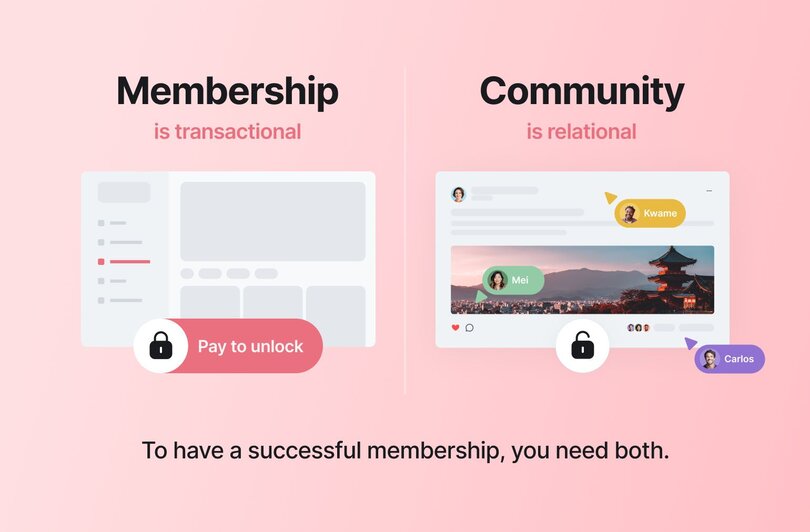
Memberships and communities often go together like peanut butter and jelly (or chocolate and tortilla chips if you’re into that), but they’re not the same thing. You buy a membership for access. You join a community to feel seen and understood.
* **A membership is transactional.** It’s an agreement where someone pays for access to exclusive benefits, content, or services. Think gym memberships, professional associations, or subscription services. You *buy* a membership.
* **A community is relational.** It’s about connection, shared purpose, and belonging. Communities thrive on interaction, whether it’s members collaborating on projects, engaging in discussions, or showing up for events. You *join* a community.
While memberships can exist without a sense of community, communities are what create the loyalty and engagement that keep members coming back.
👉🏽 Memberships focus on what people get, while communities focus on what people share and build together.
## Why use a dedicated membership platform?
Building a community without the right platform is like trying to host a party without a venue. As your community grows, you need a dedicated space where members can connect, engage, and belong–not just with you, but with others who find meaning in what you bring to the world.
The downside? Managing a growing membership can quickly become overwhelming. Keeping track of member information across different tools can leave your valuable member data scattered like a pile of mismatched, unusable socks.
### All-in-one platforms vs. website add-ons
If you have a website that you’ve invested time into, building a whole new community site might seem daunting. Some membership platforms can be added on to existing websites, but they often come without core features today’s communities need.
* **All-in-one (Circle, WildApricot):** Best for those who want a "seamless house" where everything (events, data, billing) is integrated from the ground up.
* **Add-ons (MemberSpace)**: Best for builders who want "less work upfront" by layering functionality onto an existing WordPress or Squarespace site.
🧰 Think of membership platform like your trusty Swiss Army knife of operations. It streamlines processes, eliminates inefficiencies, and keeps members engaged and happy.
Most importantly, it allows you to focus on building relationships and delivering value to your members.
Here are a few things that a membership platform should be able to do:
* Create a centralized space for community interaction and engagement
* Streamline and personalize member onboarding, communication, engagement and support
* Give your members [tools to help lead discussions and drive engagement](https://circle.so/blog/member-led-community)
* Enable and automate monetization via signups, payments, renewals, and [member retention](https://circle.so/blog/member-retention)
* Provide powerful tools for a variety of content delivery styles and event hosting
* Offer insights into community health and member engagement
## What to look for in a membership platform
In 2026, forward-thinking community builders are moving away from chasing member growth at all costs. Instead, they are using membership site software to prioritize a high-quality member experience that helps members achieve real results, master new skills, or experience a mindset shift.
### Must-have features for any membership platform
The best membership platforms act as the nerve center of your community. In an age of digital overload and AI slop, your choice should give members a frictionless experience that balances operational efficiency with deep, human connection. Here's an example of some unmissable features:
* **Membership database** that can centralize your member data, making it easy to track profiles, renewals, and activity.
* **Content delivery** features for sharing resources, courses, and exclusive content in different formats.
* **Analytics and reporting features** that can provide actionable insights into member behavior, retention rates, and engagement.
* **Email marketing and event management** tools to keep communications and programming in one place, from promoting events to creating seamless email campaigns.
* **Friendly user interface** that creates an intuitive experience for you and your members.
* **Customization options** to align with your brand and community culture.
* **Mobile accessibility** so members can engage anywhere, anytime.
* **Customer support** that provides reliable assistance when you need it most.
* **Integration capabilities** like webhooks or an API that lets you connect with tools you already use, such as CRMs or payment processors, for a seamless workflow.
* **Platform scalability** to grow based on feedback with you as your membership base grows.
### Nice-to-have features that drive engagement
While the basics keep your community running, these advanced features are what make it thrive as a "third space" for your members.
* **AI that builds your community for you** by turning a plain-language description into a ready-made structure so you launch in minutes.
* **AI Agents** that train on your content (posts, courses, transcripts) and can act 24/7 as "always-on extensions of you".
* **Workflows** to take initiative and engage directly with your members and detect sensitive or off-topic posts and deal with them before they become a problem.
* **Offline-ish opportunities** like summaries, async activities, and bite-sized micro-learning cater to members with limited screen time.
## **The 7 best membership platforms compared**
### 1. Circle — overall best membership platform
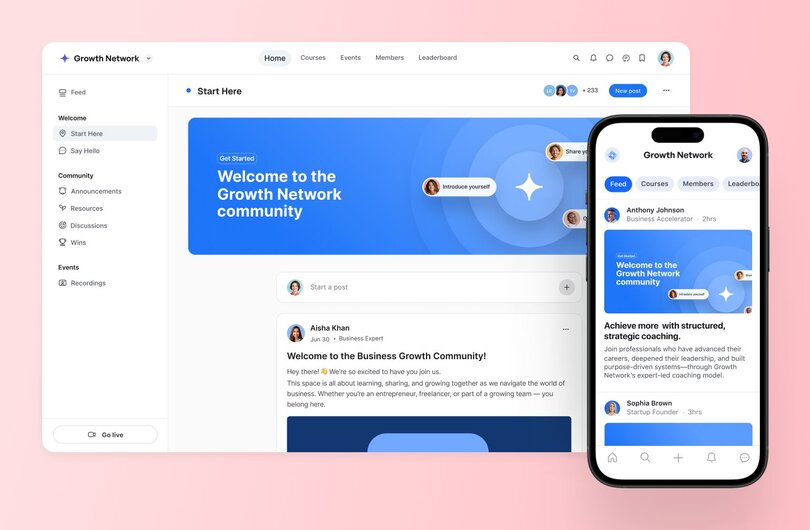
[Circle](https://circle.so/) is a powerful all-in-one membership and community platform designed for creators, educators, and community businesses. It brings together courses, events, payments, email, automation, AI agents, and branded member experiences in one place—so you can build a vibrant community that feels connected, organized, and built to grow. (*Okay, yes, we’re slightly biased on this one.* 😅)
#### Pricing:
Circle has three plans:
* Professional at **$89/month**
* Business at **$199/month**
* Circle Plus with custom pricing
Professional and Business include a[ 14-day free trial](https://app.circle.so/communities/new), and transaction fees fall as you scale, from 2% on Professional to 0.5% on Circle Plus.
#### Best For:
Creators, entrepreneurs, and educators building online communities with a strong focus on engagement and monetization.
#### **Key Features:**
* Branded community spaces for [discussions](https://circle.so/discussions), [chat](https://circle.so/chat), [events](https://circle.so/events), resources, and content sharing.
* Flexible monetization built in: sell one-time, recurring, or[ tiered memberships](https://circle.so/blog/membership-site) with paywalls, so you can[ price each tier](https://circle.so/blog/membership-pricing-strategy) around the value members actually get.
* AI that handles the busywork. Circle AI to build and run your community, [AI Agents](https://circle.so/ai-agents) to give your members 24/7 answers, and [AI Copilot](https://circle.so/ai-copilot) and [AI Workflows](https://circle.so/ai-workflows) to automate onboarding and moderation.
* Built-in communication tools like automated community digests and [email marketing](https://circle.so/email-hub).
* [Integrations](https://circle.so/integrations) with Zapier, Google Analytics, and more for seamless [workflows](https://circle.so/workflows).
* [Mobile app](https://circle.so/mobile) for on-the-go member engagement. (Fun fact: Circle's branded mobile apps often see 37% higher engagement compared to browser-based communities.)
* [Gamification](https://circle.so/gamification) features to keep your members coming back for more.
* White-label options for your very own branded community app via [Circle Plus](https://circle.so/plus).
#### Users Say:
> 👍🏼 “Circle has transformed our community. We moved from a free platform to Circle in 2025 and we kept all the things we liked about the old platform and ditched everything we hated and GOT SO MUCH MORE! We are able to monetize, prioritize, create new content, search easily, tag posts in a split second ... it's made our community even more special than it was before. Customer support is also great, cannot be beat!”
>
> — [Verified review from G2](https://www.g2.com/products/circle-so-circle/reviews/circle-review-12349244)
> 🤔 “What I find challenging about Circle is that members are often accustomed to more mainstream platforms like WhatsApp or Facebook, so it takes some effort to guide them to adopt and consistently use Circle.”
>
> \- [Verified review from G2](https://www.g2.com/products/circle-so-circle/reviews/circle-review-10252332)
#### Pros:
* User-friendly interface with a clean, modern, and distraction-free design.
* AI-powered community building that handles your personalized community setup
* Fully customizable branding including logos, colors, and custom domains.
* Flexible monetization options through tiered memberships, recurring subscriptions, and paywalls.
* AI agents to automate routine tasks and support members.
* Excellent engagement tools like live streams, chat, and event hosting.
* Active support community and helpful resources for creators.
* Product development is light-years ahead of competitors (with a focus on launching customer feature requests)
#### Cons:
* Won’t be a good fit for gyms or in-person memberships that need different features.
* Can be a bit of a learning curve for advanced customization and integrations.
### 2. WildApricot — best for nonprofits
[WildApricot](https://www.wildapricot.com/) is a membership management platform for small organizations, nonprofits, and associations. WildApricot simplifies tasks like event planning, payment processing, and member communication, making it an excellent choice for growing communities.
**Pricing:**
Paid plans start at **$63/month**, depending on the number of members.
**Best For:**
Nonprofits, professional associations, and small organizations looking for an all-in-one membership solution.
**Key Features:**
* Membership database with automated renewals and payments.
* Website builder with customizable templates.
* Event management tools for registrations and ticketing.
* Mobile app for members and admins to stay connected.
#### **Users Say:**
> 👍🏼 “Wild Apricot has been easy to set up and use, in my experience, easy to find answers to my questions and get help from customer service. The range of services rolled into one package is key for me.”
>
> \- [Verified review from G2](https://www.g2.com/products/hivebrite/reviews/hivebrite-review-10631158)
> 🤔 “The biggest downside to Wild Apricot is the lack of community style functionality. It has great basic features but lacks some of the more modern social features other member driven platforms have.”
>
> \- [Verified review from G2](https://www.g2.com/products/wild-apricot/reviews/wild-apricot-review-10396709)
#### Pros:
* Free plan for smaller groups.
* Easy-to-use website builder and event tools.
* Strong automation for membership renewals and payments.
#### Cons:
* Outdated user interface compared to newer platforms.
* Limited customization options for advanced users.
* Higher price tiers can be costly for larger groups.
### 3. HiveBrite — best for alumni and professional organizations
[HiveBrite](https://hivebrite.io/) is a community platform built for alumni networks, professional associations, and large organizations. Its customization options and engagement tools can help foster strong, lasting connections among your members.
**Pricing:**
Contact them to get pricing details.
**Best For:**
Alumni associations, large organizations, and professional networks who need advanced customization and engagement tools.
**Key Features:**
* Customizable community portals with branded designs.
* Advanced analytics to track engagement and activity.
* Networking tools, including directories and messaging features.
* Integration with CRMs and marketing platforms for seamless workflows.
**Users Say:**
> 👍🏼 “The user interface of Hivebrite is clean, customisable and easy to navigate. Using different types of pages /spaces likes groups, forums, live feeds, we have been able to build our platform to meet the unique needs of our community, and can quickly and easily make adjustments as the needs of our community change.”
>
> \- [Verified review from G2](https://www.g2.com/products/hivebrite/reviews/hivebrite-review-10631158)
> 🤔 “While Hivebrite offers strong functionality, some areas of the platform feel unintuitive or require extra steps for basic tasks like content formatting, segmenting audiences, or customizing layouts. The user interface can be overwhelming for new members, which may discourage them from exploring or engaging fully.”
>
> —[Verified review from G2](https://www.g2.com/products/hivebrite/reviews/hivebrite-review-12041808)
#### Pros:
* Robust networking tools for professional connections.
* Scalable for large organizations and enterprise use.
* Detailed analytics for tracking community health.
#### Cons:
* High price points may be prohibitive for smaller organizations.
* Limited customization options.
* Limited options for smaller communities or startups.
### 4. Join It — best for organizations and clubs
[Join It](https://joinit.com/) is a straightforward membership management platform focused on simplicity and ease of use. Ideal for small organizations and startups, it offers essential tools to streamline membership tracking, payments, and engagement without unnecessary complexity.
**Pricing:**
Plans start at **$29/month**, with additional fees for larger memberships.
**Best For:**
Small organizations, clubs, and startups looking for a no-frills membership management solution.
**Key Features:**
* Simple membership database with automated renewals.
* Payment processing through Stripe and PayPal.
* Event registration and tracking tools.
* Lightweight, intuitive interface for quick setup.
**Users Say:**
> 👍🏼 “Join It is a really intuitive platform, super easy for our whole team to use, even those who don't regularly need to.”
>
> \- [Verified review from G2](https://www.g2.com/products/join-it/reviews/join-it-review-8768530)
> 🤔 “For some of our needs, we had to go to external software providers and Join It does not yet have the ability to integrate with these providers via an API. Some of the 'nice-to-have' functionality is limited, relative to other premium service offerings.”
>
> \- [Verified review from G2](https://www.g2.com/products/join-it/reviews/join-it-review-190507)
#### Pros:
* User-friendly interface perfect for beginners.
* Reliable integrations with popular payment platforms.
* Quick setup with minimal technical expertise required.
#### Cons:
* Basic design options for branding and customization.
* There is no mobile app for member access.
* Lacks advanced analytics and reporting tools.
### 5. MemberSpace — best for organizations with existing websites
[MemberSpace](https://www.memberspace.com/) is a flexible platform designed to add membership functionality to your existing website. It offers tools to monetize content, manage memberships, and engage your audience. MemberSpace integrates seamlessly with popular website builders like WordPress, Squarespace, and Webflow.
**Pricing:**
Plans start at **$39/month**, with transaction fees on lower tiers.
**Best For:**
Creators, small businesses, and organizations that want to add membership features to an existing website.
**Key Features:**
* Add membership tiers to your existing website.
* Customizable member-only content areas.
* Integrates with website builders and email marketing tools.
**Users Say:**
> 👍🏼 “MemberSpace is an excellent tool for designers looking to add member website design to their services, but also easy enough for their clients to use post-project.”
>
> \- [Verified review from G2](https://www.g2.com/products/memberspace/reviews/memberspace-review-8151576)
> 🤔 “In general, the system is very powerful and easy to use, but there are a couple of admin features which are missing and would be helpful.”
>
> \- [Verified review from G2](https://www.g2.com/products/memberspace/reviews/memberspace-review-8995423)
#### Pros:
* Easy integration with popular website platforms.
* Highly customizable membership tiers.
* Affordable entry-level pricing.
#### Cons:
* Limited features for managing large-scale communities.
* Requires an existing website to be used effectively.
* No native mobile app for members.
[Explore the Memberspace integration with Circle.](https://circle.so/integrations)
### 6. Patreon — best for creatives building a fan-base
[Patreon](https://www.patreon.com/) is a popular membership platform designed for creators who want to monetize their work through fan subscriptions. It allows artists, writers, podcasters, and other creators to offer exclusive content, perks, and community access in exchange for monthly payments from supporters.
**Pricing:**
Creating a Patreon account is free. Unlike other platforms, Patreon's pricing is a percentage of your revenue: new creators are on a flat 10% platform fee plus payment processing.
**Best For:**
Content creators, artists, podcasters, and YouTubers looking to monetize their audience through recurring subscriptions.
**Key Features:**
* Create multiple membership tiers with exclusive rewards.
* Offer early access and behind-the-scenes content.
* Integrates with Discord, Vimeo, and other creator-friendly tools.
**Users Say:**
> 👍🏼 "While Patreon has degraded a bit in recent years, it's still the easiest subscription service."
>
> \- [Verified review from G2](https://www.g2.com/products/patreon/reviews/patreon-review-8154963)
> 🤔 "There is no community platform for bidirectional communication."
>
> \- [Verified review from G2](https://www.g2.com/products/patreon/reviews/patreon-review-6656222)
#### Pros:
* Easy to set up and use.
* Flexible with integrations to other platforms.
* No upfront costs.
#### Cons:
* The more successful you are–the more transaction and platform fees you pay.
* Limited design customization for creator pages.
* Payouts can take time to process.
### 7. Mighty Networks — best for network-based communities
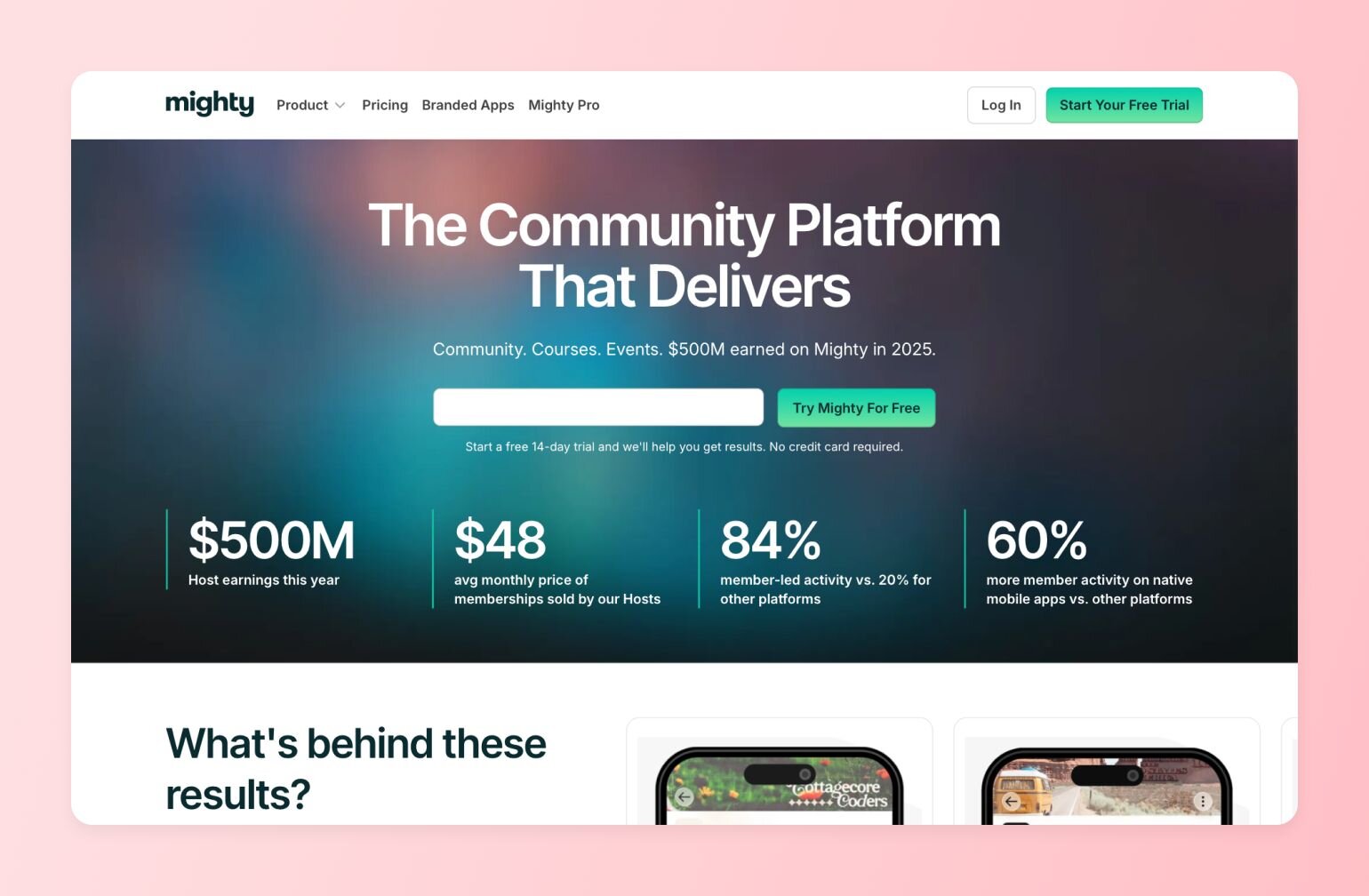
[Mighty Networks](https://www.mightynetworks.com/) combines community building, content creation, and monetization tools into one platform. Perfect for creators, coaches, and entrepreneurs, it’s designed to help you grow a vibrant, engaged community with minimal effort.
**Pricing:**
Plans start at **$95/month**.
**Best For:**
Coaches, creators, and entrepreneurs looking to combine community building with content monetization.
**Key Features:**
* Build branded community spaces with discussion forums and events.
* Offer paid memberships, courses, and exclusive content.
* Mobile apps for iOS and Android to keep members connected.
* Advanced community analytics for tracking engagement.
Users Say:
> 👍🏼 “One of the standout features of Mighty Networks is its robust community-building capabilities. The platform allows users to create engaging online communities with tools for rich media posts, events, and online courses, all tailored to foster interaction among members.”
>
> \- [Verified review from G2](https://www.g2.com/products/mighty-networks/reviews/mighty-networks-review-10042125)
> 🤔 “One downside of the Mighty platform is the lack of an option to record sessions and workshops directly on the platform. This means we have to manually upload replays for clients who want to catch up, which adds extra steps and time to our process. It would be incredibly helpful if Mighty could integrate a recording feature to streamline this for both facilitators and clients.”
>
> \- [Verified review from G2](https://www.g2.com/products/mighty-networks/reviews/mighty-networks-review-10426954)
#### Pros:
* Simple setup for private communities.
* Integrates well with third-party tools.
* White-label branding available on higher-tier plans.
#### Cons:
* Most integrations and API access are gated to the higher-tier Scale plan and above.
* Cluttered navigation that makes it hard to find what you need.
* Not as scalable for large, enterprise-level networks.
[Mighty vs. Circle](https://circle.so/compare/vs-mighty): See how Mighty Networks stacks up.
## Choosing the right membership platform for you
Finding the right membership management software depends on your needs, budget, and growth plans. Whether you need a creator-focused platform like Circle, a nonprofit solution like WildApricot, or a budget-friendly option like Join It, the key is choosing software that simplifies your life while enhancing your member’s lives.
Keep in mind that today’s community members are looking for more than information, they’re looking for help to achieve real results, master new skills, or experience a mindset shift. Because [69% of community builders](https://circle.so/2026-community-trends-report?utm_source=circle-nav) now identify member transformation as their #1 strategy for growth and retention, your choice of platform is critical.
Here’s three questions to think about what you’re looking for a membership platform:
* **Transformation tools**: Does the platform provide features to celebrate member wins and track progress?
* **Emotional safety by design:** Can you create private spaces, implement active moderation, and set clear guidelines to ensure members feel safe sharing sensitive topics?
* **Human-in-the-loop AI:** Does the platform use AI to reduce routine admin and grow the business while still letting you guide the member experience and focus on human connection?
Whether you are launching a professional network, an upskilling program, or membership software for nonprofits, the right platform shifts the focus from simple "attention" to deep "connection".
## FAQs about membership platforms
What's the difference between a membership platform and a course platform?
Membership platforms prioritize ongoing [community engagement](/blog/community-engagement-ideas) and recurring relationships, while [course platforms](/blog/best-online-course-platforms) focus on structured content delivery with defined completion points.
Membership platforms like Circle emphasize member-to-member connections, continuous content updates, and subscription revenue. Many creators now use hybrid platforms that combine both **linear learning paths** and **active community discussion**.
Is it better to use an all-in-one membership platform or stitch together separate tools?
An **all-in-one platform** is almost always the better long-term choice for serious community businesses.
Stitching together separate tools for courses, email, payments, chat, and community creates data silos, inconsistent member experiences, and a maintenance burden that grows with your membership.
[Circle's 2026 Community Industry Trends Report](https://circle.so/2026-community-trends-report) found that **44.6% of community builders consolidated their tech stack in the past year** — moving toward a single platform that natively integrates community, courses, events, live streaming, email marketing, payments, and AI automation under one roof.
How do I keep members engaged and prevent my community from becoming a ghost town?
The best membership platforms use a combination of
1. [Structured spaces](https://circle.so/customization)
2. [Gamification](https://circle.so/gamification) (like leaderboards, badges, and levels), and
3. [Automated engagement](https://circle.so/workflows) triggers to keep members active between your live sessions and content drops.
**Look for platforms that go beyond basic activity feeds** — features like AI-powered engagement scoring, automated re-engagement workflows, and community digests give you early warning signs when participation dips.
Circle, for example, uses AI Activity Scores that benchmark your community's engagement against other communities on the platform, so you can spot trends before they become churn problems.
How can AI help me manage my membership community more efficiently?
AI can dramatically reduce the day-to-day operational burden of running a membership by handling member support, content moderation, and engagement prompts around the clock.
The most advanced platforms now offer [AI agents trained on your own community content](/blog/ai-agents-for-communities) — meaning they can answer member questions accurately based on your courses, posts, and resources rather than giving generic responses.
Circle's AI Agents and Workflows, for instance, can detect disengaged members and trigger re-engagement sequences, [moderate sensitive content](/blog/ai-workflows-for-community-management) before it becomes a problem, and act as always-on extensions of you while you focus on creating.
What happens when my community grows to thousands of members — will the platform still work?
**This is one of the most important questions to ask before committing to a platform**, because migration is painful and expensive.
Look for platforms with flexible content architecture — like unlimited Spaces, Space Groups, and tiered access controls — rather than platforms that cap you at a flat number of categories or force all members into the same feed.
Circle's Spaces architecture scales from a small launch community to thousands of members with granular organization, role-based permissions, and automated workflows that prevent management overhead from growing proportionally with your membership.
Do membership platforms offer branded mobile apps?
**Some do, but most don't** — and the distinction matters more than you might think.
[A branded app](https://circle.so/plus) published under your own name in the App Store and Google Play signals professionalism, keeps your community top-of-mind through push notifications, and avoids the confusion of members searching for a generic platform name.
Circle offers white-label branded apps through [Circle Plus](https://circle.so/plus), and communities using the mobile app see up to **37% higher engagement compared to browser-based access**. By contrast, many competitors either have no mobile app at all, use a shared generic app, or charge upwards of $30,000/year for a branded option.
How much do membership platforms cost?
Prices vary by features and member limits. Entry-level plans start around $20–$50 per month, mid-tier packages with richer community and payment tools run $80–$200, and enterprise plans can exceed $300. Most platforms offer a free trial, such as the 14-day trials provided by Circle, so you can test before you commit.
**Watch for hidden costs** like transaction fees (2-10% on some platforms), payment processing fees (\~3% via Stripe/PayPal), and per-member overage charges.
Can I move my existing members to a new membership platform?
**Yes.** Most platforms let you import member data via CSV file and reconnect payment details through Stripe or PayPal.
Some platforms, including Circle, offer specialized "white-glove" migration services for larger communities, handling:
* Data transfer, like [payments](https://circle.so/migration/payments) and [courses](https://circle.so/migration/courses)
* Content migration (like an [email database](https://circle.so/migration/email) and CRM), and
* Member communication to ensure a smooth transition without disrupting your business.
Do I need coding skills to launch a membership site?
No. Modern membership platforms provide [drag-and-drop editors](https://circle.so/website-builder), pre-built templates, and visual [customization tools](https://circle.so/customization) that require zero coding knowledge.
You can build Spaces, set pricing tiers, upload content, and publish your community in hours, not weeks. Developers can still use APIs and webhooks for [advanced customization](https://circle.so/headless), but it is entirely optional.
How do membership platforms handle payments and taxes?
Payment processors like Stripe or PayPal handle card security, PCI compliance, and payouts to your bank account. Most platforms let you configure sales tax or VAT rules by region, send automated invoices, manage refunds, and track recurring billing without additional plugins. Circle, for example, processes payments through Stripe with transparent fees and automatic tax calculation for supported regions.
---
### 11 Stunning membership site examples—built on Circle
*Creating your first membership website or tweaking your existing one? Discover 11 stunning membership site examples to get fresh design ideas.*
Source: https://circle.so/blog/best-membership-site-examples
Membership sites are so much more than a gated space or [paywalled content](https://circle.so/blog/paywalls). Done right, they become the home for your brand, your offers, and your community.
But for a long time, that “home” was split—your community lived on Circle, while your website had to live somewhere else. It worked, but it wasn’t seamless. That’s why we [built our drag-and-drop Website Builder](https://circle.so/blog/future-of-community-led-business) to bring everything under one roof. Now you can design a beautiful, conversion-optimized site inside Circle that flows straight into your courses, events, and community. And we thought, what better way to celebrate the launch than with a challenge?
We invited our community of 15,000+ community builders to design their own sites, and they showed up in full force 💪🏻 with more than 100 submissions in less than 2 weeks! In fact, it turned out to be our most popular challenge to date. (At this point, we’re considering renaming it the Circle Design Olympics.)
In this article, we’ll share some of the most creative and impactful [membership sites](https://circle.so/blog/membership-site) from the challenge, showing what Circle’s Website Builder can do. But most importantly, we want to give you fresh ideas you can use to level up your own design.
Let’s jump right in!
## How we decided on winners
As you can imagine, with more than 100 submissions, choosing the winners was no small task. This challenge was all about creativity. We wanted to celebrate the very first pages built on Circle and highlight how flexible our Website Builder can be across different use cases.
To make the judging fair, our team scored each website on three things:
- **Clarity of messaging** – Does the page make its purpose clear and speak directly to the right audience?
- **Creative** [**use of Circle’s Website Builder**](https://circle.so/blog/why-use-a-community-site-builder) – Did the creator make thoughtful use of blocks, layouts, and navigation to bring vision to life?
- **Inspiration factor** – Will the page spark new ideas or excitement for other community builders?
From there, we debated (a lot!) before landing on our final list of winners, runners-up, and honorable mentions.
## 11 membership site examples to draw inspiration from
### 1\. Repped Community (Challenge winner 🏆)
**Website**
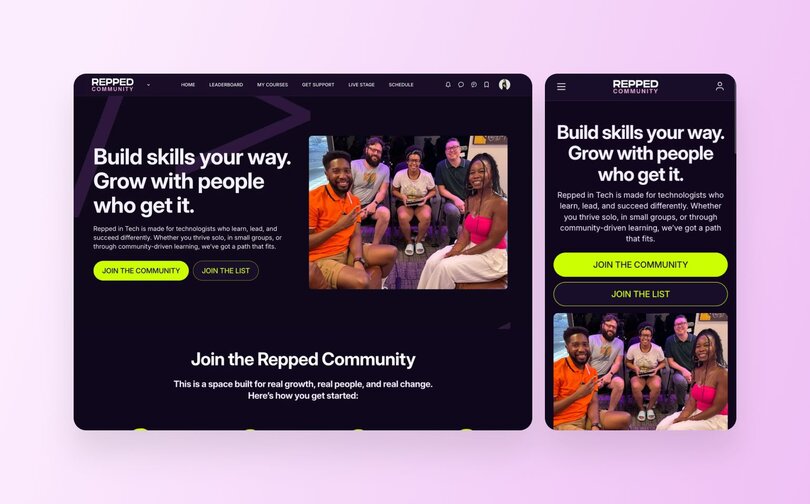
**Get Started**
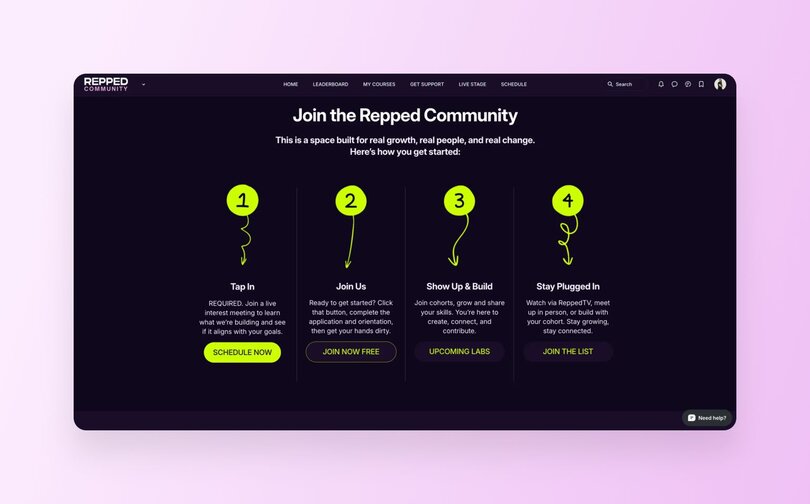
**Calendar**
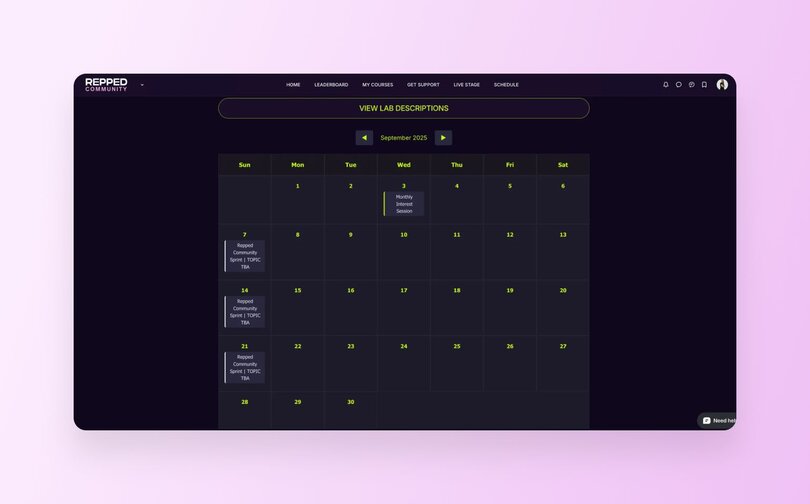
**Community**
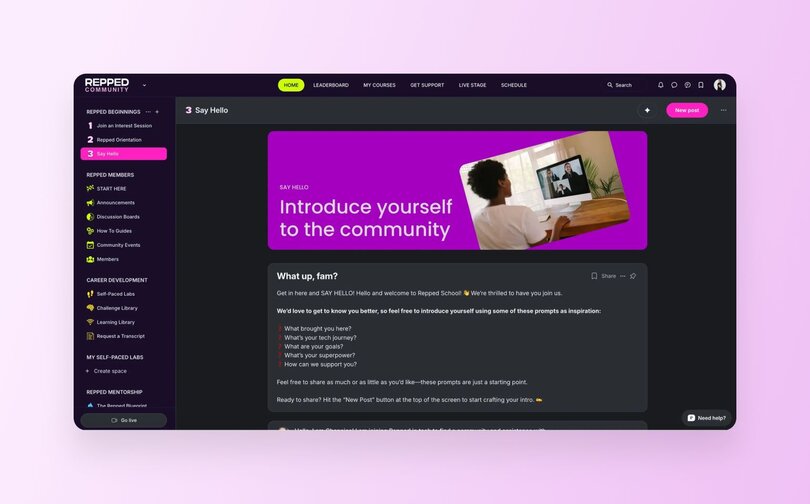
**Business model:** Membership + community-driven learning
**Industry/niche:** Technology/career development
It’s only fitting to kick off this list with the winner of our challenge: [_Repped Community_](https://community.reppedin.tech/join-the-repped-community#join-the-community). Built for technologists who don’t quite fit the mold, Repped is a neurodiverse-first, people-powered hub for learning, mentorship, and real support in tech.
They’ve built a beautifully branded site full of personality and purpose—that’s also automatically optimized for a mobile experience. Every detail feels intentional, from the copy to the calls-to-action (CTAs), and it all comes together in a way that is both inviting and clear. We’re not gonna lie, the Repped team knocked it out of the park in so many ways, but two sections stood out in particular:
- **How to get started:** This section presents an engaging step-by-step overview of what new members can expect. It is clear, practical, and ends with a strong call to action to schedule a meeting, making it easy for prospective members to take that first step.
- **Events calendar:** Repped also [embedded a preview](https://community.reppedin.tech/lab-schedule#upcoming-labs) of their upcoming [events](https://circle.so/blog/host-community-events), giving prospective members a taste of the cadence and value of community life before they even join. It is a simple addition that builds trust and excitement.
> ✨ **Best practice you can try:** Show, don’t tell. By making the path forward crystal clear and previewing what is inside, you can help prospective members feel confident about diving in.
### **2\. coCreator Society**
**Website**
**Stats + Copy**
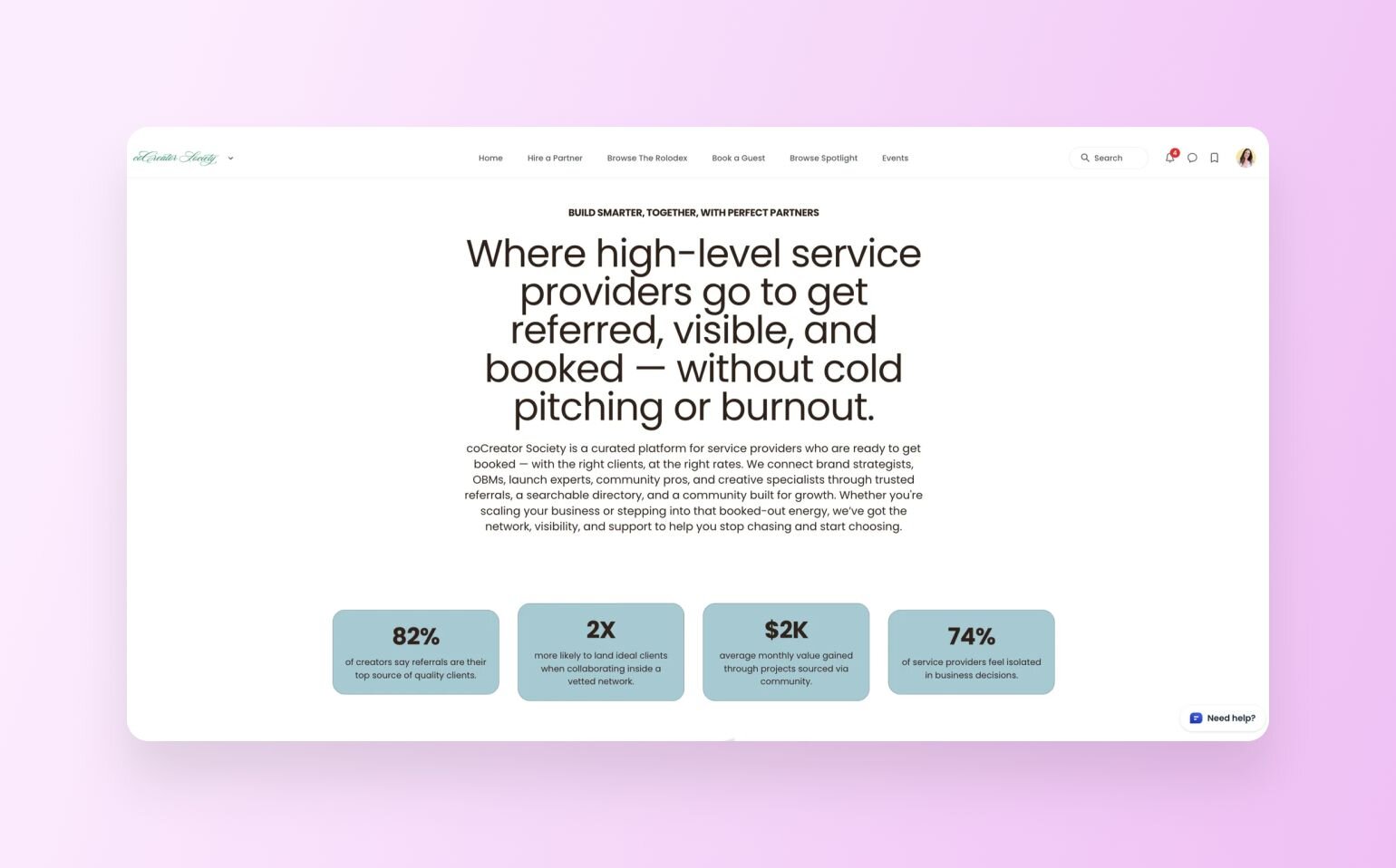
**Custom Calculator**
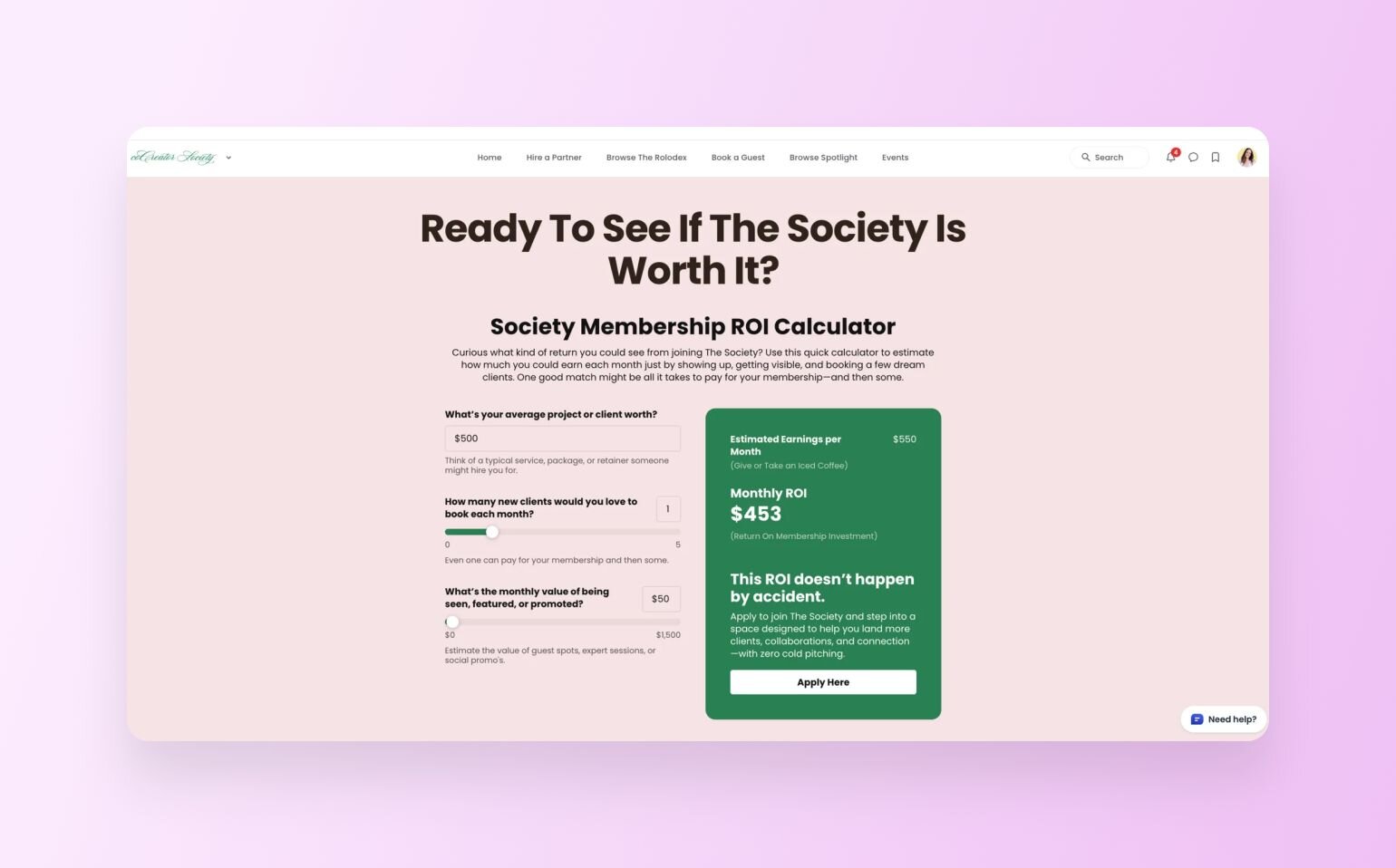
**Community**
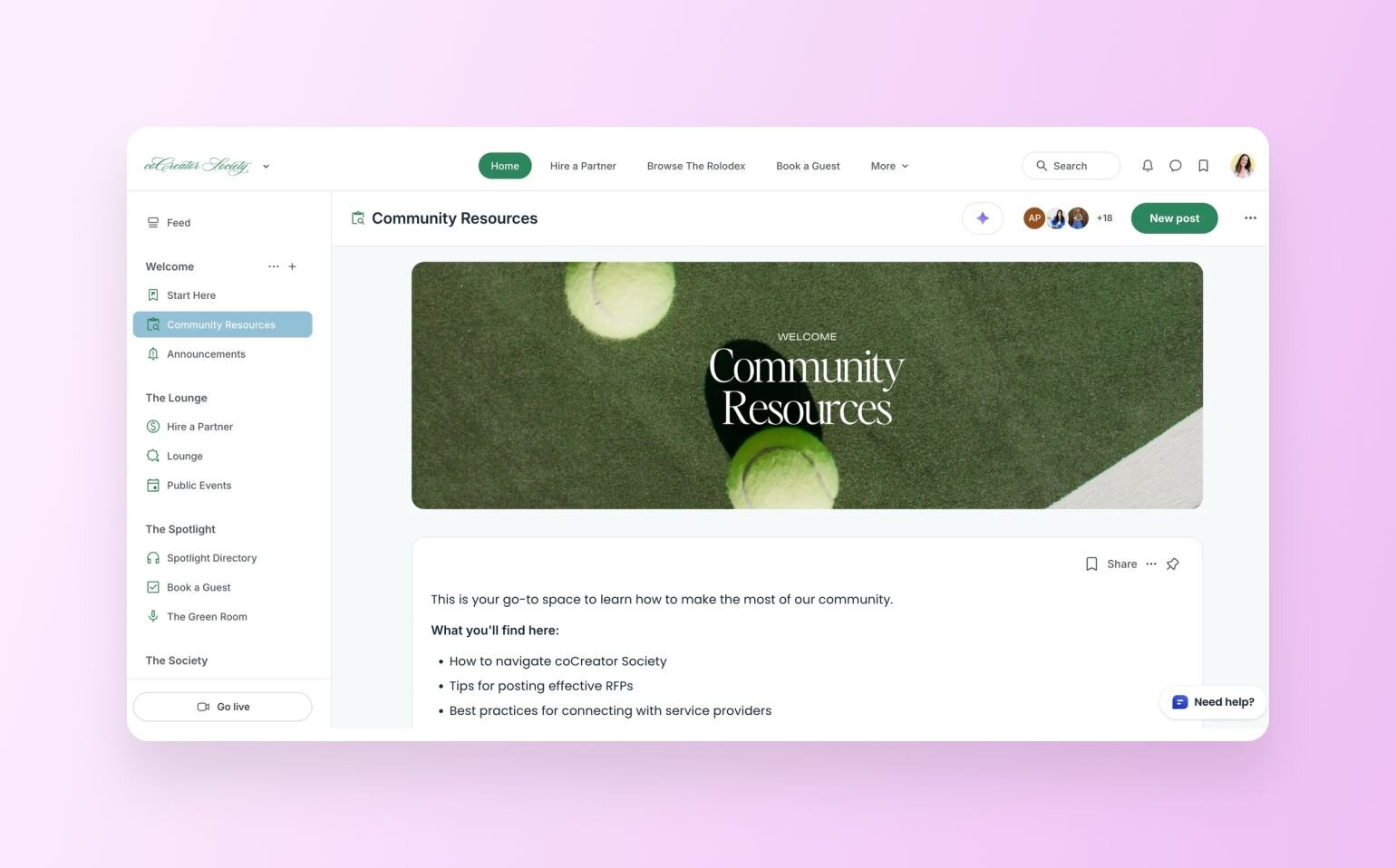
**Business model:** Membership + referral network
**Industry/niche:** Service providers/entrepreneurship
Second runner-up was [_coCreator Society_](https://clubhouse.cocreatorsociety.com/the-society), built by [Rachel Starr](https://circle.so/partners/rachel-starr), a Certified Circle Partner and long-time community strategist. Her sales page genuinely wowed our team. It pushes the limits of what’s possible with Circle’s Website Builder and shows just how creative you can get without a complicated tech stack or learning HTML in the wee hours of the night.
As Rachel [described on LinkedIn](https://www.linkedin.com/posts/rachel-starr-coaching_cocreator-society-the-society-activity-7356682064802267136-oRgW?utm_source=share&utm_medium=member_desktop&rcm=ACoAAAx9BwEBOq_DYZgN2YCM03QZQ9Wk7A9FBoQ), the build was _“creative, a little chaotic (in the best way), and genuinely fun.”_ That sense of energy and flair comes through in every detail of the page.
Here are two parts that stood out the most:
- **The main value prop:** Right at the top of the page, Rachel sets the stage with bold, clear messaging. The copy speaks directly to the pain points of service providers and backs it up with carefully chosen stats. This section makes the value of joining coCreator Society impossible to miss.
- **Custom ROI calculator:** Our favorite feature might just be the custom-built ROI calculator. It allows prospective members to visualize exactly what kind of return they might see from joining. It’s an interactive, persuasive touch that turns curiosity into action.
> ✨ **Inspiration takeaway:** Treat your landing page as more than a sales pitch—it’s an invitation. Pair clear, data-backed messaging with interactive touches like a calculator or a quiz, helping visitors quantify ROI and model outcomes based on their own inputs, so the value of joining feels concrete and tailored.
>
> Curious to see how Rachel approached building her entire website using Circle? Check out her video tutorial below👇
### 3\. America Unlocked
**Website**
**Problem/Solution**
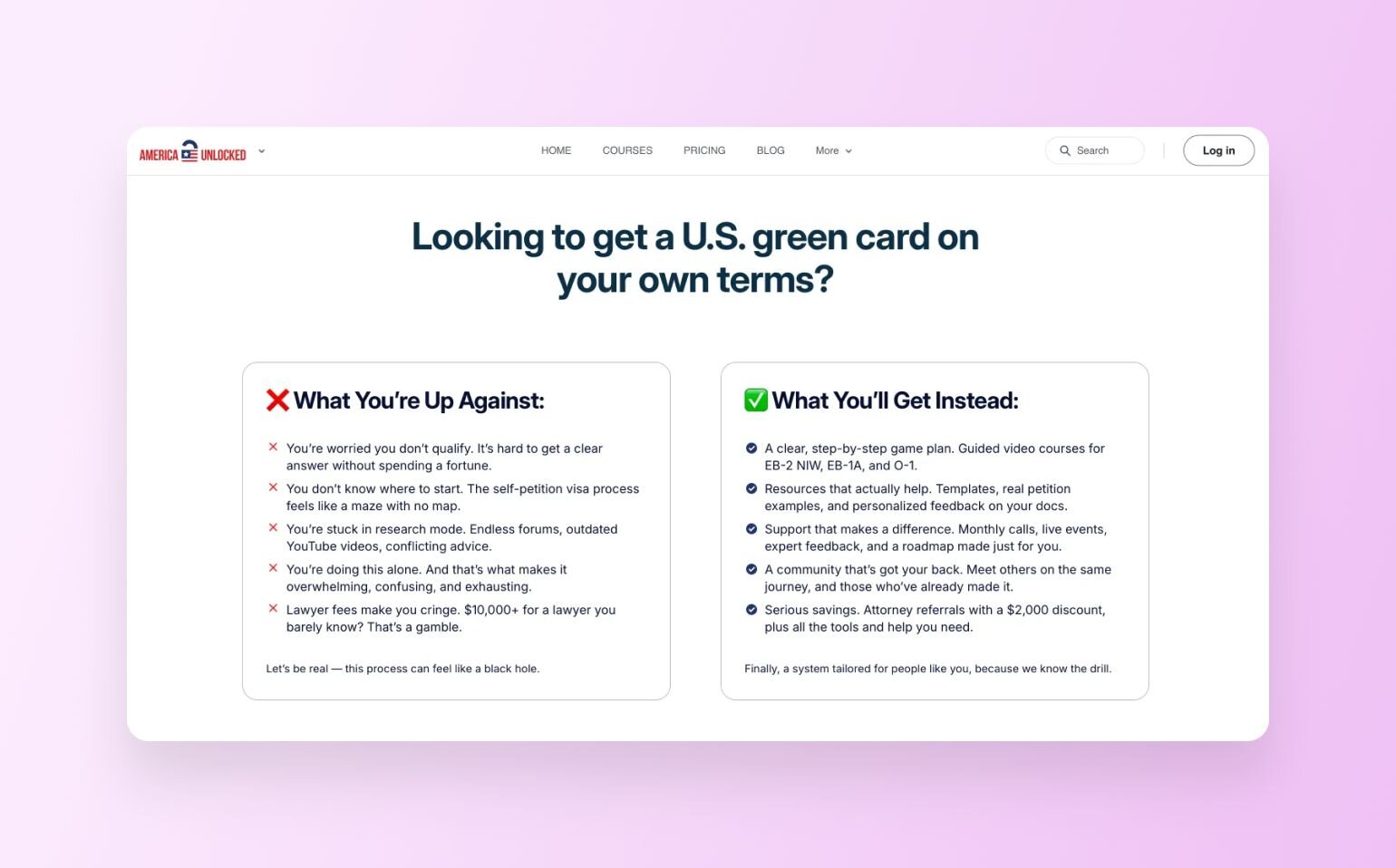
**Community**
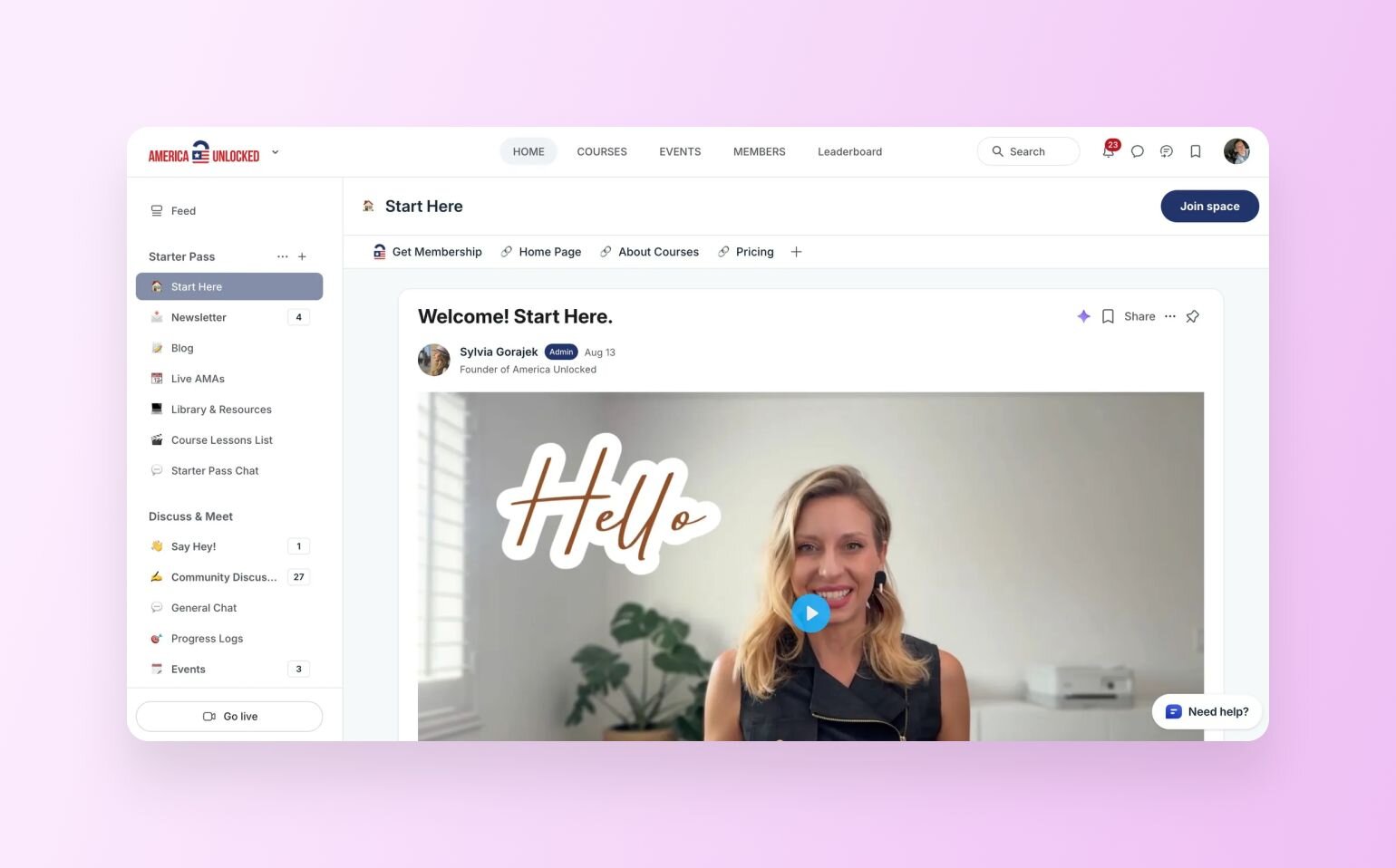
**Business model:** Membership + [online courses](https://circle.so/blog/create-online-course) + community support
**Industry/niche:** Immigration/career advancement
[_America Unlocked_](https://www.americaunlocked.com), by founder Sylvia Gorajek, was a finalist in the challenge. Unlike many entries that focused on a single landing page, Sylvia went all in and moved her entire website over to Circle—and the results are outstanding.
The America Unlocked site does a lot of things well, but here are three areas where they really nailed it:
- **Hero section:** From the bold headline “Unlock your American Dream” to the clear calls to action, this section instantly connects with the reader. The subtle social proof (“500+ stories unlocked”) adds credibility, while the copy makes the community’s mission immediately clear.
- **Problem and solution framing:** This section breaks down the challenges of navigating the visa process, then positions the community as the obvious solution. The thoughtful use of emojis makes the comparison even more scannable and engaging.
- **Multiple CTAs:** Throughout the site, Sylvia uses varied calls to action, such as “Join Today,” and “Book a Discovery Call.” While all the roads lead to the membership, each one is framed slightly differently. This helps create multiple entry points for conversion depending on where a visitor is in their journey.
> **✨ Inspiration takeaway:** Lean heavily into storytelling to guide conversion. By articulating member pain points and positioning your community as the solution, you can reduce friction and help prospects map their own immediate ROI.
### 4\. Author Ever After
**Website**
**Community**
**Business model:** Membership + [coaching](https://circle.so/blog/how-to-start-a-life-coaching-business-online) + community support
**Industry/niche:** Romance writing & publishing
Danika Bloom, founder of [_Author Ever After_](https://hea.authoreverafter.com/welcome), designed a landing page that’s as joyful and heartfelt as the community it represents—partially why hers was a finalist in the challenge. Her site radiates warmth and encouragement, making it immediately clear this is a place where romance writers can finally feel supported and seen (and let’s be honest, that kind of genuine welcome is rare online).
Here are our three favorite sections:
- **Hero section:** Danika chose to feature photos of community members and the books they’ve written right at the top of the page. Paired with the empowering message, _“You don’t have to figure this out alone,”_ it makes the site feel personal and inspiring from the very first scroll. Featuring her published authors also does two things: it shows who her ideal audience is (romance authors), and it highlights the impact the community has already had by celebrating members’ published books.
- **Frequently asked questions:** We love that her landing page included an FAQ section, which is written in a super conversational and warm tone. But most importantly, it puts potential members at ease by preempting their biggest worries with empathy and clarity.
- **Sneak peek of community 🤝 free trial:** Danika has also (wisely) allowed people to scroll through her active community right from the “website”—_while locking down the actual content for members only_. She offers a 7-day free trial to let people unlock and explore the value inside, then offers multiple membership options.
> ✨ **Inspiration takeaway:** Don’t be afraid to showcase your community front and center. Highlighting real members and answering questions with warmth (instead of stiff, corporate language) creates trust and makes your space feel like home from the get-go.
>
> Plus, with Circle’s Website Builder, you’re able to gate your content while still showing off your space—all in a unified experience—something you won’t find with generic website builders.
### 5\. Sell Your Smarts
**Website**
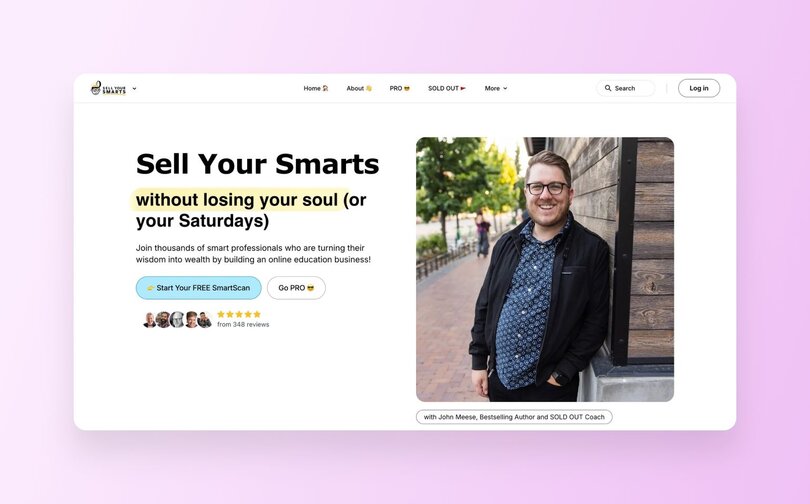
**Reviews**
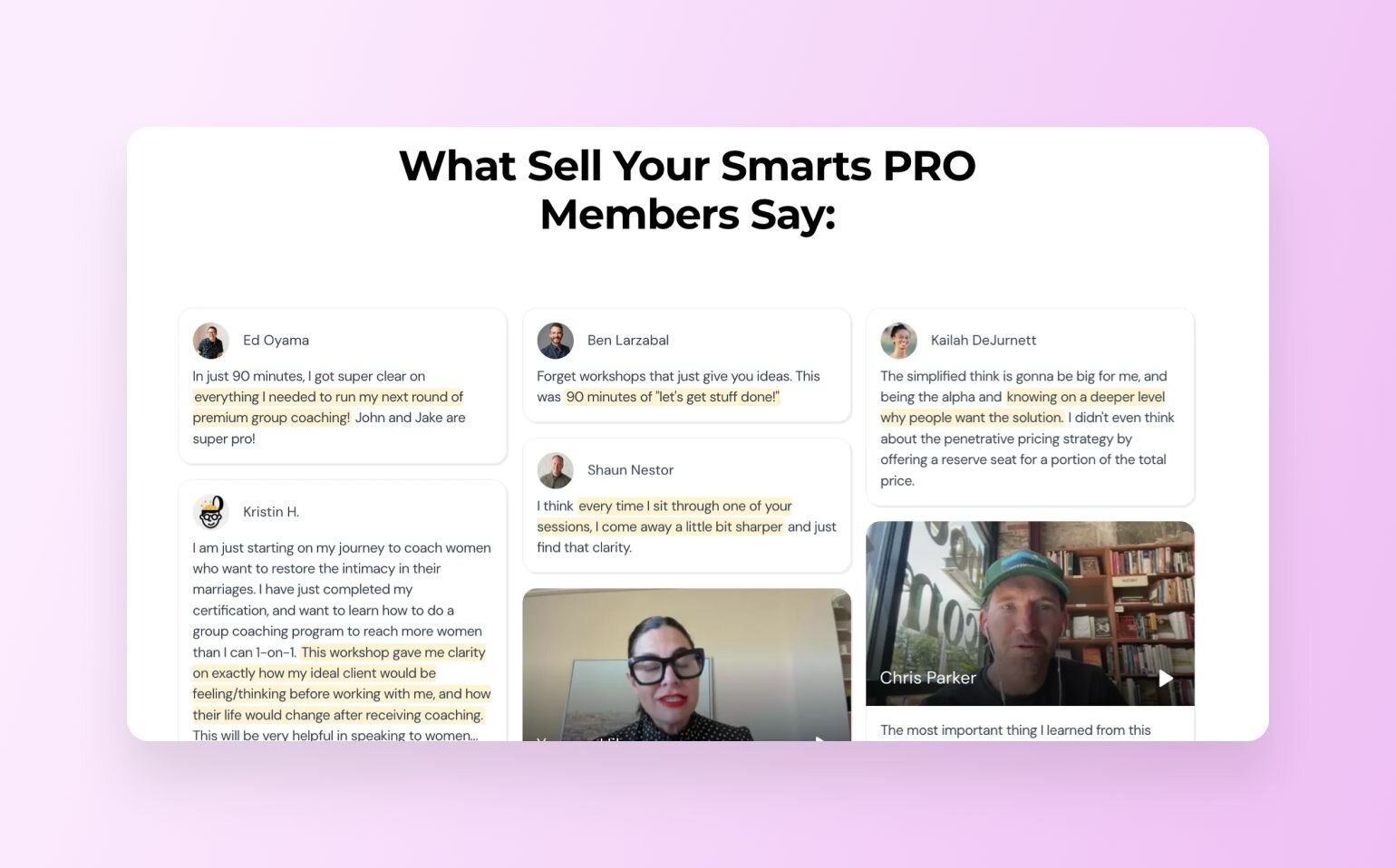
**AI Tools**
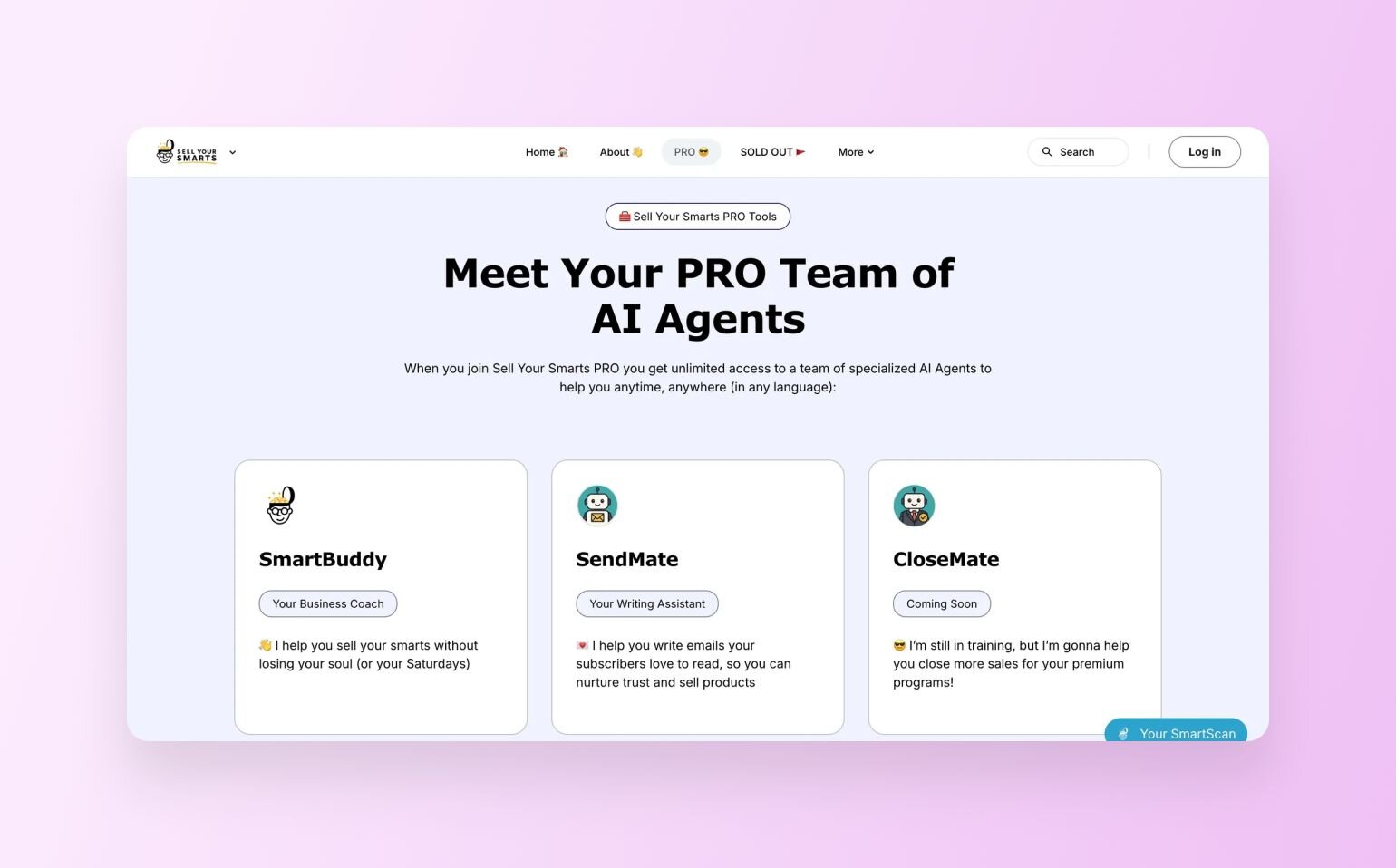
**Preview**
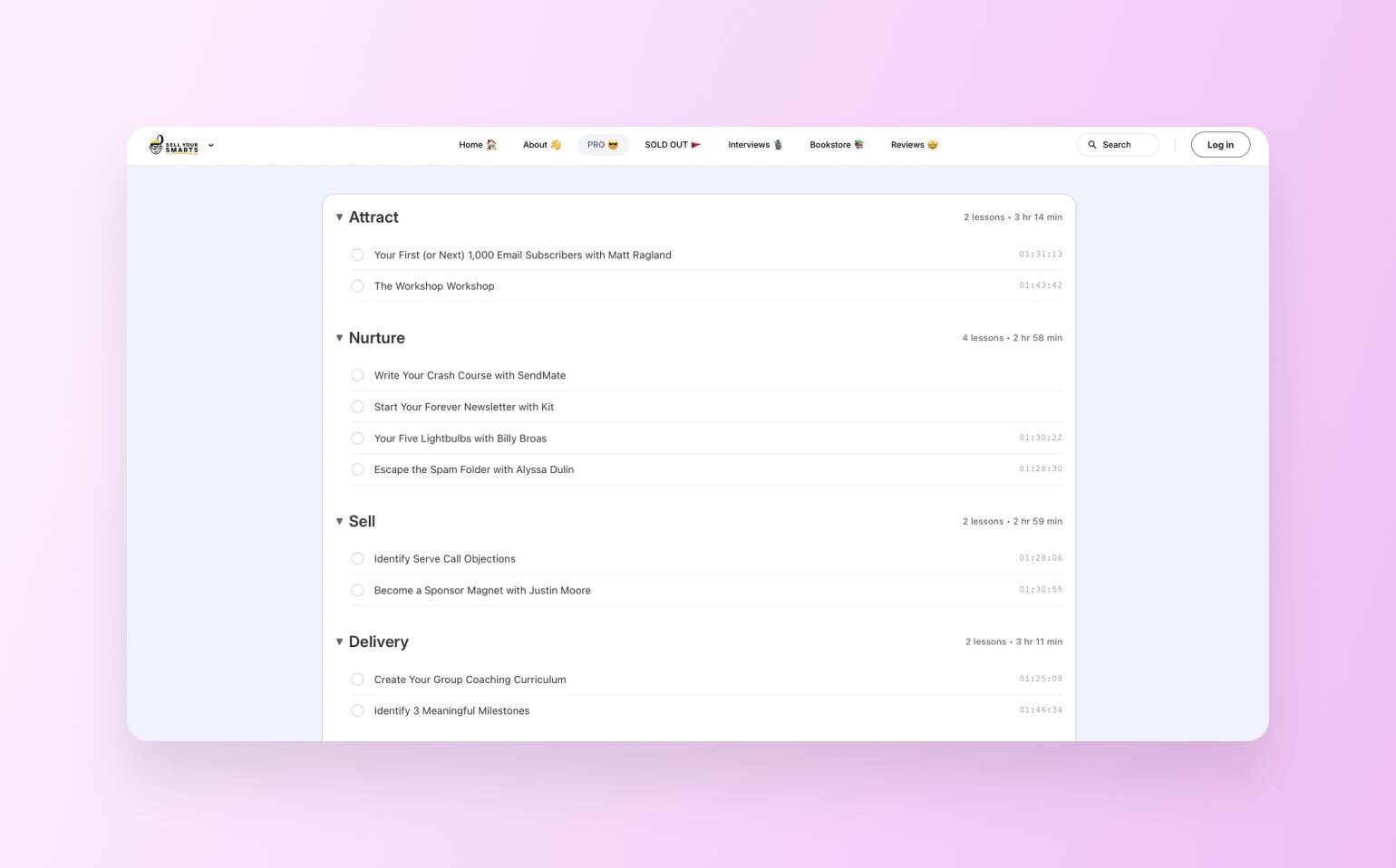
**Community**
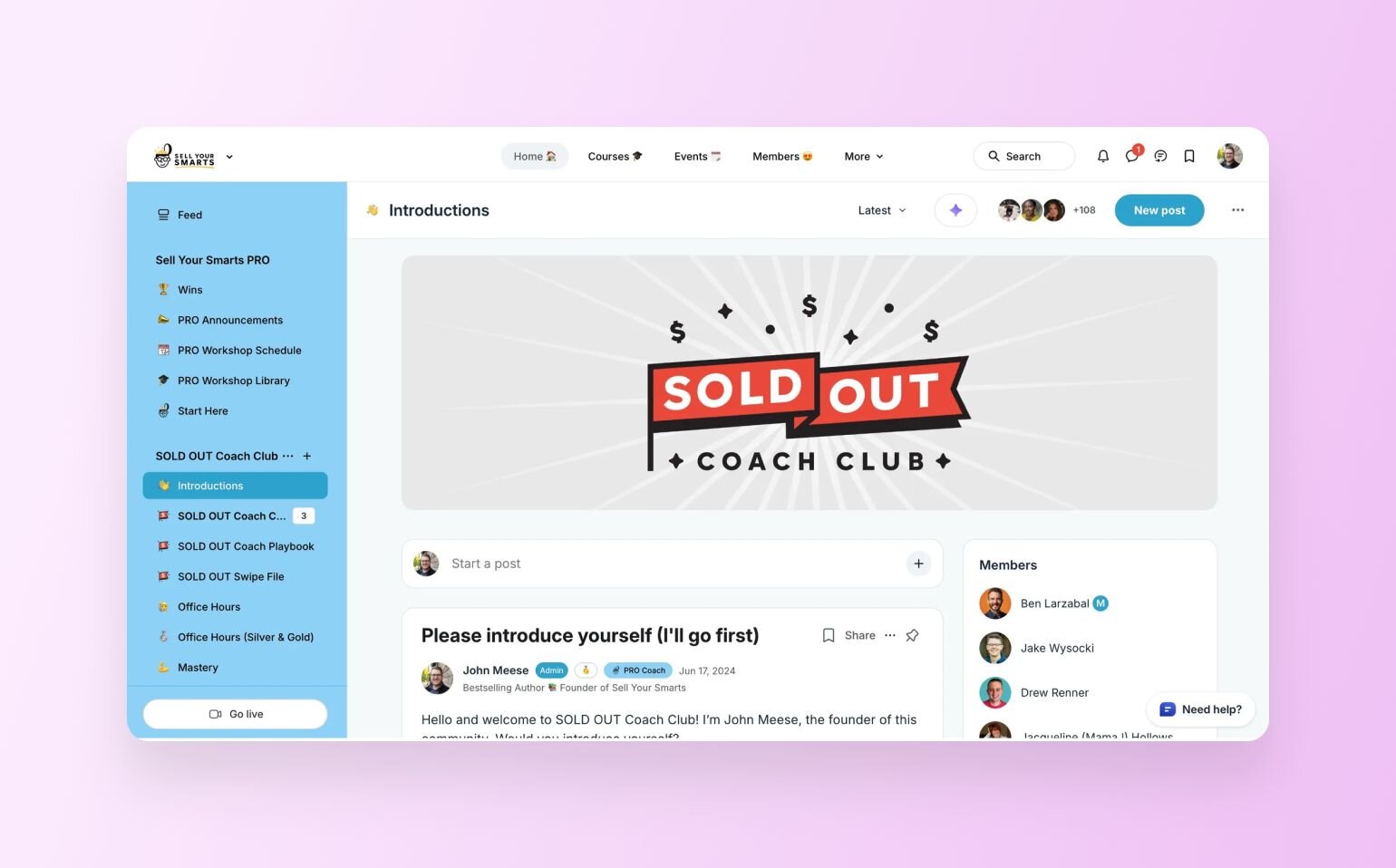
**Business model:** Membership + coaching + tools
**Industry/niche:** Online education/business growth
John Meese’s sales page for the [_Sell Your Smarts PRO_](https://www.sellyoursmarts.co) membership was a finalist exactly because it’s a masterclass in storytelling and conversion design. It’s bold, creative, and brimming with personality—the kind of page that makes you want to keep scrolling (and write down a few notes for your own site).
Here are three things we especially loved:
- **Testimonials that pack a punch:** John didn’t just drop in a few nice quotes. He built a full social proof engine with both text and video testimonials, each one highlighting key points in a way that’s easy to skim (with some super simple CSS tweaks). Talk about credibility and connection all rolled into one.
- **Native AI tools showcased as a perk:** John has developed a team of [AI agents](https://circle.so/ai-agents) that members gain access to, and he makes them feel like a real value-add. By showcasing these Circle-native tools right on the sales page, he’s able to position the membership as innovative and forward-thinking, not just another coaching program.
- **Embedded course preview:** John teaches coaches to sell their smarts—therefore, courses are a massive part of his business. Being able to show the course curriculum on the sales page in an interactive, clickable way (with super-engaging names) could be just the ticket that fence-sitters need to click “buy”. (The preview was built using a styled section from the Website Builder & some AI-generated code.)
> ✨ **Inspiration takeaway:** Layer your sales page with social proof and perks. One study found that user reviews can increase trust and drive conversion [rates up to 70%](https://skeepers.io/lp/impact-report-ugc-conversion/).
>
> So, it’s only logical to include plenty of testimonials, ratings, and real customer stories right alongside your offer to remove doubt and nudge visitors toward a confident “yes.”
### 6\. Lake Avenue Academy
**Website**
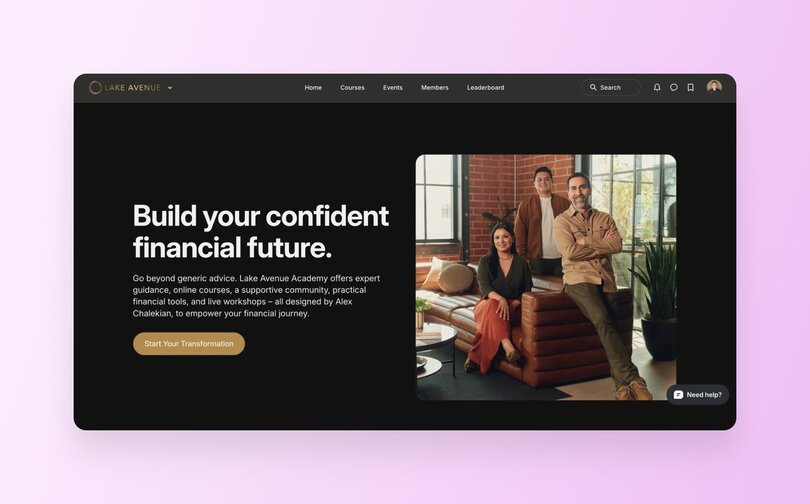
**Pricing**
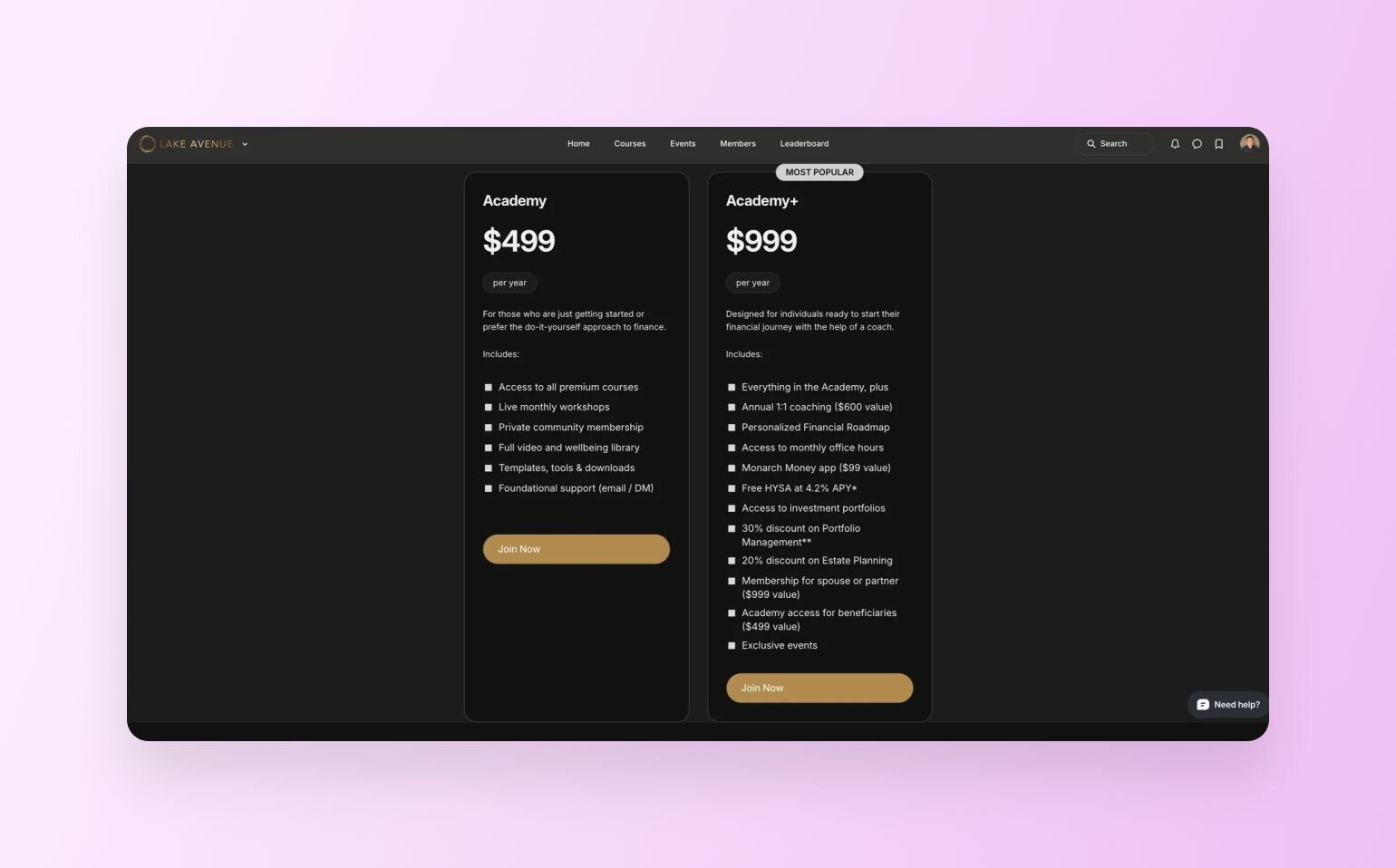
**Proof Points**
**Community**
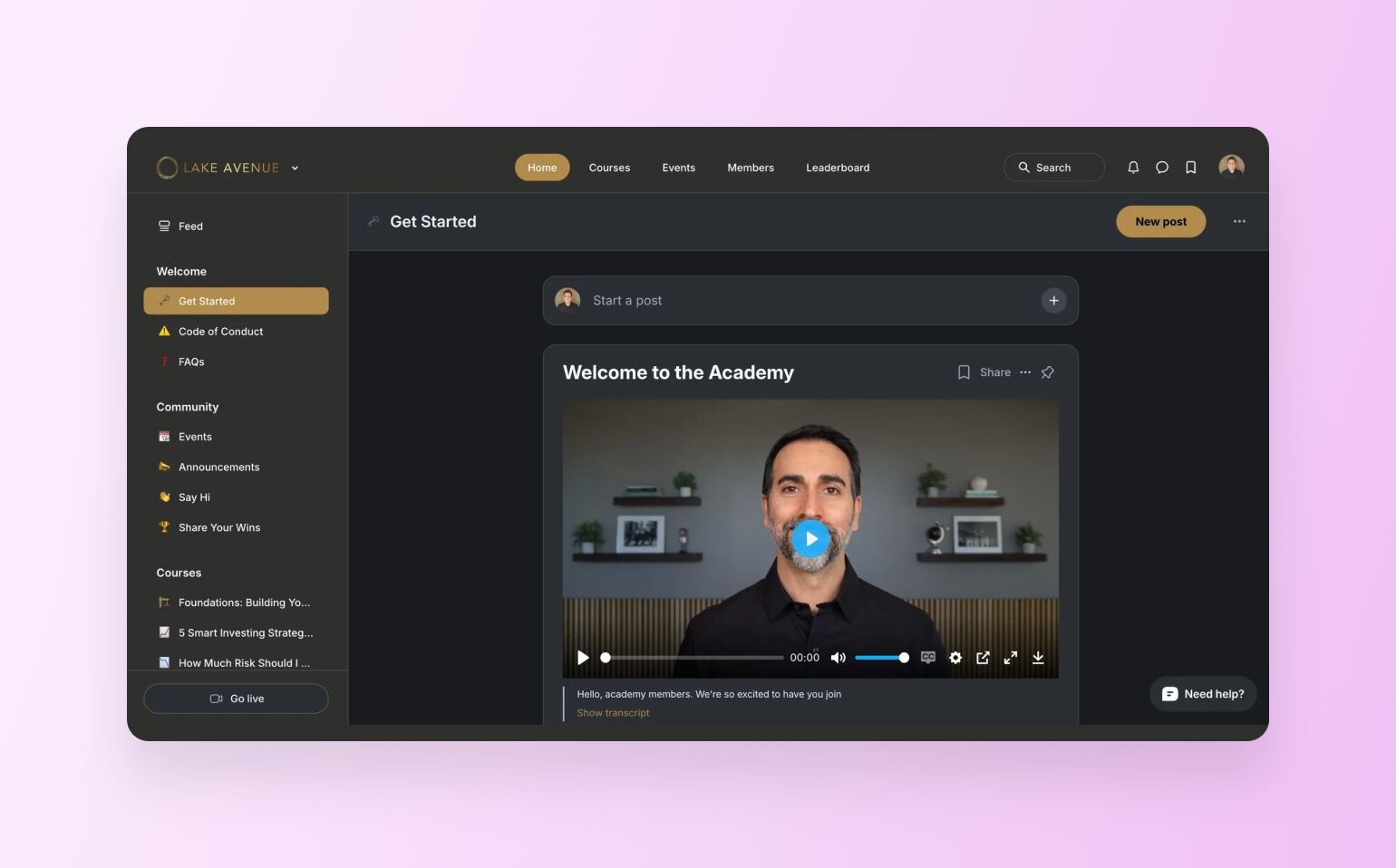
**Business model:** Membership + education + coaching
**Industry/niche:** Financial literacy & personal wealth building
The team at [_Lake Avenue Academy_](https://academy.lakeave.com/) (a finalist!) has built a membership site that radiates professionalism and credibility. It’s exactly what you’d want in a space dedicated to financial empowerment. Their [community landing page](https://circle.so/blog/community-landing-page) balances clarity with authority, making it easy for prospective members to feel confident about joining.
Here’s what impressed us most:
- **Proof points that build trust:** Lake Avenue doesn’t just say they can help. They show it with stats, credentials, and results that immediately establish authority. From managing $130M in assets to being recognized as a Top 100 Financial Advisor, every detail reinforces their credibility.
- [**Membership pricing**](https://circle.so/blog/membership-pricing-strategy) **tiers that work hard:** The side-by-side comparison of the Academy and Academy+ plans is clean and persuasive. The design makes the value obvious while also nudging prospective members toward the premium option by spotlighting it as “most popular.” That’s smart, subtle psychology at work.
> ✨ **Inspiration takeaway:** Credibility isn’t built by big promises, it’s built by proof. Lake Avenue nails it by showing exactly why they’re worth trusting: $130M in assets managed, recognition as a Top 100 Advisor, and clear proof of member results. They top it off with transparent pricing that makes the value of each tier obvious.
>
> Joe Sugarman, an expert in copywriting, [called credibility](https://copywritingcourse.com/wp-posts/joe-sugarman-triggers/) one of the most powerful triggers in copywriting, and this site is a textbook example of how you should use it.
### 7\. ExecFrontline
**Website**
**Appointments**
**Personal Story**
**Community**
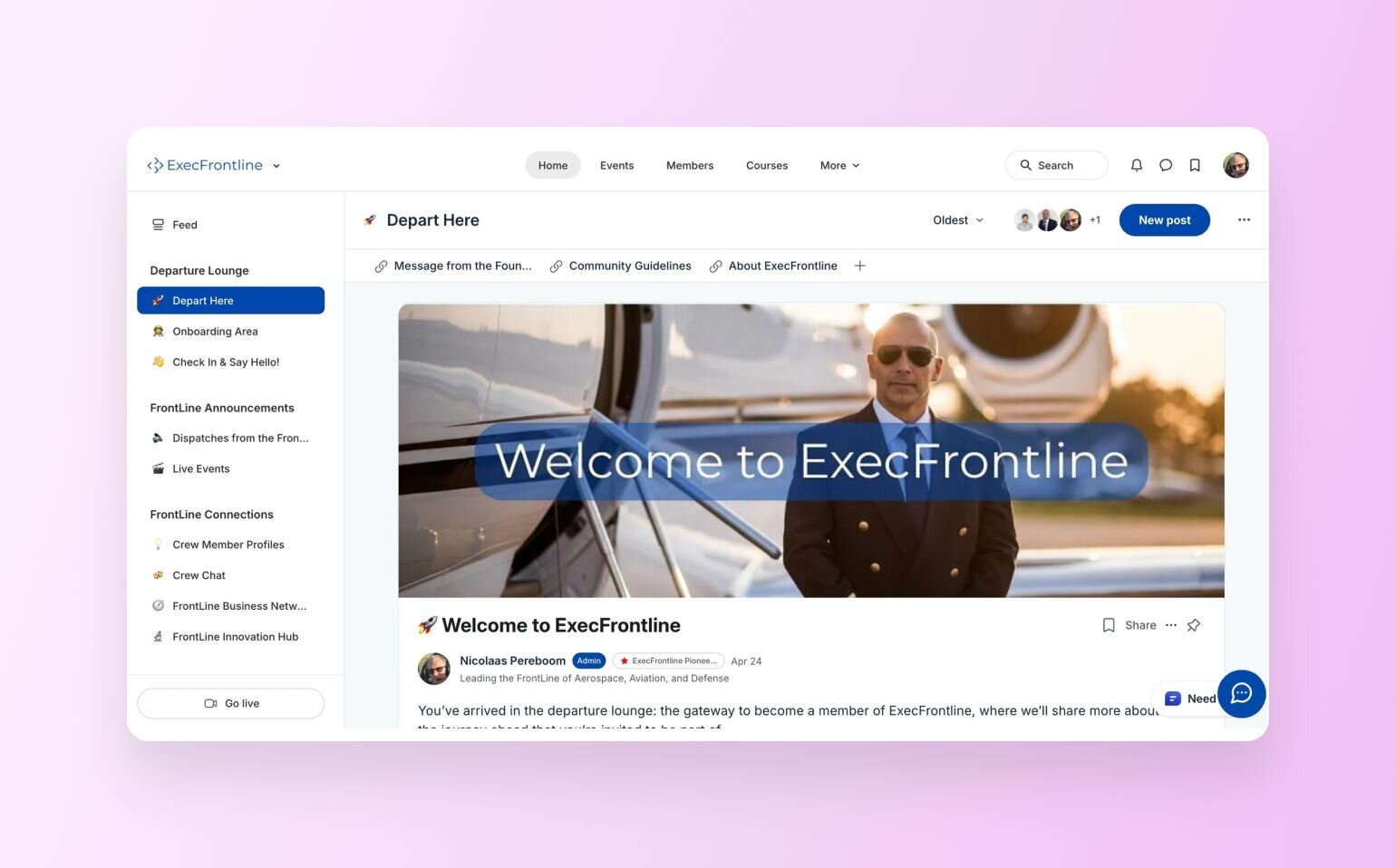
**Business model:** Invite-only membership
**Industry/niche:** Aerospace, aviation, and defense leadership
Nicolaas Pereboom, founder of [_ExecFrontline_](https://www.execfrontline.com), was a finalist in the challenge because he built a landing page that feels bold and confident, just like the leaders it’s designed to attract. The message is clear from the start: this is a trusted space where tomorrow’s aerospace and defense executives can connect, collaborate, and shape the future together.
What makes ExecFrontline stand out is how intentionally it was built. Nicolaas explained that when he evaluated [membership platforms](https://circle.so/blog/best-membership-platforms), he needed something with “professional structure, flexibility, and scalability”—but also simple enough for an “IT-conservative” aerospace and defense audience to embrace. Circle checked all the boxes with its clean interface, intuitive design, and active creator ecosystem.
Here’s what stood out to us:
- **Community preview:** Nicolaas included a screenshot of the actual community feed to give prospects a clear idea of what happens inside. Teasers like that work well because they make the community feel alive and accessible, while lowering the barrier for someone who might be unsure about joining.
- **A personal founder story:** He also shared why he built ExecFrontline—he saw talented professionals struggling in an industry bogged down by outdated systems and red tape. That story lands because it shows he’s been in the trenches and built this community with a clear purpose. It’s always a good idea to include your founder story, as it helps to shift your landing page from a pitch to a mission. And that makes it a whole lot easier for people to picture themselves joining.
- **Smart calendar embeds:** Due to its invite-only nature, Nicolaas needed a way to vet incoming applicants. While some communities have opted to split communities into free/paid spaces, Nicolaas wanted to meet & greet new members every time, which is why he embedded a Calendly booking form right into the page.
> ✨ **Inspiration takeaway:** Lean into your personal story to inspire others on a similar path to join you.
>
> As Caroline Mays, founder of [Switchblade Lemonade](https://www.switchbladelemonade.com/) and writer of entrepreneurial biographies writes:
>
> "Consider for a second the people whose work you follow, admire, and trust: What’s so special about them?
>
> **You like. the way. they think.** Their perspective, mission, voice, and values strike a chord.
>
> They have “authenticity” (whatever that is), and authenticity is hot as hell. It’s also—at the moment—scarce."
### 8\. Shambala
**Website**
**Transformations**
**Member Benefits**
**Community**
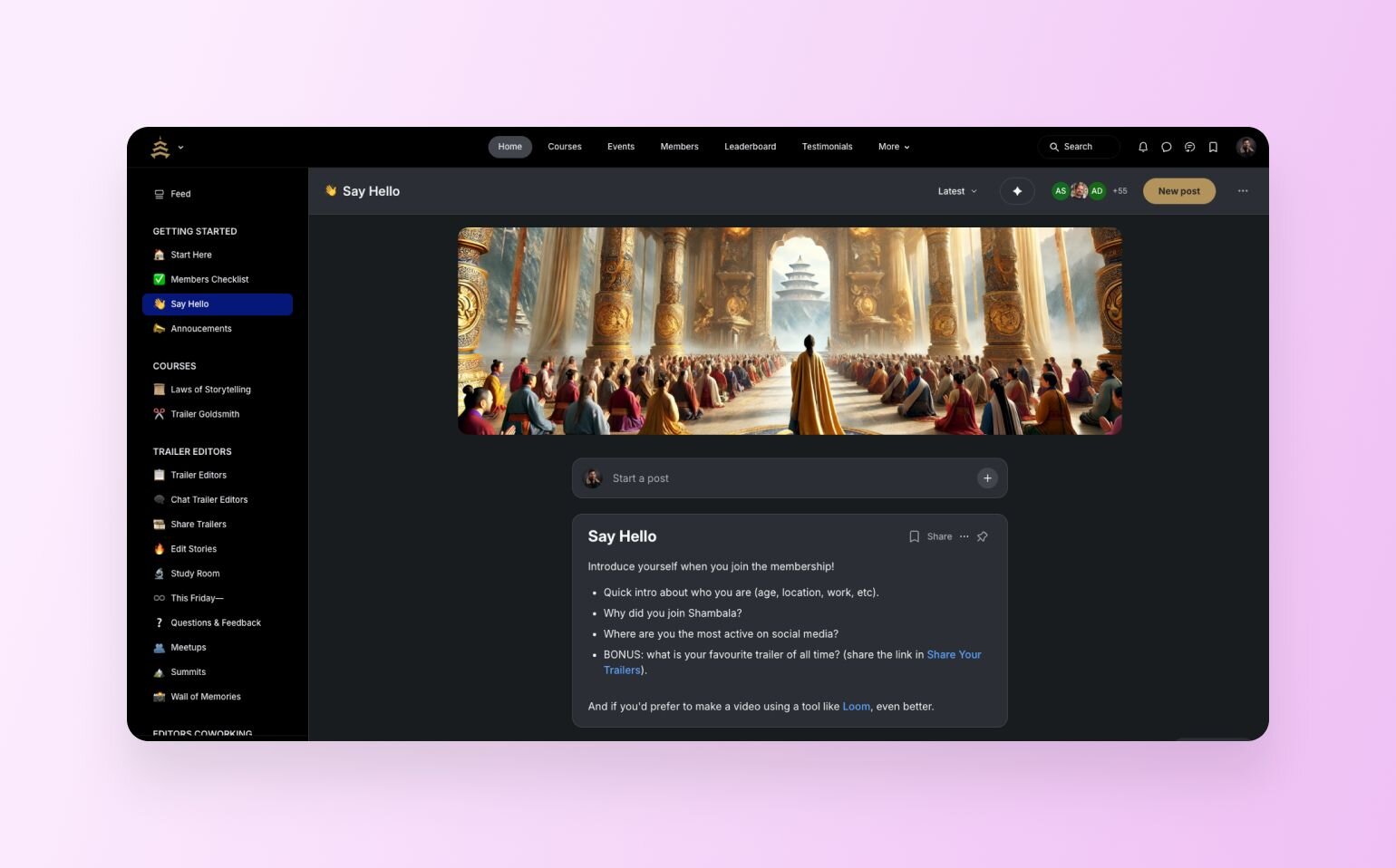
**Business model:** Membership + community learning
**Industry/niche:** Film/trailer editing
[_Shambala_](https://www.shambala.co/gold), a global hub for movie trailer editors to learn, connect, and grow together, got an honorable mention. Founded by Tom F. Pardo, a seasoned trailer editor with his work tied to HBO, Netflix, and Paramount (👏 talk about leading with instant authority!), the site instantly builds credibility while capturing the camaraderie that freelancers and aspiring editors often miss.
Here’s what we liked:
- **Community members’ trailers on display:** Shambala highlights real trailers edited by their student members right alongside blockbuster work from industry pros. This not only shows what members are creating inside but also signals to prospects that this is a space where they can get super practical skills.
- **Strong testimonials:** The landing page also includes authentic voices from both pros and aspiring editors. Testimonials like these act as social proof and give prospective members the final nudge of confidence they need before joining.
- **Using Circle features as member benefits:** Tom uses Circle features as _part of his unique differentiators_; he highlights that you can take his courses, conversations, and community “wherever you go” because it’s all on mobile. We actually wish _more people did this_. Take credit. Make yourself brighter. It’s why you chose Circle. And it’s why we build so much directly for our customers.
> ✨ **Inspiration takeaway:** Don’t just name features and perks of joining your community. Display actual work examples from your members to truly showcase the transformational power of your space.
### 9\. The Hyve Hamptons
**Website**
**Members**
**Video**
**Lounge**
**Spotlight**
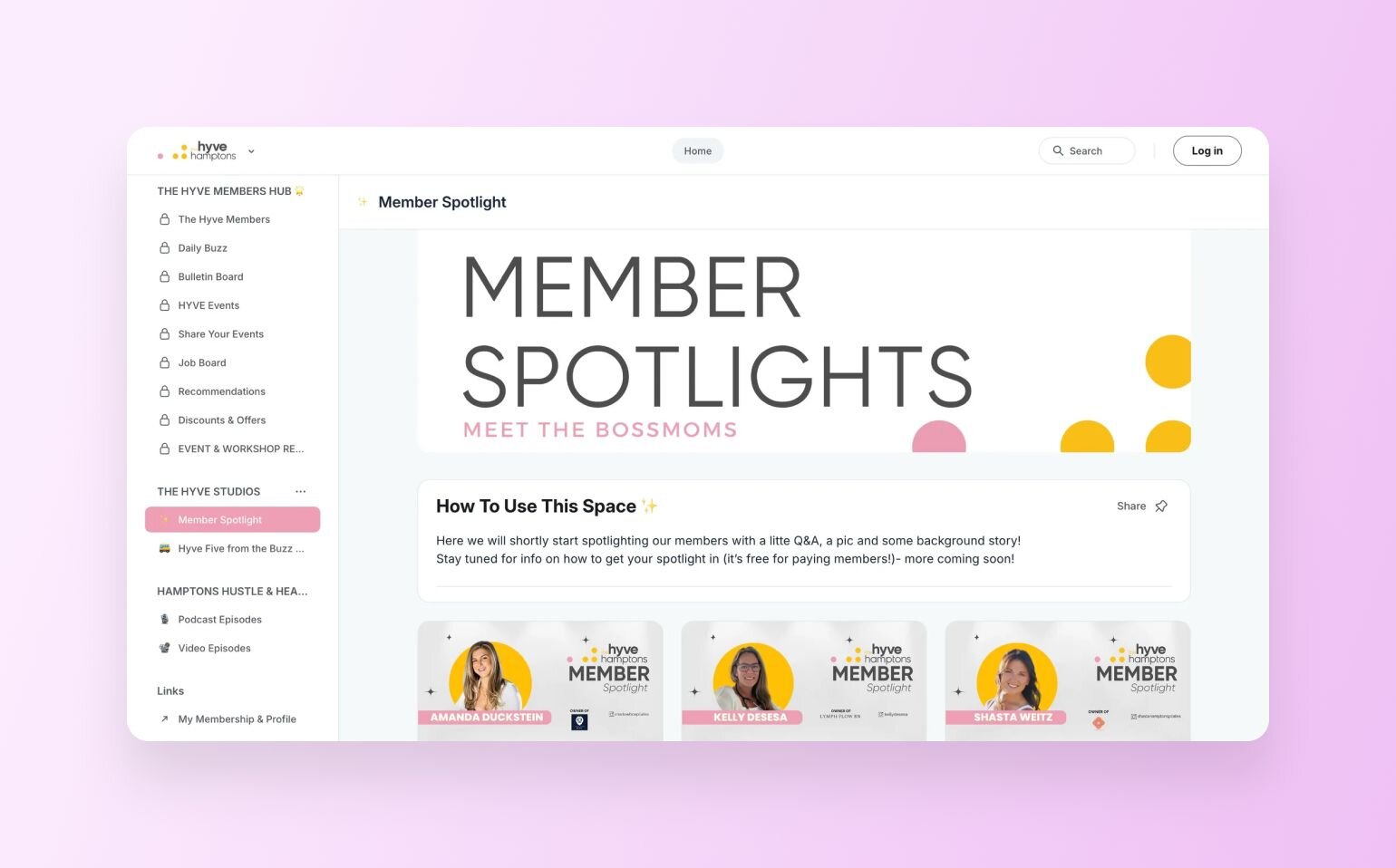
**Business model:** Membership + in-person & online community
**Industry/niche:** Women entrepreneurs/creatives/founders
We can’t go without mentioning [_The Hyve Hamptons_](https://community.thehyvehamptons.com/homepage), a private community for female founders, creatives, and entrepreneurs across the East End of Long Island, New York. Founded by Kim Lenar-Ehrhardt, a media and brand strategist turned community builder, The Hyve positions itself as more than just networking—it’s about connection with intention, and the site reflects that beautifully.
Smart choices that make this page shine:
- **Letting the pictures do the talking:** The landing page leans heavily on authentic photography (not random stock images) that puts community members right at the center. These group shots and candid moments perfectly match The Hyve’s mission of women gathering with purpose, and they help prospective members envision themselves in those very rooms.
- **A quick, clear explainer video:** The Hyve Hamptons also includes a video right on the page, which not only introduces the community but also showcases how it actually works inside Circle. This is a clever move because it lowers the barrier for new prospects. In other words, they instantly understand what they’re joining, where it lives, and how it functions.
- **A guest lounge for curious prospects:** What a fantastic way to frame a sneak peek into a live community. Kim organized it as a free space that lets people look around (locked) space groups, read the list of benefits of joining, and, more importantly, see member spotlights. This sort of [gating/paywall strategy](https://circle.so/blog/paywalls) is just the right amount of teasing, comforting, and FOMO-building exercise that undoubtedly will get her new subscriptions.
> **✨ Inspiration takeaway:** Hosting in-person events? Take photos and add them to your landing page (Hint: add photo consent to the ticket purchase). Nothing builds trust faster than real faces and real moments.
### 10\. Deep Time Walk Community
**Website**
**Bilingual Programs**
**Community**
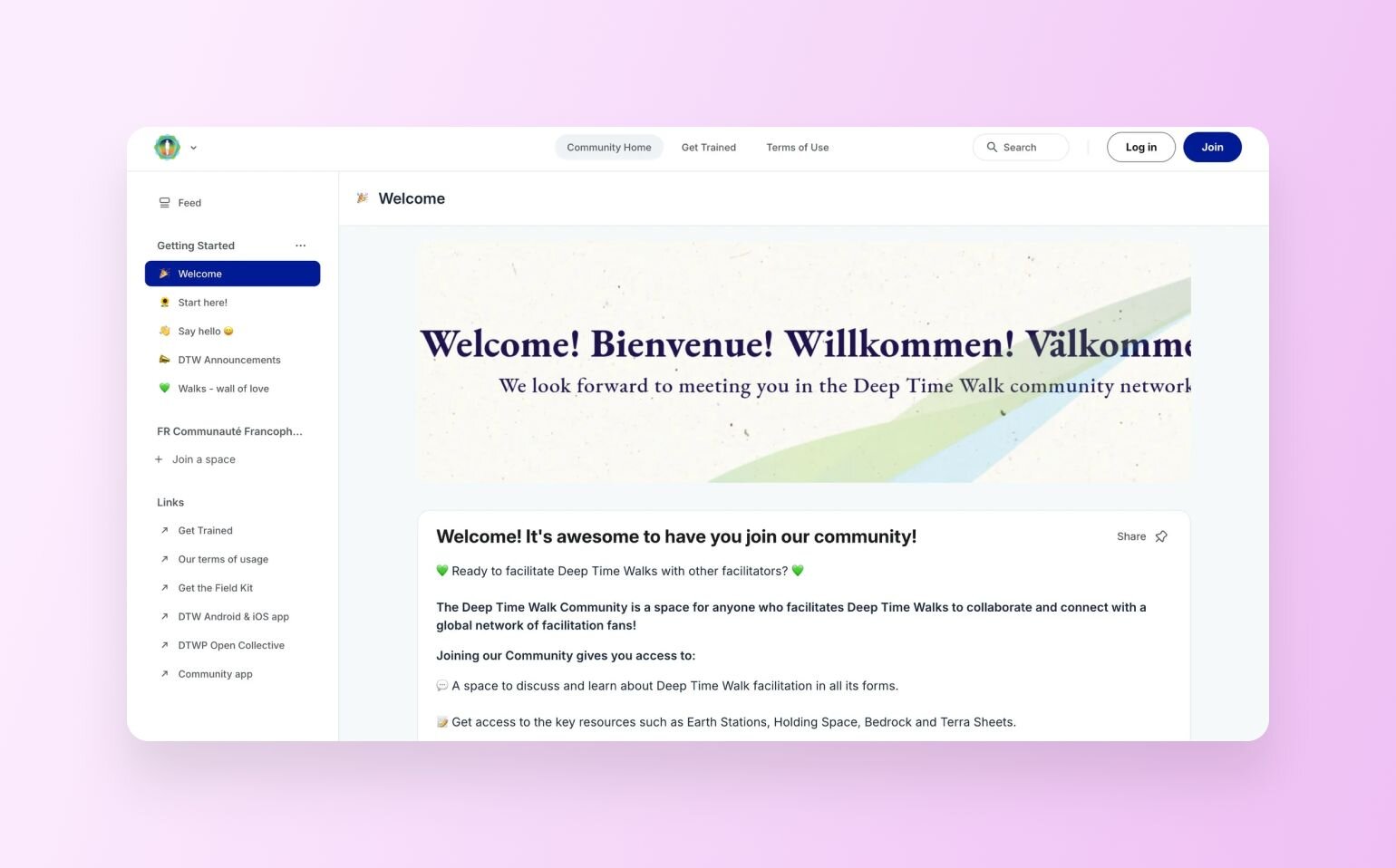
**Business model:** Training + membership community
**Industry/niche:** Climate education/facilitation
[_Deep Time Walk Community_](https://community.deeptimewalk.org/training/) is yet another top membership website example that brings all the important elements together beautifully. This community, or better said, a global network, empowers people everywhere to get trained as Deep Time Walk facilitators and bring this powerful learning experience into their own contexts. The landing page makes it clear this isn’t just a course, it’s a movement.
What they did well:
- **Bilingual landing page:** The site is available in both English and French, which is a great idea if your potential audience speaks either of these languages (or if those are your main markets). A simple toggle at the top makes it easy for visitors to switch and immediately feel at home.
- **Powerful social proof:** Their page also showcases glowing testimonials from facilitators around the world, complete with names, locations, and personal stories. This creates trust and shows new prospects that the training has a real impact.
> **✨ Inspiration takeaway:** If your community reaches across borders, think about making your site bilingual.
### 11\. Moovmoor
**Website**
**Engagement Options**
**Community**
**Business model:** B2B wellness membership & events
**Industry/niche:** Workplace wellness & fitness
[_Moovmoor_](https://app.moovmoor.com/homepage) is a workplace wellness platform that helps companies bring people together through movement. Think weekly fitness clubs, one-off pop-up events, and full-blown Super Days that feel like a festival for your team. Their promise is simple: they handle the planning, coaches, and gear—your people just show up, move, and connect.
What grabbed our attention:
- **Branding on point:** The bright, high-energy colors and visuals spark action in your brain before you even read a word. That’s because our [minds connect](https://pmc.ncbi.nlm.nih.gov/articles/PMC4383146/) bold, lively colors with movement and energy, which is exactly what Moovmoor is all about.
- **Clear value proposition:** Moovmoor nails it with _“We plan the action. Just show up.”_ In one line, you know what they do and what the benefit is for their audience. That’s gold, because if your visitors don’t get it in seconds, they’ll bounce.
> ✨ **Inspiration takeaway:** Make sure your branding matches your mission. Colors, fonts, and imagery should all reinforce the type of energy and experience your community promises.
## Bet you’re already sketching out your own landing page ideas…
Looking back at these 11 examples, some clear patterns emerge. The strongest membership sites nail their hero section, so the visitors instantly know what your community is about. They also weave in authentic community proof (photos, testimonials, or even event shots), and they guide visitors forward with clear, repeated CTAs.
On top of that, they include sneak peeks into the community platform and lay out different ways to engage to meet prospects at different price points. These are the foundations of a solid membership landing page.
But ultimately, it’s your community and your call. Don’t shy away from sprinkling in unique touches, so your landing page not only attracts the right people but also shows them what makes your space different.
## FAQs about membership websites
What is a membership site?
A [membership site](https://circle.so/blog/membership-site) is an online platform where people sign up to access exclusive benefits—usually as part of a community. These can be [digital products](https://circle.so/blog/digital-product), personalized coaching, live events, or community spaces for people like them. What sets them apart from other websites is the ongoing exchange of value. Members stick around not just for content, but for connection, accountability, and transformation. For creators, they’re a proven way to build predictable recurring revenue while also deepening relationships with their audience.
What is a community website?
A **community website** can be the marketing front-end of your community space, or the community space itself. With Circle, you can [build both on one platform](https://circle.so/website-builder), where people with shared interests or challenges connect in a structured space.Depending on your interests and expertise, it could focus on various niches, such as fitness, business growth, education, hobbies, or lifestyle.Websites in general are an undeniable marketing asset for online businesses because they help creators or brands deepen engagement and create long-term relationships with their audience. At the same time, they’re able to provide members value from peer learning, accountability, and the sense of being part of something bigger.
How to make a community website?
One option is to build a bespoke website from scratch using tools like WordPress or Webflow.This approach gives you a lot of flexibility in design, but most of the features that communities need, such as discussion forums, member directories, or event spaces, are not included by default. You will often need plugins or a developer to add these functions, which can become both costly and time-consuming.The other option is to use an all-in-one community platform like Circle. With Circle, you already have tools for discussions, events, and resource hubs built in. Plus, with Circle Website Builder, you can design a professional-looking site [without needing to code](https://circle.so/blog/why-use-a-community-site-builder).
Do membership sites make money?
Yes, membership sites can absolutely make money because they’re built around recurring payments. Instead of selling something once, you create a space where people pay regularly to stay connected and get ongoing value.The type of revenue you earn depends on what you offer. For example, you can sell access to online courses, live workshops, or recorded training. Or you can focus on private communities with resources, networking opportunities, or expert support. Many membership sites combine these with perks like templates, exclusive events, or [group coaching](https://circle.so/blog/group-coaching).The amount you earn comes down to how many people join, what price you set, and how valuable your members feel the experience is. [Check out our ROI calculator](https://circle.so/community-roi-calculator) to find out how you can translate your audience into membership fees.
How long does it take to build a community website?
It depends. If you’re using a generic builder like WordPress, it could take you months. If you want custom components that aren’t available as embeds or plugins, it could also [cost you thousands of dollars](https://circle.so/customer-stories/income-school-plus) for both building it and ongoing maintenance.If you’re building your community—and using Circle’s [Website Builder](https://circle.so/website-builder)—you could cut down your time, upkeep, and management to the price of a Circle subscription.In terms of time, here’s what our customers have said about using Circle’s Website Builder:“It took me a couple of weeks between editing jobs to finish all of this (I did 3 pages out of 5 in two days), and**if I had used another software, I think it would have been months in the making.**”— [Tom F. Pardo](https://circle.so/customer-stories/shambala), founder of Shambala“If I wanted a new landing page, I had to loop in a contractor. It might take weeks, and it never felt fully integrated with my community. [With Circle’s Website Builder], **it's so much faster.** I can experiment. I can launch things on my own—and everything feels consistent because it's all inside Circle.”— [Tim Slade](https://circle.so/customer-stories/elearning-designer-academy), founder of The eLearning Designer's Academy**Within days of early access, Tim rebuilt 75% of his site**—no developers, no designers, just him.“I was able to knock out recreating and refreshing our community sales page on Circle during a single weekend, after having hosted it on MailerLite for the past 9 months.”— [Darnell Brown](https://www.darnellbrown.com/), founder of [Forge](https://www.darnellbrown.com/)
---
### 11 Best online course platforms for creators in 2026
*Compare 11 online course platforms for creators, coaches, and brands. Discover why community-powered courses achieve 40-60% completion rates vs 10-15% industry average. Find your perfect platform.*
Source: https://circle.so/blog/best-online-course-platforms
> ## TL;DR
>
> * **Course completion rates average just 10–15% industry-wide** — but community-powered courses on Circle achieve 40–60%, roughly 3–4x higher
> * **The best online course platform depends on your goal:** Circle for community-driven learning and all-in-one simplicity, Teachable for getting started quickly, Kajabi for high-ticket funnels — but factor in the 2025 price increase (Basic is now $143/mo) , Mighty Networks for mobile-first delivery, Skool for simple and small-scale, and Thinkific for corporate or internal training
> * **Self-hosted platforms give you full ownership and higher margins;** marketplaces like Udemy and Coursera trade control for discoverability — and take 37–63% of revenue
> * **The features that actually move completion rates aren't course builders** — they're peer interaction, accountability systems, mobile access, and live cohort support
> * Circle starts at $89/month and includes courses, community, email, website, payments, and AI agents — replacing a tool stack that typically runs $300–600/month
> * **Circle launched Eclipse in June 2026** with a redesigned course builder, visual learning paths, and Circle AI — an AI partner that sets up your entire community and course structure in minutes
It’s not just you. Getting students to finish online courses these days is a slog. According to recent data, course completion rates average just 10-15% across the industry.
The reasons for the low completion rates vary. From content overload (thanks doom scrolling and AI slop) to no built-in accountability, online course students are signing up, but quickly become distracted by the next shiny object.
All while you're trying to attract students, create structured learning experiences, and deliver measurable outcomes. And somewhere in a cobwebbed corner of your mind, a dozen unfinished tasks are playing ping-pong.
But if you choose the right online course platform, you can cut through the noise (and the cobwebs) and boost your course completion rates. Which means more reviews, referrals, and revenue.
So, if you’re curious about creating the best learning environment and experience for students—or just have a lot to teach the world and don’t know where to do it—in this article, you’ll learn:
* Why community-driven learning tends to *wildly* outperform the usual online approach
* The top 11 online course platforms on the market
* The software that gives your students the best chance of success
## What is an online course platform?
An online course platform is software that lets creators and businesses build, host, and sell educational content — whether free or paid. Core features typically include a course builder, payment processing, student management, and some form of analytics.
They come in two flavors: **marketplaces** like Udemy and Coursera that give you a built-in audience but take a significant cut of revenue and limit your control over branding and student data; and **self-hosted platforms** like Circle, Kajabi, and Teachable where you own the experience end-to-end and keep more of what you earn.
### Course platforms vs. learning management systems (LMS)
The terms get used interchangeably, but there's a meaningful difference:
**Online course platforms** are built for creators who want to design, sell, and deliver courses without a tech team. They're ideal for solopreneurs, coaches, and educators.
**Learning management systems (LMS)** are enterprise-grade tools with advanced features like compliance tracking, certifications, and deep integrations. They're built for organizations scaling training across large teams or academic institutions.
If you're a solo creator or small team, a course platform is almost certainly what you need.
## What makes an online course platform effective?
*Note: Completion rate data comes from Circle's analysis of 20,000+ communities and 2024 industry benchmarks from Inside Higher Ed and eLearning Industry.*
### Industry average completion rates by course type
Most online courses go unfinished. Specifically, e-learning experts estimate the following completion rates for different course types and formats:
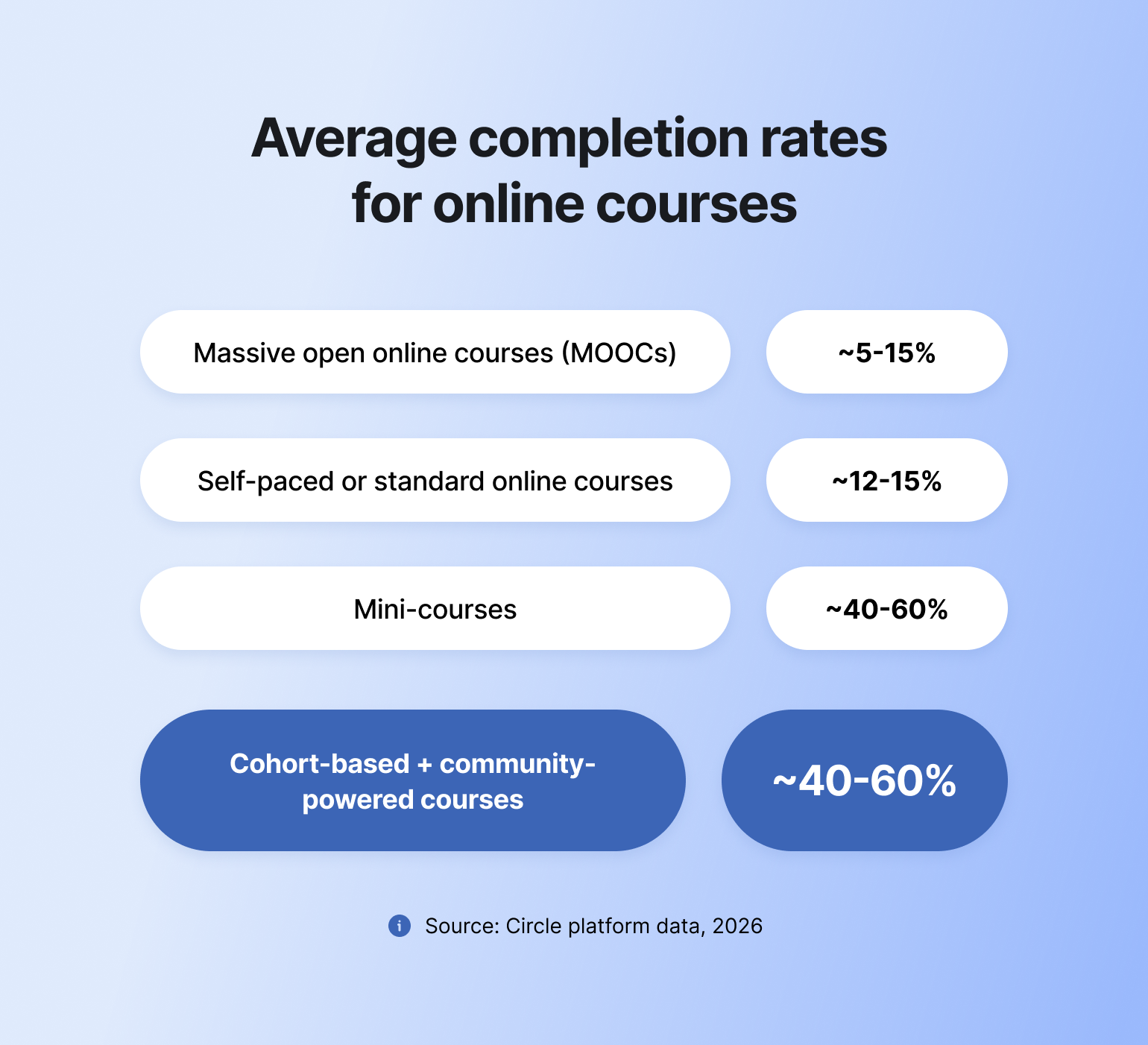
So…
### What drives higher completion rates?
Most online courses go unfinished — industry-wide completion averages just 10–15%. The platform you choose is half the equation. The other half is how you design and support the learning experience:
* **Intentional onboarding** — "Start Here" spaces and kickoff calls push course start rates to 60–80%
* **Clear progression** — a paced curriculum with visible milestones keeps learners from getting lost and dropping off
* **Peer accountability** — weekly prompts and check-ins matter; cohort-based courses on Circle average 25% completion, roughly 2x the industry baseline
* **Shared wins** — spaces to celebrate progress and give feedback sustain motivation through the middle of a course
* **Transformation focus** — keeping outcomes front and center throughout (not just at signup) drives better retention
> 💡 **Community-powered courses** — where peer spaces, live sessions, and accountability tools are actively used — see 40–60% completion rates, compared to 10–15% for self-paced courses without community elements.
### Circle course performance metrics
At Circle, we know what makes online learners tick because we’ve seen 20,000 brands (and millions of people) test, reiterate, and succeed with community-powered courses:
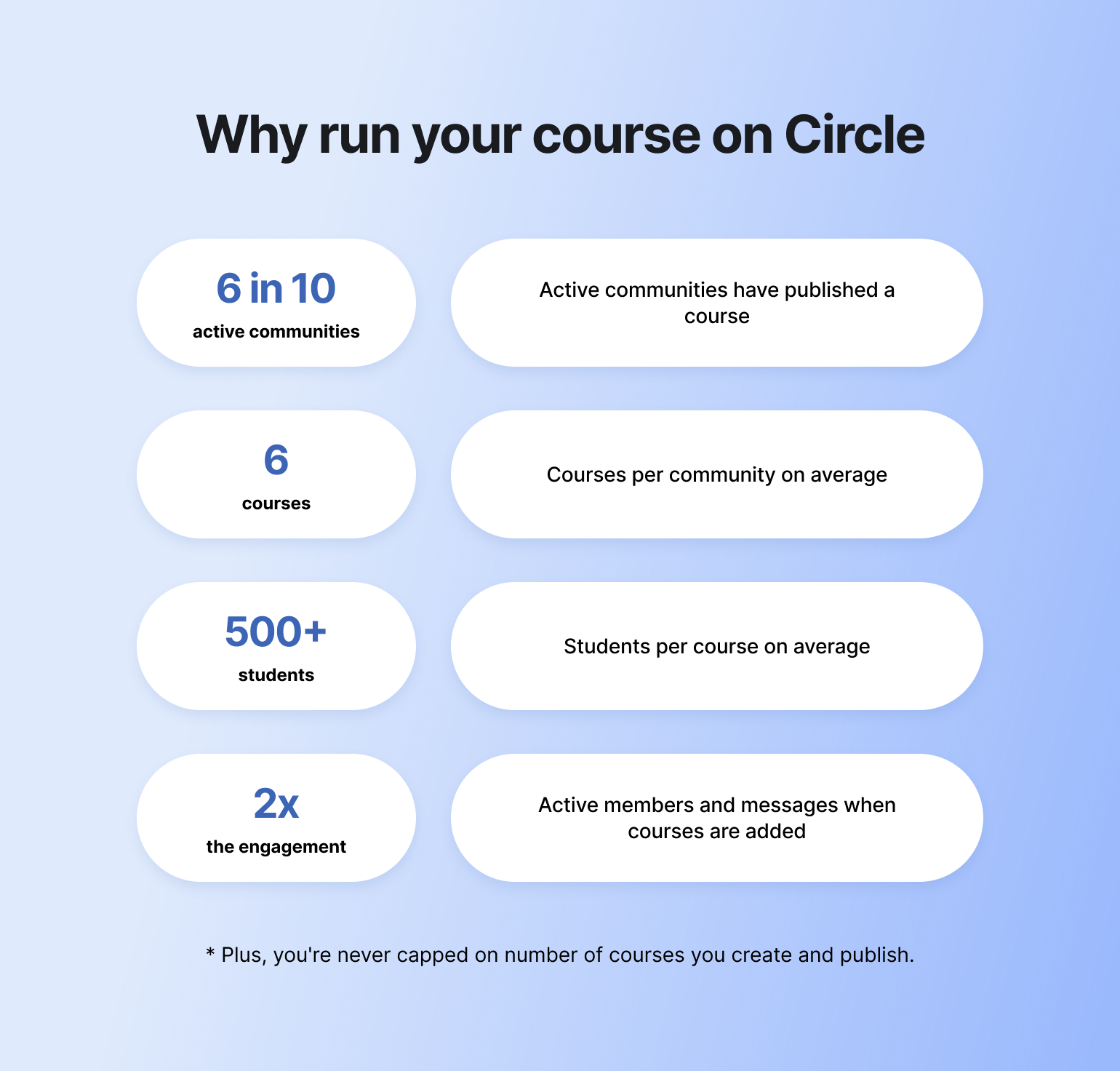
* More than 6 in 10 active Circle communities have published at least one course
* Course-running communities average 6 published courses each, reaching more than 500 students per course on average
* Cohort-based courses on Circle average 25% completion — roughly 2x the industry baseline of 10–15%
* Communities with published courses see 95% more active members and 122% more direct messages
### The business impact of higher completion rates
Low course completion rates lead to less revenue over time, but higher completion rates mean more ROI.
**How course completion rates impact your bottom line:**
| Low completion rates lead to: | High completion rates deliver: |
| --- | --- |
| Poor reviews from incomplete courses | Glowing testimonials and case studies |
| Reduced word-of-mouth referrals | More opportunities to upsell |
| Lower customer lifetime value (LTV) | Strong brand reputation |
| Increased refund requests and chargebacks | Reduced customer acquisition cost (CAC) |
> 💡 Want to get the best course completion rates—consistently? Embrace the shift from content consumption to peer-driven transformation.
### How to choose the right online course platform for your business
Look for these in any platform you evaluate:
* **Essential:** Course builder and curriculum tools · community and discussion features · payment processing · student progress tracking · analytics · design flexibility
* **Differentiating:** Peer interaction (spaces, chats, forums) · live cohort support · accountability systems · mobile access · email automation · AI tools
The features that actually move completion rates aren't course builders — they're the ones that make learning social and keep students accountable. Platforms that integrate community tend to outperform content-only platforms on both completion and student satisfaction.
| Online course platform A — ***Good/Basic*** | Online course platform B — ***Great/Community-driven!*** |
| ------------------------------------------------------------ | -------------------------------------------------------- |
| Course builder and curriculum tools | *Everything in A, plus:* |
| Payment gateways, subscriptions, and conversion optimization | Peer interaction capabilities |
| Analytics and progress tracking | Progress sharing features |
| Design flexibility and branding | Group coaching tools |
| Marketing and automation | Live cohort support functionalities |
| | Accountability systems |
| | Landing page builder |
## Online course platform comparison: Feature-by-feature breakdown
Are you just starting out or looking to upgrade? We think the right online course platform for you is [Circle](https://circle.so/courses), because it is the best self-hosted solution with community features custom-built for solo creators and brands.
The table below breaks down why.
| Platform | Best for | Type | Course features | Mobile app | Transaction fees | Starting price |
| --------------- | -------------------------------------------------- | ----------- | -------------------------------------------------------------- | --------------------------- | --------------------------------------------------------- | --------------- |
| Circle | Community-powered courses for creators & educators | Self-hosted | Drag-and-drop + AI builder; interactive lessons; live coaching | iOS & Android | 2% (Professional) | $89/mo |
| Teachable | Launching your first course | Self-hosted | Drag-and-drop builder; graded quizzes; certificates | iOS & Android | 7.5% on Starter; 0% on Builder+ | $29/mo |
| Kajabi | All-in-one for high-ticket businesses | Self-hosted | Templates; drip content; quizzes; AI tools | iOS & Android | Own-Stripe surcharge (new in 2026) | $143/mo |
| Mighty Networks | Mobile-first learning | Self-hosted | Multimedia builder; AI outlines; quizzes; cohorts | iOS & Android | 2% (Courses plan) | $79/mo |
| Podia | Simple, basic course experiences | Self-hosted | Self-paced/cohort/scheduled; webinars | Web only — no app | 5% on Mover; 0% on Shaker | $33/mo |
| Thinkific | Internal & customer training | Self-hosted | Assignments; AI quizzes; exams; self-paced/cohort | Branded app (add-on) | 0% with Thinkific Payments | $36/mo |
| Skool | Small-scale, simple learning | Self-hosted | Simple builder; progress tracking; no quizzes | iOS & Android | 10% + $0.30 (Hobby); 2.9% + $0.30 (Pro) | $9/mo |
| LearnWorlds | Integrations & flexibility | Self-hosted | Interactive video; assessments; AI assistant | iOS & Android | $5 per enrollment (Starter); 0% on Pro+ | $24/mo |
| Udemy | Course discoverability & reach | Marketplace | On-demand self-paced courses; basic builder | iOS & Android | Revenue share (\~97% you-referred / \~37% Udemy-referred) | Free to publish |
| Coursera | Academic & accredited courses | Marketplace | Certificates & degrees; AI authoring; auto-grading | iOS & Android | Revenue share (partner agreement) | Free to partner |
| LearnDash | WordPress hosts wanting full ownership | Self-hosted | Drag-and-drop builder; 8 quiz types; certificates; drip | Via add-on / responsive web | None (flat annual license) | $259/year |
## 11 best online course platforms compared
### 1. Circle — Best overall online course platform
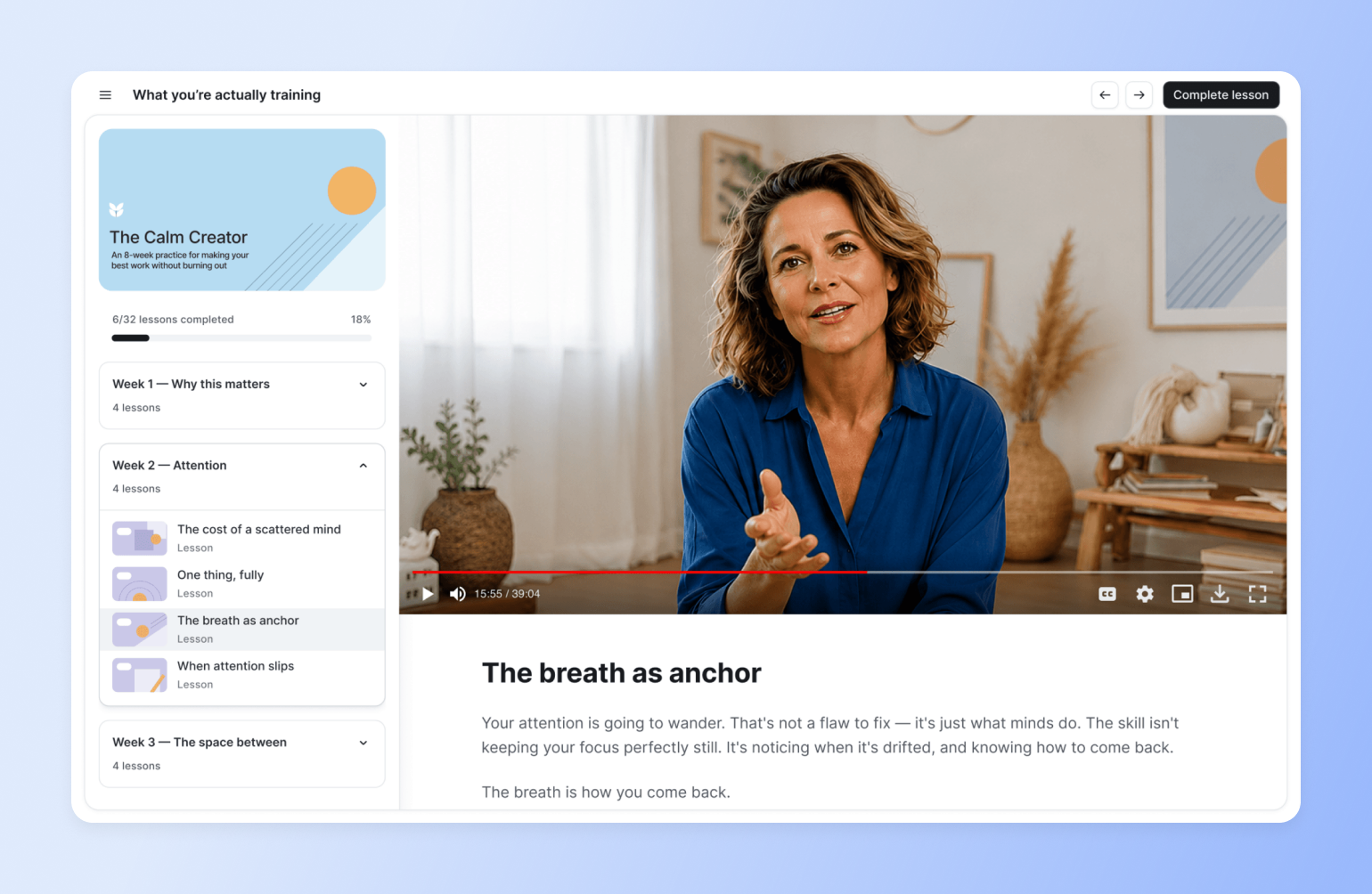
[Circle](https://circle.so/) offers an online course tool and community features designed for immersive learning and enhanced engagement. Ideal for creators, solopreneurs, coaches, and educators, it brings your educational content and community into one place—no more juggling multiple tools.
It also lets you deliver truly interactive student experiences like comment threads on lessons, office hours, coaching, live Q\&As, and more.
**Key features:**
* [**Drag-and-drop course builder**](https://circle.so/courses) with support for video, audio, text, and files — build a complete learning program in hours, not weeks
* **Visual learning paths** so students see their full curriculum at a glance and always know where they're headed (new with [Eclipse 2026](https://www.circle.so/eclipse))
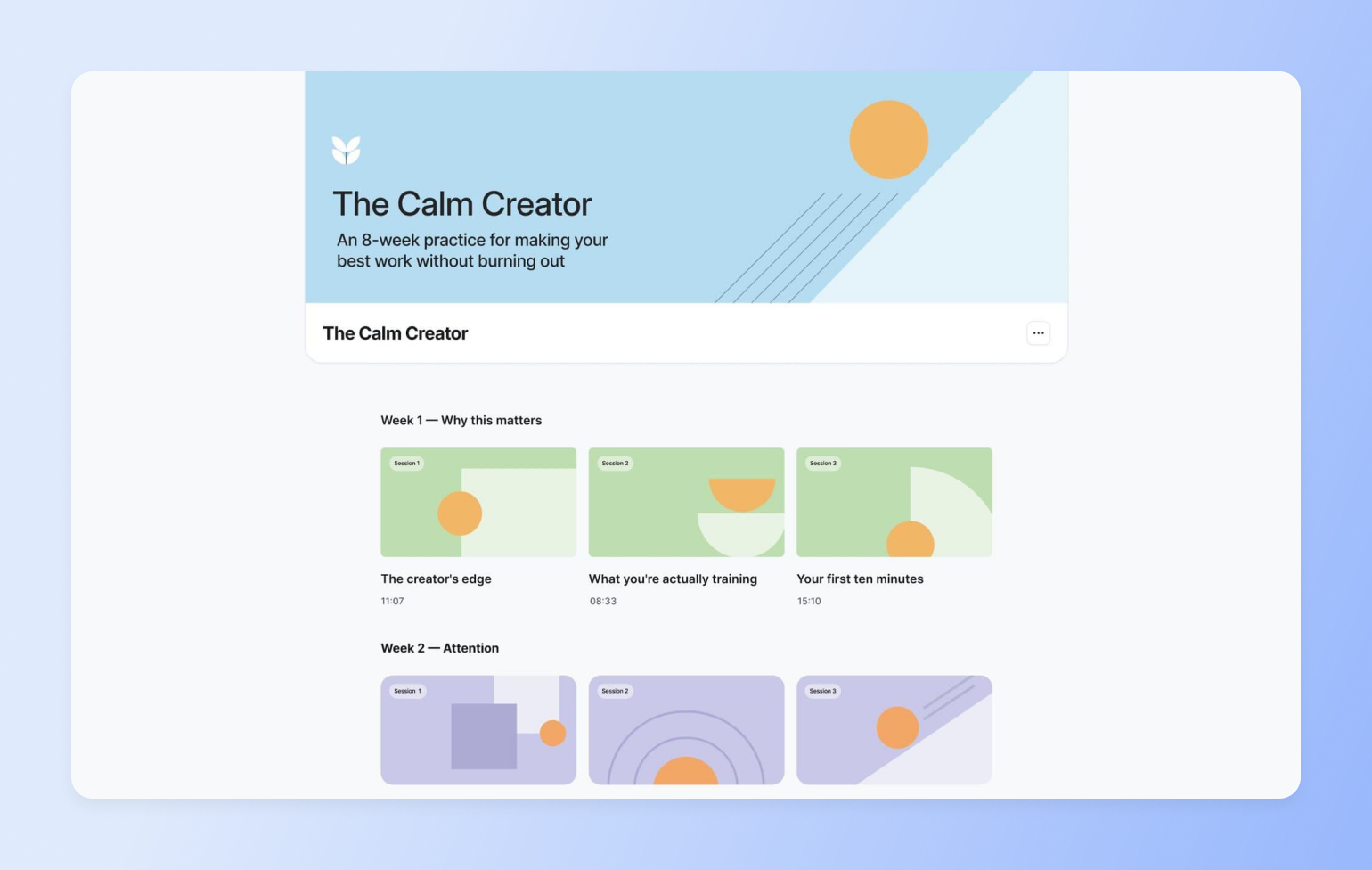
* **Native community spaces** for each course, cohort, or learner group — discussions, peer chats, direct messages, and lesson comments live in the same platform as your course content
* **Automated reminders and DMs** triggered by student progress or inactivity, so you're not manually chasing completions
* **Live events and coaching** — Q\&As, office hours, and live sessions hosted alongside course content, not in a separate tool
* **Leaderboards, challenges, and gamification** to drive motivation and accountability throughout the learning journey
* **AI agents trained on your course content** — an always-on teaching assistant that answers member questions without you in the loop
* [**Circle Discover**](https://discover.circle.so/) — a marketplace where your community can be listed and found by new students searching for transformational programs
* **Sales pages, paywalls, and flexible payments** for one-time courses, memberships, and free trials — no external tools needed
* **Mobile and branded apps** on iOS and Android, plus desktop app for Mac and Windows
* [**Circle AI**](https://circle.so/ai) — an AI partner that builds your community structure, drafts course content, plans live events, and surfaces daily action recommendations. Describe what you want ("an 8-week mindfulness course with weekly live sessions and a peer reflection space") and Circle AI proposes the full structure and builds it with your input
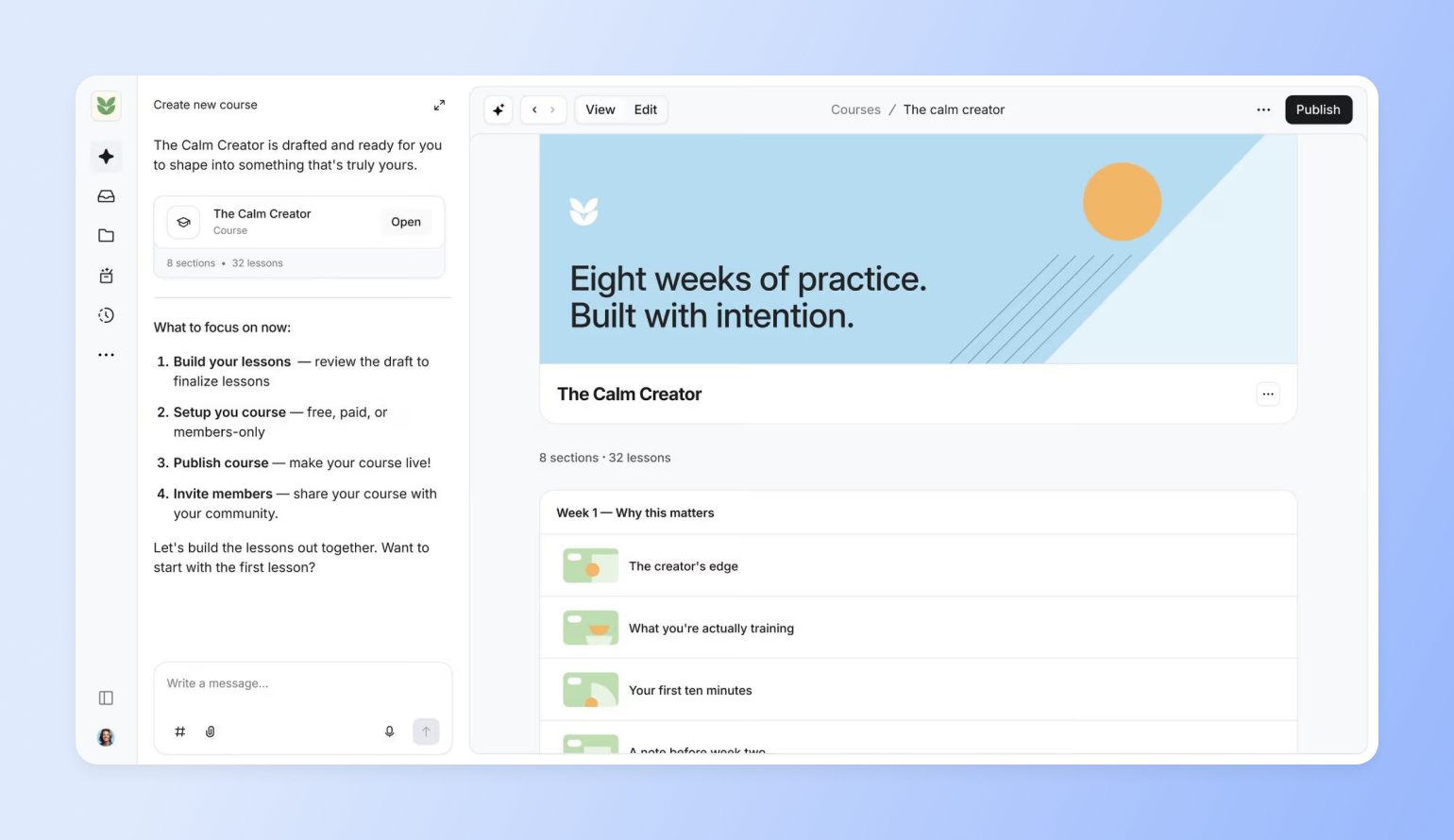
**Pricing:**
Circle starts at $89/month with a 14-day free trial for core community features, plus **unlimited courses** and **unlimited members**. Transaction fees run 2% on Professional, 1% on Business, and 0% on higher plans.
**Best for:**
Creators, solopreneurs, coaches, and educators
**Users say:**
> 👍🏻 “We moved onto Circle after trying many platforms to be able to have our course content and community space in one space that was ours (vs a social media site or multiple platforms). They are constantly updating things…and many of the features we were missing when we signed up are now on Circle.”
>
> — [Verified review from G2](https://www.g2.com/products/circle-so-circle/reviews/circle-review-10864439)
> 🤔 “Sometimes it’s difficult to find certain settings because there are so many options. I’d recommend consolidating some of the menus to make navigation easier.”
>
> — [Verified review from G2](https://www.g2.com/products/circle-so-circle/reviews/circle-review-12697286)
### 2. Teachable — Best for launching your first course
[Teachable](https://www.teachable.com/) is a learning management system for creators and subject matter experts looking to create and sell learning products like coaching sessions, digital downloads, and, of course, online courses. The app is easy to use and flexibly priced, making it a low-stakes option for new course builders testing the waters.
And while Teachable has recently expanded to memberships and community spaces, their engagement features are basic at best, and manual at worst. With Circle, you can automate workflows with courses that send out reminders, prompt completion, and re-engage students.
**Key features:**
* Drag-and-drop builder to create and customize courses
* Built-in AI tools for idea generation, content drafting, sales page creation, video transcription, and more.
* Custom domain and white label website for advanced customization
* Learner engagement tools like graded quizzes and certificates
* Community space for student-to-student and student-to-instructor connections that go beyond the course curriculum
**Pricing:**
Teachable’s plans start at $29/month (billed annually) with a 7.5% transaction fee and *only 1 published product,* such as a course, coaching, or download. Free trials are available for most plans.
**Best for:**
Creators and subject matter experts launching their first course
**Users say:**
> 👍🏻 “It (Teachable) allows you to fully customize your school from Home page to Thank you page.”
>
> —[Verified review from G2](https://www.g2.com/products/teachable/reviews/teachable-review-7135311)
> 🤔 “I can't automatically send out reminders to students who haven't finished courses. While Teachable does integrate with Mailchimp, it only syncs the email address, meaning that any marketing has to happen manually.”
>
> —[Verified review from G2](https://www.g2.com/products/teachable/reviews/teachable-review-6874807)
#### Teachable community limitations vs Circle
Teachable is well-known and widely used as an online course tool, but its community features are relatively new.
Want a trusted alternative with both courses, community spaces, and email marketing? Consider Circle (whether [migrating your course](https://migrations.circle.so/) or starting from scratch). And if a migration feels too complex or ill-timed at the moment, [explore an integration](https://help.circle.so/p/sso-and-integrations/teachable/setup-circle-teachable-an-overview) instead (course on Teachable, community on Circle).
Here’s a great part 2-part tutorial from Marc Sabatella of Outside Shore Music community on how to integrate Teachable + Circle.
### 3. Kajabi — Best if you have an unlimited budget
[Kajabi](https://www.kajabi.com/) is a suite of tools for selling online courses, coaching services, downloads, communities, newsletters, and podcast subscriptions.
It combines branding features, sales tools, and integrations, making it quite handy, especially if you have a big budget to spend on making your workflows more efficient. However, **it may cost you more than anticipated,** according to community experts and strategists like Jordan Godbey.
**Don’t have time to watch the video?**
Here’s the TLDR, according to Jordan.
* **Kajabi's community tool is "under-baked"** - none of the high-end users he's spoken with actually use it
* The platform **hasn't innovated fast enough** despite being around for 10+ years
* Creates **friction through multiple logins, websites, and tools** - the opposite of what busy students want
* **No cohesive integration** between courses and community features
* Students struggle to get help or connect with others when courses are the "home base"
* **Mobile experience and engagement** are subpar
> There's a hidden cost in using 'old school' tools to run a modern online course or coaching business. If you have any kind of recurring subscription, then churn is your enemy.
>
> How do you defeat churn? Remove as much friction as possible & make your program highly engaging. This is nearly impossible to do on Kajabi.
>
> — Jordan Godbey, founder of Growth Community and community strategist for creators like Ali Abdaal
There's a hidden cost in using 'old school' tools to run a modern online course or coaching business. If you have any kind of recurring subscription, then churn is your enemy.
How do you defeat churn? Remove as much friction as possible & make your program highly engaging. This is nearly impossible to do on Kajabi.
**Key features:**
* Customizable templates and design tools for easy course building
* Built-in payments feature to simplify transactions
* AI tools for organizing course content and generating ideas
* Live sessions and community engagement features for robust student experiences
* Flexible commerce system that lets you optimize your funnel, grow learner satisfaction, and earn more
**Pricing:**
Paid plans start at $143/month with Basic (billed annually), and users can access 14-day free trials for all Kajabi plans.
> **Note:** Their Basic plan only includes five published products, like an online course, coaching, community, newsletters, podcasts, or downloads.
**Best for:**
Creators and educators selling high-ticket learning programs
**Users say:**
> 👍🏻 “We use Kajabi to host our eLearning courses. It is fairly easy to use, but can be pricey per month.”
>
> —[Verified review from G2](https://www.g2.com/products/kajabi-kajabi/reviews/kajabi-review-9790831)
> 🤔 “...most of the features don't work consistently, you spend more time dealing with the support team than you do running your business.”
>
> —[Verified review from G2](https://www.g2.com/products/kajabi-kajabi/reviews/kajabi-review-9018563)
#### **Migrating from Kajabi to Circle: What creators say**
[**Seth David**](https://www.nerdenterprises.com/about-seth-david) of [Nerd Enterprises](https://www.nerdenterprises.com/) found Kajabi's community functionality so limited that he created separate Slack workspaces for each course to give members proper support. This workaround cost him $1,000/month just for his mastermind group alone.
Here's how he describes his move to Circle:
> When I started producing courses on Kajabi I wanted to offer a unique experience by giving members a nice platform where they could get specific questions answered. So for each major course I would set up a Slack Workspace.
>
> Fast forward, and Slack was getting ridiculously expensive. Suffice it to say, one of the first “draws” for me with Circle was “unlimited users” 😜.
>
> — Seth David, founder of Nerd Enterprises
When I started producing courses on Kajabi I wanted to offer a unique experience by giving members a nice platform where they could get specific questions answered. So for each major course I would set up a Slack Workspace.
Fast forward, and Slack was getting ridiculously expensive. Suffice it to say, one of the first “draws” for me with Circle was “unlimited users” 😜.
Seth made the switch by taking advantage of our [free concierge migration](https://circle.so/migration/courses) services—something [**Tamara Grominsky**](https://www.linkedin.com/in/tamaragrominsky/?originalSubdomain=ca)**, former VP of Product Marketing at Kajabi,** also used to migrate her entire business to Circle.
> **At Kajabi, we acquired the tool that was the community builder, and so it's not integrated fully with Kajabi. It was actually designed for consumer communities, so some of the questions in the profile just have absolutely nothing to do with my professional community—but I can’t edit the fields.**
>
> **—** Tamara Grominsky, founder of PMM Camp, and former VP of Product Marketing at Kajabi
At Kajabi, we acquired the tool that was the community builder, and so it's not integrated fully with Kajabi. It was actually designed for consumer communities, so some of the questions in the profile just have absolutely nothing to do with my professional community—but I can’t edit the fields.
### 4. Mighty Networks — Best for on-the-go learning
[Mighty Networks](https://www.mightynetworks.com/) helps users deliver engaging learning experiences, whether async or live. Its branded mobile app options and community-driven features support connected, interactive learning hubs.
But while alternatives like Circle offer solid mobile and [desktop experiences](https://circle.so/desktop-app), Mighty Networks prioritizes the former above all. It still has a web interface, but that element isn’t as emphasized or highlighted as its mobile accessibility.
**Key features:**
* Multimedia course builder that supports video, audio, and file attachments
* AI features, like a course outline generator, to make content creation easier
* Quizzes and assessments to aid learning and retention
* Web, Android, and iOS accessibility for student convenience and engagement
* Course payment options like one-time fees and cohort-based pricing
**Pricing:**
Mighty Networks offers a 14-day free trial, and its paid plans (that include courses) start at $79/month (billed yearly).
**Best for:**
Creators and entrepreneurs focused on mobile-first learning
**Users say:**
> 👍🏻 “We love that we can host courses, cohort spaces, and a community feed to keep everyone connected”
>
> — [Verified review from G2](https://www.g2.com/products/mighty-networks/reviews/mighty-networks-review-11256679)
> 🤔 “For a platform positioned as an all-in-one solution, it lacks the seamless flow needed for a course-based business model. I'm now exploring other platforms that offer more flexibility and user-friendliness.”
>
> — [Verified review from G2](https://www.g2.com/products/mighty-networks/reviews/mighty-networks-review-11197514)
### 5. Podia — Best for basic course experiences

[Podia](https://www.podia.com/) is an all-in-one platform for building websites, running email marketing campaigns, and selling items—such as courses—online. Its customizations, integrations, and templates make it easy for creators to set up business workflows without starting from scratch or using clunky workarounds.
However, if you want a platform that’s custom-built for community-powered courses, rather than just being one of several generic features, it’s okay to opt for a more tailored option.
**Key features:**
* Online store that makes building and selling courses easy
* Webinars and workshops for live learning experiences
* Built-in discussion forums for announcements, Q\&As, and peer-to-peer interaction
* Multiple course format options, including self-paced, cohort-based, on delivered on-schedule
* Presells and upsells to make course promotion easy
**Pricing:**
Podia offers a 30-day free trial and paid packages starting at $33/month (billed yearly).
**Best for:**
Solo business owners focused on digital products like online courses, or adding them to their existing offering
**Users say:**
> 👍🏻 “It (Podia) makes it easy to sell digital products and courses in no time.”
>
> —[Verified review from G2](https://www.g2.com/products/podia/reviews/podia-review-6925265)
> 🤔 “There are one or two features I would like to have, like being able to copy lessons and modules from one course to another.”
>
> — [Verified review from G2](https://www.g2.com/products/podia/reviews/podia-review-8321472)
| Pros | Cons |
| --- | --- |
| Ideal for solopreneurs and new founders | Not designed for big or enterprise brands |
| Unlimited courses on both plans | Limited community features |
| Extensive free trial period (30 days) | No branded apps or code-driven customizations |
### 6. Thinkific — Best for internal training
[Thinkific](https://www.thinkific.com/) supports online learning experiences with course, community, and assessment tools. Its monetization features work well for individual or institutional course creators selling to external audiences, but Thinkific stands out more for internal training use cases.
Unlike many other platforms, it explicitly supports customer education and workforce development, making it a strong choice for organizations interested in either.
**Key features:**
* Bulk course enrolment, custom user roles, and branded learning portals
* Assignments, surveys, AI-generated quizzes, and exams to ensure engagement and commitment
* Analytics dashboard for tracking engagement, performance, and revenue metrics, as well as driving data-backed decisions
* Self-paced, cohort, or scheduled courses so you can offer learners one or more options
* Zoom, CRM, and SSO system integration
**Pricing:**
Thinkific offers a 30-day free trial, and its paid plans start at $36/month (billed annually).
**Best for:**
Businesses and educational institutions focused on large-scale training or corporate learning
**Users say:**
> 👍🏻 “The course management system is straightforward and user-friendly.”
>
> —[Verified review from G2](https://www.g2.com/products/thinkific/reviews/thinkific-review-11169804)
> 🤔 “Better analytics are possible and coding expertise is required for design customisation. Workaround are necessary for some integrations which can be inconvenient”
>
> —[Verified review from G2](https://www.g2.com/products/thinkific/reviews/thinkific-review-10896182)
| Pros | Cons |
| --- | --- |
| User-friendly UI for instructors and learners | Occasional technical issues, like slow video loading |
| Strong course marketing and sales features | Basic analytics on lower-tier plans |
| No transaction fees on sales | Limited HTML editor |
### 7. Skool — Best for small-scale learning
[Skool](https://www.skool.com/) is a simple, self-hosted community platform for instructors who want to share their knowledge without the technical complexity. It combines a basic course builder with an integrated community, calendar, and gamification system.
While it lacks advanced features like complex learning paths or native integrations, Skool shines in its simplicity. Everything is streamlined—course hosting, learner discussions, and scheduling—making it perfect for small learning communities, group coaching, or those just getting started with digital courses.
**Key features:**
* Clean and intuitive course builder with support for video, files, and progress tracking
* Calendar integration for scheduling live calls, events, or cohort start dates
* Built-in community forum for learner discussions and peer interaction
* Gamification system with points and leaderboards to encourage participation
* Mobile-friendly layout with no setup or coding required
**Pricing:**
Skool offers two plans: one at $9/month and another at $99/month. Both include unlimited courses, members, and community access. It also provides a 14-day free trial.
**Best for:**
Coaches, creators, and educators who need a simple platform to host and deliver basic online courses with community features.
**Users say:**
> 👍🏻 “My favorite thing about Skool is the way it gamifies everything. Leaderboards, points, and levels give members something to work towards and keep them engaged.”
>
> —[Verified review from Freedom Bound Business](https://www.freedomboundbusiness.com/skool-review/)
> 🤔 “No built-in quizzes or assessments to test student knowledge.”
>
> —[Verified review from Adam Enfroy](https://www.adamenfroy.com/best-online-course-platforms/skool-review?)
| Pros | Cons |
| --- | --- |
| Clean, distraction-free interface | No built-in video hosting—requires external platforms like Vimeo or YouTube |
| Built-in community and gamification tools | Limited customisation and branding options |
| Simple pricing with unlimited courses and members | No native live streaming or webinar functionality |
#### **Circle vs Skool: Community platform comparison**
Skool is an all-in-one space for hosting courses and community, but its simplicity can also be a limitation. If you need something more powerful and flexible, creator Marley Jaxx thinks you should consider Circle.
**Here’s the TLDR, according to Marley:**
* **Every Skool community looks the same** - lacks visual differentiation and branding flexibility, which makes it hard for communities to stand out
* **Basic analytics only** - missing the deep insights needed for strategic decisions
* **Basic automation capabilities** that fall short of what's needed for scaling
* **Simple gamification features** without advanced customization options (and not all communities use gamification for engagement!)
* **Not built for long-term growth** and advanced community management needs
* **Lacks enterprise-level features** for serious community builders
> **Here's the bottom line: if you're cool with the basics, Skool might be enough. But if you want to build something truly epic, Circle's got the tools to make it happen: customization, automation, data. It's all there ready to take your community to the next level.**
>
> **—** Marley Jaxx, award-winning filmmaker and expert in video creation, YouTube growth, and content strategy.
Here's the bottom line: if you're cool with the basics, Skool might be enough. But if you want to build something truly epic, Circle's got the tools to make it happen: customization, automation, data. It's all there ready to take your community to the next level.
### 8. LearnWorlds — Best for integrations and flexibility
[LearnWorlds](https://www.learnworlds.com/) is an AI-powered learning management system for course creators. Like Thinkific, customer and employee training are some of its key use cases. With integrations like Zapier and flexible customizations, LearnWorlds helps brands connect their existing tech stack and workflows.
**Key features:**
* AI assistant for course creators to generate program outlines and text-based content
* Interactive videos, assessments, live sessions, social activities, and more to drive course engagement and completion
* Bundles, coupons, and subscriptions to help with course promotion and sales
* Advanced course insights to inform decision-making
* Extensive integration options with tools like Zapier, HubSpot, Salesforce, and Zoom
**Pricing:**
LearnWorlds’ pricing starts at $24/month (annually). However, this plan also includes **an extra +$5 charge every time someone new enrolls.**
**Best for:**
Course creators who want flexible, multi-integration course delivery
**Users say:**
> 👍🏻 “Their (LearnWorld’s) support team and academy offer rich assistance as you create”
>
> —[Verified review from G2](https://www.g2.com/products/learnworlds/reviews/learnworlds-review-10828845)
> 🤔 “Wish there were additional incentives or badges relating to course completion as opposed to just community discussions.”
>
> —[Verified review from G2](https://www.g2.com/products/learnworlds/reviews/learnworlds-review-11054101)
| Pros | Cons |
| --- | --- |
| Interactive learning features like quizzes and assessments | No built-in email marketing tools, requires 3rd-party integration |
| Comes with a website builder and community tools | Complex UI that can get overwhelming for new users |
| Offers a mobile app builder and white labeling | Top features like white labelling only come with higher-tier plans |
### 9. Udemy — Best for professional discoverability
Udemy is a course marketplace where instructors across industries offer on-demand learning. [Named in Time’s 2025 list](https://time.com/7344235/worlds-top-edtech-companies-of-2025/) of top edtech companies, it’s popular among students who want self-paced learning and businesses building employee upskilling programs.
**Note:** Udemy Business is a corporate learning solution that lets companies access a curated course library. Businesses enroll their employees, who can then take courses from approved instructors.
Unlike some platforms that support various digital products and include advanced community features, Udemy focuses on courses and basic discussion forums. While it’s easy to get set up, course creators have very minimal ownership of the overall student experience, from prospect to graduate.
**Key features:**
* Instructor dashboard and curriculum pages to keep things organized
* Support team to answer instructor questions and review sample course videos
* Teaching center and online community of experienced instructors to guide new users
* Custom coupons for offering enrolment incentives to prospects
* Global promotions tool and Udemy Business program to drive course traffic
**Pricing:**
Launching a course on Udemy—paid or unpaid—is free. However, some [revenue share scenarios](https://support.udemy.com/hc/en-us/articles/229605008-Instructor-Revenue-Share?) apply based on factors like promotions, taxes, business program membership, and more.
For example, if you bring the learners, you get the majority of revenue (\~97%). **However, you get only \~37% if learners discover your course via the platform.**
**Best for:**
Industry experts looking to test the online course waters
**Users say:**
> 👍🏻 “Udemy is a great platform to sell courses online, it's easy to use, simple to add courses and they do the marketing campaigns for their users.”
>
> —[Verified review from Capterra](https://www.capterra.com/p/209689/Udemy-for-Business/#Capterra___4360627)
> 🤔 “(The) web based version (of Udemy) is more limiting than (the) mobile app.”
>
> —[Verified review from Capterra](https://www.capterra.com/p/209689/Udemy-for-Business/#Capterra___6725507)
| Pros | Cons |
| --- | --- |
| Easy to use | Cohort-based learning is only offered in Udemy Business |
| Launching courses is free | More lucrative for those with a stronger network because revenue depends on where students come from |
| Published instructor club for guidance and networking | Little room to customize learner experiences |
| | Limited community spaces, mostly available via Udemy Business or third-party integrations |
### 10. Coursera — Best for academic courses
[Coursera](https://www.coursera.org/) is an on-demand learning hub that’s home to thousands of MOOCs. Known for its academic rigour, universities, colleges, governments, and organizations use it to provide professional training, certifications, and degrees.
Though similar to Udemy, Coursera has been around for longer and offers more formal, comprehensive, and (sometimes) accredited courses. Also, solo creators can only publish courses on Coursera if they collaborate with the platform’s higher education or industry partners.
**Key features:**
* AI-assisted course authoring tool to keep training materials relevant and up-to-date
* Auto-generated suggestions for course learning objectives, outlines, and descriptions
* Professional certificates and degrees to boost student employability post-learning
* LMS integration so you can connect the platform to your existing learning management system
* Partnerships program for universities and industry-leading brands looking to reach more learners across the world
**Pricing:**
Becoming a Coursera partner is free, but you’ll need to pay for marketing support services and additional content production.
**Best for:**
Universities, colleges, governments, and organizations that want to offer virtual learning options
**Users say:**
> 👍🏻 “Our Google Career Certificates (via Coursera) have proven to be an effective way to help people prepare for well-paying, high-growth jobs.”
>
> —[Verified review from the Coursera site](https://www.coursera.org/partnerships/industry#:~:text=Our%20Google%20Career%20Certificates%2C%20designed%20for%20individuals%20of%20all%20backgrounds%2C%20have%20proven%20to%20be%20an%20effective%20way%20to%20help%20people%20prepare%20for%20well%2Dpaying%2C%20high%2Dgrowth%20jobs%20and%20attain%20greater%20economic%20mobility.)
> 🤔 “Software support is not easily reachable.”
>
> —[Verified review from Capterra](https://www.capterra.com/p/238710/Coursera-for-Business/#Capterra___4409644)
| Pros | Cons |
| --- | --- |
| Partner universities and businesses can publish and give their students and staff access to multiple courses | Does not encourage course continuity and completion enough; lacks early alerts on potential dropouts |
| Powerful analytics and customization tools | Not very accessible for solo experts |
| Aligns learning with real-life applications | AI task-grading is not always accurate |
### 11. LearnDash — Best for WordPress site owners
[LearnDash](https://www.liquidweb.com/software/learndash) is a WordPress plugin that lets you build, manage, and sell courses directly from your own WordPress site. It boasts over 100,000 active installs and has been used to teach more than 25 million learners—making it a go-to for creators, agencies, universities, and training teams that want complete ownership of their platform, student data, and revenue.
It’s a flexible platform, but you also need to maintain your own Wordpress site. That could be a hosted one on platforms like WP Engine or your own servers. Because everything lives on your WordPress site, you're also responsible for your own hosting, updates, security, and plugins—and community features aren't native, so you'll typically bolt on a third-party tool. With Circle, your courses and a fully native community live together out of the box, with no WordPress upkeep to manage.
**Key features:**
* Drag-and-drop course builder with lessons, topics, and a quiz builder.
* AI course outline and quiz builder that turns a simple prompt into a structured curriculum you can customize.
* Reporting dashboard for real-time enrollment tracking, completion rates, quiz analysis, and at-risk learner alerts (Pro and Elite plans).
* Groups, cohorts, and seat-based enrollment so you can sell to organizations and let group leaders manage their own teams (Elite plan).
* Built-in payments through Stripe and PayPal, plus WooCommerce integration for selling courses, bundles, and memberships.
* Certificates, achievements, automated learner notifications, video progression, and focus mode to support engagement and completion.
**Pricing:**
LearnDash uses simple annual pricing with no per-student fees: Essentials at $259/year, Pro at $399/year, and Elite at $599/year. Every license includes unlimited courses and unlimited learners, and you can try a live demo free for 48 hours with no credit card required. Keep in mind you'll also need your own WordPress site and hosting, which is an added cost on top of the license.
**Best for:**
WordPress users, agencies, and L\&D teams that want full ownership and control of their course platform
**Users say:**
> 👍🏼 “I've built a couple of websites with LearnDash now, and I've got to say that customer support is one of my favorite features.” — [Verified review from G2](https://www.g2.com/products/learndash/reviews/learndash-review-9461162)
> 🤔 “Some things like course bundling and shopping carts are unnecessarily complex; and when integrated into CMSs, it is hard to track class enrollments with an external too” — [Verified review from G2](https://www.g2.com/products/learndash/reviews/learndash-review-7842110)
## **The bottom line**
Course completion isn't a content problem — it's a structural one. Most platforms hand you a course builder and leave engagement, accountability, and community as an afterthought (or a separate tool entirely). That gap is exactly why industry completion rates sit at 10–15% while cohort-based courses on Circle average roughly 2x that.
Circle closes the gap by building community into the course experience itself, not bolting it on. Peer discussion, live coaching, automated nudges, and progress-based DMs all live in the same place as the curriculum — so students stay accountable instead of quietly dropping off. Add in AI tools that help you build and run programs faster, a mobile app that keeps learners engaged between sessions, and one subscription instead of a stitched-together stack of course, community, and email tools, and the case is pretty simple: if completion (and the revenue that comes with it) is the goal, the platform needs to be built for it from the ground up. That's Circle.
## FAQs on online course platforms
What is an online course platform?
An online course platform is software that lets creators and businesses build, host, and sell educational content, with core tools like a course builder, payment processing, and student management. Platforms fall into two camps: marketplaces such as Udemy and Coursera that come with a built-in audience, and self-hosted solutions like Circle, Kajabi, and Teachable that give you full control over branding, pricing, and student data.
What's the difference between a course platform and an LMS?
Course platforms are built for creators — they're fast to set up, easy to manage without a tech team, and optimized for selling and delivering courses to paying students. Learning management systems (LMS) are built for organizations — they add features like compliance tracking, certifications, bulk enrollment, SSO, and integrations with enterprise HR tools. If you're a coach, educator, or creator building a course business, you almost certainly want a course platform. If you're an L\&D team building internal training at scale, an LMS is the right category — Thinkific and LearnDash both sit closer to this end of the spectrum.
How much do online course platforms cost?
Pricing ranges from free (marketplaces that take a cut of your revenue) to $500+/month — but the sticker price rarely tells the whole story. Entry-level platforms like Teachable start around $39/month, and from there you often add separate tools for email marketing ($50+/month), community ($100+/month), and a website ($30+/month). Once integrations and transaction fees are factored in, a full stack can run $300–600+/month. Circle consolidates courses, community, email, payments, and website building into one subscription starting at $89/month, with 2% transaction fees on the Professional plan and 0% on Business and above.
What features should I look for in a course platform?
Start with the essentials: a multimedia course builder, student progress tracking, payment processing, and analytics. The features that actually move the needle, though, are the engagement-focused ones — community discussion spaces, mobile access, email automation, live event hosting, and peer accountability tools. Course platforms that build in community tend to outperform content-only platforms on both completion and student satisfaction.
Self-hosted vs. marketplace platforms: which is better?
It depends on your goal. Marketplaces like Udemy and Coursera hand you a built-in audience, which is great for discovery — but they take a significant share of revenue (often 37–63%) and control your pricing, branding, and student relationships. Self-hosted platforms like Circle, Kajabi, and Teachable let you keep nearly all of your revenue, set your own prices, own your student data, and build a branded experience that supports premium pricing. The trade-off is that you handle your own marketing. For a sustainable, long-term course business, self-hosted usually wins.
What's the difference between a WordPress plugin and a hosted course platform?
WordPress plugins like LearnDash install on a WordPress site you manage yourself — which gives you full ownership of your data and no ongoing platform fees beyond the annual license. The trade-off is that you're responsible for your own hosting, security, updates, and any community or email tools you want to add, since those aren't native. Hosted platforms like Circle, Kajabi, or Teachable handle all of that for you: infrastructure, updates, and an integrated feature set out of the box. If you already run a WordPress site and have the technical comfort to maintain it, a plugin can be cost-effective. If you want to focus on your course and community rather than your stack, a hosted platform is almost always the faster path.
How can I improve my online course completion rates?
Most self-paced courses see just 10–15% completion. The biggest gains come from designing for engagement rather than passive consumption: intentional onboarding (think "Start Here" spaces and kickoff calls), clear progression paths, weekly prompts and peer check-ins, and spaces to celebrate wins. Adding peer interaction alone can roughly triple completion, from 15% to 45%+. It's why community-powered platforms like Circle average 40–60% completion across their communities.
Do I really need a mobile app for my courses?
For most creators, yes. Mobile access lets students learn during commutes, breaks, and downtime when they're away from a desk, and push notifications re-engage learners before they drift away. Circle communities with mobile apps see 95% more active members and 122% more direct messages. For premium programs, a branded app also raises perceived value and helps justify higher pricing.
How do I migrate my existing courses to a new platform?
Most platforms let you export your content, though formats and ease of transfer vary. The riskiest part of a DIY move is disrupting the student experience or losing data along the way. Circle offers free concierge migration that transfers your course content, student data, and payment information for you — typically over 2–4 weeks, including technical setup, content formatting, student communication templates, and launch support — so your business keeps running through the switch.
What's the most used online course platform?
By sheer scale, Udemy is the largest marketplace, with 250,000+ courses and around 80 million learners. But "most used" isn't the same as "best for your business" — marketplaces trade reach for control and a large cut of your revenue. For creators building a sustainable, branded business, self-hosted platforms like Circle tend to deliver stronger outcomes; its 15,000+ communities average 425 students per course.
---
### 14 Best white label community platforms and apps (Compared for 2026)
*Looking for a white-label community app? Compare 14 platforms across pricing, branding control, monetization, and AI features to find the right fit for your business.*
Source: https://circle.so/blog/best-white-label-community-platform
Your members want more than content. They want to feel like your community is a real place where they belong, not just another tab they forgot to close.
In [Circle’s 2026 Community Trends Report](https://circle.so/2026-community-trends-report), 67% of leaders said members join or stay because of shared identity and values. Another 69% believe community will play a bigger strategic role in their business this year. And 48% already offer community access before a purchase.
In other words, community isn't a feature anymore. It's the product.
A white label community platform lets you host and run your community under your own brand, with your own app in the Google and Apple App Stores and your name on every touchpoint your members see. For established founders, coaches, and membership organizations, this kind of ownership separates a premium member experience from a generic one, and gives you full control over your brand, data, and revenue.
To help you find the right fit, we evaluated 14 platforms across six key factors: whether they offer a true white-label app, pricing, what type of community or business each is best suited for, built-in monetization, AI features, and ideal member size.
What follows gives you a clear-eyed look at each platform to help you make a more confident, informed decision.
## What is a white label community app?
People use the term loosely, and choosing the wrong option can mean paying for the appearance of ownership without the reality of it.
Here's how the three main options break down:
* **Custom community app:** Built from scratch by a development team. Full control over every feature and interaction. Expect to spend [$50K to $250K or more](https://www.netguru.com/blog/mobile-app-development-cost), plus ongoing maintenance costs, and a 6–12 month build timeline.
* **White-label community app:** A SaaS platform you brand as your own. Your logo, app name, and presence in the App Store. Significantly faster and more affordable than going custom, without sacrificing the member experience. Plus, every improvement they make reflects better on you!
* **Branded web app:** Your branding applied to someone else's interface. It looks like yours on the surface, but it isn't. No dedicated app, no real ownership.
## How we evaluated these platforms
Not every white-label community platform is built the same. Some give you a fully branded app in the App Store. Others let you add a logo and call it branded.
To cut through the marketing language, we evaluated each platform across six factors:
* **True white-label app**: Does it put a real, standalone app in the App Store under your name, or is it just your branding layered on top of someone else's platform?
* **Pricing**: What does it actually cost to get the white-label features, not just the base plan?
* **Best for**: What type of community or business is this platform suited for?
* **Monetization:** Can you natively charge for memberships, courses, or events?
* **AI features:** What AI features does the platform offer, and where do they show up?
* **Ideal member size:** What community size is each platform best suited for?
## The 14 best white-label community apps at a glance
Before we get into the details, here's how all of the [best community platforms](https://circle.so/blog/best-community-platforms) stack up across the six factors we evaluated. Use this to shortlist the options most relevant to your needs.
> 📊 A note on member size: In the table below, we use the following framework to describe community scale: early-stage (0 to 250 members), growing (250 to 1,000), established (1,000 to 10,000), and enterprise-level (10,000 to 50,000+).
| Platform | True White-Label App? | Pricing Tier (Starting) | Best For | Monetization Built-In? | AI Features? | Ideal Community Size |
| --------------- | ------------------------------------ | -------------------------------------------------------------------------------------------------- | -------------------------------------------------------- | ---------------------- | --------------------------------------------- | ------------------------------------------------------ |
| Circle | Yes (Plus only) | $89/mo (Professional), custom for Plus | Serious community businesses | Yes | Yes, native AI agents, workflows, and copilot | Growing → Enterprise-level (unlimited) |
| Disciple | Yes (fully branded iOS + Android) | $399/mo to custom | Mobile-first branded communities | Yes | Limited | Established → Enterprise-level (unlimited) |
| Mighty Networks | Yes (on Mighty Pro) | $79/mo (Launch), custom for Pro | Creator-led course + community businesses | Yes | Yes | Growing → Enterprise-level (unlimited) |
| Hivebrite | Yes (branded iOS + Android) | Custom (quote-based) | Associations, alumni networks, nonprofits | Yes | Limited | Established → Enterprise-level (unlimited) |
| Bettermode | Yes (on Growth + Premium) | Starts at $399/mo (branding removal at $1,500/mo) | SaaS & product communities | No | Yes | Established → Enterprise-level (up to 100,000 members) |
| BuddyBoss | Yes (with BuddyBoss App add-on) | Platform starts at $399/y, App starts at $79/mo | WordPress-native brands | No | Limited | Early-stage → Growing |
| Kajabi | Yes (branded app add-on) | Platform starts at $143/mo (branded app add-on: $199/mo) | Course-first businesses that want an app presence | Yes | Yes | Early-stage → Established |
| Uscreen | Yes (mobile + TV apps) | Custom pricing + $0.99 per subscriber fee | Video-first creators wanting a branded OTT-style app | Yes | Yes | Established → Enterprise-level |
| Higher Logic | Yes (via MemberCentric add-on) | Custom pricing | Enterprise associations & member-based orgs | Yes | Yes | Established → Enterprise-level |
| GroupApp | Yes (on Scale plan+) | Starts at $18/mo | Creators who want white-label without enterprise pricing | Yes | No | Early-stage → Growing |
| Honeycommb | Yes (as add-ons) | Starts at $24.99/mo (branded app add-on: $299/mo + $1,499 launch fee; white label bundle: $149/mo) | Small communities wanting a branded social network | Yes | No | Early-stage → Growing |
| Skool | No | Starts at $9/mo | Creators who don't need white-label | Yes | No | Early-stage → Growing (unlimited members) |
| Discord | No | Free | Communities that haven't outgrown free tools yet | Limited | Yes | Early-stage → Growing |
| SocialPlus | Yes (fully invisible infrastructure) | Custom (based on monthly active users) | Technical teams embedding community into an existing app | Yes | Yes | Established → Enterprise-level |
## 1. Circle — Best for serious community businesses who need professional brands
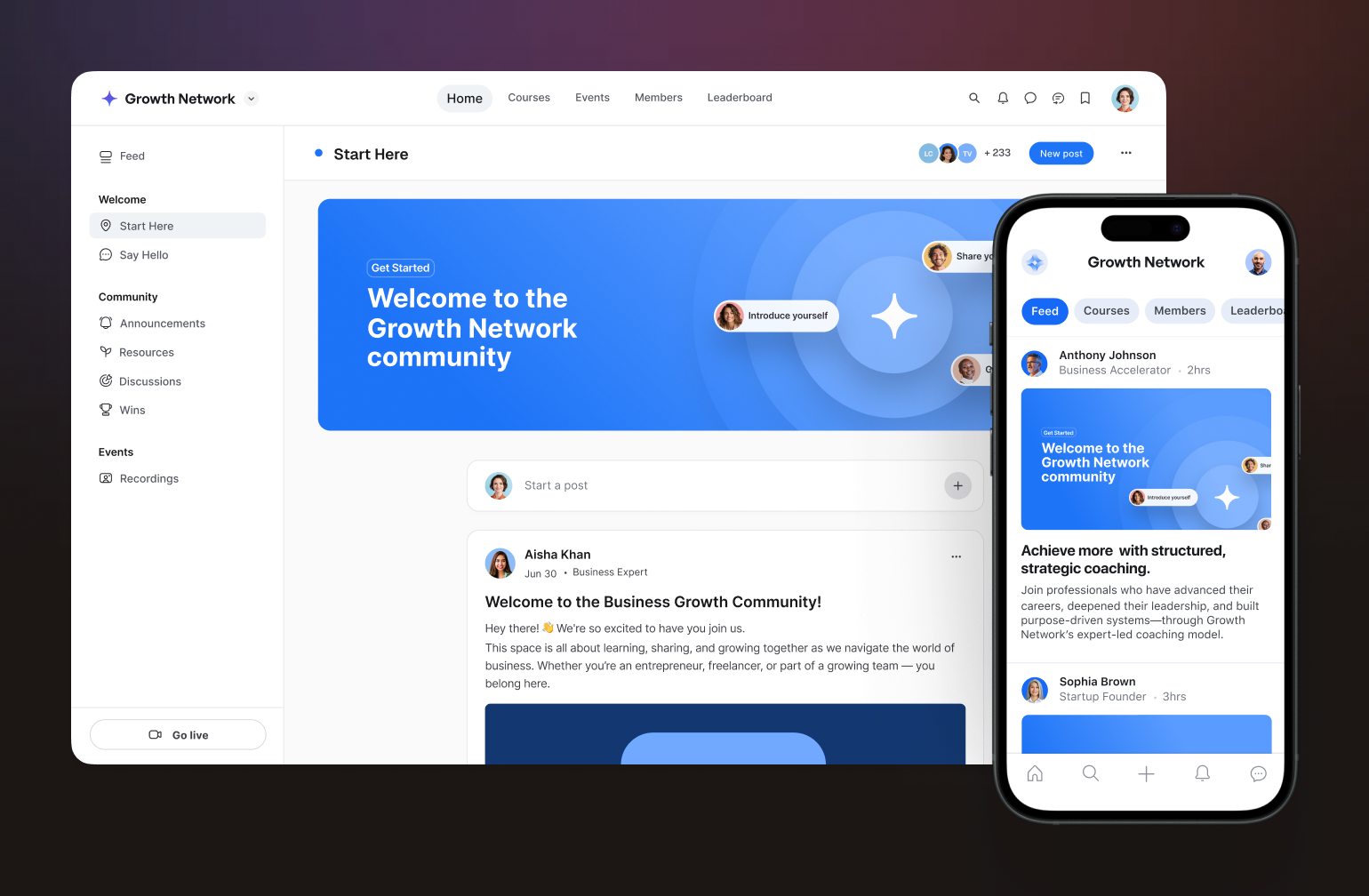
As a white label community platform, [Circle](https://circle.so/) gives you everything in one place: courses, events, payments, AI, and a fully branded mobile app, without stitching together multiple tools or hiring a development team to make it work.
### What you get with Circle
* [Fully branded iOS and Android app](https://circle.so/branded-app)**:** Your name, app icon, and presence in the App Store. On Circle Plus, the app is fully managed for you, including submission, in-app purchases, and push notifications.
* [Built-in monetization](https://circle.so/payments)**:** Charge for memberships, courses, or one-time purchases with branded checkout, all inside Circle. No third-party payment tools required.
* [Courses](https://circle.so/courses)**,** [events](https://circle.so/events)**, and** [spaces](https://circle.so/discussions)**:** Everything your community needs lives in one platform, not scattered across integrations.
* [AI Agents](https://circle.so/ai-agents)**,** [Workflows](https://circle.so/ai-workflows)**, and** [Copilot](https://circle.so/ai-copilot)**:** Automate onboarding, moderation, FAQs, and content organization to free up admin time without sacrificing the member experience.
* [Concierge migration team](https://circle.so/migration)**:** You tell them what you need. They walk you through the process and do the heavy lifting.
* **Dedicated app launch team:** Circle Plus includes hands-on support from submission through launch.
### What the launch process actually looks like
For most community businesses, the decision to launch a branded app isn't just about features. It's about whether the process will be worth it—how long it'll take, how hard it'll be, and whether you'll have support along the way.
With Circle, [app store approval](https://help.circle.so/p/circle-plus/implementation-and-launch/what-to-expect-during-the-app-submission-process) **typically takes one to two weeks** (though that can fluctuate based on a variety of factors). And on Circle Plus, the support doesn't stop at launch. You get a dedicated team and ongoing customer success from day one.
Ricky Kesler, founder of [Income School](https://circle.so/customer-stories/income-school-plus), noticed the difference immediately after launching his branded app: "Our members were really excited about it. What we had before worked well, but it wasn't the same. Now it's a full app."
Dave Gerhard, founder of [ExitFive](https://circle.so/customer-stories/exit-five), puts the overall value plainly: "I've 10x'ed the value of my community since moving to Circle. I should have started with Circle Plus from the beginning."
### Pricing
[Circle's plans](https://circle.so/pricing) start at **$89/mo** (Professional) and branded apps are available on Circle Plus, priced custom to your needs.
> 💡 Not ready for a fully branded app? Circle's [Business plan](https://circle.so/blog/how-much-do-youtubers-make/preview) lets you remove Circle branding. This is a solid middle ground while you grow into Plus.
### The bottom line
Circle is the strongest choice for community businesses that want brand ownership, built-in monetization, and a platform that scales with them. The Plus tier in particular closes the two gaps that hold most platforms back: a genuinely branded app and the support to get it live.
### Users say
> "Circle really sits at the center of everything I do. It's the core of my community in a way no social platform can realistically replicate." — [Verified G2 Reviewer](https://www.g2.com/products/circle-so-circle/reviews)
> "The search feature still feels like a bit of a maze. Even with experience, I often feel overwhelmed when trying to track something down." — [Verified G2 Reviewer](https://www.g2.com/products/circle-so-circle/reviews?qs=pros-and-cons)
## 2. Disciple — best for mobile-first community businesses
[Disciple](https://www.disciple.community/) is a white label community platform built around the mobile experience first. Where some platforms treat the branded app as an add-on to a web product, Disciple puts it at the center, and that focus shows in the product.
### What you get with Disciple
* **Fully branded iOS and Android apps:** Your name in the App Store with a custom icon, splash screen, and domain. No Disciple branding anywhere your members can see.
* **Monetization options**: Subscriptions, in-app purchases, paid app downloads, Apple/Google Pay, sponsorships, affiliates, and store links
* **Push notifications:** Built into the core product.
* **Clean, social-style UX:** Familiar and easy for members to navigate from day one.
### Where Disciple wins
Disciple is at its best when the mobile app is the primary community experience and you're not trying to run a complex course or education ecosystem alongside it. It's a strong fit for training providers, associations, nonprofits, and consumer brands that want a polished, branded app without the overhead of a more feature-heavy platform.
### Where it falls short
Course functionality is less robust than platforms like Circle or Mighty Networks. AI features are currently limited to [automated post-scoring](https://www.disciple.community/blog/community-moderation-deal-disruptive-users) for moderation, powered by Google AI. And if a rich web experience matters as much as mobile, it's worth knowing that the web product is less polished than the app.
### Pricing
[Disciple branded app plans](https://www.disciple.community/pricing) start at around **$399/mo**. Higher tiers unlock more features and branding options, but you’ll need to contact Disciple directly for full pricing details.
### The bottom line
If your community lives and breathes on mobile and brand ownership is non-negotiable, Disciple delivers. Just go in knowing that course infrastructure and advanced automation aren't its strong suit.
### Users say
> "I've been subscribed to Disciple for over 4 years now, and would recommend it to anyone looking to have an app on the iOS and Google Play store — without any hassle." — [Verified Capterra Reviewer](https://www.capterra.com/p/171731/DISCIPLE/)
> "Pricing and scalability: the cost of Disciple does not align with the value provided, particularly for smaller or growing communities." — [Verified Capterra Reviewer](https://www.capterra.com/p/171731/DISCIPLE/reviews/)
## 3. Mighty Networks — best for network-based businesses
[Mighty Networks](https://circle.so/compare/vs-mighty) has carved out a clear niche as a white label community app for creators who want courses, community, and monetization under one roof. The platform was designed for learning and belonging to go hand in hand, making it a great fit for creators whose business model reflects that.
### What you get with Mighty Networks
* **Fully branded iOS and Android apps:** Available on the Growth plan and Mighty Pro. Your brand in the App Store, with design support and push notifications included.
* **Courses and community in one place:** Build and sell courses alongside your community, without sending members to a separate platform.
* **Built-in monetization:** Charge for community access, courses, bundles, or subscriptions. Payments accepted in 100+ currencies.
* [Mighty Co-Host](https://www.mightynetworks.com/ai)[TM](https://www.mightynetworks.com/ai)[AI](https://www.mightynetworks.com/ai)**:** AI tools for engagement prompts, course outlines, and community planning.
* **Unlimited members:** Across all plans, with no per-member fees.
### Where Mighty Networks wins
Mighty is at its best when content and community are equally central to your business. If you're a creator, coach, or educator who sells courses alongside a membership, the integrated ecosystem means your members never have to leave to find what they came for.
### Where it falls short
Business workflow customization is less flexible than Circle or enterprise-focused platforms. And on lower tiers, transaction fees can add up quickly, so it's worth factoring them into your revenue model before committing.
### Pricing
[Mighty Networks plans](https://www.mightynetworks.com/pricing) start at **$79/mo** (Launch), go up to **$179/mo** for Scale, and **$354/mo** for Growth. Branded apps come in at the Growth level and above. [Mighty Pro](https://www.mightynetworks.com/mighty-pro) is custom-priced and includes a fully branded app, a strategy team, and advanced reporting.
### The bottom line
Mighty Networks is a strong choice for creator-led businesses that want a branded app and a course platform in one place. If your community is your curriculum, this platform was built with you in mind.
### Users say
> "The automations and the ability to create various spaces for your people — whether it's a place to communicate or a course to learn from — work really well." — [Verified G2 Reviewer](https://www.g2.com/products/mighty-networks/reviews?qs=pros-and-cons)
> "The platform is cluttered and difficult to use. I also just had an experience with customer support that was very disappointing." — [Verified Capterra Reviewer](https://www.capterra.com/p/185819/Mighty-Networks/)
[Mighty vs. Circle](https://circle.so/compare/vs-mighty): See how Mighty stacks up.
## 4. Hivebrite — best for associations, alumni networks, and structured organizations
Not every community centers on a creator or a course. Some are built around institutions, such as alumni bodies, professional associations, nonprofits, or multi-chapter organizations with complex membership structures and governance needs.
This is [Hivebrite](https://circle.so/compare/circle-vs-hivebrite)’s lane. As a white label community app, Hivebrite gives established organizations a branded mobile experience alongside enterprise-grade tools for membership management, fundraising, and chapter coordination.
### What you get with Hivebrite
* **Fully branded iOS and Android apps:** Your name, logo, and colors in the App Store and Google Play. No Hivebrite branding in the member experience.
* **Membership management:** Built-in tools for managing dues, renewals, and member records at scale.
* **Monetization:** Membership fees, donations, and paid events, with dedicated features for alumni associations and nonprofits.
* **Chapter and subgroup management:** For organizations with multiple groups, regions, or chapters under one umbrella.
* **AI features:** [Smart member matching](https://hivebrite.io/blog/2025-hivebrite-ai-vision/) via Orbiit acquisition, AI-driven connection recommendations, content personalization, enhanced search, an admin copilot for automating routine tasks, and AI moderation assistance.
* **Enterprise-grade admin controls:** Caters to organizations that need structure, permissions, and reporting at scale.
### Where Hivebrite wins
Hivebrite is the strongest option for organizations that need a membership management system with a branded app attached. Alumni networks, associations, and nonprofits with 50,000+ members will find that the feature set reflects how their organizations actually operate.
### Where it falls short
Hivebrite isn't built for creators or course-first businesses, and the UX reflects that. It can feel heavy for smaller or faster-moving communities. Pricing is also entirely quote-based, which makes it harder to evaluate without a sales conversation.
### Pricing
Hivebrite doesn't publish pricing publicly. [Plans are available](https://hivebrite.io/pricing/) across Connect, Scale, and Enterprise tiers, but you’ll need to contact them directly for a quote.
### The bottom line
If you're running a formal, structured organization that needs enterprise-grade tools and a branded app to match, Hivebrite is one of the few platforms purpose-built for that use case. Just be prepared for an enterprise sales process to go with it.
### Users say
> "Hivebrite offers powerful built-in modules that make it easy to create a highly functional community with advanced features. The Members Map and searchable Members database are standout features." — [Verified G2 Reviewer](https://www.g2.com/products/hivebrite/reviews)
> "I'm not a fan of this company or their software. They assured me they would work with me as a start up... but when the platform was missing key functions discussed on day 1 of implementation I cancelled." — [Verified Capterra Reviewer](https://www.capterra.com/p/147279/Hivebrite/reviews/)
[Hivebrite vs. Circle](https://circle.so/compare/vs-hivebrite): See how Hivebrite stacks up.
## 5. Bettermode — best for SaaS and product-led communities
Formerly known as Tribe, [Bettermode](https://bettermode.com/) has repositioned itself as a customizable community infrastructure layer for SaaS companies, tech startups, and developer communities. Think less "branded app in the App Store," more "community embedded into your product ecosystem."
### What you get with Bettermode
* **Custom domain:** Available from the Starter plan ($399/mo).
* **Branding removal:** "Powered by Bettermode" is only removed at the Growth tier ($1,500/mo).
* [AI-powered search](https://bettermode.com/hub/content-management/post/ai-powered-search-ask-ai-5Tde9vQKJG4Cb3r) **and Ask AI:** Semantic search that understands context, intent, and member data.
* **API, webhooks, and OAuth2:** Available on Growth and above, making Bettermode genuinely extensible for technical teams.
* **Enterprise security:** SOC II, SAML, and JWT on Premium, with a 99.9% SLA and a dedicated customer success manager.
* **Scales to 100,000 members:** With overages available beyond that on Premium.
### Where Bettermode wins
Bettermode is at its best when community supports a product rather than standing alone. If you need enterprise-grade authentication, deep API access, and a platform you can embed in an existing product ecosystem, it's one of the more capable options on this list.
### Where it falls short
There's [no native monetization](https://www.group.app/blog/bettermode-community-platform-review/). No paywalls, built-in course sales, or membership charging. You'll need third-party integrations to handle any of that. Bettermode also doesn't position itself around a branded mobile app in the App Store, so if that's a priority, it's not the right fit. And true white-label presentation doesn't come cheap. You're looking at $1,500/mo before you can remove Bettermode branding.
### Pricing
[Starter runs](https://bettermode.com/pricing) **$399/mo** (up to 10,000 members). Growth is **$1,500/mo** (up to 25,000 members, branding removal, API access). Premium is contact-based, scaling to 100,000 members with enterprise security and support.
### The bottom line
Bettermode is a serious platform for serious product teams. If your community exists to support a SaaS product and you don't need native monetization or a branded mobile app, it's worth a close look. If you do need those things, look elsewhere.
### Users say
> "It's easy to set up and maintain — anyone can get started without code. Their support team is extremely responsive and helpful in answering questions." — [Verified G2 Reviewer](https://www.g2.com/products/bettermode/reviews)
> "A lot of specific and useful options (like white-labeling and spaces) are organized in add-ons apart from the subscription model." — [Verified Capterra Reviewer](https://www.capterra.com/p/178753/Bettermode/reviews/)
## 6. BuddyBoss — best for WordPress-native community businesses
If your business already runs on WordPress and you want a branded community app without migrating to a new platform, [BuddyBoss](https://buddyboss.com/) is the most direct path to get there.
Unlike every other platform on this list, BuddyBoss isn't a standalone SaaS product. It's a plugin and theme that runs inside WordPress, with a separate mobile app product that connects to your site. That distinction matters, as it impacts everything from setup complexity to long-term scalability.
### What you get with BuddyBoss
* **Fully branded iOS and Android app:** Published under your own developer accounts with a custom name, icon, and splash screen. Available as a separate add-on through [BuddyBoss App](https://www.buddyboss.com/app/).
* **Push notifications and offline mode:** Available on the Lite app plan and above.
* **Social groups, forums, and activity feeds:** Unlimited on the Full app plan.
* **Gamification**: Integrated with GamiPress on the Full plan.
* **AI features:** Include [Buddy](https://buddyboss.com/help/), an AI support assistant, plus [third-party integrations](https://blockli.dev/) for moderation, translation via WPML, and content planning tools.
* **Extensive integrations:** Connects with LearnDash, MemberPress, WooCommerce, Tutor LMS, and more.
### Where BuddyBoss wins
BuddyBoss is the natural choice for WordPress-native brands that want to keep their existing infrastructure and add a branded community app on top of it. If you're already running courses on LearnDash or memberships through WooCommerce, BuddyBoss slots in without requiring a platform migration.
### Where it falls short
BuddyBoss is not a white label community platform in the all-in-one sense. There's no native payment processing or subscription management. Monetization depends entirely on [third-party plugins](https://www.buddyboss.com/integrations/). AI features are limited compared to those of platforms like Circle or Bettermode. And because it runs on WordPress, scalability depends on your hosting setup, which adds cost and technical overhead as you grow.
### Pricing
[The platform plugin](https://www.buddyboss.com/pricing/) starts at **$349/year** (Plus) or **$399/year** (Pro). The BuddyBoss App is a [separate subscription](https://www.buddyboss.com/app/pricing/) starting at **$79/mo** (Lite) or **$179/mo** (Full). Factor in hosting, an LMS plugin, and a membership or payments plugin, and the total cost adds up faster than the headline numbers suggest.
### The bottom line
BuddyBoss makes the most sense if WordPress is non-negotiable and you have the technical resources to manage the stack. If you're starting fresh or want a more integrated experience, a dedicated SaaS platform will get you there with less overhead.
### Users say
> "It comes with features that no other solution has. For me it's an alternative to Facebook for groups of people, especially when you need to control the environment and access the database. And it's very affordable." — [Verified Capterra Reviewer](https://www.capterra.com/p/274849/BuddyBoss/)
> "The initial purchase does not adequately communicate the long-term cost of ownership, particularly renewal pricing. Basic branding actions, like changing a site logo, are restricted without an active license." — [Verified Capterra Reviewer](https://www.capterra.com/p/274849/BuddyBoss/reviews/)
## 7. Kajabi — best for course-first businesses that want app presence
[Kajabi](https://kajabi.com/) isn't really a community platform. It's a business platform for creators, and community is one of its features.
If you're already running courses, coaching programs, and email marketing on Kajabi, adding a white label community app through their [branded app add-on](https://help.kajabi.com/en/articles/12696328-kajabi-branded-app-overview) is a natural next step. But if community is the core of what you're building, Kajabi wasn't designed with you in mind.
### What you get with Kajabi
* **Branded mobile app:** Add your logo, icon, and accent color. Available as an add-on ($199/mo) on any plan. Includes push notifications, in-app purchases, and access to courses, coaching, podcasts, and community.
* **Built-in monetization:** Standalone paid memberships, course bundles, tiered pricing, and subscription management. All handled natively.
* [AI content assistant](https://help.kajabi.com/en/articles/12695194-how-to-use-the-ai-content-assistant)**:** Generates course outlines, social posts, emails, landing pages, and sales content. More focused on course creation than community engagement.
* **All-in-one infrastructure:** Courses, email marketing, landing pages, and community in one place. No plugin stack required.
### Where it falls short
Community features are secondary to the course and content engine. Member limits apply by plan (1,000 active members on Basic, 10,000 on Growth), and community-native discovery and segmentation are limited compared to community-first platforms.
### Pricing
[Plans start](https://www.kajabi.com/pricing) at **$143/mo** (Basic), **$199/mo** (Growth), and **$399/mo** (Pro). The branded app add-on is an additional **$199/mo** on top of your base plan.
### The bottom line
Kajabi makes sense if you're already in the Kajabi ecosystem and want to add an app without switching platforms. It's not the right choice if community is your primary product.
### Users say
> "The sales pages and website are really easy to create, the membership modules are simple and easy to use. Integration with other services is very good." — [Verified G2 Reviewer](https://www.g2.com/products/kajabi-kajabi/reviews?qs=pros-and-cons)
> "The cost is probably the only downside — it's a significant investment, especially if not using it for serious eLearning sales." — [Verified G2 Reviewer](https://www.g2.com/products/kajabi-kajabi/reviews?qs=pros-and-cons)
[Kajabi vs. Circle](https://circle.so/compare/vs-kajabi): See how Kajabi stacks up.
## 8. Uscreen — best for video-first creators wanting a branded OTT experience
If you’ve built your community around video (see: fitness classes, streaming content, online education), [Uscreen](https://www.uscreen.tv/) offers something most community platforms can't: a fully branded app experience across mobile and TV.
### What you get with Uscreen
* **Fully branded OTT apps:** iOS, Android, Apple TV, Roku, and Amazon Fire TV. All published under your brand.
* **Subscription video infrastructure:** Native live streaming, a Netflix-style catalog, and professional streaming infrastructure built for scale.
* **Monetization:** Subscriptions, one-time purchases, rentals, donations, and live events—all native to the platform.
* **Community features:** Available on the Custom plan. Includes DMs, challenges, calendars, streaks, and badges.
* **AI features:** Automated video captioning in multiple languages and a Community AI assistant (currently in beta) for drafting and generating community posts.
### Where it falls short
Community is a secondary feature, not a core one. If discussion, networking, or member engagement is central to your model, Uscreen will feel limited. It's also expensive once you factor in OTT apps, and the per-subscriber fee adds up as you scale.
### Pricing
Plans start at **$49/mo** (Starter, 100 subscriber limit). Mobile apps come in at **$449/mo plus $0.99** per subscriber. TV apps and community features are on the Custom plan.
### The bottom line
Uscreen is the strongest option for video-first creators who want a premium branded app across every screen. If video isn't your primary product, another platform on this list will be a better fit.
### Users say
> "Since I run a video membership, finding a platform that focuses on video and streaming was super important. The app creates an amazing experience for me, my team, and my members." — [Verified Capterra Reviewer](https://www.capterra.com/p/147245/Uscreen/reviews/)
> "Users find Uscreen's pricing expensive, especially for smaller creators, and note a deficiency in essential features for community engagement." — [G2 Pros & Cons Summary](https://www.g2.com/products/uscreen/reviews?page=6\&qs=pros-and-cons)
## 9. Higher Logic — best for enterprise associations and member-based organizations
[Higher Logic](https://www.higherlogic.com/) is one of the most established names in the association technology space. Its community platform reflects decades of experience serving professional organizations with complex membership and governance needs.
Higher Logic operates two main products: [Thrive](https://www.higherlogic.com/thrive/mobileapp/), which serves associations and member-based organizations, and [Vanilla](https://www.higherlogic.com/vanilla/), which focuses on customer support and product communities. Both offer white label community platform capabilities, with branded mobile apps available through their MemberCentric partnership with Results Direct.
### What you get with Higher Logic
* **Branded mobile app:** Available via MemberCentric in Express, Professional, and Dedicated versions, with custom branding, push notifications, events, directories, and gamification.
* **Monetization:** Sponsorships, paid courses, paid memberships, event ticketing, and e-commerce built around association non-dues revenue models.
* **AI features:** Smart newsletters, AI-suggested answers, sentiment analysis, automatic support ticket creation, AI-assisted email drafting, and bulk content tagging.
* **Deep AMS integrations:** Optimized for association management system connectivity.
* **Marketing automation:** Personalized campaigns based on member behavior.
### Where it falls short
Pricing is entirely quote-based, and setup requires significant time and vendor involvement. It's not a self-serve platform, and it's not designed for creators or course-first businesses.
### The bottom line
Higher Logic is a strong fit for established professional organizations that need enterprise-grade tools and association-specific governance. For everyone else, it's likely more platform than you need.
## 10. GroupApp — best for creators who want white-label features without enterprise pricing
Most white label community platforms price their best features out of reach for early-stage creators. [GroupApp](https://www.group.app/) takes a different approach, offering branded apps, built-in monetization, and course tools on plans that start at $18/mo.
It's not the most feature-rich platform on this list. But for creators who want a real white label community platform at a more accessible entry point, it's worth a serious look.
### What you get with GroupApp
* **Branded iOS and Android apps:** Custom icon, splash screen, and your name in the App Store. Available on paid plans.
* **Custom domain and branding:** Full control over colors, fonts, logo, and favicon. GroupApp branding removed on the Scale plan ($108/mo).
* **Built-in monetization:** Subscriptions, one-time purchases, paid events, digital downloads, upsells, and 0% transaction fees on all paid plans.
* **Courses and coaching:** Native course builder with drip content, certificates, and digital products.
* **Workflow automation:** Trigger-based automations for onboarding, segmentation, and email — no AI features currently.
### Where it falls short
Member caps apply at every tier (up to 20,000 on the Organization plan), making it less suited to large or fast-scaling communities. There are also no AI features.
### Pricing
Plans start at $18/mo (Launch) up to $288/mo (Organization), billed annually.
### The bottom line
GroupApp is a practical choice for creators who want white-label capabilities and solid monetization without the overhead of a larger platform.
## 11. Honeycommb — best for budget-conscious communities that want flexibility over features
[Honeycommb](https://www.honeycommb.com/) lets you start small and layer on white-label features as your community grows. It's one of the most accessible entry points on this list, but true white-label functionality comes through add-ons, so the actual cost depends on which features matter to you.
### What you get with Honeycommb
* **Branded iOS and Android apps:** Published to your own developer accounts at $299/mo plus a one-time $1,499 launch fee.
* **White-label bundle:** Removes Honeycommb branding, adds custom domain and email masking at $149/mo.
* **Paid memberships:** Subscriptions, promo codes, and Apple/Google Pay support. A 5% transaction fee applies.
* **Customizable UI:** App name, icon, splash screen, and onboarding flow.
* **Cons**: No AI features, and true white-label requires stacking multiple add-ons.
### Pricing
Base plans run from **$24.99/mo** (1 to 100 members) to **$899/mo** (10,000 to 100,000 members). Branded apps and white-label features are priced separately.
### The bottom line
A low-commitment way to launch a branded community. If you outgrow it, most of the platforms higher on this list offer a more integrated experience.
## 12. Skool — best for creators who don't need white-label
[Skool](https://www.skool.com/) is the odd one out on this list as it doesn't offer white-label branding. Your members use the generic Skool app, and every community shares the same minimalist layout. If brand ownership matters to you, this isn't the right fit.
But if you're optimizing for simplicity, engagement, and price, Skool has a genuinely compelling offer.
### What you get with Skool
* **Gamified community:** Points, leaderboards, and levels built into the core experience to drive engagement.
* **Courses and events:** Hosted natively alongside your community, no integrations required.
* **Custom domain**: Available on the Pro plan ($99/mo) to mask the Skool URL.
* **Unlimited members**: On both plans, with no per-member fees.
* **Built-in monetization**: Paid memberships, courses, and events. Transaction fees drop from 10% (Hobby) to 2.9% (Pro).
* **Cons:** No white-label app, AI features, and limited visual customization.
### Pricing
Hobby plan starts at **$9/mo**. Pro is **$99/mo** with a custom URL and lower transaction fees.
### The bottom line
Skool works well as a starting point for creators focused on engagement and simplicity. When brand ownership becomes a priority, it's time to move up this list.
[Skool vs. Circle](https://circle.so/compare/vs-skool): See how Skool stacks up.
## 13. Discord — best for communities that haven't outgrown free tools yet
[Discord](https://discord.com/) isn't a white-label platform. It isn't really a community business platform either. But it's free, it's familiar, and millions of people use it every day. For community builders who aren't ready to invest in a dedicated platform, it's a common starting point.
### What you get with Discord
* **Free core platform:** Text, voice, and video channels at no cost.
* **Server customization:** Your own name, logo, channel structure, and custom emojis—but Discord branding stays visible throughout.
* **Monetization via API:** Native subscriptions and one-time purchases available through Discord's developer monetization tools.
* **AI features:** AutoMod with LLM-based contextual moderation, conversation summaries, and a strong ecosystem of third-party AI bots and agents.
* **Cons:** No white-label app, custom domain, or brand ownership.
### The bottom line
Discord works until brand ownership, retention, and monetization become priorities. When they do, it's time to look at the platforms higher on this list.
## 14. SocialPlus — best for technical teams that want to embed community into an existing app
Every other platform on this list gives you a community to run. [SocialPlus](https://www.social.plus/) gives you the infrastructure to build one, directly inside your own product.
It's a fundamentally different model, and worth including here because for the right team, it's the most genuinely white-label option on this list. There's no SocialPlus branding anywhere. No separate app for your members to download. Just your product, with community features built in.
### What you get with SocialPlus
* **Full SDK and API access:** Activity feeds, chat, groups, live streaming, and social commerce—all embeddable into your existing app.
* **Zero platform branding:** Fully invisible infrastructure. Your users never know SocialPlus exists.
* **AI moderation and analytics:** Real-time content moderation, sentiment analysis, predictive trend detection, and an admin research bot.
* **Native monetization:** Tipping, paid live streams, subscriptions, sponsored content, and in-feed commerce.
* **Data sovereignty:** You own all user data, with full GDPR compliance and custom SSO integration.
* **Cons:** This isn't a no-code platform. You need a development team to implement it, and pricing is based on monthly active users with no public rates listed.
### The bottom line
SocialPlus is the right choice if you have the technical resources to build and want complete ownership. If you don't, one of the platforms higher on this list will get you there faster.
## White-label app glossary
* **SaaS (Software as a Service):** Software you access online through a subscription instead of installing on your own servers. Most platforms on this list are SaaS products — you pay monthly and they handle the technology behind the scenes.
* **API (Application Programming Interface):** A set of rules that lets two software products talk to each other. For example, a platform with API access lets your development team connect it to your website, CRM, or other tools.
* **SDK (Software Development Kit):** A toolkit developers use to build features into an existing app. SocialPlus, for instance, provides an SDK so your team can add community features directly inside your own product.
* **OAuth2:** A security standard that lets members log into your community using accounts they already have (like Google or Apple) without sharing their password with your platform.
* **SSO (Single Sign-On):** A login method that lets members access your community and other tools with one set of credentials. Common in organizations where people use multiple internal systems.
* **SAML:** A technical standard used for single sign-on in enterprise environments. If your organization uses a central identity system (like Okta or Azure AD), SAML is how your community platform connects to it.
* **SOC II:** A security certification that proves a company follows strict data protection practices. Important if your organization handles sensitive member information or needs to meet compliance requirements.
* **JWT (JSON Web Token):** A compact, secure way to verify a member's identity between your app and a community platform. Often used alongside SSO to keep logins seamless.
* **OTT (Over-the-Top):** A way to deliver video content directly to viewers through an app, bypassing traditional TV or cable. Uscreen uses this model to let creators publish branded apps on devices like Apple TV and Roku.
* **AMS (Association Management System):** Software that associations and membership organizations use to manage member records, dues, events, and communications. Higher Logic integrates with these systems.
* **LMS (Learning Management System):** A platform for creating and delivering online courses. Some community platforms include a built-in LMS; others (like BuddyBoss) connect to external ones like LearnDash.
* **GDPR (General Data Protection Regulation):** A European privacy law that governs how companies collect, store, and use personal data. Platforms that mention GDPR compliance give you tools to meet these requirements for your members.
* **SLA (Service Level Agreement):** A commitment from a platform to maintain a certain level of uptime and performance — for example, 99.9% uptime means the platform is expected to be available nearly all the time.
* **Webhook:** An automatic notification sent from one app to another when something happens. For example, a webhook could notify your email tool whenever a new member joins your community.
* **Custom domain:** Using your own web address (like community.yourbrand.com) instead of the platform's default URL. Most platforms on this list support this, though it may require a higher-tier plan.
## How to choose the right platform for your needs
The right platform depends on where you are and where you're going. If you:
* **Are a solo creator with under 500 members?** Start with Skool or GroupApp—or Circle's Professional plan if you want room to grow without switching platforms later.
* **Run a coaching program or membership business with 5,000 to 15,000 members?** Circle is the strongest fit. The platform is designed for exactly this use case, with built-in monetization, courses, and a branded app when you're ready.
* **Lead a professional association or alumni network?** Hivebrite or Higher Logic are purpose-built for this, but Circle Plus is a strong alternative if you want a more modern, flexible experience alongside enterprise-grade support.
* **Have development resources and want full control?** SocialPlus gives you full infrastructure control. Circle's API is worth exploring if you want the same flexibility with less build time.
Whatever your starting point, the goal is the same: a community experience that feels like yours, backed by a platform that can carry the weight.
Ready to see if Circle is the right fit? [Start a free 14-day trial](https://app.circle.so/communities/new) or [talk to the migration team](https://circle.so/migration) to map out your move.
## Frequently asked questions
What is the best white-label community app in 2026?
Circle. It's the strongest all-around option for serious community businesses that want a fully branded app, built-in monetization, and a platform that scales with them. Unlike most platforms on this list, Circle gives you everything in one place—courses, events, payments, AI workflows, and a dedicated launch team—without stitching together multiple tools. The Plus tier in particular is built for businesses that take brand ownership seriously.�
How much does a white-label community app cost?
It depends on the platform and the level of branding control you need. SaaS white-label platforms range from $18/mo (GroupApp) to custom enterprise pricing (Hivebrite, Higher Logic). True branded apps in the App Store typically start at $299 to $399/mo. Custom-built apps run significantly higher—often $80,000 to $250,000 or more.
How long does it take to launch a white-label app?
On a SaaS platform like Circle, app store approval typically takes one to two weeks once your app is submitted. Full setup and migration timelines vary, but most community businesses can expect to go live within 30 to 60 days with dedicated support.
Is a white-label app cheaper than building custom?
Yes, significantly. Custom app development typically runs $50,000 to $250,000 or more, plus ongoing maintenance. A white-label SaaS platform gives you a branded app at a fraction of that cost, with the platform handling infrastructure, updates, and support.
Can I migrate from Mighty Networks or Kajabi?
Yes. Circle offers a concierge migration service that handles the heavy lifting, including courses, member data, and payments. The team scopes your needs, provides a timeline, and manages the process end to end.
Can I use my own domain?
Most platforms on this list support custom domains, though it varies by plan. Circle, Disciple, Mighty Networks, Hivebrite, and others all offer custom domain support. Check the specific plan tier, as some platforms only unlock this feature at higher tiers.�
What's the difference between white-label and private label software?
The terms are often used interchangeably, but there's a subtle distinction. White-label software is a ready-made product you rebrand as your own. Private label typically implies a more exclusive arrangement where the product is developed or reserved specifically for your brand. In the community platform space, white-label is the more commonly used and relevant term.
## White-label app glossary
**SaaS (Software as a Service):** Software you access online through a subscription instead of installing on your own servers. Most platforms on this list are SaaS products — you pay monthly and they handle the technology behind the scenes.
**API (Application Programming Interface):** A set of rules that lets two software products talk to each other. For example, a platform with API access lets your development team connect it to your website, CRM, or other tools.
**SDK (Software Development Kit):** A toolkit developers use to build features into an existing app. SocialPlus, for instance, provides an SDK so your team can add community features directly inside your own product.
**OAuth2:** A security standard that lets members log into your community using accounts they already have (like Google or Apple) without sharing their password with your platform.
**SSO (Single Sign-On):** A login method that lets members access your community and other tools with one set of credentials. Common in organizations where people use multiple internal systems.
**SAML:** A technical standard used for single sign-on in enterprise environments. If your organization uses a central identity system (like Okta or Azure AD), SAML is how your community platform connects to it.
**SOC II:** A security certification that proves a company follows strict data protection practices. Important if your organization handles sensitive member information or needs to meet compliance requirements.
**JWT (JSON Web Token):** A compact, secure way to verify a member's identity between your app and a community platform. Often used alongside SSO to keep logins seamless.
**OTT (Over-the-Top):** A way to deliver video content directly to viewers through an app, bypassing traditional TV or cable. Uscreen uses this model to let creators publish branded apps on devices like Apple TV and Roku.
**AMS (Association Management System):** Software that associations and membership organizations use to manage member records, dues, events, and communications. Higher Logic integrates with these systems.
**LMS (Learning Management System):** A platform for creating and delivering online courses. Some community platforms include a built-in LMS; others (like BuddyBoss) connect to external ones like LearnDash.
**GDPR (General Data Protection Regulation):** A European privacy law that governs how companies collect, store, and use personal data. Platforms that mention GDPR compliance give you tools to meet these requirements for your members.
**SLA (Service Level Agreement):** A commitment from a platform to maintain a certain level of uptime and performance — for example, 99.9% uptime means the platform is expected to be available nearly all the time.
**Webhook:** An automatic notification sent from one app to another when something happens. For example, a webhook could notify your email tool whenever a new member joins your community.
**Custom domain:** Using your own web address (like community.yourbrand.com) instead of the platform's default URL. Most platforms on this list support this, though it may require a higher-tier plan.
---
### Build a brand community that turns customers into lifelong advocates
*Learn how to build a profitable brand community that increases customer lifetime value by 306%, cuts acquisition costs, and turns buyers into brand advocates. Step-by-step guide included.*
Source: https://circle.so/blog/brand-community
Today’s customers are tired of endless ads, generic email blasts, and of feeling like everything is just a transaction.
That’s why **brand communities have emerged as a powerful way for companies to build real relationships** and connections with their customers. [73.6% of consumers](https://www.tintup.com/blog/big-list-of-community-powered-marketing-stats/) said they’d purchase more frequently because of a brand community. When you cultivate a thriving community, you’re doing more than hosting conversations; you’re deepening engagement.
And that’s huge! As marketing channels become noisier and algorithms more unpredictable, brands need a way to cut through the noise. Companies are building communities on [Circle](https://circle.so/) that act as growth engines, driving higher customer spend and accelerating product adoption.
This is why we’re seeing thousands of brands, from early-stage startups to established companies, use brand communities to stand out and become the antidote to an increasingly AI-driven world. According to our [2025 Trends Report](https://circle.so/2025-community-trends-report), the “overwhelming abundance of AI content and interactions is making authentic, human-led experiences that much more valuable.”
**In this post, we’ll cover:**
- What a brand community is (and how it differs from other communities)
- Why brand communities matter (and what makes for a _great_ one)
- Tactics from the most successful brand communities
- Step-by-step guide on how to build your own brand community
## What is a brand community?
A brand community is more than a collection of users or a fan base; it’s a purpose-driven network of customers, advocates, and champions who rally around shared values and the brand that embodies them. These communities aren’t just social spaces; they’re strategic ecosystems built to foster loyalty, drive value, and deepen emotional connection over time.
[Unlike a Facebook group](https://circle.so/blog/take-community-off-facebook-groups) or one-off customer forum, a true **brand community** is:
- 🎯 **Intentional:** It’s designed with purpose and clarity. Every touchpoint, from onboarding to events to daily conversations, reinforces the community’s reason for existing. That reason ties directly to the brand’s mission.
- 💘 **Reciprocal:** A healthy brand community is a two-way street. Members gain connection, access, support, or a sense of identity. In return, the brand benefits from their insights, loyalty, advocacy, and product feedback. Everyone has a stake in the community’s success.
- ♾️ **Ongoing:** It’s not a flash-in-the-pan campaign or seasonal tactic. Brand communities are sustained over time [through rituals](https://circle.so/blog/community-habits), [consistent engagement](https://circle.so/blog/customer-engagement), and cultural norms. They become part of how your customers experience your brand, day in and day out.
At its core, a brand community is not “community for community’s sake.”
It’s a **business asset**: a structured, value-generating network rooted in shared identity and mutual benefit. It can lower acquisition costs, boost retention, increase customer lifetime value, and make your brand more resilient in moments of change or uncertainty.
> **HeyOrca** [**cut acquisition costs 80% by building community**](https://www.heyorca.com/community-benchmark-2025) **first**
>
> When rising acquisition costs threatened growth in 2022, social media management platform HeyOrca (40K+ users) **pivoted from paid acquisition to community building.**
>
> The results: 300% more impressions, 5,900% increase in post clicks, and an 80% drop in cost per acquisition. The strategy shift from transactions to relationships didn't just cut costs—it created a base of organic advocates who consistently promote the brand online.
### Brand community vs. customer community
The terms **"customer community"** and **"brand community"** are often used interchangeably—but they’re not the same. Both involve bringing people together around your brand, but the purpose, emotional depth, and long-term impact are very different.
A [**customer community**](https://circle.so/blog/customer-community) is a space where customers gather to learn, solve problems, and get the most out of your product. While these communities center around a product or service, they serve a clear purpose: support, education, and utility. **People join because they’ve purchased something and want to make it work better for them.**
Customer communities are solution-driven. They reduce support costs, accelerate onboarding, and give users a space to connect with others who share similar challenges or use cases. While they may foster some loyalty, the connection is usually functional, not overtly emotional.
**These spaces are useful for:**
- Sharing product updates or announcements
- Offering support and how-to content
- Enabling peer-to-peer troubleshooting
- Gathering product feedback
> **For example:**
>
> [Canva Design Community](https://www.facebook.com/groups/canvadesigncommunity/) (Facebook Groups): This is a large (450k!), moderated group where users ask design-related questions, report bugs, or share basic tips. While there's some peer-to-peer interaction, the focus is on product help and troubleshooting—not on fostering a deeper emotional connection with Canva’s mission.
A **brand community** goes further. It’s a strategic ecosystem where members rally around a shared identity, mission, or worldview. And the brand plays an active role in fostering belonging and collaboration. These communities create space not just for product talk, but for meaning, connection, and co-creation.
**People don’t just show up to solve a problem; they stay because they _belong_.** Brand communities deepen emotional connection, unlock organic advocacy, and help businesses grow through word-of-mouth, user-generated content, and engaged feedback loops.
**These communities are ideal for:**
- Deepening long-term engagement, advocacy, and trust
- Empowering members to co-create products, ideas, or experiences
- Driving business value through authentic, mission-aligned interaction
> **For example:**
>
> [Notion’s Community](https://www.notion.so/notion/Notion-Community-04f306fbf59a413fae15f42e2a1ab029) (on Circle) shows how to [amplify existing passion](https://review.firstround.com/how-notion-does-marketing-a-deep-dive-into-its-community-influencers-growth-playbooks/) rather than create it from scratch. When users organically started creating templates and hosting meetups, Notion built infrastructure to support them: their Ambassador Program provides 300+ global advocates with event grants and early access, while their Template Gallery lets users solve each other's problems.
>
> This decentralized approach—where community members lead and Notion provides resources—has generated near-daily user events worldwide and turned passionate users into certified consulting partners. The result: members don't just use the product, they actively build the ecosystem around it.
| Customer community | Brand community |
| --- | --- |
| Centered on product support or education | Centered on shared values, identity, or mission |
| Relationship is primarily transactional | Relationship is built on mutual value and belonging |
| Often exists to reduce support costs or increase adoption | Exists to foster loyalty, advocacy, and long-term growth |
| Members engage to solve problems or ask questions | Members engage to connect, solve problems, co-create, and contribute |
Customer communities and brand communities each offer distinct value—and many companies choose to blend them together to supercharge the impact. Either way, clearly [defining your community’s purpose](https://circle.so/blog/build-a-community#h3-6) from the start is essential. It’s the foundation that shapes every decision, from strategy to structure.
### Types of brand communities
Depending on your audience and goals, brand communities can take multiple forms. Each format comes with distinct advantages, and the best choice will depend on your capacity, your members' preferences, and the kind of experience you want to foster. Here are the formats you can take:
**👩🏼💻 Fully online:** Online communities are scalable, flexible, and accessible to members anywhere in the world. They’re especially well-suited for digital-native brands or audiences who prefer asynchronous engagement.
- _Best for:_ Global audiences, busy professionals, brands prioritizing reach and low overhead.
**🙋🏼♀️ Offline or in-person communities:** In-person communities offer depth and intimacy that’s hard to replicate online. They create powerful shared experiences and a strong sense of belonging through face-to-face connection. Think local meetups, workshops, pop-up events, or branded retreats.
- _Best for:_ Local or regional audiences, lifestyle brands, businesses rooted in physical presence or services.
**🤳🏼 Hybrid:** A hybrid model combines the reach of online with the emotional resonance of in-person. Many brands use digital platforms for everyday connection and supplement with in-person events like annual summits, chapter meetups, or live courses. While it requires more planning, a hybrid approach can create a vibrant, year-round community that deepens over time.
- _Best for:_ Brands seeking a layered community that fosters different levels of engagement.
Choosing a format should align with your brand values, member preferences, and strategic goals.
## Why do brand communities work so well?
**Brand communities aren't just warm and fuzzy marketing tactics**—they're revenue-driving engines that tap into fundamental human psychology. When done right, they create a powerful [flywheel](https://circle.so/blog/customer-community#h3-3) effect: the more your community connects, shares, and grows, the more business momentum you build.
This isn't just intuition; **it's backed by decades of research into consumer behavior.** The foundation was laid in 1998 when [Susan Fournier](https://www.jstor.org/stable/10.1086/209515?seq=8) reframed the entire concept of consumer-brand interactions, showing they function as genuine emotional relationships rather than simple transactions. These emotional ties became the key to understanding customer loyalty, word-of-mouth advocacy, and that crucial sense of belonging that keeps customers coming back.
Building on Fournier's work, [Muniz and O’Guinn](https://www.jstor.org/stable/10.1086/319618?seq=1)'s landmark 2001 study identified the three pillars that make brand communities thrive:
1. **shared consciousness** (members recognizing their connection to each other),
2. **rituals and traditions** (the behaviors that bind the community together), and
3. **moral responsibility** (members' commitment to helping each other and the brand).
These elements create communities that transcend mere commercial relationships—they become part of people's identities.
Fast forward to today, and consumer data confirms what researchers predicted decades ago.
- A [2024 SocialPlus consumer survey](https://www.social.plus/blog/nearly-70-of-consumers-prefer-brands-with-an-online-community) found that **68.7% of shoppers actively prefer buying from brands they can engage with through online communities.**
- Meanwhile, the [2025 Acxiom CX Trends Report](https://www.acxiom.co.uk/blog/cx-trends-2025-brand-fandoms-and-communities/) revealed that **86% of consumers say being part of a brand community shapes their entire brand experience.**
The message is clear: **brand communities have evolved from a "nice-to-have" to a business essential.** They're increasingly central to how people connect with and stay loyal to brands, turning emotional connections into lasting customer relationships—and sustainable revenue.
## The ROI of a brand community
A brand community nurtures loyalty, amplifies advocacy, and creates a feedback loop that fuels smarter decisions. From increasing retention to lowering acquisition costs, brand communities deliver measurable business value that outperforms many traditional channels.
Here’s what a healthy brand community fosters and the outcomes you can expect:
| What brand communities foster | ROI outcomes |
| --- | --- |
| Stronger loyalty and customer lifetime value | 🔁 Repeat purchases |
| Referral-driven growth + community support | 💰 Lower acquisition & support costs |
| Organic reputation-building and social proof | 🤝 Advocacy & increased referrals |
| Quick innovation driven by your most engaged users | 💡 Faster product feedback & adoption |
| First-party data and internal insights | 🧠 Strategic, smart growth |
Let’s break these outcomes down and look at the stats even further. A brand community:
**1\. 🎯 Lowers acquisition costs**
With a thriving community, your customers become your marketers. In fact, over [30% of social media managers](https://596637.fs1.hubspotusercontent-na1.net/hubfs/596637/Community%20benchmark%20report/HeyOrca%20Community%20Benchmark%20Report%202025.pdf?utm_campaign=12810580-community-benchmark&utm_source=website&utm_medium=website) report higher engagement and nearly a quarter see stronger customer relationships when community is built into their strategy. Plus, they themselves often become power users, creating a self-sustaining growth loop that drives down customer acquisition cost (CAC).
**2\. 📣 Amplifies advocacy**
When customers feel seen, heard, and part of something bigger, they’re no longer just buying your product; they’re rooting for your success. This matters even more now. Gen Z is nearing 30 and [leading culture](https://lbbonline.com/news/Gen-Z-Is-Almost-30-Why-Marketers-Need-to-Rethink-Everything-They-Know-About-Youth-Culture?), while Gen Alpha is already shaping trends and household spending.
These generations expect brands to entertain, connect authentically, and tell stories that matter. They care deeply about social issues and sustainability, and they expect brands to prove their commitment, not just talk about it. For businesses, the message is clear: adapt to their influence or risk being left behind.
Brands that move beyond performative gestures and use their platforms to amplify advocacy—whether through partnerships, campaigns, communities, or storytelling—can not only meet these expectations but also drive meaningful change and build lasting loyalty.
**3\. 💸 Lifetime value boosts**
By building an emotional connection with your customers through a thriving brand community, you create a sense of belonging and trust that goes far beyond a typical transaction. This deep bond encourages members to engage more frequently, make repeat purchases, and stay loyal to your brand for the long haul. As a result, their overall lifetime value can increase dramatically—[by as much as 306%](https://inspirefire.com/wp-content/uploads/2019/08/3.3_Motista_Leveraging-Emotional-Connection-for-Retailers.pdf)—transforming casual buyers into passionate advocates who invest in your brand over time.
**4\. ⚡ Real-time feedback & product adoption**
Community members [adopt new products faster](https://www.frontiersin.org/journals/psychology/articles/10.3389/fpsyg.2023.1014825/full). Plus, they become your most honest and reliable testers. Engaged members are more likely to try new features, offer feedback, and help shape better rollouts. Their participation shortens learning curves and accelerates product adoption across your broader customer base.
**5\. 🔍 First-party data & insights**
With an active community, you’re not guessing what your customers want; you’re hearing it directly (like on a **Feature Requests page**, like the Circle one below). Community conversations reveal real-time preferences, unmet needs, and behavioral trends, giving you actionable insights. It’s data with context, straight from the people whose opinion matters the most.
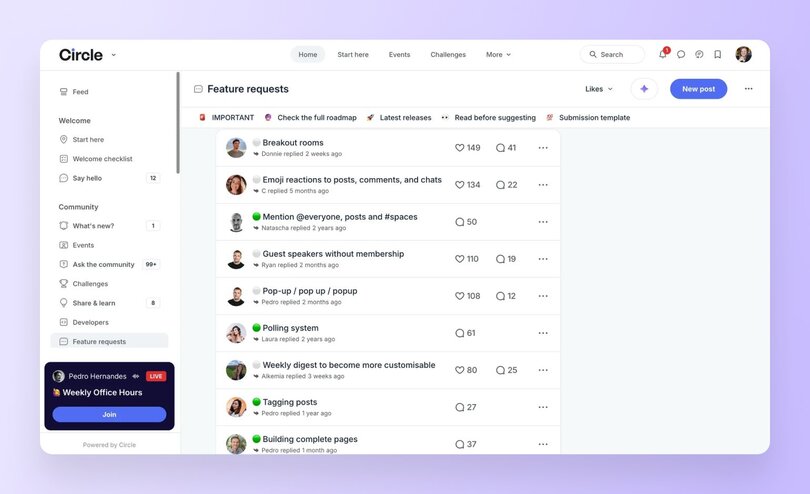
### Circle powers these wins
At Circle, we’ve seen it again, and again: our [data and reports (like the 2025 Community Trends Report](https://circle.so/2025-community-trends-report)) show that when companies invest in a brand community, they unlock measurable, lasting impact. We found that:
- **Events drive deeper engagement.** Our built-in event hosting tools help you create regular touchpoints—from weekly AMAs to monthly challenges—that keep members coming back.
- **Built-in affiliate programs amplify advocacy.** Circle's native affiliate tracking makes it easy for your biggest fans to become brand ambassadors, turning word-of-mouth into measurable revenue growth while reducing your acquisition costs.
- **Custom spaces foster authentic connection.** Unlike social media's algorithm chaos, Circle's organized discussion spaces let you create focused conversations around shared interests, ensuring quality engagement over vanity metrics.
- **Community-led courses encourage learning.** Courses with peer-support and communities surrounding them drive 3x higher completion rates than other online courses—helping you educate your customers on product initiatives.
- **Analytics reveal what drives loyalty.** Circle's community insights show you exactly which content, events, and member interactions drive the most value, so you can double down on what works and optimize your community ROI.
- **Mobile apps keep communities accessible.** With Circle's branded mobile experience, your community stays top-of-mind, creating the consistent touchpoints that build lasting relationships—the antidote to an AI-dominated digital world.
People crave connection. And a well-built community becomes a self-perpetuating engine of growth, insight, and loyalty—and Circle is designed to power every part of it.
## What makes a great brand community
Not all communities are created equal. The most successful brand communities share five core characteristics:
- **Clear purpose:** Members know why the space exists and what they’ll get out of it.
- **Ongoing interaction:** It’s not a one-way channel. Members talk to each other, not just to the brand.
- **Shared values:** There's a “we're in this together” feel. They’re more than just customers, but people aligned with something bigger.
- **Consistency:** Rituals, regular content drops, and engagement moments keep things fresh.
- **Empowerment:** Members feel ownership. They co-create the community’s culture.
## 6 tactics from successful brand communities
Here's how real businesses put these principles into practice to drive measurable results:
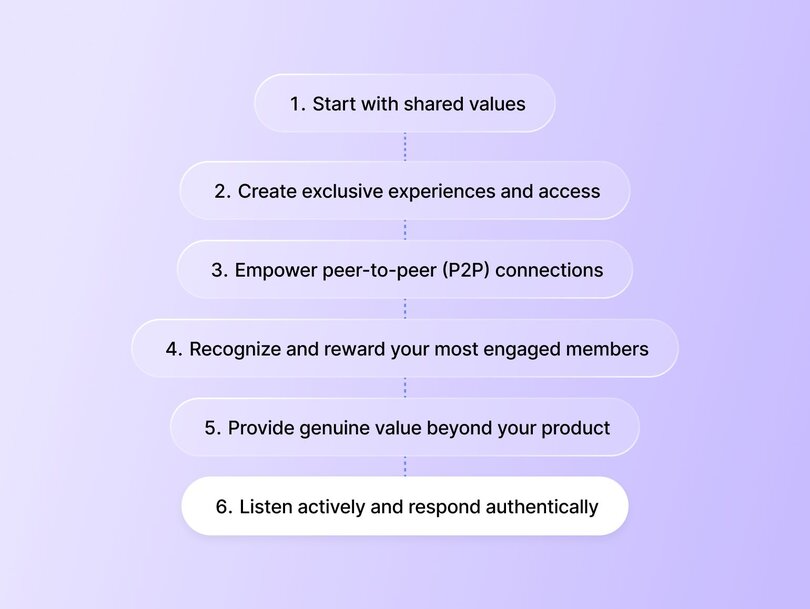
### 1\. Start with shared values
The strongest communities are built around [_why_ you exist](https://circle.so/blog/brand-messaging-framework), not what you sell. Think: sustainability, creativity, wellness, autonomy, empowerment, efficiency. Whatever it is, make it clear, and make it real.
Ali Abdaal built his $5M/year business, [Part-Time YouTuber Academy](https://circle.so/blog/building-a-core-offer), by leading with what his audience really needed. Instead of asking “What can I sell?” he asked, “What problem can I help solve?”
When he reached out to his audience, the answer wasn’t editing tips or thumbnails; it was imposter syndrome, burnout, and self-doubt. These were deeply human challenges that a course alone couldn’t fix.
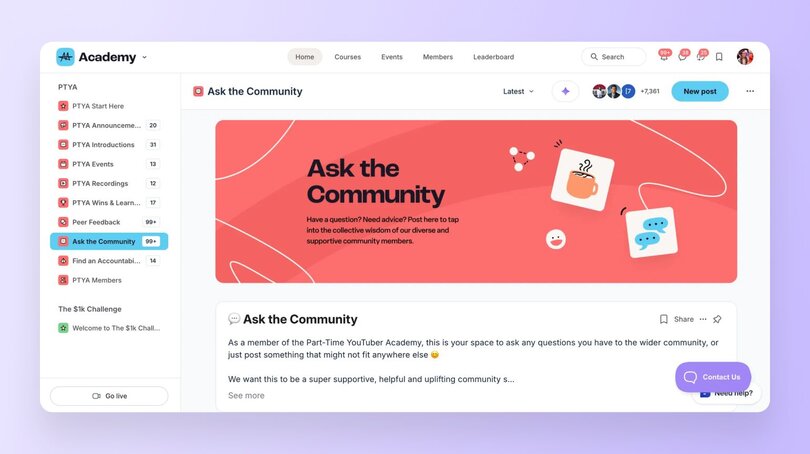
Instead of just offering a course on how to build a YouTube business, Ali built a community rooted in support, shared ambition, and encouragement. That shift reframed everything. People didn’t just enroll; they connected, stayed, enrolled deeper, and grew.
### 2\. Create exclusive experiences and access
Give your community something the public can’t get. That could mean early product access, behind-the-scenes sneak peeks, or invite-only [events](https://circle.so/events).
[Whoggga](https://circle.so/customer-stories/whoggga), a no-BS, relationship-first networking community for business owners founded by Gregg Pajak and Adam Holtzer, took this even further. From day one, Whoggga decided membership isn’t open to just anyone; every applicant goes through a multi-step vetting process to ensure they’re aligned in values and genuinely committed to building meaningful connections. That way, members are connecting with real business owners who are looking for real relationships.
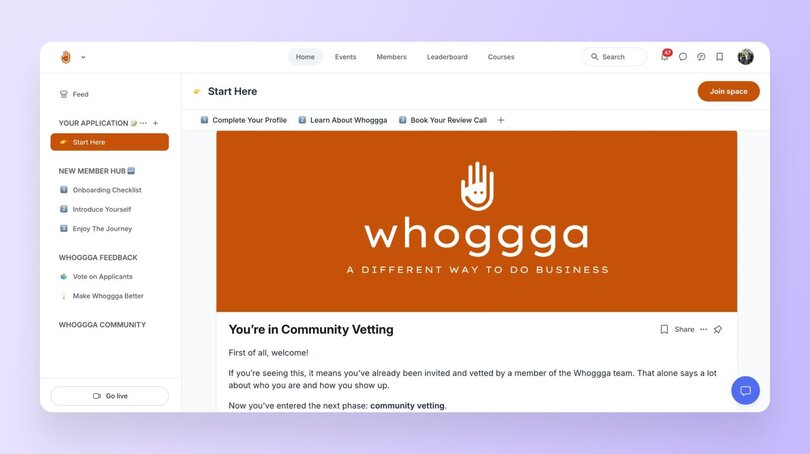
With 24/7 access to a tight-knit group of vetted peers, a branded mobile app for seamless interaction, and no-pressure networking designed around real relationships, Whoggga has created an environment where members feel like insiders, not just attendees.
That being said, not every community needs a vetting process. We see many Circle communities offering exclusive experiences through VIP forums or expert AMA sessions to keep members engaged and appreciated. This creates a similar sense of exclusivity and intention with the content and members you're connecting with.
### 3\. Empower peer-to-peer (P2P) connections
A brand community isn’t a fan club. It’s a network. The best communities facilitate peer-to-peer connection through interest groups, discussions, local meetups, or even mentorship programs. When members bond with each other, the brand becomes indispensable.
For example, Pat Flynn saw his [SPI community](https://circle.so/customer-stories/spi-community) grow and monetize when he made the decision to bet on connecting like-minded people.
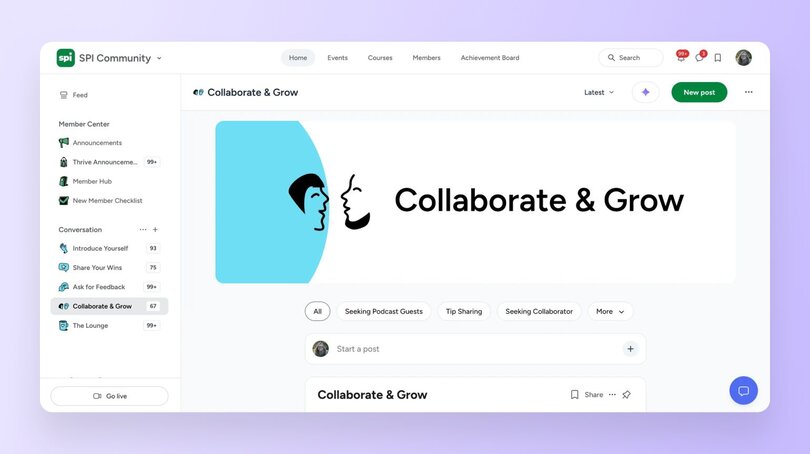
By creating a space where entrepreneurs could learn _and_ lean on each other, SPI became more than ebooks and courses; it became a place for belonging and connecting too. Flynn saw member engagement soar, retention improve, and SPI unlocked new, recurring revenue through memberships.
### 4\. Recognize and reward your most engaged members
From digital badges to feature shoutouts, public recognition goes a long way. When you reward your most engaged members, you not only encourage them to keep showing up, you show others what’s possible, too. Some communities spotlight members in newsletters or let them [co-create content](https://circle.so/blog/member-led-community). Whatever you choose, make recognition a part of your community strategy, not a one-off.
Take a look at [The Upside](https://circle.so/blog/the-upside-community), a premium community for independent consultants and coaches. Erin Halper, the founder, builds recognition into the fabric of the community through intentionally crafted rituals.
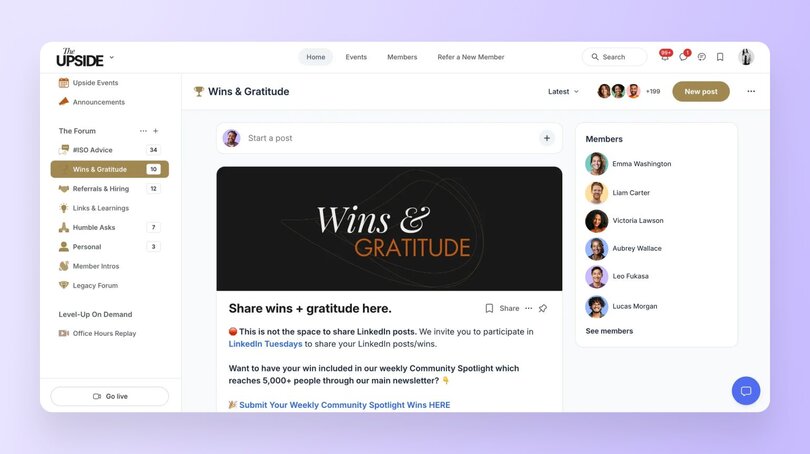
This isn’t just cheerleading, it’s strategic recognition. Highlighting member wins, encouraging public acknowledgment, and setting norms around gratitude make engagement visible. This inspires others to participate. It builds a culture where meaningful contributions are recognized, appreciated, and repeated.
### 5\. Provide genuine value beyond your product
The most successful brand communities don't just support your product—they enhance your members' entire journey toward their goals.
Anna Tyrie's [English Like A Native](https://circle.so/customer-stories/english-like-a-native) community demonstrates this perfectly. While her courses teach language skills, her community provides something courses alone can't: real practice opportunities, peer connections, and ongoing motivation.
Her Conversation Club became the heart of the community—a scheduled space where students practice speaking with each other in real-time. This wasn't just an add-on feature; it solved a core problem that traditional language courses miss: students need actual conversation practice, not just lessons.
The results speak for themselves. The Conversation Club became Anna's biggest community driver, bringing members back regularly to check schedules and discover other offerings. Even better, students started forming real friendships and meeting up in person—turning a digital learning experience into genuine human connections.
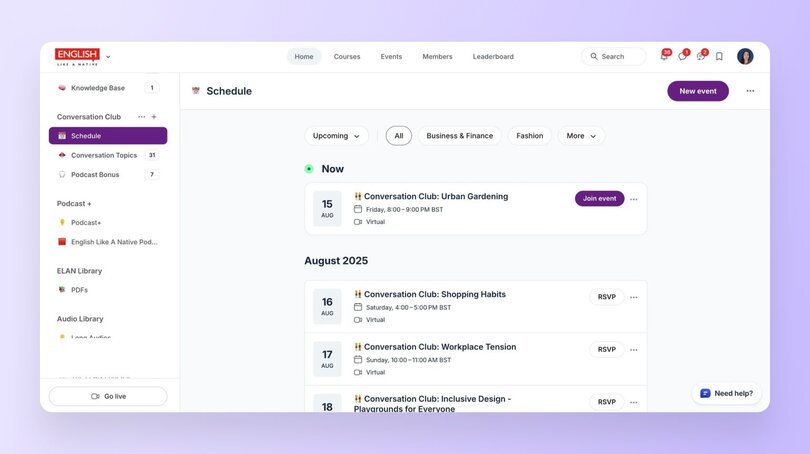
The lesson: identify what your customers need to succeed that goes beyond your core product, then build community features that deliver exactly that.
### 6\. Listen actively and respond authentically
Make feedback loops part of the DNA of your brand community. When members suggest ideas, thank them. When issues arise, address them openly. When content resonates, double down. Listening builds trust. Trust builds community. Community builds growth.
This is exactly what founder Felippe Nardi did with [Inside The Show](https://circle.so/blog/membership-funnel-strategy), a community that helps people become better presenters. Nardi understood that live presenting often leads to unexpected hiccups and questions, so the team created one-on-one support through a dedicated “Ask Felippe and The Team” space.
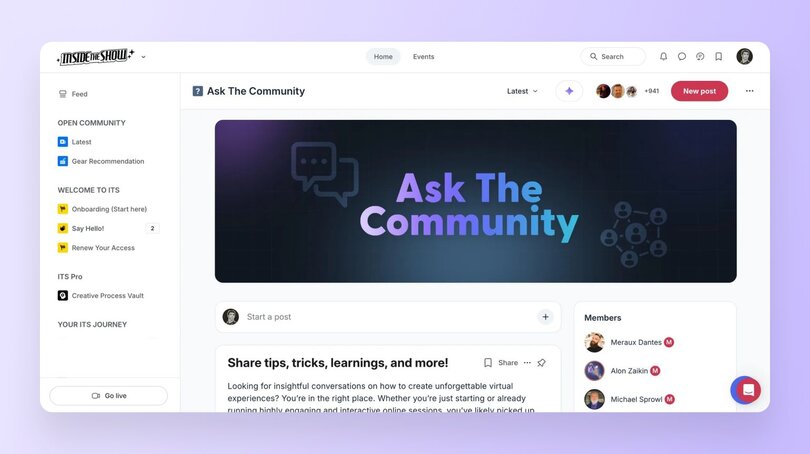
This open-door support system reassures members they’ll never be stuck alone. It shows that responsive, accessible help isn’t just a perk of the community, it’s a cornerstone of its trust and growth.
## How to build your brand community (a step-by-step guide)
Building a thriving brand community doesn’t happen overnight, but with intention, consistency, and the right structure, you can turn customers into advocates and passive users into active buyers.
Now, let’s get into the steps of how to actually build your brand community:
### Step 1: Define your strategy and audience
Every successful community starts with a clear intention. Ask yourself:
- Why are we building this?
- Is your goal to deepen loyalty?
- Improve retention?
- Create advocacy or gather feedback?
Often, it’s a blend, but getting specific early on will guide every decision ahead.
Next, define who the community is for.
- What does your ideal member care about?
- What problem are they solving, and why would they want to connect with others on the same journey? A strong community serves both brand and member needs.
- Where do these two things overlap? This is your foundation. Set it thoughtfully, and everything else becomes easier.
Pull from marketing personas, research documents, or customer journey maps to ground your community design in real data. This ensures you’re not guessing at who your members are, but intentionally building around what you already know about them.
> ⚡️**Pro tip:** If you’re lacking customer data, interview a handful of power users or customers before building. Ask where they hang out online, what they wish existed, and what community means to them. You can also use sites like [SparkToro as proxies for audience demographics](https://sparktoro.com/).
### Step 2: Choose your platform and set it up
Once you know your “why” and your “who,” it’s time to choose where your community will live. This isn’t just a tech decision, it’s a strategic one.
Look for a platform that can **evolve with your community’s needs**. For example, Circle is designed specifically for creators, brands, and organizations building intentional communities. It offers flexible structure (spaces, groups, courses), custom branding options, built-in analytics, and easy tools for onboarding and moderation.
The platform you choose should make it easy to create a welcoming environment and allow you to scale as you grow. Maybe you’ll want to enable your community to evolve from casual conversations into [structured courses](https://circle.so/courses) and resource libraries. Or maybe you want to start with a single discussion space and expand into subgroups, tiered memberships, or [events](https://circle.so/events) as your audience grows.
As your needs become more complex—like bringing on a community or program manager, introducing [stronger analytics](https://circle.so/analytics) and [workflows](https://circle.so/workflows), or outsourcing routine support to an [AI agent](https://circle.so/ai-agents)—you’ll want a platform that can grow with intention and flexibility right alongside you.
> ⚡️ **Pro tip:** Keep it simple at first. This not only makes your launch smoother, but also helps members focus on what matters most. You can always layer in more once your community finds its rhythm.
### Step 3: Create your content and engagement plan
Now comes the [heart of the experience](https://circle.so/blog/community-engagement-strategies): what your members actually do once they arrive. Start by planning content for your first few weeks. Think: welcome posts, guided icebreakers, and exclusive resources that provide immediate value.
Next, [establish rituals and actions](https://circle.so/blog/community-habits). Weekly discussions, monthly challenges, AMAs, or live sessions help build rhythm and momentum. Rituals aren’t just for engagement; they give your community its personality.
You want your rituals and programming to be guided by core concepts and principles that help shape what “ideal” member actions look like.
For example, if one of your brand’s core principles is innovation, your rituals might include monthly “idea jams” where members co-create solutions, or you could spotlight sessions highlighting inventive member projects. It’s more than just sharing posts in your community space. You want to create activities that facilitate how you want members to act and connect.
> ⚡️ **Pro tip:** Give new members a “first 5” checklist: [5 actions to take when they join](https://circle.so/blog/community-onboarding) (introduce yourself, download a template, attend your first live event, etc.). It gives them momentum and helps you track early engagement.
### Step 4: Launch with a beta group
With strategy and structure in place, you’re ready to go live, but don’t launch to everyone at once. Start with a beta group: a smaller, curated set of members who can offer feedback, shape culture, and feel a sense of ownership from day one.
Be transparent. Set clear expectations about what’s happening and what’s coming next. Celebrate small wins, amplify early voices, and be responsive to what’s working (or not).
The early days are about momentum, not perfection. Your job is to listen, learn, and create an environment people want to return to.
> ⚡️ **Pro tip:** Use a [“founding member” badge](https://circle.so/blog/gamification-rewards) or shoutout to reward early adopters. That recognition builds loyalty and turns members into ambassadors faster than any paid campaign.
### Step 5: Scale and optimize based on data
Once your community has found its footing, it’s time to refine and grow. Use analytics ([like those built into Circle](https://circle.so/analytics)) to track what’s resonating.
- What content drives engagement?
- Which members are most active?
- Where does drop-off occur?
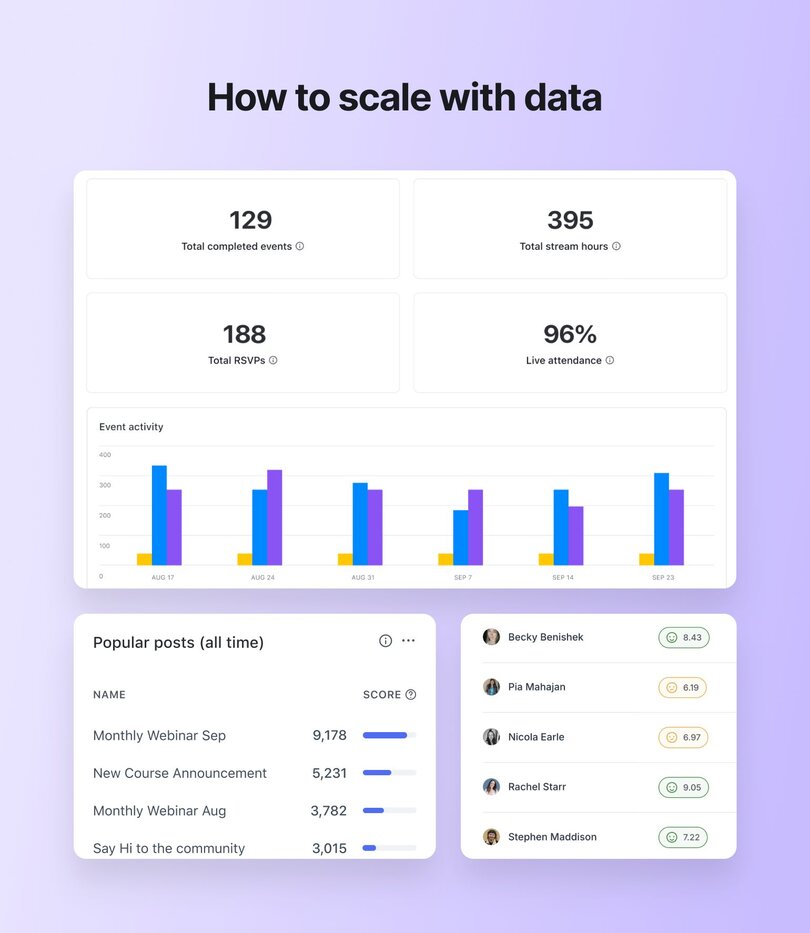
As your community matures, consider segmenting by cohorts, interests, behaviors, or member types. This allows for more personalized experiences without fragmenting the core. And don’t overlook re-engagement. Lapsed members aren’t lost causes. A well-timed nudge, spotlight, or personal invite can bring them back into the fold.
> ⚡️ **Pro tip:** [Track engagement by depth](https://circle.so/blog/community-analytics), not just volume. A smaller group that shows up weekly and contributes consistently is far more valuable than thousands of passive lurkers. Optimize for connection, not just reach.
## A brand community is your competitive edge
In a world where attention is scarce and trust is hard-won, community isn’t a nice-to-have. It’s your competitive edge. If you're ready to build a brand community that drives real loyalty, advocacy, and sales, [Circle](https://circle.so/) is here to help you make it happen. When people feel like they’re part of something, something they’ve helped shape, they stick around longer, spend more, and become your loudest advocates.
## FAQs about brand communities
What is a brand community?
A brand community is a group of people who gather around shared values, interests, and experiences—with your brand at the center. Platforms like Circle make it easy to structure these connections through spaces for discussion, events, and courses, helping members move from casual interest to active engagement.
How is a brand community different from a brand tribe?
A tribe is built purely on identity, while a brand community combines identity with intentional engagement fostered by the brand itself. With the right tools, you can create rituals, events, and content that keep members connected in a way that scales with your business.
How do brand communities increase customer loyalty?
They create belonging, deliver ongoing value, and give customers a place to be heard. When members feel recognized and connected, they stick around longer and invest more deeply. Circle communities, for example, often use recognition rituals, live sessions, and peer-to-peer groups to strengthen these bonds—leading to higher retention and lifetime value.
How do brand communities reduce acquisition costs?
Engaged members often become your best advocates, bringing in new customers through referrals and user-generated content. Some Circle communities formalize this with [affiliate programs](https://circle.so/affiliate-program) or ambassador groups, turning organic enthusiasm into a measurable growth channel.
Can a small brand build a community on a budget?
Absolutely. In fact, smaller communities often feel more intimate and powerful. Starting with just a few spaces, recurring discussions, and one or two live events can go a long way. Circle’s flexibility allows brands to begin simply and layer in more features—like courses or branded apps—as the community grows.
How do I measure ROI from a community?
The impact shows up in retention, adoption, referrals, and support cost reduction. With Circle, you can connect these outcomes directly to engagement data, member behavior, and even revenue through built-in payments and [analytics](https://circle.so/blog/community-analytics)—making it easier to show the business value of community.
How do I launch if I’m starting from zero?
Start with a small beta group of your best customers, invite them into a focused space, and host a kickoff event to build early momentum. Circle makes this manageable by letting you set up simple welcome flows, track feedback, and expand into more structured programs once the foundation is strong.
---
### Foolproof messaging framework by a 7-figure branding coach
*Learn how to master your message and grow your business with our positioning playbook by branding coach, Maya Elious.*
Source: https://circle.so/blog/brand-messaging-framework
How did a college drop-out charging $35 to brand MySpace pages become the first millionaire in her family and build a seven-figure coaching empire?
We sat down with brand strategist [Maya Elious](https://www.mayaelious.com/) to find out how she turned her humble beginnings into a $4 million coaching business by mastering her message and packaging her expertise.
Maya is the CEO of [Built to Impact](https://builttoimpact.com/), where she’s taught thousands of entrepreneurs and coaches how to build a profitable business by mastering their message.
> What’s brand messaging? It’s “who you are, who you serve, and how you serve them,” says Maya.
Your messaging is what helps you find your people and have them immediately say “hell yes” to your offer.
Why is that so important?
**Because once you really find your messaging sweet spot and start using it consistently?**
- You feel confident about the value you offer
- You deeply understand the people you can truly help
- They believe and benefit from the transformation you get them
- Their success 🔄 your success
We’re revealing the proven brand messaging framework Maya uses to transform your pitch from cringy to confident—and your business from poor to profitable.
## The goal
If you’ve ever frozen when somebody asked you your prices, or dropped your price as soon as you felt any hint of hesitation…
If you’ve ever wasted time on calls with prospects who ultimately ghost you…
If you find yourself being unable to articulate what people really get from working with you…
**Getting clear on your brand messaging gives you the confidence to sell your offers with pride.**
A clear, sharp brand message is much easier to monetize because it makes it easier to find high-fit customers, sell the perfect offer, and get results for your clients.
This creates a self-sustaining cycle of building on the results you get for others into your marketing to build a pipeline of new high-fit customers.
**The goal of good messaging is:**
❌ NOT about appealing to everybody
✅ about attracting the best-fit prospects (and repelling bad-fit ones) to make providing value and selling your offer easier.
## The plan
Now that you understand why brand messaging is important, let’s dive into execution mode so you can elevate your positioning and make more money.
**Reminder**: Brand messaging compiles who you are, who you serve, how you serve them (as well as what makes you stand out from your competition!)
**What does poor messaging look like?**
- Vague
- Generic
- Cliche
- Broad
- Wordy
- Predictable
- Unclear
- Confusing
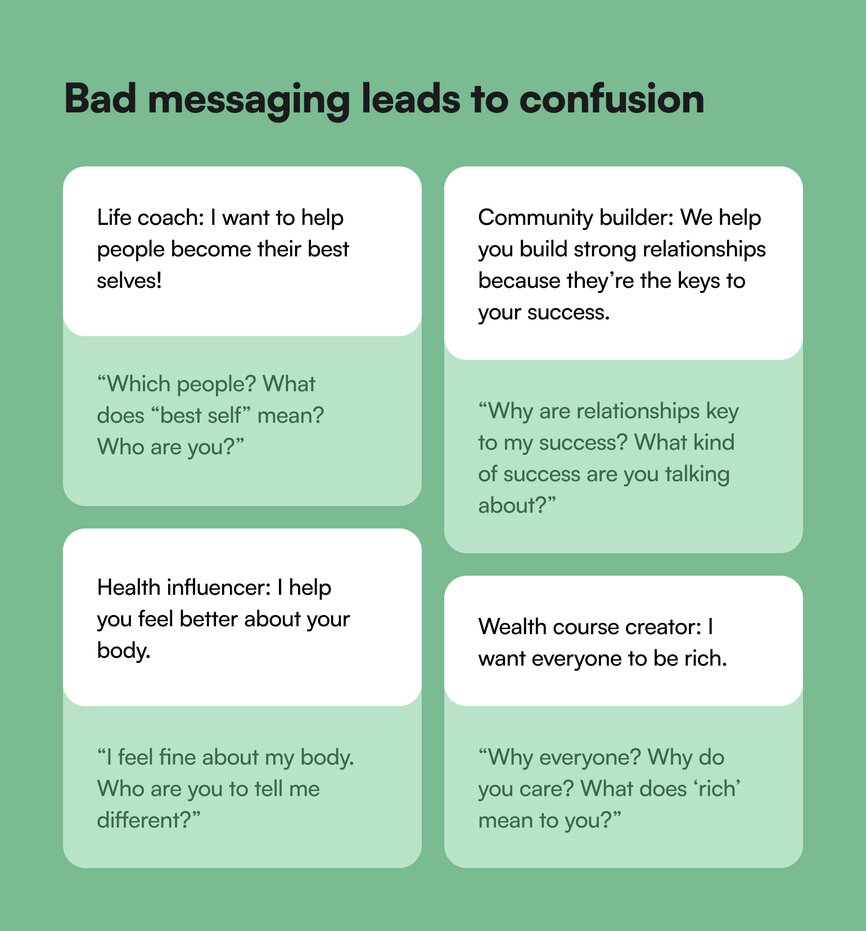
Are you seeing a trend? When your message is poor, nobody really understands what you do and how you add value.
How do you up-level your messaging from poor ⏩ profitable?
- **Clear**—Not overly wordy or explanatory. The quicker you can get people to understand what you do, the better.
- **Specific**—You’re clearly calling out your ideal customers, your unique value-add, and the methods through which you provide your services.
- **Non-inclusive**—Good messaging intentionally excludes people. You can’t serve everyone—and you’re losing money by trying.
- **Unique**—Actively think about your competitors in the space. When Maya gets on customer calls, she specifically asks who else they’re considering to understand who she’s being compared to, and how she can set herself apart.
The point of this is not to feel bad about yourself or your message if it sounds like the above. Just because your message isn’t up to snuff, doesn't mean that what you’re offering isn't valuable.
It’s a process that requires refining over time based on your experience, growth, and targeting.
Just look at Maya’s.
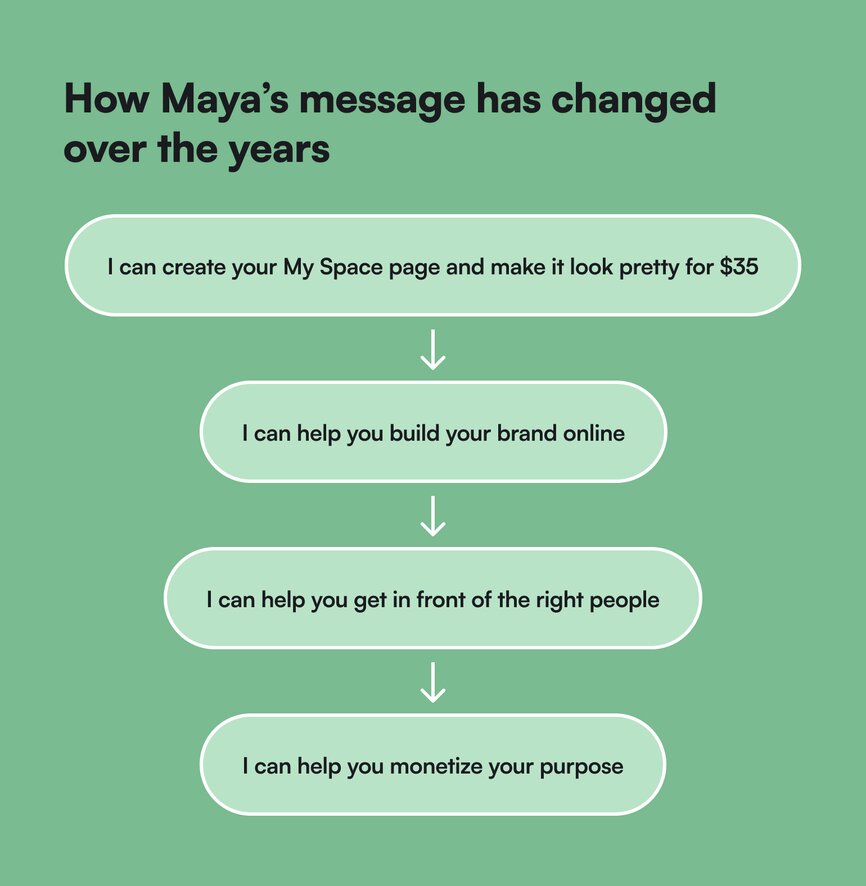
## The playbook
If you’ve never thought about how your brand comes across online, or used to think it’s just “marketing fluff”—think again.
The entrepreneurs (and millionaires) from our past playbooks—Codie Sanchez and Ali Abdaal—have laser-focused messaging across their entire web presence. They know who they’re speaking to, what’s special about what they bring to the table, and how they uniquely solve their target audience’s problems.
So, how do you get your brand’s messaging to millionaire status?
### Maya’s Dating Method
When you’re dating, your headspace will change how you approach choosing partners: **Are you desperate—or picky?**
When you’re desperate or unsure about yourself, you don’t have a filter. You date anybody.
“But with time, as you get more confident in who you are and really clear on what type and quality of person you want? You start to quickly exclude unfit candidates.”
When you’re confident about what you want and what you bring to the table, your options decrease because not everybody fits your criteria.
This is a good thing—and it comes with time, experience, and wisdom.
### 5 Tips for applying the Dating Method
The goal with crystal clear messaging is to feel SO confident selling your services or courses, you worry about your potential customers missing out on the transformations you could get for them.
1. **Narrow your niche**. Set yourself up for success by [going niche](https://circle.so/blog/how-to-find-your-niche). The top 3 most profitable industries are health, wealth, and self.
- Health: Holistic wellness, personal training, weight loss, nutrition From wellness coach > holistic coach who helps people lose weight naturally.
- Wealth: Money mindset, career coaching From career coach > Career coach for mid-career professionals who want to increase their salary by $25k
- Self & relationships: Romantic, familial, self-relationships. From relationship coach > Relationship coach for those in relationships 7+ years
2. **Define your audience**. Your target customer is either a version of who you once were, or a group of people your heart is drawn to and for whom you can solve a very specific problem. If you’re confused about who your audience is, take a look back in time 5-7 years to who you used to be.
3. **Position your value**. Value is subjective. Just because you think something is valuable, doesn’t mean someone else will. That’s why to show value, you have to acknowledge what your customer wants. If you want to know whether your ideal customer thinks your messaging or offer is valuable… you have to understand:
- What do they deeply desire?
- What is the pain point that they're dealing with? (As a result of not having what they want.)
- What is the transformation or outcome that they're looking for when they come to you? What’s the consequence of not getting their desire or getting rid of their pain?
4. **Package your offer**. [Your offer](https://circle.so/blog/building-a-core-offer)—what your customer will buy—can be free to start, and paid to follow. The key is keeping it super clear and “you HAVE TO SAY THE PRICE!” says Maya, because if you don’t have something to sell, you can’t monetize your message.
5. **Differentiate your brand**. It’s important to start out in a competitive and saturated market. If it’s saturated, that means you’re in a profitable industry. What can make you different?
- People you target
- Level of experience
- Brand story
- Statistics of your company
#### Maya’s messaging
- **Niche**: Branding that helps women entrepreneurs make more money.
- **Audience**: “Women of faith” (a word she heard her clients describe themselves as) who specialize in some form of coaching work.
- **Value**: The results she manages to get for her clients are eye-catching (her clients, on average, generate $20k/launch)—because she knows exactly the type of folks that can benefit from mastering their message.
- **Offer**: In-person training and 90-day coaching options.
- **Differentiation**: Every time she gets on a client call, she finds out who her clients are also considering, and why they choose her specifically—so she can do more of that.
### Your brand profile = your dating profile
Consider the way your brand shows up online as your dating profile—because everything you put out into the world acts as a filter for people to either nod yes to, or click off onto the next thing on their to-do list.
- Your qualities = filters
- What you want = filter
- Who you are = filter
- What you offer = filter
**What do you want the world—and your ideal client—to see at first sight?**
Do you want them to feel like you’re the perfect fit for them?
Do you know exactly how they feel and what they’re struggling with?
Do you have solutions packed up to solve the problems that keep you up at night?
You’re responsible for attracting people with your message. The next step is to discern whether they’re truly a fit for you when they reach out.
### Maya’s easy-peasy messaging template
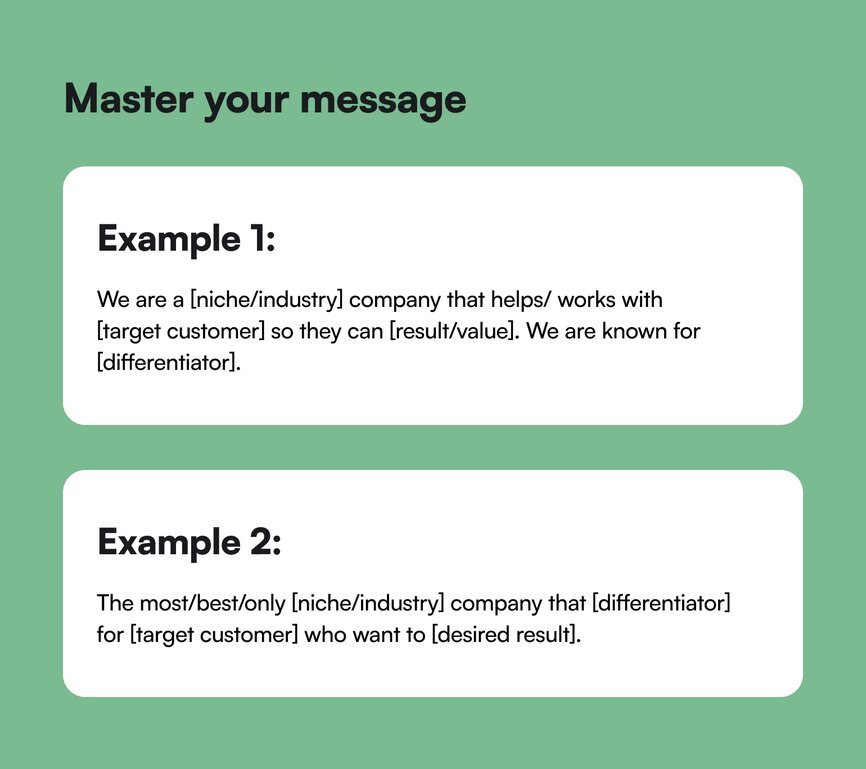
## The results
Nailing your messaging is a must for your business—but it’s not going to guarantee an overnight success.
It took Maya nine years to get to six figures ($100,000) and 12 years to hit seven figures ($1 million).
That’s a decade plus of pivoting, flexing, learning, and giving her ideal client exactly what they need to find success.
Now, her private coaching packages start at $20,000.
Maya is the first millionaire in her family and has undoubtedly changed her family’s life, all because she loves to see women succeed and make an obnoxious amount of money.
These days, Maya’s focused on nailing how to [work hard and live soft](https://www.youtube.com/watch?v=sWjy8Ci7YHw)—because she’s reached a point where she wants to operate from a place of generosity, and earn enough to make others rich.
“I don’t want to make 6-figures. I want to create 6-figure jobs,” she says. “Because the more you have, the more you have to give.”
### Maya’s learnings:
- **You’re not leaving money on the table by going narrow**. By niching down, you’re targeting who you want your money from. "I've launched many offerings over the years: courses, masterclasses, live events, group coaching programs, monthly memberships, one-on-one coaching, and an agency model," said Maya, but she burned out trying to do it all.
Unfit people will cost you more money and time, so target the industry that you want to monetize, that you have experience in, and the people who will truly benefit from the transformation you offer.
- **Powerful messaging allows you to transform someone’s life**: their health, their wealth, their relationships. It’s a responsibility to live up to whatever you promise. That’s why, every time you send an email, create a course, write a caption, post on social media, or promote your service, your messaging should sing about your promise.
- **Our personal testimony is our first testimonial**. Starting with your own experience and sharing that story is how you’re going to find your initial alignment with customers. Then, when you get client results, those transformations will turn into your marketing.
- **Use your client’s language.** “My clients talk about themselves as ‘women of faith’ so that’s how I position who I target,” says Maya.
## Key takeaways
1. **Your muddled message is expensive.** “If your goal is to make $100k, and you’ve only made $3k… your unclear message is costing you $97,000,” says Maya. If your messaging is unclear, you’re actively preventing your success.
2. **Build your business like you’re dating in your 30’s.** Be pickier and filter out the trash by knowing who you want and why.
3. **If you can’t get specific enough—get on the phone with 7-10 people.** Don’t let fear, nerves, or anxiety get in the way. Go into your target community and find out how you can help.
4. **Your messaging will be EVERYWHERE, so do it justice**. Keep it clear, specific, non-inclusive and unique wherever you use it: captions, emails, website, brochures, proposals, etc.
**And if you’re a creator, coach, educator, or entrepreneur looking for an all-in-one community platform?**
You’re in the right place.
Circle brings together your members, discussions, events, courses, and content—all in one place, under your own brand. Plus, you get access to our customer community full of handy resources and over 10,000 community builders on the same journey as you.
[Start your free 14-day free trial today!](https://circle.so/brand)
---
### How to build brand partnerships that grow your business
*Building brand partnerships can accelerate your business growth. Learn practical steps to find, pitch, and secure the right partners.*
Source: https://circle.so/blog/brand-partnerships
If you’re a solopreneur, [digital creator](https://circle.so/blog/digital-creator), or micro-influencer, chances are that at some point you’ve thought: I’d love to land a brand partnership. And honestly, we applaud that ambition 👏🏽. But if this is your first brand deal, it can feel impossible to know where to even start.
Not long ago, “brand partnerships” often meant free products, a shoutout, or maybe a quick sponsored post. In 2025, that model doesn’t cut it anymore.
Today, the best partnerships are more than one-off deals. They’re built on trust, alignment, and shared goals. And when they click, they can bring steady income, help you grow your audience, and make your community even stronger.
In this guide, you’ll learn everything you need to know about navigating brand partnerships in 2025, from finding and pitching the right brand partner to measuring success.
## The new era of brand partnerships is community-first
The traditional model of “collect followers, post ads, hope for clicks” is fading. Now, brands care more about _engagement, trust, and community_. Niche creators (those with smaller but dedicated audiences) are winning because their communities behave differently: they interact, respond, and believe in what you share.
The stats back it, too. Micro-influencers (10k–100k followers) typically see [3–6% engagement](https://stackinfluence.com/the-average-influencer-engagement-rate-in-2025/), while big accounts hover closer to **1–2%**. On Instagram specifically, micro-creators average **3.86%** engagement, compared to **1.21% for larger influencers.**
A stronger bond between the creator and their followers is exactly what brands are after when they look for partners. While a campaign with a micro-influencer may reach fewer people overall, those reached are more likely to trust the recommendation, try the product, and share it with others, making these partnerships especially valuable.
In other words, **tight-knit communities are becoming the centerpiece of brand partnerships.** And for creators, having a dedicated space to connect with their audience—one they fully own—can be a game-changer. That’s where platforms like Circle come in, giving you the freedom to cultivate your community and collaborate with brands on your own terms.
## Types of brand partnerships entrepreneurs can explore
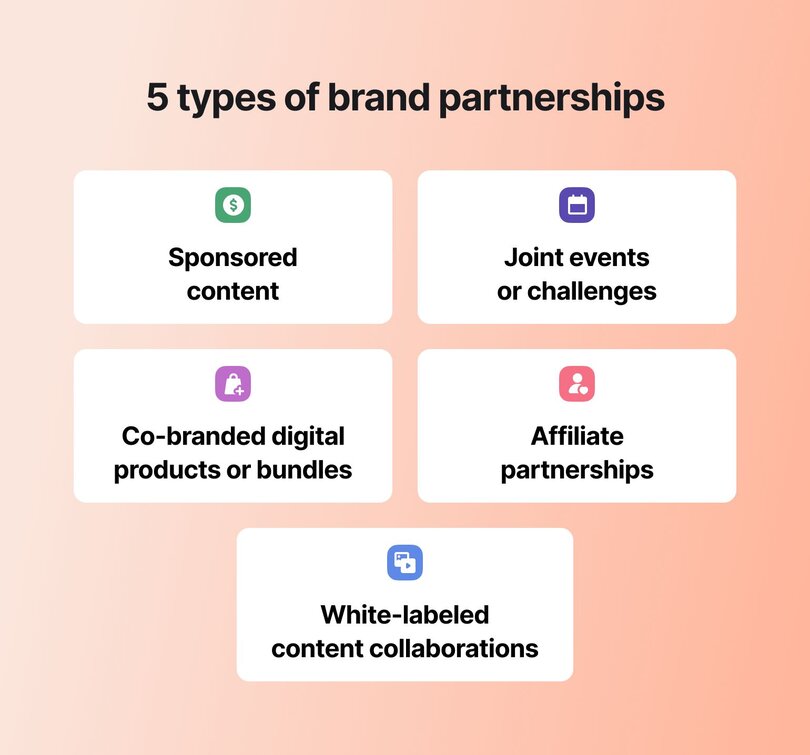
Brand partnerships can take many different forms, and you don’t have to stick to just one. In fact, the most successful solopreneurs often mix and match formats based on their audience, goals, and capacity.
### Sponsored content
This is the classic partnership: a brand pays you to create content that introduces or demonstrates their product. It could be a video, a podcast mention, or a newsletter feature.
**The key?** It needs to be relevant to your audience. If your community is for fitness enthusiasts, a partnership with a car insurance company wouldn’t make much sense. But teaming up with a supplement brand, an activewear company, or a fitness app would fit naturally.
Take an example of Ali Abdaal, [_Productivity Lab_](https://discover.circle.so/product/productivity-lab) founder and doctor-turned-YouTuber. He [started his channel](https://www.youtube.com/@aliabdaal) in 2017, and it has since grown to millions of subscribers. Today, he monetizes through sponsored video content, ads, and channel memberships with partners like Circle, Notion, Claude, Lovable, and Paperlike, among others.
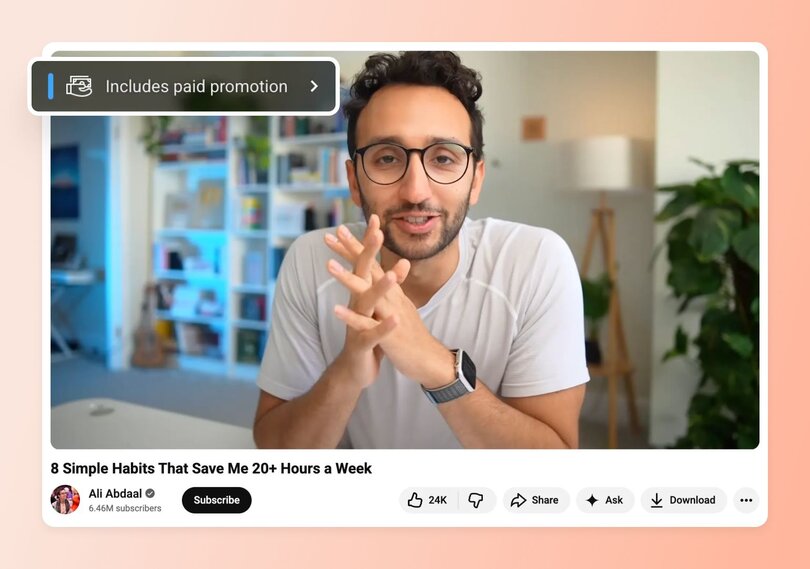
### Joint events and challenges
Another way to partner with a brand is through joint events and community challenges. These are collaborations where you and a brand come together to host an experience for your collected audiences.
Unsurprisingly, events and challenges create the most interaction in your community. Your audience gets free, useful content, and the brand gets to connect with people who are already interested in their product. Everyone walks away with something of value.
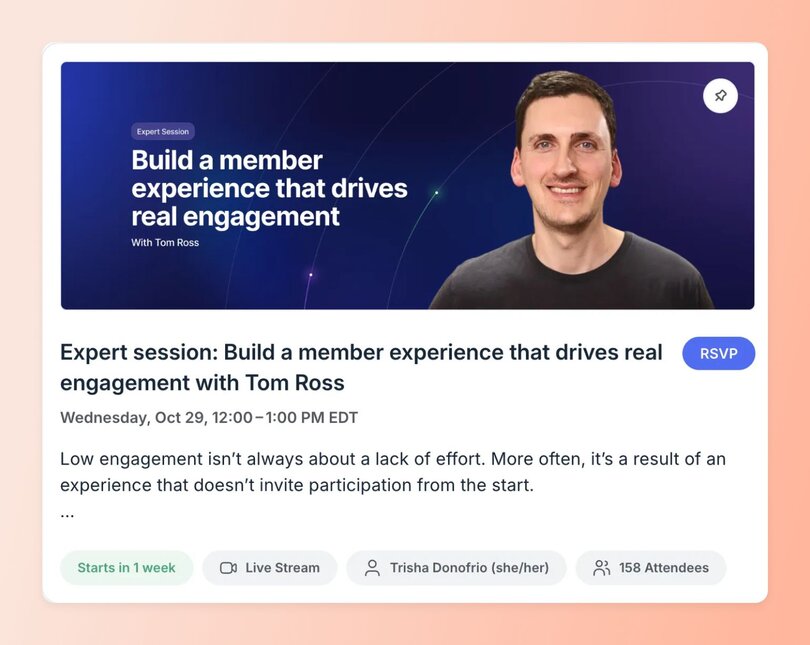
For example, in the Circle customer community, we host masterclasses with our expert contributors—who are usually community experts with their own businesses. [Miro similarly runs member-led events](https://circle.so/blog/member-led-community) with consultant advocates, and other enterprise partners.
### Co-branded digital products or bundles
Co-branded [digital products](https://circle.so/blog/digital-products-to-sell) or bundles are resources you create together with a brand, like an eBook, a toolkit, or a course add-on that carries both of your names.
The benefit is that your audience gets something practical and exclusive, while the brand gains credibility by being tied to a trusted creator.
### Affiliate partnerships with exclusive codes
Affiliate partnerships let you earn a commission whenever someone in your community buys a product through your link. A simple way to make this even more valuable is by offering your members an exclusive discount code.
The benefit is twofold: your community gets access to special deals, and you get rewarded for recommending products you genuinely believe in.
A good example of affiliate marketing in action is [Podcraft](https://www.thepodcasthost.com/podcraft-podcast/). They [monetize their podcast](https://circle.so/blog/how-to-monetize-a-podcast) by using affiliate links to direct people to their favorite equipment for purchase.
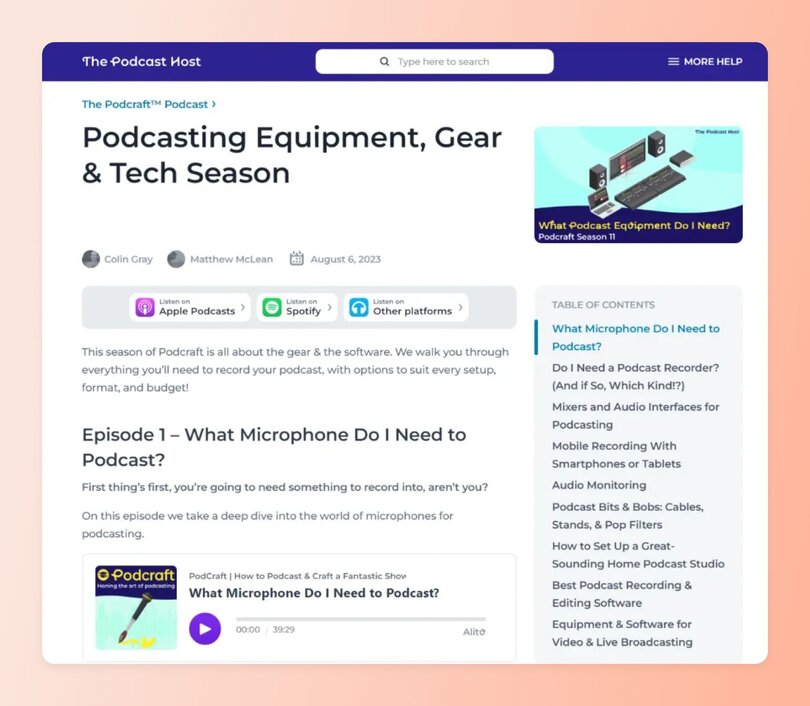
### White-labeled content collaborations
Sometimes, when the brand alignment, values, and audience overlap in a perfect way, you’ll want to consider a “white-labeled collab”. White-labeled content collaborations are when a brand contributes directly to something you’re already offering, like adding a module to your course or co-hosting a workshop inside your community.
You should only tackle these collaborations when there’s minimal risk to either brand, because the product just gets stronger with both teams.
## How to find and pitch the right brand partner in 4 steps
Alright, let’s get down to the practical stuff—how to actually find and pitch the right brand partner for your business. Here’s a simple 4-step process👇
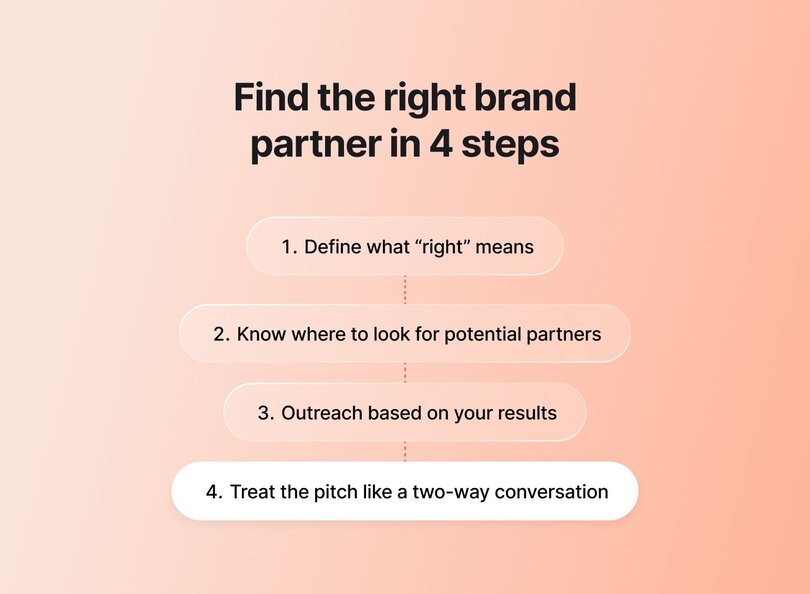
### Step 1: Define what “right” means
Before you start reaching out, get clear on what the “right” partner really looks like. The best partnerships work on two levels: they feel aligned with _you_ as a creator (or your business), and they make sense for your _audience_. Miss either side, and the collaboration will come across as forced.
Here are a few angles to lock in:
- **Shared values:** Does the brand believe in the same things you and your community stand for? Do they show up consistently in the way they market and operate, not just in slogans?
- **ICP overlap:** Your ideal customer profile (ICP) should overlap with theirs. If your members are early-stage founders and the brand is selling enterprise software, the gap will be too wide for anyone to benefit.
- **Stage alignment:** Big, established brands often look for large-scale activations. If your community is still growing, a smaller startup may be a better fit—they’ll be more flexible, and the partnership can grow alongside you.
> **Justin Moore,** a leading sponsorship coach who has [personally made $5M+](https://circle.so/blog/podcast-sponsorship-guide) through brand partnerships (and founder of [Creator Wizard](https://www.creatorwizard.com/)), believes that brand–audience alignment [is the #1 factor](https://youtu.be/h2oLsdzXcaM?si=qyoZUhJ1aepJ-ykT) in the success of a partnership:
>
> “The only thing that matters is audience alignment with the brand. If you don’t have real, quantifiable evidence that your audience will be stoked to learn about this product or service, you should not take the deal.”
🧪 The litmus test is simple: would this brand bring genuine value to your members, while also benefiting from the trust you’ve built with them? If the answer is yes on both fronts, you’ve found the right kind of partner to pursue.
### Step 2: Know where to look for potential partners
Once you’ve defined what the “right” partner looks like, the next step is figuring out where to find them. A great place to start is your own community—maybe one of your members runs a brand that aligns perfectly and is already open to collaborating.
Other good places to check out:
- **LinkedIn:** Look up a potential brand you'd love to work with and search for roles _Head of Partnerships_ or _Community Manager_ to see if they’re investing in collabs.
- **Founder or influencer groups:** Niche Slack communities often have partnership threads where brands scout for creators.
- **Dedicated platforms:** Marketplaces like Pearpop, GRIN, and Afluencer can help you discover brands actively looking for community partners.
- **Places you/your audience hangs out:** Maybe your audience isn’t the LinkedIn crowd, but instead they’re on Ravelry (for knitters), or Discord. Maybe everyone in your community listens to a murder podcast 🤷—don’t write it off! Take a look to see who else is sponsoring their content and think through whether there’s overlap.
### Step 3: Outreach based on your results
After you’ve identified a potential partner, it’s time to reach out! What you say and how you say it can determine whether the conversation goes anywhere.
Two approaches tend to work best:
- **The warm intro:** Instead of emailing a brand rep out of the blue, see if someone in your professional network can connect you. Maybe a past client knows their marketing lead, or a friend of a friend works on their partnerships team. Even a short LinkedIn or email intro from a mutual contact makes the outreach feel more credible and increases the chance of a reply.
- **Pitching your flywheel:** In your pitch deck or outreach email, lead with your community’s audience insights (who your members are) and engagement data (how they participate). For example, share turnout rates for events or how many members join via referrals. Your goal is to prove to the brand that they would be stepping into an active, engaged, and self-sustaining ecosystem.
### Step 4: Treat the pitch like a two-way conversation
While how you prepare and deliver your pitch is important, ultimately, brand partnerships are about relationships.
On the other side, there’s a brand with its own priorities, goals, and challenges, so you need to be open to listening as much as presenting. That might mean adjusting your idea to match a product launch timeline, or reframing your proposal around the audience segment they care about most.
## Pricing & negotiation tips for first-time partners
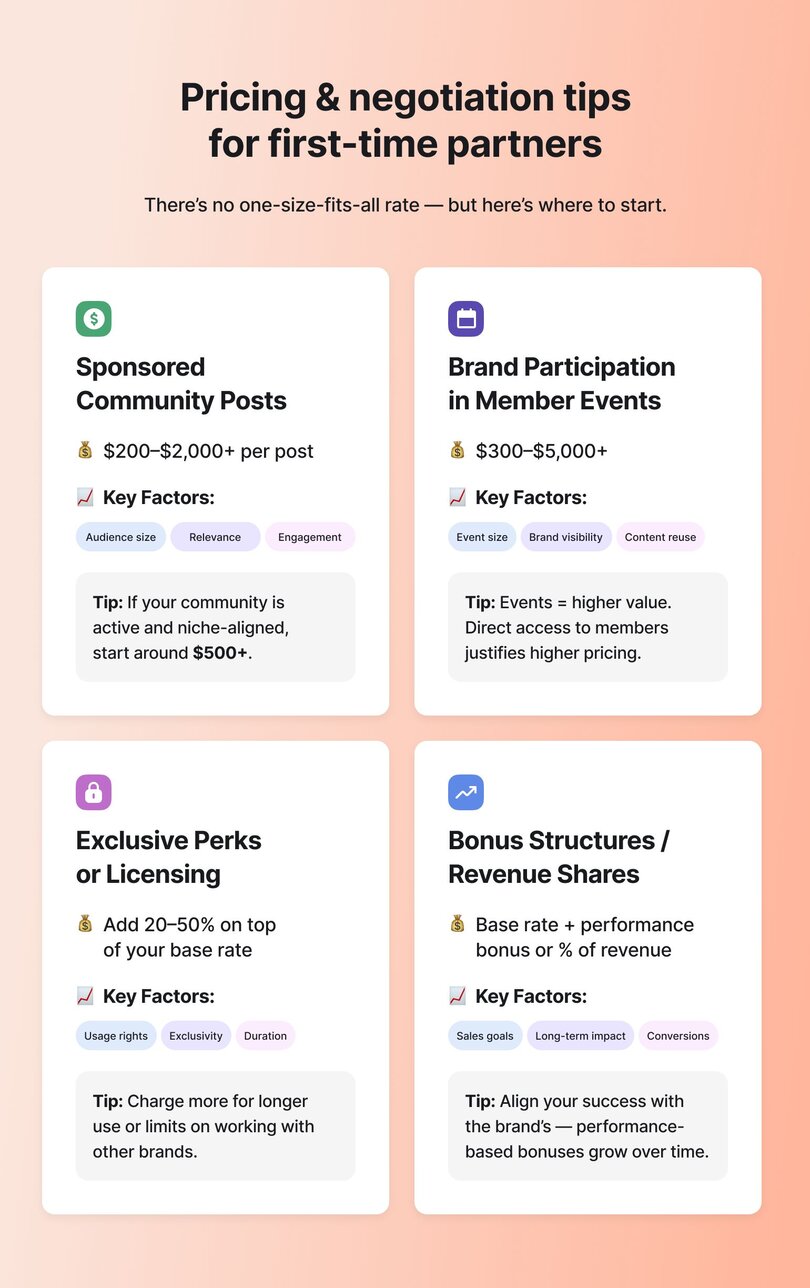
How much to charge for community brand partnerships is a tough question, because there isn’t one “right” number. It depends on your niche, the size and activity of your audience, the brand’s budget, and a zillion other factors.
Still, we can offer you a couple of helpful benchmarks and pointers that can make pricing feel a little easier to figure out.
### How much to charge for: Sponsored community posts
A 2025 [study by Favikon](https://www.favikon.com/blog/sponsored-linkedin-post-cost) on sponsored LinkedIn posts found that most [content creators](https://circle.so/blog/become-a-content-creator) charged between $200 and $2,000 per post, depending on factors like audience size, engagement rate, and niche. Outliers ranged from as little as $10 to as much as $7,500, but the majority sat in that mid-range.
Of course, your community isn’t quite LinkedIn, but we can say that a similar principle applies. What brands really pay for is _relevance_ and _trust_. If your members are active and closely aligned with a brand’s ideal customer, a sponsored post in your community can realistically start around $500+ and grow from there.
### How much to charge for: Brand participation in member events
Events, like workshops, AMAs, or summits, are often worth more than static posts because they give brands direct access to your members. Pricing here should reflect the level of exposure: a small workshop might be a few hundred dollars, while a large community-wide summit could justify $1,000–$5,000+, especially if you provide recordings or [repurpose the content](https://circle.so/blog/content-repurposing-playbook) afterward.
### How much to charge for: Exclusive perks or licensing
If a brand wants more than a one-off partnership, like exclusive perks for your community or the rights to keep using your content, you should consider adding a “usage rights” fee.
Most creators handle this by charging a percentage on top of their base rate, usually 20–50% per month of use. The bigger the brand’s ask (longer timeframes, multiple platforms, or exclusivity that prevents you from working with competitors), the higher your fee should go.
> 💡 Alexis recommends being upfront about pricing in your pitch: “I also recommend being upfront by including pricing in your pitch; it saves everyone time and accelerates decision-making.”
### How much to charge for: Bonus structures or long-term revenue shares
Another smart way to grow beyond flat rates is by **building in performance-based bonuses or revenue shares**. For example, you could set a base rate for a campaign and add a bonus if the brand hits certain signup or sales goals. Another option is negotiating a small revenue share on subscriptions or products sold through your community over time.
## How to activate your community during a brand partnership
The difference between a forgettable sponsorship and a meaningful brand partnership often comes down to how you [bring your community](https://circle.so/blog/community-engagement-strategies) into the experience. Members can spot a “salesy” plug a mile away, and that’s something you don’t really want.
Instead, you should invite them to participate; that way, the partnership feels natural and valuable. Here are a few ways to do that:
- **Behind-the-scenes content and real-time builds:** It’s a good idea to involve your community in the process of working with a brand. Share updates as you test, experiment, or build something new together. This makes members feel like insiders and gives them a sense of ownership in the journey, which strengthens both their trust in you and their connection to the brand.
- **Polls, feedback, and community Q&As:** Don’t make assumptions about what your members want. Ask them directly. Polls and Q&As let your audience shape the partnership itself, while giving the brand meaningful insight into their real needs.
- **Member-only AMAs or** [**live events**](https://circle.so/blog/host-community-events)**:** You should also bring your partner into your community through live experiences. Consider organizing a Q&A, workshop, or demo to give your members the chance to learn directly from the people behind the product, not just read about it.
## How to measure success
Success looks different for every brand partnership, which is why you need to **define your KPIs before the campaign starts**. Are you aiming for reach and impressions, conversions and signups, or deeper engagement within your community? Defining this upfront makes it easier to know what worked and what didn’t.
> 💡Pro insight: The real strength of community partnerships is that their value compounds over time. They don’t just create one spike in visibility—they build trust and deepen relationships that can grow your business long-term.
## Tools & platforms to get started with brand partnerships
You don’t need a big team or fancy setup to manage brand partnerships. With just a couple of tools, you can find partners, run campaigns, and stay organized. A much bigger question is whether you should use partnership marketplaces or do cold outreach yourself.
### Marketplaces vs. DIY outreach
If you’re just starting out, partnership marketplaces can help connect you with brands that are actively looking for creators. The trade-off is that competition is high, and the deals are often smaller or short-term.
Once you’ve built a clear pitch and have some results to show, DIY outreach (reaching out directly to brands or their partnership managers) can lead to bigger, longer-term deals.
### Tools to help you land partnerships
- **GRIN:** A creator management platform that helps influencers connect with brands, manage campaigns, and handle payments in one place.
- **Pearpop:** A marketplace where creators of all sizes can get paid to collaborate with brands on social media campaigns.
- **Afluencer:** A matchmaking app that pairs micro-influencers with brands looking for niche audiences and affordable partnerships.
- **Circle:** Not just for hosting your community, but also for showing brands hard data on engagement. With [integrations into your CRM](https://circle.so/integrations) or [analytics](https://circle.so/analytics), you can pull real numbers on participation, event attendance, and member activity to strengthen your pitch.
### Tools to manage your campaigns
Whether you’re pitching to brands or managing partnerships you’ve already landed, a simple tracker can help you stay on top of the details. Instead of juggling everything in your head, you can keep a record of things like:
- Who you reached out to and when
- Follow-ups you’ve sent (and what’s still pending)
- Contracts you’ve signed
- The value of each partnership
- How long the partnership runs
- Key deliverables and deadlines
Using a basic tracker in Notion or Google Sheets makes it easy to see where each partnership stands and what needs your attention next.
## Ready for your first brand deal?
The future of brand partnerships is co-created. You don’t need 100,000 followers or a massive production budget to land your first deal. What brands care about most is a deeply engaged community, which is real people who trust you and value what you share. That’s the advantage you already have.
Interested in co-creating brand experiences inside your own community? [Start building on Circle](https://app.circle.so/communities/new) for free and see how easy it is to bring brands and members together in one space that’s fully yours.
## FAQs about brand partnerships within communities
What is a brand partnership?
A brand partnership is when a creator and a company work together in a way that benefits both sides. The brand gets exposure to a trusted audience, and the creator gets paid or supported for sharing something that fits their community.Many people confuse brand partnerships with sponsorships or simple collaborations. The terms get tossed around a lot, but they’re not quite the same thing.**Brand partnership vs. sponsorship:**A sponsorship is usually one-sided. The brand pays you to promote them, but it’s often a short-term deal, like a single post or event mention. A partnership is more long-term and built on shared goals.**Brand partnership vs. collaboration:**A collaboration can be very casual, like doing a one-off video or giveaway together between two fledgling creators. A brand partnership is more formal, often with clear expectations, contracts, and ongoing campaigns.
How do brand deals work for small creators?
As a small creator, you probably won’t land a big money deal right out of the gate—and that’s totally fine. The best way to start is by using partnership marketplaces like GRIN, Pearpop, or Afluencer. They’re great because brands on these platforms are already looking for creators like you.After working with a couple of brands through these platforms, consider reaching out to companies directly. Create a tailored pitch, gather stats about [your social community engagement](https://circle.so/blog/increase-social-media-engagement), and use the results from your past campaigns to prove your value to potential partners. Be prepared to send several outreach messages, and don’t get discouraged if you hear a couple of “no’s” along the way. You might not be the right fit for those companies now, but you could be in the future.
How much should I charge for a community-sponsored post?
There’s no flat rate—it depends on the size and activity of your community and how much visibility the brand will get. For small, niche communities, rates often start around **$200–$400 per post**. For larger or highly engaged communities, it’s common to charge **$500 and upwards**, especially if your audience has strong purchasing power.One way to think about it is: **how much would that brand normally pay for ads to reach the same number of people with the same level of engagement?**Another tip: look at your sponsor’s potential return. If even a small percentage of your audience buys, how much revenue would that bring them? That can help you set a fair starting price. You can also check what other creators with similar stats are charging to avoid undervaluing yourself. If you’re just starting, it’s okay to charge less for a test campaign and raise your rates once you can show results.
---
### The complete guide to build (and grow) your thriving community in 2026
*Learn how to build a thriving community in 2026 with our comprehensive guide. Includes step-by-step frameworks, real examples, and proven strategies for community engagement and monetization.*
Source: https://circle.so/blog/build-a-community
> ## TL;DR
>
> * Before you launch your online community: nail your purpose, member persona, and a price that reflects the transformation you deliver.
> * Start with 10–20 members, not 200. Exit Five, SPI, and the eLearning Designer's Academy all scaled from a tight founding group.
> * Pick one recurring format and run it consistently. Five formats abandoned quickly beats nothing every time.
> * The first 30 days decide whether a member stays. Onboarding is your biggest retention lever.
> * Track three numbers: active members, who's posting, and how many stay. Each one tells you what to do next.
✍️ **Tim Slade** launched what he thought was a simple add-on for his elearning course in 2020. Five years later, 11,000 instructional designers call his Academy their professional home.
🌃 **Dave Gerhardt** started a Patreon for B2B marketers who wanted something better than LinkedIn. What became Exit Five now generates $1M+ in annual revenue and hosts 30+ in-person events a year.
🧑⚕️ **Mila Clarke** built Glucose Guide so people with diabetes could get support navigating daily life — not just a diagnosis. Over 2,000 members manage their condition together, and she runs the whole thing herself.
These aren't random gatherings — they're communities where individual aspirations become collective transformations.
But here's the thing: Building a community isn't just about bringing people together. It's about creating an environment where members master new skills, shift their mindset, and reach goals they once thought impossible.
In 2026, that matters more than ever. In a hyper-connected yet oddly isolated world, a well-built community can deepen customer relationships, generate consistent membership revenue, and position you as a go-to voice in your space — all while building a business model that compounds over time.
Through our work with 20,000+ community builders and 15 million of their members, we've identified what separates thriving communities from those that fizzle out. Whether you're a creator, coach, or business, this guide walks you through every step.
## What does community building look like in 2026?
The community landscape has transformed dramatically since the global shift to digital-first connection post-COVID.
While massive, general-interest groups (see: social media) once dominated, 2026's most successful communities are built around focused niches with concrete value delivery–whether that's skill development, professional networking, or specific transformations in people's phases of life (career, family, health, etc).
We're seeing [recommendations from micro-communities](https://www.stanventures.com/news/how-micro-communities-are-redefining-social-media-marketing-1539/#:~:text=Key%20Takeaways-,A%20Shift%20Toward%20Meaningful%20Engagement,interests%2C%20values%2C%20or%20goals.) become as trustworthy as personal ones. The technology has evolved too, with AI-enhanced engagement tools and comprehensive platforms making it easier than ever to launch and scale a community.
(Ahem.)
These shifts are showing up in the data. According to Circle's [2026 Community Trends Report](https://circle.so/2026-community-trends-report) — based on surveys of 750+ community builders and data from 18,000+ communities — the **craving for unmistakably human experiences** is now one of the primary drivers of community growth, as AI-generated content floods every other channel.
And 57% of community builders say evolving member expectations are reshaping their strategy, while 45% report signs of member burnout — audiences are disengaging from always-on content environments and seeking spaces that feel intentional and worth their sustained attention.
Members' expectations have matured alongside these changes. They now look for
* Smaller, more intimate communities with micro-learning moments that don't overwhelm
* Multi-modal engagement (from text to video) that supports different types of people
* Async-first communication that respects varied schedules, and
* Peer-led programming that positions community leaders as facilitators rather than sole knowledge providers.
While this raises the bar for quality, it also creates an unprecedented opportunity for new community builders who can craft focused, value-driven spaces that members are genuinely excited to be part of.
## What makes a successful community?
At its core, community building is the art of creating spaces where people connect, grow, and transform together. But what separates thriving communities from those that fizzle out? Let's break down the essential elements.
### Core elements of successful communities
Every thriving community shares four fundamental pillars:
1. **Clear purpose and vision:** Your community needs a compelling "why" that resonates with members and guides every decision you make. Whether it's helping freelancers land better clients or supporting new parents, this purpose becomes your north star. For example, Exit Five's purpose has never wavered: it's the place for people who work in B2B marketing to get better at their jobs and find their people. That clarity is why the community has grown 2x year-over-year since joining Circle and now hosts 30+ in-person member events annually.
2. **Defined value proposition:** Members should understand exactly what they'll gain from participating. This could be skill development, networking opportunities, or emotional support—but it must be crystal clear. Glucose Guide's Mila Clarke makes her value proposition concrete: members get expert-led coaching, peer support, and a food tracking tool — all in one app. The result of the value clarity was a 34% increase in live group coaching attendance and 300+ signups on the first day of her app launch.
3. **Engaged member base:** Success isn't about size—it's about engagement. A small group of active, passionate members creates more value than thousands of passive participants. TroopHR has never chased scale. They serve a specific persona — HR professionals seeking peer development — and that focus is why engagement stays high even as membership grows.
4. **Sustainable business model:** Whether through memberships, courses, or other revenue streams, your community needs a viable way to support itself and grow. Pat Flynn rebuilt [SPI](https://circle.so/customer-stories/spi-community) entirely around the community after COVID collapsed his course launch revenue. Community now drives 58% of SPI's total revenue.
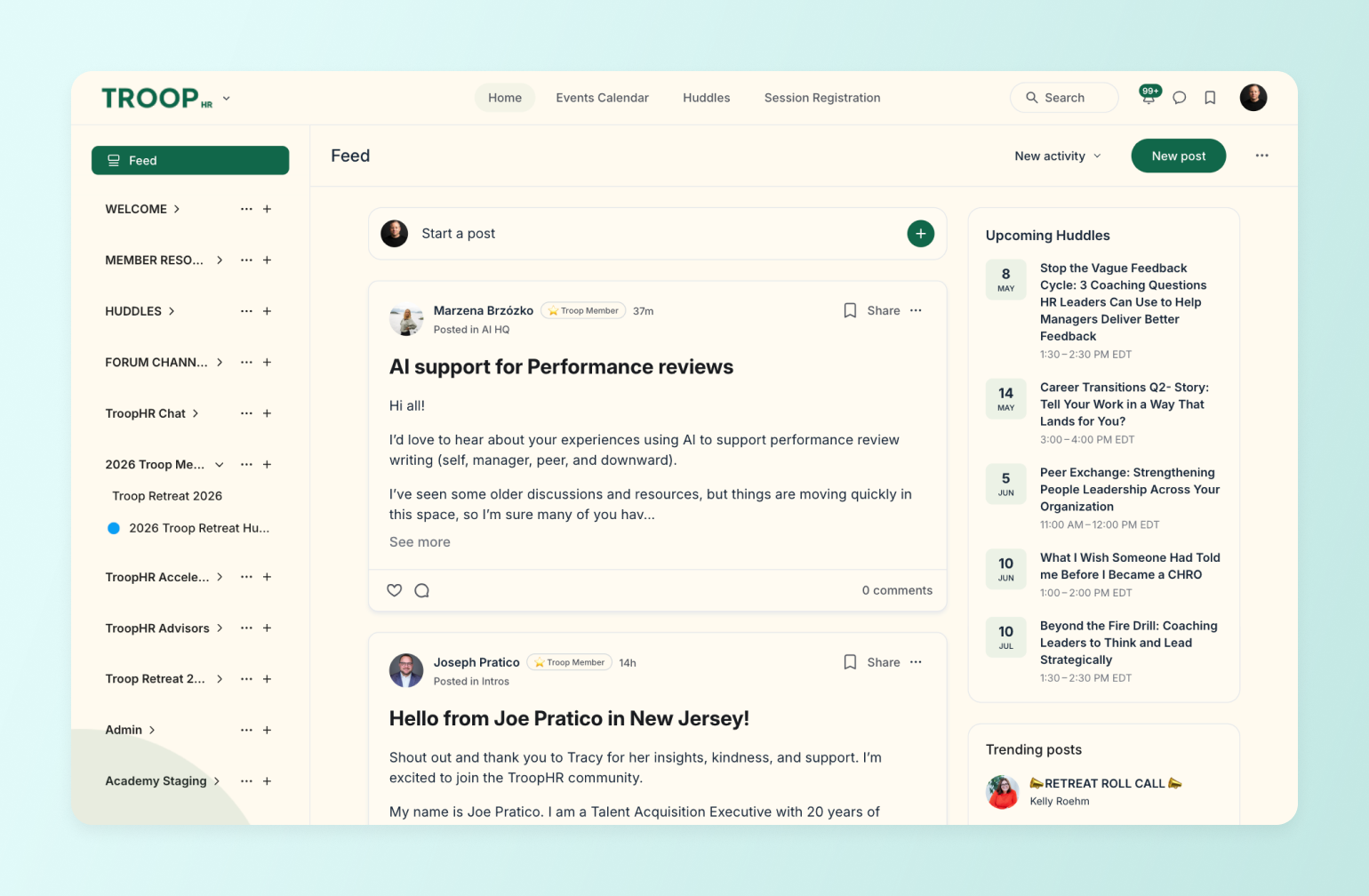
### Types of communities that work in 2025
Different business goals require different community models. Here are the most successful formats we're seeing:
**Paid membership communities:** Perfect for creators and experts who want to build recurring revenue while delivering ongoing value. Members pay monthly or annually for access to exclusive content, events, and connections — which is exactly the move Dave Gerhardt made with Exit Five, turning a Patreon side project into a full membership business with 43% year-over-year revenue growth.
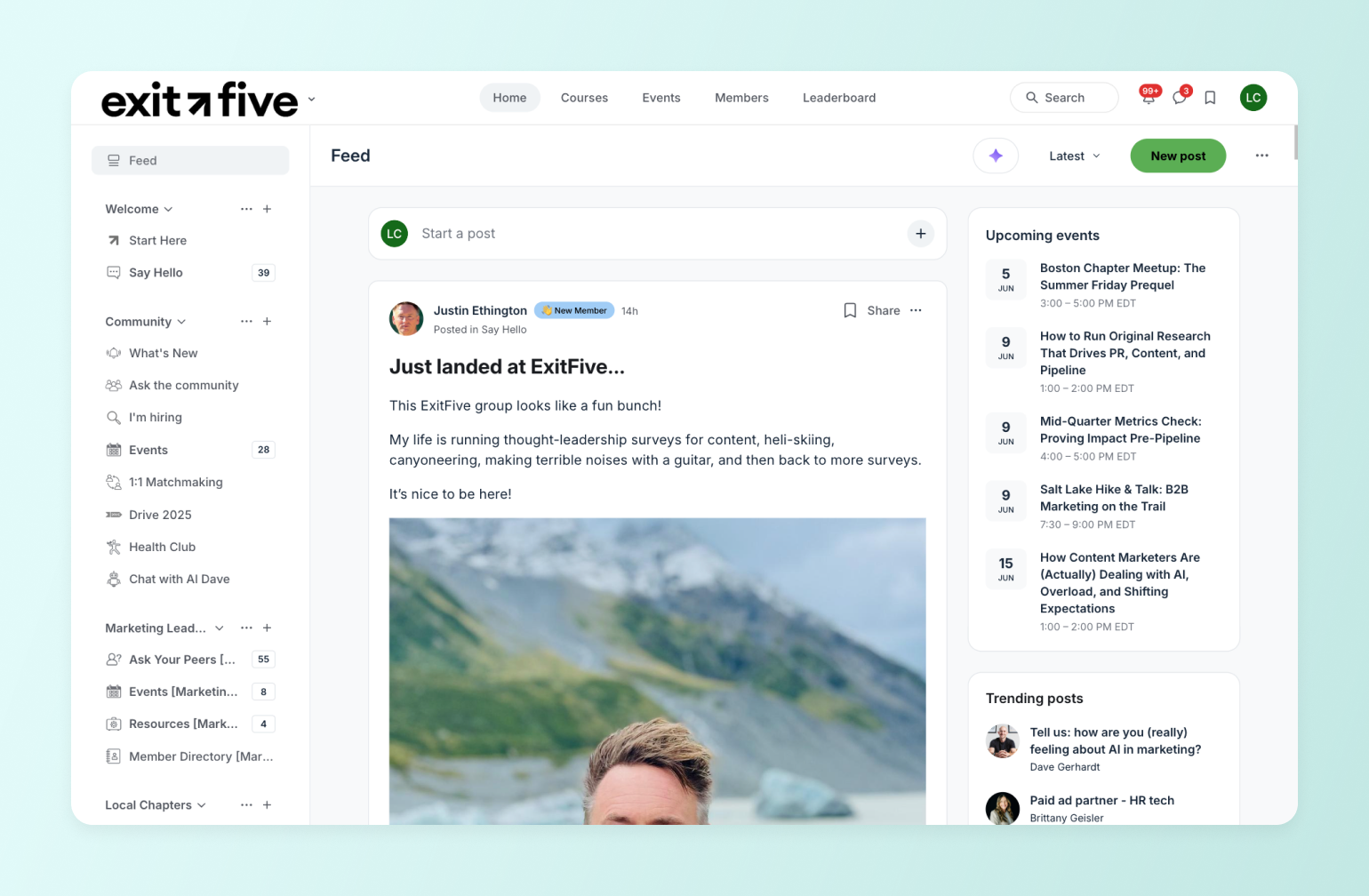
**Cohort-based communities:** Ideal for educational experiences where members progress together through a structured program. Think writing workshops or business accelerators. SPI's shift from self-paced courses to cohort accelerators pushed completion rates from the industry's typical 5–15% to 40%.
**Product-centric communities:** Built around existing products or services, these communities enhance the customer experience and increase retention. Tech companies often use this model effectively. Fifty410, a telehealth GLP-1 clinic, built their entire patient care model around community *— with* 40,000+ members, 80%+ of engagement happening on mobile, and a 5.5% lift in comments after launching their branded app.
**Learning communities:** Focused on skill development and knowledge sharing, these communities combine educational content with peer support. The eLearning Designer's Academy started as a course add-on and grew to 11,000+ members — all without Tim Slade ever planning to build a community.
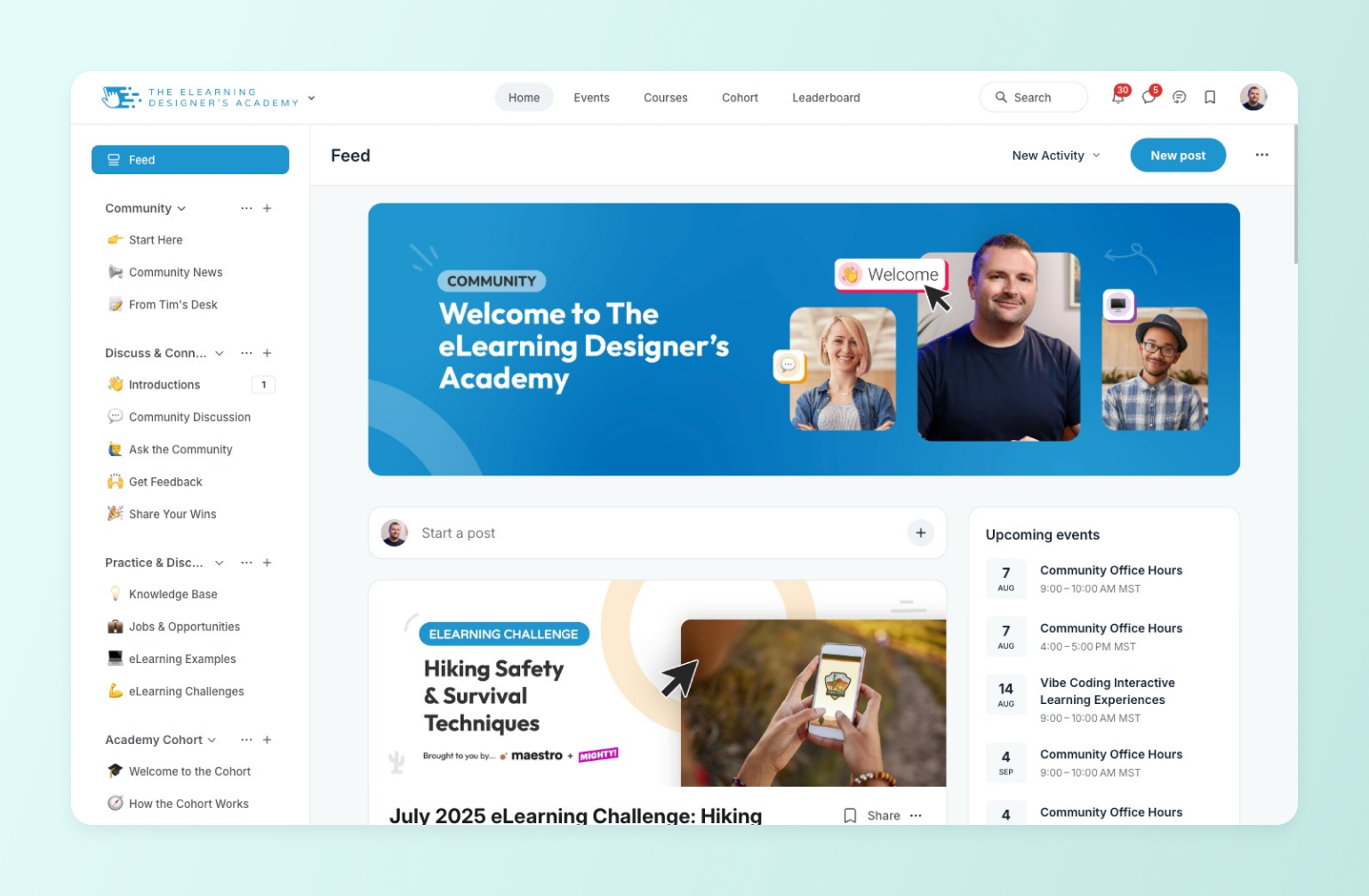
**Support communities:** Centered around shared challenges or experiences, these communities provide emotional support and practical advice via coaching, courses, and participation. Glucose Guide serves 2,000+ people managing diabetes with a pay-what-you-can model that Mila runs entirely by herself.
## **The 5 essential steps to building your community**
### Step 1: Build your foundation
Before you create your first community space, you need to lay groundwork that will support sustainable growth:
* Define your community's purpose by identifying the transformation you'll help members achieve
* Create a value proposition that clearly communicates your community's benefits
* Understand how your community integrates with your existing business
* Set realistic time commitments you can maintain long-term
### Step 2: Define your strategy
Success comes from being intentional about who you serve and how you serve them:
* Create detailed member personas that capture your ideal participants
* Map out specific pain points your community will solve
* Choose the community business model that best fits your goals
* Establish clear guidelines that foster the right culture
### Step 3: Design your programming
Your community's programming creates the structure members need to achieve their goals:
Your **core value pillars** are a way to build an event and programming strategy around the ways you want to show up and offer value to your community:
1. **Help:** Q\&A spaces, expert sessions
2. **Action:** Challenges, accountability systems
3. **Learning:** Resource libraries, workshops
4. **Connection:** Networking events, peer matching
Creating signature experiences like hot seats, workshops, or accountability groups helps keep members engaged and achieving results.
### Step 4: Structure your pricing model
Turn your community into a sustainable business:
* Choose between subscription, pay-per-access, or hybrid pricing
* Set clear revenue goals that support your business
* Develop an offer funnel that converts and retains members
* Create multiple revenue streams through additional products or services
There's no single right answer — and the data backs this up. Circle's[ guide to pricing a paid community](https://circle.so/blog/community-pricing-strategy), built from 55 real builder examples, shows everything from $27 entry-level programs to $9,000 annual masterminds. The most consistent regret across those builders wasn't pricing too high or low — it was poor onboarding, which disguises itself as a pricing problem: members churn, and you assume your price is wrong, when what actually failed was activation.
### Step 5: Execute your launch
Start small and scale thoughtfully:
1. Begin with an alpha test (10-20 members)
2. Move to beta launch with founding members
3. Open to the public with refined offerings
4. Grow through member advocacy
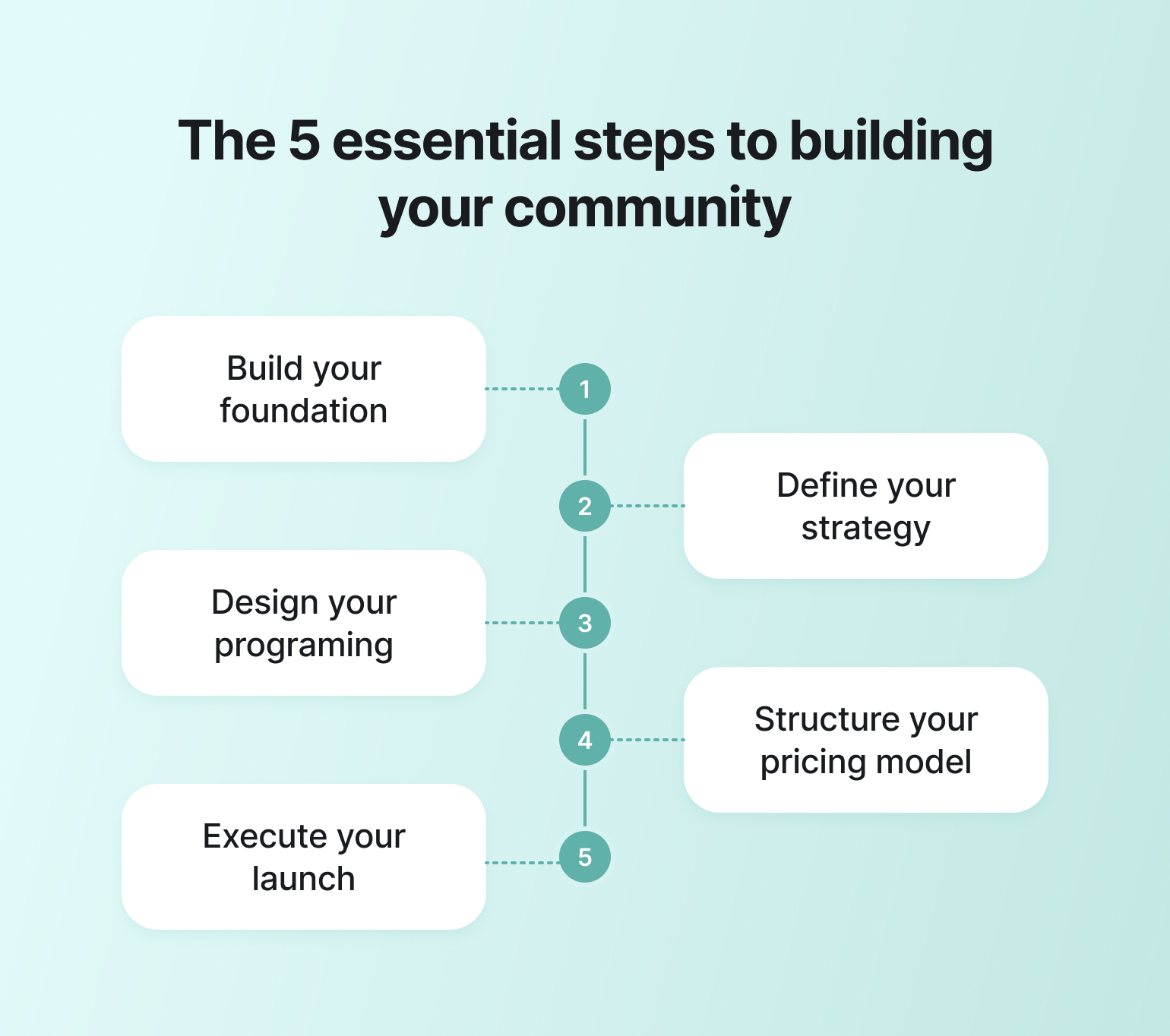
## **Best practices for community building**
Success leaves clues–and those clues are thriving communities who can’t process membership applications fast enough.
Here are the practices we've seen work consistently across thousands of communities:
**Start small and focused**
* Begin with 10-20 highly engaged members
* Focus on quality interactions over member count
* Let your founding members help shape the community
[Tim Slade](https://circle.so/customer-stories/elearning-designer-academy) didn't even plan to start a community. He was launching a course for elearning designers and added a discussion space as an afterthought. Five years and 11,000 members later, that afterthought is now the whole business — cohort programs, live workshops, and a fully consolidated platform.
**Prioritize member experience**
* Create clear onboarding processes
* Design engagement rituals that members look forward to
* Build connections between members, not just with you
* Foster meaningful conversations through thoughtful prompts
* Pick tools for your [community tech stack](https://circle.so/blog/creator-tech-stack) that simplify your (and your members) lives
**Gather and use feedback**
* Regularly collect member input through surveys and discussions
* Iterate based on what's working (and what isn't)
* Stay transparent about changes and developments
* Empower members to contribute to the community's evolution
## 5 Common community-building mistakes
Learn from others' experiences and sidestep these typical pitfalls:
**⛔️ Mistake #1: Trying to serve everyone.** Instead: Define your niche and serve them exceptionally well.
**⛔️ Mistake #2: Overwhelming members with content.** Instead: Focus on quality interactions and meaningful engagement.
**⛔️ Mistake #3: Neglecting community guidelines.** Instead: Create and enforce clear standards from day one.
**⛔️ Mistake #4: Starting too big too fast.** Instead: Begin with a core group and scale gradually.
**⛔️ Mistake #5: Undervaluing your offering.** Instead: Price based on the transformation you provide.
## How to grow your community after launch
You've done the hard part: defined the purpose, [brought in your first members](https://circle.so/blog/membership-acquisition), and started the community. Now the work shifts. Growth isn't more signups on top of what you've built. It's getting the members you have to stay, achieve results, and bring their peers with them. That comes down to two things you can start the day after launch: onboarding that gets new members to a quick win, and recurring formats that give them a reason to come back.
### **Make onboarding count from day one**
In a community, members are part of the product, so when one leaves, the experience gets worse for everyone who stays. Your onboarding should show new members the fastest path to what they came for and encourage them to stay.
Pat Flynn's SPI community shows what that's worth. Course completion was weak because students were learning alone, so Pat replaced self-paced courses with cohort-based accelerators where members move through the program together, with accountability built in from day one. Cohort completion hit 40%, against the 5–15% typical of self-paced courses, and community now drives 58% of SPI's revenue.
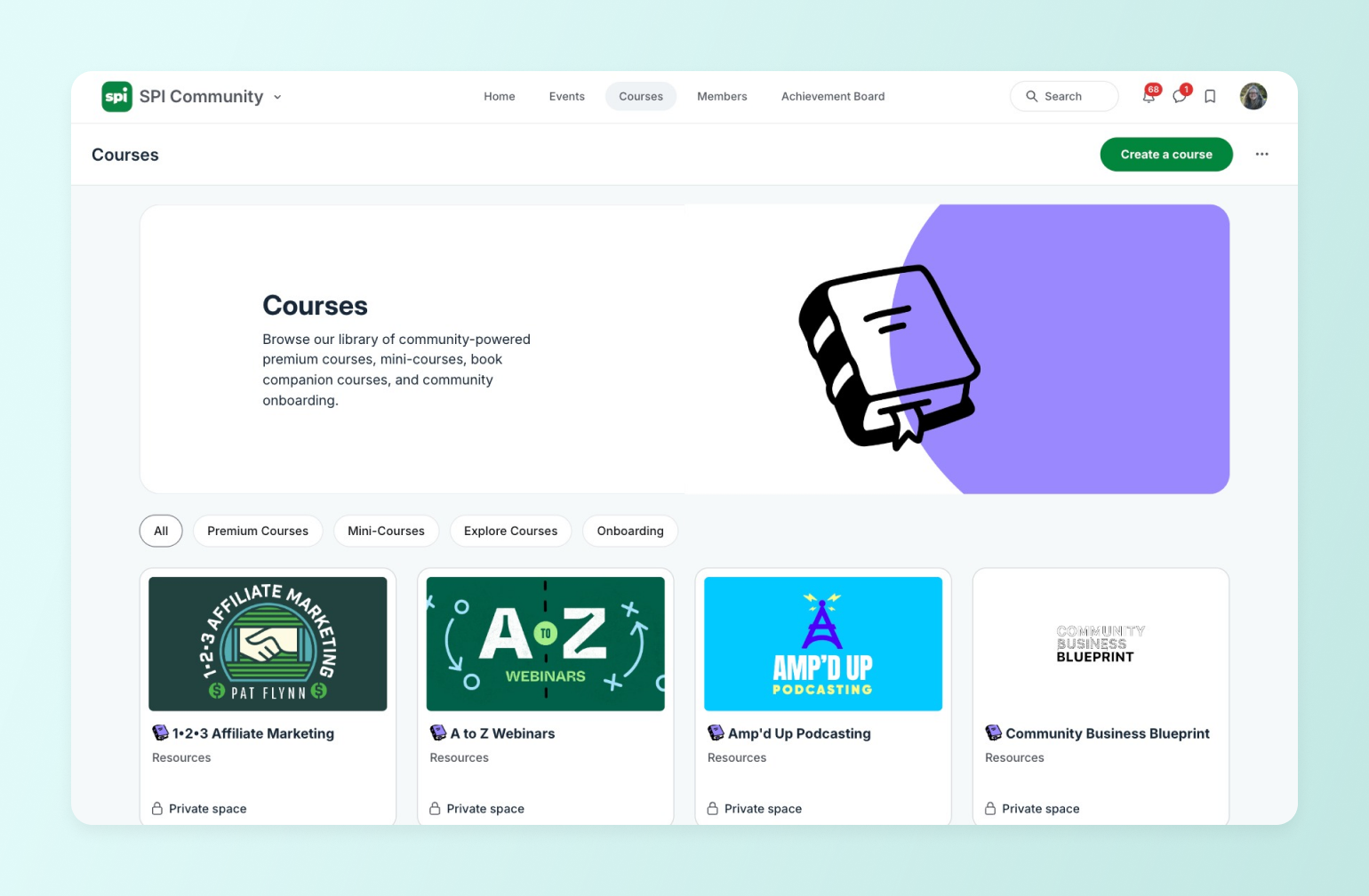
You don't have to run that playbook by hand. [Workflows](https://circle.so/workflows) handle the predictable moments—welcome messages, follow-ups, reminders triggered by a member's tags, role, or activity—so you can focus on the two that automation can't: matching each new member to one specific person working toward the same goal, and a personal check-in around the 30-to-60-day mark, before a quiet member drifts for good.
### **Build engagement habits that bring people back**
A recurring format is what brings people back week after week. The common mistake is launching five at once and quietly dropping all of them when they become overwhelming—one format, run consistently for months, beats a packed calendar of one-offs every time. Three that reliably build a habit:
1. **Weekly themed threads:** A named prompt on the same day each week. "Teardown Tuesdays," where the group reviews a member's landing page, beats "share something interesting"—the name becomes shorthand and the specificity lowers the barrier to posting.
2. **Topic-led office hours:** A session built around one defined subject, not an open AMA. Naming the topic gives members permission to show up with a question that fits.
3. **Hot seat sessions:** One member brings a real challenge and the group works it through—quick check-in, a short concept, one or two members applying it, everyone leaving with a next step. The value is peer-to-peer, so it doesn't depend on you making new content every week.
The loop is the same underneath all three: you post the prompt, members respond, and you highlight the best contribution. That public recognition is what gets people back the following week. From there, your most engaged members become your best growth channel—Adam Bensman's [Roofing & Solar Alliance](https://circle.so/customer-stories/roofing-and-solar-alliance) grew to 2,800+ members across 44 states partly because members display RSRA's badge on their trucks and sites, winning deals and pulling in stronger peers.
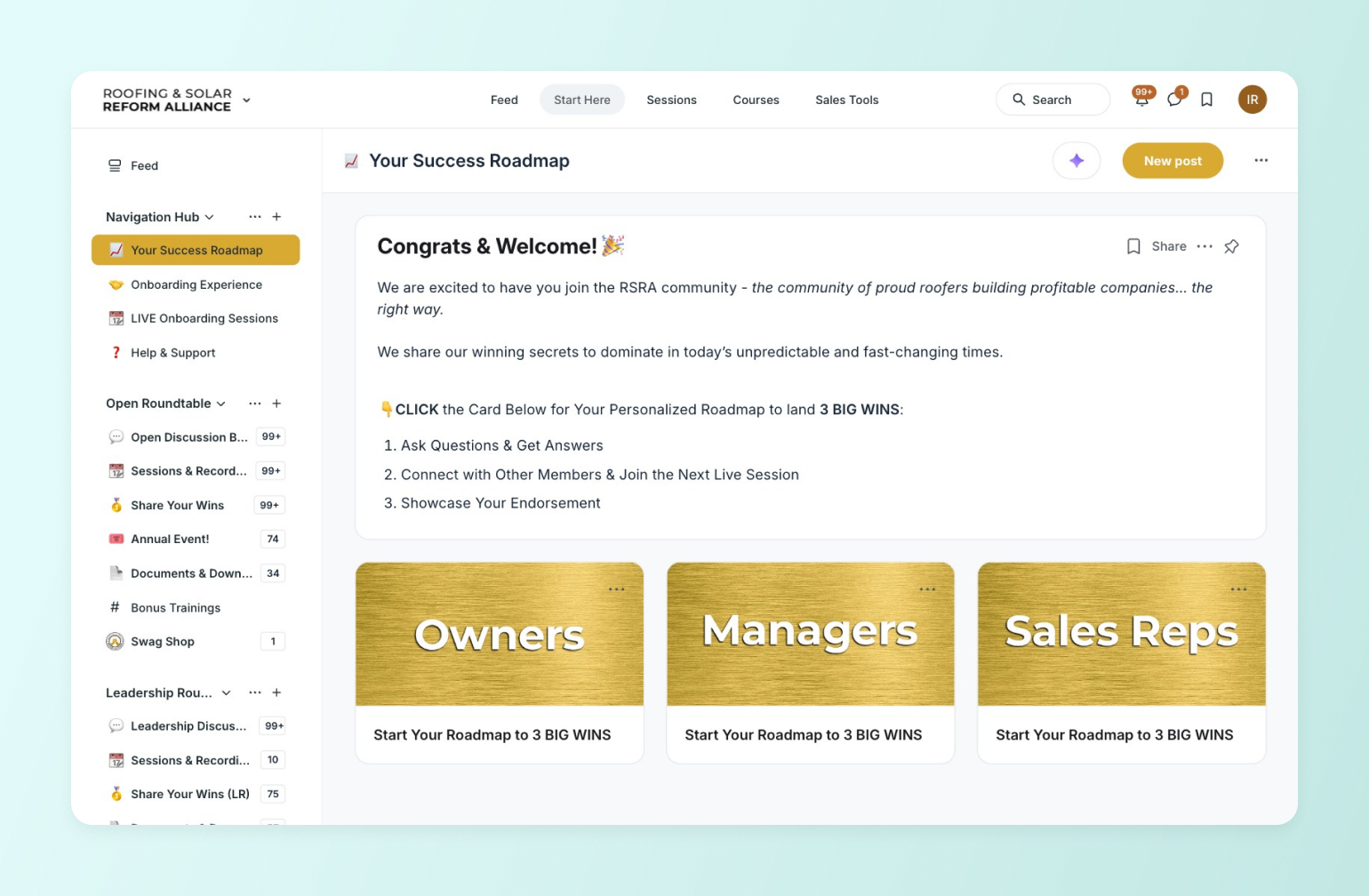
### **Know which numbers to watch**
A few numbers tell you more than a full dashboard, because each one points to a lever you can actually pull. The share of members active each month and your contributor rate read engagement; monthly churn and net new MRR read retention; cohort retention shows you *where* members drop off—early churn means an onboarding gap, mid-term churn means an engagement one.
**Our** [**community growth strategies**](https://circle.so/blog/community-growth) **piece breaks down the playbook behind each.**
Because membership, engagement, and payment data all live in one place, Circle's [analytics dashboards](https://circle.so/analytics) read these from a single source rather than stitching them together across tools—so the number you act on reflects what members actually did. For most membership businesses, new signups no longer outrun churn on their own. Retention is the growth lever now.
## **Your community business starts here**
Building a community and growing one are two halves of the same system: purpose defines who belongs, your launch gets the first members in, and onboarding, recurring formats, and member referrals turn that group into something that compounds. Circle gives you the infrastructure to run all of it from one place—onboarding sequences, engagement programming, email, payments, and the analytics to see what's actually working—without stitching together five disconnected tools.
Want to build an exceptional community? Start your [14-day free trial](https://app.circle.so/communities/new) of Circle now.
## **Building and growing community FAQs**
How long does it take to grow an online community?
Growth timelines vary widely, but expect to spend the first few months building density with a small group before seeing compounding effects. Communities are built one person at a time—focus on your first core group before optimizing for scale.
How should I price my paid community?
Most community builders undercharge. Look at what established creators in your niche charge, and price based on the outcome members get, not your cost to deliver it. Start higher than feels comfortable; you can always grandfather early members if you adjust later.
That said, price anchoring works in both directions — one founder found that a $159–$249/year price actually made prospects suspicious, because it felt too low to be credible. The right price is one that reflects the outcome you deliver and matches what your specific audience expects to pay for that transformation. Competitor pricing in your niche is a useful anchor.
Do I need a big email list or social following before starting a paid community?
No. You need the right 20 to 50 people, not a big audience. A small group with a shared, specific problem will give you better feedback, higher retention, and stronger word-of-mouth than a larger pool of loose followers. Many founders launch successful paid communities before they hit four-figure email lists.
Should I start with a free or paid community?
A free tier can work well as a top-of-funnel tool, but your paid tier should justify the price on its own through courses, access, or tools members can't get elsewhere. Free-to-paid transitions convert engaged free members at meaningful rates when the paid tier offers clearly enumerable value.
What do I do if my community has gone quiet?
Don't add more programming. Quiet usually means a relevance or activation problem, not a content gap. DM the members who joined most recently and ask what they were hoping for, then check whether your recurring formats are actually running on schedule. Reviving a quiet community is almost always about going narrower and more consistent, not broader.
---
### How to build a core offer for your business
*Get Ali Abdaal’s proven playbook on how to build a core offer that can drive millions in revenue.*
Source: https://circle.so/blog/building-a-core-offer
How did an ex-doctor use his YouTube following to 10x his old salary (from $40k per year to $400k in one cohort)—while building a $5M/year business in 10 hours per week?
We sat down with Ali to find out how he built his core offer—**Part-Time YouTuber Academy (PTYA)**—to steal his lessons learned, and to give you a step-by-step playbook to build your own business offer.
**What’s a core offer?** It’s what your target audience is going to get, how they’re going to get it, when they’re going to get it, and how much it costs.
An offer is not just a course, a product, a service, or even a community.
**Your core offer is what people are willing to pay for their problems to be solved** and packaged in a format that works for them.
In our [finding your niche playbook](https://circle.so/blog/how-to-find-your-niche), Codie Sanchez says she would make a community her core offer if she had the option to start her entrepreneurial journey again. Unsurprisingly, Codie’s $10k community and Ali’s $5k intensive accelerator are their highest-ticket offers.
Here are the exact steps Ali and his team used to shift **from making $400k per PTYA cohort**—to $1.9M per cohort (and the playbook they used to build their next offer around productivity!)
## The goal
**So, why is creating a single core offer so important?**
1. **Allows you to focus** (both your time and your resources). Doing one thing incredibly well can power your business for the long term, while doing 5 half-assed things cannot. 😶
2. **Establishes trust**. Being able to articulate how you uniquely solve people’s problems helps you attract an audience who’s genuinely interested in what you can provide, and helps you become known as a leader in the space.
3. **Opens the door for collaborations and partnerships**. If you do a little bit of everything, it’s hard to find the angle you need to collaborate with other creators or find complementary partnerships.
4. **Inspires “funnel” thinking**. How do you get people to opt-in to your core offer? How do you build trust, help people say yes, and provide value—upfront? What does the customer journey look like?
### Ali’s core offer
Ali’s first course and core offer was the Part-Time Youtuber Academy, which he created because of [his experience building his Youtube channel](https://aliabdaal.com/newsletter/how-to-start-creating/) (6Med) that taught aspiring medical students how to pass medical school entrance exams.
At the beginning, he monetized his content and grew his audience with in-person training all across the UK—while somehow balancing it all with his last year of medical school.
Is it a surprise for anyone that he then expanded his niche into productivity?
## The plan
Although we’re sure that people do in fact care about Ali, he has a point. So how did Ali create PTYA? He assessed the building blocks he was working with:
✅ He had **first-hand experience** studying and working full-time while creating content on the side.
✅ He **deeply understood the pains** of people learning YouTube for the first time.
✅ He knew **how to monetize his content** through his in-person trainings. He had a **proof of concept** that video creation worked to build an audience that would pay.
✅ He had **found success** with growing his YouTube channel (100k subscribers within a year and a half of starting) and knew there was **demand for the knowledge**.
✅ He **knew his audience**: they were into studying, productivity, business, and content creation.
**The result?** A course for people in similar situations: stressful careers, without a lot of time, who wanted to get themselves out there on Youtube.
To this day, the first benefit on the landing page is: “Learn from a YouTube creator who successfully balanced a stressful career with channel growth”.
And for at least 5,000 people, that resonated enough to hand over $995.
✍️ **Here’s how you can assess if you have the makings of a good core offer:**
- Do you have first-hand experience with what you’re creating?
- Do you have an audience? Are you intimately aware of their biggest struggles and pain points?
- Have you done research to make sure your offer solves your target audience’s biggest problems?
- Do you know what form your offer will take? A course, community, etc.
- Do you know how you’re going to offer it? Format, timing, etc.
- Do you know when people are going to be able to consume it? All at once, dripped out over time, etc.
- Do you have an idea of how customers will progress on their journey with you? Where will they start, and go next?
- What are your low, medium, and high-ticket offers? (Hint: You don’t need to have all of this nailed down right away, but your core offer should be in the Goldilocks zone between cheap and expensive.)
## The playbook
Post-pandemic, Ali found that revenue for his core offer was declining—and since courses made up 50% of his revenue stream, this was a big deal. So he had to take a big swing.
Ali and his team did some research, and put together a plan to improve their PTYA offer. By testing some new offer creation techniques, as well as funnel and copywriting strategies, **his revenue went from $300k per cohort, to a whopping $1.9M per cohort.**
Below we’re going to take you through exactly how Ali creates million dollar offers. 👇
### Working in sprints
His team creates new offers in 6-week sprints where everyone has a quest that ladders up to overall company objectives.
#### Step 1: Define what “done” looks like with the 3 F’s
How does he and his team know they’ve succeeded? By clarifying their expectations. Here’s what finishing a full offer looks like for Ali’s team:
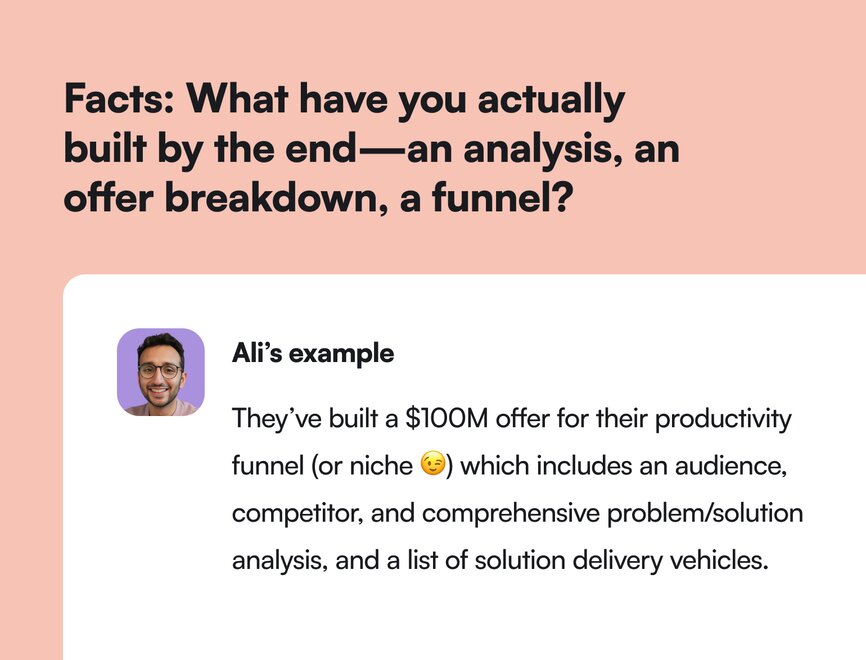
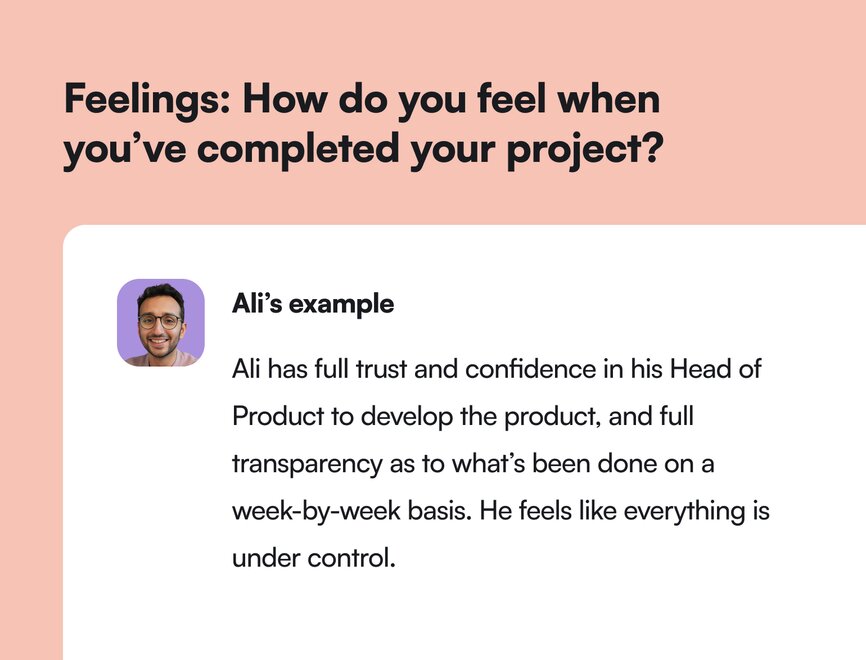
#### Step 2: Break research up into milestones
After the team is aligned on what it looks like to succeed, they research. A lot.
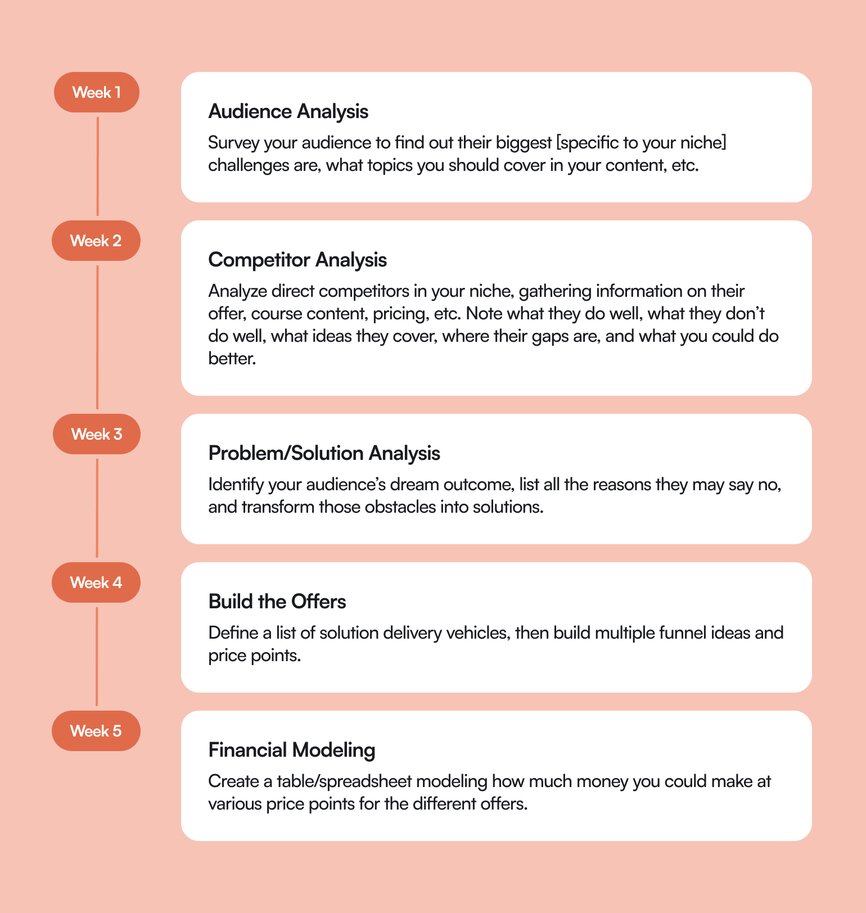
#### Step 3: Play problem-solution matchmaker
The goal of researching is to create a better understanding of what your audience’s biggest issues are, who you’re competing against, and how your core offer solves them better.
You can do this with surveys as well as one-on-one interviews. Then, you literally turn people’s **problems** into **solutions** (and obviously, build those solutions into the offer and marketing).
**Try the framework below:**
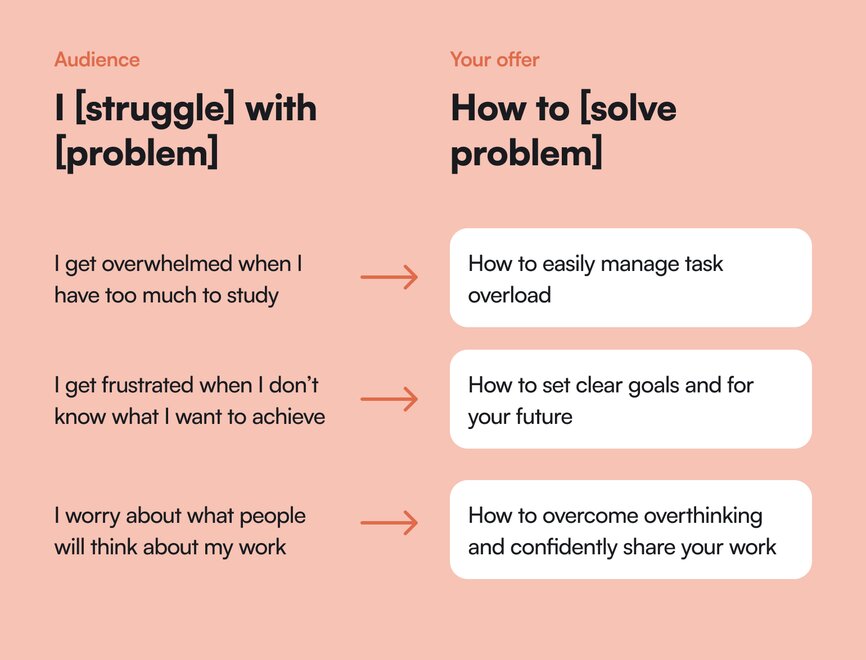
Ali ran through a real example below using “video editors” as the main ICP. Check it out!
### How to do core offer research for beginners or teams of one:
**First, a gut check**: “I’m thinking about making a course about becoming a video editor.”
- **Do you have something to teach?** Are you a video editor that’s been doing it for years?
- **Do you have an audience to sell to?** It’s hard to sell a product to zero people.
**Second**, here are the steps to do audience research on a small scale:
**1\. Identify the dream outcome for the consumer:** Do they want to be a video editor so that they can…
- Make money online working for other YouTubers?
- Get into film production or into TV shows?
- Do freelance work for media companies?
- Get better at editing their own videos as a creator? (Let’s say we pick this one.)
**2\. Brainstorm the obstacles that people might have** when it comes to learning to edit video. You can use your own experience to start, or browse the places your target community hangs out, like blogs, forums, social media, etc. Here’s some sample problems Ali came up with:
- I don't know how to get started.
- Is my computer good enough?
- What gear do I need?
- Why does it take so long?
- Why does my video look janky?
**3\. Conduct in-depth audience interviews with at least 5 people**. “In your next video, email, or tweet, say, ‘Hey, when it comes to editing videos, what's your biggest struggle?’ Then DM those who replied and ask them to hop on a call for 20 minutes to help understand their problems,” says Ali. Ask them loads of questions about what they struggle with, record the call, and thank them for their time.
**4\. Build a list of problems and solutions** from the calls. Look for negative and tense words like “I can’t” “I never”—or just upload the transcript to ChatGPT and ask it to find some problems for a quick-start.
**5\. Make sure the offer you’re creating includes the most important things in your new problem/solution list.**
**6\. Build your offer!**
- **What** are you creating? A course, community, product?
- **How** are they getting it? Will it be 1-to-1, small group, or 1-to-many? Is it more do-it-yourself or done-for-you? What kind of support will you provide?
- **When** are they getting it? Will it be live or pre-recorded? Dripped or at their own pace?
- **How much** is it going to cost? [How much can people afford](https://community.circle.so/c/playbooks/monetization-resource-roundup)?
## The results
These days, Ali is a New York Times [bestselling author](https://www.feelgoodproductivity.com/) on productivity with a [7-figure online business](https://www.youtube.com/watch?v=qXt6quVcB3E) (that he plans to turn into 8-figures soon.) He also recently launched a community called [Productivity Lab](https://lab.aliabdaal.com/home), hosted on Circle.
But at the beginning, [he created PTYA](https://www.youtube.com/watch?v=RwCDlfC_zN0) for the audience he built with his free content.
**Here’s what Ali's offer funnel looked like in 2023:**
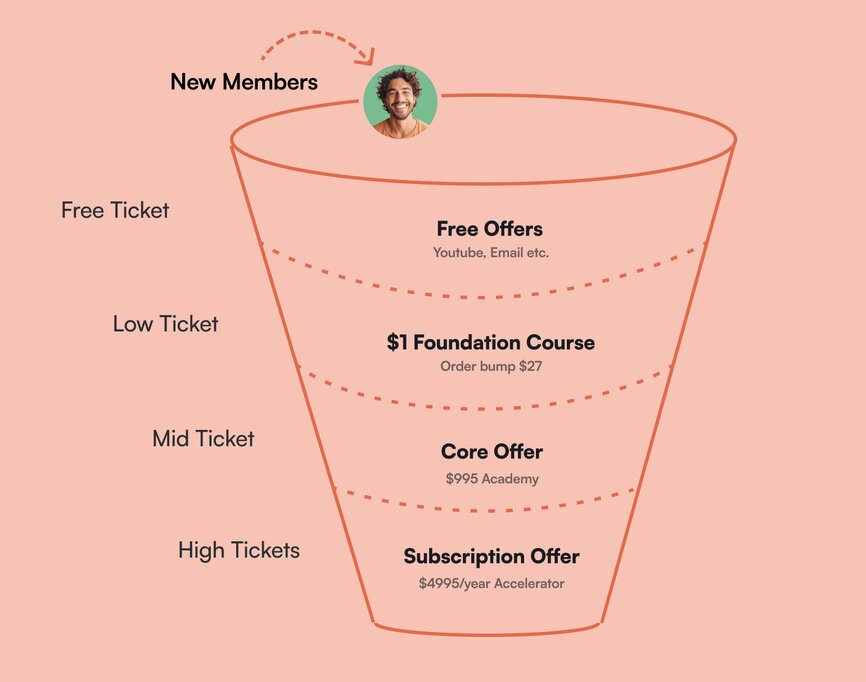
- **Gifts = free content:** This tier allows you to get first-person access to prospects via their attention or subscription. Ali’s free content includes his YouTube channel, a free 7-day email series, and a scorecard quiz.
- **Low ticket offer:** Ideally, this isn’t your core offer, but this is something that “opens the door” to investing in you and your knowledge. In all of his free content, Ali pitches his Foundations course for complete YouTube beginners—for $1.
- **Core offer:** What you’re known for, and what solves your customer’s problems the best. This is the Part-Time YouTube Academy for $995.
- **High ticket offer:** White-glove, personalized service. Exclusive communities. Masterminds. For Ali, this used to be his $4,995 Part-Time YouTuber Accelerator program. Now, it's his Productivity Lab community!
So not only do you want to offer ways for your audience to “ease in” and test the value they’re getting from you, but you want to offer ways for them to grow with you, offer personalized support, and provide more value as they scale with you.
For more on how Ali structures his offer funnel, watch the video below!
### Ali’s learnings:
- **Think about monetization early as a creator** “because views don’t pay the bills,” says Ali. The old model of being an online creator in the educational space and relying on only AdSense and brand partnerships is stressful. Getting views is hard no matter how many subscribers you have, so you need to drive people into your funnels and opt-in to you.
- **Community = massive value**. “At first, I thought, what's the point of community? We're here to teach people how to be YouTubers,” said Ali. But, audience surveys showed that 90% of the problems people struggled with were emotional rather than tactical or technical—like motivation, consistency, discipline, or imposter syndrome.
So how do you solve emotional problems for people when you’re creating a course? A community of people who are having the same problems, paired with a supportive community facilitator. “And now we're adding community to basically everything that we do,” he admits.
- **Guide, not guru**. Every creator goes through imposter syndrome—just like all writers get writer’s block. Get comfortable with this feeling, but don’t let it paralyze you from taking action. Think of yourself as a guide who’s sharing what they’re learning on their journey—rather than a guru who has it all figured out.
## Key takeaways
1. **Provide massive value upfront to grow your audience**. Who are you going to sell to if you don’t put yourself out there? “The whole method here is lead with value. Give people something tangible. At the end, make an offer for the next tier: like, by the way, would you like to buy a course?” says Ali.
2. **Talk to your audience**. Without knowing their problems intimately, you won’t be able to offer them the right things to solve those burning problems. The only way to do that effectively is to hear it from them.
3. **Don’t skimp on research**. It helps you connect with your audience, build a better offer and product, and grow your business on more than just a hunch.
4. **Use the problem ➡️ solution framework**. Make sure your core offers hone in on how you solve those problems for people. Make a chart, draw the connecting line, and say it loud in your marketing.
**And if you’re looking for an all-in-one community platform your audience “can’t say no to”?**
You’re in the right place.
Circle brings together your members, discussions, events, courses, and content—all in one place, under your own brand. Plus, you get access to our customer community full of handy resources and over 10,000 community builders on the same journey as you.
[Start your free 14-day free trial today!](https://app.circle.so/communities/new)
---
### How Building a Second Brain blends online communities and IRL experiences
*Discover how the Building a Second Brain community leveraged Circle to transition from digital-only to successful hybrid events, growing their productivity community.*
Source: https://circle.so/blog/building-a-second-brain-membership
When Julia Saxena joined Tiago Forte’s [Forte Labs](https://fortelabs.com/) as General Manager, [Building a Second Brain](https://www.buildingasecondbrain.com/) (BASB) was primarily known for its cohort-based course, which had run 19 successful cohorts since 2015.
Today, it's evolved into a thriving ecosystem of self-paced courses, premium membership experiences, and even in-person events—all powered by Circle's community platform.
As a community focused on reaching your utmost creative potential as a human being, maximizing your productivity and thriving in the (sometimes overwhelming) world–BASB offers members a place to organize their most important ideas and insights, and use them to do their best work. And that massive goal requires varying approaches, strategies, and spaces.
## The community breakdown
📍 **Community:** Building a Second Brain
👋 **Founder:** Tiago Forte
🗓️ **Launched in:** 2020
🌟 **Size:** 10,000+
🎯 **Purpose:** Organizing digital lives by combating information overwhelm
💰**Pricing model:** Combination of self-paced courses, cohort-based courses, and paid membership
## Core community offering
Building a Second Brain's journey represents a masterclass in community evolution. What started as a popular blog post transformed into a cohort-based course, then expanded into multiple learning formats to meet diverse member needs.
"The membership initially came out of just wanting to create a community space where people can continue to learn and connect with each other after the cohort finished," says Julia.
Tiago’s team expertly combines online learning with in-person interaction through events like the [Second Brain Summit](https://www.buildingasecondbrain.com/summit). The Circle platform becomes a central hub for their community, providing space for announcements, networking, and real-time updates.
"We actually hosted two virtual events before the in-person summit in September,” shared Julia. “We wanted people to already meet and be familiar with each other before they come, so they don't come there and feel lost or alone."
### How it’s organized
The current BASB ecosystem includes:
**1\. Foundational programs**
- Pillars of Productivity: An entry-level self-paced course ($249)
- Building a Second Brain Foundation: Their flagship self-paced program ($499)
- Annual Review: A hybrid cohort experience launching periodically ($1,994-5,000)
**2\. Premium membership**
The Second Brain membership ($499/year) offers:
- Weekly live events and office hours
- Specialized interest groups
- Expert Q&A sessions
- On-demand resources
- Community support
**3\. High-touch experiences**
- One-on-one coaching opportunities
- In-person events like the Second Brain Summit
- Premium cohort experiences with direct access to Tiago
"When it comes to community spaces, we've really found that less is more. People can easily get confused and overwhelmed by having too many spaces and they don't know where to look," says Julia.
### How it’s monetized
Subscription offerings in the Building a Second Brain community are carefully curated to add significant value. The courses are layered with additional experiences like live workshops and personal coaching sessions, particularly in high-demand areas. The pricing model is set to reflect the diversity of offerings—ranging from evergreen courses to exclusive membership privileges.
- Self-paced courses ($249-$997)
- Premium membership ($499/year or $175/quarter)
- Cohort experiences ($997-$5,000)
- In-person events ($1,200)
### The community team
Besides Julia, the community benefits from a small yet efficient team, including operations and video editors. Their approach allows for personalized engagement and attention to the evolving needs of their members.
## Julia’s top community building tips & tricks
1. **Start simple, scale smart:** "Don't overwhelm members with too many spaces or features. Start with the essentials and expand based on actual usage and feedback,” says Julia.
2. **Leverage automation wisely:** Use automation for routine tasks while maintaining personal touch points:
1. Welcome messages
2. Check-in sequences
3. Event reminders
4. Feedback collection
4. **Adapt to member needs:** "Listen to your community and be willing to pivot. Our shift from pure cohort-based learning to multiple formats came directly from understanding our members' needs."
5. **Build clear value propositions:** Each offering should have a distinct value proposition while fitting into the larger ecosystem.
For community builders looking to scale their impact, Building a Second Brain's journey offers valuable insights into growing beyond a single offering into a comprehensive learning ecosystem. Their success demonstrates the power of combining various learning formats while maintaining a strong community core.
---
### Calculating your YouTube earnings: tools, tips, and the secrets nobody tells you
*Learn how to accurately calculate YouTube earnings beyond AdSense with our comprehensive guide to true creator ROI, multiple revenue streams, and turning your audience into a sustainable business.*
Source: https://circle.so/blog/calculate-youtube-earnings
Who knew a simple video shot at a zoo would change how the world shares and consumes content?
YouTube co-founder Jawed Karim was probably hoping for something like that to happen when he posted “[Meet at the zoo](https://www.youtube.com/watch?v=jNQXAC9IVRw)” in 2005. Fast forward 20 years, and almost 500 hours of video are uploaded to YouTube every minute.
📺 To put that in perspective, if a traditional broadcast TV channel aired content 24/7 without repeating a show, **it would take over 82 years to play one day’s worth of YouTube uploads.**
(That’s a lot of cat videos.)
Since its early days, YouTube has been a place where a passion project can grow into a business. While the dream of making a living on YouTube is more real than ever, understanding how much you could earn is another story.
Creators often turn to YouTube money calculators to get a sense of what their content could earn, but many only offer ballpark figures that can often feel more like a shot in the dark than science.
Most YouTube money calculators fall short because they rely on broad averages and miss the context. They may use estimated CPM or RPM values without including variables like audience location, video length, engagement rates, and content category.
The result? **A lot of wishful thinking and a smaller-than-expected payout.**
We feel your pain. That’s why we’ve created a holistic approach to understanding true YouTube return on investment (ROI). In this post, we’re going to:
- Break down the fundamentals of making money on YouTube
- Go beyond AdSense
- Give you the formula for calculating true YouTube ROI
- Look at why locking into one platform is bad for business
- Show real-world examples of how creators make money on YouTube
## YouTube monetization 101
We all wish making money on YouTube were as easy as posting a video and waiting for the check to arrive. Before you can start earning serious money on YouTube, you’ll need to take care of some things first.
### Meet the YouTube Partner Program (YPP) requirements
You need to be accepted into the YouTube Partner Program to earn money directly through YouTube. That means hitting 500 subscribers and 3,000 public watch hours in the last 12 months. To unlock revenue, you’ll need to reach 1,000 subscribers and 4,000 public watch hours in the last 12 months.
You must also follow all YouTube policies and have a linked [AdSense](https://adsense.google.com/start/) account (more on that later). Once you're in, you can monetize through ads, channel memberships, Super Chats, and more.
### What affects how much you earn on YouTube?
When you think of monetization on YouTube, you’re thinking about AdSense. These are the ads that play before, during, or after your videos. Every time someone watches your videos and sees an ad, that view goes towards the formula that calculates earnings.
💡 **But not all views are created equal.**
Two channels can have very different earnings even with the same number of subscribers or watch time. That’s because RPM—your revenue per thousand views—is influenced by a mix of factors tied to your content and audience.
Scratching your head right now? That’s okay. We get confused, too. It’s important to know the difference between CPM and RPM:
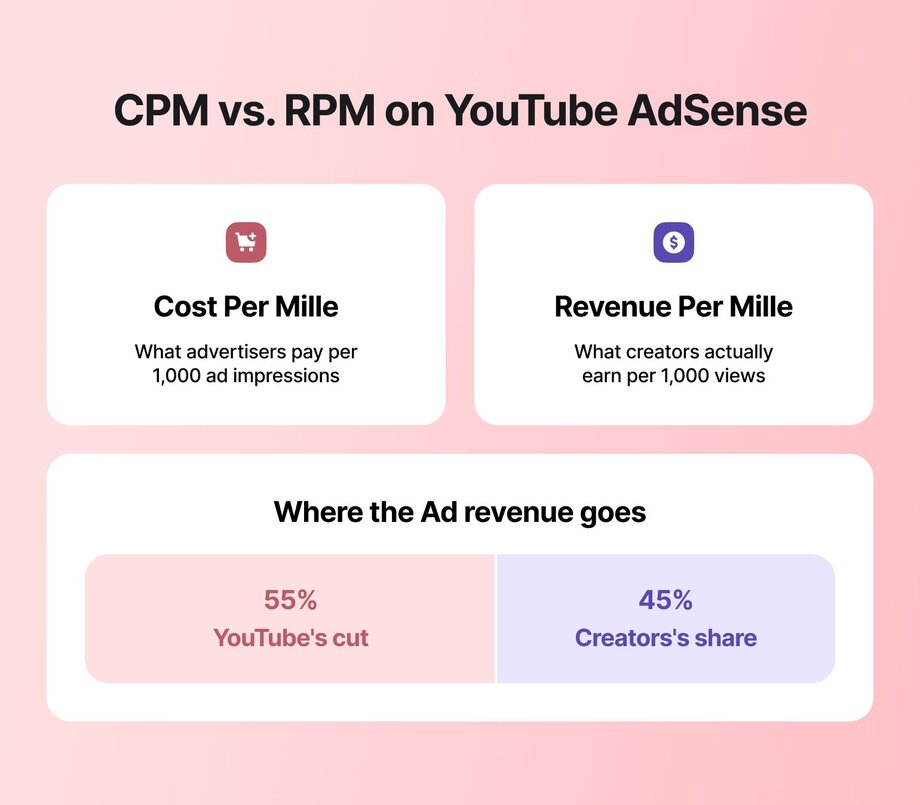
- CPM (Cost per Mille): What advertisers pay per 1,000 ad impressions.
- RPM (Revenue per Mille): What creators actually earn per 1,000 views (creators typically earn around 45% after YouTube takes its cut).
**So, what influences your RPM? Here’s what can make the biggest impact:**
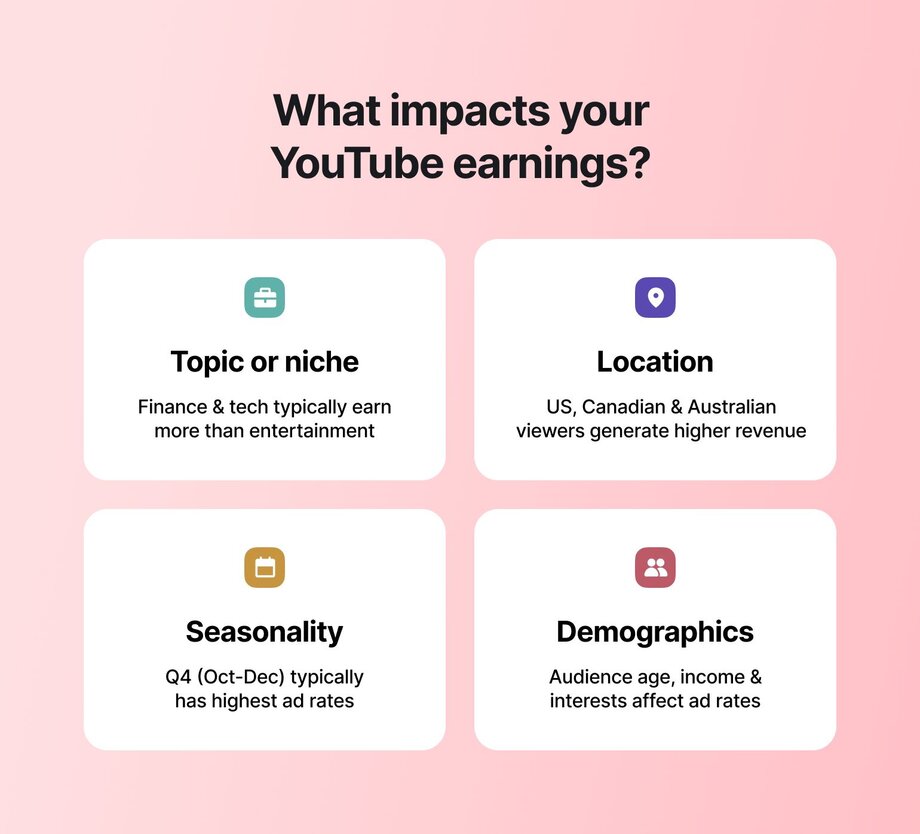
- 📹 **Topic.** Finance, tech, and education content attract higher-paying advertisers. More general or entertainment-focused content like vlogs or comedy usually earns less per thousand views.
- 🌍 **Location.** Advertisers pay more to reach viewers in countries like the U.S., Canada, and Australia, so your earnings can vary greatly depending on where your audience is watching.
- 🏖️ **Seasonality**. Ad budgets tend to surge during Q4 (October to December) as brands ramp up holiday spending.
- 🧑🏿🤝🧑🏾 **Demographics.** Age, gender, and income level also influence ad rates. For example, an audience of working professionals in their 30s may bring in more ad revenue than a teen-heavy viewer base.
🎁 Okay, that last point about demographics definitely deserves an asterisk. Young YouTubers like Ryan Kaji of [Ryan’s World](https://www.youtube.com/channel/UChGJGhZ9SOOHvBB0Y4DOO_w) have built massive followings that translate into eye-popping earnings. According to some estimates, Ryan has earned over $35 million from his toy unboxing videos.
## YouTube revenue is more than AdSense
There’s more than one way to earn money from your content. While ad revenue is the most common, YouTube offers several other monetization features that let creators build multiple income streams right on the platform:
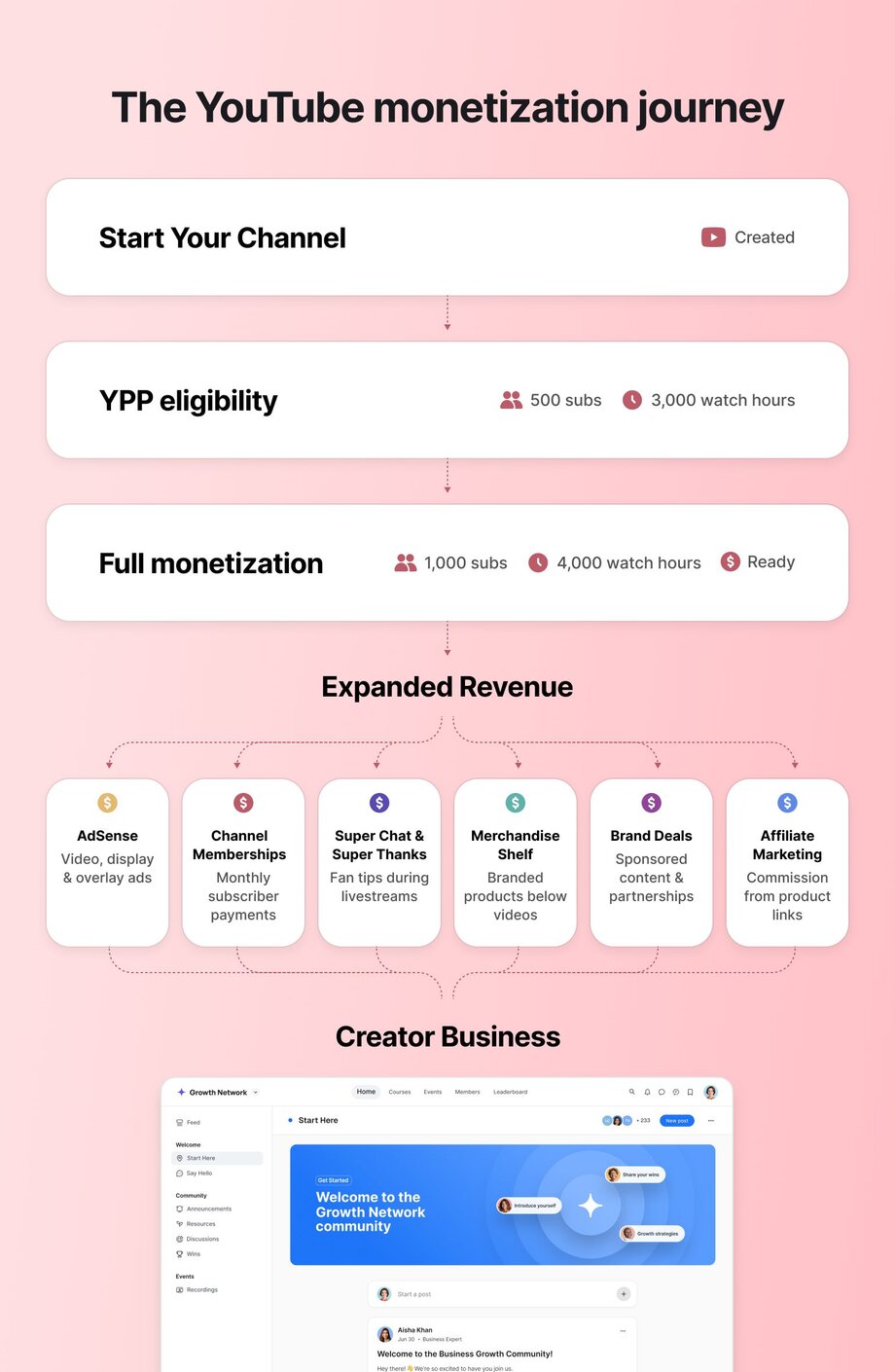
- **Channel memberships.** Viewers pay monthly for exclusive perks like badges, emojis, and members-only content.
- **Super Chat / Super Thanks.** Fans can tip creators during livestreams or comment sections to show support and stand out.
- **Merchandise shelf.** Sell branded merch directly from your channel using approved partners, integrated right below your videos.
- **YouTube Premium revenue share.** Earn a portion of YouTube Premium subscription fees based on how much Premium members watch your content.
### Monetizing on YouTube Shorts
Shorts—YouTube’s answer to Reels and TikTok—might be bite-sized, but that doesn’t mean the monetization opportunities are small.
You’ll need to be accepted into the YouTube Partner Program and have a minimum of 1,000 subscribers and 10 million public Shorts views in the past 90 days to earn revenue from your Shorts.
You still earn revenue from ads with YouTube Shorts, but how you earn differs from standard YouTube videos. Instead of ads in your content, YouTube Shorts payouts are based on the ads shown between the Shorts that people watch. Here’s how the payout works:
1. YouTube calculates the total Shorts ad revenue globally each month
2. YouTube covers music licensing fees for Shorts that use copyrighted music.
3. The remaining revenue is split between YouTube and creators, with 45% going to creators based on views.
This means that you earn money based on your share of total Shorts views in the monetized pool for that month, not directly tied to ads on your specific videos.
The good news is that you can use the same monetization opportunities available for long-form content with Shorts. Even better, you can use Shorts to drive traffic to your long-form content to double your revenue-earning opportunities.
### Ads aren’t the only monetization options
You don’t have to rely on ads to monetize your channel. The most successful creators [turn their audience into a business](https://circle.so/blog/audience-growth) with brand deals, merch, affiliate links, and direct fan support.
- **Sponsored content and brand deals.** Partner with brands to create videos that promote their products or services in exchange for payment or perks.
- **Affiliate marketing.** Earn commission by promoting products and including trackable links in your video descriptions or pinned comments.
- **Merch.** Sell your branded gear or [digital products](https://circle.so/blog/digital-product) directly to your audience through platforms like Spring or Shopify.
- **Direct support models.** Let your most loyal fans support you through monthly contributions in exchange for exclusive content, behind-the-scenes access, or community perks.
**Case study: From launch to earnings in one month**
Creator Mike Russell launched his channel, [Creator Magic](https://mrc.fm/cmyt), in March 2024, and was already earning revenue by June 2024.
Mike is already exploring more direct monetization avenues like **premium community memberships** to truly own the audience relationship in the future.
**👋🏼 Check out his +10,000 strong** [**community on Circle here**](https://mrc.fm/cmc)**—and see how he uses** [**AI agents to run his community**](https://circle.so/blog/ai-agents-for-communities) **while he sleeps in the video below.**
## 4 Steps to calculate your true YouTube ROI
Creating content on YouTube isn’t free, and if you want to treat your channel like a business, you need to understand what you’re putting in before you can evaluate what you’re getting out.
(Also, we’re assuming you know ROI stands for “return on investment”. If you didn’t, now you do!)
**1\. Know what you're really spending to make each video**
We’re not saying you need to spend a million on every video like Mr. Beast. But tracking costs like gear, editing, music, and your time gives you a clearer picture of what you're investing in and how it adds up.
**2\. Ask what you’re giving up to show up on YouTube**
Your time has value. Whether it’s client work, freelance gigs, or time with your family, think about the trade-offs that come with each upload.
**3\. Calculate what your time is actually worth**
Knowing your earnings and how much time you spend, you can figure out your real hourly rate.
🧾 **Let’s check the receipts.** Add up the total hours you spend on creating and promoting a video. This includes research, filming, editing, and creating thumbnails and captions. Divide your total revenue for that video by that number. That’s your actual hourly rate.
**4\. Your channel is more than just content—it’s an asset**
Each video is a long-term investment. Think of your channel like a business. It can generate income over time, open doors to new opportunities, and grow in value with every upload.
## Turn your channel into a revenue engine
Understanding your YouTube ROI is only the beginning. Once you have your ducks in a row and are earning revenue, the next step is to increase that return. This means optimizing not just your content but also how you measure success.
📋 **How to test what’s actually working**
Creating content is an art. Optimizing it is a science. Like any science, the best way to figure something out is by running small, smart experiments and following the data. Here’s a simple way to do it without overcomplicating things:
- **Start with a question.** What are you trying to figure out? Will a shorter title get more clicks? Does a different thumbnail boost watch time?
- **Change one thing at a time.** Keep everything else the same so you know what made the difference.
- **Run the test.** Use YouTube’s “Test & Compare” feature or a tool like TubeBuddy to A/B test titles, thumbnails, or descriptions.
- **Look at the results.** Focus on click-through rate (CTR), watch time, and retention. What moved the needle?
- **Repeat what works.** Apply the winner, test something new, and keep refining.
One last tip: **Focus on creating videos that stay relevant over time.** [How-tos, reviews, and educational content are great for this](https://circle.so/blog/building-a-core-offer). Evergreen content acts like compound interest: small up-front effort can turn into long-term payoff.
> 💡 Pro tip: Use Sean Cannell's **7R System** to [grow your YouTube channel](https://circle.so/blog/youtube-content-strategy) in an time-tested, sustainable way.
## Growing your audience into a community
The challenge with YouTube (and Facebook and Instagram) is that the ground can be ripped from underneath you at any moment. YouTube can change its rules, push your videos down the feed, or cut off reach overnight. And if all your audience lives inside YouTube notifications, you’re one change away from starting from scratch.
But since you're here, it’s a good bet that you get that and you’re serious about building a community (and business) that lasts.
The [most successful creators](https://circle.so/blog/become-a-content-creator) are doing more than uploading—they’re capturing attention and building deeper relationships on platforms they actually own. A newsletter. A membership. A community.
🤔 **Think of it like this:**
1. YouTube drives discovery
2. Your community drives connection
3. Your offers drive revenue
**That middle step is where Circle comes in (and turns the whole thing into a powerful flywheel).**
With Circle, you can create a branded space where your biggest fans can go deeper with your content, each other, and what you’re building. Whether it’s online courses, forums, office hours, or video content, **Circle gives you a way to own the relationship, not rent it.**
YouTube can be more than a platform. It can be the start of a new community. Start tracking, testing, and building with intention and see what you can build–then come and [start your free 14-day trial](https://app.circle.so/communities/new) to learn how to turn your content into community.
---
### The Persian language podcast that built an +11,000 member community
*Dive into the behind-the-scenes of a thriving Persian language community with over 8,000 members, and a monthly pricing model.*
Source: https://circle.so/blog/chai-and-conversation-community
Community is so much more than just a space with a group of people. The real magic lies in the connection and transformation of members.
This spotlight dives into the behind the scenes of the **Learn Persian with Chai and Conversation** community, by Leyla Shams.
Since its inception in 2010, Leyla has expanded her popular podcast into a super engaged platform offering courses in conversational Persian, Persian poetry, and reading and writing. Her community has naturally transformed into something that goes way beyond language learning, providing a space for fellow Iranians to connect and grow together.
## The community breakdown
📍 **Community:** [Learn Persian with Chai and Conversation](https://chaiandconversation.com/)
👋 **Founder:** Leyla Shams
🗓️ **Launched in:** June 2022
🌟 **Size:** 11,200+
🎯 **Purpose:** To offer a space not just for learning the Persian language, but also for connecting with fellow Iranians
💰**Pricing model:** Memberships start at $20/month for individual courses and $30/month for all access
## Core community offering
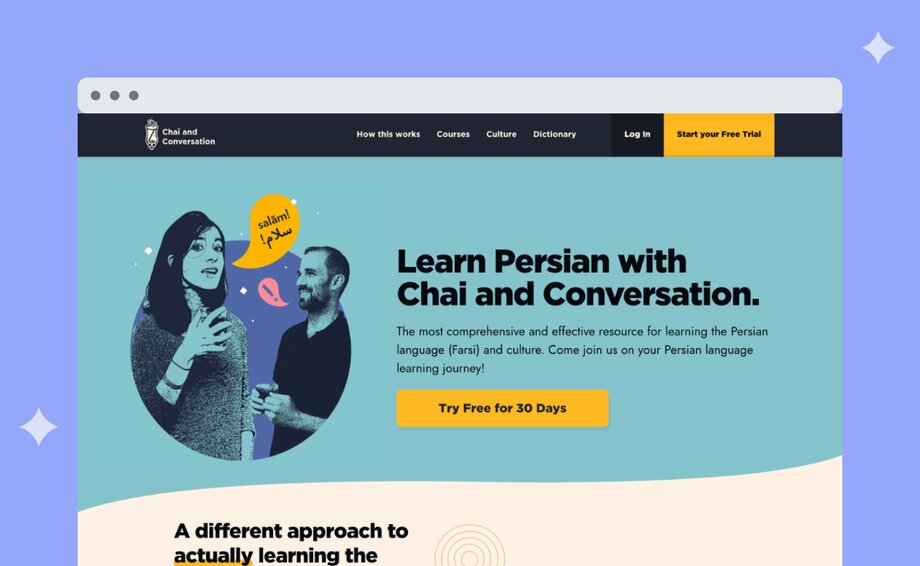
Leyla offers a 30-day free trial on all of their courses, giving content up front to build trust and buy-in!
Starting a course offers access to the wider community space, which includes:
1. **Access to Courses:** Leyla offers 3 types of courses to help people learn the Persian language, all of which are linked to from the community space, (depending on what course package is purchased).
2. **Live Bootcamps:** There are 4 live bootcamps per year, which help onboard users to the language courses.
3. **Group Discussion:** Not only can members practice their Persian in group channels, but they can also connect over the Iranian culture, building an even deeper sense of community.
Beyond the courses and core offerings, a big reason Leyla started her business is to help build connections within the Iranian community. Launching her community on Circle really opened up more ways to facilitate this.
### How it’s organized
Leyla structures her community into a few main buckets/areas, within each are individual channels!
- **Welcome:** Start Here, and Say Salām!
- **Course Exercises/Discussion:** Speak Persian, Read/Write Persian, and Persian Poetry.
- **Chai and Conversation:** Questions/Discussion, LIVE Schedule, and Chai Chat.
- **Bootcamps:** 2023 Fall Bootcamp, 2024 New Years Bootcamp, etc.
- **Poetry Videos:** A collection of Persian poetry videos.
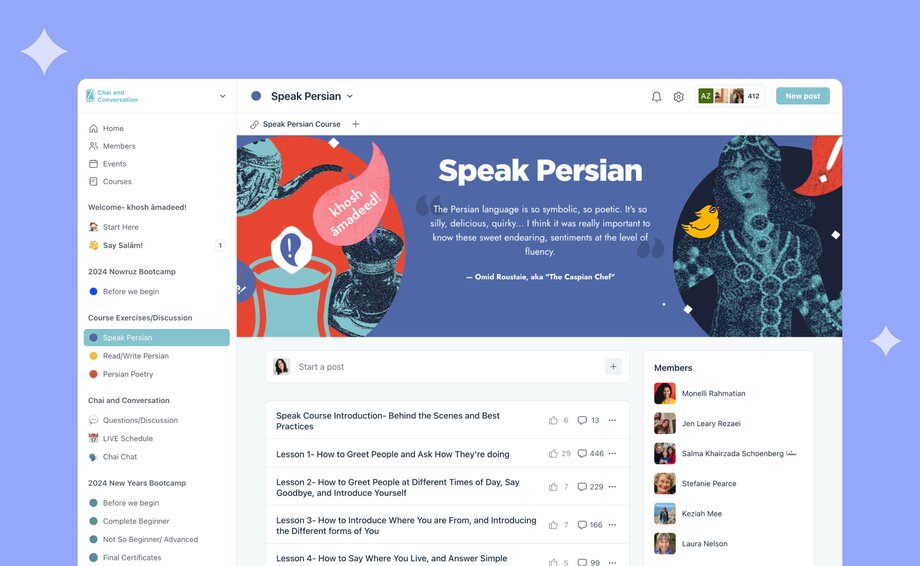
This community is private and can only be accessed through a course subscription. If you want to learn more about Leyla’s business, explore [her website here!](https://chaiandconversation.com/)
And if you’re curious about creating your own online community, or reshaping an existing one—give [Circle’s 14-day free trial](https://app.circle.so/communities/new#email) a whirl! You’ll also gain access to our own thriving community of community builders, where you can ask questions, learn about how others have built their communities, explore exclusive resources, attend live workshops, and so much more.
### How it’s monetized
Leyla’s community is positioned as an add on to her paid courses.
**The 3 language courses:**
- **Speak Persian Course:** Teaches people to actually speak the Persian language the way Iranians do in conversation. The course includes 90+ audio lessons, printable lesson guides and transcript, and audio vocabulary lists.
- **Read and Write Persian Course:** Offers a completely unique method of learning to read and write in the Persian language. The course consists of 30+ fun and engaging video lessons, and includes printable lesson guides and transcripts.
- **Persian Poetry:** In Iranian culture, poetry is help in the utmost esteem. For this reason, they created a poetry course designed to teach people the language through classical and modern Persial poetry. The course consists of 40+ audio lessons, printable lesson guides and transcripts, and audio vocabulary lists.
Leyla has been able to build up an audience through her podcast, which in turn helps to drive listeners to her course offering. Her podcast started off as mainly free Persian lessons, and has since shifted more towards interviews, and poetry readings. It’s a great acquisition channel, particularly for an educational language business!
Listen to one of her podcast episodes below:
### The community team
The Learn Persian with Chai and Conversation team is made up of 5 people, all covering key areas of the community:
1. **Content:** Leyla handles all of the content creation
2. **Tech:** Her 50/50 business partner handles the tech and tool setup
3. **Live classes:** Her aunt—who has been a Persian instructor for years—runs the live classes (12 per week)
4. **Member engagement:** One super student acts as a community liaison, supporting with check-ins and driving member engagement
5. **Lesson reviews:** Another super student helps with lesson reviews on the self-serve community bootcamps
When Leyla talks about “super students” she’s referring to long-time community members who expressed interest in playing a role in the community, and ultimately being a part of her team. Now that’s the power of community!
## Leyla’s top community building tips & tricks
💡 **Develop unique tracks for different learning levels:** Leyla implemented a unique course structure to cater to different learning levels in her community. She developed a bootcamp model with tracks for complete beginners and 'not so beginners,' allowing members at various stages of learning to participate effectively. This approach provides a tailored learning experience, accommodating the pace and level of each member.
💡 **Create engaging and interactive assignments:** To keep the learning process interactive and engaging, Leyla integrated assignments that learners could submit within the community platform. These assignments vary from recording spoken language tasks to writing exercises, encouraging active participation and enabling members to showcase their learning progress.
💡 **Maintain continuity and engagement between bootcamps:** Leyla addressed the challenge of keeping the community active between bootcamps by organizing the community space in a way that allows continuous learning and interaction. This setup ensures that members remain engaged and enthusiastic about learning, even when not participating in a structured bootcamp.
If you want to learn more about Leyla’s community, watch the full video below!
---
### How to choose an online community platform (in 2025)
*Looking for an online community platform, but not sure where to start? Learn about the 7 things you need to consider before choosing a new community tool.*
Source: https://circle.so/blog/choosing-an-online-community-platform
You’ve poured time and energy into your community. But managing content, payments, and events across multiple tools? That’s exhausting, and it pulls you away from your members. [58% of community builders use three or more tools](https://circle.so/2025-community-trends-report) to run their communities.
🛠️ **Let’s fix that.**
Online community management platforms (like Circle, but we’re not playing favorites) offer a one-stop platform for your community. They bring all your courses, content, messaging, onboarding, and more into one place.
🤯 There are a lot of options out there, and knowing where to start can be frustrating. But don’t worry. We’ve talked to hundreds of awesome community builders like you to understand what tools they use, why they choose them, and—most importantly—what red flags to look out for.
Grab your favorite beverage and take a journey with us as we look at:
- The 7 critical factors that make or break a platform
- How to align platform features with your goals
- The 6 main types of platforms (and when to use them)
- Why top creators and coaches choose Circle
## 7 things to consider before choosing on an online community platform
With [67% of community builders planning to consolidate their tech stack](https://circle.so/2025-community-trends-report) in 2025, it's clear that juggling multiple tools has become a major pain point. From feature overload to integration headaches, the complexity can be overwhelming.
Choosing the right online community platform can be almost as difficult as wrangling all those tools together.
👩🏼🎓 Like any investment, the more research you do, the better the outcome.
That’s why we’ve compiled seven key considerations to guide you, whether you're transitioning an existing community or building one from the ground up.
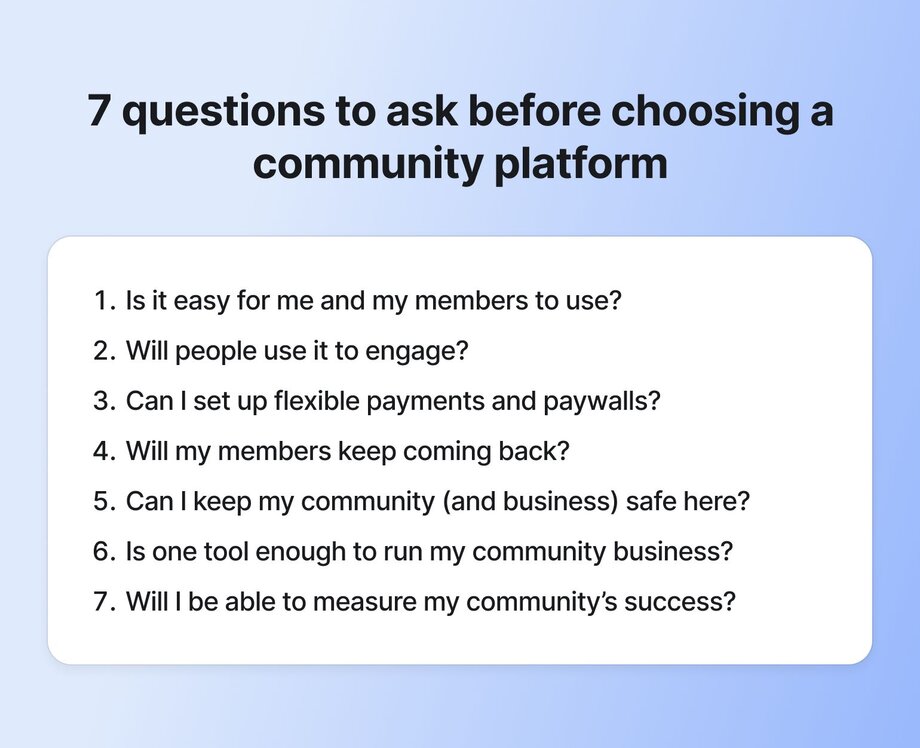
### 1\. Ease of use: creating a user-friendly experience

Your community platform should be easy for you and your members.
It’s one of the most common pain points we hear from community builders, especially those switching platforms after struggling with clunky user experiences. Many platforms promise all the features under the sun, but more isn’t always better. A crowded interface can lead to confusion, not connection.
If members have to work to find your content or navigate your space, they’re more likely to disengage. And if you’re spending more time troubleshooting than building your community? That’s a red flag. 🚩
**The right platform should feel intuitive from day one**, so members can jump in, participate, and stay engaged.
**Keep these rules in mind when you’re asking yourself, “Is this platform easy to use?”**
- The platform should be easy for your members and you to use from day one.
- Your community is an extension of your brand. The platform should let you customize the look and feel to ensure that your members have a seamless brand experience.
- Ease of use isn’t just about design! It’s important to have a platform that’s accessible on their desktops and smartphones.
### 2\. Member engagement: tools for building a thriving community

It’s never a good sign when a community has tumbleweeds blowing through it.
There’s nothing worse than previewing or joining an online community whose last post was made three months ago. Engagement is the soul of every community, and the platform you choose needs the right tools and features to make it easy for your members to **connect and engage.**
Here are three features you should look for:
- **Events.** The platform should make creating and hosting [live virtual events](https://circle.so/blog/types-of-virtual-events) for your members easy. In our 2025 Community Trends Report, community builders listed [workshops, small group discussions, and office hours](https://circle.so/2025-community-trends-report) as the three most popular live virtual events to keep members engaged.
- **Courses.** Communities are built on learning, and [interactive courses](https://circle.so/blog/create-online-course) are a powerful way to drive engagement and reduce churn.
- **Polls.** Everyone has an opinion, so turn those opinions into engagement. Polls are an incredible tool for sparking conversation and creating connections.
🚨Another red flag to look out for on your platform of choice is **distractions.**
[Social networks might seem like a great place](https://circle.so/blog/take-community-off-facebook-groups) to host your community, but the constant onslaught of notifications and ads can hurt your community’s perceived value. A strong, consistent branded experience strengthens member loyalty and keeps them engaged.
### 3\. Monetization: flexible revenue stream options

Monetization isn’t a barrier. It’s part of the design for a successful community. You're building something of value that drives meaningful engagement for your members. Of course that value should be recognized!
Look for platforms that offer free and tiered paid membership options that make it easy for members to move from free to paid. Paid memberships aren’t a one-choice-only option either. Look for a platform that offers [different monetization options](https://circle.so/blog/how-to-monetize-a-community) so you can choose the one that works best for you:
- **One-time fee.** Some communities decide to use a one-time fee to gain access to the community space. That doesn’t mean everything is automatically free, though. There can also be options to capture additional revenue through add-ons like courses, coaching, and more.
- **Monthly.** Offering a monthly subscription can be a great way to onboard paid members, but the risk is that they won’t renew and experience the full value of your community.
- **Quarterly.** Depending on the transformation members are intended to go through in your community, quarterly (3-month intervals) will make the most sense.
- **Annual.** We love annual memberships because they give your paid members ample time to explore, connect, and build relationships with other community members that will keep them renewing for years.
We can’t talk about monetization without talking about [community paywalls](https://circle.so/blog/paywalls). When we talk about paywalls, we're not just talking about revenue. We're talking about intention. A well-placed paywall isn’t there to lock people out. It’s there to signal value, create commitment, and shape the kind of community experience you want to build.
### 4\. Retention: automated workflows to keep members coming back

It’s not just content that keeps members coming back to your community. You need consistent and creative ways to drive members back into the community. But that gets really tedious and time consuming—thankfully, you can automate some of it. The right platform lets you automate as many of these workflows as possible, leaving you with all the time you need to create great content.
Take a look at [Circle’s workflow capabilities](https://circle.so/workflows)!
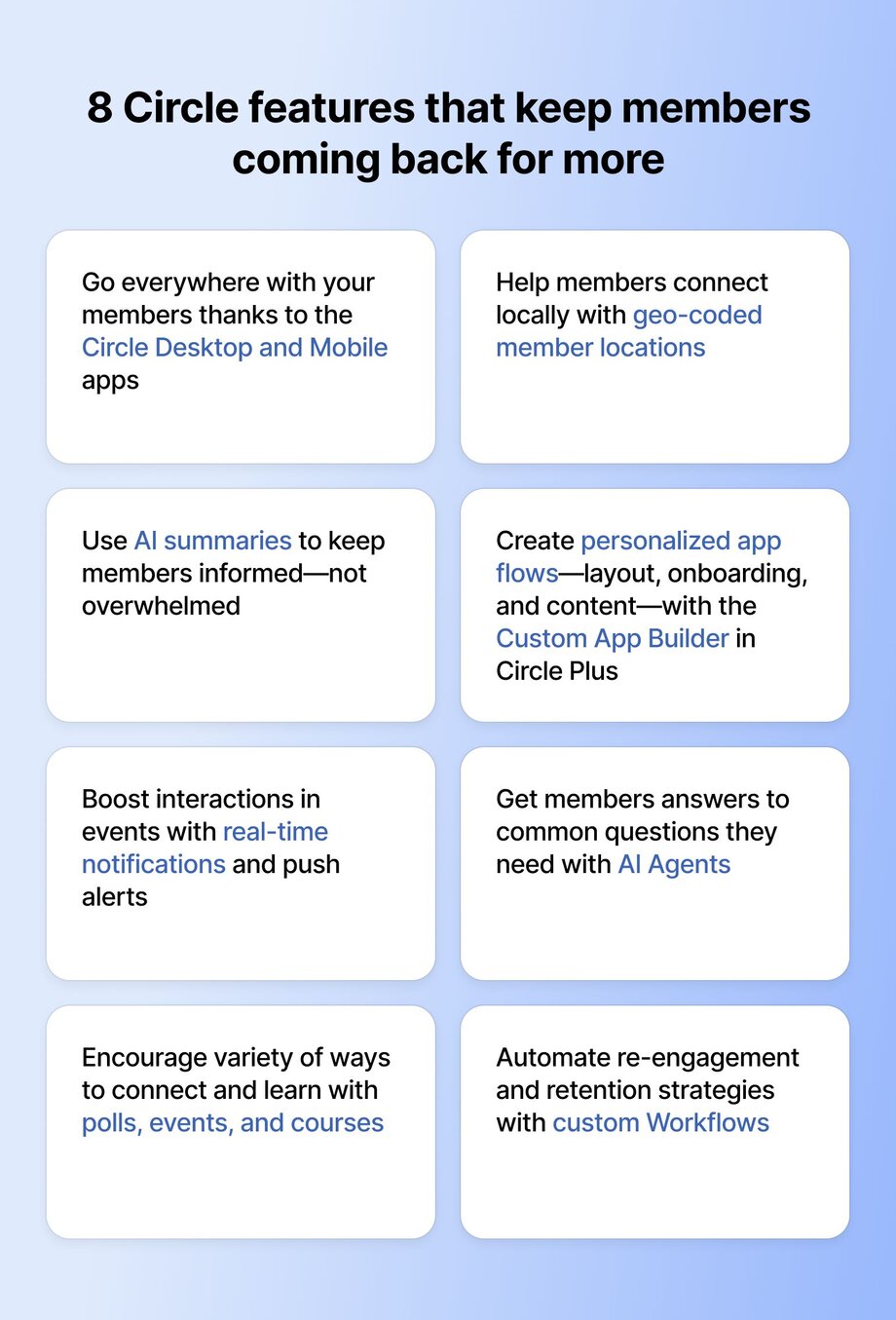
You want to deliver a high-quality, personalized member experience when you have 20 members AND when you grow to 200? **Workflows are key.**
Workflows can also be used for weekly digests emailed to members, updates on new members or content, event reminders and recaps, and notifications.
### 5\. Member safety and privacy: creating a secure environment

If your members don’t feel safe, they won’t stick around. It’s that simple.
Online communities thrive when people can show up as themselves, which means choosing a platform that [treats safety and privacy as more than checkboxes](https://circle.so/blog/community-habits). The tools you use should protect your members while giving them the freedom to connect meaningfully.
Look for platforms that offer:
- **Built-in moderation.** You need to be able to set the tone. That means having the ability to review posts before they go live, manage flagged content, and step in when needed. This post covers [how to set community norms](https://circle.so/blog/community-guideline-examples) that help.
- **Privacy by default.** Some members won’t want their full names or faces attached to every interaction. Look for platforms that let members control what they share and who sees it.
- **Content filters.** Honest conversations are important, but so is care. Having basic filtering tools—like blocking harmful language or flagging sensitive terms—can help protect vulnerable members from re-experiencing harm.
- **Platform stability.** It doesn’t matter how great your community is if you lose access to it. Owning your space (and your data) matters, especially if you’ve been burned by locked-out social accounts in the past.
### 6\. Integration capabilities: streamlining your tech stack
Do you need more than one platform? You might have downloadable content on Google Drive, courses on another platform, webinars on Zoom—the list can go on and on.
The answer will be unique to what you need for your community. But consolidating the multiple platforms of [your community tech stack](https://circle.so/blog/creator-tech-stack) can benefit you, your members, and your bottom line.
🤔 **The unfortunate truth?** Dividing your customer journey across disjointed platforms leads to lower engagement, higher drop-off, and ultimately, fewer conversions.
Your tech suite is supposed to streamline your business and simplify your life, but the amount of time and energy required to manage, maintain, and connect numerous tools has the opposite effect.
**Another thing to consider:** It’s not all-or-nothing. Platforms like Circle are built to scale with you, whether you want everything under one roof or prefer to connect a few best-in-class tools. You can run discussions, share resources, host events, and post rich media—all in one space. And if you need more? Circle’s API and integrations let you bring in the tools you already use. You’re not boxed in, and your members aren’t either.
### 7\. Analytics & measurement: data-informed community improvement
If you can’t measure your community, you can’t improve it. Understanding what content connects with your members, where and how often they engage with each other, and where you need to make improvements can only happen when you have access to your [community data](https://circle.so/blog/community-analytics).
Understanding how your members are using your platform can open up [new engagement opportunities](https://circle.so/blog/data-driven-event-strategy) and help you catch a potentially churn-ready member before they leave. The right data and analytics can help you:
- **Understand member behaviors.** When are members signing in, what do they do first, and what content do they spend the most time with?
- **Provide engagement opportunities.** Many platforms (including Circle) allow you to give engagement scores to members. These scores can help you know which members are at risk of churning, which are ripe for a [member-led program](https://circle.so/blog/member-led-community) or contributing, or just writing a thank you note to a member who’s going out of their way to add value.
- **Improve content.** Seeing what videos, courses, or events are working and what’s not is critical to keeping your community engaged. You’ll have the data to create the right content, saving you time and energy.
We know the impact of a data-driven community strategy, which is why we continuously invest in improving our [analytics hub in Circle](https://circle.so/analytics).
## The 6 main types of online community platforms
As we said at the start, there are many options for online community platforms. Here’s a quick crib notes list of the platform types you’ll see when you’re doing your homework.
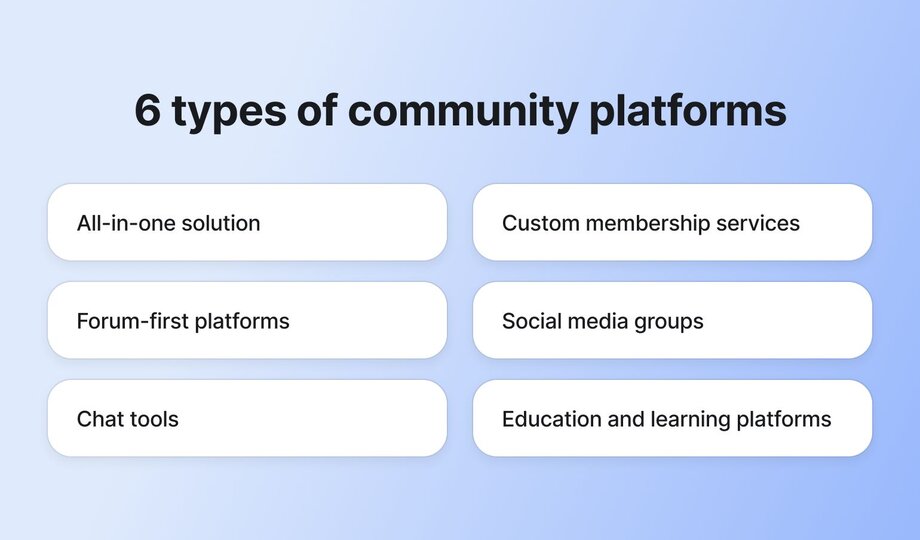
### 1\. The all-in-one solution
**Best for:** Community builders who love smooth user experiences, and hate duct-taping their business together.
We love all-in-one solutions, especially when we get to be best-in-class at it. Solutions like Circle offer event and course hosting, discussion boards, payments, community spaces, AI, white labeling, and other features to run a thriving online community.
Take a tour of Circle below!
### 2\. Custom membership services
**Best for:** Businesses with custom websites that need to secure their content.
Customer [membership services](https://circle.so/blog/best-membership-platforms) like [SureMembers](https://suremembers.com/) and [Memberstack](https://www.memberstack.com/) let community builders lock down portions of their websites. They’re good tools for communities that have all their content in one place.
👉🏼 The downside is that they often only secure website content, so videos and courses must be hosted on other platforms.
### 3\. Forum-based platforms
**Best for:** Discussion-driven communities.
If your community thrives on questions, answers, and long-form conversations, a forum-style platform might be the right fit. Tools like [Vanilla](https://vanilla.higherlogic.com/) give you a solid structure for threaded discussions, searchable archives, and even member-driven knowledge bases or wikis.
👉🏼 While these platforms handle discussions well, you may need to add on other tools to [support events](https://circle.so/events), direct messaging, or rich media content, which can mean more complexity (and more costs) down the line.
### 4\. Social media groups
**Best for:** Free communities.
Hosting your community on a social media platform like [Facebook](https://www.facebook.com/) or [LinkedIn](https://www.linkedin.com/) can be easy, and lots of communities start this way.
👉🏼 But there are [many downsides to building your community on a social platform](https://circle.so/blog/take-community-off-facebook-groups) like Facebook Groups, one of the biggest being that your data is always at risk if the platform decides to shut down your group or change its services.
### 5\. Chat tools
**Best for:** Businesses and smaller communities.
The best examples of these [chat interfaces](https://circle.so/blog/discord-alternatives) are [Slack](https://slack.com/) and [Discord](https://discord.com/). They offer free and paid plans and are popular across businesses and community groups. Both offer integrations to content tools like Google Drive, YouTube, as well as member management tools.
👉🏼 However, they don’t offer [branding options](https://circle.so/plus) beyond colors and logos, which can be limiting for many community builders looking to build a strong brand. Slack can also get quite expensive once you grow your community with their pay-per-member pricing.
### 6\. Education and learning platforms
**Best for:** Learning-based communities.
Tools like Teachable and Coursera are used to create and sell educational content. They’re feature-rich in terms of content creation, with support for discussion groups, video content, and polls.
👉🏼 While they’re great options, they lack the tools to create engagement opportunities between members. They’re more content delivery tools than community platforms that help people [connect with courses](https://circle.so/blog/cohort-based-courses).
## How to choose the right platform for your specific community needs
There’s no single right answer, but there’s probably a right answer _for you._
[Choosing a platform](https://circle.so/blog/best-community-platforms) depends on what you’re building, who you’re building it for, and how you plan to grow. Whether you’re a coach launching a membership, a nonprofit building a supporter hub, or a tech company scaling customer success, your needs will shape your setup.
Here’s a checklist to get you started:
| Criteria | All-in-one | Custom membership | Forum | Social media | Chat | Education & learning |
| --- | --- | --- | --- | --- | --- | --- |
| Built-in monetization | ✓ | ✓ | ✕ | ✓ | ✕ | ✓ |
| Discussion tools | ✓ | ✓ | ✓ | ✕ | ✕ | ✓ |
| Real-time chat | ✓ | ✓ | ✕ | ✓ | ✓ | Limited |
| Custom branding | ✓ | ✓ | ✓ | ✕ | Limited | ✓ |
| Integrations (Stripe, Zapier, etc.) | ✓ | ✓ | ✓ | Limited | ✓ | ✓ |
| Ease of setup | ✓ | ✕ | ✓ | ✓ | ✓ | ✓ |
| Scalability | ✓ | ✓ | ✓ | ✕ | Limited | ✓ |
| Best for | Coaches, creators | Indie hackers, solopreneurs | Tech communities, support | Creators, influencers | Dev teams, casual | Course creators, cohort learning |
⭐️ Here’s our [top 13 recommended community platforms](https://circle.so/blog/best-community-platforms) to help you decide based on your community time, and specific nice-to-have, and need-to-have features.
## Why community pros choose Circle
After 17 years of running a successful photography conference, Darty and Michelle wanted to build something to keep their community connected year-round. They **migrated from Facebook to Circle** to create a more intentional space for photographers to learn, connect, and share.
By launching [SYNC Circle](https://www.syncrocks.com/) as their official conference app, then revealing the full platform immediately after the event, **they onboarded over 400 paid members in just two months** and built a new home for their growing community.
SYNC isn’t alone in making the switch. Across industries, community builders are moving away from scattered tools and outdated platforms in favour of purpose-built community spaces designed to grow with them—and their members.
When the team at [Income School](https://circle.so/customer-stories/income-school-migration) **decided to leave their custom WordPress forum behind**, they knew the stakes were high. With **2,000+ members** and active subscriptions, they needed a platform that could handle the migration without losing content or creating churn.
**Circle helped them move their entire community,** including posts, members, and paid subscriptions, without disruption. The result: stronger engagement, smoother operations, and zero churn during the transition.
## Starting your community journey right
Choosing the right online community platform requires careful consideration of various factors. By creating a checklist of usability, member engagement features, monetization options, safety and privacy measures, integration capabilities, and analytics, you can make an informed decision for your community's growth and success.
👉🏼 When you’re ready to monetize your community, Circle is here to help. [Start your free 14-day trial](https://app.circle.so/communities/new) today to see why community masterminds like Mandy Ellis, Kelsey Rowell, and more choose Circle.
## FAQs about online community platforms
Still weighing your options? You’re not alone. Here are three questions we hear most from community builders who want to grow, simplify, or just get started without the overwhelm.
What is the best platform to build an online community?
It depends on your goals. Coaches might need an all-in-one platform, while tech communities may thrive on forums or chat. There’s no one-size-fits-all—just the right fit for your needs today, and room to grow tomorrow. Our list of [top community platforms](https://circle.so/blog/best-community-platforms) might help you think through your options.
What are the differences between free and paid community platforms?
**Free platforms**are easy to start with, but they limit your control, branding, and data ownership. **Paid platforms** offer flexibility, integrations, and better tools to scale. Many builders start free and switch to paid as their community grows.
How much does it cost to build an online community platform?
Costs range from free to $300+/month, depending on features and scale. Free tools save money upfront, but can cost more in time and missed opportunities. Paid platforms often reduce complexity and help you grow more efficiently.
---
### Cohort-based courses: Why they work—and how to launch yours
*Learn why cohort-based courses (CBCs) are more effective than self-paced learning, and discover key strategies for designing and launching your own.*
Source: https://circle.so/blog/cohort-based-courses
It’s easy to sign up for an online course—but actually completing it? That’s the hard part.
Without structure, accountability, and real-time interaction with instructors and peers, staying engaged in the course can be a real challenge.
**Enter: cohort-based courses.** With live sessions, built-in community, and shared milestones, you’re not just consuming information—you’re actively applying it alongside others.
Unlike self-paced programs, the real value of a CBC comes from the connections and interactions students have with each other. Instead of learning alone, they get to learn alongside their peers. And when you choose the right platform for your CBC, you’re able to foster deeper engagement, promote collaboration, and create a more dynamic learning experience—all in one place.
In this post, we’ll explore:
- Why CBCs are so effective
- What it takes to launch one
- How to choose the right platform
## What is cohort-based learning?
**Cohort-based learning** is when a group of learners (called a cohort) move through an online course curriculum together.
The course instructor guides the lessons, encourages discussions among students, and provides real-time feedback to students. For the students, this creates a much more engaging course experience. And for the instructor, it creates a tight feedback loop—allowing them to keep improving the course with every round.
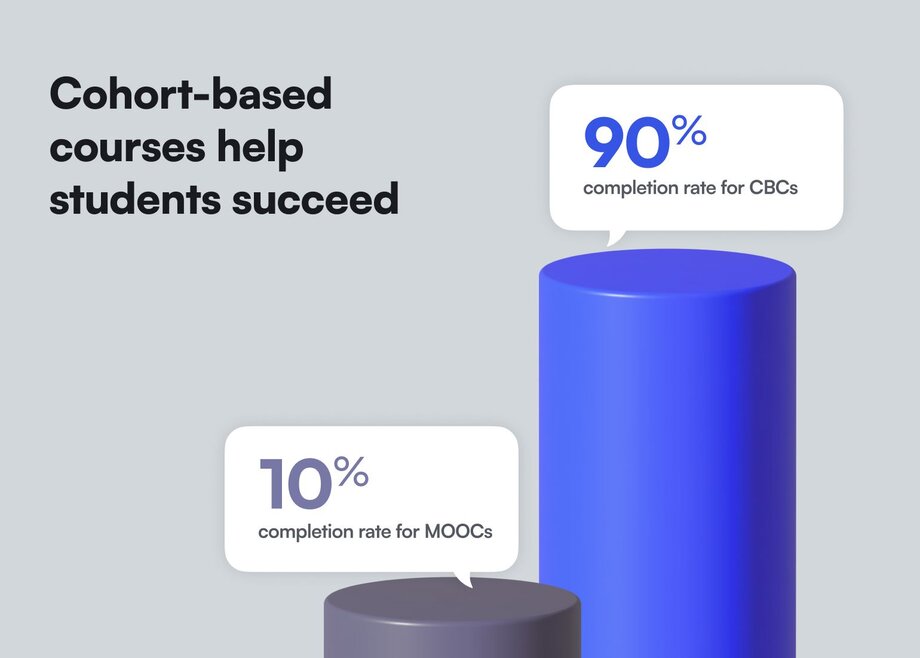
The result? A stronger learning experience and higher course completion rates.
Just look at the numbers: Massive Open Online Courses (MOOCs) have a [90% dropout rate](https://www.mcgill.ca/maut/news-current-affairs/moocs/history), while cohort-based courses have a [90% completion rate](https://learnopoly.com/cohort-based-learning-statistics/). Engagement and interaction make all the difference.
Cohort-based courses don’t have to be entirely live, however—what’s most important is building a sense of community. So, instead of asking students to complete the course content on their own, you might encourage them to tackle lessons on a shared schedule, discuss course content with one another, and find accountability buddies within the group.
Because collaborating on projects, having live discussions, and tackling challenges as a group is the sort of social support many need to achieve their learning goals.
> **🧑🏫Wild success with cohorts:** Pat Flynn runs 8+ live, cohort-based accelerators (courses) per year in his premium [Smart Passive Income membership](https://www.smartpassiveincome.com/community/)–all on Circle. His most recent cohorts achieve 3x the average online course completion rate of 5-15%.
## Cohort-based learning vs. self-paced learning
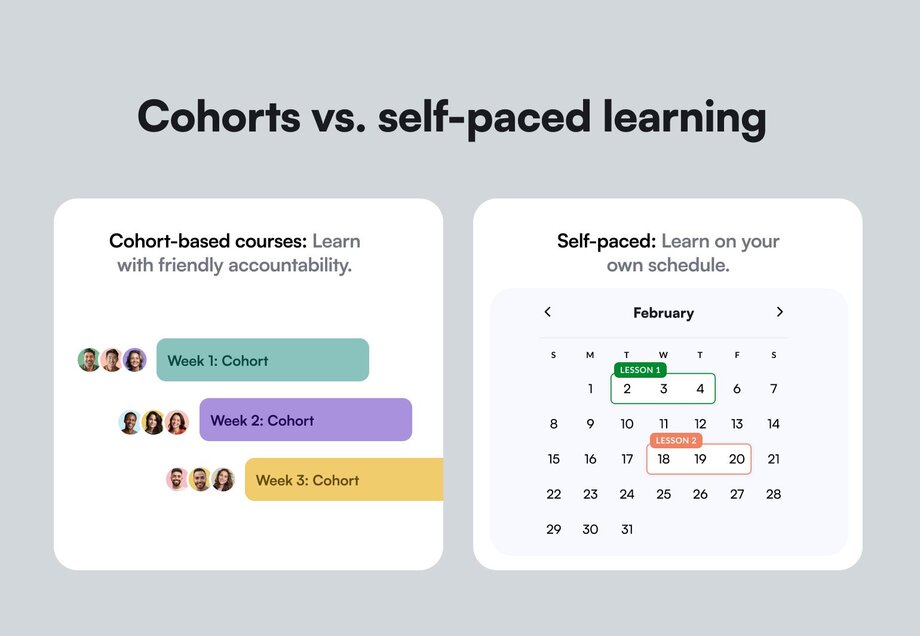
Unlike self-paced courses, CBCs bring students together in a structured, interactive environment that emphasizes the impact of social learning:
- **Cohort-based courses (CBCs):** Group-focused learning with live sessions, collaborative tasks, and shared progress. Learners move through the course together.
- **Self-paced learning:** A flexible approach where learners move through pre-recorded materials on their own schedule and at their own pace. Most self-paced learning courses provide no interaction with instructors or peers.
- **Massive Open Online Courses (MOOCs):** A specific type of self-paced learning program designed for large audiences. They’re often free or low-cost. MOOCs typically follow a standardized curriculum with pre-recorded lectures, readings, and quizzes but rarely offer personalized support, leading to high dropout rates ([over 90%!](https://www.educate-me.co/blog/what-is-cohort-based-learning#:~:text=Just%20look%20at%20the%20stats,approaches%20that%20grows%20on%20it)).
### What is an example of a cohort program?
[Tiago Forte](https://circle.so/blog/building-a-second-brain-membership)’s cohort-based course [The Annual Review](https://www.buildingasecondbrain.com/annual-review) is a comprehensive self-reflection and planning program designed to help participants thoughtfully close out their year and create an intentional roadmap for the year ahead. The program guides participants through a structured curriculum that combines personal reflection, goal-setting, and practical planning, all while connecting with a supportive community of like-minded individuals.
Available in three tiers—Self-Paced ($499), Essential ($1,994), and 1:1 Coaching Edition ($5,000)—the program includes live and recorded sessions, an active online community on Circle, Tiago's Ultimate Annual Review Template, monthly check-in templates, and quarterly community calls. The self-paced edition offers flexibility while maintaining the program's core benefits, allowing participants to work through the material on their own schedule while still engaging with the community and receiving lifetime access to all resources.
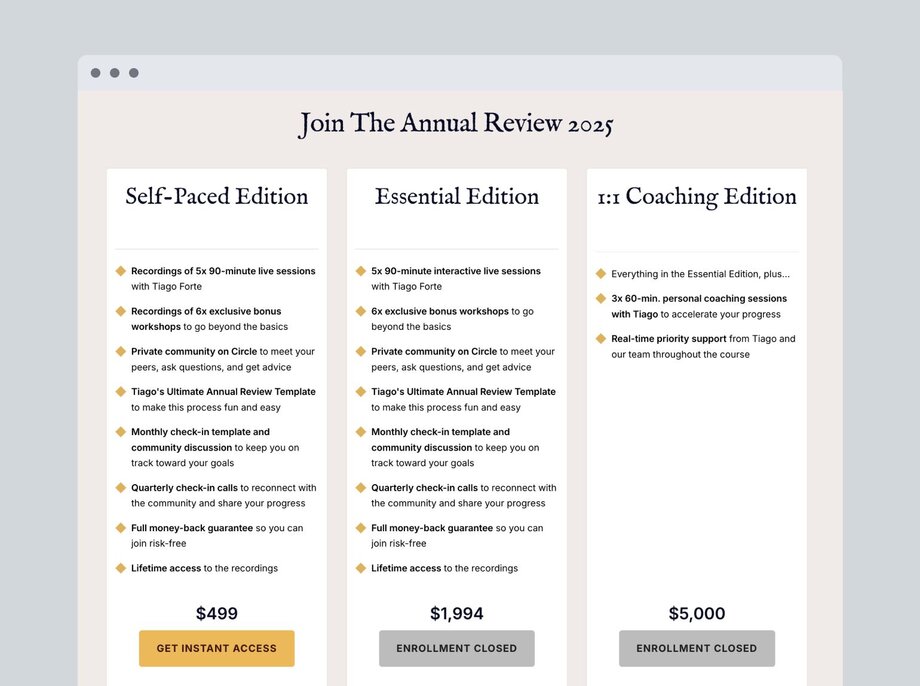
## Why cohort-based courses work
The magic of CBCs is that they leverage the power of social learning to keep students engaged and accountable. Think back to those late-night study sessions in college, when you and your friends crammed for exams together—that’s social accountability in action.
The collective momentum of moving forward as a group ensures that everyone stays committed. Research shows that group learning that includes active learning (discussions and assignments) [boosts learner engagement and comprehension](https://aisel.aisnet.org/jise/vol31/iss3/6/).
It’s like a study group—when you're surrounded by friends all working toward the same goal, learning feels more motivating, fun, and achievable.
### Benefits of cohort classes for learners
CBCs offer unique advantages for learners, blending community and structure to create a powerful learning environment.
Here’s how CBCs benefit learners:
- **Active learning:** Learners are encouraged to participate in [discussions, lessons, and homework](https://edtechmagazine.com/higher/article/2020/11/winning-approach-student-success-harvard#). This helps them remember and use what they learn.
- **Real-time feedback:** Learners have the opportunity to talk with instructors and peers, which leads to [better understanding](https://www.evaluate-ed.com/from-data-to-action-implementing-real-time-feedback-in-schools/).
- **Networking:** CBCs connect learners with others who are interested in the same things. And shared goals mean new friends and new mentors!
- **Set deadlines:** [Thoughtful deadlines](https://dl.acm.org/doi/fullHtml/10.1145/3564721.3564728?) add just the right amount of pressure to keep participants on track—because let’s be real, if there’s no due date, “I’ll get to it later” can easily turn into “never.”
- **Teamwork on problems:** [Tackling problems with peers](https://news.harvard.edu/gazette/story/2019/09/study-shows-that-students-learn-more-when-taking-part-in-classrooms-that-employ-active-learning-strategies/?src_trk=em679cd40c1bc4f9.90875476915199552) helps learners retain information and shows them new perspectives. Sometimes, the solution that never crossed your mind is the one your classmate thought of immediately.
- **Access to instructors:** Learners can ask questions and gain personal insights because while learning from the best is great, getting direct answers to your ultra-specific questions is even better.
### Benefits of cohort classes for instructors
CBCs allow instructors to build a better course experience and more intentional relationships with their students. This leads to better referrals and even more course sign-ups in the long run.
Let’s break it down. Here’s how CBCs benefit instructors:
- **Better learner results:** When participants interact with peers and ask questions, they retain information better. This interactive approach also boosts course completion rates.
- **Adaptable courses:** Instant feedback from learners allows educators to improve their courses in real time. This leads to more engaging, effective, and tailored learning experiences that better meet students' needs.
- **Stronger bonds with participants:** Leading lessons or discussions live and engaging directly with learners builds trust and loyalty. Your course isn’t just another online program—it’s a community that starts with _you_.
- **Referrals:** Happy students who feel connected to their peers and instructor become your best marketing. When they love the experience, they spread the word and bring in new participants without the need for extra marketing.
- **Steady income:** No more feast-or-famine course launches. With structured cohorts and scheduled enrollments, CBCs create consistent revenue—so you’re not riding the high of a record-breaking month just to hear crickets the next.
Learn more about how to sustainably [monetize your community business (including courses).](https://circle.so/blog/how-to-monetize-a-community)
## How to design a cohort-based course
Here’s a simple guide to help you get going:
### 1\. Know your audience
The first thing you need to do is understand who your learners are:
- What do they need to learn?
- What do they want to achieve?
- What unique knowledge can you offer to help them?
A deep understanding of these questions ensures your course provides real value—and when it does, your learners will notice. The key is to [share your knowledge with the right learners](https://circle.so/blog/how-to-create-an-online-course). Once you can match your unique knowledge with your learners’ struggles and desires, you’re on the path to creating something that resonates deeply and delivers value.
Amy Porterfield, an online marketing expert who has built a $100M business, exemplifies this strategy. Her success isn’t built on chasing trends but on refining one great offer—her [Digital Course Academy](https://www.amyporterfield.com/dca-waitlist/)—over years of iteration. Whether you’re launching your first course or fine-tuning an existing one, Porterfield’s success proves that understanding your audience and leveraging your own strengths is the foundation of every great course.
### 2\. Outline your course
Uncertainty around how to structure your course is a common roadblock, but breaking it down into manageable sections can help. Start by outlining key topics, then pair each with clear learning objectives. After that, you can brainstorm ways to support those learning objectives—whether that’s through an interactive live session, a self-paced resource, or something else.
**Here’s an example of how a gardening expert may start breaking out a course for gardening at home:**
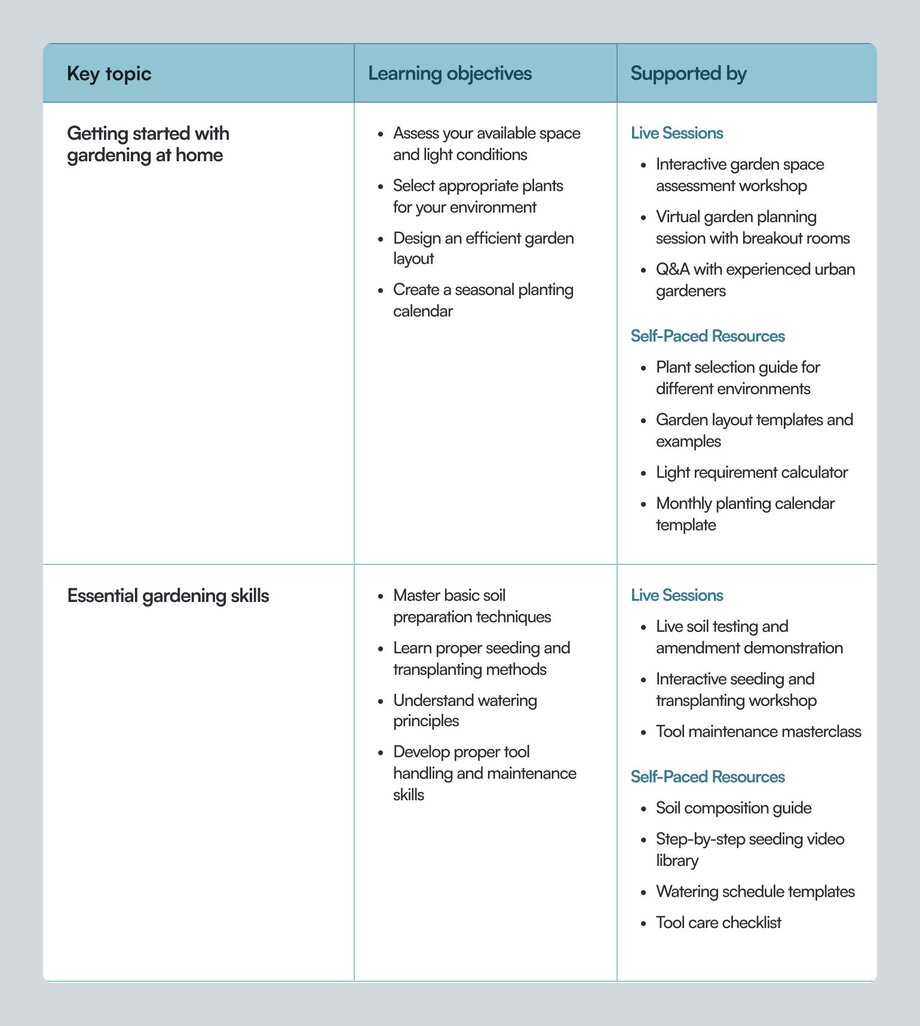
### 3\. Set success metrics
To ensure your course delivers value, you’ll want to define how you’ll measure success. You might consider measuring metrics like,
- course completion rates
- live session attendance rates, or even
- weekly homework or assignment submissions.
Keeping an eye on these metrics and searching for patterns can help you make adjustments and improvements to your course as you go.
### 4\. Test before you launch
Running a pilot or ‘beta’ cohort with a small group (as low as 3 for smaller communities) can give you an opportunity to validate your course ahead of launch. It allows you to gather honest feedback on the course content and experience, so you can tweak things before putting it in front of a larger audience.
### 5\. Create a welcoming onboarding experience
The first day sets the tone for the entire course, and a strong kickoff can make all the difference when it comes to engagement. A live onboarding session helps learners connect with one another, get excited, and feel prepared for what’s ahead. But great onboarding isn’t just about a single event—it’s about setting up students for success from day one.
In a recent [Show & Tell](https://vimeo.com/830644520), Cally Booker, founder of [Weaving Space](https://circle.so/customer-stories/weaving-space), shares how she welcomes new students with an in-depth video tour and keeps key resources front and center. That way, participants experience a seamless onboarding and know exactly how to engage.
To set your own cohort up for success, be sure to provide participants with all the resources they need before the course officially kicks off. Encourage them to log into your platform early, explore the interface, and check out any welcome materials—just like Cally does. That way, when they show up on day one, they’ll be ready to dive in!
### 6\. Facilitate active learning
Keeping live sessions engaging can be tough, but interactive methods like polls and breakout groups can help. Balance your live sessions with resources that participants can access anytime, like videos, guides, and [lesson summaries](https://circle.so/blog/ai-lesson-summary).
Tools like [Circle](https://circle.so/) can make managing multiple learners and interactions easier, with the ability to create:
- Spaces for discussion and support
- An easy-to-manage event calendar where students can RSVP to live sessions
- Live streams and live rooms to host course sessions, office hours, and more
- Resource and content libraries to easily share course materials
- Drip functionality within courses to keep students on the same schedule
#### Expert course-building tips from Circle Experts
In this 60-minute expert masterclass, Jordan Godbey and Tom Ross answer anything and everything about community-powered courses.
### 7\. Collect and act on feedback
After your course ends, don’t miss the opportunity to collect feedback from your students. Use surveys or talk to participants one-on-one to find out what worked and what didn’t. This will help you keep improving your course for future cohorts.
Check out [the ultimate guide to creating a cohort program](https://circle.so/blog/cohort-program) for more in-depth strategies on building your CBC on Circle.
## Best practices for cohort-based courses
- **Mix live and self-paced learning:** Live sessions help learners connect with each other. Self-paced resources let them supplement live learning with individual reflection and exercises. Using both helps everyone learn in their own way.
- **Add interactive activities:** Try hands-on activities! Group problem-solving, live Q&As, and team projects can keep the energy up and learners involved.
- **Keep sessions short and focused:** [Shorter sessions](https://circle.so/blog/elsynergy-spotlight) that include breaks and tactical projects afterwards help learners [absorb more information](https://www.edutopia.org/article/research-tested-benefits-breaks).
- **Foster relationships:** Use icebreakers, group work, and partner projects. When participants feel connected, they’re more likely to stay engaged.
- **Start with the right tech:** You want a tool that simplifies communication, organizes discussions, and monitors student progress–all in one place. That way, you can focus on teaching instead of logistics.
Begin building your cohort-based course with Circle. [Start your 14-day trial today.](https://app.circle.so/communities/new)
## How to choose the right cohort-based learning platform
The platform you choose can make or break your cohort-based course. It’s not just about hosting content—it’s about making sure you and your learners have a smooth, seamless experience. Imagine trying to run live discussions on a platform with glitches or having learners struggle to find course materials because of a confusing interface. A frustrating experience can lead to disengagement, missed lessons, and dropouts.
### Here are the key questions to ask when looking for a cohort-based learning platform:
**1\. Does your platform support both live and asynchronous learning?** If your course blends live sessions with on-demand content, you need a platform that excels at both. You want to be able to:
✅ Host interactive live lessons
✅ Share pre-recorded content in an accessible format
✅ Keep everything organized in one place
**2\. Does your platform allow for flexibility so you can adapt to each cohort's needs?** A great learning experience isn’t one-size-fits-all. Flexibility ensures your course evolves with your participants. You want to be able to:
🔹 Adjust live session schedules based on learner availability
🔹 Create dedicated discussion areas for different topics
🔹 Offer additional resources for learners who need more support and guidance
🔹 Use polls and group messages to gather real-time feedback and make necessary adjustments
**3\. Does your platform have the right tools for active learning?** Running live sessions can be daunting, but the right platform makes it easier and more interactive. You want tools for:
🎥 Seamless video hosting
💬 Chat and Q&A features to keep discussions flowing
📡 Live streaming for larger audiences
📱 Mobile accessibility so participants can join from anywhere
🔔 Push notifications and automated event reminders
📝 Automatic transcriptions and searchable recordings for easy review
[Courses like Ali Abdaal](https://circle.so/blog/building-a-core-offer)’s [Part-Time Youtuber Academy](https://aliabdaal.com/part-time-youtuber-academy) (PTYA) thrive on cohort-based learning. It’s been instrumental in PTYA’s explosive growth. Abdaal leverages Circle to foster dynamic learning environments that deliver immense value to him _and_ his participants. By evolving PTYA from a simple online course into a high-ticket, exclusive community offering, **he scaled its revenue from $400K to $1.9M per cohort**—proving that the right platform can elevate both learner outcomes and business success.
In 2024 alone, Circle hosted over 32,000 course experiences, proving its capability to support scalable, successful CBCs. [Start your 14-day free trial today.](https://app.circle.so/communities/new)
Your platform isn’t just a tool—it’s a partner in delivering an exceptional learning experience. By choosing one that aligns with your goals and values, you’ll set yourself and your learners up for success.
---
### The ultimate guide to creating a cohort program
*Learn all about how to plan, launch, and host your own cohort program—full of examples and expert advice!*
Source: https://circle.so/blog/cohort-program
Thinking about hosting a cohort-style experience? It’s a great idea! Cohort programs can be an amazing way to engage your members and guide them to some desired outcome or transformation.
What is a cohort program? **A “cohort program” is a time-bound educational experience that supports members in unlocking some transformation together.** The “together” part of that definition is important: Because members are going through the experience together, they’re able to learn from and support one another, form real and lasting connections, and help hold each other accountable throughout the experience.
_**FYI:** A cohort program can also be referred to as a cohort course, cohort class, or a bootcamp!_
Our team has learned a ton from hosting cohort based learning experiences in the Circle community, and now we’re sharing it all.
In this guide, I’ll walk through the key steps involved in planning, launching, and hosting a truly impactful cohort program using real examples of bootcamps we’ve hosted in the Circle community.
> P.S. I’ve created a Cohort Planning Template so you can follow along with the steps in this post and map out your own cohort experience. [Click here to grab a copy of the template!](https://docs.google.com/document/d/16_e7uPdyW8znxSPSe6JC_wHzwcfTvJtP9m5TruCn9Yw/edit)
## How to plan a cohort based learning experience
Before you can do anything else, it’s important to get clear on who you’re serving, how you’re serving them, and why. You might be tempted to skip this step, but don’t: Once you have clarity on this, all of the following steps will feel ten times easier.
Let’s explore these questions in more detail…
#### ➡️ Why do you want to host a cohort program?
Are you hoping to deliver value to your community in a new way? Facilitate some transformation for members? Carve out a space where they can connect with one another?
We created Community Growth Catalyst because we knew that our members were struggling with marketing their communities and attracting new members. It was a topic we hadn’t comprehensively addressed before, and we knew that members would benefit from a longer experience that taught them about different community marketing strategies with built-in accountability.
#### ➡️ Who are you hoping to serve with this cohort program?
It’s possible that not all of your community members will be a fit for your cohort program, and that’s perfectly OK.
When we hosted CGC, we knew that it would be most impactful for members with active communities who felt lost when it came to marketing. We also knew that it wouldn’t be as impactful for members who were still in the pre-launch phase or those who already felt confident in their marketing strategies. And we were fine with that: We knew that if we made it too general, it wouldn’t provide real value to anyone.
When you know who your program is and isn’t for, and position it accordingly, you’ll be able to drive real impact for the right members. (For further proof of this point, check out this sweet note one CGC participant sent us: “This is the most impactful course I've ever attended because I think it was perfectly pitched at my current problem set.” That’s the power of knowing exactly who your cohort program is for!)
#### ➡️ What outcome do you hope to deliver to participants through this cohort program?
Is there a specific result or transformation that the cohort program will guide members through? (Spoiler: There absolutely should be.)
In CGC, our aim was to help bootcamp programers gain confidence in their marketing skills by having them test and implement proven community marketing strategies over the course of one month. So, the tangible outcome for participants was increased confidence in their marketing skills.
Check out how we framed this outcome when we announced the cohort program.
#### ➡️ What will you title your cohort program?
The last foundational planning step is to title your cohort experience. Don’t overthink this or try to be too clever, punny, or abstract, or you’ll confuse your members.
If you’re stuck here, revisit your response to the “What outcome do you hope to deliver to participants through this cohort program?” question. Are there any words or phrases that stand out to you? Any concept you can use as a starting point? A strong title should underscore the value members will receive from participating.
### Determine your format, touchpoints, and incentives
If you’ve made it this far, congrats! You’ve done the hardest part: Ironing out the fundamentals of your cohort experience. Now, you can move along to the fun part: Plotting out how you’ll actually deliver that experience.
#### ➡️ What format will your cohort program take?
In the Circle community, we’ve tested out several different bootcamp style formats.
- For our Community Growth Catalyst program, we hosted live weekly masterclass sessions and dove deep into a specific marketing strategy each week.
- For our Community Business Blueprint program, we had participants work through a self-paced course in their own time (with clear instructions on which modules to complete each week) and supplemented that with live weekly office hours sessions.
There’s no one “correct” format — there’s only the format that works best for you, your members, and the outcome you’re trying to deliver. If you’re stumped, think through the following:
1. What format will best enable me to facilitate the desired transformation for members?
2. What format will best meet the needs of my members? (E.g. If your members are busy moms, perhaps leading with a self-paced course that they can work through during nap times is a good fit!)
3. What format best suits my own needs, timeline, and resources? (E.g. If you’re looking to launch a cohort program ASAP, you might not have time to create a self-paced course.)
#### ➡️ What other cohort touchpoints will you offer?
Will you offer members a discussion space where they can connect with one another and share updates on their progress? Will you offer supplemental office hours, coaching sessions, etc. as part of the program? Will you create any supplemental materials to support participants, such as workbooks, templates, or tutorials?
**For CGC, our 4 touchpoints were:**
1. A cohort kickoff event
2. Four masterclass sessions
3. A discussion space where members were able to connect and discuss their progress and challenges
4. A workbook where they could track their marketing efforts
Check out how we structured our CGC spaces to facilitate these touchpoints… (Heads up: We’ll dive deeper into spaces later in this post.)
#### ➡️ Will you offer prizes or incentives to encourage sustained participation?
This step is entirely optional. In many cases, the transformation itself is incentive enough to keep members engaged. In other cases, you might need to sweeten the deal to keep members motivated and engaged enough to actually unlock that transformation.
In the Circle community, we like to offer prizes to encourage sustained participation throughout the entire cohort training. We do this primarily because our members aren’t investing specifically in the cohort program: Access to the Circle community (and Circle community training programs) is included when you purchase a Circle plan. So while many of our community members are eager and excited to engage, others join with fairly low intent to participate because there’s nothing on the line if they don’t complete the program. We’ve found that prizes are a good way to counter this behavior.
> 💡 **Tip:** If you’re thinking about offering prizes, know that it can be helpful to align them with the types of member behavior you want to encourage. For example, award prizes based on members sharing their progress every week, attending live sessions, and responding to or supporting other cohort programers in an effort to encourage more of these behaviors.
### Plan how you’ll measure success and create internal alignment
This is the “crossing your T’s and dotting your I’s” stage of designing a cohort learning experience.
These might seem like minor steps, but you’ll be glad you spent time here once you move into execution mode. It’s time to figure out how you’ll measure the success of your efforts and rally relevant team members around the project!
#### ➡️ How will you measure success?
In other words: What metrics will tell you whether or not you’ve achieved your goals?
- Will you look at new posts and comments each week?
- What about event RSVPs, attendance, attendance rate (the total number of members who RSVPed over those who actually attended)?
It can be helpful to track how your members engage with different cohort program touchpoints and how that engagement changes over time.
Here’s a behind the scenes peek at our metrics tracker for CGC. You’ll notice a drop in engagement with our different cohort touchpoints in weeks 3 and 4 (compared to weeks 1 and 2). This is pretty normal and to be expected — it’s consistent with what we’ve seen in our previous bootcamp experiences. But it also got us thinking about testing shorter program formats, which we’re starting to experiment with to see if we can deliver quicker wins to participants while keeping them more engaged throughout.
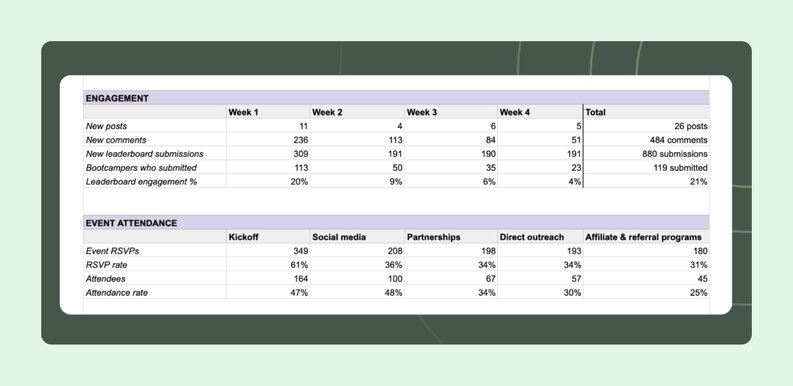
#### ➡️ Whose alignment do you need before you can move forward?
Do you need to create any alignment or buy-in with your team before moving forward? Are you a community builder or founder who needs to rally a team around executing your vision? Are you a community manager who needs approval from someone higher up?
If you’re a one-person show, this probably doesn’t apply to you. But if you work with a team, now is the time to start thinking about who else has a stake in the project and how you’ll loop them in. These individuals might offer helpful perspectives that end up changing the scope of the project, so you’ll want to start this process as early as possible.
### Outline your content creation game plan
We’re almost at the end of the design phase! Before moving forward, you’ll want to map out a plan for creating any program-specific content. It’s a good idea to refer back to the touchpoints you identified earlier as they’ll give you a strong sense of the types of content you’ll need to create.
#### ➡️ What assets will you need to create to deliver the experience?
This could include any async course content, masterclass or live session presentations, supplemental workbooks or templates etc. You might also consider any material you’ll create for your resource library, such as an FAQ post or a “how to participate in this cohort program” post.
> 💡 **Tip:** Make a list of these assets, and then assign each a “due date.” For example, if your program is delivered via live weekly masterclass sessions, you don’t necessarily need to have your week four presentation polished and ready to go by week one. Spacing out content creation where you can will make the project feel more manageable!
#### ➡️ Brainstorm discussion prompts, thought starters, and calls to action.
In between any live touchpoints, you’ll want to keep cohort programers as engaged and plugged into the experience as possible. Starting discussions and encouraging members to respond to some prompt or call to action is a great way to achieve this. It’s also a great way to facilitate connections among your members. It can be helpful to start brainstorming these now, and worth adding “discussion prompts” to your list of assets to create!
Check out this great discussion starter from Tatiana in our CGC discussion space.
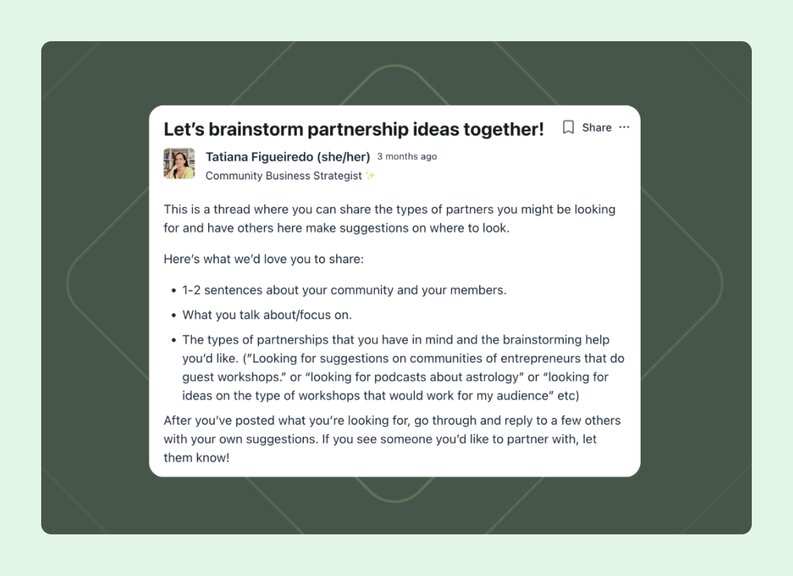
### Map out your cohort program spaces
This is the final step of the design phase: It’s time to put the infrastructure in place to actually deliver your cohort experience to members.
Luckily, this couldn’t be easier with Circle. 😆 If you don’t have a community on Circle yet, [try our 14-day free trial!](https://app.circle.so/communities/new)
#### ➡️ What spaces do you need to build to deliver this experience?
This might include a discussion space where members can connect and share updates on their progress, an event space where they can RSVP to any live sessions, and some sort of resource library where they can easily access any important program materials or information.
We created a resource library space for CGC, and I’d highly recommend it! We used it to highlight general information about the cohort program, outline how to win prizes, share a supplemental workbook, upload replays of the live sessions, and more.
You can go ahead and create these spaces now, or slot them into your content creation game plan.
(Looking for help setting up your spaces? Check out our [product tutorials](https://community.circle.so/c/tutorials/).)
## How to launch a cohort program and get the right members to join
Once you’ve planned your cohort program, you can turn your focus toward launching it. I’m going to walk through how to communicate the value of your program, promote it, and inspire your people to join.
### Craft your key messaging
If you want members to join your cohort program, you’ll need to be able to articulate what’s in it for them. When you’re clear on how you’ll communicate the benefits, drafting any promotional materials will become 10x easier.
#### Draft your tagline
You’ve already titled your cohort program. Now, you can take things one step further by developing a tagline that clearly and concisely summarizes the experience. Your tagline is effectively your five-second elevator pitch.
Let’s look at an example: In our upcoming Your Community Offering bootcamp with Tom Ross, our tagline is: “Uncover your community’s value proposition and build your unique offer.” This is clear, concise, and communicates the results members can expect to achieve from participating.
If you’re stumped here, refer back to your notes from earlier and, in particular, your response to this prompt: “What outcome do you hope to deliver to participants through this cohort program?”
#### List out the benefits of participating
This can just be a quick, bulleted list. You’ll want to hit on the benefits of participating in any promotional materials you draft, so having them ready to go will save you tons of time in the long run.
Check out the key benefits from participating in the Your Community Offering bootcamp.
### Figure out how members will join
In order to launch your program, you’ll need to create the infrastructure for members to actually opt-in to the experience. While you’re brainstorming about this, keep in mind that your aim is to make it as easy as possible for the right members to join and participate.
#### Create your invitation link
If your cohort training is accessible to all community members as part of their membership, then your best bet is to have members join through an invitation link. When you create an invitation link, you can bundle access to multiple spaces or all spaces within a specific space group, which can be helpful if your cohort program involves more than one space. When community members click on the invitation link, they’ll unlock access to all of the designated spaces. ([Learn more about setting up invitation links in Circle here.](https://help.circle.so/c/onboarding/set-up-an-invitation-link))
This is the method we use for our Circle community cohorts. These programs almost always involve multiple spaces, so using an invitation link makes it easy for our members to gain access to all of the cohort spaces. It also means that we don’t have to ask them to join multiple spaces manually.
#### Set up your paywall
If you plan to monetize your program and sell it as a one-off or recurring cohort, you should look into setting up a paywall to gate the experience. With the paywall, you can gate access to the program spaces and charge existing and/or prospective members for access to the experience.
Note that if you choose to go the paywall route, there’s no need to create an invitation link. ([Learn more about paywall setups in Circle here](https://help.circle.so/c/paywall-setup/).)
#### Configure your custom lock screens
For our most recent bootcamp, we leveraged custom lock screens to “force” members to opt-in to the experience. ([Learn more about setting up lock screens in Circle here](https://help.circle.so/c/spaces/setting-up-a-lock-screen).) We set up the same custom lock screen for each of our program spaces, and included:
1. More info about the bootcamp program
2. CTA buttons that linked out to our invitation link
Take a peek at our lock screen for the Community Growth Catalyst program below.
**For Community Growth Catalyst, the flow to join looked like this:**
- In all of our promotional materials, we linked out to the main program discussion space
- Members who clicked that link were brought to the custom lock screen, where they could then learn more about the cohort and join by clicking the “Join now” button
- The “Join now” button was linked to our invitation link for the program, so when a member clicked on it, they’d unlock access to all three cohort spaces
We did this to make sure that any member joining the program spaces demonstrated high intent to participate. We could’ve simply linked directly to our invitation link in all of our promotional comms, but the risk there is that some members will click the link out of curiosity rather than any real intent to participate.
> 💡 **Tip:** By sending members to a lock screen, and then having them opt-in to the experience, you can weed out some of the members who aren’t serious about participating.
### Promoting your cohort program
Congratulations: You have all the groundwork in place to officially start promoting your cohort program!
In this section, we’ll look at different ways you might choose to promote your program to members. I’d encourage you to pick and choose the strategies that feel most compelling to you, as not all of them will work for your specific use case.
#### Publish an announcement post
Whether you’re making your cohort available to all members or selling it individually, you should announce to your community that it’s happening. Aim to announce your program several weeks before it actually kicks off to give your members time to 1) decide if they want to join and 2) block off their calendars so they can actually participate.
For cohort programs in the Circle community, we’ve always announced them via a dedicated post in our announcements space.
At a high level, your announcement post should address:
- What’s happening and when
- What participants will get out of the cohort experience
- An overview of how the program works
- Details on how to join
- Answers to FAQ (What’s the time commitment? Where will this take place? Etc)
#### Feature in your newsletter and/or Weekly Digest
At Circle, we use the custom introduction of our Weekly Digest to promote specific programs and events, including any cohort trainings we have coming up. ([Learn more about setting up your own Weekly Digest here](https://help.circle.so/c/notifications/setting-up-the-weekly-digest).)
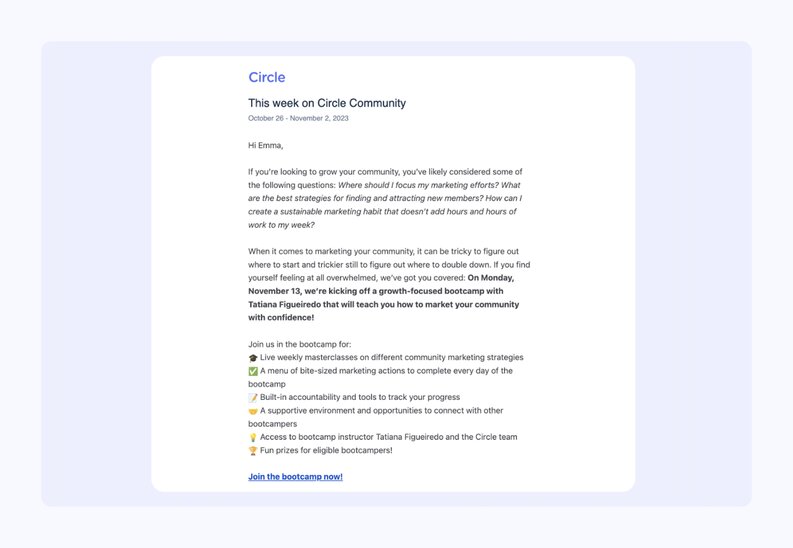
#### Execute an outreach campaign
If there are specific community members who you think would be a great fit for your cohort, try reaching out to them individually via direct message. You can also do this at scale by using workflows to send an automated DM to specific groups of members. (Perhaps most helpful for this use case: With workflows, you can send a DM to all members in a specific space or all members who attended a specific event).
For our Community Growth Catalyst cohort experience, we used workflows to DM members who had joined our previous programs.
#### Promote at live events
If you’re already hosting live events in your community, you can carve out a few minutes at the beginning or end to mention your upcoming cohort, bootcamp, etc. When we’re promoting a new cohort in the Circle community, we’ll typically create a slide about the program that we can share at our regular live sessions (office hours, masterclasses, workshops, and so on).
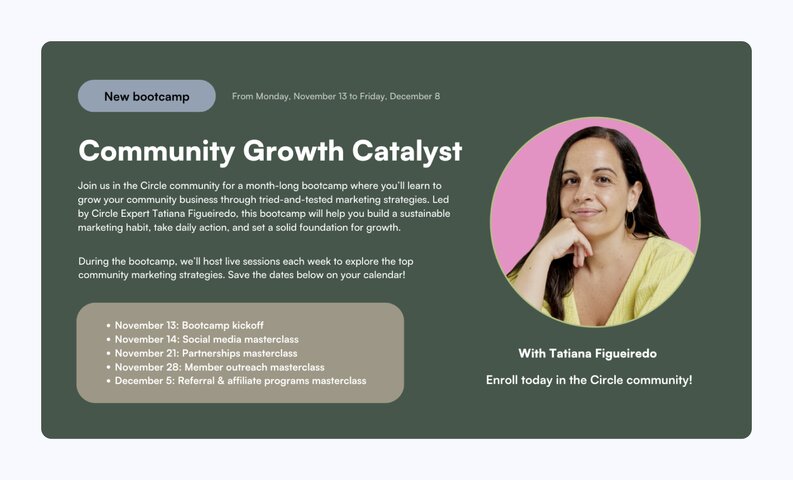
## How to host a cohort program that keeps member engaged and moving forward
You’ve planned your cohort, you’ve launched it, and now it’s time to actually host it!
We’ll explore different types of activities you might want to complete as you guide members through your cohort experience. Exactly how you host your program will depend on your unique format and structure, so feel free to leverage the strategies in this post that are most relevant to you and leave the ones that aren’t. Let’s get into it!
### Facilitate the experience
#### Moderate the discussion
You should make it a point to regularly check in on any cohort-related discussions, whether those are happening in a dedicated discussion space, on an event description, or somewhere else. Block off time each day to check in on these conversations, and aim to answer questions, offer guidance and suggestions, and cheer on your cohort programers in a timely manner.
#### Host your live sessions
This one is a bit obvious, but if your cohort training includes live sessions, you’ll need to set aside ample time to prepare for and host those. If you’re new to hosting events or you’re simply looking to brush up on your facilitation skills, be sure to check out this great blog post from Circle contributor, Gwyn Wansbrough.
#### Share replays of live sessions
Once you’ve hosted a live session for your cohort program, aim to make a replay of it available within 24 hours. This is helpful for members who weren’t able to attend live, or those who want to revisit an insight or topic from the session. We created a Resource Library space for our last cohort, which is where we published replays of our live sessions.
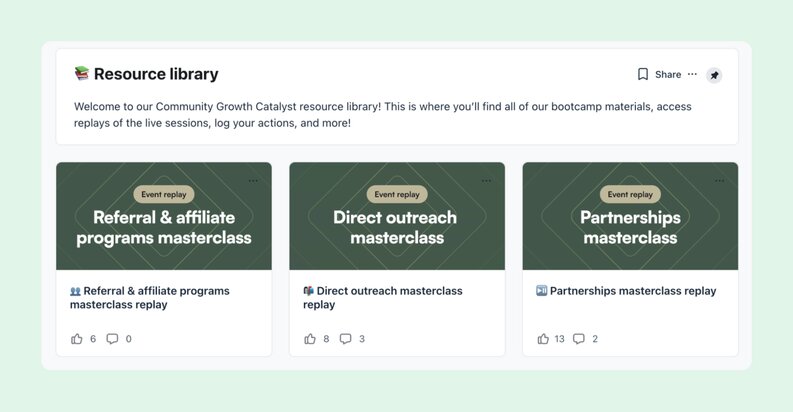
### Keep members engaged
#### Spark discussion
Remember those discussion prompts and thought starters you brainstormed earlier? It’s time to pull those out!
Choose a prompt that you feel would spark interesting discussion among your members, and draft a post around that prompt. In this post, you should share some of your own insights and include a call-to-action asking members to respond to the prompt. This can be a great way to engage members and encourage them to share their own thoughts and insights.
#### Execute a re-engagement campaign
Are you noticing that certain cohort members are falling behind or becoming disengaged? If so, it might be time to execute a re-engagement campaign.
Here are the steps I recommend following…
1. **Identify the grounds for re-engagement:** In our Community Growth Catalyst cohort, we determined that our best candidates for re-engagement were cohort programers who signed up for our leaderboard but failed to take further action by the time we were halfway through the experience.
2. **Create an outreach list:** Once we identified the criteria for re-engagement, we compiled a shortlist of any cohort programers who met that criteria. This gave a clear picture of who was falling behind and who we should reach out to.
3. **Conduct outreach:** Then, we sent a direct message to each cohort programer on our outreach list. In each message, we mentioned to the recipient that we’re totally available for questions and support, encouraged them to plug back into the experience by completing one simple action, and reminded them of the incentives for doing so.
### Measurement, reporting, and reflection
#### Record your key metrics
You already identified the key metrics that will tell you whether or not you’ve achieved your program goals. But when you’re in the midst of actually hosting your cohort experience, you most likely won’t remember to keep track of those. Do your future self a favor and block off time on your calendar or set yourself daily or weekly reminders to record your key metrics (things like new posts and comments, event RSVPs and attendance, and so on).
#### Survey your members
We close out each of our bootcamps in the Circle community with a feedback survey, where we ask members to tell us what they liked about the experience and what we could’ve improved on. We also ask them to share details about any results they’ve achieved through each cohort program.
**Feel free to steal some of our favorite survey questions:**
1. How would you rate the cohort program overall? \[Scale of 1-10\]
2. Briefly explain why you selected that rating. \[Text response\]
3. Which cohort touchpoints did you engage with? \[Multiple select: List your touchpoints\]
4. Which cohort touchpoint did you find MOST helpful? \[Single select: List your touchpoints\]
5. Which cohort touchpoint did you find LEAST helpful? \[Single select: List your touchpoints\]
6. Briefly describe your greatest accomplishment or win from participating in the cohort learning experience. \[Text response\]
7. Do you have any additional feedback to share? \[Text response\]
#### Conduct a retrospective
After we’ve collected feedback from program participants, our team also likes to conduct a retrospective, which just means that we do a deep dive into what worked, what didn’t, and what we’re going change or improve for next time. It’s a great opportunity to think critically about the end-to-end experience of planning, launching, and hosting a cohort program and share our learnings with the broader team.
And that’s it for this guide on planning, launching, and hosting a cohort program!
---
### 18+ AI prompts every community manager should bookmark
*Copy, customize, and use these 18 tested AI prompts for onboarding, engagement, content creation, and retention. Includes expert workflows from community strategists and ready-to-use templates.*
Source: https://circle.so/blog/community-ai-prompts
Building a community may look effortless from the outside. Bringing people together around a shared passion — and turning that into a business — sounds like a dream job. But community builders like you know the truth: behind that dream is real work, long hours, and a to-do list that never ends.
And while it may be a full-time job — **you don’t have to do it alone.**
Imagine having an assistant who never runs out of energy (or coffee). One who drafts your welcome flow, sparks fresh discussion topics, and even helps predict churn. That’s the promise of AI — but what’s the reality?
AI isn’t replacing community builders. It’s transforming how you work. From automating repetitive tasks to surfacing insights you might miss, tools like ChatGPT, Claude, Google Gemini, and Circle’s [AI Copilot](https://circle.so/ai-copilot) and [AI Agents](https://circle.so/ai-agents) are becoming part of modern community workflows.
But here’s the key: getting great results from AI isn’t just about using the right tool — it’s about knowing what to ask and how to ask it. **That’s where AI prompts come in.**
Most prompt lists stop at a few quick examples. This one goes deeper — with 18 prompts you can use in your daily workflow, from engagement and onboarding to events and moderation.
Let’s dig in.
## Why prompts matter for community builders
AI can seem like the perfect solution to managing your community builder to-do list. But businesses around the world are learning that AI isn’t a “set-it and forget it” tool. A report from Massachusetts Institute of Technology reported that [95% of enterprise AI projects fail to meet their objectives](https://fortune.com/2025/08/18/mit-report-95-percent-generative-ai-pilots-at-companies-failing-cfo/).
Why? Because for AI to work for you, it has to be done with intention. You have to think through:
- What problem are you trying to solve?
- What does success look like for you and your members?
- How can you get AI to help you solve that problem successfully?
Answering the first two questions should be easy. But the third one might have you scratching your head. That’s what we’re here for. Imagine you’re a contestant on “Jeopardy!”, but instead of answering in the form of a question, you’re answering in the form of a prompt.
### What’s a prompt, exactly?
A prompt is how you tell an AI what you want it to do. It can be a question, a short instruction, or even a detailed scenario like “Write a welcome message for new members who just finished our onboarding challenge.”
Think of prompts as **your side of the conversation**. The clearer and more specific you are, the better your AI assistant can respond. A good prompt gives context (who it’s for), direction (what you need), and tone (how it should sound).
> 👉🏼 Writing a great prompt is how you collaborate with an AI tool to get useful, human results.
### How can AI help you?
With the right prompts, you can unlock hours of time, scale your impact, and see your community from fresh angles:
⏰ **Save time:** Writing welcome messages, event descriptions, or [discussion prompts](https://circle.so/blog/group-discussion-topics) can eat up hours each week. With well-crafted AI prompts, you can generate solid first drafts in seconds, freeing up time for high-value work like connecting with members and shaping your community strategy.
💬 **Scale personalization:** Personalization doesn’t have to mean doing everything manually. AI prompts can help you tailor messages to different member segments—like new joiners, power users, or lurkers—without losing your authentic voice. A few smart prompt tweaks can turn one idea into dozens of variations.
🔍 **Uncover blind spots:** AI can surface ideas or insights you might miss when you’re deep in day-to-day operations. Whether it’s spotting trends in member feedback, suggesting content themes, or predicting potential churn, AI help you see your community from new angles and make smarter short- and long-term decisions.
## How to write community AI prompts that work
The good news is there’s a proven formula behind every great community prompt: **role, task, and context.** Think of it as giving your AI a job description, an assignment, and a peek behind the curtain before it gets to work.
- **The role** tells the AI who it’s acting as, shaping its tone and perspective.
- **The task** describes exactly what you want it to do.
- **The context** gives background details about your community, audience, goals, and challenges to help the AI tailor its response to your world.
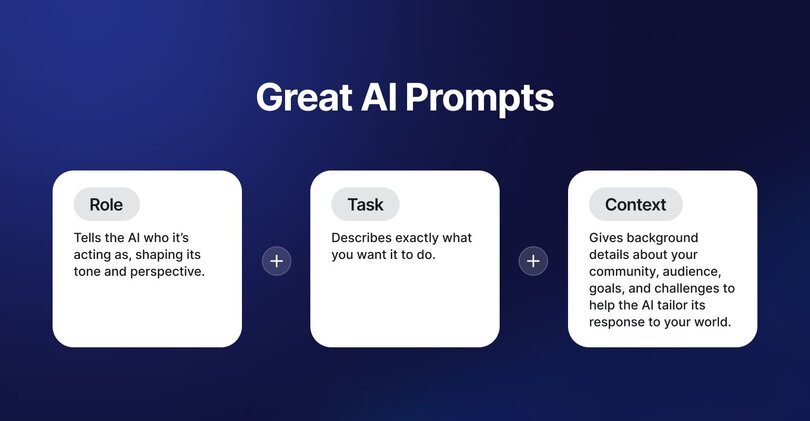
The next step is learning how to layer in techniques that turn good prompts into great ones by helping them ‘think’ like a community builder.
> 💡 Many tools now let you create knowledge-bases: a collection of information or context that the LLM will pull from automatically when you prompt within a specific space. For ChatGPT and Claude, that’s Projects, but it could be different in different tools.
Here’s an example. Let’s say you’re running a community for podcasters and you want to write a new welcome post for your onboarding workflow:
Start with the **role**: _“You’re a community strategist helping me improve engagement in a 500-member Circle community for independent podcasters.”_
Next, add in the **task**: _“Write a welcome post that encourages new members to introduce themselves within 48 hours of joining.”_
Finally, give it some **context**: _“Our tone is supportive but realistic. Members often struggle with audience growth and confidence when posting.”_
Combining all three together creates a prompt that helps the AI create content that feels personalized, on-brand, and built for your community.
### Look out for these prompt mistakes
Writing prompts is part art, part science, and sometimes, part trial and error. Save yourself a few headaches by watching for these easy-to-miss mistakes:
- **Make your prompts as unique as your community:** AI can’t capture your community’s personality on its own. When you layer in information about your ideal member, a great prospect, or real data, you get better output than generic descriptions.
- **Automate doesn’t mean replace humans:** AI should make your work easier, not invisible. Let it draft and brainstorm, but keep humans in the loop for warmth, judgement, and the personal touch your members expect.
- **Avoid one-size-fits-all prompts:** What works for 50 members won’t work for 5,000. Adjust your prompts based on your community’s size, stage, and goals to keep responses relevant and realistic.
## 18 AI prompts and examples that work
You’ve got the framework. You know the pitfalls. Now it’s time to see what great prompting can really do. These 18 tested-and-true AI prompts tackle the most common (and time-consuming) parts of community building.
> ✋🏼 Since each community is different, we’ve just included the role and task in these prompt examples. When you’re using these, remember to include your community’s context to personalize the results — usually found within the \[ square brackets \].
### Prompts to build a strong community foundation
Successful communities don’t thrive by accident—but there’s a lot of trial and error in new communities that you can avoid with the right research and framing. Whether you’re building a new community or looking to revamp an existing one, here are 3 prompts to help define your community strategy:
1. **Clarify your purpose and value prop:** “You’re working with a community leader who needs to clearly explain their community’s core purpose and functional and emotional value to potential members. The community serves \[specific audience\] and provides \[meaningful outcome\], but the messaging needs to be clearer and more compelling. Write a purpose statement that explains (1) why people should join, (2) what transformation they’ll experience, and (3) how this community is unique.”
2. **Define your ideal member profile (IMP):** “You’re a community strategist developing an Ideal Member Profile (IMP) for a community. Just as businesses use customer profiles to target customers, communities need to understand their ideal members to grow intentionally. Create a detailed IMP that includes motivations, values, communication preferences, and the contributions members are most likely to make based on \[existing member/ type of community you’re building/ your community goals .”
3. **Scan the competition:** “You’re a competitive intelligence analyst specializing in community-driven businesses. Research competitors for a community that helps \[target audience\] solve \[problem\] in \[geographic region\]. Identify five competitor communities and summarize their strengths, weaknesses, and how mine could stand out.”
### Prompts to create an amazing onboarding experience
First impressions matter. These prompts help you design welcoming, human-first onboarding experiences.
1. **Rewrite your welcome email:** “You’re an onboarding expert optimizing a welcome email series for a paid community that’s meant to get them excited and to the “a-ha” moment as quickly as possible. Rewrite it to sound more personal, highlight early wins, and encourage members to make their first post.”
2. **Create quick wins for new members:** “You’re a community building expert helping a new community find early momentum. List three achievable actions new members can complete within 48 hours to feel connected and confident.”
3. **Check in with inactive contributors:** “You’re a community lead reaching out to a contributor who’s gone quiet. Write a supportive check-in message that makes them feel valued and motivated to return without guilting them into it. Here’s \[some information\] about the member.”
> 💡 Hint: Turn [onboarding into an automated agent](https://circle.so/blog/ai-agents-for-communities#h3-6) that actively prevents churn.
### Prompts to help drive engagement
Keep the conversation flowing with prompts that help you brainstorm discussions, challenges, and connection moments.
1. **Role-play as a disengaged member:** “\[Explanation of what your community is about, and where it’s been facing challenges, including engagement or member data if available.\] Act as a member who joined three months ago but hasn’t posted. Explain what’s holding you back and what kind of content or events would motivate you to participate.”
2. **Design a monthly programming calendar:** “You’re a community engagement specialist creating a programming calendar for \[your community, focused on topic and transformation\] for the next month. Mix events, challenges, and discussions that balance learning, connection, and fun while maintaining consistent momentum, and explain why you did each. Here’s an \[example schedule and engagement numbers\] we’ve been seeing.”
3. **Run an engagement audit:** “You're conducting a comprehensive engagement audit for digital spaces, posts, or discussion threads to assess their "magnetic factor" - the ability to attract, retain, and actively engage audiences. Conduct an engagement audit based on \[the attached data\] assessing hook strength, clarity, timing, and participation patterns. Recommend three ways to improve their ‘magnetic factor.’”
### Prompts for content and event ideas
Running a little low on inspiration (or coffee)? Use these prompts to plan engaging content, events, and challenges that align with your community’s goals.
1. **Write compelling event descriptions:** “You’re an event copywriter crafting descriptions that convert. Write a search-optimized event blurb for \[event type/name/purpose\] that clearly outlines value, highlights speakers, and creates a sense of anticipation.”
2. **Turn wins into stories:** “You're working within an online community where member success stories and transformational journeys are crucial for building engagement, inspiring others, and demonstrating the value of community participation. You’re using the Pixar storytelling framework to write a member success story. . Structure it using: Once upon a time → Every day → Until one day → Because of that → Since then.” \[Attach transcript/story, etc.\]
3. **Craft engaging posts:** “You're a skilled community manager responsible for maintaining an active, engaging \[online community for…\]. You need to create a variety of post templates that will spark meaningful interaction, celebrate achievements, and gather insights from community members. Create a comprehensive set of community post templates including discussion starters, poll questions, achievement/win shares, and other engagement formats. Each template should be ready to use with minimal editing required.”
> 🔁 Check out expert community strategist, Candice Grobler’s, [content repurposing playbook](https://circle.so/blog/content-repurposing-playbook) for turning 1 event into 10x as many community and social assets.
### Prompts to help with moderation and support
Keep your spaces positive and on-track with prompts that help you handle community management moments gracefully.
1. **Remind members of community guidelines:** “You’re a moderator writing a friendly reminder about community guidelines. Keep the tone supportive and focused on shared values \[attached here\], not enforcement.”
2. **Respond to unanswered questions:** “You’re a community manager noticing an unanswered thread. Write a reply that encourages others to jump in while keeping the conversation active.”
3. **Re-engage inactive contributors:** “You’re sending a check-in to members who haven’t participated recently. Write a message that invites them back by highlighting what’s new since their last visit.” (Hint: Turn this one into a triggered email!)
> ✋You can use [AI Workflows to help you moderate](https://circle.so/blog/ai-workflows-for-community-management#h3-6) your community posts 24/7.
### Prompts to help you and your community grow
For community builders ready to grow strategically, these prompts help you measure, analyze, and optimize what’s working.
1. **Analyze your community data:** “Analyze this community data to identify engagement patterns, member segments, and growth opportunities. Provide overall health metrics, ideal persona profiles, anti-persona profiles, and surprising insights hidden in the data. Compare to industry benchmarks and give specific, actionable recommendations based on the patterns you find.”
2. **Conduct a member lifecycle analysis:** “You're a community analytics expert tasked with analyzing the progression of members through different engagement stages within an online community. Create a comprehensive member lifecycle analysis that maps how members progress from Lurker → Engager → Contributor stages. Identify key transition points, barriers to progression, and potential opportunities to improve member advancement through these stages.”
3. **Run churn interviews:** “You're a senior customer success analyst working for a membership-based organization that is experiencing member churn. You’re analyzing \[feedback from members\] who’ve left. Identify recurring themes, emotional triggers, and actionable insights to improve retention.”
> 💡Pro tip: To [get your member and engagement data](https://help.circle.so/p/administration/analytics/space-analytics) from Circle, follow the steps in the Help Centre article.
## Striking the right balance of AI and human intuition
AI can help you work smarter, but your community still needs you.
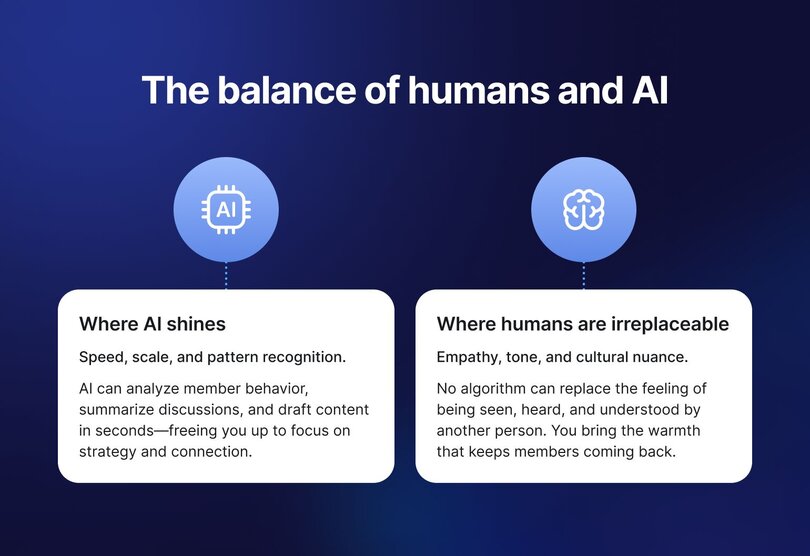
**🤖 Where AI shines:**
Speed, scale, and pattern recognition. AI can analyze member behaviour, summarize discussions, and draft content in seconds—freeing you up to focus on strategy and connection.
**🧍🏾 Where humans are irreplaceable:**
Empathy, tone, and cultural nuance. No algorithm can replace the feeling of being seen, heard, and understood by another person. You bring the warmth that keeps members coming back.
🪄 The magic happens when technology handles the busywork, and you stay focused on the human moments that **[build trust and belonging](https://circle.so/2026-community-trends-report)**.
Circle’s approach to AI keeps this balance built in. Features like [AI Agents](https://circle.so/ai-agents), [Workflows](https://circle.so/ai-workflows), [Copilot](https://circle.so/ai-copilot) and the AI Inbox make it easy to automate the repetitive stuff—while giving you full control and transparency at every step. You decide when to step in, and your members always know when AI is helping.
## Your step-by-step guide to writing prompts with confidence
If you’re feeling overwhelmed, remember this old joke: “How do you eat an elephant? One bite at a time.”
The same goes for learning how to prompt AI. You don’t need to master every feature or memorize dozens of formulas. Start small. **Try one new prompt**, see how it feels, and build from there. Each success builds confidence, context, and momentum.
Before long, you’ll look back and realize you’ve built your own rhythm with AI that feels natural, not overwhelming.
Ready to put it into practice? Try this quick **7-day challenge** to build your prompting muscle without the pressure.
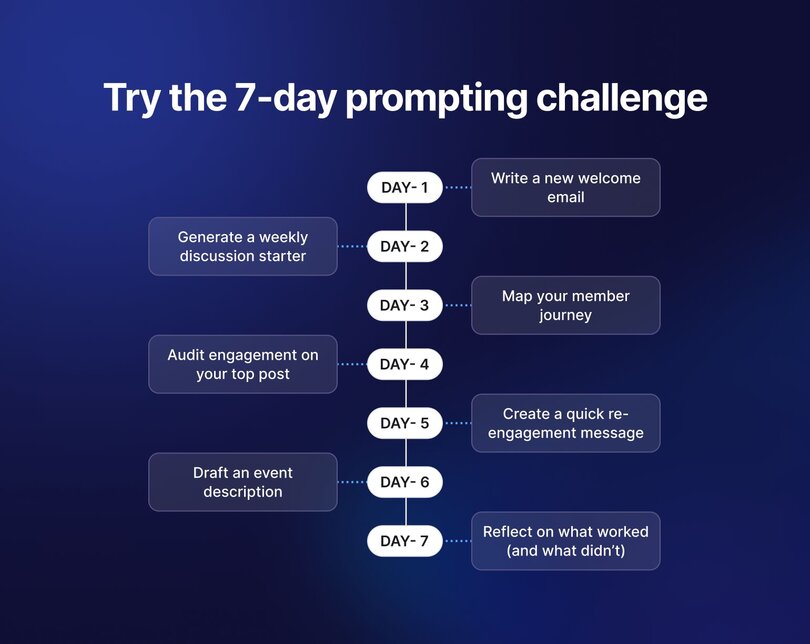
**Try a 7-day prompt challenge.**
Each day, test one new prompt:
- Day 1 – Write a new welcome email.
- Day 2 – Generate a weekly discussion starter.
- Day 3 – Map your member journey.
- Day 4 – Audit engagement on your top post.
- Day 5 – Create a quick re-engagement message.
- Day 6 – Draft an event description.
- Day 7 – Reflect on what worked (and what didn’t).
Once you find prompts that work, turn them into automations inside Circle AI:
- Use [AI Agents](https://circle.so/blog/ai-agents-for-communities) for activities that require a knowledge base or live across your community, like coaching your students on your course material, or onboarding them into your community.
- Build [AI Workflows](https://circle.so/blog/ai-workflows-for-community-management) to automate busywork like enforcing community guidelines, renaming post titles to make them easier to find, or answering quick welcome posts.
By starting small and iterating, you’ll build an AI-assisted rhythm that saves time without losing the personal touch that makes your community thrive.
## How community experts actually use AI prompts
The best way to understand AI's impact isn't through hypothetical case studies—it's by seeing how experienced community builders use these prompts in their daily work. Here's how three community strategists leverage AI to solve their biggest challenges.
### Sara's member journey diagnostic
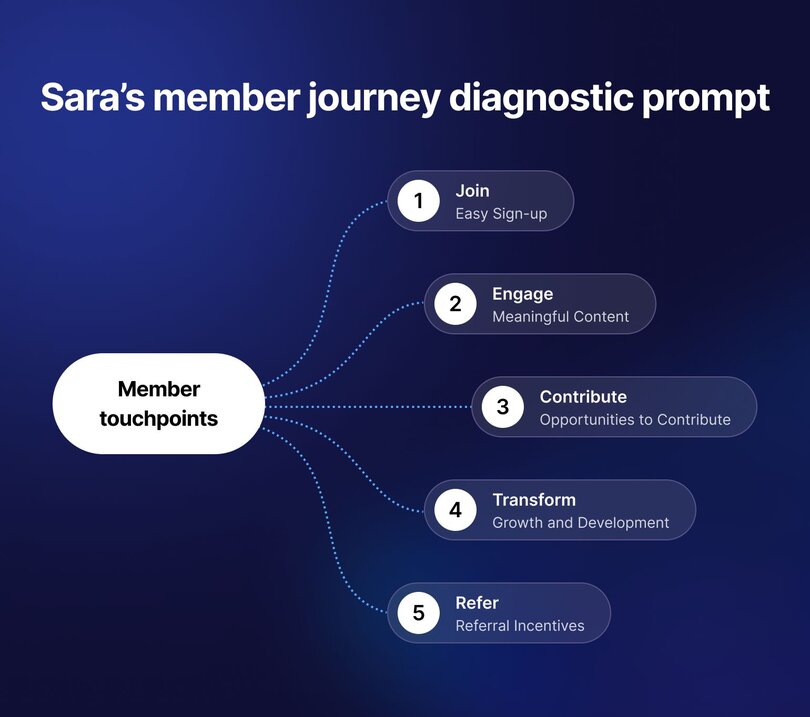
**Prompt:** "Act as a membership specialist helping me map member touchpoints across five stages: Join, Engage, Contribute, Transform, and Refer. For each stage, identify what members need, what blocks their progress, and what support or nudges can help them advance. Create a framework that validates what's working and generates new ideas to improve retention, engagement, and referrals at each stage of the member journey."
[**Sara from Wunderled**](https://wunderled.com/) **uses this when:** New members join but don't stick around, or when retention numbers start slipping without obvious causes.
**Her workflow:**
- Start with the member journey framework prompt
- Feed in current engagement data and member feedback
- Focus specifically on the "what blocks them" question for each stage
- Use the output to identify which stage needs immediate attention
**Why it works:** The framework forces leaders to think about member progression systematically instead of just reacting to symptoms. When I see a drop in activity, you can pinpoint whether it's a Join problem, an Engage problem, or something else entirely.
**Her secret sauce:** Sara adds one extra question to each stage: "What would make this stage completely frictionless?" This pushes the AI to think beyond incremental improvements to transformational changes.
> 💡 Try this: If you're seeing retention issues but can't identify the root cause, run Sara's Member Journey Framework with your last 90 days of data. Focus on the "blocks" analysis—that's where the gold is hidden.
### Candice's content multiplication system
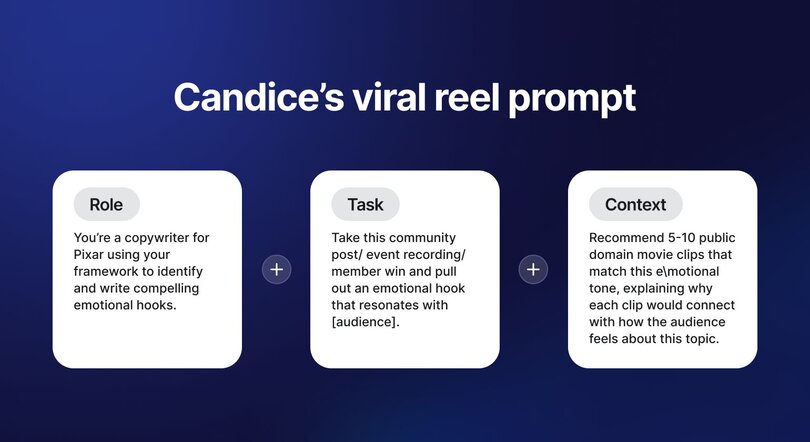
**Viral Reel Creation Prompt:** "Analyze this \[content piece\] and identify the emotional hook that resonates with \[audience\]. Recommend 5-10 public domain movie clips that match this emotional tone, explaining why each clip would connect with how the audience feels about this topic. Include the movie title, year, specific scene, and emotional connection for each recommendation."
[**Candice Grobler**](https://circle.so/partners/candice-grobler) **uses this when:** She needs to maintain consistent posting across multiple platforms without burning out, or when [one piece of content needs to work harder](https://circle.so/blog/content-repurposing-playbook).
"I don't use AI prompts in isolation," Candice says. "I chain them together to multiply the value of everything I create."
**Her workflow:**
- Start with a successful community post, event recording, or member win
- Use the viral reel creation prompt to identify the emotional hook
- Run the Pixar framework prompt (#11) to craft the narrative version
- Use craft community post templates (#12) to create platform-specific variations
- One source piece becomes 6-8 assets across different channels
**Why it works:** Most community builders create content once and move on. Candice uses AI to extract every possible angle from one good idea. A single member success story becomes a reel, a long-form post, a newsletter feature, and discussion starters.
**Her secret sauce:** Candice always starts with something that already worked. She never asks AI to create from scratch. She gives it proven content and asks it to find new angles or formats. The AI then amplifies what's already resonating.
> 💡 Try this: Take your best-performing post from last month. Run it through Candice's workflow and see how many platform-specific variations you can create in under 30 minutes.
### Tom's data-to-action pipeline
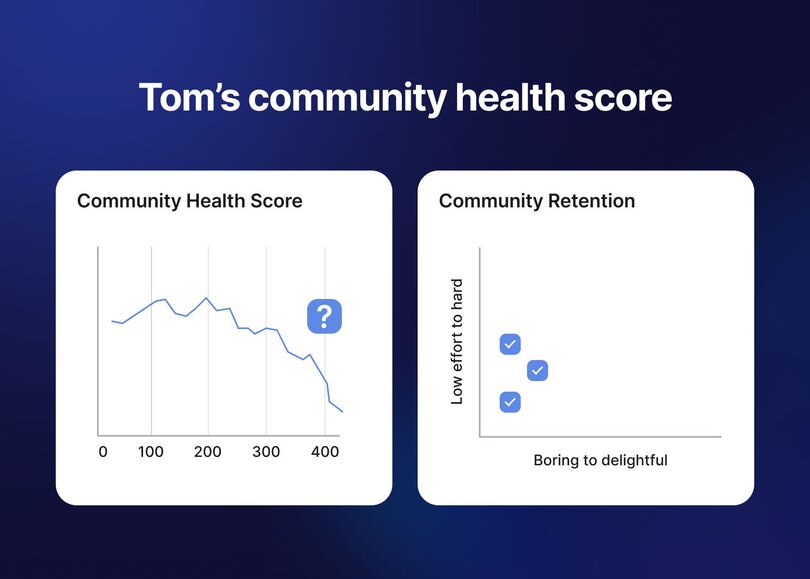
**Community Health Score Buddy Prompt:** "Analyze these engagement metrics where \[metric A\] is dropping while \[metric B\] is improving. Identify potential causes for these divergent trends considering user lifecycle stages, seasonal patterns, recent changes, and how different metrics interact. Recommend 3 specific, actionable tests I can implement within one week to improve overall engagement."
**Community Retention Matrix Prompt:** "Rank these programming ideas by three criteria: effort required, potential member delight, and alignment with community goals. Score each idea on these dimensions, then prioritize which initiatives should be tackled first based on high impact and low effort. Identify quick wins and initiatives to deprioritize."
[**Tom Ross**](https://tomross.co/) **uses this when:** He has community data but no clear next steps, or when he needs to justify resource allocation decisions to stakeholders.
"Data without interpretation is just noise," Tom explains. "I use a specific sequence of prompts to turn raw numbers into strategic decisions."
**His workflow:**
- Export community data (engagement, retention, member activity)
- Run community data analysis prompt (#16) to identify patterns
- Use member lifecycle analysis (#17) to see where people get stuck
- Apply the community health score prompt (at the top of this section) when metrics seem contradictory
- End with Community Retention Matrix (at the top) to prioritize actions
**Why it works:** Each prompt builds on the previous one. Tom starts broad with data analysis, narrows down to lifecycle issues, gets specific with health scores, then prioritizes what to actually do about it. By the end, he has a roadmap that's backed by data, not hunches.
**His secret sauce:** Tom always includes time-based segmentation in his data. "I don't just look at overall numbers—I compare members who joined 0-30 days ago vs. 30-90 days vs. 90+ days. That's where you see the real patterns of what's working and what's not."
> 💡 Try this: If you've been collecting data but struggling to turn it into action, run Tom's full pipeline once. The first time takes 2-3 hours, but you'll have a clear strategic roadmap by the end.
### The pattern across all three experts
Notice what Sara, Candice, and Tom have in common:
**✅ They don't use prompts in isolation**: Each has a workflow that chains multiple prompts together
**✅ They feed AI their own data:** Generic prompts get generic results; they customize with real community context
**✅ They iterate based on results:** The first output isn't final; they refine and adjust based on what works
**✅ They maintain human judgment**: AI handles the heavy lifting, but they make the final strategic calls
The most successful community builders treat AI prompts like power tools in a workshop. The tool doesn't build the furniture—but in skilled hands, it makes the work faster, more precise, and more creative.
## Ready to start prompting
AI makes great community managers even better. When used with intention, AI can help you spend less time chasing tasks and more time connecting with the people who make your community what it is.
Don’t be afraid to experiment! Copy these prompts, tweak them, and make them your own. The more you adapt them to your community’s voice, the more powerful they become.
## FAQs about community AI prompts and AI tools
What are the best AI prompts for engagement?
The best prompts are the ones that sound like you and serve your members. Start with prompts that encourage participation, reflection, and connection:“Act as a member who joined three months ago but hasn’t posted. What would make you want to engage?”“Write a discussion starter that connects this week’s theme to members’ real experiences.”“Suggest three community challenges that spark conversation across time zones.”Good engagement prompts are **specific**, **contextual**, and **aligned** with your community’s culture.
Can (or should) ChatGPT manage a community?
No. Tools like ChatGPT or Circle’s AI Agents can draft messages, summarize discussions, and surface insights, but they don’t replace human judgment. Think of them as an extension of your team that can handle repetitive or data-heavy tasks so you can focus on relationships, tone, and member experience. AI works best with you, not instead of you.
How do I balance AI with authenticity?
**Intentionality is everything.** Use AI to speed up the “what” and “how,” but keep the “why” and “who” human. Personalize prompts with your community’s values, language, and humour. Review AI-generated content before posting, and don’t be afraid to add warmth or imperfection. It reminds people there’s a real person behind the keyboard.
Will AI replace community managers?
No. AI can automate workflows, but **it can’t replicate empathy, trust, or lived experience.** The most successful builders use AI to free up time for what humans do best: listening, mentoring, and creating spaces where people feel they belong. As we like to say, AI makes your work more human, not less.
---
### Community analytics: The complete guide to measuring what matters
*Stop tracking everything. Start tracking what matters. Explore the most important community analytics you should track for growth and impact.*
Source: https://circle.so/blog/community-analytics
Think of a community like an iceberg—most of the action happens beneath the surface.
It's easy to get caught up in the stuff you can see, such as the comments, likes, and posts—just like on social media. But that's just the tip of the iceberg.
[Community analytics](https://circle.so/analytics) give you a deep, objective, complete look into where, when, and how your members are engaging—and how truly “healthy” your community is. It’s a true under-the-hood (or underwater, if we’re still going with the iceberg analogy) view into how your community is performing. From here, you can assess what’s working and what’s not, so you can figure out where you want to go and build a plan to get there.
That’s not to say you want to abandon your intuition. But the best community strategies come when data and gut instincts work together. That’s when the real magic happens.
In this guide, we’ll go beyond the basics. You’ll learn how to measure what matters—at every stage of your community’s growth, across every layer of engagement and business impact.
## The importance of community analytics
As a community builder, you can usually feel when _something’s off_. Maybe it’s:
- Fewer posts by members
- Comment sections going quiet
- Previously active members drifting away or disengaging
You can sense the shift—but without data, it’s hard to trust your instincts, let alone figure out how to fix it. **That’s your cue to tap into community analytics**—data points that help pinpoint what’s not quite working in your space.
But before we get into why analytics matter so much, let’s make sure we’re all speaking the same language. What exactly do we mean by analytics, metrics, KPIs, and all the other terms that get thrown around?
### Quick definitions
- **Community analytics:** The overall process of collecting, interpreting, and applying data about your community. It includes both quantitative data (like login frequency) and qualitative data (like sentiment or feedback).
- **Community metrics:** Metrics are the specific data points you track—things like monthly active users (MAU), churn rate, or the number of posts per member. They tell you what’s happening, but not always why.
- **KPIs (Key Performance Indicators):** The specific metrics that matter most to your goals. These are your success markers, like retention rate or conversion from free to paid membership.
- **Benchmarks:** Standard performance levels used for comparison either against your past performance or industry averages. They help you understand whether your numbers are strong, average, or need improvement.
### Why tracking community metrics matters
Building a successful community takes more than good vibes—it takes good data. **Knowing your numbers helps you plug the leaky bucket before you drown in it.**
Here’s why metrics deserve a front-row seat from day one.
#### ↪️ Helps guide strategy (not just report performance)
On the surface, metrics reveal the current standing of your community. However, when you go deeper, these same metrics become decision-making tools that shape your broader strategy.
They help you identify systemic gaps, such as weak onboarding, declining engagement, or low conversion from free to paid members, and prioritize the right initiatives to address them.
So, **instead of reacting to surface-level issues, you’re solving root problems** and setting your community up for aligned, long-term business growth.
We’ve seen this firsthand. At [Circle](https://circle.so), we don’t just build community tools—we run our own vibrant community for creators. Which means we’re always testing, tweaking, and learning from the inside.
#### ↪️ Aligns community goals with business outcomes
Speaking of goals, for the community to deliver real impact, it also has to tie back to the bigger business outcomes. Things like:
- Customer retention
- Product adoption
- Recurring revenue
The right metrics help you show how your community drives meaningful results across business-important metrics, not just surface-level activity. When asked how important it is to align community goals with business outcomes, [Ashley Gore](https://ashleygore.com/), a strategist for community founders, put it this way:
#### ↪️ Enables data-driven decisions for growth and retention
Communities grow stronger when decisions are backed by real insight. From identifying which members are at risk of churning to spotting your most active advocates, your data helps you take action where it matters most.
In other words, it allows you to prioritize resources, personalize outreach, and improve the member experience at scale.
> **Happier members = higher lifetime value**
And it all starts with tracking the right metrics.
## The top 5 community metrics you need to track
By now, you know that your analytics tracking strategy should evolve as your community grows. But some metrics are so foundational, so universally useful, that they’re worth tracking no matter what stage you’re in. Let’s look together at what they are 👀
### 1\. Monthly active users (MAU)
**What it is:** The number of unique members who logged into your community at least once during a given month. To get a more accurate sense of engagement, it’s helpful to look at % MAU—what portion of your total members are active in a given month.
**Why it matters:** A high % MAU means you’re delivering regular, recurring value that brings your members back into the community again and again (and again!). In [Circle’s 2025 Community Trends Report](https://circle.so/2025-community-trends-report), 75% of community managers said they track total active members more than any other metric. It’s become the clearest indicator of whether your community is _actually_ working.
**What good looks like:** It depends a little on how many members you have. Larger communities will almost always have a lower % MAU, even though they have more active members overall.
**We looked at 16,000+ active Circle communities,** and these are their median MAU rates:
- **Small communities** (<50 members) ~54% MAU
- **Medium communities** (51-500 members) ~38% MAU
- **Large communities** (>500 members) ~20% MAU
**Want to go one step further? Consider tracking stickiness**—the percentage of monthly active users who return daily.
[Tom Ross](https://www.learn.community), a community-building coach, says: “I love seeing MUA and DUA. I combine these to create a ‘stickiness figure’ (DUA as a % of MUA). I believe I learned this from [David Spinks](https://www.linkedin.com/in/davidspinks/), but it’s a helpful metric.”
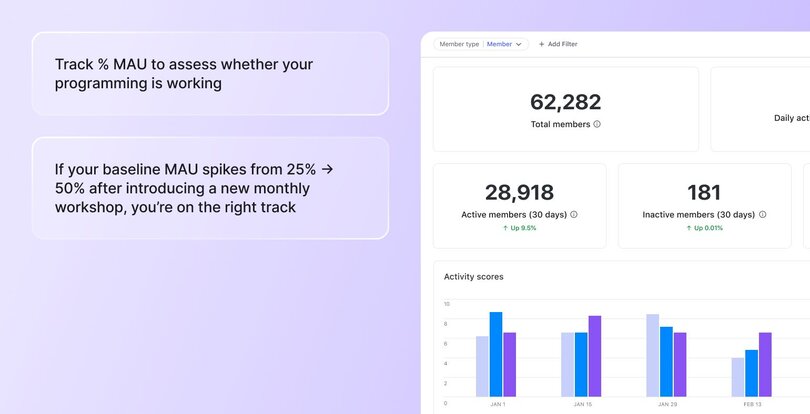
### 2\. % of posts created by members
**What it is:** The percentage of total community posts created by members (not admins or moderators). This helps you understand how much of the conversation is being driven by your community versus your team.
**Why it matters:** This metric tells you how self-sustaining your community is. If [members are regularly starting discussions](https://circle.so/blog/member-led-community), asking questions, or sharing insights without being prompted, that’s a strong sign of ownership and long-term value. In thriving communities, members don’t just consume—they contribute.
**What good looks like:** A strong benchmark is around 60-80% (which means four out of every five posts are created by members, not admins), but it also deeply depends on the size of your community. An average number of member-created posts in Circle communities this year is:
- **Small communities** (< 50 members) - 20%
- **Medium communities** (51-500 members) - 46%
- **Large communities** (> 500 members) - 74%
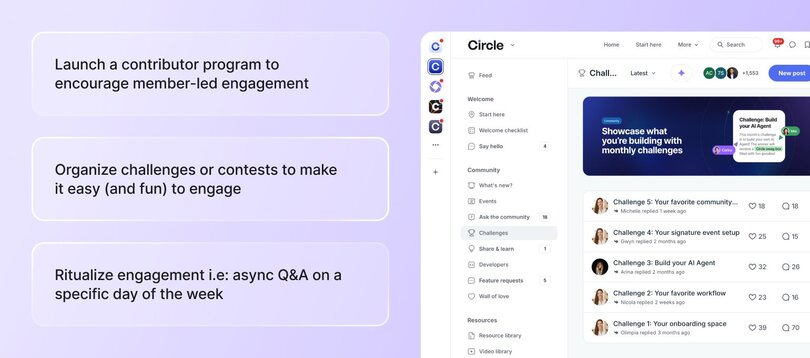
### 3\. Monthly recurring revenue (MRR)
**What it is:** The amount of recurring subscription revenue you expect to earn each month from paying members. It’s based on your current member count and pricing tiers.
**Why it matters:** MRR gives you a clear sense of your community’s financial health. It reflects how well you're acquiring and retaining members, and whether your offer is compelling enough to sustain and grow revenue over time. It’s also a leading indicator of whether your [community pricing](https://circle.so/blog/community-pricing-strategy) and packaging are working.
**What good looks like:** There's no universal benchmark here—it depends on your business model, niche, and goals. What matters most is whether your MRR is stable or growing month-over-month.
> 👉🏼 If you want to **see how your current audience** (social and email) could **convert into recurring revenue via a paid community**, check out our free [Community ROI Calculator](https://circle.so/community-roi-calculator).
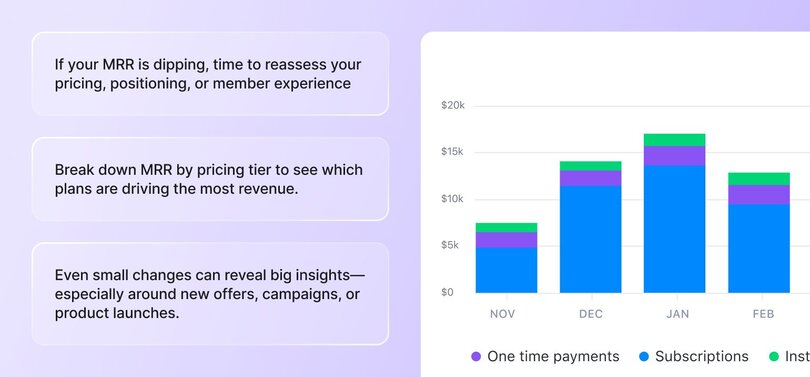
### 4\. Event attendance rate
**What it is:** The percentage of RSVPs who actually attend your [community events](https://circle.so/blog/host-community-events). It shows how well you’re converting interest into participation.
**Why it matters:** This metric helps you gauge both interest and execution. If your attendance rate is low, it may signal that your topics aren’t resonating, your reminders aren’t landing, or your timing is off. High attendance, on the other hand, suggests strong alignment between your content and what your members value.
**What good looks like:** A solid event attendance benchmark from top Circle communities is 50% or higher. If you're consistently seeing below 30% attendance, it’s worth re-evaluating your event format, content, or promotional strategy. [Find clues in your data](https://circle.so/blog/data-driven-event-strategy) to figure out how you could improve your event strategy.
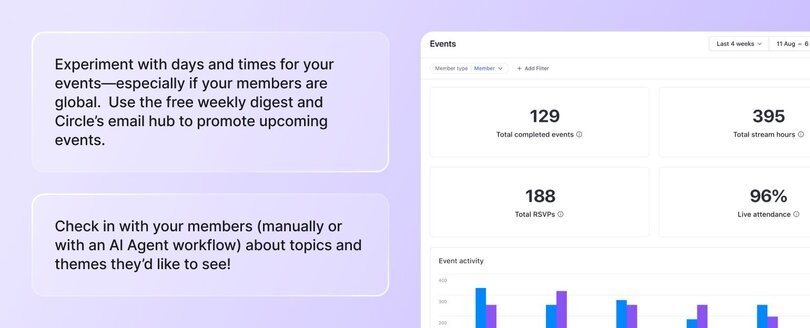
### 5\. Churn
**What it is:** Churn is the number of canceled subscriptions divided by active subscriptions. It tells you how good of a job you’re doing at delivering continuous value that retains members.
**How to interpret it:** Churn isn’t always bad. Some churn can even be a good thing! We’ve heard community builders reframe it as a ‘graduation’ or ‘celebration’ because a member got the skills and support they needed to move on to their next chapter.
**What best in class looks like:** As [Tom Ross](https://circle.so/customer-stories/learn-community), founder of [_Learn Community_](https://tomross.co/) and [Circle expert](https://circle.so/partners/tom-ross), puts it, “Churn is a topic that can cause a lot of anxiety and frustration for community builders.”
It’s also something that can be affected by a multitude of factors, including: the size and age of your community, if it’s free or paid (and what the price is), the value proposition, and much more.
But here are some ballpark churn benchmarks:
- **<2.5%**: Unbelievably good
- **5%:** Really excellent
- **10%:** Average
- **15–20%+:** On the higher side, work to be done
**_Note:_** _Smaller communities tend to have slightly higher churn rates than medium-large ones. The good news?_ **_The average churn rate for Circle communities is anywhere between 4.9%-7.4%_**_—much better than industry averages._
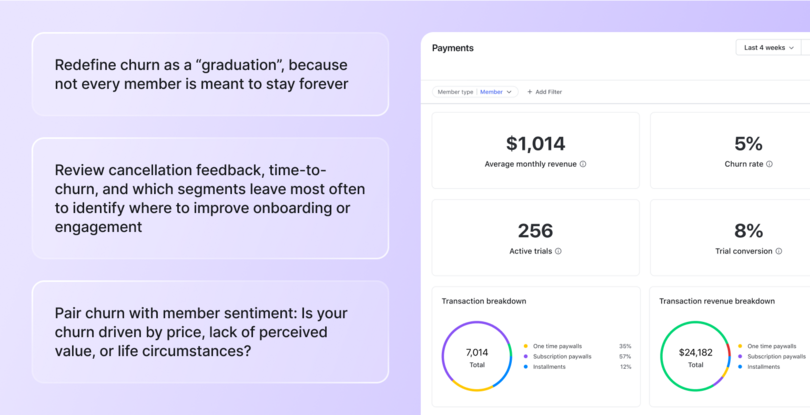
### The Community Analytics Maturity Model 👇
What you measure will depend a lot on the stage your community is in. Tracking everything from day one isn’t a great idea. Too much data too early in your journey can lead to overwhelm and analysis paralysis.
Instead, think of your analytics as something that evolves over time. As your community grows, so does the complexity of your metrics. Some data points (like churn or engagement rate) remain important at every stage, while others become relevant as your goals and operations expand.
The key is knowing which metrics to prioritize _now—_and which ones to layer in as you scale. Use the **Community Analytics Maturity Model** for guidance👇
| Stage | Primary focus | Core metrics to track |
| --- | --- | --- |
| Beginner | Get people in the door and make sure they’re engaging early | |
| Scaling | Strengthen participation and start linking behavior to long-term value | |
| Advanced | Optimize for business impact and use data to shape long-term strategy | |
✨ **Circle makes tracking engagement metrics easier** with an [Activity Score](https://help.circle.so/p/administration/community-ai/access-activity-scores) for each member—a 1–10 rating that combines presence, participation, contribution, and connection. It gives you instant insight into who’s thriving and who could use a little nudge.
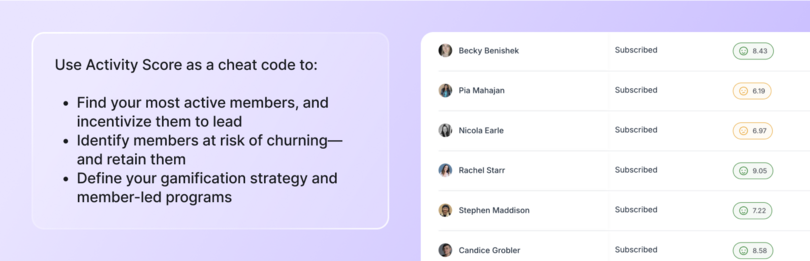
## Other community metrics that help you measure what matters
Right, let’s go a bit deeper now at the community metrics you should be tracking to gauge how different aspects of your community are performing.
### To measure community growth
These are the core metrics to track when your primary goal is growing your member base and understanding who’s joining.
- **Membership growth rate:** Tracks how fast your community is growing. Useful for setting monthly or quarterly growth goals.
- **Churn rate:** Shows how many members are leaving over a set period. High churn can signal deeper issues with value or engagement.
- **New members vs. churn:** Compares how many people you’re adding versus how many are leaving. A quick way to check if your business is growing or just replacing lost members.
- **Member demographics:** Gives insight into who’s joining, like age, location, interests, or profession. Useful for tailoring content and outreach—and identifying your ideal member
- **Retention rate:** Tells you how well you’re keeping members over time. [High retention often signals strong onboarding](https://circle.so/blog/member-retention) and ongoing value.
> 📘 **Want a simple way to assess your community’s health?** Check out our [community assessment guide](https://circle.so/blog/community-assessment) for a helpful framework.
### To measure participation and engagement
Once you’ve got members joining, the next question is: are they _actually_ participating? Engagement metrics help you understand how active your community is.
- **Active members:** Tracks how many members are active on a daily (DAU), weekly (WAU), or monthly (MAU) basis. These metrics help you understand both the frequency and consistency of member engagement across different timeframes.
- **Engagement rate:** Measures how many members are participating (liking, posting, commenting) relative to your total member base. Useful for spotting dips or momentum.
- **Posts and comments per member:** Shows how much conversation is happening per person. High numbers often point to a lively, member-led space.
- **Event participation rate:** Tells you how many members are attending events compared to those invited. A good indicator of topic relevance and community buy-in.
- **Response time and rate:** Measures how quickly questions or posts get replies—and how often they do. Critical for creating a sense of responsiveness and trust, especially in [customer or support communities](https://circle.so/blog/customer-community).
- **Courses started:** Tracks how many members begin a course or structured learning path.
### To measure content and discussion value
Engagement alone doesn’t tell the whole story. You also want to understand the _quality_ of what’s happening in your community. The following metrics help you do just that.
- **Content engagement metrics:** Includes things like views, clicks, likes, or reactions to show how members interact with content. Helpful for understanding what content formats and topics resonate most—but should be looked at in a broader context to avoid simplification.
- **User-generated content metrics:** Measures how much of your community content is created by members versus you/your team. When members are creating content on their own, it means they see the community as a place worth investing in—not just consuming.
- **Discussion quality metrics:** Assesses the depth and usefulness of conversations, often through scoring or tags. Reveals whether members are sharing meaningful insights or just surface chatter.
- **Sentiment analysis:** Gauges the emotional tone of conversations to spot hidden friction or celebrate positive momentum. With Circle’s AI agents, you can surface these insights automatically, making it easier to understand how your members are really feeling.
- **Knowledge sharing metrics:** Tracks how often members ask questions, provide answers, or share resources. A strong indicator that your community is becoming a trusted hub for support and learning. In Circle, you can track these metrics through two separate spaces, like “Ask the Community” for questions and “Share a Win” for expert insights, making it easier to see how knowledge flows in your community.
### To understand business impact and ROI
As your community matures, you’ll need to go beyond engagement and start proving how your efforts contribute to the business. These metrics connect member activity to outcomes like revenue, retention, and [new product development](https://circle.so/blog/digital-product).
- **Conversion rate:** Tracks how many community members take a specific action, like upgrading, buying, or signing up. A direct indicator of how your community drives business goals.
- **Customer support deflection:** Measures how many questions are answered by members (or AI agents) instead of your support team. With strong peer-to-peer support, you’re able to save on customer support costs. As an example, the Circle customer community’s AI agent has helped answer 62% of basic product questions–and keep conversations in the actual community more focused on strategic community-building.
- **Retention impact:** Looks at whether community participation correlates with higher customer retention. Shows how community engagement can increase lifetime value.
- **Product feedback implementation:** Tracks how often feedback from community members influences product updates or features. On Circle, we have a dedicated Feature Requests space where members can share ideas and upvote suggestions. Since launch, we’ve implemented over 200 community-requested features.
- **Revenue attribution:** Measures how much revenue can be tied back to community touchpoints, such as events, content, or discussions. Circle allows you to see which courses and offers are generating the most revenue, which paywalls are performing best, and how your revenue is distributed across subscriptions, one-time payments, and payment plans.
### Advanced analytics to measure the future of your community
Once you’ve nailed the basics, these advanced metrics can help you anticipate trends, improve the member experience, and build for long-term growth.
- **Predictive analytics:** Uses historical community data like activity trends, churn patterns, or engagement drop-offs to forecast future outcomes. For example, it can help you identify which members are at risk of leaving. On Circle, you can use filters like _“Last logged in >30 days”_ to identify at-risk members and proactively reach out or trigger a re-engagement workflow.
- **Cohort analysis:** Groups members based on when they joined or a shared behavior, then compares how those groups engage over time. For instance, you might look at how January joiners compare to March joiners in terms of retention or post activity. It helps you see what’s working (or not) across different cohorts. With Circle’s analytics filters, you can compare engagement levels across different cohorts as well!
- **Journey mapping metrics:** Tracks the different paths members take from signup to superfan. Helps you spot where people drop off or get stuck so you can optimize their experience. On Circle, you can use automations to add tags by members as they complete key actions, like opening a welcome email or joining an event, and then use those tags in analytics to spot where people drop off. You can also monitor drip campaigns to see which emails aren’t opened or clicked, helping you pinpoint and fix friction points.
- **Custom scoring systems:** Combines multiple behaviors (like logins, posts, comments, or purchases) into a single score to assess member engagement or value. Useful for segmenting your audience into active, at-risk, or high-potential groups, especially helpful for prioritizing outreach or rewards. Again, this is where you can use Circle’s filters, like combining high scores with last logged in < 7 days, and above certain level to invite the best members to engage in challenges.
## Setting strategic goals and community KPIs
Tracking metrics is only useful if you know what success looks like. This section walks you through how to set clear goals, organize your data, and use your insights to drive real improvements in your community.
### Setting SMART goals
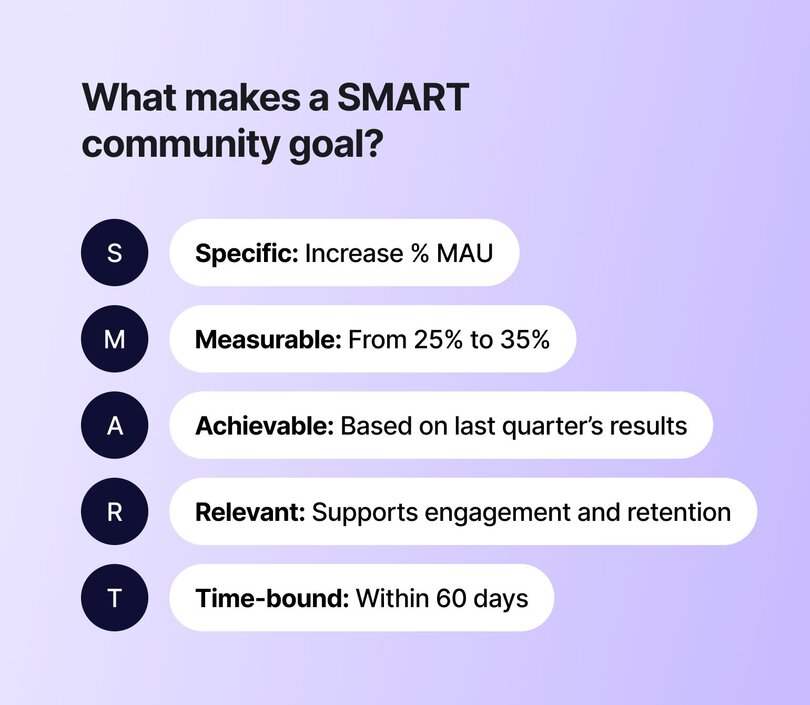
SMART goals are a tried-and-true framework that makes your objectives easier to plan, measure, and _actually_ hit. A vague goal like _“increase engagement”_ becomes far more useful when it’s rewritten as _“increase % MAU from 25% to 35% over the next 60 days through new member campaigns.”_
Setting goals this way helps you stay focused, communicate clearly, and build experiments with a finish line.
### Creating dashboards
You should also set up a dashboard to pull together all the key data from your community. It can be as simple as a spreadsheet or a Notion doc. But if you want to future-proof things, it’s worth investing in a platform like Circle that provides you with [built-in analytics](https://circle.so/analytics) right at your fingertips. It’ll save you from manually piecing data together from multiple tools.
### Reporting to stakeholders
Whether you’re co-running a community with a business partner or managing one within a larger organization, having clear, reliable data is essential. You may need to sunset initiatives that aren’t delivering results, or advocate for more resources, staffing, or strategic shifts to support what is. In either case, **regular reporting backed by solid metrics** is what enables informed decisions, alignment, and ongoing support from stakeholders.
## How to improve your community metrics
Got your metrics in place? Great. Now it’s time to address the areas that need attention. Here’s what to do in four common scenarios👇
### If your MAU is lower than you'd like…
Focus on proper [**onboarding**](https://circle.so/blog/community-onboarding) **and re-engagement**. Often, members aren’t inactive because they don’t care—they’re just not clear on what to do next. A simple onboarding flow with welcome emails, DM nudges, or “start here” guides can make a huge difference. You can also run a weekly roundup or member digest (created for you automatically in Circle!) to pull people back in—or start building up your event programming!
### If your churn rate is creeping up…
It’s time for more **personal connection and feedback loops**. High churn usually means that somewhere along the way, members stopped seeing value or never quite found their footing in your community. Reach out personally to members who cancel, even if it’s just to ask what didn’t land. Add an exit survey to uncover patterns. Then, test reactivation offers: a free month, an invite back, or an updated experience. Sometimes, just being seen or heard is enough to bring someone back.
### If your MRR is flat…
Look at **expanding the value for your existing members.** Selling to someone already in your community is far easier than acquiring someone new. Think about layered offers like [mastermind groups](https://circle.so/blog/mastermind-groups), premium content, or [group coaching](https://circle.so/br/blog/group-coaching). If your core offering is solid, many members will happily pay more for deeper access or transformation.
### If posts by members are low…
It’s usually a **prompting problem, not a people problem**. Most members want to contribute—they just need a nudge. Try seeding your space with great starter questions, like _“What’s something that helped you this week?”_ or _“What’s a challenge you’re working through right now?”_ You can also tag members to share wins or start themed discussion days.
Another helpful tactic is setting a regular cadence for engagement, such as weekly prompts or spotlight threads, and clearly defining your community structure so members know exactly where to post.
## How Circle’s analytics help community builders succeed
Once you start tracking your metrics, you need a simple, reliable way to view and act on them. That’s exactly what **Circle’s analytics hub** was built for.
{/* MANUAL: Lottie Player - src: - Consider replacing with static image or video */}
### One central dashboard, all your key metrics
Get instant visibility into your daily and monthly active users, event RSVPs, post volume, and member growth without ever leaving your community platform.
Beyond the basic analytics, you can also:
- Use the **“Popular day & time” view** (last 90 days) to schedule live events when your members are most active
- Track **Activity Score** to monitor community health at a glance
- Pull **insights from the posts & comments sections** to surface top-performing discussions—perfect for weekly recaps
### Surface the signals that _actually_ matter
See which spaces are thriving, when members are most active, and how engagement lines up with key moments like campaigns or launches. Use filters to drill into behavior by segment, tag, or space to know not just _what_ happened, but _why_.
### Make smarter business decisions
Track your subscription revenue, understand which [paywalls](https://circle.so/blog/paywalls) are performing best, and explore how your most engaged members behave. Features like the member leaderboard help you identify potential moderators, mentors, or ambassadors who are already showing up for the community.
### Learn from what’s working (and what’s not)
Whether you're testing new content, launching events, or optimizing onboarding, with Circle you can see the impact in real time. From understanding event attendance trends to analyzing post types by member role, with Circle, you have the data to iterate faster and scale smarter.
## 📊 Curiosity is the key to a data-driven community strategy
**You don’t need to be a numbers person to build a data-savvy community.** What you _do_ need is curiosity.
- Curiosity about what your members respond to.
- Curiosity about what keeps them coming back—or quietly slipping away.
- Curiosity about what your community _could_ become with the right insight at the right time.
The best community strategies don’t start with data. They start with a question. **The metrics just help you find the answers—and keep asking better ones.**
If you’re looking for a community platform with robust analytics features to help you grow a stronger, more intentional community, check out Circle.
👉 [Try it free for 14 days.](https://app.circle.so/communities/new)
## FAQs about community analytics, metrics, KPIs, and more
What are the most important community metrics?
The most important metrics depend on your goals, but generally: Monthly active users (MAU), churn rate, engagement rate, and percentage of posts created by members. These help you understand whether people are showing up regularly, participating meaningfully, and sticking around, which are key indicators of a thriving, sustainable community.
How can I measure community engagement effectively?
Track a mix of quantitative and behavioral signals. To begin with, look at daily, weekly, and monthly active users (DAU/WAU/MAU) to see how often members are coming back. Then look at posts and comments per member to understand how actively they’re contributing. It’s also worth tracking event attendance and response times—they tell you how involved your members feel and how supported they are.
What’s a good benchmark for community churn?
A churn rate below 5% per month is considered healthy, and under 2.5% is excellent. Rates over 15% are a red flag and suggest you may need to revisit onboarding, member experience, or ongoing value delivery. While some churn is natural, high churn usually points to deeper problems in clarity, positioning, and member fit.
How often should I review community metrics?
Ideally, [review your core metrics](https://circle.so/blog/community-assessment) weekly, especially if your community is active or growing quickly. This helps you stay close to member behavior and catch shifts early. In conjunction, you should also do a deeper monthly review to spot trends and decide what to optimize or test next.
---
### The no-fluff, 60-min community assessment framework
*Learn how to conduct a lean community audit in 60 minutes. Get actionable insights to improve member engagement, business impact, and operations for a thriving community in 2025.*
Source: https://circle.so/blog/community-assessment
Let's be real: as a community builder, the words "community assessment" might sound like yet another time-consuming task on your endless to-do list.
But here's the thing–taking a strategic look at your community doesn't have to be complicated or time-consuming. Whether you call it an audit, assessment, or roadmap, it's simply about understanding what's working, what isn't, and what to do next.
### What is a community audit, really?
Think of a community audit like a health check-up for your business. Just as you'd review your finances or product metrics, your community needs regular check-ins to ensure it's serving both your members and your business goals. It's not about perfection – it's about progress and practical improvements.
### Why should community builders care?
Your community isn't just a nice-to-have–it's a business asset. A well-run community can:
- Reduce customer support costs
- Drive product adoption
- Generate valuable feedback
- Create passionate brand advocates
- Increase customer retention
But, without regular evaluation, communities can drain resources without delivering these benefits. That's where auditing comes in.
### DIY vs. hiring help
DIY audits are your best bet when you're in the early stages of community building, have a solid grasp of your goals, or are working with limited resources.
Alternatively, you’ll want to [bring in the experts](https://circle.so/partner-directory) when you're facing major transformations, like platform migrations or significant scaling challenges. Expert guidance is also valuable when dealing with complex problems, or when you have a dedicated budget for community development.
### Making assessments work with limited resources
You don't need a dedicated community team or expensive tools to do an effective audit all by yourself. This guide will show you how to:
- Complete basic audits in as little as 60 minutes
- Use free tools and platform analytics
- Focus on metrics that actually matter
- Make improvements that don't require huge investments
## When to audit your community
Timing is everything when it comes to community audits. While annual reviews are great, there are also certain business moments that call for a closer look at your community's health and impact.
### Critical business moments
- Before raising prices: Don't wait until _after_ you've announced a price increase to evaluate your community's value. If you’re considering a price increase, assess current engagement levels, the [value members are getting](https://circle.so/blog/community-growth), your competitive differentiators, and any opportunities for quick improvements prior to the increase.
- When engagement drops: Sudden drops in engagement aren't always bad (“quiet communities” definitely exist), but they deserve attention. Look for seasonal patterns, platform issues, content relevance, changes in member feedback, or new competitors.
- Before launching new features or programs: Consider reviewing member pain points that your launch solves, current discussions about related topics, potentials for beta testers, announcement channels, and support resources.
- During scaling phases: Review your resource allocation, automation needs, moderation capacity, onboarding effectiveness, and platform limitations.
- When competition increases: Use your community as a competitive advantage, and assess your unique value propositions, member loyalty indicators, content differentiation, engagement quality, member advocacy levels.
### Monitoring for growth opportunities
Annual planning is the perfect time for a comprehensive audit. Focus on:
- Year-over-year metrics
- Resource allocation
- Major wins and challenges
- Member success stories
- Strategic priorities
Quarterly check-ins allow you to do lighter touch reviews to stay on track. Review:
- Progress on key metrics
- Quick wins implemented
- Outstanding challenges
- Resource adjustments needed
- Next quarter priorities
Before major investments in time or money, review:
- Current pain points, ranked from most painful to least
- Member needs
- ROI potential
- Resource gaps
- Implementation requirements
## The “lean community audit” process
The lean community audit is a process that sets you up for success quarter-over-quarter and year-over-year.
The best part about it? It’s quick, dirty, and easy to get started–no matter whether you start now or mid-year, because having an initial benchmark will set the standard for future reviews.
### Set clear objectives
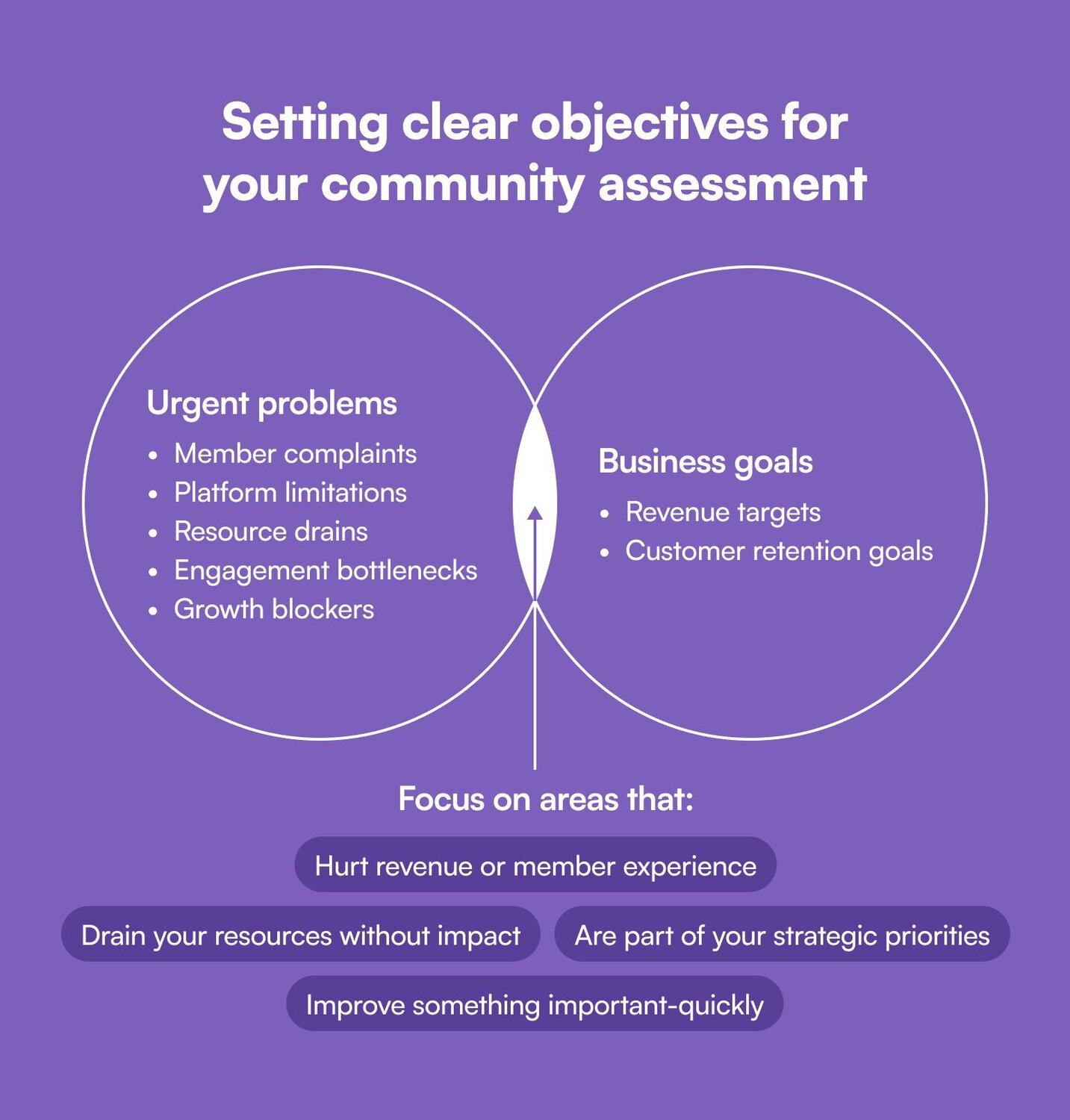
1\. Define what a successful audit will look like (for you):
- Metrics you want to improve
- Experiences you want your members to have
- Growth you want to achieve for your community
- Issues you want to solve
2\. Identify the most urgent problems to solve:
- Member complaints
- Platform limitations
- Resource drains
- Engagement bottlenecks
- Growth blockers
3\. Determine your community business goals:
- Revenue targets
- Customer retention goals
- Marketing objectives
4\. Focus on high-impact areas, because not everything needs fixing:
- Revenue-impacting issues
- Member experience blockers
- Quick, high-value wins
- Strategic priorities
### Collect data (without overwhelm)
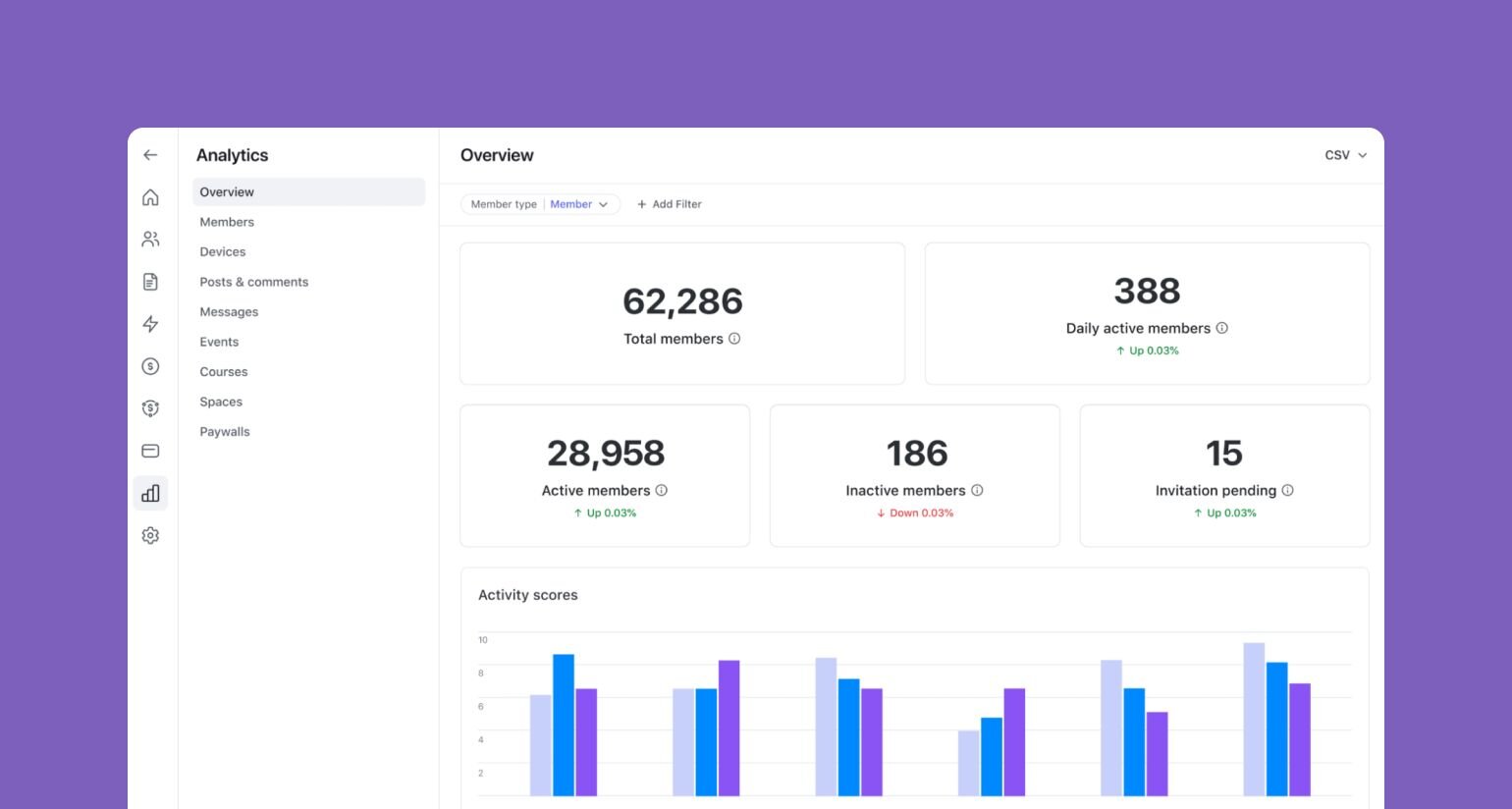
Once you know what you’re looking at, and for, it’s easier to avoid vanity metrics, and focus on actionable [community data](https://circle.so/blog/community-analytics) and metrics that matter, like:
- **Engagement metrics**, like monthly active users (MAU), peak activity times, and popular content types.
- **Business impact metrics**, like new member growth rate, member retention rates (or churn), and revenue per member.
- **Operational metrics**, like time spent on community tasks, platform costs, and automation effectiveness (and the ensuing member experience).
Circle lets you collect most of these directly on the platform, plus some extras.
### The quick-start 60-minute audit framework
Yes, you can conduct a meaningful audit in just one hour. Set a timer, [download our template](https://docs.google.com/spreadsheets/d/1IfnoWW_8_eJbvPkaxi6EwpLRdLRR4BfYVLelgnJ8bVc/edit?gid=1254465229#gid=1254465229), and get to work:
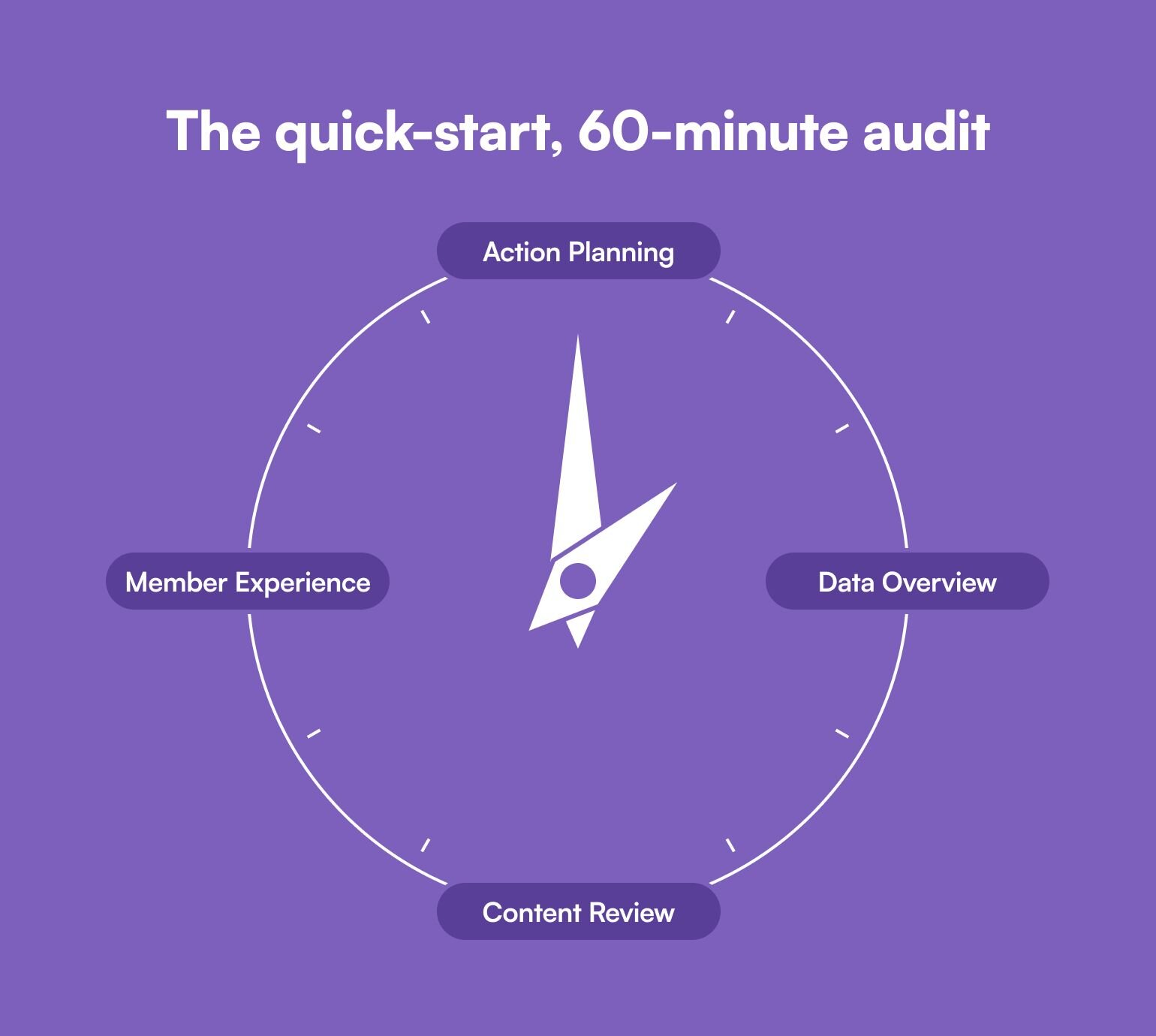
**First 15 Minutes: Data Overview**
- Pull up your platform analytics
- Note your current member count
- Check your engagement rates
- Review your most active/least active spaces
**Next 15 Minutes: Content Review**
- Scan your last month of discussions
- Identify your top 3 most engaged posts
- Note any patterns in successful content
- Flag areas with low engagement
**Next 15 Minutes: Member Experience**
- Review recent member feedback
- Check your onboarding process
- Test key community features
- Note any friction points
**Final 15 Minutes: Action Planning**
- List 3 quick wins you can implement this week
- Identify 2 longer-term improvements
- Set reminder for next audit check-in
### Top ways to track the right information
**For member feedback:**
1. Quick, in-platform polls
2. Email surveys (3 questions max!)
3. Exit interviews with churned members
4. Quick feedback in live sessions
5. Direct messages to power users (set up automations for this!)
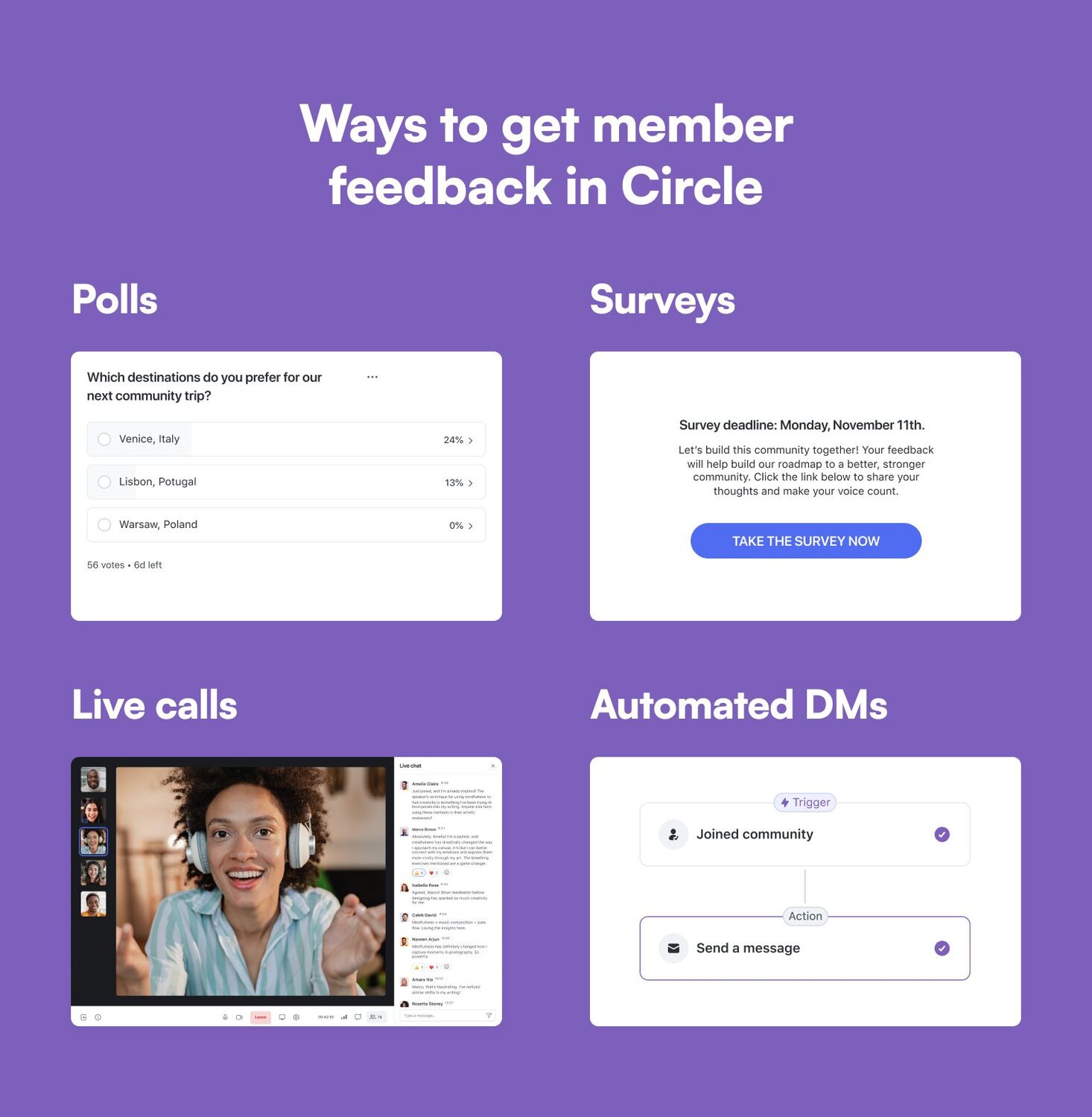
**For simple tracking:**
- Use [platform analytics](https://circle.so/analytics) when possible (like Circle’s)
- Create a simple monthly scorecard on Google Sheets
- Track trends, not just numbers (aka. You need benchmarks, comparisons, and visibility!)
- Focus on actionable metrics, like onboarding impact, reasons for churn, etc.
- [Automate what you can](https://circle.so/workflows), like email surveys, polls, and more, at certain trigger points
**Remember:** The goal isn't to track everything – it's to track what matters for your specific community and business goals.
### Keep analysis simple with 4 signposts
Looking at community data doesn't have to be overwhelming. Look at 4 simple things to make sense of the data without getting lost in the numbers.
1. ✅ **What’s working:** Start by identifying what naturally works in your community. Keep an eye on the topics and types of posts that consistently spark discussions, when your members are most active, and who your key conversation drivers are. Just as importantly, note what content consistently fails to engage—this helps you stop investing time in ineffective strategies.
2. 🚩 **Red flags:** Early warning signs often appear before major problems develop. Watch for decreasing response rates, longer gaps between posts, and an uptick in basic questions that have already been answered. Pay particular attention if your core members become less active or if you see a rise in off-topic content—these often signal a need for immediate action.
3. 🏆 **Quick wins:** Focus on low-hanging fruit that can make an immediate impact. Look for unanswered questions you can quickly address, popular topics that could become regular features, and engaged members who might be ready for leadership roles. Sometimes the simplest changes, like creating resources from frequently asked questions or automating routine tasks, can significantly improve community health.
4. 🌷 **Growth opportunities:** Keep an eye out for natural expansion points in your community. These might emerge from consistently engaging topics, newly expressed member needs, or gaps in your current offerings. Pay attention to particularly active members who might become partners, and look for content areas where you could provide additional value.
## 3 Key areas to evaluate in your community business
### 1\. Business impact: how engagement can impact your bottom line
Your community isn't _just_ about engagement—it needs to drive business value.
When evaluating your community's impact, it's crucial to look beyond surface-level engagement metrics and dig into how your community directly affects your bottom line (and if your community _is_ your business, it becomes even more pressing). A thriving community isn't just about active discussions—it should be a powerful engine driving multiple aspects of your business growth.
Your community can be a significant **revenue driver** by creating natural upsell opportunities and increasing customer lifetime value. Data consistently shows that engaged community members are less likely to **churn** than non-members, as they build relationships and invest time in the community. These engaged members often become your best advocates, generating authentic user content, testimonials, and word-of-mouth referrals that far exceed the impact of traditional **marketing efforts.**
A well-functioning community also **reduces operational costs** through peer-to-peer support and knowledge sharing. When members help each other solve problems, they decrease the burden on your support team while providing faster, more contextual responses. Additionally, communities serve as invaluable sources of **product feedback and innovation**, offering deeper insights into how people actually use your product and providing a ready pool of engaged beta testers.
Understanding these various forms of business impact helps you make better decisions about community investments and demonstrates clear ROI to stakeholders. When you can show how your community directly contributes to revenue, retention, marketing efficiency, support costs, and product development, it becomes much easier to justify additional resources for your community initiatives.
### 2\. Member experience: where communities thrive or die
The member experience in your community directly influences everything from engagement to retention to your bottom line. While metrics and ROI matter, **your community ultimately succeeds or fails based on how well it serves your members' needs and expectations.** The key is creating an environment where members can easily find value, build connections, and achieve their goals.
A strong member experience starts with effective **onboarding**. The first 24-48 hours are crucial—members who make a meaningful connection or contribution during this period are significantly more likely to become long-term, active participants. This initial experience should guide newcomers to relevant resources, introduce them to like-minded members, and help them achieve a quick win that demonstrates the **community's value.**
Think of it like welcoming someone to a new neighborhood—they need to know where everything is and meet a few friendly faces to feel at home.
Beyond onboarding, ongoing **engagement quality** matters more than quantity. High-quality interactions that solve problems, share knowledge, or build relationships create a sticky community where members want to return. Pay attention to how quickly members receive responses, the depth of conversations, and whether members are forming genuine connections. These indicators reveal whether your community is truly serving its purpose or just generating surface-level activity.
You should also want to explore **common friction points** that members experience during any and all of these processes, with your content and delivery, and with the community overall. This’ll help you gauge how well you’re solving for and increasing member satisfaction.
### 3\. Operations: the engine of your organization
Community operations might not be the most exciting topic, but efficient operations create the foundation for everything else your community achieves. Think of **operations as the engine room of your community**—when it runs smoothly, everything else works better. The goal is to maximize impact while minimizing the resources required to maintain and grow your community.
**Time management** is perhaps the most critical operational concern for community leaders. Every hour spent on routine tasks is an hour not spent on strategic initiatives. Look for opportunities to **automate** repetitive work, whether it's member welcomes, event reminders, or engagement tracking. Consider which manual processes could be streamlined or eliminated entirely. **Sometimes, the best operational improvement is simply stopping activities** that don't clearly contribute to your community's goals.
**Resource allocation** becomes increasingly important as your community grows.
This includes not just your time and budget, but also
- your team's capacity,
- your [technology stack](https://circle.so/blog/creator-tech-stack), and
- your content creation resources.
Successful communities find ways to leverage member-generated content, empower volunteer leaders, and use technology effectively to scale their impact without always scaling their costs. The key is identifying which investments truly move the needle on your most important metrics and focusing your resources there.
## Taking action after the assessment
Once you've gathered insights from your audit, it's time to turn those findings into action. Rather than trying to fix everything at once, focus on strategic improvements that will create the most impact with the least effort.
**Start with quick wins**—those immediate fixes that can show fast results. These might include answering long-dormant questions, reorganizing cluttered spaces, or reaching out to recently quiet but previously active members. Quick wins build momentum and demonstrate progress, which helps justify bigger changes down the line.
For longer-term improvements, **create a prioritized roadmap**. Break down larger goals into smaller, manageable projects using the SMART framework:
- **Specific:** Make each goal clear and specific. Instead of saying, “increase engagement,” try “create 2 recurring events per month that’ll engage members.”
- **Measurable:** Add a way to track your progress, like numbers, percentages, or engagement metrics.
- **Achievable:** Set goals that are motivating and realistic, considering your available resources.
- **Relevant:** Ensure each goal aligns with your community’s stated purpose.
- **Time-bound:** Set deadlines, whether it’s by month, quarter, or year-end.
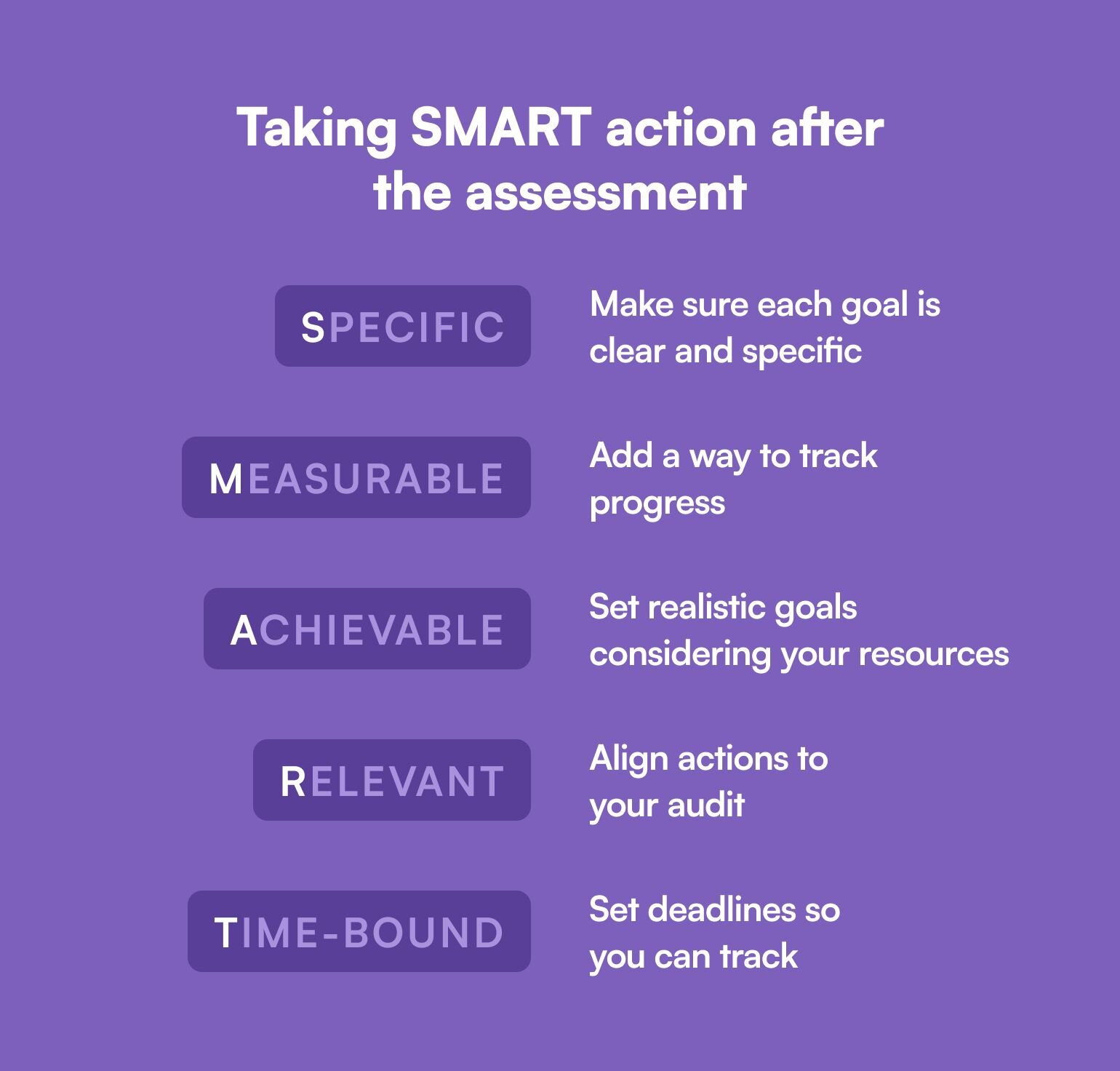
## Common community challenges (and solutions!)
Every community faces obstacles during assessment and improvement phases. Here are the most common challenges and practical ways to overcome them:
### Inconsistent engagement
**Challenge:** Members participate sporadically, making it hard to maintain momentum.
**Solution:** Create regular, scheduled touchpoints like weekly discussion threads or monthly expert sessions. Consistency in programming helps build participation habits.
### Resource constraints
**Challenge:** Limited time and budget to implement improvements.
**Solution:** Focus on one high-impact area at a time. Use free tools where possible, and leverage your most engaged members as volunteer leaders or beta testers for new initiatives.
### Data overload
**Challenge:** Too many metrics, not enough clarity on what matters.
**Solution:** Pick 3-5 key metrics that directly tie to your business goals. For example, if customer retention is your priority, focus on measuring member satisfaction and participation rates of retained customers.
### Platform limitations
**Challenge:** Your community platform lacks certain features you need.
**Solution:** Before investing in new tools, maximize what you have. Often, creative use of existing features can solve immediate problems while you build a case for platform upgrades.
## Real community roadmap story
Noele Flowers, a community strategist and consultant, recently [shared an audit](https://www.noeleflowers.com/post/how-to-audit-your-online-community-with-a-real-case-study-example-template-to-show-you-how) she did for [Private Label People](https://privatelabelpeople.com/) (PLP), a community of 60+ e-commerce pros, which found that their platform was cluttered with 27 navigation options. Their audit revealed that members engaged most with tactical, practical discussions rather than thought leadership content. By simplifying navigation and refocusing admin posts on member-centric topics like first sales and compliance solutions, they created a clearer path to scale to 150 members.
While PLP offered learning materials from courses to research guides, their audit showed scattered organization confused members. They consolidated their resources into a dedicated library and aligned content with user needs. This shift helped differentiate their community from free platforms like Facebook groups and provided value to both active and passive members.
## Next steps to community success
Your community audit is just the beginning. Here's how to maintain momentum and ensure continuous improvement:
**1\. Create a 30-day action plan**
- Schedule quick wins implementation
- Set up new tracking systems
- Begin highest-priority improvements
**2\. Establish regular check-Ins**
- Monthly progress assessment & metrics review
- Quarterly strategic planning
**3\. Build feedback loops**
- Regular member surveys
- One-on-one conversations with key members
- Tracking of improvement impacts
**4\. Plan for growth**
- Document what's working
- Identify scaling opportunities
- Prepare for next phase challenges
Your audit has given you a clearer picture of where you stand and where you need to go. Focus on consistent progress rather than perfection, and celebrate small wins along the way.
Start with your highest-impact, lowest-effort improvements, and build from there. Most importantly, schedule your next mini-audit in three months to track progress and adjust your roadmap as needed. And don’t forget to share your journey with your members—they're your partners in building a stronger community.
---
### Why community automation helps you be your best (and most human) self
*Learn how community automation helps you scale your community while staying human. Discover the 3 essential automations, step-by-step implementation guide, and tools to reduce admin work without losing the personal touch.*
Source: https://circle.so/blog/community-automation-map
Stop me if you’ve heard this one before:
You worked hard to turn an idea into a brand.
You put yourself out there to share that brand with the world, connecting with people who resonated with your message.
You grew new followers and fans who genuinely cared about what you were building. And then something amazing happened: _those followers became a real community._
The best part? You get to nurture and guide that community as it grows.
The less fun part is the amount of manual admin work that’s required once you’ve achieved that big, impressive milestone. It can add a layer of bittersweet anxiety to an otherwise celebratory moment.
And it happens more often than you’d think. But, two things can be true at once:
1. **Your community can’t be put on autopilot** if you want it to keep engagement high and growth up and to the right, and
2. **You don’t have enough time to manually manage every aspect of your community** (particularly as it scales).
The answer isn’t “hustle harder,” or anything related to bootstraps.
**It’s community automation—careful, thoughtful, human-centric community automation.**
Circle expert [Stephen Maddison](https://circle.so/partners/stephen-maddison) knows a thing or two about that: He’s been building community automation systems for over seven years for his [Automate Community](https://automatecommunity.com/) and throughout his personal life.
## What is ‘community automation’?
Community automation is simply about creating systems where one action triggers multiple responses.
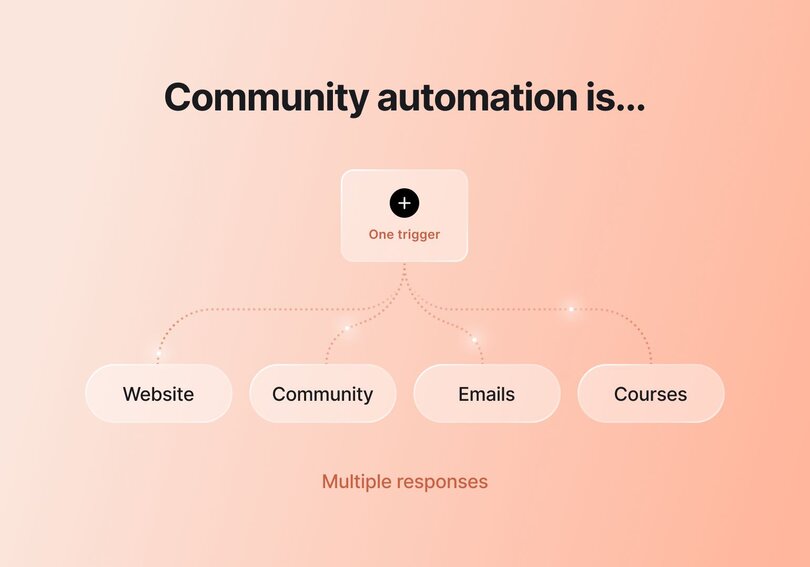
“When you do something, multiple actions will happen,” Stephen says. “If I click a signup link, an automation sends me an email and closes the original tab.”
That’s it! But there are some common pitfalls to avoid, and Stephen has seen them all—which have given him enough experience to know what works (and more importantly, what doesn’t).
It’s why he created the **Automation Experience Map**—to help you find a starting point for your automation journey—and shared it with the Circle customer community in a private masterclass.
Now, we’re taking the biggest insights from that masterclass and sharing them with you. By the end of this article, you’ll learn:
- How to find the best points in your member journey to automate
- What your member’s actions (and your tasks) have to do with automation
- The 3 foundational automations every community should have
## Think strategy before software
**Many of us have a tool-first approach to problem-solving**, and we don’t even realize it. If you’ve ever Googled something like “best software for email marketing,” that’s exactly what we’re talking about: The act of starting with a software solution or an example already in mind, and working backward from there.
But Stephen recommends starting with a clean slate.
“In general with communities, I like to advise people not to just see something that they like the look of and copy it,” Stephen says during the introduction of his masterclass.
“You really have to work out: **Does this make sense for my community?** The whole thing with community automations is thinking about your member experience and how your automations are tying back to that.”
### How to identify what you should automate in your community
By identifying the path a new member takes as they move through your community, you can quickly identify some **universal patterns**.
**Those are your best candidates for community automation**: the situations that call for a repetitive manual response on the admin side of things (like adding new members to your mailing list), and therefore can be safely automated so you don’t have to handle them on a case-by-case basis.
Some of the most requested automations that Stephen has built and used himself are:
- Building custom, (but automated) onboarding and offboarding flows
- Crafting moderation triggers and review processes
- Setting up milestone and engagement systems for gamification
Stephen says automation isn’t about replacing you (a beloved and charismatic human) with [an AI agent](https://circle.so/blog/ai-agents-for-communities) (a helpful tool). It’s about identifying the logical order of actions that everyone in your community goes through, and reducing as much friction as possible along the way.
“The only difficulty with automations is working out the order of things, as well as some of the tech stuff that comes with setting it all up,” Stephen says. “But all of that comes with practice and self-learning.”
**By identifying the smartest and most user-friendly spots to add community automation**, you can continue to [grow your audience](https://circle.so/blog/audience-growth) while still prioritizing your energy where you need it the most. And like every journey, it starts with a single step.
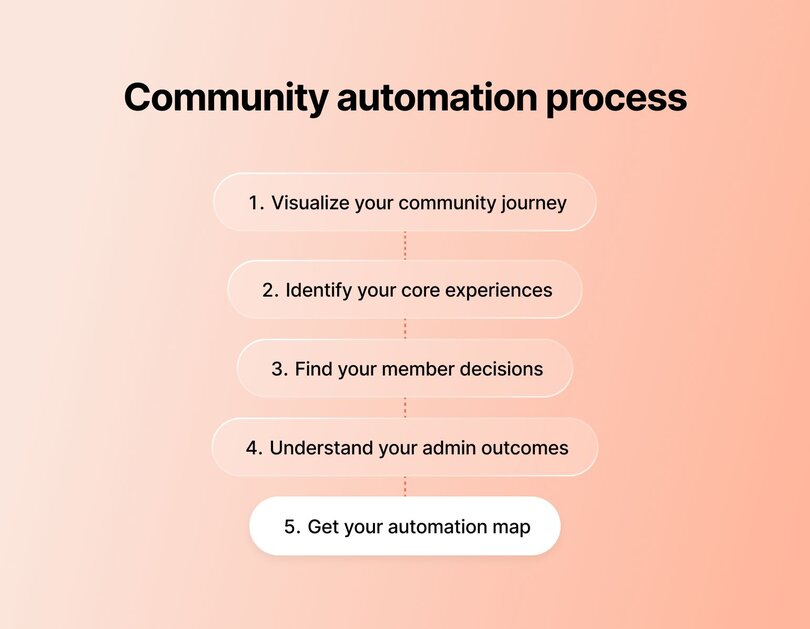
## Step-by-step guide to automating your community
### Step 1: Visualize your community journey
Stephen challenges us to flip the script and focus on our **community journey** before anything else. Begin by asking yourself questions like:
- How does your community help members?
- What does the ideal journey of someone moving through your community look like?
- How will someone new enter your community?
- What happens after they join?
- How do people in your community engage with events and each other?
- Do you personally engage with community members in comments and posts?
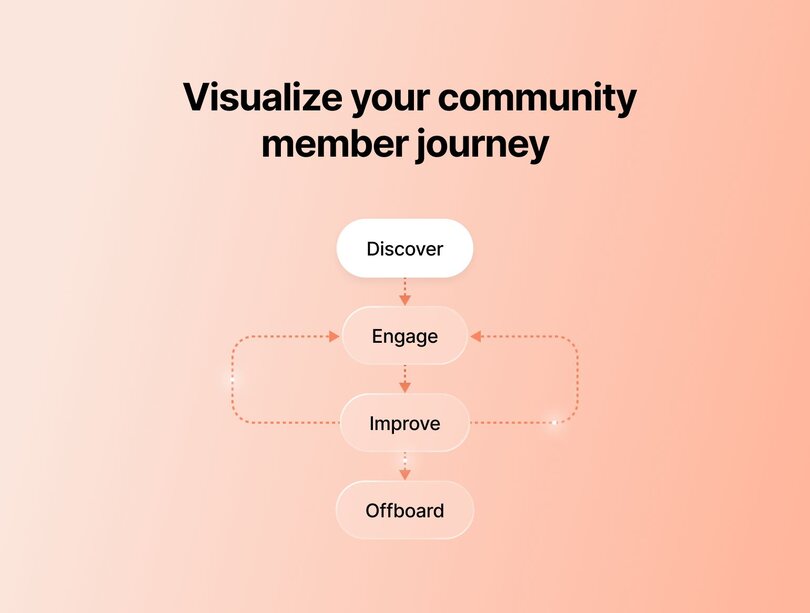
### **Step 2: Identify your core experiences**
With those answers in mind (take your time, grab a snack), you’re ready to focus on **core experiences**: The central pillars that everyone in your community will go through, and the main points of value for everyone involved.
Two obvious ones are [**onboarding**](https://circle.so/blog/community-onboarding) **and offboarding**, but the rest will be unique to your community as a whole. Think of things like:
- **Gamification of tasks**/interaction within the community
- **Regular events**, either digital or in-person
- **Sharing exclusive content** within the community
Every core experience you identify will help shape your **Automation Experience Map**, so this is a crucial part of plotting the best course for your community members going forward!
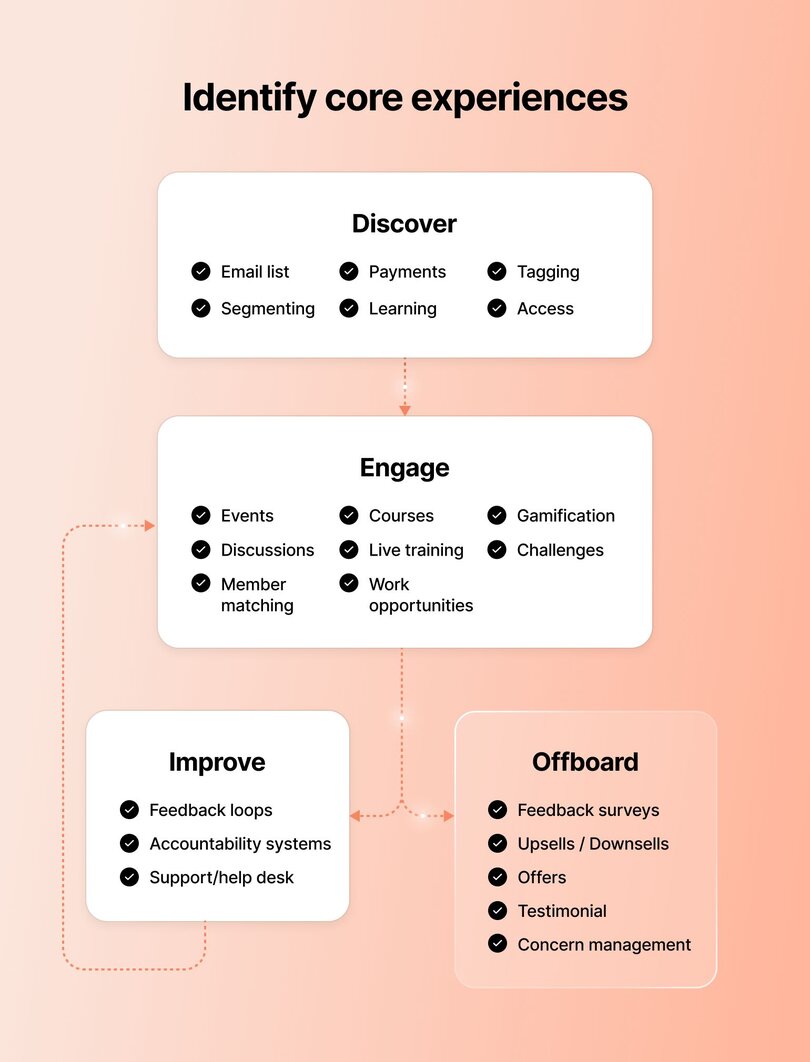
### Step 3: Notice your member decisions
With your core experiences in mind, we can move to the next step: **member decisions**. Because each core experience requires your community members to make a choice/perform an action.
Take onboarding, for example: The member decision could be as simple as “signing up by creating a free account,” but could be a multi-step process if they also need to pass a paywall, create a profile, and introduce themselves to the rest of the community.
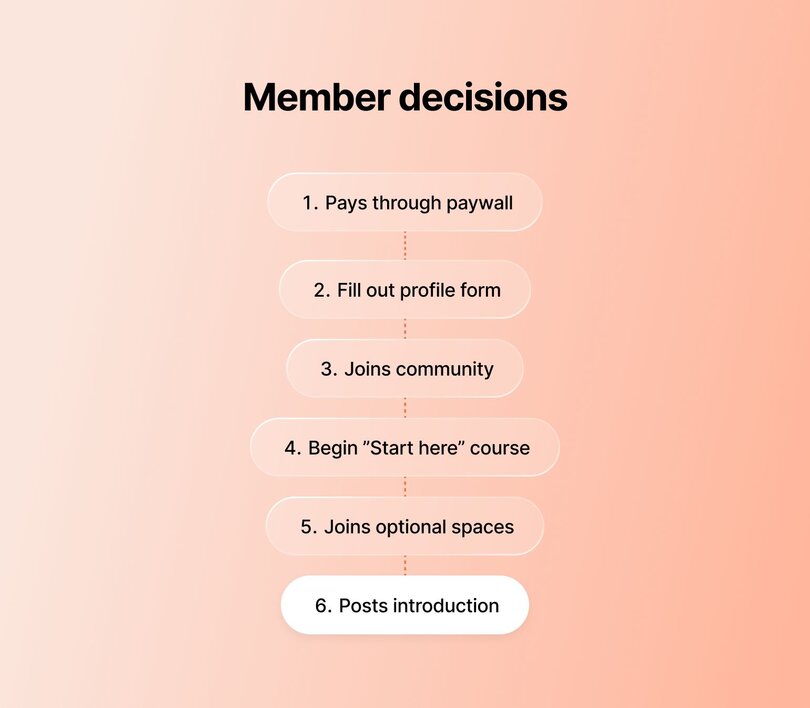
For each of your core experiences, identify the major decisions your members are being asked to make.
> 👉🏼 Pro tip: Any point of your community journey that can be described as “Member does a thing” is a strong candidate for automation.
### Step 4: Understand your admin outcomes
This brings us to the final part of your strategy mapping: **admin outcomes**. This is where all of those previous steps trickle down to direct admin tasks that you have to manually respond to—making them your ultimate automation goal. If you can automate the admin outcome that is created by each member decision, you’ll officially save yourself time and energy.
To use the example of someone joining your community: If they create a profile, you might need to create a new CRM record for them, add their info to your mailing list, and send them a welcome message.
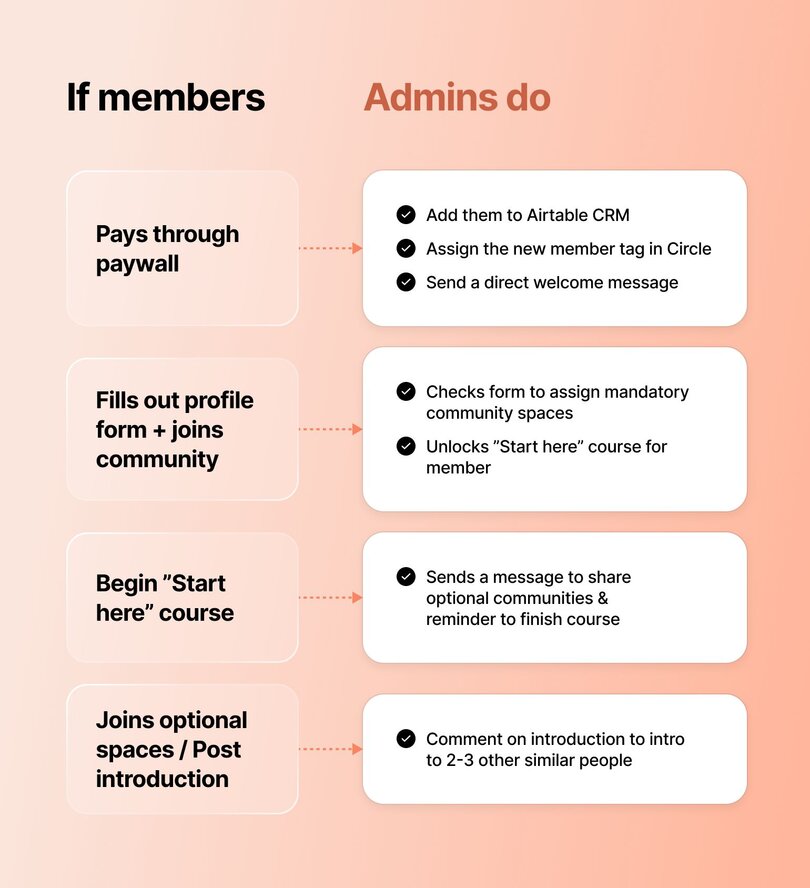
The labor quickly adds up, which is why Stephen encourages you to start by **picking ONE thing that you do as an admin every time a member decision is made.** This will be another strong candidate for automation, effectively reducing repetition and friction on both sides of your customer journey. And focusing on just one decision-outcome pairing at a time will allow you to start automating without getting overwhelmed.
### Step 5: Get (and use) your automation map
Once you’ve matched member actions to admin outcomes, **you’ll have a good sense of what your automation game plan should look like:**
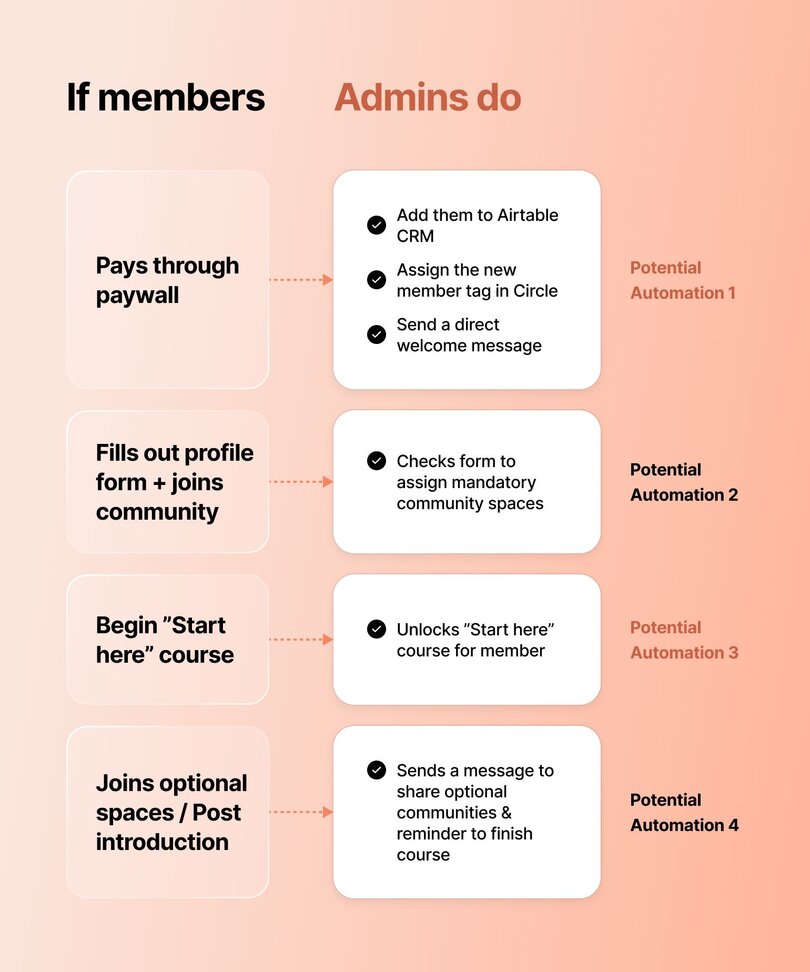
You’re now ready to take your notes and knowledge and move onto the next step: **matching your strategy with the right automation tools**! If you want to make your life a bit easier, you can also plug your answers into [Stephen’s Automation Map Form](https://tally.so/r/mDMNNN).
This (fully-automated 😉) tool takes your answers and structures them in a simple visual layout so you can see what could be automated in your community—to help you discover the potential for automation. Then you can use that list as a foundation to start setting up some automations and saving time!
## Finding the right tools for _your_ job
**The Automation Experience Map** you receive (or create) can help identify tools that might be the right fit for your goals.
Additionally, here’s our shortlist of native and nicely integrated tools that play nice with Circle and are designed to handle specific hurdles that community builders face each day:
- ⭐️ [Circle Workflows](https://circle.so/workflows): By identifying the repetitive tasks of your everyday community admin, Circle Workflows helps you automate them into one-and-done processes.
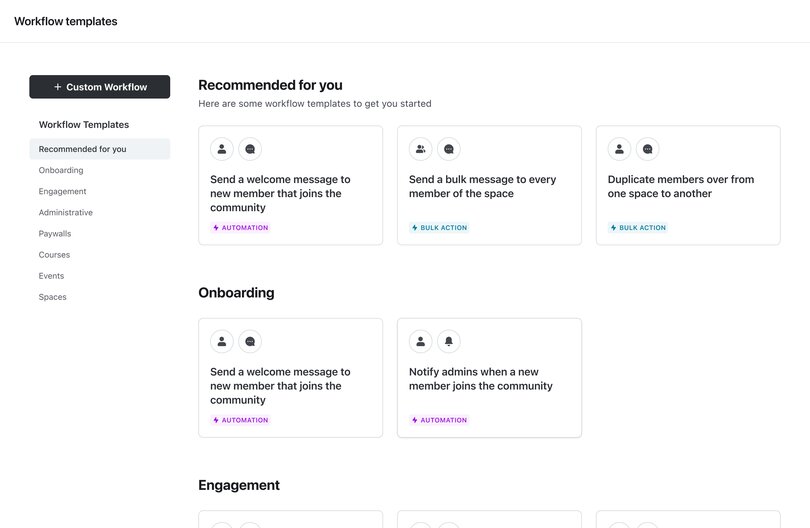
- ⭐️ [Circle AI Workflows](https://circle.so/ai-workflows) (new!): For enterprise and Plus customers, AI workflows help you automate responses and actions inside your Circle community using AI by detecting tone, evaluating content, and triggering automated actions like replies or content moderation.
- [**Zapier**](https://zapier.com/)**:** This beginner-friendly tool helps your various apps, tools, and software platforms talk to each other and execute your automations smoothly.
- [**Tally**](https://tally.so/)**:** A quick-and-painless way to create forms and templates for gathering user information, feedback, and anything else that comes in the form of…a form.
- [**Airtable**](https://www.airtable.com/)**:** Feed your inner Project Manager what they crave with lightweight, easy-to-navigate organizational tools.
> 👉🏼 Pro tip: When in doubt, [ask Circle Bot](https://help.circle.so/)! You’ll be able to quickly learn if a shiny new tool or piece of software will fit into your automation plans or not. Now it’s about putting your plan into action. Which brings us to our final point.
## The best place to start automating your community
By taking that extra bit of time up front to focus on strategy and dig deep into the needs of your community members, you can move forward with knowledge on your side. But where’s the best place to begin?
This one’s easy: Start with onboarding.
“One of the big things that I think is very important for any situation is getting people used to using the community,” Stephen says.
“Some people do this as a direct message where you’re telling them to go next. Sometimes we’re redirecting someone straight into a course lesson when they join. But it’s all about giving them the information they need in a concise way that isn’t gonna overwhelm them, and gives them one core action to do as soon as they join.”
## How to avoid auto-hating while you’re automating
You decided to build a community because you believe (like we do) that communities are the best, time-honored ways for people to truly connect. Automation can help you focus more on that, while minimizing the admin tasks that keep you busy.
“The best advice I can give you is to keep it simple to start with,” Stephen says in the closing moments of his masterclass. “If you’re just launching a community or you’ve only had a community running for less than three months, you just need to have onboarding and offboarding in place so that it’s running smoothly for you. As you gain more feedback from your members, and as you think of cool ideas to add to the community, that’s when you can really start branching out.”
That focus on fundamentals is key, because automation is ultimately like a moving sidewalk in an airport: It quickly gets you where you’re going, but you need to be going in the right direction to begin with! You can easily over-automate your process to a point where you’ve created new time-consuming problems for yourself, and suddenly you’ve taken the moving sidewalk to the wrong terminal as your flight is about to depart.
Stick with the basics, and familiarize yourself with the tools that’ll help you to automate your community journey in a way that feels… Human.
But most importantly? You’ve got this. And I can’t see what you (auto)make with these tools!
[Start your 14-day free trial today!](https://app.circle.so/communities/new)
---
### The ultimate guide to community communications
*How do you get more event RSVPs, when to send push notifications, and more in Circle’s Ultimate Guide to Community Communications, including 6 best practices.*
Source: https://circle.so/blog/community-comms-best-practices
🙅 Have you ever received a text message at 9:51pm from a random number offering you a Very Lucrative Opportunity–and immediately blocked the number?
🚮 Or maybe an aggressive email from a company selling you an incredibly expensive product–as soon as you signed up?
🤢 Perhaps you’ve been unlucky enough to get a personal message from another member of a community group, pitching you their crypto services?
There’s about a million ways to get communication wrong.
As a community builder, you may be wondering:
- How do I get more RSVPs to my live events?
- When’s the right time to re-engage a member who’s close to churning?
- What kind of content would encourage people to comment more?
In many cases–getting the right timing, cadence, and channel for the reason can make or break the impact of your message. **That’s why it’s so important to get communications right in your community.**
It’s especially important to differentiate between communications and marketing. Because talking to your members, notifying them about events, opportunities, and conversations, is _not_ the same as marketing your business to the external world.
It’s more personal, personalized, and authentic. You’re not a brand speaking, but a human.
That’s why, in today’s article, we’re going to run through:
- The 5 types of comms every community needs
- 6 channels that help you connect with your members
- 3 message workflow examples that'll help you drive action in your community
- Our best practices for communicating with your community members
## 5 types of comms every community needs
### 1\. Engagement-focused content
Engagement-focused content is the heart of a community, and includes everything from polls and surveys, to discussion prompts and questions, to summaries of events.
It’s community content in its purest form–meant to share, educate, entertain, connect, support, and delight your members.You don't need to create it all yourself. In fact, community content is often an invitation for your members to jump in and share their own thoughts and ideas.
For example, at Circle, we have several spaces (and strategies) focused on [encouraging engagement](https://circle.so/blog/online-community-engagement):
- **Ask the Community** space to (you guessed it) ask the community your questions about use cases, feedback from peers, and share tips and tricks
- **Share & Learn** space where members can share what they’re building, get inspired, and inspire others
- **Share Your Wins** space to celebrate the small and big wins together
- **Weekly Events**, including:
- Office hours
- Orientations
- Show & tells
- Workshops
- Masterclasses
- Product tours and tutorials
### 2\. Informational updates
There are some community comms that are purely for information-delivery purposes, like:
- Community news and announcements
- Product or service updates
For example, at Circle, our community is an integral part of how we communicate with our customers. We post all our important updates in one of two dedicated community spaces:
- **What's New** for product updates
- **Announcements** for community news
Our customers love being kept in the loop in these open channels. They can react, share feedback, and ideas for further development.
For Circle team members, it's a great way to stay close to brand sentiment and ensure everyone on the team knows how their work contributes to the big picture–everyone at Circle reads comments avidly!
Email alone doesn't have the benefit of this built-in feedback loop, which is why we prefer to “open up the conversation” within the discussion space.
### 3\. Educational content
Educational content, whether it’s videos, explainers, or full-blown courses, is another keystone piece of content in any type of community.
In the Circle community, we have a dedicated resource library that hosts all our how-to content as well as a video library that hosts the wisdom from past events.
The types of content we create regularly includes:
- **Live workshops, product tutorials, and masterclasses** on everything community
- **Step-by-step community-building playbooks**
- **Swipe files** and templates
- **How-to posts**
### 4\. Community highlights
The best way to get testimonials, superfans, and loyal members is to surface any incredible examples of your ideal community members.
We do this at Circle with our:
- **Show & Tell interview series**–where creators lift the curtain on their communities and tell us how they've navigated their launches, growth, and community engagement so everyone benefits from their lessons learned
- **Community Showcase** space–where communities doing interesting and unique things are profiled
### 5\. Personal messages
Personal messages (whether manual or automated with workflows) can be the difference between an engaged community member, and a quickly churned customer. It’s hard to build connection(s) if all people are getting are big announcements, so these can make a huge difference.
For example, at Circle we use workflows to send DMs at different points in the journey:
- **When you complete the onboarding course?** You get a DM prompting you to introduce yourself in the Say Hello space.
- **When you introduce yourself?** You get a DM prompting you to join our weekly events.
- **When you post a win in the Share your Wins space?** You get a DM prompting you to expand or share a learning from the experience.
- **When you hit your one-year anniversary?** You get a DM to congratulate you.
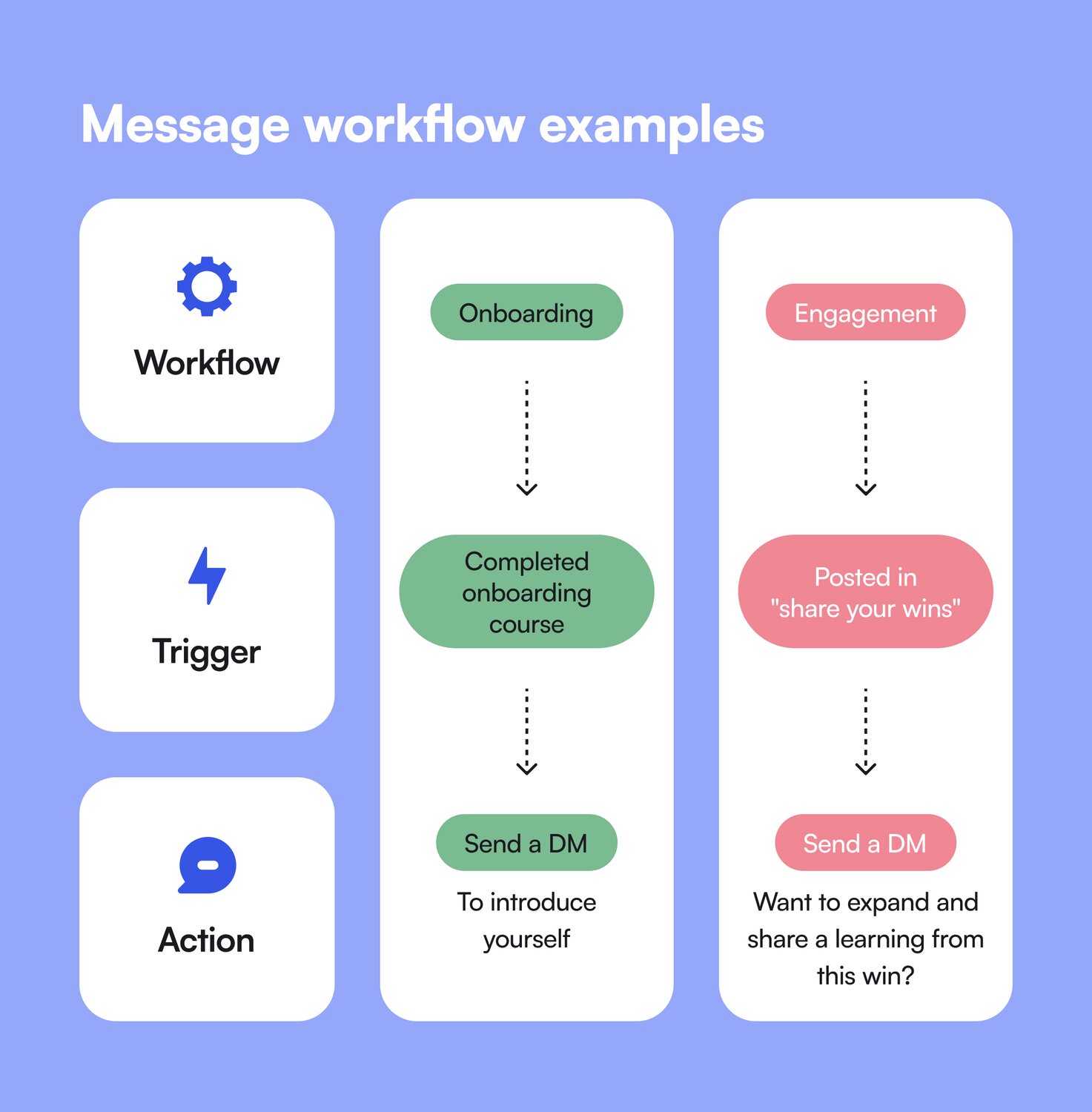
## 6 channels that help you connect with your members
Now that we’ve covered the types of content you need within your community, let’s talk channels and methods of communication.
### Social media
Many communities start on social as interest groups, or just an entire following of fans, like with [Angelica Automates](https://circle.so/blog/angelica-automates-membership) and her AI tutorials on TikTok.
Even when you bring that group of people to a separate community platform like Circle, there’s still lots of [engagement on the social platform](https://circle.so/blog/increase-social-media-engagement) itself.
Whether that’s responding back to fans and users on TikTok, “owning” certain hashtags on LinkedIn, or creating broadcast channels on Instagram, there’s lots of ways to bring (and keep) your people together–even on the wider social platforms.
### Email communication
Although many claim “email is dead”–it’s still one of the most used (and most persuasive/highly converting) channels out there.
Whether you’re communicating to inform with newsletters and digests, or sending personalized updates (think anniversary congratulations, “we miss you” re-engagement emails, event reminders, or congratulations for reaching a new level of community leadership) with [Email Hub](https://circle.so/email-hub), email is still an incredibly powerful way to reach people in a way that feels 1:1.
**And–we’re the only community platform with _built-in_ email marketing capabilities.**
Here are the [top 10 best ways to use email in your community communications](https://circle.so/blog/community-marketing) with Circle.
### Video and audio content
Creators and brand leaders like [Julie Solomon](https://circle.so/blog/offer-flywheel) are deeply invested in webinars and live streams as a way to _sell_–but they’re also a way to get current members engaged and excited about new products, [community rituals](https://circle.so/blog/community-habits), and upcoming releases.
Others, like [Sean Cannell](https://circle.so/blog/youtube-content-strategy) and [Justin Moore](https://circle.so/blog/podcast-sponsorship-guide), have used video and audio content (podcasts) both outside and inside their memberships to teach, connect, and support their students.
Video content is also the cornerstone of [online events](https://circle.so/blog/types-of-virtual-events)–which are big opportunities for you to share knowledge, raise up community champions, and cross-promote with other businesses.
Regardless of whether you’re more comfortable with video or audio content–you simply can’t deny its impact in connecting people online.
And that makes it an incredibly powerful lever for communities to become effective at creating transformations and building supports for members.
### In-platform communication
Depending on the platform you use for your community (ahem), you’ll have lots of “in-platform” opportunities to reach out to folks in your community.
Whether that looks like starting threads on discussion boards or forums, direct messaging members (automatically or manually), or offering live chat on calls or within community spaces–each use case has a channel.
For example, in Circle, you can
- Use built-in notifications to reach members when you post in spaces.
- Use spaces as your billboard to announce community programs, feature specific members, ideas etc.
- Email your community (or segments of members) and external contacts via [Email Hub](https://circle.so/email-hub)
- Automate DMs and emails with workflows, based on different triggers and moments in your member journey
### Push notifications
**What are push notifications?** Those cute little pop-ups you get on your phone (or computer/browser).
Did you know you could use those to encourage community engagement, event attendance rates, and buy-in to up-sells, courses, and more?
Once the [One Point Five](https://www.opf.degree/) community took a look at their [Circle Analytics](https://circle.so/analytics), they realized that [50% of their members accessed them via mobile devices](https://community.circle.so/c/showandtell/surprising-mobile-trends-and-how-we-re-adapting-insights-from-circle-analytics). (The other 50% were on their browsers.)
They then decided to:
- Update their onboarding for the next cohort to include downloading the Circle app
- Increase their use of notifications to remind people about new videos posted to their speaker library, and for event reminders (which were previously only within the community and email)
If you’re thinking about a whole-scale way to stay top of mind for your members, keep reading to see how you can connect all these channels together with ✨strategy.✨
## Communication strategies and workflows that drive action
### Strategy 1: Increase course purchases
If you’ve just launched a new waitlist for a course, here are some touchpoints you can program into your communications calendar for the launch:
- Email and in-app announcement
- Webinar to promote a teaser of the course
- A personal DM to those who didn’t open your email
- Push notifications before your promotional webinar
- “Doors closing” email, direct message, and push notification in a staggered format (one 12-hours out, then 6 hours, then 1 hour to go!)
### Strategy 2: Retain your members
Community manager, Michael, at ExitFive recommends to [provide value according to the timetable](https://circle.so/blog/community-growth) of your “renewals”.
For example, if you have a monthly membership, you need to make sure members feel like they’re getting something valuable from the community–a resource, an event, a connection, etc–at least on a monthly basis to avoid them churning out.
That could be:
- A weekly digest in their email
- An event reminder in the community and via email
- A leaderboard position update in their DMs
- A tag on a “connection” thread to connect them with someone at a different company
- Tagging your most engaged members on social media stories (to make them feel seen and important)
Some communities rely heavier on certain channels of communication than others, and it takes time to “train” your members to check different places, so make sure that you’re obviously reminding them about all your value somewhere they expect to hear from you.
### Strategy 3: Increase attendance at events
When we have a big announcement to make over here at Circle (i.e: we're launching a new workshop), we make sure to:
1. Post an announcement and send an email via Email Hub (in-app and email)
2. Add it to our welcome banner so it's the first thing people see when they open the community (in-app)
3. Add a reminder and link in the weekly digest (email)
4. Voice it over at the beginning/end of our weekly events (video)
5. If needed: DM specific people (highly engaged members, those who attended events previously, etc) using workflows
For events, the closer to the event you announce and remind members about it, the better. We found that posting the event 1-2 weeks before the scheduled time works well for RSVPs**–**and then a reminder the day before.
It's in the combination of different methods that you get a good response. Sometimes members need to hear the same thing multiple times until they take action!
## Best practices for communicating with your members
**1\. Be a Very Human Representative of your brand**
Your communications–emails, messages, community posts–should come from _your_ authentic voice in a way that fits with your brand. **You don’t have to be 100% polished, or pixel-perfect.** You can experiment and have fun with it in ways that traditional marketing channels don't allow.
In creator-led communities, people are often here to specifically hear from those people, while in SaaS or customer communities, community managers are encouraged to bring in their own flair.
**2\. Contextualize your comms**
Think about this: What are your members doing when they hear from you? What’s going on in their lives?
While you don’t want to err on the creepy side, you can infer that a member who's just posted an introduction is taking their first steps in the community–and might be more receptive to receiving an invite to an orientation event than someone who just used your support channel.
When it comes to recurring and automated communications: **try to map your key messages to key moments in the member’s journey.** Onboarding, exploration, engagement, value creation, learning, etc.
**3\. Repetition, repetition, repetition**
There are very few members who will read every message, post, and comment. Some bigger communities have hundreds of posts per day, and multiple events per week.
So your saving grace to getting through to people is to **repeat yourself like a grandma telling the same old stories** (in new ways). Especially when it comes to important messages, launches, or events?
Double down to get heard.
**4\. Save yourself time by automating and triggering community workflows**
Don’t treat AI as the enemy here. Automations, triggers, and workflows can really streamline community management for you–and you should be willing to explore how you can automate repetitive processes and minimize busywork that can be taken on by a computer.
**5\. Use segmentations to reach the right people**
With tags and custom profile fields (like locations, cohorts, promotions, or types of customer you target) you can slice your member base in many different ways and use these segments when you communicate with members.
For example: invite members with higher activity scores to special roundtables or VIP masterminds; encourage members in a specific location to join a dedicated space to meet each other, etc.
**6\. Measure and analyze communication effectiveness**
With more and more advanced [community analytics](https://circle.so/blog/community-analytics) capabilities, you can determine whether people are reading, engaging with, taking action on your content–or not.
For example, you can see:
- When people are online the most–and therefore likely to read content
- How many people are interacting with your content via their computers vs. their phones
- Whether emails actually drive to event RSVPs
- And more
**And if you’re looking for an all-in-one community platform that’s nailed their communication options for brands?**
You’re in the right place.
Circle brings together your members, discussions, events, courses, and content—all in one place, under your own brand. Plus, you get access to our customer community full of handy resources and over 12,000 community builders on the same journey as you.
[Start your free 14-day free trial today!](https://app.circle.so/communities/new)
---
### 35+ Practical community engagement ideas to reignite buzz
*Discover 35+ practical community engagement ideas to reignite conversations and spark member activity during slow months and post-launch dips.*
Source: https://circle.so/blog/community-engagement-ideas
You’ve built a community you’re proud of. But after the excitement of launch, you might notice things go silent. That’s completely normal. Every community goes through natural engagement dips.
What sets seasoned community builders apart is that they _don’t panic_. Instead, they reach for a playbook of proven ways to spark connection and get members participating again.
If you don’t yet have that playbook or you’re looking to expand it, you’re in the right place. In this guide, we share **35+ practical community engagement ideas**, along with real examples, to help you re-energize your space. Think of it as a toolkit you can return to anytime your community feels a little quiet. Bookmark it now! 🔖
Go ahead, we’ll wait!
## Principles of meaningful engagement
Before diving into ideas, let’s take a moment to ask: **what does meaningful engagement really look like?** Many new community builders jump straight into giveaways or random prompts, but those can come across as forced. True engagement isn’t about quick hacks—it’s about creating a steady rhythm you can sustain.
Here are three simple principles that matter most 👇
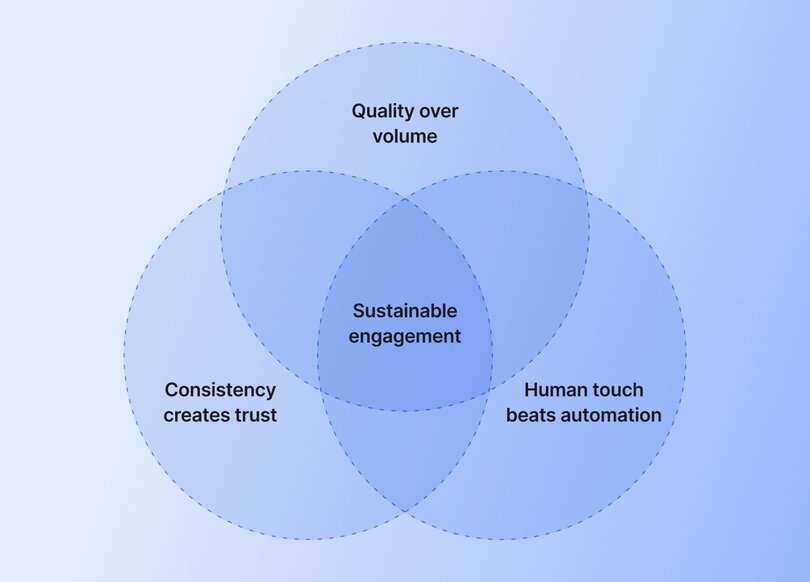
- **Quality over volume.** More posts don’t always mean more participation. Focus on fewer, intentional prompts that spark stories, progress updates, or peer support. Define what “meaningful” looks like for your community, then measure against it. For example, if your space supports mothers building businesses, asking about their favorite car model won’t resonate. For a deeper framework, explore our [online community engagement playbook](https://circle.so/blog/online-community-engagement).
- **Consistency creates trust.** Members engage when they know what to expect. Establish [weekly rituals](https://circle.so/blog/community-habits), a steady event cadence, clear spaces for specific types of engagement, and a simple [content calendar](https://circle.so/blog/content-repurposing-playbook). Think “Monday goals,” “Wednesday wins,” or a monthly theme. Consistency lowers friction and helps participation become a habit. If you need practical planning tips, check out our guide to [community engagement strategies](https://circle.so/blog/community-engagement-strategies).
- **Human touch beats automation—but the two can work together.** Tools are incredibly useful for handling repetitive tasks, like sending welcome DMs, reminders, or event follow-ups. But you should also carve out time for personal interactions, such as a [quick DM](https://circle.so/chat) or a shoutout in the community feed, since these moments feel extra special for the person on the receiving end.
In short, think of community engagement as touchpoints that make it easy for members to connect in ways that feel meaningful.
## 35+ Community engagement ideas
Now that we’ve covered the principles, let’s get into the practical side. To start, here are some quick tactics you can try right away.
### Quick wins (low-effort, high-impact)
Quick wins are small, easy-to-launch conversation starters that give members a reason to participate without much effort. They’re especially useful during slower weeks or when you want to lower the barrier to engagement.
- **Daily or weekly polls:** Polls are one of the fastest ways to invite participation. They’re low-lift for members (just one click) but can spark follow-up discussion in the comments. Keep them simple and relevant to your community’s goals.
- **“Introduce yourself” thread refreshes:** Revisit your welcome thread every few months and invite new members to introduce themselves. Tag existing members to welcome them, as that makes your community feel alive and supportive. If your community runs in cohorts, this thread gets better with every new cohort. At our own Circle community, we have a “Say Hello” page where we encourage members to introduce themselves, share their stories, and ask for support if they need it.
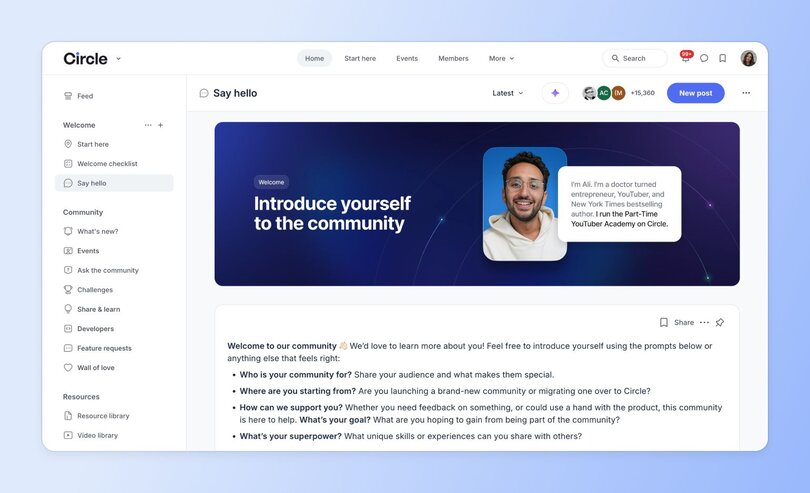
- **Gratitude shoutouts:** Start a post highlighting members who’ve contributed something valuable. A simple thank-you builds recognition, encourages repeat participation, and shows members you notice their effort.
- **Two-sentence prompts:** Ask members to share something short and specific, like their biggest win of the week or one challenge they’re working through. The smaller the ask, the easier it is for people to jump in.
### Content-driven activities
Content-driven activities give members something fresh to respond to and talk about. They’re simple to set up, but they create a steady flow of conversations and make members feel part of something ongoing.
- **AMAs (Ask Me Anything) with experts or members:** Spotlight a guest expert or a well-known member and open the floor for questions. You can run it as a thread or host it as a live event.
- **Member spotlights/profiles:** Highlight one member at a time with a short interview or Q&A. That’s not only a great way to make your people feel seen and valued, but also gives the rest of the community someone new to connect with. Encourage others to comment, celebrate, or ask follow-up questions.
- **Themed weekly posts (Motivation Monday, Wins Wednesday):** Create recurring posts that members can count on. Themes give people an easy entry point to participate and start conversations. Keep them short and consistent so they become part of the community’s rhythm.
[Moms at Work](https://thisismomsatwork.com/), a networking and career Circle community for working moms, celebrates everyone’s Friday wins—and it's one of their most engaging rituals. Turns out, if you have the right people in your community, members love celebrating each other. 🙂
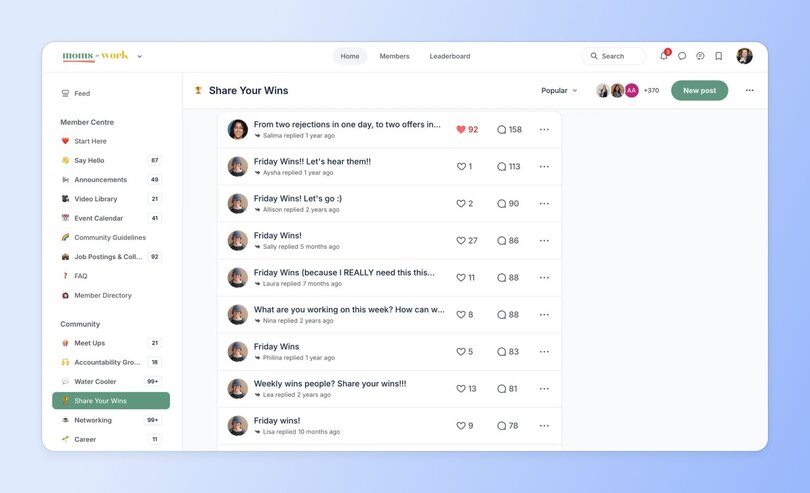
- **Challenges (30-day content, habits, etc.):** Who doesn’t love a good challenge? 🙋♀️ Consider running a short challenge that ties to your community’s goals, like a 30-day content sprint or a daily habit check-in. Challenges build accountability, spark conversations, and give members a sense of progress to celebrate together.
[Musical Nest](https://barbiewong.com/community/), a Circle community that brings parents and teachers together to help kids build joyful music practice habits, runs [a 30-day practice challenge](https://circle.so/blog/musical-nest-community) where even small actions like logging a practice session or giving a 👍 in the thread count toward progress.
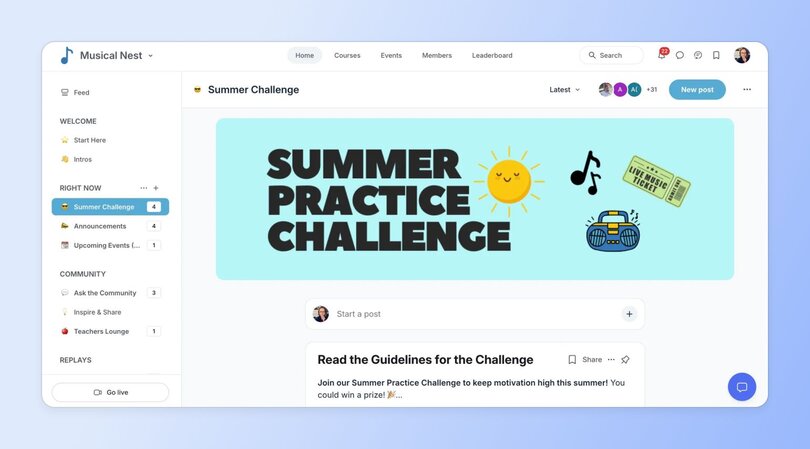
As part of it, they give out small prizes, like stickers and tote bags, to keep things fun and motivating. Members love it, and, as you can imagine, engagement rates shoot up.
### Events & shared experiences
In 2025, [live community events](https://circle.so/blog/host-community-events) are more than a nice-to-have—they’re essential. Our [Community Trends Report](https://circle.so/2025-community-trends-report) shows that 78% of communities run educational workshops or trainings, 60% host small group discussions or peer support sessions, and nearly half offer open office hours or Q&As.
[Virtual events](https://circle.so/blog/types-of-virtual-events) have become a secret weapon for building deep connections and boosting member retention.
- **Virtual co-working sessions:** Host a focused workroom where members drop in, share what they’re working on, and hold space together.
Freelance writer and community founder, [Jasmine Williams](https://circle.so/blog/authors/jasmine-williams), runs weekly virtual coworking sessions in [The Reach Club](https://thereach.club/), a coworking community for work-from-home creatives.
These weekly sessions “have easily become the highlight of my week,” [says Jasmine](https://www.linkedin.com/posts/jasminewilliamsmedia_trc-virtual-coworking-june-reach-out-activity-7341436973108051969-eDKx?utm_source=share&utm_medium=member_desktop&rcm=ACoAAASCMuoBXmOKCeLDZ91czqyhyrVlhKFntHo). “There’s no performance or pressure to be ‘on.’ It's just a focused, chill space to actually finish the things you keep moving down your to-do list with other creative folks doing the same.”
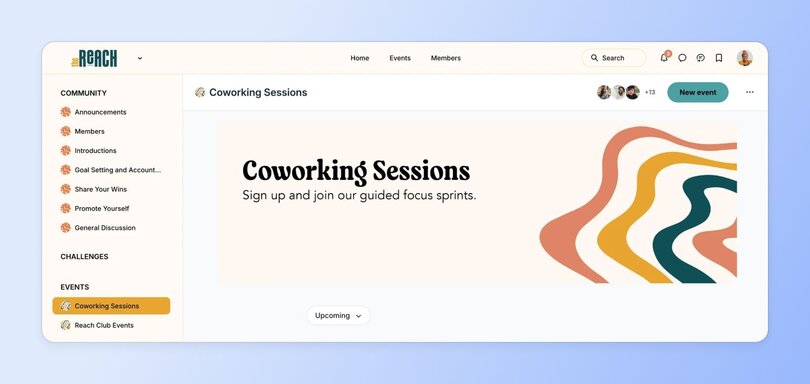
- **Watch parties or book clubs:** Pick a video, podcast, or book relevant to your group and experience it together. Follow up with a discussion thread or casual chat so members can process ideas in real time (#BookTok friends, gather here)—and connect around them.
For example, the folks over at [The Novelry](https://www.thenovelry.com/)—a community for writers where writing is serious fun—have a fabulous way of setting up their book club alongside other workshops and events.
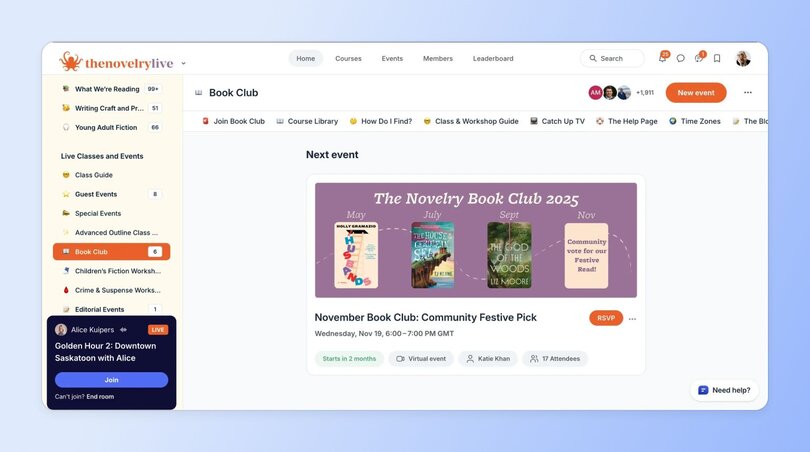
- [**Member-led sessions**](https://circle.so/blog/member-led-community) **(workshops, case studies):** Let members share their skills through workshops, demos, or case studies. This can do two things: highlight the talent within your community and create learning opportunities directly from peers.
- **Surprise pop-up events:** Plan occasional unannounced sessions, such as informal check-ins or coffee chats. These low-stakes events can add variety and spark fresh interactions when things feel slow.
### Gamification & rewards
Another idea for community engagement is adding a layer of [gamification](https://circle.so/blog/community-gamification-guide). Points, badges, and rewards tap into people’s natural motivation to play, compete, and be recognized—all while keeping participation fun.
- **Points/badges for participation:** [Reward members](https://circle.so/blog/gamification-rewards) with visible points or badges when they contribute. Recognition doesn’t have to be big—small signals of progress can make people feel valued and encourage repeat engagement.
- **Streak-based rewards:** Encourage consistency by celebrating streaks, like posting three days in a row or showing up to three events in a month. You can do this automatically with [workflows in Circle](https://circle.so/workflows).
- **Monthly leaderboards:** Highlight top contributors in a leaderboard to inspire friendly competition. To keep it fair and inclusive, recognize different types of participation, not just who posts the most.
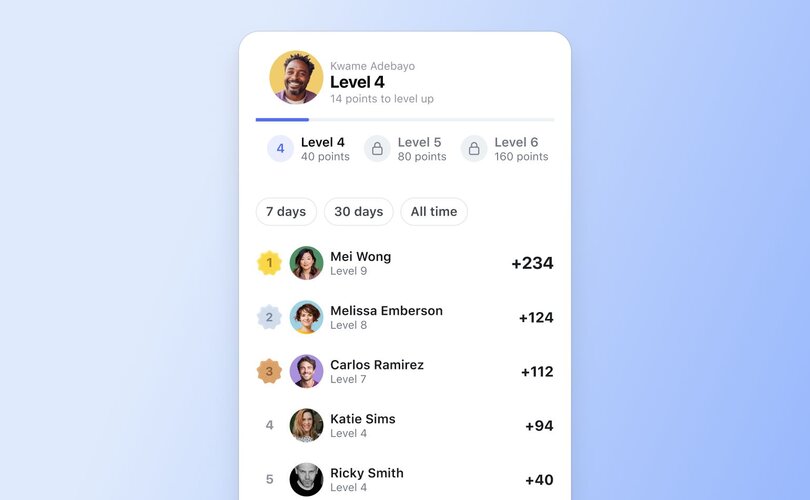
- **Raffles/contests tied to engagement:** Run a raffle where actions, like posting, commenting, or attending an event, earn an entry. It’s a fun way to reward activity while keeping the outcome exciting and unpredictable.
#### Gamification in action:
Community strategist [Ashley Gore](https://www.ashleygore.com/) launched an achievement program using Circle’s gamification features in Pat Flynn's [Smart Passive Income (SPI) community](https://www.smartpassiveincome.com/community/). Members earn points for simple actions like liking posts or completing the onboarding checklist, then unlock non-monetary rewards such as shoutouts, hot seat spots, and exclusive badges. By focusing on **recognition over ranking,** the program encourages generosity and collaboration instead of shallow competition.
The payoff? A livelier feed where members feel motivated to contribute in meaningful ways.
> 🎮 **The gamification unlock for big impact:** Small teams (ie. most community teams) can't manually reward thousands of members, but Circle's [gamification + workflows](https://circle.so/gamification) can. Set automated systems that reward knowledge sharing, event attendance, or whatever behaviors you actually want to see scale. No community manager burnout, no endless list of to-dos.
>
> The workflow piece is the real differentiator—most platforms give you basic points, but Circle lets you build [sophisticated if-then automations](https://help.circle.so/p/audience/gamification/reward-members-with-gamification-points) that trigger rewards based on specific behaviors and integrate with your existing systems.
>
> What gets rewarded automatically:
>
> - **Content creation** - publishing events, starting discussions, sharing resources
> - **Engagement activities -** commenting, liking posts, RSVPing to events, attending live sessions
> - **Learning milestones -** completing courses, passing quizzes, finishing lessons
> - **Special recognitions** \- upgrading memberships, earning specific tags from admins
>
> The key is designing reward systems that align with your community goals and run completely hands-off once set up.
### Personal touch (humanized engagement)
As a [community manager](https://circle.so/blog/community-manager-skills), it’s worth taking time to engage with your members one-on-one. It doesn’t have to be big gestures. Often, it’s the small, personal touches that make people feel seen and connected. Here are some ideas:
- **Personalized DMs for inactive members:** Reach out with a short, friendly message to members who haven’t been active lately. A quick DM lets them know they’re missed and always welcome back. You can also send messages to introduce members who have something in common. Tom Ross, for example, sends DMs every week in his [_Learn.Community_](https://tomross.co/community/learn-community/) to introduce like-minded members and encourage connections. Simple and effective!
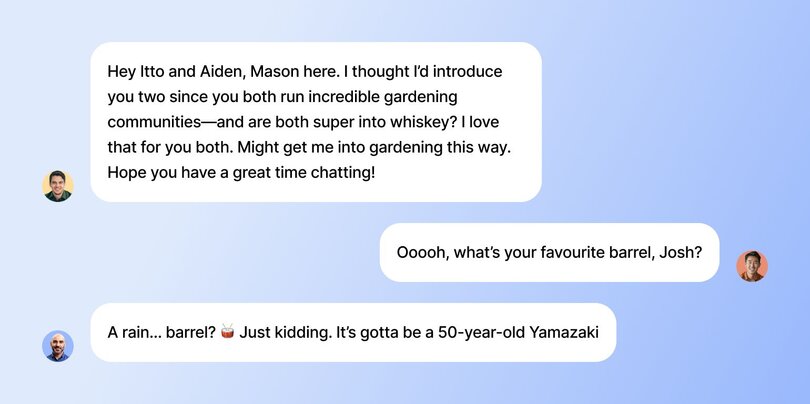
- **Birthday or milestone shoutouts:** Celebrate personal moments like birthdays, anniversaries, or a member’s first year in the community. Public recognition helps members feel connected and cared for.
- **Handwritten thank-you notes for top contributors:** Digital thanks are easy. A handwritten card? That’s rare. Which is why it can hit differently and stick with your members.
- **Member welcome buddy system:** Pair new members with a “buddy” who’s been around longer as a way for newcomers to get settled and build relationships faster.
📣 Humanizing engagement, especially in the early days of your community, is super important because it’s those personal moments that keep members coming back every day. [Jordan Godbey](https://growthcommunity.co), community growth genius, said it best:
### Collaboration & co-creation
Communities are at their strongest when members aren’t just consuming content but creating together. Collaboration gives people ownership, deepens relationships, and helps to work through different challenges together.
- **Peer coaching pairs:** Match members in pairs so they can coach each other through challenges. The one-on-one connection creates accountability and helps members build lasting relationships.
- **Group resource swaps (templates, tools, tips):** Set up a space where members can exchange resources like templates, tools, or guides.
- **Member-led learning groups or masterminds:** Encourage members to form small groups around shared goals or challenges. Because these sessions are peer-led, you don’t have to be involved 24/7 in running them.
- **Community-driven project showcases:** Invite members to share projects they’ve built, designed, or launched. Showcases celebrate talent, inspire others, and highlight the real impact your community is having.
### Seasonal & creative sparks
Most communities overlook seasonal trends, but it’s one of the easiest ways to engage your community members. Leverage holidays, seasons, and cultural moments to give your members something timely to rally around.
- **Holiday-themed prompts (Valentine’s, Halloween, etc.):** Holidays are perfect for tapping into nostalgia. Start a thread asking about the best (or worst) Valentine’s gift, favorite Halloween candy, or a New Year’s tradition they’ll never skip.
- **Seasonal challenges (summer sprint, winter reflection series):** [Run short challenges](https://circle.so/blog/musical-nest-community) that tie into the season. For example, in the fall, you could do a “30 posts in 30 days” challenge on personal social media. In December, run a “3 lessons from this year” reflection thread where members share what they’ve learned before heading into the new year.
- **“Year in review” celebrations:** If you need a super-effective idea to close the year with your community, do a “Year in review” celebration where you collectively reflect on the past year. Highlight top contributions, biggest wins, and key milestones.
For example, [Mike Williams](https://www.linkedin.com/in/yoroomie/) (Yoroonie), founder of the [Everything Marketplaces](https://www.everythingmarketplaces.com/) community has been posting a year in review in the Circle community since 2021—and it just gets better and better every year.
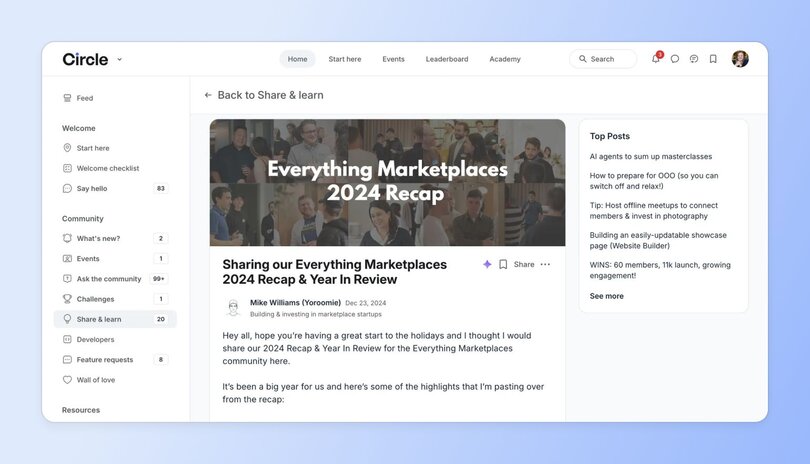
- **Seasonal community playlists, recipes, or traditions:** Invite members to co-create something seasonal, like a playlist, recipe swap, or holiday tradition unique to your space.
Recently, to celebrate the launch of Circle’s [Website Builder](https://circle.so/website-builder), we ran a challenge inviting members to create their own [community sites](https://circle.so/blog/best-membership-site-examples) with the tool. It quickly became our most popular challenge yet (over 100+ submissions within 2 weeks!) and created huge buzz. Members didn’t just share their sites—they jumped into the comments to swap tips, ask questions, and cheer each other on.
Conclusion? **Challenges = guaranteed, community-powered, focused engagement.**
### Advanced engagement systems
Now, without you asking, we’re going to throw you straight into the deep end. Just kidding. But once you’ve tried the quick tactics, it’s worth stepping up to more advanced strategies.
These systems help you future-proof your community by setting up scalable, repeatable processes that keep engagement running without relying only on your time.
- **Automated engagement funnels (welcome → onboard → activate):** Create workflows to [onboard new members](https://circle.so/blog/community-onboarding). For example, start with an automated welcome DM, follow up with a nudge to introduce themselves, and then invite them to their first event. Circle makes this super easy with [automated workflows](https://circle.so/workflows) that handle repetitive onboarding tasks at scale, like sending personalized welcome messages, connecting members to peers, and adding them to the right spaces from day one.
- **AI-powered personalization for content or event suggestions:** Use AI tools (like [AI agents](https://circle.so/ai-agents) or [workflows](https://circle.so/ai-workflows)—both unlocked with the Plus plan) to recommend relevant content, groups, or events to each member. For example, someone who engages with marketing threads could get a prompt to join an upcoming “Content Strategy” workshop.
- **Tiered engagement paths (free → advanced → VIP):** Give members a clear path to deepen their involvement. Start with free discussions, then invite them to advanced groups, and eventually unlock VIP perks like private masterminds or exclusive events. With tiered paths, you can motivate members to keep leveling up their participation.
- **Member-to-member marketplace or exchange:** Open up spaces where members can share services, templates, or offers with one another. This not only creates value between members but also positions your community as a hub where opportunities happen. For example, [ExitFive runs a fantastic job board](https://jobs.exitfive.com/) that’s undoubtedly powered by the community referral engine.
- **Engagement-to-revenue attribution systems:** Track how engagement drives conversions, whether it’s course enrollments, event signups, or premium upgrades. Understanding which touchpoints lead to revenue ([via analytics](https://circle.so/blog/community-analytics)) helps you double down on the strategies that both serve your members and sustain your business.
## Best practices for community engagement
You’ve got the tactics, but lasting engagement requires you to look at the bigger picture, trends over time, and really have your finger on the heart of your community. Here are a few best practices to help your community thrive long term.
### Match tactics to community size & stage
The right engagement strategy depends on where your community is in its journey. Early on, **when you have 50 members or fewer,** lean on high-touch tactics like weekly check-ins, personal DMs, and direct conversations. These help early members feel noticed and build a strong foundation of trust.
But **as your community grows,** your approach needs to evolve, too. At 500 members, personal DMs to everyone aren’t realistic. Instead, focus on scalable systems—things like structured events, recurring content themes, or [member-led groups](https://circle.so/blog/member-led-community). The goal is to give people reliable touchpoints without putting all the weight on you.
### Avoid engagement fatigue
Throwing all 30+ engagement ideas into your community won’t automatically solve slow member activity. In fact, you’re better off picking a few tactics and rotating them or experimenting with different formats on a recurring basis. Engagement should never feel forced—that’s the fastest way to make your efforts fall flat.
### Build systems to scale
Something you’ll also want to reduce is your own involvement in every single initiative—even though it’ll be hard to step back. A better approach is to use workflows, member-led initiatives, or recurring [rituals or habits](https://circle.so/blog/community-habits) that keep running even when you’re not present.
> 🧠 Scalable systems create space for sustainable growth. Find out how [Bonnie Christine realized it was time to scale up](https://circle.so/blog/sustainable-business-growth), and delegate confidently.
## How to build an action plan
Engagement ideas—check ✅.
Best practices—check ✅.
Now it’s time to bring it all together. The final step is turning inspiration into a simple action plan you can actually follow. Here’s where to start:
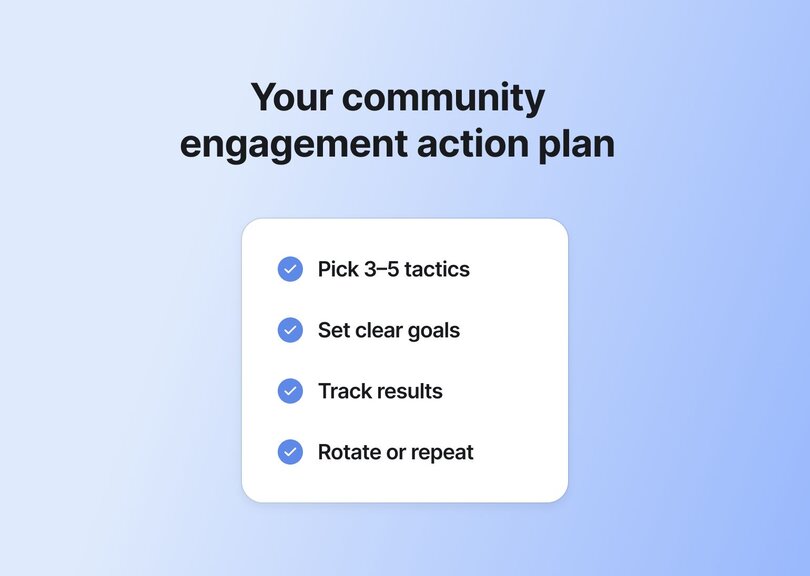
1. **Pick 3–5 tactics per month** (or simply an amount that feels achievable). Balance your mix with quick wins (polls, gratitude shoutouts), deeper activities (member spotlights, AMAs), events (co-working sessions, live Q&As), and one new experiment you haven’t tried before (a seasonal challenge or a surprise pop-up coffee chat).
2. **Set clear goals.** Decide what you want each tactic to achieve, such as more comments, higher event turnout, or stronger peer-to-peer interaction.
3. **Track results.** Use [simple metrics](https://circle.so/blog/community-analytics) such as reply counts, attendance, or member feedback to see if your engagement efforts are working. If they aren’t, pivot to other tactics instead of continuing with what doesn’t work.
4. **Rotate or repeat.** Retire tactics that don’t deliver much, double down on what works, and reintroduce proven ideas later so they feel fresh again.
## Ready to re-engage your community?
So there you have it: 35+ engagement ideas, best practices, and a simple plan to put it all in motion. Like we said, don’t try to do it all. Focus on what makes sense for your community right now. The best approach is to run short sprints, see which ideas spark the most participation, and build from there.
And if you need a tool to help, check out Circle—the all-in-one community platform. With spaces for [discussions](https://circle.so/discussions), [live events](https://circle.so/events), [courses](https://circle.so/courses), gamification, [payments](https://circle.so/payments), and automations, Circle brings all the community management tools under one roof.
👉 [Try it free for 14 days.](https://app.circle.so/communities/new)
## FAQs about migrating Facebook Groups
What are examples of community engagement activities?
Community engagement activities can range from quick wins to structured experiences. Examples include:- **Polls and prompts** that spark quick conversations
- **AMAs with guest experts** or well-known members
- **Member spotlights** to highlight contributions and stories
- **Gratitude shoutouts** to recognize helpful members
- **Virtual co-working sessions** for real-time productivity and connection
- **Book clubs or watch parties**to create shared experiences
- **Workshops or trainings** that provide value while building community
How do you increase participation in an online community?
The most reliable way to increase participation is to **lower friction**and**make it easy** for members to engage.Start with simple prompts or polls that only take a few seconds to answer, then build toward deeper conversations or events. You should also not forget personal recognition, like shoutouts or milestone celebrations, since these make members feel valued and more likely to return.Over time, rotate activities to prevent fatigue and keep participation fresh.
How do you measure success in community engagement?
Success in community engagement depends on how well participation aligns with your goals. Let’s say you introduce 3–5 new tactics. Give members a little time to engage, then track specific metrics for each activity.For example, if you run an AMA, you might measure success by the number of questions asked, comments in the thread, or follow-up conversations that happen afterward.- **For events,** look at registrations and attendance.
- **For challenges,**track completion rates.Over time, the clearest sign of success is that members feel invested enough to participate consistently and contribute on their own.
How do you maintain engagement as your community grows?
As your community grows, move from high-touch, one-to-one tactics to systems that scale.Automate onboarding, set up recurring rituals, and invite members to take on leadership roles. You can also mix in structured events, tiered spaces, or gamification to keep things engaging without stretching yourself thin.
---
### Community builder’s guide: 3 strategies for fostering engagement online
*Fostering community engagement requires consistent, intentional actions. Here are three strategies from Carrie Melissa Jones. Read on!*
Source: https://circle.so/blog/community-engagement-strategies
Over the past decade, online communities have evolved into powerful tools—even lifelines—for connecting people and building personal and professional relationships.
As a community leader, you have an opportunity to spark and sustain meaningful engagement within your online community that can genuinely transform the lives of your members. Community engagement is a process and an outcome that involves encouraging members to participate and contribute to your community actively.
But fostering and maintaining community engagement requires consistent, intentional actions.
It can be easy to spark engagement; sustaining it over the long term can be tricky. Seeing engagement plateau or drop can deplete your morale. It’s important that you don’t give up! Most communities take several months to hit their stride and require specific nurturing actions you may not have previously considered.
So what do you need to plan your community engagement strategy? Here are three essential aspects to consider.
## 1\. Stay consistent
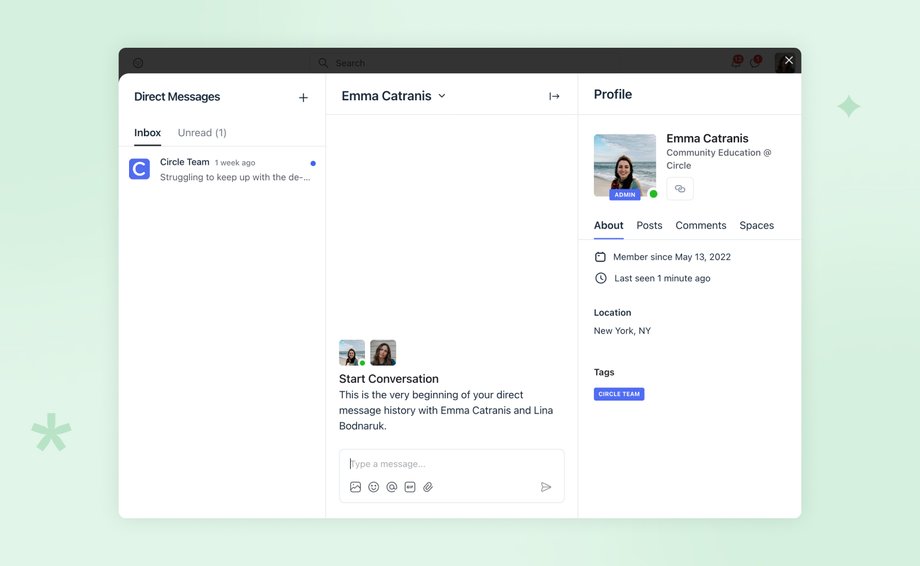
The most critical aspect of building an engaged online community is **consistency.** Your members want to know what to expect inside your community. They are also much more likely to engage if you give them regular touchpoints, rituals, and other activities that establish a pattern or habit for participation.
Here are some specific ways you can build consistency in your community:
- **Weekly passive rituals:** These activities happen regularly without requiring much effort from members or you as the leader. For example, you could post a “Monday Work Out Loud” thread to ask what people are focusing on that week or a “Friday Funny” meme collection to help members start their weekends with a smile. In most platforms ([Circle included!](https://circle.so/)), you can pre-schedule these.
- **A regular cadence of gatherings:** Whether you’re hosting virtual meetups or in-person events, having a regular schedule of gatherings can help members plan their time and ensure they don’t miss out. It’s best to announce these at least a few weeks in advance or have the schedule for the quarter or year planned.
- **A regular cadence of education or co-creation:** Depending on the focus of your community, you can offer regular educational or co-creation sessions. For example, if you run a community for writers, you could host a weekly writing workshop or a monthly “book club” discussion.
- **Newsletters:** Newsletters can be a great way to keep members informed about upcoming events, important news, and other updates.
## 2\. Keep thing interesting

Another crucial aspect of creating online community engagement is experimentation and keeping things interesting. Not everything should be ritualized or predictable. No one wants to participate in a community where everything is automated; it removes the serendipity that makes communities so powerful.
Members are more likely to stay engaged if they feel that the community is providing them with value and new, fun experiences—as long as these experiences also fuel their progress.
Here are some specific ways you can experiment and keep things interesting in your community:
- **Specialized events and workshops:** Hosting workshops or webinars on relevant topics can be an excellent way to provide value to your members and keep them engaged. Depending on your community’s focus, you could offer workshops on social media marketing, self-care, or financial planning. These topics may not be central to your community’s core purpose, but they could be important to your members holistically. Bring fun guest speakers from outside the community, and introduce your members to people not currently in their orbit.
- **Ad hoc outreach:** Surprise your members with unexpected outreach activities. You can do this with simple [thank-you notes or DMs](https://circle.so/chat/)—they go a long way. You can also put a bit of budget behind the outreach and send tokens of appreciation (physical stickers or badges, coffee gift cards, or thank you cards). Encouragement is essential to ongoing engagement and will help your members feel seen for their contributions.
- **Fundraising event or contest:** Find an allied non-profit organization and partner with them to help them raise funds for a cause important to your community. Crafting a campaign around the partnership will create a powerful shared experience and story for members.
- **Polls and surveys:** Don’t make decisions in a vacuum! When considering trying something new, run it by your community first. Polls are one of the easiest ways for members to engage and are great at sparking further conversation.
Keeping things interesting is all about trying new things, so if you have a zany or off-the-wall idea, just try it! The worst that can happen is no one shows up. The best that can happen is you change people’s lives for the better.
## 3\. Prepare to scale
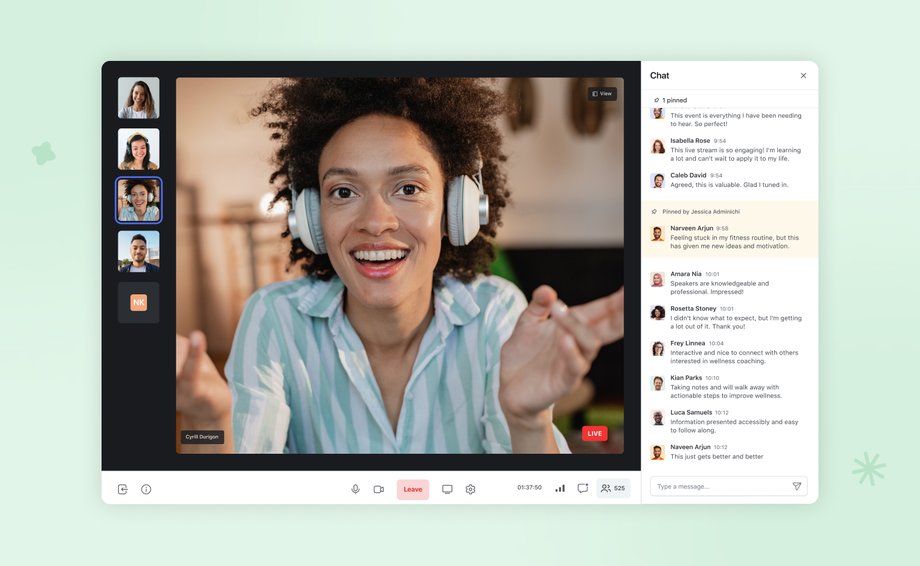
As your community grows, it’s essential to prepare for scalability. You need to identify leaders within the community who can help you manage and engage members. Here are some steps to prepare for scalability:
- **Identify leaders.** Look for actively engaged members in the community who show natural leadership skills. They could be great candidates for leadership roles within the community.
- **Find roles for leaders.** Once you’ve identified leaders, give them specific roles within the community. These roles could include moderating forums, organizing events, or creating content. I’ve shared how I use Notion to delegate roles and tasks [here on YouTube](https://www.youtube.com/watch?v=2maHyeD5BCA&ab_channel=CarrieMelissaJones).
- **Train and engage leaders.** Provide your community leaders with the training and resources they need to succeed. Regular check-ins and feedback sessions can also keep leaders engaged and motivated. When I bring on volunteers, I always offer them free mentorship time with me. The mentorship time isn’t scalable (and I don’t want it to be), but it brings me great satisfaction and enables others to step up to lead alongside me.
Building an engaged online community requires a holistic, long-term approach. You can create an engaged and sustainable community by focusing on consistency, experimentation, and scalability. Engagement for engagement’s sake serves no one, so always keep the needs and interests of your members at the forefront of everything you do.
With dedication and effort, you can build a thriving community that provides value to its members and helps them connect and grow.
### **About the Author, Carrie Melissa Jones**
I’m an entrepreneur, author, researcher, and advisor to community businesses who has helped hundreds of organizations build thriving communities—including Airbnb, Discord, Google, two U.S. presidential campaigns, and small businesses and non-profits worldwide. I am also the co-author of the award-winning book Building Brand Communities with Charles Vogl and hold an M.A. in communication with a concentration in virtual communities.
If you want to create engagement systematically, I invite you to check out [my free workshop on designing meaningful community experiences](https://www.carriemelissajones.com/how-to-create-a-thriving-online-community?&utm_source=circle-public&utm_medium=guest-blog&utm_term=post&utm_content=author_bio&utm_campaign=community_engagement_strategies). It will guide you through the strategy behind all your community activities without adding to your overwhelm.
As you experiment and learn, let’s stay in touch and share best practices! Follow me on Instagram at [@carriemelissajones](https://www.instagram.com/carriemelissajones/).
### **Want to improve engagement in your community?**
Circle’s community platform brings together your members, discussions, events, courses, and content—all in one place, under your own brand. Plus, you get access to our customer community full of handy resources and over 8,000 community builders on the same journey as you.
[Start your free 14-day free trial today!](https://login.circle.so/sign_up#email)
---
### Community gamification in 5 steps — build belonging, not just leaderboards
*Learn how to implement community gamification with 5 proven steps, real examples, and a clear ROI framework to increase engagement and retention.*
Source: https://circle.so/blog/community-gamification-guide
Here's what nobody warns you about: launching a community is the easy part. It's the 60 to 90 days after — when the new-member buzz wears off and the ghost town starts forming — that's where most builders struggle.
And no, it doesn’t mean members don’t care anymore. It just means engagement wasn’t designed to sustain itself. That’s where community gamification can make a real difference.
There’s a reason brands like Duolingo use streaks and levels to keep learners practicing daily. Or why Starbucks built one of the most successful loyalty programs in retail—rewarding repeat purchases with status and perks.
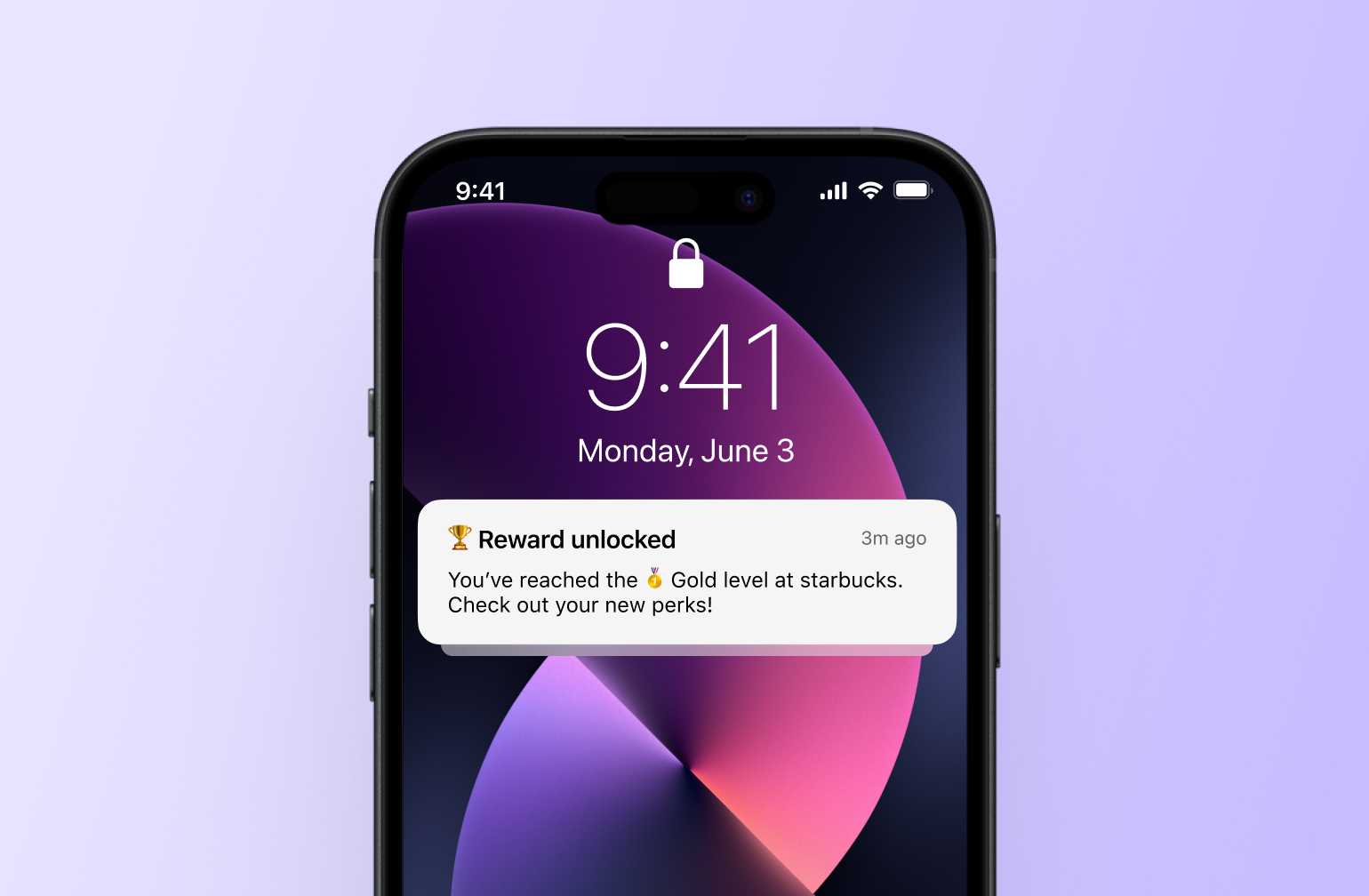
Community gamification applies that same principle inside your online community.
✅ Done well, it encourages members to contribute, support each other, and keep coming back. Good for the community and good for your business growth.
❌ Done poorly? It feels gimmicky.
In this guide, we’ll break down what community gamification really means, why it works, and how to implement it in a way that strengthens engagement, retention, and long-term growth.
## What is community gamification?
**Community gamification** is the strategic use of game-design principles, such as visible progress, recognition, milestones, and rewards, to encourage meaningful participation within an online community. The primary goal isn’t entertainment, but sustained contribution: more members posting, helping, showing up, and sticking around.
Unlike consumer gaming or app-based streak mechanics designed purely for habit formation, community gamification focuses on strengthening relationships between members. It creates structured motivation inside a shared space, encouraging peer-to-peer support, rewarding valuable contributions, and making participation visible.
## The psychology behind gamification: why it works (and when it doesn’t)
Gamification is already a multi-billion-dollar industry, and it's [projected to nearly quadruple](https://www.fortunebusinessinsights.com/industry-reports/gamification-market-100632) in size by the end of the decade. That kind of investment doesn't happen unless something is genuinely working.
Growth at that scale doesn’t happen by chance.
It happens because gamification works—and at its core, it works because it’s rooted in psychology. Let’s break it down!
### The research behind gamification’s impact
The reason [gamification rewards](https://circle.so/blog/gamification-rewards) are so effective is that they tap into a few human drivers: progress, recognition, and belonging. A [2024 meta-analysis](https://bera-journals.onlinelibrary.wiley.com/doi/full/10.1111/bjet.13471) reviewing 22 experimental studies between 2008 and 2023 found gamification’s **moderately positive impact on performance outcomes**. In simple terms, when gamification is designed intentionally, people tend to participate more and perform better.
That doesn’t mean every leaderboard or badge system works automatically. The research shows effectiveness depends on context, audience, and design choices. Think about how Duolingo uses streaks, XP, and visible progress to reinforce daily practice. The lessons are short, but the progress is visible. That visible momentum keeps learners coming back because they don’t want to lose what they’ve built.
### Intrinsic vs. extrinsic motivation
To understand why gamification works, you also need to understand motivation. There are two main types.
**Intrinsic motivation** comes from within. Members participate because the activity feels meaningful. They want to learn, connect, or contribute.
**Extrinsic motivation** comes from external rewards. Members participate to earn points, perks, or status.
Here's a simple comparison:
| | Intrinsic motivation | Extrinsic motivation |
| ------------------ | ----------------------------- | ------------------------ |
| Primary driver | Driven by meaning | Driven by rewards |
| Focus | Focused on mastery | Focused on incentives |
| Engagement pattern | Sustains long-term engagement | Often a short-term boost |
Research in [self-determination theory](https://www.carriemelissajones.com/blog/gamification-in-communities) shows that people stay engaged longer when three psychological needs are met: **competence**, **autonomy**, and **relatedness**.
In community terms, that means members want to:
* Feel capable and make visible progress (competence)
* Choose how they participate, rather than feel forced (autonomy)
* Feel connected to others in the space (relatedness)
**Gamification is all about strengthening those feelings.** For example, progress levels can reinforce competence. Recognition systems can reinforce relatedness. Flexible challenges can preserve autonomy.
### When community gamification backfires
It’s not all roses, though! Community gamification can fail if it’s poorly designed.
For example, if you reward activity instead of value, members optimize for volume. You get more posts, but not better conversations. Over time, signal drops and serious contributors disengage.
Other common pitfalls include:
* **Competition outweighs collaboration.** Public leaderboards can motivate top performers, but they may quietly discourage everyone else. Constant comparison can reduce psychological safety instead of strengthening it.
* **Over-engineering the experience.** Too many mechanics, flashy rewards, or overly playful elements can feel disconnected from the community’s purpose.
* **Making engagement transactional.** If members participate only because they expect points, they stop when the reward feels small, repetitive, or no longer worth the effort.
[Stephen Maddison](https://circle.so/blog/community-automation-map), founder of [*Automate Community*](https://automatecommunity.com)*,* puts it bluntly: gamification often falls flat because nothing meaningful happens after you collect the points. It’s **too static**. To combat this, he created a token-based system where participation earns tokens that can be exchanged for rewards of the member’s choice. Points aren’t just accumulated on a leaderboard. They unlock tangible perks. That shift makes gamification feel interactive, intentional, and far more motivating.
💪 Strong community gamification reinforces contribution, collaboration, and meaningful progress. When it distracts from those goals, it weakens the very engagement it’s meant to build.
## Core gamification elements to include in your strategy
Not all gamification tools serve the same purpose. The right mix depends on your goals, your members, and the type of behaviors you want to encourage. Let’s take a look at the core elements most communities use.
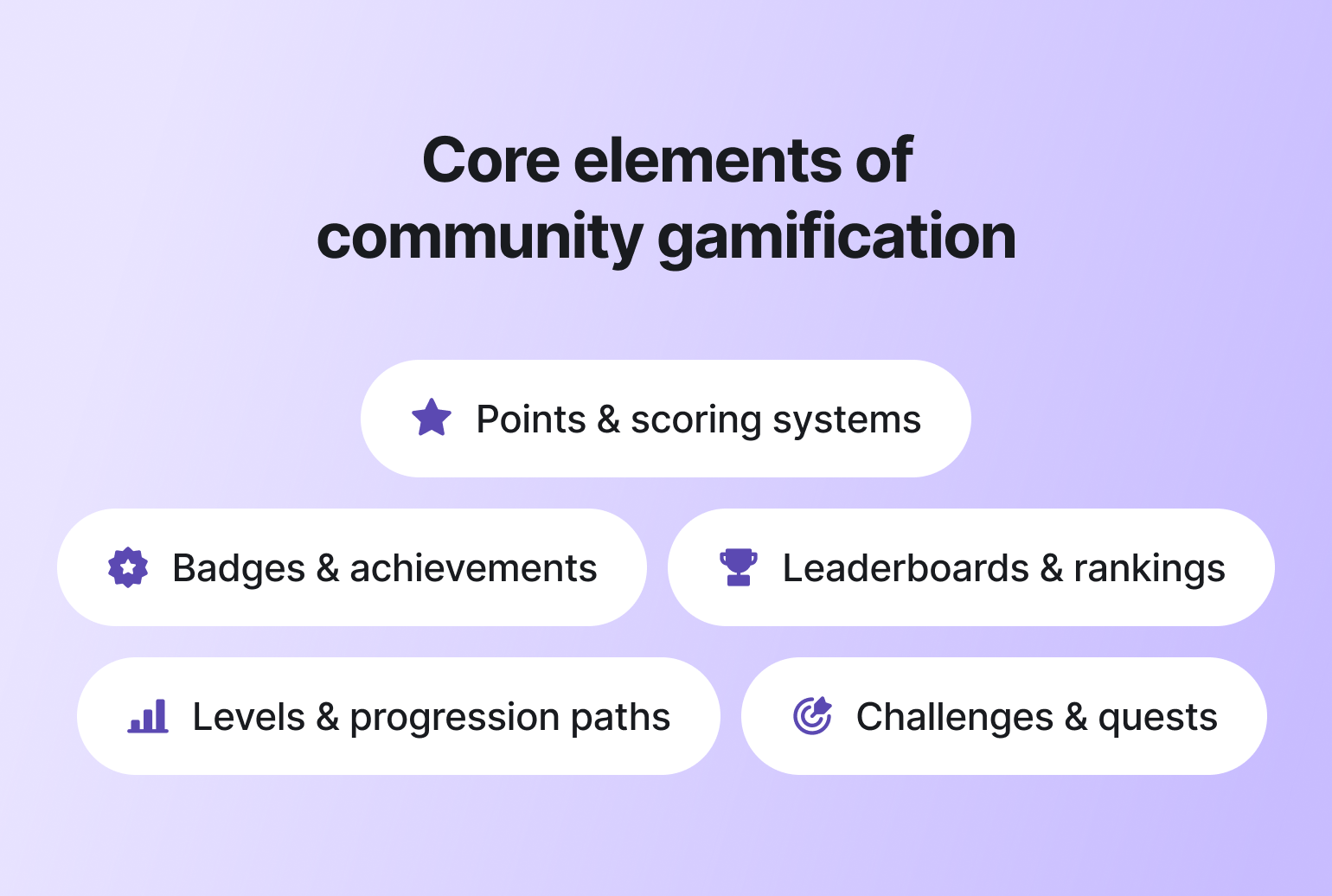
### Points and scoring systems
Points are the backbone — simple, immediate, satisfying. Like getting a notification that someone liked your post, but with more permanence.
**What they do:** Points quantify participation. They give members immediate feedback that their actions matter.
**Best used when:**
* You want to encourage repeat behaviors
* You need visible progress tracking
* You are launching a [new habit](https://circle.so/blog/community-habits) inside the community
**👀 Watch out for:** If points reward low-effort actions, members will optimize for quantity. Always tie points to meaningful behaviors, such as thoughtful replies, course completion, or peer support.
### Badges and achievements
Think of badges as the community equivalent of getting a certificate on the wall. People act like they don't care about them. *They care about them.*
**What they do:** Badges recognize milestones or meaningful contributions. They act as visible signals of expertise or commitment.
**Best used when:**
* Highlighting expertise
* Recognizing long-term contribution
* Celebrating community values
**👀 Watch out for:** Too many badges dilute their value. Recognition should feel earned, not automatic.
### Leaderboards and rankings
Leaderboards are the most polarizing mechanic in this list. Used well, they create energy. Used poorly, they quietly chase away everyone who isn't in the top 10.
**What they do:** Leaderboards create visibility around performance or contribution.
**Best used when:**
* Encouraging short-term challenges
* Running time-bound campaigns
* Motivating competitive member segments
**👀 Watch out for:** Permanent public rankings can discourage newer or quieter members. Consider relative rankings or rotating leaderboards instead of static top-10 lists.
### Levels and progression paths
Levels are the long game. They're what turn a casual lurker into someone who actually gives a damn about their standing in the community.
**What they do:** Levels create structured advancement. They signal growth and unlock new access, roles, or privileges.
**Best used when:**
* Designing long-term engagement
* Building learning communities
* Encouraging contribution over time
**👀 Watch out for:** Progression should feel attainable. If levels are too far apart, motivation drops.
### Challenges and quests
Challenges are your secret weapon for manufacturing momentum — a focused burst of energy when the community needs a jumpstart. (We use [challenges in our community](https://circle.so/blog/community-engagement-ideas) and it is one of our most engagement-boosting mechanisms!)
**What they do:** Challenges provide focused, time-bound goals.
**Best used when:**
* Driving participation around events
* Launching new programs
* Encouraging specific behaviors
**👀 Watch out for:** If every week is a challenge, members burn out. Use them strategically.
[Rachel Starr](https://circle.so/partners/rachel-starr), founder of [CoCreator Society](https://cocreatorsociety.com/challenge-creator-lab)'s Challenge Creator Lab, uses gamification selectively during high-engagement moments like her 5-day challenges. Instead of running a leaderboard year-round, she turns it on just for the challenge week, automating points for posting, completing lessons, and attending live calls. Once the challenge ends, gamification turns off. Watch the video below to learn all her tricks👇
### How to choose the right gamification elements
Before introducing points, badges, or leaderboards, start with one question: **What behavior are you trying to drive?**
Then, use this framework👇 to decide:
| If your goal is to… | Prioritize these elements | Why it works |
| ------------------------------ | --------------------------------------- | ------------------------------------------------------------- |
| Encourage repeat participation | Points + levels | Reinforces visible progress and builds habit through momentum |
| Recognize expertise | Badges + role labels | Signals credibility and highlights meaningful contribution |
| Increase peer support | Contribution badges + progress levels | Rewards helpful behavior and reinforces community value |
| Drive course completion | Levels + milestone rewards | Makes advancement tangible and motivating |
| Strengthen belonging | Recognition systems + status indicators | Builds identity and commitment inside the community |
## The unexpected benefits of community gamification
The benefits of gamification are easiest to see when you stop thinking about it as “more fun” and start treating it as a behavior system. Done well, community gamification gives members a reason to come back, contribute, and progress, even when the initial launch buzz fades.
And, as a result? Your *community* is more fun.
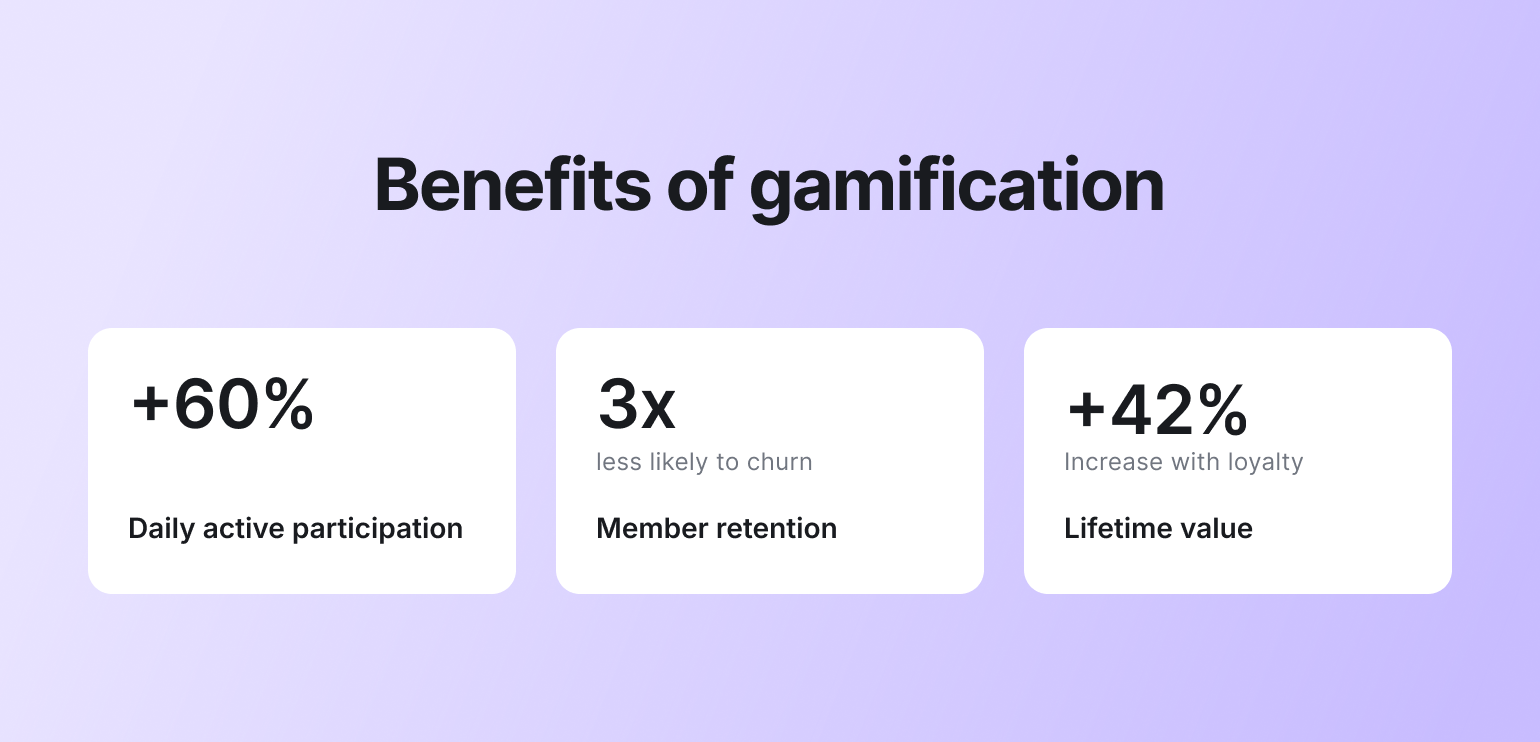
### It increases daily active participation
The biggest upside of gamification? It increases [daily active users](https://circle.so/blog/community-analytics) because it creates visible progress loops. When members earn recognition for contributing, answering questions, or completing milestones, logging in becomes purposeful.
Apple’s Fitness Rings work pretty much the same way. Users aren’t competing with others. They’re trying to close their own rings. The visible daily progress creates a small sense of momentum, and once you’re close to completion, you’re far more likely to log back in and finish what you started.
That same principle applies inside communities when progress is visible and attainable. Case study examples show engagement can increase significantly after introducing gamified mechanics. In some implementations, monthly active users have increased by [60% or more](https://visu.network/blog/gamification-statistics/).
### It reduces churn by creating commitment
[Member churn](https://circle.so/blog/membership-retention-strategies) is a persistent challenge across communities. And more often than not, it happens because members feel disengaged or unseen.
Gamification adds an extra layer to your community engagement strategy by making contributions visible and celebrated. When members earn recognition for showing up, helping others, or reaching milestones, they feel a stronger sense of progress and belonging.
Research shows that engaged community members are [three times less likely to churn](https://growth-onomics.com/how-community-building-boosts-retention-roi/). **More engaged members \= loyalty**.
### It compounds into revenue growth
Higher daily participation and lower churn are powerful on their own. Together, they create predictable revenue growth.
When members log in more often and stay longer, they’re more likely to renew, upgrade, attend paid events, refer others, and purchase additional products. Gamification strengthens the behaviors that increase lifetime value over time. In Open Loyalty’s survey of 170+ loyalty leaders, [42.1% said](https://3864327.fs1.hubspotusercontent-na1.net/hubfs/3864327/Loyalty%20Trends%202026/Loyalty%20Program%20Trends%202026-1.pdf) gamification will have the biggest impact on loyalty marketing in the next 2 to 3 years, and 38.0% plan to invest in it in 2026.
**🧠 The logic isn't complicated: people who show up more, stay longer.** People who stay longer spend more. Gamification is what keeps them showing up.
## 5 steps to make gamification work in your community
So you’re sold on gamification. Great. What’s next?
Do you just add points? Launch a leaderboard? Create streaks?
All of the above?
Here’s a practical five-step framework to help you design community gamification with intention and clarity—without turning your space into a gimmicky points factory.
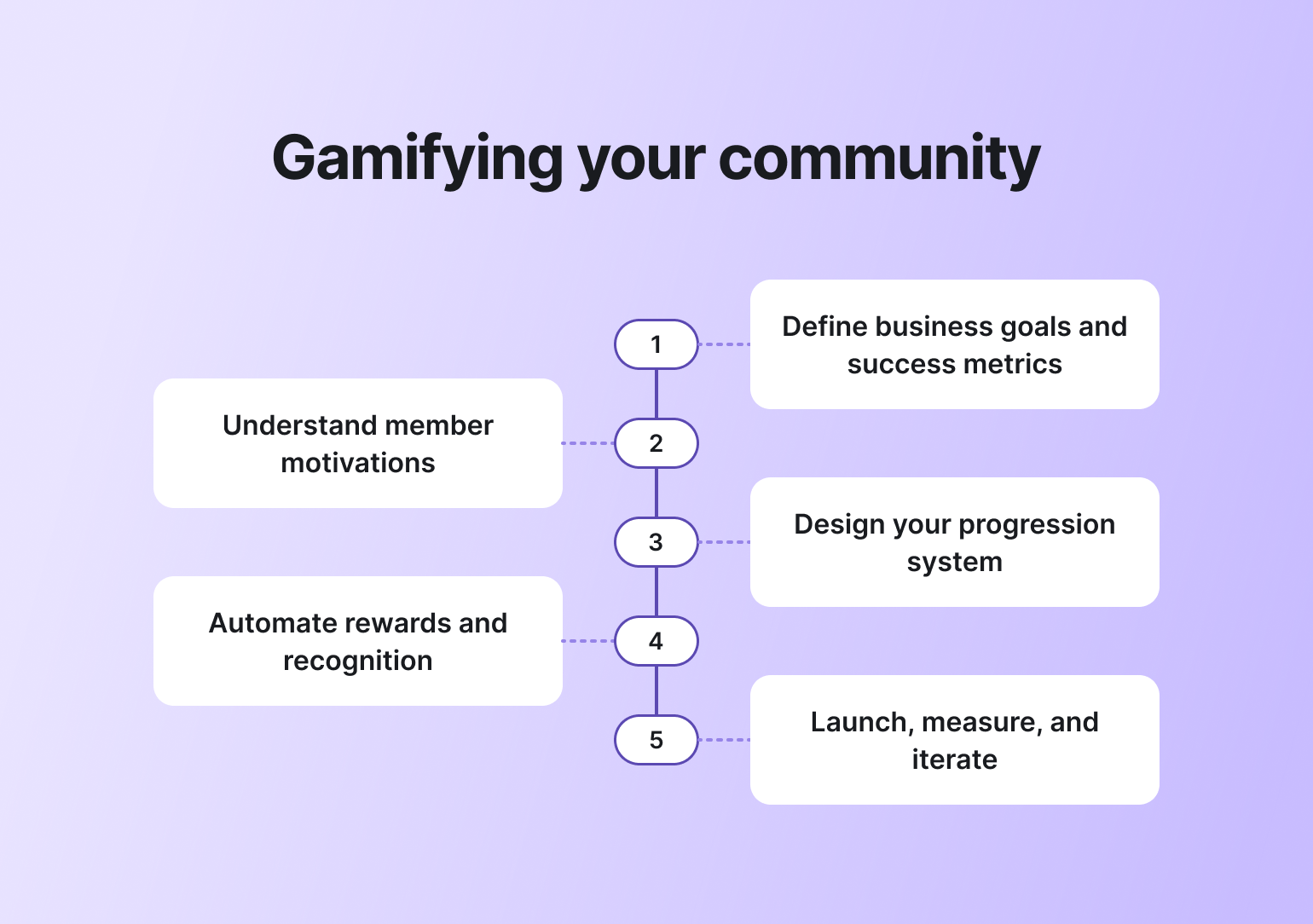
### Step 1: Define business goals and success metrics
Before blindly enabling gamification on your community platform, **define what you actually want to achieve**. A strong gamification strategy always starts with business intent!
Are you trying to increase weekly participation? Reduce churn after the first 90 days? Encourage peer-to-peer support? Drive course completion or paid upgrades? Be specific.
When using gamification in an online community, tie every mechanic to a measurable outcome. Identify one to three primary goals and translate them into metrics. For example,
**Leading indicators (early behavior signals):**
* Posts per member
* Replies and comments
* Logins or weekly active users
* Challenge or mission completion
* Time to first contribution
**Lagging indicators (business outcomes):**
* Retention and renewals
* Customer Lifetime Value (CLV)
* Upgrade or upsell conversion
* Support ticket reduction
In short, if you can’t connect a mechanic directly to a business goal, it doesn’t belong in your system.
### Step 2: Understand member motivations
Gamification is about motivating specific behaviors. To design rewards that will motivate your members, you need to understand their current behaviors, pain points, and motivations (if you don’t already!)
**For behaviors:**
* Review member analytics to see where the gaps are (New to community analytics? Check out our crash course on interpreting [community analytics](https://circle.so/blog/community-analytics).)
* Assess the top-performing posts (likes, comments, views, etc) in the community and see if there are any similarities or trends among them. For example, are all the most engaging posts in your digital artists community about a particular tool, or about struggles with pricing? That can give you a hint about what motivates people to engage.
**For pain points:**
* Post a poll in the community about their biggest struggles, or their goals (and what motivates them to work towards them).
* Send out an email survey, asking people to reply back with actual answers about their pain points and goals.
**For motivations:**
* Ask to do some member interviews—and use the [5 Whys Technique](https://think.design/user-design-research/five-whys/#:~:text=Five%20Whys%20method%20is%20so,to%20find%20its%20root%20causes.) to really get to the bottom of why people are there, why they contribute, and what they get out of staying. Bonus: This is super helpful to refine your offers, improve processes, and encourage retention for your community members as well.
* Deduce! The posts that people engage with most are the ones that strike a chord in them: either questions or experiences they’ve also had, problems they’ve encountered, or things they’ve been trying to achieve or avoid.
Then, decide what behaviors you want to see more of, based on your business goals.
### Step 3: Design your progression system
Alright, this is where it gets fun. Where you get to build your progression (aka ranks) system!
The progression system you’re able to build will totally depend on the platform that you’re using to host your community. Typically, members earn points for getting likes on their posts or for completing certain actions, like filling out their profile information, sharing an introduction post, attending an event, putting up a profile picture, or signing up for a webinar.
As they accumulate points, they move up levels or ranks and unlock rewards. Your job as a leader is to both decide on the milestones and name those levels in a way that aligns with your brand and content.
You could use generic rank names like:
* Newbie
* Member
* Active Contributor
* Top Voice
* Community Champion
Or, you can create rank names that are specific to your community. Let’s say you have a pirate-themed community, your ranks could be:
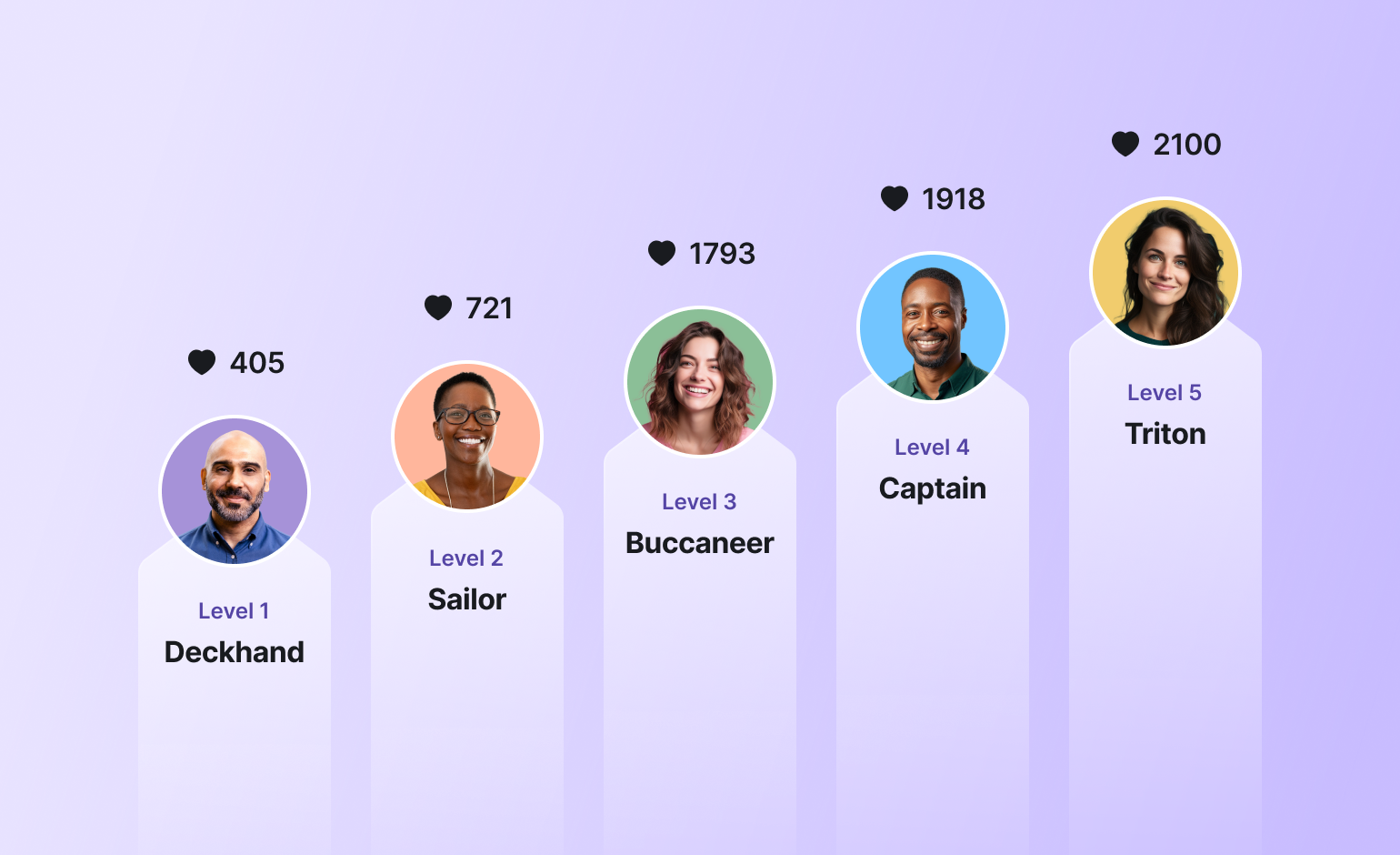
**Want a level-naming shortcut?**
Use this prompt in the AI of your choice:
> *"I run a community called \[name] for \[who you serve]. Our mission is \[mission]. I'm building a gamification system and need 10 level names — Level 1 being the newest/lowest, Level 10 being the most established/elite. Make the names thematic to our community's identity, fun but not juvenile, and show a clear sense of progression from beginner to insider. Give me 3 different naming concepts to choose from, each with a different creative angle."*
Ultimately, the rank names are completely in your hands: it’s up to your creativity and what works best for your brand.
### Step 4: Automate rewards and recognition
This is the step where gamification either becomes something your members genuinely look forward to — or something they click past. The difference is almost always the rewards because you want to facilitate authentic connections, collaboration, learning, and friendly competition—not drop-in members that win a prize and bounce right out.
Marc Sabatella, founder of the [*Outside Shore Music*](https://community.outsideshore.com/) community, has the most practical take on this. He suggests treating gamification as a strategic rollout—not just a feature you switch on. Before launching, he recommends reviewing your leaderboard data, identifying which behaviors are being rewarded, and deciding whether those are the behaviors you actually want to amplify. He also advises being intentional with messaging and rewards so gamification doesn’t feel childish or overly competitive.
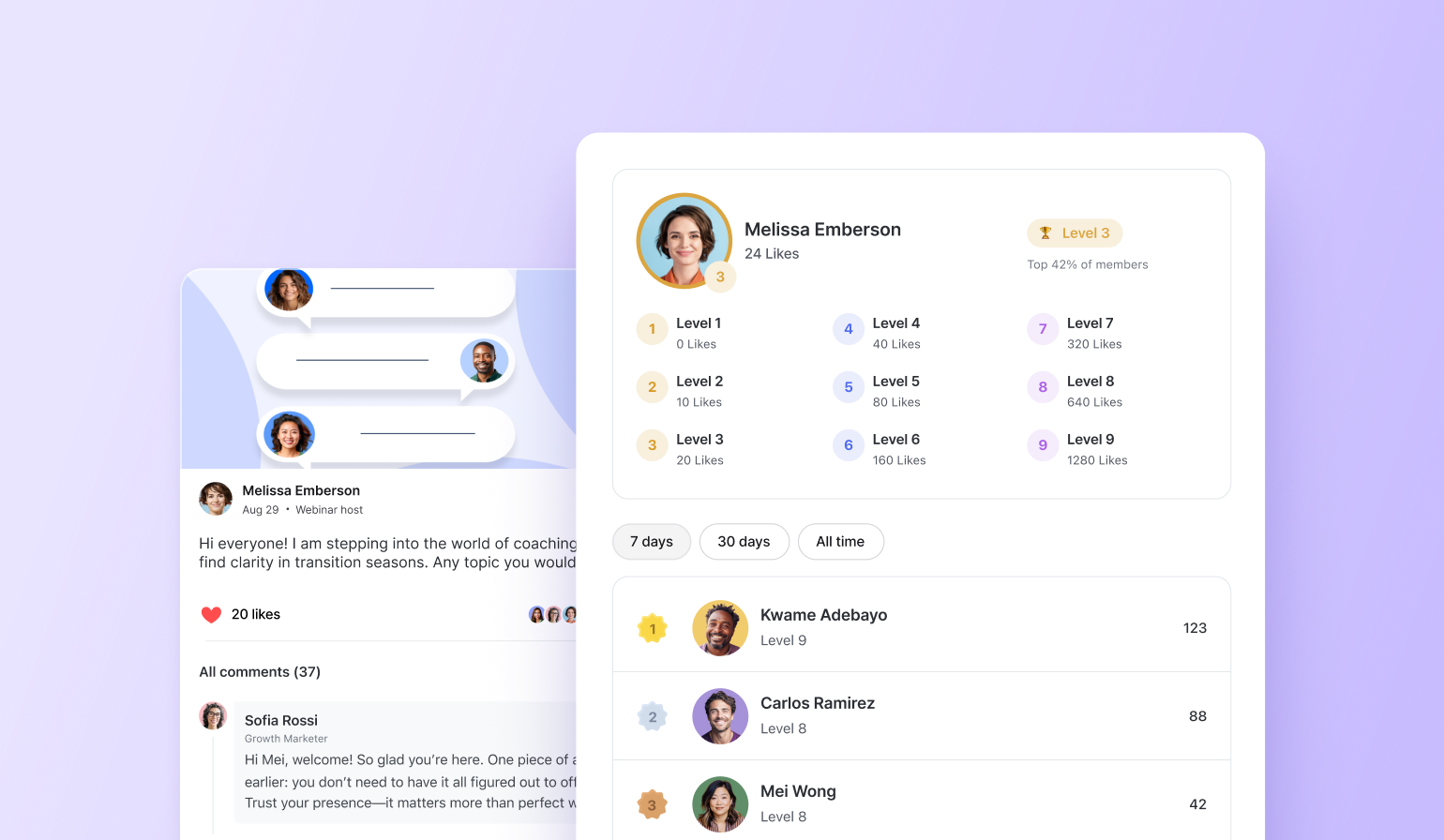
Here are some [gamification rewards](https://circle.so/blog/gamification-rewards) you could consider for your different milestone stages:
* Sending personalized DMs thanking them for their contributions
* Awarding a badge for reaching a certain number of contributions
* Adding them to a “Hall of Fame” member space
* Inviting them to intimate VIP roundtables or fireside chats
* Soliciting their questions for an upcoming Q\&A
* Giving them a direct line to community leadership via a private space
* Sharing exclusive discounts on your most premium offerings
* Offering enrollment in a group coaching program
* Sending out a swag pack for reaching important milestones
Finally, if your platform offers it, automate everything you can. With **Circle**, for example, members automatically earn points for likes and contributions. You can set up levels, unlock custom rewards, spotlight top contributors on leaderboards, and trigger [workflows](https://circle.so/workflows) that send personalized messages or grant access to exclusive spaces. You can even automate welcome messages, highlight high-quality posts, and identify future ambassadors through contribution tracking.
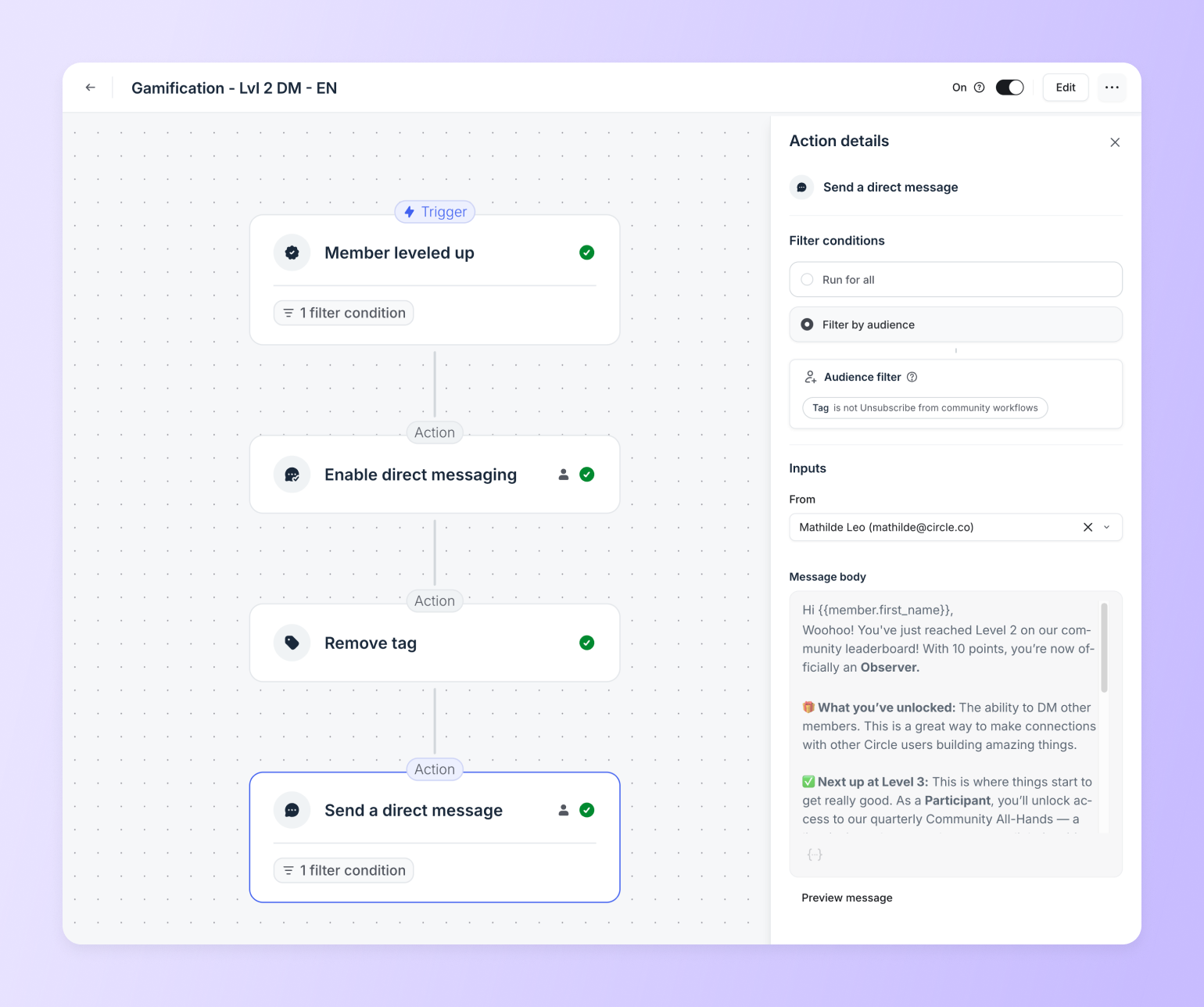
### Step 5: Launch, measure, and iterate
Ta-dam! 🎉 Your gamification program is ready to be launched. But if it launches and nobody knows about it... did it really launch? Or was it a fever dream you had while taking a shower?
Don’t hit the stumbling block many community builders do—launching without a proper rollout plan. You need a clear strategy for how you’re going to promote and [communicate](https://circle.so/blog/community-comms-best-practices) your new gamification program.
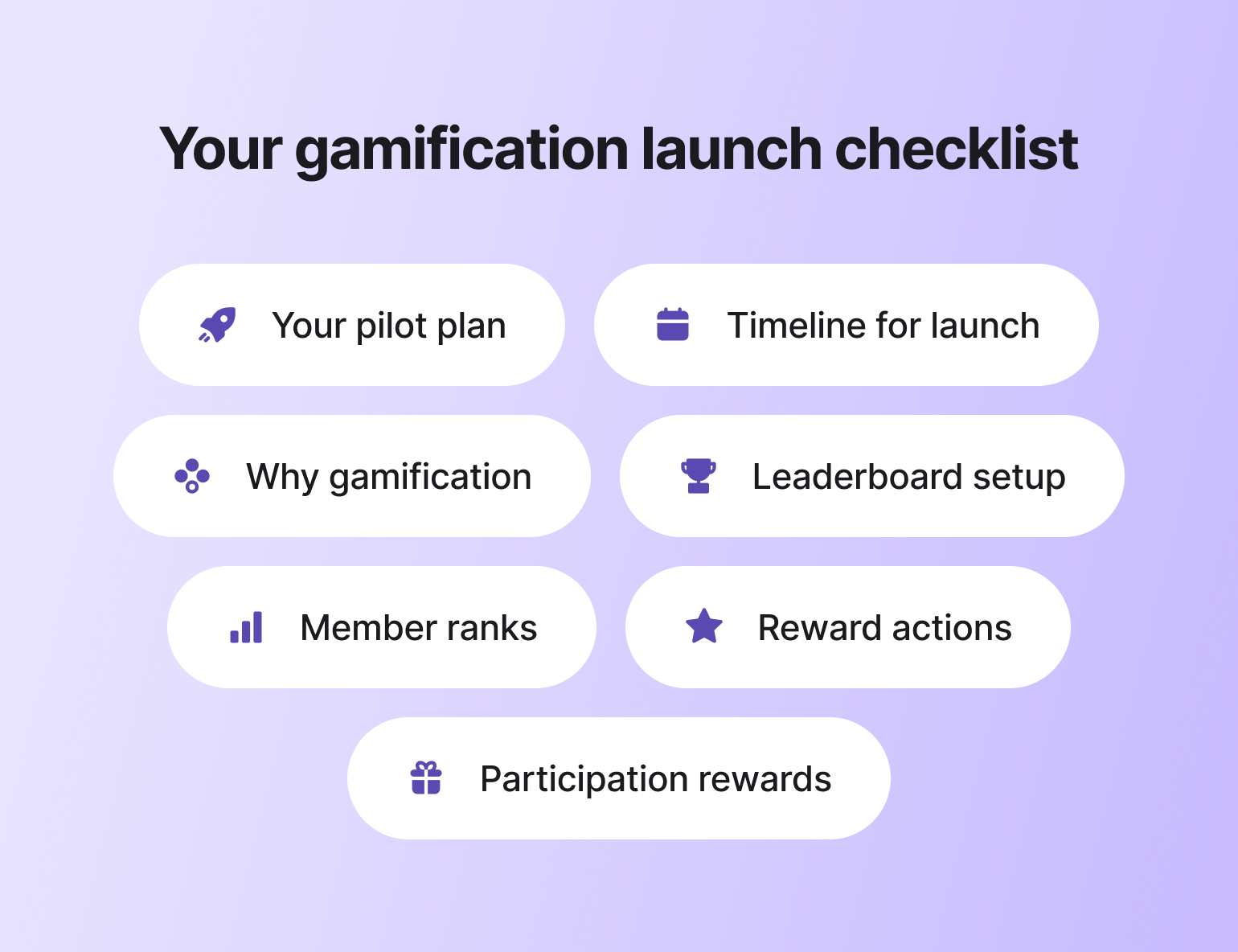
As with any major change inside your community, you don’t want to leave people in the dark. You want members to start racking up points from day one—not discovering the system three months later.
> **💡Pro tip:** If you’d rather not go all-in right away, start with **a 2–4 week pilot**. Launch a minimum viable version of your gamification program with one core mechanic and a small set of meaningful rewards. Use this phase to closely monitor participation patterns and gather qualitative feedback from members. A focused pilot reduces risk, surfaces blind spots early, and gives you the confidence to scale what’s actually working.
After the launch, be patient and give your program time to work. Within 1–3 months (or whatever time you decide), assess whether the program is helping you meet your stated goals. For example, inside Circle, you can see what percentage of your posts are member-created. That’s one of many possible positive signals.
Another way to evaluate whether the program is working? Ask your community for feedback. This is the perfect time to check if the rewards you’re offering are incentivizing the behaviors you want to see more of. If they’re not, you can adjust accordingly.
**Remember:** games evolve, and so does gamification. To keep people engaged and excited in the game, you will (at some point) need to add new things for people to strive for. As your community evolves and grows, so will your gamification strategy and the milestones you set for members.
## Measuring the success of your gamification
If your gamification strategy is working, the data will tell you. If it’s not, the data will tell you that too. Gamification without measurement is just decoration. Here's what to actually track.
### Engagement metrics
These show whether gamifying customer engagement is improving behavior.
* **Active participation rate**: percentage of members posting, commenting, or reacting weekly
* **Contribution quality ratio**: helpful replies, accepted answers, meaningful posts vs. total activity
If activity rises but quality drops, your mechanics may be rewarding volume over value.
### Business metrics
These connect engagement to revenue impact.
* **Support ticket deflection**: are more questions being answered by members?
* **Course completion rates**: are learners progressing further?
* **Upsell conversions**: are engaged members upgrading more often?
### Retention indicators
Retention is where long-term value compounds.
* **Early milestone achievement correlation**: do members who hit early goals stay longer?
* **Churn comparison**: retention before vs. after gamification launch
### When to pivot
If engagement rises but retention and revenue stay flat, pause. You may be rewarding activity instead of value. For example, posts per member might jump 30%, but renewals don’t move because members are leaving low-effort replies just to earn points. In that case, refine the system: reward accepted answers over all replies, add quality thresholds, or tie points to meaningful milestones.
On the other hand, if engagement, business metrics, and retention indicators are all trending upward, that’s your signal to scale.
## Ready to build your community gamification strategy?
Gamification isn’t just a gimmicky way to “get more posts, likes, and engagement.”
It’s an organic way to create a fun, engaging member-led community that finally allows you to scale your business and create a meaningful member experience that scales along with it.
So if you’re looking for a [community platform with gamification](https://circle.so/gamification) baked right in? You’re in the right place. **Circle** gamifies your members, discussions, events, courses, and content—all in one place, under your own brand. Plus, you get access to our customer community full of handy resources and over 18,000 community builders on the same journey as you.
[Start your free 14-day trial today!](https://app.circle.so/communities/new)
## FAQs
What is community gamification?
Community gamification is the intentional use of game-design mechanics such as progress tracking, recognition, milestones, and structured rewards to encourage meaningful participation within an online community. The goal is not entertainment for its own sake, but sustained contribution: more members posting, returning, and staying.
How does gamification create belonging?
In a nutshell, gamification creates structure around recognition. Badges, progression levels, contributor labels, and milestone celebrations signal that effort matters and expertise is valued.
From a psychological standpoint, relatedness and identity are key drivers of sustained engagement. When members are recognized as contributors or experts, they begin to see themselves as part of the community's fabric. That identity shift increases commitment. Over time, participation becomes less transactional and more relational, which directly supports retention and long-term loyalty.
What behaviors should I reward?
Reward what you want to see more of in your community, and also what aligns with your community's purpose and business outcomes. These can be:
* Thoughtful replies that solve real problems
* First contributions (posts, introductions, profile completion)
* Consistent weekly participation over time
* Course or program completion milestones
* Event attendance or workshop participation
* Welcoming and guiding new members during [onboarding](https://circle.so/blog/community-onboarding)
* Community-building actions like starting meaningful discussions
With [Circle's workflows,](https://circle.so/workflows) you can automatically reward points when members complete a course, publish a post, attend an event, or meet specific audience rules, making recognition consistent and scalable.
Should I use gamification in a B2B community?
Why not? Just because your community is professionally focused doesn't mean people stop being human or stop being motivated by rewards. Of course, just don't make it too childish.
In a B2B community, gamification should reinforce expertise, credibility, and meaningful contribution. Think visible expert badges, contributor levels, access to exclusive discussions, or recognition for high-quality insights. When designed thoughtfully, gamification has real power to encourage high-quality participation, increase retention, and strengthen your community's identity.
What are the biggest mistakes when it comes to gamification?
Gamification works when it's intentional. When it's layered on without strategy, it can quickly backfire. Common mistakes include:
* Rewarding activity instead of meaningful contribution
* Adding mechanics without tying them to business goals
* Overcomplicating the system with too many rules or levels
* Making participation purely transactional
* Ignoring quality signals in favor of surface-level engagement metrics
How do I measure gamification success?
Measure both behavioral shifts and business impact. Leading indicators include active participation rate, milestone completion, contribution quality, and time to first post. These signal whether members are responding to the system.
Lagging indicators connect engagement to outcomes. Track retention rates, churn comparison before and after launch, upgrade conversions, and support ticket deflection. If engagement increases but retention and revenue remain flat, refine the mechanics. If participation, retention, and growth trend upward together, the system is working as intended.
Inside Circle, measuring gamification is super easy! You can track member contribution levels, leaderboard activity, and percentage of member-generated posts to see whether gamification is influencing real behavior.
Can gamification work for small communities?
Yes, and in many cases, it works even better. In smaller communities, contributions are more visible, and recognition feels personal rather than automated. When a member earns a badge, reaches a new level, or is highlighted for a thoughtful reply, people notice. That visibility strengthens identity and reinforces a sense of belonging.
Smaller communities also have the advantage of agility. You can test lightweight progression systems, milestone rewards, or recognition rituals without overengineering the experience.
---
### 5 Proven community growth strategies–that won’t burn you out
*Discover 5 proven strategies to grow your community without burning out. Learn the difference between community growth and community-led growth, plus best practices from Exit Five's success.*
Source: https://circle.so/blog/community-growth
Creators may _live_ for eyeballs.
But creators _survive and thrive_ when they build and grow communities–real, engaged groups of people huddled around solving the same problems.
So how do you grow your community?
- Do you just post more?
- Create more?
- Market more?
- Comment more?
- More more more?
⛔ **The harsh truth is doing more for the sake of more is a path straight to burnout.**
Instead, we put together a guide of tools, tactics, and strategies you can use to both grow your audience, and engage your current members–using startup marketing tactics that won’t burn you out.
In this article, we’ll help you understand:
- How to use your community as an audience growth multiplier
- 5 systematic community growth strategies
- Why you should treat your community like a product, and
- Best practices for growing your community
Plus, we’ll dive into a quick case study featuring Exit Five—the #1 community for B2B marketers that has grown 100% year over year—to find out the exact steps they’re taking to grow and engage their community.
## What’s the difference between community growth vs. community-led growth
Community growth and community-led growth are two distinct concepts and shouldn’t be confused.
**Community growth** simply means increasing the size of your community, which could include audience, membership, or business growth. It involves attracting new members, encouraging participation, and nurturing a vibrant and active community–which then helps retain and attract others.
**Community-led growth** is a marketing strategy used by companies to build communities of enthusiastic customers. It’s a popular marketing strategy used by companies like Notion and Figma–and when done well, it adds massive value to the product experience. This strategy doesn’t usually center the community, but uses community to add value in addition to a product or service.
**Community-led growth is how the smartest creators and businesses:**
- Get new features, product, and offering ideas from their top contributors
- Create a supportive member-member community (while freeing up time and space for them to scale)
- Help members get the most value out of your content
- Get those warm leads from good word-of-mouth and referrals
- Create a network effect of happy customers that act as free advocates for your business
- Get great social proof to continue promoting their business
It doesn’t matter if you have a paid membership, a cohort-based community, or a product or course-based community–you can apply the same strategies and tactics to your advantage.
## 5 Systematic strategies to grow your community
Whether you’re just learning more about creating a community for your audience, or thinking about migrating your members, there are strategies you can use to make growth _automated_ and _automatic_.
And while you may have heard of funnels, the truth is:
**Funnels are out, and flywheels are in.** 🔁
Especially when it comes to community–which lends itself to continuous, circular improvements over time, rather than just “landing” a member and then forgetting they exist once you have their money.
**Community-led growth is an incredible framework to apply to creator and brand communities–because it flips the “buying cycle” upside down**. Instead of a purchase being the end of your journey, a community-led strategy means that when people buy your product, course, or service and get into a community–it’s just the beginning of their engagement with you.
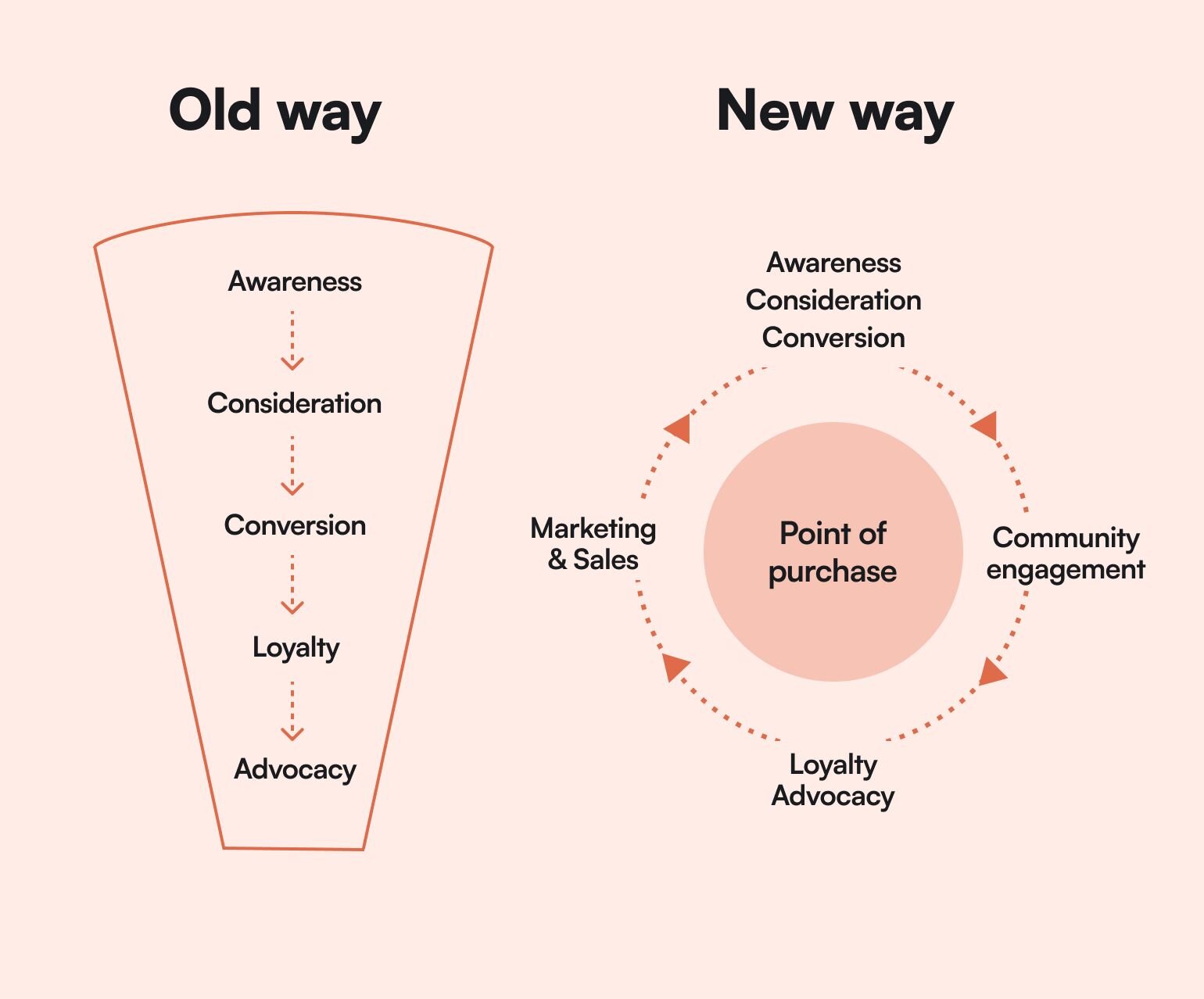
### 1\. Attract your audience (like a marketer)
When you think about growth, you need to think like a marketer.
While you may be _fantastic_ at your core business of creating content, or courses, or coaching–if you don’t know how to get the right people to see it, your business won't grow.
That’s why in order to grow your community, at baseline, you need to build awareness. The best way to do that is to have:
- **A strong point-of-view:** have the courage to be controversial or disliked. Don’t create simply for the purpose of being disliked, but know that standing out in a saturated market means knowing how you’re different. For example, [Codie Sanchez is all about being a contrarian](https://circle.so/blog/how-to-find-your-niche). People who resonate with that are drawn to her.
- **A platform:** Whether that means you’ve started a newsletter for all your followers, a podcast, a job board, or just make use of the socials (LinkedIn, Twitter, TikTok, Bluesky etc)–you need to do like Ariel and “be where the people are”. For Exit Five, LinkedIn is their biggest source of members (60%!), so that’s where they double down and spend all of their time prospecting and posting.
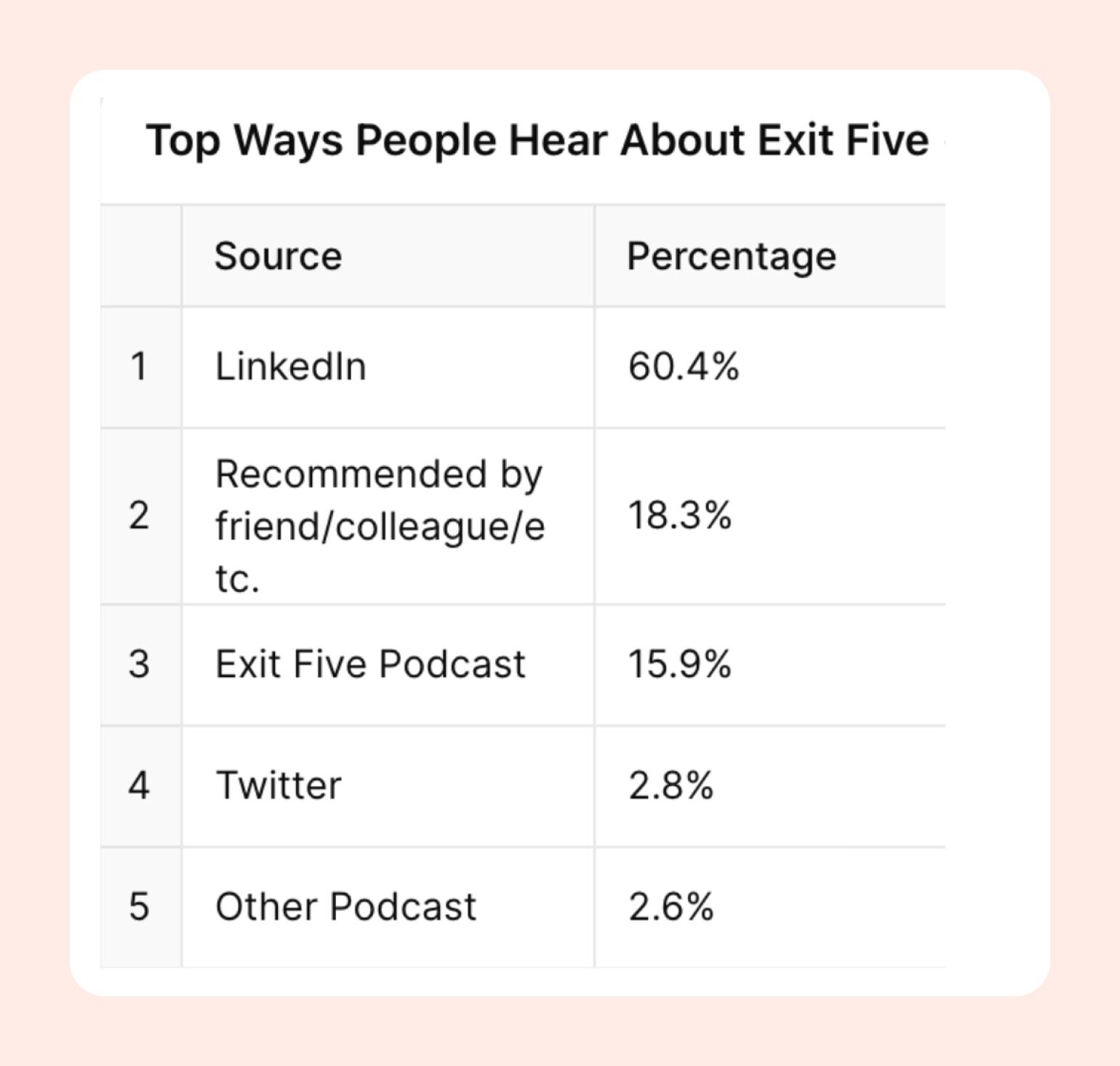
- **A consistent posting cadence:** Business growth is boring once you’ve found something that works. But in order to attract the audience your business deserves (and get more ROI for every member), you need to be consistent in sharing your POV with your target audience. Exit Five’s top employees post _every day_. Jay Clouse used to email his list every day for a year until he dropped to a weekly cadence. The key is…
- **A regular content analysis:** Did daily posts work for you–or did engagement and shares drop? What topics did people respond to most from your newsletter? Did one blog post get more backlinks than any others? Why? Where are conversations cropping up naturally and excitedly amongst your target audience?
### 2\. Add a call-to-action to help you nurture prospects
Your ultimate goal as a business owner is helping as many people as possible with your content–but part of that goal is getting them in your funnel (or flywheel) so that they opt-in to your stuff, which means you need calls to action (CTAs).
There’s many ways to think about CTAs, but the one we like is **breadcrumbs.**
Matthew Carnevale, Head of Community at Exit Five, explains breadcrumb CTAs: “They have to be something that your audience or passersby stumble upon while viewing your content. The key… is that they can't be too obvious.”
Here’s an example of a CTA from the founder of Exit Five, Dave Gerhardt, on LinkedIn: the “Subscribe to newsletter” link under his headline.
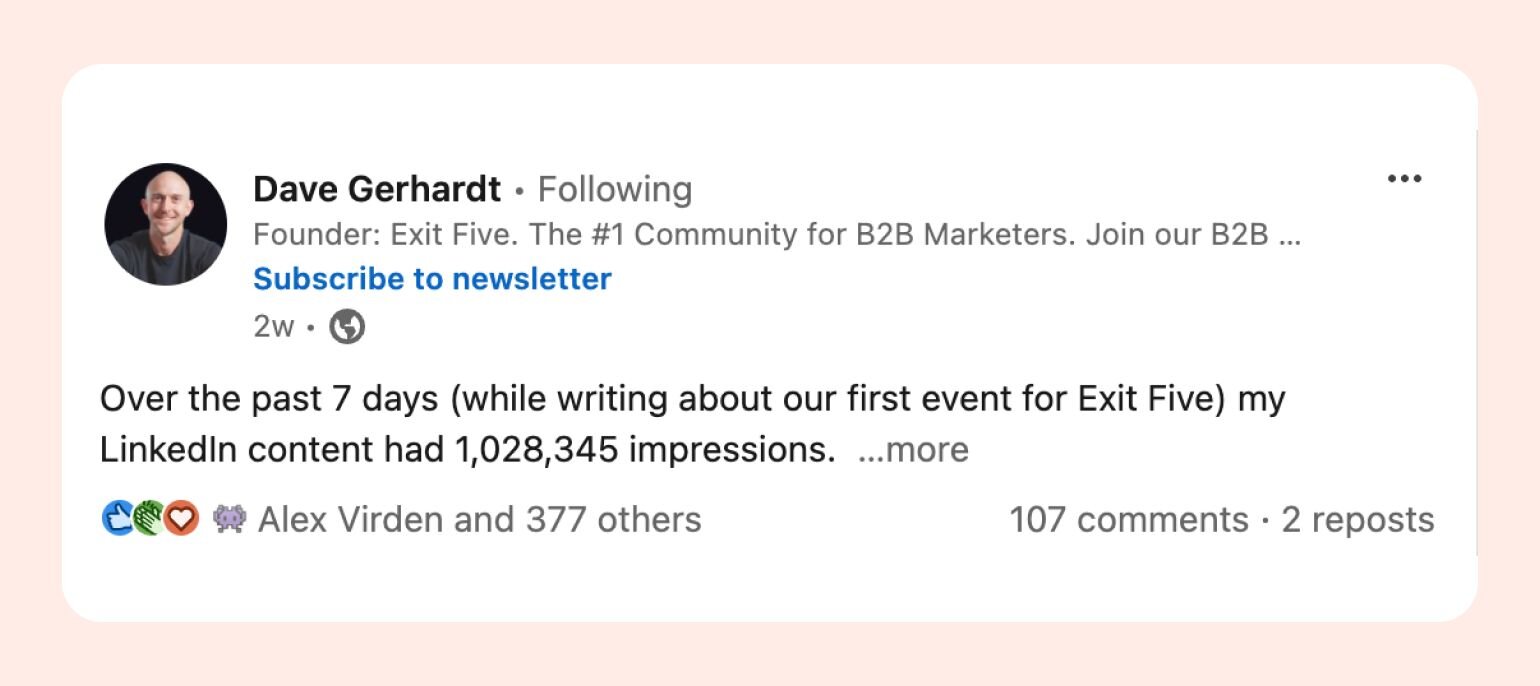
Smart (and consistent) CTAs turn readers on organic social into leads, and funnels them into an “owned platform” that you can then nurture into a sale. That means a place where you can gather their information, and use it to further market to them through emails, ads, content, or community.
Some examples of breadcrumbing CTA's:
- Newsletters
- Free communities (on platforms like Circle)
- Lead magnets like quizzes or assessments
- Free challenges
### 3\. Embed your offers organically
Finally, once people are on _your_ owned channel, whether that’s a newsletter or not–[pitch them your offer](https://circle.so/blog/building-a-core-offer).
You don’t have to get on the phone and car sales-man pressure them into it… but you do have to add both calls to action and pitches for your offer into your content consistently to:
- Bring awareness to your offerings
- Provide social proof about their value
- Remind them about it
- Until they’re ready to buy
**Because the path to purchase isn’t linear.**
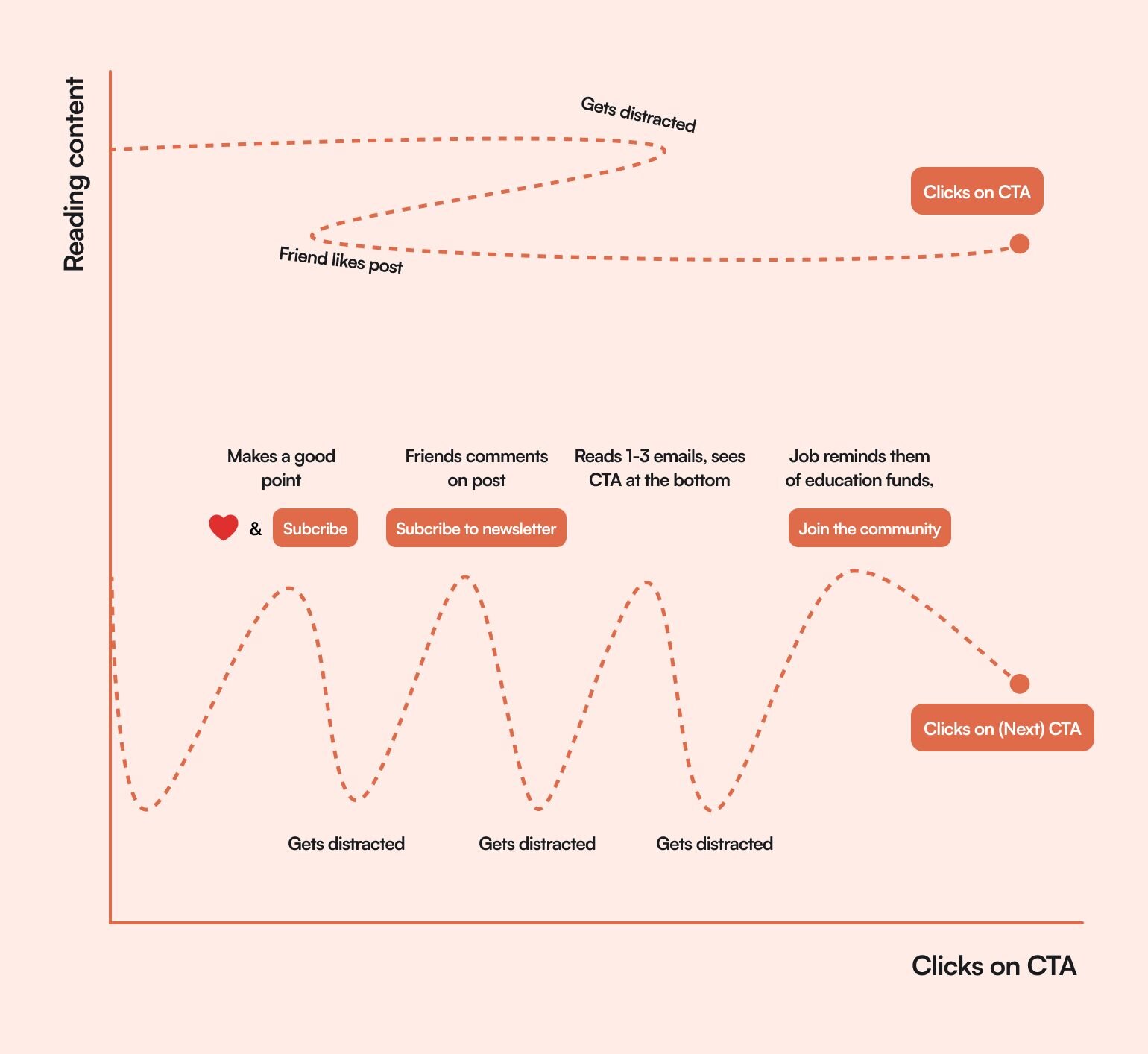
Whether you have a [full offer suite](https://circle.so/blog/offer-flywheel) set up or are just starting and nailing down one product, course, or service, there are ways to move people through the process by leveraging launches, evergreen sales, and seasonal sales or discounts. For example:
- A parenting community could promote a sale on mothers, fathers, and grandparents day
- A creator selling accounting spreadsheets can promote their evergreen training during tax season or within their link in bio
- A business coach could launch a new group coaching program in Q4 to help businesses create a plan for the following year
Exit Five keeps it simple, and embeds offers to join their community at the end of each newsletter they send out, which is a very common way to move prospects to take the next step.
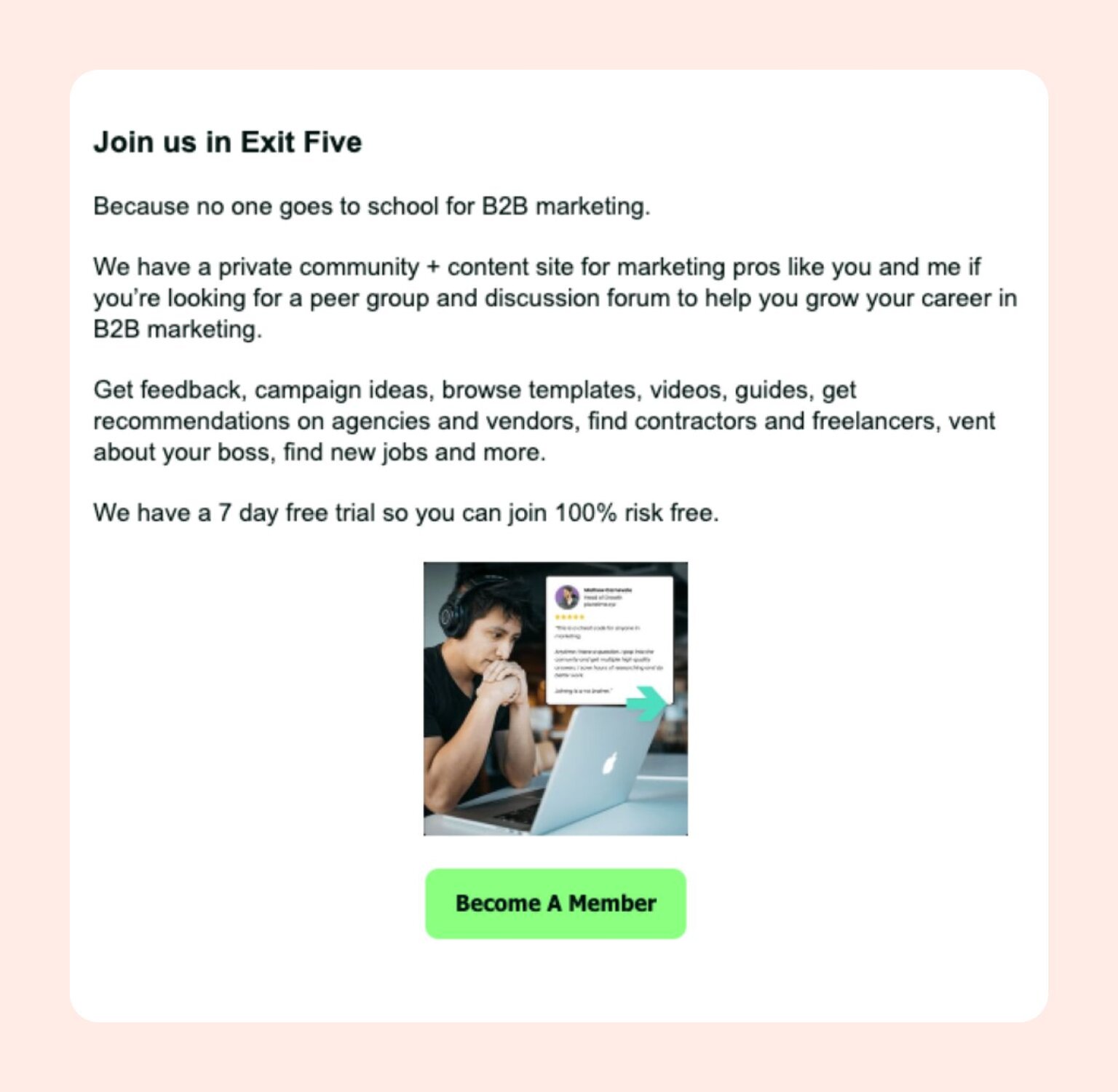
#### 3.1 De-risk your pitch
Handing over your cold, hard-earned cash can feel scary to many. Risk reversals is a copywriting and sales technique that minimizes the perceived risk–and you can use it to make your offer seem like an “easy yes”.
Here are some examples of risk reversals:
- A free trial
- A money-back guarantee
- Extra bonuses
- A discount for new customers
- A free audit or assessment
- Performance guarantees (we’ll help you \[blank\] or your money back)
- Free shipping or easy returns if you sell products
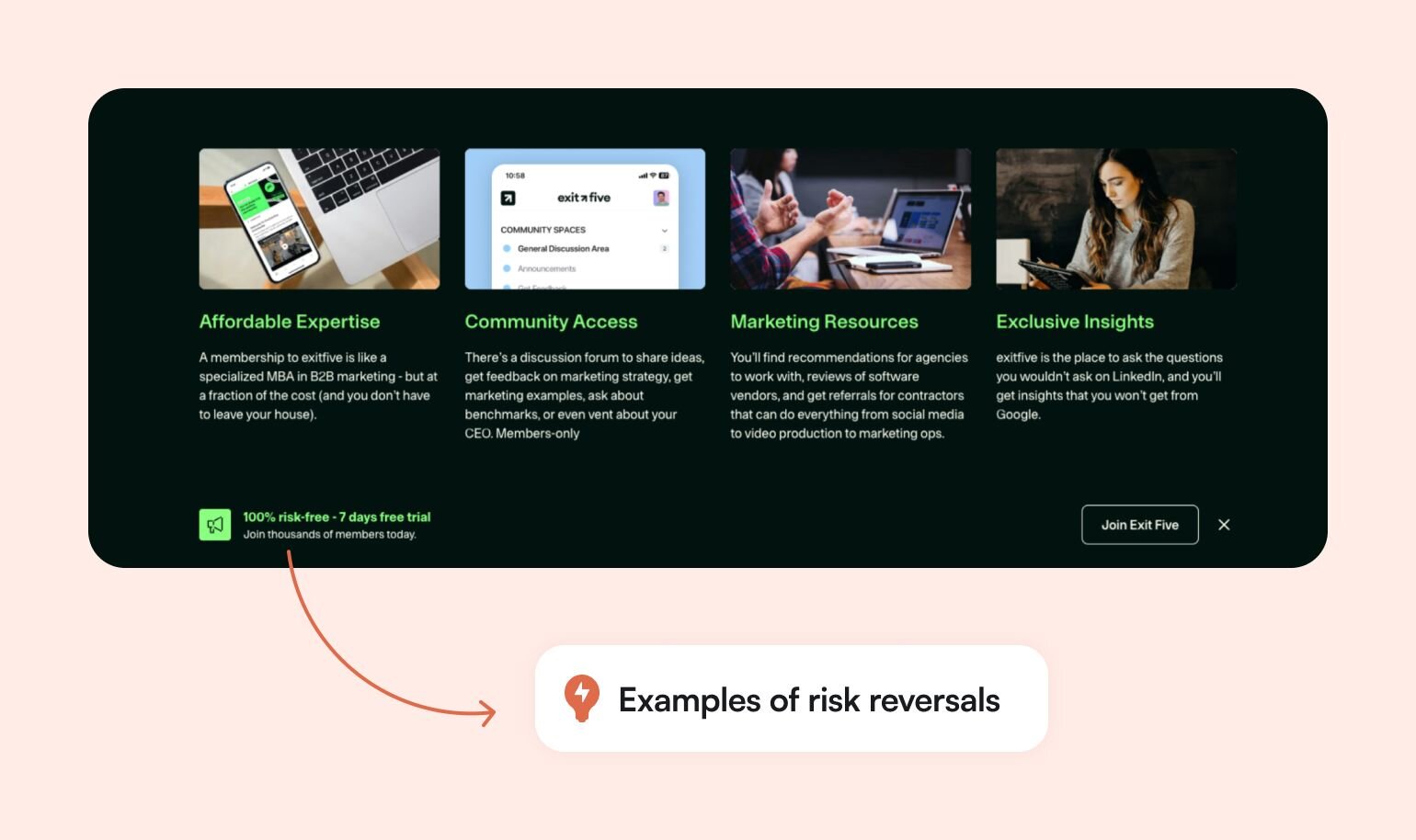
### 4\. Treat your community like a product–always be improving
Lots of companies wouldn’t exist without their products–so they tend to treat their products with the utmost care.
They:
- Plan quarterly and yearly roadmaps (to outline what they’re want to test, introduce, add, or change)
- Invest in their maintenance
- Assess their value and impact
- Conduct customer interviews and feedback rounds
- Continuously improve on them
- Market them strategically
Because it’s hard to sell a product that nobody wants, you need to constantly be aware of the changing market and continue delivering value.
**In order to apply this to your community, you need to build this product-thinking feedback loop into your community experience.**
Using 1:1 member interviews, trends in Circle (or other CRMs), and other community signals like feature or product requests, you should:
1. Create a hypothesis about what your community needs
2. Build an iteration
3. Test its value and impact
4. Gather feedback
5. Iterate on your offering
### 5\. Promote your happy members to close the loop
Community-led growth relies on the network effect, and the psychological principle that people are more likely to buy something that their friends have bought (and liked).
You can use this principle to your advantage by:
- Sharing customer wins within the community
- Using customer stories in your marketing for the community (something [Exit Five does on their homepage](https://www.exitfive.com/) as well as elsewhere in their marketing)
- Talking about challenges customers have overcome with your community or product
- Creating a referral program that rewards your most loyal members for bringing in new members
The more engaged and happy your members are, the more likely they are to talk about your business, which makes it easier and easier to grow your community.
**TLDR: Delighted customers are the best community growth strategy.**
## Best practices for community growth
1. Show up consistently on your top platforms with a unique POV to grow your audience
2. Create a simple funnel (or flywheel) that moves people to buy-in
3. Lead with value (and don’t discount your knowledge)
4. [Pick the right tools and platforms](https://circle.so/blog/choosing-an-online-community-platform) (don’t overcomplicate your tech stack)
5. [Measure your metrics](https://circle.so/blog/community-analytics) to understand your progress
1. Membership metrics like number of members, growth rate (MoM or YoY), member type
2. Engagement metrics like total activities (comments, posts, etc), active members (MAU), top trending topics
3. Business metrics like customer acquisition cost (CAC), lifetime value (LTV), and [retention and churn rates](https://circle.so/blog/member-retention)
7. [Encourage engagement](https://circle.so/blog/online-community-engagement) through onboarding, live events, match-making, courses, etc
8. Assess your assumptions and iterate!
## Case study: How to grow a community like Exit Five
Exit Five is a $1.5M community that didn’t even start out as a community. It started with Dave Gerhardt sharing his thoughts on LinkedIn as a CMO, and gathering a massive audience that he eventually decided to figure out how to monetize.
Over the past year, Exit Five has added multiple employees, thrown an in-person conference, and grown their membership by over 100%.
Not only that, but they’ve managed to keep an enviously high MAU (Monthly Active Users) at 40% with a 4,300+ person community.
**Learn more about** [**how Exit Five 10x'd their growth overnight**](https://circle.so/customer-stories/exit-five) **by launching their very own branded community app.**
**What have they learned along the way?**
- **When you have high engagement in your community, you _usually_ have lower churn**. Matt recommends providing value on the same cadence of your billing plan–ie. If you charge people monthly, focus on creating monthly moments of value (or reasons to come back to the community) that validate people’s spending on a monthly basis.
- **You don’t have to be the only source of engagement in your community**. Leverage member-led events, use gamification, and tag experts to weigh in on community questions (which helps create connections between members and teaches them to rely on the expertise within the community).
- **Giving the community what they ask for** = easy engagement wins. Matthew noticed people asking for 1:1 introductions, so they created a monthly matchmaking program.
- **Remove self-promotion in the community**. It ends up a dumping ground and prevents real connections from forming.
- **Set the stage during onboarding** for how you expect members to engage. “If you want to be successful with this community, do these 3 things: Ask a question, use our search, or join the member matchmaking program.”
**And if you’re looking for a community platform that’s built with growth in mind?**
You’re in the right place.
Circle brings together your members, discussions, events, courses, and content—all in one place, under your own brand. Plus, you get access to our customer community full of handy resources and over 10,000 community builders on the same journey as you.
[Start your free 14-day free trial today!](https://app.circle.so/communities/new)
---
### 7 community guideline examples for building a respectful online space
*Explore 7 inspiring community guidelines examples to help you create a safer, more engaging online space your members will love.*
Source: https://circle.so/blog/community-guideline-examples
If you’re [building your first community](https://circle.so/blog/build-a-community), chances are, writing guidelines aren’t high on your to-do list. You're thinking about how to bring new people in, what kind of content to share, maybe even planning your first event. Rules feel like something you’ll deal with once more things on your to-do list are checked off.
But here’s what we’ve seen time and time again: **the strongest communities are the ones that set expectations from the start.**
That said, if writing a community rule book isn’t exactly your forte, don’t worry. In this guide, we’ll walk through:
- The core building blocks of effective community rules
- Real-world community guidelines examples
- Tips to keep your guidelines relevant as your community grows
## What are community guidelines (and why do they matter)?
**Community guidelines** are a clear set of shared expectations that shape how members behave, communicate, and contribute within your space. They cover what’s okay (and not okay) when it comes to content, interactions, and overall tone—so everyone knows what to expect.
More than just rules, **great guidelines reflect the culture you’re building** and help members participate with confidence and respect.
### Guidelines vs. rules vs. standards
You’ll often hear “community guidelines” used as a catch-all term, but inside your guidelines, there are usually three pieces working together:
- Big-picture expectations (guidelines)
- Specific dos and don’ts that are enforceable (rules)
- Core values that shape your space (community standards)
| Term | What it does | Example |
| --- | --- | --- |
| Guidelines | Describe the tone, mindset, or general behavior you want to encourage. | “Give more than you take. Ask thoughtful questions and support others when you can.” |
| Rules | Set clear, enforceable boundaries. These help prevent friction, spam, or harmful behavior. | “No self-promotion outside the #introductions or #resources spaces.” |
| Standards | Express the deeper values behind your space. They explain why your guidelines and rules exist. | “We’re here to build a culture of trust, kindness, and accountability.” |
### The importance of community guidelines
On one side of the equation, there’s you—the community creator and business owner. You already wear multiple hats and juggle a dozen priorities at once. The last thing you want is to get pulled into constant moderation mode (or as we like to call it, Kindergarten Teacher Mode).
Yes, moderation is part of the job. But you didn’t build a community just to spend your days breaking up fights like it’s a WWE wrestling match. Ideally, you’re leading in-depth conversations, helping members make meaningful connections—not ringing the bell every time someone steps out of line.
On the other side, there’s your community. These are real people showing up with their own goals, personalities, and expectations. And part of what they’re expecting—from day one—is that you’ll set the tone and keep the space safe and welcoming.
In short, guidelines protect your time, support your members, and make your community easier to run and more enjoyable to be part of.
**When they’re done well, you’ll notice the difference:**
- Fewer repeated DMs asking, _“Is it okay if I post this?”_
- A safer space for honest conversations, even when members disagree
- Faster onboarding—new members know how to participate from day one
- More trust and participation from members who feel protected and respected
### Before you start: Assess your community landscape
Before you write a single rule or draft a welcome post, take a moment to look at what’s already happening in your space and in similar communities.
#### Understand your community’s unique needs and culture
No two communities are alike, so don’t just copy someone else’s guidelines. Your guidelines should reflect what _you_ are building.
Running a freelance writer space? You’ll want to encourage collaboration and resource sharing, while gently discouraging spammy self-promotion. Leading a fitness community? You might focus on accountability check-ins, progress over perfection, and respectful, body-positive language.
**Ask yourself:** What kind of support, tone, and interaction will help your members thrive (and what’s the overlap between that and your unique point-of-view)? Then shape your guidelines to match the culture you want to create.
#### Identify existing pain points and challenges
Have there already been awkward posts or off-topic comments? Are there behaviors that don’t quite break rules but still disrupt the vibe? Create guidelines that solve real (not theoretical) problems.
#### Set your community governance philosophy
Will you moderate everything yourself? Do you want members to help shape and uphold the space? Are you comfortable removing posts or giving warnings, or would you rather focus on nudging people gently? **There’s no one right way.** But being clear about your approach will make writing and enforcing your guidelines much easier.
## Core components of effective community guidelines
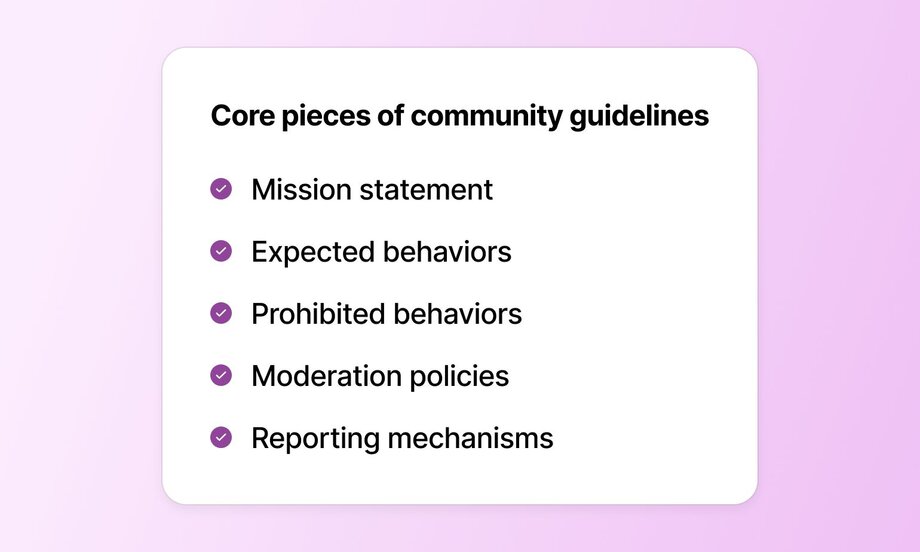
No matter how elaborate or brief your guidelines are going to be, they need to include the following core building blocks at a minimum.
### 1\. Mission statement
Start by reminding people _why_ this community exists in the first place. One or two lines are enough to help members understand what they’re joining, and how to show up in a way that adds to it.
👉 **Example:** _“We’re here to support each other as we grow sustainable, one-person/solopreneur businesses—with honesty, kindness, and a little humor.”_
### 2\. Expected behaviors
Spell out what good participation looks like. Don’t just say “be kind”—explain how that shows up in your space. Do you value thoughtful feedback? Active listening? Collaboration over competition? These kinds of prompts help new members engage with confidence.
👉 **Example:** _“Share experiences, not just advice. Listen first. Celebrate wins, and offer feedback with generosity.”_
### 3\. Prohibited behaviors
This is the part many first-time community builders skip—but arguably it’s one of the most important.
Spell out what’s not allowed in your space. Harassment, hate speech, or spam? Say so. And don’t be afraid to be direct.
👉 **Example:** _“No hate speech, harassment, trolling, or passive-aggressive replies. Repeated off-topic promotion will also be removed.”_
### 4\. Moderation policies
People want to know how things are handled when someone crosses the line. This doesn’t need to be legalese. Just explain how you’ll respond if issues come up, and how consistent you aim to be.
👉 **Example:** _“We’ll give a heads-up the first time. Continued violations may result in post removal or removal from the community entirely.”_
### 5\. Reporting mechanisms
If you want a safer space, members need to feel like they can speak up when something feels off. Make it easy, and make it clear that reports won’t just vanish into the void.
👉 **Example:** _“To report an issue, DM myself directly or use the ‘Report’ button on any post or comment.”_
## Real-world guidelines examples across different community types
You’ve got the building blocks. Now, let’s look at some community rules examples from real communities and see how they’ve put them into practice.
### Online learning communities
Learning communities attract learners from all backgrounds and skill levels. And when that happens, things like impatience, off-topic advice, or even judgment can creep in. Guidelines need to keep things welcoming and focused.
[_Duolingo’s_ community guidelines](https://www.duolingo.com/guidelines) handle that balance well across millions of users.
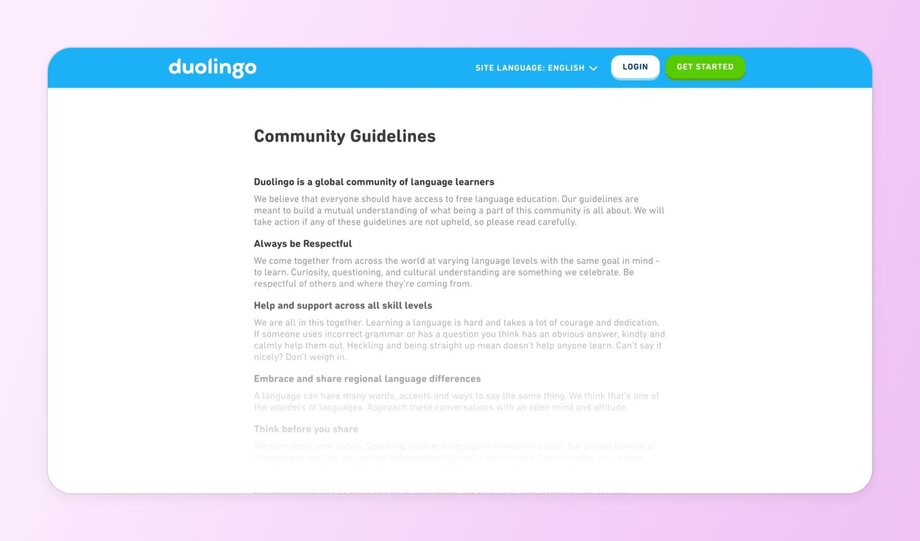
✨ **What they do well:**
- Encourage kindness when correcting others’ grammar or questions.
- Embrace cultural differences and regional language quirks–something especially unique to their community.
- Take a firm stance against harassment and impersonation.
### 2\. Professional communities
Professional communities are all about career growth. People come to learn, share, and build connections that open doors. Good guidelines should make it easy to ask questions, share ideas, and build trust with others. They also need to protect against spam, gossip, and anything that makes the space feel unsafe or unprofessional.
_Women in Tech SEO_ does this beautifully. [Their guidelines](https://www.womenintechseo.com/code-of-conduct/) are simple, human, and deeply aligned with their mission to uplift women in the industry.
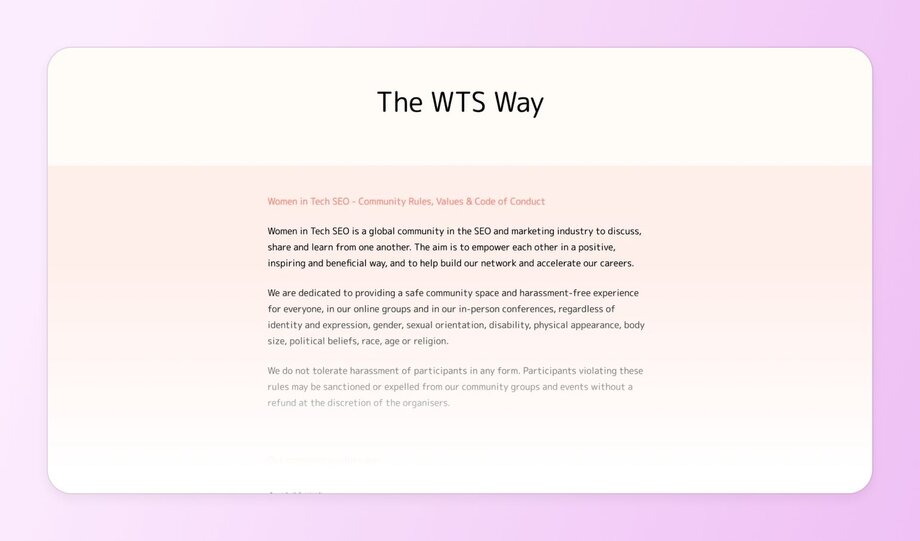
✨ **What stands out in their guidelines:**
- Kindness and support come first.
- Zero tolerance for spam, hate, or oversharing personal info.
- They create a safe space by saying: _“There’s no such thing as a stupid question.”_
### 3\. Brand communities
Brand or [customer communities](https://circle.so/blog/customer-community) bring people together around a shared love for a product or experience. These spaces are usually full of energy, passion, and loyal members who feel deeply connected to what the brand stands for.
Because of that, the guidelines need to keep things respectful, clear, and easy to manage. It’s important to set expectations for behavior, explain how members can report issues, and give them some control over their own experience without relying on moderators all the time.
_Peloton_ does this well by offering both [strong rules](https://support.onepeloton.com/s/article/7940914168852-Community-Guidelines-Moderation-Policy?language=en_GB) and tools that help members manage interactions.
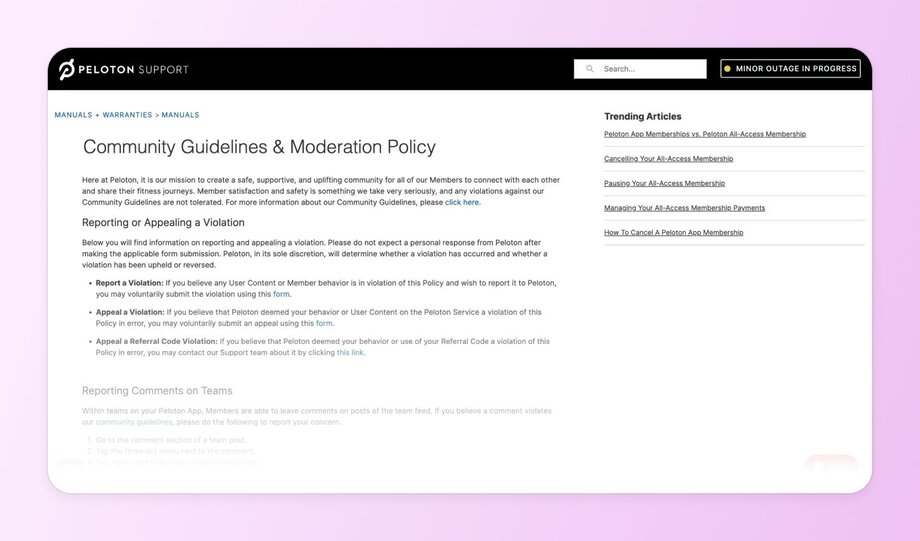
✨ **Why their guidelines work well:**
- Members can block individuals and hide tags, giving them control without needing mod intervention.
- The policy clearly separates what’s enforced by Peloton vs. what members can manage on their own.
### 4\. Support communities
Support communities often bring people together around shared challenges like chronic illness, caregiving, or recovery. These are deeply personal spaces where empathy, safety, and emotional trust matter just as much as information-sharing.
A great example, hosted on our platform Circle, is the [_Glucose Guide Diabetes Support_](https://circle.so/blog/glucose-guide-diabetes-support-community) community created by Mila Clarke. You’ll need to [sign up here](https://community.glucoseguide.app/c/start-here/) to view the full guidelines, but her approach is full of best practices.
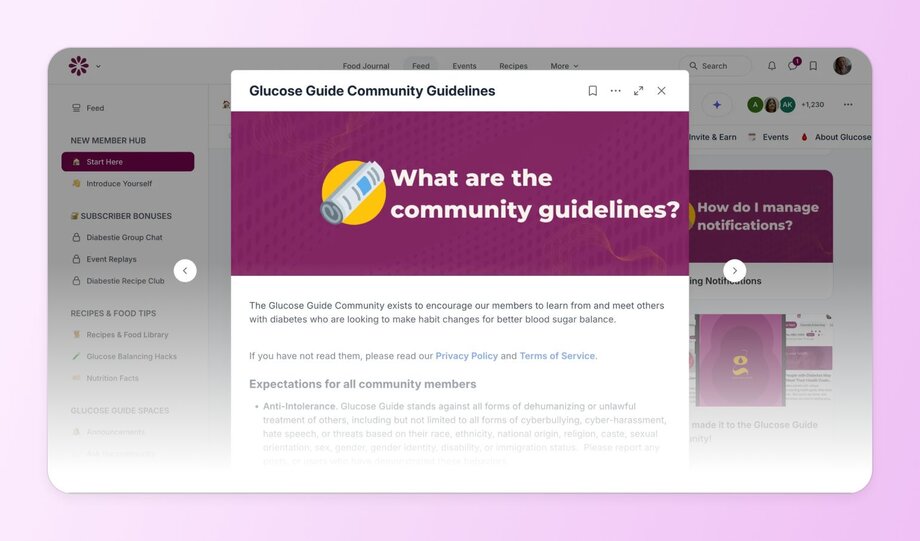
✨ **What can you learn from Mila’s guidelines:**
- The guidelines open with a clear purpose, helping members connect and learn as they build better habits for managing diabetes.
- They take a strong stance on anti-intolerance, with specific language covering cyberbullying, harassment, and identity-based discrimination.
- The guidelines close with a direct point of contact—Mila herself—inviting members to report issues or ask questions.
### 5\. Content creator communities
Content creator communities bring together people building and sharing their work publicly. And that can be anything from online courses and newsletters to YouTube channels and [digital products](https://circle.so/blog/digital-product).
Good rules in these spaces should guide respectful discussion, keep self-promotion in check, and help everyone stay focused on learning and connection.
At [Circle](https://circle.so)_,_ we host our own community where thousands of creators come to connect, learn, and grow together. We shaped our guidelines to support open sharing, protect the quality of conversations, and make sure every member feels safe showing up as themselves.
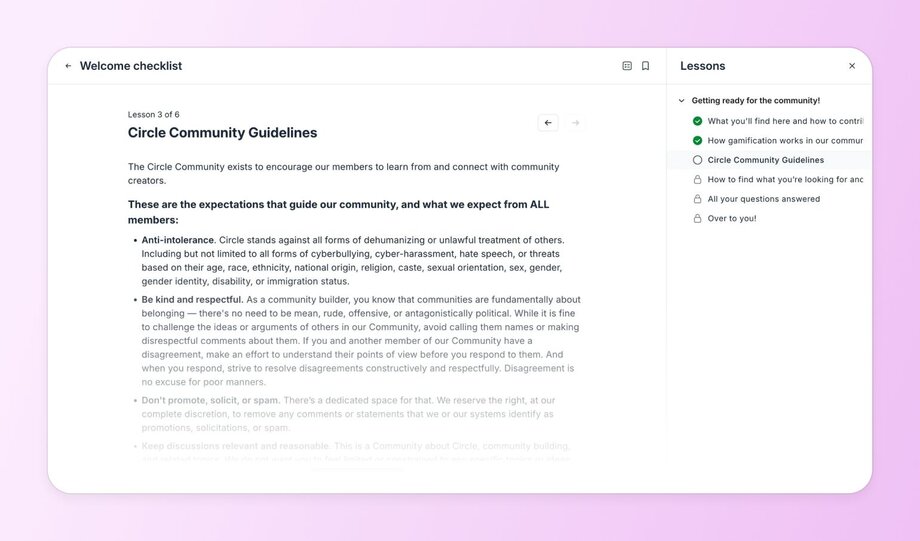
✨ **Key takeaways from our guidelines:**
- We encourage people to “come with purpose,” which keeps events and posts more meaningful.
- There's a clear line between helpful sharing and spam, and we offer a space just for promotion.
- We prioritize kindness because people share early, messy ideas and need to feel safe doing it.
- The guidelines are hosted in a welcome checklist that's built like an "onboarding" course for new members. Can't miss em.
### 6\. Technical communities
Technical communities are built around solving complex problems, sharing expert knowledge, and collaborating on tools or systems.
In these communities, guidelines should set **a tone of respect across all skill levels**, from beginners asking basic questions to experts debating advanced topics. They also need to support civil disagreement, since conflicting opinions and approaches are common (and often valuable) in technical work.
_GitHub’s_ [community guidelines](https://docs.github.com/en/site-policy/github-terms/github-community-guidelines) show how to support productive disagreement while keeping things respectful.
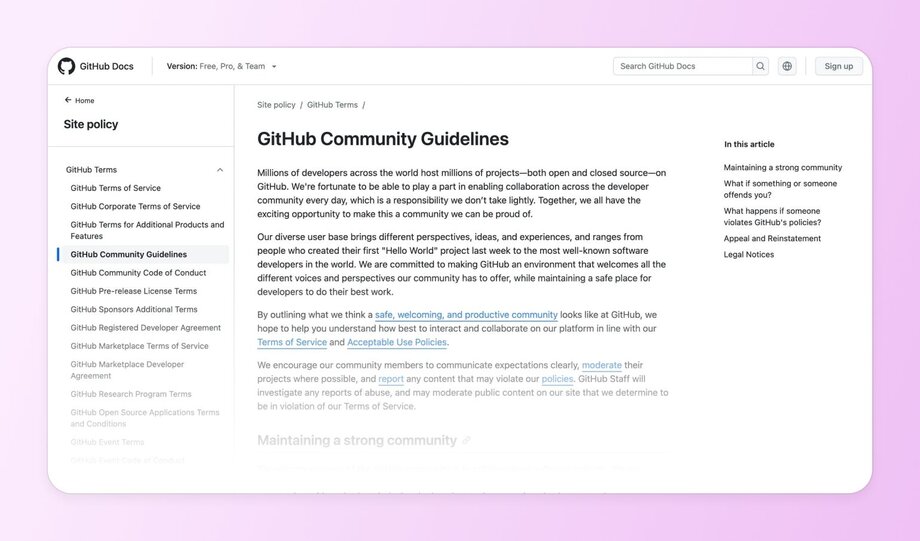
✨ **Why their guidelines work well:**
- Welcomes all experience levels and encourages openness to new contributors.
- Assumes conflict will happen—and provides tools to handle it, like locking threads.
### 7\. Visual content communities
Visual content communities are spaces where people share and discuss creative visual work like illustrations, branding, and web design.
Because these spaces revolve around showcasing original work, it’s especially important to protect creators from plagiarism, encourage constructive feedback, and limit self-promotion.
_Dribbble_ is a popular platform for creatives that also hosts a community where designers can share their latest projects, exchange ideas, and find work opportunities. Their [community guidelines](https://dribbble.com/guidelines) are detailed and specific—and for good reason.
✨ **What you learn from their guidelines:**
- Clear limits on promotion and tagging to keep the feed focused. No off-topic tags, promotional links, or spammy content allowed.
- Firm rules against plagiarism and misuse of others’ work. Members are only allowed to post their own designs, credit AI when used, and respect licensing.
## Crafting guidelines tailored to your community
By now, you’ve seen how great communities shape their rules around what their members actually need. So, how do you create guidelines that feel just as relevant in your space? Let’s break it down.
### Assess your community’s needs
Start with the basics—**what’s the purpose of your community?** Is it learning? Support? Connection? A tight-knit [mastermind group](https://circle.so/blog/mastermind-groups) might need just a few house rules, while a large, free, and open group requires more structure.
Also, pay attention to what behaviors have already caused confusion or friction. They’re your clue for what needs to be addressed in your rule book.
### Involve your members
It’s also a good idea to ask your community members for their feedback on what the guidelines should include. You can use polls or start a thread to get their input. When members feel they’ve had a say in shaping the rules, they’re much more likely to uphold them—and engage.
### Keep language clear and concise
Skip the legal jargon. Use simple, direct language, and give examples of what’s okay and what’s not. Instead of _“violations may result in disciplinary action,”_ try _“If this happens again, we’ll remove the post.”_
Use bullets, bolding, and short sentences to make your guidelines easy to scan.
### Reflect your brand’s voice
Your guidelines should sound like _you_. If your brand is friendly and relaxed, don’t suddenly go corporate. And vice versa.
### Don’t overthink it
You don’t need to reinvent the wheel. As Pedro puts it,
Sometimes the most effective guidelines are the simplest ones. Don’t forget that you can always refine them later.
## Implementing your community guidelines
Writing great community guidelines is only half the job. The other half? Making sure your members actually _see_ them, understand them, and follow them.
- **Make them easy to find:** Your guidelines should be front and center. Include them in your [member onboarding flow](https://circle.so/blog/community-onboarding), pin them in a prominent spot in your community platform, and make sure new members see them. If you're building your community on Circle, you can use the "Start Here" space of the platform to house your rules, expectations, and values all in one place.
- **Remind people:** Bring guidelines back into view from time to time, especially during periods of growth or if interactions for some reason start to go off track.
- **Train your moderators** (if you have them): If you’re not moderating alone, make sure your team (or your moderating [AI agent](https://circle.so/ai-agents)!) understands both the letter and the spirit of your guidelines. Share examples, talk through edge cases, and align on how to handle violations fairly and consistently.
## Maintaining and evolving your guidelines
And when you think your job is done… You actually have to remember to regularly update your guidelines.
### 🔁 Do regular reviews
Set a recurring schedule (quarterly is a good start) to review your rules. As your community grows, new members join, and discussions evolve, you’ll naturally notice that new rules need to be introduced and old ones revised.
### 👏 Celebrate positive behavior
Make it a habit to **highlight members who model the best of your space.** These are the folks who are always supportive, offer kind critique, or jump in to help a newcomer.
### 🧯 Be prepared to troubleshoot common guidelines challenges
- **Dealing with resistance:** Some members (especially those who’ve already been warned) may push back or try to test the limits. When this happens, respond calmly and consistently. Reinforce that the guidelines are there to protect the entire community, not to single out individuals.
- **Handling violations consistently:** If you enforce rules, do so consistently. Otherwise, you’ll erode member trust in no time. If you have moderators, agree on enforcement standards, document common responses, and communicate decisions clearly when action is taken.
- **Balancing strictness with freedom:** Over-policing kills engagement, but a total free-for-all creates chaos. Focus your rules on protecting safety and culture, not micromanaging tone or personality.
## Ready to put these community guideline best practices to work?
You shouldn’t have to repeat yourself or step in to moderate every conversation. Well-written community guidelines can do a lot of the heavy lifting for you.
After reading this article, we hope you feel more confident about what to include in your own guidelines—and inspired by the real-world examples we’ve shared. Just remember: your guidelines should evolve alongside your community.
## FAQs
How can community guidelines improve member interaction?
Having community guidelines in place is one of the best ways to improve member interaction. Clear rules, backed by consistent enforcement, help create a positive space where people feel safe contributing without being judged or attacked. Over time, this leads to higher engagement and a stronger, more self-sustaining community.
What are the common rules for online communities?
While each community is different, common rules usually include: no hate speech or harassment, no spam or off-topic promotions, and respect for others’ privacy. Many also include expectations around constructive feedback, staying on topic, and how to report issues. The best rules go beyond “what not to do” and clearly explain what good participation looks like, especially for new members.
---
### Creating healthy community habits
*Discover how building healthy community habits can transform your members' lives and strengthen your community. *
Source: https://circle.so/blog/community-habits
Rituals. Routines. Habits.
Most don’t think about them as a foundational aspect of building a community, especially when you have to figure out how to get clients, monetize the community, market your business, and the list goes on.
But, there’s a reason James Clear has built his million-dollar platform on habits–because there’s power in the small 1% effort compounding through everyday persistence, much in the same way that investment gains do.
**Habits are also universally difficult to build 💪, and laughably easy to break. 💔**
Unfortunately for us all, their impact is undeniable:
- Walking for 10,000 steps per day WILL improve your health
- Creating 1 video/day for a year WILL make you a better video editor
- Writing every day WILL make you a better writer
You get the point.
However, when it comes to communities, habits are a beneficial two-way street:
1. They help communities grow stronger, more engaged, and more involved
2. Communities help support new habit-building (and therefore support member’s transformations) exponentially thanks to all the emotional support and connection within them
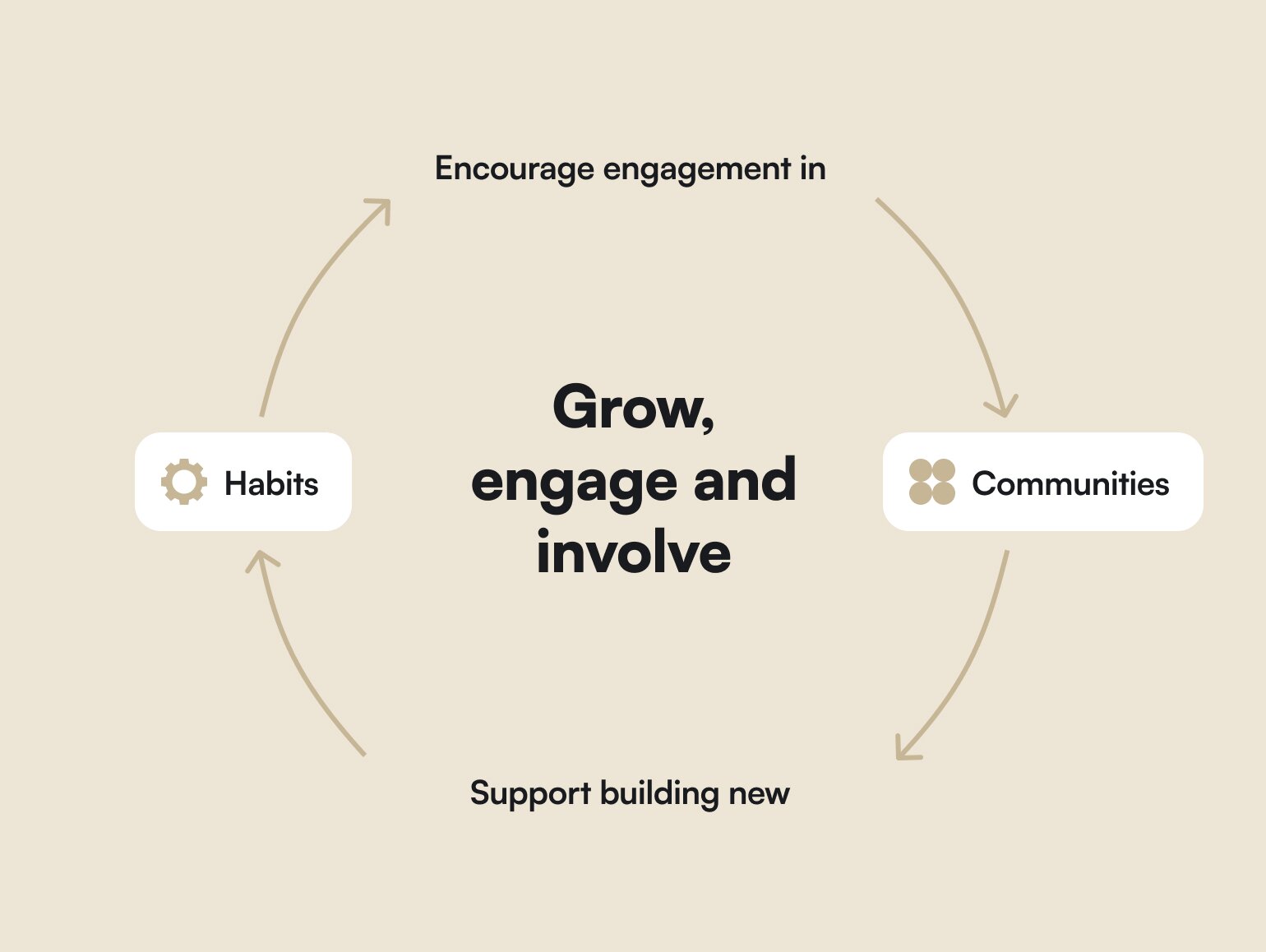
So not only do habits help build better communities, but communities help members build good habits.
In this playbook, we’re going to explore how the structure of good habits and routines for communities _and_ community managers can help you build a deeply fulfilling and manageable community that transforms your member’s lives.
## Why positive community habits are so powerful
The goal is to build a community both you and your members love and enjoy. And, while boring, good routines and habits are at the heart of those goals.
The problem is, when we try to build habits on our own, without external support or accountability, we’re setting ourselves up for an easy “out.”
[Danika Brysha](https://www.danikabrysha.com/), a self-care expert, plus-size IMG model, 3x wellness entrepreneur, and founder of Self-Care Society (which is focused on building healthy habits for members), says:
So how do you…
- Build your dream community–without getting burned out?
- Create magical connections and transformations for members–without overwhelm?
- Design a routine that helps members engage–as well as help community leaders show up as their best selves?
## **How to create sustainable routines for members**
Joining and engaging in a new community requires adopting new habits and ways of being. The easiest way to help members onboard and make interacting in the community a part of their routine is to make the habits,
Consistency and repetition play a massive role in comforting members and letting them know what to expect, as well as things like using templates and simple language. The less thinking your members need to do to engage, the better!
**8 ways to build good habits for community members:**
1. **Start small, stay consistent:** Regularly [scheduled events](https://circle.so/blog/host-community-events), posts, and interactions help establish a routine that community members can rely on. "When you're doing something consistently inside a community, you start to build trust." - Sara “No Socks”, Circle expert, and community operations and strategy consultant
2. **Role model your ideal member:** Monkey see, monkey do. By consistently participating and engaging in the community, leaders set an example for members to follow.
3. **Celebrate participation:** Highlight and celebrate members who actively participate. This can be through shout-outs, badges, or other forms of recognition like gamification.
4. **Create feedback loops:** [Look at analytics](https://circle.so/blog/data-driven-event-strategy), attendance and [engagement rates](https://circle.so/blog/online-community-engagement), and regular feedback from community members to understand what’s working and what’s not.
5. **Make it easy and accessible:** Provide clear instructions, templates, and examples to lower the barrier to participation. For instance, use templates for introductions to make it easier for new members to share about themselves.
6. **Give options to engage differently:** Different members may prefer different modes of engagement, so try videos, written posts, live sessions, and more.
7. **Bring members into routines:** When you involve community members in creating and leading habits, you increase buy-in and make the community feel more involved.
8. **Don’t treat engagement as the only important metric:** As Circle Contributor and community strategist Tatiana Figueiredo says, “Not all communities are about constant async chatting. Communities can be valuable for reasons beyond members always seeing new posts and comments pop up.”
[Check out this Masterclass](https://vimeo.com/692235184) with Circle expert Sara “No Socks” to learn more community habit-building tips.
### How Self-Care Society uses habits to build community
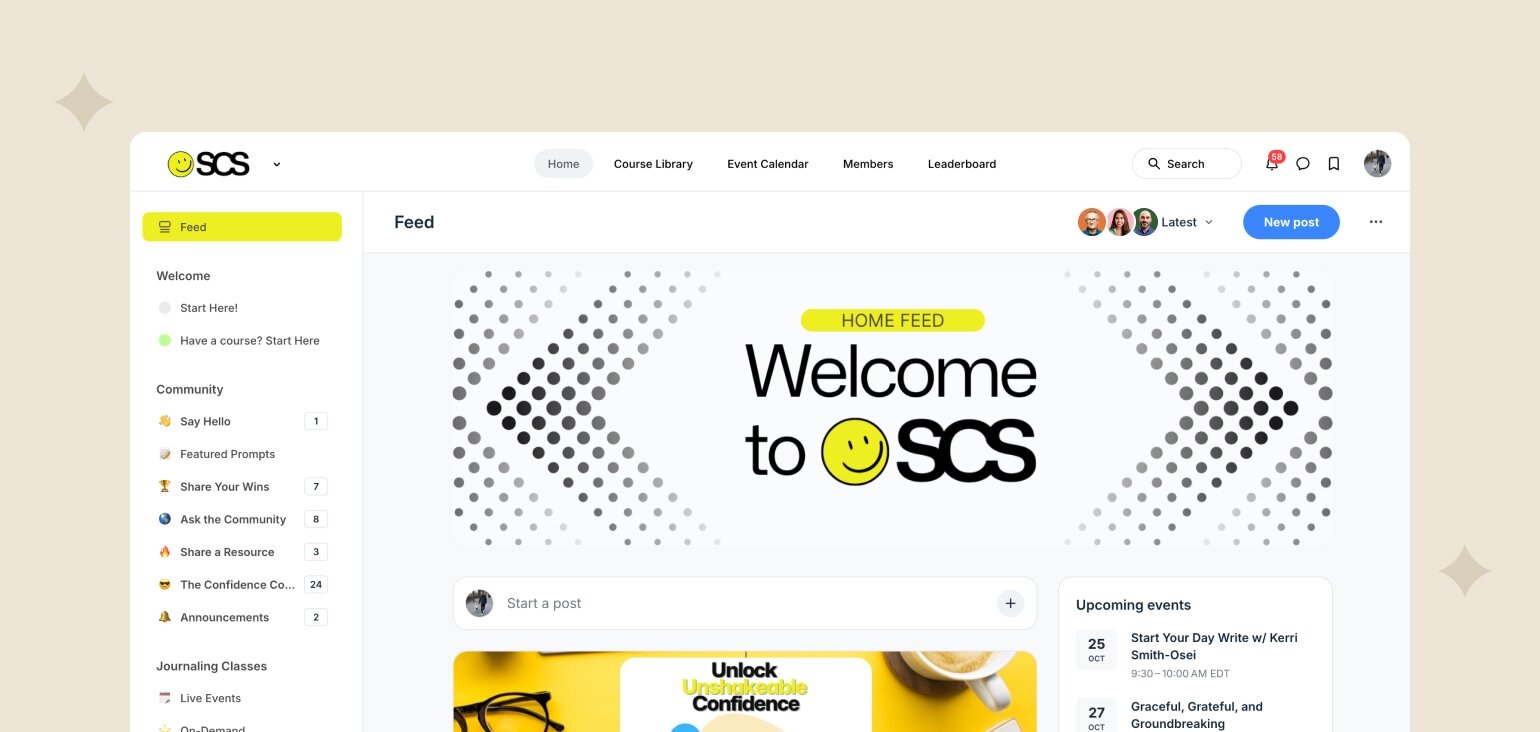
Now, let’s see how Danika’s community, Self-Care Society, puts all these principles into play, and how they’ve evolved their routines.
Over time, they’ve built up:
- Daily journaling and mindset practices and prompts
- Live 90-minute monthly planning workshops
- Yearly goal-setting with their members called “You Year”
“We discovered that while our daily classes are amazing, they often are a challenge for members to fit into already busy schedules–and that leaves us feeling behind on making progress on our own goals and creating a plan for filling our own cup. Enter our monthly planning workshop: a 90 minute session, held on the last Sunday of each month.” - Noelle Cochran, Community Manager for Self-Care Society
They also used the [Topics feature](https://community.circle.so/c/showandtell/how-we-re-using-topics-in-self-care-society) in Circle to organize video prompts for daily affirmations. For example, if someone is feeling like they need some sort of manifestation and practice around ‘clarity’ or ‘creativity’, they can find videos in the library focused on those topics.
They organize class activities under each prompt and summarize it so members know what to expect every time they click into a lesson.
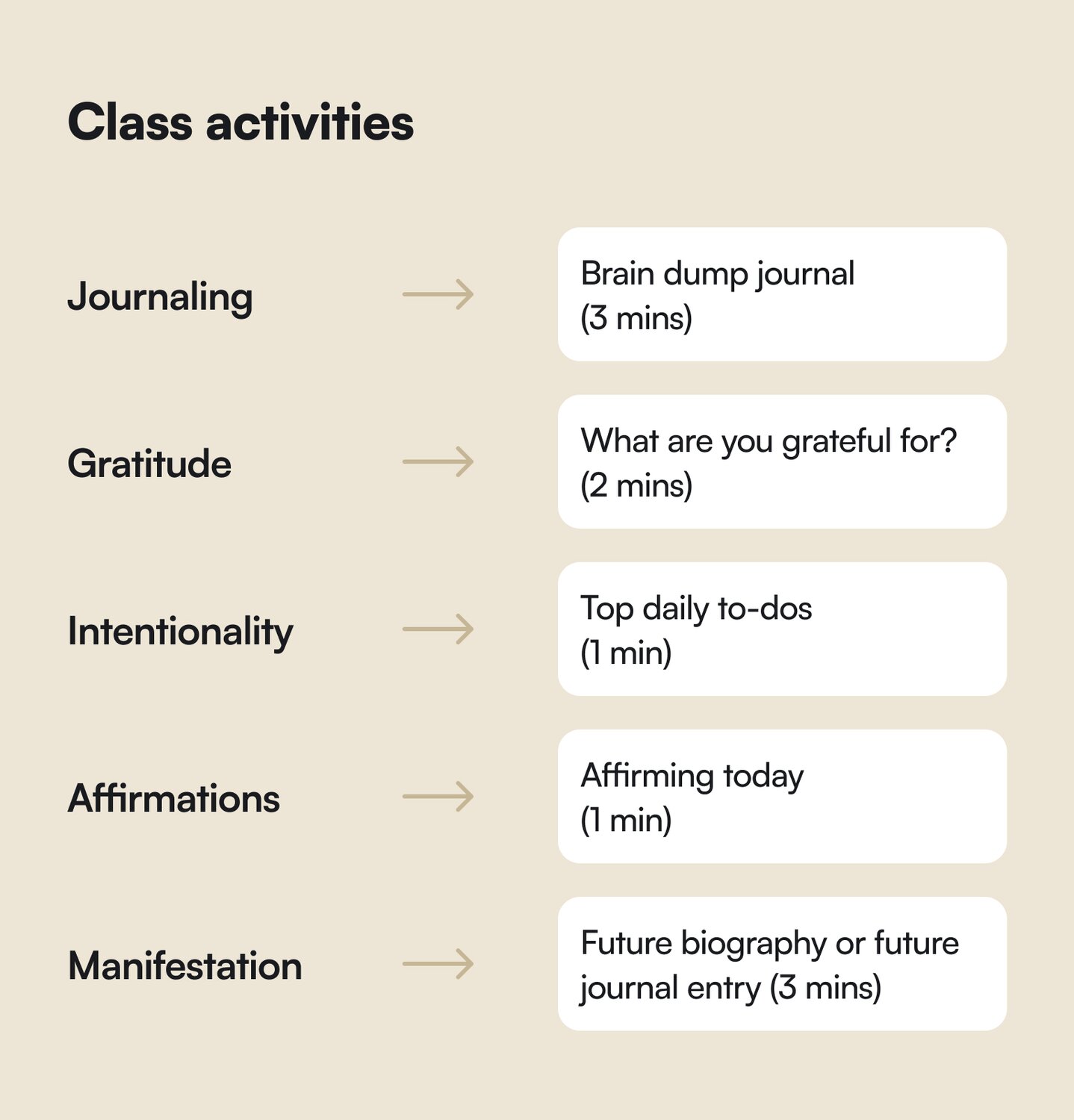
As a self-care community that focuses on creating healthy habits for members, “our challenge with \[the community\] is that we're really about helping people live their brightest, most beautiful life, in real life,” says Danika.
“And so there's this balance of having a community space–but we don’t actually want you spending a ton of time there. What we want to do is have a beautiful space where you can connect with these like-minded people and share resources to set yourself up for success.”
## How to build empowering habits for community managers
Community managers are particularly at-risk for burnout due to the people-facing nature of their jobs, which means they have to be twice as mindful about their boundaries, their time management, and their habits.
To avoid burnout in this very people-facing profession, you need to prioritize your own self-care the same way you would prioritize sleep, movement, and healthy eating.
As [Gwyn Wansbrough](https://community.circle.so/c/showandtell/think-you-are-experiencing-burnout-try-these-5-easy-daily-habits-to-thrive-while-running-your-online-community), one of our Circle Contributors explains it: “It’s the work I love to do. It’s not the what but the how I was doing it wasn’t sustainable.”
**So how do you prioritize self-care for community managers?**
- **Identifying personal needs:** As [Gwyn Wansbrough](https://community.circle.so/c/showandtell/think-you-are-experiencing-burnout-try-these-5-easy-daily-habits-to-thrive-while-running-your-online-community), one of our Circle Contributors says, “When you run online communities you need to work at keeping burnout at bay. Every. Single. Day.” Whether you need movement breaks, screen sabbaticals, time to engage in hobbies, socializing, or spend time meditating or in nature–every person is different. Take a moment to review what makes you feel calm, energized, and ready to tackle your to-dos.
- **Incorporating healthy daily practices:** Pre-charging instead of re-charging has been a game changer for the many community managers we have in the Circle customer community, as well as Danika Brysha.
- **Setting boundaries:** This includes saying no when work feels overwhelming, no to another webinar (especially if the data shows people aren’t attending), and no to more work for the sake of work.
- **Managing your energy:** [Creator Glo Atanmo](https://circle.so/blog/writing-your-own-creator-playbook) is an expert at time-blocking to leave space for creativity. Community managers could easily do the same with engaging, ideating, planning, and responding to members,
- **Limiting notifications and availability:** Create off-hours, don’t download certain apps on your phone, and make sure you “leave work” even if you work from home. You can’t stop thinking about work sometimes, but practice doing so to create some mental division.
- **Using tools to organize before overwhelm:** A personal to-do list using a productivity tool of your choice (Notion, Asana, journal, etc) can help you prioritize the top 3 things you need to tackle every day–before you start stressing about it.
- Circle community member [Patrick McCrann](https://www.linkedin.com/in/patmccrann/) has created [a community habit cheat sheet](https://www.increateable.io/) to help you plan your community habits and organize your time that you can get for free on his website by signing up for his newsletter.
Most importantly, remember:
**“Self-care doesn’t take time, it makes time,” says Danika.**
“If you're going to spend an hour working out and taking care of yourself, you will gain it back probably tenfold in your quick decision making, and your ability to focus and not task jump.
For example, if you make one wrong decision that wasn't rooted in clarity… It will take you a long time to clean that up. And a lot of times it costs you money.”
## **Adapt your habits to your business**
The year that founder Danika was pregnant, she and her community manager, Noelle, decided to turn their signature live event–the [You Year](https://www.youyear.co/)–[into a pre-recorded course](https://community.circle.so/c/showandtell/changing-what-s-not-broken-moving-from-a-live-event-to-self-paced-course) with certain live components (chat, slides with timing, and comments).
This event had:
- 85% attendance rate,
- A high of 400 members attending live, and
- Members signing up and attending specifically for Danika’s guidance and support
Why would they change something that was working incredibly well in their community?
Because she was due to give birth on Christmas Day, and unsurprisingly, You Year was usually held in December.
**The results?** “You Year, Anytime” got 280 sales and a whole world of opportunity for repurposing the “start” of the year to be anytime–the spring equinox, birthdays, the start of school, and basically whenever works for _your_ life.
This year, they’re adding a 10x your dreams workshop, and an extra implementation workshops that work backwards from your goals to your habits that get you there.
## **Best practices for community rituals**
1. **Balance community well-being & manager wellbeing.** Pick 2-3 habits at a time to see what would benefit your members–without overwhelming yourself!
2. **Keep habits simple to encourage participation:** Start with one, build on it, and see what sticks over a reasonable amount of time.
3. **Don’t be afraid to adjust habits with the seasons:** Maybe your biggest value is live events, or resources, or connections. Maybe your community of parents are busy and burned-out in the summers. Give yourself grace, and reorient your expectations accordingly.
4. **Lasting change comes from empowerment, not shame.** Build positive encouragement and success as an easy next step, vs. shame. “And so I set myself up to feel empowered by these mini wins all day, every day,” says Danika.
5. **Role model the habits your want members to adopt!** If you want a quieter community led by resources and courses, do that. If you want a highly-engaged community, create a system of prompts and accountability.
6. **Feedback loops will tell you if you’re heading in the right direction.** If habits are simple enough, people will join and adopt them over time. But you won’t know until you get started.
**And if you’re looking for an all-in-one community platform that helps you (automatically) build healthy habits?**
You’re in the right place.
Circle brings together your members, discussions, events, courses, and content—all in one place, under your own brand. Plus, you get access to our customer community full of handy resources and over 10,000 community builders on the same journey as you.
[Start your free 14-day free trial today!](https://circle.so/blog/community-habits?utm_source=marketing&utm_medium=blog&utm_campaign=engage&utm_content=community-habits)
---
### How to build a community landing page that converts
*Most community landing pages lose people. Learn the community-first design choices that spark interest and encourage visitors to join.*
Source: https://circle.so/blog/community-landing-page
Does your community landing page feel like a sales pitch—or a true invitation to join something meaningful?
There’s a big difference between the two. Too often, community landing pages default to product playbook tactics: highlight a few features, slap on a countdown timer, maybe toss in a testimonial for good measure.
But if you're building a space where people actually connect and grow, that formula falls flat. No surprise there. **Joining a community is emotional.** It’s about trust, alignment, and belonging.
So, how do you build a community landing page that invokes these emotions (_and gets people to click Join Now_)? Read on as we teach you the key building blocks of a landing page that pulls the right emotional triggers on the _right_ people, and helps you convert your leads into members.
## Why community landing pages are different
At first glance, a community landing page might look a lot like a product one. Same layout, similar structure, maybe even the same headline formula. But under the hood? **Totally different psychology.** And if you don’t account for that, you risk losing your most qualified potential members.
### Product vs. community psychology
If you’re selling a product, your landing page needs to convince someone fast. But if you’re building a community, your page needs to **help people feel something**. Trust, curiosity, and the sense that they’ve found their people.
**The main differences are👇🏼**
| Product landing pages | Community landing pages |
| --- | --- |
| Sell features and benefits | Spark belonging and emotional connection |
| Prioritize expert testimonials | Rely on member stories and peer proof |
| Use urgency triggers (countdowns, discounts) | Use community FOMO (missing conversations, connections) |
| Push for fast decisions | Invite exploration and gradual trust-building |
| Emphasize polished messaging | Emphasize authentic voices and real community activity |
### The unique conversion journey
The conversion journey (how someone moves from initial interest to actually joining your community) also looks different from the path people usually follow when buying a product.
#### Traditional product funnel
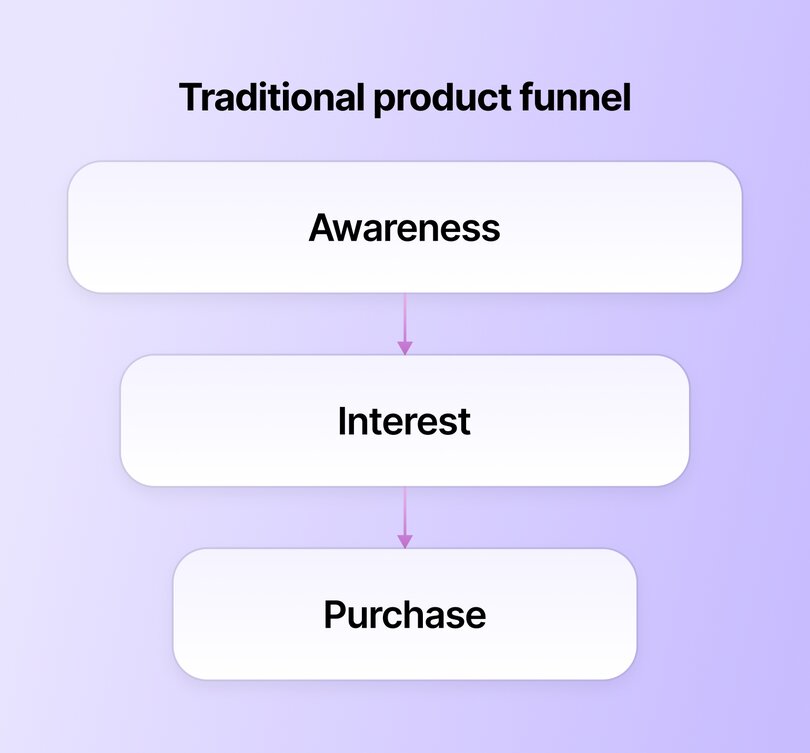
Most product landing pages are built to grab attention, build interest with features or benefits, and then push for the sale, often with urgency triggers like discounts or countdowns. It works because the goal is simple: help the visitor make a decision quickly.
If someone sees enough value (or the product aligns with their identity), they click “Buy Now.” That’s why product pages often feel punchy and direct. But this kind of approach assumes that logic and incentives are all it takes to convert, which isn’t the case for communities.
#### Community conversion journey
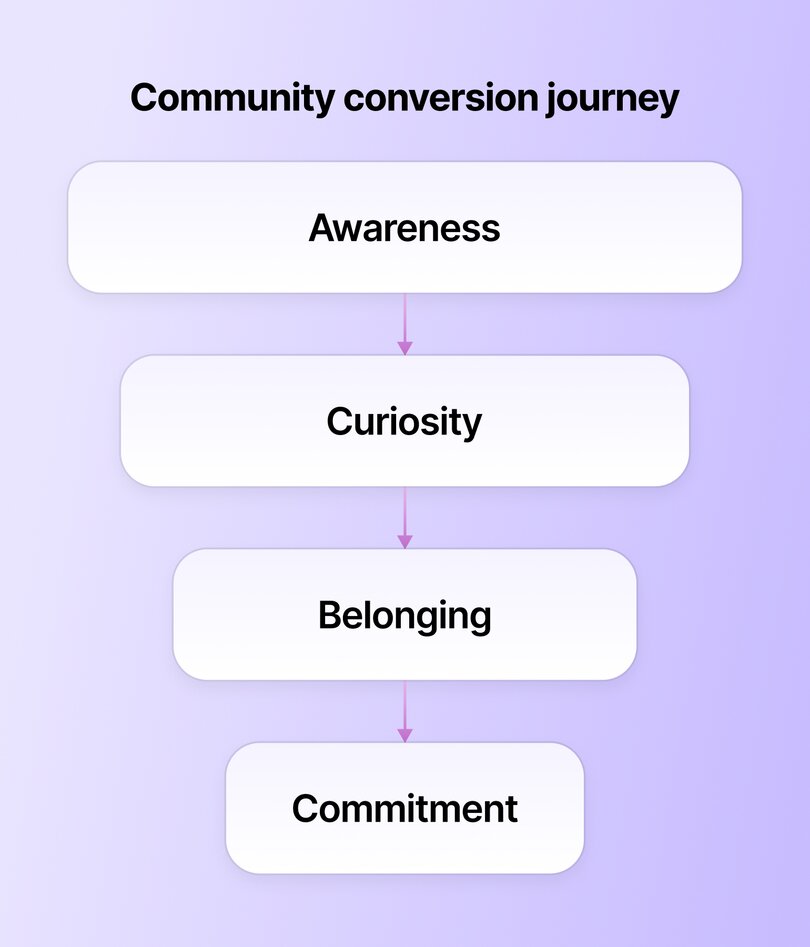
The decision to join a community is **much more layered.**
First, someone becomes aware of your space. Curiosity kicks in—they want to know what’s really happening inside. Is this active? Are these my people? Who runs this joint—and are they trustworthy?
If what they see feels welcoming and familiar, they begin to picture themselves inside the community, not just as a visitor, but as a participant. That emotional shift is what moves them toward commitment.
This journey isn’t always linear, though. People lurk. They hesitate. They come back three times before signing up. Your landing page should honour that rhythm, supporting each stage of the journey rather than rushing the decision.
By recognizing the subtle differences between product and community journeys, you can sharpen your [brand messaging](https://circle.so/blog/brand-messaging-framework)—from the words you use to the tone and visual content on your landing page.
> 💡 Want to go deeper on tools that support this kind of emotional, community-first experience? Check out [5 reasons why you should use a community site builder](https://circle.so/blog/why-use-a-community-site-builder).
## 🧩 The 9 essential elements of a community landing page
Now that we’ve unpacked how community landing pages work, let’s get practical. Below are the 9 essential elements your page needs to turn visitors into engaged members.
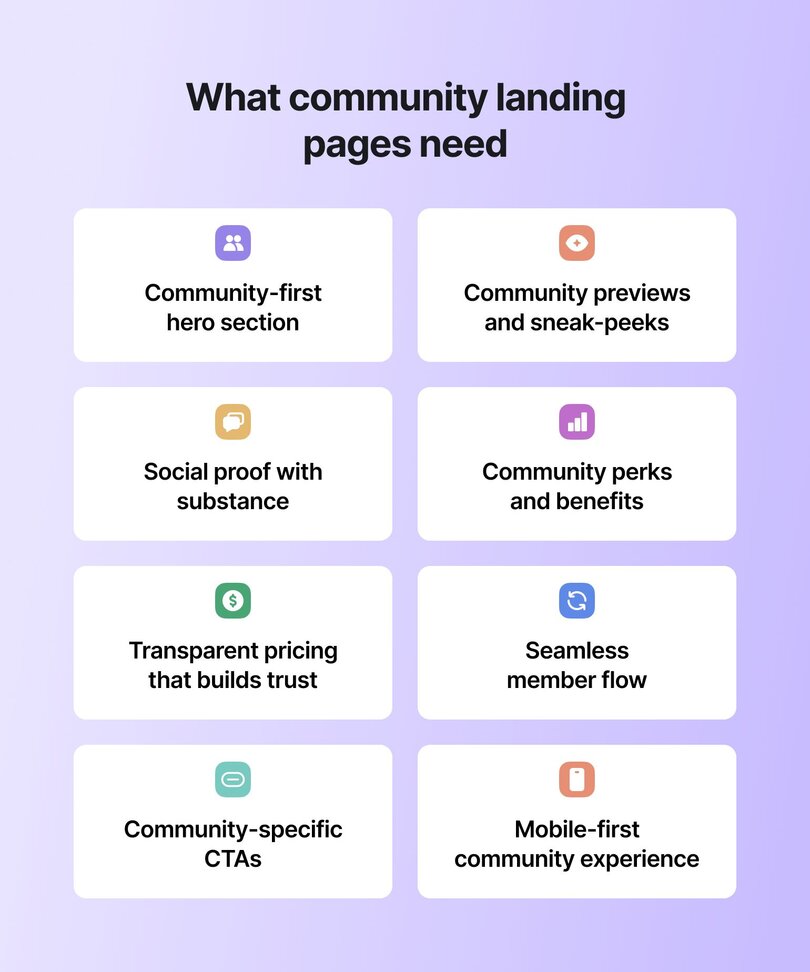
### 1\. Community-first hero section
The first thing you absolutely must get right is your hero section. This is the bit of content that sits at the very top of your landing page—the headline, subheading, and visual impression a visitor sees before they scroll down.
The best way to approach this is to craft your headline using the belonging formula:
> ➡️ Join \[identity\] who \[shared goal or challenge\]
For example:
- _Join solopreneurs scaling to their first $100K in revenue together_
- _Join growth-minded women transforming self-doubt into self-trust_
- _Join graphic designers mastering brand work and charging premium rates_
Once you’ve nailed the headline, **follow it with a subheading that shows transformation**. This should answer: _What will their life look or feel like after joining?_
Here’s how the subheadings might sound for the examples above:
- _From hustling solo and second-guessing to building confidently with clarity and support_
- _From feeling stuck and small to becoming empowered, connected, and seen_
- _From underpaid and overlooked to booked-out, confident, and creatively fulfilled_
Lastly, finish off your hero section by **sprinkling in some key data and light social proof,** like:
- Member count
- Active discussions
- Total hours of content or resources available inside
- Notable events or challenges hosted recently
- Testimonials or a short quote from a happy member
The hero section for Josh Hall’s [$240K+ community](https://circle.so/blog/web-designer-pro-community), [_Web Designer Pro_](https://webdesignerpro.com), is a great example of all these elements coming together. It opens with a bold headline, speaks directly to **web designers**, and sets a clear goal of **building a lifestyle web design business**. It also includes a few key data points like member count, legacy students, and the year it was founded.
### 2\. Community previews and sneak-peeks
It’s also a good idea to show what your community actually looks like inside. This simple move can ease hesitation and help potential members picture themselves as part of it.
A quick visual, like a screenshot, short video, or even a looping GIF, **lets visitors see the spaces, the conversations, and the vibe of your community.**
If you’re using a community platform like [Circle](https://circle.so), you’ve got an extra edge.
With Circle’s [Website Builder](https://circle.so/website-builder), you’re not stitching together a landing page with your community—it’s all built in, under one roof.
That means you can:
- **Easily embed dynamic previews of your actual community spaces right into your public site** (like Justin Sunseri does for [the Unstucking Academy](https://www.stucknotbroken.com/unstuckingacademy) below).
- **Highlight recent discussions, showcase popular spaces, and even create “public” spaces _in your community_** that people can explore right from your website.
### 3\. Social proof with substance
Another important element to include on your landing page is social proof—aka **member testimonials.**
These shouldn’t be tucked away at the bottom. Make them front and center. Testimonials help visitors see what’s possible once they join your community, and they’re one of the most persuasive tools you have. Studies show that [2 in 3 people say they’re more likely to buy after watching a testimonial video](https://www.wyzowl.com/testimonials-statistics/) from someone like them.
**The trick?** Skip the generic praise and aim for **transformation stories**. The best testimonials answer:
- What was life like before joining?
- What’s different now?
- How has the community changed the way they work, think, or feel?
A great illustration of this in action is [_The Upside_](https://betheupside.com/community/), Erin Halper’s community for independent consultants. Her landing page features an “Ask a Member” section with short videos where members answer questions like “Why made you join The Upside?” and “What has The Upside done for you?” It’s a powerful way to show (not just tell) what belonging feels like.
> 📚Read more about how [Erin built and monetized The Upside](https://circle.so/blog/the-upside-community), and how important testimonials are for coaches.
➡️ **Next step:** Reach out to a few active members and ask for a quick quote or even a short video. Prompt them with simple questions like _“What’s changed since joining?”_ or _“What do you love most about being here?”_ to elicit richer answers.
### 4\. Community perks and benefits
Next, you should showcase two things:
1. What people get when they join
2. What those perks look like
A few snapshots of the actual content and conversations your members get access to can make a world of a difference to someone considering joining a brand-new group of strangers-maybe-friends. This could be as simple as a short video walkthrough or just a few screenshots of interesting posts or resources.
A great example of this is [_Life Leap_](https://www.thelifeleap.com), a global network of women leaders, created [by Glo Atanmo](https://circle.so/blog/writing-your-own-creator-playbook). Her landing page previews everything from live events to their private app interface and what members can expect from the content and connections inside, making it easy for visitors to picture the experience before they join.
### 5\. Transparent pricing that builds trust
Money talk can make or break a community conversion. Unlike product pricing (which often hides behind "starting at..." or "contact for quote"), community pricing needs to feel transparent, accessible, and worth the investment.
The psychology here is different too. People aren't just buying access—they're investing in relationships, growth, and transformation. That means your pricing section should answer the deeper question: "Is this investment going to change my life?"
#### Price anchoring for communities
Lead with value, not cost. Before you reveal the numbers, remind visitors what they're getting:
- Direct access to \[specific type of people or expertise\]
- Weekly/monthly live sessions or events
- Exclusive resources, templates, or tools
- Private discussions and peer support
- Any bonuses, archives, or special perks
#### Clear tiers without confusion
If you offer multiple membership levels, make the differences crystal clear. Avoid overwhelming visitors with too many options—stick to 2-3 tiers max, and make one the obvious "sweet spot."
For example:
- **Essential** ($49/month): Core community access + monthly group calls
- **Growth** ($99/month): Everything in Essential + weekly office hours + resource vault
- **VIP** ($199/month): Everything in Growth + 1:1 monthly check-ins + priority support
**Finally, address the investment mindset.** Remember, this isn't a Netflix subscription. People need to justify spending money on community membership to themselves (and maybe their partners). Help them by:
- Comparing the cost to alternatives (coaching, courses, conferences)
- Highlighting the ongoing value vs. one-time purchases
- Sharing member ROI stories when possible
- Offering flexible payment options if feasible
[Dreamers and Doers](https://www.dreamersdoers.com/membership) perfectly demonstrate transparent pricing by presenting clear, upfront costs without hidden fees or "contact us" barriers. The side-by-side comparison of quarterly vs annual options with exact monthly equivalents removes any guesswork, while the prominent "SAVE $700" badge helps visitors immediately understand the value of the annual commitment—**exactly the kind of clarity that helps people justify the investment to themselves** and others.
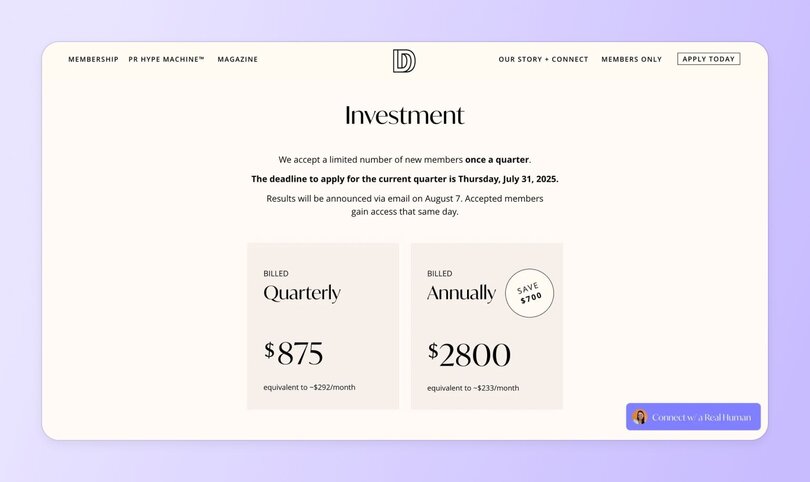
### 6\. Seamless member flow
Okay, so _technically_ this isn’t an element—but it is a crucial consideration for your landing page experience. Once someone is interested in your community, your landing page should make joining feel effortless. That means thinking through what happens before, during, and after signup.
#### From visitor to member journey mapping
Put yourself in your visitor’s shoes. What’s the first thing they see? What question are they trying to answer? Where’s the moment of “I’m in”—and what happens right after?
Mapping this journey helps you:
- Spot and fix any friction points
- Smooth out awkward transitions
- Make each step feel intuitive and confidence-boosting
Because if it feels like work to sign up, most people will bail. Plain and simple.
You want to design a landing page that has **one signup flow** (no jumping between platforms or navigating confusing redirects), **one login,** **and immediate access to the community** to create a unified experience.
> 👉🏼 Pro onboarding tip: Show visitors what happens after they join—a welcome message, intro space, or getting-started guide. This preview eliminates the "what now?" moment and [gets members engaging from day one](https://circle.so/blog/community-onboarding), not when they finally check that welcome email days later.
### 7\. Community-specific CTAs
Your landing page should include several strategically placed CTAs, or calls to action. These are buttons that visitors click to complete a specific action. In this case, your desired action is likely getting visitors to join your community—or perhaps apply to join or sign up for a waitlist.
The best practices for community-specific CTAs include:
- **Using language that invites rather than sells:** Opt for phrases like “Join us” or “Become a member” instead of transactional language like “Buy now.” Remember—you need to emphasize belonging rather than transactions.
- **Providing multiple conversion points:** Don’t wait until the bottom of the page to ask for action. Include CTAs throughout your landing page, such as “Look inside the community,” “See membership tiers,” or “Explore member success stories,” to match different stages of interest and gently guide visitors toward joining.
- **Creating urgency without pressure:** Highlight momentum in your community (e.g. “324 creators have joined”) rather than using fake scarcity or countdown timers. This builds excitement and FOMO naturally, without pushing visitors into a rushed decision that might lead to buyer’s remorse.
**Jay Clouse** does this masterfully with [_The Lab_](https://join.creatorscience.com), his community for full-time creators who want to grow smarter and faster together. His landing page sprinkles in CTAs like “Join The Lab Today” and “Look inside The Lab,” paired with proof and previews that build confidence. It’s friendly, not pushy—and wildly effective: his sales page brought in **$60K in revenue in just five months.** _(Not bad for a few well-placed buttons. 😉)_
### 8\. Founder story and community mission
People join communities, but they follow leaders. Your "about" section isn't just biography filler—it's the trust-building bridge between "this looks interesting" and **"this person gets me."**
#### Why this matters for communities
Unlike buying a product from Amazon (where you might never think about who made it), joining a community means trusting someone with your time, money, and vulnerability. People want to know: Who's running this show? Are they qualified? Do they actually care?
#### The community founder story formula
Your founder story should follow this flow:
1. **Where you started:** What was your struggle or starting point?
2. **The turning point:** When did things shift for you?
3. **What you learned:** What insights or expertise did you gain?
4. **Why this community:** What drove you to build this specific space?
5. **Your mission:** What change do you want to see in your members' lives?
#### Keep it real, not perfect
The best founder stories feel authentic, not polished. Share your actual journey—the messy parts, the failures, the moments of doubt. This vulnerability builds trust faster than any credential or achievement list.
For example, instead of:
"Sarah is a successful entrepreneur who has built multiple 7-figure businesses..."
Try:
"Three years ago, Sarah was burnt out, overwhelmed, and ready to quit her business. She'd hit six figures but felt more isolated than ever. That's when she realized success without community isn't success at all..."
Penny of [Parenting ADHD and Autism](https://parentingadhdandautism.com/) does this beautifully on her website below.

#### Mission that moves people
End your founder story with a clear mission statement that explains why this community exists. Make it about them, not you. In Penny’s website above, she says “I help parents like you move from survival mode to success mode—with science-backed strategies designed for your uniquely complex child.”
Clarity, kindness, and knowing exactly what you’re going to get? **Priceless.**
### 9\. Mobile-first community experience
Lastly, don’t forget about mobile users. Chances are, many visitors will first discover your community while half-watching Netflix or waiting for their coffee at Starbucks. If your landing page doesn’t work on a phone, you're already down a member before you’ve even started.
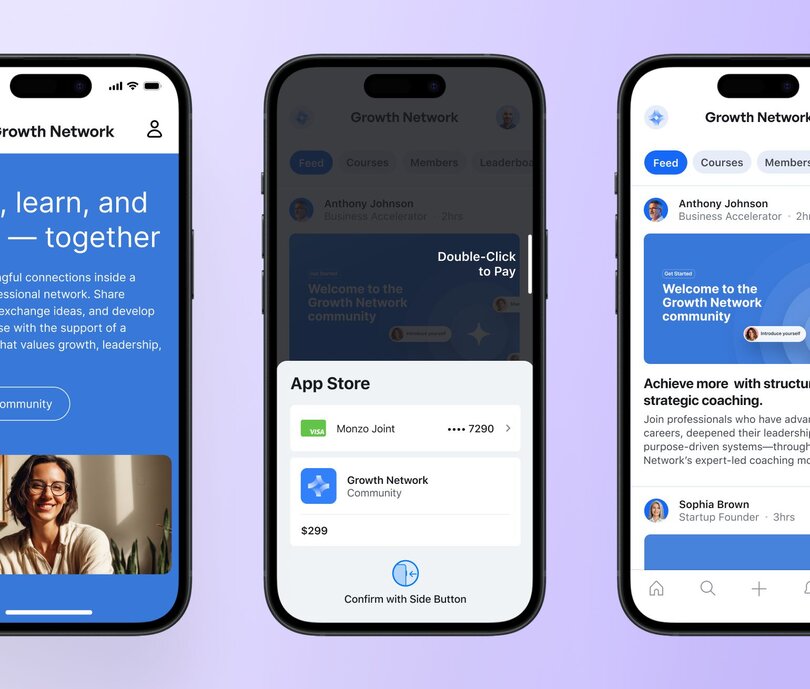
#### Mobile community behaviors
People scroll, tap, and post from their phones constantly, usually one-handed, mid-scroll, and/or mid-snack. That means your mobile experience needs to be lightning fast, friction-free, and crystal clear. If someone has to pinch and zoom just to read your value prop… they’re out.
Which means you need to **prioritize ease and clarity.**
- Use large, tap-friendly buttons, maintain clean layouts, and break up text for easy readability.
- Avoid cramming too much on one screen.
Your message should be just as impactful on a 6-inch display as it is on a full monitor.
> #### ⭐️ The good news? Circle’s website builder is naturally responsive
>
> Circle automatically adapts your community’s design for mobile, tablet, and desktop—no extra tweaking required. Your pages look sharp and stay functional, no matter what device your website visitors use.
## How Circle’s Website Builder simplifies landing pages
If you want to build a landing page that lets people feel like they’re _already in_ your actual community, look no further than Circle’s [Website Builder](https://circle.so/website-builder).
Here’s why👇
### The ease of a unified experience
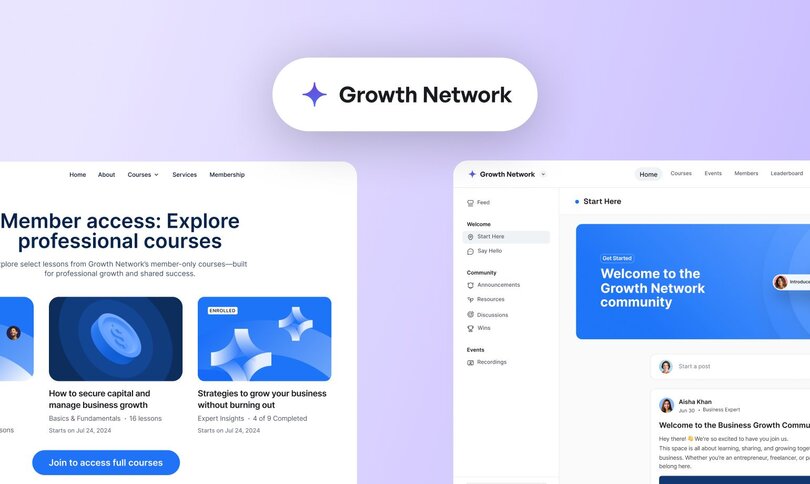
Most website builders link out to pages, integrated tools, and resources _in different places_. With Circle’s website builder, you can give your members one smooth, branded experience from homepage to community space.
- **Single login:** No more sending members from one tool to another. The homepage, landing pages, and community now live in one place.
- **Consistent branding:** Your website isn’t a separate entity—it’s the front door to your community. Circle eliminates the boundary between ‘website’ and ‘community’ so you can build everything in one place, under one brand, with one experience.
- **Unified analytics _and_ member journey:** Track the complete user journey from landing page → signup → community engagement → purchase, all in one place. You'll see exactly how your public content drives community growth and engagement.
For example, marketers [JK Sparks](https://www.linkedin.com/in/jksparks/) and [Brandon Redlinger](https://www.linkedin.com/in/brandonredlinger/) started [The Forge](https://theforgemarketing.circle.so/homepage)—for ambitious marketing leaders—in 2025. And instead of combining an email tool, a community platform, and a website builder… they just did it all in one place, using Circle.
Their landing covers the basics—who it’s for, the community preview, perks and benefits, and FAQ—but when you click the tab to “community” (that feels like it should just be another web page), you get immediately transported into their community Start Here page, that introduces the leaders and shows (not tells) the value of the community.
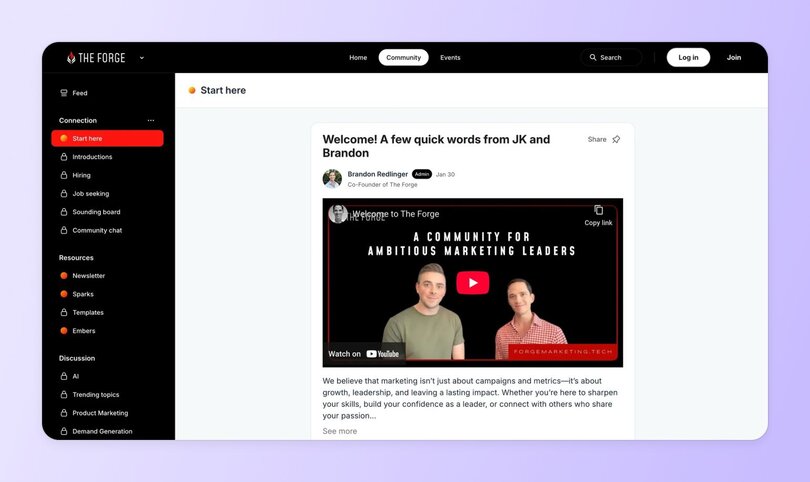
### Logged-in vs. logged-out magic
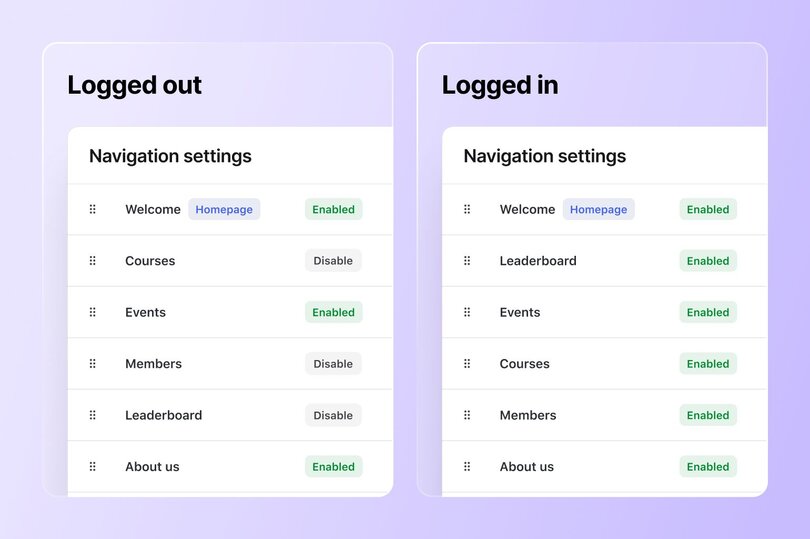
Other websites might have a login page, but rarely (if ever) allow you to combine a community experience with an external site. Circle’s Website Builder helps you easily differentiate what members and visitors see to create more relevant, targeted journeys.
- **Dynamic navigation:** Create custom navigation for logged-out (public) and logged-in (member) users to give each audience exactly what they need—and your business flow.
- **Personalized content:** Control visibility on a page-by-page basis: public, members-only, password-protected, or by access group. This allows new visitors to see some public posts or webinar snippets before locking key spaces [behind a paywall](https://circle.so/blog/paywalls)—enough to hook them without giving everything away.
### Speed to launch
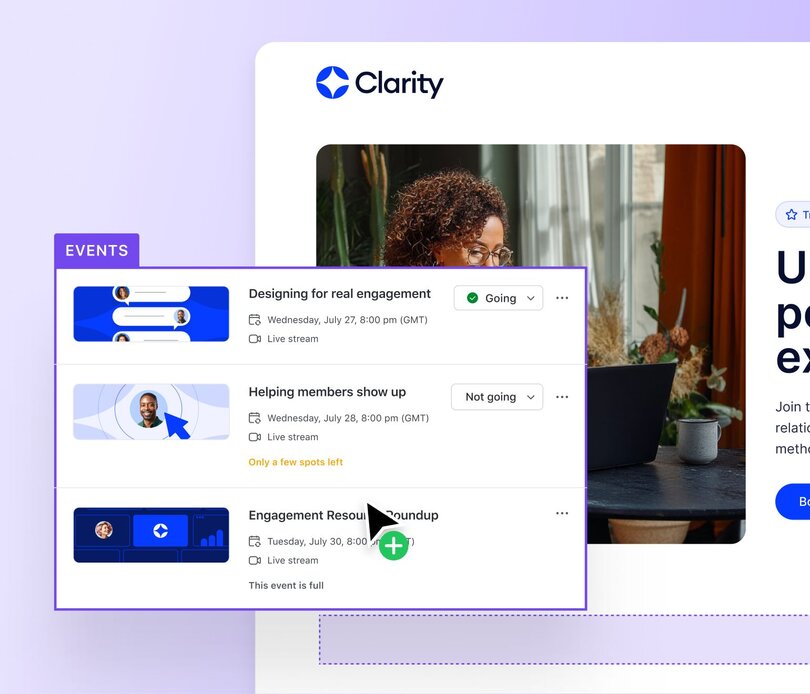
Ever get completely bogged down by _options_ that aren’t relevant to your business? No more. Launch faster with tools built for creators, solopreneurs, and community-builders—not developers.
- **Community-specific templates:** Choose from pixel-perfect templates designed for [membership sites](https://circle.so/blog/membership-site), [coaching](https://circle.so/blog/how-to-start-a-life-coaching-business-online), [masterminds](https://circle.so/blog/mastermind-groups), and more.
- **Drag-and-drop community blocks:** Add hero sections, testimonials, discussion previews, and events without writing a line of code.
- **No technical skills required:** Everything’s built with creators in mind—from templates to intuitive controls.
- **Better SEO & domain authority:** All your content contributes to one domain's authority. Your community discussions, public content, and landing pages all boost each other's search rankings.
## Common mistakes to avoid
And just before we wrap up, here are some key pitfalls to avoid when building your landing page:
- **Framing it like a product, not a community:** Don’t lean too heavily on product-style messaging, merely listing features, perks, and deliverables. Instead, frame your copy around shared values, real member stories, and the transformation that comes from belonging.
- **Over-prioritizing visual design over clarity:** A polished interface means little if visitors can’t quickly understand what the community offers. Favor clarity over aesthetics: direct headlines, focused CTAs, and intuitive flow.
- **Lacking credible, relevant social proof:** Vague testimonials don’t build trust. Use specific member stories, results, and real conversations to show your community is active, valuable, and worth joining.
- **Fragmented onboarding experience:** Sending users across multiple platforms (e.g., profile, payment page, email) without a clear path causes drop-off. Streamline [community onboarding](https://circle.so/blog/community-onboarding) into a single, guided flow. That’s where Circle comes in handy—you can literally run the entire onboarding experience from one platform, fully branded and totally seamless.
## Ready to build your community-first website?
You now have the best practices and tools to build a high-converting community landing page. Keep things clear, helpful, and focused on what your community offers. Make it easy for people to say “yes” and show them what they’ll get. Circle gives you the tools to highlight the value of your space, build social proof into every scroll, and welcome members without breaking flow.
👉🏼 [**Build your landing page with Circle’s Website Builder today**](https://app.circle.so/communities/new)**—included in your 14-day Circle trial!**
## FAQs
What is a social landing page?
A social landing page is a conversion-optimized page specifically designed for traffic from social platforms like Instagram, LinkedIn, or TikTok. Unlike general website pages, it aligns with the user's intent and source context, typically featuring mobile-first design, minimal distractions, and a strong call to action.
What are local landing pages?
Local landing pages are SEO-optimized pages targeting specific geographic areas (e.g., “Parenting Support Community in Seattle” or “Freelancer Network in Berlin”). They help community-driven brands rank in local search, attract nearby members, and build trust through localized content, such as member stories, event listings, maps, and city-specific language, that speaks to a shared sense of place.
What’s the difference between a sales page and a landing page?
**A landing page** is typically designed for a single, focused action (like joining a waitlist, downloading a resource, or joining a community), while **a sales page** is specifically built to convert visitors into paying customers. Sales pages tend to be longer, include detailed pricing, testimonials, and objection-handling content.For communities, your "landing page" often serves as both—introducing your space and converting visitors to members. Circle's [Website Builder](https://circle.so/website-builder) makes this easy by letting you create focused conversion pages that flow seamlessly into your actual community.
What’s the best platform for community landing pages?
The best platform is one that integrates directly with your community, eliminating the friction of sending people between different tools.Circle's [Website Builder](https://circle.so/website-builder) stands out because **it's not a separate platform—it's built into your community infrastructure.**This means single login, consistent branding, and no awkward handoffs between your landing page and member spaces. Plus, you get community-specific templates and drag-and-drop blocks designed specifically for membership sites, coaching communities, and masterminds.
Do I need a landing page or a website?
For most communities, you need both—but they don't have to be separate.A full website gives you space for multiple pages, SEO content, and broader brand storytelling, while a focused landing page drives specific conversions. Circle's Website Builder lets you create both under one roof: build out full website pages for content and discovery, plus conversion-optimized landing pages that guide visitors straight into your community. No need to choose between website functionality and landing page focus.
---
### Launch your online community in 5 practical steps
*What's stopping you from launching your online community? In this post, Tom Ross, found of Learn.Community, shares five steps. Read on!*
Source: https://circle.so/blog/community-launch-steps
Do you want to launch your own online community? What’s stopping you?
For most of us, the idea of running an online community is great, but taking our community from a great idea to launch can feel incredibly daunting.
I’ve helped thousands of community builders and believe me, most people feel overwhelmed in the early stages. Going from no community to launch can feel like a huge leap!
So, I want to give you five practical steps to help you to launch your online community.
## Step 1: Decide what kind of community you want to build
Before launching your online community, you need to consider what type of community you want to run. Ask yourself the following questions:
- What is the key purpose of the community? Why does it exist?
- Who is this community helping?
- How will it help them?
- Do you know how many members you want to serve?
- Is the community paid, freemium or free?
- Is it open or closed? (Can people join anytime, or do they need to go through an application process?)
These are big questions, but crucially important.
Running a free community serving 30,000 members is a totally different experience versus serving ten people in a close knit, paid community.
It’s also so important to be clear on your “why.” Why launch this community? What is your core mission?
If you’re feeling stuck with some of these questions, I encourage you to go and explore other existing communities. Take notes on what you like and what you don’t. What resonates? What inspires you? I’ve found it tremendously helpful to learn from other communities over the years.
If you have an existing audience, it’s also invaluable to listen to their needs. I recommend a great little book called [_The Mom Test_](https://www.momtestbook.com/) to everyone, as it’s a masterclass in how to conduct audience surveys and feedback calls. The book teaches you how to speak less about your offering and, instead, focus more on learning about your audience’s pain points, challenges, motivations, and goals.
We recently did an extensive user survey at my company, using the frameworks shared in that book and it triggered so many great ideas for how to better serve our people. Listening to your audience can give you clarity on how to build the best community for their needs.
### A simple framework for how to position your community
If you’re struggling to summarize what your community will be about, try to complete the following statement:
My community helps ‘X people’ to achieve ‘Y outcome’.
Here are some real examples from members of my community:
Mic-Drop Community for public speakers:
_We help thought leaders to become must-have speakers_
Video for Entrepreneurs Community:
_We help entrepreneurs to look and sound great on camera_
Sustenance Community for Writers:
_We help writers to hone their craft and find connection_
Here are some tips to help you to complete this exercise:
1. Make it short (think one sentence).
2. Make it easy for others to repeat back and remember.
3. Make it easy for people to refer (for example, one of our members, Stephen, is launching a community helping community builders with automation. So anytime someone asks me about automation in future, I’ll easily be able to refer to his community).
## Step 2: Decide what members you’re serving and validate demand
This step is all about taking your community concept and getting it in front of potential members.
This serves to validate how much demand there is in your community. You can also gather vital feedback about your community concept from the first step.
If you have an existing audience (social media following, newsletter, blog, etc.), then use this to share your community concept.
When I was planning my community, [Learn.Community](https://learn.community/), I shared the concept with my audience. I used this announcement to also start to build a waitlist, where people could express interest in joining the community when it launched. I told myself that I’d only launch the community if we got 100 founding members.
After receiving 400 applications, the community concept felt validated!
If you don’t have an existing or large audience, that’s totally fine. Leverage your network to have conversations with potential members. Ask friends if they know anyone who fits your ideal member persona.
If you don’t have an established audience, consider starting with a more humble launch goal, and then go find those initial members one by one. I’ve seen people successfully launch their community to just five to ten members.
If you’re struggling to find those early potential members, here are some more practical suggestions:
- Tell any past clients and customers about your planned community. Gauge if they’re excited by it or not.
- Share on your personal social channels. See if anyone in your network is interested.
- Find ways to get in front of other existing audiences. Before launching my community, I booked speaking gigs and podcast interviews where I could plug my waitlist at the end.
Tip: If every conversation you’re having about your community is falling flat, this is still useful data! You would rather know early if the market isn’t interested in your community, versus investing tons of time into launching and then getting no sign ups. Try to use any feedback you get—bad and good—to refine your community concept, then retest it through follow-up conversations.
## Step 3: Build out the structure for your community
Now you have a strong concept and you’ve hopefully proven some demand. Awesome!
Next, you need to think about how your community will be structured.
My advice is always to start as simple as possible, and then iterate from there. Far too many people add countless community events and dozens of spaces from day one.
Too many events will burn out you and your members.
Too many spaces will confuse early members, and dilute any early engagement happening.
Instead, learn from the conversations you were having in the planning phase. What do you think your prospective members value most?
Build a small number of spaces and events around that.
As an example, at Learn.Community, the core of our early community was:
- Weekly live workshops.
- A space to ask questions.
- A space to get feedback on your community.
It was bare bones, but over time we’ve introduced more things, such as our knowledge base, community course, member-led events, and more.
Start simple, and then expand based on your members’ behavior and feedback.
## Step 4: Launch!
Now that your community is built, it’s time to launch.
I highly recommend building a waitlist ahead of launch.
Without this, it can often be a guessing game as to how your launch will go. It’s much better to confidently know how many people are lined up, interested in your community. You could use something like Google Forms to build your waitlist. Or, if you’re dealing with smaller numbers of people, just be in active conversations with them as you approach your launch date.
In the run up to your launch, keep your waitlist engaged by teasing content. Get them excited; build anticipation. Then, once your doors open, encourage people to go and sign up.
Tip: If you do use a waitlist and application form, try to ensure people show true commitment. We recently had a member who wasn’t clear in her application that her community would be a paid community. She had hundreds of people register interest, but when she launched, very few converted, as they weren’t expecting to pay. I like to be incredibly explicit about what people will expect inside the community. In my application form I even let people select which payment tier they would like, to ensure they were willing to pay.
It’s optional, and depends on how many members you’re serving, but I love using a launch party to launch with a bang!
When we launched Learn.Community, I directed our waitlist to a Zoom call on launch day and we shared first access to the community with them live on that call. I used the launch party call to greet those prospective members, answer questions and even gave a tour of the community. It was a great way to have some fun with those early folk, as well as build some great social proof, as they could see how many other people were also on the call, excited to join.
Tip: On launch week, don’t be afraid to ramp up your marketing. We just launched our flagship community course at Learn.Community and rather than my weekly newsletter, I sent out three emails in three days. Each one generated a spike in sign ups. The “last chance” email on the final day of launch was particularly effective. By sending more emails than typical that week, I tripled the success of that launch. Be proud of your community launch and shout about it from every platform you can.
## Step 5: Onboard your new members properly
Once you’ve launched, it’s vital to show up and serve those early members.
Your community should include a clear section outlining how members can get started. This could take the form of a series of posts and articles, or even an onboarding course.
I always like to keep things personal, so if the scale of your community allows for it, consider reaching out personally to new members. A personalized welcome message goes a long way, and helps to engage those early members. I also like to shoot a personal Loom video for each new member, just to add that human touch.
Here’s an example of a recent welcome video I sent a new member, and their response:
Your aim should be to _wow_ these members from day one.
I tend to reach out in a member’s first 24 hours inside our community. In my early conversations with them, I try my best to get them one step closer to their definition of success. For example – if they’re struggling with engagement in their community, I’ll recommend relevant learning resources in the community to help them.
## Your community deserves to launch!
If you have a great idea for an online community, I encourage you to launch it!
It definitely takes work to execute the steps above, but it’s so gratifying when your community goes live and you start serving those early members.
You can do this!
### Need a little extra help?
If you do need personalized guidance and support to launch your online community, I’d love to work with you. Every member at Learn.Community gets unlimited help and questions with me, as well as support from fellow members. [You can join us here](https://learn.community/).
### About the author, Tom Ross:
As well as being a Circle Expert, I write and consult on community regularly. I’m also the founder at Design Cuts (a community of a million creatives) and run Learn.Community, a community for community builders just like you. If you need some extra help launching your community, I’d love to work with you. You can [check out Learn.Community here](https://learn.community/).
### Looking to launch your own online community?
Circle’s community platform brings together your members, discussions, events, courses, and content—all in one place, under your own brand. Plus, you get access to our customer community full of handy resources and over 8,000 community builders on the same journey as you.
[Start your free 14-day free trial today!](https://login.circle.so/sign_up#email)
---
### Essential community manager skills: A complete guide for 2025
*From empathy to data analytics, explore the essential community manager skills you need to succeed in 2025. Plus, real examples from Circle’s community manager.*
Source: https://circle.so/blog/community-manager-skills
It’s estimated that there are [70,000 AI SaaS startups](https://explodingtopics.com/blog/number-ai-companies) in the world today.
As one of those thousands of AI SaaS startups, [Jasper.ai](http://jasper.ai) needed to stand out in a big way.
One of their big bets, according to their previous VP of Marketing, Meghan Keaney Anderson, was their community.
They grew to more than 70,000 members on their Facebook group before they invested in the community as a marketing, education, and retention strategy–and moved to Circle.
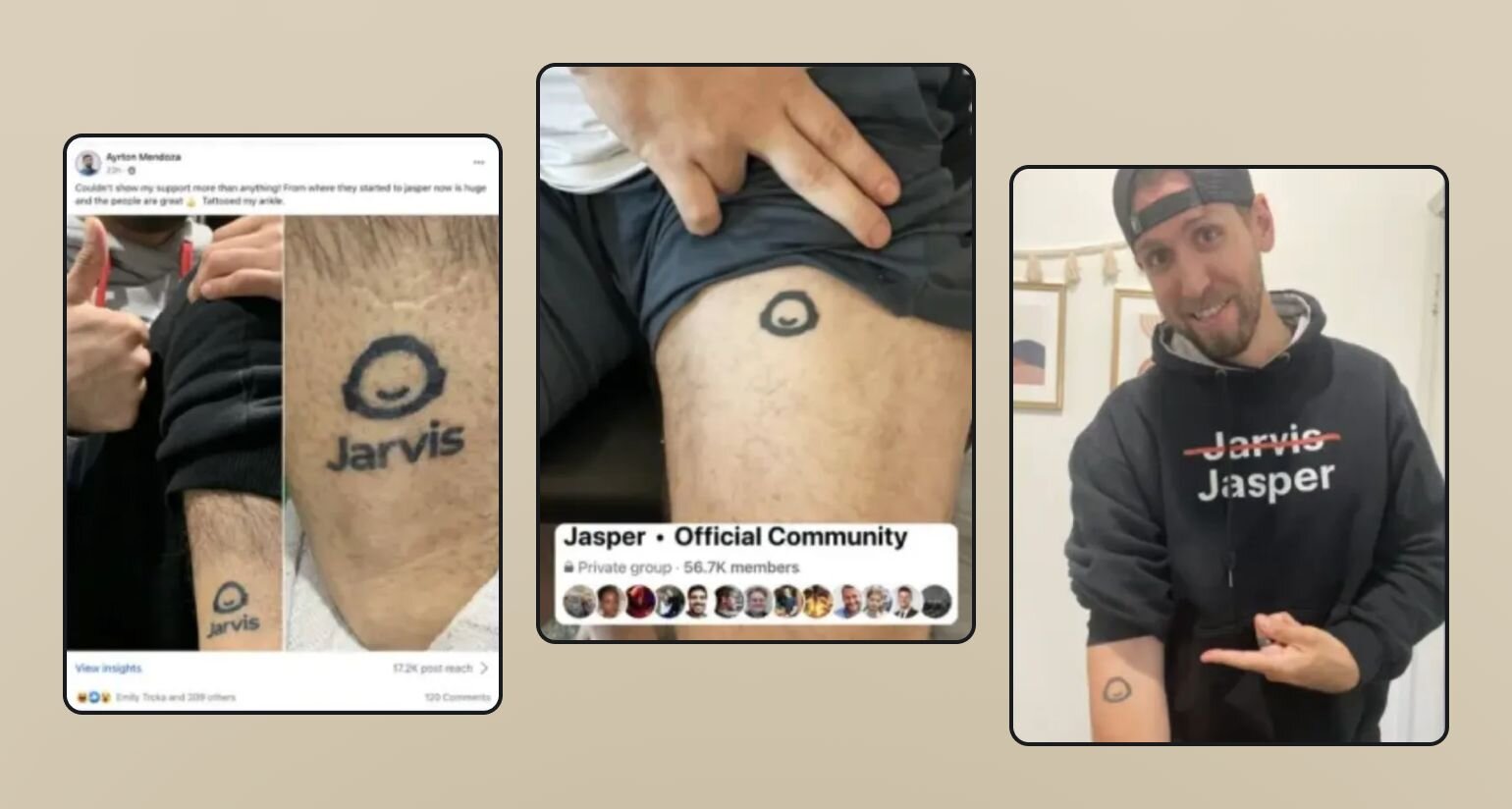
Before [launching the new community](https://www.superside.com/guides/smart-bets), Anderson said there were signals that indicated prospects and users were interested in a dedicated space.
“We saw people publicly sharing their amazement with the tool. That was a good signal we were ready for a community,” Anderson says. Not only that, but people were literally [tattooing the Jasper (previously Jarvis) logo](https://www.alexbirkett.com/jasper-ai-vs-copy-ai/) on themselves–signaling that there was a uniting factor of being a Jasper user.
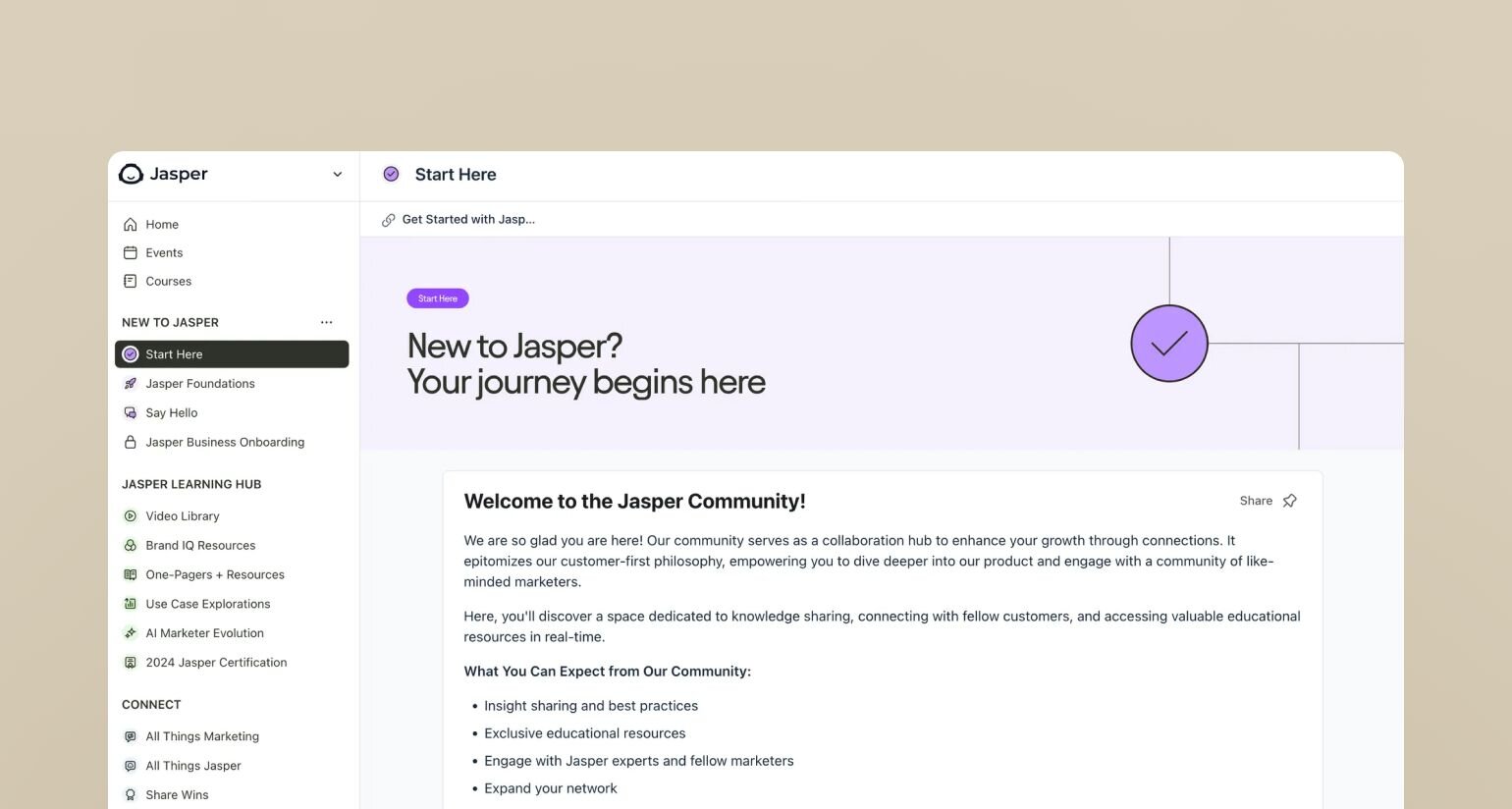
Now, Jasper’s 17k+ strong [brand community](https://hbr.org/2009/04/getting-brand-communities-right) is a massive differentiator–but it wouldn’t have been possible if they didn’t invest in strong, strategic community management.
This is where so many companies go wrong. They try to stack community on top of marketing’s responsibilities, or get customer success to add another task to their to-dos, instead of hiring a dedicated community manager to strategize, organize, and engage their community.
💡[77% of consumers use communities to make purchase decisions](https://www.tintup.com/blog/big-list-of-community-powered-marketing-stats/)–and 76% wish their favorite brands had a community.
Whether you're scaling a thriving community or building one from scratch, you need more than just good intentions–you need a strategic approach and a dedicated community manager.
So, let's talk about the crucial community management skills you’ll need in order to break into the field, up your game, and transform your favorite brands and companies from lagging to leaping into the future of business.
## What does a community manager do?
❤️ Think of a community manager as the heart of your community.
They're not just moderating posts–they're the architect of engagement, the guardian of culture, and the bridge between members and your organization’s business strategy.
### Manage the foundations of a healthy community: daily operations
At its core, community management is about showing up consistently for your members and making them feel seen, heard, valued, and connected.
Every morning starts with checking in on your community's pulse: moderating discussions, welcoming new faces, and making sure no question goes unanswered for too long. You're keeping an eye on all your communication channels, whether that's your main community platform or emails.
### Build community through connections
This is where the magic happens. Community building is about creating those moments where members think "Yup, this is _exactly_ where I belong."
You're crafting discussions that get people talking, [organizing events](https://circle.so/blog/types-of-virtual-events) that bring people together, and spotting those natural leaders who make your community thrive.
“I'm not only saying hello to new members, but also connecting them to other folks that are either on the same journey or in similar industries," explains Pedro Hernandes, Circle's Community Manager.
The best community builders (see Pedro, above) have a knack for making meaningful connections happen naturally. They celebrate wins, both big and small, and create programs that recognize members who go above and beyond.
### Create content and programming
Here's where you get to be both strategic and creative.
You're not just filling [a content calendar](https://circle.so/blog/online-community-engagement)–you're creating experiences that bring your community to life. This means planning events that members actually want to attend, crafting newsletters that get opened and read, and organizing AMAs that spark real conversations.
The secret sauce? Listening to what your community actually wants.
"You don't need content to start a community. Maybe your members want to just actually build together with you, not start something that's already done where they cannot give their opinions and feedback," says Pedro.
The best programming often comes from paying attention to those recurring questions and interests that keep popping up in discussions. Maybe you notice several members talking about productivity challenges–that could become your next workshop or challenge series.
### Build foundational and growth strategies
Here's a truth about community management: what works for 100 members won't work for 1,000, and what works for 1,000 won't work for 10,000. You need systems that can scale with your growth.
Great community managers are always thinking ahead. They're not just solving today's challenges – they're building systems that'll support their community as it grows. They're keeping an eye on engagement metrics, testing new growth strategies, and making sure their community's goals align perfectly with their organization's mission.
Here’s an example: Take Marie, a community manager for a growing tech community.
- When she started, she could personally welcome every new member.
- At 500 members, she created a welcome workflow that automatically connected new members with relevant resources and people.
- By 2,000 members, she had a thriving ambassador program where experienced members helped onboard newcomers.
### Handle crises
Even the most well-run communities face challenges. The key is being prepared and responding with clarity and care.
Whether it's mediating a heated discussion between members or handling a platform outage, great community managers know how to keep their cool and guide their community through rough patches.
### Become the feedback loop
As a community manager, you're the bridge between your members and your organization. You're hearing the day-to-day feedback, suggestions, and sometimes frustrations from your community. But more importantly, you're turning that feedback into action.
Great community managers don't just collect feedback–they champion their community's needs. They know how to (and have processes for) translating member suggestions into feature suggestions that make sense for the business. They keep their community informed about changes and improvements, and they make sure members feel heard, even when every request can't be implemented.
## 3 Essential skills for a community manager
Being a great community manager isn't just about being friendly and organized (though those things definitely help!). It's about developing a specific set of skills that help you serve your community better–and they may not be the sort of hard skills you expect in a job description.
### 1\. Empathy and emotional intelligence
This is your superpower. Great community managers can read between the lines in conversations, understanding what members really need–even when they're not saying it directly. You'll need to:
- Spot when a heated discussion needs redirection
- Know when (and how, whether in a private DM or a community discussion) to enforce guidelines and when to show flexibility
- Support members through challenges while maintaining professional boundaries
"We hardly have to enforce guidelines. Whenever you see something happening in the space that's not following best practices, we see it more as something where we are not onboarding members correctly," explains Pedro.
### 2\. Strong, clear communication
Your words set the tone for the entire community. Whether you're writing guidelines, making announcements, or handling a sensitive situation, clarity is key. The best community managers know how to:
- Keep their messaging consistent
- Break down complex ideas into simple terms
- Write in a way that builds trust and encourages engagement
Here’s some best practices about [community communications](https://circle.so/blog/community-comms-best-practices).
### 3\. Proactive problem-solving
The best time to solve a problem is before it becomes one. This means:
- Spotting potential issues early
- Creating systems that prevent common problems, like management guidelines and processes
- Finding solutions that scale with your community
Being able to think one step ahead of your [community growth](https://circle.so/blog/community-growth) is a crucial part of being successful in a community management role. Whether that’s predicting tech limitations, forecasting seasonal changes in engagement, or exploring opportunities for growth (like ambassador programs–all of these are incredible assets in community managers.
## How can a community manager help a business scale?
A skilled community manager is often the secret ingredient in a business's growth strategy. They're not just maintaining a community–they're building a scalable engine for business growth.
### Leadership and delegation
As your community grows, you can't (and shouldn't) do everything yourself. Great community managers know how to build and empower teams that help the community thrive. Think of it as creating a multiplier effect–every empowered moderator or volunteer leader amplifies your community's potential.
The key is creating systems that set everyone up for success:
- Building clear decision-making frameworks that give moderators confidence
- Providing the right balance of guidance and autonomy
- Identifying and nurturing natural leaders within your community
- Creating recognition systems that celebrate volunteer contributions
- Developing training programs that help team members grow
The best community managers know when to step back and let others shine. They're constantly looking for opportunities to distribute leadership, whether that's through special interest groups, mentorship programs, or community-led initiatives.
### Systems thinking
Community managers that help companies thrive, think in systems and processes, not just day-to-day tasks. They're architects of scalable community frameworks. This means:
- Creating processes that work for both 100 and 1,000 members
- Documenting everything clearly for future reference ([with SOPs](https://circle.so/blog/sustainable-business-growth) or otherwise)
- Identifying opportunities for thoughtful automation
- Understanding how each decision impacts different community segments
- Building frameworks that can evolve with the community
The goal isn't to create rigid structures, but to build flexible systems that support organic community growth while maintaining quality and consistency.
Growth-oriented community leaders are always asking themselves and their teams:
- How can we make this work for 10x more members?
- What processes need to be documented?
- Where can we automate without losing the human touch?
- How will our decisions impact different customer segments?
### Data-driven decision making
While community building is fundamentally about human connections, data helps you make better decisions. Smart community managers blend quantitative insights with qualitative understanding:
- Tracking [meaningful metrics](https://circle.so/blog/community-analytics) that align with community goals
- Using analytics to identify patterns and opportunities
- Making informed decisions about resource allocation (like your [event strategy](https://circle.so/blog/data-driven-event-strategy))
- Testing and measuring the impact of new initiatives
- Translating data into actionable community improvements
The key is finding the right balance–using data to inform decisions while never losing sight of the human element that makes communities special.
For example, Pedro shares a monthly report in our internal #community Slack channel sharing key stats, changes in metrics, and popular posts.
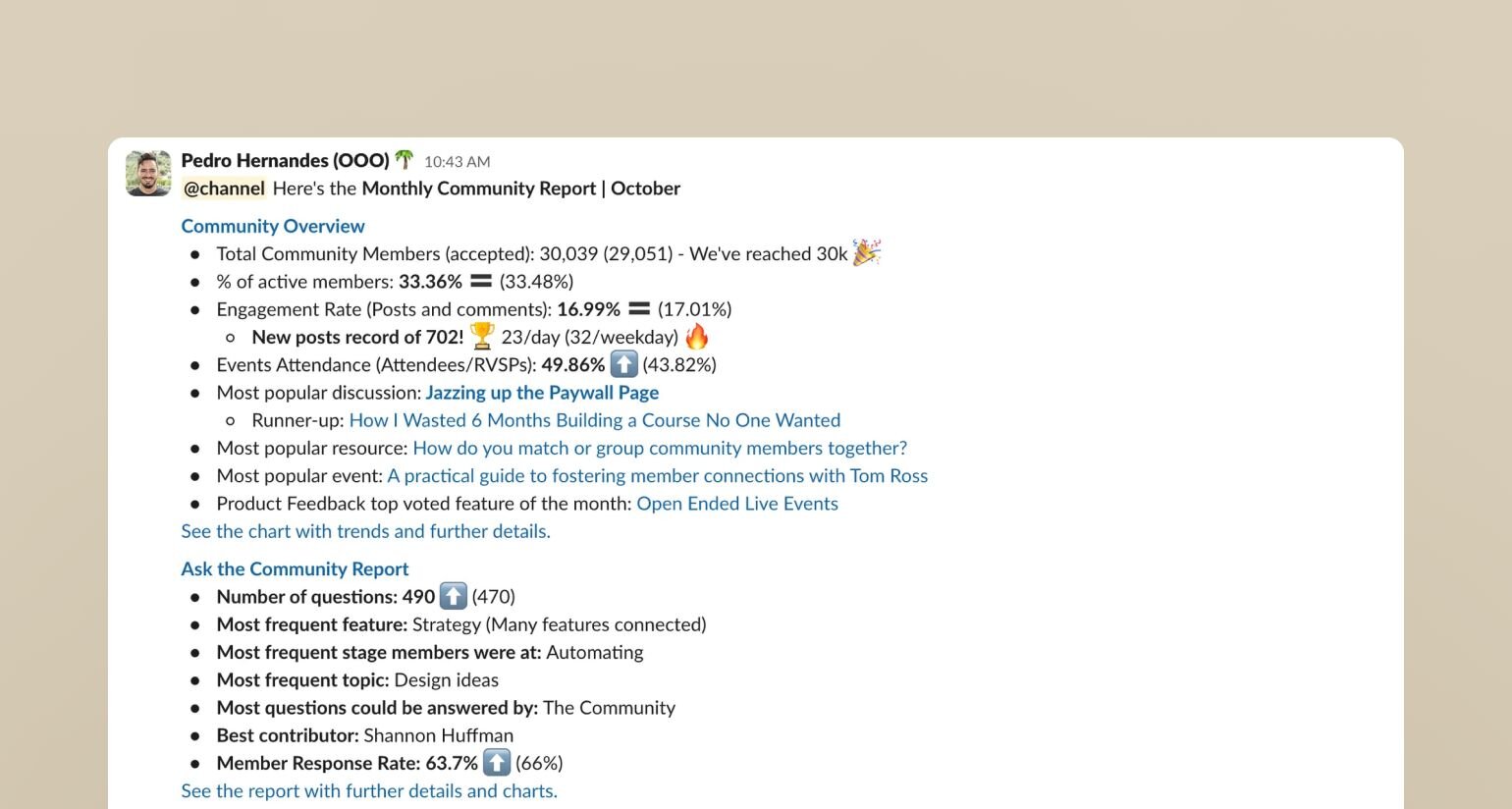
## The fine balance of great community management
Great community management is both an art and a science. It's about finding that sweet spot between structure and flexibility, automation and personal touch, guidelines and organic growth. Whether you're just starting out or scaling an existing community, remember that your goal is to create a space where members feel they truly belong.
The most successful community managers never stop learning and adapting. They stay curious about their members' needs, keep experimenting with new approaches, and always keep their community's best interests at heart.
**And if you’re ready to take your community management to the next level?**
You’re in the right place.
Circle brings together your members, discussions, events, courses, and content—all in one place, under your own brand. Plus, you get access to our customer community full of handy resources and over 12,000 community builders on the same journey as you.
[Start your free 14-day free trial today!](https://app.circle.so/communities/new)
---
### The super-simple guide to community marketing that drives ROI
*Want to do community marketing right? Learn 5 strategies to grow revenue, build loyalty, and turn engagement into long-term business growth.*
Source: https://circle.so/blog/community-marketing
Big brands dominate with money and reach. But even they’re feeling the squeeze. In 2024, paid search conversion rates [fell across most sectors](https://searchengineland.com/search-advertising-benchmarks-2024-440415) while the average cost-per-click still jumped by 10% in 86% of industries. In short, **ads cost more and deliver less.**
As a solopreneur with a (probably) tight budget, you can’t compete on those terms, but you can play a different game. You can **lean into human connection** by building a community around an interest, a passion, or a shared goal—and leverage it for return on investment (ROI) through direct sales, referrals, and loyal fans who advocate for your brand.
According to one study, [85% of Gen Z and 79% of Millennials](https://thestateofcommunity.tumblr.com/) believe brands need to create [a sense of community](https://circle.so/blog/customer-community) to make them relevant. So how do you _actually_ make that happen as a one-human brand?
In this guide, we’ll show you **how to use community marketing to spark real engagement _and_ business growth**. You’ll learn about
- Different types of community marketing,
- The solopreneur’s community flywheel, and
- Proven strategies to turn your audience into customers and advocates.
## What is community marketing?
**Community marketing** is a strategy focused on creating a space where people can connect—not just with you, but with each other—and using that connection to grow your business.
Instead of simply pushing out marketing messages and hoping they convert, you bring people together around a shared purpose, challenge, or passion. This could be a group of freelance designers exchanging tips, parents navigating homeschooling together, or fitness enthusiasts keeping each other accountable. When done right, community marketing transforms your audience from passive followers into engaged participants who contribute to your community and become its advocates.
This is very different from traditional marketing, like running ads or sending email campaigns, which are mostly one-way conversations. Community marketing creates two-way relationships, where people feel heard, valued, and connected—**not just sold to.**
| Traditional marketing | Community marketing |
| --- | --- |
| One-way communication | Two-way communication |
| Focused on selling products | Focused on building relationships |
| Audience = consumers | Audience = participants, collaborators & advocates |
| Transactional (“buy this”) | Relational (“join us, belong here”) |
| High cost to acquire new customers | Lower cost through word-of-mouth & community referrals |
| Brand-controlled messaging that can feel scripted or overly polished | Authentic, peer-to-peer messaging that feels genuine and trustworthy |
### Types of community marketing
Community marketing can take different shapes depending on your goals and audience. Here are the **three most common types**:
- [**Branded communities**](https://docs.google.com/document/d/1umhty4AqMYvVec_0y0H6l8R8I_OosG97ue87clpeGFc/edit?tab=t.76eyna47sw67)**:** These are spaces you own and run, built specifically around your brand or business. Members join to connect with you, access exclusive content, and engage with others who share the same interests. You control the experience and can shape it to drive engagement and loyalty.
- **Grassroots communities:** These form organically around a shared interest or challenge, often led by the community itself (like on Reddit). As a solopreneur, you can join or support these spaces to build relationships and offer value, but they aren’t necessarily a place to push your products or services.
- [**Ambassador-driven (or member-led) communities**](https://circle.so/blog/member-led-community)**:** You set up the community, but it runs on advocacy. Loyal customers, clients, or fans spread the word, share their experiences, and even create content or events tied to your brand. Think of superfans who recommend your product in other forums, organize peer-led chats, or help onboard new members in your group.
While the [engagement strategies](https://circle.so/blog/online-community-engagement) may be different, **the goal of any of these communities is the same**: to create a space where people feel connected, supported, and engaged—and to turn that connection into meaningful outcomes for your business.
### What’s the difference between customer marketing and community marketing?
You might also hear the term customer marketing when talking about community building, but they aren’t quite the same thing.
**Customer marketing** focuses on people who’ve already bought from you, aiming to deepen their engagement and turn them into loyal advocates. This can include programs like exclusive content hubs, referral campaigns, customer events, or loyalty initiatives.
**Community marketing**, on the other hand, uses the community itself as a vehicle for growth. It’s about bringing people (customers and sometimes prospects) together around a shared purpose or passion. Through these connections, they support each other, share experiences, and naturally advocate for your brand.
Think of customer marketing as “nurturing relationships” and community marketing as “creating a shared space for connection.”
## Why community marketing matters for solopreneurs
One of the hardest parts of running a solo business is finding and converting customers. You may have tried building a personal brand, running ads, or sending newsletters, but results can be hit or miss.
**The problem?** None of these tactics creates the deep trust needed to convert someone into a customer. Community marketing adds another layer to your strategy by building a space where people feel connected to you and to each other, making them far more likely to engage with you and eventually buy. Here’s how 👇
### It solves your key pain points
Community marketing helps you tackle three big challenges: gaining visibility, building trust, and growing your business without relying solely on paid ads.
Sometimes, you already have a product or service and want to build a community around the pain point it solves. Other times, you might start with the community first and then create offers based on their needs. Both approaches can work—the key is that the community becomes a source of trust, feedback, and advocacy that fuels growth.
And while paid advertising can be a highly measurable growth channel, it’s also becoming more expensive and harder to sustain for small teams. Community marketing offers a leaner, longer-term path to customer acquisition and loyalty, making it especially appealing when you’re starting out or looking to keep costs down.
### It encourages organic advocacy
Another truth bomb: you don’t need 10,000 followers to grow your business. You need 100 people who truly believe in what you do and are excited to share it with others.
When your community feels supported and sees consistent value, they naturally become advocates—people who tell their friends, post about you online, and vouch for your work.
Organic advocacy is at the heart of community marketing because it builds growth on real member feedback and experiences, which are far more valuable than impersonal ads.
### It becomes your low-cost, high-trust growth engine
The beauty of community marketing is that it compounds over time. Every new member adds value, sparks conversation, and often brings in others. Your role becomes nurturing a group that fuels itself—and your future business ideas.
Want to test a beta course? Validate a new offer? Get feedback on a coaching program? Go to your community for feedback. They’ll give you honest insights, and some will even become your first buyers. Over time, this creates a sustainable growth loop that costs far less than traditional marketing.
## The community flywheel: solopreneur edition
Community marketing works best when you treat it as an ongoing cycle, not a one‑off campaign. Think of it as a flywheel: each stage builds momentum for the next, creating a self‑sustaining growth engine. Here’s how to set it up as a solopreneur ⤵️
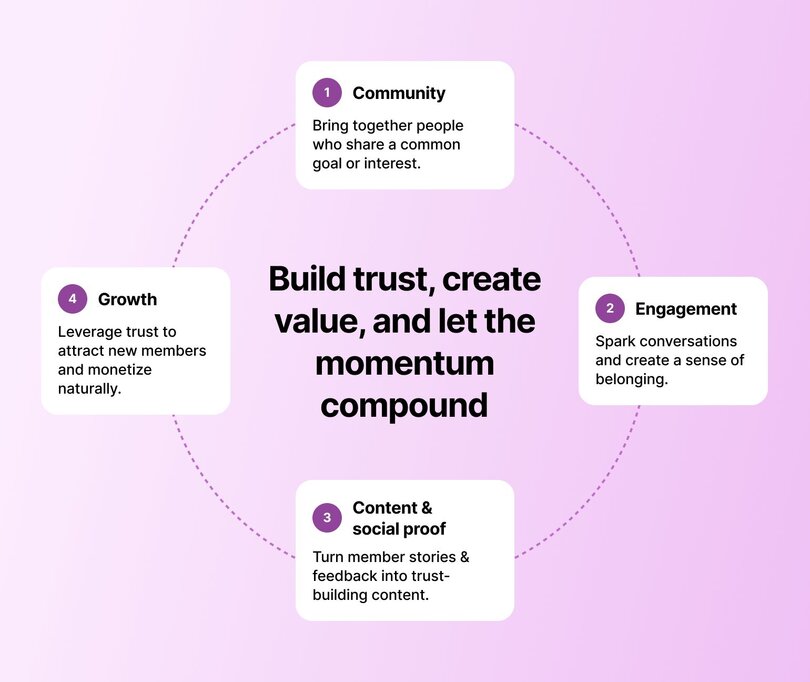
### Step 1: Build your community
Start by gathering people who share a common interest or goal that connects with your business. This isn’t about building the biggest audience; it’s about attracting the right people. Be clear about the purpose of your community so people know why they’re there and what they’ll gain from joining.
**How do you find that perfect-fit audience?**
We recommend using [Codie Sanchez' 3C's](https://circle.so/blog/how-to-find-your-niche):
1. **Cash:** Are people spending money on this thing I’m interested in building a business around?
2. **Crowd:** Are there people who need this? Does your skill, talent, or knowledge solve a problem for them?
3. **Curiosity (yours, not the market’s):** Are you obsessed and engaged with your topic?
Then, go 4 levels down to find the right niche starting place.
Next, pick a platform that will facilitate your community’s mission. An all‑in‑one platform like [Circle](https://circle.so) allows you to host discussions, live events, and courses, all under your own brand. Instead of juggling multiple tools, you can create one seamless experience where members can connect, learn, and grow in a space that feels like home.
### Step 2: Foster engagement
A community only works if people actually want to spend time there. Don’t just post and hope for replies—[start real conversations](https://circle.so/blog/online-community-engagement). Ask open‑ended questions, [host casual live sessions](https://circle.so/blog/host-community-events), or share resources that help members solve their problems.
Encourage members to share their own stories and experiences, and make sure they’re mingling with each other. Strong engagement is what turns your community from a passive audience into an active, connected network. It is the difference between a group people join and one they truly value.
### Step 3: Turn engagement into content and social proof
The _crème de la crème_ of your community is when your members start pretty much doing the marketing for you. This only happens when they find genuine value in the space you’ve built—a sense of belonging they have been searching for.
You’ll notice it when people naturally share how happy they are to be part of your community or how much it has helped them. Use these moments as opportunities to collect testimonials, highlight success stories, and turn member experiences into content to further promote your community via other channels.
### Step 4: Drive growth and monetize
Once trust is built, you should be focusing on [growing your community](https://circle.so/blog/community-growth) in a sustainable way. This could mean:
- Launching a paid membership tier
- Hosting exclusive events
- Offering group coaching
- Selling digital products
However, if you want to take this a step further, think beyond individual offers and start building [a sales or offer flywheel](https://circle.so/blog/offer-flywheel)—a system where your products and services work together to grow your business continuously.
> 🤔 Curious what you could earn with a paid community? Check out our [free community ROI calculator](https://circle.so/community-roi-calculator) to find out.
### 📊 P.S. Don’t forget the metrics
As you build, track your [key community metrics](https://circle.so/blog/community-analytics), especially those that can give you a good indication of how effective your community‑building efforts are, such as:
- New member signups
- Source of new members (referrals, social, direct invites)
- Active members (daily, weekly, monthly)
- Conversion rates for paid offers
- Revenue generated from community‑driven products or services
## 5 community marketing strategies that drive ROI
Now it’s time to get practical and explore the different marketing strategies you can use with(in) your community to drive real ROI.
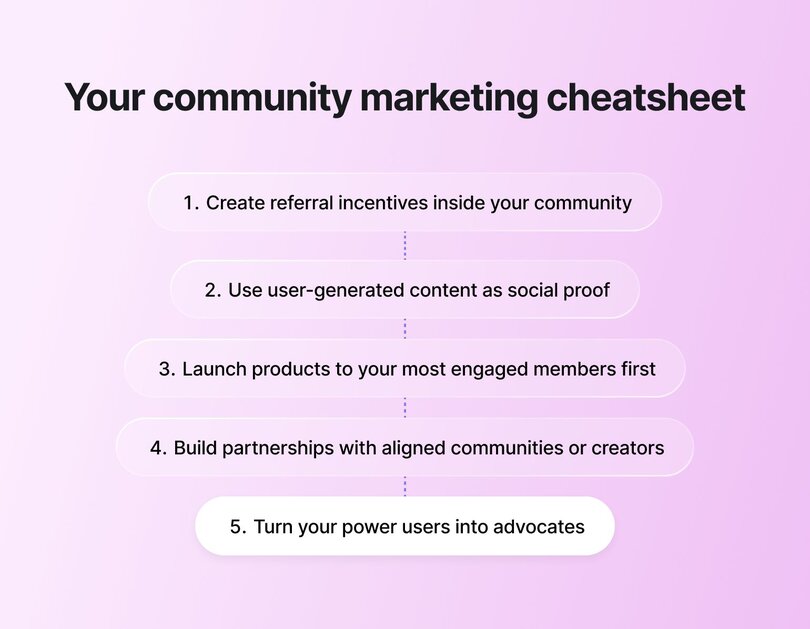
### 1\. Create referral incentives inside your community
Your most loyal members are often your best marketers. Instead of hoping they spread the word, give them a reason to. Create a referral system that rewards members for inviting others. This could be:
- Discounts or monetary perks
- Early access to events
- Exclusive content
- Public recognition inside the community
For example, [Anthony Nardini](https://www.linkedin.com/in/anthonynardini/), founder of [Next Careers](https://www.nextcareers.co) (a Circle‑powered community for senior executives), runs a membership program costing $2,000 per member, with 60% of members joining through referrals from close friends. His approach includes cultivating personal referral relationships, curating matches between members, and running highly engaging volunteer programs, turning his existing members into a powerful growth engine.
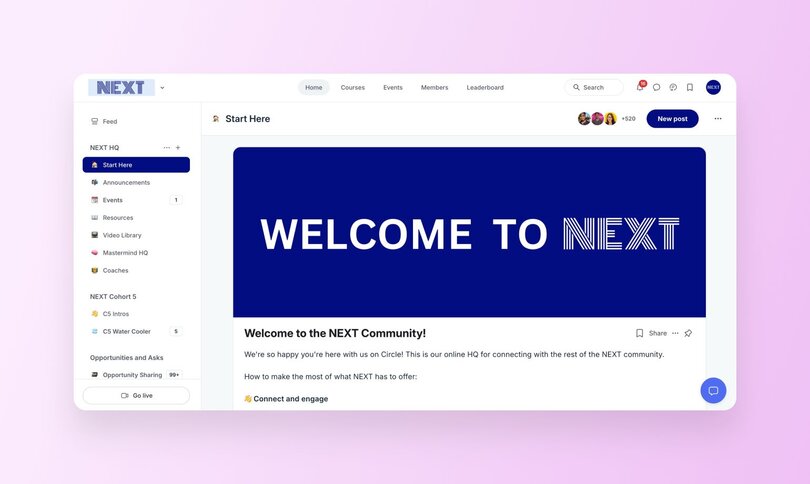
### 2\. Use user-generated content as social proof
**People trust people** more than they trust brands. That is why user‑generated content (UGC) is one of the most powerful marketing tools your community can provide.
Encourage members to share their wins, experiences, and feedback. Then, showcase those stories on your social channels, website, or even in onboarding emails. This not only celebrates your members but also shows potential joiners the real‑world impact of being part of your community.
[**Pete Boyle**](https://www.linkedin.com/in/peterjamesboyle/) does this brilliantly with his [_Growth Models Plus_](https://growthmodels.co/community/) community, which helps coaches, course creators, and agency owners scale their businesses. He regularly shares member success stories, like increasing ad returns, generating thousands in revenue from new offers, and landing high‑value clients using the frameworks he taught them. These authentic wins act as powerful social proof, attracting new members and keeping current ones inspired.
### 3\. Launch products to your most engaged members first
Who better to test your next big idea than the people who already love what you do?
If you need to beta test your newest product, course, or service, start with your most engaged members. **It does two powerful things.**
**First,** it creates a sense of exclusivity that makes these members feel even more connected to your brand. Second, it gives you super honest feedback, social proof, and a group of advocates who are ready to generate buzz when you go public.
[**Noele Flowers**](https://www.linkedin.com/in/noeleflowers/)**,** a community strategy consultant and founder of [_On-Demand Coaching_](https://www.noeleflowers.com/on-demand-coaching), launched her first digital product (_On-Demand Coaching Core Bundle_) after running an extensive beta round inside her community. The feedback she received helped her simplify her pricing from three tiers to a single, clear price and streamline her course architecture. By the time she launched publicly, she had a confident offer, stronger positioning, and a group of early customers ready to recommend it.
This is community marketing at its best, turning loyal members into co‑creators and amplifiers of your message.
### 4\. Build partnerships with aligned communities or creators
Partnering with other communities, creators, or brands that serve a similar audience can be another powerful way to grow. These partnerships expand your reach while adding value for your members.
Examples include:
- Co‑hosting events or challenges
- Running joint webinars or content swaps
- Cross‑promoting [newsletters](https://circle.so/blog/how-to-grow-a-newsletter) or podcasts
These collaborations tap into shared networks, helping you reach fresh eyes. But partnerships only work if they make sense for your audience.
### 5\. Turn your power users into advocates
Your most engaged members—the ones who show up to every event, answer questions, and cheer others on—are your community’s biggest growth asset. **Do not let their energy fade.** Give them meaningful ways to take on bigger roles, such as becoming ambassadors, [leading discussions](https://circle.so/blog/member-led-community), or getting early access to new offers.
Simply put, show up for your biggest supporters and watch them become the identity of your community and an important part of your funnel.
## How to activate these strategies in Circle
All of these strategies become much easier to execute when you use the right tools—and that’s exactly what Circle was built for.
- [Affiliate programs](https://help.circle.so/p/payments/affiliates/affiliates-overview?locale=en): Turn your most passionate members into revenue partners with Circle's built-in affiliate system. Set custom commission rates, provide affiliates with unique tracking links, and let them earn while they advocate for your community. This transforms word-of-mouth marketing into a measurable, rewarding system that incentivizes your biggest supporters to actively grow your membership base.
- [Community spaces](https://circle.so/discussions): Create dedicated spaces for announcements, discussions, and posts. You can segment members into groups, spark rich conversations with posts (supporting videos, files, and embeds), and use Circle’s [content co‑pilot](https://circle.so/blog/ai-lesson-summary) to brainstorm or draft ideas for discussions.
- [Events](https://circle.so/events): Run everything from small workshops to live AMAs and large summits directly in Circle. Send push notifications, segment your audience for tailored invites, and repurpose recordings into evergreen content that keeps delivering value.
- [Gamification](https://circle.so/gamification): Motivate and celebrate your most active members with points, levels, and leaderboards. Automate rewards like badges, discounts, or access to exclusive spaces, turning everyday engagement into advocacy and helping identify future ambassadors.
- [AI workflows](https://circle.so/ai-workflows): Free up hours every week with AI‑powered workflows that automate onboarding, moderation, and member support. Set up filters to flag off-topic or negative posts, auto‑respond to FAQs, and send personalized welcome messages—all while keeping your community organized and easy to navigate.
👉🏻 [Try it for free for 14 days yourself.](https://app.circle.so/communities/new)
## Leverage community marketing to your advantage
It is safe to say that community marketing, especially for solopreneurs, is one of the most sustainable and cost‑effective ways to grow a business. Traditional marketing is losing its impact, while people continue to crave connection and belonging. Communities meet that need and, when done well, become one of the most powerful sources of long‑term growth.
Circle gives you everything you need to build, manage, and grow a thriving community—all in one place. [Start your 14-day free trial today](https://app.circle.so/communities/new) and see how quickly your community can become your biggest growth driver.
## FAQs about community marketing
What is community marketing?
Community marketing is a strategy where you create a space for your customers and audience to connect with you and each other around a shared interest, problem, or goal. Instead of focusing on selling right away, it prioritizes building relationships and a sense of belonging.Over time, this connection creates “emotional switching costs,” meaning people become so invested that leaving feels unthinkable. This deep trust and loyalty can then be leveraged to drive business outcomes like sales, referrals, and brand advocacy.
What does a community marketer do?
A **community marketer** builds and nurtures spaces where customers can engage, share feedback, and form connections. Some of their responsibilities include organizing events, starting conversations, and encouraging members to interact with the brand and with one another. Their key role is to strengthen customer relationships while turning satisfied members into active advocates for the business.A recent study by **HeyOrca** found that [25% of social media marketers](https://www.heyorca.com/community-benchmark-2025) are considering adding or upskilling in community management to future-proof their careers. This shows that community management is increasingly seen as a strategic capability for marketers looking to adapt to industry changes.
How do you measure ROI from the community?
You can measure ROI in community marketing using business-focused metrics like sales, referrals, and sign-ups, along with community health indicators such as engagement, retention, and member advocacy. Looking at both the financial impact and how actively members participate gives you a clearer picture of how your community is driving overall business growth.
What are the pros and cons of a community marketing strategy?
The main benefit of community marketing is that it builds high-trust, long-term relationships that lead to customer loyalty and organic advocacy. It’s also often more cost-effective than traditional advertising. The downside is that it takes time and consistent effort to grow an engaged community, and results are rarely instant.
---
### 7 creative ways to name your community (and stand out from the crowd)
*Discover 7 creative ways to choose a community name that stands out, attracts members, and builds long-term brand equity.*
Source: https://circle.so/blog/community-name
Show us someone who got a great community name from reading an article with 1000+ suggestions, and we’ll eat our hats.
Okay fine—it might’ve worked for some people. But still. With new communities popping up faster than you can say 'Circle', standing out is harder than ever, and using generic lists of community name ideas for your unique community business just won’t cut it anymore.
You might pick the same name as someone halfway across the world and land in a branding mess. Or worse, settle for a name that misrepresents your community to potential members and partners.
To help you avoid issues like this, we asked seasoned community expert [Bri Leever](https://circle.so/partners/bri-leever) to share her thoughts. We also added our experience-backed take on community naming. So, whether you're launching or rebranding, **this guide will help you choose a name that:**
- Sets the right expectations
- Attracts _your_ crowd, and
- Builds long-term brand equity
## The psychology behind powerful community names
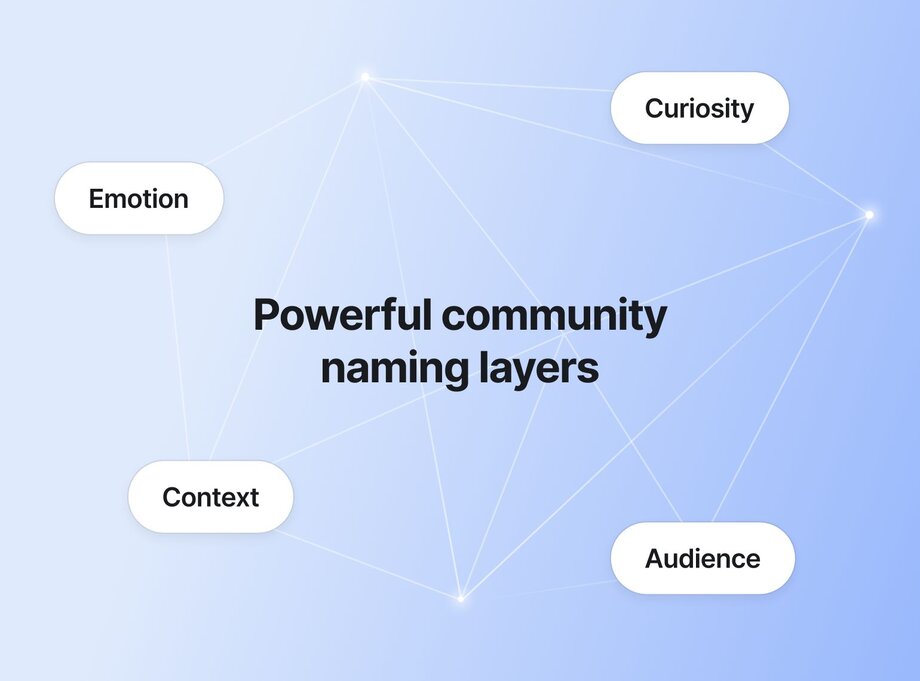
[Research indicates](https://www.researchgate.net/publication/390582727_Emotional_Branding_Using_Feelings_as_a_Catalyst_for_Brand_Loyalty) that emotional branding drives long-term loyalty and allegiance. Community naming is no exception. Your goal as a builder should be to have your name resonate with your audience’s pain points, goals, and aspirations.
A community’s name should also build curiosity and provide some context, much like an event’s theme does, long before you learn anything else about it. As George Loewenstein’s [information-gap theory](https://www.contrib.andrew.cmu.edu/~gl20/GeorgeLoewenstein/Papers_files/pdf/PsychofCuriosity.pdf) suggests, curiosity arises when there’s a gap between what we know and what we want to know.
We’ve also found that names with contextual cues help individuals quickly grasp the nature or purpose of a community. And like [Peter Steenkamp asserts](https://www.brandforsuccess.com/brand-naming-its-not-about-what-you-like/), good brand names should be memorable, likeable, meaningful, and adaptable—among other things.
Want to choose a community name that resonates and converts? Strike a balance between familiarity and novelty, providing enough context to inform while leaving room for intrigue. For example, naming a community “The Postpartum Room” piques interest and encourages prospects to dig deeper with questions like:
- What kind of connection or support does it offer?’
- Is it about childbirth recovery, advocacy, parenting, or all the above?
- Is it open to expecting mums too?
> ⭐️ **Pro tip:** Study unique community group names that stand out in your focus area for inspiration—consider it part of your competitor research.
## Why it’s important to get your community name right
Your community name isn’t just a first impression—it’s a long-term asset that shapes member, partner, and prospect experiences. We’d even argue that it’s the most important element of your branding, and getting it wrong can cost you big time.
### 💸 Rebranding an established community is expensive
The financial and engagement costs of reinventing an established community can be a lot, so getting your name right from the start is a no-brainer. You won’t have to invest in new design assets, stakeholder communication, and fresh marketing campaigns. And, you’ll get to keep all the brand recognition and trust you've spent months—or even years—building.
For example, when [Eleanor Tweddell](https://www.eleanortweddell.com/) began considering a community rebrand, she worried that changing her domain name would lead to dead links. But in her words: “My business has changed… The name no longer supports our work.”
So despite the potential consequences, she was willing to go ahead for the future gains. The solution? Update content, set up redirects, cross-check links, test all changes, and then announce them—all of which would require considerable time and resources.
#### 🔄 Thinking of rebranding your community?
Learn from Tatiana Figuerdo’s experience [changing the Business of Community group to Friendly Nooks](https://friendlynooks.com/blog/our-new-name).
[Tatiana](https://circle.so/partners/tatiana-figueiredo) used the rebrand as a chance to reconnect with the core of what her community stands for—creating small, welcoming spaces where people genuinely belong. She also emphasized that the change “went way beyond a new name”, as it reshaped her community’s approach and DNA.
### 🔍 A poorly chosen name hurts searchability and discoverability
If your name is too generic, hard to find, or misaligned, it can make it hard for new members to discover your community.
Search engines and social media platforms rely on keywords and relevance indicators, so if your name doesn’t reflect what your community is about, you’ll miss out on organic reach. You may also get buried under unrelated results or competing communities with stronger brand clarity.
### ❌ A mismatched name can box you in
After deciding on an online community name, you must keep promoting and talking about it for years, even if your community evolves or outgrows it. That’s why a name that’s niche enough to be specific but broad enough to cover your future plans is a great way to go.
E.g., using “The Freelance Collective” instead of “The Freelance Writer’s Club”. At first glance, they both seem future-proof. However, the former is more all-encompassing if you have plans to expand beyond writers to other freelance professionals like designers, fractional marketers, or recruitment specialists.
### 🎯 A well-thought-out name helps you stand out
A unique and fitting name sets your community apart from competitors and makes it easy for people to remember you. And while coming up with such a name will require mapping the naming landscape in your community’s niche, the results will be more than worth it.
## The 7 strategic approaches to naming your community
Choosing a name that sparks curiosity, sets the right expectations, and scales with you is hard. Here are seven proven naming strategies to help you land the perfect fit.
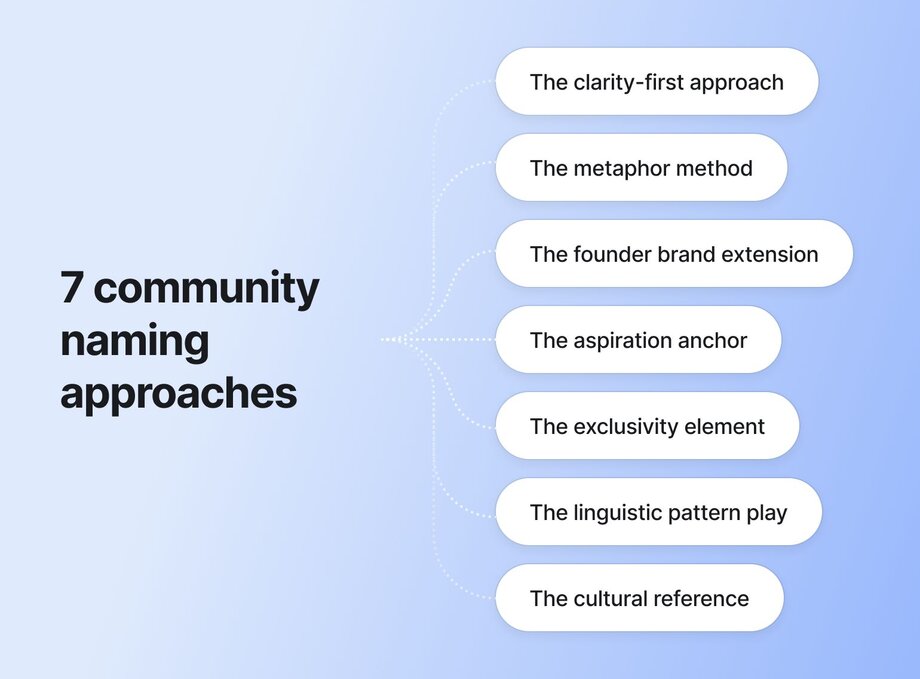
### 1\. The clarity-first approach
Direct naming works best when your community’s purpose is clear and straightforward.
For example, the name [Mentors Outreach](https://discover.circle.so/product/mentors-outreach) is unambiguous, and its value proposition is clear. It works because it’s specific and immediately relatable to the brand’s target audience—people looking for mentors.
While a descriptive name might seem too basic, you can make it more distinctive by:
- **Incorporating keywords or unique identifiers:** Make sure your name includes terms people will likely search for, e.g., “Product Marketing Hub”. The “product marketing” keyword will help attract your target audience.
- **Adding a specific location:** Location-based names like “NYC Designers Connect” stand out, attract a regional audience (folks in New York City), and foster a sense of kinship among locals.
- **Personalizing:** For a more personal connection, tailor the name to your audience’s interests or needs. E.g., “Ladies In Architecture”. This name instantly speaks to a specific audience: female architects, whether current or in training.
### 2\. The metaphor method
Meaningful symbolism attracts attention and makes your community name memorable. It also shows creativity and builds strong connections.
For more than ten years, [Tripawds](https://tripawds.com/) has been a thriving community supporting pets with amputations and their families. The name playfully merges "tripods" with "paws," capturing the essence of three-legged pets who continue to live full, active lives.
Try this exercise to find your perfect community metaphor:
- **Step 1:** Outline your community’s core themes or purpose
For example, your community may be for aspiring authors transitioning from past careers or exploring book writing as a side hustle.
- **Step 2:** Brainstorm imagery that evokes the purpose you outlined.
In our aspiring authors scenario, “phoenix” might represent rebirth, “chapters” indicate experience, and “turning the page” alludes to moving forward.
- **Step 3:** Try fusing your metaphor ideas with puns, qualifiers, or popular sayings that are clever, but clear.
You could land on a name like “The Next Chapter,” which symbolizes both a literal turn in a book and a metaphorical career transition. It also feels hopeful, intentional, and aligned with a writing journey. Plus, it’s clear, memorable, and hyper-relevant to the target audience.
**_Note:_** _You don’t have to use every idea—just brainstorm enough to inspire a great name._
### 3\. The founder brand extension
Brand reputation is a hard-won asset, so if your founder (or you, if you’re the founder) is already well-known, consider leveraging that popularity.
Imagine Oprah starts a membership community for her fan base and names it the “Oprah Insider Community”. Scratch that. You don’t need to imagine, because that’s [exactly what she did](https://www.oprahdaily.com/life/a62178440/oprah-community/). And yes, it’s hosted on Circle!
Renowned jazz guitarist [Matt Warnock](https://www.mwgcourses.com/) is also a prime example. He named his community **MWG Studio**, with the abbreviation standing for **M**att **W**arnock **G**uitar.
Despite its benefits, the founder brand extension approach _can be_ tricky because it must balance personal and community identity without eroding either. Here are our top tips:
- **Center the community:** Use the founder’s name, but let the community’s purpose shine through in messaging materials so it doesn’t feel like a fan club.
- **Give people a reason beyond the name:** A founder’s reputation will get them through the door, but the community should offer value that stands on its own—peer support, expert guidance, exclusive content, etc. That’s what holds their interest, long after the excitement of being affiliated with a known person fades.
- **Play the long game:** You want a brand that works with or without you. So, use your name to open doors, but build systems that let others (members, moderators, or collaborators) contribute, lead, and keep things going—even if (and when) you step back.
### 4\. The aspiration anchor
The aspiration anchor method involves naming based on the transformation or destination that your community promises. Groups like [The Next CMO](https://thenextcmo.com/) and [English Like a Native](https://englishlikeanative.co.uk/english-speaking-practice-in-the-conversation-club/) used this naming technique and have garnered thousands of members over the years.
The trick? **Deeply understanding your target audience’s pressing desires.** Imagine you’re starting an online dance community. Naming it “Dance Like a Pro” or “Learn to Dance in 21 Days” immediately tells prospects what they’ll get from joining and participating actively.
Follow these steps to avoid clichés while still inspiring action:
- **Define the end goal:** What’s the exact outcome or lifestyle shift your target audience needs? Clarifying this prevents vague or generic names.
- **Frame it into a bold promise:** Use action verbs or outcome-driven wording that paints a clear picture, e.g., First-Time Filmmaker to Blockbuster.
- **Double-check for differentiation:** Avoid common or overused expressions. And feel free to add a twist—timing, audience, or time—to make it feel fresh and distinct.
> ⚡️ Use Maya Elious’ [foolproof messaging framework](https://circle.so/blog/brand-messaging-framework) to help you determine how to stand out in a sea of sameness.
### 5\. The exclusivity element
[Scarcity increases demand](https://worldofwork.io/2019/07/cialdinis-6-principles-of-persuasion/#:~:text=2%20%E2%80%93%20Scarcity,to%20want%20it.), and [self-esteem grows](https://www.simplypsychology.org/social-identity-theory.html) when one belongs to a high-status group.
That’s why a community name that shows belonging and ‘insidership’ is key to attracting premium audiences—think high-net-worth individuals (HNWIs), top execs, and thought leaders.
But while people naturally gravitate toward limited-access or VIP spaces, you’ll still need to balance exclusivity and approachability well, like [Brand Insiders](https://www.kararedman.com/insiders-club) does. Not sure how to hit that sweet spot with your group name? Try these:
- **Use aspirational language:** Focus on terms that imply success, progress, or innovation—like insiders, pioneers, or visionaries—while still feeling inclusive.
- **Experiment with membership terms:** Words like club, collective, or circle 😏 indicate exclusivity but also maintain warmth and accessibility.
- **Incorporate invitation-like phrasing:** A name that sounds like an invitation or exclusive offer, e.g., The Founder’s Table, can make prospects feel chosen and valued.
### 6\. The linguistic pattern play
“For Pet Parents” or “Pet Parent Paradise”—which are you more likely to remember? Probably the latter, and it’s because [rhythmic sounds and creative phrasing](https://www.growclass.co/post/copywriting-literary-devices) aid brand recall.
Build a distinct identity, evoke emotional responses, and increase memorability with these linguistic patterns (and more!):
- **Alliteration:** Repeating the same starting sounds, like in “Pet Parent Paradise”, creates rhythm and makes names fun to say.
- **Rhymes:** Rhyming words, like “Fit and Lit” for a fitness community or “Hair Heaven” for hairstylists, are sticky and easy to remember.
- **Repetition:** Using a word more than once to reinforce the message, e.g., “Dads Helping Dads.”
Some Circle communities nailing this style include [Dreamers & Doers](https://community.circle.so/c/showcase/dreamers-doers) for extraordinary female entrepreneurs and [The ScoliClub Hub](https://community.circle.so/c/showcase/the-scoliclub-hub) for scoliosis patients.
### 7\. The cultural reference
Tapping into shared cultural touchpoints to name your community helps build audience affinity and trust. Depending on the exact reference, it also signals values, evokes nostalgia, or creates instant relevance.
For example, [Diaspora Nutrition](https://diasporanutrition.com/) is a wellness and nutrition community for Indian immigrants and Non-resident Indians (NRIs) in the US.
Unsure how to evaluate whether a cultural reference will resonate with your target audience? These questions will help:
- **Is it recognizable or meaningful in the audience’s everyday language, traditions, or media?** If not, you risk confusing them instead of connecting.
- **Does it align with your audience’s beliefs, values, or identity?** E.g., religious, geographic, generational, or interest-based bonds.
- **Could it feel outdated or offensive?** Some references age quickly or come with unintended baggage, so be mindful of context and evolution.
## Community naming strategies based on services (plus examples!)
Another strategy you can consider when naming your community is taking your services into account. The nature of your offerings—coaching, content, or education—can shape a name that feels intuitive and aligned.
### For content creators
If you’re a [content creator](https://circle.so/blog/become-a-content-creator) expanding your platform into a community, we recommend the **founder brand extension**, **aspiration anchor**, or **clarity-first approach**. These techniques will let you leverage an established personal brand while tapping into your audience’s desire to become aligned with your values and beliefs.
Derek Schmidt’s [Entrepreneur Bootcamp](https://community.circle.so/c/showcase/entrepreneur-bootcamp) community is a perfect case study. An offshoot of his podcast with the same name, the group focuses on helping solopreneurs and small businesses do their best work. From a different POV, Tim Yeo’s [The Quiet Achiever](https://community.circle.so/c/showcase/the-quiet-achiever) combines the aspiration anchor and an element of clarity while helping introverts have impact and influence—without pretending to be extroverts.
Now you may be wondering… What about multi-platform creators? The same approaches still apply, but there’s more. As a creator across different channels, you must ensure naming consistency, clarify the value each audience base gets, and stay flexible to accommodate future growth.
> 💡 Looking for more inspiration? Check out these [Facebook group name ideas](https://circle.so/blog/facebook-group-name-ideas)—even if your community is hosted elsewhere.
### For coaches and consultants
As with content creators, the **founder brand extension**, **clarity-first method**, and **aspiration anchor** work best for coaches and consultants. The linguistic pattern or exclusivity play could also be effective, especially for **transformation-focused communities** like fitness clubs, high-value coaching groups, and VIP masterminds.
Names that follow these patterns signal value and selectiveness while reflecting the promise of progress. Take Matthew Ma’s [Agent Hustle Network](https://community.circle.so/c/showcase/agent-hustle-network) for real estate professionals. It combines the clarity-first method with some element of exclusivity, appealing to its audience's grit and need for support from others who “get it”.
If you go the founder brand extension route, balance personal branding with a clear community identity, just like Carrie Melissa Jones does with [CMJ Community Courses](https://community.circle.so/c/showcase/cmj-community-courses). A renowned community expert, she uses her initials to maintain recognition, but distinguishes the group as a space for structured learning, not just personal access.
Leaning toward the linguistic pattern play or aspiration anchor? Explore naming that reflects who or how your members want to become. Think [Patients Getting Paid](https://community.circle.so/c/showcase/patients-getting-paid) or [Notion Mastery](https://community.circle.so/c/showcase/notion-mastery).
### For course creators
Naming strategies that complement educational offerings include the **clarity-first approach**, the **aspiration anchor**, and the **exclusivity element**. These approaches help establish credibility and alignment with learner goals while preventing confusion or generic positioning. Most importantly, they motivate prospective members by signaling transformation and belonging.
Expertly combining all three, [Web Designer Pro](https://community.circle.so/c/showcase/web-designer-pro) is one case study _truly_ worth studying. The name triples as a clear indicator of what the community is about, a worthy aspiration for members, and an exclusivity signal.
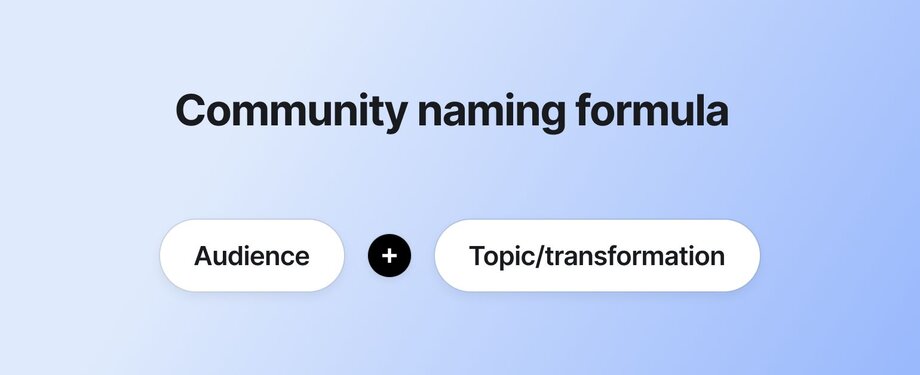
Some templates and frameworks specific to learning communities include:
- **\[Skill/Role\] + \[Membership term\]**. E.g., Creator Academy or Data Strategy School.
- **\[Goal\]-to-\[Result\] + \[Learning term\].** E.g., Idea to Income, Beginner Writer to Badass Author, or a real-life fave, [Vision2Success](https://community.circle.so/c/showcase/vision2success).
- **The \[Identity\] + \[Membership term\].** E.g., The UX Writers Collective, The Podcaster’s Circle, or The Product Designers Coalition.
### For nonprofits and social impact
Mission-aligned naming approaches like the **clarity-first technique**, **aspiration anchor**, and **cultural reference** fit nonprofits and social impact groups like a glove. **Linguistic patterns and metaphors** may also work if they’re relevant and recognizable enough.
Enter [Sierra Delta](https://community.circle.so/c/showcase/sierra-delta), a nonprofit and community for veterans. The cause-driven group used the cultural reference method, culling its name from a NATO phonetic alphabet combo commonly used by the military.
Not-so-similarly, [LaunchBreak](https://discover.circle.so/product/launchbreak-a-new-community-for-women-athletes), a free networking community for current and past female athletes, takes the linguistic play and metaphor approach.
It blends the ideas of “launching” new sports careers and “taking a break” if needed, showing how the community helps members navigate professional and personal transitions. Plus, the “lunch break” reference reinforces its approachable, supportive vibe—a safe space to pause, connect, and reset.
Now, you may be thinking, “How can I choose a name that appeals to all community stakeholders: team members, customers, partners, investors, or regulators?” If you are, focus on mission clarity or hinting, emotional depth, and cultural relevance and sensitivity.
### For entrepreneurs and startups
Community naming that supports business growth objectives is perfect for entrepreneurs and startups, from the **clarity-first approach** to **aspiration anchors**, **metaphors**, and **linguistic plays**.
For example, the [Campout](https://community.circle.so/c/showcase/campout) community, owned by branding agency Bonfire, leans into the metaphor method. The name stirs images of a friendly, relaxed gathering where people can share ideas and build connections, just like friends around a campfire.
From a clarity-first POV, [Vectary 3D](https://community.circle.so/c/showcase/vectary-3d), a community for the 3D and AR design tool [Vectary](https://www.vectary.com/), combines the company’s name with its main niche. It’s clear and descriptive, making it easy for existing Vectary users to identify and join the community.
## Community names by niche
Approaches, examples, and strategies—covered! Now for some case studies.
Seriously, consider this a “names for communities” buffet where you can study, then mix and match.
### Health and wellness communities
[The Nourishing Autism Collective](https://community.circle.so/c/showcase/the-nourishing-autism-collective)
- **Who it’s for:** Parents looking to feed their autistic kids better
- **Naming approach:** Clear + metaphor + exclusivity
[Patients Getting Paid](https://community.circle.so/c/showcase/patients-getting-paid)
- **Who it’s for:** People with chronic illnesses are looking for unique career solutions to traditional 9-to-5 work
- **Naming approach:** Clear + aspirational
### Creative and artistic communities
[Musical Nest](https://community.circle.so/c/video-library/how-musical-nest-structures-courses-and-challenges-that-members-actually-complete)
- **Who it’s for:** Parents and music teachers of musically-inclined kids
- **Naming approach:** Metaphorical
[Creative Crew](https://community.circle.so/c/showcase/creative-crew)
- **Who it’s for:** Web design agencies and freelancers who need support on their growth journey
- **Naming approach:** Linguistic pattern
### Technology and digital communities
[ProductHood](https://community.circle.so/c/showcase/producthood)
- **Who it’s for:** People who want to learn how to build a great product
- **Naming approach:** Metaphorical
[Deepnote Community](https://community.circle.so/c/showcase/deepnote-community)
- **Who it’s for:** Data scientists, data analysts, data engineers, analytics engineers, Jupyter and Deepnote notebook users, ML engineers
- **Naming approach:** Clear
### Professional networks
[Growth Blazers](https://community.circle.so/c/showcase/growth-blazers)
- **Who it’s for:** Marketers and growth leaders seeking community and support
- **Naming approach:** Aspirational
[Advisors Growing as a Community (AGC)](https://community.circle.so/c/showcase/the-agc)
- **Who it’s for:** Financial advisors focused on personal and professional growth
- **Naming approach:** Clear + aspirational
### Upskilling programs
[DesignerUp](https://community.circle.so/c/showcase/designerup)
- **Who it’s for:** Designers who want to become better digital product creators
- **Naming approach:** Clear + metaphorical + aspirational
[Sell Your Service](https://community.circle.so/c/showcase/seven-figure-freedom)
- **Who it’s for:** Agency owners who want to simplify their work and earn more
- **Naming approach:** Aspirational
### Life clubs (parents, pets, etc.)
[Moms at Work](https://community.circle.so/c/showcase/moms-at-work)
- **Who it’s for:** Working moms
- **Naming approach:** Clear
[Outsite Member Hub](https://community.circle.so/c/showcase/outsite-member-hub)
- **Who it’s for:** Remote workers and digital nomads
- **Naming approach:** Clear + exclusive
## Practical steps to finalize your community name
A community’s name can make or mar people’s perception of your business. Follow these steps to nail yours and get the most value from it.
1. **Test and validate potential names with your audience:** Before settling on a name, gather feedback from your target audience to ensure it resonates and aligns.
2. **Check technical considerations:** Ensure the domain you have in mind is available. Also, your usernames should be consistent across platforms, and the name must not [infringe on existing trademarks](https://tmsearch.uspto.gov/search/search-information).
3. **Create platform-specific variations:** Adapt the community name for different apps and platforms, ensuring each version fits within character limits while keeping the core branding intact.
4. **Trademark your community name:** Once you have a name that works, consider trademarking it to protect your brand and avoid legal issues down the road.
## If you think your community might evolve
Explore these simple but effective naming strategies:
- **Give room for growth** with broad, adaptable terms that can accommodate new products or services. E.g., “The Innovators Circle” supports multiple innovation-focused ventures as the brand expands, from sustainability to AI, robotics, and more.
- **Emphasize your brand mission and core values** since those are likely to remain consistent as you diversify. E.g., “Next-Gen HR” has a modern, forward-thinking vibe and implies adaptability across generations, which is key for human resource experts navigating the shifting workforce.
- **Focus on the people and relationships your community empowers**, rather than the specific offering or brand. E.g., “Founders Unite” suggests knowledge sharing and collaboration among businesspeople across sectors.
## From community naming to strategic growth
**Your community's name isn't just words on a screen—it's the first promise you make to your future members.** It sets expectations, builds trust, and creates the foundation for everything that follows: your messaging, your culture, and your long-term success.
The strongest communities we've seen don't just stumble upon great names by accident. They're intentional about the psychology behind their choice, strategic about their positioning, and thoughtful about their future growth.
**Remember: Your perfect name is out there.** It might come from combining two of these approaches, adding your own creative twist, or finding inspiration in an unexpected place. Don't rush the process—great names often reveal themselves when you least expect it.
Before you launch, take a moment to:
- **Say your top 3 name candidates out loud.** How do they feel? Which one would you be excited to talk about in podcasts, interviews, and networking events for years to come?
- **Run the "elevator test."** Can someone understand what your community is about in 10 seconds or less?
- **Think five years ahead.** Will this name still serve you as your community grows and evolves?
The name you choose today will become the cornerstone of countless conversations, the header of thousands of posts, and the identity that members wear with pride. Make it count.
---
### How to build your community onboarding experience: tips, examples & more
*Learn how to craft an engaging community onboarding experience with expert tips and practical examples for welcoming new members and encouraging engagement.*
Source: https://circle.so/blog/community-onboarding
> ## TL;DR
>
> * The first week decides whether a new member sticks — get them to one real win fast, and momentum takes over.
> * Churn you'd blame on price or content is usually an activation problem: members who never hit a first win quietly drift.
> * Watch one number above the rest — activation rate, the share of new members who reach a first win in their first week or two. A low one almost always means a clearer first step, not more content.
Members who complete a simple onboarding checklist come back to a community roughly 5x more often — and are 2 to 3x more likely to stick around past the 90-day mark, according to Circle's own product data. That's the entire case for taking onboarding seriously.
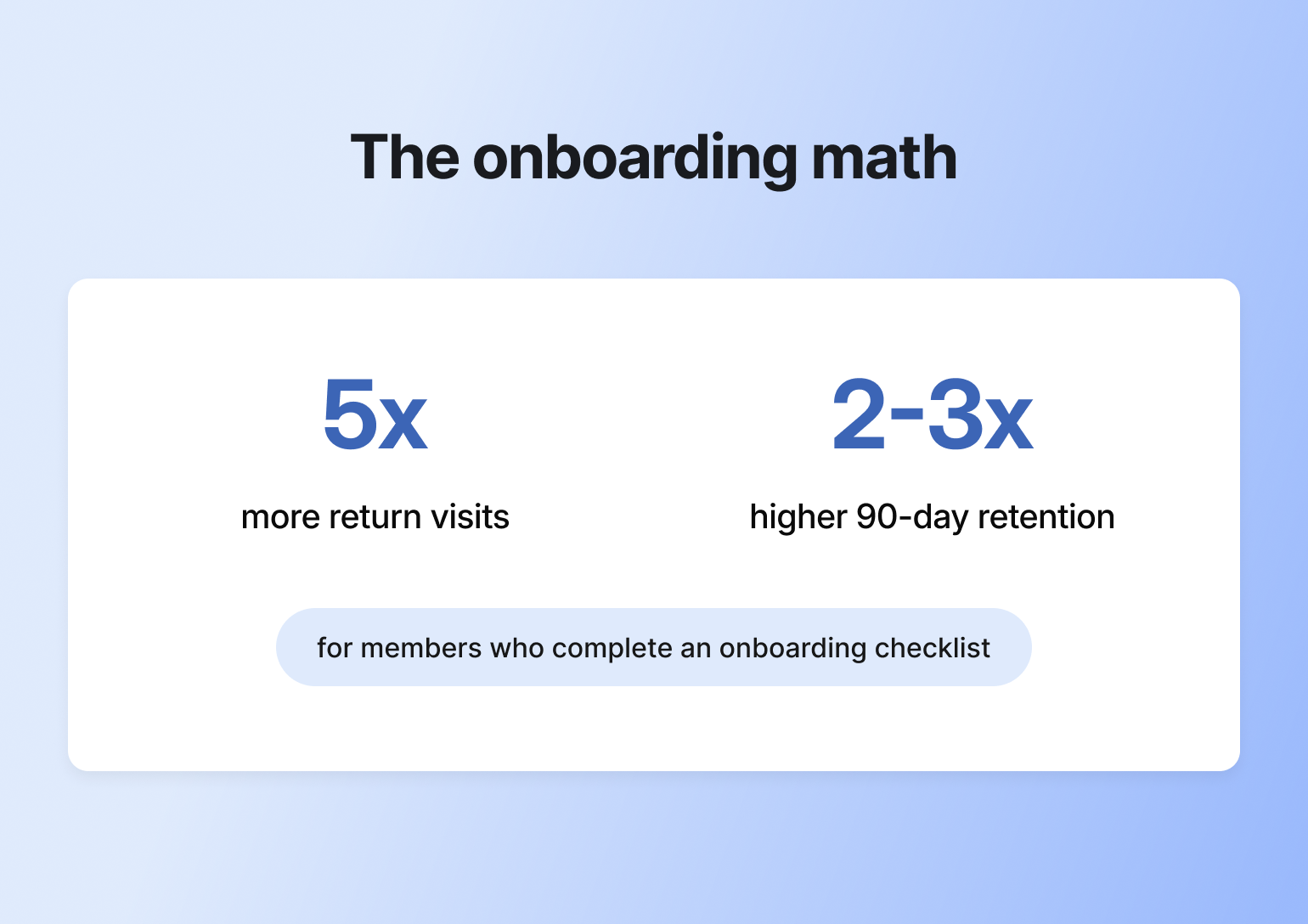
Like anything with community, there's a lot of thought and iteration that goes into building your member onboarding experience. But you don't have to start from scratch.
To help you and your members start on the right foot, this guide will cover how to:
* Map out your new member experience
* Create a Start Here space that welcomes members and guides them through the first steps
* Spark engagement right off the bat with an intentionally designed introductions space
* Draft onboarding emails and create an email sequence to drive continual engagement
* Help new members feel welcomed through personalized outreach
* Nurture members post-onboarding with tried-and-tested tips
## What is community onboarding?
Community onboarding is the process of guiding new members into your community. It starts the moment a new member joins, and ends once that member has taken a meaningful step within the community.
What is membership onboarding? The same thing. Another term for onboarding in communities with a member-based model.
If you’re wondering how to onboard a new member, the goal is simple: help them feel welcomed, supported, and confident in their next steps. When done well, they’ll feel like they belong from the very start. However, when onboarding is done poorly, members can feel lost, overwhelmed, and reluctant to return.
### Onboarding—in a nutshell
Think of your community like a dinner party.
When a new guest arrives, what do you do? Probably greet them at the door, take their coat, and ask how they’re doing, right? Then you’d likely give them a quick tour, introduce them to a few other guests, let them know when dinner will start, and what’s on the menu.
This is what onboarding a new community member should look and feel like. Help them ease into the space and give them just enough direction to feel comfortable.
| 🥗 👋🏼 | Dinner Party | Onboarding |
| --- | --- | --- |
| The warm welcome | Greet guests at the door, take their coat | Send welcome message, guide to Start Here space |
| Breaking the ice | Ask how they're doing, offer a drink | Prompt introductions, encourage first post |
| The grand tour | Show them around your home | Provide community map and space walkthrough |
| Making connections | Introduce them to other guests | Tag active members, facilitate peer connections |
| Setting expectations | Share what's on the menu, when dinner starts | Explain guidelines, upcoming events, and how to engage |
| The main experience | Enjoy dinner together, great conversation | Members engage, share value, build relationships |
| Keeping the party going | After-dinner drinks, deeper conversations | Ongoing engagement, follow-up messages, continued support |
## Benefits of rock-solid, member-focused onboarding
According to [Circle's 2026 Community Trends Report](https://circle.so/2026-community-trends-report) — based on a survey of 750+ community builders — a strong onboarding experience pays off almost immediately:
* **Higher retention and belonging.** 57.6% of community builders point to a thoughtful onboarding process as one of their top ways to build emotional safety and belonging — and 73% now treat emotional safety as a deliberate design choice, not an afterthought.
* **Faster progress toward real transformation.** 69% of community builders say helping members experience real transformation — hitting a goal, building a skill, seeing visible progress — is now their top strategy for growth and retention. That transformation has to start somewhere, and onboarding is where the clock starts.
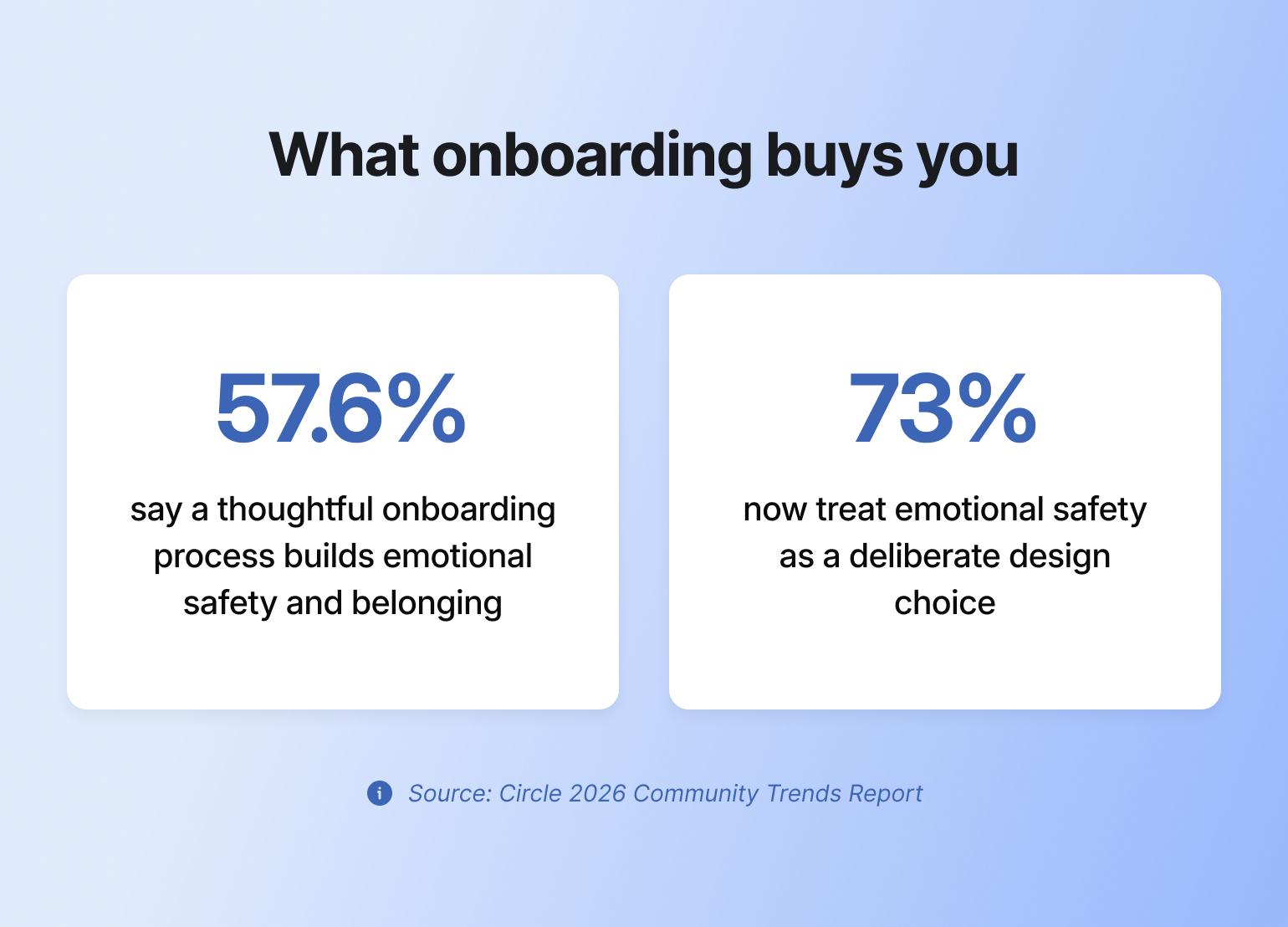
* **Fewer support questions.** Setting clear expectations and sharing guidelines early means less confusion down the road.
* **More referrals.** When members have a smooth, helpful onboarding experience, they’re more likely to bring others in.
* **More useful feedback**. Engaged members are often more willing to share their thoughts and suggestions, which helps you keep improving.
Let’s dive into how you can create an unforgettable onboarding experience for new members. 👇
## 5 steps to a seamless community member onboarding experience
### 1. Map out your ideal member journey
Here are some community onboarding questions to ask yourself to start mapping out your new member experience for the Circle community, starting with **onboarding strategy.**
* **What does a new member need to know about your community to participate successfully?** This could include instructions for how to engage, find support or community guidelines they need to follow.
* **What actions should a new member take right off the bat to start uncovering the value of your community?** Introduce themselves? Attend an office hours event for new members? Share their goals or reasons for joining? If so, where should they do that?
* **How will you share this information and encourage these actions?**
> Community strategist and author, [Carrie Melissa Jones](https://circle.so/blog/authors/carrie-melissa-jones), emphasizes that before touching any technical settings or dashboard configurations, she has clients plan their entire message sequence. The onboarding journey begins with message mapping, not with platform setup.
#### **Design for a few member types, not one**
Most onboarding advice quietly assumes every new member is the same person. They're not. Before you map a single step, sketch two or three member types you actually expect (the total beginner, the experienced pro, the one who joined for one specific outcome), and jot down what a great first week looks like for each.
You don't need formal personas or a research project; a few lines per type is enough. It catches the moments where one-size-fits-all onboarding loses people: the beginner who needs more hand-holding, the pro who's bored by the basics, the goal-driven member who wants to skip to the good stuff. From there you can tailor the flow by segment with [Workflows](https://circle.so/workflows), so each type gets the version that fits. You don't have to guess who's who, either: Activity Scores group members by how much they're actually contributing, showing up, and connecting, and you can build segments straight from structured profile fields without exporting anything.
#### Define what a successful onboarding looks like
What small actions signal that someone is starting to engage and find value in your community? These milestones look different for every community, but they might include things like:
* Completing their member profile
* Posting an introduction
* RSVPing to an upcoming event
* Commenting on a post or joining a discussion
* Downloading a resource or watching a welcome video
When done right, these early moments can lead to lasting engagement and retention.
> 👉🏼 **Pro tip:** [Circle Workflows](https://circle.so/workflows) can automate many of these tasks, like sending a welcome message as soon as someone joins or notifying admins so they can follow up personally.
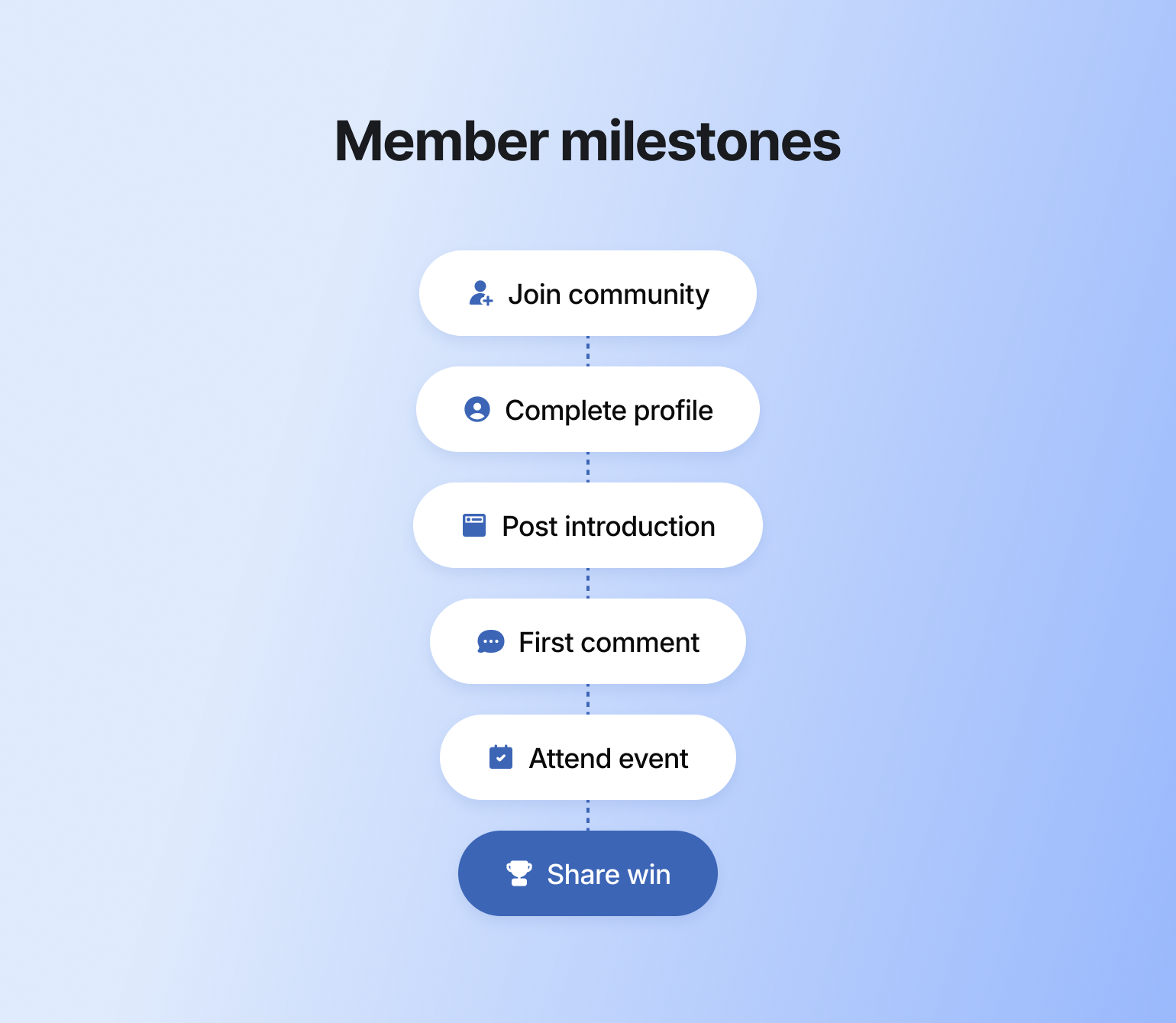
#### **Aim for one clear first win**
The goal of good onboarding is simple: get each new member to one real win, fast. That might be a completed lesson, an event attended, or a first comment that gets a reply. You don't need to explain the whole community on day one.
New members are juggling two needs at once: the navigational ("Where do I go? What do I do?") and the relational ("Do I belong here? Are these my people?"). Good onboarding answers both, one small step at a time. Whenever you catch yourself adding one more thing for members to read, ask instead what the minimum is to get them to that first win.
Get it right and the rest of onboarding has momentum behind it. Miss it, and members quietly drift. What looks like a pricing or content problem is often really an [activation problem](https://circle.so/blog/what-is-a-community-business-model).
#### Choose your onboarding tactics
Below are some common community onboarding tactics you can do as a community builder to guide new members through their first experience:
* Create a Start Here space
* Create a quick-start video that includes a community tour
* Hold a 1-on-1 or group onboarding call with members (either regularly scheduled or during cohort onboarding)
* Draft an FAQ post (and give members the ability to comment with additional questions)
* Create an onboarding checklist or challenge for new members to complete
* Send a welcome email or message
* Prompt members to introduce themselves or update their profile
* Send personalized nudges to explore specific spaces or resources
> 👉🏼 **Our tip?** Turn these actions into a fun challenge, course, or checklist to [gamify early engagement](https://circle.so/blog/community-gamification-guide) and help new members build momentum.
### 2. Design a clear Start Here space
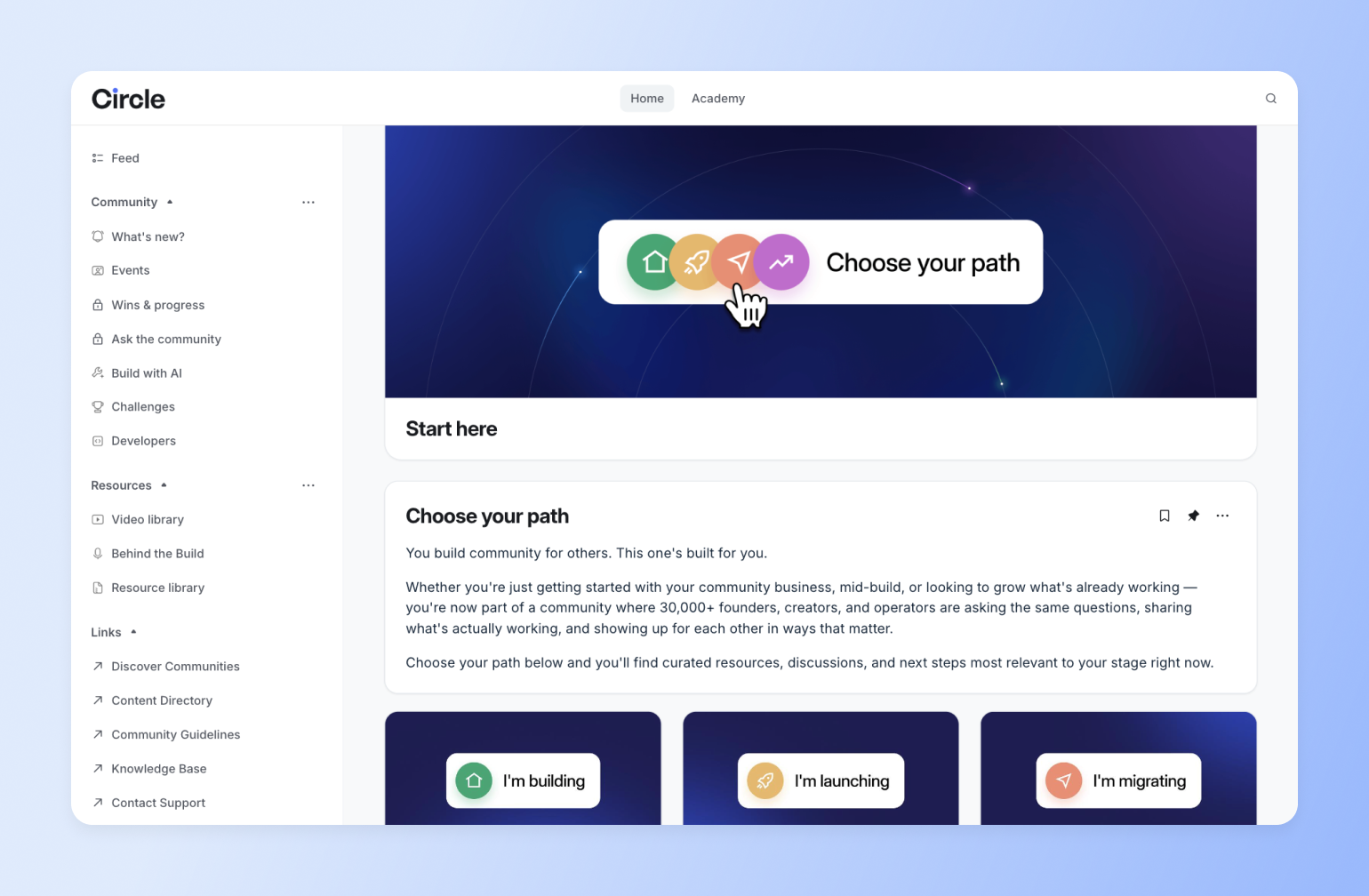
Your Start Here space is the first place new members will land when they enter your community.
If you are setting up this space, you’ll make an awesome first impression that’ll motivate members to contribute during their very first visit.
First things first…
#### Determine what your start here space should include.
What information would help your members feel most supported?
We suggest reviewing earlier responses to the question: **What do new members need to know about your community to be successful?**
Look at that list and see what types of content you could create to address those needs, like FAQs or a community map.
#### Create your start here space.
If you use [Circle](https://circle.so/), click on the + icon next to the relevant space group to add in your welcome space.
You can name it something other than Start Here. Just be sure [the title is clear and descriptive](https://circle.so/blog/community-structure-mistake) so members don’t get lost. Once you create the space, set it as the default space for new members. Don’t worry about the content yet. We’ll add that in a bit later.
**For inspiration, check out the video below, or Circle's Start Here space 👇**
#### Draft your welcome post.
This is a critical post because it’s your first touchpoint with new members once they’re in the community. Done well, it should:
* Introduce members to the community
* Provide a quick lay of the land
* Guide members through the immediate next steps they should take
It should also tell members where to turn should they require additional support. Should they drop you a DM, post in a specific space, or contact you via email?
> 💡 Pro tip: Staring at a blank post? [Circle AI](https://circle.so/ai) can draft your welcome post and onboarding emails from a short prompt, then you make them yours.
#### **Include any immediate actions members should take**
The easiest way to do this now is with Circle's built-in **Get Started checklist**. Set it up once in Settings → Onboarding → After joining, and it opens automatically for every new member on their first sign-in — no welcome post required. Members see a persistent checklist panel (a small floating button on mobile) with tasks like completing their profile, downloading the app, or visiting a key space, plus anything custom you add. It disappears once every task is complete.
It's worth setting up: Circle's own data shows members who complete a checklist like this return roughly 5x more often, with 2-3x higher retention in their first 90 days.
That said, you don't want to overwhelm members with a long to-do list, whether it's the native checklist or a custom one. Consider emphasizing just the one or two most impactful tasks.
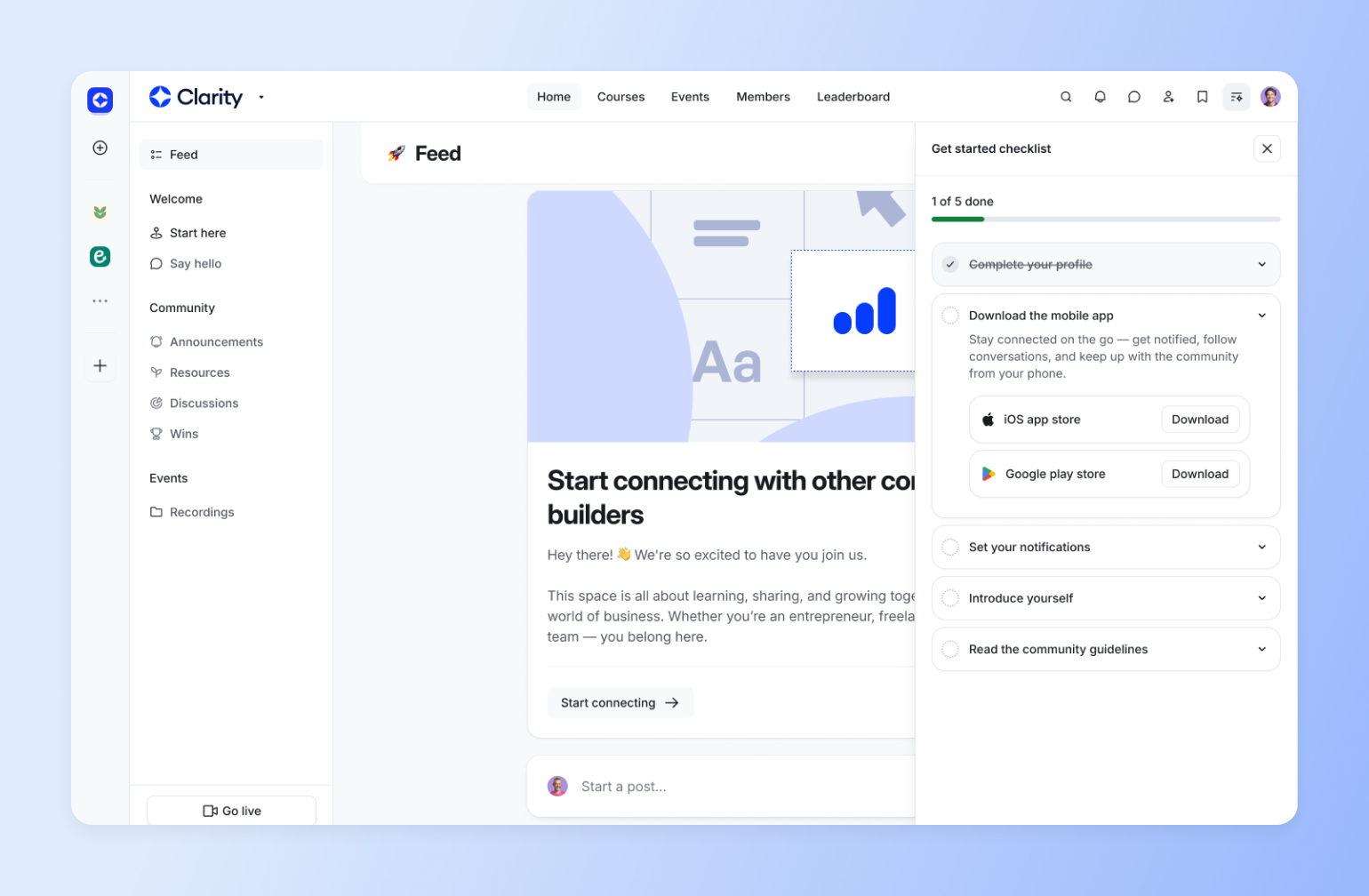
> 💡 Pro tip: Carrie Melissa Jones [recommends ordering the tasks in this list from lowest to highest lift](https://www.carriemelissajones.com/blog/community-onboarding-with-circle-xl7xd?rq=circle). This way, members can accumulate small wins and build confidence as they progress through the list. Want more customization than the native checklist allows? You can still build your own version as a pinned post or course space — some Circle customers do both.
#### Set expectations with community guidelines.
Your [community guidelines](https://circle.so/blog/community-guideline-examples) should outline what types of content are (not) allowed in the community, being as clear and specific as possible to prevent any ambiguity.
Create a post in your Start Here space group for these guidelines, so members can easily access and refer to them.
#### Let members know where they can find resources and information in your community.
Do this directly in your welcome post or create a separate post in the space that:
* Outline different spaces in your community
* Briefly describes the purpose/value of each
* Includes a note about how members can engage in that space
#### What to include
Now, in terms of content, here’s what yours should include:
1. **Welcome message.** Consider how to use this post to make members feel immediately supported.
2. **Video walkthrough.** Show members around your community with a short, friendly video. Don’t overthink it. Screen recordings with voiceover work great.
3. **Community map.** Create a simple list or visual guide explaining what each space is for and how members can engage.
4. **Support resources.** How can members reach you to get help? Send a DM? Post in a help space? Email support? Let them know.
5. **FAQs.** Cover common questions like, “Where should I introduce myself?” or “How do I join a live session?”
### **3. Kickstart engagement in an "introductions" space**
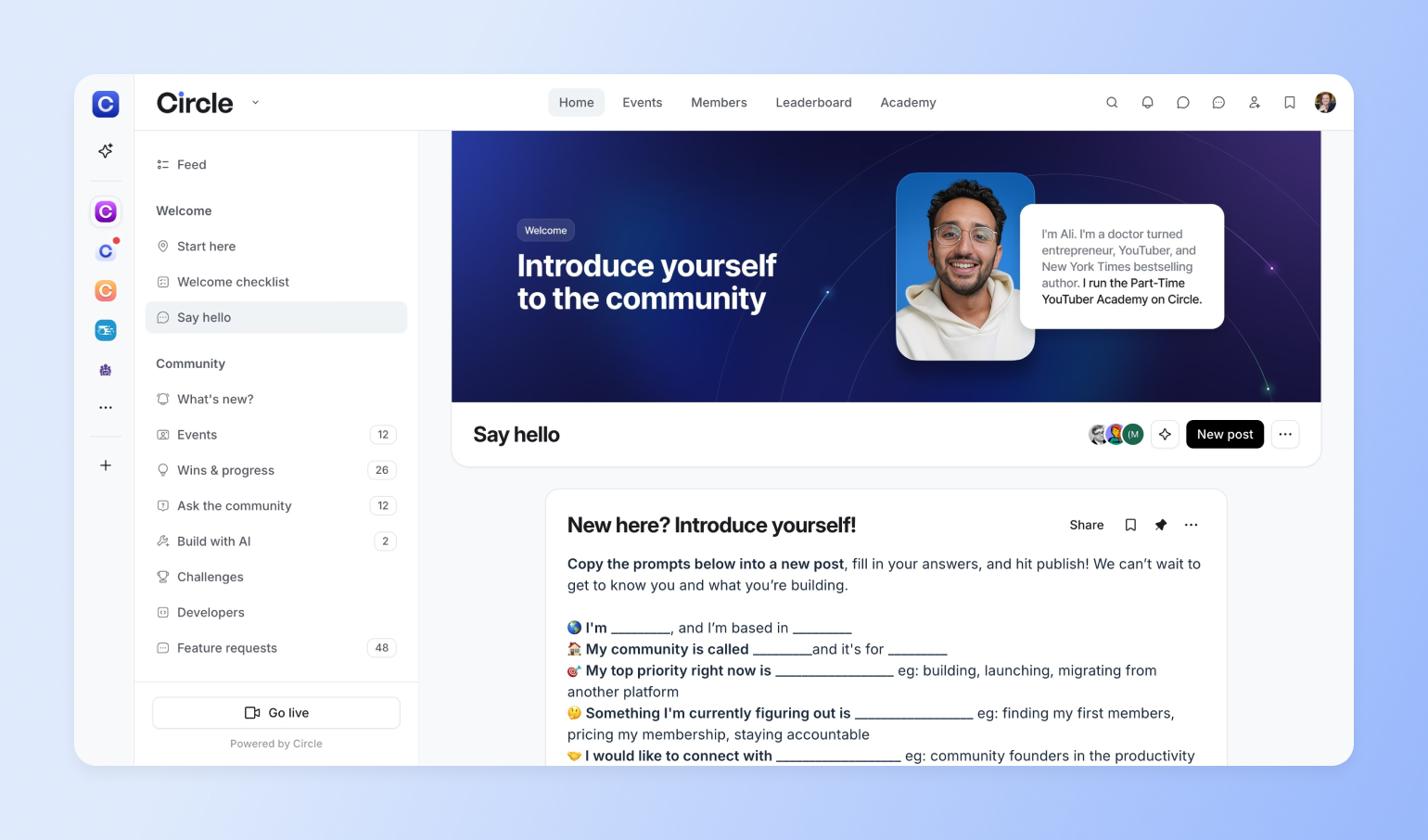
Create your introductions space just like you created your ‘Start Here’ space. Give it a descriptive title—like “Introductions” or “Say Hello”—so members know exactly what it’s for.
Just as the Start Here space is your first touchpoint with new members, the introductions space is a new member’s first touchpoint with peers.
Posting an introduction is often the first step a member takes to engage with the community, so set this space up in a way that makes it easy for members to participate.
#### Why introductions matter
A simple introduction can go a long way. Especially in the early days of someone’s community experience.
Encouraging new members to introduce themselves does two powerful things:
**1. Creates a sense of progress**
Sharing a short intro may seem small, but it’s a meaningful first win. According to [research from Harvard Business School](https://hbr.org/2011/05/the-power-of-small-wins), even tiny accomplishments trigger a release of dopamine, which boosts motivation and focus. That positive feeling helps members feel like they’re making progress, which makes them more likely to keep showing up.
**2. Builds early peer connection**
Introductions give members a structured, low-pressure way to start meeting others. When someone shares a little about themselves and what they’re into, it opens the door for others to jump in with a “me too!” or a follow-up question. It’s a natural starting point for conversation and connection.
#### How to structure the space
Make sharing a no-brainer for your members by creating a pinned post with some prompts and thought-starters that they can elaborate on in their intro posts.
And if there are certain norms you want to encourage for your community—say, you want members to share their introductions in video format—this is the place to call that out!
> 👀 Free resource: We developed a [community onboarding map](https://miro.com/miroverse/community-onboarding-map/) with our partners and customers, [Miro](https://miro.com/miroverse/), that can help you visualize important touch points.
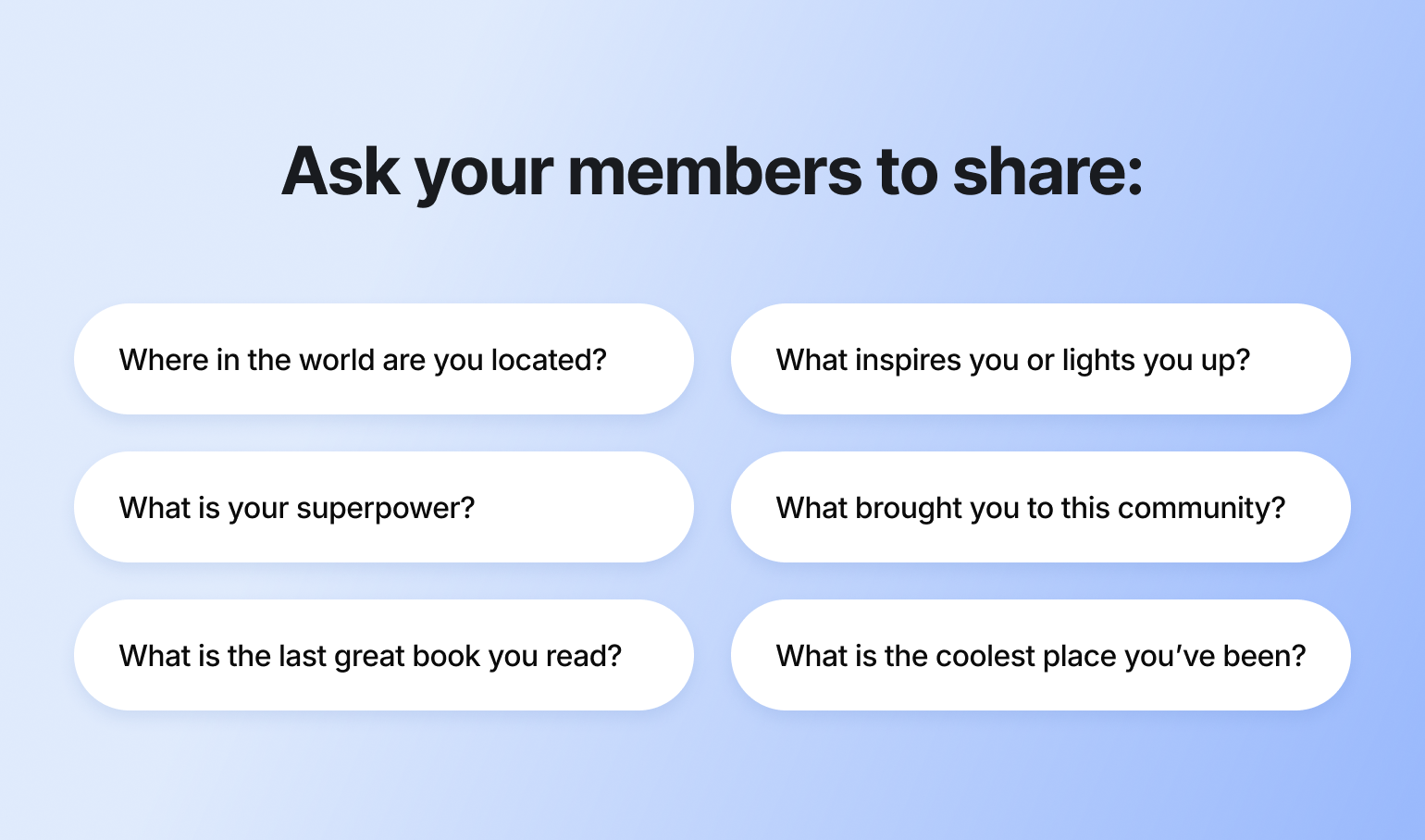
### 4. Personalize the first touchpoints
Now that you’ve set the foundation for a great community onboarding, it’s time to get members in!
Here are a few different aspects to consider:
#### Invite your members.
A community can’t exist without members! Will you bulk import members from a CSV file, share an invite link, or send an invite email to individual members?
#### Personalize your onboarding messages.
Once you’ve invited members to your community, it’s time to personalize the onboarding messages they’ll receive.
In Circle, you can set a custom onboarding email and popup message for new members. Use these messages to thank members for joining and remind them to check out the Start Here space or say hello in Introductions.
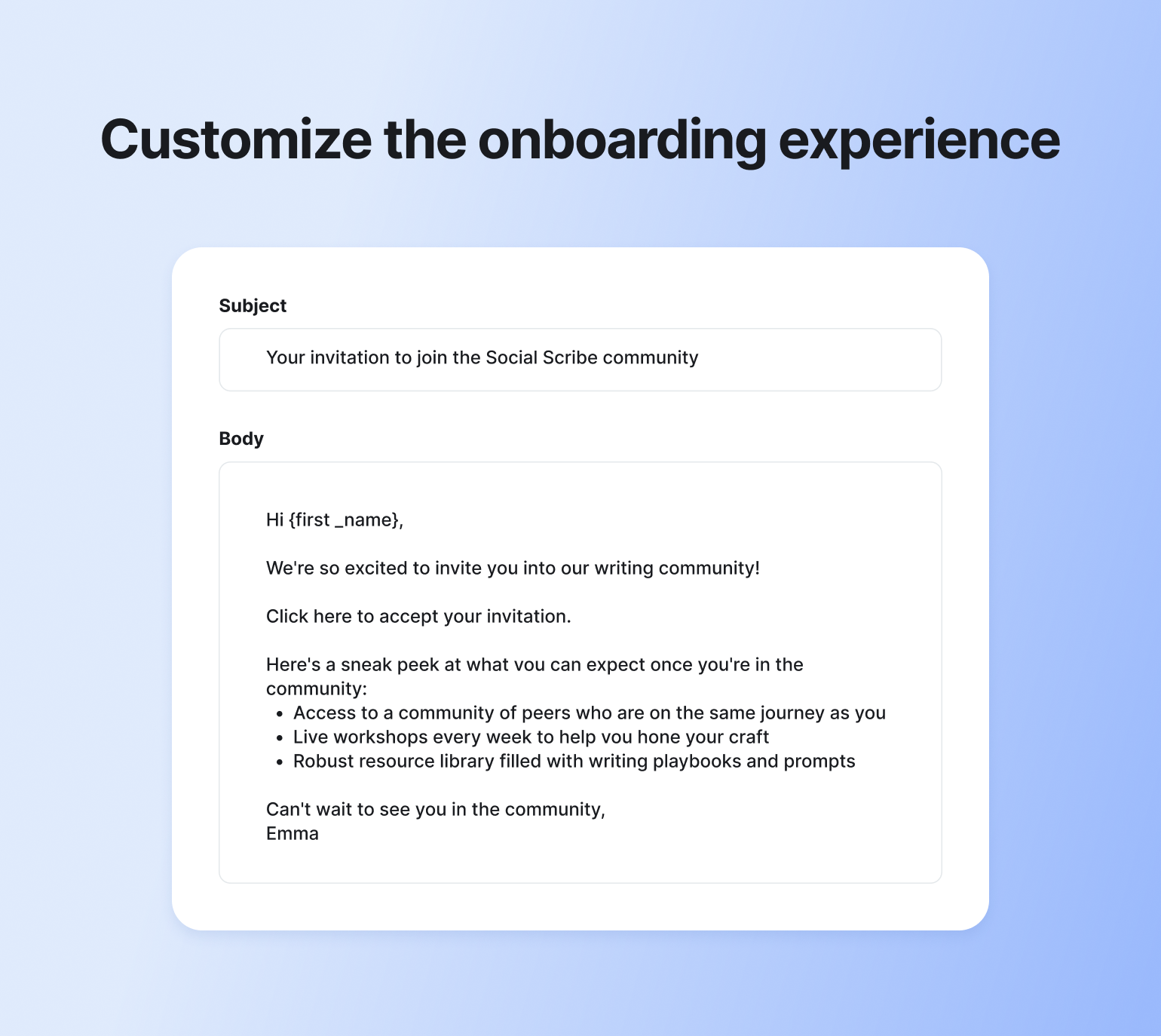
#### Create an email sequence to “drip” more information to members over time.
Consider creating an email sequence (with Circle’s Email Hub or any other integrated email provider) for new members. This way, you can share even more information without overwhelming members by gradually releasing it over time.
Be sure to include a clear takeaway or call to action in each email to maximize the impact of your sequence.
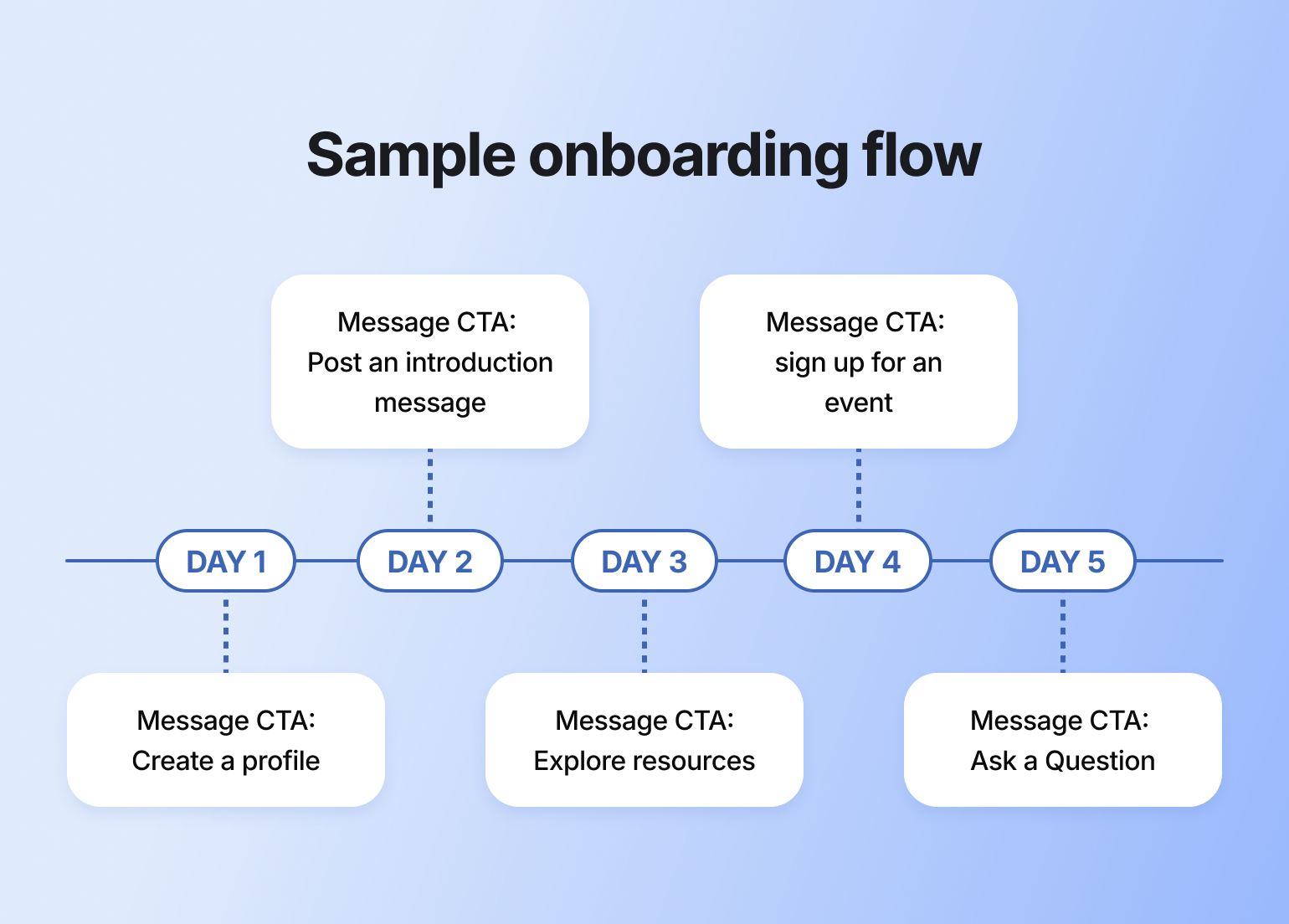
#### Welcome emails and pop-ups
Don’t leave your new members hanging! With Circle’s [Email Hub](https://circle.so/email-hub), you can easily create personalized welcome emails and pop-ups to say hi and show them what’s next.
Use it to:
* Send automated welcome emails when someone joins
* Invite members to onboarding events
* Manage all your members and contacts in one place using Circle’s built-in CRM
> 💡 **Pro tip:** Customize your invitation emails and onboarding messages with dynamic variables, such as \{first\_name}, \{community\_name}, and \{invited\_by\_name}, to make things feel more personal.
### 5. Help new members feel seen and supported
New members are in — now the real work starts. Kick things off on a positive note by personally welcoming them, and set their onboarding journey off on a strong note.
You’re not done yet, though. Kick things off on a positive note by personally welcoming them, starting their onboarding journey off on a strong note.
One principle for everything below: let AI carry the repetitive, around-the-clock work (answering the same first questions, nudging quiet members, sending the initial welcome) so your team's human attention goes where it counts: the personal moments that make someone feel like they belong.
#### Respond to new member introductions.
Making the time to respond to new member introductions goes a long way. Eventually, your community will reach a point where members are commenting on introductions and making new members feel welcome. But it’s up to you to set the norm.
Model the behavior and make members feel welcome by responding to introduction posts—or even connecting them with others in similar industries, situations, or with the same hobbies.
#### Send new members a welcome DM.
Make members feel extra welcome by sending them a quick and thoughtful DM.
Let them know you're happy they're here, share a resource they might find useful, or encourage them to take a specific action to engage in the community. (An[ AI Agent](https://circle.so/ai-agents) can do a version of this at scale — greeting every new member, answering their first questions, and following up automatically — so personal outreach doesn't fall entirely on you or your team. ([Check your plan](https://circle.so/pricing) for AI Agent availability.)
#### Consider 1:1 or cohort-based onboarding.
For a more personal welcome that leaves a lasting impression, consider offering 1:1 onboarding calls or bringing new members in as part of a cohort. If you have the bandwidth, these approaches can help people connect not only to your community, but also to your team and each other—and they're especially valuable for jumpstarting activity with your first community members.
1:1 onboarding sessions work well for:
* Showing members around the community personally
* Answering specific questions they might have
* Uncovering insights about member behaviors and preferences (especially useful for larger communities)
* Creating a strong first impression that encourages long-term engagement
Cohort-based onboarding offers a different approach by grouping new members together. Some communities take a mastermind-style approach, kicking things off with small-group sessions where members share goals and get early support.
Others, like [Dreamers & Doers](https://www.dreamersdoers.com/membership), only welcome new members in quarterly cohorts, making onboarding feel more exclusive and exciting. Plus, it's easier to settle in when you're not the only one figuring things out.
Life coach [Dr. Renea Skelton](https://www.reneaskelton.com/), founder of the RealWomen Connect™ community, sends every new member personal video messages during onboarding. Yep, *real* video messages. Not polished scripts - just her, showing up to welcome each new woman like she would a friend. The feedback she’s gotten? “I actually felt like I mattered.” That’s the goal.
#### Encourage a peer-to-peer welcoming committee.
Welcoming new members shouldn’t fall only on you or your team. Encourage your community (or [your member-leaders](https://circle.so/blog/member-led-community)) to help greet newcomers and answer questions. This creates a stronger sense of belonging for everyone involved.
> 💡 **Pro tip:** Even simple steps, like tagging active members in intro threads, can help spark connection.
## **Your community onboarding checklist**
Use this as a starting point, then cut anything that doesn't move members toward their first win. Not every community needs every item.
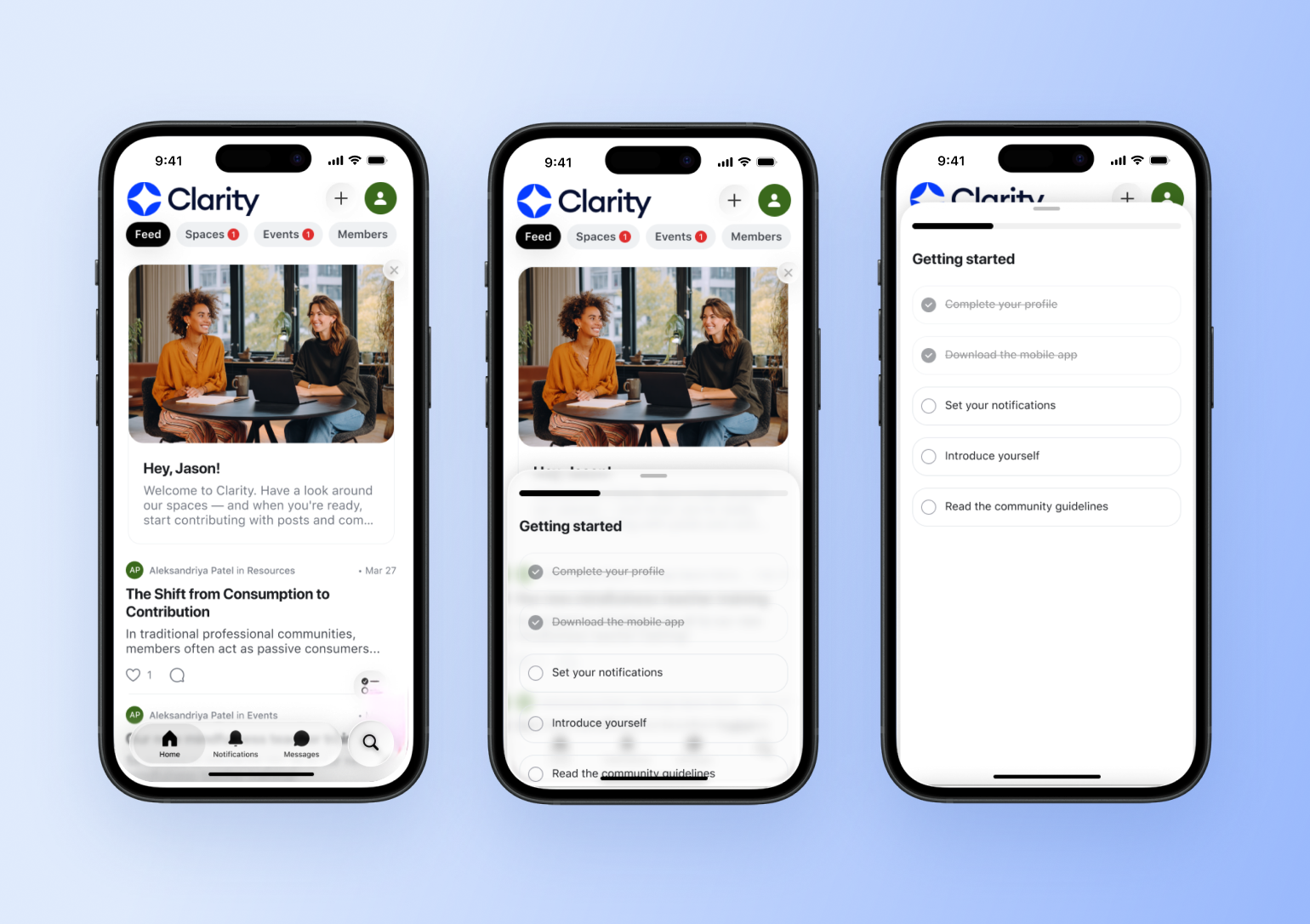
### **Before you invite anyone (setup)**
* Create and set a default Start Here space
* Write your welcome post: message, quick tour, first steps, where to get help
* Post your community guidelines
* Set up an Introductions space with a pinned prompt
* Draft your welcome email and pop-up
* Decide the one action that signals a member is activated
### **First 48 hours**
* Send an automated welcome message the moment a member joins
* Point them to the Start Here space and the single most important next step
* Welcome each member personally, with a DM or a reply to their intro
### **First week**
* Nudge members who haven't posted an introduction yet
* Respond to every intro, and connect members with shared interests
* Invite them to one low-pressure event or discussion
* Check that each new member has hit one first win
### **First 30 days**
* Send a one-month check-in survey
* Re-engage anyone who's gone quiet
* Review where members drop off, and adjust the flow
> 👉🏼 Pro tip: Turn the first three phases into a visible Welcome Checklist or [onboarding challenge](https://circle.so/blog/community-gamification-guide) inside your community, so members can track their own progress.
## Advanced member onboarding tactics
Want to add something extra to your community onboarding experience? Check out the tips below for ideas on how to level up!
### Gamify the onboarding experience
Want to make onboarding more fun and more effective? Add a little [gamification](https://circle.so/blog/community-gamification-guide).
Use badges, points, or a simple scavenger hunt to turn onboarding into a choose-your-own-adventure instead of just another to-do list.
### Track onboarding success with analytics
How do you know if your onboarding experience is working? Two words: [community analytics](https://circle.so/analytics).
Circle’s community analytics gives you a clear view into where, when, and how your members are engaging. Use this data to see what’s working, spot drop-off points, and make smarter decisions moving forward.
For example, if you want to measure the effectiveness of your onboarding efforts, track analytics like:
* % of new members who post an introduction
* Time to first comment or event RSVP
* How many members complete your onboarding checklist
From there, you can [set some goals for improvement](https://circle.so/blog/community-analytics), like increasing your onboarding checklist completion rate by 20%.
The one metric worth watching above the rest is your **activation rate:** the share of new members who reach that first win in their first week or two. It's the clearest early read on whether onboarding is working, and it tends to predict retention long before churn shows up.
To catch who's stalling before they leave, use Activity Scores, which rate every member on how much they're contributing, showing up, and connecting. Filter for the low scores two weeks in and you've got your reach-out list. For a fuller framework, our[ community assessment guide](https://circle.so/blog/community-assessment) walks through auditing member health in about an hour.
### Launch a buddy or peer mentorship program
A well-matched buddy or mentor helps new members settle in faster and stay longer by giving them a real person to connect with right away. It also takes some onboarding pressure off your admin team and helps you build a more [member-led community](https://circle.so/blog/member-led-community).
Here are Circle Contributor and Partner [Stephen Maddison](https://stephenmaddison.co/)'s key recommendations:
* Pick a matching model that fits your community (e.g., skill level, goals, experience)
* Use a short form to gather preferences and match criteria
* Decide what to automate (e.g., tags, DMs, emails) and what’s best done manually
To support your program, consider creating a member guide that outlines key offerings, such as [community events](https://circle.so/blog/host-community-events/), member resources, and programming (like your member matching service). This guide could be its own space or a pinned post inside your ‘Start Here’ area.
### Offer digital welcome kits and recognition
Make joining your community feel like unboxing something special by surprising new members with a digital welcome kit or recognition.
This could look like:
* A curated bundle of helpful resources
* A welcome badge on their profile
* A public shoutout in your community space or newsletter
It’s a simple way to say, “You belong here, and we’re glad you showed up.”
### Improve with feedback loops
Onboarding gets better when you build it with your members, not just for them.
Circle partner, community strategist, and founder of [Learn.Community](https://www.learn.community/), Tom Ross suggests asking new members early on: What does a successful community experience look like for you?
Do they want 1:1 connections? Targeted resource? Something else entirely? The insights you gather will help you jumpstart that transformation.
Other feedback loops include:
* A short check-in survey one month after they join (automated via workflows).
* A member directory or matching form to help them find others with shared interests.
* Monthly check-ins with members, scaled using [workflows in Circle](https://circle.so/workflows).
Keep in mind that feedback is only valuable if you act on it. Use what you learn to iterate and improve on your onboarding experience.
For more on what makes onboarding stick, check out this episode from Circle Partner Rachel Starr. She shares what most communities get wrong, along with free tactics for turning things around.
## Common onboarding challenges (and how to solve them)
Even with a great plan in place, onboarding isn’t always smooth. Here are some common challenges communities face and how to navigate them:
* **Emotional barriers.** New members may feel shy, uncertain, or overwhelmed. Normalize these feelings in your welcome materials and offer low-pressure ways to get involved early on, like reacting to a post or bookmarking something for later.
* **Limited team resources.** You don't have to do it all alone. Lean on your most engaged members, or set up an [AI Agent](https://circle.so/ai-agents) to field first questions from a knowledge base you feed it, so seed it with your Start Here content and FAQs and it answers around the clock while your team sleeps.
* **Returning or rejoining members.** Not everyone is new. A “welcome back” message, refresher guide, or private check-in can help re-engage returning members and get them back on track.
* **Information overload.** Avoid dumping everything on day one. Use progressive disclosure to release info and tasks in smaller chunks based on member behavior or time since joining.
* **One-size-fits-all approach.** Instead of giving everyone the same onboarding experience, segment members by experience, goals, or interests. Then, tailor your onboarding content or flows to deliver what they need most.
* **Troubleshooting roadblocks.** Make it easy for members to ask for help. Set clear escalation paths and troubleshooting guidance (e.g., Check FAQs → Post in community help space → Contact support) so minor issues don’t turn into reasons to leave.
* **Lack of ongoing improvement.** Your onboarding shouldn’t stay static. Use health checks and member feedback to refine your process over time and close the feedback loop.
## Build your onboarding on Circle
The best communities don’t leave onboarding to chance, and neither does Circle. Create a warm, streamlined, and scalable onboarding experience using:
* [Customization](https://circle.so/customization) to brand your welcome spaces and create a consistent first impression
* [Workflows](https://circle.so/workflows) to automate repetitive tasks and guide members step-by-step
* [Analytics](https://circle.so/analytics) to track your efforts and improve over time
* [Gamification](https://circle.so/gamification) to motivate action with badges, levels, and points
* [Integrations](https://circle.so/integrations) to connect your favorite tools and keep everything running smoothly
* [Community engagement strategies](https://circle.so/blog/community-engagement-strategies) to keep members active long after onboarding ends
* [AI Agents](https://circle.so/ai-agents) to welcome new members and answer their first questions around the clock
* [Circle AI](https://circle.so/ai) to draft your welcome posts and onboarding emails from a short prompt
## FAQs about community onboarding
What are the 4 C's of onboarding?
The 4 C's of onboarding are a framework that ensures comprehensive new member integration:
* **Clarification:** Help new members understand their role, expectations, and how the community works. This includes sharing guidelines, explaining different spaces, and setting clear expectations for engagement.
* **Culture:** Introduce members to your community's values, norms, and "how we do things here." This happens through your welcome messaging, modeling behavior in introductions, and showcasing community values in action.
* **Connection:** Facilitate relationships between new members and existing community members. This includes encouraging introductions, tagging active members in newcomer posts, and creating opportunities for peer interaction.
* **Compliance:** Ensure new members understand and follow community rules, posting guidelines, and platform features. This prevents confusion and creates a smoother experience for everyone.
How do you measure community onboarding success?
Track a small set of signals rather than everything at once:
* **Activation rate:** the percentage of new members who reach a meaningful first win (an intro posted, an event attended, a first connection made) in their first week or two. This is your north-star onboarding metric.
* **Time to first action:** how long it takes a new member to post, comment, or RSVP.
* **Onboarding checklist completion:** the share of members who finish the actions you've set out.
* **30-day retention:** how many new members are still active a month in.
If activation is low, the fix is usually earlier and simpler than you'd expect: a clearer first step, not more content.
How long should community onboarding take?
Community onboarding typically spans 2-4 weeks, but the timeline varies based on your community's complexity and member engagement level:
* **First 48 hours:** Focus on the immediate welcome experience—sending welcome messages, guiding to the Start Here space, and encouraging introductions.
* **Week 1:** Members should complete key actions like posting an introduction, exploring main spaces, and understanding community guidelines.
* **Weeks 2-4:** Gradually introduce deeper engagement opportunities like attending events, joining discussions, or connecting with other members.
Remember, onboarding isn't complete until a member takes a meaningful action within your community. Some members may achieve this in days, while others need more time and gentle nudging.
What happens if a member doesn't engage during onboarding?
When members don't engage initially, try these re-engagement strategies:
**Week 1-2 of silence:**
* Send a friendly check-in message asking if they need help finding their way around
* Share a specific resource or upcoming event that matches their interests
* Invite them to a low-pressure activity like a newcomer coffee chat
**After 2-4 weeks:**
* Send a "we miss you" message with a simple call-to-action
* Offer a brief 1:1 check-in to understand any barriers they're facing
* Consider if your onboarding process itself needs adjustment based on patterns
**Long-term approach:**
* Include them in periodic community newsletters or updates
* Tag them in relevant discussions (sparingly and thoughtfully)
* Create "returning member" content for when they're ready to re-engage
The key is being helpful without being pushy—some members need more time to feel comfortable participating.
What makes onboarding different from employee onboarding?
Community onboarding differs from employee onboarding in several key ways:
**Motivation:** Community members join voluntarily and can leave anytime, so you must continuously demonstrate value rather than relying on job obligations.
**Timeline:** Employee onboarding often follows a structured timeline with mandatory training. Community onboarding is more flexible and self-paced, accommodating different comfort levels and availability.
**Relationship building:** In communities, peer connections are often more important than hierarchical relationships. The focus shifts from "reporting structures" to "finding your people."
**Success metrics:** Employee onboarding measures job competency and productivity. Community onboarding measures engagement, belonging, and value realization—softer but equally important outcomes.
**Ongoing nature:** While employee onboarding typically ends after 90 days, community onboarding is more of a continuous journey of deepening engagement and connection.
The goal shifts from "getting someone job-ready" to "helping someone feel they belong and can contribute meaningfully to the community."
---
### How to price a paid community: lessons from 55 real builders
*What we learned from 55 real community builders about what to charge, what works, and what they'd do differently.*
Source: https://circle.so/blog/community-pricing-strategy
"How much should I charge?"
Most pricing guides answer this with frameworks. We wanted actual numbers, so we asked.
Earlier this year, Circle community members broke down their paid offers: what they're selling, how it's structured, why it works, and what they'd change if they started over. Fifty-five builders responded — across niches running from fantasy fitness guilds and horse groom professional development to surrogacy programs and career coaching for former pastors. Their prices span $4.99/month to $9,000+ programs.
What they shared cuts against most of the generic advice out there.
## **What 55 community builders actually charge**
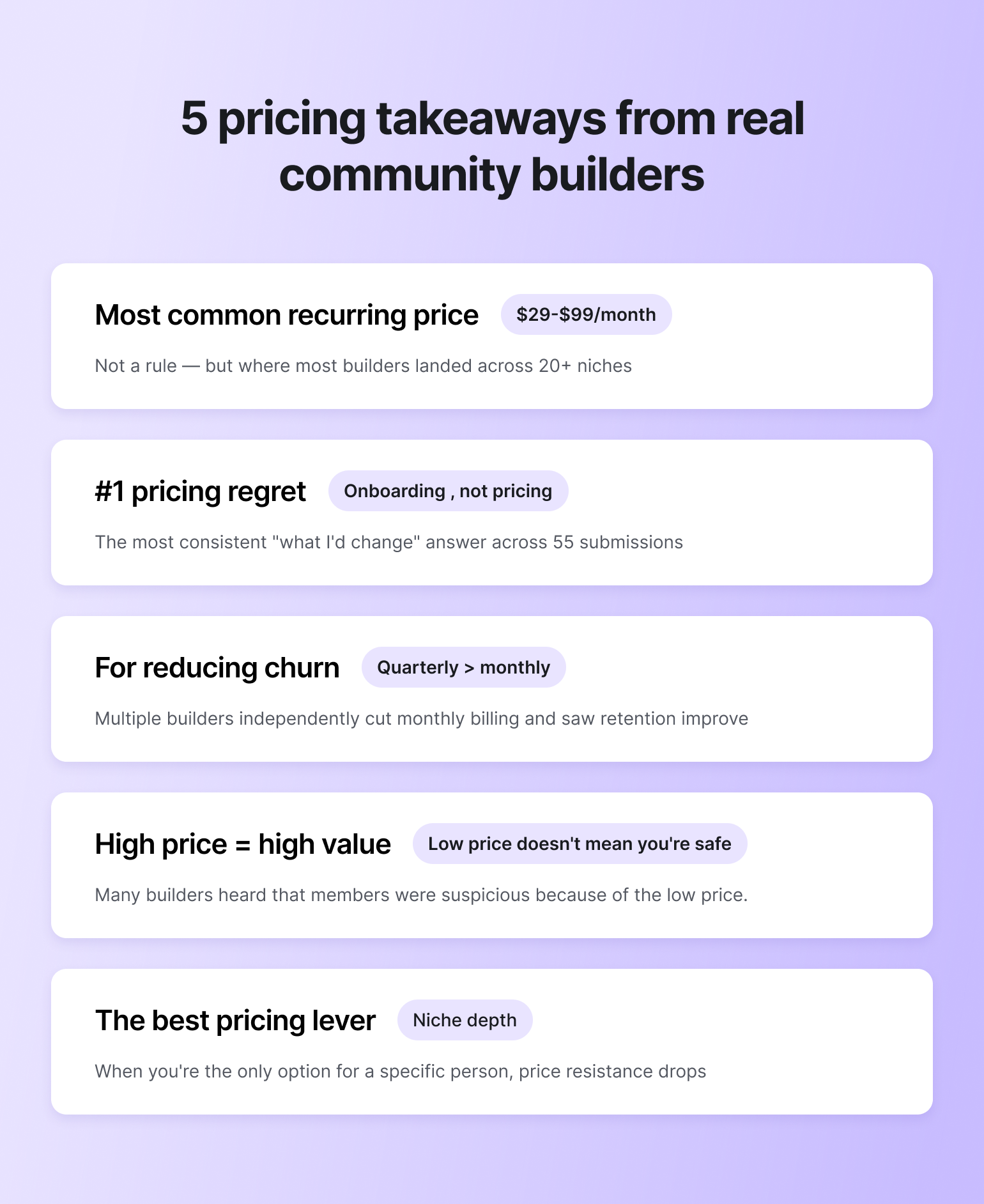
A few patterns worth knowing before we get into frameworks:
**The most common recurring price is $29–$99/month.** Not because it's a rule — because it tends to sit below the "do I need to justify this?" threshold for most audiences while still generating real revenue.
**Quarterly billing kept coming up as a churn fix.** Ashli Pollard of [The Do-ers](https://jointhedoers.com/) dropped monthly pricing entirely after finding it didn't create enough commitment. Candice Grobler of [Whimsy Forge](https://www.whimsyforge.com/), a 700-member fantasy fitness community, put it directly: "Quarterly billing creates a natural commitment that reduces churn compared to monthly." Soulcial Suite, a community for content creators building brand partnerships, also cut monthly plans and found their quarterly tier became the default almost immediately.
**The most common regret wasn't pricing — it was onboarding.** Across dozens of entries, the most consistent "what I'd change" answer wasn't "I priced too high" or "I needed more tiers." It was: I built a great product and then dropped people into it with no clear start. That matters because poor[ onboarding](https://circle.so/blog/community-onboarding) disguises itself as a pricing problem. Members churn, and you assume your price is wrong, when what actually failed was activation.
**Low prices aren't always safer.** Bobbie Carlton, founder of [Innovation Women](https://innovationwomen.com/) — a speaking platform for women and underrepresented voices — shared something that surprised her: "People were initially suspicious because of the low price." Her membership sits at $159–$249/year. Competitors charge $800–$23,000/year. The price she thought was a competitive advantage was raising red flags for buyers who assumed low price meant low value.
**Niche specificity is a pricing lever.** When [Todd Linder](https://www.launchpoint.co) told prospects about his Ministry to Marketplace program — career coaching built specifically for pastors moving into corporate jobs — he kept hearing the same thing: "You get it because you've been there." Neha Shah's [Diaspora Nutrition](https://diasporanutrition.com) is another example: nobody else is helping Indian immigrants navigate the US food system in quite that way. When you're the only option for a particular person, price resistance drops.
## **Why there's no right answer (and what to do about it)**
Community pricing has no formula because communities are shaped by factors that are genuinely different from one builder to the next: the niche, the audience's financial reality, how tangible the outcome is, whether you're high-touch or scalable, and what it costs you to run the thing sustainably. (There are also [many ways to monetize a community](https://circle.so/blog/how-to-monetize-a-community) beyond a simple membership paywall — worth knowing before you settle on a model.)
A community for mid-market CEOs operates under completely different pricing logic than one for hobbyist photographers. Both are valid businesses. Neither tells you what the other should charge.
The decisions aren't arbitrary, though. There are real inputs — and working through them clearly tends to produce pricing that holds up.
## **7 pricing principles — with examples from builders who tested them**
### **1. Start with what you need to earn**
Before you can price your community, you need a number. Not a vague aspiration — an actual income target.
Ask yourself: what percentage of your total income should this community represent? What's the minimum it needs to generate to be worth your time? What would "doing well" look like in year two?
That gives you a floor to work back from. If you want to earn $100,000 a year:
* 500 members at \~$17/month
* 200 members at \~$42/month
* 100 members at \~$83/month
Your target member count tells you a lot about your price, and your price tells you how hard [acquisition](https://circle.so/blog/membership-acquisition) has to work.
> Curious what your community could earn? Try the [Community ROI Calculator](https://circle.so/community-roi-calculator) — built on real pricing data from thousands of builders.
### **2. Know what your industry charges — and what it signals**
Your price communicates positioning before someone reads a single word of your copy. Buyers use it to infer quality, exclusivity, and credibility. That means benchmarking isn't just about knowing what to charge — it's about understanding what any given price point will make people think of you.
Bobbie Carlton built something genuinely exceptional at a fraction of what competitors charge, and it backfired. "People are astonished at the level of support, tools, and community offerings, and tell us (frequently) that they were initially suspicious because of the low price," she wrote. "Competing programs and tools start around $800/year and can go as high as $23,000." Her pricing is low by design — Innovation Women is mission-driven, focused on getting more underrepresented voices on stage, and she's made access part of the proposition. But even a mission-led price needs to signal quality, not raise doubts. If she launched again, she'd price higher from day one.
The flip side: if you're pricing well above the market norm for your niche, you need a legible story for why on your landing page. Without it, the price looks like a mistake rather than a signal.
**Useful ways to calibrate:**
* Join a few similar communities as a member
* Check what comparable programs actually charge
* Talk to your target audience about what they'd expect to pay before they'd seen your offer
### **3. Tie your price to a specific outcome**
The most durable pricing is anchored in **what members actually get** on the other side. The more concrete and measurable that outcome, the easier the price is to defend.
Todd Linder charges $1,500 for 90 days of career coaching for pastors moving into corporate jobs. Not a small number for his audience. He backs it with a guarantee: a 10–30% interview rate in 90 days, or a full refund. The industry average is 1–3%. His promise is up to 10x that.
He's clear about what the VIP tier is actually for: "That's really just a price anchor. It shows how valuable it actually is by pricing it competitively against other career coaches, but then gives them a much more reasonable option for their budget."
Dr. Des's [Public Health Club](https://www.publichealthclub.com/) has 900+ paying members at $29.99/month. The value isn't fuzzy access to a community — it's weekly updated consulting RFPs and job listings. "Most communities sell connection," he wrote. "We sell career movement and income growth." Easy price to defend when the outcome is that specific.
Russ Jones built [ADHD Big Brother](https://www.adhdbigbrother.com/) around the same logic from a completely different angle. His community for adults with ADHD isn't selling information — there's no shortage of that. It's selling the doing: daily accountability, body doubling, challenge sprints. As Russ puts it: hills are never as steep when you walk them with a friend. The price ($49/month, $135/quarter) is easy to justify because the outcome — actually completing the tasks that pile up — is something members feel every day.
If you can't articulate what a member has or can do six months in that they couldn't before, the price doesn't have a foundation.
### **4. Build your pricing to match how your community actually creates value**
The right pricing structure depends on who your members are and what they need — not what pricing models are popular.
Madeleine Milne's [Enter the Boardroom](https://www.nurole.com/) serves two genuinely different audiences: people building a non-executive board career for the first time, and people already experienced as directors. These groups don't need the same thing, so they don't pay the same price.
Aspiring and building members pay £720/year — that includes the Board Pathway Programme, a six-month structured curriculum with expert support. Established directors pay £500/year for Fellow Membership, which focuses on peer networking and staying current. No structured learning track, because they don't need one.
"We originally had it all in one place and let people self-serve," she said. The more she segmented by career stage, the better engagement and retention got. The structured programme also turned out to be critical: "Before that, it was more nebulous and harder to sell."
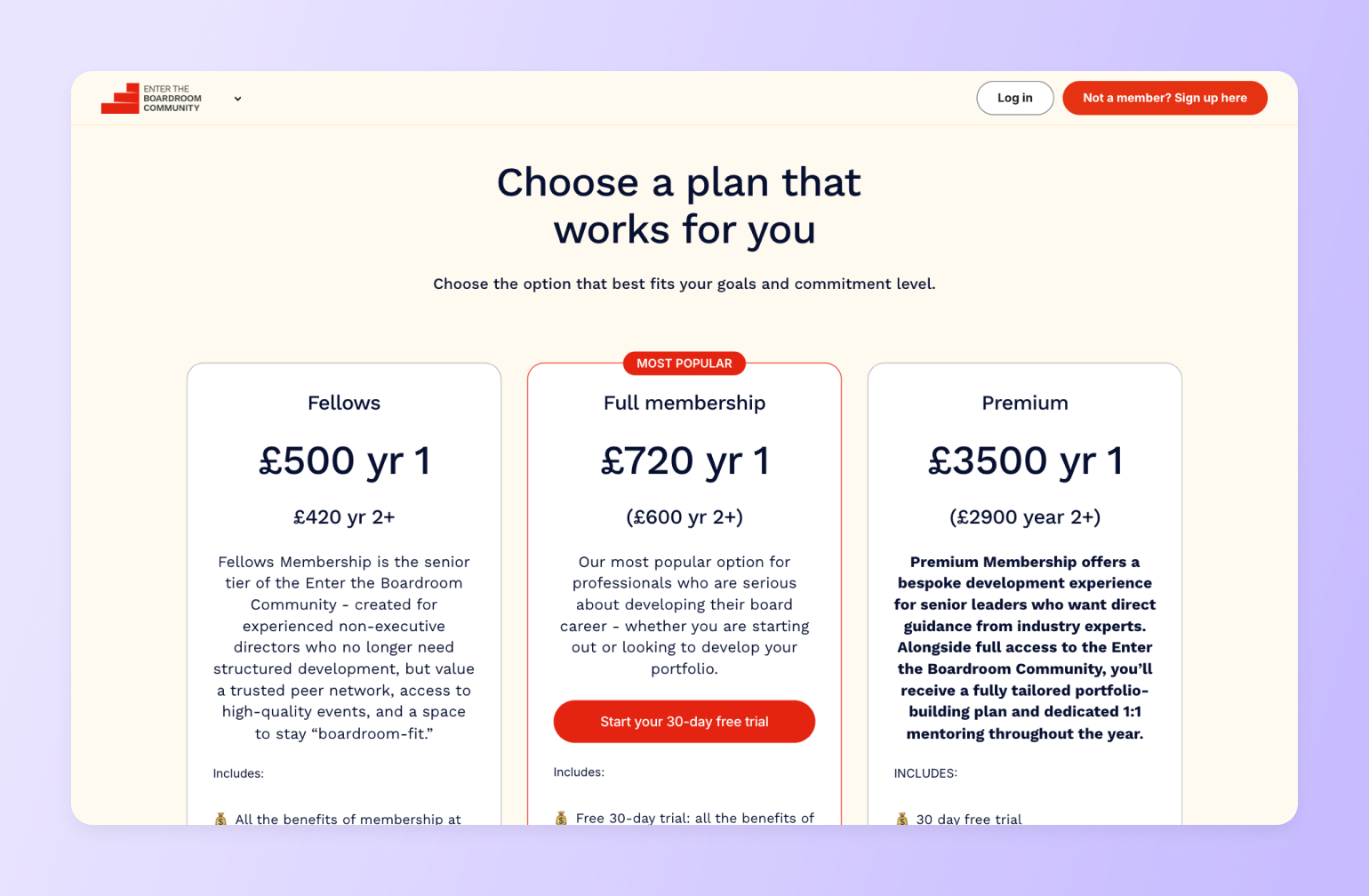
[Tom Ross](https://circle.so/customer-stories/learn-community), founder of Learn Community and a Circle expert, made a version of this point about model and scale: "I ran the numbers and realized that with just 1,000 members paying $100 a month, I could generate a million dollars a year. I didn't need tens of thousands of members."
### **5. Be honest about where you actually stand in the market**
Pricing is a claim. Before you make it, assess what you can realistically support: your reputation in[ your niche](https://circle.so/blog/how-to-find-your-niche), the size and engagement of your existing audience, what proof you have of results, and whether you have the credibility to command a premium price today — or whether you need to build toward it.
Will deShazo's [SALTED Sales Accelerator](https://salted.seasonedsales.com/salted) is a $9,000 four-month program for coaches who struggle with sales. He opens every sales call by mentioning his $10,000/month retainer option. "When I reveal the price of my $9,000 core offer, it feels much smaller," he explained. "A lot of trust is built when I tell people it could be $60,000 to hire me — but for where they are today, that would be total overkill."
Positioning above your offer does as much work as positioning the offer itself.
If you're newer, starting lower and raising over time as you build proof is a completely legitimate path. Several builders in the challenge explicitly treated their early pricing as a momentum play — founding member rates and low-entry offers to get the first cohort in and demonstrate value before increasing.
### **6. Pick a price that excites you when someone signs up**
Less analytical, but real.
Choose a price that makes you genuinely glad when a notification lands. If there's a flicker of resentment when someone joins — that's underpricing. If you feel guilty charging it — you may have gone too far. Both feelings are information worth taking seriously.
[Erin Halper](https://circle.so/blog/the-upside-community), founder of The Upside, put it plainly: "We could have provided half of what we do and still charged the same amount, and it would still be extremely valuable. You have to be thoughtful about where the value is."
When you're deciding between two technically defensible price points, the one that makes you feel confident and fairly paid is usually the better choice. Trust that signal.
### **7. Make the value legible before you talk about the price**
Your value proposition does the work that justifies your number. It's not what you offer — it's what a specific person gets from being in your community that they couldn't get elsewhere.
Ashli Pollard found the clearest version of this at The Do-ers by going directly to her members for the language. The pitch that now leads her marketing came word-for-word from member feedback — and has been refined more than once as she kept listening. The current version: "We're locked in, are you?" Neha Shah's [Diaspora Nutrition](https://diasporanutrition.com) charges $127/year for a members-only directory and education hub for Indian immigrants navigating the US food system. Her positioning isn't "nutrition guidance." It's: stop wasting money on trial-and-error in the grocery aisle and paying for it with your health. "The annual pricing converts well because it feels like a practical health insurance for your pantry," she noted.
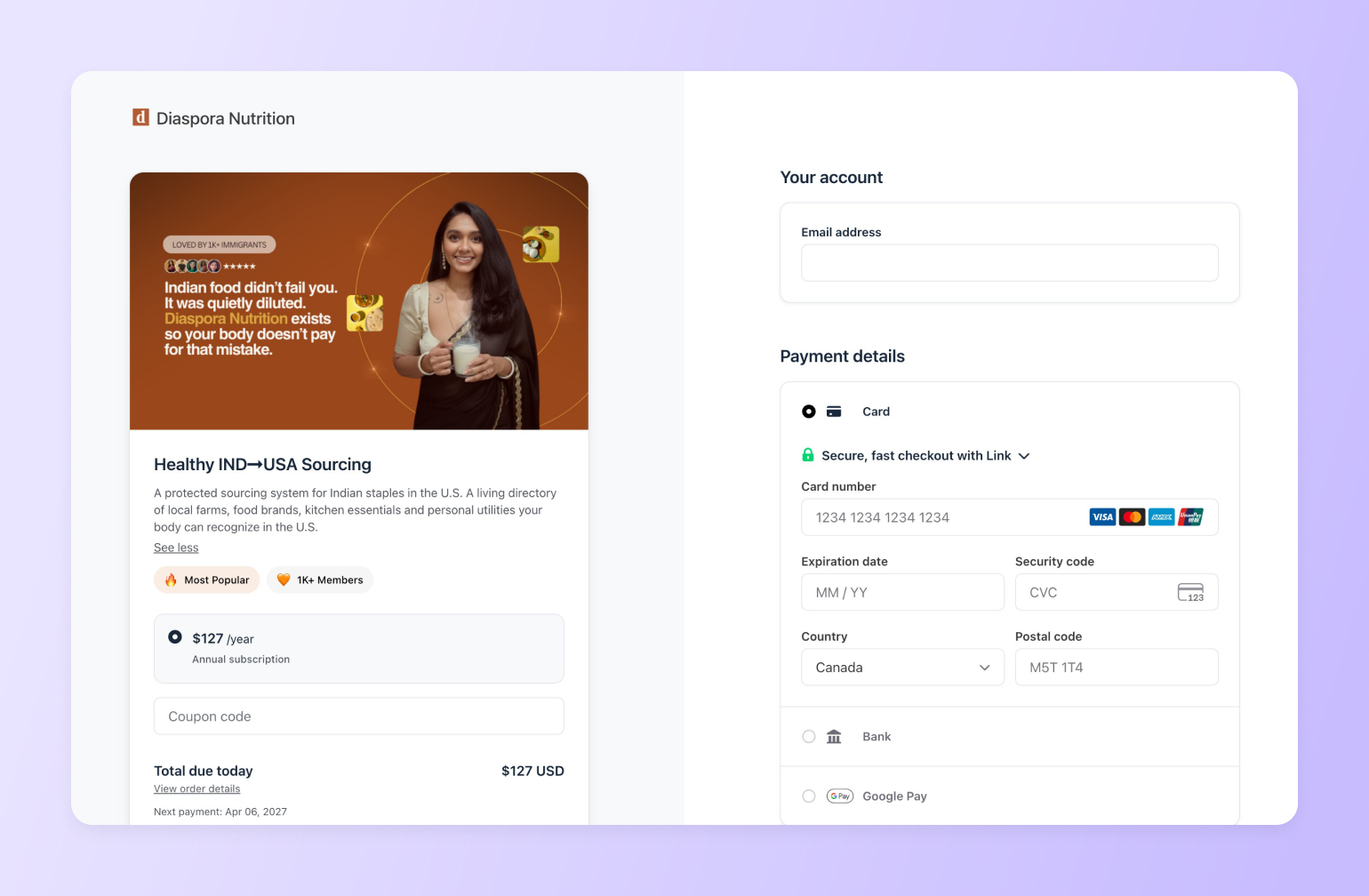
Her scarcity launch is instructive too: she opened a lifetime membership campaign via Instagram Stories when the community was at 780 members, with a public milestone target of 1,000. She drove 220 new sign-ups in 15–20 days — because the value was clear, the audience was specific, and the window was finite.
Circle expert Jordan Godfey said it simply: "People don't pay for 'stuff' — they pay for the tangible outcome and transformation they'll achieve."
If you can't state the transformation in one sentence, that's the work to do before you touch the pricing page.
## **6 pricing models — what they are and when they work**
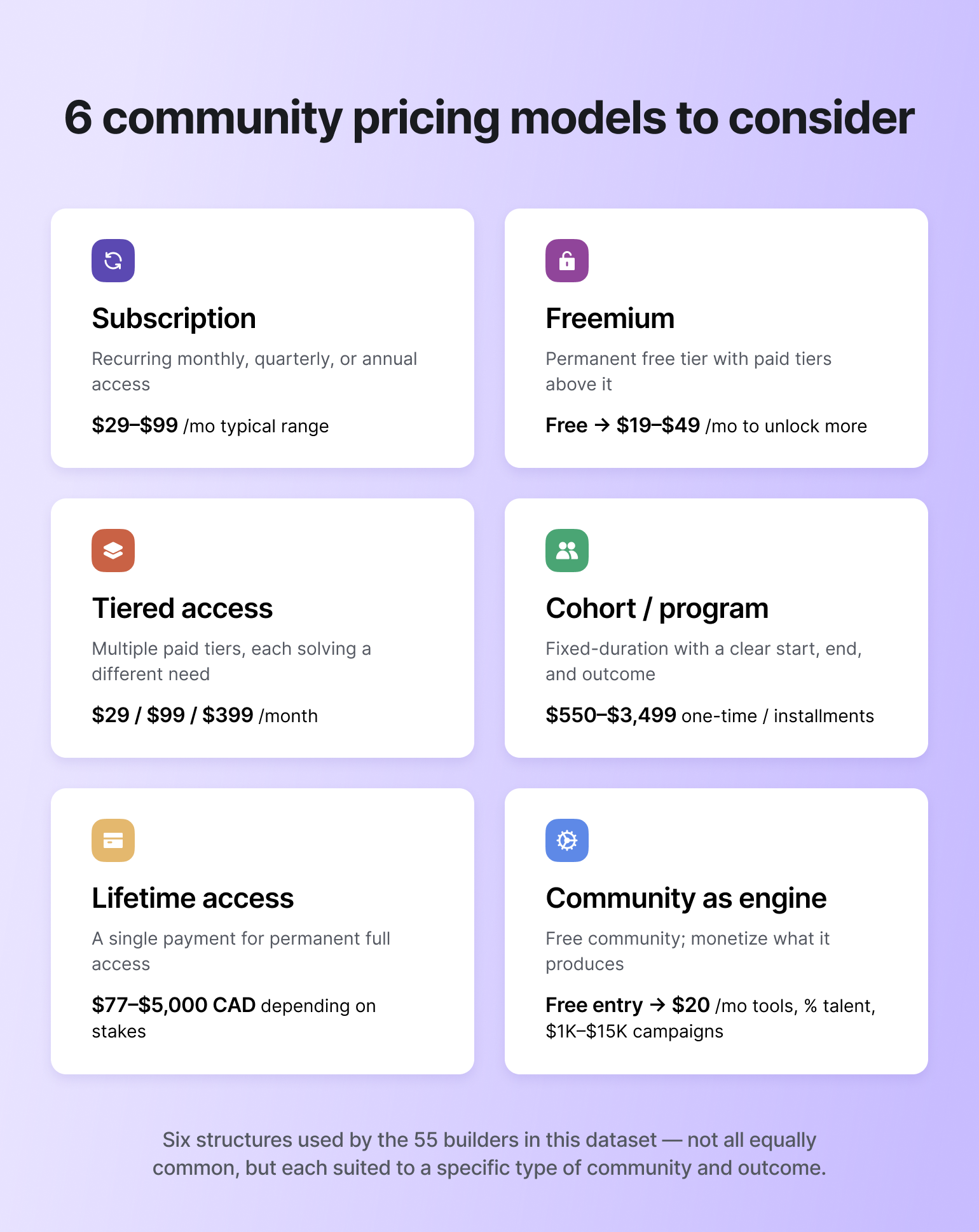
### **1. Subscription (monthly, quarterly, or annual)**
The most common structure. Members pay a recurring fee for ongoing access.
Three things that consistently showed up in the data:
* Annual or quarterly billing reduces churn substantially compared to monthly
* Three tiers is generally the ceiling before confusion sets in
* The "Lite" tier that nobody buys still earns its place by making the middle tier look like the obvious choice
Dr. Des's Public Health Club ($29.99/month, 900+ members) illustrates what makes subscription work at scale: weekly updated content that justifies the cost concretely every single week. High-frequency, tangible value delivery is what sustains a recurring fee over time.
### **2. Freemium**
A permanent free tier — not a trial — that gives members genuine access to a limited version of the community. Paid tiers unlock more.
The key word is permanent. The builders using this most effectively don't see the free tier as a concession or an acquisition tactic. They see it as the foundation.
Rodrigo Feldman's [Academia Lendár\[IA\]](https://www.academialendaria.ai/club) — 18,000 historical students, 9,200 Circle members, 55 in-person hubs across Brazil, Portugal, the US, and Europe — spent years treating community as an add-on to other paid products. Then he looked at the numbers: 3,586 expired accesses from people who'd already paid for something else and never engaged with the community. He was spending heavily on new acquisition while an enormous warm audience sat unused. "Community is not an entry-level product," he wrote. "It IS the product." The free tier he built became the entry point for his most active paying members.
Sylvia Gorajek's [America Unlocked](https://www.americaunlocked.com/) (for international professionals pursuing US green cards) uses a $59/month entry tier with clearly labeled STEP 1 access. Members can see STEP 2 and 3 locked — the upgrade path is visible from inside the community, not just on a pricing page. Two pilot members joined at $59/month; one upgraded to the $3,499 annual membership within the first month.
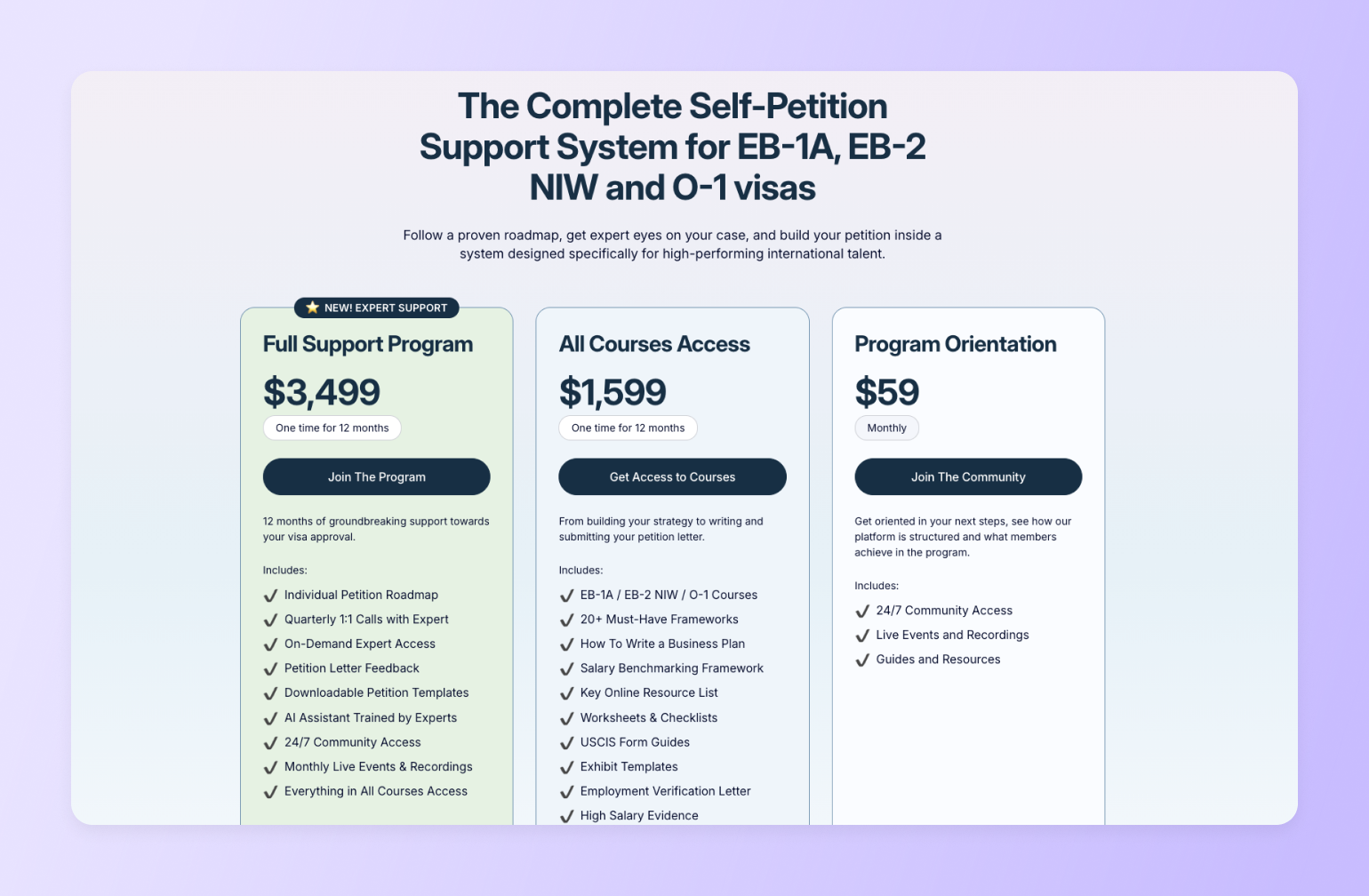
### **3. Tiered access**
Multiple paid tiers with escalating access, support, or personalization.
The distinction that makes tiering work: each tier should solve a *different problem*, not just offer *more of the same thing*. And the path to the next tier should be visible and obvious from inside the community — not buried on a pricing page someone has to go find.
Pedro Hernandes's [HBFS Community](https://www.hbfs.com.br/hbfs-community-support) for community builders runs at $29/month (async guidance), $99/month (live feedback + office hours), $399/month (direct coaching + accountability). "Each tier solves for a different depth of support, not just more content," he explained. He pins upgrade links inside each tier's space so the next level is always one click away from wherever a member currently is.
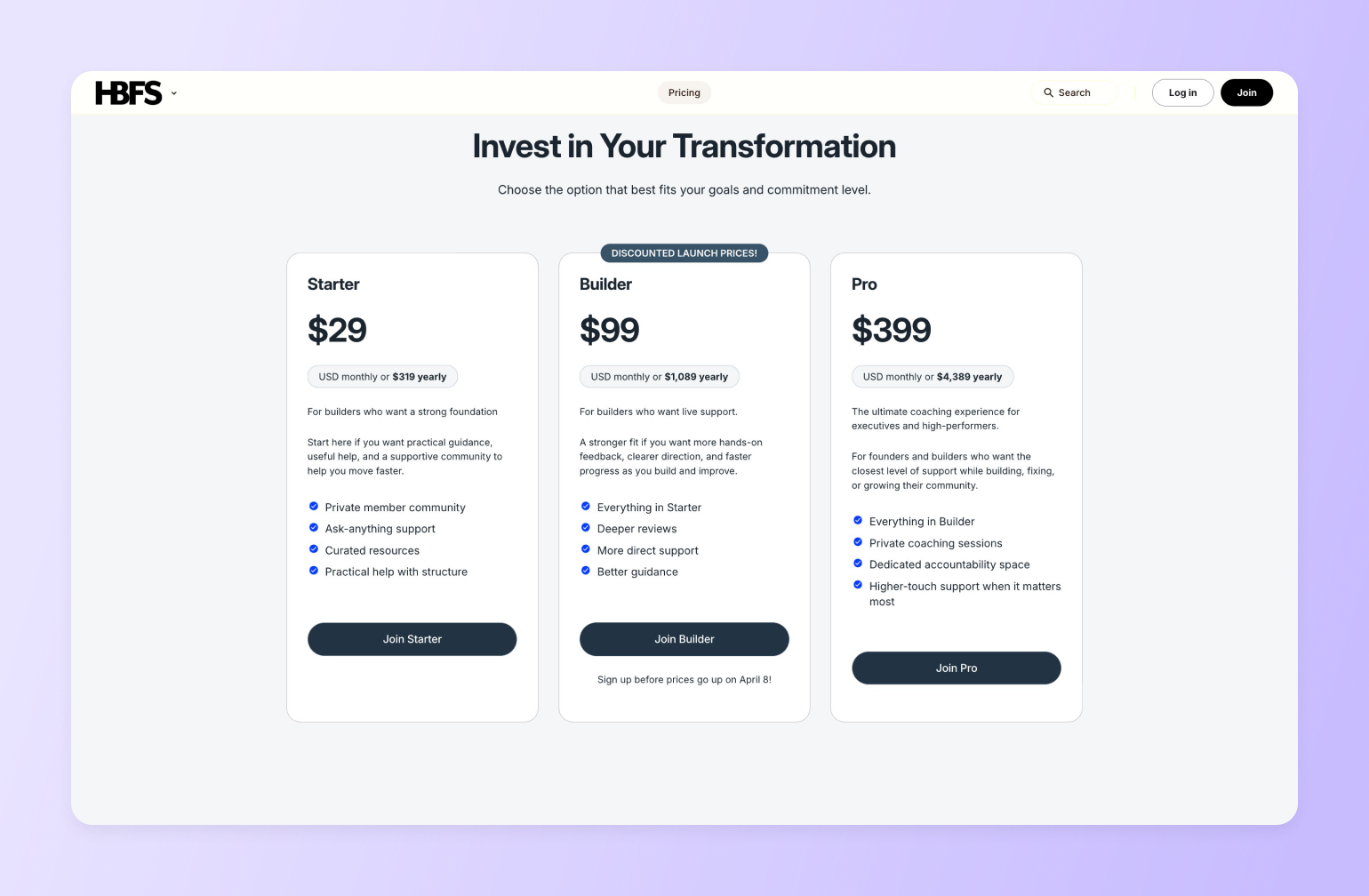
### **4. Cohort or program pricing**
A defined-duration program — typically 6–12 weeks — with a clear start, a clear end, and a concrete transformation promised. Community is how it's delivered; outcome is what's sold.
The cohort structure does something subscription can't: it creates genuine urgency and mutual accountability. When a group of people start together and can see each other's progress, the work happens differently. Payment plans remove the drop-off that higher one-time prices can cause.
Courtney Reimer's [Podcast Accelerator](https://www.soundsgreatstrategy.com/) runs as an 8-week cohort program. The reframe that made it sell: dropping "launch your podcast" in favor of "build a podcast that won't burn you out, is podfade-resistant, and earns its keep." That landed with people who'd stalled before and were afraid of wasting time again — the real objection, not the surface one.
> If your program includes a standalone course component, [how to price an online course](https://circle.so/blog/how-to-price-an-online-course) covers the same logic from that angle.
### **5. One-time or lifetime access**
A single payment for permanent access to a program, a resource library, or a community. Less common, and best suited to specific situations: high-stakes decisions that happen once (immigrating, a major career pivot), standalone skills programs where the value doesn't require ongoing community, or as a gateway product that converts one-time buyers into recurring members.
Rachel Starr's [AI Community Crew](https://cocreatorsociety.com) is $297 one-time, with an optional upsell to a $77/month recurring community — a clean example of using a one-time purchase as the front door to a recurring relationship.
### **6. Community as engine (monetize what the community produces, not access to it)**
Some of the most sophisticated models in the challenge don't charge for community access at all.
This only works when the community creates something commercially valuable beyond belonging — skilled creators, trained professionals, an engaged audience brands want to reach. And it requires patience. The flywheel doesn't start spinning immediately.
Joseph Sottile's[ Diffraction Academy](https://app.diffraction.agency/) for TikTok LIVE creators is completely free. Revenue comes from StreamGenie (a content licensing tool for consistent streamers), a whitelabel app, talent management, and B2B brand campaigns — with more rungs being added as the model grows. "The free community isn't charity," he wrote. "It's the engine." Every paid product on the ladder only exists because the community turned a casual streamer into someone worth selling tools and services to.
## **5 tactics that actually moved the needle**
Not sourced from a playbook — reported by builders who ran the experiment.
### **1. A cheap entry offer that creates commitment, not revenue**
The purpose of a $1 trial, a $27 standalone product, or a $59/month entry tier isn't the transaction. It's the first threshold crossing — a small, real commitment that changes how someone relates to what you're building.
Maxwell Young now runs [The Queue Crew](https://crew.thequeuecrew.com/about), a private community for passionate Disney and Universal park fans. He uses the same $1/first-month entry structure, which then renews at $15/month. "We're optimizing for activation and retention, not signups," he said. "The $1 buy-in is small enough to be easy, but it creates a real commitment."
Wendy Snyder of [Fresh Start Experience](https://learn.freshstartfamilyonline.com/join) runs a [$27 standalone parenting program](www.firmandkindparentingblueprint.com) as the first purchase — before any invitation to the community. "We invite them into a small, affordable first win," she said. "When a parent thinks, 'wait, this actually worked' — everything opens up."
### **2. A mini-product that doubles as a gateway**
Kristen Bousquet of Soulcial Suite offers a [$99 mini-audit](https://yoursoulcialmate.com/audit) to potential members. The $99 applies as a credit toward full membership. It converts "almost 100% of the time." By the time someone's paid $99 for the audit, they've already made a decision — the credit just removes the remaining friction.
### **3. The tier nobody buys**
Will deShazo opens every sales call for his [$9,000 SALTED program](https://salted.seasonedsales.com/salted) by mentioning his $10,000/month retainer. "When I reveal the price of my $9,000 core offer, it feels much smaller," he said. "Prospects immediately appreciate not being 'sold' the top tier thing."
> **📌 What is price anchoring?**
>
> Price anchoring is a cognitive bias where the first number a person sees sets their reference point for everything that follows. In a pricing context: present a high number first, and the next number feels smaller by comparison — regardless of its actual value. It's why a $9,000 program mentioned after a $60,000 retainer feels reasonable, and why the same $9,000 program mentioned in isolation feels expensive. The anchor doesn't have to be purchasable. It just has to be seen first.
Todd Linder's $4,000 VIP tier for Ministry to Marketplace works the same way — he's explicit that it exists purely as an anchor to make the $1,500 Pro feel attainable by comparison.
The tier nobody buys is often doing more work than the tier everybody does.
### **4. A free event with a hard window behind it**
Dr. Des runs a free monthly "Public Health Consulting 101" workshop. At the end of every session, he opens a 48-hour window: join now and get a high-value resource. That's produced a consistent \~20% conversion rate from workshop to paid membership.
### **5. Quarterly billing**
Not a campaign. A structural choice.
Ashli Pollard cut monthly pricing entirely. "A low monthly price didn't motivate our members as much as we would have liked." Her quarterly plan became the default; average retention went to 18 months.
Whimsy Forge charges $60/quarter rather than $20/month. When someone pays for a quarter upfront, they're more likely to actually use the community — and a member who uses it is a member who renews.
> For more on what keeps members paying beyond the first billing cycle, see our guide to [membership retention strategies](https://circle.so/blog/membership-retention-strategies).
## **How to set a revenue target in four steps**
**Step 1.** Decide what the community needs to earn. Not what you'd love — what it needs to be worth running.
**Step 2.** Add up your actual costs. Platform, content, any team, and your own time at a real hourly rate. That's your floor.
**Step 3.** Divide by your realistic member target. That gives you a price floor per member per year. Divide by 12 for monthly.
**Step 4.** Run a few scenarios. What does $50K look like? $100K? $250K? At what combination of member count and price does each become achievable, and does that feel possible given your niche?
For reference: to earn $100,000/year, you're looking at 500 members at \~$17/month, 200 at \~$42/month, or 100 at \~$83/month. A tight, high-touch community of 100 serious professionals can generate more revenue and require less work than 1,000 loosely committed members. The model you choose shapes everything downstream.
## **Mistakes worth avoiding**
**Underpricing from insecurity.** Setting a low price because you haven't "proven yourself" yet, and then feeling resentful when people join at that price — that's a signal, not a strategy. Low prices can also attract members whose commitment level matches their price sensitivity.
**Not raising prices as you add value.** Your launch price is a starting point. Plan regular reviews. When you raise prices for new members, grandfather existing ones — it rewards early loyalty without capping your growth.
**Too many tiers.** Ashli Pollard ran 4 courses, 3 paid tiers, and a group program simultaneously. She cut it to one offer. "Stripping it down showed that we had a point of view, a focus, and a place where we wanted to be superb… This changed absolutely everything!" More options create more hesitation.
**Treating the free tier as a compromise.** The builders who use freemium well don't see the free tier as a price reduction — they see it as the on-ramp. Rodrigo Feldman had 3,586 expired community accesses from people who'd already paid for other things and never activated. The free tier he added afterward reached that whole dormant audience.
**Monthly billing by default.** Every monthly billing cycle is a fresh decision to cancel. Quarterly billing makes that decision quarterly. Annual makes it once. When your community is genuinely good, the friction of cancellation works in your favor — but only if you've structured the billing to create it.
**The barrier of paying upfront.** James Marshall of [Surfpreneurs Club](https://www.surfpreneurs.club/) had a free Facebook group for 10 years before launching a paid Circle community. Even his warmest members hesitated. His takeaway wasn't that the price was wrong — it was that asking people to commit money before they'd experienced the value was too high a bar. He's moving to a free trial model: let people in first, let the community make the case, then ask for payment. Not everyone will convert, and that's fine. The ones who do will have already decided it's worth it.
**Underinvesting in onboarding.** The most common regret in the whole dataset. Builder after builder described the same pattern: a great product, a poor first-month experience, members who joined and then quietly disappeared before ever reaching a first win. Price is the promise. [Onboarding](https://circle.so/blog/community-onboarding) is where you keep it.
## **Keeping your pricing healthy over time**
Pricing isn't a one-time decision. A few things that help it stay calibrated:
**Review every six months.** Inflation, added features, and market shifts all move the value equation. If you haven't raised prices in two years and you've meaningfully improved what you offer, you're probably undercharging. For a broader look at keeping the community itself healthy as it grows, see our[ community growth strategies](https://circle.so/blog/community-growth) guide.
**Talk to your members — including the ones who leave.** Offboarding conversations and cancellation surveys consistently surface things that aggregate data misses. Pricing perception lives in members' heads, not your dashboard.
**Track conversion and churn separately** — [community analytics](https://circle.so/blog/community-analytics) covers the metrics worth watching. Strong conversion at a low price can mask a retention problem. Sustainable LTV is the metric that actually matters.
**Change one variable at a time.** If you're testing a new entry offer, new billing frequency, and a new tier simultaneously, you won't know what worked. Pick one lever, watch it for a full billing cycle, then move to the next.
## **The bottom line**
"Charging appropriately allows you to sustainably serve members and run your community business long-term." — Tom Ross
Getting pricing right isn't about maximizing a given month. It's about building a model that lets you show up consistently, deliver real value, and still be running an excellent community five years from now.
Use the principles here as a thinking structure, not a formula. The real inputs are your income requirements, your audience, your ROI story, and your honest assessment of where you stand in the market.
Validate before you commit. Founding members who sign at a specific price point are telling you something more reliable than any survey.
And fix your onboarding. The number of builders who listed it as their biggest regret is not a coincidence. Price is the promise. The first month is where you keep it — or lose it.
Circle brings together your members, discussions, events, courses, and payments — all under your own brand. [Start your free 14-day trial →](https://app.circle.so/communities/new)
*Comparing platform options at the same time? See our breakdown of the*[ *best membership platforms*](https://circle.so/blog/best-membership-platforms)*.*
## **Frequently asked questions about community pricing**
How many pricing tiers should a paid community have?
Two to three tiers is the sweet spot for most communities. Fewer than two limits your ability to capture different willingness-to-pay levels; more than three tends to create decision fatigue and can actually lower conversion. A common structure is a core access tier at $29–$49/month and a premium tier with more direct access or added resources at $79–$149/month — with the middle tier doing most of the revenue work. Add a third tier only when you have clear demand for a genuinely distinct level of support.
What is the average price for a paid online community?
The most common price band is $25–$50/month, with data from major community platforms putting the overall average around $48/month. That number shifts significantly by niche: creative and hobby communities typically charge $10–$39/month, while business coaching and professional development communities often land between $47–$97/month. These benchmarks are useful orientation points, but your actual price should be anchored in the specific outcome your community delivers — not what the average builder charges.
What's the difference between a free and a paid community?
A paid community gates access behind a membership fee, which filters for committed members and typically produces higher engagement — some operators report meaningfully more activity per member compared with free groups. Free communities scale faster and lower the barrier to entry, but tend to see lower engagement, higher moderation burden, and no direct revenue. Many builders run both: a free space for broad awareness and a paid tier for accountability, direct access, and premium content. The freemium model works best when the free experience is genuinely valuable on its own, not just a watered-down preview.
What is a good churn rate for a paid community?
A healthy monthly churn rate is roughly 5–7%, translating to an average member lifespan of around 14–20 months. Many communities see higher churn in the 8–10% range, which often signals an onboarding problem rather than a pricing one — members who don't reach a clear "first win" in week one are far more likely to cancel quietly before month two. The most useful thing you can track alongside churn is time-to-value: how quickly a new member gets something meaningful out of the community. Fixing that tends to move the churn number faster than any pricing adjustment will.
Should I charge monthly or annually for my community?
Offering both is standard, with the annual plan priced at roughly a 15–20% discount off the monthly equivalent. Annual billing dramatically reduces churn — members who pay upfront don't face a monthly cancellation decision — and improves cash flow predictability for you. The most effective presentation leads with the annual price displayed as a per-month cost, with monthly available for members who want flexibility. Some communities add a quarterly option as a middle ground, which can reduce the perceived commitment gap between monthly and annual without diluting the annual incentive too much.
How do I raise my community's price without losing members?
Give existing members at least 30–60 days' notice and tie the increase explicitly to new value you've added — a content library, expert sessions, a new feature set. The most common approach is grandfathering current members at their original rate while applying the new price to all future sign-ups; this rewards loyalty and avoids backlash without capping your revenue growth. Plan to revisit your pricing every 6–12 months rather than waiting until the number feels embarrassingly low. Incremental increases tied to real improvements land far better than a single large jump after years of stagnation.
Should I offer a free trial for my paid community?
A short trial — typically 7 days with a credit card required upfront — can reduce sign-up friction without attracting low-intent members who never convert. Credit-card-required trials generally produce stronger paid conversion rates than no-card trials, which often see high trial starts but poor follow-through. The key variable is whether your community delivers a noticeable "aha moment" within the first week; if it does, a trial accelerates the decision. If your onboarding isn't yet strong enough to consistently do that, a trial can actually increase churn rather than reduce it — so it's worth solving the onboarding problem first.
---
### The #1 mistake community builders make (and what to do instead)
*Struggling with low engagement or member churn in your online community? Discover the most common community structure mistake—and 6 simple ways to fix it.*
Source: https://circle.so/blog/community-structure-mistake
You can build the most incredible community around but **if your new members can’t figure out how to navigate it, it won’t have a chance to make an impact.**
It’s like arriving in a new city that’s full of potential—cafes to discover, people to meet, opportunities on every corner—but you’ve got no map, no directions, and no idea where to start. Every wrong turn chips away at your excitement and leaves you wondering if it was even worth the trip.
Throughout my 3+ years at Circle, that’s the biggest mistake I see community builders make, time and again:
**They have an offering that’s packed with value** **(think: courses, peer support, weekly live events, group coaching), but they make it _really_ difficult for members to uncover that value.**
They structure the community around what they think is important, and they fail to optimize for the member experience.
It’s natural for community builders and creators to structure their communities around _their_ goals, _their_ frameworks, _their_ priorities.
But it’s also a big problem—one that creates a wildly confusing member experience, drives low or sporadic engagement, and contributes to the ever-dreaded churn. Because **if your community doesn’t serve members in a way that feels easy and intuitive, they’ll lose interest.**
> 👉🏼 Chances are, if it’s hard for _you_ to use, it’ll be difficult for your members to figure out too. That’s why we’re proud of being rated the [#1 easiest to use online community management platform](https://www.g2.com/categories/online-community-management) on G2.
## The real cost of messy community structure
When you’re [building a community business](https://circle.so/blog/build-a-community), there’s a million things to consider: [picking the best platform for the job](https://circle.so/blog/choosing-an-online-community-platform), inviting and onboarding members, marketing and generating leads, and about 12,817 other tasks.
That’s why it’s easy for something as important as structuring your community to fall to the bottom of your to-do list.
But it shouldn’t, because when you build a community on faulty foundations:
**Members get confused and frustrated.** When your community isn’t clearly structured, members don't know where to post, what's allowed, or how to find what they're looking for. They'll spend more time hunting for information than engaging with your content or each other. Eventually, they'll just leave.
**Conversations lose momentum.** Without proper structure, valuable discussions fragment across spaces or get buried where no one can find them. Instead of sparking connection and creating flywheels for engagement, these conversations never really get off the ground.
**Moderation becomes a nightmare.** When your community is poorly structured and spaces aren’t clearly defined, moderating every post becomes a judgment call. You'll spend your days playing referee instead of fostering meaningful connections.
**Growth stalls.** New members take one look at a chaotic, disorganized community and immediately question the value they’re getting. Poor structure creates a bad first impression—one that hinders growth before it can even really start.
It’s not all doom and gloom, though. The good news is that you can avoid _all_ of this (and build a community that members are actually excited to come back to!) by getting intentional about how you structure your community.
**Here are six simple ways to do just that**, so you can:
- Start building out your community with a strong foundations
- Create a seamless and intuitive member experience
- Make sure your community structure aligns with your business model
## 6 simple fixes for the #1 community structure mistake
### 1\. Think like a UX designer
Let’s step outside of the world of community building for just a minute and draw some inspiration from the world of user experience (UX) design.
Think about the tech products you use every single day. For me, these include Gmail, Spotify, Slack, and Notion—all products with wildly different uses, but they have one very important thing in common: **They’ve all been meticulously designed to be easy and intuitive to use.**
Imagine if Google decided to rearrange Gmail’s interface, burying your inbox at the very bottom of the navigation bar and making it so that you’d land in your “Spam” tab by default. That would be an incredibly confusing experience, right?
At best, you’d probably feel pretty lost and frustrated. At worst, you’d ditch Gmail entirely to find a more intuitive email tool—one that’s easier to use and navigate, and doesn’t require you to waste precious time figuring out where everything lives.
This is exactly what happens in communities that are poorly structured: **Members get frustrated, they feel lost, and they ultimately leave.**
So when you think about structuring your community, think about it like the [digital product](https://circle.so/blog/digital-product) it ultimately is, and prioritize designing for the member experience above all else. Because every structural choice you make either adds friction or introduces ease—it either supports your members along their journey and introduces them to the real value of your community… or it distracts them from it.
#### **Community design: before and after UX design thinking**
Let’s take a look at the power of UX design thinking in action. On the left, the original structure feels cluttered and arbitrary—space names reflect internal frameworks rather than member needs.
On the right, the redesigned version applies clear hierarchy, intuitive labels, and thoughtful grouping, all **rooted in the member experience.** This is exactly how our design team thinks about building Circle—and how you should think about building your community.
As Rudy Santino, Circle’s co-founder and Chief Design Officer, puts it: “The marker of good design is that no one notices the design.”
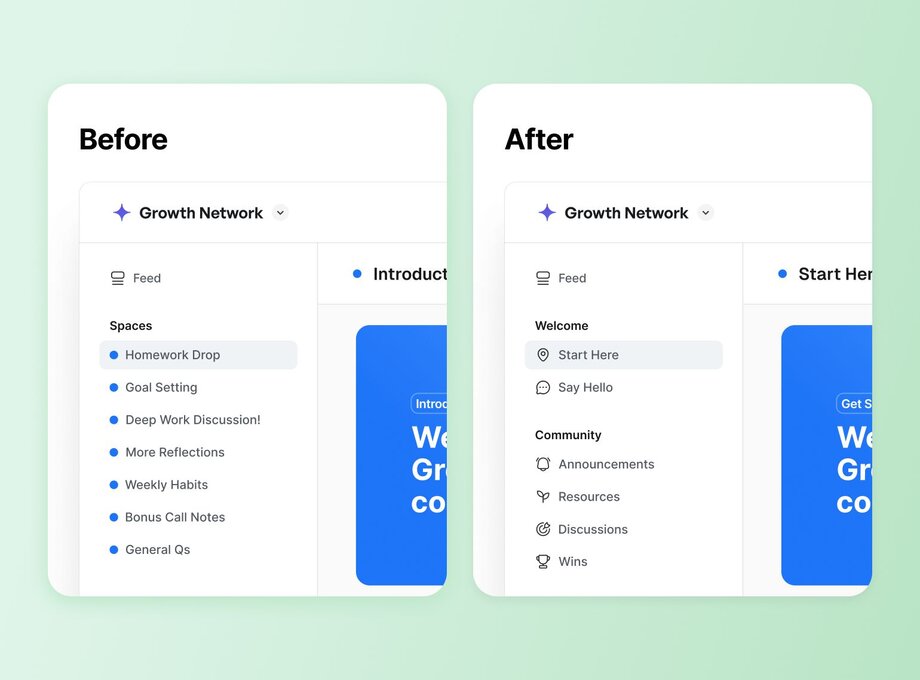
### 2\. Look for hints in your use case
If you’re not sure where to start, it can be helpful to zoom out and look at your community use case or business model. There’s probably some hint in there about how you should be structuring your community.
**For instance, do you:**
- Have a membership community that includes a free tier and a premium tier?
- Have a general membership but offer small group coaching as an upsell?
- Have multiple one-off courses that you run live cohorts through?
Each of these examples contains clues about how these communities should be structured. Let’s take a closer look.
**Membership community with free and premium tiers →** At a minimum, this community should have a space group for members in the free tier (which would include all spaces that members in the free tier get access to) and a separate space group for members in the premium tier (which would include all the spaces that members in the paid tier get access to).
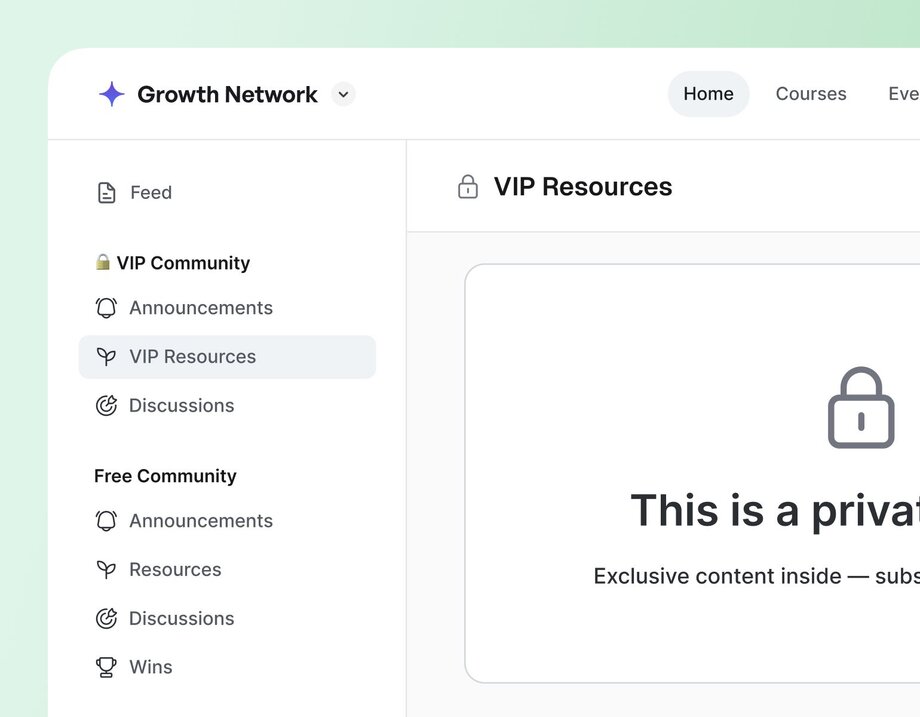
**General membership plus small group coaching upsell →** This community should have a space group or multiple space groups for the general membership and a separate space group for the small [group coaching](https://circle.so/blog/group-coaching).
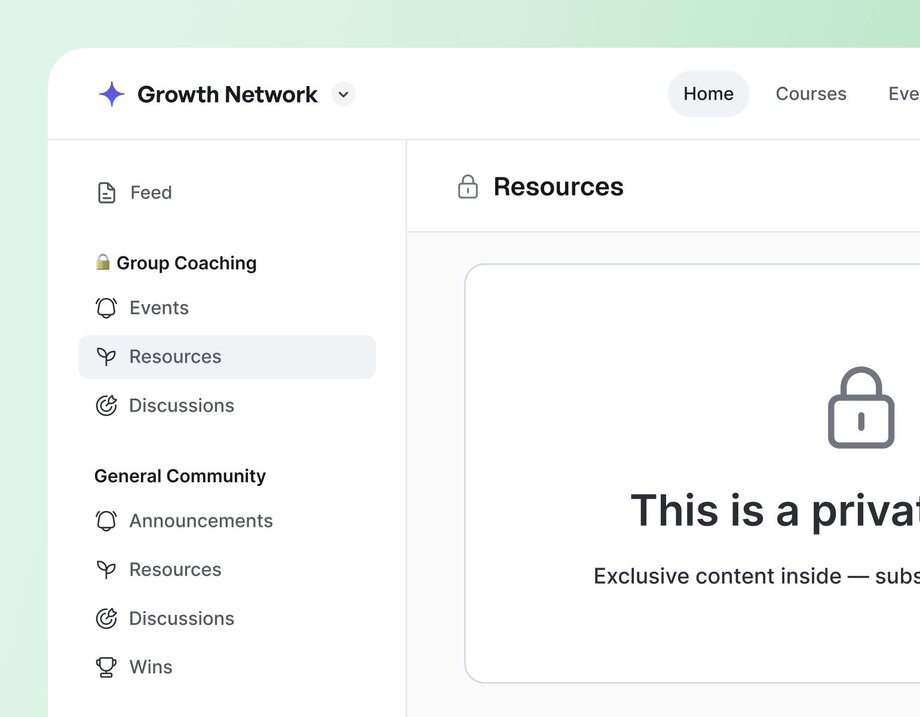
**Multiple one-off courses/live cohorts →** This community should have a space group for [each individual course](https://circle.so/blog/cohort-based-courses), which would include the course and any additional spaces relevant to that specific course experience—like a resource library, events calendar, or discussion space.
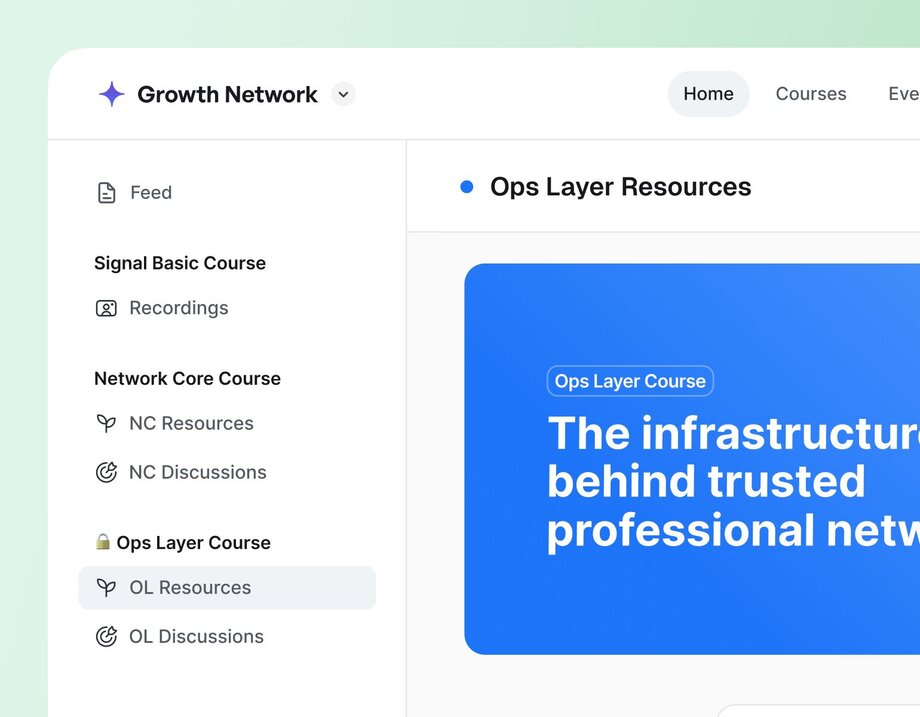
These examples are somewhat reductive, but they should give you a sense of how your use case or business model can inform your community structure.
Modeling your community structure after your use case or business model makes it easier for members to navigate the community while also making it easier for you to manage access and permissions. Really, it’s a win for everyone.
### 3\. Prioritize clarity over cleverness
When you’re building your community, it can be really tempting to infuse your brand and voice everywhere—especially if that brand and voice is notably distinct or playful or clever.
But the hard truth is: **cleverness has no place in your community structure.**
When you try to be clever about naming your spaces and space groups, it creates friction and makes it harder for members to find their way around. It leaves your members with questions like, “Wait, what’s in there?” and “Is this for me?” and “Where on earth am I meant to RSVP to an event?”
**The solution?** Give your spaces clear, descriptive, and simple names.
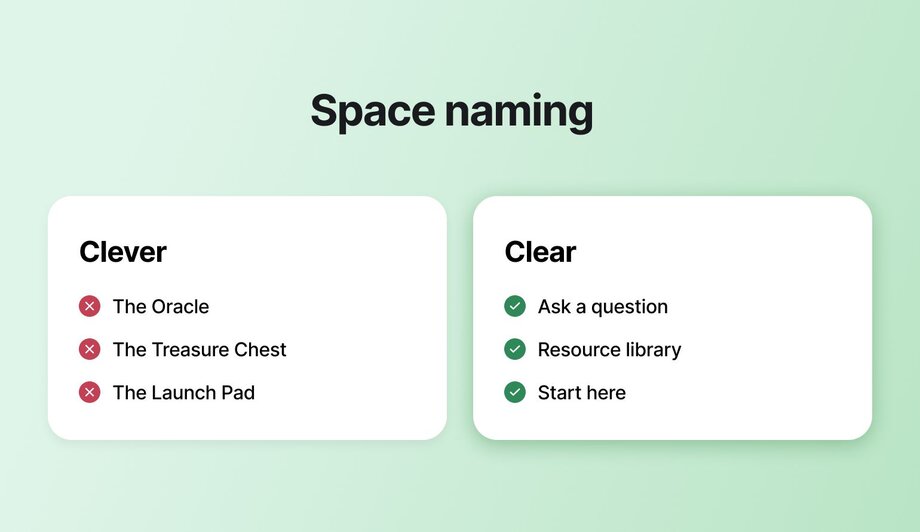
For example:
- If you’re creating a space for members to share their questions, don’t name it “The Oracle” → name it “Ask a Question.”
- If you’re creating a space to share resources with members, don’t name it “The Treasure Chest” → name it “Resources” or “Resource Library.”
- If you’re creating a space to orient new members to the community, don’t name it “The Launch Pad” → name it “Start Here” or “Get Started.”
Sure, the first option is more fun, but **the second option is more clear.**
Ultimately, it’s better to have a space with a plain title that members actually engage with than a space with a fun name that members never actually click into. And that’s really the purpose of your community structure: to **make it easy for members to find what they’re looking for** and guide them toward engagement.
**If you’re still struggling with how to be clear,** consider these quick tips:
1. Title the space after the specific action you want members to take in it, like “Share a Win” or “Ask a Question”
2. Avoid any internal jargon or lingo, such as frameworks, acronyms, or terms that your members not be familiar with yet
3. Ask someone unfamiliar with your community to guess what each space is for—if they’re way off, it’s a signal that it might be worth renaming that space
### 4\. Start small, then iterate as you go
If you’re building a new community, you’re probably full of ideas about how to make it as valuable as possible. You’re dreaming about courses and events and resources and spaces for discussion and feedback and accountability… but before you know it, you’ve created 30+ spaces before a single member has joined. (And even _you_ can’t recall what each space is for.)
This is what we want to avoid. It might feel counterintuitive, but **launching with everything** (and the kitchen sink) doesn’t _actually_ add more value. It **just creates more confusion** for your members.
So when you’re fighting the urge to create _just one more space_, remember: What your members need is **a clear path to engagement.** What they _don’t_ need is a buffet of possibilities, five places to post their questions, and three different spaces to RSVP to events.
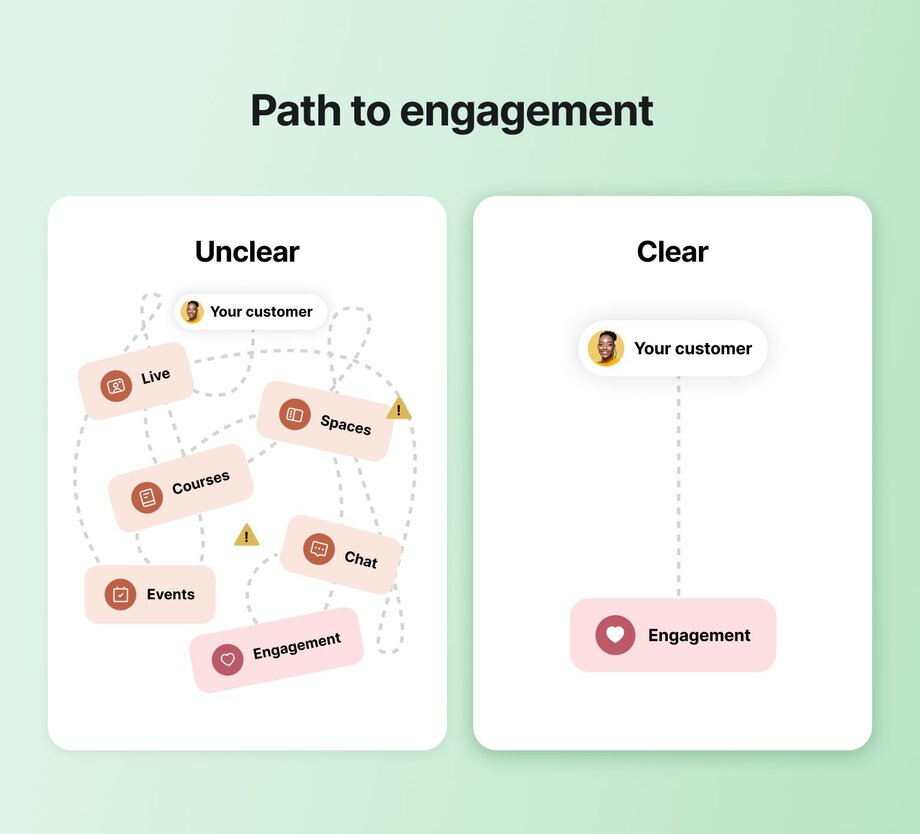
Start lean, with fewer spaces than you think you need. Prioritize the spaces that directly support the transformation your community offers members and table the rest (at least for now). Then, once you get members into your community and see how they engage, you can always tweak and adjust and add as needed.
It’s always better to start with a few clearly defined, purposeful spaces than with a laundry list of spaces that no one quite knows how to interact with.
For example,
- **If you're a coach with 3 tiers of support:** you'll want to prioritize connection spaces for each of your tiers, and separated event spaces.
- **If you are a manager for a brand or customer community:** you'll want to ensure that there are specific places for people to go to ask questions, put in ideas, and share their wins.
- **If you're a creator who's trying to build a community-led course**: you'll want to create a course space with a supporting discussion space, as well as maybe office hour events.
### **5\. Ask for feedback**
You might _feel_ great about your community structure, but the real test is whether or not it makes sense to your members. **The best way to figure this out?** Conduct a few simple user tests and ask for feedback!
Share your community structure with 3-5 people (prospective community members, peers, or even just a few trusted friends) and get them to explore. Tell them to click around, and ask them to narrate their choices:
- Where do they go first?
- What feels unclear or confusing?
- How easy is it to find what they’re looking for?
> 👉🏼 **Pro tip:** Use an AI note taker like Fathom, Otter (or any other screen/call recorder) to record your calls, and **highlight moments** where they go first, when people get stuck, and how long it takes them to find what you’re asking about.
>
> A great time to conduct these user tests is during an [annual community audit](https://circle.so/blog/community-assessment).
#### Lessons learned from restructuring the Circle customer community
A few years ago, when we restructured the Circle customer community, we conducted a handful of these interviews to gather feedback and inform our decisions—rather than relying on our own instincts and guesswork. Specifically, we had participants explore two possible community structures and explain which felt easier to navigate.
The results were incredibly clarifying, and—most importantly—**we found that some of our own assumptions about what worked and what didn’t were actually incorrect.** Space titles that we thought were descriptive were actually confusing; new space groups that we thought added structure actually just introduced complexity.
And that’s the beauty of user interviews: Getting an outside perspective can highlight blind spots and help you identify small changes to your structure that will result in big improvements!
### 6\. Give members a place to start
Even the most thoughtfully structured community won’t immediately click for someone who’s seeing it for the first time. No matter how clear your space names are or how intuitive the structure is, most new members will still benefit from some guidance on how to find their way around the community.
This is where a [thoughtful onboarding experience](https://circle.so/blog/community-onboarding) comes into play. It gives new members the training wheels they need to start engaging with the community bit by bit. And when it’s done well, onboarding doesn’t just show members where to go—**it shows them all of the ways the community will be invaluable to their journey.**
There’s a lot to onboarding (much more than we can cover here!), but one impactful thing you can do to set new members up for success is to create a “Start Here” or “Getting Started” space. The purpose of a space like this is to give members the lay of the land and get them acclimated to the community.
In this space, you might want to include a written overview or quick video tour of the key spaces in the community and share the purpose of each.
## Final thoughts
**How you structure your community is one of the most important decisions you’ll make when building your community.** It can set members up for success… or it can leave them feeling lost, frustrated, and confused.
**The good news?** As long as you keep the member experience top of mind, you really can’t go too far off course. When you build for the member, you create a community that’s genuinely easy for them to engage with and get value from.
**And _that’s_ where the magic happens.**
---
### Turn your content into cash with 8 proven monetization strategies
*Discover 8 content monetization strategies used by successful creators to generate real income. No huge following required—just proven methods that actually work for any creator.*
Source: https://circle.so/blog/content-monetization
As of 2023, creators in the US were already [earning up to $100,000 annually](https://www.statista.com/statistics/1396311/annual-income-creators-usa/). The earning potential is even bigger today, with regular people everywhere reaching celebrity status using just their smartphones, the internet, and some creativity.
Our point? **There’s never been more money flowing through the creator economy**, and now is a better time than any to secure your piece of the pie.
So, whether you’re a newbie or someone who’s been creating consistently without much financial reward, this content monetization guide is for you. It covers:
- The kinds of content you can monetize, even without viral posts or millions of followers
- How to start your monetization journey, plus 8 specific strategies for earning
- Why self-hosting is your best defence against algorithm fluctuations
## What is content monetization?
**Content monetization** is the process of making money from your online content, whether it’s educational, entertaining, or use-driven. It lets you create what you want from any platform or location and earn from that creativity.
Since online content reaches audiences worldwide, people and brands anywhere can pay you for products, services, sponsorships, or collaborations. In-platform earnings, such as YouTube ad revenue or TikTok gifts, are also great content-driven income streams.
### What kind of content can you monetize?
The most profitable formats tend to fall into one or more of these categories:
| Educational content | Entertaining content | Utility-driven content |
| --- | --- | --- |
| Knowledge you can pass down or skills you can teach | Relatable and engaging content that acts as the start of a funnel or earns through views | Resources people pay for to simplify their lives or save time. |
#### Simple content monetization
These take less time and are typically low-hanging fruit.
- **Social media videos:** Short-form videos like Reels, Shorts, and TikToks are booming. Longer videos, like on YouTube, also still have their place. Earn from them through subscriptions, brand deals, course teasers, and built-in monetization tools like Instagram Bonuses and YouTube ads.
- **AI-generated content:** If your AI content is valuable and policy-compliant, you can monetize it through one-time sales or subscriptions. Most platforms emphasize originality, transparency, authenticity, and clear labelling in their AI monetization policies, so stay updated. Also, [use AI to support](https://circle.so/ai-agents), not replace, your unique voice. For example, short self-help ebooks or digital art.
- **Podcasts:** With enough loyal listeners in a specific audience group, your podcast can attract sponsorships, paid subscriptions, and ads. Platforms like Apple Podcasts and Spotify also offer paid subscriber features for early access or bonus content.
#### More advanced content monetization
These take a bit of time and resources to create, but the payoff (hello recurring revenue!) is usually worth it. You can sell them to multiple people simultaneously and repurpose them as many times as possible.
- **Courses:** Earn passively while positioning yourself as a subject matter expert. [Create and sell courses](https://circle.so/blog/create-online-course) as standalone offerings or make them part of a [paid community](https://circle.so/blog/how-to-monetize-a-community#:~:text=Go%20to%20calculator-,How%20to%20monetize%20a%20community,-If%20you%E2%80%99ve%20made).
- **Live events:** Earn in real time via paid [live sessions](https://circle.so/events) like Q&As, workshops, coaching sessions, or casual “build in public” streams. You can also make the event free and monetize through gifts (e.g., YouTube Super Chats, Facebook Stars, and TikTok Gifts).
- **Templates, swipe files, or resource libraries:** These assets, such as content calendars or AI prompt lists, are high-value, low-effort digital products. They save your audience time and work well as lead magnets, marketplace products, premium membership perks, or paid [newsletter](https://circle.so/blog/how-to-grow-a-newsletter) content.
## How to start monetizing your content—in 5 steps
We won’t be the ones to tell you that building a profitable creator business is easy.
But anyone with a little hustle, determination, and an eye on the big picture can get started in five steps.
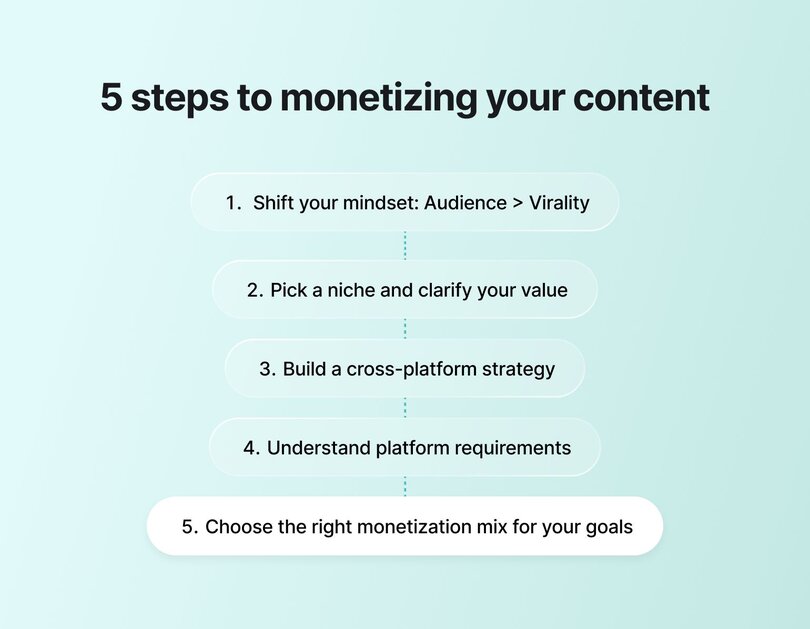
### 1\. Change your mindset
It’s easy to get caught up in going viral—it's the new “life-changing moment” of our society.
But to build something that perseveres, [**focus on building an audience**](https://circle.so/blog/audience-growth)**, not just chasing views.**
This mindset shift keeps you creating consistently, even before the recognition and earnings roll in. Remember: you’re building a community, not chasing a one-hit wonder.
### 2\. Choose a niche and value proposition
Trying to be everything to everyone stretches you thin and dilutes your impact.
Instead, [pick a niche](https://circle.so/blog/how-to-find-your-niche), clarify your value, and define the problems you solve and transformations you help facilitate. This exercise helps set clear content pillars, reduce burnout, and build trust with your audience, making selling a natural next step.
### 3\. Create a cross-platform content strategy
Posting the same piece of content on every channel is so 2016: tailor and repurpose content to each platform’s vibe instead.
A strong cross-platform content strategy prevents frustration from creating too many low-return assets and ensures audience reach across multiple touchpoints. For example, you can use YouTube for deep dives, Instagram for social proof and humor, TikTok for transformational snippets, and [email newsletters](https://circle.so/email-hub) for conversions.
### 4\. Consider the eligibility requirements for platform monetization
Major platforms like YouTube, Instagram, and Facebook offer built-in monetization tools, but you must first meet specific requirements. The table below breaks them down, though some vary by region and account type.
| Platform | Eligibility requirements | Income sources | AI-generated content monetization policy |
| --- | --- | --- | --- |
| YouTube monetization | Must have: | Watch page ads, Shorts feed ads, memberships, Supers, and YouTube shopping | Allowed, but must be disclosed so Gen AI labels can be added to the description or the video itself |
| Instagram monetization | Must: | Badges, subscriptions, bonuses, branded content, profile ads, gifts, and affiliate product tagging | Allowed if transparent, human-reviewed, and compliant with Meta’s guidelines |
| Facebook monetization | Must: | Ads on Reels, in-stream ads, subscriptions, Stars, paid online events, and brand collabs | Same as Instagram: Allowed if high-quality and policy-compliant |
### 5\. Understand the different monetization mechanics
Monetization doesn’t look the same for all [content creators](https://circle.so/blog/become-a-content-creator). Your content type, audience size, and niche all have a role to play. Here are the most common models:
#### ✅ **Subscriptions**
Let followers or fans pay monthly for exclusive content (e.g., via a Circle community), whether through a VIP/gated newsletter, or a community membership. Subscriptions are great for creators with a solid community and high-value knowledge.
#### ✅ **One-time purchases**
From [selling ebooks to courses,](https://circle.so/blog/digital-products-to-sell) templates, coaching sessions, merch, and presets, one-time purchases could be the key to your burgeoning online empire. This approach works best when your content solves specific problems and generates enough trust to convert prospects.
#### ✅ **Affiliate revenue**
Earn commission from promoting other brands’ products and services. Affiliate marketing is ideal for folks working in niches like coaching, freelancing/contracting, tech, SaaS, fashion, fitness, parenting, and personal finance. Why? Because for subjects like these, many people depend on recommendations and word of mouth to make decisions.
The opportunities for affiliate commissions online are massive, and they look different depending on your industry:
- Your favourite writing expert promoting a business partner’s design services launch
- A fashion influencer’s [LTK page](https://www.shopltk.com/)
- An Instagram account that shares great Amazon deals through its affiliate links
- Community strategists promoting [the tools they rely on](https://circle.so/affiliate-program)
#### ✅ **Brand partnerships**
Partner with companies to create sponsored content. Collaborations are ideal for creators with a loyal, niche audience, no matter how small. [Micro-influencers can still make bank](https://www.socialcityconsulting.com/blog/the-power-of-micro-influencers-and-ugc-creators) here, especially with user-generated content (UGC) styles.
## 8 proven content monetization strategies
Monetizing your content effectively and consistently takes time and strategic planning. Here are eight proven content monetization strategies you can explore.
### 1\. Paid memberships & communities
Paid memberships and communities—with the right [pricing strategy](https://circle.so/blog/membership-pricing-strategy)—work well if you’ve built a loyal following. No matter how few or many, these are your brand advocates: people who want deeper access and would happily tell others good things about you.
Take [Dave Gerhardt](https://circle.so/customer-stories/exit-five), founder of [Exit Five](https://www.exitfive.com/), for example. He started by sharing B2B marketing insights on LinkedIn. Once interest grew, he moved to a gated model using Patreon and a free Facebook Group.
This setup was okay in the beginning, but it began to feel clunky after a while. His search for a better alternative led him to [Circle Plus](https://circle.so/plus), which he used to build a branded mobile app for his +6,000-member community.
**The result?** A unified space for Exit Five’s content and community, increased engagement, and the brand’s first million-dollar year.
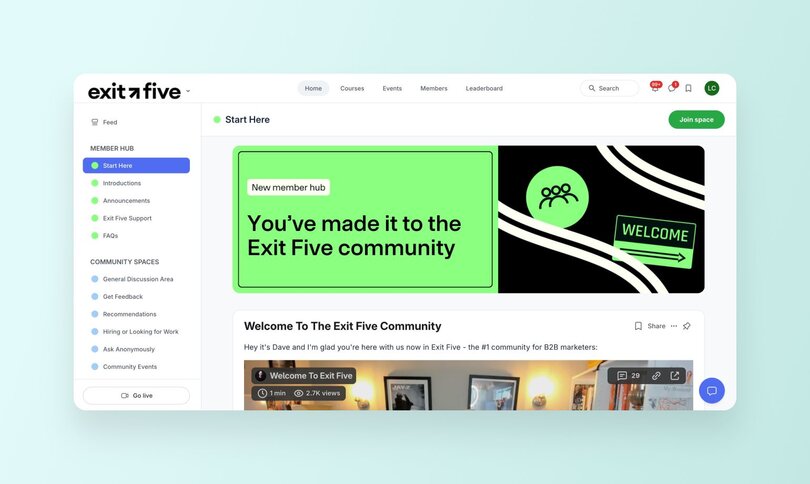
#### Tips to monetize a membership
- **Focus on** [**growing your audience**](https://circle.so/blog/audience-growth)**.** Create consistent, high-value content, build real relationships, and prioritize depth over fluff. Distribute smartly through collaborations, repurposing, and social sharing—for a solid [community-led growth strategy](https://circle.so/blog/community-growth).
- [**Price with intention**](https://circle.so/blog/community-pricing-strategy)**.** Base your pricing on your income goals, industry benchmarks, perceived member value, and your positioning. You can start free, offer a free trial, or [test payment tiers](https://circle.so/blog/paywalls) as traction grows.
- **Iterate and get expert help.** Refine your offer, format, or pricing as you learn what works. When in doubt, lean on [experienced community consultants](https://circle.so/partner-directory) to save time and avoid costly mistakes.
| Pros | Cons |
| --- | --- |
| Stronger connection with superfans | Platform fees or setup costs |
| Community-led growth (referrals and word-of-mouth) | Requires ongoing content and community engagement |
### 2\. Online courses & digital products
As a subject matter expert, [selling courses and digital products](https://circle.so/blog/digital-products-to-sell), like templates and toolkits, is a great way to turn your knowledge into revenue. These assets require minimal ongoing effort once live, and they can easily serve as a natural entry point into your paid community.
[Anne-Laure Le Cunff](https://anne-laure.net/) is a neuroscientist and founder of [Ness Labs](https://nesslabs.com/), a mindful productivity school for knowledge workers. She has built a global audience through cohort-based mindful productivity courses.
Priced at $49/year, [the brand’s private community](https://discover.circle.so/product/ness-labs-community) has 2,000 members, many of those attracted by perks like discounted productivity tool subscriptions and unlimited course access. Some key Ness Labs courses include a mindful productivity masterclass, a short Roam Research guide, and an idea bank building roadmap.
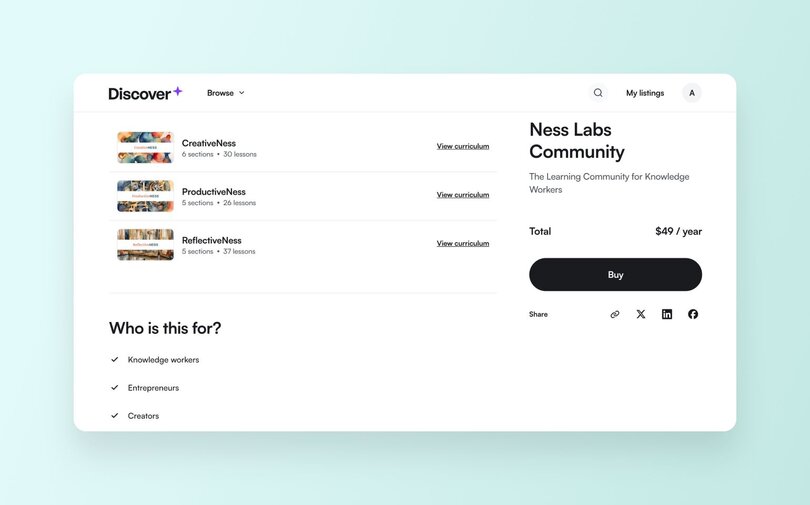
#### Tips for monetizing courses and products
- **Start small:** Ensure [your first course](https://circle.so/blog/create-online-course) or [digital product](https://circle.so/blog/digital-product) solves a clear, recurring problem for your audience. Subsequent products can be more complex or experimental.
- **Choose a format that matches your strengths:** Not a fan of video? Go with templates or quizzes. Don’t have the time to write a book? Create video crash courses instead. If you have the resources to outsource, get someone to fill in where your weaknesses are (like podcast or video editing, or design, etc.).
- **Use your product as a membership gateway:** Once someone buys your course or template, invite them to join your (paid) community for ongoing support, conversations, or exclusive updates. Or, position your community as more valuable by promoting course access as a membership benefit.
| Pros | Cons |
| --- | --- |
| Evergreen content that can be promoted more than once | Requires upfront effort to build and market |
| Establishes you as a subject matter expert | May need updates over time |
### 3\. Live events & workshops
[Live events and workshops](https://circle.so/events)—including webinars, summits, or AMAs—create urgency, offer real-time value, and deepen audience relationships. Many brands also gate live sessions within paid communities or course programs, while others share previews of past events or host standalone ones (free or paid) as a pathway to membership.
Seasoned entrepreneur [Pat Flynn](https://patflynn.com/) runs **Smart Passive Income** (SPI), a brand focused on helping individuals grow their business to full-time and more. He hosts occasional free workshops that accommodate non-members and many premium virtual events for [SPI community](https://discover.circle.so/product/spi-community) members only.
For example, once you land on [Pat’s site](https://www.smartpassiveincome.com/), you’ll see a webinar pop-up, which he uses as a lead magnet. He also has a [dedicated events page](https://www.smartpassiveincome.com/events/) for both open-to-all and member-only programs.
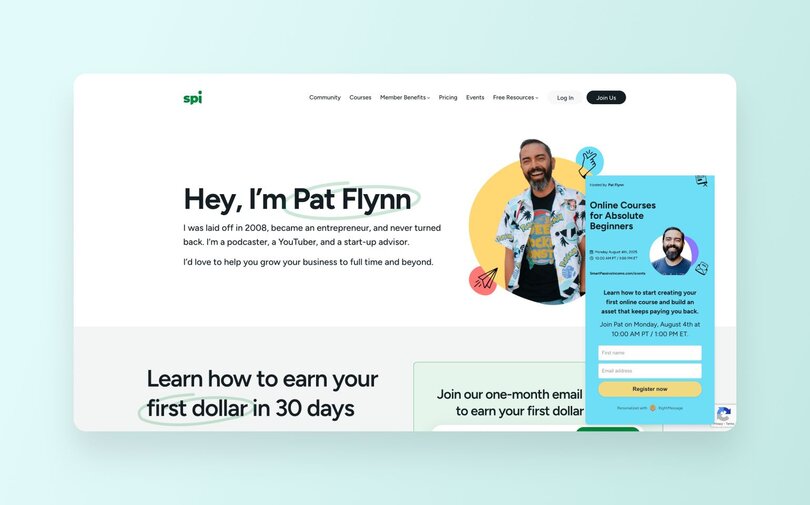
#### Tips to get started with paid live events
- **Pick a bite-sized topic** that signals urgency or transformation. Highlight timely pain points or specific outcomes people want, e.g., “Launch Your First Digital Product in 10 Days” or “LinkedIn for Busy CEOs”.
- [**Use events as a conversation starter**](https://circle.so/blog/virtual-events)**.** Live sessions can help build trust with your target audience. So after each event, ask attendees to join your community for more resources and networking.
- **Repurpose often.** Extend the value of your live session recordings with minimal effort by turning them into replays, mini-courses, or extra content for your paid community members.
| Pros | Cons |
| --- | --- |
| Builds trust and drives engagement | Requires scheduling and promotion |
| Converts well into community or product offers | May need practice or paid speakers to deliver effectively |
### 4\. Affiliate marketing & sponsorships
Once followers trust you, affiliate marketing and sponsorships can be low-effort, high-reward ways to add to your revenue streams. Earn from recommending tools and services you already use and love—or by partnering with brands that are relevant to your niche.
[**Jay Clouse**](https://www.linkedin.com/in/jayclouse/), founder of Creator Science and [The Lab community](https://discover.circle.so/product/the-lab), earns affiliate income by [recommending tools](https://creatorscience.com/toolbox/) he uses, like Circle and Notion. His detailed breakdowns and honest content build trust, and he attracts brand deals via an [open sponsor call on his site](https://creatorscience.com/sponsor/).
#### Tips to get started with affiliate marketing
- **Vet brands beforehand:** Use, reach out to, and deeply research products before recommending them. Authenticity drives conversions—and protects your credibility.
- **Weave** [**affiliate links**](https://circle.so/affiliate-program) **and brand mentions into valuable content 😉:** Don’t just drop links. Show how the product fits into your workflow or solves real audience pain points.
- **Pitch aligned prospects:** Collaborations won’t always fall into your lap, especially at first. Offer member perks, event partnerships, or newsletter placements—so you can earn without cluttering your content.
| Pros | Cons |
| --- | --- |
| Stacks well with other monetization models | Delayed or commission-based payouts |
| Scales with audience size and engagement | Can dilute your brand if misaligned or excessive |
### 5\. YouTube monetization
The [second-largest social network globally,](https://www.statista.com/statistics/272014/global-social-networks-ranked-by-number-of-users/) YouTube gives your content a longer shelf life _and_ high search discovery potential. So, if you enjoy being on camera (or don’t mind outsourcing it), you can earn YouTube dollars through ads, premium viewers, brand deals, and features like Super Thanks, among others.
[Productivity Lab](https://discover.circle.so/product/productivity-lab) founder **Ali Abdaal** started his YouTube journey in 2017. Since then, his channel has garnered millions of subscribers. And, he monetizes through ads, brand collabs, channel memberships, and more.
#### Tips to get started with YouTube monetization
- **Play the long game:** Plan content around keywords and topics your audience is searching for. And check out our [YouTube playbook](https://circle.so/blog/youtube-content-strategy) for more tips.
- **Start with what you have:** You don’t need fancy gear or the perfect setup to start. Clear messaging, valuable content, and a likable on-screen presence go further than perfect lighting or editing.
- **Project your potential earnings:** YouTube monetization varies by niche, geography, and engagement. [Estimate your YouTube earnings](https://circle.so/blog/calculate-youtube-earnings) and plan accordingly.
| Pros | Cons |
| --- | --- |
| Multiple monetization streams in one place | Monetization thresholds can take time to reach |
| Evergreen content with passive income potential | Quality video production can be time and resource-intensive |
### 6\. Instagram/Facebook/TikTok monetization tools
Platforms like Instagram, Facebook, and TikTok have built-in tools for monetizing short-form video and visual content, from Reels bonuses to subscriptions. These tools benefit consistent creators and are often entry-level ways to start earning from content you’re already posting. Brand collabs and sponsored posts also come into play here.
For instance, you can get [content monetization on Facebook](https://web.facebook.com/business/goals/monetize-content) through in-stream ads, Reels bonuses, subscriptions, or Stars (Facebook’s version of tips). To qualify, your account typically needs to meet Meta’s Partner Monetization Policies and engagement thresholds, like having an established presence for at least 30 days.
Over the years, [**Glo Atanmo**](https://www.instagram.com/glographics/?hl=en), a content creator and co-founder of [Life Leap Network](https://discover.circle.so/product/life-leap-network), has leveraged Instagram’s paid partnerships feature to execute brand deals with companies like Avana, Mixtiles, and Delta. She also **earned a whopping $400,000 from her Social Educators Academy**, which she promoted largely on Instagram in 2022.
**What’s more?** She has now [launched a podcast](https://www.goodlifeproject.com/podcast/glo-atanmo-a-life-beyond-convention/) and [begun taking TikTok seriously](https://www.tiktok.com/@gloatanmo?lang=en)—both of which are strategic content monetization bets.
#### Tips to get started with monetizing social presence
- **Check in-app monetization eligibility:** On Instagram or Facebook, go to your professional dashboard and navigate to monetization tools to see available features and requirements. For TikTok, switch to a Creator or Business account, then visit the creator center and open the monetization tab to check eligibility for the creator fund, series, or LIVE gifts. You can also get a general idea of in-app monetization eligibility requirements in the table shared above.
- **Hop on the short-form content train:** Use Reels, TikToks, and Stories to spark interest and drive engagement, then invite people to view your longer content or subscribe to your other (paid) channels.
- **Post consistently:** [Regular, on-brand content](https://circle.so/blog/increase-social-media-engagement#h3-7) builds long-term trust and opens doors to subscriptions, bonuses, brand deals, and predictable earnings.
| Pros | Cons |
| --- | --- |
| Excellent reach and discovery for short-form content | Platform policies and payouts can change anytime |
| Complements paid products and services | Income can be inconsistent |
### 7\. Physical products
Physical items—like merch, books, consumables, or limited-run brand collabs—can become additional income streams beyond [digital products](https://circle.so/blog/digital-product). They’re powerful ways to express creativity, reward loyalty, and offer a new access point into your ecosystem. They can also serve as thank-you gifts or bundled incentives.
[Modern Fertility](https://api.modernfertility.com/) is a company that focuses on sharing reproductive health advice online and generating revenue through the sale of at-home hormone tests, ovulation kits, and specific medications. The brand also runs a [private virtual community](https://ro.co/fertility/community/join/) for support discussions and more resources, illustrating how physical products can complement digital community experiences.
Clearly doing a thing or two (or three!) right, [**Modern Fertility was acquired**](https://techcrunch.com/2021/05/19/ro-acquires-modern-fertility-in-a-reportedly-225-million-deal/) **by healthcare startup Ro for $225 million in 2021**—and has been growing strong ever since.
#### Tips to get started with physical products
- **Focus on audience-aligned products:** Gauge audience interest through polls or pre-orders, from t-shirts with your catchphrases or artwork to productivity tools like journals or vision boards.
- **Don’t over-invest:** Use small-batch or print-on-demand suppliers to test the waters with minimal expenses. Even if you see early traction, err on the side of caution till demand is high and predictable.
- **Combine with other offers:** Bundle merch or other physical products with community or events, like welcome gift bags for new members or signed copies with [membership coupons](https://help.circle.so/p/payments/paywall-setup/create-coupons-for-paywalls) at in-person workshops.
| Pros | Cons |
| --- | --- |
| Boosts brand visibility and emotional connection | Inventory, shipping, or quality control can get tricky and time-consuming |
| Tangible connection with your brand | Lower margins and more logistics compared to digital products |
### 8\. Hybrid models
Most content **monetization models work best when you layer both passive and active earning**, because it allows you to test different models to see what works best for _your_ business. Combining multiple income streams, like free content leading to paid communities or low-cost lead magnets funnelling into a premium newsletter, also reduces your risk if one source fails.
**Anna Tyrie** of [The Conversation Club](https://discover.circle.so/product/the-conversation-club) (English Like a Native) shares free resources—like grammar PDFs and level tests, and guides—on her social media accounts. She then uses them as funnels into her paid courses (one-time payments of between $99 and $399) and membership community ($29/month and $79/quarter).
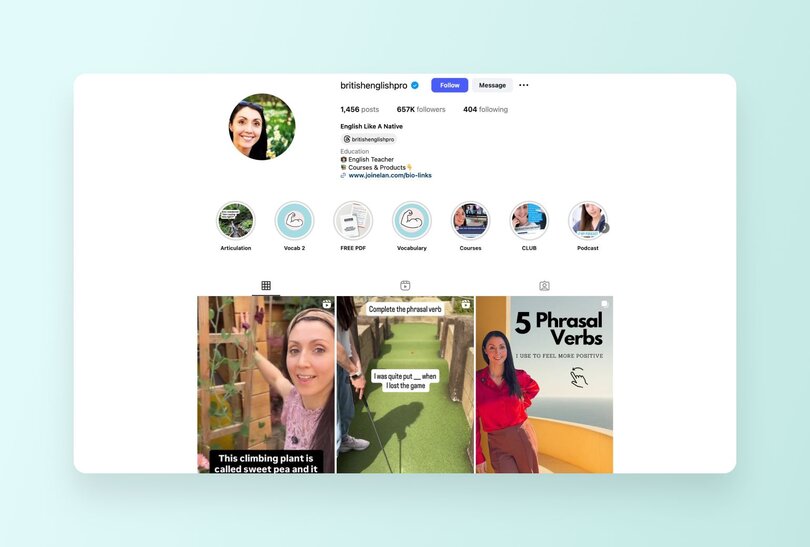
**Note:** Many of the earlier examples also operate hybrid monetization models in various forms.
#### Tips to get started with different revenue streams
- **Map out your free-to-paid funnels:** Plan how free content (like public posts and downloadable templates) can naturally lead to higher-value offerings like [paid courses](https://circle.so/blog/create-online-course), [memberships](https://circle.so/membership), or [events](https://circle.so/blog/virtual-events).
- **Tweak existing content:** Leverage your free content to tease paid offerings. Edit old blog articles, social media posts, and downloads to include premium offer mentions and CTAs.
- **Reiterate continuously:** Constantly review how your different revenue streams work together and double down on content that resonates most with your audience and drives better conversions.
| Pros | Cons |
| --- | --- |
| Flexible and adaptable to creators of all types | Maintaining multiple content types or platforms can be challenging |
| Maximizes income potential | Requires a strategic approach to ensure each income stream supports the others |
## Platform dependency vs. platform ownership
The downside of relying on social media platforms with changing algorithms for your income is instability and burnout. What works today may not work tomorrow. TikTok may get banned. Payment terms might change. And if you’re ill-prepared, you’ll be left scrambling.
Here's a perfect example of [how social platforms can hang you out to dry](https://circle.so/blog/take-community-off-facebook-groups).
Enter owned platforms—channels that are completely yours.
### Why owning your platform = sustainable revenue
Owning your platform (and having direct access to your audience) ensures income _you_ control, and builds a business in a sustainable, reliable way for the long term. You control your content and pricing, and can keep tabs on your audience, without the unpredictability of algorithms or fear of losing your account unexpectedly.
**Community platforms like Circle help you do just that:**
| Platform dependency | Platform ownership |
| --- | --- |
| Reliance on 3rd-party platforms like social media or marketplaces to stay in touch with and monetize your audience | Having your own platform, like a website, email list, community, or branded mobile app, where you control the content, user data, and customer relationship |
| Vulnerability to platform changes, account bans, or algorithm updates | Platform management and content monetization with minimal external restrictions |
| Monetization options largely depend on platform rules and features | Freedom to create your own monetization strategies, custom-designed for your audience |
### How Circle helps you monetize your content (and your brain)
[Circle](https://circle.so) lets you bundle all your revenue streams—tiered memberships, private communities, gated content, courses—under one roof. This flexibility makes it easy to manage and scale your earnings without relying on external platforms.
Take a look at what our customers have to say:
Ready to take your content monetization game from meh to hell yeah?! Circle can help, starting with a [14-day no-strings-attached free trial.](https://app.circle.so/communities/new)
## FAQs about content monetization
What is the easiest social media to monetize?
**Instagram and TikTok** lead the pack thanks to their robust built-in monetization features:- **Brand partnerships** and sponsored content opportunities
- **Creator funds** for qualifying accounts
- **Premium subscriptions** and exclusive content features
- **Affiliate marketing** integration**The reality check:** While these platforms offer quick wins, your earning potential grows exponentially when you **own your audience**. That's where building your own community comes in—no algorithm changes, no account bans, just direct access to your biggest supporters.
Which platform is best to monetize?
**Plot twist:**The best monetization platform is one you actually own.Here's why owned platforms (like Circle communities) beat rented social media space:✅ **Full control** over pricing and content✅**Direct audience access** without algorithm interference✅ **Multiple revenue streams** in one place✅ **No risk**of sudden policy changes or account suspension**Social media = great for discovery. Your own platform = where the real money is made.**
How many followers do you need to monetize content?
**The magic number? There isn't one.**You can start earning with as few as **100-1,000 engaged followers** through:- **Affiliate marketing** (promote products you love)
- **Small-scale sponsorships** with local or niche brands
- **Digital products** like templates or mini-courses
- **Paid community memberships** (your superfans will pay for exclusive access)**Remember:** 1,000 raving fans beats 100,000 passive scrollers every time. Focus on engagement and niche relevance over vanity metrics.
Who is eligible for content monetization?
**Good news:** Almost everyone can start monetizing in some way.**Platform-specific requirements vary**, but generally you need:- **Consistent content creation** history
- **Clean record** following platform guidelines
- **Genuine audience engagement** (not just follower count)
- **Age requirement** (usually 18+ for most monetization features)**Pro tip:** Don't wait for platform eligibility. Start building your own community now—no gatekeepers required.
What kind of content can I monetize?
**Nearly everything** has monetization potential if it provides value:**Educational content:**- Online courses and workshops
- How-to guides and tutorials
- Industry insights and tips**Entertainment content:**- Comedy skits and memes
- Behind-the-scenes content
- Interactive live streams**Utility-driven content:**- Templates and worksheets
- Tools and calculators
- Resource libraries**The only rule:** Keep it valuable, authentic, and compliant with platform guidelines. No harmful, deceptive, or adult content on most platforms.**Bottom line:** If your content solves problems, entertains, or educates—you can monetize it.
---
### The solopreneur’s content repurposing playbook: one video into 10+ posts
*Master content repurposing with this step-by-step playbook. Learn how to repurpose content into 10+ assets and build a sustainable marketing system.*
Source: https://circle.so/blog/content-repurposing-playbook
You’ve poured hours into writing a blog post, recording a podcast, or hosting an event… only for it to vanish into the void after you hit publish. Sound familiar?
The pressure to always create something new to engage your community is draining. You give it your all, and bring your best ideas to the table, yet it still feels like you’re falling behind. Consistency slips, and showing up online starts to feel impossible.
But what if one piece of content could work ten times harder for you? That’s the power of content repurposing. Instead of scrambling for new ideas, build a system that multiplies your impact and transforms a single event, blog, or video into multiple engaging assets.
[Candice Grobler](https://circle.so/partners/candice-grobler) is a Circle Partner and founder of Candid Collab. Through her content, membership, and agency services, she helps solopreneurs build thriving and sustainable online communities.
[Jomiro Eming](https://jomiro.webflow.io/) is a designer and storyteller who creates across branding and events, and shares insights through The Freelance Lab and his AI course for freelancers.
In this playbook, we’ll explore Candice’s repurposing system, shared inside the Circle [customer community](https://circle.so/blog/customer-community), and Jomiro’s method, which he discussed with Candice on her podcast.
You’ll learn how to design your content with repurposing in mind, streamline your editing workflow, and schedule it out like a pro.
## Goal of this playbook
This playbook will walk you through a practical content repurposing strategy that helps your content work harder with less effort from you.
By the end, you’ll know how to:
- Save time by turning one idea into a full content pipeline
- Stay consistent with your publishing schedule, even as a team of one
- Reduce burnout with a repeatable monthly workflow
- Maximize reach by sharing content in different formats for different audiences
- Drive [community engagement](https://circle.so/blog/community-engagement-strategies) with fresh, repurposed assets
Jomiro learned this all the hard way. He used to spend hours writing a newsletter. He’d publish it, share the link on LinkedIn, and then immediately scramble to create something new.
“I was just putting it out as a link and hoping people would read,” he shared on [Candice’s Candid Collab podcast](https://www.youtube.com/watch?v=T5lCttqz_Pg&ab_channel=CandidCollab). “Then I was like, ‘Oh, I need to write another blog post now, ‘cause nothing happened.’”
Once he started to repurpose content, everything shifted. From that same blog, he pulled quotes, designed infographics, and created short posts. One piece of content suddenly became ten, and his [social media audience](https://circle.so/blog/increase-social-media-engagement) started to respond in new ways.
## Step 1: Design your content for repurposing
The easiest way to repurpose content is to plan for it from the start.
That’s what Candice did with her [Scrappy Systems](https://www.youtube.com/playlist?list=PLb2rC90q2GSLAS-Hjr2UNOowC8CUOzN5C) event series. Live attendance was low, so she restructured the format to generate more content on the back end.
“I needed to design an interview-format event with various segments that would allow me to easily cut them out and share them as stand-alone pieces. Kind of like The Daily Show or Stephen Colbert,” she explained.
Here’s what she built into every interview:
- The Scrappy Breakdown: Guest explains their most successful marketing system.
- Steal This System: A quick-fire tactic anyone can try.
- My Scrappy Stack: Three must-have tools in their marketing toolkit.
- Flop or Fix: Interactive advice on real use cases from the audience.
- Top Tips: One key takeaway to close out the session.
Now, instead of sifting through an entire recording for good clips, she already has ready-made segments to cut, share, and reuse.
> 💡 **Plan for “repurposable moments” during recorded events.** Use this template to design your own:
>
> - Segment Name: \[What you’ll call it\]
> - Example Question: \[Prompt or question\]
> - Format: \[Short answer, story, demo, etc.\]
> - Length: \[Approx. minutes\]
## Step 2: Plan your editing workflow
[Hosting the event](https://circle.so/blog/host-community-events) is only half the job. The other half is turning raw footage into assets without losing steam. A content repurposing strategy lets you move straight from recording to publishing with zero guesswork.
One way to do this is by creating a content yield map. This is a simple, visual outline (like a flowchart) that shows how one larger piece of content can be repurposed into multiple assets. It helps you move away from “let’s just chop up the recording and see what happens” into a clear, intentional plan. A yield map makes it easy to see what you’ll cut, where you’ll use it, and why it matters.
> **💡 Draft your “content yield” list _before_ pressing record.** One event can become a podcast, playlist videos, shorts, posts, and more.
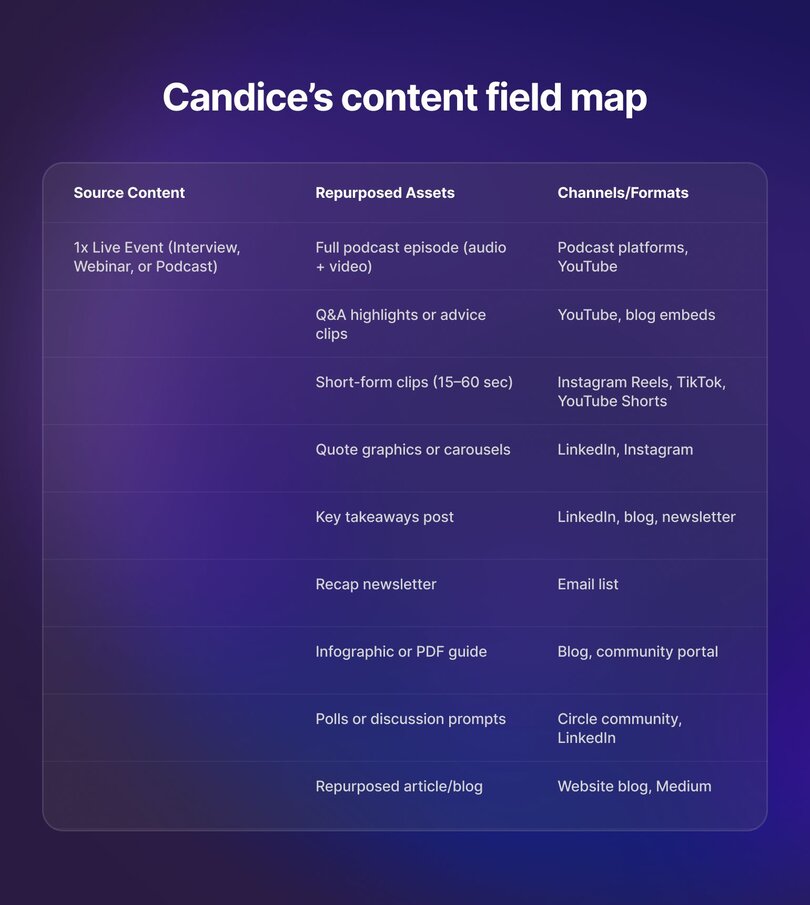
For example, here’s how Candice turns one live event into 11-17 content pieces:
1. Run and record the live event (Candice runs interviews with small business marketing experts)
2. Edit and polish the event recording.
3. Publish the recording as a podcast on YouTube and Spotify → 2 podcast episodes
4. Cut 3–5 key moments into shorter playlist videos. → 3–5 videos
5. Clip highlights into short-form video for Instagram Reels and YouTube Shorts. → 2-3 videos
6. Turn insights into social posts (quotes, graphics, or carousels) for LinkedIn, Instagram, and more. → 3-5 posts
7. Share highlights in a bi-weekly newsletter and blog post. → 1–2 written pieces
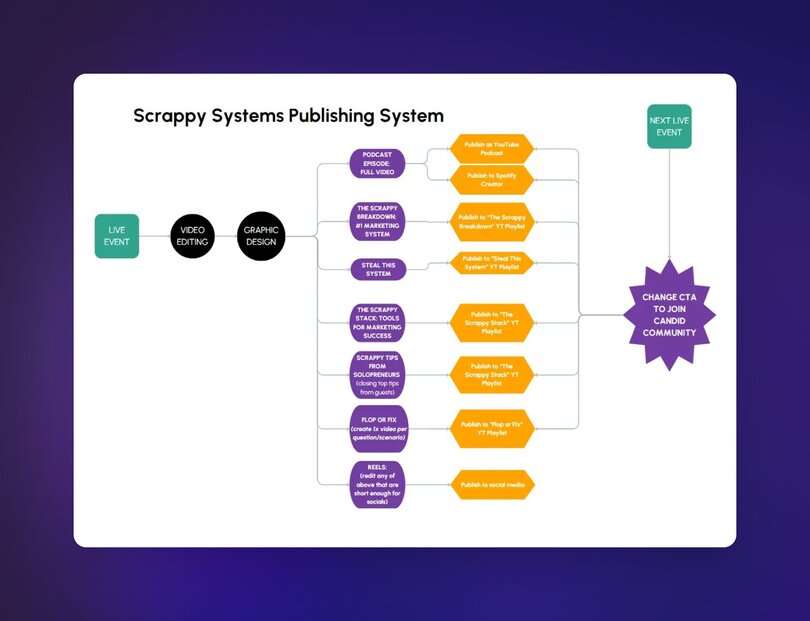
## Step 3: Do the hard work once (editing + design)
The biggest trap with repurposing is dragging the work out over weeks. You edit one clip here, design a thumbnail there, and suddenly, content feels never-ending. The smarter move is to design and package everything you need in one go.
That’s how Candice works. “Currently, it takes me one day to create all the content required from the event for the rest of the month,” she says.
Here’s how her stack works together:
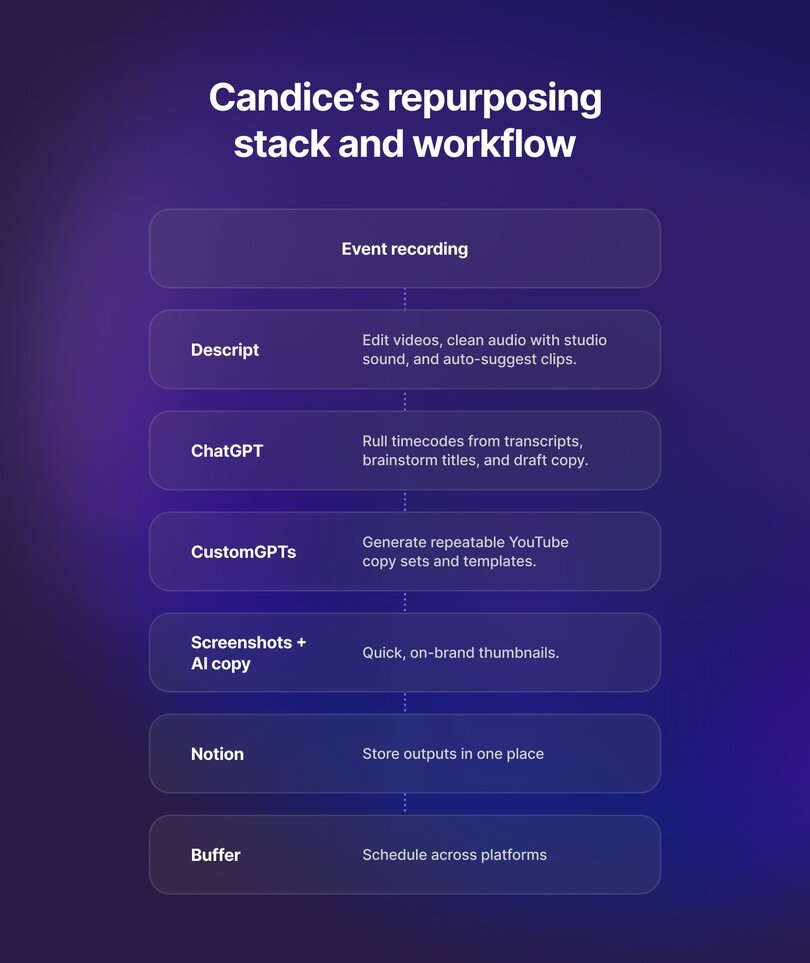
One focused work session gives you weeks of content, so you can spend the rest of your time engaging with your audience.
> **💡** Invest in one content day per month to batch edit, design, and package all of your repurposed assets.
## Step 4: Schedule like a pro
You’ve already batched your editing and design work. Don’t slow yourself down by posting on the fly. Batching your scheduling keeps your head clear and your content consistent.
Jomiro shared that after turning one idea into several pieces, the real stress came from remembering where and when to post them all. Using Buffer, a social media scheduling tool, helps him plan everything in one session, build a clear narrative, and avoid constant context switching.
Candice has a similar approach. She schedules her podcast to launch with a big splash across socials and email, then staggers her segment videos on Tuesdays and Thursdays.
> 💡 Schedule in blocks. Use a social media scheduling tool to line up weeks of content in one sitting. Then test (What worked well? What didn’t?), iterate, and repeat.
## Step 5: Build a repeatable system
When every piece of content fuels the next, you stop scrambling for ideas and start building lasting momentum.
Candice puts it into practice by always planning her next event before publishing the current one. “This allows us to share RSVP details with the event content itself and encourage attendees to join again next time,” she explains.
This approach keeps your community active and your content pipeline full without the constant grind.
> 💡 Use this checklist to turn one event into a flywheel for future engagement. Before publishing:
>
> ✔️ Set the date for your next event.
>
> ✔️ Create a landing page or RSVP link.
>
> ✔️ Share the sign-up link alongside your new content.
>
> ✔️ Track which pieces drive the most [community growth](https://circle.so/blog/community-growth).
>
> ✔️ Repeat the cycle.
## Applying the repurposing playbook as a community manager
Running a community means creating content nonstop. Events, discussions, and member stories pile up quickly, and it’s easy to feel like you’re always producing but never keeping up. A content repurposing strategy helps you turn that stream of community-first content into a steady pipeline that works on multiple channels.
Here’s how to adapt the playbook:
- **Community Events** → Clip highlights, publish recap blogs, create teasers for social, and build FAQs.
- **Member Discussions** → Summarize into best practice guides, weekly digests, or carousel posts.
- **Spotlight Members** → Share wins as graphics, onboarding stories, or short highlight reels.
- **Internal Knowledge** → Repurpose onboarding docs, moderator notes, or templates into public resources.
For example, one monthly AMA could become a podcast episode, three social clips, a recap blog, a “member tip” graphic, and even a snippet to use in [community onboarding](https://circle.so/blog/community-onboarding) flows. With a system in place, community content stops being overwhelming and starts compounding.
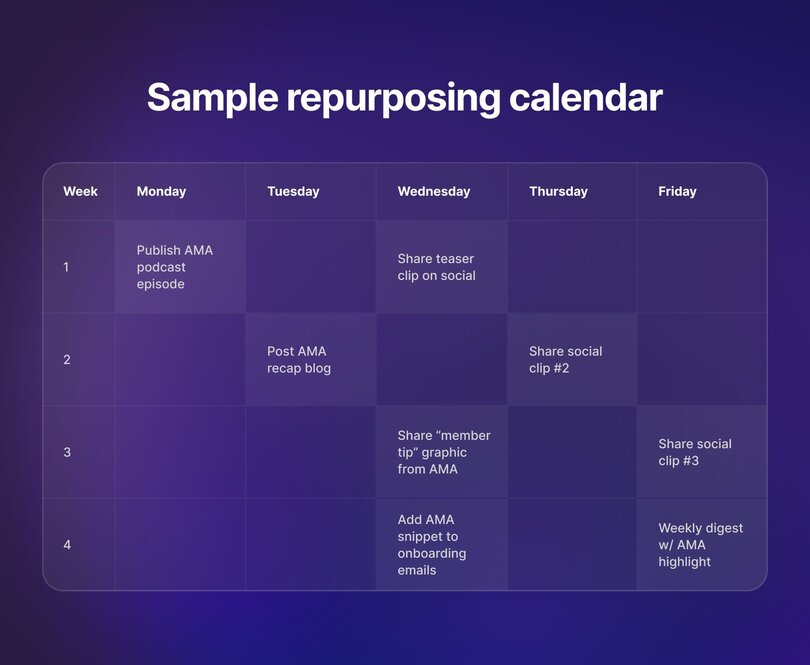
> 🔑 **Advanced repurposing tips from Circle:** Jerod Morris, Customer Success Manager at Circle, suggests a few advanced ways to stretch your system:
>
> - **Niche topic feeds:** publish segments separately or in themed playlists (could even do private member-only feeds!)
> - **Turn episodes into a book:** use AI to compile and edit content into a new format.
> - **Run a “Best Of” series:** reshare top clips to refresh your archive and give yourself a break.
## Bonus repurposing formula – “The Hat Trick” Framework
Sometimes the most challenging part of repurposing is figuring out how to spin one piece into something fresh. Jomiro’s solution? “I generally put on different hats as a first step.” In other words, he steps into the shoes of different audiences to find new ways to reframe the same idea.
For example:
- **The visual learner hat** → Turn your content into a simple graphic or slide with one key takeaway.
- **The data-driven hat** → Highlight statistics, references, or links (like a TED Talk) to back up your point.
- **The thought leader hat** → Pull out three quotable lines that others can share or reference.
Candice adds that you can also wear the hats of your own customer personas or members, asking, What problem would this solve for them? What would make them scroll past?
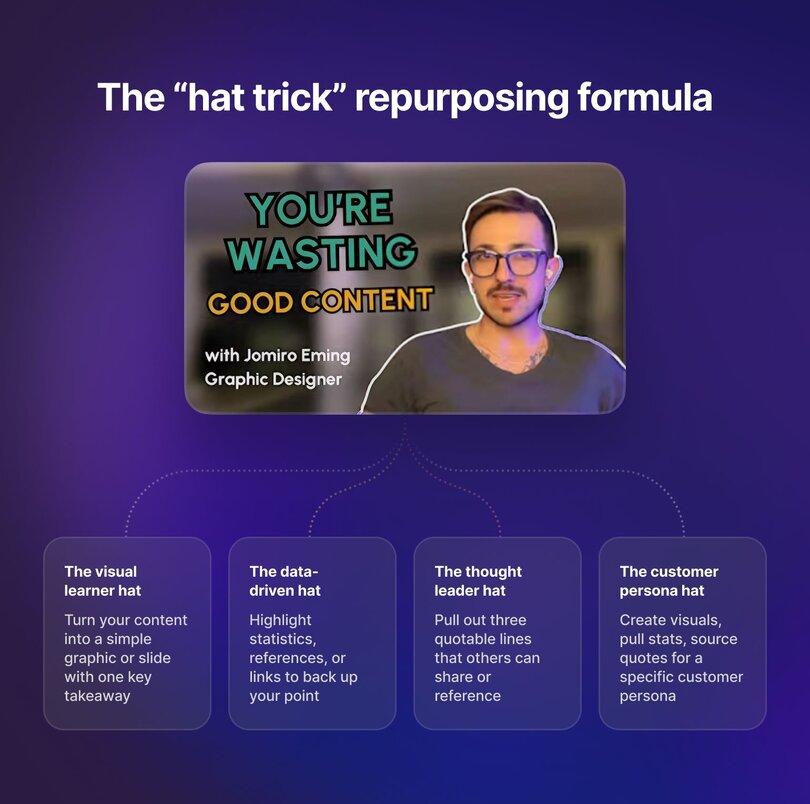
> 💡 Use “hats” as prompts to brainstorm formats. Or ask ChatGPT to role-play as these personas. You’ll get immediate feedback on what hits, what misses, and how to reshape your content for different audiences.
## Tools stack for solopreneurs
The best content systems for solopreneurs is simple, affordable, and repeatable.
That’s the spirit behind Candice’s “scrappy systems” approach. And Jomiro’s workflow proves you don’t need dozens of apps.
Here are their go-to tools for content repurposing:
- **Descript:** Edit video from transcripts, clean up audio, and grab suggested clips for reels.
- **Notion:** An idea bank and lightweight content calendar. “You can collect ideas completely unfiltered and then link them into drafts,” Jomiro explains.
- **ChatGPT:** Pull timecodes and brainstorm titles.
- **Zapier:** Automate tasks, like forwarding client testimonials or newsletters straight into your Notion database.
- **Buffer:** Schedule posts in batches so you’re not context switching all the time.
> 💡 **You don’t need a ton of tools.** Many are free, others in this list max out at $50/month. (If you [host events in Circle](https://circle.so/events), they get automatically transcribed _and_ become searchable within the community.)
>
> That’s all you need to build a repeatable content repurposing system that saves you time without overwhelming your workflow.
## Work with your content, not against it
Most people treat content like a treadmill. They run faster and faster just to stay in place. Repurposing flips that script. Instead of pushing out new ideas every week, you leverage the work you’ve already done, stay consistent without burning out, and build a system that compounds over time.
As Jomiro put it, “Content creation can become such an Everest to summit. To have motivation to continue doing it regularly is really hard.”
Repurposing lightens that climb. Turn a single event, blog, or podcast into graphics, clips, quotes, or summaries that reach more people in different ways.
“I genuinely think everything can be repurposed,” he explained.
> 💡 **Your next step:** Try out this content production system with your next event or post.
>
> Design it for repurposing, plan your edits, batch the hard work, and schedule in blocks. You’ll spend less time scrambling and more time building momentum.
---
### How to create, launch, and scale your online course–in 9 steps
Source: https://circle.so/blog/create-online-course
Got a skill, a talent, or just something you're crazy passionate about? Why not turn that into an online course and get paid while teaching people what you know?
Maybe you’re already teaching and want to reach more people, or maybe you’re starting from scratch. Either way, now is the perfect time to jump in. Online learning is blowing up—by the end of 2025, the industry is expected to hit [$203.81 billion](https://www.statista.com/outlook/emo/online-education/worldwide).
**People are hungry for knowledge, and they want to learn on their own time, from people who walk the walk.**
If you want a piece of this pie, you need to know [how to create an online course](https://circle.so/blog/how-to-create-an-online-course). There are several variables to consider to make yours profitable _and_ valuable to students. Choosing the right topic, a suitable platform, price points, and promotion are all vital to your success.
We've put together a **super practical, no-fluff guide** to creating a course that serves your learners and leaves you feeling fulfilled (while bringing in extra income).
Let’s jump right in!
## First things first, what is an online course?
**An online course** is a structured program designed to teach skills, concepts, or knowledge digitally.
One of the biggest advantages of online courses is their flexibility. Learners can take them while working, pursuing other commitments, or simply to acquire a new skill or deepen their understanding of a subject at their own pace.
These courses usually include:
- Video lessons
- Interactive modules
- Live sessions
- Quizzes or knowledge checks
- Downloadable resources
- Community support
### Types of online courses
Depending on your course topic and how involved you want to be in the day-to-day, you can offer it in different formats:
#### Self-paced courses
In self-paced courses, students learn at their convenience using pre-recorded lessons and materials.
Typically, there is minimal interaction between the course creator and learners. This format is ideal if you prefer a hands-off approach and do not want to be actively involved in managing the day-to-day of the course.
#### Cohort-based courses (CBCs)
Students progress through the course together in a structured, time-bound format with instructor interaction.
A good example of this type of course is [Tiago Forte’s](https://circle.so/blog/building-a-second-brain-membership) cohort-based course, [The Annual Review](https://www.buildingasecondbrain.com/annual-review), which helps participants reflect on their past year and create a strategic plan for the year ahead.
With three pricing tiers, the program offers a mix of live and recorded sessions, structured templates, and an interactive Circle community, ensuring both flexibility and accountability for learners at different levels.
👉 Check out our in-depth guide on [how to launch a cohort-based course](https://circle.so/blog/cohort-based-courses) and succeed with it!
#### Mini-courses
The cue is in the name. These courses are laser-focused on solving one specific problem, like building a personal brand on LinkedIn or learning how to swing a golf club in under 30 days.
Take [Channel in a Weekend](https://discover.circle.so/product/24-lead-magnet-bundle), for instance. This mini-course from [Karin Carr](https://discover.circle.so/c/karin-carr) helps real estate pros set up a YouTube channel that actually attracts clients—in just 48 hours. With step-by-step instructions, ready-to-use templates, and quick video tutorials, it cuts through the guesswork so students can launch a polished, lead-generating channel fast.
A mini-course can be your sole offer, or you can use it as a low-cost offer to introduce students to your teaching style before leading them into a more comprehensive program.
#### Masterclasses
A masterclass is a high-level, expert-led standalone session or series of lessons that provide deep insights, advanced strategies, and real-world applications in a specific subject. It’s mainly targeted at learners who want to gain insider knowledge, applicable strategies, and to refine their expertise.
## How to create an online course and monetize it in 9 steps
Now, let’s get into the nitty-gritty. Here’s our A-to-Z guide to help you launch a profitable online course (and avoid rookie mistakes).👇
### 1\. Choose the right topic
Nine times out of ten, the topic for your course will come from your passion for a particular subject or your professional experience. But if you’re unsure, we recommend the [Ikigai exercise](https://www.goodreads.com/book/show/36073585-ikigai)—a tried-and-true Japanese method for discovering your purpose in life.
While your course may not be your reason for living, the method can still be helpful. Ikigai invites you to explore what lies at the intersection of four key elements: your **passion, mission, vocation,** and **profession.**
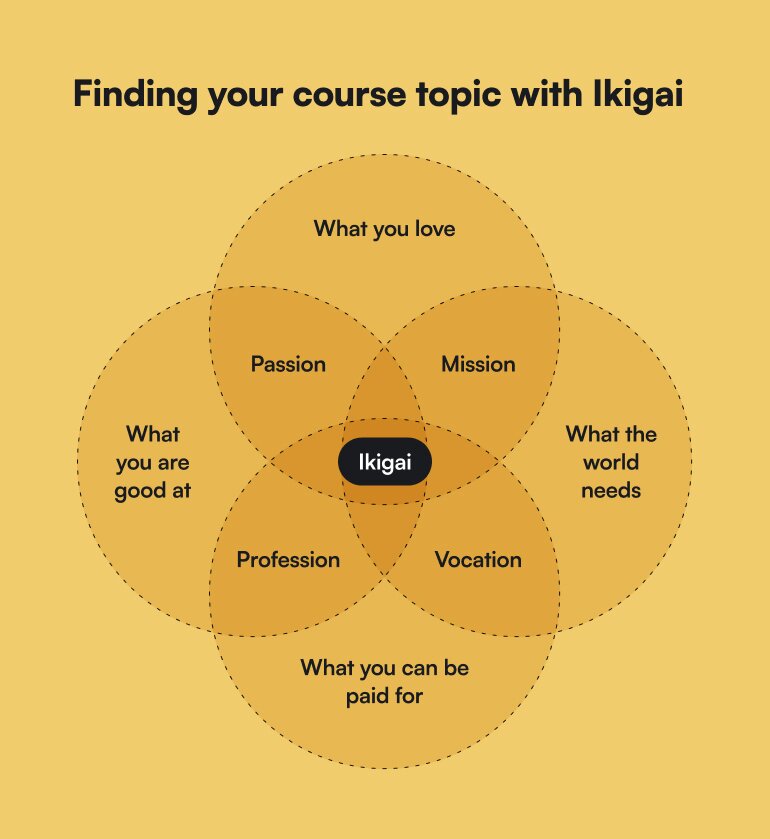
⭐ **Passion:** What are you good at? What do you enjoy doing?
⭐ **Mission:** What does the world need? How can you use what you love to do to fulfill a need?
⭐ **Vocation:** How can you turn your mission into something you can be paid for?
⭐ **Profession:** How can you monetize your passion?
If you consider these overlapping questions, you should find **your topic lies at the center.**
Obviously, don’t do this exercise in isolation. Reflect on your credibility and expertise. Think about what you’re known for and what value you can add to others. Examine market and user needs, and problems you may be capable of solving.
Also, make sure your topic isn’t too wide. **Codie Sanchez**, serial entrepreneur and CEO of [Contrarian Thinking](https://contrarianthinking.co), always emphasizes the importance of [niching down](https://circle.so/blog/how-to-find-your-niche). And she’s spot on! Focus on what you actually know, and you’ll build a community that gives a damn, a course that’s worth a damn, and a business that thrives.
### 2\. Validate your idea
Before you go all in on creating your course, take a sec to make sure there’s demand. Because without interest, selling it will be tricky—unless you’re just doing it for fun or as a passion project!
There are several tools you can use to gauge demand.
One of the easiest is [Google Trends](https://trends.google.com/trends/). Simply enter your course topic and analyze its search volume over time. To get a clearer picture, **filter by 90 days or 12 months** to see if interest is stable, seasonal, or growing.
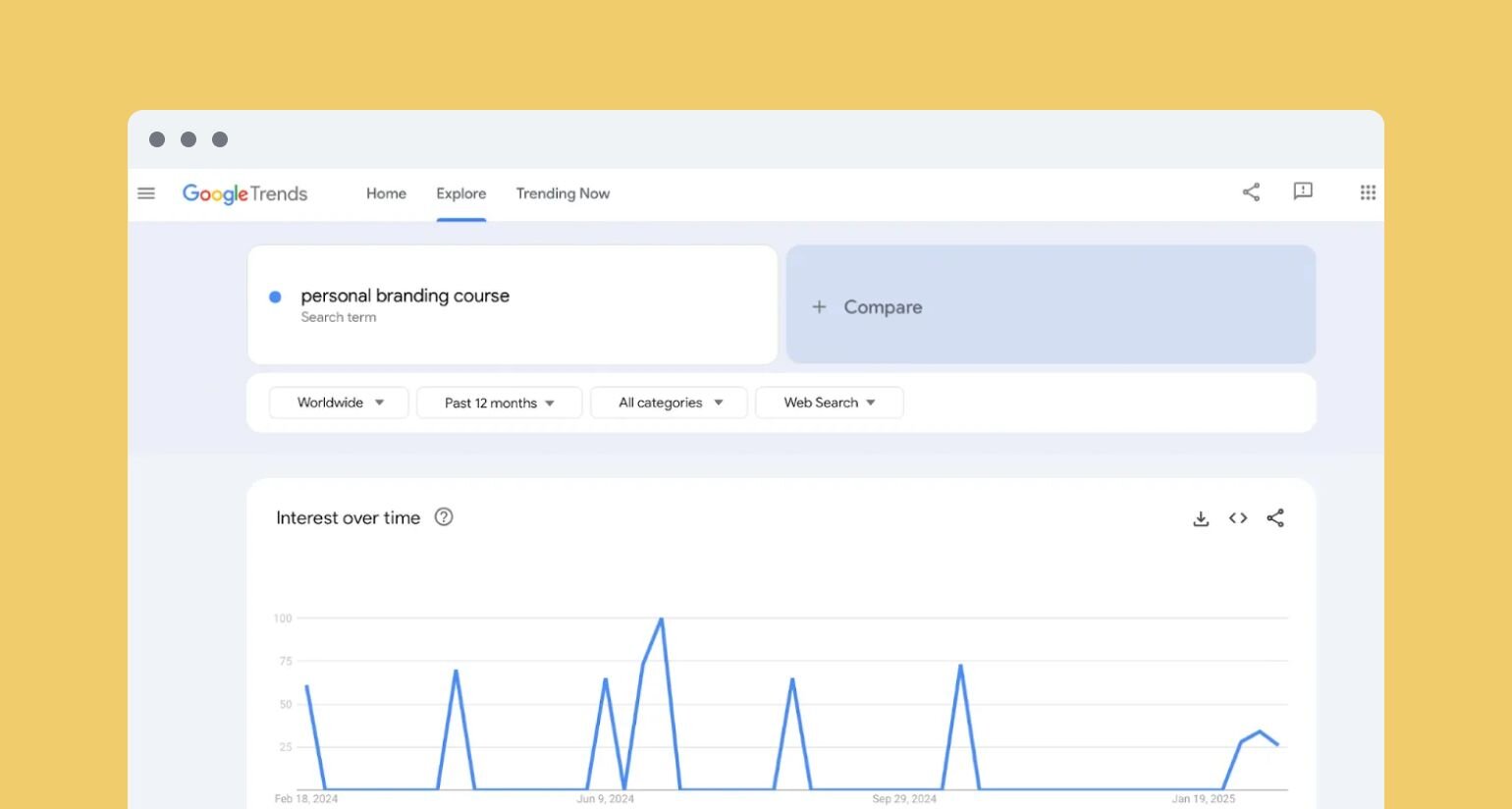
Another handy tool is [Semrush](https://www.semrush.com/). While it’s traditionally used by marketers for keyword research, it can also help you gauge demand for your course topic, just like Google Trends.
With its **Keyword Overview tool**, you can:
✅ See how many people search for your topic each month.
✅ Discover related keywords to explore alternative course angles.
✅ Analyze competition.
Semrush offers a free account with **up to 10 keyword searches per day**, which is plenty for a basic research session. Just sign up, head to Keyword Overview, and type in your course topic.
For example, let’s check the demand for a _"video editing course."_ As you can see, it gets 2,900 searches per month.
Another topic, _"online dog training course,"_ has 1,300 searches per month.
Other ways to test the waters:
- **Talk to your target audience:** Talk to potential students through social media, newsletters, or communities to understand if they’d be interested in your course.
- **Search your course topic on Reddit or Quora:** Dive into discussions on these platforms to see what questions people are asking and what problems they’re trying to solve.
- **Check your competitors:** Browse through popular online course platforms to see if similar courses exist. If competitors are successfully selling a course on your topic, it’s a sign there’s demand—just find ways to make yours better.
- **Test with an MVP, webinar, or mini-series:** Create a stripped-down version of your course—this could be a live webinar, a short video series, or a beta version. Promote it to your audience and gather feedback.
### 3\. Outline your content
Once you’ve validated your idea, it’s time to outline and structure your course in a way that makes sense for your students. And works with your topic.
#### Choose your course format
The first step is choosing your course format. Here’s what works best for different types of topics—and why! 👇
| Course type | Best for | Examples | ~Time to create |
| --- | --- | --- | --- |
| Mini-course | | | |
| Masterclass | | | |
| Multi-day/week/month course | | | |
| Self-paced course | | | |
| Cohort-based course | | | |
#### Focus on student absorption
You also have to think about students’ ability to take in course material.
If you feel tempted to pack in as much content as possible because students are paying, don’t!
[Studies show](https://onlinelibrary.wiley.com/doi/epdf/10.1207/s15516709cog1004_4) that most information loss happens **within a month,** not because students forget entirely, but because new material overwrites the old. When a course is too dense, students _might feel_ like they’re learning, but without reinforcement, most of it fades fast.
**To prevent cognitive overload:**
- **Limit information density:** Stick to 3 to 5 key points per lesson to match how much working memory can handle at once.
- **Use diverse teaching methods:** Mix visuals, audio, and interactive activities to engage different learning styles and reinforce concepts.
- **Give guided summaries:** At the end of each lesson or module, provide a quick recap of the main takeaways. That way students can consolidate what they’ve learned without having to sift through the entire lesson again.
### 4\. Select a platform
Once you've chosen your topic and decided on a format, the next step is finding the right hosting platform. The best tool for you will depend on your course's scale, your audience's needs, and the type of content you’re offering.
Let’s take a look at some examples.
#### All-in-one course platforms
All-in-one course platforms enable you to build your course and community in one platform. Some popular platforms include:
- [Circle](https://circle.so)
- Teachable
- Thinkific
#### Online course marketplaces
Online course marketplaces will host your course in a catalog of courses that learners can browse through. The biggest names in this category are:
- Udemy
- Coursera
- Skillshare
- LinkedIn Learning
#### Standalone course platforms
These platforms are great for smaller creators, offering everything you need to create, sell, and market courses in one place. Popular options include:
- Podia
- Kajabi
- LearnWorlds
### 5\. Create the course content
Creating your course content is the toughest part—hands down. Do this👇
#### Structure your course in a logical way
The most basic setup for any course? Build it around modules and lessons.
**Modules = The big picture.** Each module should focus on a key stage of the learning journey. Think of them as “chapters” of a book.
**Lessons = The building blocks.** These break down concepts into bite-sized, digestible steps that keep learners moving forward.
Say, you’re running a course "How to Land a Five-Figure Freelance Copywriting Deal in Under 30 Days." This is how you’d structure your content:
| Module | Lesson |
| --- | --- |
| Module 1: Laying the Groundwork for High-Paying Clients | |
| Module 2: Finding and Pitching High-Paying Clients | |
| Module 3: Delivering and Scaling for Long-Term Success | |
#### Define clear learning objectives
Without clear learning objectives, your course is just a content buffet—students will grab what they like but leave without a full meal. **You need to guide them toward a specific result.**
**What makes a great learning objective?**
- **Actionable** – Use verbs like “implement,” “analyze,” and “create,” instead of “learn about” or “understand.”
- **Measurable** – The objective should have a clear way to track progress or assess success. Ask yourself: _How will students prove they've learned this skill?_ This could be through a quiz, a completed project, a written response, or successfully applying the concept in a real-world scenario.
- **Relevant** – Does it help them achieve the transformation they signed up for? If not, ditch it.
#### Determine the appropriate content format
The way you present your course matters just as much as the content itself. The right format can make learning easier, more engaging, and more memorable. So, take a moment to think about what you're teaching and how your students will best absorb the information.
**Here’s a breakdown to help you decide:**
- **Videos** (live or pre-recorded) → Best for demonstrations, personal connection, and visual learners.
- **Text guides** → Great for step-by-step instructions, deep dives, and those who love to read.
- **Quizzes & assignments** → Keep students engaged and make sure they actually get it before moving on.
- **Interactive activities** → Like worksheets, group discussions, or hands-on projects to lock in what they’ve learned.
The golden rule? Mix them all up!
#### Get people to finish your course
Lastly, people will need a little push to actually complete your program. Use these tactics to make it a bit more fun and keep your learners motivated:
**🔥 Progress tracking:** If people don’t see progress, they’ll lose interest fast. Give them clear tracking—percentages, or checklists, or “X lessons left” reminders.
**🏆 Achievement milestones:** Break the journey into wins with badges, certificates, or shoutouts.
**🎮 Gamification:** Make it interactive with quizzes, challenges, or rewards.
### 6\. Set goals and pricing: How much to charge for your online course?
Pricing your online course can feel overwhelming. Charge too much, and you worry no one will buy. Charge too little, and you risk undervaluing your expertise. So, where do you start?
#### Define your core offer
Instead of pulling a number out of thin air, begin with your [core offer](https://circle.so/blog/building-a-core-offer)—a concept that [Ali Abdaal](https://discover.circle.so/c/ali-abdaal), creator of [Part-Time YouTuber Academy](https://academy.aliabdaal.com/part-time-youtuber-academy) and [Productivity Lab](https://discover.circle.so/product/productivity-lab), swears by. The core offer is the transformation or outcome your course provides. The clearer and more impactful the result, the more confidently you can **position it as a premium product.**
Ali argues that higher ticket pricing works best when you position yourself as premium. If your course **teaches a high-income skill, helps people start a business,** or **offers exclusive mentorship,** you can price it accordingly.
On the other hand, if your course serves as an entry point to your business—perhaps as a lead magnet or a stepping stone to a higher-priced program—it may make sense to price lower to attract more students and build trust.
#### Factor in costs
While pricing should reflect value, it also needs to cover costs. Many course creators underestimate expenses, leading to razor-thin margins.
Consider:
- **Course platforms:** $30–$400/month
- **Freelance video editor:** $50–$150/hour
- **Freelance graphic designer:** $50–$100/hour
- **Marketing & ads:** $500+ per campaign
- **Software & equipment:** Cameras, mics, and editing tools add up fast
#### Choose a pricing model that works
You should also ask yourself: _Where does this course fit into my business?_
- Is it your primary revenue driver?
- A lead magnet?
- Part of a membership?
**To illustrate, here’s how different price points impact revenue:**
| Course price | # of Students | Sales revenue |
| --- | --- | --- |
| $25 | 400 | $10,000 |
| $50 | 200 | $10,000 |
| $100 | 100 | $10,000 |
| $250 | 40 | $10,000 |
| $500 | 20 | $10,000 |
A $25 course might seem more accessible, but you’d need 400 students to hit $10,000—versus just 20 students at $500. Lower prices mean more volume, but are you prepared to support that many students?
And **don’t assume cheap = more sales**. Potential buyers may see a cheap course as low value. Plus, marketing a $50 course often takes just as much effort as marketing a $500 course. So, why not price it higher?
By the same token, if you’re providing an introductory course, you might want to maintain a lower price. Research what other course creators charge for similar courses to get some insights.
💡 **Expert tip:** Presell your course to validate demand before investing heavily in production. If people buy at your target price, you’re on the right track.
### 7\. Launch and promote your course
Once you’ve chosen your platform and created your content it’s time to launch. Circle Contributor [Gwyn Wansbrough](https://www.gwynwansbrough.com) recommends cultivating an interest list and giving them early access in a pre-launch.
For your official launch, promote everywhere you can. Wansbrough suggests pushing outside your established community to attract “fresh eyes”. Early access for your existing community is great for building loyalty, but remember you need to grow.
Other ways you can promote include:
- Webinars
- Podcasts
- Social media
- Mailing lists
Also, familiarize yourself with SEO tactics to drive leads to your course landing page through organic searches. Optimizing your content can help you tap into new markets outside your usual niche.
### 8\. Gather feedback and testimonials
Your students’ feedback is pure gold. It helps you improve your course and acts as social proof to bring in more enrollments.
But great testimonials don’t just appear out of thin air—you need a system. That’s why it’s a good idea to embed feedback into your course experience to build a feedback loop:
✅ **Kickoff survey:** Ask students what they hope to gain from the course.
✅ **Mid-course check-in:** Ask a simple _“What’s your biggest breakthrough so far?”_ or sprinkle in pop-up surveys like, _“Are you enjoying this lesson?”_ or _“How would you rate this module?”_ to see what’s working and where students might be struggling. If possible, jump in right away to offer extra support—it’ll help keep small hiccups from turning into bigger roadblocks later. By the way, our tool, Circle, can help you with this thanks to its [automated workflows](https://circle.so/workflows) that can send a personalized outreach message to your students.
✅ **Post-course wins:** Follow up with students 1-2 weeks after completion and ask what results they’ve achieved. While you’re at it, see if they’d be up for writing a quick testimonial—or even recording a short video about their experience.
Also, consider giving students **course completion certificates**. It’s a nice touch and gives them something to share on LinkedIn or Instagram—aka, free exposure for your course.
At the end of the day, you want your students to feel proud of their progress—and excited to spread the word about your course.
Circle Partner [Rachel Starr](https://rachelbusinesscoach.com) shares a practical video on automating certificate creation with Canva. Check it out below!
### 9\. Build a learning community
If you wanna build the best online course (and let’s be real, why wouldn’t you?), you gotta create a community.
Unlike in-person classes, online learning can get isolating. Without peers to check in with or bounce ideas off, it’s easy to feel disconnected—and that can make it harder to finish the course.
Studies on MOOCs (Massive Open Online Courses) [show that social learning](https://link.springer.com/article/10.1007/s10639-020-10362-6)—basically, learning with and from others—helps more people stick with courses and complete them.
A platform like [Circle](https://circle.so) makes it easy to create that kind of space, helping students stay connected and motivated.
It’s an all-in-one community platform that brings discussions, live events, courses, and direct messaging together in one place. Instead of juggling multiple tools, you can create a seamless learning experience where students connect, ask questions, and engage with your content—without ever feeling isolated.
Circle makes it easy to organize discussions, host live Q&As, set up private group spaces, and monetize your community with paid memberships or subscriptions. With built-in integrations and custom branding, you can shape your community to fit your course’s unique needs.
#### Real course-creator case studies
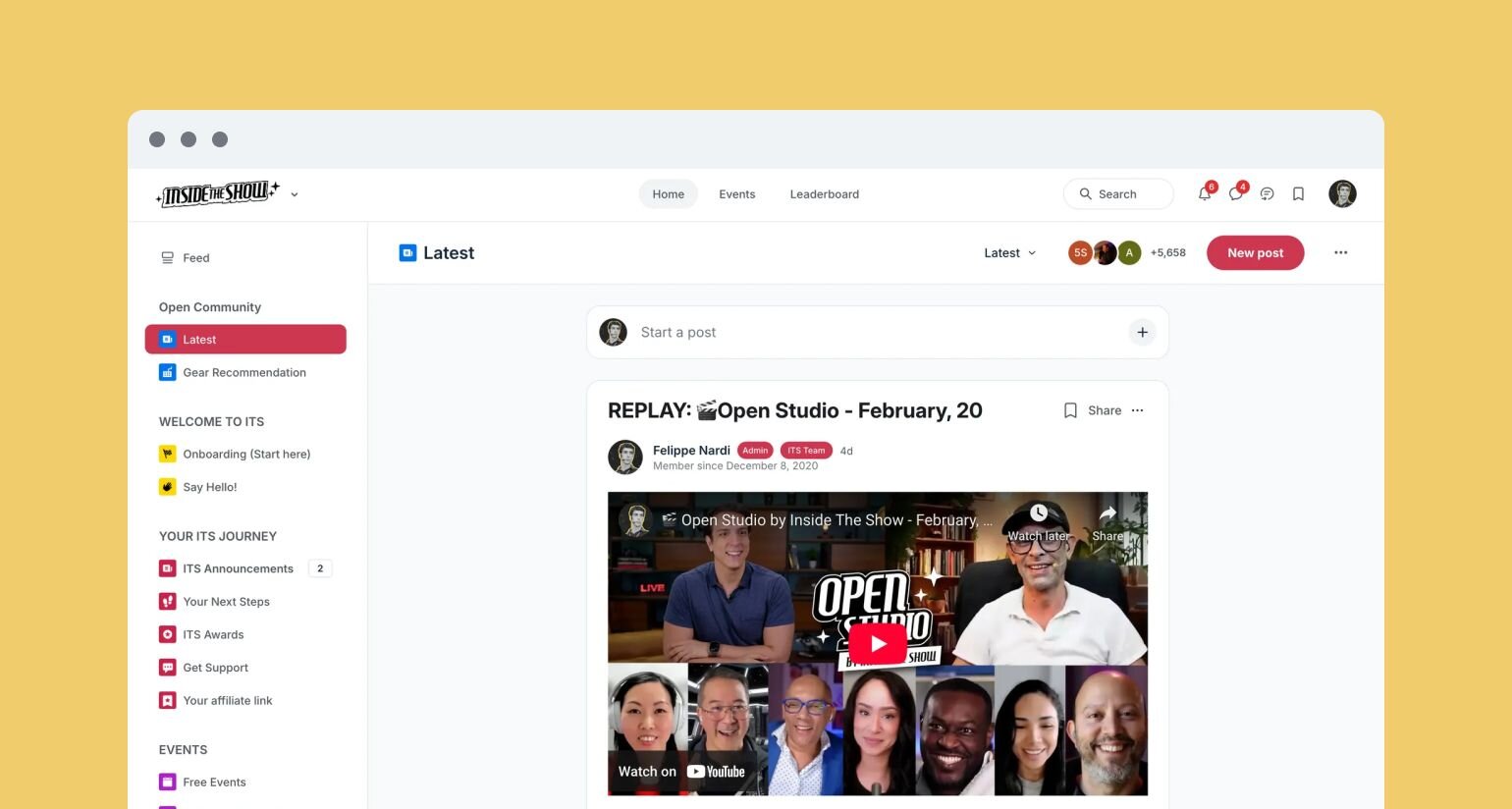
[Felippe Nardi](https://circle.so/blog/membership-funnel-strategy), founder of [Inside The Show](https://discover.circle.so/product/inside-the-show-with-felippe), built a thriving community for presenters, coaches, and creators looking to master virtual sessions. Using Circle, he created a week-long interactive masterclass that gave potential members a real taste of the community experience before committing. This strategy led to a six-figure course launch, with **50% of seats sold before enrolment even opened**, and a growing membership of over 2,000 people from 55 countries.
Similarly, [Isaac French](https://discover.circle.so/c/isaac-french), founder of [Experiential Hospitality,](https://discover.circle.so/product/experiential-hospitality-masterclass-community) started with a standalone course for short-term rental hosts but quickly realized his audience needed more than just lessons—they needed a network of peers. With Circle, he transformed his offering into an interactive membership community, complete with live deep dives, structured discussions, and direct mentor access. This shift resulted in **over $500K in course sales.**
At the end of the day, learning is better when it’s shared. Circle helps you build that space, keeping students engaged and connected every step of the way.
## Common mistakes to avoid when creating an online course
Creating a course is exciting, but making one that actually sells and helps students succeed is a different game.
Many first-time course creators make mistakes that hurt engagement, completion rates, and credibility. **Avoid these pitfalls:**
- **Failing to set clear learning objectives:** Your students want to know what they will learn by the end of your course. That’s your promise, and you need to spell it out as clear learning outcomes. Make them specific, like: _“By the end of this course, you’ll be able to launch your first Facebook ad campaign with a $10/day budget.”_
- **Making it too passive:** If your course is just videos and slides, students will tune out. People learn best when they actively apply what they’re learning through exercises, real-world projects, and downloadable workbooks. If your course is live or cohort-based, you can also use breakout discussions, peer reviews, office house, or Q&A sessions.
- **Overlooking production quality:** Does your course audio sound like it was recorded underwater with a '90s-era mic? Instant engagement killer! Prioritize clear audio—even a basic external microphone can make a significant difference. If you're on camera, ensure a well-lit, distraction-free setup.
- **Inadequate testing and feedback:** Don’t launch without feedback. First, test a mini or beta version of your course. Invite a few people to try it for free or at a reduced fee. Their insights will help you spot areas for improvement before the big launch. Also, test the platform that hosts your course. Make sure everything works—modules load, downloads function, and videos play without issues.
- **Ignoring accessibility and usability:** Make your course accessible to all learners by adding captions for videos, providing downloadable transcripts, and using clear, high-contrast visuals.
## Over to you
Now you’ve decided on what to include in your course, where to host it, how to price it, and how to launch it, what are you waiting for? Share your knowledge loud and proud.
**And if you’re looking for a community platform that doubles as a course creation tool**—you’re in the right place.
[Circle](https://circle.so) brings together your members, discussions, events, courses, and content—all in one place, under your own brand. Plus, you get access to our customer community full of handy resources and over 13,000 community builders on the same journey as you.
[Start your free 14-day trial today!](https://app.circle.so/communities/new)
---
### Creator economy statistics for 2026: where the money's moving
*Get a pulse on current creator economy statistics and trends to help you grow an engaged community and build more predictable revenue in 2026 and beyond.*
Source: https://circle.so/blog/creator-economy-statistics
A new era of the creator economy is taking shape in 2026. [Digital creators](https://circle.so/blog/digital-creator) are rapidly professionalizing, operating as solo entrepreneurs, diversifying income beyond sponsorships, and adopting AI to manage operations. As burnout and attention scarcity reshape member behavior, **community-led business models** and **owned memberships** are emerging as the most sustainable foundation for creator income.
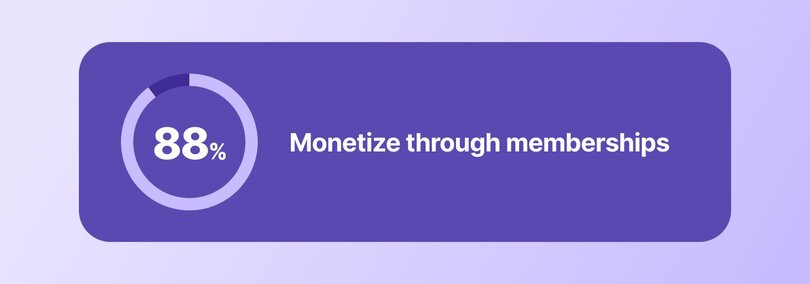
**2026 creator economy stats at a glance:**
- **48%** of creators run everything themselves
- **88%** of community builders monetize with memberships
- **67%** of members discover communities via social platforms
- **69%** say member transformation is their top growth strategy
(Source: [2026 Circle Community Trends Report](https://circle.so/2026-community-trends-report))
## Key creator economy statistics for 2026
How big is the creator economy in 2026? Big, fast-growing, and increasingly shaped by how creators build owned businesses rather than how large their audiences are.
At the macro level, the global creator economy was valued at roughly **[$200 billion in 2025](https://www.coherentmarketinsights.com/industry-reports/global-creator-economy-market)** and is projected to grow at a **22.7% compound annual growth rate**, putting it on track to **surpass $800 billion by the early 2030s**.
Circle’s data from the Trends Report shows that a growing share of this expansion is happening inside **community-led, owned platforms**, not solely on social networks. Circle now supports **18,000+ active communities**, underscoring a steady migration toward spaces where creators control access, monetization, and member relationships. For many creators, communities are no longer a side project or a nice-to-have extension of branding.
**They’re _the whole business_.**
This shift is both recent and accelerating. **56% of creators** launched their community in the last couple of years (2024–2025), indicating that community-building has become a near-default move for newer creator businesses rather than a late-stage optimization.
Interestingly, scale is not the defining factor. **44% of communities** have between 1 and 100 members, showing that much of this growth is happening at a smaller scale. Many of these communities are intentionally designed to stay small, while prioritizing retention, outcomes, and recurring revenue over rapid audience expansion.
Taken together, the data points to a creator economy increasingly shaped by connection, not attention. Growth is concentrated inside [small, intentional communities](https://circle.so/blog/inside-transformational-communities) where belonging, transformation, and recurring value matter more than reach.
## How many creators are there in 2026?
Pinning down an exact count of “creators” in 2026 is difficult, largely because the role itself has fractured into multiple operating models. What the data does show, however, is how creators are organizing their work and where economic activity is concentrating.
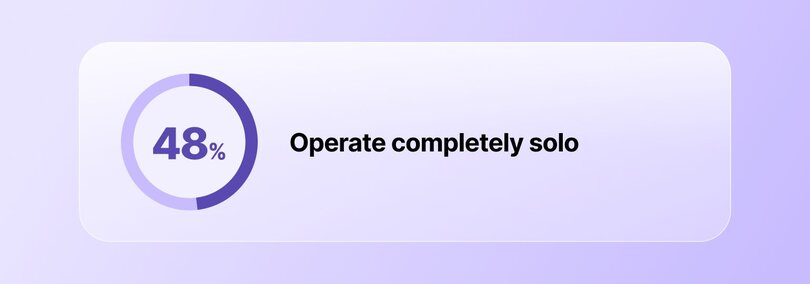
Our survey responses point to **three dominant creator archetypes**:
- **48% operate as solo creators**, running their communities, content, and monetization alone
- **19% lead small, community-focused teams**, often blending content, operations, and member support
- **15% work as hired [community managers](https://circle.so/blog/community-manager-skills) or strategists**, embedded within creator-led or [brand-led communities](https://circle.so/blog/brand-community)
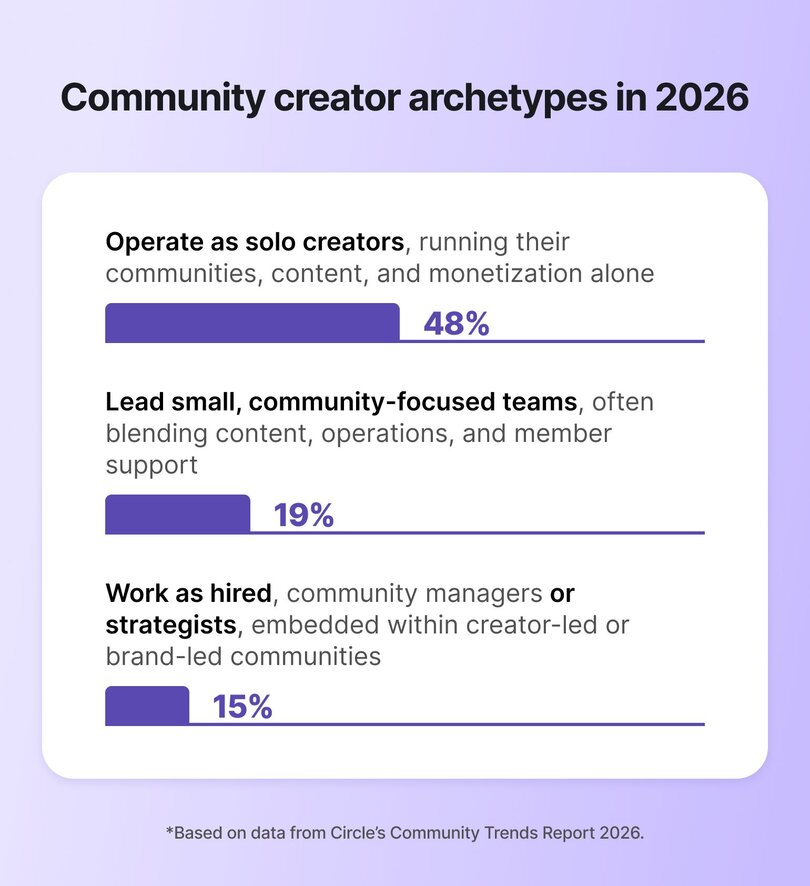
The most interesting finding is that creators are no longer functioning solely as [content producers](https://circle.so/blog/become-a-content-creator). They’re increasingly responsible for:
- [Marketing](https://circle.so/blog/community-marketing)
- Revenue generation
- [Member engagement](https://circle.so/blog/community-engagement-ideas) and experience
- [Tooling](https://circle.so/blog/creator-tech-stack)
- [Long-term retention](https://circle.so/blog/member-retention)
Community-led business models accelerate this shift by making creators directly accountable for outcomes beyond reach and engagement. As a result, the traditional boundaries between **creator, founder, and operator** are being blurred.
In other words, solo creators increasingly function as full-stack operators, overseeing [monetization](https://circle.so/blog/content-monetization), member lifecycle design, and [analytics](https://circle.so/blog/community-analytics). As communities shift from nice-to-have to core revenue assets, creators are looking to build small teams to support growth. The rise of formal community roles reflects a broader maturation of creator businesses and their growing operational demands.
## How do creators make money in 2026?
Creator monetization in 2026 is increasingly anchored in **owned, recurring revenue**, rather than platform-dependent income streams. Our survey data shows a clear pattern in how creators generate income today:
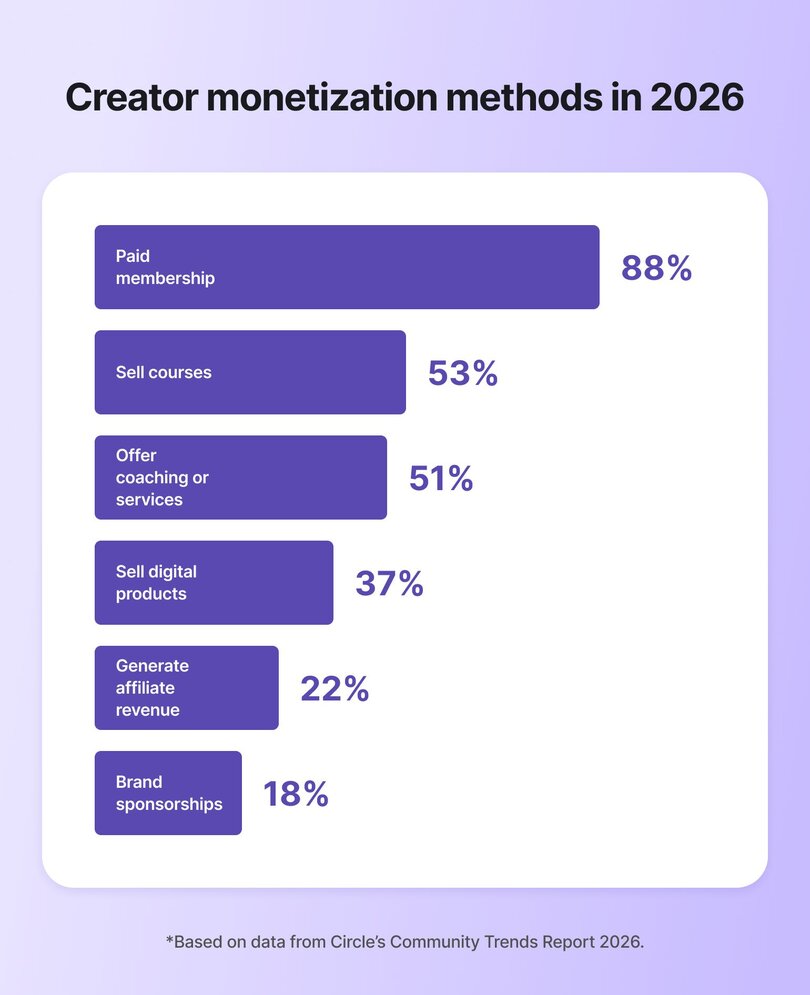
- **88%** monetize through [paid memberships](https://circle.so/blog/membership-site)
- **53%** sell courses
- **51%** offer coaching or services
- **37%** sell digital products
- **22%** generate affiliate revenue
- **18%** earn from sponsorships
The ordering itself is instructive. Recurring, community-based revenue now sits at the center of creator business models, while sponsorships and affiliate income play increasingly peripheral roles.
Last year’s [Circle data](https://circle.so/2025-community-trends-report) reveals that just **54% of creators** offered paid memberships and **41%** relied on recurring subscriptions, alongside a wider mix of one-off products, services, and brand deals. In 2026, memberships have moved from _one monetization option among many_ to the primary revenue foundation for most community-led creator businesses.
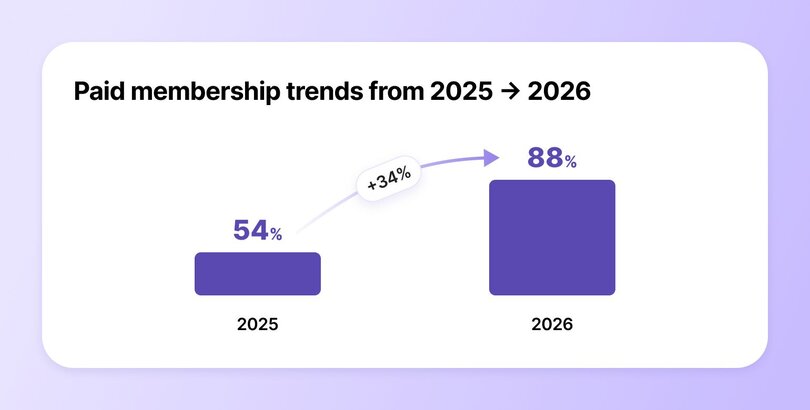
Speaking of pricing, most communities (32.9%) charge between $26–$50 per month, positioning memberships as accessible purchases rather than massive financial commitments. As a result, creators are able to support predictable monthly revenue while leaving room to layer [higher-ticket offers](https://circle.so/blog/offer-flywheel), such as [courses](https://circle.so/blog/create-online-course) and [coaching](https://circle.so/blog/how-to-start-a-life-coaching-business-online).
Overall, the data speaks volumes: there’s a clear shift from transactional monetization to systemized revenue design. Creators are optimizing for stability first, then layering growth through higher-touch offers as trust compounds.
## Which creator monetization models are growing fastest?
In 2026, the fastest-growing [creator monetization models](https://circle.so/blog/how-to-monetize-a-community) are those that **compress the distance between value creation and value capture**. Rather than optimizing for audience expansion, creators are increasingly optimizing for measurable outcomes, repeat engagement, and predictable cash flow.
Survey data shows that **69% of creators** now prioritize [member transformation](https://circle.so/blog/inside-transformational-communities) as their primary driver of retention and growth. This signals a structural shift: revenue growth is no longer correlated with content frequency or reach, but with a community’s ability to deliver tangible progress. Models that support clear outcomes naturally support higher retention and longer customer lifecycles.
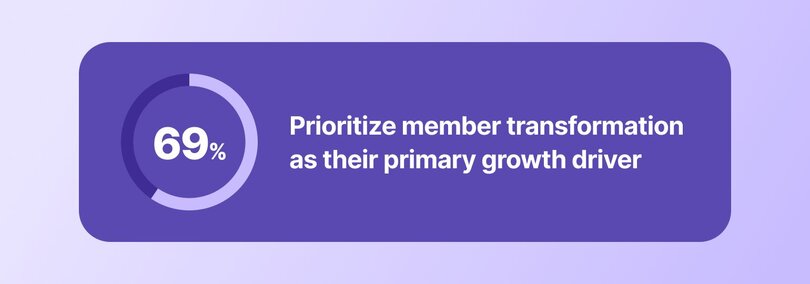
This emphasis on outcomes is reshaping growth strategy. **39% of creators** report intentionally de-prioritizing member growth in favor of higher-touch, higher-ticket offerings.
From an economic standpoint, this reflects a move away from scale-dependent models toward margin- and lifetime-value optimization. Fewer members, when paired with deeper engagement, can generate comparable or greater revenue with lower operational volatility.
At the same time, **12% of creators are capping membership size** to preserve intimacy and experience quality. This constraint functions as both a retention mechanism and a pricing lever. Smaller communities reduce moderation overhead, increase peer-to-peer value, and justify premium positioning without requiring continuous acquisition.
Taken together, these trends indicate that the monetization models growing fastest in 2026 share three characteristics: **recurring revenue, outcome alignment,** and **intentional limits on scale** (to focus on quality).
## Which platforms generate the most revenue for creators?
In 2026, creator businesses are increasingly shaped by a split between **where attention is captured** and **where revenue is generated**.
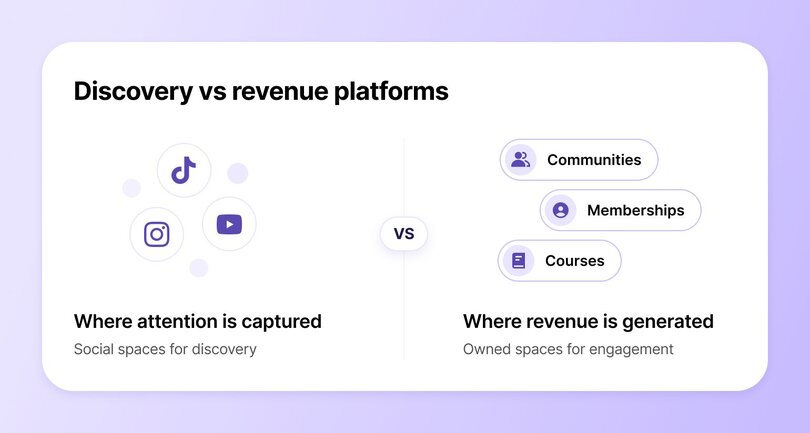
Social platforms still dominate discovery. **67% of creators** say new members find their communities through social apps, confirming that platforms like TikTok, Instagram, LinkedIn, and YouTube remain critical top-of-funnel channels (down slightly from 76% last year). **Visibility still lives on social.**
At the same time, revenue is becoming harder to extract from platforms that creators don’t control. **32% of our survey respondents** cite unreliable or declining social reach as a major strategic concern, pointing to algorithm volatility, shifting incentives, and limited access to audience data. In practice, creators may reach thousands, but convert only a fraction and often, inconsistently.
As a result, **the gap between reach and revenue** is pushing monetization downstream. Discovery happens on social media, but revenue is made on owned platforms where creators control access, pricing, and engagement. Instead of optimizing for impressions, creators are optimizing for conversion, retention, and lifetime value.
## The rise of “community-led creators” in 2026
Another growing trend is the rise of **community-led creators**. These creators prioritize long-term relationships and shared progress inside owned communities, shifting away from transactional content models toward sustained, member-first businesses.
The rise is closely tied to changing member behavior. **57% of community builders** say evolving member expectations are reshaping their strategy, while **45%** report signs of member burnout. Audiences are increasingly disengaging from always-on content environments and seeking spaces that feel focused, intentional, and worth their sustained attention.
In response, **50% of community leaders** now use micro-learning and bite-sized formats to reduce overwhelm, replacing constant programming with fewer touchpoints designed to create clearer outcomes.
Notably, communities are also becoming harder to separate from the business itself. **39% of creators** report increased collaboration across teams, reflecting how communities now shape education, [product feedback](https://circle.so/blog/customer-community), marketing, and customer success.
Looking ahead, the shift is expected to accelerate. **69% of creators** say community will become a bigger part of their strategy next year, signaling a long-term move toward owned, community-led business models.
## What creators struggle with most
It’s safe to say that the creator economy is maturing, but not without friction. Declining reach, rising expectations, and operational complexity are colliding at once. What emerges from the data isn’t a single pain point, but a pattern of pressures that explain why so many creators are rethinking how their businesses are structured.
### Daily operating rhythms are busy, but lonesome
Despite these shifts, the day-to-day reality of running a community remains demanding.
- **Almost half of operators** run their business entirely solo
- **27%** rely on [six or more tools](https://circle.so/blog/creator-tech-stack) to manage their community business
- Many workflows remain manual, increasing cognitive load and time pressure
### The old model (social only) pushing them away
**Creators aren’t abandoning social platforms by choice.** They’re being pushed. Unreliable reach has become a structural risk, and member fatigue is at an all-time high.
Key pressure signals:
- **32%** cite declining or unreliable social reach as a major strategic concern
- **45%** report visible signs of member burnout
- Digital overwhelm shows up across member activity, as constant content, notifications, and programming drive diminishing engagement
Together, these pressures expose a core weakness in the old model: growth that depends on constant visibility is brittle.
### Tighter, more human group dynamics pulling them in
While pressure mounts, creators are being pulled toward models that feel **calmer, more human, and more sustainable** in the long run.
- **48%** community builders now allow people to engage before purchasing, using community participation as a confidence-building layer rather than a [hard paywall](https://circle.so/blog/paywalls)
- **69%** creators prioritize member transformation as their primary growth driver
- **73%** view emotional safety as a key differentiator, indicating that psychological trust now plays a measurable role in retention.
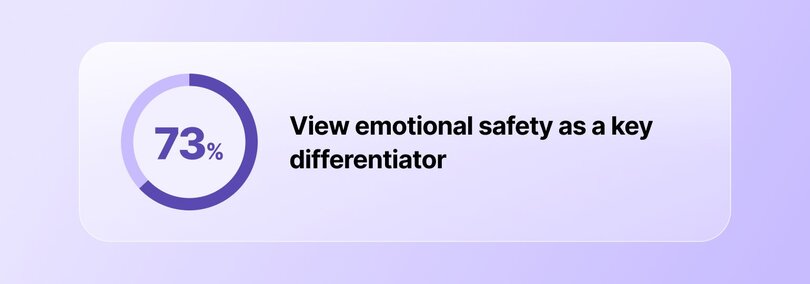
### Meanwhile, anxieties bubble in the background
Beneath it all sits persistent uncertainty. Top concerns include:
- **28%** worry about market saturation
- **27%** feel increased pressure to prove ROI
- Tool overload is no longer sustainable, pushing creators to consolidate core functions like community, education, events, and monetization into fewer, more integrated systems
## Participation and engagement trends in 2026
When it comes to participation and engagement, there’s one clear trend: **async is taking a much more central role than it did last year**.
According to last year’s data, engagement strategies were largely built around [live events](https://circle.so/blog/host-community-events):
- **78%** of communities relied on live educational workshops
- **60%** hosted [small-group discussions](https://circle.so/blog/group-discussion-topics)
- **47%** ran office hours or live Q&A sessions
In short, live programming was positioned as the primary driver of connection and retention. In 2026, that model is being recalibrated.
Creators are still investing in engagement, but they’re doing so with greater restraint and intentionality. This year’s survey data reveals that **61% of creators** now use async formats as a core engagement channel. Beyond async participation, community operators are further adapting their strategies to reduce overload:
- **21%** are actively reducing programming to prevent burnout
- **21%** have introduced intentional quiet periods or rest phases
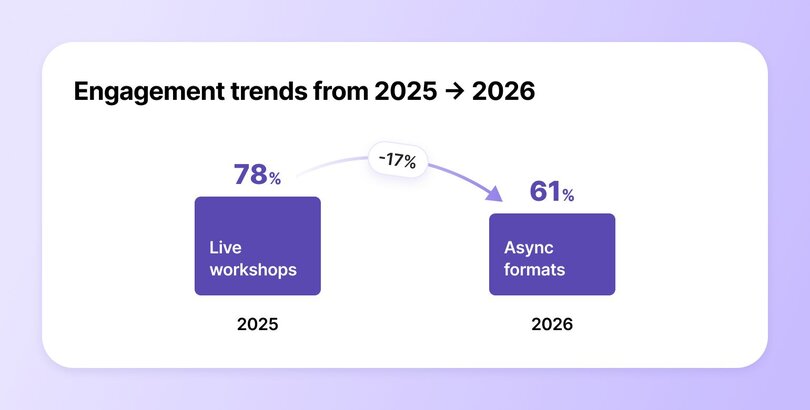
**The key takeaway?** Engagement in 2026 is no longer about volume or frequency. Creators are optimizing for depth, designing fewer interactions that respect attention, reduce burnout, and deliver clearer value to members whose attention is also broken up.
## AI & automation in the 2026 creator economy
Last year’s data showed AI adoption was already widespread, but largely exploratory. Most creators used AI to support individual tasks rather than to reshape how their businesses operated. Usage clustered around low-risk, high-visibility functions:
- **76%** used AI for content creation or editing
- **47%** for note-taking and transcription
- **41%** for data analysis
At the same time, advanced use cases were still nascent. Only a small fraction of creators were using [AI agents](https://circle.so/blog/ai-agents-for-communities), even though **70%** said they planned to explore them.
By 2026, that experimentation has settled into more deliberate patterns. Instead of asking _what AI can do_, creators are deciding _where it should quietly sit_. 2026 data shows:
- **75%** use AI for content creation or planning
- **46%** apply AI to generate insights and analyze data
- **34%** leverage AI for member support
- **18%** deploy AI agents for community moderation
This distribution suggests a widening gap between surface-level adoption and deeper integration. While content-related use remains dominant, growth is strongest in functions tied to scale, support, and efficiency. Importantly, adoption is still accelerating. **68% of creators** plan to expand AI usage further in 2026 and beyond.
## Future of the creator economy (2026–2027)
The creator economy over the next 12–24 months will be defined less by expansion and more by consolidation, focus, and durability—much like the more mature startup space has been. The data points to fewer bets, clearer systems, and communities run like businesses rather than side gigs.
- **Tool consolidation will accelerate.** With **45%** of creators actively consolidating their tech stacks, the days of sprawling, duct-taped systems are numbered. Creators are prioritizing fewer, more integrated platforms that reduce operational drag and free up time for member-facing work. The winning setups will centralize membership, content, events, payments, and workflows in one place. (Wink, wink!)
- **Emotional safety will become a design requirement.** Community design is shifting from engagement-first to trust-first. With **73%** of creators now treating emotional safety as a conscious design choice, moderation, onboarding, and [guidelines](https://circle.so/blog/community-guideline-examples) will increasingly determine community health and retention. High-growth communities will be engineered for psychological safety, with clear member boundaries and private spaces designed for vulnerability.
- **AI will become an operations layer, not a feature.** AI adoption will continue to rise, but mostly behind the scenes. Creators will use automation for member support, [moderation](https://circle.so/blog/ai-workflows-for-community-management#h2-5), analytics, [onboarding](https://circle.so/blog/ai-agents-for-communities#h2-4), and workflow triggers. The goal is not scale for scale’s sake, but reducing time-to-value for members while keeping human touchpoints where they matter most.
- **Transformation-first communities will outperform content-first ones.** Member transformation will increasingly anchor pricing and retention. Communities will be structured around outcomes like skill progression, accountability cycles, and visible wins, rather than content libraries alone. Progress tracking, [cohort-based experiences](https://circle.so/blog/cohort-program), and milestone-driven programming will become standard.
- **Less programming, higher standards.** Reduced calendars and intentional pacing will become strategic choices. Higher-quality touchpoints will replace constant activity, allowing creators to protect energy while improving outcomes.
- **Ownership will drive revenue stability.** Owned platforms will remain the financial backbone of creator businesses. Memberships, course-plus-community bundles, and recurring access offers provide predictability that social platforms cannot.
- **Creators will charge a premium for higher-touch formats.** In the near future, pricing power in the creator economy will increasingly come from intimacy rather than scale. Creators will intentionally limit access through capped memberships, cohorts, and smaller groups, allowing them to deliver more direct feedback, accountability, and hands-on support.
## The bottom line
The creator economy in 2026 looks very different from the one most headlines still describe. Growth is no longer concentrated in reach, platform virality, or brand deals, but in owned, recurring businesses built around communities. Creators are consolidating tools, tightening operations, and prioritizing member outcomes
Across every data point, the signal is consistent. The most resilient creator businesses are optimizing for **depth over scale**, **systems over hustle**, and **long-term value over short-term spikes**.
**Ready to dive deeper?** Download our complete [2026 Community Trends Report](https://circle.so/2026-community-trends-report) for detailed insights on how creators actually build revenue, run communities, fight burnout, and diversify off social media.
## FAQs about hybrid events
How much do creators earn from memberships or communities?
According to [Circle’s 2026 Community Trends Report](https://circle.so/2026-community-trends-report), creator income from communities spans a wide spectrum, reflecting different levels of business maturity and monetization focus. Annual community revenue breaks down as follows:- 21% are pre-revenue
- 21% generate under $10,000 per year
- 16% earn $10,000–$50,000 annually
- 15% generate $50,000–$250,000 per year
- 8% earn $250,000–$1M annually
- 4% generate more than $1M per year
- 15% report not monetizing yet
How much do creators earn from advertising and sponsorships in 2026?
As per Circle’s 2026 data, only 18% of creators earn revenue from advertising or sponsorships. This makes sponsorships and [brand partnerships](https://circle.so/blog/brand-partnerships) one of the least common monetization methods among community-led creators. While sponsorships can still generate meaningful income for a small subset, most creators now treat them as supplemental rather than foundational.
Which companies offer the best tools for creators to increase their earnings?
One of the best tools for creators to increase their earnings is [Circle](http://circle.so). Circle helps creators turn audiences into owned, recurring revenue by bringing communities, [courses](https://circle.so/courses), [events](https://circle.so/events), [payments](https://circle.so/payments), [email marketing](https://circle.so/email-hub), and [automation](https://circle.so/workflows) into a single platform under your own brand.The biggest advantage of Circle is that you don’t need to stitch together multiple tools. You can manage memberships, sell courses, run events, launch [branded mobile apps](https://circle.so/plus), and automate [engagement](https://circle.so/chat) all in one place. For busy creators who often operate solo, this reduces operational overhead while keeping every core tool needed to run a community-led business in one system. With Circle, creators own their platform and control pricing, which helps build more predictable income streams that are less dependent on algorithms, sponsorships, or one-off launches.
---
### The top-tier creator tech stack: 26 tools worth using in 2026
*Discover the perfect creator tech stack with our guide to essential tools, from free options to premium solutions. Learn which platforms actually drive community success.*
Source: https://circle.so/blog/creator-tech-stack
> ## TL;DR
>
> * Most creators need far fewer tools than they think: usually just a community platform, an email tool, and an automation tool to run the core of the business.
> * The right stack depends on where you are. Point solutions make sense early, but juggling too many tools becomes its own tax as you grow.
> * All-in-one platforms like Circle are replacing multi-tool stacks by combining community, courses, email, payments, and a website into one login.
* Beehiiv or Kit?
* Dubsado or Honeybook?
* Zoom or Loom?
* Notion or Asana?
* Substack or Wordpress?
Pros and cons, integrations and automations, monthly prices vs. annual savings…
**Are you overwhelmed yet?**
If you are, you're in the right place. We're going to help you figure out what you *really* need in your tech stack to grow your business (and community).
There's tons of information out in the world about the tools that'll help creators and solopreneurs grow their businesses.
**Hint:** It's everything, everywhere, all at once. 😬
But the truth is, you don't need a bunch of expensive, complicated tools (whether you do or don't have a large team to support you.)
**You just need the right tools.**
Lucky for you, we've curated the best-of-the-best tech tools for creators, using insights from real community builders and professionals. Bonus: most are free or offer free plans! We also cover the 3 main tools you need to launch and manage a thriving community business.
Feel free to consider your research, comparison, and overthinking phase \= done! ✅
## **What is a creator tech stack?**
A creator tech stack is the set of tools a creator, community builder, or digital business owner uses to run their business: everything from project management and payments to the platform where their audience actually lives. Most creators build theirs one problem at a time, which is how you end up with 12 subscriptions and no idea which ones you actually use.
A typical creator tech stack covers:
* Email marketing and automation
* Payments and checkout
* A website or landing pages
* Tools for content creation and project management
* A place to run your community, courses, or membership
Your goal shouldn't be "use the most tools." It should be **the fewest tools that take the most work off your plate.**
## **The tools worth adding to your creator tech stack**
There's no science to building the perfect stack, but there are several helpful ways to think about it.
[Jordan Godbey](https://circle.so/partners/jordan-godbey), a community building expert, recommends thinking about your starter creator stack under two major categories: marketing (before the sale) and delivery (after the sale).
We've broken the tools below into four groups that follow that same logic:
1. Foundational & creative tools you use to build your own work,
2. Operations tools that keep the business running,
3. Marketing tools that grow your audience, and, once you're ready to scale past the basics,
4. The tools that turn a community into a full digital business.
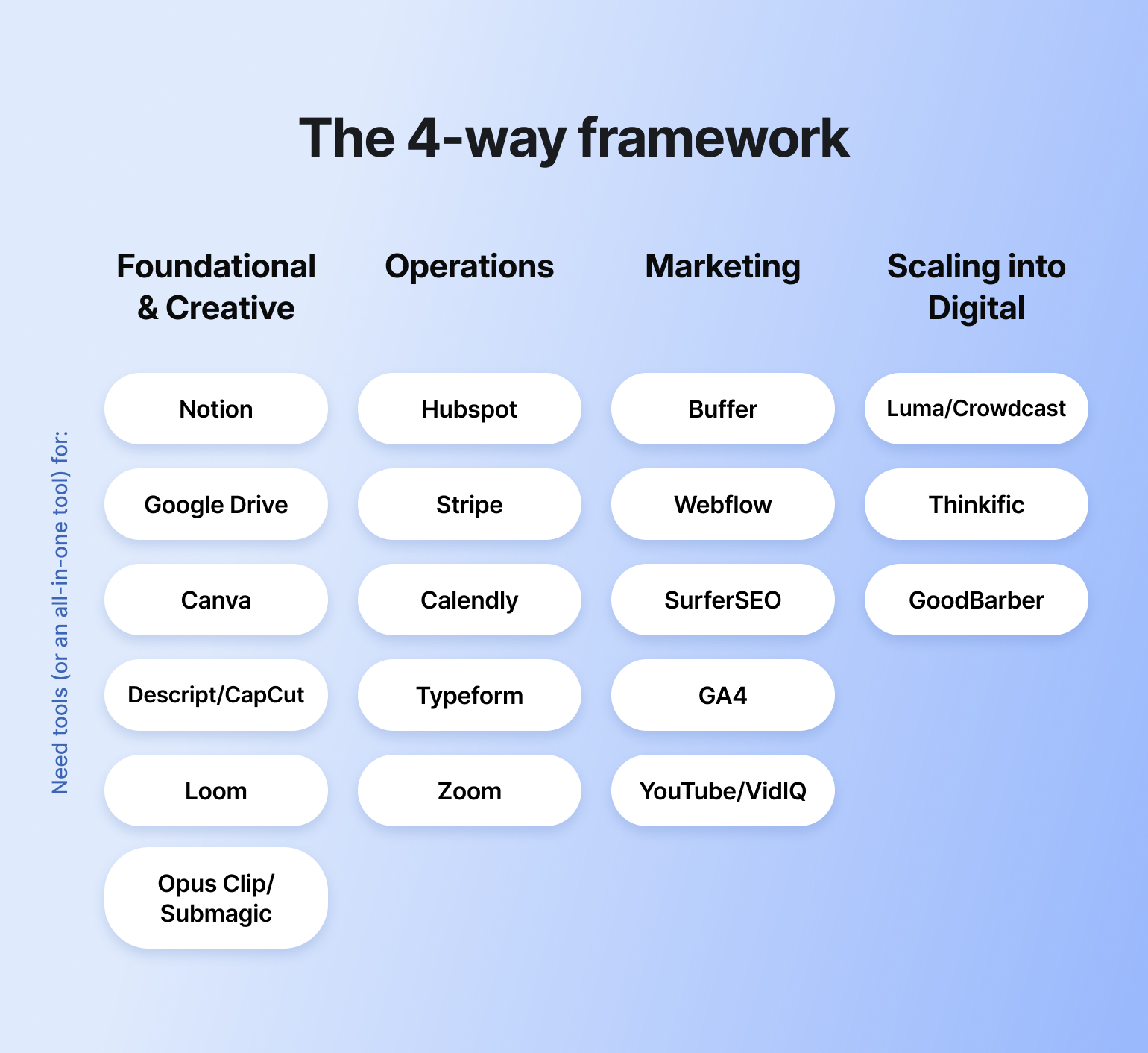
Based on your needs, research, and community suggestions, you could either find point-solutions, or all-in-one tools that cover several of these categories at once.
Here are some of the most recommended tools from professional creators—the majority of which have free plans or tiers to get you started:
### **➡️ Foundational & creative tools**
#### 1. Project management: [Notion](https://www.notion.so/)
Notion’s free tier is powerful—helping you organize projects, content, templates, pretty much anything you need—which explains why it’s so popular amongst our community.
#### 2. Content and file management: [Google Drive](https://workspace.google.com/intl/en_ca/products/drive/)
For most communities, Google Drive’s cloud capacity (and pricing) hits the spot—while [Dropbox](https://www.dropbox.com/) can function great for teams who have bigger design files or videos to store.
#### **3. Design:** [**Canva**](https://www.canva.com/)
Unsurprisingly, Canva has won the hearts and minds of entrepreneurs and small business owners everywhere for its flexibility, drag-and-drop functionality, and endless templated formats for your branded content.
> **👀 Psst — did you know?** [Circle AI](https://circle.so/ai) can draft and repurpose posts, course outlines, and launch copy right inside your spaces. Design and drafting, one tool, zero exporting.
#### **4. Video editing:** [**Descript**](https://www.descript.com/) **&** [**CapCut**](https://www.capcut.com/)
Descript is genius-level video-editing (see: edit the video based on editing the transcript 🤯) for anyone who wants transcript-driven cuts—as well as repurposing videos in a million formats for social, podcasts, blog posts, transcripts and more.
CapCut has become the faster, mobile-first pick for creators who just need a quick, effortless turnaround. Plenty of creators keep both in rotation and reach for whichever fits the clip.
#### **5. Screen recording:**[ **Loom**](https://www.loom.com/)
Many businesses use Loom to create screen recordings that turn into tutorials and product walkthroughs, onboarding videos, and much more.
As Marc Sabatella, founder of Outside Shore Music, puts it, the big benefit of Loom is that it's the "all in one - record the video, edit if necessary, and boom, it's available immediately." You can start using Loom for free, up to 25 videos, capped at 5 minutes each.
#### 6. AI clipping: [Opus Clip](https://www.opus.pro/) & [Submagic](https://www.submagic.co/)
Opus Clip is the one to reach for first: feed it a long-form video or podcast and it finds, ranks, and clips the moments worth turning into shorts.
Submagic picks up from there—its animated captions, auto B-roll, and hook-title suggestions are the category benchmark for polishing a clip once you've got it. Plenty of creators run both in sequence rather than picking one. Not every clip is a keeper (expect to publish maybe 1 in 4), but at $15–$60/month combined, it replaces an hour of an editor's time per video.
### **➡️ Operations tools**
#### **1. Customer relationship management (CRM):** [**Hubspot**](https://www.hubspot.com/)
Hubspot's free CRM tier is genuinely one of the most generous in the category—contacts, deal pipelines, email tracking, and a meeting scheduler, all at no cost. Where it gets expensive is the moment you want automation: Marketing Hub jumps to $890+/month for basic sequences and workflows, which is worth knowing going in.
> **🤔 Here's a thought:** what if your CRM and your community weren't two separate logins? Circle folds CRM directly into [Email Hub](https://circle.so/marketing-hub)—automation included, no $890/month cliff to hit.
#### 2. Payments: [Stripe](https://stripe.com/)
Nobody wants to get bogged down by complex financial workflows—they just want to get paid. Stripe makes it easy to set up paywalls, subscriptions, reminders, gifts, and anything else your business might need—with full insight into analytics.
> **💬 Straight from the community:** Community expert and founder Tom Ross points to [Circle's payments ](https://circle.so/payments)(25+ currencies, buy-now-pay-later, built-in Stripe tax collection) as a way to cut costs and admin work without a separate payment processor.
#### 3. Meeting scheduler: [Calendly](https://calendly.com/)
The most user-friendly and simple appointment scheduling tool that automates your calendar for you, and helps you avoid meeting overwhelm. You can adjust the meeting calendar to only provide certain time slots, show availability within set hours, and much more.
#### 4. Surveys: [Typeform](https://www.typeform.com/)
Whether you want to create forms for onboarding or registration, run quizzes and surveys to engage your community, or use polls to involve the community in the decision-making process—Typeform is the unanimous, simple, beautiful go-to.
> **✨ Plot twist:** if you’re building a community or course-based business, you can skip the separate form tool entirely. Circle's form builder covers most of this natively, and Circle AI can now build a form from a plain-language description instead of a blank template.
#### 7. Video calls: [Zoom](https://zoom.us/)
Want to host video meetings and calls with customers? How about live webinars, workshops, and roundtables? Zoom has you covered. With their free plan, you can host meetings up to 40 minutes, with 100 or less people.
### ➡️ Marketing tools
#### 1. Social media management and analytics: [Buffer](https://buffer.com/)
For simplicity, user experience, and scalability, Buffer wins all the awards. And social media is not to be ignored, especially when looking at the stats:[ 67% of creators say new members find their communities through social platforms](https://circle.so/blog/creator-economy-statistics) like TikTok, Instagram, LinkedIn, and YouTube.
#### 2. Website and landing pages: [Webflow](https://webflow.com/)
Webflow offers a visual canvas that caters to both designers and creators who prioritize aesthetics and functionality. It combines the drag-and-drop simplicity with the power of HTML/CSS, making beautiful designs accessible without needing to write code.
> **🛠️ Fun fact:** [Website Builder](https://circle.so/website-builder) comes built into every Circle plan, connected natively to your memberships, courses, and community content—so your site and your community share the same login, data, and brand instead of living on two separate platforms.
>
> Here's an example of some of the [most beautiful sites — built right on Circle](https://circle.so/blog/best-membership-site-examples).
#### 3. SEO: [Surfer](https://surferseo.com/)
Many creators want tools that can help them better optimize their content for search, and increasingly, for AI answers too. Enter: Surfer. Surfer provides feedback on overall on-page optimization, helps structure articles, and gives a detailed list of relevant keywords to embed. Its AI Tracker also monitors how your content shows up inside ChatGPT, Perplexity, and Google AI Overviews, not just classic search rankings.
> **🔍 Bet you didn't know:** every Circle site and community is SEO-optimized out of the box—clean markup, fast load times, indexable pages—so you're not bolting on a separate SEO tool just to get found.
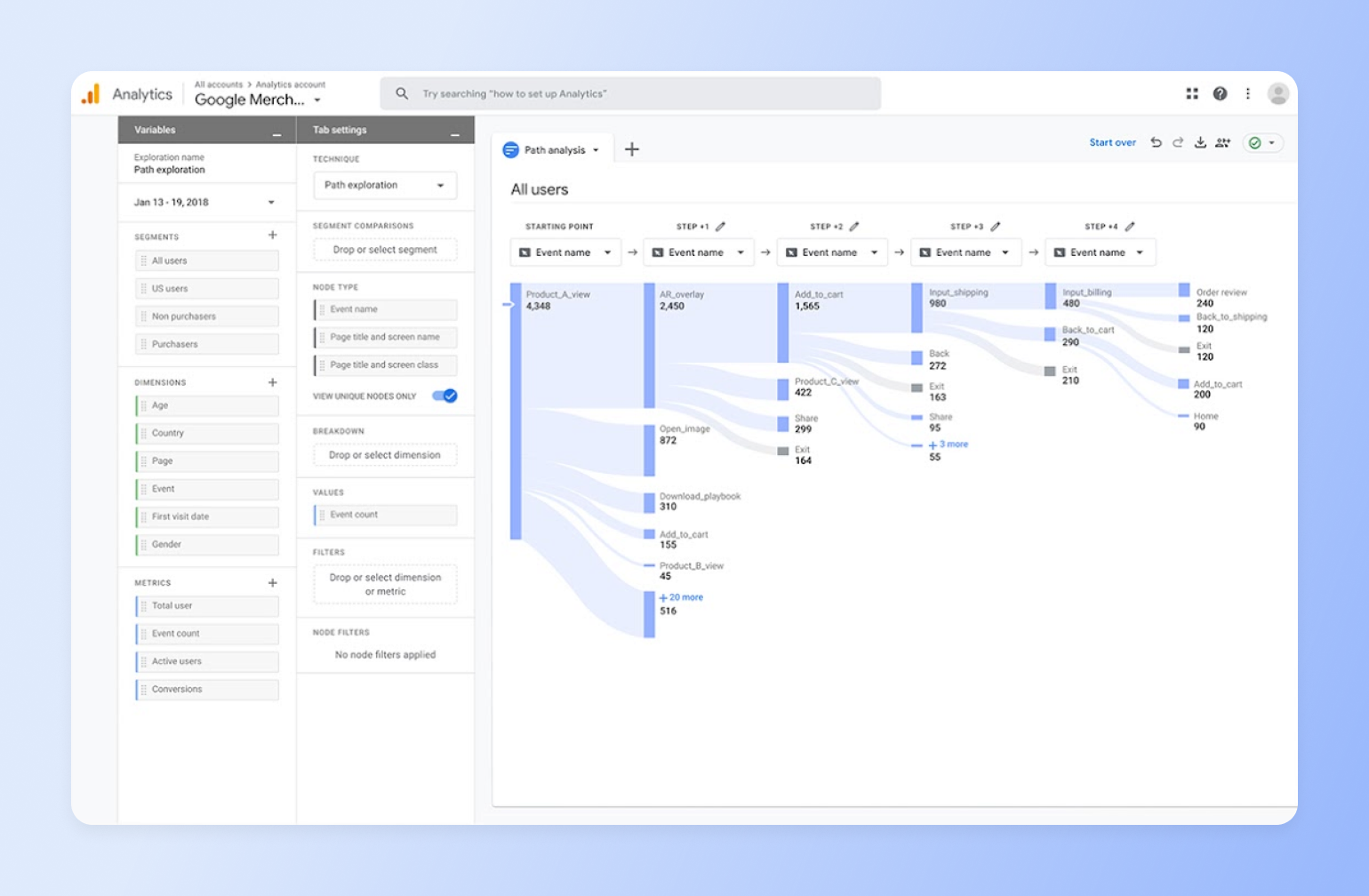
#### 4. Website analytics: [Google Analytics 4 (GA4)](https://marketingplatform.google.com/about/analytics/)
Adding tracking to your website is a game-changer. GA4 collects both website and app data to better understand the customer journey, includes privacy controls, has direct integrations with media platforms, and offers predictions and guidance—for everyone from beginners to experts.
> **📊 Here's the thing:** GA4 stops at your website. [Circle Analytics](https://circle.so/analytics) picks up from there—which spaces drive activity, who's engaged vs. drifting, and how membership behavior connects back to revenue.
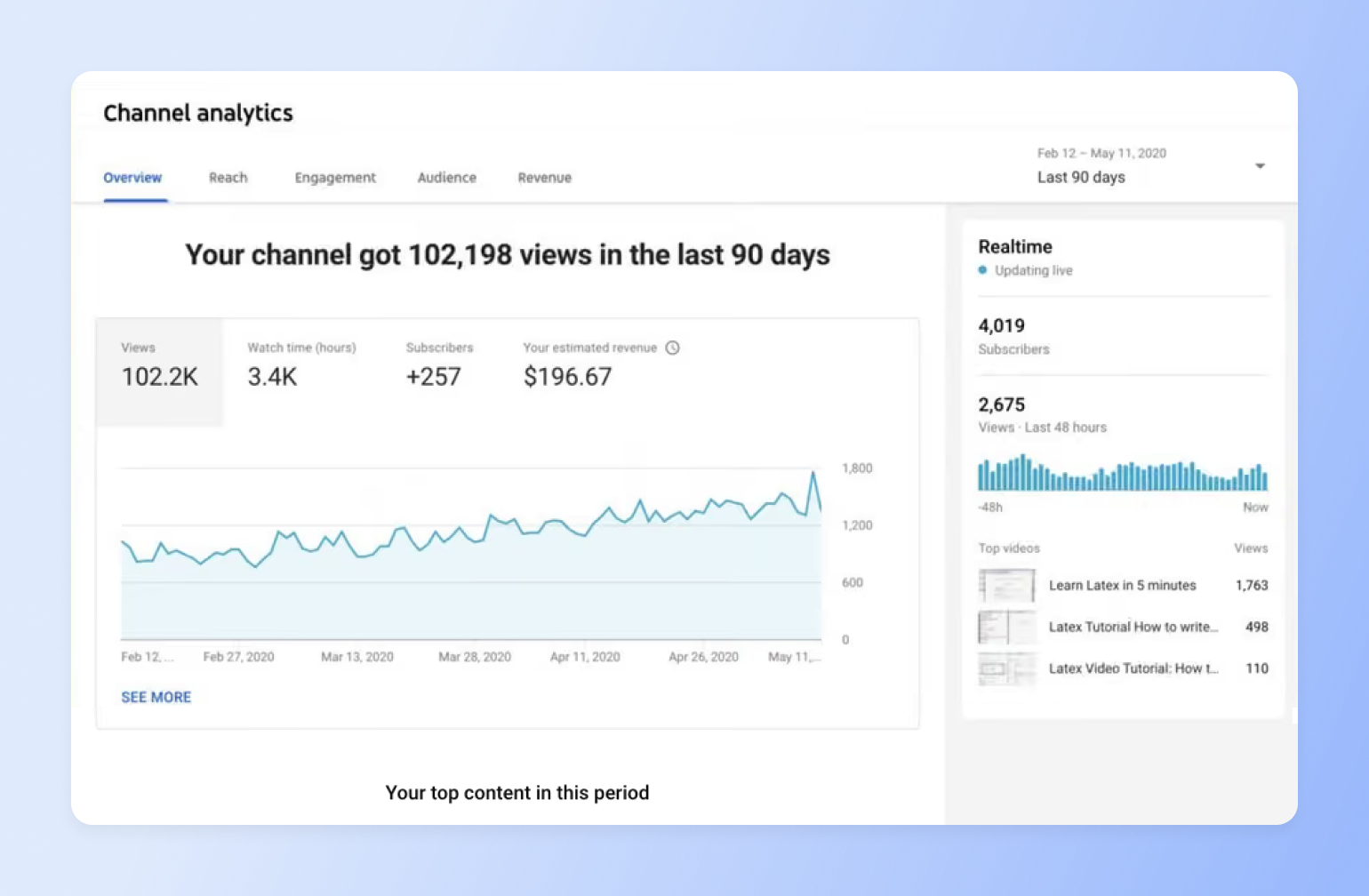
#### 5. Video analytics: [Youtube](https://www.youtube.com/) or [vidIQ](https://vidiq.com/)
When you create a YouTube channel, you’ll see the option to jump into YouTube Studio. This is where you’ll be able to see performance data for your videos and channel.
If you’re looking to further optimize your video channels into a true engine, [vidIQ](https://vidiq.com/) is a powerhouse video research tool for SEO that’s free to sign up.
### ➡️ Scaling into a digital business
#### 1. Events & webinars: [Luma](https://luma.com/) (in-person/meetups) & [Crowdcast](https://www.crowdcast.io/) (live webinars)
Luma is still the best pick for event pages, RSVPs, and ticketing—especially for in-person meetups or anything where a separate video call tool is fine.
For creators actually hosting the webinar itself, Crowdcast is the stronger match: built specifically for creators and community builders rather than B2B lead-gen, with live streaming, Q\&A, multistreaming to YouTube or Facebook, and Stripe-powered paid events all in the same browser tab—no downloads for you or your audience.
> **🎟️ Small but mighty:** [Circle Events](https://circle.so/events) now lets anyone join a live event without creating a Circle account first—no signup wall Luma or Crowdcast still have for anything beyond a public page, and no second tool needed for the video itself since it's native to Circle.
#### **2. Courses: Thinkific**
Thinkific is the strongest value pick for most course creators right now: generous free tier, no transaction fees on paid plans, and solid completion tooling.
> **🎓 Worth knowing:**[\*\*\*\* Circle Courses](https://circle.so/courses) live in the same place as your community and events, with a visual curriculum canvas and video-native lesson player built with Circle AI — more on that in the community platform section below.
#### **3. Branded mobile app:** [**GoodBarber**](https://www.goodbarber.com/)
GoodBarber is built for publishers who want a real app in the App Store and Google Play—not a web page that looks like one. It compiles actual native iOS and Android apps, bundles a full CMS, push notifications, and in-app subscriptions, and doesn't require a developer to maintain.
> **📱 Here's a thought:** going branded doesn't have to mean migrating platforms. [Circle Plus](https://circle.so/plus) offers the same white-labeled app experience—except it's built directly on top of the community, courses, events, and payments you're already running in Circle, instead of syncing a second CMS.
## **The 3 tools every digital business tech stack needs**
Apart from needing small business tools, many creators also need tools to manage their "owned" audience–whether that's on email or in a community.
If you've bought into some [community myths](https://circle.so/blog/myths-about-building-an-online-community), you might think you need a fancy, buzz-worthy tech stack. But the truth is, you only need a few (and they don't have to break the bank).
According to [Circle's 2026 Community Trends Report](https://circle.so/blog/creator-economy-statistics), 45% of creators are actively consolidating their tech stacks, moving away from stitching together separate tools for community, courses, events, email, and payments, and toward one platform that handles all of it. Half of all creators on Circle already run their community on 3 tools or fewer:
1. A community platform,
2. Email marketing tool, and an
3. Automation tool.
**Circle now does all three**—plus courses, events, and payments—which makes it the leanest tech stack in the creator-community game. But, if you want to see what else is out there, feel free to check out the below. We won't judge.
### **1. Community platform: Circle**
Where you choose to host your community is one of the most—if not *the most*—important choice you can make when you're building from scratch.
Why? Because the space you create online is as important as the house you buy offline: it sets the tone for your visitors and sets the stage for how easy (or difficult) it is for you to do your best work. The more time you spend untangling admin issues, the less time you have to create value for your members.
Plus, migrating entire communities can be risky—and so can [hosting your community on a "rented" space like Facebook](https://circle.so/blog/take-community-off-facebook-groups).
**Common use cases for community platforms:**
* Dedicated spaces for discussion
* Hosting courses
* Running live events
* Organized content library
#### **Why Circle**
We built (and continue to build) the best community platform with [*your* needs and requests](https://community.circle.so/c/product-updates) in mind—including tons of new features being added just in the past year alone, which saves countless hours for any-size teams. Of course, we're biased, but is it a bias if our [customers](https://circle.so/customer-stories) say the same thing?
**What do the new features look like?**
* [Website Builder](https://circle.so/website-builder) — now ships with ready-made templates, global style controls that update your whole site with one change, and a custom HTML block for anything not built in natively
* [Courses](https://circle.so/courses) — redesigned this year with a visual curriculum canvas and a video-native lesson player, built with Circle AI instead of dashboard forms
* [Events](https://circle.so/events) — added more control over RSVPs this year, including caps, waitlists, automatic reminders, and now supports live events without requiring an account to join
* [Workflows](https://circle.so/workflows) — can now branch conditionally, triggering different emails or actions depending on what a member actually did, not just firing down one fixed path
* [Analytics](https://circle.so/analytics) — now surfaces member-level engagement (who's active, who's drifting, which spaces drive activity), with deeper reporting tied into AI Agent conversations
* [Email Hub](https://circle.so/marketing-hub) — email, CRM, and marketing automation now live in one place, so non-member contacts and paying members share a single audience view
* [Gamification](https://circle.so/gamification) — points now come from posting, attending events, completing lessons, and answering questions, not just likes, with customizable levels and badges
* [AI Agents](https://circle.so/ai-agents) — got smarter personalization and analytics this spring, so agents adapt responses per member and admins can see how those conversations are actually performing
* [Circle AI](https://circle.so/eclipse-release) — describe the community you want to build, and it proposes the spaces, access groups, and paywall setup for your approval
* [Circle Plus](https://circle.so/plus) — branded, white-labeled mobile apps for communities ready to go fully digital-business
What makes Circle different is what's actually built in: courses, events, payments, a website builder, and email marketing, all under one login. Circle AI adds a planning partner that proposes your community's structure and builds it with your approval, and AI Agents answer member questions and coach them through your content automatically, so support doesn't fall entirely on you.
But we're not just the best because we're always building: we're the best because our holistic platform flexes to serve millions of diverse users and communities—from one place.
P.S. Here are 7 key things to consider before [choosing your community platform](https://circle.so/blog/choosing-an-online-community-platform)!
### 2. Email marketing software: MailerLite
We'd like to present you with a universal truth: the money you want is in email. And, unfortunately, email is also universally one of creators' biggest pain points.
When you can automate and simplify your email processes, your whole operation gets simpler because people are getting the right information (and flows) at the right time. Plus, you're creating a whole archive of evergreen content to use and refer back to in the future—double win.
**Common use cases for email software:**
* Recurring newsletters
* Nurture and onboarding emails
* Automated trigger emails
#### Why MailerLite
MailerLite is built for exactly this audience—small businesses, solo creators, and startups who want clean campaigns and solid automation without a marketing-suite price tag. It's simple to set up, the free tier still covers a real starter list, and it doesn't ask you to buy into a CRM you don't need just to send a newsletter.
**Other top email marketing tools:**
* **Circle:** Now has email, CRM, and marketing automation in the form of [Email Hub](https://circle.so/marketing-hub). If you're a community builder–this is where you'll want to centralize.
* **Substack:** Indie journalists, bloggers, thought leaders, and storytellers find Substack covers their major needs, and, crucially, allows them to monetize their content by tiers.
* **Kit:** Artists, musicians, podcasters, course creators and coaches find that Kit (previously ConvertKit) balances ease of use with tools that help them scale—and has the single most generous free tier for creators specifically (10,000 subscribers).
* **Mailchimp:** A great free all-in-one starter platform for anyone who needs something flexible but all-encompassing for email, ads, and more.
* **Hubspot:** The right call if email is just one piece of a bigger CRM and sales operation—but overkill (and pricier) if you're purely a community builder who just needs to send good email.
> **💌 Real talk:** it's a pain point members raise often in the Circle community—running one ESP, a separate CRM, and Zapier just to keep them in sync. One Circle Expert put it plainly: [Email Hub's](https://circle.so/marketing-hub) audience CRM launch fixed a genuinely "complex part of many people's tech stacks." That's basically this article's thesis, coming straight from the people living it.
Here’s a quick briefer on [how to choose the best email platform](https://circle.so/blog/choosing-newsletter-platform) for *your* business—and 5 easy steps to [getting started with your first newsletter](https://circle.so/blog/how-to-start-a-newsletter).
### 3. Automation tool: Zapier
Automation tools act as the connective tissue between important but separate tools like your CRM and email, or your community and payment processors—and will be key to having smooth processes that help you run your business. However, the more adaptable this tool is, the better, since the limit to the ways you could structure your business simply doesn't exist.
**Common use cases for automation tools:**
* Reduce manual work
* Create triggers that connect apps
* Enhance engagement
#### Why Zapier
Zapier's "zaps" are probably the best-known because there's such a low barrier to entry (ie. you can play with it for free, though it does get more costly in the higher tiers)—and because their app sources are so diverse.
Whether you're aiming to automate social media posts and email responses, personalize and automate your onboarding, or streamline attendee registration and communication—there is no zap you can't imagine into existence. Zapier allows you to focus more on strategy and creation by taking a big chunk of repetitive work off your plate.
**Other popular automation tools:**
* **Circle:** Circle's automations keep getting faster, and Circle AI now adds a daily brief on sign-in with a pulse of recent activity and recommendations for what to focus on—so you're not the one checking five dashboards. Beyond the brief, you can also just describe the automation you want built ("notify me when someone completes the course") and Circle AI sets up the workflow for you. Workflows can branch conditionally now too, sending different emails or actions depending on what a member actually did. We also [integrate with all of your favorite tools](https://circle.so/integrations).
* **Make:** A powerful visual workflow builder for anyone who loves (or needs to) design intricate multi-step workflows. Plus, it’s one of the more cost-effective options.
* **IFTTT (If This Then That)**: A popular choice for those new to automation or those with simpler needs—as well as online communities and creators—thanks to its perfect balance of ease-of-use with functionality.
## **How Circle replaces your entire creator tech stack**
No longer simply a community platform, we've been seeing all sorts of digital business owners use Circle for a range of things, reducing the need for other tools like: Zoom to Circle Live, Stripe to Circle Paywalls, Zapier to Circle Workflows, Kit to Circle's Email Hub, Teachable or Kajabi to Circle Courses, Eventbrite, Luma, or Crowdcast to Circle Events, and GoodBarber to Circle Plus's branded apps.
That replacement list keeps growing. [Circle AI](https://circle.so/eclipse-release) now handles the planning work too: describe the community you want to build, and it proposes the spaces, access groups, and paywall setup for your approval, instead of you sketching it out in Notion or hiring a consultant to map it for you. Nothing gets built without your green light.
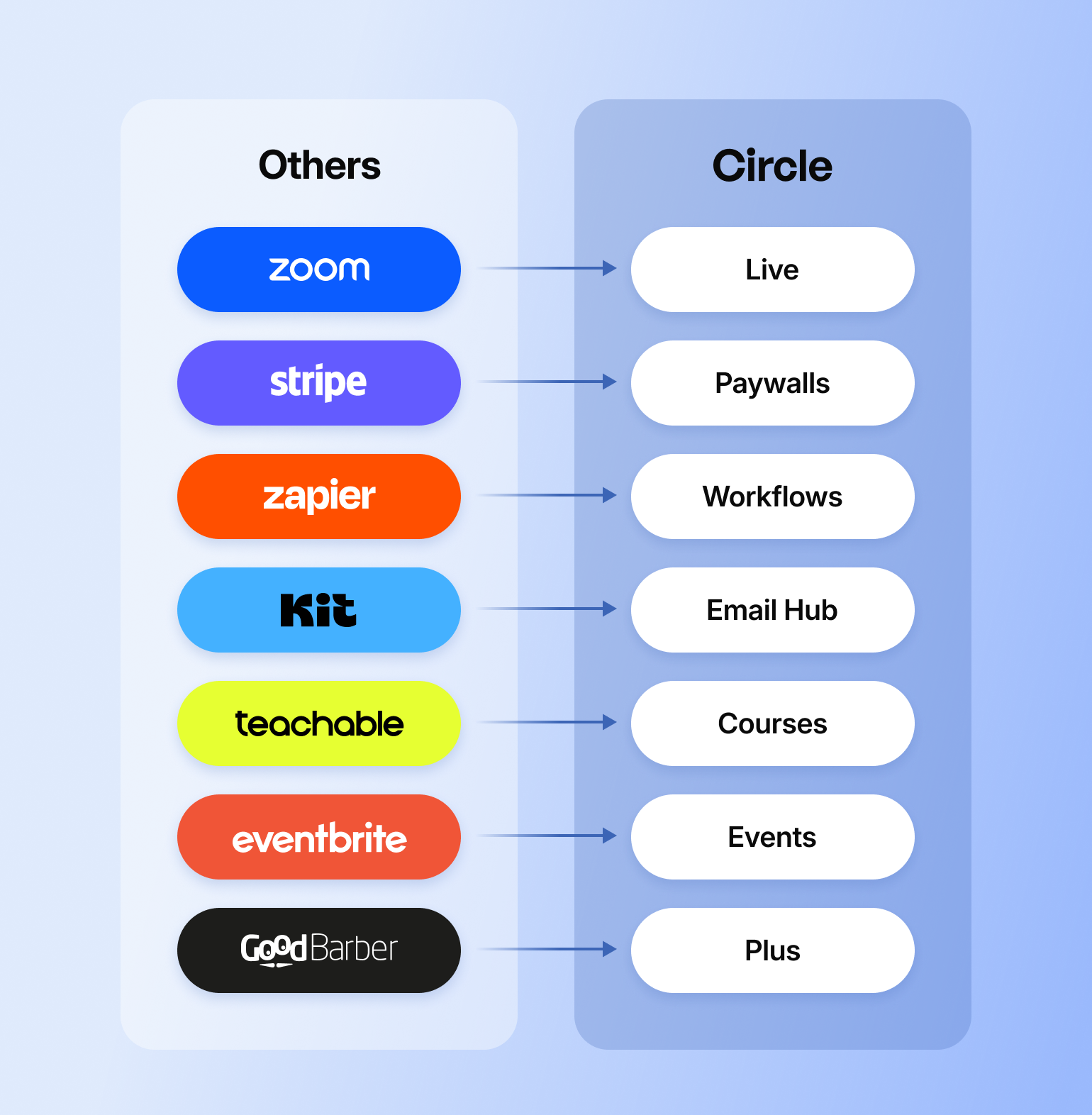
## How to choose the right tools for your digital business
Beat back overwhelm with simplicity. Here are some questions you should ask yourself about what you really need:
* **What jobs do I need the tool to do?** (Start with your top 3-5 needs.)
* Are you a new community that can test free tools or a mature builder with scaling needs?
* Does it need to integrate with other tools? Which ones?
* If you don't have any other tools yet, would an all-in-one solution be helpful to start with?
* **How advanced does the tool need to be?**
* What are your need-to-have features vs. nice-to-have? Create a list.
* Are you a tech-savvy solopreneur, or do you have a support team who's going to manage this tool and the processes related to it?
* What tools do I already have that it needs to play nicely with?
* **Can the tool grow with me?**
* What does scaling look like, both in price and capacity?
* What other tools am I thinking of adding in the next year that would be involved?
* **Do people *like me* use and like the tool?**
* Have you looked at honest reviews on G2 or other review sites?
* Where can you find honest feedback about the tool from people like you?
* **Can I test it before I commit to buying it?**
* What are your other options for solving your particular problem?
[Nikka Karli](https://community.circle.so/c/ask-the-community/anyone-want-to-talk-marketing-tech-stack-especially-for-solopreneurs-just-getting-started), professional creator, summarizes it best: "Your most optimized starter stack will really depend on:
* What you want to build
* What type of business and offers/products you have (or are creating)
* How you like to create/publish
* How your peeps like to engage with your content (free, paid, combo)
* If you're beginning with organic or paid traffic
* Your level of tech familiarity/skills
It can also be helpful to go into it knowing that you will iterate sooner than later, so just getting started and shifting as needed is so much easier (and more fun) than stressing about what the stack will need to look like in 5 years."
### **You don't need a big tech stack to build a thriving digital business**
So many folks fall prey to the myth that you need a bunch of expensive, complicated tools to manage a thriving community or business—especially when you don't have a large support team.
But people like Mila Clarke, founder of [the Glucose Guide](https://circle.so/blog/glucose-guide-diabetes-support-community), prove them wrong by running a diabetes support community of nearly 500 people—by herself on Circle. Or Christina Tasooji, founder of [The Antidote Women's Collective](https://www.theantidotewomenscollective.com/), who soft-launched a beta community alone with individual personal invites, a landing page, newsletter, and social media—and earned $50k *before her public launch*.
The best advice?
## FAQs about creator tech stacks
How many tools does a creator actually need?
Fewer than most people think. Half of Circle's own creators run their entire community on three tools or fewer: a community platform, email marketing, and automation. Circle now does all three, along with courses, events, payments, and a website builder, from one login.
What's the cheapest way to build a creator tech stack?
Most of the tools in this guide, including Notion, Google Drive, Calendly, and Canva, offer usable free tiers to start. The cost creeps in later, once you're paying separately for a community platform, an email tool, an automation tool, and a website builder instead of one platform that covers all four.
Which video editing or AI clipping tool should I actually use?
Depends on the job. Descript is best for transcript-driven editing; CapCut is faster for quick mobile-first cuts. For repurposing long-form into shorts, Opus Clip finds and ranks the clips worth cutting, and Submagic polishes them with best-in-class animated captions—many creators run both in sequence rather than choosing just one.
Can one platform replace a full creator tech stack?
For the core of a creator's operation (community, courses, events, email, payments, and a website), yes. Point solutions still make sense for specialized needs like video editing or advanced SEO, but the connective tissue between community and revenue doesn't need five separate subscriptions.
What's the difference between a creator tech stack and a community platform?
A tech stack is the full set of tools running a creator's business, community, email, payments, and more. A platform is usually one piece of that stack. All-in-one platforms like Circle are built to cover most of the stack from a single login instead of staying just one piece of it.
What tools do most creators start with?
Most start with whatever's free: Notion or Google Drive for organization, Canva for design, and a simple community platform. The stack usually grows one pain point at a time, which is exactly how it gets bloated. Starting with an all-in-one platform avoids that pattern from day one.
---
### How customer communities improve retention—and lower churn
*Discover how customer communities can supercharge your growth. From reducing churn to boosting engagement, learn what they are, why they matter, and how to build one that drives customer success.*
Source: https://circle.so/blog/customer-community
Customer communities are the secret weapon behind some of the most successful businesses. They cultivate passionate, engaged communities where users can learn and share.
The result? **Faster onboarding, stickier users, and more organic growth through word-of-mouth.**
The impact is measurable. For instance:
- Engaged community members are [3x less likely to churn](https://growth-onomics.com/how-community-building-boosts-retention-roi/).
- Adobe found that customers who engage with its community are [4x more likely to renew their subscriptions](https://fastercapital.com/content/Community-ROI--From-Engagement-to-Revenue--The-Community-ROI-Journey.html) than those who do not.
- Salesforce's Trailblazer community [answers 83% of user questions](https://community.inc/deep-dives/community-growth-salesforce) through peer support, saving around $2 million monthly.
- HeyOrca (a social media management platform) [cut acquisition costs 80%](https://www.heyorca.com/community-benchmark-2025) by building community first
And this is just the tip of the iceberg. In this article, we’ll explore:
- What a customer community is, and what kind of value they provide
- The four most common types of customer communities
- Real-world examples of successful communities
- A step-by-step guide to building your own community
## What is a customer community?
A **customer community** is a space where customers can connect, share insights, troubleshoot, and engage directly with your brand.
Often, customer communities are associated with larger brands, but they work just as effectively for businesses of all sizes. Whether you're a startup or an established company, creating a dedicated space for your customers:
- **fosters stronger relationships**,
- **speeds up problem-solving**, and
- **drives more meaningful engagement**.
Unlike a traditional forum, support center, or glorified FAQ section, a successful community fosters deeper loyalty in your brand. It’s more than just a place to ask questions—it’s a space where users can exchange experiences, offer solutions, and explore new ways to get the most out of your product.
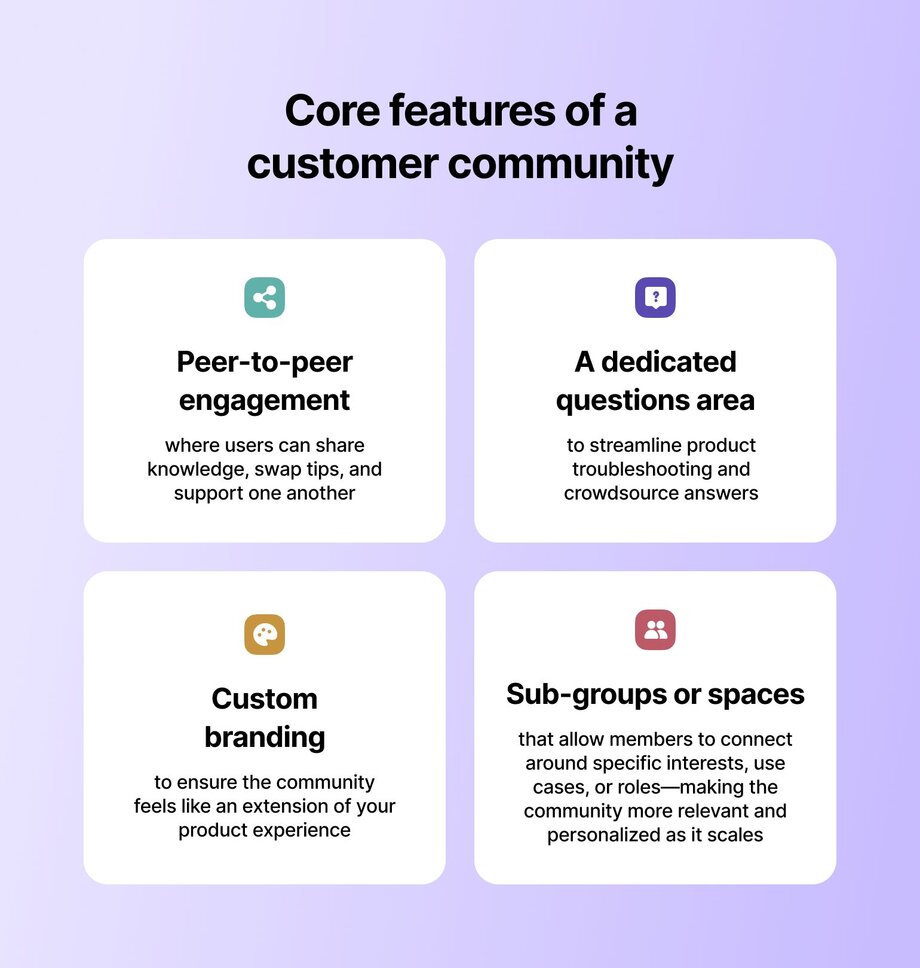
A customer community often includes one or all of the following core features:
- **Peer-to-peer engagement,** where users can share knowledge, swap tips, and support one another
- **A dedicated questions area** to streamline product troubleshooting and crowdsource answers
- **Custom branding** to ensure the community feels like an extension of your product experience
- **Sub-groups or spaces** that allow members to connect around specific interests, use cases, or roles—making the community more relevant and personalized as it scales.
## What’s the benefit of a customer community?
When customers hit a roadblock—whether it’s confusion over a new feature or frustration with limited support—**they often disengage _quietly_.** Without a clear path forward, even the most promising users can lose momentum and drift away.
But with a thriving community, they’re surrounded by inspiration, shared wins (or camaraderie in the frustrations), and a sense of progress that keeps them moving. For companies, these spaces reduce the burden on support teams, improve retention by keeping users active and invested, and reveal valuable product insights that shape smarter decisions.
Here’s why and how a customer community supports your users:
1. **Ongoing support when they need it most:** A customer community offers continued support well beyond onboarding. Whether users are troubleshooting an issue or diving into advanced features, they can get answers quickly, often from peers who’ve been there, without waiting in a customer service queue.
2. **Builds connection:** Communities go beyond transactions; they foster interaction. Users can join discussions, attend live events, and share their own insights. This sense of connection builds loyalty and keeps them coming back.
3. **Faster learning and discoveries:** Users can explore new use cases, uncover lesser-known features, and learn from real-world examples. Seeing how others creatively use the product helps them unlock more value and deepen their expertise.
4. **Motivation through shared goals:** Whether mastering a new feature or reaching a usage milestone, being part of a community keeps users inspired. Seeing others succeed boosts motivation and helps them stay committed to their goals.
### Why customer communities are your secret growth engine
A strong customer community delivers measurable value across the customer lifecycle, not just at onboarding. Think of it not as a funnel but as a flywheel that’s constantly feeding itself:
**Engagement → Retention → Expansion → Advocacy**
- Customers engage more naturally
- This organic engagement boosts retention
- As users stick around, they expand their usage
- Advocacy starts to scale itself
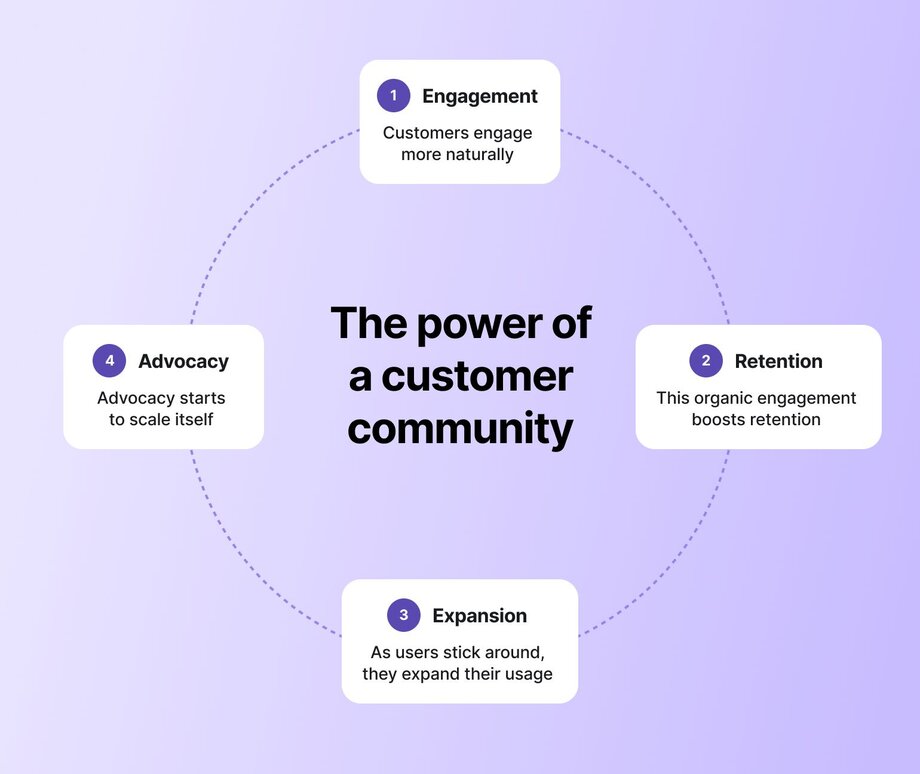
Every turn of the flywheel builds momentum—for deeper engagement, stronger relationships, and more sustainable growth.
### The ROI of a customer community
From reducing churn to boosting lifetime value, here’s how investing in a customer community can deliver significant ROI:
#### **🚫 Reduce churn (and keep customers close)**
Customers that feel like they can get help are less likely to churn. And by creating a go-to space for inspiration, troubleshooting, and camaraderie users are far less likely to ghost your product after a tough moment. Instead, they’ll stick around and reach out to the community. This reduces churn and cuts customer acquisition costs.
#### **📈 Boost lifetime value (LTV)**
Community members don’t just stick around—they level up. They attend your events. They explore add-ons. [They raise their hands for your beta program.](https://community.circle.so/c/contributors) Why? Because they’re invested. They feel supported. And they see your product as something they want to grow with. This means more upgrades, more referrals, and more long-term value per customer.
> 💡 Discover how a professional B2B marketing community [increased their revenue by 87.5%](https://circle.so/customer-stories/exit-five) year-over-year—thanks to its customer community on Circle.
#### **🚀 Improve activation rates (and close the post-signup gap)**
Ever had a user sign up… and then disappear? You’re not alone. The activation gap is real. Community helps close it by offering early-stage users motivation _and_ momentum. Through “[show your setup](https://community.circle.so/c/showcase/)” threads, milestone check-ins, and peer-powered nudges, new users are more likely to reach key activation moments—and faster.
#### **🛠️ Expand product usage**
“Wait, your product does that?” Yes. Yes, it does. Communities accelerate product discovery by [sharing product updates](https://community.circle.so/c/product-updates/) and surfacing real-life use cases from people in similar roles. It’s the difference between reading a manual and learning from a friend who’s been there. Expanding product usage unlocks new revenue streams, whether through upgrades, new features, or cross-selling opportunities.
#### **🧑💻 Minimize support tickets**
A well-run community [takes pressure off your support team](https://community.circle.so/c/ask-the-community/) by turning customers into coaches. Instead of logging a dozen tickets for the same question, users swap solutions in the community. Fewer support tickets mean lower operational costs, time saved, and the ability to scale support without increasing headcount, leading to direct savings and improved team efficiency.
**Customer communities unlock scalable benefits for brands _and_ their users:**
**🙋🏼♀️ Benefits for customer:**
- Ongoing support
- Belonging
- Faster learning
- Increased motivation
**🗂️ Benefits for company:**
- Reduce churn
- Boost lifetime value
- Improve activation rates
- Expand product usage
- Minimize support tickets
## Which type of customer community is right for you?
Customer communities come in many shapes and sizes, and there’s no universal template that fits all. Let’s dive into the four main types of customer communities and how each can fuel product growth and customer success:
| | Description | Value | Success metrics |
| --- | --- | --- | --- |
| Support-focused communities | A space dedicated to troubleshooting, quick solutions, and peer support where users help each other. | Reduces support ticket volume, increases customer satisfaction, and empowers users to solve issues independently. | Questions answered, reduced support costs, faster response times |
| Product/feature feedback communities | A platform for users to give feedback, suggest new features, and report bugs. | Enhances product development, builds customer loyalty, and strengthens user engagement through active feedback. | Feature adoption rate, feedback volume, customer satisfaction |
| Learning/growth communities (Academy-style) | An interactive space offering tutorials, courses, and certifications to help users maximize the value of the product. | Increases user proficiency, retention, and product usage through skill-building and achievement. | Course completion rates, user engagement, certification achievements |
| Advocacy/ambassador hubs | A community that empowers customers to share success stories, join referral programs, create content, and promote the brand through testimonials and social media. | Cultivates brand advocates who promote the product, generating leads and increasing customer acquisition. | NPS (Net Promoter Score), referral activity, brand mentions |
The key is to tailor your community to the unique needs of your users while aligning it with your company’s specific goals. Whether you’re aiming to reduce support costs, gather invaluable product feedback, empower users with more advanced skills, or discover brand advocates, you can build a customer community to fuel your growth.
Now, let’s look at how some top companies use these strategies.
## How top companies are winning with customer communities
These companies cultivate communities that drive retention, expansion, and even product development. Let’s get into it:
### Miro: Scaling product adoption through peer-powered creativity
Miro’s community, [Miro Heroes](https://miro.com/community/), plays a pivotal role in shortening time-to-value and expanding advanced product usage. Instead of relying solely on traditional onboarding or product walkthroughs, Miro introduces new users to a thriving ecosystem of real-world use cases through the Miroverse—a library of community-created templates. This immediately helps users visualize how Miro fits into their workflow and encourages faster activation.
What sets Miro Heroes apart is its active engagement loop: regular challenges, ambassador programs, and power-user showcases [invite members to contribute](https://circle.so/blog/member-led-community), collaborate, and celebrate innovative uses of the product.
These rituals don’t just keep the community dynamic—they also surface new product possibilities, increase stickiness, and [fuel advocacy](https://www.linkedin.com/posts/carolpoll_remotework-teamengagement-teamcollaboration-activity-7325121548577587200-Jujg/?utm_source=share&utm_medium=member_desktop&rcm=ACoAAASCMuoBXmOKCeLDZ91czqyhyrVlhKFntHo). The result is a high-impact customer community that drives education, product discovery, and organic growth—all while minimizing the need for traditional support or marketing resources.
### Mentors Outreach: Building growth through connection
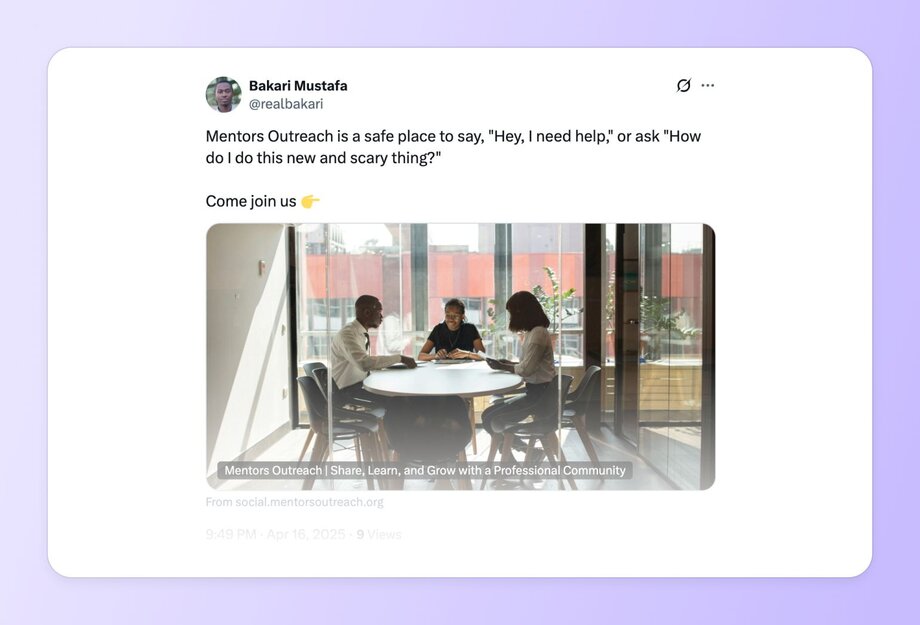
[Mentors Outreach](https://social.mentorsoutreach.org/feed) is a vibrant mentorship network that connects students, career changers, entrepreneurs, and seasoned professionals. Members can easily find mentors, share their own tips, and participate in ongoing discussions that inspire personal and professional development.
By using **Circle**, the community enables a seamless, mobile-friendly experience that supports real-time engagement through features like member matching, interactive discussion spaces, and curated learning resources.
This makes it easy for members to stay connected, participate in events, and grow alongside a supportive network—**transforming mentorship from a one-time interaction into a continuous, collaborative journey.** By keeping members engaged and invested, Mentors Outreach increases retention and creates long-term value, ultimately boosting ROI through steady membership growth and enhanced program impact.
### **Outsite: Connecting remote workers through a mobile app**
Outsite is a global community of remote workers who share a love for travel and adventure. The [Outsite Member Hub](https://www.outsite.co/community) is a central platform for members to connect with like-minded individuals, plan upcoming trips, RSVP for exclusive events, and access special Outsite deals.
Built on Circle, the Outsite Community gives members access to a comprehensive directory, curated resources, exclusive travel deals, and a jobs board.
The Outsite [mobile app](https://circle.so/plus) enhances this experience by providing seamless access to events, discussions, and special offers all on the users phone—particularly useful for their on-the-go customers.
The ability to easily access the Member Hub via phone boosts member retention, drives engagement, and fosters long-term ROI through continuous event participation, travel collaborations, and referrals.
### **Circle: Fostering connections and relationships**
In the [Circle Community](https://circle.so/community), we focus on building a community that centers users throughout their journey. From the start, new users have access to a range of resources, including tutorials, pre-built community setups, feature requests, and ongoing discussions. This hands-on approach allows users to quickly grasp the product’s core features and see the value right away, which means they can confidently start using the platform with minimal ramp-up time.
As users become more familiar with Circle, the community plays a key role in keeping them engaged and driving long-term retention. We host regular events like community Q&As, webinars, and product demos, which not only keep users connected to the product but also help them feel heard through direct interaction with the [product team](https://community.circle.so/c/developers/).
To deepen this engagement, we’ve introduced a community showcase and Challenges which are interactive experiences that spotlight member creations and encourage users to explore specific features together. These [cohort-style](https://circle.so/blog/cohort-based-courses) spaces foster shared learning, highlight real use cases, and create a sense of momentum that keeps users coming back.
We also encourage users to create their own [niche spaces](https://community.circle.so/c/video-library/show-tell-how-framer-manages-a-product-support-community-of-23000-members) within the community. This customization fosters deeper connections and allows members to become advocates, inviting others to join and helping expand the ecosystem. The result is a loyal, engaged user base that drives sustainable growth and boosts the platform’s ROI.
## How to build a customer community in 4 steps
Okay, now that you’re convinced that customer communities are the key to customer success, how do you build one? It’s not an overnight process, but with planning and intention, you’ll create a thriving space for your users to connect.
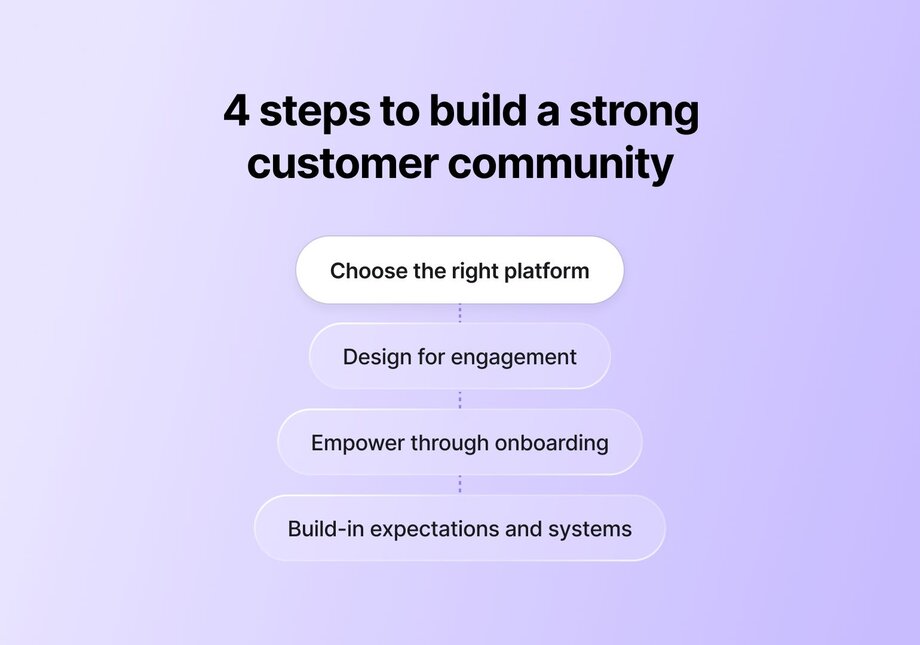
### 1\. Choose the right platform 🌐
The first step in building a customer community is selecting the right platform. You need a tool that makes it easy for users to engage, communicate, and share content. You might want to build this all in the back end of your website, or you may want to use an app specifically built for customer communities.
> 👉🏽 Discover the [best customer community platforms](https://circle.so/blog/best-community-platforms) for your needs.
The platform should integrate seamlessly with your product while offering [customization options](https://circle.so/customization) that reflect your brand. It should be easy for you and easy for your users. The worst thing would be to introduce more complexity to your users when they’re just getting started.
It's also important that your platform provides the necessary features to help you moderate and manage your community as it grows. A great platform will empower users to connect naturally, making it easier for them to find the resources they need and build relationships with other users. It should offer intuitive organization to support a variety of needs—whether users are there to ask product questions, share feedback, or explore learning resources.
Whether you're supporting your first member or your five-thousandth, **Circle** gives you the tools to build a [thriving customer community](https://circle.so/blog/build-a-community). Start growing meaningful connections and driving long-term engagement with your community today.
### 2\. Design for engagement 💬
To truly succeed, **your community needs more than just a place for users to gather—it needs to guide users to the right space for their needs**, whether it’s for product questions, support issues, examples, or learning.
Design your community to [spark conversations](https://circle.so/discussions) and maintain momentum by encouraging members to share use cases and participate in [regular events](https://circle.so/events). From the outset, foster an environment where sharing experiences, asking questions, and getting involved is not only welcomed but encouraged.
[Community rituals](https://circle.so/blog/community-habits)—whether it’s weekly discussions, monthly challenges, or user spotlights—are a great idea for creating consistent engagement. By celebrating early wins and sharing user success stories, you’ll keep users coming back.
Consistent engagement gets users to answer more quickly and increased product usage. Plus, users will be more likely to utilize advanced features and become long-term, loyal users.
### 3\. Onboarding is key 🚀
Think of your community as an extension of your product experience. Just as users need a clear, [supportive onboarding process](https://circle.so/blog/community-onboarding) when they first sign up for your product, the community should offer a similar level of guidance.
Make the process welcoming by
- **hosting live onboarding sessions,**
- **offering walkthroughs**, and
- **providing easy-to-follow guides** that help users understand the community’s features.
Encourage new users to engage right away by asking them to introduce themselves, share their goals, and contribute to ongoing discussions. This sense of involvement from the start helps [users feel empowered](https://circle.so/blog/member-led-community) to explore all your community offers.
### 4\. Community ops and moderation 🎤
Community operations—often called **“community ops”**—are the backbone of a healthy customer community. It’s not just about keeping the space welcoming; it’s about building clear systems that connect the community to your support, success, and product teams.
In a customer community, effective operations means:
- **Clear guidelines** that set expectations and encourage productive participation
- **Strong organization of discussion spaces** so users know exactly where to go for product help, inspiration, or feedback
- **Collaboration with customer success** and **support teams** to triage issues quickly and accurately
- **Dedicated community managers** who ensure no question goes unanswered
> 👉🏽 Discover how Circle streamlines and scales your community ops using [AI agents](https://circle.so/ai-agents).
But, being proactive is key—[community managers](https://circle.so/blog/community-manager-skills) should anticipate potential issues, encourage healthy conversations, and ensure members feel heard.
A well-managed community has the power to evolve into a space where users not only find answers but also form meaningful relationships. With strong community ops, your space becomes more than a support hub—it becomes a core part of your customer experience.
## Best practices and tools for customer communities
Whew—if you’ve made it this far in the article, hooray 🎉 —you’re probably convinced that customer communities are more than just a nice-to-have. **They’re the missing link between user intention and long-term engagement.**
Here are our best practices for successful customer communities to keep in mind as you get started:
| Best practice | How to implement it |
| --- | --- |
| ✅ Make community an integral part of your product strategy. | From the start, weave community into your product and customer success strategy. Align it with onboarding and user goals, creating opportunities for support, education, and feedback throughout the customer journey. |
| ✅ Keep the community dynamic and engaging. | Spark connection with live onboarding sessions, spotlighted user discussions, and feature deep dives. Recognize achievements and community wins to build momentum and encourage ongoing participation. |
| ✅ Encourage long-term engagement. | Elevate community member voices by incorporating feedback and celebrating progress, showing users that they’re essential to your product’s growth story. This requires consistent, personalized communication. |
| ✅ Choose the right platform. | Select a platform that supports communication, engagement, and scalability, such as Circle, to help you manage events, product updates, and user-driven content. Look for flexibility and customization to create a collaborative environment that fosters growth and tracks engagement. |
At the end of the day, a thriving customer community isn’t measured just by likes or thread counts. It’s measured by what it unlocks: **faster adoption, deeper loyalty, and stronger feedback loops.**
---
### 7 customer engagement strategies that build trust and keep members coming back
*Discover 7 proven customer engagement strategies that go beyond email campaigns. Build authentic connections through community-driven approaches that create lasting relationships and measurable business growth.*
Source: https://circle.so/blog/customer-engagement
> ## TL;DR
>
> * Real engagement is about members taking part, and the best signals go deeper than clicks and opens.
> * The most effective engagement strategies help members participate in ways that fit their stage, schedule, and needs.
> * One platform can bring community, events, courses, and automation together in one place.
Measuring a community’s success means different things to different community managers. Some measure by the number of members, others by their email open rates. But when we talk to people running thriving communities, one thing about them stands out—they’re locked in on driving customer engagement.
We’re not talking about sending more tired drip email campaigns or introducing yet another new survey tool.
🤝🏼 **Modern community engagement is about building a cycle of trust throughout every interaction with (and between) your members.**
You might be thinking, “I don't know. That sounds like a lot of work!”
We get it. But don’t worry, customer engagement isn’t a one-person job.
These thriving communities we’re talking about have brought their members into the mix to help scale engagement. [They provide their members with opportunities to lead conversations](https://circle.so/blog/member-led-community) and events, creating new connections, strengthening existing ones, and attracting potential new members to see what makes this community so engaging.
**Member-led customer engagement isn’t only about scale.** It’s a strategic approach to enhancing your community and growing your business.
Ready to grow your customer engagement? Good, then come with us on a journey as we look at:
* What we mean by “modern customer engagement”
* How to get marketing and customer service teams on the same page
* The lowdown on 7 strategies to drive engagement and build trust
### **What is a customer engagement strategy?**
Customer engagement is the strategy and day-to-day tactics that help your members authentically interact with your content and each other. You lean on [analytics](https://circle.so/blog/community-manager-skills) to track it and adjust on the fly — it's the onboarding, recurring touchpoints, automation, and feedback loops that keep people coming back because they want to. A system you build once, not a scramble you repeat every month.
That's different from customer experience, which is made up of the interactions your member has with your community: in-person and [virtual events](https://circle.so/blog/virtual-events), forum discussions, and earning dopamine rewards through[ community gamification](https://circle.so/blog/community-gamification-guide).
> 👉 Customer experience is the venue. Customer engagement is the crowd singing along.
## What does modern customer engagement look like?
Customer engagement has moved beyond clicks and campaign reach. Today, customer engagement is centred on fostering genuine participation, trust, and value.
Engagement is the heartbeat in a community-led business. Here are some ways to know customer engagement is working in your community:
* Members welcome each other without needing to be prompted
* Organic conversations start and grow without moderation (having solid [community guidelines](https://circle.so/blog/community-guideline-examples) is a must-have)
* Members refer others because they genuinely love being part of it
* Event RSVPs turn into repeat attendance
* Analytics show [consistent participation](https://circle.so/blog/online-community-engagement), not just spikes.
> 🎤 Think about it this way: a karaoke bar might have 1,000 song choices, but does it have an audience encouraging you to take the mic?
## **Why customer engagement strategies are worth the effort**
Engaged members are the difference between a community that grows on its own and one you push uphill every month. And the payoff is real: engaged customers spend [23% more](https://news.gallup.com/businessjournal/172637/why-customer-engagement-matters.aspx) than the average one, and the ones who feel connected are the ones who bring their friends. Engaged members stick around, pull other people in, and spend more over time. That's the business case for a customer engagement strategy: retention, referrals, and revenue that compounds instead of resetting with every launch.
Dave Gerhardt's [Exit Five community](https://circle.so/customer-stories/exit-five) shows what that looks like in practice. After moving his B2B marketing community onto a platform members actually wanted to log into, membership doubled year over year and revenue climbed 43%. Members renewed, referred peers, and showed up to 30+ in-person events a year.
## 7 proven strategies to drive engagement and build trust
The strongest communities aren’t built on content alone. They’re built on connection. These 7 strategies are designed to help you spark meaningful engagement, earn your members’ trust, and create experiences that keep them coming back.
Whether you’re getting started or looking to level up, Circle gives you the tools to turn casual members into committed contributors.
### 1. Create an onboarding experience that drives engagement
[Onboarding](https://circle.so/blog/community-onboarding) is your first opportunity to let members know this isn’t another newsletter or Facebook Group. They’re joining an intentional community of peers who are here to support, share, and help them grow.
With Circle, you can guide new members from day one using spaces, workflows, AI agents, and tags:
* **Spaces:** Let you organize your community so members can easily find welcome messages, key resources, and intro threads.
* **Workflows:** Guide members through your ideal onboarding flow, such as updating their profile, completing a challenge, or posting for the first time.
* **Tags:** Help you track their progress and personalize the experience based on actions or interests.
* **AI agents:** Can support with triggered hello’s and next steps in direct messages, introductions, and support questions on their journey.
Here's an example of a pop-up that communities can use to guide new members directly towards engagement.
Together, these tools turn onboarding into a meaningful first touchpoint that builds momentum.
### 2. Create rituals that keep members coming back
Predictability doesn’t mean you have to be boring. [Creating rituals](https://circle.so/blog/community-engagement-strategies) around member touchpoints can build a strong sense of belonging that drives customer engagement.
Ritualized touchpoints (which just sounds cool) include:
* **Regular email updates** with summaries of activity in your community (Circle can automate these for you!), [upcoming events](https://circle.so/blog/host-community-events), and new member offers.
* **Birthday or anniversary messages** to make your members feel seen and appreciated. They also give your other members an opportunity to engage with comments and birthday cake emojis.
* **Set office hours or member circles** give your members a consistent way to connect, share their experiences, and ask questions.
* **Member circles:** Create smaller spaces where members can connect around shared needs or interests.
For example, neuroscientist and community builder [Anne-Laure Le Cunff](https://anne-laure.net/) runs **weekly coworking meetings** and **review & planning meetings** in her experimentation-focused community [Ness Labs.](https://nesslabs.com/)
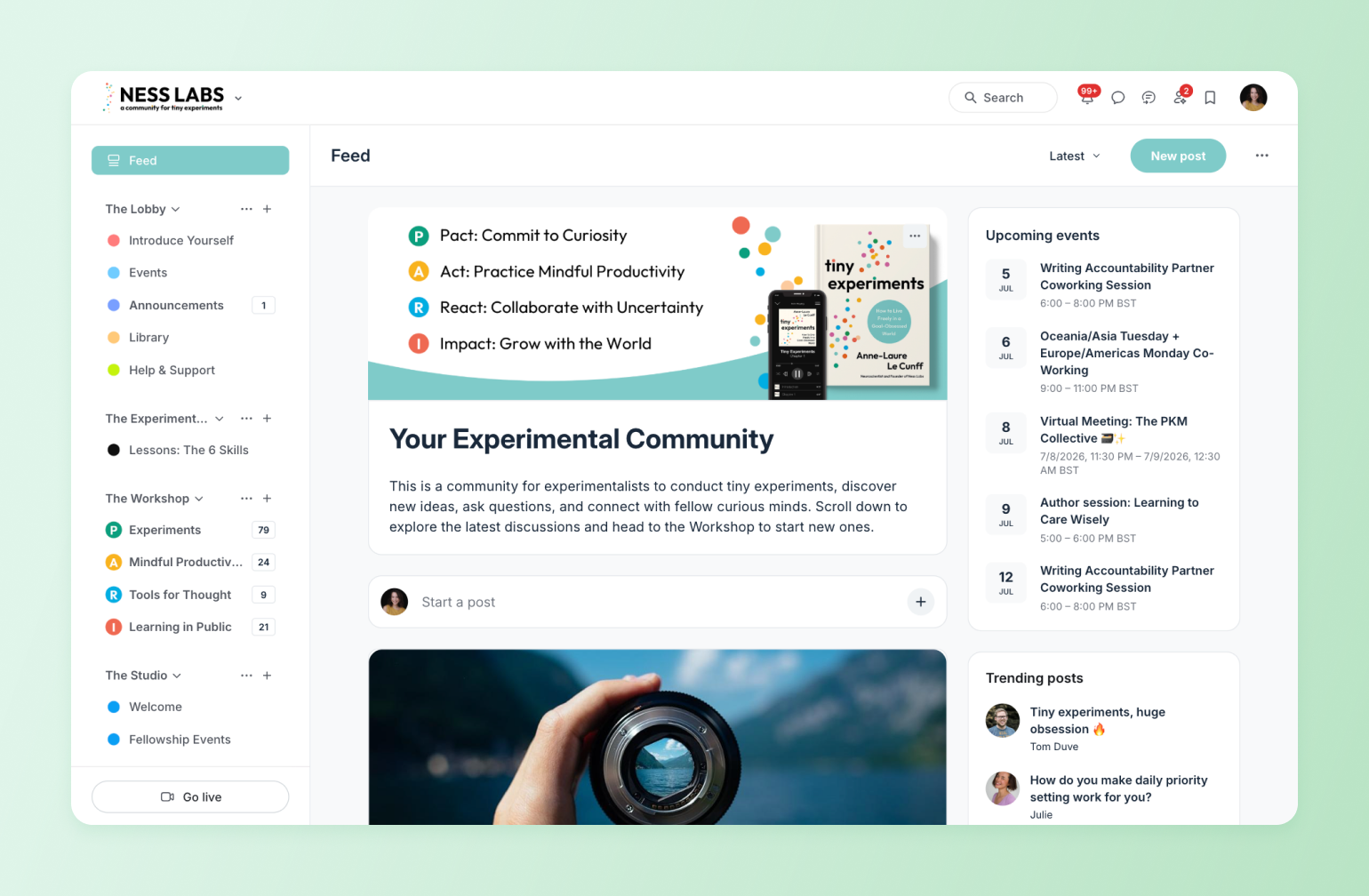
> 🏠 When members know what to expect (and look forward to it), that’s when a community starts to feel like home.
### 3. Meet your members where they are in their journey
Not every member needs the same nudge. Some may be just starting out and need a friendly hello. Others might be raving to co-host your next event. The risk is that by treating them the same, you end up disengaging both.
With Circle, you can segment your members based on behavior, activity, and milestones using **tags, journeys, and segment-specific content.** This means you can:
* Send re-engagement campaigns to lurkers who haven’t posted in a while—using Circle’s [Activity Score](https://help.circle.so/p/administration/community-ai/access-activity-scores).
* Invite active members into exclusive content, events, or leadership roles.
* Tailor your onboarding or learning paths to fit where someone actually is, not where you hope they’ll be.
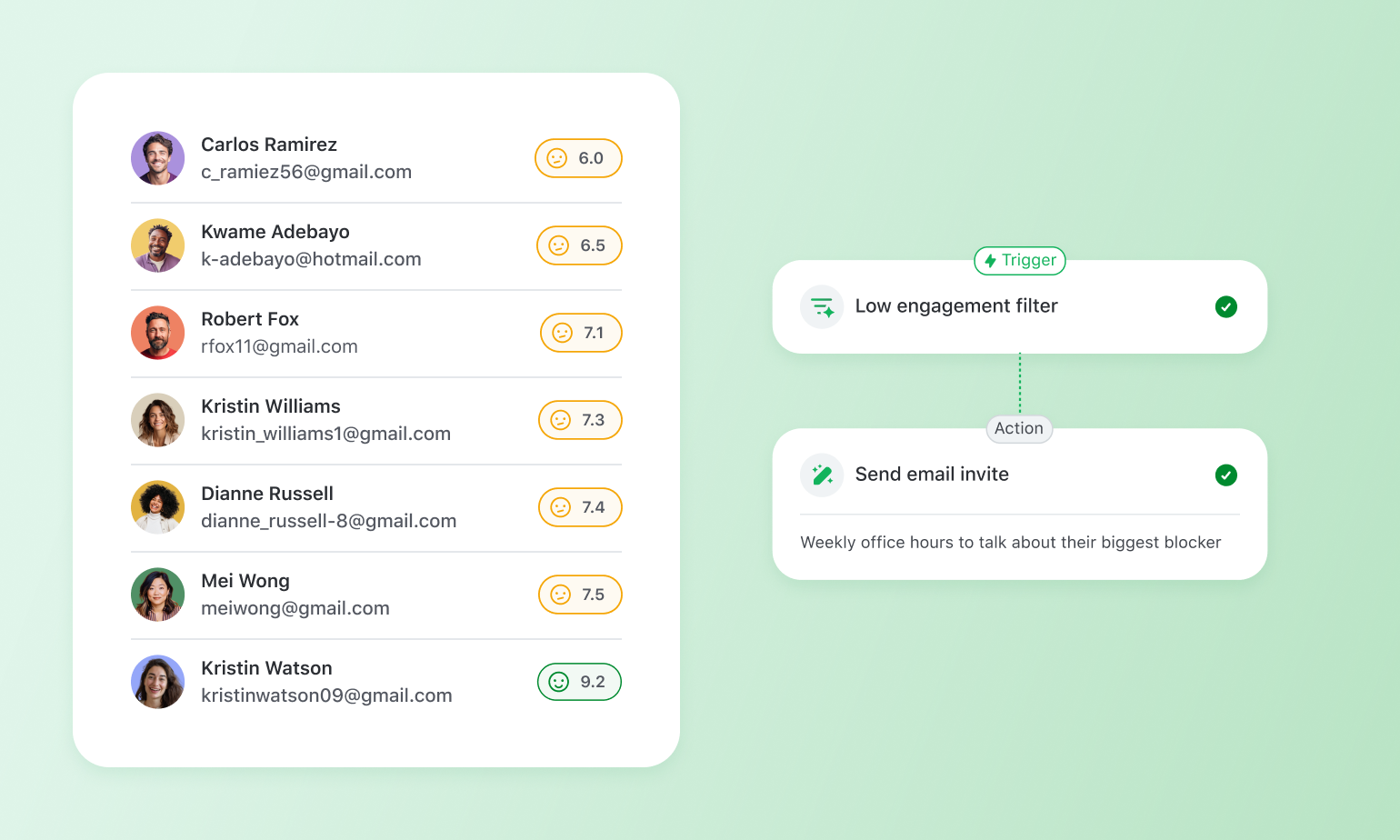
> 🎯 When you meet people where they are, you’re building trust and driving long-term engagement by design.
### 4. Feedback loops with a purpose
Good communities listen. Great communities act.
Gathering feedback does more than give you insights on how to improve your community. It can help you create meaningful opportunities for members to shape what comes next.
With Circle, you can collect real-time insight and use that input to refine your content, test new ideas, or even guide product decisions. You can collect insights through:
* **Polls:** Quickly gauge interest, preferences, or sentiment on a specific topic with a single click.
* **Discussion threads:** Create space for deeper conversations where members can share personal experiences, vote with replies or reactions, and surface themes you might not have seen coming.
* **Live AMAs:** Host ask-me-anything sessions to gather spontaneous questions and hot takes directly from your members.
* **Office hours:** Use these consistent, casual check-ins to spot trends, uncover pain points, and hear what’s top of mind from your most engaged members in real time.
Members feel invested when they see their feedback turn into action. That’s the turning point where engagement shifts from passive to powerful. That’s why we’re so **proud of our Feature Requests space in our customer community**, where we just celebrated **300+ launched feature requests from customers.**
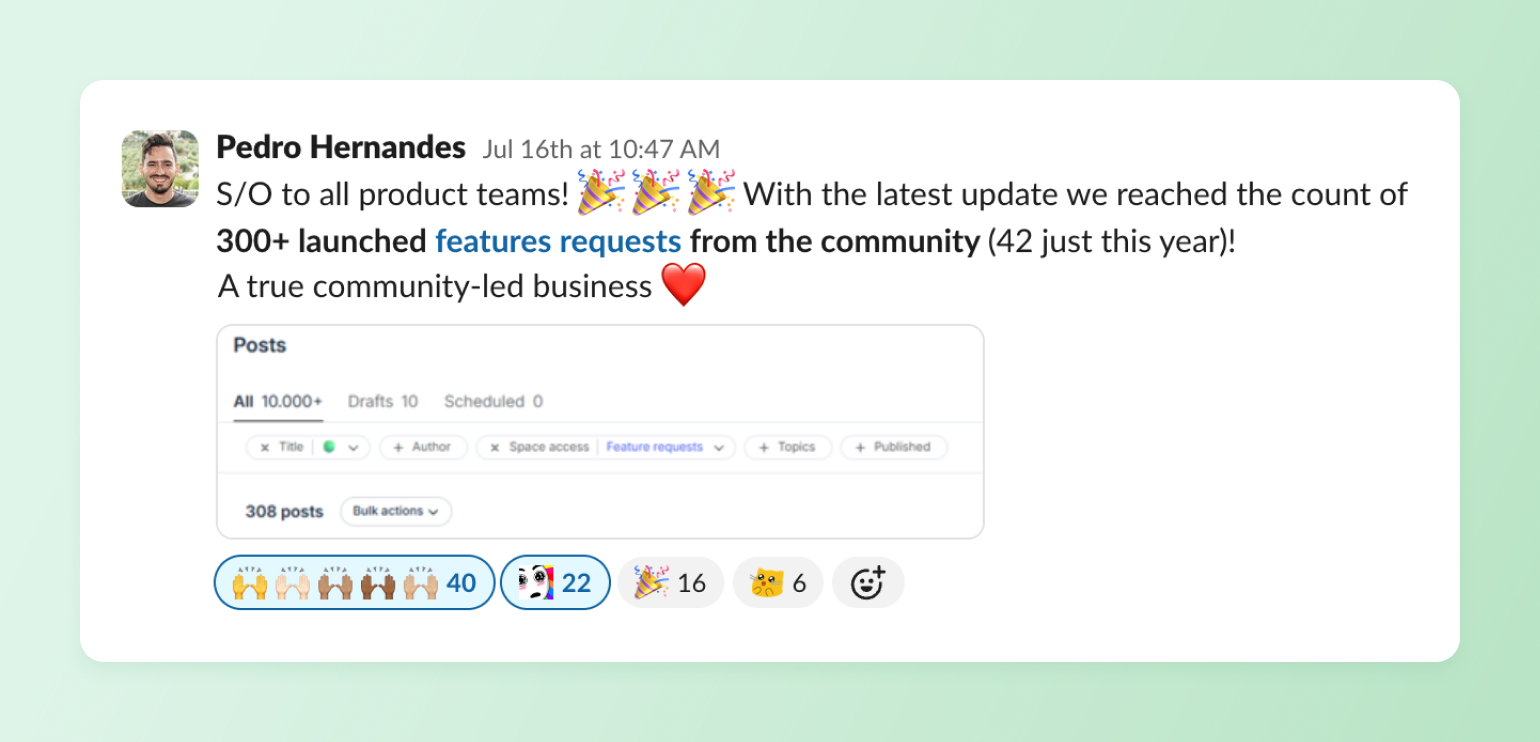
> 🛠️ Co-creation turns your members into collaborators, not just participants. That’s the kind of feedback loop that keeps people coming back.
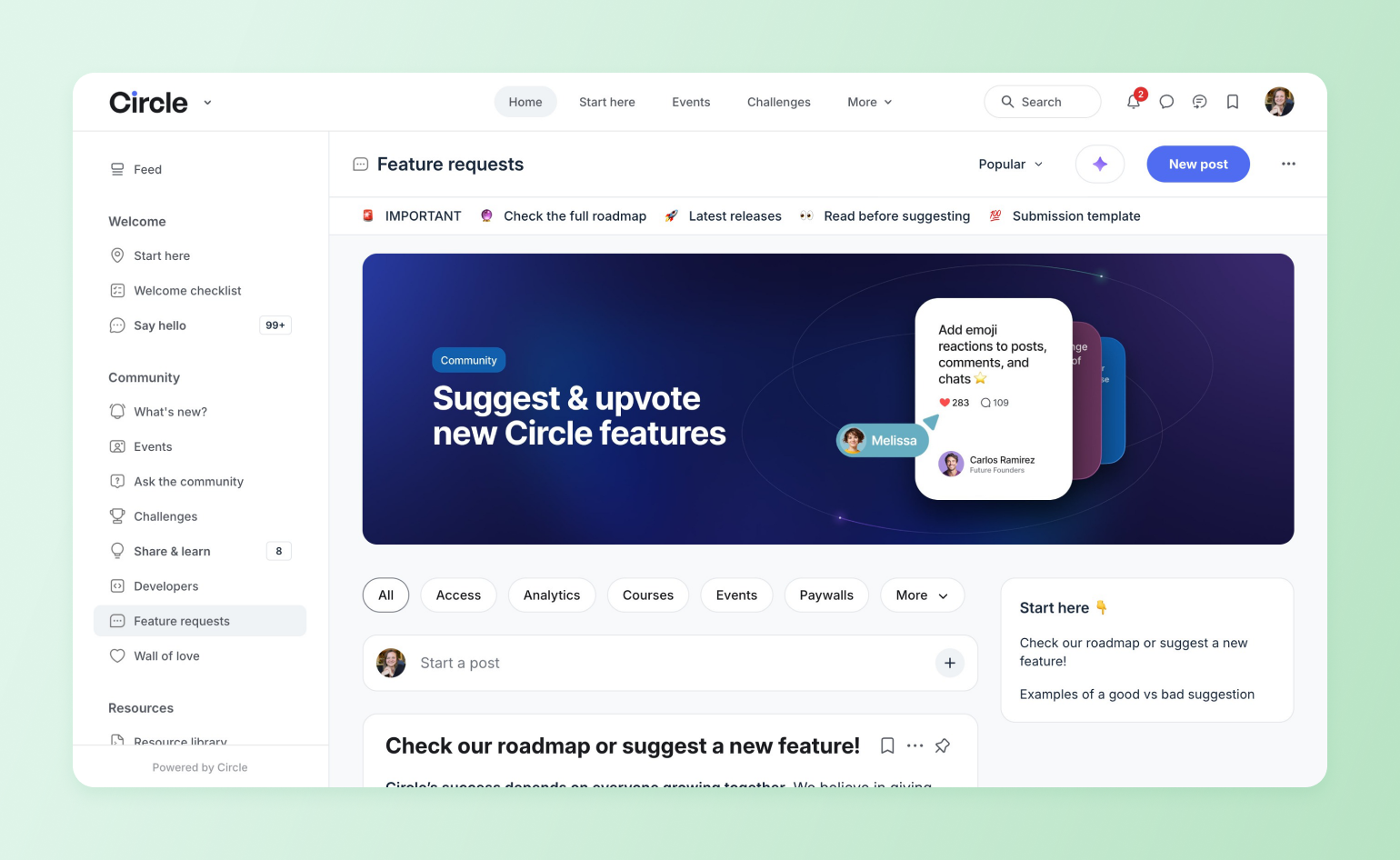
Members feel invested when they see their feedback turn into action. That action can turn passive participation into active collaboration. [Miro built three programs](https://circle.so/customer-stories/miro) for its power users on Circle and used activity scores to surface top contributors, feeding engagement data back into its own analytics through the Open API. Community feedback now directly shapes Miro's product roadmap, and the team saw a 3.5x increase in member comments along the way.
### 5. Create flexible engagement that works on any schedule
Live AMAs or office hours are great ways to encourage engagement, but they’re limited to members whose schedules line up with yours. Offering asynchronous ways to engage with your content and other members can help keep the conversation going, no matter what timezone they’re in.
You can create 24/7 engagement opportunities with:
* **Recurring threads.** Scheduled threads for things like check-ins, wins of the week, or prompt-based discussions to keep engagement flowing without starting from scratch every time.
* **Evergreen content.** Timeless resources like FAQs, guides, or onboarding materials that stay relevant and accessible, helping members find value no matter when they join.
* **Forum-style replies.** Structured, threaded conversations that make it easy to follow discussions, add depth over time, and create a searchable knowledge base your community can build on.
* **Content libraries:** Whether event recordings, lessons and guidebooks, or just themed content spaces, like Circle does with our Resource library space, can help people build knowledge over time.
Picture a member in a different timezone who misses every live AMA. With a weekly "wins of the week" thread and a searchable resource library, they're still posting, still learning, still part of it, just on their own clock. Tim Slade's [eLearning Designer's Academy](https://circle.so/customer-stories/elearning-designer-academy) grew to 11,000+ members by blending self-paced courses, cohort programs, and always-open discussions — so members can dive in during a lunch break or at midnight, and the learning's still there waiting.
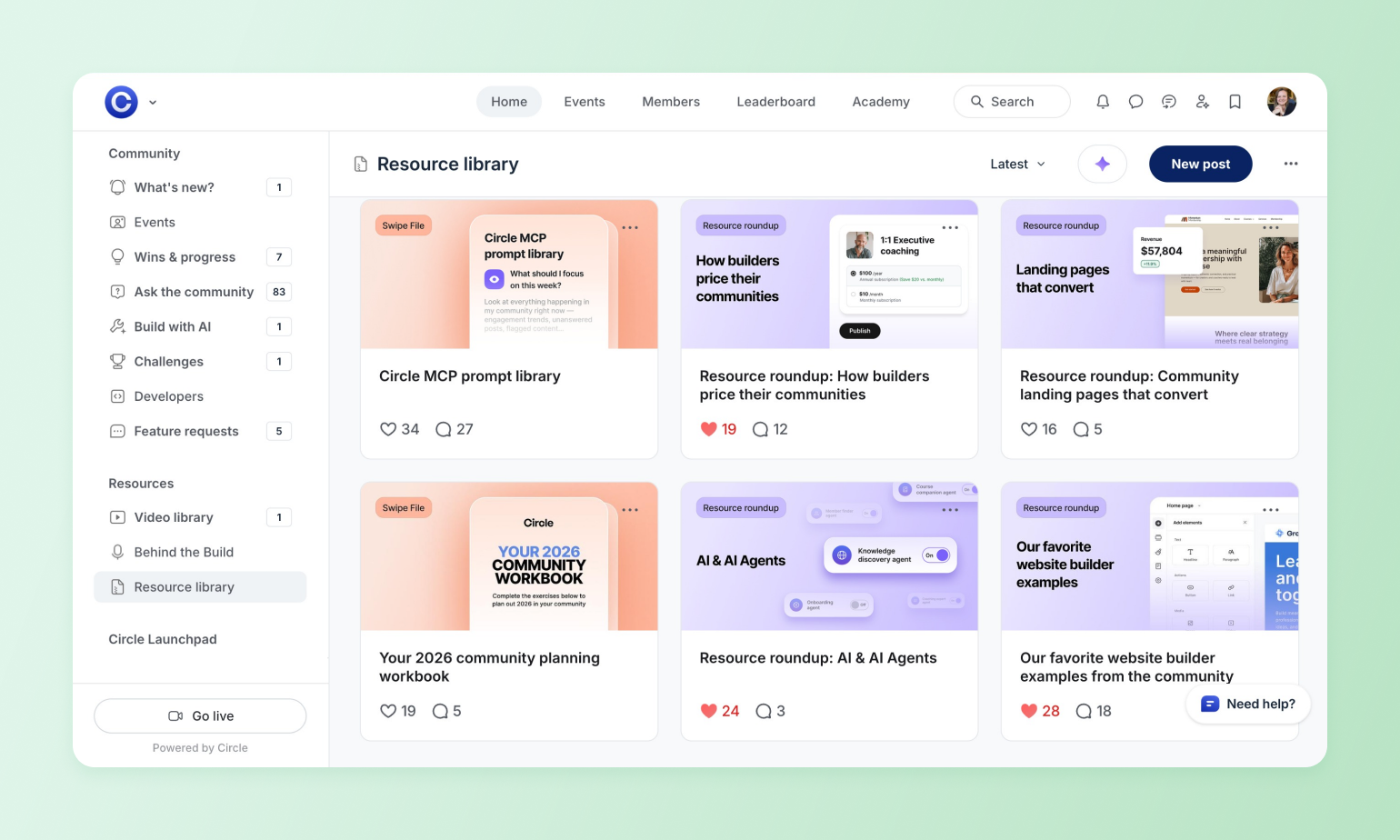
With Circle, members can jump in when it works for them, without the pressure to be “always on.” That’s where async tools come in:
* **Courses:** [Structured, self-paced learning paths](https://circle.so/blog/create-online-course) that help members build skills, onboard faster, or deepen their knowledge.
* **Spaces:** Rooms with a purpose. Spaces are customizable areas within your community where members can engage around specific topics, groups, or formats.
* **Comments:** Lightweight, real-time conversations that keep engagement flowing across posts, events, and content.
* **Event recordings and transcripts**: Flexible content that lets members catch up after a live session and keep learning on their own time.
> 📬 Scale engagement on your members’ terms, not just your calendar.
### 6. Use automation to stay personal at scale
You want to create personal experiences, but doing it all manually can lead to burnout, quickly. [That’s where automation steps in](https://circle.so/blog/community-automation-map). This is more than blasting out messages. It’s automating key moments to create smarter, more intentional rhythms.
Circle lets you automate key moments with [workflows](https://circle.so/workflows), [direct messages](https://circle.so/chat), [AI agents](https://circle.so/ai-agents), [gamification](https://circle.so/gamification), and [AI workflows](https://circle.so/ai-workflows), including:
* **Onboarding:** Onboard new members automatically with personalized welcome messages, profile prompts, and guided first steps
* **Follow-ups and reminders:** Send timely reminders for events, course progress, or important community updates—based on member behaviour, not just dates
* **Milestones**: Celebrate milestones like first posts, course completions, or anniversaries to reinforce progress and keep members engaged
* **Recognition:** Use gamification to reward participation and encourage members to keep showing up.
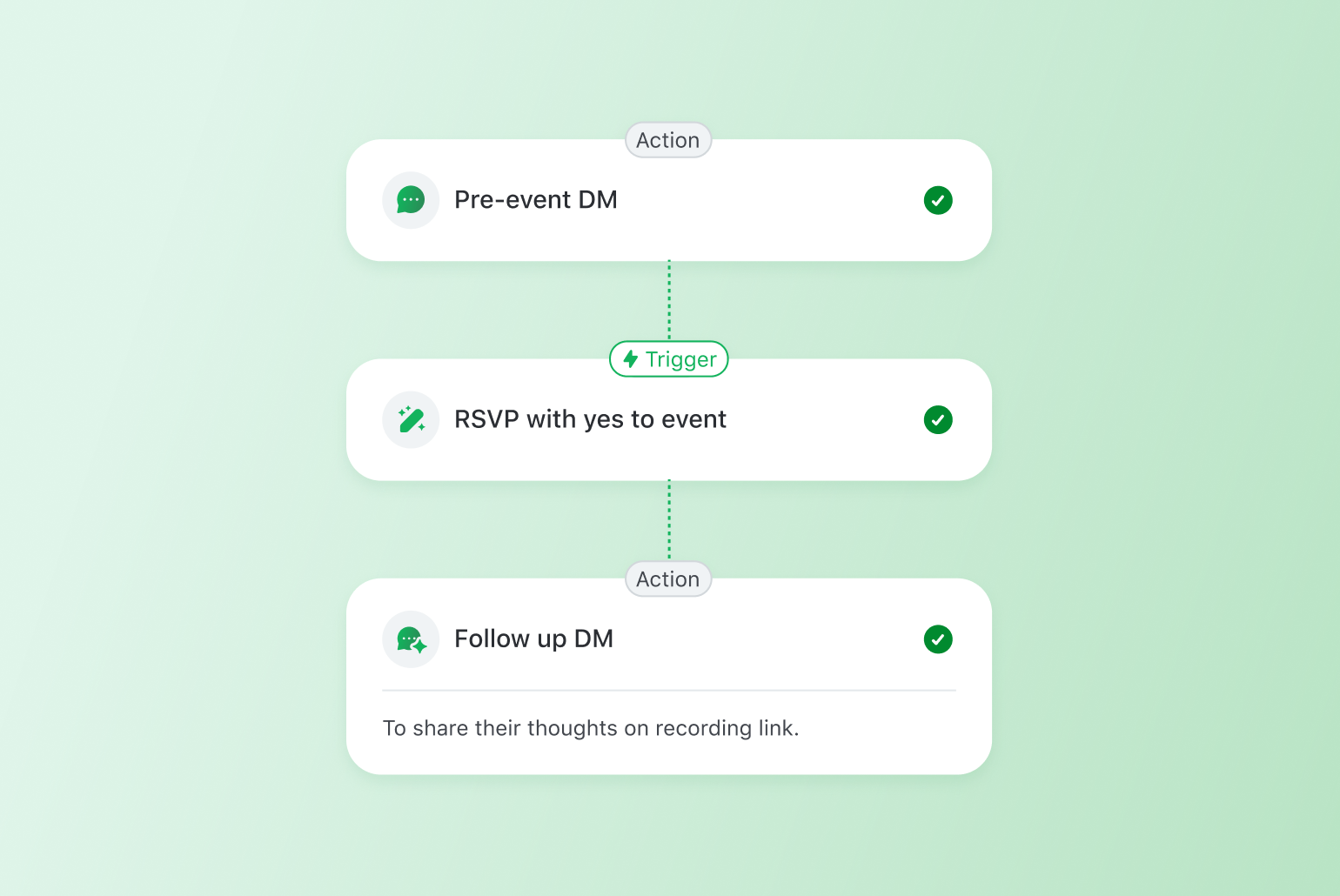
By tying automation to behaviour, you can show up when it matters most and make it feel like you’re always one step ahead.
> 🤖 It’s not robotic—it’s *human at scale*.
### 7. Track engagement with metrics that go beyond clicks
Clicks are easy to track, but they rarely tell you who’s thriving in your community. To truly understand real engagement, you need more effective metrics.
With Circle, you can [monitor insights](https://circle.so/blog/community-analytics) that reveal how connected your members feel and how often they’re showing up for each other:
* **Retention:** [When members keep coming back](https://circle.so/blog/customer-community) (or graduating to higher offers, opting into upsells, etc), it means they’re finding real value in what you’ve built.
* **Reply rates:** When members respond to each other, it shows your community isn’t just active—it’s alive.
* **Daily Active and Monthly Active Users (DAU/MAU):** This ratio shows how often members engage over time. Higher numbers \= stronger stickiness and healthier habits.
* **Activation milestones:** Track when members hit key moments (like introducing themselves or completing onboarding) to spot what’s working and where to improve.
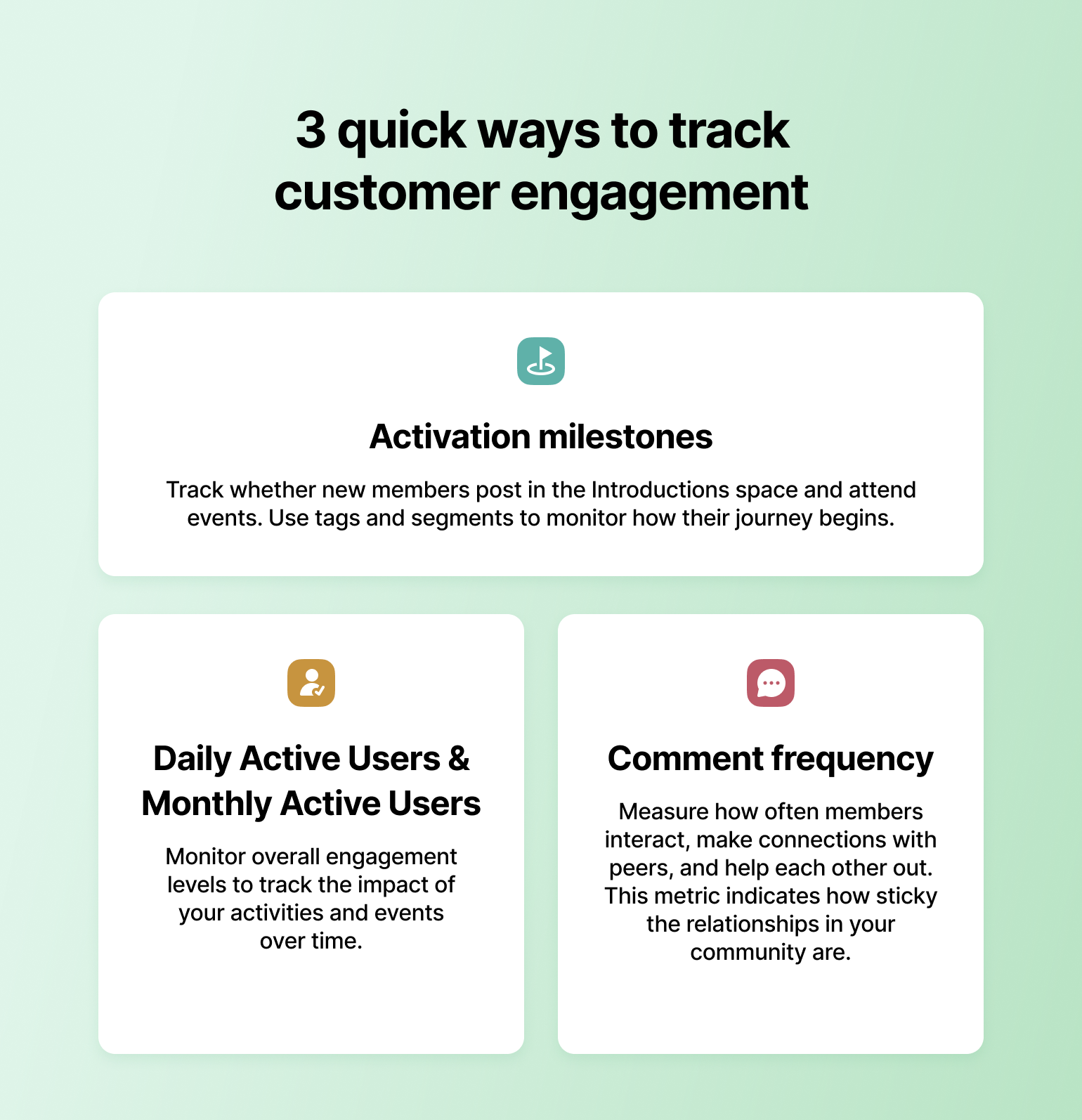
These aren’t vanity metrics. They’re health checks for your community that help you double down on what’s working.
> 📊 Engagement isn’t just louder—it’s *stickier*. Circle gives you the tools to prove it.
## How community builders can align with customer success and marketing
Community managers sit at the intersection of customer experience, support, and growth. This sweet spot makes them uniquely positioned to help customer success and marketing teams work smarter, not harder.
* **With Customer Success:** Share insights from member discussions to highlight common friction points, product feedback, or support gaps. Use community spaces to scale onboarding, offer peer-to-peer support, and celebrate customer wins, turning your happiest members into advocates.
* **With Marketing:** Surface authentic stories, testimonials, and user-generated content (UGC) from your community to power campaigns. Collaborate on launches by hosting live events, AMAs, or discussion threads to keep members engaged throughout the funnel.
When community, customer success, and marketing align, you create a connected customer journey that feels personal, valuable, and impossible to ignore.
### **Build a customer engagement loop**
The best customer engagement strategies all feed the same loop: members find value, so they take part; taking part builds trust; trust turns into referrals and renewals that bring the next members in. Your job isn't to chase engagement one campaign at a time — it's to design that loop so it keeps turning on its own.
Start with one strategy, not seven. Pick the gap that's costing you most right now — weak onboarding, no reason to come back, or metrics you can't see — and fix that first. The rest compound from there.
## Customer engagement FAQs
What is a customer engagement strategy?
A customer engagement strategy is your plan for fostering meaningful and consistent interactions with customers. It can include personalized messaging, loyalty programs, events, and more.One of the most effective approaches is building [customer communities](https://circle.so/blog/customer-community), where people can share feedback, perspectives, and connect with one another.
How can small businesses improve customer engagement?
Start with small, intentional actions. Welcome new customers personally, ask for feedback regularly, and create spaces—like a community or private group—where they can connect with you and each other.
What is the role of community in customer engagement?
Community turns engagement from a one-to-one effort into a many-to-many experience. It gives your customers a place to ask each other questions, share ideas, and build relationships that deepen their connection to your brand, without needing you in the room 24/7.
How do I measure customer engagement for an online business?
[Don’t just track vanity metrics](https://circle.so/blog/community-analytics) like open rates and clicks. Look at reply rates, repeat logins, event participation, and how often customers engage with others. For communities, metrics like DAU/MAU, post replies, and course completions show real involvement.
Why are traditional engagement metrics no longer enough?
Traditional metrics track attention, not connection. A click doesn’t tell you if someone found value, or if they’re coming back.Today, [engagement is about participation,](https://circle.so/blog/online-community-engagement) retention, and whether customers are contributing to and growing with your brand.
What tools help scale community engagement without losing the human touch?
Look for tools that combine automation with personalization.[Platforms like Circle](https://app.circle.so/communities/new) let you set up onboarding journeys, auto-tag members by behaviour, and automate reminders, all while keeping the experience thoughtful and human, not spammy.
---
### Building a data-driven event strategy for your community
*Learn how to build an event strategy for your community that’s rooted in data and analysis!*
Source: https://circle.so/blog/data-driven-event-strategy
Want to know a wild stat? It turns out, **100% of Platinum communities (the top 10% of those on Circle!) host events**—and they host more of every kind of event, too.
But simply 'hosting events' isn't a strategy—that's like saying your strategy is 'publishing posts' or 'creating courses. Strategy is your game plan for getting members to do the things you want (which may include hosting events, engaging with posts, or completing courses), so you can hit your goals now and down the line.
In this guide, we’ll walk through every step of building a data-driven event strategy. And don’t worry if you’re not ‘a numbers person’ either—you’re not alone. Forty-one percent of community builders say they’re somewhat unsure or have no idea how to track their community’s success, and standard creators are 3x more likely than Platinums to say they have no idea where to start.
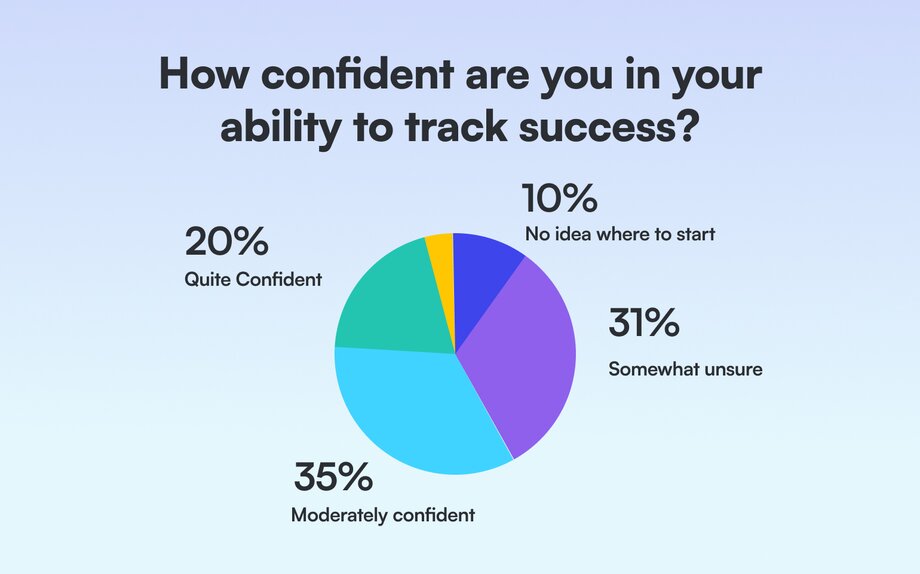
The only thing you need is innate curiosity to ask the right questions, and you’re reading this guide, you’ve already asked the most important one: **How can I create better, more rewarding events for my members?**
Relax, we’re going to show you how. It’s even going to be fun!
## 1\. Establish a baseline for your past events
Before developing your event strategy, you need to know what’s been done, what’s worked, and what hasn’t gone as well as you hoped.
Approach this exercise with a spirit of curiosity. Take a step back and jot down some questions you have about your event programming. You might wonder… 🤔
- What types of events are your members most interested in?
- What events aren’t worth the effort you’ve put into them?
- What times and days have historically seen the highest attendance?
⭐ **Note:** These questions are ‘north stars’ that will guide your investigation and keep your work grounded.
It can be super easy to get overwhelmed by the seemingly unlimited ways you can slice and dice and analyze data. I’m an ‘expert’ (or at least enough of an expert to write this guide) and even I got overwhelmed writing this! These questions will keep you focused and help you to reframe the numbers as clues that get you closer to uncovering answers.
Now, let’s run through the basics of event data analysis:
1. Collect your macro data
2. Collect your micro data
3. Analyze data patterns
4. Answer questions
## 2\. Collect your macro data
Macro data looks at the big picture like how many events you hosted, how many total RSVPs you received, and how many people ultimately showed up. These metrics show you, directionally, how you’re doing. They’re also the easiest to pull! You can get them right at the top of your events dashboard in Circle.
> 👋 **Circle user tip**: For a measure of how engaged your members were during an event, you can also look at the livestream / room messages in your messages dashboard.
## 3\. Collect your micro data
Micro data give you specific, actionable insights, like what type of event topic drives the most RSVPs. Knowing you have 1000 RSVPs isn’t inherently helpful for launching a strategy, though—sure, maybe you want more RSVPs, but you aren’t going to know what to do to get them if you don’t dive into the micro data.
Start by categorizing the types of events you’ve organized over a period of time. If you’re using Circle, you can toggle to your events dashboard > popular events > download data into a spreadsheet.
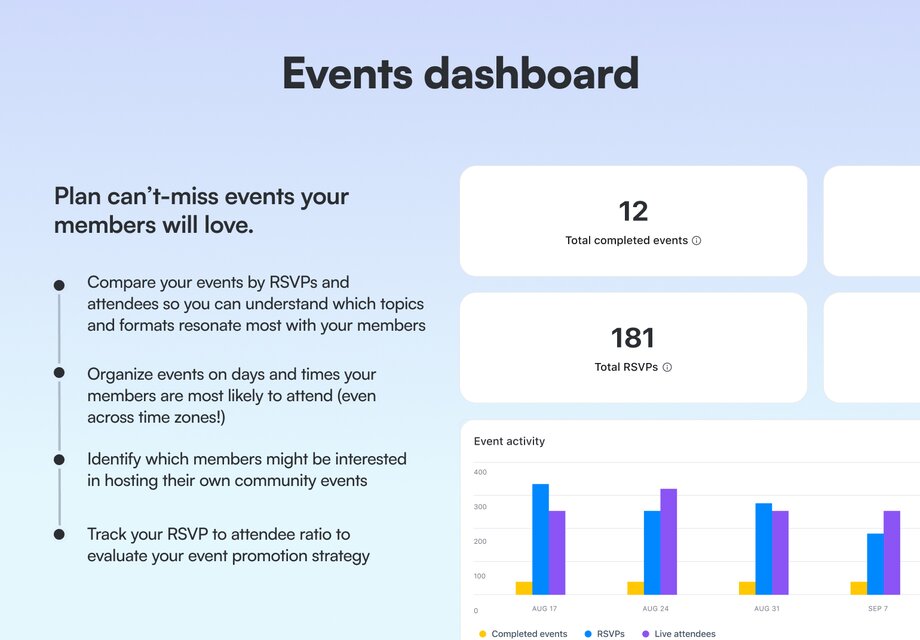
In your spreadsheet, bucket the events into categories that make sense for you. For example, I’m going to group my events by topic (show and tell, product workshop, etc.) but you could also classify by format (small group discussion, one to many, etc.), or goal (onboarding, engagement, acquisition, and retention).
Think about what dimensions are most important to you. Consider location (virtual, IRL), audience, whether an event was free or paid, etc.
Now, fill these columns out for every event!
> 💡 **Tip**: If a particular event did extraordinarily well or otherwise appears to be an outlier, you might want to bucket it separately so you can tease out the impact it had; otherwise, it could skew your results.
When faced with an outlier event, you’ll want to examine what about that specific event was so special – and it might not necessarily be the topic or group it belongs to.
Finally, calculate the attendance rate by dividing the number of attendees by the total number of RSVPs. For instance, if I had 100 RSVPs and 60 attendees, my attendance rate would be 60%.Your attendance rate could even be over 100% if more people attended an event live than RSVP’d to it (great for virtual events, bad for IRL events with limited quantities of pigs in a blanket). 🌭
## 4\. Analyze data patterns
Below is a list of some of our favorite event data pairings that can bring you actionable insights.
#### \# of RSVPs by topic
Shows you what topics or themes your members found interesting enough to express initial interest in and can also reflect how well you promoted the event.
> 💡**Tip**: A high number of RSVPs suggests that the topic is engaging or that your promotional efforts were super effective.
#### \# of RSVPs by format
Shows you if your members prefer a specific format over another (like a workshop vs a webinar vs a discussion section).
> 💡 **Tip**: A high number of RSVPs suggests that the format is a successful way to connect with your members.
#### \# of attendees by topic
Shows what topics your members valued enough to attend the event live and can also reflect the effectiveness of your event promotion.
> 💡 **Tip**: A high number of attendees compared to RSVPs might suggest that the topic was highly anticipated or the event was well promoted.
#### \# of events in each topic
Shows you where you spent the most time and resources in terms of event planning and execution.
> 💡 **Tip**: Can help you assess if your efforts are aligned with your community's interests or if you need to diversify your topics.
#### Attendance rate by topic
Shows you how well you converted initial interest (RSVPs) into actual event attendance.
> 💡 **Tip**: A high percentage indicates effective promotion and engagement strategies, while a low percentage suggests there were barriers to attendance (like time of day) or you didn’t promote the event enough leading up to it.
#### Average number of RSVPs by topic
Shows you an overview of the average interest level for each topic.
> 💡 **Tip**: Identify which topics consistently attract more interest, so you can tailor future events to your community's preferences.
### Be careful of data pitfalls
Unfortunately, data isn’t always so straightforward. Many have been fooled if they’re not aware of the pitfalls! (Been there, done that).
If you just looked at RSVPs per topic, you might be misled into believing a topic is more successful than it is simply because you overinvested in that topic. It’s better to look at averages or ratios when comparing the success of different events so you aren’t comparing apples to oranges.
For example, let’s say you hosted ten book club meetings with 20 RSVPs each or 200 RSVPs total. You also hosted one game night with 150 RSVPs. On the surface, the book clubs look like they performed better, with more RSVPs overall. But the average number of RSVPs per event is dramatically different (20 vs 150).
**Another tip:** You’ll have an easier time making sense of your event data if you run recurring events (i.e. you're not just hosting one-off events at an irregular cadence).
## 5\. Answer your questions
One of the best ways to kickstart your data analysis is by asking questions. By starting with a question, you now have a direction and a purpose when sifting through the data. Below are some common event related questions you can ask.
#### Which topics and types of events are most popular, or least popular?
Look at the number of RSVPs and attendees by topic to identify which themes consistently attract the most and least interest and engagement from members. You may also want to look at the average number of RSVPs by topic to identify which topics consistently generate the most and least amount of interest on a per-event basis.
#### What commonalities do you see in your most successful events? What about your least successful ones?
Look at individual event # of RSVPs, # of attendees, and attendance rate. Also consider time of day, topic, event length, speaker, promotional strategies, and so on.
#### How effective are your event promotion strategies?
The RSVP to attendee ratio can provide valuable insights into the effectiveness of your promotional efforts.
#### What days / times of days do I get the most member engagement?
Look at the member presence graph in your events dashboard, and consider times that work for the most time zones—even if it isn’t the most active time in absolute terms.
In the Circle platform, we provide detailed community data reports that our customers can dive into, including an events dashboard. This dashboard gives you a really great overview of your event performance.
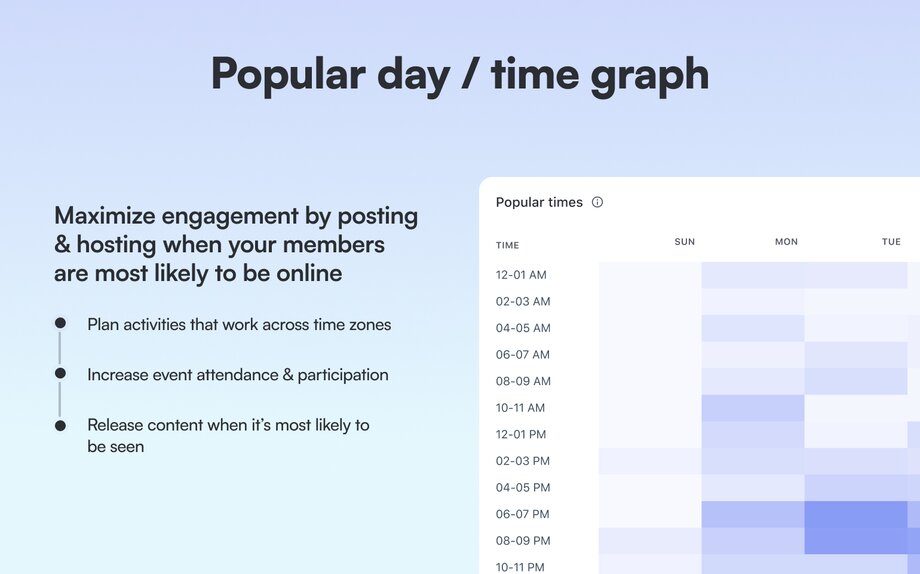
## 6\. Choose your KPIs
In the previous section, we put together a complete picture of your event programming. This overview serves as both an audit, detailing what's been done, and a diagnostic, highlighting what's been done well and what could be improved. Now, it’s time to define success for your event strategy, and that starts with setting a clear goal.
**What are KPIs?** KPIs (Key Performance Indicators) are a quantifiable way of measuring how close or far you are from achieving your objective. They help you track progress, make informed decisions, and ensure that your event strategy aligns with overall community goals.
**KPIs can be leading or lagging measures:**
- **Lag measures** are the outcomes you ultimately want to achieve, like more members or more revenue.
- **Lead measures** are early indicators that you’re on the right path.
For example, increasing event attendance at your onboarding events is a leading indicator for improving member retention overall. The event attendance isn’t the end goal in and of itself—it’s a sign that you’re moving in the right direction.
#### Here are some examples of event-related KPIs:
1. Total # of events, # of specific types of events
2. Total # of total attendees, total # of attendees who belong to a particular member type, total # of attendees at specific event types
3. \# of RSVPs, # of RSVPs for specific events, # of RSVPs from particular member types
4. Attendance rate, attendance rate at specific event type
It’s important that the KPI you choose actually maps back to your goal. That may seem obvious, but if your goal is to increase the number of members who purchase your premium offering, you wouldn’t want to track the number of livestream messages as a core KPI.
Here are some examples of goals and KPIs that ladder up to meet them. You’ll also want to track how these numbers change over time (so % increase / decrease)!
**1\. Goal: Increase member engagement (MAU)**
- **KPIs**: Average attendance rate per event, # of events organized, attendance rate, % of monthly active users (MAUs), # of posts in the community after each event, and # of live stream chat messages.
**2\. Goal: Increase member retention (Churn)**
- **KPIs**: Average attendance per orientation, total attendees at orientation / office hour events.
**3\. Goal: Increase paid subscriber value**
- **KPIs**: # of paid subscribers who attend events, # of livestream chat messages from paid subscribers.
⭐ **Note:** You don’t need to care about or track all these numbers! Only the ones that matter to you.
By carefully selecting KPIs that align with your specific goals, you can effectively measure the success of your event strategy and make data-driven decisions to improve your community's engagement and growth.
## 7\. Build your comprehensive event strategy
So you have a goal, and you know how you’re going to track that goal (KPIs). You also know where you stand in relation to that goal today (baseline). Now, it’s time to look at what you should keep doing to get you closer to your objective, what you should stop doing that sets you farther away from it, and come up with some new ideas to try out.
We’re going to put together a strategy using a hypothetical scenario.
### Scenario: Community member engagement is down
**Goal**: Increase the number of active members in your community (lag measure).
**Hypothesis**: You think increasing event attendance (lead measure) could be a smart way to bring folks back into your community.
**Your KPIs might be:**
- \# of events (to hold yourself accountable to investing in events overall).
- \# of RSVPs (tells you if people find your event interesting).
- \# of total attendees (tells you if your event holds enough value to drive people into the community).
- Attendance rate (tells you if you’re promoting the event effectively).
Remember, a strategy is the plan you put together to incentivize members to take the actions you want in your community (in this case, it’s attending events so they come back again and again to your community).
Now, for the plan. Let’s run through some questions!
**What sorts of events should I host?**
- Look at what’s worked before for you to double down on (back to baseline section, popular events).
- To preserve time and energy, stop doing what doesn’t have a high ROI.
- Survey your members to find out what other event types to experiment with. (Hint: use Circle polls!)
#### How do I drive RSVPs?
- Look at what’s worked before to drive events with the most RSVPs—how did you announce the event.
- Look on the post dashboard for popular posts related to the event topic—promote the event in the comments.
#### How do I get people to actually come to the event (attendees & attendance rate)?
- Look at your most well attended events before—what did you do differently leading up to the event to promote it
- Look at the device analytics dashboard, if members use more mobile devices to access your community, you might want to show them how to join through the app.
- Who are your top members (member leaderboard)? How can they help you promote the event? Maybe you want to invite them as co-hosts.
#### When should I host these events?
- Look at the popular days/times graph from your community in baseline.
One downside of analytics is that it can only show you what's worked in the past or what hasn't, based on what you've already done. To get new insights or ideas, you'll need to chat with your members and dig into other data sources.
- Most popular posts—tells you what topics are getting people excited.
- Member leaderboard—consider introducing member-led events hosted by your most active members.
- Ask for help in the [Circle community!](https://community.circle.so/home)
Now that you have the strategy, you might be wondering how to best design a great event experience. Well, we have the resource for you: our comprehensive [community events playbook!](https://community.circle.so/c/playbooks/the-community-events-playbook)
### The best strategies combine data and intuition
There are 3 ways you can develop a strategy:
1. Rely on gut instincts
2. Apply data
3. Blend the two together (ideal!)
In fact, 46% of [Benchmark Survey](https://circle.so/2024-creator-community-report) respondents say they use their intuition to gauge what’s going on in the community.
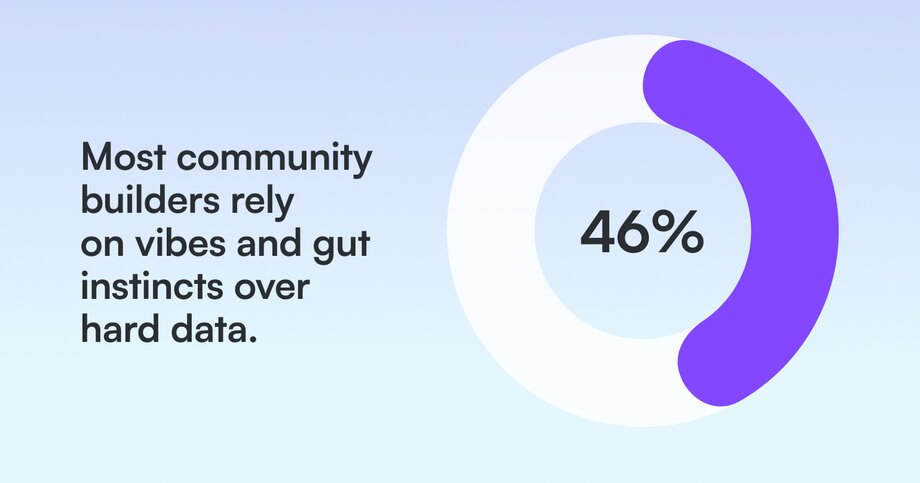
This makes sense – if you’re working in or on your community every day, it’s hard to believe anything is happening that you don’t know about.
Afterall, you’re the expert on your members' transformation. For example: A course creator will often be able to gauge whether a cohort is doing well based on the quality of the participation at live events, whether members are jumping into discussions, how fast people are going through the material/doing the exercises, etc.
Using your gut isn't bad on its own! But when you combine it with data, that's when the magic happens.
At the same time, a lot of community builders don’t consider themselves to be ‘numbers people’—they got into the industry to foster deep connections, share knowledge, and change lives. Adding numbers to the mix is akin to talking about math at a party _(The surest way to be excluded from any future invite lists!)._
So, it’s not like they’re really jonesing to add data to the mix, especially if it feels like their gut instinct hasn’t failed them yet.
But is that really true? How do you know you haven’t overlooked any opportunities or ignored any trends because they weren’t obvious to you?
### Remember that a community is like an iceberg – a lot of what keeps it afloat lives below the surface.
It’s tempting and natural to focus and over index on visible signals—comments, likes, posts—but those are just one part of the story. Consider lurkers—members who log-in and consume content but don’t publicly participate, or DMs—meaningful conversations between members you may never be privy to.
That’s where analytics comes in. Analytics give you an objective, complete look into where, when, and how your members are engaging. From here, you can assess what’s working and what’s not, so that you can figure out where you want to go and build a plan to get there.
Important caveat: Analytics can tell you what your members are doing—or not doing—but it won’t tell you why. And you need both to build a cohesive strategy. (That means talking to members! And using those gut instincts of yours).
Check out Circle's community analytics for everything you need to monitor member activity, engagement, and traffic. And, if you're not yet a customer, [get started with your free 14 day trial today](https://app.circle.so/communities/new).
---
### Build an unmistakable digital creator brand in 2025
*Learn to build a creator brand that converts followers to community. Discover strategies, examples from top creators, and growth steps for 2025.*
Source: https://circle.so/blog/digital-creator
Today’s creator-focused culture may seem like something brand new and even revolutionary, but it’s really an evolution of how people have been creating community around a shared passion for generations.
Before social media gave creators access to potentially billions of audience members, they were making zines in their school art shops or starting bands in their garages.
Fast forward to today, and these digital creators have a seemingly never-ending list of tools and apps to create content and build community.
But it’s not just the tools.
Digital creators blend storytelling savvy with business smarts to turn their connections into a brand and business. Grab your favorite beverage and come along for a ride where we’ll show you how they do it—and how you can, too.
**Here’s what you’re going to learn:**
- The ABCs of being a digital creator
- 3 key parts of moving from personal to business branding
- Why branding is more than a logo
- Real-life examples from top digital creators
## What is a digital creator?
[Content creators](https://circle.so/blog/become-a-content-creator) and digital creators both produce engaging online content, from videos and podcasts to courses and communities.
The difference?
- **Content creators** focus on creating informative, value-driven content and compelling storytelling.
- **Digital creators** take it a step further by building entire [digital ecosystems and products](https://circle.so/blog/digital-product) and businesses around their personal brand.
- **Influencers** build relationships with their audiences and often partner with brands (DM to partner!) to promote products or services.
> 👉🏼 All digital creators are content creators, but not all content creators are digital creators.
>
> - A content creator makes content.
> - A digital creator builds a [digital business](https://circle.so/blog/digital-products-to-sell) with content at its core.
## 4 main types of digital content
Content can sometimes seem like a big bucket. Thankfully, you can break that bucket down into four main types of digital content.
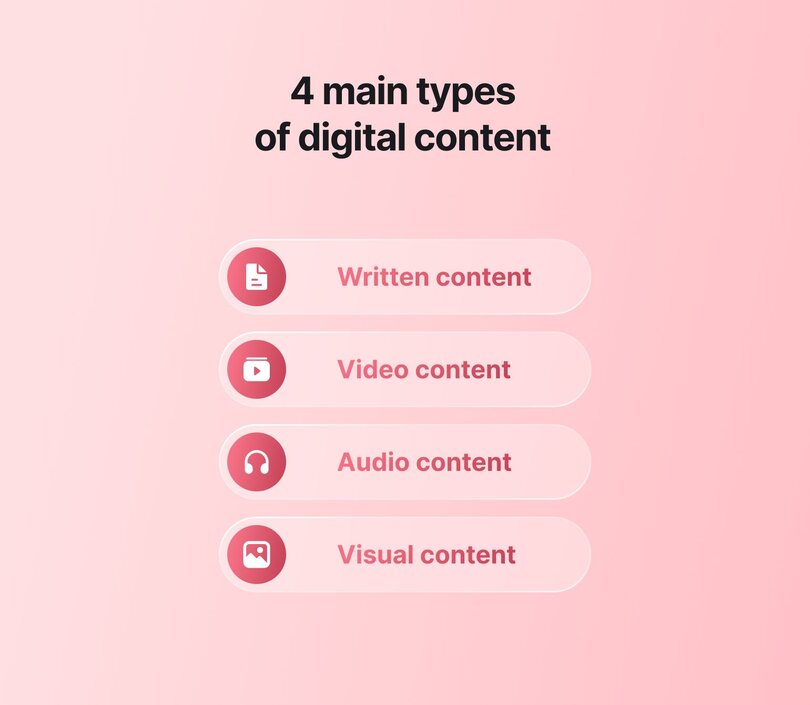
### 📝 Written content
Started from the humble blog, now we’re here. 🎶 Digital creators can build their community through newsletters, social media posts, ebooks, and more.
**Ideal for:** Written content is perfect for people who enjoy writing, editing, and simplifying complex concepts into easy-to-understand content (like this article!)
### 📹 Video content
From long-form videos on YouTube or Vimeo to short, attention-grabbing TikToks and Reels, great video content connects and informs.
**Ideal for:** Video content is great for people who are comfortable (or willing to get comfortable) in front of the camera.
### 📣 Audio content
Podcasts and other audio-first formats let digital creators share deep dives, interviews, and storytelling without needing to be on camera.
**Ideal for:** Audio content is ideal for those who love great conversations, have a clear voice (or are willing to find theirs), and want to connect with listeners on the go.
### 🎨Visual content
Looks _do_ matter, especially when it comes to content that stops the scroll. Infographics, carousels, and polished PDFs help digital creators present complex ideas with eye-catching design.
**Ideal for:** Visual content is perfect for creators who enjoy playing with layout, colour, and clarity, whether they’re using Adobe Express, Canva, or just a good old pen and paper.
How you package these together into your digital creator brand is what makes you stand out. Whether it’s words, visuals, video, or audio, your unique mix is what turns content into connection (and community).
## What is digital creator branding (and why it’s not just a logo)
Branding isn’t just picking the right font or designing a sleek logo. **It’s the associations your audience makes when they see your name or content.**
The same principle applies to digital creator brands. They make sure every piece of content they create represents their brand.
How do they do it?
- They target niche audiences instead of chasing mass appeal
- They prioritize authenticity, consistency, and community engagement
- They maintain a cohesive personal brand across multiple platforms
- They’re intentional with everything they do
> 👉🏼 Good branding is intentional. It’s the consistent pairing of what you do with what you want to be known for. When done well, it builds trust, creates recognition, and moves people to take action. It’s not magic. It's a repeatable strategy.
Think of some of the digital creators you follow. What describes their brand?
- **Habits: James Clear** – The author of “Atomic Habits” and has built a brand around how to set (and stick to) habits for success.
- **Generosity: MrBeast (Jimmy Donaldson)** – From Feastables chocolate bars to virtual restaurants, his consumer-first “Beast Industries” now earns more than his YouTube channel.
- **Quality: Marques Brownlee (MKBHD)** – His tech-review empire mixes ads, sponsorships, affiliate sales and merch, all built on studio-grade production values.
- **Pioneering: Michelle Phan** – After co-founding Ipsy, she relaunched EM Cosmetics into a profitable, creator-led beauty line.
Digital creators focus on people, not audiences. They build connections, not just content. That connection is critical to building their business.
It’s not about feeding the algorithm. It’s feeding your future.
> 🔖 In our 2025 Community Trends Report, 79% of small communities (101–500 members) reported that their [community will have a significant impact](https://circle.so/2025-community-trends-report) on their business this year.
When you consistently and intentionally pair your content with the qualities you want to be known for, your audience starts to connect the dots. That’s where trust is built. That’s what helps transform casual interest into meaningful, lasting engagement.
✅ Branding gives people a reason to care and come back.
### Bridging the gap: when a creator’s business outgrows the personal brand
A creator brand is built on _personality_; a corporate brand is built on _process_. But what happens when a creator’s side-hustle product becomes bigger than the creator?
Think MrBeast → Feastables or Michelle Phan → EM Cosmetics. Each started as a signature “creator line,” then matured into a stand-alone company with its own logo, supply chain, and ops team. At that point, the product needs:
- **A distinct visual identity.** Not every customer is a follower. The brand needs a distinct identity so buyers who have never watched the creator’s content still recognize it on a shelf.
- **Separate brand guidelines.** Tone, customer-service voice, and messaging that can be executed by a team, not just the founder.
- **Scalable systems.** Fulfilment, retail partnerships, and performance marketing that run even when the creator is offline.
**Why it matters:** Spinning off a dedicated product brand protects the creator’s lifestyle brand while providing the new business with the structure it needs to break into mainstream channels, such as big-box retail or B2B channels.
🍭 **The sweet spot?** Many modern creators are building _hybrid brands_ by leveraging the authenticity of a creator with the systems and polish of a corporate operation.
## How digital creators build brand messaging that connects and converts
Clear brand messaging should make you feel so confident about your offer that you worry more about prospects missing out than about making the sale.
[Maya Elious’s five-step “Dating Method”](https://circle.so/blog/brand-messaging-framework) gives creator-community builders a practical checklist to reach that point:
1. **Narrow your niche.** Choose a corner of the “big three” profit pools—health, wealth or self—and drill down until your promise feels unmistakably specific. Think holistic coach who helps people lose weight naturally or career coach for mid-career pros aiming for a $25k raise.
2. **Define your audience.** Your ideal member is either a past version of you or a group you feel called to serve. Look five to seven years back: who were you, what problem were you desperate to solve and who shares that struggle now?
3. **Position your value.** Value is in the eye of the beholder, so frame everything through three lenses:
1. What do they need?
2. What pain are they living with because they don’t have it?
3. What transformation will they experience inside your community, and what’s the cost of never getting there?
5. **Differentiate your brand.** Saturation signals profit, so embrace crowded spaces and stand out through:
1. People you target
2. Experience level you serve
3. An origin story that humanizes the brand
4. Proof points such as success rates or revenue milestones
Use this shortened framework as a dating profile for your brand: precise enough to attract the right matches, compelling enough to inspire commitment, and structured enough to scale when your community outgrows you.
## Real-life digital creator branding examples (and what you can learn)
It’s one thing to talk about digital creator branding in theory. It’s another to see it in action. These creators have built memorable, community-driven brands by showing up consistently, leading with purpose, and making their audience part of the journey.
Whether you’re just starting or levelling up, there’s something to learn from each of their playbooks.
### Pat Flynn
Pat Flynn has built one of the most trusted personal brands in the creator economy by leading with value and consistency. Whether it’s his [Smart Passive Income](https://www.smartpassiveincome.com/) podcast, blog, or community, Flynn’s approach is rooted in a simple philosophy:
It’s that service-first mindset that’s helped him build a loyal audience, launch multiple products, and grow a thriving membership community that feels more like a movement than a mailing list.
### Jay Clouse
[Jay Clouse](https://www.youtube.com/watch?v=54eG_zOUgEc) has designed a system for helping creators become founders. His [Creator Science](https://creatorscience.com/) brand is all about sustainable growth and process-driven creativity. At the heart of his work is a clear philosophy:
By focusing on value at each step of the journey, Jay has built a brand that not only informs, but transforms.
### Bonnie Christine
[Bonnie Christine](https://www.youtube.com/watch?v=7S4hL9CLQz0)’s journey from solopreneur to scaling a thriving creative business is rooted in intentional systems, sustainable growth, and community-first leadership. Her secret? Focusing on the unique mix of talent and passion that only she can bring.
Her three-phase framework—**Dreamer, Doer, Decision**—reminds creators that growth isn’t about doing it all, it’s about doing what matters most and building the right team to carry the rest.
There’s a common theme in these examples. If you show up for your audience long enough and deliver consistently, you build something that no algorithm can take away—trust.
## Your brand is the invitation to your community
Your brand isn't just how you look or what you say—it's how you make people feel when they show up. It's the handshake, the welcome mat, the open door that determines whether someone steps inside or keeps walking.
Every piece of content, every interaction, every community touchpoint is either rolling out the red carpet or putting up barriers. The difference between brands people follow and brands people belong to comes down to one thing: invitation.
### What makes a brand feel like an invitation?
**It speaks to shared values, not just shared interests.** People might come for the content, but they stay for the connection to something bigger than themselves. When your brand consistently reflects values that resonate—whether that's growth, creativity, authenticity, or rebellion—you're not just attracting an audience, you're calling in your people.
**It creates space for contribution, not just consumption.** The most magnetic creator brands don't just broadcast—they facilitate. They ask questions that spark conversations. They create opportunities for community members to share their wins, their struggles, and their expertise.
**It feels accessible, not aspirational.** While inspiration has its place, invitation requires relatability. Your brand should feel like a conversation with someone who gets it, not a lecture from someone who's figured it all out.
### Building with your community, not just for them
Start with listening, not launching. Before you decide what your brand stands for, spend time understanding what your community actually needs. Your community will tell you exactly how to position your brand—if you're paying attention.
Make your community part of your story. The strongest creator brands don't just tell their founder's journey—they weave in the stories of the people they serve. Share member wins. Highlight community conversations. Feature the transformations happening inside your space.
Create rituals that reinforce belonging. Whether it's a weekly check-in thread, a monthly community call, or a special way you celebrate milestones, consistent rituals give people something to anticipate and participate in.
### Maintaining consistency across all touchpoints
A great brand isn't just what people see—it's what they feel at every touchpoint. Here's how to think about branding across the funnel:
- **Discovery:** Make sure your voice, visuals, and values show up clearly across your content, socials, landing page, and community home
- **Engagement:** Keep the connection going with thoughtful touchpoints that reflect what you stand for
- **Loyalty:** Strengthen trust over time by involving your community and creating space for long-term participation
### Keeping your brand consistent with Circle
The challenge with building and managing a custom [community tech stack](https://circle.so/blog/creator-tech-stack) is consistency. Many tools offer customization options, but maintaining a uniform brand across multiple channels can make you feel like a dog chasing its tail.
That’s where Circle comes in, with the tools to create a consistent and cohesive brand experience across every touchpoint. From your content and courses to your events and member spaces, your community gets one seamless experience, and your brand stays front and center, right where it belongs.
## Branding mistakes to avoid
Even the most well-intentioned digital creators can trip up when building their brand. Whether it’s trying too hard to look perfect or forgetting to listen to your community, these missteps can slow your growth, or worse, erode trust.
📣The good news? Most branding mistakes are easy to fix once you know what to watch out for.
- **Being overly polished or inconsistent.** Trying to appear flawless can come off as inauthentic. Inconsistency just confuses your audience. Aim for real and repeatable.
- **Prioritizing content over connection.** Great content might get the clicks, but real connection is what keeps people coming back. Don’t let the drive for output distract you from the relationships that matter most.
- **Building your brand _for_ your audience instead of _with_ your community.** Your audience doesn’t just want to follow you, they want to feel part of what you’re building. Remember to make them a core part of your storytelling.
- **Blurring the line between personal and professional.** You’d think we all learned this lesson, but then you open up LinkedIn. Being open builds trust. Oversharing or having no clear boundaries? That TMI can lead to burnout, bad press, or brand confusion.
- **Changing direction without context.** Pivots are fine, but take your audience with you. Sudden shifts without explanation can leave your community (and your business) behind.
- **Focusing on trends over values.** A strong brand is built on clarity and consistency. Trends might seem like an easy way to make a splash, but they can leave your brand soaking wet without a towel—or an audience.
Every digital creator stumbles. What matters is learning, adjusting, and staying rooted in what makes your brand yours. Perfection isn’t the goal. It’s staying intentional and consistent.
## 9 questions your might have about digital creator branding
Branding as a digital creator isn’t one-size-fits-all, and it’s normal to have questions as you grow.
Whether you’re just starting out or rethinking how your brand connects with your community, here are some of the most common questions creators ask (and the ones you _should_ be asking, too):
Should I use my name or a business name?
Using your name can help build personal connection and trust, especially if you're the face of your brand. A business name might offer more flexibility if you plan to grow a team or expand beyond your personal identity. Choose based on your long-term vision.
How should I brand if I'm multi-passionate?
Being multi-passionate can be an edge when you're consistent in how you present it. Start by finding a unifying theme or point of view that connects your interests, then let your brand evolve as you do. Your community will follow the *why* behind your work, not just the *what*.
How do I brand a community space?
A branded community space should reflect your voice, values, and vibe. Think beyond visuals. Consider how people interact, how they're welcomed, and what rituals or language shape the space. A strong community brand feels both personal and shared.
When is the right time to rebrand?
Going back to whether you should use your name or a business name, there may be a time when you need to rebrand. This can make sense when your audience, goals, team, or offers change in a meaningful way. If your current brand no longer reflects who you are or how you serve, it's probably time for a refresh.
What's the first step of a creator rebrand?
Start with clarity. Revisit your values, mission, and who you're building for. Then audit your current brand to see what still works and what needs to evolve. From there, you can update your messaging, visuals, and platforms with intent.
How much time should I spend on branding?
Enough to stay consistent, not so much that it becomes a blocker. Branding is ongoing, but it shouldn't slow down your ability to create, connect, or launch. Start with strong foundations, then refine as you grow.
How do I maintain authenticity while scaling my brand?
Keep your core values and voice front and center. As you scale, invite your community in through co-creation, transparency, and consistent communication. Growth doesn't have to mean losing your voice—it should amplify it.
What's the ROI of investing in community branding?
Strong community branding drives trust, loyalty, and word-of-mouth, all of which reduce churn and increase lifetime value. It may not always show up in your first funnel, but it compounds over time. Connection is a growth strategy.
What makes a personal brand community-first?
A community-first personal brand is built *with* your audience, not just *for* them. It prioritizes shared values, open dialogue, and spaces for belonging. It's not just about what you say, it's about how you make people feel seen, heard, and included.
---
### How to create digital products your audience will love (and buy)
*Want to launch your first digital product? Get expert tips, proven strategies, and a clear roadmap to turn your idea into something people buy and love!*
Source: https://circle.so/blog/digital-product
Creating a digital product sounds exciting—you probably have 10 ideas right at this moment—until you sit down to do it.
What should you sell? How do you turn that vague idea into something valuable? Why would people even pay for it?
Your mind is racing with possibilities, doubts, and "what-ifs." But here’s the truth—you don’t have to guess your way through it.
This guide breaks down **the entire process step by step**—from finding the right digital product idea to creating something useful and worth paying for. By the end, you’ll know:
- The basics of digital products, including the 4 different types
- How to research and validate your product idea
- The exact steps to build it (without burning out)
Let’s get into it!
## Firstly, what is a digital product?
**A digital product is an intangible item that’s created, sold, and delivered online**—such as ebooks, courses, software, or design templates.
The concept of digital products started back in 1971 when Michael Hart, an American author, launched [_Project Gutenberg_](https://www.gutenberg.org/attic/hart.html). He typed out the U.S. Declaration of Independence and made it available for free on an early computer network, essentially creating the first eBook. His vision was simple but powerful: make books and knowledge accessible to everyone through digital means.
Fast forward to today, and digital products are everywhere. They’ve opened new doors for creators, educators, and entrepreneurs to share their expertise, art, and ideas—without the overhead of physical goods.
### Examples of modern digital products
Digital products come in many forms. These are the most popular👇
- Online courses and workshops
- Ebooks and guides
- Templates and tools
- Stock assets like images
- Software and apps
### Advantages over physical products
The debate between physical and digital products isn’t much of a debate at all. When it comes to ease of selling and fulfillment, digital products win by a landslide.
#### Scalability
Make it once, and sell it forever! Of course, depending on your product, you might need to update it now and then—like refreshing old content or fine-tuning features. But you won’t be dealing with inventory issues or manufacturing delays, that’s for sure!
#### Zero inventory costs
You don’t need to worry about storage space, stock tracking, or boxes piling up in your garage. There’s no money tied up in production runs, and no stress over shipping delays or lost packages. With digital products, you can run the whole business from your laptop—simple as that.
#### Automated delivery
After setup, your digital product runs (mostly) on autopilot—selling and delivering around the clock with no hands-on work required. Most platforms handle fulfillment for you, so you can spend more time creating, marketing, or just taking a breath.
#### Higher profit margins
Once you’ve covered the upfront costs—like hiring a designer for your ebook, buying a decent mic for course recordings, or investing in software development—each sale is mostly profit.
Of course, if your product includes a community element, there would be some ongoing expenses. You may need to hire a [community manager](https://circle.so/blog/community-manager-skills) to answer questions, keep people engaged, and moderate discussions.
Still, compared to physical products, digital ones come with much lower overhead—and far better margins. You can even get into digital product dropshipping (basically selling ready-made digital products created and delivered by a third party)—which can be extra lucrative since you don’t even have to produce the product yourself.
### Market size and opportunity
Digital product appeal is real. But perhaps what you, as a creator, are mostly concerned about is whether there’s real money in digital products.
**Short answer?** Yes. And lots of it.
The digital product market is massive. And it’s only getting bigger. Consumers are spending more on digital goods than ever before. Younger generations, in particular, are driving demand for digital-first products across multiple categories.
Just look at the numbers:
- U.S. consumers spend around [$120–$130 per month](https://www2.deloitte.com/us/en/insights/industry/retail-distribution/consumer-behavior-trends-state-of-the-consumer-tracker/the-rise-of-digital-services.html) on digital goods and services—that’s over $1,400 a year. (Deloitte)
- Younger consumers (18-34) spend **1.4x more on digital goods** than older generations, signaling even greater long-term growth. (same study)
- The global eBook market alone is expected to reach [$14.92 billion](https://www.statista.com/outlook/amo/media/books/ebooks/worldwide) in 2025, with 1.2 billion readers by 2029. (Statista)
So yes—there’s money to be made. But before you get carried away with the idea of passive income, let’s take a minute to talk about what that really means.
### The truth about passive income from digital products
We’ve all heard the dream: create a digital product once, kick back, and watch the dollars roll in while you binge Netflix or nap on a beach. Sounds amazing, right?
But that only happens _after_ a lot of hard work. First, you have to:
- research the market and figure out what people want
- create the product
- build your brand
- set up your marketing
All of that takes time and effort. Your ideas might even flop once or twice (or three times) before you get it right. And even after launch, there’s more to do: updating content, answering customer questions, tweaking your sales funnel, or adjusting your pricing as things shift.
So, if you're hoping to throw something together quickly and watch the money hit your bank account, don’t assume this is an easy way to check out of the hard work required in _any_ business.
But—if you're willing to put in the effort to create something valuable, something people actually want—then you're in the right place. Up next, we’ll walk through proven strategies to help you build your digital product the right way.
## 4 Types of digital products (with real examples)
There are many digital products you can create. Some require more active involvement on your part, while others can be created once and sold indefinitely.
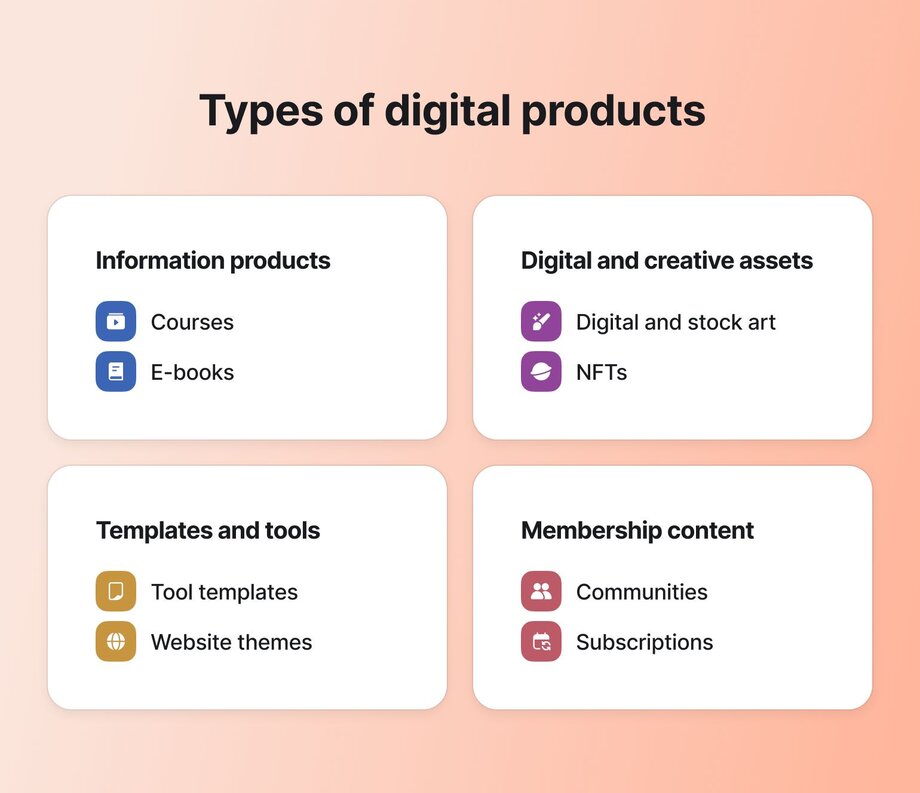
Here’s a breakdown of the four major types of digital products, along with real-world examples of how they work.
### 1\. Information products
These let you turn **what you know into something people can learn from**—on their own time, at their own pace. Perfect if you’ve got valuable experience or a teachable skill, or are just a few steps ahead of someone else, and want to share the lessons learned.
Popular formats include:
- **Online courses:** Structured video or text-based lessons that guide learners through a topic. For example, Ali Abdaal’s [_Part-Time YouTuber Academy_](https://aliabdaal.com/part-time-youtuber-academy) is a premium course that helps creators build and grow their YouTube channels.
> 👉Ali has built a $1.9M _per cohort_ YouTube course. Want to learn his secrets? Discover his top tips for [crafting a core offer for your business](https://circle.so/blog/building-a-core-offer).
- **Ebooks, guides, and playbooks:** Downloadable PDFs packed with insights, strategies, or step-by-step instructions. A simple example of this would be Thomas McKinlay’s [_The Science-based Playbook of Ecommerce Optimization_](https://ariyh.gumroad.com/l/ecommerce), which contains practical strategies and tips to help you build an online store.
- **Workbooks and cheat sheets:** Printable resources designed for implementation, rather than passive learning. For example, creator [Danica Nelson](https://libertyleave.com/) focuses on educational content around travel and budgeting, and created various [budget templates on fixupzn](https://fixupszn.com/) for travel, business, and personal finance tracking.
### 2\. Digital art and creative assets
For artists, designers, and [content creators](https://circle.so/blog/become-a-content-creator), digital products offer a scalable way to make money without relying on intensive, custom client work. Instead of trading time for money, you create assets once and sell them over and over again.
These can be anything from Canva and Photoshop templates to stock photos, videos, and non-fungible token (NFT) artwork, just like this [NFT painting by Neoropila](https://artsted.com/public-artwork/2654).
Another beautiful example is Cheyenne Anstice, a Circle user who created [_The Wholeness Shop_](https://thewholenessshop.com). She sells [beading patterns](https://thewholenessshop.com/collections/beading-patterns) and courses that help makers find flow, confidence, and creative fulfillment through the meditative art of beadwork.
### 3\. Templates and tools
People pay for convenience, and that’s exactly what digital tools provide. Whether it’s a time-saving template, an automation script, or a full-fledged app, software-based products can be incredibly profitable—especially if they solve a specific pain point.
Some examples:
- **Notion and Airtable templates:** Pre-built dashboards or workflows that help users organize tasks, track projects, or improve productivity. Example: [Marie Poulin](https://mariepoulin.com/)’s [_Notion Mastery_ templates](https://notionmastery.com/templates/) and [course](https://notionmastery.com/) by the same name (hosted, wisely, on Circle!) are pre-built productivity systems that help users manage tasks, notes, and projects in one place.
- **Website themes and UI kits:** Custom website designs, WordPress themes, or front-end design components that developers, designers, and creators can easily implement. Example: A [Shopify website theme](https://themeforest.net/item/jumys-cake-shop-ice-cream-shopify-theme-os-20/53519693) built by _wpbingo_ and sold via an online marketplace.
- **Dashboards:** Pre-configured templates for tracking finances, managing content calendars, or visualizing business data. An awesome example is this [CreatorHub Notion template](https://www.notion.so/marketplace/templates/creadorhub?cr=cre%253Avictorabarca) from [Victor Abarca](https://www.youtube.com/VictorAbarca).
### 4\. Membership content
Membership-based digital products create recurring revenue by offering ongoing value to your audience. Instead of a one-time sale, you **build a community** where members get access to exclusive content, premium tools, or both—typically through a monthly or yearly subscription.
People are often willing to pay for expert insights, networking, and a sense of belonging. These communities can be hosted on platforms like [Circle](https://circle.so), which lets you create private, interactive spaces with discussion forums, live events, and gated content.
Here are a few other types of membership content:
- **Content subscriptions:** These include premium newsletters, deep-dive reports, or behind-the-scenes content. A great example is [_Go Long_](https://www.golongtd.com/) by Tyler Dunne, a paid newsletter that delivers in-depth football coverage beyond the headlines. With exclusive player stories, Q&As, and insider insights, it gives fans a more personal, behind-the-scenes view of the game.
- **Membership groups and coaching programs:** High-ticket memberships with guidance or mentorship. Examples from [Circle’s Discover network](https://discover.circle.so)_:_ [_The Collective_](https://discover.circle.so/product/the-collective) by Allison Venditti, a career group for working moms, and [_10X Designers_](https://discover.circle.so/product/10x-designers) by Fons Mans, a design-focused community with workshops and mentoring.
> 👉 Looking for the [best membership platforms?](https://circle.so/blog/best-membership-platforms) Our guide breaks down seven options, comparing their key features, pros and cons, and pricing.
- **Digital resource libraries:** Subscribers get ongoing access to a growing collection of templates, worksheets, and tools for their niche—plus the occasional group coaching sessions or live events. [_SwipeFiles_](https://www.swipefiles.com/) by Corey Haines is a great example of a resource library for marketers that is supported by [a membership](https://www.swipefiles.com/membership).
## The step-by-step guide: How to create a digital product people actually want
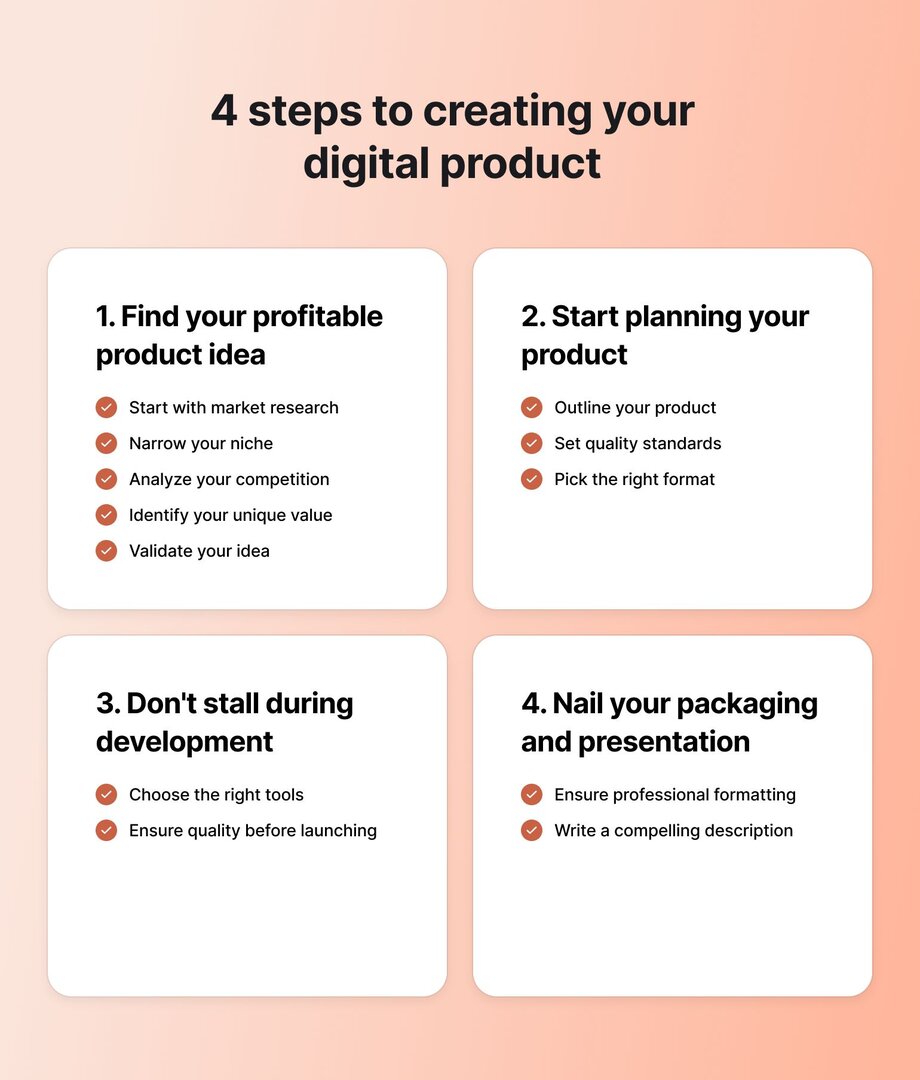
### Step 1: Find your profitable product idea
Before you create anything, you need to be sure your digital product idea is profitable. Too many creators jump straight into building without checking if there’s actual demand—only to waste weeks (or months) on something that doesn’t sell.
#### Start with some initial market research
An excellent digital product solves a specific problem or meets a real need. But how do you find out what people actually want?
**Start by looking at what’s already selling**—not to copy what someone else is doing, but to spot gaps in the market.
Here are a few ways to study market demand:
- **Google Search and auto-suggest:** Type in keywords related to your product idea and see what auto-fills. These are real search queries from potential buyers.
- **Reddit, Quora, and Facebook groups:** What are people repeatedly asking for help within your niche? Look for common pain points and frustrations.
- **Etsy, Gumroad, and Udemy:** Browse best-selling digital products to see what’s trending. If a product has lots of sales and reviews, there’s clear demand.
#### Narrow your niche
As you research ideas for your digital product, it’s also important to think about the niche you want to focus on. By “niche,” we mean **narrowing down** both your product idea and audience—and choosing a specific area where you have real experience or knowledge and can offer something valuable.
Going too broad makes it harder to stand out or connect with the right people. If you try to appeal to everyone, you’ll likely end up resonating with no one.
Take Codie Sanchez, CEO of [_Contrarian Thinking_](https://contrarianthinking.co). She built an 8-figure education business with high-profit margins—without spending anything on ads. How? She chose [a niche she understood _really, really well_](https://circle.so/blog/how-to-find-your-niche)_._ Instead of covering general topics like “how to build wealth,” she focused on teaching others how to buy small businesses like laundromats (to build wealth!)
Codie uses a simple framework—the **3Cs**—to choose a profitable niche:
- **Cash:** Are people already spending money in this niche?
- **Crowd:** Is there an engaged audience with a clear problem to solve?
- **Curiosity:** Are you genuinely interested in this topic?
The goal is to specialize enough to stand out, but not too much that your market is too small.
#### Analyze the competition
**Competition is actually a good sign** because it means there’s a market for your product. For each of your ideas, you should study your competitors in order to spot opportunities:
- **Read their reviews:** Check out the comments on platforms like Udemy, Etsy, or Gumroad. What do customers appreciate? What complaints keep coming up? (Hint: these are your opportunities!)
- **Look at their pricing:** Are they charging a one-time fee or using a subscription model? Is there a smarter way you could price your product?
- **Study their marketing:** How are they getting the word out? Are they relying on SEO, social media, partnerships, email marketing—or something else?
#### Identify your unique value proposition (UVP)
Once you've narrowed your niche, it’s time to figure out what makes your product different—and why someone should choose yours over the competition. That’s your unique value proposition.
A clear UVP does two things: it **sharpens your marketing message** and **gives potential buyers a reason to care**. Here’s a simple formula to help you write one:
![Unique value proposition formula for digital products: 'My [digital product] helps [specific audience] [achieve specific result or solve specific problem]—without [common frustration or roadblock].'](https://cdn.builder.io/api/v1/image/assets%2Fd5e2d72a033944e1a916c5c34902a1ff%2F05594a3785a049c39c18c7aece3d2f1b?width=920)
**Examples:**
- My \[template bundle\] helps \[wedding planners\] \[book more clients\]—without \[spending hours creating proposals from scratch.\]
- My \[email marketing templates\] help \[small business owners\] \[write high-converting emails\]—without \[hiring a copywriter.\]
- My \[Notion workspace\] helps \[freelancers\] \[manage projects and clients\]—without \[messy spreadsheets or scattered notes.\]
> 📖 If you’re stuck on how to articulate what makes your product stand out, this [brand messaging framework](https://circle.so/blog/brand-messaging-framework) is a great place to start—it’ll help you clarify your positioning and speak directly to the people who need what you’re offering.
#### Validate your idea
Once you have a potential idea, the next step is to test the demand. **One simple way is to ask your audience.** If you’re on social media, put the idea out there and ask directly: _“Would you pay for this?”_
You can also **create a free lead magnet**—like a download, a short webinar, or even a sales page for your offer with a “get notified” or “join the waitlist” link. Basically, any small, useful resource related to your idea so you can see how many people download it. That can give you a sense of interest without much risk.
And if similar products from competitors are doing well, that’s a good sign too. The key is to find a way to offer something different (ie. from your unique perspective) or better (different experience, more in-depth, etc).
### Step 2: Start planning your product
Planning might not be the most exciting part, but it’s foundational work you _need_ to do before diving into product creation. Without it, you risk scope creep or a final product that doesn’t deliver.
#### Outline your product
Start with a simple, detailed outline. Ask yourself: _What’s the core transformation my product promises?_ Then strip it down to just what’s needed to help someone get that result.
If you’re making a course, list out the modules and lessons. For an ebook, outline the chapters. For templates or toolkits, decide which assets should be included. Keep it focused, useful, and easy to navigate.
Tools like [Miro](https://miro.com/templates/customer-journey-map/) or [Whimsical](https://whimsical.com/user-journey-map-SGPXiGHe7GMoQmCjXtJrY3) can help you map out the user journey—what your course buyers need to learn or do to reach the outcome.
#### Set quality standards
High-quality products build trust and increase conversions. Decide upfront:
- Will your product be beginner-friendly or for advanced users?
- Does it need to look highly polished, or is a clean, simple layout enough?
- What add-ons—like tutorials, checklists, or FAQs—would improve the experience?
#### Pick the right format
Choose the best format for your content and audience:
- **Courses** → Video, audio, or slides?
- **Ebooks & guides** → PDF, EPUB, or interactive format?
- **Templates** → Editable Canva, Notion, Google Sheets, or Figma files?
### Step 3: Don’t stall during development
#### Choose the right tools
The tools you use will depend on the type of product you’re creating. Here are a few recommendations based on your product type:
| Product type | Tools |
| --- | --- |
| Online courses and communities | Circle |
| Ebooks and guides | Canva, Adobe Express |
| Templates and digital assets | Figma, Notion, Photoshop |
| Software and no-code tools | Bubble, Webflow, Airtable |
#### Ensure quality before launching
Don’t rush your product!
Take time to review, refine, and test—both by yourself, and a set of eyes from a contractor or friend. Proofread your content, make sure templates are properly formatted, and double-check that all links and downloads work. If you’re offering a course or tool, **run a small beta test**—early feedback can help you catch issues and improve the experience before launching to a wider audience.
### Step 4: Nail your packaging and presentation
😒 Like it or not, **people do judge a book by its cover.** The way your digital product looks and is presented can make or break your conversions.
#### Ensure professional formatting
If your product looks sloppy, people will assume it’s low-quality—even if the content is great. Keep your design clean, visually appealing, and easy to read.
#### Write a compelling product description
How you describe your product matters as much as how it looks. Your description needs to clearly communicate:
- **What is it?** Explain what the buyer will get.
- **Who is it for?** Directly speak to your audience.
- **Why is it valuable?** Highlight benefits, not just features.
Try to find and use **targeted keywords** to improve your product’s visibility on digital marketplaces, and Google. Tools like [**SEMrush**](https://www.semrush.com/) can help you discover keywords buyers use when searching for products like yours.
💡Also, **we suggest spending more than 5 minutes on your product description.** It’s one of the first things people will see, and honestly, it does a lot of marketing for you.
## A quick note on the psychology of selling digital products
Launching a digital product—especially for the first time—often comes with mental roadblocks, like imposter syndrome or self-doubt. Don’t let these feelings derail you!
### Overcoming imposter syndrome
It’s easy to think, **_Who am I to sell this?_** But you don’t need to be an expert—you just need to be a few steps ahead. People aren’t investing in a PhD; they’re buying clarity, structure, and a shortcut to their goal.
Our advice? **Focus on helping, not proving yourself.**
### Manage the creative process
Burnout often hits when you try to do it all at once. Don’t aim for the perfect, all-in-one product right out of the gate. **Start smaller**—a mini-course instead of a full program, one template before a bundle.
Also, **don’t isolate yourself.** Find other creators to talk to and learn from.
For example, when you [start a Circle trial](https://app.circle.so/communities/new), you get access to the Circle customer community—which includes 13,000+ creators you can ask for advice, lessons learned, and tips for wherever you are in your journey. A little encouragement and honest feedback can keep you going when things get tough.
### Don’t undercharge
Pricing trips up a lot of first-time creators. Many undercharge—either because of imposter syndrome or because they don’t realize how valuable their skills really are. The result? You end up earning far less than you should. That can be disheartening, especially after putting in so much work.
The key is to **price based on value, not effort.**
Think about the outcome your product delivers. Does it save time? Make money? Reduce stress? That’s what your audience is really paying for.
Also factor in fees, marketing costs, and support needs. If your $200 product costs $150 to run and maintain, your margin will disappear fast.
Beyond one-time sales, there are other **ways to maximize revenue:**
- **Subscriptions** → Offer members ongoing value with fresh content or tools. This option works especially well for digital products like communities, coaching programs, or ongoing resource libraries. According to [Circle’s 2025 Community Trends Report](https://circle.so/2025-community-trends-report), **54% of community builders are monetizing with paid memberships**, and **41% are using recurring subscriptions** to drive predictable, long-term income.
- **Bundles** → Package related products together for a higher perceived value.
- **Tiered pricing** → Provide a basic version and premium upgrades for different budgets.
- **Cohort-based pricing** → Raise your price slightly with each new launch. Tatiana Figueiredo, a Circle Community Expert, recommends **increasing cohort-based pricing by 20%** **with each new cohort** to reflect growing demand.
> 👉 Watch Tatiana’s masterclass on [pricing your Circle community](https://vimeo.com/711264922), including examples of pricing strategies from real, successful Circle communities, how to start charging more (and why you should charge more), and inclusive pricing strategies.
## Ready to build your digital product?
Digital products are one of the most scalable, flexible ways to grow your business—and they’re more accessible than ever. If you have knowledge, skills, or a system that helps people, there’s a way to turn it into a product.
Start with one idea. Build a small version. Launch it, learn, and grow from there.
You’ve got this—and the tools to make it happen.
With [Circle](https://circle.so/), you can host courses, sell memberships, and build a thriving community—all in one place, under your own brand. And you won’t be doing it alone. Join a network of 13,000+ entrepreneurs who are creating, launching, and scaling their own digital businesses.
👉 [Start your free 14-day trial today!](https://app.circle.so/communities/new)
---
### A step-by-step digital product launch guide for creators
*Learn how to plan a successful digital product launch in 6 steps, from validation to community building. Includes real creator examples and revenue results.*
Source: https://circle.so/blog/digital-products-to-sell
> ## **TL;DR**
>
> * Successful launches are the result of six connected steps done right: validation, choosing where to sell, sales setup, marketing, launch day, and post-purchase experience.
> * Follow the six steps in order, and you turn one-time buyers into repeat customers — without starting from scratch with every launch.
> * See real numbers from real creators, including Julie Solomon ($53K+ from one $49 mini-course) and Pete Boyle ($4,069 in 10 days from a $1 product).
You did it. You finished creating your digital product.
We know how much brainpower, caffeine, and possibly a minor identity crisis went into this thing. But now comes the million-dollar question: ***will you make money from it?***
Launching a digital product needs a solid plan, a marketing strategy, and a focused sales approach behind it.
This guide walks through every stage of a successful launch, helping you turn your [digital product](https://circle.so/blog/digital-product) into real revenue. Let's get to work.
## **Step 1: Validate your digital product launch idea**
The most common reason digital product launches fail is that creators launch something nobody wants. Here's the four-step process to do it validate your product:
1. **Research what's already selling in your niche.** Browse marketplaces like Gumroad and Etsy. Study bestseller lists. Read reviews to find gaps, complaints, and unmet needs. If creators are charging for it, demand exists.
2. **Test demand with a small experiment.** Run a pre-launch offer, a beta version at a discount, or a free download that solves a slice of the bigger problem. Track who signs up and who pays; paying customers are the clearest signal of real interest.
3. **Build an email list while you validate.** Even 100 engaged readers can fund your first launch. Talk to those people: ask what they struggle with and what they would pay to solve.
4. **Package your product as it matters.** Your product's packaging is part of the product. Decide what format fits the promise — PDF workbook, video course, Notion template, live cohort, or a bundle of all four — and match it to how your buyer learns. Then sweat the craft: proofread every word, test every link, and use consistent fonts and clean visuals. Polish is what separates a product people recommend from one they quietly delete.
Got real buyers lined up? Now let's figure out where to sell to them.
## **Step 2: Choose where to sell your digital product**
Digital products live in one of two places: a marketplace or a self-hosted platform. Each comes with its own trade-offs around control, audience, fees, and scalability.
* **Digital marketplaces** are third-party platforms where you can list and sell your product alongside thousands of others.
* **Self-hosted platforms** give you full control over how your product is sold, delivered, and experienced.
Here's how they compare:
| Criteria | Marketplace | Self-hosted platforms |
| --------------------------- | -------------------------------------------------------------------------------------------------------------- | ------------------------------------------------------------------------------------------ |
| Set up time and tech skills | Fast setup with minimal technical effort | Requires more setup and platform customization |
| Audience | Some organic visibility through the platform, but requires optimized listings and additional marketing efforts | You must generate your own traffic through marketing efforts |
| Branding | Limited; product pages follow platform templates | Full brand control across landing pages, content, and user experience |
| Customer data ownership | Somewhat restricted, depending on platform | Full access to all customer data and communication channels |
| Pricing flexibility | Set within platform rules; some restrictions on minimums or bundles | Total control over pricing models, offers, and discounts |
| Fee structure | Typically includes transaction fees, listing fees, or platform commissions | Usually just payment processor fees (e.g., Stripe); some platforms have a subscription fee |
| Sales and upsell potential | Dependent on platform flexibility, but usually quite limited | Full control over the ability to create funnels, bundles, subscriptions, and memberships |
| Content hosting | Often limited to simple files or downloads | Can host full courses, communities, drip content, and more |
| SEO and discoverability | Platform SEO may help products get discovered | You control your SEO, but you have to invest in it in order for it to make an impact |
| Support expectations | Buyers expect limited interaction | Buyers may expect onboarding, updates, or direct support |
| Long-term scalability | More limiting; harder to grow into a brand | Highly scalable; ideal for creators building a full digital business |
| Best for | Beginners testing ideas, casual sellers, or low-cost downloads | Creators building a brand, community, or recurring revenue stream |
Select your platform, then build the system by turning clicks into paid customers.
## **Step 3: Set up pricing, payments, and delivery**
Four things need to be locked in before you launch your product: your pricing strategy, payment setup, delivery flow, and legal basics. Here's how to handle each one:
### **1. Choose your pricing strategy**
How you price tells a story. Early-bird discounts reward fast movers. Premium pricing signals authority. A waitlist with perks warms up leads. Match the strategy below to what you want your launch to achieve:
| Strategy | Best for | Risk |
| ------------------- | -------------------------------------------------------- | ------------------------------------------------------------------------------ |
| Early-bird pricing | Fast sales, FOMO, engagement | Might anchor your product as "budget" if the full price feels like a jump |
| Premium positioning | Establishing authority and attracting high-intent buyers | Slower sales upfront, may need extra effort to prove the value |
| Waitlist with perks | Growing your list before launch, warming up leads | Risk of losing steam if you don't follow up fast or often enough before launch |
### **2. Set up your payment processing**
Most platforms handle payments through integrations with Stripe and PayPal, so accepting payments globally is rarely the hard part. The real decision is how you charge: one-time purchase, monthly subscription, tiered access, or installments.
If your product lives alongside a community, [Circle's Paywalls](https://help.circle.so/p/payments/paywall-setup/paywalls-overviews) handle all four pricing models and let you gate specific content, Spaces, or the whole community. Payments run on Stripe in dozens of currencies, with Apple Pay, Google Pay, and Buy Now, Pay Later built in.
### **3. Automate product delivery**
The moment someone buys, they should receive what they paid for. The delivery might be an automated email with a download link, or instant access to a course or community Space. Either way, the fewer manual steps after checkout, the easier it is to scale.
Tools like [Circle's Workflows](https://circle.so/workflows) automate multi-step delivery, from enrollment to welcome email to Space access, so you are not manually onboarding every buyer.
### **4. Cover your legal bases**
Skipping the legal setup can put both you and your customers at risk. A few key policies can go a long way in protecting your business and building trust:
* **Terms of service:** Outline exactly what buyers get, how your product can be used, and your refund policies.
* **Copyright notice:** Claim ownership of your work across all assets (PDFs, videos, slides). This gives you legal ground if someone copies or redistributes your product.
* **Privacy policy:** Required if you collect email addresses or payment information. Be transparent about how you store and use customer data.
* **GDPR compliance:** If you sell to EU-based customers—which, as a global, online business, it’s likely you will at some point—you must follow the [EU’s data protection rules](https://gdpr.eu/what-is-gdpr/).[ ](https://gdpr.eu/what-is-gdpr/)
Systems in place, legal squared away — time to bring the buyers.
## **Step 4: Market your product and build momentum like a pro**
A digital product launch strategy is two jobs in one: build the always-on channels that bring in readers year-round, then use those channels to create focused buzz in the weeks before launch.
### **Establish your brand, audience, and distribution**
Three foundations need to be in place to start promoting your product:
* **A brand:** Your brand is your reputation in shorthand. It tells people what you do, who you serve, and why they should care — all before they've clicked. If that's unclear or inconsistent, nobody buys. Not sure where to begin? Learn how [Maya Elious built a $4 million](https://circle.so/blog/brand-messaging-framework) coaching business by mastering the power of branding.
* **An audience:** Who's going to buy your product? Ideally, you created it after talking to your people, testing ideas, and validating demand. No audience yet? Focus on credibility and connection before making the ask. Meet Dan Koe and how he built a $5M business through [audience-first content](https://circle.so/blog/audience-growth) for real-world inspiration.
* **A distribution platform:** A digital product can't sell if no one sees it. Whether it's a marketplace, your website, a newsletter, social media, or paid ads, you need a reliable way to put your product in front of the right people. Start with the channels you already have, then grow from there. The goal isn't to be everywhere — it's to be effective where it counts.
### **Build your always-on marketing channels**
Mix and match a few of the channels below. Build them once, run them forever, and plug your launch into them when it's time.
#### **Content marketing and SEO**
Content brings in people who don't know you yet, long after you hit publish. Think blog posts, tutorials, YouTube videos, and podcasts. Optimize each piece for search, so your ideal customers can actually find it.
When done well, SEO drives organic traffic that converts into email subscribers, and with the right follow-up, those subscribers become customers.
Take [Julie Solomon](https://juliesolomon.net/), who built [a powerful offer flywheel](https://circle.so/blog/offer-flywheel) by targeting search terms her ideal customers were already Googling. Her $49 evergreen mini-course *Instantly Influence* generated over $53,000 and brought in 4,000+ new email subscribers in a single year, all from content that keeps ranking.
#### **Social media strategies**
Social media works for launches when you already have an audience there. Your followers already know, like, and trust you. Marketers call the dynamic the **Know-Like-Trust** factor, and it makes offering your product feel organic.
If you're starting from scratch, [Pete Boyle](https://discover.circle.so/c/pete-boyle), founder of [*Growth Models*](https://growthmodels.co/), tapped into other people's audiences instead. He created a $1 digital product and posted value-first content about it in four Facebook groups where his ideal customers already spent time. In just 10 days, Pete made $4,069 in revenue through upsells and consulting gigs.
#### **Email marketing**
Your email list is where trust is built, and buyers are made, one piece of great advice at a time. An email list is also an asset you own, unlike your Instagram following.
Take [Jay Clouse](https://9306053.fs1.hubspotusercontent-na1.net/hubfs/9306053/The%202025%20Community%20Trends%20Report,%20by%20Circle.pdf), founder of Creator Science. He grew his newsletter from 9,000 to over 60,000 subscribers in two years, and now runs an $800k-a-year business with email as the engine. As Jay puts it: "If there's one hill I will die on, it's that all creators should include email as part of their creative platform."
#### **Paid advertising**
Paid ads on Meta, LinkedIn, and Google can get you in front of new audiences fast. But don't run ads straight to your product because Cold traffic rarely converts from a brand they just discovered.
This is backed by Circle's [2026 Community Trends Report](https://9306053.fs1.hubspotusercontent-na1.net/hubfs/9306053/Circle%20-%202026%20Community%20Trends%20Report.pdf), in which 67% of community builders said their members joined or stayed because of shared identity and values, not discovery. Ads can start the conversation, but trust is what closes it.
Instead, promote a free lead magnet, get people onto your email list, and pitch the paid offer once trust is built.
#### **Influencer and affiliate marketing**
Borrow someone else's audience. Partner with micro-influencers who already have your ideal customer's attention, or set up an affiliate program where customers earn commission for sharing your product.
[Amy Porterfield](https://circle.so/blog/amy-porterfield-digital-course-playbook) built a $100M business in part thanks to a powerhouse affiliate strategy, with past students and partners promoting her flagship *Digital Course Academy* for commission.
### **Build pre-launch buzz**
Don't wait until launch day to start selling. A pre-launch campaign that includes dropping hints, sharing behind-the-scenes content, or running a waitlist, warms up your audience so launch day doesn't start from zero.
Take [Cami Farey](https://circle.so/event-hub/pre-sell-courses), who pre-sold her DIY web design course before a single module was built. Starting with just under 500 people on her email list, she made 19 pre-sale sales — a "nice cash injection" that doubled as product validation. She then used live feedback from those founding members to restructure her modules, so the first real launch shipped a course her buyers had already helped shape.
### **Build a pre-launch community space**
A pre-launch community space turns passive readers into active participants. Your members can ask questions, share wins, and show up on launch day already invested. Give your audience a place to gather before you open the doors.
A dedicated [Space inside Circle](https://circle.so/discussions) does more than a static page ever could. Post your outcome statement, the single result your product delivers for buyers. Add one clear call to action: join the waitlist or request early access. Drop in social proof from beta testers, early buyers, or pilot students — and let the early enthusiasm compound into launch-day sales.
## **Step 5: What to do on launch day**
Launch day is a sprint. Here's the four-step playbook to run it like a pro:
1. **Email your list first.** Before you post anywhere else, your subscribers should hear from you. They earned early access by giving you their attention, so reward them with first dibs, an exclusive discount, or a launch-day bonus.
2. **Post across every active channel.** Social, community, podcast, partner newsletters — everywhere your audience already pays attention. Keep the message consistent and point every link back to the same sales page.
3. **Respond to every comment, DM, and question within 24 hours.** Fast replies build trust and close sales. The people asking questions on launch day are often the ones closest to buying.
4. **Monitor your checkout.** Test the payment flow yourself the moment the doors open. Fix broken links, failed emails, or delivery errors the instant you spot them. Small technical issues kill more launches than bad offers.
A digital product launch demands your full attention.
## **Step 6: After your digital product launch**
First sales are rolling in, but your work isn't done. What happens next — onboarding, feedback loops, and community — is what turns buyers into repeat customers.
### **Nail your onboarding process**
A good onboarding flow is the difference between a buyer who sticks and one who never opens the product.
Don't assume they'll figure it out — send a welcome email, offer a quickstart guide, and show them exactly how to get value in the first session.
### **Build in feedback loops**
Real feedback, whether positive or critical, is one of your best product inputs. Expect both once you start selling, and don't take the tough notes personally. Use the criticism as one input of many to make your product better.
**The easiest way to create a feedback loop?** Add your email to the product delivery page with a simple note: *"Drop me a line if you run into any issues."*
If you collect customer emails at checkout, send a quick check-in a few days after purchase. Ask how things are going.
### **Turn buyers into community members**
Turning buyers into community members is how you build a sustainable digital product business instead of chasing one-off sales.
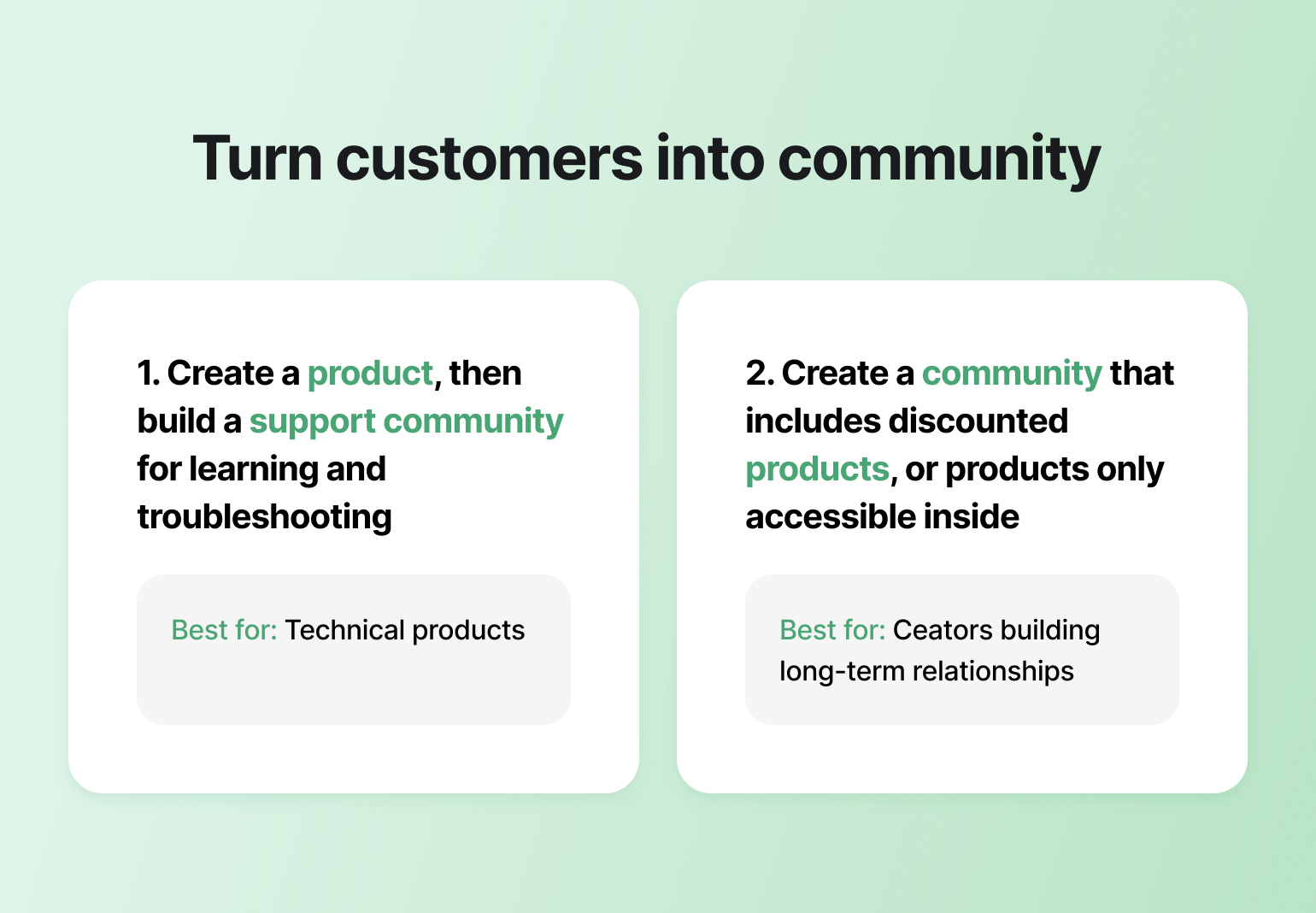
Invite buyers into a dedicated Space where they can ask questions, share wins, troubleshoot, and connect with other members using your product. **Or flip the model:** build the community first, then sell products inside it.
Dr. Des runs [The Public Health Club](https://www.publichealthclub.com/) using the community-first model. Each month, she releases a new digital resource [on her community space](https://public-health-club.circle.so/home?post_login_redirect=https%3A%2F%2Fpublic-health-club.circle.so%2F), free for members that month and available in her store afterward. The model reduced her churn by 5%, built a growing product catalog, and turned every resource into a test case for her next offer.
[Outside Shore Music](https://community.outsideshore.com/) runs the opposite play. Founder Marc Sabatella uses his flagship course, *Mastering MuseScore 4*, as the hook that pulls members into the wider community, where peer interaction, Q\&A, and ongoing support take place. Evergreen digital products feed community growth, and the community keeps members paying.
In both models, the goal is the same: a shared space that creates relationships beyond the transaction. [Circle](https://circle.so/) makes it easy to bring your courses, content, events, and members into one branded space, with one-time purchases, subscriptions, drip lessons, and live workshops all running under your brand.
## **Ready to build a repeatable digital product sales system?**
One-off launches are exhausting. You need repeatable processes to help you make the next sale easier than the first.
Circle gives you everything you need to run them under one roof: sell your product with built-in paywalls, deliver it through automated workflows, warm up buyers in a pre-launch space, and turn them into an engaged community that fuels your next launch. No duct-taped stack required.
[**Start your free 14-day trial today!**](https://app.circle.so/communities/new)
## **Digital product launches FAQ**
How long should a digital product launch take?
Most creators run a 5–10-day launch window, with a 2–4-week pre-launch warm-up beforehand. Shorter windows create urgency and protect your energy; longer ones risk losing momentum.
Do I need a website to launch a digital product?
No, but you need a home for it. A community platform like [Circle](https://circle.so/) can host both alongside your product, email capture, and buyer onboarding in one place. Skip the full website build until you've validated demand.
What should I do if my launch flops?
Don't panic, and don't discount your way out of it. Review the data: where did traffic drop off, who opened but didn't buy, and what objections came up in replies? Most "failed" launches are fixable with clearer messaging, better targeting, or a stronger offer, not a lower price.
---
### 12 Best Discord alternatives in 2026
*Searching for a Discord alternative? We break down the top 12 platforms for community builders, creators, and hobbyists, from free tools to all-in-one solutions.*
Source: https://circle.so/blog/discord-alternatives
If you’re searching for Discord alternatives, chances are you’ve hit the same wall a lot of non-gaming communities run into: Discord is fast and flexible, but isn’t really useful if you want to run a community business or simply gather people around a shared hobby or interest.
Discord reports [200M+ global monthly active users](https://discord.com/company#:~:text=side%2C%20who%20knows%3F-,IN%20NUMBERS,-200M), and 90%+ of users play games—which explains why the product experience still leans heavily toward gaming-first chat and voice.
For [digital creators](https://circle.so/blog/digital-creator), educators, and membership-based communities, the gaps usually show up in the same places: monetization, professional branding, [member engagement](https://circle.so/blog/community-engagement-strategies), and scalable moderation. If you find Discord limiting for these reasons, here’s a roundup of the **12 best Discord alternatives (free and paid)** to help you pick the right fit based on your use case, budget, and growth plans.
## What’s the best Discord alternative?
[**Circle**](http://circle.so) is the best Discord alternative for community builders who need monetization, course delivery, events, and professional branding in one place. For workplace teams, Slack is usually the better pick for business integrations. For privacy-first messaging, Signal stands out with end-to-end encryption.
## What is Discord? (And why it falls short for community builders)
Discord is a real-time chat and voice platform originally built for gamers. It combines text channels, voice rooms, live streaming, and screen sharing inside “servers” that users can join or create.
It’s a great option because of:
* Real-time chat and voice communication
* Free access with generous usage limits
* Strong screen sharing and streaming tools
* Familiar interface for younger audiences�
But if you’re running a paid membership, [cohort-based course](https://circle.so/blog/cohort-based-courses), [mastermind](https://circle.so/blog/mastermind-groups), or professional network, you’ll likely need more than a chat platform.
Here’s where many community builders start exploring Discord alternatives:
* **Built for gamers, not community builders**. Discord is primarily designed for gaming communities, and its features—like in-game overlays and gameplay streaming—are tailored to that audience base. So while it might work for other community types like social and hobbyist groups, it is not as suitable for business or professional needs.�
* **Missing community features for your use-cases.** If you’re a creator who offers courses or coaching, Discord will fall short in every respect: courses, moderation, cohorting, and more. Educational communities that require structured forums, step-by-step instructional tools, and advanced workflows should also steer clear of the app. While Discord does offer real-time group chat, it lacks deeper tools for structured collaboration, content organization, or long-term learning—essential for many creators and educators.�
* **Steep learning curve.** Discord’s design can present a steep learning curve for new users, making it hard to navigate and use without proper guidance. It also lacks critical community-building features like detailed member profiles, paid membership tiers, native content organization, and more. Even more, the app encourages anonymity. So if authentic human connections and purposeful networking are your priority, look elsewhere.�
* **Minimal branding control.** Every Discord server looks like… Discord. There’s no white-label experience or custom domain to reflect your brand. For hobby communities, that’s fine. For businesses, it’s a constraint.�
* **Moderation & safety challenges.** Because servers can be anonymous and public, moderation can be complex at scale. Privacy expectations are also rising, and some users have raised concerns around safety and content exposure in open servers.
* **You don’t own your growth.** This is the bigger strategic question. When your community lives inside a third-party platform, you don’t get to control things like your product roadmap, member experience, or external policies. You’re also limited in how you scale revenue. For serious community builders, it’s a big risk.
## How to choose the best Discord alternative for your community
Choosing the right chat platform for your community can feel daunting until you narrow down your must-haves and nice-to-haves.
Here’s what makes a great chat community (in our humble opinion):
* **Ease of use.** An intuitive community platform that’s easy for both members and admins is an obvious yes, with clear navigation, simple setup, and efficient moderation tools.
* **Customization options.** Your chats are unique, so your chat space should be, too. That’s why you’ll want a customizable platform that you can adapt to your community’s branding, channel structuring, and user preferences.
* **Integration capabilities.** You can streamline your work by adopting a platform that integrates smoothly with your existing tools (social media, CRM, payment gateways, project management software), or could even replace them in the long-term.
* **Security and privacy.** Ensure the platform you opt for is GDPR-compliant, with strong security features like end-to-end encryption, 2FA, and strict access controls to protect user data.
* **Support and scalability.** Select a platform with excellent customer service (because tech issues happen!) and scalable server capacity and channel limits to accommodate your community’s growth.
* **Migration options.** Look for a platform like Circle that offers comprehensive migration support, like guides, tools, or [customer walk-throughs](https://www.youtube.com/watch?v=kM3sPhw7h3E), for a smooth transition. It should also have robust data import and export features for minimal disruption to your business.
## 12 Best Discord alternatives in 2026: A quick overview
If you want a quick side-by-side overview of the top Discord alternatives in 2026, this table highlights who each platform is for, what it does best, and what it costs to get started.
| Tool | Best for | Key features | Starting price |
| ------------------- | --------------------------------------- | ---------------------------------------------------------------------------------- | ------------------------------- |
| **Circle** | Community builders, creators, educators | Native monetization (memberships, courses, events), structured spaces, mobile apps | $89/mo |
| **Slack** | Professional teams | Channels, integrations, searchable history, huddles | Free/$8.75/user/mo for Pro plan |
| **Microsoft Teams** | Hybrid & enterprise teams | Microsoft 365 integration, meetings, chat | $4/user/mo |
| **WhatsApp** | Informal chat groups | Group messaging, voice/video calls | Free |
| **Telegram** | Coaches & large broadcast groups | Large groups, bots, channels | Free |
| **Signal** | Privacy-focused communities | End-to-end encryption, privacy tools | Free |
| **Voxer** | Voice messaging teams | Push-to-talk, voice/text, multimedia | Free/$7.99/mo |
| **TeamSpeak** | Gamers | Low-latency voice, server control | Free (self-hosted) |
| **Facebook Groups** | Beginner communities | Discovery, live video, events | Free |
| **Reddit** | Topic-based discussions | Subreddits, voting, community forums | Free/$5.99 |
| **Airmeet** | Large virtual events | Virtual stages and breakout rooms | $167/mo |
| **Discourse** | Knowledge-sharing communities | Structured forums, moderation tools | $20/mo |
### 1. Circle — best overall Discord alternative for community builders
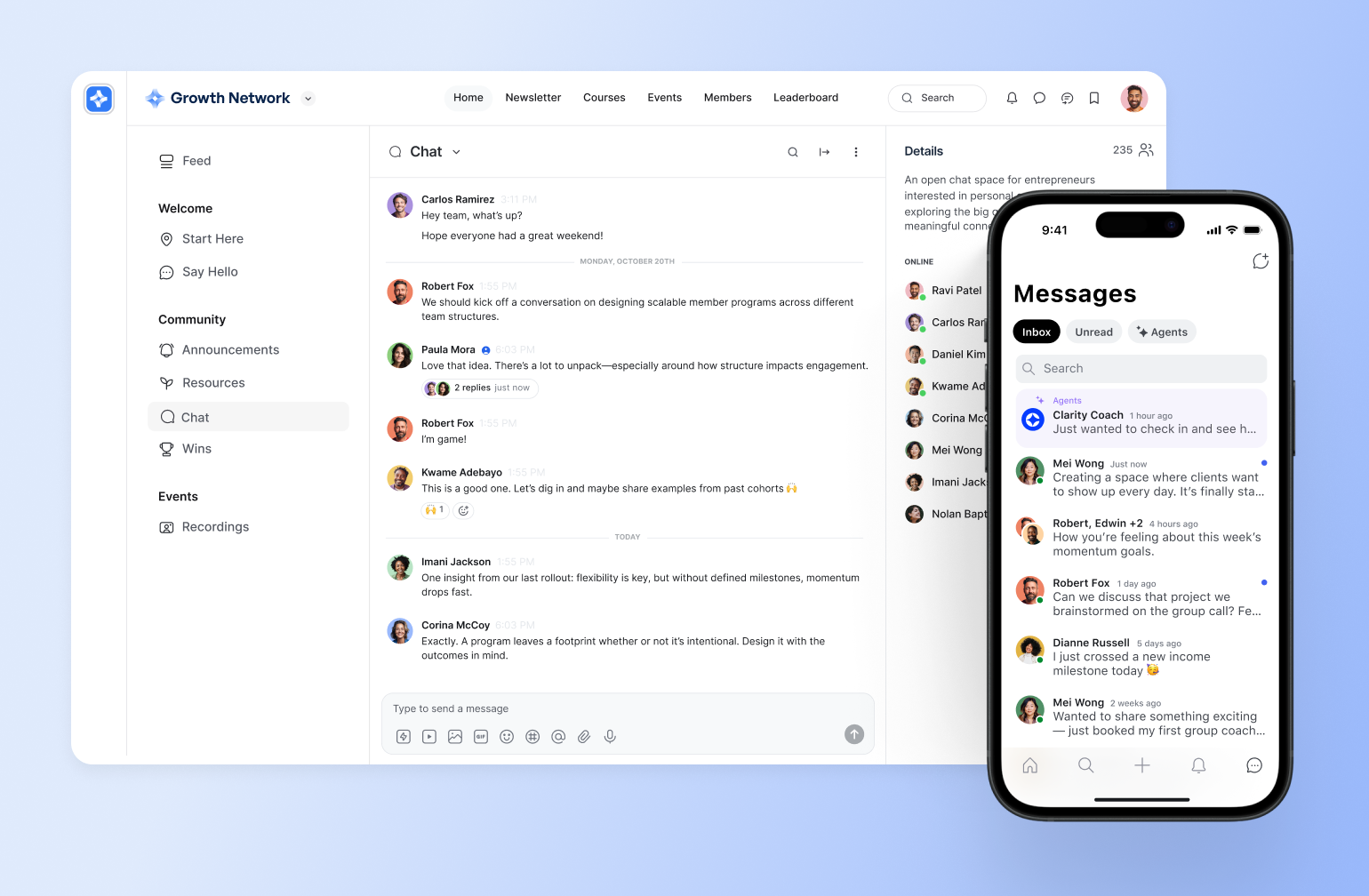
If you're looking for a Discord alternative built specifically for community businesses, [Circle](https://circle.so/) is the clear frontrunner.
Unlike Discord, which centers on real-time chat for gaming, Circle is designed for creators, educators, [coaches](https://circle.so/blog/how-to-start-a-life-coaching-business-online), and brands who need structure, [monetization](https://circle.so/payments), and professional branding. It combines [discussions](https://circle.so/discussions), [courses](https://circle.so/courses), [live events](https://circle.so/events), and payments in one place, so you’re not stitching together multiple tools.
#### Pricing:
Circle offers a 14-day free trial. [Paid plans](https://circle.so/pricing) start at **$89/month (flat rate)** with unlimited members.
#### Ideal for:
Creators building [paid membership communities](https://circle.so/blog/community-launch-steps), coaches running cohort-based programs, and companies launching [brand communities](https://circle.so/blog/brand-community).
#### Key features:
* [**Direct messages (DMs) and group chats**](https://circle.so/chat) for improved [community engagement](https://circle.so/blog/online-community-engagement) and collaboration.
* [**Native monetization tools**](https://circle.so/payments) for paid memberships, subscriptions, courses, and live events—without third-party workarounds.
* **AI-powered activity scores and** [**agents**](https://circle.so/blog/ai-agents-for-communities)\*\*\*\* to identify and encourage inactive community members.
* [**Built-in course builder**](https://circle.so/courses) with drip content, scheduled releases, and cohort-based learning for structured education programs.
* **Virtual event hosting** for workshops, coaching calls, Q\&As, and interactive sessions directly inside your community.
* [**Community gamification**](https://circle.so/blog/community-gamification-guide) features like leaderboards and points boost engagement.
* **Advanced moderation controls** with role-based permissions and private Spaces for safe, scalable management.
* [**Native iOS and Android mobile apps**](https://circle.so/plus) that keep members connected with real-time push notifications.
* **An** [**integration ecosystem**](https://circle.so/integrations) to connect with external tools like Zapier, Slack, and others.
* [**Built-in analytics**](https://circle.so/analytics) and engagement tracking to support data-driven community engagement strategies.
* [**Built-in website builder**](https://circle.so/website-builder)\*\* \*\*that allows you to design stunning community websites.
#### Users say:�
> 👍🏼 “Circle has transformed our community. We moved from a free platform to Circle in 2025, and we kept all the things we liked about the old platform and ditched everything we hated, and GOT SO MUCH MORE! We are able to monetize, prioritize, create new content, search easily, tag posts in a split second ... It's made our community even more special than it was before. Customer support is also great, it cannot be beat!” – V[erified review from G2](https://www.g2.com/products/circle-so-circle/reviews/circle-review-12349244)
> 🤔 “I would love to be able to do break-out rooms on a live call, like you can on Zoom.” – [Verified review from G2](https://www.g2.com/products/circle-so-circle/reviews/circle-review-12344961)
| Pros | Cons |
| --------------------------------------------------------------------------------------------------------------------- | ----------------------------------------------------------------------------------------------------------- |
| Easy to use and customize | Not suitable for in-person memberships like gyms or dance classes |
| All-in-one platform combining community, courses, events, messaging, and payments in a single hub | Can be difficult for really big communities to keep up with product improvements and implement them quickly |
| Strong monetization capabilities, allowing creators to generate revenue quickly through memberships and gated content | |
| Responsive customer support that actively listens to feature requests | |
### 2. Slack — best Discord alternative for professional communication
With real-time messaging, work tool integrations, and organized channels, Slack is the OG workplace chat app. Over time, though, its user base has expanded to professional networking, knowledge sharing, and discussion communities.
**Note:** On Slack’s free plan, users can only see old conversations for 3 months, after which they’ll lose access to them.
#### Pricing:
Slack offers a free plan with message storage and accessibility limits. However, its paid plans come with unlimited message history and start at $8.75/user/month.
#### Ideal for:
Office teams, professional communities, and industry networks that value real-time conversations rather than curated, organized content.
#### Key features:
* Instant messaging through channels, threads, and DMs.
* Workflow automation to streamline notifications and updates.
* Voice and video calling features for real-time team check-ins.
* Smooth integrations with productivity tools like Trello, Google Drive, and Notion
* Searchable archives (for paid users) to access previous chats.
#### Users say:
> 👍🏼 “Slack makes everything simple with its channels and direct messages option. It is amazing how you can reply in a single message as a thread. I love Huddles, it is outstanding that you can talk to someone without having to create a meeting, share links, etc.” – [Verified review from G2](https://www.g2.com/products/slack/reviews/slack-review-10769129)
> 🤔 ”If you are a new User on Slack, you might get confused with the number of messages that will stack up at your page. To me the notifications are overwhelming.” – [Verified review from G2](https://www.g2.com/products/slack/reviews/slack-review-10936777)
| Pros | Cons |
| ------------------------------------------------------------------------- | -------------------------------------------------------------------------------------------- |
| Supports smooth communication and collaboration within teams | Lacks native community management functionalities |
| Integrates easily with many other tools | Not ideal for informal communities or those with lots of files, courses, and knowledge bases |
| Facilitates instant conversations via texts, voice notes, and video calls | Pricing is per-user and can add up really quickly as membership grows |
**🔄 Want to migrate from Slack?**
Many communities jump ship because of Slack’s limited content organization, non-existent monetization features, and costly chat history retention. Thinking of making the switch? �
Watch [how Modern Fertility seamlessly transitioned from Slack to Circle](https://player.vimeo.com/video/629116859). Alternatively, you can also [integrate your Slack community with Circle](https://circle.so/integrations#:~:text=Connect%20your%20community%20to%20your%20team%20Slack%20to%20keep%20tabs%20on%20important%20discussions%20and%20activities.) to align key discussions and activities.
[**Slack vs. Circle**](https://circle.so/compare/vs-slack)**: See how Slack stacks up.**
### 3. Microsoft Teams — best Discord alternative for hybrid teams
If your community operates inside a corporate environment—or is tied to workplace collaboration—Microsoft Teams can be a practical Discord alternative.
While Discord is designed for informal, gaming-style communication, Teams is built for structured collaboration across departments, organizations, and hybrid teams. It combines messaging, video meetings, file sharing, and Microsoft 365 tools in one environment, making it suitable for internal employee communities, alumni networks, professional associations, and company-led member groups.
#### Pricing:
Paid plans start at $4/user/month (paid yearly), and users can access one-month free trials for higher tiers.
#### Ideal for:
In-office teams, remote workers, and hybrid organizations that need a secure, structured environment for collaboration and are familiar with Microsoft 365 tools.
#### Key features:
* Seamless integration with Microsoft 365.
* Instant messaging for real-time communication with team members.
* Mobile app for on-the-go messages and calls.
* Conversation threads to keep discussions organized and easy to follow.
* Recorded team meetings, transcripts, and live captions (in English).
#### Users say:
> 👍🏼”What I like most about Microsoft Teams is how it makes everything so easy. It brings all the tools you need like chat, video calls, file sharing into one place, so I am not jumping constantly between different apps.” – [Verified review from G2](https://www.g2.com/products/microsoft-teams/reviews/microsoft-teams-review-10399642)
> 🤔”No doubt MS Teams is super cool app but on old devices it might lag. At times notifications are not received and features like breakout rooms might glitch here and there.” – [Verified review from G2](https://www.g2.com/products/microsoft-teams/reviews/microsoft-teams-review-10768906)
| Pros | Cons |
| -------------------------------------------------------------------- | ----------------------------------------------------- |
| Provides a unified platform for team communication and collaboration | Channel limits restrict companies with multiple teams |
| Streamlines project management and task coordination | Strict permission settings with limited customization |
| Easy to understand and use | Users have reported cluttered conversations |
### 4. WhatsApp — best Discord alternative for informal chat groups
WhatsApp is an instant messaging app for both personal and business use. It’s a popular choice for both in-person and online communities because of its group chats and communities. However, many users rely on it for everyday texting, making it better suited for informal conversations.�
**Note:** WhatsApp groups are limited to a total of 2,000 members, so they’re not suitable for enterprise usage or communities with ambitious membership goals. But with the app’s Community feature, you can create or add multiple groups.
#### Pricing:
Standard WhatsApp group chats and Communities are free to use. However, businesses using the WhatsApp Business Platform (API) are charged on a **per-message basis**, with fees applied when a message is delivered—not sent. Pricing varies depending on the recipient's country and message category (marketing, utility, authentication, or service), with rates published publicly by Meta.
#### Ideal for:
Informal communities that value secure messaging, multimedia sharing, and a mobile-first experience.
#### Key features:
* Group voice and video calls with up to 32 participants.
* Polls for interactive decision-making.
* Announcement groups for sending quick updates to all community members.
* Admin controls for group and community management.
* Easy file sharing (images, videos, and documents).
#### Users say:�
> 👍🏼 “I love how easy it is to send messages, photos, and videos instantly. Group chats are brilliant for organising plans, and voice and video calls are so reliable. The end-to-end encryption is reassuring too.” – [Verified review from Capterra](https://www.capterra.com/p/180345/WhatsApp/reviews/Capterra___6669068/)
> 🤔 “The thing I liked the least about WhatsApp is when the feature of creating a group is activated, especially if it is a study group, the number is limited, so I ask the administration of this application to delete the feature of specifying the maximum number that the group can hold.” – [Verified review from Capterra](https://www.capterra.com/p/180345/WhatsApp/reviews/Capterra___6371415/)
| Pros | Cons |
| ---------------------------------------------------- | ------------------------------------------------------------------- |
| Free international messaging and calls | Group and community membership limits |
| Protects conversations with end-to-end encryption | Consumes significant storage and data due to media and chat backups |
| Accessible across mobile, desktop, and web platforms | Hard to integrate with tools outside the Meta ecosystem |
**Are your members too dependent on WhatsApp?**
Many people are used to the mobile accessibility of WhatsApp. Thankfully, community platforms like Circle offer both desktop and mobile experiences. So, if you’re considering a move, explore gradual migration or keeping your free community on the former and paid members on the latter.
Here’s how community builder [Sam Cholera](https://www.instagram.com/samcholera/?hl=en), founder of PUMPD, suggested making the shift:
As Sam asserts, carrying your audience along and incentivizing them is a great way to make the transition seamless.
A quick virtual meeting, paired with a demo video and testimonials from members who’ve already made the switch, can also be a powerful way to encourage others to follow suit.
### 5. Telegram — best Discord alternative for coaches and educators
Telegram is a cloud-based messaging platform with large group capacity, broadcast channels, multimedia sharing, and privacy features. These functionalities give community builders like coaches the flexibility to create and grow vibrant communities.
#### Pricing:
Telegram is **free to use**, but it also offers a paid subscription with extra features. Pricing varies by region and may reflect local taxes, store or third-party fees, and any other applicable charges outside Telegram's control.
#### Ideal for:
Coaches, educators, and businesses looking for a semi-formal platform to train and share knowledge with learners.
#### Key features:
* Large group chats of up to 200,000 members.
* Bots for task automation and community moderation.
* Broadcast announcements to subscribers with one-way messaging.
* Interactive polls and educational quizzes to boost engagement.
* Cloud storage for seamless syncing across devices.
#### Users say:
> 👍🏼 “A great way to communicate with people and to join different private communities.”– [Verified review from Capterra](https://www.capterra.com/p/180347/Telegram/reviews/Capterra___6680003/)
> 🤔 “I didn’t realize it was downloading the videos from some of the groups I was in, and it took up quite a bit of space on my internal storage.”– [Verified review from Capterra](https://www.capterra.com/p/180347/Telegram/reviews/Capterra___6434791/)
| Pros | Cons |
| ------------------------------------------------------------------------------------------------------- | --------------------------------------------------------------------------------- |
| Extensive privacy features like secret chats, 2FA, end-to-end encryption, and self-destructing messages | Lacks a built-in directory, making it hard to discover unique channels and groups |
| Supports group video chats for seamless virtual meetings and discussions | Requests access to phone contacts, limiting privacy and user control |
| Allows users to share large files while retaining their quality | Optimized for smartphones, with limited functionality on desktop and web versions |
### 6. Signal — best Discord alternative for privacy-focused communities
“Speak freely” with Signal, a real-time messaging app that offers end-to-end encryption, private chats, and minimal user data collection. It’s very similar to WhatsApp, but its open-source and advanced security features make it ideal for individuals and communities prioritizing confidentiality.
#### Pricing:
Signal is free to use.
#### Ideal for:
Activists, journalists, and anyone who is looking for a highly secure communication environment.
#### Key features:
* Message filtering by unread status for easier navigation and tracking.
* Hidden phone numbers to protect community member privacy.
* Text formatting options for message clarity and emphasis.
* Scheduled messages for timely communication and reminders.
* Screen sharing during desktop calls for better collaboration and presentations.
#### Users say:
> 👍🏼 “Signal is just like WhatsApp, but more secure; this makes it ideal for communicating with clients about projects, knowing that it's encrypted and private.” – [Verified review from G2](https://www.g2.com/products/open-whisper-systems-signal/reviews/signal-review-9625414)
> 🤔 “In privacy, it stands number one, but some additional features can also be integrated like other messaging applications, support for emojis and GIFs.” – [Verified review from G2](https://www.g2.com/products/open-whisper-systems-signal/reviews/signal-review-9568844)
| Pros | Cons |
| ----------------------------------------------------------------------- | --------------------------------------------------------------------------------------------------- |
| Provides end-to-end encryption for all messages and calls | Lacks third-party app integrations for extended functionality |
| Protects user data by not logging IP addresses or metadata | Still requires phone numbers for sign-up, compromising anonymity for users seeking complete privacy |
| Offers disappearing messages for extra privacy and secure conversations | No automatic cloud backups, requiring manual backups for data recovery |
### 7. Voxer — best Discord alternative for voice messaging
If your community relies heavily on voice communication, Voxer is a practical Discord alternative built around push-to-talk messaging.
Unlike Discord, which combines text, voice channels, and streaming, Voxer focuses primarily on voice notes that feel like a digital walkie-talkie. It’s commonly used by field teams, coaching groups, and fast-moving communities that prefer speaking over typing.
#### Pricing:
Voxer offers a free personal plan while its paid packages start at $7.99/user/month.
#### Ideal for:
Field teams, first responders, and other professionals who need fast, hands-free communication.
#### Key features:
* Live calls and audio messages for convenient conversions.
* Dynamic chats with multimedia features like text, video, photos, and GIFs.
* Mobile app accessible on any network on Android, iPhone, and the web.
* Chats with up to 500 team contacts.
* Voice-to-text transcription for accessibility and future reference.
#### Users say:
> 👍🏼 “Easy to use with a simple tab! Saves time in writing.” – [Verified review from G2](https://www.g2.com/products/open-whisper-systems-signal/reviews/signal-review-9625414)
> 🤔 “I've used the link that the app gives me to share my profile, but it takes people to a general Voxer page. And many people have told me it's hard to find me.” – [Verified review from G2](https://www.g2.com/products/open-whisper-systems-signal/reviews/signal-review-9568844)
| Pros | Cons |
| --------------------------------------------------------- | ------------------------------------------------------------------------------------- |
| Hands-free feature for quick and effortless communication | Lacks voice note threading, making it hard to follow conversations |
| Converts voice messages into text for easy reading | Messages that have been listened to sometimes still appear as new in alerts |
| Offers offline messaging for on-the-go comms | Adding contacts can be complicated and not as straightforward as other messaging apps |
### 8. TeamSpeak — best Discord alternative for gamers
TeamSpeak is a voice communication platform originally designed for gamers, though it also works well for businesses and other online communities. Known for its low-latency audio quality, it lets users host and join private servers for secure, real-time voice chats.
TeamSpeak is similar to Discord, but the former is better for pro gaming and esports, while the latter is more generic and amateur-friendly.
#### Pricing:
TeamSpeak offers a free version for personal use, but businesses and large communities may need to pay for server hosting and additional features.
#### Ideal for:
Gaming communities, professional teams, and discussion groups seeking high-quality voice communication.
#### Key features:
* Clear audio for real-time discussions.
* Group chats that you can organize into different voice channels by topic, interest, or purpose.
* 3D sound environment for enhanced gaming comms.
* Encrypted voice and data transmission for improved user privacy.
#### Users say:
> 👍🏼 “TeamSpeak is great for coordinating with your teammates online in real time while also playing a game.” – [Verified review from G2](https://www.g2.com/products/teamspeak-voip-system-for-gamers-on-windows-2019/reviews/teamspeak-voip-system-for-gamers-on-windows-2019-review-7421696)
> 🤔 “User interface feels a little dated, doesn't mean it doesn't work. It just looks old.” – [Verified review from G2](https://www.g2.com/products/teamspeak-voip-system-for-gamers-on-windows-2019/reviews/teamspeak-voip-system-for-gamers-on-windows-2019-review-10665078)
| Pros | Cons |
| ----------------------------------------------------------------------- | ----------------------------------------------------------- |
| Gives gamers an immersive audio experience | Requires server hosting for free users |
| Offers control over server settings, permissions, and user access | Relies on third-party text chat services |
| Provides high-quality, real-time voice communication with minimal delay | Minimal integration options with third-party apps and tools |
### 9. Facebook Groups — best Discord alternative for beginner communities
With built-in discovery and engagement tools, Facebook Groups let you create and manage online communities easily. They’re also embedded in the Facebook app, making them perfect for beginner communities just finding their footing and looking for a simple platform where lots of their users already spend time.
However, history shows that [Facebook isn’t very reliable as a community platform](https://circle.so/blog/take-community-off-facebook-groups) with a lack of user controls.
#### Pricing:
Facebook Groups are free to use.
#### Ideal for:
Brands, influencers, and hobbyists.
#### Key features:
* Private and public group options for different levels of privacy.
* Post scheduling for automated posting.
* Event creation and interactive polls to boost community participation.
* Real-time interaction through live streaming within the group.
#### Circle vs Facebook Groups: Which should you use?
Both platforms are great for online community building in their own way, but many users are concerned about the lack of control with Facebook Groups. Facebook Groups is simple and free, but Circle offers more admin control, security features, and monetization options. You can also explore an [integration for embedding Facebook posts in a Circle space](https://circle.so/integrations#:~:text=Embed%20Facebook%20posts%20right%20in%20your%20community%20and%20mirror%20your%20Facebook%20posts%20in%20a%20Circle%20space.).
#### Users say:
> 👍🏼 “Facebook groups allow for a convenient way to communicate with community members.” – [Verified review from G2](https://www.g2.com/products/facebook-groups/reviews/facebook-groups-review-11473409)
> 🤔 “Can't monetize them, that I know of anyway. Overall, that is all I can say that is negative.” – [Verified review from G2](https://www.g2.com/products/facebook-groups/reviews/facebook-groups-review-4966740)
| Pros | Cons |
| ------------------------------------------------------------------ | ----------------------------------------------------------------- |
| Creating and managing groups is free | Your account can be deleted for no reason, erasing years of work |
| Boosts interactions with tools like polls, events, and live videos | Group visibility depends on Facebook’s algorithm, affecting reach |
| Makes Facebook’s massive user base organically reachable | Members may get distracted by ads and unrelated content |
�[Facebook Groups vs. Circle](https://circle.so/compare/vs-facebook): See how Facebook Groups stack up.
### 10. Reddit — best free Discord alternative for topic-based discussions
If your community revolves around open discussion and niche interests, Reddit is one of the most established Discord alternatives.
Unlike Discord’s private server model, Reddit is built around public or private subreddits organized by topic. Its upvote system surfaces popular posts, making it ideal for communities that thrive on debate, crowd-sourced insights, and long-form discussion.
However, Reddit is a forum platform—not a community business tool—so branding and monetization options are limited.
#### Pricing:
Reddit is free to use. However, it offers a tiered pricing structure for Premium, ad-free users starting from $5.99 per month.
#### Ideal for:
Enthusiasts, experts, businesses, and niche communities looking for anonymous, in-depth discussions and crowd-sourced insights.
#### Key features:
* Topic-based communities (subreddits) for discussions, content sharing, and engagement.
* Post and comment upvotes or downvotes to rank them by popular opinion.
* Reddit Karma for rewarding discussion contributors and regulating their engagement.
* Anonymous posting for users who don't want to reveal their identities.
* Moderation tools for content and user management.
#### Users say:
> 👍🏼 “I honestly still consider reddit to be one of the best (if not THE best) medium/website/forum online, because of its vast sub-reddits, communities, & forums inside.” – [Verified review from Trustpilot](https://www.trustpilot.com/review/www.blog.reddit.com?page=2#:~:text=Unpopular%20opinion%20as,subreddits\)%20nowadays/today)
> 🤔 “First I had to wait 90 day before i could post anything. After that i tried posting and the bot deleted my post because i need 200 karma. Apparently you have to comment on other posts to collect karma.” – [Verified review from Trustpilot](https://www.trustpilot.com/review/www.blog.reddit.com?page=3#:~:text=First%20i%20had%20to%20wait%2090%20day%20before%20i%20could%20post%20anything.%20After%20that%20i%20tried%20posting%20and%20the%20bot%20deleted%20my%20post%20because%20i%20need%20200%20karma.%20Appearently%20you%20have%20to%20comment%20on%20other%20posts%20to%20collect%20karma.)
| Pros | Cons |
| ------------------------------------------------------------------------------ | ------------------------------------------------------------------------------------------- |
| Has conversation threads on a wide range of topics | Content reach depends on upvotes and the platform’s ranking system |
| Offers an upvote and downvote system for prioritizing the most popular content | No built-in options for community owners to generate revenue |
| Allows for anonymous discussion contribution | Anonymity can make discussions controversial or unkind, although spaces can have moderators |
### 11. Airmeet — best Discord alternative for large virtual events
If your community revolves around high-impact virtual events rather than ongoing discussions, Airmeet is a strong Discord alternative built specifically for engagement-driven online experiences.
Airmeet is designed for structured virtual and [hybrid events](https://circle.so/blog/hybrid-community-events), learning conferences, and large-scale webinars. It offers interactive features like breakout rooms, gamified leaderboards, session analytics, and customizable branding.
#### Pricing:
Airmeet offers a free trial. Paid plans start at $167/month when billed annually.
#### Ideal for:
Enterprises, L\&D teams, associations, SaaS companies, and organizations hosting virtual events.
#### Key features:
* Virtual stages and breakout rooms for interactive sessions and workshops.
* Gamified attendee experiences with leaderboards and engagement tracking.
* Custom branding options for professional event presentation.
* Real-time event analytics for tracking attendance and session performance.
* Backstage controls for speaker management and seamless event flow.
#### Users say:�
> 👍🏼 “I have been using Airmeet for my virtual events and webinars for the past three years, and I appreciate how straightforward it is to set up and operate. Scheduling and hosting sessions is a seamless process, and I rarely encounter any issues when getting started.” – [Verified review from G2](https://www.g2.com/products/airmeet-virtual-events-webinar-platform/reviews/airmeet-virtual-events-webinar-platform-review-11764214)
> 🤔 “While I love the platform, the mobile experience isn't quite on par with the desktop version yet. It works for attending, but as a host, I definitely need my laptop to manage everything effectively.” – [Verified review from G2](https://www.g2.com/products/airmeet-virtual-events-webinar-platform/reviews/airmeet-virtual-events-webinar-platform-review-12136893)
| Pros | Cons |
| ---------------------------------------------------- | ------------------------------------------------ |
| Designed specifically for high-stakes virtual events | May be expensive for smaller teams |
| Strong engagement and gamification tools | Not designed for ongoing community conversations |
| Highly rated support and ease of setup | |
### 12. Discourse — best Discord alternative for knowledge-sharing communities
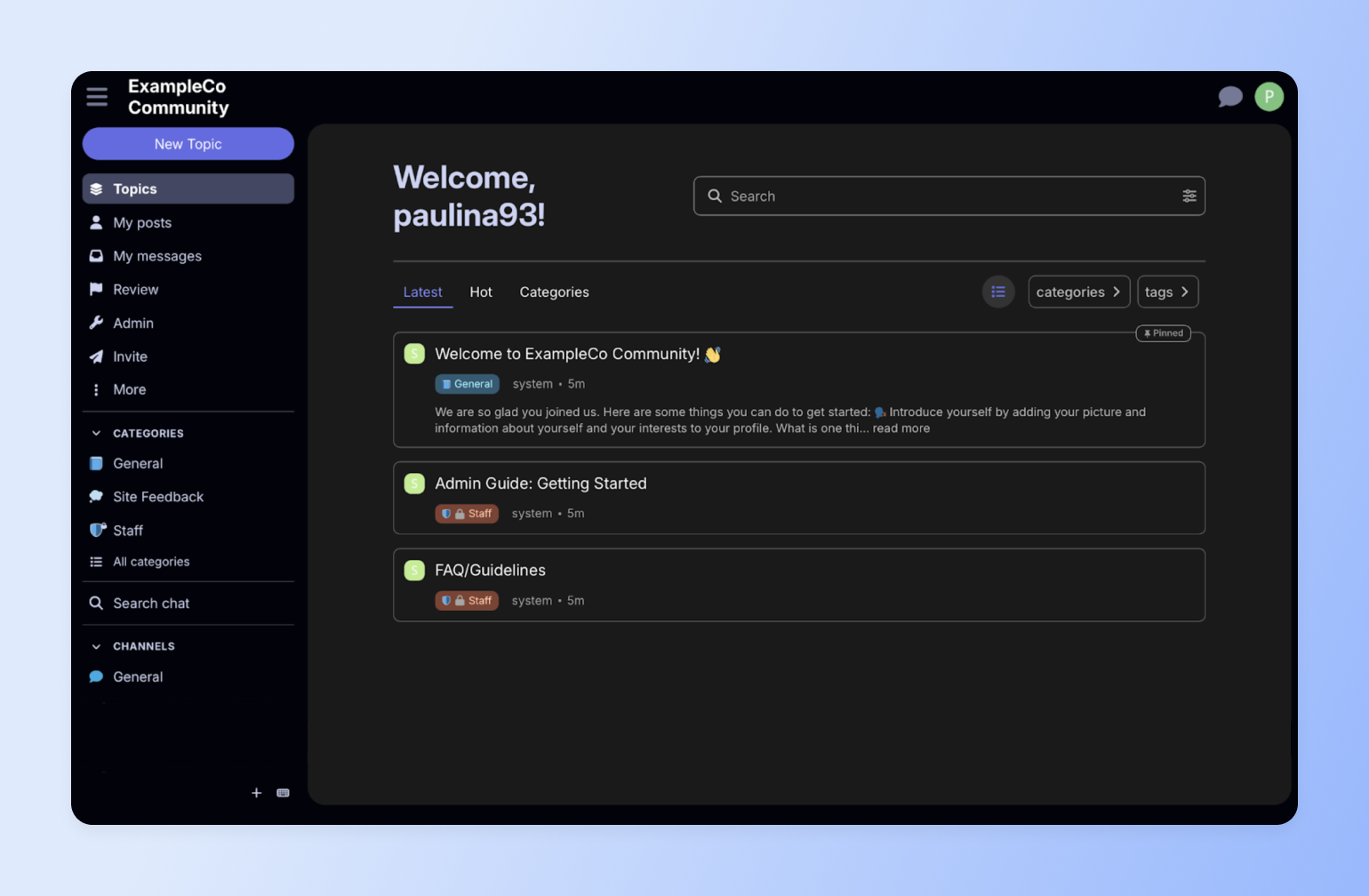
Last but not least, we have Discourse—a community platform built for long-term knowledge creation. Popular among product teams and developer communities, Discourse structures member discussions into searchable, organized topics that grow into a knowledge base.
#### Pricing:
Discourse offers a 14-day free trial. Paid plans start at $20/month.
#### Ideal for:
Tech companies, SaaS businesses, product teams, developer communities, support hubs, and organizations building searchable knowledge bases.
#### Key features:
* Structured, threaded discussions designed for long-term knowledge retention.
* SEO-optimized pages that rank on Google and drive organic traffic.
* Built-in real-time chat and private messaging alongside forum threads.
* Advanced moderation tools with AI-assisted community management.
#### Users say:�
> 👍🏼 “I mainly use Discourse for forums to interact with my Discord server community, and I also find it useful for more official and informal announcements. I like that Discourse is open source and extremely customizable.” – [Verified review from G2](https://www.g2.com/products/discourse/reviews/discourse-review-12064022)
> 🤔 “It is sometimes too chaotic, it takes some time before I find what I need.” – [Verified review from G2](https://www.g2.com/products/discourse/reviews/discourse-review-12071309)
| Pros | Cons |
| ------------------------------------------------------ | ------------------------------------------------------- |
| Highly customizable through themes and plugins | Setup and customization can require technical expertise |
| Open-source with full data ownership | Interface may feel more forum-style than social |
| Excellent for support and product feedback communities | |
## Take your pick
If you need a workplace chat tool, Slack or Microsoft Teams may fit. If you’re hosting large virtual events, Airmeet could be the better choice. If your goal is public, searchable discussions, Discourse is the tool you want to go for. And if you’re just testing the waters with communities, Facebook Groups or Reddit offer a free starting point.
But if you want to build **a community-driven business** with paid memberships, structured content, live events, and branded experiences, most of these platforms fall short.
**Circle** brings everything together in one place: discussions, courses, monetization tools, gamification features, analytics, and native mobile apps—without per-user pricing or algorithm limitations.
## FAQs
What's the best Discord alternative for non-gaming communities?
It depends on what your community needs. For creators, educators, and membership businesses that need monetization, courses, events, and professional branding in one place, **Circle** is the strongest all-in-one option. For workplace teams that rely on Microsoft 365, Teams is the natural fit. For privacy-first messaging, Signal stands out with end-to-end encryption. And for free, discussion-based communities, Reddit and Facebook Groups offer low-barrier starting points—though neither supports monetization or structured content.
Can you actually monetize a community on Discord?
Discord offers Server Subscriptions, but with significant limitations: Discord takes a 10% platform cut (plus up to 30% on iOS), restricts creators to a few paid tiers, requires US-based banking, and doesn’t support one-time payments, coupon codes, or custom checkout flows. If you’re using a third-party tool like Patreon to manage payments, Discord can’t automatically revoke channel access when someone cancels—so you may end up with non-paying members in your paid spaces. For communities that want built-in payments, tiered memberships, and automatic access control without workarounds, platforms like Circle handle monetization natively.
Why are people leaving Discord in 2026?
Three things are driving the current wave of migration. First, Discord’s “teen-by-default” age verification policy—announced in February 2026 and delayed to the second half of the year after significant backlash—requires some users to submit ID or facial age estimation to access certain features. Second, a third-party vendor breach in October 2025 exposed tens of thousands of government IDs that had been submitted for verification, raising trust concerns. Third, many community builders are simply outgrowing Discord’s chat-first model and looking for platforms with better monetization, structured content, and professional branding.
What’s Discord’s new age-verification policy?
In February 2026, Discord announced a global rollout of “teen-by-default” settings that restrict certain actions—like accessing age-gated servers, changing content filters, or speaking on stages—until users complete an age-assurance step. Discord says most people won’t need to upload an ID or do a face scan, as it plans to use an age-inference model first. When additional confirmation is needed, options include on-device facial age estimation or ID verification through vendor partners. The rollout was originally planned for early March 2026 but has been delayed to the second half of 2026 after widespread user backlash and privacy concerns.
Is it worth switching from Discord if it's already working for my community?
Discord working “fine” and Discord being the right long-term platform are two different things. Many community builders hit a point where they need to monetize, deliver structured content like courses, control their branding, or see real engagement analytics—and that’s when a chat app starts holding them back. It’s less about Discord being broken and more about your community outgrowing what a chat tool was designed for. If you’re at that stage, purpose-built platforms like Circle are designed to scale with you—combining community, courses, events, and payments in one place.
**Will I lose my members if I switch from Discord to another platform?**
Some attrition is normal—experienced community managers report that 40–70% of active members move over initially, with the rest joining over 1–3 months if you keep a redirect in your old Discord server. The key is a clear migration plan: give members advance notice, explain what’s better about the new platform, run a parallel period where both are active, and offer a strong onboarding experience on the other side. Platforms like Circle offer guided onboarding and migration support to help reduce friction and keep momentum during the transition.
**Can I export my community data from Discord?**
Discord’s official data request returns only your personal messages in JSON format and can take up to 30 days to process. There’s no server-wide export for full channel histories, and member email addresses are never accessible—all member relationships are mediated through Discord’s infrastructure. Third-party tools like DiscordChatExporter exist but technically violate Discord’s terms of service. In practice, most successful community migrations start with a clean slate on the new platform rather than trying to port over old chat history.
Can I run online courses or structured learning on Discord?
Not natively. Discord has no built-in course modules, drip content, progress tracking, quizzes, or certificates—and it isn’t designed for structured, sequential learning. You can approximate a course with channels and pinned messages, but there’s no way to gate content by completion, track learner progress, or deliver cohort-based experiences. If courses are central to your community business, you’ll need either a separate LMS bolted on or an all-in-one platform like Circle that combines community discussion with a native course builder.
**What’s the best free Discord alternative?**
For privacy-focused messaging, Signal is free and fully encrypted. Telegram supports large groups up to 200,000 members at no cost. Reddit offers free, topic-based discussion communities. Facebook Groups provide free group management with built-in discovery. And TeamSpeak is free for self-hosted voice chat. The tradeoff with all free options is that you’ll hit limitations around monetization, branding, structured content, or analytics as your community grows. If you need those capabilities, paid platforms like Circle, Slack, or Discourse offer more complete toolsets.
**What’s the difference between Discord and Slack?**
Discord is built for community chat, especially real-time conversation, voice channels, and casual, always-on spaces. Meanwhile, Slack is built for workplace communication, with deeper business integrations (think Google Drive, Jira, and internal workflows) and a more “work tools” default experience. In short: choose Discord for informal group chat and voice hangouts; choose Slack when you need team ops, integrations, and work-first collaboration.
Can I migrate my existing Discord community to Circle?
Yes. Most teams recreate their Discord channel structure as Circle Spaces, then bring members over with a clear invite and onboarding flow. Since Discord doesn’t offer server-wide data export, migrations typically start fresh on Circle rather than porting old chat history—which most communities find is actually a cleaner experience. Circle offers guided onboarding support to help you plan the transition, reduce member confusion, and maintain engagement momentum during the move.
Is Discord safe for communities with teenagers or minors?
Discord has been under increasing scrutiny for child safety. A 2025 lawsuit from New Jersey’s Attorney General alleged that Discord’s DM feature failed to adequately protect minors from harmful content. The 2026 age-verification policy is Discord’s response, but it has raised its own privacy concerns—particularly after the October 2025 breach that exposed tens of thousands of government IDs submitted for verification. If your community includes minors, look for platforms with stronger built-in moderation controls, verified identity options, and compliance-ready features rather than relying on Discord’s evolving policies.
---
### How Elsynergy built a 4,500+ member community through premium courses
*Discover how Laura Haleydt and Ginny Fears built a 4,500+ member community helping entrepreneurs scale to 7 figures with automated systems.*
Source: https://circle.so/blog/elsynergy-spotlight
For Laura Haleydt and Ginny Fears, the path to entrepreneurial success began in corporate marketing. Like many others, they dreamed of breaking free from the 9-to-5 grind to create something of their own. When they each started sharing educational content on Instagram, their expertise quickly drew attention—within just 5 months, they were each generating $10,000 monthly through coaching.
But something wasn't quite right. Despite the impressive income and being their own bosses, true freedom remained elusive.
"We noticed at some point that we had far more income and freedom as our own boss, but it didn't feel like real freedom. We were still tied to sales calls with clients all the time," Laura explains. This realization led her and her business partner Ginny to create their first online course—which generated over $400,000 in just three weeks.
## The community breakdown
📍 **Community:** [Elsynergy](https://elsynergy.co/)
👋 **Founders:** [Laura Haleydt](https://www.instagram.com/laurahaleydt/?hl=en) and [Ginny Fears](https://www.instagram.com/ginnyfears/?hl=en)
**🗓️ Launched in:** January 2023
🌟 **Size:** 4,500+ students globally
🎯 **Purpose:** Help female service providers and course creators build seven-figure businesses with more freedom through automation and passive income
💰 **Pricing model:** Premium business programs ranging from $1,000-$3,000
## Core community offering
Elsynergy's community is built around premium business programs that combine comprehensive course content with active community support and group coaching. Their signature programs include multi-module courses focused on marketing, automation, and business scaling.
The community gives members access to:
1. **Step-by-step frameworks:** Each program contains 10+ modules of easily digestible 5-15 minute lessons
2. **Monthly group coaching calls:** Live Q&A sessions and hot seat coaching with Laura and Ginny
3. **Community support:** Dedicated spaces for questions, wins, and peer connections
4. **Special interest groups:** Different program spaces (IGA, PCA, IBA) for specific business needs
This philosophy shapes how they structure their community and support.
### How it’s organized
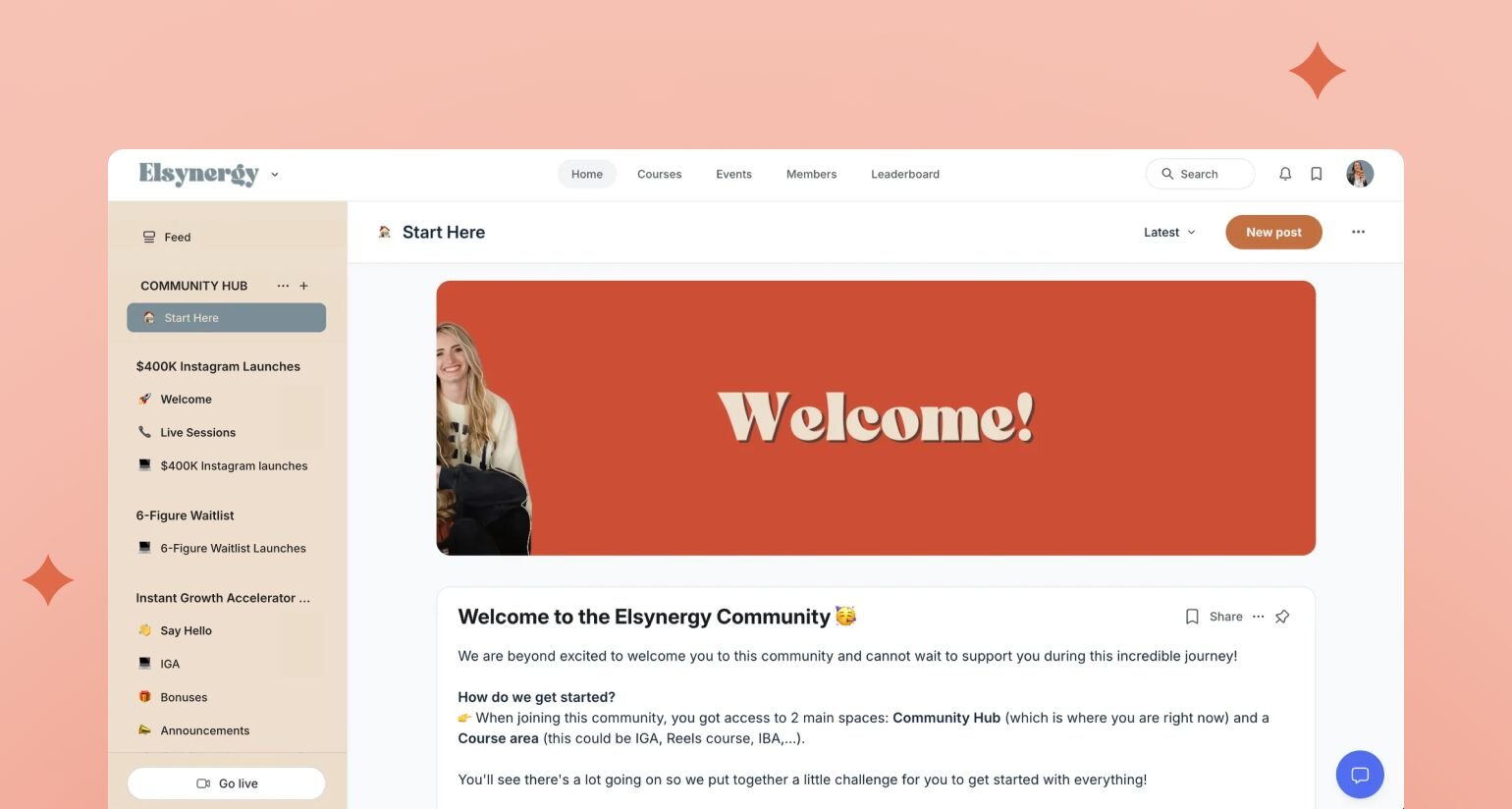
Initially, the founders had their courses hosted on Kajabi, their community on Facebook Groups, and group coaching calls on Zoom. Once they found Circle–it was game over. It ended up being the perfect solution for their courses, coaching, and community.
The Elsynergy community is organized into three key spaces:
- **Welcome & Introduction:** A dedicated space for new members to introduce themselves and connect with others
- **Community Discussion:** Where members can ask questions and share experiences, find members for their accountability groups, and more
- **Share Your Wins:** A high-vibe space for celebrating successes and inspiring others
Laura emphasizes the importance of clear community guidelines to maintain quality: "People actually love having boundaries to play within. It makes the community a higher level, safer, and more supportive place."
### How it’s monetized
Elsynergy has generated over $2 million in the last three years through their streamlined approach (one sales funnel!):
- **Premium Programs:** High-ticket courses ($1,000-$3,000) that include community access and group coaching (some of them including lifetime access!)
- **Evergreen Sales Funnel:** Automated system that creates an engaging launch experience year-round
- **Future Plans:** Expanding into masterminds and more advanced programs for scaling businesses
### The community team
The Elsynergy team consists of:
1. **Laura and Ginny:** Co-founders who lead strategy and community vision
2. **Independent Consultants:** Team members who each earn the equivalent of a full-time salary while maintaining their freedom
3. **AI Coaching Support:** A custom-trained AI coach that provides 24/7 support by drawing from their courses and coaching content
## The Elsynergy team’s top community building tips & tricks
💡 **Set clear expectations:** Establish community guidelines that encourage high-quality engagement while maintaining boundaries.
💡 **Create engaging onboarding:** Use welcome videos, clear prompts for introductions, and automated messages to help new members feel comfortable and understand how to get the most value.
💡 **Balance automation with personal touch:** While automation enables scaling, maintain connection through monthly coaching calls and community engagement.
"The biggest lesson has been understanding that if you are very smart about the way you set up your business, the way you automate things... we are able to have massive freedom in our business while still serving our community effectively," Laura shares.
Today, Elsynergy stands as a testament to how combining strategic automation with genuine community support can create both freedom for founders and transformation for members.
---
### Top 10 ways to power your community using Circle’s Email Hub
*Discover how Circle's Email Hub helps you build better member experiences, leverage data insights, and elevate your community marketing strategy.*
Source: https://circle.so/blog/email-marketing-for-community-engagement
As [Chris Donnelly](https://www.linkedin.com/in/donnellychris/)–LinkedIn powerhouse and serial entrepreneur–said at our Future of Creators Summit:
But the way you get them there is Circle’s [Email Hub](/email-hub)–a brand-new email marketing platform that fuels your contact-to-community pipeline.
If you’re tired of:
- Juggling multiple systems to keep your community engaged,
- Navigating broken zaps and connections, and
- Ensuring your customer data is up-to-date, constantly…
You’ll want to see how Email Hub lets you manage your community marketing in one seamless ecosystem.
From onboarding new members to re-engaging lapsed ones, and automating learning and gamification touchpoints, we'll explore how this powerful tool can boost customer engagement, strengthen customer relationships, and streamline your community building strategies.
Get ready to discover how Circle's Email Hub can help you create a cohesive member experience, make data-driven decisions, and take your community marketing to the next level.
## What is Circle’s Email Hub?
Circle’s Email Hub is a game-changing upgrade to the Circle platform that brings together [community management](https://circle.so/platform) and marketing tools in one powerful platform. As a creator or business owner, you now have the ability to engage both your community members and non-members seamlessly, expanding your reach beyond just community management.
With Email Hub, you can tap into three main features that are essential for growing and engaging your audience:
### Key features
1. **Email marketing**: Stay connected with your community and build stronger relationships by sharing updates, driving automatic engagement, and growing your audience–all from within the Circle platform.
2. **Marketing automation**: Set up automated workflows to nurture leads, onboard new members, and re-engage inactive ones.
3. **Audience CRM**: Manage all your contacts in one place, segmenting them based on their behavior and engagement levels (coming soon!).
### Magic happens when community 🤝 marketing
You'll find that Email Hub offers several key advantages to your workflow and community management admin:
1. **Unified platform**: You no longer need to juggle multiple tools for community management and marketing. Everything you need is in one place, streamlining your workflow and saving you time.
2. **Scalability**: Whether you're just starting out or managing a large community, Email Hub grows with your business. You can start with basic tools and expand as your audience grows.
3. **Seamless integration**: Unlike standalone email marketing platforms, Email Hub is fully integrated with Circle's community features. This means you can easily link to posts, events, or discussions within your emails, keeping your members engaged within the community.
4. **Behavior-based personalization**: You can send targeted emails and automate workflows based on specific actions your members take within the community. This level of personalization helps you create more relevant content and increase engagement.
5. **Comprehensive analytics**: By having all your community and marketing data in one place, you gain deeper insights into how your audience interacts with both your content and communications. This enables you to make data-driven decisions and optimize your community marketing strategies.
Now, let’s dive into 10 examples that’ll show you exactly how Email Hub helps you build, engage, and grow your audience more effectively than ever before.
## 1\. Onboarding for new members
A smooth onboarding process is key to keeping members engaged and active. With Circle's Email Hub, you can create powerful journeys to welcome new members and keep them learning with automated welcome emails that guide new members through your community's features.
These emails are personalized and can link directly to important posts or discussions, making it easy for newcomers to jump right in. They might include:
- Recommending relevant groups or spaces to join
- Suggesting popular discussions aligned with their interests
- Introducing them to community leaders in their areas of focus
- Providing curated resources to help them get started
By customizing the onboarding process, you help new members quickly find value and connect with like-minded peers, increasing the chances they'll become active, long-term community members.
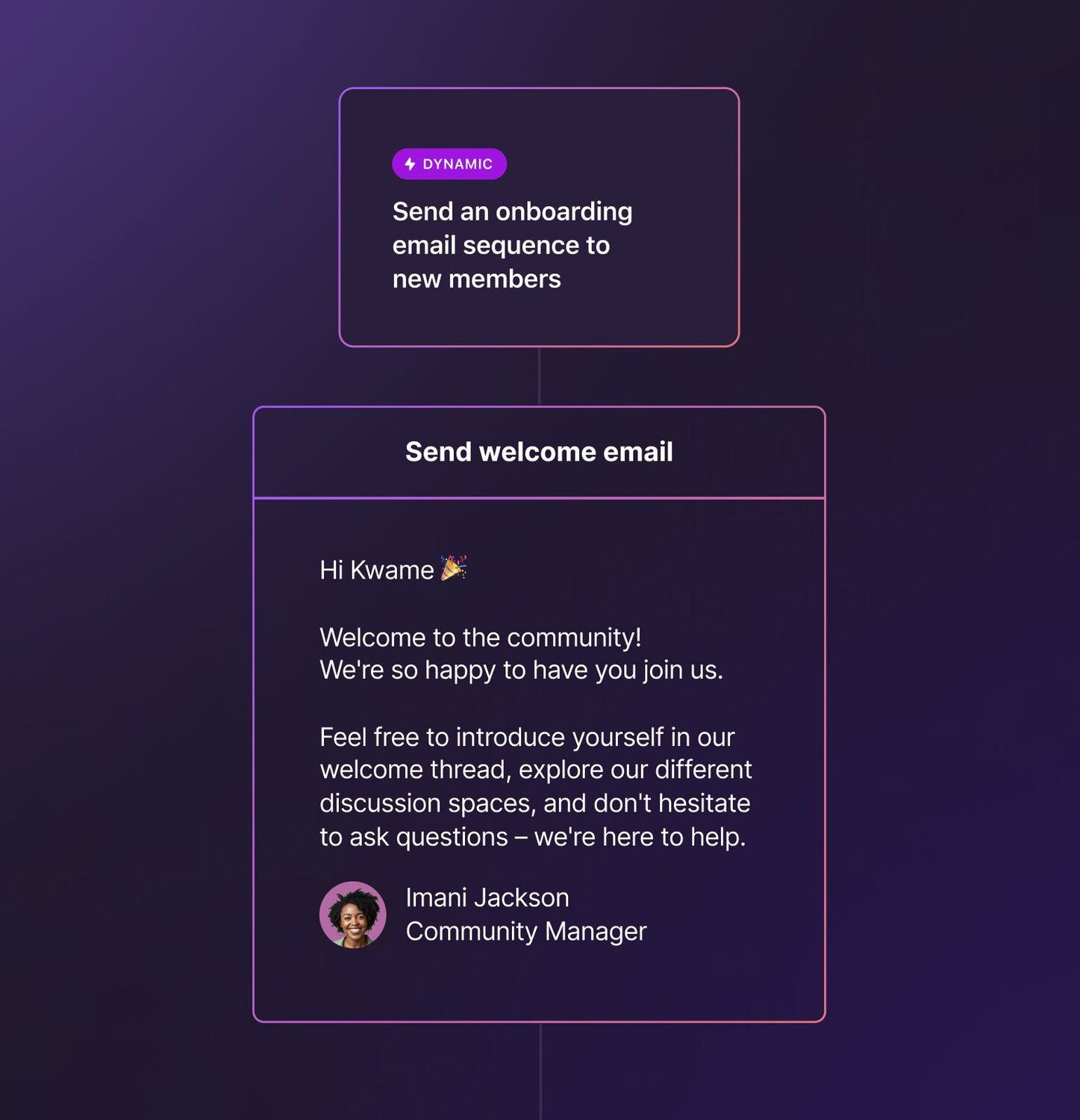
For example, you might create a series of emails that introduce different aspects of your community over the first week:
- Day 1: Welcome and community guidelines
- Day 3: How to set up their profile and connect with others
- Day 5: Upcoming events and how to participate
- Day 7: Popular discussion threads and how to contribute
- Day 20: A “new member feedback” poll to gauge their experience
The best part? You can track how new members interact with these emails and adjust your strategy based on what works best.
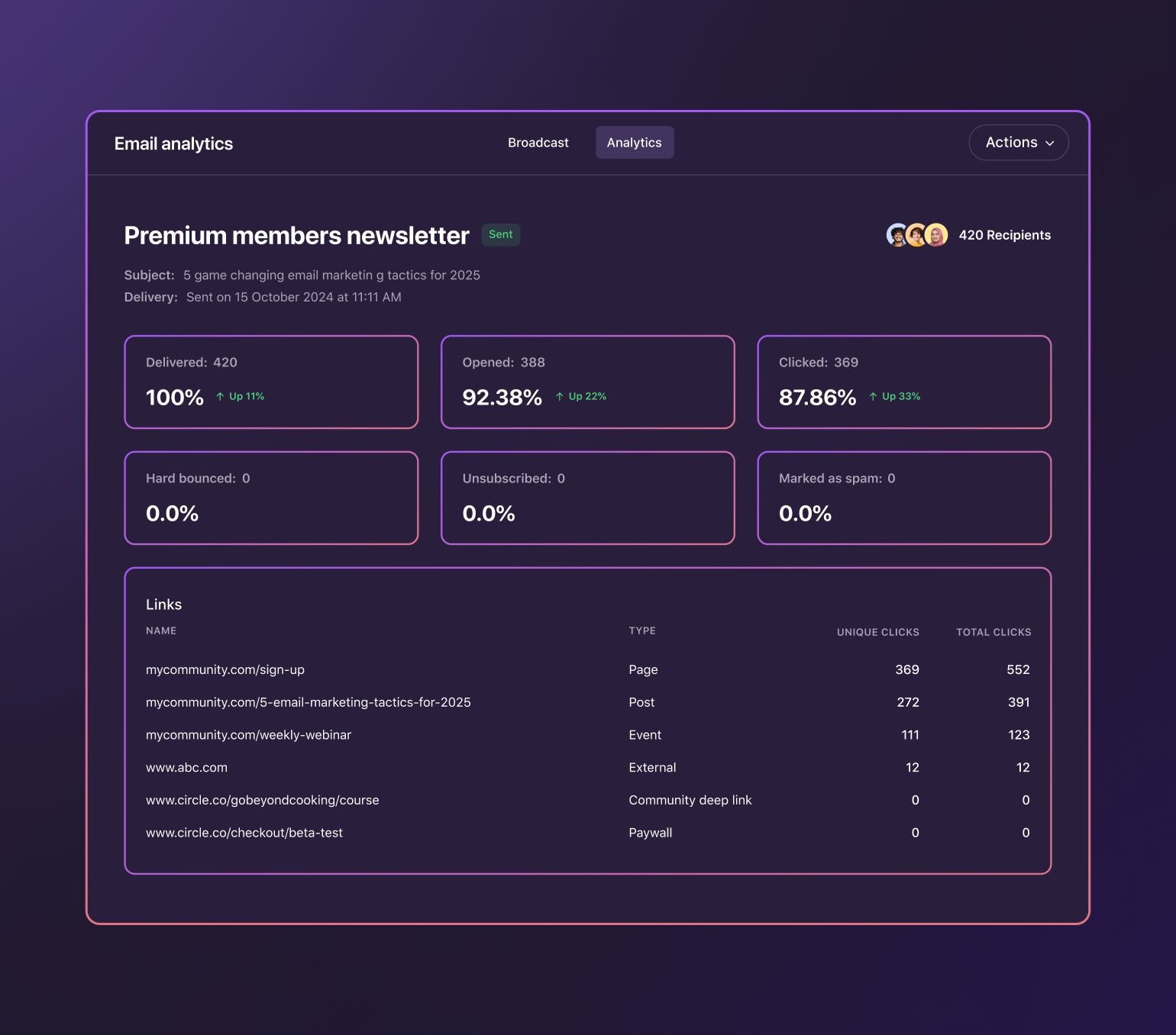
## 2\. Course and program engagement
For communities focused on learning, Email Hub will allow you to create email sequences that keep members on track with their [courses](/blog/how-to-create-an-online-course) or [cohort programs](/blog/cohort-program).
Considering [online course completion rates](https://www.teachfloor.com/blog/elearning-statistics#:~:text=Online%20courses%20have%20a%20completion,rates%20by%20up%20to%2080%25.) hover at around 13%, email marketing can help you boost completion rates, get more wins for students, and ultimately, celebrate more happy customers.
Here's how you could use it:
- Send reminders about upcoming lessons or deadlines
- Share additional resources related to the current module
- Encourage participation in course-specific discussion threads
- Celebrate milestones as members progress through the material
By linking these emails directly to your course content within Circle, you make it super easy for members to stay engaged and motivated.
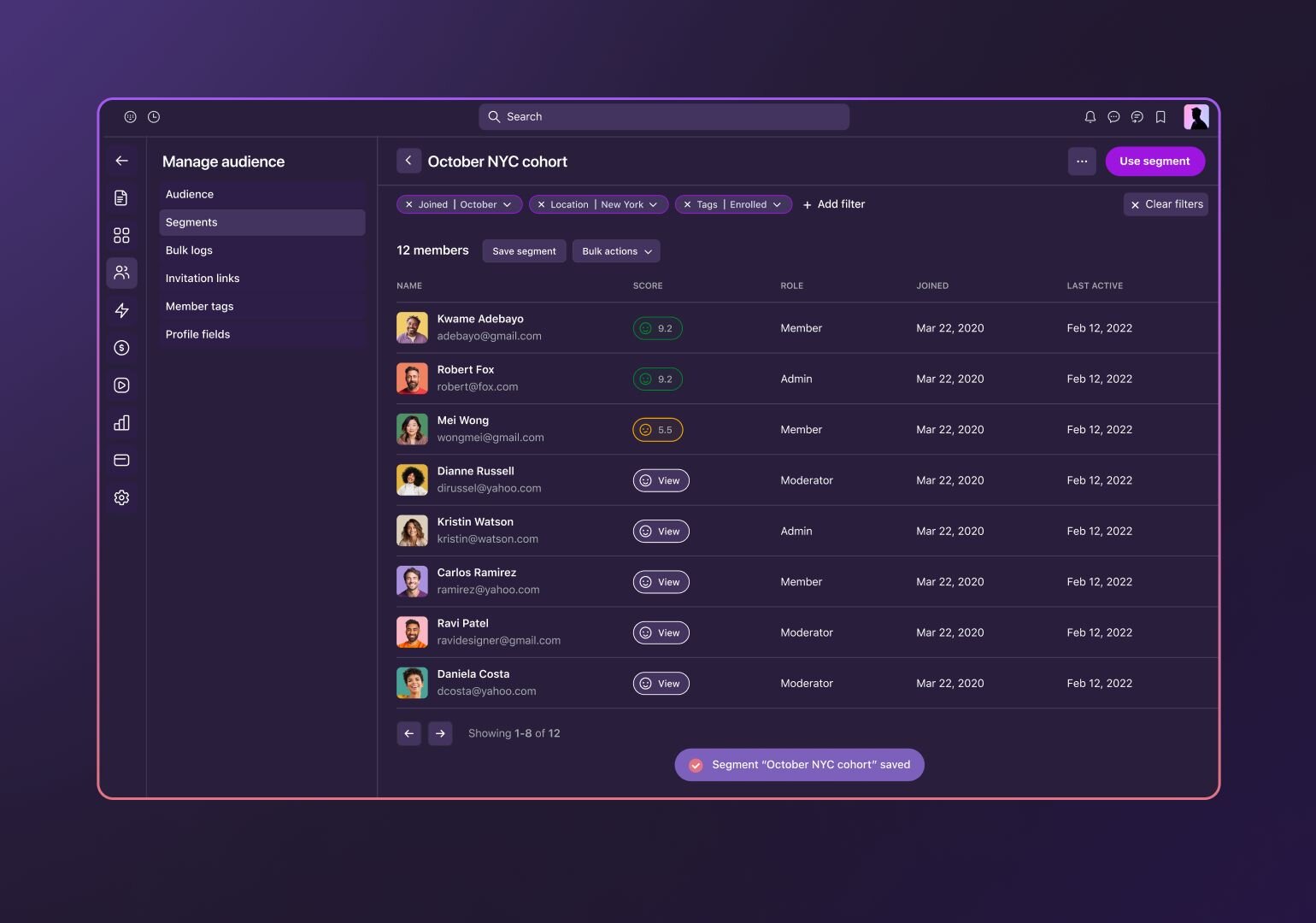
## 3\. Nurturing your audience and members
Not all community members start as paying customers, and that's okay! You can use Email Hub to nurture contacts and showcase the value of your paid offerings–as well as upsell and cross sell your existing members to [higher tiers](/blog/offer-flywheel).
Here's one approach:
- Create segments based on free members' interests and behavior (you can use form or quiz outcomes to [tag people](/marketing-hub)!)
- Develop a series of automated, triggered emails that provide valuable content
- Gradually introduce paid features or programs that align with their interests
- Use automations, workflows, and triggers to send these emails at the right time based on member actions, including sign ups, tags, courses, events, posts, comments, and more
This strategy helps you build trust with free members and increases the likelihood they'll upgrade to [paid memberships](/membership) or courses.
Using these examples, you’ll be able to start your member experience off in a positive way from day one.
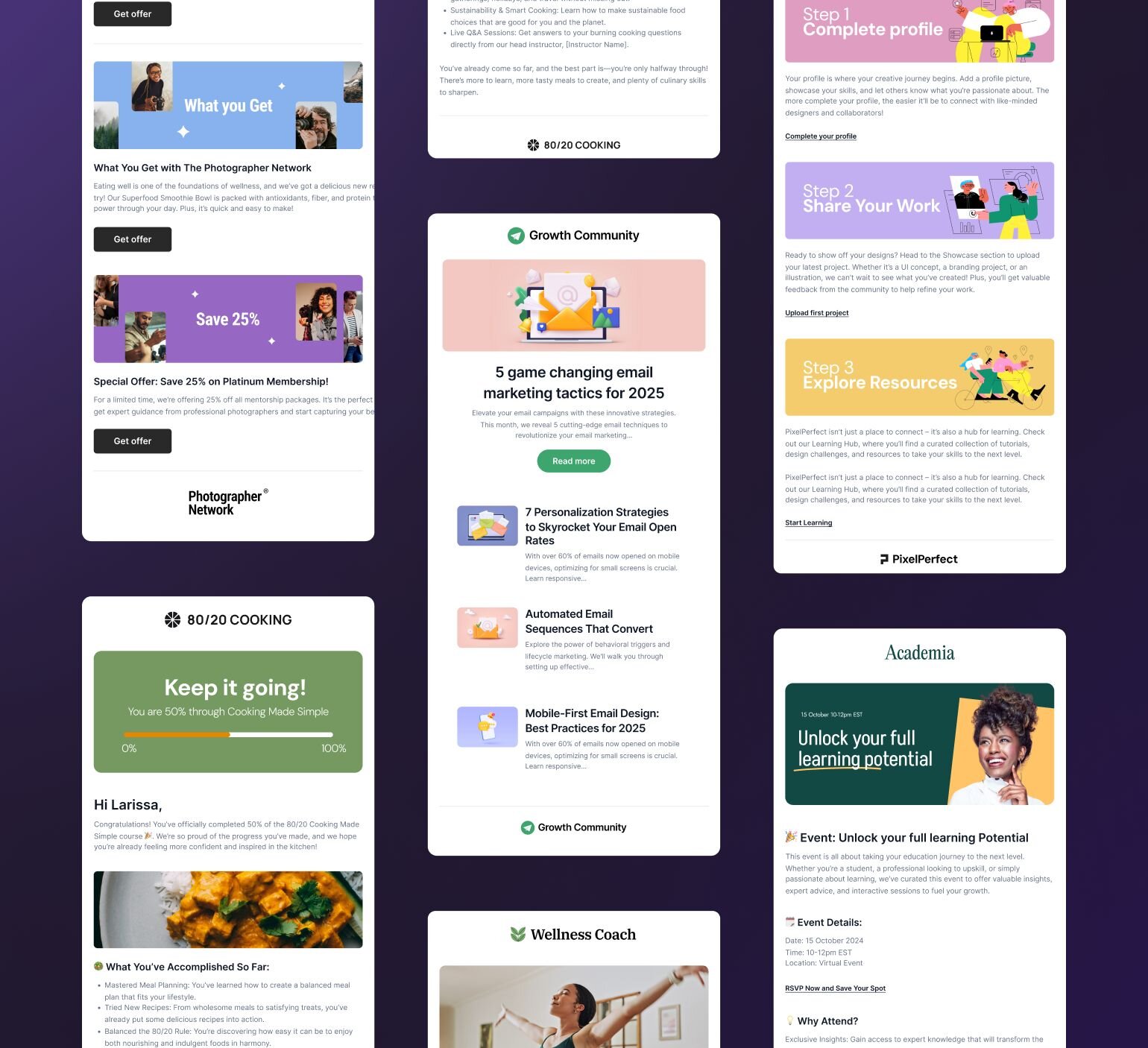
## 4\. Re-engaging inactive members
It can be frustrating when members start to drift away or stop engaging.
With Email Hub, you can automatically trigger re-engagement emails if a member hasn't logged in or interacted with the community for 10, 30, or however-many days. These emails can offer exclusive content, remind them of upcoming events, or provide special offers to bring them back.
What's great is that these messages are personalized based on the member's behavior in the platform–and link them right back to the platform–making them more likely to respond.
## 5\. Gamification reward notifications
Who doesn't love a little friendly competition? Now, you can use Circle’s Email Hub to automatically send email notifications to members who reach new levels on your community's leaderboard–or those who are close to remind them to keep engaging.
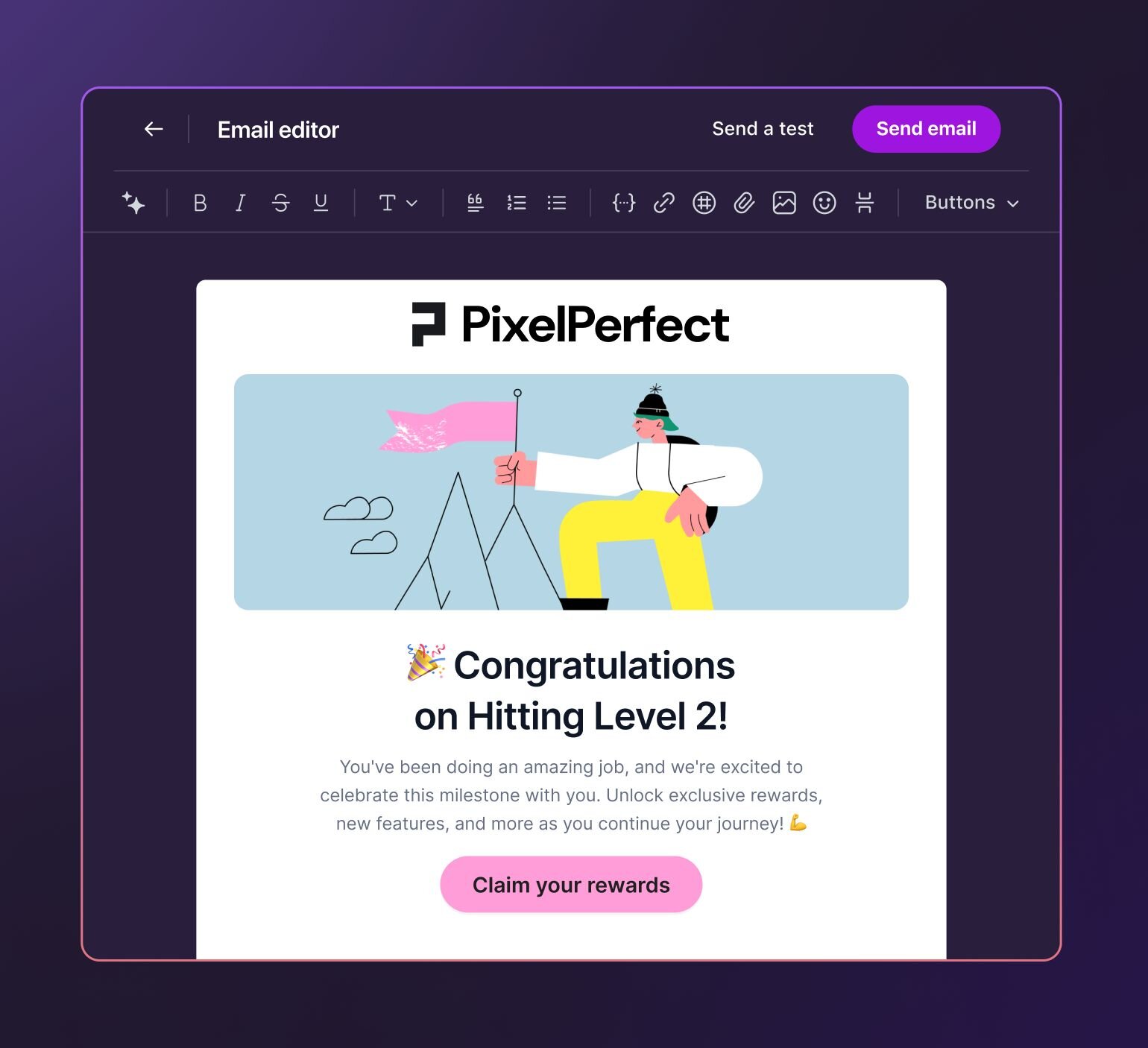
You’ll be able to take your [gamification](/gamification) to the next level, and reward your high-engagers with badges, exclusive content, or recognition in the community–via email, straight from the Circle platform.
## 6\. Community rituals and habit-building
To foster deeper connections and regular engagement, you can create automated emails that encourage members to join community rituals.
These might include weekly challenges, discussion topics, or live events. The emails prompt members to share progress or encourage accountability. By integrating habit-building emails with community rituals, you create consistent touchpoints for members that they grow to expect and rely on.
## 7\. Milestone celebrations and progress tracking
When members reach key milestones, like finishing a course or reaching a top tier–you can now automatically acknowledge them and make them feel seen. 😌
Including [a badge or digital reward](/blog/community-gamification-guide) can be just the right amount of motivation they need to stay for another month (or year). This approach leverages real-time community actions, providing immediate recognition and driving motivation to keep engaging.
## 8\. Member segmentation for promotions
Building custom segments based on tags or activities allows you to create relevant and valuable personalized offers. You can consider factors like event attendance, post engagement, or membership duration when crafting tailored promotions for each segment.
Here are some examples of tags and segments you could create:
- Location-based tags for in-person events
- Special offers for those with high engagement scores
- Onboarding sequences for new members
- Promotions for event attendees
This strategy can help you boost conversion rates as well as overall community engagement.
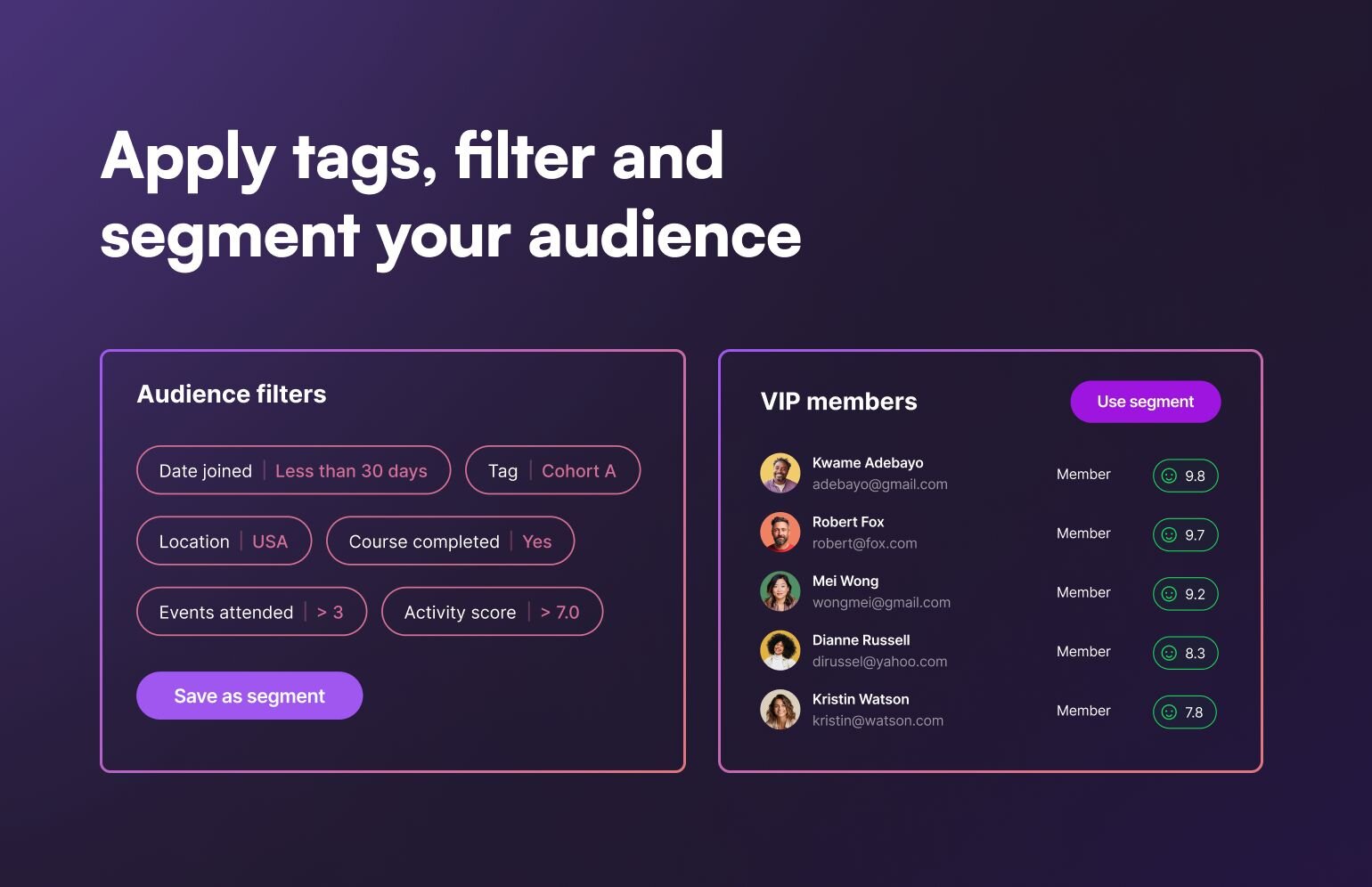
## 9\. Event promotion and nurturing
Before events, you want to build excitement and increase attendance–and email automations can help keep you on track.
- Build out some targeted email campaigns based on members interests and past event participation.
- Set up a series of automated [reminder emails](https://help.circle.so/p/live-and-events/events/set-up-custom-event-reminders). These messages not only keep the event top-of-mind but also provide valuable information like agenda highlights and speaker bios.
- By linking directly to the event page within your community, you make it super easy for members to RSVP and add the event to their calendars.
Another great tactic is to create buzz through [gamification](/blog/community-gamification-guide). You might offer early-bird perks or exclusive content to members who register first, encouraging quick action and fostering a sense of excitement.
### Post-event nurturing
After the event, the real magic happens when you:
- Automatically send [follow-up emails](https://help.circle.so/p/members/onboarding/customizing-the-onboarding-experience) to attendees, thanking them for participating and sharing key takeaways or recordings.
- For those who couldn't make it, you send a different message with a summary of what they missed and an invitation to watch the replay.
But you don't stop there.
- You create segmented lists based on event attendance and engagement levels. This allows you to send highly targeted follow-up content. For instance, if a member asked a specific question during a Q&A session, you might send them additional resources on that topic.
- You can also use this opportunity to gather feedback through surveys, which helps you improve future events and tailor your community content. The data you collect through these interactions is invaluable for refining your [community marketing strategy](/blog/community-growth).
## 10\. Behavioral-triggered email sequences
Thanks to Email Hub, you can now use behavioral triggers to send targeted emails based on member actions.
For example, when someone joins a specific discussion, you can automatically send them related resources or invite them to an upcoming event on that topic. This personalization helps keep members engaged with content they care about.
### Upselling and cross-selling based on tags
By using tags to track member behavior and preferences, you can create targeted upsell and cross-sell campaigns.
If a member frequently engages with content about a specific topic, you might offer them an exclusive workshop or premium resource related to that interest. This approach helps you provide value while growing your business.
### Nurturing premium trials
When contacts or free members start a premium trial–like of your paid community, paid course, or anything else–you can trigger emails to nurture those folks to increase the likelihood of converting to paid members.
It's amazing how a little personalization can go a long way in building a thriving community.
## Your all-in-one solution for community marketing
Circle's Email Hub offers an all-in-one solution to streamline engagement and growth strategies for community businesses.
By unifying community management and marketing tools into one ecosystem, we aim to help creators and brands create a more cohesive member experience, boost engagement, and make data-driven decisions. The platform's powerful features, from [personalized onboarding](/blog/community-onboarding) to targeted email campaigns, provide innovative ways to nurture relationships and drive meaningful growth.
Whether you're aiming to re-engage inactive members, celebrate milestones, or create personalized content recommendations, Email Hub has your back.
**And if you’re ready for a community platform with native, built-in marketing capabilities?**
You’re in the right place.
Circle’s [Email Hub](/email-hub) combines the power of community building with advanced marketing tools, designed to help creators, brands, and organizations engage and grow their audience efficiently. With features like email marketing, contact management, and analytics, Email Hub simplifies audience engagement—while Circle brings together your members, discussions, events, courses, and content—all in one place, under your own brand.
[Start your free 14-day free trial of Circle (and Email Hub) today!](https://app.circle.so/communities/new)
---
### The ‘tiny experiments’ playbook: build a thriving community without burning out
*Learn how the experimental mindset for creators helps you build sustainable, resilient communities through tiny experiments and simple learning loops.*
Source: https://circle.so/blog/experimental-mindset-for-creators
Do you find it easy to support and encourage your members but hard to give yourself the same grace? You’re not alone. When growth slows or an event doesn’t land, many community entrepreneurs blame themselves and rush to “fix” it.
But this is where they often get stuck. Linear goals like “grow to 500 members by June” or “hit 40% engagement every month” assume predictable progress and a clear path from A to B. **Communities don’t work that way.** They shift with member needs, timing, relationships, boundaries, and the invisible dynamics between people.
**Anne-Laure Le Cunff** sees this mismatch often. As an author, cognitive neuroscience researcher and founder of [Ness Labs](https://nesslabs.com/), she studies how people learn and experiment. What she’s found is that when you’re working inside complex, ever-changing systems, progress isn’t linear. Learning is. That’s why she encourages an experimental mindset for creators and community builders.
As she shared during her [Creator Path Summit session](https://www.youtube.com/watch?v=piNlTE4B9-s&list=PL0O4KP8uYp2tzDs2Hd5gqsX9eYai-dIoF&index=5): “You need to figure out what works and what doesn't as you go. There is no blueprint or step-by-step plan you can copy and paste to build a successful community.” (Watch it below!)
This article will show you
- how to apply her “tiny experiments” approach to your community,
- why traditional success frameworks fall short,
- how to think like a scientist, and
- build learning loops that support sustainable community growth.
## The paradox of success in community building
Spend enough time in the creator or community space and you start to feel the subtle pressure to keep up. Everywhere you look, people are posting their launch numbers, milestones, and growth screenshots. It’s inspiring… until comparison-itis creeps in.
Anne-Laure Le Cunff calls this **“the giant leaderboard”** effect.
“We measure our success based on the success of others… asking ourselves, am I going fast enough? Is my community big enough?” she says.
When success is so public, you might assume you should follow the same playbook or chase the same outcomes. But [community growth](https://circle.so/blog/community-growth) doesn’t follow a straight line. Member needs shift. Building relationships and trust takes time. This difference is why the classic “clear vision + hard work = success” formula, borrowed from traditional business thinking, often breaks down in community work.
**You can’t only “grind” _or_ “plan” your way to a great community.**
Anne-Laure learned this lesson firsthand. She saw friends thriving on YouTube and pushed herself to grow a channel too. It worked on the surface (i.e., her subscriber and view count), but filming drained her and she dreaded being on camera.
This is the **core paradox**. You can:
- Follow the same strategy as someone else and feel worse, not better.
- Hit your goals and still feel behind.
- Do everything “right” and still not feel successful.
A healthier path starts with **curiosity-driven growth**. Instead of chasing the same outcomes as everyone else, run small tests, pay attention to what fits your community, and let those insights guide your next steps.
## The ‘Head-Heart-Hand’ framework of systematic curiosity
Every community builder knows the feeling: you want to launch something new, yet you keep putting it off. You tell yourself you’re busy or “not in the right headspace,” but rarely is that the actual issue.
This is where Anne-Laure Le Cunff’s idea of **systematic curiosity** comes into play. As she explains, it means “being curious about absolutely everything, including the uncomfortable stuff you might not want to look at too closely.” Instead of forcing yourself to power through, use an experimental mindset and treat the resistance as data.
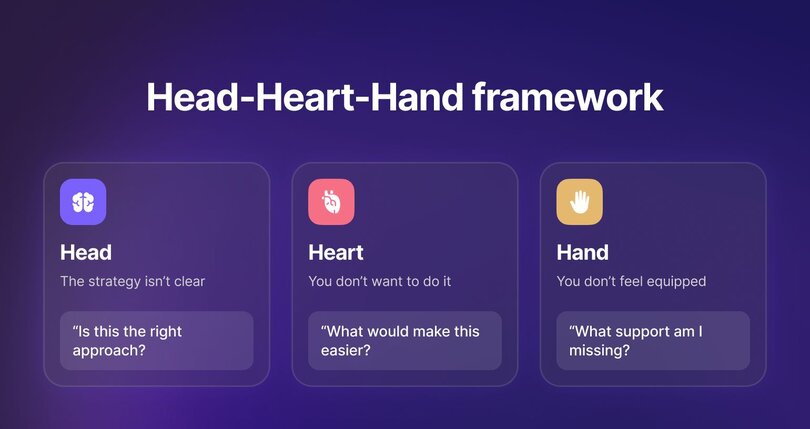
Anne-Laure’s Head–Heart–Hand check helps you pinpoint the source of the friction:
| Where the resistance is coming from | What it looks like | Questions to diagnose | What to do next |
| --- | --- | --- | --- |
| Head = The strategy isn’t clear | You keep second-guessing the task or avoiding it. | | Revisit the plan. Clarify the “why,” refine the strategy, or delegate before moving forward. |
| Heart = You don’t want to do it | The task feels heavy, boring, or emotionally draining. | | Change the setup. Try a café, a co-working session, or a short, timed sprint to make the work feel lighter. |
| Hand = You don’t feel equipped | You want to do it, but don’t know where to start. | | Get help. Watch a tutorial, ask a teammate, request training, or gather the resources you need. |
By treating resistance as information, not a personal flaw, you uncover what needs to shift and design experiments that fit your way of working.
## Designing tiny experiments
It’s easy to feel like every new idea needs to be polished, scalable, and fully mapped out before you share it with members. Launch a challenge? It should look professional. Starting a buddy system? It should work smoothly from day one. And with so many playbooks (yes, including the ones we publish), starting small can seem almost wrong.
Anne-Laure’s concept of **tiny experiments** offers a more straightforward, realistic path.
Tiny community experiments start with observation:
- _What’s giving your community energy?_
- _What’s draining it?_
- _What patterns keep showing up in conversations?_
Once you notice a pattern, use Anne-Laure’s favorite starting point: **maybe.**
- _“Maybe we could host monthly in-person meetups.”_
- _“Maybe we could test a member buddy system.”_
- _“Maybe we could add a help board or regular spotlight.”_
From there, you only need two ingredients: an action and a duration.
**Experiment protocol**: _I will \[action\] for \[duration\]._
![Template graphic on a dark purple background with the fill-in-the-blank prompt "I will [ACTION] for [DURATION]." Below, an example experiments box lists: "I will host one community office hour every week for 4 weeks," "I will run a 7-day member activation challenge," and "I will publish a member spotlight every month for 3 months."](https://cdn.builder.io/api/v1/image/assets%2Fd5e2d72a033944e1a916c5c34902a1ff%2Fd3e9878f6ed44db985ed3513b7498109?width=810)
Examples:
- _“I will host one community office hour every week for 4 weeks.”_
- _“I will run a 7-day member activation challenge.”_
- _“I will publish a member spotlight every month for 3 months.”_
- _“I will interview 20 members over 20 days.”_
The goal isn’t success or perfection, but to collect data. Running an idea more than once helps you see what consistently works, not just what happens by chance.
## Reflection and learning loops
Tiny experiments help you take action without overthinking. Reflection reveals what worked and why. When you combine the two, you create a simple evidence-based feedback loop that turns every test into something to learn from. That’s the real power of an experimental mindset.
Anne-Laure Le Cunff uses a straightforward structure for this: **Plus / Minus / Next.**
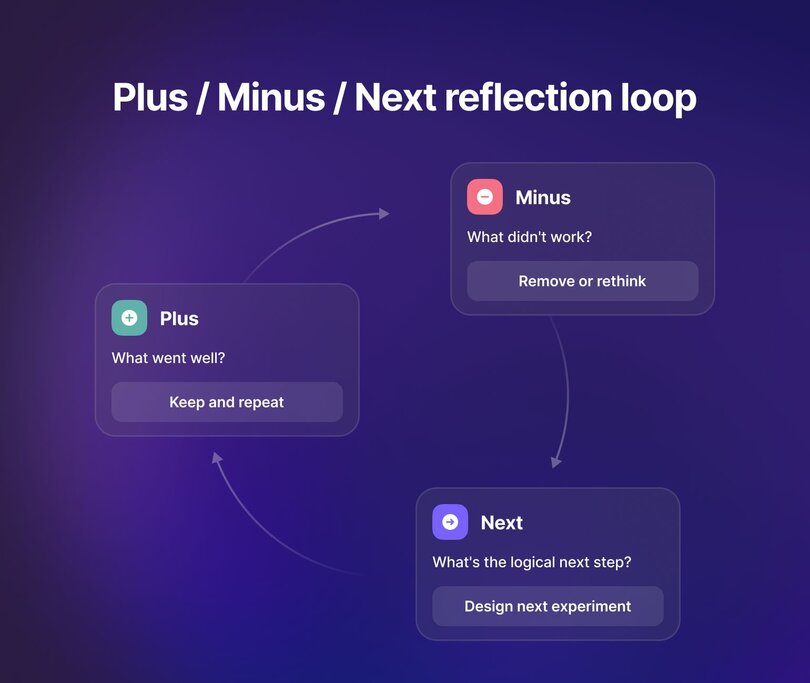
Here’s how to put it into practice:
| Plus | Minus | Next |
| --- | --- | --- |
| What went well. Anything that felt smooth, energizing, or effective for you or your members. | What didn’t go well. Any friction, confusion, frustration, or missing tools or support. | What you’ll change, keep, or adjust based on what you learned. |
| Ask: What felt easy? What did members respond to? What came together naturally? | Ask: What slowed things down? What didn’t land for members? What felt unnecessary or heavy? | Ask: What’s the logical next step? What small tweak will I test next? |
| Outcome: Keep and repeat what worked. | Outcome: Remove or rethink what didn’t work. | Outcome: Use your insights to design your next tiny experiment. |
Reflection doesn’t have to be a solo activity. Anne-Laure encourages learning in public with your team or, even better, with your members.
“Share what you learned with them. They might help you interpret the data in a way you hadn’t thought of,” she explains.
## Redefining metrics and success
[Community metrics](https://circle.so/blog/community-analytics) like member count, engagement percentages, and event attendance only tell part of the story. They don’t show whether you’re understanding your members better or improving your community operations. And when you rely on them alone, it can feel like you’re either “winning” or “falling behind” with every slight fluctuation.
A community builder with a scientist mindset asks a different question: _What did we learn that will help us make a better decision next time?_
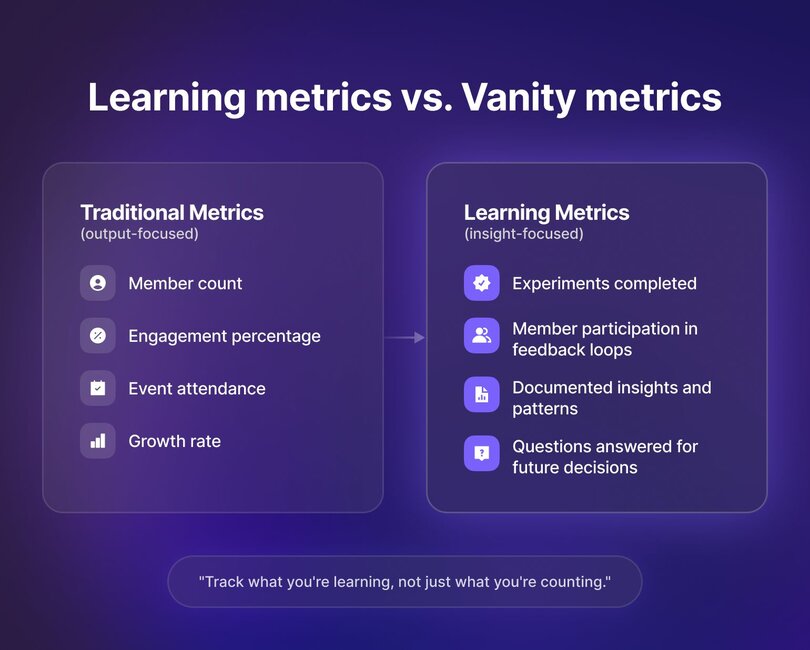
To answer that, you need metrics that reflect learning, not just output. Consider shifting part of your tracking toward indicators like:
- **Experiments completed.** How many small tests did you run this month or quarter? More experiments often reveal clearer patterns than one big initiative.
- **Member participation in feedback loops.** How many members voted in a poll, answered a reflection question, or joined a follow-up thread? This shows whether members want to help shape what comes next.
- **Documented insights.** Trends, notes, patterns, and observations to revisit later. Think of this as your internal “lab notebook.”
Over time, these learning metrics can give you a clearer picture of community health. **Multiple small experiments** help you spot reliable patterns. **Feedback loops** highlight which member voices are present and which ones are missing. And **keeping track of your insights** creates a reference to use for future programming, messaging, or member experience changes.
They also keep you focused on what you can control. Member count may fluctuate, but the experiments you run and the insights you gather are tangible signs of progress.
When you track what you’re learning, you [build a community](https://circle.so/blog/build-a-community) that improves steadily, even as surface-level numbers rise and fall.
## Case study: Ness Labs’ community-as-lab model
Ness Labs is one of the clearest examples of what an experimental mindset looks like in practice. For five years, Anne-Laure Le Cunff has treated her community as a living laboratory. Inside, she tests ideas, learns in public, and makes adjustments based on what she discovers.
### How Ness Labs began: a personal learning experiment
At first, Anne-Laure used her [newsletter](https://circle.so/blog/how-to-grow-a-newsletter) to organize what she was learning in her neuroscience studies and better understand the material. But in March 2020, everything changed. Readers began replying to her newsletter saying they felt lonely, disconnected, and anxious during lockdown. Many missed having colleagues to think and talk with.
**So she created Ness Labs: a community focused on mindful productivity.**
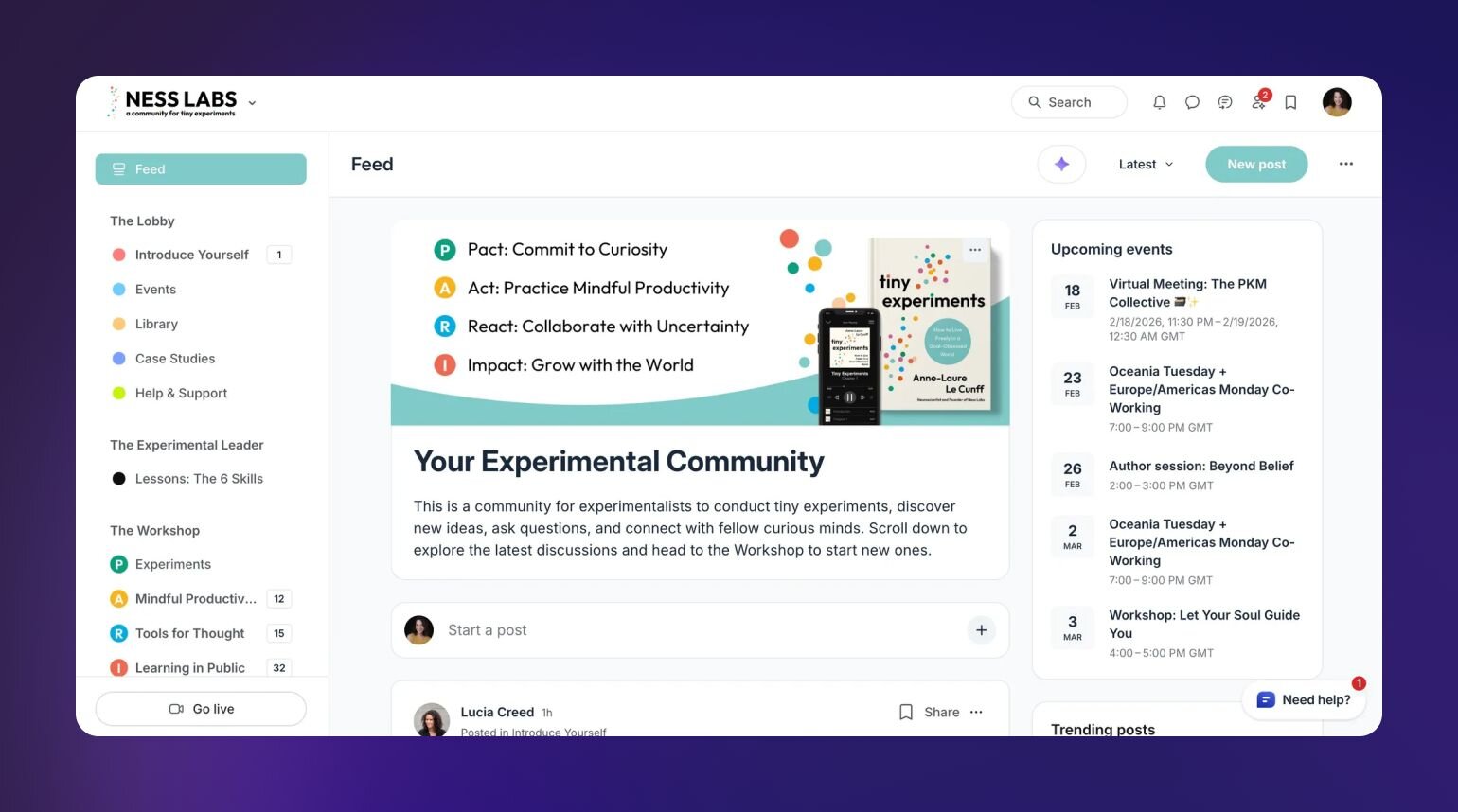
“I did not create it because I felt like I had something to teach,” she explains. “I wanted a space where everybody could come and connect together.”
### When organic growth becomes burnout
During the pandemic, the community was active from morning to night. There were three to four Zoom sessions a day, plus open circles for support.
“People would spend entire days hanging out on Ness Labs,” Anne-Laure recalls.
When the world reopened, Anne-Laure tried to maintain that same pace but it didn’t work. She burned out trying to keep up a level of [community engagement](https://circle.so/blog/community-engagement-strategies) that only made sense during lockdown.
“It was not sustainable at all,” she says. “But it took me a little while to realize this.”
### The turning point: delegating, hiring, and finding balance
Her turning point came when she started applying the same experimental mindset to her own role. She delegated day-to-day operations, hired a [community manager](https://circle.so/blog/community-manager-skills), and stopped trying to attend every event.
She also set clearer boundaries. She joins when she’s genuinely interested or available, and leaves when she needs to without guilt.
“These days I'm really participating in the community more like a fellow member than a community leader,” she says. “It's been really amazing and it's really made me fall back in love with the community.”
### Learning in public as a retention strategy
A big part of what keeps Ness Labs strong is how openly Anne-Laure shares what she’s working on. She posts her own experiments, questions she’s exploring, and what she’s learning along the way. That openness sets a tone: curiosity is welcome, and nobody has to have everything figured out before they contribute.
Members naturally follow her lead. Inside the Ness Labs Circle space, they share their own experiment protocols, weekly notes, drafts, half-formed ideas, and early observations. These posts often spark discussions where members help each other make sense of their results or spot patterns they hadn’t noticed.
Ness Labs member Lucas Rosenstock explains the impact well: “As adults, it can sometimes feel like we always have to have the answer. I love that Ness Labs brings together people who are okay with not knowing, okay with discovery, okay with curiosity.”
Openness also makes the community stickier. When members feel like they’re part of the work, they stay longer. They’re not just consuming content, but contributing to a shared body of knowledge.
## Make curiosity your growth strategy
Community building often feels like a constant attempt to stay in control—of member growth, engagement rates, event attendance, or whatever metric happens to spike (or dip) this week. But as you’ve seen throughout this playbook, control is rarely where the real progress happens. The turning point comes when you trade control for curiosity and treat your community as an evolving experiment instead of a destination.
The heart of the experimental mindset is to ask better questions, run smaller tests, and notice what each one teaches you. Anne-Laure describes this as using both internal and external curiosity.
- **Internal curiosity** helps you understand what’s working for you: your energy, boundaries, and definition of success.
- **External curiosity** helps you understand what’s working for your members and how the world around you is shifting.
When you make space for both, you get a clearer picture of what your community needs and how you want to show up inside it.
The core takeaways from the Ness Labs model:
- You don’t need to be the expert to lead. Learning out loud is enough.
- Members respond to the level of transparency you model.
- Sharing experiments creates natural [member retention](https://circle.so/blog/member-retention) loops. People stay when they feel useful.
- Communities become stronger when you distribute energy and ownership, rather than concentrating them in one person.
You don’t have to build the perfect system. Start with a question, test a small idea, share what you found, and invite members to help you figure out the rest.
Ready to try this yourself? **Start your first tiny community experiment inside** [**Circle**](https://circle.so/) and see what you learn next.
---
### 50+ Catchy Facebook group name ideas to grow your community
*Looking for meaningful Facebook group name ideas? This guide delivers expert advice and creative inspiration to set your group apart.*
Source: https://circle.so/blog/facebook-group-name-ideas
The sheer number of people on Google, Reddit threads, and Quora asking, “What should I name my Facebook group?” proves that naming a community is a common struggle.
If you’re also fed up scouring the internet for name ideas, maxing out Facebook group name generators, and still coming up empty, stay with us!
In this article, we’ll guide you through the best practices for naming your community and share 50+ Facebook group name ideas to spark your creativity.
But first, let’s explore why you should put extra thought into your Facebook group’s name.
## Why Facebook group names matter for community growth
According to Facebook data from 2020, [over half of Facebook users](https://www.facebook.com/community/whats-new/facebook-communities-insights-survey/) belong to five or more active groups. Since Covid, the popularity of online communities has skyrocketed. People flock to them because virtual communities fill in the connection gap when real life sometimes fails to deliver.
But with so many communities out there, standing out is tough.
Your group’s name, however, can be one of the easiest ways to spark interest and draw in curious minds. In fact, it’s often the first (and sometimes, only) thing people see before clicking “join.”
If your name is boring or doesn’t promise anything exciting, forget about growth. Meanwhile, a great Facebook group name can help you with:
### 🔍 Discoverability
Unless you plan to drive members to your group through other channels, you’ll rely on good ol’ Facebook search for discoverability. That’s why your group’s name matters. It needs to target keywords people are searching for.
### 🔗 Shareability
Brevity always wins.
The best brands out there? They’re usually rocking one or two-word names. Sure, your group name can be a little longer, but the shorter, the better.
If people are saying, “Let me check what it’s called,” you’ve already lost the game.
A memorable name is easy to recall, easy to recommend, and makes growing through word-of-mouth effortless. Simple as that.
### 📣 Cross-promotion
Your group name can also double as a natural extension of your brand across platforms like Instagram, YouTube, or LinkedIn.
A name that’s both memorable and aligned with your group’s purpose makes it easier to cross-promote and integrate your community into your broader digital presence.
## How to choose the perfect Facebook group name
Picking the right Facebook group name is both an art and a science.
You want it to be easy on the ear, but there are also some technical considerations to keep in mind. Let’s unpack them.
### Name length best practices
Facebook allows up to 75 characters (without spaces) for group names, but shorter names are almost always better. And they’re more brandable!
💡 Pro tip: Don’t use abbreviations or complicated words unless they are well-known (like “SEO” for search engine optimization).
### Using keywords for discoverability
Next, think about the words your ideal members might type into the Facebook search bar. For instance, if your group is about small business tips, include “small business” or “entrepreneur” in the name.
Facebook [calls these keywords](https://www.facebook.com/community/growing-your-group/how-to-ensure-users-can-find-your-facebook-group/) “popular words related to your community's subject matter expertise.”
If you don’t include these keywords, it’ll be difficult for potential members to discover your community organically through Facebook search.
### Incorporating your niche/topic
Your group name should make it clear what it’s about so people know right away if it’s for them. You don’t want random people joining just because the name doesn’t explain what your group is about.
See what we mean in the table below:
| Name pair | What works and what doesn't |
| --- | --- |
| “Entrepreneur Network” vs. “Startup Women Scaling Globally” | The first is too broad, while the second specifies both the audience (women in startups) and purpose (scaling globally). |
| “Learning Language Together” vs. “Learn Spanish with Native Speakers” | The first is too broad, while the second focuses on a specific niche (learning Spanish with or from native speakers). |
You get the gist?
### Balancing creativity with clarity
Finally, while a unique name can grab attention, clarity should always come first. If people can’t instantly understand what your group is about, they may scroll right past it.
Here are a few examples of balance:
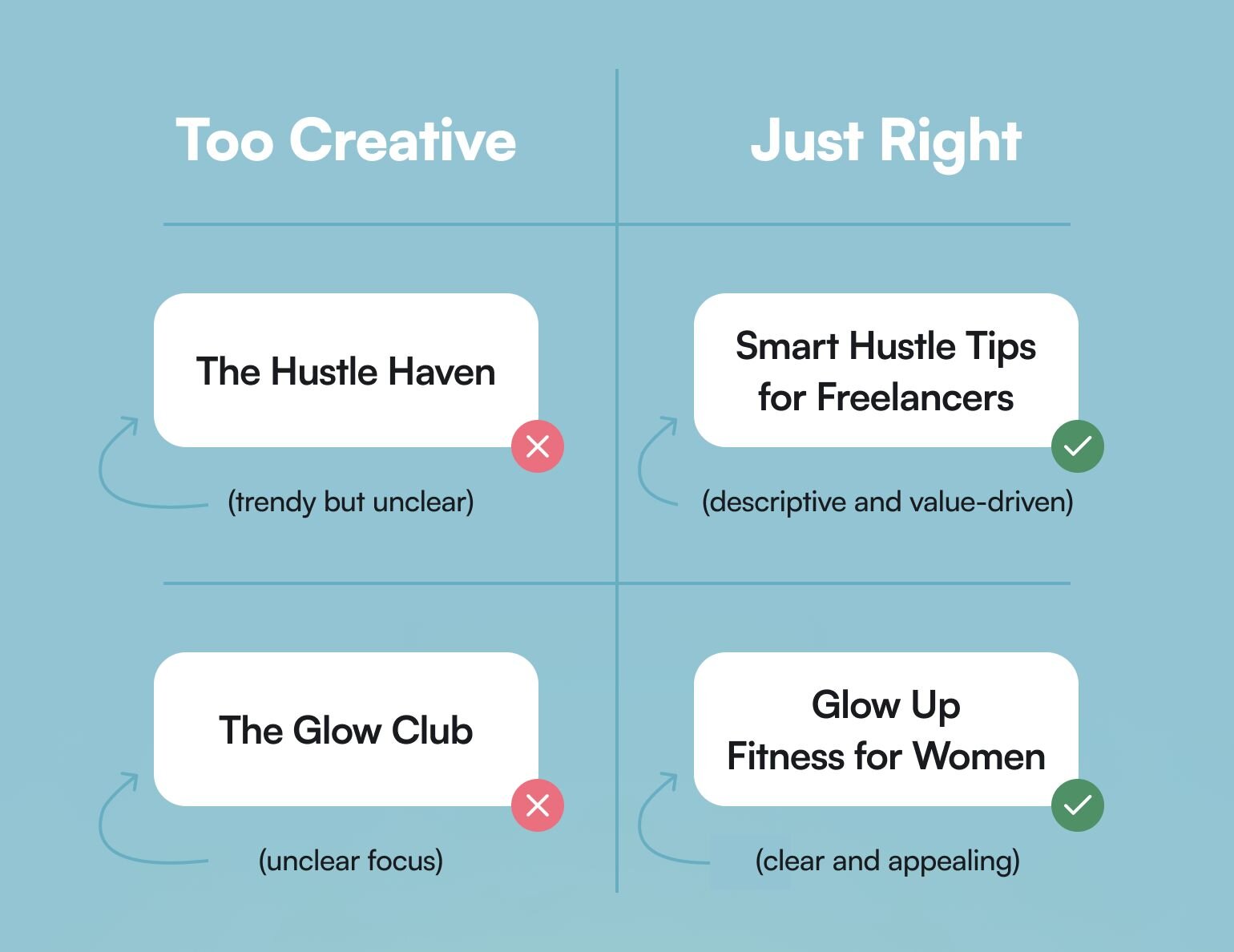
Let’s look at some actual Facebook group names so you can better understand how these names come together.
## Types of Facebook group names (with examples)
### Topic-focused names
Perfect for creating a group with a clear purpose, these names highlight a specific interest, hobby, or theme, making it easy for like-minded people to find and join the community.
For instance, “Soft Productivity Collective” is a Facebook community designed for free-spirited entrepreneurs who value balancing creativity with productivity.
Other topic-focused group name examples (from Circle’s Discover network):
- “[Productivity Lab](https://discover.circle.so/product/productivity-lab)” by Ali Abdaal
- “[PregnaHub](https://discover.circle.so/product/pregnahub)” by Emiliana Hall
- “[Guitar Playback Academy](https://discover.circle.so/product/guitar-playback-academy)” by David Wallimann
### Problem-solving names
Groups with these names are designed to address a specific challenge or need, offering solutions and support.
One such group is “Tenancy Matters UK”— a Facebook community that offers support and guidance for tenants and landlords in the United Kingdom.
While the name might not be explicitly solution-focused, the group’s banner fully reinforces the community’s mission.
Other problem-solving group name examples (from Circle’s Discover network)
- “[Gold Swing Simplified](https://discover.circle.so/product/golf-swing-simplified)” by Tom Saguto
- “[7 Steps to Writing Winning Grants](https://discover.circle.so/product/7-steps-to-write-winning-grants)” by Meredith Noble & Alex Lusting
- “[21-Day Metabolic Reset](https://discover.circle.so/product/21-day-metabolic-reset)” by Susan Ohtake.
### Industry/profession-based names
Typically, these names target professionals in a specific field, providing a space for knowledge exchange, collaboration, and networking.
An excellent case point is this community for coaches, consultants, and course creators👇

Other industry or profession-based group name examples (from Circle’s Discover network):
- “[The Pilot Institute Premium Drone Community](https://discover.circle.so/product/the-pilot-institute)” by Greg R.
- “[10X Designers](https://discover.circle.so/product/10x-designers)” by Fons Mans
- “[Disruptive HR](https://discover.circle.so/product/disruptive-hr)” by Lucy Adams.
### Location-specific community names
Now if you’re looking to build a community centered around a specific location, incorporating the name of that place can make it instantly relatable.
Take inspiration from an international girls' community in Madrid (Spain). They use the city’s name to help make the community feel connected to its location.
### Aspirational/lifestyle names
These names reflect a desired way of life, goals, or values, attracting members who resonate with the same aspirations or lifestyle choices.
A Facebook group called "Financial Independence & Retire Early (FIRE)" is a perfect illustration of an aspirational name:
![A Facebook group page for 'Financial Independence & Retire Early [FIRE]', showing a minimalist black and red logo. The group is marked as private with 7.7K members.](https://cdn.builder.io/api/v1/image/assets%2Fd5e2d72a033944e1a916c5c34902a1ff%2F2f8346f4caf54374a44c6342144f34a5)
## 50+ Facebook group name ideas by category
Examples—check! Now, let’s get to the name ideas.
We’ve divided them into five categories. You can jump straight to the most relevant section or browse through them all.
You might love two words from one idea, one from another, and then add your own twist. Before you know it—voilà!—you’ve got the perfect name to bring your people together.
### Business & entrepreneurship
1. Solopreneur Success Hub
2. Creative Brand Builders
3. Ecom Growth Secrets
4. Freelance Freedom Network
5. Green Business Innovators
6. Women Startup Circle
7. Tech Startup Titans
8. Remote Work CEOs
9. Side Hustle Builders
10. Passive Income Architects
11. Service Biz Mastery
12. Crypto Entrepreneurs Collective
### Health & wellness
1. Easy Home Workouts
2. Healthy Habits League
3. Clean Eating Collective
4. Busy Person’s Meal Prep
5. Pure Homemade Beauty
6. Simple Self-Care Tips
7. Fitness Accountability Club
8. Virtual Fitness Coach for Busy Women
9. Prioritize Gut Health
10. Wellness Over 40
11. Balanced Hormones=Balanced Life
12. The Clean Beauty Club
### Hobbies & interests
1. Budget Travelers’ Hacks
2. Rare Finds Collectors’ Community
3. Board Game Strategists’ League
4. Amateur Writers’ Accountability Club
5. True Crime Enthusiasts’ Community
6. Become a Decent Photographer in 30 Days
7. The Mindful Gardener: Gardening Tips & Tricks
8. Home Bakers with a Sweet Tooth
9. Knitters & Weavers Circle
### Parenting & family
1. Young Moms Navigating Motherhood
2. Parenting Toddlers Without the Chaos
3. The Parent’s Community for Raising Confident Teens
4. Everything About Homeschooling in the US
5. Co-parenting with Positivity
6. Outdoor Families in Canada
7. Working Parents’ Club
8. New Parent Life Hacks
### Education & learning
1. Learn Spanish Through Conversation
2. Everyday French for Beginners
3. High School Study Hacks
4. First-Gen College Students
5. Learn the Code
6. Women Learning to Code
7. SEO Made Simple for Content Writers
8. Future CPAs Study Group
9. Flight School Support Hub
10. Social Media Content Creators’ Club
11. DIY Designers Learning Graphic Skills
12. Future Doctors’ Network
## Beyond the name: setting your community up for success
We focused a lot on the name. But what truly makes your community thrive is how you deliver on the promise behind that name.
Sure, Facebook groups are a solid starting point, but their limits start to show when you’re trying to bring your A-game and deliver serious value to your community.
If you’re all-in on building a thriving community, Facebook just might not cut it in the long run.
### Facebook groups’ blindspots
Facebook groups offer a basic framework for connecting with members, but they come with significant constraints:
- Algorithmic control: Facebook decides who sees your posts, meaning your content may not reach all your members.
- Poor organization: Important conversations and resources disappear into the feed. Good luck digging them back up!
- Lack of branding options: Every group looks the same, making it hard to reflect your unique identity. It’s just not fun!
- No control over member information: Want to email your members or set up other tools? Good luck.
### Communities outgrow Facebook groups
As your community grows, your needs as a [community manager](https://circle.so/blog/community-manager-skills) become more complex. You need a better way to organize posts, resources, and discussions.
You also need scalable member engagement tools to create meaningful interactions without overworking yourself to death.
And let’s not even start talking about monetization options.
### Eventually, you need something more robust
When Facebook Groups start holding your business back, it’s only natural to start exploring other options.
Options that let you run your community your way. Where you call the shots, own your data, and create the kind of experience your members _actually_ deserve. Where you’ve got tools for hosting discussions, running events, offering courses—basically, all the things that make your community thrive.
If you’re cool with being a “meh” community, then sure, stick with what you’ve got. But if you’re serious about building something vibrant and scalable, keep reading.
## Why consider Circle for your growing community
**Circle** is an all-in-one platform that lets you build and launch your own branded community—a space you truly _control_.
When your community lives on Facebook, you are subject to that platform's whims–instead of your own needs. Plus, Meta’s recent decision to replace independent fact-checkers with a “community notes” system might make this the right time to [move your community off Facebook](https://circle.so/blog/take-community-off-facebook-groups).
Because, what serious community builder wants to live in constant worry that your group’s future is tied to a platform that can change something as important as safety guidelines at the drop of a hat?
With Circle, you can finally put your community in your hands and make it work for you. Here’s what you get:
👉 **Your brand, front and center:** Customize everything from logos to colors so your space feels 100% yours.
👉 **Engagement that _works_:** Discussion spaces, personalized feeds, gamification, newsletters, and mobile apps make it easy for members to stay active.
👉 **Ways to make money:** Subscriptions, paywalls, and upsells—monetizing your community doesn’t get simpler than Circle.
👉 **Live event tools:** Run workshops, streams, or Q&As all from the same platform.
👉 **A clear view of your progress:** The analytics hub tracks engagement, growth, and revenue, so you can see what’s clicking.
Communities like [ExitFive](https://circle.so/customer-stories/exit-five), [Soulcial Mate](https://circle.so/blog/increase-social-media-engagement), and [Juicy Parenting](https://www.juicyparenting.com/) have moved to Circle for more control and better tools. And they love it!
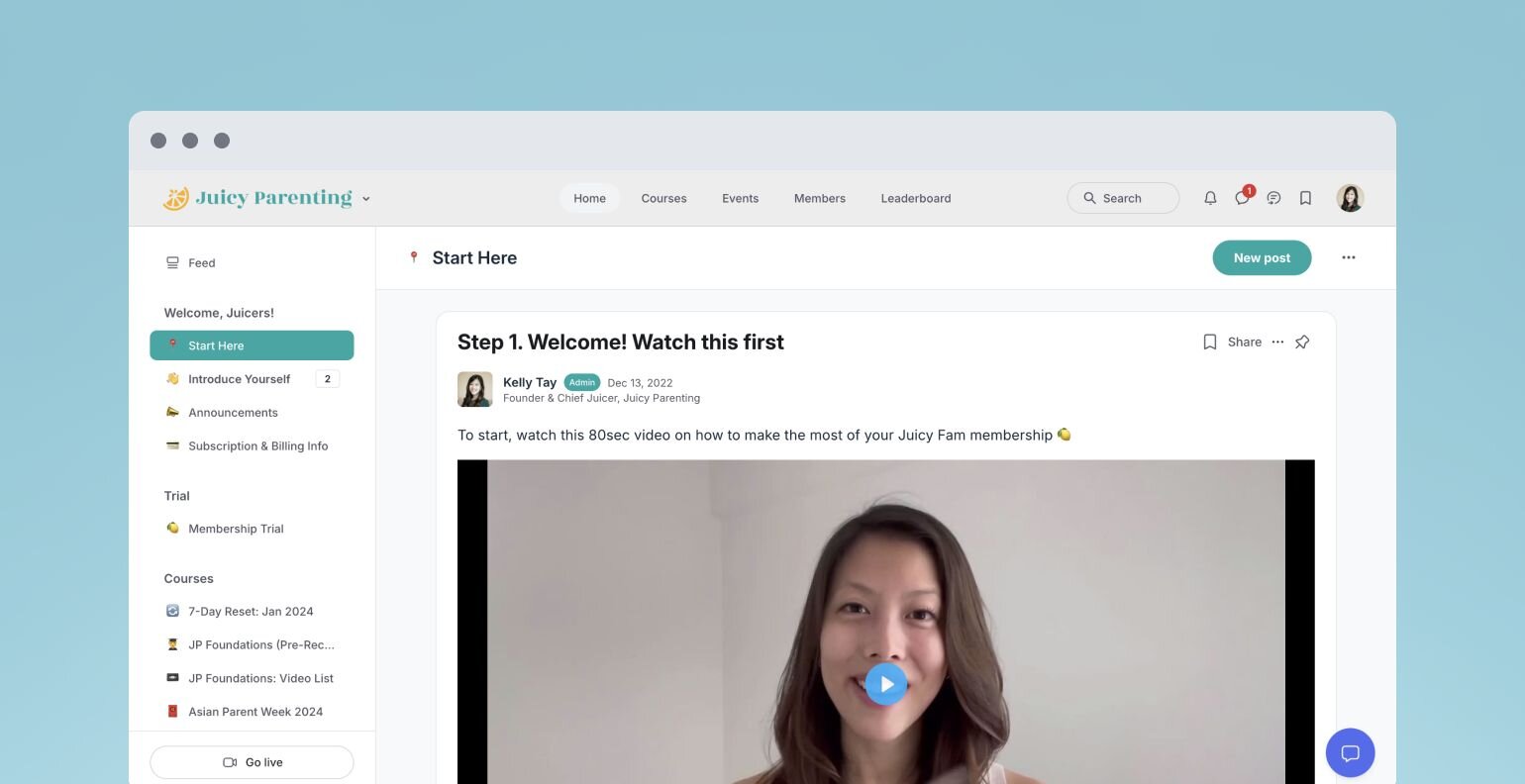
That said, you might not be ready for Circle yet—and that’s okay.
If your community is still in its early days or you’re figuring out what works, sticking to a simpler setup might make sense for now. Circle is great when you’re ready to level up, with everything you need to keep your members engaged, make money, and grow in one easy platform.
From naming your Facebook group to scaling your community
Finding that perfect Facebook group name idea is an important step. The right name sets the tone, attracts the ideal members, and lays the foundation for your group’s growth.
**As your community grows, you may find that Facebook groups no longer meet your needs.**
When that time comes, Circle will bring together your members, discussions, events, courses, and content—all in one place, under your own brand. Plus, you get access to our customer community full of handy resources and over 13,000 community builders on the same journey as you.
---
### 14 best Facebook Group alternatives in 2026 (for creators who want full ownership)
*88% of creators using Facebook Groups want to switch platforms. Discover 14 alternatives that give you full control over your members, data, and revenue—without algorithms or ads.*
Source: https://circle.so/blog/facebook-groups-alternatives
People have been predicting the fall of Facebook for as long as the social media network has been around. It’s faced challenges from younger-leaning platforms like TikTok and Instagram (which it bought in 2012), parent company Meta has fought lawsuits around the world ([two of which it recently lost in potentially industry-changing fashion this year](https://www.cbc.ca/news/world/meta-facebook-whatsapp-instagram-child-safety-violated-law-9.7140763)), and has battled regulatory changes in seemingly every country it operates.
But even with all that, Facebook continued to grow its user base to over 3 billion people worldwide. It was a growth trajectory that seemed unstoppable.
🛑 **Until now.**
In April, Meta reported it lost 20 million daily users in the first quarter of the year. It’s the platform’s first decline in its 18-year history.
It’s not just users who are leaving the platform. In one survey, 88% of community builders using Meta’s FaceBook Groups said they [wanted to change platforms](https://sellcoursesonline.com/facebook-group-statistics).
The reasons for this exodus range from Meta’s algorithm changes to a lack of monetization options to the fear that the company could [shut down your Group without warning](https://circle.so/blog/take-community-off-facebook-groups). Then in October of last year, Meta made a change that was the last nail in the coffin for many community builders. It announced that the Facebook Group community chat feature was being removed. That’s right, Facebook Groups are now a community without one of the core features that members use.
It’s these factors and more that are driving professional community builders to search for alternatives to Facebook Groups.
**🔍 So, where are these community builders moving?**
There’s a lot of options out there. Circle is one of them, of course. We’ve helped more than 1,000+ community builders successfully move their communities from Facebook Groups.
But we’re not the only option out there (although we do think we’ve got a lot to offer).
We’re going to look a little deeper at why community builders are leaving and what the options are.
## **Why are community builders leaving Facebook Groups**
Let’s be honest, the thrill is gone. For many of us, Facebook was our first experience with an online community. We got hooked on sharing our passions and discovering people around the world who shared the same feelings.
That feeling persisted, even as Facebook evolved from a community-centric platform to one where [profit often outweighs user experience and safety](https://www.nytimes.com/2026/03/25/technology/social-media-trial-verdict.html). Algorithms shifted, organic reach disappeared, and community builders found themselves working harder for less impact. — and that has an impact on their business.
In our 2026 Community Trends Report, [69% of creators said community is a core part of their 2026 strategy](https://circle.so/2026-community-trends-report). Serious community builders are investing more and they need a platform that supports their goals and their members.
We’ve talked about why you should [move your community off of Facebook groups](https://circle.so/blog/take-community-off-facebook-groups) before, but here’s a quick recap:
### **Getting lost in the slop**
Organic reach and engagement on Facebook have been in a nosedive. The reason? Meta makes its money from ads and continually tweaks its algorithm to favour paid over organic content.
AI slop is only adding to the problem. Researchers at the Harvard Kennedy School of Government found that [Facebook’s algorithm was putting AI-generated image posts into users’ Facebook Feeds](https://misinforeview.hks.harvard.edu/article/how-spammers-and-scammers-leverage-ai-generated-images-on-facebook-for-audience-growth/) even if they weren’t following those pages.
If it wasn’t bad enough that AI-generated content is clogging up the feed, now users have to worry about whether what they’re reading is true. In January 2025, [Meta quietly shuttered its fact-checking program](https://www.cbc.ca/news/business/meta-fact-checking-program-ends-1.7424631) and replaced it with a X-style community notes feature.
Low engagement, AI slop, and questionable content aren’t a recipe for trust.
### **The lack of monetization options**
You’re building a community and a business, but doing that with a Facebook Group is a challenge since you can’t monetize your expertise.
Unlike purpose-built community platforms, Facebook Groups does not offer community builders a way to provide membership tiers, export their members’ emails or data, or build sustainable business models around their communities. Even if they did, there is no native payment processing tool or an option to integrate a third-party payment tool, such as Stripe or Square.
You can certainly offer your members an external payment tool, but this introduces new points of friction for new registrations and renewals.
### **A shaky foundation for your community**
The biggest challenge with building a community on Facebook Groups is that you’re at the mercy of Meta and its policies. You can be in their good graces one day and find yourself deplatformed the next.
**🏚️ When you build a house on someone else’s land, it’s still their land.**
The risks here are massive. Being deplatformed means losing your content and membership list, as well as any associated content information.
That’s not to mention the security risks that come with Facebook Groups. If your group is hacked, you’ll lose control of your community and content. Even worse, the hacker could do significant damage to your reputation and business.
### **Limited community experiences**
Facebook Groups still sits inside the same news-feed experience that powers the rest of the platform. Aside from swapping the cover photo and toggling a few tabs, you have little say in how the space looks or behaves—or what other content is stealing their attention.
Evergreen resources sink under daily chatter, and you can pin only one post at a time, so key guides or FAQs are hard to keep in view. Want breakout rooms for beginners, power users or regional chapters? Your only option is to create separate groups and hope that members follow the links.
Day-to-day operations also feel dated. You can’t automate onboarding flows, tag members by interest or connect the group to your email list without clunky third-party workarounds. And as we mentioned earlier, Meta has removed community chats from Facebook Groups.
The result?
A space that looks and acts like every other Facebook feed, rather than the structured, brand-owned hub that today’s community builders and their members expect.
## What to look for in a professional community platform
So what should you keep an eye out for when you’re looking for alternatives to Facebook Groups?
If you’re a professional community builder, you’ll quickly run up against Facebook’s walls. But even if you’re just getting started, it’s worth thinking ahead to a platform that can scale with you.
We’re going to dig into ten alternatives, but remember the best ones offer what Facebook Groups can’t (by design):
* **Provides a clean, distraction-free interface.** Your members come to your community for content, not random posts fed by a black box algorithm. Look for alternatives that showcase your unique offering.
* **Offers monetization tools.** You’re building a business, so look for platforms that let you offer subscriptions, paid courses, digital products, events, and more.
* **Makes content easy to find.** Discovery is difficult (if not impossible) on Facebook Groups. Your alternative should have subgroups, private and public spaces, and ways to organize your information, like content libraries.
* **Let you own and protect your data.** When you build on Facebook Groups, Meta still owns your data. Choose an alternative that ensures your (and your members’) data remains yours, from member data to analytics.
* **Gives members a great mobile experience.** Your community wants to connect wherever they are. Platforms like [Circle that offer native apps for iOS and Android](https://circle.so/mobile) deliver just that.
* **Brand customization.** This is the number one thing you’ll want to look for in Facebook Groups alternatives. Choose an alternative that lets you put your brand alongside your content to deliver a consistent experience for your community members.
* **AI-native operations.** The best platforms don't just bolt on a chatbot — look for one where AI can actually build and run parts of your community (content, access, monetization) rather than just answering questions about it.
## **The 14 best Facebook Groups alternatives**
### 1. Circle — The best all-in-one platform for serious community builders
[Circle](https://circle.co/) is the best alternative to Facebook Groups, built for creators and brands that want a clean, branded home for their communities. But it goes further. With Circle, you can own your entire funnel from website to email to community, events, courses, and even digital products.
We’ve built from the ground up to put the member experience first. From intuitive design to customizable spaces, Circle prioritizes meaningful connection, giving community builders complete control over how their members engage, grow, and thrive without competing against ads or shifting algorithms.
Instead of piecing together scattered tools, Circle gives you one connected platform where every step of your member journey lives under your brand. Organize conversations with spaces (not chaotic feeds), spotlight content with posts and collections, and keep momentum with events, DMs, and group chat. You own the experience and the data, with flexible memberships and paywalls to monetize on your terms. Plus, there’s no algorithm between you and your members.
#### Pricing:
Starting at $89/month with a 14-day free trial.
#### Perfect for:
Creators, coaches, and membership communities who want a best-in-class platform for their audiences—with room to grow.
#### What makes Circle different:
* **Effortless Facebook Groups migration.** Depending on your plan and assets, our team can handle the entire transition—member import, content, course, and payment transfers, and concierge setup.
* **Immediate monetization.** Start earning revenue on day one with paid memberships, courses, and events.
* **Superior member experience.** A distraction-free environment so your users can focus on connecting, learning, and growing.
* **Complete data ownership.** Download member lists, analytics, and content anytime.
* **Professional branding.** Custom domains, branded mobile apps, and white-label options.
* **Built-in AI that runs your community, not just advises on it.** [Circle AI](https://circle.so/) can set up your space structure, configure paywalls, write posts, and manage members from a single conversation — it executes tasks rather than just giving guidance.
For example, here’s why the founder of [Your Soulcialmate](https://www.yoursoulcialmate.com/), **Kristen Bousquet,** moved her entire membership business off Facebook Groups:
* **Chaotic and disorganized:** "It was just very chaotic and disorganized," and she "could never find what I was looking for" as a Type A person
* **No onboarding process:** "It really was just a free-for-all where anyone could come in" with no way to understand who members were or what help they needed
* **Not professional enough to charge for:** "The space didn't feel professional enough for it to be a paid product."
* **Couldn't justify monthly value:** "On a Facebook group, I definitely don't think I could have done this" in terms of creating something "worth it every single month"
### 2. Mighty Networks — best budget-friendly option
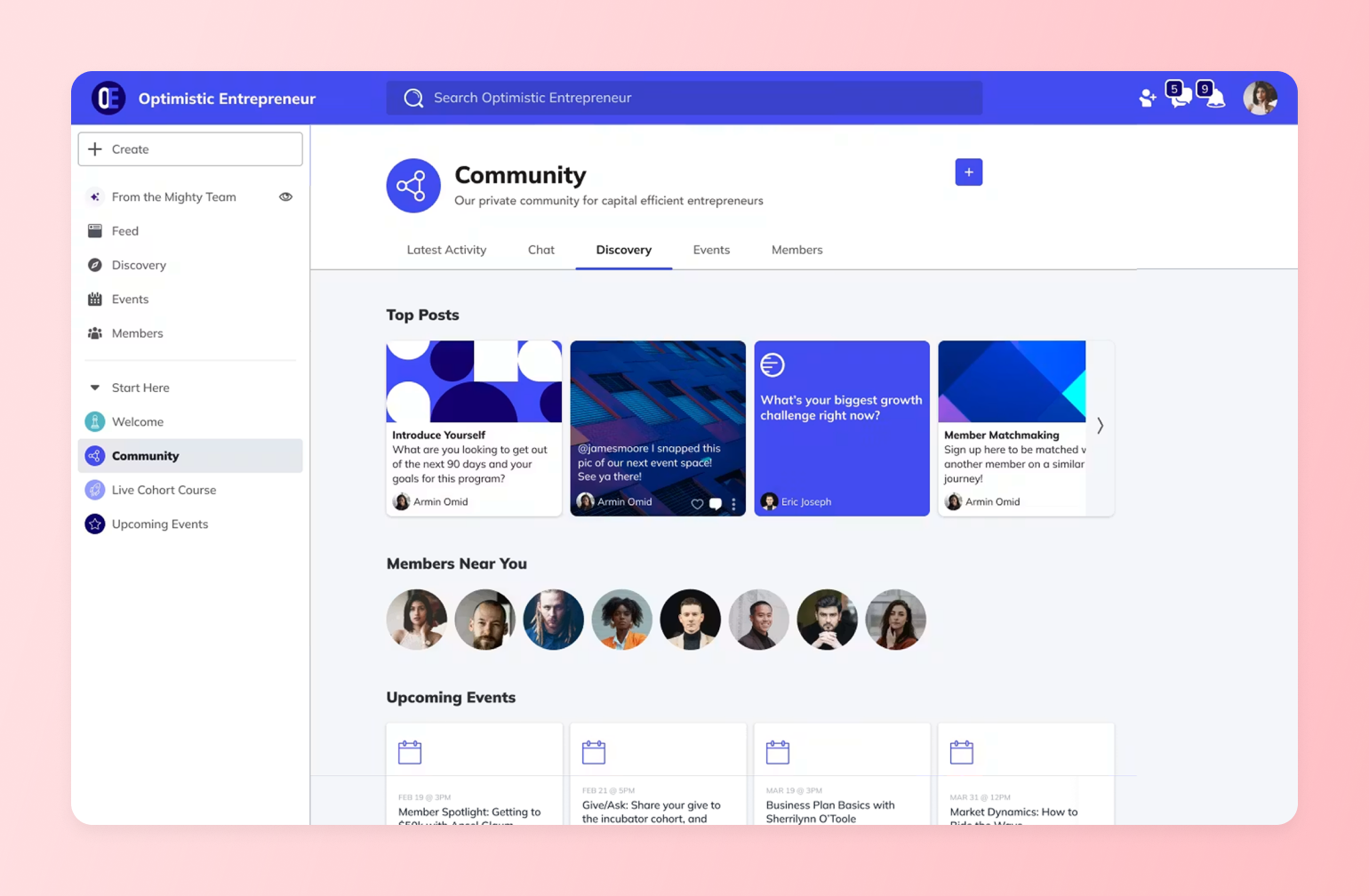
[Mighty Networks](https://www.mightynetworks.com/) is an alternative to Facebook Groups, offering a single, branded hub to host your community, courses, and events, complete with member profiles and topics that spark peer-to-peer discovery.
#### Pricing:
Plans start at $79/month.
#### Perfect for:
Educators and course creators who want to wrap courses, discussions and events into one learning hub.
#### What makes Mighty Networks different:
* Create lessons and track member progress without juggling third-party tools.
* Run cohort-based sprints, live workshops or community challenges that keep learners moving together.
* Sell memberships, premium courses or one-off events with a built-in, native checkout process.
* Members get a dedicated iOS and Android app.
* Organize posts, videos, and resources by topic so that important material never gets lost in the feed.
* Mighty Networks' AI matching ("People Magic") focuses on connecting members with similar interests; Circle AI is built to take action across the whole platform — setup, content, monetization, and member management — from one conversation.
[Mighty vs. Circle](https://circle.so/compare/vs-mighty): See how Mighty Networks stacks up.
### 3. Skool — best for gamified learning (not flexibility)
[Skool](https://www.skool.com/) combines online courses, discussion forums, and gamification into a single community platform. It’s easy to set up, but it’s missing some customization and branding tools, as well as integration options.
#### Pricing:
Flat rate of $9 or $99 /month with a 14-day free trial.
#### Perfect for:
Coaches and course creators who want a straightforward platform without a ton of bells and whistles.
#### What makes Skool different:
* Built-in points, badges and leaderboards to keep learners engaged.
* Unlimited courses inside each group, plus drip scheduling and progress tracking.
* Clean, Facebook-style feed that cuts out ads and distractions.
* One-click community challenges to spark participation.
* Stripe payments are built-in, with a 2.9% processing fee so that you can charge from day one.
[Skool vs. Circle](https://circle.so/compare/vs-skool): See how Skool stacks up.
### 4. Discord — best for free, live chat (not structure)
[Discord](https://discord.com/) is real-time chat on turbo boost. Originally built for gamers, the platform has text, voice, and stage channels that drive live, fast-moving conversations. Downsides: chaos scales quickly, long-form content gets buried (due to lack of content organization), and there’s no native monetization.
#### Pricing:
Free for users and server owners. Users can purchase Nitro Basic ($2.99/month) or Nitro ($9.99/month) upgrades for animated avatars and other features.
#### Perfect for:
Gamers, hobby groups, or any community that needs always-on voice and video chat.
#### What makes Discord different:
* Persistent voice and stage channels for real-time conversation.
* Granular server layout with text, audio and forum-style channels.
* Thousands of third-party bots for moderation, events and automation.
* Screen sharing and low-latency streaming up to 4 K (Nitro).
* Supports up to 250,000 members per server.
### 5. Reddit — best for reach (not ownership)
[Reddit](https://www.reddit.com/) offers forum-style, topic-based discussions with powerful moderation and a massive built-in audience. It’s ideal for discovery and niche communities. But you don’t own the space or data, branding is minimal, and algorithm shifts can tank reach overnight.
#### Pricing:
Free for both members and moderators.
#### Perfect for:
Topic-based communities that live or die on public Q\&A and crowd voting.
#### What makes Reddit different:
* Upvote/downvote system surfaces the most helpful answers first.
* Pseudonymous profiles encourage candid discussion when real names feel risky.
* Millions of existing subreddits make discovery and cross-posting easy.
* Powerful mod tools (AutoMod, keyword filters, user bans) to keep order.
* Native polls, AMAs, and live threads for event-style engagement.
### 6. LinkedIn Groups — best for free networking (not engagement)
[LinkedIn Groups](https://www.linkedin.com/) plug your community into a (dare we say, the) professional network where profiles, messaging, and industry discovery are built in. It’s solid for B2B discussion and thought leadership. The drawback is that engagement can be inconsistent, and admin tools are limited compared to dedicated platforms.
#### Pricing:
Free, included with any LinkedIn account.
#### Perfect for:
Industry thought-leaders and peer-to-peer networking.
#### What makes LinkedIn Groups different:
* Members are tied to verifiable professional profiles, reducing spam (but not those “I’m excited to announce…” posts).
* Its algorithm favors expertise-driven posts over viral memes, keeping discussions on topic.
* Built-in targeting lets you invite by company, role, or industry.
* Group-only newsletters and events help you nurture leads without leaving LinkedIn.
* Robust analytics on top contributors and conversation quality.
### 7. Telegram — best for broadcasts (not organization)
[Telegram](https://telegram.org/) supports huge groups and broadcast channels with fast messaging, polls, and bots. It’s simple, private, and mobile-first. The trade-off: poor content organization, thin member profiles, and no native paywalls for content.
#### Pricing:
Free for all features.
#### Perfect for:
Broadcast-style communities.
#### What makes Telegram different:
* Supergroups can host up to 200,000 members.
* Separate “Channels” for one-way announcements with unlimited followers.
* Powerful API for bots, polls, and even building your own Telegram app.
* Cross-platform apps with cloud sync and zero size limit on media files.
### 8. Signal — best messaging app for privacy (not scale)
[Signal](https://signal.org/) is a privacy-first messaging app that offers end-to-end encryption for both group and one-on-one chats, as well as voice and video calls. It’s great for small, trust-based communities that value confidentiality. Trade-offs: minimal admin/mod tools, weak content organization, limited discoverability, and no native monetization or member profiles.
#### Pricing:
Completely free; run by a non-profit.
#### Perfect for:
Activist groups, mental-health circles or anyone who needs maximum confidentiality.
#### What makes Signal different:
* End-to-end encryption on every message, call and file transfer by default.
* No ads, trackers or data harvesting—Signal collects almost zero metadata.
* Disappearing messages and auto-wipe timers for sensitive chats.
* Open-source codebase audited regularly by security researchers.
### 9. Meetup — best for in-person, event-based communities
[Meetup](https://www.meetup.com/) is built for IRL communities—discovering, scheduling and managing events with RSVPs, waitlists and reminders. It’s ideal for local chapters, recurring meetups and interest-based groups that live or die by attendance. Trade-offs: limited community features beyond events, you don’t own the member data and organiser fees can add up.
#### Pricing:
The Standard organizer plan starts at $44.99 per month, and the Pro plan starts at $55 per month.
#### Perfect for:
Local clubs, hobby meet-ups, and professional networking events.
#### What makes Meetup different:
* Built-in RSVP, wait-list and reminder system that syncs to calendars.
* Discovery engine exposes your events to millions of nearby users.
* Integrated ticketing and paid event options—no extra plugins required.
* Detailed attendee profiles help organizers vet and message guests.
* Mobile organizer app for quick check-in, announcements and photo sharing.
### 10. WhatsApp Groups — best for simple communities
[WhatsApp Groups](https://www.whatsapp.com/groups) are fast, familiar, and mobile-first, with end-to-end encryption and simple admin controls. They’re ideal for small, close-knit communities that need quick coordination and high engagement. Trade-offs: weak content organization, limited moderation and discoverability, no native monetization, and conversations can vanish in the scroll.
#### Pricing:
Free.
#### Perfect for:
Family circles, school parent groups, or small volunteer teams that need low-friction chat. (I should mention hockey parent chats, but if you’re in the ones I’m in, you wouldn’t want to use WhatsApp groups. Practice is always on the same day, this shouldn’t be this hard.)
#### What makes WhatsApp Communities different:
* Familiar interface. If you can text, you can use WhatsApp Groups.
* Voice and video calls (up to 32 participants) without installing extra software.
* End-to-end encryption on chats, calls and shared media.
* Works seamlessly across iOS, Android, desktop and web clients.
### 11. Ghost — best for newsletter-based communities
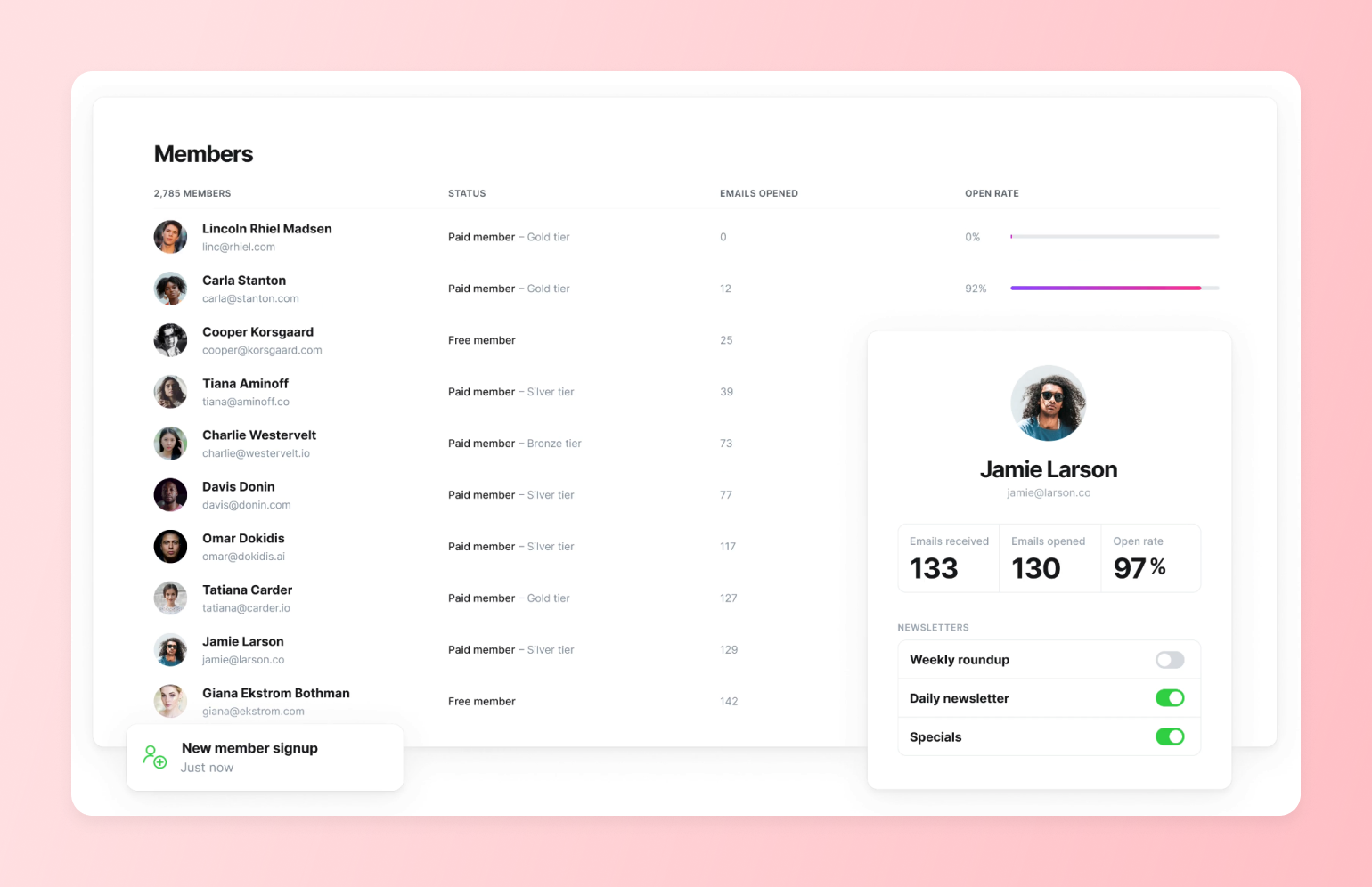
[Ghost](https://ghost.org/) is an open-source publishing platform built for independent creators and community builders who want a professional looking newsletter with an easy-to-use platform. Ghost lets you offer free newsletters and has a subscription system that gives you 100% of your revenue.
#### Pricing:
Ghost Pro managed hosting starts at **$18/month** with 1,000 subscribers. Ghost offers a 14-day free trial.
#### Perfect for:
Independent writers, journalists, and newsletter creators who want a clean publishing experience with built-in paid subscriptions and no platform fee eating into their revenue.
#### What makes WhatsApp Communities different:
* Clean, distraction-free writing editor with markdown support and support for embedding rich content like YouTube videos.
* Native membership tiers and paid subscription management (direct Stripe integration, no platform fee).
* Built-in newsletter delivery with subscriber management and email analytics.
* Self-hosting option available for technical users at minimal cost.
### **12. Geneva — best for local, interest-based chat communities**
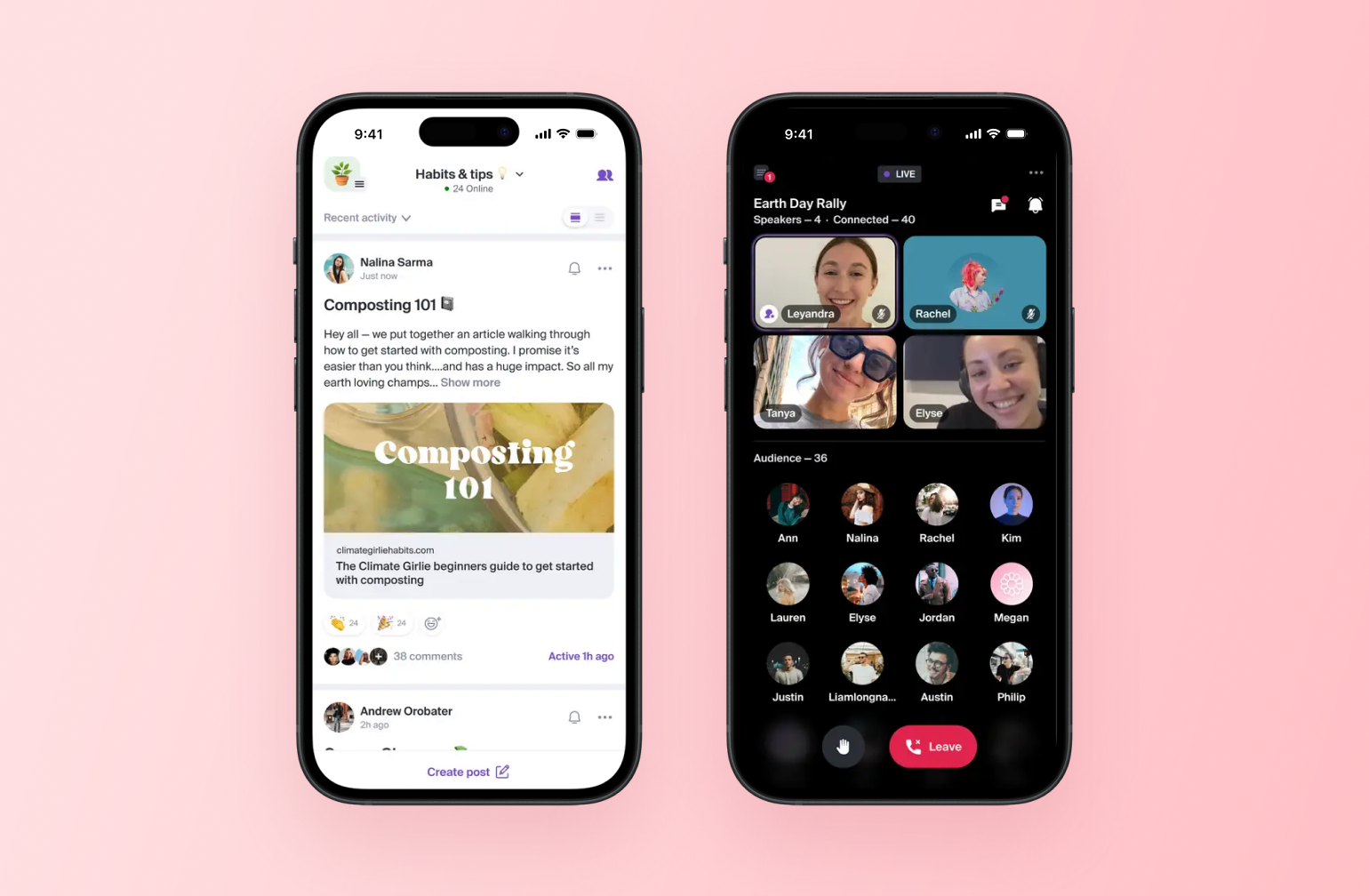
[Geneva](https://www.geneva.com/) is a group chat app built around local discovery and real-world connection. It offers chat rooms, audio rooms, forum-style posts, and broadcast rooms — all organized within interest-based groups. It's mobile-first and free, making it easy to get started, but it has no native monetization, thin member management tools, and limited content organization for serious community builders.
#### **Pricing:**
Free.
#### **Perfect for:**
Hobby groups, local communities, and interest-based groups that want a casual, chat-driven space with an IRL meetup angle.
#### **What makes Geneva different:**
* Multiple room types (chat, audio, forum, broadcast, video) within a single group.
* Built-in event planning with RSVPs and a shared calendar.
* Member questionnaires to vet who joins.
* Token-gated rooms for Web3 communities.
* Mobile-first with a discovery feed to help people find groups near them.
### **13. Bettermode — best for B2B and SaaS customer communities**
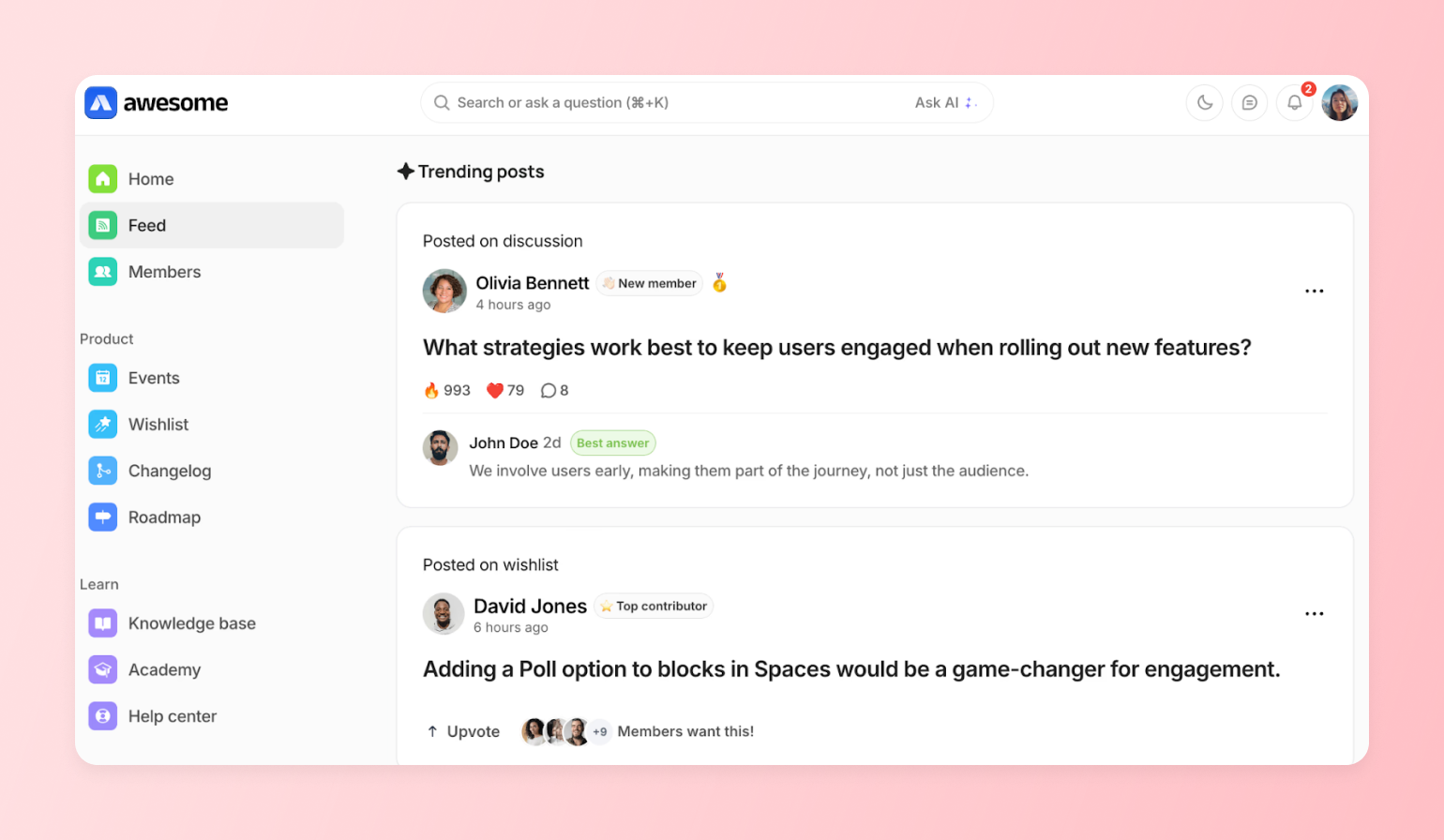
[Bettermode](https://bettermode.com/) is a no-code customer community platform built for community builders that want a branded, highly customizable space to support and engage their members. It's a great option for company community managers who need to build community into their broader customer success and product stack. Trade-offs: it's priced and designed more for teams than solo creators, and community monetization isn't a core focus.
#### **Pricing:**
It’s expensive. Plans start at $499/month and they have a free trial.
#### **Perfect for:**
B2B companies, SaaS businesses, and enterprise teams that want to build a customer community alongside their existing product.
#### **What makes Bettermode different:**
* Strong integration capabilities for connecting to your existing tech stack.
* AI-powered features including an Ask AI search experience.
* Built-in reputation and gamification tools to drive engagement.
* Trusted by enterprise customers who need security and compliance standards.
[Bettermode vs. Circle](https://circle.so/compare/vs-bettermode) — see how Bettermode stacks up.
### **14. Kajabi — best for course creators who want community as a bonus feature**
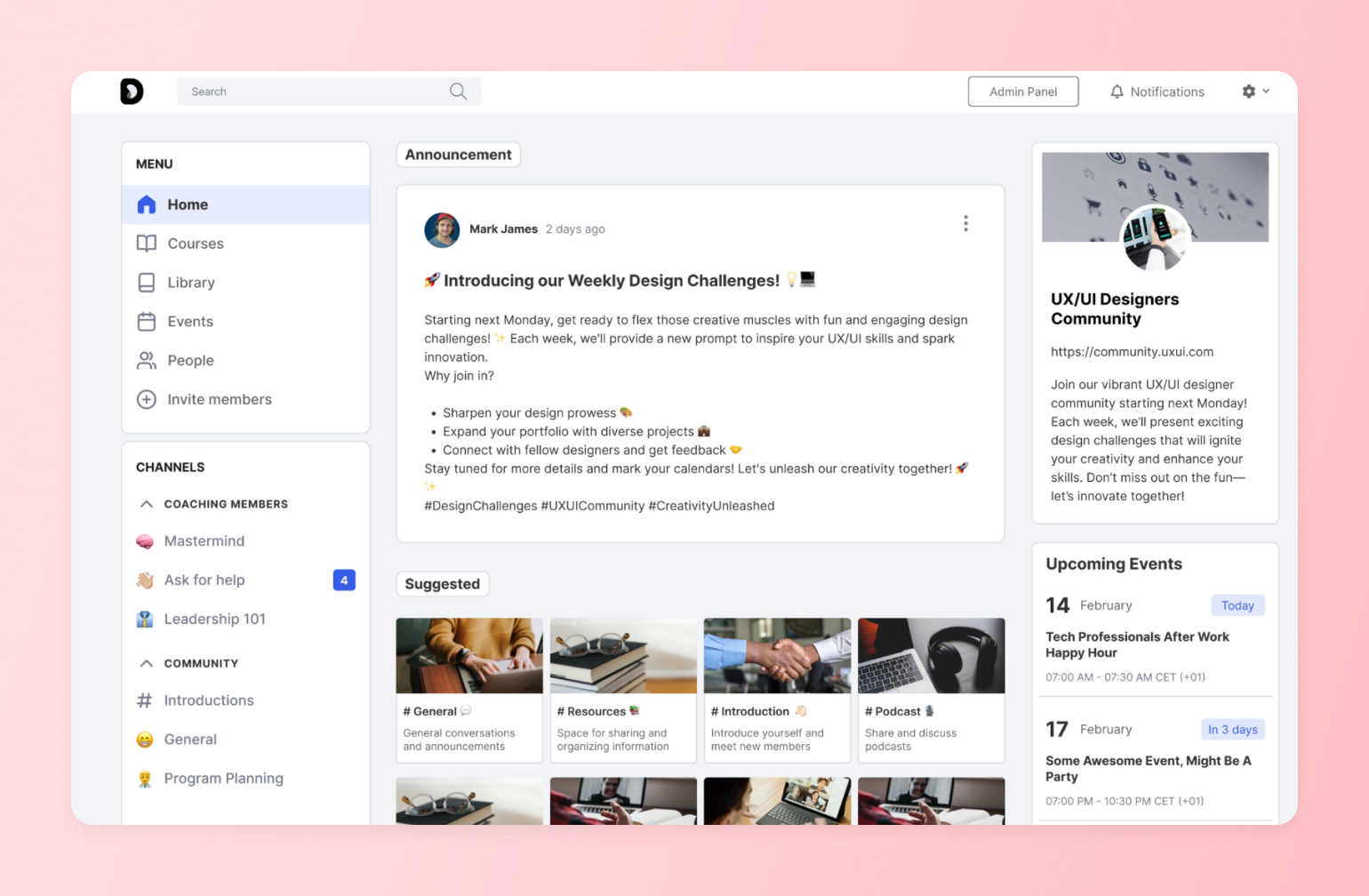
[Kajabi](https://www.kajabi.com/) is an all-in-one platform for knowledge creators covering courses, coaching, memberships, newsletters, podcasts, and digital downloads. Community is part of the package, but it's not the star of the show.
#### **Pricing:**
Plans start at $179/month with a 14-day free trial.
#### **Perfect for:**
Course creators, coaches, and knowledge businesses who want community bundled into a broader creator business platform.
#### **What makes Kajabi different:**
* Covers the full creator stack: courses, coaching, memberships, email, landing pages, and payments in one place.
* Over $10B earned by creators on the platform.
* Branded mobile app included.
* Built-in affiliate tools, upsells, and automated email marketing.
[Kajabi vs. Circle](https://circle.so/compare/vs-kajabi) — see how Kajabi stacks up.
## **Why these communities switched to Circle**
### 1. Sync
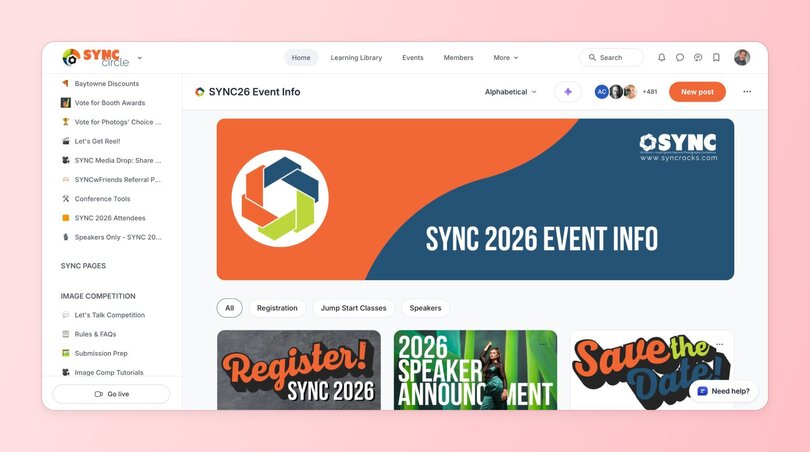
[SYNC](https://www.syncrocks.com/) is a photography conference that wanted a year-round home for its community, better control over announcements, and a clean way to monetize session recordings. They soft-launched Circle to a 35-member mastermind group in October to seed content, then promoted Circle as the “event app” for their conference to reduce friction. On stage, they unveiled the full community, featuring book clubs, deep-dive forums, showcases, and a paid tier (SYNC Circle Plus) with session recordings.
* **Before:** Facebook engagement dropped in the off-season, and they needed a home they owned, not an algorithm.
* **Migration:** SYNC built its community on Circle from July to October, soft-launched it to 35 mastermind participants, revealed it at the March conference, and experienced smooth and fast adoption.
* **After migration:** 400 paid members in two months, with strong engagement and conference alumni asking to join.
### 2. Indiepod
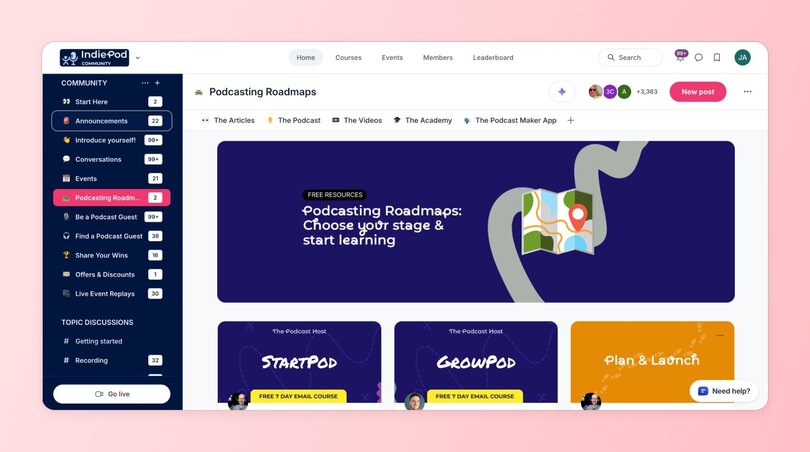
[IndiePod](https://indiepod.thepodcasthost.com/feed) moved from a Facebook Group to Circle to create a safer, more purposeful home for podcasters. Facebook Groups had become “post-and-ghost” promo pits and they wanted real relationships to flourish between the community’s members. Circle fit their goals and values, and the team leaned heavily on Circle’s best-practice playbooks to successfully move from Facebook Groups to Circle.
* **Before:** IndiePod has 160 members that moved with them from its Facebook Group.
* **Migration:** Following our best practices, IndiePod’s community adoption was smooth.
* **After migration:** Grew to 3,000+ members with strong peer moderation, spam-free vibe, and consistent return visits driven by rituals, events, and replays.
## How to choose the right Facebook Groups alternative for your community
Your community matters, whether you’ve spent months or years building it on Facebook Groups. If you’re ready to make a switch (and you’ve read this far, so you probably are), here are four questions to help you make the right decision for your community and members:
1. **What’s your community goal?** Do you want to offer courses, cohorts, or other features not supported by Facebook Groups? How big do you want your community to grow?
2. **Do you need monetization?** Will you be offering paid courses or membership tiers?
3. **How tech-comfy are you?** Moving your members from Facebook Groups to another platform can feel like a risky endeavour. How comfortable are you with setting up more tech-heavy new platforms? (Or do you need something with a simple UI, [lots of guidance,](https://help.circle.so/) etc.)
4. **What’s your budget?** Free alternatives like WhatsApp and Signal are great, but you’re sacrificing features and long-term growth opportunities.
⭐ If you’re still unsure, here’s [a quick guide](https://circle.so/compare) to match your goals with the right alternative to Facebook Groups:
## Ready to move beyond Facebook Groups?
If you're serious about building a sustainable, profitable community, Facebook Groups will eventually limit your growth. The most successful community builders have already made the switch to dedicated platforms like Circle.
## FAQs about Facebook Groups alternatives
What has replaced Facebook groups?
No single platform has "replaced" Facebook Groups the way Facebook replaced MySpace — but a category of purpose-built community platforms has emerged to serve the creators, coaches, and community builders who need more than a free feed inside a social network. The most widely adopted alternatives include Circle (for creators and businesses who need monetization, courses, and a branded experience), Mighty Networks (for educators who want courses and community together), Skool (for gamified learning communities), and Discord (for real-time chat-heavy communities). The right choice depends on whether you need to charge for access, deliver structured content, or own your member data — none of which Facebook Groups supports natively.
Where are people going instead of Facebook?
It depends on what they need the community to do. Professional community builders and creators are moving to platforms like Circle, Mighty Networks, and Skool that let them monetize, organize content, and own their audience. Hobbyist and interest-based groups are migrating to Discord, Reddit, and Telegram. Privacy-focused groups are choosing Signal or WhatsApp. The common thread: people want more control over their community experience than Facebook's ad-driven, algorithm-filtered environment can provide.
Is Facebook getting rid of groups?
Facebook hasn't announced plans to shut down Groups, but it's clearly deprioritizing the feature. In the last 12 months, Meta shut down Community Chats, reduced live video storage to 30 days, and deprecated the Groups API that third-party tools relied on. The only meaningful additions were a Meta AI toggle and nickname posting. Meanwhile, in June 2025, bot networks exploited Meta's AI moderation system to mass-delete thousands of legitimate groups — with no warning and limited recourse for admins. Facebook Groups isn't going away tomorrow, but the pattern of reduced investment and increased platform risk is why many community builders are moving to platforms they own and control.
Can you monetize a Facebook Group?
Not natively, in any meaningful way. Facebook Groups has no built-in checkout, no membership tiers, and no way to gate content behind a paywall. The only path to paid access is Facebook's Fan Subscriptions, which requires a Facebook Page with 50,000+ post engagements or 180,000+ minutes of watch time to qualify — a bar most community builders can't clear. In practice, admins who want to charge for access end up stitching together Stripe links, Google Forms, separate groups for each tier, and manual member management. Every step adds friction and loses potential revenue. Purpose-built community platforms like Circle, Mighty Networks, and Skool include native payments, membership tiers, and automated access management out of the box.
Do members follow when you migrate from Facebook Groups?
Most community builders report that their most engaged, highest-value members make the switch — and that total engagement actually increases on the new platform, even if total headcount drops. The members who follow you to a dedicated community platform are self-selecting: they're the ones who value what you offer enough to take an extra step. Facebook's average engagement rate sits around 0.063%, which means the vast majority of a large group was never seeing your content anyway. The practical advice: give members a clear reason to move (exclusive content, a better experience, or a new offering that only exists on the new platform) and treat the migration as a relaunch, not just a change of address.
Does Circle have AI tools for building a community?
Yes. Circle AI is built directly into the platform as a conversational partner that can set up spaces, configure paywalls, write and publish content, manage members, and build automated workflows — from a single conversation, not just a chat-based help widget. It's admin-only, opt-in, and read-only against your community data. Full general availability lands July 31, 2026.
---
### How to get your first 100 paying members (with 3 playbooks you can copy)
*Learn how to get your first 100 members with three proven community launch playbooks, plus tips, metrics, and mistakes to avoid.*
Source: https://circle.so/blog/first-100-members
When Justin Moore launched the very first cohort of his brand sponsorship course, only three people signed up.
After weeks of late nights and telling his wife that “This is going to be big,” the results were crushing. But her response stuck with him:
“Big things take time to build.”
And she was right. Justin kept going. Today, he’s taught more than 2,000 students how to land brand deals and monetize their content through his [Creator Wizard](https://www.creatorwizard.com/) community.
That fear of starting small? Every creator feels it. You see peers celebrating $100K launches or 1,000-member milestones. But every thriving community begins with a few people willing to believe.
There’s no single path to your first 100 members. But there are proven ones. In this article, you’ll learn from founders like Justin and others who’ve built thriving paid communities in different ways:
- **Andrew Petcash**, founder of [Profluence](https://association.profluence.com), a 1,100+ member community for sports business founders, investors, and executives
- **Ayodeji Awosika**, an author and TEDx speaker, grew [The Writers League](https://www.writersleague.io/) to 250+ members.
- **Anna Tyrie**, the YouTuber behind English Like a Native, built [The Conversation Club](https://www.joinelan.com/conversation-club-kickstart-pack), a 1,000+ member language-learning community.
You’ll also learn how to move from zero to 100+ members using Circle’s three-phase launch system, plus what metrics to track, mistakes to avoid, and benchmarks to guide your next move.
## From zero to 100: a three-phase launch system to grow your community
Getting your first community members can feel overwhelming. You’re juggling platform setup, content, pricing, and promotion—all while wondering if anyone will actually join. Breaking your launch into three clear phases helps you stay focused and make steady progress, rather than trying to do everything at once.
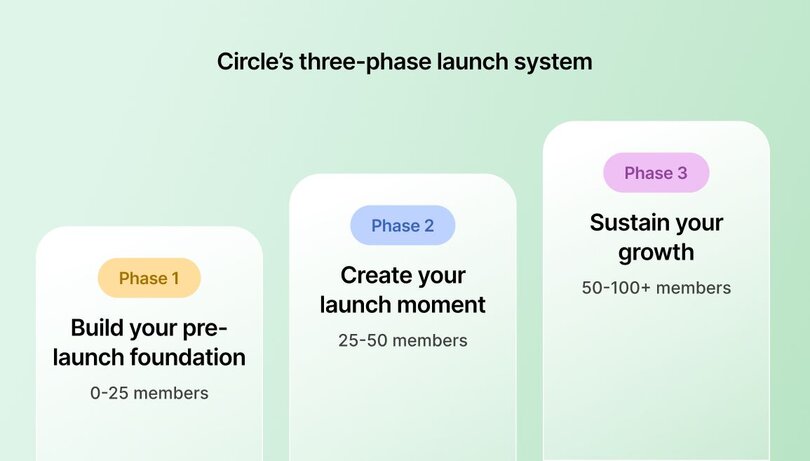
### Phase 1: Build your pre-launch foundation (0–25 members)
Start small and personal. Invite people who already know and trust your work, like friends, clients, collaborators, or superfans. Use short surveys, landing pages with waitlists, or pre-sell offers to test your idea and gather feedback. Keep outreach one-to-one through DMs, emails, and personal invites. These early conversations will set the tone for everything that follows.
### Phase 2: Create your launch moment (25–50 members)
Once you’ve validated interest, it’s time to go public. Host a live kickoff event, send a short launch email sequence, or run a countdown to opening day. Add urgency with founding-member pricing or exclusive bonuses. Share early wins and testimonials to build credibility and show the value of joining now.
### Phase 3: Sustain your growth (50–100+ members)
With your core group in place, shift focus to [retention](https://circle.so/blog/member-retention) and organic [member acquisition](https://circle.so/blog/membership-acquisition). Introduce weekly live sessions, themed challenges, or accountability check-ins to keep engagement high. Encourage referrals and make your events easy to share. Finally, refine your pricing with annual plans or premium tiers for your most active members.
Each phase builds on the last, turning early interest into active, paying members. This framework is also flexible. Adapt it to your strengths, goals, and audience.
Next, we’ll look at three founder playbooks that show how this system works in practice.
> [**Build your community launch plan**](https://circle.so/build-a-community) with Circle’s launch guide—in 5 days.
## The distribution-first playbook for creators with a social following
Before he launched [Profluence](https://association.profluence.com), Andrew already had a social media audience of more than 150,000 people. But that didn’t happen overnight.
“I’ve answered every X/Twitter and LinkedIn message I’ve gotten over the last three years,” Andrew says. “So, for me, the community we have now is really the result of four years of work leading up to this point.”
Andrew had also spent years sharing insights and building trust through his weekly newsletter, [Profluence Posts](https://www.petcashpost.com/), which now reaches more than 33,000 subscribers that he converted from his social channels. So when he invited his readers into a new community space, they already knew and trusted him.
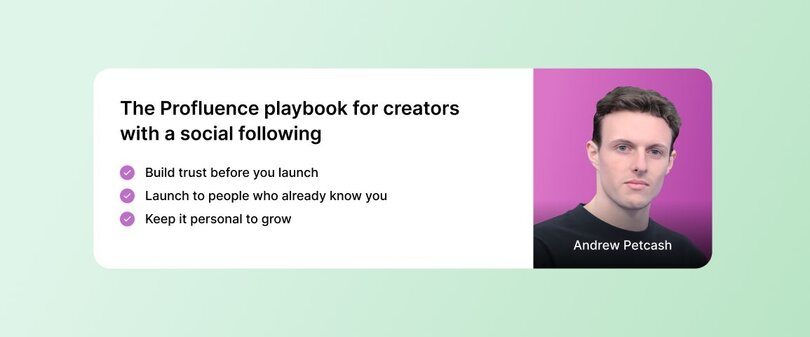
### Phase 1: Pre-launch
Profluence began as a free private space for portfolio founders and investors in Andrew’s venture fund.
“We learned so much from that early group,” he says. “They told us what wasn’t working and what they needed more of.”
When the founders’ employees started asking to join, Andrew knew the demand was bigger than his circle. That’s when he decided to open a paid version to the public.
**Andrew’s key moves to try:**
- Build a newsletter and social following before launch.
- Seed a free, private test space for your closest network.
- Use feedback to shape your paid offer.
### Phase 2: Launch
With validation, Andrew launched publicly, charging **$50/month or $500/year**. To get his first 100 members, he leaned on the credibility he’d built through consistent content and one-on-one relationships.
He promoted the new community through his newsletter and LinkedIn, offering bonuses like a free sports-startup course and a list of 300 investors to add value and entice early sign-ups.
“We wanted to highlight the biggest problems like fundraising, networking, and tools, and show that we had the people and resources to fix them,” he says.
Within about a month and two short email launches, Profluence got its first 100 members.
**Andrew’s key moves to try:**
- Announce your paid community through channels you already own.
- Offer meaningful incentives that solve real member problems.
- Keep launches short and focused to drive faster conversions.
### Phase 3: Growth
Once members were inside, Andrew shifted his focus to retention and connection. He added weekly news recaps, expert guest sessions, and specialized subgroups for fundraising founders and female founders. His team also messages every member personally once a month.
“Daily engagement is key,” he says. “That personal touch makes the space feel alive.”
Over time, Andrew layered in public-facing events like panels and pitch competitions to attract new members and energize the existing community.
**Andrew’s key moves to try:**
- Create consistent touchpoints like weekly sessions or subgroups.
- Keep outreach personal, even as you grow.
- Introduce public events later to expand reach and visibility.
Andrew’s launch approach is a reminder that every post, reply, and DM adds up. The community you want tomorrow starts with the relationships you build today.
> **👉🏼 Circle features that help run this playbook:**
>
> - Use [**email hub**](https://circle.so/email-hub) to share your latest news and insights
> - [**Website builder**](https://circle.so/website-builder) to build a landing page for a waitlist or event schedule, and
> - Host [**public events**](https://circle.so/events) to attract new members beyond your core network
## The email-led playbook for creators with an engaged list
After becoming one of Medium’s top writers with more than 120,000 followers, Ayodeji (Ayo) kept getting the same question: _How do I do what you do?_
“People started asking me, ‘How do I write articles and make money on Medium?’” Ayo says. “So I launched a course on making money writing on Medium, and that did really well.”
That success pulled him deeper into the business of writing: audience building, email marketing, launches, and client work. As his career evolved, so did his audience’s needs. This journey led him to create **[The Writers League](https://www.writersleague.io/)**, _a space for writers to learn about every part of building a creative career._
By then, Ayo had built a 30,000-person email list by adding short CTAs to the bottom of his Medium articles. His subscriber base became the foundation for his launch and one of his most powerful member acquisition strategies.
### Phase 1: Pre-launch
Before opening his doors, Ayo primed his list with an email series that followed a simple formula: **Problem-Agitate-Solve**. Each email introduced a pain point writers faced, dug into the frustration behind it, and hinted that a solution was coming soon.
### Phase 2: Launch
When launch week came, Ayo ran a short, focused, week-long promotion with multiple emails on the final day.
Many creators worry about sending too many emails, but he stresses that with a launch, you’re not just promoting your own offer. You’re also in competition with other creators.
“People aren't just sitting at the inbox waiting for your emails,” he says. “They have tons of other things that they're subscribed to, so frequently communicating with that list is the best way to grow your community.”
He built urgency with [founding-member pricing](https://circle.so/blog/membership-pricing-strategy), bonuses, and a clear deadline. Within the first couple of months, The Writers League gained its first 100 members.
**Ayo’s key moves to try:**
- Keep your cart open for about five to seven days.
- Send several emails on the last day to create urgency.
- Use limited-time pricing or bonuses to drive conversions.
### Phase 3: Growth
As The Writers League grew, Ayo doubled down on engagement. He now runs five-day challenges (like a newsletter set-up sprint) and virtual summits featuring six- and seven-figure business owners. These live experiences re-engage his community while also creating new content for The Writer’s League’s resource library, adding even more value to his membership.
Ayo has also scrapped month-to-month pricing in favor of annual memberships because he’s found that these members, “tend to stay longer, have a higher lifetime value, and get better results from what I teach.” He’s also introduced a $1,000/month group coaching tier for more advanced members.
**Ayo’s key moves to try:**
- Host short, outcome-driven challenges to boost engagement.
- Offer annual or high-ticket tiers to stabilize revenue.
- Use [community events](https://circle.so/blog/host-community-events) as engagement tools and member acquisition drivers.
Ayo’s success shows how consistent communication can turn engaged email subscribers into your first 100 members while keeping them invested long after launch.
> **👉🏼 Circle features that help run this playbook:**
>
> - Use [**email hub**](https://circle.so/email-hub) to keep your list warm with engaging updates
> - Set up [**automations**](https://circle.so/workflows) to simplify onboarding and ongoing communication
## The live experience playbook for creators who thrive in real-time
Before launching her community, Anna Tyrie spent years building [English Like a Native](https://www.youtube.com/c/EnglishLikeANative), a YouTube channel that makes English learning more personal and accessible.
“Learning English opens up so many opportunities for people around the world,” she says. “I felt there was a gap I could fill.”
She’s now grown her channel to over a million subscribers. But even with that success, something still felt incomplete. She kept seeing the same people return to comment and engage.
“They needed a place to connect with each other, not just with me,” Anna explains.
That realization led her to launch [The Conversation Club](https://discover.circle.so/product/the-conversation-club), a private community where learners practice speaking English through live lessons, discussions, and challenges.
### Phase 1: Pre-launch
Anna started by inviting her most engaged followers and former students to a private pilot group. This is where she tested her live sessions, refined her teaching format, and gathered testimonials.
“Before launching anything, I try to find out what people actually want and when they’re available,” she says. “What I think they want isn’t always what they actually need.”
She used quick surveys to understand her audience’s availability and needs, then built her events around that feedback. And before inviting anyone new, she made sure there was plenty of content waiting, so no one joined an empty space.
**Anna’s key moves to try:**
- Start with a small pilot group of engaged followers or clients.
- Ask your audience what they need and when they’re available.
- Prepare at least a month of content and events before launch.
### Phase 2: Launch
Once she understood what worked, Anna hosted live workshops that previewed her teaching style and community experience. She recorded short clips from these sessions and shared them on YouTube to spark curiosity.
“I’m very British. I don’t like to sell,” Anna laughs. “So I’ll say something like, “I have a great time with these students, and they’re having a great time too. If you’d like to have fun while learning English, the link’s in the description.”
This gentle invitation worked. New members joined through her videos and newsletters, and engagement grew quickly.
**Anna’s key moves to try:**
- Host free or low-cost live events to showcase your community experience.
- Repurpose event highlights into social clips to attract new members.
- Share authentic student stories or testimonials. They sell better than any pitch.
### Phase 3: Growth
As her community grew, Anna focused on consistency and connection. She introduced weekly live lessons, challenges, and interactive posts. Each day, members saw new idioms or prompts in the announcement banner and were encouraged to respond in the comments.
“Joining a community is a new habit,” she says. “You have to make it part of people’s daily routine.”
To encourage participation, she reached out personally to new members and rewarded every bit of engagement. Over time, these small touches have helped The Conversation Club grow to 1,000+ members.
**Anna’s key moves to try:**
- Anchor your community around live sessions and interactive challenges.
- Personally follow up with new members to build comfort and connection.
- Keep engagement active with daily or weekly conversation prompts.
Anna’s approach is straightforward but effective: keep showing up live, and your members will keep showing up for each other.
> **👉🏼 Circle features that help run this playbook:**
>
> - Use [**events**](https://circle.so/events) to schedule live lessons and workshops that build connections
> - Host them in [**live rooms**](https://help.circle.so/p/live-and-events/live-setup/host-a-live-room-in-your-community) to make interaction seamless and personal
## Common mistakes to avoid on the path to your first 100 members
When you’re building your first paid community, it’s [easy to overcomplicate things](https://circle.so/blog/community-structure-mistake). Here’s what a few successful community builders wish they’d done sooner:
### Start small.
[ThinkMedia](https://go.thinkmedia.com/youtube-creator-toolkit) founder, YouTuber and coach, Sean Cannell, admits he spent too long building a massive “YouTube Academy” before launching. Now, he tells creators to launch one small, focused offer that helps members achieve a clear first result.
### Teach less to help more.
Sean also warns against overwhelming new members with too much information. Instead of trying to prove your expertise, start by helping them build one actionable skill or habit that gives people a visible win—like [generating topics for your YouTube videos](https://circle.so/blog/youtube-content-strategy).
### Keep everything in one place.
Justin says his biggest mistake was scattering his courses, newsletter, and community across different platforms. Moving everything into Circle made it easy for members to see what else he offered and take the next step.
### Price for commitment.
Across the board, founders agreed that underpricing backfires. A low price attracts less-invested members, while higher pricing creates accountability and longer-term commitment.
## Key early growth metrics and benchmarks to track
Numbers don’t tell the whole story, but they can show whether your community is headed in the right direction.
Here are a few realistic benchmarks to aim for as your work toward your first 100 members:
- **Phase 1 (0–25):** Expect a **30–50% conversion rate** from personal invitations or direct outreach.
- **Phase 2 (25–50):** Aim for **5–10% of your email lis**t to convert into paying members.
- **Phase 3 (50–100+):** Healthy retention looks like **70–80% month-to-month, with 30–40%** of members on annual plans.
## Putting the launch playbooks into action
Getting your first 100 members takes time and a little trial and error, but you don’t have to figure it all out on your own. Now you have a step-by-step system and three playbooks to help you move from idea to a thriving, engaged community.
Every successful creator started with just a handful of believers and a clear mission to serve.
As Justin Moore reminds us, **“Don’t be afraid to put in the work. It hasn’t been a hockey stick — it’s been a grind.”**
Start with what feels most natural to you. Maybe that’s sharing your idea with your social audience and inviting them to be part of what you’re building. Or hosting a live session to give people a real taste of your teaching style and what it feels like to learn together. Or putting your email list to work by previewing what’s coming and building excitement before launch week.
Each approach can work because growth in a community isn’t linear; it compounds through connection, consistency, and care. What matters most is choosing the one that plays to your strengths and helps you build genuine relationships from day one. If you keep investing in the small moments — the DMs, the live sessions, the feedback loops — then those 10 early members will soon become 100 strong.
[Start your 14-day free trial with Circle](https://app.circle.so/communities/new) today to take the first step toward your first 100.
## FAQs about getting paying members
How do I get my first 50 community members?
Start with people who already know, like, and trust you like clients, followers, peers, or subscribers. Personal outreach works best early on. Send direct messages, personalized emails, or invite people from your existing audience. Once you’ve validated interest, create a public launch moment (e.g., email series, live session, social posts) that clearly shows what your community offers and how it helps. Keep your cart open for about a week to build momentum.
Should I start my community free or paid?
If you’re still shaping your idea, starting free with a small pilot group can help you learn fast. Both Andrew and Anna used this approach to test content, gather feedback, and refine the experience. Once you’ve confirmed people find real value, transition to a paid model to attract more committed members and fund continued growth.
What events drive conversions for communities?
[Live, interactive experiences](https://circle.so/blog/virtual-events) consistently convert best. Founders like Anna and Ayo use free workshops, five-day [challenges](https://circle.so/blog/story-school-challenge-funnel), or live Q&A sessions to give people a real taste of the community before joining. These sessions showcase your value and build trust, excitement, and urgency. Especially when paired with a clear next step, like a limited-time offer or founding-member bonus.
---
### The future of community-led businesses
*Circle launches Website Builder, becoming the only platform to power your entire community business - from web presence to member experience - all in one seamless place.*
Source: https://circle.so/blog/future-of-community-led-business
I've been incredibly heads down building Circle these past few years. But lately, I've felt like being more public about what we're building and why it matters so much.
Every day I get to talk with incredible people building communities. What amazes me is how clear their purpose is. You're not just creating content or building a business. You're bringing people together around a shared passion, helping them transform, and making a genuine impact on their lives.
My co-founders and I believe **the best community experiences should feel effortless.**
Someone discovers your work, connects with your vision, and becomes part of your world. They get to learn from your members, grow with your community, and transform themselves — all in one flowing experience.
But until now, you've had to piece this together across multiple platforms.
## Completing the vision
This is exactly why we started Circle five years ago, and why I'm excited to share that we just launched Circle’s [Website Builder](https://circle.so/website-builder).
For the past five years, we've been obsessed with one fundamental question:
> What would it look like if every part of a community-led business worked together seamlessly?
With the launch of our [Website Builder](https://circle.so/website-builder), Circle is now the only platform in the world that can power both your community and your web presence, along with your email list, events, courses, payments, AI agents, and branded app. For the first time, everything you need to grow a community business is truly in one place.
**Here's what this looks like in practice:** When someone discovers your community, they land on your beautiful, branded homepage that reflects your mission and personality.
They explore your offerings. Your signature membership, online courses, upcoming events. After reviewing your pricing, they go from homepage to checkout seamlessly.
**But here's the magic: every part of the journey is connected.**
No separate accounts or extra logins to remember. They're in your world in seconds, ready to engage with other members and access content that moves them forward.
## Four big things
Circle now delivers four capabilities that power your entire **audience → member journey**:
1. **Your web presence opens the door.** Your homepage highlights your value proposition, testimonials, latest updates, discussions, and offers. These update in real time as your community evolves—no manual updates, no separate systems.
2. **Your members get a seamless experience.** One cohesive member experience for [discussions](https://circle.so/discussions), [courses](https://circle.so/courses), [events](https://circle.so/events), [member networking](https://circle.so/workflows), and more. No jumping between platforms, no separate logins.
3. **Your brand consistency reinforces your vision.** [Every touchpoint](https://circle.so/customization) guides your members through a cohesive journey that feels intentionally crafted, from discovery to transformation.
4. **Your digital ecosystem compounds.** Your community, content, CRM, [email marketing](https://circle.so/email-hub), [analytics](https://circle.so/analytics), and [AI agents](https://circle.so/ai-agents) work as one intelligent system that grows smarter with every interaction.
Your web presence brings in your audience, [sparks connection](https://circle.so/gamification), and helps you create content. AI makes everything easy, and agents guide your members through the journey.
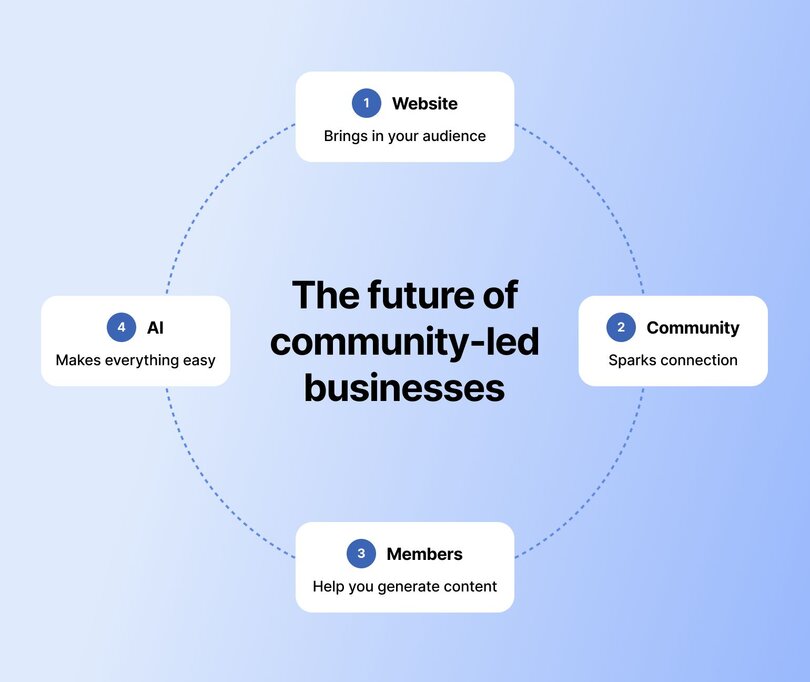
## Building your circle
What you're building with Circle isn't just a community, a website, or a membership.
**What you're building is your very own "circle."**
Your circle is a complete world for your members — it’s where they find, join, learn, and grow with you. It’s where your fans become true advocates, and help you grow.
## Why this matters now
At Circle, our mission is to fill the world with transformational communities. We believe that the most impactful businesses of our time will be community-led, and won't be built on a fragmented set of tools.
Your business deserves more than just a string of tools you stitch together.
It deserves a platform that seamlessly powers your entire audience-to-member journey.
**The future belongs to people with the vision to build something meaningful and transformational.**
You're creating spaces for people to connect more deeply and grow together through shared experiences, and you deserve a platform which lets you bring your vision to life.
We just had our first profitable month and are still doubling every year. But what I'm most proud of isn't the numbers — it's that we've stayed true to our original vision while building something that actually works for both creators and consumers.
We're honored to help you bring it to life.
If you're ready to build your circle, there's no better day to start than today.
---
### The 25 best gamification rewards (and how to automate them in your community)
*Trying to figure out how to best reward your community members? We’ve compiled 21 gamification reward ideas!*
Source: https://circle.so/blog/gamification-rewards
**Q: How can you encourage your community members to participate—actively and intentionally—in building that thriving community you’ve dreamed of?**
To find the answer, we might just have to go back to school:
- M&Ms on the next chapter of the book you need to study.
- Stars on your chart if you raise your hand in class.
Researchers from Pavlov onward have shown that motivation and reward systems are tightly linked, and that we can train our brains to expect that good things follow the right actions.
For example, your body begins to crave the endorphin release that comes after a solid workout.
🕹️ **Gamifying your community is an easy, automated way to reward active members, celebrate their contributions, and build a culture of friendly competition.**
But which rewards encourage the _right_ actions? In this article, we’ll dig into:
- How gamification can inspire engagement in your community
- Different types of rewards and why they matter
- Tips and things to avoid in gamification
- _Plus—25 examples of gamification in action!_
Let’s level up!
## The benefits of gamification
Gamification taps into two proven levers of human behavior: **anticipation** and **reward**.
When members know that a badge, shout‑out, or perk is waiting on the other side of an action, a surge of dopamine nudges them to participate. Repetition turns that nudge into habit until contribution feels natural.
### Why rewards matter in gamification
Rewards—points, badges, swag—give members tangible proof that their efforts matter. They transform a passive _post‑and‑hope_ cycle into an active engagement loop:
- **Anticipation** – Seeing the prize and feeling the itch to earn it.
- **Action** – Posting, replying, or completing a task that pushes progress forward.
- **Feedback** – An instant “yes, that counted” confirmation.
- **Reward** – The payoff that makes the effort worth repeating.
Once members have experienced the internal satisfaction of progress, you can dial down the outward perks to keep them special, reduce admin overhead, and still maintain that momentum.
Why? Because the behavior is now fueling itself.
🏎️ **Rewards are the on-ramp.** [Habits keep the motivation engine running](https://circle.so/blog/offer-flywheel).
### How does gamification motivate people?
There are about 5,023,671 theories about motivation in psychology. Even more when you think about the psychological reasons we bond, congregate, befriend, learn, set, and complete goals.
Gamification combines all those internal and external motivations and turns them into a process that you can use to motivate your customers and members to take actions that benefit everyone in the community.
**So, how does gamification motivate people?**
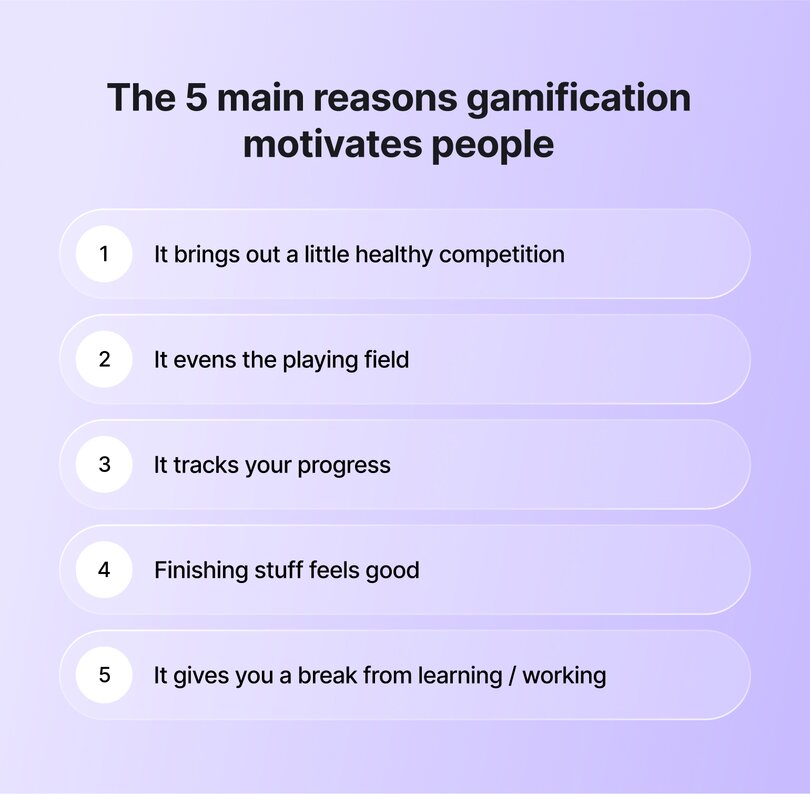
- **It brings out a little healthy competition:** Remember trying to be the mayor of your local coffee shop on Foursquare? Competition for cool tags, leaderboard positions, or swag drives people to take action.
- **It evens the playing field:** Introverts, ambiverts, and extroverts are all motivated by similar things—status, recognition, appreciation, and giving. Varying rewards can help encourage quieter folks to contribute more and identify community leaders who might fly under the radar.
- **It tracks your progress:** If you’re trying to tell me that you haven’t stayed up until 2am finishing that last ultra-hard level before you move onto a new world in Candy Crush, you’re lying, and I don’t want to talk about it.
- **Finishing stuff feels good:** You know when you sometimes write stuff on your to-do list that you’ve already done that day, just so that you can check it off? Yeah.
- **It gives you a break from learning and working:** If your community also has a learning or educational component, chatting with peers or contributing to conversations can be a nice way to both reinforce your learning (see: study groups, office hours) and take a mental break (with a little hit of dopamine for your brain!).
_Note: some communities may not be a good fit for gamification due to this—think addiction and abuse groups, anonymous communities, etc. And that’s totally okay!_
## The 5 types of gamification rewards
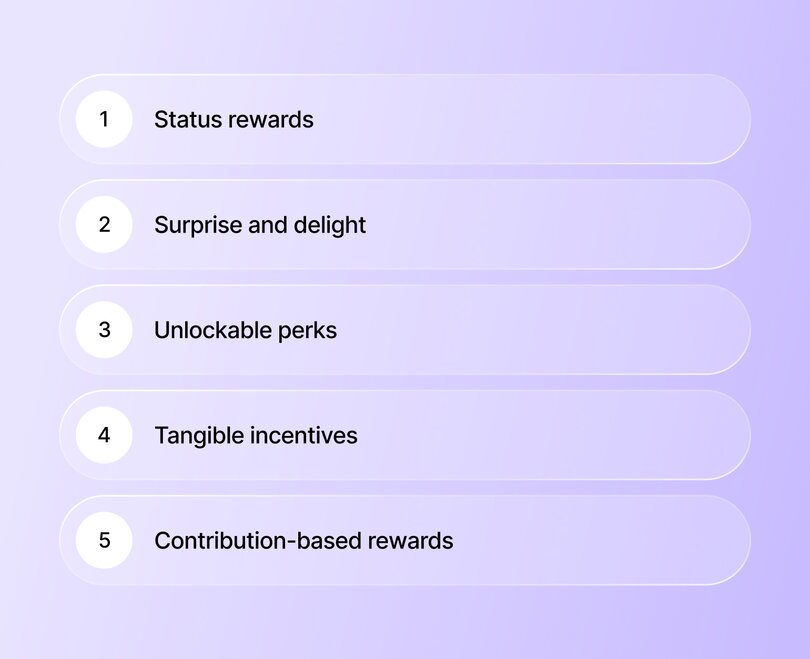
### Status rewards
Digital “trophies”, including badges, titles, or ranks, broadcast a member’s expertise or seniority. It could be a title recognizing a member for their prolific forum contributions or a badge for members celebrating their anniversaries as part of your community.
### Surprise and delight
Random emoji Easter eggs, flash discount codes, or spontaneous shout‑outs add unpredictability that spark curiosity and keep members returning. A surprise voucher might appear after a milestone post count, or a hidden badge could unlock on a community “holiday.”
### Unlockable perks
Private channels, hidden content vaults, or early-access betas let members level up inside the community itself. Picture a strategy library that appears after a seven-day posting streak, or a VIP channel that unlocks once someone posts 100 great answers to questions from their fellow members.
### Tangible incentives
Swag may stand for ‘something we all get’, but that does not mean it can’t be exclusive. Limited‑run merchandise, physical mailers, or event passes turn digital effort into something members can hold, wear, or redeem.
> 👉🏼 Pro tip: Recognizing your top community members with special, branded swag can turn the best member voices into walking testimonials.
### Contribution-based rewards
[Elevate superfans to co‑creators](https://circle.so/blog/member-led-community). Moderator tools, [event hosting](https://circle.so/blog/virtual-events) rights, or spotlight features empower your most engaged members (and hopefully, the ideal type of customer you want _more of_) to shape the space alongside you.
## 25 gamification rewards to spark engagement
Over here at Circle HQ, we still believe there’s still huge power in personal touch when it comes to building communities. Many of these reward ideas focus on making folks who engage feel special for doing so—by being personal, intentional, and exclusive.
**1\. Level‑up cheers**
Feel free to do the “boring” thing and personally reach out with a short “hurrah and thank you”, or even record a short video congratulating them!
Better yet—with Circle’s workflows, you can automate this while keeping the authenticity. For example, [here’s one for you](https://www.loom.com/share/edf5e24a21d04fba81653750e3ef9c93?sid=bc57b8f0-2196-4b2e-90a7-689c60fbf86a), Dear Reader.
**2\. Member‑only discount codes**
Any members who naturally contribute to the community are prime candidates for your premium offers. Help them level up (and go deeper into your ecosystem as a result) by offering discounts on your higher-tier offerings, such as memberships, VIP programs, [masterminds](https://circle.so/blog/mastermind-groups), or premium courses.
**3\. One‑to‑one coaching call**
If your business includes [coaching](https://circle.so/blog/how-to-start-a-life-coaching-business-online), offering a 1:1 session helps folks feel seen and appreciated. That appreciation goes a long way towards fostering long-term loyalty.
It also creates a clear link between just how much you value their contributions (since, chances are, your coaching prices are some of your higher-end offerings).
**4\. Direct‑message access**
Your time is valuable, and managing hundreds (or thousands) of direct messages can make community building feel more like a burden. Giving DM access to those who have shown good faith with their membership is an amazing reward to encourage engagement.
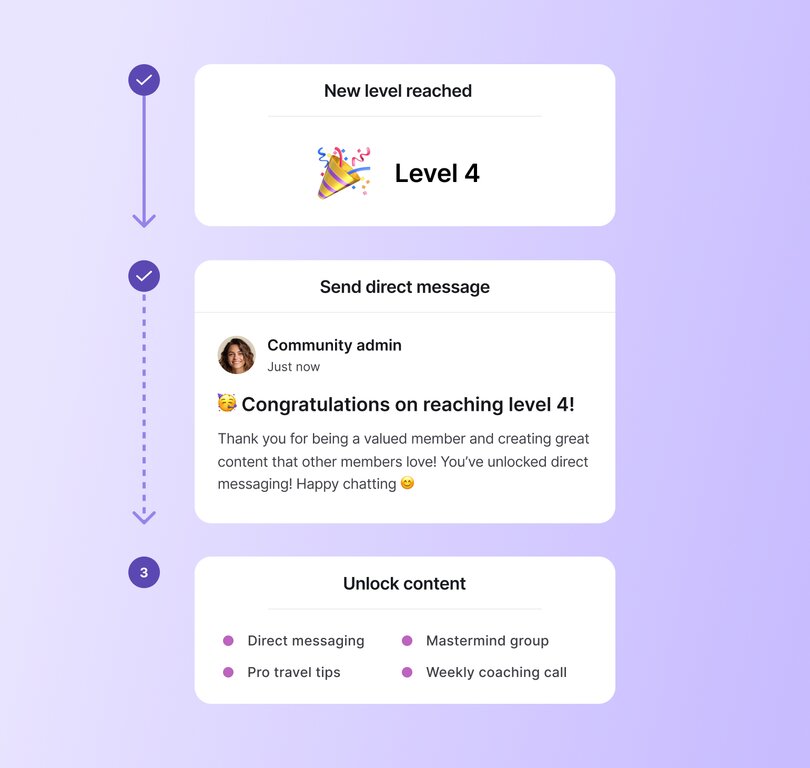
**5\. Private huddle room**
[Dave Gerhardt](https://circle.so/customer-stories/exit-five) only created a community because of his students’ feedback, which was: we don’t just want to learn from you, we also want to learn from each other.
Joining a space where the most impressive folks from your community hang out? Hell of a reward.
**6\. VIP roundtable invite**
Sometimes, the best reward is rubbing elbows with people you’ve always wanted to meet.
Creating intimate communities—especially of your highly engaged members—can act like a powder keg for your business, and catnip for that top tier.
**7\. Branded swag drop**
Tech companies do it. Musicians do it. TikTok creators do it. Birds and bees do it. (Ok, fine, they don’t.)
All that to say, there’s nothing like saying thank you in the language of gift-giving to make your members feel like part of the crew.
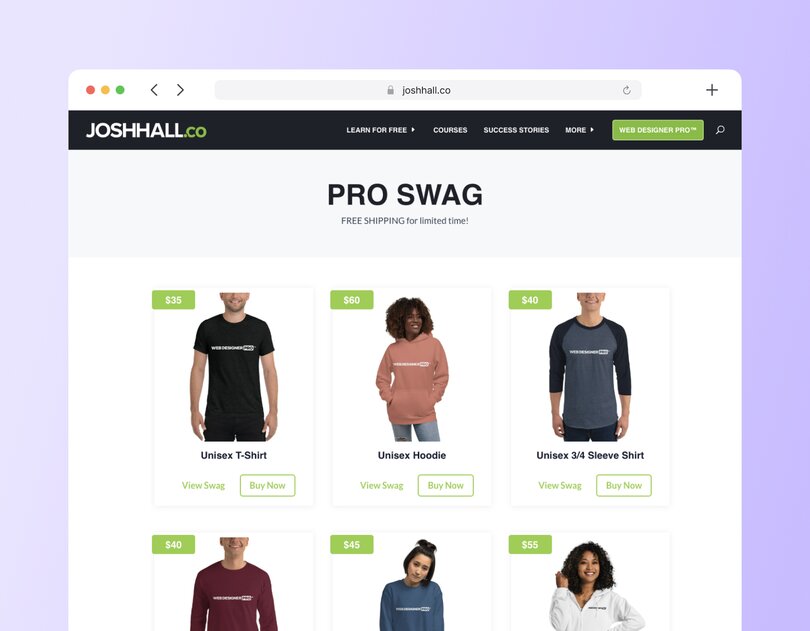
**8\. Priority Q&A slot**
Hitting higher membership tiers can give your members a leg up to get their questions answered by the pros you bring in, or the pro you are.
**9\. Event or summit discount**
Offering discounts to must-attend-events-of-the-season is a surefire way to get in your members’ good graces—no matter whether they’re affiliate event promotions or big-name events you’re throwing yourself.
**10\. Premium resource vault**
Beginner templates are a dime a dozen—but not everybody has access to high-level strategy docs, walkthroughs, or analysis templates. (Or whatever matters to your community members.)
**11\. Ambassador badge**
Once your members reach a certain tier of being extra-awesome, turning them into a promotion partner, or ambassador, is an obvious choice. Because delighted customers make for your strongest marketing.
**12\. Beta‑tester lane**
Getting to test-drive new features before everyone else is one of those rewards that always feels exclusive. Whether that’s [gamification](https://circle.so/blog/community-gamification-guide) (ahem), [group coaching](https://circle.so/blog/group-coaching), or a [new course](https://circle.so/blog/create-online-course), your most engaged members are your best testing ground for authentic feedback, while simultaneously making them feel super special.
**13\. Free taste of paid content**
You know when Amazon or Google preview a book for you that you’ve been thinking about buying… and then it cuts off right at the moment you’re getting super into it? A little annoying, to be sure, but man does it create some forward motion (and feel like you got a peek behind the curtain).
**14\. Direct line to leadership**
There’s nothing that’ll make people feel as powerful or important as having a direct line to the King or Queen. (We’re looking at you, Lady Danbury.)
**15\. Custom flair or title**
Whether your gardening group knights someone with a Green Thumb crown, or a Starter Seedling one…
Your tags are your oysters. Love them, honor them, dole them out with care.
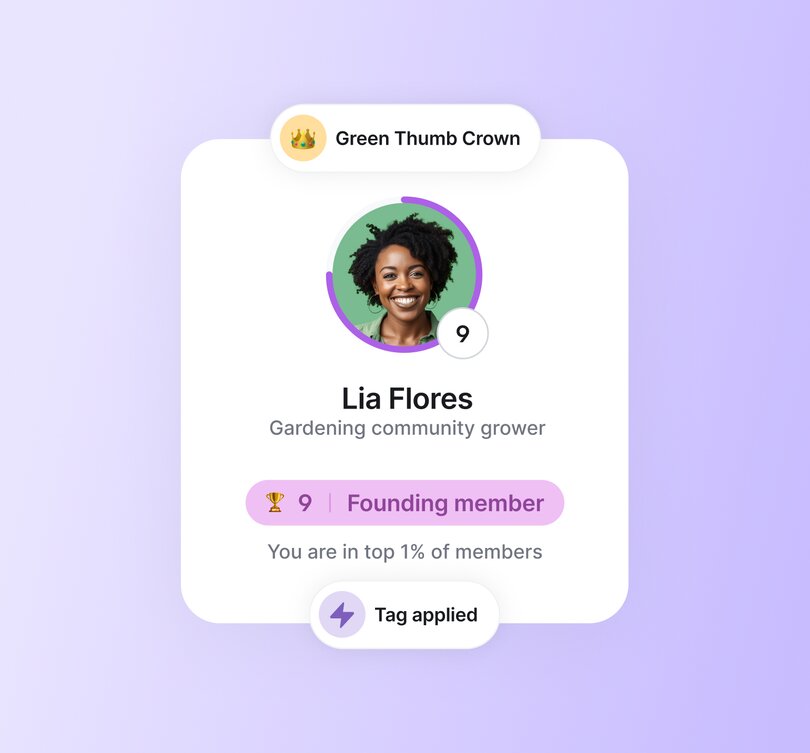
**16\. Early access to new course**
If your community is centered, or includes, an element of education—which most do—then providing early access is something that people will really appreciate. For example, we guarantee you that [Codie Sanchez](https://circle.so/blog/how-to-find-your-niche) beta-tested and provided early access to her just-launched [Main Street Accelerator](https://contrarianthinking.co/main-street-accelerator/) course to her top members first before launching it publicly.
**17\. Expert spotlight stage**
As your community grows, pulling the golden nuggets from the million amazing conversations becomes harder and harder. That’s why setting up a dedicated space to do so, as well as highlighting some of your top contributors and their areas of expertise works so well as a reward. Because it offers exposure, recognition, and extra cred in the community.
**18\. Super‑affiliate upgrade**
Top online marketing minds [Amy Porterfield](https://circle.so/blog/amy-porterfield-digital-course-playbook) and [Julie Solomon](https://circle.so/blog/offer-flywheel) are massive supporters of affiliate marketing—because network marketing is a shortcut for building trust, quickly. You want to reward your biggest spokespeople for talking about you—but how? Help them make more money, too.
**19\. Host a community meetup**
Think of this as both a reward, and a partnership. Your members have their own areas of expertise, knowledge, and community—and combining forces by offering your “stage” can be incredibly beneficial as a marketing tactic, apart from just a show of gratitude.
> 👉🏼 Pro tip: [Member-led communities](https://circle.so/blog/member-led-community) are built with partnership and reward tactics just like this, and tend to be some of the healthiest and most successful that we see internally at Circle.
**20\. All‑expenses retreat**
[Glo Atanmo](https://circle.so/blog/writing-your-own-creator-playbook) does intimate get-togethers for her community members—and while this is a project in itself, it can be one of those “make a customer for life” events that pays for itself.

**17\. Expert spotlight stage**
As your community grows, pulling the golden nuggets from the million amazing conversations becomes harder and harder. That’s why setting up a dedicated space to do so, as well as highlighting some of your top contributors and their areas of expertise works so well as a reward. Because it offers exposure, recognition, and extra cred in the community.
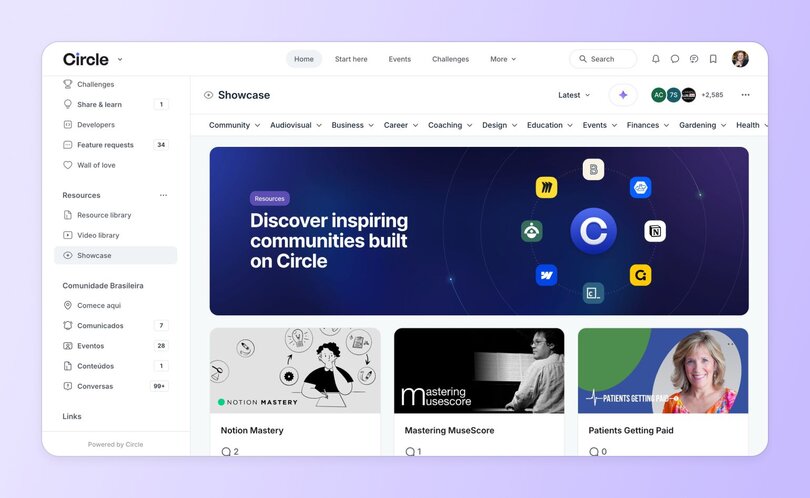
**21\. Digest shout‑out**
I don’t know about you, but I’ve saved all my media, social, and publication mentions—from all time—on my “Hype Board”. It’s what you need to get you out of a funk, or when business is crawling, or when you face a setback. That’s why giving a special shout-out to your biggest cheerleaders could be just the thing that helps them push through the same.
**22\. Member spotlight post**
Your community wouldn’t be as awesome as it is without your members. Roll out a front-page profile complete with their backstory, favorite resources, and a few humblebrag stats. It’s part standing ovation, part networking magnet because nothing sparks new connections like putting a human face on community success.
**23\. Seasonal challenge badge**
Drop a limited-edition “Winter Builder ❄️” or “Summer Star ☀️” badge that vanishes if it’s not earned in four weeks. Scarcity stokes FOMO.
**24\. Gift-a-friend pass**
Create a golden ticket reward like one free month (or course, or tier upgrade) they can hand to a friend. It’s Charlie and the Chocolate Factory meets growth hacking: new member for you, hero status for them, and no one has to get fished out of the chocolate river.
**25\. Voting power on new features**
Upgrade prolific community contributors from the audience to the advisory board by giving their poll votes extra weight. When the next big feature ships, they’ll see their fingerprints all over it and proudly tell the story in every comment thread.
## Common problems when designing rewards
Even the flashiest badge can flop if the mechanics behind it miss the mark. Before you roll out your shiny new leaderboard, watch for these classic missteps that drain excitement faster than a phone on 1 per cent.
⚠️ **Reward fatigue:** [Hand out goodies too often and they become background noise](https://www.sciencedirect.com/science/article/pii/S1071581921000793), not motivation.
⚠️ **Irrelevant prizes:** Swag nobody wants lands in the junk drawer (literally or metaphorically) and signals you’re not listening.
⚠️ **All-carrot, no purpose:** Lean too hard on badges and points and members forget why they’re here; the spark fizzles once the novelty fades.
## Best practices for running a gamified rewards program
Done right, gamification feels less like a gimmick and more like rocket fuel for connection. These guidelines keep the engine humming so members stay motivated long after the first badge glow wears off.
✅ **Tie rewards to progress, not busywork.** Celebrate genuine learning curves and meaningful milestones, not just activity for activity’s sake.
✅ **Make it personal.** Align perks with member goals or identities so every reward feels hand-picked, not factory-issued.
✅ **Blend public kudos with private value.** A leaderboard shout-out boosts ego, but a VIP resource link seals loyalty. Use both.
✅ **Plan rewards, announce later.** Launch with your level structure in place, then unveil perks as members advance. This lets you gauge how many people hit each tier before committing budget, and the mystery keeps curiosity high.
✅ **Rotate or sunset perks.** Time-boxed badges, seasonal challenges or limited-edition swag keep anticipation high and boredom low.
## How to automate your gamification rewards in Circle
[Circle’s gamification engine](https://circle.so/blog/community-gamification-guide) is really a combo-move of tags, segments and workflows. Using tags and segments in a workflow lets you “set it and forget”. Your members are rewarded for their actions and contributions, all while you’re getting some well-deserved rest.
It’s as simple as ⬆️⬆️⬇️⬇️⬅️➡️⬅️➡️🅱️🅰️ (if you know, you know):
- **Tag the action.** Define triggers such as “posts ten times in #Introductions” or “earns five hundred points.”
- **Segment the crowd.** Tags flow into smart segments that you set like _Newcomers_, _Mentors_, or _VIP Lounge_, updating automatically as members qualify.
- **Trigger the workflow.** The workflow reacts to the tag or segment and delivers the reward—a hidden space, an early‑access course, or a shiny badge.
- **Add an AI Agent.** [Train an agent](https://circle.so/blog/ai-agents-for-communities) to drop a congratulatory message, answer “How do I level up?” questions, or remind members of unclaimed perks.
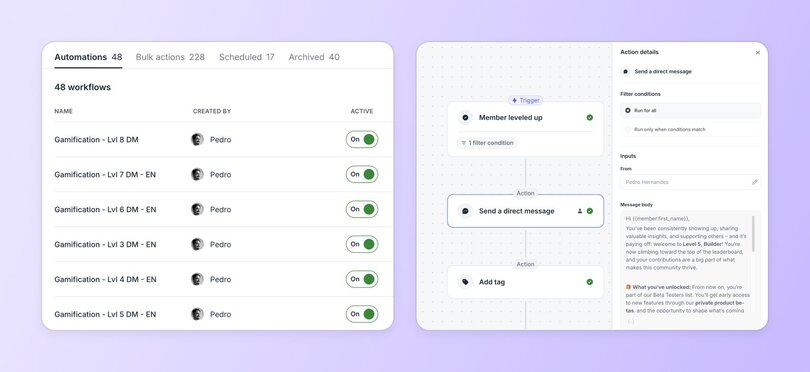
Set it once, then let Circle hand out the high-fives while you focus on guiding the conversations, or scaling your business, or, ideally, both.
## Ready to launch your reward program?
The two essentials of a successful gamified system are simple:
👉🏼 **Incentivise the actions that make the community stronger,** and
🎁 **Reward those actions generously.**
With Circle’s built-in tags, ranks and workflow automations, you can set those incentives on autopilot and keep members coming back for more.
When you’re ready, dive into Circle’s gamification tools, build your first workflow and watch your leaderboard light up. Here’s a [step-by-step gamification guide](https://circle.so/blog/community-gamification-guide) to get you started.
## Common questions about gamification rewards
What are the pros and cons of gamification?
**Pros:**
- **Increases engagement:** Rewards drive members to participate regularly by triggering dopamine-driven behavior loops.
- **Builds habit:** Repetition of rewarded actions turns casual visitors into invested members.
- **Boosts motivation:** Healthy competition and visible recognition keep community energy high.
- **Enhances loyalty:** Exclusive perks, coaching calls, and recognition increase member retention and satisfaction.
- **Automates retention:** Tools like Circle's workflows allow scalable engagement without constant manual effort.
**Cons:**
- **Reward fatigue:** Overuse of perks can dull their impact—members stop caring if everything is rewarded.
- **Superficial engagement:** Poorly aligned rewards may lead to "busywork" instead of meaningful contributions.
- **Incompatibility in sensitive spaces:** Gamification may not fit communities focused on addiction, trauma, or anonymity.
- **One-size-fits-all failure:** Irrelevant or generic rewards signal disconnection from member needs.
Is gamification a loyalty program?
Not exactly, but it can power one.
**Gamification is the *mechanism***—using game-like features such as points, badges, and levels to drive behavior.
**A loyalty program is the *structure***—typically focused on customer retention and repeat purchases.
In communities, gamification can function as a loyalty engine by reinforcing the behaviors that matter (e.g., helping peers, posting regularly), which ultimately builds loyalty. When members feel seen and rewarded, they stay.
How can I gamify loyalty?
To gamify loyalty in your community:
- **Tag loyal actions:** Identify and tag recurring behaviors (e.g., attending events, posting regularly, sharing knowledge).
- **Reward consistency:** Offer milestone-based perks like early access, exclusive content, or VIP status.
- **Use automation:** Circle's workflows let you trigger rewards based on behavior—like a coaching call after 90 days of activity.
- **Blend recognition + value:** Public praise (e.g., digest shout-outs) combined with valuable benefits (e.g., premium resources) builds emotional and practical loyalty.
- **Create tiers:** Loyalty should feel progressive—unlockable perks at each stage of a member's journey.
What's an example of bad gamification?
Bad gamification is gamification that feels empty or irrelevant.
For example:
- Giving everyone a badge just for logging in—without any meaningful action.
- Offering swag that doesn't align with your members' identity or interests.
- Rewarding spammy behavior (e.g., excessive posting just for points), which degrades the community experience.
What are microrewards, and what are their effects?
**Microrewards are small, immediate, and frequent reinforcements**—like badges, shout-outs, emoji reactions, or level-up messages.
Effects include:
- **Instant feedback:** Members feel validated right after contributing, which encourages continued engagement.
- **Habit formation:** Small rewards create anticipation and consistency—core components of behavioral reinforcement.
- **Increased dopamine:** These "little wins" trigger satisfaction and can hook members into the rhythm of participation.
- **Scalable motivation:** Easily automated in Circle, microrewards allow creators to reward thousands without manual work.
---
### How a health coach supports 1,000+ people with diabetes through her branded app
*Take a tour of Glucose Guide Diabetes Support, a community crafted by Mila Clarke to offer evidence-based support to individuals living with diabetes.*
Source: https://circle.so/blog/glucose-guide-diabetes-support-community
Ever wondered what goes into the making of an engaged, transformational, and profitable community? Look no further.
Our spotlight series dives into the behind the scenes of some of the most successful and creative communities on Circle, uncovering how their community is set up, what their growth and monetization tactics are, and so much more.
Take a tour of [Glucose Guide Diabetes Support](https://hangrywoman.com/diabetes-coaching/), a community crafted by Mila Clarke to offer Evidence-based support to individuals living with diabetes and their loved ones. As a [Circle Plus](https://circle.so/plus) customer with a custom mobile app, Mila has designed a dynamic and supportive community, offering many resources from health and wellness coaching to a specialized recipe library.
## The community breakdown
📍 Community: [Glucose Guide Diabetes Support](https://community.glucoseguide.app/c/start-here/)
👋 Founder: Mila Clarke
🗓️ Launched in: May 2023
🌟 Size: 1,000+
🎯 Purpose: Evidence-based support for individuals living with diabetes, a nonjudgmental space with open discussions and practical resources.
💰Pricing model: Membership is free; the community relies on sponsorships and regular member donations
## Core community offering
Mila has built an engaged audience through her podcast, YouTube channel, website and social profiles, by dishing out diabetes advice and support for free. By building this trust up front, she’s been able to turn her audience into a thriving, transformational community.
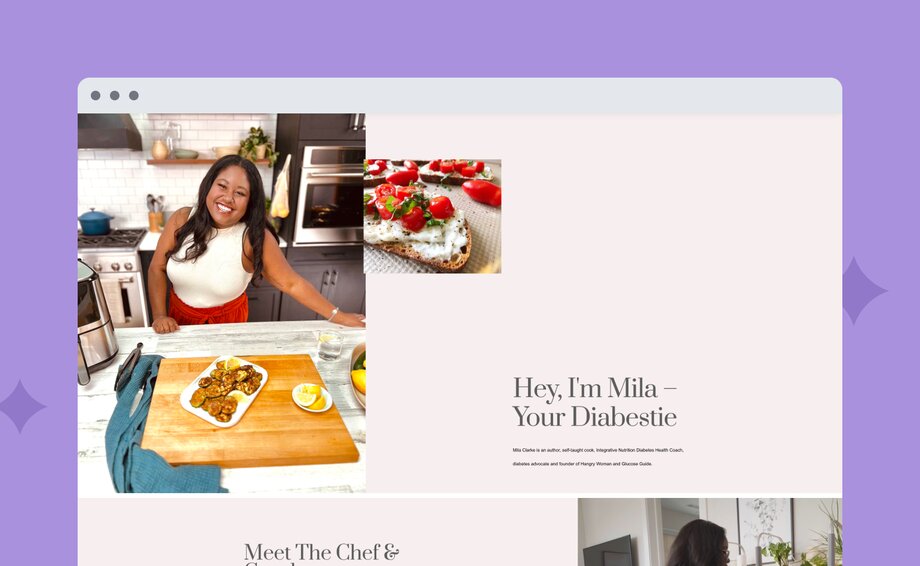
Mila’s community members gain access to:
1. **Educational resources:** A ton of educational materials, including articles, videos, and courses.
2. **Live cooking classes:** Step-by-step instructions for cooking glucose-friendly meals. Videos can also be viewed on-demand!
3. **1:1 and group coaching:** Personalized guidance and a tailored plan from Mila, a certified health coach.
4. **Member support:** A vibrant community where members can connect with like-minded individuals, share experiences, and find the support they need to stay motivated.
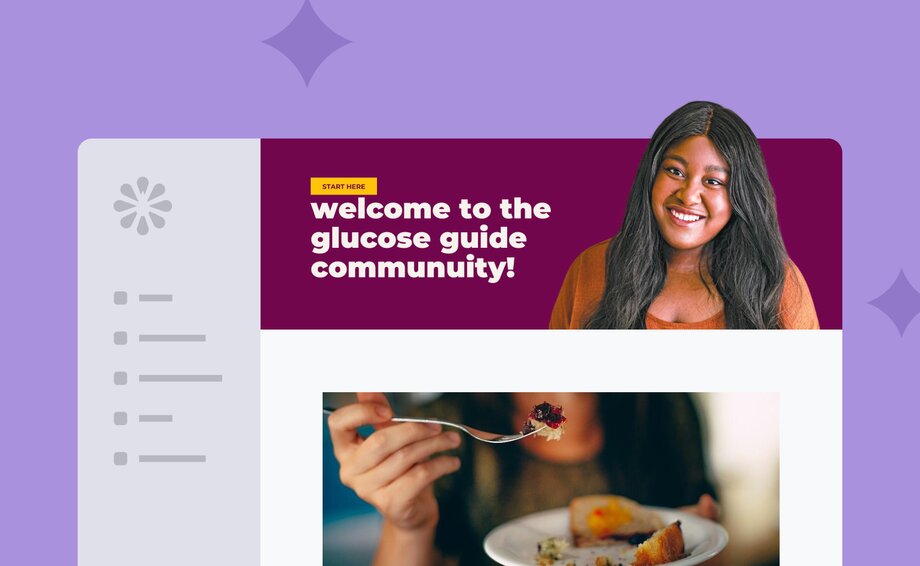
### How it’s organized
Mila structures her community into a few key buckets:
- **New Member Hub:** A start here space, as well as a discussion area for introductions.
- **Health and Wellness Coaching:** A variety of helpful content, like courses, playbooks, group coaching chat, and more.
- **Recipes:** A library of recipes, ranging from daily meals to tactical glucose advice.
- **Glucose Guide Community:** Chock full of spaces that encourage member engagement, like diabetes news, events, ask the community, share your wins, daily blood sugar check-in, and more.
- **Community Challenges:** A collection of events, along with associated check-ins, and group chats.
You can explore the live community space [here](https://community.glucoseguide.app/c/start-here/).
The Glucose Guide community can also be accessed via Mila’s custom mobile app, available on both iOS and android. Having a fully branded app really puts Mila’s community front and center, giving her community members a premium experience. The best part? As a Circle Plus customer, the app was built for her in under 6 weeks, including strategy support, and custom design assets that perfectly matched her brand.
### How it’s monetized
The Glucose Guide community is run on paid brand partnerships and a “pay what you can” model for members. Mila relies on these partnerships and individual member subscriptions—starting at $1 a week, $5-$50 a month, or $100 for a one time all-access fee—to stay active and keep providing Evidence-based resources and virtual diabetes health and wellness coaching.
Although all of the content in the community is public (aka free to access), member donations help her provide low-cost coaching, diabetes-friendly recipes, and assistance with diabetes to everyone who needs it.
### The community team
Mila is a mighty team of one! She handles community management, content creation, and more all by herself. This actually has an upside. Not only does being a one-person-show allow Mila to save more money, but she’s also in a better position to gain valuable insights and deeper connections to her community.
In fact, in a recent survey to 682 community pros, we found that around 60% of communities are run by one person teams. You can [dig into the full report here](https://circle.so/2024-creator-community-report)!
## Mila’s top community building tips & tricks
💡 **Engage with tailored content:** To boost member engagement, Mila curates content specifically for her community's needs, such as a detailed food and recipe library. She compiles resources that directly address her members' interests, making them both informative and interactive.
💡 **Use Circle workflows to personally welcome every new member:** Mila's strategy focuses on building a supportive community in a scalable way. She’s developed interactive features that foster a nurturing environment, like welcome messages that automatically send out to new members, and daily affirmations and health check-ins.
💡 **Educate through flexible learning:** Mila offers a free, self-paced diabetes management course in her community. This method allows members to learn at their own speed, catering to different knowledge levels. It’s a way of incorporating educational content that's accessible and appealing for all community members.
Mila's friendly community exemplifies a thoughtful approach to community building, combining expert knowledge with practical tools to create a supportive and educational environment. She also proves that it’s absolutely possible to run a successful business and community as a team of one!
If you want to learn more about Mila’s community, watch her full Show & Tell session below.
---
### How to create safe spaces for sensitive subjects—the story of Grief 2 Growth
*Discover how grief guide Brian Smith built a 350+ member Circle community. Learn strategies for sensitive community building, monetization, and fostering engagement in healing spaces.*
Source: https://circle.so/blog/grief-2-growth-community
Brian Smith is a grief guide and coach whose mission began with a personal tragedy—the passing of his daughter Shayna at the tender age of 15. This life-altering event propelled Brian to establish a sanctuary for those grappling with similar heartaches, which he called [Grief 2 Growth](https://www.grief2growth.com/).
As a Certified Grief Educator, Brian leverages his personal experiences to lead others through their emotional labyrinths by helping them rediscover purpose, joy, and community.
In describing his community, Brian says, "It's about creating a safe space where members don't feel alone in their grief, a place where they can discuss thoughts that might otherwise seem 'crazy' to the outside world."
The experience of loss can be an isolating journey, yet within the virtual halls of the Grief 2 Growth community, members find solace, understanding, and the support they need to heal.
## The community breakdown
📍 **Community:** Grief to Growth
👋 **Founder:** Brian Smith
🗓️ **Circle Community Launched:** November 2023
🌟 **Size:** 380+ members
🎯 **Purpose:** To provide a supportive environment for those experiencing grief, fostering healing and connection.
💰 **Pricing Model:** Freemium with an annual VIP membership at $100
## Core community offering
Initially, Brian explored several digital platforms to find the right home for his community. After experimenting with Mighty Networks, he settled on Circle, drawn by its user-friendly interface and accessibility, both crucial for his audience.
In setting up the Grief to Growth community, Brian identified a crucial need for privacy and inclusivity—his platform would be members-only, reinforcing a circle of trust and respect.
"I want people to feel a sense of privacy," Brian explains. "The application process helps maintain that exclusivity, making it a refuge people can trust."
### The Grief to Growth community offers various features to engage and support its members:
**Free public podcast access:** The only spaces that non-members can access are those about recent podcast episodes, to read the community guidelines, and to apply to join, which provides a taste of the community's ethos and encourages deeper engagement.
**Members-only spaces:** Once admitted, members access carefully curated spaces and specialized resources to address the multifaceted nature of grief, like
- Chat
- Resources
- Courses
- Onboarding
- Free guided courses
- Hall of fame
- Community experts
**VIP services:** The paid VIP area offers exclusive podcasts, expert Q&A sessions, and special courses designed to deepen member connections and healing processes. Freemium > $100/year to get access
- Private podcasts
- Expert Q&A sessions with mediums and spiritual guides
- Premium courses ($)
### How it’s organized
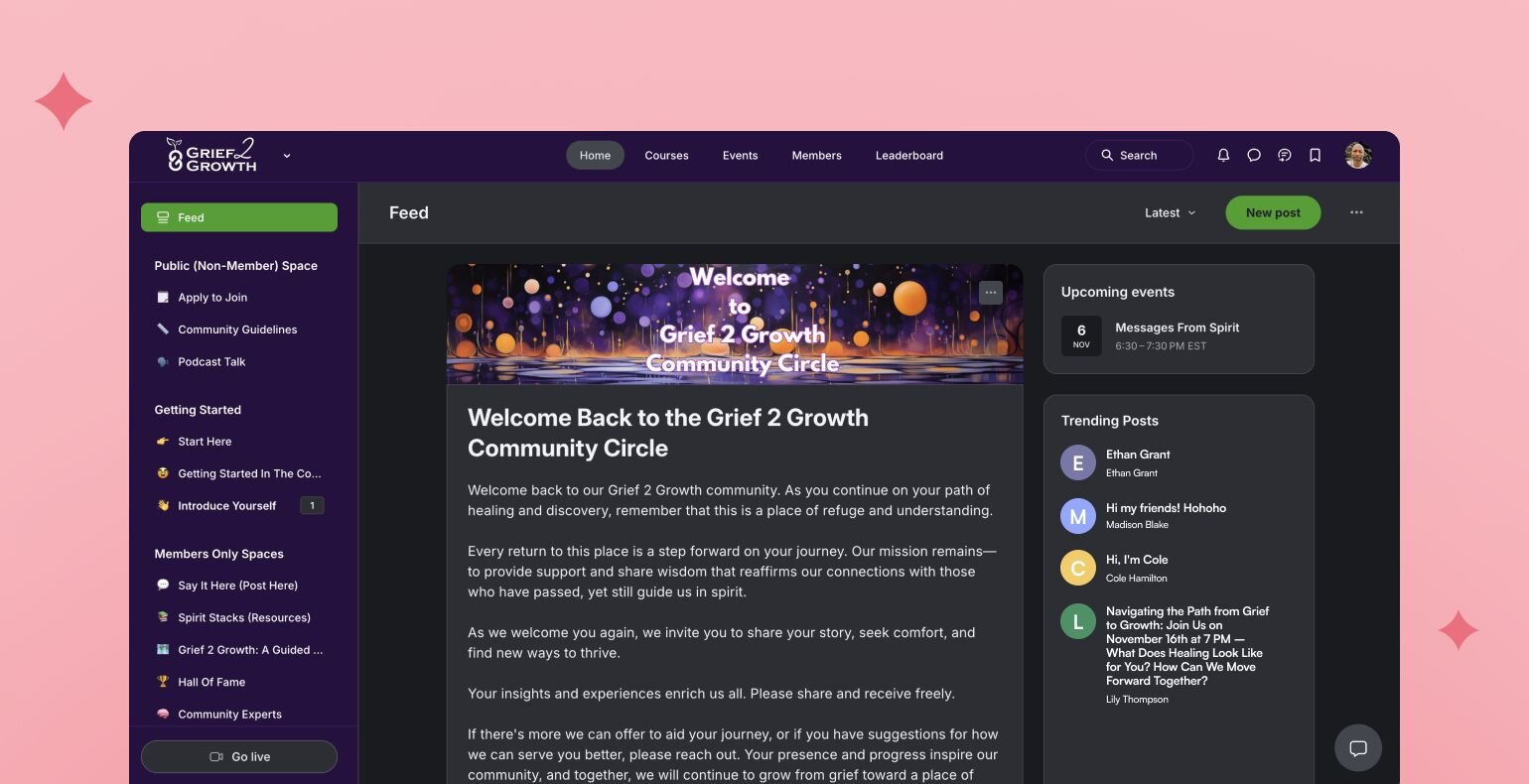
Brian structures his community into a few key buckets:
1. Member access
2. VIP access
3. Paid courses
Any external marketing he does leads people back to the community, where they can look around but have to apply to join to see any specific content. Also, his VIP membership is separate from his paid courses.
A recent Circle feature, Topics, has greatly enhanced organization within Brian’s community. By predetermining topics, Brian ensures that posts remain categorized, making it easier for members to navigate and connect over shared interests—be it books, music, or expert advice.
You can explore the [live community space here](https://grief2growth.circle.so/c/apply-to-join/).
### How it’s monetized
Brian offers tiered access to his community
- Free membership (basic access)
- VIP membership ($100/year)
- Standalone courses like "Love Never Dies and Neither Do You" ($100) are separate from the VIP membership.
Brian is also exploring expanding into group coaching and paid events.
### The community team
Brian runs this largely as a solo operation. While fostering engagement remains a challenge, especially given the sensitive nature of grief, Brian manages to encourage members through gamification strategies and by sharing his vulnerability, hoping to inspire reciprocation.
## Brian’s insights on building community
Brian’s journey with Grief to Growth offers invaluable lessons:
- **Create safe spaces:** Prioritize privacy and trust to allow members to feel secure in sharing deeply personal experiences.
- **Cultivate patience and understanding:** Recognize that engagement may not always be visible but is nonetheless impactful.
- **Use available tools:** Leverage the variety of digital tools at your disposal to foster organization and streamline interaction.
- **Welcome feedback:** Adjust offerings based on community needs, remaining receptive and responsive to suggestions and changing dynamics.
Grief to Growth stands as a beacon for how personal experiences can drive the creation of supportive networks, proving that even in the darkest times, community can be a powerful force for healing.
---
### Group coaching 101: Build, launch, and scale your first program
*Ready to scale your coaching business? Learn how to build, launch, and grow your first group coaching program in this comprehensive guide.*
Source: https://circle.so/blog/group-coaching
You may love the transformations you help clients achieve, and be exceptionally good at coaching. But if your calendar is packed with back-to-back calls that you’re starting to forget what free time feels like… Something’s gotta give.
This could be the perfect time to start thinking about expanding your practice into **group coaching**—_before_ you start burning out.
**With group coaching, you can tick three boxes:**
✅ Helping more people
✅ Earning more money
✅ Doing the same work you love (minus the burnout)
If that sounds like a dream, keep reading. We’ll walk you through how to transition from 1:1 sessions to group coaching the _right way_—from choosing the best model, to setting your prices, structuring your program, and launching with confidence.
## First up—what is group coaching?
**Group coaching** is a format where you work with multiple clients at once, usually in a live, interactive setting. It blends structure with flexibility, offering personal support, peer accountability, and collective learning. Clients benefit not only from you but also from each other.
### Group coaching vs. mastermind vs. online course vs. coaching communities
It helps to know where group coaching fits in the broader ecosystem of coaching and online programs. People often confuse it with other formats, especially masterminds, online courses, and coaching communities. While there’s some overlap, they are quite different.
Here’s the quick breakdown👇
| Aspect | Group coaching | Mastermind groups | Online courses | Coaching communities |
| --- | --- | --- | --- | --- |
| Level of coach interaction | Moderate to high | Low to moderate | Low | Low to moderate |
| Peer-to-peer learning | High | Very high | Low | Medium to high |
| Live sessions | Yes, regularly scheduled | Yes, but often peer-led | Not usually (unless cohorted) | Optional or periodic |
| Main focus | Personal growth + peer support | Collective insight + networking | Skill-building + self-paced learning | Connection + light guidance |
**Group coaching sits right in the middle of these formats.** It’s more hands-on than an online course or coaching community, but less intensive than a mastermind. It strikes a balance between personal attention and scalability—and when done well, it brings together the best of all worlds.
## Why group coaching—and why now?
If you’re already working with clients 1:1, group coaching could be a **natural next step.** You might also want to consider productizing your process into a course, hiring other coaches to support your clients, or even [creating a digital product](https://circle.so/blog/digital-product).
Anyway, back to the group coaching, there’s also a strong business case for making the switch. Running your business purely on high-touch, 1:1 services can only take you so far. It’s hard to scale, and it takes a lot of time. With group coaching, you can charge each person a bit less, but serve more clients overall—leading to higher total earnings and fewer hours.
There’s also a shift happening in what clients want. Yes, they still want your expertise—but **they’re also looking for community.** They want to connect with others on the same journey, ask questions, share wins, and stay accountable. Group coaching creates that shared space—something 1:1 coaching just can’t offer.
And if tech has been the thing holding you back? That’s changing fast. Today’s platforms make it easy to run group programs from start to finish: live calls, content delivery, discussions, and payments—all in one place.
## Group coaching models: which one fits you?
You can run a group coaching program in different ways. A quick decision flowchart below can help you figure out your starting point:
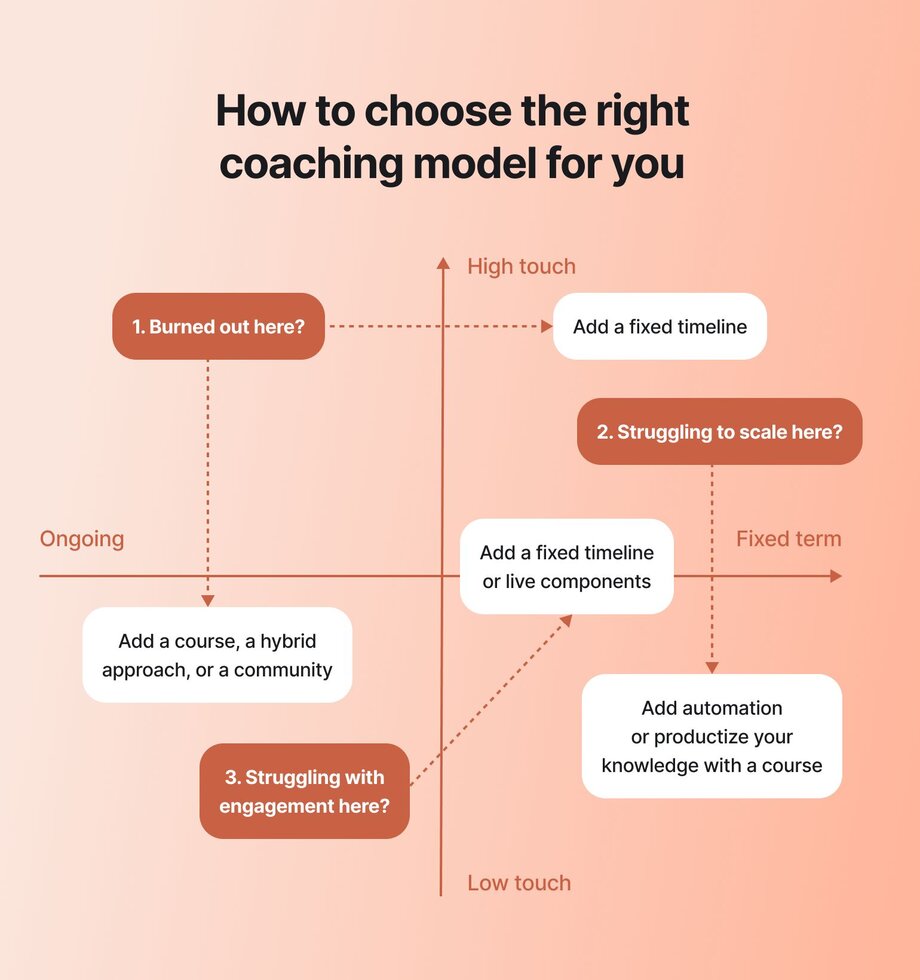
### Time-based models: Ongoing vs. fixed-term programs
- **Ongoing:** Members can join anytime. Great for steady revenue and continuous support.
- **Fixed-term:** Everyone starts and finishes together, similar to [cohorted courses](https://circle.so/blog/cohort-based-courses). Builds momentum and delivers a clear outcome.
### Intensity models: High-touch vs. low-touch approaches
- **High-touch:** Weekly calls, feedback, private check-ins. More hands-on.
- **Low-touch:** More self-paced content, fewer live sessions. Easier to scale.
### Technology-enabled models
Tech-enabled means using a [coaching](https://circle.so/blog/best-coaching-platforms) or community platform to fully run your program—live sessions, content, discussions, and payments all happen in one place. The platform essentially becomes the central hub for your group experience. And it doubles as your control center for the backend!
### Hybrid models that combine group and 1:1 elements
Hybrid models **mix group coaching with some 1:1 time.** For instance, you can run weekly group sessions and toss in a private call each month. This way, you can still offer personal support while serving more people at once.
## Benefits of group coaching for clients and coaches
At first glance, group coaching might seem like it mostly benefits the coach—for obvious reasons. But collective learning can be just as powerful for clients.
Let’s look at the benefits on both sides.
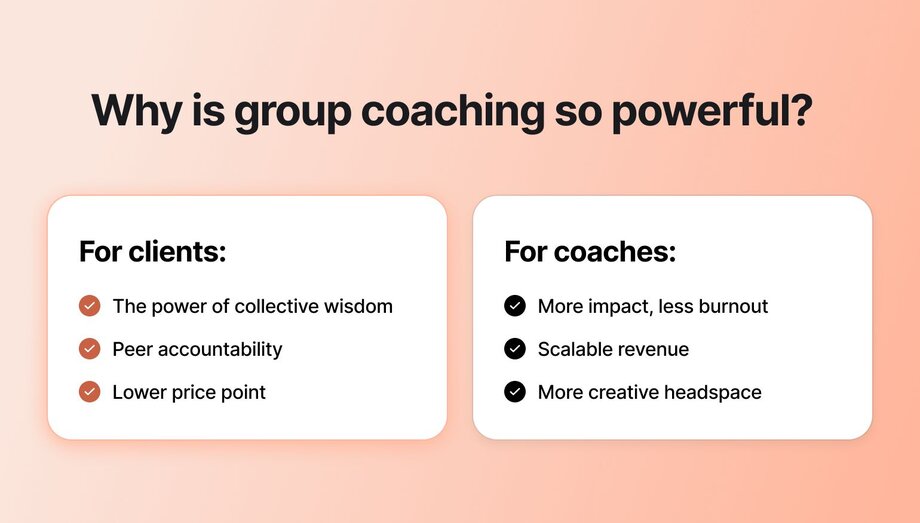
**For clients:**
✅ **The power of collective wisdom:** People learn better when they hear different perspectives. In [one study](https://www.frontiersin.org/journals/psychology/articles/10.3389/fpsyg.2016.00629/full?fbclid=IwAR0ZaAbkSJlSW4uZXItILNAjzj8zyPpaMSi26jWOj4ySFD0DLiNNzieotz4&gclid=Cj0KCQjwzLCVBhD3ARIsAPKYTcRSdeKo26oB4VvrrGqhP8yvrOIfGukZGsbIGtXoPDMIi-QNuwFqc80aAsjWEALw_wcB) of workplace coaching, employees in group settings scored 48% higher on knowledge tests than those coached one-on-one. Why? Because hearing others ask questions and exploring solutions together makes the material stick better and builds confidence.
✅ **Peer accountability:** A group setting is a motivator to show up in itself. Nobody wants to be the one who flakes or falls behind. Peer accountability can be extremely powerful in getting people to act and follow through.
✅ **Lower price point:** Private coaching isn’t always within reach. Group programs are a more affordable alternative—and could help you reach your target audience in an equitable way.
**For coaches:**
✅ **More impact, less burnout:** Group coaching gives you a way to reach more people without working longer hours.
✅ **Scalable revenue:** You’re no longer trading time for money. With group programs, you can build recurring revenue, productize your expertise, and finally step off the hamster wheel of back-to-back 1:1s.
✅ **More creative headspace:** Freeing up mental space as a coach is a real win. Group coaching gives you that mental space to think creatively, explore new ideas, and come up with other ways to grow and monetize your coaching business.
So, how do you shift from 1:1 to group coaching while still maintaining high-quality interactions with your clients? We’ll get into that next.
## How to transition from 1:1 coaching to group coaching without losing depth
### Start by identifying which clients would benefit most from group settings
Not everyone is a fit for group coaching. From your 1:1 clients, look for people who:
✔ Ask similar questions
✔ Share a common goal
✔ Are open to learning with others
Bonus: While you shouldn’t anchor a group coaching program based on affordability, think about whether clients or prospects who have asked about payment plans or other payment options have anything in common, as well.
These clients will have the most in common with each other. But even after identifying the best fits for the program, don’t dive in headfirst. Start with a smaller pilot group to test things out.
### Rethink your pricing strategy
Some of your clients might see group coaching as a **more affordable way to work with you**, which can be a selling point. Others might hesitate if the price isn’t that much lower than 1:1, especially if they don’t understand the unique value of a group format.
You’ve got to balance the price with the perceived benefits. Group coaching isn’t a “cheaper alternative” per se. It’s a different product. You’re offering coaching time, yes, but also community, accountability, and structured transformation. (And possibly, in a more asynchronous way!)
### Designing scalable frameworks that still feel personal
Once you start running groups, you’ll notice you’re repeating a lot of the same things—onboarding, check-ins, progress tracking, and feedback. That’s your cue to build a simple framework (or an SOP–standard operating procedure), so you’re not reinventing the wheel every time a new member joins.
However, you still want to keep your coaching program feeling personal. So, **bake in small high-touch moments**, such as personal messages, shoutouts, and custom feedback, to create a more personalized experience.
> **💡Pro tip:** SOPs are how [Bonnie Christine started actively scaling](https://circle.so/blog/sustainable-business-growth) her education and coaching business to 7 figures.
### Learn how to lead and balance group dynamics
Another big job for you? [Managing the group](https://circle.so/blog/community-manager-skills). You’ll have an over-sharer who answers every question (twice), and the quiet lurker who might not say a word unless you call on them.
A few ways to keep things balanced:
- **Set clear expectations:** Let people know how the sessions will run, how they can participate, and what’s expected of them.
- **Manage talk time:** Use things like round-robin sharing or time limits so everyone has space to contribute.
- **Create a safe space:** Show vulnerability yourself and invite people in—not call them out. Group culture starts with how you lead.
### Reevaluate the tech tools powering your coaching experience
If you got away using only Zoom + email combo to run your 1:1 sessions, you’ll probably need to rethink your setup as you start group coaching. More people = more admin. Plus, you’ll also need a space where your clients can interact with each other.
For example, a platform like [Circle](https://circle.so) can help you manage your community, deliver content, and host discussions all in one place, without sending clients chasing links or digging through email threads looking for onboarding docs or where to drop their weekly check-in. Investing in a purpose-built setup can save a lot of stress down the line.
That’s exactly what Kelsea found when setting up her [_Back without Burnout_](https://theseamlesscoach.com) program on Circle:
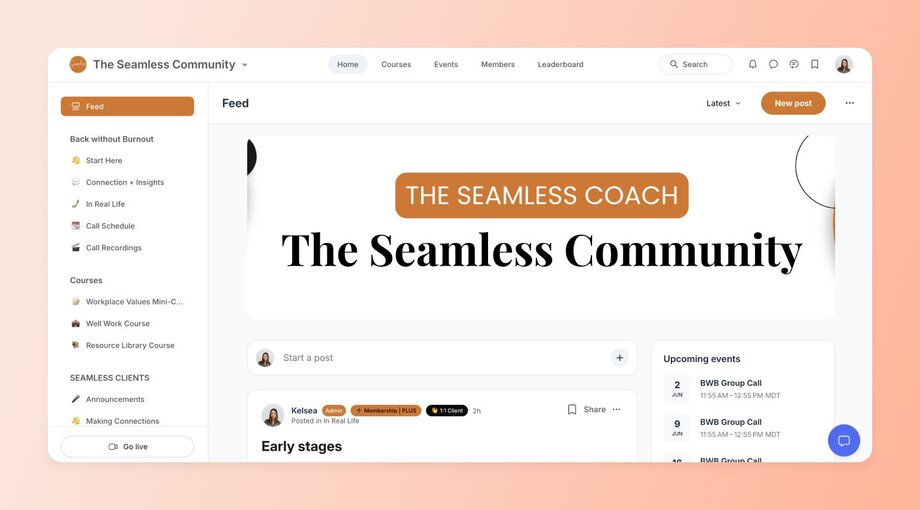
## Setting up your first coaching program–curriculum, format, activities
Okay, so how do you structure your coaching program? Here’s what to dial in before launch:
### Determining your ideal group size
The sweet spot for the group size depends on how intimate you want your program to feel.
If you’ll be hands-on, stick to 8–10 members. Prefer facilitating discussions? You can scale up to 12–20 people. You can also coach 100+ people if you want to. But you’ll probably want to pair it with an [online course](https://circle.so/blog/create-online-course). That way, people can learn on their own time while you use group calls for deeper support, Q&A, or community building.
### Creating the right course structure
There’s no single “best” way to run a group program. But you do need a clear structure. Without it, things can start to fall apart fast.
Chances are you already know what kind of transformations your clients have had. **_Are those the same outcomes you want people to experience in group coaching?_** Then work backwards to build an authentic path that gets them there.
A few proven formats to help you design your curriculum👇
| Curriculum structure | Best for | How it works |
| --- | --- | --- |
| Cohort-based coaching | Step-by-step transformation | Participants go through the same material on a set schedule, with weekly sessions and milestones |
| Hybrid program | Self-paced with coaching | Combines pre-recorded content with live coaching, allowing for self-paced learning plus group interaction |
| Accountability squad | Motivation + peer support | Clients are grouped into small squads who check in with each other between live group sessions |
### Establishing clear expectations and boundaries
If there’s one thing that’ll save you from 95% of headaches, it’s this: **set expectations early.** Like, onboarding-stage early!
Let people know exactly what they’re getting into—what kind of access they’ll get to you, what kind of effort is required to get results, and how they’re expected to show up in the group. Are there weekly or monthly calls? Do they need to introduce themselves? Make all of that crystal clear from day one.
[Jordan Godbey](https://www.linkedin.com/in/jordangodbey/), founder of [GrowthCommunity](https://growthcommunity.co), has worked with 150+ coaches and creators, and he says one of [the biggest reasons people leave](https://circle.so/blog/member-retention) is when the experience doesn’t match what they were sold.
**The fix?** Create a welcome guide that lays everything out. And don’t forget the tech walk-though. Show people how to join calls, find content, and manage notifications.
### Designing engaging group activities and exercises
In 1:1 coaching, you’re focused on just one person. But in a group, you’ve got to get people interacting. That means planning activities—not just delivering content.
Try adding a few of these to your sessions:
- **Breakout rooms:** Perfect for peer support, reflection, or quick feedback rounds
- **Hot seat coaching:** One person gets coached, the rest gain insights (and usually ‘see’ themselves in it)
- **Group challenges:** Shared action steps or weekly/monthly mini-goals (we do this in our Circle customer community!)
- **Polls or check-ins:** Fast, low-lift ways to read the room and build connection
💡 Tip: Always mix up formats so your sessions have some rhythm.
### Building in accountability
A mistake a lot of first-time group coaches make? **They become “accountability babysitters.”**
Clients should be showing up for themselves first and foremost. Because seriously—why the heck are they doing your program if they’re not planning to take it seriously?
That said, a little structure can help everyone stay on track.
Consider adding a few of these **accountability mechanisms:**
- A shared tracker or dashboard where people post weekly goals
- “Commitment circles” or accountability pods between sessions
- Quick goal shares at the end of each call: _“What’s your focus this week?”_
## The business side of group coaching
Now, let’s talk money, marketing, and how to make your group coaching business sustainable.
### Calculating optimal pricing and profit margins
Group coaching is usually priced 30–60% lower than 1:1 sessions. But that doesn’t mean you earn less—it just means you earn differently.
Check out a quick example to see the tradeoffs in both time and expected hourly earnings👇
| Coaching type | Clients | Price per client | Monthly revenue | Monthly hours | Est. hourly rate |
| --- | --- | --- | --- | --- | --- |
| 1:1 coaching | 6 | $750 | $4,500 | 48 hrs | $93/hr |
| Group coaching | 15 | $300 | $4,500 | 12 hrs | $375/hr |
This assumes:
- **1:1 coaching:** ~2 hours per client per week (sessions + admin)
- **Group coaching:** One 90-min session + 90 mins of prep/follow-up per week
The bottom line? **With group coaching, you're working 75% fewer hours for the same revenue, and earning 4x more per hour. 🤯**
### Marketing strategies specific to group programs
Just like with most coaching offers, you can’t go in with a hard sell. First, you’ll need **a warm audience** that’s receptive to your offer. But even then, your main marketing message needs to be less about “access to you” and more about the collective experience.
Focus on:
- The outcomes people can expect
- The journey they’ll go on
- The community they’ll be part of
Once that’s clear, lean into strategies that build excitement and show real proof of group learning and accountability.
**Your strongest marketing channels:**
- **Email newsletter** – Warm up leads with personal stories, behind-the-scenes, and early invites
- **Social media** (IG, LinkedIn, etc.) – Build buzz with testimonials, client wins, and the community vibe
- **Landing page** – Clearly outline the transformation, format, who it’s for, and key FAQs
- **Waitlist funnel** – Create anticipation and give early access to drive urgency
- **Workshops or free events** – Let people experience your coaching style and group energy firsthand
✨ **Pro tip:** Your coaching/community platform can be a great marketing tool, too!
For example, Kar Brulhart, founder of [_The Social Department_](https://karbrulhart.com), runs a group coaching program that helps coaches and service-based entrepreneurs grow engaged Instagram audiences and turn them into consistent sales. She wisely uses **Circle** not just to deliver the program but also to promote it. Kar shares behind-the-scenes tours and video walkthroughs of her Circle setup to help warm leads visualize the experience—and the results—before they join.
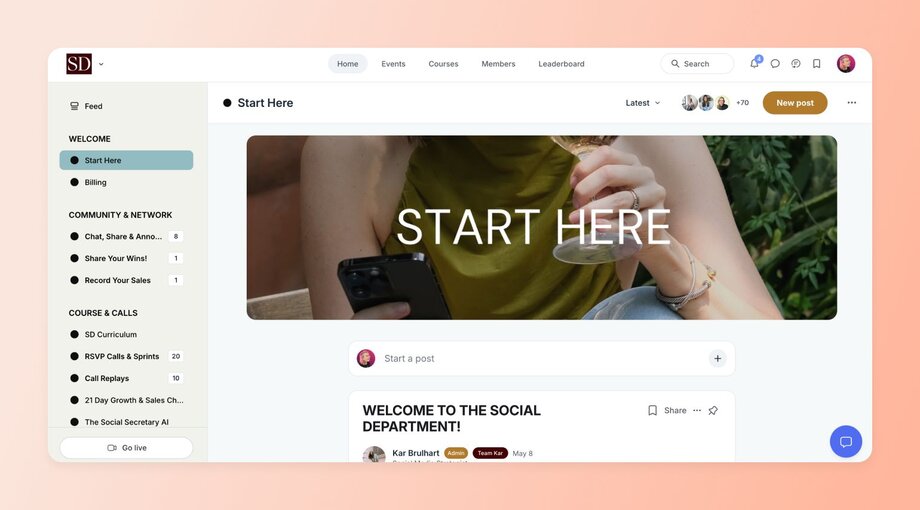
### Metrics you should you be tracking for group coaching
If your clients are attending sessions, smashing their goals, and the overall sentiment is that they’re super happy with your program—go ahead and pat yourself on the back!
But if something is off, the numbers will usually point it out.
**👀 Keep an eye on:**
- **Customer acquisition cost** (CAC) – How much it costs to get one new client
- **Completion rate** – The % of people who finish your program
- **Churn rate** – How many drop out before the end
- **Attendance rate** – How often clients show up to live sessions
- **Engagement** – Participation in group chats, calls, or submitted work
- **Client outcomes** – Document wins or transformations your clients report
[Don’t obsess over every number](https://circle.so/blog/community-analytics) (use **Circle’s Activity Score** for members to keep a general eye on things). But do make adjustments when something isn’t working.
### Tools that help scale your operations without burning out
Once your group program picks up steam, so does the admin. Managing 15 clients at once? Just thinking about it is enough to break a sweat 🥵!
That’s why you need a tool like [Circle](https://circle.so) to run the backend of your program!
Circle brings your community, coaching, and content into one simple, modern platform. You can [host live group calls](https://circle.so/events), run [member discussions](https://circle.so/discussions), [deliver courses](https://circle.so/courses), and even [process payments](https://circle.so/payments)—all from the same place.
Need to engage people between sessions? Circle lets you send automated digests, trigger push notifications, and even set up [custom workflows](https://circle.so/workflows) to follow up with quieter members. You can go as far as [gamifying member engagement](https://circle.so/gamification) to recognize and celebrate active members with points, levels, and badges!
With Circle, you’re not just saving time. You’re creating a smoother, more professional experience that helps your clients stay engaged—and helps you scale your coaching business without burnout.
For example, Shannon, the founder of the [_Backyard Ecology Community_](https://www.backyardecology.net/community/)_,_ used Circle to host her program _Design Your Pollinator and Wildlife Oasis: Garden-sized Plots_. After a successful beta launch, she bundled her group coaching program with three months of community membership—all run through Circle.
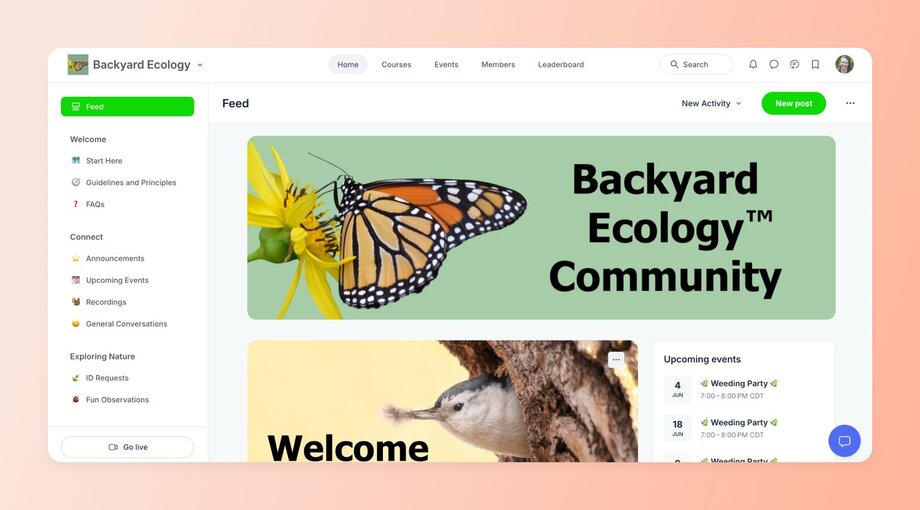
It’s a perfect example of how Circle lets you start small, test ideas, and build out a scalable coaching experience—without piecing together five different tools.
👉 Want to see it for yourself? [Try Circle free for 14 days](https://app.circle.so/communities/new) and see how much simpler group coaching can be.
### Legal and ethical considerations
Lastly, to keep your program safe and respectful for everyone:
- Sign a coaching agreement that stipulates the scope of the coaching relationship, session frequency, fees, confidentiality terms, and cancellation policies
- Set group guidelines
- Emphasize confidentiality—what’s shared in the group stays in the group
- Refer out when issues go beyond your scope
- Comply with local laws (data privacy, disclaimers, payment processing)
## Challenges of group coaching
Most new endeavors won’t be a home run from day one—and that includes any new formats you’re trying for your coaching business. The good news? You’ll get better at handling them over time.
So you’re not caught off hard, here are a few common ones—and how to navigate them (without losing your cool):
### Handling dominant personalities
In every group, there’s usually someone who speaks first, talks the most, and _seems_ to know it all. Research [shows](https://www.researchgate.net/publication/23807728_Why_Do_Dominant_Personalities_Attain_Influence_in_Face-to-Face_Groups_The_Competence-Signaling_Effects_of_Trait_Dominance) that these behaviors can create the illusion of expertise—even when it’s not there. It can also annoy quieter people around.
To prevent skewed dynamics:
- Rotate the speaking order to shift influence
- Give solo reflection time before open sharing
- Say, _“Let’s hear from others,”_ to gently redirect without calling out the dominant member.
Also, make sure each client still gets some individual attention within the group. Do this by carving out time for quick 1:1 check-ins to help them work through specific challenges or get more tailored support. You could also think about a hybrid group coaching program that blends group dynamics with 1:1 check-ins.
### Addressing varying levels of engagement
Some clients will be all in, others will hang back. That’s normal. What helps: clear expectations, weekly nudges (via email or your platform), and mixing up formats so everyone finds their stride.
> 💡Bonus tip: Shoutouts for wins (and [making sharing a habit](https://circle.so/blog/community-habits)) can help pull quieter folks into conversations.
### Managing scheduling across different time zones
You can’t please everyone, but you can make it work. Most coaches just pick a set time to run sessions that works for the majority, and send recordings to the rest.
But if someone never gets to join a live session, they may start feeling like they’re not getting their money’s worth. The simplest fix? Rotate your call times or offer two different time slots to cover more time zones.
### Troubleshooting technical issues in virtual environments
Someone can’t hear. The screen won’t share. The meeting link is broken (again). Tech issues happen. Have a backup plan: shared docs with links and recording, clear session instructions, and always log in early to test your setup before going live. Or simply use Circle to prevent most of these issues altogether!
## Ready to switch to group coaching?
If you're at that natural point where it’s time to shift from 1:1 sessions to group coaching, take the leap! Start with a pilot group to test the waters and fine-tune your operations before going all in.
And if you’re looking for an all-in-one, flexible tool to help you build a strong, engaged, and long-lasting coaching business and community under your own brand, check out Circle.
[Try it free today](https://app.circle.so/communities/new) and see what’s possible.
---
### 80+ group discussion ideas for online communities, courses, and events
*Discover 80+ group discussion ideas and proven frameworks to spark deeper conversations in your online community, courses, and events. Learn facilitation tips that transform questions into meaningful dialogue.*
Source: https://circle.so/blog/group-discussion-topics
Think back to your favorite classes from school. Classes that captured your attention and inspired new ideas. The ones where you didn’t daydream or lose interest. When the bell rang, you didn’t jump out of your seat and run for the door.
[What sparked the engagement that made these classes memorable?](https://circle.so/blog/community-engagement-strategies) For many of you, it was a teacher who went beyond the one-to-many, monotone lecture and created an environment where group discussions drove learning.
🎓 Thankfully, the power of group discussions to inspire deeper learning doesn’t end on graduation day.
Whether you’re hosting [an online course](https://circle.so/blog/create-online-course), a [virtual event](https://circle.so/blog/types-of-virtual-events), or are just a community builder looking for a new way to increase engagement, group discussions can build tighter bonds between your members that reduce churn and spark new ideas.
(You know there’s a “but” coming.)
But while group discussions can be great, they can also quickly go off the rails. The challenge is not knowing what to ask, it’s knowing how to guide the conversation. Go back to those favorite classes again and think about how that teacher didn’t just ask a question. They likely guided the class through thinking about their answers to **transform information into knowledge.**
Successfully leading group discussions takes more than good questions. Community builders like you know that being intentional with your group discussions is what creates real value for your members.
Ready to get started? We’re going to cover everything you need to know about how to run a great group discussion, including:
- How to turn questions into conversations
- Tips for facilitating deeper discussions in your groups
- Ways to create your own evergreen discussion topics
- Plus, 80+ group discussion topics you can use to get the conversation going
## 4 frameworks that turn questions into conversations
You’ve probably asked some variation of “How are you?” in a conversation today. More than likely, you’ve probably asked it a dozen times to a dozen different people.
🤔 But do you remember anyone’s answer?
Probably not. And that’s a problem. It’s a personal question, but the answer never seems to go beyond “alright” or “livin’ the dream.”
Unstructured questions like “How are you?” or “How was your weekend?” often fall flat because they lack focus and direction. When a question is too broad or vague, people don’t know where to start or how to summarize, so you get silence or surface-level answers.
The result is that the group energy drops instead of building momentum.
So how do you turn unstructured questions into prompts that create transformative group discussions for reflection, connection, and momentum? Here are four frameworks you can apply to your group discussion planning.
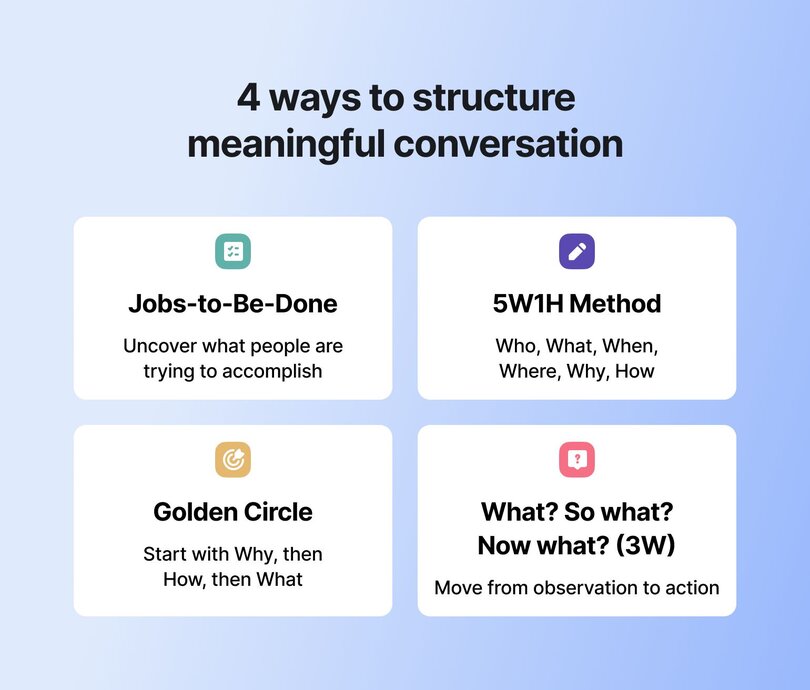
### Jobs-to-Be-Done thinking
Instead of asking people what they want, Jobs-to-Be-Done thinking digs into what they’re trying to accomplish. Created by Clayton Christensen (author of _[The Innovator’s Dilemma](https://en.wikipedia.org/wiki/The_Innovator%27s_Dilemma)_), **this framework builds discussion around the “job” someone is hiring a product, service, or idea to do.**
In a group discussion setting, this approach shifts the focus from abstract brainstorming to concrete needs and outcomes that can help participants uncover hidden motivations and identify solutions that actually fit.
### Getting to the story with the 5W1H method
If you ever took a journalism class, this one should feel like a pair of comfy shoes. The 5W1H method uses six guiding questions to unpack almost any situation.
1. **Who** is involved?
2. **What** is happening?
3. **When** and **where** does it take place?
4. **Why** does it matter?
5. **How** does it work?
For group discussions, 5W1H helps participants break down complex topics into manageable parts. By exploring each question, you can guide your group from surface-level observations to a deeper, shared understanding.
### Golden Circle (Why, How, What)
Instead of starting with what, the Golden Circle flips the script and [starts with why](https://www.youtube.com/watch?v=u4ZoJKF_VuA). This framework lets you guide your group to explore purpose and motivation.
The Golden Circle framework helps participants connect on a deeper level by aligning around shared values and drivers. By asking _“Why is this important for you and your community? How is this affecting your growth? What can we do about it together?”_ you turn conversations from surface fixes to purpose-driven strategies that can inspire real action.
### What? So what? Now what? (3W)
Guiding a great discussion isn’t about asking more questions—it’s about asking the right ones. A simple way to structure conversations so they stay meaningful and actionable is the 3W (What? So what? Now what?) framework shared by Gwyn Wansbrough, Founder, Breakthrough Facilitation. Gwyn is an expert in [hosting virtual events with group discussion that engage participants](https://circle.so/blog/host-community-events) and make community builders’ lives a little easier.
This approach helps groups move from identifying a problem, to understanding why it matters, to deciding what to do next. The shift is subtle but powerful. Instead of leaving with a few takeaways, people leave with changed perspectives and a clear sense of next steps
## 80+ group discussion topics
Now that you’ve seen how 3W works, let’s put it into action. The following 120+ group discussion topics are paired with What? So what? Now what? prompts you can use right away.
### Questions educators can ask students
Forget pop quizzes. The magic to inspiring students comes from the right questions that move them from “I don’t get it” to “aha, now it clicks!”
**Making learning stick**
- What? “What’s the most confusing part of today’s lesson?”
- So what? “Why is clarifying this concept important for moving forward?”
- Now what? “How can we practise or reframe it to make it stick?”
**Connecting the dots**
- What? “What real-world examples connect with this idea?”
- So what? “Why do those examples help us understand it better?”
- Now what? “How can we create our own examples to reinforce what we’ve learned?”
**Asking better questions**
- What? “What questions do you still have?”
- So what? “Why do those questions matter to your understanding?”
- Now what? “What steps can you take to explore them further?”
### Questions to inspire group and mastermind coaching
Breakthroughs don’t happen by accident. For group and [mastermind coaching](https://circle.so/blog/mastermind-groups), the right prompts surface blind spots, reveal patterns, and nudge people into action they’ve been putting off.
**Clearing roadblocks**
- What? “What’s one obstacle you’ve hit this quarter?”
- So what? “Why is it stopping you from reaching your target?”
- Now what? “What action could you take this week to move past it?”
**Spotting patterns**
- What? “What pattern do you notice in your recent wins or failures?”
- So what? “What does it reveal about your business or yourself?”
- Now what? “What can you do differently next time?”
**Seizing opportunities**
- What? “What’s one opportunity you’ve been avoiding?”
- So what? “Why does avoiding it keep you stuck?”
- Now what? “What’s a low-risk way to lean into it now?”
### Questions to engage course cohorts
Courses are more than content. These prompts can help you turn lessons into real-world practice and peer support.
**Putting learning to work**
- What? “What part of this module felt the most practical?”
- So what? “Why did that resonate with your current challenges?”
- Now what? “How could you apply it in your work this week?”
**Tackling tough concepts**
- What? “What’s the hardest concept from this course so far?”
- So what? “Why do you think this is complex for you compared to other topics?”
- Now what? “What resources or strategies could help you grasp it?”
**Learning from peers**
- What? “What’s one insight you’ve learned from a peer in this cohort?”
- So what? “Why was their perspective valuable to you?”
- Now what? “How will you integrate that insight into your approach?”
### Questions to elevate community events
[Events are only as good as the energy in the room](https://circle.so/blog/host-community-events) (virtual or in the real world). Keep the energy alive by asking questions that spark reflection, connect the dots, and give your attendees something to carry forward.
**Surprising takeaways**
- What? “What’s one idea that surprised you today?”
- So what? “Why did it shift your perspective?”
- Now what? “How will you share or act on it?”
**Spotting themes**
- What? “What common theme did you notice across sessions?”
- So what? “Why is that theme important for our community?”
- Now what? “What’s one way we could explore it together afterward?”
**Raising new questions**
- What? “What question did today’s talk raise for you?”
- So what? “Why does that question matter to your work?”
- Now what? “How could you start seeking answers?”
### Questions to ask during Q&A and AMA sessions
AMAs can drift without focus, but with the right prompts you’ll channel curiosity into insights, myth-busting, and practical takeaways people actually use.
**Burning questions**
- What? “What’s a challenge you hope this session helps with?”
- So what? “Why is it top of mind right now?”
- Now what? “How will you use the answer once you get it?”
**Busting myths**
- What? “What’s a common misconception in this field?”
- So what? “Why is it important to correct it?”
- Now what? “What can we do to spread the right information?”
**Hard-earned advice**
- What? “What’s one piece of advice you wish you had earlier?”
- So what? “Why would it have made a difference?”
- Now what? “How can others act on it today?”
### Questions for self-reflection and growth
Sometimes the most powerful dialogue is inward. These prompts help participants challenge old beliefs, celebrate wins, and reset when things feel off.
**Shifting beliefs**
- What? “What limiting belief do you catch yourself repeating?”
- So what? “Why does it affect your decisions?”
- Now what? “What’s a new belief you’d like to practise instead?”
**Defining proud moments**
- What? “What recent experience made you feel proud?”
- So what? “Why was it meaningful to you?”
- Now what? “How can you create more of those moments?”
**Regaining balance**
- What? “What’s draining your energy right now?”
- So what? “Why is it important to address it?”
- Now what? “What can you let go of to regain balance?”
### Questions for peer learning groups
People join cohorts and communities to learn from each other. These questions can turn shared stories and strategies into fuel for everyone’s growth—whether live or async.
**Applying skills**
- What? “What skill from this course have you already applied?”
- So what? “Why was it useful in that context?”
- Now what? “Where else can you put it into action?”
**Lessons from mistakes**
- What? “What mistake taught you the most recently?”
- So what? “Why was it an important lesson?”
- Now what? “How can others learn from your experience?”
**Learning from your peers**
- What? “What’s one peer’s strategy you’d like to try?”
- So what? “Why does it stand out to you?”
- Now what? “How can you adapt it for your own situation?”
### Questions for brainstorming
Brainstorms can spiral without structure. These prompts steer groups toward uncovering obstacles and making room for fresh ideas.
**Removing barriers**
- What? “What’s the biggest barrier to our current goal?”
- So what? “Why does removing it unlock progress?”
- Now what? “What’s one creative way to tackle it?”
**Turning challenges into edges**
- What? “What’s a challenge our competitors are also facing?”
- So what? “Why might solving it differently give us an edge?”
- Now what? “What’s a bold idea we could test quickly?”
**Unlocking hidden resources**
- What? “What’s a resource we’re underusing?”
- So what? “Why is it worth tapping into?”
- Now what? “How can we put it to work right away?”
### Questions to inspire big ideas
Being present is great, but sometimes you need to look forward. These prompts pull conversations that dig into trends, possibilities, and big ideas worth chasing together.
**Spotting trends**
- What? “What trend do you see shaping your industry soon?”
- So what? “Why should you pay attention now?”
- Now what? “What first step can you take to prepare?”
**Letting go of outdated practices**
- What? “What’s one thing we do today that will look outdated in 5 years?”
- So what? “Why will it become irrelevant?”
- Now what? “How might we evolve beyond it?”
**Surfacing untold ideas**
- What? “What’s a big idea you think no one is talking about yet?”
- So what? “Why could it matter for the future?”
- Now what? “How could we start exploring it as a group?”
## Tips for facilitating deeper discussions
If you’re picking up what we’re putting down, you’ll see that when it comes to group discussions, it’s not just what you ask, but how you ask it.
**Make space for everyone:** Not every community member is going to feel comfortable putting their hand up. Use turn-taking to make sure everyone has a chance to have their voice heard. This also helps keep one person from dominating the conversation.
**Find the balance between flow and framework:** Great discussions don’t need to be rigid, but they also don’t work in total chaos. Like a nice wine, give conversations room to breathe, then step in with a 3W question when things stall or start to drift off topic.
**The right tool for the right job:** Breakout rooms, pools, threads, and even AI-powered summaries in community platforms like Circle can keep the energy and engagement going. A quick poll can help surface opinions and breakout rooms can make space for deeper small-group discussions.
**Encourage member-led discussions:** When members bring their own questions to the table, conversations feel less like a lecture and more like a shared exploration. Invite them to post prompts, start threads, or kick off discussions. It not only creates ownership but also shows your community that their curiosity drives the agenda.
## How to create your own evergreen discussion topics
The beauty of **What? So what? Now what?** is that it isn’t tied to a single use case. Teaching a new skill? Use 3W to move from content to practice. Running a mastermind? Use it to surface challenges and turn them into action. Even casual community check-ins can benefit from 3W prompts that start with observation, move to meaning, and end with action.
> 👉🏼 Not sure where to start? Start working backward from your goals. Ask yourself, “What do I want members to learn, share, or do?” Then draft prompts that ladder up to that outcome.
### Questions to inspire big ideas
Here’s a pro tip: **don’t reinvent the wheel every time.** Create a running “community prompts bank” inside Circle. Save the questions that sparked great conversations, tag them by theme (growth, reflection, events, etc.), and reuse them when you need to reignite discussion. Over time, this becomes one of your most valuable community assets.
## Build meaningful conversations in your Circle community
Even great questions can lead to awkward silences.
The secret to inspiring meaningful group discussions is **you**, the community builder.
Knowing not just what to ask, but what to ask **next** is how you can create an environment where members learn, share, and grow together.
Circle makes it easier to turn prompts into real conversations. With [events](https://circle.so/events), you can host live sessions, workshops, or AMAs that bring members together in real time, then keep the conversation going afterward.
And with chat, you can create dedicated spaces for quick back-and-forth, spontaneous questions, or smaller [group discussions](https://circle.so/chat) alongside your main community feed. Used together, events and chat give you both the structure and the flexibility to inspire and lead meaningful discussions that build value for your members.
---
### 7 Pro tips for hosting engaging community events (every single time)
*Need to make sure your live, online community event is a huge hit? Gwyn Wansbrough has seven tips. Read on!*
Source: https://circle.so/blog/host-community-events
Do you ever wonder what makes some live online community events full of excitement, engagement and energy while others feel downright exhausting?
It all boils down to one thing: you!
**When you host live online events you are the one who creates the conditions for engagement.**
As the host, it’s up to you to create the right conditions for participants to share their ideas, bond with other group members, and take action.
Because once you do… That’s when the group chat will be buzzing with insightful comments. That’s when you’ll see virtual hands flying up in the group discussion. And that’s when people will feel empowered to participate and become active community members.
**The problem is that getting people to engage in your live session can feel like pushing a boulder up a hill.**
How do you get people to come out to your events? How do you ensure your community event is going to be valuable and not “just another meeting?” How do you build connections with your participants from the moment they join your event? And how do you encourage everyone (even the introverts!) to join in?
All of those answers can be found right here!
**In this blog I’m going to share seven pro tips for hosting engaging community events.**
First, I’ll walk you through the five most common mistakes that hosts make (and how to avoid them.) Then, I’ll share the seven pro-tips with ideas that you can use to fuel engagement in your event.
## The biggest mistakes online hosts make (and how to avoid them)
Before we dive into how to increase engagement, I want to share the five most common mistakes that people who lead online sessions make. Unfortunately, these mistakes can sabotage your best attempts to increase engagement.
1\. Too much content
Most people believe that the more content they cram into their session, the more valuable it will be.
But bombarding your group members with too many slides, graphs, and frameworks can be overwhelming—especially online.
Instead, you want to find the right balance between delivering content and interaction. This will make it easier for your group members to engage and then to take action after the session is finished.
**2\. Not enough connection**
As the host, you can be so focused on delivering high-quality content, that creating connection amongst our group members takes a backseat.
The problem is that you don’t have the spontaneous connection online that happens in-person.
That’s why you need to proactively design and facilitate opportunities for your group members to connect early and often. It will build safety, belonging, and motivation to engage with your session.
**3.** **The wrong icebreaker**
Most people believe that throwing out random icebreakers is a sure-fire way to ease people into the session and get them talking.
Unfortunately, using the wrong activity at the wrong time can backfire. Big time. It can make people feel confused and even unsafe to take part in your session.
Instead you need to curate your activities so they fit in with the bigger purpose of your session.
**4. Too little interaction**
A lot of people wonder why when they launch a question to their groups the only thing they hear is crickets.
Our attention spans are short. Even shorter online. If you don’t give your group members regular opportunities to interact throughout the session, they’ll disengage.
Fortunately, we have even more tools online than in-person to boost interaction. Once you understand how to use the digital tools at your disposal you will transform your online session from dullsville into an immersive, multi- sensory experience.
**5. Insufficient prep**
Some people start their session only to realize that mics aren’t working, the internet connections are glitchy and they’ve got the wrong links.
Running a live online event can feel like a juggling act. On steroids. Things can go south in a matter of seconds. The problem is that your audience can tell when you’re unprepared. It will make them feel like they’ve wasted time showing up for your session.
So many of our challenges when it comes to boosting engagement can be solved with razor-sharp preparation and planning. Create a detailed outline that includes timings, talking points, and links (the right ones). And check your sound and video before you go live. You’ll feel more confident and at ease leading your event.
## The truth about these mistakes.
These mistakes are easy to make.
When I switched from leading in-person sessions to leading groups online three years ago these were some of the very same things I was struggling with. Back then, there was no playbook for how to run highly engaging sessions.
But after a lot of trial-and-error, experimentation, and learning from others, I realized quickly that there’s a clear, methodical way to design and lead consistently great live sessions.
It’s not rocket science. But there is an art and science to doing it well.
Now I’m going to share the seven pro-tips so you can see exactly how to boost engagement in every event you lead.
If you want to get more tips like these on leading live online events, subscribe to my free weekly newsletter, The Quest, [here](https://www.gwynwansbrough.com/newsletter/). You’ll get actionable advice delivered straight to your inbox every Monday
Now, let’s lift the curtain for hosting engaging live community events.
## Seven pro-tips for hosting engaging live community events

**1.** **Get clear on your purpose**
So many events fail to engage people because the purpose isn’t clear.
To engage your community members, your event needs to have a clear, unique purpose. One that is right-sized for your specific group. Ideally, one that takes them from where they are now to where they want to be.
Challenge yourself to come up with a purpose that clearly states:
- What you want to do
- For whom
- And why
For example, instead of the purpose being “to build community,” a deeper purpose could be “to create a trusted community of athletic coaches who we can share our struggles openly with so we can do our best work.”
**2.** **Make an irresistible invitation**
One of the biggest challenges that people face is getting people to come out to live events in the first place. There are about a million other events vying for your group’s attention.
That’s why you want to make what I call an irresistible invitation to your audience members. One that will help build safety, curiosity, and excitement – before the session even goes live.
I include three key pieces of information to increase the chances of people showing up:
- **Share the purpose.** What do you want to do? For whom? And why? (See the first point).
- **Clarify expectations.** What kind of experience can people expect? Will it be interactive? Are they expected to have their cameras on? Let people know on the invite so they come prepared.
- **Sell the benefits.** What would motivate your community members to come out to a live session—really? Find out. And then put it on the invitation.
**3\. Focus on the first five minutes**
Our attention spans can be short. Even shorter than a goldfish’s. That’s about eight seconds.
The first five minutes of your event are mission-critical for engaging your audience. From the very first moment your group members join your event they are assessing whether it’s worth taking part. Or whether they should bounce over to Facebook to check dinner plans instead.
As the host, it’s your job to help people to ease into your online session space and get people engaging with your event straight away. You can do that by intentionally designing an opening welcome sequence to help create safety for people to ask questions, contribute their ideas, and open up.
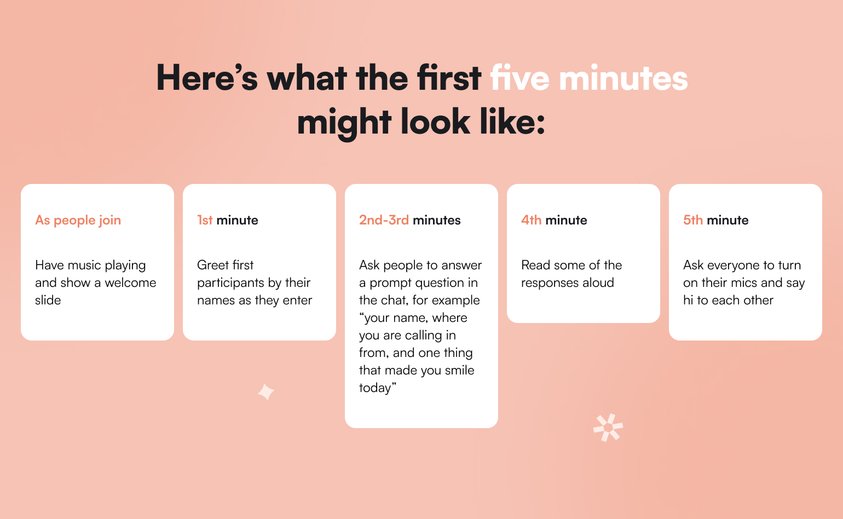
**4\. Connect early and often**
Community is a social experience. We are wired for connection. Community events can be a powerful way to accelerate and deepen group bonds.
But in order for this to happen, you can’t throw a bunch of strangers in a room and expect them to bond immediately. You need to intentionally nurture the connection between members so they’re more likely to engage with each other.
Here are three ideas to build connection early and often:
- Ask a prompt question at the beginning of the event that goes beyond name and place to help the group get to know each other. For example “one hat you wear outside of work.”
- Run a breakout group within the first ten minutes of the event and have people share “what made them say yes” to joining the event.
- Vary group sizes to include individual reflection time, sharing in pairs, small groups, and big groups.
**5\. Less content, more interaction**
There is nothing that shuts down engagement more quickly than too much content. Too many slides can overwhelm your audience members. Too much of one person talking is exhausting.
You want all of your participants to pay attention, engage, and get their voices heard. This is where you can use a full range of interactive tools to help you get everyone chiming in. Give options that work for introverts and extroverts.
Here are three of my go-to tools:
- **Polls:** They give your group members an easy way to engage they help you survey the group quickly.
- **Word clouds:** This gives your group a visual way to highlight common words and ideas related to your event.
- **Whiteboards:** These give your group a space where they can collaborate, co-create, and share ideas.
**6. Give time for reflection**
Reflection helps your group members make meaning of insights and takeaways from your live event. The problem is that so many hosts skip the reflection completely.
But this is one of the juiciest parts of a group experience!
Including time for reflection can spark new insights and breakthroughs. And it can help your group members find ways to take action on what they have experienced.
Here are three ways you can lead a powerful group reflection:
- **Ask open-ended questions.** These are questions that usually start with “what” and “how” that help spark discussion. For example, “What struck you…?”, “What did you learn…?”, “How might you apply what you’ve learned to your community events?”
- **Actively listen.** Pay attention to what’s being said. Resist jumping in with your opinions. Reflect back what you’ve heard. Be OK with silence. Sometimes people need a few moments to collect their thoughts.
- **Stay purpose-focused.** It’s very easy for the group discussion to veer off track. As the host it’s your job to stay on purpose. Refer back to the aim of your session if the conversation goes on a tangent. And don’t be afraid to respectfully interrupt overtalkers if you need to.
**7.** **Close with intention**
Like every great story, engaging events have a beginning, a middle, and an end. The end is often the most memorable part of a community experience.
The problem is that most hosts skip the ending altogether. This leaves your participants feeling frazzled.
The closing gets all voices heard one last time. It gives your group members closure. And it will end your session on an emotional high.
Here are three ideas:
- Give group members a final prompt in the chat to share insights.
- Share a closing quote connected to the theme of your event.
- Turn on your mics and wave goodbye.
Hosting engaging community events is a skill that you can hone with practice. Follow these seven pro tips and you’ll see engagement skyrocket. You’ll feel energized. And your community members will rave about your events.
### About the author, Gwyn Wansbrough
Hi, I’m Gwyn. I’m on a mission to help you design and lead engaging live online sessions that get better results for your groups. I’m a facilitator and experience designer who has spent 1,000s of hours leading live events on Zoom—literally! I’ve trained nearly 1,500 professionals to lead dynamic, engaging virtual sessions that put the joy back into working and learning online. I run a five-week live online cohort-based course called [Breakthrough Facilitation](https://www.breakthrough-facilitation.com/). I write a weekly newsletter called [The Quest](https://www.gwynwansbrough.com/newsletter) with actionable insights and tips for leading live online sessions. And I offer one-to-one coaching and custom training programs. Visit [www.gwynwansbrough.com](https://www.gwynwansbrough.com/) to learn more.
Want more tips like these? Subscribe to The Quest to receive curated resources and tips like these delivered straight to your inbox every Monday 👉 [here](https://www.gwynwansbrough.com/newsletter/).
### Looking to improve how you run events for your community members?
Circle’s community platform brings together your members, discussions, events, courses, and content—all in one place, under your own brand. Plus, you get access to our customer community full of handy resources and over 8,000 community builders on the same journey as you.
[Start your free 14-day free trial today!](https://login.circle.so/sign_up#email)
---
### How much do TikTokers make in 2026?
*Find out how much TikTokers make, how TikTok monetization works, and what additional income streams actually drive most creator earnings today.*
Source: https://circle.so/blog/how-much-do-tiktokers-make
TikTok has been having a moment for a while now, and [creators](https://circle.so/blog/digital-creator) have been riding the wave.
Some—posting casually. Others—using the platform to attract clients, land brand work, or [grow an audience](https://circle.so/blog/audience-growth) they monetize elsewhere. Many do both at the same time.
While TikTok does offer built-in monetization, it’s not as reliable as many might think. In fact, most *real* income comes from what happens beyond the feed—[UGC deals, sponsorships](https://circle.so/blog/content-monetization), affiliates, [courses](https://circle.so/blog/create-online-course), and [communities](https://circle.so/blog/online-community-offering-design).
In this guide, we’ll break down **how much TikTokers make in 2026**, what TikTok actually pays per view, and how creators can turn attention into income off the platform.
## How much do TikTokers really make in 2026?
TikTok typically pays anywhere from **$20 to $400 per million views**, with rare cases reaching **$1,000+ per million views** under specific conditions. Most creators fall on the lower end of that range, and many earn nothing at all from views alone. The wide variation comes down to eligibility, video length, viewer location, engagement, and whether views qualify under TikTok’s monetization programs.
> **RPM** on TikTok stands for **Revenue Per Mille** (mille meaning thousand). It's the estimated revenue a creator earns per 1,000 video views. It's calculated as:
>
> **RPM \= (Total Earnings / Total Views) × 1,000**
### Why TikTok’s payouts are lower than most creators expect
TikTok was designed around short-form, high-volume content that prioritizes reach and engagement. As a result, videos are only a few seconds long, leaving limited opportunities to serve longer, higher-quality ads. Then there are factors like paying creators only for qualified views, as views under 6 seconds don’t count, and a bunch of other criteria.
Compared to [long-form platforms like YouTube](https://circle.so/blog/how-much-do-youtubers-make), TikTok has fewer ad placements per video and less time to generate revenue from each viewer. Advertisers pay less per impression, which limits how much revenue can be shared with creators.
### Why TikTok income depends on diversification, not views
On TikTok, views alone rarely translate into meaningful income. That’s simply the reality of the platform’s monetization model.
However, you can use TikTok effectively to capture attention and generate interest. The key is to then direct your audience toward paid offers elsewhere, such as affiliate links, [digital products](https://circle.so/blog/digital-product), courses, or paid communities.
## The main ways TikTokers make money in 2026
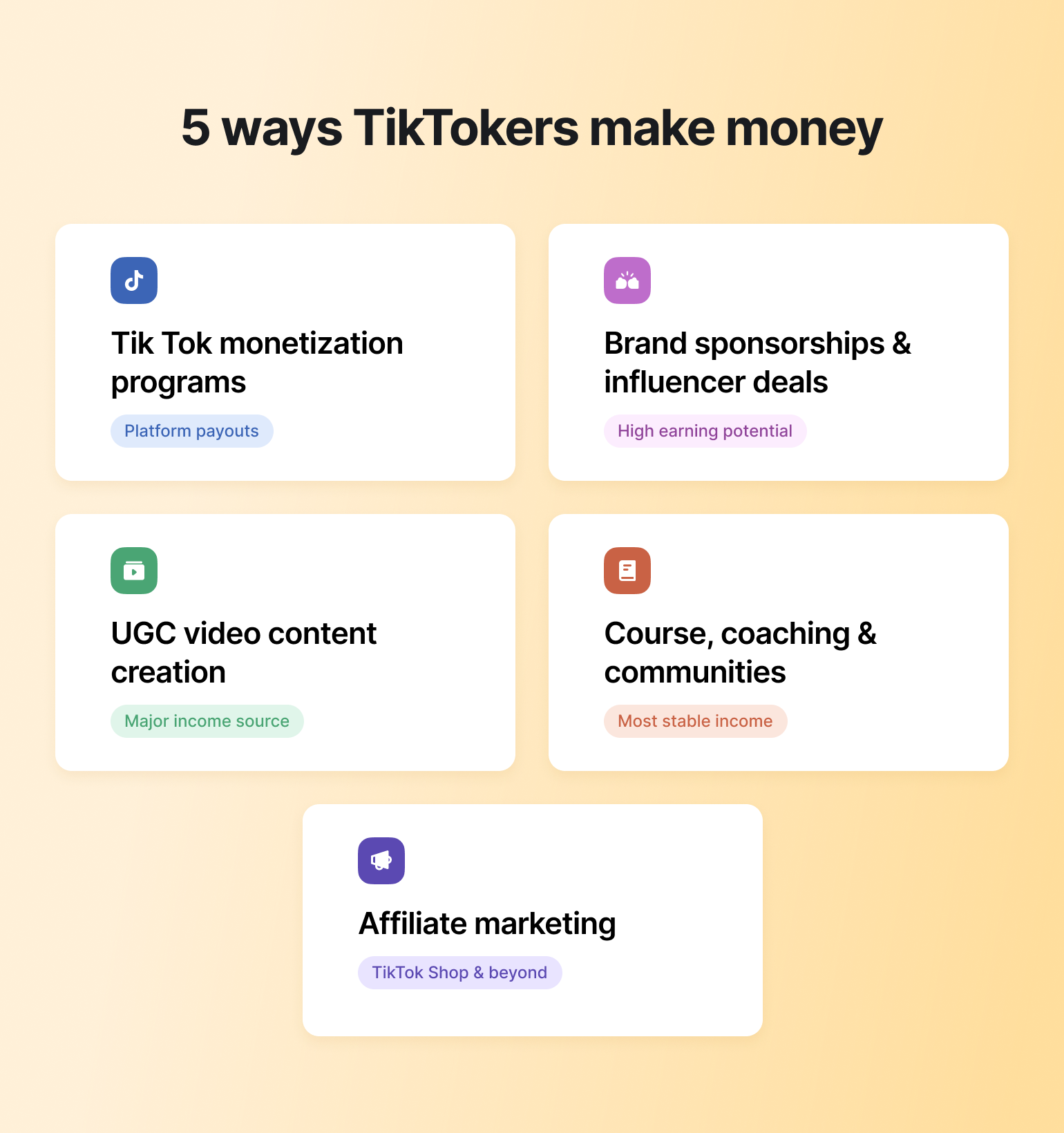
If TikTok payouts alone don’t tell the full story, the next question is where creator income *actually* comes from. In practice, most TikTokers rely on a mix of revenue streams.
### TikTok’s own monetization programs
TikTok offers several monetization options. These are:
* **TikTok One:** A collaboration platform that connects creators with brands and advertisers for paid partnerships negotiated outside the feed.
* **Creator Rewards Program:** Pays eligible creators for high-quality, original videos based on qualified views and engagement, with payouts varying widely by performance and eligibility.
* **TikTok LIVE:** Enables creators to earn through virtual Gifts, subscriptions, and tips from viewers during live streams, depending on audience size and engagement.
### Brand sponsorships & influencer deals
[Brand deals](https://circle.so/blog/brand-partnerships) are one of the most common ways TikTokers earn real money. Creators are paid to feature products, tell stories, or promote services in a way that fits their content style. Rates, however, vary widely depending on niche, audience trust, and consistency.
### UGC content creation (a major income source)
UGC, or user-generated content, is one of the biggest income streams for TikTok creators. Instead of posting to your own audience, you get paid by brands to create short-form videos that the brand then uses in ads or on its own social channels.
Because payment is based on content creation rather than views or virality, many people earn a steady income through UGC without ever going viral. This makes it a popular path for solopreneurs and newer creators.
### Affiliate marketing (TikTok Shop & beyond)
Affiliate income lets you earn a commission when viewers buy products through your links. TikTok Shop has made this easier by integrating products directly into videos, but you can also earn through external platforms and brand programs. This model is popular among product-heavy niches, though income often fluctuates with trends and demand.
### Courses, coaching, communities, and digital products
Some of the most stable TikTok income comes from things you do and sell off the platform.
If you’re a niche creator or have a skill to teach, you can use TikTok as a discovery channel, then move those people off the platform into offers you control (like courses,[coaching](https://circle.so/blog/group-coaching), or a paid community) where income is more predictable and sustainable.
## How TikTok’s native monetization works (And what it really pays)
TikTok’s built-in monetization options can be appealing, especially for new creators. But they’re often misunderstood. While these programs *do* pay creators, earnings look very different from the headlines.
### What TikTok Pulse really pays in 2026
TikTok Pulse is an ad revenue–sharing program that places ads next to the platform’s most premium, brand-safe content. Only videos that rank in the top 4% of content on TikTok, based on TikTok’s internal Pulse Score, are eligible.�
When ads run next to a qualifying video, creators earn a 50/50 share of the ad revenue. Not every view qualifies, and ads don’t run on every impression, which means earnings can vary widely.
### Why the Creator Rewards Program earnings are misleading
The Creator Rewards Program pays creators for original videos over one minute long that meet TikTok’s quality and eligibility requirements. Rewards are based on qualified views, not total views, which means factors like watch time, viewer location, and engagement all matter.
Only creators who meet minimum thresholds, such as follower count, recent views, account standing, and country eligibility, can participate.
**The catch?** Your actual earnings can be confusing because not all views qualify for payment, and eligibility rules, regions, and watch-time thresholds exclude a large portion of traffic. On top of that, payout formulas change and vary by video, making income inconsistent and difficult to predict from one post—or month—to the next.
### TikTok LIVE gifting and virtual tips
TikTok LIVE lets creators earn money directly from viewers through Gifts, tips, and subscriptions during live streams, as well as Video Gifts on eligible posts. When viewers send Gifts, creators receive Diamonds, which can be converted into cash. To qualify, creators must meet age, follower, account, and location requirements, and not all content is eligible.
## How much TikTokers earn by views & followers
To move past payout myths and TikTok “money calculators,” it helps to look at what creators actually report earning. We reviewed recent Reddit threads where creators openly shared view counts, RPMs, and payouts. The results show just how inconsistent TikTok monetization really is.
### What TikTok actually pays per 1,000 views
On average, TikTok’s direct payouts land at **a few cents to a few dollars per 1,000 qualified views**, depending on the program, video eligibility, and audience factors like location and watch time. Many views don’t qualify at all, which is why two videos with similar reach can earn very different amounts—or nothing.
In a discussion about TikTok payouts, one user on [r/TikTokLounge](https://www.reddit.com/r/TikTokLounge/comments/1p5g52h/how_much_does_tiktok_pay_per_video_does_the/) broke down how earnings typically work on a per-1,000-views basis:
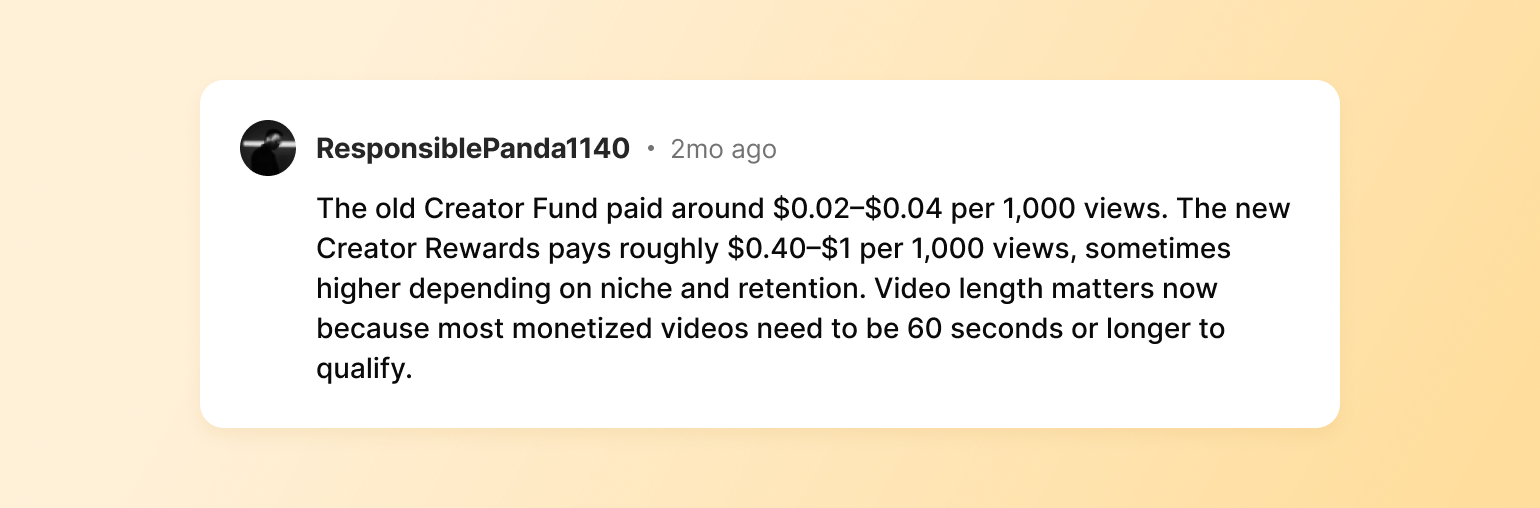
It’s definitely not a lot!
### Earnings per 1 million views
Even at the 1-million-views mark, payouts vary far more than most creators expect. Several creators in another [Reddit thread](https://www.reddit.com/r/TikTok/comments/1f19r7t/does_tiktok_really_pay_1000_per_million_views/) shared wildly different outcomes for similar view counts.
One creator made $350 for 1 million views:
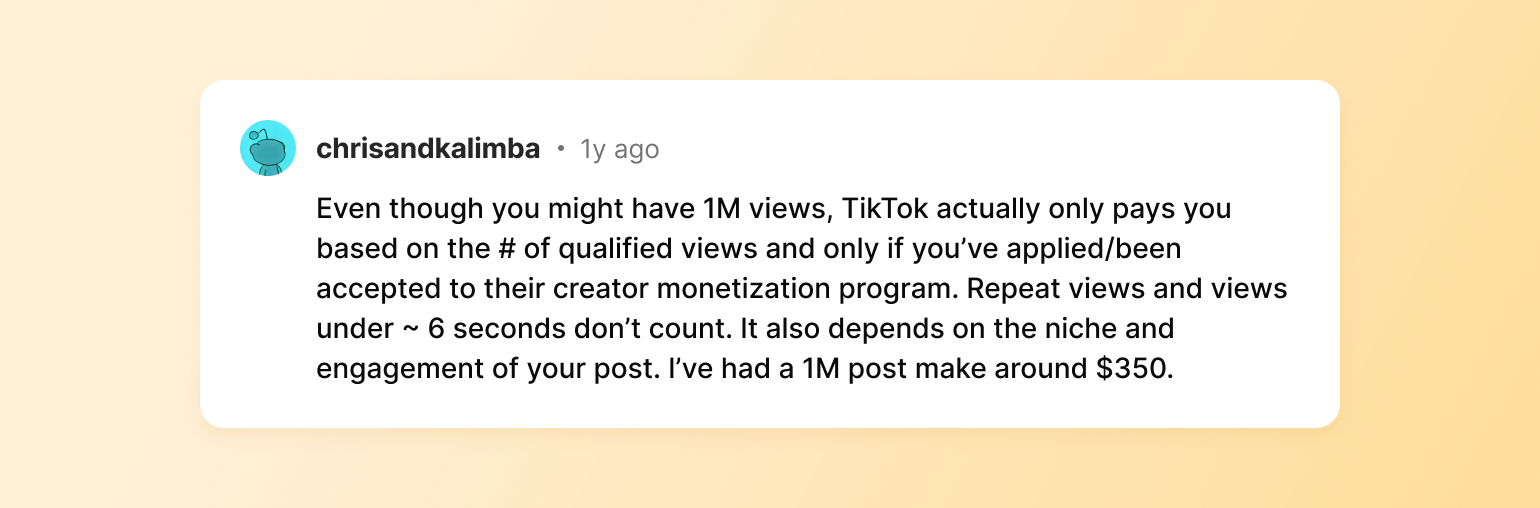
Another user claims she made $300 for a video that reached 300,000 views, which would have been close to $1,000 if it had reached 1 million views.
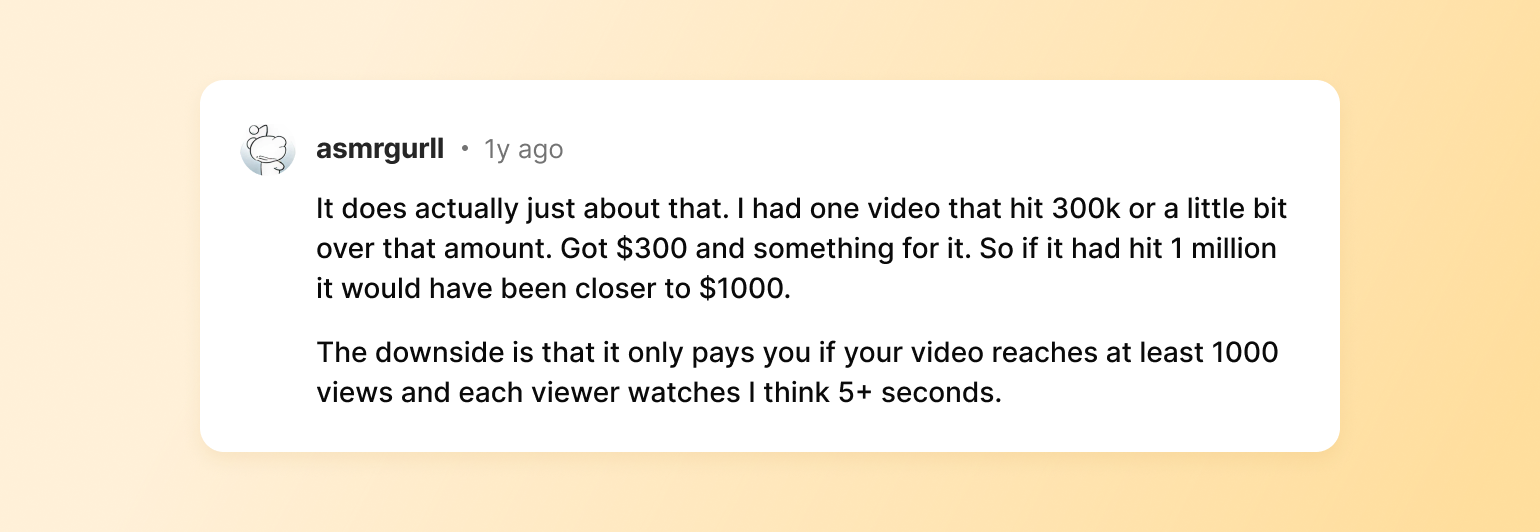
### How much creators earn with 10k, 50k, 100k, and 1M followers
Follower count doesn’t translate directly into income. Some creators with a large following earn consistently through UGC or affiliates, while others with hundreds of thousands earn very little from views alone.
Followers help with credibility and deal flow, but income depends far more on *how* a creator monetizes than on how large their audience is. This user on [r/advice](https://www.reddit.com/r/Advice/comments/1pcqh32/how_do_you_actually_make_money_from_tiktok/) thread said it best:
### Why “per view” payout charts are misleading
Most charts assume every view is paid, every creator is eligible, and payouts are stable. None of that reflects reality.
TikTok rewards performance unevenly, changes rules frequently, and pays based on qualified engagement. As a result, views are a weak predictor of income unless they’re connected to a broader monetization strategy.
## UGC & sponsorship income: Where most TikTok money really comes from
Let’s talk about UGC content and brand deals in a bit more detail because that’s where money is. According to the [2025 Creator Earnings Report](https://neoreach.com/quarterly-reports/creator-earnings-report-2025/), **brand deals remain the single largest revenue source for creators**, with nearly half earning most of their income from them.
### What brands pay for UGC (beginner → advanced)
If you decide to go down the UGC creator route, expect your earnings to vary based on a few key factors:
* Your experience and proof of performance
* Brand that’s contracting your services
* Usage rights
* Niche and expertise
* Video volume
That said, creators tend to fall into a few rough earning tiers:�
* **Beginner UGC creators** can typically expect to earn $100–$200 per video, often through one-off deals focused on testing content.
* **Intermediate UGC creators** often earn $200–$500 per video, with bundled deliverables and repeat clients.
* **Expert UGC creators** can charge $500+ per video, especially when content is licensed for ads, tied to retainers, or produced for higher-value brands.
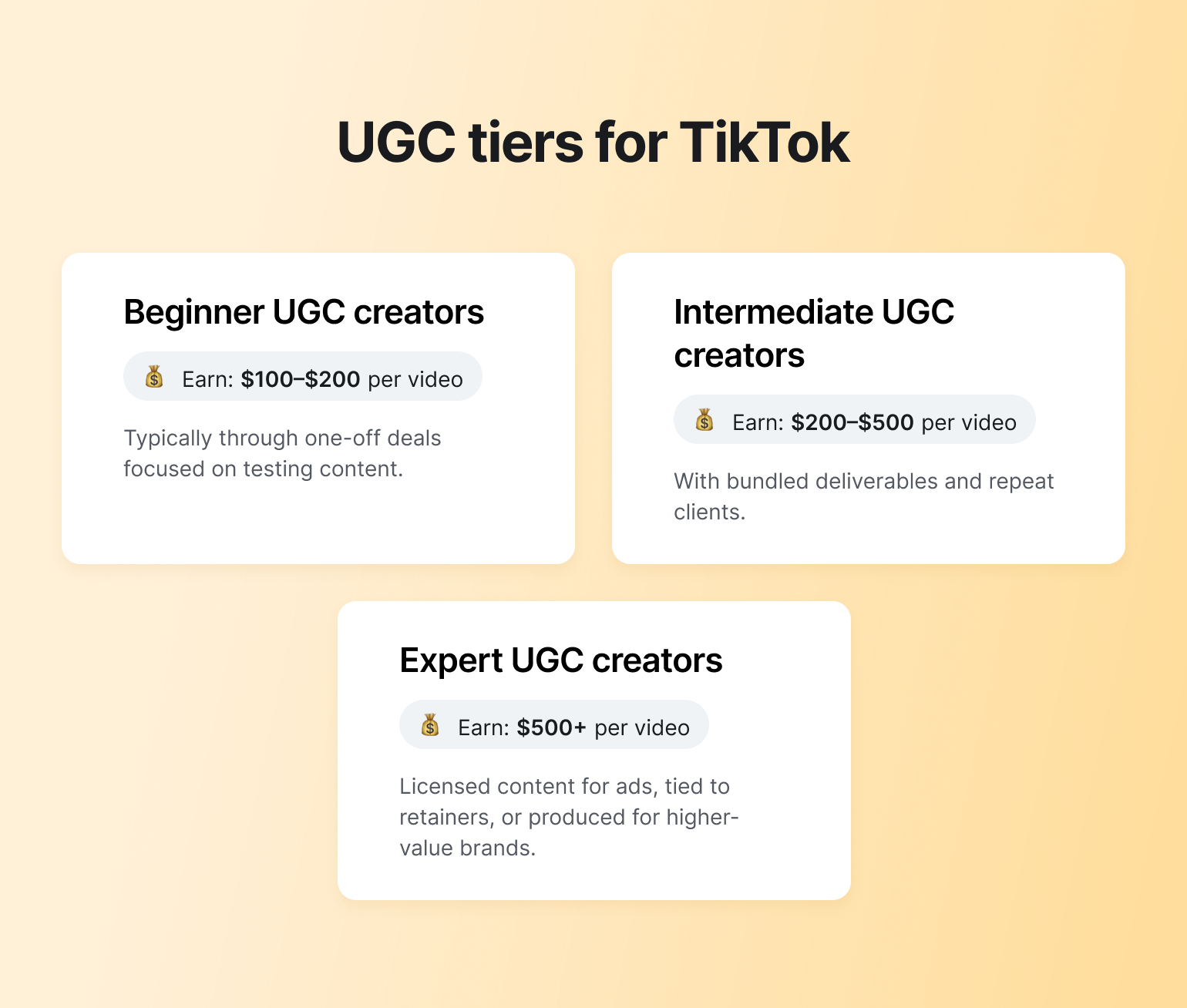
### Niches that command higher rates
Not all TikTok niches earn the same. Some attract higher-paying brands, stronger demand for UGC, and more consistent deal flow, while others struggle to monetize at all. Here are some of the most profitable ones:
* Personal finance & fintech
* Beauty & skincare
* Health, fitness & wellness
* Tech, apps & AI tools
* E-commerce & TikTok Shop products
* Education & skill-based content
* Home, lifestyle & organization
* Travel & experiences
**👉 A side note:** If you aren’t into any of these niches, don’t force yourself to create content around topics that are supposedly easier to monetize—you won’t build a sustainable business like that! Instead, look for the overlap between what you genuinely enjoy talking about, what you’re useful at (or actively learning), and problems people already pay to solve.
### How UGC rates compare to typical TikTok payouts
**UGC rates** operate on a fundamentally different economic model than TikTok’s platform payouts. With UGC, brands pay creators directly for content production (usually a fixed fee per asset or package) based on creative skill, niche relevance, and usage rights.
**TikTok payouts**, by contrast, are variable and performance-based. Earnings depend on qualified views, watch time, geography, and shifting monetization rules, which makes revenue volatile and difficult to scale predictably.
In practice, a single UGC deliverable can generate the same income as what you can earn from millions of views through TikTok’s native programs.
## Why TikTok alone can’t pay the bills
While becoming a UGC creator may sound good, the problem remains: TikTok’s payouts for views just aren’t that good. And there are a few reasons for that:
* **You can make more on long-form platforms like YouTube.** YouTube benefits from longer watch time, multiple ad placements, and higher advertiser intent, which allows creators to earn steadily from evergreen content. TikTok’s short-form, swipe-heavy format limits ad exposure, resulting in relatively small payouts.
* **Social reach is volatile.** According to [Circle’s 2026 Community Trends Report](https://circle.so/2026-community-trends-report), **32% of creators** are already experiencing declining reach, despite posting consistently. Algorithm changes, audience fatigue, and platform saturation mean that earnings can fluctuate a lot on social media.
* **There’s also a human factor.** You’re probably going into TikTok alone, trying to earn a living off it by yourself—and that comes at a cost. As per Circle’s data, **25.8% of creators report burnout**, driven by constant posting pressure (and yes, you need to post a lot on TikTok!), unstable reach, and the feeling that you can’t step away without losing momentum.
Taken together, there’s a massive platform risk—low payouts, volatile reach, and a constant grind just to make a few dollars from views. **Is there a silver lining?** Enter the TikTok → Email → Community monetization funnel.
## The TikTok → Email → Community monetization funnel
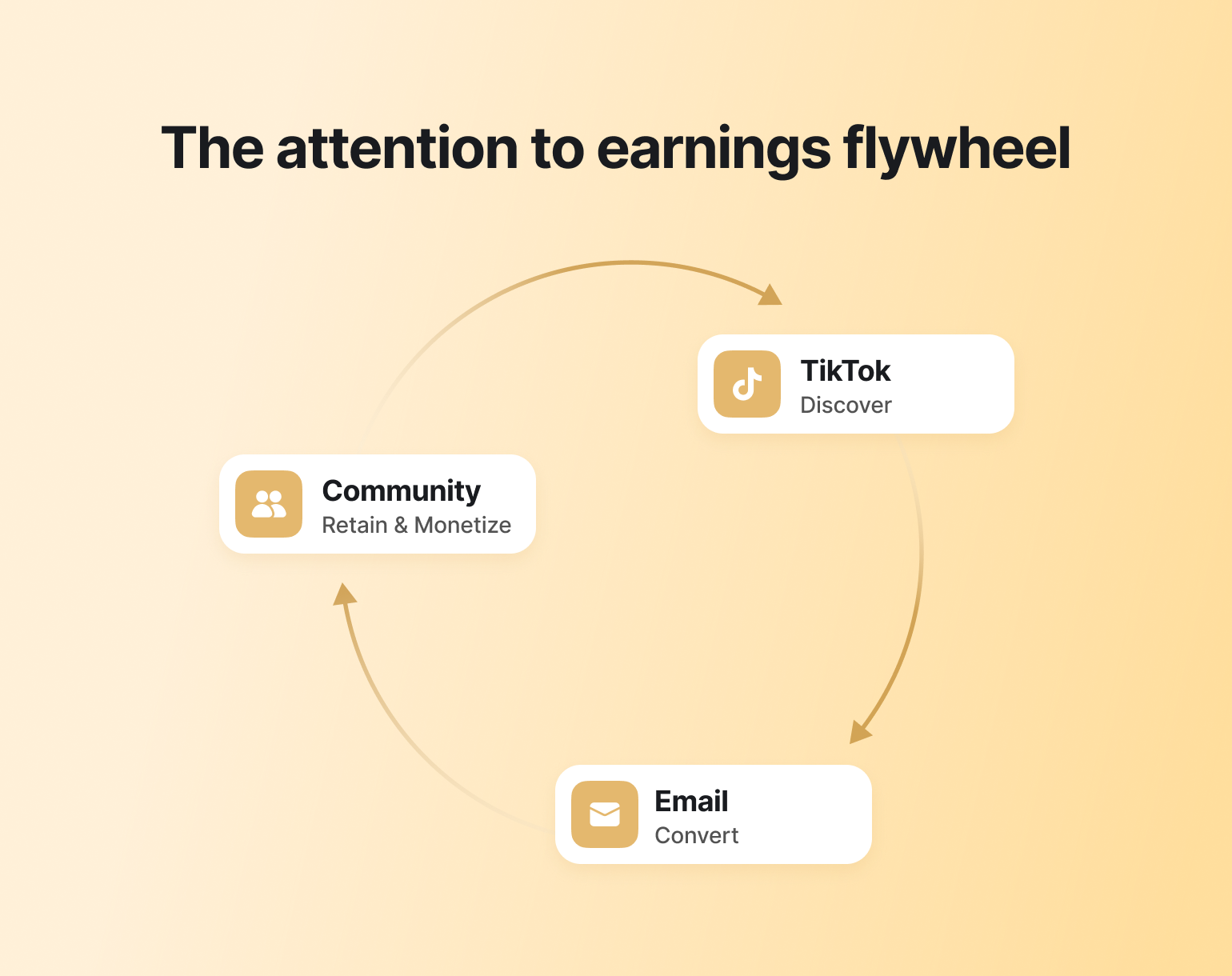
Something we can all agree on is that TikTok is powerful for reach, discovery, and momentum. Was it designed to be a stable income engine on its own? Not really. 🤷♀️ Can you still make money from it? Absolutely—but you have to approach it with a [different mindset](https://circle.so/blog/money-mindset-shifts-for-creators).
### Why TikTok is top-of-funnel, not the destination
TikTok excels at putting your content in front of new people fast. But reach is rented, not owned. The best way to treat TikTok? As a top-of-funnel channel, meaning using it for what it does best: **attention and discovery**, while accepting that long-term revenue has to live elsewhere.
### Capturing your best viewers with email
Once you achieve the main goal of TikTok (which is generating interest), you have to take your audience elsewhere. The most logical and easiest method? An [email list](https://circle.so/email-hub).
Email gives you a direct line to your most engaged followers, without relying on algorithms or fluctuating reach. It also lets you nurture trust over time and introduce offers, like courses, communities, or coaching, on your own terms.
### Converting fans into members, students, or coaching clients
Once you’ve captured attention and trust, the next step is giving your audience **a place to go deeper**. This is where memberships, courses, and coaching naturally fit—especially when they live in a space you control.
Building your community on a dedicated platform like [Circle](http://circle.so) makes that transition smoother. Instead of monetizing attention one TikTok video at a time, Circle lets creators package knowledge, access, and connection into memberships, [courses](https://circle.so/courses), and programs—under their own brand. Community [discussions](https://circle.so/discussions), structured learning, [events](https://circle.so/events), and content all live in one place, making it easier to increase lifetime value rather than chase the next spike in views.
The key distinction between TikTok-only revenue streams vs. community is that you have control. TikTok monetization is transactional and externally governed; owned communities are relationship-based and creator-governed.
Circle Partner and a community coach, [Rachel Starr](https://circle.so/partners/rachel-starr), after a TikTok ban scare, said it best:
�And that pretty much means—stop treating social platforms like TikTok as the place where your business lives. Because one day, it can just be taken away from you!
Want to hear Rachel’s full take on this? Check out her video below👇�
## Earnings scenarios for different types of TikTok creators
So what does making money *outside* of TikTok actually look like in practice? Let’s take a look at a few scenarios.
### The UGC-first creator
If you want to become a UGC creator, most of your income would come directly from brands in the form of fixed payments for agreed deliverables.
That means your **earnings would be driven by**:
* Client type (one-off vs. recurring)
* Deal quality (scope, rates, and usage terms)
* Brand maturity (experienced brands vs. first-time UGC buyers)
* Contract structure (project-based vs. retainers)
* Lifetime value of a client (repeat work plus upsells)
You can earn a solid income from UGC content creation. However, you can’t fully control how frequently brands book you or how consistently you attract higher-paying opportunities.
### The educator/expert
If you’re a niche creator with something to teach, income would primarily come from **courses and a paid community**. TikTok is where people would discover your ideas; revenue would be generated after viewers move off-platform into spaces you own.
Courses allow you to generate upfront revenue, while a community adds predictable, recurring income.
### The viral entertainer
For entertainers, the most logical path to monetization is **selling merchandise** that reflects your personality or what your account is about, or **doing sponsorship deals** where you feature a product or service in your videos for an agreed fee.
## How to choose your revenue mix as a TikToker
The question is really simple: how hands-on do you want to be? If not much, low-effort monetization strategies like affiliate links make the most sense. If you have more time and want long-term stability, building a course or starting a community is a far better move.
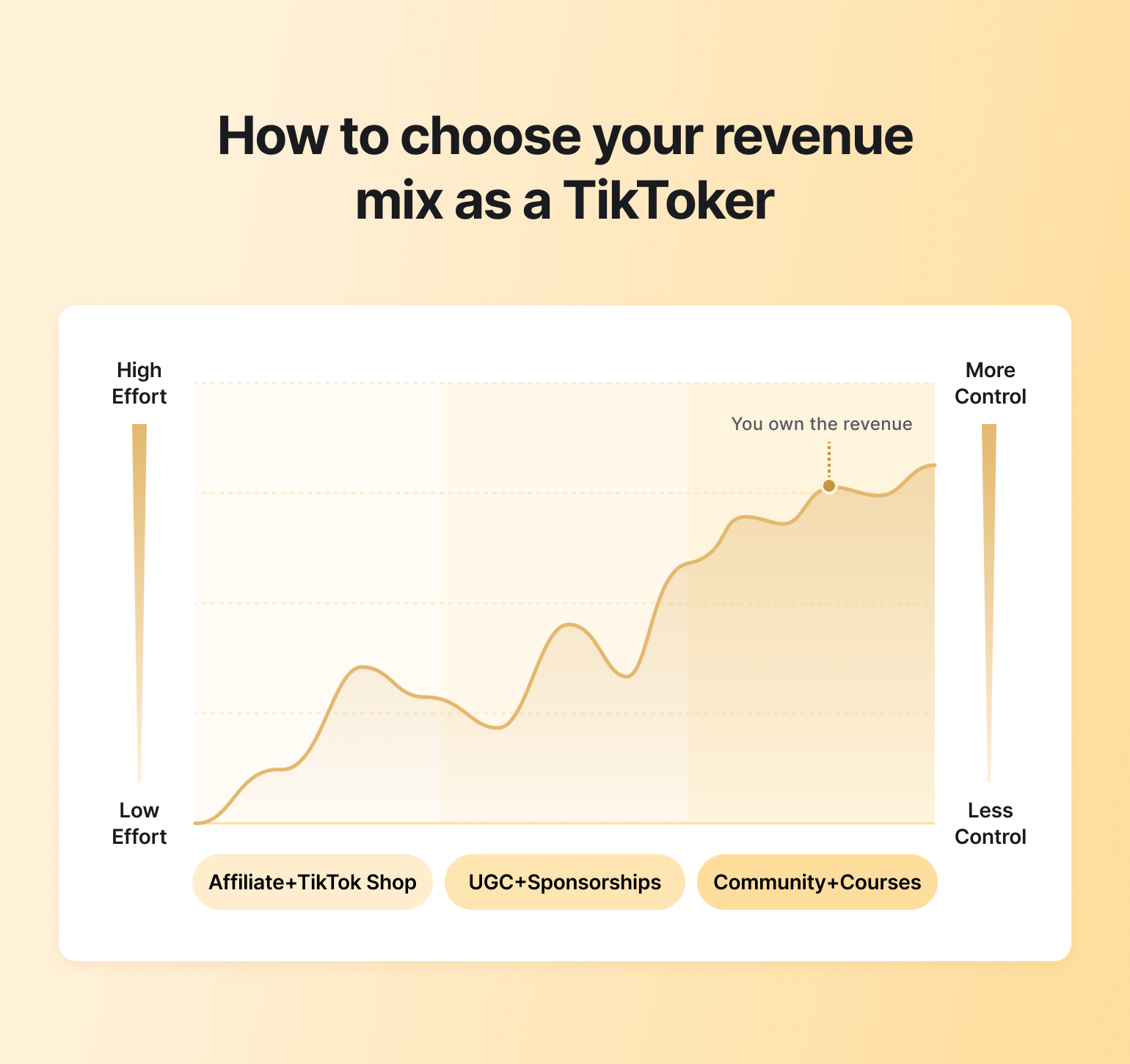
### Low-effort monetization (affiliate links, TikTok Shop)
This works best if you:
* Don’t want to build products or services
* Are comfortable promoting existing offers
* Prefer speed over control
**The downside**? Earnings fluctuate with reach, trends, and platform changes.
### Mid-effort monetization (UGC, sponsorships)
This is a step up in effort and income potential. You’re paid directly by brands for content, regardless of views.
This works best if you:
* Are strong on camera or creatively skilled
* Want higher payouts per project
* Don’t mind client work and negotiations
Income can be solid, but it’s still tied to deal flow and availability.
### High-leverage monetization (paid community + courses)
If you want to monetize your knowledge or a unique skill that you have, this is the most durable model for you. It works best if you:
* Have a niche, skill, or framework to teach
* Want recurring or scalable income
* Prefer owning the relationship with your audience
Courses create upfront revenue. Communities create ongoing income. Together, they reduce reliance on algorithms and posting volume.
## What TikTok creators can realistically expect to earn in 2026
If you rely on TikTok alone, expectations need to stay modest. Platform payouts are low and inconsistent, with most creators earning anywhere from **$20 to $400 per million views**, and many earning nothing at all.
If you diversify beyond the platform, earnings can certainly improve. Creators who add **UGC work, brand deals, affiliates, or sponsorships** can earn anywhere from a few thousand dollars a year to a full-time income, depending on niche, deal flow, and client quality.
If you build an owned audience ecosystem, the ceiling changes entirely. As per Circle’s research, 31% of creators running paid communities earn **between $10,000 and $250,000 annually**, which is by far better than relying on views or brand deals alone.
## Next steps
If you’re ready to take the leap into monetizing your TikTok audience in a more sustainable way, now is the best time to do it. Circle is built specifically for creators who want to turn attention into ownership—by launching paid communities, hosting courses, and building recurring revenue without relying on algorithms.
Stop chasing views and virality! Instead, build a space you control, deepen relationships with your audience, and monetize in ways that compound over time.
[Try Circle for free for 14 days!](https://app.circle.so/communities/new)
## FAQs
Can you make a living off TikTok?
Yes—but for most creators, not from TikTok alone. Platform payouts from views are low and inconsistent, so relying solely on the app makes earning a full-time income difficult. Creators who do make a living typically diversify with brand deals, UGC work, affiliates, products, or by monetizing audiences off-platform through courses or communities.
Does TikTok pay monthly?
Yes, TikTok generally pays creators on a monthly basis, but only if certain requirements are met. Earnings are calculated over a monthly period and paid out after the month ends, as long as you've completed the required setup (such as linking a payment method), meet the minimum payout threshold, and your account remains eligible. If any of these conditions aren't met, payments may be delayed or held until they are.
Who is the highest-paid TikToker?
As of 2025, it is estimated that the top three [highest-paid TikTokers](https://www.dashsocial.com/blog/highest-paid-tiktokers) are:
* [Charli D'Amelio](https://www.tiktok.com/@charlidamelio) – \~$17.5 million
* [Dixie D'Amelio](https://www.tiktok.com/@dixiedamelio) – \~$10 million
* [Addison Rae](https://www.tiktok.com/@addisonre) – \~$8.5 million
Their income comes largely from brand deals, businesses, media projects, and careers built beyond TikTok itself.
---
### How much do YouTubers make in 2026?
*How much money can you make on YouTube in 2026? This guide breaks down creator earnings, common myths, and how to make money beyond ads.*
Source: https://circle.so/blog/how-much-do-youtubers-make
If you’ve ever searched “how much money do YouTubers make,” you’ve probably seen wildly different answers. That’s because YouTube income isn’t a single number—it depends on niche, audience, geography, and how creators monetize beyond the platform.
If you’re toying with the idea of starting a YouTube channel and dreaming of growing it as big as ex-doctor-turned productivity expert [Ali Abdaal](https://circle.so/blog/building-a-core-offer), keep reading. In this guide, we’ll look at real earnings, common myths, and what sustainable YouTube income actually looks like today.
## How much do YouTubers really earn in 2026?
In 2026, most YouTubers will earn some money, but only a minority make a stable full-time income from ads alone. Early-stage channels (under \~20,000 monthly views) often earn $20–$300 a month, growing creators (50,000–150,000 monthly views) earn around $400–$1,500, and established channels (\~250,000+ monthly views) can make $2,000–$5,000+.
Consistent $10,000+ monthly incomes usually come from sponsorships, products, or courses, not AdSense alone.
### Why averages are misleading (RPM ≠ income)
Averages flatten reality. When people quote YouTube earnings, they’re usually referring to RPM (revenue per 1,000 views), but RPM alone doesn’t translate cleanly into income.
RPM can vary widely based on:
* Niche
* Audience location
* Content format
* Video length
* Seasonality
A creator earning $3–$5 RPM might make a few hundred dollars a month even with steady views, while another earning $10–$15+ RPM can reach the same income with far less traffic.
RPM behaves a lot like a search engine. It rises and falls based on advertiser demand. For example, back-to-school content about parenting or college prep may see RPM increase in late summer when brands are actively competing for attention. Finance and tax-related videos often spike in the first quarter of the year. Even something niche, like tutorials about fixing a specific kitchen sink model, can see temporary RPM jumps if there’s a product recall or sudden search surge.
Because advertiser demand shifts throughout the year, a “good” month doesn’t necessarily repeat. That’s why RPM alone is a poor predictor of reliable income.
### The real driver: combining revenue streams
Creators who earn consistently tend to rely on more than one income source. Instead of treating YouTube ads as the business model, they treat them as one input.
That shift matters more than ever. According to [Circle’s 2026 Community Trends report](https://circle.so/2026-community-trends-report), **32% of creators report declining reach on social platforms**, even when they continue publishing consistently. When distribution becomes less predictable, relying on a single revenue stream tied to views becomes increasingly risky.
Creators with more stable income typically combine ad revenue with other monetization paths, such as:
* Sponsorships
* Affiliate income
* Digital products
* Memberships
**Put simply:** sustainable YouTube income today depends less on ads and more on diversification across the same audience.
## The main ways YouTubers make money in 2026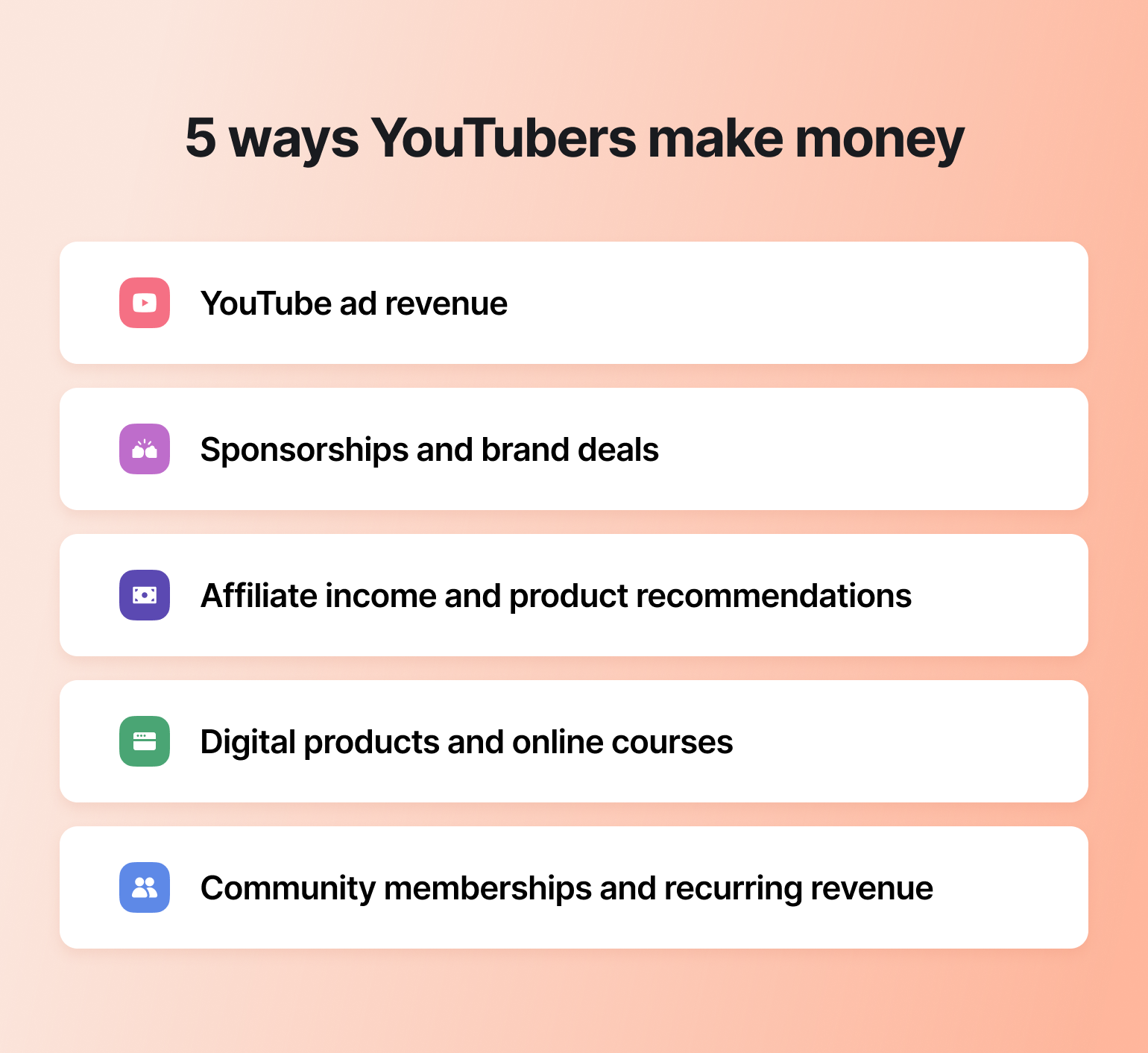
Most YouTubers who earn consistently do so by combining several income streams. Some are built directly into YouTube, while others live outside the platform.
### YouTube ad revenue
Ad revenue is usually the first income stream you can unlock. Once your channel is monetized, ads run on videos, and you earn a share of that revenue.
At a macro level, ads are massive. YouTube has shared that it has paid out more than [$100 billion](https://www.cnbc.com/2025/09/16/youtube-creators-pay.html) to creators, artists, and media companies over the last 4 years, which speaks to the scale of the ecosystem and the role ads continue to play.
At the individual level, though, ad revenue behaves very differently. Earnings rise and fall with views, watch time, and distribution. That makes income difficult to predict month to month.
### Sponsorships and brand deals
Sponsorships involve partnering with brands to feature products or services inside videos. These deals tend to depend more on audience trust and niche alignment than raw subscriber count.
When the fit is right, [brand deals](https://circle.so/blog/brand-partnerships) can be meaningful. But they’re rarely consistent. Budgets shift, campaigns pause, and seasonal slowdowns happen. Plus, as a creator, you can’t really control any of these factors.
### Affiliate income and product recommendations
Affiliate marketing lets creators earn commissions by recommending tools or products they already use. Links typically live in video descriptions or are mentioned naturally within content.
This model works best when viewers trust the recommendation and are already problem-aware. Affiliate income can compound over time, but it still depends on viewer decisions that creators can’t fully control.
### Digital products and online courses
[Digital products](https://circle.so/blog/digital-product) and [courses](https://circle.so/blog/create-online-course) let you monetize your expertise directly. Instead of earning per view, you earn by helping viewers achieve a specific outcome.
**For many creators, this is where income becomes more** ***intentional.*** You can launch a product and continue to improve it over time while content on YouTube continues to drive interest without requiring constant promotion.
### Community memberships and recurring revenue
Community memberships focus on ongoing value rather than one-off transactions. You can turn your YouTube [audience into a business](https://circle.so/blog/audience-growth) by offering them a space for discussion and direct fan support in exchange for recurring payments.
This model shifts income away from algorithm-driven spikes and toward longer-term relationships. Communities often become the center of your digital business, with YouTube acting as the top of the funnel that brings new people in.
## How YouTube’s monetization program actually works
As we said earlier, earning income through YouTube ads is the first step in monetizing your presence on the platform. And like anything else, it helps to understand how YouTube’s monetization system actually works.
We’ve covered this in-detail in our guide to [calculating your YouTube earnings](https://circle.so/blog/calculate-youtube-earnings), but here’s a quick low-down👇
### The Partner Program basics
To earn money directly from YouTube, you need to be accepted into the YouTube Partner Program.
To qualify, you currently need:
* At least 500 subscribers
* Three valid uploads
* Either 3,000 public watch hours in the last 12 months *or* 3 million public Shorts views in the last 90 days
Once accepted (and as your channel continues to grow), you unlock access to monetization features such as ads, channel memberships, Super Chats, Super Thanks, and YouTube Premium revenue sharing.
### Shorts monetization vs. long-form monetization
Shorts and long-form videos are monetized very differently.
Long-form content earns through ads shown on individual videos. Payouts are tied to watch time, viewer behavior, and advertiser demand. This model tends to reward longer, more evergreen content.
Shorts monetization works through a shared revenue pool funded by ads shown between Shorts. Earnings are based on how your content performs relative to others in the pool. Shorts are powerful for reach and discovery, but income is usually less predictable on its own.
### What YouTube Premium pays (and why it’s rising)
When YouTube Premium members watch your content, you earn a share of subscription revenue instead of ad revenue. Payouts are based on watch time.
As more viewing shifts toward subscriptions and connected TVs, Premium has become a quieter but growing part of how creators earn on YouTube.
## How much YouTubers make by views & subscribers
To move past anecdotes, it helps to look at real numbers. We reviewed recent creator disclosures on Reddit and YouTube itself to understand how earnings typically scale with views and subscribers. Here’s what we found:
### Earnings per 1,000 views
For most monetized channels, earnings per 1,000 views typically fall between **$10 and $22 RPM**, depending on niche, audience, and retention.
One [Redditor](https://www.reddit.com/r/NewTubers/comments/1q68215/how_much_is_everyone_actually_making_on_youtube/) who runs a lifestyle channel with an older (65+) audience, shared that they earned around $400 from roughly 17,700 views in a strong month. That works out to **about $22 per 1,000 views**, which is on the higher end and reflects strong audience loyalty and demographics.
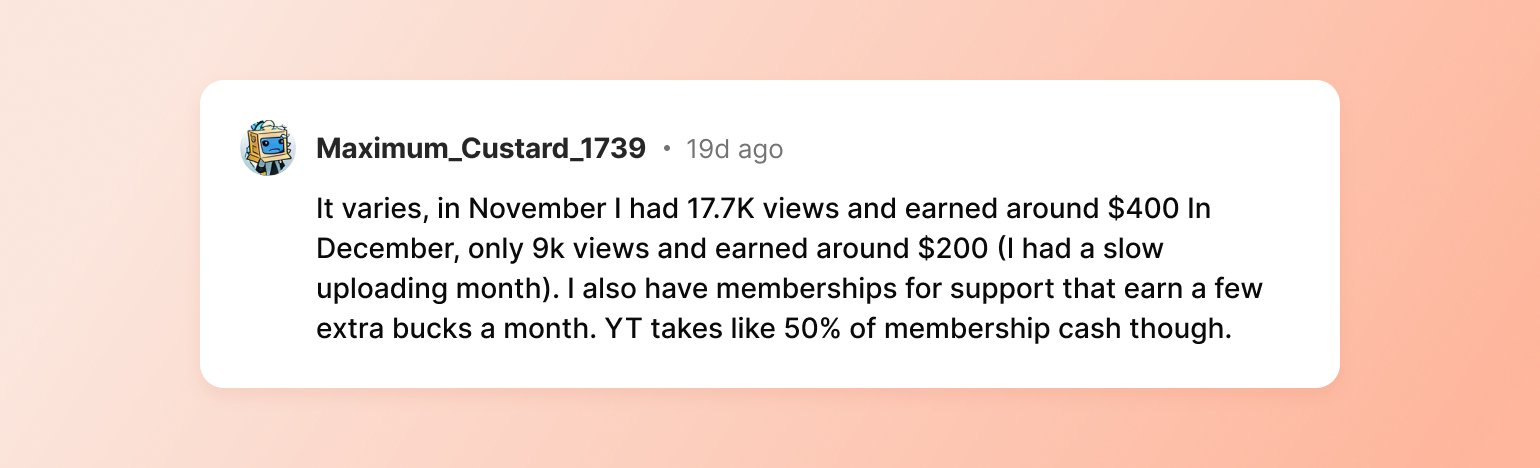
Another creator reported an RPM of **$12 to $15**, which they noted is already considered high and more common in niches with strong advertiser demand.
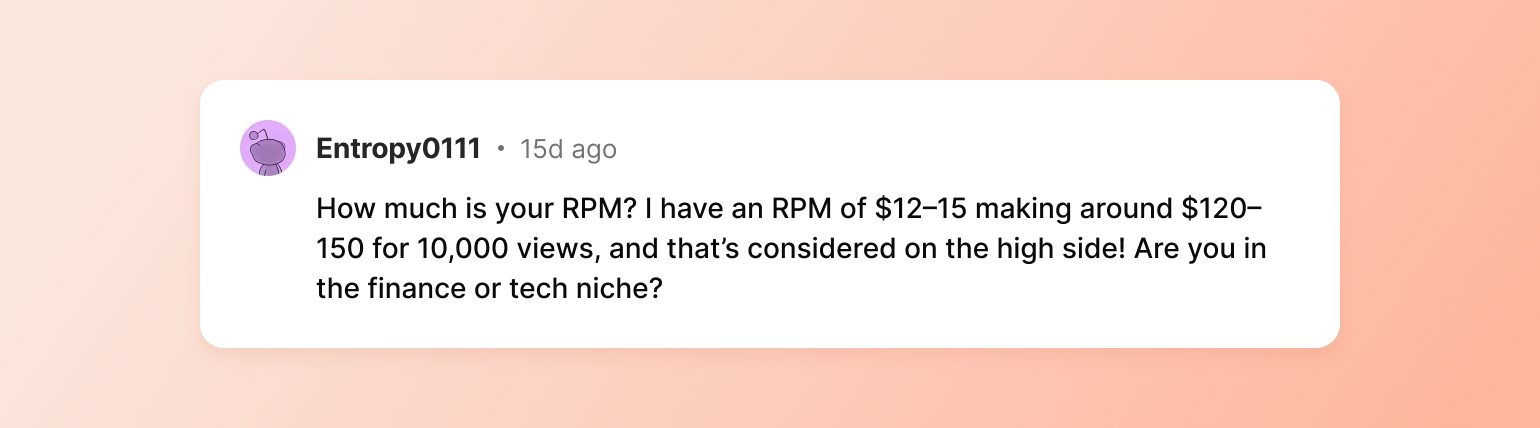
The takeaway: even at the same view count, RPM can vary significantly based on who’s watching and how advertisers value that audience.
### Earnings per 1 million views
Once channels cross into the 1-million-views range, earnings start to diverge even more.
One creator passed 1 million total views with around 9,000 subscribers. They earned approximately **$4,500 in one month**, followed by **$3,500** the next.
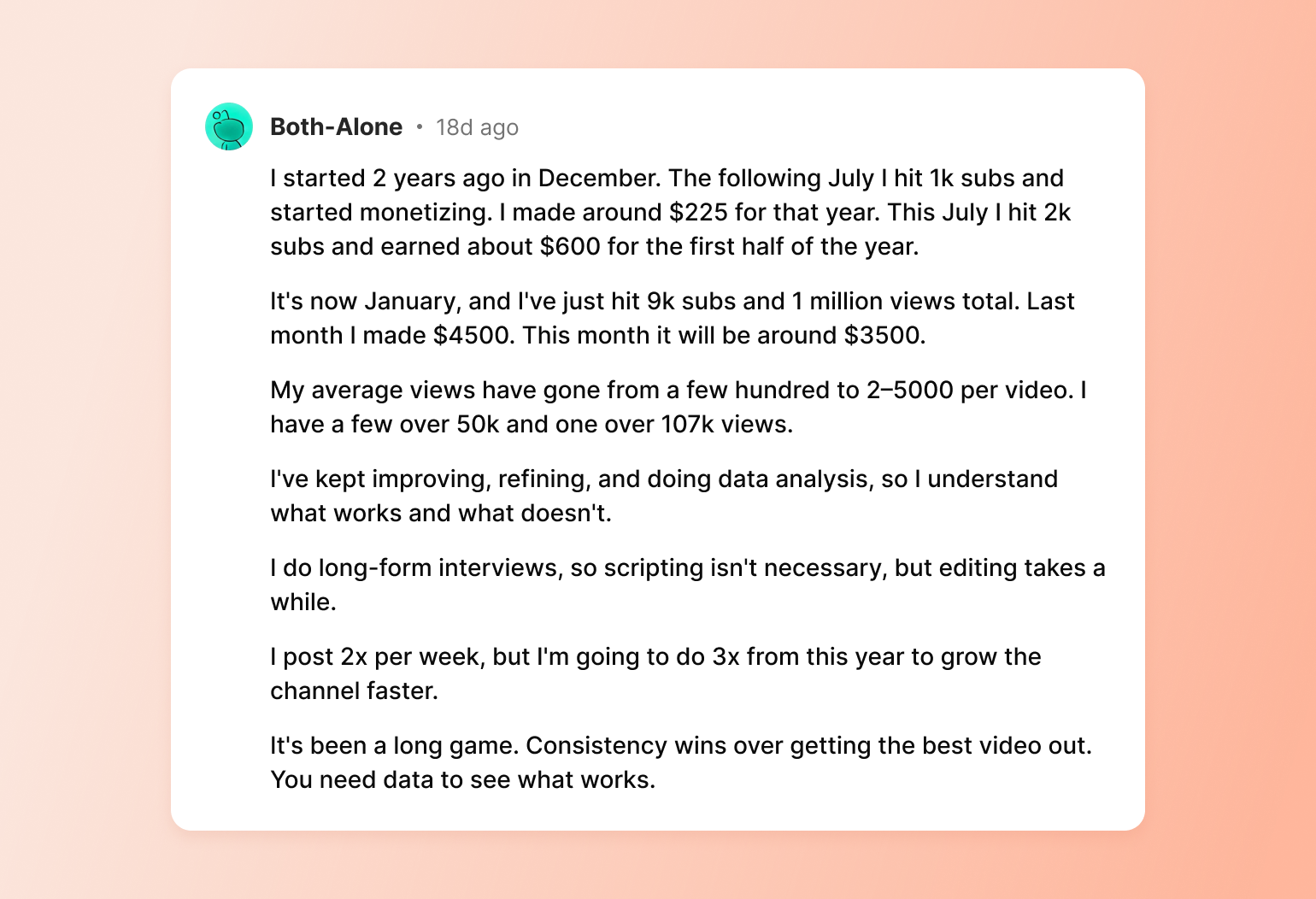
What’s notable is that this wasn’t driven by a single viral hit. Their average videos now pull 2,000–5,000 views, with several over 50,000 and one crossing 100,000 views.
At the higher end, the earnings spread widens even more. [Pat Flynn](https://circle.so/customer-stories/spi-community), founder of the [Smart Passive Income](https://www.smartpassiveincome.com/community/) community, has shared multiple real examples showing just how different outcomes can be at the same view count.
In one case, a long-form video with 1 million views generated nearly **$30,000 in revenue**. Another 1-million-view video earned around $9,000, while a third brought in $3,700 for the same number of views. Same creator. Same platform. Vastly different results.
### How much creators earn at 1k, 100k, and 1M subscribers
Another way to look at YouTube income is by subscriber milestones.
At around **1,000 subscribers**, you unlock monetization. One Redditor shared that after just 10 days of being monetized, posting one long-form video per week, they earned **$135**.
For most creators at this stage, earnings typically fall in the **$20 to $150 per month** range, depending on views, niche, and consistency.
At 100,000 subscribers, income often moves into the four- to five-figure annual range. For example, a money education channel, [According to Nicole](https://youtu.be/jO2aUbOUleI?si=6gB1WzeU8MSeskJy), earned **$58,929 CAD** (about **$43,000 USD**) in AdSense revenue over a year with roughly 100,000 subscribers. Mind you, finance-related niches are among the highest-paying on YouTube.
At the 1M+ subscriber level, YouTube income can become substantial, especially in high-value niches. [Codie Sanchez](https://circle.so/blog/how-to-find-your-niche), a serial entrepreneur, community builder, and CEO of [Contrarian Thinking](https://www.contrarianthinking.co), who has 17 different income streams, earned around $360,000 from YouTube AdSense in 2024 alone.
## What most YouTubers really earn based on creator data
Two patterns show up quickly when you look at real-world creator earnings.
First, **ad revenue varies wildly**—even at similar view counts. Second, **most creators don’t rely on YouTube alone**. Ads tend to make up just one piece of a much larger income picture.
Neither of those should come as a surprise.
### Why creators rely on multiple income streams
For most creators, ad revenue alone isn’t stable enough to rely on. Codie is a good example of that—she has over 17 sources of income 😱. And that’s because if you’re looking to build a sustainable business, you can’t rely on views or clicks alone. Ad income fluctuates, which makes it hard to predict or plan around.
Building multiple streams of income—whether through affiliates, digital products, merch, or sponsorships—helps smooth out the volatility that comes from ads. It also allows you to reduce dependency on a single platform for income.
### The early-stage reality: most creators earn under $10K
The early stages of a YouTube channel are slower and less profitable than many people expect. That pattern mirrors the broader creator economy. According to Circle’s 2026 Community Trends Report, many digital creators are either pre-revenue or earn under $10,000.
Reaching beyond that level usually requires sustained experimentation, including:
* Testing new content ideas
* Improving thumbnails
* Tightening titles
* Looking at data to learn what earns clicks and making sure your videos are actually watched till the end
Some experiments will work. Some won’t.
If you stick with it, you’ll start to see clear patterns in what resonates with your audience—and thus, more about your audience overall. But long-term, the goal for many creators isn’t ads alone. It’s about laying the groundwork for monetization that gives you more control and stability.
### Burnout, solo founders, and platform risk
There’s also a very human constraint at play. Circle’s research shows that **48% of creators operate solo**, managing content, growth, and monetization without a team.
Doing everything alone for long enough often leads to burnout. In fact, **25.8% of creators** cite burnout as a barrier to growth. For YouTubers whose income depends on constant output, that pressure compounds quickly.
Add shifting algorithms and declining reach, and maintaining momentum becomes harder. This is often the breaking point where creators start looking at monetizing beyond YouTube.
Realistic earnings scenarios for different types of YouTubers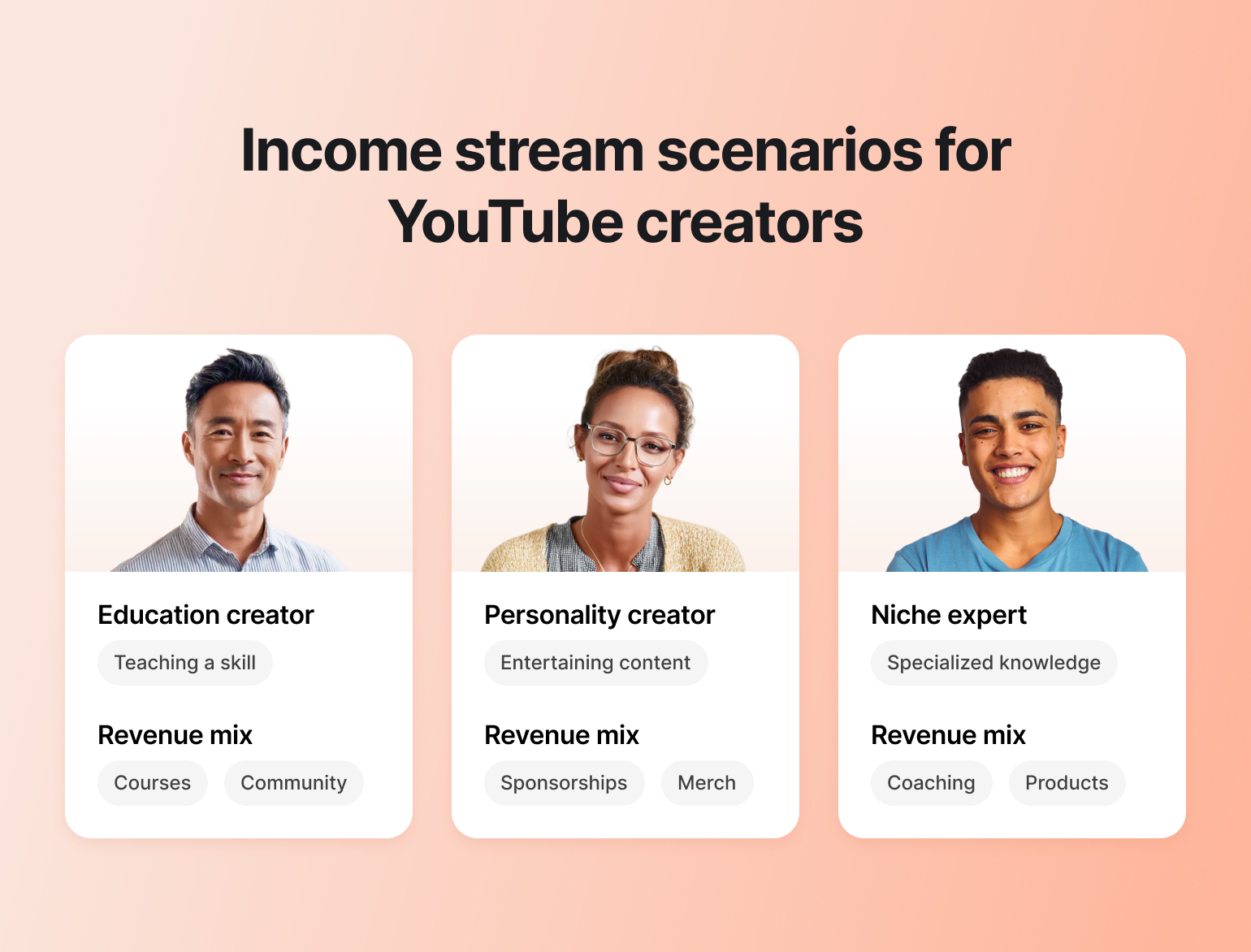If you’re trying to understand what *you* could realistically earn on YouTube, it helps to think less about subscriber milestones and more about **what you’re actually teaching or offering your audience**. Let’s go over a couple of scenarios!
### The education creator (YouTube → course → community)
If your channel teaches a repeatable skill, courses and community are often the most natural next step.
Take [Ultraspeaking](https://www.youtube.com/@Ultraspeaking/)—a YouTube channel focused on helping people feel confident on camera and in high-pressure speaking situations. The videos break down ideas, frameworks, and mindset shifts. Their main monetization model? Cohort-based courses teaching [on-camera confidence](https://circle.so/blog/how-to-be-confident-on-camera) skills + coaching (all on Circle).
If you teach a skill—whether that’s communication, design, fitness, or coding—this model applies directly to you. Use YouTube as the attention engine. Then offer structured programs that help people go from knowing to doing. Over time, you can layer in a community to tie it all together.
### The personality creator (YouTube → sponsorships → merch)
If your channel is built around your personality, point of view, or entertainment value, you can monetize it through brand sponsorships and merchandise.
Brands pay you to feature or mention their product because your audience trusts you and pays attention to what you recommend. Merch, meanwhile, comes next as a way to turn that attention into owned revenue, letting your audience support you directly by buying products that reflect your identity, humor, or values.
### The niche expert (YouTube → coaching → digital products)
If your channel is built around a specific skill or domain expertise, use YouTube to publish educational content that solves real problems and builds trust with viewers who want deeper, more personalized help.
Take Kristen Bousquet, creator monetization coach and founder of [Soulcial Suite](https://www.yoursoulcialmate.com/membership). On [her YouTube channel](https://www.youtube.com/@KristenBousquet), she shares practical guidance on brand deals, pricing, positioning, and creator income. Her content solves a clear problem: **helping creators land consistent, well-paid partnerships**. Instead of relying on AdSense alone, Kristen built a layered business around that expertise.
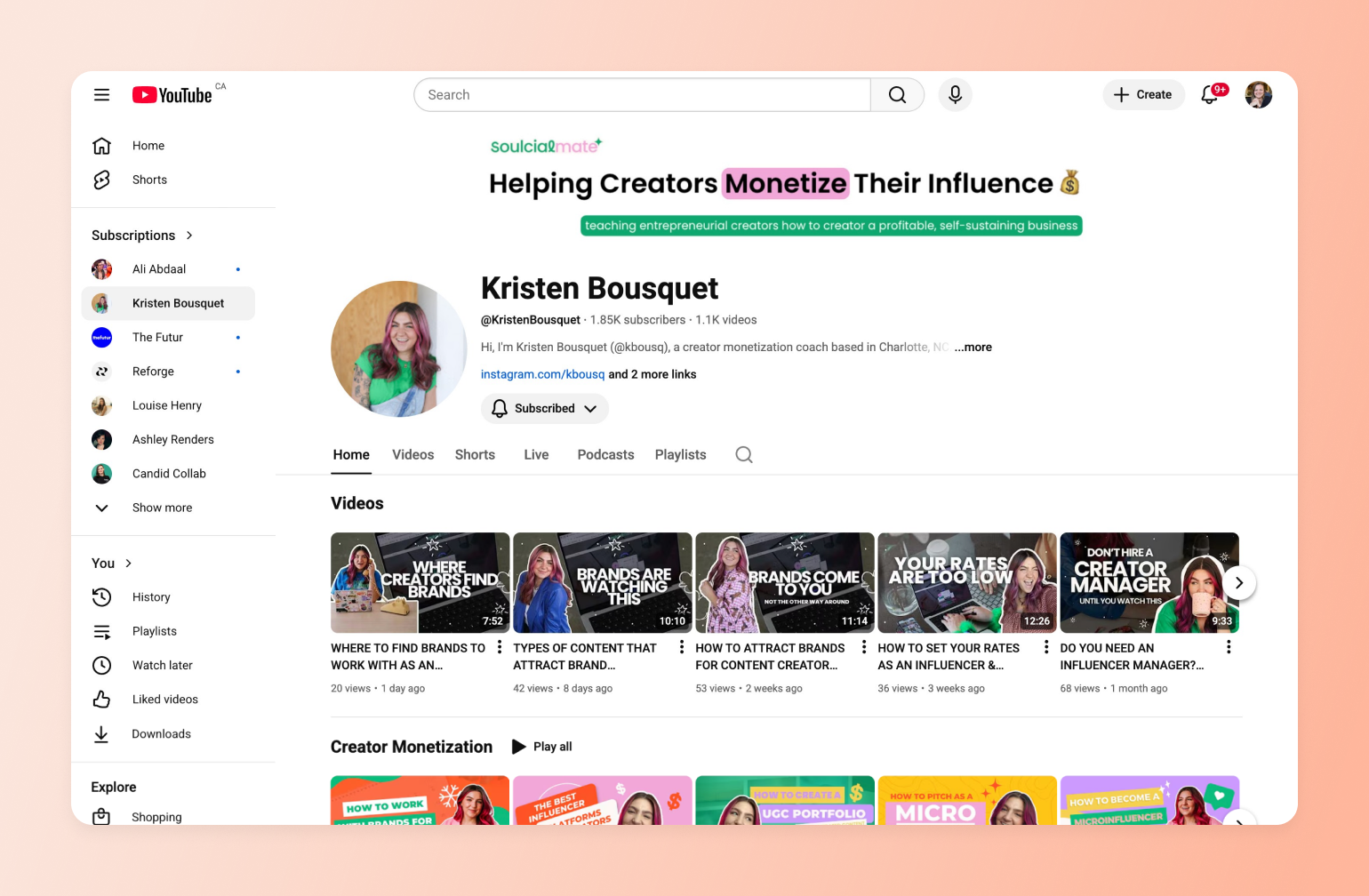
She offers structured education through her Brand BFF course, live [coaching calls](https://circle.so/blog/group-coaching), and accountability challenges. Then she brings it all together inside Soulcial Suite—a paid membership community.
YouTube drives discovery. Coaching deepens transformation. The community creates recurring revenue. Over time, this model becomes more stable than views alone. Instead of earning only when a video performs, you earn by helping a specific audience solve a specific problem—at scale and in a space you control.
## The Off-YouTube monetization engine (where income actually becomes sustainable)
If you want to reduce pressure and build a more predictable income, you need to find ways to monetize your YouTube audience beyond ads. Broadly speaking, there are three paths. Most creator businesses usually use a mix of all three.
### Selling courses and digital products to your audience
One option is selling a course or digital product. If you have a niche skill, a repeatable process, or a system that’s helped you achieve a clear outcome, you can package that knowledge into something you sell more than once.
[Sean Cannell](https://circle.so/blog/youtube-content-strategy), a YouTube strategist whose passion for video helped him go from broke and jobless to building a thriving seven-figure business, did exactly that.
He used YouTube to publish practical, search-driven videos about video creation and gear, building trust with creators long before selling anything. As his audience grew, he turned that attention into courses, a book, and a [paid education community](https://go.thinkmedia.com/122k-views-join-vra-evg) under the [Think Media](https://www.youtube.com/THiNKmediaTV) brand.
YouTube remained the discovery engine. His products became the foundation of the business.
> "A lot of creators struggle because they need a business and marketing mindset, and a lot of business and marketers struggle because they need the creator mindset."
>
> — Sean Cannell
### Building a paid community for recurring revenue
For many creators, the most sustainable layer of their business is a community. Just like Sean did, many YouTubers eventually explore this option as a way to move beyond ad revenue. The main advantages?
* First, communities create **recurring revenue** from members who choose to stay month after month.
* Second, **communities deepen your relationship with your audience**. You move beyond likes and comments into real conversations, ongoing feedback, and a clearer understanding of what your most engaged viewers actually need.
Building your community on specialized platforms like [Circle](https://circle.so) can really pay off. Circle gives you one place to host paid communities, [discussions](https://circle.so/discussions), [courses](https://circle.so/courses), [events](https://circle.so/events), and content—so your audience isn’t scattered across tools or platforms you don’t control. That makes it easier to deepen engagement, understand what your members value most, and turn attention from YouTube into recurring, sustainable income.
Alongside memberships and discussions, you get tools like a [website builder](https://circle.so/website-builder), [email marketing automation](https://circle.so/email-hub), [analytics](https://circle.so/analytics), and even a [branded app](https://circle.so/plus)—so you can grow your community like a real business, not a side project.
**The best part?** Everything lives under your own brand, in a space you control, meaning changes to YouTube algorithms don’t dictate your income.
### Turning YouTube attention into a business (The YouTube → community flywheel)
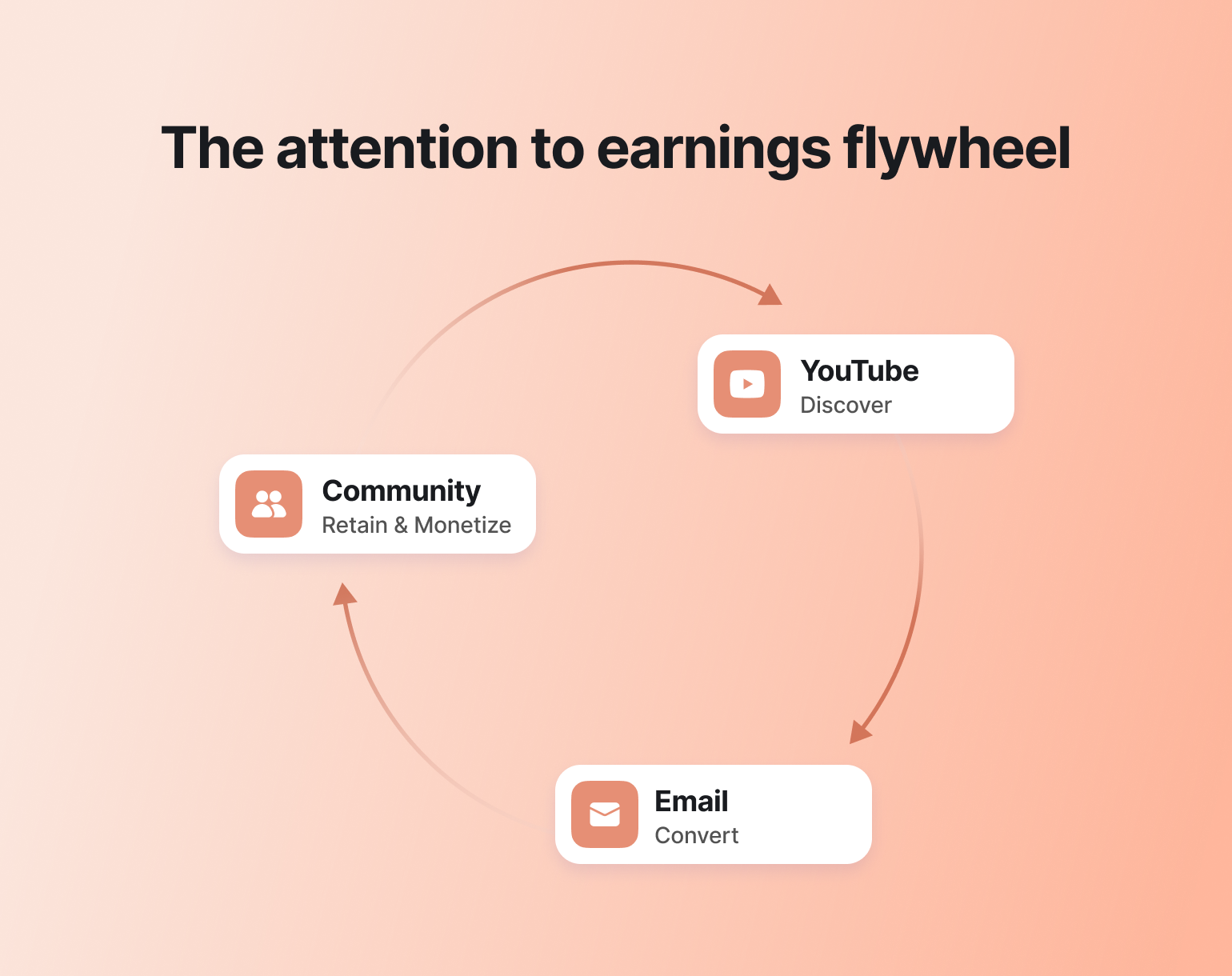
If you look across all of the scenarios above, a clear pattern emerges. The creators who build a stable income don’t rely on YouTube in isolation. They use it intentionally—as the top of a system that moves people toward deeper, owned relationships.
That system is what we’ll call the **YouTube → community flywheel**.
### Capture attention with YouTube
Treat YouTube as your discovery engine. This is where new people find you, often for the first time, through search, recommendations, or shared links.
As per Circle’s data, **67% of new members discover creators through social platforms**, which makes YouTube ideal for reaching audiences who don’t know you yet. Your goal is to put out [content that earns trust](https://circle.so/blog/content-monetization) before asking anything in return.
### Convert with email (the stability point)
Once YouTube has done its job and captured attention, your next move is turning that attention into something you own. For most creators, that’s email.
Unlike social platforms, email isn’t affected by algorithm shifts or reach drops. When someone joins your list, you can reliably reach them to share new content, test ideas, and introduce offers over time. In other words, email becomes the connective tissue between discovery and monetization, and the foundation that makes the rest of the flywheel work.
### Retain & monetize with community
The *crème de la crème* of monetization is a community. This is where you create a dedicated space for your audience to get involved, not just consume. Members can:
* Ask questions
* Share wins
* Join live sessions
* Connect with others who care about the same things they do
Instead of relying on one-off views or launches, you build an ongoing relationship (in a space you control) with the same people over time, which helps you build sustainable income over time.
### Why this protects creators from algorithm volatility
When your income depends entirely on views, you’re at the mercy of systems you don’t control. A tweak to YouTube’s algorithm, a drop in reach, or a slow ad season can undo months of momentum overnight.
Meanwhile, off-platform monetization allows you to **own the relationship with your audience**. You still benefit from YouTube’s reach, but your income isn’t tied to whether a video gets pushed this week or not.
## How to choose your revenue mix as a YouTuber
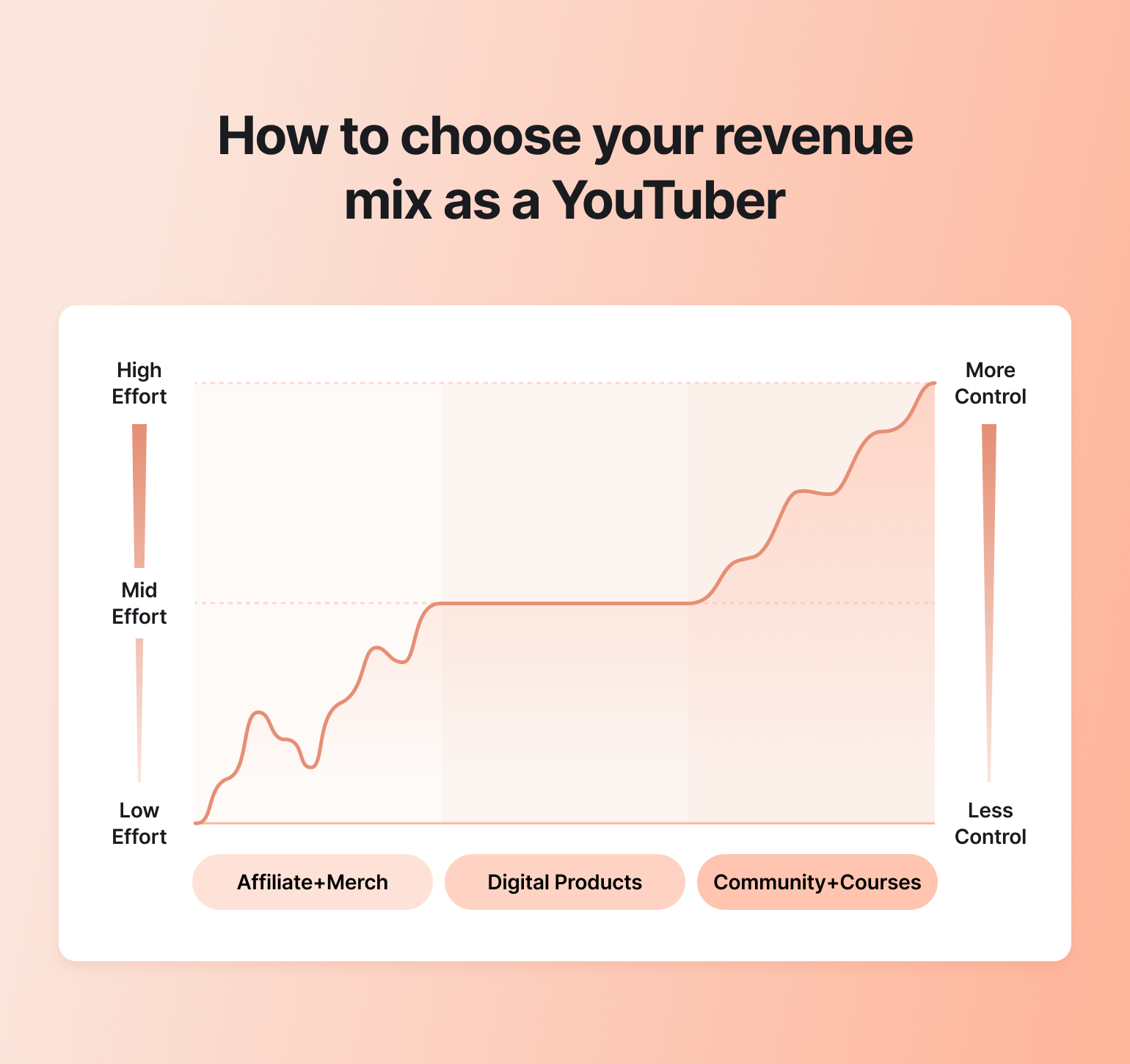
Once you understand the YouTube → email → community flywheel, the next question is: *how should you actually monetize your YouTube audience?*
The answer depends on three things:
* Your available time
* What makes sense for your audience
* How hands-on you want your business to be
You don’t have to commit to one path forever. Most creators start with what’s easiest, then layer toward what’s more sustainable.
### The low-effort path (affiliate + merch)
This path works best when you have steady views and strong audience trust, but limited time.
Affiliate income lets you earn by recommending tools or products you already use. Merchandise adds a simple way for fans to support you and signal belonging.
The upside is speed. You can set this up quickly and start earning without building much infrastructure. The downside is volatility. Income depends on traffic, seasons, and external partners, which makes it difficult to predict month to month.
### The mid-effort path (digital products)
Digital products sit in the middle. Think guides, templates, workshops, or short courses that solve a specific problem your audience already asks about.
These take more upfront work, but they scale better than affiliates or merch. Once created, you can sell them repeatedly and refine them over time. This path works well when your channel teaches something practical and repeatable.
### The sustainable path (community + courses)
Communities and courses offer the most long-term stability. They require more involvement, but they also give you more control.
For many creators, this becomes the foundation that everything else feeds into. YouTube drives discovery. Email builds the relationship. Courses and community turn that relationship into predictable revenue.
## Final thoughts
In 2026, the biggest shift is not how much creators can earn, but *how* they earn it.
More YouTubers are becoming creator-entrepreneurs. They use the platform for discovery, then build real businesses around their audience. Relying on ads or a single revenue stream is simply too fragile.
Stable creator income today is layered. YouTube brings attention. Email creates a direct connection. Products, courses, and communities generate predictable revenue. The creators who earn consistently are not building on platforms they don’t control. They own the relationship and monetize it in spaces designed for long-term growth, like **Circle**.
## FAQs
Can small YouTubers make money?
Yes, [small YouTubers can make money](https://circle.so/blog/youtube-content-strategy), but you should manage your expectations carefully. Many early-stage creators earn modest amounts from ads, often ranging from tens to a few hundred dollars per month. The real opportunity comes when you stop treating YouTube as a business and start treating it as the entry point.
If you’re helping people solve a niche problem or learn a skill, you can start monetizing through digital products, courses, or a community. These revenue streams can provide more sustainable income than ads alone.
What are the highest-paying niches on YouTube?
According to [OutlierKit's 2026 data](https://outlierkit.com/blog/most-profitable-youtube-niches), the top 5 consistently high-paying niches are:
* Betrayal & revenge narratives (RPM \~$12.82, CPM \~$20–25)
* Personal finance (RPM \~$10–15, CPM \~$15–22)
* Make money online (RPM \~$9–14, CPM \~$15–20)
* English learning/education podcasts (RPM \~$11.88, CPM \~$18–22)
* Legal/court & family law content (RPM \~$9–12, CPM \~$12–18)
That said, high RPM doesn't guarantee success. Competition, credibility, and your ability to serve a specific audience matter just as much as the niche itself.
Do YouTubers make money if they don't get ads?
Absolutely. In fact, many creators intentionally don't rely on ads at all. Ads are tied to views and algorithms, which makes them unpredictable. The more stable income usually comes from what you offer beyond YouTube. That could be digital products, coaching, merch, courses, or a community. In this model, YouTube's job is discovery, not revenue. You use it to earn attention and trust, then monetize through channels you control.
---
### The on-camera confidence playbook for creators
*Learn how to be confident on camera with proven speaking frameworks, prep tools, and metrics that help content creators spark real community impact.*
Source: https://circle.so/blog/how-to-be-confident-on-camera
Ever freeze up the moment the camera light turns red? 🥶
You’ve scripted every word and practiced out loud. But when it’s time to speak for real, your delivery feels awkward because you keep trying to reach the _right_ next word from your script. And the harder you chase perfection, the less confident you actually feel.
That’s the trap of traditional speaking prep. Writing and memorizing can make you feel ready on paper. But under pressure, one slip or forgotten line and the whole thing unravels.
If you’ve ever wondered about how to be confident on camera, without hours of prep or the pressure of getting every word right, this guide is for you.
At Circle’s Creator Path Summit, [Ultraspeaking](https://ultraspeaking.com/) co-founders **Tristan de Montebello** and **Michael Gendler** [shared a better way](https://www.youtube.com/watch?v=eRqd0Z6MtWE&list=PL0O4KP8uYp2tzDs2Hd5gqsX9eYai-dIoF&index=8). Their method helps you enjoy speaking, think on your feet, and sound like yourself, even when the stakes are high.
In this article, we’ll break down their approach to building authentic presence on cue. Whether you’re hosting a live session, recording a podcast, or leading a course, you’ll walk away with a practical framework for becoming a more adaptable and confident speaker.
## Why “perfect prep” makes you stiff (and what to do instead)
Think back to learning how to ride a bike. If you’re a millennial or older, that likely meant training wheels. Two little wheels bolted on the back to keep you upright. They felt safe because you couldn’t tip over.
**But training wheels don’t actually teach balance.** The moment they come off, you’re back at square one, wobbly and bracing for a fall.
That’s why many kids now learn to ride on balance bikes instead. A balance bike is small and pedal-less, so it forces them to practice the fundamental skill of balancing without the crutch. The result? They glide into riding almost effortlessly.
**Traditional speaking prep works the same way.** Scripts, memorization, and choreographed gestures are like training wheels. They feel safe, but as Tristan explains, “Memorization is like a taut chain. Take one link out, and it’s gone.” That’s why even small slips can trigger blanking and anxiety.
Ultraspeaking’s “balance bike” approach to building public speaking confidence flips this:
- **Instead of scripting,** you practice speaking your ideas aloud in real-life settings.
- **Instead of memorizing,** you internalize your key points so you can expand or contract them on the fly.
- **Instead of choreographing,** you learn how to improvise and embrace imperfections.
As Michael puts it, “It’s the difference between, **‘I hope I sound smart,’** and, **‘I hope this is valuable.’”**
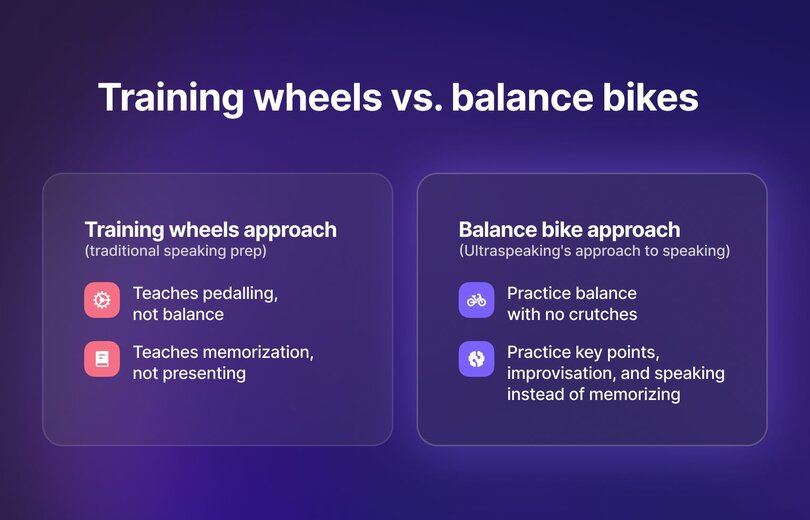
> **💡 Your new public speaking mantra:**
>
> “Slow is smooth. Smooth is fast.”
>
> If you find yourself stumbling over your words, slow down the pace so your ideas can catch up. Fluency and confidence will follow.
## How to be confident on camera with the Accordion Method
One of the biggest challenges in speaking on camera is knowing what to keep and what to cut. You may start strong, but quickly drift into rambling. Or you may over-edit and sound robotic. That’s where the **Accordion Method** comes in.
Michael explains: “What we’re doing is compressing time using time constraints, and that is forcing clarity. We’re getting rid of all the noise as we go.”
Just like the instrument, the method works by contracting and expanding. Here’s how to try it:
1. **Pick a topic you could riff on without notes.** For example: “How to start a podcast.”
2. **Round 1:** 90 seconds. Set a timer and speak as if you’re recording or presenting for real. Don’t script or overthink.
3. **Round 2:** 60 seconds. Repeat with less time. Ask yourself: What matters most? Say only that.
4. **Round 3:** 30 seconds. Cut everything but the essence. This is the spine of your message.
5. **Round 4:** 30 seconds again. Redo immediately. With the essence clear, notice how much sharper you sound.
6. **Round 5:** 90 seconds. Expand the accordion. Rebuild around the spine with one proof point, one example, or one short story.
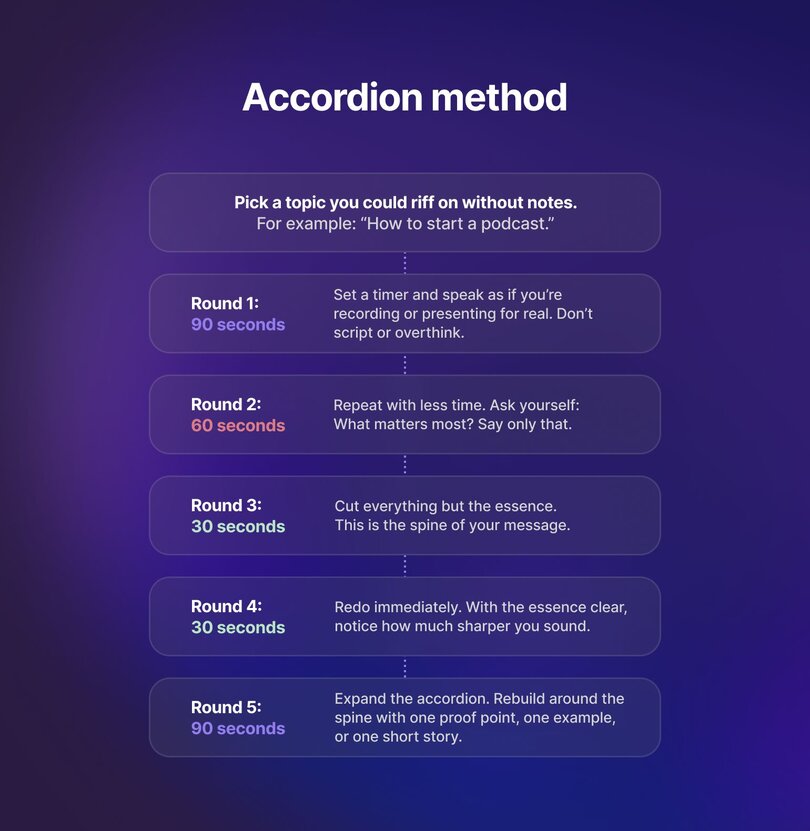
As Circle’s Brand Partnerships Lead, Alexis, reflected on after trying it: “The first 90 seconds did feel low stakes because it felt like a brainstorm. And then we’re condensing down, shaping and refining the content. And then when you expand, you have more context and more of a direction on what you’re trying to say.”
> 💡 **Run accordion reps as a** [**community engagement**](https://circle.so/blog/community-engagement-strategies) **drill.**
>
> 1. Host a weekly live event with 5 to 8 members in your Circle space.
> 2. Rotate hot seats so each person runs the 90-60-30-30-90 stack.
> 3. After each round, peers drop three sticky words they heard.
> 4. Use these words as practice cues. For instance, if your group captures “clarity, story, honesty,” aim to highlight those three elements in your next riff.
>
> Over time, these anchors sharpen your delivery and make your message stick.
## Polish like a pro (without scripts) in 2 simple steps
You don’t need a teleprompter to sound polished. After you use the Accordion Method to clarify your ideas, the next step is giving them just enough structure so they land every time.
### Step 1: Run the speak-to-prepare flow
Got an idea in mind? Bring it to life quickly and naturally with this 15-minute flow:
- **3 minutes:** Brainstorm out loud. Record a voice memo.
- **2 minutes:** Pull your 5-point plan from what you just said (see step 2)
- **5 minutes:** Run the Accordion to refine clarity.
- **5 minutes:** Watch back at 1.25× speed. Jot only what to cut or sharpen.
### Step 2: Build a 5-point plan
This is the skeleton for your talk. Here’s how we could turn Alexis’ riff from the session on starting a podcast into an outline:
| Focus | Description | Example |
| --- | --- | --- |
| Hook | Curiosity or tension. | “Most podcasts don’t make it past 10 episodes.” |
| Promise | What they’ll walk away with. | “How to design a show you’re excited to create and that delivers value to listeners.” |
| 3 Beats | A–B–C points, each with a micro-example. | |
| Anchor | Tie your message back to the bigger idea or value. | “Podcasting works when you connect energy with listener value.” |
| Close | One action, one sentence. | “Write down your why and three listener benefits before you hit record.” |
With just 15 minutes, you’ll move from a vague idea to a repeatable talk. The process leaves you with a clear outline you can trust, so when the camera turns on, you can focus on connecting instead of remembering lines.
> 💡 **Try the sticky note test.** If your 5-point plan doesn’t fit on one sticky note, it’s too complicated. Refine until you can carry the whole talk in your pocket.
## 3 subtle skills to master for natural camera presence
The camera turns on, and suddenly your eyes dart, your hands fidget, and your words tumble out too fast.
Even with clear ideas from the Accordion and a simple 5-point plan, nerves can still trip you up. **That’s when mechanics matter.**
The good news? You don’t need big stage gestures or a perfect broadcast voice. A big part of learning how to be confident on camera is:
- Where you look when you speak.
- The way you use your energy, cadence, and gestures.
- How you respond when someone throws you a question.
Practice these, and you’ll stop worrying about the lens and start coming across like you’re having a real conversation.
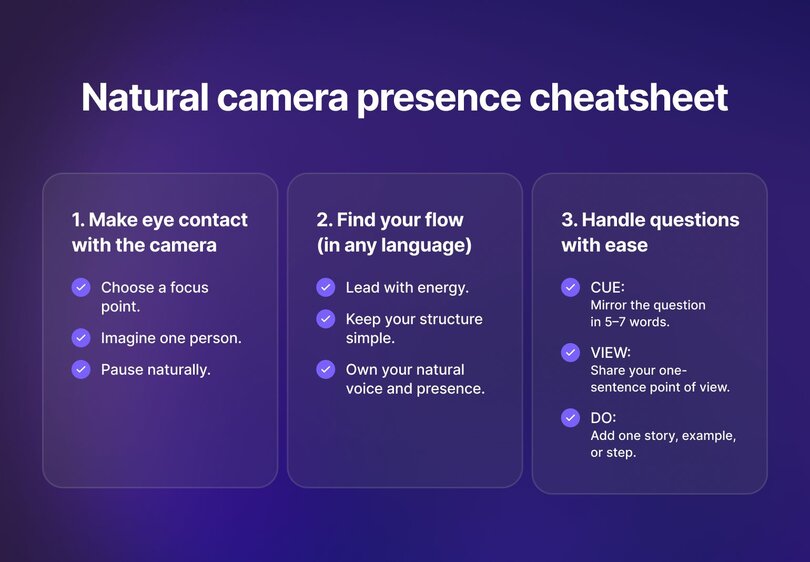
### Make eye contact with the camera lens
If looking into a camera lens feels awkward, you’re not alone. Most people start out glancing away or dropping their eyes whenever they need to think. That’s normal. But it gets easier with practice.
Tristan had the same struggle. “When I started \[public speaking training\], I couldn’t look at anybody. Anytime I had to think, I had to look down. But little by little, I got more comfortable and eventually I could look someone in the eye while I was speaking to them and start connecting.”
On camera, the same principle applies. You don’t have to stare down the lens nonstop. Instead, try these techniques:
- **Choose a focus point.** Place a small dot or sticker beside the lens and treat it like a pupil.
- **Imagine one person.** Speak to a single friend or client, not a faceless audience.
- **Pause naturally.** When you need to think, glance away, breathe, then return. It reads as human, not anxious.
> **💡 Make it personal.** Write the name of a friend or client on a sticky note and place it near your lens. You’ll find it easier to relax and connect when you know exactly who you’re talking to.
### Find your flow in any language
If English isn’t your first language, you might feel pressure to search for the “perfect” words. That hesitation can make speaking on camera feel stressful. Michael reframes it: “Speaking is a flow-oriented process. We speak better when we’re not actively thinking about it.”
Try these strategies to find your flow:
- **Lead with energy.** Speak a little louder, smile, and use natural gestures to emphasize what you’re saying.
- **Keep your structure simple.** Use your 5-point plan or Accordion spine. Structure carries the message even if every word isn’t perfect.
- **Own your natural voice and presence.** Your rhythm, accent, and body language make you memorable and authentic.
Most people care more about your ideas than your vocabulary. Focus on clarity and a steady pace, and you’ll project confidence on camera no matter what language you’re speaking in.
> 💡 **Run it twice.** Do your first take in your native language, then repeat it in English using the same outline. You’ll feel freer, and your delivery will sound more natural.
### Handle questions with ease
Live Q&A and interviews test your on-camera presence more than anything else. You can’t prepare every answer, but you can decide how you respond in the moment.
Tristan explains, “If you try to be quick on your feet by trying to speak faster, you’re going to have the opposite effect.”
Instead, when the spotlight’s on you, use this framework to stay steady:
- **CUE:** Mirror the question in 5–7 words.
- **VIEW:** Share your one-sentence point of view.
- **DO:** Add one story, example, or step.
If your mind goes blank, try: “Let me take a beat to give you a useful answer.” That short pause gives you space to think and makes your response sound more deliberate.
> **💡 Breathe before you answer.** A single, deep inhale gives you a moment to think, helps you stay calm, and makes your response sound more grounded.
## Signals that you connected
As a creator, it’s easy to obsess over views and subscriber counts. But those numbers don’t tell you if your speaking on camera is landing the way you want it to. The real question is: are people connecting with you?
### Primary signals
These are the clearest indicators that your content is resonating:
- **Replies or DMs from viewers.** When someone takes the extra step to reach out, it shows you’ve sparked a personal response.
- **Repeat watch rate.** If viewers come back to your videos or sessions, it means your delivery and your content felt authentic and valuable enough to revisit.
- **Comment quality.** Look for depth over volume. Comments like “This felt like you” or “I felt like you were talking to me” show that your on-camera confidence is translating into trust.
### Secondary signals
These metrics don’t always prove connection on their own, but they do show whether people are sticking with your content:
- **Completion rate.** Higher percentages suggest your pacing and delivery kept attention.
- **Saves and shares.** When someone saves your video or passes it on, it signals usefulness.
- **Session time.** Longer watch times point to momentum across multiple videos or modules.
### Tertiary signals
Views and subscriber counts can help gauge reach, but they won’t tell you if your message is landing.
The north star metric is simple: **connection over count.** Track the signals of trust and resonance, and you’ll know your camera presence is working.
> 💡 **Track one connection metric each week.** Whether it’s a DM, a repeat view, or a thoughtful comment, these are the true markers of content creator momentum.
## Turn on-camera confidence into community impact
Speaking on camera will always feel a little vulnerable. But when you learn to steady your breath, shape your message, and practice in real conditions, you create space for connection. And that connection is what powers communities. It turns a single viewer into an [event attendee](https://circle.so/blog/virtual-events), and an attendee into a loyal member.
Here are the key lessons to carry with you:
- **Prepare by speaking.** Build your confidence through live practice (not scripts) with the Accordion Method.
- **Lead with authenticity.** As Michael said, “It’s the difference between ‘I hope I sound smart’ and ‘I hope this is valuable.’”
- **Practice in low-stakes settings.** Repetition makes you more adaptable when the moment matters, whether it’s a webinar, a cohort kickoff, or a live Q&A.
- **Pause to find clarity.** Tristan reminds us: “Slow is smooth, and smooth is fast.” Breathing gives your ideas weight and gives your audience space to absorb them.
On-camera skills are more than presentation techniques. They’re community-building tools for people who are aligned with your message. Every message you deliver shapes how people experience your brand and whether they choose to [engage more deeply](https://circle.so/blog/online-community-engagement).
Each rep, each pause, each authentic moment builds trust. And trust fuels community.
**Ready to put these skills into practice?** Build and host your workshops, cohorts, and community in one place — with events, courses, and engagement tools under your brand. [Try Circle free for 14 days.](https://app.circle.so/communities/new)
---
### How to build a membership website—the right way
Source: https://circle.so/blog/how-to-build-a-membership-website
Relying on social media platforms, email lists, or SMS alone isn’t sustainable anymore. Account suspensions, algorithm shifts, and crowded inboxes make it hard to build lasting connections or predictable revenue.
A [membership website](https://circle.so/blog/membership-site) changes that. A membership website gives you control, creates recurring income, and builds a foundation that isn’t at the mercy of third-party platforms.
**In this guide, you’ll learn how to build a membership site that grows with you—without juggling disconnected tools.** From strategy and design to launch and long-term growth, we’ll cover every step to help you build a thriving, community-powered membership business.
## Step 1: Define your membership strategy (before you build)
Your first instinct might be to dive right in—but sustainable memberships start with strategy.
Clarify your **target audience** and their **jobs to be done**. What problems are they trying to solve? What goals motivate them? How will your membership help them reach those goals faster or more effectively?
Once you’ve defined that, map the **[member journey](https://circle.so/blog/membership-funnel-strategy)** from discovery to advocacy. Think of it as four stages: _attract → onboard → engage → upsell/advocate_.
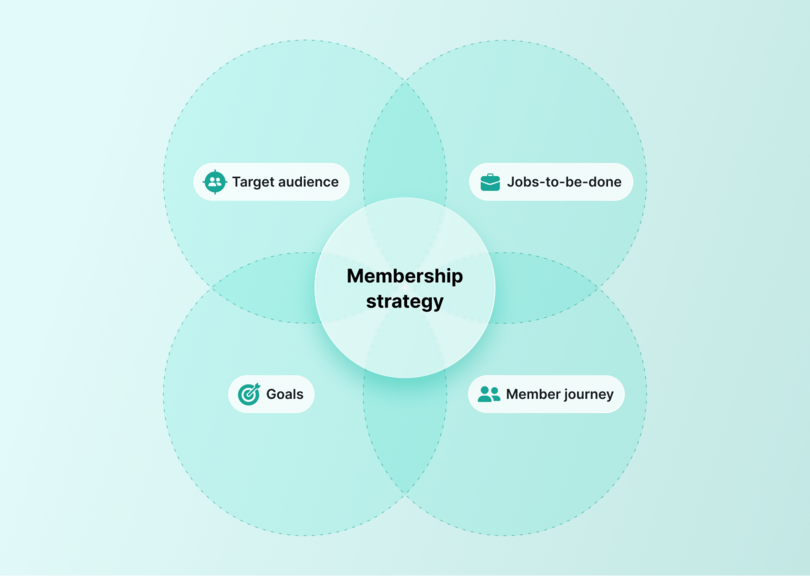
For example, say you’re launching a community for tech founders. If fundraising and hiring are their biggest challenges, you might offer live Q&As with investors, exclusive hiring resources, and peer support channels. You could also build a mentor-mentee program to connect new founders with seasoned operators.
Finally, set **specific goals** around revenue, retention, and referrals. Clear targets—like reaching $10K MRR within three months or 80% retention after six—keep your focus sharp and your strategy measurable.
> 💡 Takeaway: A strong strategy ensures your membership site serves your members first—and sustains itself over time.
## Step 2: Choose the right membership site platform
Not all [membership platforms](https://circle.so/blog/best-membership-platforms) are created equal. Many require a patchwork of tools: one for payments, another for courses, a separate one for events, and yet another for community. It works—but at a cost. Managing logins, syncing data, and troubleshooting integrations quickly turns into a full-time job.
Instead, choose an **all-in-one platform** that combines an [external website](https://circle.so/blog/why-use-a-community-site-builder), payments, courses, events, and community. It’ll save you time, reduce costs, and create a seamless experience for your members.
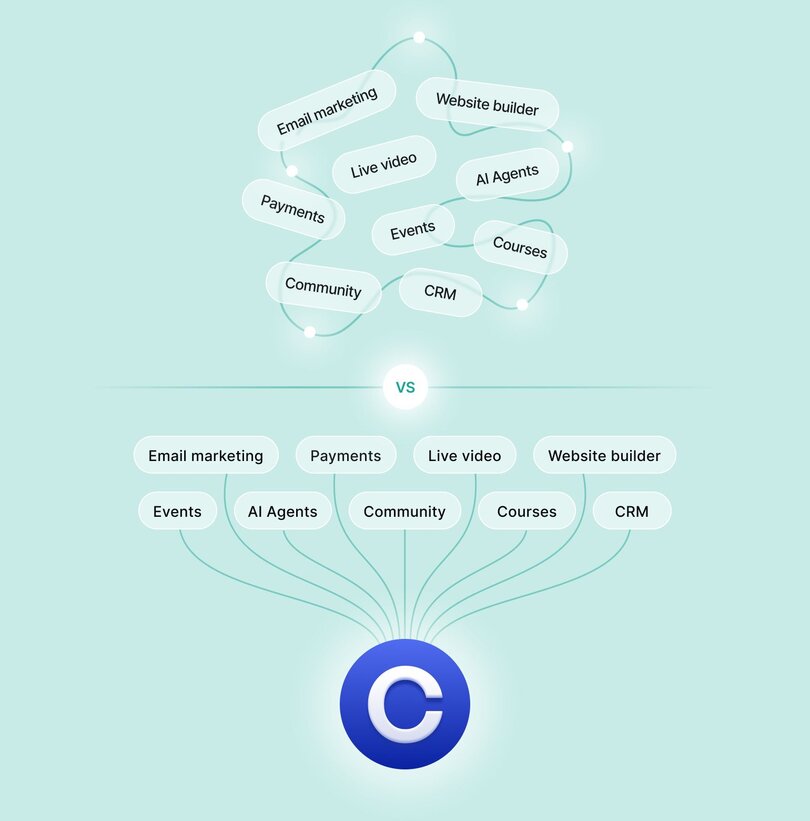
A unified platform also ensures that data flows smoothly across features—so you can see what’s working and where members are most engaged.
> 👉🏼 Takeaway: The right platform sets the stage for growth. With Circle, you can build, host, and scale your membership community—all in one place.
## Step 3: Design your membership website
Design is more than aesthetics—it’s how members experience your brand.
Start with a **clean, community-first layout**. Highlight what members gain upfront. Use visuals that reflect your brand’s personality and social proof that builds trust. Make navigation intuitive so members can easily find courses, discussions, and events.
[Your homepage](https://circle.so/blog/community-landing-page) should answer three questions at a glance:
- Who is this for?
- What value does it offer?
- How do I join?
Beyond the homepage, design [an onboarding flow](https://circle.so/blog/community-onboarding) that encourages participation from day one. For instance, a writers’ community could include a profile template where members list their genre, published work, and socials—making it easy to connect. Pair that with a “get started” checklist to help new members post or attend an event within their first week.
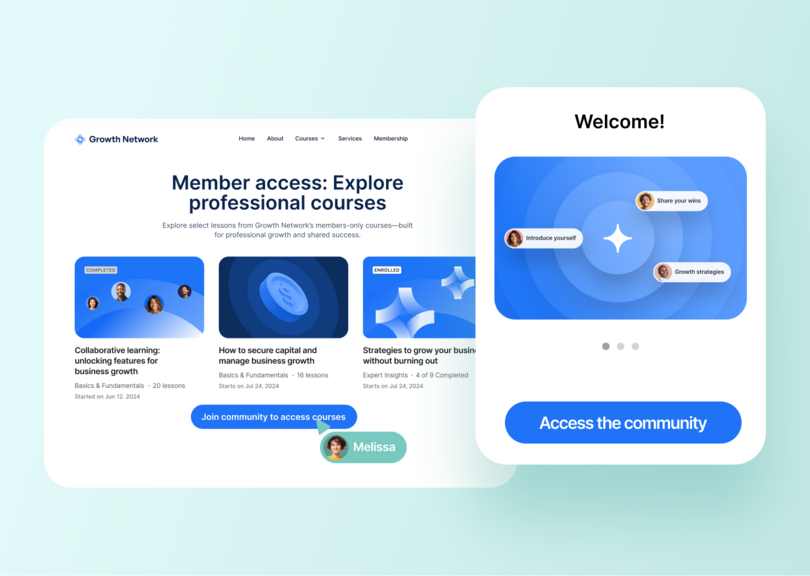
> Need more membership design tips? Emma Catranis, Senior Customer Education Manager at Circle, highlights [five ways to structure your membership programs](https://circle.so/blog/community-structure-mistake) for easier navigation and improved impact.
## Step 4: Add your community and content
Your membership website isn’t complete without the content and conversations that bring it to life.
Include resources like courses, live sessions, and discussion spaces. Offer clear channels for networking, resource sharing, and peer support. Balance structure (organized categories) with freedom (member-led threads or events).
Take **Tom Pardo**, a freelance trailer editor who built _[Shambala](https://circle.so/customer-stories/shambala)_, a thriving community for editors. Working solo, he used Circle to host everything—from courses and live events to chat spaces and AI-driven workflows. What started as a simple hub evolved into a full-fledged business powered by one integrated tool.
**Website**
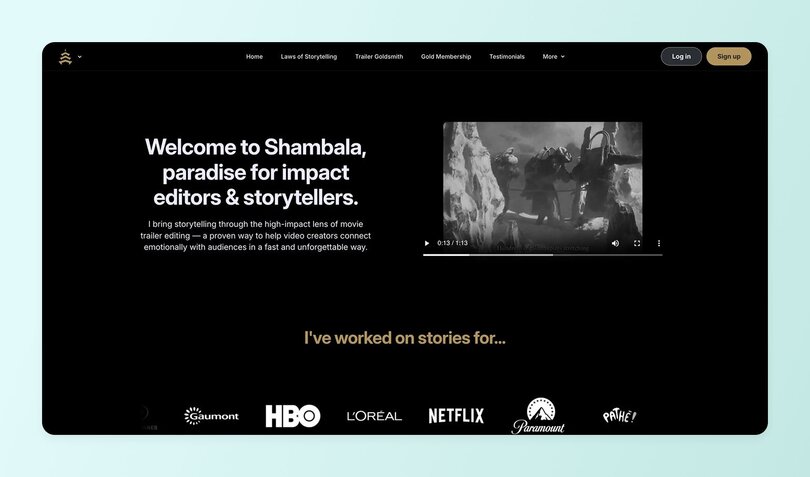
**Checkout Page**
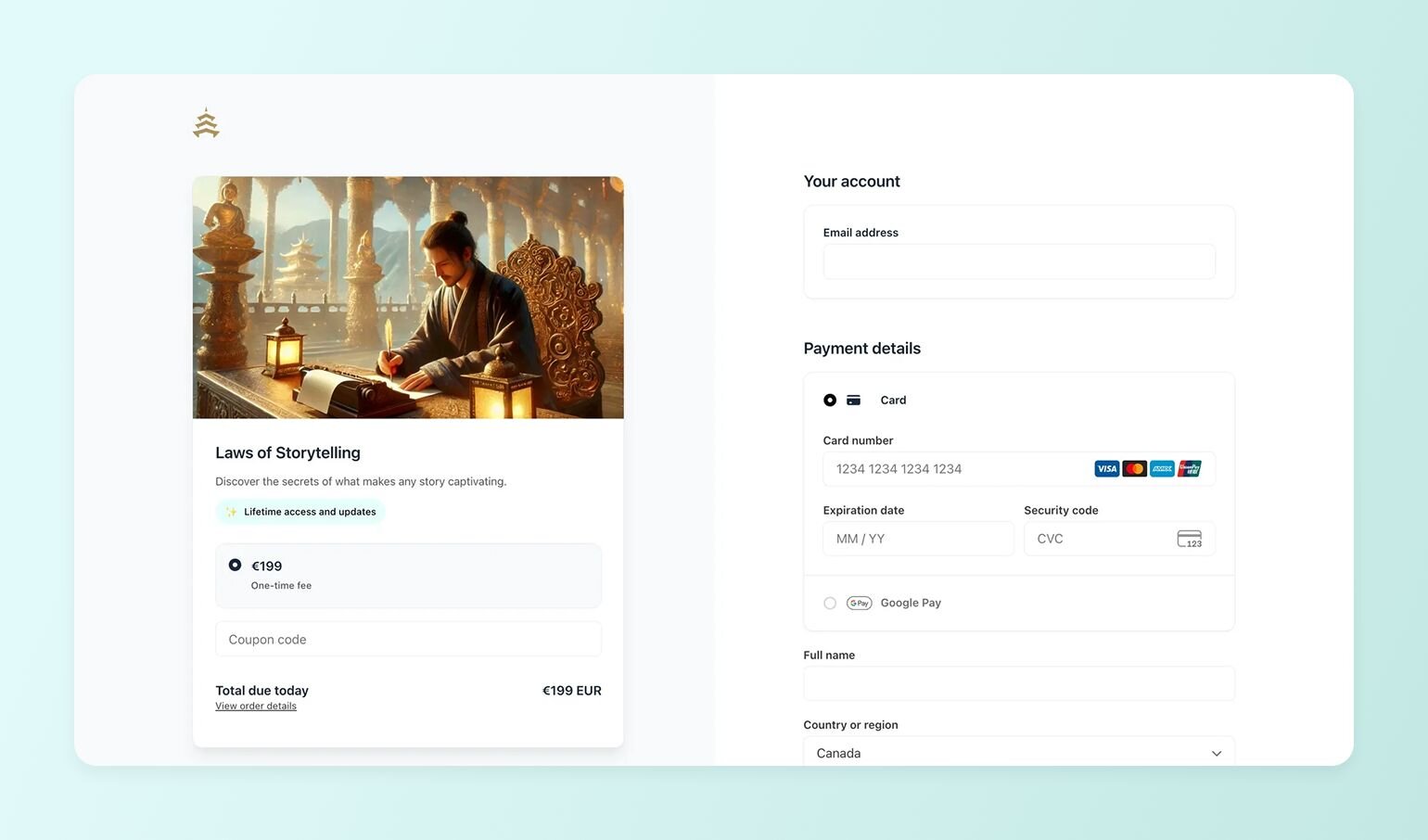
**Community**
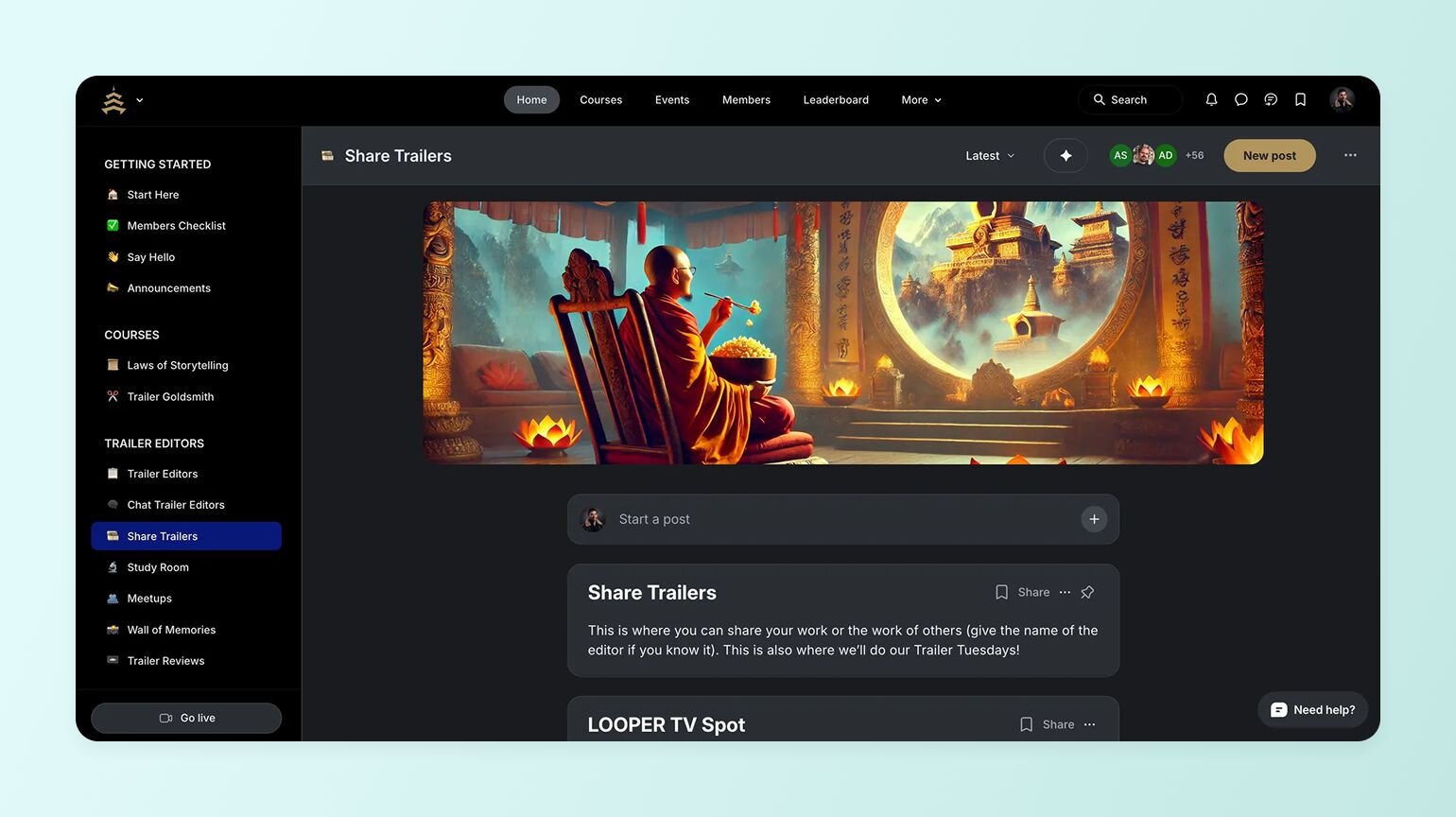
> 👉🏼 Takeaway: Your community is your content. The richer and more connected it feels, the stronger your membership foundation becomes.
## Step 5: Set up payments and pricing
A great membership model depends on [smart pricing](https://circle.so/blog/membership-pricing-strategy) and a smooth checkout experience.
Choose a structure that matches your audience and goals:
- **Single plan:** one membership tier for all.
- **Freemium:** free access for some content, paid for premium features.
- **Tiered:** multiple pricing levels based on access or perks.
Then decide whether you’ll use **recurring payments** or one-time fees. For most entrepreneurs, recurring plans help build predictable revenue.
If your platform includes [built-in payments](https://circle.so/payments) (like Circle does), use its [paywall features](https://circle.so/blog/paywalls) to create custom checkout pages, subscription tiers, and upgrade options. This keeps your setup simple and your data centralized.
💡 There’s [no single “perfect” pricing model](https://circle.so/blog/community-pricing-strategy)—only the one that aligns with your goals and audience. Test, measure, and refine as you grow.
> 👉🏼 Takeaway: Keep payments simple for members and flexible for your business.
## Step 6: Launch and onboard members
With the backend (community and other operations platform) and front-end (website platform) of your membership site ready, launching the community and onboarding members is the logical next step.
A [successful launch](https://circle.so/blog/community-launch-steps) is about connection, not perfection.
Your launch moment is the best chance to make a strong first impression. Show potential members the value of joining through clear messaging, excitement, and community energy.
Try these strategies:
- Tease your launch with countdowns or preview posts.
- Use founder-led or influencer marketing to add authenticity.
- Promote your community on [Circle’s **Discover**](https://discover.circle.so/) feed for additional visibility.
Once live, focus on **onboarding**. A personalized welcome message, helpful guides, and a “first action” prompt—like introducing themselves or joining a call—build momentum.
### Early onboarding do’s and don’ts
Do:
- Use clear calls to action to guide members.
- Personalize the onboarding experience.
- Make support easy to find.
Don’t:
- Overload members with too much info.
- Skip follow-ups.
- Forget to collect feedback.
> 🚀 Takeaway: A thoughtful launch builds trust. A great onboarding keeps it.
## Step 7: Sustain and grow your membership website
Growth doesn’t end after launch—it begins there.
To build lasting engagement, create **consistent touchpoints** that keep members active and inspired.
### Create engagement loops
Host recurring discussions, monthly recaps, or member spotlights. Add [gamified elements](https://circle.so/blog/community-gamification-guide)—like challenges or leaderboards—to [encourage participation](https://circle.so/blog/community-engagement-strategies).
For example, _[Musical Nest](https://circle.so/blog/musical-nest-community)_, a community for parents and music teachers, uses monthly newsletters and online challenges to keep members active and connected.
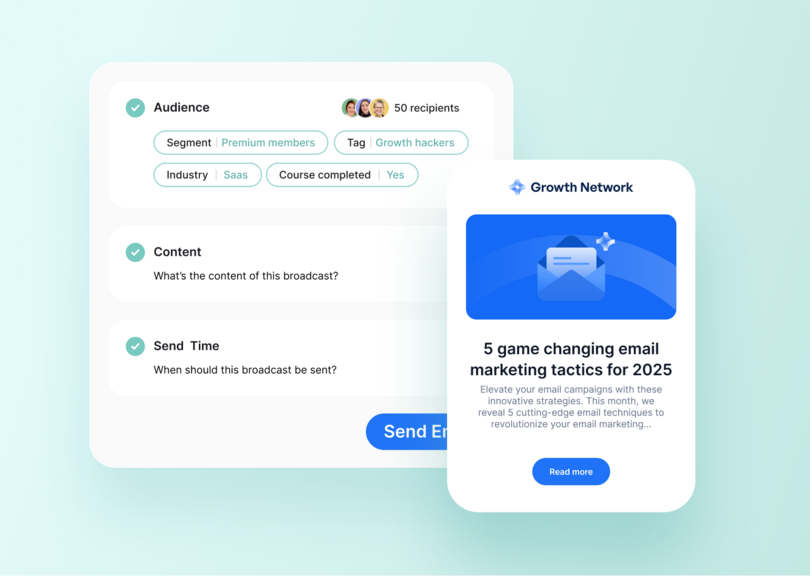
### Host events
Regular webinars, Q&As, or AMAs sustain energy and deepen relationships.
Take _[Angelica Automates](https://circle.so/blog/angelica-automates-membership)_, an AI automation community that has now spun off into a [social media automation app](https://social.greenwoodapps.com/). Founder **Angelica** used to host [weekly sessions](https://circle.so/blog/virtual-events), office hours, and live streams to foster collaboration and consistency.
### **Scale with branded apps**
As your community grows, make it easy to stay connected. A [branded app](https://circle.so/plus) offers a seamless, on-brand experience wherever your members best engage (mobile, desktop, or app) while keeping everything under one roof.
[_Glucose Guide_](https://circle.so/customer-stories/glucose-guide) founder **Mila Clarke** did exactly that. She moved her fragmented setup—two apps for journaling and conversations—into a Circle-powered branded app.
🎉 **The result:** over 300 new signups on launch day and a 14% boost in daily active users.
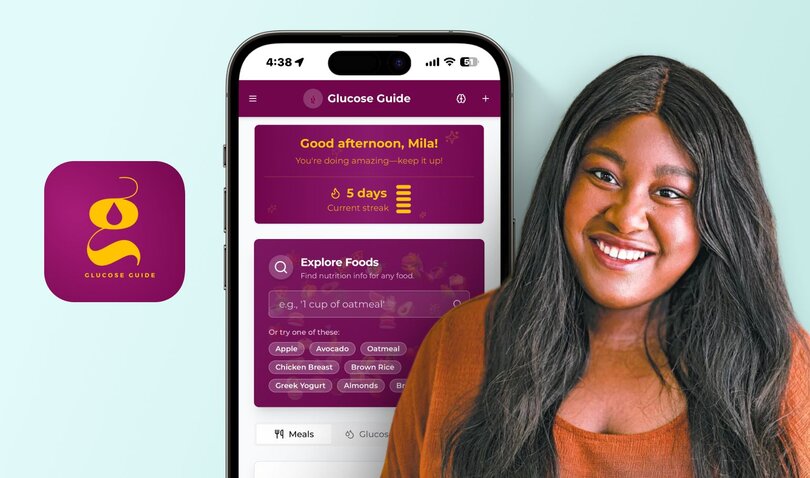
### **Future-proof your model**
Adapt your structure as your members’ needs evolve.
_[eLearning Designer Academy](https://circle.so/customer-stories/elearning-designer-academy)_ started as a single online course, then grew into a thriving hub of 11,000 members. After outgrowing their fragmented tools (Thinkific for courses, Slack for community, Zoom for events, and Webflow for a website), the team moved everything to Circle’s all-in-one builder—streamlining operations and delivering a cohesive experience.
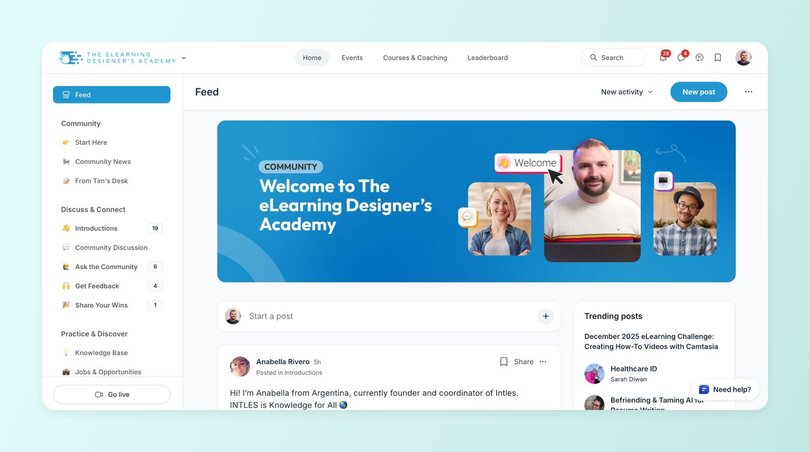
💡 Circle also makes it simple to launch sub-communities via access groups—perfect for expanding your offering without losing focus.
> 🌷Takeaway: Sustainable growth comes from consistency, connection, and continuous improvement.
## Build a membership site that grows with your community
A membership site succeeds when it goes beyond transactions and [builds belonging](https://circle.so/blog/inside-transformational-communities). A strong community is what turns paying members into [long-term advocates](https://circle.so/blog/advocacy-marketing).
By creating meaningful experiences, encouraging participation, and offering clear value, you’ll build not just a website—but a business that grows through connection.
**Ready to start?**
[Build your community-led membership site with Circle](https://app.circle.so/communities/new)—by starting with a free 14-day trial.
## FAQs about member acquisition
How do you start a membership site?
Start by defining your audience and goals. Choose a platform that fits your needs, design your site, create content, set up payments, and promote your launch.We have a free community launch guide that takes you through all the crucial first steps. [Get the Community Launch Guide](https://circle.so/build-a-community) here.
Are membership sites profitable?
Yes, membership sites can be highly profitable. By offering [paid content](https://circle.so/blog/content-monetization), resources, or community access, you can create a steady stream of recurring revenue. Success depends on having a strong value proposition and building an engaged community.
How much does it cost to build a membership website?
Costs vary by tools and design complexity—from a few hundred dollars for a simple setup to several thousand for a custom build. [Circle’s plans](https://circle.so/pricing) start at $89/month, with everything you need to build, host, and scale in one place.
What is the best platform for a membership site?
The [best membership platform](https://circle.so/blog/best-membership-platforms) is an all-in-one, community-powered platform like Circle. It brings content, payments, and community together—so you can focus on building your business, not managing tools.
---
### The 8-figure entrepreneur's guide to finding your niche
*We sat down with millionaire entrepreneur, Codie Sanchez, to uncover her proven tactics on how to find a niche to set your business up for long term success.*
Source: https://circle.so/blog/how-to-find-your-niche
What’s the secret to building an 8-figure education business that has a profit margin of 70-85%—but spends $0 on ads?
We sat down with serial entrepreneur and CEO of [Contrarian Thinking](https://contrarianthinking.co/), **Codie Sanchez**, to find out the exact steps she used to pick a niche and find success with her community.
When Codie quit her job and decided to go all in, she didn’t have a “great idea for a startup” like she wished for.
Instead, she niched. Into laundromats.
**What is a niche?** A niche is a specialized segment of the market for a particular kind of product or service.
Codie is a reformed journalist, Wall Streeter and investor who built a $50 million portfolio of “boring businesses”—like laundromats, vending machines, and car washes. Now, she helps people learn to build wealth through unconventional business buying strategies, just like she did.
**Bottom line:** Being an expert on one niche thing is much more valuable than knowing a little about a lot. And it’s the only way to build a valuable community and a thriving business.
“There’s a reason a hedge fund manager, Jeff Bezos, started Amazon as an online bookstore,” says Codie.
So, even if you haven’t found your niche yet, it doesn’t mean you can’t find an area of expertise to seed your business.
In this article we’re going to uncover some key concepts from Codie’s playbook on how to find your niche.
## The goal
The goal of niching down is choosing some small subsection of a topic you know everything about—that can grow to become a profitable business for you.
### Codie’s example
Codie’s goal was two-fold: in life, she wanted to become her own kind of billionaire (as in, yachts didn’t impress her, but freedom and leaving a legacy did.) For her community, she wanted to figure out how to help the most people humanly possible buy small businesses—because in her eyes, this was the key to financial freedom.
But for years, she just made lots of money for others. She knew slogging away for someone else wasn’t going to get her to billionaire status, but couldn’t figure out what kind of business to start for herself.
Until she decided to apply what she excelled at at work—brokering deals, managing mergers and acquisitions, and buying businesses—on a smaller scale to herself.
**TLDR:** She used an area of her unique expertise to build a business only she could build.
## The plan
In order to find a profitable niche, first, you have to be honest with yourself about your expertise and knowledge. Then, you have to be honest with others.
Find your unique and valuable qualities—and a business that will make you money—using
**Codie’s 3 C’s:**
- **Cash: Are people spending money on this thing I’m interested in building a business around?
**Example: Resume-writing services are usually geared towards people who don’t have a job, so it automatically becomes a low-priced skill. Alternatively, the market for people who are having children is massive, and people are spending tons of money on it.
- **Crowd: Are there people who need this? Does your skill, talent, or knowledge solve a problem for them?
**Example: If you like gardening, candle-making, or, in Codie’s case, owning laundromats—an easy way to validate how big demand for those things is through Facebook groups. Big communities with lots of engagement? Bingo.
- **Curiosity (yours, not the market’s): Are you obsessed and engaged with your topic?
**“It’s astounding how easy it is to get others onboard if you’re excited and obsessed with your topic,” says Codie. Plus, you’re going to be talking to other humans about your topic a lot if you’re successful.
Remember, your niche doesn’t have to be a big and flashy thing. You don’t have to be the next Dave Ramsey out of the gate. It can be small and “boring.” In fact, when you’re exploring starting a business: small, boring, and targeted is perfect.
“What could be more boring and uninteresting than laundromats?” asks Codie. “But if I can talk about laundromats, you can, too.”
## The playbook
While still working full-time, Codie began buying and investing in small, local businesses like laundromats, vending machines, and car washes.

When she decided to teach others to do the same thing—she had to niche down to those who’d benefit from that specific knowledge.
Instead of trying to share all she’d learned about money as an investor, a business owner, or a mergers and acquisitions specialist, she literally created a course about buying local laundromats for aspiring small to medium business (SMB) buyers.
She went from wide (teaching about money) to narrow (teaching SMB buyers how to buy laundromats) by going **4 levels down**.
### Go 4 levels down
- Start with what you know, and who your knowledge serves on a wide scale
- Then, get more specific 3x until you hit a market and a population whose problems you’re intimately familiar with and can solve clearly
- Check the example below ⬇️
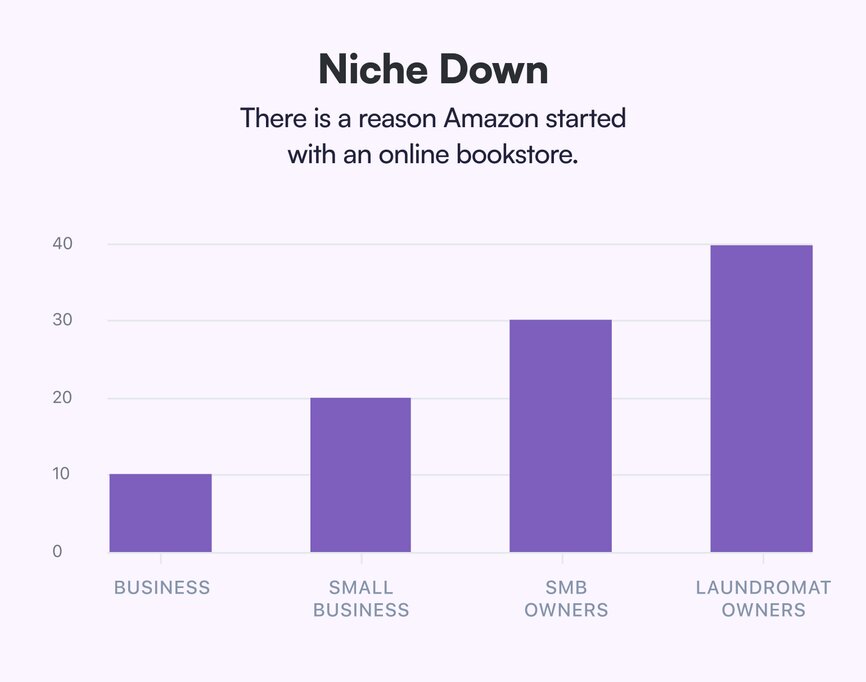
**Other examples of niching:**
- Real estate > Commercial real estate > Gyms and studios > Gyms and studios in \[City\]
- Health and wellness > Health and wellness education > Nutrition education > Nutrition coaching
That first course about buying laundromats? **It earned Codie ~$150k when she first launched it**, and provided the proof of concept she needed to launch her community.
### Find Waldo
Codie reminds us: “The #1 rule in finance and investing is: if you say, ‘we’re for everyone’, that actually means you’re for no one.”
In the land of courses and communities, you’re competing with a lot of noise. It’s busy here, and people are marketed to from every side, no matter what your topic or industry.
**That’s why you have to ask: Where’s Waldo?**
“You want to narrow in as close as possible to your unique little weirdo \[your customer\] who’s red and white and striped in some way,” says Codie.
Reminding yourself that your target customer is specific, small, and select helps you ignore the noise of the rest of the market.
As Kevin Kelly, founding executive editor of Wired magazine, says, “To make a living as a \[creator or entrepreneur\]... you need only 1,000 true fans.”
According to Codie, you can use your 1,000 true fans to “never be poor”—if you find the intersection of **attention and intention**.
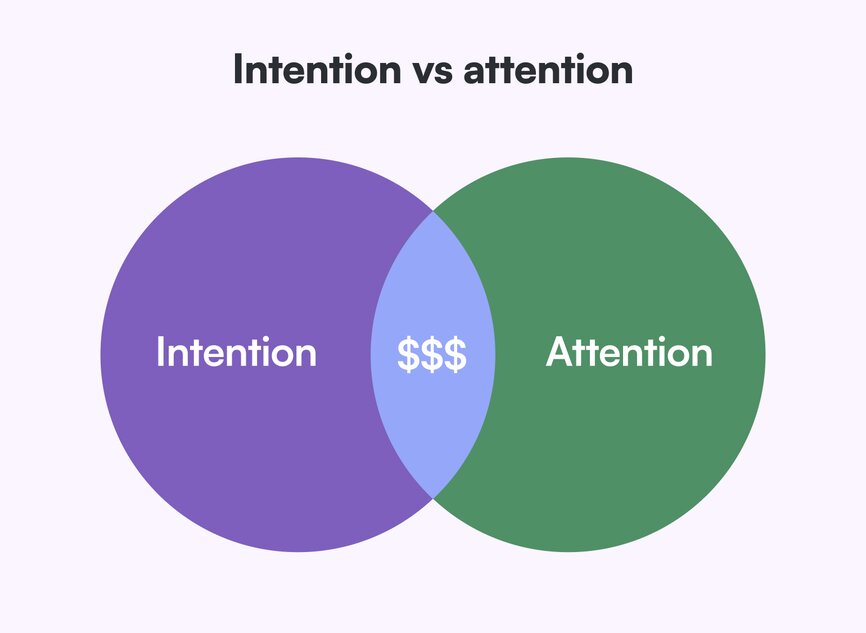
**The truth is:** There are new creators out there going viral every day—but they don’t do anything with the attention they receive and lose their chance to funnel folks towards their business.
They waste their opportunity.
But, when you combine targeted attention from a niche group of people (Waldo) who have similar problems, with the intention of solving those problems with your unique expertise…
You get massive community support and buy-in, a built-in focus group for new and better products, and $$$.
Codie found success in her education and community because she solved the problems of a niche market (SMB buyers) better than anyone else. She didn’t just gather people for no reason: she funneled them towards her content and the solutions that solved their problems.
That community became her “always-on focus group” to develop more products—and created a live **problem** 🔄 **product feedback loop** that kept her content relevant, valuable, and in-demand.
It’s how her business ballooned from an initial course that brought in $150,000, to an 8-figure (that’s double-digit millions) business in under 2 years.
## The results
“I’ve been an investor, done 100+ deals, owned 22 companies, and done billion dollar deals.”
Codie knew about Money—but Money (capital M) was too broad for her to make a dent in it from the get-go. All 330 million people in the US care about money.
She had to narrow down to the 2-3 million people who have ever bought or are considering buying a business.
And for that niche, she built an **8-figure education business** that…
- Spends 0$ on ads
- Has 70-85% profit margin
- Sends 600,000 emails with a 50% open rate
Not only that, but she now charges $10,000 to join her SMB buyer community (a serious investment compared to the $99 lifetime access membership she offered initially.)
Codie may not have set out to be an educator about laundromats… But she did plan to succeed.
**TLDR:** Codie wouldn’t have found that success (in less than two years!) if she hadn’t first found a niche whose problems she could confidently solve.

### Codie’s learnings:
- In the beginning, **Codie created lots of free content because she still had her full-time job** (and the luxury of cash). Once she proved her concept with her first laundromat course, she added a community.
- If she had to do this again, **she’d start and** [**monetize a community**](https://circle.so/blog/how-to-monetize-a-community) **first**. Why? Because you can charge the most for a community, and you start building your 1,000 true fans—or as Codie says, her R&D team. (You can see that now, she has a small business buying course worth $2,000, while [her community costs $10,000 to join](https://contrarianthinking.co/our-courses/).)
- **The power of the problem 🔄product loop is endless**. Because:
- Once you have your niche community, they share their problems and questions with you, which you turn into a product roadmap. (Struggling with finding a lawyer? Here’s a marketplace. Can’t assess your business deal? Here’s an expert.)
- That turns into better products, which her community is happy to pay for (and makes her more money)
- Happy customers then turn into fantastic marketing content, and so the loop continues.
- **This virtuous circle that only happens in communities**. It’s the 21st century way to build businesses and products.
- **“Your first fans are going to spend the most with you.** So charge the most at the start, bring them into the community, and do things that don’t scale to start. Then you can scale in the backend.” - Codie
## Key takeaways
1. **Trust building is key**. You need to align your true expertise with the problems and needs of a niche market. “Don’t fake it till you make it, even if you’re the only one who’s going to know if you’re full of sh\*t or not,” says Codie, because you’ll be building on a false foundation.
2. **Your audience won’t tell you the right thing to build. Your expertise will**. Your audience will simply tell you their problems over, and over, and over—without knowing what will solve that problem (yes, even if you ask them directly). That’s where you come in, and why you can charge them for the solution.
3. **Niching helps you build an avid community of true fans**, which then helps you build better products. The narrower you start, the quicker your reputation grows as a great investment (because you’re really solving people’s issues), and the quicker you can iterate and expand.
4. **Start smaller than you think**. Don’t go after the big boys to prove yourself—but also don’t hesitate to have big dreams as you start to find success. Prove your concept with your audience, and solve bigger problems as you grow.
**And if you’re looking for an all-in-one community platform for your 1,000 true fans?**
You’re in the right place.
Circle brings together your members, discussions, events, courses, and content—all in one place, under your own brand. Plus, you get access to our customer community full of handy resources and over 8,500 community builders on the same journey as you.
**Start your free 14-day [**free trial**](https://app.circle.so/communities/new) today!**
---
### 6 ways to grow a newsletter using ‘experimentality’
*Want to grow your newsletter subscribers? Learn how to fail forward with creator-scientist Jay Clouse, whose experiments built him an education empire.*
Source: https://circle.so/blog/how-to-grow-a-newsletter
How do you grow a $800k/year business on the back of a newsletter—which grew subscribers 7x in 2 years and pulls in $15k every couple months?
Meet [Jay Clouse](https://creatorscience.com/about/)—the startup tech founder turned teacher for creators—who has changed the game for creators by bringing science into what many consider an art. Jay is the brains, the muscle, and everything else behind [Creator Science](https://creatorscience.com/)—which includes a newsletter, podcast, YouTube channel, and courses for creators who want to lean into building a business that works for them via ‘experimentality’.
His newsletter is a massive piece of his business “puzzle” —and he believes that _almost every creator_ should have a newsletter. Not just to future-proof and de-risk your business, but also to help you achieve bigger and better goals.
But writing the newsletter, picking the platform, segmenting the audience… that’s just one part of a big system. Continuously growing and fueling your newsletter list with fresh, relevant content, and finding new marketing experiments to play with is what’s going to get you to the growth you desire.
Jay left his cushy tech job and started Creator Science in 2017. Now, he earns more than ~$800,000 per year with his business—and has 60,000 subscribers to his newsletter. How did his newsletter growth contribute to his business—and how can you learn from his best experiments to catapult your business growth?
## The goal
As a creator, you want to build yourself a system, cadence, and playbook for newsletter content creation that fuels audience, lead, and business growth.
One of the best ways to do that is to create a flywheel around your newsletter.
[What’s a flywheel](https://circle.so/blog/offer-flywheel)? Flywheels are systems to get consistently increasing results with (hopefully) decreasing effort.
Jay has several flywheels in his business that create more outcomes for less work, and one of the best is the **Audience Growth Flywheel**.
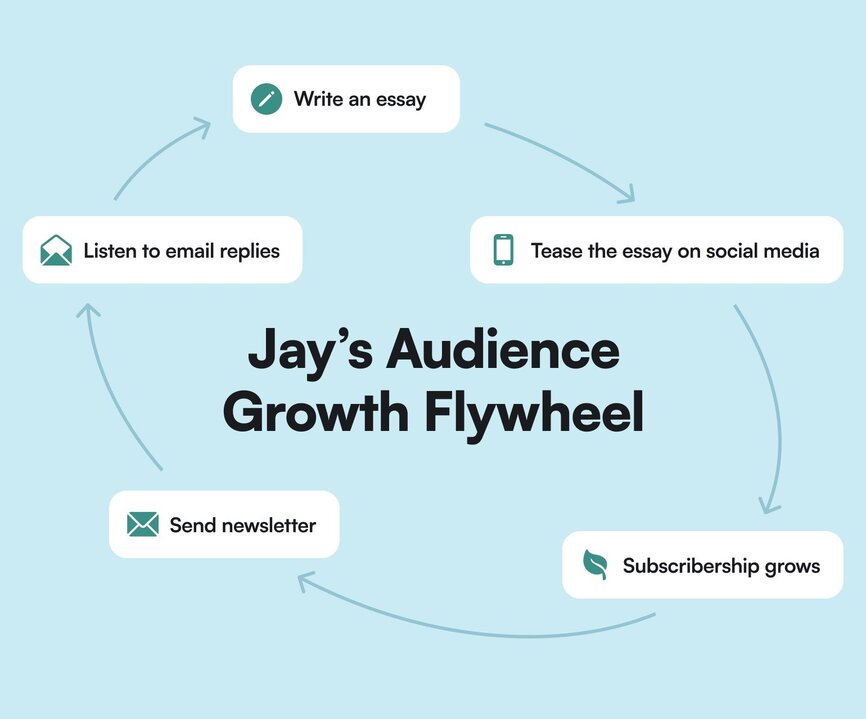
“It’s something that might take a while to get turning, but it just gets easier and easier over time,” says Jay.
For example, Jay writes a newsletter every week, but a conversion rate of 1% from that newsletter leads to much more impact when his newsletter list is 50k vs. 10k.
## The playbook
It’s simple, to-the-point, and… excellent. That’s why we’re sharing it here.
### 1\. Build an inviting front door
Some homes look inviting, with season-dependent wreaths, nice landscaping, and a comfy place to have a cuppa on the porch.
Others look like they should be condemned.
Just like in life, you want to make your business look inviting. That’s why we strongly recommend you stay away from vague, general, “mean-nothing” phrases like:
**“Get all my tips and tricks for \[topic\] by subscribing to my newsletter!”**
Who’s clicking on that these days? 🙅🏼♀️🙅🏼♀️🙅🏼♀️ Not us.
Jay’s best advice when it comes to an inviting front door is [building a lead magnet](https://creatorscience.com/lead-magnets-that-work/): “Create something so good you could actually sell it—and then give it away for free.”
Give people the shortest possible road from them hearing about you for the first time, to choosing to hear from you more. The best way to do that is to:
**1\. Give people a reason to subscribe—or something of value immediately**
1. A free email or video course where they can learn from you, begin to trust you, and get value right away
2. Templates they can implement ASAP
3. Quizzes that pull them in deeper
4. Communities of like-minded people they can join
5. Free challenges that motivate them to do more or better
**2\. Add social proof**
1. Ask every person that takes a step into your universe for a testimonial
2. Share it on the sign-up page
**3\. Avoid creating low-value energy-drainers, like**
1. Checklists
2. Short guides
3. eBooks
4. Lists

The jig is up. Either provide value, or don’t do it at all.
### 2\. Never stop adding side doors
The above is the current “front door” for the Creator Science newsletter, but is that the only way Jay wants people to subscribe and find that newsletter? Absolutely heckin’ not.
**So how else can you promote your newsletter if not on your main pages?**
- Collaborations with other creators or businesses—like newsletter swaps
- Free workshops for other aligned brands
- YouTube videos
- Links in podcast show notes
- Opt-ins within articles
- Free notes at a presentation sent as email
Almost anything you can think of can be a “side door” for your newsletter, if you can get creative enough. But getting people on that list should be your #1 goal.
### 3\. Search engine optimization (SEO)
SEO isn’t just for big businesses. And organic search can give you a massive boost in new eyeballs, subscribers, and fans.
Jay only started focusing on SEO in March 2020, and by October 2021, he had increased organic traffic to his site to ~50k/month.
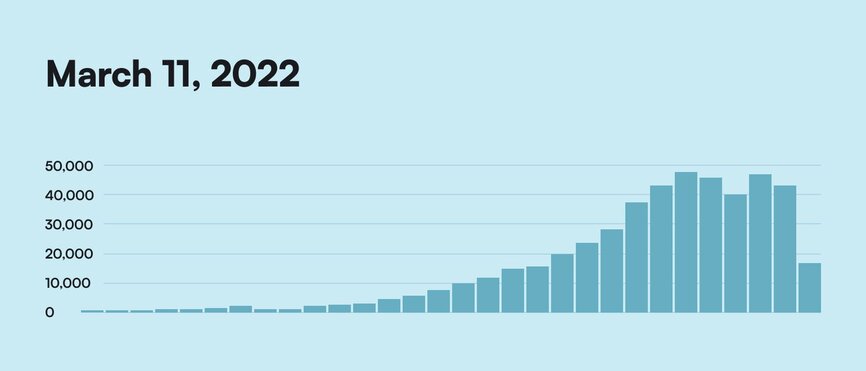
So, with a little legwork, and a little learning, you can increase your discoverability online and expose your business to hundreds of thousands of new customers and students.
**TLDR**: Organic search is an “endless advocate” for your business—even when you’re sleeping. 😴
### 4\. Reach the high bar of shareability
If you’ve got a great reason to opt-in, a variety of “side doors” that welcome new subscribers, and you’re slowly learning how to increase your organic traffic, you’re well on the way to building your list.
But organic traffic is not the only way to drive people to your newsletter.
Your current subscribers, followers, and fans sharing your newsletter does two things:
1. **Pull in like-minded people**—which improves the quality of your inbound leads (warm leads vs. randoms who just found you as an answer to a Google search), and
2. **Create your own recommendation engine** (because people are more likely to trust those that their friends trust—the X principle)
Of course, not everybody will share everything—because we’re all so overwhelmed by content—but if your stuff beats the “shareability” bar… Mama, you’ve made it!
“It has to be really good, articulate something we feel, or hit on some core emotion,” says Jay, who likes Shaan Puri’s framework for viral writing. Shaan targets everything he writes to hit one of these 8 emotions:
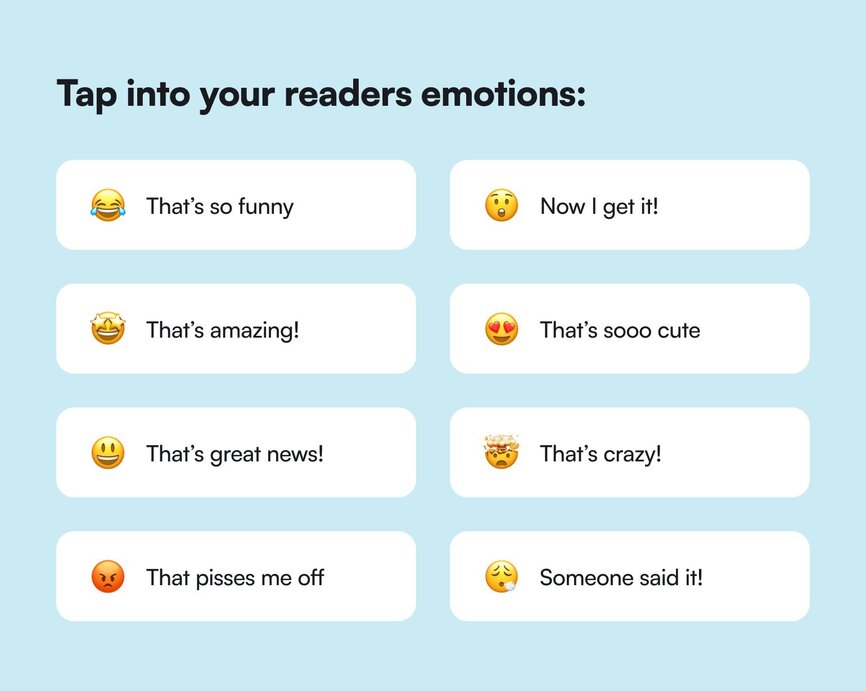
### 5\. Don't rule out paid acquisition
Most folks know that “paid” and “ads” are important, but they also feel like they may be the evil step brother of the nice, friendly, welcoming organic search.
But paid acquisition (see: paying to acquire new views, visits, or conversions/sign-ups) should only function as a complement to your organic efforts.
What you don’t want to do is create a skeezy Facebook funnel that turns people into a cult.
What you do want to do is open your eyes to the advertising opportunities you may not have seen or considered before, like advertising in complementary:
- Newsletters
- Podcasts
- YouTube
- Google search
You don’t have to dump millions of dollars or hire the best Facebook ad agency known to man.
You just have to… 👇
### 6\. Run experiments!
Jay believes that your biggest breakthroughs as a creator come from experimenting, innovating, and discovering your OWN path—which is why he preaches “experimentality” so much.
What worked for others may not fit OR work for you—but you should experiment to find out what does.
For example, in January 2023, [Jay announced a goal](https://creatorscience.com/experiment-email-february-2023/) to grow his list to 20k subscribers by the end of February through experiments. At announcement time, he was sitting at 17k subscribers.
Out of the 8 planned experiments, he completed 5, with the following conversion rates:
1. **Free workshop** on Creative Mornings converted at 2.20%
Jay shared a link to download his slides and notes with the audience—in return for subscribing to his newsletter. It worked but not as well as it did historically. He might reuse presentations in the future.
2. **Paid promotions** converted at an average of 13.25%
He ran 6 campaigns with 2 different partners—Kieran Drew and The Publish Press—for a total spend of $2100. The Twitter/X shoutout and 3 newsletter mentions with Kieran Drew significantly outperformed The Publish Press mentions. (The Customer Acquisition Cost, or CAC, for Kieran was only $2.01 per customer, which is below Jay’s goal of $3 per subscriber.)
3. **Upscribe recommendations** converted at a whopping 54.89%
Jay used Sparkloop to grow his newsletter, and when they rolled out a new recommendation engine called Upscribe, he jumped on the opportunity to cross-promote brands his audience would appreciate in the pop-up widget.
4. **Viral social media posts** with his Sparkloop “campaigns” converted at 10.46%
He added “if you liked this, you’d like my newsletter” tweets to the end of his threads, link in bios to all his socials, and banners promoting his newsletter to his YouTube. Twitter bio was the most visited, but the plug at the end of Twitter threads was the highest converting, which makes a ton of sense.
5. **LinkedIn newsletter** converted at a gut-wrenching 0.15%
Jay had 40k subscribers to his LinkedIn newsletter, which was almost double his Creator Science one. So he wanted to see if he could transition more of those people to his platform (vs. LinkedIn’s). The conversion was laughably bad for 40k folks, and it’s probably not something he’s going to be doing again.
## The results
Jay comes from a family of teachers—so teaching others is in his blood.
Maybe experimenting with what works best for his audience and students is, too.
From 2017 where he had no idea how to build Creator Science, to 2022 when he was experimenting with his newsletter, to now, where his newsletter generates over $1M in total revenue (including ~$100K in sponsorship revenue)...
Over the last seven years, Jay has experimented more than most creators we know—he’s written more than 600 newsletters, which have helped build an audience of 60,000 subscribers who are eager to hear from him, every week. (You can learn more about Jay’s email strategies in his [newsletter masterclass](https://courses.creatorscience.com/p/newsletter).)
Nevermind that he continues to “experiment in public” in his business—whether with [email](https://creatorscience.com/tag/email/), [business strategy](https://creatorscience.com/tag/business/), or [customer journeys](https://creatorscience.com/tag/audience/).
## Key takeaways
1. **Don’t knock it till you try it**. Organic, paid, cross-promotions, communities… There's a reason that all of those things have been successful for newsletter growth for brands. You’ll never know if they work for yours until you try. The beauty (and fear) around creator life is that it’s kind of the wild west. You simply don’t know what new tools, processes, or strategies will work for YOU. Don’t rule anything out.
2. **Give away value first**. Nobody wants just another newsletter. But everybody wants to learn, to look better, to grow more. Offer value. Build trust.
3. **Think creator-scientist**. You’re running a business, which means that you need to know your goals, your numbers, and your opportunities. You’re undoubtedly thinking about your business all the time anyway, but seeing yourself as an experimenter helps you identify places where you can impactfully grow or learn about your business as it grows. Your business depends on you staying curious.
4. **Experiments = learning. Failure = learning**. That month-long festival of experimentation Jay took on in 2023? He realized after the fact that those 3,000 subscribers didn’t actually lead to more sales or growth for his business, which meant he had a customer journey problem. So, instead of continuing to focus on growing his email list, he decided to refocus on understanding, experimenting, and reinforcing his customer journey.
5. **Create constraints to supercharge growth**. Experiments have limitations. So does your day. So do brands. When Jay first started his newsletter, he sent an email every day for a year. But his subscribers knew and liked how he thought about everything, which meant that his growth was limited to how many people knew him. Then, he dropped down to a weekly cadence and honed in on creator-ship to give subscribers a better idea of what they could really expect to learn here… and his growth exploded.
**And if you’re looking for a community platform that has newsletter growth top of mind?**
You’re in the right place.
Circle gamifies your members, discussions, events, courses, and content—all in one place, under your own brand. Plus, you get access to our customer community full of handy resources and over 10,000 community builders on the same journey as you.
[Start your free 14-day free trial today!](https://app.circle.so/communities/new)
---
### How to hire a community manager at every stage of growth
Source: https://circle.so/blog/how-to-hire-a-community-manager
Your community is growing and the notifications never stop. You know it’s time to get some help, but figuring out how to hire a community manager can be overwhelming. What role do you actually need? And how do you avoid hiring the wrong fit?
In a recent Expert Session inside the Circle customer community, community strategist [Bri Leever](https://www.emberconsulting.co/about) broke down community manager hiring after supporting 40+ communities (and navigating it herself for her agency). This playbook builds on Bri’s session, along with industry research and compensation benchmarks, to give you a grounded, stage-based approach to hiring.
You’ll learn when to hire, what level of support fits your current phase, where to find great candidates, how to evaluate them, and how to support their success.
## The 3 reasons community hiring goes wrong
Most hiring challenges come down to three simple gaps: **alignment, clarity,** and **support**. When those pieces are missing, even the best candidates struggle. The good news is that each gap is fixable, and once you understand where they show up, you can hire with much more confidence.
### Misaligned expectations
[Community manager responsibilities](https://circle.so/blog/community-manager-skills) include:
- Member experience
- Programming
- Engagement rhythms
- Day-to-day operations
But when a job posting goes live, founders often see applications from people with very different backgrounds.
This mismatch leads to a bigger issue: expecting one hire to do work that isn’t actually community work. Tasks like sales, product-market fit, or social media management fall outside the CM role. When those expectations sneak in, the job becomes impossible to succeed in.
### Murky roles and goals
If you can’t articulate the goal of your community, you can’t define the community roles and responsibilities that support it.
Vague job descriptions complicate everything. Without a solid purpose, a community manager ends up guessing what “success” looks like, which is a recipe for frustration.
> 💡Pro tip: If you need some help figuring out your community’s goal, check out our [Community Launch Guide](https://circle.so/build-a-community).
### We’re bad managers (but getting better)
Many founders are used to moving fast, making every decision, and keeping the whole community in their heads. Delegating any part of that feels uncomfortable.
“Bringing on a team member means slowing down a little, which is painful, but it’s ultimately so you can go farther together,” explains Bri.
> 📖 Related: Bonnie Christine resisted hiring for years. When she finally brought on her first assistant, it changed everything—and helped her scale to 7 figures. [See how she did it →](https://circle.so/blog/sustainable-business-growth)
## Should you hire? A readiness checklist
The question every community builder eventually faces is, “**When should I hire a community manager?**” The answer isn’t always obvious. Some days you’re overwhelmed, and other days you think you can still manage it all.
This readiness checklist helps you see where you stand. If you can check most of these boxes, you're ready. If not, you'll save yourself time, money, and stress by choosing a different kind of support.
### ✅ You know why your community exists
Get clear on how your community supports your business. As Bri says, "Your company's mission might only happen when you have a team."
A fitness creator might build a community to keep members accountable between workouts and reduce churn. A B2B software company might use the community to accelerate onboarding and reduce support tickets. When you can define your community's purpose this clearly, you can define the role that supports it.
### ✅ You have budget and tools ready
A community manager can only succeed with proper support. Budget, tools, and systems shape what's realistic.
According to the [2026 Community Trends Report](https://circle.so/2026-community-trends-report), over **26% of community leaders say finances are directly influencing how they run their communities**. At the same time, **27% of teams are juggling six or more tools**, creating manual overhead that slows execution and increases burnout. Before hiring, get clear on what tools will support them, what can be automated, and how much budget you can allocate for programming and member support.
### ✅ You know where community sits in your org
Where the community lives influences your strategy, metrics, and the type of hire you need. According to the [2025 CMX Community Industry Report](https://www.cmxhub.com/community-industry-report), most teams sit under marketing (31%), but Customer Success is growing fast at 19%. Fewer teams operate as standalone departments. Know your reporting structure before you write the job description.
### ✅ You know if you need an executor or a partner
Some founders need an **executor** who can run events, manage posts, handle onboarding, and keep daily community operations moving. Others require a **partner** who can think with them, not just work for them. Getting honest about which category you’re in helps you avoid hiring the wrong level of community leadership.
### ✅ You have a realistic timeline
According to industry reports, the [global median “time to hire” is 38 days](https://ta.smartrecruiters.com/rs/664-NIC-529/images/Recruitment-Benchmarks-2025-Report.pdf?version=0&), and hiring for mid-level, senior, or specialized roles—which many community manager hires realistically are—[often stretches beyond that window](https://www.theresource.com/2025/10/27/time-to-fill-by-industry/).If you need someone next week, you're not ready to hire well.
## Meet the 3 personas (and how each should hire)
Hiring isn’t one-size-fits-all. The right community support depends on where you are in your business and what you actually need day to day.
These personas will help you understand your stage and the type of hire that will make the biggest impact.
### Persona 1: Jess the Founder
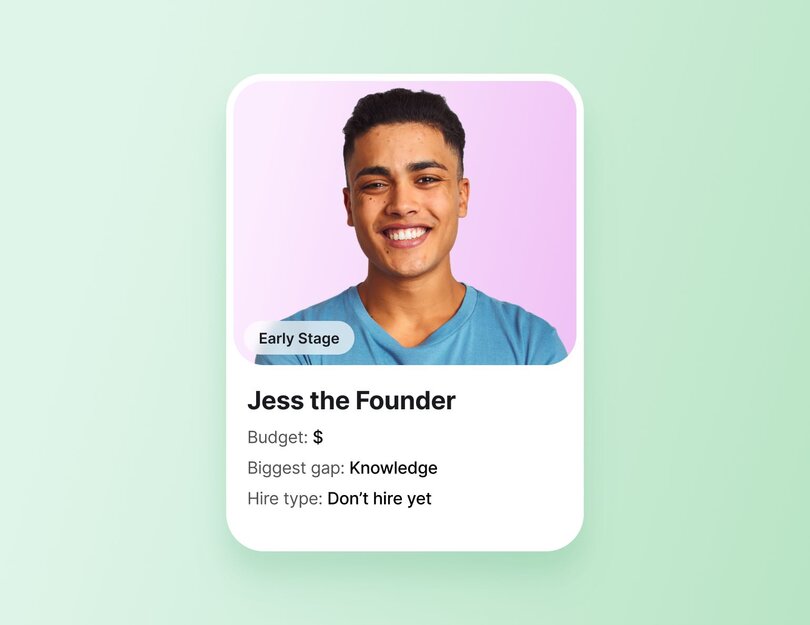
Jess is a thriving entrepreneur with over 500 students in her in-person art classes and 80 paying members in her new online community. She’s creative, driven, and curious about online community building. But she’s also early-stage, new to community work, and working with a limited budget.
**Pain points:**
- Unclear expectations about what community roles and responsibilities should look like
- Unsure where her own strengths end and where she needs help
- Limited capacity to train or manage someone
- Unsure how community growth fits into her long-term business goals
**What they need:**
Founders like Jess need education, templates, and guided learning, not a hire. This stage is about understanding the craft of community building and observing what works.
**Useful starting points include:**
- [Circle Academy](https://circle.so/academy)
- The Circle Community
- Community builder communities (e.g., The Community Community, Candid Collective)
- One-on-one conversations with other founders
- [Joining other communities](https://discover.circle.so/) to observe structure and member experience
- Podcasts about community building like [_Dear Bri_](https://www.emberconsulting.co/blog/categories/podcast)
**Hiring recommendation:**
**🚫 Don’t hire a community manager**—at least not right now. Early-stage builders like Jess need to invest in their own skills first. To start:
- **Offload non-community tasks** (e.g, admin work, scheduling), so you have more time to focus on your community.
- **Learn foundational skills** like welcoming new members, writing updates, running simple events, and gathering feedback.
- **Understand your community's needs.** Do you need to improve onboarding? Offer more consistent programming? Strengthen member relationships?
### Persona 2: Bri the Strategist
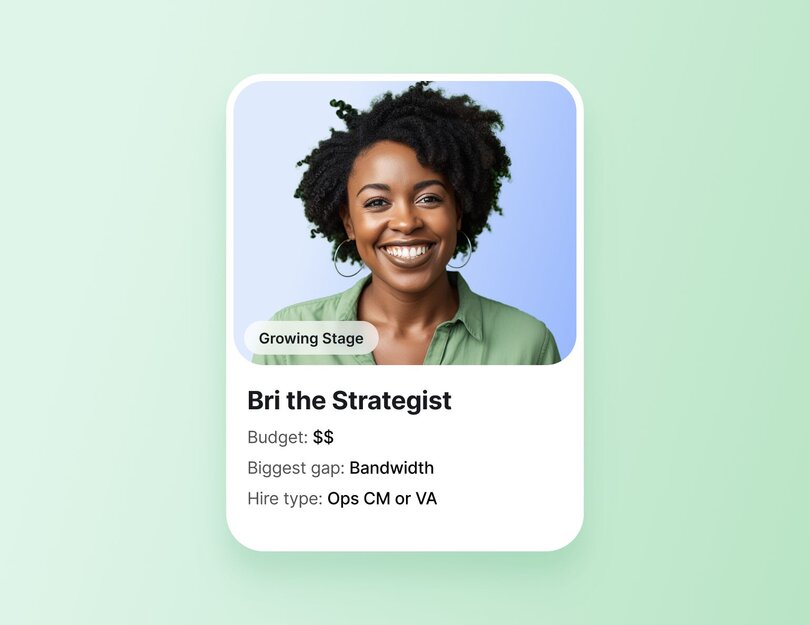
Bri represents the creator who has a strong community strategy and a strong point of view, but no capacity to stay in the weeds. She knows what to build. She just needs help running it.
**Pain points:**
- Too much time going to community operations instead of leadership work
- Strong vision, limited bandwidth
- Clear processes, but no one to own them
- Wanting someone who might grow into a strategy role, but unsure if that’s realistic
**What they need:**
Strategists like Bree need operational support, not another strategist. Helpful support often includes:
- A content and community coordinator
- A virtual assistant with a community focus
- Someone who can run day-to-day programming, handle logistics, and maintain engagement rhythms
Before hiring, Bree had to ask:
- Are my processes easy enough to follow and hand off?
- Am I patient enough to train someone?
- Do I want them to grow into strategy, or do I need great operations?
**Hiring recommendation:**
💻 Hire an **operational community manager** or **VA with community expertise**. Someone who can execute consistently and, if it makes sense, grow into a higher-level strategy role over time.
### Persona 3: Charisse the CEO
Charisse is running a mature, high-demand business. She has established programs and systems, plus a long waitlist of clients eager to work with her team. She’s had an active community for two years and offers scalable support to her clients. But as the CEO: “She doesn’t need to be in the weeds of her community. She doesn’t need to be deep in the strategy either,” Bri explains.
**Pain points:**
- The community needs someone who can own and scale it
- Minimal capacity for training or hands-on oversight
- Needs community leadership she can trust
- Vulnerability in hiring someone with skills she doesn’t personally have
**What they need:**
CEOs like Charisse need a fractional community manager or a full-time strategic CM, depending on budget. This person must be able to:
✅ Hire an **experienced community manager** who can own operations and strategy. If a full-time hire isn’t feasible, start with a **fractional community manager** (more on this in the next section).
## Fractional vs. full-time: What’s right for you?
You might not need to jump straight to a full-time hire. Fractional support is a powerful path for people who need someone to own key pieces of the work, with less commitment.
A **fractional community manager** typically works **5–10 hours per week.** They handle:
- **Essential community operations** (welcoming new members, approving posts, moderating threads, sending weekly updates or reminders)
- **Light programming** (running simple recurring events like coworking or office hours, posting weekly prompts or discussion starters, supporting existing programs)
- **Engagement** (checking in with members, replying to questions, encouraging participation, surfacing insights or feedback to the founder)
They’re ideal when your community is growing but not yet large enough to justify a full-time salary. Fractional roles often evolve over time. Founders can gradually increase hours and retainers as the community scales.
A **full-time community manager (30–40 hours per week)** makes sense when you have:
- **Mature programs that require daily leadership** (e.g., weekly or multi-weekly events, multi-step learning tracks or cohorts, ongoing accountability groups or peer circles)
- **Large and highly active member base** with frequent daily posts, comments, questions, etc.
- **Need consistent strategy, operations, and reporting support**
- **Want someone to fully own community development**
An **operations-focused CM** sits in the middle, usually **10–20 hours per week**, and works best for founders with a focused strategy who simply need execution.
## How to write an effective community manager job description
A strong job description is an essential step in learning how to hire a community manager. It should give candidates a full picture of what they will own, how you measure success, and where they fit in your business.
To get there, build your JD around a few key sections:
**Role overview.** Describe the purpose of the role and the goals this person will help you reach. Include who your community serves, how it supports (e.g., learning, networking, customer support, coaching, etc.), and its maturity (age and size).
Also include practical details like:
- **Location:** in-person, fully remote, or hybrid (and what hybrid actually means)
- **Employment type:** fractional contractor, part-time, or full-time
- **Hours per week:** (e.g., 10–20 hours for fractional)
- **Compensation:** salary or retainer range
- **Start date:** when you want someone to begin
- **Reporting structure:** who they’ll work with and report to
- **Perks and benefits:** anything meaningful beyond pay
- **Travel commitments:** (e.g., events, retreats, in-person sessions)
**Company overview.** Two to four sentences about your business and why your community exists to help candidates understand your mission and how the community supports it.
**Experience.** Spell out the level and type of experience needed. Also note platform fluency or sector-specific expertise. Experience requirements help filter candidates who may confuse community roles with adjacent support or communications positions.
**Tasks & Responsibilities.** Break work into categories:
- **Operations**: platform management, onboarding, moderation
- **Engagement**: prompts, check-ins, member support
- **Programming**: events, workflows, content scheduling
- **Reporting**: insights, retention signals, KPIs
**Skills & competencies.** The [Community Careers and Compensation 2024 report](https://communityroundtable.com/community-careers-and-compensation/new-community-careers-and-compensation-research/) highlights four core skills shared by high-performing community professionals: empathy, strong communication, attention to detail, and confident decision-making.
Many organizations also confuse community roles with support or communications roles. Your job description should make the distinction clear, so candidates understand the true scope of community leadership.
**KPIs.** Share the metrics that matter (e.g., onboarding quality, engagement health, retention patterns, satisfaction signals)
> 💡Want to fast-track your job description? Download Bri’s [sample fractional community manager JD template](https://docs.google.com/document/d/1zuwIXyS3n3z1PpEZHbJW2XZLWWz_0JhFfsg211ocNLY/copy?tab=t.0#heading=h.pdu71js0d5kw) to get started.
## Where to find great community talent (and how to evaluate them)
Finding great community talent can feel like a scavenger hunt. The strongest candidates often aren’t on typical job boards. They’re active inside other communities, learning, experimenting, and supporting peers.
Here’s where to look and how to quickly spot the people who know how to run a community.
### How to evaluate candidates
Once you know how to hire a community manager, the next challenge is where to find the right people. Great community talent doesn’t always show up on traditional job boards.
As Bri explains, many community roles “sit in a hybrid space. A virtual assistant or digital marketing assistant with a community spin.” That means you’ll often find the best candidates inside specialized communities, peer networks, or referral-driven groups.
Here are reliable places to start:
**Community-specific spaces:** Great for roles that require previous community management experience:
- [CMX](https://www.cmxhub.com/)
- [The Community Club](https://community.club/)
- [The Community Community](https://thecommunitycommunity.com/)
**Hybrid or operations-focused talent pools**: Ideal for fractional, part-time, or operations-heavy roles:
- [Emily Reagan’s Unicorn Digital Marketing](https://emilyreaganpr.com/) Assistant group — _Where Bri found her own coordinator_
- Virtual assistant communities
**Referral-driven groups:** Helpful when you want vetted recommendations:
- [Old Girls Club](https://www.jointheogc.com/) — _Bri’s go-to for female founders_
- Fractional community manager networks
### Should you use a recruiter, a marketplace, or hire directly?
There’s no single “best” hiring path. The right option depends on your budget, timeline, and the level of experience your community needs. Here’s how the main sourcing channels compare, along with what to watch for, especially around platform fluency and tool stack experience.
| Sourcing channel | Pros | Cons |
| --- | --- | --- |
| Agencies / specialized recruiters | | |
| Marketplaces (Upwork, Braintrust, similar) | | |
| Direct hires from your own audience | | |
### Why platform and tech stack fluency matters
Community experience isn’t universal. Someone who ran a lively Facebook Group may struggle with a Circle community with more robust spaces, events, workflows, and analytics. Ensuring platform fluency saves months of onboarding and prevents avoidable mistakes.
> 💡Quick way to check platform fluency. Ask candidates to complete a simple scenario, like setting up an event in Circle, and explain their approach. A short screenshare of a community they’ve managed works well too.
## How much should you pay a community manager? (Rates, salary, and fair compensation)
Community roles span from entry-level coordination to senior strategy, making compensation tricky. This section breaks down typical salary and retainer ranges so you can set a fair budget and attract the right level of talent.
### How are community managers paid?
You can pay community managers in several ways: full-time salaries, monthly retainers for contractors, hourly project work, and fractional community manager retainers.
CMX’s 2025 report shows the field is becoming more flexible. Full-time roles have dropped to 59%, while freelance and consulting roles have tripled since 2022. In general, compensation aligns with scope: operational roles cost less, while strategic leadership commands higher rates.
### How much does a community manager charge or earn?
Compensation varies by region, experience, and role level, but industry benchmarks provide a helpful range:
**Community Roundtable’s 2024 Community Careers & Compensation Report:**
- Community Specialist: $76,250 avg
- Community Manager: $95,866 avg
- Community Strategist: $107,237 avg
- Community Executive: $141,607 avg
**[ZipRecruiter (U.S., 2025):](https://www.ziprecruiter.com/Salaries/Online-Community-Manager-Salary)**
- Average Online Community Manager salary: $80,123/year
- Most roles fall between $62,500–$111,500/year
- Top earners reach $128,000/year
**Regional data (Community Roundtable):**
- U.S.: $109,177 avg
- Canada: $97,794 avg
- EU & UK: $71,684 avg
- APAC: $81,250 avg
### What is a fair wage for a community manager?
A fair wage aligns with the role’s impact, level of responsibility, and market benchmarks.
Fair pay also accounts for the value the role drives. CMX’s 2025 Trends Report found that 85% of teams say community directly advances company goals, and nearly a quarter can now quantify over $1M in business impact.
To determine a fair wage, consider:
- **Seniority:** operational vs. strategic leadership.
- **Business impact:** retention, satisfaction, upsell, LTV.
- **Scope:** daily execution vs. full program ownership.
- **Region:** salaries vary significantly by geography.
- **Equity:** Community Roundtable data highlights gender pay gaps at the Specialist and Strategist levels. Review your ranges through an equity lens.
## How to onboard and set your community manager up for success
Onboarding is where your new community manager learns how your world works. This is where you show them the systems, decisions, and expectations that shape the community day to day.
To support their success:
- **Start with a 90-day plan** outlining priorities and what success should look like at 30, 60, and 90 days.
- **Give them access to context**—your goals, constraints, values, documentation, workflows, member insights, decision-making logic, and SOPs (if any)—so they aren’t guessing.
Bri notes that when you hire someone with expertise you don’t have, micromanagement can creep in. To avoid this, make sure you:
- **Define desired outcomes**, not just tasks, so they understand the results you expect.
- **Schedule regular check-ins** for alignment.
- **Give them room to recommend solutions** and make decisions in their zone of expertise, not just execute your ideas.
- **Encourage them to join communities of practice** for additional guidance and peer support.
## Ready to hire? Here’s what comes next
Hiring your first community manager is a huge step. When you’ve been doing everything yourself, it can be nerve-racking to hand over pieces of something you’ve poured your energy into. But it’s also a sign you’ve built something worth supporting.
Now that you understand how to hire a community manager, choose the path that fits your stage and take the next step with confidence. If you want support along the way, join the [Circle Community](https://community.circle.so/) or explore [Circle Academy](https://circle-academy.circle.so/c/start-here/) to learn with other builders who are growing right alongside you.
## FAQs about hiring community managers
What should a community manager be responsible for?
A community manager leads the day-to-day health, operations, and engagement of your community. Their responsibilities typically include running events, managing onboarding, supporting members, moderating posts, organizing content, tracking engagement data, and sharing insights with the team. Depending on your stage, they may also handle programming, retention strategy, and member leadership development.
How much does a community manager cost?
Costs vary by experience, region, and scope. Industry benchmarks (Community Roundtable, ZipRecruiter) show U.S. community managers earning $62k–$111k, with averages around $80k–$95k. Fractional or part-time support is typically offered through monthly retainers, starting lower for operational roles and increasing for strategic leadership. Senior community strategists and executives command higher compensation.
How are community managers paid?
Community managers can be full-time employees, contractors on a monthly retainer, hourly freelancers, or fractional community managers working 5–15 hours a week. Compensation usually tracks with scope. Operational roles are more affordable; strategic roles require a higher investment.
What skills should I look for when hiring?
Look for strong communication, empathy, attention to detail, and confident decision-making. Platform fluency matters too. Experience with tools like Circle, Zoom, email automation, analytics, and project management software is an asset. Great candidates can facilitate conversations, energize members, organize systems, and turn qualitative and quantitative insights into actionable recommendations.
When should I hire a community manager?
You should hire a community manager when:
- Your community’s needs exceed your capacity
- You have a strong purpose and programs to sustain
- Bringing someone in helps you focus on the work only you can do.
If you’re hoping a hire will “fix” a vague strategy, lagging engagement, or an undefined purpose, you may not be ready yet. Early-stage builders often start with DIY support, growing communities benefit from fractional or operational hires, and mature communities typically need more strategic leadership.
What’s the difference between a social media manager and a community manager?
A social media manager creates content, manages brand channels, and focuses on reach, visibility, and audience growth.
A community manager builds belonging. They run programs, support members, facilitate conversations, gather insights, and strengthen relationships inside a private or hosted community.
---
### Top 10 ways to monetize a community in 2026
*Can communities actually generate revenue? Heck yes. Learn about 10 proven ways to monetize a community in 2026 through paywalls, coaching, partnerships, and more.*
Source: https://circle.so/blog/how-to-monetize-a-community
> ## TL;DR
>
> * The real money is in recurring membership, not one-off sales. Exit Five reached $1M a year and SPI around $700K once they switched from sporadic launches to a community members pay to stay in.
> * Don't bet everything on one revenue stream. The communities that earn most layer a few — memberships, courses, coaching, events — all pointed at the same result for members.
> * A big audience isn't the point. Most six-figure communities run on just a few hundred paying members, because what people pay for is the result they get, not the size of the crowd.
No two communities are alike, but they all share the same mission—bringing together people with a shared interest, passion, or goal. As a community builder, you’re creating content and connections that keep current members engaged, and hopefully attracts new members.
Wherever you are in your community-building journey, you’ve likely invested time, money, and energy. A lot of time, money, and energy. You’ll eventually (probably now, since you’re reading this) reach a point when a voice inside your head says, “I think it’s time to monetize this.”
😬 Monetizing your community can be a scary proposition. We get it. You’ve built something from the ground up that people care about, and making money from it might feel strange.
**Don’t panic.** You’re not the first community builder to face this hurdle and you won’t be the last. The good news is there are more ways than ever to monetize your community in a way that matches your community’s brand and values.
In this post, we’re going to talk about what community monetization is, look at the reasons now is the time to monetize your community, and give you real-world examples from community builders who’ve done it right without scaring off members.
## What is community monetization?
Before we get into the “why” and “how” of community monetization, let’s define the what. Community monetization is how you transform the attention, engagement, and trust you have built with your members into a sustainable business model.
This isn’t selling a product to a random group of customers. You’re facilitating a space where the value in connection, knowledge, and growth is high enough that members are willing to pay for it.
🃏 Like The Joker said in 2008’s *The Dark Knight*—“If you're good at something, never do it for free.”
## Why monetize your community?
It’s easy to look at a community with thousands of members and think that’s what success looks like. The reality is that the success of a community isn’t defined by how many members are signed up. Success is defined by the results your members achieve, and the data shows that sustainable revenue follows real impact.
How do we know? We asked the experts and analyzed the data to create our [**2026 Community Trends Report**](https://circle.so/2026-community-trends-report?).
Our team surveyed 750+ community builders—from solo creators and influencers to entrepreneurs and businesses—to understand what is actually working in today’s landscape. That’s just the start. We overlaid this survey data with product insights from over 18,000 Circle communities to see how these trends are playing out in real time. Finally, we gathered first-hand insights from 12 industry experts to validate what we found.
> 👉🏼 **You can read the full** [**2026 Community Trends Report**](https://circle.so/2026-community-trends-report?) **here. It’s a must-read for any community manager looking to grow and monetize their communities.**
What we learned signals a massive shift. While engagement is still important, the most successful communities are now optimizing for **member transformation** and **quality**.
Here’s what the data is telling us:
* **Transformation drives growth:** 69% of respondents now say that member transformation—helping members achieve specific goals, mindset shifts, or skill mastery—is their most important strategy for growth and retention. When you charge for your community, you are better equipped to provide the hands-on support required to deliver these results.
* **Quality over quantity:** 39% of community builders are actively de-prioritizing member growth in 2026. Why? Because focusing on a smaller, higher-quality group allows creators to offer enhanced service levels that members want to pay for.
* **The velvet rope builds trust:** 12% of builders plan to strictly cap their membership numbers to foster emotional safety and exclusivity.
## When should you monetize your community?
The biggest mistake in community monetization is charging before there is value. If you charge membership for a gym with no equipment, no one is coming in to work on their fitness goals. The same goes for communities. Successful monetization usually happens after a group is already active and engaged.
So, how do you know when the vibes are right to [start monetizing your community](https://circle.so/blog/community-pricing-strategy)? The short answer is that it’s different for each community. It all comes down to what we talked about with having value in your community:
* **Day 1 (The Velvet Rope Strategy):** You can monetize immediately if you already have a strong reputation or "pre-sold" trust like a strong social following or newsletter. This can work well for investing or career pivot communities where members want a higher barrier to entry to get a curated, high-quality peer group.
* **Later (The Freemium Upsell):** If you are building from scratch, wait until you hit critical mass. This can be when you start to notice super members who contribute as much value as you do, or when the community becomes so active that moderation feels like a full-time job.
> ⚠️ Never take a community that has been 100% free and suddenly announce, "Starting Monday, everyone must pay to stay." This not only destroys trust, it breaks the spirit of what you’re building.
**Our recommendation:** Use the "Grandfather Method." Tell your existing members they get to stay for free as a reward for being founding members. Your new community membership fee only applies to new people joining after a specific date. Or, keep your general space free for everyone, but lock new, premium features (like courses or coaching calls) behind paid membership.
### **5 behaviors that signal it's time to monetize**
Whichever path you take, the green light isn’t a follower count—it’s behavior. Here are the five signals that tell you it's time.
1. **You have a consistently engaged core of members.** We're talking about people who post, respond, and show up week after week.
2. **Members spend meaningful time per session.** When people stay long enough to read, reply, and contribute, your community is becoming part of their routine.
3. **People are referring others without being asked.** When members stake their reputation on recommending your community, they're signaling the kind of value that supports a paid offer.
4. **Members are explicitly asking for more.** Requests for exclusive content, deeper access, or premium events are the clearest demand signal you'll get. If organic requests haven't surfaced, survey your members directly.
5. **Engagement spans multiple formats.** Members who attend live events, post in discussions and consume resources are demonstrating the routine commitment that usually precedes a willingness to pay.
Together, those signals show that members are building a habit around your community.
## How much can you earn from a monetized community?
At this point, we’ve hopefully got you day dreaming about quitting your day job. But before you send in that resignation letter, let’s talk dollars and sense. With the right community and content, there’s a lot of potential to build a viable business (or at least a solid side hustle).
* [Exit Five](https://circle.so/customer-stories/exit-five) generated $1 million in bootstrapped revenue in 2023 by centralizing 6,000+ members after moving off "rented land" like Facebook, allowing him to control the brand and pricing..
* [Smart Passive Income](https://circle.so/customer-stories/spi-community) brings in roughly $700,000 annually by pivoting from sporadic course launches to recurring memberships. Founder Pat Flynn's goal was stability: instead of constantly hunting for new leads, he focused on serving existing "Pro" members.
* [Income School](https://circle.so/customer-stories/income-school-plus) maintains seven-figure revenue with 1,000+ members, but their earnings are boosted by efficiency. Founder Ricky Kesler realized their old "patchwork" of plugins was bleeding money. Consolidating to a single app saved them $12,000/year on video hosting alone, proving profit isn’t just what you earn, it’s what you save.
> 🧮 You don't need a massive audience to build a meaningful business—you just need the right model. See exactly what’s possible for your brand by running the numbers on our [Community ROI Calculator](https://circle.so/community-roi-calculator).
## 10 proven ways to monetize your community
If you’ve made it this far, you’re either convinced it’s time to monetize, or we’ve at least piqued your interest. The good news is that there are many ways to monetize your community, and you don’t have to limit yourself to one, either.
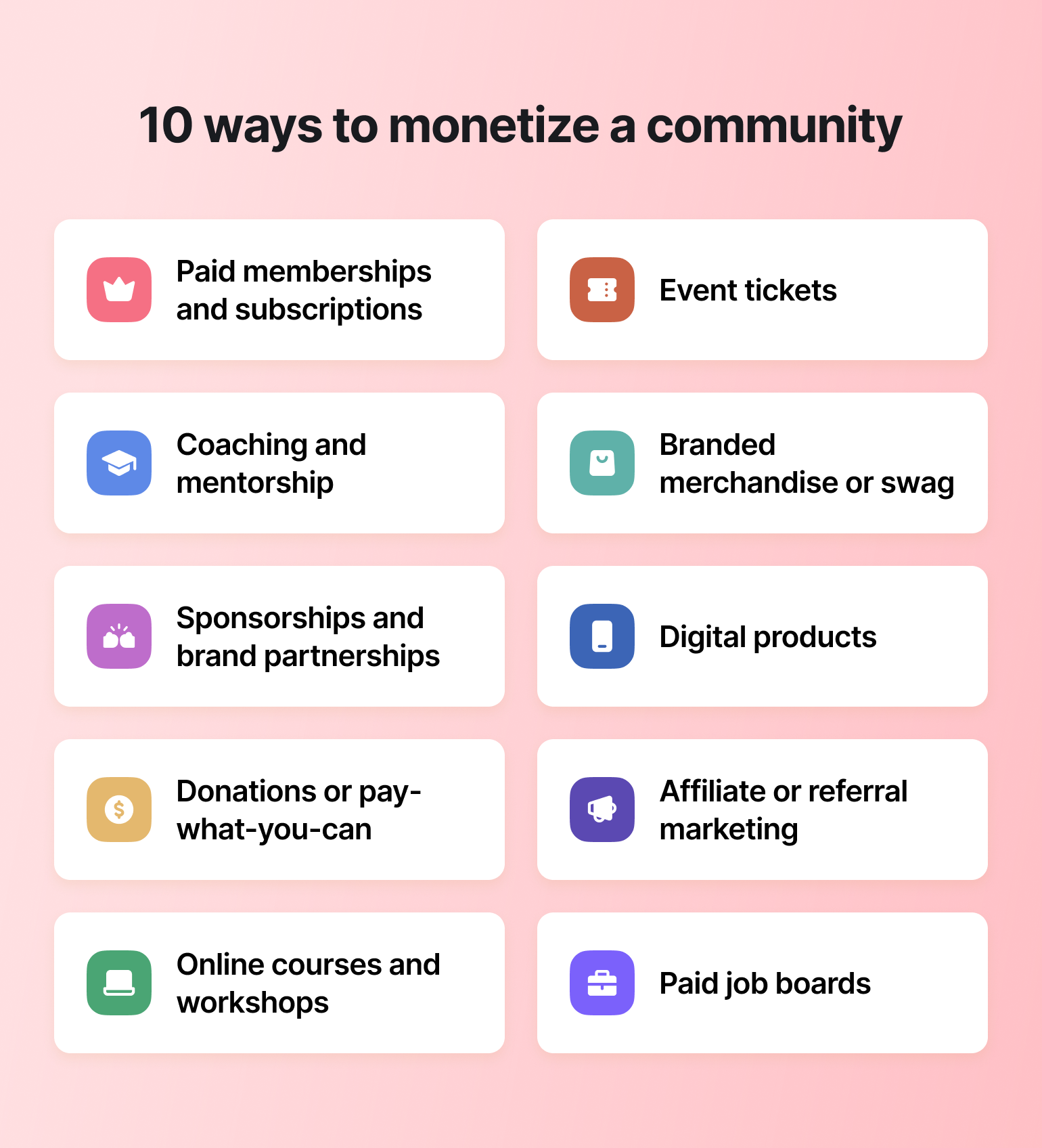
### 1. Paid memberships and subscriptions
[Paid memberships](https://circle.so/payments) remain the bread and butter of monetization, but the primary driver for conversion has shifted. More content is out, personal growth is in. Today, the most successful paid tiers are designed around **helping members achieve specific goals, mindset shifts, or skill mastery.**
So, how do you move members from free to paid? Smart Passive Income’s Pat Flynn, suggests that the most effective marketing isn't about positioning yourself as the authority. Instead, it's showcasing the success of your members.
This aligns with a broader trend where community is no longer just a post-purchase destination. [With 48% of community builders reporting that members engage with their community before they buy](https://circle.so/2026-community-trends-report?), the most effective strategy is often to offer a free tier or public event to show the value, then upsell to a paid membership that delivers the deep transformation and hands-on support members crave.
#### Using tiers to provide more value in your paid membership
Members don't drift up your tiers on their own—each move has its own trigger you can engineer:
* Stranger to free member: New people join when there's a single, obvious entry point. Put the link everywhere your audience already pays attention, make the promise specific, and require just one click to join.
* Free member to engaged participant: Most new members lurk until something pulls them in. A simple welcome sequence fixes that—send a DM when they join, point them to one clear first action, and nudge them if they go quiet in week one. The goal is their first post, which is what turns a visitor into a regular.
* Engaged member to paying member: People upgrade when they see a transformation they can't get for free. Make the gap visible with a paid-tier preview, then add a reason to act now—a founding-member price with a real deadline and proof from a current member.
* Paid member to premium customer: The top tier sells when a member hits a result and wants the next level. Don't wait for them to ask—run quarterly check-ins, watch for upgrade signals, and invite the right members directly.
The throughline: design each stage deliberately rather than hoping members find their own way up.
### 2. Coaching and mentorship program
With growth being the big driver for members converting from free to paid, offering coaching and mentorship opportunities as part of a paid membership or as paid add-ons for free members is one of the top strategies we’re seeing across Circle community builders. These options can include:
* **1:1 coaching.** If you want to run a marathon, you find yourself a coach. The same goes for your members looking to improve their skill sets or make a significant life change. Dedicated coaching helps create accountability and is a great way to demonstrate the value of your community through testimonials or word-of-mouth.
* **Flexible** [**group coaching**](https://circle.so/blog/group-coaching)**.** Coaching doesn’t have to be 1:1, either. Group coaching can help take multiple community members on a shared improvement journey.
* [**AI coaches**](https://circle.so/blog/ai-agents-for-communities)**:** A new frontier in mentorship is the use of AI agents. Rather than replacing the coach, builders are using AI "learning companions" to provide instant feedback, help students stay motivated, and make sure they get better results between live sessions.
> Real-world example: English Like a Native's "Ben, Study Buddy"
>
> Anna Tyrie, founder of [English Like a Native](https://discover.circle.so/product/the-conversation-club) (and The Conversation Club) needed a way to provide personalized support to language learners at different levels without being available 24/7. Her solution was Ben, an AI study companion that answers vocabulary questions, checks grammar, suggests exercises based on course progress, and offers pronunciation tips.
>
> The key was in the training. Anna curated Ben's knowledge engine with transcripts from all 45 video lessons, a custom PDF with 2,000+ vocabulary words, common error patterns, and complete conversation practice dialogues — then gave Ben instructions to respond conversationally and suggest specific lessons when members struggled.
>
> With Ben available around the clock, members get instant feedback and personalized support on their own time. And Anna can focus her live teaching on advanced concepts instead of repetitive questions.
>
> 👉🏼 Want to build something similar? [Circle's AI agents](https://circle.so/ai-agents) let you create a custom study buddy, coach, or support companion for your community in minutes — no coding required.
### 3. Sponsorships and brand partnerships
Depending on the nature of your business, [brand partnerships](https://circle.so/blog/brand-partnerships) can be a very lucrative way to monetize your community. With transformation being the driver of community growth these days, sponsorships and brand partnerships can help build deeper trust with your members if (IF) those partners are trusted too.
Here are 4 sponsorship and brand partnership ideas to inspire you:
1. **Co-created micro-challenges:** Instead of a standard webinar, partner with a brand to host a short, goal-oriented challenge. This aligns with the 50% of builders prioritizing "lighter" engagement.
2. **Sponsored "scholarships" or grants:** Partner with a brand to remove financial barriers for your members. This positions the sponsor as a supporter of your community's success rather than just an advertiser.
3. **Curated toolkits:** Move beyond generic affiliate links. Work with a partner to create a custom, pre-configured setup exclusively for your members.
4. **Go unplugged:** With members craving "less screen time and more real time", physical product partnerships are regaining value.
> **💡Tip:** Members are looking for "honest, unpolished voices" and recommendations they can trust. Frame your partners as vetted solutions that cut through the noise, rather than advertisers buying attention.
### 4. Donations or pay-what-you-can
Similar to paid communities, opting for a donation or pay-what-you-can model allows people to pay for their community membership. But, instead of having a very rigid, set price, they have the flexibility to choose what they pay.
This model isn’t always the ideal monetization option, but it can still be effective. Particularly if you have a very devoted, tight knit membership who clearly sees the value your community brings to their lives. One great example of a pay-what-you-can model is Mila Clarke’s community, the [Glucose Guide](https://community.glucoseguide.app/c/start-here/).
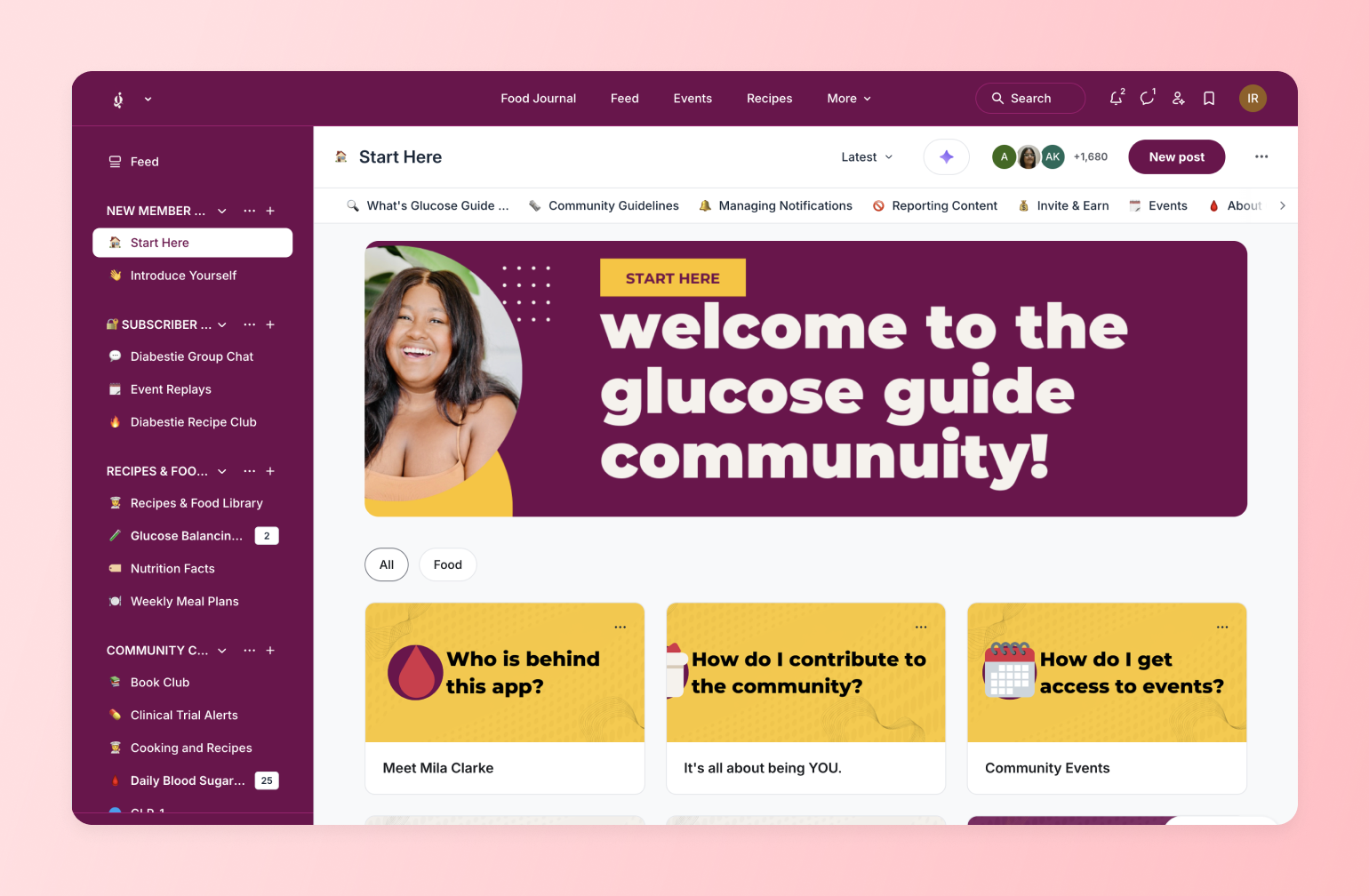
Mila’s community is run on paid brand partnerships *and* member donations. Most of the content in her community is free to access, but to join and become a member (and get access to some private areas in the community), people have to pay-what-they-can. Member subscriptions start at $1 a week, $5-$50 a month, or $100 for a one time all-access fee.
You can learn more about the [Glucose Guide community here!](https://circle.so/customer-stories/glucose-guide)
### 5. Online courses and workshops
We all understand the value of learning, and community members see that value when you [offer courses or workshops](https://circle.so/courses) in your community that help them achieve their goals. In our **2026 Community Trends Report**, community builders told us that 54% of members cited "skill mastery" as a key outcome of their experience.
The best part about this monetization strategy is that you can tailor how you deliver it to the different ways your community learns best:
* **Micro-learning:** More than half of the community builders we spoke with break complex topics into bite-sized content that members can consume in under 15 minutes.
* **Live courses.** AKA “synchronous learning,” live courses are great for your tech-savvy community members with flexible schedules for when they can sign in.
* **In-person courses.** Communities that get together IRL can often build stronger bonds and connections in your digital community. And like live courses, you can record them as pre-recorded content for members who couldn’t make it in person.
* **Peer-learning cohorts:** Test small, time-bound pilot groups where members learn together, creating accountability and deep connection without the need for endless video calls.
> 💡 Learn how to [create your first online course](https://circle.so/blog/create-online-course) here, step-by-micro-step.
### 6. Event tickets
[Events](https://circle.so/events) remain a powerful way to monetize, but the strategy has shifted. In 2026, success isn't packing the calendar with live sessions to drive engagement metrics. Members are looking for curated, high-value experiences that respect their time.
* **Focus on "real" connection:** In a world of AI-generated noise, members are willing to pay for "unmistakably human" experiences. Consider hosting intimate, high-ticket workshops or retreats where the goal is deep emotional safety, connection, and tactical, real-world takeaways.
* **Go hybrid and async:** You don't need everyone in the room at the same time to drive revenue. Look at selling "event passes" that include access to a live session plus a private async discussion thread, bite-sized summaries, and recordings for those who can't make it live.
* **Quality over quantity:** A significant 21% of builders plan to reduce their event programming in 2026. By hosting fewer, higher-impact events, you can create a sense of scarcity and premium value that justifies a ticket price.
### 7. Branded merchandise and community swag
Nothing says value like a good hoodie. Or a tote bag. Or a branded Stanley mug. Merch promotes your brand to potential new members and gives your existing members a sense of belonging they can carry around with them.
If you have die-hard fans, selling branded merch is a great avenue to increase revenue—but to truly maximize Member LTV (Lifetime Value), you should treat merch as a tool for identity and celebration:
* **Badges of belonging:** With 67% of members joining or staying specifically because of "shared identity and values", merchandise becomes a powerful signal. It allows members to physically wear their values and signal to others, "I am part of this movement."
* **Member engagement.** If you’re tracking the most engaged members in your community, a great way to show them you value their dedication is to give out branded swag when certain milestones are hit!
* **Milestones for transformation:** Consider using merch to celebrate wins. Instead of just selling a t-shirt, offer exclusive "graduation gear" or other physical rewards unlocked only when a member achieves a specific goal or mastery level. This reinforces the progress they have made.
By shifting your mindset from swag to symbolism, you can turn physical goods into powerful retention tools.
> Real-world example: Web Designer Pro's swag-powered growth
>
> Josh Hall, founder of Web Designer Pro, leaned into branded merch as both a [retention and acquisition tool](https://circle.so/blog/membership-retention-strategies). "It helps that the brand looks cool on a shirt and is really recognizable," he says. In one standout case, a member landed a $5,000 website project just by wearing her Pro shirt to the vet.
>
> Beyond apparel, Josh gives members shareable assets like anniversary graphics, website badges that signal credibility, and an affiliate program that turns members into recruiters. The result is merch that doesn't just generate revenue — it builds pride, visibility, and a reason to stay.
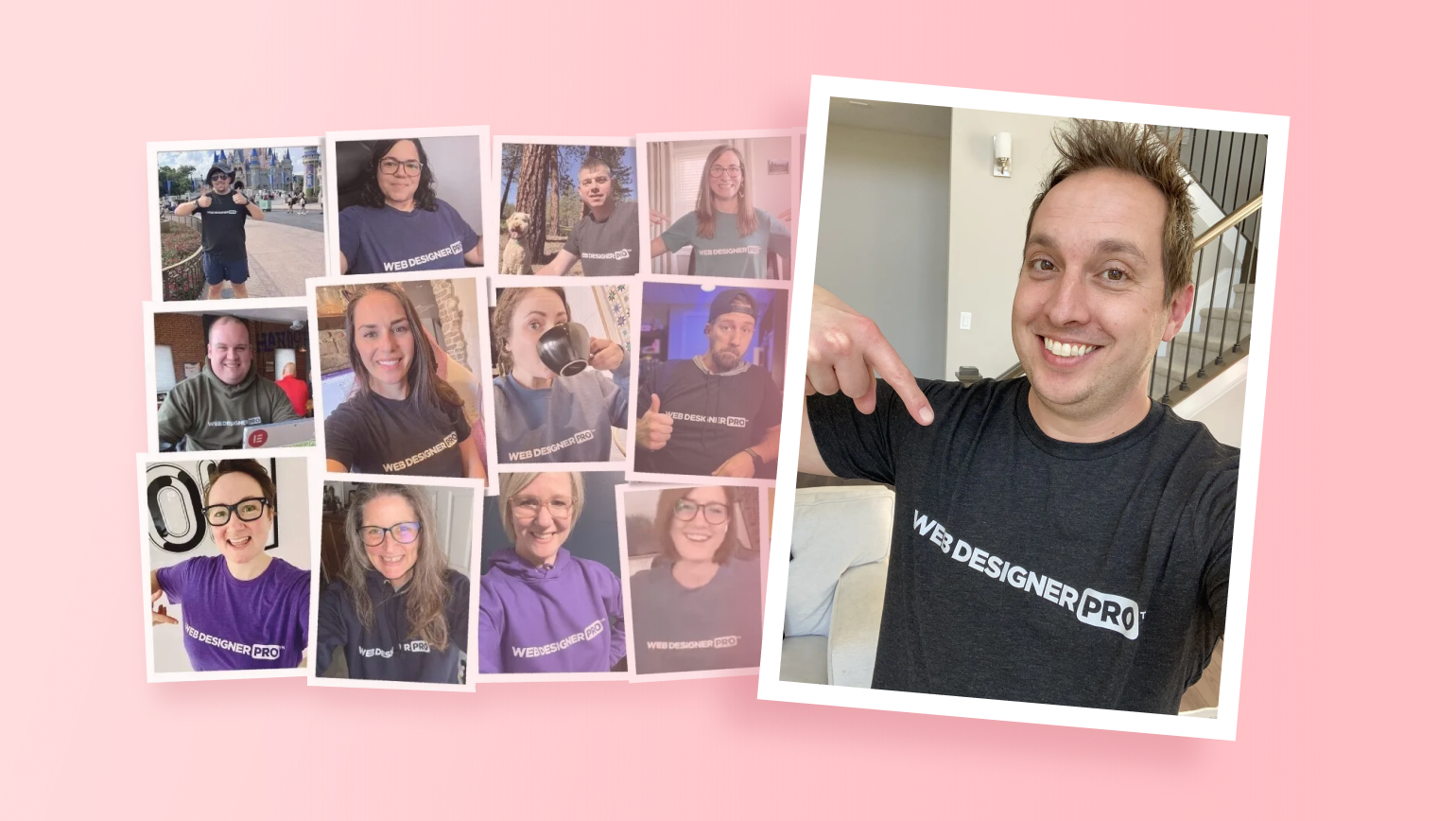
### 8. Digital products
When it comes to monetization, [offering digital products](https://circle.so/blog/digital-product) is a strategy with a potentially higher margin than any other. Digital products allow you to provide value to your community with something they can use in their everyday lives, whether it’s a time management checklist or a list of prompts to use with generative AI tools. Here are a few examples of [digital products that community creators offer](https://circle.so/blog/digital-product) today:
* **Templates and productivity tools.** Marie Poulin's Notion Mastery templates are pre-built productivity systems that help users manage tasks, notes, and projects in one place. Whether it's Notion dashboards, Airtable workflows, or Google Sheets trackers, templates that save time are consistently strong sellers.
* **Ebooks, guides, and playbooks.** Downloadable PDFs packed with strategies or step-by-step instructions for a specific outcome. These work especially well when paired with a community membership — the ebook gets people in the door, and the community keeps them engaged.
* **Budget and planning spreadsheets.** Creator Danica Nelson built various budget templates for travel, business, and personal finance tracking.[ ](https://circle.so/blog/digital-product)Any community where members are working toward a financial or organizational goal can offer spreadsheets as a low-cost, high-value add-on.
* **Photo and design presets.** Photographer communities often include Adobe Lightroom presets as part of a paid membership. These presets help up-and-coming photographers improve their skills — and they'll often share their progress on social, leading to more membership signups.
* **Craft patterns and creative assets.** Cheyenne Anstice created The Wholeness Shop, where she sells beading patterns and courses that help makers find flow, confidence, and creative fulfillment through the meditative art of beadwork. Patterns, design files, and creative assets work across any maker or artist community.
* **Travel itineraries.** Many travel influencers sell downloadable itineraries highlighting optimal routes, recommended restaurants and attractions by location, and packing checklists. These are easy to produce and easy to sell as standalone add-ons.
* **Custom GPTs and AI prompt packs.** Pete Boyle created a $1 digital product — a bundle of custom GPTs for marketers — and made $4,069 in just 10 days through upsells and consulting gigs.[ ](https://circle.so/blog/digital-products-to-sell)AI tool bundles and prompt libraries are a fast-growing category across business, marketing, and creative communities.
* **Subscription resource libraries.** SwipeFiles by Corey Haines is a resource library for marketers supported by a membership[ ](https://circle.so/blog/digital-product)— subscribers get ongoing access to a growing collection of templates, worksheets, and tools. This model turns digital products into recurring revenue.
> Real-world example: The Public Health Club's digital product engine
>
> Dr. Des, founder of The Public Health Club, built a clever system around digital products. Each month, she releases a brand-new resource exclusively for community members — free during that month only. Afterward, it goes into her online store and is sold separately. This approach reduced churn by 5% (members stay to avoid paying for resources later), built a growing catalog of products for future offers, and gave her a built-in feedback loop to refine her marketing before each resource hits the store.
>
> [Read more about Dr. Des’ strategy.](https://circle.so/blog/digital-products-to-sell)
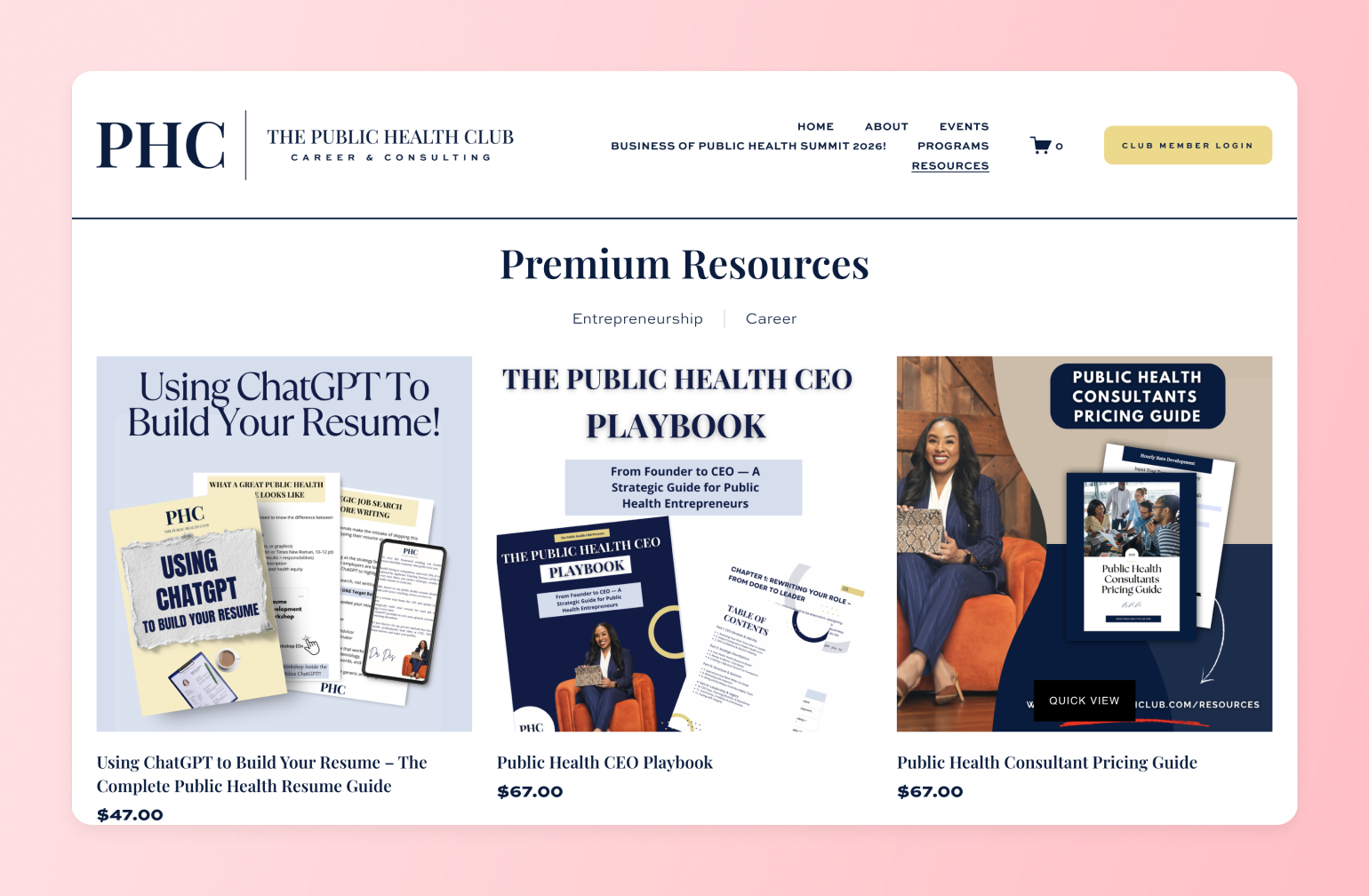
### 9. Affiliate marketing and referral programs
It’s 2026 and you can’t scroll without being inundated with a tsunami of AI-generated slop and "fake" reviews. We’re all feeling overwhelmed and struggling to know what is real, and your members are tuning out ads and turning to communities to ask, "Who do I trust?"
You’ve done the work to build trust, and affiliate marketing has evolved from a simple revenue stream into a crucial service for your members.
> 👉🏼 Just in case you don’t know: [**Affiliate marketing**](https://circle.so/blog/content-monetization#h3-13) is sharing links to products or services in exchange for a commission.
This makes your role as a curator more valuable than ever. By vetting tools and resources that genuinely help your members achieve their goals, you are acting as a trusted filter in a world of uncertainty (and not knowing if something is cake.)
### 10. Paid job boards and career centers
For many members, the ultimate transformation isn't just learning a new skill, it's landing a new role. Community builders told us that almost 45% of members reported experiencing career growth as a direct result of their community participation.
Creating a dedicated job board or career center allows you to monetize this demand directly while solving a major problem for the industry. In a world where AI tools are spamming general job sites with thousands of applications, employers and talent alike are desperate for a filter.
**💁🏽 Your community provides that filter.**
By curating high-quality roles and vetting candidates through your existing membership, you create a high-trust environment that is worth paying for.
* **Monetize both sides:** You can include access to the job board as a perk of your premium membership tiers for job seekers, while simultaneously charging companies a fee to post their listings to your highly qualified audience.
* **Beyond the listing:** Don't just post links. Enhance this revenue stream by offering "career sprints" or resume review workshops—paid add-ons that help members prepare for the opportunities you are sharing.
## How to choose the right monetization strategy for your community?
With so many options, it can be tempting to throw everything at the wall and see what sticks. But the most successful community builders in 2026 aren't just adding more "stuff" to sell, they are designing intentional business models that fit their members' lives.
As Jocelyn Hsu, Head of Community at Hint Health, reminds us: "Your customers are different. Your product is different. Focus on building a community unique to your specific audience and needs".
Here is a simple framework to help you decide which path is right for you:
1. **Start with the transformation, not the tactic.** Before you pick a price point or a format, ask yourself: What result are my members trying to achieve?
2. **Respect your members' time (and energy).** In a world of digital overwhelm, "more value" doesn't mean "more hours online." Choose a monetization strategy that fits your members' capacity.
3. **Experiment before you commit.** You don't need a perfect "master plan" to start charging. Try selling a single workshop, a one-off digital guide, or a limited-time coaching sprint. See what members are willing to pay for, gather honest feedback, and then build the full program.
4. **Check your own capacity.** Be realistic about what you can sustain.
The "right" [community pricing strategy](https://circle.so/blog/community-pricing-strategy) is the one that delivers the best results for your members while keeping your own business sustainable.
## 5 best practices for sustainable community monetization
Knowing how to monetize your community is just the start. Putting these strategies into action means taking a little bit of risk. But as the saying goes, “No risk. No reward.”
Before we get into best practices, there’s one thing you need to know. None of these strategies will work unless you’re already demonstrating value to your audience. Launching a new community with paid access will be met with the sound of crickets. Tammie Bennet, Founder of [The Show Up Society](https://www.showupsociety.com/), uses her podcast to connect with people and help convert them to a paid membership.
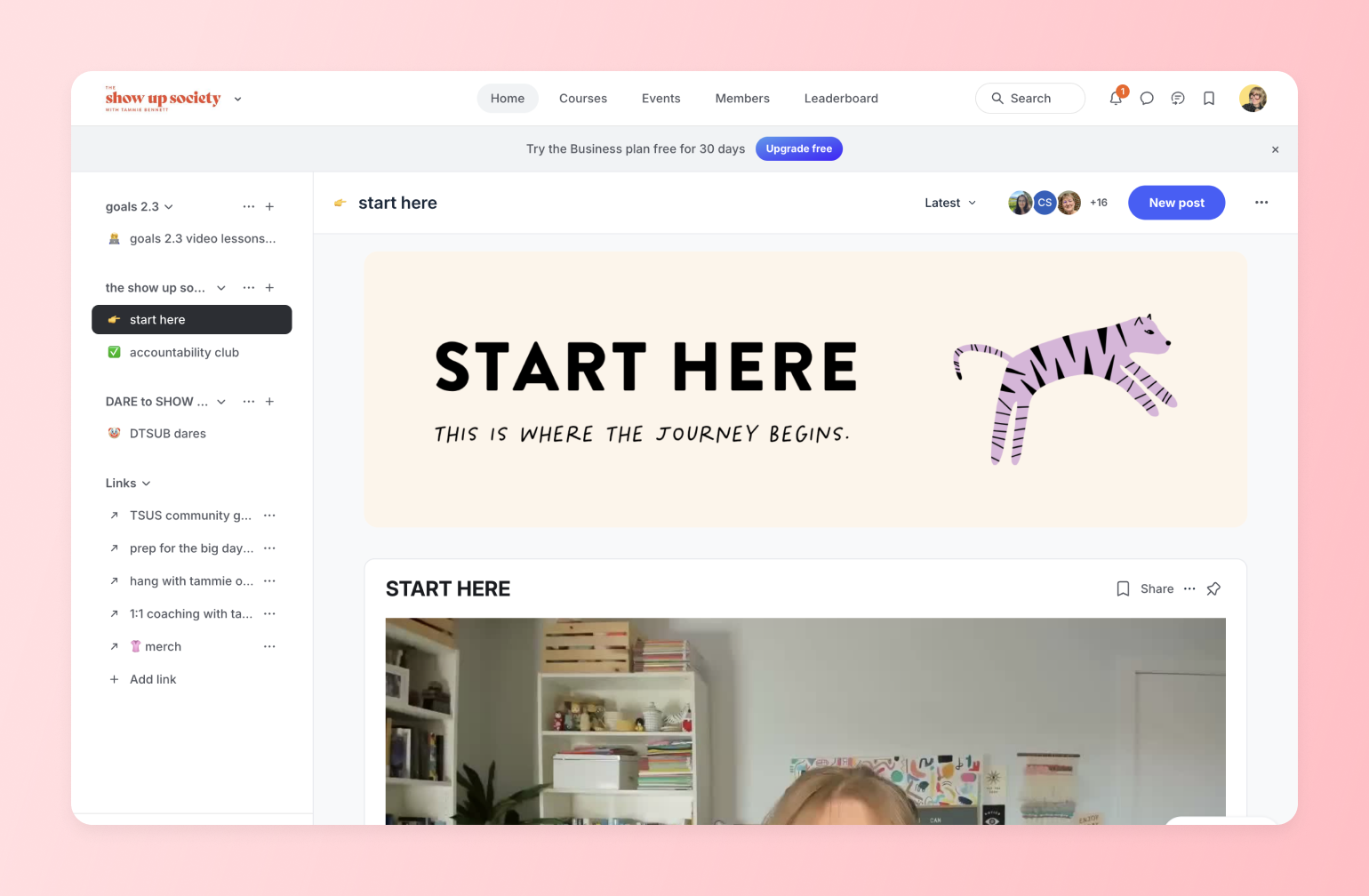
“After listening to a few episodes, they become very familiar with my coaching style, so they know whether or not they are a good fit for my community,” says Tammy.
Investing in high-quality content is key. It’s a preview of what awaits people once they become members, and it helps filter out people who aren’t interested in what you’re offering.
### 1. Know your worth
You started on the community-building path because you knew you had something to offer. But determining the value of your time and insight is often the hardest part. In 2026, the data is clear: the path to sustainability isn't about getting *more* members at a low price—it's about serving *fewer* members at a higher level.
As Rachel Starr, founder of coCreator Society, notes, builders are "charging more and offering a higher level of service in return" because earning trust today requires more "handholding" and a human touch.
Monetization is no longer just a business model—it is the mechanism that allows you to provide the high-value, transformative experiences members are craving.
### 2. Experiment with your pricing model
Every [community monetization strategy](https://circle.so/blog/community-pricing-strategy) has an almost infinite number of pricing models. A monthly paid membership might work well for one community, while it falls flat with another.
Don’t worry. You might not get it right on the first go, and that’s okay. Every business experiments with pricing to see what customers are willing to pay. Everyone laughed when Netflix announced they were launching a paid streaming service. Today, you’re probably paying for 17 of them.
**Monthly subscriptions** can be a great way to monetize your community because they have a limited commitment time frame for your members. But that’ll bite you since your members have a monthly reminder asking if they still get value from your community.
**Annual or lifetime memberships** require more work to convert but can create a higher sense of value and [reduce community churn](http://circle.co/blog/member-retention). You just need to make sure that you can commit to providing your members with value for a very long time!
### 3. Build with your members, not just for them
Going back to our report, the communities that see the highest engagement are the ones that have ditched the "perfect plan" in favor of honest feedback and frequent iteration.
👩🏽🔬 **How do they do it? It’s simple.** [**They treat their community as a laboratory.**](https://circle.so/blog/experimental-mindset-for-creators)
Instead of guessing what events to host, 43% of community builders now pilot new initiatives in small groups or short timeframes before rolling them out to everyone. By testing concepts—whether it’s a new workshop format or a guest speaker series—they’re able to deliver exactly what members want (and have the bandwidth for) before committing to a full schedule.
Glo Atanmo, Founder of The Life Leap, suggests that this mindset shift removes the pressure to be perfect:
Listening closely and tweaking your approach based on real feedback helps you build a culture where members feel ownership over the experience.
## Start monetizing your community with Circle
Monetizing your community doesn’t have to be scary—unless you’re running some kind of horror-themed community. Then it probably should be. Anyway…
**When you’re ready to monetize, remember to:**
1. Show the value of your community (via [community marketing](https://circle.so/blog/community-marketing)) on free channels like social media, newsletters, and in-person events.
2. Be transparent and open about [what your community offers](https://circle.so/blog/building-a-core-offer).
3. Know what your time and content are worth—and charge accordingly.
4. You don’t have to choose one model! Many communities combine multiple monetization tactics to further increase their revenue.
**Community pros choose Circle.**
👉🏼 When you’re ready to monetize your community, Circle is here to help. [Start your free 14-day trial](https://app.circle.so/communities/new) today to see why community masterminds like Mandy Ellis, Kelsey Rowell, and more choose Circle.
## FAQs about community monetization
##
## **What's the best Discord alternative for non-gaming communities?**
It depends on what your community needs. For creators, educators, and membership businesses that need monetization, courses, events, and professional branding in one place, **Circle** is the strongest all-in-one option. For workplace teams that rely on Microsoft 365, Teams is the natural fit. For privacy-first messaging, Signal stands out with end-to-end encryption. And for free, discussion-based communities, Reddit and Facebook Groups offer low-barrier starting points—though neither supports monetization or structured content.
## **Can you actually monetize a community on Discord?**
Discord offers Server Subscriptions, but with significant limitations: Discord takes a 10% platform cut (plus up to 30% on iOS), restricts creators to a few paid tiers, requires US-based banking, and doesn’t support one-time payments, coupon codes, or custom checkout flows. If you’re using a third-party tool like Patreon to manage payments, Discord can’t automatically revoke channel access when someone cancels—so you may end up with non-paying members in your paid spaces. For communities that want built-in payments, tiered memberships, and automatic access control without workarounds, platforms like Circle handle monetization natively.
## **Why are people leaving Discord in 2026?**
Three things are driving the current wave of migration. First, Discord’s “teen-by-default” age verification policy—announced in February 2026 and delayed to the second half of the year after significant backlash—requires some users to submit ID or facial age estimation to access certain features. Second, a third-party vendor breach in October 2025 exposed tens of thousands of government IDs that had been submitted for verification, raising trust concerns. Third, many community builders are simply outgrowing Discord’s chat-first model and looking for platforms with better monetization, structured content, and professional branding.
## **What's Discord's new age-verification policy?**
In February 2026, Discord announced a global rollout of “teen-by-default” settings that restrict certain actions—like accessing age-gated servers, changing content filters, or speaking on stages—until users complete an age-assurance step. Discord says most people won’t need to upload an ID or do a face scan, as it plans to use an age-inference model first. When additional confirmation is needed, options include on-device facial age estimation or ID verification through vendor partners. The rollout was originally planned for early March 2026 but has been delayed to the second half of 2026 after widespread user backlash and privacy concerns.
## **Is it worth switching from Discord if it's already working for my community?**
Discord working “fine” and Discord being the right long-term platform are two different things. Many community builders hit a point where they need to monetize, deliver structured content like courses, control their branding, or see real engagement analytics—and that’s when a chat app starts holding them back. It’s less about Discord being broken and more about your community outgrowing what a chat tool was designed for. If you’re at that stage, purpose-built platforms like Circle are designed to scale with you—combining community, courses, events, and payments in one place.
## **Will I lose my members if I switch from Discord to another platform?**
Some attrition is normal—experienced community managers report that 40–70% of active members move over initially, with the rest joining over 1–3 months if you keep a redirect in your old Discord server. The key is a clear migration plan: give members advance notice, explain what’s better about the new platform, run a parallel period where both are active, and offer a strong onboarding experience on the other side. Platforms like Circle offer guided onboarding and migration support to help reduce friction and keep momentum during the transition.
## **Can I export my community data from Discord?**
Discord’s official data request returns only your personal messages in JSON format and can take up to 30 days to process. There’s no server-wide export for full channel histories, and member email addresses are never accessible—all member relationships are mediated through Discord’s infrastructure. Third-party tools like DiscordChatExporter exist but technically violate Discord’s terms of service. In practice, most successful community migrations start with a clean slate on the new platform rather than trying to port over old chat history.
## **Can I run online courses or structured learning on Discord?**
Not natively. Discord has no built-in course modules, drip content, progress tracking, quizzes, or certificates—and it isn’t designed for structured, sequential learning. You can approximate a course with channels and pinned messages, but there’s no way to gate content by completion, track learner progress, or deliver cohort-based experiences. If courses are central to your community business, you’ll need either a separate LMS bolted on or an all-in-one platform like Circle that combines community discussion with a native course builder.
**What's the best free Discord alternative?**
For privacy-focused messaging, Signal is free and fully encrypted. Telegram supports large groups up to 200,000 members at no cost. Reddit offers free, topic-based discussion communities. Facebook Groups provide free group management with built-in discovery. And TeamSpeak is free for self-hosted voice chat. The tradeoff with all free options is that you’ll hit limitations around monetization, branding, structured content, or analytics as your community grows. If you need those capabilities, paid platforms like Circle, Slack, or Discourse offer more complete toolsets.
**What's the difference between Discord and Slack?**
Discord is built for community chat, especially real-time conversation, voice channels, and casual, always-on spaces. Meanwhile, Slack is built for workplace communication, with deeper business integrations (think Google Drive, Jira, and internal workflows) and a more “work tools” default experience. In short: choose Discord for informal group chat and voice hangouts; choose Slack when you need team ops, integrations, and work-first collaboration.
## **Can I migrate my existing Discord community to Circle?**
Yes. Most teams recreate their Discord channel structure as Circle Spaces, then bring members over with a clear invite and onboarding flow. Since Discord doesn’t offer server-wide data export, migrations typically start fresh on Circle rather than porting old chat history—which most communities find is actually a cleaner experience. Circle offers guided onboarding support to help you plan the transition, reduce member confusion, and maintain engagement momentum during the move.
## **Is Discord safe for communities with teenagers or minors?**
Discord has been under increasing scrutiny for child safety. A 2025 lawsuit from New Jersey’s Attorney General alleged that Discord’s DM feature failed to adequately protect minors from harmful content. The 2026 age-verification policy is Discord’s response, but it has raised its own privacy concerns—particularly after the October 2025 breach that exposed tens of thousands of government IDs submitted for verification. If your community includes minors, look for platforms with stronger built-in moderation controls, verified identity options, and compliance-ready features rather than relying on Discord’s evolving policies.
---
### The top 5 ways to monetize your podcast
*Looking to make more money from your podcast? In this post we cover how to monetize a podcast, with examples and expert tips!*
Source: https://circle.so/blog/how-to-monetize-a-podcast
You have a podcast, but now what?
Once you’ve launched your podcast, [found your niche](https://circle.so/blog/how-to-find-your-niche), engaged your audience, and hit your stride, there comes a point where you’re ready to level up. It’s time to try and make money with your podcast (that microphone won’t pay for itself, no matter what the salesperson tells you).
I’ve researched and written about podcasting for over 5 years, and have heard tons of podcasters share their monetization challenges and top advice. Now, I’m packaging it all up for you!
But before we jump into tactics, I need to set some expectations. This isn’t an article about how to catch the biggest sponsorship/brand deal for your podcast.
Let’s be both realistic and think long term.
🚢 Instead of putting all of your effort into snagging that one big Big Money Ship, the best podcasters approach their revenue as multiple streams (or boats, if you will). Some small, some large.
With that in mind, let’s take a look at some proven ways to make money with your podcast, and how to manage those monetization strategies.
## Diversify your podcast revenue streams
Every book, lecture, and webinar about accruing wealth tells you to diversify your investments. The same goes for podcast monetization strategies. Don't depend on one strategy to balance your accounts.
No one monetization method can provide enough income to balance out what you’ve put into your show so far. Plus, you may burn out and get frustrated if you devote yourself completely to one strategy. This could keep you from exploring other ways to monetize your show.
**Your audience isn’t made up of identical robot clones; they won't all respond to the same method.**
- Many are happy to listen to sponsors or ads that are relevant to them
- Some folks might want to support you so that they get episodes early
- Some might enjoy live Q&As, or a community space
- Others might get excited about a t-shirt in your merch store
- And still more might want to buy a VIP suite on your podcast’s exclusive cruise
> 💡 **Tip:** When you put effort into several different avenues of income, you have a variety of ways to reach more people who want to support your show.
And if one avenue turns out to be a dead end, you have other options, right?
### 1\. Sponsored content
Since its inception, the phrase “and now a word from our sponsor” has hung over broadcasting. With podcasting, ad technology dominates industry news, as if selling ad space were the only way to measure a podcast’s success or growth.
**There are two main ways to [monetize your podcast with sponsorships](https://circle.so/blog/podcast-sponsorship-guide):**
1. Affiliate marketing and advertisements.
2. Advertisements or commercials
Let’s run through the differences, benefits, and drawbacks of each.
#### Affiliate marketing
When a podcaster promotes a product or service, giving their audience a coupon code or a custom URL to use when they make a purchase, that’s affiliate marketing. For each sale, the podcaster earns a commission.
What’s great about affiliate marketing is that it’s easy to get started. You don't have to have thousands of downloads per episode. Generally, you visit a company’s website and apply for their affiliate program. When you’re accepted, you agree to abide by their terms and conditions. Then, you make sure that your audience knows this is sponsored content, and that you may earn a commission if they purchase something using your link or coupon code.
Unfortunately, each affiliate marketing scheme only provides so much dosh. Not all of your audience will be interested in everything you promote. They may even skip the ads (perish the thought).
**Affiliate marketing schemes are like any salty, crispy deep-fried snack**—they’re easy to pick up and hard to stop consuming. But no single chip offers a complete nutritional profile or sustainable energy.
> 💡 **Tip:** If a company you love that is relevant to your podcast has an affiliate marketing scheme, jump in. It won't hurt you to tell your audience how that product or service works for you. Plus, it can show marketers your potential with that all-important ad read. Try a bunch of different ones.
And if a company contacts you about affiliate marketing, get a sample of their product before you say yes. Federal Trade Commission regulations require companies to ensure that their marketing is truthful or risk fines. Then, get the agreement in writing, find out what it is about your content that made them choose you to promote their brand, and make sure it’s a good match.
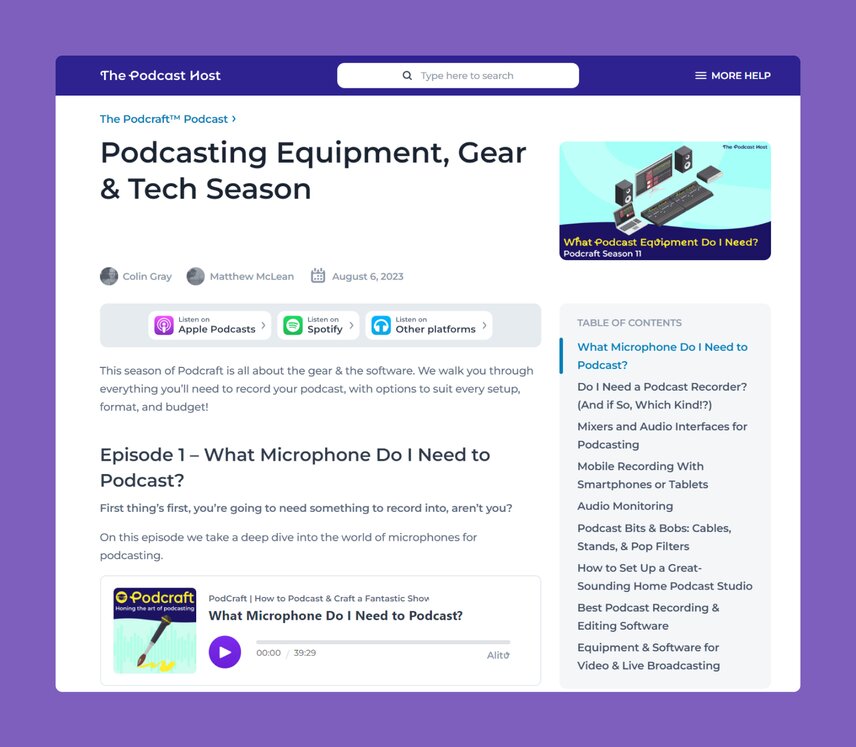
An example of affiliate marketing in action, during this season of [Podcraft](https://www.thepodcasthost.com/podcraft-podcast/) we talked about our favorite equipment, and used affiliate links to direct people to the right products.
#### Advertisements or commercials
If you can get your podcast on a media host with built-in ads, and it offsets the cost of your media hosting, go for it. Some media hosting companies, such as RedCircle, provide free hosting in exchange for putting ads on podcasts. Don't expect that ads will result in overnight riches, though.
For every story I’ve heard about a podcaster making money from ad revenue, I’ve heard at least one story from a podcaster who was disappointed with it. While ads can take the sting out of your media hosting, they won’t fulfill your swimming-in-a-pool-of-money dreams from day one.
> 💡 Tip: Once your podcast has momentum, your audience is emotionally invested, and you release episodes consistently, you can expect to earn more more ad revenue. As long as you keep your ads appropriate to your audience, revenue can grow along with your audience size.
**And, sponsorship doesn’t have to follow the standard CPM trend either. Your podcast’s niche is powerful.**
- If your audience covers a particular region, a regional business could be interested in working with you.
- Or if your topic is hyper-niche, then search out a product with the same audience.
That Bike-Packing podcast of yours could earn some good sponsorship dollars once you show Bike Packers LLC how interested your audience is in their bags!
### 2\. Premium or bonus content
Many podcast monetization strategies depend on premium or bonus content.
When I started podcasting nearly ten years ago, crowdfunding platforms like Patreon or Ko-Fi were the main way backers could support podcasters. The simplest benefit that podcasters could provide to backers then was early access to new episodes or bonus episodes. You’re making audio content anyway, so why not make a bit more for the people who care about your show most?
**Now, offering paid subscriptions using Apple Podcasts or services like Supporting Cast is easier.**
1. Your supporters get the episodes in a dedicated, ad-free podcast feed.
2. You make your usual episodes and offer something extra as a thank-you gift. The making isn’t too difficult: duplicate existing episodes and remove ads, or add in the bonus materials.
[Audacity](https://www.audacityteam.org/) is one free tool which can get you there, or [Alitu](https://alitu.com) is a paid podcast platform with a great block-based episode builder that lends itself well to adding and removing elements easily.
There may be extra work at the beginning, such as filling out tax forms and setting up a payment method. You also have to remind your audience that this subscription option exists. The platform will take a percentage of your earnings, and you pay the credit card processing fees. But, offering your audience a way to pay you in exchange for getting more of your show faster has proven to be a fruitful monetization strategy for many podcasters.
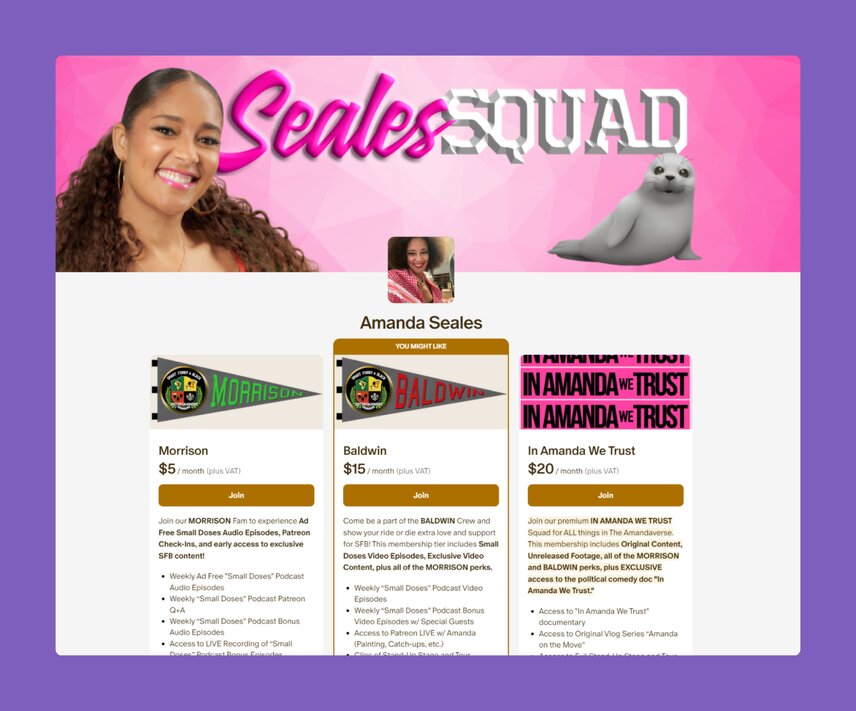
In platforms like [Patreon](https://www.patreon.com/), you can add numerous support tiers, and offer different levels of premium content and access to each
### 3\. Book, product, or service
You can easily repurpose your podcast’s content into products that sell.
**For example, you can:**
- Compile your podcast episode scripts into an e-book, or self-publish a hard copy book.
- Sell products related to your topic that solve your audience’s problems. A fly fishing podcast could sell special tackle boxes, for example. A knitting podcast can package a pattern and materials into a kit.
- Individual coaching sessions via videoconference or mastermind sessions can expand on the knowledge you present in your podcast, growing your audience’s expertise and confidence.
> 💡 Tip: This may be the most resource intensive way to monetize your podcast. You’ll need a website to describe what customers get, a point of sale, and a reliable delivery method. But you’re reusing information you already put into your show and impacting your audience.
### 4\. Community: a confluence of podcast monetization tactics
All of these podcast monetization schemes require work, some more than others. Managing your income streams can feel like juggling responsibilities. It can also take time and effort away from what you started doing in the first place: podcasting.
But, when you [start an online community](https://app.circle.so/communities/new), you can use many of the aforementioned strategies, manage them all through one website, and connect with your podcast audience simultaneously.
In fact, you can even sell access to that online community.
[Founder of Web Designer Pro](https://circle.so/blog/web-designer-pro-community), Josh Hall, says that many people come through the podcast for his courses, and then get sold on the community offer as a whole. It’s been his biggest growth driver!
#### First, start a free tier to get your audience in the door
Prompt your followers to communicate with each other, and get excited about your show’s topic. In time, they’ll respond to your show amongst themselves, and you won't have to introduce them to each other.
Make the community rules and expectations clear so someone else doesn’t come into your community and start spamming your followers or spewing hate speech.
Here’s where the gold stanchions and the velvet rope come in.
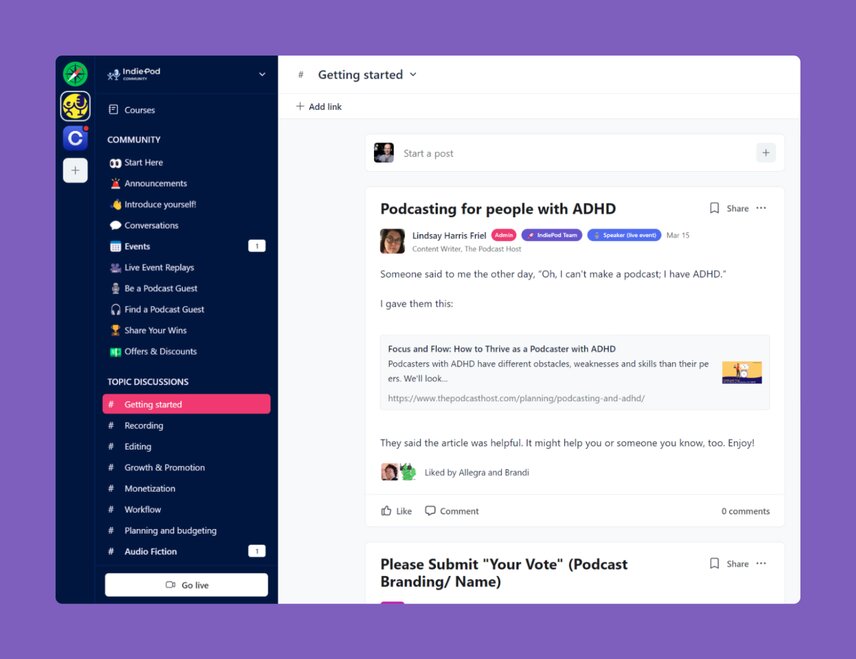
The free tier on IndiePod encourages tonnes of engagement and community building.
### Then, start a VIP tier for paid community members, and add services
**This way, for your paid community members, you can:**
- Offer discounts on your books, products, or services
- Provide free sample chapters of your books,
- Share premium content, or early access to new episodes
- Host live Q&A sessions for your followers or discussions with guests.
Community helps your followers become emotionally invested in your podcast. When your followers need validation or answers, the group is there. Members also have the satisfaction of supporting other members virtually while they support you financially.
> 💡 Tip: Creating an online community isn't a set-it-and-forget-it situation. It’s not as if you bought a dollhouse for your followers to live in, pay rent, and say nice things about you. You have to show up. Your audience will only talk to each other so much, otherwise, why wouldn't they simply ditch your party and make their own? Put the same consistency into your community and monetization tactics that you put into your podcast.
You know Josh Hall who I mentioned above? His community is now his biggest revenue stream, bringing in over $25,000 per month (as of May 2024). So although it takes work to build and manage a community, the potential is massive!
To make your community engagement schedule easier, use a site that lets you access it on your phone. This way, you can check in with your community while walking your dog or waiting in line at the grocery store. Take our [IndiePod community on Circle](https://indiepod.ThePodcastHost.com), as an example. We offer a great free space for conversations and connections, and a paid tier for education, support and motivation. The combination is where the magic is, allowing members to level up when it suits them!
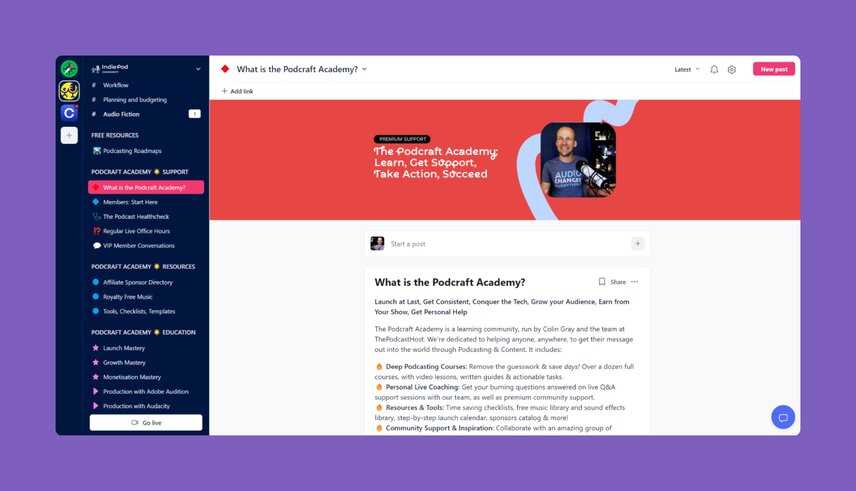
Our paid tier offers courses, resources, coaching and more organized activities.
### 5\. Podcast or brand merchandise
Who doesn’t love a good podcast coffee mug to show off at a Zoom meeting? One size fits all, and you show everyone else on the group chat how clever you are.
One of the best benefits of podcast merchandise is that your audience effectively becomes your marketing team.
A friend once loved my podcast so much that he bought a T-shirt with the show’s logo and wore it daily while driving a mapping software vehicle. People saw the T-shirt at every gas station, coffee shop, diner, and hotel he visited on his cross-country drives. Who hasn’t used “I like your T-shirt” as a conversation starter?
> 💡 Tip: Making and selling podcast merchandise is easy using print-on-demand services such as [TeePublic](https://www.teepublic.com/) or [RedBubble](https://www.redbubble.com/). You don’t have to worry about sizes, quantities, returns, or shipping—that’s all between the customer and the print-on-demand service.
The ease of use has made these services popular with all kinds of digital content creators, which has caused loads of new services to spring up. If you choose to use a print-on-demand service for your podcast merchandise, make sure the base items (coffee cups, tote bags, etc.) are good quality and have a wide range of sizes where necessary. You don't want your great podcast associated with poor-quality stock.
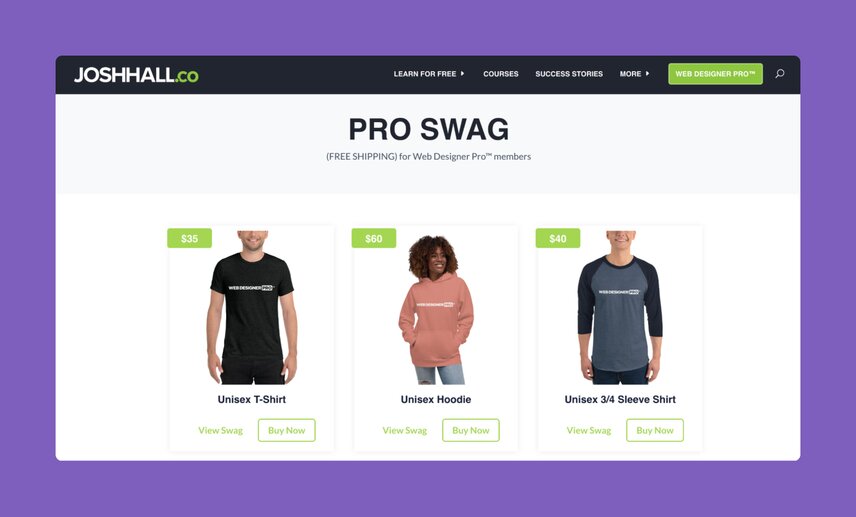
Web Designer Pro community swag store.
And, if you want to level up, find a company that makes unique merchandise with your podcast’s name or logo.
**Why should your fly fishing podcast sell t-shirts when they could sell branded fishing waders?**
Unique merchandise inspired by an aspect of your show is more interesting than the usual items. Of course, it advertises your show and makes you a couple of bucks. Plus, you’ll accumulate a mailing list since you ship out the items. But you’ll be responsible for shipping or storing the unsold merchandise, which could take you away from podcasting.
## Build a gathering place for a variety of monetization options.
There are many different ways to monetize your podcast. Which is “best” depends on your niche, audience, and how they prefer to interact. No single monetization strategy guarantees a consistent paycheck, so don't rely on only one strategy to make money with your podcast.
**Try one or two of these choices to start:**
- Check out some print-on-demand merchandise websites and see which you like best. Set up a storefront for your merchandise on one, and link to it in your show notes.
- Look over your past episode scripts (or transcripts). Can you edit these into a book and sell it to your audience?
- Bookmark our guide to the [best affiliate programs for podcasters](https://www.thepodcasthost.com/monetisation/affiliate-programs-new-podcasters/). Not only does it provide details on making affiliate programs work, but it can also link you to some of the best affiliate programs, so you can start earning.
- Look at your podcast downloads and see where your show is most downloaded. Then, think about businesses in that area who would be interested in your audience. If you can stop by the business to make face-to-face contact, so much the better. Your fly fishing podcast and a local bait and tackle shop could have a productive friendship.
- Create an online community to keep in touch with your podcast’s audience. They’ll provide unique insights that can give you ideas for monetization strategies in the future.
Monetization doesn’t have to be an all-or-nothing strategy. Try a few different tactics, one step at a time. Instead of waiting for one financial ship to come in, you can welcome a fleet to the regatta. You’re not just building a boat dock. You’re building a pier for you and your audience to socialize, learn, play, and make money. Have fun!
**About the guest author:**
Lindsay earned an MFA in Playwriting from Temple University in Philadelphia, and took her live theater skills straight to podcasting. She enjoys helping people find new ways to tell their stories. When she’s not writing content or participating in the Live Q&As for The Podcast Host, she enjoys making audio drama and learning more about the craft of interactive storytelling. If you’d like to read advice from Lindsay and the rest of her team on how to start your own show, read their ['how to start a great podcast'](https://www.thepodcasthost.com/planning/how-to-start-a-podcast/) guide here.
---
### How to price an online course to reflect its value and drive revenue
*Discover how to price an online course so it sells, scales, and reflects your value. Get practical tips for confident, strategy-backed pricing.*
Source: https://circle.so/blog/how-to-price-an-online-course
> ## **TL;DR**
>
> * Price based on the transformation your course delivers, not your hours or module count — pain-driven buyers pay for speed, aspiration-driven buyers pay for a clear future state.
> * Match your price to a model that fits your delivery: flat fee for evergreen, tiered or cohort for high-touch coaching, subscription for evolving content.
> * Benchmark against market rates and psychological tactics (anchoring, charm pricing), then validate with real buyers and keep iterating post-launch.
If you’re [building an online course](https://circle.so/blog/create-online-course), one of the biggest choices you’ll have to make is what to charge for it.
At first, it might seem like a simple math problem: total up your costs, like your time, video gear, editing software, maybe a freelance designer or video editor, then add a profit margin and call it a day. But once you run the numbers, you probably realize it’s not that simple.
**Pricing feels personal.** And it can also feel like a total guessing game—or worse, emotional roulette.
* *Will anyone pay for this?*
* *What if I price it wrong and tank my launch?*
At [Circle](https://circle.so), we’ve seen creators succeed with all kinds of pricing—from $49 DIY courses to $5,000+ coaching programs. Those prices aren’t random. They’re strategic—and we’re here to help you figure out yours.
In this guide, you’ll learn how to price an online course in a way that reflects its value, attracts the right buyers, and supports your bigger business goals.
Let’s dig in!
## Understand your audience’s willingness to pay
Before you price your course, you need to understand **who you’re selling to**—and what they’re actually willing to invest in. Don’t just guess based on things like income.
What really matters is how they see the value, how urgent their need is, and whether your course connects to something they truly care about.
To get that clarity, **it helps to look at two things in particular:**
### Pain vs. aspiration buyers
Pain-driven buyers are looking to solve a pressing problem—fast. They tend to have **a higher willingness to pay** if your course offers a clear, immediate outcome.
Their problems might sound like:
* *“I need to stop burning out at work.”*
* *“I have to land a client this month.”*
* *“I need to lose 10 kg in 3 months.”*
Meanwhile, aspiration-driven buyers are **motivated by long-term transformation**. They’re willing to invest, but only if they can clearly see the future you’re helping them reach. Think: *“Build a personal brand”* or *“Start writing books for children.”*
Knowing which type of buyer you’re talking to makes a big difference in how you price and position your course.
But in reality, many buyers will feel *both*—pain about where they’re today, and aspiration for where they want to be tomorrow. The **most compelling courses** **speak to both sides**: they show how your course relieves immediate pain point *and* unlocks a bigger transformation.
**Pricing is much easier when you can bridge the full gap from pain → transformation.**
### Beginner vs. advanced pricing sensitivity
Where your audience is in their journey affects how they see your price as well.
**Beginners tend to be more price-sensitive.** They’re still exploring, unsure of what’s worth paying for, and want something that feels low-risk but full of value. If your course is for beginners, keep the price accessible.
**Advanced buyers, on the other hand, are usually more focused on outcomes.** They’ve already invested time (and often money) into the topic and are looking for something that can move them forward faster. They’re often willing to pay more for access to expert frameworks, coaching, or "shortcuts”.
**The bottom line:** Try to understand your audience’s mindset and motivation. That way, it’ll be much easier to price your course in a way that feels right for them and for you.
> 💡Pro tip: If you’re doing interviews with your (hopeful) ideal clients, ask them:
>
> *“What have you paid for before to solve this pain point?”*
>
> That’ll give you an idea of the amount of money they’ve spent to fix this before, which is a great baseline to understand *your* pricing.
## Pricing models and what drives them
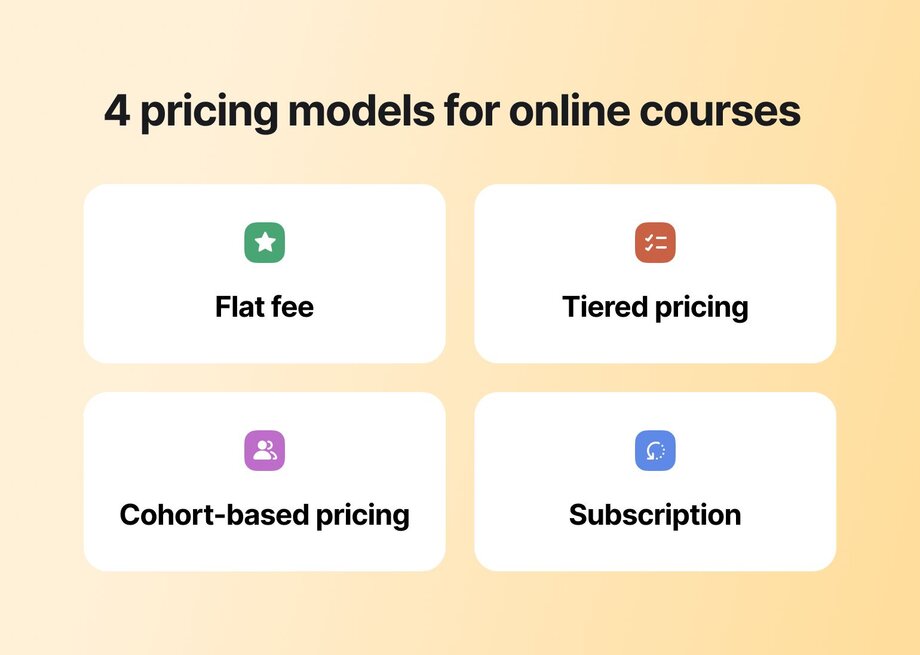
Once you understand your audience, the next step is choosing a pricing model that fits how you’re delivering your course, and how your buyers expect to engage.
Here are **four common models creators use**, along with when (and why) they work👇
### Flat fee
This model offers **a one-time payment for lifetime access** to course content. It works well for evergreen courses that don’t require live interaction or ongoing support. It’s great for creators who want to build once and sell in an ongoing way, especially when paired with email automation or a funnel.
A great example of a flat fee pricing model is [*Channel in a Weekend*](https://discover.circle.so/product/24-lead-magnet-bundle) by Karin Carr. It’s a $97 mini-course that helps real estate professionals set up a client-attracting YouTube channel in just 48 hours. With templates, checklists, and short video tutorials, it’s a clear example of how a focused, outcome-driven course can deliver real value at a lower price point—without ongoing support or a huge time commitment from the creator.
### Tiered pricing
Tiered models offer **multiple pricing levels** based on the level of support or access. For example: $197 for self-paced access, $497 for group coaching, and $997 for 1:1 support. This lets you serve different audience segments while increasing average revenue per user.
[*The Annual Review*](https://www.buildingasecondbrain.com/annual-review) by Tiago Forte is a guided reflection and planning course that helps students look back on the past year, extract insights, and create a clear, values-aligned roadmap for the year ahead. It follows a tiered pricing model: $499 for the self-paced version with recorded workshops and community access, $1,994 for a live cohort experience, and $5,000 for a 1:1 coaching track.
> 🧠 Curious how Tiago Forte’s team built this kind of pricing structure and community ecosystem? Check out [how they did it](https://circle.so/blog/building-a-second-brain-membership).
### Cohort-based pricing
Cohort pricing is used for **time-bound courses** that include live teaching, community, or direct feedback components. Because the format is higher touch, prices are often in the $500–$5,000 range. The key here is perceived transformation and accountability.
[*Elsynergy*](https://elsynergy.co) is a great example of a high-ticket course. Founders Laura and Ginny sell premium business programs [priced between $1,000 and $3,000](https://circle.so/blog/elsynergy-spotlight). Their courses come with a full step-by-step system, live group coaching calls, and an online community hosted on Circle where students can ask questions and share wins.
This setup helped them make over $400,000 **in just three weeks**. And it’s proof that when your course offers a transformation (and live support elements), people are willing to pay more.
### Subscription model
This model **charges monthly or annually** for access to evolving content, ongoing coaching, or community. It works well if you’re teaching a skill that changes over time or want to create recurring revenue.
[*Golf Swing Simplified*](https://discover.circle.so/product/golf-swing-simplified) by Tom Saguto is a structured training program that helps golfers build a repeatable, powerful swing. It’s run on a subscription basis, with access priced at $19.99/month or $199.99/year. The program includes a full video curriculum, ongoing content updates, and a supportive community—all designed to help members see consistent improvement over time.
> 📖 Courses with community tend to perform better. If you’re adding a live element or support space, check our guide on [8 proven ways to monetize your community](https://circle.so/blog/how-to-monetize-a-community). It’ll give you ideas to build real value—and sustainable income.
## Calculate what your course is *really* worth
Picking the right pricing model gives you structure. But structure alone doesn’t tell you what number to put on the price tag. You need to figure out what your course is *really* worth—and that’s not always easy.
At first, you might be tempted to price it based on how many modules you’ve created or how long it took you to make it. But instead, it’s better to adopt **a transformation-first mindset.**
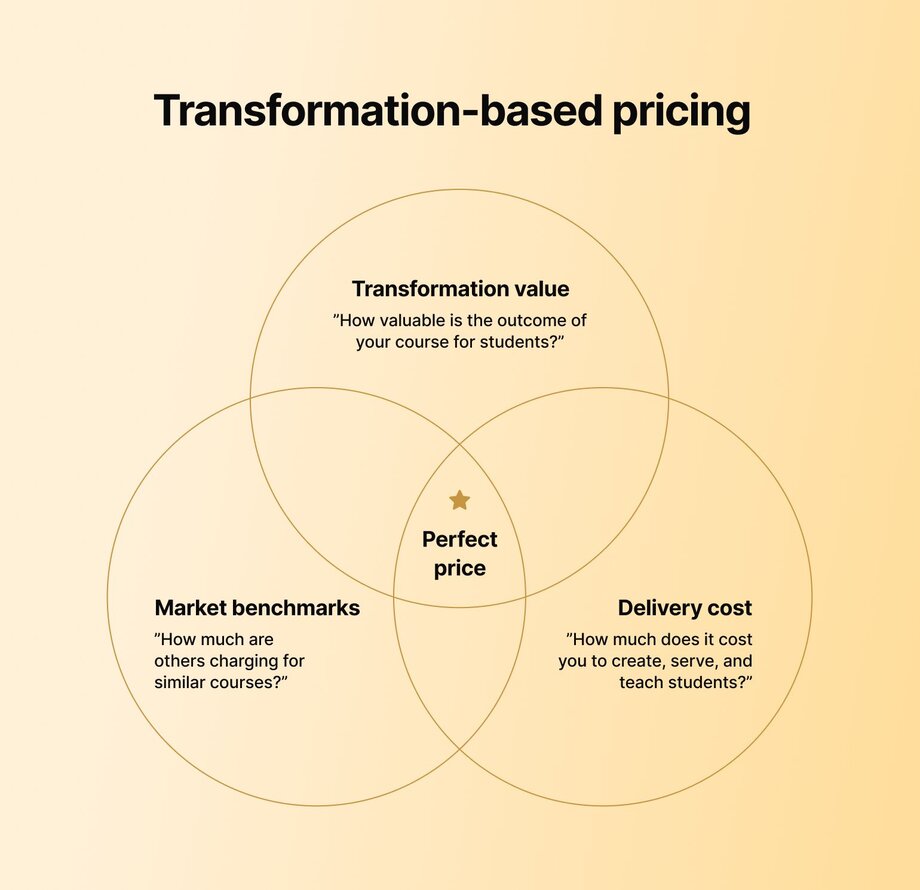
[Amy Porterfield](https://circle.so/blog/amy-porterfield-digital-course-playbook), creator of [*Digital Course Academy*](https://www.amyporterfield.com/dca-waitlist/) and a someone who knows a lot about digital courses, says **people don’t pay for information—they pay for results.**
The clearer and more meaningful the transformation you offer, the more value your course holds. The more money you can charge. And our internal data backs this up: courses that deliver a clear transformation and build in accountability see **completion rates of 40–60%** in Circle communities—well above the 12–15% average for self-paced courses.
The more consistently your course delivers real outcomes, the more it earns the right to command a higher price.
Here’s a 3-part framework to help you calculate what your course is truly worth:
### 1. Outcome value
What is the result your course helps someone achieve, and how important is that result to them?
If your course teaches someone how to land freelance clients, lose weight, or grow their business, the perceived value is high because the outcome directly improves their life or income.
### 2. Delivery cost
Factor in the level of support you’re providing. Are you offering just recorded lessons, or adding live coaching, community support, or direct feedback?
The more you help your students stay accountable and succeed, the more your pricing should reflect that hands-on experience.
### 3. Market benchmark
Look at what others are charging for similar transformations. If bootcamps, private coaching, or certification programs offer the same result, what do they cost? Your course may be a more accessible or efficient alternative, but it should still be priced in that ballpark.
**You can also ask:** What would it cost someone to figure this out on their own? Going to college could take years and rack up serious debt. Hiring a coach or joining a bootcamp might cost thousands.
If your course helps them get the same result—just quicker, cheaper, and on their own schedule—that alone makes it stand out. Price it with that in mind.
### 💡 Bonus tip
If you’ve got students who’ve gotten real results from your course, use their testimonials to back up your price—but do it ethically. Highlight honest outcomes, not exaggerated claims. Let your students' words speak for themselves, and avoid cherry-picking only the most extreme success stories.
## Online course pricing benchmarks and what the market says
Even with the right model and strong transformation, you may still wonder:
* *Is this price reasonable?*
* *Too high?*
* *Too low?*
That’s when you know it’s time to dig into some market research.
### Reference external sources
#### Use course platforms as benchmarks
Platforms like Teachable and Thinkific host thousands of courses across every niche imaginable. Use them as a research tool to see what similar creators are charging. Look up courses on your topic, check how deep the content goes, whether extras like community or templates are included, and what their price points are.
#### Look to Reddit for unfiltered insights
For a grassroots view, Reddit can be surprisingly useful. Communities like [r/business](https://www.reddit.com/r/business/), [r/Entrepreneur](https://www.reddit.com/r/Entrepreneur/), and [r/coursecreators](https://www.reddit.com/r/coursecreators/) often feature real stories from creators who’ve tested pricing strategies in the wild. It’s not always polished, but it’s honest and full of lessons on what worked, what didn’t, and what buyers push back on.
#### Consider a high-ticket strategy
If you’re offering a transformation with high perceived value, take notes from Luisa Zhou’s [high-ticket pricing strategy](https://luisazhou.com/blog/high-ticket-courses/). She defines a high-ticket course as one that sells for $900 or more and teaches an entire system, not just a single skill. These courses can be self-paced but often include guidance, bonuses, or access to coaching.
**Zhou’s core belief:** when your course helps someone achieve a complete, start-to-finish transformation, it becomes far more valuable than piecemeal learning—and often costs less (in time and money) than coaching or trying to figure it all out alone.
### Use price ranges
Another strategy that can help set your price is using **common pricing bands.** These aren’t strict rules, but they provide helpful context for how courses are typically priced based on depth, format, and support.
!\[Infographic titled “Common online course prices” with three tiers: $50–$200 for self-paced entry-level courses, $200–$500 for more comprehensive offerings with community and templates, and $500–$1,000+ for coaching-supported or cohort-based experiences.
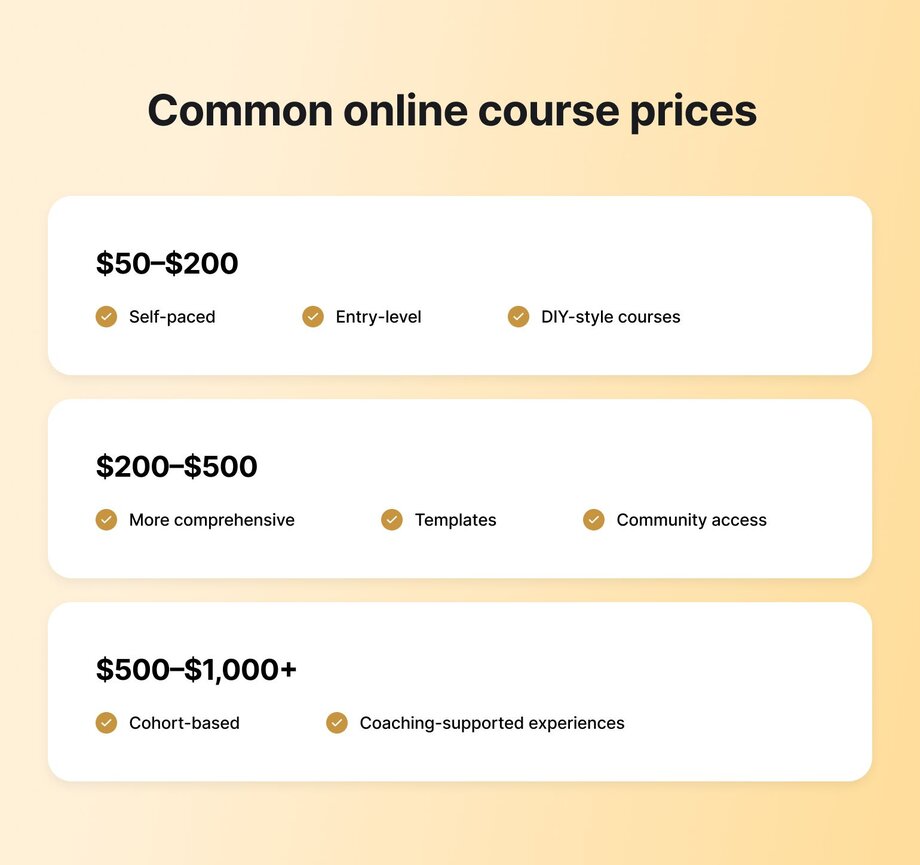
You can use these bands as a starting point, then adjust based on the unique value and experience your course delivers.
### Use tools to model your pricing
Still not sure what to charge? You can play around with online course pricing calculators. These tools let you plug in different prices, audience sizes, and conversion rates so you can see what it might take to hit your income goals.
## Psychological pricing tactics that work
Once you’ve chosen your pricing model and ballparked your price, you can also try a few pricing tactics to make your offer feel **even more attractive.**
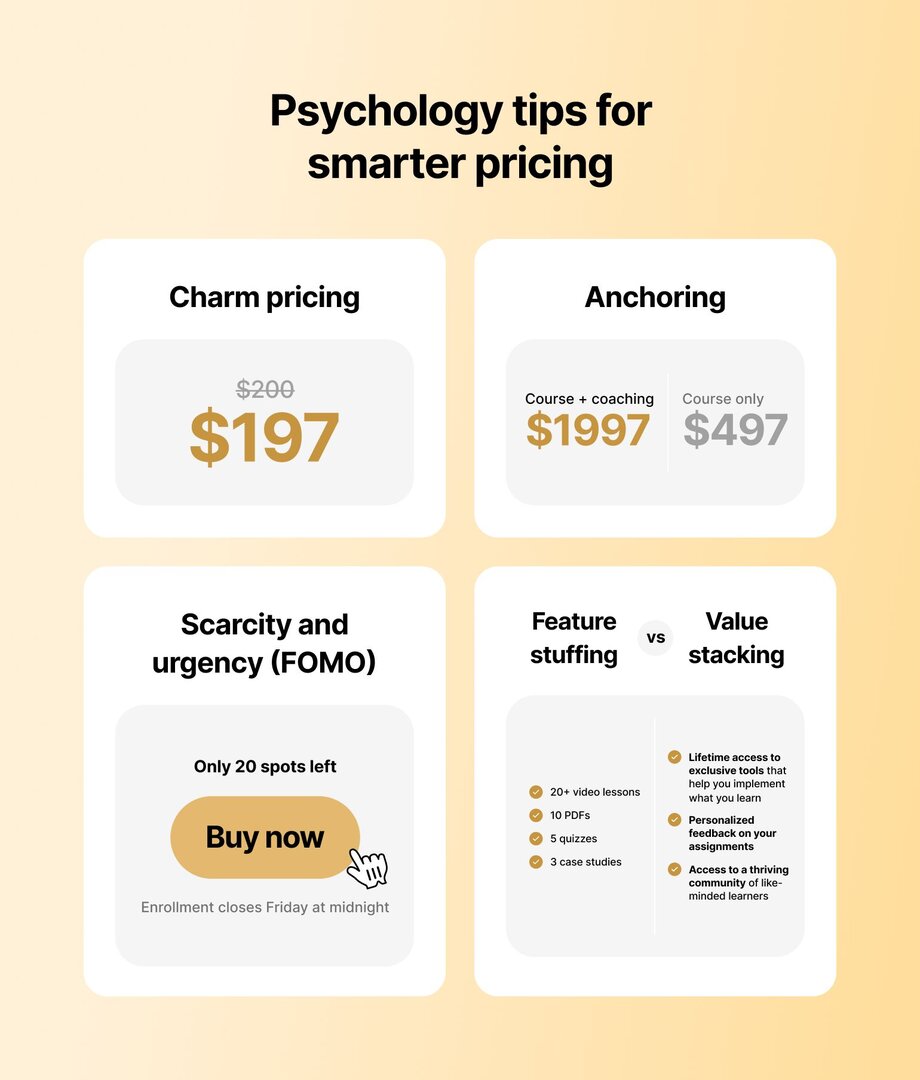
### Charm pricing
Charm pricing is when you end your course price with a 7 or 9 instead of a clean number. For example, pricing your course at $197 instead of $200. It works because of something called "[left-digit bias](https://journals.sagepub.com/doi/full/10.1177/0022243720932532)"—we tend to read prices from left to right, so $197 feels noticeably cheaper than $200, even though the difference is only $3.
### Anchoring
Anchoring is the idea that the first number someone sees sets a mental benchmark. If you show a $2,000 coaching package or higher-tier offer first, your $997 course will feel like a much better deal in comparison. This tactic works because people naturally compare prices, and anchoring helps your actual offer look more affordable and reasonable next to a bigger number.
You can see this in action on [*Jaunty’s*](https://www.jaunty.org) social skills coaching sales page. They lead with their higher-priced **Live Cohort + Community** option at $1,596—visually positioned first and marked as *“Best Value”*—before presenting their lower-priced **Recorded Masterclass + Community** option at $1,197.
The anchor makes the $1,197 feel more accessible, while also framing the $1,596 as a premium investment for those seeking more transformation and live support.
### Scarcity and urgency
Scarcity and urgency give people a reason to act now. You might say something like *“Only 20 spots available”* or *“Enrollment closes Friday at midnight.”* This taps into a fear of missing out—FOMO—which *can* make people more likely to take action quicker
### Value stacking vs. feature stuffing
When pricing and positioning your course, the emphasis should always be on the transformation (where your course will take them and how quickly)—not just the components. So, instead of listing every video or worksheet, highlight the outcomes and key results your course helps them achieve.
**See the difference👇**
| ✅ | ❌ |
| --- | --- |
| Build a scalable group coaching program in 6 weeks—get the full step-by-step playbook, done-for-you templates, and direct feedback from experienced coaches inside a private community | 12 modules, 6 workbooks, 8 hours of video, Slack group |
| Get access to proven interview frameworks, resume + LinkedIn templates, live coaching calls, and a private network of women to land your next leadership role in tech | 10 video modules, 8 worksheets, 5 recorded interviews, 4 LinkedIn templates, Facebook group access |
Circle partner [Jordan Godbey](https://circle.so/partners/jordan-godbey) puts this really well:
> The bigger the transformation (outcome) → the higher value the course.
When you lead with outcomes rather than features, buyers are more willing to pay premium prices—because they're investing in the transformation, not the content itself. He adds, "Many people are only selling one piece of the puzzle. If you connect more pieces together, you help your students achieve a bigger, and more valuable outcome."
You can see this principle in action with courses like [*Ship 30 for 30*](https://www.ship30for30.com) that charges $800 for a 1-month cohort that helps students publish 30 pieces of writing—a clear, outcome-driven promise. By emphasizing this specific result (not hours of video), they position the course as high value and justify the premium price.
## Step-by-step: How to price your online course
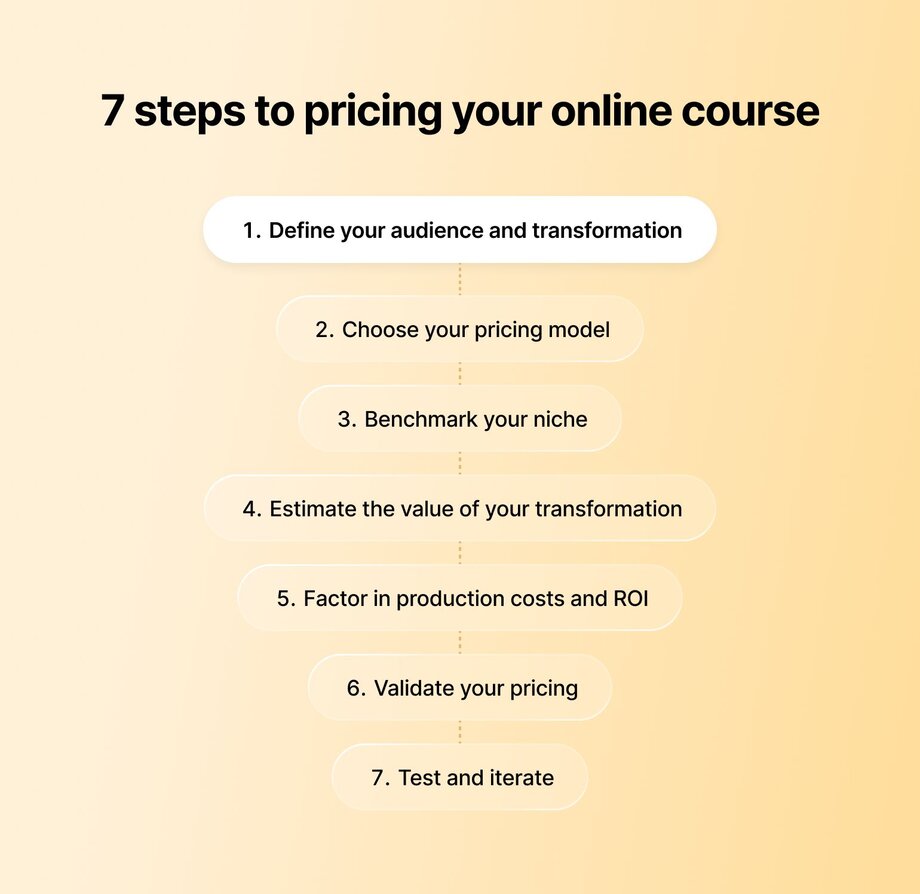
### 1. Define your transformation and audience
Start by getting crystal clear on what your course helps someone achieve, and who it’s for. A course that promises to help a beginner land their first freelance client will be priced differently from one that helps a professional scale to six figures.
### 2. Choose your pricing model
The way you decide to deliver your course will partially determine how much you can charge for it.
For instance, self-paced courses with minimal support tend to fall on the lower end of pricing, while [cohort-based](https://circle.so/blog/cohort-based-courses), especially those with live calls or coaching, can command higher prices. Subscriptions can work well if your content evolves over time or if you’re offering ongoing community access.
In short, **match your pricing model** to both your content format and your audience’s learning style.
### 3. Benchmark your niche
Research similar offers in your space—not to copy, but to anchor your understanding of what’s typical. Check out other courses in your niche on platforms like Teachable, Thinkific, or Gumroad. What are they charging? What do they include? How are they positioning the value? And price yours accordingly.
### 4. Estimate the value of your transformation
Think about what your course actually helps someone *do*, not just what it teaches.
* Does it help them land a job?
* Start a business?
* Book their first client?
Then ask: **what would it cost them to get that same result some other way, like going to college or paying for one-on-one coaching?**
If your course helps them get there faster, cheaper, or with more flexibility, that’s real value. So don’t just price it based on what’s inside—price it based on what your students can do once they’re done.
### 5. Factor in your production costs and ROI
How much did it cost (in time and money) to create this course? What will it take to keep it running? And how long will it take students to get to the “transformation” piece? Make sure your price allows for a sustainable return.
### 6. Validate your pricing
Before going all in, check your pricing with a small group of real people. Use surveys, waitlist feedback, or run a closed beta round to see if your audience agrees with your pricing, and get early testimonials at the same time.
### 7. Test and iterate
Pricing is never set in stone. You can experiment with early bird pricing, A/B testing different tiers, or even offering a lower price at launch with the plan to raise it as the course (and your reputation) grows.
## How to optimize your pricing over time
Many creators would tell you that the most effective pricing strategies are built through testing, feedback, and ongoing optimization. As Jay Clouse calls it, “[experimentality](https://circle.so/blog/how-to-grow-a-newsletter)”.
Start with a beta group at a lower price to gather feedback, collect testimonials, and see if students are actually completing the course.
Then try simple pricing experiments:
* **Early bird pricing:** Offer a lower price to people who join first.
* **Bundles:** Add bonuses like templates, worksheets, or group calls to increase the value.
* **Dynamic pricing:** Adjust the price based on demand or enrollment windows.
As students begin completing the course (and as you launch version 2.0 or 3.0), you can start raising the price.
Finally, use tools like Stripe, Podia, or your [course platform’s analytics](https://circle.so/analytics) to track conversions, revenue, and trends over time. Then adjust your pricing accordingly.
## Pricing is a journey, not a one-time decision
You don’t have to get your pricing perfect on day one. Focus on the transformation your course promises, test your pricing early, and refine as you go. Above all, trust in the value you’re offering.
Once your price feels right, bring your course to life in a space that grows with you. Circle has everything you need to build high-impact [courses](https://circle.so/courses) and communities—[payments](https://circle.so/payments), [live events](https://circle.so/events), [discussions](https://circle.so/discussions), and [analytics](https://circle.so/analytics)—all in one place under your own brand.
## FAQs
How much do online courses usually cost?
The range is wide because the value and delivery vary so much. Most self-paced, entry-level online courses are priced between $50 and $200. Mid-tier or cohort-based courses range from $500 to $2,000, while high-touch or coaching-inclusive programs can cost $3,000 or more.
What are the best pricing models for first-time course creators?
There’s no universal “best,” but simplicity is key when you're starting out. A flat-fee self-paced course is easy to launch and test. As you grow, you can layer in premium tiers, live elements, or community access.
Can I increase the price after launch?
Yes—and you probably should. Many creators start with a lower price to test their course and collect testimonials. Once you improve your course and launch the updated versions, it makes sense to charge more.
---
### How to become a life coach (and build a business that scales)
*Want to know how to start a life coaching business online and turn it into a scalable, community-driven brand? Here’s your actionable 8-step guide.*
Source: https://circle.so/blog/how-to-start-a-life-coaching-business-online
> ## **TL;DR**
>
> * The coaching industry is projected to nearly quadruple by 2032 ($3.2B → $12B), but most coaches stay stuck trading hours for 1:1 sessions instead of building anything scalable.
> * You don't need a certification to call yourself a life coach — but with clients getting choosier, ICF, NBHWC, or CTEDU credentials help you charge more and stand out faster.
> * The coaches who scale fastest skip the "1:1 forever" trap and build a community around their coaching from day one, layering in group programs, courses, and automation as they grow.
Think life coaching is just a side hustle? Think again.
This 'hobby' industry is projected to grow from $3.2 billion (2022) to nearly [$12 billion by 2032](https://www.alliedmarketresearch.com/online-coaching-market-A06528)—faster than most Fortune 500 companies. More people than ever are seeking guidance, transformation, and connection, and life coaches are rising to meet that demand.
But here’s what most coaches don’t talk about: many feel stuck. Stuck offering only 1:1 sessions. Stuck trading time for money. Stuck running a business that’s tough to scale and even harder to sustain.
What can change that is **building a community around your coaching business.** A place where your clients can learn from you *and* from each other, while you gain more freedom and income potential.
If that vision speaks to you, stick with us. Here's the honest path to becoming a life coach:
* What the job actually involves, and how it's different from therapy
* The skills and certification you'll want before you start charging
* What you can realistically earn
* How to land your first paying clients and scale beyond 1:1
* How to launch an online coaching business with a community-first approach
* How to set up your coaching business legally
## **What does a life coach do?**
**Life coaching** is a professional relationship where you, the coach, help clients achieve personal or professional goals. This could be anything from helping somebody build a more fulfilling career to improving their health and well-being.
As a coach, you help clients:
* Set clear goals
* Work through obstacles
* Build the mindset and skills they need to move forward
In short, you empower people to take action and create the life they want.
**So what does the work actually look like?** Most of it happens in coaching sessions, usually 45 to 60 minutes, one-on-one or with a group.
A good session has a simple shape: you and the client agree on what they want to get out of it, you spend most of the time helping them think through what's holding them back, and you end with one clear action they'll take before you meet again. Many coaches follow a framework to guide that flow. A popular one is the GROW model, which walks a client through their Goal, the Reality of their situation, their Options, and what they Will do next.
The rest of the week is the part nobody posts about: prepping for sessions, checking in on client progress, creating content to bring in new clients, and the general admin of running a business. Coaching is the craft. Everything around it is the job.
### Benefits of life coaching
Coaching is a great business to be in. The stat we shared earlier reflects just how fast the global coaching market is growing. There are plenty of other reasons to pursue coaching, especially if you’re passionate about helping others.
* **It drives results—and demand.** Clients get meaningful results, which fuels referrals and repeat business. One [study found](https://pmc.ncbi.nlm.nih.gov/articles/PMC4853380/) that individual coaching improves goal attainment and motivation far beyond what people can achieve alone.
* **You can have a profound impact on someone’s life.** A [study in *Mayo Clinic Proceedings*](https://www.sciencedirect.com/science/article/abs/pii/S0025619614004388) discovered that wellness coaching significantly improved participants’ quality of life, mood, and stress, and those benefits lasted well beyond the program. Helping clients experience these kinds of breakthroughs makes coaching a rewarding career.
* **It scales beautifully.** Start with 1:1 coaching, then expand to [group programs](https://circle.so/blog/group-coaching), communities, courses, and memberships.
* **Coach from anywhere.** Build a location-independent business and work with clients worldwide.
* **Low startup costs, high margins.** Coaching has minimal overhead—a laptop, a [coaching platform](https://circle.so/blog/best-coaching-platforms), your brain, and a payment processing tool are all you need, meaning more profit stays in your pocket.
You do not need a certification to become a life coach. You could technically start calling yourself a coach tomorrow (though we're recommend against that pretty strongly). That's why the field is crowded, and why training is worth it anyway.
A certification gives you an actual method to work from instead of improvising, and it signals to clients, who are getting choosier, that you take the craft seriously. A few niches, mostly in health and wellness, do require specific credentials, so check the rules for your area and specialty before you promise anything.
### **Types of life coaching**
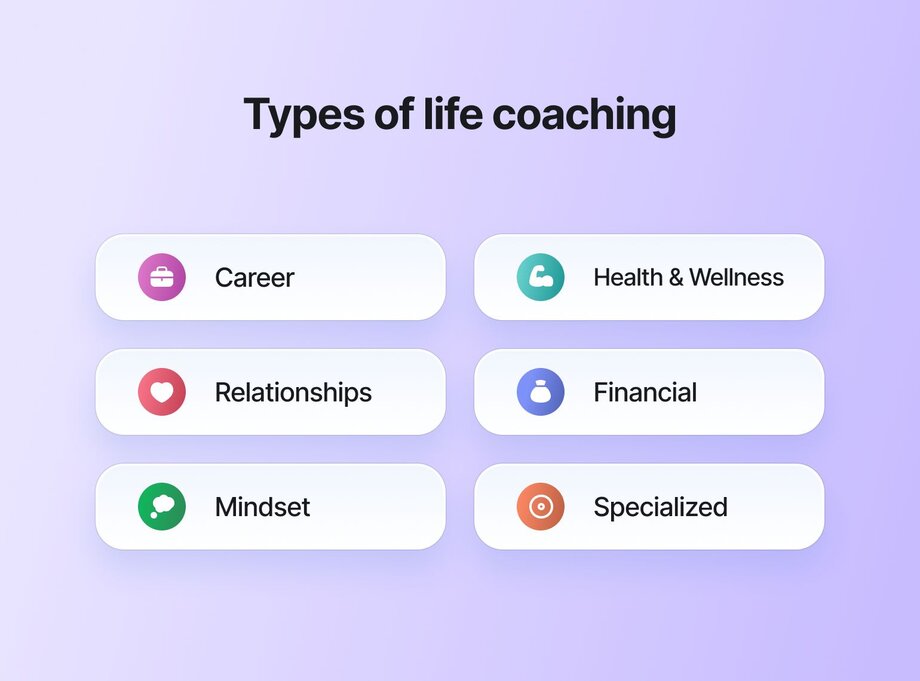
Life coaching is a wide-open field, which means you can build a business around almost any passion or area of expertise. Some in-demand coaching niches include:
* **Career and professional coaching:** Guide clients through career changes, leadership development, and finding meaningful work.
* **Health & wellness coaching:** Help clients build healthy habits, improve fitness, and manage stress.
* **Relationship coaching:** Support clients in strengthening relationships, improving communication, and resolving conflicts.
* **Financial coaching:** Help clients manage money, build confidence, and achieve financial goals.
* **Mindset and personal development coaching:** Empower clients to shift limiting beliefs, build confidence, and grow.
* **Specialized coaching niches:** Support clients through specific experiences—ADHD, parenting, pregnancy, burnout, sleep issues, divorce, and more.
## **Life coach vs. therapist vs. mentor**
Before you call yourself a coach, it helps to know what you're not. This is the line clients get confused about most, and being clear on it protects both of you.
| | Life coach | Therapist | Mentor |
| --------------- | ----------------------------------------- | --------------------------------------- | ---------------------------------------- |
| **Focus** | Your present and future goals | Mental health and emotional wellbeing | Your growth in their field |
| **Approach** | Draws out your own answers with questions | Clinical assessment and treatment | Shares advice from having done it |
| **Credentials** | Voluntary certification, not regulated | Licensed and regulated | None required |
| **Best for** | Accountability and forward momentum | Diagnosable conditions, trauma, healing | Learning a path someone's already walked |
The short version: a mentor shares the path they walked, a therapist is licensed to treat what's going on beneath the surface, and a coach helps you figure out your own next move and hold yourself to it.
## Start a community-based life coaching business online in 8 steps
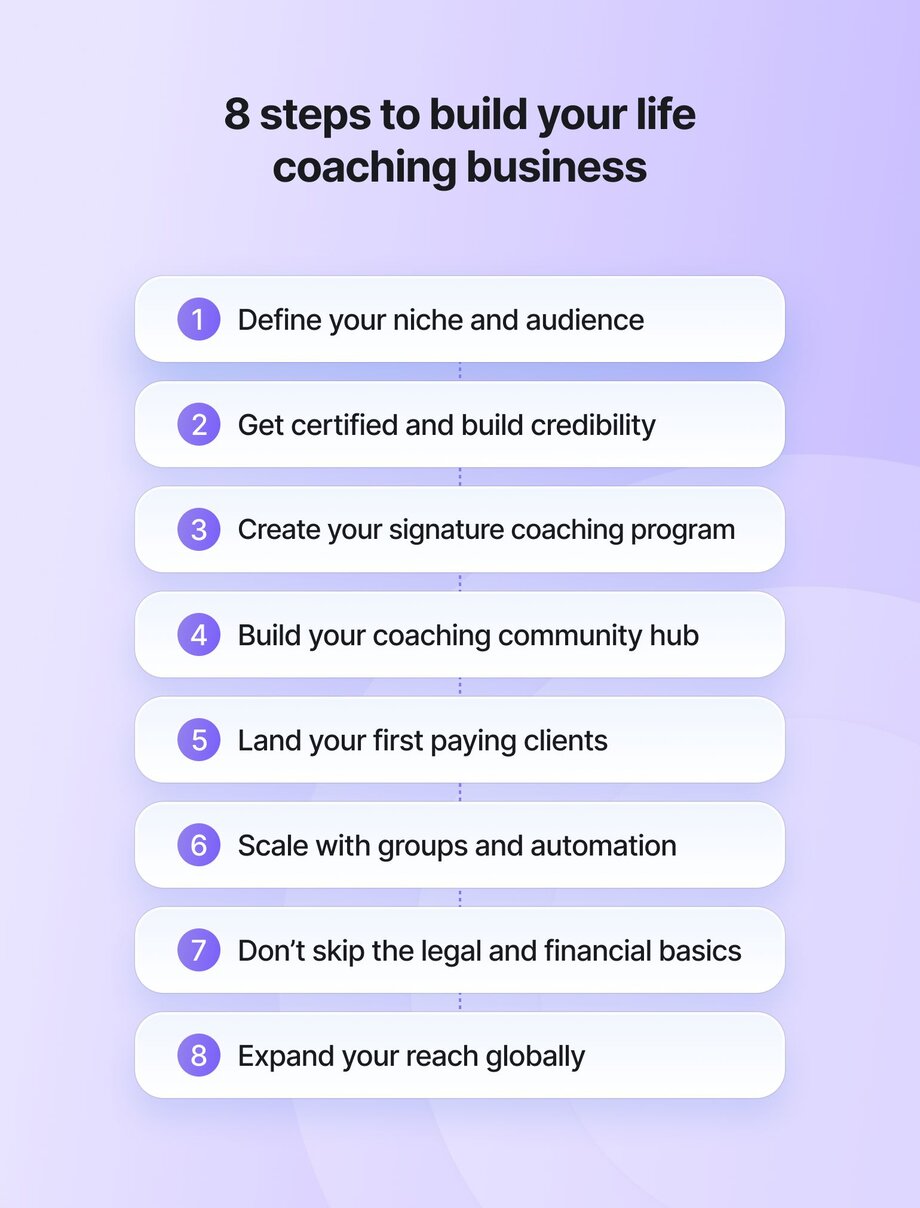
Now that you know what life coaching is—and the many niches you can work within—the next question is: how do you *actually* build a coaching business that works?
Let’s walk through the key steps to launching an online coaching business that puts **community at the center**—so you can grow your impact, create more income potential, and give your clients a powerful sense of connection.
### Step 1: Define your niche and audience
Your coaching niche isn’t going to be random. It’ll likely be something you’re already passionate about—and have real experience with. After all, it wouldn’t make much sense to coach people on fitness if your idea of cardio is walking to the fridge, right?
You *can* start with a broad or abstract niche, but then you need to refine it as you go. Here’s how👇
#### Research in-demand areas
Look at where there’s real interest and need. Career transitions, wellness, relationships, and productivity are evergreen markets. Dig into Google Trends, Reddit threads, Facebook groups, and coaching directories to see what’s resonating—and where gaps exist.
#### Validate your niche
Once you’ve picked a general direction, the next step is to test it. **One of the best ways?** Start a community where people can gather, ask questions, and talk about what they’re struggling with. You’ll very quickly be able to spot patterns in what they need, where they’re getting stuck, and how you can potentially help them.
> 💡Need help narrowing your focus? This [find your niche playbook](https://circle.so/blog/how-to-find-your-niche) from Codie Sanchez walks through how she turned laundromats into an 8-figure business.
#### Position yourself
It’s not enough to have a niche. You also need a point of view within that niche.
**Ask yourself:**
* Why should someone hire *me* over another coach?
* What makes *my* approach different?
* Do I have unique life experiences that shape my coaching?
* Are my coaching methods different from others in my niche?
The goal here isn’t to sound unique on paper. It’s to create a coaching brand that **attracts the right people and repels the wrong ones.**
> 👉 If you’re wondering how to position yourself so the right clients say *yes* faster, Maya Elios’ [brand messaging framework](https://circle.so/blog/brand-messaging-framework) is a great place to start.
### Step 2: Get certified and build credibility
Do you need a certification to become a life coach? **Technically, no.**
Coaching isn’t a regulated industry yet, though some niches (mainly in health) do require official certification. But if you want to stand out in a crowded market, build trust, and charge premium rates, training helps. A lot.
#### Life coaching certification options
There are hundreds of certification programs out there, each with different strengths depending on what kind of coach you want to become.
* [ICF (International Coaching Federation)](https://coachingfederation.org): The most recognized global accrediting body. If you want legitimacy in nearly any niche, an ICF-accredited program is a solid bet.
* [NBHWC (National Board for Health & Wellness Coaching)](https://nbhwc.org): Excellent if you lean toward health coaching.
* [The CaPP Institute](https://cappinstitute.com): Focused on personal and executive coaching, this program is rooted in positive psychology and practical business development. Ideal if you want to combine personal growth with coaching.
* [CTEDU (Coach Training EDU)](https://www.coachtrainingedu.com): Great for academic, executive, and wellness coaching. Offers strong business-building support and an active alumni network.
#### Building credibility without years of experience
Another reason to get certified is that if you’re an aspiring coach, breaking into the market can take you years. Certification helps fast-track that process. It gives you a structured way to learn, practice your skills, and build trust with potential clients more quickly.
That said, personal experience in whatever you’re coaching matters a lot, too. If you’re 20 and offering menopause coaching, it probably won’t get you much work. People want to work with someone who’s walked a similar path.
#### Creating your coaching philosophy and methodology
Through these programs, you’ll also learn how to coach ethically and effectively—and how to shape a coaching philosophy that reflects your personality, strengths, and values. You’ll also practice crafting a repeatable method or framework, which will help your work feel grounded and clear.
#### Budget breakdown for certification & setup
So, if you’re thinking of getting certified, here’s a rough estimate of what to budget for courses and initial business setup costs.
| Expense | Cost range (USD) |
| --- | --- |
| Coaching certification (6–12 months) | $2,500 – $13,000 |
| Business setup (website, LLC, tools, etc.) | $300 – $1,000 |
| Optional: Brand design, copywriting help, ads | $500 – $2,000 |
| Total estimated investment | $3,300 – $16,000 |
### Step 3: Create your signature coaching program or framework
At this point, you’ve validated your niche and started building credibility. Now it’s time to create your signature coaching program—your unique process for helping clients achieve transformation.
#### Outline your coaching philosophy and methodologies
Your coaching philosophy is the foundation of your work. It reflects your core beliefs about *how people change*—and *how you help facilitate that change*. Whether it draws from positive psychology, behavior change models, mindset coaching, or a blend of disciplines, your philosophy should feel both **authentic and actionable.**
But philosophy alone isn’t enough. You also need to translate it into practice. This is where your methodologies (acquired through certification or experience) come in: the tools, exercises, and frameworks that give your clients a clear path forward.
👉 **A great example of this in action** is **Erin Wong**, who runs [*Thriving Minds at Work*](https://www.thrivingmindsatwork.com), an online coaching community for working women navigating ADHD, ASD, mood disorders, and life transitions. Erin brings her philosophy to life through individualized executive function coaching paired with lifestyle, stress, and self-care strategies. Her clear methodology helps clients build sustainable habits and lasting personal growth.
When you define your philosophy and methods this clearly, your coaching becomes both more impactful and more marketable. Clients know exactly why your approach is worth choosing.
#### Structure group coaching programs vs. 1:1 sessions
There are two main ways to structure your coaching program:
* **1:1 sessions.** This is where most coaches start—and for good reason. Your clients get personal attention, and you get to hone your skills fast. The downside? Your earning potential is capped as there are only so many hours in a day.
* **Group coaching + community.** This is how seasoned coaches scale. [Group coaching](https://circle.so/blog/group-coaching) lets you work with more clients at once while creating a shared learning experience. Add a community (with tools like [Circle](https://circle.so)), and now your clients stay engaged and connected between sessions. They learn from each other, not just you, while you build a business that can grow without running you into the ground.
👉 The [*Pilot Institute Premium Drone Community*](https://pilotinstitute.com/community/) by **Greg Reverdiau** is a perfect combination of community and coaching in one. Members get access to expert-led sessions, peer support, workshops, and a full drone business course—all designed to help them grow faster without going it alone.
#### Price your program based on its value
**Don’t charge by the hour** is the most important rule when it comes to pricing. Instead, price based on outcomes—the transformation you’ll help your clients achieve. Moreover, do your research: look at what similar coaches charge and use that as a benchmark.
If you need a super basic pricing strategy, you can also use broad pricing bands:
* **Community (ongoing monthly membership):** free–$199/month
* **1:1 coaching (3-month package):** $1,500–$5,000
* **Group coaching (6–12 weeks):** $500–$3,000 per participant
#### Develop curriculum and session formats
It’ll be hard to sell a coaching program if it’s not clearly structured. Give people a clear sense of what they’ll get out of coaching—and how they’ll get there. That means you need to define:
* Program outcomes
* Structure
* Session formats
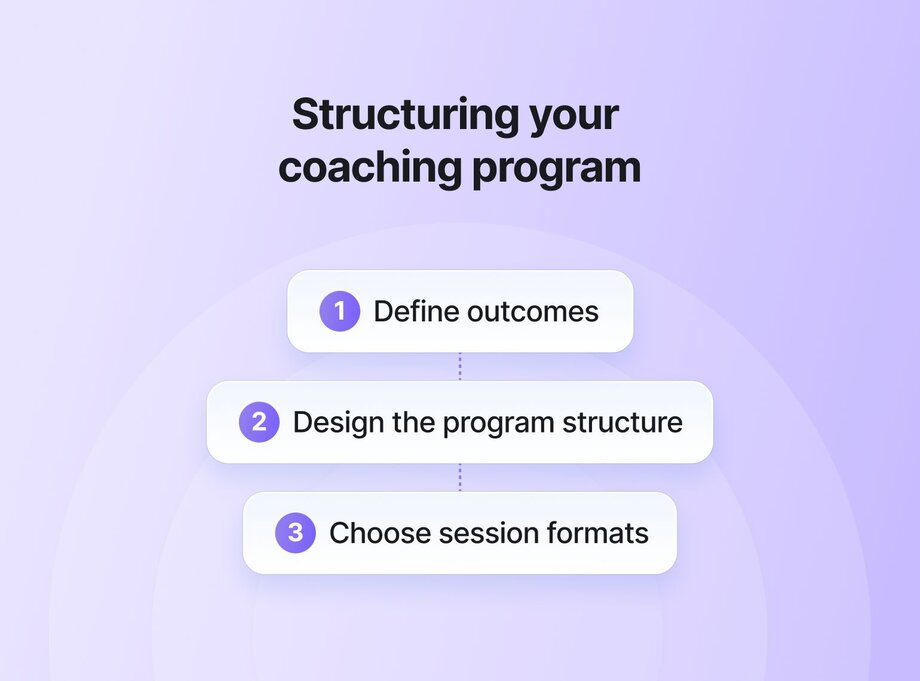
**How to structure your coaching program**
1️⃣ **Define outcomes**
→ What transformation will your clients experience?
→ What skills or results will they walk away with?
2️⃣ **Design the program structure**
→ Duration (e.g. 6 weeks, 3 months, ongoing)
→ Number of modules or key topics
→ Weekly cadence or rhythm (weekly, bi-weekly, monthly)
3️⃣ **Choose session formats**
**For 1:1 coaching:**
→ Live video calls (Zoom, Meet)
→ Asynchronous coaching via voice notes (e.g., Voxer)
→ Personalized homework & feedback
→ Email check-ins
**For group coaching:**
→ Weekly or bi-weekly group calls
→ Live workshops
→ Breakout group discussions
→ Guest expert sessions
→ Community forum or chat for ongoing connection
### Step 4: Build your coaching community hub
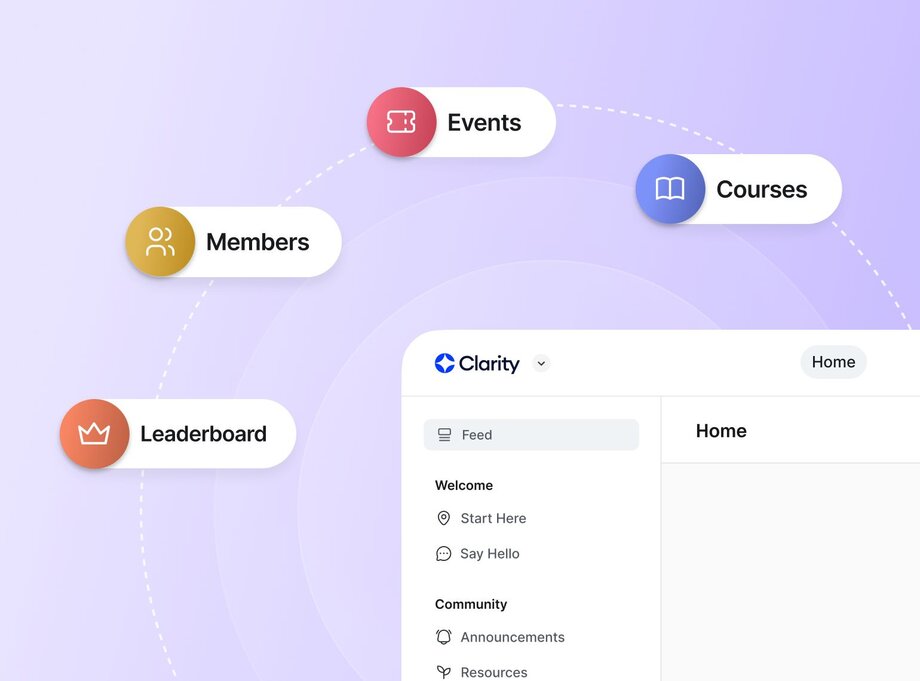
You’re halfway through—great job! Now’s a good time to think about your coaching community hub. This is pretty much your virtual HQ for running your business and building deeper relationships with your clients.
#### Set up your coaching community
If you want your community to power your business, you need a platform that can *actually* power your community. A bunch of different tools scattered around won’t create that unified experience. You need something much more streamlined!
An all-in-one community platform like [Circle](https://circle.so/) brings together everything you need to run your coaching community business—discussion spaces, [live events](https://circle.so/events), courses, resources, [payments](https://circle.so/payments), and even [email marketing](https://circle.so/email-hub). With everything under one roof, you can build an engaged, thriving community that keeps clients coming back.
#### Create engagement that lasts
Once your community hub is in place, your next goal is to spark **meaningful interaction.** The strongest communities thrive when members feel connected, heard, and empowered.
Circle makes it easy to foster this dynamic:
✅ [**Discussion forums**](https://circle.so/discussions) to give members a space to ask questions, share wins, and support each other
✅ **Real-time** [**chat spaces**](https://circle.so/chat) for casual conversations and deeper connections
✅ **Curated personal home feeds** to surface the most relevant conversations and content
✅ **Automated weekly email digests** keep your members coming back
#### Integrate courses, resources, and live coaching
To deepen the value of your community, integrate your core coaching offers *inside* your hub. With Circle, you can host courses, upload resources, and run live coaching sessions—all in one place. This makes it seamless for members to move between learning and applying, between consuming content and getting coached.
**Health coach Mila Clarke** used Circle to build [*Glucose Guide Diabetes Support*](https://hangrywoman.com/diabetes-coaching/), a [1,000+ member community](https://circle.so/blog/glucose-guide-diabetes-support-community) where people with diabetes can access coaching, recipes, live classes, and evidence-based studies via a custom app. And yes, [that app](https://circle.so/plus)? Built on Circle.
### Step 5: Launch and land your first paying clients
If you’re like most new coaches, landing your first paying clients will feel both thrilling and a little terrifying. **The key?** Treat client acquisition like any other skill: build it step by step, with consistent daily action.
#### Pre-launch strategies: beta clients and testimonials
Before you launch publicly, coach a few beta clients for free or at a discounted rate. This lets you refine your coaching and collect all-important testimonials you can use to build trust with future clients.
**Just don’t wait until you feel “ready.”** As [Kate Solovieva](https://solovieva.com), a coach who helps other coaches build sustainable, client-centered businesses, puts it:
In other words, start talking about your coaching now. The more visible you are, the easier it will be to fill those first beta spots and start building momentum.
#### Marketing tactics that work for coaches
In coaching, happy clients are your best marketing team. Referrals carry more weight than any ad ever will. That said, you should still actively build your personal brand and marketing funnel:
* **Top of funnel:** If you have a social media following, use it to your advantage. Start sharing what you’re learning and offering as a coach to build awareness of your business. If you don’t have any following, you can build it through sharing helpful tips and other educational posts on the platforms where your ideal clients hang out.
* **Middle of the funnel:** Consider offering a mini freebie like a *“3-step mindset shift guide”* in exchange for emails. Then nurture that email list with valuable tips and stories that build trust.
* **Bottom of the funnel:** At this point, you’ll be looking at converting your audience into actual sales. For example, you can offer a free 30-minute coaching session or free 1-month access to your community.
#### Converting community members to paying clients
Not all community members will be ready to join your coaching programs yet. Maybe it’s budget, maybe timing, maybe something else. But they’re still warm leads.
Consider offering exclusive perks to your community members, like early access to new coaching programs or member-only discounts. And take the time to engage with them personally. Reply to comments, ask questions, and start conversations. You need to build relationships first. Sales will come later as a result.
### Step 6: Scale through group programs and automation
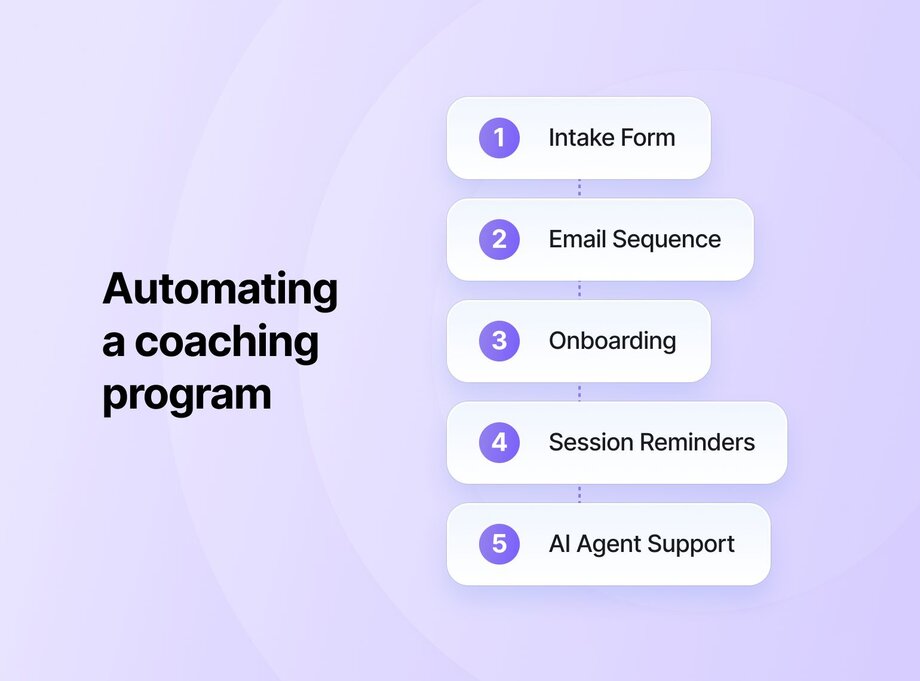
Once you’ve set up your community (and maybe done a few 1:1 sessions), it’s time to think about scale. That involves going all in on group coaching and automation.
#### Double down on group programs
[Group coaching programs](https://circle.so/blog/group-coaching) are often the first big lever for scale. They not only let you help more people at once but also create powerful peer learning environments. A well-designed group experience can deliver as much transformation as 1:1 work—sometimes more.
Start by packaging your proven 1:1 frameworks, then layer in collaborative exercises, shared discussions, and community touchpoints.
#### Automate to save time
As you scale, **your time becomes your most valuable asset.** Use AI tools and [automations](https://circle.so/workflows) for scheduling, client reminders, intake forms, onboarding sequences, and even personalized content delivery.
Tools like Circle’s [AI Agents](https://circle.so/ai-agents) and [Community AI](https://circle.so/ai) can help here. For example, you can build personalized AI Agents to guide, coach, and support members 24/7, trained on your posts, comments, courses, and resources. Or tap into AI Summaries to stay on top of what’s happening in your community by quickly surfacing key insights from posts, comments, and spaces.
#### Create passive income
You should also productize your coaching frameworks into [online courses](https://circle.so/blog/create-online-course), digital workbooks, or ebooks. These can generate revenue without requiring your constant presence, and help you serve clients at different price points.
> 💡 Not sure where to start with product creation? Check out our guide on [how to create digital products your audience will love (and buy)](https://circle.so/blog/digital-product).
### Step 7: Don’t skip the legal, financial, and operational must-dos
Before you start working with clients (and charging them), make sure your legal, financial, and operational ducks are in a row.
#### Business structure
Most coaches choose between setting up as a sole proprietorship or forming an LLC (Limited Liability Company)—or whatever the equivalent is in your country.
* A **sole proprietorship** allows you to start coaching right away under your own name. But there’s no legal separation between you and your business. If someone sues you, your personal assets (car, house, savings) could be at risk.
* An **LLC** adds a layer of protection. It costs a little to set up (varies by state), but it shields your personal assets if things go south.
Whichever path you choose:
✅ **Set aside money for taxes** (yes, coaching income is taxable)
✅ **Consider basic liability insurance**—it’s peace of mind in case a client ever claims harm or takes legal action
#### Client contracts and liability considerations
Always have a written coaching agreement. This protects both you and your clients by setting clear expectations around cancellations, confidentiality, and the scope of services. It doesn’t have to be fancy—you can find coaching contract templates online and adapt them to your needs.
#### Financial tracking and pricing adjustments
Track what’s coming in and what’s going out. A spreadsheet is fine at the beginning, or you can use tools like QuickBooks or Wave. Also, review your pricing every few months. If your programs are consistently booked out, that’s a sign it may be time to bump those rates.
#### Maintaining coaching ethics and boundaries
**Stick to your role.** You're not a therapist, doctor, or financial advisor unless you're certified in those areas. Follow the ethical standards of whichever coaching body you align with (like ICF) and don’t be afraid to refer a client elsewhere if coaching isn’t the right fit for their needs.
### Step 8: Expand your reach globally
One of the coolest things about running an online coaching business? You’re not bound by borders. Your ideal client could be in New York… or New Zealand.
**To reach global audiences:**
* Be visible and post on social media platforms like LinkedIn or TikTok, where global audiences hang out
* Run ads targeted at international markets
* Launch email campaigns segmented by country or region
* Offer key content, like your sales pages or onboarding emails, in multiple languages
One wise word of caution: **be aware of cultural differences.** What resonates in the U.S. may not land the same way in Europe or Asia. Stay curious, and be ready to adapt.
## Bring your coaching business vision to life
You now have the 8-step playbook to launch and grow your coaching business. Do give yourself grace, though. Most coaches take 3–6 months to launch and 12–18 months to reach profitability. But **those who build strong communities from day one?** They scale faster and build more resilient businesses.
Build a space where people connect, learn, and grow with you and with each other on Circle.
## **Becoming a life coach FAQ**
How much does it cost to start a life coaching business?
You can get started for as little as $500. Essentials include a laptop, a website, email marketing software, and a coaching platform. If you pursue certifications or training, plan to invest another $1,000–$5,000. Many coaches start lean and reinvest profits as they grow.
Do you need an LLC to start a coaching business?
No, but it’s a good idea. An LLC (Limited Liability Company) protects your personal assets if legal issues arise. You can absolutely begin as a sole proprietor, but forming an LLC adds credibility, simplifies accounting, and is well worth doing once your income becomes consistent.
Is life coaching a profitable business?
Yes, life coaching can be very profitable. With low overhead, high hourly rates, and scalable offerings like group programs or online courses, many coaches build six-figure businesses. However, profitability depends on your ability to market, sell, and deliver real results for clients. Coaching is a business. Treat it like one.
How long does it take to become a life coach?
It depends on the path. Going the accredited route, the entry-level ICF credential (the Associate Certified Coach, or ACC) requires at least 60 hours of coach-specific training, plus 100 hours of client coaching experience, mentor coaching, a performance evaluation, and an exam. Most people complete that over several months to a year, depending on pace. Shorter non-accredited certificate courses exist and can be finished in weeks, but they carry less weight with clients. Either way, building a paying client base adds time, so plan on the better part of a year before coaching is your main income.
Can you become a life coach with no experience or degree?
Yes. There's no degree requirement and no license, so you can technically start today. In practice, you'll want either lived experience in your niche, a certification, or both, because clients are getting more selective about who they trust. Experience in the thing you're coaching matters more than a diploma.
Is life coaching a regulated profession?
No. There's no central body that licenses life coaches, which means anyone can use the title. Voluntary credentials from organizations like the ICF exist to signal training and ethics, and they're increasingly what clients look for, even though they aren't legally required.
---
### The hybrid community events playbook: how to blend IRL and URL
*Learn how to design hybrid community events that connect online and offline members through clear structure, shared rituals, and Circle’s powerful tools.*
Source: https://circle.so/blog/hybrid-community-events
Eric Plantenberg has spent decades guiding high achievers through personal transformation.
At his [Abundant Living Retreat](https://abundantlivingretreat.com/), visionaries, innovators, and changemakers step away from the noise of everyday life to reconnect with themselves and connect with one another. Over four immersive days, they experience what Eric calls “quantum leaps” in almost every area of their lives.
But Eric knows what many event organizers and community leaders struggle with: what happens _after_ the event ends. The breakthroughs are real, but once people return home, the follow-through often slips.
Meanwhile, online community builders face the opposite problem. They’ve built thriving virtual spaces, but members want to meet in person and running a live event feels daunting.
“Our nature isn’t digital. We’re meant to connect face-to-face, but that connection can be deepened when it extends online,” he shared during a conversation with community strategist Bri Leever on her _[Dear Bri](https://www.emberconsulting.co/post/16-how-to-combine-an-online-community-with-in-person-retreats-feat-eric-plantenberg)_[podcast.](https://www.emberconsulting.co/post/16-how-to-combine-an-online-community-with-in-person-retreats-feat-eric-plantenberg)
That’s why he’s now building [IZOZI](https://www.izozi.life/), an online community to help people stay accountable and apply what they learned between retreats.
This blended approach—**linking in-person gatherings with ongoing online support**—is becoming the new standard. In this guide, you’ll learn how to design high-impact hybrid community events using practical principles, step-by-step playbooks, and Circle tools to make it happen.
## The 5 building blocks of successful hybrid community events
According to a [2023 Ipsos report](https://www.ipsos.com/sites/default/files/ct/publication/documents/2023-05/ipsos-beyond-the-screen-pov-WEB.pdf), people don’t separate their online and offline lives. Both experiences feel “equally real.”
The strongest hybrid community events build on this understanding. Transformation doesn’t happen in a single room or Zoom call. It unfolds across every touchpoint where people show up, share, and grow together.
Still, moving people between physical and digital spaces takes more than good intentions. Without structure, it’s easy for participants to lose their focus once the format shifts.
These five principles apply no matter where your community gathers:
### 1\. Co-creation beats guesswork
The easiest way to build buy-in is to design your hybrid event _with_ your people. Before launching a new event or online space, ask members about what they truly need.
As Eric puts it, “People often describe their needs in aspirational terms.” **Your job is to uncover what will actually move them.** Then, let them help shape the programming. When participants co-create, they feel a sense of ownership, and that investment carries through every phase of the experience.
### 2\. The container supports the change
Rules and boundaries ensure participants know what they can and can’t do. This clarity lets them relax into the experience instead of constantly reading social cues or juggling distractions.
At an Abundant Living Retreat, guests seal their phones away on the first night. It’s simple and binary. You’re either present or you’re not. Clear agreements like this create both a sense of safety and just the right amount of challenge to help people stretch and grow.
### 3\. Distributed leadership builds sustainability and trust
Don’t carry the event alone. Eric’s retreats use small leadership teams who participate in and support the gathering. In an online setting, this could look like [members who also serve as ambassadors](https://circle.so/blog/member-led-community), welcoming new members or hosting discussions.
This structure makes the group less dependent on one facilitator. More importantly, leading while learning shows that it’s safe to show up imperfectly, try new things, and make mistakes. That vulnerability builds trust. Trust fosters belonging. And [belonging is what keeps people engaged](https://circle.so/blog/inside-transformational-communities) long after an event ends.
### 4\. Integration is the product
Think of your event as one chapter in a longer story. The next chapters (follow-ups, small wins, shared check-ins) are what turn inspiration into lasting change.
Map out how participants will reconnect. A 30-day reflection challenge? Discussion prompts in your community hub? These structures provide members with a reason to return and deepen their connection with one another over time.
### 5\. Hold the rope
In rock climbing, before someone begins their ascent, their partner calls out, “On belay?” and waits for the response, “Belay on.” It’s a simple exchange that means: _I’ve got you. You can climb. If you slip, I’ll catch you._
As Bri shared in her podcast episode with Eric, you don’t have to remove all tension to be a great facilitator. Just hold the rope so participants feel safe enough to take risks and show up as their whole selves.
## What makes designing hybrid events hard (and how to overcome it)
If you’ve ever tried running an event that blends in-person and online participation, you know how quickly things can go sideways. Someone’s camera freezes. The mic won’t connect. People in the room forget about the chat, or people in the chat feel invisible. It’s no wonder that [38% of event managers](https://eventify.io/blog/the-rise-of-hybrid-events) cite technical issues as their top challenge in hosting hybrid events.
But tech isn’t the only hurdle. The more challenging part is keeping everyone—those in the room and those on screen—connected through a single, cohesive experience.
Below are a few practical ways to keep both groups engaged and your structure intact:
- **[Create shared rituals](https://circle.so/blog/community-habits).** Start and end with the same ceremony for everyone. Maybe it’s a guided reflection, collective stretch, or a quick one-word check-in.
- **Assign hybrid ambassadors.** Choose a few in-person participants to keep virtual voices in the mix. Have them read out chat comments, ask follow-up questions, or check in with the remote group during breaks.
- **Build a tech fallback plan.** Always plan for a quick pivot. That could mean switching to an audio-only call if the video drops, or grouping participants into small pods who can keep talking or working together over the phone or chat while you troubleshoot.
- **Mind the transitions.** Moving from screen to stage, or online to offline, can feel jarring if you don’t consider the space. Use pauses, music, or clear verbal cues to keep people oriented.
The goal is for hybrid events to feel seamless. You want every participant, in the room or online, to feel equally part of the moment. But don’t worry if it doesn’t go perfectly. What matters most is how you adapt and keep people connected. Each attempt will teach you something new and help make the next event smoother and more inclusive.
## Online to offline playbook: How to add IRL events to an online community
Your online community is thriving, and now your members want to meet face-to-face. That’s a great sign. It means they already know, like, and trust each other enough to take things offline.
Running an in-person event isn’t all that different from hosting an online one. You’re still guiding discussions and managing flow, just through a shared space instead of a shared screen.
Here’s a five-step playbook to help you make the leap:
### Step 1. Validate and co-design
Before locking in a venue or date, make sure you understand what members _actually_ want from meeting in person.
- **Run polls or short surveys** to see what kind of gathering excites them the most (psst: this is what [63% of community builders do](https://circle.so/2026-community-trends-report?utm_source=circle-nav)!). A weekend retreat? Full-day workshop? Casual meetup?
- **Host office hours or small focus calls** where people can share ideas and concerns directly.
- **Have 1:1 conversations** with your most active members. They often know what the group needs better than anyone.
### Step 2. Build the container
Once you’ve validated the interest, build the structure that will hold the event together.
- **Set clear rules and boundaries.** Determine how you’ll handle timing, feedback, or heated moments to maintain a good flow.
- **Assign event roles.** Don’t be a hero. Identify who (e.g., friends, employees, trusted members) is responsible for what (e.g., facilitation, timekeeping, note-taking, tech support) to spread out the workload.
- **Publish an event landing page**. FYI: Circle’s [Website Builder](https://circle.so/website-builder) makes this easy. Include your “why,” key details, and registration link so people can easily find and share it.
### Step 3. Invite the right people
It’s easy to chase headcount. It’s great to see a full room. But if the mix of people isn’t right, the experience won’t land. A smaller, well-matched group always leads to better conversations and stronger connections.
A few ways to approach this:
- **Try an application-first model.** Instead of opening sales to everyone, invite members to apply. A short form or interview helps you understand who’s ready for this kind of in-person experience and what they hope to gain from it.
- **Create clear participation expectations**. Let applicants know what’s required (e.g., attendance at all sessions, travel commitments, prep work) so they know what they’re signing up for.
- **Bundle the event with community access.** Pair the ticket with a 60- or 90-day post-event membership or an exclusive alumni space, allowing attendees to stay in touch. It extends the value of the experience and helps new relationships take root.
### Step 4. Deliver the IRL experience
The day’s finally here. Your job: help people settle in and start connecting.
- **Start with a welcome ritual.** Open with something that brings everyone into the same headspace, like a round of quick introductions or reading a shared intention.
- **Design your event arc.** A simple framework works best:
- **Arrival**: Let people land, greet each other, and get comfortable.
- **Attunement**: Shift into a shared focus with a short story, movement, or breathwork.
- **Stretch**: Facilitate activities or conversations to spark growth.
- **Integration**: End with a reflection and outline next steps that bridge back to your online space.
- **Lean on your leadership team.** Encourage them to notice who’s quiet, help manage timing, or check in with anyone who seems off.
### Step 5. Integrate back online
The real success of any hybrid community event shows up after everyone goes home. Help participants apply what they learned and stay connected by doing the following:
- **Share recaps within 72 hours.** Post photos, summaries, and slide decks while the experience is still fresh.
- **Offer a 30-day mini-course.** Use weekly prompts or journaling challenges to keep the ball rolling.
- **Host reunion calls.** These give members a reason to keep showing up and share how they’ve applied their insights.
> 💡 Create a short welcome script to start everyone on the same page.
>
> Use this outline to shape yours:
>
> - Welcome everyone and name what this gathering is about.
> - Lead one quick centering moment like a shared breath or light movement.
> - Outline a few agreements to support focus and safety (e.g., confidentiality, tech-free sessions, leaving early).
> - End with quick intros. Ask each person to share their name and one thing they hope to get from the experience.
## Offline to online playbook: How to add a Circle community to an IRL event
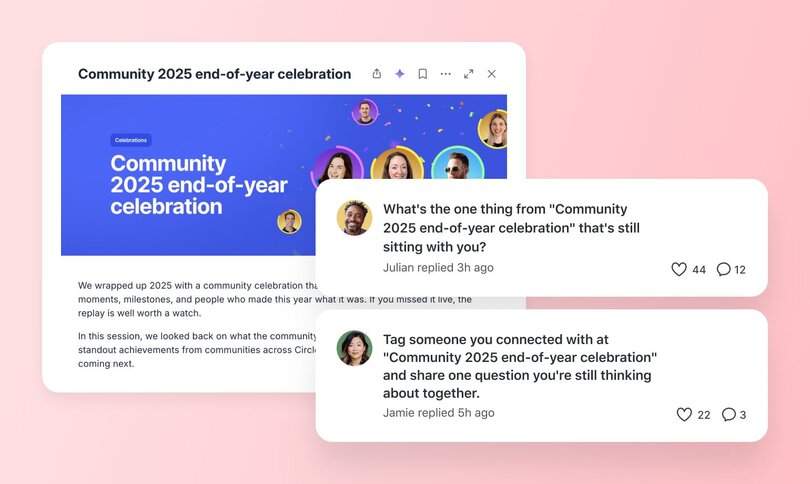
You’ve run incredible in-person community events. The kind that leave people buzzing with ideas, connections, and a sense of “I don’t want this to end.” The problem? Once everyone heads home, it usually does.
Creating an online presence for your event extends its lifespan. With a hybrid community platform that understands the importance of events, like Circle, it’s easier than ever to bridge the IRL to URL gap.
Here’s how to combine online community with in-person events in four straightforward steps:
### Step 1. Build the framework
Your in-person events have seating plans and schedules for a reason. Your community needs a similar structure so that people know where to go and how to participate.
- **Spaces:** Create a few anchor areas, like an Alumni Lounge for social posts, Cohort Pods for small-group accountability, or a Leaders’ Room for your facilitation team.
- **Automations:** Use Circle’s [workflows](https://circle.so/workflows) and [AI workflows](https://circle.so/ai-workflows) keep things moving without manual reminders. Set gentle nudges at Day 1, 7, 21, and 45 to welcome members, prompt reflection, and celebrate milestones.
- **Payments:** Bundle your event and community access together. Attendees can join automatically after registering for the next retreat or receive a discounted alumni rate for continued access.
This setup keeps everything coordinated, no matter how many moving parts you add later.
### Step 2. Translate your rituals
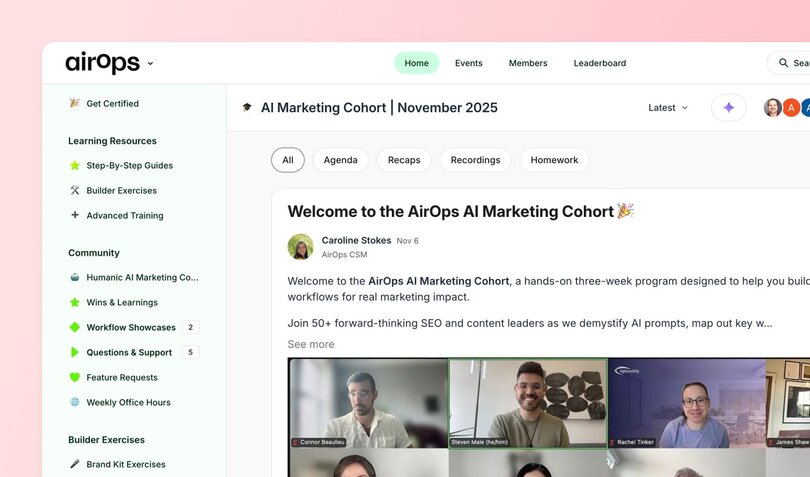
Your in-person traditions can anchor your online community. Bring the same energy online so people instantly recognize what it feels like to belong, even from behind a screen.
- **Mirror your openers.** If you usually kick off events with a welcome circle or icebreaker question, post a Monday “roll call” thread or short welcome video that sets the tone for the week.
- **Recreate team dynamics.** Do your events have table discussions or working groups? Create small Spaces or pods in Circle for those same people to keep collaborating.
- **Bring back your wrap-ups.** If you end with debriefs or informal hangs, move them online with a “Friday Highlights” thread or a regular alumni call to keep the conversation going.
- **Keep key moments consistent.** Do you have event theme songs or branded visuals? Reuse those online so the atmosphere feels familiar and connected.
### Step 3. Onboard your last cohort first
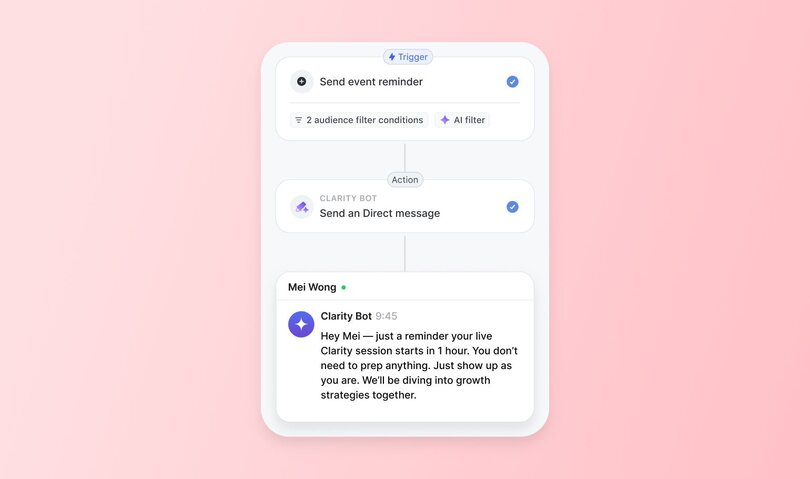
Your most recent event attendees are your best starting point, as they’re already familiar with you and each other.
Invite them to be the first to join your Circle space. Frame it as a beta round where their feedback will shape how the community grows.
To keep things lively:
- **Run a 30-day integration sprint.** Each week, share a short prompt or mini-challenge that connects back to the event’s themes.
- **Recruit a few ambassadors** from this group to welcome newcomers and keep discussions going.
These early participants will model how to use the space and set the tone for everyone who joins later.
### Step 4. Move into a steady rhythm
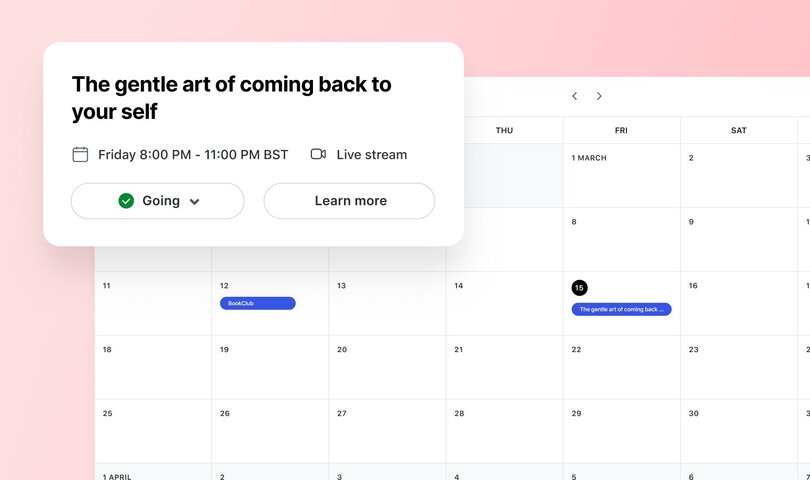
After the initial burst of activity, establish a consistent schedule of activities to engage participants, like:
- **Monthly alumni calls:** Reconnect live for updates or casual coworking.
- **Pod check-ins:** Encourage smaller groups to meet on their own schedules for accountability or peer support.
- **Teach-backs:** Invite members to share what they’ve applied since the event. Short posts, walkthrough videos, or mini-workshops are great options.
- **Leadership pipeline:** Offer ways for engaged members to step up (e.g., community management, call hosting, event planning and support).
Over time, these online and offline community events mutually support one another. The online space keeps relationships active between gatherings, and each in-person reunion brings that energy back to life.
> 💡 Design a 30-day integration sprint
>
> Use this template to keep members engaged after your in-person event.
>
>
> - Week 1: Share one insight from the event and how you’re applying it.
> - Week 2: Reconnect with your pod and set a 7-day action goal.
> - Week 3: Post a photo or short story showing a win or lesson learned.
> - Week 4: Join a live call to reflect, celebrate, and set your next focus.
## How to recover in real-time when things break
No matter how polished your plan, hybrid community events rarely go exactly as scripted. And that’s okay. You just need to know how to recover and re-ground the group when things wobble.
Here are a few common breakdowns and quick ways to bounce back:
- **Tech fails? Pivot to audio or asynchronous.** Switch to an audio-only call or record a short recap afterward so people don’t miss key content. Also consider keeping a WhatsApp or Slack thread open as a backup channel in case your main platform goes down.
- **Virtual participants drifting? Have an ambassador** monitor the chat and bring virtual voices into discussions. A quick “Let’s pause. Any thoughts from our online folks?” keeps everyone in the same conversation.
- **Pods losing steam? Re-seed with prompts.** Drop in a new question or mini challenge to re-engage them. Example: “Who’s one person you want to follow up with after this?”
- **Rules slip? Re-ground with kindness.** Someone’s scrolling through emails or side-chatting? Bring the group’s focus back with a gentle reminder of the shared agreements.
## Pitfalls to avoid when hosting hybrid community events
Even experienced facilitators can fall into a few common traps when hosting online and offline community events.
Here’s what to watch for (and what to do instead):
- **Trying to please everyone.** Comfort isn’t the same as safety. Your role is to create conditions where people can learn, stretch, and take responsibility for their own experience. Some discomfort is part of growth.
- **Too vague rules.** “Be present” sounds nice, but it’s not actionable. Replace soft guidelines with clear boundaries: “Phones off during sessions.” “Conversations stay confidential.”
- **Forgetting the follow-through.** The post-event “glow” fades fast if there’s no plan to carry it forward. Post reflection threads, host reunion calls, or run post-event challenges to help participants apply learnings and keep the energy alive.
- **Giving up too soon.** The first version of any event or community is a test. You won’t get it perfect right away. Eric committed to running his retreat for five years, even if the first year was a flop, so he had time to experiment and refine before deciding if it was successful.
## Bring your hybrid event flow to life in Circle
Circle is _the_ hybrid community platform for events. It’s a central hub where planning, participation, and post-event connection can all flow together seamlessly.
Turn your hybrid experience plans into action using the following Circle features:
- **[Events Hub](https://circle.so/event-hub):** Host everything from info sessions and alumni reunions to pre-event AMAs, all in one place.
- **[Spaces](https://help.circle.so/p/basics/spaces/spaces-overview) & [Segments](https://help.circle.so/p/audience/member-management/create-segments):** Create separate areas for cohort pods, alumni lounges, or a private leaders’ room.
- **[Courses](https://circle.so/courses):** Build a 30-day integration program or mini-course to move participants from learning to implementation
- **[Automations](https://circle.so/workflows):** Send timely nudges, milestone celebrations, or reflection prompts to maintain momentum.
- **[Payments](https://circle.so/payments):** Offer event bundles, alumni discounts, or leader-in-training tiers to encourage ongoing engagement.
- **[Website Builder](https://circle.so/website-builder):** Design a clean, on-brand landing page with FAQs, agreements, and alumni stories.
## The future of online and offline community building
Hybrid design is evolving fast. Our predictions? The next era of IRL/URL communities and events will be smaller, more inclusive, and powered by smarter tools.
**The future is micro.** Instead of huge conferences and retreats, more organizers are experimenting with smaller events like coworking sessions, intimate dinners, and regional pods that host their own meetups. These gatherings build stronger bonds while keeping travel and logistics manageable.
**Accessibility is also taking center stage.** Live captioning and translation, along with flexible scheduling across time zones, make participation possible for anyone, anywhere.
**Sustainability is another driving force.** [Travel is often the largest source of emissions](https://www.netzerocarbonevents.org/wp-content/uploads/NZCE_Roadmap2022_Full-Report-updated-26Jan2023.pdf), and hybrid formats help by allowing people to join virtually. Choosing venues near public transit, going paperless, and reducing single-use plastics are small shifts that make a significant difference.
**AI is quietly becoming part of the team.** It captures notes, drafts recaps, translates chats, and sends reminders so leaders can focus on the people in the room.
These shifts are already underway, and you can start experimenting with them right now. Try one small hybrid pilot experience. Host a local coworking day for your online group, or open a pre-event thread where attendees can introduce themselves. See what works, take notes, and build on that.
Circle gives you the tools to make it happen. [Start your free trial](https://circle.so/) and bring your next community experiment to life.
## FAQs about hybrid events
What is an example of a hybrid community event?
A hybrid community event blends online and in-person participation. For example, a leadership retreat where members meet in person for workshops, then continue the conversation and accountability threads inside a shared online community space.
How do you keep online participants from feeling “second-class”?
Design with both groups in mind from the start. Use shared rituals, hybrid ambassadors, and clear facilitation cues so remote members have equal chances to interact and contribute.
How do I price in-person vs hybrid tickets?
Base pricing on the depth of experience and cost to deliver each option. In-person seats typically cost more due to venue, catering, and staffing expenses. Virtual tickets can be lower but still include access to recordings or follow-up sessions.
What size is best for transformation?
Small groups tend to create the most significant shifts. [Eight to twenty participants](https://circle.so/blog/group-coaching) is often the sweet spot for meaningful conversation, vulnerable shares, and personalized support.
How do I get members to unplug IRL?
Set the expectation early. Include it in your event materials, explain the “why,” and create a ritual (like sealing phones in a shared basket) so it feels intentional.
How do I know if I should start with an event or a community?
Look at where your energy and audience already are. If you have an engaged online group, consider hosting a small in-person gathering to deepen those connections. If you run live events, build an online space to keep participants connected between meetups.
---
### How to 5x your social media engagement
*Learn how to 5x your social media engagement with creator coach, Kristen Bousquet. Proven frameworks, examples, and more!*
Source: https://circle.so/blog/increase-social-media-engagement
What's the path from side-hustling influencer to making $450K+ from brand deals in just a few years? And how do you turn online charisma and social engagement into cold hard cash for yourself?
We sat down with [Kristen Bousquet (@kbousq)](https://www.instagram.com/kbousq/), creator economy expert and founder of [Soulcialmate](https://www.yoursoulcialmate.com/), to find out. Kristen's not just teaching modern creators to monetize—she's cracked the code on turning followers into a thriving community.
Her smart social media engagement strategies have earned Kristen over $450K from sponsorship deals with heavy-hitters like MTV, Crest, Shutterfly, HelloFresh, and Thinkific—all while nurturing her own engaged community.
Kristen is laser-focused on empowering talented creatives with the social media and business savvy to achieve real financial freedom. After seeing the demand for her 1-on-1 coaching, she leveled up by adding:
- The [Soulcial Scoop podcast](https://www.yoursoulcialmate.com/podcast), diving deep into creator economy insights
- The [Soulcial Suite](https://www.yoursoulcialmate.com/membership)—a membership community obsessed with helping creators build wildly profitable personal brands
In 2023, Kristen was named one of Business Insider's "Creator Economy Experts to Know."
Now, she's pulling back the curtain to reveal how she turned her side-hustle into a multi-six-figure empire by mastering authentic influence—and teaching you to do it, too.
## The goal
Hands up if you’ve ever been frustrated by your social performance? 🙋🙋🙋🙋🙋
We’ve all been there.
Whether it’s changing algorithms, trends, or just… human behavior, being a creator (and making real money) can be challenging.
Most creators use social media to push their followers into their owned funnel—email, products, memberships, coaching, or courses. It’s genius, but **posting good-enough content isn’t enough.**
Because every like, share, follow, and DM means more money for your mortgage, your kids, your travel, and your dreams. So if you can 5x your social engagement, you can add fuel to your funnel, and see the results on the end of your bank account.
## The assessment
**What makes for content that people want to engage with? Here’s what Kristen has to say:**
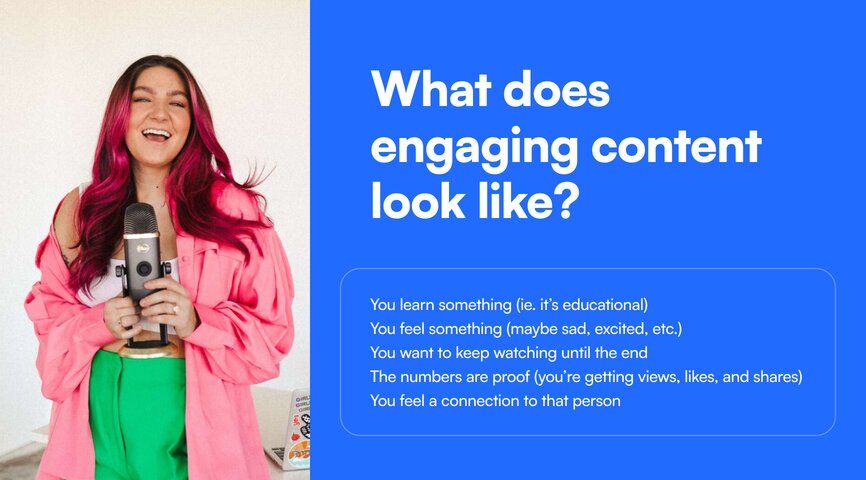
## The playbook
If you want to “stop the scroll” and get people to slow down enough to engage with you, Kristen has **4 recommendations to increase your social engagement**.
### 1\. Dig into stats for attention insights
As someone’s business teacher once (undoubtedly) said, “You can’t manage what you can’t measure.”
For creators, this hard and fast business rule turns a science into an art—but it’s still the starting point if you want to better understand your audience and what captivates their attention spans.
**Here are two key metrics you can track to identify your best content, uncover gaps, and come up with new ideas:**
**1\. Retention rate or average watch time**: how long are people watching a piece of content for? How long is the average watch time compared to the full video duration? Where in the video are you losing people?
Ex. If duration of the video is 9 seconds, and average watch time is 8 seconds, that means on average people watch 8/9 seconds of this video—which is great.
A 30 second video with an avg. watch time of 6 seconds… is not great. But it is a massive opportunity for you to analyze how to do better.
**2\. Accounts engaged:** How many individual accounts are interacting with your content? Which videos are garnering the most engagement—and why? What common threads do you see between these videos?
Ex. If 4/9 top posts contain info about personal life, that’s a huge sign that your audience is invested in your lifestyle journey. The best way to make better content (and get more engaged commenters) is to pay attention to the signs that your audience is already giving you with their attention.
“These two statistics are going to give us a really clear picture about what our audience is actually enjoying from us when they come to our page,” says Kristen.
“If people aren’t paying attention, or watching your videos all the way through, they can’t really engage with your content. What are they going to comment on?”
📊 **Kristen’s Creator Tip**: Check your stats at least monthly, and track your results. This data can help you create more of what your audience wants to see when you sit down to plan content for the month—and score more brand deals based on your numbers.
### 2\. Be a friend to your audience
“Social media is social,” Kristen emphasizes. That’s why she won’t let go of her DMs or interactions—even as she hires and outsources parts of her growing business.
You can’t lose your heart, your personality, or your relatability in the process of building your personal brand as a creator.
“I want to really show people that I'm on the same level as them. Or maybe I'm a couple steps ahead; but I was them. I've been through the same things. I can connect with them on that level,” says Kristen.
What helps is to **match the content you’re creating with** 🤝 **your audience’s wants, needs, interests, and pain points.**
### 🥳 Bonus: 7 proven content ideas to try for yourself
One of Kristen’s [recent “about me” posts](https://www.instagram.com/p/C7egxvCgkSS/?img_index=1) got so much engagement that she decided to break down what worked about it—so you can make it work for you.
1. Fun facts about you
2. Your journey
3. The emotion behind a decision—like refusing a certain brand deal, choosing a different path for your business than the typical ones, etc
4. A situation you and your audience may have both gone through
5. Shared struggles and pain points
6. Day-to-day life
7. The good, the bad, the ugly
✨**Kristen’s Creator Tip:** She likes to create one of these “lemme introduce myself” posts every 6 weeks or so to “meet” new folks in her audience, and tighten some of the bonds she already has to her community members.
### 3\. Create repeatable + recognizable content
The Soulcial Suite members know it’s Kristen everytime her videos pop up because of:
- her trademark pink hair
- her black/white background
- her font/text/caption style
For fashion influencer [Remi Bader](https://www.tiktok.com/@remibader?lang=en), it’s her intro: “Back again with another realistic Zara haul.”
For TikToker [Khabane Lame](https://www.tiktok.com/@khaby.lame?lang=en), it’s the sarcastic filming style and his hilariously judgmental eyes.
**What do Remi, Khabane, and Kristen have in common?**
**Their content is repeatable** 🔄 **and recognizable** 🔔. People know what to expect, and the creators double-down on the styles and trends that are working for them.
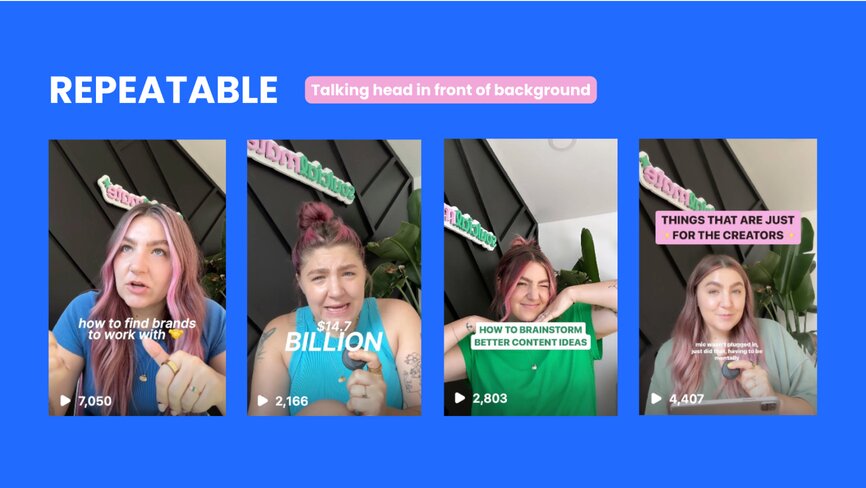
**Repeatable:** a content style that can be repeated or iterated on many times
- Hauls
- Talking head
- Tutorials
- Behind-the-scenes
- Days-in-the-life
- Interviews
- Conversations
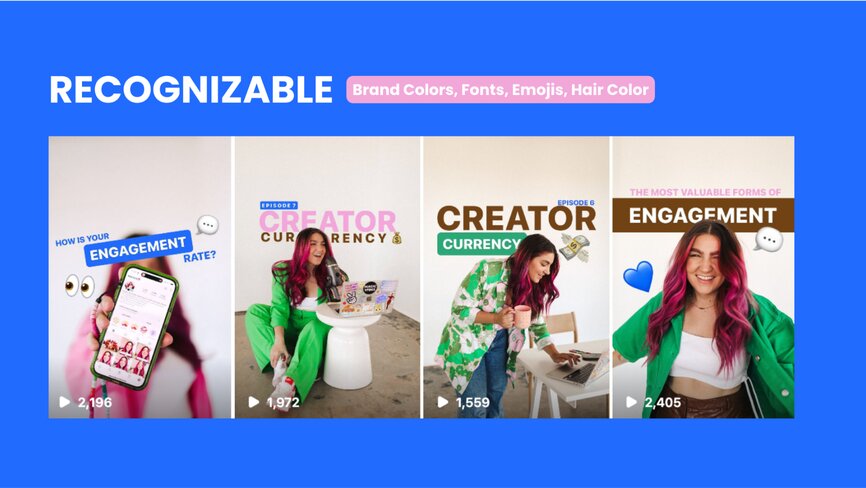
**Recognizable:** your audience is familiar with your look, feel, and vibe
- Brand colors
- Fonts
- Filming locations
- Outfits
- Phrases
- Hair color
- Captioning
- Editing style
Repeatable, recognizable content helps people know exactly what to expect from a video—and, most importantly, stops the scroll.
### 4\. Build a community
If you’re being a friend to your audience, building a community will feel natural (which doesn’t mean it won’t take work.)
A community can help you break through the overwhelm of advertising, the aspirational “highlight reels”—and offer something of deep value to your followers.
**Connection.**
**Here’s how Kristen has focused on building her Soulcial community:**
- thoughtful comment responses
- direct messages
- interactive stories and polls
- connecting community members
- engagement-based content
- building a community space
## The results
Kristen started as a creator in 2018, began monetizing in 2019 after she sold her hair and makeup company, and a few short years later, has earned nearly half a million dollars from brand partnerships alone.
Nevermind the podcast and membership that’s become the lifeblood of her business.
🔋 **All powered by: [her community.](https://www.yoursoulcialmate.com/membership)**
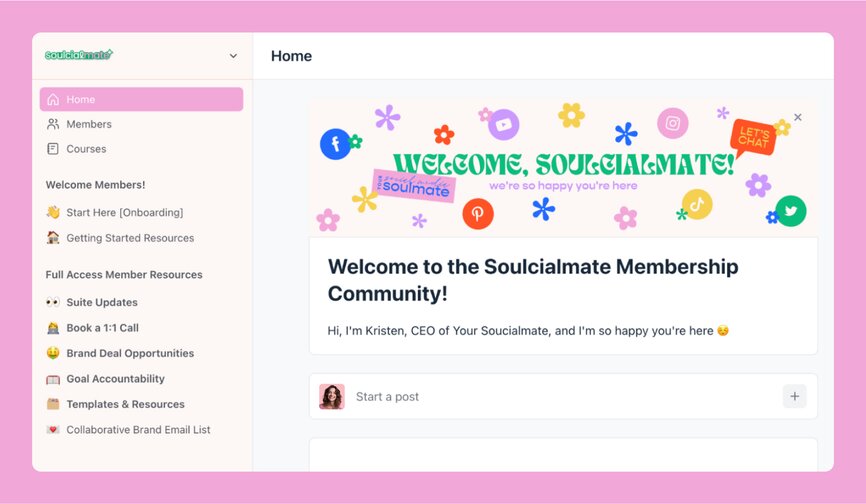
### Kristen’s learnings
- **Outsourcing can help you spend time on your business vs. in your business.** Thanks to hiring a podcast producer, community manager, and virtual assistant, Kristen can now focus on having the conversations, and building strategic relationships with people and ideal brands.
- **Relatable > professional.** Kristen thought that her most engaged-with posts would be the ones about the nitty-gritty of her business breakdowns. Instead? They wanted to get to know her. That changed her whole perspective on her content engine.
“How can you show them that you'll be a good investment? It's really showing them that you care.” - Kristen Bousquet
## Key takeaways
1. **Building a business on social media has to be strategic. But it doesn’t have to be stuffy.** Remember that social media still needs the social aspect to it: the conversations, relationships, and authentic engagement.
2. **Your stats are feedback, insight, and guidance all at once.** Stats can help you see what’s resonating, identify trends, and show you the path of most success—if you make the time to pay attention and understand them.
3. **It’s okay to scroll for research purposes.** Kristen gets some of her best ideas for videos from comments and questions that her followers leave on her videos, and through other content that inspires her to put a “creator spin” on things. Don’t be scared to scroll (but also know when to put your phone away).
**And if you’re a creator looking for an all-in-one community platform?**
You’re in the right place.
Circle brings together your members, discussions, events, courses, and content—all in one place, under your own brand. Plus, you get access to our customer community full of handy resources and over 10,000 community builders on the same journey as you.
[Start your free 14-day free trial today!](https://app.circle.so/communities/new)
---
### Inside communities that embrace transformation over transactions
*Discover why 70% of thriving communities stay under 500 members and how the Dunbar Number creates deeper connections than mega-platforms. Learn how transformation-focused communities generate $100K+ with intimate member experiences.*
Source: https://circle.so/blog/inside-transformational-communities
_Why new paths for community growth are following the oldest rules in the book_
In December 2012, the term “followers” was searched more than the term “algorithm” [for the first time in Google history](https://trends.google.com/trends/explore?date=all&q=algorithm,followers&hl=en). That year had seen the official purchase of Instagram by Facebook (now Meta), the launch of video sharing on Snapchat, and the debut of both apps on Android devices.
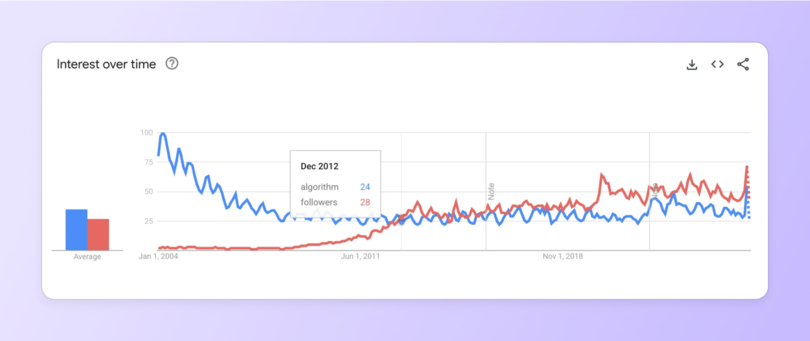
Its lead has reigned supreme ever since, a static reminder of what we were all supposed to aim for in the new age of the influencer: **More followers, full stop.**
The logic was easy to grasp, after all; a bigger platform meant more people to hear your message and convert into true customers and community members. The only thing keeping you from GaryVee or KimK levels of success was the number of zero’s in your follower count, not your bank account or the mysterious overlords of the algorithm.
And following that conventional wisdom, **countless entrepreneurs set about turning their online brands into mega-platforms**; expansive lands of masterminds, merch, and monetization. A quick trip through Facebook Groups can become a historical walking tour of this era: Hundreds of (usually private) FB Groups with member counts in the tens of thousands, but no activity in weeks or months.
This isn’t a scenario borne from the [Dead Internet Theory](https://www.forbes.com/sites/danidiplacido/2024/01/16/the-dead-internet-theory-explained/), although they do have a lot in common. Because even though we stopped searching for the algorithm, it never stopped looking for us.
> **📚 Dead Internet Theory:** A conspiracy theory that the vast majority of internet traffic, posts and users have been replaced by bots and AI-generated content, and that people no longer shape the direction of the internet.
## How the For You Page (FYP) changed everything
[**Carmen Vicente**](https://www.linkedin.com/in/carmen-vicente/), Gorgias' Social Media Manager, [has a theory about how we got here](https://www.linkedin.com/posts/carmen-vicente_were-on-the-brink-of-a-new-era-in-social-activity-7325152075812667393-yGhi?utm_source=social_share_send&utm_medium=member_desktop_web&rcm=ACoAABq490gBgXaiFfshDlCqJ_AYVcL2mhqu0Ko). She sees social media history in two distinct eras: "Before FYP” and “After FYP"—with TikTok's introduction of the For You Page algorithm in 2016 as the turning point that "opened Pandora's box."
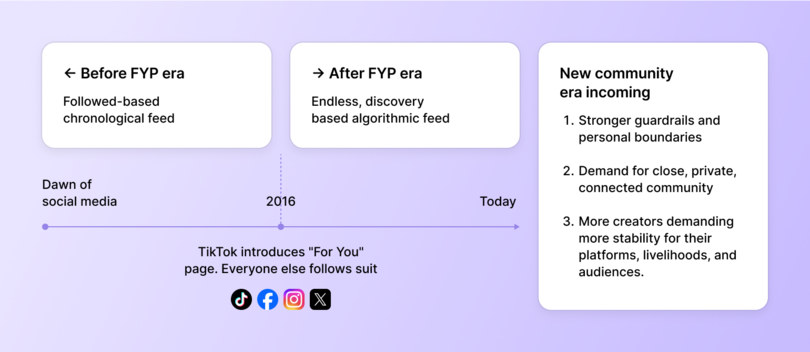
"We moved from a follower-based chronological feed to a discovery-based algorithmic feed," Vicente explains. That shift didn't just change what we saw—**it fundamentally changed who we saw it from**. Twitter, Facebook, and Instagram quickly followed suit with similar formulas, and very quickly, endless feeds of suggested content became the norm.
But Vicente believes we're approaching—or have already rounded—a corner on the next phase, based on three significant signals she's observing everywhere: algorithm hangovers, a return to community roots, and an absolute breaking point for creators whose livelihoods depend on reaching their followers.
> **🧐 Did you know...**
>
> Gorgias' hosts their [ambassador](https://www.gorgias.com/ambassadors) and [customer communities](https://circle.so/blog/customer-community) on Circle.
### After the FYP? Crowds of strangers
The numbers tell the story of what happened after algorithms took over. A [2020 Pew Research Center survey](https://www.pewresearch.org/politics/2020/10/15/differences-in-how-democrats-and-republicans-behave-on-twitter/) found that a whopping 92% of posts on Twitter (now X) were created by just 10% of user accounts on the platform. The split was similarly vast on TikTok, where [a 2024 survey](https://www.pewresearch.org/short-reads/2024/12/20/8-facts-about-americans-and-tiktok/#:~:text=A%20relatively%20small%20share%20of,most%20active%2025%25%20of%20users.) found that 98% of posts were made by ~25% of users.
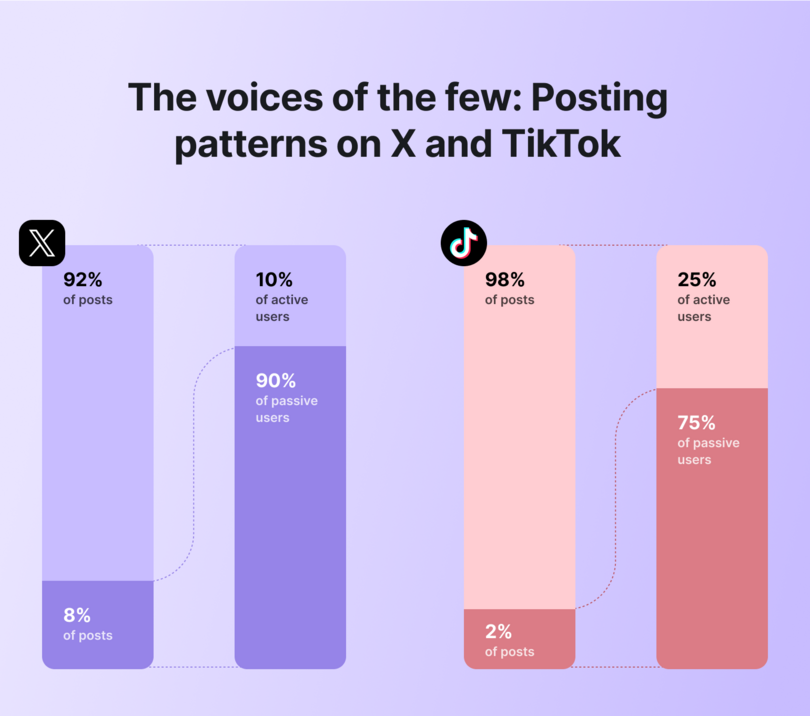
Similar patterns have been found, both officially and anecdotally, on every social media platform you can think of. It has brought us to the current moment—where **people aren’t seeing posts from the people they actively chose to follow,** but instead are constantly barraged with posts from strangers.
Mega-platforms don't do a great job of connecting a community if everyone sees something different when they open up the app, and this (among record levels of negative sentiment towards social media as a whole) has led to increasing amounts of people to [stop posting altogether](https://www.bbc.com/worklife/article/20250722-social-media-user-changes-kyle-chayka-katty-kay-interview). **The current state of social platforms has made it near-impossible for us to connect with our audiences—and each other.**
Vicente calls the growing resistance to this form of social media an "algorithm hangover," adding: "People are becoming more aware of the negative side effects that accompany the endless scroll, and are demanding better guardrails, stronger legislation, and personal boundaries."
So…that’s it? Game over, thanks for playing, let’s all go back to carrier pigeons and wax-sealed letters, _Bridgerton_\-style? Not quite. **It turns out there’s a magic number** between “none” and “[Cristiano Ronaldo](https://www.instagram.com/cristiano/)’s _664 million_ followers” when it comes to the amount of people it takes to gain all the benefits and excitement of a thriving community without losing sight of those connections in a sea of names and faces.
It's a concept that's been taking root everywhere from Discord to Circle, and is quite possibly the key to understanding how transformative communities are made and why they succeed. And, it was first popularized a decade before social media even existed.
## Can you put a number on community? (Yes.)
In the early ‘90s, a British anthropologist named Robin Dunbar had a new hypothesis: He believed there was a hard number to the amount of people that can maintain stable social relationships with each other, where every person in the community knows everyone else and can track their relationship to every other person.
Dunbar broadly described the principle as “the number of people you would not feel embarrassed about joining uninvited for a drink if you happened to bump into them at a bar.” After a lot of science and double-checking by other primatologists, the scientific community landed on what is now known as **Dunbar’s Number: 150 people.**
(Technically, it was 150 primates, but it works just as well for humans.)
What Dunbar found was that across every era of human history, communities tended to splinter off into smaller settlements around the 150-person mark. For a variety of sociological and scientific reasons, we seem to only be able to hold that many strong personal connections in our brains before individuals turn into an anonymous crowd.
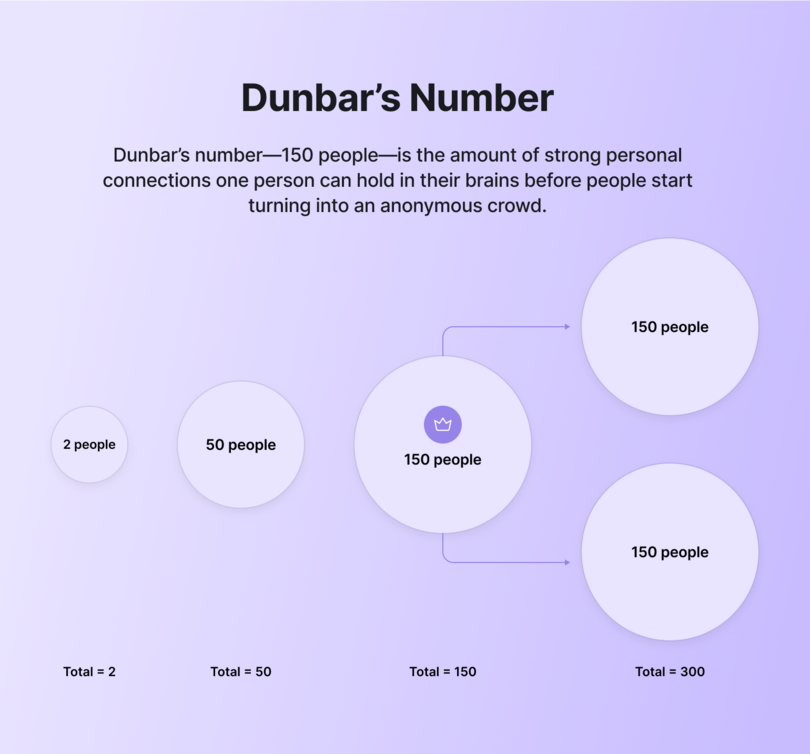
Once a community surpasses Dunbar’s Number, it becomes almost impossible for everyone in that community to remain equally connected. People will naturally break into smaller groups and cliques, naturally cutting things down until the people around us are at a manageable, memorable number that we can communicate and connect with.
While crowds of thousands of people are great for specific scenarios (like sporting events or music festivals), none of those situations are built to facilitate meaningful connection between individuals looking to communicate and transform each other.
Most of the time, they’re strictly transactional events: You pay an uncomfortable amount of money, and you receive one ticket to the Eras Tour. And while you may feel part of a like-minded crowd of Swifties, it’s nearly impossible that you’ll be able to learn or remember everyone else’s name at the end of the night. (Friendship bracelets or not.)
But that’s where the **Age of the Follower** has driven us: Chasing stadium concert levels of followers and subscribers, but creating communities of people who are feeling lost in the crowd. Which is how we’re _already_ feeling thanks to the **Age of the Algorithm** turning us into strangers in our own social feeds!
The solution isn’t to grind harder, build bigger, or double down on CTAs for your existing audience. **The solution lies with Dunbar’s Number**—and the majority of Circle community leaders have already learned that it might represent the true sweet spot for communities that don’t just thrive, but survive.
## Why 70% of thriving communities stay under 500 members
In the [2025 Circle Community Trends Report](https://circle.so/2025-community-trends-report), one number immediately jumps out as being relevant to Dunbar’s hypothesis: **70%.** That’s how many Circle communities are hovering around the Dunbar Number range of members, from 1 to 500.
In the follower-centric age of tracking success, those numbers might look disappointing. But remember: Once a community moves past 150 or so members, it essentially splits in two. And while that might be the right move for many communities depending on their focus and passion, it can be the exact opposite of what some leaders built their communities for to begin with.
**Niche communities aren’t big communities waiting to happen**; they’re already in their final, perfect form. Or to put it another way: Niche communities can exist within larger communities—just as the Dunbar Number suggests. In fact, it’s why so many successful entrepreneurs, like [Pat Flynn](https://circle.so/customer-stories/spi-community), start creating membership tiers that bucket like-minded folks together.
That same report found that of all community sizes in Circle, it was the Small (101-500) communities that felt they were more successful than every other group size, with **90% of them reporting their 2024 success as very or moderately successful.**
This preference towards smaller, more clearly-defined online spaces and communities isn’t just localized in a specific age range or interest group: In 2024, [Adobe found that 98% of people](https://www.adobe.com/learn/express/web/social-media-small-communities) who belong to a “small online community” felt a strong sense of kinship with that group, and you can see that exact phenomenon playing out again and again in ‘sweet spot communities’ all across Circle.
If we can accept that the Dunbar Number represents the sweet spot for most communities, the question becomes: The sweet spot for _what_? What is happening in these double and triple-digit communities that could not be achieved in the crowds of a mega-community or the increasingly isolating void of every major social media platform?
It comes down to **transactional versus transformational communities**, and the place each one has in our lives. It’s time for some metaphors.
## Treadmills vs. running trails
**Transactional relationships are not inherently negative**, and there are countless situations in which they’re the best option for everyone involved. Your hairdresser probably doesn’t want you to give them a trim and a dye job in return, for example. Money and time is exchanged for a service, and everyone who pays for a haircut receives one (and looks fresher than cut grass in the process).
This clarity becomes complicated when it comes to communities, because now your time and money are exchanged for access to a space, but **the _outcomes_ from that access are anything but straightforward**.
This makes it more like a gym: Everyone pays the same membership fee, but their experiences will be unique. And like all gymgoers, new community members usually have a goal in mind: They want to transform something in their lives.
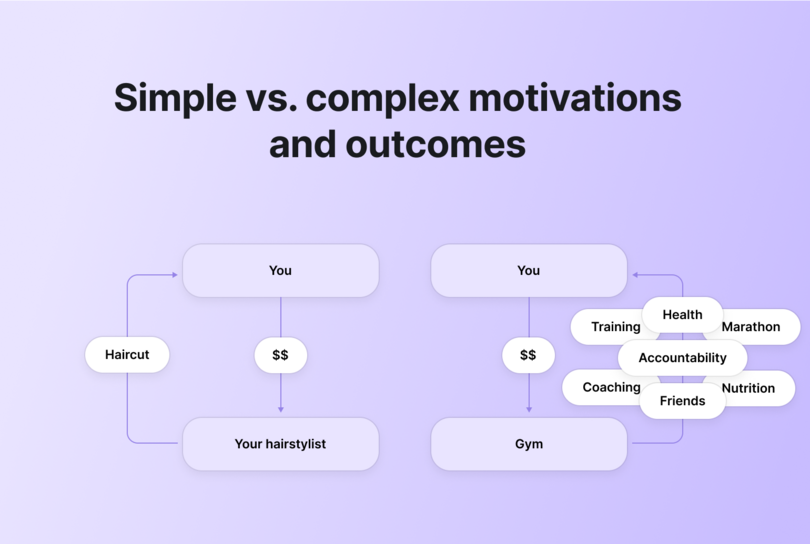
A new gym member might want to bench their body weight, master a dance they saw online, or train for an upcoming charity marathon. Their transactional participation in this community is directly tied to a transformational outcome in their future. For these gymgoers, accomplishing that goal might lead them to cancel their membership or find a new gym better suited to their needs or future goals. Which (as the circle of life has taught us) is totally fine and natural.
Others might have a less concrete, more vibes-based transformation: They might want to move their body 3-4 times a week, or make friends at their regular spin class. These people are more motivated by the personal, relationship-based transformation and accountability that they enjoy by being part of the gym’s community.
Realistically, **most people carry a mix of both transformative motivations** with them at all times—a fact that [_Psychology Today_ noted as being especially prominent in online fandoms](https://www.psychologytoday.com/us/blog/mind-matters/202407/the-healing-power-of-pop-culture-communities), which served as both a source of social validation and growth/expertise in someone’s hobby or passion of choice.
So, **people want to grow a specific part of their skillset or knowledge base while connecting with people they feel a kinship with at the same time.** That sounds like the exact balance struck by sweet spot communities, right? Well, let’s go back to the gym example one more time.
### Great communities support running trails of transformation
While _your_ goal might be to train for that marathon for 3-4 months and then move to your next goal, your gym has a different goal: **Keeping you enrolled as a paid member for as long as possible.** Your primary value to the gym owner is as a perpetual source of revenue, and their ROI takes a nosedive if you feel compelled to move on.
Literally and figuratively, there is a common transactional model of membership that wants to keep you running in place on a treadmill, forever. And while this isn’t true for all retention-focused communities, it’s a sentiment that can be hard to shake for many people. This atmosphere has driven more people towards the appeal of niche communities with hopes of finding **a place where their transformative goals will be supported instead of redirected.**
You just need to meet them where they’re at and guide your community towards individual and group transformations at every turn. Take your members off their treadmills and lead them on a running trail to a new landmark that—once they see it—will transform them.
Because while a **customer** will buy once, a **community member** will stick around and enrich your community in multiple ways—naturally proving their ROI several times over in the process as a side effect.
## How authentic connection drives community success
The inherently human need to **find your people and grow alongside them** hasn’t been washed away by the algorithm—it’s simply been driven a bit below the surface, where things are quieter, more personal, and less likely to involve MrBeast. It’s not about people craving exclusivity, but _authenticity_, and that can’t be faked, phoned in, or generalized for a mass audience.
When you keep your community focused around the Dunbar Number and the sense of connection it allows you to cultivate, you’ll also be able to see and respond to the transformational goals and wins happening with your members each day.
A transactional mindset would seek to delay and defer the ultimate goal of a member, while a transformational approach encourages their progress because **people remember and value the people who support them on their way to a goal.**
And when someone feels supported and engaged in their community, they tend to stick around—regardless of size.
## The economics of intimate communities: $1k annual memberships that work
Once someone’s transformational goal has been completed, the feeling of support and belonging they felt during their journey has been found to encourage people to stay and contribute to their communities [even more than they had before](https://link.springer.com/article/10.1007/s11266-024-00681-4).
Tom Ross, founder and CEO of [Learn.Community](https://www.learn.community/), is an excellent example of this philosophy at play in his Circle community. His community is right around the Dunbar Number range at 100-300 members, and he describes them as “highly-focused,” with clearly-defined personal transformational goals that many members achieve at a regular pace.
His community has a single pricing tier of around $1k annually, and it’s proven to be his—and many other’s—sweet spot.
That mix of having enough members to make your community feel alive without having so many that your work-life balance (and your ability to connect with each member in a real way) was echoed by Jay Clouse. “Community builders are realizing that being small is a competitive advantage, and can be managed with a smaller team, too,” he says.
For many members, the safety and sense of a shared purpose that comes with a niche or private community feels transformational in and of itself. In an age where posting online [can feel increasingly risky](https://www.newyorker.com/culture/infinite-scroll/are-you-experiencing-posting-ennui) for future professional opportunities and open to scrutiny from a legion of strangers, the freedom to just _be yourself_ in a Circle community is liberating.
And just like in [fandom spaces](https://www.psychologytoday.com/us/blog/mind-matters/202407/the-healing-power-of-pop-culture-communities), people who feel safe and supported by their community are far more likely to spread the word in their own networks, seeking out people they personally know and encouraging them to join a community they can vouch for. The Circle Trends Report found that on average, **a single enthusiastic community member is worth 234 social media followers.**
The numbers speak for themselves—it just requires shifting a mentality we’ve stuck with for decades.
## Ancient wisdom for modern communities
The funny thing about Robin Dunbar’s research (besides the amount of monkeys involved) is that he wasn’t putting a name to a new social phenomenon unique to the late 20th century, made possible only due to the digital age. His examples were hundreds and thousands of years old, but they applied 30 years ago.
And they’re just as relevant today. It turns out, the fundamentals of building community are some of the oldest tricks in the book. Beyond six-figure follower counts and SEO-driven plays to maximize your ROI with effective CTAs is a simple truth: **Humans want to go where they feel seen, understood, and encouraged by people they know.**
The further any community moves from these fundamental truths, the more cracks start to form in terms of member unity and cohesion, overall ROI, or just basic vision and purpose for the community as a whole. The more someone feels like their individual transformational milestones are being minimized for the sake of keeping them on the treadmill of retention, the more likely they are to leave a community entirely.
This connects perfectly with what Vicente observed as the "return to our roots"—the second signal of her three-part theory about social media's next phase. Features like Instagram's Close Friends lists and increased activity on private communities show that people want connection without the algorithm hangover or the endless scroll addiction.
Not every community needs to be about hitting new milestones on a weekly basis; as a community leader, your goal should be identifying the vibe and pace that suits your members best and cultivating an environment that helps them feel seen, understood, and encouraged.
**There’s no better marketing funnel than someone who feels like more of an accomplished human being thanks to your community**, and that work can start sooner than you’d think—it’s happening right this very second in thousands of communities at Circle.
[Learn more here](https://app.circle.so/communities/new), and start your very own community awakening today.
---
### 12 Best Kajabi alternatives for course creators and community builders (2026)
*Kajabi raised its prices. These 12 alternatives give you better community, stronger course tools, or a lower bill — depending on what your business actually needs.*
Source: https://circle.so/blog/kajabi-alternatives
If you've been on Kajabi for a while, you already know it's a capable platform. What you might be questioning right now (especially after the 2025 price changes) is whether there's a Kajabi alternative that’s better for what your community needs and where it’s heading.
Here's the thing: Kajabi was built to sell courses. The funnel builder, the email sequences, the pipelines—all of it points toward one outcome. Convert a prospect, deliver content, repeat. That model works. It's worked for a lot of people for a long time.
But the creator businesses that are winning right now aren't winning on content alone. They're winning on community. On retention. On the kind of member engagement that compounds and helps them grow.
We know that community is important (it’s all we do), but don’t just take our word for it. Almost 70% of the 750 community builders we spoke with told us that [community is a major part of their business plan for 2026](https://circle.so/2026-community-trends-report).
�The harder question isn't whether Kajabi works. It's why it can feel like it's working while the business underneath isn't actually growing. That's the plateau most people don't talk about. You're not failing. You're just... stuck. And the platform you're paying for isn't going to unstick you.
If your business is still in full course-selling mode, Kajabi probably still makes sense. But if your model has shifted, this guide will help you figure out what to move to, and why.
If you're evaluating your stack right now, there are lots of options out there—but here’s the quick notes:�
* Circle for community-driven membership businesses.
* Thinkific if you primarily sell courses and want to stop paying for tools you don't use.
* Systeme.io if you want Kajabi's full marketing stack at a fraction of the price.
Here’s a quick peek before we get into the details:
| Platform | Best For | Starting Price | Transaction Fee | Community | Courses |
| --------------- | ----------------------------- | -------------- | ----------------- | ------------- | ------------- |
| Circle | Community-driven memberships | $89/mo | 0.5–4% | Best in class | |
| Thinkific | Dedicated course creators | $36/mo | None | Basic | Strong |
| Teachable | Beginners | $29/mo | 7.5% (Starter) | Basic | |
| Podia | Affordable all-in-one | $33/mo | 5% (Mover) | | |
| Systeme.io | Budget Kajabi replacement | Free | None | Limited | |
| Kartra | Advanced marketing automation | $79/mo | None | | Basic |
| LearnWorlds | Education businesses | $24/mo | $5/sale (Starter) | | Best in class |
| Skool | Simplicity-focused coaches | $9/mo | 10% (Hobby) | Strong | Basic |
| Mighty Networks | Social-network communities | $41/mo | 2–3% | Strong | |
| Substack | Writers and newsletters | Free | 10% of revenue | Limited | |
| Ghost | Independent publishers | $18/mo | None | Limited | |
| Squarespace | Design-forward creators | $16/mo | Up to 7% | | Basic |
## **Why creators are leaving Kajabi**
Kajabi raised its prices in 2025. The $89 Kickstarter plan is gone. The Basic plan now runs $143–$179/month depending on whether you choose month or annual billing. Suddenly, a lot of creators who built their business on Kajabi are asking the same question—”Am I still getting what I'm paying for?”
The price increase is the visible problem. The feature-gating is the one that actually changes how you run your business.
On Kajabi's Basic plan, a lot of what you'd assume is included isn't. Cohort courses, affiliate management, advanced automations, API access, webhooks, video transcription, and the ability to remove Kajabi's branding all require the Growth plan at $249/month or higher.
The price increase and feature gating didn't cause the frustration. It just made it impossible to ignore. Creators who were already quietly wondering why their community wasn't engaging finally had a concrete reason to look elsewhere.
Community was added to Kajabi. It was never central to it. Ask any Kajabi power user and you'll hear some version of the same thing: the community works, but it doesn't feel alive.
There's no gamification, no native live streaming, no structured spaces for separating different member segments. What you get is a feed and a comment section. Functional enough to check a box. Not powerful enough to actually build something.
Creators are hitting all three walls at once: a community that won't engage, a price that keeps climbing, and a feature ceiling that moves every time they get close to it. Now they’re not just looking for something cheaper: they're questioning whether an all-in-one platform still fits the business they're actually running.
## **How to choose the right Kajabi alternative**
The wrong way to pick a Kajabi alternative is to find the platform with the most similar feature list at a lower price. Feature parity isn't the same as business fit.
The right question is simpler: what does your business actually run on?
| You are... | You need... |
| ---------------------------------------------- | --------------------------------------------------------- |
| A funnel-first marketer | Conversion tools, sequences, automation |
| A pure course creator with a built-in audience | A dedicated LMS, no extras |
| A community-driven business | Community-first platform |
| A budget-conscious solopreneur | All-in-one without the price tag |
| A simplicity-first coach | Low friction, high engagement course platform |
| A writer or publisher | Publishing and paid subscriptions with discovery built-in |
Once you've identified the right category, evaluate on the things that can bite you later, not the things that look good in a demo:
* **Ease of use:** Can your members figure it out without a tutorial?
* **Branding:** Is white-labeling included on the plan you can actually afford?
* **Integrations:** Does it connect natively to your existing stack, or are you living in Zapier?
* **Security:** Who owns your member data, and what happens to it if you leave?
* **Support:** Check reviews from users who've been on the platform for 12+ months to get the real story.
## **12 Best Kajabi alternatives in 2026**
### **1. Circle — best for community-driven course businesses**
If Kajabi’s community tab has always felt like a feature that was added to justify a bullet point on the pricing page, you’re not imagining it. Kajabi bolted community features onto a course and marketing platform.
[Circle](https://circle.co/) built the whole thing the other way around—community first, everything else in service of it. That distinction is felt in every interaction your members have: in how naturally they move between discussions and course content, in how often they actually show up, and in how long they actually stay.
On Kajabi, your community lives in a silo. On Circle, discussions, [courses](https://circle.so/courses), [events](https://circle.so/events), coaching calls, and memberships all flow through a single branded space that feels like a destination, not a tab your members reluctantly click. Creators organize content into public, private, or secret “Spaces,” each gated to specific tiers or purchases, giving you structural control that Kajabi doesn’t offer. We also offer a full [gamification](https://circle.so/gamification) system that rewards members for posting, attending events, and completing content. Kajabi’s community doesn’t have anything close to this.
Automation workflows trigger emails and access changes based on real member behavior, you can see real-time [analytics](https://circle.so/analytics) to monitor usage, and AI Agents handle member questions 24/7 using your own content, so your community runs even when you’re not in the room.
👉🏼 Community was added to Kajabi. With Circle, community is the core.
**🥊 Tale of the tape:** [Circle vs. Kajabi](https://circle.so/compare/vs-kajabi)
| Feature | Circle | Kajabi |
| -------------------- | --------------------------- | -------------------------------- |
| Community Spaces | Unlimited, fully structured | Basic, one community per product |
| Gamification | Points, ranks, leaderboards | Not available |
| Live Streaming | Native, built-in | Requires third-party tool |
| AI Member Support | AI Agents (Enterprise) | Not available |
| Course Hosting | Included on all plans | Included on all plans |
| Automation Workflows | Business plan+ | Included on most plans |
| Branded Mobile App | Circle Plus | Available on higher plans |
| Email Marketing | Email Hub (add-on) | Built-in on all plans |
| Sales Funnels | Not available | Built-in |
#### **Cost comparison**
Here’s where it gets interesting. Kajabi’s Basic plan runs $149/month and caps you at 3 products, 3 funnels, and 1,000 active customers. Circle’s Professional plan is $89/month (billed annually) with unlimited members, unlimited courses, and no product caps.
👉🏼 If [community engagement](https://circle.so/blog/community-engagement-strategies) is what drives your retention and revenue, you’re likely paying Kajabi a premium for features you’d happily trade for a platform where your members actually show up.
#### **Migration support**
Switching platforms sounds painful, but Circle makes it less so. The team offers a free [course migration](https://circle.so/migration/courses) service on annual Business plans and above that moves your existing course content to Circle so you’re not rebuilding from scratch. There’s also a free [Email migration](https://circle.so/migration/email) service that transfers your contacts, automations, and email assets.
#### **Key features:**
* Community Spaces with forum posts, group chat, direct messaging, and a searchable knowledge base.
* Built-in [course hosting](https://circle.so/blog/create-online-course) with video lessons, text, and downloadable resources.
* Live rooms and native streaming for workshops, coaching calls, and Q\&As.
* Memberships, gated content, and flexible payment options (one-time, subscriptions, trials).
* Automation workflows for onboarding, reminders, and member engagement.
* Email Hub add-on for newsletters, broadcasts, and automated email sequences.
#### **Pricing:**
Plans start at **$89/month** and all core plans offer a [14-day free trial](https://app.circle.so/communities/new).
#### **Best for:**
Kajabi users whose community is the weakest part of their business and are tired of paying for a platform that treats member engagement as an afterthought.
#### **Users say:**
> 👍🏼 “The Circle customer support team actually listens—when I suggest something that would make moderation smoother or improve community flow, they take it seriously. Sometimes, it even becomes a new feature! The platform itself is intuitive, clean, and genuinely helps rather than hinders. Every update feels like it was built with real users in mind—especially those of us actively running communities.” —
>
> [Verified review from G2](https://www.g2.com/products/circle-so-circle/reviews/circle-review-11170718)
> 🤔 ”It's difficult at times to navigate the admin and have a full understanding of connecting all the dots on the backend. They have many updates which is great, but often makes it a challenge to stay up to date with everything.” —
>
> [Verified review from G2](https://www.g2.com/products/circle-so-circle/reviews/circle-review-12393393)
#### **Pros:**
* Brings events, community, courses, and monetization in one place.
* Offers white-label branding options for a fully owned member experience.
#### **Cons:**
* Not all feature available on the Professional plan.
### **2. Thinkific — best dedicated course platform**
If you’ve been paying for Kajabi’s full stack but mostly just using the course builder, [Thinkific](https://www.thinkific.com/) is the leaner, cheaper alternative. It’s purpose-built for course creation—no funnels, no pipelines, no features you’re paying for but not using—and it starts at nearly a third of Kajabi’s price. Thinkific charges zero platform transaction fees on all paid plans and covers the essentials without the all-in-one overhead.
#### **Key Features:**
* Drag-and-drop course builder with video, audio, PDFs, quizzes, and live lessons.
* Unlimited courses and students on all paid plans.
* Completion certificates and student progress tracking,
* Built-in email marketing with broadcasts and automations.
* Memberships and course bundles.
#### **Pricing:**
Plans start at **$49/month**. A 14-day free trial is available.
#### **Best For:**
Kajabi users who sell courses and are paying for marketing features they rarely use.
#### **Users Say:**
> 👍🏼 “I really like how intuitive the product creation flow is. The platform makes it easy to turn an idea into a structured digital product in a very short time. I also appreciate the flexibility in pricing options, especially the ability to offer free downloads in exchange for email signups. The customization features allow me to create a store that feels personal and aligned with my brand.” —
>
> [Verified review from G2](https://www.g2.com/products/thinkific/reviews/thinkific-review-10269608)
> 🤔 ”Although Thinkific Plus is a strong platform, its higher pricing can be difficult for smaller businesses to justify. The analytics, while useful, could be more comprehensive, and some aspects of design customization may require coding knowledge.” —
>
> [Verified review from G2](https://www.g2.com/products/thinkific/reviews/thinkific-review-10896182)
#### **Pros:**
* Significantly cheaper than Kajabi with zero transaction fees on all paid plans.
* Stronger LMS features than Kajabi, including certificates and course compliance controls.
#### **Cons:**
* Underdeveloped marketing tools.
* Features like payment plans and full white labeling require the $199/month Grow plan.
### **3. Teachable — best for beginners**
If you moved to Kajabi early and now find yourself paying for features you haven’t grown into yet, [Teachable](https://www.teachable.com/) is a simpler, cheaper starting point. It handles the things that matter most to newer creators like getting a course live, processing payments, managing students without Kajabi’s complexity or price tag. Its AI tools can generate course outlines and quiz questions so you can focus on your content.
#### **Key Features:**
* No-code course builder with video, quizzes, assignments, and drip scheduling.
* Affiliate marketing, upsells, coupons, and abandoned cart recovery emails.
* Coaching tools with appointment scheduling and intake forms.
#### **Pricing:**
Starter plan at **$39/month** with a 7.5% transaction fee, Builder plan at $89/month with 0% transaction fees. A 7-day free trial is available.
#### **Best For:**
Early-stage Kajabi users who want a simpler, lower-cost platform to launch their first courses without paying for a full marketing stack.
#### **Users Say:**
> 👍🏼 “Teachable makes it incredibly easy to transform your knowledge into a course you can sell. The editor is straightforward, setup is quick, and you don’t need any technical expertise to easily create something that looks professional.” —
>
> [Verified review from G2](https://www.g2.com/products/teachable/reviews/teachable-review-11982038)
> 🤔 ”The site customization options feel somewhat limited. While you are able to make some adjustments, it doesn't offer the same level of flexibility as a dedicated website builder. Additionally, certain features that I would expect to be standard, such as a wider selection of themes, are only available with more expensive plans.” —
>
> [Verified review from G2](https://www.g2.com/products/teachable/reviews/teachable-review-11982038)
#### **Pros:**
* Much lower entry price than Kajabi with a beginner-friendly setup.
* Automatic tax and VAT handling built in at every tier for international sales.
#### **Cons:**
* No email funnels, pipelines, or behavioral automation. You'll need to rebuild that stack separately.
* Limited customization options.
### **4. Podia — best affordable all-in-one**
If your main frustration with Kajabi is the price, [Podia](https://www.podia.com/) covers the same core territory (courses, digital downloads, memberships, email marketing, and a website) at a fraction of the cost. Where Kajabi gates features behind higher-tier plans and caps your products and contacts, Podia gives you unlimited products and students on every paid plan. No forced upgrades, no artificial limits.
#### **Key Features:**
* Unlimited courses, downloads, webinars, coaching, and memberships on all paid plans.
* Built-in website builder with custom domain and blog.
* Podia Email included (first 100 subscribers free) with automations and segmentation.
* Affiliate marketing and embedded checkout (Shaker plan).
* Live chat with visitors and students.
#### **Pricing:**
Mover plan at **$39/month** with a 5% transaction fee. A 30-day free trial is available.
#### **Best For:**
Kajabi users who want the same all-in-one functionality at a significantly lower monthly cost with no product or member caps.
#### **Users Say:**
> 👍🏼 “Podia's convenience and comprehensive features have been a game-changer for me. I've recommended it to friends and acquaintances because it simplifies my online presence and enhances my connection with my audience.” —
>
> [Verified review from G2](https://www.g2.com/products/podia/reviews/podia-review-8321395)
> 🤔 ”If using only for creating a web site, it is a little pricey. Also, the inability to add code to pages is a negative.” —
>
> [Verified review from G2](https://www.g2.com/products/podia/reviews/podia-review-12391402)
#### **Pros:**
* No limits on products or students.
* Email marketing and live chat included.
#### **Cons:**
* No pipeline builder, sales funnels, or behavioral automation.
* G2 users complain about customer support.
### **5. Systeme.io — best budget-friendly Kajabi replacement**
If Kajabi’s price is the primary reason you’re looking for alternatives, [Systeme.io](http://Systeme.io) is the most extreme answer to that problem. It covers nearly everything Kajabi does starting at $0. Not a free trial. A genuinely functional free plan you can run a real business on. Kajabi’s cheapest plan runs $89–$149/month with feature caps; Systeme.io’s Unlimited plan is $97/month with no restrictions at all.�
#### **Key Features:**
* Sales funnel builder with landing pages, opt-in forms, and checkouts.
* Email marketing with broadcasts, automations, and segmentation.
* Online course hosting and membership site management.
#### **Pricing:**
Free plan includes 2,000 contacts, 3 funnels, and 1 course. Startup plan includes up to 5,000 contacts starting at $17/month.
#### **Best For:**
Kajabi users paying more than their business can justify who want to cut platform costs dramatically without losing core all-in-one functionality.
#### **Users Say:**
> 👍🏼 “I use it for building funnels, running email campaigns, and selling digital products, and it’s honestly one of the best all-in-one platforms for creators and online entrepreneurs—especially if you’re just starting out.” —
>
> [Verified review from G2](https://www.g2.com/products/systeme-io/reviews/systeme-io-review-12304772)
> 🤔 ”Design flexibility needs to be improved and also some advanced customization options should be added. The landing page is easy to build but the templates are limited. Also, it can be made more user-friendly. You need to learn initially to set up automations and systems, which is not that difficult but takes some time to understand.” —
>
> [Verified review from G2](https://www.g2.com/products/systeme-io/reviews/systeme-io-review-12300128)
#### **Pros:**
* Free plan for up to 2,000 members.
#### **Cons:**
* Templates are more generic and the UX doesn't match Kajabi's fit and finish.
* Limited email automation and analytics.
### **6. Kartra — best for advanced marketing automation**
If you’ve been bumping against Kajabi’s marketing tool’s limits, [Kartra](https://kartra.com/) might be the right choice for you. It’s designed marketing-first, with courses and memberships as supporting features. The key pricing difference: Kajabi caps products, funnels, and contacts by plan. Kartra prices by contact count only, giving you unlimited funnels, pages, and courses from the Starter plan.�
#### **Key Features:**
* Visual funnel builder with upsells, downsells, and order bumps.
* Behavioral email and SMS automation with advanced tagging and conditional logic.
* Membership sites and course hosting with drip access and content gating.
#### **Pricing:**
Plans start at **$59/month** and Kartra offers a free 14-day trial.
#### **Best For:**
Kajabi users who need more depth and fewer feature restrictions than Kajabi’s plan structure allows.
#### **Users Say:**
> 👍🏼 “I like that Kartra is an all in one platform and most of my business needs can be housed in one platform. This saves me time, and money every month. I like that the team is improving and adding new features to the platform at least a few times a year.” —
>
> [Verified review from G2](https://www.g2.com/products/kartra/reviews/kartra-review-9224876)
> 🤔 ”It took a minute to learn the order in which to create the components in a campaign. Having the product be the last thing you build seemed counterintuitive, but once I had the order in my head that actual building is very easy.” —
>
> [Verified review from G2](https://www.g2.com/products/kartra/reviews/kartra-review-7059434)
#### **Pros:**
* Deep marketing automation tools.
* You get the full set of features from the start without being forced into higher plans to unlock capabilities Kajabi locks away.
#### **Cons:**
* Karta has a steep learning curve.
* Course and learning experience tools are more basic than on Kajabi.
### **7. LearnWorlds — best LMS for education businesses**
If your courses are serious educational products and Kajabi’s course builder has been holding you back, [LearnWorlds](https://www.learnworlds.com/) might be the right choice for you. Kajabi gives you video lessons, drip content, and basic quizzes. LearnWorlds gives you interactive video, graded assessments, question banks, branching learning paths, Sharable Content Object Reference Model ([SCORM](https://scorm.com/scorm-explained/)) compliance, and completion certificates. It’s the kind of toolset that academic programs, corporate trainers, and professional educators actually need.
#### **Key Features:**
* Advanced assessments including graded exams, question banks, and completion certificates.
* Drag-and-drop website and course builder with customizable templates.
* Membership and subscription selling with flexible payment options.
#### **Pricing:**
Starter plan at **$29/month**. A 30-day free trial is available.
#### **Best For:**
Creators running serious educational programs who need a purpose-built LMS rather than a course-plus-marketing platform.
#### **Users Say:**
> 👍🏼 “This platform is very well organized and user-friendly. I really liked it when I first started to use it as a beginner. It is very accessible, all the features and buttons are well organized and you can easily find any setting to get yourself through this website.” —
>
> [Verified review from G2](https://www.g2.com/products/learnworlds/reviews/learnworlds-review-10857750)
> 🤔 ”LearnWorlds has a tough pricing rate that is hard for startups. The mobile app version from LearnWorlds is a concern, with limited experiences” —
>
> [Verified review from G2](https://www.g2.com/products/learnworlds/reviews/learnworlds-review-12149452)
#### **Pros:**
* Interactive video and advanced assessment tools are genuinely superior to Kajabi's course player.
* SCORM support, white-label branding, and multi-instructor management make it great for corporate training and academic contexts that Kajabi isn't designed to serve.
#### **Cons:**
* No built-in email marketing.
### **8. Skool — best for simplicity-focused coaches**
If Kajabi feels bloated with too many menus and features you never touch, [Skool](https://www.skool.com/) is the antidote. It was built on a single idea that the best online communities are the simplest ones. Skool strips away everything that creates friction and focuses on three things: a community feed, a course area, and a calendar. That’s it.
**Compare:** [Circle vs. Skool](https://circle.so/compare/vs-skool)
#### **Key Features:**
* Clean, distraction-free community feed.
* Course hosting with modules, lessons, and native video support.
* Built-in gamification with points, leaderboards, and member levels.
* Calendar and events for live Q\&As, group coaching, and workshops.
#### **Pricing:**
Skool offers a Hobby plan at **$9/month** and a Pro plan for $99/month.
#### **Best For:**
Coaches, consultants, and community-first creators who want to launch quickly.
#### **Pros:**
* Fast setup.
* Built-in discovery network and gamification to drive organic growth.
#### **Cons:**
* Lacks quizzes, assessments, or certificates.
* No built-in email marketing, funnel builder, or CRM.
### **9. Mighty Networks — best for social-network-style communities**
If you’ve been using Kajabi’s community feature and wishing it felt more like a real social network with feeds, member discovery, live discussions, and genuine peer-to-peer interaction than [Mighty Networks](https://www.mightynetworks.com/) is worth a serious look. Kajabi’s community is functional, but it was designed to sit alongside your courses and marketing tools, not to be a destination in its own right.
**Compare:** [Circle vs. Mighty Networks](https://circle.so/compare/vs-mighty)
#### **Key Features:**
* Flexible Spaces architecture for organizing content by topic, program, or membership tier.
* Community feeds, chat, polls, events, and member directory.
* Course hosting with modules, quizzes, and drip content.
* Branded mobile apps for iOS and Android (Mighty Pro plan).
* Built-in gamification and leaderboard.
#### **Pricing:**
Plans start at **$95/month** and include courses, community, and automation tools.
#### **Best For:**
Creators, brands, and entrepreneurs who want a social-network-style community experience with multiple content formats, strong mobile presence, and the flexibility to run programs, events, and courses side-by-side under a single branded community.
#### **Users Say:**
> 👍🏼 “What is most helpful about Mighty Networks is the organization aspect. I think as a small business, it becomes overwhelming trying to keep track of templates, forms, records, etc. This program helps me organize as well as keep track with the members of our team. Keeping them up to date with new information, schedules, upcoming webinars, etc” —
>
> [Verified review from G2](https://www.g2.com/products/mighty-networks/reviews/mighty-networks-review-12508612)
> 🤔 ”Impromptu changes to where things are and how to get to them! There is no notification or warning of changes and one has to waste a lot of time to find them. Hosts should NOT have to spend time checking Mighty's support page daily to find any changes, especially major changes that seem to happen often and on a whim.” —
>
> [Verified review from G2](https://www.g2.com/products/mighty-networks/reviews/mighty-networks-review-12360246)
#### **Pros:**
* Combines community, courses, live events, and membership monetization in one branded platform.
* White-label branding available on higher-tier plans.
#### **Cons:**
* Users report that the interface has a steep learning curve that can frustrate new members.
* Limited third-party integrations with no native API, making connections to external tools reliant on Zapier.
### **10. Substack — best for writers**
[Substack](https://substack.com/) is a simple to use platform for writers who want to monetize their words. The platform is free to use with Substack only taking a 10% cut of paid subscription revenue. That means you pay nothing until you earn. For writers just starting out or still building an audience, that’s a meaningful advantage over platforms that charge monthly fees regardless of revenue.
#### **Key Features:**
* Email newsletter publishing with a clean, distraction-free writing editor
* Paid subscription management with flexible pricing tiers and founding membership options
* Built-in discovery through Substack’s recommendation system and Notes feed
* Podcast hosting and paid audio content delivery
#### **Pricing:**
Free to use with no monthly subscription fee. Using a custom domain requires a one-time $50 fee.
#### **Best For:**
Writers, journalists, and thought leaders who are building an audience from scratch and want to monetize through paid subscriptions without any upfront cost.
#### **Users Say:**
> 👍🏼 “The best feature of the substack is that it provides an easy way for writers and bloggers to make their updated blogs and content available to the audience directly without requiring technical skills.” —
>
> [Verified review from G2](https://www.g2.com/products/substack/reviews/substack-review-9116007)
> 🤔 ”Because Substack allows anybody to establish a newsletter, there is a broad variety of content quality. This absence of editorial monitoring may result in the spread of misinformation or low-quality content. While Substack provides monetization alternatives, it may be difficult for certain writers to create a sizable paying subscriber base, particularly in highly competitive sectors.” —
>
> [Verified review from G2](https://www.g2.com/products/substack/reviews/substack-review-8909012)
#### **Pros:**
* Completely free to start with no monthly fee.
* You own your subscriber list and can export it at any time.
#### **Cons:**
* The 10% revenue cut becomes expensive at scale.
* Very limited customization and no support for advanced email marketing features.
### **11. Ghost — best for independent publishers**
[Ghost](https://ghost.org/) is an open-source publishing platform built for independent creators and publishers who want professional-grade tools, complete content ownership, and zero revenue sharing. Unlike Substack, Ghost takes no percentage of your subscription income. It charges creators a flat monthly fee based on your audience size.
#### **Key Features:**
* Clean, distraction-free writing editor with markdown support and support for embedding rich content like YouTube videos.
* Native membership tiers and paid subscription management (direct Stripe integration, no platform fee).
* Built-in newsletter delivery with subscriber management and email analytics.
* Self-hosting option available for technical users at minimal cost
#### **Pricing:**
Ghost Pro managed hosting starts at **$18/month** with 1,000 subscribers. Ghost offers a 14-day free trial.
#### **Best For:**
Independent writers, journalists, and publishers who are ready to invest in a professional publishing system, want to maximize revenue as their audience grows, and want to own their content and audience.
#### **Users Say:**
> 👍🏼 “I like that it is open source and has both versions available where you can self-host or just sign up for their cloud service. Also, I like that it is an all in one solution for bloggers which comprises a publishing platform, a newsletter management system and many other essential integrations required for a modern blog.” —
>
> [Verified review from G2](https://www.g2.com/products/ghost/reviews/ghost-review-6509797)
> 🤔 ”There is no mobile app, and there is no built-in analytics on page visits or user behaviour since it's focussed on email.” —
>
> [Verified review from G2](https://www.g2.com/products/ghost/reviews/ghost-review-7972550)
#### **Pros:**
* Zero platform revenue share.
* Exceptional SEO performance, content ownership, and design control give you a professional, branded publication that you entirely own and control.
#### **Cons:**
* Limited built-in audience discovery compared to Substack.
* Ghost Pro's pricing can become expensive for publications with large free subscriber lists.
### **12. Squarespace — best for design-forward creators**
You can’t listen to a podcast without hearing an ad for [Squarespace](https://www.squarespace.com/). That’s part of the reason so many people know about the go-to website tool designed for creators who want a beautiful website without hiring a designer. Its templates are some of the best-looking in any website builder, and its recent addition of native course tools makes it a viable option for creators who want to combine a polished brand presence with digital product sales in one place.
#### **Key Features:**
* Award-winning website templates with drag-and-drop customization
* Membership and subscription tools for gated content
* Acuity Scheduling integration for coaching and appointment booking
* E-commerce capabilities for physical and digital product sales
* Email marketing tools for basic campaigns and subscriber management
#### **Pricing:**
Plans range from **$16/month** to $99/month. A 14-day free trial is available.
#### **Best For:**
Creatives, service providers, and personal brands who prioritize visual design and website quality and want to add courses or memberships without switching to a separate platform.
#### **Users Say:**
> 👍🏼 “I love Squarespace for its ease of use and sleek, professional designs. It is simple to use, allowing me to focus on content, not coding, while keeping everything visually polished and accessible.” —
>
> [Verified review from G2](https://www.g2.com/products/squarespace/reviews/squarespace-review-12106129)
> 🤔 ”While it’s very smooth to use, Squarespace can sometimes feel restrictive for people who want full customization or access to deeper technical controls. The editor, although polished, can occasionally be slow or imprecise when trying to make small layout adjustments. The pricing also feels slightly high for users who only need basic features.” —
>
> [Verified review from G2](https://www.g2.com/products/squarespace/reviews/squarespace-review-12079813)
#### **Pros:**
* Templates that give creator brands an immediate aesthetic edge.
* It's an all-in-one website, course, scheduling, and e-commerce platform that eliminates the need for multiple tools.
#### **Cons:**
* Transaction fees on course and digital content sales can be high on lower plans (up to 7% on Basic), and video storage limits mean you'll likely need to host videos externally on anything below the Plus plan.
* Squarespace lacks features that serious course creators expect, including quizzes and assessments, certificates, advanced student analytics, and affiliate marketing tools.
## Which Kajabi alternative is right for you?
Kajabi built its reputation as the platform that does everything. But "everything" is only valuable if you actually need everything. Most creators don't.
The right alternative isn't the one with the longest feature list or the lowest price tag. It's the one that matches how your business actually makes money and keeps members around.
Here's a quick way to find your fit:
* **You're a funnel-first marketer.** Your business runs on sequences, upsells, and conversion optimization. Community is nice to have, not the point. Choose Kartra or Systeme.io.
* **You're a pure course creator.** You want a clean, powerful learning environment without paying for pipelines and community tools you'll never use. Choose Thinkific or Teachable.
* **You're building a community-driven membership.** Your members are the product. Engagement, retention, and peer-to-peer connection are your core growth levers, not your next course launch. Choose Circle.
* **You're a budget-conscious solopreneur.** You need courses, email, and a website in one place without Kajabi's price tag. Choose Podia or Systeme.io.
* **You're a simplicity-first coach.** You want something your members will actually use, with zero setup friction and high engagement out of the box. Choose Skool.
* **You're a writer or publisher.** Your content is the product. You need a home for it that's built around reading, subscribing, and paying. Choose Substack or Ghost.
## FAQs
What is the best alternative to Kajabi?
It depends on what you actually use Kajabi for. If community is your core product, Circle. If you mostly sell courses and hate paying for features you don't use, Thinkific or Teachable. If the bill is the problem, Systeme.io or Podia.
Why is Kajabi so expensive?
Kajabi bundles a website builder, course platform, email marketing, sales funnels, affiliate management, and community tools into one subscription. The problem is that most creators only actively use two or three of those things. You're effectively paying a premium for features that sit untouched in your dashboard.
Is Kajabi worth it in 2026?
For creators who genuinely use the full stack with courses, email marketing, funnels, and a website all in one place, Kajabi still delivers. For everyone else, the math is getting harder to justify. Focused alternatives have closed the feature gap significantly, and most cost a fraction of what Kajabi charges.
Can I build a real community on Kajabi?
You can, but you'll hit the ceiling quickly. Kajabi's community tools are functional but shallow. If your members are supposed to actively engage with each other (not just consume your content), a dedicated platform like Circle will produce noticeably better results.
How do I migrate from Kajabi to another platform?
It varies by platform. Circle offers a free course migration service on annual Business plans that moves your content and email assets for you. Most other platforms provide migration guides or import tools for course content, though you'll typically need to rebuild your email sequences and sales funnels manually.
Is Circle or Kajabi better for course creators?
Kajabi if your business is built around selling standalone courses through funnels and email sequences. Circle if your courses exist inside a community where discussion, live events, and ongoing member engagement are just as important as the content itself. The two platforms have different centers of gravity. Kajabi optimizes for conversion; Circle optimizes for retention.
What's the cheapest Kajabi alternative?
Systeme.io has a genuinely free plan that includes funnels, email marketing, one course, and a custom domain with no credit card required. For a fully featured paid alternative, Podia starts at $39/month and Thinkific at $36/month (billed annually). Both undercut Kajabi's entry price significantly.
What features does Circle have that Kajabi doesn't?
Gamification (points, ranks, leaderboards), native live streaming, structured community Spaces with granular access control, AI Agents that answer member questions 24/7 using your content, and a built-in discovery directory that can surface your community organically.
Can I use a Kajabi alternative without building my own website?
Yes. Most alternatives include a hosted site as part of the platform. Circle, Podia, Thinkific, Teachable, Systeme.io, and Squarespace all give you a branded URL and hosted pages out of the box. You don't need a separate website to sell courses or run a membership, although you may want one eventually for SEO and brand control.
Is it worth switching from Kajabi, or should I keep using both?
Running two platforms in parallel is almost always a short-term compromise that drags on longer than it should. If your community or course tools genuinely aren't working on Kajabi, commit to a migration rather than paying for both. The exception: if you're mid-launch or have a large active cohort, wait for a natural break. Migrating mid-sale creates unnecessary risk and confusion for your members.
---
### How to start a transformational mastermind group—in 7 steps
*Wondering what a mastermind group is? Discover why it works, how to start your own in 7 steps, plus how to join one to grow your skills.*
Source: https://circle.so/blog/mastermind-groups
If you've been dabbling with the idea of starting a mastermind group because bringing together the brains and experience of several other entrepreneurs every week feels like a win for everyone (including you), we're glad you’re here!
**Masterminds offer collective intelligence that speeds up time to success**—and that’s exactly what makes them so powerful. We're about to teach you how to launch, run, and monetize a mastermind group. As well as how to join the _right_ one if you're not ready to lead yet.
In this article, you’ll learn:
- The anatomy of a mastermind group
- How to start a mastermind in 7 steps
- The key to finding the right mastermind to join
## What is a mastermind group?
The name is a little mysterious, but the idea is simple.
**A mastermind group** is a small group of people who meet regularly to help each other grow. They do this by keeping each other accountable, solving problems together, and giving honest feedback.
The concept goes back to [_Think and Grow Rich_](https://www.goodreads.com/book/show/31195825-think-and-grow-rich) by Napoleon Hill. In 1937, he wrote about “the coordination of knowledge and effort... between two or more people, for the attainment of a definite purpose.” Today’s mastermind groups follow the same idea, just with more structure, better tools, and clear intention.
If you compare mastermind groups with other types of support models, like coaching, mentoring, or traditional networking (see the table below), you’ll find that mastermind groups don’t rely on a “guru” or top-down value.
Instead, the value flows laterally—from the experience, insights, and shared accountability of everyone in the group.
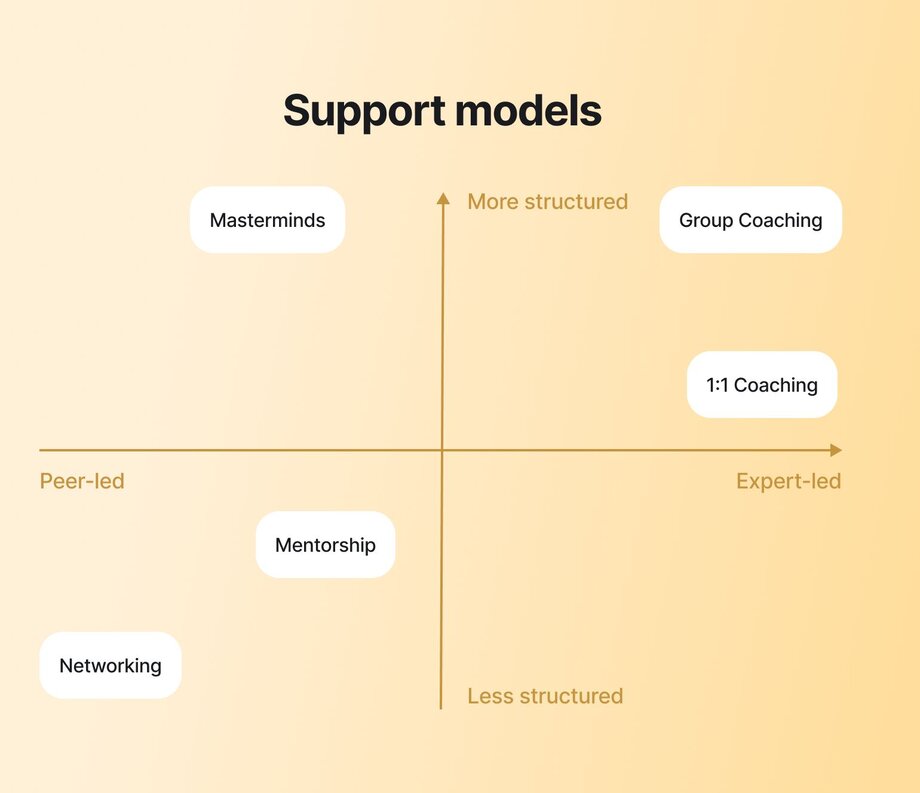
Here's another way to visualize it:
| Model | Structure | Role of facilitator | Value comes from |
| --- | --- | --- | --- |
| Mastermind group | Peer-based, structured | Often peer-led or lightly facilitated | Collective experience of the group |
| 1:1 coaching | One-on-one | Coach is expert or guide | Coach’s personalized guidance |
| Group coaching | Coach-led group | Coach is central authority | Coach's teaching + group support |
| Mentoring | One-on-one or informal group | Mentor shares from experience | Mentor’s personal insights |
| Networking group | Loose, often unstructured | No central guide | Connections + visibility |
## The role of the facilitator in mastermind groups
If you want to start a mastermind group, chances are you’re going to be leading it. But that’s not the only way to go.
Some groups work well without a set leader. Members take turns running the meetings. Others choose a dedicated facilitator—this could someone from the group or someone you hire.
The facilitator’s role is to plan the agenda, guide the conversations, and keep things on track. They’re not there to dominate the conversation, but to make sure everyone gets a chance to contribute and that the group keeps moving toward its goals.
Not sure which setup to choose? Here’s a quick list of pros and cons for each.
| Structure type | ✅ Pros | ❌ Cons | Best for |
| --- | --- | --- | --- |
| Self-led (rotating members) | | | |
| Dedicated facilitator | | | |
You’ll also need to decide if the facilitator role should rotate or if you’ll hire someone from outside.
Rotating works when the group trusts each other and everyone feels okay taking turns leading. Hiring an outside facilitator can make meetings run more smoothly since they bring proven frameworks and know how to steer conversations to maximize value. Just keep in mind that hiring adds extra cost, which you’ll need to factor into your mastermind’s fee.
### Key responsibilities and traits of a facilitator
Whoever takes on the facilitator role will need to:
- **Guide the flow of each meeting:** Kick things off with focused check-ins, keep discussions anchored to the agenda, and manage time so each person gets their moment.
- **Keep group energy balanced:** Make sure dominant voices don’t take over and the group feels like a safe place to share challenges—not just wins.
- **Help members follow through:** Recap action items at the end of each meeting, and follow up between sessions to help people stay accountable to their commitments.
- **Spot patterns, not just problems:** Over time, notice when people are getting stuck in the same places and gently challenge them to shift gears or try something new.
- **Create continuity between sessions:** Tie this week’s conversation back to what was said last time, so members feel momentum and progress.
➕ A good facilitator also needs to be empathetic, organized, and able to build trust.
## Do mastermind groups really work?
The short answer? Yes. Otherwise, we wouldn’t be writing about them. But don’t just take our word for it — let’s look at some real examples.
**Sarah Turner’s** [Write Your Way to Freedom](https://officialsarahturner.com/) started as a copywriting course and grew into a 7-figure mastermind community on Circle. It now has over 6,000 students. The group offers expert mentorship, weekly coaching, small niche groups, and peer masterminds. Many members have left 9–5 jobs, built freelance careers, and now work with brands like Google, Meta, and Forbes. Sarah’s community has made impressive numbers in sales and changed the lives of thousands.
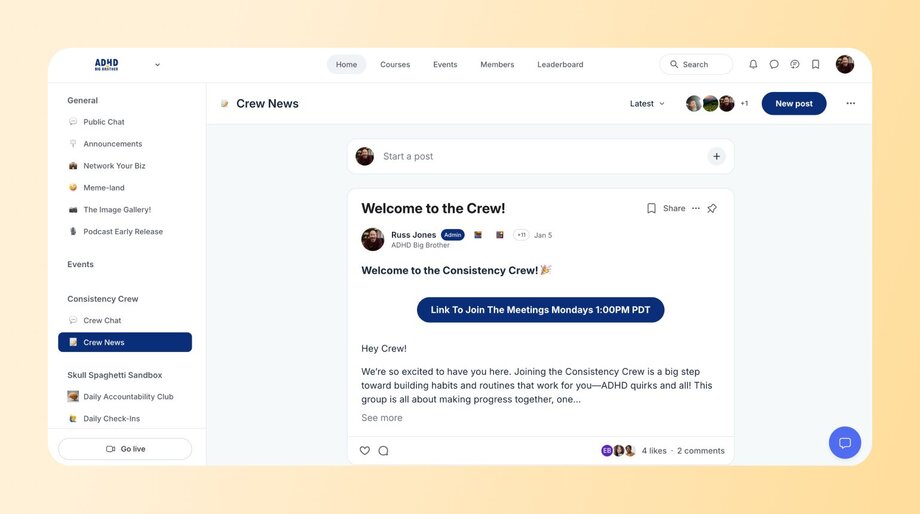
Another community and mastermind group delivering nothing short of a life-changing impact on adults with ADHD is **Russ Jones’** [_ADHD Big Brother_](https://www.adhdbigbrother.com) mastermind and accountability group. Designed as a judgment-free space, it offers daily accountability, monthly goal-setting chats, workbook clubs, and live coaching. Members consistently report significant improvements in focus, follow-through, and managing overwhelm, turning long-standing challenges into actionable wins.
As a result of his masterminds and daily accountability groups (where he’s gamified members committing to one must-do task each day), he’s seen:
- One member ditched the job application deadline panic and now lands more job ops by applying early!
- Another went from chasing shiny objects to rocking a daily plan that actually works (and forgives slip-ups!).
- Someone else swapped “just-for-fun” tasks for power hours of billable work—and it’s paying off.
- One member just hit _400+ days_ straight of crushing their daily goal.
**So, are mastermind groups worth it?** Yes, absolutely. Whether you join one to level up your business or life, or decide to build your own, the potential payoff is real.
As a serial entrepreneur, Richard Branson once said, “Two heads are definitely better than one… by brainstorming as a team and sourcing ideas from each other, you have a better chance of coming up with a strategy that will allow your business to overcome a setback or challenge.”
That’s exactly what mastermind groups are designed to do. By combining different experiences, perspectives, and skills, members can solve problems more effectively than they would alone.
If you do launch your own, be intentional about who you recruit, set a clear structure, and run sessions in an organized way so everyone feels motivated and empowered to support one another.
## Anatomy of a mastermind group
So, how do you actually run a mastermind that works? Let’s unpack the key building blocks.
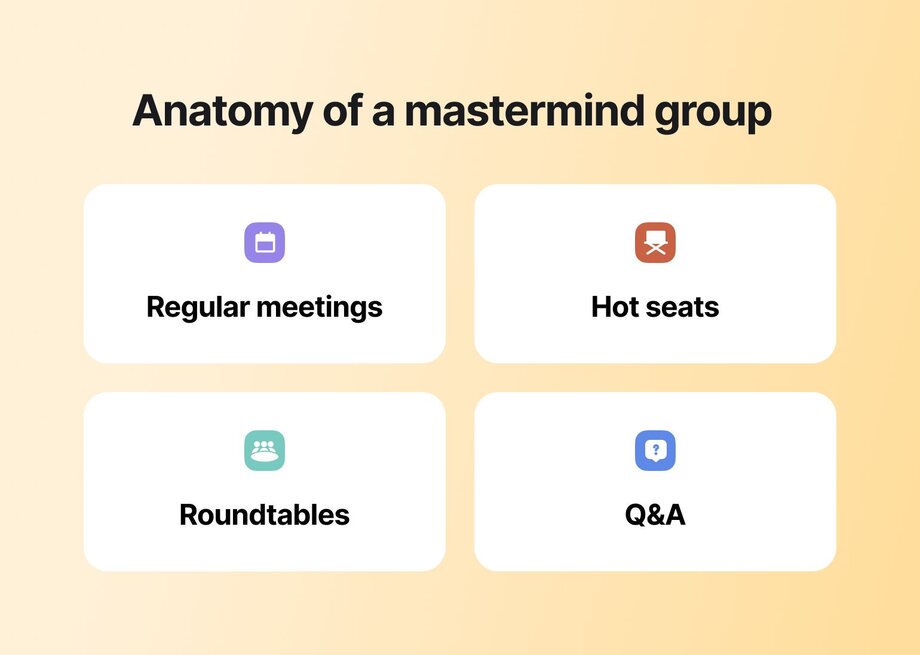
### Format
Every mastermind group needs a rhythm for members to understand how to engage and get value. Here are the core elements most groups incorporate:
- **Regular meetings** (weekly, every two weeks, or monthly) to check in, share progress, and help each other.
- **Hot seats:** Each meeting, one member gets a chance to talk through a challenge or goal. The group listens and gives feedback.
- **Accountability check-ins or roundtables:** A quick round where everyone shares what they’ve done since last time and what they’re working on next.
- **Open floor or Q&A:** Time for questions that didn’t fit into the main agenda.
### Tools needed
Unless your mind-reading group plans to meet by telepathy, you’ll need some basic tools:
- **Video calls or a live streaming platform:** Zoom or Google Meet.
- **Shared docs:** For notes, agendas, and tracking goals (Google Docs or Notion work well).
- **Group chat:** For updates and casual chats between meetings. Depending on where your group is hosted, Slack or Discord could be good options.
- **Scheduling tools:** Calendly or Google Calendar to book meetings.
But if wrangling 10 different apps sounds like a headache, you might want to try something more streamlined, like [Circle](https://circle.so). Circle lets you [host community events](https://circle.so/blog/host-community-events), run live calls, share content, encourage member chats, and even [create courses](https://circle.so/blog/create-online-course)—all in one place, under your brand.
### Duration and size
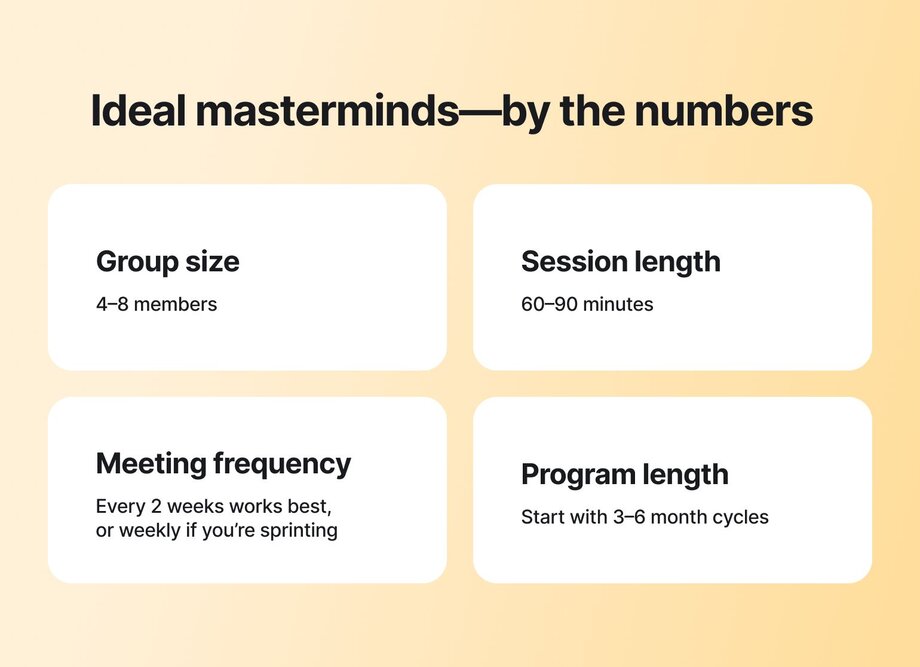
When it comes to running a mastermind group, smaller and focused almost always wins.
- **Group size:** Aim for 4–8 members.
- **Session length:** Plan for 60–90 minutes.
- **Meeting frequency:** Every two weeks works best. Weekly is fine for sprint-style groups.
- **Program length:** Start with 3–6 month cycles. It’s long enough to see progress but short enough to pivot if needed.
### Mastermind ground rules
It’s not summer camp, but a few simple rules will help your mastermind run smoothly. Here’s what every group should agree on to keep sessions useful—and drama-free.
#### Confidentiality & psychological safety
What’s said in the mastermind stays in the mastermind. If members don’t feel safe sharing openly, you won’t get real breakthroughs. Set a clear rule from day one: no gossip and no leaks. Trust is built fast—and lost faster.
Plus, if running a mastermind group is your online business, focus on maintaining a strong reputation. Anything confidential leaking somewhere isn’t going to look (or feel) good!
#### Commitment
Masterminds only work if people show up. That doesn’t mean perfect attendance, but it does mean prioritizing the group. Set hard expectations during enrollment around showing up on time, being prepared, and following through on action items.
#### Participation & respect
Everyone should feel heard. Whoever is facilitating should make space for quieter members and help strong voices dial it back when needed. And above all, respect each other. Any hint of mockery or dismissiveness? Shut it down. Mastermind groups are a space for support and mutual growth, not judgment.
## How to start a mastermind group in 7 steps
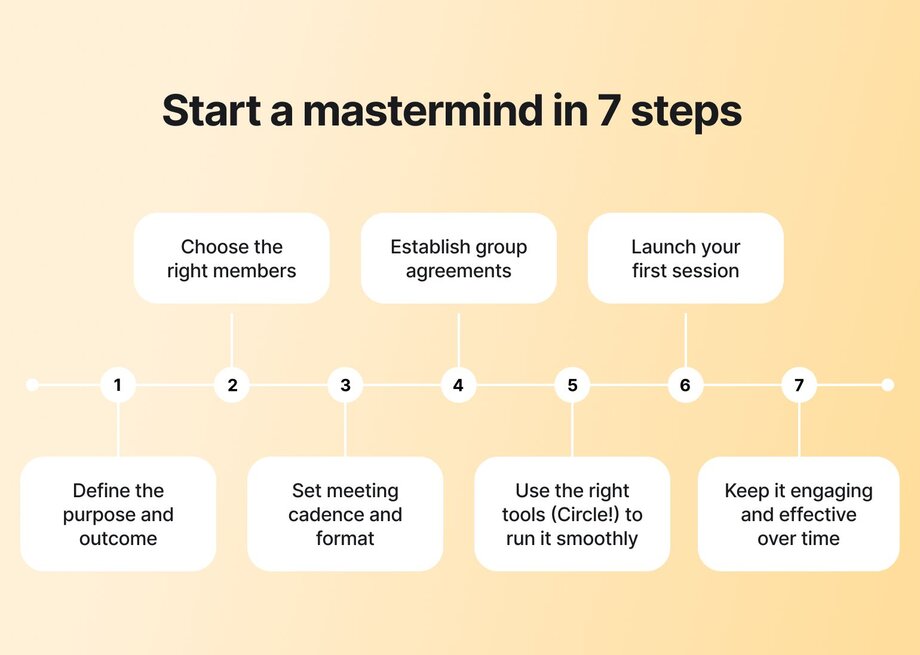
### 1\. Define the purpose and outcome
What is this group really for? Before anything else, get clear on your purpose. Are you helping each other grow businesses, stay accountable to creative goals, or work through career transitions?
The purpose should feel specific enough to attract aligned people but broad enough to evolve over time. Ask yourself: What’s the ideal outcome for a member six months from now?
You can also add in broader, secondary goals that your community members may struggle with–like reducing isolation, encouraging deeper conversations, or providing support to finish projects or courses.
### 2\. Choose the right members
Synergy within your group is everything. The right mix of members creates magic. But a mismatch? That can tank your momentum fast.
Look for people who are in a similar season, skill level, or entrepreneurial journey. If one person wants to scale to $10M and another is just starting out, the value might only flow one way. Because the person who is much further “ahead in business” will have little to learn from others and will end up mostly talking and helping others.
Keep in mind to choose people who are open-minded, willing to give and receive feedback, and committed to showing up.
### 3\. Set meeting cadence and format
Scheduling might get tricky, especially with time zones and global members. Your goal? Find a day and time that the majority can consistently stick to. Avoid the “we’ll meet when we can” approach—it usually turns into “we never meet.”
Most groups meet every two weeks. Weekly can work if the group wants faster progress, but it’s a big commitment. Monthly can feel too spread out.
Also, decide how meetings will run upfront. Will you rotate hot seats? Have themed discussions? Bring in guest speakers? Pick a starting format, but be open to adjusting as the group finds its flow.

[Allison Venditti](https://thisismomsatwork.com/) runs Accountability Groups (masterminds) in her [Moms at Work Collective](https://discover.circle.so/product/the-collective) to help moms move towards their goals, and her structure looks like this:
1. **Bi-weekly meetings** for 70 minutes, for a total of 8 sessions
2. **Highs and lows check-in:** Each session begins with a quick 2-minute update per person on personal or work related highs and lows to foster connection and support.
3. **Round tables:** Two participants per meeting get 15 minutes each to present a short challenge and get feedback from the group.
4. **Rapid learning segment:** Participants take turns sharing a quick recommendation—a quote, podcast, book, etc.—to inspire or aid others.
5. **Hot seat:** One member per session gets a focused 30-minute session to dive deep into a specific challenge.
### 4\. Establish group agreements
A good group culture needs clear rules. Agree on:
- Expectations
- Confidentiality
- Communication
- Participation
For example, in Allison’s accountability groups, there are two key principles:
1. **Curiosity over advice:** Members are expected to be present, kind, supportive, and non-judgmental—offering listening and thoughtful questions over direct advice. Instead of giving prescriptive advice, members should ask clarifying questions and share relevant stories or examples.
2. **Hot seat preparation:** The person in the hot seat should prepare a single, clear, actionable question in advance to maximize the value of feedback.
Write your mastermind rules down. Share them with everyone. And revisit them regularly to make sure they still feel aligned.
### 5\. Use the right tools to host and run it smoothly
We really **can’t overstate** how important your mastermind’s backend tech is. For the smoothest member experience—and for your own sanity—you’ll want to invest in a platform that’s actually built to support these kinds of sessions and everything that happens around them.
With Circle, you can run live video calls, set up recurring events, organize spaces for different groups, share resources, and set up spaces for asynchronous discussion. You can also use bulk [workflows](https://circle.so/workflows) to auto-match members into mastermind groups, and schedule recurring events. Basically, you can run your entire mastermind operations (and whole community or membership) from one, flexible tool!
[Try it for free for 14 days!](https://app.circle.so/communities/new)
### 6\. Launch and facilitate the first session
Your first session sets the tone. You might feel nervous, but don’t aim for perfection! Instead, focus on making everyone feel welcome and clear on what to expect and how to participate valuably.
If you’re the facilitator, guide the agenda, keep the conversation flowing, and make space for every voice. Remind folks why they’re here, and celebrate the fact that you got this group off the ground.
### 7\. Keep it engaging and effective over time through ongoing feedback & evolution
The best thing about masterminds is that they’re relatively small, which makes it easy to switch things up to better suit the group. Don’t stick to formats that aren’t working.
- If members’ personal commitments change, try finding a new meeting time.
- If people aren’t vibing with the sharing of resources, scrap it and allow people to engage async.
- If two round tables keeps running over, do one.
In short, keep asking for feedback, and be willing to adapt.
## Common challenges in mastermind groups (and how to overcome them)
Managing personalities is part and parcel of the mastermind format. Some members naturally take the spotlight, while others prefer to observe, especially in the early days as the group finds its rhythm. Planning for these dynamics will help you create a more balanced and productive experience for everyone.
### Uneven participation
Every group has its quieter members. But if some voices rarely get airtime, you’re missing valuable perspectives. This often shows up when check-ins run long or discussions meander without a clear structure.
**🛠️ Solution:** Create simple routines that give everyone a chance to talk, like short, timed check-ins. Rotate who leads. And check in privately with quieter members to see how you can support them.
### One member dominates
There’s always going to be someone who talks more than their fair share, often without realizing it. It can wear others down and discourage contributions.
**🛠️ Solution:** Set clear but gentle rules about how long people can talk. Use a timer if needed. If you’re the facilitator, don’t be shy about stepping in to keep things balanced, especially during hot seats or feedback rounds.
### Waning engagement
Low turnout. Late log-ins. Crickets in the group chat. Engagement dips are normal, but make sure they aren’t permanent.
**🛠️ Solution:** Reconnect to the group’s original purpose. Consider switching up the format. For example, you can add guest speakers, run themed sessions, or schedule a “reset” call to check in on why members aren’t engaging as much.
## How much does a mastermind group cost (and earn)?
Mastermind groups can run the full spectrum—from free, peer-led circles to high-ticket, expert-led programs that act as the crown jewel of your offer suite.
Free groups are a great place to start if you’re just testing the waters. But here’s the hard truth: when no one’s financially invested, participation tends to slip. Paid masterminds (or masterminds as part of paid communities or offers), even at a modest fee, create commitment. Members show up, do the work, and take each other’s time seriously.
Pricing typically depends on three things:
👉 **Who’s leading it** (peer-led vs. expert-led)
👉 **How long it runs** (a few months vs. ongoing)
👉 **What kind of access is included** (community-only, small group coaching, or 1:1 support)
For example, the **ADHD Big Brother** group (mentioned earlier) uses a [tiered model](https://circle.so/blog/paywalls):
- **Community access** at $135/quarter includes workshops, accountability, and peer support.
- **Small group coaching** at $150/month offers weekly Zooms and hot seat coaching.
- **1:1 coaching** runs $400/month for those wanting personal guidance.
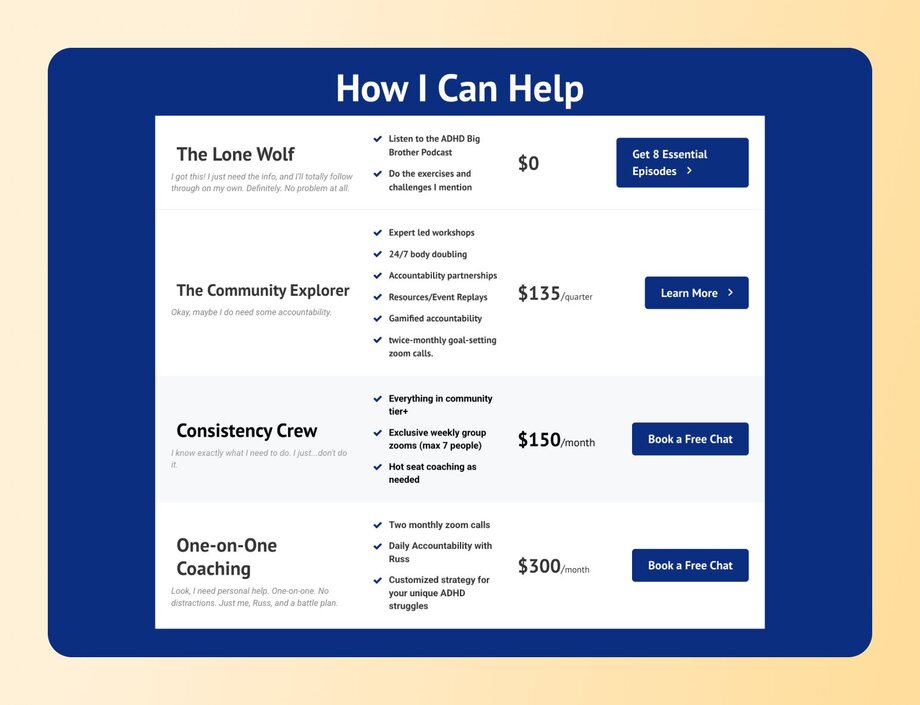
Similarly, the [Talent Collective](https://www.talentcollectiveco.com) community on Circle has a
- **Professional tier** at $69/month for mastermind groups, networking, and workshops, while their
- **Executive level** at $2,899/year adds private leadership masterminds and executive coaching.
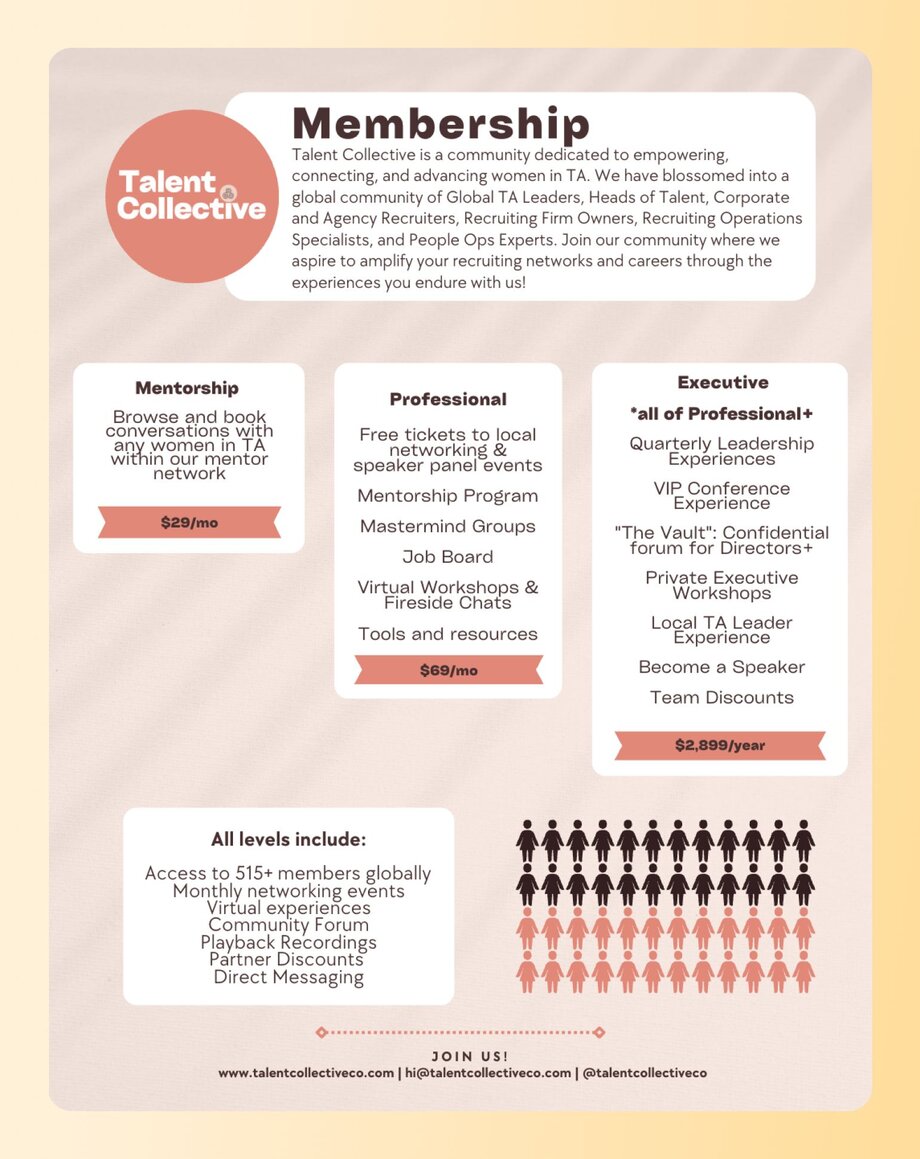
Generally:
- **Community-based masterminds or resource access →** lower monthly fees, scalable.
- **Small group or 1:1 masterminds →** higher pricing, more personalized support.
## Tips for running a high-value mastermind
If you want your mastermind to stay helpful and productive, keep these tips in mind.
### Create a shared agenda template
If you want your sessions to stay structured and useful, don’t skip the agenda. Create a shared template that mixes preset discussion topics with open slots for member requests—things like personal challenges, feedback on a pitch, or quick problem-solving.
Send the agenda before each meeting so everyone can prepare. Here’s a sample agenda to get you started👇
| Time | Activity | Description |
| --- | --- | --- |
| 10 min. | Welcome & wins | Everyone shares one win from the past week. |
| 10 min. | Accountability round | Each member gives a fast update on last session’s action items. |
| 20 min. | Hot seat | One or two members dive into a challenge, question, or project. Group provides feedback. |
| 10 min. | Open floor | Free discussion or rapid-fire advice on member requests or spontaneous questions. |
| 5 min. | Upcoming actions | Each member states one action they'll take before the next session. |
| 5 min. | Wrap up & next steps | Confirm next session topic, facilitator (if rotating), and any prep needed. |
### Rotate roles to prevent stagnation
Even if you have a facilitator, it’s a good idea to rotate roles to keep everyone engaged. Say you’re running a mastermind for personal fitness coaches. One week, a member might present a challenge like frequent client cancellations, while another moderates the discussion and someone else summarizes the group’s suggestions. Switching roles helps ensure everyone stays actively involved.
### Address friction
If someone seems disengaged, check in privately to see how they’re doing. If it keeps happening, remind the group about expectations and give that person the option to either step back or re-engage.
### Add rituals: wins, accountability circle, guest sessions
Give recognition for members’ accomplishments. Encourage everyone to share wins and hold each other accountable.
Moreover, if a need or challenge comes up that’s been voiced by multiple members, consider facilitating an extra session or offering to connect them with someone who can help. You can also toss in guest speakers occasionally to keep the group energized and looking forward to future sessions.
👉 Need more ideas? Learn [how to create healthy community habits](https://circle.so/blog/community-habits) and rituals.
## How to find and join an existing mastermind group
For most of this guide, we’ve talked about creating and launching a mastermind group.
But don’t rule out the option of joining one yourself. Many entrepreneurs end up building their businesses as lone wolves. It can feel isolating. You hit roadblocks and wish you had someone more experienced to ask, _“What would you do here?”_
As Jim Rohn famously said, _“You are the average of the five people you spend the most time with.”_ If you’re looking for a supportive crew to push you forward, share wins, and swap practical advice, here’s how to find one to join.
### What to ask before joining
- What’s the focus or purpose of this group?
- How are members selected or screened to ensure alignment and shared goals?
- How often does the group meet, and what’s the format?
- Are there opportunities for members to collaborate or network outside of regular meetings?
- What tools or platforms are used to support communication and accountability between sessions?
### How to assess alignment and value
Look for a group where most members are at a similar stage—or a little ahead. Notice if people are engaged, supportive, and willing to collaborate (not compete).
If you leave an intro call feeling energized and motivated, that’s a good sign.
### Where to find mastermind groups
The _best_ way to join a mastermind is through a personal recommendation. Ask your network if they know of any groups accepting new members. Masterminds are built on trust and chemistry, so referrals are often the fastest path to finding a good fit.
If you don’t have a referral, **try these options:**
- **Find out if people you admire host mastermind groups.** Many thought leaders and successful entrepreneurs run private groups or cohorts.
- **Look for local groups or people doing similar work.** Research industry events or online communities where group coaching or masterminds might be mentioned.
- **Explore business hubs like** [**Whoggga**](https://whoggga.com)**.** It’s a vetted community of growth-minded business owners who connect through authentic relationships to support each other’s business growth.
- **Check out** [**Circle’s Discover Directory**](https://discover.circle.so/)**.** Browse curated communities, masterminds, and membership programs from trusted creators.
## Hosting masterminds on Circle can be your secret weapon
Circle gives you everything you need to run effective, high-value masterminds—all in one place, under your own brand.
When you try to cobble together Zoom, Slack, Google Docs, and random email threads, you spend more time managing tech than designing and running a truly effective mastermind. Circle changes that.
Here’s how it can support your mastermind:
👉 [**Host live events**](https://circle.so/events) with built-in video rooms and live streams for your weekly calls, hot seats, or Q&As.
**👉 Set up** [**private spaces for cohorts**](https://circle.so/discussions) to keep discussions and resources organized and focused.
👉 **Facilitate ongoing conversations** with asynchronous [chat threads](https://circle.so/chat) so members can share wins and challenges between sessions.
👉 **Set up** [**accountability workflows**](https://circle.so/workflows) to track progress and member check-ins.
👉 **Centralize resources** like docs, templates, and recordings under your brand—no more hunting for links.
Whether you’re building a small peer-led group or scaling a premium mastermind, Circle takes care of all the logistics.
[Start your free 14-day trial today.](https://app.circle.so/communities/new)
---
### Building sustainable member-led communities
*Learn how Miro and Exit Five built thriving member-led communities and find strategies for empowering members, creating rewards, and scaling community programs.*
Source: https://circle.so/blog/member-led-community
When you’ve put late nights, sweat, and tears into building a community, it can be stressful to let your members take the reins.
**But it could also be the best thing you could ever do**–if you find the right balance between empowering your members to take the lead, and maintaining a hold on community quality and direction.
But the most challenging piece of becoming member-led? Figuring out how to make it sustainable for the long run.
That's why we were thrilled to host an expert panel with **Nicole Keurig**, Community Engagement Manager at [**Miro**](https://miro.com/), and **Matt Carnevale**, Head of Community at [**Exit Five**](https://www.exitfive.com/), to dig into how they've successfully built member-led programs that actually work. In this discussion, they shared their proven strategies for identifying community leaders, creating meaningful rewards systems, and building sustainable programs that scale.
Their communities–while different in size and scope–have both mastered the delicate balance of transforming passive participants into active community leaders in a way that feels natural and rewarding.
[Miro's Hero community](https://miro.com/community/) of over 5,000 project and product manager members and Exit Five's 2,000-strong paid [B2B marketing community](https://community.exitfive.com/checkout/exit-five-membership) offer valuable insights for anyone looking to evolve their community **from admin-driven to truly member-led.**
We're breaking down all the key insights here, and you can access the full recording at the end of this article.
## What are member-led communities and programs?
**A member-led community** is one where participants actively drive value for each other, rather than relying solely on community managers to create content and spark engagement. In truly member-led communities, members step up to:
- Lead events and workshops
- Answer questions from other members
- Create valuable content
- Mentor newcomers
- Shape the community's direction through feedback
For example, in Exit Five, all events are run by members themselves. As Matt explains, "Nobody from the Exit Five team is running them." One recent event featured a member conducting website teardowns, where other members submitted their B2B websites for expert feedback.
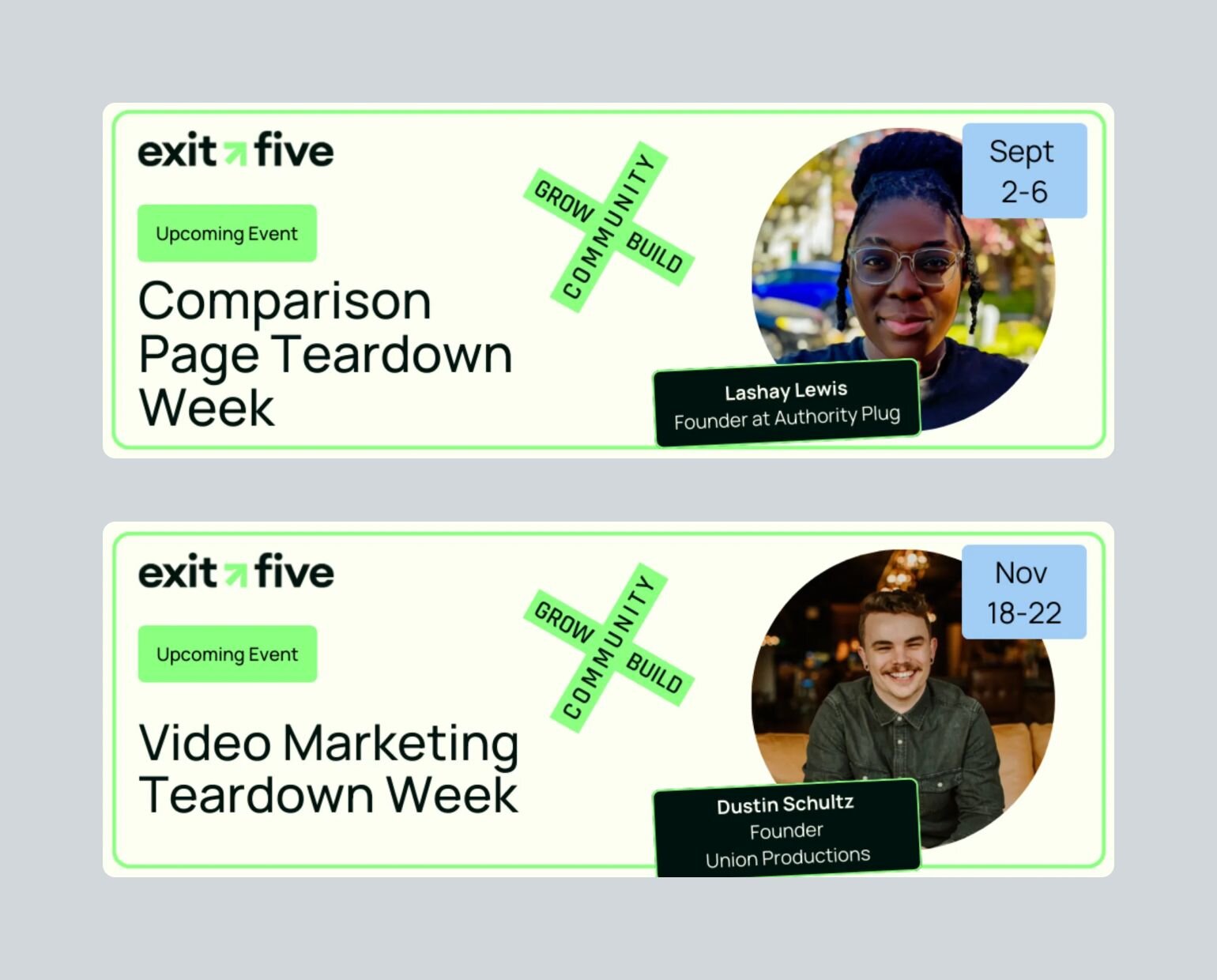
Meanwhile, Miro's Hero community program empowers their most engaged users to host regular show-and-tell sessions, participate in product feedback, and mentor new members. Nicole shares that their MVP (Most Valuable Participant) program focuses on the top 5% of contributors who "generously give their time and resources" to benefit others.
### What people get wrong about member-led communities
Becoming member-led is not about completely stepping back as a community manager.
Instead, it's about creating the right systems and culture that enable members to meaningfully contribute while maintaining quality and direction. As Matt notes, "I'm just the curator of this stuff."
The key difference between traditional and member-led communities is that in member-led spaces, the community manager's role shifts from being the primary content creator and engagement driver to becoming a facilitator who:
- Identifies and empowers potential community leaders
- Creates clear frameworks for contribution
- Connects members with relevant expertise
- Recognizes and rewards valuable participation
- Maintains community standards and direction
## Benefits of member-led programs
When the conditions are right, member-led communities can transform your business from a resource-heavy operation into a self-sustaining ecosystem.
Take Miro's community as an example. By implementing their Hero community program, they've turned their most engaged users into community leaders who not only contribute content and host events but also serve as product advocates and mentors to new members.
**The ROI manifests in multiple ways:**
- Reduced operational costs as members take on leadership roles
- Increased engagement and retention
- Authentic peer-to-peer learning and support
- Stronger product advocacy and word-of-mouth growth
Exit Five's community evolved from an admin-driven model to one where members lead events, answer questions, and facilitate connections.
As Matt from Exit Five shared, "We don't do any of the answering unless it's something that we have expertise in... Our members are the ones answering all the questions."
## Is member-led right for _your_ community?
Let's address the elephant in the room: member-led communities aren't for everyone.
While they're often celebrated as the gold standard of community building, they require specific conditions to thrive. Forcing member-led approaches where they don't fit can actually damage engagement rather than enhance it.
Consider this: If you're running a structured online course, a compliance training platform, or a product documentation hub, a member-led approach might actually work against your goals. The same applies if you're in a highly regulated industry or dealing with sensitive information that requires strict oversight.
Before we dive deeper into building member-led programs, **ask yourself these critical questions:**
✅ Do you have the infrastructure to support member leadership?
✅ Can you dedicate time to relationship building?
✅ Is your community mature enough for self-governance?
✅ Do your members actually want leadership roles?
**Remember:** Just as Exit Five's business model allows for member expertise to shine due to their value being the network you build in the community, your community model should align with your core objectives and capabilities.
Instead of forcing member-led approaches where they don't fit, consider:
- Hybrid models with controlled member participation
- Staged evolution toward member leadership
- Focused administrative leadership where appropriate
- Clear communication channels without forced engagement
## Building your MVP–Most Valuable Participants
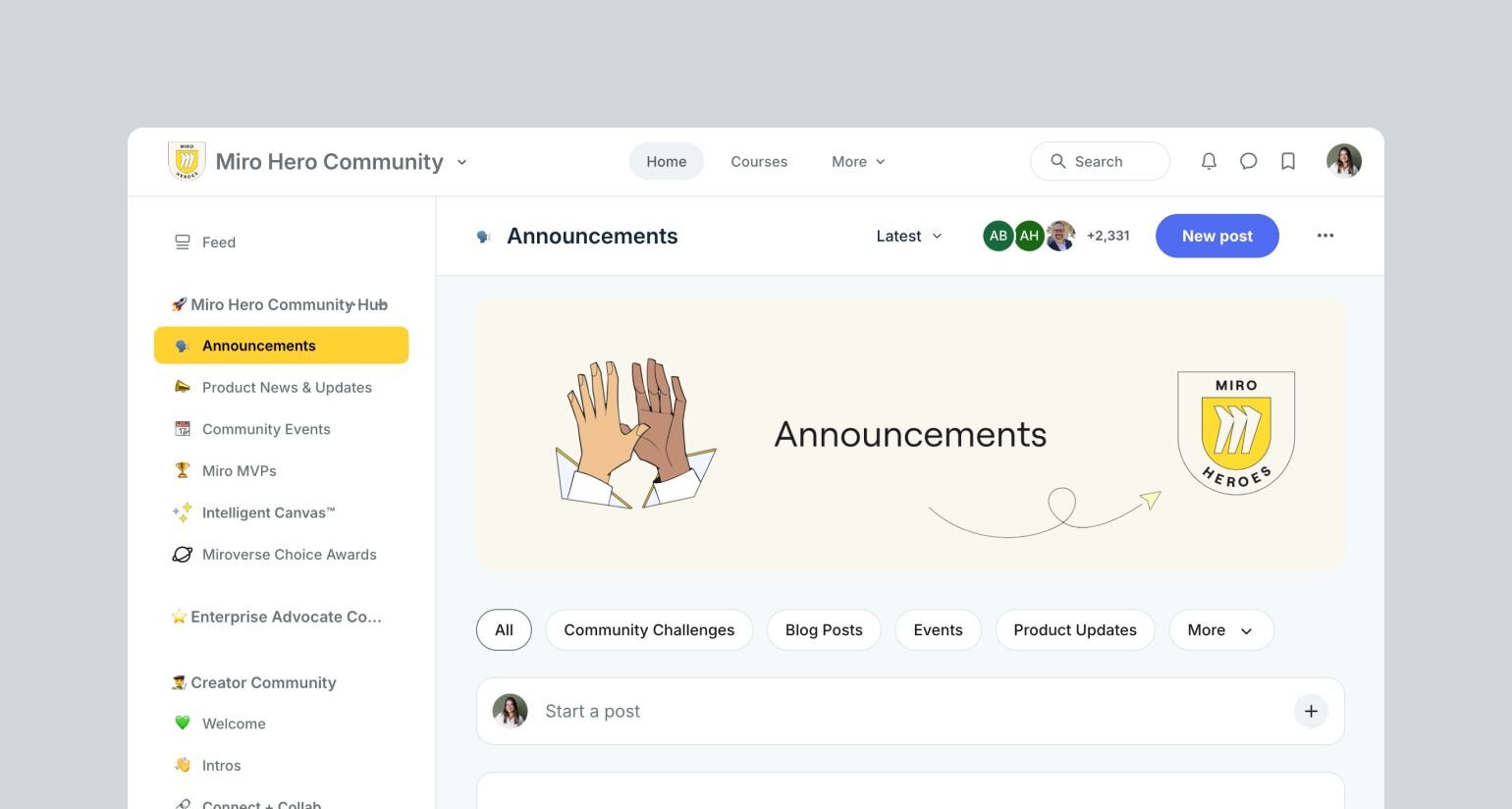
The foundation of a successful member-led community often starts with a well-structured MVP program.
✋🏼But here's what many community builders get wrong: **they focus on popularity rather than impact.**
The way Miro’s team approaches finding their MVPs should give you some practical inspiration: they used Circle analytics to identify their top 5% of contributors objectively (Activity Scores show meaningful engagement metrics in Circle), rather than just post count. Then, they hand-pick candidates from this pool and invite them to the MVP circle.
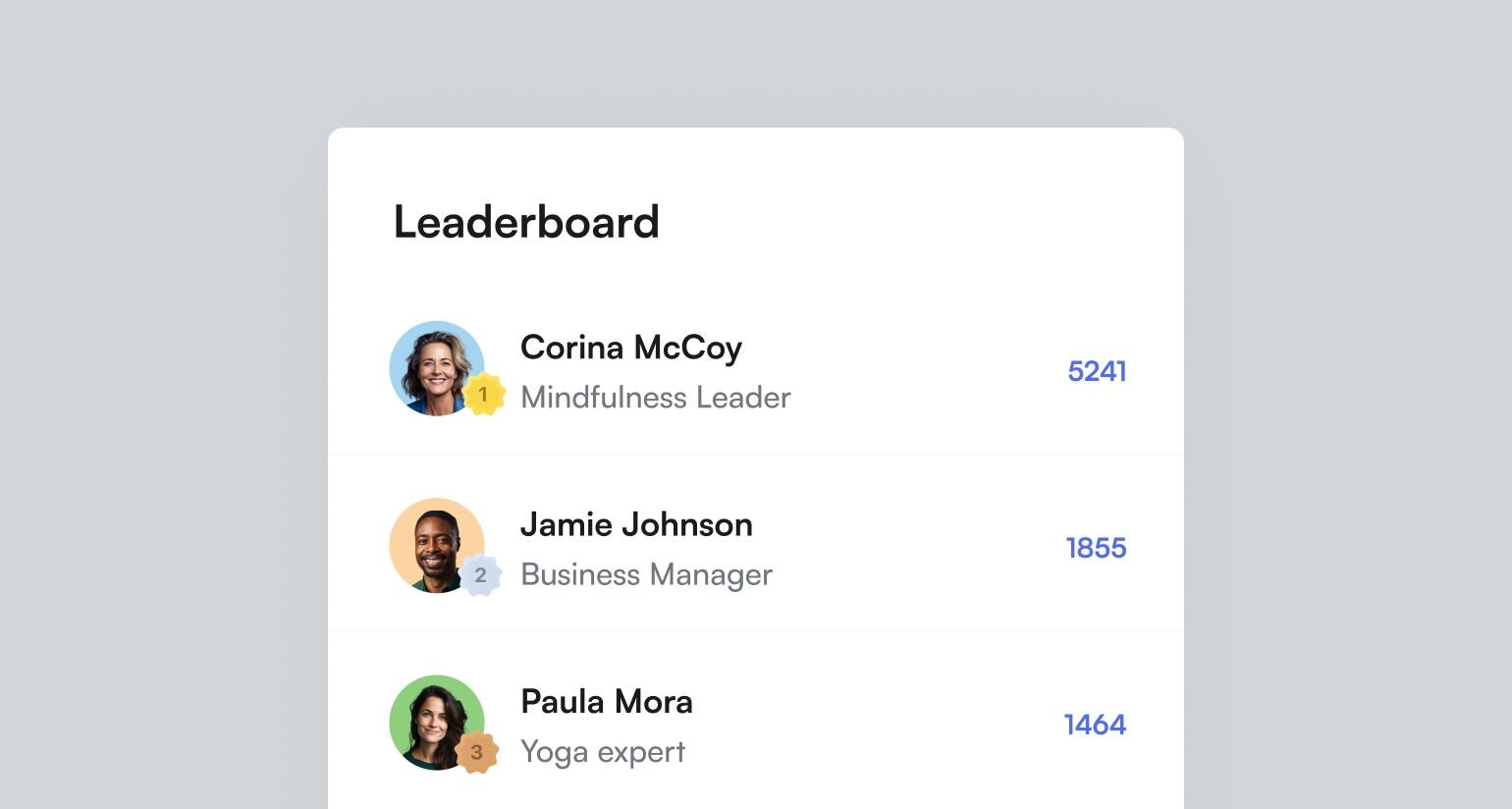
**Miro’s MVP program includes specific tracks members can join:**
- **Event hosting** – where community leaders are responsible for hosting events
- **Content creation** – where they create content and templates for the [Miroverse](https://miro.com/miroverse/)
- **Social advocacy** – where they’re responsible for posting on Circle and LinkedIn
Each track comes with clear requirements and measurable outcomes, ensuring that MVP status remains meaningful and achievable. But it also recognizes and rewards people for doing what they’re already doing with meaningful incentives, like social collateral, swag, funding for events, tags on Circle, the ability to provide product feedback, and more.
## Creating scalable contributor programs
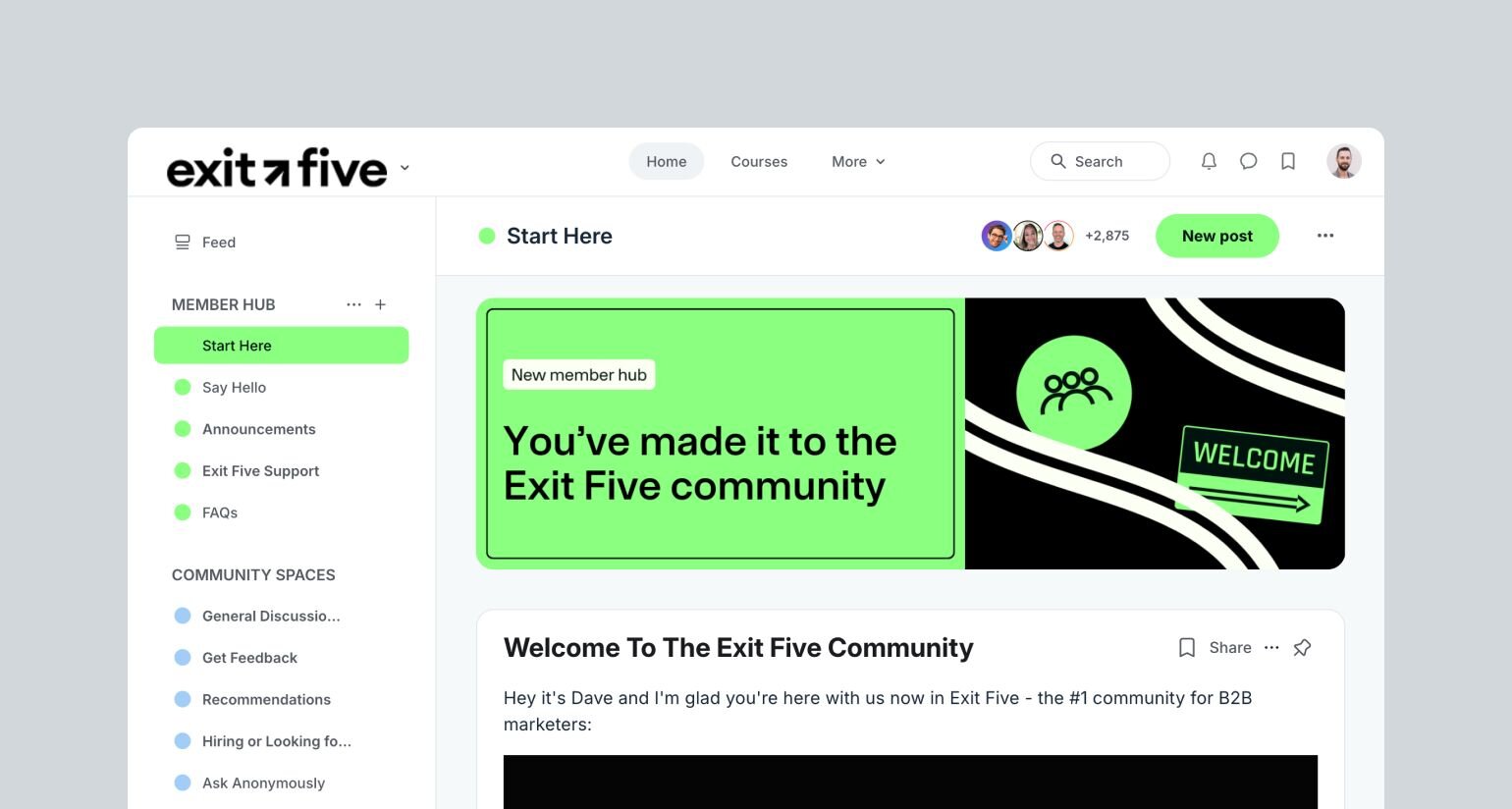
One of the most powerful insights from Exit Five's community is their systematic approach to **expertise mapping**.
So, instead of giving a top-down answer from an admin when questions are asked in the community, Matt explained, "We have a whole spreadsheet of what everyone in the community's area of expertise is, and then we'll just go and tag those people in the question."
This simple yet effective system ensures that member expertise gets surfaced as often as possible.
What makes it truly innovative is that Exit Five has tapped AI to supercharge this matching process. "I do use ChatGPT to help me with it," Matt shared. "We'll put a question in ChatGPT and it has access to all that data. And it just tells me these are the three people you need to tag."
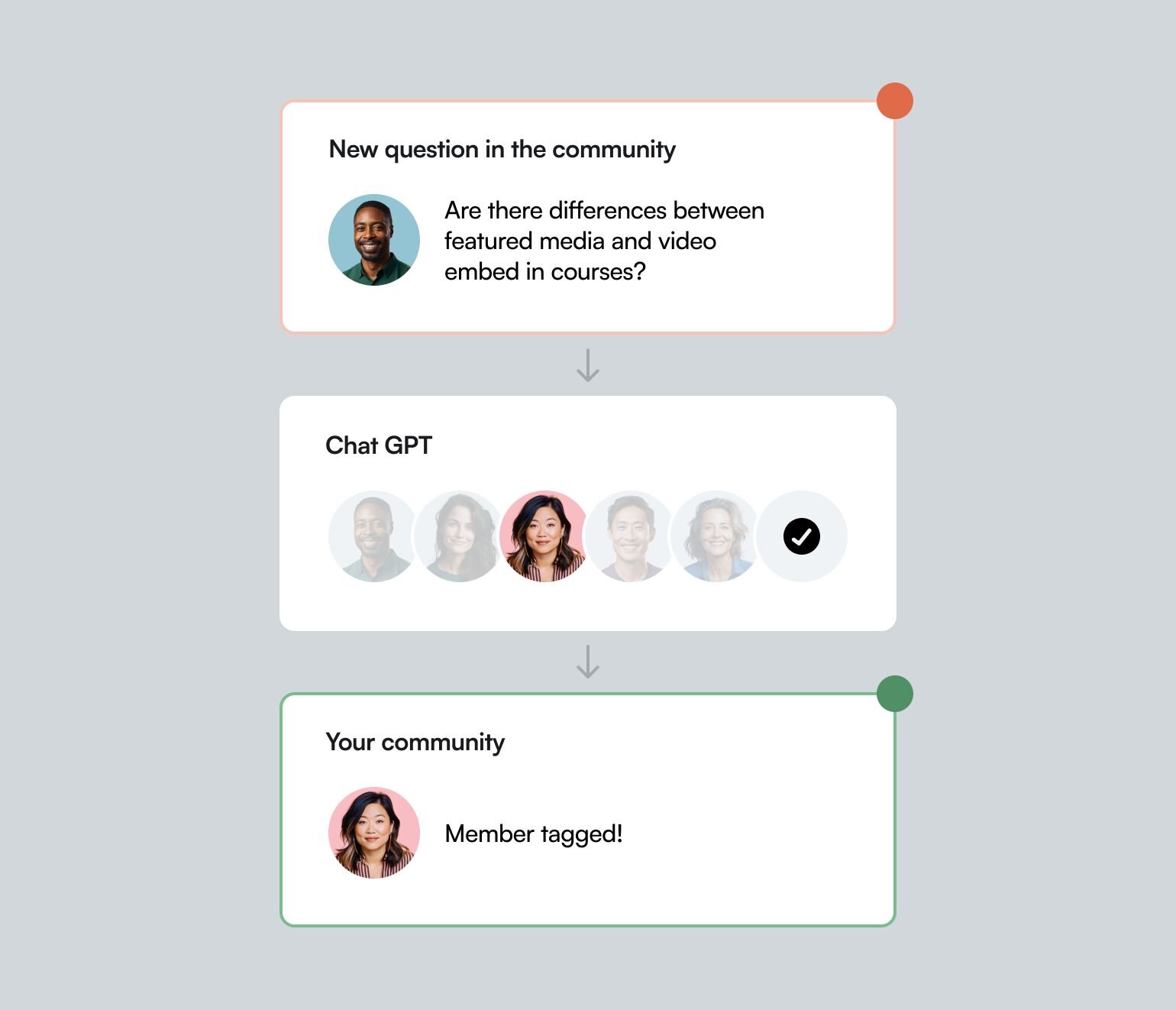
**How to build your own expertise mapping system:**
1. Document member expertise through a simple Google form
2. Create a database of community experts and categories
3. Implement systematic tagging processes
1. Upload the database/spreadsheet to an AI like ChatGPTCreate instructions for the custom GPT to have it take a question, look in your spreadsheet, and give you the 3-5 members that should be tagged in that postYou can copy and paste all the questions you receive on a daily basis, and identify people to tag in the comments, immediately
5. Start small, then use technology and AI to scale your efforts
### Create structure around expectations to maintain quality
While member-led communities thrive on organic participation, they still need clear frameworks to maintain quality and consistency. Here's how successful communities achieve this balance:
**Contribution and engagement guidelines**
- Define specific tracks for contribution (event hosting, content creation, social advocacy)
- Create clear documentation and examples of successful contributions (like in Miro’s co-created manifesto for their Creator sub-community)
- Make participation requirements quantifiable and easy to understand
- Set clear expectations for leadership roles around touchpoints for participation
**Quality control systems**
- Implement peer review processes for member-created content
- Establish feedback loops with community leaders
- Use regular surveys (like Miro's quarterly NPS) to gather feedback and adjust programs
### Rewarding member leaders with meaningful incentives
When it comes to rewarding your community leaders, both Miro and Exit Five have discovered that the most effective incentives align directly with members' professional goals. Exit Five's approach leverages their strong brand presence in the B2B marketing space.
As Matt shared, "We get to incentivize people with status... since there's so many B2B marketers in this space, \[if they’re hosting an event with us\], they’re all of a sudden seen as an expert."
Meanwhile, the secret to Miro's successful MVP program lies in how they've tied community recognition to tangible professional benefits.
**Consider how Miro structures their rewards:**
- Product credits for Miro plans
- Event funding for community initiatives
- Early access to product features
- Opportunities for industry visibility
"For MVPs who are in the events track, we provide funding for their events," Nicole explained. "Whereas for consultants or facilitators who have small businesses, those MVPs receive credits towards a paid Miro plan. These are funds that are coming out of their pocket, so if we can give them credits to cover this cost, it lets them invest that money in other things for their business."
This approach demonstrates a deep understanding of what truly motivates community leaders.
One of the most striking aspects of Miro's community management approach is their commitment to continuous improvement through member feedback. "We do a quarterly NPS survey," Nicole shared. "The results from those surveys and the learnings from those surveys become like our projects for the next quarter, because it tells us exactly what the community is looking for."
This systematic approach to gathering and implementing feedback ensures that the community evolves alongside member needs. As Matt noted about Exit Five's growth, "We've seen that grow from like three comments per post to like seven in the last year through a lot of the strategies that I talked about."
## The future of member-led communities
As we look into the next few years, the communities that will thrive aren't necessarily the ones with the biggest budgets or the most features, but those that successfully balance structure with authenticity, technology with human connection, and growth with sustainability.
**Here are some next steps to consider:**
1. Audit your current community programs
2. Identify your potential community leaders
3. Start small with manual processes
4. Build systems based on what works
5. Scale thoughtfully with technology
The future belongs to communities that empower their members to lead while providing the frameworks that make that leadership sustainable.
This is your push to start building something meaningful.
Watch the full masterclass with Miro and Exit Five here:
## Key takeaways
- Start with clear intentionality about your program's purpose
- Build systems that scale with your community
- Create value that translates beyond your platform
- Always keep the member experience at the center of your decisions
- Don’t force member-led if it feels like the wrong fit! There are lots of scaled, hybrid options available
**And if you're looking for an all-in-one platform to grow your member-led community?**
You're in the right place.
Circle brings together your members, discussions, events, courses, and content—all in one place, under your own brand. Plus, you get access to our customer community full of handy resources and over 13,000 community builders on the same journey as you.
[**Start your free 14-day trial today!**](https://app.circle.so/communities/new)
---
### How to increase your member retention rate
*Churn is inevitable, all members have a lifecycle. But if you follow these 5 member retention tips, you’ll be able to drastically increase your member LTV.*
Source: https://circle.so/blog/member-retention
Let's talk about one of the most challenging aspects of managing a growing community… member retention.
> Member retention refers to a tactic that focuses on how many people have an active membership. The goal is to increase your member retention rate by continuing to provide a positive and rewarding experience for members, which in turn should increase engagement and loyalty, and decrease churn.
If you’ve got a group of members, either in your dedicated community space, or subscribing to your services, reducing churn should be top of mind.
Trust me, I’ve worked with 150+ course creators, entrepreneurs, and subject matter experts to help build and scale their communities and courses. Acquiring members, although important, is just the first step—retaining them long term is what sets your business up for success.
In this post, I’m tackling the five most common churn mistakes that I see communities making, and what you can do in order to reduce membership churn. At the end I also run through an easy way to calculate your member retention rate!
## Solving membership churn
Churn refers to when a member cancels their subscription. This happens when they're no longer getting more value from your community or service than what they're paying for.
It's really a complicated issue to solve because it starts before a member even joins your community, and is tightly coupled with the experience they have while being a part of it.
> 💡**Tip:** As your community grows and your marketing systems are in place, you should start shifting your focus away from attracting new signups and put more time and attention into engaging and retaining members.
If you don't pay attention to member churn, you'll likely soon find that you have a leaky bucket. So although you keep adding new members in the top, roughly the same amount could be churning out the bottom, which means your community growth either stalls (active members stays the same), or you might even see a reduction!
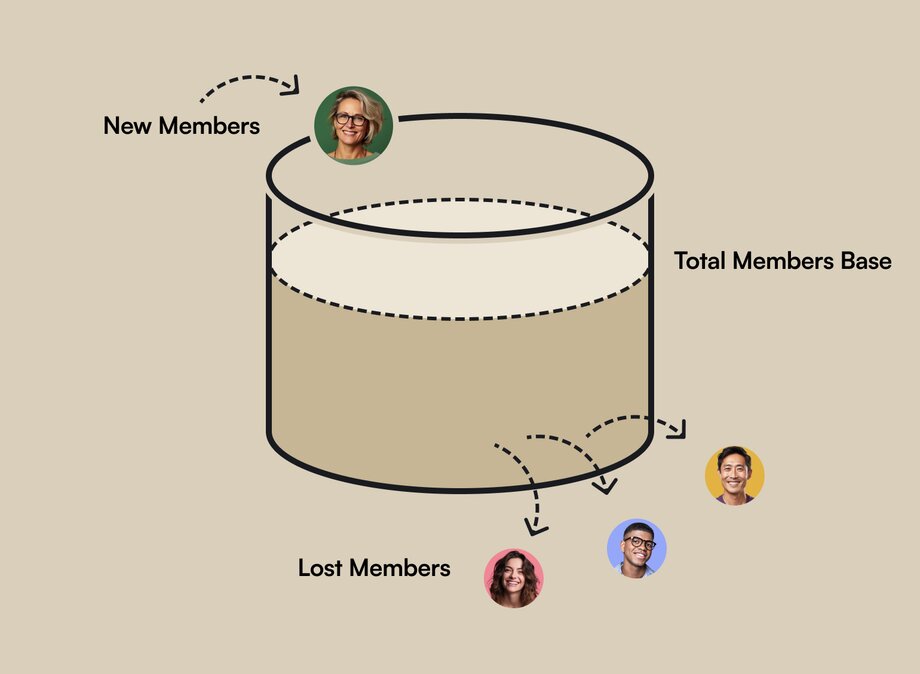
**When you think about churn at a high level, there are a few questions to ask yourself:**
1. How did your members find you, and how long have they known you?
2. How are you positioning your offer, and the member value proposition?
3. How does the value of the community line up with the member cost?
Now that we’ve gone through how to assess churn, let’s dive into some tactics to help increase membership retention! Make sure to keep these questions in mind as you continue on to the next section.
## 5 biggest member retention mistakes
Yep, mistakes happen. We all make them. And when it comes to membership retention, there are some very common issues to look out for.
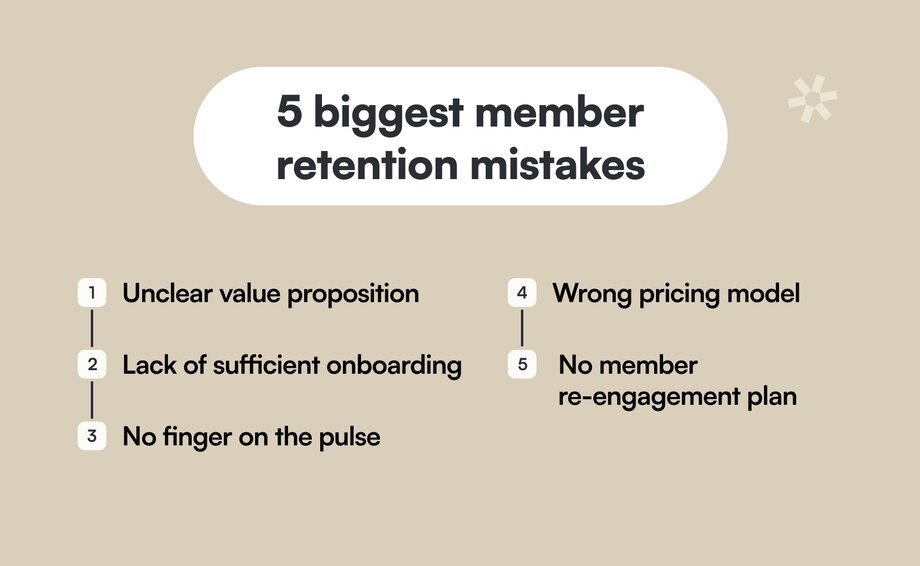
### 1\. Unclear value proposition
If it's not clear what members are signing up for, they're essentially taking a leap of faith.
Based on how you’ve promoted and described the community, what are members expecting to experience and gain access to once they subscribe?
As David Bekham says… be honest. How you position your community directly impacts member retention. Brag about what’s great, but make sure it fits with the reality!
You also want to be really clear about who the community is for, and what your ideal members look like. If you’re not, people will jump in and quickly realize that it’s not the right fit for them, which of course leads to member churn.
> 👀 **Example:** You’re positioning your community as a place for entrepreneurs to connect, share tactics, and learn together.
>
> That’s all great! But is it a community for first time entrepreneurs, entrepreneurs who are under 100k in ARR, or entrepreneurs who are doing more than 10 million a year?
>
> Those are very different types of people, at different levels in their journeys, with different mindsets, questions, and problems. You need to be very clear about exactly who your community or membership is for, and what they can expect to gain access to upon joining.
**To summarize, you’ll want to clearly answer these questions:**
1. What is the outcome upon joining your community or membership?
2. What is the problem that you're solving?
3. Who are you solving it for, and how long might it take to reach that end goal?
### 2\. Lack of sufficient onboarding
Onboarding is so, so important. Truly, it cannot be overlooked.
Having worked with many community builders, often I find that there’s either:
- Not enough onboarding content, and generally not enough time and effort spent on member onboarding.
- Or in some cases, there’s actually too much in place, which can make things overwhelming for new members, dulling that initial excitement upon joining.
> 💡**Tip:** Setup a dedicated onboarding space in your community that is very thorough, and goes step by step answering each of these questions about your community/membership and the software it’s hosted on. Even better if the onboarding process includes quick points so members can easily skim through, and video content to add a more personal touch.
**When you're onboarding someone into your community, there are two key pieces that you need to keep in mind:**
1. **You need to educate them about how your community/membership works.** Where do people go to get help? When are the live calls? Upon joining, what do they need to do first, second, third? What are the expectations around timelines, effort, and support? All of these things are crucial for people to understand how they can be a successful member of your community, and get the outcome that they've signed up for.
2. **They need to understand how to best use the technology/platform that your membership is hosted on.** Where do they go to engage? What are the different spaces in your community? How do they manage their notifications so that they only get notified about things that they really care about? And so on.
Having a successful member onboarding strategy in place ensures new joiners are fully educated and excited about your program. They'll understand how everything works, and be ready to dive in.
Also, make sure to include the very first thing you want new members to do! For example, introducing themselves in a channel.
### 3\. No finger on the pulse
Often what this means is you don't really know why people join your community. So when they churn, inevitably, you don't really know why they left.
It’s a lot of unknowns, and you're not learning much from the experience.
> 💡**Tip:** Implement both intake and outtake forms. Ideally the intake form lives inside of your onboarding experience when people join so that you can learn more about them. And when people leave, during the offboarding process to learn what you could have done better/differently.
**In the member onboarding form, ask questions like:**
- Why did you join?
- What problems do you have related to (community purpose)?
- What are you hoping to get out of this experience?
- What does success look like for you?
These answers will help you better understand your members, and in turn fuel you with ideas for future content, courses, and more.
On the flip side, you should implement a similar tactic for members who cancel, with the goal of figuring out why they’re leaving (and how you might be able to reduce community churn).
**In the member churn form, ask questions like:**
- Was something missing?
- What could we have done differently to make you stay?
- Did you understand how the program/community/membership worked?
- Do you have any feedback for us?
Maybe they just weren't the right fit, and that’s okay. But for those who are a fit, leverage these insights to help adjust your messaging, positioning, and marketing to better serve the right type of audience.
### 4\. Wrong pricing model
If you have a paid community membership, you’ll need to ensure that the cost fits the value.
When someone becomes a member, how much value is being created for them? How does that line up with how much they’re being charged? You need to make sure they’re getting more value than what they’re paying for.
> 🔥 Hot Take: Monthly subscription plans are not necessarily the right pricing model for every community.
In fact, for transformation based communities, coaching programs, and courses, I typically don’t recommend going with a monthly subscription because every 30 days you are essentially asking members if they’re getting the value yet. Over, and over again.
For transformations that are difficult—and take a long time and effort—there's likely no way that members are getting more value in the first 30 days than what they're paying for.
**For transformational communities, I recommend setting the pricing based on two things:**
1. The value of the transformation
2. The length of the transformation
That might mean switching to an annual subscription where you're getting someone to decide up front that they are committed to solving this problem/challenge. People also get sick, busy, and go on vacation. So having a longer subscription timeline, or even offering a one-time-fee, gives people that flexibility.
**The gist is:** really think through your pricing model, and make sure that the value aligns with the cost.
### 5\. No member re-engagement plan
When members go silent, they're ghosting—they're not really there anymore. Inactive members are way more likely to churn, especially if they're on a monthly subscription.
This is why having a member re-engagement plan is so important!
> 💡**Tip:** You're always going to have an 80/20 principle going on—likely 80% of people in your community will be passive, while 20% will be active. People are able to get value even if they're not showing up all of the time. But the more quiet they are, and the less they log-in, the more likely they are to churn.
**There are a few things you can do to increase member engagement:**
1. **Regular member check-ins.** These can be monthly, or quarterly. In Circle, you can set up [workflows in your community](https://circle.so/workflows) that allow you to automatically DM people when they hit a certain threshold. Maybe you're even doing a survey, but you're recognizing that there are people who aren't posting. Aren't showing up to cause now. This is also somewhat normal behavior.
2. **Dig into the data.** You can use activity scores in your platform, then filter so you can find the people specifically who are not posting, or not logging in. You can send just them a DM and say, “Hey, notice you haven't been around for a while. What can I do? Is there anything I can help you with? Are we missing something that you really need?” You want to just start a conversation.
Having the right tool to set you up for success is key here. If you’re looking for a robust membership platform that can help you track engagement, run engaging events, setup custom paywalls, and much more, try Circle!
## How to calculate member retention rate
There are a few ways to calculate member retention rate, but since simple is often best, this is the formula I suggest: ((ME-MN)/MS) x 100
**Here’s what all of those acronyms mean:**
- ME = Members at the end of a time period
- MN = New members acquired during a time period
- MS = Members at the start of a time period
**Follow these steps to calculate your member retention rate:**
1. Decide on a timeframe for the measurement. Depending on your community, it might make sense to do monthly, quarterly, or yearly.
2. At the end of that timeframe, how many members did you have (ME)?
3. During that timeframe, how many members did you recruit/add (MN)?
4. Finally, how many members did you have at the start of the timeframe (MS)?
5. Now, run the formula: ((ME-MN)/MS) x 100
Some of the top communities have a 90%+ retention rate, but this isn’t a copy paste benchmark. It really depends on the type and purpose of your community! For example, say your community is about dealing with grief. It’s possible that the average member takes 9-12 months to go through this transformation, and may no longer need your community after that timeframe.
### Conclusion
Churn is inevitable—all members have a lifecycle.
The day you sign up a new member is the first day you start losing them. No one will stick around forever, but from a business standpoint, you want them to stay as long as possible.
The good news? You can do a ton of things to reduce churn—hopefully implementing some of the proven member retention strategies in this article can help!
If you want to learn more about reducing churn, check out our free [Community Engagement Crash Course.](https://growthcommunity.co/engagement)
For more insights like this, I recommend [reading Circle’s 2024 Community Benchmark Report!](https://circle.so/2024-creator-community-report) It’s chock full of insights for community builders and professional creators.
---
### 11 proven strategies to grow your membership (without betting everything on social)
*76% of community builders rely on social media for growth. Discover 12 better acquisition strategies including events, referrals, email, and more.*
Source: https://circle.so/blog/membership-acquisition
You’ve invested your time, energy, and resources into creating amazing content, structure, and workflows for your community. Then launch day comes, and you sit back and wait for those membership sign-ups to start rolling in.
😟 And wait. And wait. Something must not be right.
“Build it and they will come” is a great strategy for growth if you’re building a baseball diamond for ghosts in an Iowa cornfield (see: [Field of Dreams](https://www.youtube.com/watch?v=5Ay5GqJwHF8)). But unfortunately, it’s not a strategy that works for community builders.
If content is the heart of your community, your membership acquisition strategy is the lungs that breathe life into it. The challenge for many community builders is knowing where to begin with getting new members.
When we talk to community builders, many still put all their eggs in social media as the go-to channel for finding members. According to our 2025 Community Trends report, [76% of respondents still source new members](https://circle.so/2025-community-trends-report) from social media. That’s a lot of time, investment, creativity, and energy for a channel that can be wildly unpredictable in terms of ROI.
**So how do you build a thriving community if you haven’t found your people yet?** By moving away from the traditional funnel approach to a community-led flywheel, where joining your community isn’t the last step. It’s the first engagement that drives long-term value for you and your members.
In this article, we’ll guide you through:
- The difference between customer and member acquisition
- How to define your ideal member profile
- 12 tried-and-tested strategies to rev up your community’s growth
## The difference between customer and member acquisition
To (slightly) paraphrase Atlanta-based rapper Future: “Customer acquisition. Member acquisition. But they are not the same.”
You may know the traditional customer acquisition funnel:
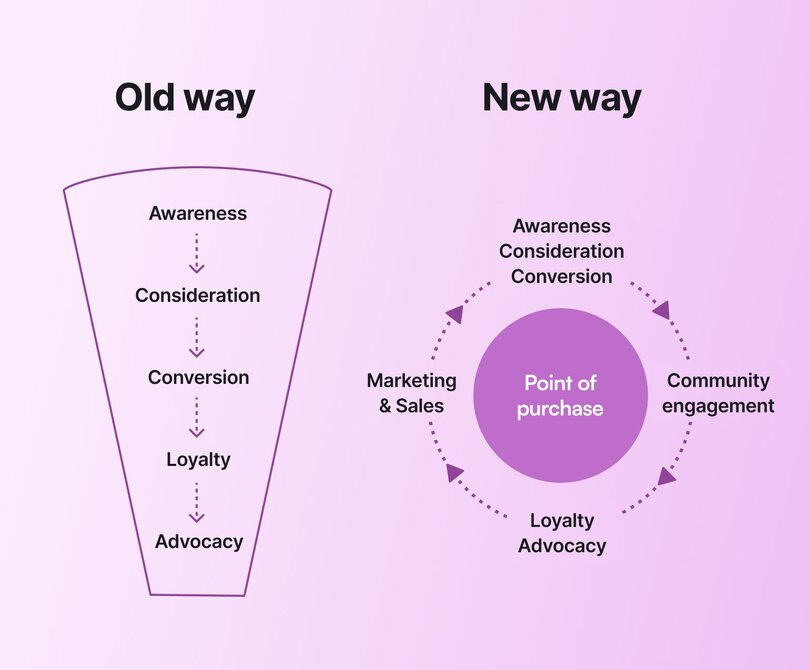
⬇️ Customer becomes aware of a product (Awareness)
⬇️ Customer is interested in the product (Interest)
⬇️ Customer considers clicking “buy” (Consideration)
🎉 Customer buys, and the sales team pops open the bubbly (Conversion)
You’ve probably bought something online after going through a company’s funnel. Perhaps it started with an Instagram ad for a tech wallet (at least it was for me), or some sort of customized haircare. We know that funnel _works._
🤔 But does acquiring members for your community use the same funnel?
The simple answer is ‘not really’ for a very straightforward reason: **Communities aren’t products.** They’re living things that grow, change, and provide continuing value.
Instead of a funnel, [community member acquisition works as a flywheel](https://circle.so/blog/community-growth#h2-2). Instead of the purchase being the final step, joining your community is the first step in a cycle of engagement, advocacy, and retention.
## The core principles of member acquisition
Communities are built on shared interests, goals, and values. Your membership acquisition strategy should be built on those same things. In marketing, we refer to this as the ideal customer profile (ICP)—in community, we call it the ideal member profile (IMP).
### Figuring out your ideal member
Defining your ICP or IMP helps you understand who your potential members are, including:
- **Demographics:** Age range, location, education level, profession, or industry.
- **Psychographics:** The values, motivations, interests, and attitudes that align with your community’s purpose.
- **Goals and aspirations:** What success looks like to them, and what kind of transformation they’re looking for. It could be career growth, learning, networking, social impact, or something else tied to your offering.
- **Engagement style:** How they like to participate. That could be active contributors, learners, networkers, or just being an event attendee.
### Understand your value proposition (aka. why members should care)
Your community’s value proposition is the promise you make to members—including the transformation you offer. It’s the unique benefit they gain by joining and participating. It’s not just about what you offer, but why it matters to them.
When you clearly articulate the outcomes, experiences, or connections your members care about most, you’ll attract the right people and keep them engaged for the long term.
> 💡 Learn how to create your unique value proposition in our [ultimate step-by-step guide for launching your community.](https://circle.so/build-a-community)
### Measure what matters (and skip the vanity metrics)
[Measuring growth](https://circle.so/blog/community-analytics) is more than tracking sign-ups. Understanding how efficiently you’re acquiring members and whether they stick around is critical to building and scaling your membership acquisition strategy.
Vanity metrics like likes and impressions on social might look good, but they don’t tell you if you’re getting, and keeping, members. Instead, focus on numbers that give you a clear picture of performance:
- **Conversion rates:** Measure how many prospects move from leads (like newsletter subscribers or event attendees) into paying members. This helps you see which acquisition channels actually drive results.
- **Drop-off points:** Track where people disengage in your sign-up process, whether that’s during a free trial, on a landing page, or at checkout. Identifying these friction points lets you fix leaks in your acquisition funnel.
- **LTV vs. MAC:** Lifetime value (LTV) tells you how much revenue an average member brings in over time, while member acquisition cost (MAC) shows what it costs to get them in the door. A healthy ratio (often 3:1 or better) means your acquisition is sustainable.
🎯 Knowing your ICP, defining your value proposition, and knowing what to track helps make your member acquisition strategy more efficient, better aligned with your mission, and deliver better long-term value.
## 11 proven member acquisition strategies
Now that you understand who you're targeting, what you're promising, and how to measure success, let's get into the tactical playbook. These 12 strategies work across different community types, but remember: start with 2-3 that align with your strengths and resources, then expand from there.
### 1\. Create content that gets discovered
When it comes to member acquisition, **content is your discovery engine.** Think about your own behavior—when researching tools, communities, or solutions, where do you start? Most likely, you're searching Google, browsing YouTube, or asking ChatGPT.
Content marketing increases your community's discoverability, showcases your value proposition, and [builds an audience](https://circle.so/blog/audience-growth) before they ever consider joining. The goal isn't perfection—it's consistency and relevance.
Start with formats that play to your strengths. If you're comfortable on camera, launch a YouTube channel addressing common questions in your niche. Prefer writing? Publish SEO-optimized blog posts that answer specific member pain points. Podcasts work well if you're conversational and can interview community members or experts.
The best part about content? [Its versatility](https://circle.so/blog/content-repurposing-playbook). One podcast episode can become:
- 5 short-form video clips for social media
- A blog post transcript optimized for search
- 3 quote graphics for Instagram
- Email newsletter content
[When you build a strong creator brand](https://circle.so/blog/digital-creator), you can let your content work as a 24/7 acquisition engine.
### 2\. Showcase social proof and testimonials
As the old saying goes, “The proof of the pudding is in the eating.” Social proof, such as testimonials and organic user-generated content (UGC), is one of the most effective strategies for driving community awareness and keeping the membership acquisition flywheel spinning.
When potential members see real people talking about their positive experiences, it builds trust and credibility faster than any marketing copy can. Reviews, testimonials, and even casual social mentions show that your community delivers on its promises.
**The beauty of social proof is that it’s authentic, and you don’t have to create it from scratch.** Your members do the work for you by sharing their stories. When you highlight these moments on your website, in newsletters, and across social media channels to showcase the real value of joining your community, it turns into an [advocacy program](https://docs.google.com/document/d/1jl4WgXvcXdabFemByOejatC5gwhIT5YH73dc_9k61Uc/edit?tab=t.76eyna47sw67).
### 3\. Launch a member referral program
Similar to social proof, [affiliate programs](https://help.circle.so/p/payments/affiliates) are another member-led acquisition strategy that can yield awesome returns. **Referral programs tap into the trust and enthusiasm of your community to bring in new faces.**
Current members are encouraged to invite friends, colleagues, or peers to join, and both get a benefit. Your member earns recognition for bringing someone new into the community, and the new member gets to experience what you offer.
Rewards can range from tangible perks, such as discounts, free months, or exclusive content, to recognition-based incentives, including special badges, shoutouts, or access to VIP sub-groups.
> For example, [BeyondBMI](https://beyondbmi.ie/)'s healthcare community keeps their referral program simple: €50 off for both the referrer and new member, with one requirement—the new member stays for at least one month before the credit applies.
>
> Founder Peter Lumley's honest take? "The best way that we can actually get referrals is by just making sure that the job we're doing is good." The financial incentive matters, but delivering real transformation drives referrals. His program follows the [Pareto principle](https://en.wikipedia.org/wiki/Pareto_principle): 20% of members generate 80% of referrals.
Referral programs turn **members into active ambassadors**, helping you grow your community organically while strengthening their own sense of belonging.
### 4\. Partner with aligned creators
🤝 Everyone loves a good collab! [Partnering with other creators](https://circle.so/blog/brand-partnerships) or brands that have overlaps with your core audience can give you instant access to people who are already primed to be interested.
Think of collaborations as a value exchange. You bring your expertise and audience; your partner brings theirs. Together, you can co-host webinars, create joint content, bundle offerings, or run cross-promotions that highlight the benefits of your community and what they offer.
Like social proof, partnerships and collaborations demonstrate to potential members that your community is endorsed by a trusted partner. When executed well, collaborations can drive new sign-ups, expand your brand presence, and establish a steady pipeline of like-minded members.
> 💡 Quick start: Start by identifying 3-5 creators or brands whose audiences overlap with yours by 30-40%. Pitch a value exchange: co-host a webinar where you each bring expertise, then promote to both audiences. The goal isn't just exposure—it's demonstrating your community's value to qualified leads.
### 5\. Host events that convert attendees
Events aren't just engagement tools—they're acquisition accelerators. Live and [virtual events](https://circle.so/blog/virtual-events) give prospects a low-risk way to experience your community's energy, expertise, and value before committing to membership.
[Ubuntu Hub](https://circle.so/2025-community-trends-report), a community for teachers across Africa, proves this strategy's power. By making live events the backbone of their programming—hosting more than 30 events monthly—they grew to 17,500+ members across 22 countries and saw a 229% increase in monthly active users in just six months.
Even smaller-scale events can also drive acquisition. [BeyondBMI](https://beyondbmi.ie/) runs about 10 events monthly, including weekly 15-minute guided meditations and bi-weekly community meetups. Their key insight? Limit attendance. They cap community get-togethers at 30 people to ensure everyone has space to share, creating the intimacy that drives word-of-mouth growth.
Events create urgency that evergreen content can't match. A live session has a specific time and place, encouraging sign-ups and reducing "I'll check it out later" inertia. The real-time interaction builds trust faster than any landing page, making attendees more likely to convert into paying members.
Event types that drive acquisition:
- Free intro workshops or masterclasses
- "Office hours" where prospects can ask questions
- Panel discussions featuring current members
- Small-group cohort kickoffs
### 6\. Nurture leads with email sequences
The rumors of email’s death are greatly exaggerated. It’s one of our favorite (and reliable) channels for converting leads into paying members. According to the 2025 Community Trends Report, [67% of community builders are actively using newsletters to grow their businesses](https://circle.so/2025-community-trends-report), and 82% report that email has an impact on community growth.
> **💡 See how** [**Jay Clouse grew his business to $800k/year with his newsletter**](https://circle.so/blog/how-to-grow-a-newsletter)**.**
The reason? Email funnels and lead nurturing sequences give you direct access to your audience without those pesky algorithms getting in the way. A well-designed funnel guides prospects from awareness to conversion by providing timely, valuable content that builds trust.
👉🏼 **Start with a welcome series** to introduce your community’s mission, follow up with educational content or success stories, and close with clear calls-to-action to join.
Done right, email funnels serve as the bridge between casual interest and committed membership, transforming browsers into believers and subscribers into active participants.
### 7\. Offer free trials that convert to paid
Not every member needs to start with a credit card in hand. Free communities, freemium trials, and limited-time access offers can act as powerful entry points to your [paid membership](https://circle.so/blog/membership-pricing-strategy). A free space lets prospects experience your culture and value before committing, while structured upsell funnels guide them naturally toward premium tiers.
**Think of it as a “try before you buy” strategy.** Lower the barrier to entry, showcase your best content or connections, and then invite people to deepen their involvement through paid membership. When done well, free pathways create a steady pipeline of warm, highly qualified leads that keep the membership acquisition flywheel humming.
### 8\. Scale growth with paid ads and sponsorships
While organic strategies should always be the foundation of your growth, **there comes a point where layering in paid acquisition makes sense.** Ads, sponsorships, and influencer collaborations can help you reach a larger audience quickly, especially once you’ve validated your community’s value and know who you want to attract.
The key is balance. Paid campaigns can bring in a high volume of leads, but you need to keep a close eye on membership acquisition cost (MAC) compared to the lifetime value (LTV) of a member. For example, if it costs you $50 to acquire a member and their lifetime value is $500, you can confidently scale your ad spend knowing the return justifies the investment.
Paid acquisition works best as an amplifier, not a crutch. Use it to scale what’s already working, not as a replacement for organic growth engines like content, referrals, or social proof.
### 9\. Use social platforms for discovery (not belonging)
Social media remains the top discovery channel—**76% of community builders in our 2025 Trends Report source new members from platforms like Instagram, YouTube, and LinkedIn.** But here's what successful community builders understand: social platforms are for discovery, [not deep connection.](https://circle.so/blog/facebook-groups-alternatives)
Platforms like Reddit, Discord, LinkedIn groups, and TikTok excel at reaching new audiences. They're where people browse, consume, and learn about what exists. But they're not where meaningful community happens—that requires intention, structure, and ownership you can't get on rented land.
Your playbook: [Use social platforms for what they do best](https://circle.so/blog/increase-social-media-engagement), then transition interested prospects into your owned community space.
On social, focus on:
- Sharing quick wins and insights that demonstrate your expertise
- Teasing the deeper conversations happening inside your community
- Highlighting member transformations and success stories
- Making it ridiculously easy to find and join your community
Once they're in your space, emphasize what they can't get on social media:
- Organized, searchable content (not algorithmic chaos)
- Exclusive access to you and other experts
- Real relationships without platform interference
- A space designed for their specific goals
The math backs this up: One community member delivers the same value as 234 social media followers. Discovery happens in the big open spaces. Belonging happens once they cross the threshold into your community.
### 10\. Build authority through thought leadership
One of the most effective ways to attract new members is by building authority outside of your community. Guest podcast appearances, bylined articles, and speaking engagements position you as a trusted voice in your niche.
Thought leadership creates social proof at scale, signaling that your community is a place worth joining. Each guest spot or collaboration plants a seed of awareness, and when paired with a clear call-to-action, it can drive a steady flow of warm leads into your space.
When B2B marketer [Dave Gerhardt](https://circle.so/customer-stories/exit-five) began sharing insights on LinkedIn and guesting on niche marketing podcasts, his following quickly turned into a pipeline for his community, Exit Five. Each appearance introduced him to new audiences, and when paired with a clear invitation to join, **it helped his membership grow past 1,000 paying members within months.**
### 11\. Automate outreach with AI tools
[AI isn’t just changing how communities are managed](https://circle.so/blog/ai-workflows-for-community-management). It’s also reshaping how they grow. Workflows and automations can take repetitive outreach tasks off your plate, from sending personalized follow-up emails to segmenting leads based on their interests.
👉🏼 Instead of manually chasing every potential member, AI helps you scale outreach while still keeping it relevant.
AI adoption is accelerating fast. While only 19% of builders were using AI chat agents last year, **70% are either considering or planning to implement them in 2025**. These tools don’t just save time. They extend your reach and let you offer personalized responses and onboarding support that can nudge prospects into becoming members.
## Using onboarding to move from acquisition to activation
Getting a new member to sign up is only the first step. True growth comes when they stay and engage. [Onboarding is the bridge](https://circle.so/blog/community-onboarding) between acquisition and long-term retention, shaping how new members experience your community in the crucial first 7–14 days.
A smooth, intentional onboarding process not only boosts engagement but also sets the tone for lasting participation. Invest in onboarding now, and you’ll spend less time chasing churn later.
## Spin up your membership flywheel today
Building a thriving community takes more than great content and a “build it and they will come” mindset. Sustainable growth comes from a thoughtful membership acquisition strategy, one that balances organic and paid approaches, leverages the trust of social proof and referrals, and uses tools like email, events, and onboarding to move members from sign-up to long-term engagement.
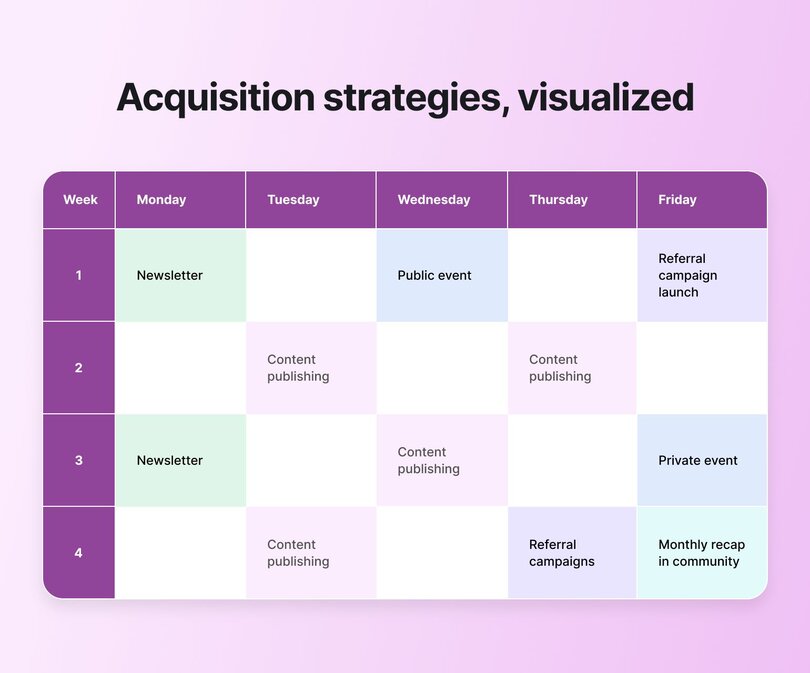
The 11 strategies we’ve covered here aren’t quick hacks. They’re proven approaches that help community builders attract the right members, reduce friction in the acquisition process, and set the stage for retention.
🚀 Ready to take the next step? Check out our post on [membership growth strategies](https://circle.so/blog/community-growth) and then [start your free 14-day trial today!](https://app.circle.so/communities/new)
## FAQs about member acquisition
How do you acquire new members?
You can acquire new members through strategies like content marketing, social proof, referrals, partnerships, events, email funnels, and AI-powered campaigns. Unlike a funnel, acquisition is the first step in a flywheel of engagement, retention, and advocacy.
What is a member-get-member strategy?
A member-get-member strategy is a [referral program](https://circle.so/blog/advocacy-marketing) where current members invite friends or peers to join. Both the referrer and new member benefit, making it a structured, trust-based way to grow your community organically.
What is member acquisition cost (MAC)?
Member acquisition cost (MAC) is the average cost of bringing in a new member. It includes marketing, events, or ads. A sustainable strategy keeps MAC lower than the lifetime value (LTV) of each member.
What’s the difference between member and customer acquisition?
Customer acquisition ends with a purchase. Member acquisition begins with a sign-up that leads to ongoing engagement, connection, and retention. Communities grow through a flywheel, not a funnel.
---
### Felippe Nardi’s 6-figure membership funnel strategy
*Learn about Felippe Nardi’s new member acquisition strategy, consisting of free cohorts that consistently turn into 6-figures in revenue!*
Source: https://circle.so/blog/membership-funnel-strategy
A six-figure launch of a course is awesome. Selling out 50% of the spots before even opening enrollment is even better.
🕵🏼 So, what’s the secret to a successful launch like this?
Converting a prospect into a paying member means showcasing the value of your community, something especially crucial for [cohort-based courses](https://circle.so/blog/cohort-program). Felippe Nardi, founder of the [Inside The Show](https://join.insidethe.show/) community, has designed a way to get there, and he wants to share it with you.
Inside The Show supports presenters, coaches, and creators with the skills to uplift and revolutionize their online sessions. As online experiences have become the new norm, Felippe saw that many new community builders and creators had great content but needed help tailoring the presentation style to an online environment.
Inside The Show gives its members access to one-on-one support, training, workshops, and events to help them uplift and revolutionize their online sessions. The community has had over 2,000 members from 55 countries and just launched its tenth cohort-based course, priced at $2,197 per enrollment.
In this post, we explore Felippe's six-figure new member acquisition strategy—from the prep work to opening enrollment.
## What is a membership funnel?
Before we jump into Felippe’s strategy, let’s run through some quick foundations.
Think about a real-world funnel for a second.
The top of the funnel is the widest part, where your potential members come in from organic or paid social and ads. At the bottom of the funnel, you convert the prospect to a paying member.
Your membership funnel stages will vary depending on how you engage with your potential members, but most membership funnels share the same core four funnel stages:
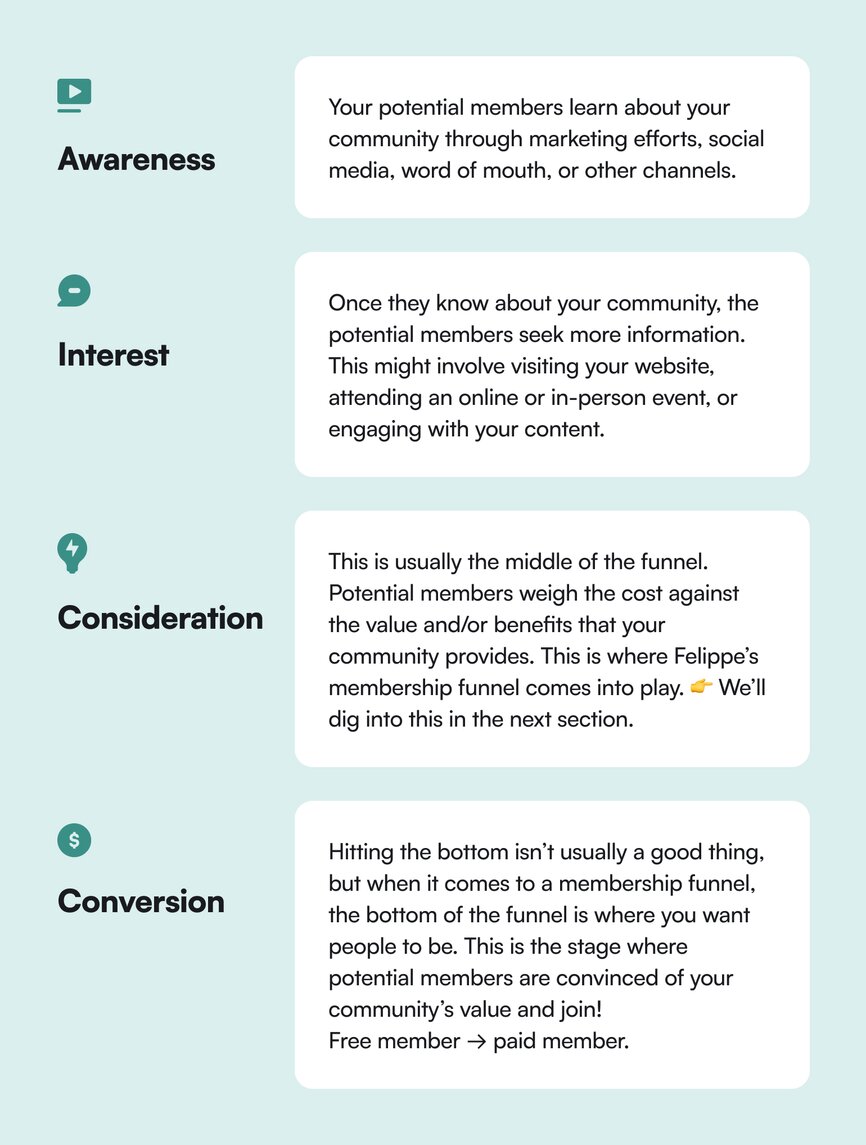
## Communicating the value of your community
When Felippe and his business partner were developing their membership funnel strategy, the big question was how to communicate the value of their community.
Felippe describes Inside The Show as an ecosystem that helps creators transform online sessions into incredible live virtual experiences.
- 🤔**The challenge** is that the community has a lot of content and resources. Short demonstrations weren’t working, and the team realized they needed a strategy to help people understand what it is like to be a part of the Inside The Show community.
- 💡**The solution** is the Inside The Show Test Virtual Audience Masterclass Week. Felippe and his team have created an experience that gives potential members the experience of a one-year membership in a one-week free event.
**Instead of a free trial with access to the community’s resources, Inside The Show provides specially designed resources for the week-long event**. The event engages and connects potential members to demonstrate the course’s value and fill the cohort’s 100 seats.
With over 400 active members, the strategy is working. Let’s dive into what makes the Virtual Audience Masterclass Week such a (repeatable) success.
## Inside Felippe Nardi’s 6-figure community funnel
As we said earlier, it’s not a free trial of the community. Instead, Felippe and his team have created a custom-designed version of the community and course content designed to showcase its year-long value in one week.
🧪 It’s basically a tightly curated version of “try it before you buy it.”
In the lead-up to each cohort, the Inside The Show team uses paid ads to drive sign-ups for the Virtual Audience Masterclass Week. It’s 100% free and gives potential members a compressed version of what being part of the community will be like—from discussion forums and support to homework and giveaways.
**The goal**? Driving signups from the cohort to become paying community members
This approach allows potential members to evaluate the course’s value before committing, significantly boosting enrollment rates.
Let’s dive into Felippe’s 8-step process for creating these six-figure revenue-driving cohort experiences.
### 1\. Getting your community space ready for your guests
This is the most critical step in Felippe’s strategy—creating a week-long experience that showcases what being in the community is truly like.
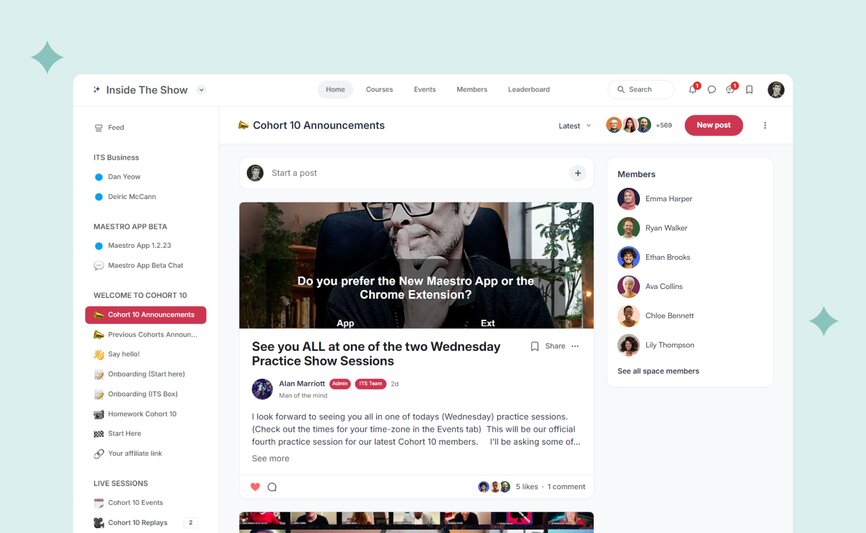
The team investigated what made Inside The Show valuable to its members. Then, they worked back from that to create a unique space inside Circle for the masterclass week that includes:
- Announcements
- Onboarding
- Resources
- Q&A
- Lessons
- Events
- Homework
It’s great content, but it’s not all available on day one. That’s where your potential member’s journey down your membership funnel begins.
### 2\. Onboarding members
Successfully onboarding members is critical, whether after they’ve paid to join or during a virtual masterclass week like the one from Inside The Show. One of the best metrics for successful onboarding is [community engagement](https://circle.so/blog/online-community-engagement).
How does he do it? **He asks each participant three questions:**
1. Where are you from?
2. What kind of virtual interactive experiences are you planning on creating?
3. Share any links you have — social media or websites.
Asking questions is only part of the work. Felippe and his team personally respond to each potential member’s answers to inspire more engagement.
💡 **Protip**: So, how do they respond to over 1,400 discussion posts? Felippe developed a Google Chrome extension powered by ChatGPT. It reads the answer and provides Felippe or someone on his team with a suggested response they can edit to their voice and respond with.
It’s a scalable way to respond to potential members personally, demonstrating the one-on-one support that being a paid member of Inside The Show delivers.
### 3\. Unlocking the Bonus Area
The Bonus Area is unlocked once the potential members complete the onboarding stage. In this area of the community, Inside The Show posts new content each day during the masterclass week.
This content includes posts on preparing Zoom for Virtual Audience Experiences, the Inside The Show gear recommendation lists, and example sessions to help prep for homework. They post new content daily to help drive return engagements during the masterclass.
### 4\. Providing interactive experiences with events and lessons
Since the Virtual Audience Masterclass Week is a one-week experience of an entire year’s worth of membership, Felippe and the team have created a series of events and lessons that take creators from basic Zoomers to super-powered presenters in a week. All hosted directly in Circle!
It’s more than just watching pre-recorded lessons (although Inside The Show’s pre-recorded lessons are amazing). The masterclass live sessions allow potential members to engage with their cohort and instructors to master the material.
### 5\. Inspiring engagement with homework and giveaways
The masterclass homework isn’t just busy work. Participants are encouraged to share their homework in the masterclass space to get feedback and advice from Inside The Show and other potential members. Felippe says it’s an opportunity to create a sense of belonging and community.
They use giveaways to encourage sharing homework in the space, including an awesome Inside The Show box with an Elgato Streamdeck and LED light. Every potential member who shares their homework gets their name included on a wheel that Felippe spins to pick a winner.
Getting potential members to share their work in the space also generates social proof for Inside The Show. Felippe says many potential members share their homework on social media, demonstrating the community's true value to prospects for the next cohort.
💡 **Protip**: Just because one funnel is in progress doesn’t mean you can’t start setting up for the next one!
### 6\. Offering support
Support is one of the core components of Inside The Show’s value. If you’ve ever presented before, you know that something will always go wrong. Inside The Show offers one-on-one support through a WhatsApp group so they have the confidence that they won't get stuck if something goes sideways.
To simulate the community experience even more, they created an area called “Ask Felippe and The Team,” where people can ask questions and get answers. It’s open to all masterclass week participants, further showcasing the community’s value.
### 7\. Creating a sense of FOMO
We’re reaching the bottom of the membership funnel with FOMO—fear of missing out. Inside The Show has spent the last week demonstrating the value of a one-year membership. They let potential members know they have a few days left to access their cohort's resources and homework examples before they’re taken offline.
### 8\. Stop. Drop. Open up registration.
The strategy's last stage is closing the community's masterclass space and opening up enrollment. Felippe uses a live event to open enrollment and quickly fills all the seats in his last few cohorts.
💡 **Protip**: Inside The Show has members from over 55 countries, which means dealing with many time zones. Felippe lets all potential members know they can reach out if they cannot join the live enrollment event. Before the event even started, Inside The Show had already filled 50 of the 100 seats in this last cohort.
## Key takeaways
Felippe’s strategy for his six-figure membership funnel is built around demonstrating a year’s worth of membership in one week. So how does he do it?
- **It’s not a free trial**. Create a tailored experience that takes your potential members from point A to point B. It’s a sliver of what they’ll get from a paid membership, but it’s a big sliver.
- **Onboarding is job number one**. If there’s one thing we learned in our [2024 Community Benchmark Report](https://circle.so/2024-creator-community-report), it’s that great onboarding leads to conversions.
- **Create FOMO**. Once your potential members feel the value you offer, they’ll be much more inclined to become paid members.
By adapting and following these ten steps, creators like you can develop a cohort-based membership funnel strategy that transforms your audience into a thriving community.
Circle brings together your members, discussions, events, courses, and content—all in one place, under your brand. Plus, you get access to our customer community full of handy resources and over 10,000 community builders on the same journey as you.
[Start your free 14-day free trial today!](https://app.circle.so/communities/new)
---
### How to choose the right membership management software
*Discover how to choose the right membership management software for your community. Learn 8 must-have features, expert tips, and when Circle is the best choice.*
Source: https://circle.so/blog/membership-management-software
Managing community memberships with a manual system like spreadsheets, Paypal links, and scattered lists is an extreme sport.
It may work, but chances are, overwhelm and burnout would be the order of the day.
The truth is that [**scaling without systems**](https://circle.so/blog/sustainable-business-growth) can very quickly become an Achilles heel for your business—and turn you into a “how startups fail” statistic.
That’s why so many successful creators—like Jay Clouse, Kristen Bousquet, and Pat Flynn—trust in membership management tools like Circle to help scale their businesses while keeping high quality member experiences.
**Want the same for your community?** Your first step is picking the _right tool_—and that starts with knowing what features matter most. But before we get into that, let’s cover the basics.
## What is membership management software?
**Membership management software** helps you manage everything your community needs, from tracking data and processing payments to organizing events and communicating directly with members. So instead of bouncing between apps or cobbling together a solution, it acts as your all-in-one headquarters.
Say you manage a professional association, run a fitness club, sell a course, or host an online community. The right platform lets you focus less on logistics and more on what truly matters—creating meaningful experiences for your members. (And of course, ensuring your membership provides you some income–if that’s the way your business is structured.)
### What’s the difference between membership management software and a CRM?
Both membership management software and CRM (customer relationship management) systems streamline your interactions with people. The big difference is in who they’re built for.
- **Membership management software** tools are purpose-built for communities and handle tasks like tracking memberships, managing renewals, automating operations, organizing events, and fostering engagement. They’re for creators, businesses, and organizations that want to create and grow an [engaged community](https://circle.so/blog/online-community-engagement).
- **CRM tools** manage sales and customer relationships. They help businesses manage leads, track deals, and analyze customer interactions. That’s why CRM platforms like HubSpot, Salesforce, and Zoho CRM are better for businesses focused on customer acquisition and lifecycle management rather than community engagement.
👉🏽 CRM is about nurturing prospects and closing deals, while membership management software is about growing relationships, retaining members, and [building a thriving community](https://circle.so/blog/build-a-community).
## 8 critical features to look for in a membership management tool
Ready to choose a membership platform for your community? Look out for these 8 must-have features.
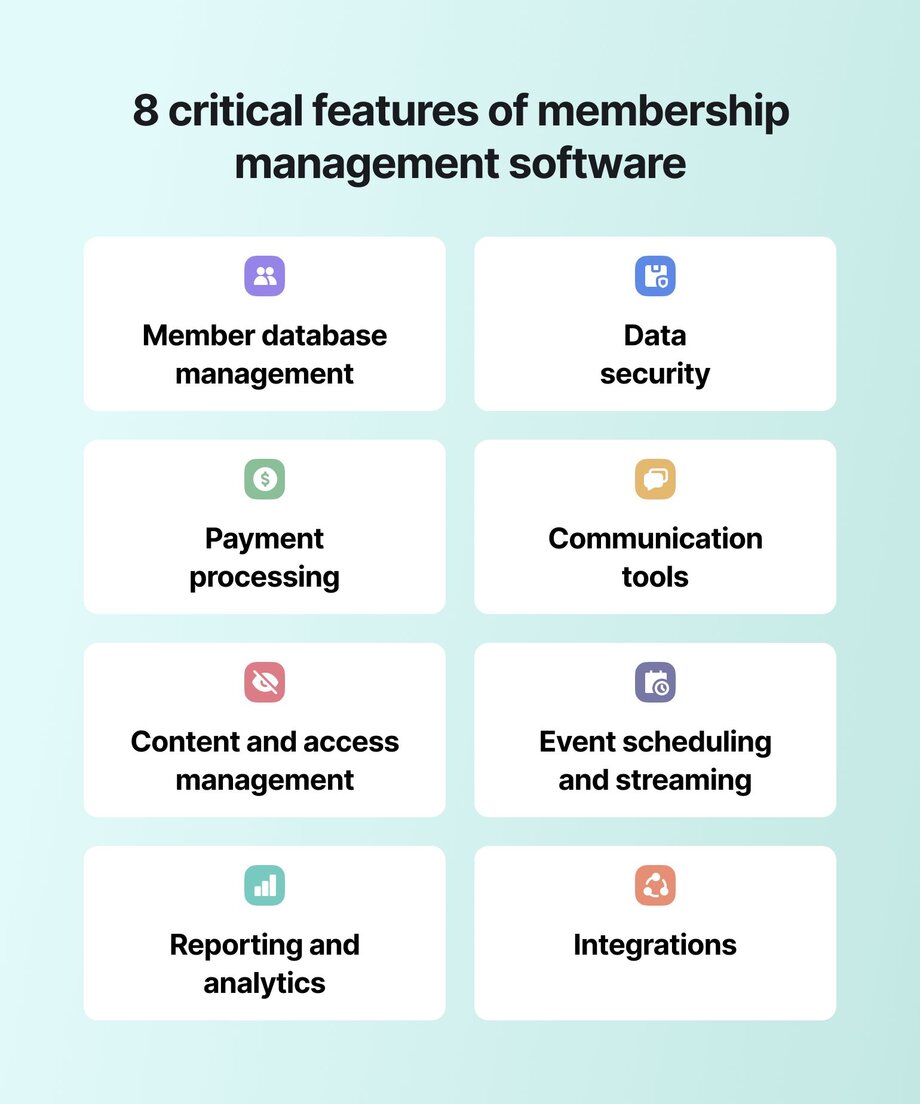
### 1\. Member database and profile management
A well-organized online membership system makes it easy to filter and find whatever information you need. Look for a tool that simplifies data organization and searchability with customizable member profiles.
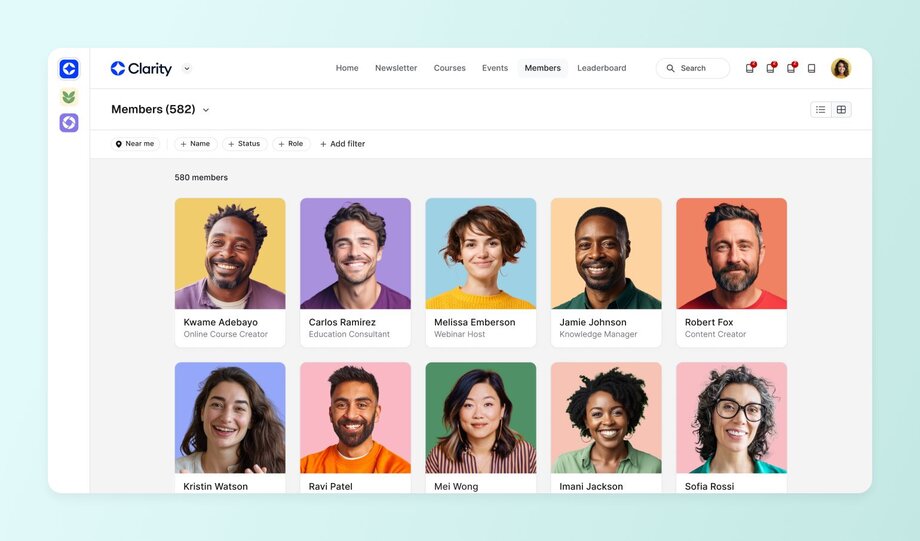
For example, Circle’s [member directory and audience management features](https://help.circle.so/p/audience/member-management/get-to-know-the-member-directory) let you view individual user profiles, coordinate local groups, [start masterminds](https://circle.so/blog/mastermind-groups), find your most active members, and regulate community activities seamlessly.
### 2\. Data security
Considering the [increase in cyber breaches and incidents](https://www.csis.org/programs/strategic-technologies-program/significant-cyber-incidents#:~:text=February%202025:%20Chinese%20cyber%20espionage,and%20potentially%20conduct%20strategic%20sabotage.), the membership software should also have robust privacy and security features, like data encryption, to protect sensitive materials.
With Circle, for instance, our [Data Processing Addendum (DPA)](https://circle.so/dpa) shows how we process and store user data.
> 💡 **Hint:** Circle’s DPA aligns with all applicable data protection laws, from the GDPR to Swiss Data Protection Laws, and the US Data Protection Laws.
### 3\. Payment processing and billing
Payment processing and billing are key to [community monetization](https://circle.so/blog/community-pricing-strategy). But, they can be big headaches when done manually or on separate apps.
Get paid faster and easier with membership management software that offers recurring payment handling and automated invoicing and receipts. These features will give you full control of how you gate and [charge for community access](https://circle.so/payments), whether that’s through one-time coaching sessions, annual subscriptions, or installments.
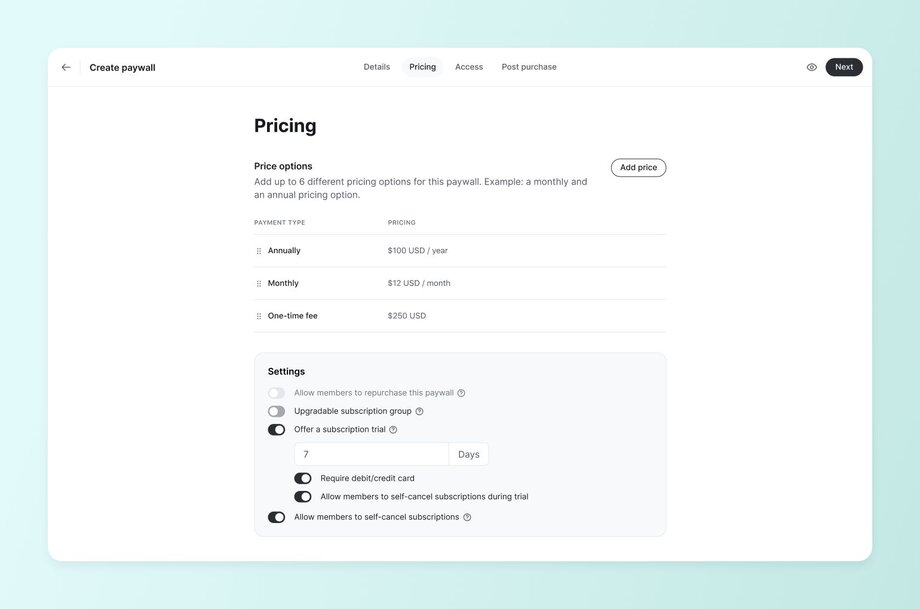
A tool like Circle, with [multiple paywall options](https://circle.so/payments), can improve ease of use and ensure members can pay from anywhere, at any time.
### 4\. Communication tools
Conversations are the heartbeat of every community, and discussion boards, chats, and organized chat spaces keep them going.
Communication tools are especially important if you’re [cultivating a member-led community](https://circle.so/blog/member-led-community). It’s easier to engage your members and drive meaningful discussions with a membership management system that offers:
- [**Email automation**](https://circle.so/email-hub) **and announcement features** to support direct-to-inbox broadcasts, marketing automation building, and audience management.
💡**Hint:** Circle even automatically pulls together a weekly community digest for the most recent posts in your community!
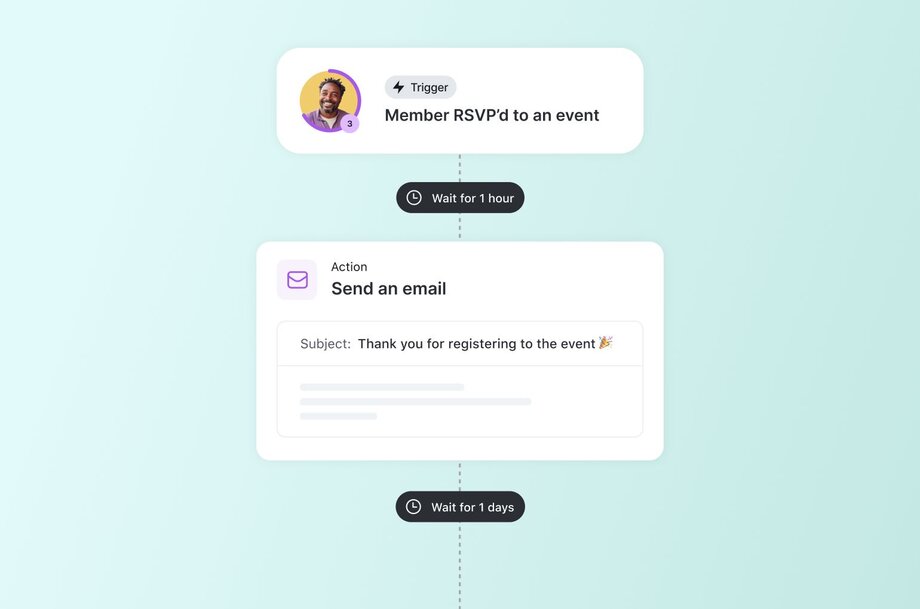
- **Membership messaging systems** to help you and your members interact via DMs, group [chat spaces](https://circle.so/chat), and [discussion boards](https://circle.so/discussions).
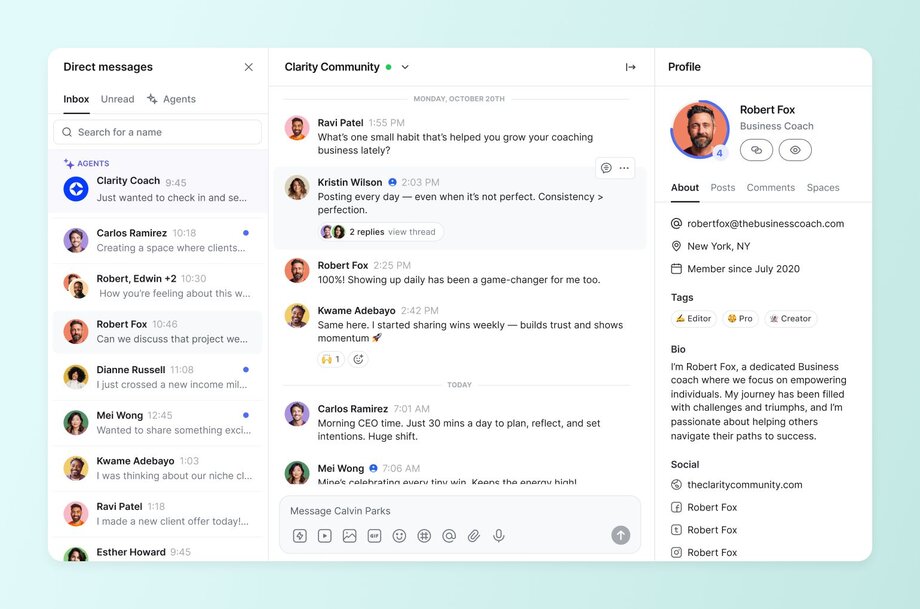
- [**Integrations**](https://circle.so/integrations) **with marketing tools—**like Airtable, Google Analytics, WordPress, and Facebook—so you can automate promotional activities, seamlessly fill your funnel, and make time for other crucial community tasks.
- [**AI capabilities**](https://circle.so/ai), including [intelligent agent building](https://circle.so/ai-agents), idea generation, writing, editing, automated transcriptions, and content repurposing, can speed up your community admin without losing your authenticity.

> 💡 **Pro tip:** To boost engagement between members, combine [communication](https://circle.so/blog/community-comms-best-practices) with [gamification](https://circle.so/blog/community-gamification-guide) triggers. For example, you can highlight active members and popular posts in your community digest, or use AI to reach out to active posters to [reward them](https://circle.so/blog/gamification-rewards).
### 5\. Access control and content management
Want to create free or paid content libraries without worrying about unauthorized access?
Then choose membership management software that helps you match different membership tiers with the right permission levels. These access controls make content gating and community moderation much easier.
Also, remember to confirm how well the tool handles [digital resource delivery](https://circle.so/blog/digital-products-to-sell). The last thing you want is an un-customizable content repository or poor video transmission quality.
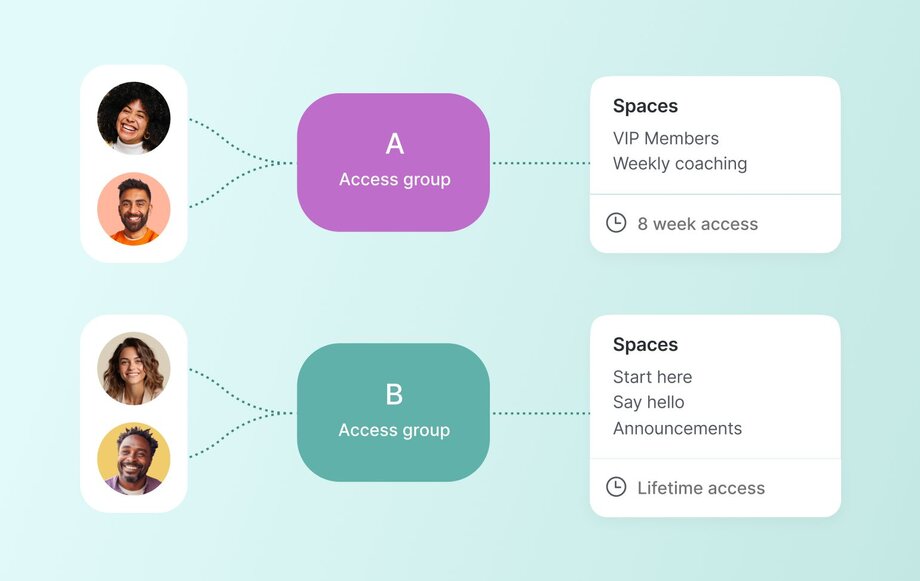
For example, Circle lets you [customize your community experience](https://circle.so/customization) to include open spaces, private channels, pre-recorded courses, and rich media attachments (e.g., videos and podcasts). Our UI simplifies [cohort creation](https://circle.so/blog/cohort-based-courses), space gating, and building out your [customized offer funnel](https://circle.so/blog/membership-funnel-strategy) in the best way that works for your business.
### 6\. Event management
You don’t need to be a pro planner or have the biggest budget to [host a successful community event](https://circle.so/blog/host-community-events). Simply look for member management software with critical [event planning tools](https://circle.so/events) like:
- Registration and ticketing
- Calendar integration, and
- Attendance tracking
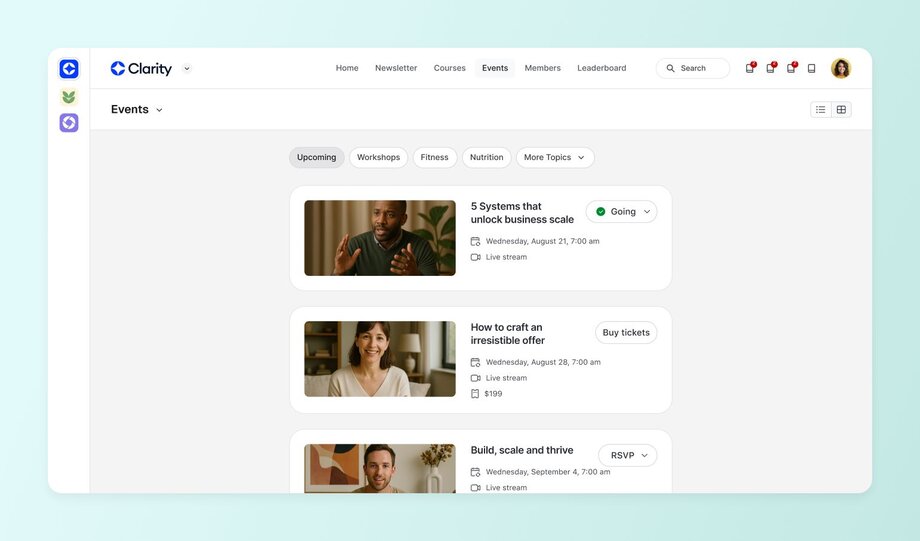
These features help you [organize all your event operations](https://circle.so/blog/data-driven-event-strategy) in one place so you can manage everything without breaking a sweat. They also aid smooth communication and collaboration, ensuring all team members and participants know what to do and what to expect throughout.
Another great event management feature to look out for is repurposing events into posts, transcripts, emails, and more.
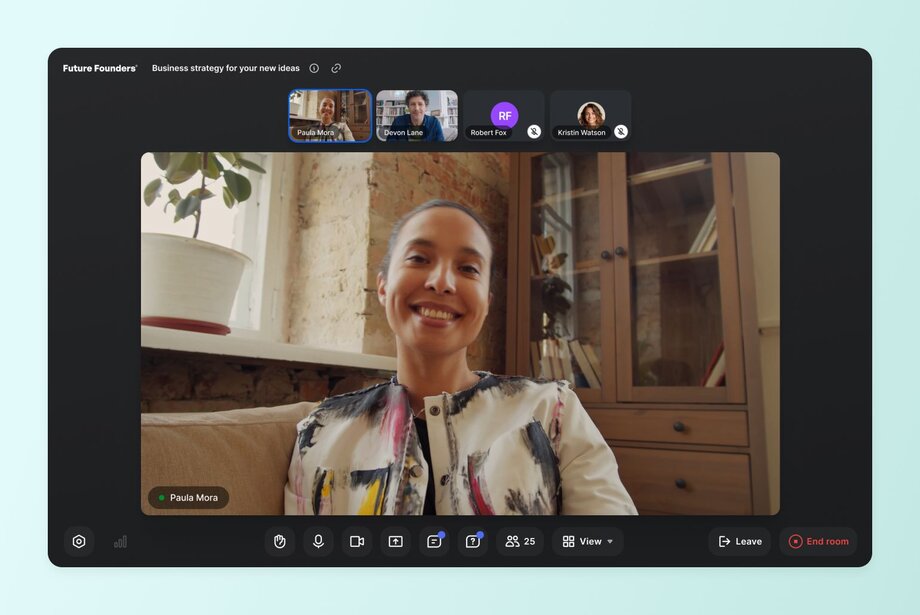
The [best membership management tools](https://circle.so/blog/best-membership-platforms) let you record live events, auto generate transcripts for accessibility and searchability, and create summaries or follow-up tasks for attendees. This way, you can stretch your event ROI to the max.
### 7\. Reporting and analytics
Why monitor community performance manually when you can just pick a membership management tool to do it for you?
Choose an app that [automates reporting and shows insights](https://circle.so/analytics) in real time, so you can see the health of your audience base and quickly make informed decisions about marketing, monetization, retention, growth, and more.
Consider how detailed the software’s reports are and confirm that it provides the key data you need at a glance, like:
- **Membership engagement metrics:** Active members (great for member-led programs), inactive members, daily active members (DAU), and members who haven’t accepted your community invite.
> 📆 If events are a big part of your business strategy, you may also want to see event metrics to build a [data-driven event strategy](https://circle.so/blog/data-driven-event-strategy).
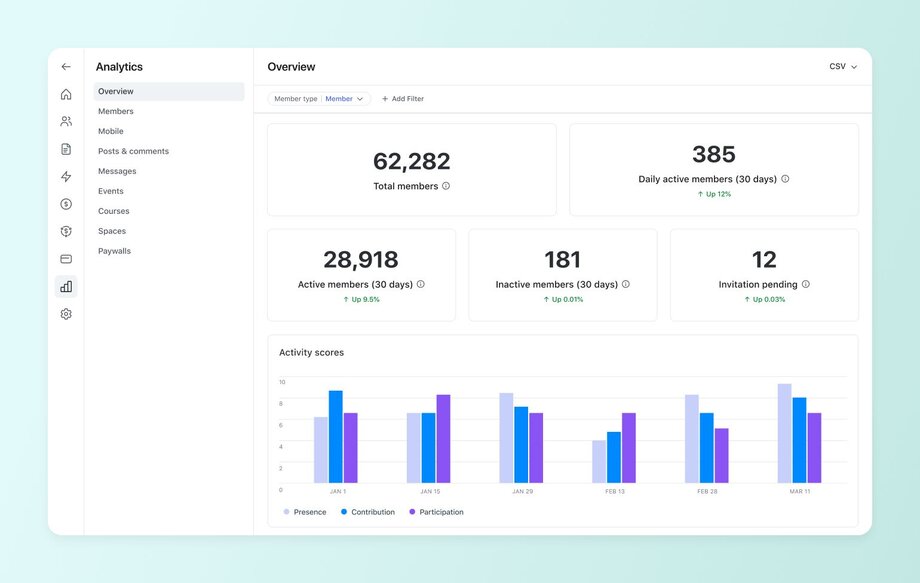
- **Financial reports:** Number of transactions, revenue breakdowns, conversion rate, and customer lifetime value (CLV).
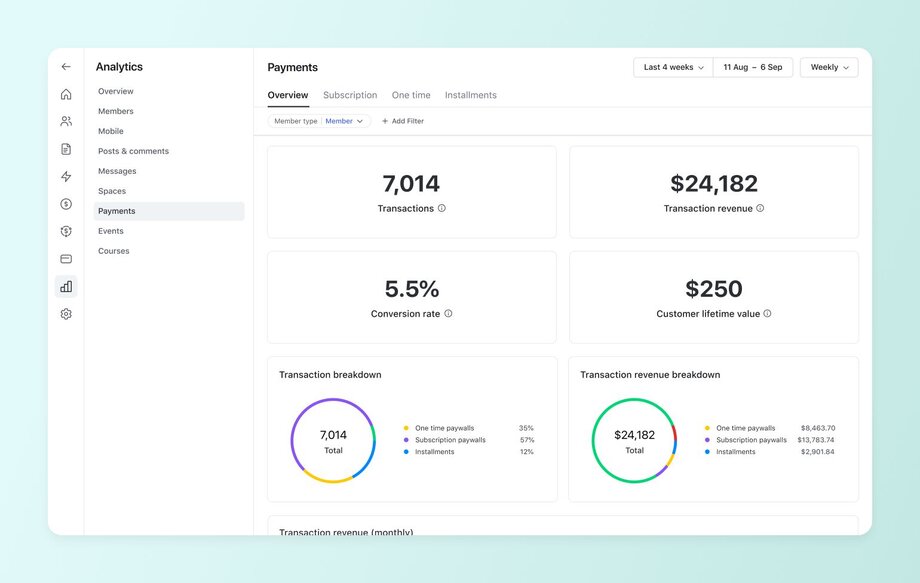
- **Growth analytics:** New members, posts, likes, and comments.
Also, check if you can generate custom reports like leaderboards and active times using filters (e.g., date, member activity, engagement level, or location).
### 8\. Integration capabilities
As a community builder or manager, your audience’s needs will change with time, trends, and growth. And no membership management software solution will have every feature or add-on you need at each stage. Opt for a tool with plenty of integrations and flexibility to eliminate multiple data entries across tools and reflect all updates made in connected apps.
Some [Circle integration features](https://circle.so/integrations) you can explore include:
- [**API availability**](https://api.circle.so/)**:** Circle offers multiple APIs to help you build automations and migrate data easily.
- **Third-party software compatibility:** You can connect Circle to many apps via Zapier or code snippets.
- **Website integration options:** [Circle’s headless functionality](https://circle.so/headless) (plus APIs and 3rd-party tool compatibility) lets you natively add its community features to your website and app.
## How to choose the right software
A quick Google search for top membership management software is easy. But picking a tool that matches your needs without frustrating community members (or you)? Not so much.
You need to do tons of research and consider factors like:
- **Budgeting:** Can you afford just one tool or a [stack of tools](https://circle.so/blog/creator-tech-stack)? And if you go for the latter, is it really more efficient or simply convenient in the short term?
- **Scalability:** Will the membership management software grow with you or is it limited to a certain number of users?
- **Ease of use:** How tech-savvy do you need to be to use the app?
- **Support:** Does the tool offer [guided onboarding](https://community.circle.so/c/welcome-checklist/), [education](https://circle.so/academy), [help docs](https://help.circle.so/), or a [community forum](https://community.circle.so/c/product-updates/)?
- **Migration:** How easy is it to switch from another software?
### Cost considerations
Different tools bill differently. Choose one that fits your budget by considering their pricing models: per member, flat fee, feature tiers, etc.
For example, **Slack charges from $8.75 per user** monthly while **Circle offers a flat fee**, starting at $89 a month. If you have 10 members or more, chances are a Circle community (including all of the extra features it has other than just a chat interface) would be a better deal.
The next thing to factor in is hidden costs like add-ons, integrations, developer time, and more. Then, estimate the tool’s potential ROI using indicators like time saved, your own revenue consistency, and the amount of support you’ll need from the tool’s support team.
Let’s take a look at some scenarios:
1. **Startup or solopreneur:** Because of tight budgets, consider opting for a tool with a flat monthly fee (like Circle), which simplifies budgeting and helps avoid surprise charges (like spiralling added costs per member, which punish you for growing).
2. **Growing business with scaling costs:** As membership numbers grow, the monthly cost increases, so the business must constantly monitor membership counts to ensure the tool remains cost-effective. If the growth trajectory is fast, this could lead to unexpectedly high costs. However, if the tool offers a scalable feature set, it might be worth the investment as the business expands.
3. **Enterprise or high-volume community:** Larger businesses should prioritize tools with flexible pricing and scalable features, offering robust reporting, analytics, and integrations. Despite higher upfront costs, the ROI is clear with time-saving automation, enhanced security, and seamless scalability for rapid growth.
### Implementation best practices
Choosing a membership management tool is only the first half of streamlining your community operations. The other half is setting it up.
**Need a starter guide?** Here’s one:
1. **Plan your migration:** This step includes [importing your member and email database](https://circle.so/migration/email), [switching payment systems](https://circle.so/migration/email), among other systems. Skip it if you are just starting your community.
2. **Train your team or VA** (if applicable): If you don’t run a solo community management show, you’ll need to invest in teaching your team to use the new software. Schedule training sessions where they get to watch demo videos, take guided tours, or learn directly from the app’s support agents.
3. **Avoid common setup pitfalls:** When setting up a [membership site](https://circle.so/blog/membership-site), issues like unstructured tiers and unclear permissions can easily slow you down. Prevent these issues by thoroughly assessing your management tool before go-live.
4. **Give yourself a 30-day setup runway:** Don’t use your members as lab rats—take your time to set up critical spaces, subscription tiers, payments, and more before migrating them to the tool.
### Find a membership management software that supports your bottom line
Determining your community’s ideal membership site software takes dedication and attention to detail. But, it is so worth it because you’ll save time on manual tasks and spend more time building valuable connections.
Remember to consider key features, compare platforms, and try demos. [Here's Circle's 14-day free trial](https://app.circle.so/communities/new) to get you started!
---
### 7 membership pricing strategies for maximizing revenue
*Discover 7 proven membership pricing strategies to maximize community revenue. Learn psychology-based tactics, avoid costly mistakes, and boost retention.*
Source: https://circle.so/blog/membership-pricing-strategy
You’ve built—or are building—a valuable membership community. Now, how much should you charge for it?
We understand that this question may feel daunting because you don’t want to overcharge, undercharge, or risk churned members. But the way you charge people for being “in the inner circle” (pun intended) is directly tied to your [community ROI](https://circle.so/community-roi-calculator).
That’s why **we recommend thinking of your membership pricing as a strategy, not just a number.**
Want to set a price point that matches your audience and drives revenue without guesswork? Follow the best practices in this post and our [community pricing guide](https://circle.so/blog/community-pricing-strategy).
## What is membership pricing (and why is it different from subscriptions)?
**Membership pricing** refers to the recurring fee that customers or members pay for ongoing, exclusive access to products, services, discounts, content, or a community. You can charge this fee as regularly as needed: monthly, quarterly, or yearly.
You’ll often see memberships with gyms, clubs, loyalty programs, and subscription boxes, but they’re also incredibly effective for communities.
**Subscription pricing** ensures consistent access to a valuable offering, unlike community memberships that provide a sense of belonging and additional benefits.
| Membership Pricing | Subscription Pricing |
| --- | --- |
| Often involves belonging to a community and receiving exclusive perks, like discounts, early access, or member-only events. | Entails paying periodically to access a product or service, e.g., courses or paywalled content. No community element. |
### The psychology behind membership vs subscription pricing
The psychology behind memberships vs subscriptions is nuanced.
For example, in memberships, if people pay monthly, they expect to receive value every month. For subscriptions, however, one study found that almost [70% of consumers](https://www.puiij.com/index.php/research/article/view/141) often subscribe to services they then forget about or rarely use—a “set it and forget it” mentality.
Also, if people feel like they don’t fit in socially (in memberships), then they’re more likely to cancel. Hence, the onus is on the community manager to create an onboarding flow that makes members feel welcome. Whereas, for a subscription, if the value subscribers are getting from it (say a financial app or editing tool) is good, then all is well. There’s less emphasis on emotions.
Both drive recurring revenue, but there are some emotional and community-based differences:
- **Memberships** give a sense of community belonging and identity. They also signal access, transformation, and relationship. Meanwhile, subscriptions lean into the content or product access mindset.
- **Subscriptions** are more transactional and one-and-done, but memberships rely on social proof and status factors to generate income while still building strong emotional connections.
The summary? Both membership and subscription pricing involve frequent payments, but with memberships, the sweet spot is making people see and feel that they are getting more than their money’s worth.
### Pricing when you're the product
If you’re building a membership program on top of a successful personal brand, your pricing approach may differ from communities built around shared pains or aspirations.
Because if you’re the brand, you’re not just charging for content, resources, or support—you’re putting a price tag on access and proximity to your expertise, perspective, and presence. So your pricing is about how close members feel to you, not _just_ what they can get from the group.
Some key considerations to keep in mind:
- **Personal brand vs community value:** With a community based on a personal brand, the draw is you—your voice, story, and credibility and authority in your space. And your members are those who are aligned with your shared mission or perspective. That means your pricing should reflect that the value is more relational than communal.
- **Time-based vs value-based pricing for personal access:** Your presence is a key part of the offer, so pricing may depend on the amount of direct access members get to you, rather than the value of your resources. The more access, the higher the price, like in VIP tiers, mastermind groups, office hours, one-on-one coaching, and more.,
- **Scaling limitations and pricing implications:** Your time doesn’t [scale infinitely](https://circle.so/blog/sustainable-business-growth). You still have the same 24 hours as everyone else. Hence, the more personalized or intimate the access, the more you’ll need to price accordingly. For example, if you’re a coach, you can’t continue to take on 1:1 clients forever, but you could expand your offer to [group coaching](https://circle.so/blog/group-coaching) programs.
## The membership pricing ladder—choose the right starting point
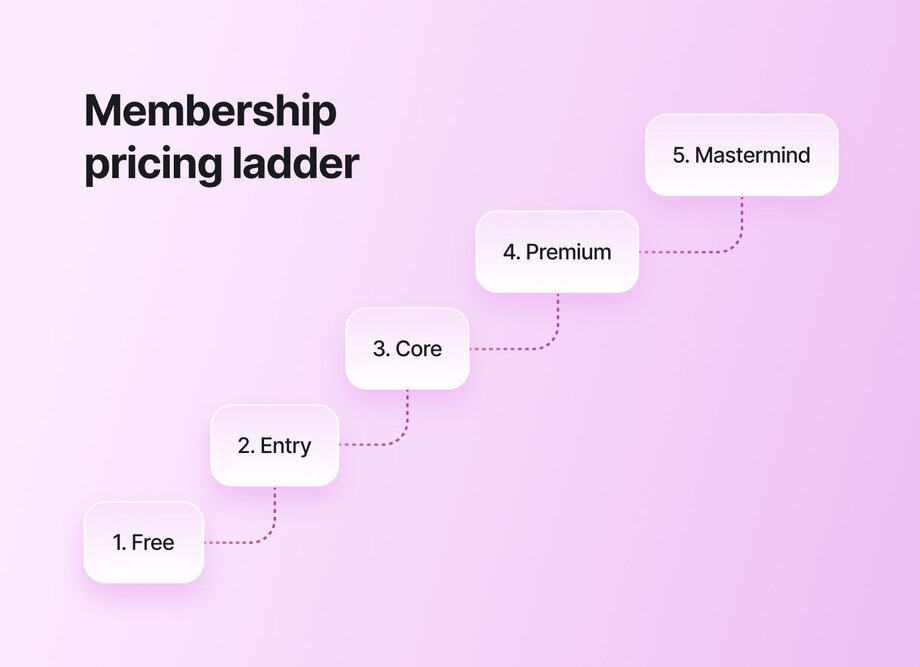
There is no right or wrong way to price your membership program, but certain pricing models tend to work better at specific stages or for different audience types.
Note: You can combine two or more models as needed.
- ⚖️ **Flat fee:** Charge everyone a single, recurring price. Best for: Simple, scalable communities with one clear offer—especially early-stage programs or content-led memberships.
- 📶 **Tiered pricing:** Offer multiple pricing tiers with different benefits (e.g., content-only vs. 1:1 founder access or exclusive event invites). Best for: Communities with mixed audiences—people who want low-commitment entry vs those craving premium access.
- 👐 **Pay-what-you-want:** Allow members to choose how much to pay, though you can suggest a minimum amount. Best for: Audience-first or mission-led communities that lead with accessibility, trust, or donation-based models.
- 🚀 **Founding member discount:** Give early access at a lower price to your first set of members. Best for: Building initial traction, validating your idea, and rewarding your most loyal supporters.
### 5 real-world pricing examples from Circle creators
Some real-life membership fee examples from our network include:
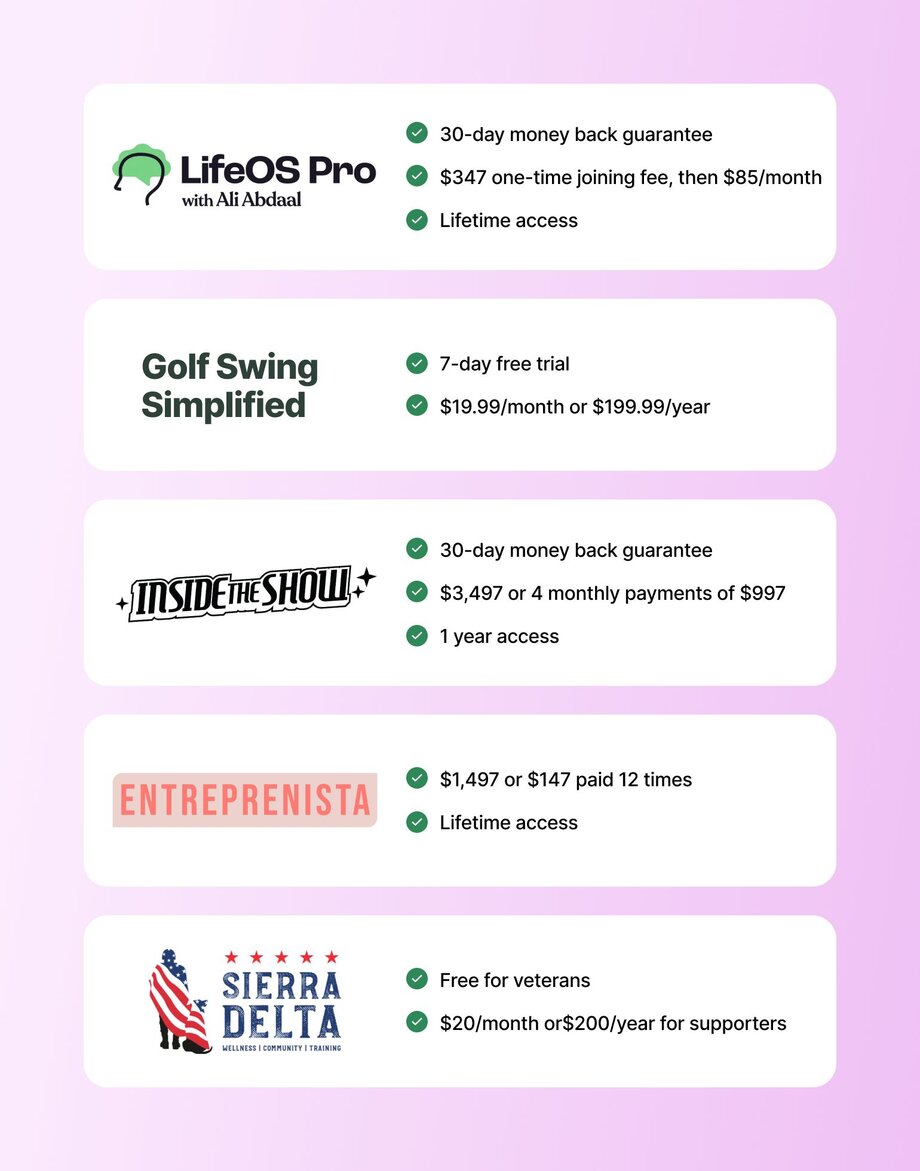
## 6 advanced pricing strategies for solopreneurs and branded communities
Determining the best price point for your membership offering requires critical thinking, research, and sometimes, a bit of trial and error.
Note: Mix and match as needed.
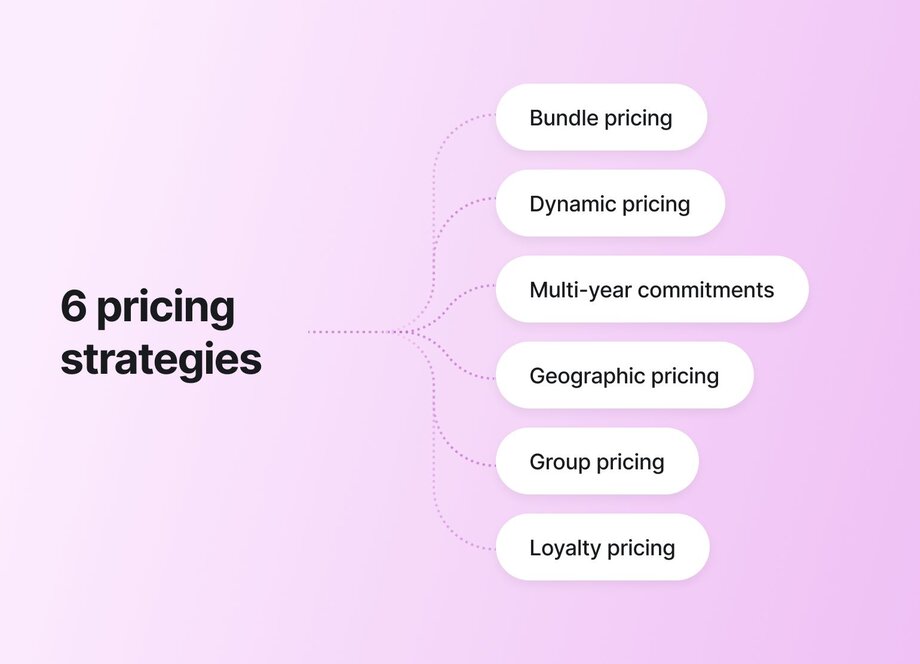
### Bundle pricing
Bundle pricing involves combining multiple offerings into a single payment plan, e.g., community plus courses, coaching, and content. It’s worth considering because it gives prospects a lot to look forward to when they join, while driving higher revenue per customer for you.
#### Examples of bundle pricing
- **Courses + community:** [Vocal training programs + a supportive virtual community](https://discover.circle.so/product/the-vocal-salon) for $97.99/month or $999.99/year.
- **Membership tiers + community:** [Web design courses, community, and coaching](https://discover.circle.so/c/joshhall), attracting monthly payments of $49, $99, and $199, respectively.
- **Content library + live support:** [An ever-growing bank of diabetic-friendly recipes](https://discover.circle.so/product/glucose-guide) with access to pre-vetted volunteer chefs who can guide cooking activities, all paid for by donations of $20 or more.
### Dynamic pricing
Dynamic or demand-based pricing is all about contextual price adjustments that help all sides, which is very different from price gouging.
This approach can help you stay flexible during slower periods or key events, so you can earn while aligning with member needs.
#### Examples of dynamic pricing
- **Seasonal price adjustments—or, sales:** A community focused on preserving African-American heritage might charge $50/month or $500/year but could offer a 25% discount to new members (and renewals!) during Black History Month.
- **Cohort launches:** A 3-month weight loss program could become so successful that the price increases to serve the rising demand. For example, the first cohort may launch at $500, but relaunch later at $750 and $1000 per person.
- **Member lifecycle pricing:** A gardening group offering a 10% lower price to new or trial members to lower the barrier to entry. Or, offering at-risk members 50% off their annual subscription to prevent churn.
> 💡 Member lifecycle pricing refers to adjusting your membership prices based on the stage someone is in their journey with your community or product. It boosts retention, conversion, and revenue by accounting for different stages like:
>
> - New members: Introductory or trial pricing to lower the barrier to entry.
> - Engaged or loyal members: Standard or premium rates, as they see more value.
> - At-risk or inactive members: Re-engagement offers or discounts to win them back.
> - Long-term members: Loyalty pricing, perks, or renewal bonuses.
### Multi-year commitments
Multi-year commitments encourage members to stay deeply invested in your community and its long-term success. They generate predictable [annual recurring revenue](https://circle.so/blog/community-analytics) (ARR) and help you plan with money that you _actually_ have in the bank, not just projections.
They also drive near-failproof retention. After all, no one wants to pay for something and not use it, especially if it costs a pretty penny.
That said, this dynamic can actually make multi-year commitments easier to manage from an operational standpoint because people have already paid—similar to how a gym membership with autorenewal keeps running even when members aren't actively using it. The upfront financial commitment creates a psychological barrier to leaving, even during periods of lower engagement.
#### Examples of multi-year commitments
- **Annual discounts:** A book club and co-working group offering 15% off for 2-year memberships.
- **Early-bird offers:** Mindful living community charging $200/year (instead of the standard $300/year paid annually) for early sign-ups who commit to 3-year plans.
- **Exclusive perks:** A developer hub that gives free premium content, discounted event tickets, and tool coupon codes to those on a 4-year plan.
### Geographic pricing
Consider location-based pricing if your audience spans regions with varying currencies, income levels, or purchasing power. It’ll help you stay inclusive and competitive, especially as a global community where flat rates could be too high or too low for certain markets.
By accounting for geographic differences, you create fairer access without leaving money on the table.
#### Examples of geographic pricing
- **Currency factors:** A project management mentorship club may charge $100/month in the U.S., but offer the same plan at NGN 75,000/month (the equivalent of ~$50 USD) in Nigeria, reflecting both currency conversion and local affordability. This compromise would make sense since, [as of 2023, the average per capita income](https://data.worldbank.org/indicator/NY.GDP.PCAP.CD) in the U.S. was $82,769.4 while Nigeria’s was $1,596.6.
- **Regional considerations:** UK-focused wellness community setting a higher price (£60/month) for members in London due to local average income benchmarks, while maintaining a lower tier (like £45/month) for Leicester and Bradford. This scenario is less likely since all regions are within the same country, but it’s still worth considering.
- **Purchasing Power Parity (PPP):** A group for serial entrepreneurs, with chapters or channels for different countries, might bill differently based on [World Bank PPP data](https://data.worldbank.org/indicator/NY.GDP.PCAP.PP.CD), e.g., $40/month in India vs $80/month in Switzerland.
### Group or corporate pricing
Group or corporate pricing is ideal for communities that companies are likely to expense for employee development. It’s a win-win B2B strategy because businesses get bulk discounts, while you gain predictable, scaled growth (even if your per-head revenue is slightly lower).
#### Examples of group/corporate pricing
- **Basic team discounts:** A community for agency leaders offering a 20% discount on their regular price of $80/month per member for group signups (5 or more).
- **Bulk memberships:** A real estate agent network could charge members a one-time joining fee of $250 and subsequent monthly payments of $60, offering a negotiable enterprise pricing tier for 10 or more agents from the same company.
- **Volume-based discounts:** Workplace wellness society with a tiered discount structure where the cost per member reduces as more people from the same organization sign up. E.g., 1-5 employees pay $100/month, 6-15 pay $75/month, and 16+ pay $50/month.
### Loyalty or tenure-based pricing
Loyalty or tenure-based pricing is a form of member lifecycle billing, where communities charge long-term clients less than regular or new ones. It is based on the premise that rewarding your best members can help reduce churn, enhance retention, and drive referrals.
#### Examples of loyalty/tenure-based pricing
- **Legacy pricing:** A yoga community could lock in a $30/month rate for founding members, even as new clients pay $50/month.
- **Renewal discounts:** Design mentorship hub offering 14% off to members who extend their annual plan for a second or third year.
- **Milestone perks:** No-code learning group may give long-term members access to bonus courses or 1:1 coaching after 12+ months of active membership.
## 5 pricing tests you can run in Circle
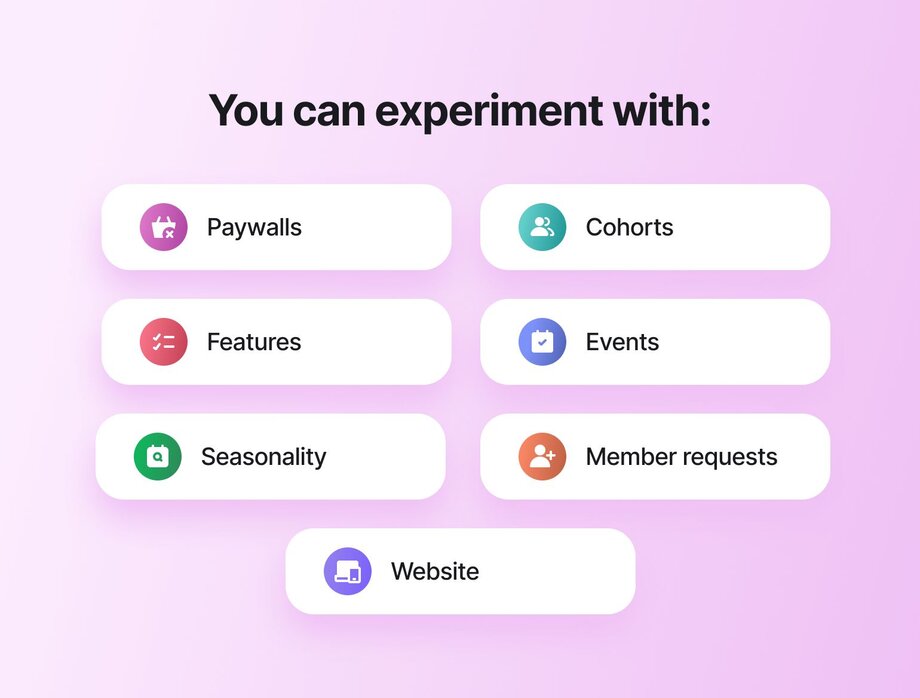
Want to experiment with different pricing models to find the right combo for your members? Circle’s [membership management software](https://circle.so/blog/membership-management-software) lets you run insightful tests like:
- **Cohort pricing experiments:** Adjust the prices of [your community paywalls](https://circle.so/blog/paywalls) as you launch new cohorts to find the ideal price that converts best.
- **Seasonal pricing tests:** Try updating your prices during specific periods or events—like Mother’s Day for parenting communities, Mental Health Month for wellness memberships, or your business anniversary—which give you a chance to offer [coupons](https://help.circle.so/p/payments/paywall-setup/create-coupons-for-paywalls) or special rates without undervaluing your membership program.
- **Feature-gated pricing tests:** Experiment with gating specific membership features, like access to premium courses or one-on-one mentorship. You can do this via your community’s landing page by providing different options for prospects to choose from when signing up.
- **Member feedback-driven pricing adjustments:** Once you’ve tried out one or more pricing models, observe your conversion numbers and ongoing member conversations (within and outside the community). These insights will help you decide whether to adjust your price up or down. You can also run polls with members to [create a value matrix](https://www.reforge.com/blog/brief-use-a-product-value-matrix-to-prioritize-your-roadmap) that’ll help you decide what features go in higher tiers.
- **A/B testing landing page pricing:** Test different copy, visuals, and CTAs to identify what resonates most with your audience and increase revenue. Key metrics to track for effective optimization include page traffic, engagement, conversions, and retention. Either run the tests via [Circle paywalls](https://circle.so/payments) or try external testing tools like VWO.
## Circle features that support your flexible pricing strategy
It’s not always easy to find a tool that helps you manage your memberships, events, discussions, analytics, _and_ finances. But when you find the right one, it can be revolutionary.
> 67% of community builders plan to consolidate their tech stack in 2025, including CRMs, email marketing platforms, and automation tools.
>
> —[2025 Community Trends Report](https://circle.so/2025-community-trends-report)
So let’s take a look at some of the key Circle features that will support any pricing strategy you choose:
**Automated tier management:** Circle lets you set up a membership paywall with tiered [subscription groups](https://help.circle.so/p/payments/paywall-setup/set-up-subscription-groups). This way, members get to choose their most convenient option.
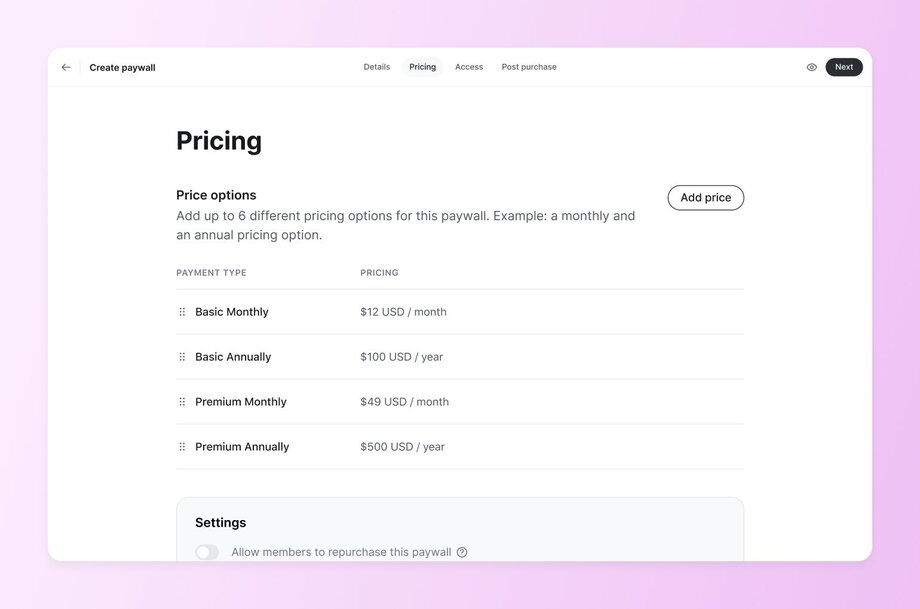
**Member segments for pricing tiers:** With Circle [tags](https://help.circle.so/p/audience/member-management/apply-and-manage-member-tags) and [workflows](https://circle.so/workflows), you can group members and give them unique experiences, campaigns, and dashboard views based on their membership plan.
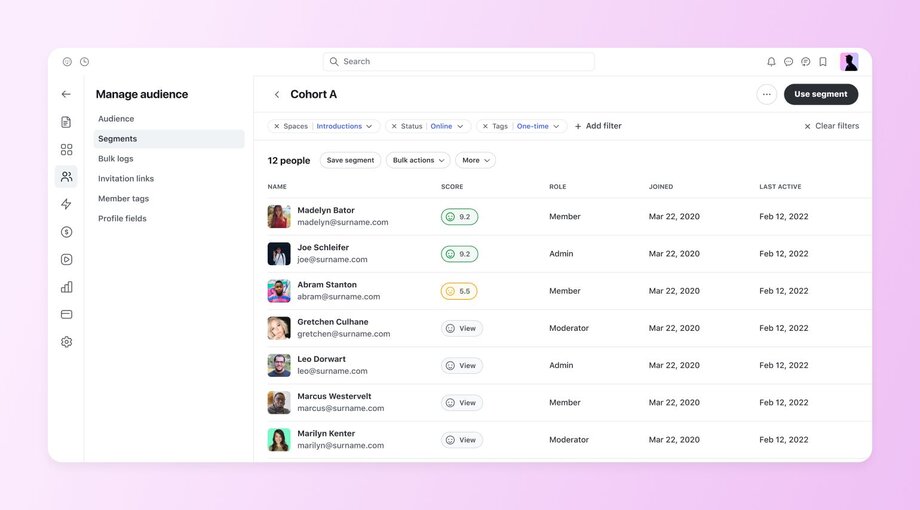
**Content gating and access control:** Controlling how much access members on different payment plans get to content, spaces, or other benefits doesn’t have to be difficult. Simply use our [access groups](https://help.circle.so/p/basics/community-access/access-group-overview) feature to control how members enter spaces in your community.
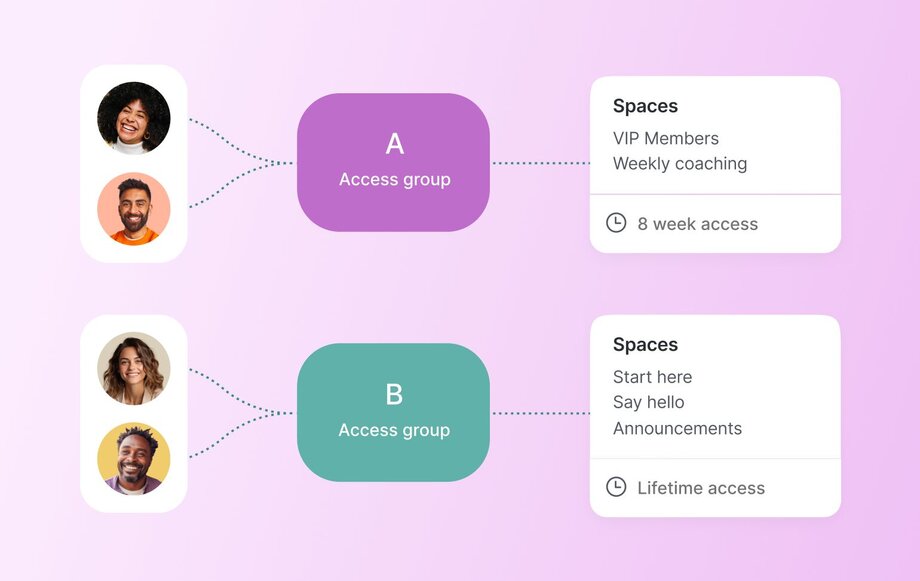
**Payment integrations and custom** [**paywalls**](https://circle.so/blog/paywalls)**:** You _could_ create your pricing page elsewhere and embed a Circle [paywall](https://help.circle.so/p/payments/paywall-setup/paywalls-overviews) on it. But with our page builder, you’ll have more control over your purchase funnel. It offers advanced customization features and full-funnel analytics that show you what resonates best—from first impression to repeat member—so you can double down on it.
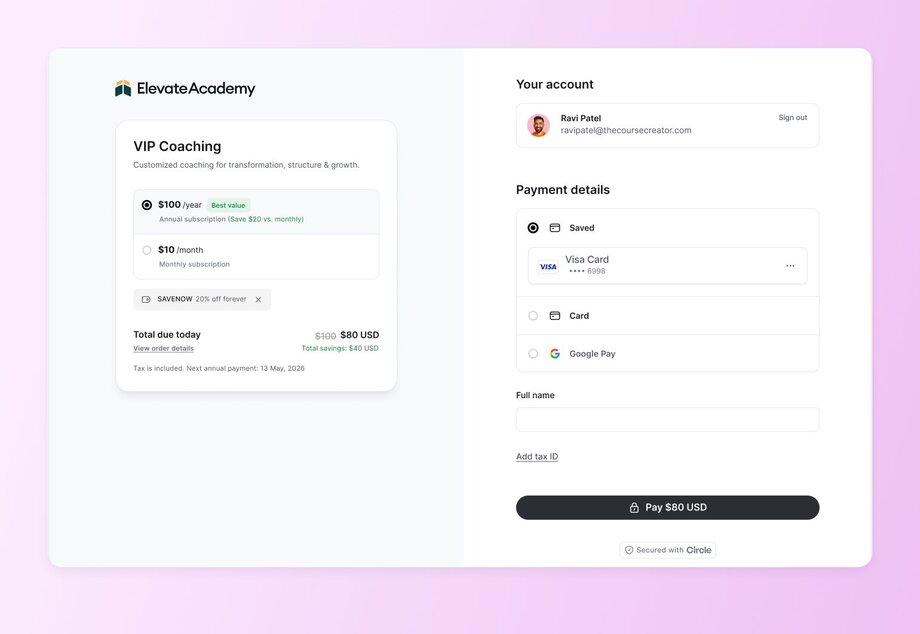
**Analytics for conversion optimization:** Wondering about monitoring results? Don’t be. On Circle, you can track your pricing page views, conversions, bounce rate, and visitors. Improve your offer and boost conversions with these insights.
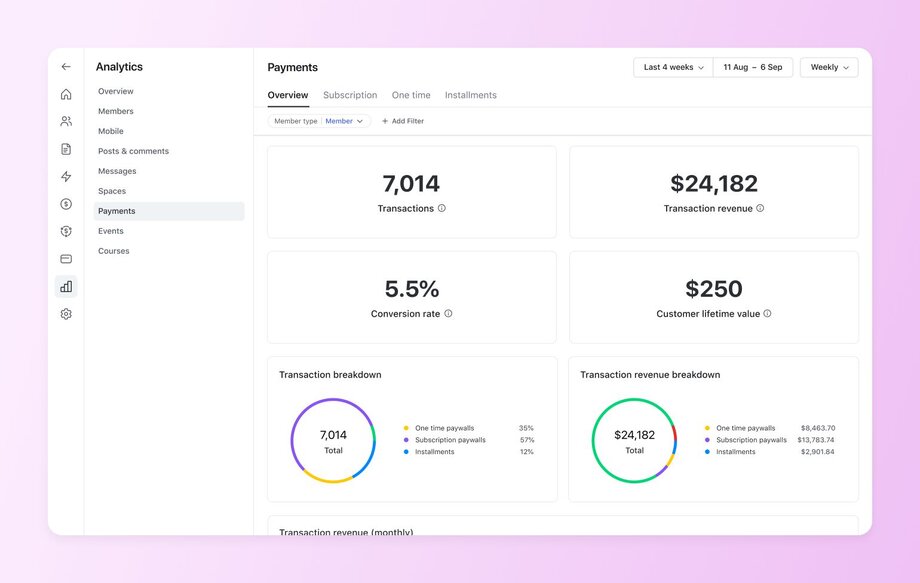
## Use our membership pricing calculator to get unstuck
Pricing your community membership appropriately is difficult. If it were easy, you’d have done it and moved on to other things.
Because setting your membership price can be a make-or-break decision, it relies on key factors like revenue goals, member projections, and community trends.
That’s why we created a free tool to help.
## Membership pricing mistakes that kill retention
Memberships can be a powerful part of your [community monetization](https://circle.so/blog/how-to-monetize-a-community) strategy—but only if they’re priced right. Get it wrong, and you risk low conversions, poor retention, or worse: realizing too late that you’ve been leaving serious money on the table.
**The good news?** Most membership pricing mistakes follow similar patterns. Here are the four most common ones we’ve observed and how to avoid them without missing a beat:
### Pricing too low and devaluing the community
Low prices may attract more signups at first, but they could also signal low value, attract the wrong audience, or cause low engagement. So instead of just slapping on a low price, bill according to the transformation or access you offer. Trust us—people pay more when they believe it’s worth more.
Still unsure? Here are four reasons to raise your prices, according to Circle expert and founder of Build a Community Business [Tatiana Figueiredo](https://tatfig.com/):
- **Freemium and low-cost tiers are risky,** and people rarely upgrade because they join with limited access and immediately feel disconnected or unable to fully engage.
- **People are more invested when they’ve paid more**, leading to better experiences.
- Lack of boundaries can make you feel resentment towards your community, but **pricing helps you protect your time and energy.**
- **Meaningful connection is worth paying for**—and your pricing should reflect that.
### Surprise price increases without grandfather clauses
Suddenly upping your price without honoring early supporters can break trust and lead to churn. This is why you should grandfather existing members, i.e., let them keep their original rate despite price increases.
Like in the case of [Trend Atelier](https://www.thetrendatelier.com/), founder Geraldine Wharry doubled the community membership fee after realizing how much effort her high-value events were taking. But first, she grandfathered her first two cohorts, whom she didn’t want to catch unaware.
If you can’t do that, go the route of clearly communicating upcoming changes with an extended notice period so they aren’t caught off guard.
### Not aligning pricing with member journey stages
Charging beginners and seasoned members the same rate doesn’t account for their evolving needs. So, rather than doing that, meet everyone where they are by considering tiered pricing or add-on upgrades that match each person’s member journey stage.
For example, [Self-Care Society](https://www.selfcaresociety.co/) offers a few one-time payments for live events, and three main offerings:
- 7-day confidence challenge: $7
- All-access membership: $12/month
- “You Year” 4-hour course: $97
### Ignoring payment psychology (billing dates, amounts)
Random or poorly-timed charges (e.g., mid-month) can increase cancellations. Seriously. The last thing anyone wants is a surprise _“maintenance”_ fee after their standard payment, or a bill hitting when they’re low on funds and waiting for payday.
Avoid these issues and reduce friction by using a timely billing date (like the 1st or last day of the month), offering monthly vs. annual plans, and aiming for clear, easy-to-justify pricing.
## Pricing is a journey, not a one-time decision
But confidence in your price point at any stage comes from clarity, testing, and member insight.
Enter Circle, the best platform for testing, scaling, and monetizing communities. Use our app to launch or upgrade your paid membership program, starting with a [free 14-day trial](https://app.circle.so/communities/new) (so you can see for yourself!)
## FAQs
What is an example of a membership fee?
A membership fee could be a monthly $25 charge for access to a community and exclusive content. However, some membership fees can go up to $1000 or more.
How do I set a membership fee?
Consider your offer, expenses, and what others are charging to determine the right membership fee. Try our [free community ROI calculator](https://circle.so/community-roi-calculator) to see what a particular fee and audience size looks like based on average conversion rates pulled directly from real Circle communities.
What's the difference between a subscription and a membership?
A subscription usually grants access to a product or service for a defined period, while a membership typically includes community engagement.
Should I offer a free community tier?
A free community tier may attract new members, but it could also limit engagement and revenue potential. So if possible, use it as [a funnel to paid tiers](https://circle.so/blog/membership-funnel-strategy).
How to price membership tiers for maximum revenue?
Offer tiered membership pricing based on the value you’re providing—e.g., lower-cost entry options for beginners and higher-value options for advanced members or premium benefits.
How do I test my membership pricing?
A/B test different price points and track conversions, churn, and member feedback to find the optimal amount.
How do I calculate membership pricing for my online course?
Calculate membership [pricing for your online course](https://circle.so/blog/how-to-price-an-online-course) by factoring in its value, competitor prices, target audience affordability, and the overall experience you’re offering.
Should I offer lifetime membership pricing?
Lifetime pricing can provide upfront revenue but may hurt long-term ROI and member retention. Consider offering it selectively, e.g., for founding members, a limited-time offer, or a certain number of members.
---
### Membership retention strategies for creators: 6 systems that keep members for years
*Six retention systems from Web Designer Pro's $327K/year membership: fast onboarding, success pathways, member connection, identity, IRL events, and boomerang offboarding that keeps churn low.*
Source: https://circle.so/blog/membership-retention-strategies
> ## **TL;DR**
>
> * Members don't leave because your content is bad. They leave because nothing pulled them in early enough to matter.
> * In a membership, retention is the whole business: a handful of renewals beats a marketing push every time.
> * Keeping members isn't one clever tactic. It's a set of systems you can start today and build on.
If you run a membership, you’ve probably experienced this at some point: people join excited, then quietly disappear. There’s rarely a precise moment where things “go wrong.” But when you see that Stripe cancellation notice, it’s hard not to wonder whether your membership is actually working.
When churn shows up, many community builders look first to their marketing. They think about more promotion, launches, and visibility. Those pieces matter. Sustainable growth, though, also depends on what happens after someone joins and whether the experience gives them a reason to stay.
Josh Hall’s [Web Designer Pro](https://webdesignerpro.com/) is proof. With just **250–300 members** and no community manager, his membership generates **$327K** in annual recurring revenue and **more than $817K** over five years. These results come from a set of membership retention strategies built into the community from day one.
In this article, we’ll break down the exact systems Josh shared at Circle’s [Future of Communities Summit](https://www.youtube.com/playlist?list=PL0O4KP8uYp2uJB_HcGGZldZQHDAN9JtEu) in 2025. You’ll learn
* how to help members get value quickly,
* build ongoing relationships inside the community, and
* use Circle’s features to turn a small, creator-led membership into something people stay in, renew, and return to over time.
## **What are membership retention strategies?**
Membership retention strategies are the systems that keep members showing up and paying month after month, so you grow on renewals instead of constantly refilling the ones you lost. For a creator-led membership, six systems move retention the most:
* Personal onboarding that gets a new member to a first win fast
* Clear success pathways so members always know their next step
* Member-to-member connection, not just connection to you
* Identity and ownership that make the community part of how members describe themselves
* In-person and live touchpoints that deepen online relationships
* Offboarding and rejoin flows that keep the door open for returning members
## Why retention matters more in small communities
In a small membership community, a handful of cancellations can immediately affect monthly revenue, making every renewal matter more. That’s why online community retention isn’t a “nice to have” at smaller sizes. It keeps the business stable.
“When you think about a membership that’s knocking on the door of a million dollars, you probably think you need thousands of members,” says Josh. “That’s not the case. Depending on the price points and the experience you want to craft, you can do it with a very reasonable number of members, *especially* if you focus on retention.”
Josh built Web Designer Pro to fit his life, with his family and personal freedom as top priorities. He didn’t want a large, scaled community. His goal was a [balanced business](https://circle.so/blog/money-mindset-shifts-for-creators) that could support his life while still creating meaningful value for members.
In small communities, retention compounds over time:
* Long-term members drive referrals and word of mouth
* Deeper participation leads to more meaningful transformation
* Less pressure to constantly launch or promote
So, what did Josh do to turn his small membership into a sustainable, compounding growth engine?
## 1. Nail the first impression
Josh’s philosophy is simple: [onboarding](https://circle.so/blog/community-onboarding) **is *retention*.**
The first few days introduce members to how the community works and help them understand next steps. It can also directly affect whether they come back and start using the community in a meaningful way. If the start feels confusing or impersonal, many members never fully engage.
### How Web Designer Pro puts this into practice
The fastest way to show a new member they matter is to acknowledge them directly.
In the early days of Web Designer Pro, Josh welcomed every new member with a short [personal video](https://circle.so/blog/how-to-be-confident-on-camera).
What that looked like in practice:
* A quick **Loom video** sent after someone joined
* A **personal note** like, “Hey, I’m Josh. I checked out your site. Here’s what I noticed.”
* A **simple question** asking about goals and challenges
Today, Josh uses [Circle’s automations](https://circle.so/blog/community-automation-map) to scale this while keeping the human touch, following membership onboarding best practices:
* An **automated DM** with a warm **welcome video**
* A **prompt** to reply with goals and current priorities
* A personal **follow-up message** or **Loom** once they respond
### Why this drives retention
A personal welcome grounds the experience in a genuine interaction from the start. Seeing and hearing from the community leader helps new members recognize a face and name.
“I have so many members who got a video from me five years ago and still talk about it today,” Josh says.
That first exchange provides members with a clear point of contact and makes the community feel like a place where people notice when you show up.
### How to implement this in Circle
The trap with automating a welcome is that it starts to feel automated. The fix is to write the first message like a real one: greet them by name, point to your video, and end on a question, "what are you hoping to get out of this?" Circle's [Workflows](https://circle.so/workflows) send it the moment someone joins, so every new member hears from you on day one without you sitting at your keyboard. Leave the reply open so they can actually answer you. The automation should start the conversation, not finish it.
> 💡 **Add a Circle AI safety net for the off-hours.** A [Circle AI agent](https://circle.so/ai-agents), trained on your spaces and courses, can field the "where do I start?" questions that land at 11pm. It hands the member back to you when it's a conversation only you should have. Circle ran one on its own community and it handled 300+ repeat questions in a month, freeing the team for the members who needed a real reply.
## 2. Set up success pathways
After the initial welcome, members are more likely to stay engaged when they can see a clear next step.
“People don’t want more information. They want a result,” says Josh.
That starts with understanding where someone is in their journey and giving them a path that makes sense for that stage.
### How Web Designer Pro puts this into practice
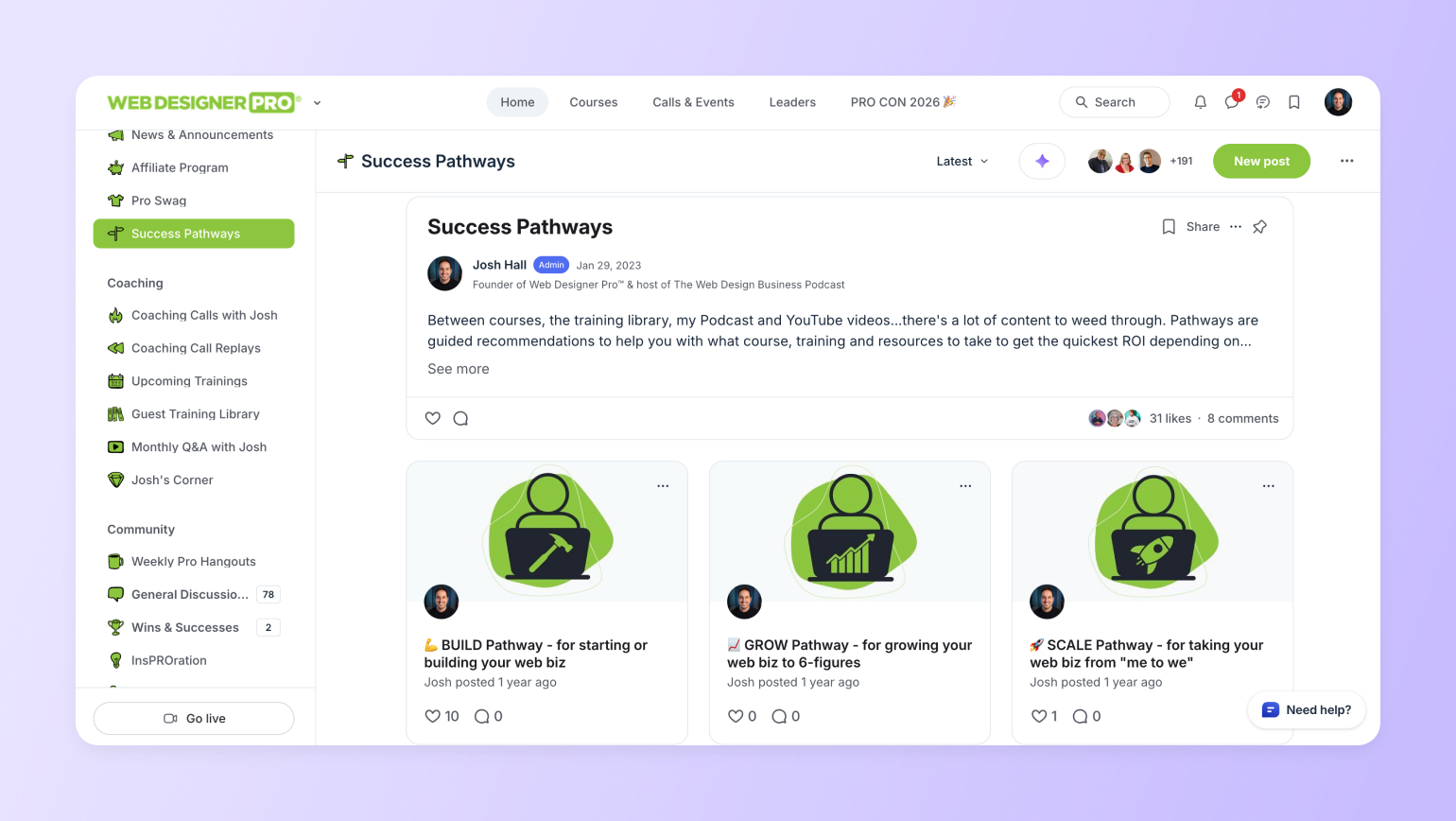
Over time, Josh noticed that most members fall into one of three stages based on where they are in their business, each with different needs:
* **Builders** are new web designers who are just getting started. They need fundamentals and quick wins that help them land early clients and build confidence.
* **Growers** already run a business and earn roughly $20,000 to $50,000 annually. Their path centers on pricing, positioning, and systems to reach six figures.
* **Scalers** run established agencies at six- or multi-six-figure revenue. They come for higher-level strategy, leadership advice, and coaching that fits a growing team.
### Why this drives retention
Distinct success pathways mean members don’t have to guess where to start or scroll through an endless library of content hoping something clicks. Members know where they fit and what to focus on next.
The different member types also support one another.
“Builders help Builders, Growers help Builders, and Scalers help Growers,” says Josh. “But Scalers also learn from Builders because they’re experimenting with new tools.”
This structure drives retention because:
* New members get early wins tied to their stage
* People know which courses, [community events](https://circle.so/blog/host-community-events), or conversations matter most
* Members learn from peers who are slightly ahead or trying something new
* Scalers stay involved because the community continues to stretch them
> This supportive membership tiering is also exactly [how Pat Flynn grew SPI to $1M+](https://circle.so/customer-stories/spi-community).
### How to implement in Circle
Once you define your core member stages, use Circle to connect them to key actions:
* Use **profile fields** so members select a stage that reflects where they are right now
* For each stage, recommend specific **resources, events,** and **spaces**
* Create a simple **“First 30 Days” checklist** for early guidance
💡**Map out your member success pathways** with this framework:
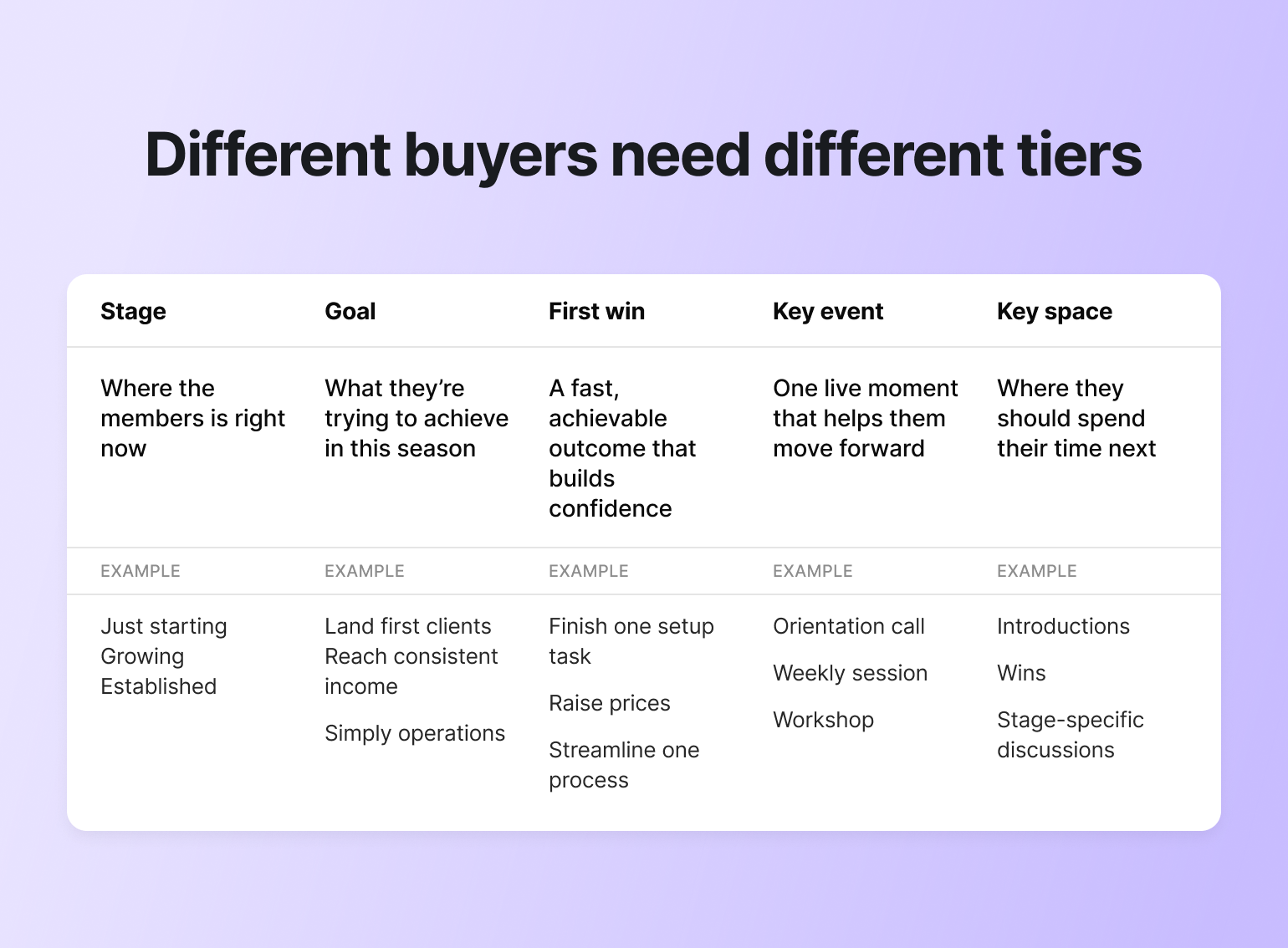
## 3. Turn members into friends, partners, and teammates
At a certain point, retention stops being about features or programming. It becomes (and continues to be) about the people.
As Josh puts it: “Is there any better way to retain a member than for them to find their people?” Friendships and collaborations provide compelling reasons to stay.
### How Web Designer Pro puts this into practice
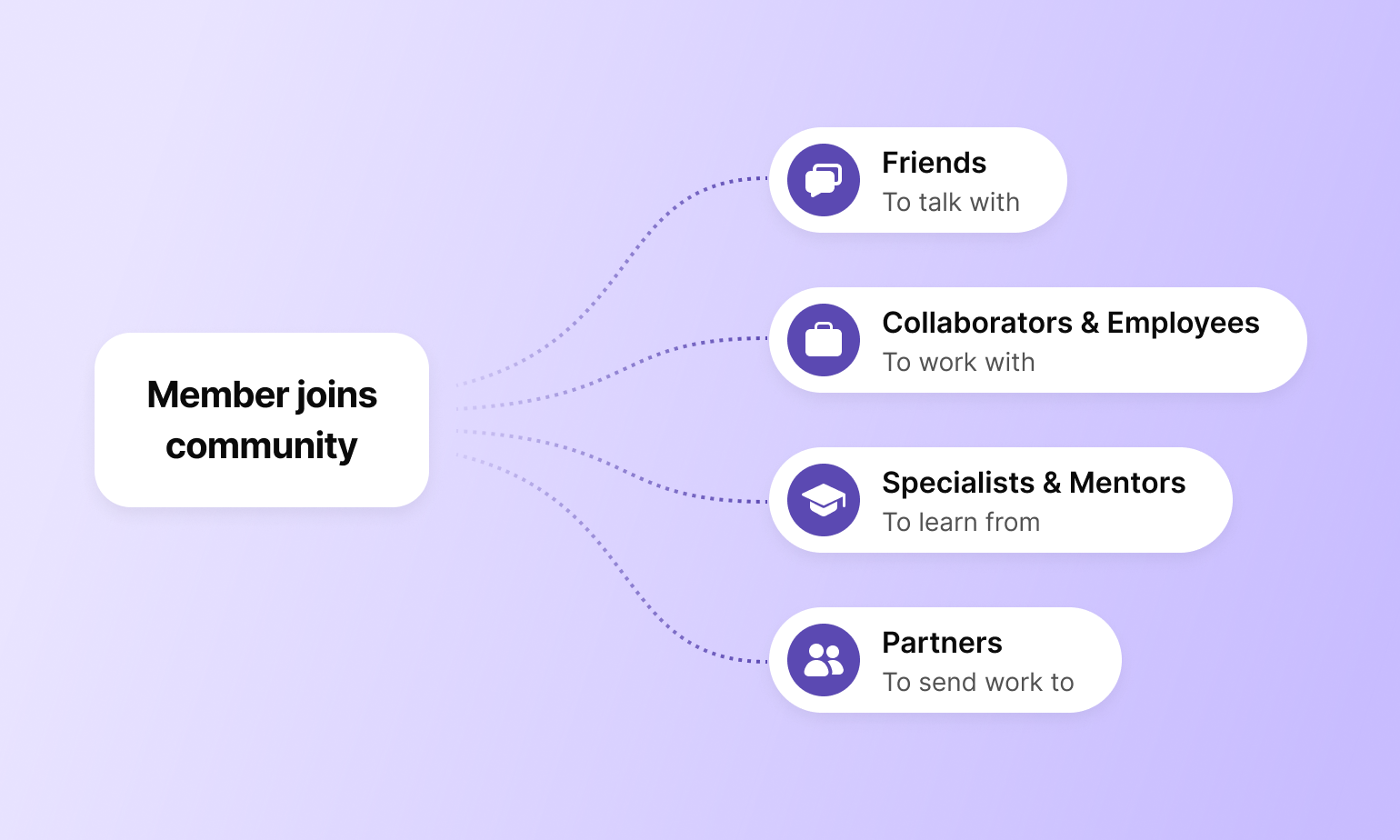
The strongest retention loops form when members begin relying on one another. That’s a big part of how Web Designer Pro answers the question of how to [reduce churn](https://circle.so/blog/customer-community) in a membership.
Josh points to Sam, a long-time member, as an example. Sam shared that Web Designer Pro “paid off in so many ways,” from making close friends with other entrepreneurs to learning from people with different specialties to hiring another Pro member as part of his team.
Web Designer Pro enables this relationship-building through several intentional strategies, including:
* **Wins and Successes space** that highlights progress and builds trust
* **Pros for Hire space** where members find collaborators and contractors
* **Dedicated spaces** where members share their unique skills and experience
* Weekly **member hangouts** and **coaching calls**
* **Member-led workshops** that turn expertise into shared learning
These patterns turn the community into a place where actual work and relationships happen.
### Why this drives retention
Inside Web Designer Pro, members can find collaborators, specialists, and even teammates. Over time, that shared context builds. Staying means keeping access to people who make their work easier and better.
### How to implement in Circle
Circle gives you the structure to help members build authentic, deep connections over time:
* Create a **Wins space** where members post updates and comment on each other’s progress
* Use **custom profile fields** or **pinned threads** so members can list their skills and what they’re looking for
* Host **weekly hangouts** or **coaching calls** where members can see each other regularly
* Invite members to lead **workshops** to share their expertise or solutions they’ve built
## 4. Reinforce member identity and ownership
At some point, members stop treating the community like a tab they open and start treating it like a place they belong.
It shows up in small ways. They reference it in conversation. They add it to their bio. They keep the hoodie in rotation.
Over time, the community becomes part of how members talk about their work and present themselves. Once that happens, staying doesn’t require convincing. It just makes sense.
### How Web Designer Pro puts this into practice
You can spot strong online community retention when members carry the community with them, beyond the platform. They wear it, reference it, and use it as part of their professional identity. In a small membership community, that sense of ownership carries weight.
Josh leaned into this with Web Designer Pro in simple, practical ways.
“With Web Designer Pro, the easiest way is swag,” he says. “It helps that the brand looks cool on a shirt and is really recognizable.”
In one case, a member landed a $5,000 website project just by wearing her Pro shirt to the vet.
> 💡Pro tip: This is why [naming your community](https://circle.so/blog/community-name) can be so crucial. Branded swag with “Pro Web Designer” makes you look elite, while “WDP” will mean nothing to most.
Here are a few more ways Josh encourages members to represent the community publicly and professionally:
* **Shareable templates**, like a five-year anniversary graphic, that members can post publicly
* **Badges** and **logos** that members can add to their websites to signal credibility
* An **affiliate program** that lets members earn recurring revenue by recommending Pro
### Why this drives retention
Those moments build both pride and practical value. Members gain visibility, credibility, and, in some cases, income through affiliate referrals. Over time, that personal upside makes staying feel worthwhile and easy to justify.
### How to implement in Circle
Members are more likely to use community assets when they know where to find them and how to apply them.
Some ways to build this out in Circle:
* Create a **Member Assets** space
* Add **badges, templates,** and a simple **brand kit**
* Include short **website blurbs** and **swipe copy** that members can reuse
* **Pin a post** that explains when and where to use each asset
* **Trigger a workflow** to send promotional assets whenever a member levels up—whether through engagement milestones or tier upgrades
## 5. Create IRL opportunities for connection
A coffee meetup, a shared table at a coworking space, or a single day together can change how members relate to each other afterward.
[IRL moments](https://circle.so/blog/hybrid-community-events) add context that’s hard to recreate online. Meeting face-to-face often helps members engage more easily. The community feels more tangible because it’s tied to a shared experience, not just a screen.
### How Web Designer Pro puts this into practice
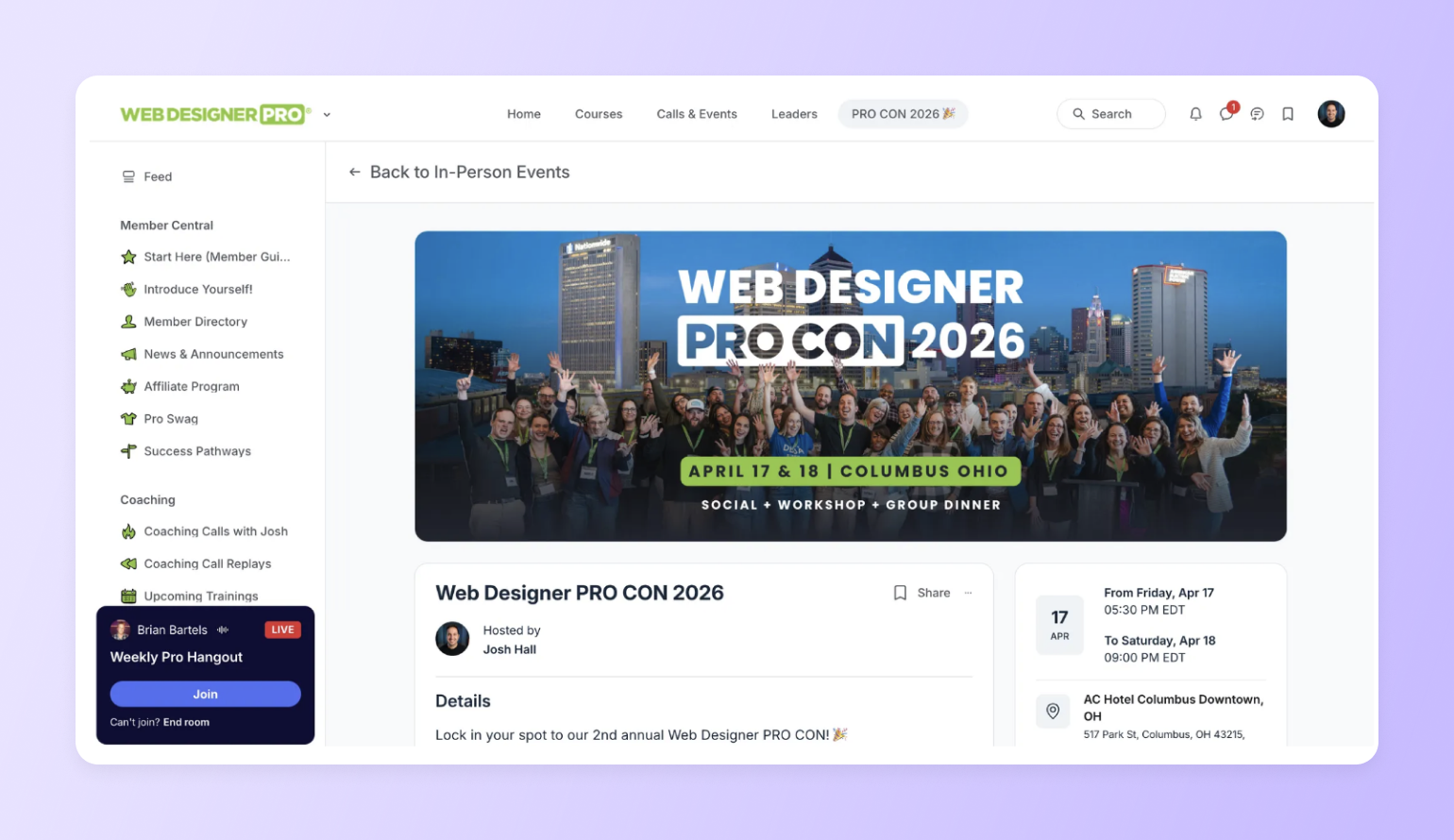
Josh plans in-person touchpoints to align with the community’s size and needs.
* **Member-led local meetups** which usually consist of two to six people meeting at a coffee shop or coworking space. Josh calls these “micro retention” moments.
* **A small annual conference** with around forty members. “It was absolutely incredible,” Josh says. “I’m still buzzed from it months later.”
* **Online follow-up after in-person events**, such as a group call where attendees reconnect and continue the conversation.
* **Event logistics hosted inside the community**, including schedules, RSVPs, and a private group chat for attendees.
Each touchpoint reinforces the others, connecting members before, during, and after in-person meet-ups.
### Why this drives retention
IRL experiences often lead to genuine friendships and a stronger sense that the community fits into their real lives. Photos shared afterward, event recaps, and follow-up calls help sustain that momentum.
Even months later, shared memories keep members connected and engaged online.
### How to implement in Circle
Don’t let IRL plans get lost in DMs or email threads.
Use Circle to keep everything organized and easy to find:
* Use [**Events**](https://circle.so/events) to host local meetups and post-event reunions
* Create a **Meetups & IRL space** where members share plans and photos
* Add **city** or **region tags** so members can find others nearby
* Keep **RSVPs**, **updates**, and **follow-ups** in one place
## 6. Keep the door open for “boomerang” members
Cancellations aren’t always a sign of dissatisfaction. Often, they reflect timing, budget, or a change in focus.
“When somebody leaves, it doesn’t mean they’re never going to come back,” Josh says.
Seeing churn as a lifecycle makes space for return. Members can step away when needed and rejoin at their convenience, without starting from zero.
### How Web Designer Pro puts this into practice
**Offboarding** is one of the most overlooked membership retention strategies, especially in small communities.
When someone cancels Web Designer Pro, they receive an automated message that still feels personal.
Here’s what Josh includes in his offboarding flow:
* A **personal thank-you** for their time in the community
* A **simple question** asking why it wasn’t the right fit
* **Reassurance** that the community keeps improving
* An **explicit invitation** to return when the timing feels right
The message also makes one thing clear: **leaving doesn’t close the relationship.**
“I want them to know Pro is always getting better,” Josh says, and that their input still matters.
### Why this drives retention
Treating the cancellation experience thoughtfully makes a difference. When someone signals they want to return to the community, Josh sometimes offers a reason to come back sooner, such as a limited-time annual discount.
[Staying visible](https://circle.so/blog/community-marketing) through email, social media posts, and his podcast also keeps the community top of mind, making rejoining feel like a natural next step rather than a hard sell.
### How to implement in Circle
Make rejoining easy by treating former members as part of your ecosystem, not a closed chapter.
A few ways to set this up in Circle:
* **Tag** members as canceled when they leave
* Trigger an **automated message** that thanks them and invites feedback
* Add them to a **winback segment** for occasional updates
* Share **rejoin offers**, significant **improvements**, or upcoming **events**
> **💡 Give returning members a warm landing, not a cold feed.** A Circle AI agent can greet a member the moment they rejoin and answer the "what did I miss?" and "where do I start again?" questions on the spot, so getting back in feels easy instead of like homework.
## Putting it all together: Your retention system checklist
Josh built Web Designer Pro around a small set of systems that support members at different stages in their journey and reinforce one another over time.
### The 6-part retention stack
Each lever works on its own, but they’re strongest together.
1. **Personal first-touch welcome.** Send a short DM asking what they’re working on right now and why they joined.
2. **Success pathways.** Group members by stage, and assign each group one clear next step.
3. **Collaboration and connection spaces.** Create a wins space or a place to ask for feedback on real work.
4. **Identity and ownership.** Give members badges, templates, or merch they can use publicly.
5. **IRL moments.** Encourage one small local meetup or host a single in-person event.
6. **Offboarding and rejoin messaging.** Thank members when they leave and invite them back when timing changes.
> 💡What to implement in the next 30 days. Pick one small action from each category, like a welcome DM, a stage-based path, a wins space, and a simple offboarding message.
### How Circle supports member retention
Circle helps turn these ideas into repeatable systems:
* [**Automations**](https://circle.so/workflows): trigger timely messages without manual work
* [**DMs**](https://circle.so/chat): create personal first touches and follow-ups
* [**Spaces**](https://circle.so/customization): anchor habits like sharing wins or asking for help
* [**Events**](https://circle.so/events): coordinate recurring touchpoints, online or IRL
* [**Member tagging and tiers**](https://circle.so/gamification)**:** reinforce identity and guide access over time
## Build a membership that people choose to stay in
Retention isn’t a single tactic. It’s the result of many small, intentional choices that shape how members experience your community over time.
As Josh puts it, when people are learning, getting wins, and building real relationships, “they’re going to come back.”
## **Membership retention FAQ**
How do you calculate membership retention rate?
Divide the members you kept over a period by the members you started with, then multiply by 100. If you began the month with 300 members and 285 were still active at the end (not counting new joins), that's a 95% monthly retention rate.
Why do members cancel a membership?
Most cancellations come down to timing, budget, or lost momentum, not dissatisfaction. The common failure point is onboarding: a member who never gets a first win in the first weeks quietly drifts and cancels later. Fix the first 30 days and you fix most of your churn.
How do you win back members who canceled?
Treat the exit as part of the lifecycle. Tag members when they leave, thank them, ask one honest question about why, then add them to a winback segment for occasional updates and a reason to return, like a rejoin offer or a big improvement they missed.
What's the difference between member acquisition and retention?
Acquisition brings new members in; retention keeps the ones you have. In a small membership, retention carries more weight, because a handful of renewals protects revenue more reliably than a marketing push, and long-term members drive the referrals that lower acquisition cost.
---
### Membership sites 101: What they are, how they work, and why you need one
*Learn how to create a membership site that generates recurring revenue. Explore membership types, pricing planning, and step-by-step launch tactics.*
Source: https://circle.so/blog/membership-site
> ## **TL;DR**
>
> * A membership site delivers ongoing value, turning your expertise into predictable, recurring revenue and replacing the feast-or-famine cycle of one-off launches.
> * Members stay for outcomes with the most successful membership sites, blending courses, community, content, and coaching.
> * Learn how to define your niche, price, market, and scale a membership site, even without a massive audience.
When Bonnie Christine started her pattern design business in 2010, she didn't plan to launch a [membership for aspiring creatives](https://circle.so/blog/sustainable-business-growth). She just wanted to do something that made her heart sing.
Flash forward 16+ years, and her offer funnel ends with an exclusive VIP membership for graduates of her courses. Today, her membership site serves 17,000+ aspiring surface pattern designers worldwide, generating predictable revenue while she sleeps.
From the first member to predictable revenue, this is the playbook of creating membership sites.
## **What is a membership site?**
A **membership site** offers exclusive content, services, or community access to members who pay a one-time or recurring fee for ongoing benefits. It often has two components:
1. An **internal membership platform,** where you store all your content, such as the content library, forms, events, and courses for member access.
2. An **external membership website**, which is the marketing side, including your sales and membership pages, and signup flows.
Membership sites work differently because the community is the product. Members aren't buying content; they're paying for results and a place that keeps delivering them. Members get access to an entire world: community, live events, evolving content, and direct connection with the people running it. They stay because the community, the resources, and the access give them a reason to come back month after month.
## **Benefits of building a membership site**
The biggest benefit of a membership site is simple: predictable, compounding income that grows through deeper relationships and automated operations. Pat Flynn launched SPI Pro on Circle in 2020. Four years later, his community generates $700K+ a year, [58% of his total revenue](https://circle.so/customer-stories/spi-community), and it's still growing year over year. It's the result of six things working together:
* **Recurring revenue:** Subscriptions provide predictable monthly or yearly income.
* **Scalability potential:** You can add more paying members without substantially raising costs or effort.
* **Building valuable customer relationships:** Engagement is one of the biggest value-adds of a membership, so members stay longer and become more loyal.
* **Content monetization opportunities:** Videos, podcasts, and PDFs can be [repurposed, updated, and resold](https://circle.so/blog/content-monetization) as part of the membership.
* **Automated business operations:** Using a solid membership site platform helps you automate tasks like billing, content drip schedules, and community moderation.
* **Brand ownership:** Unlike Facebook Groups or Discord, every touchpoint on your membership site—the site, the emails, even a [branded mobile app](https://circle.so/branded-app) in your members' pockets—carries your brand.
These benefits compound. It's why so many creators, coaches, and educators build their entire business around a membership. But how you capture them depends on the type of membership you build.
## **Types of membership sites**
A membership site can take many forms, but most fall into one of four categories. The type you choose shapes your content strategy, your pricing, and what keeps members coming back. The membership site examples below show what each model looks like in practice.
### **1. Course-based memberships**
These deliver educational content in structured modules. Members pay a recurring fee for ongoing access to a growing course library, or a one-time fee for a specific program. The value compounds as new material, cohorts, and live teaching sessions get added over time.
A great example is Felippe Nardi's[ Inside The Show](https://discover.circle.so/product/inside-the-show-with-felippe), a cohort-based course and community that teaches creators how to run engaging live virtual experiences.
### **2. Community-based memberships**
The community itself becomes the product, with conversations, accountability, and connection doing the heavy lifting on retention.
[Building a Second Brain](https://circle.so/blog/building-a-second-brain-membership)'s community shows how members share personal productivity breakthroughs, support each other's systems, and push one another to get better.
### **3. Content library memberships**
Content library memberships provide a growing archive of specialized assets: stock images, templates, swipe files, research papers, workout plans, videos, and more. Members pay for access to a library that would cost far more to build on their own.
[Seth David's Talk Nerdy to Me](https://circle.so/customer-stories/talknerdytome) is a membership that unlocks 30+ courses on accounting and business software, all housed in a single content library, accessible anytime.
### **4. Coaching and mastermind memberships**
Coaching and mastermind memberships center on direct access to an expert or a curated peer group. Members pay for coaching calls, hot seats, group masterminds, and personalized feedback.
This is the highest-touch, highest-price model, and it's where many coaches and consultants find their most predictable revenue. Just like Sarah Turner's[ Write Your Way to Freedom](https://circle.so/blog/mastermind-groups)—a copywriting mastermind with over 6,000 members, offering weekly coaching, small peer groups, and expert mentorship.
Every model works. These membership site examples prove that the difference between the ones that stall and the ones that scale comes down to how you build, price, and launch it.
## **How to start a membership site**
You need a clear idea of who you're serving, what they need, and a platform that doesn't make you duct-tape five tools together.
### **1. Define your niche and ideal member**
Start with who, not what. The tighter your niche, the easier everything else becomes—pricing, content, and marketing all get simpler when you know exactly who you're talking to. Ask yourself: what transformation do your members want, and what expertise do you bring that gets them there?
"Business advice for entrepreneurs" competes with everyone. "Pricing strategy for freelance designers" owns a room. If you're still narrowing down your focus, our [Launch Your Community](https://circle.so/build-a-community) guide walks through the process step by step to get you set up in under 5 days.
### **2. Choose your membership model**
Pick the model that matches your strengths and your members' expectations. If you're a coach, a mastermind or a group coaching model might be the best fit. If you're sitting on a library of educational content, a course-based or content library model is the natural starting point. You can always layer in new elements later.
Start with one—course-based, community, coaching, or content library—and layer in more as you grow.
### **3. Pick a community platform**
Your platform choice determines how much time you spend building versus how much time you spend actually serving members. Look for a community platform that handles community, content, and payments in one place. The best member sites consolidate everything below under one platform.
#### **Member management**
Members who engage in their first week are far more likely to stick around, so don't leave onboarding to chance.
A good platform shows you who's active, who's drifting, and who never got started — then helps you do something about it. Customize onboarding by member type, use access groups to keep the right content in front of the right people, and set up automated check-ins so you're not manually chasing everyone down.
Then layer in[ retention strategies](https://circle.so/blog/member-retention) with automated check-ins, behavior-based email sequences, and engagement tracking to catch warning signs before someone hits "cancel."
#### **Content delivery systems**
Your members need a clear path to the content they're paying for without having to hunt through a cluttered interface. Look for a platform that lets you [build and organize courses](https://circle.so/blog/create-online-course) by format and purpose and with structured modules. Also, consider a platform that runs [live events](https://circle.so/events) with built-in video, all without sending members to a separate platform.
#### **Community engagement tools**
A membership site without active discussion is just a content library with a login. Your platform should support threaded discussions, personalized feeds, smart member recommendations, and moderation tools. Gamification makes participation visible and rewarding.
#### **Payment processing**
Having payments directly on your membership pages builds trust and reduces checkout friction. Look for native support for recurring subscriptions, one-time purchases, free trials, coupons, and automated access control.
#### **Analytics and tracking**
You need one place where community activity, email engagement, and payment history live together—not three dashboards stitched together with screenshots.[ ](https://circle.so/analytics)
[Full-funnel dashboards](https://circle.so/analytics) cover member activity, email performance, website traffic, and revenue in one view, helping you scale, track signups, revenue, engagement trends, and where members drop off, then act on it. Ideally, the platform should utilize AI agents to automate processes.
Circle gives you all of this under one roof. [Every plan includes](https://circle.so/pricing) community, courses, events, payments, and a built-in Website Builder.
### **4. Build your structure and core offering**
Don't try to launch with everything. Start with one signature resource—a course, a content library, or a structured community—and build around it.
#### **Create your foundation**
Organize your membership site by purpose, so members know exactly where to go from day one: one area for discussion, one for courses and one for live events. Orient new members immediately with a getting-started guide or onboarding checklist.
Resist the urge to overcomplicate your structure before you have the members to fill it—start lean, watch where people gravitate, and expand as your community tells you it needs more.
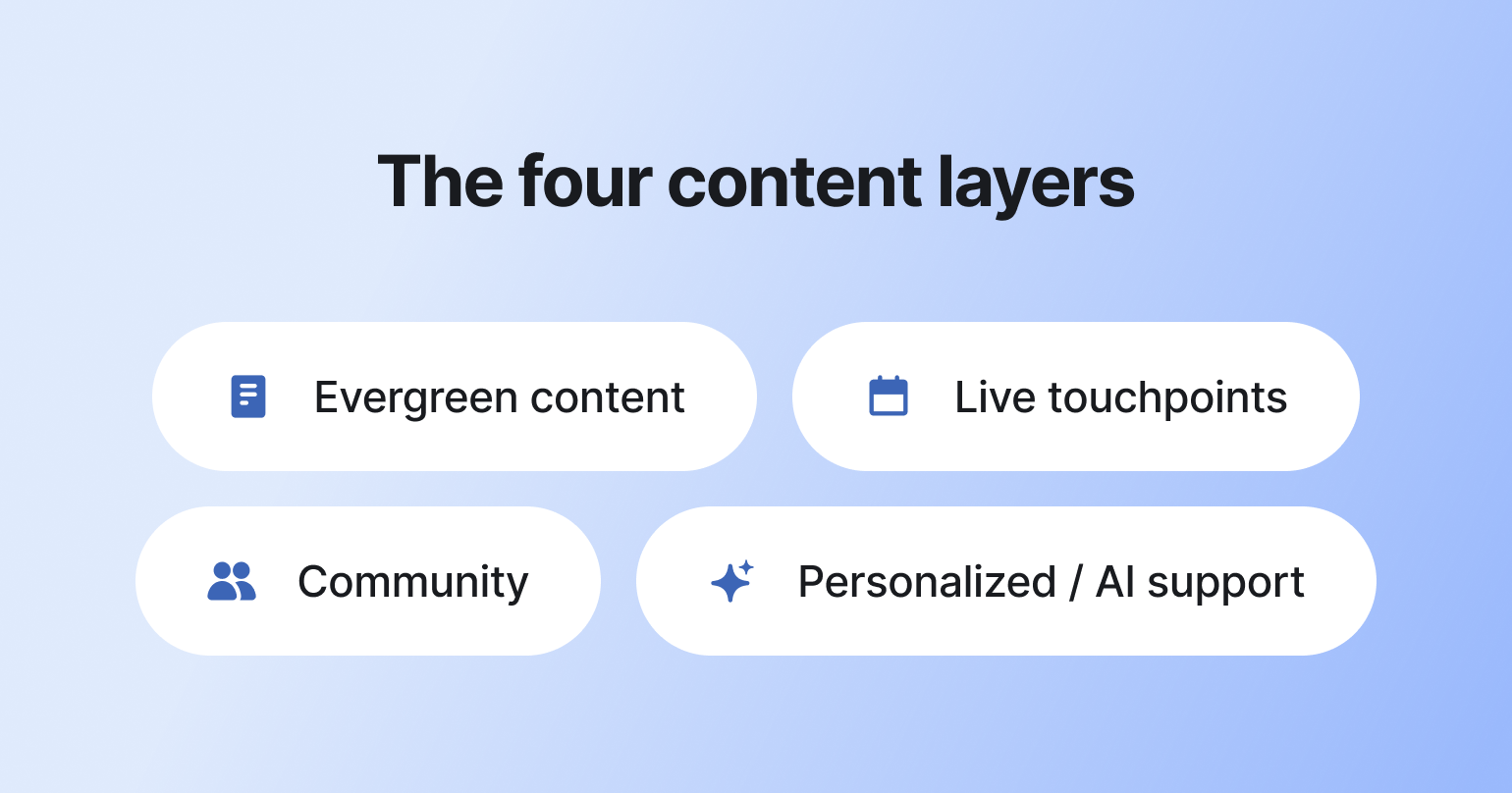
With your structure in place, the next question is what goes inside it. The best memberships layer four things.
1. #### **Evergreen content that compounds**
#### Courses, tutorials, templates, and resource libraries that stay valuable over time. Build it once, update it as needed, and let it work in the background. This is the foundation of your membership: content that new members discover on day one and existing members reference for months.
2. #### **Live touchpoints that create urgency**
#### Weekly Q\&As, monthly workshops, guest expert sessions, or office hours. Live events give members a reason to show up this week, not "someday." They create a feeling of access that recorded content can't match.
3. #### **Community and connection**
#### [Discussion spaces](https://circle.so/discussions), accountability groups, member directories, and direct messaging. This is the layer that makes a membership site feel alive between content drops. When members build relationships with each other, they're paying for the network and your expertise.
4. #### **Personalized and automated support**
#### As your membership grows, you can't personally answer every question. This is where AI becomes a real advantage.[ ](https://circle.so/ai)AI tools can be trained on your courses, posts, and resources to onboard new members, answer common questions, and provide coaching that reflects your methodology.
For simpler automation, consider workflows that let you set up onboarding sequences, re-engagement nudges, and member management triggers without touching AI at all.
### **6. Set up payments**
The right price isn't about what you think people will pay; it's about what the outcome is worth to your members. Here's the pricing logic behind memberships that sustain a real business.
#### **Anchor to outcomes, not hours**
If your membership creates a transformation that helps someone land clients, grow a business, or master a skill worth thousands of dollars, a $29/month price tag undersells the value and attracts members who aren't serious. Price based on what your members gain, what your competitors charge, and what’s affordable for your site. Our [Community ROI Calculator](https://circle.so/community-roi-calculator) can help you model the math.
#### **Keep your pricing tiers simple**
Two to three tiers is the sweet spot. A common structure: a core membership with full community and content access, and a premium tier that adds group coaching, live calls, or VIP access. Every additional tier adds decision friction, especially when members can see what they're missing.
The most effective approach is making premium spaces visible but locked, so members know exactly what they'd get by upgrading. That visibility is the upsell. You don't need a sales page when the community itself shows them what's behind the gate.
#### **Use trials and founding offers strategically**
A 7-or 14-day free trial lets potential members experience the community before committing. This reduces signup friction without devaluing your membership in the long term. Ensure your membership site natively supports free trials, founding rates, and flexible pricing.
### **7. Launch**
A great membership site with no marketing strategy is just a well-organized secret. Once you've built your site, you need a repeatable system for getting the right people through the door.
#### **Lead with free value**
Give potential members a taste of what's inside your membership site for free. For example, host a free workshop, distribute a mini-course or a downloadable resource, or open a free, but limited, community space.
Free value can show the quality of your membership before asking anyone to pay. It builds trust and qualifies leads simultaneously.
#### **Build an email list from day one**
Use lead capture forms, free resources, and webinar registrations to build a list of people who are interested in what you offer. Then nurture them with a welcome sequence that tells your story, delivers value, and introduces the membership.
#### **Turn members into your best marketing channel**
Happy members refer new ones. Make it easy: [set up an affiliate program](https://help.circle.so/p/payments/affiliates/set-up-an-affiliate-program), encourage member testimonials, and create shareable moments inside the community. When someone joins because a friend told them to, they're already warmer than any ad could make them. [88% of people](https://www.nielsen.com/insights/2021/beyond-martech-building-trust-with-consumers-and-engaging-where-sentiment-is-high/) trust recommendations from someone they know more than they do ads.
### **Develop a membership funnel strategy**
Build a [membership funnel](https://circle.so/blog/membership-funnel-strategy) that runs continuously, using organic social for awareness, email for nurture, and a free trial or founding offer for conversion. The communities that grow steadily are the ones with a system, not just a launch date.
## **Common challenges and solutions for memberships**
Even the best member sites hit walls. Knowing what's coming helps you plan for it instead of scrambling.
### **Keeping members engaged**
Some members lose interest, others get busy, and a few simply outgrow what you offer. The fix: identify the one or two content types your members engage with most and establish a consistent cadence around them, and reward active participation with [gamification features](https://circle.so/gamification).
### **Creating content without burning out**
Pumping out new content every week gets exhausting fast, but it doesn't have to work that way. [Repurpose existing material](https://circle.so/blog/content-repurposing-playbook) into new formats, invite guest experts, encourage member-led events, and run Q\&A sessions. Let the community do some of the heavy lifting.
### **Solving technical problems**
Creators aren't always technical people, and wrestling with infrastructure probably isn't why you got into this. Circle handles the technical side—hosting, payments, email delivery, mobile apps, and AI—so you can focus on your content and member experience.
## **Build your membership site on Circle**
Bonnie Christine started with pattern design and built a thriving membership around it. If you're a coach, educator, or creator, you already have what she had—expertise and knowledge.
The difference between income that resets every month and income that compounds is the membership site you build around what you already know.
Circle brings your community, courses, events, payments, and website under one roof, under your own brand. You don't need another tool. You need one community platform to build a community that grows with you.
Want to stop starting from zero every month? [Start your free 14-day trial of Circle now!](https://app.circle.so/communities/new)
## **Membership site FAQs**
Here are the questions we most often hear from creators exploring or launching their first membership site.
How much does it cost to start a membership site?
Costs vary depending on your platform and tools. Many creators launch with minimal upfront investment and scale their costs as their membership grows. Circle pricing plans start at $89/month (billed annually) and include community, courses, events, and payments across all tiers.
What's the best platform for a membership site?
The best membership site platform is one that handles community, content, payments, and your public-facing website all in one place. The biggest decision is whether you'll stitch together separate tools—one for courses, one for community, one for email, one for payments—or use a Circle membership that does it all under one roof.
Can I run a membership site as a solo creator?
Yes. Many of the[ communities on Circle](https://9306053.fs1.hubspotusercontent-na1.net/hubfs/9306053/Circle%20-%202026%20Community%20Trends%20Report.pdf) are run by solo creators or small teams of six or fewer. Circle pricing plans are built for this—every tier includes community, courses, events, and payments, so you're not paying for five separate tools.
What are the best examples of membership sites?
[Top examples from Circle](https://circle.so/blog/best-membership-site-examples#website) include The Hyve Hamptons (a female-founders community), ExecFrontline (an aerospace executives' network), Deep Time Walk Community (global facilitator training), and Sell Your Smarts (a creator membership). Models range from skill-teaching and group coaching to hybrid community sites combining courses, content, and networking.
---
### 8 Mighty Networks alternatives for community builders ready to scale in 2026
*Mighty Networks works — until you hit the ceiling. These 8 alternatives offer better extensibility, clearer pricing, and more infrastructure for community businesses ready to grow.*
Source: https://circle.so/blog/mighty-networks-alternatives
Mighty Networks is a strong community platform—until you hit the extensibility ceiling.
At the start, it does a lot right. You can bring people together, host events, and sell courses. For many creators, it’s more than enough to get a community off the ground.
However, once you begin to think about your community as a core business, your needs start to change. You need better integrations, more control over how things work, and clearer pricing as you grow.
If you’ve found yourself working around the platform instead of building on it, you’re not alone.
In this guide, we’ll walk through the **best Mighty Networks alternatives** and help you find a setup that can actually scale with you.
## Why community builders are looking for Mighty Networks alternatives
So why are users of Mighty Networks looking to switch? After doing some research, these appear to be the key reasons:
* **Limited API and extensibility:** One of the most common friction points is flexibility. While Mighty offers some integrations, building custom workflows or connecting your [full tech stack](https://circle.so/blog/creator-tech-stack) isn’t always straightforward. If you’re trying to automate [onboarding](https://circle.so/blog/community-onboarding), sync data across tools, or create more advanced member experiences, you may find it isn’t the best option compared to other platforms on the market.
* **Branded app pricing isn’t clear:** Launching a fully branded app typically requires upgrading to Mighty Pro, where pricing isn’t publicly listed. That makes it harder to plan and budget as you scale.
* **Transaction fees on every plan:** Mighty Networks charges a 0.5% to 2% transaction fee on all plans, which is automatically deducted from your revenue (on top of Stripe’s typical \~2.5–5% processing fees). At smaller revenue levels, this may not feel significant. But as your community grows, these fees compound and become a meaningful ongoing cost tied directly to your success.
* **Limited SEO and discoverability:** Content inside your community isn’t always easy for search engines or AI tools to access. That means fewer opportunities to get discovered organically. If growth through search matters to you, this can be a real limitation.
## How to choose the right Mighty Networks alternative
There’s no single “best” Mighty Networks alternative for everyone. The right platform depends on what you’re building, [how you monetize](https://circle.so/blog/how-to-monetize-a-community), and how much complexity you’re ready to handle as you grow.
Here’s a quick way to think about it:
| Community type | What you need | Best platform type |
| --------------------------------- | ------------------------------------------------ | ---------------------------------------------- |
| Early-stage community | Simple setup, basic engagement | Lightweight community platforms |
| Coaching or cohort-based programs | Courses + discussion + accountability features | Community + course platforms |
| Course-first business | Funnels, email marketing, structured learning | All-in-one course platforms |
| Scalable community business | Automation, integrations, monetization, branding | Advanced community platforms |
| Enterprise or branded app focus | White-label apps, custom UX, control | White-label/community infrastructure platforms |
Once you know the type of community you want to build, you should also consider the following criteria:👇
* **Extensibility:** Can the platform integrate with your existing tools or support custom workflows?
* **Branded apps and ownership:** Do you control the experience, or are you tied to the platform’s branding?
* **Transaction fees:** How much are you giving up as your revenue grows?
* **Course depth:** If you offer education, does the platform support structured learning?
* **Scalability:** Will this still work when your community is 10x bigger?
> **💡 Pro tip:** Don’t pick the tool that works today—choose one that can support your business 12 months from now!
## 8 Best Mighty Networks alternatives in 2026
Alright, so what are the best alternatives to Mighty Networks? Here’s a quick overview of your options side by side: ⬇️
| Platform | Best for | Key features | Starting price |
| ---------- | ------------------------------ | ----------------------------------------------------------------------------- | -------------- |
| Circle | Scalable community businesses | Community spaces, courses, events, workflows, gamification, API, branded apps | $89/month |
| Kajabi | Course-first businesses | Courses, funnels, email marketing | $143/month |
| Skool | Simple coaching communities | Community + classroom, simple UX | $7.50/month |
| Disciple | Branded mobile apps | White-label apps, community feeds, push notifications | $399/month |
| Heartbeat | Lightweight modern communities | Chat, events, simple community setup | $40/month |
| Bettermode | Embedded product communities | Website integration, forums, customization | $399/month |
| Discord | Free casual communities | Chat channels, voice, roles, integrations | Free |
| Hivebrite | Alumni & associations | Member directories, events, CRM features | Custom pricing |
### 1. Circle — best Mighty alternative for scalable community businesses
[Circle](http://circle.so) is one of the most complete alternatives to Mighty Networks if you're building a serious community-led business. Like Mighty, it brings together community, courses, and events. But where it really stands out is in how everything connects and scales as your business grows.
With Mighty, you can get up and running quickly. But as your needs evolve, you’ll likely run into limitations around integrations, automation, and customization. Circle is built differently. Instead of patching things together with third-party tools, it gives you a unified system where your community, website, email marketing, and payments all work together out of the box.
Another key difference is product depth. Circle continues to ship new features at a rapid pace—from [AI-powered workflows](https://circle.so/blog/ai-workflows-for-community-management) and automation to a [full website builder](https://circle.so/blog/why-use-a-community-site-builder)—giving it an edge not only over Mighty but other community platforms out there.
#### Key features
* **Branded community spaces** that allow you to organize [discussions](https://circle.so/discussions), [chats](https://circle.so/chat), events, and resources in a way that’s easy to navigate.
* [Live events and streaming](https://circle.so/events) that enable you to host workshops, Q\&As, and webinars directly inside your community.
* [Built-in courses](https://circle.so/courses) that let you create structured programs with modules, drip content, and cohorts.
* [Flexible monetization tools](https://circle.so/payments) that allow you to sell memberships, subscriptions, and courses.
* [Built-in gamification](https://circle.so/gamification) that motivates members with points, levels, leaderboards, and automated rewards tied to real engagement.
* [Native community website builder](https://circle.so/website-builder) that lets you create fully connected pages, funnels, and member experiences without extra tools.
* **AI-powered automation through** [agents](https://circle.so/ai-agents) **and** [workflows](https://circle.so/ai-workflows) that reduce manual work by handling onboarding, moderation, and engagement for you.
* **Branded experience across web and mobile** (via [Circle Plus](https://circle.so/plus)) that gives you full control over your community design, including white-label apps.
* [Full-funnel analytics](https://circle.so/analytics) that help you track engagement, retention, and revenue.
* [Integrations with third-party tools](https://circle.so/integrations) like Zapier, Google Analytics, and Typeform for seamless workflows.
#### Pricing
[Circle plans](https://circle.so/pricing) start at $89/month, with a 14-day free trial available on all core plans.
#### Ideal for
Entrepreneurs and creators growing community-based businesses and looking for better ways to engage members, retain them, and generate revenue.
| Pros | Cons |
| ----------------------------------------------------------------------------------------------- | ------------------------------------------------------------------------------------------------------------------------------- |
| All-in-one solution (courses + community + webpages + events + email + automations + payments). | The depth of features can be overwhelming at first—you can build almost anything, but it takes time to explore what’s possible. |
| Intuitive, clean interface that’s easy to customize to your brand. | May be more than needed for very simple, hobby-style communities. |
| Designed to scale with your business long-term. | |
| Strong support ecosystem with an active community and helpful resources. | |
#### Users say
> 👍🏼 "Circle's UX for community members is simply the best. While other platforms like Kajabi may seem better for online learning, users will interact a lot more on Circle because it's the best interface. We have a branded app through Circle, and we love it. We closely considered Mighty Networks, but are very glad we went with Circle.” - [Verified review from G2](https://www.g2.com/products/circle-so-circle/reviews/circle-review-12406550)
>
> 🤔 “The pricing options make it difficult for those building a large organization that has a low ticket cost and not a high ticket price.” - [Verified review from G2](https://www.g2.com/products/circle-so-circle/reviews/circle-review-12535384)
#### Circle vs. Mighty: A quick comparison
| Feature | Circle | Mighty Networks |
| ---------------------- | -------------------------------------------------------- | --------------------------------------------------------- |
| Website & funnels | Built-in website builder with landing pages and funnels. | Limited; often need external tools for full funnel setup. |
| Email marketing | Native email + automation tied to member behavior. | Basic email features, limited automation. |
| Automation & workflows | Advanced workflows with triggers, logic, and AI support. | Basic automations with limited flexibility. |
| Scalability | Built for long-term growth and complex setups. | Can feel limiting as your business expands. |
👉 For a detailed breakdown, see how [Circle and Mighty](https://circle.so/compare/vs-mighty) stack up.
### 2. Kajabi — best Mighty Networks alternative for course-first businesses
[Kajabi](https://www.kajabi.com) is a strong alternative to Mighty Networks if your business is centered around selling courses and programs rather than building a community-first experience. While Mighty focuses on engagement and interaction, Kajabi is built for funnels, conversions, and structured learning products. If your goal is to turn traffic into revenue through courses and coaching, Kajabi offers more depth on the marketing side
#### Key features
* Course and coaching program builder with structured lessons.
* Email marketing with automations and segmentation.
* Memberships and subscriptions.
#### Pricing
Starts at $143/month (billed annually). A 14-day trial available.
#### Ideal for
Creators and businesses focused on selling courses, coaching, and [digital products](https://circle.so/blog/digital-products-to-sell) with built-in marketing tools.
| Pros | Cons |
| ---------------------------------------------------------------------------- | ----------------------------------------------------------------------------- |
| Strong marketing and funnel capabilities. | Higher starting price than most tools on the market. |
| Structured product setup makes it easier to package and sell premium offers. | Less suited for member-to-member interaction or organic community engagement. |
| All-in-one system for courses. | |
#### Users say
> 👍🏼 "Kajabi is a very comprehensive platform providing website design, customer database management, checkout, and email marketing facilities (and more), all in one place.” - [Verified review from Trustpilot](https://www.trustpilot.com/reviews/694eacb20fd486ad3328b294)
>
> 🤔 “I started not liking Kajabi because they kept announcing new products that weren't great. They announced new things like a podcast feature and a community area, but they were very basic and not well-built. It seemed like they were trying to do a lot but weren't doing it well. They were things I wouldn't use because Kajabi was like halfway there, but didn't get it right.” - [Verified review from G2](https://www.g2.com/products/kajabi-kajabi/reviews/kajabi-review-12216175)
[Kajabi vs. Circle](https://circle.so/compare/vs-kajabi): See how Kajabi stacks up.
### 3. Skool — best Mighty alternative for simplicity-focused coaches
If you’re looking for a cheaper alternative to Mighty, you might want to consider [Skool](https://www.skool.com). Skool is built around simplicity. It combines community discussions, courses, and gamification in one place, without the extra layers or complexity. Compared to Mighty, it offers a more streamlined experience, but with fewer customization options and limited flexibility as you grow.
#### Key features
* Community discussions with posts, comments, and member interaction.
* Course hosting (“classroom”) with videos, resources, and progress tracking.
* Event calendar with scheduling and reminders.
#### Pricing
Starts at $7.50/month (Hobby plan) + 10% transaction fee, or $82/month + 2.9% transaction fee. Free trial available.
#### Ideal for
Coaches and creators who want a simple setup without dealing with complex tools or integrations.
| Pros | Cons |
| --------------------------------------------------------------- | -------------------------------------------------- |
| Simple and easy to use from day one. | Limited customization compared to Mighty Networks. |
| Minimal learning curve for both creators and members. | Fewer integrations and no real extensibility. |
| Good option if you’re early in your community-building journey. | |
[Skool vs. Circle](https://circle.so/compare/vs-skool): See how Skool stacks up.
### 4. Disciple — best Mighty alternative for white-label branded apps
If having your own branded mobile app is a priority, [Disciple](https://www.disciple.community) is a solid option to consider. Unlike Mighty, which offers apps under its own ecosystem only if you upgrade to Mighty Pro, Disciple is built around giving you a fully white-labeled app from the start.
#### Key features
* Fully branded iOS and Android apps published under your name.
* Community feeds, groups, and member interactions.
* Courses, content libraries, and livestreaming.
* Customizable app layout and navigation.
#### Pricing
Starts at $399/month (billed annually).
#### Ideal for
Creators and solopreneurs who want a fully branded mobile app experience.
| Pros | Cons |
| ---------------------------------------------------------- | --------------------------------------------------- |
| True white-label mobile app with your brand in app stores. | Less flexible outside of the mobile app experience. |
| Designed for app-first community experiences. | On the expensive side. |
| Push notifications and engagement tools. | |
#### Users say
> 👍🏼 "Disciple is the only tool I have found out there capable of making customers feel at home. The community we created on Disciple has embedded customers in the journey to creating the ultimate experience.” - [Verified review from G2](https://www.g2.com/products/disciple/reviews/disciple-review-7623676)
>
> 🤔 “It's a little pricey in comparison to other platforms. However, it offers several features that other platforms lack, creating a unique experience.” - [Verified review from Capterra](https://www.capterra.com/p/171731/DISCIPLE/#Capterra___6680379)
### 5. Heartbeat — best Mighty alternative for lightweight, modern communities
Another platform on our list is [Heartbeat](https://www.heartbeat.chat). Like Mighty Networks, it combines community, courses, and events in one place, but with a more modern interface and a stronger focus on automation. It’s designed to help you launch quickly and manage everything from one dashboard, without the heavier structure you might find in more established platforms.
#### Key features
* Community chats, channels, and discussion spaces.
* Courses with drip, cohort-based, and self-paced options.
* Events with ticketing, reminders, and live sessions.
* AI assistant (“Pulse”) to help set up and manage your community.
#### Pricing
Starts at $40/month (billed annually) + 5% transaction fee.
#### Ideal for
Creators and community builders who want a modern, flexible platform with built-in automation and faster setup.
| Pros | Cons |
| ----------------------------------------------------- | ---------------------------------------------------------- |
| Clean, modern UX. | Transaction fees can become expensive as you scale. |
| Built-in automation and workflows reduce manual work. | Less depth in certain areas compared to more mature tools. |
| Quick setup with fewer moving parts. | |
#### Users say
> 👍🏼 "Heartbeat has really evolved into an amazing platform. The team behind it are very responsive, and there are regular live workshops and ways to support Heartbeat community owners. The platform is really user-friendly, and I think the app is more intuitive than most other community platforms.” - [Verified review from G2](https://www.trustpilot.com/reviews/679d20b1df9ab4f374e0a297)
>
> 🤔 “If you value your time or run a professional business—avoid Heartbeat. I spent over two weeks setting up a private community space for licensed professionals, paid for the platform, and still found out critical features either don’t work as promised or are intentionally buried behind misleading design.” - [Verified review from G2](https://www.trustpilot.com/reviews/68c32afb2c69f2808874957f)
### 6. Bettermode — best Mighty alternative for brand communities
If you're looking to build a customer or [brand community](https://circle.so/blog/brand-community), [Bettermode](https://bettermode.com/) is a great option to consider. Like Mighty Networks, it offers discussions, events, and engagement tools, but it’s built more for product-led and support communities than creator businesses.
#### Key features
* Discussion forums, Q\&A, events, and polls.
* Modular community builder with drag-and-drop customization.
* Embeddable widgets and integrations for websites and apps.
* Member profiles, directories, and reputation systems.
#### Pricing
Starts at $399/month (billed annually).
#### Ideal for
SaaS companies, product teams, and brands that want to embed a community into their product or customer experience.
| Pros | Cons |
| --------------------------------------------------------------------- | ------------------------------------------------------------- |
| Highly customizable with flexible layouts and modules. | Not designed for creator monetization (courses, memberships). |
| Deep integrations with third-party tools and platforms. | Requires more setup and strategy to implement well. |
| Built for structured engagement like support, feedback, and ideation. | |
#### Users say
> 👍🏼 "It's easy to set up and to maintain, anyone can get started without code. It took a while for me to understand the concept of building CMSs that are then applied to spaces/pages, but after I figured it out, it worked like a charm. Overall, there's minimal time spent on setting up the platform, so you can spend more time on creating content.” - [Verified review from G2](https://www.g2.com/products/bettermode/reviews/bettermode-review-10965638)
>
> 🤔 “I wish there were a way to create an assignment for participants that they could complete privately, maybe even be graded. Polls would also be fun! A way to view the site's version history would be great for editing, as it would allow you to see what you had and get things back.” - [Verified review from G2](https://www.g2.com/products/bettermode/reviews/bettermode-review-11506630)
### 7. Discord — best free Mighty alternative for casual communities
Tight on budget and finding Mighty Networks too expensive? [Discord](https://discord.com) is the go-to free alternative. It’s built for real-time interaction, making it a great fit for casual communities and active conversations. But compared to Mighty, you won’t be able to build courses or monetize your community. It’s essentially a group chat app, so if you don’t need anything more advanced, it can still work well.
#### Key features
* Text and voice channels for real-time conversations.
* Roles and permissions for managing members.
* Voice rooms, video calls, and live streaming.
#### Pricing
Free to use, with optional upgrade to Nitro plan, which offers custom emojis, larger uploads, HD streaming, and profile customization.
#### Ideal for
Gaming, hobby, or interest-based communities.�
| Pros | Cons |
| ----------------------------------------------------------------------------- | --------------------------------------------------------- |
| Excellent for real-time interaction with voice, chat, and live conversations. | No built-in monetization, courses, or structured content. |
| Flexible with bots and integrations. | Limited branding and customization. |
| Familiar platform for many users, especially younger or tech-savvy audiences. | Requires external tools to run a business. |
#### Users say
> 👍🏼 "I love the intuitive and user-friendly interface — it feels modern, fast, and responsive. Notifications, reactions, and channel management are all well-designed and make staying connected simple.” - [Verified review from Capterra](https://www.capterra.com/p/240238/Discord/#Capterra___6758033)
>
> 🤔 “Unstable on mobile, bad customer service — you only get a bot response and the majority of the time it doesn't understand what you're talking about.” - [Verified review from Trustpilot](https://www.trustpilot.com/reviews/69b5cda4eb159096a0389c25)
**🧐 Curious what else is out there?** See our full breakdown of [Discord alternatives](https://circle.so/blog/discord-alternatives).
### 8. Hivebrite — best Mighty alternative for alumni and association networks
If you're building a more formal, organization-driven community, [Hivebrite](http://hivebrite.com) is a strong contender. It offers deeper customization, structured member management, and features like mentoring, fundraising, and sub-communities. That said, it’s less creator-focused and doesn’t feel as simple or fast to launch, especially if you're running courses or a community-led business.
#### Key features
* Highly customizable community hub with branded web and mobile app.
* Member directory, segmentation, and advanced permissions.
* Events, messaging, and content management.
#### Pricing
Custom pricing available upon request.
#### Ideal for
Associations, nonprofits, alumni networks, and enterprise communities.
| Pros | Cons |
| ---------------------------------------------------------------------- | ----------------------------------------------------------------- |
| Deep customization for complex community structures. | Pricing isn’t transparent. |
| Built-in tools for mentoring, fundraising, and large-scale engagement. | Less suited for creators selling courses or digital products. |
| Strong member management and segmentation capabilities. | UI and experience can feel more “corporate” than community-first. |
#### 💬 Users say
> 👍🏼 "Hivebrite offers powerful built-in modules that make it easy to create a highly functional community with advanced features. For an off-the-shelf solution, its level of customization is impressive and highly appealing.” - [Verified review from G2](https://www.g2.com/products/hivebrite/reviews/hivebrite-review-11889306)
>
> 🤔 “It’s a powerful platform, but it can feel complex at first—the setup and customization take time, and some features require a learning curve to use effectively.” - [Verified review from G2](https://www.g2.com/products/hivebrite/reviews/hivebrite-review-11774291)
## Which Mighty Networks alternative is right for you?
Choosing the right platform comes down to what you’re optimizing for: simplicity, cost, or long-term growth. Most tools can get you started, but not all of them will scale with you.
* Want an all-in-one platform that scales with you into the future? → **Circle**
* Running a course-first business? → **Kajabi**
* Looking for something simple and affordable? → **Skool**
* Need a free, chat-based community? → **Discord**
* Building an enterprise or customer community? → **Hivebrite/Bettermode**
* Focused on mobile-first experiences? → **Disciple/Heartbeat**
If you’re already thinking beyond “just a community” and toward building a real business, Circle is designed to support that next stage, giving you the flexibility, integrations, and infrastructure to grow without hitting limits.
👉 [Start your free 14-day trial](https://app.circle.so/communities/new) and see what a truly scalable community platform feels like.
## FAQs
What's better than Mighty Networks?
The right answer depends on what you're building. For scalable community businesses like coaches, course creators, and membership operators generating real revenue, **Circle** offers more infrastructure, including an open API, native automation, full-funnel analytics, and a built-in website builder that Mighty doesn't include.
For course-first businesses that need built-in email marketing and funnels, **Kajabi** is a strong choice. For coaches who want the simplest possible setup without much configuration, **Skool** is worth considering.
Mighty Networks works best for social-first communities where engagement through feeds and group chat is the main focus. But once you need more extensibility, reliable branded apps, or deeper course functionality, you may start to hit its limits.
Is Circle better than Mighty Networks?
For serious community businesses, yes. But the honest answer depends on your use case. Mighty Networks is a capable platform for community-first creators who don't need developer tools, advanced automation, or a full LMS.
Where Circle consistently outperforms it:
* API access and integrations (Mighty gates API access to the Scale plan at $179/month),
* Course depth,
* Native analytics,
* AI tooling, and
* Product velocity—30+ releases per quarter versus a slower, less transparent roadmap.
Both platforms are comparably priced and charge similar transaction fees, so the decision comes down to what you're actually getting for that investment. For a full side-by-side breakdown, see [Circle vs. Mighty Networks](https://circle.so/compare/vs-mighty).
How much does Mighty Networks really cost?
Mighty Networks isn't exactly cheap, especially once you move beyond their entry-level plan at $79/month. More advanced plans quickly jump to $179/month and $354/month, which you'll likely need as soon as you want more automation, integrations, or support.
On top of that, Mighty takes a cut of your revenue (0.5% to 2%) on every payment, plus standard payment processing fees. That might not seem like much early on, but it becomes noticeable as you scale.
And if you want things like a fully branded mobile app, you'll need Mighty Pro, which doesn't list pricing publicly, so it's harder to plan ahead.
Does Mighty Networks have an API?
Yes, but it's limited and not available on all plans. Mighty Networks offers an Admin API (currently in alpha), but you'll only get access to it on the Scale plan and above. If you're on the entry-level Launch plan, your main option is using Zapier for basic integrations.
Even with API access, it's not as flexible or mature as what you'd expect from more developer-friendly platforms. It's mainly designed for admin-level actions (like managing members or data), rather than enabling deeply custom workflows or fully connected systems.
Circle offers API access across its plans with higher included request limits, 42+ Zapier triggers and actions, an Admin API, and custom SSO—without gating basic developer access behind the highest tier. For community operators who need to connect their platform to a CRM, automate member workflows, or build custom integrations, the difference isn't just about access—it's about how much of your operational infrastructure you can actually build on the platform you're paying for.
Can I migrate from Mighty Networks to Circle?
Absolutely! Circle offers a [free concierge migration service](https://circle.so/migration) that allows you to move your community without rebuilding everything from scratch. You simply share your current setup, review the migration plan with their team, and then they take care of the transition for you.
They can migrate key parts of your business, including courses, payments, and email systems, so your members, subscriptions, and automations come with you.
Is Mighty Networks good for courses?
Mighty Networks is good for basic, community-driven courses, especially if you want to combine lessons with discussions, events, and member interaction. It supports courses starting on the $79/month plan, and you can run different formats like self-paced content, cohort-based programs, or live courses tied to a community.
However, it starts to show limitations as your course offering becomes more advanced. Features like quizzes and assessments are fairly basic, there are no native completion certificates, and the learning experience itself can feel less polished (for example, lessons opening in pop-ups rather than a full-screen flow). Drip content is available, but scheduling flexibility is limited compared to dedicated course platforms. Overall, Mighty works best when courses are part of a broader community experience, but it's less suited for creators building a deeply structured or scalable course business.
Does Mighty Networks work for large organizations?
Mighty Networks can work for larger communities, but it's not built with enterprise-level needs in mind. Many important features, such as API access, advanced automations, higher admin limits, SSO, and fully branded apps, are locked behind higher-tier plans or custom pricing, which are all essential for more complex setups. That can make it harder to plan, customize, and scale efficiently compared to platforms that offer more flexibility and control from earlier stages.
---
### 7 money mindset shifts that’ll set you free as a creator
*Learn the 7 money mindset shifts that helped Tori Dunlap build a million-dollar business—and how you can use them to create financial freedom as a creator.*
Source: https://circle.so/blog/money-mindset-shifts-for-creators
Most creators don’t fail because they lack talent or good ideas—they fail because they lack a plan for their money.
At Circle’s [Creator Path Summit](https://www.youtube.com/watch?v=Yy8X1P_FKkM&list=PL0O4KP8uYp2tzDs2Hd5gqsX9eYai-dIoF&index=9)—we sat down with none other than **Tori Dunlap**, founder of [Her First $100K](https://herfirst100k.com) (a financial education membership and accountability community) and host of the #1 money podcast for women.
Tori turned a $40 blog and monthly workshops into a global, multimillion-dollar movement—helping over 5 million women build wealth while “kicking patriarchal ass,” as she puts it. She’s got the tools, books, and paid guides to prove it (plus a bestselling book and movement to back it).
In her keynote, she walked us through how creators can think like CFOs, price with confidence, and build businesses that last—on platforms they control and systems they set.
If you want to shortcut the path to financial clarity, it’s time to dive into the **7 mindset shifts** Tori champions as essential for any creator who wants to build a business on their own terms.
## The playbook: 7 mindset shifts that made Tori a millionaire creator
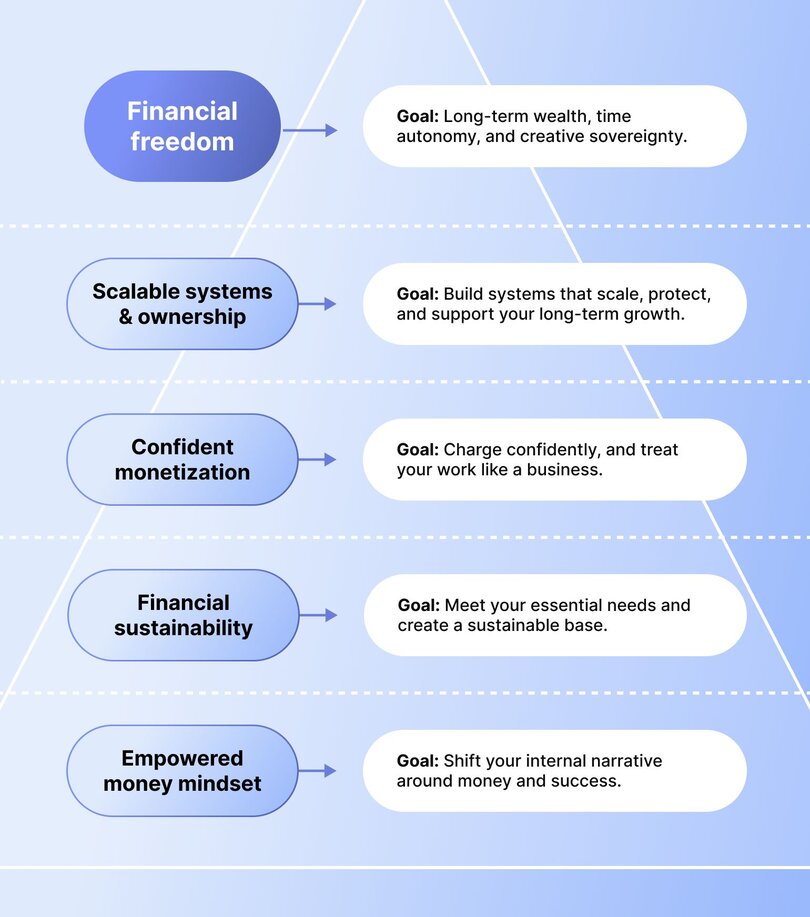
### 1\. “Know your ramen and sushi numbers”
One of the most important mindset shifts Tori teaches is deceptively simple: _know how much you actually need to live._
Why? Because most creators dream about six-figure launches, but haven’t done the math on what their business needs to earn to simply sustain them as a human, and eventually, let them thrive in their business.
Tori breaks this down into two numbers every creator should know:
1. **Your “Ramen Number”** — the minimum amount your business needs to bring in each month for you to survive. Rent, groceries, insurance. Basic life.
2. **Your “Sushi Number”** — the income goal that lets you live the life you’re dreaming of. A little travel, going out with friends, saving and investing, and most importantly, margin to breathe and enjoy.
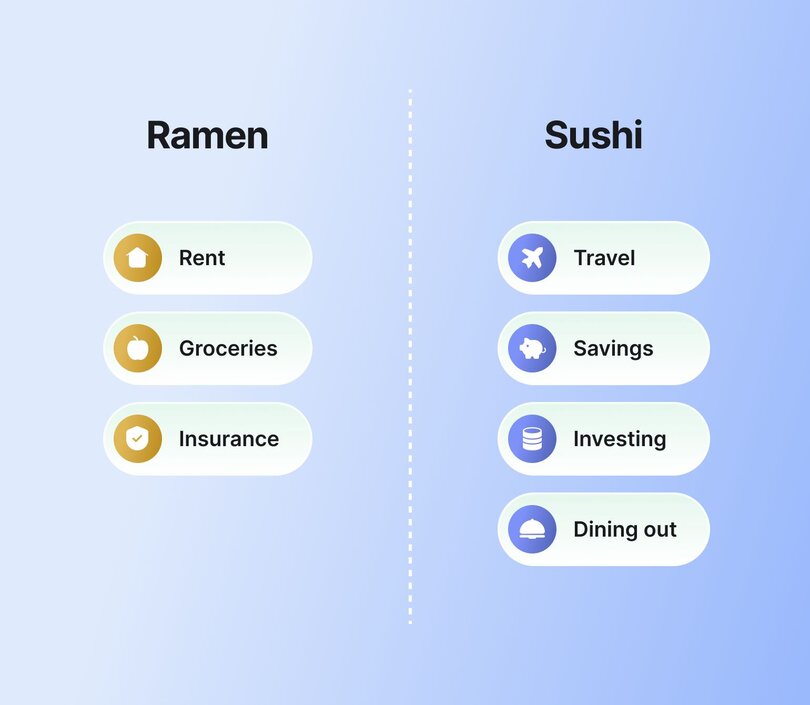
“This is your first homework,” Tori says. “You need to know your ramen noodle number beyond any other number. You need to know the bare minimum amount your business needs to be making in order to cover yourself.”
### 2\. “Act like a CFO, even if you’re a creative”
**One of the biggest myths among creators?** That being right-brained excuses you from understanding your finances.
“I work with a lot of creative entrepreneurs,” Tori said. “They’ll tell me, ‘I do the creativity—I don’t do the number parts.’ I majored in theater. If anyone’s right-brained, it’s me. But I’m a multimillionaire because I chose to treat my business like a business.”
**Tori has a strong stance on this:** even if you have a CFO, you’re still responsible for knowing your numbers.
Moreover, at the core of her philosophy is a simple but powerful principle: money should have a job the moment it hits your account. She broke down her go-to system for handling income:
1. **30% goes to taxes** — Yes, it’s high, but it saves you from getting a scary surprise come tax season.
2. **Pay your business expenses** — Keep them ALAP (As Lean As Possible), especially early on.
3. **Pay yourself** — Start with your _ramen_ number; build toward your _sushi_ number.
4. **Set aside reserves** — Ideally 10%, but even just a couple percentage points if that’s all you can do
5. **Invest the rest** — So you have something to show for your work.
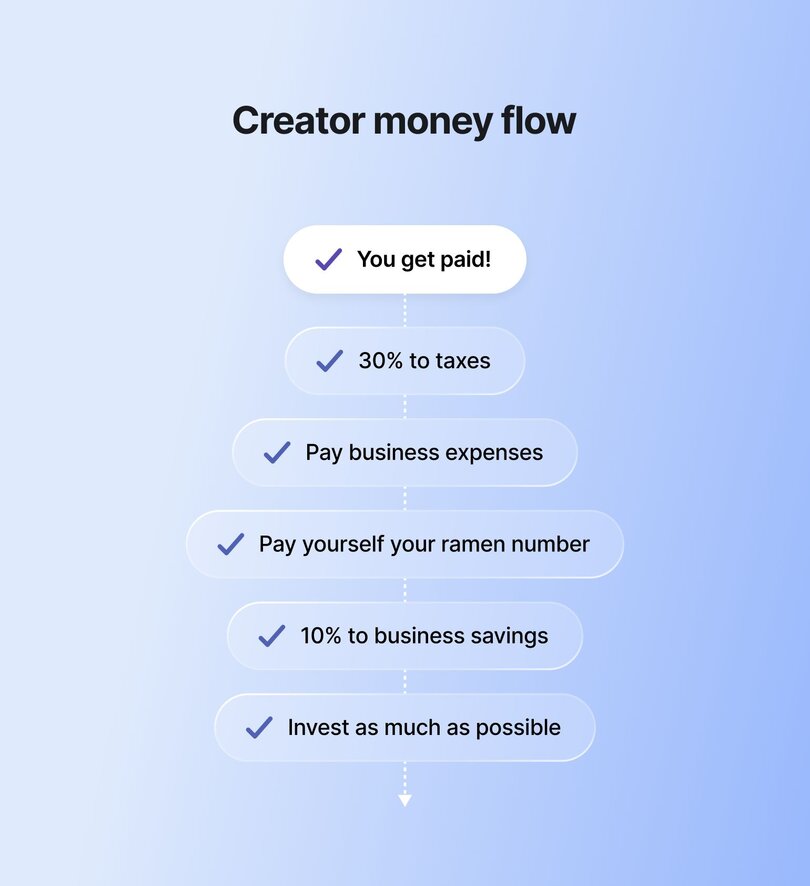
Many creators start making more than they did in their 9–5s—but still end up with no real savings or investments. Tori urges creators to shift their focus from just making money to actually building wealth.
### 3\. “Build on your own land”
If your income depends entirely on brand deals, affiliate links, or social platforms, you’re building on rented land. Algorithms shift, rules change, and entire revenue streams can vanish overnight—you’re at the mercy of platforms you don’t control.
Tori’s message is clear: use social platforms for discovery, but build your business somewhere you own. “Virality is cool,” she said, “but systems are better.”
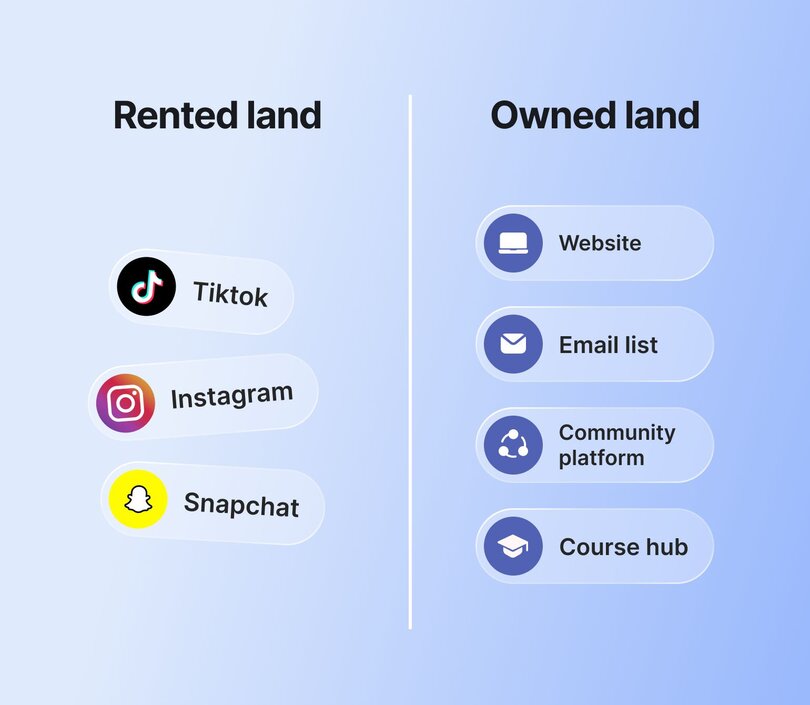
In Tori’s own business, a casual TikTok once racked up over 6 million views. But **what turned that virality into revenue was the quiz funnel** powering it behind the scenes. That single video added 100,000+ email subscribers and, along the way, **generated over $4 million in sales.** That’s the power of building on your own land: creating systems that capture attention, convert leads, and scale income—long after the post has faded from the feed.
Use platforms like Instagram or TikTok to attract, but bring your audience into **owned spaces:**
- [Email lists](https://circle.so/blog/how-to-grow-a-newsletter)
- [Memberships](https://circle.so/blog/membership-funnel-strategy)
- [Paid courses](https://circle.so/blog/create-online-course)
- [Digital products](https://circle.so/blog/digital-product)
- [Coaching programs](https://circle.so/blog/how-to-start-a-life-coaching-business-online)
**The goal?** Shift from **external revenue** (sponsorships, affiliate links) to **internal revenue** (products you control). That’s the foundation of a resilient creator business model—one designed to scale on your terms, not someone else’s.
### 4\. “Price like a one-woman agency”
Whether you're [pricing an online course](https://circle.so/blog/how-to-price-an-online-course) or a [community,](https://circle.so/blog/community-pricing-strategy) it's an emotional decision—and a hard one to get right. Most creators tend to undercharge, not because their work isn’t valuable, but because they haven't been taught to think like a business.
**Tori’s advice?** Stop pricing based only on your time or effort.
Instead, think like a full-service agency: “You're not just a content creator. You're a one-person marketing agency. You are handling strategy, you're handling content creation, you're handling posting, you're handling analytics, you're handling the back and forth, and the communication with brands.”
**Your pricing should reflect:**
- The _labor_ involved in creating content
- The _influence_ you bring to your audience
- The _overhead_ of running a solo business
**And if a brand says yes too quickly?** You probably priced too low. “If it’s an immediate yes, you didn’t charge enough,” Tori says. You need to push until you find the edges.
### 5\. “Money is a tool, not the enemy”
The relationship with money can be complex, especially for women and marginalized folks. Shame, fear, or learned avoidance can quietly sabotage even the most talented creators. That’s why Tori insists:
Money isn’t something to fear or feel guilty about. It’s a tool. A lever. A way to design a life and business that actually aligns with your values.
Tori encourages every creator to build an **“F‑Off Fund”**—enough savings to walk away from any situation that threatens your safety or well-being. “You need enough money to be able to get yourself out of an unsafe situation,” she said. “Maybe that’s a toxic job. Maybe that’s an unsafe relationship. I need you to have enough money to leave.”
**Without it,** you’re stuck making survival decisions 😰.
**With it,** you can choose your clients, pace, and platforms from a place of clarity, not panic.
This mindset shift helps creators stop asking their business to solve their personal finances. Instead, they get strategic, so their business fuels their freedom, not their fear.
### 6\. “Gamify the business, not your sanity”
When things get hard, most creators blame themselves. A quiet launch, a slow month, a drop in engagement—suddenly it feels like you’re failing. But Tori offers a different way to look at it: “Think of your business like it’s a game. Take the serious stuff seriously, and make the rest playful.”
**Instead of spiraling over setbacks, start asking better questions.**
- What’s one lever you can pull?
- What’s a variable you can test?
- What can you bring back from your archives?
Tori shared how her team was $20K away from their revenue goal a few months ago. Instead of stressing, they launched a last-minute flash sale and hit their goal in 45 minutes.
This is what happens when you zoom out and treat your business like a system you’re learning to master, not a test you’re constantly failing. Try things. Tweak things. Keep what works.
[Gamifying your business](https://circle.so/blog/community-gamification-guide) just means staying curious and creative, even when things get tough. It helps you bounce back faster, learn what works, and keep going without burning out.
### 7\. “Automate everything you can”
Lastly, Tori brings it full circle with one of her most powerful lessons: **automate everything you can**—not just your funnels and community engagement, but your finances too.
For creators, that means setting up automatic transfers from your income into high-yield savings accounts, tax buckets, and business reserves. Whether it’s every time you get paid or once a month, this simple habit builds consistency—and protection—over time. “Maybe it’s 10% of what your business brings in,” she adds. “But this is what’s called **paying yourself first.**”
The real power of automation? It frees up your energy to be creative, strategic, and human while your systems quietly help you build your future behind the scenes.
## Creator wealth is a strategy, not a dream
The biggest shift you can make today as a digital business owner? **Start seeing wealth not as a dream, but as a strategy** you actively work on.
That means:
- **Knowing your numbers like a CFO**
- **Building on platforms you own and control**
- **Using money to claim your power, not just survive**
Wealth isn’t selfish—it’s strategic. It gives you choices, control, and long-term freedom.
For women, queer creators, and creators of color, building wealth isn’t just smart—it’s a radical act of self-determination. This is what creator financial freedom really looks like: choice, control, and long-term independence.
👉 **If you’re a creator who wants to earn more on your own terms—with your people?** Use the [community ROI calculator](https://circle.so/community-roi-calculator) to see how much you could earn by launching a paid community.
## FAQs
What is the money mindset shift in psychology?
The [money mindset shift](https://books.google.ca/books?hl=en&lr=&id=3ABVEAAAQBAJ&oi=fnd&pg=PT7&dq=money+mindset&ots=eyqPHIdV2i&sig=H76zz9rklSYGKsSuJqwjFPqKMM0#v=onepage&q=money%20mindset&f=false) in psychology comes from a blend of behavioral economics, cognitive psychology, and financial therapy. It’s rooted in the idea that our financial behaviors are deeply shaped by subconscious beliefs (often formed in childhood) about money, worth, and identity.For example, if you grew up hearing "money doesn’t grow on trees" or saw your caregivers constantly stressed about bills, you may unconsciously associate money with fear or scarcity. Shifting your money mindset involves identifying those inherited beliefs, challenging them, and intentionally rewriting your inner narrative so you can make empowered, rather than reactive, financial decisions.
How does a creator make money?
Creators earn money through several income streams: brand partnerships, affiliate links, [digital product sales](https://circle.so/blog/digital-products-to-sell), [online courses](https://circle.so/blog/how-to-price-an-online-course), [memberships](https://circle.so/blog/membership-funnel-strategy), or [coaching programs](https://circle.so/blog/how-to-start-a-life-coaching-business-online). That said, the most successful creators don’t rely on just one stream—they tend to diversify their income streams to build a sustainable business model.
Where can I learn more about how to manage money as a creator?
Here's **Tori's recommended reading list**that helped her think about [financial feminism](https://journals.sagepub.com/doi/abs/10.1177/14647001251330625) and apply it to her creator journey:- [Smart Women Finish Rich](https://davidbach.com/wp-content/uploads/2025/05/Smart-Women-Finish-Rich-min.pdf) by David Bach
- [The Psychology of Money](https://www.goodreads.com/book/show/41881472-the-psychology-of-money) by Morgan Housel
- [We Should All Be Millionaires](https://helloseven.co/the-book/) by Rachel Rodgers
- [The Financial Diet](https://www.goodreads.com/en/book/show/32927009-the-financial-diet) by Chelsea Fagan & Lauren Ver Hage
- [Atomic Habits](https://jamesclear.com/atomic-habits) by James Clear
- [Deep Work](https://bookshop.org/p/books/deep-work-rules-for-focused-success-in-a-distracted-world-cal-newport/8339760?ean=9781455586691) by Cal NewportFinally, Tori wrote her own book: [Financial Feminist](https://www.google.ca/books/edition/Financial_Feminist/Uk13EAAAQBAJ?hl=en&gbpv=1&printsec=frontcover).
What is the best platform to make money as a creator?
There’s no single “best” platform to make money as a creator—it really depends on your audience, your content, and your business model. Some creators thrive on [YouTube with ad revenue](https://circle.so/blog/calculate-youtube-earnings), others build income through Substack, Patreon, or TikTok brand deals.However, if you're looking to build a community, offer courses, or host live events, Circle is worth a serious look. Unlike other platforms, Circle gives you full control over your member experience with features like customizable spaces, built-in payments, branded mobile apps, email marketing, and even AI-powered workflows. It's everything you need to turn your audience into a business without giving up control over your earnings.
---
### Musical Nest’s low-pressure engagement model for busy members
*How music educators Barbie Wong and Christine Goodner built Musical Nest, a Circle community that makes music practice joyful for families through seasonal programming, creative challenges, and sustainable engagement strategies.*
Source: https://circle.so/blog/musical-nest-community
Is there a way to get kids to practice without the power struggle? What if it could be... fun?
Music educators and parents **Barbie Wong** and **Christine Goodner** think so. And they built Musical Nest to prove it.
Launched in October 2024, [Musical Nest](https://barbiewong.com/community/) is a Circle community designed to make music education easier and more joyful for families. It connects parents and teachers through expert-led resources, seasonal programming, and creative online community challenges that keep kids motivated.
This article explores how Barbie and Christine structured their community to support **low-effort, high-impact engagement.** It also looks at why they’re taking a slow, intentional approach to growth and what other community builders can learn from their **collaborative leadership**.
If you’re:
- Dreaming up your own niche community?
- Or trying to survive practice time with your mini Mozart?
Musical Nest offers a model worth tuning into.
## Meet Musical Nest
Both longtime music educators and parents themselves, Barbie and Christine had been tackling the same tough questions from different angles:
1. How do we help kids want to practice?
2. And how do we support the adults guiding them?
Christine, a violin teacher, once struggled through practice sessions with her kids. So much so, she created a podcast about how to practice with your child with less conflict and how to support that practice relationship.
Barbie, a piano and ukulele teacher, had a similar experience.
“When my kids were young, I was trying to figure out how to get them excited about practice,” she shared. “I realized that if I can't figure it out and I have two degrees in music, then what's everybody else doing?”
When Barbie discovered Christine’s work, she felt seen.
For Christine, her motivation was simple: **“Be who you needed when you were younger.”**
“What I needed when I was a younger teacher or a newer parent was **some place to go with the things that weren't going well**,” she explains. “To get support somewhere that didn't feel embarrassing to say, ‘I don't know what to do,’ or ‘This feels hard.’”
Their aligned vision and goals led to them co-founding an online community: **Musical Nest.**
Part music teacher community, part parent support group, and part practice pep squad, Musical Nest helps grown-ups navigate the messy, meaningful work of raising young musicians.
### The community breakdown:
📍 **Community:** Musical Nest
👋 **Founders:** [Barbie Wong](https://www.linkedin.com/in/barbiewong/) and [Christine Goodner](https://www.linkedin.com/in/christine-goodner-745ba521/)
🗓️ **Launched on Circle:** October 2024
🌟 **Size:** 77 active members
🎯 **Purpose:** Bring together parents and music teachers to help children build joyful, consistent music habits
💰 **Pricing model:** Paid membership ranging from $120-$144/year
## From solo struggle to co-led success
So how do you build **a learning community that feels more collaborative** than overwhelming?
For Barbie, the answer didn’t come right away. “I tried to launch it before and it didn’t work,” she admits. “At some point, I realized this is just too hard to do by myself.”
Barbie met Christine around the time she started building the community on Circle. At first, Christine was busy running her music studio, but eventually, she carved out space in her schedule and agreed to come on board.
**That decision changed everything.**
“With Christine… suddenly this whole thing became… I would say like 95% fun versus before it was about 50/50,” says Barbie.
Since then, the two have developed a strong, collaborative working rhythm—dividing tasks based on their strengths and checking in regularly to stay aligned.
**Partnership operations:**
- **Task division:** Barbie handles tech and posting; Christine leads content creation and outlines
- **Meeting frequency:** Monthly planning sessions, plus weekly check-ins
- **Collaboration style:** Christine drafts outlines → Barbie implements in Circle
- **Decision making:** Both review timing and content together before anything goes live
“I love that Barbie takes my ideas and makes them show up magically, from my perspective, in Circle,” Christine adds.
## A community designed for busy grown-ups
Musical Nest isn’t for kids. It’s for the grown-ups supporting them.
And those grown-ups? They’re juggling a lot: teaching, parenting, managing busy schedules. **That’s why everything from the landing page to onboarding is simple**, welcoming, and easy to navigate.
Their **pre-community lead capture strategy** reflects this:
- **Two-step process:** Page one captures contact info with a Tally form. Page two gathers more detail and directs to the [Circle paywall](https://circle.so/blog/paywalls)
- **Follow-up friendly:** They can reach out to people who don’t convert
- **Insight-driven:** Helps identify common barriers like not realizing the community is paid
Their paid membership is straightforward—$10/month annually or $12/month quarterly—with a 14-day money-back guarantee.
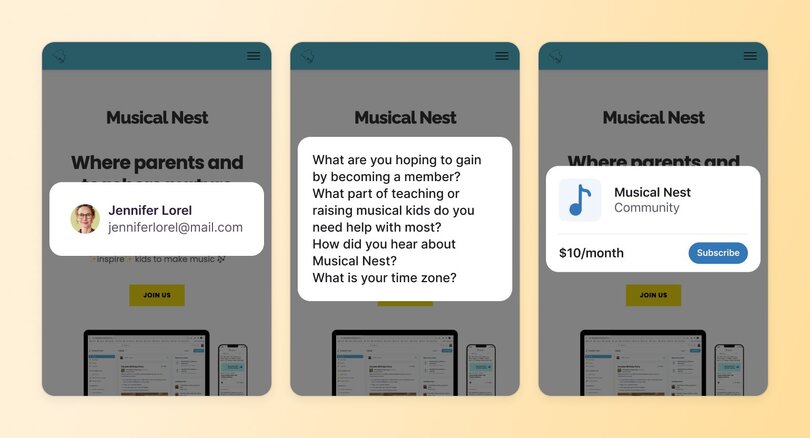
Once inside, the focus shifts to helping members **stay connected without feeling overwhelmed.** Barbie and Christine know their audience doesn’t always have time to log in regularly so they’ve built a light, low-pressure communication system that keeps people in the loop.
**Member communication strategy:**
- **Dual approach:** Community posts + email reminders
- **Monthly emails:** Keep Musical Nest top-of-mind for members who turn off notifications
- **Templates provided:** Easy, copy-paste invites for members to share with friends
- **Personal touch:** Barbie sends direct messages to new members and follows up by email if there's no response
From there, members can explore expert tip videos, join themed discussions and community calls, or quietly engage on their own schedule.
“We just keep it as simple as we can so that they can hop right in,” Barbie adds.
## Online community challenges that actually work
What motivates kids to practice music? And how can parents and teachers work together to make it feel fun and not forced?
Musical Nest might have cracked the code with their **online community challenges**. Their January 30-Day Practice Challenge was a standout example, combining structure, flexibility, and just the right amount of incentive.
**Challenge mechanics:**
- **Registration:** Google Form for sign-ups
- **Challenge-specific pricing:** $10 for 30-day challenge vs. $36 for 3-month membership
- **Tracking:** Manual tracking viable for small communities (under 50 people)
- **Participation criteria:** Even a simple thumbs up or like counted toward completion
- **Prize tiers:**
- 15–19 days: Stickers
- 20–29 days: Stickers + luggage tag
- 30 days: Custom tote bag + other items
- **Sourcing:** Amazon for music-themed items (easy and affordable)
- **International consideration:** Prizes were chosen to be easily mailable overseas
- **Random drawing:** 3 total prize winners to keep costs manageable
The challenge was a hit and a reminder that challenges for community engagement don’t have to be complicated to be effective. Barbie and Christine are currently running a bingo-style version for the summer.
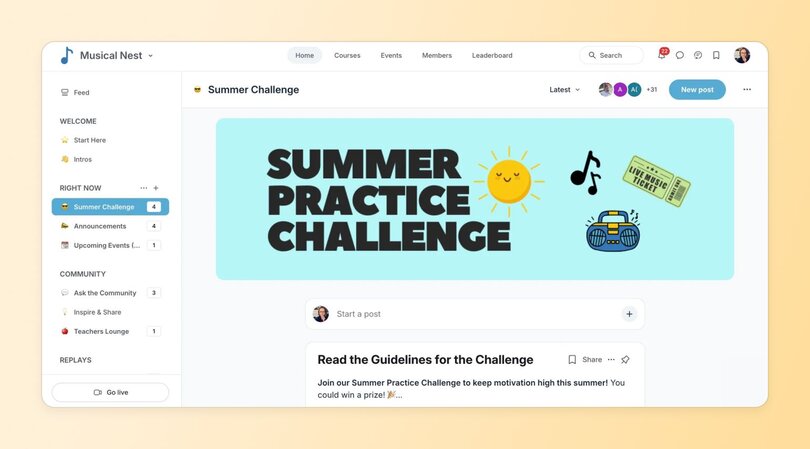
## Programming with purpose
Planning content for two busy audiences isn’t easy. So how do you build a music teacher community online that supports both parents and teachers? And what should a community for music educators include to keep members engaged without burning them out?
Barbie and Christine start by **planning everything around the natural rhythm of the school year.**
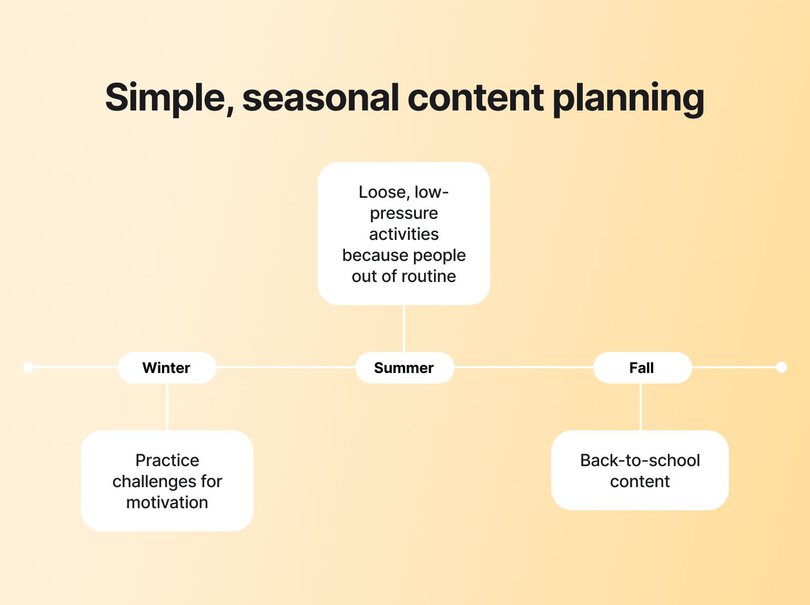
**Seasonal content strategy:**
- **Winter:** Practice challenges to tap into New Year motivation
- **Summer:** Loose, low-pressure activities like practice bingo, since many families are out of routine
- **Fall:** Back-to-school content focused on finding music teachers and preparing for lessons
- **Community meetings:** Monthly events with real-world themes (e.g., May = recital season)
The two cofounders meet monthly to map things out. They also release one short video each week, with topics like how to gamify and incorporate play into practice.
“Because Barbie and I both work with parents and teachers all the time, we tend to take a topic and then look at it from different angles,” Christine explains.
Their community library also includes quick courses like Barbie’s Motivate Kids to Practice class for time-strapped parents.
## What they’ve learned about slow growth
From the beginning, Barbie and Christine have taken a steady, intentional approach to building Musical Nest, focusing more on member experience than rapid expansion.
“We both really like how slow we’re growing,” Barbie says. “We know this might not sound like what most people want, but I like that we’re slowly, steadily growing.”
That mindset has allowed them to **create a space where members engage in ways that fit their lives.** Some show up to every live event. Others watch videos quietly in the background. Some offer feedback behind the scenes.
They use **member surveys** to understand what people value and how they prefer to participate.
“We're realizing some people are passive engagers,” Barbie says. “They just like the content and they’ll do it on their own time.”
They’ve also added features like Parent Talks—interviews with parents of musicians—and a private Teachers’ Lounge for more sensitive conversations. Practice challenges remain the most active part of the community. But every interaction helps them shape what’s next.
Right now, they’re exploring studio memberships, which would let teachers invite entire groups of parents to join Musical Nest. They’ve also planned a summer retreat day to set their vision for the rest of the year.
“I like that we’re building something really slow and really strong,” Barbie says. “So that when we get to 100 members, or 200, everything will be steady and we’re going to have a high-quality product.”
## Advice for other community builders
Building a community doesn't have to be overwhelming—for you or your members.
"We both really like how slow we're growing," Barbie says. "I like that we're building something really slow and really strong."
Their approach? **One video per week, one community call per month. That's it.**
Barbie compares being part of Circle to taking a course: "Go to Office Hours when you can. Ask questions when you have them. It's also the other people who will jump in and give their two cents."
Christine's biggest lesson? "Keep an open mind about what your community actually needs." She originally imagined Musical Nest as a text-based hangout space. It evolved into something quieter—a better match for busy parents and teachers.
"Know what your vision is, but what that looks like in practicality could be different. And that's okay."
Not everyone will show up to live events, and that's fine. "We're realizing some people are passive engagers," Barbie explains. "They just like the content and they'll do it on their own time."
Building something meaningful takes time, but it doesn't require constant hustle.
---
### 6 Myths about building a thriving online community
*What goes into building an online community? From member size and monetization, to tools and budgets, we’re busting all the myths!*
Source: https://circle.so/blog/myths-about-building-an-online-community
Have you ever wondered what goes into building and scaling a successful online community, and what the most common traits are? Maybe you think…
- **They have thousands of members**—and a really big team to handle all that engagement.
- **They’re probably not charging much, if anything;** how else could they get all those people to sign up?
- **Their budgets must be massive;** running ads to bring in new members adds up quickly (and they’re surely running ads, right?).
The team at Circle was curious, too. Which is why we analyzed product usage data from 10k+ communities running on Circle, and ran a survey to 682 community pros—10% of which were identified as the top “Platinum” communities—to find out exactly what it takes to run a thriving community. (Here’s the [full benchmark report](https://circle.so/2024-creator-community-report) if you want to dig into the data).
It turns out that communities can take on a lot of different shapes, but the best of the best do tend to have a few things in common…
> 💡 **Hint:** budget and member size don’t have anything to do with it.
Get your myth buster gear ready—we’re diving in!
## Myth 1: The best communities have tons of members
The bigger the community, the better the results, right?
Absolutely not. ⛔
Some of the most engaged and profitable communities are made up of a tight member group that is highly aligned with the vision and mission of the creator and/or brand.
People often focus on numbers of members as an indicator of success because it’s easy to measure. But it’s more about having rich relationships and engagement, rather than more people to fill the metaphorical “room”.
Of the 682 communities we surveyed, we found that 76% of Platinums have 500 members or fewer, and only 7% have over 5,000 members.
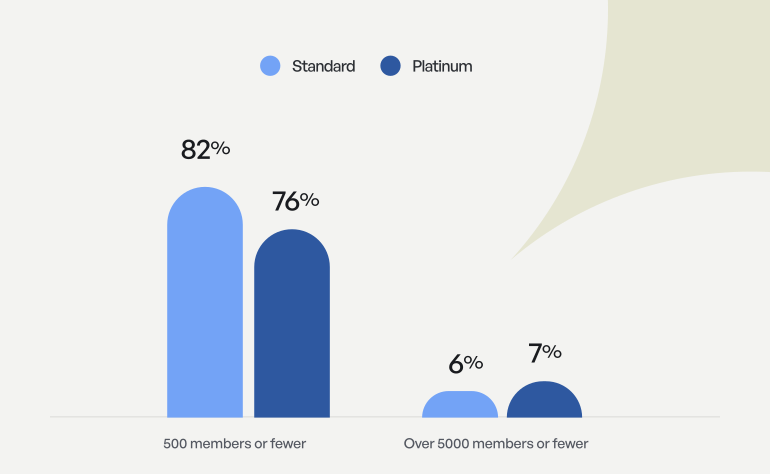
It turns out that the quality and success of a community has no real correlation to the size of its members. And let’s be honest, managing a community of 5,000 is a lot of work anyway…
## Myth 2: If the community isn’t free, no one will join
Sound the alarm... 🚨
This one even surprised us:
Only 7% of Platinum communities are free, compared to 21% of standard communities.
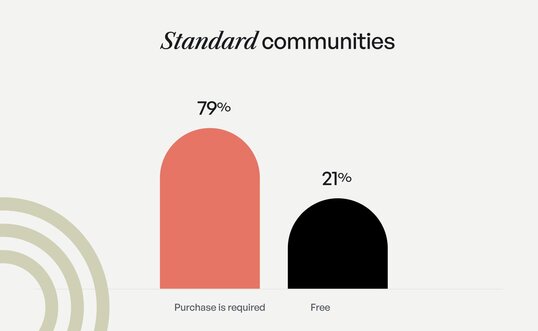
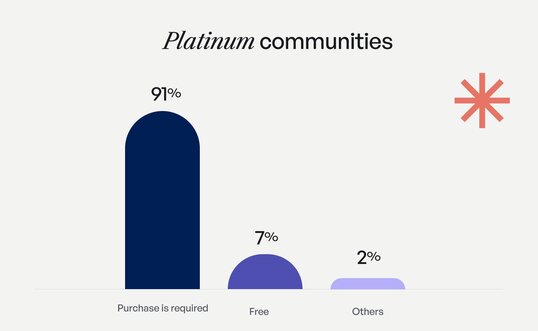
The most successful communities are often monetized through one or both of the below methods:
- **Charging members directly for access.** Think of it like a gym membership. The cost of the membership actually drives people to show up and take action.
- **Offering the community as an add-on to another purchase/product.** Like an additional benefit to becoming a customer (much like what we offer at Circle).
And then there are of course more ways to make money, like additional products (1:1 coaching, bootcamps, courses, etc), or having tiered membership plans.
It can be uncomfortable to put a number on what value you feel your community provides, or move from a free community to a paid one, but it’s worth it in the long run.
The fact is, successful communities charge what they’re worth, and their members happily pay for it. 💸
> 🔥 **Hot Tip:** If you give away some goodies (insights, content, etc) for free, you’re likely in a better position to charge for your community and/or services! It helps build trust and give a taste of what members can expect to gain access to.
## Myth 3: The most successful communities are run by large teams
Is it actually possible to run a community as a team of 1?
Of course! 🥳 We found that nearly 3 in 5 respondents don’t have any full-time help, and that’s true for both Platinum and standard creators. About the same number of respondents employ two or fewer part-time or freelance staff members to help manage their community.
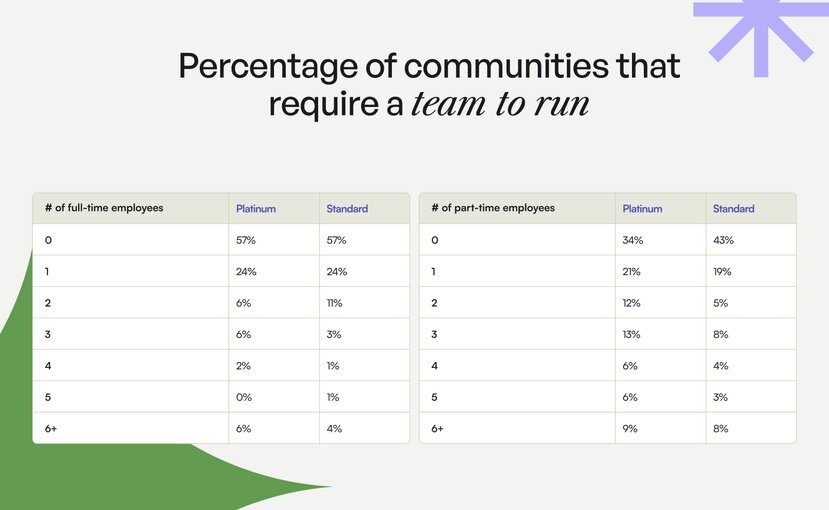
Running a lean community by yourself is hard work, but investing in the fundamentals can take you pretty far. And that’s the joy of it—it’s your community. By keeping your team small, you’re often in a better position to develop close, meaningful connections with your members, which fosters a deeper understanding of your community and their needs overtime.
With Circle, you don’t have to do it all manually. For example, you can:
- Leverage our [Community AI](https://circle.so/ai) feature, co-pilot, to help you brainstorm and repurpose content, automate webinar transcripts, track member activity trends, and much more.
- [Build out workflows](https://circle.so/workflows) to automate repetitive tasks like: sending out new member welcome messages and bulk event invites, creating triggers to encourage participation or award members with badges, moving members from one space to another, and so on.
So, to sum up…
Don’t feel intimidated to manage a community on your own.
Do leverage AI, workflows and more to reduce manual work.
## Myth 4: Growing a community costs big bucks
Great news for those of us starting out: More money doesn’t necessarily mean more members.
And platinum creators are even less likely than standard creators to spend tons of money on new member acquisition, with more than half spending no money on it at all.
Only 16% of platinum creators leverage paid social and only 5% leverage paid search. So while it’s nice to have the budget to invest in ads, you don’t need ads to grow your community or business.
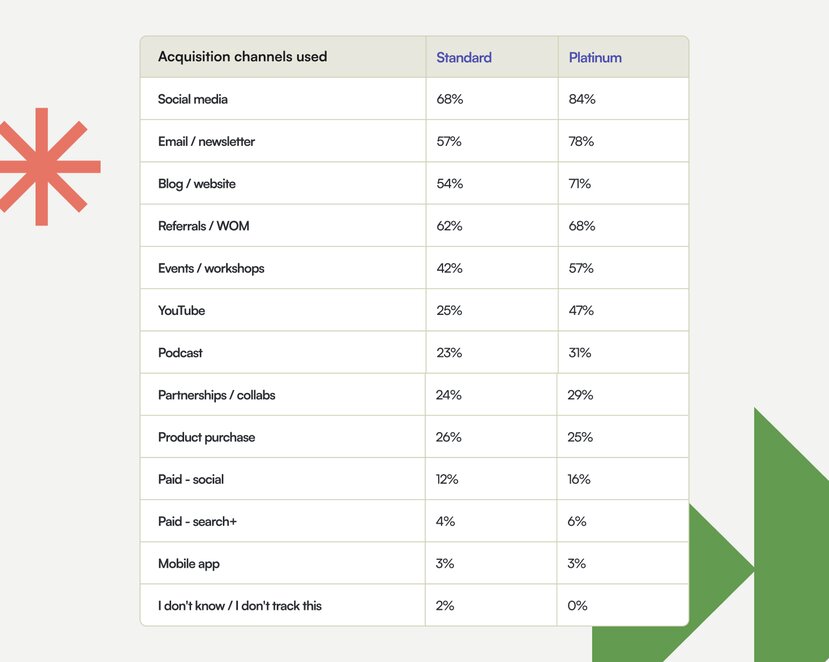
What’s their secret to success? They use significantly more acquisition channels than standard creators, including social media, email, and YouTube. But they’re also using those channels a little differently.
🎯 Some of the common growth tactics Platinum communities invest in:
- **Referrals:** They leverage existing members to grow their community through inexpensive or unpaid marketing tactics.
- **Partnerships:** They partner with “amplifiers”, i.e., brands and professionals that are already trusted by their audience and cater to their target customer.
- **Content creation:** They invest in high-quality content that establishes them as an authority in their field, attracts the right people, and filters out those who aren’t a good fit.
- **Consistency:** They focus on consistency (core themes and repeatable formats), knowing it will pay off in the long run.
- **Self-promotion:** They shamelessly self-promote whenever and wherever they can.
A side benefit of using various acquisition tactics is reaching different segments of your audience. Why not diversify your marketing efforts in 2024?
## Myth 5: You need a bunch of expensive tools to manage a community
That’s a hard nope.
Have you ever suffered from complicated tool fatigue? 😕
It’s the overwhelming feeling of managing multiple complex tools to run your community. You might find yourself saying, “I haven’t launched my community because I’m struggling with complicated tool fatigue.”
> 🔥 **Hot Tip:** You don’t need loads of tools to run a community, you only need the right ones. And it turns out, the majority of professional creators use 3 tools or less to manage their community.
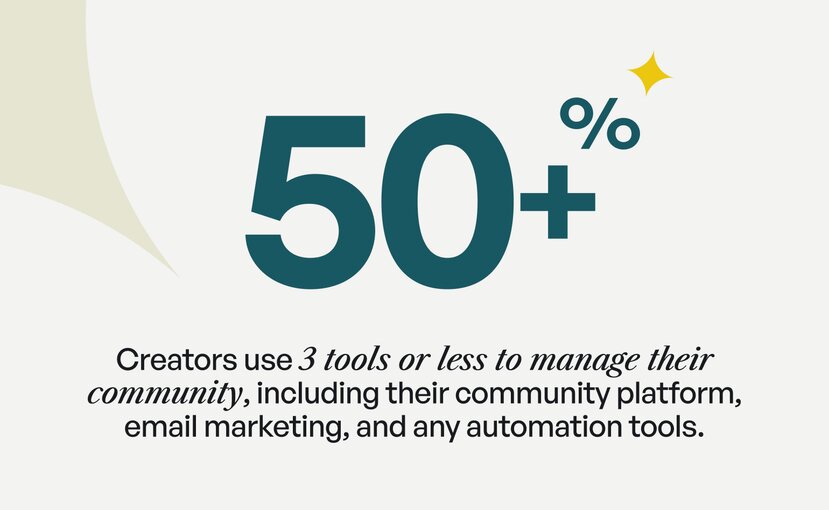
In fact, the more tools you use, the less effective you use each one. A more simple tech stack means less time juggling tools, and more time creating an incredible community experience. So it’s better to select tools that can do more for you, saving you both money and time.
## Myth 6: Online workshops and webinars are dead
We have a doozy of a stat for this one. 🥴
It turns out that 100% of Platinum communities (yes, all of them) run events. And not only that, they run more types of events, too
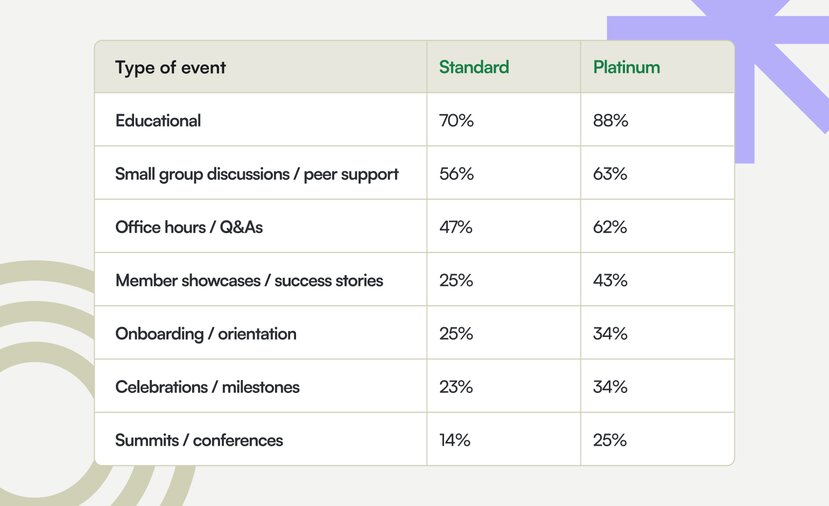
Our data tells us that the power of running live events is indisputable.
Online workshops and webinars are far from dead—they’re actually thriving. And it’s a tactic everyone should absolutely experiment with in their community.
To recap, here are some event types to try in your community:
- Small group discussions / roundtables
- Workshops / webinars
- Office hours / Q&As
- Member showcases / success stories
- Onboarding / orientation
- Celebrations / milestones
- Summits / conferences
Events might seem intimidating, but you don’t have to try them all at once. On the contrary—we advise starting with a “flagship ritual,” like a weekly member showcase. This then becomes something members can learn to expect (and get excited about). From here, once you’ve got a steady rhythm and have the bandwidth, you can begin experimenting with different styles and themes of events!
## Quick Community Building Checklist
Even the most experienced community builders struggle to say with certainty whether they're doing a good job, or what "good" even means in the world of community building. So hopefully this list of myths helps to clear up common misconceptions or assumptions you might have had, too!
To recap, here are a few things to consider when building or reshaping your community strategy:
- Define your ideal member size
- Explore various monetization methods and decide what works best for your community
- Streamline your community management with automations where possible
- Try 1 low/no-cost acquisition tactic
- Invest in a few key tools that allow you to do many things (like Circle 😉)
- Experiment with events, starting with a recurring flagship ritual (weekly webinar, etc)
## Communities are like onions: they’ve got tons of layers
Every community is made up of custom layers; including how they’re built and run, what the member experience is like, how they’re monetized, and so on. There’s no one size fits all approach, which is also what makes communities so special—they’re unique, often quite niche, and can have profound transformational effects on their members.
Don’t get us wrong, building an online community is hard work. It takes time, experimentation, and tons of effort to really make it into something worth joining. But it’s also super rewarding, and can be quite lucrative.
And it turns out, Platinum communities don’t have more money, employees, or hours in the day. What they do have is a deep understanding of their members that they pair with creative, smart tactics. 👏
Curious about creating an online community, or reshaping an existing one? Give [Circle’s 14-day free trial](https://app.circle.so/communities/new#email) a whirl. You’ll also gain access to our own thriving community of community builders, where you can ask questions, learn about how others have built their communities, explore exclusive resources, attend live workshops, and so much more.
---
### Leveraging offer flywheels to fuel unstoppable growth
*Build your offer flywheel using Julie Solomon's proven playbook, and get advice on generating leads that convert!*
Source: https://circle.so/blog/offer-flywheel
How does one transform their life and their business from being $30k in debt to regularly having $90K months—while also empowering others to do the same?
For [Julie Solomon](https://juliesolomon.net/), personal branding powerhouse and top influencer marketing leader, her **offer suite** (or offer flywheel) has been the key that unlocked ease in her multi-7-figure coaching business.
And yet, many creators and creatives will say that processes and systems stifle their creativity or complicate their lives. They say:
“I’m not good at tech”
“It takes too much time to set these systems up”
“I don’t know what to do for these funnels”
“All this stuff with offer suites freaks me out”
These are often also the same people who are burnt out from constantly selling their products and services.
What these creators don’t know is that by investing in a little bit of behind-the-scenes work to create a **sales flywheel**—processes and funnels can actually fuel creativity and create ease in your life and business.
That’s why we spoke to Julie—a [bestselling author](https://juliesolomon.net/book/) and a chart-topping [podcast host](https://juliesolomon.net/podcast/)—who’s taking all her hard-won lessons from 8+ years in business and giving you the key to a sales flywheel that’ll double (or triple) your monthly revenue.
If you’ve read our previous [playbook with Ali Abdaal](https://circle.so/blog/building-a-core-offer), you might already know about the power of offer funnels. In this article we’re taking the topic one step further to **automate your offer flywheel**—and help you make money while you sleep.
## The goal
**If you had to choose between:**
A: Constantly having to show up and sell on social media, come up with new ideas of what to sell every quarter, and getting creatively and practically burnt out, or…
B: Systems that automate your sales, processes that help you come up with ideas, and funnels that keep people in your ecosystem…
**Which would you pick? Seems like a no-brainer to us.**
The goal of this playbook is to shift your thinking from “how do I get the next sale”, to “how can I get my offers to work together and build on another?”
**How do you build a thriving sales ecosystem?**
## The assessment
**This can be daunting, but remember:** The beauty of a sales flywheel is that it comes back around. Which means you can tweak it continuously, improve upon it, and adapt it.
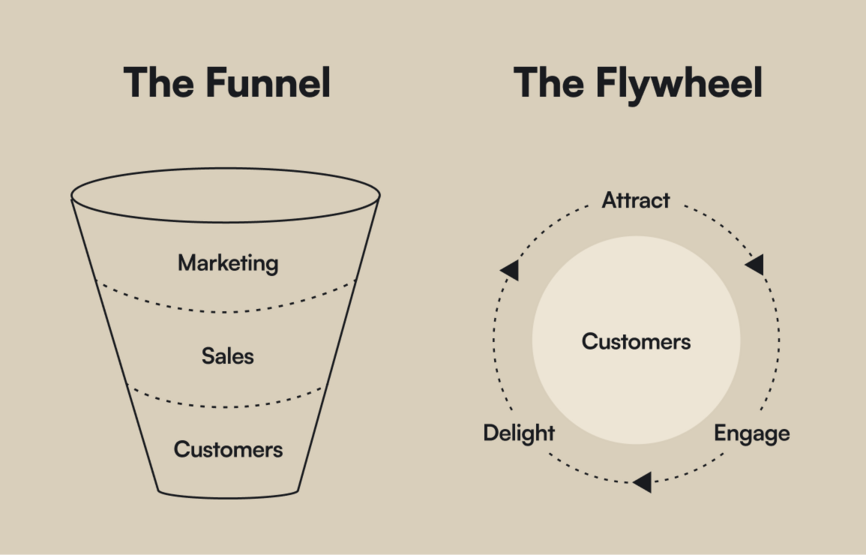
Instead of having one goal in a funnel—ie. get this person to buy this one thing and then forget they ever existed—a sales flywheel gets you to focus on solving people’s problems in a more and more helpful way (delighting them) over time, and bringing them deeper into your world.
First you bring them into your world (attract), then you provide them value for free (engage), then you solve one of their problems (delight). As you prove the transformations you can get for people and your impact, people trust you more and invest in bigger offers for more complex problems.
How can you create a flywheel with one (or several) offers? Read on.
## The playbook
Julie calls your offer packaging or positioning an “offer or product suite” or ascension model, which helps you think about the way that these offers build on each other.
Lots of people won’t be ready to invest thousands of dollars with you after listening to one podcast or reading a blog—but if they’ve seen the proof of how your initial, lower offers have worked for them or others, they’ll be more likely to invest more to get bigger transformations.
### Build your offers
Here’s what some of the offers in your funnel could look like.
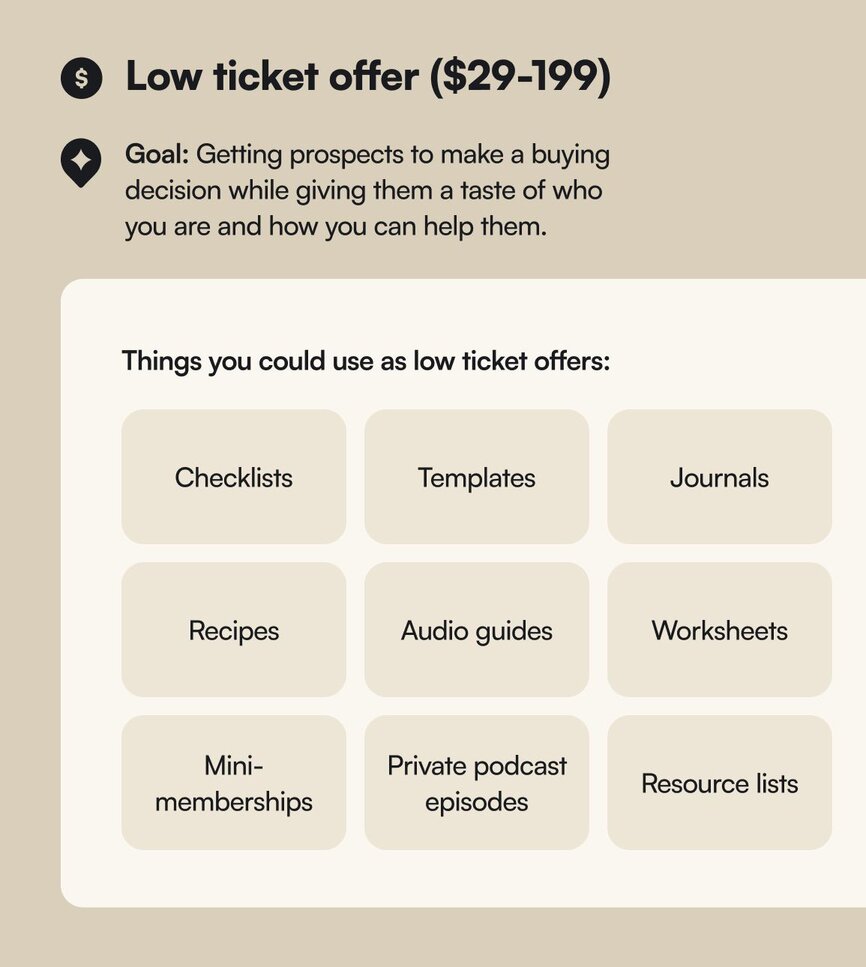
**How a low ticket offer works:**
- Low ticket offers are given earlier in the sales process, and are priced so your prospect barely blinks before opening their wallet.
- Does not mean low value or low-profit margins. Give prospects a lot of value up-front so they see you’re worth investing in. You wouldn’t buy a high-end face cream at Sephora if the sample they gave you was super watered down—so don’t do that to your prospects.
- **Great for**: Easily attracting new people into your world (via an email list or something else) while showing value, delivering quick wins, and building trust.
**In practice**: One of Julie’s low ticket offers called “Instantly Influence” that cost $49—brought in over $53,000 and over 4,000 new email subscribers in one year.
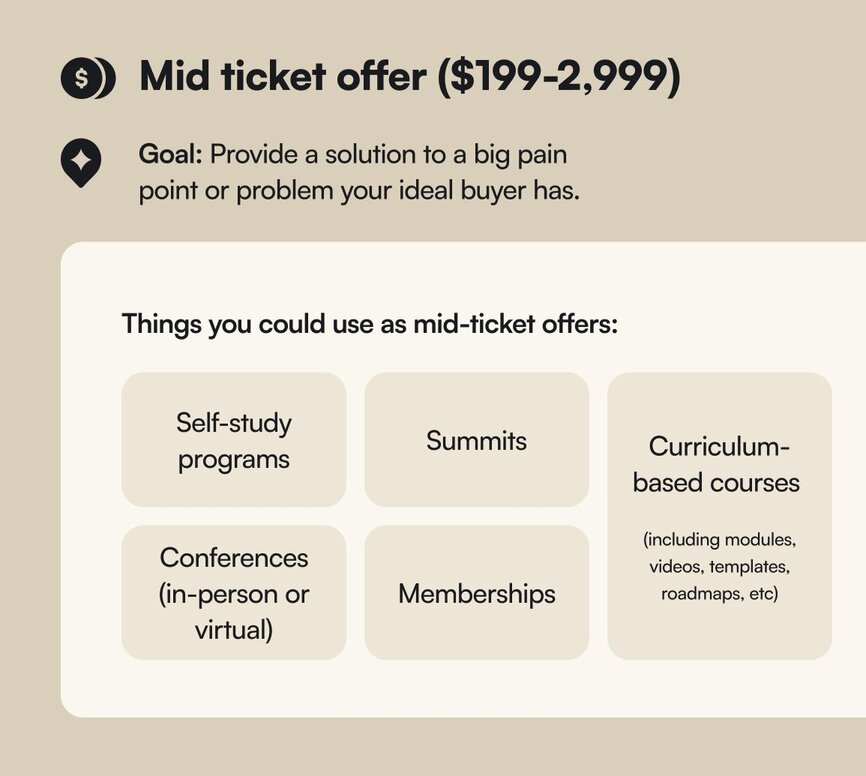
**How a mid-ticket offer works:**
- Mid-ticket offers solve a specific challenge or generate a desired outcome, and are priced so your prospect sees the value in investing if that particular problem is solved.
- Should not involve high levels of support, coaching, or proximity to you as the course creator—as that could cannibalize your chances of scaling a high-ticket offer.
- **Great for**: strong profit margins, testimonials, visibility, marketing opportunities, extending customer value. Great base for high-ticket offers like masterminds.
> 💡 **Julie’s Tip:** Self-study courses are highly profitable and highly sustainable—because it doesn’t include live components (except for launches).
**In practice**: For the first two years of Julie’s business, she had one mid-ticket offer at $599 and it earned her 7-figures—and supported tens of thousands of students. Their success stories then become Julie’s success stories. 🔁
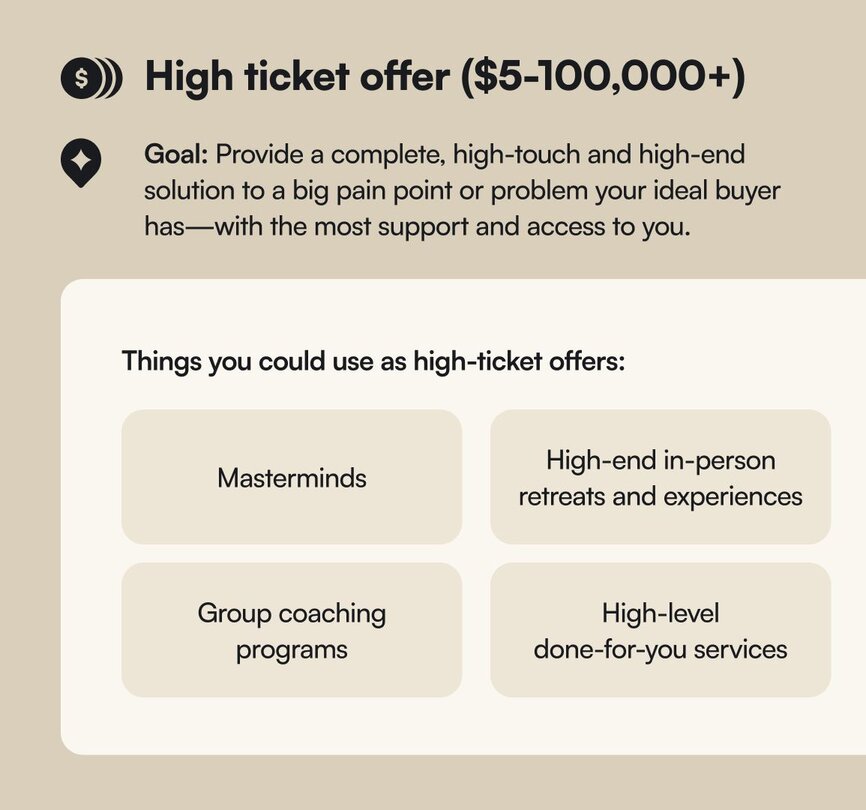
**How a high-ticket offer works:**
- High-ticket offers are the most exclusive and premium, and are designed for people interested in achieving substantial results and transformation.
- A higher-ticket client is trying to shortcut their learning by understanding how you model things, lead your team, run your business, handle triage, and everything in between.
- **Note**: while one-on-one coaching is also a high-ticket offer, it’s not scalable. One-to-many is the goal to be sustainable.
- **Great for**: providing resilience against fluctuating economies and slower sales seasons (because you have more buffer.)
**In practice**: Some people are scared to charge a high-ticket offer for what it’s worth, so they sell a high ticket offer but price it like a mid-ticket one. “It’s kind of like selling a Mercedes at the price of a Kia,” says Julie.
Then, they get burned out because they’re working at such a high level but not getting the return in profit. Don’t do this! Leave the scarcity mindset behind and give yourself the dignity of creating the offer that meets people’s bigger needs.
### Steal Julie’s three-pronged prospecting strategy
In order to offer something—you need someone to offer to.
How do you get those people in your orbit? You have to **find** and identify your ideal buyers, **create** a place to send them, and **convert** them into paying customers.
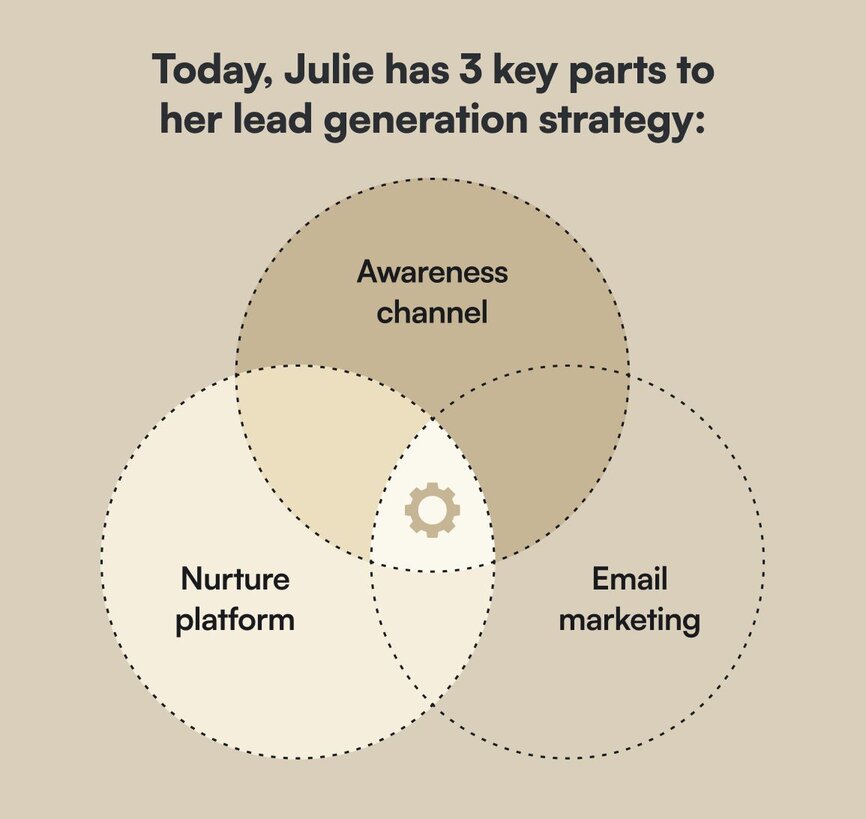
#### Awareness channel
An awareness channel is the strategy for how you drive awareness to your brand and business—and reach new audiences. You do this by:
- Participating in other people’s podcasts
- Speaking on stages
- Writing books
- Getting media coverage
- Securing brand deals and getting paid collabs
**Julie’s example**: Julie heavily focused on brand collaborations, guest posting, media appearances and virtual events when she first started in 2016. Those brand collaborations helped her grow her visibility from 0-2,200 email subscribers a year later—without a robust strategy.
[Watch Julie's Free Masterclass Here:](https://juliesolomon.net/masterclass-circle)
3 Steps to Grow Your Following and Land $10K Brand Deals in Just 30 Days
#### Nurture platform
A nurture platform should be used to create the evergreen content library that stays valuable for years to come—and slowly strengthens your relationship with your audience. This is the key to visibility and authority in your space. It could include:
- YouTube videos
- Podcast
- A blog
- Social (although it’s become more of a short-form content consumption platform than a nurturing one)
**Julie’s example**: It takes Julie about 10 hours per month to record weekly episodes for [The Influencer podcast](https://juliesolomon.net/podcast/), but it is the #1 lead gen driver for her company. Plus, she has 7+ years of evergreen content that she can repurpose into articles, courses, freebies, and more.
#### Email marketing
Over 80% of your sales will come from email. It’s the place where you will connect with and nurture your warmest leads, and for most creators? Your most engaged platform.
Plus? It’s an “owned” channel—a list of people you can contact and sell to that isn’t [a social media account that could be shut down at any time](https://circle.so/blog/take-community-off-facebook-groups).
### Turning it all into a sales flywheel
**This is how Julie gets people into her world and converts them into fans:**
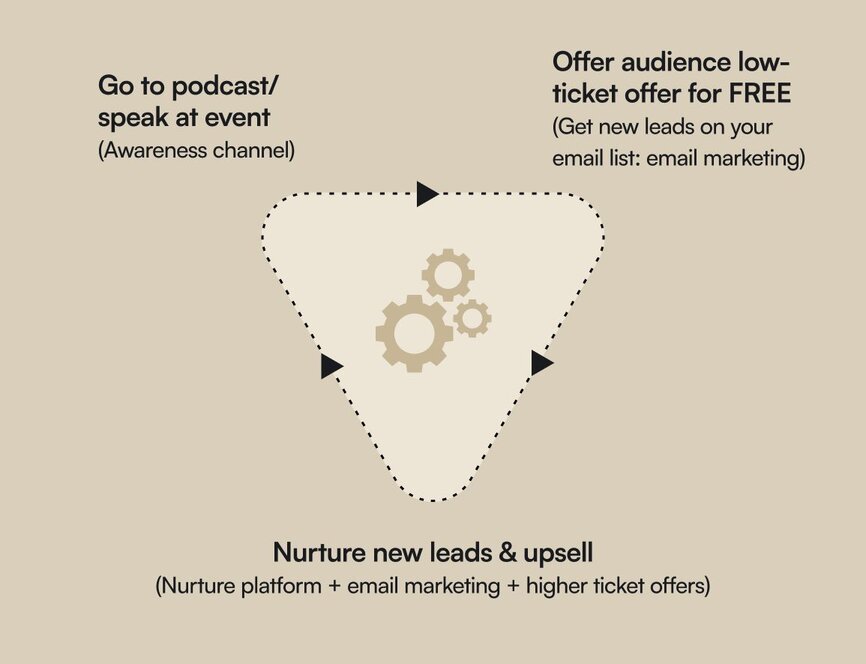
#### Combine these two things to generate a predictable sales flywheel
What’s the secret to Julie’s sales? A one-two punch of evergreen funnels, and live launches.
**Evergreen funnels**: means having something to sell all the time on autopilot. These are the invisible sales systems that work behind the scenes that allow people to buy on their timeline.
**Live launches**: means a promotion that opens and closes on certain dates. You show up and promote it on your timeline. Not only do you increase your visibility at that moment, but you also get real time feedback, and generate significant revenue quickly.
Live launching a few times a year is a great cadence because different buyer behaviors exist. Some know immediately; others take months to decide.
#### Foundational pieces for invisible sales systems
The beauty of the things that you need to build for both live promotions and evergreen funnels is that once they’re created, you can tweak them for years to come.
“I don’t believe in starting from scratch. I still use emails I wrote 5 years ago. I believe in making everything I create—whether an instagram live or email—work so hard for me,” says Julie.
**This is what you need as a baseline:**
1. **Landing page**: Where a visitor arrives after clicking a call to action.
2. Example: Opt in pages, webinar registration pages, application pages, replay pages, thank you pages, sales pages
3. **Training**: Where you present something of high value.
4. Ex: webinar, workshop, training, bootcamp, masterclass, challenge, video series, etc
5. **Email sequence**: A series of emails for those who registered on your landing page for your training. Should contain stories, key messages, and a link to purchase in every email.
**Sales funnel:** series of strategic relationship-building experiences that turn prospects into buyers through an automated process.
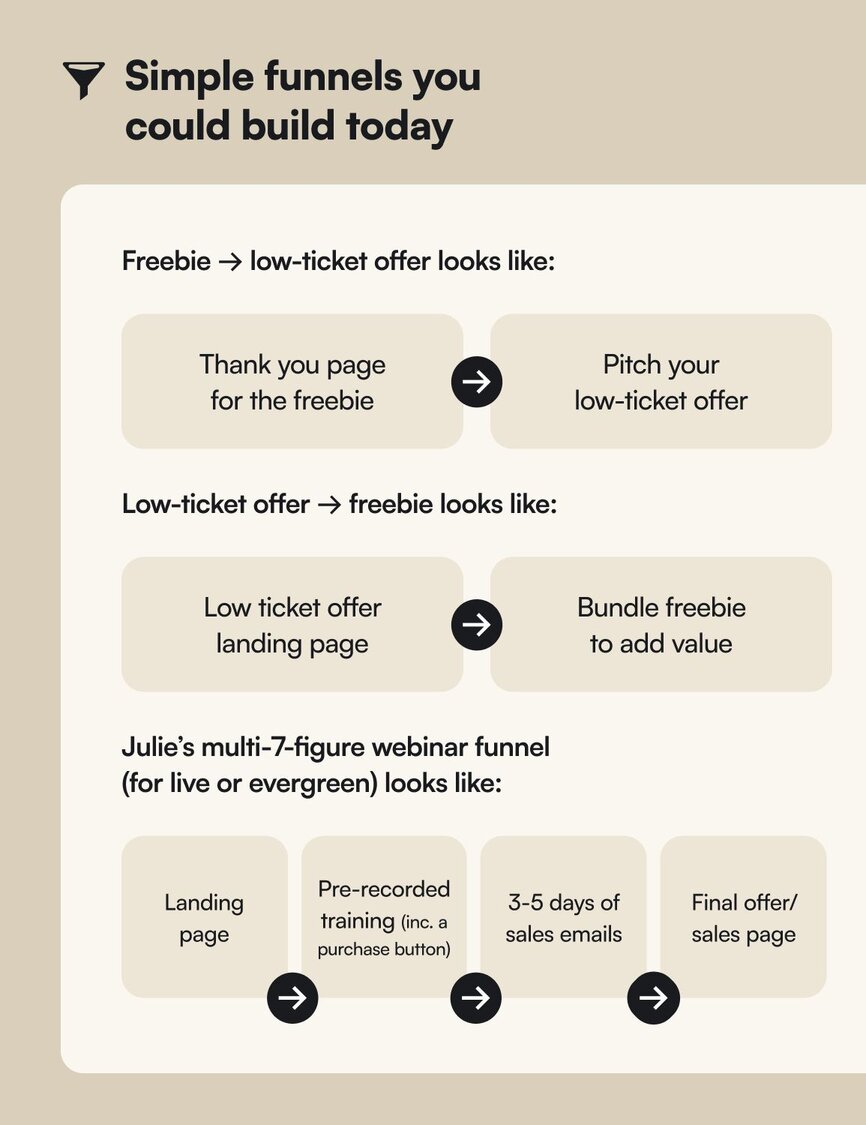
## The results
Julie grew up with her family living paycheck to paycheck—and has transformed her life, her finances, and her mindset with her business so that she can empower others the way she empowered herself.
Her experimentation has transformed her from being constantly in-debt to a millionaire, a top podcast host (10M downloads and counting), and a true influencer and coach.
But her biggest claim to fame is the results she gets for her clients.
[Berkley Sweetapple](https://www.berkleysweetapplelaw.com/)—an attorney for online businesses and law firm owner—had her highest earning month ever ($51,000) within 30 days of applying Julie’s strategies to her business.
Steph Weber, founder of [The Weber Co Marketing Agency](https://www.theweberco.com/), had a $40,000 cash month after working with Julie and implementing some invisible sales systems.
**Want to get these sort of results?** [Fill out this form to work with Julie](https://juliesolomon.net/interest).
### Julie’s learnings:
- **You don’t need every offer built out to find success**. Julie certainly didn’t get there overnight or have all of her offers figured out from day one. So if you’re earlier on in your creator journey, remember: don’t compare someone’s success to your own, because it’s likely that it took them a while to get to where they are today.
Plus, you can build a 6-7 figure business on just one offer. Julie hit 7 figures with her mid-ticket offer ($599) in the first two years of her business.
- **You only see the tip of the iceberg at the start, which means you can’t reverse engineer a successful funnel from the get-go**. A successful funnel requires the right strategy, processes, and systems—as well as the in-between things like messaging, what to say in the emails, the triggers, automations, email sequences etc. You need the whole recipe before you can try to recreate it—not just the final outcome.
- **Always consider the lifetime value of your buyer**. Because the more sophisticated the market gets, the more you should consider adding different offers for different people based on their level of sophistication. How will you extend the lifetime value of your buyer? How will you continue to get them to want to work with you?
- **You need both evergreen and live launches**. “People ask: Is evergreen or live launching better? But that question is a waste of time. You need to figure out how to do both well, because not everyone will buy from your evergreen offers, and not everyone will buy from your launches,” says Julie.
## Key takeaways
- **Give the people what they need**. Some people are only aware of their small needs and problems, while others have been struggling with big blockers that they’d pay a lot of money to make go away—immediately. Make sure you build in optionality in your funnel and your offers.
- **Your business doesn’t have to be hard or difficult to grow**. Systems, processes, playbooks, recipes—whatever you want to call them—can help you build automation into your business that doesn’t have you starting from scratch every quarter or micromanaging every tiny detail and getting overwhelmed.
- **Don’t reinvent the wheel—but start building the system**. “I'm a firm believer in not reinventing the wheel because it's not about what you have already heard or who you've heard it by, or even what you already know. It's about how you are using what you know,” says Julie. “Because ultimately, the number of offers doesn’t matter as long as they’re feeding the greater ecosystem and talking to each other in a succinct and complementary way to ensure the sustainability of your business,” says Julie.
**And if you’re a creator looking for an all-in-one community platform?**
You’re in the right place.
Circle brings together your members, discussions, events, courses, and content—all in one place, under your own brand. Plus, you get access to our customer community full of handy resources and over 10,000 community builders on the same journey as you.
[Start your free 14-day free trial today!](https://app.circle.so/communities/new)
---
### The 5-step playbook for meaningful online community engagement
Source: https://circle.so/blog/online-community-engagement
When it comes to community, engagement is one of those topics that can feel nebulous and overwhelming.
So, we’ve broken it down into simple steps.
**In this playbook, you’ll learn how to:**
1. Define engagement in a way that’s relevant to your online community.
2. Design community programming for optimal engagement.
3. Remove obstacles to engagement and make it simple for members to take action.
4. Lead by example to encourage engagement.
5. Test new strategies, iterate as you go, and hear directly from members on what works.
Whatever your specific [community engagement](https://circle.so/blog/community-engagement-strategies/) goal is, we’re confident that this playbook will help you add new tools to your toolkit.
## 1\. Get clear on what “engagement” means
Before we can explore how to spark meaningful engagement in an online community, we need to revisit existing beliefs about engagement and start to define engagement more holistically.
Engagement doesn’t simply equal participation—it’s much more nuanced. How you define engagement will be totally unique to your community.
👉 **Engagement looks different for every community.**
The days when engagement was defined by comments and likes are long gone.
For the sake of this playbook, we’ll be using the term “engagement” to refer to any meaningful actions your members take in your community. This can mean participating in an event, sharing a progress update in an accountability space, even discovering a helpful resource in a resource library.
Because every community is different, engagement will look different from one community to the next.
**👉 Consider your “why”.**
If you’d like to understand what engagement means in the context of your community, consider the value you’re hoping to provide to your members—this is your “why”.
In the Circle community, for example, our why is helping Circle users build successful communities: we want to offer education, inspiration, and connection so that their communities can thrive.
If you’re still figuring out your why, consider the transformation you’re offering to your members and how the community will support them in achieving that transformation. Getting crystal clear about this will help you define what meaningful engagement looks like in your community.
Imagine that you run an online community for individuals looking to pivot in their careers and your why is helping your members to secure new job opportunities.
One day, one of your members posts about a movie he saw over the weekend and several other members join the discussion. While the post may be receiving plenty of comments and likes, this is not an example of meaningful engagement because it doesn’t support your why. Members who participate in this discussion are no closer to securing new job opportunities as a result.
**👉 Define your engagement metrics.**
Now that you have a better understanding of what meaningful engagement looks like, you can start to define your own community engagement metrics.
These metrics should map back to your why and focus on the most meaningful actions members take in your community.
So, ask yourself:
- What are the actions that drive real impact in your community?
- What actions can members take to bring them one step closer to achieving the transformation you’re offering?
> 💡**Pro tip:** Circle Expert and _Business of Community_ founder Tatiana Figueiredo notes that not all engagement metrics need to be easy to quantify:
>
> “\[In my community\], one of our metrics is # of members who’ve made a new friend in the community. We haven’t figured out a foolproof way to consistently measure this. Yet, just having it as one of our goals guides our actions and the experiences we design and in turn, makes the community more engaging.”
**👉 Keep in mind that not all members will engage in the same ways.**
Your community members will not all engage to the same extent or in the same ways.
Some members will get a ton of value from being active and visible, while other members will also get a ton of value from enjoying the community in a more passive way. And it’s important to note that even your most engaged members will go through phases of being more engaged and phases of being less engaged—that’s just the reality of running a community.
Once you understand that this is totally normal and not a problem to be solved, you’ll free up a lot of mental space to focus on what you actually can control.
## 2\. Revisit your programming
Programming includes [all of the events](https://circle.so/blog/host-community-events/), activities, and discussions that you organize for your community.
When your programming aligns with your why and supports your members in achieving their goals, engagement will naturally follow.
**👉 Does your programming map back to your why?**
Consider any regular rituals or activities that you run in your community—do they support the value you’re hoping to provide through the community? Do they help members get closer to achieving their goals?
Let’s say your community exists to help people advance in their careers. Offering a discussion space for your members to discuss the TV shows they’re loving might be fun, but it doesn’t actually align with your overarching mission.
A better option might be to offer workshops on topics such as interviewing and salary negotiation.
**👉 Does your programming meet your members where they are?**
Maybe your members are busy executives who simply don’t have a free hour on Monday mornings to join your office hours. If that’s the case, it might make more sense to offer evening or weekend sessions, or consider options for engaging with your members asynchronously.
Consider what a day in the life of your typical member looks like. Then, make sure to adjust your programming accordingly.
You might also want to aim for some combination of live and async experiences: maybe your rituals are a live weekly coworking session and an async discussion space where members can share their goals every Monday.
**👉 Narrow your focus to expand your impact.**
Are you trying to cram in too much programming in an attempt to deliver more value to your members?
If so, challenge yourself to focus on just two to three rituals or recurring activities. By doing these two or three things exceptionally well, you’ll actually be able to deliver more value to your members.
And if you’re having trouble deciding which rituals and activities to focus on, consider what’s already driving the most impact for your members.
**👉 Create a content calendar.**
Now that you’re clear on your programming, it’s time to figure out when, where, and how frequently you’ll offer all of it.
You can achieve this by creating a simple content calendar that outlines:
- Any programming you’ve planned for the community (including posts, events, content, challenges, etc.)
- Whether each item is a recurring or one-off initiative
- A publication or go-live date for each item
If you want to take this one step further, you can share this content calendar with your community members. This way, they know what’s coming up and when.
> 💡 **Pro tip:** _Fresh Exchange_ founder Megan Gilger recommends using monthly themes to guide your content planning.
>
> She says, “This also is VERY helpful as a planner. It means you need to select 12 topics for the entire year, and it offers a simple framework to create content.”
>
> We’ve actually implemented this strategy in the Circle community, and it has made content planning so much easier! We simply choose a topic for each month and map out content, resources, and programming that support that topic.
## 3\. Make member participation easy
Want to know one of the most underrated engagement hacks?
Make it exceptionally easy for your members to take action—you’d be surprised to know how many of your members won’t know how to participate meaningfully in the community until you spell it out for them!
**👉 Tell your members how to take action.**
Don’t leave your members guessing—tee up each space in your community with a pinned post that clearly outlines the action members should take in that space.
Let’s say you have a space in the community where members can share their goals. For this space, you might draft a pinned post that asks members to:
- Post their top goal for the week on Monday
- Post again on Friday with an update on their progress
This kind of structure frees up a lot of mental space for your members, because it tells them exactly how they should be participating.
**👉 Share prompts and thought starters.**
Prompts and thought starters are great ways to free up mental space for your members and inspire them to participate.
For example, if you’re asking members to introduce themselves, try offering some ideas for details. These could include:
- Where they’re from
- What they do for work
- Why they’ve joined the community
- And so on
The pinned posts in your spaces are a great place for these prompts, but you can also use prompts when you’re trying to encourage discussion during live events and experiences.
**👉 Tag members into the conversation.**
As a community builder, part of your job is being a connector.
If there’s a discussion going on in the community and you know that a specific member would have really interesting insights to share on the topic, tag them and let them know. Or, if a new member introduces themselves and you just know they’d get along brilliantly with another community member, tag the other member so they can connect. Or, if you’re hosting an event that you know is right up a specific member’s alley, tag them and ask them to attend.
> 💡**Pro tip**: With [Circle](https://circle.so), you can use profile fields or even member tags to segment your members. This can make it easier for you to keep track of who’s interested in specific topics.
**👉 Remind members of where, how, and when they should participate.**
Don’t assume that your members will remember to do something just because you told them about it once—if you want them to make a certain behavior a habit (for example, sharing their wins from the week in a “Share Your Wins” space every Friday), you’ll need to remind them to do so multiple times.
You might choose to take time during a live event to remind them of this, or you might consider sending automated DMs with [workflows](https://circle.so/workflows/) to remind them to take action.
## 4\. Model desired behaviors
At the end of the day, it’s your responsibility to set the tone for your community’s culture. If you want to encourage members to engage meaningfully in the community, one of the absolute best things you can do is lead by example.
**👉 Welcome new members when they introduce themselves.**
Posting an introduction is often the first step most members will take upon joining a new community, so it’s especially important to acknowledge when a member introduces themselves.
If your member posts a thoughtful introduction but is met with radio silence, they won’t have much of an incentive to return to the community. So, giving them a warm welcome to make them feel appreciated right from the start is a relatively-easy way to increase community engagement going forward.
**👉 Share your own stories and insights.**
Model the types of contributions you’d like to see from members by sharing your own stories and insights.
For example, if you have a space in your community where you’d like members to share an update on their progress each week, why not get the ball rolling by sharing your own update?
**👉 Respond to member posts in a timely manner.**
When a member posts something new, acknowledge their effort and contribution by responding promptly.
This doesn’t mean that you should check the community every few minutes for new activity but, as a best practice, aim to respond to posts that haven’t yet received an answer within 24 hours.
By doing this, you’re setting the example for other community members and making the member who posted feel seen. This increases the likelihood that they’ll participate in the community again.
**👉 Take the time to provide thoughtful responses to members’ posts.**
In addition to responding to your members’ contributions in a timely manner, aim to provide truly thoughtful and valuable responses.
When drafting a response, take time to consider the member and their post:
- Was there a specific insight that stood out to you?
- Did they share a tip or idea that you’re keen to implement yourself?
- Is there a specific community resource, event, or conversation that might be good to share with them?
- Are there other community members who have done something similar who you can loop into the conversation?
Think of your response as an opportunity to create even more value for your member.
**👉 Acknowledge members’ contributions.**
Want your members to contribute more? You can encourage this behavior by thanking your members when they do contribute.
Whether they’re asking for guidance in the community, sharing their perspective during a live event, or offering support on another members’ thread, be sure to acknowledge the members’ contribution and thank them for it.
Sharing takes time, thought, and (in many cases) courage, so be sure to let your members know that you appreciate their efforts!
## 5\. Test and iterate aspects of your community engagement approach
No great community was ever built in a vacuum!
Any successful online community builder will tell you that a healthy dose of trial and error is all part of the journey.
**👉 Ask your members for feedback.**
Is your programming relevant to your members? Do you give your members enough opportunities to connect? Is there something you can change about your community’s structure to help members unlock more value?
Ask your members these questions, and then adjust accordingly.
There are plenty of ways to ask your members for feedback, so pick the method that works best for you. Options include:
- Sending around a survey after a big event or initiative
- Checking in with members via DM
- Conducting interviews with individual members
- Starting a discussion in the community to ask members for feedback
**👉 Pay attention to member behavior.**
You can learn a lot by simply paying attention to where your members are engaging most and where they’re engaging least.
Maybe your members are super active in a discussion space, but they don’t show up to your weekly live events. That tells you something about the event isn’t resonating with your members.
Instead of guessing why this might be (is it the content of the event? the format? the date/time it’s scheduled for?), you can ask your members about it directly when asking for their feedback.
**👉 Experiment.**
Community is never static.
This means you’re free to try different things, double down on what works, and scrap what doesn’t.
For example, if you hear from members that a specific event format isn’t delivering value, test out a different format. Part of the beauty of community is that you’re able to easily connect with members and solicit their feedback, which allows you to truly build your offering around what your members need—not just what you think they need.
Remaining dynamic and staying open to experimentation will help you create incredible value for your members.
## Bonus engagement strategies
Looking for a few more ideas? Check out some of our bonus strategies below!
**👉 Develop a stellar onboarding experience**.
Engagement starts with an A+ onboarding experience, so set yourself and your members up for success with a streamlined and seamless process.
**👉 Establish guidelines for engagement.**
How do you want members to engage in your community? What types of behavior are encouraged? What types of behavior are discouraged? What types of behavior will not be tolerated at all? What are the repercussions for not abiding by these guidelines?
Outline all of this in your community guidelines or code of conduct so your members know what’s expected of them. Having these guidelines in place can help your members feel comfortable sharing and engaging in the community.
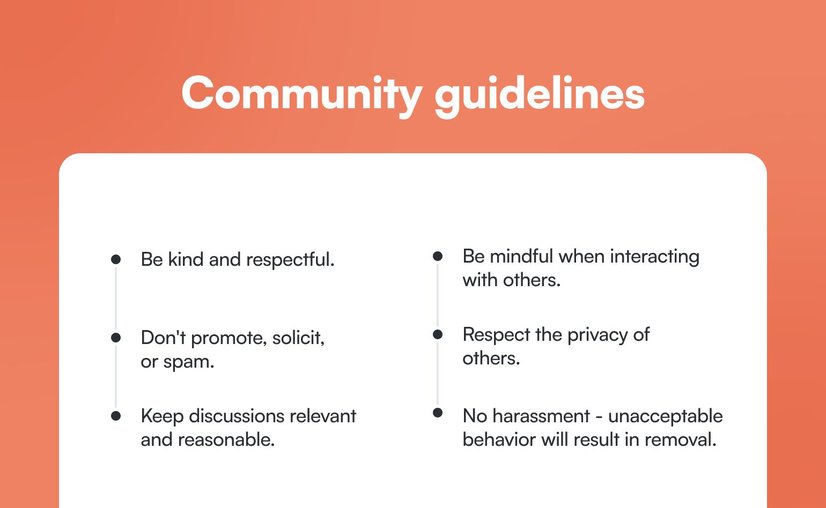
**👉 Be consistent!**
Engagement takes time, and this is especially true when you’re [first starting your community](https://circle.so/blog/community-launch-steps/).
Narrow your focus to the engagement strategies that feel the most relevant to your community, and then give yourself time to see the impact of those strategies. Engagement is not something that you can check off of your to-do list and be done with.
Consistency is key.
**👉 Block out time for engagement.**
Create a lightweight plan to figure out when and how often you’ll implement your engagement strategies.
Will you devote 30 minutes each morning to responding to new posts from members? Will you carve out time twice a week to connect with members over DM? Will you aim to send out a feedback survey to your members once per quarter to make sure your programming is providing value?
Loosely plot out any activities you’ll do daily, weekly, monthly, or quarterly.
## Looking for a platform to help improve community engagement?
Circle’s community platform brings together your members, discussions, events, courses, and content—all in one place, under your own brand. Plus, you get access to our customer community full of handy resources and over 8,500 community builders on the same journey as you.
---
### How to design a high-impact community offering
*Learn how to design a valuable online community offering using the ERC framework. Discover proven strategies for creating experiences, resources, and connections that drive engagement.*
Source: https://circle.so/blog/online-community-offering-design
Think about the last time you joined a community. You didn’t opt in _just because_—you joined because you believed that the community would help you achieve something that matters to you.
And your community members? They’re no different.
- Maybe they want someone to **hold them accountable** as they work towards a specific goal.
- Maybe they want **access to tools and insider knowledge** that will allow them to level up in their career.
- Maybe they just want to **connect with like-minded people**.
People only join communities that they believe will be valuable to them. Which means that, as a community builder, one of your very first (and most important!) jobs is to define _exactly_ how you’ll provide value through your community—whether you’re designing a community strategy from scratch, or refining an existing approach.
Your **community offering** is _how_ you deliver that value to members. So let's get clear on what a community offering is, and explore effective online community offering design strategies for your community.
## Why does your community offering matter?
Thriving communities aren’t built by accident—they’re meticulously designed. And your community offering is the backbone of that design.
Building an online community isn’t just about creating a few random spaces and calling it a day. It’s about figuring out what you can offer in your community to effectively move members through [real and lasting transformation](https://circle.so/blog/inside-transformational-communities).
Easy-peasy, hey?
When your offering actually delivers true transformation, some magical things start to happen:
- **Members engage more easily:** Instead of wondering where to start or how to get involved, members see clear opportunities to participate and act on those — whether that’s joining a live event, finding the perfect resource, connecting with peers, or all of the above.
- **Members stick around and become advocates for the community:** When your community delivers real value, members are more likely to stick around, refer others, and become champions that help nurture your flywheel.
- **Your community becomes easier to market:** When you have a clear offering in place, it’s easier to articulate the unique benefits of your community. This makes your community more compelling to potential members, and can help you stand out in a crowded space.
There are a lot of benefits to nailing your community offering, but engagement is arguably the most important one. Because when your offering is truly aligned with what your members want and need, you won’t have to rely on engagement “hacks” or false urgency to get them to stick around — _they just will._
So, let’s take a closer look at the three categories that make up a strong community offering.
## 3 key components of every high-impact community offering
The strongest community offerings are made up of experiences, resources, and connection opportunities. Before we move forward, let’s take a moment to define each of those terms:
- **Experiences** are structured activities, events, or programs designed to help members to learn, grow, and engage as they make progress toward their goals.
- **Resources** are content, tools, and materials that provide members with proven strategies, frameworks, and guidance they can apply to their own journey.
- **Connection** opportunities are chances for members to build meaningful relationships, support others, and feel a sense of belonging within the community.
The most successful communities don’t just offer one or two of these — they offer a strategic mix of all three.
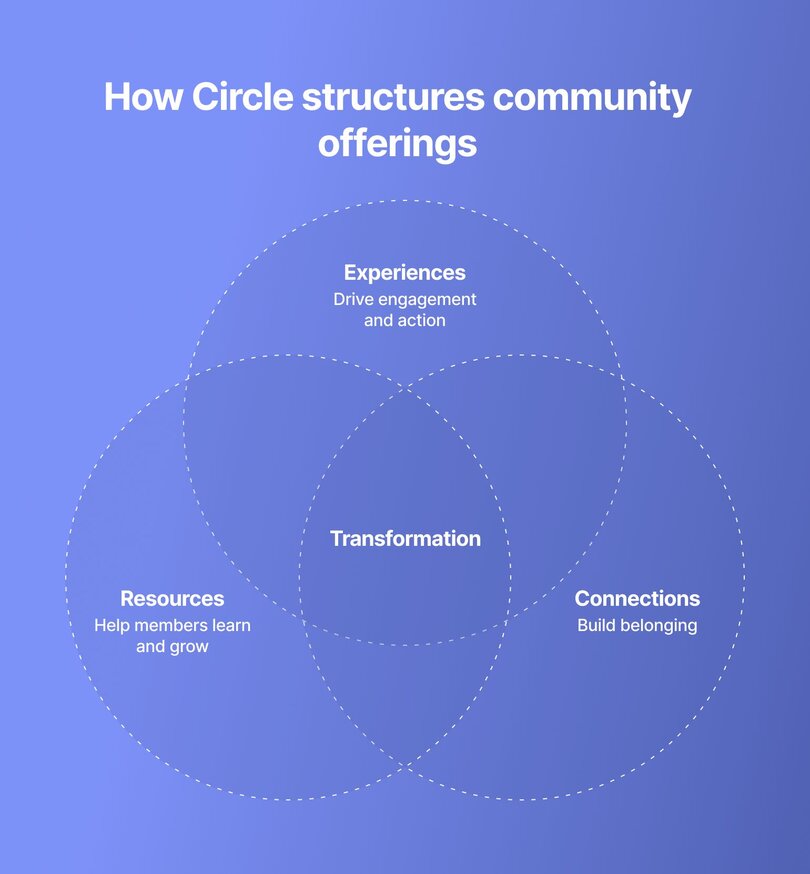
That mix doesn’t necessarily need to be equally balanced across the three categories, however. What’s most important is finding an intentional way to include all three categories, while indexing _most_ on the category that’s going to drive the greatest transformation for your members.
### E: Experiences that drive engagement and action
**Community experiences** are the heartbeat of your offering—the structured activities, events, or programs designed to help members to learn, grow, and engage as they make progress toward their goals. These are invaluable because they can provide members with much-needed structure and accountability, which gives members a reason to keep coming back.
Experiences can take many different forms — but to get you started, here are just a few ideas of experiences you can include in your **offering mix.**
#### Live events
Live events bring members together in real time and allow them to participate in a shared experience together. This might look like group coaching, hot seat, or office hours sessions; expert Q&A or AMA sessions; accountability or coworking sessions; or even skill-building workshops.
#### Structured activities
Structured activities provide members with the structure, accountability, and consistency needed to achieve a specific goal or outcome. These can include challenges, contents, sprints, and cohort-based courses.
#### Async discussions
Asynchronous discussions provide a flexible, low-effort way for members to participate, stay connected, and experience the value of the community. To encourage these discussions, you can share prompts and thought starters, build spaces where members can share their progress and learnings, or offer opportunities for members to share their wins with the rest of the community.
### R: Resources that help members grow on their own time
**Resources** are the content, tools, and materials that provide members with proven strategies, frameworks, and guidance they can apply to their own journey. They equip members to take action and provide immediate practical value since members can access them at any time.
Here are several examples of resources you might include in your offering mix.
#### Resource library
A resource library serves as a dedicated space where members can access curated templates, tools, and materials to support them in their journey. In your community’s resource library, you might include templates and worksheets, guides, checklists, case studies or member spotlights, community content roundups, or tool/product recommendations.
#### Video library
An on-demand video library can give members another way to tap into the value of the community in their own time. In your video library, you might upload replays of past events, tutorials, or even video interviews.
#### Evergreen courses
Finally, evergreen courses can offer members a step-by-step learning experience, seamlessly guiding them from Point A to Point B. You can create [several different types of courses in Circle](https://help.circle.so/p/courses/course-setup/courses-overview#course-types), including self-paced, structured, and scheduled courses.
### C: Connection opportunities that build belonging
**Connection** **opportunities** are chances for members to build meaningful relationships, support others, and feel a sense of belonging within the community.
Unlike experiences, which offer structured opportunities to take action, and resources, which provide on-demand value, connection is all about relationships — the conversations, interactions, and moments of support that make members feel like they belong, and inspire them to return again and again.
Below are just a few examples of connection opportunities you might include in your offering.
#### Peer support
Carving out spaces for peer support gives members the chance to turn to others on the same journey for guidance. Peer support can take different forms, but it might look like creating spaces where members can ask questions or share their challenges, celebrate their wins and success, or even connect with others via real-time chat.
#### Member matching
Matching or grouping members together allows them to build lasting relationships with others in the community. Member matching can take the form of one-on-one pairs, small groups or cohorts, or even dedicated mastermind groups.
#### Connection-focused onboarding
Finally, centering the new member onboarding experience around connection can help new community members feel seen, valued, and ready to engage. To achieve this, you might create a space where members can introduce themselves, assemble a welcome committee to greet new members, or host a small group onboarding call to get new members up to speed.
## Finding the right offering mix for your community
Every community has a unique offering mix.
Some prioritize live events and interactive experiences, while others are focused on providing members with the resources they need to succeed on their own time. Some communities center around meaningful peer-to-peer connection, while others serve as hubs for exchanging knowledge and expertise.
The most important thing to keep in mind as you start to design your mix is that **there’s no right answer or foolproof formula**. Your mix should be unique to your community, and it should align with your community’s purpose, your goals, and your members’ wants and needs.
**The type of community you run can cue you in on what to prioritize::**
- **Premium coaches** might emphasize experiences (live coaching calls, hot seats) and connection (exclusive peer networking) to justify high-ticket pricing
- **Course creators** might lean heavily into resources (video libraries, templates) and experiences (structured challenges, cohorts) to drive completion rates
- **Professional organizations** could balance resources (industry content, continuing education) with connection (member networking, committees) for retention
- **Aspiring entrepreneurs** sometimes start connection-heavy (peer support, accountability) while building their resource library over time
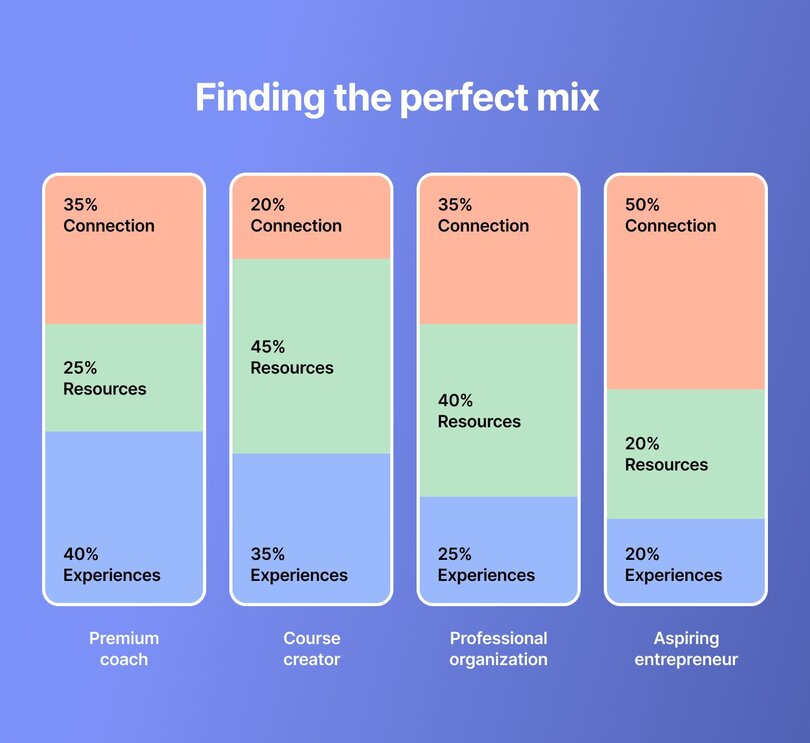
When you’re planning your community’s offering mix, it helps to think about::
1. Which category (experiences, resources, connection opportunities) will most effectively allow you to deliver on your community’s promised transformation—and support the transformation your members are looking for?
2. How can other categories support your member’s goals in a strategic and intentional way?
Once you’ve put some thought to the above, you should have a much clearer picture of how to balance your offering mix. And from there, you can slot in specific experiences, resources, and connection opportunities (refer back to the ideas above if you’re stuck!) to build out your offering.
To see this in action, let’s take a quick peek at how three real Circle communities have shaped their offerings…
### The framework in action: real examples of community offerings
#### Self-Care Society
[Self-Care Society](https://www.selfcaresociety.co/)’s offering prioritizes structured experiences, followed closely by resources, and then connection opportunities.
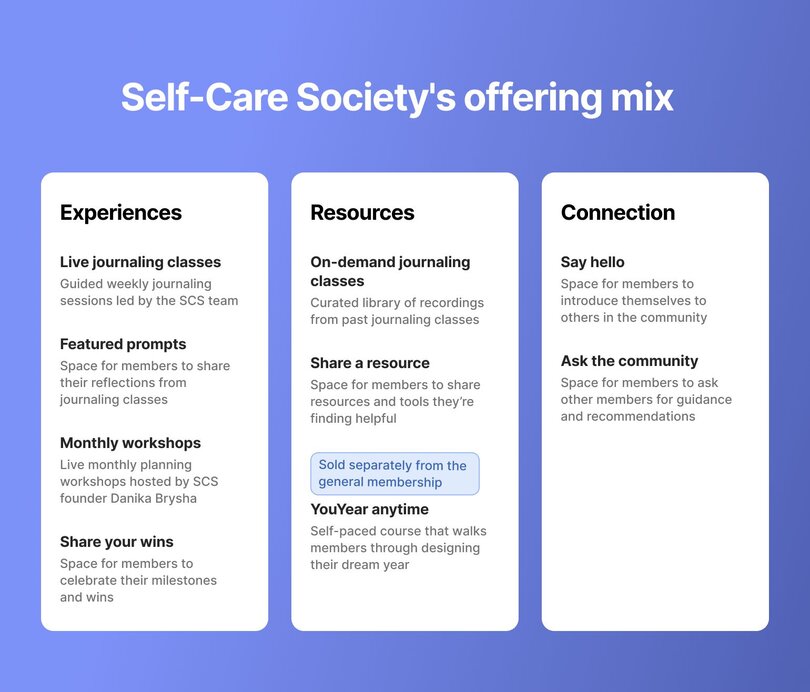
#### Web Designer Pro
[Web Designer Pro](https://webdesignerpro.com/)’s offering includes a fairly even mix of all three pillars, but leans most heavily into structured experiences and curated resources.
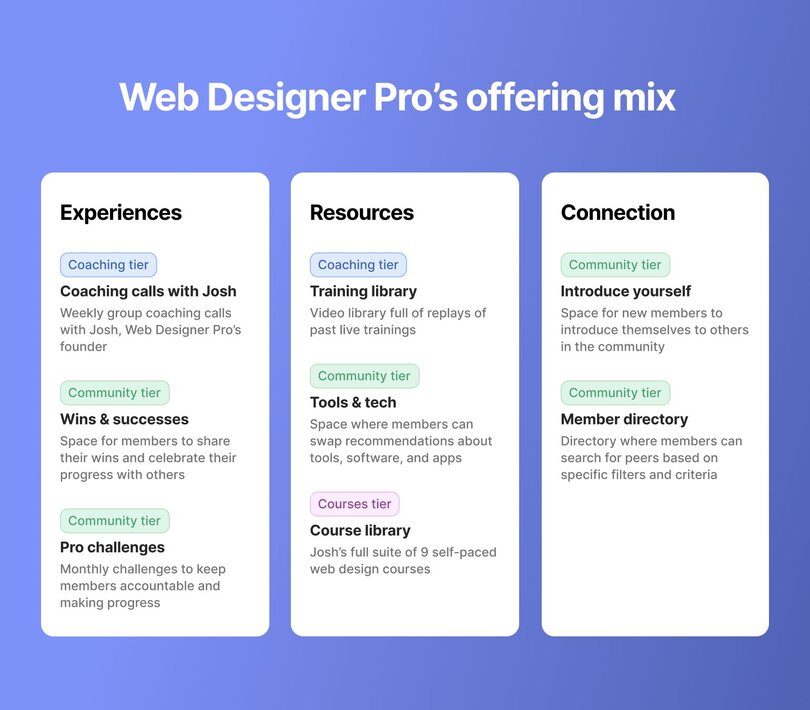
#### Author Ever After
And [Author Ever After](https://circle-academy.circle.so/c/community-offering/sections/590588/lessons/2228252)’s offering is also pretty balanced across the three pillars, but does lean towards prioritizing structured experiences and connection opportunities.
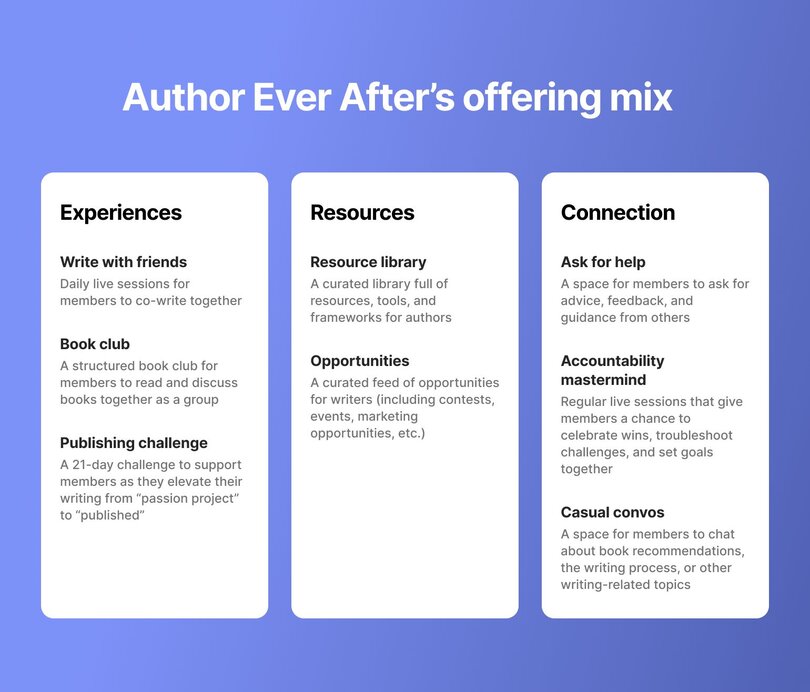
As you can see, each of these communities has a unique offering mix. And while each community includes all three categories in their offering, they prioritize them differently.
If you’re interested in diving deeper into this and looking for more support as you design your offering, be sure to check out the [Community Offering course](https://circle-academy.circle.so/c/community-offering/) in Circle Academy, which is available to all Circle customers for free.
And as you move forward, keep in mind that your offering is never set in stone. You can and _should_ revisit and refine it over time to better suit members’ needs and expectations.
Because at the end of the day, your community isn’t just a random group of people. It’s a place where meaningful transformation happens, and your offering is what makes that transformation possible. When you design that offering with care, you’ll find that your community truly thrives.
---
### 12 Best Patreon alternatives for serious creators in 2026
*Thinking of leaving Patreon? Discover the best Patreon alternatives in 2026 for creators who want to sell courses, build communities, and keep more revenue.*
Source: https://circle.so/blog/patreon-alternatives
For years, Patreon has been the default platform for creators who want to earn recurring income from their audience. But as the creator economy matures, many creators are starting to outgrow it.
If you want to [sell digital products](https://circle.so/blog/digital-products-to-sell), [launch a course](https://circle.so/blog/create-online-course), or [build a community,](https://circle.so/blog/build-a-community) Patreon can feel somewhat limited. On top of that, recent changes, including a 10% platform fee for new creators and ongoing uncertainty around Apple’s in-app billing rules, have pushed many creators to start exploring alternatives.
If you need help narrowing down the best alternatives to Patreon, you’ve come to the right place. In this guide, we’ve rounded up **the top 12 Patreon alternatives to help you pick the right solution** based on your use case, budget, and future growth plans.
## Why creators are leaving Patreon
So what exactly is pushing creators to explore Patreon alternatives? Here are the biggest factors behind that shift:👇🏼
### Higher platform fees that cut into revenue
One of the biggest sticking points is cost. Patreon now charges a 10% platform fee for new creators, on top of standard payment processing fees (typically around 2.9% + $0.30 per transaction). If you’re a creator earning meaningful revenue, those percentages can quickly add up, especially compared to platforms that charge flat monthly pricing or lower transaction fees.
### Apple’s in-app billing mandate
Another major concern is the ongoing situation with Apple’s App Store rules. To keep the Patreon iOS app available, Patreon has had to move toward Apple’s in-app purchase system for subscriptions, which can carry a 30% fee on transactions made through the app. While not every payment is affected, the uncertainty around how these policies will evolve is making many creators uneasy about building their entire business on the platform.
### Limited tools for growing a creator business
Patreon works well as a [membership](https://circle.so/blog/membership-acquisition) **and content subscription platform**, but it’s relatively limited when it comes to running a broader creator business. There’s no built-in course platform, limited customization and branding options, and only basic community tools like comments and chats. If you want to host courses, [run events](https://circle.so/blog/host-community-events), build a full community, or create a branded member experience, you’ll often need to rely on multiple external tools.
Multiple tools \= higher ongoing costs
### Platform risk and lack of ownership
Finally, some creators worry about the risks of building their entire income on a single platform. Changes to fees, policies, or billing rules can happen quickly, and creators don’t fully control the platform experience.
This is one reason more creators are building owned communities instead. According to our [2026 Community Trends report](https://circle.so/2026-community-trends-report), **46% of creators** say having a community gives their business a clear competitive advantage, helping them build deeper relationships and long-term audience loyalty.
## How to choose the right Patreon alternative
Now that we’ve looked at why creators are moving away from Patreon, the next question is: **what should you switch to instead?**
The right platform will largely depend on what kind of creator you are and how you monetize your audience. If you sell digital products, such as ebooks, templates, or design assets, you’ll want a platform built for product sales. These typically offer storefronts, download delivery, and flexible pricing options for one-time purchases.
If you’re a community builder, choose a platform designed to facilitate discussions, events, and member-to-member interaction.
Here’s a quick table to help you **self-identify which type of platform might suit your creator business best**:
| Creator type | What you're trying to do | Features to prioritize | Best platform type |
| --------------------------- | ------------------------------------------------------------------- | -------------------------------------------------------------------------- | -------------------------------- |
| Fan-supported creators | Accept tips or small recurring contributions from your audience | Simple payments, membership tiers, low transaction fees | Tip-jar and membership platforms |
| Digital product sellers | Sell ebooks, templates, music, software, or other downloads | Product storefront, file delivery, flexible pricing, sales pages | Digital product platforms |
| Course creators & educators | Teach through structured programs, workshops, or learning content | Course builder, lesson organization, progress tracking, student management | Online course platforms |
| Community builders | Build an engaged member space where people interact with each other | Discussions, events, member profiles, networking features | Community platforms |
| Creator businesses | Run multiple revenue streams from one place | Courses, memberships, community features, branding, analytics | All-in-one creator platforms |
Of course, as you filter through your list of Patreon alternatives, don’t forget to evaluate factors such as:
* **Ease of use:** Will you need to spend months learning the tool, or will you be able to use it right away? And will it be easy for your members to get used to?
* **Branding and customization:** Can you white-label it? Can you customize it to match your brand and preferences?
* **Integration capabilities:** Will it work with your [existing tools](https://circle.so/blog/creator-tech-stack), such as your CRM, payment gateways, project management software, and email marketing tools?
* **Security and privacy:** Is it compliant with GDPR? Does it support 2FA and provide strict access controls to protect user data? You definitely don’t want to end up in hot water when it comes to data protection and security.
* **Customer support:** At some point, you might run into a technical problem or need help understanding how something works. Check independent third-party review sites like G2, Capterra, and Trustpilot to choose a platform that offers excellent customer support.
## 12 Best Patreon alternatives in 2026: A quick overview
Before getting into the specifics of each tool, here’s a breakdown of the platforms we’ll review by use case, along with their starting prices and standout features.👇🏼
| Platform | Best for | Key features | Starting price |
| --------------- | ------------------------------------------------- | ---------------------------------------------------------------------------------- | --------------------------- |
| Circle | Community-focused creators | Community spaces, courses, live events, gamification, workflows, branded apps | $89/month |
| Ko-fi | Solo creators who want a free Patreon alternative | Tips, memberships, digital shop, commissions, instant payouts | $0 (5% fee) |
| Buy Me a Coffee | Creators who want a simple tip-jar setup | One-click donations, memberships, digital “extras,” quick setup | $0 (5% fee) |
| Gumroad | Digital product sellers | Storefront, digital downloads, affiliates, marketplace discovery | $0 (10% + $0.50 per sale) |
| Memberful | WordPress publishers & podcast creators | Membership paywalls, subscription tiers, private podcast feeds, Stripe integration | $49/month |
| Podia | Solopreneurs selling courses and downloads | Courses, memberships, email marketing, digital product sales | $33/month |
| Substack | Writers and newsletter creators | Paid newsletters, audience discovery, built-in publishing tools | Free (10% fee on paid subs) |
| Kajabi | Creators selling courses and coaching programs | Courses, funnels, email automation, memberships, website builder | $143/month |
| Mighty Networks | Social-network-style communities | Activity feeds, sub-groups, courses, events, mobile apps | $79/month |
| Skool | Coaches wanting a simple course setup | Classroom + community, gamification, leaderboards, Stripe payments | $7.50/month |
| Ghost | Independent publishers | CMS publishing, newsletters, paid memberships, open-source hosting | $15/month |
| Thinkific | Dedicated course creators | Course builder, quizzes, certificates, memberships, analytics | $36/month |
### 1. Circle — best overall Patreon alternative for community-focused creators
[Circle](http://circle.so) is an all-in-one community platform designed for [creators](https://circle.so/blog/digital-creator), educators, and membership businesses that want more than a simple subscription page. With Circle, you can build a branded community experience where members connect, learn, and grow together.
Members can participate in discussions, attend events, take courses, and interact with one another in a space designed to keep them engaged. Automation tools and [AI agents](https://circle.so/ai-agents) trained on your content help handle repetitive tasks so you can focus on delivering value to your community.
What makes Circle fundamentally different from Patreon’s basic membership model is that creators get full ownership of their branded experience, along with the tools needed to grow a real community business. And because Circle charges a flat monthly price instead of taking a large percentage of revenue, creators earning around $10K per month can often save $600–$800 monthly compared to Patreon.
#### Key features:
* **Structured community spaces** with threaded [discussions,](https://circle.so/discussions) [chats](https://circle.so/chat), resources, and content
* [Built-in course builder](https://circle.so/courses) with drip scheduling and lesson modules
* [Native live streaming and events](https://circle.so/events) for workshops, Q\&As, and webinars
* [Flexible monetization options](https://circle.so/payments) for paid memberships, subscriptions, courses, and live events.
* [Gamification tools](https://circle.so/gamification) like points, badges, and leaderboards
* [Native community website builder](https://circle.so/website-builder)
* [Branded iOS and Android apps](https://circle.so/mobile) through Circle Plus for on-the-go member engagement
* [Built-in analytics](https://circle.so/analytics) tracking engagement, retention, and revenue
* [An integration ecosystem](https://circle.so/integrations) to connect with other business tools like Zapier, Slack, WordPress, and Loom.
#### Pricing:
Plans start at $89/month, and all core plans offer a [14-day free trial](https://app.circle.so/communities/new).
#### Ideal for:
Creators, coaches, educators, and membership businesses who want to build a branded community platform with courses, events, and deeper [member engagement](https://circle.so/blog/community-engagement-strategies).
| Pros | Cons |
| ---------------------------------------------------------------------------- | ------------------------------------------------------------------------------------------------------------------------- |
| Designed specifically for community-driven businesses. | Pricing may feel higher for creators just starting out. |
| Powerful engagement tools, including chat, live streams, and event hosting. | Due to frequent feature releases, some users may need time to adapt their communities as new capabilities are introduced. |
| Highly responsive support team that listens to and implements user feedback. | |
| Migration support for creators switching platforms. | |
#### 💬 Users say:
> 👍🏼 “Circle works well for both complex and more surface-level setups of online communities. Its interface is particularly well designed when it comes to adding new posts, events, and information. There's a good amount of freedom in how things can be set up - but not too much. The design options that are available are well implemented, it's hard to mess up, and easy to learn, which is a good combination. Our team accesses our Circle member portal daily and rarely encounters bugs or issues. If we do, they are resolved very quickly and have always been very minor.” - [Verified review from G2](https://www.g2.com/products/circle-so-circle/reviews/circle-review-12447509)
> 🤔 “Email notifications can be heavy, so we have to instruct users how to turn them off if needed.”- [Verified review from G2](https://www.g2.com/products/circle-so-circle/reviews/circle-review-12373368)
#### Circle vs. Patreon feature comparison
| Capability | Circle | Patreon |
| --------------------------------------- | -------------------------------------------------------------------------------- | --------------------------------------------------- |
| Community spaces (forums, threads, DMs) | ✅ Structured spaces, threads, DMs, member directory, Connect feature | ❌ Basic comments, polls, up to 10 chat spaces |
| Course builder | ✅ Drag-and-drop, self-paced/drip/scheduled, video transcriptions | ❌ None |
| Live events and streaming | ✅ Native live streaming (100–200 attendees), live rooms, RSVP, recurring events | ❌ None (requires external tools) |
| Branded mobile apps | ✅ Custom iOS/Android apps via Circle Plus | ❌ Patreon's app only |
| Gamification | ✅ Points, rank levels, leaderboards, custom rewards, automated achievements | ❌ None |
| AI features | ✅ AI Agents (community support), AI Copilot (writing), AI Workflows | ❌ None |
| Workflow automations | ✅ Visual workflow builder with triggers, actions, bulk ops, scheduling | ❌ None |
| Analytics | ✅ Full-funnel: website → engagement → revenue, activity scores, churn dashboards | ❌ Basic earnings, post engagement, and patron count |
| Custom domain and branding | ✅ Custom domain, CSS/JS, white-labeling, removable branding | ❌ Limited customization tools |
| Website builder | ✅ Built-in landing/sales pages | ❌ Patreon profile page only |
| Email marketing | ✅ Email Hub add-on with broadcasts, automations, segmentation | ❌ Basic post notifications only |
| Integrations | ✅ Zapier (37+ triggers), open API, Admin API, custom SSO | ❌ Discord, Vimeo, limited API |
| Data ownership | ✅ Full export capabilities, Stripe-based payments | ❌ Difficult to export, platform lock-in |
👉🏼 For a deeper dive, check out our [Circle vs. Patreon comparison](https://circle.so/compare/vs-patreon).
### 2. Ko-fi — best free Patreon alternative for solo creators
One of Patreon's competitors, [Ko-fi](https://ko-fi.com/), is a creator-support platform that lets fans send tips, buy products, or subscribe to memberships. Unlike Patreon, Ko-fi focuses on direct payments and flexible monetization without platform lock-in, letting creators keep control over pricing, terms, and supporter relationships. Payments go directly to the creator's PayPal or Stripe account, meaning Ko-fi never holds funds or processes payouts itself.
#### Key features:
* One-time tips (“coffees”) for quick fan support.
* Membership tiers for recurring income.
* Digital shop and commissions for selling products or custom work.
* Page customization and embeddable support pages.
#### Pricing:
Ko-fi is free to use with a 5% service fee on earnings, or you can upgrade to Ko-fi Gold for $12/month to remove the service fee (0%).
#### Ideal for:
Artists, writers, streamers, and indie creators who want a simple, low-cost way to accept tips.
| Pros | Cons |
| ------------------------------------------------------------- | ------------------------------------------------------- |
| Free plan with useful monetization tools. | Basic customization compared to full creator platforms. |
| Flexible ways to earn (tips, memberships, shop, commissions). | Limited engagement tools for member interaction. |
| Very quick setup for new creators. | |
#### 💬 Users say:
> 👍🏼 “The greatest site to share your art out there! In the beginning, I messed up setting my work, and the support from the Ko-fi team was instant and to the point!” - [Verified review from Trustpilot](https://www.trustpilot.com/reviews/691cfb1367c3aa7b7ed28778)
> 🤔 “I recently set up Ko-fi for an active creator support initiative. The setup was straightforward, and all payment methods (Stripe and PayPal) are fully verified, active, and in good standing. However, for several days since I activated my profile, multiple supporters across different countries (all these countries are within the country list both Stripe & PayPal accept payments from), browsers, and devices have been unable to complete checkout, consistently receiving errors with both card payments and PayPal.” - [Verified review from Trustpilot](https://www.trustpilot.com/reviews/696be4ea56b70fb1a07ddb56)
### 3. Buy Me a Coffee — best platform if you just want a simple tip-jar alternative
[Buy Me a Coffee](https://buymeacoffee.com) is quite similar to both Ko-fi and Patreon, except it’s designed to be even more straightforward. The platform focuses on quick fan support, allowing creators to receive tips, offer memberships, and sell small digital items from one simple page. Setup takes just a few minutes, so if you’re a creator who wants a simple tip-jar alternative, Buy Me a Coffee is a solid option.
#### Key features:
* One-click fan support (“buy a coffee”) with optional messages from supporters.
* Recurring memberships with exclusive content for subscribers.
* Creator shop for selling digital products.
* Posts, audio updates, and supporter emails to share free or members-only content.
#### Pricing:
Buy Me a Coffee is free to use, but it takes a flat 5% fee on every payment, plus standard payment-processing fees.
#### Ideal for:
Creators who want a simple tip-jar style platform with optional memberships and small digital sales.
| Pros | Cons |
| --------------------------------------------------------- | ------------------------------------------- |
| Extremely simple to set up. | Limited tools for building a community. |
| Creators keep full ownership of supporter lists and data. | Minimal customization and branding options. |
| Supports both one-time and recurring payments. | Customer support can be slow at times. |
#### 💬 Users say:
> 👍🏼 “Buy Me a Coffee makes it easy for writers and artists to share their work and receive support without pressure. The platform feels personal, simple, and creator-first. I love how it lets me connect with readers in a more human way, not just through numbers or algorithms. Clean interface, smooth setup, and no unnecessary clutter. It just works.” - [Verified review from Trustpilot](https://www.trustpilot.com/reviews/698bdf455b16f31e8bbc6c4a)
> 🤔 “Long waiting times for customer service, I messaged 2 days ago and still nothing, I also sent an email.” - [Verified review from Trustpilot](https://www.trustpilot.com/reviews/6979d797ef56bfc283170dcb)
### 4. Gumroad — best Patreon alternative for digital product sellers
If you're a digital product creator who needs a simple platform to sell things like ebooks, templates, courses, or software, [Gumroad](http://gumroad.com) is a great option. The platform was built to help creators quickly turn ideas into products and start earning online without setting up a full e-commerce store. But that’s pretty much the only use case Gumroad is good for.
If you want to build a community (or even just provide support to people who purchased your product), you won't have many tools to do so, and you'll probably need to take those support conversations elsewhere.
#### Key features:
* Digital product storefront for selling ebooks, templates, software, courses, and other downloads.
* Flexible pricing models, including one-time purchases, subscriptions, and pay-what-you-want.
* Built-in marketplace discovery that helps customers find products.
#### Pricing:
Gumroad charges 10% + $0.50 per sale through your direct links/profile, or 30% per sale if customers discover you via its marketplace.
#### Ideal for:
Creators who want a simple platform to sell digital products.
| Pros | Cons |
| ----------------------------------------------------------------------------- | -------------------------------------------------------- |
| Very easy to start selling digital products quickly. | Per-transaction fees can become expensive as sales grow. |
| No upfront monthly cost. | No real community or engagement features. |
| Supports multiple pricing models (one-time, subscription, pay-what-you-want). | |
#### 💬 Users say:
> 👍🏼 “As someone who actively uses Gumroad, I can say it’s one of the easiest ways to share and sell digital products online. The setup is quick, and it just works.” - [Verified review from Product Hunt](https://www.producthunt.com/products/gumroad/reviews?review=248983)
> 🤔 “Payouts paused, and no one is responding to my messages. Zero customer support, this is so frustrating.” - [Verified review from Trustpilot](https://www.trustpilot.com/reviews/692fcee1f1c298563ea60e1e)
### 5. Memberful — best Patreon alternative for WordPress and podcast creators
If you run a blog or a [podcast](https://circle.so/blog/how-to-monetize-a-podcast) and want to add memberships without moving platforms, Memberful is a strong option. Memberful acts as a membership layer that connects to your existing website, especially WordPress. It allows you to keep full ownership of your brand, audience, and payments while the platform handles subscriptions, member management, and access control.
However, since it focuses mostly on payments and access management, you'll still need other tools if you want to run a full community or course platform.
#### Key features:
* Membership management tools for subscriptions, trials, and tiered access.
* Deep WordPress integration to add memberships to an existing site.
* Private podcast feeds and newsletter integrations for members-only content.
#### Pricing:
Memberful costs $49/month plus a 4.9% transaction fee on payments, with a free trial until you start charging members.
#### Ideal for:
Publishers, bloggers, and podcasters who want to add paid memberships to their existing website without switching platforms.
| Pros | Cons |
| ------------------------------------------------------------------------- | ------------------------------------------------------ |
| Strong ownership and branding since everything runs on your own website. | No built-in community or course platform. |
| Flexible subscription models (monthly, annual, group, pay-what-you-want). | Requires an existing website and some technical setup. |
| Integrates well with tools like WordPress, Discord, and email platforms. | |
#### 💬 Users say:
> 👍🏼 “We've been with Memberful for years, and it is the glue that holds our membership operation together. The service makes it easy for us to connect our own custom, self-hosted WordPress website with our third-party newsletter-sending service and even a self-hosted forum setup. It handles all of our member payments and renewals and gives us the tools we need to make this wacky operation work. The customer service and support are also consistently exceptional.” - [Verified review from G2](https://www.g2.com/products/memberful/reviews/memberful-review-10266363)
> 🤔 “I wish there were more integration options.” - [Verified review from G2](https://www.g2.com/products/memberful/reviews/memberful-review-10265444)
### 6. Podia — best affordable Patreon alternative for solopreneurs
[Podia](https://www.podia.com) is an all-in-one platform that lets creators sell courses, digital downloads, and memberships from a single website. Compared to Patreon, it offers more flexibility for selling different types of digital products instead of focusing mainly on subscriptions. It also includes built-in tools like a website builder and email marketing, which can help simplify a creator's tech stack.
#### Key features:
* Sell multiple digital products, including courses, downloads, memberships, webinars, and [coaching](https://circle.so/blog/group-coaching).
* Built-in website builder with customizable templates and [landing pages](https://circle.so/blog/community-landing-page).
* Email marketing and automations integrated directly into the platform.
#### Pricing:
Entry-level plan starts at 33/month + 5% transaction fee. There's a free 30-day trial available.
#### Ideal for:
Solopreneurs who want a simple all-in-one platform to sell digital products beyond Patreon-style memberships.
| Pros | Cons |
| ------------------------------------------------------- | ------------------------------------------------- |
| Supports many digital product types beyond memberships. | Community features are fairly basic. |
| Built-in email marketing tools. | Less suitable for large-scale creator businesses. |
| Fairly simple to set up. | |
#### 💬 Users say:
> 👍🏼 “Podia is a wonderful platform for all of my needs. It is user-friendly, easy to learn, and consistent in providing new features and upgrades. I enjoy getting to know all they have to offer through easy-to-follow webinars that are full of useful information. Support is readily available and reliable.”- [Verified review from Trustpilot](https://www.trustpilot.com/reviews/68cc2371219a2cf0100c0f81)
> 🤔 “I joined Podia as an experienced creator with an established brand and a clear plan to move to a paid subscription if the platform fit my needs. Instead, my account was locked immediately after sign up and remained inaccessible. On a normal working day, I received only automated AI replies and no human response. Meanwhile, the free trial kept counting down, even though I could not use the platform at all. For someone who works daily with online tools and platforms, this is simply unacceptable.” - [Verified review from Trustpilot](https://www.trustpilot.com/reviews/69582355136d5dc9e5616a71)
[Podia vs. Circle](https://circle.so/compare/vs-podia): See how Podia stacks up.
### 7. Substack — best Patreon alternative for writers and newsletter creators
If you're a writer, journalist, or newsletter author, [Substack](https://substack.com/about) is one of the most popular Patreon alternatives. The platform is built around publishing and [monetizing newsletters](https://circle.so/blog/how-to-grow-a-newsletter). Creators can send free or paid posts directly to subscribers while also building an audience through Substack's built-in discovery network. Compared to Patreon, it's often a better fit for creators whose business revolves primarily around written content.
#### Key features:
* Paid subscriptions for premium newsletter content.
* Discovery features like Notes and recommendations to help grow an audience.
* Support for podcasts, video, and community chat.
#### Pricing:
Substack is free to use, but if you enable paid subscriptions, it takes a 10% fee per payment, plus standard Stripe processing fees.
#### Ideal for:
Writers, journalists, and newsletter creators who want to publish and monetize written content through subscriptions.
| Pros | Cons |
| ------------------------------------------------------- | ------------------------------------------------------------------------ |
| Built specifically for newsletter publishing. | Limited customization and branding compared to owning your own platform. |
| No upfront cost to start publishing. | On a lighter side, when it comes to analytics. |
| Built-in audience discovery and recommendation network. | A 10% fee per transaction becomes expensive at scale. |
#### 💬 Users say:
> 👍🏼 “It's somewhere between a blog and a magazine; a good place to share your writings and thoughts, as well as monetize your work.” - [Verified review from G2](https://www.g2.com/products/substack/reviews/substack-review-10639719)
> 🤔 “Lacks basic features, analytics, and now doesn't care about writers after launching a TV app. Won't suggest anyone to use Substack to start your newsletter.” - [Verified review from Trustpilot](https://www.trustpilot.com/reviews/6973bde96e226df2f09218df)
[Substack vs. Circle](https://circle.so/compare/vs-substack): See how Substack stacks up.
### 8. Kajabi — best for creators selling courses and coaching programs
Building a course or coaching business? You might want to check out [Kajabi](https://www.kajabi.com). While Patreon focuses mainly on memberships, Kajabi is designed to run an entire creator business, including courses, coaching programs, and marketing funnels. It combines website building, email marketing, and product sales in one platform, making it popular with creators who sell structured learning programs.
#### Key features:
* Course and coaching program builder with lessons, modules, and drip content.
* Marketing tools, including email campaigns, automations, and sales funnels.
* Memberships and subscriptions for recurring revenue.
* Website and landing page builder with customizable templates.
#### Pricing:
Kajabi offers a free 30-day trial. The entry-level plan is priced at $143/month + processing fees.
#### Ideal for:
Established creators, coaches, and educators who want to build a full course or coaching business.
| Pros | Cons |
| ----------------------------------------------- | --------------------------------------------------- |
| Strong sales funnel and automation features. | Much more expensive than most Patreon alternatives. |
| Built for selling structured learning programs. | Can be a bit of an overkill for simple memberships. |
| Integrated checkout and payments. | |
#### 💬 Users say:
> 👍🏼 “All in one platform meant I did not need to manage multiple new platforms or software at once. It was very easy to use and set up.” - [Verified review from G2](https://www.g2.com/products/kajabi-kajabi/reviews/kajabi-review-12095488)
> 🤔 “I started not liking Kajabi because they kept announcing new products that weren't great. They announced new things like a podcast feature and a community area, but they were very basic and not well-built. It seemed like they were trying to do a lot but weren't doing it well. There were things I wouldn't use because Kajabi was like halfway there, but didn't get it right. Also, the setup isn't easy; it takes a long time.” - [Verified review from G2](https://www.g2.com/products/kajabi-kajabi/reviews/kajabi-review-12216175)
�[Kajabi vs. Circle](https://circle.so/compare/vs-kajabi): See how Kajabi stacks up.
### 9. Mighty Networks — best Patreon alternative for social-network-style communities
[Mighty Networks](https://www.mightynetworks.com/) focuses on building interactive communities, with tools for discussions, events, courses, and member networking. If you want your audience to connect with each other (not just consume your content), Mighty offers far more flexibility than Patreon.
#### Key features:
* Community spaces and activity feeds where members can post, comment, and interact.
* Courses and challenges for structured learning experiences.
* Events and live streaming for workshops, meetups, or live sessions.
* Native mobile apps for iOS and Android.
#### Pricing:
Plans start at $79/month, with a 14-day free trial available.
#### Ideal for:
Creators who want to build a social-network-style community with courses and memberships.
| Pros | Cons |
| ----------------------------------------------------------- | ------------------------------------------------------------------- |
| Designed specifically for building interactive communities. | Interface and navigation can feel cluttered for larger communities. |
| Integrated events and live sessions. | Higher costs for advanced features. |
| Native iOS and Android apps. | |
#### 💬 Users say:
> 👍🏼 “I love how Mighty Networks has transformed our social-sports league and made growing a community actually manageable. The platform's ability to organize events and manage RSVPs easily is crucial, allowing our community members to check back and plan ahead seamlessly. I appreciate its mission of connecting people, which aligns with our mission to promote recreation and kinship.” - [Verified review from G2](https://www.g2.com/products/mighty-networks/reviews/mighty-networks-review-11905281)
> 🤔 “Impromptu changes to where things are and how to get to them! There is no notification or warning of changes, and one has to waste a lot of time to find them.” - [Verified review from G2](https://www.g2.com/products/mighty-networks/reviews/mighty-networks-review-12360246)
�[Mighty vs. Circle](https://circle.so/compare/vs-mighty): See how Mighty Networks stacks up.
### 10. Skool — best Patreon alternative for simplicity-focused coaches
Next up, we have [Skool](http://skool.com)—a platform that combines community discussions and courses in one place. Compared to Patreon, it focuses more on learning and group interaction rather than just posting content for subscribers. Its simple layout and built-in gamification make it especially popular with coaches and creators running small learning communities.
#### Key features:
* Community discussions with posts, comments, and member interactions.
* Course hosting (“classroom”) with videos, resources, and progress tracking.
* Event calendar and email broadcasts for updates and livestreams.
#### Pricing:
Skool offers a Hobby plan for $7.50/month with a 10% transaction fee, or a Pro plan for $82/month with a 2.9% transaction fee. A free trial available.
#### Ideal for:
Coaches and course creators who want a simple community + classroom setup.
| Pros | Cons |
| ------------------------------------------------------ | -------------------------------------------------------------- |
| Very simple interface that’s easy to learn and manage. | Limited customization and branding options. |
| Built-in gamification encourages member participation. | Fewer integrations and marketing tools than many alternatives. |
| Community discovery feature. | |
[Skool vs. Circle](https://circle.so/compare/vs-skool): See how Skool stacks up.
### 11. Ghost — best Patreon alternative for independent publishers
If your work revolves around writing, such as newsletters, essays, journalism, or long-form articles, [Ghost](https://ghost.org) is worth a closer look. The platform is designed for creators who want to publish content, grow subscribers, run a media business, and earn recurring revenue.
#### Key features:
* Publishing platform and CMS for articles, newsletters, and premium content.
* Paid memberships and subscription tiers for recurring revenue.
* Email newsletter delivery built directly into the platform.
#### Pricing:
Ghost (Starter plan) costs $15/month for up to 1,000 members. A free 14-day trial available.
#### Ideal for:
Publishers, journalists, and bloggers who want to run an independent newsletter or media publication.
| Pros | Cons |
| ------------------------------------------------------------------------------ | ------------------------------------------- |
| Full ownership of audience data and content. | Limited community or engagement features. |
| Ability to run discounts, sales, and special offers to entice new subscribers. | The interface isn’t the most user-friendly. |
| An open-source platform, giving creators full control and transparency. | |
#### 💬 Users say:
> 👍🏼 “I like that Ghost is easy to use. There are almost no plugins to install or maintain, as most features I use are built into the core software. Installing Ghost was a breeze. I use an SAAS cloud platform called Cloudron, which helps tremendously with installing, backing up and updating to the latest Ghost version. I have Ghost run daily for the visitors on my blog. Integrating with Stripe for the subscription feature was also super easy, thanks to the Ghost team. I am self-hosting Ghost, but have received a ton of support from the folks over at their community forum.” - [Verified review from G2](https://www.g2.com/products/ghost/reviews/ghost-review-11687715)
> 🤔 “Horrible user interface. One of the least user-friendly CMS platforms available.” - [Verified review from Trustpilot](https://www.trustpilot.com/reviews/684896c2e44b65469ff83a9f)
### 12. Thinkific — best dedicated course platform
To round up our list, we have [Thinkific](https://www.thinkific.com)—an online course platform designed for creators who want to build and sell structured learning programs online. The platform focuses on delivering educational experiences, with tools for lessons, quizzes, certificates, and student progress tracking. If you want to branch out into online education, Thinkific is a more purpose-built tool than Patreon.
#### Key features:
* Drag-and-drop course builder for creating structured learning programs.
* Student engagement tools like quizzes, assignments, and certificates.
* Built-in payments and selling tools for subscriptions or one-time purchases.
#### Pricing:
Starts at $36/month. A 30-day free trial available.
#### Ideal for:
Educators who want a dedicated platform for selling structured online learning programs.
| Pros | Cons |
| ----------------------------------------------- | --------------------------------------------- |
| Reliable infrastructure for online learning. | Analytics and reporting could be more robust. |
| Flexible pricing models. | Advanced features require higher-tier plans. |
| Good customer support and onboarding resources. | |
#### 💬 Users say:
> 👍🏼 “I like how streamlined Thinkific is. It's very straightforward on the content creator side, but also streamlined for the learner going through the course. I find it very customizable, so I was able to brand it to look just like we wanted. It was really easy to offload everything from WordPress to Thinkific.” – [Verified review from G2](https://www.g2.com/products/thinkific/reviews/thinkific-review-11894038)
> 🤔 “Although Thinkific Plus is a strong platform, its higher pricing can be difficult for smaller businesses to justify. The analytics, while useful, could be more comprehensive, and some aspects of design customization may require coding knowledge.” – [Verified review from G2](https://www.g2.com/products/thinkific/reviews/thinkific-review-10896182)
[Thinkific vs. Circle](https://circle.so/compare/vs-thinkific): See how Thinkific stacks up.
## So… what’s the right choice for you?
Choosing the right Patreon alternative ultimately comes down to how you want to grow your creator business. Some platforms focus on simple fan support, while others are better suited for digital products or courses. But if your goal is to build a **community-led business with multiple revenue streams**, you’ll want a platform designed for long-term engagement and ownership.
If you’re ready to move beyond a basic subscription page and build a real community experience, Circle is a powerful place to start. And if you’re migrating from Patreon or another platform, Circle also offers dedicated migration support to help make the transition smooth.
## FAQs
Why are artists and creators leaving Patreon?
The biggest driver right now is fees. Patreon charges new creators a flat 10% platform fee on top of standard payment processing (2.9% + $0.30 per transaction), meaning creators typically keep only 84–87 cents of every dollar earned on web — and significantly less for iOS subscribers. In January 2026, Apple reimposed a mandate requiring Patreon to route all iOS memberships through Apple's in-app purchase system by November 2026, which carries an additional 30% fee on those transactions.
Beyond fees, many creators cite the platform's structural limitations: no course tools, no member-to-member community features beyond basic comments and chat spaces, no custom domain or branding, and difficult content export if you ever want to leave. As one Capterra reviewer put it: "You have to build a community outside of Patreon and then bring them to Patreon — the platform doesn't help you grow."
What is the best free alternative to Patreon?
Ko-fi and Buy Me a Coffee are the strongest free options. Ko-fi charges 0% on tips and one-time sales, with a 5% fee on memberships (or $0 on everything with Ko-fi Gold at $12/month). Buy Me a Coffee takes a flat 5% on all transactions with no monthly cost. Gumroad and Substack also have no upfront fee, though both take 10% of revenue — which gets expensive at scale.
The trade-off with free platforms is that percentage-based fees eventually cost more than a flat monthly subscription. A creator earning $3,000/month pays Substack $300/month; that same creator on a flat-rate platform like Circle or Ghost would pay far less in platform fees at that revenue level.
How do Patreon's fees compare to other platforms?
Patreon's total fee burden is one of the highest among mainstream creator platforms. At $5,000/month in revenue, you're paying roughly $650 to Patreon (10% platform + \~3% processing).
By comparison:
* Ghost charges 0% platform fee (just hosting from $15/month)
* Ko-fi Gold takes 0% for $12/month
* Circle charges $89–$199/month plus a 1–2% transaction fee, which at $5K/month works out to roughly $140–$290 total
* Gumroad and Substack charge 10% with no monthly fee — similar to Patreon but without the same community or branding tools
The platforms with the lowest effective fees at scale are Ghost (for newsletter-first creators), Circle (for community and course businesses), and Ko-fi Gold (for tip-driven creators).
What is the best Patreon alternative for building a community?
If member-to-member connection is the goal — not just content delivery — Patreon isn't really designed for it. Its community features are limited to basic post comments, polls, and up to 10 chat spaces.
Circle is built specifically for two-way community engagement. Circle offers structured discussion spaces, threaded posts, direct messaging, member directories, live events, and courses in one branded environment.
Can I sell online courses alongside my memberships?
Patreon has no native course capability. If you want to combine memberships with structured learning — lessons, modules, drip content, progress tracking — you'll need a different platform or an additional tool.
Circle, Kajabi, Podia, Thinkific, and Mighty Networks all let you sell courses alongside memberships in a single platform. Thinkific is the most dedicated LMS with robust assessment tools (quizzes, certificates, SCORM). Circle adds marketing funnels, email automation, and lets courses live inside the same community where members discuss and attend events, which tends to improve completion rates.
If you're currently on Patreon and also running a separate course platform like Teachable or Kajabi, consolidating onto one of these saves you on both monthly fees and integration complexity.
Can I use a Patreon alternative without building my own website?
Yes — most of the major alternatives are fully hosted and don't require a separate website. Circle, Ko-fi, Buy Me a Coffee, Mighty Networks, Skool, Substack, and Gumroad all give you a hosted presence out of the box.
Several platforms also include a built-in website or landing page builder: Circle has a native website builder, and Podia and Kajabi offer full site builders. The platforms that do require an existing website are WordPress-based solutions like Memberful and BuddyBoss, which act as membership layers on top of a site you host yourself. Ghost can be self-hosted (free) or hosted (from $15/month), giving you the option either way.
How do I migrate my audience from Patreon to another platform?
Patreon doesn't have a native migration tool — your supporters need to actively re-subscribe on the new platform. In practice, most creators run both platforms simultaneously for two to four weeks, communicate the move clearly via Patreon posts, email, and social media, and offer an incentive for early movers (a discount, exclusive content, or a direct thank-you).
Creators who give their audience a specific cutover date and explain the reason for moving — usually fees, ownership, or feature needs — typically retain the majority of their supporters. Exporting your patron list from Patreon (available via the Relationship Manager as a CSV with email addresses) is your first step; from there you can email your audience directly, regardless of which new platform you choose.
Is it worth switching from Patreon, or should I keep using both?
Running both temporarily is a legitimate transition strategy and doesn't have to be permanent. The case for switching outright gets stronger the more revenue you're generating: at $5,000/month, Patreon costs roughly $650/month in combined fees, compared to $150–$300 on most flat-rate alternatives. Below $1,000/month, the math is closer and the switching cost (time to migrate, potential patron churn) may not justify the move immediately.
The case for switching is also stronger if you need features Patreon doesn't have — courses, community tools, custom branding, or data ownership — rather than just lower fees. For creators hitting a ceiling on engagement or wanting to build something they fully own, the platform change is usually worth it at any revenue level.
---
### The complete guide to community paywalls
Source: https://circle.so/blog/paywalls
When The Wall Street Journal launched the first paywall for digital content back in the 90s (1996, to be exact), the general consensus was that it was a risky move.
Before then, online content was freely available to internet users. Most content publishers didn’t think users would be willing to pay for content they had accessed for free—and the early internet held its breath to see what would happen.
In the end, the Journal’s experiment was a success and proved that people were willing to pay for content that had value for them–from brands they trusted. Fast forward to today, and **paywalls are a widely accepted way to monetize content**, from news and video sites to online communities and learning sites.
Putting a paywall around your content or community doesn’t mean cutting off access. It’s a powerful way to show the value of your community and create strong connections.
💳 **Looking to add a paywall to your community and not sure where to start?** We’ve got you covered with everything you need to know about paywalls—from how they work to real-world examples of community paywalls in action.
## What is a paywall?
The word “paywall” doesn’t do justice to what they actually do. Paywalls aren’t just gates or velvet ropes at an exclusive nightclub.
Sure, they’re one way that creators, publishers, and communities can turn their expertise into sustainable revenue—but here’s something to think about:
💌 **Paywalls can also be an invitation.**
When done right, paywalls are a way to signal to future members that your content is valuable and can help you create a community where members feel invested.
**Whether it’s a newsletter, an online course, or a private community, paywalls aren’t about keeping people out—they’re about bringing people in who will value what you’re building.**
## Okay, but, how do paywalls for communities work?
You've probably come across a paywall if you use the internet (and you’re here, so that’s a safe bet). Heck, you’ve probably come across a paywall today. No two communities are the same, so how you use a paywall should reflect your unique content and members.
🔎 We’re going to look at some real-world examples of paywalls in action, but here’s a quick look at **the four main types of paywalls community builders use:**
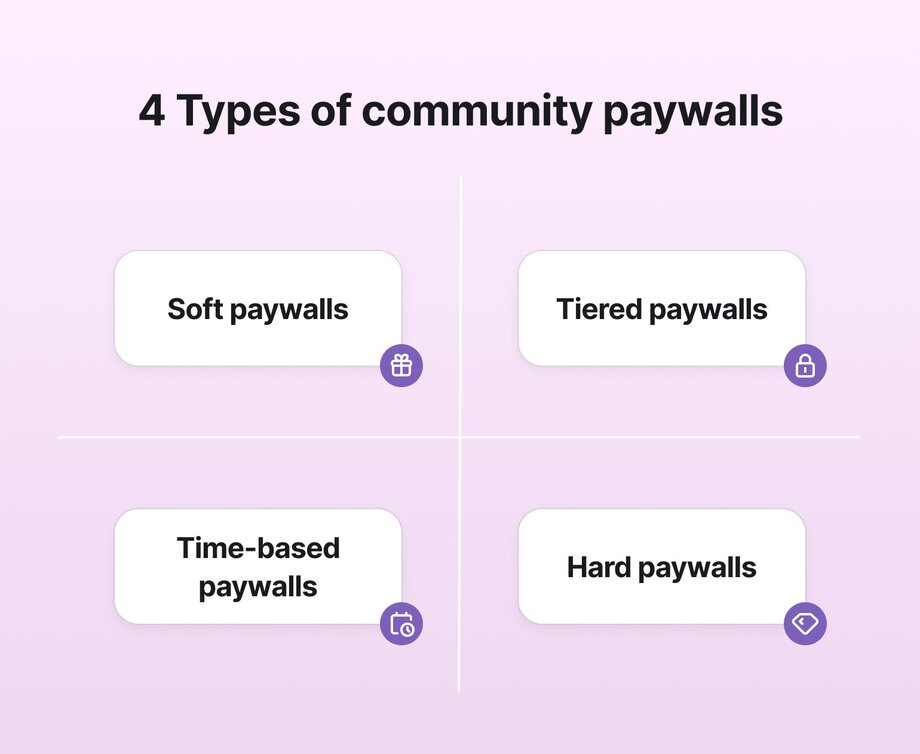
- **Soft paywalls** are like free samples. You provide a taste of what you offer to show the value of your community. These free samples could be webinars, how-to guides, or a free–but time-limited–membership to explore your community.
- **Tiered paywalls** offer a curated selection of free content and paid tiers of premium content. Communities can use these paywalls to provide premium services while keeping a selection of free content for members.
- **Metered or time-based paywalls** are similar to soft paywalls but with a twist. Instead of a curated sample of your community, metered paywalls allow people to access a limited number of your resources—videos, guides, articles—each month. These types of paywalls are great for seasonal or [cohort-based](https://circle.so/blog/cohort-based-courses) communities.
- **Hard paywalls** are the all-or-nothing option. With hard paywalls, your landing page is what sells your community. Once they see the value, they can pay to access your full community.
### Media paywalls and community paywalls are not the same
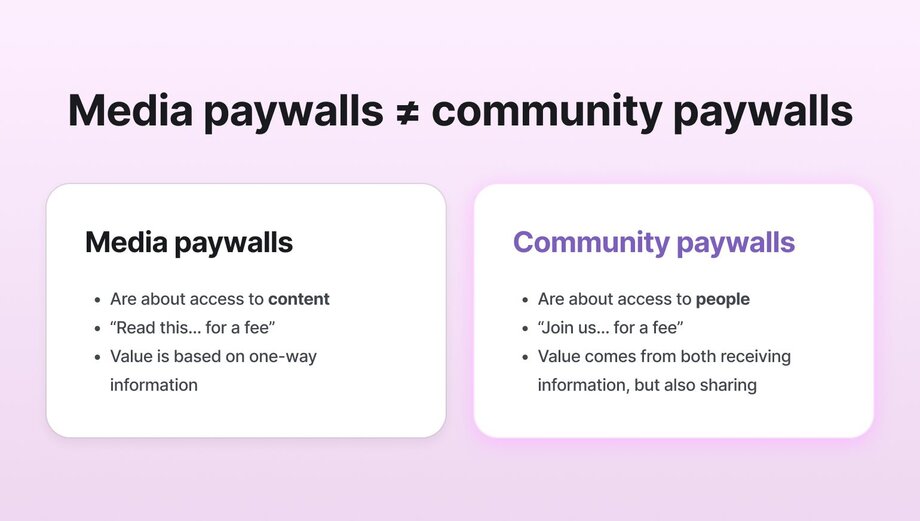
**Media paywalls are usually about access to content**. Think news articles, investigative reports, and video libraries. You pay for a subscription, and you get information, insights, or entertainment delivered to you.
**Community paywalls are about access to people**. You’re not just paying for content—you’re paying to belong. That might include content, but it also includes conversations, collaborations, and shared experiences. The value doesn’t just come from what a member receives. It comes from what they contribute, too.
Put another way:
📰 Media paywalls say, “Read this.”
👥 Community paywalls say, “Join us.”
They might look similar on the surface, but under the hood, they’re built to serve different goals and values.
## What kind of communities use paywalls?
Virtually every type of [community that wants to monetize](https://circle.so/blog/how-to-monetize-a-community) can use a paywall. For communities that deliver value, **a paywall becomes more than a revenue tool.** They’re a way to intentionally deepen commitment, filter for fit, and build a strong community.
- **Coaches.** Whether you’re a professional or a life coach, you can use paywalls to offer premium access to group programs, accountability circles, and personalized support.
- **Educators and course creators.** Communities built around learning are powerful—and profitable. [Course creators](https://circle.so/blog/create-online-course) can use paywalls to offer packaged lessons, resources, and live sessions inside a gated space that supports structured learning.
- **Business and professional networks.** The value for many professional network communities lies in the authority and credibility of its members. Paywalls can provide a way to demonstrate that value without sacrificing the trust you’ve built.
- **Memberships.** Membership-based communities use metered and soft paywalls to gate perks, content libraries, and community-only experiences.
- **Apps.** Monetizing apps can be a struggle. App communities with paywalls are an often untapped tactic to connect with users through forums, events, or offering access to experts.
## Why do paywalls matter for community-based businesses?
Paywalls get a bad rep because they sound like you’re locking people out. But paywalls can do the opposite in community-building—they bring the right people in.
👉🏼 **When someone pays to join your community, they’re not just buying access. They’re showing up with intent.**
A paywall signals that what’s behind the gate has value. For community builders, that could mean curated conversations, expert insights, live sessions, or just the comfort of knowing you're in a space with people who get it.
Paywalls can also help create sustainability for your business. Whether you're hosting in-person events, running virtual events, or looking for a trusty platform (nudge, nudge), communities take time and money to run. Paywalls can help generate revenue to cover those costs and make your community more than just a side project.
And then there’s the magic ingredient—culture. Free-for-all spaces like groups on social media can grow fast. But they can fall apart even faster. **Paywalls help protect the vibe you’ve worked so hard to build.** People who pay are more likely to participate, respect the space, and stick around.
## Why, when, & how to start using a paywall?
Thinking it’s time to add a paywall to your community? That’s great! But before you start gating content, it’s essential to sit down and think about your paywall strategy.
✅ Done right, a paywall can help you grow the value of your community.
❌ Done wrong, a paywall can create confusion or discourage members from engaging—so it’s worth taking the time to get it right.
First things first. Making money from your community is not a bad thing. If you’re pouring your time, energy, and expertise into building a community that delivers value, it’s more than okay to be paid for it. It’s necessary if you want your community to last.
But before you hit “publish” on a [pricing page](https://circle.so/blog/community-pricing-strategy), think about what a paywall unlocks for your members. Is it exclusive content? A tight-knit peer group? Live events? Private coaching?
Your paywall should match the value your community delivers and the value your audience is ready for.
### What to keep free vs. paid
Paywalls are a powerful tool in a well-planned [membership funnel](https://circle.so/blog/membership-funnel-strategy). Your free content is the top of the funnel—and your paywalled experiences are the deeper levels where the real magic happens.
- **Keep it free** if it introduces people to your community, helps them understand your mission, or gives them a sample of what they’ll get as a paid member. This content includes blog posts, checklists, short videos, or a free onboarding session.
- **Put it behind the paywall** if it saves your members time, accelerates their learning, or connects them with something (or someone) they can’t get anywhere else. This could be templates, expert Q&As, exclusive forums, or community-only workshops.
📋 Grab your notebook and a pen (or your laptop, since you’re here already) and ask:
1. What’s the real value people get from your community when they join?
2. How do you want members to feel after they’ve paid?
3. Will this paywall help you better serve your members or add friction?
## 6 ways communities use paywalls
### Using paywalls for community spaces (and add-ons) — PregnaHub

**What the community offers:**
[PregnaHub](https://themindfulbirthgroup.com/parents/pregnahub) offers an online (and local!) community for new and expectant parents navigating pregnancy, birth, and life with a newborn–as well as training for midwives and birthing teachers.
Expecting parents can either get a pregnancy course with free access to their app, or get a timed [subscription to the app](https://apps.apple.com/gb/app/pregnahub/id6575346262). With both options, they get access to live sessions, expert-led courses, on-demand videos, and midwife Q&As—for a certain period of time.
**How they use paywalls:**
PregnaHub uses a **soft, time-based paywall** after a free trial for their community. They offer their [custom branded community](https://circle.so/plus) on the app store, and schedule all their in-person, _and_ online events right within Circle. Pregnant people can sign up and get anywhere from 1-12 months of access to the community and resources, and purchase optional courses and event tickets as add-ons within.
### Using a paywall for courses and cohorts — Learn Grant Writing
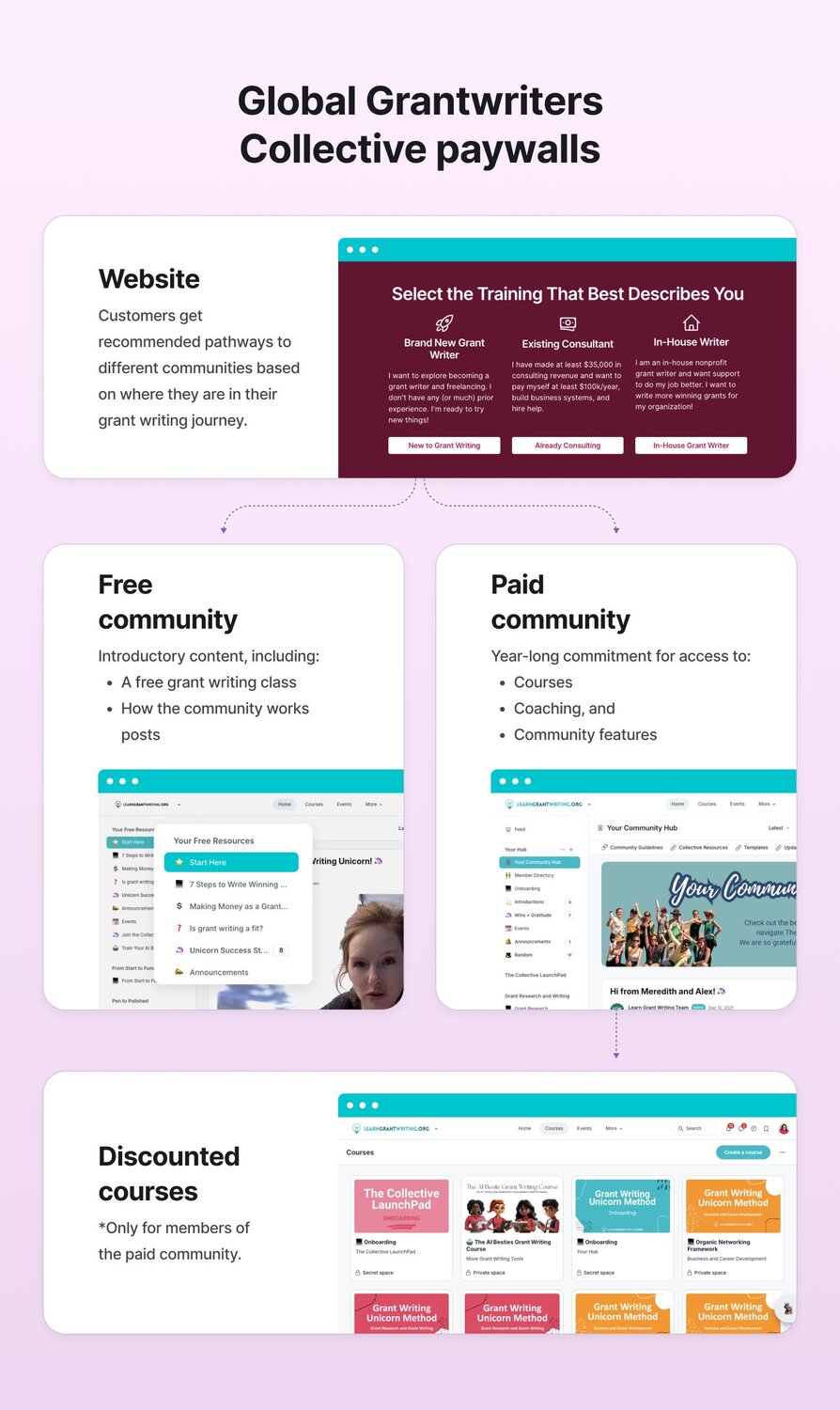
**What the community offers:**
[The Global Grant Writers Collective](https://www.learngrantwriting.org/) is a professional development program for people who want to build a fulfilling and flexible career in grant writing. Members get access to a full stack of offerings including self-paced courses, milestone-based content unlocks, live coaching calls, a rich and supportive Circle community, and even a custom AI tool (“Sparkles”) trained on internal content. The Collective has earned over $1.5M in ARR and served 4,000+ members in just a few years.
**How they use paywalls:**
Learn Grant Writing uses a **tiered paywall** approach with all content built directly into Circle. Members can explore some introductory content like a free grant writing class or an overview of how the community works—but full access to the core experience (including courses, coaching, and community features) is gated behind a year-long commitment priced at $6,000 annually or $500/month for 12 months.
Once inside, **content is progressively unlocked via assessments and revenue milestones**, which helps reduce overwhelm and ensures learning aligns with where members are on their journey. For example, members must complete an assessment after the "Grant Research" module to unlock the "Grant Writing" module. Revenue achievements also trigger content access—earning $15K unlocks the next set of business tools to help reach $50K, and so on.
This paywall system reflects a deeper philosophy: **the paywall isn’t a barrier—it’s a tool for guided transformation.** It helps members commit, engage, and ultimately succeed, while also supporting long-term business sustainability.
### Using a paywall for memberships — Notion Life Design
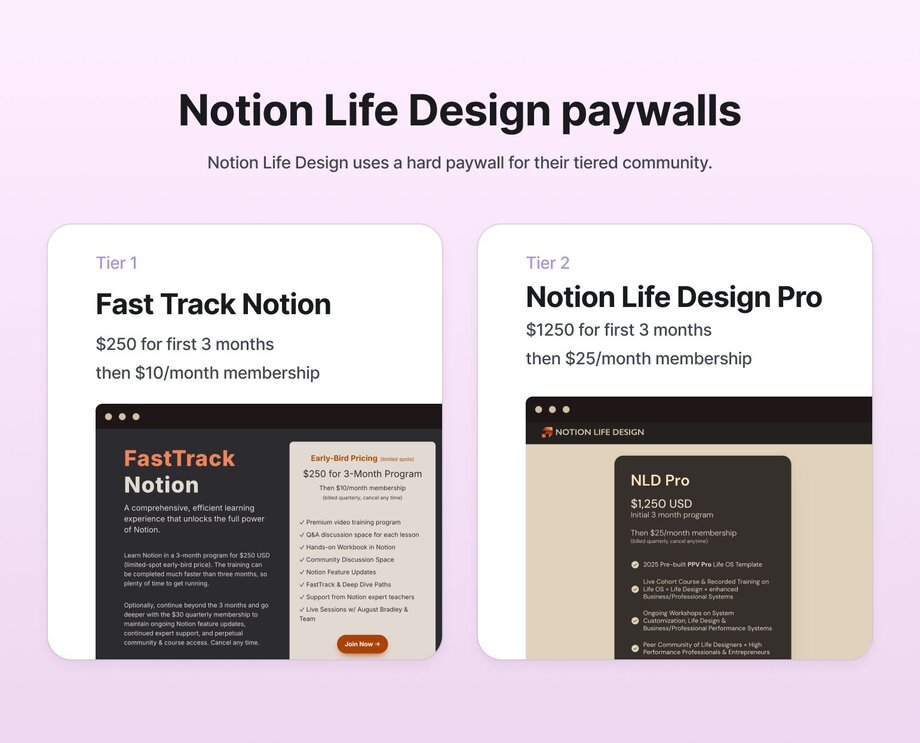
**What the community offers:**
[Notion Life Design](https://www.notionlifedesign.com) is a course and membership that guides individuals through the ins and outs of their own “Life Operating System”. It’s a system designed to improve personal productivity by integrating various aspects of life—such as goals, tasks, projects, and knowledge management—within Notion. Members can access structured lessons, resources, and a supportive community to help them design and optimize their personal productivity systems. Both programs start out as live cohorts, then evolve into ongoing memberships.
**How they use paywalls:**
Notion Life Design uses a hard paywall for two tiers of cohort memberships. The website provides an overview of the course and its benefits, but full access to the course materials and community features requires a paid membership. Prospective members can join the waitlist to be notified about enrollment opportunities (and you can start building a relationship with them through email!).
### Using a paywall for premium content (VIP coaching experiences) — Kadima Careers
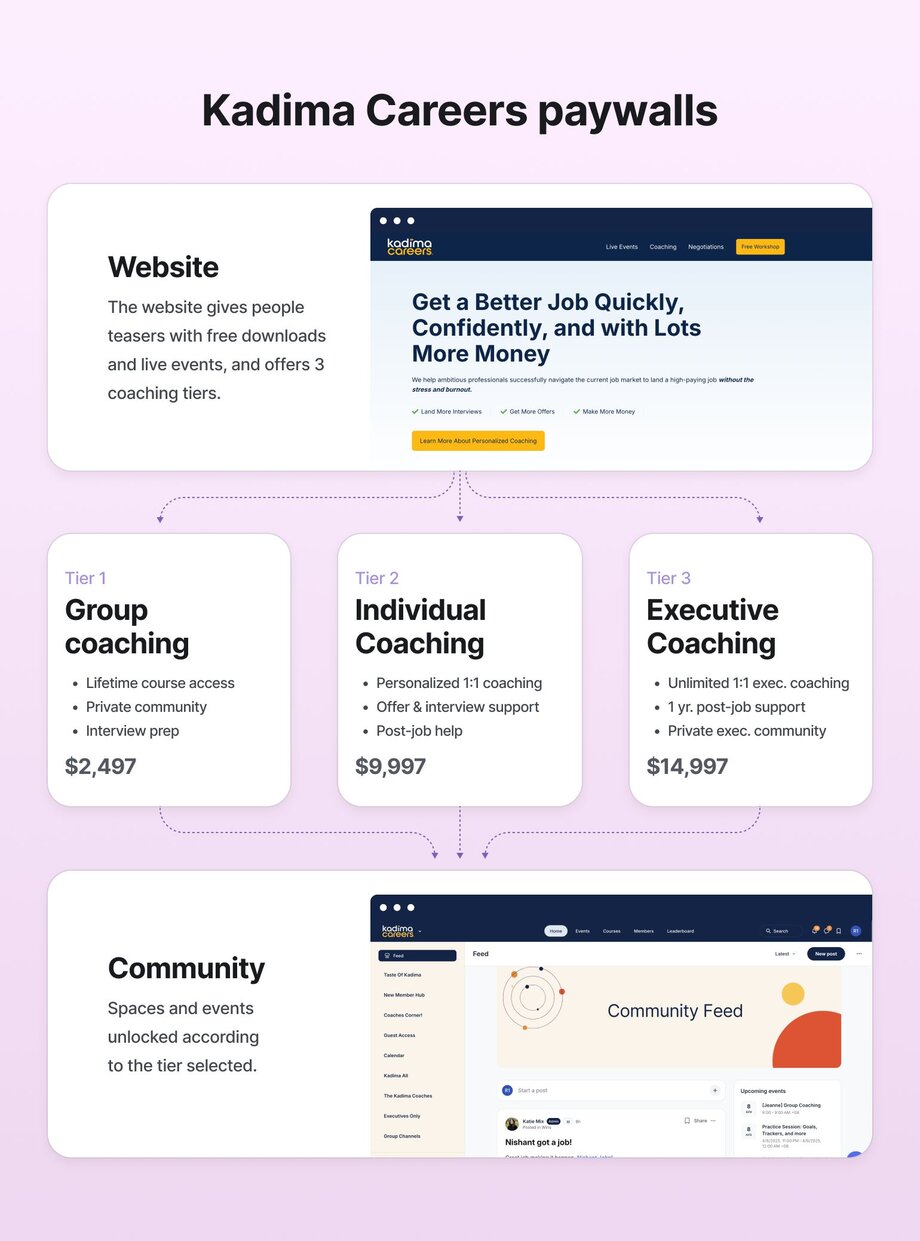
**What the community offers:**
[Kadima Careers](https://kadimacareers.com/) is a career acceleration platform dedicated to helping professionals land high-paying jobs quickly and confidently. Members gain access to resources such as live interactive workshops, group and personalized coaching sessions, negotiation assistance, and a supportive community aimed at effectively navigating the job market.
**How they use paywalls:**
Kadima uses a **tiered paywall**. While they offer many free resources like workshops and newsletters, premium features are gated behind **a paywall to their tiered Circle community**. Content they’ve paywalled include:
- Digital courses and masterclasses
- VIP discussions and Q&A chats
- Personalized, group, and executive coaching
Their lowest paywall tier includes a job acquisition course, a LinkedIn community, and group coaching at $2,497, whereas the second and third tiers include more personalized coaching, and a private Circle community, as well as private events, masterclasses, 1:1 coaching for executives, and more.
### Using a paywall for digital products — The Futur Shop
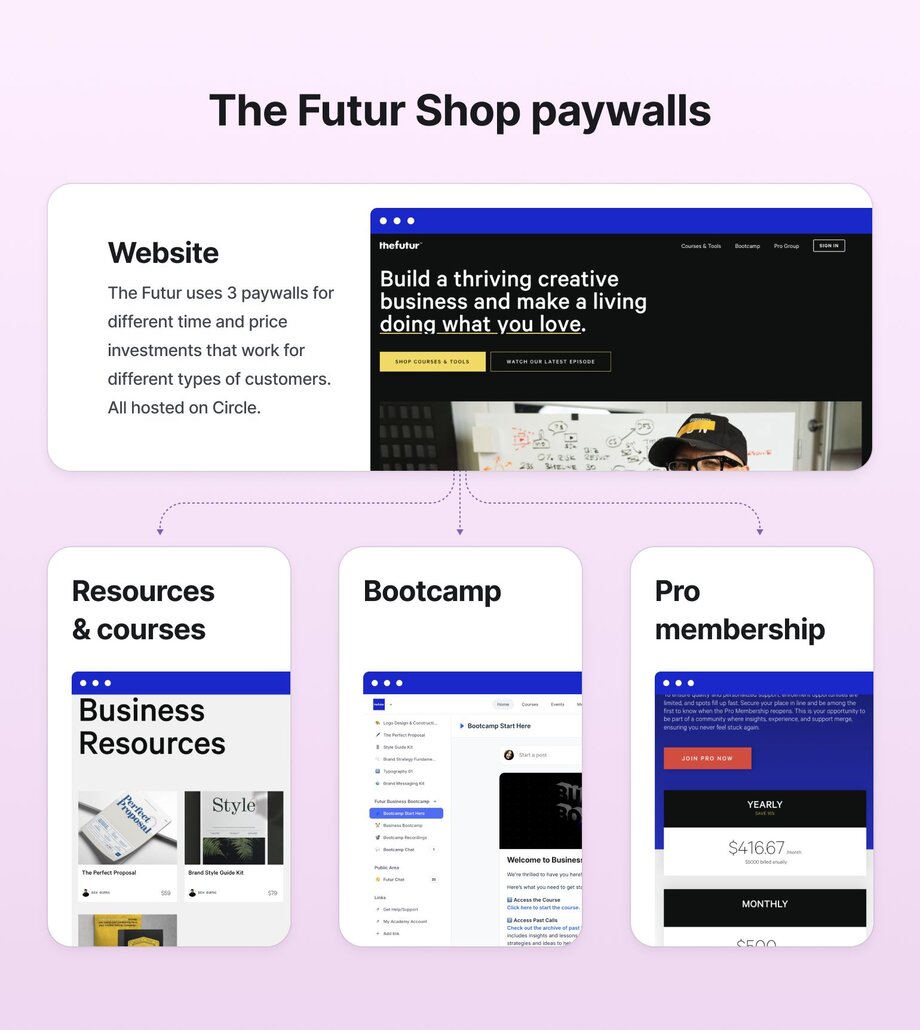
**What the community offers:**
[The Futur](https://www.thefutur.com/shop) offers digital products built for creative professionals. Its digital products include courses, toolkits, templates, and resources to enhance skills like design, business strategy, and personal development.
**How they use paywalls:**
The Futur uses a **hard paywall** for its digital products, bootcamp, and pro membership (all hosted on Circle!) While visitors can browse the catalog and view detailed descriptions of each item, accessing the content requires a purchase. This is a great strategy to make sure premium resources are monetized while still giving potential members a chance to understand the value.
💡**Pro tip:** Hosting your digital products within your community platform (something many customers do with Circle) can help you expose community members to extra learning opportunities and add to your revenue, while exposing those who buy your digital products to your community (in a teasing, time-limited way!)
### Using paywalls for exclusive events and memberships — Song Club
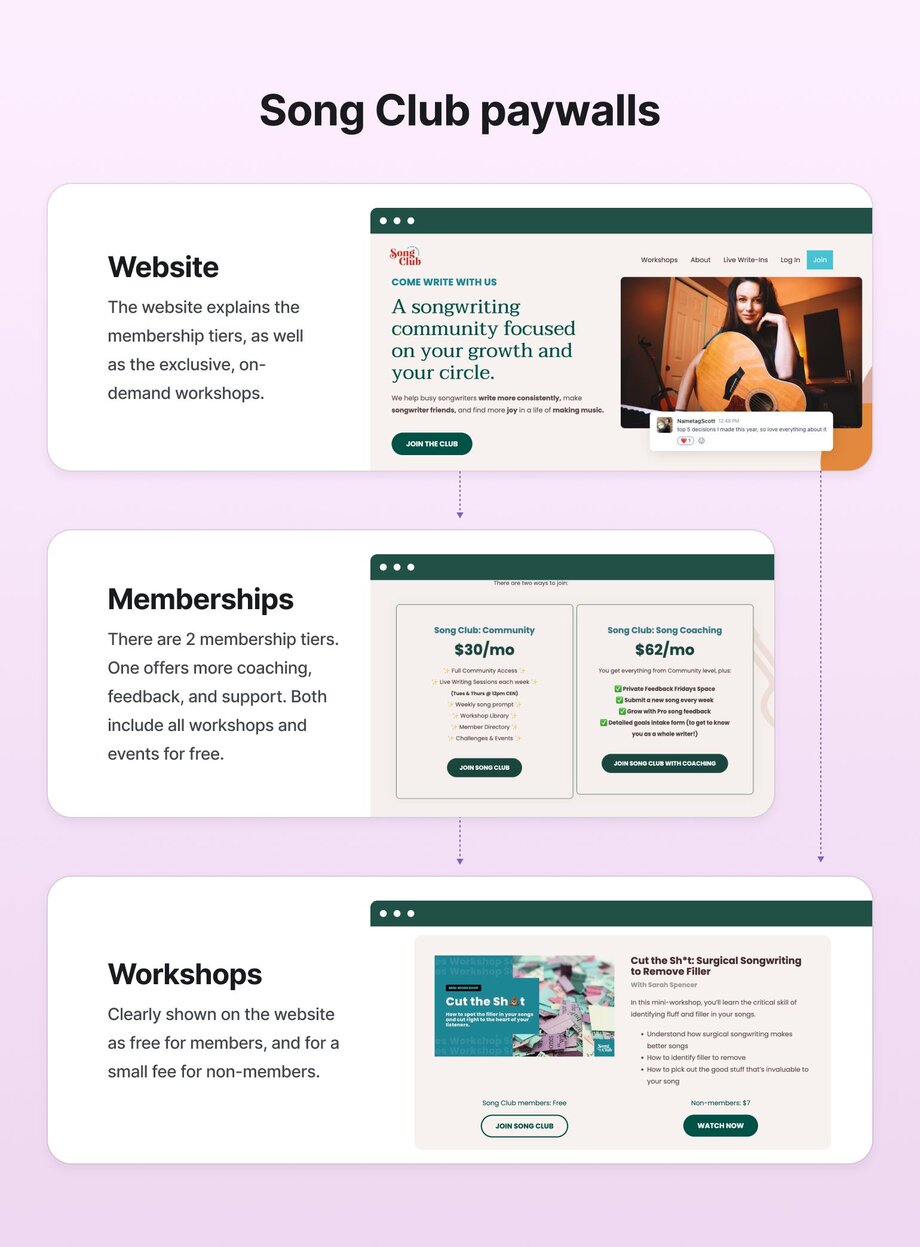
**What the community offers:**
[Song Club](https://mysongclub.com/) is a vibrant community designed for songwriters who want to grow their craft. Membership gives access to live songwriting sessions, weekly prompts, a library of workshops, and a supportive network of fellow songwriters.
**How they use paywalls:**
Song Club employs a **tiered paywall** structure with two membership levels, both offering free access to events that non-members must pay to attend. While the website showcases offerings and limited free resources, the heart of the community—[live write-ins](https://mysongclub.com/live-write-ins/), workshops, and coaching—sits behind membership gates.
This approach succeeds because paying members receive dedicated support and exclusive content tailored to their songwriting journey (or karaoke night). Meanwhile, newcomers can sample the community's atmosphere through select events before committing.
## Why Circle is the best paywall for your community
If you’re adding a paywall to your community, you want the setup to be simple and the experience to be smooth for your members.
🚚 That’s exactly what Circle delivers.
**With** [**Circle Payments**](https://circle.so/payments)**, you can build paywalls that fit your community model**—whether gating premium spaces, offering exclusive content, or unlocking access to live events and coaching. No extra plugins, no tech headaches. Just everything you need to start charging for access in minutes.
Here’s what you can do with Circle’s Payments:
- **Set up membership tiers and paywalls in minutes.** Create multiple tiers and gate content or spaces based on access level.
- **Set up one-time payments.** Great for gating workshops, downloads, or limited-time experiences.
- **Monitor member subscriptions and transactions.** Track who’s paying for what and keep tabs on every transaction behind your paywall.
- **Alert members to try again when a payment fails.** Circle automatically follows up when a payment doesn’t go through, so you don’t have to.
- **Offer flexible billing.** Charge monthly, bi-weekly, quarterly, or annually—whatever fits your model best.
- **Issue refunds, cancellations, or resume subscriptions.** Manage changes and member requests right from your dashboard—no extra tools needed.
- **Let customers pay in their local currency.** Make joining easier for members around the world.
- **Set up free trials.** Let future members explore your community before they commit.
- **Create promotions and discounts.** Run limited-time offers (FOMO!) to grow your membership or reward your most engaged fans.
- **Offer one-click upsells and cross-sells.** Make it easy for members to upgrade, unlock extras, or join new spaces—all from one checkout.
- **Automate advanced paywall workflows** with Zapier, such as removing members from your community after a specific timeframe.
Circle takes care of the tech so you can focus on what matters most—building a thriving, valuable community.
## Building a community paywall that works for you
There’s no one-size-fits-all approach here. Whether you’re offering a free trial, gating cohort content, or launching a premium membership tier, the best paywall is the one that aligns with your goals and meets your members where they’re at.
Start small. Test what works. Keep listening to your community. And remember—you’re not putting up walls to keep people out. You’re building a door for the right people to walk through.
[Start your free, 14-day trial of Circle today!](https://app.circle.so/communities/new)
---
### How to 10x your podcast sponsorships
*Looking to land bigger and better podcast sponsorships? Follow Justin Moore’s 4 step framework to start earning more.*
Source: https://circle.so/blog/podcast-sponsorship-guide
If you want to find out the secret to 10x your podcast sponsorships—without 10xing your workload…
Meet **Justin Moore**: sponsorship coach, [podcaster](https://www.creatorwizard.com/podcast), creator, and founder of [Creator](https://www.creatorwizard.com/) [Wizard](https://www.creatorwizard.com/), an educational community that teaches people how to find and negotiate their dream brand deals.
Not only has Justin been a full-time creator for over 8 years who’s earned over $5M working with brands—but he used to run an influencer marketing agency that helped other creators earn millions more than they were making.
Whether you’ve been chugging along, trying to figure out how to make your podcast more profitable (instead of just dishing out cash to upgrade mics)—or you’re just exploring whether you want to start a podcast, you might feel a little lost as to how to make it worthwhile, financially.
**You know getting brand sponsorships for your podcast is the road… but:**
- What do you say when you email a brand?
- How do you make brands pick you and not Tim Ferris?
- How much do you charge for a podcast sponsorship?
- How much money can you actually make?
Thanks to Justin’s insights from both sides of the brand deal negotiation table, you can now steal his best tricks for negotiating better and earning more. (And stop leaving money on that table!)
In this playbook, we’ll go through Justin’s step-by-step process on how to land your first podcast sponsorship, including 4 ways to increase your rates without having to increase your downloads.
## The goal
**Podcasts are powerful promotional tools for your brand because of:**
- The authority it builds for your brand
- The massive amount of content that can be repurposed from them
- The opportunity to connect and network with other, complimentary experts in your space
But too many folks use them simply as sources of content—and forget that **podcasts can be turned into a revenue stream of their very own!**
(Check out past playbook’s podcasters: [Amy Porterfield](https://www.amyporterfield.com/amy-porterfield-podcast/), [Codie Sanchez](https://podcasts.apple.com/ca/podcast/the-struggle-isnt-real-podcast-codie-sanchez/id1135307110), [Ali Abdaal](https://aliabdaal.com/podcast/), and [Maya Elious](https://www.mayaelious.com/podcast/). )
If you already host a podcast, you might be plugging your products and services as ads—which is what many creators find successful—but adding brand deals and sponsorships can catapult your earnings.
For those newer to running their own business, pitching sponsorships may feel overwhelming. Thankfully, Justin’s experience can give you a solid foundation so you can land partnerships that feel good and pay even better.
So let’s get started.
## The assessment
Unlike some of our other playbooks, assessing whether you’re ready to add sponsors to your podcast is simple.
- Do you have a podcast? ✅
- Do you understand your audience? ✅
- Do you have your numbers? ✅
1. How many listeners
2. How often you record/publish
3. How many downloads
4. Feedback from listeners on social, email, etc
- Do you have an idea about brands you want to reach out to? ✅
Excellent: after this playbook, you’ll be armed with a plan to get your first (or more lucrative) brand deal.
## The playbook
According to Justin, the most important question you need to answer is this:
**Who is your ideal sponsor?**
“Unless you nail this part, you can kiss those lucrative podcast sponsorships goodbye,” says Justin. “But if you think you already know your answer, you’re probably wrong. Because figuring out which brands your audience is going to love isn’t as simple as you think.”
### Step 1: Get to know your podcast listeners deeply
What are demographics—and psychographics? Are we talking Norman Bates here? Thankfully, no.
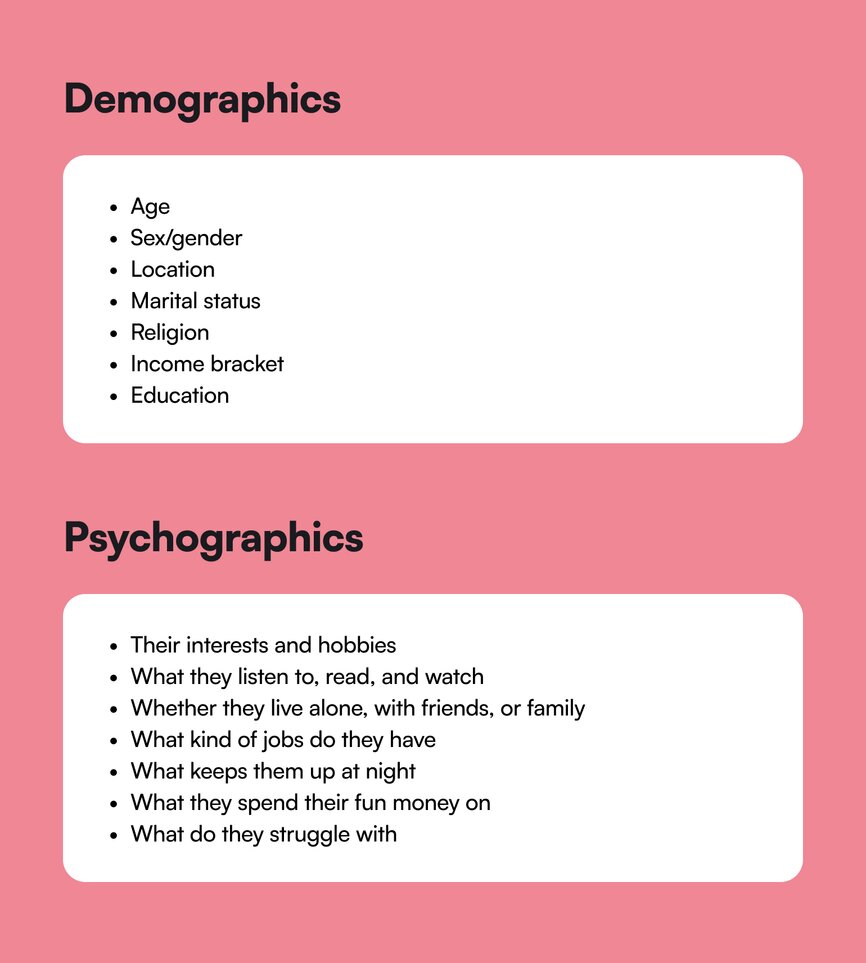
Basically (at least for those of you alive in the 90s) **demographics are the A/S/L of marketing**. But demographics can lead you to make assumptions about what people are interested in—versus actually finding out from doing the research.
**Psychographics**, on the other hand, tell you who people really are, what their days look like, what problems they’re dealing with, and what they want—which is, well, how you sell people stuff.
“Once you know their problems, you can figure out which brands are going to provide solutions,” says Justin.
Let’s look at an example for a coffee podcast.
⛔ **Demographic approach**: Your main audience is mid-20s baristas, so you think, “I’ll find a rare Brazilian bean company to sponsor my podcast.”
✅ **Psychographic approach**: You realize that those baristas enjoy eating cookies with their coffee, journaling while having their early morning espresso, and creating custom barista aprons. So, you add online bakeries, bespoke stationery brands, and barista apron brands to your list of brands to research and reach out to.
**How do you figure out their psychographics? Ask.**
- **Ask them to email you** about themselves and what they do on the weekends
- **Link a survey** in your show notes, asking them when and where they listen
- **Talk to them** on X (formerly known as Twitter), Discord, or wherever your fanbase “lives” online
### Step 2: Identify the best-fit brands and help them say ‘yes’
Unsurprisingly, bigger brands are going to be pretty hard to land when you're starting out, so you've got to figure out which brands are realistic.
When you listen to similar podcasts and pay attention to what kind of ads they’re running, this shows you:
- **Which brands are paying creators**—based on the ads you hear
- **How to approach those brands as new sponsors**—listen and write down their key messages, calls to action, and any other info you hear that could help you position your podcast
### Step 3: Set a target—and ROPE them in
“What if I told you you were only 50 emails away from your first sponsorship?” says Justin.
The easiest way to get your first sponsor is to set a weekly goal, like: reach out to 2 small brands per day.
**Use the ROPE method** to stand out from the other emails in their inbox, and stay focused:
- **R**elevant — Show the brand that you’ve done your research and you’re aware of their current campaigns.
- **O**rganic — Link your pitch back to work that you’ve already published, whether that’s name dropping them directly or linking them to an episode that’s related to their campaign.
- **P**roof — Share how you’ve helped other brands achieve results.
- **E**asy-to-execute — Promise only what you can deliver.
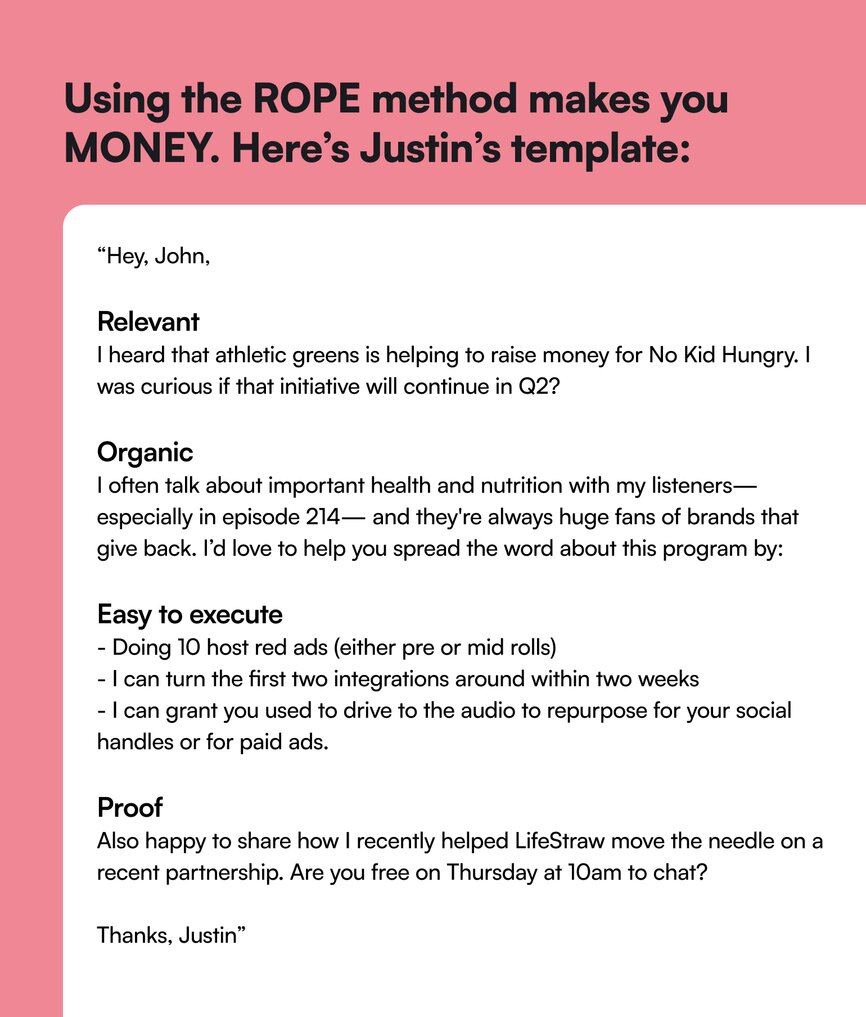
### Step 4: Make 10x more money with these 4 tips
Most brands and advertisers want to pay podcasters via CPM (cost per mille) — which is a set rate per 1,000 downloads to buy up your inventory.
This sponsorship type reserves a 30-60 second space in your podcast episode where someone will do an ad read—but your payout will depend on downloads.
For smaller podcasts, sponsorship deals that focus on paying based on downloads just aren’t lucrative. Most brands and agencies try to pay $25-30 per 60-second spot—so even with 1,000 listeners, you’re not really making a lot.
Here are all the ways you can make more money per sponsor (without waiting for your downloads to go up):
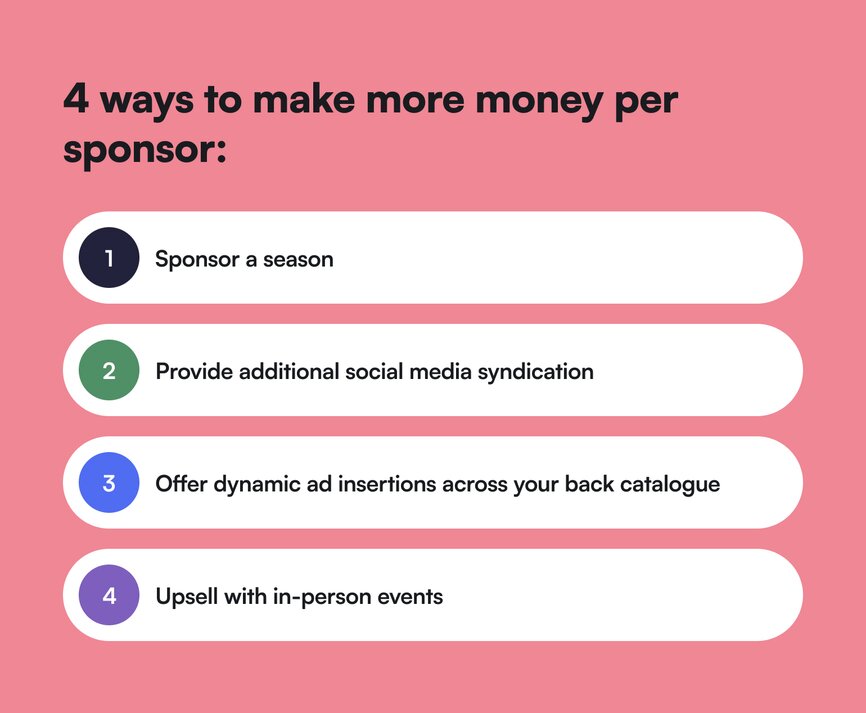
1. **Sponsor a season** (instead of an episode) — not a ton more work for you, repeated exposure for them. Allows you to charge 10x as much because of the amount of “ownership” of ad space.
2. **Upsell additional social media syndication** — wherever you’re growing your platform (LinkedIn, Instagram, Youtube, your newsletter, etc). Promotion on multiple platforms provides SEO benefits, and allows you to 2-3x your price.
3. **If their goal is brand awareness—offer dynamic ad insertions across your back catalog** for ~3 months. Because people are at different stages of listening/downloading your podcast, your new episodes will only represent a portion of your downloads. A dynamic ad guarantees that every single episode you’ve ever made will promote that brand for a certain time period—which guarantees impressions. Depending on the size of your back catalog, Justin claims you can charge 20x as much for this sort of offer.
4. **Upsell with in-person events**. Live events or speaking engagements allow you to promote the brand in different places—for 5-10x as much as you were charging to promote in your podcast.
### Bonus: Spin the sponsorship wheel
Getting sponsorships—like creating podcast episodes—can be a smooth, repeatable process. You just have to work it into your creation cycle.
Justin teaches the [sponsorship wheel process](https://www.creatorwizard.com/post/what-is-a-sponsorship-wheel) in [Brand Deal Wizard](https://www.creatorwizard.com/bdw-overview), one of his signature courses. It’s a simple framework that’ll help you become a strategic partner for brands rather than just an ad spot they spend budget on.
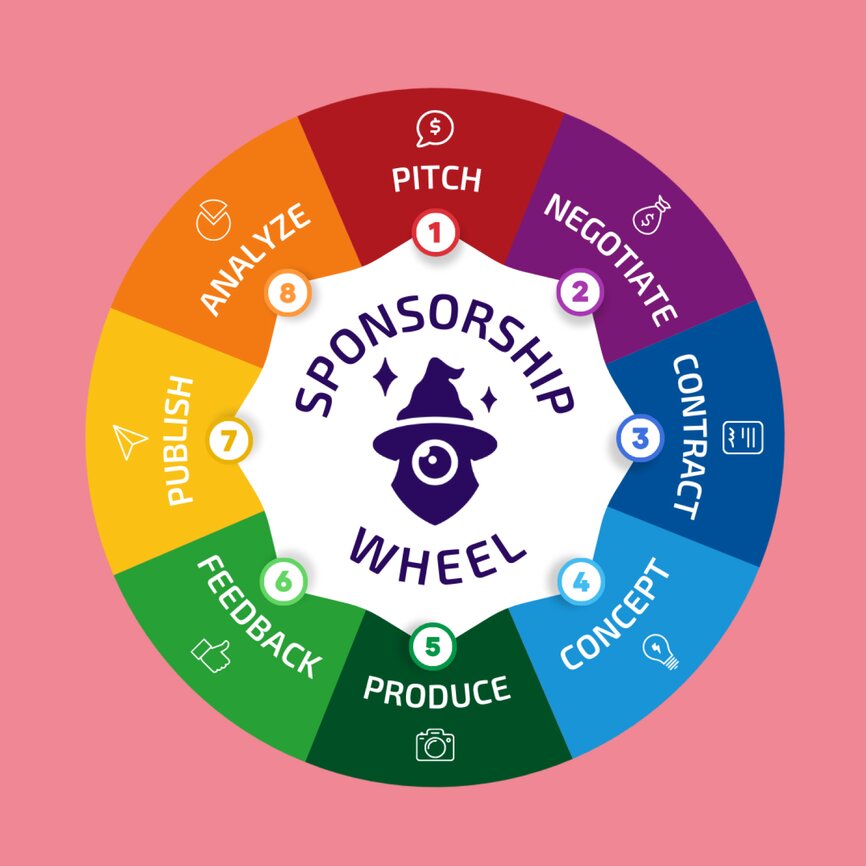
## The results
**Justin has personally made +$5M with brand partnerships, and he teaches others in his [+33,000-strong community](https://www.creatorwizard.com/community) how to do the same.**
Not only that, but his claim to fame with Brand Deal Wizard is the results he gets for students.
Paul Jamison, creator of the Green Industry Podcast, undercharged and sold himself short at the beginning of his brand sponsorship journey. Paul owned a small business in the lawncare industry—and didn’t realize the impact of his massive, niche listenership when he first started getting approached by brands.
Now, he works with brands like Kohler and Lowe’s, and has 5-10x’d his sponsorship earnings (with live events and speaking engagements) with Justin’s help.
### Justin’s learnings:
- **Align on vision, early**. Most creators get excited and take their eye off the ball after the contract has been signed—but this is a mistake. Ask for a creative brief, specific talking points, and the CTA—and ensure it makes sense for your audience. Aligning on vision early isn’t being picky—it’s a part of being a great partner and making sure you’re working to create results.
1. If they send it, and it’s confusing: tell them!
2. If you think the talking points are ineffective: tell them!
3. If you know your listeners will get confused once they hit that landing page: tell them!
- **Build deep, long-term relationships instead of one-offs**. It’s so much easier to work with the same, super-aligned brand over time. You learn their voice, their team, their goals, and their strategies—and can suggest different ways to promote them that are aligned and authentic to your brand.
- **Your work doesn’t end when your episode goes live**. Once the campaign is over, it’s time to show them that you really mean business: send a post-campaign report. Show DMs you received or emails you got from listeners to prove how effective partnering with you was for the brand.
- **Ask for their results**. Similar to your own reporting, ask for theirs. If they were running a conversion campaign to drive people to do something: find out and understand the outcome you helped create. Regardless of whether you fell short of your goal, you gained information to do better next time—and the brand will appreciate you asking. With this information, you can refine your approach and give them the confidence to partner with you again.
## Key takeaways
- **Don’t forget that podcasts can be revenue-generators (not just content-generators)**. Monetize it, promote it, and use it as another creative cog in your business.
- **The more you understand your audience—the easier it’ll be to find and sell sponsorships**. Your audience is the key to what brands will want from your podcast, which means that the more you know about them, the more you can grow with them.
- **Think strategic partnership—not financial sponsorship**. Thinking about sponsorship, contracts, and big brands can overwhelm people new to business or podcasting. “They want to sponsor little old me?”
But remember: **your audience and their attention is very valuable to brands**.
Acting as a strategic partner (ie. knowing what your audience will and won’t like, providing feedback about the talking points, suggesting partnership options that maximize their opportunity to reach their brand goals) rather than just an “order-taker” will make you a more valuable asset to these brands.
Watch Justin’s full YouTube video on this topic for more!
And if you’re a podcaster looking for an all-in-one community platform?
You’re in the right place.
Circle brings together your members, discussions, events, courses, and content—all in one place, under your own brand. Plus, you get access to our customer community full of handy resources and over 10,000 community builders on the same journey as you.
[Start your free 14-day trial today!](https://app.circle.so/communities/new)
---
### Recurring revenue vs one-time sales: why smart creators use both
*Learn why smart creators anchor their business in recurring revenue and complement it with one-time sales.*
Source: https://circle.so/blog/recurring-revenue-vs-one-time-sales
> ## **TL;DR**
>
> * Recurring revenue creates a predictable, compounding income base that keeps building on what you've already earned each month.
> * Community is the retention engine that makes recurring revenue work, because members stay for the people, not just the content.
> * The best community founders use one-time launches to complement recurring revenue by adding upside on top of their baseline.
You crushed your last one-time launch. The payday hit, the Stripe notifications lit up, and by the following Monday, you were already thinking about the next one. Almost every course creator, coach, and educator knows this rhythm. A big revenue spike, followed by the work of planning the next campaign to keep income flowing.
There's nothing wrong with that rhythm. One-time product launches are powerful. But when you pair them with recurring revenue as a foundation, every launch becomes a bonus instead of the only thing you depend on to keep the lights on.
## **What is recurring revenue?**
Unlike project- or launch-based work, recurring revenue is ongoing income you earn by providing continued access to something valuable, like memberships, paid communities, exclusive content, ongoing group programs, subscriptions, and retainers. Members pay monthly or annually, and what you earn this month rolls into next month as long as they stay. It is steady earnings that keep flowing as long as members stay.
The defining trait is continuity. The customer isn't buying a single outcome and leaving; they're paying for access, relationships, and progress that accumulates rather than resets. For the creator, that continuity replicates the stability of a typical 9-to-5 paycheck, making it far easier to budget both personally and in the business.
The same core offering can often live on either side of this line: a cohort can be sold as a one-time seat or as a benefit of an annual membership; coaching can be a one-off package or a monthly retainer; and a course can be a standalone purchase or included in a community. The model you pick for each offer shapes how the revenue behaves.
Most creators start without recurring revenue and add it later, *usually* once they realize how much of their year is spent rebuilding income from scratch between campaigns. It's also the shift that moves you from freelancer or consultant into running a real business, one with forecasts, growth goals, and a baseline you can plan around.
## **The benefits of recurring revenue**
Recurring revenue has three compounding benefits that stack as your membership grows: predictable income, compounding growth, and the freedom to run your business on your own terms. Together, they're the reason individuals who start out as solo creators and then build growth flywheels around memberships keep growing.
### **It gives you a predictable revenue stream**
A stable monthly baseline changes[ how you run your business](https://circle.so/blog/sustainable-business-growth). When you know meaningful revenue is arriving next month from existing members, you can hire help, invest in better content, and plan ahead instead of scrambling a few weeks before a launch deadline.
Take Bonnie Christine's [Flourish membership](https://www.bonniechristine.com/flourish), which started at $5/month and now earns seven figures from 17,000+ surface pattern designers.
For the first nine years, she did everything herself, earning about $9/hour and refusing to delegate even the smallest tasks. The recurring income from her membership is what finally gave her the room to make her first hire, hand off work that wasn't in her zone of genius, and scale into the $25M business she runs today with a team of 12+.
### **Recurring revenue compounds instead of resetting**
Every new member adds to what you already have instead of replacing revenue you just lost. A course launch that brings in 100 buyers gives you one revenue event. A membership that adds 100 members gives you 12 months of recurring payments (if you have monthly or annual plans), layered on top of everyone who joined before them.
Josh Hall's Web Designer Pro community generates $327k in[ annual recurring revenue](https://circle.so/blog/membership-retention-strategies) from a relatively small member base (250-300), and without a massive audience, a launch team, or a dedicated operator. The math works because every member who stays increases the total. That compounding effect only holds when members stick around, which is why community is the retention engine behind every membership business that actually works.
### **You buy yourself freedom**
When next month's baseline is already in place, you can step back and think about the bigger picture of your business, or even take a vacation, without worrying about it. You can turn down bad-fit clients without pressure on cash flow. You can say no to a collaboration that doesn't align because you're not dependent on the next revenue spike.
Story School runs exactly this model. Lower-priced paid challenges convert participants into[ annual memberships](https://circle.so/blog/story-school-challenge-funnel). The challenge brings people in, and the membership keeps them paying. That's real freedom for the founder. Making decisions because you want to, and you believe in them, not because you need to hit a number this quarter.
## **What are one-time sales?**
Recurring revenue is only half the picture. To see why smart creators run both, it helps to look at the other side of the equation.
One-time sales are transactions where a customer pays once for a specific outcome, and the billing relationship ends there. A cohort seat, a self-paced course purchase, a workshop ticket, a coaching package, or a digital download all fit this pattern. You deliver the outcome, the engagement wraps, and the next sale starts a new transaction.
The defining trait is the concentrated event. Each sale is self-contained, which means revenue arrives in bigger, more focused chunks rather than steady monthly drips. That makes one-time sales great for cash injections, big pushes, and creating decision moments for your audience.
## **How one-time sales complement recurring revenue**
Recurring revenue is the anchor, but one-time sales bring something to the table that memberships can't replicate on their own: concentrated revenue bumps, urgency, and the ability to reach new audiences and reactivate old ones.
Layered on top of a recurring base, one-time sales stop being the thing that has to perform and become the thing that adds upside.
### **One-time sales create revenue spikes**
A well-run one-time offer brings in a large sum in a short window. That kind of cash injection can fund new hires, better content, platform investments, or bigger bets you'd be cautious about making on monthly revenue alone.
Felippe Nardi's[ Inside the Show](https://circle.so/customer-stories/inside-the-show) highlights this approach successfully. His business runs on concentrated, make-or-break one-week launch events (with no replays after) to bring in new members and engage existing ones— that create impactful revenue spikes.
He used the cash and momentum from those launches to invest in bigger bets, like building a fully branded app in under two weeks to drive engagement during event week. Felippe saw a 2x increase in engagement during new launches.
Pairing one-time sales with that recurring base changes the dynamic. The sale still delivers concentrated revenue, and now it's building on top of a predictable floor rather than carrying the whole quarter on its own.
### **They bring in new audiences and reactivate old ones**
Every one-time offer is a reason to show up in public again. Fresh content (perhaps with a new or expanding angle), new sales pages, affiliate partnerships, and ad campaigns all generate attention that the steady-state creator doesn't produce on its own.
Some of those new buyers convert once, and a meaningful share of them convert into members afterward—which means every one-time sale you run grows the recurring base underneath it.
### **These offers create urgency that memberships don't**
Deadlines, cohort start dates, and limited-seat offers move people off the fence in a way that's hard to manufacture inside an always-open membership.
Running a one-time sale alongside your recurring offer gives you a reason to reach out, create a decision moment, and pull people into your world—some as one-time buyers, some as new members.
## **Why smart creators use both recurring revenue and one-time sales**
Tiago Forte made $3M in two years by running both models side by side: self-paced courses, a premium membership, cohort experiences, and in-person events.
The combination is more resilient than either one alone. Recurring revenue carries the baseline from month to month, one-time sales add concentrated revenue and new audiences on top, and neither has to perform on its own for the business to work. A softer one-time sale launch week doesn't decide your month, and a quiet stretch between launches doesn't stall the business.
With Circle, you can run both sides on one platform.
* [Public events](https://circle.so/events), [digital products](https://circle.so/blog/digital-products-to-sell),[ landing pages](https://circle.so/website-builder), and[ email automations](https://circle.so/email-hub) run the launches and capture non-members as contacts in the process.
* Subscription groups, space gating, and [tiered paywalls](https://circle.so/blog/paywalls) keep recurring revenue moving without manual work.[ ](https://circle.so/events)
* Both sides share the same member data, so the person who attended a free event last quarter is the same person you nurture toward paid membership today.
The combination is what makes the layered model work, but it only pays off once you have a recurring base underneath your launches to build on.
## **How you can build a recurring revenue business**
Building a recurring revenue base is about getting a few core pieces right and letting them compound. Five things make the difference between a membership that quietly fades and one that pays you every month: a clear transformation, pricing that reflects the value, a warm-audience launch, strong early momentum, and systems that support retention over time.
### **1. Start with the transformation, not the content**
Get sharp on the outcome. What specific change are members paying for? Who are they? Where will they be once they've moved through your system? Most failed memberships try to serve everyone with a mountain of content.
The ones that work pick one audience, one transformation, and build the smallest system possible that delivers it.
### **2. Set a price that respects the work**
Most creators undercharge. The math of recurring revenue doesn't require thousands of customers. It requires the right price and ongoing value—either through you or your members (usually, both). A smaller member base, priced to reflect the transformation, can match or beat what a larger base would earn at a bargain rate.
You don't (necessarily) need to scale into a massive community. You need pricing that respects what the work is actually worth to the people paying for it.
How you position the offer matters more than the exact number. A community-led membership, a coaching-heavy program, and a niche expert community each sit at very different points on the spectrum, and the price should track the depth of access and the outcome members are paying for. A great way to sanity-check your pricing is to think through what members would have had to do to get the same outcome without you and the community.
Circle's free[ Community ROI calculator](https://circle.so/community-roi-calculator) uses real data from top Circle communities, and factors in average churn rates, growth trends, and conversion rates, to help you figure out what a price point can actually earn you, so you're testing pricing against facts rather than guesses.
### **3. Launch to your warmest audience first**
Your first members should come from people who already trust you. Past course buyers, email subscribers, coaching clients and long-time followers. Warm audience first, public marketing second. A founding-member offer, like a locked-in lower price or a lifetime discount on the first annual plan, rewards people who take the bet early.
One way to do that is with a free section of your community where prospects can spend time before you launch to them. Circle keeps the relationship in your hands from day one, so no one can randomly ban your members, delete your community, or throttle your reach with an algorithm.
### **4. Win the first 30 days**
Early momentum decides whether a member pays a second time. This is where most memberships quietly lose people. They join, don't know what to do, stop logging in and cancel. Your job is to make real progress before that drop-off happens (and ideally before the next billing cycle.)
Three things help you build momentum:
* **A clear first action** the moment they sign up (join a specific Space, introduce yourself, complete one lesson).
* **At least one live touchpoint** early on (a live event, a group coaching call, or a cohort kickoff).
* And a **response to anything they ask**, which is where an [AI Agent](https://circle.so/ai-agents) trained on your content earns its place. It handles welcome DMs and FAQ responses around the clock, so early members never feel ignored.
After securing that initial engagement, the next phase is moving from a high-touch effort to automated systems that compound.
### **5. Layer in the systems that compound**
Once your first cohort of members is active, the next step is to build systems that run without you.
Here are three ways you can automate engagement with Circle:
* [Email Hub](https://circle.so/email-hub) helps you activate powerful retention strategies: renewal reminders, reactivation sequences, and behavior-triggered emails all fire from the same system your community runs on.
* The shared AI Inbox logs every DM member sends to your AI Agents, giving you a running feed of what members actually need or get stuck on. Use that to guide your community roadmap rather than guessing.
* Tier structures and gamification come later, once you've seen clear gaps at different price points (or within different types of members) and understand which behaviors drive retention. Rushing either one before your baseline is solid usually just adds complexity without any benefits to your revenue.
## **Top up your recurring revenue with one-time sales**
With a stable recurring base, you're ready to start layering one-time sales on top. The pressure is off; each one-time offer becomes a bonus rather than something the month depends on. Look back at what your members already ask for, what past buyers responded to, and where natural upgrade moments exist inside your community.
Tim Slade's[ eLearning Designer's Academy](https://circle.so/customer-stories/elearning-designer-academy) is a great example: what started as a single online course in 2020 has grown into a thriving 11,000+ member academy with cohort-based programs, private team workshops, and a vibrant learning experience layered on top of the core membership.
Those signals point to the one-time offers most likely to land: a cohort, a workshop, a premium intensive, or a public-facing launch. Pick the one that fits your audience and run it on top of the base you've already built.
## **Build the business that pays you every month**
The gap between one-time sales and creators with a recurring base underneath isn't talent, audience size, or marketing sophistication. It's how the business is built. Add a recurring revenue layer, and every one-time sale you run from that point forward builds on top of what's already there.
Dave Gerhardt built [Exit Five](https://circle.so/customer-stories/exit-five) into a multi-million dollar B2B community on Circle. In his words, "Circle made it possible for one person with an idea to build a real business around community. That's the future."
You need a platform to power your vision. Circle keeps community, courses, events, payments, email marketing, and website in one place. AI Agents and Workflows handle the admin work so you can focus on the human relationships members actually pay for.
Ready to build a business that pays you every month? [Start your 14-day free trial of Circle](https://app.circle.so/communities/new)[ now.](https://app.circle.so/communities/new)
## **FAQs about one-off sales vs. recurring revenue**
Is recurring revenue always better than one-time sales?
They serve different purposes. One-time sales generate fast cash injections that can fund big leaps forward—and can be a great way to get started as a creator. Recurring revenue builds a predictable baseline that compounds month over month. The strongest creator businesses run both, using recurring revenue as the foundation and layering one-time offers on top.
How do one-time sales fit into a recurring revenue business?
They sit on top of it. Your membership carries the baseline income month after month, and launches, cohorts, and premium offers become compounding upside rather than the sole source of revenue. That way, no single campaign determines whether the month works, and every launch grows the recurring base underneath it.
What's the safest way to add monthly revenue to a launch business?
Layer the recurring offer onto your current business instead of replacing everything at once. Keep existing revenue streams running while you gradually build the recurring base beneath them. Start with your warmest audience, prove the model with a small founding cohort, then scale once retention and onboarding are working. Another common pattern is to offer a premium community to people who've already bought your products, then expand it into an entry point for different membership tiers, with one-time products layered in.
---
### 7 Best Skool alternatives for community builders in 2026
*Skool is great for getting started — but what happens when you outgrow it? Compare the 7 best Skool alternatives for creators and community businesses ready to scale.*
Source: https://circle.so/blog/skool-alternatives
Skool has become one of the fastest ways to [launch an online community](https://circle.so/blog/community-launch-steps). It’s simple. It’s affordable. And it gets you up and running fast, which is exactly what most creators need in the early days.
But for many founders, there’s a moment when things start to feel… a little tight.
You want to launch a second offer, create tiered memberships, [run a high-ticket program](https://circle.so/blog/offer-flywheel), or build something more structured and professional. And suddenly, what once felt refreshingly simple starts to feel limiting.
If you’re feeling this way, it might be time to explore Skool alternatives. Not because Skool is broken, but because as your community grows into a real business, you need something more robust.
In this guide, we’ll break down the **7** **best Skool alternatives in 2026**, especially for founders running paid communities, [coaching programs](https://circle.so/blog/group-coaching), or structured learning experiences. For each platform, we’ll cover:
* Key features
* Pros and cons
* Pricing
* What users actually say (the good and the not-so-good)
## Why people are looking for Skool alternatives
Skool has earned its reputation for simplicity—and for good reason. If you’re just getting started, it does a lot right:
* **Fast time-to-launch:** You can set up a community in minutes.
* **Simple interface:** No steep learning curve.
* **Predictable pricing:** One flat monthly fee.
* **Strong early engagement:** Especially for small, active groups.
For solo creators validating an idea or launching their first paid community, that’s more than enough. But as your community grows, the same simplicity can start to create friction. At that point, a few common limitations start to surface:
### It’s a bit too light for structured programs
Skool works well for simple courses, but once you move into more advanced programs, it starts to feel limiting. There’s little support for structured learning paths, segmentation, or deeper member management. As a result, it struggles to support certification programs, coaching cohorts, or multi-offer ecosystems.
### Monetization is hard to scale
Skool supports basic subscriptions, but many community businesses need more flexibility as they grow. There’s no real support for tiered pricing, bundled offers, or multiple products within one ecosystem. That makes it harder to experiment with upsells or expand your revenue streams.
### Limited brand control
As your community evolves into a premium experience, presentation starts to matter more. With Skool, customization options are limited, and most communities end up looking very similar. This can make it harder to create a distinct, professional brand. For high-ticket programs, “good enough” design often isn’t enough.
### Migration feels risky
If you’ve already built your community on Skool, switching platforms isn’t a small decision. You likely have active discussions, course progress, and paying members who are used to how everything works. Moving platforms can feel like you’re putting all of that at risk, especially when it comes to preserving content, comments, and overall momentum.
So what are the alternatives that actually support where your community is headed next? Let’s take a look.
## Top 7 Skool alternatives: A quick overview
| Platform | Best for | White-label | Courses | Events | Mobile app | Pricing | Scalability |
| --------------- | ---------------------------- | -------------------------------- | ------- | ---------------------- | ------------- | -------------------------------------- | ----------- |
| Circle | Scaling community businesses | Yes, under the CirclePlus plan | Yes | Yes | Yes | Tiered, starting at $89/mo | High |
| Mighty Networks | Courses + events | Partial, through its branded app | Yes | Yes | Yes | Tiered, starting at $79/mo | Medium |
| Kajabi | Course-first businesses | Partial, through its branded app | Yes | Yes | Yes | Tiered, starting at $143/mo | Medium |
| Heartbeat | Interactive communities | Yes | Yes | Yes | Yes | Tiered, starting at $40/mo | Medium |
| Bettermode | Brand/customer communities | Yes | Limited | Can only embed streams | No native app | Tiered, starting at $399/mo | Medium |
| Discord | Free real-time communities | None | No | Informal | Yes | Free | Low |
| Slack | Professional communities | None | No | Basic | Yes | Per user, starting at $7.25/user/month | Low |
### 1. Circle — best Skool alternative for serious community businesses
If Skool is built for getting started, [Circle](http://circle.so) is built for what comes next. Circle is designed for creators, educators, and entrepreneurs who are turning their communities into real businesses. It brings together community, courses, events, and monetization into one platform, giving you the structure and flexibility that Skool starts to lack as you grow.
Circle has a clear upper hand over Skool when it comes to **multi-product monetization and structured community experiences**, making it easier to run memberships, courses, and cohorts in one place without things getting messy (or held together by workarounds). It also gives you **full control over your brand and member experience**, while Skool communities tend to look and feel the same.
#### Key features:
* **Structured community spaces** to organize [discussions](https://circle.so/discussions), [chats](https://circle.so/chat), resources, and content in a way that's easy to navigate (not just one feed).
* [Built-in course builder](https://circle.so/courses) to create structured learning experiences with modules, drip scheduling, and [cohort-based programs](https://circle.so/blog/cohort-based-courses).
* [Live events](https://circle.so/events) **and streaming** to host workshops, coaching calls, Q\&As, and webinars directly inside your community.
* [Flexible monetization tools](https://circle.so/payments) allowing you to sell memberships, subscriptions, courses, and live experiences in one place.
* **Advanced engagement tools**, including direct messages, group chats, [gamification](https://circle.so/gamification) (points, badges, leaderboards), and activity tracking.
* **Branded experience**, including a [native community website builder](https://circle.so/website-builder) and [branded iOS and Android apps](https://circle.so/mobile) via CirclePlus.
* [Analytics and insights](https://circle.so/analytics) to track engagement, retention, and revenue with built-in dashboards.
* [Security and scalability](https://trust.circle.so), including role-based permissions, secure payments, and infrastructure designed to grow with your community.
#### Pricing:
Plans start at $89/month. All core plans include a 14-day free trial.
#### Ideal for:
Creators, educators, and entrepreneurs building scalable community businesses with multiple offers, structured programs, and a strong branded experience.
| Pros | Cons |
| ---------------------------------------------------------------------- | ----------------------------------------------------------------------------------------------- |
| Built for multi-product businesses. | Might not be the best option if you’re a budget-first creator. |
| All-in-one platform. | May take a bit longer to set up compared to Skool due to the depth of features and flexibility. |
| Strong engagement tools. | |
| Robust monetization options, including tiered memberships and courses. | |
| Migration support included (which makes switching a lot less painful). | |
#### 💬 Users say:
> 👍🏼 “We launched the BossMom+ app with Circle, and I couldn't be happier. I teach how to build communities, and hands down, Circle is my go-to. The best tools, the best support, just the best. I have been in communities built on Skool, Mighty, and others, and they just aren't built as well as Circle. It's very user-friendly. Easy to integrate with tools like Zapier...although with its new marketing feature, we don't have to do much integration. My community is using it daily, and we love how the notifications, leaderboard, and announcements keep everyone engaged. And they are always working to make it better. Don't go with any other platform. You can have it up and running in a day.” –
>
> [Verified review from G2](https://www.g2.com/products/circle-so-circle/reviews/circle-review-10819505)
> 🤔 “It's difficult at times to navigate the admin and have a full understanding of connecting all the dots on the backend. They have many updates, which is great, but often makes it a challenge to stay up to date with everything.” – [Verified review from G2](https://www.g2.com/products/circle-so-circle/reviews/circle-review-12393393)
#### Circle vs. Skool: A quick feature comparison
| Circle | Skool |
| --------------------------------- | ---------------------- |
| Structured community architecture | Simple gamified forums |
| Tiered growth scalability | Flat pricing |
| Full white-label + branded apps | Limited branding |
| Integrated courses + events + CRM | Basic courses |
| Deep engagement + revenue metrics | Minimal analytics |
👉 For a detailed breakdown, check out the [Circle vs. Skool](https://circle.so/compare/vs-skool) comparison.
### 2. Mighty Networks — best Skool alternative for network-oriented creators
[Mighty Networks](http://mightynetworks.com) is an alternative to Skool for creators who want to combine community, courses, and live experiences in one platform. It puts a heavy emphasis on member interaction and events, with features designed to keep people coming back regularly. Compared to Skool, it offers more flexibility and a stronger mobile experience.
That said, it still leans toward creator-led communities rather than fully structured community businesses.
#### Key features:
* Built-in courses and learning paths.
* Native live events and streaming.
* Mobile apps designed for engagement.
* Flexible community spaces.
#### Pricing:
A free 14-day trial available. Plans start at $79/month.
#### Ideal for:
Creators building communities that combine content, courses, and interaction.
| Pros | Cons |
| ----------------------------------------------------------------------- | ------------------------------------------------------------------------ |
| Strong focus on member engagement and interaction. | The interface can feel more complex than Skool. |
| Better mobile experience than most platforms. | Pricing can scale quickly as you unlock more advanced features. |
| Suitable for creators who want a hands-on, interactive community style. | Lack of customization options compared to other platforms on the market. |
#### 💬 Users say:
> 👍🏼 “I really appreciate that this platform serves as an all-in-one community and course solution for our company. I also enjoy the layout of the modules and find the interface very intuitive to use. The app itself is visually appealing, which was a major selling point for us.” –
>
> [Verified review from G2](https://www.g2.com/products/mighty-networks/reviews/mighty-networks-review-11908111)
> 🤔 “The interface can feel a bit rigid when you’re trying to do more dynamic storytelling or brand-heavy design. We’d love more control over visual customization and landing page layouts without needing to code. Also, there have been some issues with email deliverability and user login friction—especially for community members who aren’t super tech-savvy.” –
>
> [Verified review from G2](https://www.g2.com/products/mighty-networks/reviews/mighty-networks-review-11911525)
[Mighty vs. Circle](https://circle.so/compare/vs-mighty): See how Mighty Networks stacks up.
### 3. Kajabi — best Skool alternative for course-first businesses
If you’re a creator with a passion for teaching others, [Kajabi](http://kajabi.com) is a strong Skool alternative. The platform combines courses, coaching, memberships, and marketing into one system, making it especially effective for [selling digital products](https://circle.so/blog/digital-products-to-sell) at scale. Compared to Skool, it offers far more depth in email marketing and sales funnels, which are central to its value.
However, its community features aren’t the most robust on the market. While they work well as a supporting layer for your products, creators who want a highly interactive, community-first experience may find them a bit more limited.
#### Key features:
* Advanced course builder with structured programs.
* Built-in email marketing and automation.
* Sales funnels, landing pages, and checkout tools.
* Multiple product types (courses, coaching, memberships).
#### Pricing:
A free 30-day trial available. The entry-level plan will cost you $143/month.
#### Ideal for:
Creators building course businesses with a strong focus on marketing, funnels, and revenue growth.
| Pros | Cons |
| --------------------------------------------------------------------------------------------------------------- | -------------------------------------------------------------------------------- |
| Well-suited for scaling knowledge-based businesses. | Higher starting price compared to most alternatives. |
| Strong monetization options, including subscriptions, one-time payments, plans, and automated tax calculations. | Underwhelming when it comes to community-first or interaction-heavy experiences. |
| Powerful sales funnels and conversion tools. | |
#### 💬 Users say:
> 👍🏼 “Kajabi is great for people like me who run online courses, have a following, and want to run an online community and sell products and courses. It has all the pieces I need in an integrated package!” –
>
> [Verified review from Trustpilot](https://www.trustpilot.com/reviews/68fa833bec1d656dd722325b)
> 🤔 “I've spent most of the day trying to resolve the issue I'm having with the platform. At first, I only received automated messages. I do everything they ask, and the problem still isn't resolved. I request assistance from a technician, it takes forever to connect, and on top of that, the chat closes because it took me five minutes to respond.” – [Verified review from Trustpilot](https://www.trustpilot.com/reviews/68b1f7f4d1358e4b1d50ba89)
[Kajabi vs. Circle](https://circle.so/compare/vs-kajabi): See how Kajabi stacks up.
### 4. Heartbeat — best Skool alternative for flexible community setups
[Heartbeat](https://www.heartbeat.chat) is a flexible platform that brings together community, courses, events, and monetization in one place. Compared to Skool, it gives you more ways to structure programs and run different types of offers (without being boxed into a single format). It also leans more into real-time interaction, with chats, events, and always-on spaces playing a bigger role in the overall experience.
#### Key features:
* Community-first courses with built-in discussions, assignments, and drip options.
* Flexible monetization with subscriptions, one-time payments, upsells, and affiliates.
* Built-in content library with documents, embeds, and searchable resources.
#### Pricing:
A free 14-day trial is available. Paid plans start at $40/month.
#### Ideal for:
Creators who want flexibility to combine courses, events, and multiple offers in one community.
| Pros | Cons |
| -------------------------------------------------------------------------------- | -------------------------------------------------------------------------------------------- |
| More flexible than Skool when it comes to structuring programs and offers. | The Starter plan is limited to 1,000 members. |
| Strong feature set even on lower-tier plans. | Community experience can feel closer to a chat-based feed, which may not suit all use cases. |
| Built-in automation and workflows that trigger actions based on member behavior. | |
#### 💬 Users say:
> 👍🏼 “This is an almost perfect platform. I've used Heartbeat for the last 2-3 years to host a community. The "course" element is excellent, much better than similar tools like Teachable or Thrivecart's course add-on. It's easy to publish courses, get homework/assignments from students, etc. If you just need a place to host courses and review student work, Heartbeat is excellent.” –
>
> [Verified review from Trustpilot](https://www.trustpilot.com/reviews/68fe6c9ac08360e5e9b5ac43)
> 🤔 “It is 2026, and Heartbeat still doesn't support multi-language localization. I have been waiting for four years to use this platform in Spanish. It is deeply frustrating and disappointing that a project of this caliber continues to ignore the global market.” –
>
> [Verified review from G2](https://www.g2.com/products/heartbeat-chat-heartbeat/reviews/heartbeat-review-12481631)
### 5. Bettermode — best Skool alternative for brand communities
Next on the list of Skool’s competitors, we have [Bettermode](https://bettermode.com). It’s a platform for companies that want [brand communities](https://circle.so/blog/brand-community) that integrate into their existing products or websites.
Unlike Skool, which is built for solo creators who want simplicity, Bettermode focuses on flexibility, structure, and control, making it a strong option for teams and organizations. It’s particularly well-suited for [customer communities](https://circle.so/blog/customer-community), product hubs, and support ecosystems.
#### Key features:
* No-code, drag-and-drop community builder.
* Advanced customization and white-labeling.
* Modular layout and flexible feature configuration.
* Integrations with tools like Slack, Notion, and more.
#### Pricing:
Plans start at $399/month.
#### Ideal for:
Companies building branded communities for customers or users.
| Pros | Cons |
| -------------------------------------------------------------- | ---------------------------------------------------------------------- |
| Designed for embedded communities within products or websites. | Less suited for fast launches compared to Skool. |
| Advanced user roles and permissions for teams. | Not built specifically for courses or structured learning experiences. |
| Scales well for large user bases and enterprise environments. | |
#### 💬 Users say:
> 👍🏼 “It's easy to set up and to maintain, anyone can get started without code. It took a while for me to understand the concept of building CMSs that are then applied to spaces/pages, but after I figured it out, it worked like a charm. Overall, there's minimal time spent on setting up the platform, so you can spend more time on creating content.” –
>
> [Verified review from G2](https://www.g2.com/products/bettermode/reviews/bettermode-review-10965638)
> 🤔 “The system is sluggish more frequently than I would like, but the features more than make up for this at the moment.” –
>
> [Verified review from G2](https://www.g2.com/products/bettermode/reviews/bettermode-review-11193118)
[Bettermode vs. Circle](https://circle.so/compare/vs-bettermode): See how Bettermode stacks up.
### 6. Discord — best free Skool alternative
If you're on a tighter budget and not picky about the features and capabilities, [Discord](https://discord.com) is one of the most popular Skool alternatives out there. It’s widely used for building free, real-time communities, with a strong focus on chat, voice, and ongoing interaction.
But just like Skool, there’s also a risk you’ll quickly [outgrow Discord](https://circle.so/blog/discord-alternatives). Ultimately, it isn’t built specifically for creators who want to build a community business or sell courses.
#### Key features:
* Real-time chat with channels and reactions.
* Voice channels and video calls for live interaction.
* Bots and integrations for moderation, automation, and engagement.
* File sharing and direct messaging.
#### Pricing:
Discord is free to use, with optional paid upgrades (Discord Nitro).
#### Ideal for:
Gamers and hobbyists building free communities centered around real-time conversation.
| Pros | Cons |
| ------------------------------------------------------------- | -------------------------------------------------------------------- |
| Great for real-time engagement and conversation. | No built-in tools for courses, monetization, or structured programs. |
| Many key features are free. | Can feel chaotic and hard to navigate as communities grow. |
| Works well for gaming, hobby, and interest-based communities. | Isn’t built for professional or high-ticket community experiences. |
#### 💬 Users say:
> 👍🏼 “Feature-rich and lightweight with options to interact, such as text channels, voice rooms, etc. Great role-based access control for everything. Best voice chat with low latency, which can be easily used by anyone. Integrate bots for moderation, fun, etc.” –
>
> [Verified review from G2](https://www.g2.com/products/textaify-discord/reviews/discord-review-12137498)
> 🤔 “Discord has been very, very poor lately. Bad connection, and laggy for everyone I've asked so far.” –
>
> [Verified review from Trustpilot](https://www.trustpilot.com/reviews/69a60dcd5d07f446d0db96d3)
[Discord vs. Circle](https://circle.so/compare/vs-discord): See how Discord stacks up.
### 7. Slack — best Skool alternative for professional communities
Last but not least, we have [Slack](http://slack.com). While it wasn’t originally built for communities, it’s become a popular option for professional groups and niche networks. At its core, Slack is a workplace communication tool—a really good and popular one.
However, it doesn’t offer built-in tools for monetization, structured content, or many of the features you’d expect from a conventional community platform. So while it works well for conversations, it can fall short if you’re trying to build something more intentional (or revenue-generating).
#### Key features:
* Channel-based discussions organized by topic or group.
* Threaded replies to keep conversations structured.
* Direct messages and small group chats.
* File sharing and collaboration within conversations.
#### Pricing:
There is a free plan. Paid plans start at $7.25/user/month.
#### Ideal for:
Professional and networking communities.
| Pros | Cons |
| ------------------------------------------------------------------- | -------------------------------------------------------------------- |
| Familiar and easy to adopt, especially for professional audiences. | No built-in tools for courses, monetization, or structured programs. |
| Powerful integrations with third-party tools. | Can lead to notification overload as activity increases. |
| Strong for peer-to-peer knowledge sharing and quick feedback loops. | Limited customization and branding options. |
#### 💬 Users say:
> 👍🏼 “Great collaboration and community tool. I particularly like that you can build channels for certain topics.” –
>
> [Verified review from G2](https://www.g2.com/products/slack/reviews/slack-review-10915706)
> 🤔 “Slack's free version now limits you to 90 days of message history. After three months, your old messages are hidden unless you pay to upgrade. This can be a major pain for small teams or community groups who lose access to their own data.” –
>
> [Verified review from G2](https://www.g2.com/products/slack/reviews/slack-review-12429977)
#### **💭 Thinking about moving on from Slack? You aren’t alone!**
Many community builders hit a wall with Slack very quickly. Whether it’s disorganized content, limited structure, or no built-in monetization tools, there comes a point where you need something more purpose-built (and a lot less scrappy).
If you’re exploring what that next step looks like, it helps to see how others have made the move.
Take a look at how [Modern Fertility](https://player.vimeo.com/video/629116859) made the switch from Slack to Circle, or watch how [Everything Marketplaces](https://community.circle.so/c/share-and-learn/how-we-setup-circle-migrated-from-slack-run-the-everything-marketplaces-community-video-walkthrough) transitioned smoothly when they hit 500+ members.
[Slack vs. Circle](https://circle.so/compare/vs-slack): Discover how Slack measures up.
## How to migrate from Skool to Circle
So, if you decide to move from Skool to Circle (we’ll welcome you with open arms 🤝), know that you won’t be doing it alone. Circle offers [full migration support](https://circle.so/migration), so you don’t have to worry about losing your content, breaking your setup, or disrupting your community.
In practice, it looks like this:
**Step 1: Tell us about your setup.** Share a few details about your current Skool community, courses, and payments. This helps our team understand exactly what needs to be moved.
**Step 2: Review your migration plan.** Our team will walk you through the migration process, confirm timelines, and make sure everything is mapped correctly—from memberships to content structure.
**Step 3: Let us handle the move.** Once approved, Circle takes care of the migration for you. That includes transferring your members, subscriptions, courses, and core content, so your community stays intact.
You’ll be kept in the loop throughout the process, and when it’s done, everything is set up and ready to go—no messy rebuild required.
## Which Skool alternative is right for you?
The right platform depends less on features—and more on **where you are in your journey**. Here’s a quick decision framework: 👇
* **Validating an idea (pre-revenue or early traction)** → Skool (fast, simple, gets you live quickly).
* **Community founder scaling to $5K+/mo and beyond** → Circle (more structure, more flexibility, built for growth).
* **Building a course-heavy funnel** → Kajabi (strong on marketing and sales systems).
* **Enterprise brand or product-led community** → Bettermode (built for large teams, embedded communities, and product ecosystems).
* **Running a free, large-scale public community** → Discord (great for real-time, high-volume interaction).
## What’s your pick?
At some point, every community builder has to decide what they’re really building.
Is it just a place for conversations?
Or is it something more—an experience, a product, a business?
The tools you choose shape that outcome more than you think. Circle is built for the second path.
It gives you the flexibility to design your community the way you want, not the way a platform allows. You can evolve your offers, refine the experience, and grow without needing to rebuild everything later. If that’s the direction you’re heading, Circle is ready when you are.
[Start your 14-day free trial of Circle today.](https://app.circle.so/communities/new)
## FAQs
Is Skool good for large organizations or professional communities?
Not really. Skool lacks the infrastructure that professional and organizational communities require: no SSO (Single Sign-On), no custom domain, no white-labeling, no API access, no advanced admin permissions, and no automated content moderation. Every community lives under the skool.com domain and looks nearly identical to every other Skool community.
It's also worth noting that Skool has no presence on G2 or Capterra — the primary B2B software review platforms — while platforms like Circle have hundreds of verified reviews on both. For teams who need to evaluate platforms through proper procurement processes, that third-party validation matters.
Does Skool have the analytics you need to grow?
Skool has improved its analytics since mid-2025, adding MRR tracking, conversion metrics, and retention data. But it still lacks course-level reporting — no watch time, no completion rates, no lesson-level drop-off data. If you're running paid courses and need to understand where students disengage, you'll hit a wall quickly.
Platforms like Circle offer member journey tracking, content performance analytics, payment reporting, and AI-powered Activity Scores that benchmark your community's engagement against comparable communities. The analytics gap is less about vanity metrics and more about having the data you need to make smart decisions about your content and offers.
Can you fully brand your community on Skool?
No. Every Skool community lives at skool.com/your-name with Skool's branding visible throughout. There's no custom domain, limited design customization, and no white-label option. Skool's mobile app is a shared generic app — members search "Skool" in the app store and see every community on the platform.
If brand presentation matters to your members or your positioning — especially for premium programs — that lack of control can undermine the experience you're trying to create. Platforms like Circle offer custom domains, full brand theming, and white-label branded mobile apps published under your own name.
What's better than Skool?
It depends on where you are in your journey. Skool excels at fast launches and simple community engagement. But if you've outgrown its single-feed structure, limited branding, or basic monetization, platforms like Circle, Kajabi, and Mighty Networks each offer more depth — Circle for scaling community businesses, Kajabi for course-first funnels, and Mighty Networks for creator-led experiences.
Is Circle better than Skool?
For serious community businesses, yes. Circle offers structured Spaces, advanced monetization, branded apps, native email marketing, and workflow automation — tools Skool doesn't provide. Skool is better for creators who want the simplest possible setup and are focused on early-stage engagement. The right choice depends on whether simplicity or scalability matters more to your business right now.
What's better, Skool or Patreon?
They serve different models. Skool is built for community-driven engagement with courses and gamification. Patreon is built for content subscriptions where fans support a creator's work. If your business is about building an active community where members interact, Skool is the better fit. If you're primarily publishing content for a subscriber audience, Patreon works well — though neither offers the depth of a full community platform like Circle.
Is Substack similar to Skool?
Not really. Substack is a newsletter and publishing platform — it's designed for writers building an audience through email. Skool is a community and course platform designed for real-time engagement, discussions, and structured learning. They're complementary rather than competitive: some creators use Substack for audience building and a community platform like Skool or Circle for deeper engagement.
---
### 10 Slack alternatives built for communities, not teams
*Slack is brilliant for teams. For communities, it buries content, blocks monetization, and burns members out. Here are 10 platforms actually designed for the job.*
Source: https://circle.so/blog/slack-alternatives
Your community lives in Slack. But somewhere along the way, things started becoming frustrating.
Members go quiet. Important updates get buried. Someone joins, gets overwhelmed, and never comes back. And you spend more time managing notifications than showing up for your people.
Slack is built for real-time communication inside internal teams. And it’s genuinely excellent at that. But communities aren't teams. They need discoverable content, structured onboarding, and a way to charge for your offers. Slack doesn't offer any of that, and no amount of channel reorganization will change it.
In Circle's [2026 Community Trends Report](https://circle.so/2026-community-trends-report), 57.2% of community leaders reported changing member behavior. Nearly half noted burnout and disengagement. And 69.4% said community is becoming more strategic to their business. The bar for what a community experience needs to deliver has risen. Slack doesn’t meet it.
This guide covers ten Slack alternatives worth knowing about in 2026, from the best option for serious community businesses to free tools, self-hosted platforms, and everything in between. By the end, you'll know exactly which platform fits what you're building and which ones to skip.
## Why people are looking for Slack alternatives
[Slack](https://circle.so/compare/circle-vs-slack) isn't broken. For internal teams, it's one of the best communication tools available.
The problem shows up when you try to run a community there.
* **Content gets buried.** Slack is a chronological feed with no content hierarchy. Everything lives in the same stream regardless of importance. New members can't find answers, valuable discussions disappear, and there's no way to surface what matters later.
* **There's no structure for progression.** Courses, events, and discussions all compete for the same flat channel list. Without a clear separation between content types, there's no path for members to follow or sense of place.
* **Monetization is an afterthought.** Slack doesn’t offer native payments, membership tiers, or gated content. If you're launching a community business, you’ll hit that ceiling fast.
* **The always-on culture wears people out.** Real-time chat creates real-time pressure. Members feel obligated to keep up, and the moment keeping up feels like work, they check out.
* **You're building on someone else's brand.** Slack workspaces are generic by design. You can’t customize the experience to reflect your community’s brand or premium experience.
* **The tool-hopping is exhausting.** Because Slack doesn't handle courses, events, or structured content, most communities end up stitching together multiple platforms. Members bounce between tabs, lose context, and disengage.
Slack is like hosting your dinner party in the office break room. Functional? Sure. But nobody's staying for dessert.
## The 10 best Slack alternatives at a glance
Before we get into the details, here's how all ten platforms stack up across the factors that matter most for community builders. Use this to shortlist the options most relevant to you.
| Platform | Best for | Monetization | Mobile app | Structure beyond chat | White-label | Events | Starting price |
| -------------------- | ---------------------------------------- | ------------ | ------------------ | ------------------------- | -------------- | ------------------- | -------------------- |
| Circle | Creators, coaches, paid communities | ✓ Native | ✓ iOS + Android | ✓ Spaces, courses, events | ✓ Full (Plus) | ✓ Native | $89/mo |
| Discord | Free, large-scale public communities | Limited | ✓ iOS + Android | Channels only | ✗ | Voice/Stage only | Free |
| Microsoft Teams | Enterprises in the Microsoft ecosystem | ✗ | ✓ iOS + Android | Channels + tabs | ✗ | Webinars (internal) | Free / $4/user/mo |
| WhatsApp Communities | Small, mobile-first groups | ✗ | ✓ iOS + Android | Chat only | ✗ | ✗ | Free |
| Mighty Networks | Course + community businesses | ✓ Native | ✓ iOS + Android | Multi-feature Spaces | Partial | ✓ Native | $41/mo |
| Skool | Gamified course communities | ✓ Native | ✓ iOS + Android | Community + classroom | ✗ | Basic | $9/mo |
| Telegram | Privacy-focused, large-scale communities | Limited | ✓ iOS + Android | Groups + channels | ✗ | ✗ | Free |
| Mattermost | DevSecOps and compliance teams | ✗ | ✓ iOS + Android | Channels + playbooks | Partial | ✗ | Contact sales |
| Rocket.Chat | Self-hosted + omnichannel teams | ✗ | ✓ iOS + Android | Channels + omnichannel | Partial (Pro+) | ✗ | Free / Contact sales |
| Facebook Groups | Free, casual communities | ✗ | ✓ via Facebook app | Posts + events | ✗ | Basic | Free |
## The 10 best Slack alternatives for communities in 2026
### 1. Circle — Best Slack alternative for creators, paid communities, and branded experiences
If Slack is where your community lives right now, Circle is where it belongs.
Circle is a [community platform](https://circle.so/blog/best-community-platforms) for creators, coaches, and membership businesses that want more than a chat tool. Where Slack gives you channels, Circle gives you a structured experience that makes your content more discoverable and your members feel at home.
#### Structured spaces instead of endless channels
In Slack, announcements, questions, casual chat, and resources all live in the same stream. New members arrive to a wall of activity with no clear starting point.
Circle's Spaces work differently. Each one has a purpose and members navigate between them intentionally. You control what each Space contains, who can access it, and how it fits into the member experience.
#### Events and courses, built in
Slack doesn’t have native events. Every session, workshop, or coaching call requires an external tool which adds friction and pulls members out of the community experience.
Circle handles events and courses natively. Live streams, live rooms for small-group sessions, workshops, and webinars all live inside the platform, with RSVP tracking and live chat included. You can also create structured learning experiences with video, text, and assignments directly inside your community. No separate LMS required.
#### Monetization from day one
Slack doesn’t offer payment processing, membership tiers, or gated content. Every dollar you make from your community requires a third-party tool and a separate checkout flow.
Circle has native monetization. You can charge for community access, courses, or both via subscriptions, one-time fees, or installment plans. Circle processes payments through Stripe, directly inside the platform.
#### A branded experience
When someone joins your Slack workspace, they're in Slack's environment. Circle lets you make the experience yours with a custom domain, branding, and removal of Circle's own branding on the Business plan and above. Circle Plus adds fully branded iOS and Android apps. You get your name in the App Store and your icon on your members' home screens.
#### AI and analytics
Circle's AI tools handle the work that doesn't scale, from welcoming members to answering repeated questions or re-engaging people who've gone quiet. AI Agents on Plus can support members 24/7 using your community's own content.
Workflows on Business automate onboarding and re-engagement sequences. The
analytics dashboard provides a clear picture of revenue, engagement, and member activity.
#### Pricing
Plans start at $89/month (Professional). Business is $199/month and adds workflows, AI tools, and branding removal. Circle Plus is custom-priced and includes branded mobile apps, AI Agents, and advanced analytics. Transaction fees range from 2% on Professional to 0.5% on Plus, in addition to Stripe's standard processing fees. All plans include a 14-day free trial and a 30-day money-back guarantee.
#### **Key features:**
* Structured Spaces to organize discussions, courses, chat, and resources — each with its own purpose and access level
* Native course builder with modules, drip scheduling, and cohort-based delivery
* Live events and streaming built into the platform, including webinars, live rooms, and Q\&As with RSVP tracking
* Flexible monetization — subscriptions, one-time payments, and installment plans processed through Stripe
* AI tools and Workflows for automated onboarding, re-engagement, and 24/7 member support via AI Agents (Plus)
* Custom domain, branding controls, and fully branded iOS/Android apps (Circle Plus)
* Analytics dashboard covering engagement, revenue, and member activity
#### **Ideal for:**
Creators, coaches, and membership businesses that want to run courses, community, events, and payments without stitching together multiple tools.
#### Users say:
> "Circle has transformed our community. We moved from a free platform to Circle in 2025 and kept all the things we liked about the old platform and ditched everything we hated and GOT SO MUCH MORE. We are able to monetize, prioritize, create new content, search easily, tag posts in a split second... it's made our community even more special than it was before. Customer support is also great, cannot be beat!" — [Verified review from G2](https://www.g2.com/products/circle-so-circle/reviews/circle-review-12349244)
> "It can be a bit confusing and has a learning curve. There are just so many features, like space-specific features and category-specific features, making it a lot to navigate around from the admin side." — [Verified review from G2](https://www.g2.com/products/circle-so-circle/reviews/circle-review-12367482)
👉 For a detailed breakdown, check out the [Circle vs. Slack](https://circle.so/compare/vs-slack) comparison.
### 2. Discord — Best free Slack alternative for large-scale public communities
[Discord](https://discord.com/) is the most popular free community platform in the world, and for certain use cases, it's genuinely hard to beat.
**What you get**
* Free for communities of any size, with no per-member costs
* Real-time voice, video, and text channels
* Bot ecosystem for moderation, automation, and custom functionality
* Mobile apps for iOS and Android
* Server monetization for US-based creators
**Where it wins**
If you're building a large, informal community around a shared interest and you don't need to charge for access, Discord is a natural fit. Its over [90 million monthly active users](https://discord.com/company) mean your members are likely already registered, and the real-time voice experience is genuinely excellent.
**Where it falls short**
Content is ephemeral. Valuable conversations disappear into the scroll with no way to surface them later. There's no native course builder, events calendar, or member directory. [Server monetization](https://support.discord.com/hc/en-us/articles/10575066024983-Monetization-Policy) is US-only and limited. And there's no white-label option at any price point.
**Pricing**
Free. [Nitro subscriptions](https://discord.com/nitro) (cost vary depending on your country and plan) unlock personal perks but aren't relevant to community owners.
**The bottom line**
Discord is a strong Slack alternative if cost is the primary constraint and you run an informal, interest-based community. The moment monetization, structure, or brand ownership enters the picture, it’s hard to ignore its limitations.
### 3. Microsoft Teams — Best Slack alternative for enterprises already in the Microsoft ecosystem
If your organization runs on Microsoft 365, Teams is probably already in your stack. And for internal team communication, it earns its place.
**What you get**
* Channel-based messaging, file sharing, and threaded discussions
* Meetings, webinars, and Town Halls for up to 20,000 attendees
* Deep integration with Word, Excel, PowerPoint, SharePoint, and Outlook
* Mobile apps for iOS and Android
* Enterprise-grade security, compliance, and admin controls
* AI meeting recaps, live translation, and summaries via Teams Premium add-on
**Where it wins**
Teams is the logical choice for large organizations already paying for Microsoft 365. The Office integration is quite seamless, and for enterprises that need compliance, data governance, and security at scale, it's hard to match.
**Where it falls short**
Teams is an even more workplace-oriented tool than Slack. It doesn’t offer monetization, community onboarding, member profiles, courses, or events beyond internal meetings and webinars. If Slack feels like a break room, Teams feels like a boardroom. It solves a different problem entirely.
**Pricing**
Free plan available. [Paid plans](https://www.microsoft.com/en-us/microsoft-teams/compare-microsoft-teams-business-options) start at $4/user/month (Teams Essentials) up to $22/user/month ([Microsoft 365 Business Premium](https://www.microsoft.com/en-ca/microsoft-365/business/microsoft-365-plans-and-pricing)), but Microsoft has announced a [pricing increase](https://www.microsoft.com/en-us/microsoft-365/blog/2025/12/04/advancing-microsoft-365-new-capabilities-and-pricing-update/) effective July 1, 2026.
**The bottom line**
Teams is a Slack alternative for enterprises that live inside the Microsoft ecosystem. It's not a community platform in any meaningful sense, and it isn’t meant to be.
### 4. WhatsApp Communities — Best Slack alternative for small, mobile-first groups
[WhatsApp Communities](https://faq.whatsapp.com/495856382464992) is free, familiar, and already on the phones of over two billion people worldwide. For small, informal groups that want to stay connected without asking members to download something new, it's a frictionless starting point.
**What you get**
* Free for admins and members at any scale
* Up to 50 subgroups and [1,024 total members](https://faq.whatsapp.com/967457667545238/?cms_platform=web) per community
* Admin-only announcement channel alongside open group chats
* End-to-end encryption on all messages
* Voice calls for up to 32 participants
* Polls, file sharing up to 2GB, and mobile-first design across iOS and Android
**Where it wins**
* WhatsApp's greatest strength is reach. If your audience is already there—and in most markets outside the US, they are—the barrier to joining is essentially zero. Message open rates are consistently high, and the intimacy of a messaging app can create a genuine sense of connection for small, close-knit groups.
**Where it falls short**
WhatsApp Communities is more of a messaging tool than a true community platform. There's no monetization, search, content archive, events, member profiles, or analytics. Content disappears into the chat history with no way to retrieve it. Every member must share a personal phone number to join. And at 5,000 members, you've hit the hard ceiling.
**Pricing**
Free.
**The bottom line**
WhatsApp Communities works for small, informal groups where members already know each other. The moment you need structure, scale, or a way to charge for access, you've outgrown it.
### 5. Mighty Networks — Best Slack alternative for network-oriented creators
[Mighty Networks](https://circle.so/compare/vs-mighty) is for creators who want courses, community, and monetization under one roof. If your business model combines teaching and community, it's worth considering.
**What you get**
* Flexible Spaces that can combine courses, events, chat, and discussions in a single container
* Native live and async course delivery with quizzes and challenges
* Built-in monetization via subscriptions, one-time fees, and installment plans in 100+ currencies
* Unlimited members, spaces, hosts, and moderators on all paid plans
* Native events with RSVP, calendar view, and live streaming
* Mobile apps for iOS and Android on all plans
* Branded mobile apps on Mighty Pro (custom pricing)
* Mighty Co-Host AI for engagement prompts and course planning
**Where it wins**
Mighty's multi-feature Spaces let you combine courses, events, chat, and content in a single container, which gives it more layout flexibility than some competitors. Unlimited members, spaces, and hosts on all plans also means you're less likely to hit a ceiling that forces an upgrade.
**Where it falls short**
The interface is commonly described as [more complex and less polished](https://www.g2.com/products/mighty-networks/reviews?filters%5Bsentiment_snippet%5D=1075018\&qs=pros-and-cons#reviews) than Circle or Slack, which can affect member engagement. There's no native email marketing. Transaction fees apply to all plans except Mighty Pro. And [product development](https://www.g2.com/products/mighty-networks/reviews?filters%5Bsentiment_snippet%5D=1074242\&qs=pros-and-cons#reviews) has slowed considerably. Most recent updates have been minor fixes, while competitors have continued to ship significant new features.
**Pricing**
[Plans](https://www.mightynetworks.com/pricing) start at $41/month (Launch) up to $179/month (Business) and $354/month (Growth), billed annually. Transaction fees range from 3% on Launch to 1% on Growth, in addition to Stripe’s standard processing fees. Mighty Pro is custom-priced.
**The bottom line**
Mighty Networks is a viable Slack alternative for creator-led businesses that want courses and community combined. It has real strengths, but a less polished interface and slower product development mean it's worth comparing carefully before committing.
### 6. Skool — Best Slack alternative for basic gamified course communities
[Skool](https://circle.so/compare/vs-skool) focuses on a simple idea: community activity drives learning, and learning activity strengthens the community. Everything on the platform supports that loop, and it works well for the right use case.
**What you get**
* Community feed, course classroom, events calendar, and member directory in one place
* Gamification. Points, levels, leaderboards, and content unlocks tied to member engagement
* Native video hosting with auto captions, timestamps, and playback controls
* Built-in payment processing with subscriptions, one-time fees, and freemium models
* Built-in community discovery. Members can find your community organically through Skool's public directory
* Mobile apps for iOS and Android
* 14-day free trial (credit card required)
**Where it wins**
Skool's gamification is its genuine differentiator. Points, levels, and leaderboards create strong engagement loops, and the intentionally simple interface means members can get oriented quickly.
**Where it falls short**
There's no white-label option at any price point. Communities use a Skool subdomain and members use the generic Skool app. There are no quizzes, certificates, or advanced LMS features. No native email marketing or automation workflows. And each community requires its own subscription, so running multiple communities gets expensive fast.
**Pricing**
[Hobby plan](https://www.skool.com/pricing) at $9/month (10% transaction fee). Pro plan at $99/month (2.9% transaction fee) with custom URL and up to 30 admins. Annual billing saves approximately 17%.
**The bottom line**
Skool is a strong Slack alternative for creators who want high engagement in a simple package. When brand ownership, advanced course features, or multiple communities become a priority, it starts to show its limits.
### 7. Telegram — Best privacy-focused Slack alternative for large communities
[Telegram](https://web.telegram.org/) is a free, privacy-first messaging platform. With over one billion monthly active users and supergroups supporting up to 200,000 members, it's a serious option for communities that need reach without a platform bill.
**What you get**
* Free for communities of any size
* Supergroups up to 200,000 members and channels with unlimited followers
* End-to-end encryption and minimal data collection
* Powerful bot ecosystem for moderation, onboarding, payments, and automation
* File sharing up to 2GB
* No algorithmic feed. Members see everything in chronological order
* Mobile apps for iOS and Android, plus desktop apps for Windows, Mac, and Linux
* Native paid channel subscriptions
**Where it wins**
Telegram's combination of massive scale, strong privacy, and zero cost is impressive. The bot ecosystem means technically capable communities can develop significant structure and automation on top of the platform. And unlike most messaging apps, Telegram has no algorithmic feed. Your content reaches your members, not a filtered subset.
**Where it falls short**
Telegram doesn’t have native event scheduling, courses, member profiles, or analytics. Serious monetization still requires third-party bots and external payment tools. There's no white-label option. And establishing any real structure requires bot infrastructure that most non-technical community builders likely won't want to manage.
**Pricing**
Free. [Telegram Premium](https://telegram.org/faq_premium) ($4.99/month per user) adds personal perks like larger file uploads, faster downloads, and no ads in channels.
**The bottom line**
Telegram is a strong Slack alternative for privacy-conscious communities that need massive scale at zero cost. For anyone trying to launch and grow a structured, monetized community business, it falls short of what a dedicated platform provides.
### 8. Mattermost — Best Slack alternative for self-hosted, security-first teams

[Mattermost](https://mattermost.com/) is an open-source messaging platform for organizations that need to keep their data on their own servers. If your reason for leaving Slack is security or compliance rather than community-building, it's worth considering.
**What you get**
* Self-hosted deployment. Your data stays on your infrastructure
* Channel-based messaging, threaded discussions, and file sharing
* Group calling and screen share
* Project management boards and structured workflow tools
* Integrations with developer tools like GitHub, GitLab, and Jira
* Built-in AI tools, including your own LLM, search, and content summarization on Enterprise
* Mobile and desktop apps
* Free tier for evaluation
**Where it wins**
Mattermost is great for organizations in regulated industries like defense, government, healthcare, or finance, where data can't leave internal infrastructure. If control over where your data lives is the primary requirement, Mattermost delivers.
**Where it falls short**
Mattermost doesn’t have monetization, courses, events, member profiles, or public-facing community tools. It requires [technical setup](https://www.g2.com/products/mattermost/pricing) and ongoing maintenance. And all paid plans are sales-led with no public pricing.
**Pricing**
[Free Entry tier](https://mattermost.com/pricing/) for evaluation. Professional and Enterprise plans require contacting sales. No public pricing is listed.
**The bottom line**
Mattermost is a Slack alternative for IT and security teams that need full infrastructure control. It's the wrong tool entirely for community businesses.
### 9. Rocket.Chat — Best Slack alternative for self-hosted teams that need customer communication
[Rocket.Chat](https://www.rocket.chat/) covers similar ground to Mattermost. It’s open source, self-hosted, and built for organizations that need data control. But it has one meaningful difference: it can handle both internal team communication and external customer conversations from the same platform.
**What you get**
* Self-hosted or cloud deployment with full data control
* Channel-based messaging, threaded discussions, and file sharing
* Native omnichannel. Manage live chat, WhatsApp, Instagram, email, and more in one workspace
* Full end-to-end encryption on all messages
* Advanced white-labeling on Pro and above. Customize logos, colors, layouts, and remove Rocket.Chat branding
* Audio and video messages, read receipts, and real-time translation across 64 languages
* Native Matrix federation for cross-organization collaboration
* Mobile and desktop apps
* Free Starter tier for teams of up to 50 users
**Where it wins**
Rocket.Chat's native omnichannel is its standout feature. If your team needs to handle customer support across multiple channels alongside internal communication, it consolidates everything in one place.
**Where it falls short**
Like Mattermost, Rocket.Chat is not a community platform. There's no monetization, courses, events, or member-facing community tools.
**Pricing**
[Free Starter tier](https://www.rocket.chat/pricing) for up to 50 users (self-hosted). Pro and Enterprise plans require a sales, as they don’t list pricing publically on their website.
**The bottom line**
Rocket.Chat is a strong Slack alternative for teams that need self-hosted messaging and customer communication in one place. For community builders, it solves a different problem entirely.
### 10. Facebook Groups — Best free Slack alternative for casual, interest-based communities
[Facebook Groups](https://circle.so/compare/circle-vs-facebook) is the most widely used free community tool in the world, and for casual, interest-based communities, it's a legitimate starting point. Your members almost certainly already have an account, and the barrier to joining is essentially zero.
**What you get**
* Free for admins and members at any scale, up to 2.5 million members per group
* Posts, comments, polls, and real-time community chat
* Native events with recurring event support and RSVP
* AI-powered moderation filters and member segmentation tools
* Mobile access via the Facebook app on iOS and Android
**Where it wins**
Facebook Groups' greatest strength is its existing audience. With 1.8 billion monthly active group users, it offers serious discovery potential—especially for public communities built around broad interests. Groups also consistently outperform Facebook Pages on organic reach, making them one of the better free options for building an audience from scratch.
**Where it falls short**
[You own nothing](https://circle.so/blog/facebook-groups-alternatives). There's no member email list, data export, or audience portability. Facebook's organic reach averaged just 1.37% in 2024 and continues to decline. It doesn’t have monetization infrastructure, courses, a white-label option, or a way to grow a community business on top of it. Meta can change the rules, limit your reach, or shut your group down at any time, and you have no recourse.
**Pricing**
Free.
**The bottom line**
Facebook Groups is a reasonable place to start if cost is the only constraint and your community is casual and interest-based. It's not a platform you can run a business on.
## Which Slack alternative is right for you?
The right platform depends on what you're actually trying to create. Here's a quick guide based on the most common use cases.
* **Running a paid course or membership business?** Circle is the strongest fit. It handles courses, community, events, and payments in one place, with a member experience that’s as premium as your offer.
* **Hosting a free, interest-based community?** Discord or Telegram are natural starting points. Discord is better for real-time, conversation-driven communities. Telegram is stronger if privacy, scale, or global reach matters more than structure.
* **A premium coach working with high-ticket clients?** Go with Circle. A generic Slack workspace or Discord server doesn't reflect the caliber of a four to five-figure program.
* **Need internal team communication with full data control?** Mattermost if your priority is developer and engineering workflows. Rocket.Chat if you also need to manage customer conversations alongside internal messaging.
* **Running a large enterprise already on Microsoft 365?** Microsoft Teams is probably already in your stack and supports internal communication well. It won't serve a community business, but for workplace collaboration, it earns its place.
* **Just getting started and need something free?** Facebook Groups or Discord. Both are free, both have large existing user bases, and both are reasonable places to validate a community concept before investing in a dedicated platform.
* **Managing a small, mobile-first group?** WhatsApp Communities. Zero friction, free, and your members are almost certainly already there. When you need structure or monetization, it's time to move on.
## Frequently Asked Questions
**What is the best Slack alternative?**
It depends on what you're trying to do. For creators, coaches, and membership businesses that need structure, monetization, and a branded experience, Circle is the strongest option. For free, informal communities, Discord or Telegram are natural starting points. For enterprises already on Microsoft 365, Teams does the job for internal communication.
**Is Slack good for communities?**
Slack works for small, informal groups that don't need structure or monetization. The problems show up as communities grow. Content gets buried, new members get overwhelmed, and there's no native way to charge for access or build a member journey. Most serious community builders quickly outgrow it.
**What is Google's equivalent to Slack?**
Google's closest equivalent is Google Chat, included in Google Workspace. Like Slack, it's designed for internal team communication rather than community building, and has the same fundamental limitations for anyone trying to run a paid or structured community.
**Does Microsoft have a Slack alternative?**
Yes, Microsoft Teams. It's included in most Microsoft 365 plans and covers the same internal communication use case as Slack. Like Slack, it's a workplace tool rather than a community platform.
**What is similar to Slack but free?**
Discord, Telegram, and Facebook Groups are all free Slack alternatives. Discord is best for real-time, interest-based communities. Telegram is stronger for privacy-focused or large-scale groups. Facebook Groups work for casual communities where members are already on Facebook.
**Is Slack going away?**
No. Salesforce owns Slack and it remains one of the most popular workplace communication tools in the world. Slack is here to stay. Whether it's the right tool for your community is a different question.
---
### How Story School hit $100K in under a year with a low-ticket paid challenge
*Discover how Story School used a $20 paid challenge to grow to $100k+. See how Circle powers their challenge funnel, community, and growth.*
Source: https://circle.so/blog/story-school-challenge-funnel
What if your next business breakthrough didn’t come from ads, webinars, or complex funnels—**but from a $20 challenge?**
That’s exactly how [Ashley Renders](https://www.linkedin.com/in/ashley-renders/?originalSubdomain=ca) built Story School, a thriving community where entrepreneurs learn to master storytelling and grow their businesses. Together with her community manager, Court, she leads [_The Storytelling That Sells_ Challenge](https://storytelling-that-sells.circle.so/storytellingthatsellschallenge)—a monthly two-day live event that introduces entrepreneurs to storytelling and guides them into her premium program.
The results came fast. In less than a year, this low-ticket offer brought in more than **$100k in revenue**—and a few months later, nearly doubled again.
This is the power of a well-built challenge funnel. When done right, it becomes more than an event or a class. It’s an experience people don’t want to leave.
In this article, we’ll take you behind the scenes. You’ll see how Story School blends live coaching, [community rituals](https://circle.so/blog/community-habits), and [gamification](https://circle.so/blog/community-gamification-guide) into a seamless funnel inside Circle. And you’ll walk away with a playbook for building your own low-ticket challenge that feels simple, delivers real value, and converts.
## The paid challenge that built a school
Before Story School, Ashley Renders worked for years as a film producer. It was her dream job on paper. But another dream kept calling: building her own business.
She began small by posting [daily reels on Instagram](https://www.instagram.com/ashley.renders/?hl=en), sharing her story and teaching others to do the same. Within months, she built an audience of more than 20,000 people who wanted to learn storytelling from her.
When it was time to turn that momentum into revenue, she started small**—with a paid challenge.**
“I don’t have a website,” Ashley explains. “Sixteen months into my business journey, and I still don’t have one. I’m running my business completely through organic social media.”
Her first _Storytelling That Sells_ challenges ran in Facebook, patched together with tools like Stan Store and Zapier. Then she moved to Circle to bring everything together in one place.
“All we needed was a landing page to bring people over,” she explains, which she quickly whipped up in Notion. “It literally took me 10 minutes to build it, and I did it on a train.”
> 💻 Now, [that landing page](https://storytelling-that-sells.circle.so/storytellingthatsellschallenge) lives right beside her Circle community, thanks to Circle’s [Website Builder](https://circle.so/website-builder).
This scrappy start became the foundation for Story School’s growth. The challenge community now feeds directly into her live coaching experience and premium membership.
### The community breakdown:
📍 **Community:** [Story School](https://storytelling-that-sells.circle.so/feed)
👋 **Founder:** Ashley Renders
🗓️ **Launched on Circle:** April 2025
🌟 **Size:** 720 active members
🎯 **Purpose:** Help entrepreneurs master storytelling and grow their businesses
💰 **Pricing model:** $20–$67 challenge; $4,494 annual membership
## The simple community funnel that converts
So what makes a paid challenge work so well?
At its core, it’s a time-boxed, live learning sprint. [The price](https://circle.so/blog/community-pricing-strategy) is low enough to feel like a no-brainer, but high enough to prove intent. Participants commit, show up, and get a preview of what your premium community delivers.
### How the funnel works
Ashley treats her social channels as the first step of her funnel.
“My Instagram account and my YouTube are the original community,” she says. “There’s a big desire for people to go into smaller communities off social media because it feels so distracting and overwhelming. But you have to treat your socials as the first community.”
From there, the challenge funnel is simple:
1. Social content points to a Notion landing page (now built on Circle.)
2. The page links to a paywall with two options:
1. **$20 General Admission:** Two 90-minute trainings + private community
2. **$67 VIP:** Adds two hours of live coaching with Ashley
4. The two-day challenge runs live with [group coaching](https://circle.so/blog/group-coaching) and Q&A.
5. Locked community spaces preview what members unlock inside Story School, with [paywalls leading directly to checkout](https://help.circle.so/p/payments/paywall-setup/paywalls-overviews).
### Why it converts
The funnel works because it maps directly to buyer psychology:
- **Commitment:** A $20 payment shows intent.
- **Momentum:** A two-day timeline delivers quick wins.
- **Social proof:** Seeing peers succeed inspires action.
Ashley puts it plainly: “It’s a no-brainer. People get two days of live training and coaching for such an affordable price. We do such great work in there that they keep coming back.”
## The community experience inside the challenge
When people enter the _Storytelling That Sells_ challenge, they immediately join a live room. Cameras are on. Questions come quickly. The chat fills with stories and feedback. It feels alive—and that’s the point.
### The design behind the challenge experience
Ashley and Court designed the experience with two goals: to teach storytelling in a hands-on way and give people a real taste of what it’s like to work with them inside Story School.
[Group coaching](https://circle.so/blog/group-coaching) sits at the center. Participants are asked to bring questions, share their sticking points, and work through them with one another.
Court calls it “a two-day immersion”. Participants get to live inside Story School for a short stretch, shoulder-to-shoulder with peers who are also building their businesses, as well as see what else is offered.
### How it’s structured
The community structure for the challenge is simple, but intentional:
- **Start Here:** A clear [onboarding space](https://circle.so/blog/community-onboarding) with FAQs and guidelines that handle the basics so nobody gets stuck.
- **General Admission:** Two daily 90-minute sessions and a private space.
- **VIP Room:** An extra hour of direct coaching with Ashley each day for VIP customers.
- **Homework Prompts:** Shared after each session to spark reflection and discussion.
When challengers upgrade into Story School, they enter a community already in motion. Some are new, others are six months in. The rolling enrollment style is deliberate. It allows newcomers to learn from peers who are further along, and gives long-time members the opportunity to reflect on their journey.
For those who aren’t ready to upgrade, there’s no pressure to leave. They stay inside Circle, able to DM Ashley and Court, join future challenges, or step into Story School when the timing feels right. The door doesn’t close after two days.
## Rituals that keep members coming back
The challenge is the spark. Story School is the fire that keeps burning.
Ashley and Court introduced simple rituals that make showing up easy—and staying, natural:
Here’s what that looks like in practice:
- **Community Chat + Office Hours:** Blending a watercooler space for quick questions, updates, or casual conversation with office hours is a genius way to answer a bulk of questions in one go.
- **Weekly Wins:** A space for members to share progress. Writing a caption, scheduling a post, booking a client. Every step counts.
- **Coworking Calls:** A weekly Pomodoro-style focus session led by Court. Members set intentions, work in 25-minute sprints, check in, and repeat the process. It’s simple, but the accountability keeps people coming back.
Over time, these rituals have shaped the culture of Story School. A member suggested a shared playlist, and now the community has one. Others tune in quietly from jobs or errands just to be part of the room.
As Ashley puts it, “Rituals create conversation—that’s the cheat code.” They surface the exact language entrepreneurs use to describe their struggles, providing members with both support and insight they can apply immediately.
## Gamification that drives transformation
In Story School, every reward connects to actions that move members forward in their storytelling journey.
Court and Ashley customized Circle’s gamification workflows to align with their teaching framework. Members earn points for the activities that matter most:
- Completing storytelling course modules
- Posting original content in the community
- Attending live calls and trainings
- Giving feedback on other members’ work
Each action builds momentum. Members see themselves leveling up, and the rewards give them a reason to keep going.
The biggest motivator is the reward at level six: access to the **AI Story Robot.**
Court calls it “an AI in your back pocket.” Ashley designed a prompt system that mirrors her storytelling framework. Once unlocked, members can feed it raw ideas and generate content, such as social captions, newsletters, and even podcast scripts—already shaped into Story School’s format.
Ashley explains: “It’s like a storytelling calculator. You don’t know if you’re getting a good result from AI until you know what a good story looks like. That’s why the bot only unlocks after members have learned the principles.”
Gamification in Story School builds skills step by step. Members finish lessons. They practice in public. They give and receive feedback. And at level six, they gain a tool that makes applying everything faster.
## Results that speak for themselves
The numbers behind Story School show just how powerful this model can be. Each challenge fuels momentum, and the community delivers results that continue to compound.
Here’s what that looks like:
- **50–80 people join every challenge.** A steady wave of new entrepreneurs enters each round.
- **10–15% upgrade into Story School.** At $3,497 per membership (now $4,494), the challenge funnel consistently converts participants into long-term members.
- **69% of posts come from members.** [Community engagement](https://circle.so/blog/community-engagement-strategies) is member-led, with conversations and feedback driving activity.
- **33 live events in two months.** Trainings, coworking calls, and group sessions provide members with numerous touchpoints.
“We’re constantly listening,” says Court. “When members ask for something, we create a space for it.”. That feedback loop keeps the community alive. Members feel heard, and the spaces evolve to match what they need most.
The cycle repeats. New challengers join. Some convert. The community grows and the culture deepens. The funnel works because the experience delivers.
## Lessons for coaches and creators
Ashley and Court’s success offers clear takeaways for anyone building a coaching or education business:
- **You don’t need a website (to start).** Ashley launched with a Notion page and Circle. Instagram and YouTube content fueled the challenge funnel, without ads or a complicated tech stack.
- **Treat challenges as decision points.** A paid challenge is a learning sprint, but it’s also where people decide if they want more. Participants get a feel for your style, energy, and community and that makes moving into a longer program a natural next step.
- **Design for connection.** Ashley models Story School after a classroom, with live coaching, homework, and feedback loops. People learn faster when they feel seen and supported.
- **Care about results.** Ashley and Court check in weekly on who’s posting, who’s showing up, and who might need outreach. They even brought in education experts to refine milestones. As Ashley says, “what it comes down to is caring about people and deeply caring about their results.”
- **Be specific.** The transformation you deliver has to be aimed at a clear person. Story School speaks directly to women entrepreneurs at a particular stage of their journey, which makes the offer land.
Paid challenges work when they create transformation and belonging. That spark keeps people moving forward into your community.
And Circle makes the whole system possible: payments, paywalls, live events, community spaces, automations, rewards—all in one place.
If you’ve been waiting to try your own paid challenge, now’s the time. [Start your 14-day Circle free trial today](https://app.circle.so/communities/new). Start small. Deliver value. And see how far you can go.
---
### From solopreneur to CEO: how to sustainably scale your business
*Transform from solopreneur to CEO with Bonnie Christine's proven SOS Framework. Learn how to calculate your freedom number, delegate effectively, and scale sustainably.*
Source: https://circle.so/blog/sustainable-business-growth
From never designing a single pattern in 2010, to earning $25 million in the past 7 years with a team of 12+, [Bonnie Christine](https://www.bonniechristine.com/) is a solopreneur-to-CEO success story extraordinaire.
**Bonnie Christine** is an accomplished artist, pattern designer, and educator known for her intricate, nature-inspired designs.
As the founder of the [Flourish](https://www.bonniechristine.com/flourish) membership, online courses, and tutorials, Bonnie has empowered thousands of aspiring designers to turn their passion into successful careers in surface pattern design.
Bonnie grew up with creative, entrepreneurial parents, and wanted that freedom and opportunity for herself, but her journey was far from a straight line to success. In fact, it took many years for her to shift her mindset from struggling solopreneur to successful CEO.
In this article, we’ll reveal how to transform your mindset from a "do-it-all" entrepreneur to a visionary leader. You’ll learn tactical ways to apply **Bonnie’s** **SOS to Freedom Framework**, including:
- The phases of business growth–including when to shift to the next phase
- How to find your “freedom number”, so you can delegate with confidence, and
- Tips for sustainably scaling your business—without losing yourself in the process
## The assessment
**How do you know if it’s time to scale your business to the next level–and let go of some control?**
In the last 30 days, have you:
- Worn multiple hats in your business?
- Avoided being creative because of the day-to-day tasks?
- Worked outside of “work” hours?
- Dropped the ball?
- Had an idea but no time to take action on it?
If you’ve checked off almost all of these boxes…
**Surprise! You may be an overwhelmed solopreneur. 😩**
The cost of doing all and being all in your business is actually quite high:
- **Limited capacity:** You simply don’t have more than 24h/day, and therefore your growth is limited to only what _you_ can finish.
- **Lack of expertise:** You can’t be an expert at ads, funnels, art, licensing, researching, financials, and more. And therefore you’re doing important things half-assed.
- **No backup:** No sick days, no emergencies, no vacations, which means going to bed with the world on your shoulders.
- **Stifled creativity:** When you’re consumed with the doing, you’re zapped of the imagining.
- **Lowered impact:** You can’t impact as many people as you _could_–if you would just outsource.
Most businesses die at this decisive phase–_because they don’t delegate._ They insist on holding tight to admin tasks and tiny processes–even when they’re staying up too late, missing soccer practices, and forgetting deadlines.
If you’ve reached the height of your time, impact, and effort as a founder–you’ll either:
1. Burnout, give up, and get stuck… or
2. Figure out a way to specialize, outsource, and scale your business–what Bonnie calls the **SOS to Freedom Framework**.
## The goal
The mindset shift from “I need to do everything” to “I want to only do what _I_ can do” is a big one.
And while some business owners are content to stay as solopreneurs and businesses-of-one, for many, the goal is to grow a sustainable business that supports their lifestyle. They don’t _want_ to be doing everything and anything–they want to be making an impact where they’re most important.
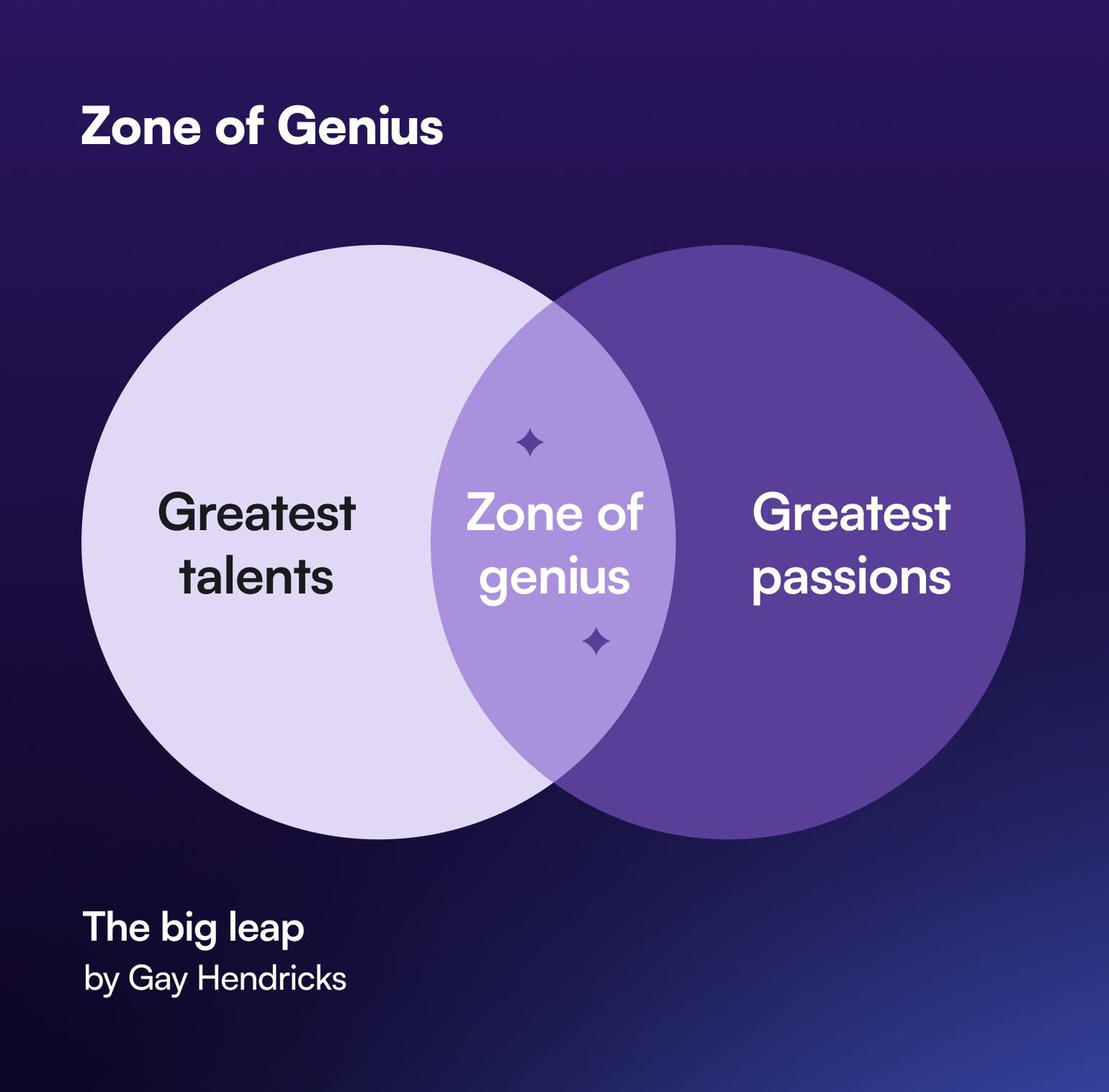
In the Big Leap, Gay Hendricks calls this the **Zone of Genius**, which is where your greatest talents and passions intersect. Your zone of genius is how you can make the most impact in the world, and **where you should be spending ~90% of your time as a creative entrepreneur.**
The ability to spend more time doing what you’re good at and what you love:
- Frees you up from stress and prevents burnout
- Increases productivity and creativity
- Adds more joy to your life
Not only that, but by working in your zone of genius–and delegating everything else–you’ll achieve greater impact while maintaining work-life balance. (The dream!)
## The playbook
### Specialize-Outsource-Scale: SOS to Freedom
When Bonnie thought about entrepreneurship, she thought of her dad attending soccer games, picking her up from school, and being able to close down shop for the holidays.
So in her own business, she wanted to unlock time, location, and financial freedom.
And she’s not alone. That’s one of the main driving factors for entrepreneurs around the world: the flexibility to work from wherever they want, whenever they want, and not have a cap on their financial potential.
But in order to do that, she realized she needed to:
- Specialize (or find her zone of genius)
- Outsource anything _not_ in her zone of genius
- Scale by expanding her business’ capacity
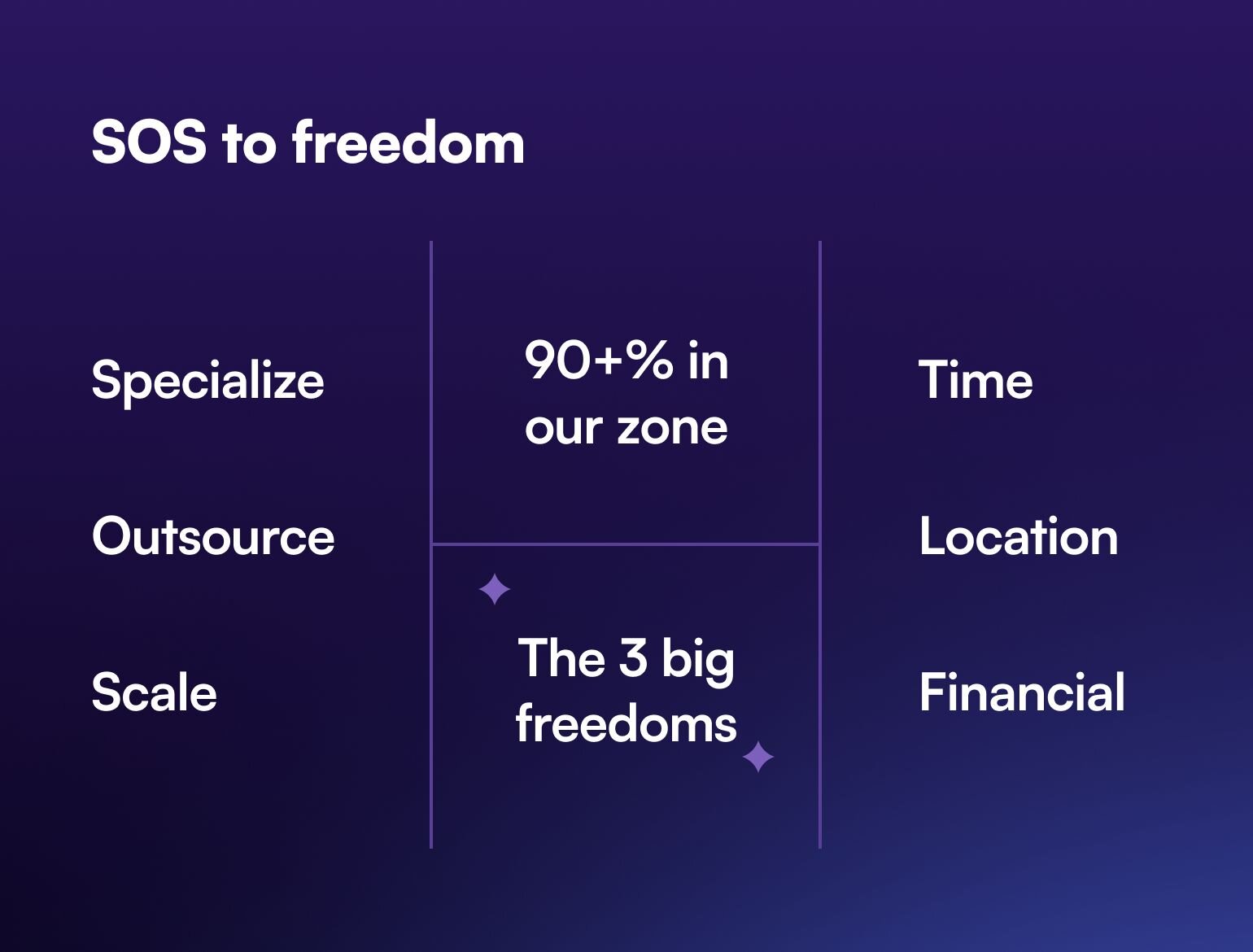
So how do you find out what _your_ zone of genius is? [Read the book](https://www.harpercollins.com/products/the-big-leap-gay-hendricks?variant=32205677625378), and think through what you do that your business hinges on.
Here are some of the things in **Bonnie’s Zone of Genius**:
- Thinking about her business (setting the vision)
- Creating artwork and patterns
- Creating original content, including podcasting and lessons for courses
- Leading her team
- Developing other creative entrepreneurs
- Being a wife and mom
Bonnie spends 90% of her time doing these tasks, and never outsources or delegates them.
### Calculate your freedom figure
How do you figure out how much money you can afford to spend in order to outsource work?
You have to find your **freedom figure.**
Let’s work backwards using Bonnie’s steps:
1. **How much money do you want to make in a year?** You can use either current income/revenue, predictions about future revenue, or your dream number.
Let’s do this example with $100,000/year.
2. **How many hours do you want to work per week/year?**
40 hours per week is about 2080 hours per year, so feel free to use that as a baseline.
3. To get your freedom figure, divide your income by your working hours to get an hourly rate.
If you want to earn $100,000 by working 2,080 hours per year, **your freedom figure is $48/hour.**
**This means that if something costs you less than $48/hour to delegate–then delegate it immediately.**
- Web designer wants to charge you $50/hour for a design? No, thank you.
- VA charging you $20/hour to lighten your administrative burden? Yes, please.
Free up your time and think like a CEO, so you can spend effort in your zone of genius. Because when you’re in your zone of genius, your business grows.
#### Bonnie’s example:
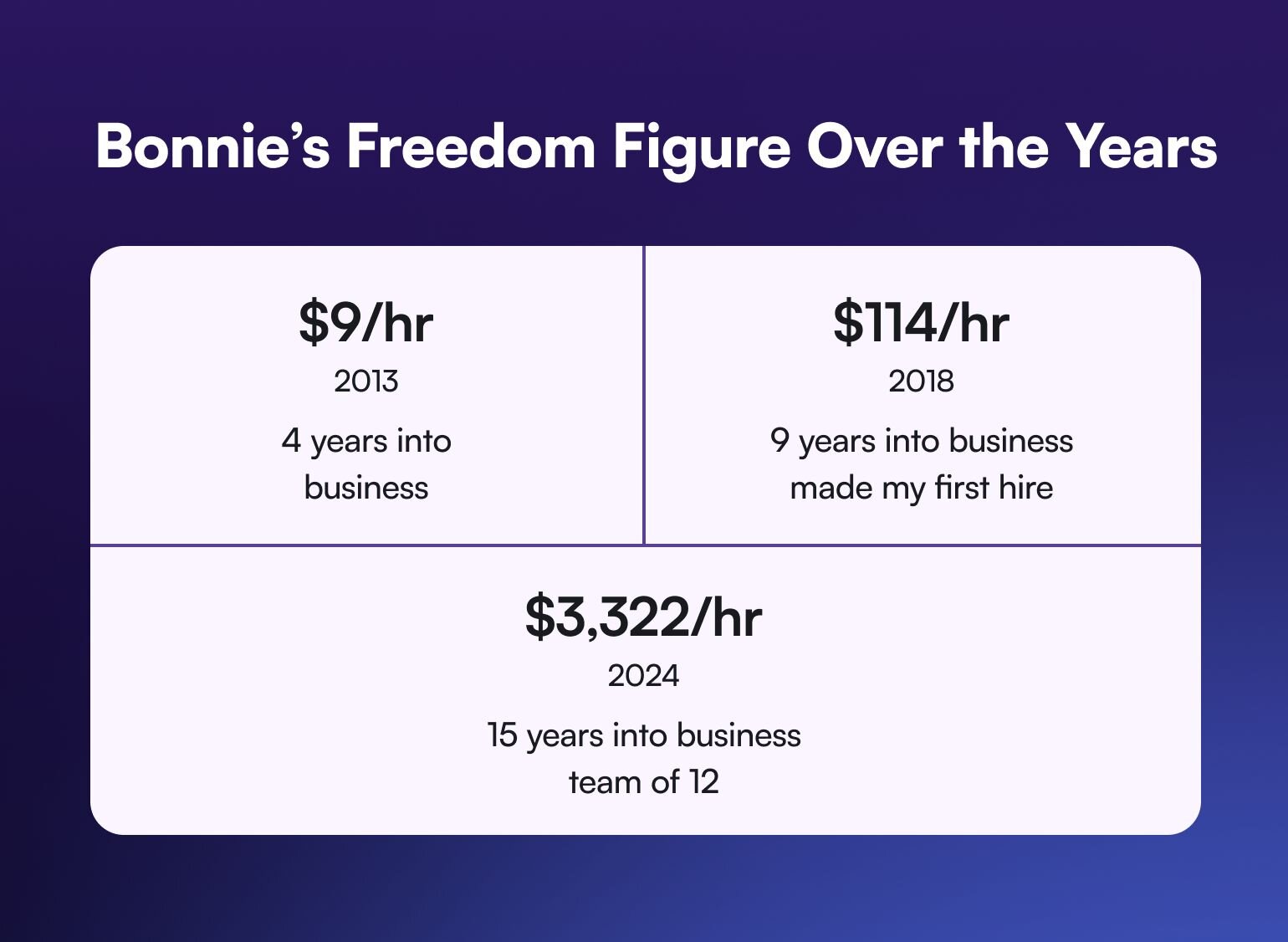
Bonnie hesitated to let go of control of small tasks for many, many years–almost a decade. For the first 4 years, she was doing everything in her business and working all the time, and her earnings broke down to about $9/hour. She wasn’t able to hire anybody for less than that.
Nine years into her business, she finally made her first hire, when she was earning $114/hour (or about $200+k/year).
As you can see below, outsourcing for the first time changed her business trajectory completely.
Now, in 2024, her time is worth $3,322/hour, and she has 12+ employees.
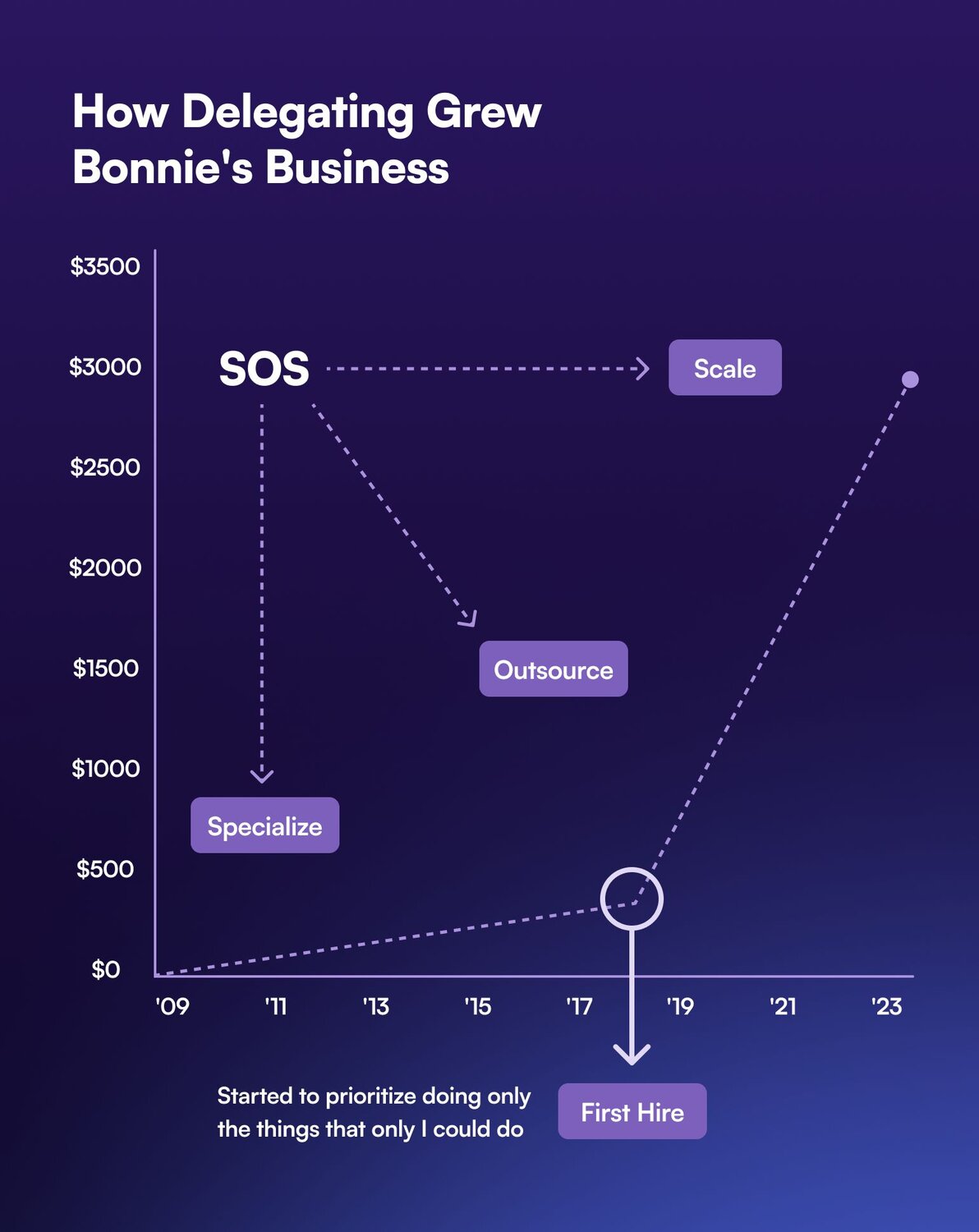
### Create a voice guide
What’s the point of creating a voice guide? You get to document your brand personality and communication style that:
- **Ensures consistency** across all communication channels
- **Sets clear expectations** and guidelines for the team
- **Creates a unified and identifiable experience** for your audience
For Bonnie, it was a really hard piece to give away. “I would have argued for 10 years that how I wrote and responded to emails was what led me to success, so handing that off to someone else was the most vulnerable thing,” she says.
**What should you include in a voice guide?**
- Business overview–what do you offer?
- Communication personality–are you teaching, guiding, leading, supporting?
- Audience overview–who are you speaking to?
- Tone guidelines–how do we say what we say?
- Language and vocabulary standards–what do we say, and what do we NOT say?
- Grammar and formatting rules
- Visual guidelines–how do we present ourselves?
Creating a brand and voice guide gets the whole business’ external appearance _off your plate_ and makes sure your team is aligned in terms of how to present it.
**Circle Tip:** Don’t overcomplicate it. Start with what you know. Ask what freelancers or contractors would need to know to help them create for you. Add to it over time!
### Build an SOP Library
Standard Operating Procedures (SOPs) are “like Miracle Grow for your garden,” says Bonnie.
Any time you have a task that you do _more than twice_–create a SOP for it so that if you’re sick, a team member is sick, or that task needs to be offboarded to someone else, you already have instructions on how to do it.
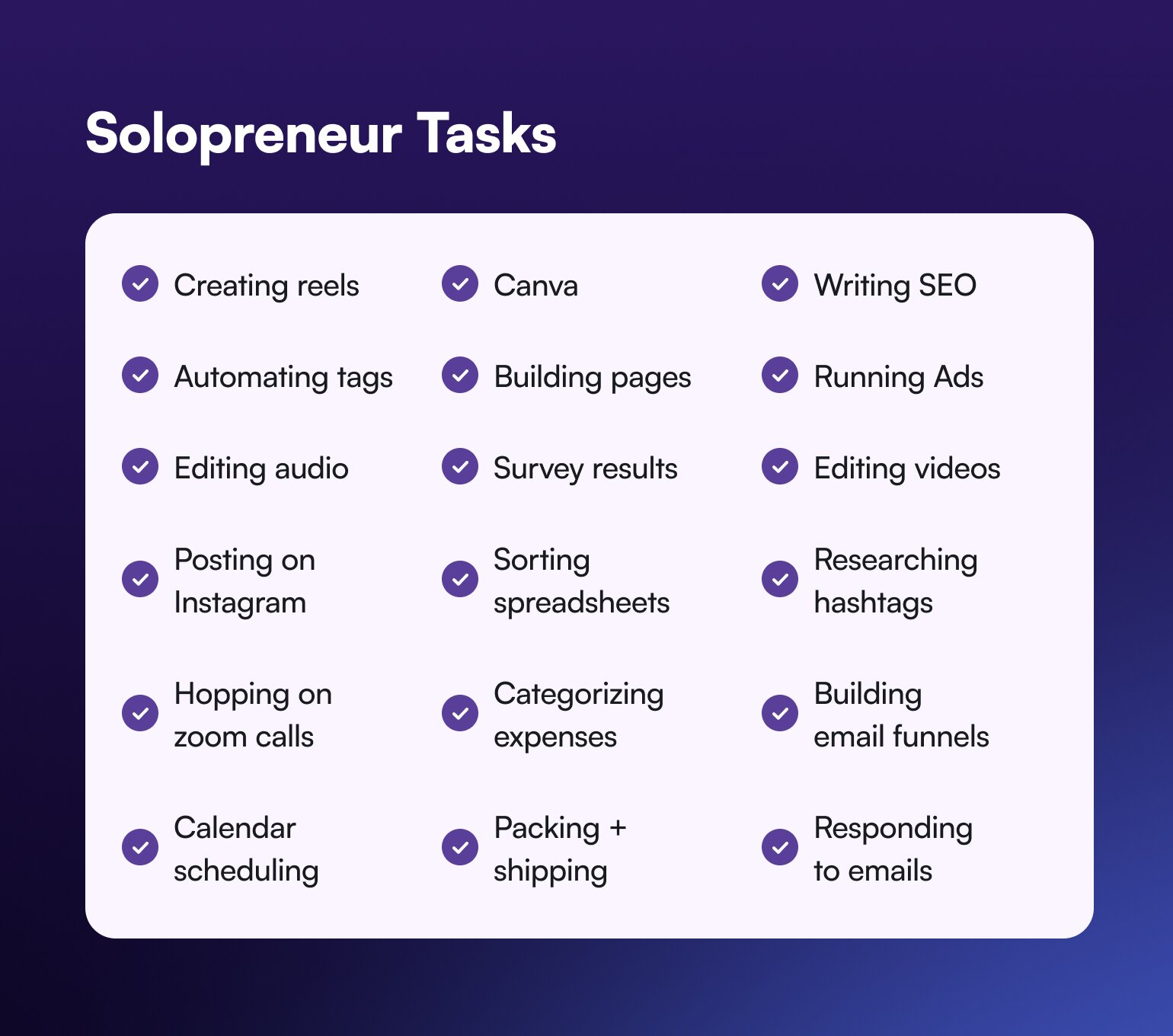
The first SOP Bonnie made was “Uploading a zoom recording to her membership”, which is something she held onto for a decade before she handed it off. But then she gained back the 15 minutes that it took her to do this to do more meaningful zone of genius work.
**So how do you make successful SOPs?**
- Implement the "do it twice, document it" rule
- Include detailed step-by-step instructions
- Make SOPs accessible to team members
- Encourage team members to create their own SOPs
### Start strategically delegating
The best way to overcome your fear of delegating is to realize that “the world is full of insanely smart, heartfelt, creative and devoted people who don’t want the pressures of being an entrepreneur. They’re just waiting for you to hire them.”
Just because a task is not in _your_ zone of genius, doesn’t mean it’s not in someone else’s.
**So to start delegating, here’s what you need to do:**
- Begin with tasks below your freedom figure
- Focus on:
- Administrative tasks
- Customer service
- Marketing implementation
- Content editing and strategy
- E-commerce operations
- Bonus: Consider personal life delegation (household tasks)
**Bonnie’s Tip**: Starting with a Virtual Assistant (VA) is such an easy win that can take a million little admin tasks off your plate–and help you focus.
The results
What started as a dream for Bonnie, has turned into a multi-million dollar business that licenses patterns, prints-on-demand, is creating products from scratch, and teaches other creative entrepreneurs how to do what she does as she builds in public.
To the tune of $25 million in the last 7 years.
Her membership, which started at $5/month 12 years ago, has grown to 6,700+ members at $47/month, and is a seven-figure piece of her business _by itself_.
By delegating out tasks that weren’t related to her art creation, business direction and decisions, or her personal life, Bonnie increased productivity for herself and her team members, implemented a creativity cycle, and expanded her business.
Not only that, but now she can spend time with her young kids, take vacations, and trust that the business will not burn up in a pile of flames if she has to take a sick day.
And she’s compiled all the frameworks and templates that she used to get here in [SOS to Freedom.](https://www.bonniechristine.com/sostofreedom)
## Key takeaways
1. Success requires moving beyond the solopreneur mindset–because you will hit a capacity limit and that will impede your growth.
2. Focus on tasks only you can do; delegate everything else.
3. Documentation (voice guide and SOPs) is crucial for successful delegation.
4. Quality systems and processes enable scaling without sacrificing quality.
5. Personal life delegation is as important as business delegation. Getting house cleaning or kid pickup off your plate can mean extra hours every week.
6. Invest in team members whose zone of genius aligns with the tasks you need to delegate away!
Books to read:
- [The Big Leap](https://www.amazon.com/s?k=the+big+leap&hvadid=208398043338&hvdev=c&hvlocphy=9047919&hvnetw=g&hvqmt=e&hvrand=7640437733655850625&hvtargid=kwd-298401905177&hydadcr=23343_9622023&tag=googcana-20&ref=pd_sl_35fmm53jd9_e) by Gay Hendricks (zone of genius)
- [Buy Back Your Time](https://www.amazon.com/s?k=buy+back+your+time&crid=1OMR3Y0O6WN9S&sprefix=buy+bak%2Caps%2C139&ref=nb_sb_ss_ts-doa-p_1_7) by Dan Martell (time and energy audit)
- [Clockwork](https://www.amazon.com/s?k=clockwork&crid=3GBJ28MVH58GZ&sprefix=clockwork%2Caps%2C139&ref=nb_sb_noss_1) by Mike Michalowicz (design your business to run itself)
- [Free to Focus](https://www.amazon.com/s?k=free+to+focus&crid=22P7269Y6LF7L&sprefix=free+to+focu%2Caps%2C137&ref=nb_sb_noss_2) by Michael Hyatt (the freedom compass)
**To hear more about Bonnie’s journey,** check out the latest episode of Making Of: Bonnie Christine.
**And if you’re looking for an all-in-one membership platform that’s built for creative entrepreneurs like you?**
You’re in the right place.
Circle brings together your members, discussions, events, courses, and content—all in one place, under your own brand. Plus, you get access to our customer community full of handy resources and over 12,000 community builders on the same journey as you.
[Start your free 14-day free trial today!](https://app.circle.so/communities/new)
---
### Why it's time to take your community off Facebook Groups
Source: https://circle.so/blog/take-community-off-facebook-groups
Picture this: you’ve spent blood, sweat, and years painstakingly building a +20,000 strong Facebook Group. Not only do you run challenges, trainings, and actively find new clients through these groups—they’re a key strategy in how you build your business and pay your bills.
And then, one day, your account is hacked, then banned, and finally: deleted.
“De-platformed,” they call it.
That’s exactly [what happened with Karin Carr](https://youtu.be/C_j4TNYV5Og), a realtor in Savannah, Georgia—and why she’s now such a champion of building a “platform-proof business”.
Karin is not alone in experiencing this massive wake-up call:
“If your entire business runs off a platform that you do not control, that is very dangerous. Stop and think: if you lost your whole community, what would happen to your business?”
But even apart from the fear of being de-platformed, there are a million and one other reasons to take control of one of your most precious resources—and move it off Facebook, as soon as humanly possible.
**In order to help protect your community and business, in this article we’ll cover:**
- 10 reasons moving off Facebook is better for your business
- Crucial tips for migrating your community
Let’s get started.
## 10 reasons to move your community off Facebook
### 1\. To improve your user experience
Let’s be honest—when it comes to Facebook’s goals as a business, they’re not too concerned about what community builders care about. They exist to make money.
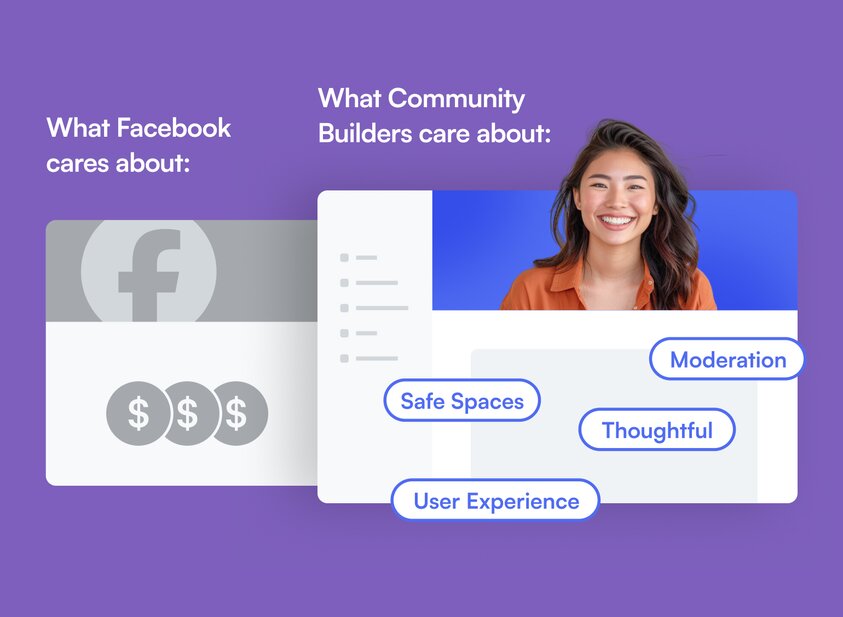
Just because you decided (intentionally, or accidentally) to build a community on Facebook, doesn’t mean that Facebook is building their experiences for you. They’re building features to turn a profit. Full stop.
This means that if they need to drop crucial community resources or features, like shutting down Pages, minimizing Group activity, or deprioritizing certain community posts, that’s what they’ll do. Because your business’s content and brand values aren’t their priority.
⏩ TLDR: If you want your members to have a great experience, you need to find a platform that cares as much about that journey as you.
### 2\. To escape the algorithm
We love a good algorithm as much as the next company, but Facebook has your community’s success in a vice grip—and it’s not letting go anytime soon.
Facebook decides if your content is worthy or not, how often and widely to share it, and if it needs more of your money to boost it for higher visibility or engagement. That doesn’t sound like an even exchange to us.
The community you’ve built is incredibly valuable, and you should be able to decide how, when, and if to market within it—not the algorithm.
### 3\. To focus on meaningful conversations
To better understand why Facebook isn’t built for communities, all you have to do is consider how it makes money: using the psychology of interruption (ads) and addiction to endless scrolling, clicking, liking, forever and ever.
Now, compare that with what makes good communities great: focused, meaningful interactions between members.
This means that Facebook is organically against rich, valuable engagement—by design.
It also means that certain features that help creators organize content and conversations, like spaces or category-specific subgroups, simply don’t exist on Facebook.
### 4\. To monetize your community
Let’s talk about the elephant in the room: money.
We’ve all seen “exclusive” Facebook Groups advertised as a benefit to a membership or course. But if you’ve tried it before, you’d see…
- How **complicated** it is sync payment issues, refunds, or cancellations with group member status
- How **non-intuitive** your checkout process can be (and how it can deter people from purchasing)
- How **time-consuming** it can be for your team to set up cross-sells or up-sells
The lack of integration between Facebook Groups and financial tools is a massive downside for those who value efficiency, user experience, and scalability. It makes monetizing your community much harder than it has to be.
### 5\. To re-engage your members
There’s no human behavior more predictable than disliking change.
So when you’re considering trying to migrate a mass amount of people, fear can really kick in:
- “What if people don’t follow me? What if they’re too used to going to Facebook?”
- “What happens if I can’t make the same money?”
- “What if the experience ruins the expectation people have of my brand?”
And the truth is, there will be people who don’t follow you if you change something they’ve grown used to.
But moving platforms acts as a hygiene-check for your list: it’s just good business sense. Were you really profiting from those folks who checked in once every few months, and adding nothing to the space?
Dave Gerhardt, who runs one of the biggest online communities for B2B marketing professionals, [Exit Five, recently moved his community off Facebook](https://community.circle.so/c/showandtell/10x-ing-a-fb-group).
While initially some members complained, others **specifically mentioned they hadn’t joined when he had the community aspect hosted on Facebook**—whether because they didn’t have an account, didn’t want to be linked to their personal accounts (vs. business ones like LinkedIn), or because they didn’t want to “deal with Facebook”.
Since the switch, members are saying his community is “10 times more valuable.”
### 6\. To own your membership data
What finally pushed Dave to give Facebook the boot was this:
“One of the challenges of being on Facebook is, I have \[these\] members, but I don’t have their contact information. It’s not easy to market to them.”
As a marketing professional, he couldn’t easily market to his community without hacking his way through various systems.
Why? Because there’s
⛔No way to export engagement, contact, or preference data from users in groups
⛔No way to sync posting or engagement history with other marketing tools
⛔No way to flag members across platforms for moderation
Nothing is ever all in one place.
When you don’t have control of your user’s data, you can’t run efficient marketing campaigns—nor promise privacy in the way you would on a private community platform.
### 7\. To automate membership management
Facebook Groups weren’t created to be integrated with other community, financial, or customer management tools.
Instead of smooth user and manager experiences for
- Adding new members and removing churned ones
- Limiting and blocking folks
- Setting up trials and discounts
- Allowing access to your suite of products
You end up creating confusion for your users, endless unanswered support tickets, and constant headaches for you and your team.
Plus, have you ever tried to contact Facebook support to get an issue resolved?
Point made. (Just kidding—kind of.)
Managing memberships is already an admin-heavy task on a day-to-day basis. Facebook makes it an absolute time-sucking nightmare.
### 8\. To provide valuable, organized content
Individual user experiences like the ones on Facebook—where everyone’s feed shows something different—may be great for a social media platform, but it’s not great for smaller, focused communities.
In Groups, it’s impossible to organize uploaded content like videos, files, etc, in a way that makes sense for both you and your members.
When people have a hard time finding something, it creates a point of friction in their experience. And instead of looking for it, they tend to leave instead.
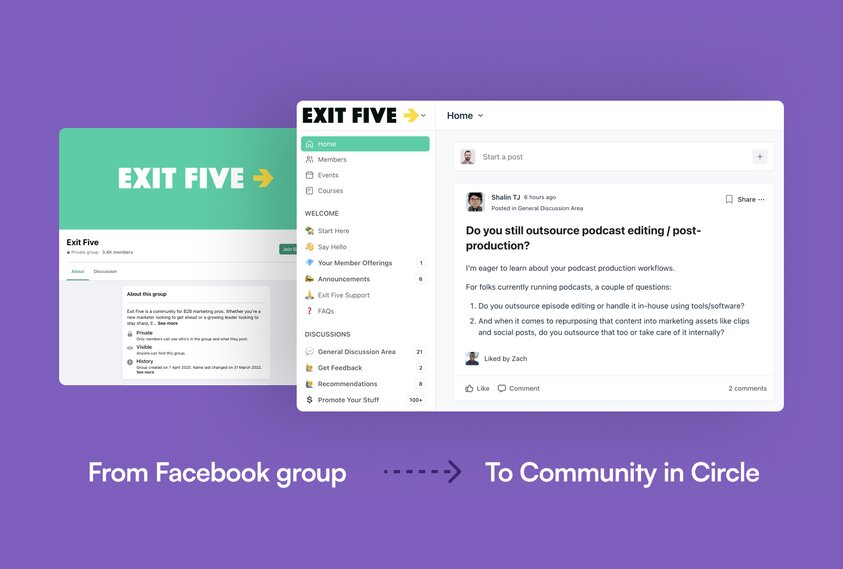
### 9\. To control moderation and rule-making
Karin’s story at the beginning is not the first, and definitely not the only one of folks getting blocked on Facebook out of the blue.
There are lots of communities out there that discuss political or sensitive topics (and lots where there’s nothing inflammatory) where members get auto-blocked on a regular basis despite working hard to provide proactive rule-setting and supportive moderation.
And since Facebook support is so difficult to reach and so inflexible about their process, it becomes impossible to contest and get reinstated—even if it was a random troll with an agenda that caused mayhem.
### 10\. To reduce distractions
The final reason to move your community off Facebook for good is the relentless spammers, fake accounts, and self-promoters that are impossible to escape there.
Despite having folks agree to rules prior to joining, the task of identifying spammers still lands squarely on your shoulders. And what a task it can be.
Instead of worrying about the quality of conversations, and the promotions and offers you want to put in front of your members, you end up worrying about the latest inflammatory, useless, and self-promoting trolls that infiltrate your group.
And as a creator—your time is already stretched thin. The more time you spend fighting spam, the less time you have to proactively build what you’re dreaming of, and the less value your members get.
## Tips for migrating your community off of Facebook
Back when Noelle Flowers ran the community for Teachable members, she [successfully moved a group of 40,000 people off Facebook](https://www.noeleflowers.com/post/five-objections-you-ll-hear-when-migrating-a-community-off-of-facebook) onto Circle. Here are her tips:
- **Engage key members early**: Involve active members in planning your new community by discussing their concerns, previewing the features, and asking for feedback to make sure they’re bought in.
- **Use your “support squad”**: While you may be worried about the move, involving members who are excited about the change to positively influence others (and alleviate concerns) can help you build momentum.
- **Highlight the upgrade**: This one is a bit of a no-brainer, but make sure to emphasize the features and benefits of the new community early and often. Focus your language on new, exclusive elements like Q&As, live events, and other high-profile features that make the new community shinier than the old.
- **Accept mixed reactions**: You’ll never please 100% of the people 100% of the time. [Some will be frustrated](https://community.circle.so/c/ask-the-community/facebook-to-circle-q), others will be thrilled. Remember that you’re moving for a lot of good reasons, and trust that the right members will adapt.
If you’re more of a video person, here’s a great resource by the Smart Passive Income Team \[8 min\]:
## The benefits of having more control of your community platform
The unfortunate truth is this: The more you depend on your community, the more you risk losing if Facebook decides to randomly shut down your group (or block your members, throttle your reach, etc.)
Being on Facebook is like renting an apartment: you’re always at the behest of someone who could change their mind. Maybe the rent will go up, or the landlord refuses to fix the leaky radiator, or a group of raccoons moves in next door who party all night.
But when you take control and get your own home, it’s freeing. [You control the experience](https://circle.so/compare/circle-vs-facebook), the vibe of the space, and who gets to come in. You can make it a smart home or an 18th century revival, you can leave piles of books everywhere or organize a library. You can set rules and regulations for how people behave when they’re there, because it’s your space.
And nobody will shut it down without your say-so.
Meanwhile folks on Facebook will have to delay launches, pause campaigns, and pivot as Facebook continues to hold their fate in its hands, like [the outage that happened on March 5, 2024](https://www.theverge.com/2024/3/5/24091207/meta-outage-facebook-instagram-threads-down-signed-out) (and many other days).
That’s why we created Circle. It’s an online community platform that brings together your members, discussions, events, courses, and content—all in one place, under your own brand. Plus, you get access to our customer community full of handy resources and over 8,500 community builders on the same journey as you.
[Start your free 14-day free trial today!](https://app.circle.so/communities/new)
---
### From business broker to course creator: building The Brokers Roundtable
*Learn more about the philosophy and strategy behind The Brokers Roundtable, by Joe Caffrey.*
Source: https://circle.so/blog/the-brokers-roundtable-community
Joe Caffrey didn’t start his journey as a community builder until fairly late in his career—and even then, he just stumbled into it. And it’s turned into a steady income stream ever since.
In 1997, Joe sold a business he’d started in 1991. He spent much of the next four years wandering around Europe, trying to figure out what he wanted to do next. Upon returning home to the US, he tried to buy a business using a business broker affiliated with the largest brokerage franchise system. Let’s just say the process was broken, leaving Joe frustrated but ultimately with an even better idea—it was time to give the big business broker franchises a little competition.
Joe unknowingly started his community builder journey in 2001 when he launched [Worldwide Business Brokers](https://worldwidebusinessbrokers.com/), a business brokering company that works with and guides business owners when the time comes to sell their business.
As he grew his business, he was training brokers as they joined the Worldwide Business Brokers network and supporting those brokers via email and a weekly group call. In 2018, he digitized the training program and began offering it online. He soon realized that he was doing more training than brokering.
“Our audience was now anywhere that had an internet connection. I sat down and asked myself, ‘What business am I really in?’ I decided that I was in the teaching business, and I really wanted to see if I could develop new streams of recurring revenue from my business,” Joe says.
As fate would have it, Joe listened to an episode of the [Smart Passive Income Podcast with Pat Flynn](https://www.smartpassiveincome.com/spi/) featuring [Josh Hall](https://community.circle.so/c/showandtell/how-i-built-and-run-250k-yr-community-with-circle). During the episode, Josh shared his story of moving his community to Circle and the success he’s had since.
“I started to do a little research,” Joe says, “and it occurred to me that I could probably move our support for our network of business brokers—and others around the world—into Circle.”
He started outlining the community in the Fall of 2022 and joined Circle shortly thereafter, beginning the community build early in 2023. By late April The Brokers Roundtable℠ was ready to launch.
Six or seven months later, when Circle announced the addition of courses—the ability of Members to sell their courses through Circle—Joe decided to take the leap and in November 2023, with the epic assistance of the Circle team, the courses were moved into The Brokers Roundtable℠ community.
“Now we've got this all-in-one platform where we can get people into the courses and fully support them 24/7,” Joe says.
Scroll on to learn all about Joe’s community, growth tactics and more.
## The community breakdown
📍 **Community**: [The Brokers Roundtable℠](https://the-brokers-roundtable.circle.so/home)
👋 **Founder**: Joe Caffrey
🗓️ **Circle community launched**: May 2023
🌟 **Size**: 36
🎯 **Purpose**: To support business professionals in the merger and acquisition (M&A) industry.
💰**Pricing model**: Quarterly memberships are available for $175, along with paid courses that offer limited access to the community.
## Core community offering
The core offering of The Brokers Roundtable℠ is The Brokers Academy, where a menu of courses teaches aspiring business brokers, real estate agents and others how to value and successfully sell businesses.
Joe describes it as a hub for business owners, brokers, buyers, commercial lenders, accountants, attorneys and other professionals that are instrumental in the transfer of a business from one owner to the next.
The Brokers Roundtable℠ is a community where Members can share ideas, connect with others, ask experts for help, line up financing and find answers for the inevitable questions that arise in any business transfer.
**Joe structures the community into three key tiers:**
1. **Stuff for everybody**: This is Joe’s free tier, open to anyone. It includes businesses that Members are selling, member testimonials, a description of businesses that buyers are looking for, announcements, and other resources.
2. **Roundtable members only**: Paid members have access to the full community, including workshops, monthly live interviews and Q&As, weekly office hours, and The Thursday Special, an intimate, limited-seat discussion with Joe himself.
3. **The VIP level**: This tier is only available to members who have purchased one of Joe’s courses. It includes weekly Pro Sessions and one-on-ones with Joe and his team.
You can explore the live [community space here](https://the-brokers-roundtable.circle.so/home).
### How it’s organized
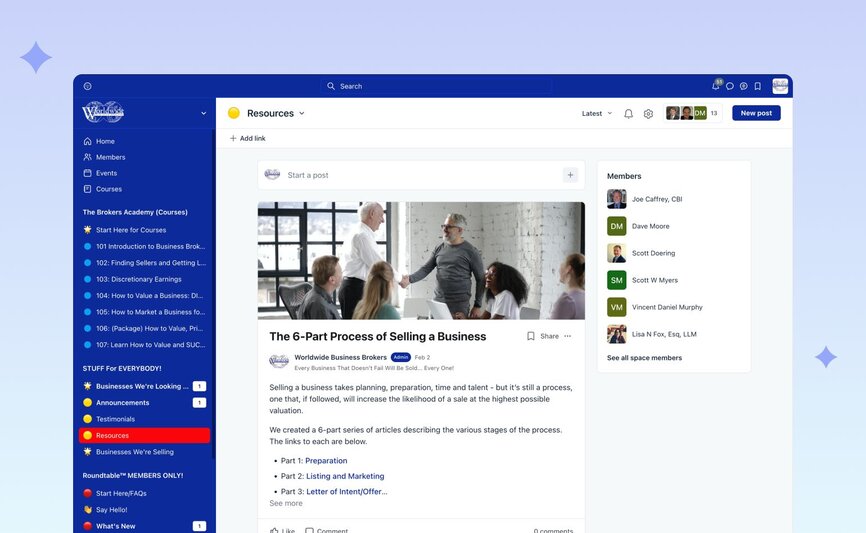
Joe’s community is built around course offerings, as well as free and members-only spaces.
The spaces include:
- **Potential opportunities**: Members can view businesses for sale or post about businesses they’re interested in acquiring.
- **Live events**: Joe hosts a monthly interview and Q&A series featuring industry talent as well as weekly office hours sessions and short, topic-specific live commentary that all paid Members have access to.
- **Discussions**: Paid Members can access discussion forums and Ask the Experts sessions to discover insider tips on valuing and brokering the sale of businesses.
- **Talent**: Members include seasoned brokers, business appraisers, sources of deal financing, transaction attorneys, accountants, franchise specialists and all the related talent generally involved in selling and buying any business valued roughly between US$250,000 and US$25M. All this talent is available to all Members.
- **Courses:** The Brokers Roundtable℠ currently offers a menu of seven courses on specific aspects of valuing and brokering businesses in the Main Street and Lower Middle Markets (businesses valued between US$250,000 and US$25M). Though the courses are not included in the membership, membership provides a 20% discount when purchasing a course and, to facilitate support for all students, up to a year’s FREE membership in The Brokers Roundtable℠.
Joe jokes that he has “shamelessly copied Circle’s layout,” including using images to give potential members a view of what’s happening inside a space.
“We took a screenshot of a space and posted that screenshot here so anybody who was not in The Brokers Roundtable℠ could see the benefits. We do this with each of the spaces and we make sure that the screenshot is always current.” – Joe Caffrey
### How it’s monetized
To kick off the paid membership feature, Joe selected 15 broker professionals and offered them free lifetime membership to “seed” the community. (These initial Members are helping him grow interest across their own networks.)
There are two main ways that Joe makes money through The Brokers Roundtable℠:
1. **Paid memberships**: Initially, to join The Brokers Roundtable℠, early Members paid $115 per quarter. Once membership reached 30, this was increased to the current $175 per quarter.
2. **Courses**: The Brokers Roundtable℠ also offers a menu of seven courses on all aspects of valuing and brokering businesses. Each can be purchased individually and include a limited-time membership. Anyone who purchases the Flagship Course for $2,997 receives a free one-year membership to the community. But more importantly for growing the membership, Members get a 20% discount on current and future courses!
“Nobody has to be a member of the Roundtable to enroll in these courses, but with a 20% discount, it makes it imperative for them to join. It’s even more important when they understand that the community is where the support is.” – Joe Caffrey
### The community team
Joe runs The Brokers Roundtable℠, but that doesn’t mean he’s building the community alone. He credits the support team at Circle with providing a level of customer service (and caring) he hadn’t expected.
“I've been in business most of my life and the support that one had in the 1990s is much different than the support one has now. It was personal. In the past 25 years, it has gotten less personal, but I have found that the people at Circle have been extremely professional and helpful. That is a very big deal.”– Joe Caffrey
## Joe’s top community building tips & tricks
**💡Launching with 15 non-paying members:** Joe strategically "seeded" his community by offering free lifetime memberships to a select group of M&A professionals. By organizing a founding member launch, Joe could test his ideas and get valuable feedback on the community’s structure, content, and services.
**💡Converting visitors into paid members through free access:** Joe designed previews of his community by integrating screenshots of the private spaces. This allows anyone who discovers the community through a blog or social media post to explore and get key information about what’s behind the paywall. Prospective members see a visual representation of the resources and opportunities awaiting them, making the decision to pay for access more compelling.
**💡Drawing in new members by testing marketing tactics:** Joe currently attracts new members through blog posts and social media content, as well as 20% course discounts and free community membership for his students. Through understanding what information appeals to his ideal customer, Joe is crafting tailored marketing tactics that highlight the impact of his community’s offerings. And by testing out new promotional strategies, he is able to figure out what resonates with his audience and translates to membership growth.
---
### How The Upside’s community helps consultants grow flexible careers
*Take a tour of Erin Halper’s community, The Upside. Learn about Erin’s core community offer, their member referral growth strategy, and much more.*
Source: https://circle.so/blog/the-upside-community
Erin Halper launched The Upside to help others find the freedom to work when and where they want. The community is made up of independent consultants, advisors, and coaches who work with businesses ranging from venture-backed startups to Fortune 500 companies.
Erin was inspired to start helping people during a personally challenging time when her young son was in the hospital for heart surgery. As an independent consultant, Erin was able to be in the hospital full time with her son but noticed many other parents struggled with getting time off from work to be with their child.
Many people think being an independent consultant is a dream job. But the journey can be challenging and lonely for those who have made the leap after years of having colleagues and a built-in network.
Having a community that understands those challenges and can offer guidance (or just an open ear) can mean the difference between surviving and thriving. Erin Halper created The Upside in December 2018 to do just this—help consultants build and scale flexible and fulfilling businesses that they love.
## The community breakdown
📍 **Community**: [The Upside](https://betheupside.com/community/)
👋 **Founder**: Erin Halper
🗓️ **Launched on Circle**: November 2021
🌟 **Size**: Around 225 - 275
🎯 **Purpose**: To help consultants build and scale fulfilling and flexible businesses that they love.
💰**Pricing model**: Quarterly and annual memberships. Pricing is listed on their website and increases annually. The Upside also offers a two-part accelerator program for $1,200.
## Core community offering
Joining The Upside means committing to learning and growing. Once approved, new members must make a three-month commitment, which Erin says gives them the time to form relationships and get the most out of The Upside’s content.
The community gives members access to:
1. **Group discussions**: The Upside is built around community members having a place to ask questions, give advice, and find new opportunities.
2. **On-demand learning**: Erin offers asynchronous, advanced expert sessions, resources and guides that community members can easily fit into their schedule.
3. **Special interest groups**: Members interested in sustainability, community building, B2B tech, and other topics can participate in small group cohorts and discussions.
One of the first things you’ll see in The Upside’s navigation is a section for Community Guidelines. Erin says it’s very important to have this front and center so people know how to interact with each other respectfully. It’s also good to have in case there are questions about what can and cannot be done in a community.
### How it’s organized
Erin built The Upside around five buckets to help members quickly find the resources they need.
1. **Your Membership**: Community Guidelines, FAQs, Refer a New Member, Upside Events, and Announcements.
2. **The Forum**: ISO Advice, Wins & Gratitude, Referrals & Hiring, Links & Learnings, Humble Asks, Personal, Member Intros.
3. **Level-Up On Demand**: Office Hours Replays, Resources & Guides, Expert Sessions, Member Offers, and Get Featured.
4. **Upside ROI**: Upside Roadmaps, How do I…, and Upside Recipes for Success
5. **Upside In-Person**: Dozens of geographical groups to facilitate in-person gatherings.
The Upside can only be accessed through a paid membership. To learn more about Erin’s business, [explore The Upside’s website here!](https://betheupside.com/)
And if you’re curious about creating your own online community, or reshaping an existing one—give [Circle’s 14-day free trial](https://app.circle.so/communities/new#email) a whirl! You’ll also gain access to our own thriving community of community builders, where you can ask questions, learn about how others have built their communities, explore exclusive resources, attend live workshops, and so much more.
### How it’s monetized
Erin wants potential members to understand the pedigree of belonging to The Upside. Her website includes the logos of companies current members have come from, including Google, LinkedIn, HBO, and Nike.
1. **Membership**: The Upside is a premium community. Memberships can be paid quarterly or annually and require a three-month commitment. Current pricing is always listed on their website.
2. **Accelerator**: Separate from the community, Erin offers [The Upside Accelerator program](https://betheupside.com/upside-accelerator/), a step-by-step plan to build a consultancy business. The program is available in two parts for $650 each or $1,200 for the complete program.
While there is no free membership tier or discounts, Erin does provide free content, including a [Pricing Playbook](https://betheupside.com/pricing-playbook/), Lead Gen Made Simple guide and a “[Supercharge Your Bio](https://betheupside.com/free-download-supercharge-your-bio/)” guide.
Growing through referrals
Erin treats referrals as a growth hack to replace members who graduate from the community.
Members can refer someone in The Upside, and Erin has access to a dashboard where she can review those potential members. Since her time is valuable, Erin hosts quarterly open houses where prospective members can learn more about the community to decide if it’s right for them. This saves her countless hours of one-on-one interviews to let her focus on the right candidates.
### The community team
The Upside is run by Erin and three staff members. All of the team are independent consultants, and Erin says that true to The Upside’s mission, all three are independent consultants earning the equivalent of a full-time salary.
1. **COO**: Erin’s “right-hand person,” the COO, started out as a virtual assistant who now handles the community's day-to-day operations and member communications.
2. **Content**: Erin leans on her content expert to lead, inspire, and drive thought leadership throughout the community.
3. **Tech**: From updating the website to building automations and dashboards, Erin’s tech person keeps the operation running from behind the curtain.
## Erin’s top community building tips & tricks
💡 **Make it easy to get high-quality referrals**: Erin developed a referral program to grow her community by word of mouth. By setting up a “Refer a New Member” space in the community with instructions on nominating someone, Erin makes it easy for members to recommend new members who are a good fit for The Upside.
💡 **Listen to what your community needs**: To help the community's business consultants achieve big wins, The Upside offers strategic programming, including expert speaker sessions and mastermind groups. Members can build relationships through networking opportunities such as industry roundtables and shared interest groups led by fellow members.
💡 **Set healthy boundaries around your time**: Erin puts boundaries around her time to ensure she protects her bandwidth and doesn’t overextend herself. Instead of replying to inquiries posted in the community, Erin asks members to submit questions to be answered during her weekly office hours. Erin also hosts open house events instead of direct calls with potential members. And Erin set up an email auto-reply that addresses common requests, such as how to book a paid one-on-one call and the steps to exploring partnership opportunities.
---
### 7 Types of virtual events that boost member engagement
*From workshops to webinars, explore the most engaging types of virtual events that drive community growth and connection. Featuring expert tips and examples!*
Source: https://circle.so/blog/types-of-virtual-events
Over the last four years, we’ve all experienced many changes in our daily lives. We’re happy to leave some of these changes in the past (we’re looking at you, “disinfecting our groceries”). But we also love other changes that have come about, like finding ways to create and run fantastic virtual events that members can engage with.
Although live events have made a welcome comeback, creators and brands alike have learned that virtual events can have a similar if not better impact when done well. That means the right content for the right audience—and making sure you’re not on mute.
Hosting online events lets you share your personality and community value beyond a local base of members. For many creators and brands, virtual events have become a trusted way to connect with members, share content, and build a strong, more resilient community.
💻 TLDR; Virtual events are here to stay.
But we wanted to know how events—both IRL and virtual—impact communities, so we asked the experts.
For our 2024 Community Benchmark Report, we spoke with almost 700 community professionals, and more than 40% told us that hosting events was a significant driver of member acquisition for their communities.
> **📢 You can explore the full [**2024 Community Benchmark Report**](https://circle.so/2024-creator-community-report) here. It’s a must-read for any community manager looking to grow and monetize their communities.
> **
The results were even more interesting when we dug into the data on Platinum communities, which have high engagement and low churn compared to the average community.
100% of Platinum community professionals said they credit events—from in-person workshops to virtual panel discussions—to their community's success. Digging deeper, **59% of Platinum community leaders said they host a variety of event types**, including virtual events, and have a **50% attendance rate** compared to 33% of standard communities.
Keep scrolling to learn about the main benefits of virtual events, seven virtual event examples to try in your community, and a quick checklist on making hybrid, virtual, and in-person events unforgettable.
## What is a virtual event?
Planning and hosting a virtual event involves more than setting up a Google Hangout or Zoom meeting. They share much of the same DNA as their in-person cousins, like chimpanzees and humans.
🙈 It might not be 96%, but you get the point.
Virtual events use digital platforms to bring communities together. Instead of having people in the same physical space, many virtual events often use interactive games, chat features, and other online collaboration tools to help members feel engaged and connected. Virtual events can be conferences, webinars, panel discussions, or even block parties.
🏘️ That’s right. Block parties.
Darnell Brown, Founder of [Bulletproof Hustle](https://www.darnellbrown.com/), told our team how hosting a virtual block party helped him make current members feel valued while attracting new people to his growing community. Brown said he opened the virtual community event to the public as a launch party to showcase what Bulletproof Hustle offers.
Virtual events offer more than just a wider audience. They also help you:
- **Reduce your costs**. Virtual means no spaces to rent, flights to book, or catering to order. Sure, there are fees for using tools like Zoom and Eventbrite, but you save more than hosting IRL.
- **Give your attendees more flexibility**. Scheduling is tricky, especially for guests who may be back in the office. Virtual events let them join from wherever is most convenient for them, whether that’s an office lounge, their bedroom, or the beach.
- **Make your events more accessible**. Physical spaces for IRL events aren’t always 100% accessible (although they should be). They also require attendees to travel (near and far, depending on the location and audience). Virtual events create a space where everyone can attend without barriers. Online platforms also let you provide closed captioning of your speakers for attendees living with hearing issues.
## 7 Types of virtual events to try in your community
Now that you know the benefits of virtual events, let’s look at the different types of events you can use to connect and delight your members, along with some community event examples.
1\. Webinars
The original virtual events! Webinars have been around for years, and for good reason. While they’re known for being excellent lead gen tools for marketing and sales, webinars are also fantastic virtual event types for almost every community.
They’re typically one-to-many events where a speaker or panel of experts can easily share content with their audience. The content is often educational and/or inspirational, but the format can also be used to share things like updates and more.
- **Why we love them:** Beyond being dependable, webinars are also easily recordable to share with community members who can’t make your event live.
- **You should try these if:** You want to get educational-based content out to your community in the easiest-to-access way possible—and be able to share it with people who can’t join live.
> **Tip:** Make sure to record the session not just for attendees who couldn’t make it, but also to cut up into smaller videos that you can publish on your social media profiles. AI-powered tools like [Descript](https://www.descript.com/) or [Opus Clip](https://www.opus.pro/) can help speed up the editing process!
### 2\. Summits and conferences
Virtual summits and conferences are long, sometimes multi-day events. This format lets you share a ton of content with your audience without them having to slog through a long registration line.
Virtual summits often are a combination of many event types—from a mainstage keynote, to tactical webinar-style sessions, to smaller breakout rooms. Some virtual conferences even offer chatroulette-style networking to connect attendees.
We love running these types of events multiple times per year to support with awareness and conversion!
- **Why we love them:** IRL conferences are great, except for the unusually tiny coffee cups and awkward standing around until someone introduces you. Done right, virtual summits and conferences give your attendees the same experiences without the lanyards and tote bags. (You could still send tote bags in the mail if you wanted to.)
- **You should try these if:** You want to build up your brand awareness and reach a large audience. They’re also super effective when paired with larger campaigns or launches!
> **Tip:** Virtual summits take much more planning and preparation, compared to any other event type. Working with another non-competitive brand or partner in your space can help lighten the load, and also allow for cross promotion across audiences.
### 3\. Office hours
Office hour virtual events are open-ended times when you make yourself available to your community. We love running this style of online event in our community!
Some virtual office hours have set time blocks for people to sign up for, others are drop-in sessions where you’ll get an eclectic group of people and questions.We’ve also seen communities run these with a set agenda that repeat from one session to the next, while others are more open-ended.
- **Why we love them:** Your time is valuable, and so is your community’s. Giving them options to book time to chat with you 1:1 or in an open session with a group can help you both get the most out of your time together.
- **You should try these if:** Community professionals who offer advice, coaching, or mentorship do well with office-hour virtual events. They’re great options for paid communities and do well as lead generation to convert free members to paid members.
> **Tip:** Asking questions one-on-one can be intimidating for some of your members. Using ice breakers or just having a simple of list of prompts or questions can help make your member feel more comfortable, and make their time—and yours—more valuable.
### 4\. Small group discussions
Small group discussions let you bring multiple guests together to share across borders and time zones in real-time. Think of a book club, but online—but you still probably didn’t read the entire book. It’s less of a one-to-many approach, and more about encouraging conversation amongst attendees.
This event type is also sometimes referred to as a mastermind or roundtable.
- **Why we love them:** Small group discussions can have all the benefits of webinars but give your event a more intimate feeling to promote sharing and connection. They’re also often more easy to prepare for as a host.
- **You should try these if:** These are perfect if you’re looking for ways to give added value to paying customers or community members. They’re also great for nurturing leads in your funnel, particularly if you take an invite-only approach. It’s a more personalized event type that can help attendees feel engaged and inspired
> **Tip:** Ask attendees to share their questions and/or challenges about the event subject during the signup process. You can then use these questions to help shape the discussion points, and to inspire content topics for your business.
### 5\. Member showcases
This is one of our favorite community event ideas! Member showcases are virtual events where some of your existing members share their experiences in your community and why others should join. These can be panel discussions, individual presentations, or video podcasts.
We run Show & Tell events every Friday in our community, and they’ve been a great way to surface more stories that we then turn into articles, social posts, and more. Like this one featuring Mila Clarke!
- **Why we love them:** No marketing is quite as effective as word of mouth. Member showcase events put your most valuable recruiting tool front and center to tell their story about how your community matters to them.
- **You should try these if:** Member showcases are great for communities that have cohorts of members going through a program together. A member showcase is an awesome milestone event for your members to show off their progress—and the value your community provides.
> **Tip:** Use your member showcase presentations as the ultimate social media content to generate new leads for your business and/or community. Record the presentations and get permission from your members to share them on your channels (and theirs, if possible).
### 6\. Onboardings and orientations
From giving your new members a tour to introducing them to the tools, programs, and content you offer, a well-designed onboarding session has a greater impact on retention than anything else.
We offer this type of event on a weekly basis in our Circle customer community!
- **Why we love them:** When we looked at the 2024 Community Benchmark Report data, 1 in 3 standard creators thought they were doing a decent job at onboarding, but only 13% of them said it was a priority for 2024. On the other side, over a third of Platinum creators said it was one of their highest priorities. This is a great type of event to run regularly, particularly if you have a product that requires some initial training.
- **You should try these if:** You have a wide geography for membership. Virtual onboardings let you bring people together from where they’re comfortable—plus, you can record your sessions to offer refreshers when needed.
> **Tip:** Onboarding virtual events can be great, but they can also be challenging to follow along with. Try providing your members a printable PDF checklist or agenda to have in front of them as they participate in the virtual presentation.
### 7\. Workshops
Live workshops are a fantastic style of event that can help members work through a challenge, tactic, or goal in a group setting.
Similar to webinars, workshops tend to be more educational based. The main difference is that members are encouraged to take action! This could mean that they are filling out a worksheet during the event, discussing tactics in smaller breakout groups, or just continuing the learning process async after the workshop event.
- **Why we love them:** Workshops are a great educational event format. Where webinars can inspire and educate on a given topic, workshops take it a step further to help attendees actually take action!
- **You should try these if:** Your community or audience has shown interest in your educational-based content.
> **Tip:** Try turning your existing content into a workshop! If you’ve got an educational article or video, a longer course, or a guide—chances are you’ve got the core content you need to create a live workshop.
## How to make hybrid events work
Virtual and IRL events are great—but sometimes, you may want to run a hybrid event for your community. Making hybrid events work well takes a little extra planning to ensure you deliver amazing experiences for people in the room and those online.
**Here are our tips to create a memorable hybrid event for all audiences:**
1. **Q&A.** It can be challenging to get your in-person and online audiences and speakers to hear each other clearly. Consider offering text-based Q&A for your online audience to ensure their questions are heard.
2. **Test. Test again.** Nothing’s worse than your online audience being unable to see or hear a video playing. Test your in-person and online setup before your event starts.
3. **Remember both audiences.** Acknowledge both audiences throughout the event. You don’t want either to feel like second-class guests.
### Ready to get virtual?
Virtual events can expand your audience to gain new members and increase the value of your community for existing ones. Check out this post if you’re searching for advice on [running your next community event!](https://circle.so/blog/host-community-events)
**Community pros choose Circle.** **
**Looking for the best way to bring your community together wherever they are? Circle is here to help you create virtual events that make your community shine.. [Start your free 14-day trial today!](https://app.circle.so/communities/new)
---
### How to plan, host, and scale unforgettable virtual events
*Learn how to plan, host, and grow virtual events that drive real engagement. Get practical tips, tools, and strategies that work.*
Source: https://circle.so/blog/virtual-events
At Circle, we run about 20 virtual events every month—that’s essentially one event every day of the week! On top of that, we also hold **two multi-day summits** and tactical boot camps per year, as well as countless webinars in our private customer community.
And here’s what we find interesting: even though on-demand content is practically everywhere, live events still have the spotlight. Our latest findings from the [2025 Community Trends Report](https://circle.so/2025-community-trends-report) show that **more than 74% of our survey respondents said they find real value in live interactions within their communities.**
It turns out that the energy of real-time interactions offers something special that you _just can't get_ from pre-recorded content. This data shows us that having a variety of member experiences is essential, not just nice to have.
With experience powering up so many virtual events under our belt, we’ve seen firsthand what works, what doesn’t, and how communities can thrive when live experiences are done right.
Don’t worry—we don’t gatekeep. We made this guide, packed with actionable strategies for planning, hosting, and scaling virtual events, for you. Whether you're coordinating your first webinar or looking to refine your approach, you'll find valuable insights on using technology to create meaningful and engaging experiences.
## Benefits of virtual events
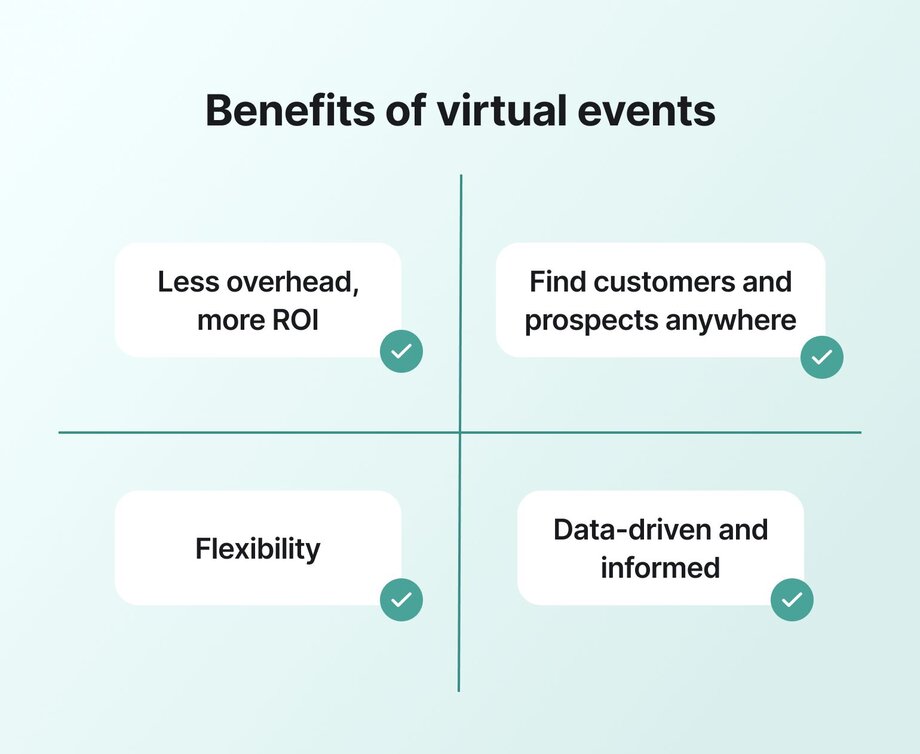
Virtual events open up a world of new possibilities for your business. Here’s why they’re worth it:
💵 **More value without the hassle:** Eliminate the headache of venue hunting, travel drama, and catering chaos. Virtual events help you focus on meaningful moments without the overhead.
🌎 **Invite the world:** Break the constraints of physical venues. With virtual events, your audience is no longer limited by location. Wherever they are, everyone gets a front-row seat to your event.
🥂 **Go hybrid:** Virtual events can be synced with in-person ones to meet members where they are, both on the ground and online. In fact, according to our survey data, the [most requested in-person events](https://circle.so/2025-community-trends-report) are basically just… hangs.
📊 **See what works–immediately:** Virtual events can help you [build a data-driven strategy](https://circle.so/blog/data-driven-event-strategy). By tracking which sessions capture attention, measuring participation in polls, and seeing which discussions ignite interaction, you get actionable insights that help you refine each event for even better future outcomes.
## Planning “can’t miss” virtual events–like a seasoned event pro
**In 2024 alone, over 592,000 events were hosted on Circle**—with more than 10 million active community members showing up across those spaces. That’s a 9% increase from the year before, and proof that people show up when events deliver real value.
Here’s how to ensure your virtual event is not just up and running but also impactful:
### Decide on what you want attendees to get out of your event
Before you can think about anything else, you’ll need to get super clear on what your event will look like and **how it will provide value to your members.**
At a high-level, you’ll want to consider why you’re hosting the event.
- What goal do you hope to achieve through the event?
- Will you aim to educate, inspire, or connect your members?
- What value will you provide to members who attend the event?
### Pick the right format for the job
The type of virtual event you choose lays the groundwork for your planning. Each format serves different purposes and audiences:
💻 **Webinars:** Perfect for large audiences, these focus on delivering educational content with opportunities for live Q&A. (They can also be fantastic lead magnets for bigger offers!)
🕓 **Office hours:** Less formal, these allow direct interaction with experts for personalized advice and Q&A.
👥 **Small group discussions:** These sessions encourage in-depth discussions on specific topics in a cozy, intimate setting.
🏅**Member showcases:** Highlight the achievements or projects of community members to inspire and motivate others.
📚 **Onboarding and orientations:** Essential for helping new members get up to speed with community norms and resources.
💡**Workshops:** Hands-on, interactive sessions where participants learn practical skills and techniques.
🌐 [**Summits**](https://circle.so/creator-path-summit) **and conferences:** These are multi-session events that cover a wide range of topics, ideal for extensive knowledge sharing across a large audience.
At Circle, our approach varies: our **Masterclasses** attract many attendees looking for strategic insights, while our **Show and Tells** are great for engaging our customers with real peer examples and honest storytelling. Our **Office Hours**, though smaller, pack a punch with individualized interaction and targeted problem-solving.
Thankfully, it’s aligned with what people have told us they really want in our [2025 Community Trends Report](https://circle.so/2025-community-trends-report):
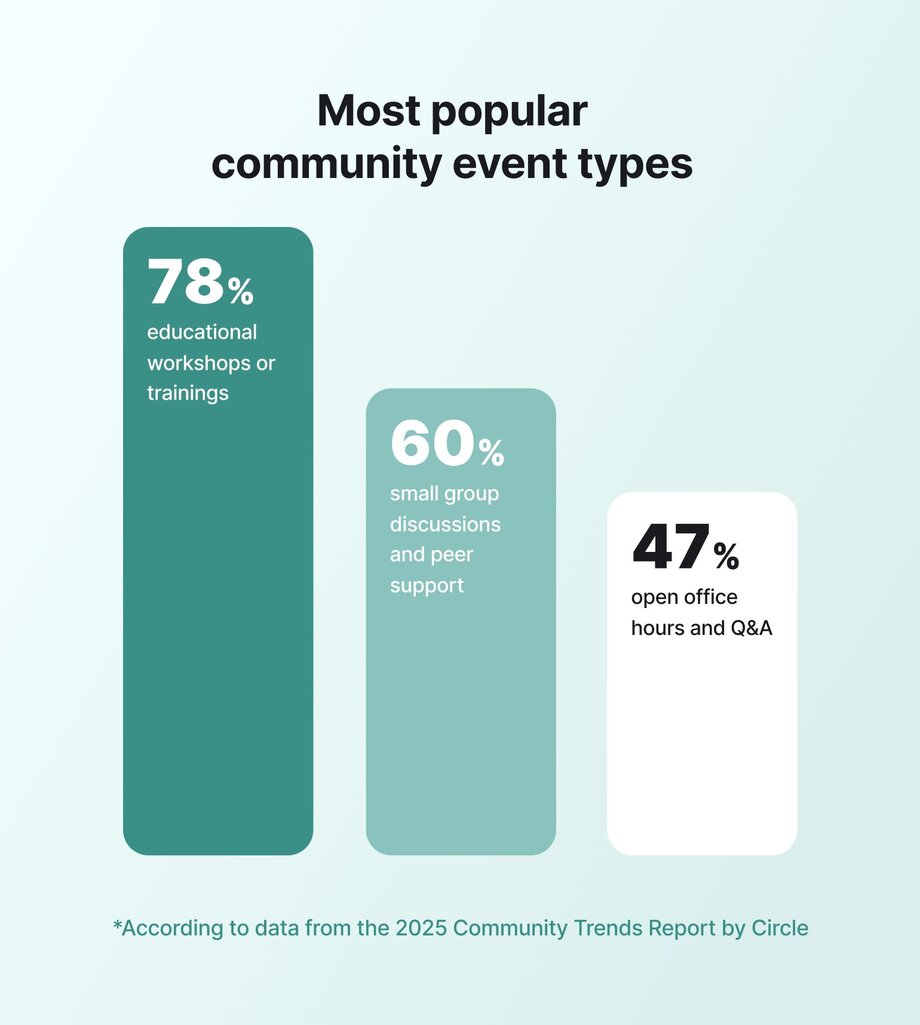
👉🏽 **Not sure which format to try next?** Here are [7 types of virtual events](https://circle.so/blog/types-of-virtual-events) to help you match structure to your community goals.
### Set your business and community goals
Now that you have your format and your purpose, you’ll want to define what you want to accomplish for your business or community with the event: are you looking to boost brand awareness? Generate leads? Enhance community engagement?
Then, establish **Key Performance Indicators** (KPIs) to measure your event’s success and ensure it’s doing what you need it to do. For example:
- **Registration numbers** tell you whether your topic, title, and hosts are engaging
- **Participant activity** during the event can help you gauge engagement and timing
- **Post-event feedback scores** help you see if you’re providing true value to attendees.
⚡️ **Pro tip:** [Circle’s in-app analytics](https://circle.so/analytics) show you exactly when most of your members are online to help you schedule events without the headache. Automated reminders (thanks to [workflows](https://circle.so/workflows)) then help people add it to their calendar, and show up on time!
### Pick your event platform
😫 Choosing the wrong virtual event platform can make or break your event.
You might encounter anything from clunky interfaces to laggy streams, confusing logins, and limited interaction tools. Although it’s impossible to avoid tech issues _forever_, it’s something to consider from your attendees' shoes: they came to the event for insights, not the lag time.
That’s why you should choose a platform that offers seamless streaming, straightforward navigation, and interactive tools like live polls, Q&A sessions, and networking capabilities to [keep everyone involved and engaged](https://circle.so/events) from start to finish.
Platforms like Circle are designed to create high-impact, interactive experiences, offering tools for real-time engagement such as polls and live Q&A, which can significantly increase attendee involvement and satisfaction. A robust platform like ours can ensure event hosts feel capable, supported, and at ease and all attendees have to do is click “join now”–no matter whether they’re at home on the couch or on the go watching from their phone.
### Plan your agenda like a dinner host
**Crafting your event agenda is like planning a dinner party.**

Just as a host plans each course to delight guests, your event schedule should thoughtfully guide attendees through an engaging, flexible experience:
- **The welcome aperitif:** Your opening sets the tone, so begin with a warm, brief introduction that orients everyone immediately. Like a quick welcome drink, it should energize attendees and clarify what they'll experience.
- **Appetizers as icebreakers:** Jump quickly into a high-impact insight that validates their decision to attend. Keep it under 10 minutes but make it substantial enough to engage.
- **The main course:** Position your most valuable, substantive content at the heart of your event–but keep it condensed and concentrated to account for online distractions. This is where you deliver on your core promise–the transformative insights, connections, or skills attendees came for.
- **Palette cleansers:** Schedule short breaks or energizing activities between main elements of your events–both to help attendees absorb what they've learned before moving on, and to refresh people’s attention without disrupting flow.
- **Side dishes as breakouts:** If you’re offering choices, limit options to just one or two highly relevant alternatives that directly support your main objectives.
- **The dessert experience:** End with a clear, actionable conclusion and next steps. Like a memorable small dessert, it should be satisfying while prompting anticipation for what comes next.
- **After-dinner drinks:** Pat Flynn of SPI calls this his “hallway epiphany”, where he realized that these informal moments often lead to the most meaningful connections and commitments. (It’s also the reason he created a community in the first place!)
Like any good host, remember to consider the rhythm and pacing, ensuring no one leaves either hungry for more substance or overwhelmed by too much content served too quickly.
### How to keep energy, attention, and engagement high in virtual events
Without the physical cues and interactions of in-person settings, virtual events require strategic planning to maintain audience attention. Here's how to create an engaging experience:
**Before the event:**
- **Build pre-event commitment:** Encourage early investment through pre-event activities, personal goal-setting, and inviting attendees to submit questions in advance.
- **Set clear expectations:** Remind participants about the interactive opportunities they'll have during the session to build anticipation.
**During the event:**
- **Start strong:** Begin with icebreakers and personally welcome participants as they join to establish connection immediately.
- **Use interactive tools:** Use polls, live Q&As, pinned questions in chat, and real-time recognition to transform passive viewers into active participants.
- **Invite direct participation:** Encourage attendees to share their thoughts live by joining the virtual stage or using the chat function.
- **Incorporate gamification:** Add game-like elements such as points, leaderboards, and rewards to [make participation fun](https://circle.so/blog/community-gamification-guide) and competitive.
- **Create networking opportunities:** Design virtual spaces that mimic in-person networking through virtual coffee breaks, breakout rooms, or dedicated networking sessions.
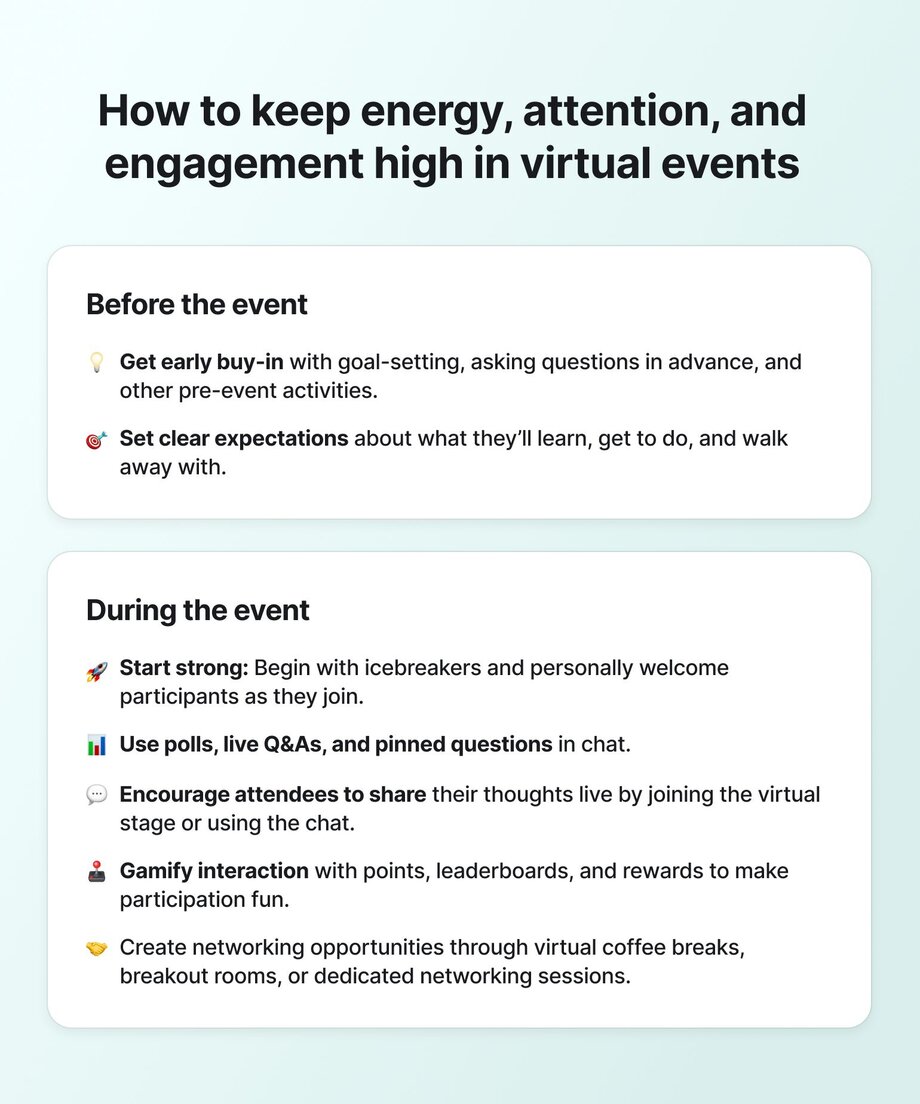
### Measure to understand what a successful virtual event looks like
To understand how your events impact members, overall community engagement, and what you should consider changing, ask yourself these questions:
- **Are people signing up and showing up?** A high turnout means your community is actively interested.
- **Are they chatting, asking questions, or using emojis?** What’s the general sentiment during the event?
- **What are they saying afterward?** Collect direct feedback to understand what’s working and what’s not.
- **Are they coming back for more events?** Returning attendees suggest your events are keeping people interested.
- **Do people engage, sign up, contribute, or refer others more after the event?** These spikes will give you hints about the impact and value members find in your events.
- **Do attendees take your recommended next steps after the event?** Whether that’s checking in with an accountability group, signing up for a next event, or some other action–it’s insightful to see how folks continue engaging.
## How to monetize virtual events in the short–and long-term
Should you charge for your virtual events?
Short answer: it depends. 🤷♀️
The key is to balance profitability, effort, and community engagement.
### Paid vs. free events
Just as you meet people where they already gather on social media before inviting them into your private community, free and paid events each serve distinct but complementary purposes in your engagement strategy.
**Free events** are open to anyone and can significantly boost your event's reach. They're perfect for building brand awareness and community goodwill. While attendance may be high, these events don’t always convert to paying customers, community engagement, or loyalty.
**Paid events** ask for a layer of commitment from attendees, which can filter the audience to those most interested or invested in the topic. They can help fund deeper, higher-value experiences and create a revenue stream for your community.
Because paid events have a higher barrier to entry, they’re an incredible way to offer a curated, controlled taste of what your community has to offer without giving them access to everything.
So don’t be afraid to get creative with how you offer access to guests, such as offering free events embedded within paid memberships or ticketing events like in-person meetups or conferences separately, with special discounts or perks for existing members.
#### Real success story: how Lattes and Leases ran a summit to launch her membership
[Soli Cayetano](https://www.instagram.com/lattes.and.leases/) is a real estate mogul, investor, educator, and community builder. When she attended a Circle Summit several years back, she realized, ‘I need to do this for my business.’
“She ran a free, 2-day summit, partnered with big-name real estate creators, and launched a membership after the summit—with 400 paying members,” shares Alexis.
### 7 Creative ways to price your virtual events
Different ways to approach event ticketing can help you earn more and build a solid funnel for your community or creator business.
1. **Free for members:** Ideal for subscription communities seeking to boost retention and engagement. Adding exclusive events makes members feel they're getting continual value from their subscription.
2. **Paid one-time tickets:** Best for high-effort events like summits or bootcamps. Use this when you want to monetize beyond your existing community or test demand for future products without changing your membership pricing.
3. **Tiered access:** Perfect for communities with multiple membership levels. Make events free for premium members but charge others, encouraging upgrades while keeping events accessible to more people.
4. **Event-only pass:** Great for limited-time experiences like challenges or cohorts. Offers a low-commitment way for people to experience your community, often leading to full membership conversions.
5. **Pay what you want (PWYC):** Works best for mission-driven communities (or yoga classes!). Builds goodwill and inclusivity while allowing you to test price sensitivity or raise funds for special initiatives.
6. **Bundled access:** Ideal for creators with multiple offerings. Packaging event access with courses or digital products increases perceived value and can boost conversion rates during launches.
1. **Tatiana Figueiredo** , a [Circle expert](https://circle.so/partners/tatiana-figueiredo) and community business strategist, offered free, weekly live office hours and Q&A sessions (“hot seats”) to co-create and refine her curriculum for her course—before it was even created!
8. **Virtual event/community hybrids**: Best for creating sustainable growth pipelines.These models are popular among creators like Julie Solomon, Ali Abdaal, and others who host free webinars to promote a course or community launch. This creates natural pathways from casual interest to committed community membership.
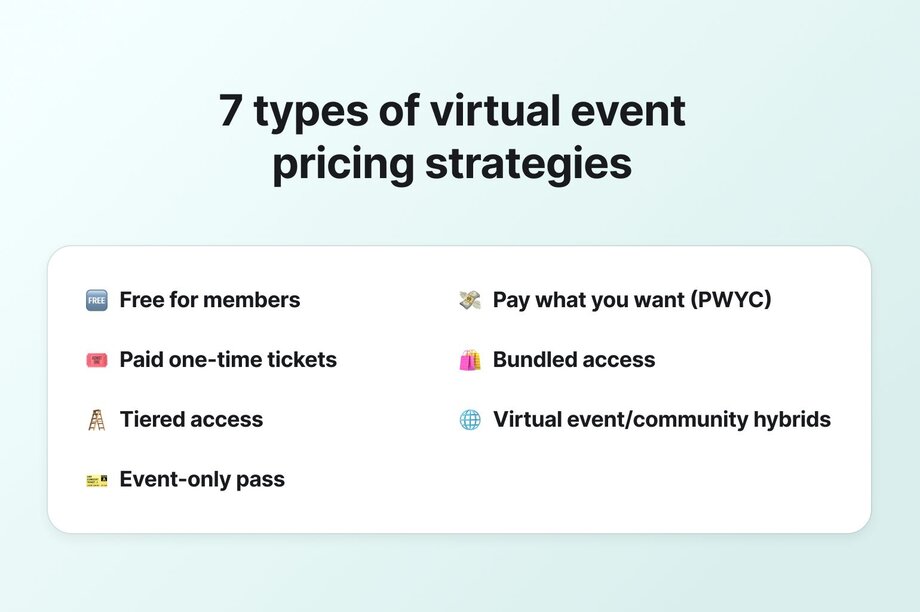
#### Real success story: how events power a VIP community
In [Foundr+](https://foundr.com/pages/membership), a membership community for 3,000+ e-commerce founders, live events are a core value proposition that justifies the membership price. Their event engine keeps members engaged (at a baffling 73% attendance rate), directly supporting a multi-million dollar annual revenue stream. Foundr’s case shows how integrating virtual events into a subscription community can scale into a substantial and sustainable income source. Within Foundr+, live events (expert workshops, Q&A sessions, coaching calls) happen every week to engage members. They also offer a higher-tier coaching program (about 400 members get 1‑on‑1 mentorship) on top of the standard membership.
Learn more in their community show & tell:
### Adding event partners or sponsorships
Forging partnerships with brands that align with your event’s theme can add value and help fund your events. Think guest speakers, co-branded content, or exclusive offers.
But, a note of caution: When bringing in partners and sponsors, ensure they feel additive, not intrusive to your agenda. Here are our best practices for event partnerships:
**Find the complementary audience overlap.** Without insight into your attendees, you won’t be able to convince others that partnering is a good use of their time and/or money. Use registration forms, post-event surveys, and analytics tools to build detailed audience profiles that demonstrate the value of your audience.
**Look for genuine brand alignment rather than just pursuing big names.** The most successful partnerships come from authentic connections between your event's purpose and a sponsor's mission. Attendees can easily spot forced partnerships that feel purely transactional.
**Offer unique opportunities.** Virtual events enable innovative sponsorship activations that are impossible in physical settings. Consider offering sponsored breakout rooms, gamified challenges with sponsor-provided prizes, or exclusive digital content collaborations that provide tangible value to attendees while highlighting sponsor expertise.
**Demonstrate clear ROI metrics and establish feedback mechanisms.** The most important part of a partnership? The retro, post-event report. Establish regular check-ins during the planning process to incorporate sponsor input and ensure they’re aligned.
### Upsell what you already offer
Use your virtual events to promote memberships, courses, coaching… or other upcoming events! Your audience is already engaged, making them more likely to invest in additional offerings — it’s the perfect time to invite them deeper into your ecosystem.
**⚡️ Pro tip:** Don’t think of it as a hard sell! Exploring other offerings is naturally the next step for people who already see the value you bring.
## Turning one-off events into long-term community
Virtual events aren't just isolated experiences—they're powerful gateways to building lasting community. If you're thinking about how to create a drumbeat of high-impact programming for your members, check out our guide on [how to host community events](https://circle.so/blog/host-community-events) that deepen engagement over time.
Events create natural touchpoints that subscription-based communities often struggle to establish. Unlike passive content consumption, live events generate:
- **Shared experiences** that bond participants through collective learning and discovery
- **Identity formation** as attendees begin to see themselves as part of something larger
- **Relationship networks** that extend beyond the host-to-member dynamic
Data from our trends report confirms what many successful community builders already know—the energy of real-time connection offers something special that pre-recorded content simply can't replicate.
### So how do you build the event-to-community pipeline?
The most successful communities treat events not as one-off marketing tactics but as core infrastructure. Here's how to build your event engine:
- **Develop event series** rather than standalone sessions, creating natural follow-through
- **Diversify formats** to appeal to different learning styles (our report shows the popularity of varied formats from Q&As to workshops to networking sessions)
- [**Establish rituals**](https://circle.so/blog/community-habits) **and traditions** that members look forward to and identify with
- **Capture and repurpose event content** to extend value and create entry points for new members
- **Design for both synchronous and asynchronous participation** to accommodate different schedules
Foundr+'s impressive 73% attendance rate stems from precisely this approach—their events aren't supplementary but central to their community identity.
**🫶🏼 Remember: The goal isn't just attendance but belonging.** When members transition from thinking "I'm attending this event" to "I'm part of this community," you've successfully built the bridge.
## TLDR: Pro tips for hosting engaging community events
Boost engagement and keep your online audience hooked from start to finish with these top community event tips:
1. Nail your niche: First things first—what’s _your_ weird? By focusing on what makes you stand out, you ensure that your activities and content resonate specifically with the right audience.
2. Craft invitations they can't ignore: Write clear, compelling invitations that outline the event’s purpose, setting expectations and highlighting benefits. This will build anticipation and boost attendance.
3. Engage from the start: The first five minutes are crucial. “Your energy as a host matters. Be human. Be confident. Mistakes happen, but how you show up in that moment builds connection,” says Alexis.
4. Connect the dots early: Encourage interaction among attendees from the beginning with activities like prompt questions or breakout groups. “Focus on the attendee experience. Help them connect—with content _and_ with each other,” says Alexis.
5. Balance the buzz: Avoid overwhelming your guests with too much information. Focus on creating digestible, interactive sessions that promote participation and discussion.
6. Reflect and connect: Allow time for attendees to reflect on what they’ve learned and to share their thoughts. This enhances their understanding and builds personal connections.
7. End with a bang: Conclude your events intentionally with a final sharing session or a memorable activity to leave a lasting impression.
## What we’re looking forward to in virtual events
Some trends are already here, and others are picking up speed fast. Here’s what’s realistic to expect by 2030 (and why):
### AI that actually helps
[AI is already simplifying event planning](https://circle.so/ai-agents): automating scheduling, generating content suggestions, and handling follow-ups. Over the next few years, expect smarter tools that adapt in real-time to attendee behavior—recommending sessions, surfacing relevant questions, or flagging engagement drop-off mid-event.
Note-taking features will get smarter, too—[summarizing key moments](https://circle.so/ai), tracking action items, and even syncing to follow-up workflows. Communities of all sizes will also use AI to analyze post-event chat, poll responses, and feedback to uncover patterns, interests, and future content ideas they might otherwise miss.
### Hybrid as the default
In-person won’t go away—but it’s not always realistic or inclusive. Hybrid formats let you do both. Expect tools to better blend the two experiences seamlessly with smoother tech, better analytics, and more flexible attendee paths.
### Immersive experiences in small, smart doses
Will every event be hosted in the metaverse in five years? Maybe not. But immersive experiences are getting more practical—especially in high-value or high-stakes formats. Think onboarding new members with interactive walkthroughs or sending physical kits that pair with virtual workshops.
### More personal, less one-size-fits-all
Attendees expect personalized content that meets their goals. The tech is catching up. Soon, you’ll be able to adjust sessions based on a participant’s role, behavior, interest, or learning goals more easily.
### Sustainability becomes a driver
With travel budgets tightening and climate impact under more scrutiny, virtual and hybrid events won’t just be convenient—they’ll be necessary. Platforms will start highlighting their environmental impact as a feature, not a bonus.
## **From events to community ecosystems**
Virtual events aren’t a temporary fix—they’re part of the future of community building. As tech improves and member expectations shift, the most successful events will focus on genuine connection, flexibility, and long-term value.
Check out Circle’s [community analytics](https://circle.so/analytics) to monitor activity, engagement, and traffic—and if you’re not a customer yet, [start your free 14-day trial today.](https://app.circle.so/communities/new)
---
### The 3 C’s that built a $240K web design community
*Take a tour of Josh Hall’s community, Web Designer Pro. Learn about Josh’s main community funnel, how he organizes spaces, his monetization tactics, and more.*
Source: https://circle.so/blog/web-designer-pro-community
Josh Hall is a web design business coach, course creator, YouTuber, podcast host, and web agency founder.
He’s also a community builder who’s been able to grow his business to nearly $240,000+ per year.
In this spotlight, take a tour of Josh Hall’s community, Web Designer Pro—a membership that helps web designers build their web design business. Like many course and education-based businesses, his community is built around his personal brand.
Keep scrolling to learn more about Josh’s community funnel, how he structures spaces, his monetization methods, and more.
## The community breakdown
📍 **Community**: [Web Designer Pro](https://joshhall.co/webdesignerpro/)
👋 **Founder**: Josh Hall
🗓️ **Launched in**: September 2020
🌟 **Size**: 175+
🎯 **Purpose**: Educate web designers on how to build their own web design business
💰**Pricing model**: Monthly membership (+ a swag store)
## Core community offering
Josh’s business used to be courses first, membership second. Now, his big offer is his community membership. He has a suite of courses that live inside of the Web Designer Pro community, but that’s not all that he offers.
As Josh put’s it, **Web Designer Pro is really all about the three C’s:**
- Courses
- Community
- Coaching
This trifecta is what makes the Web Designer Pro membership so enticing. Members can decide how they want to engage with the content, and ultimately what they get from the membership.
In terms of growth tactics, Josh says the main funnel for new members is [through his podcast](https://joshhall.co/podcast/), Web Design Business with Josh Hall. Many people come through the podcast for his courses, and then get sold on the community offer as a whole. You can listen to one of his podcast episodes below.
#### Community programming
Aside from his courses, Josh has a robust community calendar and strategy that helps drive member engagement.
**Josh’s standard community events and touchpoints consist of:**
- **Weekly drop in coaching calls with Josh.** Because 1:1 coaching isn’t sustainable for Josh, members can attend weekly drop in group coaching sessions to ask questions live on a call. These sessions often consist of Q&As, website reviews, and “hot seat” coaching.
- **Weekly Pro Hangout session.** These events are actually hosted/run by members, without Josh’s involvement! Around 10-20 people will often get together to hangout, network, and get to know each other. They also provide a nice touchpoint for members to share learnings and ideas.
- **Web Biz Weekly newsletter.** Josh’s newsletter is focused on helping people become smarter web design business owners in less than 5 minutes per week. Anyone can sign up for this newsletter for free.
- **Monthly training events, featuring a guest expert.** About once a month Josh also hosts a community event with an outside expert. Often the topics will dive into areas and insights that fall outside of his course content.
Although the community programming above is already robust, it’s never a set it and forget it thing. Josh is continuously trying to find new ways to engage his members and keep them subscribing for longer. One simple trick? Listening to members and asking for feedback. For example, the weekly community hangout session actually started as a member idea, and has since become a staple in the Web Designer Pro event calendar.
Other than the Weekly Pro Hangout sessions, every event in the Web Design Pro community is recorded and saved on the platform so members can access it on-demand. Josh also stores every newsletter on his Circle community so people can go back and run through past editions. This makes his community a great resource hub for professional web designers!
### How it’s organized
**Josh structures his community into a few key buckets:**
- **Member Central:** a start here space, areas for introductions, announcements, and success pathways (advice on how to take Josh’s courses). He also has his affiliate program in this area, along with a place to buy Pro swag.
- **Coaching:** Anything to do with Josh’s coaching lives here, including upcoming calls with Josh, weekly Q&A replays, Pro trainings, and Josh’s weekly newsletter.
- **Community:** A variety of spaces that are geared towards encouraging member engagement, including areas for hangouts and group discussions, as well as spaces for sharing wins and gathering feedback.
- **Courses:** A variety of courses on everything from website coding and SEO, to business strategy and creating an online course.
As mentioned above, Josh also runs a ton of community events. So, the Events area in his Circle community is filled with his upcoming calendar.
### How it’s monetized
Currently, the Web Designer Pro community runs on two membership plans that give access to his courses, coaching, and the community space. Josh still sells his stand alone courses for folks who don’t want the coaching or community, and also sells Web Designer Pro swag. Although the swag isn’t adding a ton to his yearly revenue, it does help to build brand affinity. ❤️
**Membership pricing options:**
1. $199 per month
2. $2,000 per year
Josh has set his membership plans at a slightly more premium price point, due to the value of the content, coaching, and community. This also means that a lot of his members are committed to seeing real transformations and results.
Josh has been contemplating introducing a lower tier membership for “newbies”, but there’s a lot to consider. For example, although a cheaper pricing model might bring in more members, it also leads to more work. Overtime, the Web Designer Pro pricing model might change (like most pricing models do), but for now Josh has been happy with the business growth.
> 🌟 **Fun Fact:** Since launching his business, Josh’s Monthly Recurring Revenue (MRR) has grown from $4,000 per month pre-community, to now around $20,000 per month with his community offer! And he’s projecting this MRR to continue to grow.
Regardless of why someone initially joins Web Designer Pro, Josh says that for most members, what keeps them around is the community. Thus, the community not only helps with member retention, but it also helps extend his customer Lifetime Value (LTV)—which means more revenue overtime.
### The community team
The Web Designer Pro community is run entirely by Josh, who creates the courses, content, strategy, and engages regularly with members.
**Here are three ways that Josh has been able to keep engagement up without burning himself out:**
1. One of his members helps with some community engagement in exchange for a free Web Designer Pro plan—it’s a win-win!
2. Josh has started to [leverage Circle workflows](https://circle.so/workflows), which can save a lot of time. For example, he has a workflow that sends out DMs to his community at certain milestones.
3. He encourages members to engage with each other, and has built his community to be one that supports and lifts members up.
## Josh’s top community building tips & tricks
💡 **Engaging onboarding experience and success pathway:** Josh has an intentional onboarding process including a personalized introductory video, a detailed tour of the community, and a guide to the courses. This walks new members through expectations, layout, and notification settings. Discussion sections and weekly hang-outs are the go-to places for members to interact, gain clarity, and feel welcomed from the start. Josh also highlights the importance of using a ‘wins and successes’ space to capture and repurpose member testimonials, leveraging positive feedback to build credibility and attract new members.
💡 **Interactive learning and accountability:** To cater to his audience's need for feedback and growth, Josh has set up forums for website reviews and opportunities, as well as a member accountability section. This area allows members to set goals and tasks, encouraging peer support and accountability. Additionally, he offers a range of DIY courses, helping members become professional web designers at their own pace. His $199 price point for these results-focused features has helped him reach almost $20k monthly recurring revenue.
💡 **Regular coaching and expert sessions:** Josh's weekly Q&A sessions, which he plans to rebrand as coaching sessions, are a mix of Q&As, website reviews, and short coaching 'hot seats'. In alignment with his “coopetition” mindset (he believes in cooperating with his competition), he regularly invites guest experts to provide special training on topics outside his courses, adding valuable diversity to the learning experience.
If you want to learn more about Josh’s community, watch his full Show & Tell session below.
---
### 5 reasons to use a community-first website builder
*Discover why community builders are ditching generic website builders for platforms designed specifically for community engagement and member retention.*
Source: https://circle.so/blog/why-use-a-community-site-builder
It's 3 AM, and you're staring at your laptop screen in frustration. Your Webflow site is down. Discord notifications are pinging relentlessly. Members can't find the link to your actual community. You're toggling between six different dashboards just to keep things running.
Sound familiar? **If you're a community builder, you've lived this nightmare.**
You started with the best intentions, and a hefty amount of research so you could get
- A beautiful website to showcase your vision
- A thriving community space for your members
- Email tools to nurture those relationships
Whether you're a **coach, educator, or creator,** somewhere along the way, managing all these moving pieces became a full-time job in itself—tearing you away from your members, your business, and your future success.
Here's our question to you: **What if your website was designed with community _at the core_?**
## How generic website builders kill community engagement
Most people treat their website and community as **separate entities**, when in reality, they should work together as **one seamless experience**.
Generic website builders like Webflow, Wix, or Wordpress are built with a specific mindset: showcase your products, optimize for conversions, get the click. But they don’t work for community-led businesses because _you're not just trying to sell a product._ **You're inviting people into a transformational relationship.**
This mismatch leads to several problems that community builders face every day:

- **The handoff problem:** Your potential members land on your beautifully designed website. They get excited about joining your community. They click "Join Community" and suddenly—different branding, different login experience, completely different feel. Create an account here, click on a course there, and then? Forget to convert completely. Industry data shows that 95% of interested prospects drop off during this jarring transition—and 5% (if you’re lucky) make it through to paying you.
- **The maintenance nightmare:** Want to update your course offering? Now you need to update three different places. Rolling out new branding? Hope you remember all the platforms that need changing. Want to add a new feature? Time to research integrations _again._ What should take minutes becomes hours of cross-platform coordination.
- **The identity crisis:** Your website looks like a SaaS company. Your community feels like a Facebook group. Your members can't quite articulate what you actually offer because even your own platforms don't seem to agree—nevermind the backend gaps in your analytics and business metrics. You end up frankensteining a business that works, instead of an incredible experience for your community members.
### Generic platforms make community leaders’ lives harder, too
The real cost of a fragmented tech stack and community business goes beyond monthly subscription fees:
- **Time drain:** Those hours troubleshooting integrations and updating multiple platforms? That's time stolen from actually building your community and creating value for members.
- **Lost conversions:** When prospects hit that jarring transition from your polished website to a completely different-looking community platform, many simply bounce. You're losing qualified leads who were ready to join.
- **Engagement gaps:** The friction between platforms kills momentum. Members struggle to find what they need, participate less, and eventually drift away from your community.
- **Decision fatigue:** Constantly juggling multiple dashboards, logins, and tool updates creates mental overhead that saps your energy for the creative work that actually grows your business.
**The deeper issue?** You're focused on making each platform work, rather than how all the pieces work together to create a magical member experience. It's like having a restaurant with amazing food, but the host is rude, the dining room is ugly, and the bathroom is broken—the food works, but the overall experience doesn't.
This is exactly why the **best community builders** are recognizing that their success depends on creating **cohesive member experiences** that actually convert visitors into engaged, long-term members.
But—what’s the best way to do that?
## Enter: the _first ever_ community-first website builder
As Circle's CEO Sid Yadav puts it, the team has been obsessed with one fundamental question for the past 5 years:
> What would it look like if every part of a community-led business worked together _seamlessly_?
This obsession led to a breakthrough realization: **The best community experiences should feel effortless.** Someone discovers your work, connects with your vision, and becomes part of your world—all in one flowing experience.
A community-first website builder ([like the one Circle just launched](https://circle.so/website-builder)) isn't just another tool in your stack. It’s **the front-door to your online home.**
Built specifically for community builders and their people, because your website and community should share the same DNA and be optimized for member experience, value, and relationships rather than _just_ conversions.
The beautiful part is that **online experiences focused on relationship-building _convert better._**
When members get a seamless experience from discovery to deep engagement, you get higher conversions _and_ an easier life as the creator.
So let’s take a look at the five key advantages of taking a community-first approach to your website—and why making this shift could be the difference between struggling with a scattered tool stack and building a thriving, integrated ecosystem that grows with your community.
## 5 reasons why community-first website builders win
### 1\. Built for community at the core

**The traditional way:** Generic builders create the same experience for everyone. Static pages that don't know if someone is a member. Your community becomes just an external link—an afterthought rather than your main value proposition.
**The community way:** Your mobile-friendly website is intelligent. Logged-in members see different navigation, content, and calls-to-action than visitors. Dynamic community blocks show live activity feeds, member spotlights, and discussion forum previews. You can control what content appears only to members versus the general public from one central location.
**The real impact?**
- **Higher conversion rates** because visitors see real community value, not just promises
- **Better qualified leads** because people understand what they're actually joining
- **Reduced friction** means more people make it from curious outsiders to loyal members
- **You spend less time** explaining what you offer—your community speaks for itself
> ### 💡 Imagine if...
>
> A visitor lands on your homepage and immediately sees live discussion previews from your community members talking about exactly the problem they're facing. When they scroll down, they see member success stories, active course discussions, and a preview of this week's live Q&A—all happening in real-time.
>
> When they click "Learn More," they're not taken to a generic sales page. Instead, they see a personalized view showing how many people joined this week, what members are saying about your latest content, and which discussions are trending. By the time they reach your "Join" button, they're not buying a promise—**they're buying into a thriving community they can already see and feel.**
>
> **_The magic:_** Your website becomes a front door to your community, not just a brochure about it.
### 2\. One platform, zero friction

**The traditional way:** Different logins for websites and community. Branding inconsistencies across platforms. Analytics scattered across multiple dashboards. Every customer touchpoint feels like a different company built it.
**The community way:** Unified branding means the same fonts, colors, and voice across every touchpoint. Single login experience means members authenticate once and access everything. Your integrated analytics dashboard shows website traffic AND community engagement in one view.
**Real impact:**
- **Fewer support tickets** about login issues (more time for content and community)
- **Higher conversion rates** because consistent branding builds trust
- **Better business decisions** with complete member journey visibility in one place
> ### 💡 Imagine if...
>
> Sarah discovers your community through a Google search. She lands on your beautifully branded website, reads your latest blog post, and decides to join. She clicks "Join Community" and—instead of being redirected to a completely different-looking platform—she's seamlessly taken to your community with the exact same branding, navigation, and feel.
>
> Six months later, you decide to rebrand. Instead of updating your website, then your community platform, then your email templates, then your course platform, you make the changes once in Circle. **Your new brand colors, fonts, and messaging instantly appear across your entire ecosystem**—website, community, emails, and member portal.
>
> Your members notice the cohesive experience. New visitors convert at higher rates because everything feels intentional and professional. You save 15+ hours per month that you used to spend on platform maintenance.
>
> **_The magic:_** One change, everything updated. One login, everywhere accessible.
### **3\. Launch fast, scale smart**
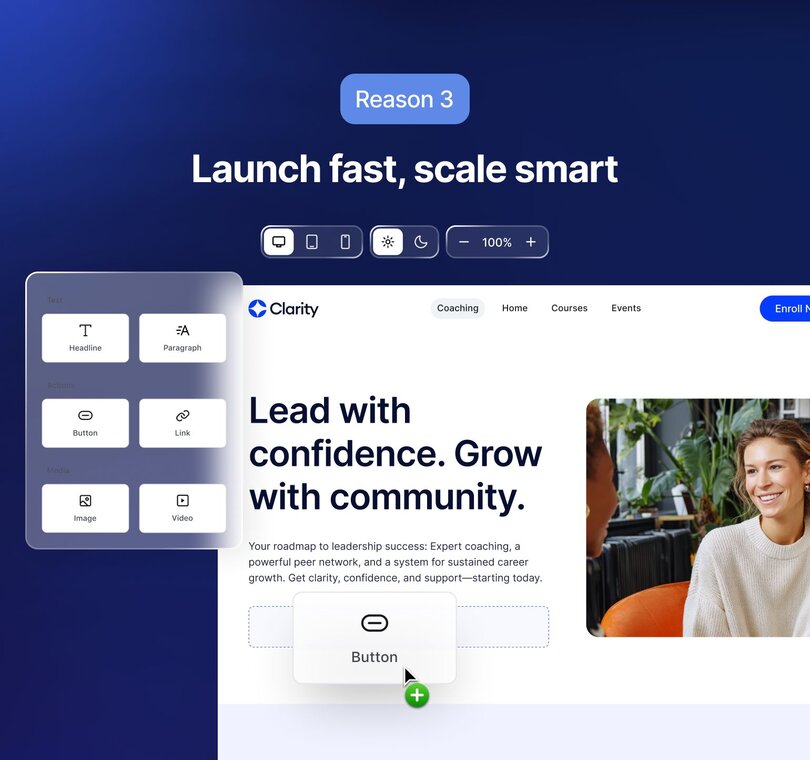
**The traditional way:** Start with a generic template that doesn’t quite have what you need. Hire developers to customize for your specific needs. Weeks or months pass before you're ready to launch. Or, the project lingers in your files and never launches.
**The community way:** 100+ community-specific blocks including course catalogs, member directories, and event calendars. Creator-focused templates with pre-built layouts for coaches, educators, and course creators. A drag-and-drop editor with autosave means you can make changes without fear of breaking things.
**Real impact:**
- **Launch your complete website + community experience in days**, not months
- **Higher conversion rates** because templates are built for community business models
- **More time for community building** instead of website maintenance
> ### 💡 Imagine if...
>
> You have an idea for a new coaching program on Tuesday. By Thursday, you have a complete website with course catalog, member testimonials, an integrated community space, and a checkout flow—all built using pre-designed blocks specifically made for coaches.
>
> You didn't need to hire a developer. You didn't need to research which plugins work together. You didn't need to spend weeks tweaking templates that were designed for generic businesses. You just dragged and dropped community-specific elements: member directories, course progress trackers, discussion forums, and event calendars.
>
> Six months later, as your community grows, you add new features by simply dropping in new blocks. Member spotlight carousel? Done in 5 minutes. Course completion badges? Already integrated. Live event calendar? It automatically syncs with your community events.
>
> _The magic:_ From idea to live website in days, with blocks that understand community businesses.
### 4\. Your website grows with your community

**The traditional way:** Static website that requires manual updates as your community evolves. You can't dynamically show different content to different member segments like you do with your email system, which leads your website and community growth strategies to be completely separate.
**The community way:** Access group controls let you show different website sections to different membership tiers. Responsive member experiences mean content adapts based on member activity and interests. Version history and rollback features let you experiment freely and revert if needed.
**Real impact:**
- **Your website automatically becomes more valuable** as your community grows
- **Personalized experiences** increase [member retention](https://circle.so/blog/member-retention) and upgrade rates
- **Reduced manual work** as your community scales
> ### 💡 Imagine if...
>
> A new visitor arrives at your website and sees general information about your community. But when existing member Jake logs in, he sees a completely different experience: his personal learning dashboard, discussions from groups he's in, upcoming events he's registered for, and content recommendations based on his activity.
>
> As your community grows from 100 to 1,000 members, your website automatically becomes more compelling. New visitors see more testimonials, more active discussions, and more social proof—without you manually updating anything. Your homepage dynamically shows the most engaged conversations, recent member wins, and trending topics.
>
> When you launch a premium tier, those members automatically see exclusive content areas on your website _and_ community. When someone completes a course, they unlock new website sections. Your website becomes a living reflection of your community's growth and activity.
>
> _The magic:_ Your website gets better at converting people as your community grows, without manual updates.
### 5\. No more duct-tape solutions
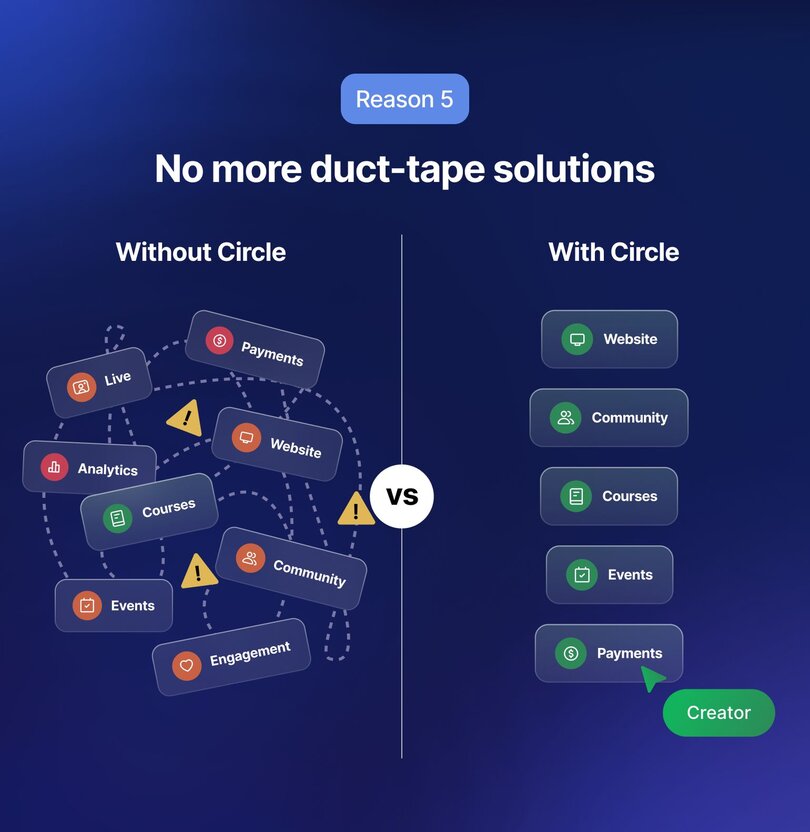
**The traditional way:** Pray your Zapier integration doesn't break, your web provider doesn’t change their pricing, or your marketing software doesn’t release another new feature that doesn’t work with your website. Manually sync member data between platforms (undoubtedly taking hours of your life). Deal with different support systems for website versus community issues.
**The community way:** Native SEO settings and redirects with no plugins or third-party tools needed. Built-in social share images automatically generated for all your content and email capture forms automatically integrated with your email marketing. Complete elimination of third-party integrations because everything works together from the ground up.
**Real impact:**
- **Reduce monthly tool costs** by 40-60%
- **Eliminate integration maintenance** and troubleshooting
- **One support team** that understands your entire setup
**Cost comparison:** Traditional stack runs $200-400/month across 5-8 tools. [Community-first website approach](https://circle.so/website-builder)? _Included in all Circle subscriptions._
> ### 💡 Imagine if...
>
> You wake up to an email that your Zapier integration broke overnight, and new members aren't being added to your email list. But wait—that's your old life. **In your new setup, everything is native.**
>
> When someone joins your community, they're automatically added to your email sequences, their profile is created, their access permissions are set, and they're welcomed into the right groups. When they engage in discussions, that activity might surface on your homepage. When they complete courses, their progress is reflected everywhere.
>
> You used to pay for: Webflow ($30/month) + ConvertKit ($50/month) + Zapier ($20/month) + Calendly ($15/month) + Memberstack ($30/month) + analytics tools ($25/month) = $170/month just for basic functionality.
>
> Now everything is included in your Circle subscription. More importantly, you no longer spend Sunday mornings troubleshooting why your member onboarding sequence isn't working.
>
> _The magic:_ Everything works together because it was built together. No integrations to break, no monthly troubleshooting.
## The future of community-first websites
Our goal is to have your website become a better sales and marketing tool as your community grows. **You spend less time on tech, and more time on what matters—serving your members.** Better member experiences drive better business results.
You get higher conversions plus easier operations.
**The bigger picture?** Community-first isn't just about websites—it's about building businesses that put relationships at the center.
Because your members deserve an experience that's as thoughtful as the content you create.
[Start your free, 14-day trial of Circle today](https://app.circle.so/communities/new) to try Website builder for yourself—and start building with member experience in mind.
---
### How to write your own creator playbook
*Glo Atanmo shares her advice for solopreneurs looking to forge their own path to success. Filled with tips and anecdotes from her successes (and failures).*
Source: https://circle.so/blog/writing-your-own-creator-playbook
How does a 5-year-old hustler selling cough drops turn into a multi-passionate solopreneur creator who lives out of her suitcase while making millions of dollars?
**She leans into the weird, the wonderful, and the creative paths not taken by the majority.**
Meet [Glo Atanmo](https://www.instagram.com/glographics/)—“the go-to coach for multi-passionate people”—who began exploring the online world when only 7% of the real world had access to the internet. As an introverted kid, Glo lit up when she found blogs in the early 2000s, and turned into one of the first online creators out there [monetizing blogging](https://theblogabroad.com/).
This is not Glo’s only claim to fame, however.
Glo has ventured to almost 100 countries across 6 continents, and built a life exemplifying creative risk-taking, nomadic business-building, and smart pivoting as a solopreneur.
Her digital storytelling has landed her in Oprah Magazine and Forbes, and she’s partnered with brands like Google, Facebook, Instagram, Target, Delta Air Lines, GoPro, and Adobe on marketing campaigns that went on to reach tens of millions of people.
Now, Glo runs [The Life Leap](https://www.thelifeleap.com/) (a program that guides people in making big life transitions), records [The Glo Show](https://www.youtube.com/playlist?list=PLuZkJTUqsNhIDdIa1DVv6KUQOS0DDw7Zg) podcast, and shows up however the heck she wants on Instagram.
If you’re new to creating, blogging, or online business, or simply feeling stuck, overwhelmed, lost, or burnt out—Glo’s playbook on leaning into your unique qualities to power your business, showing up authentically, and putting inspiration first will help you to reset your mindset.
## The goal
Growing up, Glo wanted badly to fit in, but knew in her gut that she stood out.
She also never saw the stories of what was possible for herself—an introverted kid from the Bay Area with Nigerian parents who expected her to become either a “Doctor, Lawyer, or a disappointment.”
Eventually, she changed her mindset to “If I’m going to stand out anyway, I might as well do it in a way that fulfills me. I allowed myself to pioneer my own path.”
Following an unpredictable path—with no “playbook”—can be stressful, but the truth is that there’s no playbook that will work for everybody. And following a playbook can lead you to the same places as everyone else… stuck, unsure, and misaligned.
You have to chart your own path to do your best work—and set up processes and experiments that work for you… not anyone else.
## The assessment
As a creator, you’re your own CEO, CCO, CMO, CFO…
Which is a lot of pressure on your livelihood. You’re scared to be fully yourself, to pivot if you’re unfulfilled, to make the wrong choices, etc.
You’re plagued with this-or-that’s:
- Should I start making video content? Though I heard that you shouldn’t put all your eggs in one basket.
- That Creator had a massive hit on TikTok, maybe I should go on TikTok. (Even though I can’t dance for beans.)
- This Successful Person has a course. Maybe I should make a course.
How do you know what to do?
How do you avoid analysis paralysis?
How do you decide which ideas to pursue?
While there’s no one-size-fits-all answer, seeing how others navigate these decisions and choices in the road can be helpful.
## The playbook
One of Glo’s favorite quotes is:
Which means—there’s no trick.
But there are tactics and lessons learned from 20+ years of Glo showing up and posting on the internet—so you can build and live a rich, fulfilling life on your own terms.
Let’s dive into them below.
### Tip 1: Executive produce your own life
Everyone sets goals.
But keeping yourself accountable and seeing your goals through to completion is the challenge.
That’s why Glo’s advice is to **treat yourself like an executive producer**.
Decide how you want your year to go—instead of just letting life happen to you. Set up themes, experiments, mottos, and projects.
Align your work and attempts based on those themes so you stay consistent in striving for better outcomes—without overwhelming yourself with too many changes at once.
“When you experiment, you also gain experience,” says Glo.
**Glo’s example**: She joined Instagram in 2011, and currently has 246k followers and 6,050 posts.
This means that she posted an average of 1.27 posts/day for 13 years. That is a lot of experiments.
“If you treat your creator business as an experiment, you can take away all the anxiety of having to be perfect and get everything correct,” says Glo. “**Because all it takes is getting an experiment right once.**”
In 2020, Glo went viral and gained 200,000 followers in the span of 2 weeks—and she’s continued experimenting ever since by creating value-driven content that truly helps people get unstuck and unlock different parts of their brains.
### Tip 2: Find your money-resource balance
Money is just a medium of exchange.
It’s not something you should be shy about.
It’s not something to be scared of.
It’s not something that should limit your dreams.
And… you’re probably leaving money on the table.
What you should do is ask yourself: **what are you willing to exchange or offer for money?**
There are a few categories.
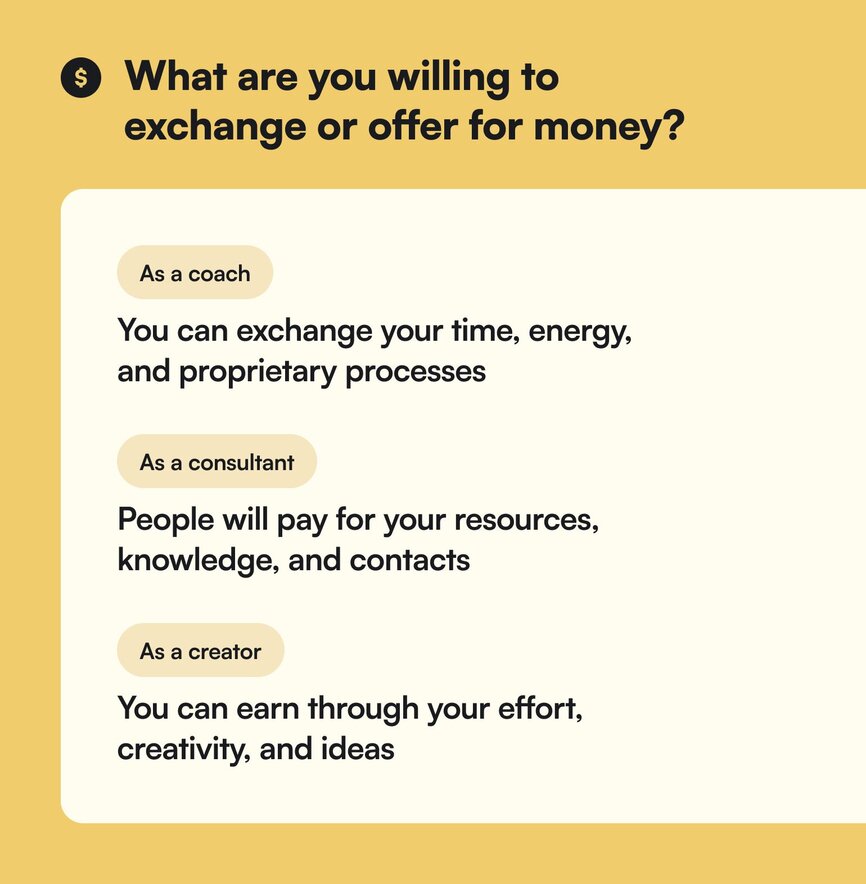
There are things that you’ve done, or things that you know, that people are willing to pay for so they can skip the headache, the learning, and the years that you spent on that problem—you just have to decide how much to give away vs. how much you want to earn.
What’s the right balance for you?
#### Get rid of limiting money mindsets
“I didn’t see a lot of money growing up. I thought you had to work really hard to get a little of it because that’s the story I saw being told around me. That was everything I saw,” says Glo.
As a child of high-expectation immigrant parents, Glo had to rearrange her mindset around money to break through the barriers holding others back.
So what kind of beliefs do you currently have about money?
1. Money is hard to make
2. Money is everywhere, but I feel unworthy
3. I’m not in enough “pain” to try harder to earn it
4. Money is a mix of luck, preparation, and opportunity
Because most people believe that money is hard to make because it’s what they’ve seen. So you have to start looking in different places to change your reality.
Now, Glo has a money mantra she likes to refer back to on the regular:
Most importantly?
Do not confuse your self-worth—your innate worthiness that no one can argue, change, or take away—and the market value of your business, which is based on your packaging, positioning, and program promise.
As Glo says, “You could lay around in bed all day, burp and fart, and STILL BE WORTHY.”
### Tip 3: Align your problem > project > product
The most profitable niche for many solopreneurs and creators is… themselves:
- their brain
- their learnings
- their experiences
They see problems, turn those into a “how do I solve that/help them” project, and end up with a product they monetize.
That’s the reality of the digital economy, and it depends on your attention, passions, hustle, and commitment—nobody else’s.
Because if you’re not experimenting and tapping into your own knowledge (and instead following trends)—you’re going to get left behind.
That’s why you have to:
- **Have a powerful brand story**, which makes it 10x easier to make money.
- **Create content as a way of documenting your learning**— “It shouldn’t be a grind,” Glo says. “It can be a way to process in public, to think, live, and be out loud.”
- **Build products from your POV—that make sense in your reality**. “I had a very colorful (or expensive) imagination as a child. I believed that everything I wanted, there had to be a way to get it,” says Glo.
Here’s some examples of how Glo might go through this process as a coach and a creator:
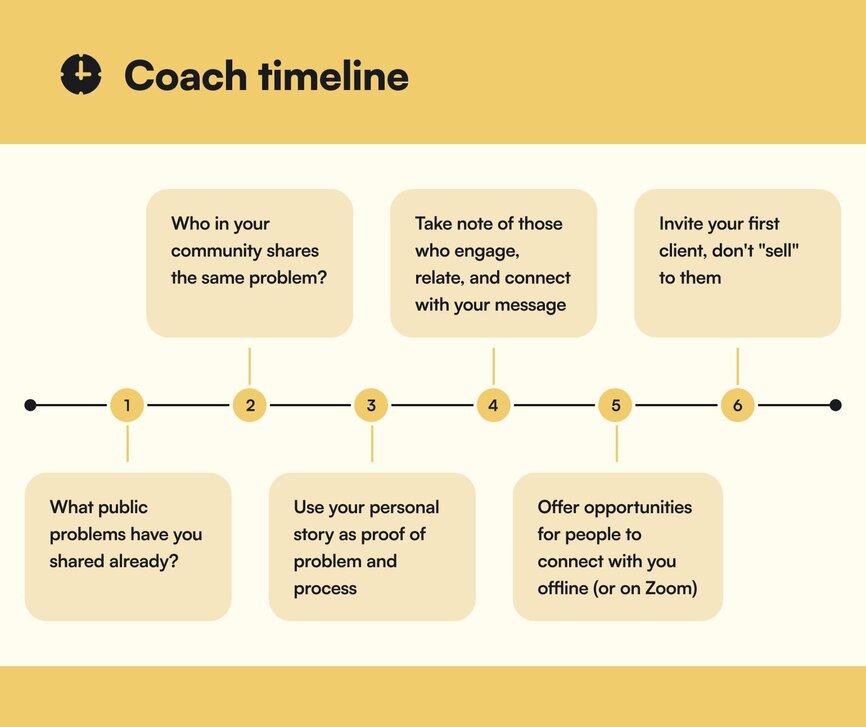
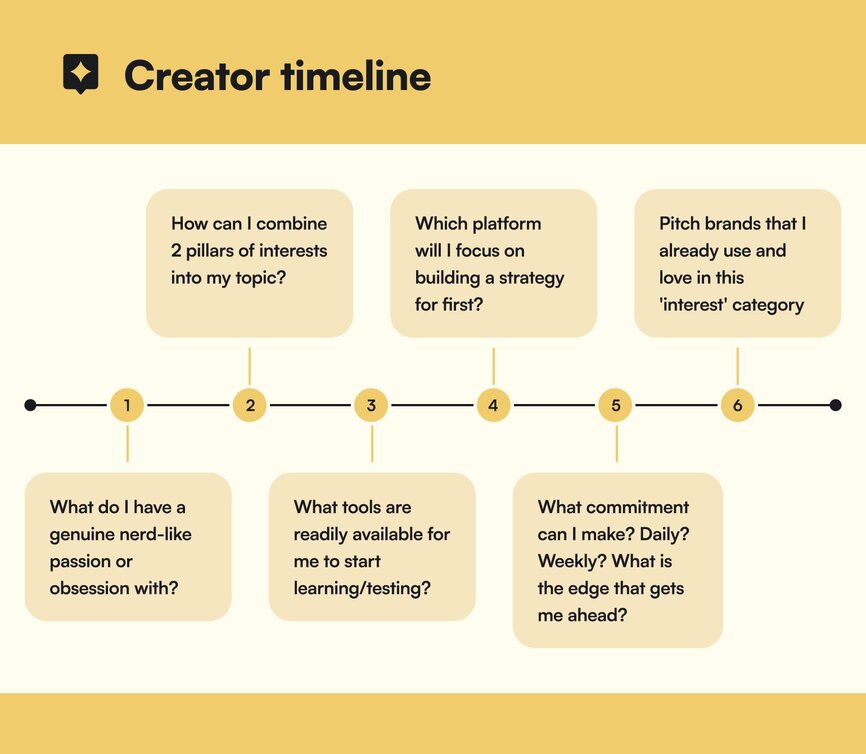
### Tip 4: Protect your precious time
Most creators operate as a team of one (or few), which means the “too much to do, too little time” saying is all too true.
But to be a creator… you need time to get inspired, think, process, and create.
That’s why Glo tries to only be “on camera” and filming 3 days—max—to protect her creativity.
**Here’s her ideal creator schedule:**
- Sundays are for coaching calls.
- Tuesdays are private clients, podcast interviews, and group coaching.
- Thursdays are for overflow anything.
- Monday, Wednesday, Friday, and Saturday are for
- spaciousness,
- creativity,
- ideation,
- researching,
- watching content,
- getting ideas and being inspired,
- then cataloging and categorizing content ideas into collections so you can create it later.
## The results
As a child…
Glo never saw black people traveling for fun. (Only immigration.)
Glo never saw nomadic business owners that made making money look easy.
Glo started pre-med in university to make her parents happy.
Glo had no idea you could earn money on the internet, on blogs, or on online products.
Until she decided to try. Experiment. Lean in to her uniqueness, her curiosity, and the way her brain worked.
Leaning into her own strengths has helped her become an online creative entrepreneur, travel for joy as a black woman, and earn millions of dollars while pivoting her business as her interests and her life changed.
She has shown up exactly as she is—for over 20 years—and built her business by following her heart. As her life expanded into a relationship, or travel, or inner wisdom, so did her business.
As a result, Glo has grown from relying on brand deals and partnerships as a travel blogger, to having multiple income streams (digital products, coaching, mastermind, courses, and speaking engagements) that bring in 7 figures and help her live her life authentically, and with joy.
### Glo’s learnings:
- **It’s okay to do things your way—as long as you experiment and find what works for you**. “If I don’t belong or fit in, how can I use my differences to stand out in a way that makes me feel valued?” - Glo
- She’s anti-niche and pro-pivot. When she gets bored, or her life or the market changes (like with travel blogging during COVID) she adapts her business to focus on that.
- For example, when she posted about her new relationship, people asked a million questions—so she created an eBook called “Love at Next Swipe” that took her several weeks to create, but earned her 6-figures in the first month she launched it.
- **Think about your career, not just the next launch**. Glo knew that travel blogging was winding down, so she started coaching “in secret”. She felt the pressure of brand partnerships, so moved into creating digital products and courses that would give her more control. She created a brand around herself in certain themes that grows with her on her life journey.
- **Diversify your revenue**—Glo’s current revenue “pie chart” looks like:
- **20-30% digital products**
- **20% mastermind** that’s specific to her current journey: “How to show up as an educator on Instagram” “How to go from 6-7 figures as a personal brand” “How to be a speaker”
- **20% coaching courses or programs** like the Social Educators Academy or Life Leap
- **25% speaking engagements** (3/month is typical, 1/month is slow)
- **The most successful businesses are unique**, they’re not first or the best.
- **Those who are for you and the stories you share will stick around**—so try not to hyperfixate on follower counts, etc.
## Key takeaways
1. **Set inspiring goals that put you in control**. Don’t just take what life hands you—dream big, follow your passions, find the problems, and solve them in your unique way.
2. **Money and time are an exchange**. Decide how much of your time you’re willing to give up for certain amounts of money. Changing your relationship with money will change the way you approach this exchange.
3. **Focus on what lights you up**. Don’t follow trends. Don’t do what everyone else is doing—because by the time you catch up, it’ll already be obsolete.
---
### How to win on YouTube with a small channel
*It’s not too late to build a solid YouTube content strategy. Learn from YouTube expert Sean Cannell’s 7R strategy to find your first 1,000 subscribers.*
Source: https://circle.so/blog/youtube-content-strategy
Is it still possible to start on YouTube–in 2024–and build an audience, a content strategy, and find success?
YouTube has been the start (or turning point) of lots of creator lore for influencers who are now household names, like:
- Entrepreneurs like [Pat Flynn](https://www.youtube.com/channel/UCGk1LitxAZVnqQn0_nt5qxw), [Marie Forleo](https://www.youtube.com/@marieforleo), [Noah Kagan](https://www.youtube.com/@noahkagan), [Ramit Sethi](https://www.youtube.com/@ramitsethi), and [Brendon Burchard](https://www.youtube.com/@BrendonBurchard)
- Gamers like [PewDiePie](https://www.youtube.com/@PewDiePie)
- Multi-passionate creators and authors like [John and Hank Green](https://www.youtube.com/user/vlogbrothers)
- Brand creators like [Jeffree Star](https://www.youtube.com/@jeffreestar) and [Mr. Beast](https://www.youtube.com/channel/UCX6OQ3DkcsbYNE6H8uQQuVA)
- Comedians like Lilly Singh, [Rhett and Link](https://www.youtube.com/@rhettandlink)
- Chefs like Andrew Rea ([Babish](https://www.youtube.com/channel/UCJHA_jMfCvEnv-3kRjTCQXw)), and fitness instructors like Cassey Ho ([Blogilates](https://www.youtube.com/@blogilates))
- And the list goes on…
But it’s easy for small creators to feel lost and overwhelmed by the vast amount of content on the platform.
Enter [Sean Cannell](https://www.seancannell.com/), a YouTube strategist whose passion for video helped him transform from broke and jobless to a founder of a thriving 7-figure business. About a decade ago, Sean went from a steady job and a solid client roster of video work, to being let go and having all his clients cancel their contracts–within the span of a month. He had 6 months of savings… and then he’d have exactly $0 left in his bank account.
The pressure was on.
So, Sean decided to go all in on building [ThinkMedia TV](https://www.youtube.com/THiNKmediaTV), which now has 3+ million subscribers and is a Forbes “20 Must Watch YouTube Channels That Will Change Your Business.” He also runs a podcast, authored a book called [YouTube Secrets](http://YTSecrets.com), and teaches his strategies in both a [free class](http://ThinkMasterclass.com) and a [paid education community](http://JoinVRA.com).
How did he do it? By mastering the art and science of studying what works and what doesn’t, and differentiating himself in a [very specific niche](https://circle.so/blog/how-to-find-your-niche) based on the **7R Framework**.
In this playbook, we explore the YouTube content strategy that Sean has built over 10+ years of experiments and hard-earned expertise–so you can win with YouTube, even as a small, new channel.
## The goal
Getting started in a new channel can be intimidating.
It’s like the first day of school: you don’t know who the popular or mean kids are, where to sit, and what the norms are.
You have to come up with a new strategy, brainstorm for a new format, and create more without necessarily having more resources.
**The caveat?**
**The good news?** You’re not the first one that’s decided to take a bite of the YouTube pie later in the game. And a library doesn’t become less powerful the bigger it gets–which means that adding your content only makes it stronger.
That means you can access YouTube’s:
- 2.7 billion monthly active users (aka. about a third of the world’s entire population)
- Incredibly powerful search engine algorithm (it’s the second most popular and powerful search engine on the planet, after Google)
All so you can find your first 100, 1,000, or 100,000 subscribers using this simple, scalable system–and get your first wins.
## The playbook
Sean's **7R system** is a comprehensive approach to setting up and growing your YouTube channel in an “anti-fragile, recession-proof” way.
He currently has a 14-year-old video that still gets views today because it continues to provide people value.
### 1\. Reverse engineer
It helps to think about where you want to end up before you get going.
If you didn’t think about where you wanted to go on a road trip, you might have a spontaneously joyful road trip, or you might just stop at a bunch of janky gas stations and eat hardened 7-11 sandwiches.
As many wise philosophers and business people have quoted: “If you fail to plan, you plan to fail.”
**That’s why you have to ask two crucial questions before you start your YouTube channel:**
1. Who is your YouTube channel actually for? (Your target audience)
2. What problem does your channel solve? (Your offer or expertise)
This helps you focus on the 70% of viewers on YouTube who use it to solve a problem. Without this focus, you won’t be able to do research, brainstorm ideas, and assess how effective your channel is because it’ll most likely be all over the place.
Try this:
### 2\. Research
Optimizing all the aspects of your video (including the title!) towards search intent helps hugely for YouTube. Remember, it’s the second most powerful search engine in the world. 🌏
Not only is researching helpful to come up with topics, but it’s helpful to see how others are doing things (and what’s working) – and then think which aspects you want to apply to your own videos.
So how do you research topics and problems your audience is dealing with?
- **Keyword research & search volumes**: What terms is your audience searching for? How many people are dealing with this same issue (search volume)? You can use tools like VidIQ or something similar to do this research.
- **Study competitors**: How long are their videos? What content are they covering? What do the thumbnails look like? What can I learn from them?
- **YouTube search bar**: Using your knowledge of your audience, you can just type in ideas based on your best guess, and see what is populated. For example, “Best fishing….” and you’ll see “boats”, “lures”, “poles”, etc.
A good way to approach your research is **Sean’s ASQ Method**, which stands for **Answer Specific Questions**. You don’t want to answer broad or general questions–you want to get into the nitty gritty.
Sean teaches the specifics of this strategy in his course about [getting your first 1,000 subscribers](https://www.youtube.com/watch?v=eDSzwjtAfWM).
### 3\. Record
The planning you’ve done so far will help you pick a strong topic, and record a video that both holds the person’s attention and is pleasing to watch. While there are lots of recording tips out there, the TLDR is:
**You want to be**
🏃 **brief**,
☀️ **bright**,
🥳 **fun**, and then
🙅 **done**.
Use the insights from your research to produce your video with a clear strategy, so that you build on what you’ve learned and can optimize moving forward.
### 4\. Release
Now, you also want to use all that search research to optimize your video by ensuring compelling titles, thumbnails, and descriptions. Don't cut corners in making your video discoverable–because that’ll be its superpower:
You want to make sure you’ve incorporated your keyword and intent research in your:
All before you hit publish!
Sean cautions that a lot of people get lazy here. Don’t do that. Finish the last three steps before you restart the cycle on another keyword or topic.
### 5\. Rocket and rank
Your video is now public: now, you need to trigger the YouTube algorithm to actually get it viewed. If you’ve correctly optimized it from the start, this part of the process becomes much easier.
When you share the video off-platform, YouTube recognizes and appreciates that you’re distributing beyond just their “borders”–so do that as much as possible.
How you can share your video:
- Overviews, links, and snippets to your email list
- Teasers on other social media platforms like Instagram and TikTok
- Create video ads for your channel
- Post native snippets on LinkedIn if your content is business-oriented
- Collaborate with other creators to cross-promote
- Repurpose into blog posts, podcast episodes, and static social content (quotes, stats)
- Offer exclusive unedited episodes to subscribers or community members
- In your Circle community (duh!)
### 6\. Review your analytics
Reviewing your analytics helps you learn what works and what doesn't for your channel–not just for certain videos.
Luckily, YouTube has some of the best channel analytics around (thanks Big Daddy Google!)
The best thing to do is humbly accept that your first videos will be your worst (especially if you haven’t been on a video-first platform before)–but full of valuable learnings.
**What you want to review every month or quarter is:**
- What did we learn from it?
- How did the video perform compared to your last 10 videos? (YouTube will measure this for you!)
**Other metrics you may want to track on YouTube:**
- Total number of views, impressions and click-through rate (CTR)
- Average view duration, watch time for subscribers
- Traffic sources
- Returning viewers, unique viewers, and subscribers
- Audience demographics, and other content your audience watches
- Likes, dislikes, and comments
- Key moments for audience growth and retention
**Remember**: reviewing these analytics isn’t about being hard on yourself. It’s a strategic routine that builds on itself over time so you can get better and better.
### 7\. Rinse and repeat
There’s nothing (absolutely nothing) wrong with seeing what’s going well for you and building off of that.
- Just look at the Fast and Furious franchise.
- Or Chris Donnelly’s [“Most Toxic Companies” series](https://www.youtube.com/watch?v=SK5bls4I1R4&list=PL5aRZeKLuV8RbFPVJUplrnvSTFgJ9lKcA) (whose audience spans YouTube shorts, IG, and LinkedIn.)
- Or Kat Stickler, who rose to popularity on TikTok but expanded her [“Latin mom” series](https://www.youtube.com/watch?v=K6Yu-h1kSF0&list=PL_UbRikV7FXRrc1U1QLPr8Jyu0IV49ZL2) to YouTube.
The point is to take the things you’ve learned from the review process and not just apply them to future content but to build on them. So when you identify successful videos, you can explore related topics or sequels and keep the momentum going.
### 8\. (Bonus) Repurpose
Any content creator will tell you that you can’t just create content once and never touch the topic or the article again.
You have to extend the value of your content by creating clips or shorter segments for other platforms.
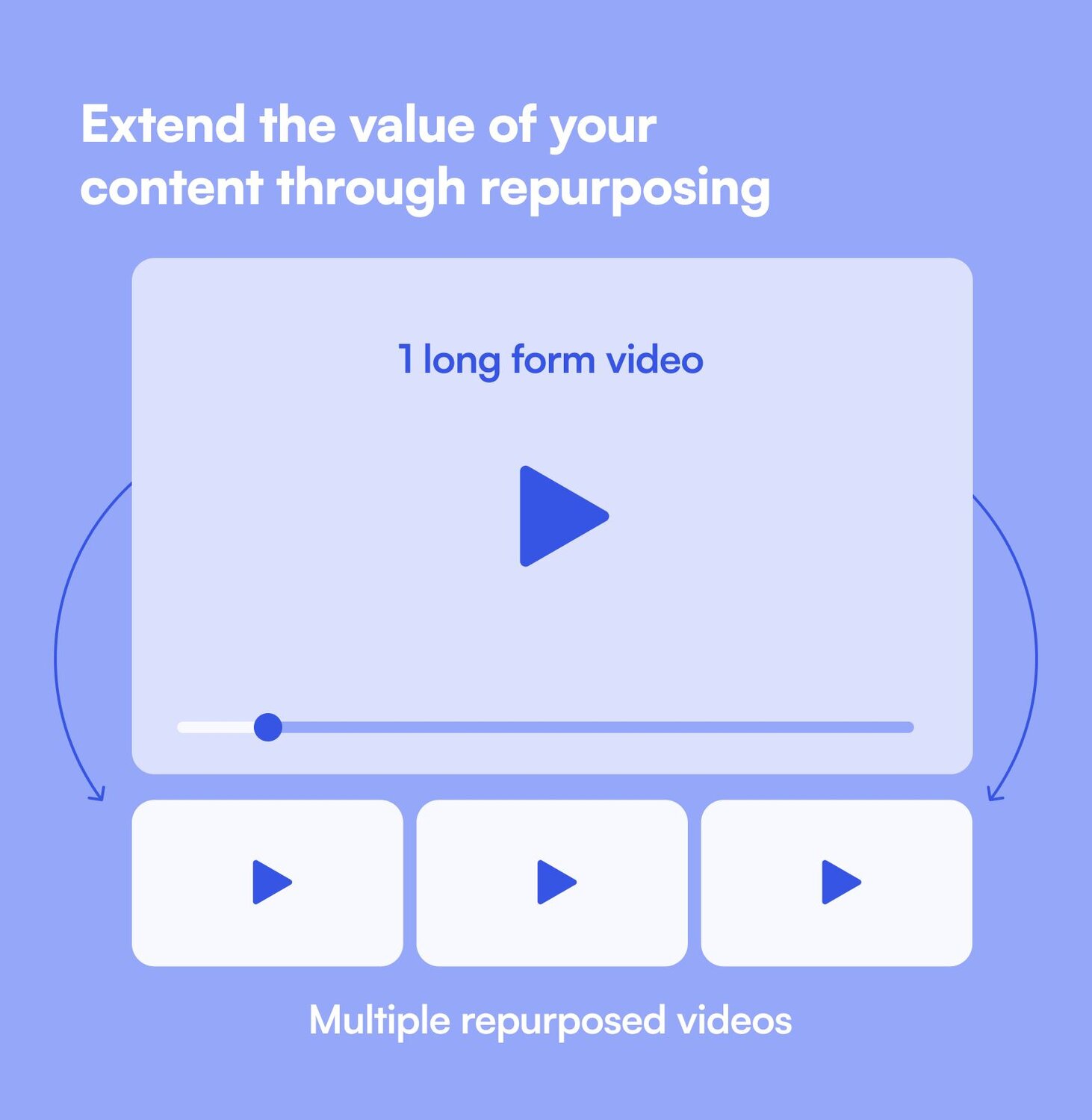
For example, maybe you have a video podcast that’s anywhere from 30 minutes to 1 hour long. You can take that and turn it into:
- Two 3-5 minute clips for shorts
- Five vertical soundbite clips for social
- Three “segments” that could serve as their own videos
This strategy enhances exposure and maximizes your content creation efforts, because not everyone is going to watch an hour-long podcast in its entirety. But they may watch 2-3 relevant and related clips during a lunch-break (especially after they get sucked in!)
## The results
From almost being penniless to having the #1 YouTube content strategy course in the world, 3 million subscribers, and a 7-figure online education company (which consists of 21 separate income streams and 30+ full-time employees)...
Sean himself is a YouTube success story.
He’s turned his life into an example that shows you that winning on YouTube as a small channel isn't about luck or going viral overnight.
It's about having a strategic approach, understanding your audience, and consistently creating valuable content. By following his 7R system and focusing on answering specific questions, you can build a YouTube channel that not only grows but also becomes a valuable asset for your business or personal brand.
Remember, every big YouTuber started as a brand-new channel with zero subscribers.
## Key takeaways
1. **Help your audience by ASQing**: Focus on Answering Specific Questions your audience is asking. This targeted approach can help you gain traction faster.
2. **Videos are evergreen assets**: Unlike social media posts that quickly disappear in the feed, YouTube videos can continue to gain views and generate income for years.
3. **Slow and steady wins the race**: Building a successful YouTube channel takes time, but consistency pays off. Remember, you're never too late to start.
**And if you’re looking for an all-in-one community platform that’s built for creators?**
You’re in the right place.
Circle brings together your members, discussions, events, courses, and content—all in one place, under your own brand. Plus, you get access to our customer community full of handy resources and over 10,000 community builders on the same journey as you.
[Start your free 14-day free trial today!](https://app.circle.so/communities/new)
---
## Customer stories
### How a branded app helped Agent on Tube Academy build trust and drive 10x ROI
*Agent on Tube*
Source: https://circle.so/customer-stories/agent-on-tube
Sabby Bagga, founder of Agent on Tube Academy, entered a crowded market where prospects were skeptical and overwhelmed by lookalike offers. By launching a branded community app with Circle, he gave members a place to connect, share wins, and prove his value before a single sales call. The result: stronger credibility, warmer leads, and $60,000 in new business within three months.
> "Being able to say ‘download our app’ completely changes the perception. Everybody has a website — but not everyone has an app. That instantly set us apart as a serious, professional business.
>
> — Sabby Bagga, Founder, Agent on Tube Academy
---
**Before**
## Turning YouTube expertise into a new business model
Sabby knows how to grow online audiences. He’s built multiple YouTube channels into the hundreds of thousands of subscribers. When he saw the demand from professionals eager to replicate that success, he realized the formula was simple: choose the right niche and package his expertise as a service.
He chose real estate, an industry where visibility directly translates into opportunity. His idea was to help agents use YouTube to build authority, grow a following, and generate warm leads. That’s how Agent on Tube Academy was born.
The business model was straightforward and effective. Sabby’s team managed editing, SEO, thumbnails, and posting, while clients focused on creating content. For real estate agents, the upside was clear — one strong video could generate thousands of local views and turn directly into leads and closed deals.
That potential ROI for his clients gave Sabby the confidence to charge premium prices. But the opportunity came with a challenge. The market was crowded, and agents were pitched daily by other editors and marketing companies making the same promises.
---
**Challenge**
## Winning credibility in a crowded market
Even with a proven track record, Sabby often found himself starting from behind, spending the first part of every conversation proving he and his team knew what they were doing. Prospects weren’t sure who to trust, or whether his offer was any different from the dozens of similar pitches they’d already received.
> "When you’re selling something online, people come in wary. They don’t know if you’re just another company making promises. That was the wall I was hitting."
Calls frequently began with hesitation, forcing Sabby’s team to spend valuable time proving their legitimacy, justifying pricing, and differentiating from competitors.
> "Before, I had to spend most of a sales call just proving we were credible. That’s a difficult place to start."
In such a crowded market, establishing trust and projecting professionalism wasn’t optional, it was essential.
---
**Solution**
## A community that builds trust, and an app that signals authority
###### To break through the noise, Sabby launched a community on Circle. It gave prospects a chance to see client wins, ask questions, and hear directly from other members before ever booking a call. That shift changed everything.
> "One prospect once asked, ‘This service costs $10K — has anyone seen real ROI?’ Before I could even answer, my clients jumped in with their stories. That prospect signed up the next day. It’s happened multiple times. My community does the selling for me."
But Agent on Tube Academy wasn’t the only business with a community. Competitors began building their own and Sabby needed another way to stand out.
That’s when he took the next step, launching his own branded app with Circle.
> "Having a community was powerful. But being able to say ‘download our app’ completely changes the perception. Everybody has a website — but not everyone has an app. That instantly set us apart as a serious, professional business."
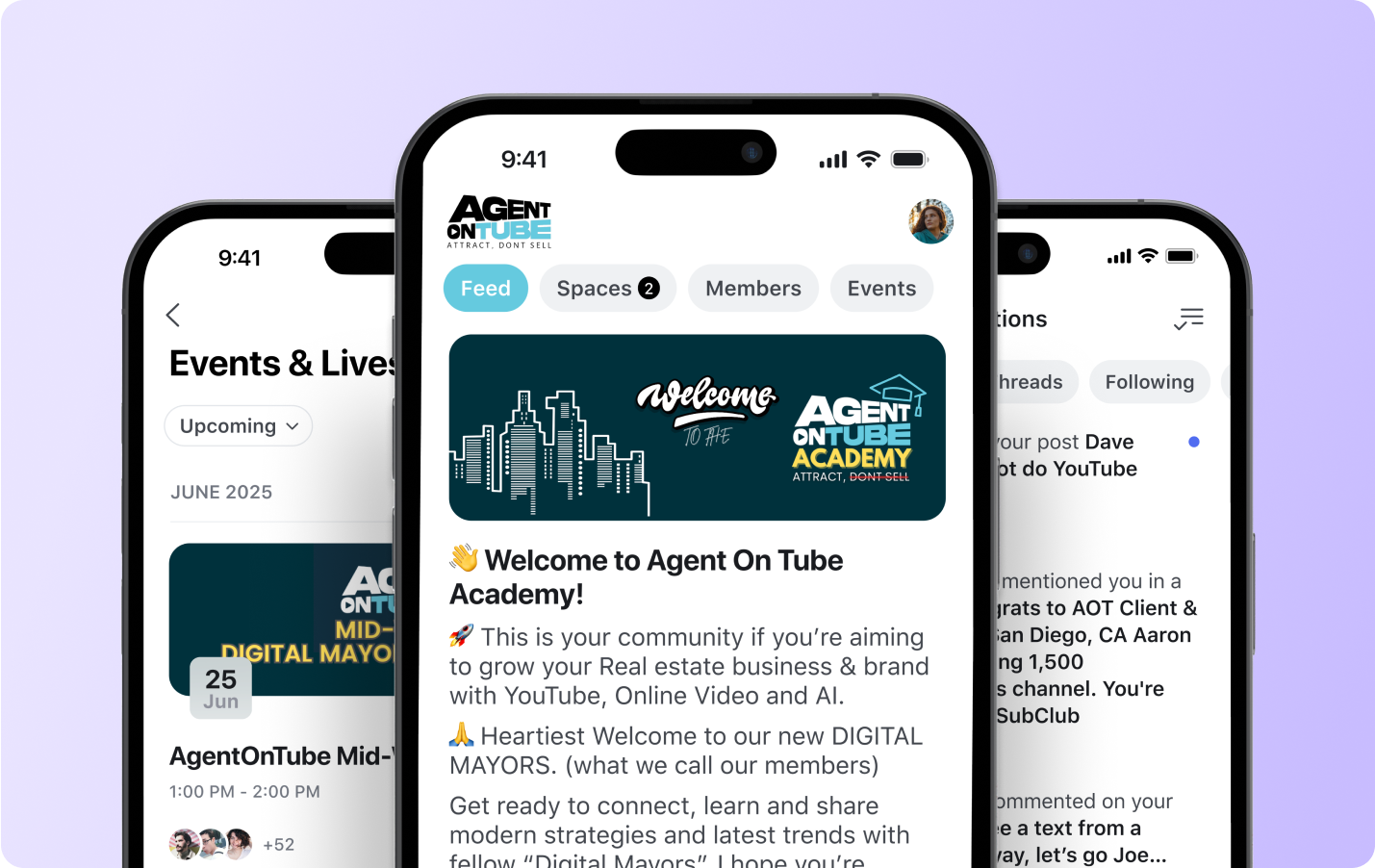
With Circle, Sabby didn’t need a developer or a complex build. He kept it simple and strategic:
- **Warm leads:** A short onboarding form asks new members if they’d like to learn about his one-on-one services. If they say yes, the system automatically books a call.
- **Social proof:** The branded app extended the credibility his community had already built. Without changing a thing, all the client win stories and peer conversations that proved his value on the web, now lived in a modern mobile app, putting his community directly in prospects’ pockets.
> "When someone joins, they fill out a form. If they say they want to learn about our services, we book a call automatically. That means they’re asking to meet with us, not us chasing them. It completely flips the dynamic."
---
**Transformation**
## From proving credibility to closing with confidence
In just three months, the branded app delivered results that were impossible to ignore:
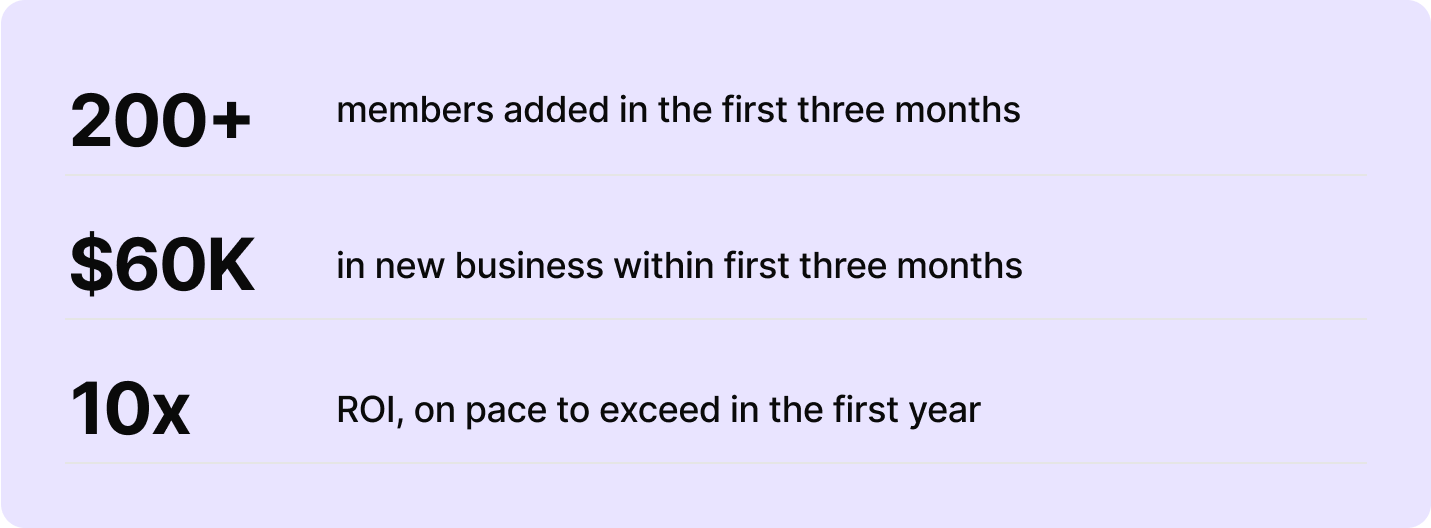
> "Our mobile app really puts me in my prospects’ pocket. With high-value clients, one deal alone covers the cost of the app for the year. It’s become essential to how we do business."
The app didn’t just generate revenue, it reshaped the way Sabby ran sales conversations. Instead of starting every call trying to prove his credibility, prospects now arrived already convinced. They had seen wins, peer testimonials, and real conversations inside the app.
> "Before, I had to spend half the call explaining why we were credible. Now, people come in excited and ready to talk. The difference is night and day."
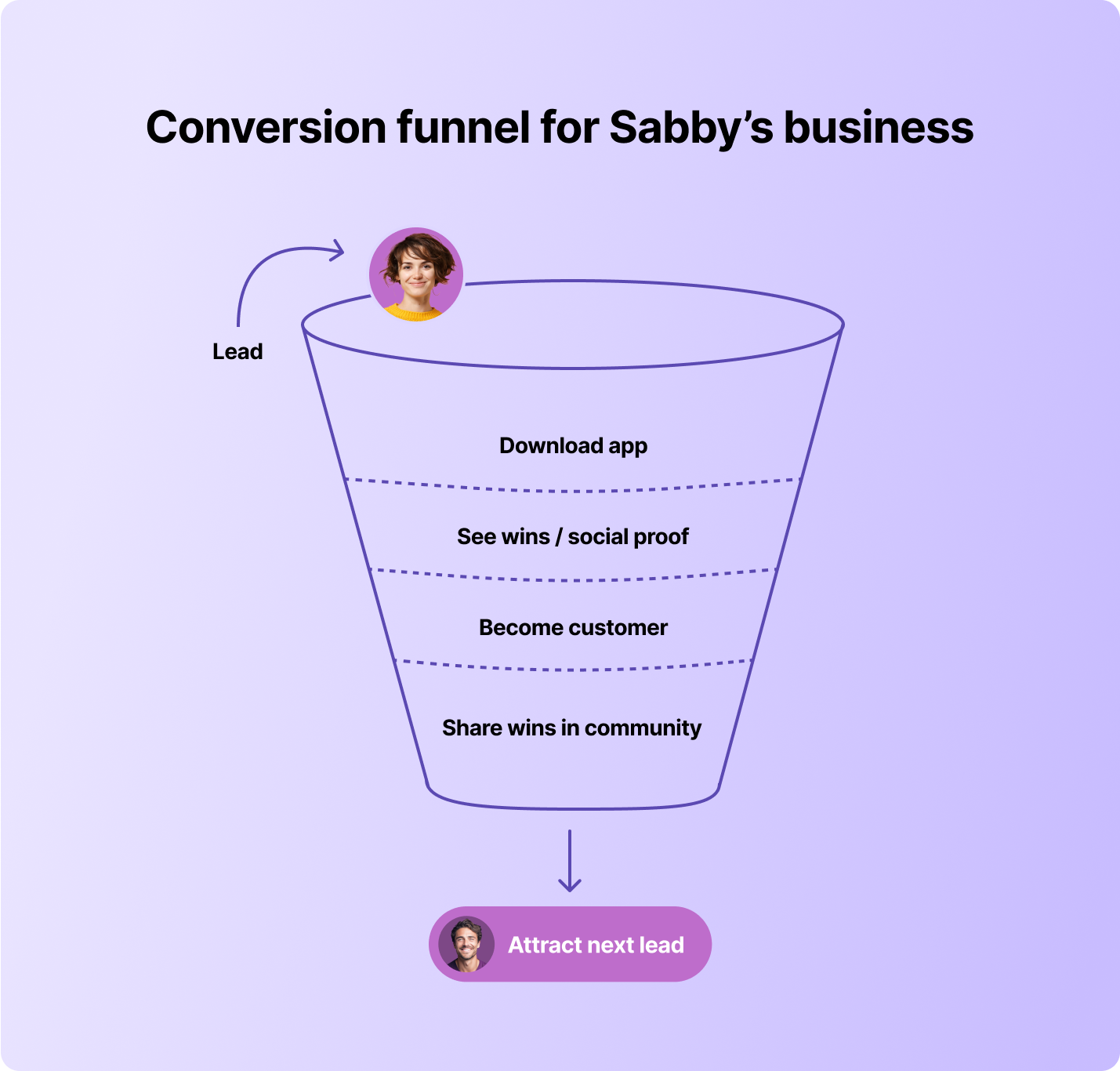
And perhaps the biggest shift? Sabby realized the community wasn’t just about his business — it was about his members.
> "At first, I built the community to help me close deals. But now I see members saying, ‘What a great community, I’m so glad to be here.’ That’s when it hit me: it’s not for me, it’s for them."
What began as a sales tool quickly became something bigger. Agent on Tube members rely on the community for advice, celebrate wins together, and stay motivated to grow their businesses. For prospects, it’s more persuasive than any pitch and offers instant credibility.
The branded app makes that value accessible anywhere, turning trust and engagement into a daily habit. It also signals to the market that Agent on Tube Academy is building something professional, lasting, and worth being part of.
For Sabby and his team, Circle’s branded community app has become central to how they win business and build lasting trust.
---
### Why Augment Business School chose Circle to deliver a premium, unified experience at scale
*Augment Business School*
Source: https://circle.so/customer-stories/augment-business-school
Ariel Renous and Roy Wellner built Augment, "The MBA for Entrepreneurs" — taught by founders from YouTube, Wikipedia, Shazam, and Waze. After consolidating from disjointed platforms onto Circle, they transformed Augment into a globally recognized business school with a branded app, engaged community, and explosive revenue growth.
> "Over the past three weeks, we've done more revenue than in all of 2024. This third year is when the machine really took off."
---
**Before**
## Building a world-class MBA with celebrity instructors
Ariel Renous is the co-founder and CEO of Augment Business School, "The MBA for Entrepreneurs." The Augment MBA program lets students learn business fundamentals from the founders who built the companies, not academics who studied them.
When Ariel and his co-founder, Roy, attended business school in Paris, they were disappointed. "How can we rethink and rebuild business education from the ground up?" Ariel recalls asking. "We wanted something super practical, super flexible, online, and centered around the experience of those who have actually done it."
They raised $2 million on a PowerPoint to make it happen. "That gave us the ability to film super high-quality courses and attract top celebrity speakers," Ariel explains. "We could fly them to Paris and do full production sessions here in France." They landed founders of YouTube, Shazam, Wikipedia, and Waze, plus executives from Meta, OpenAI, and Amazon.
> "We invest millions in production and content costs. It's very important for us that the content is just the best it can be."
For two years, Augment hosted courses on Thinkific with their community on Circle. The flexible, self-paced model let students learn anywhere, anytime, on any device — but the split platform setup was far from seamless. Ariel knew they needed everything under one roof.
Augment Business School
---
**Challenge**
## A disconnected experience undermining a premium brand
As Augment scaled, the split between Thinkific and Circle created friction. Students toggled between platforms — one for courses, another for community. "We wanted to have the courses and community all in one place," Ariel says.
> "We were scaling faster than our previous platform. Our content was world-class, but the experience wasn't."
For experienced entrepreneurs and professionals with high expectations, every detail mattered. Augment was positioning itself as the alternative to traditional MBA programs, but a fragmented tech stack undermined that promise. The mobile experience was equally problematic — the Thinkific app "was just not working well," making it difficult for busy professionals to learn on the go.
They couldn't deliver the cohesive experience their students demanded.
---
**Solution**
## Bringing courses, community, and mobile together on Circle
In early 2025, Ariel consolidated everything onto Circle. He'd been watching the product roadmap closely. "I was waiting for the LMS functionalities to reach the level of quality they're at today," he says. When Circle could deliver robust [course hosting](https://circle.so/courses), community features, and a high-quality [branded mobile app](https://circle.so/plus), he knew it was time.
> "We care a lot about the details. That's why we chose Circle — the look and feel is elevated and matches the quality and premiumness we want for the Augment brand."
Using Circle's [customization](https://circle.so/customization) capabilities, they made their community look exactly like their brand. They launched a fully branded iOS and Android app, set up [spaces](https://circle.so/discussions) for study groups and co-founder matching, and leaned heavily on [workflows](https://circle.so/workflows) to automate the student experience — from onboarding and segmentation to engagement at scale. For example, automated DMs welcome new students and direct them to WhatsApp groups by geography. "Doing that manually at this scale would be virtually impossible," Ariel explains.
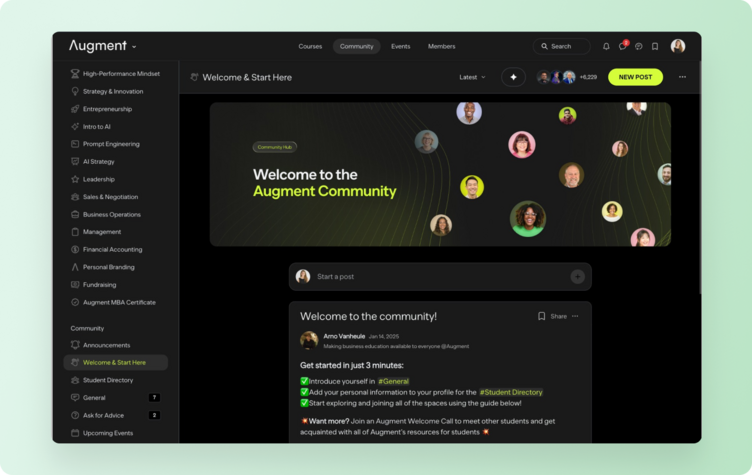
---
**Transformation**
## A learning experience that feels like a real institution
The results were immediate. Four months after migrating, Augment doubled its student base from 3,000 to 6,000 students. The revenue growth is even more striking.
> "Over the past three weeks, we've done more revenue than in all of 2024."
Ariel attributes the acceleration to marketing execution, but unifying everything on Circle removed friction across the student journey. Students now watch courses during their commute, jump into discussions, and manage everything from an integrated ecosystem.
> "Circle gave us the platform, and the app created the habit loop. Students dip in, ask questions, watch videos, and come back—it's really the app that made the difference."
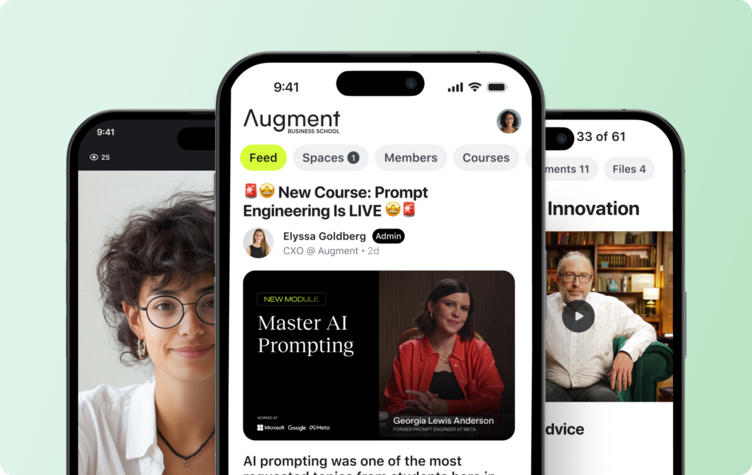
The community has reached critical mass with a 61% monthly active user rate. Today, 27% of Augment's active members use the branded app — strong signals that students want education in their pocket.[](https://circle.so/workflows)
"Hosting our courses on Circle makes it feel like a real institution," Ariel says — crucial when Augment Business School is compared to traditional MBA programs.
"It took us about two years to reach the level where students were getting extremely high value from the community," Ariel reflects. Students are meeting in person — with spaces like "Find Students Near You" and "Find a Co-Founder" helping to facilitate connections. "When you see people meeting in person in the real world, that's when you realize how powerful this is," Ariel says.
Augment plans to keep producing one course per month, building the world's largest collection of business education from real founders.
---
### How Breakthrough Facilitation pivoted from in-person to virtual training—and scaled—on Circle
*Breakthrough Facilitation*
Source: https://circle.so/customer-stories/breakthrough-facilitation
Gwyn Wansbrough is an expert facilitator, trainer, and learning experience designer. She teaches a facilitation course called [Breakthrough Facilitation](https://breakthrough-facilitation.com) and writes about virtual facilitation and learning in her newsletter, [The Quest](https://www.gwynwansbrough.com/newsletter/).
***
**The challenge**
## Pivoting from in-person to virtual training overnight
In March 2020, Gwyn Wansbrough had just stepped down from her role as director at a facilitation training organization. She'd spent over a decade working in in-person facilitation, and was just beginning to plan out the next phase of her career as an entrepreneur when the pandemic hit. Suddenly, the "in-person" component of in-person facilitation training was no longer a viable option. Gwyn would have to pivot.
Delivering her facilitation trainings online seemed like the best option, but Gwyn was skeptical. She believed the only way to create meaningful group experiences was to do it face-to-face.
> I was convinced for a very long time that you could not do the kind of meaningful work that you did in-person online. And then the pandemic hit and everything changed. And I remember leading my first online experiences completely skeptical, thinking that this was not going to work.
Gwyn wasn't the only one who was skeptical. This was at the height of Zoom fatigue becoming an all-too-real problem, when the words tedious, draining, and uninspiring were more accurate descriptions of the virtual sessions most of us were attending. But as Gwyn began to tepidly test the waters—adapting her in-person facilitation skills to the online realm—she was surprised to find that feedback from her virtual sessions was overwhelmingly positive. Attendees told Gwyn that they left her sessions feeling energized, connected, and inspired. And so she was faced with her next challenge: How could she deliver these virtual experiences at scale and enable real transformation for her people?
***
**The solution**
## All-in-one community platform designed to host cohort experiences
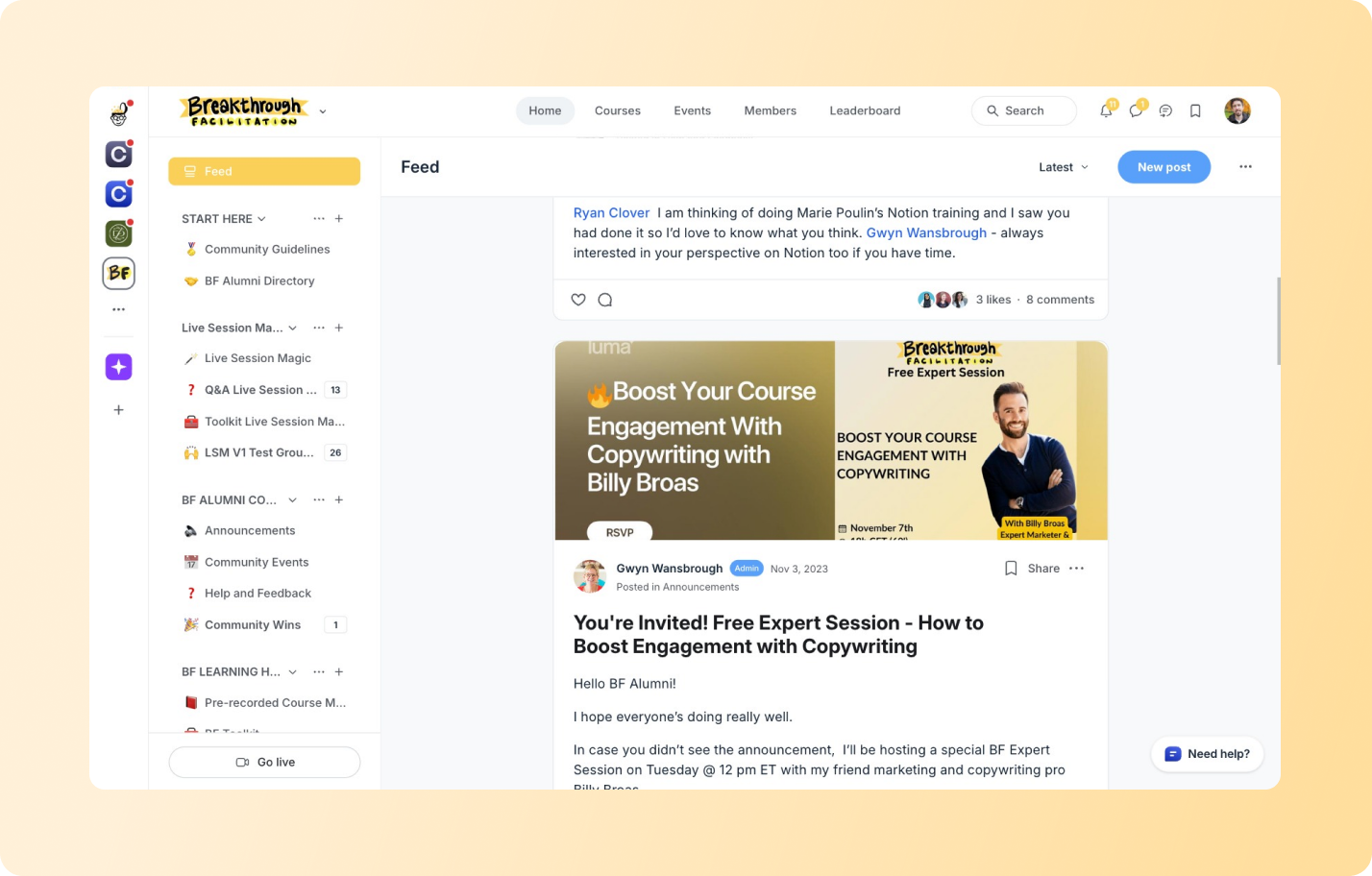
Gwyn saw a gap that she was uniquely qualified to fill: If she could teach the individuals hosting these online sessions how to level up their facilitation skills, perhaps attendees wouldn't feel so fatigued. Maybe they'd even feel—as attendees of Gwyn's sessions did—energized, connected, and inspired.
> I decided to pivot all of my work from in-person to online, using Circle. It's an amazing tool, and very user-friendly. Wherever you are in your technical abilities, you'll find Circle very accessible.
To address this gap, Gwyn started to create her first online course: **Breakthrough Facilitation**. Breakthrough Facilitation wasn't just a series of pre-recorded video lessons. It was designed around the idea that if Gwyn was going to help students improve their facilitation skills, simply sending them pre-recorded course videos wouldn't be enough. She would need to bring students through the course in a live cohort, so that she could model virtual facilitation skills in real time and give her students opportunities to put their own facilitation skills to the test.
Needing somewhere to host this experience and community, she turned to Circle, which allows her to center everything in one place. Gwyn uses the Breakthrough Facilitation community to onboard new cohorts, host her course content, share recordings of the live sessions and other resources, and give students a place to connect, ask questions, and share feedback with one another. She also finds the product to be highly intuitive, and says that, "Circle is an amazing tool. It's very user-friendly. Wherever you are in your technical abilities, I find Circle \[to be] very accessible."
Students consistently rave about the cohort experience and the connections they've been able to build with fellow students. One Breakthrough Facilitation member shared that her favorite part of the course was when each student was tasked with designing and hosting a demo session for the rest of the group: "I loved getting inspired by everyone else's sessions and getting feedback."
Today, Gwyn has helped over 1,350+ students on and outside Circle level up their facilitation skills through the Breakthrough Facilitation community—from corporate trainers to university professors, teachers, community leaders, course creators, and more.
---
### How Website Builder helped The eLearning Designer’s Academy simplify its stack and scale on Circle
*The eLearning Designer’s Academy*
Source: https://circle.so/customer-stories/elearning-designer-academy
After launching a community on a whim in 2020, The eLearning Designer's Academy has grown into a thriving 11,000-member platform—all powered by Circle. Now, founder Tim Slade is using Website Builder to simplify his stack even further, accelerate growth, and bring his brand under one roof.
> “Usually, simplifying things for me meant sacrificing the user experience—or vice versa. With Circle, I finally don't have to choose.“
***
**Before**
## From side project to scalable business
What started as a single online course quickly became something bigger. In 2020, Tim Slade—an instructional designer with nearly two decades of experience—launched The eLearning Designer's Academy to help others sharpen their skills and build their careers.
> “I didn't even plan to start a community,” Tim admits. “I was launching a course and thought it'd be nice to give people a place to connect.“
But it took off. Five years later, his Circle-powered community has evolved into a thriving academy with 11,000+ members, cohort-based programs, private workshops, and a vibrant, connected learning experience.
***
**Challenge**
## More growth, more tools, more problems
As Tim's community grew, so did the complexity behind the scenes.
He was juggling:
* Thinkific for **courses**
* Slack for **community**
* Zoom for **events**
* Webflow for his **website**
Everything felt stitched together—which made it harder to deliver a seamless member experience and even harder to manage day to day.
***
**Why Circle**
One platform for a seamless member experience
Moving to Circle was a turning point.
> “Circle wasn't just a place to host conversations,“ Tim says. “It became the foundation of everything I do.“
With Circle, members can enroll in courses, join live workshops, access gated content, and participate in discussions—all in one place. What started as a course add-on is now a cohesive, community-powered ecosystem.
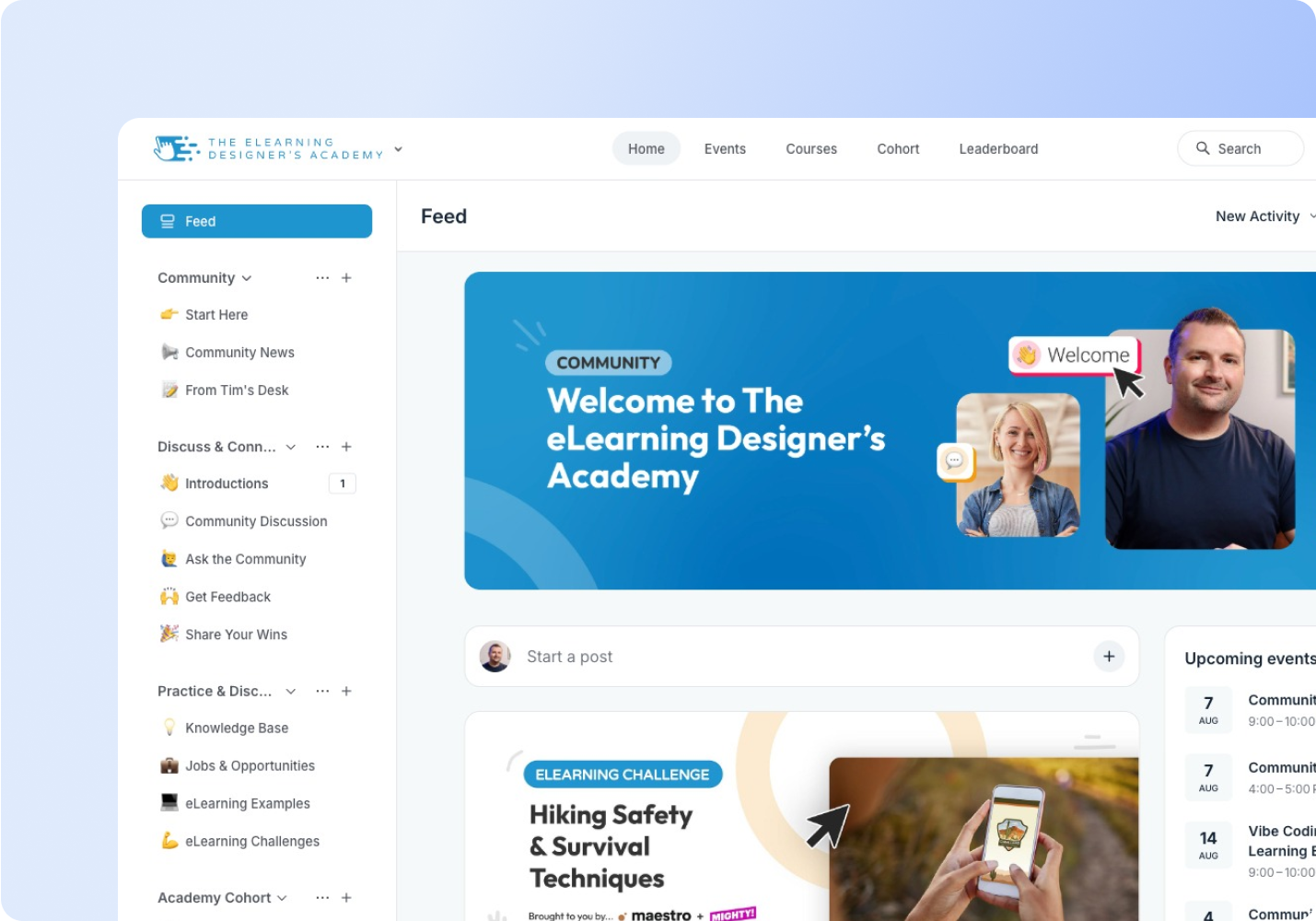
***
**Website Builder**
## How Tim rebuilt his site in days with Website Builder
When Tim heard Circle was launching [Website Builder](/website-builder), he jumped at the chance to join the beta. Most of his business already ran on Circle—but his Webflow site, while polished, still felt disconnected from the seamless experience he wanted to offer.
> “If I wanted a new landing page, I had to loop in a contractor," Tim says. "It might take weeks, and it never felt fully integrated with my community.“
That all changed with Circle's Website Builder.
Within days of early access, Tim rebuilt 75% of his site—no developers, no designers, just him.
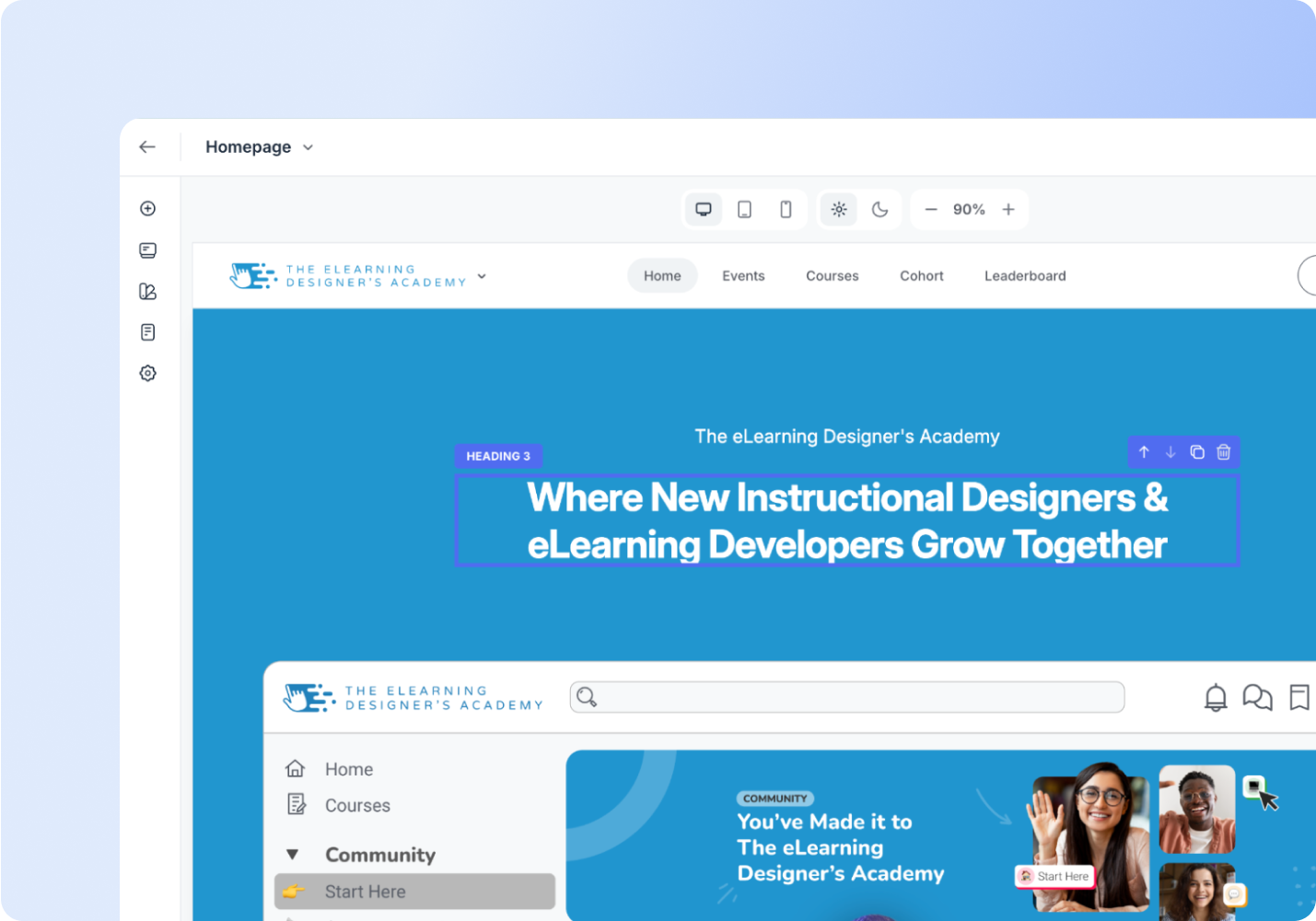
He no longer needs outside help or waits to ship updates. He can move fast, save thousands, and trust that every page connects seamlessly with his community.
Now he launches pages in real-time—course sales, workshop hubs, and sponsorships—without juggling tools or breaking the experience.
> “It's so much faster. I can experiment. I can launch things on my own—and everything feels consistent because it's all inside Circle.“
Tim has always looked for ways to simplify his business, but in the past, that usually came at the cost of user experience. Not this time.
> “This is the first time I can simplify my work and improve the experience for members.“
And he's not done. With forms and a few more customizations on the way, Tim plans to move fully off Webflow—and bring his entire front-end into Circle.
***
**Transformation**
## Fully on Circle
Five years in, The eLearning Designer's Academy is more than just a course. It's a thriving business—powered by community, content, and connection.
And Tim is all in.
His next move? Consolidating even more of his stack into Circle—including email—so every part of the member journey lives in one place.
What keeps him here isn't just the product. It's the pace—and the partnership.
> “I've sent in over ten pieces of feedback, and I've already seen most of them come to life in the product. That never happens anywhere else.“
Tim knows what it's like to be stuck on platforms where feature requests sit untouched for years. With Circle, he sees momentum. He sees care. And he sees a roadmap aligned with where he's going.
Circle isn't just helping him simplify—it's helping him scale.
---
### How English Like A Native creates a highly engaging, immersive learning environment with Circle
*English Like A Native*
Source: https://circle.so/customer-stories/english-like-a-native
Anna is an online educator and entrepreneur who runs not one, not two, but five successful YouTube channels. In 2021, she launched a course community on Circle called English Like A Native, which brings together English language students from all over the world to learn, share, and support one another.
***
## **The challenge**Finding the right platform to create an immersive learning experience
Before launching her community on Circle, Anna was already a prolific content creator with a combined audience of over 1.1 million people from her YouTube and social media channels. In the summer of 2021, she decided to add online courses to her offerings, but the last thing she wanted to do was create static course content. She wanted a lively place where people could come to learn but also connect in meaningful ways.
On top of being a busy entrepreneur and social media whiz, Anna is also a mum. As much as she'd love to engage with every student individually, it's impossible—especially at scale. So as she began to research her options, she knew she needed to find a platform that would help her integrate courses and community, build out her business, and create the best student experience possible.
> I was convinced for a very long time that you could not do the kind of meaningful work that you did in-person online. And then the pandemic hit and everything changed. And I remember leading my first online experiences completely skeptical, thinking that this was not going to work.`
***
**The solution**
## Integrating courses and community on Circle's all-in-one platform
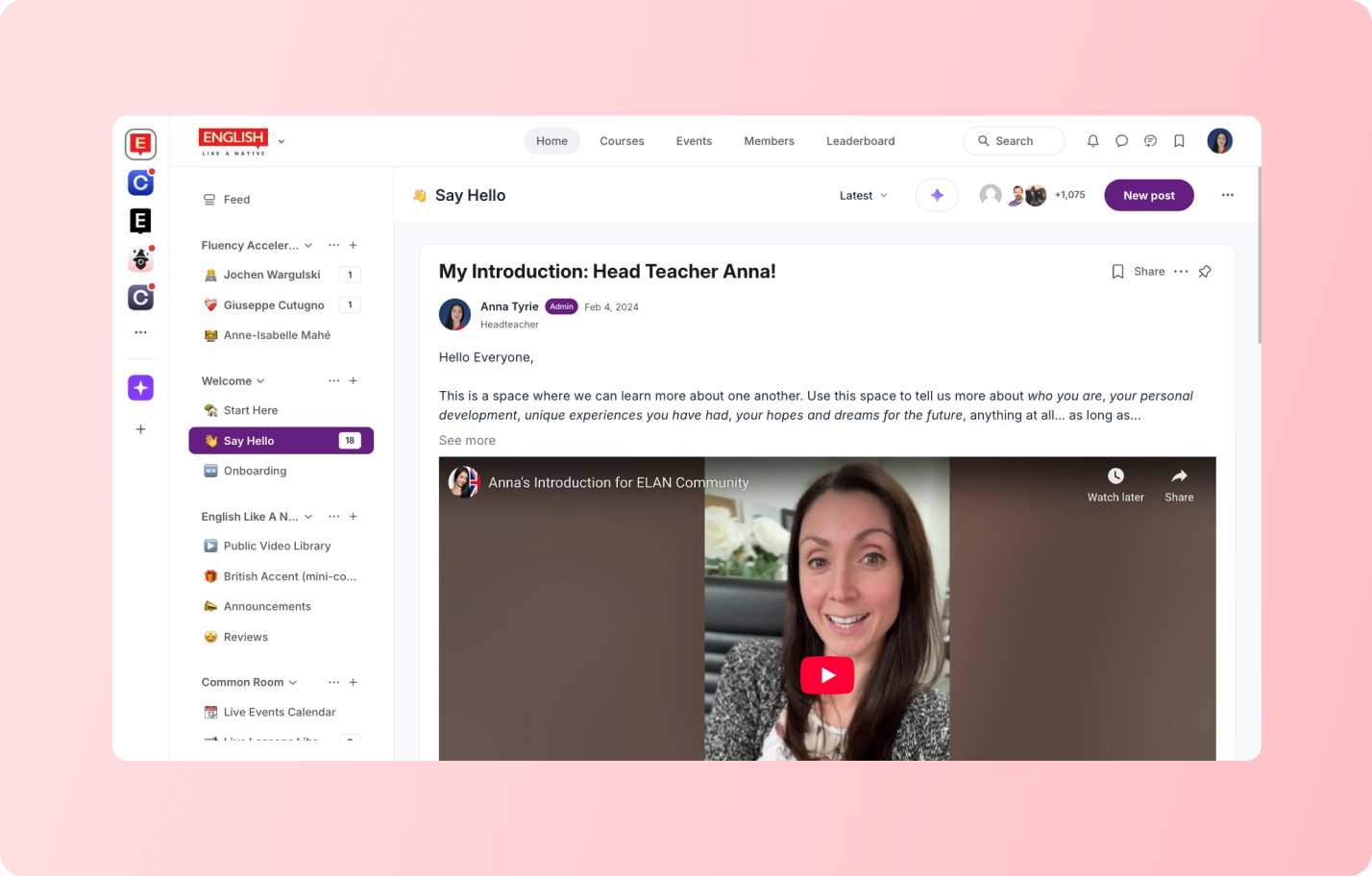
When Anna came across Circle, she knew she had found just the right place to bring the learning experience to life that she had been imagining all along.
> Building a course on a website is so laborious, it's so slow and it just takes an awful lot of time. On Circle, it's so quick to throw things together and it looks good. All the elements are there, so it's been a really great find for me and my community and what we're trying to achieve with learning.
To give you an idea of how Anna combines courses and community on Circle, let's take a look at how her setup works.
When someone purchases one of her courses, they are automatically onboarded into the community. Using Circle's flexible space types, she creates dedicated spaces for each course and language level, not to mention a variety of other learning activities that go on in her community. Then, to make it even easier to get around, she embeds links throughout the course and website that are connected to the exact spaces they need to access in the community.
Next up, she uses Circle's powerful customization and engagement features to create the best learning experience possible for her students. Here's how she goes about it:
### 1. A welcome experience that sets her students up for success
When Anna began to build her Circle community, she kept two key considerations in mind: using new platforms could be confusing for some, and some students need a little bit more handholding than others, which is perfectly fine. Her goal was to make sure that everybody felt both welcome and confident the second they landed in English Like A Native.
To achieve that, she created a Welcome space with a comprehensive video walk-through to show everyone exactly where to go and what to do. Then she put together a 'what to do first' checklist to give them structured guidance and motivate them to complete the onboarding process. She also added a space with a green room where people can jump in whenever they want, and created dedicated spaces for real-time chat.
### 2. Fun, searchable content students love to engage with
One of the things Anna appreciates most about Circle is that you can make your posts so interesting. She and her team use lots of gifs, videos, and pictures to make their posts as engaging as possible for students. They also include lesson notes, audio, and anything else that will help make learning material fun to read and even easier to absorb.
On a side note, Anna has a truly global audience. That means they can't always make it when she's streaming live. So, she saves all her videos in her Video Library so people can catch up on classes or events during a time that's convenient for them. Paying members also get access to her Knowledge Base, full of additional learning materials for students and answers to some of the most popular questions they receive.
Another Circle feature Anna finds useful is the handy search function. It's especially helpful in a course community because it helps students find exactly the right educational materials when they need them.
> What is brilliant is the fact that we can search for anything that we're looking for. So if someone is looking for past tense, or present perfect, or something specific, they can type it and find exactly where that post is and where that information is covered. And that's why I find this so useful, as opposed to just using a Facebook Group or something, is that ability to organize and display information in a way that's useful for the students.
### 3. Live events that foster both learning and meaningful connections
Creating the Conversation Club space was a game-changer for Anna. It started off as an informal way to enable students to chat and practice their language skills, but quickly turned into something bigger, with a fully programmed schedule.
It also acts as a great entry point into the community, leading to easy upsells and cross-sells. Anna elaborates, "bringing the Conversation Club in has been the best thing I've done: it brings them into the community to check the schedule, and then they see all the other things on offer."
If that weren't enough, people are also making real-life friends because of the Conversation Club. Anna and her team realized that people were meeting up in person because of their interactions in the community, specifically the Conversation Club, which is a wonderful bonus to their learning experience.
### 4. A continuous feedback loop that just keeps delivering value
Anna's a perfectionist. And like any textbook perfectionist, she's always looking for ways to improve her course community and create even more value for her students. It's the close contact with her Circle community that allows her to do just that, as she's able to get tons of customer feedback from posts, real-time chat, and 1-1 messages.
In her words, "that constant request for feedback has served us so well, because some of the best introductions we've had have been from students."
Though when it comes to answering language-specific questions, she has another way of handling them. When someone asks that kind of question by DM, she'll ask them to post in the Post a Question space, or she'll post it there herself and answer it. Why? Because it opens up all that value to the whole community, rather than keeping it isolated in a private conversation.
### 5. Providing educational support that scales
Right from the start, scalability was something incredibly important to Anna. She was determined to create a warm, personalized learning environment, but didn't want to burn out to do it. And with the support of Circle and her team, she's managed to do just that, and only spends 1-2 hours a day in the community herself.
First things first, the ability to have moderators and admins helps Anna scale her team and impact. To give you an idea, there's a task in every lesson that requires students to post their work and invite peer-to-peer review. Anna found that students weren't feeling confident enough to correct each other's work, so she requested that a few of her teachers comment with corrections to encourage students to do the same.
Another way that she scales her impact is through the use of tags and mentions. If she's feeling a little bit overwhelmed and someone posts a question she won't be able to get to, she enlists the help of her most active community members by tagging them and asking for their thoughts. That way she's present, students still feel seen, but Anna can get support in answering questions instead of trying to do everything herself.
And lastly, she awards those active students with a medal badge, so that they feel recognized and appreciated for their contributions to the community. After all, one of Anna's top tips for future community managers is to treasure your customers, *especially* your most engaged community members. She emphasizes that community builders shouldn't be afraid to ask them for feedback, and to avoid overcomplicating things, especially when starting out.
> As much as I wish I could, I can't be there personally for every individual student. So I needed something scalable, but I didn't want the idea of simply having an online course that was just videos: I wanted more touch points. And that's where my Circle community came in: I managed to find a way to integrate an engaged community with my courses.
She wraps up by saying, "when you really understand who your audience is, how they tick, and what they want, then you can create products that appeal to a mass market." And that's exactly what Anna continues to do: growing, improving, and providing tons of value and learning fun to her audience.
---
### How Exit Five built a thriving global marketing community on Circle
*Exit FIve*
Source: https://circle.so/customer-stories/exit-five
When Dave Gerhardt (2x CMO) launched Exit Five, what started as a small Patreon years ago turned into a thriving global community of B2B marketers today. Moving to Circle gave him the brand control, structure, and scalability to transform a side project into a profitable membership business with thousands of marketers and a growing team.
> "Circle made us look and feel like a real company. It was the first big step in our evolution, and it helped turned my side project into a real business."— Dave Gerhardt, Founder, Exit Five
***
**Before**
## Turning a following into a community
Dave Gerhardt had already built a name for himself in marketing. As the former CMO of Drift and Privy, and the author of Founder Brand, he had a loyal audience who followed him for his sharp takes on B2B marketing.
That audience became the foundation for Exit Five, originally a Patreon page where fans could get behind-the-scenes content, private Q\&As, and job discussions. Before long, Dave added a private Facebook group to give members a place to connect directly with one another.
The conversations took off. Marketers were swapping career advice, work samples, and referrals daily. Engagement was high — but it quickly became clear the setup couldn’t scale.
> "I added a private Facebook group to the Patreon membership,” Dave recalls. “That was the first big moment this thing felt different. People didn’t just want to read my posts — they wanted to talk to each other."
What started as a side project was becoming something much bigger — but the patchwork of Patreon, Facebook, and email made managing it all nearly impossible.
***
**Challenge**
## A fragmented experience holding back growth
By 2021, Exit Five had passed 2,000 members, but the cracks were showing. Patreon handled payments. Facebook hosted discussions. Email lived elsewhere. Member records, analytics, and content were scattered across systems that didn’t talk to each other.
There was no single place that felt like Exit Five. No control over data. No consistent brand experience. And no path to build the professional network Dave knew the community was becoming.
The payment workflow created its own problems. Patreon subscribers had to jump between tools, and Dave had no way to migrate credit cards or automate access. When he eventually made the switch, more than half of his Patreon members didn’t migrate over — a painful but necessary reset.
He describes it as short-term loss for long-term stability: moving off Patreon and Facebook meant finally owning the relationship with his members and building something under his own brand, not rented channels.
> "If I wanted this to be a real company, I had to take the short-term hit and move it,” Dave says. “We couldn’t have built what we have today if we stayed where we were."
Exit Five didn’t just need a different tool. It needed a platform that could support a brand — something cohesive, scalable, and aligned with the next phase of the business.
***
**Solution**
## Building a true membership business on Circle
In 2022, Dave moved Exit Five onto Circle. With support from Circle’s migration team and an implementation partner, he transitioned members, payments, and content into a single branded experience. The move consolidated what had previously lived across Patreon, Facebook, and email, giving Exit Five one home for payments, conversations, content, and events.
> "At the time, I was a solo business,” Dave says. “Circle helped me through the migration and coached me every step of the way."
Once the community was live, Exit Five evolved quickly. The biggest unlock came with the launch of its branded mobile app, which shifted the community from a collection of tools to a fully formed product. Members could now access everything from their phones, receive push notifications, and engage in the moments between meetings and commutes.
The branded app became a daily touchpoint. More than 25% of members now use the Exit Five iOS or Android app, driving deeper engagement and stronger long-term retention.
> "It’s like having LinkedIn on my phone, but more useful. I can look someone up, message them, join something quickly. A lot of people use it like that—even if they never post."
The app also elevated the Exit Five brand. Members weren’t joining a Facebook group; they were downloading a professional, standalone app that reinforced the credibility of the community and made it easier for sponsors and partners to take the brand seriously.
> "On Facebook you’re scrolling past political stuff and nonsense. In the Exit Five app, you’re in marketing mode. It feels legit. It feels custom."
###### With stronger infrastructure in place, the team expanded what Exit Five could offer:
* Subgroups for specific industries and interests, including Marketing Ops and Exit Five Health Club
* Geo-based chapters in cities like Boston, Dallas, Toronto, and Sydney
* Direct messaging and custom profiles to support networking, referrals, and peer-to-peer collaboration
The result was a membership experience that felt cohesive, premium, and built for scale—exactly what the next phase of Exit Five demanded.
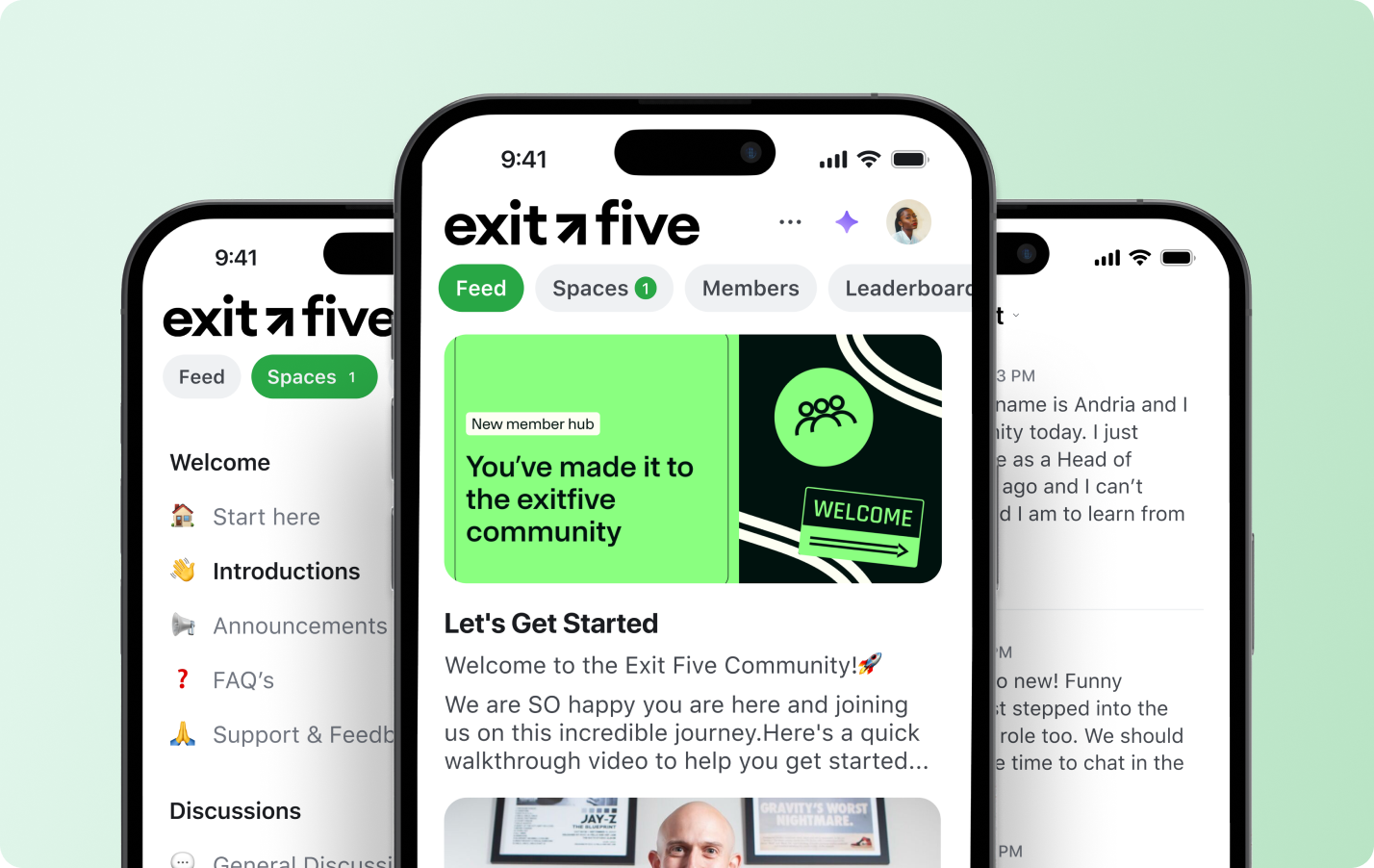
The team also restructured its pricing model. Exit Five moved to annual membership plans, introduced new premium tiers, and began hosting private workshops and events — all integrated through Circle’s paywalls and automations.
> "Circle gives us the best of both worlds,” Dave says. “We get the content and community tools Facebook or Slack never had, and now our paywalls and member access all run in the same place."
***
**Transformation**
## Turning connection into a real business
What began as a small online group has grown into a full-fledged media and membership company with a content team, sponsors, and a global footprint. Exit Five is now a trusted resource for marketers at every stage of their careers.
The community has expanded far beyond digital discussion. Members organize meetups around the world, with more than **30 in-person events happening this year alone.** These moments—introductions, job leads, collaborations—have become core to the Exit Five experience.
> "It’s not about likes or hot takes,” Dave says. “It’s about meeting people, getting unstuck, finding jobs, and connecting locally."
That impact shows up in real stories. One member moved to Salt Lake City and found a local group within days. Others have landed new roles or met future colleagues through Exit Five chapters. The network has become a place where “work friends” form, even for people who’ve never met before.
> "Work friends matter,” Dave says. “You get answers from real humans, not AI. That’s the value of community today."

The move to Circle allowed Exit Five to scale this kind of impact while staying lean and independent. With one platform powering memberships, content, and events, the team could focus on value and growth instead of managing tools. What started as a one-person project now operates as a cohesive global brand.
And Dave’s vision is still expanding. He sees Exit Five not just as a community, but as a blueprint for how modern businesses can be built around people and shared expertise—supported by platforms designed for ownership and scale.
> "Exit Five should be the number one brand for people who work in marketing,” he says. “Circle made it possible for one person with an idea to build a real business around community. That’s the future."
Exit Five’s story shows that when creators own their platform, community doesn’t just drive engagement. It becomes the foundation of an enduring business.
---
### How Fifty410 built a safer, stickier patient community on Circle
*Fifty410*
Source: https://circle.so/customer-stories/fifty410
Fifty410, a telehealth GLP-1 weight loss clinic, outgrew Facebook and faced constant moderation risk. With the introduction of their own branded app powered by Circle, they migrated a thriving 40K+ member community into a safer, more organized hub—complete with app-exclusive offers, on-demand video education, and a stronger sense of belonging.
> “Community is everything in wellness. Belonging, encouragement, and shared progress—that’s what keeps people going.”— Dera Corliss, Customer Engagement Manager, Fifty410
***
**Before**
## A growing community without a home
When Fifty410 launched as a telehealth GLP-1 weight loss clinic, connection was always part of the care model. Patients across the U.S. were beginning deeply personal health journeys and needed a place to share wins, ask questions, and find encouragement.
Founders **Alexandria and Arsenio Aaron** created a private Facebook group to help patients connect. It quickly became the heart of the business—an online support system that reinforced the medical care happening behind the scenes.
By the time **Dera Corliss**, Customer Engagement Manager, stepped in to oversee the community, it was already thriving—and growing faster than the team could keep up.
> “When I took over the Facebook group, it was already taking off. There were about 2,000 members and every week more patients were joining. Within a couple months, it grew to over 25,000.”
But as the community expanded, Facebook’s limitations became impossible to ignore.
***
**Challenge**
## Outgrowing Facebook and losing control
In the GLP-1 space, compliance and moderation are serious business. On Facebook, the team was constantly battling keyword restrictions, post takedowns, and the looming risk of losing their entire community overnight.
> “We were getting flagged just for mentioning the medications our patients were prescribed. For nearly a year, it felt like we could lose the group at any moment.”
Beyond compliance, the feed format made it impossible to deliver the personalized experience their patients needed. New prospects mixed with long-time members, conversations overlapped, and essential updates were quickly buried.
> “Everyone was at a different stage of their journey, but they were all seeing the same posts. We needed a space that could meet people where they were.”
The team realized they needed something built for ownership and safety—a platform where they could protect patient privacy and design a more intentional experience.
> “We wanted a place where patients could share openly without worrying about being censored or exposed. That’s when Arsenio found Circle, and we signed a contract the same day.”
***
**Solution**
## Building an owned platform to grow with them
As Facebook tightened restrictions, Fifty410 made a decisive move. Within weeks, they built and launched a fully [branded mobile app](/plus) on Circle—just as their old group was beginning to be taken offline.
> “We didn’t plan to move that quickly, but once Facebook started removing posts, we had to. Thankfully, everything with Circle moved smoothly, and our branded app was ready right when we needed it.”
Members followed almost immediately. Thousands downloaded the app within days, drawn by the familiarity of mobile access but the newfound privacy and organization of a dedicated platform.
> “We gave members sneak peeks and updates so they knew change was coming. When the app went live, the excitement was huge—people joined right away.”
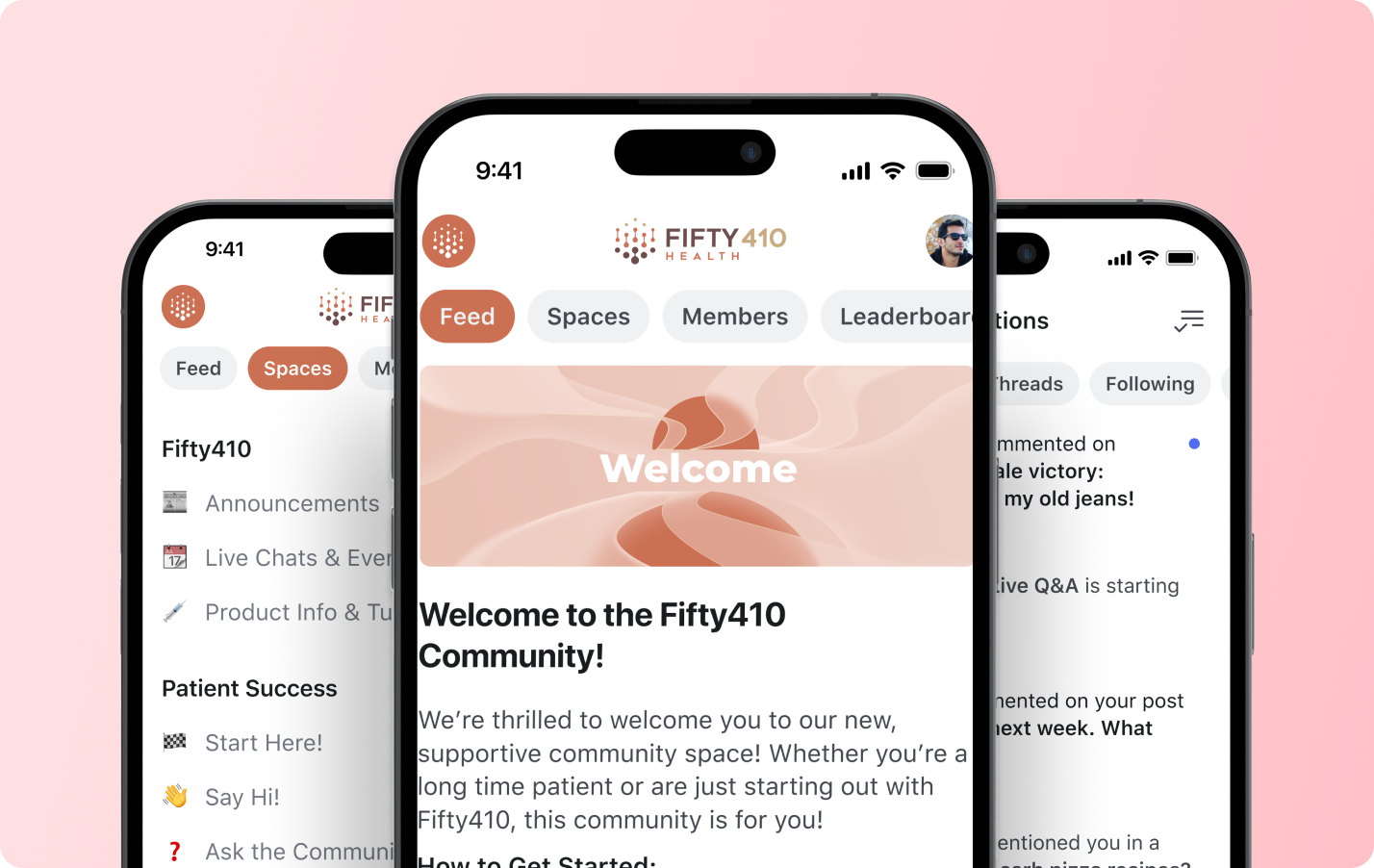
Working with Circle’s success team, Dera built [structured spaces](/discussions) for each stage of the patient journey and refined them based on community feedback. The team introduced exclusive offers through an “Offerings” tab and implemented a custom Stripe + Zapier verification system to ensure only active patients accessed private areas.
> “The setup process was seamless. Our CSM, Han, has become an extension of our team—he understands exactly how to translate our brand and patient experience into Circle.”
***
**Transformation**
## A safer space, stronger community, and deeper engagement
The move to Circle didn’t just protect the community—it strengthened it.
Inside the branded app, Fifty410 brought patient support, education, and conversation together in one organized space. They launched **7- to 14-day challenges** around hydration, protein intake, and self-care—creating momentum and accountability among members.
> “Our challenges give patients something to rally around. They keep everyone motivated and make progress feel like a shared effort.”
To complement [live interaction](/events), the team introduced Fifty410 TV, an in-app video hub for clinical education, nutrition guidance, and success stories. It’s quickly become the go-to destination for both learning and inspiration.
> “Fifty410 TV turned into our knowledge center. Members get reliable advice directly from our medical team—and it saves us countless hours answering the same questions.”
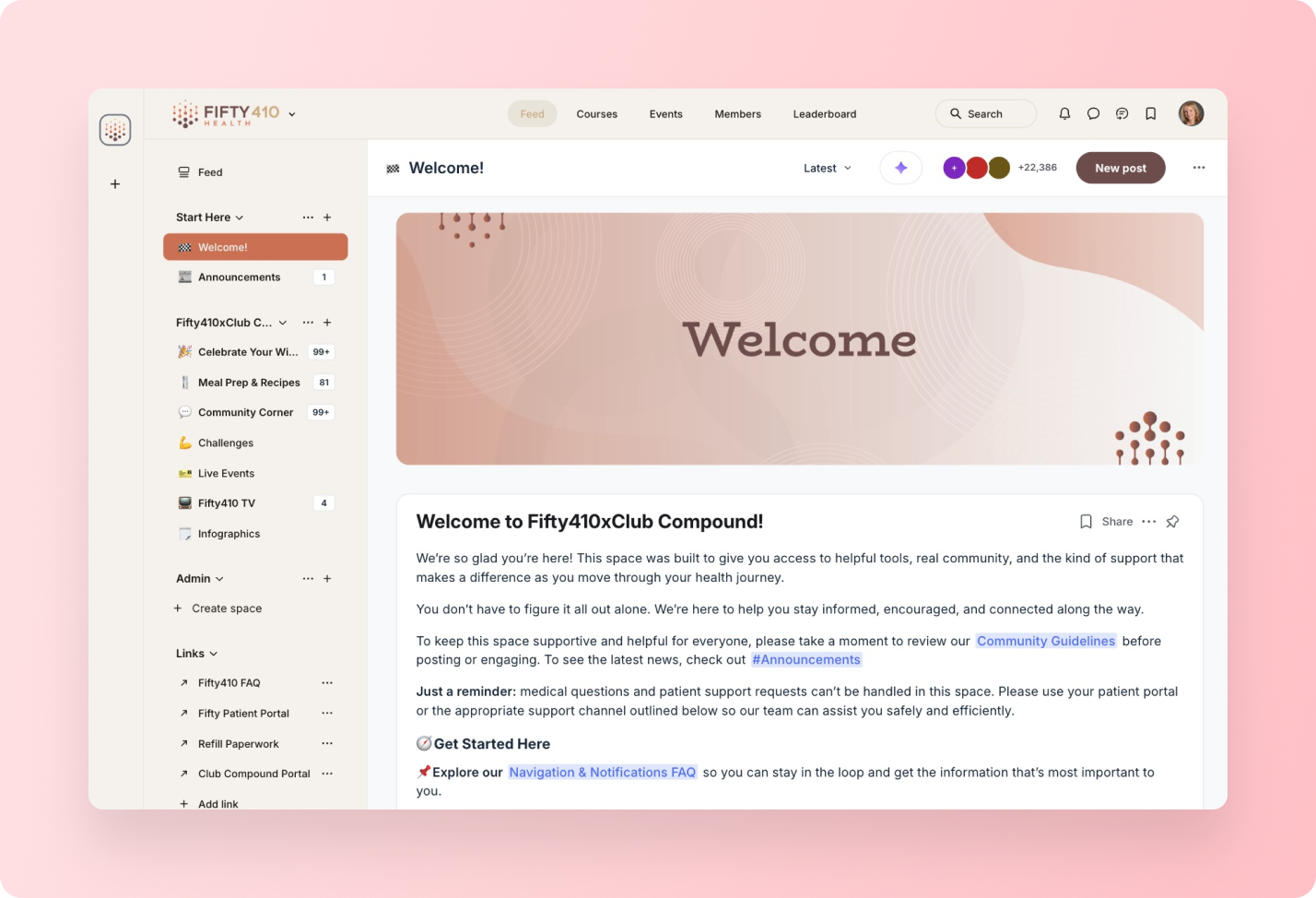
Since the app launch, engagement has grown deeper. Comments increased **5.5% quarter-over-quarter**, reflecting how comfortable members now feel sharing openly.
Operationally, Circle’s structure improved efficiency across the team. Spaces, tagging, and content organization streamlined communication and reduced manual work, giving staff more time to focus on community building.
> “Everything is easier to manage now. Having all our educational content in one place saves hours every week and keeps our focus on helping patients.”
Looking ahead, Fifty410 is expanding its use of Circle with [gamification](/gamification) and [AI agents](/ai-agents) to keep members engaged and educated automatically.
> “We’re excited about gamification—it’s a fun, natural way to sustain engagement. And AI will let us educate patients at scale while giving our team back valuable time.”
For Dera, the branded app has become much more than a communication channel—it’s an extension of the care model itself.
> “Circle gave us a space that feels personal and empowering. It’s not just a community platform—it’s part of how we care for our patients.”
Fifty410 turned what began as a Facebook group into a **modern, mobile-first health community**—one that connects patients, drives accountability, and redefines what ongoing care looks like in the digital era.
---
### How Glucose Guide boosted engagement and brand perception with a branded app
*Glucose Guide*
Source: https://circle.so/customer-stories/glucose-guide
Mila Clarke, founder of Glucose Guide community and the Hangry Woman brand, used Circle’s custom app builder to create a fully branded mobile app—bringing her food journaling tool and thriving community together into one seamless experience. The result? Higher engagement, stronger brand perception, and a better daily experience for every member.
> With Circle’s app builder, I combined our food journaling app and our community into one seamless branded app—in under 10 minutes. It was exactly what I’d been looking for.
***
**Before**
## A trusted brand—and a growing tech stack
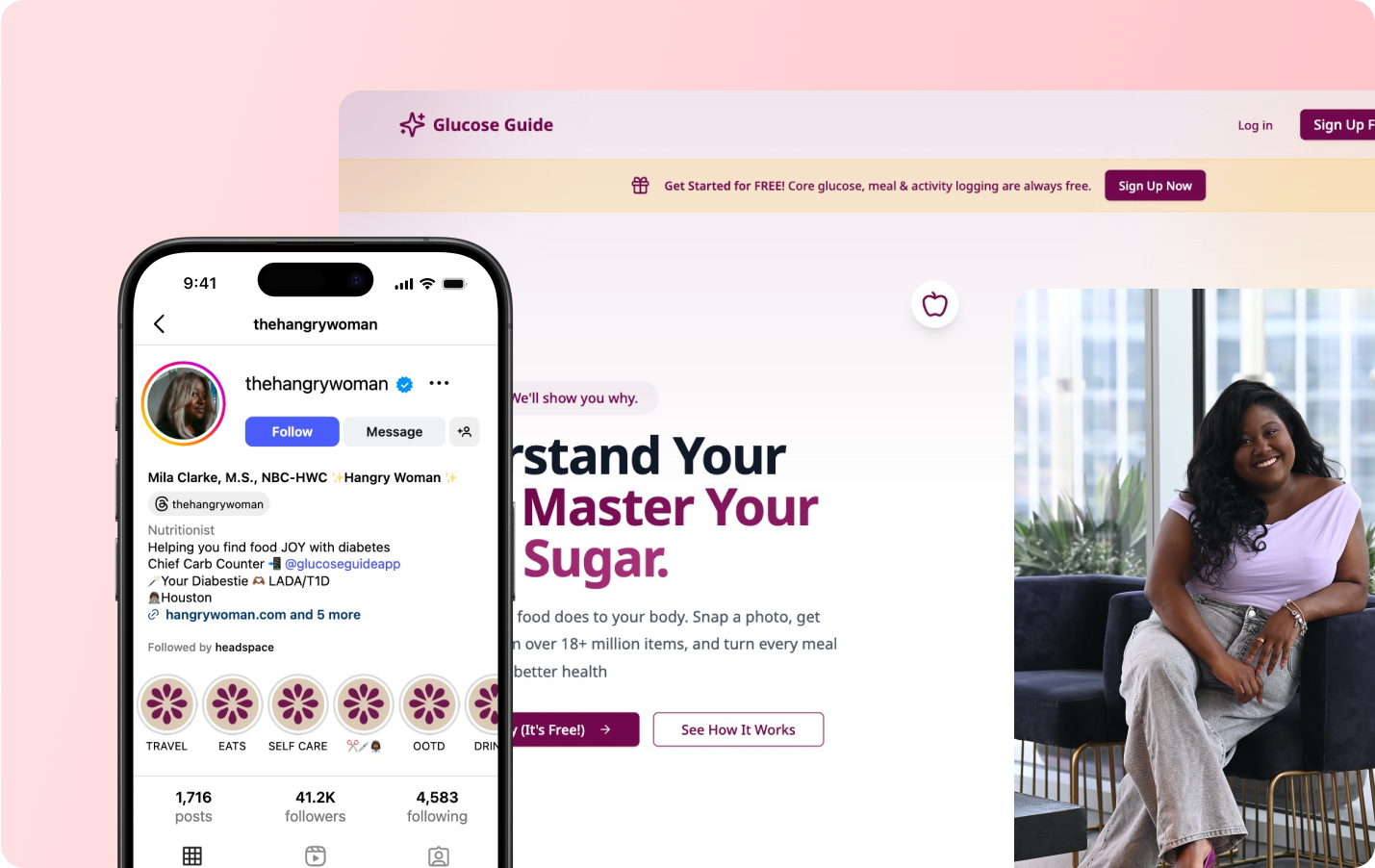
For more than a decade, Mila Clarke has helped people with diabetes feel empowered and informed through her Hangry Woman brand, reaching 165,000+ followers across YouTube, Instagram, and her blog.
As her audience grew, so did her offerings. She launched Glucose Guide, a Circle-powered community where members could connect and share their journey. She also introduced a separate food journaling app to help members track their meals and blood sugar.
Each tool was valuable. But they lived in silos, and the experience felt fragmented.
***
**Challenge**
## A disconnected mobile experience for engaged members
While Mila’s branded Circle app gave members a beautiful, mobile-first community experience, her food journal lived in a separate app with a separate subscription. Members had to switch between platforms—often using different logins—to access the full value Mila offered.
Over time, that friction took a toll.
> People really loved both apps. But they had to maintain two different subscriptions and switch between apps to get the full value.
While Mila’s branded Circle app gave members a beautiful, mobile-first community experience, her food journal lived in a separate app with a separate subscription. Members had to switch between platforms—often using different logins—to access the full value Mila offered.
> Platform friction is real. People don’t want to use a resource if it’s hard to find or requires multiple logins. My community was asking for one central place to connect, share updates, and track their own progress.
***
**Solution**
## One branded app, built for connection and daily use
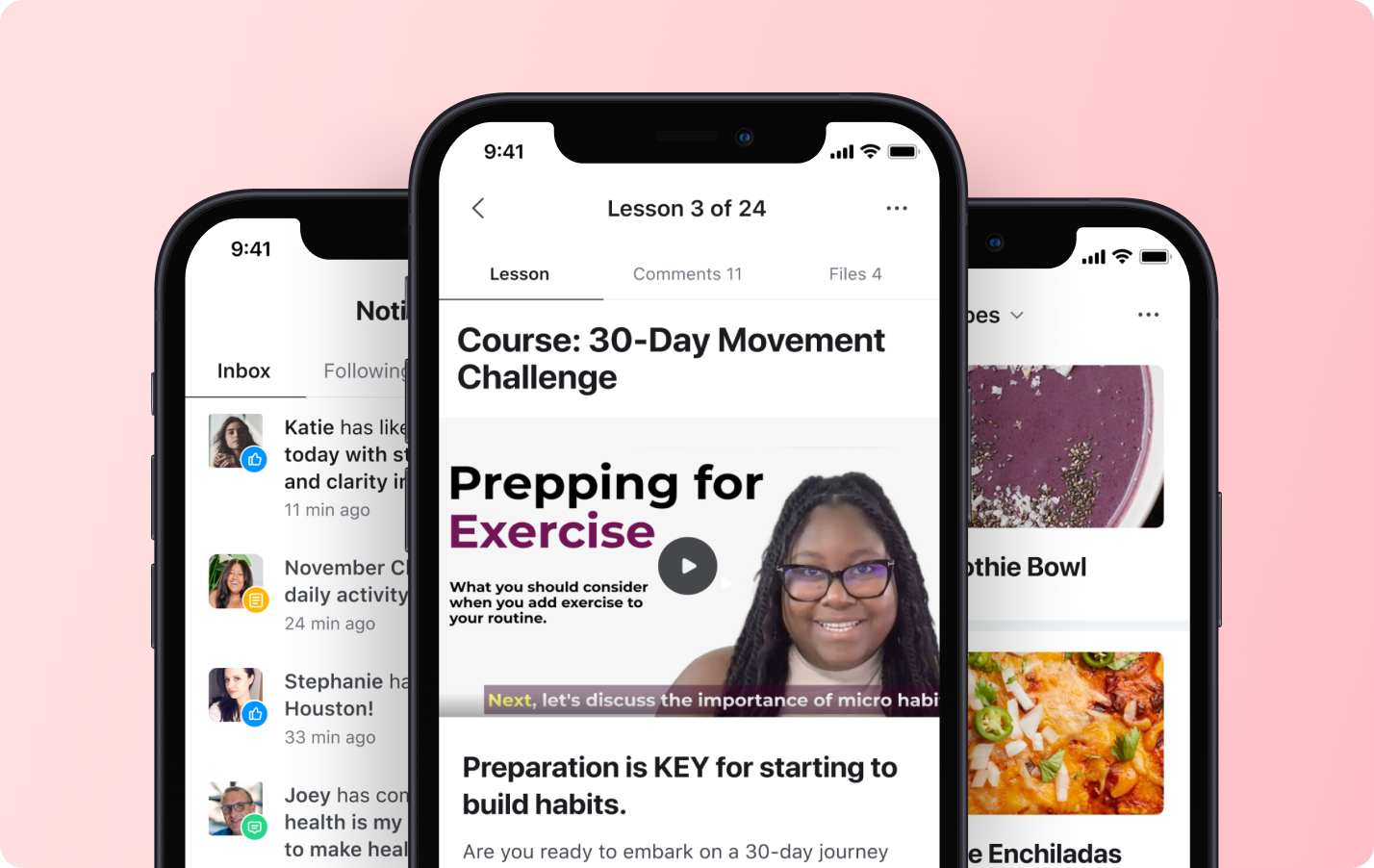
###### Everything changed when Mila was invited to test Circle’s custom app builder.
> I said, this is exactly what I’ve been looking for. My members wanted one app where they could track their meals and talk to each other. Now I could finally give that to them.
With just a simple embed code and no developers, Mila integrated her food journaling app directly into her branded app, creating a fully unified mobile experience. What once required two separate tools now lived in one.
**In under 10 minutes, she had:**
* A single branded app combining the community and food tracker
* One login, one subscription, one consistent user journey
* A daily-use experience members could build habits around
**Inside the app, members can:**
* Log meals and take food photos
* Get personalized nutrition analysis
* Join expert-led coaching events
* Share questions, tips, and wins in the community
Circle’s custom screens and mobile navigation tools made it easy to personalize the journey—whether someone was on a free plan or subscribed to coaching. Push notifications guided members through a 12-week onboarding series, while a tailored menu ensured they could always find the next step.
> It’s amazing. They can track their meals, upload photos, see their analysis, and immediately connect with the community—all in the same app.
***
**Transformation**
## A daily-use app that drives engagement and builds trust
Mila’s branded app didn’t just streamline access—it created a stickier, more valuable product experience that her members wanted to return to daily.
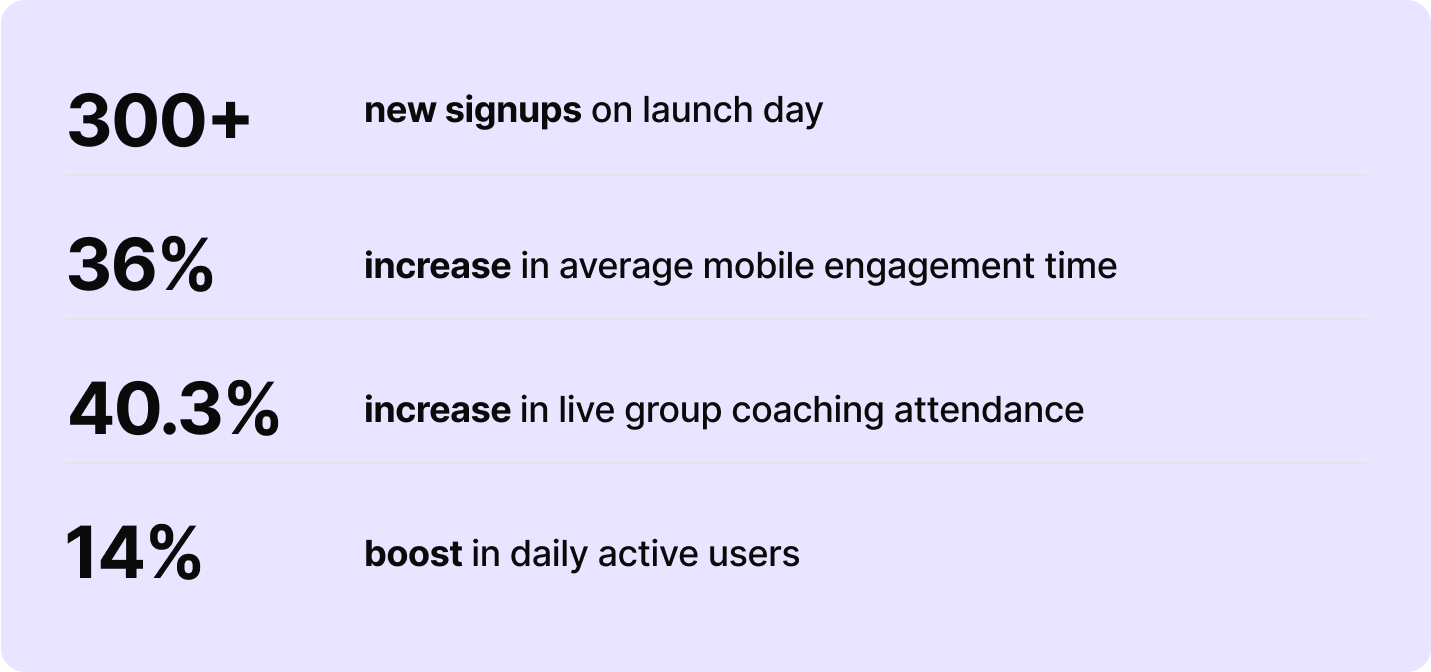
And the quality of engagement deepened.
Members began sharing screenshots of their food insights, asking questions, and learning together in real time.
> I’ve seen people say, ‘I didn’t realize this meal was affecting me so much until I logged it—and now I can ask the community what they do differently.’ That’s the magic.
By unifying her tools into one branded app, Mila didn’t just solve a workflow issue—she unlocked a better way to engage her community and scale her impact.
> Now that it’s all in one place, people actually use it—and stay engaged. And that’s what makes all the difference.
---
### How Good Inside creates psychological safety for 100,000+ parents with Circle
*Good Inside*
Source: https://circle.so/customer-stories/good-inside
When Roxanne Schwartz joined Good Inside as the first community manager during COVID, parents were desperate for support — and showing up across Instagram, Facebook, and email. But as engagement grew, it became clear these platforms weren’t designed for the kind of depth, safety, and ongoing connection parents needed.
As the company evolved from selling individual courses to building an ongoing parenting membership, they needed a centralized, trusted platform for vulnerable conversations at scale. Circle became that foundation, with structured spaces, automated moderation, and real-time support that now help more than 100,000 parents connect, learn, and feel less alone.
> ***"Circle isn't just where our community lives — it's where our product comes to life. It's really the heartbeat of our membership."*** — Roxanne Schwartz, Voice of Customer at Good Inside
***
**Before**
## The one thing parents needed most: a place to connect
Roxanne Schwartz joined Good Inside as the company's first community manager, building spaces for parents and learning what they needed most. Her background in community shaped her path to product management and now Voice of Customer, where she focuses on community products informed by real parent needs.
When Good Inside launched, they offered individual courses — standalone workshops on topics like food battles, listening, and defiance. But the team quickly realized this model missed something fundamental about parenting.
> **"We started to realize that information alone wasn’t driving transformation. Parenting isn’t finite — it’s ongoing, emotional, and constantly changing. Parents didn’t just need answers. They needed support while they were in it."**
As Good Inside shifted toward a comprehensive membership model — spanning a content library, podcast, book, chatbot, and community — one thing became clear: parents needed more than just information. They needed connection.
During COVID, that need intensified. "We had so many parents looking for support and guidance," Roxanne recalls. "We had a community on Instagram. We had a community on Facebook. We had a community, frankly, through email." These scattered touchpoints couldn't deliver the depth of support parents desperately needed.
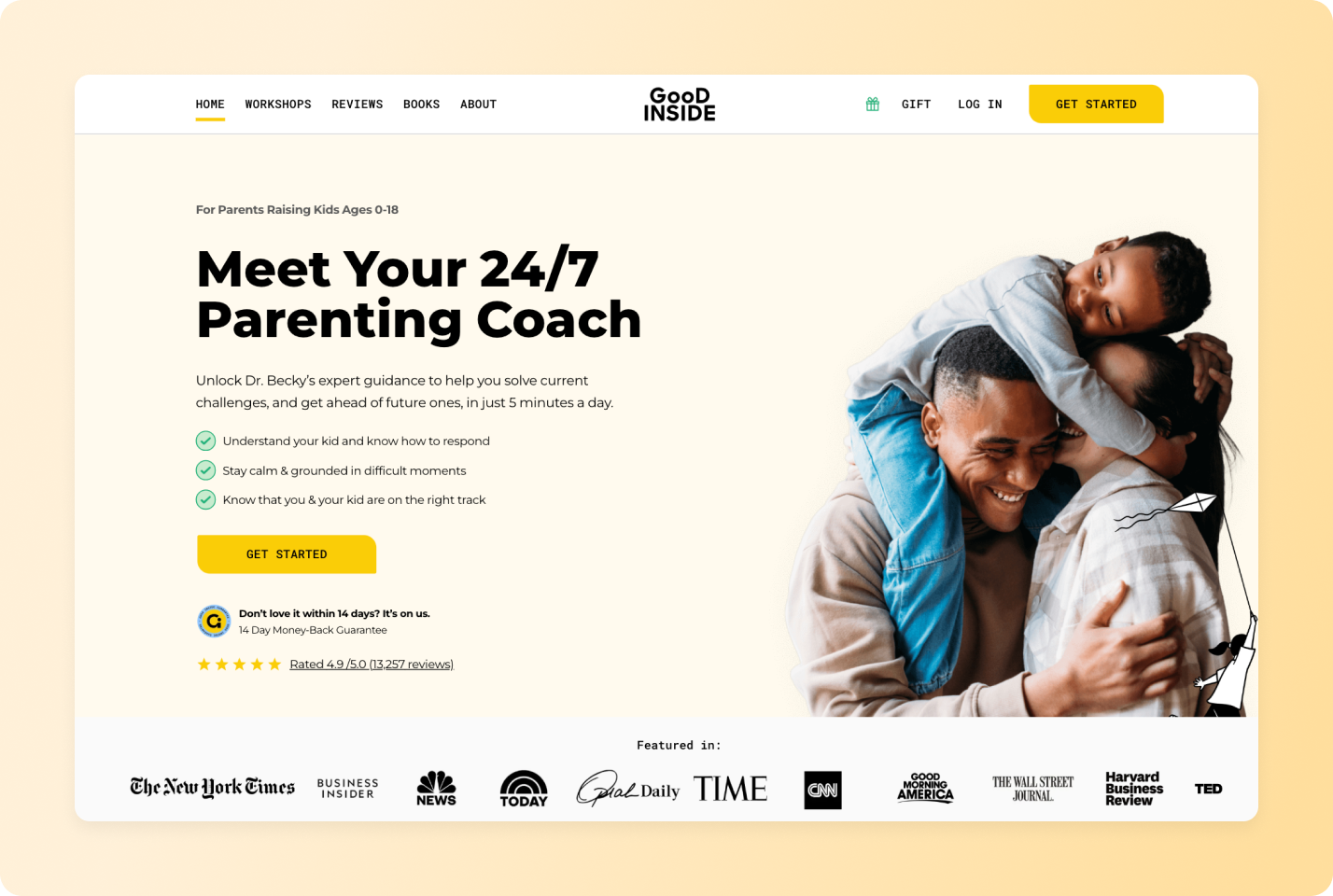
***
**Challenge**
## Scattered tools meant scattered support
The problem wasn't just logistical — it was emotional. Parents navigating sensitive challenges need to feel safe enough to be vulnerable.
> **"When there are communities and conversations happening and they're in a more public space, parents are less likely to be vulnerable. And parents need to feel safe to feel supported."**
Live workshops sparked rich conversations in Zoom chat, but those insights disappeared the moment each session ended. Instagram and Facebook offered reach, but lacked privacy and psychological safety. Email couldn't facilitate real-time, peer-to-peer support.
This gap mattered because vulnerability is essential to the parenting journey. "One of the biggest things that we hear from parents is they feel alone in the process," Roxanne says. "When you're going through a challenge with your kid or with yourself, you might feel like you're the only one in the world that has experienced that."
Without a centralized, private space where parents could safely share, connect, and get support from peers and Good Inside coaches in real time, the company couldn't fully deliver on its core promise: helping parents feel less alone.
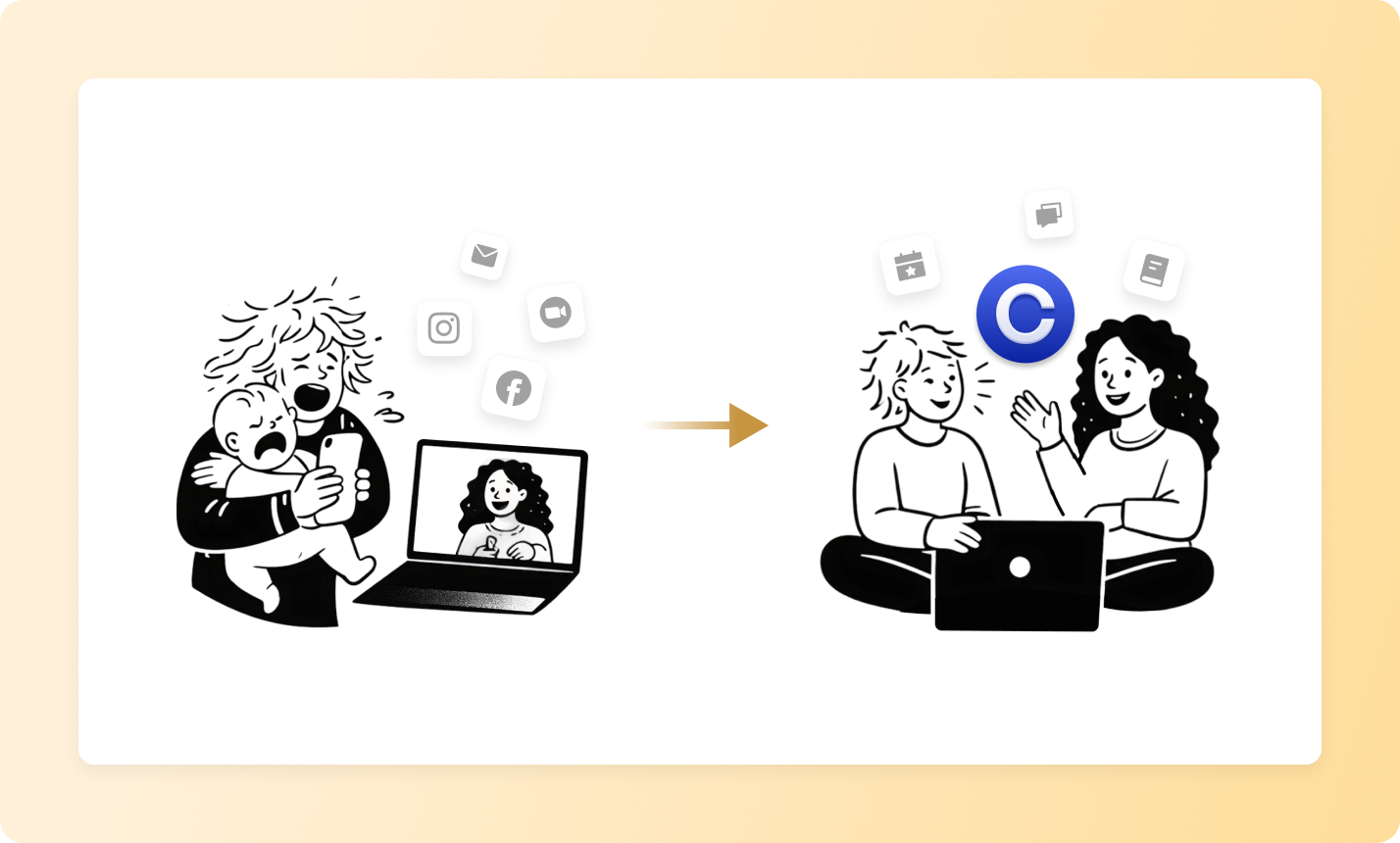
***
**Solution**
## **Building safety and structure with Circle's tools**
Circle offered Good Inside a way to unify their scattered community under one roof. [](https://circle.so/events)[Events](https://circle.so/events) were a critical starting point.
> **"One of the biggest draws to Circle was the events component. Having all of the events work native to the platform was game-changing for us."**
Good Inside hosts Dr. Becky's live workshops alongside smaller, more intimate support sessions led by coaches. Circle's automated RSVPs and follow-up [](https://circle.so/workflows)[workflows](https://circle.so/workflows) meant the team could focus on the experience rather than logistics.
The real transformation came from Circle's approach to safety. Good Inside uses Circle's [moderation tools](https://circle.so/ai-workflows) extensively, including automated flagging and immediate communication back to members. "This has saved our team so much time — just using those automations and really building out that safety toolbox," Roxanne explains.
The team structured their Circle community with [](https://circle.so/discussions)[spaces](https://circle.so/discussions) for different parenting challenges and cohorts. As the community grew to over 100,000 members, they continuously evolved these spaces. Circle's flexibility made it possible to support parents across every stage of their journey—from pregnancy to parenting teens—while also accommodating identity-based, parent-led groups for military families, homeschoolers, dads, queer parents, and single parents.
Onboarding was equally intentional. New members are guided through their first days with [automated touchpoints](https://circle.so/workflows) designed to quickly create connection. It begins with a “holding hope” post — a moment where parents share what they’re going through and receive immediate support — helping transform a new member into an active participant within days.
***
**Transformation**
## When **parents feel safe, engagement** (**and retention**) **follow**
The results proved the power of combining safety, structure, and community.
> **"One of our strongest retention signals happens inside our Circle community. When a parent comments in their first week, they stay longer, they engage more, and they see better outcomes."**
Live event attendance became another powerful retention driver. Circle's native events integration removed all friction between invitation, attendance, and follow-up.
The impact shows in how parents experience the community itself. Members who arrive expecting to face their parenting challenges alone quickly discover they're not.
> **"The most surprising thing I’ve learned is how quickly that feeling of ‘I’m the only one struggling with this’ disappears when someone enters the community.”**
Good Inside has seen parents form lasting friendships through the community, with some even meeting in person after connecting online. For the Good Inside team, Circle's [](https://circle.so/analytics)[analytics](https://circle.so/analytics) made it possible to understand and optimize engagement at scale. "Community is the best place to go when content or product is looking for information," Roxanne says. "Community is really that real time feedback."
Parent-led groups have flourished, with power users volunteering to create and moderate spaces for shared identities and experiences. "Circle makes it really easy to identify power users," Roxanne notes. "And those power users end up becoming leaders in our community."
Looking ahead, Good Inside plans to expand its audience from expecting parents through parents of teens. Circle's structure will support this growth while maintaining the psychological safety that makes the community effective.
> **"While most parents join Good Inside for content, they stay for the community — where learning becomes real, relational, and sustained. Circle is at the center of that experience."**
---
### How Income School built a branded app 12x faster than custom developers with Circle Plus
*Income School*
Source: https://circle.so/customer-stories/income-school-plus
## Meet Income School, the content creator educators of the pre-TikTok era
One day, Ricky Kesler got a text that said "I have a business proposal for you. Call me."
While most people would take this as a sign to block that number, Ricky called out of curiosity. An old school friend of his, Jim Harmer, was looking for a co-founder to build up an internet marketing education site after having scaled and sold several other "hobby" websites.
They launched their course-based membership program, Income School, on Wordpress in 2015—but couldn't have predicted its success or how complex managing this business would become as they grew.
Income School—where they teach people how to make money blogging and creating digital content for YouTube and social media—grew to over 1,000 members and seven-figures in revenue over the next seven years.
Unfortunately, while the membership was thriving and their business was growing—there were some foundational issues behind the scenes slowing them down and preventing them from showing up as professional as they wanted to.
***
**The challenge**
## A patchwork of solutions that didn't add up to an easy-to-run business
The main issue?
As their business needs evolved, Ricky and his team layered on various Wordpress plugins to solve the operational problems-of-the-day, but over time, **this patchwork of fixes was neither scalable nor resilient.**
**Their website was held together by Wordpress plugins and prayers** (and constantly on the brink of breaking) while they purported to teach people how to build, and monetize their websites.
It went against everything in their Idahoan natures to not be able to represent the high quality things they were teaching—and it didn't look great for their brand, either.
> "I teach people how to build their own websites, and then I have things breaking on my website. And I'm like, "You don't understand how complex this is compared to what I'm teaching you." But still, that alone was problematic."
Ricky was spending hours upon hours of his own time fixing bugs on his own website—time that should have been spent on creating content, strategizing for business growth, and managing his small but mighty team as co-founder.
Instead, Income School had three payment tools, a plugin with Zoom for live group calls, Wordpress plugins for membership accounts, and a CEO as a web developer.
> "It just got to be all of the different things we had to use, all the different WordPress plugins and stuff, it became this big mess, so we accumulated a lot of tech debt, basically. We \[were] stuck in this system."
This led to a poor member experience on two fronts:
* The platform's bugginess undermined the educational content Income School was putting out
* The sunk cost of a bad foundation pulled Ricky's focus from addressing members' needs to merely keeping the platform operational
> "I was doing a lot of development work for so long, but people weren't really seeing much, they're just like, 'Man, is this getting any upgrades? What's going on?'"
Ricky felt stuck.
He knew it was time to fix the foundation—properly—which is why he spent an entire year working with some freelance developers to help "clean things up" a little bit.
> "I had already spent the better part of a year working with some developers… to try to essentially rebuild our website, clean things up, and be able to try to get a little bit better tracking. Just trying to get a little bit more professional with how we approach things and consolidate a lot of our technology."
He was worried that a custom solution he'd have to maintain himself wasn't the answer—plus, it would cost more money and work later to elevate as web design and development continued progressing and changing.
> "This was dragging on, it was taking a long time, and it was still pretty complicated. And in the end, we were just going to end up with something incredibly custom, which is also hard to maintain and expensive because it's hard to do ourselves."
Not only had they spent a year and poured thousands of dollars to fix the issues plaguing their website, but they hadn't solved them.
But what if there was a way to create an engaging, seamless member experience without managing the technical overhead himself—in less time, for less money?
Thankfully, there was—with Circle Plus.
***
**The solution**
## A consolidated, branded membership platform that smoothed out the wrinkles and engaged learners
Ricky realized they were putting bandaids over bullet holes with Income School, and they couldn't keep patching things up if they were meant to "practice what they preach" when it came to website and business building.
Push came to shove right as Ricky was about to sign a $12,000 one-year agreement with Wistia, where they hosted all of their course content. He knew he couldn't just get rid of Wistia and not replace it.
> "But I was like, "This is crazy because with Circle Plus, I don't need Wistia at all."
As he envisioned Income School's future, he wanted a tool that united all his patchwork plugins, automated platform updates, simplified member experiences, and enhanced on what they've already built.
> "When I'm considering the cost balance, it's like, gosh, I can write off $12,000 that I don't have to spend next year \[on Wistia] if I just move to Circle Plus. And then I was looking at all the custom development I was doing. I was like, Holy cow, \[Circle Plus] is actually going to save me money and to be a better solution."
With Circle Plus, Ricky consolidated all the plugins, APIs, and workarounds he's been using to keep the business together—in one branded app.
Not only did he save money on video hosting, but he managed to replace three different payment systems, a Zoom plugin to host live group calls, and event calendars, among a host of other things.
> "For our old system, we used a plugin that connected to Zoom and would then show a calendar of when all these things were.
>
> Now it's just built in, and it's fantastic. We do a lot of live group calls, and it's all in there. If people want to have a discussion about that group call, there's the recording, and then the thread beneath it is where that discussion takes place. It's so much better organized, it feels really good."
Being able to have one central authority on all things Income School was a massive improvement over having to manage disparate tools, site glitches, and broken member experiences.
> "Our members were really excited about \[the branded app]. What we had before… the website and all the course content…it worked well, but it wasn't the same. Now it's a full app."
The old way of doing things eroded confidence in the brand's mission, but now, every piece of the member journey is seamless, integrated, and high-quality: from courses and conversations to live coaching calls. And it's all accessible via their Income School app.
Plus, with Circle Plus automatically surfaces analytics and insights "that were simply too complex" before—and smoothes out patched-together member experiences.
Circle's end-to-end, best-in-class analytics gives Ricky a bird's eye view into how his members are behaving. That means he can remove roadblocks as soon as they're spotted, trigger automated DMs with relevant resources, and re-engage members before they ever have the opportunity to drop off.
> "It's something that we've been trying to build out on our own website for a long time: see where people are getting stuck, and then create an automation.
>
> So, if somebody completes this lesson but they don't complete another one for a certain amount of time, we can send them an email or a push notification that offers to give them some sort of help or provides them with the resource that they need.
>
> We wanted to do more smart stuff like that, and it just wasn't ever quite working. It was just too complex. Circle Plus allows us to do that."
Circle Plus gave Income School the power of behind-the-scenes automation—no more expensive redesigns, development, or bug fixes. Just automatic, dynamic, customer-requested enhancements that made Ricky look like a superhero.
> "The frustrating thing with \[having] your own website is as web design changes over the course of a few years, the style of our website looks outdated, and then we have to do a whole redesign and a lot of custom work.
>
> Whereas a platform like Circle is updating and upgrading over time, so we just get to go along with that and don't have to be constantly working on design updates as well as feature updates."
Now, Ricky doesn't need to maintain his brand-new app or spend excessive energy on improvements. He's free to simply focus on creating great content, connecting with members, and growing his business, while Circle handles the rest.
With Circle Plus, Ricky got the freedom to enhance what was working, strengthen what wasn't—and add new features without lifting a finger.
> "I'm also super impressed at how quickly you guys are iterating on adding new features.
>
> With what we were using before (the WordPress plugin), it seemed like three years go by—and we've been wanting this one feature and asking for it, and we're not seeing almost anything coming out.
>
> And you guys are just on top of stuff, so that's been exciting to see."
Tapping into Circle's 30+ person product and engineering team—without really even lifting a finger—means a huge weight lifted off of Ricky's shoulders. No more stress of managing a custom-coded solution that piles on tech debt by himself.
Just sitting back and watching as his app and offering gets consistently better—and confidently taking credit for how it grows, evolves, and improves all the time.
For example, because of Circle Plus' ability to add a "waiting room"/free tier, Ricky is able to uplevel his free offerings while using branded notification to pull people further down the brand's marketing funnel.
> "\[The branded app] also allowed us to create free content for people to just subscribe to.
>
> Now that they can just have our app and we can send them notifications and stuff and get them in there for free and participate with us at that free level. This just made it so that my free tier stuff could just level way up."
With this, Ricky has carved out a new space in the community to share valuable, free nurture content. This allows him to send timely and relevant notifications straight to prospects' phones— "a huge upgrade over an email list."
With Circle Plus, Income School got more value, faster, for less money—including a branded app.
The business went from…
* the cofounder acting as de-facto developer and bug fixer to investing his valuable time into the member experience and business growth
* messy, patched-together member experience, to smooth, seamless one-platform management
* bleeding money on constant, custom updates, to investing in a platform that grows with the business
***
**Results**
## A brand that reflects their growth and mastery—and attracts engaged learners
Ricky and Jim have a successful business—on the outside. But they were paddling real hard under the water, struggling to manage little issues that took up a lot of their time.
Before, they couldn't count the amount of tools they were using on one hand, were constantly fixing one thing or chasing down another, and couldn't tackle the smart things they've always wanted to do.
Now, not only are they working from one main source of truth and insight—but they've improved the experience for their members, too, resulting in higher than average engagement. 45% of Income School's members log-in to the community at least one time a month, which is 3X higher than the average for a community their size.
Ultimately, the Income School branded app became the centerpiece to their growth strategy and business management—and Ricky and Jim are finally practicing what they preach when it comes to efficient, smart, foundational web strategy and digital marketing know-how.
> "It's been a crazy time for our industry… so seeing this change made it really clear to people that I'm actively investing in this business.
>
> This big change happening over such a short time, it instilled confidence for members that I'm actively working on things for them and trying to make things better."
And, they got a done-for-you app, white glove content and payment migrations, enough video storage for all his courses—12x faster than working with developers on "custom" solutions.
> "They were like, "Oh, by the way, it's probably going to take 30 days. Is that okay?" I was like, "Wait, are you kidding me? This will all be migrated and done in a month?" It's crazy."
---
### Inside the Show doubles engagement with a branded app
*Inside the Show*
Source: https://circle.so/customer-stories/inside-the-show
Felippe Nardi, founder of Inside the Show, helps educators, performers, and professionals master the art of unforgettable virtual presentations. With Circle’s branded app builder, he turned his high-stakes launch event into a seamless mobile experience that doubled engagement—and proved what’s possible when your events, tools, and community live together in one simple app.
> After launching the app, I immediately saw double the amount of messages. Members told me it changed everything.
***
**Before**
## A thriving community with high-stakes events
Felippe has been running his Inside the Show community on Circle for five years, offering workshops, courses, and events that help people create engaging online presentations. A centerpiece of his business is his “open house” style launch events. For one week, he opens the community to free visitors who get a glimpse of the full experience. Each event is packed with live sessions, curated resources, and community interaction.
> We’re a bit of a hybrid,” he explains. “We have open areas anyone can join, but during these events, we unlock exclusive content and spaces just for paying members.
The format worked, but it also put enormous pressure on Felippe. These events weren’t just marketing tactics, they were make-or-break moments for his business.
***
**Challenge**
## Engagement was slipping at the moments that mattered most
Each event was crucial — they attracted new customers and renewed loyalty among existing members. But the limited-time format meant there was little margin for error. If someone missed a session, they missed the essence of the experience, and Felippe knew that lost engagement meant lost opportunity.
> The event is only one week. No replays after that. So if you missed it, the opportunity was gone.
Even with strong content and community energy, too many people were falling behind. The exact sessions that could have sparked deeper connection, or convinced a guest to become a paying member, were the ones getting missed. For the events to deliver, engagement needed to rise, not fall.
***
**Solution**
## A custom app built in just two weeks
When Circle launched its [**Custom App Builder**](https://circle.so/plus), Felippe saw an opportunity. His only hesitation was timing. With just two weeks before his next event, could he really build something this intricate, a different experience for free visitors and paying members, all without a development team?
> When I saw what was possible with the app builder, I thought, we have to try this. But we only had two weeks.
He took the leap. In a single day, Felippe had the foundation of his branded app live, built with Circle’s drag-and-drop editor. From there, he fine-tuned the experience:
* **Two tailored experiences**: Free visitors saw curated previews and limited-time access, while paying members enjoyed exclusive content, replays, and private spaces.
* **Community showcases**: A Hall of Fame for member studios and presentations, plus gear recommendations that members could reference while shopping.
* **Practical tools**: A Go Live checklist built right into the app so presenters could confirm their mic, camera, and lighting before a session.
Push notifications became a powerful engagement driver.
> We used them to announce when sessions started, when replays went up, or when new resources dropped…and every notification was targeted to the right person, so it always felt relevant.
What felt impossible at first turned into a polished, customized experience, all built in under two weeks.
***
**Transformation**
## The experience went mobile, and engagement doubled
The results were immediate. Engagement during the launch event doubled, with members staying more active and connected throughout the week.
> Members told me it changed everything — they could catch replays on the go, whether standing in line at the grocery store or relaxing on the sofa.
The branded app unlocked possibilities that hadn’t existed before. Free visitors could finally access sessions they would have missed in the past, keeping them engaged longer and giving them a stronger reason to convert. For paying members, the experience went further. They now had new tools — like the Go Live checklist — right on their phones, making it easier to prepare, participate, and get value out of every session.
Looking ahead, Felippe plans to go even further. With more time to prepare for future events, he’s already envisioning new tools and features he can build directly into his app — expanding the value members get long after launch week is over.
---
### How Tom Ross built a $50K membership community as a side hustle
*Learn.Community*
Source: https://circle.so/customer-stories/learn-community
Tom Ross is passionate about helping others build and scale successful online communities. He runs Learn.Community, a community for nearly 200 community builders, and is also the founder and CEO of Design Cuts. Learn more from Tom by checking out his blog or reading his free Community Manual.
***
## The challenge
Towards the end of 2021, Tom Ross was navigating an especially-packed schedule. During the day, he was working as founder and CEO at Design Cuts, a design marketplace and community for over one million creatives.
At night, he was creating content about community building. He knew that community was what set Design Cuts apart, and he was keen to share his knowledge on a subject that he felt so passionate about. So, around his full-time gig, he started publishing blog posts, newsletters, social content, and a free ebook—attracting thousands of subscribers and followers in the process.
> If you're not familiar with me, I'm a massive community geek.
On top of all that, Tom and his wife, Maxine, were awaiting the arrival of their first child. Tom knew that once his daughter was born, he'd have less time to devote to his side hustle. He was also aware that he was giving away a lot of valuable knowledge for free, and that—to make it worth his time and effort to continue—he'd have to find a way to monetize his side hustle.
***
**The solution**
## The solution
> I teach community because it's the thing I care about the most. I'm definitely not a tech CEO—I'm very untechnical—which is why I love Circle, because it's so easy to use. But I'm all about the people, so any entrepreneurial venture I've done, it's all been predicated on bringing people together.
Tom already had a captive audience, so he decided to pose a question to them: Would you be interested in joining a membership community that will support you in your own community building journey? He instructed anyone interested in joining the community as a founding member to fill out a quick Google form, and he got nearly 400 responses!
With his idea validated, he turned to Circle. There, he created Learn.Community, a membership for community builders looking to launch and scale their own online communities.
Tom built Learn.Community over a weekend, which he spent building the community's spaces, designing graphics, writing copy, and plotting out the onboarding process. Once everything was set up, he emailed his waitlist and hosted a virtual launch party to demo Learn.Community, answer questions, drum up excitement, and encourage attendees to join the community in real-time.
Now, just over two years later, Learn.Community serves nearly 200 community members, enabling Tom to share his passion for community and support others while also bringing in consistent, reliable revenue.
Learn.Community is priced at $49 per month (or $490 on the annual subscription) and gives members access to:
* Weekly community events, like office hours and community showcase sessions
* Tom's flagship community course
* A community building knowledge base
* Support with questions and challenges
* Access to like-minded peers
According to one Learn.Community member and superfan, "Learn.Community is more than just a place to learn community. It is a thriving community in itself. From its engaged members to the over-delivering leader, this is the place to be if you're wanting to build a community that cares."
---
### How Miro turned community engagement into a strategic growth engine
*Miro*
Source: https://circle.so/customer-stories/miro
Miro, the AI Innovation Workspace for teams, wanted a dedicated space to support its most passionate users—enterprise advocates, consultants, and creators. With Circle, they evolved their community experience into a branded, deeply integrated hub that drives product adoption, brand advocacy, and long-term customer retention.
> Circle has been crucial in allowing us to build relationships, scale strategic programs, and show the real business impact of community.
>
> — Mary Findley, Community Manager
***
**Before**
## Strategic programs needed a strategic home
Before launching on Circle, Miro’s community centered around a public-facing forum and user-generated template library. These channels supported peer-to-peer learning at scale—but weren’t built for the more curated, relationship-driven experiences Miro wanted to deliver through its emerging strategic programs.
> We needed a private, exclusive space where our power users could access bespoke resources and events—not something available to the wider customer base.
>
> — Claire Fox, Community Lead
The team began exploring new tools with a clear goal: create a branded, invite-only home for their most engaged users—starting with the Enterprise Advocates program.
***
**Challenge**
## Creating a branded experience for Miro’s power users
That’s when Miro turned to Circle.
Claire had used Circle at a previous company and knew it could offer the flexibility, analytics, and segmentation they needed. After a vendor evaluation, the team aligned on Circle to power their new strategic programs.
In just over a year, the team built and launched three tailored communities on Circle: Enterprise Advocates, Consultants, and Creators.
Then they brought them together.
Using Circle’s space groups, the team consolidated the programs under one strategic umbrella: Miro Heroes—a dedicated community of practice for their most passionate users.
> We wanted our power users to feel like they were part of something exclusive. Joining these programs is something we want customers to aspire to.
>
> — Claire Fox
***
**Solution**
## One platform behind Miro Heroes
###### With Circle, Miro was able to:

* Turned existing user groups into scalable, incentivized community programs.
* Consolidate three separate communities using space groups under one “Miro Heroes” umbrella
* Create exclusive spaces and events for Enterprise Advocates, Consultants, and Creators
* Integrate engagement data into their internal analytics tools using Circle’s Open API
* Personalize communication using Email Hub and DMs, segmented by role, location, and behavior
> One of the biggest unlocks was being able to segment members by location. We can now send personalized DMs or emails to plug members into local opportunities.
>
> — Mary Findley
Key features Miro leaned on:
* Activity scores to identify top contributors and MVPs for betas, feedback, and co-marketing
* Product hub spaces to create a tight feedback loop between members and PMs
* Advanced filtering to target the right messages to the right segments, fast
> Our PMs now jump into the community daily. Feedback from our members directly shapes the roadmap—and they see the results firsthand.
>
> — Mary Findley
***
**Transformation**
## A strategic community with measurable impact
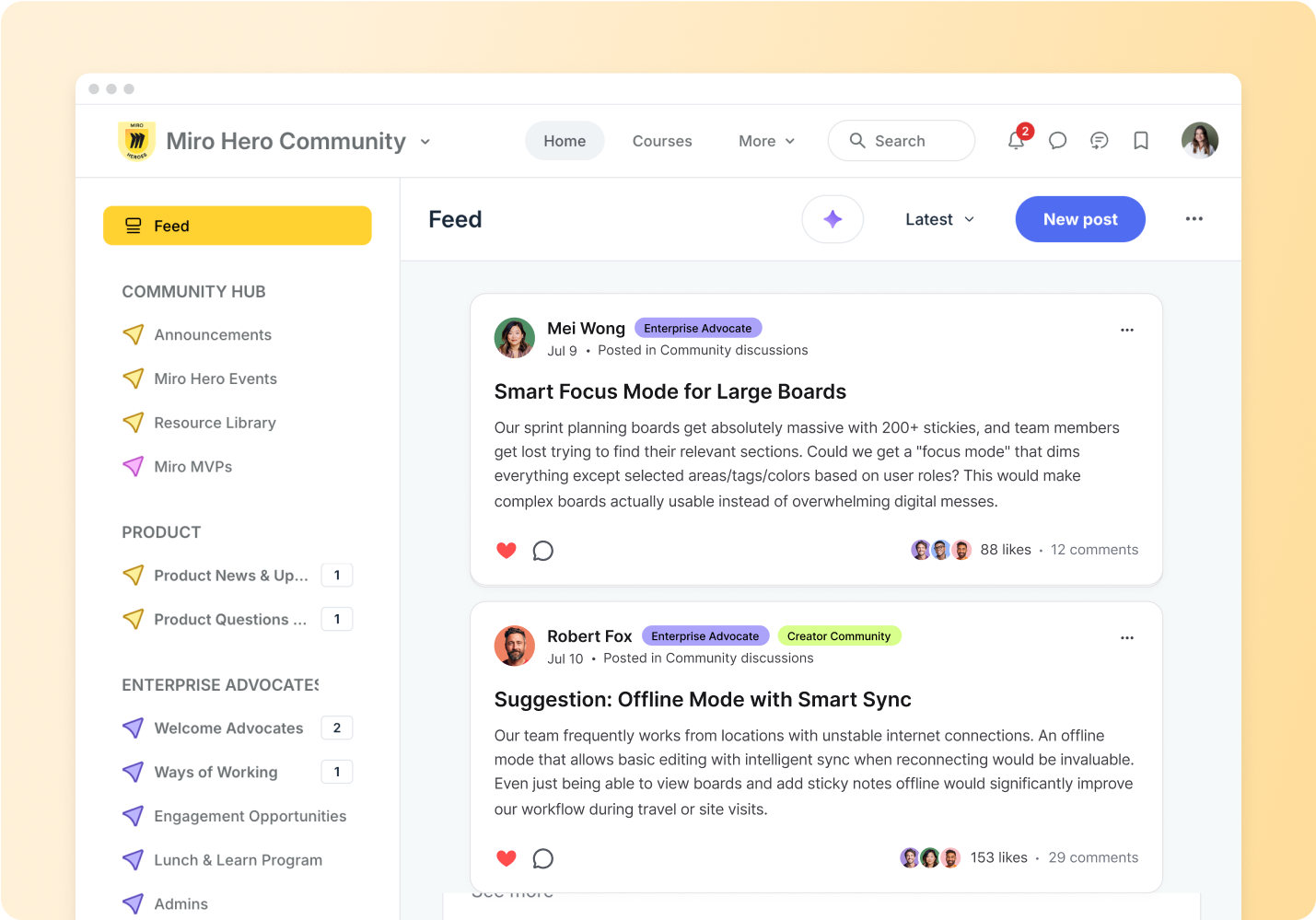
Today, Miro’s strategic programs are thriving on Circle — supporting power users while delivering business impact across the company.
* Community-led feedback has directly shaped product decisions, like including sticky note redesigns and visual language updates
* Brand advocacy is growing, with over 300 community-driven social posts in the past year
* Monthly active usage is rising among enterprise accounts engaged in the community
* Community leaders are now tapped for research, beta programs, testimonials, and co-marketing
* Analytics and activity scores help Miro identify MVPs and scale programs with confidence
> We’ve built a proven marketing channel, and we’re just getting started. Community is now seen as a critical driver of customer engagement and long-term growth.
>
> — Claire Fox
Miro isn’t just growing a community — they’re building a community of practice that scales with the business, aligns to strategic goals, and brings their most passionate users closer to the product every day.
With Circle, they’ve turned community into a growth engine — and made it measurable.
---
### How Roofing & Solar Reform Alliance built a relationship-driven business on Circle
*Roofing & Solar Alliance*
Source: https://circle.so/customer-stories/roofing-and-solar-alliance
Adam Bensman became one of the roofing industry's most trusted voices, with thousands enrolling in his training programs. But in 2024, after seeing his methods misused, he scrapped it all and launched an entirely new business on Circle — transforming 2,800+ roofing and solar professionals into a peer-led movement for better business practices.
> The product itself is the community. People come for the training, but they stay for the collaboration — and that's where the real transformation happens, both for their businesses and the industry as a whole.
>
> — Adam Bensman, Founder, Roofing & Solar Reform Alliance
***
**Before**
## One of roofing’s most trusted training programs
For nearly a decade, Adam Bensman ran The Roof Strategist, one of the roofing industry’s most recognized sales training programs. Contractors across all 50 states and multiple countries used his courses and tools to close more deals and grow their teams.
But the model was transactional — sell a course, deliver a system, move on. When a few customers began using his methods unethically, Adam realized the industry needed more than better training — it needed better values.
> We made a fundamental shift — from a transaction business to a relationship business, from anyone can join to application-only membership.
That realization led to the launch of the Roofing & Solar Reform Alliance (RSRA) in 2024 — a selective, values-led community built on shared accountability and peer learning rather than one-off transactions.
***
**Challenge**
## When courses stop being enough
Even with a loyal following, Adam began to see cracks in the old model. Members were buying courses but rarely finishing them. Engagement was flat and the sense of community he wanted simply didn’t exist.
Hosting the community on Thinkific — and later on Facebook — made things worse. Conversations were fragmented, engagement was subject to algorithms, and the overall experience didn’t reflect RSRA’s premium brand.
> The amount of people that actually got through a course was dismal.
While RSRA did have a vetting process for new members in place, many early-stage or under-resourced companies came in looking for quick wins. Without a structured onboarding experience or dedicated community leadership, some struggled to fully engage—and eventually churned within 12–15 months.
Adam realized he needed a platform—and a model—that built habits, deepened trust, and better set members up for success from day one.
***
**Solution**
## Building a relationship-first community on Circle
In early 2024, Adam and his team rebuilt their entire business on Circle, transforming from a course library into a high-trust, relationship-driven community.
They launched as an application-only network anchored by a code of conduct and member pledge. Only companies who aligned with the mission could join — and those who didn’t could be removed.
> We made a fundamental shift — from a transaction business to a relationship business, from anyone can join to application-only membership.
In just 90 days, RSRA went live with a fully [**branded mobile app**](https://circle.so/plus) on iOS and Android, giving members seamless access to content, conversations, and live sessions. The app immediately elevated RSRA’s credibility and built daily engagement habits.
> The beauty of Circle's branded app is that it doesn't look white-labeled. It looks like we built it from scratch — completely our brand.
Inside, RSRA’s Circle setup mirrors how roofing companies operate:
* **Dedicated spaces for owners, managers, and sales teams** keep conversations focused and relevant to each role.
* **A guided** [**onboarding course**](https://circle.so/courses) loads automatically the first time members open the app — no buried posts, no confusion.
* **Personal video welcomes** from Adam and curated resources from RSRA's community success manager greet each new member.
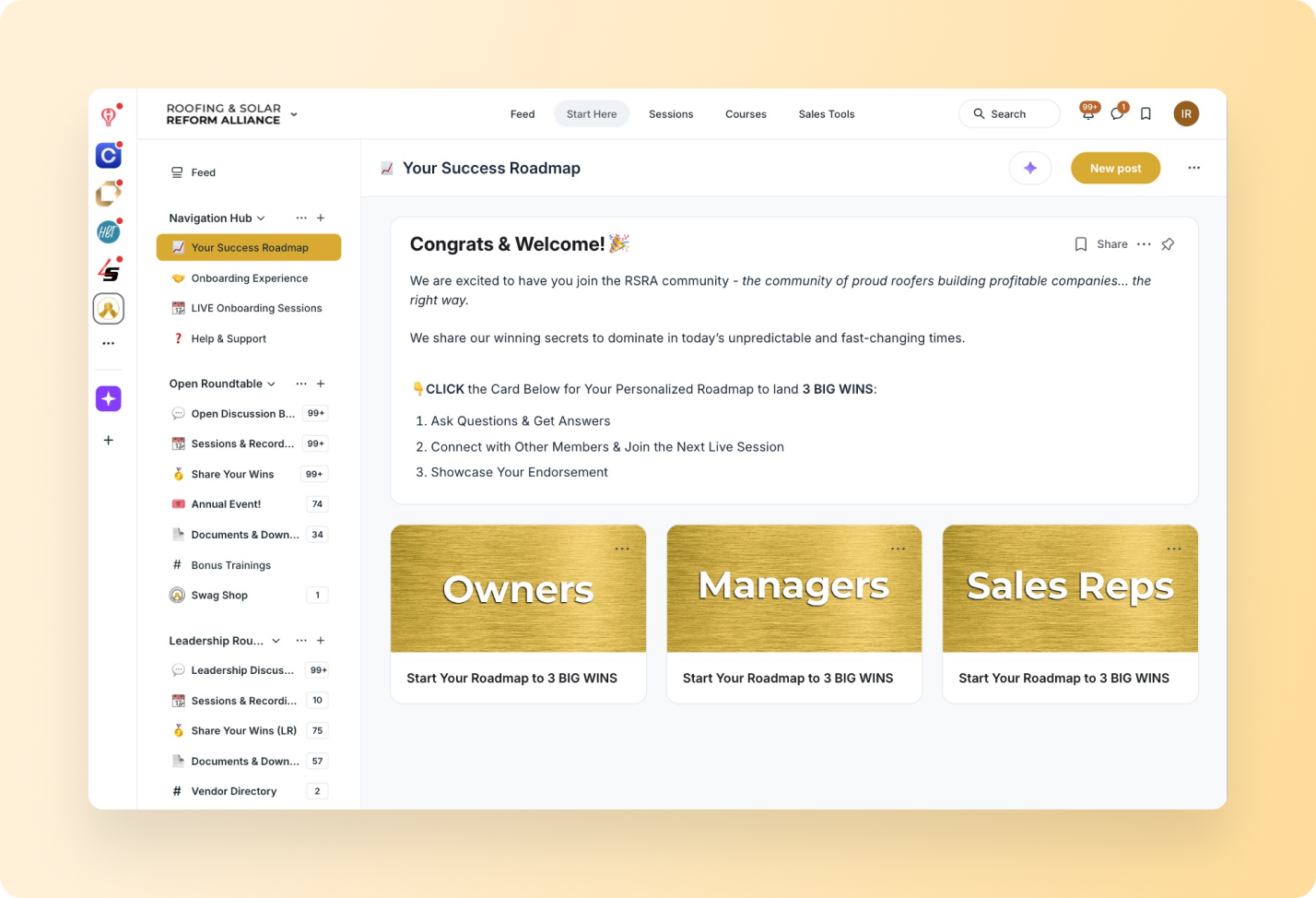
From there, engagement compounds. Weekly [**live sessions**](https://circle.so/events) — many now member-led — connect members in real time. A crowdsourced library of templates and contracts gives everyone access to proven resources. And a Zapier-powered recruiting feed automatically posts job applicants for member companies.
Together, these systems turned RSRA into what Adam calls a relationship business powered by technology — a place where the product is no longer content, but connection.
***
**Transformation**
## Community turned his business into a movement
Within a year, RSRA grew to **350 companies across 44 states and Canada**, supporting over **2,800 individual members**. What began as a sales training company is now a thriving, peer-led network built on trust and accountability.
Members don't just consume content — they support peers and build networks through dedicated [**discussion spaces**](https://circle.so/discussions) where contractors help each other in real time. Some have merged companies or formed seven-figure partnerships, proving that relationships — not content — drive results.
After tightening their ideal customer profile and revamping onboarding, churn dropped to its lowest level in eight months. Even with a price increase from **$12K to $15K**, close rates stayed steady — evidence that qualified members value the experience.
> Last month was the lowest churn has been in the last eight months.
Members now proudly display RSRA’s badge of credibility on their trucks, websites, and sales materials — helping them win more deals and attract stronger peers.
> Traditional courses are dying. AI can deliver information, but it will never replace the human-to-human connection that drives real accountability and results.
For Adam, Circle turned his business into a movement — and his community into the business itself.
---
### From freelancer to founder–with just one platform
*Shambala*
Source: https://circle.so/customer-stories/shambala
> "I'm a minimalist. I don't want to rely on ten different tools. Circle gives me everything I need to run my business—and nothing I don't."
Freelance editor Tom Pardo wanted to feel less isolated. So he built something for the entire industry: a global community where trailer editors can connect, learn, and grow together. With Circle, he's building a real business from the ground up. No team, no complexity.
---
**Challenge**
## From isolation to inspiration: why Tom built Shambala
Tom Pardo loved his craft as a trailer editor, but working remotely, he missed the creative camaraderie of an in-person team. So he created Shambala, a digital home for editors around the world to connect and support each other.
> "Staying curious led me from trailer editor to director to photographer—and that journey made me a better storyteller. Now I'm building a community, podcast, and learning platform to help others grow their craft, too."
In just a few months, Shambala has attracted more than 60 professional editors from cities like LA, New York, London, and Paris—alongside a growing group of students learning the craft through Tom's courses and live coaching. Together, they host industry masterclasses, peer reviews, and social events that bring the global trailer editing community closer than ever.
---
**Why Circle**
## All the building blocks for a real business
To turn that vision into a real business, Tom needed more than just a discussion board.
He runs everything himself—no team, no technical expertise. And thanks to Circle Plus plan, he doesn't need either.
He uses:
- **Courses** to teach storytelling and trailer editing
- **Live Events** to host coaching calls and masterclasses
- **CRM + Email Hub** to stay connected with both students and pros
- **AI Agents** to help students with questions in real-time
For someone who values simplicity, Circle makes it possible to run a sophisticated community business all under one roof.
---
**Solution**
## Website Builder gave him the tools to build like a pro
As his audience grew, Tom needed a better way to showcase what he was building. He explored tools like Webflow and Notion—but just before committing, [Circle's Website Builder](https://circle.so/website-builder) launched in beta.
It was exactly what he needed.
> "I've never built a landing page before. But Website Builder made it easy. I could just drag, drop, and publish—no coding, no friction."
Now, Tom is using [Website Builder](https://circle.so/website-builder) to create:
- A **homepage** for his brand
- **Landing pages** for each of his courses
- **A membership page** for new students
- **A podcast page** to attract new traffic
And with **logged-in vs. logged-out states**, he can tailor the experience—something most website tools can’t easily replicate. Visitors see course info and offers. Logged-in members get direct access to their content and community. No redirects, no plugins—just one seamless platform.
---
**Transformation**
## Building a real business, with real impact
Today, Tom's vision is growing beyond just building a business. He's working to make Shambala the destination for trailer editors globally—a place where aspiring talent can learn the craft, and industry pros can give back.
And it's already making an impact.
At a recent industry event in LA, one of Tom's students was recognized by a pro who had led a Shambala masterclass. That chance connection turned into a friendship—and a potential job.
With Circle, Tom isn't just simplifying his tech stack—he's building something bigger than himself.
And step by step, his vision is coming to life.
---
### From laid off to $1M+: How Pat Flynn bet on community — and scaled it with Circle
*Pat Flynn*
Source: https://circle.so/customer-stories/spi-community
In 2008, Pat Flynn lost his dream job as an architect. No backup plan. No audience. Just a blog, a PDF, and a willingness to help.
Today, he runs Smart Passive Income (SPI) — a thriving, community-based business that helps creators turn knowledge into income through honest, audience-first entrepreneurship.
> "SPI is the premier place to not just get the right information, but also surround yourself with the right people."
The shift? Pat stopped selling one-off courses—and bet on community.
He moved everything into Circle: courses, conversations, coaching, and connection—all under one roof. That single decision transformed SPI from a content business into a community-powered engine for growth.
***
**Before**
## A fragmented "Frankenstein" business model hitting its breaking point
By 2020, Pat Flynn had built Smart Passive Income into a household name in entrepreneurship education, generating over $1M annually from individual course sales. But despite the financial success, the business was hitting critical breaking points.
### The operational nightmare
Pat's business had evolved into what he calls a "Frankenstein" system of disconnected tools:
> "My old business, like many starting out, was a bunch of tools pieced together. One here, another there: APIs, integrations, Zapier – like this Frankenstein creation. But when one piece fails, the whole thing falls apart."
Courses lived on Teachable. Community discussions happened in Facebook groups. Live events ran through Zoom. Members constantly got lost navigating between platforms, and the team spent more time managing integrations than serving students.
### The feast-or-famine revenue cycle
Even worse was the unsustainable launch-dependent business model:
> "With our courses, every month we had to launch something. It felt heavy and it felt like we were drowning our email list with just sales pitch after sales pitch, even though we knew our courses worked. It just felt like it was too much."
Every month required a new launch to maintain revenue, creating constant pressure and email fatigue for both the team and their audience.
### The missing community connection

The epiphany came after FlynnCon 2019, Pat's first live event. When he surveyed attendees about their favorite parts, the results were eye-opening:
> "The number one most favorite thing that people did at FlynnCon was not the amazing speakers, the activities that we did, or getting to meet me. It was the fact that they could meet each other in the hallways, and connect."
When COVID hit and course sales dropped. Pat realized something fundamental had shifted:
> "People didn't want more DIY. They wanted guidance. They wanted to learn together."
***
**Solution**
## Circle as the foundation for community-powered growth
Pat made a strategic bet: move from fragmented course sales to unified community experience. After evaluating multiple platforms, he chose Circle to consolidate his entire business ecosystem — and it changed everything.
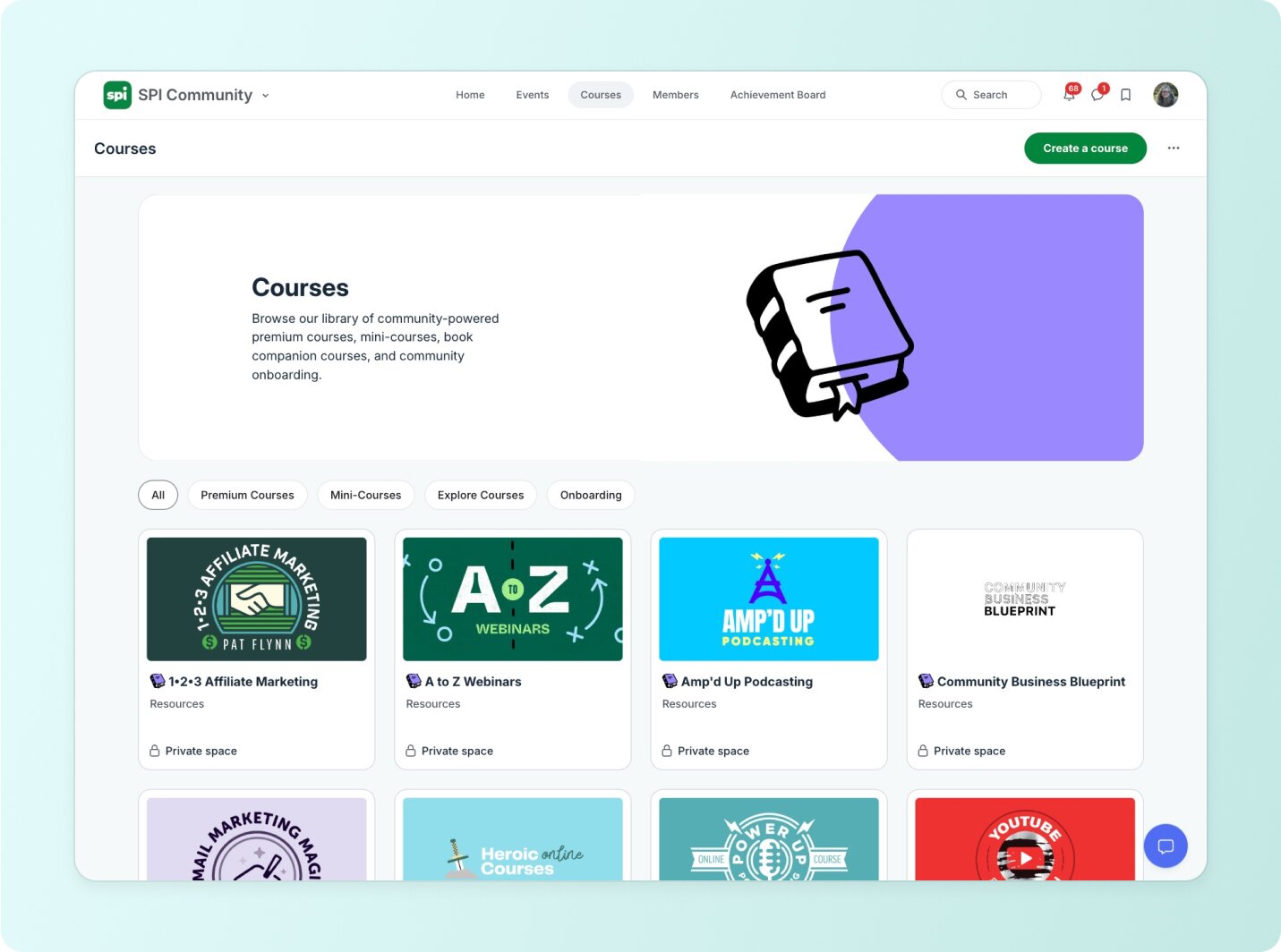
### Why Circle became the foundation
Circle offered something no other platform could: the ability to house courses, community discussions, live events, and member management (for 3 tiers of members!) all in one seamless experience.
###### **This shift—and the tech behind it—was powered by Circle.** For the first time, SPI could deliver courses, conversations, and community under one roof, and it helped grow community revenue 39% from 2021 to 2022.
> "One login, you're in there, you find your people. And a person who's advanced, who has a business, may still be a beginner YouTuber. Right? So there's a lot more opportunity for cross-pollination across businesses."
### Community-powered learning methodology
Circle enabled Pat to transform from individual courses to "accelerators"—cohort-based programs where students learn together with built-in accountability and support:
> With cohort-based programs, students are 3x more likely to not only complete the course but actually take action and succeed. That's when I realized community-powered learning was the future of online education.
### Circle allowed Pat to:
* Consolidate his scattered tech stack into one platform
* Create cohort-based "accelerators" with built-in community support
* Track complete member journeys from enrollment to transformation
* Eliminate technical complexity and focus on serving people
### Strategic consolidation
Pat launched SPI Pro in 2020, followed by the All-Access Pass in 2022. But the real breakthrough came in 2024 when he consolidated everything into a single, tiered SPI Community entirely built on Circle.
***
**The transformation**
## Circle unlocked SPI's best year yet
The shift to a Circle-powered community didn't just help SPI grow—it fundamentally changed how the business operates. What started as a mission to serve more people became a scalable, predictable, and purpose-driven model for transformation.
### From launch fatigue to predictable growth
Instead of chasing short-term spikes through monthly course launches, SPI now runs on reliable monthly recurring revenue. With everything centralized inside Circle, the team eliminated launch fatigue, stabilized cash flow, and focused on long-term growth.
### The impact speaks for itself:
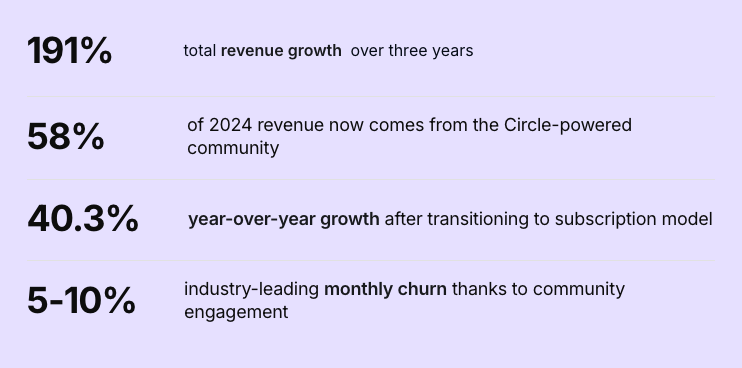
### Members stay longer—and actually succeed
The community-powered approach didn't just improve retention—it revolutionized learning outcomes:
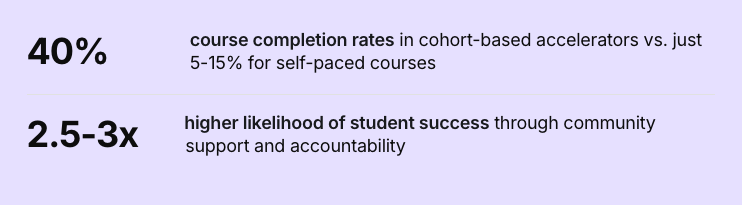
Plus, the SPI community generates real member transformation stories that fuel organic growth and referrals. Success stories include Andrea Davis (Better Screen Time), who went from no niche clarity to becoming a recognized author and speaker, and WIC (Fire Science Show), whose niche podcast now generates more revenue than his day job.
### No more duct tape. One complete platform.
Before Circle, SPI's tech stack was a tangle of tools, integrations, and manual workarounds. Now, everything lives in one platform—saving time, reducing support load, and delivering a better member experience.
> "This is why I love Circle because it's all in one spot. It's all you need and it just makes life so much easier. So now I don't have to worry about the tech as much. I can just focus on my people."
### Circle consolidated:
* Courses, community, events, and resources all in one place
* Simplified onboarding and member progression
* Complete visibility into member activity and success
* Built-in live streaming, payments, and member management
***
## Betting on community—now and into the future
For Pat, this isn't just a platform shift. It's a business philosophy.
He's seen firsthand how bringing people together around shared goals and experiences creates deeper engagement—and longer-term value—than any static course or one-time event ever could.
Now, he's doubling down. Community isn't just a piece of his business—it is the business. And he believes more creators and business owners will come to the same conclusion.
> "If you're building anything today—whether it's courses, coaching, content, or products—community needs to be part of your strategy. Not later. Now. Otherwise, you'll wake up in a year and realize your audience has found that connection somewhere else."
---
### Why Seth David moved 30+ courses off Kajabi — and rebuilt his business on Circle
*Talknerdytome*
Source: https://circle.so/customer-stories/talknerdytome
Seth David, founder of Nerd Enterprises and Talk Nerdy to Me, was running a thriving education business—but juggling too many tools: Kajabi for courses and email, Slack for community, Zoom for events, and Notion to hold it all together behind the scenes. While Notion remains a core part of how he runs his business, the rest of the stack was slowing him down. After migrating 30+ courses and centralizing his operations on Circle, he's created a more streamlined, scalable experience—for himself and his members.
> "I used to send people everywhere—Slack, Kajabi, Zoom. Now it's all in one place, and I actually want to spend time there."
---
**Before**
## An early builder with deep roots in education
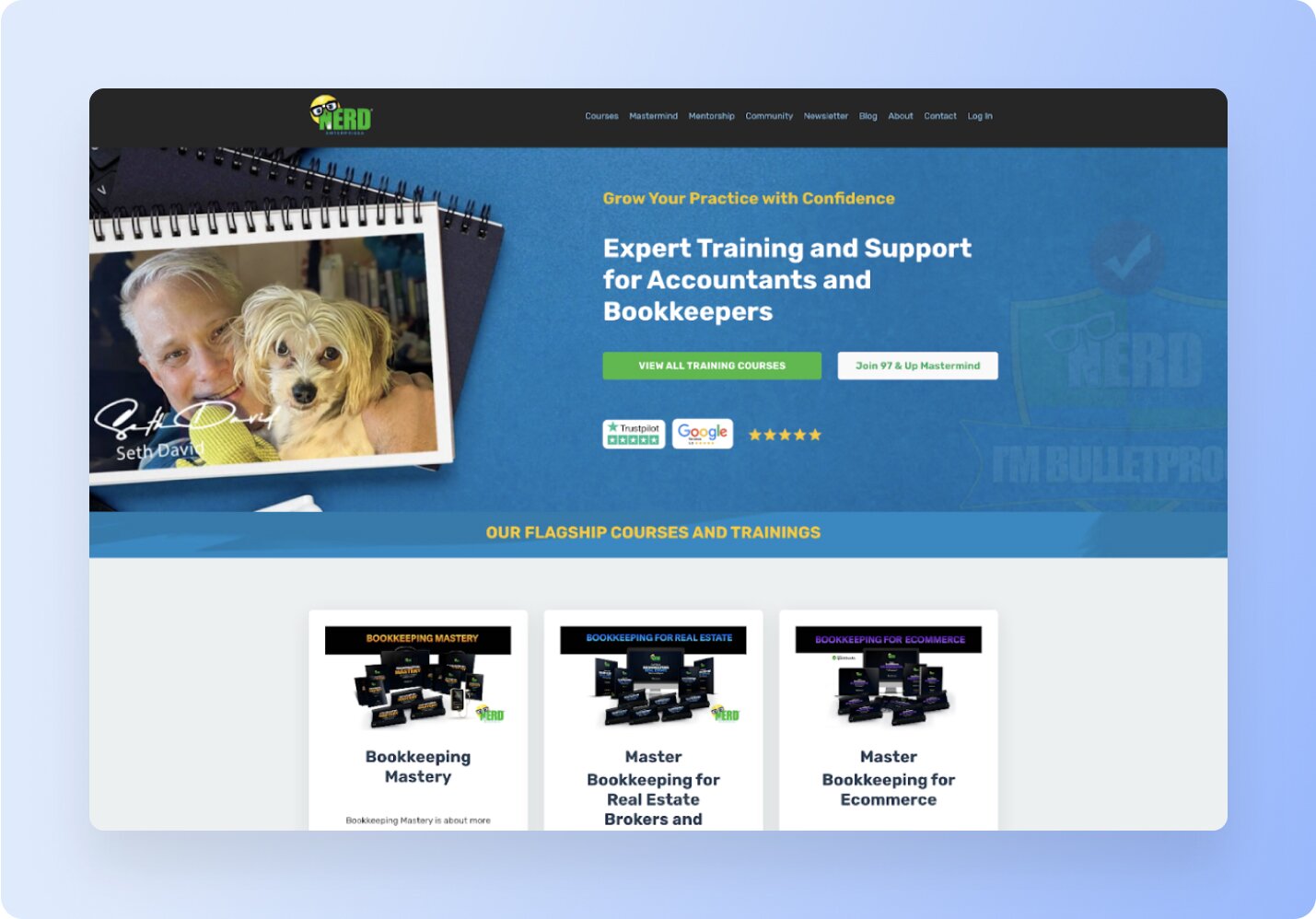
Seth David has been teaching accounting and business fundamentals online for decades. As a tech-savvy educator and founder of Nerd Enterprises, he's built a reputation as a trusted guide for accounting professionals looking to level up.
What started as a handful of courses evolved into:
- A library of 30+ on-demand courses
- A membership community (97 & Up)
- A high-ticket coaching program (The Holistic Accountant)
> "I want people to learn, get inspired, and have fun. That's the DNA of everything I build."
But as the business grew, so did the complexity behind the scenes. Seth was managing content, communications, and live sessions across a growing stack of tools — each disconnected from the next.
---
**Challenge**
## Disjointed experience, clunky operations
Seth's tech stack looked like this:
- **Kajabi** for courses, payments, and email
- **Slack** for community
- **Zoom** for live sessions
- **Notion** for internal planning and tracking (still part of his core stack today)
- **WordPress** in the early days for course delivery
Notion still plays a central role in Seth's workflow—and he even teaches courses on how to master it for productivity and organization. But the rest of the stack felt functional but fragile, and far from integrated.
Before Kajabi, Seth hosted his courses on a WordPress site using membership plugins. It worked, but just barely. Everything had to be stitched together manually, which made updates fragile and the experience clunky.
Kajabi felt like an upgrade at first: an all-in-one LMS with a cleaner course interface and built-in email. But its community features never stuck. Even after trying to consolidate his audience there, engagement dropped, and the workflow felt disconnected.
> "I figured even if Kajabi's community experience was clunky, at least everything would be in one place. But it just didn't take."
Seth had automated onboarding with APIs and invite links. But offboarding? That was a different story.
When someone canceled a subscription, he had to manually cross-reference data across platforms. Often, users signed up with different emails on Slack and Kajabi, leading to a scavenger hunt just to turn off access.
> "Offboarding someone from Slack was a nightmare. I'd search five different ways just to deactivate one person."
The final straw came when Slack charged $3,000 for a mostly inactive workspace—while another neared $1,000/month. Altogether, **he was paying $12K/year, with renewals pushing $15K.**
> "It felt like writing \[Slack\] a blank check. One spike in activity, and the bill could skyrocket overnight."
That was the breaking point. Seth paused everything and began a full evaluation of the market. **He tested eight alternative platforms**, and invited trusted members from his community to help vet them. He wasn't just looking for better UI. He was looking for a smarter, simpler way to run his business.
---
**Solution**
## One platform to run his entire business
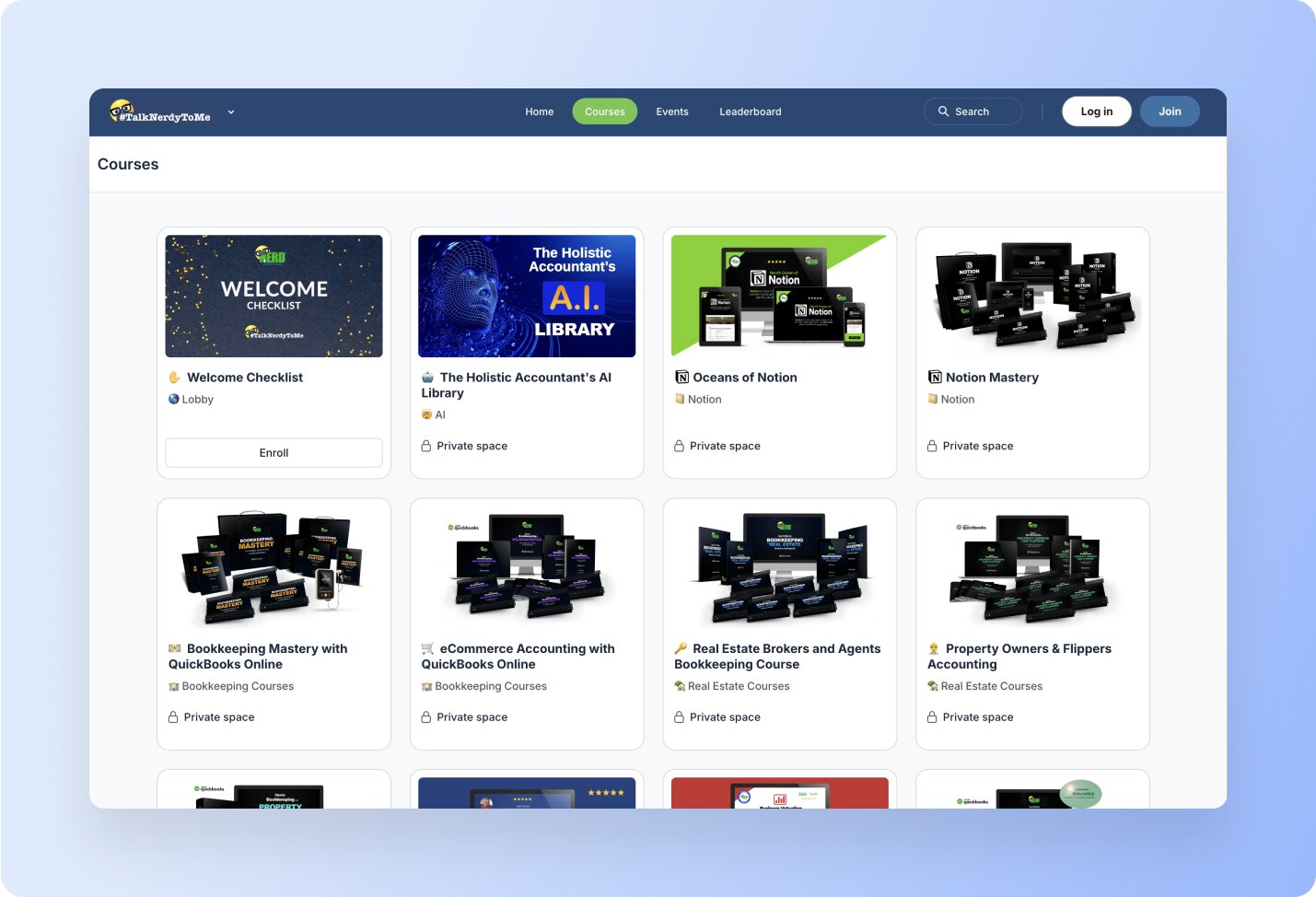
After careful testing, Seth chose Circle—not just because it was cheaper or flashier, but because it actually brought everything together. **He replaced Kajabi, Slack, and WordPress outright, and dropped Zoom Webinars**—keeping only a basic plan for occasional use. Circle became the new home for his courses, community, live events, email, and direct member interactions. Seth now pays just over $4,500/year to run all of that in Circle—a fraction of what he used to spend on Slack alone.
> "The migration was seamless. I thought there would be problems, but everything came over clean. And the team was so professional and responsive throughout."
Here's how he made it happen:
- **30+ courses migrated from Kajabi**
Even midway through the migration, Seth added more courses to the scope, and the Circle team handled it with ease.
- **Live sessions hosted in Circle**
After a successful test, Seth now hosts his weekly live calls directly in Circle. No separate Zoom links, logins, or tool switching.
- **Weekly newsletter published with Email Hub**
His long-running email, Nerdswords, now lives in a one-way Circle space. With just a click, each post becomes a broadcast email and a permanent community resource.
- **Creative lock screens**
Seth swapped lock icons on private spaces for emojis—sparking curiosity and encouraging click-throughs. Inside each gated area is a beautifully designed lock screen that explains exactly what the space is, and how to unlock it.
- **AI Agent "Sandy" answers member questions**
Seth trained an AI agent on his course and community content. Members now get instant answers without needing to DM him or wait for support.
> "My AI agent is amazing. It's already saving me time. These are questions that used to land in my inbox."
He also used the migration as a chance to streamline his audience. Instead of bulk-importing thousands of contacts from Kajabi, he created personalized course-level invite links—bringing over only those who were still active and engaged.
> "Now I'm only bringing in people who care, and I can focus entirely on delivering value."
What used to live in separate tools is now a streamlined system. Courses, community, and coaching—finally connected in one place.
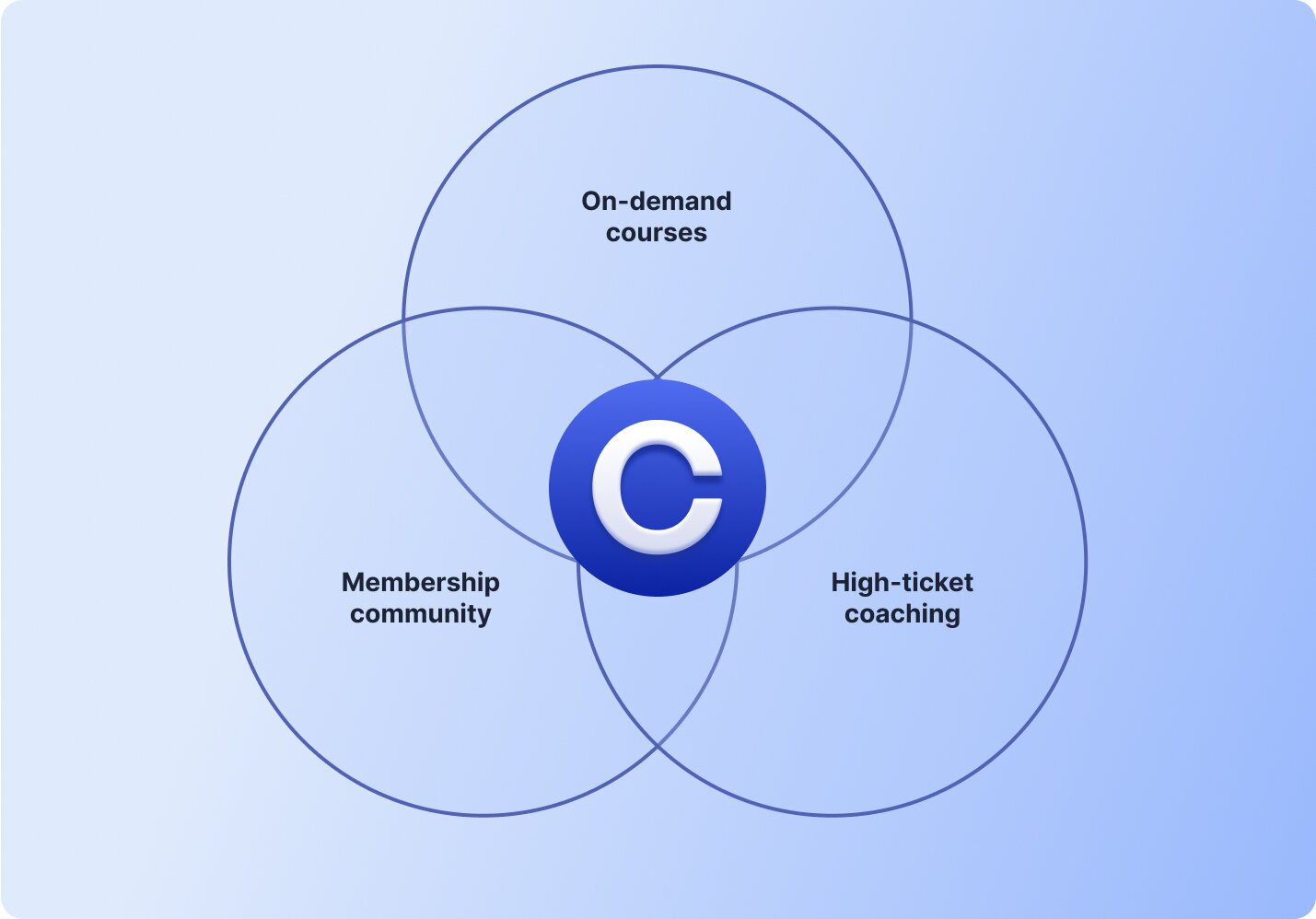
---
**Transformation**
## Less juggling. More connection. Real results.
Since switching to Circle, Seth has rebuilt Nerd Enterprises into a business that's easier to run, easier to scale, and easier to love being inside.
Instead of chasing down cancelations or troubleshooting broken workflows, he's connecting directly with members—DMing them, surfacing content in context, and guiding them to the right program with a click.
> "Now I have time to directly engage my members. I'll randomly DM people just to say hi. Sometimes they're surprised to hear from me, but I learn a lot from those conversations."
And the results speak for themselves:
- **300+ members** actively posting, commenting, and joining live events
- **80% free trial conversion rate** into paid programs
- **$37K+ in monthly revenue** from coaching, courses, and community
> "Now the community _is_ the funnel. Everything leads to Circle—and once they’re here, they see the full value of what I offer."
---
### How Weaving Space sets new members up for long-term success on Circle
*Weaving Space*
Source: https://circle.so/customer-stories/weaving-space
Cally Booker is a handweaver hailing from Dundee, a city nestled on the east coast of Scotland. Known for her colorful weaving style and dedication to the craft, Cally has been teaching the art of weaving for over a decade.
Nowadays, she mainly does it online in her cohort-based course community Weaving Space, where she runs focused courses for five to six weeks at a time.
Back in 2013, Cally started teaching weaving classes out of her studio in Dundee. She built up a repertoire of classes, as well as visiting different venues and groups to run workshops. For a long time, that worked perfectly—until 2020 rolled around and everything shut down because of the COVID-19 pandemic.
From one day to the next, Cally's thriving business ground to a halt, and like many people whose work depended on meeting in groups, she was left wondering what to do next.
However, Cally had a parallel life that would prove incredibly useful in this moment. For many years alongside her weaving work, Cally had also been teaching mathematical modeling and statistics as a faculty tutor for the Open University in the UK.
And she'd been doing it online.
Armed with that knowledge and experience, she started figuring out how to transition her weaving classes to an online format. What topics could she cover that would be valuable and relevant to the space? And what tools would she need to do that?
***
**The challenge**
## Transitioning from in-person to online learning on a platform easy for non-tech savvy customers to use
Here's the thing: for her online classes at the university, there was a whole IT department. Although she was reasonably comfortable with technology, she didn't have any experience in this area.
And most importantly, the majority of her students aren't tech-savvy. They tend to be older, so she needed to find a platform that would be easy for her to manage, and even easier for them to use.
Although many weaving programs and groups run on Facebook Groups, Cally knew right away that that wouldn't be the right solution for her.
> I absolutely cannot stand Facebook Groups—I run away screaming. And the thought of having to run one of those…I was like 'no, I couldn't possibly do that.' But Circle does work a bit like Facebook, in that there's a similarity to how things are laid out on the page. It's similar enough that people could intuit how to use it, and I could bring them on board. After poking around and trying different things, that's why I chose Circle to be part of my endeavor.
Gwyn wasn’t the only one who was skeptical. This was at the height of Zoom fatigue becoming an all-too-real problem, when the words tedious, draining, and uninspiring were more accurate descriptions of the virtual sessions most of us were attending. But as Gwyn began to tepidly test the waters—adapting her in-person facilitation skills to the online realm—she was surprised to find that feedback from her virtual sessions was overwhelmingly positive. Attendees told Gwyn that they left her sessions feeling energized, connected, and inspired. And so she was faced with her next challenge: How could she deliver these virtual experiences at scale and enable real transformation for her people?
***
## **The solution**Circle's platform with intuitive navigation and spaces
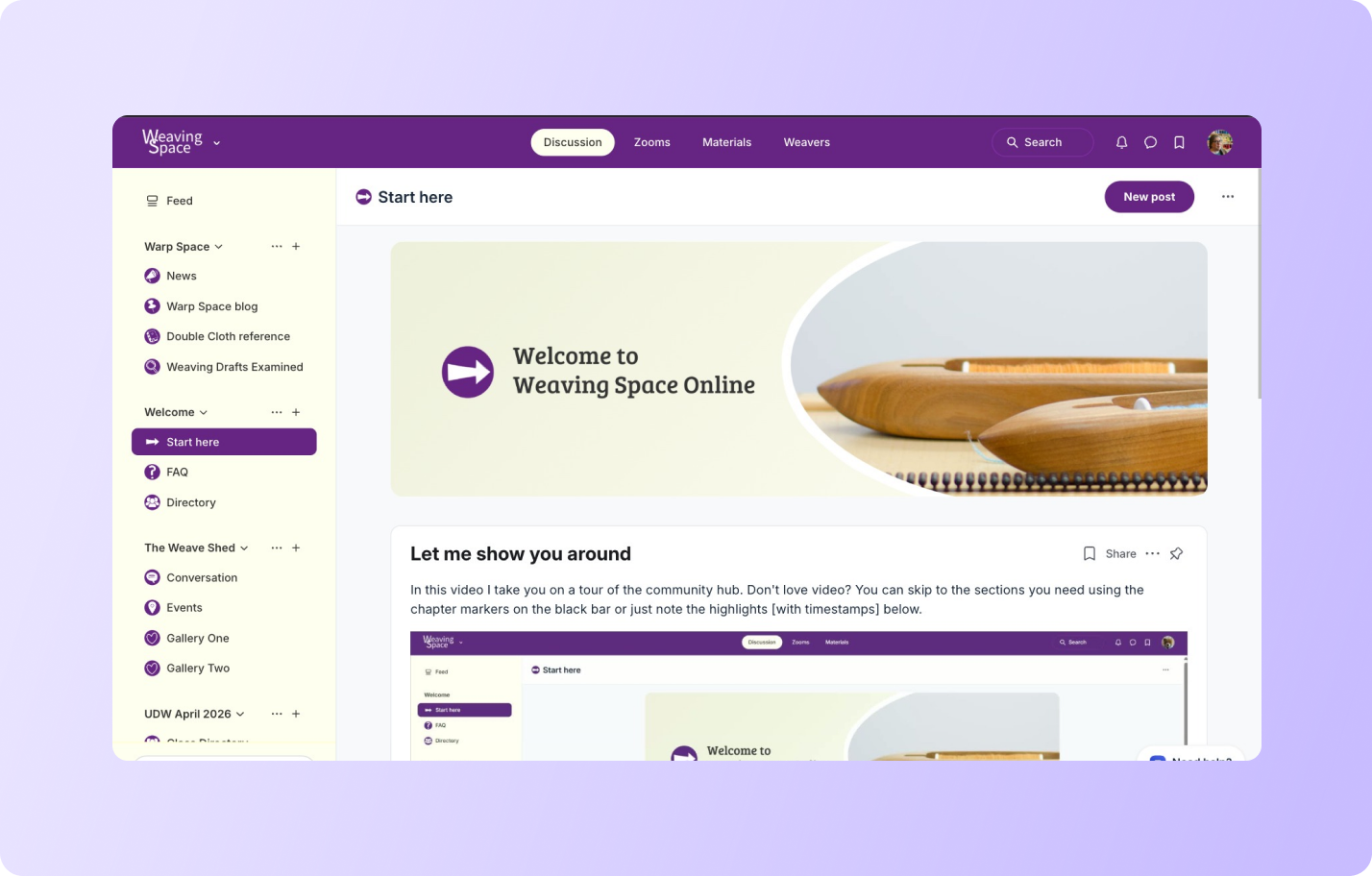
> It's important that the technology doesn't get in the way of the craft we are there to learn, so I need to find things that will be really easy to use. When I was looking for spaces that I could use for a community part of my program, that was when I started looking at Circle.
Starting a weaving project requires a lot of planning, and Cally's courses are booked out months in advance. Unlike knitting, where you can just pick up another set of needles in case you want to start over or try something else, looms are expensive and people generally only have one. So you need to set it up the right way, with the right materials, before you even think about getting started.
That's why Cally puts a huge level of care and detail into making sure people know exactly where to go and what to do to get the most out of their course: so they can hit the ground running once it kicks off.
Here's how she uses Circle to do it:
### **1. She executes very intentional onboarding well before the course starts**
Cally gets in touch with students weeks in advance of the course start date to explain exactly what's going to happen, what kind of communications to expect, and when to expect them.
In her words, "I try to signpost really clearly every step people need to do." Then, she sends out the community invites two to three days before the course starts, to give everyone time to sort out any technical issues before the first day.
### **2. She displays a welcome tour video front and center**
As soon as a new member lands in Weaving Space's welcome space, the first thing they'll see is Cally's 15-minute video tour, as well as other useful resources that she's pinned to the space. The tour walks new members through everything they need to know, including what different areas of the community are for.
### **3. She uses a variety of space types to organize the learning experience**
Different space types help members understand where they're meant to go and what they're meant to do next. Here are some of the different spaces in Cally's community:
* **Introductions**: a posts space where members can post short intros to let people know a little bit more about themselves and connect throughout the course.
* **Weekly bulletin**: a posts space where only Cally can post which she uses to share news, slides, recordings, important information, and resources.
* **Meet live:** an events space where all the Zoom calls and drop-in sessions live, and people can sign up for recurring events to receive notifications about them.
* **Tea room:** a chat space where people can share ideas and talk about non-course related topics if they want to.
* **Helpdesk**: a chat space where people can ask questions specifically related to any technical issues they may be having.
* **Lesson spaces**: Cally unveils these spaces one at a time as they go through the course, to avoid confusing her students.
### **4. She shows up consistently to encourage engagement and provide support**
Cally does this in a number of different ways.
* First, she uses an avatar called Teddy, which is essentially a test account that models certain behaviors she wants to see from her students (for example, posting an introduction, or sharing an achievement.)
* She also spends time every morning and every afternoon checking activity in the community and answering questions.
* Another thing Cally makes sure to do on a daily basis is to tackle questions from the US in the morning, so that by the time they've woken up, they'll have an answer and won't have any blockers.
* Finally, she makes sure to comment everywhere that it makes sense and is appropriate: it's important for her that everyone feels seen and that their efforts are recognized.
Having hosted many courses now since launching in 2021, Cally has ironed out the course process and it runs like clockwork. Alumni get lifetime access to all of the course materials so they can come back and access lessons whenever they want, and some even take the course twice just for the fun of going through it again with a new cohort.
Cally briefly thought about transforming this learning experience into a digital product, but she loves running it as a cohort-based course. The engagement is unparalleled and the experience is rewarding for both her students and her because it's not just lessons: it's the calls, the discussions, the community, and everything that comes with it.
For now, she continues on her mission to share her love of weaving with students all over the world and encourage innovation in the space.
---
### How Whoggga created a seamless member experience that elevated their brand with Circle Plus
*Whoggga*
Source: https://circle.so/customer-stories/whoggga
## Meet Whoggga, the no-BS networking community for business owners
When Gregg and Adam launched Whoggga on Circle in 2021, they wanted to turn conventional business networking on its head by creating a community that was truly:
* **Relationship-driven instead of transaction-driven**—humans first, vetted business owners second
* **Available 24/7**—not only Thursdays at 7pm in your community business center
* **By business owners, for business owners**—no pay to play, yes to value alignment
Whoggga's wild idea? You get to know business owners as people **first**. Then, if–and only if–there's a genuine fit, of course you refer business their way.
> "I keep going to these seven o'clock meetings, and I'm forced to give referrals and I don't even know these people."
>
> — Gregg Pajak, Co-Founder, Whoggga
Unsurprisingly, they quickly proved this concept when 100+ new local members joined for their no-BS networking approach.
Their members—all local business owners personally and carefully vetted by Gregg and Adam—were all tired of the impersonal, inauthentic, and ultimately, ineffective time-blocked networking that happened at dingy Chambers of Commerce offices.
> The first question \[when launching our community] was are we going to vet individuals? And the answer was, absolutely, yes. Just because your credit card clears doesn't mean you can join Whoggga. There's a vetting process where we want to make sure that you're a viable business, that you actually own a business.
>
> — Gregg Pajak, Co-Founder, Whoggga
Whoggga created a place for people who wanted to connect to others like them in a more modern way—without the facade of professionalism, and with all the empathetic guardrails that make good communities great.
> I live my business 24/7, so why do I have to wait till seven o'clock once a week at a diner to exchange business? I want to be able to talk to my community or my networking group. I want to be able to interact with them on a consistent basis. If I have an opportunity for someone at 12 o'clock at night, why can't I just instant message them? Why can't there be some kind of a platform for this?
>
> — Gregg Pajak, Co-Founder, Whoggga
But almost as soon as they "found their people" and started growing their community, the growing pains started kicking in, too.
***
**The challenge**
## A disjointed member experience that didn't live up to their premium brand
As Gregg and Adam went through a branding exercise to revisit the values that led them to create Whoggga, they realized that parts of their member experience didn't reflect what they wanted to portray to the world: an exclusive, premium membership in a deeply valuable, unique business community.
**The initial friction they kept experiencing was that joining the community required a rambling conversation** to download the Circle app before they could even pitch Whoggga.
> "I'd hear, 'I went on the app store, but I didn't find anything under Whoggga.' It's like, 'Oh no, you have to type in Circle.' 'What's that?' And it was this whole 10-minute conversation because it's like I don't want to say anything bad about you guys, quite the opposite. So you'd be spending this whole time talking about Circle instead of Whoggga, and it just wasn't that smooth."
>
> — Gregg Pajak, Co-Founder, Whoggga
Explaining another app before you could even talk about the value of your community didn't feel very "white glove" or 24/7 for people who would hopefully pay thousands every year to join ($4,200/year or $350/month, in fact.)
Plus, it was frustrating for Gregg and Adam to begin their pitch with an experience that didn't live up to their own expectations—when they knew the massive value of their community was just on the other side.
It created a friction in their sales process before they even got the chance to make a solid first impression which they knew would make it harder for them to scale in the future.
**Almost immediately after the lackluster introduction, prospects who were interested in joining would go through a lengthy, 5+ step vetting process**—conducted solely by Gregg and Adam.
> "We say that we're by business owners for business owners, but it's not just Adam and Gregg, the co-founders. We wanted to be truly community built and community led."
> — Gregg Pajak, Co-Founder, Whoggga
For a community that aspired to be "by business owners, for business owners", they didn't follow their own ideals by giving their members any ownership over creating the culture they wanted from the get go.
> "I know I've seen a lot of communities where it's kind of like, if you're in, you're in, your credit card clears, welcome to the community. Maybe they ask a few questions, but there isn't a thumbs up, a thumbs down kind of a process."
>
> — Gregg Pajak, Co-Founder, Whoggga
There were two key issues in this member onboarding stage that contradicted the way they wanted to run their business:
1. **Members had no say in who joined** the community, and
2. **Vetting new members took too long** and **wasn't scalable** as the community continued to grow
As seasoned business owners, Gregg and Adam realized that the same systems that were struggling at 100 members would break down completely at 1,000 members.
> "As we started to grow from 20 to 30 to 50 members, we started getting into weeks where we would have three or four new members looking to join.We kind of got to the point where we needed a way to give the community the ability to have a say in a word in how the community continues to grow versus just Adam and I looking at a member and saying, 'Hey, they should join or they shouldn't join."
>
> — Gregg Pajak, Co-Founder, Whoggga
**If they were going to scale and live their values in the process, they needed more control** to build the community experience of their dreams.
* **Control over their member experience** (without a different app as a middle man)
* **Control over how their community functions** (so that every touchpoint reflects their values from the get-go)
* **Control over how people perceive them** (as the kind of community that has a product and experience that matches the caliber of their brand)
That's where Circle Plus came in.
***
**The solution**
## A branded app that gave them the seamless, scalable member experience of their dreams
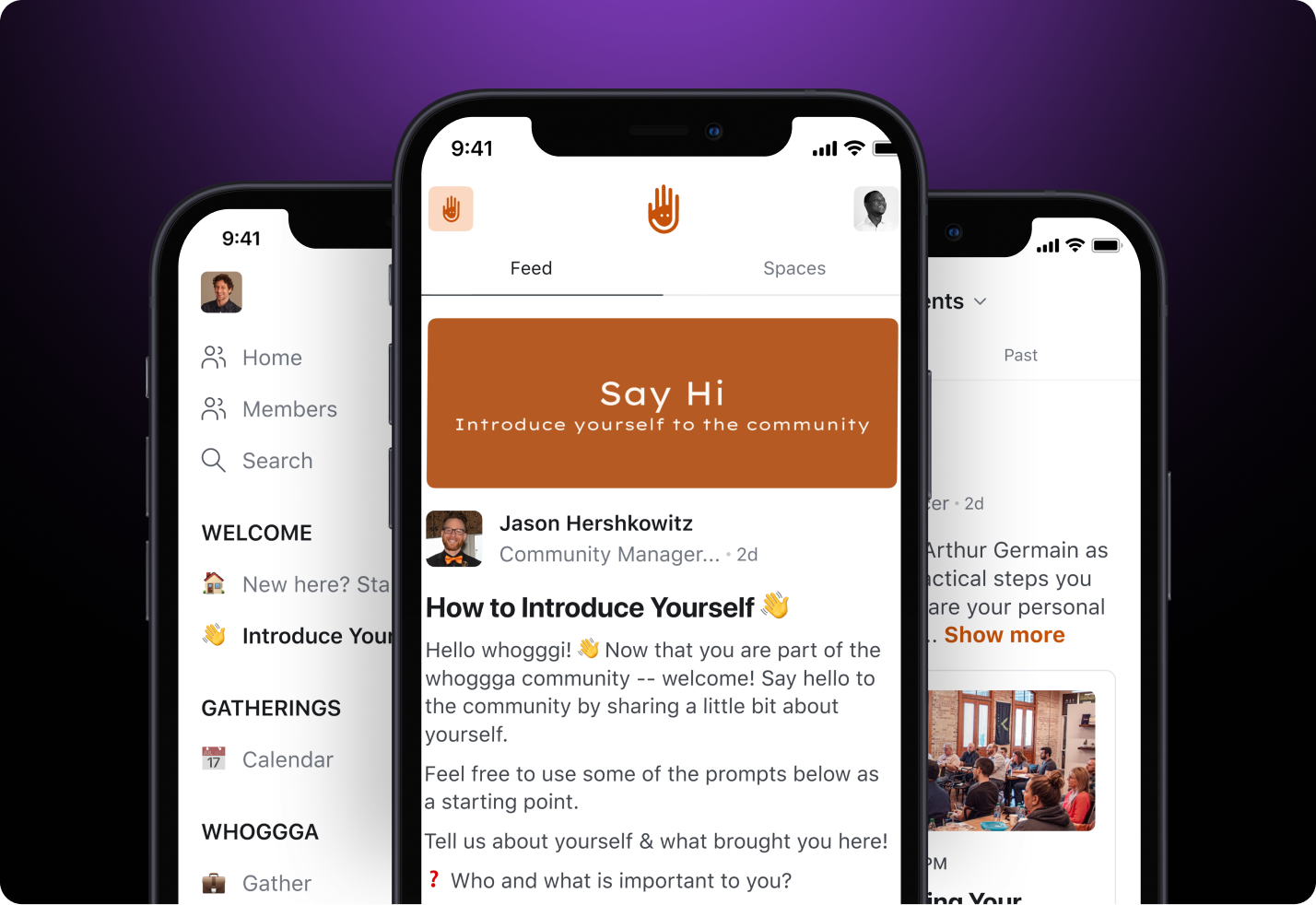
Before they could grow past 100 members, Gregg and Adam needed to smooth out the friction in their member experience to reflect the quality of and elevate the Whoggga brand.
Once they learned about Circle Plus's unique features—especially the custom, branded mobile app that would give them full control over their marketing—there was no going back to the way they did things before.
> "We say we're the opposite of traditional networking. We're breaking the mold. So our measure of success is a little bit untraditional as well.
> Our measure of success with Circle Plus is: Is our onboarding experience better? Are our community members having a better experience online overall? And we're seeing that."
>
> — Adah Kruszlinski, Brand and Marketing, Whoggga
**With Circle Plus, Whoggga got a custom, done-for-you mobile app that put their brand front and center to make a killer first impression.**
> "Having a branded app is just so powerful. That's something that is really going to help us in our growth. As great as Circle is and us being on Circle was great, it's so much more powerful to say, 'No, just download the Whoggga app. Download our app.'"
>
> — Gregg Pajak, Co-Founder, Whoggga
Building their own app with Circle Plus was the ultimate commitment to their core value of always-on flexibility for businesses to stay connected, day or night.
No more explaining that you need to download Circle to access Whoggga—there's now a straight path from discovering Whoggga to applying to the community.
No more clunky experiences, workarounds, or stitching various processes together—the Whoggga app is available 24/7 for whatever their members want to share.
> "You see Whoggga on the app store, download it, and right from there they're in the vetting room.It opens up the profile, they give us their information, and then the community manager reaches out to them immediately. And at the same time, the community gets a DM via automation to now vet them over the next couple of days to see if they're a business owner that we want to have as part of the platform."
>
> — Gregg Pajak, Co-Founder, Whoggga
**Thanks to Circle Plus, Gregg and Adam have turned their tedious vetting process into a simple, scalable, member-led practice that empowers members to feel like owners.**
The co-founders turned…
* From being the sole, top-down arbiters of who can join Whoggga—to being stewards of a community-led networking group that really lives their values
* From overwhelmed with a burdensome, lengthy process—to empowering the community to build the culture they want to see
* From running their community contrary to what they aspired to create—to deeply aligned with their members in a way that adds massive value
Not only has the vetting process been removed from Gregg and Adam's plate and freed them up for more strategic work, but they've also aligned the process much closer to their expectations of what a premium experience feels like for them.
> "We have definitely streamlined and sped up our vetting process. Now, it's so much easier for us to get a better picture of potential members. There's not as much of a lag time of collecting all their information and getting to know them.Our members have a say in who's coming in, and let us know good, bad, ugly, magnificent things about these people."
>
> — Adah Kruszlinski, Brand and Marketing, Whoggga
Plus, it's given them a whole new advantage of pulling members deeper into the community by having a say over the quality of the members they approve to join.
> "We've heard from existing members that they like knowing who wants to join because that was all really private \[before].And now, they appreciate knowing who's coming in because it gives every member a sense of ownership and belonging in having a say."
>
> — Adah Kruszlinski, Brand and Marketing, Whoggga
**By investing in a custom app with Circle Plus, Whoggga managed to create a seamless member experience that truly elevates their brand and represents everything they've been working tirelessly to build inside their community.**
But that's not all.
With Circle Plus, they're also invested in a solution that grows with them. While Circle powers continuous product updates behind the scenes, Whoggga's members see these enhancements as a reflection of Whoggga's commitment to innovation and progress.
This allows Whoggga to cement its status as a forward-looking, vibrant community—all without members needing to know that Circle is the engine behind the improvements, and without the hassle of managing their own mobile app team.
> "When you guys roll out your monthly or quarterly announcements about updates coming to Circle, we highlight that. We're like, 'Here's how our Whoggga community is improving this month.' And that says a lot to our community.
>
> That says, 'Wow, they're constantly improving this thing. It's getting better and better. When we said we wanted something, they took that feedback and then three months later, here it is.'
>
> It's hard to quantify what's the value of that. It's tremendous."
>
> — Gregg Pajak, Co-Founder, Whoggga
***
**Results**
## Smooth onboarding, high engagement, ready to scale
With Circle Plus, Whoggga is ready to scale their elevated, aligned brand to as many members as they want—and they've future-proofed their operations to boot. Gregg and Adam can breathe easy knowing they won't have to switch tools or question whether their processes will break down the road.
Where they used to ask, "Can our systems handle 100, 200, or even 400 members?"
With their Monthly Active Users steady at 90% of their community—3x the average for a group of their size—they no longer have to worry about losing impact or functionality as they scale.
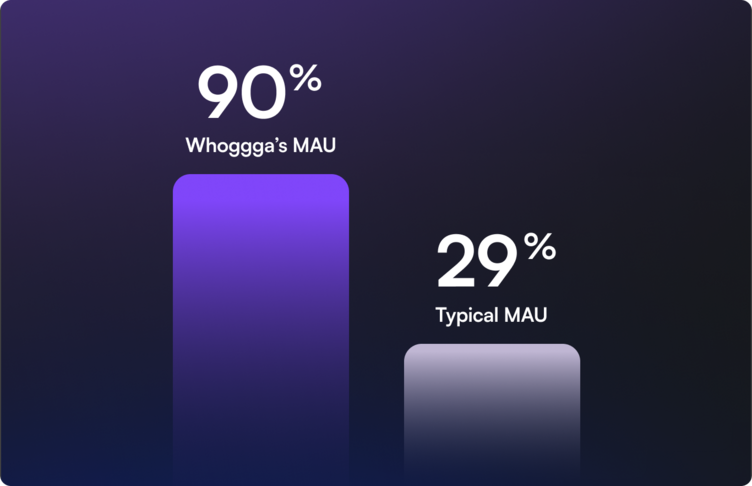
Their revamped, automated, and community-led vetting process and their seamless onboarding sets Whoggga up to confidently scale without stressing about frictions that don't reflect their incredible community.
> "I think \[success] comes down to the execution of what we want the experience to look like for somebody that you meet at a networking event.
>
> They walk up to you and say, "Oh, you're Whoggga. I've heard so much about you. How do I join?" And for that process to be smooth, but at the same time for the vetting process to actually mean something where the way we designed it. From step one all the way through when they're a member, for someone to engage within a branded version of what we're trying to create."
>
> — Gregg Pajak, Co-Founder, Whoggga
---